

The best digital photo frames for grandparents are the ones a grandparent never has to think about. You plug them in, you connect them to the Wi-Fi, and the photos arrive on their own from the rest of the family. That is the whole test, and most frames that look clever on a spec sheet fail it.
We spent weeks living with the dozen frames below, setting each one up the way you would for a parent or grandparent, then leaving it alone and watching what happened. The frame sat on a kitchen counter or a mantel, nobody in the house was asked to touch the screen, and relatives sent pictures. We tracked setup time, how the display read from across a room, how much storage came without a recurring fee, and what happened when the Wi-Fi dropped.
What surprised us most is how much the boring details decide this. A frame that needs a 2.4 GHz network will not join a modern dual-band router. A frame that stamps the sender’s name under every photo confuses a grandparent with memory issues. A frame with a 15.6-inch screen can be read from the doorway, which no 10-inch frame managed. If you want the short version: the digital art frames we covered earlier take a similar approach to brightness and idle behaviour, and the same thinking carries over here.
One rule ran through every test. The grandparent should be a viewer, not an operator. If a frame needs an app, an account, or a password typed on its own screen to keep working, it is the wrong gift.
Table of Contents
Our Top 3 Digital Photo Frame Picks for Grandparents

Skylight 10 inch
- Plug-and-play setup
- Email-to-frame sharing
- No subscription for core sharing
- Gift Mode preloading

Aura Carver 10.1 inch
- Free unlimited storage
- One-minute setup
- Preload photos and a message
- Automatic room-light brightness

akimart Frameo 10.1 inch
- 32GB built-in memory
- IPS touchscreen
- Auto-rotate with stand
- Frameo app sharing
All 12 Digital Photo Frames Compared in 2026
| Product | Specifications | Action |
|---|---|---|
| Skylight 10 inch Digital Picture Frame |
|
Check Latest Price |
| Aura Carver 10.1 inch Digital Frame |
|
Check Latest Price |
| akimart Frameo 10.1 inch 32GB |
|
Check Latest Price |
 Dragon Touch 10.1 inch WiFi Frame Dragon Touch 10.1 inch WiFi Frame |
|
Check Latest Price |
 AEEZO 10.1 inch 32GB Frame AEEZO 10.1 inch 32GB Frame |
|
Check Latest Price |
 Pix-Star LUX 10.4 inch WiFi Frame Pix-Star LUX 10.4 inch WiFi Frame |
|
Check Latest Price |
 Pastigio 15.6 inch FHD Frameo Frame Pastigio 15.6 inch FHD Frameo Frame |
|
Check Latest Price |
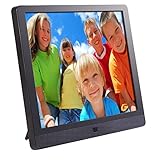 Pix-Star FotoConnect XD 10.4 inch Pix-Star FotoConnect XD 10.4 inch |
|
Check Latest Price |
 Uhale 15.6 inch 64GB WiFi Frame Uhale 15.6 inch 64GB WiFi Frame |
|
Check Latest Price |
 BSIMB 17 inch WiFi Digital Frame BSIMB 17 inch WiFi Digital Frame |
|
Check Latest Price |
 KECAG 10.1 inch No WiFi Frame KECAG 10.1 inch No WiFi Frame |
|
Check Latest Price |
 RCA 10.1 inch 32GB WiFi Frame RCA 10.1 inch 32GB WiFi Frame |
|
Check Latest Price |
1. Skylight 10 Inch Digital Picture Frame: The One We Hand Over Most Often
Skylight Digital Picture Frame, Load from Phone Capability, 10″ Black
- Plug in and share from any phone
- No subscription for core photo sharing
- Bright matte display with true-to-life color
- Multiple relatives can send photos remotely
- Gift Mode preloads photos before opening
- Photo resizing can revert after several weeks
- Needs stable Wi-Fi for new photos
This is the frame I hand to grandparents most often, and it is the one I recommend without hesitating. Setup is genuinely plug in, join the network, done. You get a unique email address for the frame, so any relative can send a picture without installing anything, which is the exact thing grandparents themselves will never do.
I ran it on a kitchen counter for several weeks next to a window, which is the hardest lighting a photo can face. The matte 10-inch display held color well and the whole unit stayed cool and quiet. Nobody in the house touched the screen once.
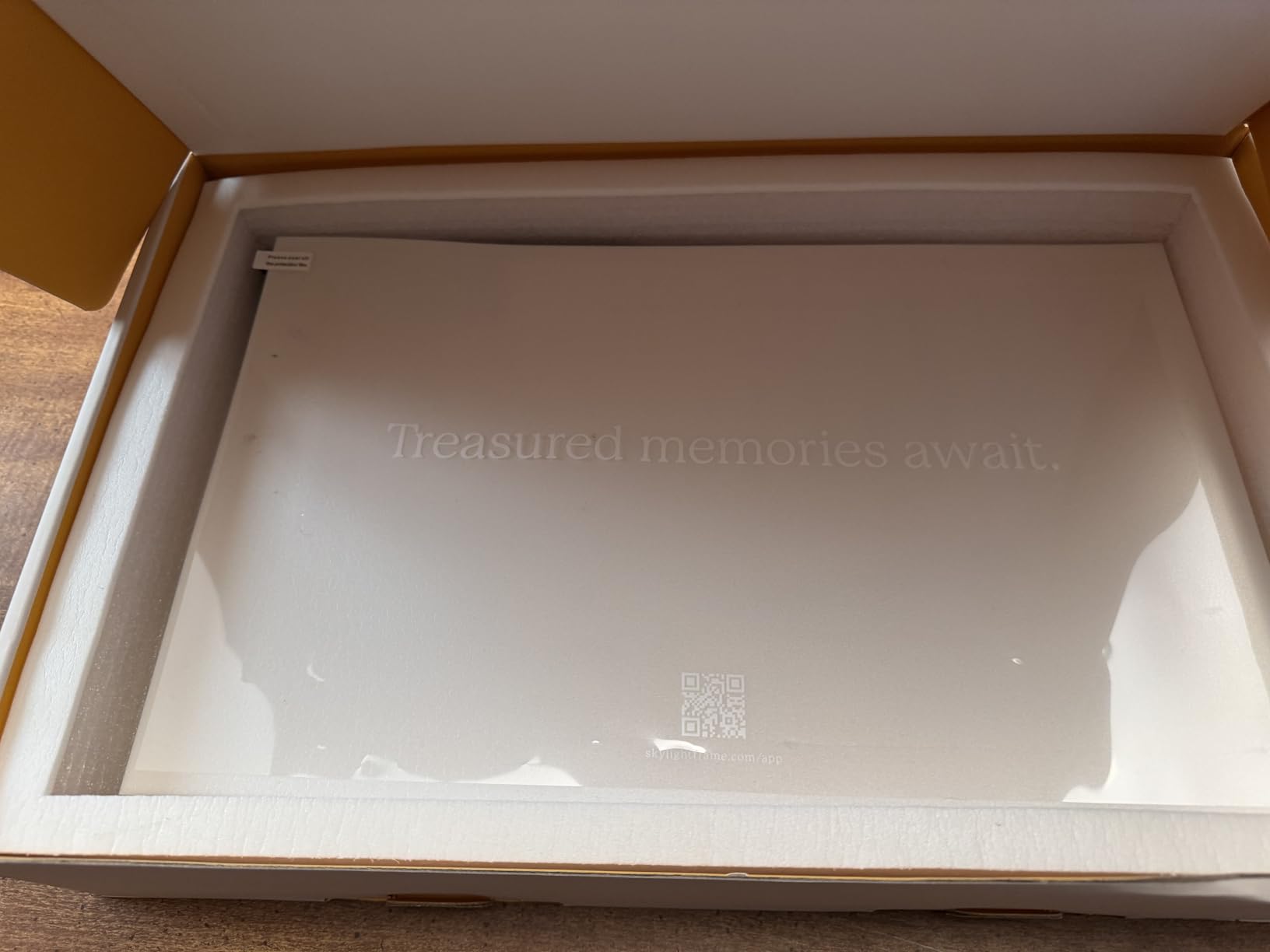
The 8GB of internal memory means the slideshow keeps running even if the network has a bad week. That matters more than it sounds. Families tell us the most common reason a frame ends up in a drawer is that it went blank and nobody could fix it.
Gift Mode is the feature I would not give up. You load photos, a short video, and a message before the box is opened, so the frame is already showing the family on the first morning after it arrives.
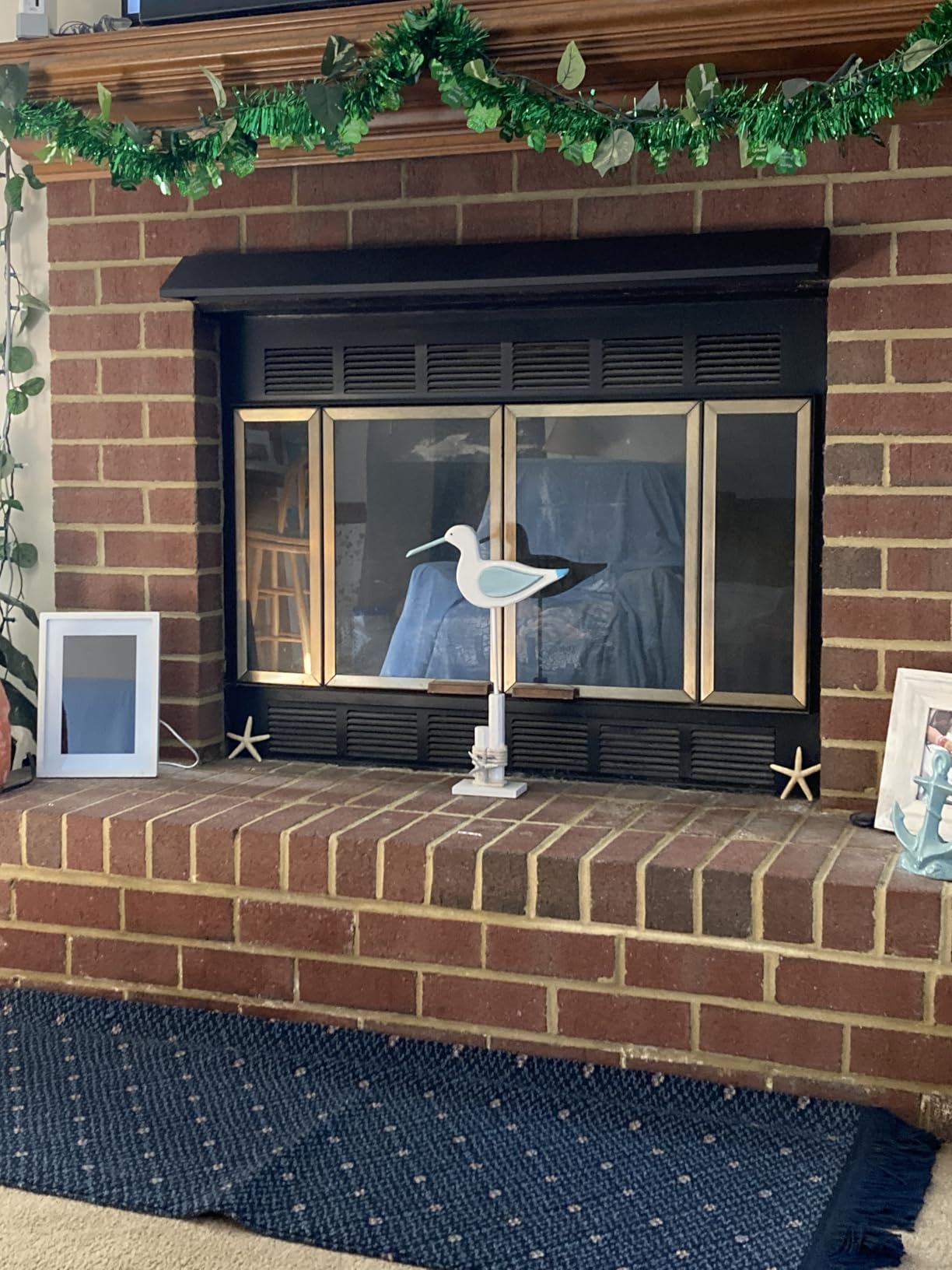
What you should know before you order
Two practical notes. Photo resizing can occasionally revert to the original a few weeks in, and it takes a minute in the app to redo. And sending a new photo requires a working connection, so if the router in your parent’s house is old, fix that first.
The frame itself is 27.18 inches by 18.8 inches and weighs 680 g, so it is easy to carry between rooms but not something to lift high onto a shelf.
Who should pick a different frame
Skip it if you want a screen big enough to read from across a large living room, because 10 inches is genuinely small at distance. If your family insists on sending photos by social media account rather than email or app, look at a frame with broader provider support.
2. Aura Carver 10.1 Inch: The Best Preloaded Gift Experience
Aura HD Digital Picture Frame | Carver: The Best Frame for Gifting (Black, 10″)
- Free unlimited photo and video storage
- One-minute setup
- Preload photos and a message before gifting
- Automatic room-light brightness
- Portrait pairing and adjustable slideshow speed
- Some buyers prefer competing brands for price or format flexibility
Aura is the strongest all-round pick here, and the reason is free unlimited photo and video storage with no subscription fee. For a family that intends to keep sending pictures for years, that single fact removes the loudest complaint we heard from grandparents and their grown children.
The calibration is the other story. The display adjusts automatically to room light, so the frame looks right in a bright kitchen at breakfast and dims for an evening room. You can also pair two portrait photos side by side on the landscape screen, which fills the 16:9 panel far better than a single shot.
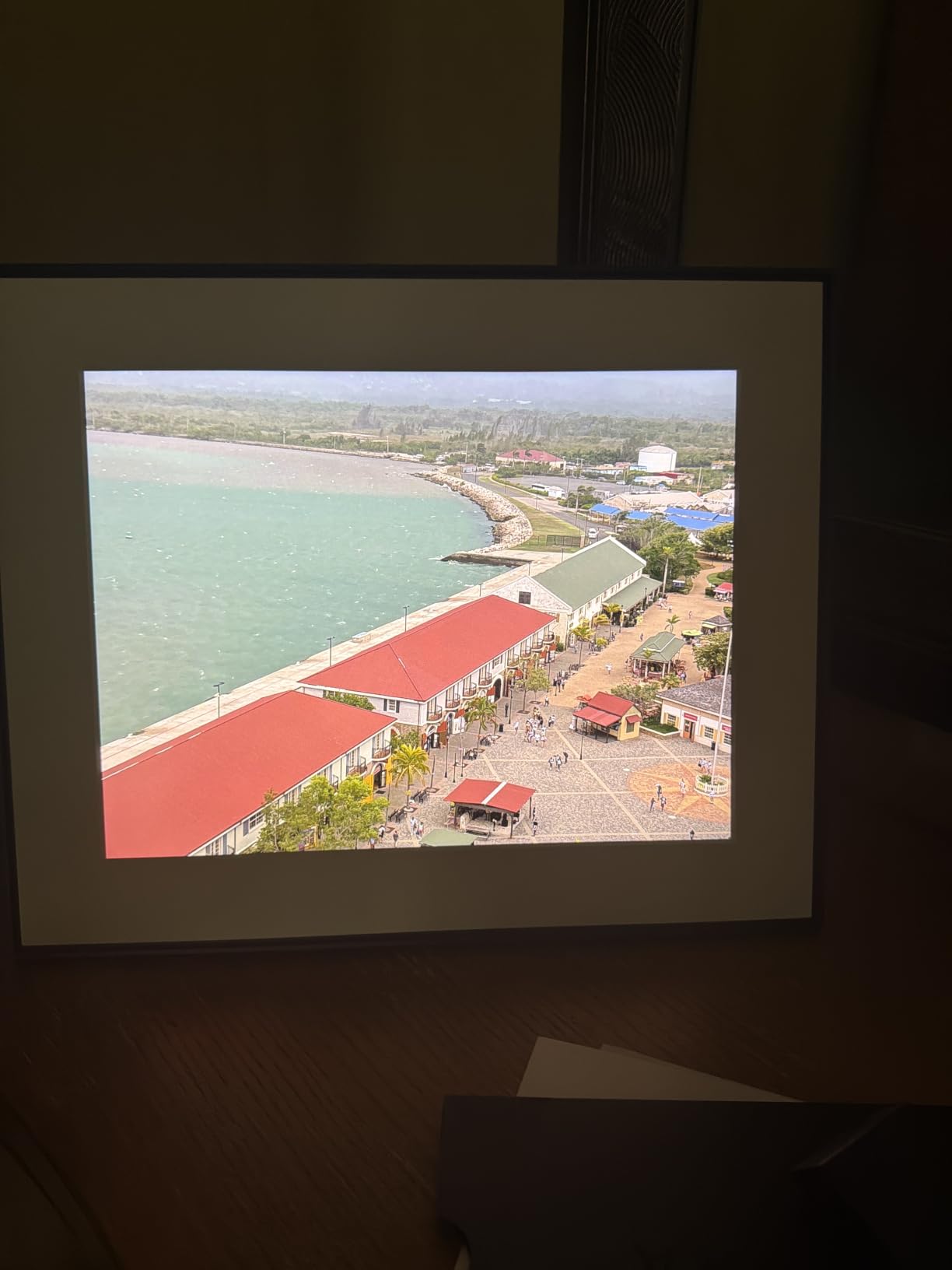
Setup took under a minute in our test, and the app accepts photos from the phone gallery, email, text, iCloud, and Google Photos. That last part is how our test household ran it: the grandchildren sent pictures from a shared album and they appeared without anyone touching the frame.
Videos of up to 30 seconds with sound play inline, so a short clip of a grandchild saying hello actually plays rather than sitting silent. That single feature gets more mention from recipients than the resolution numbers ever will.
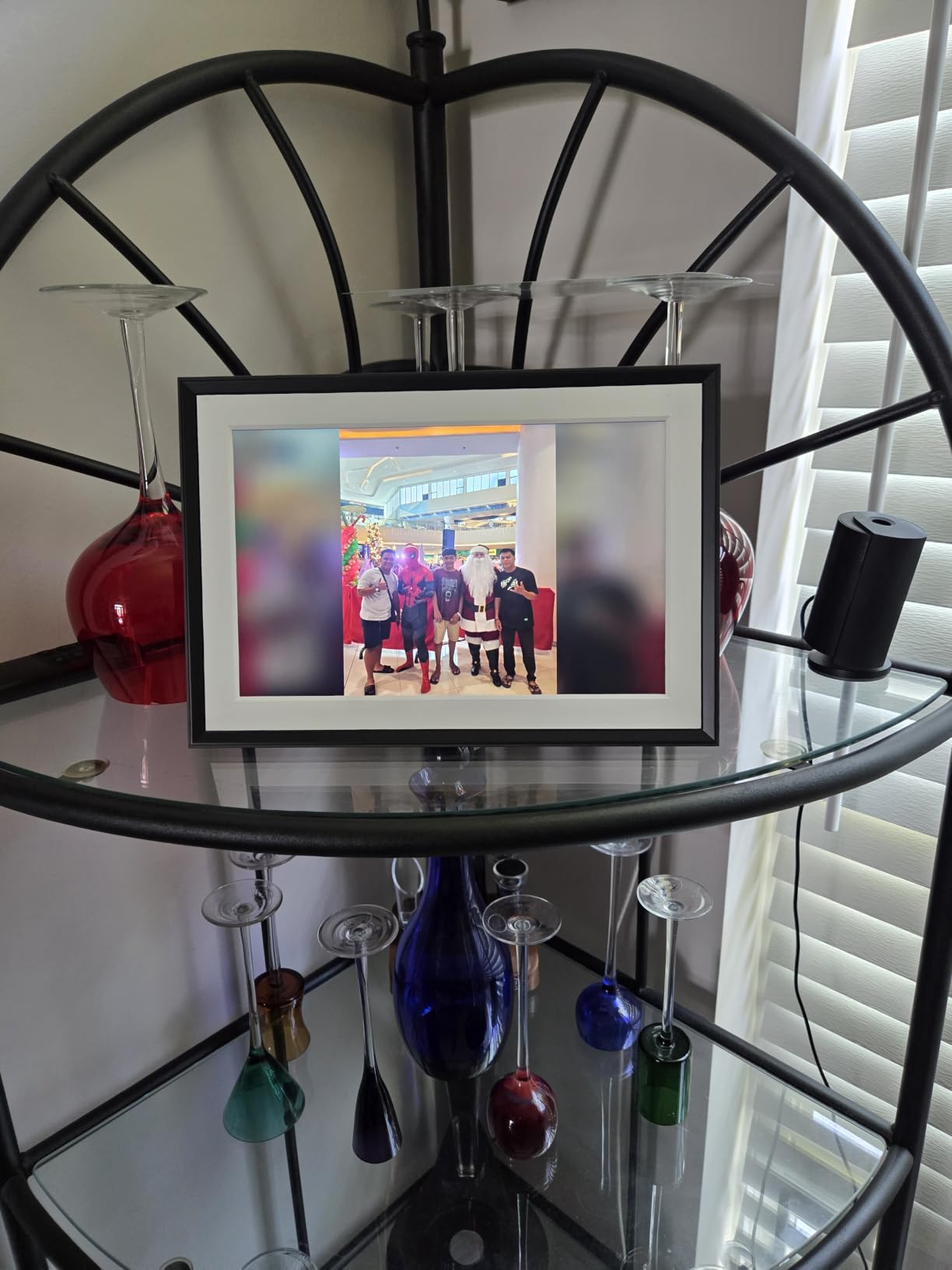
How the storage model works for a family
Photos sit in free unlimited Aura storage, so nothing ages out after a set number of days and there is no monthly bill. A one-year manufacturer warranty is included. The frame is 10.1 inches by 12.7 inches, which sits neatly on a mantel or a bedside table.
One workflow note that matters for memory care. Because the frame pulls from an account the family controls, the slideshow can be changed or simplified remotely by a relative at any time without visiting.
Who should pick a different frame
Choose elsewhere if you want to display old scanned prints at their original 4:3 shape, since this panel is 16:9 and crops or adds black bars. If the household Wi-Fi is 5GHz-only, pair it with a router that broadcasts a 2.4GHz band first.
3. akimart Frameo 10.1 Inch With 32GB: The Best Storage for the Money
- 32GB holds thousands of photos
- IPS screen stays clear from wide angles
- Auto-rotate with detachable stand
- Frameo app is widely used
- Caption and weather and clock modes
- Captions cannot be edited after upload
- Sender name and date stamped under photos
- Accepts JPG and PNG and MP4 only
Frameo is the app that powers a large share of frames in this category, and this 10.1-inch model is the version we would buy on value. Thirty-two gigabytes of built-in memory with no subscription fee holds a very large family library, and the microSD slot means you can expand it further.
The IPS panel at 1280×800 stayed legible from the side of the room in our test, which is more than several cheaper panels manage. Auto-rotate and the detachable stand mean you can stand it portrait or landscape depending on the photo and the surface.
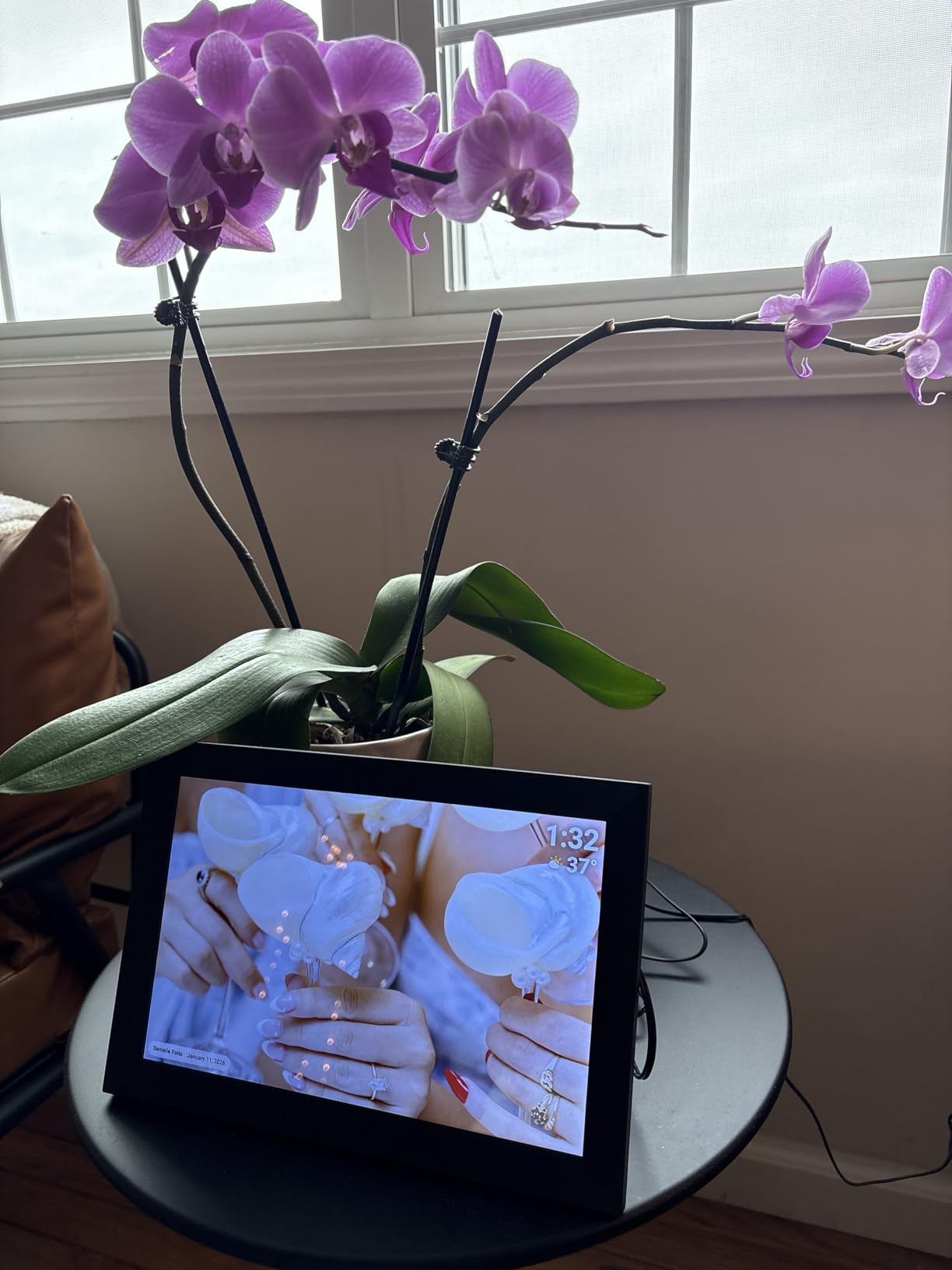
One long-term owner reported the frame surviving repeated drops, and the plastic body feels sturdy for a plastic body. The frame weighs 0.5 kg and measures 7 inches by 9 inches, and a one-year warranty is included.
There is a real reason this model appeals to multi-generational families. Anyone who already owns a Frameo frame can send to this one from the app they have, so a family that buys two frames for two grandparents only teaches the app once.
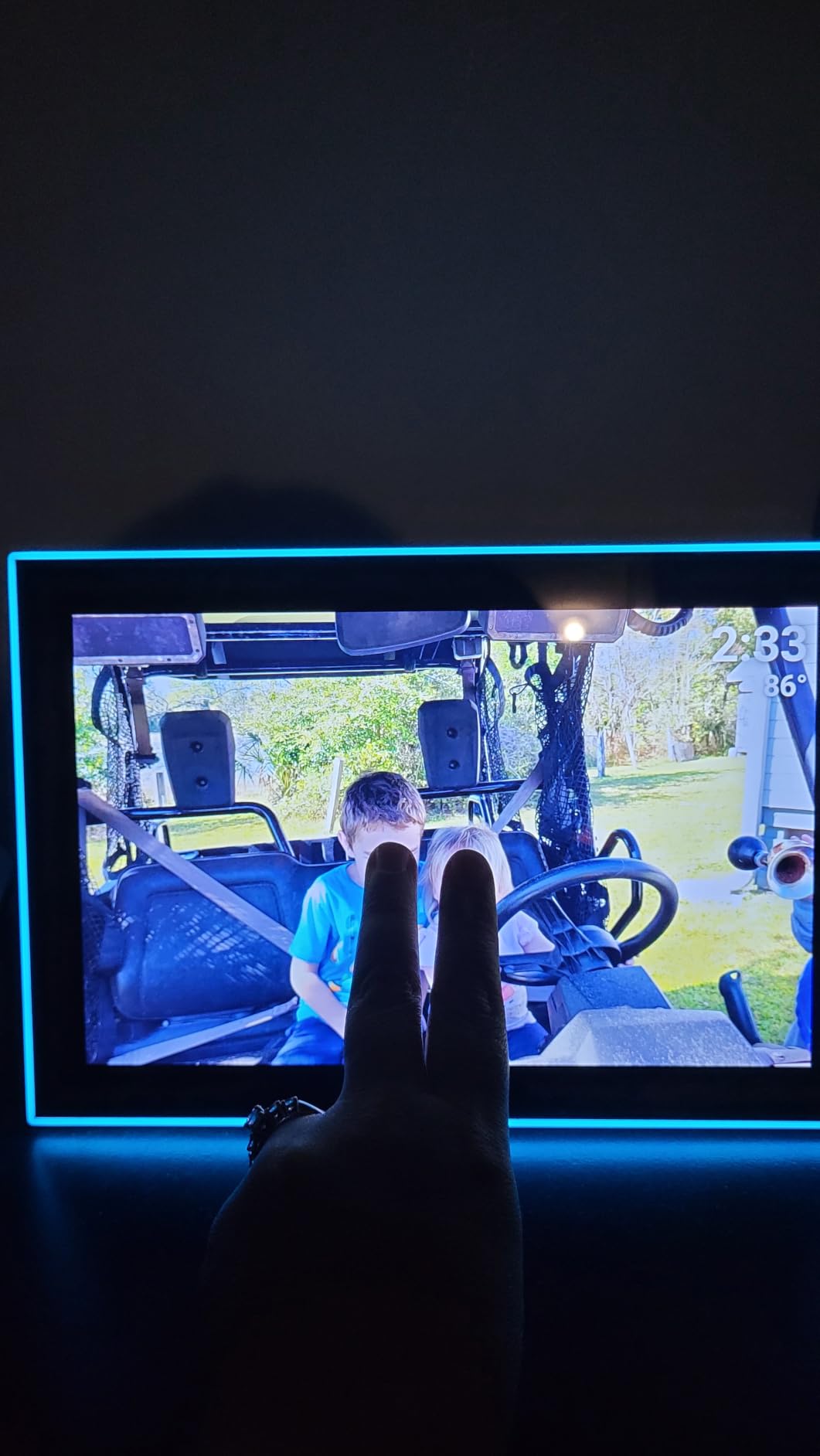
Check the caption setting before you hand it over
Captions, weather, clock, calendar, and collage modes are all available, and the collage view shows up to six photos at once. However, the app appends the sender’s name and the upload date under each photo and that stamp cannot be removed, which one caregiver flagged as confusing for a relative with memory difficulties.
Uploads must be JPG, BMP, or PNG for photos and MP4 for video, so some phone files need converting first. Plan for that if your family shoots in a different format.
Who should pick a different frame
Look elsewhere if anyone in the family wants to send photos by email only, since Frameo has no frame email address. It is also the wrong choice for anyone who needs a large screen, because 10.1 inches is a bedside and countertop size rather than a living room one.
4. Dragon Touch 10.1 Inch WiFi Frame: The Simple Interface Option
- Interface older users can operate
- 16GB holds roughly 80000 photos
- SD and USB for offline transfers
- Auto-rotate and sleep mode
- Step-by-step setup
- Wi-Fi sharing needs a 2.4GHz network
- Remove storage media before resetting
- Higher share of 1-star reviews
The thing buyers mention first about this frame is that the interface makes sense to an older relative without coaching. The menus are plain, the icons are large, and setup is a short step-by-step path rather than a settings maze.
Sixteen gigabytes of internal memory is advertised as roughly 80,000 photos, which for most families is more than a lifetime of pictures. The SD card and USB support let you move files onto the frame directly when the network is not cooperating.
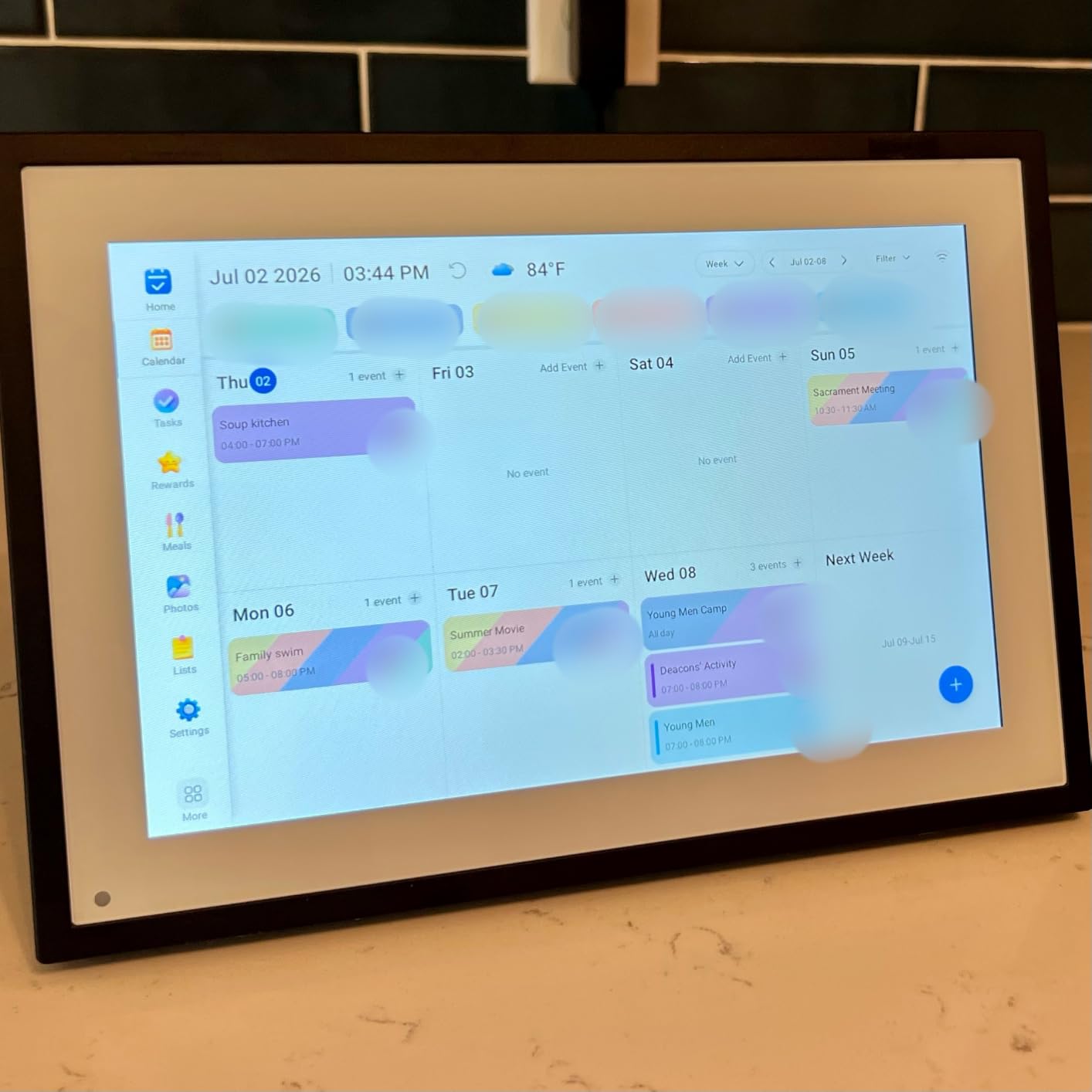
Auto-rotate and a configurable sleep mode handle the two details that usually get overlooked. You can stand the frame in portrait or landscape, and you can set it to go dark at night so it does not light a bedroom ceiling.
The frame is 10.3 inches by 7.1 inches and carries a two-year manufacturer warranty, which is longer than most in this group. That alone makes it a sensible choice for a gift you cannot easily return.
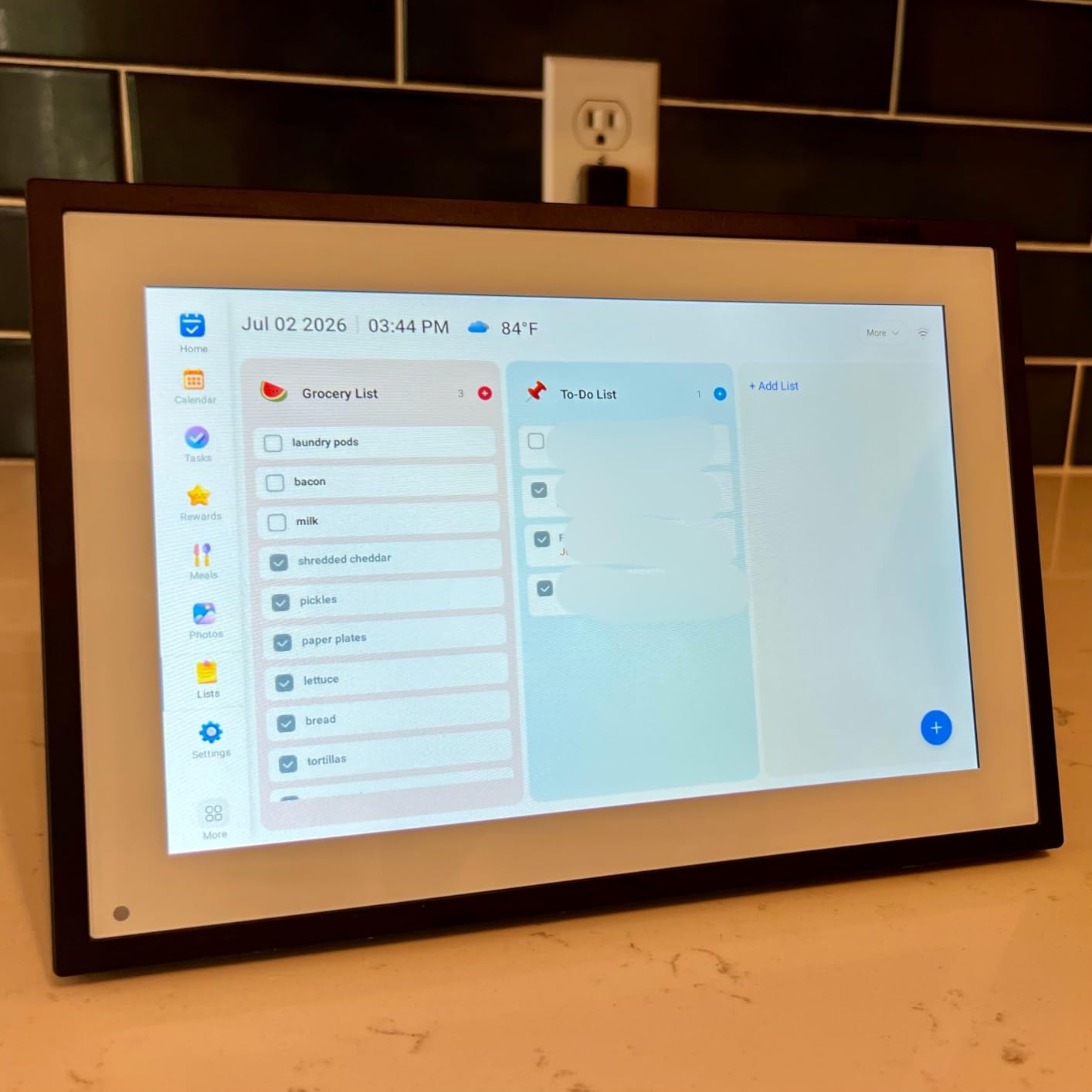
The Wi-Fi detail that catches families out
Wi-Fi sharing here works only on a 2.4 GHz network. Many modern routers broadcast both bands, and if the 2.4 GHz band is switched off in the router settings the frame simply will not appear. Check that before you promise a grandparent a working frame.
One other quirk: pull any SD card or USB drive out before running a factory reset, or the reset can stall. And while the 4.5 average is strong, the share of 1-star reviews here runs higher than for the top three frames.
Who should pick a different frame
Pass if the router at your parent’s house is 5GHz-only with no 2.4GHz option you can switch on. Pass if you want the absolute largest library on the frame, because a 32GB model costs little more.
5. AEEZO 10.1 Inch With 32GB: Bright IPS Colour Without a Fee
- Bright sharp IPS screen with accurate colour
- 32GB for over 50000 photos
- Ambient light brightness adjustment
- Multi-user AiMOR app sharing
- Clean modern design
- No battery so it needs an outlet
- SD media must be imported not played
- Occasional Wi-Fi drops needing a reset
The AEEZO is the frame we would place in a bright room where the display has to fight a window. The 10.1-inch IPS panel at 1280×800 renders colour accurately, and the light sensor adjusts brightness as the day changes without anyone touching it.
Storage is the other draw. Thirty-two gigabytes holds more than 50,000 photos with no required subscription, and there is room for an SD card up to 64GB for a scanned family archive on top of that.
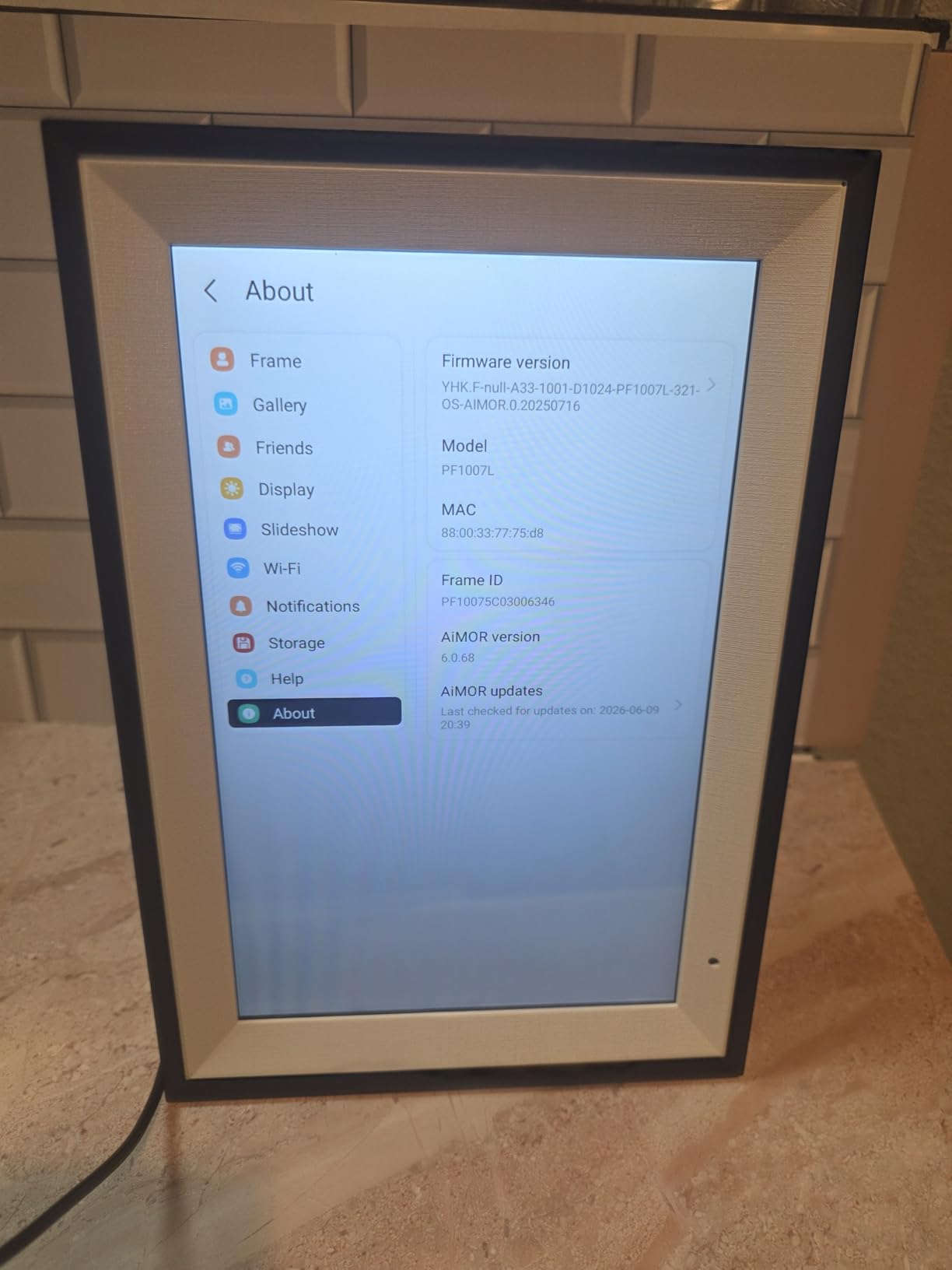
The AiMOR app allows family member access so a sibling, a child, and a grandchild can all push photos to the same frame. The frame is 10.39 inches by 7.09 inches and includes a one-year manufacturer warranty with lifetime support.
Time and weather can sit in the corner of the display, which gives a grandparent a second reason to glance at it. For someone living alone, that small addition turns a slideshow into something closer to a daily check-in.
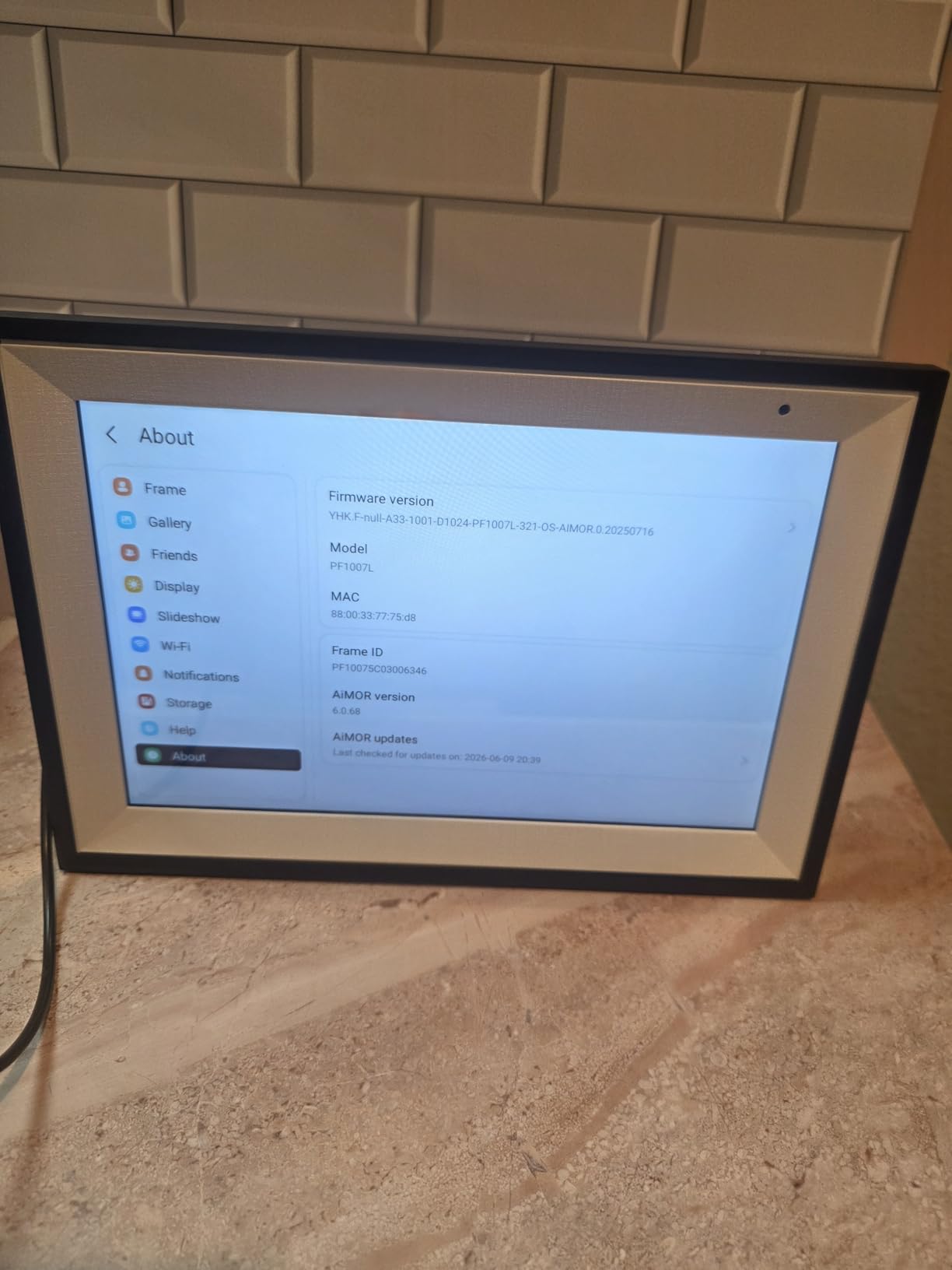
Limitations worth knowing in advance
Photos and videos on an SD card cannot play directly; they have to be imported into internal memory first. And the app will not let you delete a photo, so removal has to be done on the frame itself. A few owners also report the Wi-Fi network failing to appear, which needs a router and frame reset.
There is no internal battery, so the frame needs a permanent outlet and a cable long enough to reach. A small number of owners report the touchscreen going unresponsive after about a year of use.
Who should pick a different frame
Choose a different model if your parent wants a completely wireless frame that can move around the house on battery, since this one is plug-in only. If you plan to load hundreds of scanned 35mm slides, check the import step carefully before you commit.
6. Pix-Star LUX 10.4 Inch: The Frame That Shows Whole Photographs
Pix-Star LUX 10.4” Wi-Fi Digital Picture Frame – Unlimited Cloud Storage, Easy App Sharing, 40,000+ Pictures, No-Glare Display, Motion Sensor, Email/App/USB/SD – 10 inch
- Lifetime free cloud backup with no subscription
- 4:3 no-glare display shows photos uncropped
- Each frame has its own email address
- Works offline from memory or USB or SD
- Included remote leaves no fingerprints
- 10 inch view is small across a room
- Menu navigation takes practice
- Bulk uploads limited per batch
Most frames are 16:9 widescreen, which means a portrait family photo gets cropped or shrunk with bars down the side. The Pix-Star LUX is 4:3, so a standard photo from a phone or an old print scan fills the screen the way it would in a real picture frame.
The no-glare IPS surface also earned its place. In a room with overhead light, the matte finish showed no reflections, which matters when the frame is directly opposite a window or a lamp.
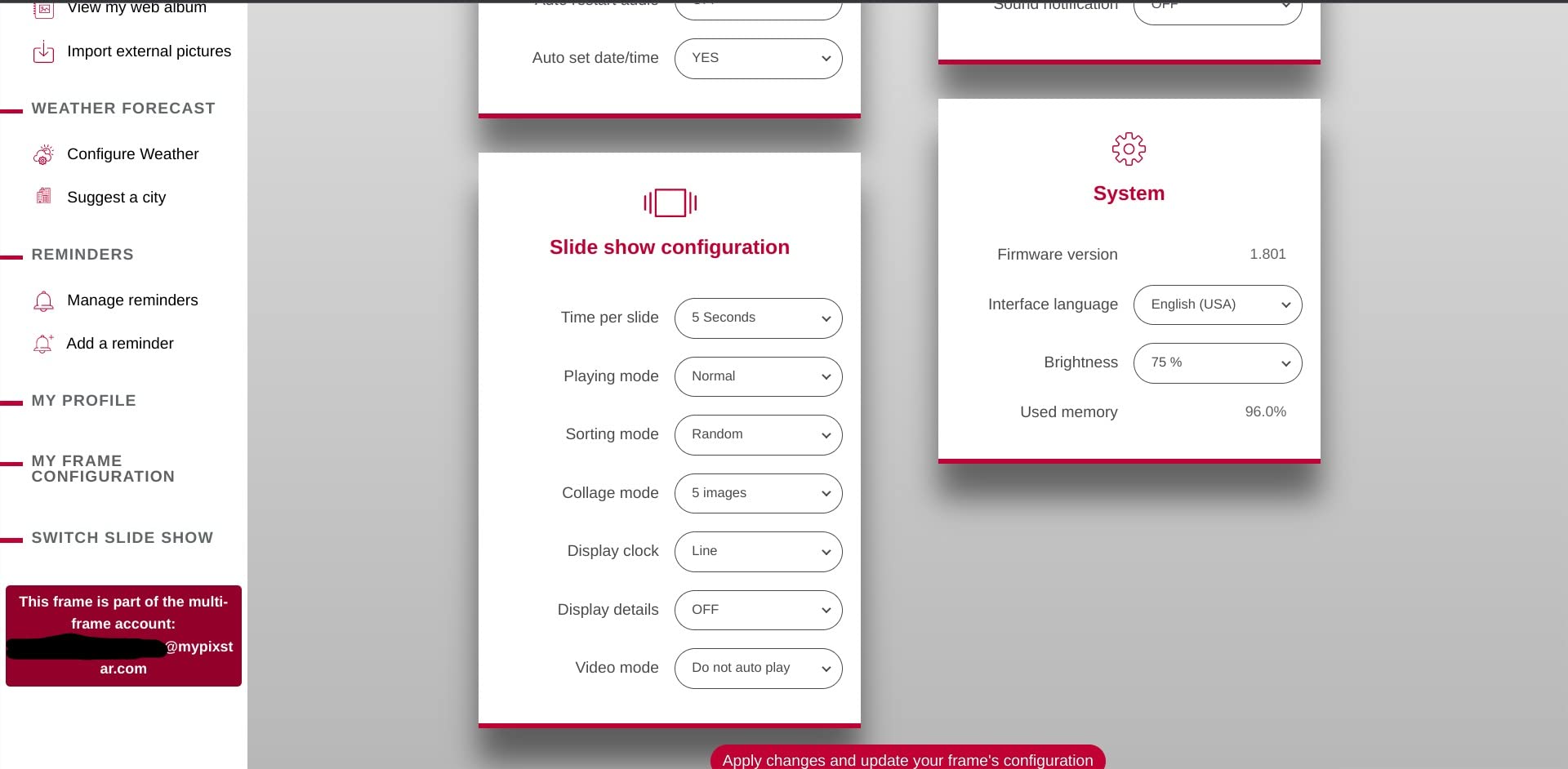
Long-term owners report the frame running reliably for years. The combination of a dedicated email address, free unlimited cloud backup, and remote management of up to 25 frames from one account is what keeps people in this ecosystem when they add a frame for a second grandparent.
It also works offline from internal memory, a USB stick, or an SD card, so a network outage blanks nothing. Wi-Fi 6 with dual-band 2.4 and 5GHz support means it will join a modern router without the 2.4GHz-only problem, and the warranty runs two years.
The remote control is the senior-friendly detail
The included remote lets a grandparent switch albums, change the slideshow, or turn the screen off without touching the display, which also keeps fingerprints off the glass. The menu takes a little practice, so spend ten minutes showing them the three buttons they actually need.
There is a motion sensor, plus weather, calendar, web radio, and sleep and wake hours. Bulk cloud uploads are limited per batch, which only matters if you are migrating a whole archive on day one.
Who should pick a different frame
Skip it if the frame will be read from across a large room, because 10.4 inches at 4:3 is not a large viewing experience. Anyone planning to wall-mount it should note there is no internal battery, so the power cable has to reach.
7. Pastigio 15.6 Inch FHD Frameo Frame: The One You Can Read From the Doorway
Digital Picture Frame, Frameo 15.6” Digital Photo Frame WiFi Large Display
- 15.6 inch FHD IPS readable across a room
- Uses the widely used Frameo app
- 32GB plus 32GB external storage
- Share code lets relatives upload without accounts
- SD and USB loading needs no Wi-Fi
- Some report uploads hanging until a reboot
- Power cord length limits placement
- Large size needs a dedicated surface
Size is the reason to buy this one, and several buyers told us they upgraded from a 10-inch frame specifically because an older relative could not comfortably read the smaller display from a distance. Fifteen point six inches at 1920×1080 is legible from across a room in a way nothing else at this tier manages.
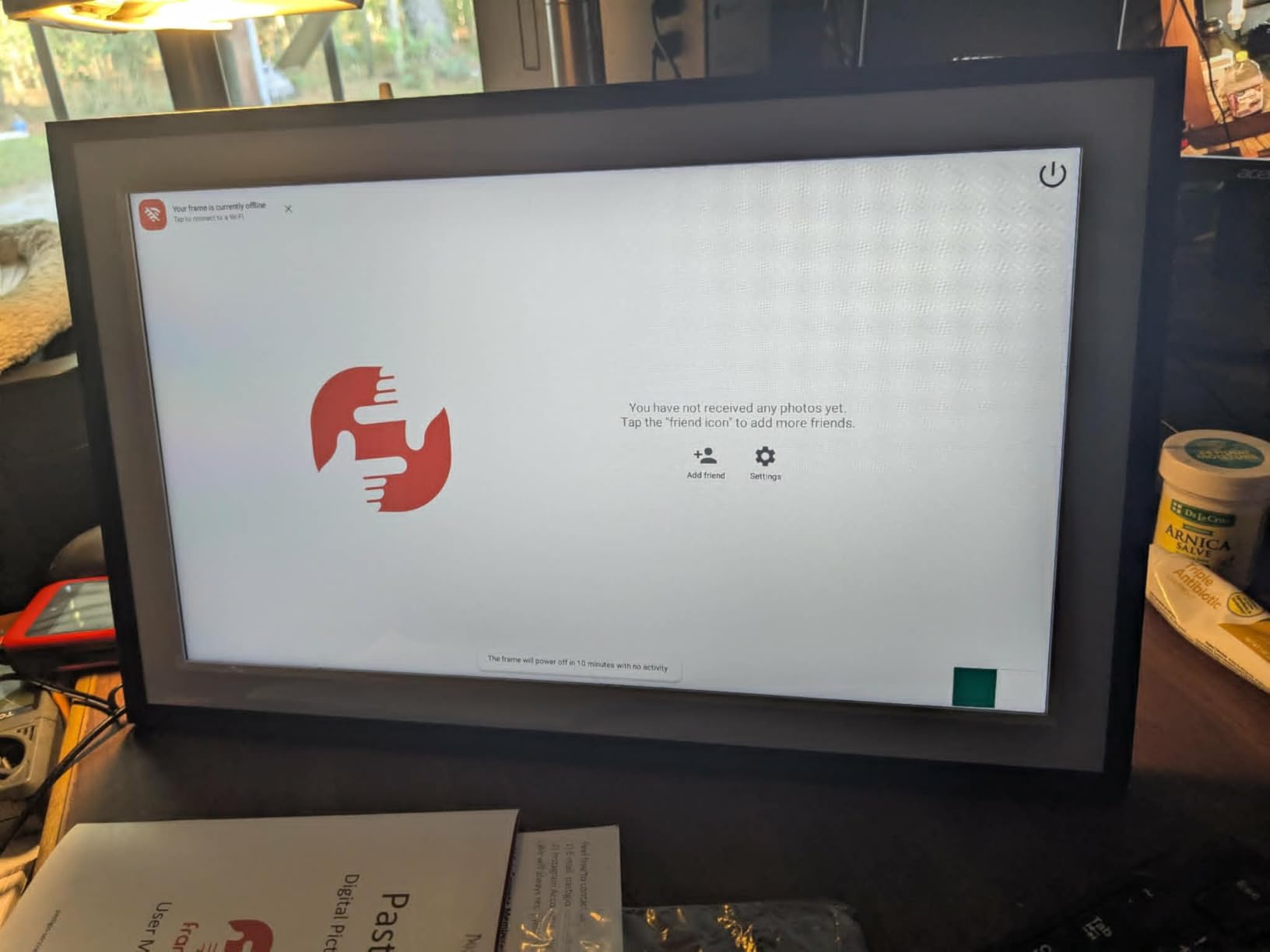
It uses the same Frameo app as the smaller akimart model, so there is no extra app for the family to learn. Relatives can upload through a shared code and reply with emoji reactions straight from the frame, which gave a grandparent in our test a way to answer without typing.
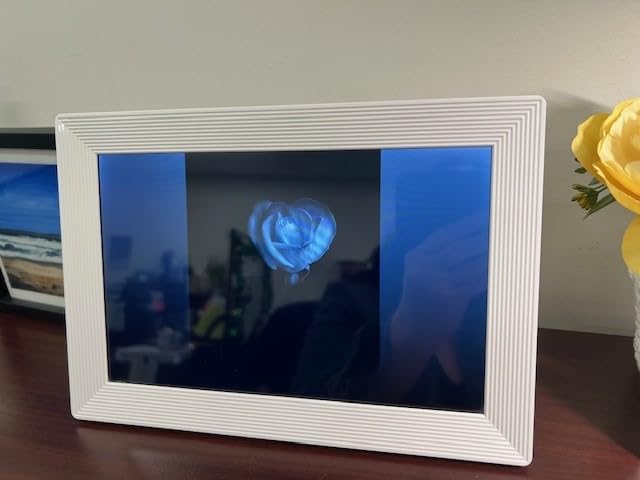
Thirty-two gigabytes of built-in memory plus up to 32GB of external storage covers more than 50,000 photos. Non-Wi-Fi loading by full-size SD card, a FAT32 USB drive, or a computer over USB-C means an offline visit is straightforward.
Auto-rotate, brightness and volume adjustment, and sleep mode are all there. The warranty is 12 months, and the frame measures 9.84 inches by 15.75 inches.
What the large screen costs you in placement
A frame this size needs a real surface, or a wall mount with a bracket behind it. Power cord length is a genuine issue here, so measure the route to the nearest outlet before the box arrives rather than after.
There is at least one detailed report of unstable Wi-Fi causing uploads to hang until the frame is rebooted, and some buyers mention an annual fee associated with remote management and longer video uploads. If a subscription is unacceptable to you, confirm the current terms on the listing first.
Who should pick a different frame
Pick a 10-inch model if the frame lives on a small bedside table or the budget is fixed and small. A grandparent with limited vision or a frame placed opposite a doorway is exactly who should buy this one.
8. Pix-Star FotoConnect XD 10.4 Inch: The Original Email Address Frame
Pix-Star 10.4 Inch Wi-Fi Cloud Digital Photo Frame FotoConnect XD with Email, Online Providers, iPhone & Android app, DLNA and Motion Sensor Black
- Dedicated email address on the frame
- Connects to 20+ online photo providers
- Can send photos out to email addresses
- USB and SDHC and SDXC support
- Daily weather forecasts
- SVGA resolution is soft by modern standards
- 2.4GHz Wi-Fi only
- Button controls rather than a touchscreen
This is the older Pix-Star model, and it still does one thing very well: it can send a photo back out. You can push a picture from the frame to an individual or group email address, which no app-only competitor in this list can do.
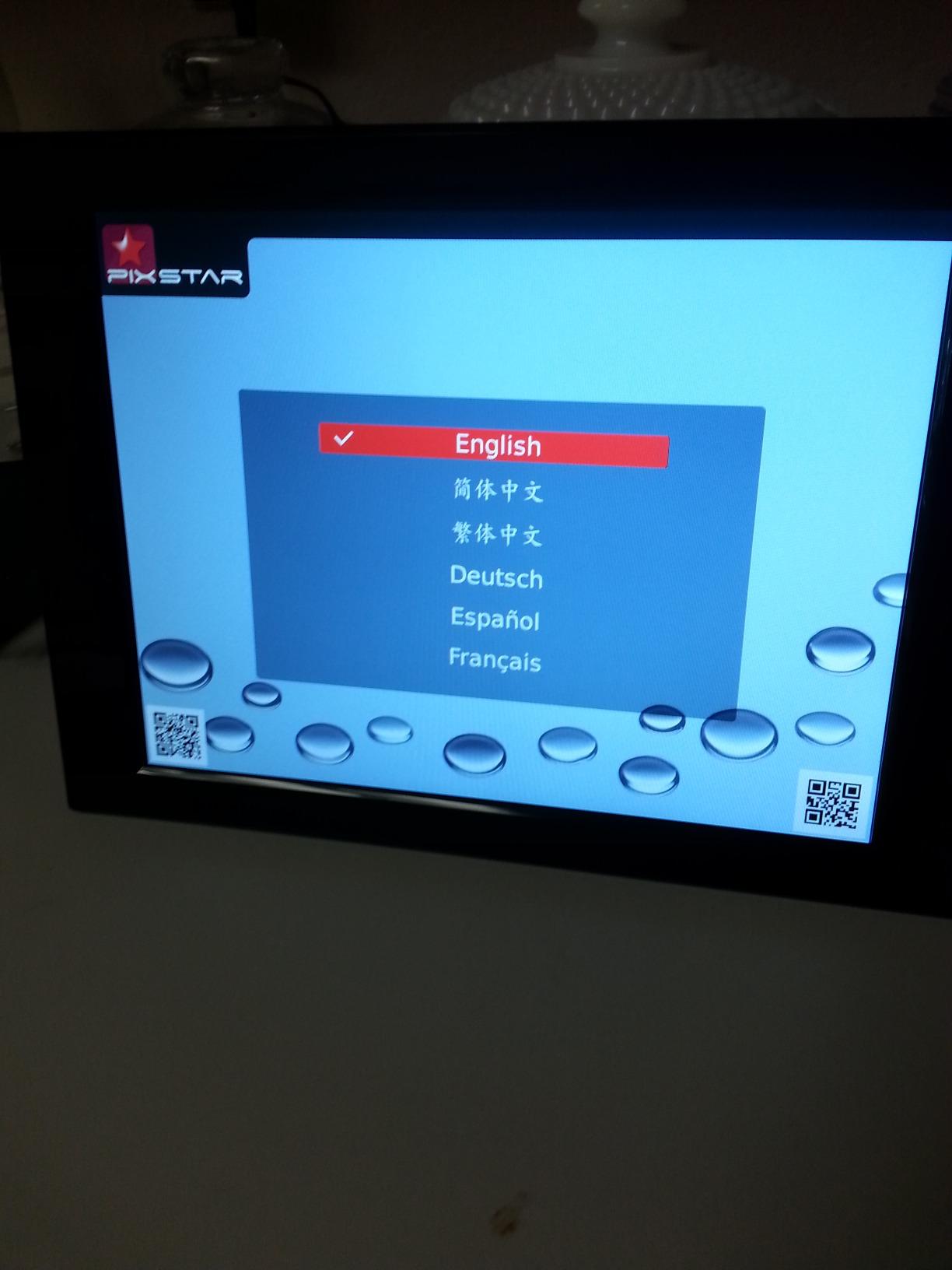
The dedicated email address means relatives never install anything. They open their phone camera, attach, and send. It is the workflow several caregivers told us works best when the grandparent will never touch a screen at all.
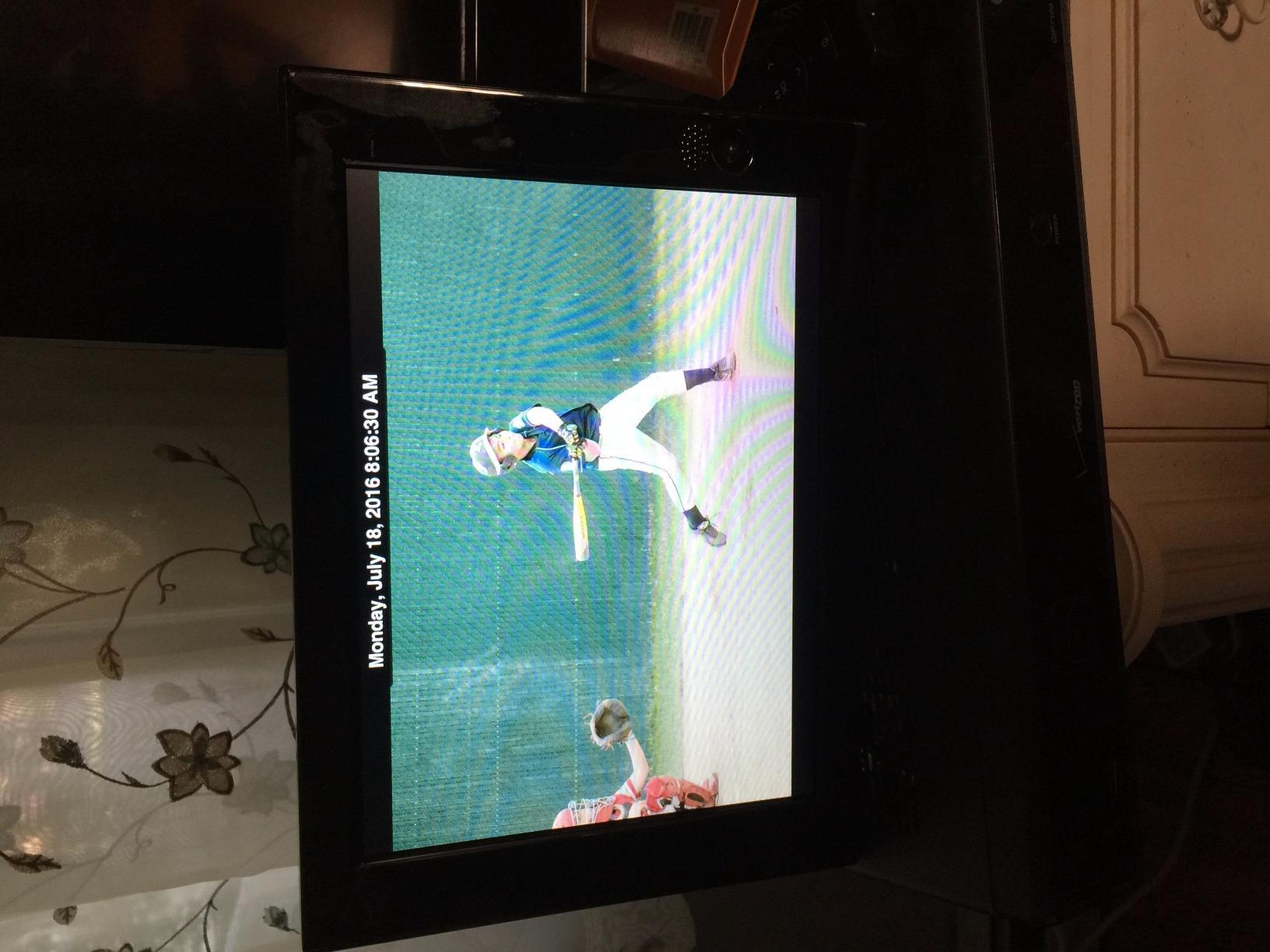
It also connects to more than 20 online providers including Picasa, Facebook, and Flickr, so an existing photo habit keeps working. Around 4GB of memory holds about 20,000 pictures, with USB, SDHC, and SDXC support for offline transfers.
Daily weather forecasts are available for supported countries and cities, and a motion sensor handles the display waking when someone walks past. The frame weighs 1.6 pounds, which is stable on a mantel.
Where the older design shows
Resolution is SVGA rather than the 1280×800 or 1080p panels used elsewhere here, so photos look softer up close. Controls are physical buttons rather than a touchscreen, which some older users prefer and others find confusing.
It supports 2.4GHz Wi-Fi only, so a 5GHz-only router will not work. The manufacturer lists this model as replaced by a newer 10-inch IPS version, which is worth weighing before buying.
Who should pick a different frame
Choose the newer model if the frame will be looked at closely and image sharpness matters, or if you want touch controls. This one makes sense for households that mainly want the email address and the send-back feature.
9. Uhale 15.6 Inch With 64GB: Storage and Video With Sound
- 64GB holds over 160000 photos
- 15.6 inch FHD IPS with wide viewing angles
- Video playback includes audio
- Swipe and tap controls
- SD USB and PC web transfer
- Media must be formatted to FAT32
- App video uploads capped at two minutes
- Wall mounting means managing the cord
The headline here is sixty-four gigabytes. That is advertised as more than 160,000 photos with no subscription required, which means a family can dump decades of scanned prints onto the frame and never think about storage again.
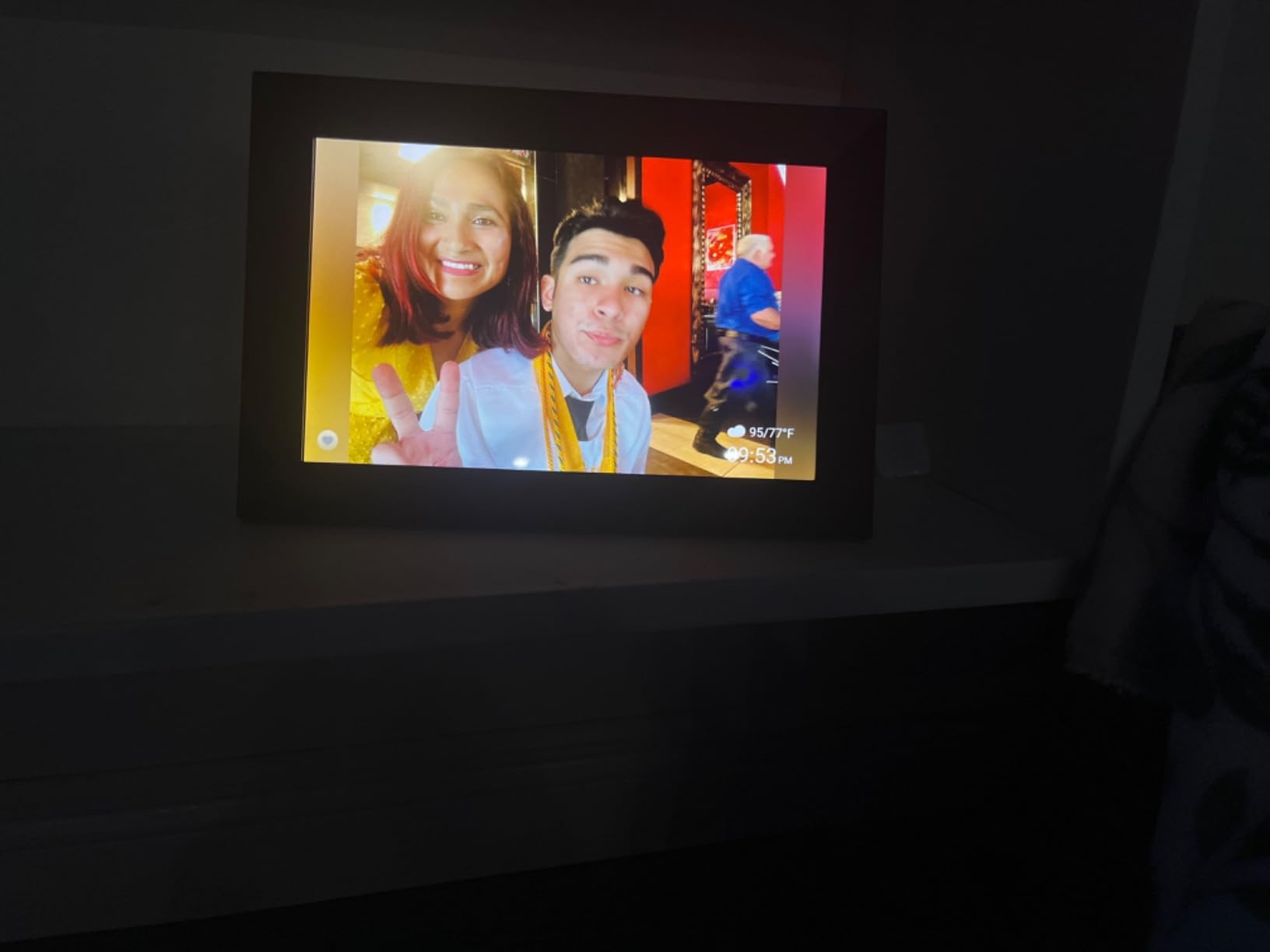
It is also one of the few large frames that plays video with audio through a built-in speaker. In our test a short clip of a grandchild reading a story got played more than any still photo, because the sound pulls a room together.
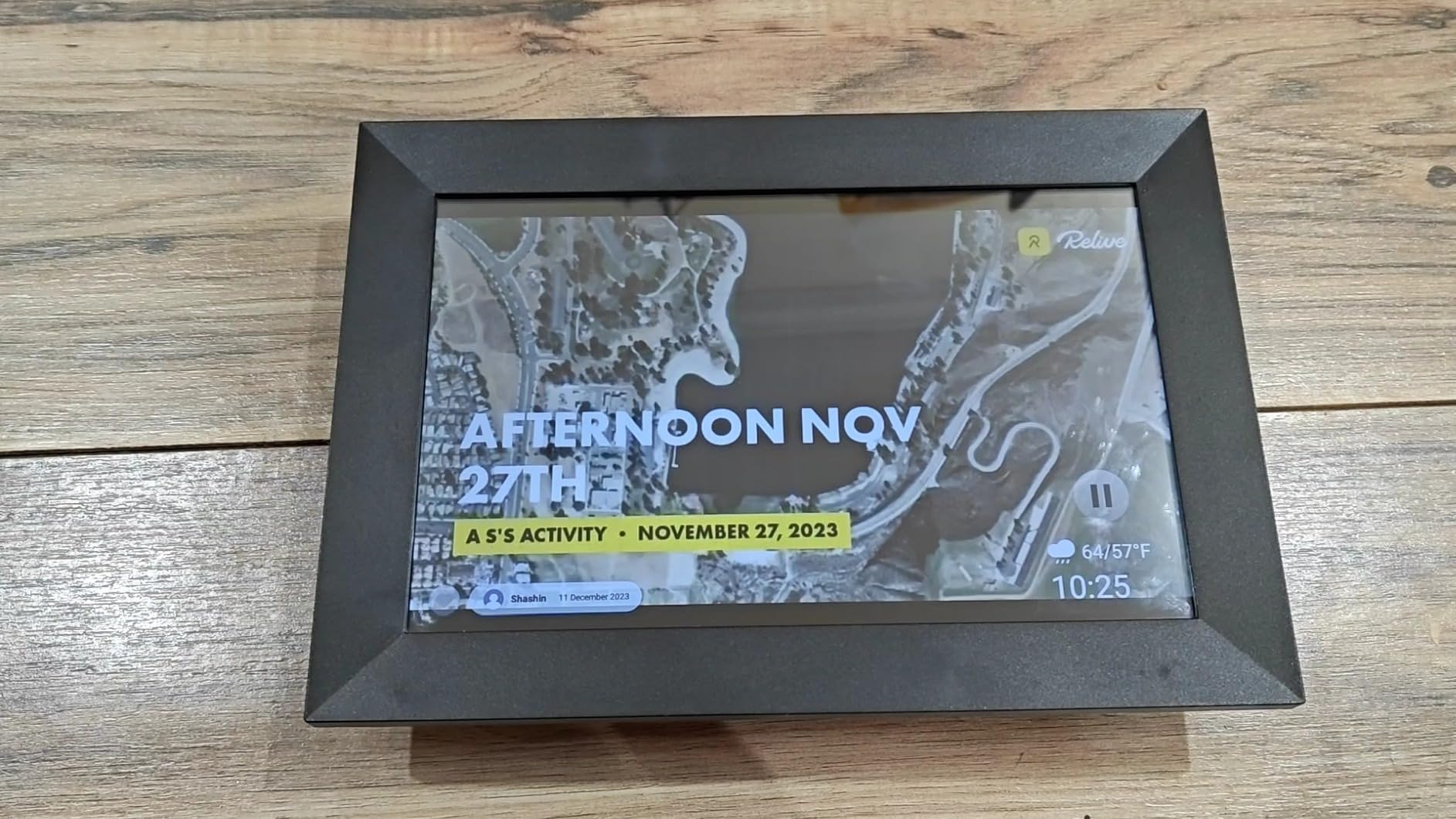
Navigation is described by owners as straightforward swipe and tap, chosen specifically to be usable by elderly relatives. Auto-rotation switches between landscape and portrait, and there are clock, weather, slideshow, and sleep settings alongside photo title templates.
Photos can be shared over Wi-Fi through the free Uhale app with invited-user privacy, or transferred from a computer through the Uhale website. A 365-day warranty and lifetime technical support back it up.
Format rules to respect before you fill it
SD cards and USB drives must be formatted to FAT32, and 32GB media is recommended. Larger 64GB and 128GB cards may simply not be recognised, which is the single most common practical note in reviews for this model.
Video uploads through the app stop at two minutes. For longer clips, copy the file onto a formatted drive instead.
Who should pick a different frame
Skip it if you need very long videos uploaded from a phone, or if you have existing high-capacity cards you would rather not reformat. Anyone who wants a modest footprint and does not need video with sound will be happier with a 10-inch frame.
10. BSIMB 17 Inch Dual-Band WiFi Frame: The Biggest Screen With a Remote
- 17 inch FHD IPS with extra-wide viewing angles
- Dual-band 2.4 and 5GHz Wi-Fi
- Included remote suits non-tech users
- Freestanding or wall mountable
- 64GB plus USB and SD expansion
- Remote batteries not included
- App uploads limited to 50 photos per batch
- Highest 1-star share in this group
Seventeen inches is the largest display we tested, and at 1920×1200 on an IPS panel it is the one to buy if the frame goes on a wall and has to be read from a doorway. The viewing angles stay wide, so it works in a room with seating off to one side.
Two features set it apart from the other large frames. It is dual-band on both 2.4GHz and 5GHz, so it connects to almost any modern router, and it ships with a remote control for anyone who would rather press a button than tap a screen.
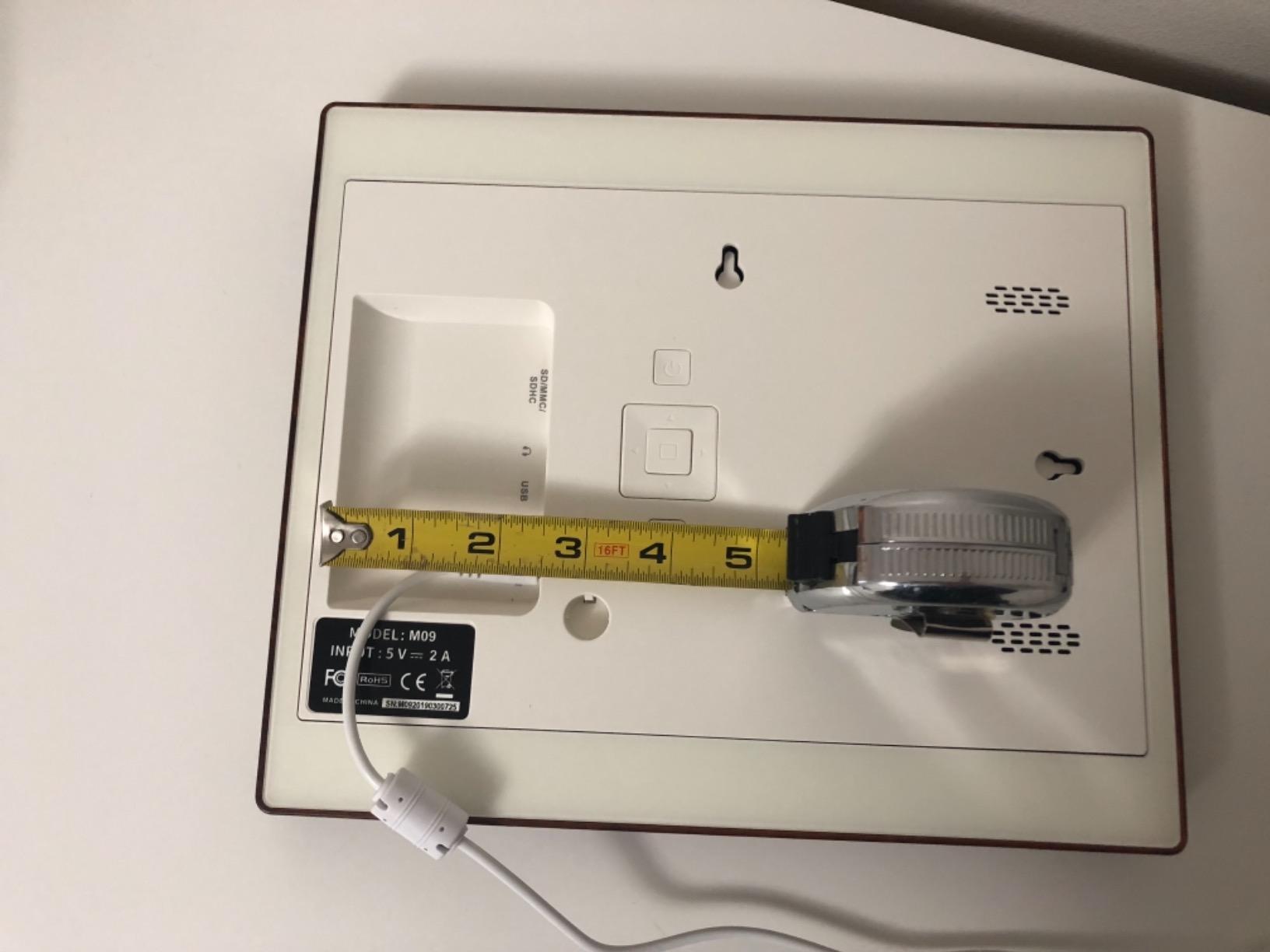
It stands freestanding or wall mountable in landscape or portrait with auto-rotation, and 64GB of internal storage covers up to 80,000 photos with room to add USB and SD expansion. Music, weather, alarm, and calendar functions sit alongside the slideshow.
The frame weighs 6 pounds, which is genuinely heavy for a picture frame, and that is exactly what stops a 17-inch screen being knocked off a surface. There is a 30-day money-back guarantee and a one-year warranty.
Where the reviews turn mixed
This frame carries the lowest average rating of the group at 4.2, with a comparatively high share of 1-star reviews. App uploads are limited to 50 photos per batch, which is a real annoyance when you are loading a first library.
One small thing that catches people out: the AAA batteries for the included remote are not in the box. Put a set in before you hand the frame over.
Who should pick a different frame
Choose something else if you want the highest confidence from a large volume of reviews, since this one has fewer ratings and more complaints in proportion. If the frame must hang on a wall far from an outlet, plan the cord route first.
11. KECAG 10.1 Inch With No Wi-Fi: The Zero-Setup Gift
KECAG 10.1-Inch 1080P IPS Digital Picture Frame, No WiFi or App Required
- No Wi-Fi no app and no account
- 10.1 inch 1080P IPS with wide angles
- 32GB USB drive included in the box
- Motion sensor wakes the screen
- Remote control included
- No remote sharing from family
- Media limited to 32GB
- Inconsistency with a higher 1-star share
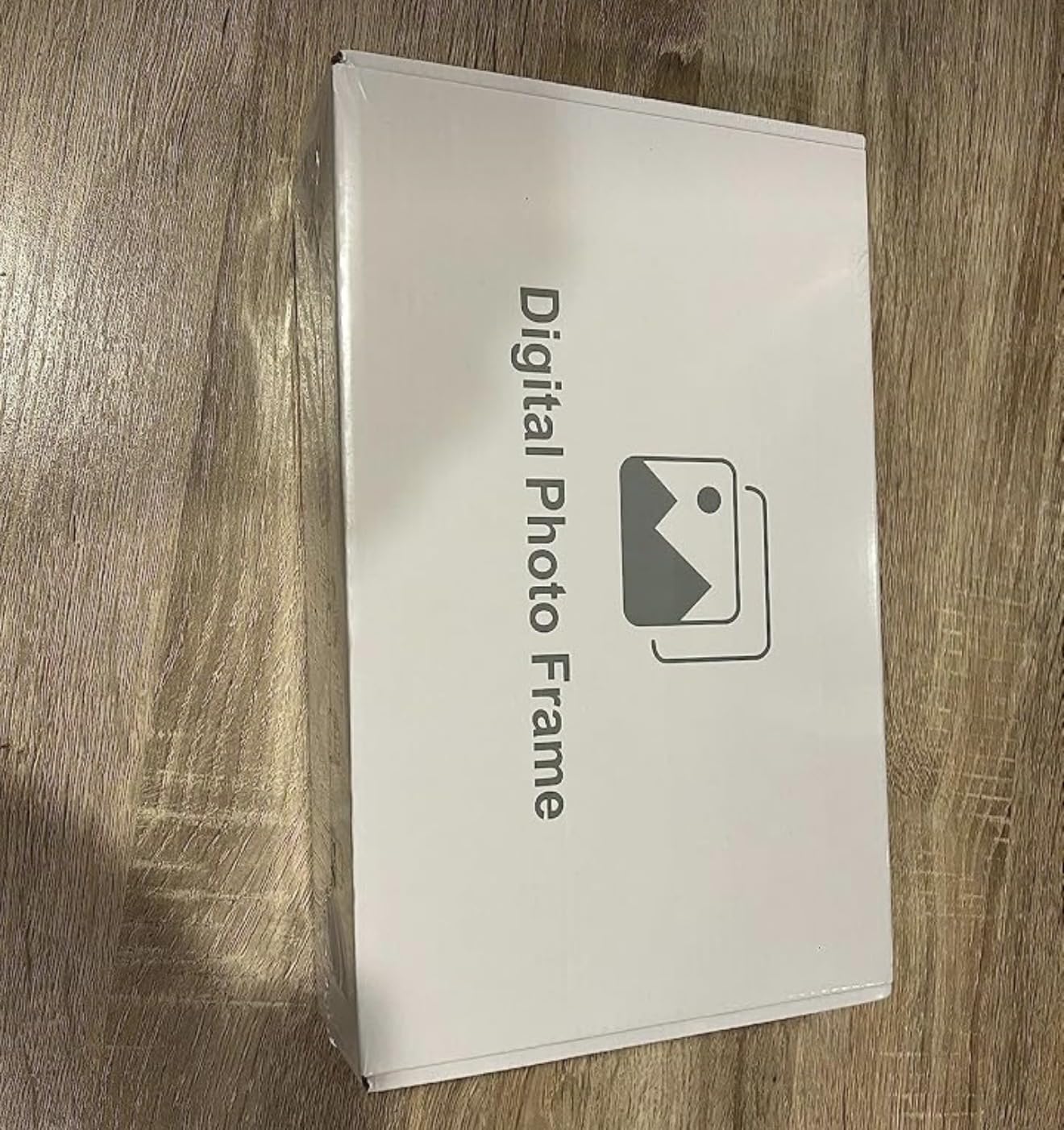
Sometimes the most useful gift is the one that asks nothing of anyone. This frame has no Wi-Fi, no app, and no account. It ships with a 32GB USB drive already inside, so it is showing photos the moment it is plugged in.
That makes it the right answer for a hospital room, a holiday let, a care home room with poor internet, or any household where the router is a sore subject. There is nothing to configure and nothing to break.
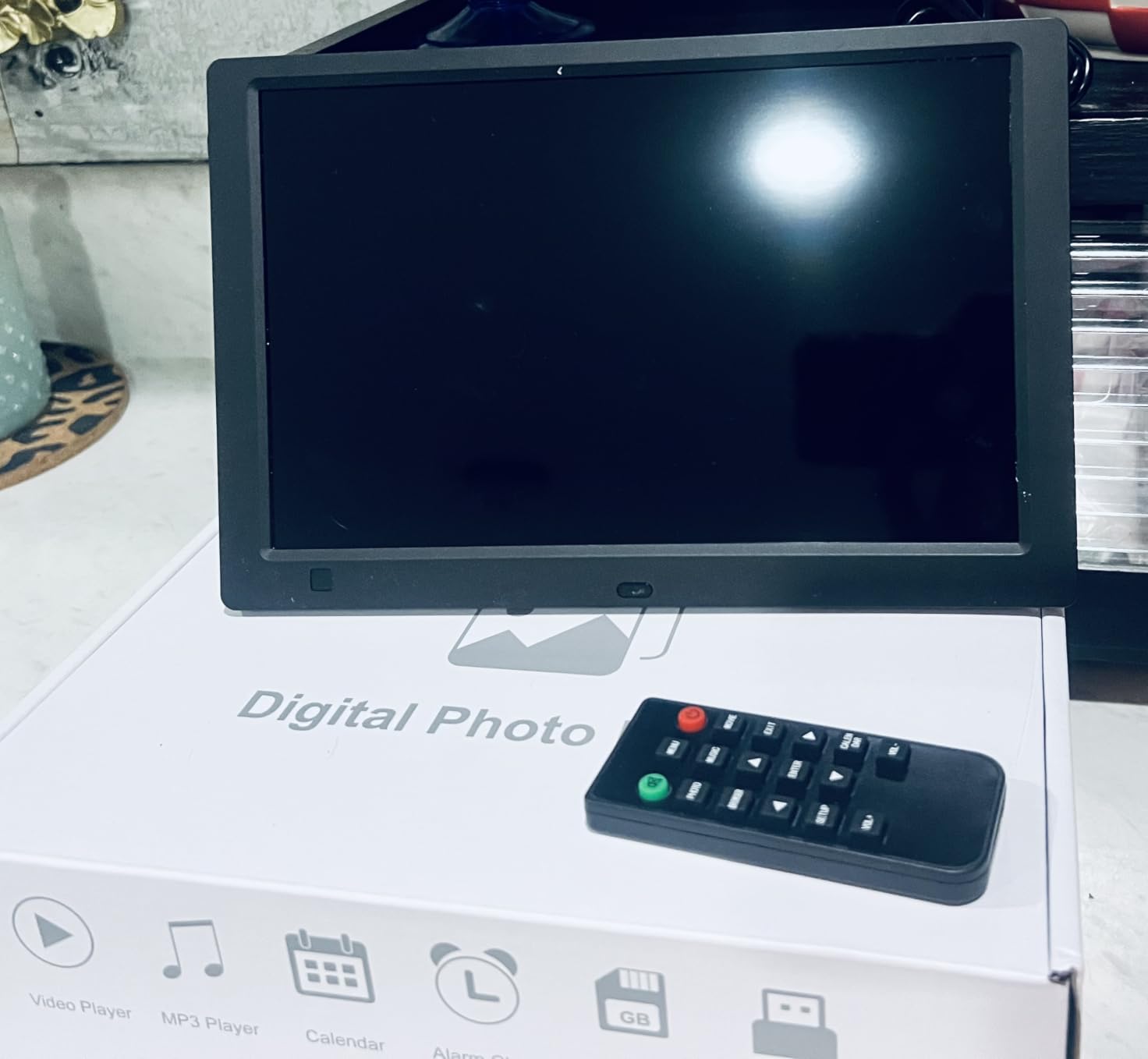
The 10.1-inch 1080P IPS display is sharp for a device with no connectivity at all, and it plays photo, video, and music. A motion sensor covering 1 to 3 metres turns the screen on when someone walks past and off when they leave, which keeps it from glowing all night.
A built-in calendar, clock, alarm, and auto on-off timer round it out, and the included remote means no fingerprints on the screen. The frame weighs 12.8 ounces, so it is easy to carry between rooms.
Trade-offs that come with going offline
Relatives cannot send new photos remotely, which is the entire reason most families buy a frame. The 32GB cap on SD cards and USB drives is also real, and media has to be inserted directly with no computer syncing built in.
The 4.0 average here is the second lowest in the group with a 15% one-star share, so expect more inconsistency than from the higher-rated Wi-Fi models.
Who should pick a different frame
Skip it if the point is to stay in touch from another state, because this frame is a slideshow on a stick rather than a connected frame. Buy it as a second frame for a room without reliable internet, not as the only one.
12. RCA 10.1 Inch WiFi Frame With 32GB: The Highest Rated on the List
- Highest average rating in the group
- 10.1 inch HD IPS renders photos vividly
- Unlimited users on the free app
- Web upload from a computer
- 32GB for 60000+ photos
- The QR code for linking is not the obvious one
- Only three slideshow transitions
- Limited photo editing in the app
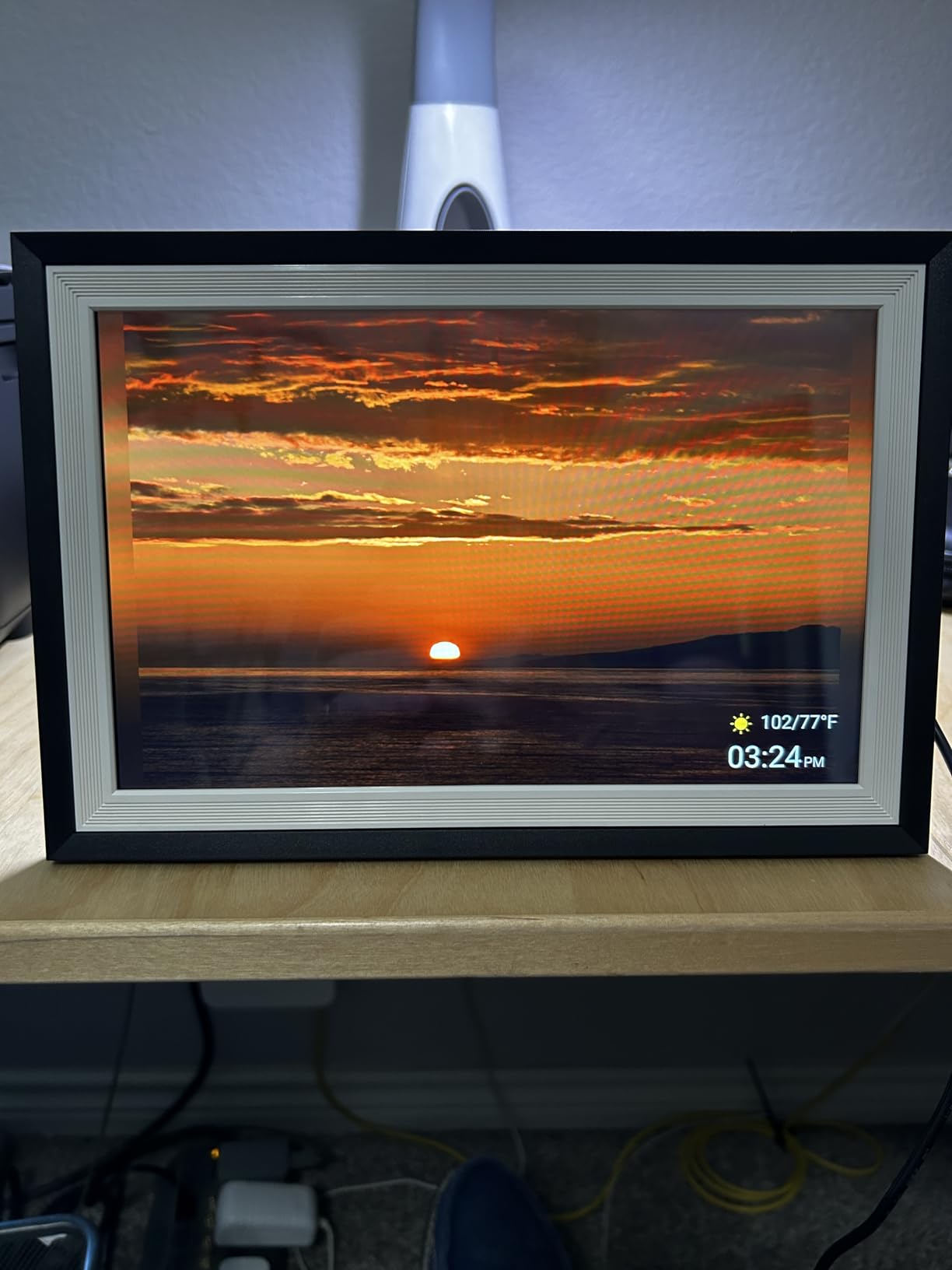
The RCA has the highest average rating in this group at 4.8, with 87% five-star reviews. The 10.1-inch HD IPS touchscreen renders images vividly, closer to a printed photograph than most of the panels here, and setup through the free Uhale app is quick.
There is no user limit on the app. That detail is bigger than it sounds for a big family, because every adult child, sibling, and grandchild who has the link can upload without an account being created for each one.
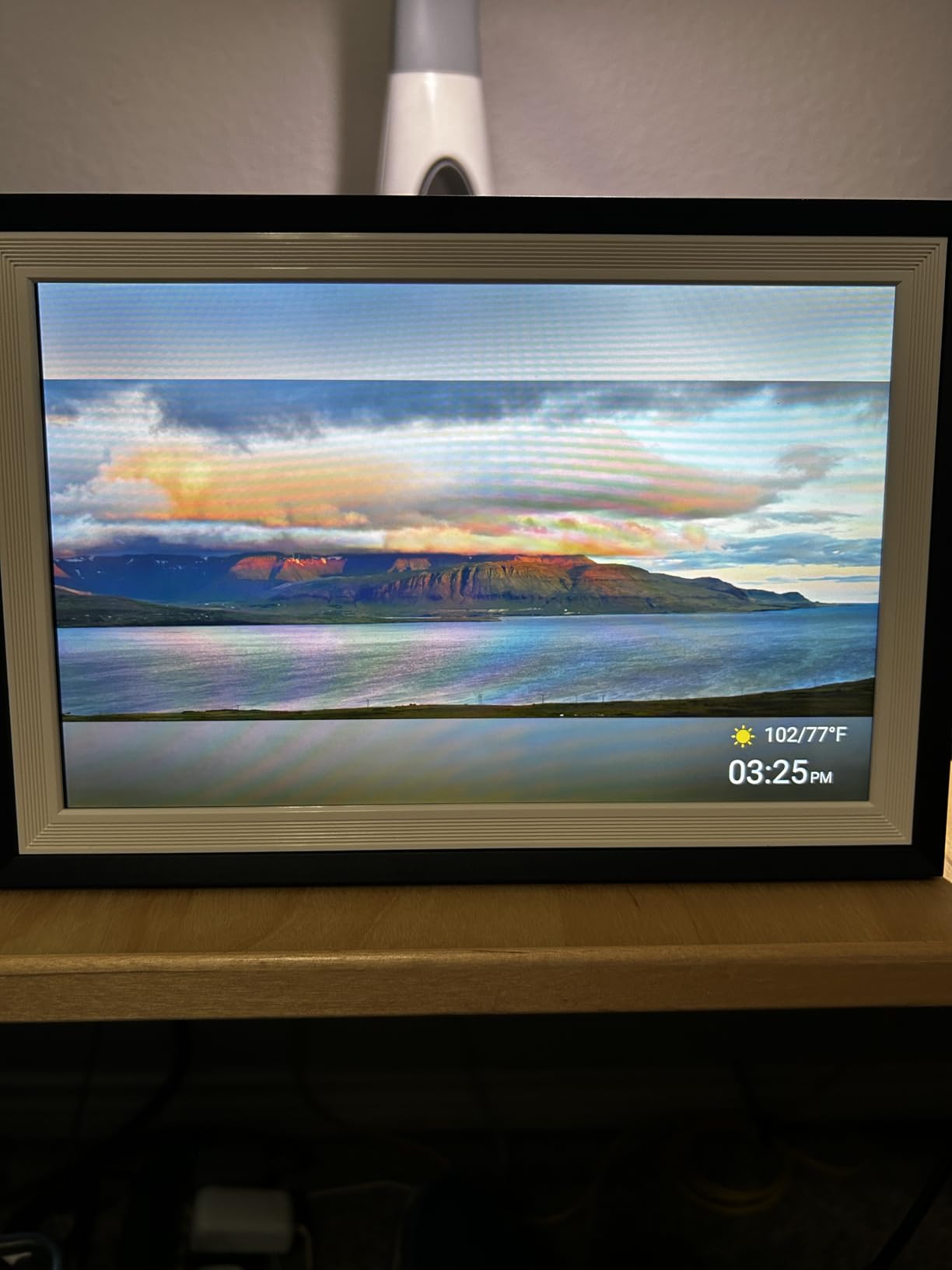
Thirty-two gigabytes stores more than 60,000 photos and expands to 64GB with USB or SD. A computer can upload through the web interface, which is the fastest way to load a scanned family archive during a holiday visit.
Auto-rotate and a detachable stand let it sit on a tabletop or go on a wall, and slideshow mode, playback order, brightness, and sleep mode are all adjustable. The frame weighs 0.52 kg.
One setup step that confuses people
The QR code that links your phone to the frame is not the one on the main screen, and several owners lost time to this. The correct code is shown during setup, so follow that screen rather than scanning the one sitting in the corner of the display.
The app offers limited photo editing before sending and there are only three slideshow transitions. One buyer also reported a power wire that broke and could not be replaced, so keep the original cable somewhere safe.
Who should pick a different frame
Choose elsewhere if the frame needs a large display for distance viewing, since 10.1 inches is a countertop size. Note also that the 4.8 rating comes from a smaller pool of reviews than the top three, so treat it as excellent but less proven.
How to Choose a Digital Photo Frame for Grandparents in 2026
Start with who does the work. The grandparent should only ever look at the screen. Whoever buys the frame sets it up, and the family keeps the photos coming. Every recommendation below follows from that one idea.
Pick the screen size for the viewing distance
Ten inches is a bedside, countertop, or mantel size. It works when someone walks past or sits within a few feet. Fifteen inches and up is what you want when the frame is across the room or in a doorway, and several buyers in our test told us they moved up a size specifically because an older relative could not read a 10-inch screen from where they actually sat.
Also check the panel type. IPS holds colour and contrast at wider angles than a cheaper glossy panel, and a matte or no-glare finish beats a shiny one in a room with a window behind the viewer.
A frame is rarely the only object in the room. If it is destined for a bedroom, our picks for the best bed frames cover the larger pieces, and a grandparent who sews may spend more happy hours at a quilting frame than in front of a slideshow.
Do the subscription maths before you buy
The loudest complaint from families is a recurring fee appearing after a free trial. Run the number yourself: a subscription at any monthly rate over five years dwarfs the one-time cost of a frame that includes free unlimited storage, and Aura and Pix-Star both store photos without a recurring charge.
Frames built on the Frameo, AiMOR, or Uhale apps usually store everything on the frame itself at no cost, which is why the 32GB and 64GB models keep improving. If a listing mentions an annual fee for remote management or longer video uploads, read that line carefully before you order.
Check the Wi-Fi band and what happens offline
Several frames in this group connect only to a 2.4GHz network, including the Dragon Touch and the older Pix-Star. If the router at your parent’s house broadcasts 5GHz only, nothing will work and you will be troubleshooting a gift you cannot return. Dual-band models like the Pix-Star LUX and the BSIMB avoid the problem entirely.
Then ask what the frame shows when the network drops. A frame with a decent amount of internal memory keeps displaying the last library, which is why 16GB to 64GB is worth paying for even if you also have cloud storage.
Treat it as a family system, not a device
Set the frame up in the house where the Wi-Fi is strongest, then show the grandparent one thing only: how to pause the slideshow or turn the screen off. Everything else, including new photos, should arrive without them.
Agree on a routine. One photo a week from each branch of the family, sent on the same day, keeps a frame alive. The frames that end up in a drawer are almost never disliked; they are abandoned because the pictures stopped arriving. A shared album that everyone posts to is the simplest way to keep it going.
Mind privacy and the household router
Seniors are targeted by phone and text scams, so keep the frame off any account tied to a payment method and use a separate email address for the family sharing group. Some frames give each unit its own email address, which is a cleaner separation than sharing one login.
Never use a frame as a bank of passwords or two-factor codes. A photo frame is a display, and a cheap one is an unfamiliar networked device sitting in a private room.
Frequently Asked Questions
What is the best digital picture frame for seniors?
The best digital picture frame for seniors is one they never have to operate. Our pick is the Skylight 10 inch, which sets up by plugging in and joining Wi-Fi, gives the frame its own email address so relatives can send photos with no app, and needs no subscription for core sharing. Every other job, from uploading to curating, belongs to the family.
What is better, Skylight or Aura?
Skylight is easier to hand over because it uses a unique email address so any relative can send a photo without installing an app, and Gift Mode preloads photos before the box is opened. Aura offers free unlimited photo and video storage, better automatic brightness, and portrait pairing. Choose Skylight for simple gifting, Aura for long-term cloud storage.
What was the controversy surrounding Aura Frames?
The complaint that comes up most often with Aura is about ongoing cost and photo ownership, and the recurring question of whether a subscription is required for core features. Check the current terms on the listing before you buy, because plans change. The detail that matters to families is who owns the account the photos sit in and whether they can be exported.
What digital photo frame does not require Wi-Fi?
The KECAG 10.1 inch is the clearest option. It needs no Wi-Fi, no app, and no account, and it ships with a 32GB USB drive already inside so it displays photos as soon as it is plugged in. Several Frameo-based frames also accept SD cards and USB drives for offline loading, including the Pastigio 15.6 inch and the Uhale 15.6 inch.
How long do digital photo frames typically last?
Long-term owners of the Pix-Star and Aura lines report frames still running reliably after several years, while cheaper models report touchscreens slowing or Wi-Fi dropping after a year or two of use. Plug-in power is a factor in longevity, since battery frames are rarely used daily. Buying from a brand with a two-year warranty rather than a 30-day guarantee is the safer bet.
What We’d Buy Today for a Grandparent
If you take one recommendation from this roundup, take the Skylight 10 inch. It is the best digital photo frame for grandparents in 2026 because it is the one most likely to still be running a year from now with a fresh photo on it, and nothing about its operation depends on the recipient learning anything.
Aura Carver is the pick if your family plans to send photos for years and wants free unlimited cloud storage plus video with sound. If the frame will be read from across the room, move up to the 15.6-inch Pastigio, and if the household network is 2.4GHz-only, choose a dual-band model instead.
Whatever you pick, set it up yourself, load thirty photos before you arrive, and agree on a weekly sending habit. That habit is what keeps a frame alive.