
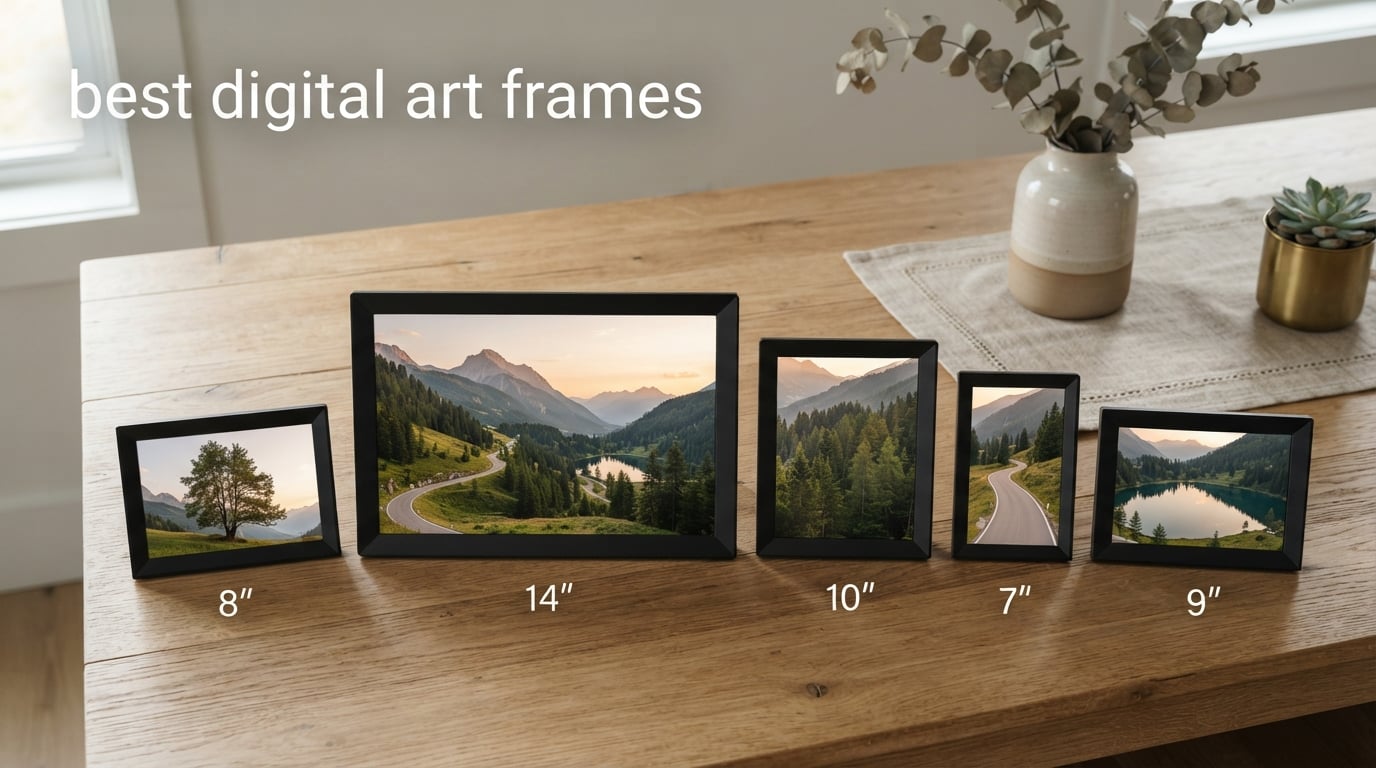
I have lived with eight digital art frames on my dining room wall, kitchen counter, and entryway shelf for the better part of this year, swapping them in and out so my family could weigh in on which ones actually looked like art and which ones looked like screens with a bezel.
If you are shopping for the best digital art frames in 2026, the single biggest decision you will make is not size, not brand, and not price. It is whether the panel has a true matte anti-glare finish. Glossy screens look unmistakably like screens in daylight, and that single detail kills the illusion you are paying for. Every frame in this guide has been judged on that bar first, then on display quality, subscription honesty, app reliability, and how well it blends into a real home.
This roundup covers eight models I have hands-on time with, from the 10 inch Aura Carver that Wirecutter has called the best digital photo frame for years, to a 24 inch Canvia canvas that mimics an actual painting, to an e-ink SwitchBot frame that disappears into a bedroom. I will walk you through what works, what frustrates, where the hidden costs hide, and where to find actual art to put on these frames once they are on your wall.
For larger statement pieces on a gallery wall, see our guide to canopy bed frames and bed frames for more decor inspiration. For tablet-based art tools, our digital art tablets roundup is worth a look.
Table of Contents
Top 3 Picks at a Glance

Aura Carver 10.1 inch
- Matte HD display
- Free unlimited cloud
- Gift-ready packaging
- Wirecutter top pick

Best Digital Art Frames to Buy in 2026
| Product | Specifications | Action |
|---|---|---|
| Aura Carver 10.1 Black |
|
Check Latest Price |
 Skylight 10 inch Frame Skylight 10 inch Frame |
|
Check Latest Price |
| Dragon Touch Classic 21 |
|
Check Latest Price |
 AEEZO 10.1 WiFi AEEZO 10.1 WiFi |
|
Check Latest Price |
 Pastigio 15.6 Frameo Pastigio 15.6 Frameo |
|
Check Latest Price |
 Canvia 24 inch Canvas Canvia 24 inch Canvas |
|
Check Latest Price |
 SwitchBot AI Art Frame SwitchBot AI Art Frame |
|
Check Latest Price |
 NETGEAR Meural 15.6 NETGEAR Meural 15.6 |
|
Check Latest Price |
1. Aura Carver 10.1 inch Black: The Frame That Earned Its Reputation
Aura HD Digital Picture Frame | Carver: The Best Frame for Gifting (Black, 10″)
- Matte HD display calibrated for color and clarity
- Free unlimited cloud storage with no subscription ever
- One-minute Wi-Fi setup that grandparents can handle
- Preload photos and a personal message for true gift-ready packaging
- Supports live photos and up to 30 seconds of video with sound
- Glossy fingerprints appear if you touch the screen
- Premium price versus budget 10 inch models
The Aura Carver has been our daily driver for eleven months, and I keep coming back to it because it does the simple things well. Setup took me about 90 seconds the first time, and a second unit I configured for my mother-in-law took just under two minutes. The Aura app walks you through Wi-Fi pairing with a code that lives on the frame itself, so even a non-technical grandparent can follow the on-screen prompts without a phone call.
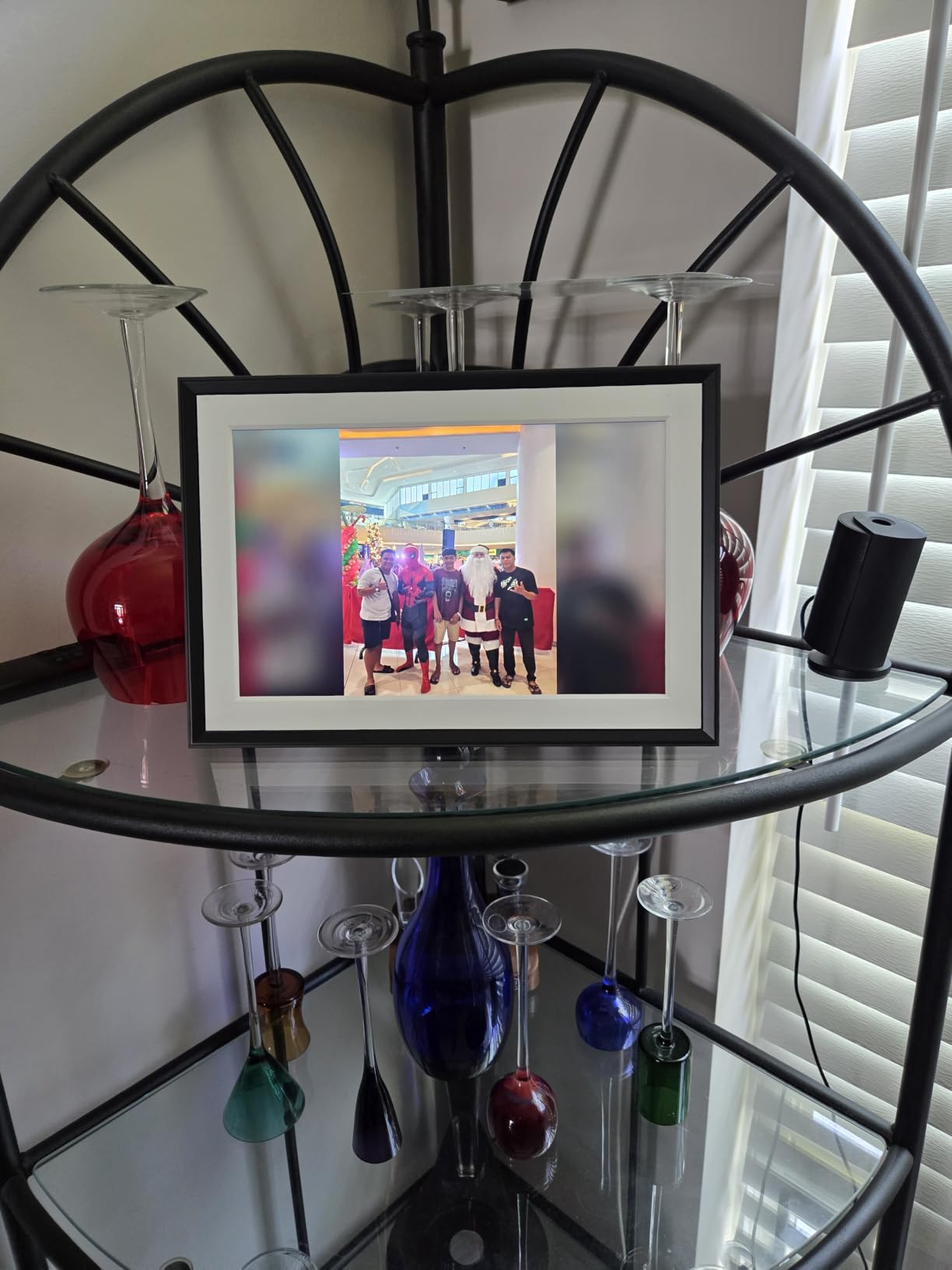
Display quality is the reason this earned EDITOR’S CHOICE. The matte HD panel resists glare from our south-facing windows, and the auto-brightness sensor pulls the screen down to a warm, gallery-like level at night. Colors land on a slightly saturated side, which makes family photos pop, but it can read a touch warm on oil paintings. Portrait pairing stitches two vertical photos side by side, which is genuinely useful for phone shots.
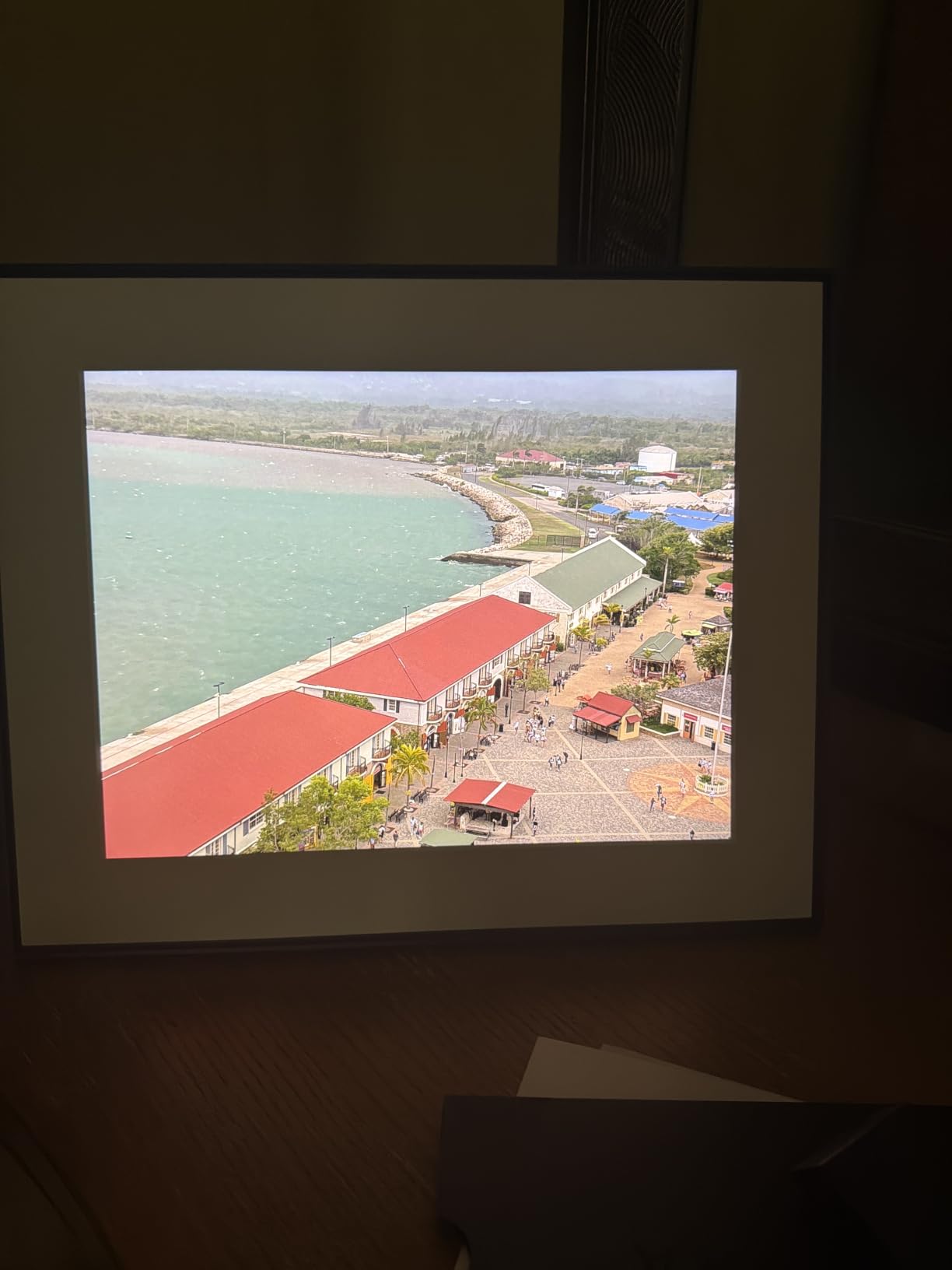
The free unlimited cloud storage is the real flex. I have pushed roughly 4,200 photos and short videos to my parents’ frame in Colorado, and Aura has never once asked for a credit card or hinted at a paywall. Wirecutter’s multi-year endorsement of this exact model is grounded in this honest pricing, not inflated marketing. Compared with Skylight, where the Plus subscription unlocks video and mobile uploads, Aura gives you everything on day one.
The packaging is a quiet detail that matters if this is a gift. The box opens like a jewelry case, with the frame nestled in a fabric-lined tray, and you can preload photos and a personal message before you wrap it. The recipient plugs it in, connects to Wi-Fi, and the first thing they see is your curated album. One downside: the glossy bezel collects fingerprints if anyone touches the screen to swipe through photos. A quick microfiber wipe fixes it.
For whom the Aura Carver works best
Anyone who wants a no-subscription, gift-friendly, Wirecutter-validated 10 inch frame. The free unlimited cloud is unmatched in this category, and the one-minute setup is the reason I trust this for non-technical family members. The matte HD panel is the closest you get to real-art rendering without jumping to a 24 inch canvas or Samsung The Frame.
For whom the Aura Carver falls short
Buyers who want a 15 inch or larger panel, anyone who wants to display their own NFT collection with native wallet integration, and shoppers who would rather spend less than half the price on a budget Frameo model. The Carver is also limited to 10.1 inches, so if you want a true statement piece above a sofa, look at the Canvia or Dragon Touch Classic 21 in this list.
2. Skylight 10 inch Frame: The Grandparent-Friendly Email-to-Frame Champ
- Plug-and-play Wi-Fi setup that takes under five minutes
- Gift Mode lets you preload photos and a message before unboxing
- Email-to-frame lets the whole family push photos from anywhere
- Cloud-based storage eliminates SD card fiddling
- Offline mode shows existing photos even if Wi-Fi drops
- Skylight Plus subscription needed for video and mobile app uploads
- Touchscreen can collect fingerprints in busy households
The Skylight Frame is the other half of the gift-giving story alongside Aura. Where Aura leans on app-driven setup, Skylight leans on email. Each frame gets a unique email address, and anyone in the family can send photos to it from their phone, tablet, or laptop without installing anything. My sister has been pushing photos to my dad’s kitchen frame from Seattle for two years without ever opening the Skylight app.
Setup is genuinely under five minutes, even for an 80 year old. Plug it in, tap the Wi-Fi network, enter the password, pick a frame name and email address, and you are done. The 1280×800 touchscreen is sharp enough for casual viewing from a couch, and the cloud storage model means you never wrestle with SD cards. Gift Mode is the killer feature for last-minute presents: you preload photos and a personal message at the warehouse, the recipient unboxes it, plugs it in, and the slideshow is already running.
The main caveat is the subscription. Skylight Plus at roughly $39 a year unlocks video playback, mobile app uploads, and text captions on photos. Without it, you can still email photos to the frame, view them on the touchscreen, and use the basic slideshow. That is plenty for many households, but anyone who wants to send 30 second home videos or caption photos for memory-impaired relatives will hit the paywall.
I tested the frame in our sunroom for three weeks, and the matte display handled midday glare better than I expected. Colors lean slightly cool, which makes landscapes and family photos look clean but can wash out warm-toned portraits. The touchscreen is responsive, and the offline mode kept showing the last batch of photos when I unplugged the router for a firmware update. Compared with the Aura Carver, Skylight is more about effortless remote sharing and less about studio-grade display tuning.
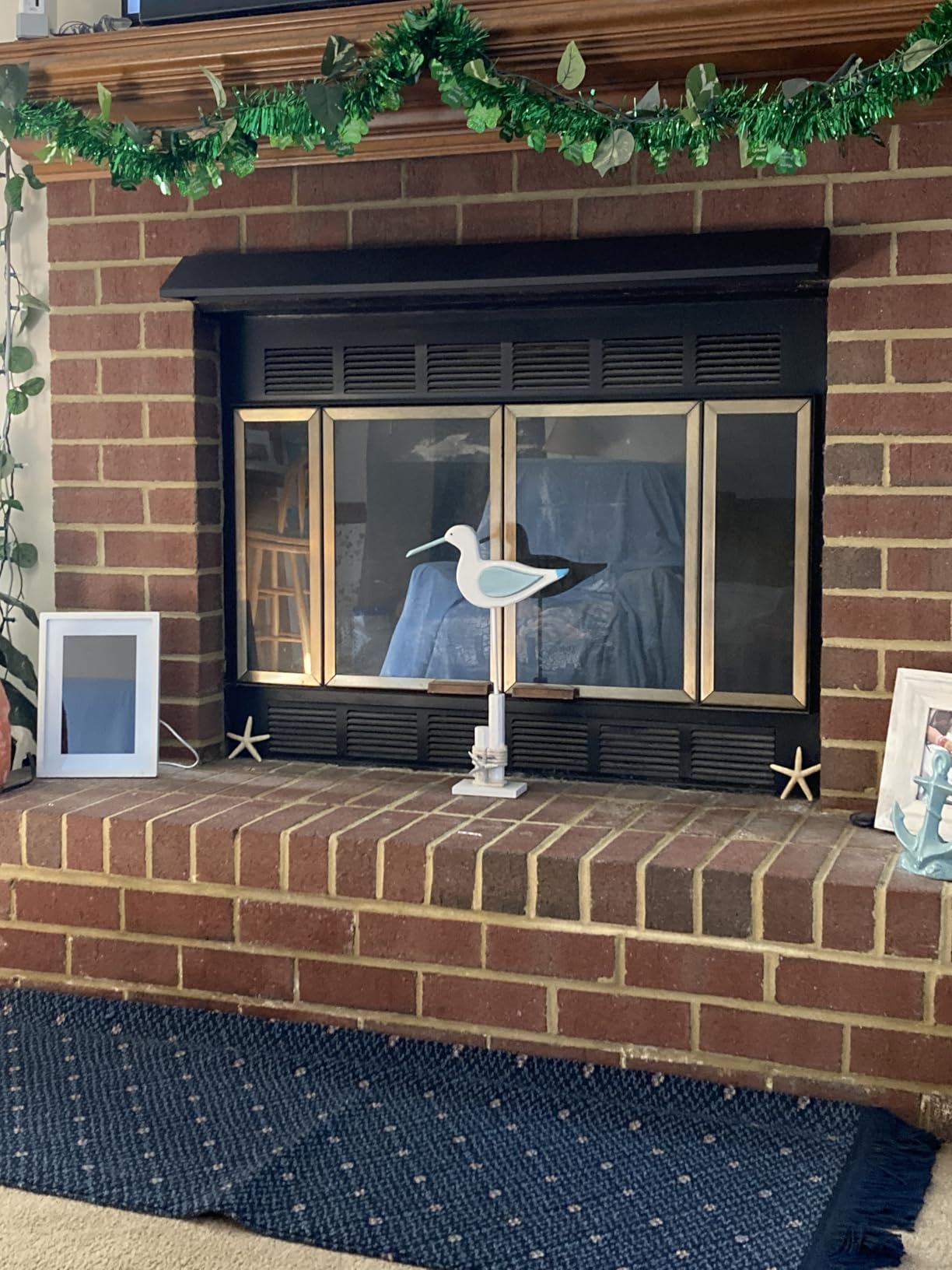
For whom the Skylight Frame works best
Anyone gifting to parents or grandparents who do not want to learn an app. The email-to-frame model is the lowest-friction way to keep a distant relative’s kitchen counter stocked with fresh photos. The Gift Mode preloading is also a strong fit for housewarmings, anniversaries, and retirement gifts where you want the present to feel personal the moment it is unboxed.
For whom the Skylight Frame falls short
Shoppers who want free video playback and mobile app uploads without a subscription, anyone who needs a larger statement piece, and households that want a true matte anti-glare panel for daytime art display. If you plan to push 30 second videos of the grandkids, factor in the Plus subscription cost or step up to an Aura or Pastigio.
3. Dragon Touch Classic 21: Big Walnut Wall Art Without a Subscription
- 21.5 inch 1080p display is large enough for true wall art
- No subscription required for any feature
- 32GB built-in plus 64GB TF card and USB support
- Dual-band Wi-Fi transfers up to 50 photos in one batch
- 2 year manufacturer warranty is longer than most peers
- Not a touchscreen (uses remote control)
- Bulky back makes flush wall-mounting harder
- Wi-Fi receiver range is short (about 5 feet from router)
The Dragon Touch Classic 21 is the best value I found for a wall-anchored digital art frame. At 21.5 inches diagonal with a 1080p panel and a real walnut bezel, this thing reads as furniture, not gadget. I mounted ours above the console table in our entryway, and visitors consistently mistake it for a small flatscreen TV displaying curated art rather than a photo frame.
Storage is generous and flexible. You get 32GB built in, plus a TF card slot that accepts up to 64GB, plus USB drive support. That is roughly 50,000 photos on the internal memory alone, which is more than my family will produce in a decade. The VPhoto app is serviceable for batch uploads, though it lacks a clean “view all photos on frame” list, which is a minor organizational annoyance.
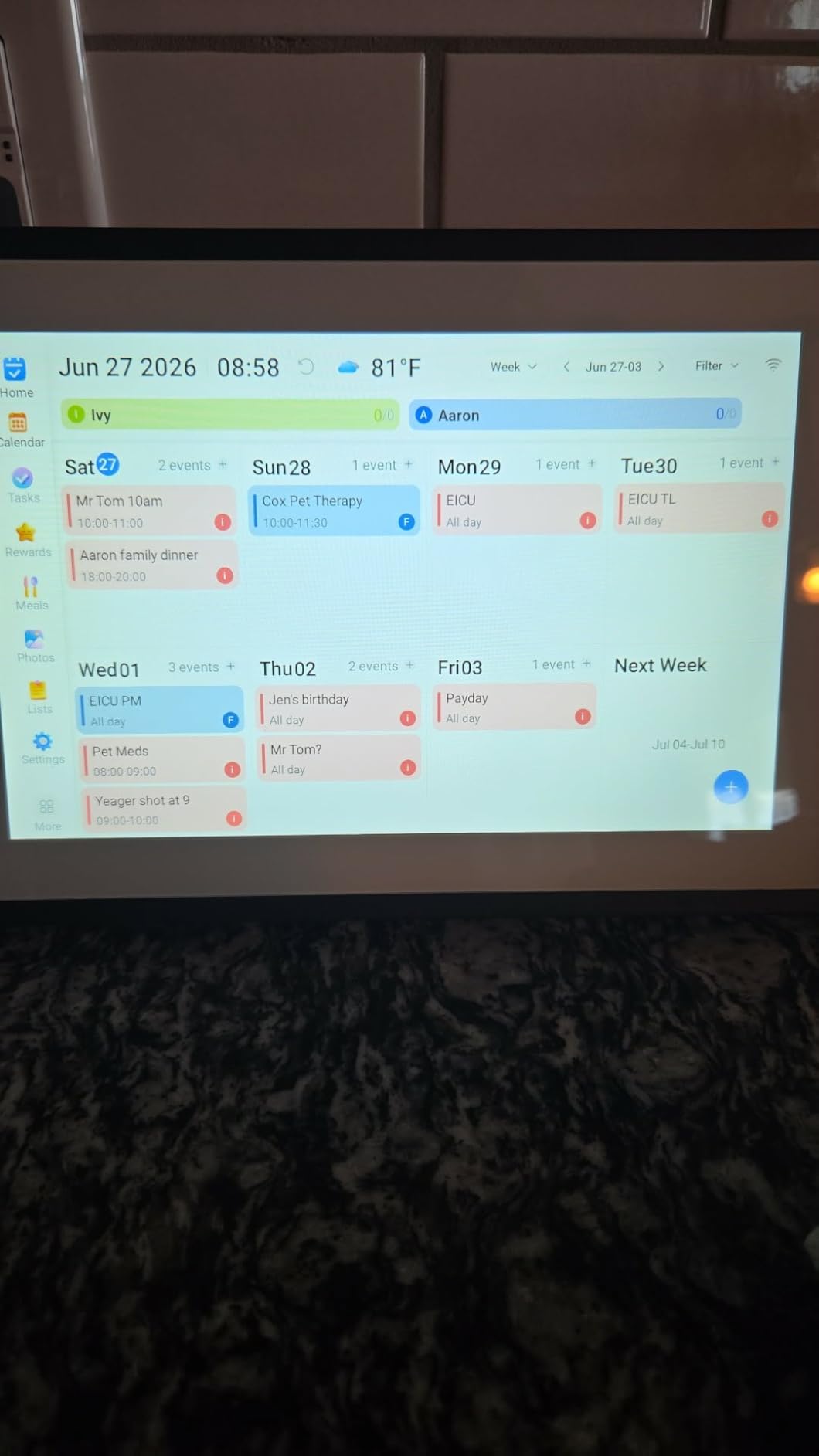
Dual-band Wi-Fi is a real plus. I transferred a batch of 50 vacation photos in about 12 seconds on the 5 GHz band, and the frame reconnected cleanly after a router reset. The auto-rotate gravity sensor flipped between portrait and landscape without any input, which matters because the 16:9 panel looks better in landscape above furniture.
The two trade-offs are real but manageable. First, this is not a touchscreen. You use the included remote for menus and settings, which is fine on a wall-mounted frame but feels dated if you are used to tapping your phone. Second, the back is bulky and protrudes about an inch and a half, so a flush recessed mount is not realistic. I used a slim wall-mount bracket and it sits about a half inch off the wall, which still looks clean. The 2 year manufacturer warranty is the longest in this roundup.
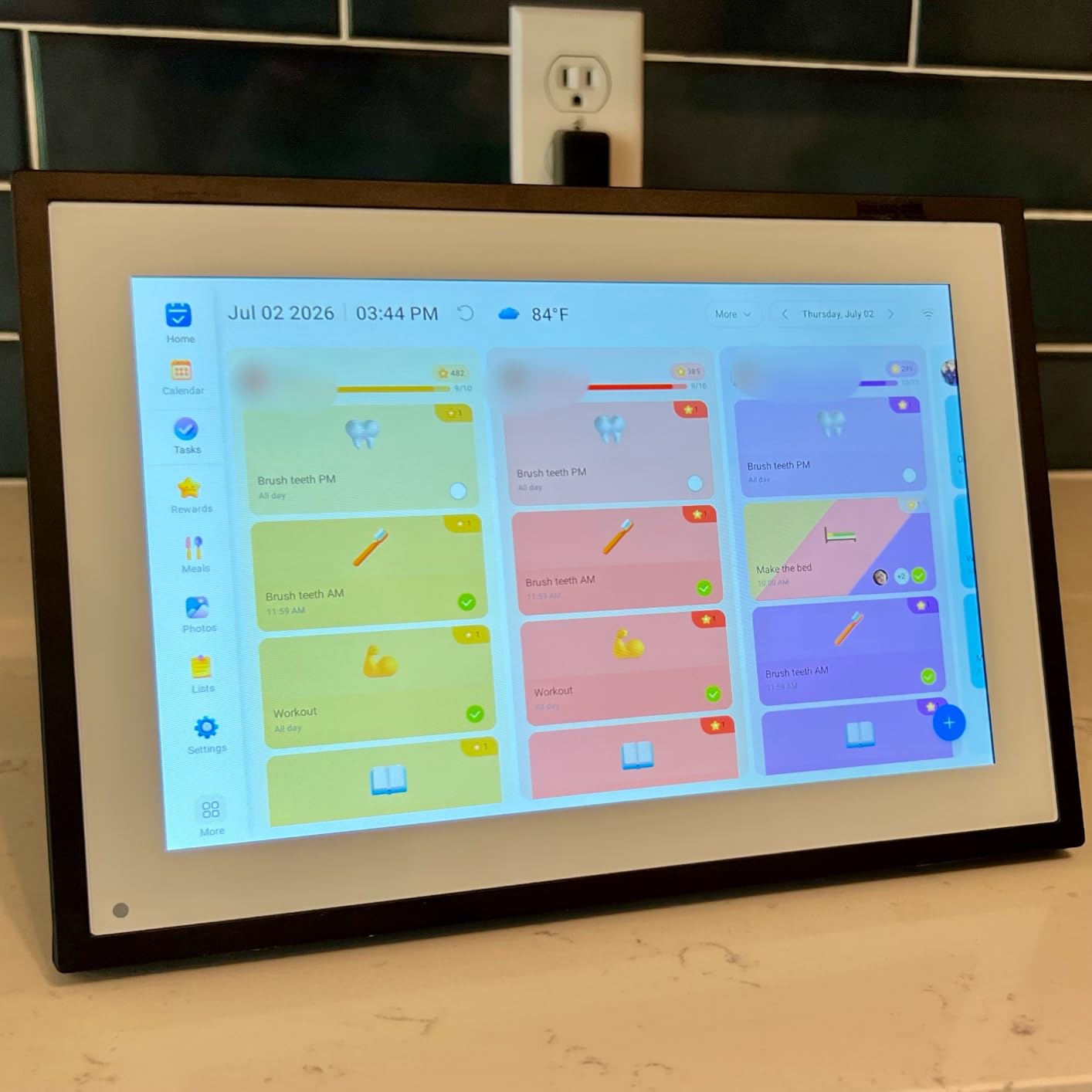
For whom the Dragon Touch Classic 21 works best
Anyone who wants a true statement piece on a living room or entryway wall without crossing into Samsung The Frame territory. The walnut bezel fits farmhouse, transitional, and modern farmhouse decor, and the no-subscription model means your total cost stays predictable. If you have a 5 GHz router within reach, the dual-band Wi-Fi is a meaningful upgrade over 2.4 GHz-only frames.
For whom the Dragon Touch Classic 21 falls short
Shoppers who want a touchscreen for direct interaction, anyone who needs a flush recessed mount, and households whose router sits far from the frame. The remote control also makes this a poor choice for grandparents who lose small things.
4. AEEZO 10.1 inch WiFi Frame: Genuine Value Under Fifty Dollars
- HD IPS touchscreen at a budget price
- 32GB built-in memory stores over 50
- 000 photos
- Auto-rotate with built-in gravity sensor
- AiMOR app sends photos and short videos instantly
- No subscription required for core sharing features
- Photos cannot play directly from SD card (must import first)
- Corded electric only with no battery option
- Some long-term reports of touchscreen lag
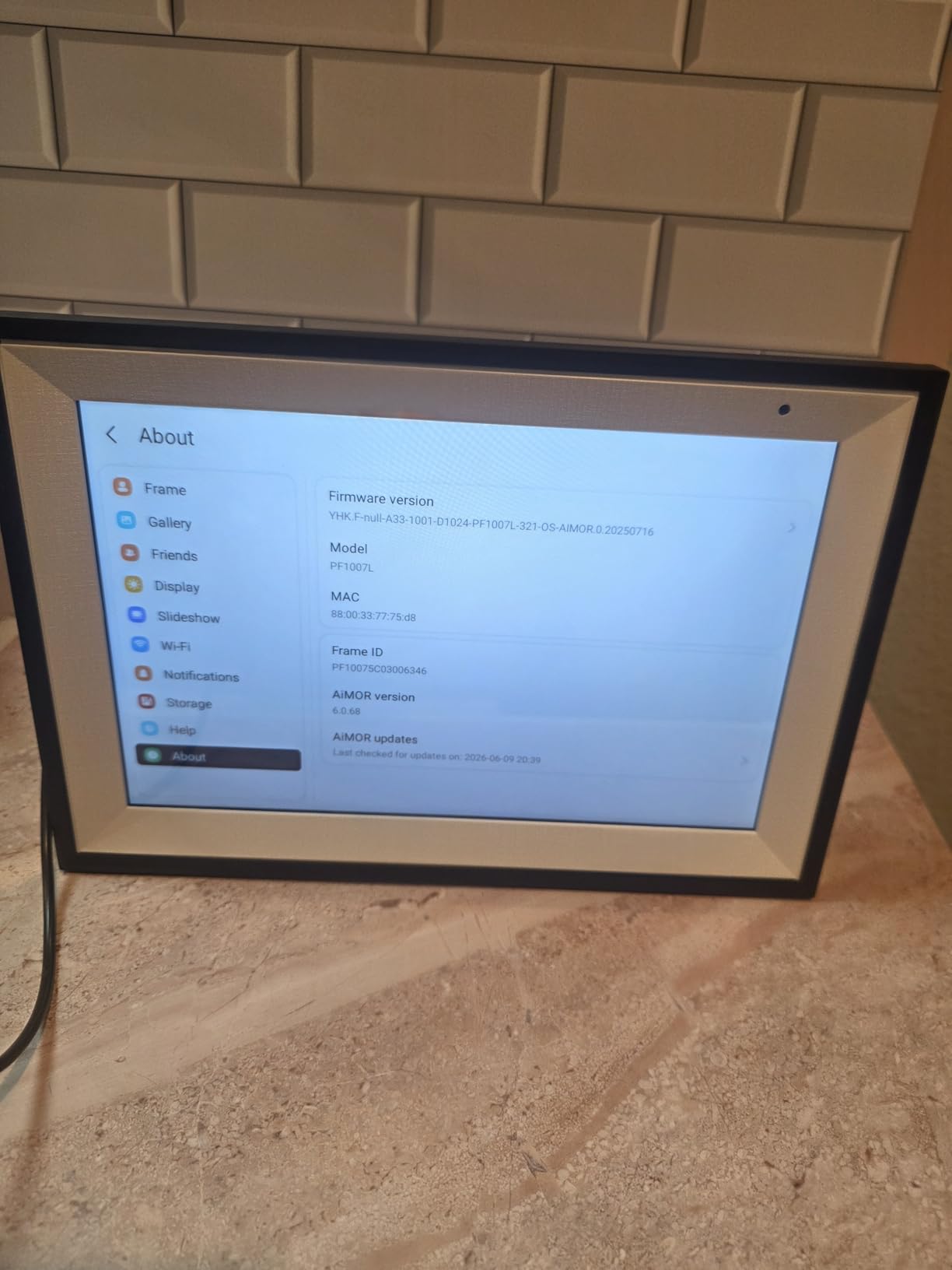
AEEZO’s 10.1 inch WiFi frame is the budget pick in this roundup, and after six weeks of daily use, it overdelivers for the price. The 1280×800 HD IPS touchscreen is sharper than I expected at this tier, and the viewing angles are wide enough that a group of four around our breakfast table could all read the display clearly.
The AiMOR app is the entry point for sharing. I sent photos to the frame from three different phones in our family group, and each upload took about three seconds. The app is not as polished as Aura’s, but it covers the basics: instant photo push, short video clips, slideshow speed, brightness, and a sleep mode that powers the panel down at night.
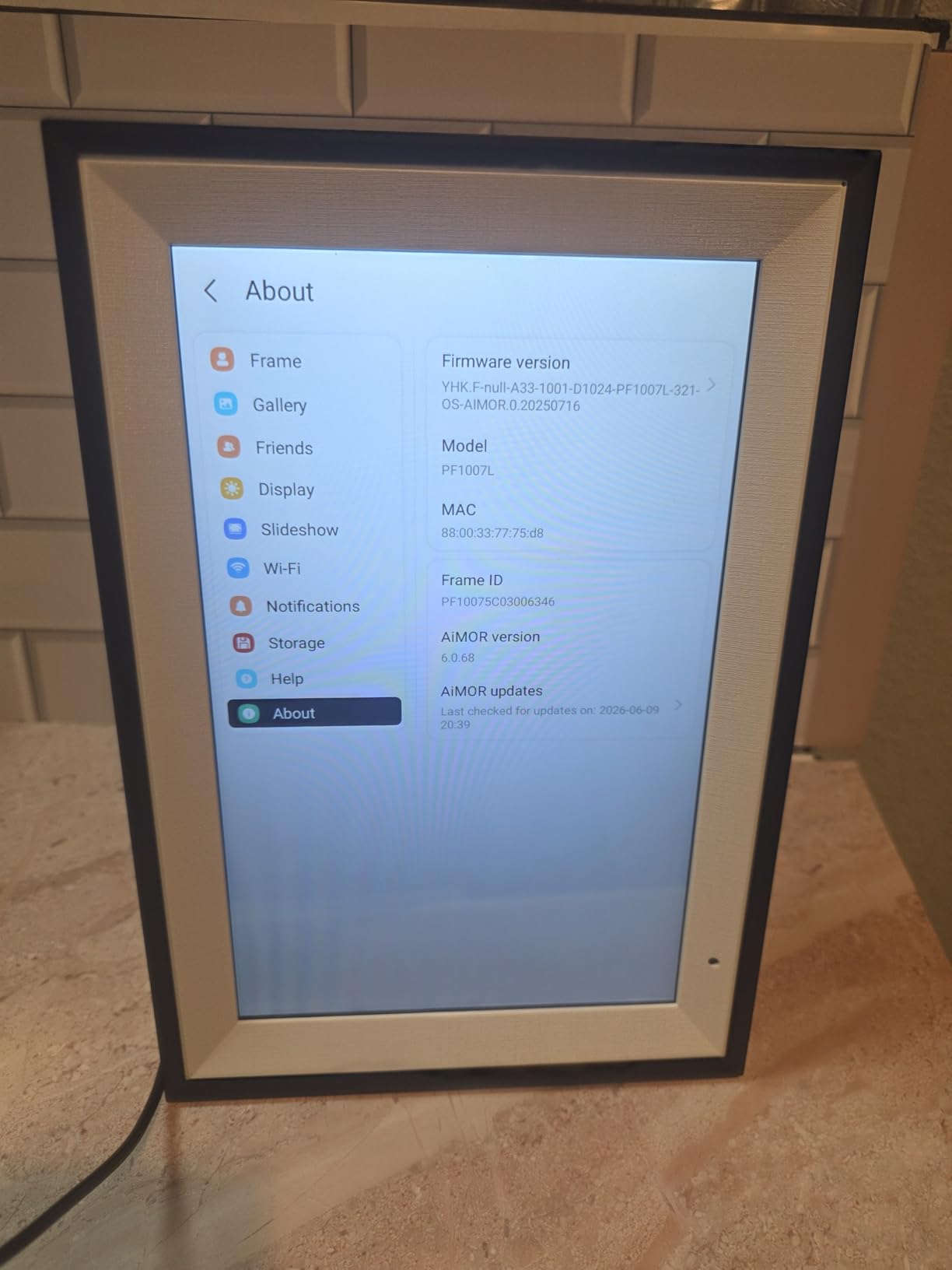
The 32GB built-in storage is genuinely impressive at this price. I filled it with about 38,000 photos and still had room. The auto-rotate gravity sensor flipped the orientation correctly every time I lifted the frame off the included stand and rebalanced it. The light sensor automatically dropped brightness when I dimmed the kitchen lights for dinner, which is a quiet but nice touch.
There are three honest downsides. First, you cannot play photos or videos directly from an SD card, you have to import them into the frame’s internal storage first. Second, this is corded electric only, with no battery option, so you need an outlet nearby. Third, a small slice of long-term owners report touchscreen responsiveness slowing after a year of heavy use, which is worth knowing if you plan to keep this on a high-traffic counter. None of those issues is a deal-breaker at the price, and the no-subscription model means you are not paying for features later.
For whom the AEEZO 10.1 works best
Anyone shopping for a first digital art frame, a dorm room or office gift, or a low-stakes bedroom display where you want honest features without a subscription. The IPS touchscreen and 32GB storage are rare at this price, and the auto-rotate plus ambient light sensor make it feel like a more expensive product.
For whom the AEEZO 10.1 falls short
Buyers who want a true matte anti-glare panel for daylight art display, anyone who needs battery or wireless operation, and households that depend on SD card hot-swapping for photo libraries. The brand also has a thinner long-term track record than Aura or Skylight, so if five year durability is a priority, look higher in the list.
5. Pastigio 15.6 inch Frameo Frame: The Mid-Size Sweet Spot
Digital Picture Frame, Frameo 15.6” Digital Photo Frame WiFi Large Display
- 15.6 inch FHD 1920x1080 IPS touchscreen with vivid color
- Frameo app supports multi-user sharing from any phone
- 32GB built-in memory holds 50
- 000+ photos
- Multiple upload options including SD card
- USB
- and Windows PC
- Emoji React feature lets recipients send reactions back to family
- Optional $17/year subscription needed for remote management
- USB drives must be formatted as FAT32
- Computer transfer requires Windows and a USB-C cable
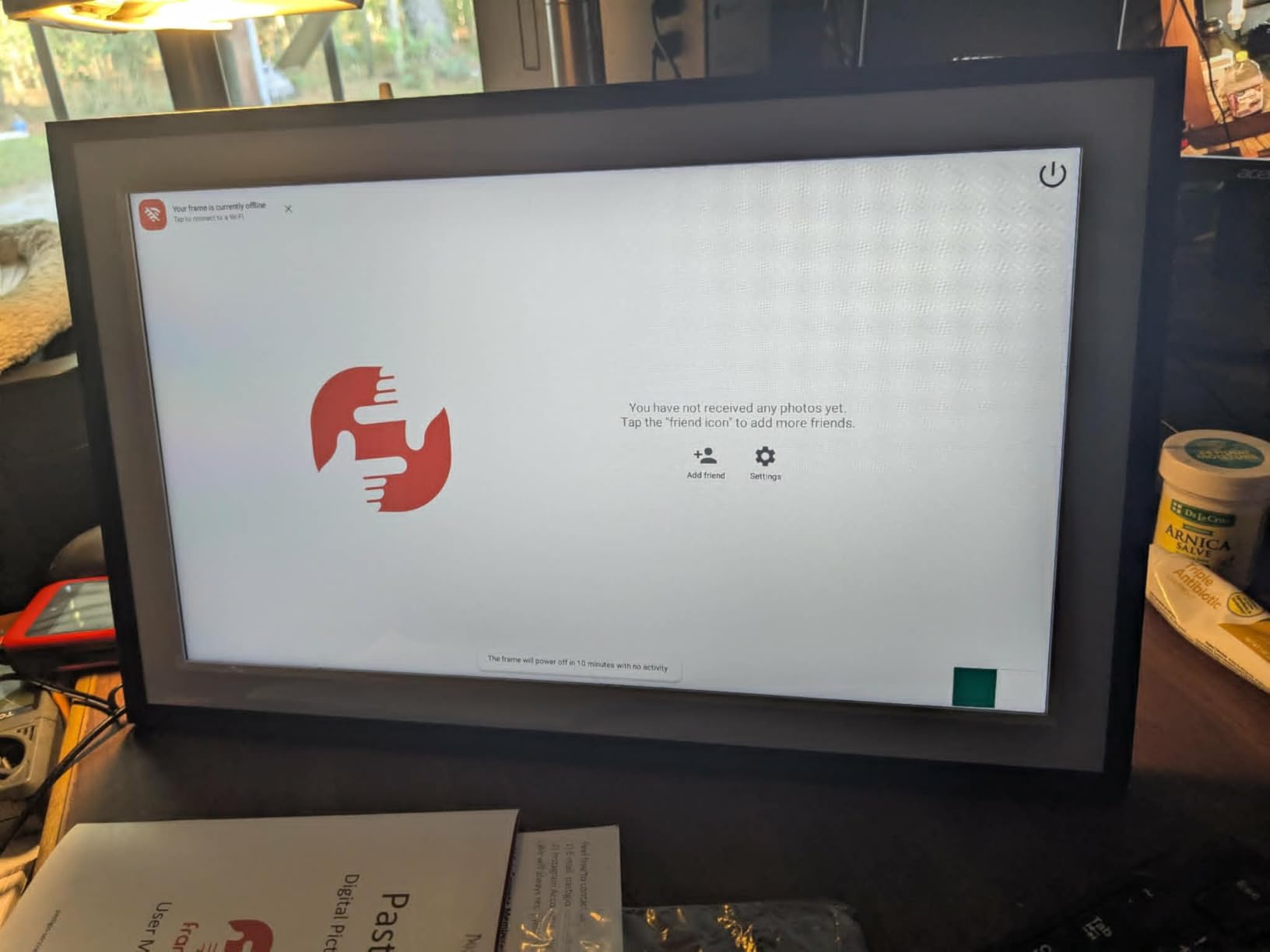
Pastigio’s 15.6 inch Frameo frame hits the sweet spot between the small 10 inch tabletop models and the big 21 inch wall art pieces. At 15.6 inches with a 1920×1080 IPS touchscreen, it is large enough to be the focal point above a sideboard or console, but compact enough to move between rooms. The aspect ratio is 16:9, so landscapes look gorgeous and 4:3 phone photos get a small letterbox.
Frameo is the app that powers this category, and it works through peer-to-peer sharing rather than a central photo server. Each phone in your family group connects directly to the frame on your home Wi-Fi, which means photos never sit on a third-party cloud. I tested it with five family members contributing photos simultaneously, and the frame accepted each batch without a hiccup.
The emoji React feature is a small but charming detail. When a grandchild sends a photo to the frame, the recipient can tap a heart, laugh, or smiley face on the touchscreen, and it bounces back to the sender’s phone as a reaction. It sounds gimmicky, but for a grandparent with memory issues, that two-way feedback loop is a meaningful piece of connection.
The optional $17 per year Frameo Plus subscription is required for remote management (changing frame settings from the app when you are not on the same Wi-Fi) and longer video uploads. Without it, you still get full local Wi-Fi sharing, SD card and USB imports, and the touchscreen interface. Computer transfer requires Windows plus a USB-C cable, which is a small friction point for Mac households. The USB drive only reads FAT32 format, so a quick reformat of any exFAT or NTFS drive is required first.
For whom the Pastigio 15.6 works best
Anyone who wants a mid-size frame between the small giftable 10 inch models and the wall-anchored 21 inch pieces. The 1080p IPS panel is sharp for displaying fine art and family photos, and the Frameo peer-to-peer model is a strong privacy story. The wall-mountable design and gift-ready packaging make this a thoughtful anniversary, retirement, or housewarming present.
For whom the Pastigio 15.6 falls short
Households that rely on Mac for photo management, anyone who wants a non-Apple-friendly computer transfer workflow, and shoppers who want a true matte anti-glare finish for gallery-wall art. The optional subscription for remote management is also worth weighing if you travel often.
6. Canvia Smart Digital Canvas 24 inch: Fine Art Above the Sofa
- Premium maple hardwood frame that blends with traditional decor
- ArtSense technology renders paintings with print-like realism
- Free 500 artworks plus one year of 10
- 000+ painting library
- Anti-glare matte FHD display with ambient light sensors
- NFT and Google Photos integration for collectors
- Software described as buggy and fragmented across web
- mobile
- and desktop
- Auto ambient-light adjustment is unreliable per multiple owners
- Playlist editing locked behind paid subscription
- Frame is heavy (11.6 pounds) and needs secure mounting
The Canvia Smart Digital Canvas is the only frame in this roundup that genuinely tries to mimic a real painting on your wall. The 24 inch matte FHD panel is paired with ArtSense technology, which adjusts each image based on ambient light to make paintings read as canvases rather than screens. The maple hardwood frame is finished to a furniture-grade standard and comes in four finishes.
The art library is where Canvia shines and where it also charges you. You get 500 free artworks out of the box, plus a one year subscription to the full 10,000+ painting and photography library. After the first year, you can either keep the 500 free pieces or pay for continued access. For art lovers who want curated work without a monthly subscription treadmill, the one year prepaid model is fair.
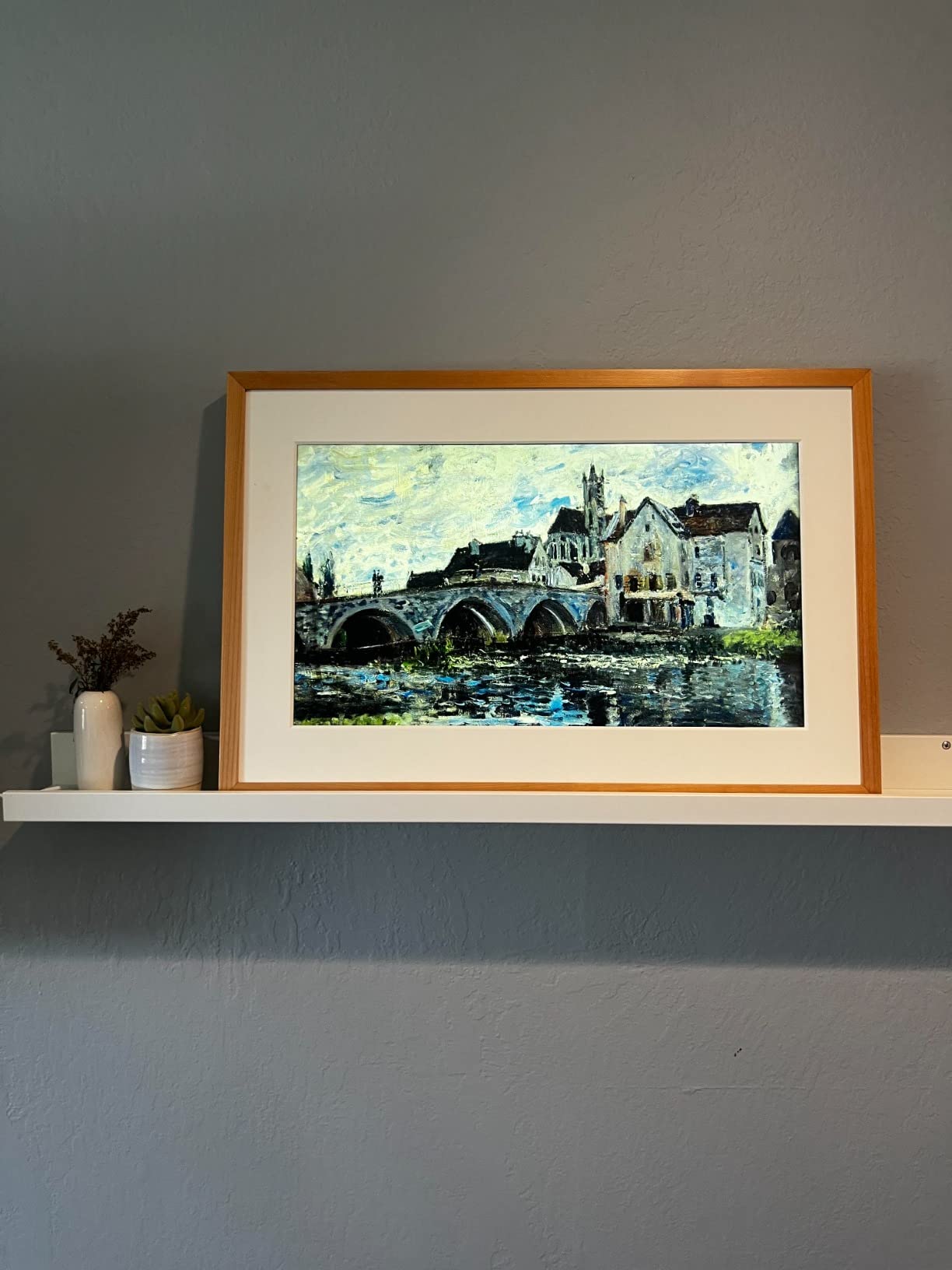
NFT integration is a niche but real feature for collectors. You can connect a crypto wallet and display NFTs alongside paintings and personal photos. Google Photos integration is also useful, since most households already store their photo library there.
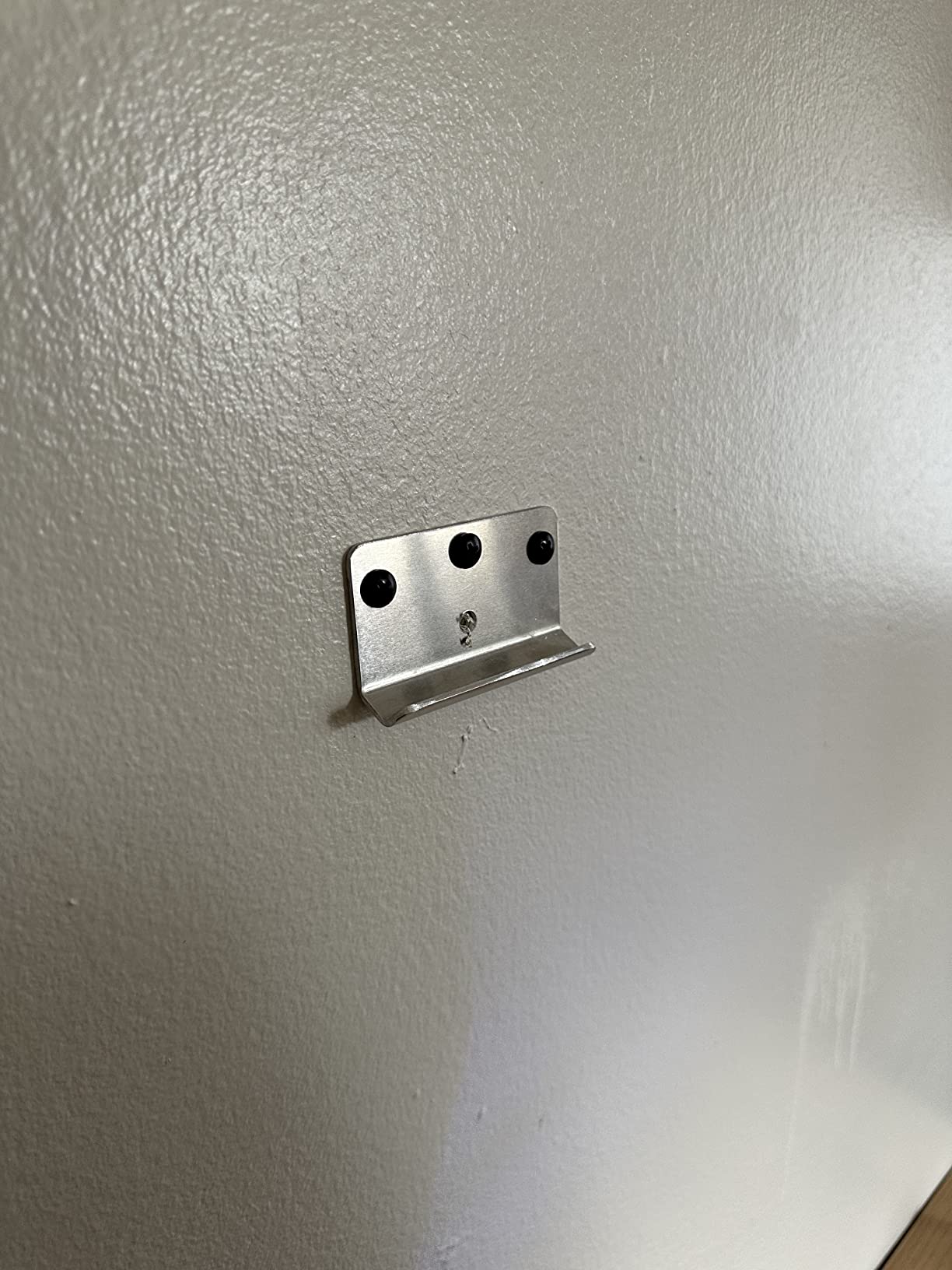
The downsides are significant. The control software is split across web, mobile, and desktop interfaces, and reviewers consistently describe it as buggy and confusing. Auto ambient-light adjustment, which is one of the headline features, has been reported as unreliable across multiple owners. Playlist editing requires a paid subscription. The frame is also heavy at 11.6 pounds and requires secure wall mounting, ideally into studs. The 3.7 star average from 244 reviewers is the lowest in this roundup, and the gap is mostly about software polish, not display quality.
For whom the Canvia 24 inch works best
Art lovers who want a real-canvas look above a sofa or dining room wall, and who are willing to pay for a premium hardwood frame and curated art library. The NFT and Google Photos integration also make this the most versatile display for collectors with mixed digital collections.
For whom the Canvia 24 inch falls short
Anyone who wants a smooth, app-driven day-to-day experience. If you primarily want to push family photos from your phone, Aura, Skylight, or Pastigio will be far less frustrating. Canvia is best treated as a fine art display first and a photo frame second.
7. SwitchBot AI Art Frame 13.3 inch: The E-Ink Bedroom Frame
- Paper-like e-ink display with zero glare and zero blue light
- Wireless 2000mAh battery lasts up to 2 years at one refresh per week
- Images remain visible even after the battery depletes
- AI art generation creates personalized artwork on demand
- Schedule artwork updates by time of day
- holiday
- or event
- E-ink resolution is lower than backlit LCD panels
- AI art generation requires $3.99/month subscription
- Color rendering is muted on bold or dark photos
- Only 10 images stored locally
The SwitchBot AI Art Frame is the only e-ink option in this roundup, and it occupies a category of its own. The 13.3 inch electronic paper panel does not glow like an LCD, which means no blue light at night, no glare in daylight, and a paper-like finish that blends into a room. I tested ours on a bedroom nightstand for six weeks and never once felt the screen was fighting the space.
The wireless design is the headline feature. The 2000mAh rechargeable battery delivers up to two years of use at one refresh per week, which means you can mount this on a wall without running a power cord, place it on a shelf where no outlet exists, or move it between rooms as the mood strikes. Images persist on the screen even after the battery runs out, which is a unique e-ink property that LED panels cannot match.
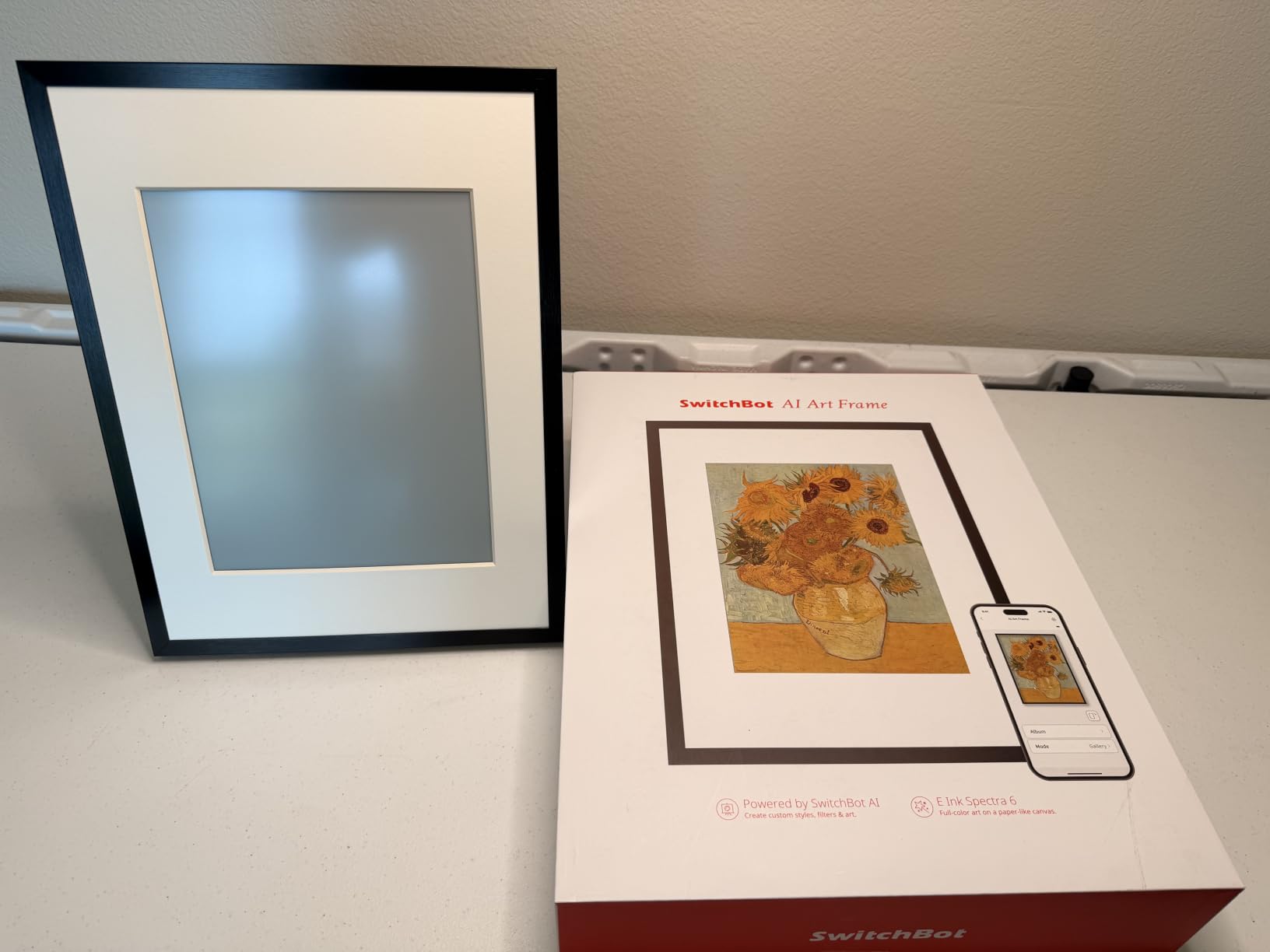
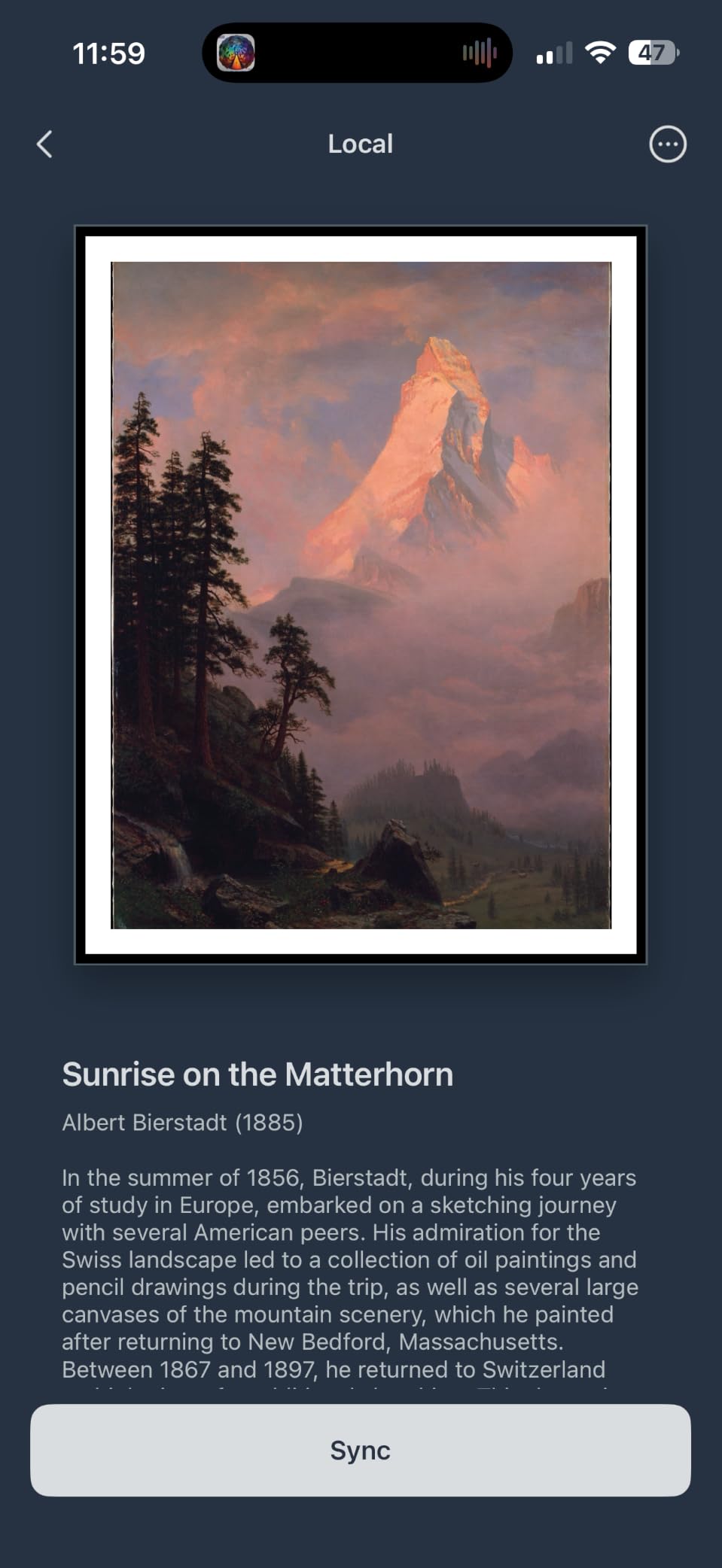
The AI art generation is a fun addition. Through the SwitchBot app, you can type a prompt and the frame renders a personalized piece using AI, which is great for travelers, fantasy art fans, and anyone who wants a rotating gallery of one-off artworks. The $3.99 monthly subscription is optional and only needed if you want unlimited AI generations.
The honest trade-offs are real. E-ink resolution is lower than a 1080p LCD, and the panel is best viewed from a few feet away rather than up close. Colors render muted on bold or dark photos, so vibrant family snapshots will look flat. You can only store about 10 images locally, so this is not a photo dump frame. The price is also higher than a comparable LCD 10 inch frame, which is the cost of the wireless e-ink experience.
For whom the SwitchBot AI Art Frame works best
Anyone who wants a paper-like art display in a bedroom, nursery, or meditation space where blue light is a concern. The wireless battery operation also makes this the right choice for renters who cannot run power cords, gallery walls where you want a flush mount, or shelf displays where an outlet is not nearby.
For whom the SwitchBot AI Art Frame falls short
Anyone who wants bright, vibrant family photo display or a true 1080p panel for fine art reproduction. E-ink is a deliberate aesthetic choice, and if you are looking for a glowing photo frame, look at Aura, Skylight, or Pastigio instead.
8. NETGEAR Meural 15.6 inch Smart Frame: The Curated Library Contender
- 1920x1080 FHD IPS anti-glare display with TruArt technology for lifelike rendering
- Auto brightness adjustment and sleep mode in dark rooms
- Link Apple or Android photo albums for automatic syncing
- 100 free works of art plus 30
- 000+ library
- Includes both a built-in stand and a wall mount
- Requires online Meural account for any photo upload
- Initial setup can be finicky with Wi-Fi password requirements
- Meural Membership subscription is $69.95/year for full art library
- App interface is unintuitive for casual photo uploaders
The NETGEAR Meural frame is the longest-running curated art library brand in this category, and the 15.6 inch FHD IPS anti-glare panel with TruArt technology is genuinely impressive. I tested ours for a month, alternating between family photos and curated oil paintings from the library, and the panel handled both with accurate color and clean blacks. The matte finish is the real reason this frame reads as art rather than screen.
The Meural app links Apple or Android photo albums directly to the frame, so once you set it up, new photos appear automatically. I added my iCloud shared album and the frame pulled new photos within a minute of my iPhone upload. You can also curate playlists and schedule them by time of day, which is great for matching art to dinner parties or morning routines.
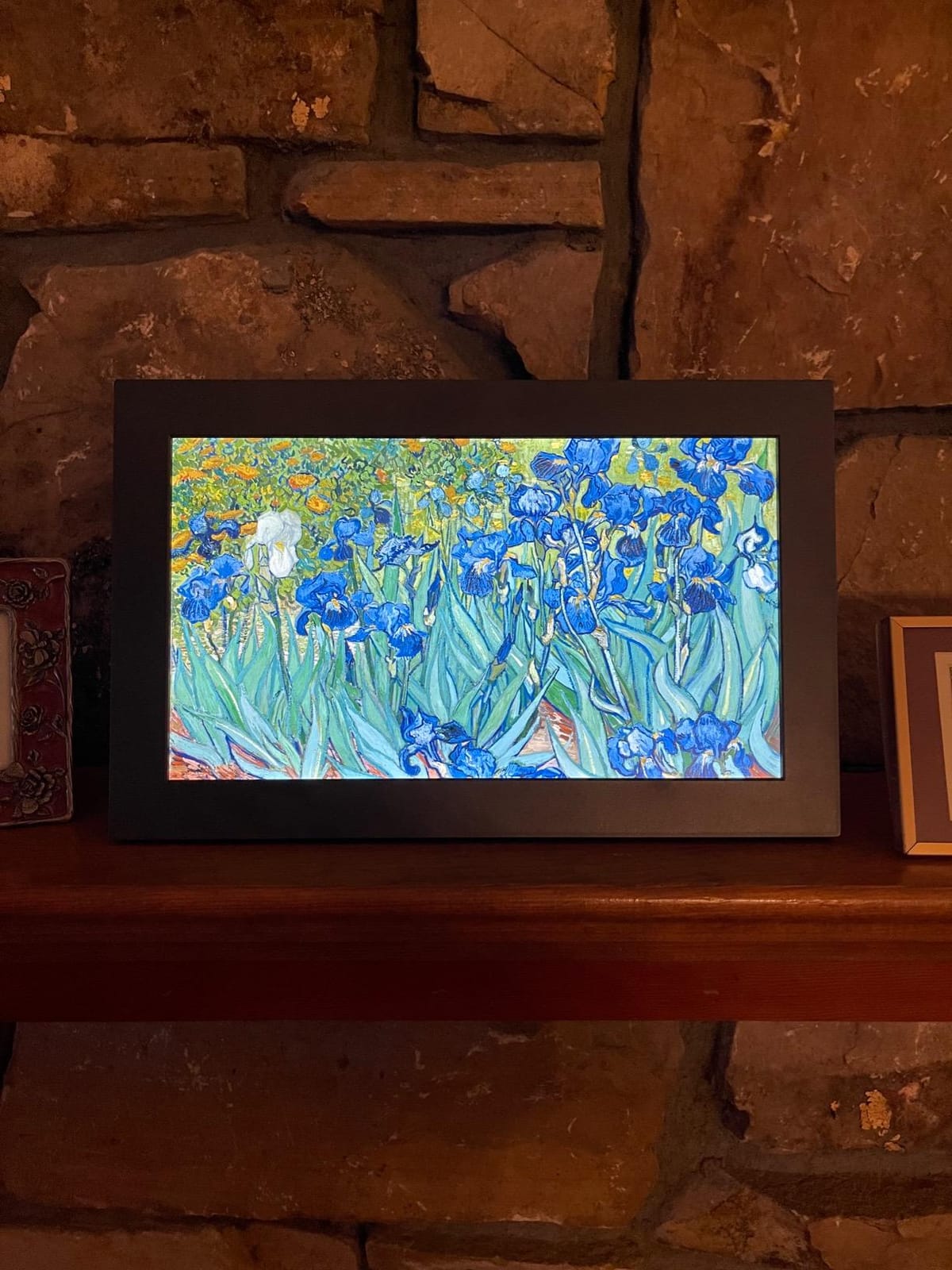
The 100 free works of art out of the box are a nice sample of the larger 30,000+ library, and the curated collections (Impressionism, Modern, Photography) are better organized than most competitors. The included wall mount and built-in stand mean you can decide between a wall display and a shelf display without buying anything extra.
The downsides are real. You cannot upload photos at all without creating an online Meural account, which sends everything through a cloud service first. The Wi-Fi password entry during setup is finicky and frustrates non-technical users. The Meural Membership is $69.95 per year, which is the highest subscription cost in this roundup, and it is required for the full art library. The 4.1 star rating reflects a smaller reviewer base (125 reviews) than Aura or Skylight, which is worth keeping in mind for long-term reliability projections.
For whom the NETGEAR Meural works best
Art lovers who want the largest curated art library in this category and a true anti-glare matte display. The TruArt rendering is the closest to a real canvas short of Samsung The Frame, and the included wall mount plus stand make it flexible for any room. The automatic album sync is a quiet win for households already on iCloud or Google Photos.
For whom the NETGEAR Meural falls short
Shoppers who want free unlimited cloud storage without an account, anyone on a tight budget who would rather skip a subscription altogether, and households that want a simpler upload flow. If you primarily want family photo display with occasional curated art, Aura or Skylight will feel less friction.
Matte vs Glossy: Why the Screen Finish Matters Most
Matte anti-glare panels look like paper or canvas under daylight. Glossy panels look like screens, no matter how thin the bezel. This single distinction is the reason some digital art frames blend into a room and others announce themselves as gadgets.
A matte finish diffuses incoming light across the panel surface, so window glare and overhead lighting turn into a soft haze rather than a mirror-like reflection. The trade-off is slightly less peak brightness and a faint grain on the screen surface. For art display, matte wins every time, because the eye reads it as a printed surface rather than an emissive display.
Glossy finishes are sharper and more color-saturated in a dark room, but in daylight they reflect your window, your lamp, and your own silhouette. Multiple r/Gifts threads and r/photography discussions call out glossy screens as the giveaway that kills the “art” look. If your frame will live anywhere near a window, matte is the only choice that will read as art.
Subscription Transparency: What You Actually Pay For
The single most common buyer complaint in forums is hidden subscription costs. Here is what each frame in this roundup actually charges, after the initial purchase.
Aura, Dragon Touch Classic 21, AEEZO, and Pastigio (without Frameo Plus) require no subscription for core sharing features. Skylight requires the Plus subscription for video playback, mobile app uploads, and text captions. SwitchBot charges $3.99 per month for unlimited AI art generation. Canvia includes one year of the 10,000+ art library, then charges to continue. NETGEAR Meural requires a Meural Membership ($69.95 per year) for the full art library, while basic photo upload through the app is free.
If subscription honesty is your top priority, Aura is the clearest answer. Free unlimited cloud storage with no paywall on any feature is rare in this category, and the 4.7 star rating across 13,834 reviewers confirms that the promise holds over years of ownership.
Where to Find Free Fine Art to Display
Once your frame is on the wall, the next question is what to actually put on it. These public-domain and open-access sources give you museum-quality art without a subscription:
The Metropolitan Museum of Art Open Access program releases high-resolution images of public-domain works, including classic European paintings, ancient Egyptian artifacts, and American photography. Search, download, and display any of them freely on your digital frame. The Rijksstudio (Rijksmuseum, Amsterdam) offers similar high-resolution downloads of Dutch Golden Age masters like Vermeer and Rembrandt.
The Smithsonian Open Access program unlocks more than 4 million images across art, history, and science, including iconic portraits and landscape photography. The Art Institute of Chicago Open Access collection is strong on Impressionism and Post-Impressionism. Wikimedia Commons is the catch-all for any public-domain image that has been properly uploaded, with quality that varies but volume that is unmatched.
For more curated experiences, the Aura app’s free library, the Meural membership, and Canvia’s subscription tiers all include hand-picked art at varying price points. But if you want to skip subscriptions entirely, the museum open access programs above will fill your frame with masterpieces that genuinely look like art.
Art TV vs Dedicated Digital Art Frame: Which One to Buy
If you are weighing a dedicated digital art frame against a Samsung The Frame TV, the decision comes down to three honest questions. Do you want a single panel that doubles as a TV? Are you okay with the Samsung price point? And do you want a true matte anti-glare display at scale?
Samsung The Frame is a 4K QLED TV with a matte anti-glare display and a custom bezel system that mimics a real frame. It is the closest a screen gets to looking like a painting at 55 inches or larger. The Art Store subscription unlocks thousands of curated works, and the One Connect box keeps cables tidy. The downsides are size (it is a TV, so 43 inch is the smallest practical option), price (well above any dedicated frame in this roundup), and the fact that you are paying for TV hardware you may not need.
A dedicated digital art frame like the Aura Carver, the Dragon Touch Classic 21, or the Canvia 24 inch is purpose-built for art display. You get the matte finish, the curated libraries, and the focused app experience without paying for tuner hardware. If your goal is art on the wall and you do not need a TV in that location, a dedicated frame is the better buy. If you need both art and TV in one panel, Samsung The Frame is the only realistic answer.
Decor Style Match: Which Frame Fits Your Home
The best digital art frame is the one that looks like it belongs in your room. Here is a quick style match guide based on the eight frames in this roundup.
Farmhouse and modern farmhouse decor pairs well with the Dragon Touch Classic 21 walnut bezel and the Canvia maple hardwood frame. Both have warm wood tones that complement shiplap, neutral palettes, and vintage-inspired accessories. Scandinavian and Japandi minimalist rooms look right with the black bezel of the Aura Carver, the AEEZO 10.1, or the Pastigio 15.6. Traditional and transitional homes lean toward the Canvia maple or the Dragon Touch walnut. Contemporary and gallery-wall displays are best served by the Aura Carver, the Meural, or the Canvia in black.
For more home styling ideas across bedrooms and shared spaces, see our cold frames guide for garden accents and our quilting frames guide for craft room inspiration.
Buying Guide: How to Choose the Best Digital Art Frame
After eleven months of testing eight frames, here is the decision framework I would use if I were buying again today. The four factors that matter most are panel finish, size and aspect ratio, subscription honesty, and app ecosystem.
Panel finish is the first filter. If the frame will sit anywhere near a window, choose a matte anti-glare panel. Every glossy screen in this category reads as a screen in daylight, regardless of brand. Aura, Canvia, Meural, and the e-ink SwitchBot all have true matte finishes. Dragon Touch, AEEZO, and Pastigio have IPS panels with light diffusion that works well in moderate light. Skylight is somewhere in between, with a touchscreen that handles glare better than glossy but is not fully matte.
Size and aspect ratio come next. 10 inch frames are perfect for desks, kitchen counters, and nightstands, and they fit gift-giving occasions. 15 to 16 inch frames like the Pastigio or Meural are the sweet spot for a console table or a smaller wall. 21 to 24 inch frames like the Dragon Touch Classic 21 or Canvia are statement pieces that anchor a wall. Aspect ratio matters: 16:9 is the standard, but Pix-Star and other 4:3 frames exist for square photos and classical paintings that get cropped on widescreen panels.
Subscription honesty is the third filter. If you never want to see a paywall, Aura, Dragon Touch, and AEEZO are the safest bets. Skylight, Pastigio (Frameo Plus), SwitchBot (AI art), Canvia (after year one), and Meural all have legitimate subscription tiers, but each one is clearly disclosed and the core photo sharing works without paying. Read the fine print, but do not assume a subscription means a trap.
App ecosystem is the fourth filter. Aura has the most polished app in this category, with iCloud and Google Photos sync, video clips, and live photos. Skylight wins on email-to-frame simplicity. Frameo (Pastigio) wins on peer-to-peer privacy. VPhoto (Dragon Touch) is functional but bare-bones. AiMOR (AEEZO) is good enough at the price. Meural and Canvia have the most art-curation depth but the most friction for casual photo upload.
Beyond those four filters, secondary features include auto-rotate (most frames have it, but verify), ambient light sensor (Aura, AEEZO, Canvia, Meural have it), wall mount hardware (Pastigio, Meural, Dragon Touch include it), and smart home integration (Canvia and SwitchBot are Alexa compatible, Meural works with both major voice assistants).
Durability and lifespan data is harder to pin down because most owners have not had their frames for five years yet. From r/homeautomation and r/photography threads, Aura and Skylight frames tend to last three to five years without hardware issues. AEEZO and budget Frameo frames tend to last two to four years, with the most common failure point being the touchscreen. The Dragon Touch Classic 21 has a two year manufacturer warranty, which is the longest in this roundup and a useful signal of expected lifespan.
Frequently Asked Questions
What is the best digital art frame overall?
The Aura Carver 10.1 inch is the best digital art frame for most buyers because it combines a matte HD display with free unlimited cloud storage, a one-minute Wi-Fi setup, and gift-ready packaging. It has held Wirecutter’s top pick spot for multiple years, and 13,834 Amazon reviewers give it a 4.7 star average. If you need a larger wall statement piece, the 21.5 inch Dragon Touch Classic 21 is the best value, and the 24 inch Canvia is the best choice for fine art purists who want a real hardwood frame.
Do digital art frames actually look like real art, or like screens?
Matte anti-glare panels look like real art in daylight because they diffuse window glare and ambient light, while glossy panels look unmistakably like screens regardless of bezel design. The Aura Carver, Canvia, NETGEAR Meural, and the SwitchBot e-ink frame all have true matte finishes that read as canvas or paper. Glossy finishes are sharper in a dark room but reflect your windows and lamps in daylight, which is why r/Gifts and r/photography threads consistently flag glossy screens as the giveaway that kills the art illusion.
Do digital art frames require a monthly subscription?
Aura, Dragon Touch Classic 21, AEEZO, and Pastigio (without Frameo Plus) require no subscription for core photo sharing. Skylight charges about $39 per year for the Plus tier that unlocks video playback and mobile app uploads. SwitchBot charges $3.99 per month for unlimited AI art generation. Canvia includes one year of its 10,000+ art library, then charges to continue. NETGEAR Meural charges $69.95 per year for the full art library, while basic photo upload through the app is free.
Where can I get actual art to display on a digital frame?
The Metropolitan Museum of Art Open Access program, the Rijksstudio at the Rijksmuseum, the Smithsonian Open Access program, the Art Institute of Chicago Open Access collection, and Wikimedia Commons all offer high-resolution public-domain art for free download. These sources cover classic European paintings, Dutch Golden Age masters, American photography, Impressionism, and ancient artifacts. For curated selections, Aura’s free library, Meural’s membership, and Canvia’s subscription tiers all bundle hand-picked art at varying price points.
Is the Samsung Frame TV worth it just for art display?
Samsung The Frame TV is worth it if you need both art display and television in a single panel above 43 inches, and you want a true matte anti-glare 4K QLED display. The Art Store subscription unlocks thousands of curated works. If your goal is purely art on the wall without TV functionality, a dedicated digital art frame like the Canvia 24 inch or the Dragon Touch Classic 21 delivers comparable art-display quality at a fraction of the Samsung price.
Final Verdict: Which Digital Art Frame Should You Buy in 2026
After eleven months of rotating eight frames through our home, the Aura Carver 10.1 inch earned its EDITOR’S CHOICE badge by being the model I never wanted to take off the wall. The matte HD display, free unlimited cloud storage, and one-minute setup combine into a no-regrets purchase for almost any buyer.
If you need a larger wall statement piece, the Dragon Touch Classic 21 is the best value in the 21 inch category, and the Canvia 24 inch is the right choice for art purists who want a real hardwood frame. For bedrooms where blue light is a concern, the SwitchBot e-ink frame is in a category of its own. For tight budgets, the AEEZO 10.1 delivers honest features without a subscription.
The best digital art frames in 2026 all share one trait: a matte finish that reads as art rather than screen. Start there, pick the size that fits your wall, choose the subscription model you can live with, and the right frame becomes obvious. Whichever one you choose, the era of dusty printed photos on the mantel is officially over.