
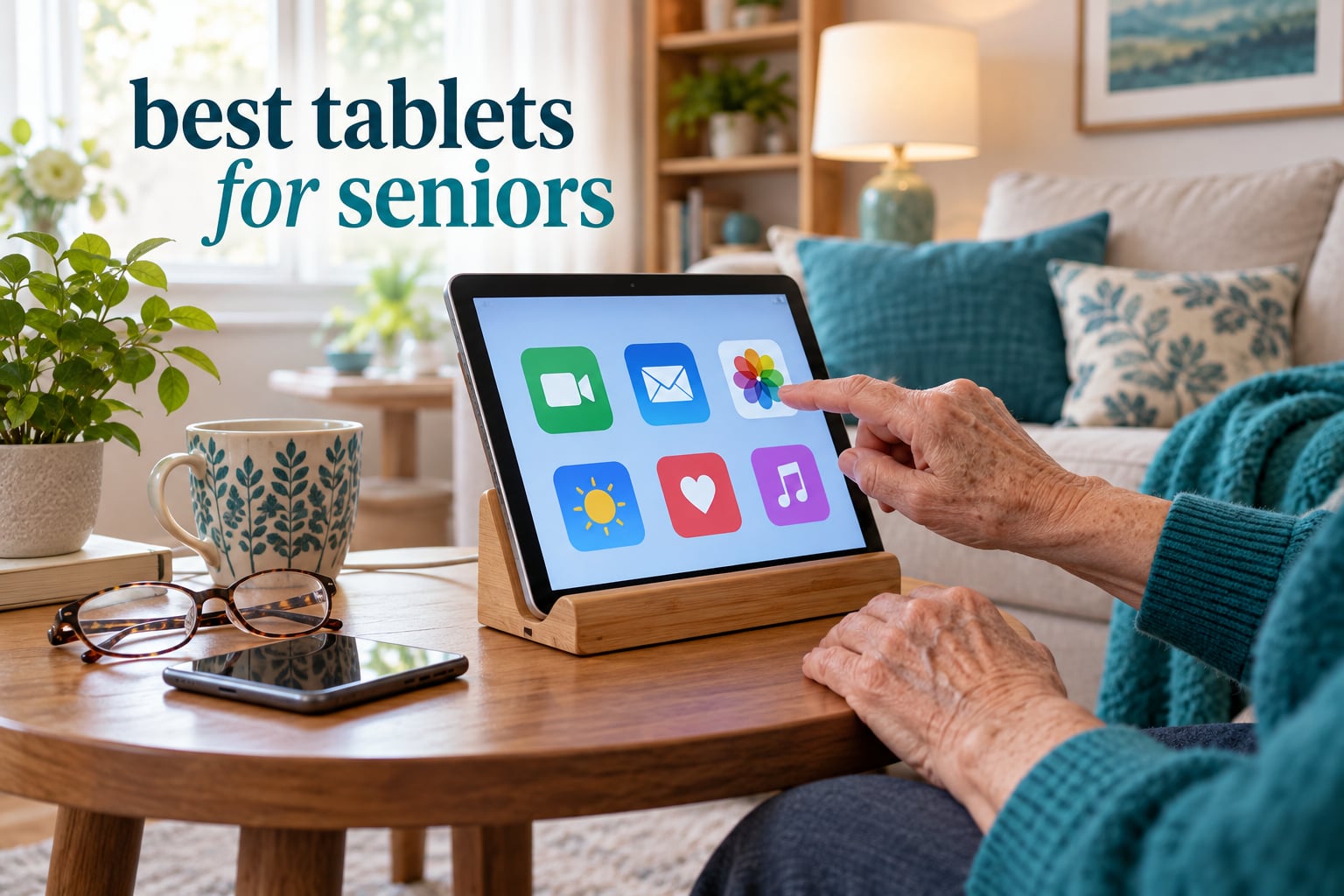
The best tablet for seniors in 2026 is the Amazon Fire HD 10, because its 10.1-inch 1080p screen shows large, crisp text, its interface can be simplified to a few rows of oversized icons, Alexa handles most requests by voice, and 44k+ owners rate it 4.5 out of 5. If the tablet is a gift for a parent with low vision, the 11-inch Apple iPad or the 13.4-inch TECLAST T65 give you noticeably more room for big type.
That is the short answer. The longer truth is that “senior friendly” is not a hardware spec, it is a setup job. A tablet that arrives with default settings and a crowded home screen confuses almost everyone over 75, regardless of how good the display is. The right device is whichever one you can sit down with your parent for an hour and configure until the icons are the right size, the contacts are the only ones they need, and the scams are blocked.
We spent weeks reading thousands of owner reviews across twelve tablets, comparing screens, speakers, battery claims and interface limits side by side. What follows is a roundup built for three buyers: an adult child or grandchild choosing a gift, a caregiver shopping on someone’s behalf, and a senior buying for themselves with a specific condition in mind, such as low vision, hand tremors or early memory loss.
Two things shape almost every recommendation here. First, forums like r/tablets and Mumsnet keep returning to the same failure: tiny default text and small tap targets. Second, most of the top organic results for this query are other people’s questions rather than curated answers, so the condition-specific detail below is where this guide earns its keep. If you are also shopping for a parent’s health setup, our guide to the best treadmills for seniors covers a similar low-tech, high-confidence buying mindset.
Table of Contents
Top 3 Senior-Friendly Tablets
These three cover the widest range of senior needs: an easy first tablet on a tight budget, a long-term device that will last years, and a large-screen Android option with strong speakers.
Best Tablets for Seniors at a Glance in 2026
Every tablet below appears once in this table with its own row, followed by a full review in the same order. Screen size is the single most important column for anyone buying for a parent with low vision, and connectivity is the one that decides whether the tablet works at all in a house without reliable internet.
| Product | Specifications | Action |
|---|---|---|
 Amazon Fire HD 10 Amazon Fire HD 10 |
|
Check Latest Price |
 Apple iPad 11-inch A16 Apple iPad 11-inch A16 |
|
Check Latest Price |
 Samsung Galaxy Tab A11+ Samsung Galaxy Tab A11+ |
|
Check Latest Price |
 Amazon Fire HD 8 Amazon Fire HD 8 |
|
Check Latest Price |
 TECLAST T65 TECLAST T65 |
|
Check Latest Price |
 FEONAL 11 inch Android 16 FEONAL 11 inch Android 16 |
|
Check Latest Price |
 Lenovo Tab M11 Lenovo Tab M11 |
|
Check Latest Price |
 Samsung Galaxy Tab A9 4G LTE Samsung Galaxy Tab A9 4G LTE |
|
Check Latest Price |
 Samsung Galaxy Tab A9 Samsung Galaxy Tab A9 |
|
Check Latest Price |
 Lenovo Tab One Lenovo Tab One |
|
Check Latest Price |
 COLORROOM C5 COLORROOM C5 |
|
Check Latest Price |
 ZONKO 12 inch Tablet ZONKO 12 inch Tablet |
|
Check Latest Price |
1. Amazon Fire HD 10 – The Best Pick for a First Tablet
Amazon Fire HD 10 tablet, built for relaxation, 10.1″ vibrant Full HD screen, octa-core processor, 4 GB RAM, 32 GB, Black
- Bright crisp 1080p screen suits large text and reading
- Fast and responsive with no lag after updates
- Setup takes under five minutes
- Alexa handles most requests hands-free
- Strengthened glass that survives tumble testing
- Fire OS app store has no Google Play
- Lock screen shows ads without a paid plan
- Short included USB-C cable
- Real battery life falls short of 13 hours on heavy use
This is the tablet we recommend most often, and the reason is not the spec sheet. Owners consistently describe setup as taking under five minutes, which matters enormously when the person holding the device is nervous. The 10.1-inch 1080p panel is large enough that the default text size looks like ordinary body copy rather than a phone interface, and it stays legible in a bright living room.
The 13th-generation Fire HD 10 runs an octa-core processor with 4 GB of RAM, and reviewers report no lag after software updates. Storage starts at 32 GB and expands to 1 TB through a micro-SD card, so a few years of photos and downloaded shows will not fill it. Battery life is advertised at up to 13 hours of mixed use, and the front-facing 5 MP camera is adequate for a video call with grandchildren.
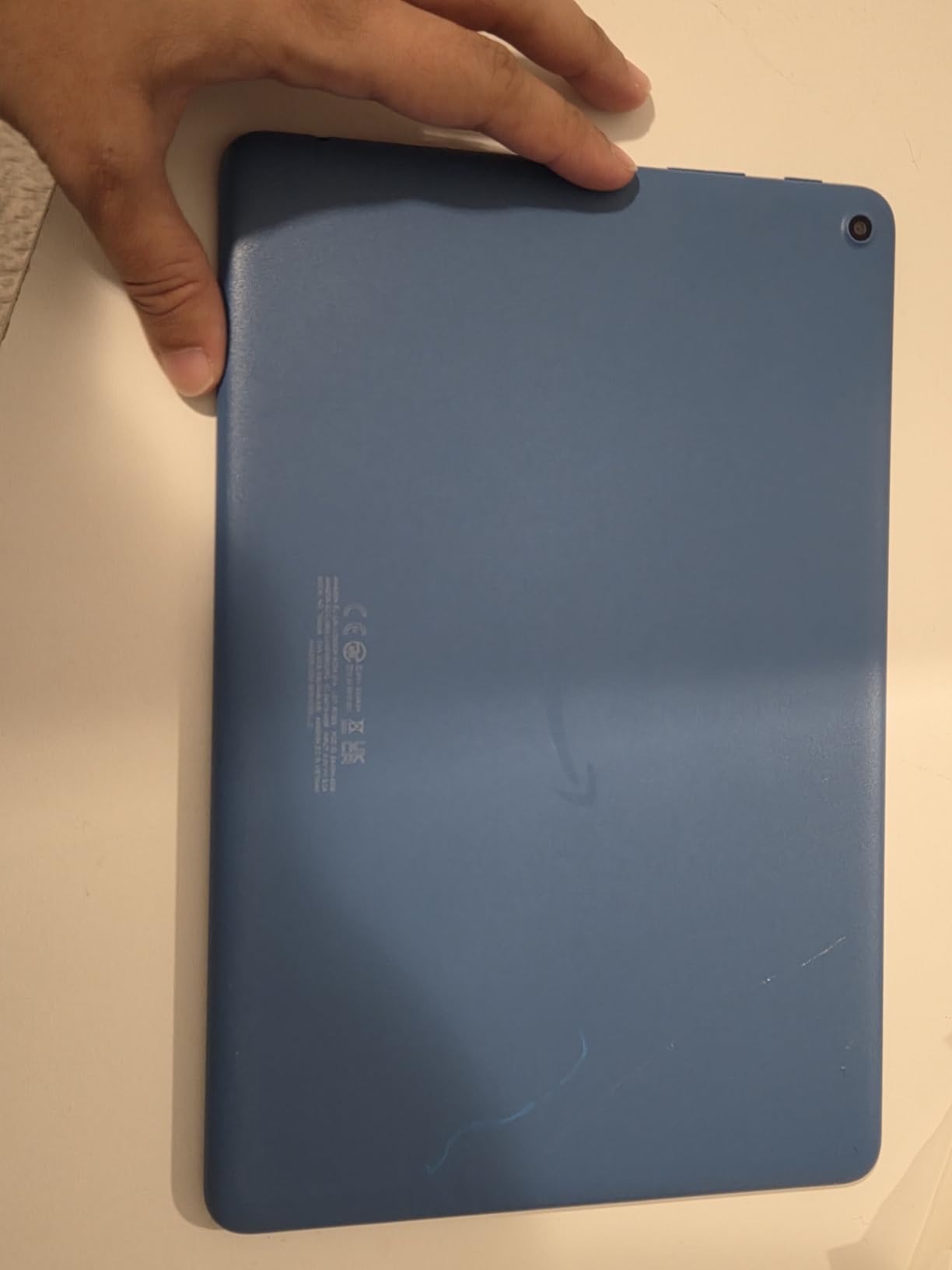
The catch is Fire OS. There is no Google Play Store, so a handful of familiar Android apps are simply not available, and the app store itself is unfamiliar to most adults over 70. There is also pre-installed software that has to be removed manually, and the lock screen carries ads unless you choose a paid plan. None of that is fatal, but you should know it before gifting.
Two smaller issues come up repeatedly. The included USB-C cable is short, which limits where the tablet can sit while charging, and real-world battery life falls short of the advertised figure under heavy video use. The tablet also works with the Made for Amazon Stylus Pen, which supports 4096 levels of pressure sensitivity, though the pen is sold separately. You can see how Fire hardware holds up in our best kids reading tablets guide.
Who it suits best
This is the pick for an adult child who wants the shortest path from unboxing to a parent successfully video calling the family. The simplified Fire interface, the front camera placement and the built-in Alexa mean most of what a senior wants can be done by speaking a command rather than navigating menus.
It is also the safest recommendation for a first tablet, because the hardware is sturdy. The strengthened aluminosilicate glass is rated at 2.7 times more durable than a Samsung Galaxy Tab A8 from 2022 in tumble testing, which matters for a device likely to be dropped on a sofa cushion rather than a desk.
Where it falls short
Skip it if the person in question relies on a specific Android app, or if a cluttered app storefront will be a problem. The Amazon Appstore carries a much smaller catalog than Google Play, and some apps require a separate subscription on top of the device. It is also not the right choice for low vision at the severe end, since ten inches is generous for moderate text enlargement but not for the maximum readable area.
2. Apple iPad 11-inch (A16 chip) – The One That Lasts the Longest
- Fastest and smoothest performance in this group
- Bright 11 inch display with True Tone adjustment
- Real battery life around 12 hours
- Center Stage camera keeps you framed on calls
- Touch ID unlock is fast and forgiving
- Peak brightness lower than a phone or computer
- Pencil and keyboard sold separately
- Box holds only the tablet cable and plug
The iPad carries the highest average rating of anything we tested at 4.7 across more than 28k reviews, and for a senior tablet that rating reflects something specific: nothing on the screen jumps around. The A16 chip handles every task without a hint of lag, which is exactly what removes the hesitation that makes older users put a tablet down.
The 11-inch Liquid Retina display adjusts its colour temperature to ambient light through True Tone, which many reviewers describe as easier on the eyes over a long reading session. At 1.05 pounds it is light enough to hold one-handed for a video call, and the Center Stage front camera reframes the shot so a user does not have to sit perfectly still. Touch ID in the top button means no passcode to forget, which matters more than most buyers expect.
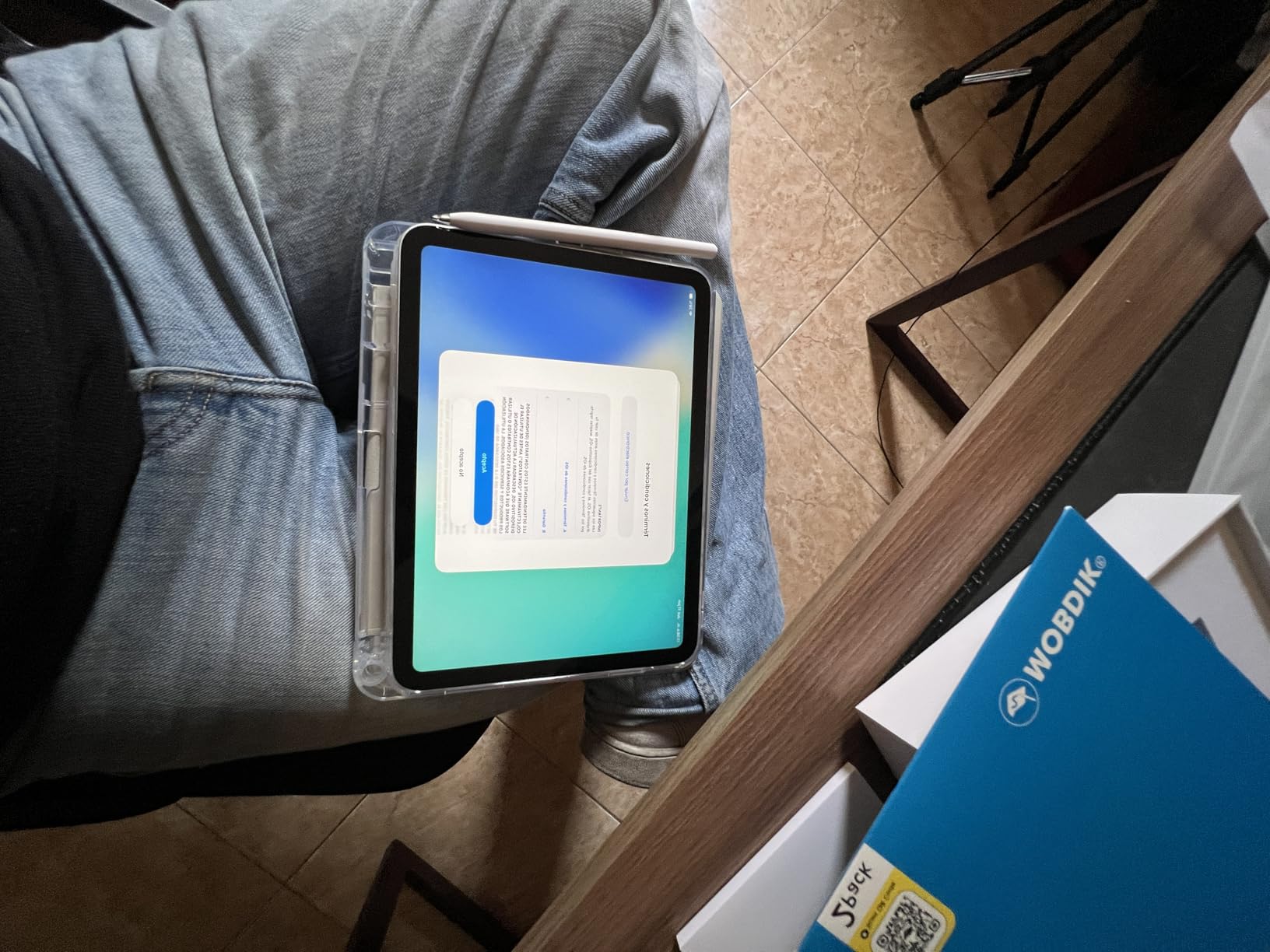
Battery life is the quiet winner here. Owners report around 12 hours of real use, and reviewers repeatedly mention the tablet surviving drops. Storage starts at 128 GB and goes to 512 GB, Wi-Fi 6 is included, and the USB-C port handles charging and accessories with one cable type.
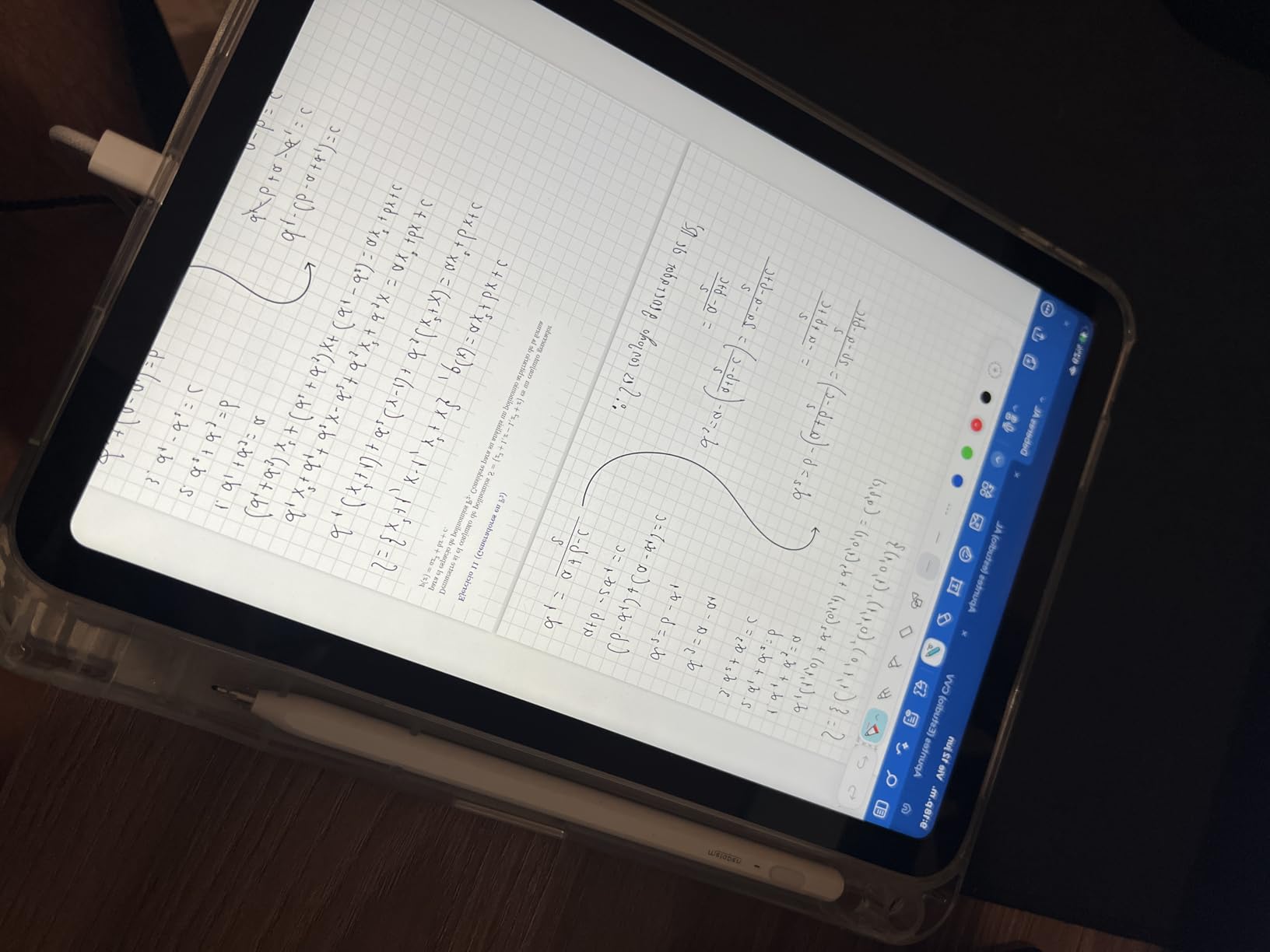
The caveats are all about what is not in the box. Apple Pencil, Magic Keyboard Folio, a screen protector and a mouse are all sold separately, and the package itself contains only the tablet, a cable and a wall plug. Some buyers are also wary of third-party or refurbished listings, so we would only consider a device with a clean history.
When to spend more here
Buy the iPad when the tablet is expected to last five years or more, or when the user already has other Apple devices and an Apple account. It syncs cleanly with an existing family setup, which removes a genuine barrier to independence for someone who never has to ask a grandchild for help with passwords. It is also the strongest choice for telehealth and video calling, because the camera quality and the stability of the operating system over time both favour it.
When a cheaper tablet is the smarter buy
Do not buy the iPad for someone whose number one goal is a low-risk first device on a limited budget. The higher cost buys longevity and polish, not accessibility features, because you will still be enlarging the default text by hand on day one. It is also the wrong pick for a user who will drop it regularly or who needs a physical headphone jack.
3. Samsung Galaxy Tab A11+ – Best Mainstream Android
Samsung Galaxy Tab A11+ 6GB RAM, 128GB Storage, Expandable Storage, Gray
- Large bright 11 inch screen with smooth 90Hz motion
- Quad Dolby Atmos speakers fill a room
- 6 GB RAM handles several apps easily
- Fast charging with long battery life
- Two year manufacturer warranty
- Storage not expandable past 128 GB on this model
- No fingerprint reader so unlock needs PIN or face
- Box contains only cable pin and guide
This is the Android tablet we would hand to someone who wants a real Android tablet with a proper app store and very little to learn. The 11-inch 1920×1200 LCD runs at up to 90Hz, and that smoothness shows most clearly when scrolling through family photo albums or long web pages. Text at large sizes is noticeably crisper here than on the 1280×800 panels used by budget rivals.
Audio is the quiet star. The quad speaker array with Dolby Atmos produces genuinely room-filling sound, which makes a difference for a senior with reduced hearing who will otherwise turn the volume all the way up. A MediaTek octa-core processor and 6 GB of RAM handle multitasking without complaint, and storage is a full 128 GB.
Google Gemini and Circle to Search both do useful work for a non-technical user. Ask a question out loud or circle something on screen instead of trying to remember where a menu lives. The 5 MP front camera is fine for video calls, the body weighs 1.1 pounds, and the whole device is 0.27 inches thin.
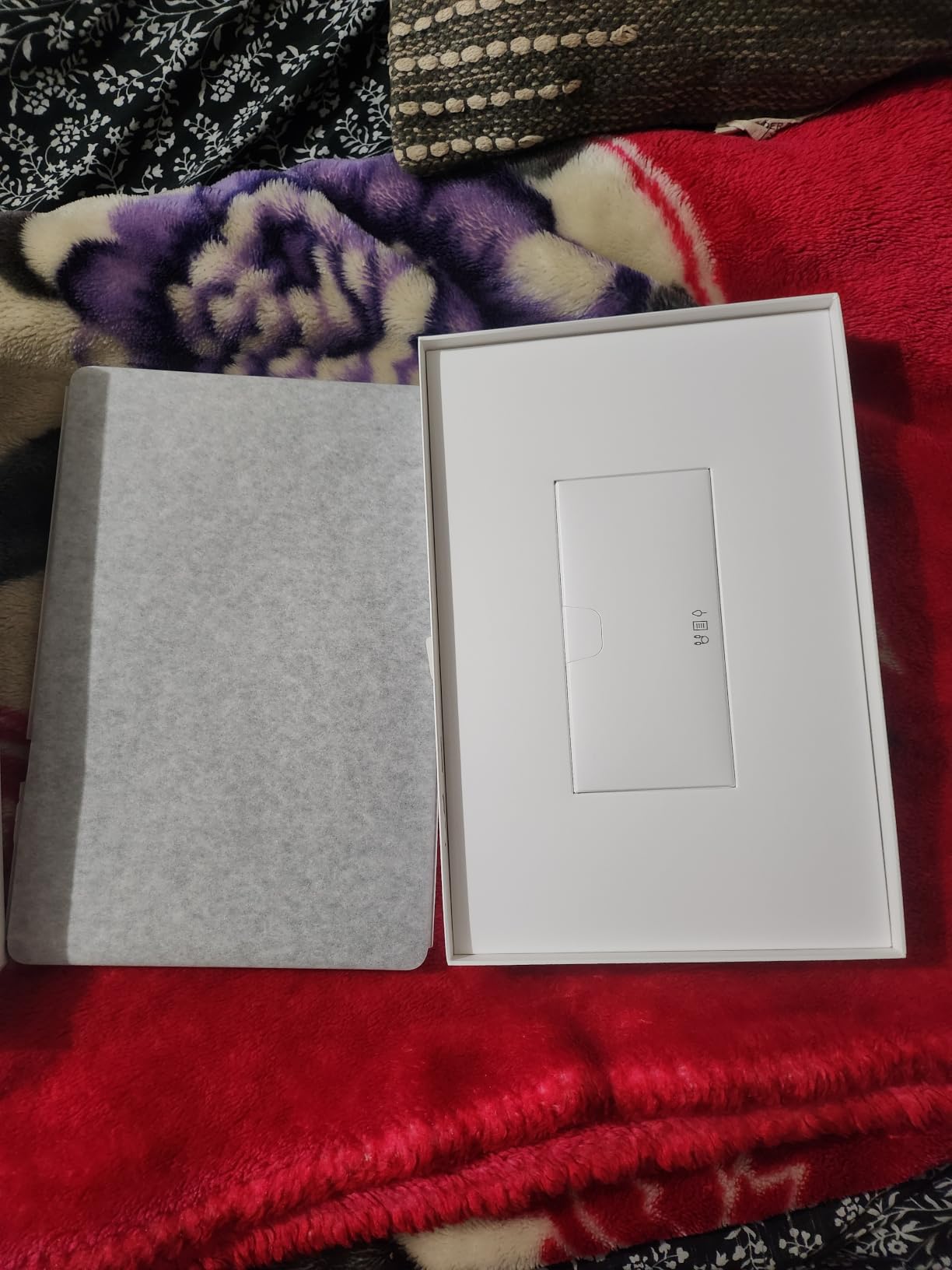
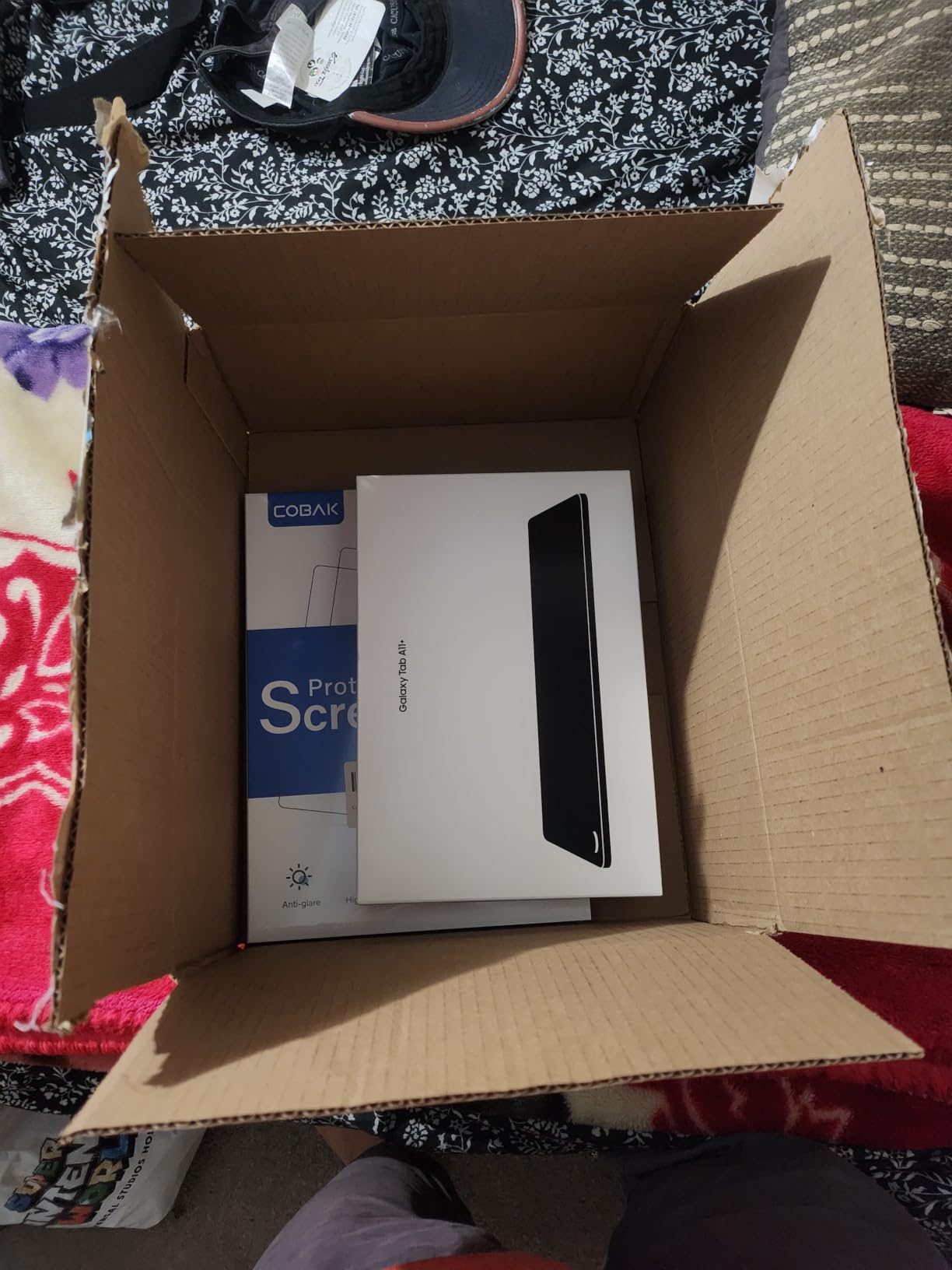
Two limitations stand out. There is no fingerprint reader on this configuration, so unlocking relies on a PIN, pattern or face recognition, and the 128 GB cannot be expanded with a card despite expandable storage appearing elsewhere in the range. The box includes a data cable, an ejection pin and a quick start guide, but no charger beyond the cable, and Samsung preloads apps some buyers find unnecessary.
Best fit for a daily-use family tablet
The Galaxy Tab A11+ is the one to choose when the tablet will be used all day for calls, news, email and photos rather than sitting on a stand. The battery is long lasting with fast charging, and the two year manufacturer warranty gives a family some breathing room that cheaper Android brands do not.
It is also a good fit for a household where an Android user needs support, because the software behaves the way the manuals and the carrier support pages describe, which matters when someone calls for help.
Where the trade-offs bite
If the budget is fixed and the device will be used mainly in an armchair with a dock, the Lenovo Tab M11 offers a similar 11-inch footprint with an included stylus and an automatic ambient light sensor. Its speakers are good rather than exceptional.
Buyers who need a fingerprint reader should look elsewhere in the range, because face unlock and PIN entry are the only options. It is also heavier than the 8.7-inch models, which is worth considering for anyone with a weak grip.
4. Amazon Fire HD 8 – Budget Pick for a Small, Light Tablet
- Compact and light enough to hold comfortably
- Double the RAM of the 2022 model for smoother use
- 13 hour battery suits reading and streaming
- Works with Alexa and Zoom for family calls
- Good value for reading and light entertainment
- No Google Play so app choice is limited
- Small HD screen is weak for video and large print
- Some apps need a separate subscription
- Pre-installed apps add clutter
The Fire HD 8 exists for a specific person: an older adult who will mostly read, check email and make a short video call, and who finds a 10-inch slab too heavy to hold comfortably. At 8 inches it is one of the most comfortable tablets in this roundup to carry in one hand or rest on a lap, and the thin, light body is described by owners as genuinely portable.
This newest model doubles the memory of the 2022 release to 4 GB of RAM and uses a hexa-core chip, and reviewers report noticeably faster, more responsive performance as a direct result. Battery life is again advertised at up to 13 hours of mixed use. The 64 GB of storage expands to 1 TB via a micro-SD card, and there is a 5 MP rear camera for photos.
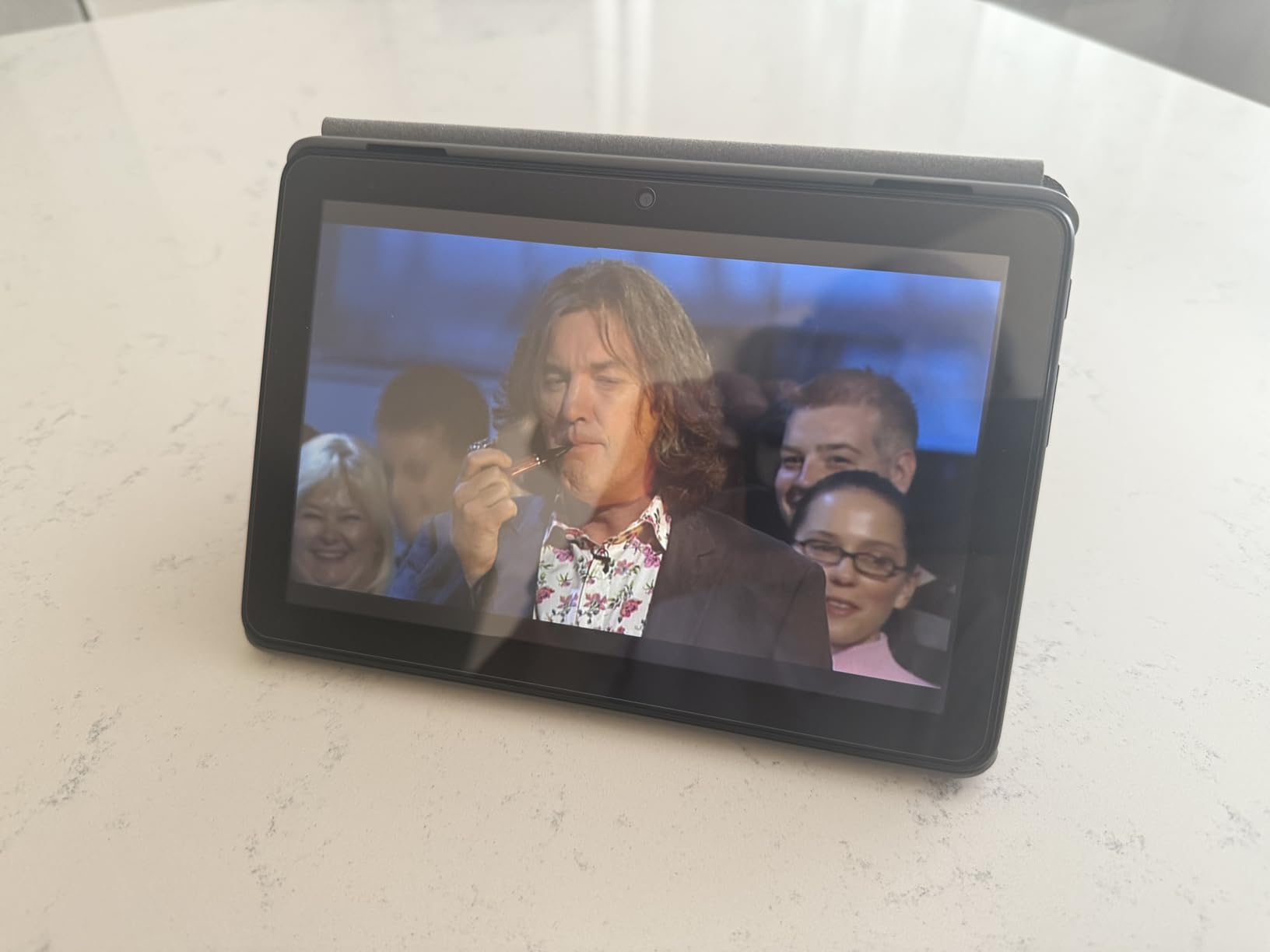
Alexa is the interface. It handles calls, music, news, weather, reminders and smart home control, and Zoom is supported for family video calls, so a senior who cannot comfortably type can still reach the family. The listed camera is a 5 MP rear unit, so check the call picture quality on a display in a store before committing.
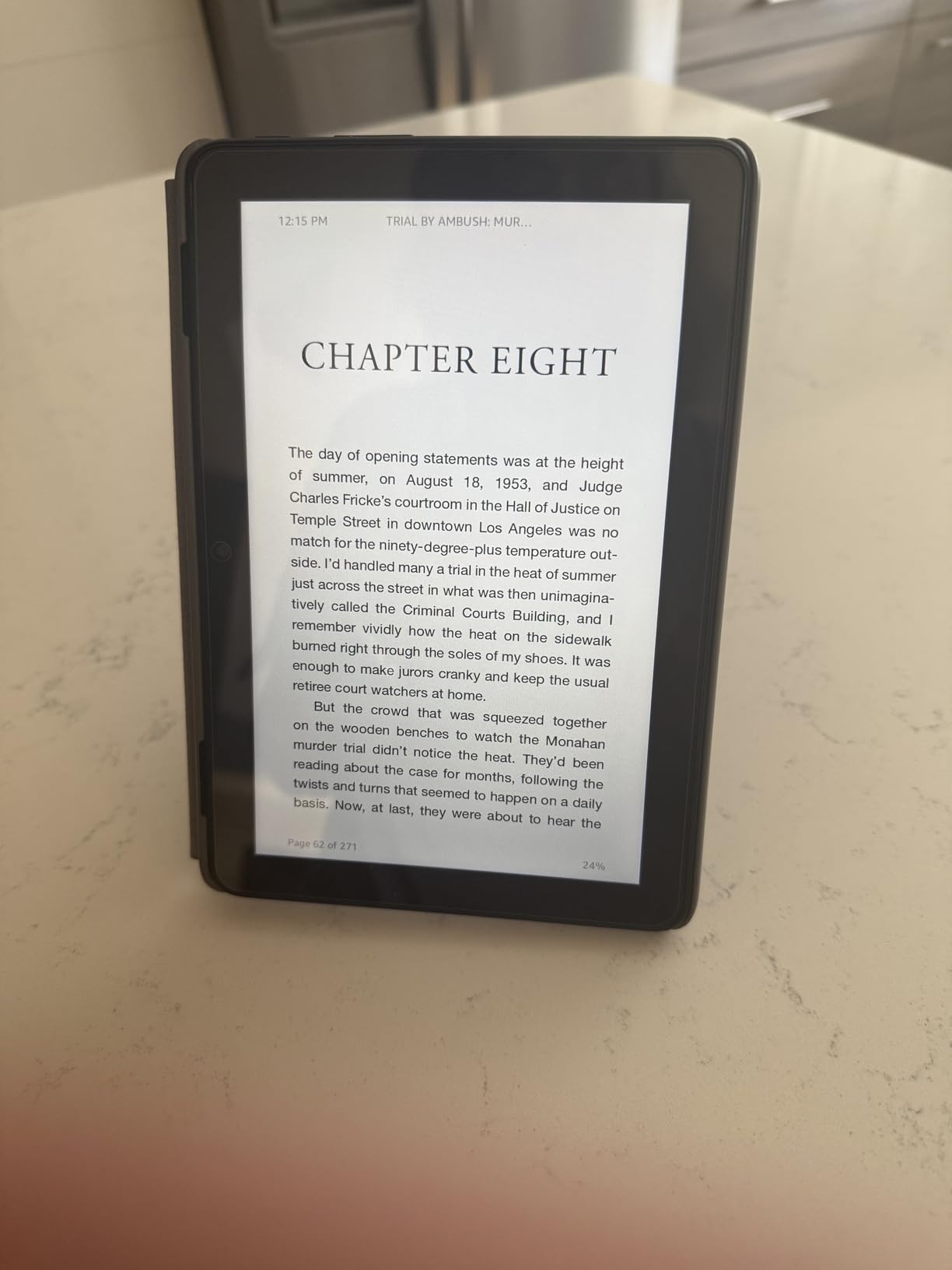
The limit is the display. An 8-inch HD panel is perfectly comfortable for reading a book at moderate text sizes, but it is the smallest surface in this roundup, and anyone who needs very large print will run out of room quickly. The lack of Google Play is the other recurring complaint, along with pre-installed Amazon and partner apps and the occasional app that requires a separate subscription.
Why we still recommend it
For a first tablet, a travel companion or a device that mostly lives on a kitchen table, the Fire HD 8 does the job for a good deal less than the larger models. The 13-hour battery and the light body remove two of the three practical objections that usually stop a senior from using a tablet daily.
It is also the least daunting hardware in the group. Fewer visible controls, a straightforward home screen and a voice assistant that responds to plain speech make it a reasonable second device for someone who already owns a larger screen somewhere else.
Where it is the wrong choice
Do not buy it for low vision. Eight inches is the smallest screen here, and the HD resolution means text has less real estate to grow into. If the buyer needs large print, the Fire HD 10 or any of the 11-inch and 12-inch options is a better fit.
It is also the wrong pick for anyone who needs a specific app that only exists in Google Play, or for a user who wants a stylus in the box. Neither is available on this model.
5. TECLAST T65 – Best for Low Vision and the Largest Screen
TECLAST T65 13.4″ Android16 4G Tablet, 20GB+128GB 120Hz Widevine L1
- Largest screen in the lineup with sharp 1920x1200 IPS
- 120Hz refresh makes scrolling very smooth
- 8000 mAh battery for extended use
- Face unlock needs no password at all
- Screen protector already fitted
- 350 nit peak brightness is modest
- Much of the 20 GB RAM is virtual expansion
- Shorter brand track record than Samsung or Lenovo
- No stated software update timeline
If a parent has genuine low vision, screen area is not a preference, it is the whole decision. The T65 has a 13.4-inch 1920×1200 IPS panel, which is the largest display in this roundup, and at 350 nits it is bright enough for a normally lit room. A 120Hz refresh rate makes every scroll and transition visibly smoother than 60Hz or 90Hz alternatives.
This is the only tablet in the group that ships with a simplified interface aimed directly at seniors and first-time users. Large icons and simple menus reduce the initial cognitive load, and the Reading Mode and Eye Protection features sit alongside Android 16.
Face unlock removes passwords entirely, which is a meaningful safeguard for a user with early memory loss who would otherwise be locked out of their own device.
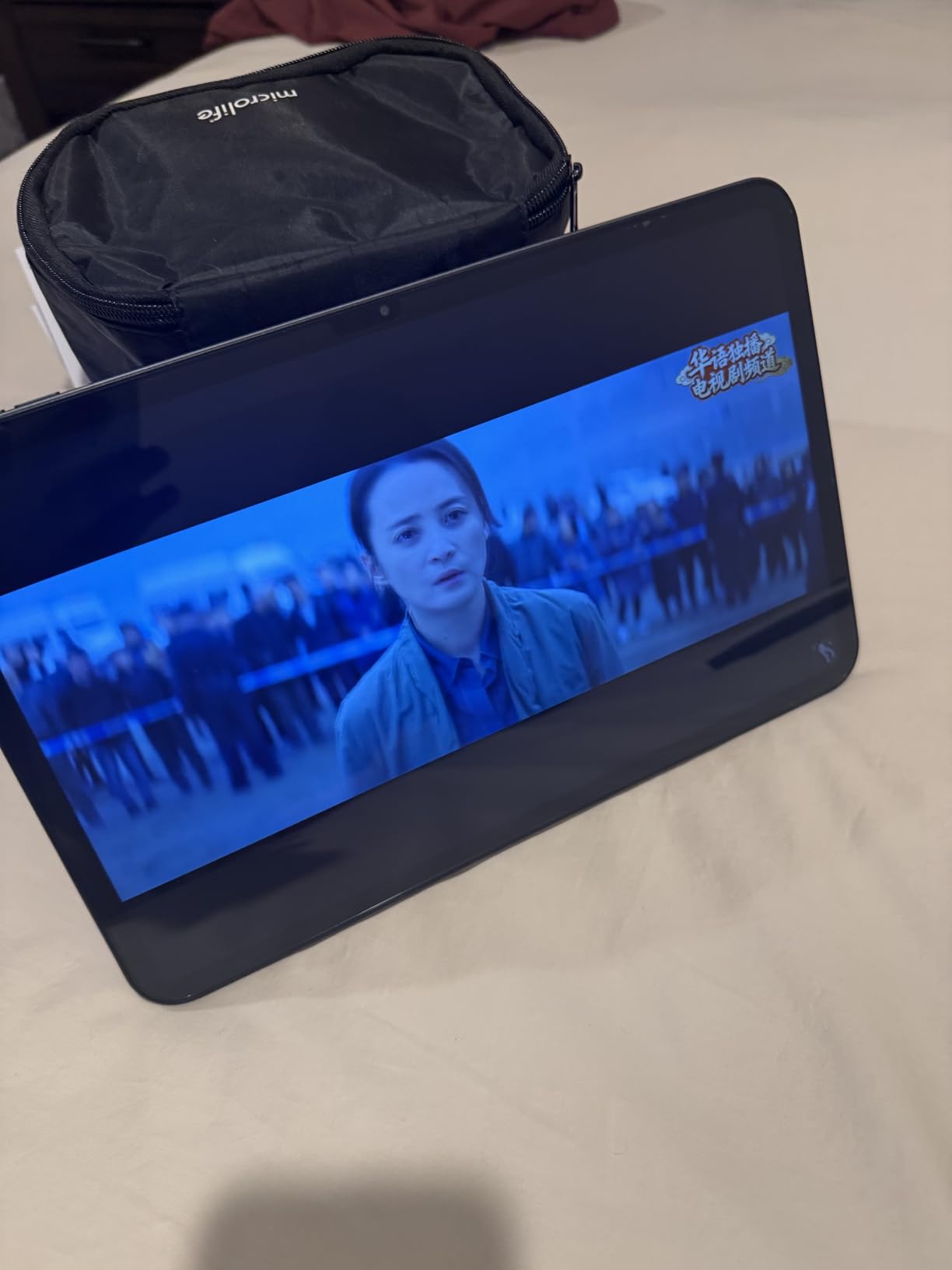
The practical details are strong. An 8000 mAh battery is rated at 11 hours of average life, storage is 128 GB expandable to 1 TB, and 4G LTE is built in so it works without a home network. A tempered glass screen protector is already fitted, and the warranty includes a year of coverage with 24/7 technical support, which is genuinely useful for a less confident user.
Two honest warnings. The 350 nit maximum brightness is the lowest of the large-screen options, so it will struggle in direct sunlight near a window, and much of the advertised 20 GB of RAM is virtual expansion rather than physical memory. As a lesser-known brand, TECLAST does not publish a software update commitment, which matters if the tablet will be relied on for years.
What this screen size actually solves
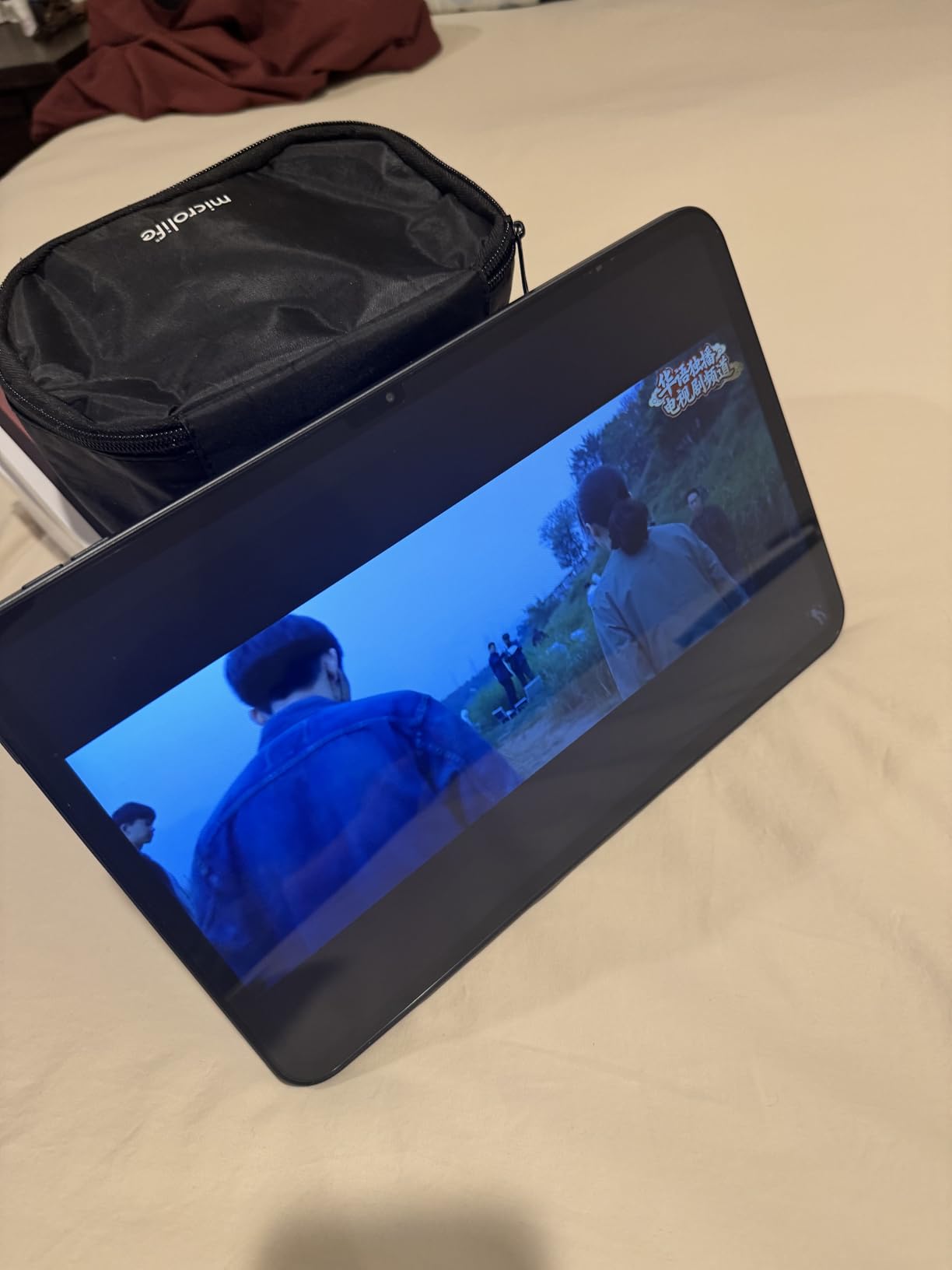
A 13.4-inch panel gives roughly 80 percent more usable area than a 10-inch screen. In practice that means the same large text setting fits far more words per screen, fewer taps are needed to reach a button, and photos can be shown to a grandchild at a size both people can see. Quora buyers repeatedly describe 10-inch screens as too small for a low-vision parent, and this is the direct answer.
The 120Hz panel deserves a mention beyond smoothness. Text rendered at 120Hz is easier on the eye when moving between screens, which reduces the effort involved in the simple act of checking a message.
Who should not buy it
Anyone with reduced hand strength should look at this device carefully. At 720 g it is one of the heavier tablets here, and a large screen held for a long video call is a lot of load. The 8.7-inch models in this guide weigh around half of that.
It is also a poor match for a user who needs a long software support life, since no update timeline is stated. If the buyer wants a device that will still receive security patches in four years, the Apple iPad is the safer bet.
6. FEONAL 11 inch Android 16 – Best When There Is No Home Internet
Tablet 11 inch Android 16 Tablet 2026 Latest Update Octa-Core 128GB+20GB
- Dual 4G LTE means it works with no Wi-Fi
- 20 GB RAM and 128 GB handle many apps
- Screen protector included plus a spare
- Easy guided setup syncs contacts and apps
- Reading Mode and Eye Protection built in
- Measured battery falls short of the advertised 7000 mAh
- Text to speech voice sounds robotic
- Thin plastic body creaks when twisted
- Cellular can be data only so calling may need another app
Rural living and weak home broadband are the situations where a Wi-Fi-only tablet becomes a paperweight, and this is one of the few affordable models here with genuine cellular hardware built in. It carries dual 4G LTE SIM slots, unlocked with VoLTE, alongside dual-band Wi-Fi, Bluetooth 5.0 and GPS. A senior in a house with no internet can still video call, browse and follow a telehealth appointment.
The rest of the specification is generous for the money. Memory is listed at 20 GB, which is 8 GB physical plus 12 GB virtual, and storage is 128 GB expandable to 1 TB through a TF card. The 11-inch 1280×800 HD IPS panel runs at 60Hz, and two stereo speakers handle video and calls. Reading Mode, Eye Protection Mode and Dark Mode are all present, which is unusual at this level.
Owners highlight the setup experience, since signing in with a Google account syncs contacts, apps and browser history, and a screen protector is fitted in the box with a spare. One reviewer measured 38 percent battery remaining after roughly eight hours of mixed use, and the 444.8 g weight is light for an 11-inch tablet.
There are real compromises. Measured battery capacity falls short of the advertised 7000 mAh, the built-in text-to-speech voice is described as highly robotic with no natural-voice option, and the thin plastic body creaks under twisting force. The cellular version is data-only on some configurations, so voice calls may require a separate app, and one buyer reported unresponsive seller support when querying the battery.
Data plans are the real cost here
Before buying a cellular tablet, model the monthly line cost. Most carriers offer a tablet data plan that is less expensive than a phone line, and a modest allowance is usually enough for video calling, email and news. The mistake families make is adding an unlimited phone-style plan they never needed, and then paying for data they do not use on a device that mostly sits on a table.
Weigh that monthly figure against using a phone hotspot or a home data plan. A parent who only needs the tablet at a weekly video call may simply borrow a hotspot, while someone using telehealth daily is better served by a real cellular line.
Who should skip it
Skip this model if the tablet will only ever be used at home with a working Wi-Fi connection. The cellular hardware is dead weight in that case, and you can move up to a sharper 1920×1200 screen for a similar outlay.
It is also a poor choice for anyone who relies on the built-in screen reader. The robotic text-to-speech voice is a genuine barrier for a user with vision loss, and the right answer is a device with a proven screen reader rather than a cheaper one with a poor implementation.
7. Lenovo Tab M11 – Best With a Stylus in the Box
Lenovo Tab M11, 11” Display, MediaTek Helio G88 Octa-Core, 4GB RAM, 64GB SSD, 1920×1200 px, Ambient Light-Sensor, 10 Hour Battery, Comes w/Pen, Luna Grey
- Sharp 1920x1200 90Hz screen that auto adjusts
- Ambient light sensor dims and brightens for you
- Stylus included so no extra purchase
- Full 10 hour battery on a single charge
- Sturdy build at one pound
- Helio G88 chip feels slow with visible lag
- Heavy bloatware that can only be disabled
- 64 GB storage is minimal
- Initial setup is not very user friendly
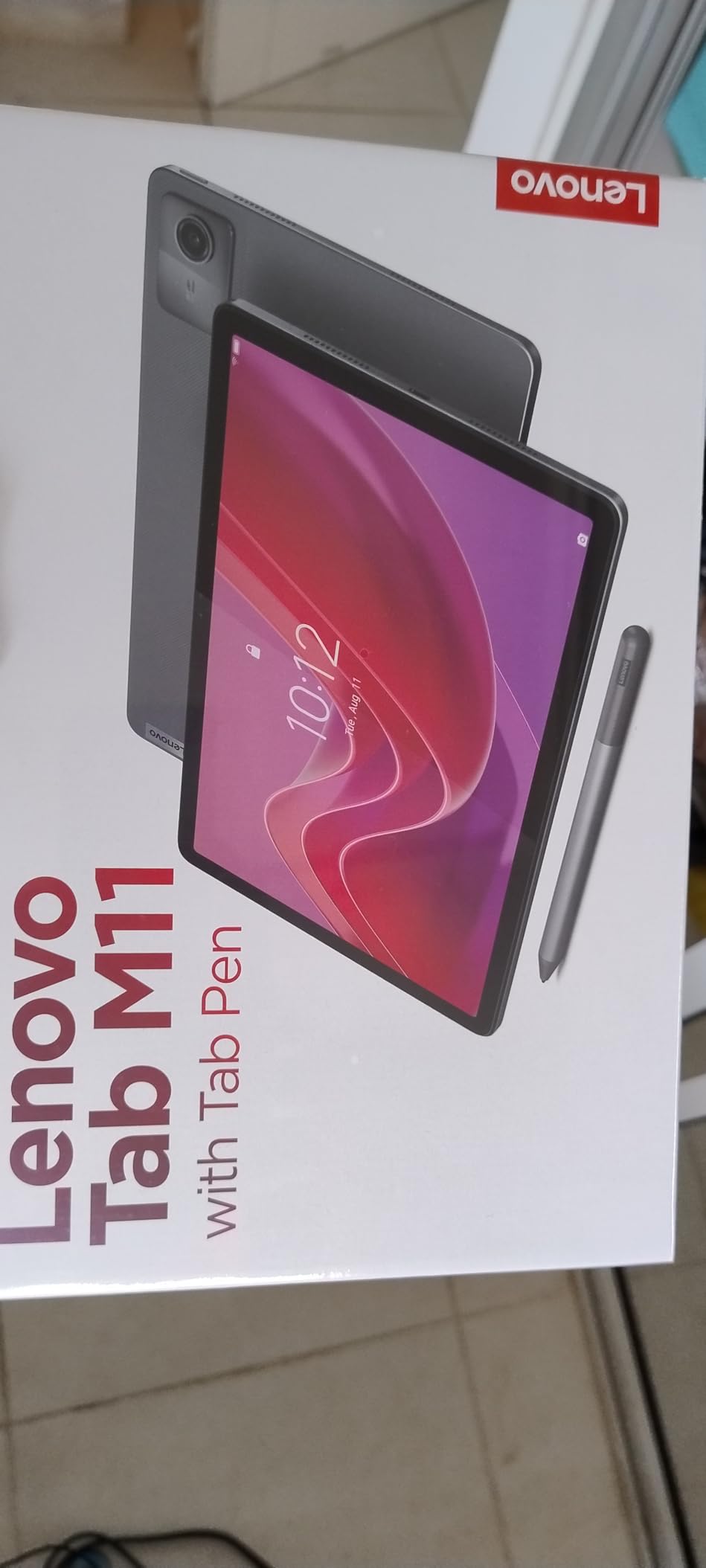
The distinguishing feature here is the stylus in the box, and for seniors that is more than a productivity accessory. A stylus gives a user with hand tremors or arthritis a target far larger than a fingertip on a small icon. It also works as a pointing device for anyone who struggles to keep a fingertip steady on a capacitive screen.
The 11-inch 1920×1200 WUXGA display runs at 90Hz and has an intelligent ambient light sensor that automatically adjusts the screen to the room. For a user with low vision, that means the tablet manages its own brightness instead of depending on someone noticing that the screen has become too dim. Battery life is rated at up to 10 hours, and one reviewer reports getting through a full work shift on a single charge.
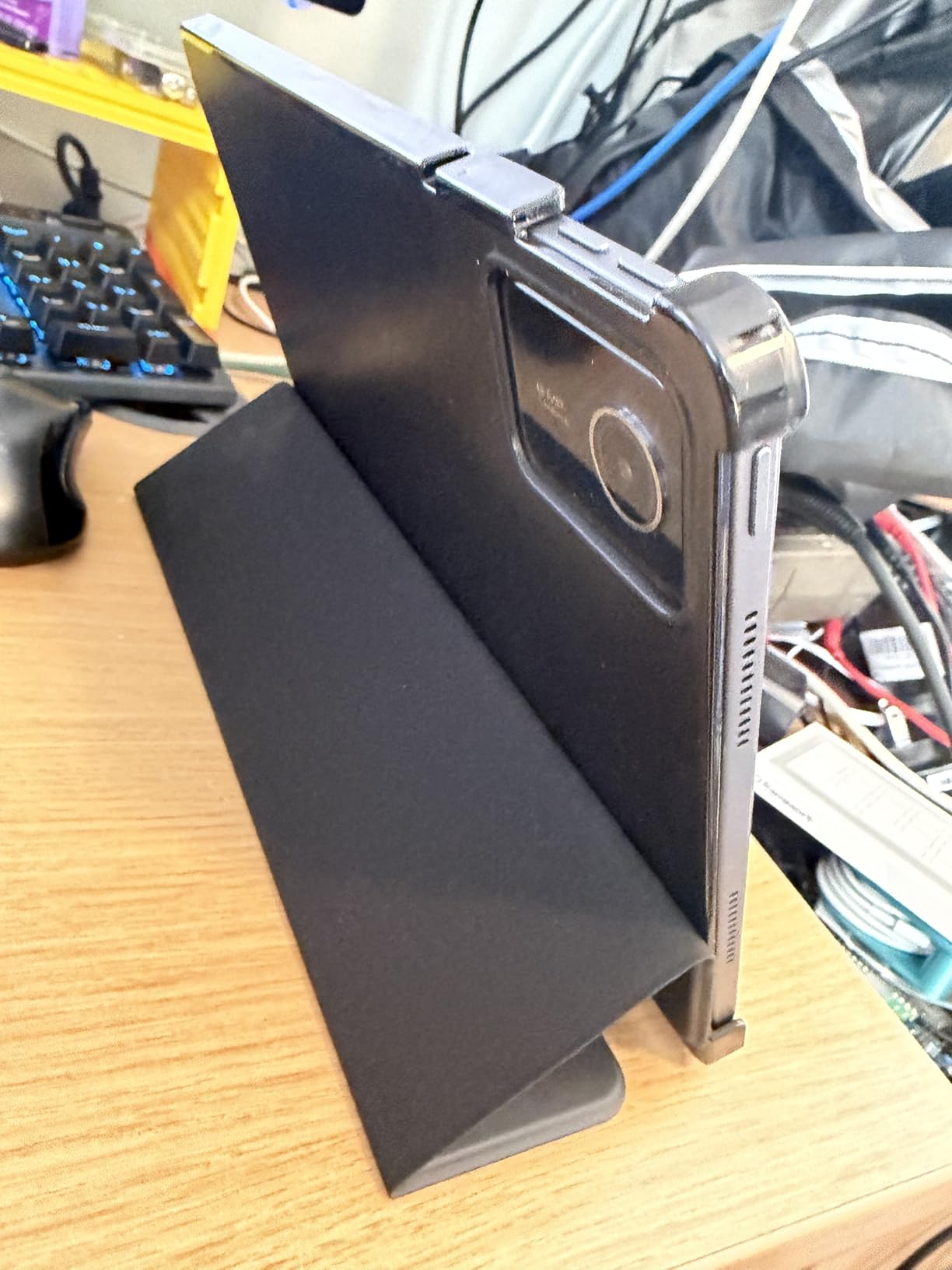
Owners consistently praise the build quality, describing the one-pound body as sturdy rather than flimsy, and the audio is good for streaming and calls. Open-source app support allows sideloading and access to F-Droid, which gives more freedom than restricted ecosystems, and reviewers note it represents strong value next to Samsung tablets of a similar age.
The processor is the weak point. The MediaTek Helio G88 feels slow, with noticeable lag when pulling menus or opening drawing apps, and multitasking is difficult, so gaming stays limited to simple titles. A large amount of pre-installed software can only be disabled rather than removed, storage is a minimal 64 GB, and the initial setup is not especially welcoming for a new user.
Stylus use for tremor and arthritis
If the diagnosis is a physical one, this is the tablet to shortlist. A stylus turns a precision problem into a positioning problem, and it doubles as a finger for anyone whose hands are stiff in the morning. It also makes note-taking and writing a shopping list far more practical than typing on an on-screen keyboard.
Pair that with the microSD slot, the 3.5mm audio jack and a USB-C port, and this becomes a flexible device for someone who wants familiar accessories rather than adapters.
When the speed will frustrate
Do not buy this if the user is impatient with interfaces. The consistent complaint across reviews is lag on menu navigation, and for a senior who has already decided the device is too complicated, a slow chip ends the experiment quickly. The Galaxy Tab A11+ handles the same tasks without complaint.
Set aside another consideration: the pre-installed apps cannot be fully removed, only disabled. For a user with mild cognitive decline who will try anything on the home screen, that clutter carries more weight than it would for a typical buyer.
8. Samsung Galaxy Tab A9 4G LTE – Best Compact Cellular Option
- 4G works well for travel and no Wi-Fi situations
- Compact and light enough to carry anywhere
- Clear screen with good colour reproduction
- Several apps install in under 90 seconds
- S Pen support is rare at this size
- International model with no US domestic warranty
- Not compatible with Verizon or other carriers for calling
- 2 MP front camera is poor for video calls
- No fingerprint reader
This is the model to look at when cellular capability matters but a 13-inch screen is too much to carry. The 8.7-inch Samsung Galaxy Tab A9 4G LTE is fully unlocked, supports 2G, 3G and 4G, and includes a 15W fast charger in the box, which is unusual at this level. The Helio G99 octa-core processor is efficient and installs several apps in under 90 seconds, according to owners.
Performance is smooth for streaming, browsing and reading with 4 GB of RAM, and storage is 64 GB with microSD expansion. The display is a 1340×800 WXGA TFT LCD described as clear and bright with good colour reproduction, and the 5100 mAh battery is adequate rather than exceptional. Android 13 with One UI 5.1 upgrades to Android 15 without issues.
S Pen compatibility is unusual in a tablet this small and at this price, and it gives an older user a steadier way to interact. The tablet is also light and portable, with dual speakers and a 3.5mm headphone jack for a user who prefers wired audio over a Bluetooth pairing.
The model status needs careful attention. This is an international variant with no domestic warranty, it does not support eSIM, and it is fully unlocked with T-Mobile only, so other US carriers may not recognise the international IMEI. The 2 MP front camera is also low quality, which makes this a poor choice for the video calls that are usually the main reason to buy a tablet.
Carrier compatibility is the deciding detail
Check the carrier before anything else. A tablet that cannot register on the network is useless for calls and data, and international models are frequently limited to a single carrier even when advertised as unlocked. Confirm the IMEI with the carrier in advance, and confirm what happens to warranty service if something fails.
If the carrier works, the 4G connectivity is genuinely reliable for travel, for a parent whose home internet is unreliable, and for anyone who wants a tablet that works in a car or a waiting room.
Where it is a poor fit
Do not buy this version if video calling is the primary purpose. A 2 MP front camera produces a dim, soft image, and the whole point of a senior tablet is usually a clear picture of the grandchildren. The 8.7-inch Galaxy Tab A9 Wi-Fi model has a better front camera and a US warranty.
It is also the wrong choice for a user who needs warranty service at home, since service is not available domestically. For a gift that has to just work, the domestic models are the safer recommendation.
9. Samsung Galaxy Tab A9 (Wi-Fi) – Best for Reading and Travel
Samsung Galaxy Tab A9 64 Gb 22.1 Cm (8.7″) 4 Gb Wi-Fi 5, W128851982 ((8.7) 4 Gb Wi-Fi 5 (802.11Ac) Graphite)
- Very light at 332 g for a full size tablet
- Screen resolution suits books and video
- Updated cleanly through Android 15 and 16
- Headphone jack is rare on small tablets
- microSD expansion keeps storage flexible
- No fingerprint reader so unlock needs PIN or face
- 4 GB RAM limits heavier multitasking
- Only one USB port and no stylus included
- Modest 16:9 display aspect ratio
This is the domestic Wi-Fi version of the compact Galaxy Tab, and for a reader or a traveller it does the basics with fewer compromises. At 332 g it is one of the lightest tablets here, and the 8.7-inch display has a resolution reviewers describe as well suited to reading books and watching video. Owners also report clean software updates through Android 15 and Android 16 without problems.
The 3.5mm headphone jack is genuinely rare on a small tablet, and it removes a whole category of frustration for a user who struggles with Bluetooth pairing. Storage is 64 GB with microSD expansion, the 8 MP rear camera takes usable photos, and the 5100 mAh battery handles a day of reading comfortably.
The 16:9 aspect ratio suits video and books well, and the single USB 2.0 port is the only connection on the body alongside the headphone jack. A SIM tray pin and quick start guide are included, and the device runs Wi-Fi 5 with Bluetooth, which is an older but entirely adequate standard for a senior tablet used indoors.
There is no fingerprint reader, so unlocking relies on a PIN, pattern or face recognition, and 4 GB of RAM limits heavier multitasking once several apps are open together. No stylus is included. It is also worth noting that this is a more conventional tablet, so buyers get the standard Android interface rather than a simplified one, which means more setup work before gifting.
Best for a nightstand or a holiday
Light weight and long battery make this the pick for a parent who reads in bed or wants a tablet in a suitcase. It is easy to hold for a full reading session without wrist fatigue, which is exactly what we hear about larger devices.
It is a good second device for travel or a holiday gift, because the domestic warranty means a fault can be sorted out without an international return.
Where the limits show
Eight inches is a constraint if the driver is low vision rather than portability. The same text settings that work well here will run out of room on this screen much sooner than on an 11-inch or 13.4-inch panel, so check it against the real user before buying.
For a user who wants to be left alone with the device unsupervised, the standard Android interface is a real drawback. Look for a model with a simplified launcher, or budget an hour of setup time to build a clean home screen.
10. Lenovo Tab One – Best for a Weak Grip
- Under a pound and comfortable one-handed
- Included folio case doubles as a stand
- Excellent battery life of a full day or more
- Headphone jack and microSD expansion included
- Snappy once bloatware is removed
- 480 nit screen is modest outdoors
- No fingerprint reader for secure unlock
- 4 GB memory fills quickly
- Weak front camera for video calling
- Some apps can only be disabled not removed
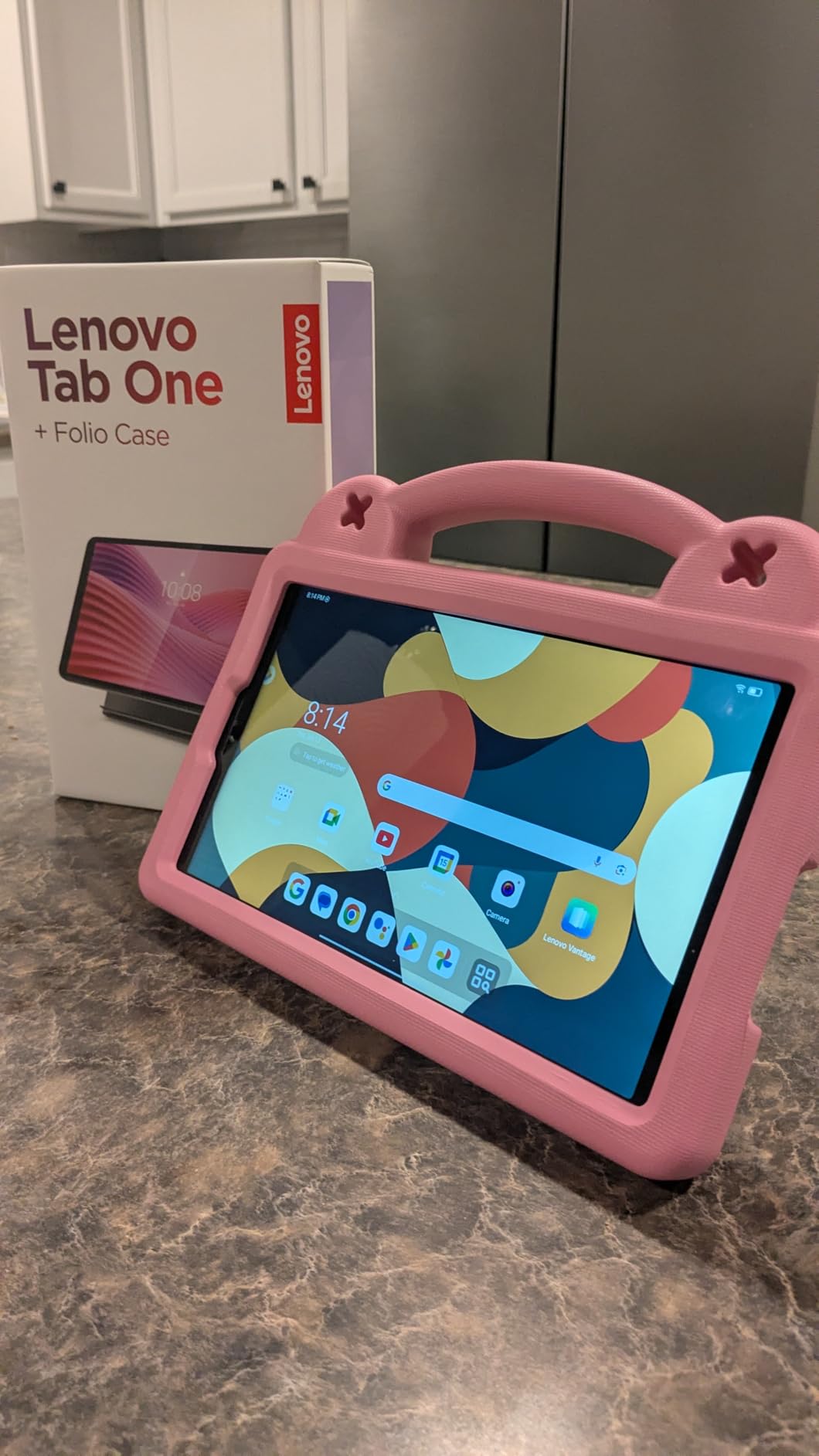
At 11.2 ounces, the Lenovo Tab One is one of the lightest full-size tablets in this roundup, and for a senior with arthritis, a recovering stroke or general upper-body weakness, weight is a real usability feature rather than a specification. Owners consistently describe it as comfortable to hold one-handed, which is rarely said about larger Android tablets.
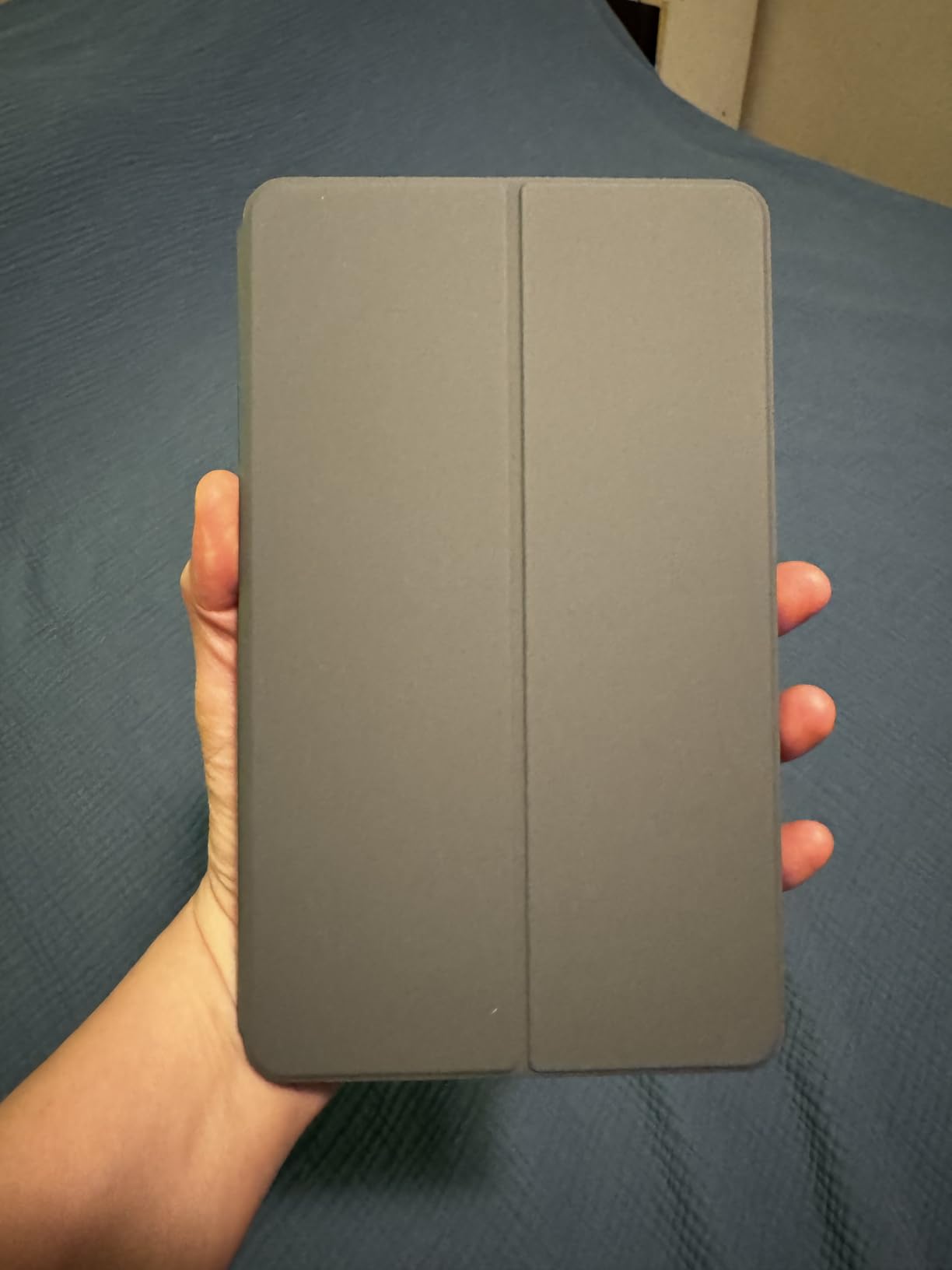
The included folio case has a built-in stand, so a video call or a film can be propped up on a table without a separate accessory or a hand supporting the device. Battery life is the standout feature here, with up to 12.5 hours of unplugged YouTube streaming and most users reporting a full day or more per charge, helped by charging that is 15 percent faster than the previous generation.
Connectivity is old-fashioned in a good way. There is a 3.5mm headphone jack and a microSD expansion slot alongside Wi-Fi and Bluetooth, and 64 GB of storage is enough for a library of books and a few streaming apps.
What the weight buys you
Being able to hold the device comfortably changes how often it gets used. A tablet that causes arm fatigue after ten minutes goes back in a drawer, while a light one gets used for the video call it was bought for. The folio stand doubles that effect by freeing both hands entirely.
This is also a good travel tablet for the same reason, and the headphone jack means no pairing exercises in a car or on a plane.
Where it falls short
The 480 nit display brightness is modest, so the screen washes out near a sunny window. That is a genuine problem for low vision, and for those buyers the TECLAST T65 or the ZONKO 12-inch is a better answer despite being heavier.
It also cannot play 60 fps video, so the practical limit is 24 to 30 fps content, there is no fingerprint reader, and the 4 GB of memory fills quickly. The weak front camera makes video call quality poor, and the screen can slide out of the folio stand with a light touch. Pre-installed Google and Lenovo apps add clutter and cannot all be removed.
11. COLORROOM C5 11 inch – Best Value for Big Text on a Small Budget
COLORROOM 2026 Android16 Tablet 11inch, Face Unlock,18W Fast Charging,Black
- Very affordable 11 inch screen size
- Face unlock removes password entry
- Eye protection mode with auto brightness
- 8000 mAh gives 8 to 10 hours per charge
- Shock-proof case included in the box
- Dual stereo speakers with low distortion
- Soft 1280x800 resolution for a large screen
- Entry-level Unisoc T606 chip
- Much of the 12 GB RAM is virtual
- Software polish trails mainstream brands
- 60Hz refresh is basic
The COLORROOM C5 solves one specific problem cheaply: getting a large screen in front of someone on a fixed income. An 11-inch display at this price is unusual, and combined with eye protection mode and automatic brightness adjustment, it is a workable large-text device for a parent whose priority is simply seeing the screen.
Face unlock removes the need to type passwords, which is one of the more important accessibility features on this list even though it is sold for security reasons. The 8000 mAh battery delivers roughly 8 to 10 hours per charge with 18W fast charging, storage is 128 GB with microSD expansion to 1 TB, and a shock-proof case is included in the box. Dual stereo speakers run with low distortion for a device of this type.
Why it still earns a place here
The combination of an 11-inch screen, face unlock and a two year manufacturer warranty is unusual at this outlay, and the warranty is a real benefit for a buyer who expects a few years of service. The anti-blue light eye protection and auto brightness are helpful for a user who will stare at the screen for hours.
Wi-Fi 6 and USB OTG keep it current enough for everyday browsing and video calling, and the in-cell display gives wide viewing angles so it can be propped up at an angle.
Where to be careful
This is the lowest-rated tablet in the roundup at 4.1, with 13 percent of reviews at one star, and the reasons are concrete. The 1280×800 HD resolution is soft next to the 1920×1200 panels used by better options, so very large text looks blurred even when it fits. The Unisoc T606 is entry-level, most of the advertised 12 GB of RAM is virtual, and the 60Hz refresh rate is visibly behind the field.
It is also built by a brand positioned around kids tablets, so software polish and support both trail the mainstream names. Buy it as a stopgap for video calls and reading, not as a device expected to last five years.
12. ZONKO 12 inch 2K Tablet – Best Sharp Large Display
- Sharp 2K screen at this screen size
- 2000x1200 in-cell panel is vivid and clear
- 256 GB storage and 16 GB RAM give headroom
- Helio G99 handles multitasking smoothly
- Full Google Play access
- Wi-Fi only with no cellular option
- Only the tablet is listed in the box
- Android 15 is one generation behind
- No stated software update commitment
The ZONKO D136 pairs the second largest screen in this roundup with an unusually sharp 2000×1200 in-cell 2K display that owners describe as vivid and well suited to movies, e-books and browsing. Widevine L1 certification means HD streaming works rather than being downgraded, which is not true of every budget tablet at this price.
It is also lighter than expected at 412 g, less than many 10-inch tablets, so the large screen does not automatically mean an unmanageable device. Inside, a MediaTek Helio G99 octa-core processor handles multitasking smoothly, and the 16 GB of RAM and 256 GB of storage give more headroom than any other tablet here. An 8000 mAh battery is rated at up to 10 hours with 18W fast charging.
Where the extra resolution pays off
Resolution matters more for a senior tablet than a spec sheet suggests. When text is enlarged to a comfortable size, a higher pixel count means letters have crisp edges instead of soft outlines, and the difference between a 2000×1200 panel and a 1280×800 one is obvious at large type settings. Combined with the 12-inch size, this is the closest we found to a large-print display at a mid-range cost.
Full Google Play access is another point in its favour, since the app catalog is not restricted, and parental controls allow an adult child to limit which apps and content are reachable.

The trade-offs to accept
This tablet is Wi-Fi only, with no cellular option at all, so it does not solve the no-internet problem. Only the tablet itself is listed in the box, meaning a charger and cable may need to be sourced separately, and Android 15 is one generation behind the newest platform with no stated update commitment from the manufacturer.
It sits at the lower end of owner ratings here, with 10 percent of reviews at one star, largely around support and box contents. For a parent on a home network who mostly reads and watches video, it remains a strong choice. For anything else, pick a device with a clearer support record.
How to Choose a Senior-Friendly Tablet
Screen size is the first filter, and the honest answer depends on the reason for buying. A 10-inch screen handles moderate text enlargement comfortably for most users, which is why the Fire HD 10 remains our top pick. For genuine low vision, buyers on Quora describe 10 inches as too small, and you should move to 11 inches or above, ideally 12 or 13.4. If the constraint is hand strength rather than eyesight, work the other way and stay under 12 inches.
Brightness is the second filter and it is the one most often ignored. Specifications for these tablets are inconsistent, so compare the numbers where they are published: 480 nits on the Lenovo Tab One, 350 nits on the TECLAST T65, and full ambient light adjustment on the Lenovo Tab M11. A dim screen is a problem in a bright room, and a light sensor that adjusts automatically is worth more than a high headline figure.
Then think about the interface, which matters more than any spec. A senior friendly tablet is one where the default state is already usable: large default text, few home screen icons, big buttons. The TECLAST T65 ships with a large-icon interface built for seniors and beginners, and Amazon Fire OS strips the home screen back further than Android does. Standard Android tablets such as the Galaxy Tab A9 give you a normal Android experience, which means someone has to spend time removing apps and arranging icons before the device is ready to gift.
Do not skip the voice assistant question. Alexa on the Fire tablets, Google Assistant and Gemini on the Android models, and Siri on the iPad all handle calls, reminders, music and weather by voice, which is often the difference between a senior using the tablet daily and abandoning it. The flip side, raised repeatedly in forums, is a noisy assistant firing unprompted and confusing the user, so test the sensitivity settings before handing the device over.
Connectivity decides whether the tablet works at all. A Wi-Fi only model needs a working home network, and for rural households or a parent living alone with unreliable broadband, a cellular (4G LTE) tablet is the practical choice.
In this roundup the FEONAL 11 inch and the Samsung Galaxy Tab A9 4G LTE have genuine cellular hardware, and the TECLAST T65 includes 4G as well. The trade-off is a recurring monthly data plan, and it is worth modelling that cost before buying rather than discovering it on a bill. Buying a cellular tablet purely as a backup, when a parent only needs it for a weekly video call, is often an expensive answer to a problem a phone hotspot already solves.
Battery life and charging deserve as much attention as the screen. Older users do not plug devices in reliably, which is the most practical reason to buy a charging cradle and leave the tablet in it. Tablets rated for 10 hours or more, such as the Lenovo Tab M11, the ZONKO 12 inch and the TECLAST T65, will usually survive a day of intermittent use with charge to spare. Where battery anxiety is the main concern, a dock that charges while the tablet is propped up in a stand solves the problem more reliably than any battery specification.
Scam and privacy protection is a decision criterion that most roundups skip, and forum threads about robocalls and phishing texts reaching vulnerable parents are among the most consistent complaints in our research. Whichever tablet you choose, turn on spam filtering for calls and messages, restrict the contact list to family, and set up a screen time or usage limit. On iPad, Guided Access and the Screen Time tools cover this. On Android, the equivalent controls live in Digital Wellbeing and in the family management apps. None of it is senior-specific, but it is what turns a device from a gift into something a parent can be left alone with.
Finally, budget for the day one setup rather than the box. You will need a case, a screen protector and a charger, and a stylus if the user has tremor or arthritis, which is why we flagged the Lenovo Tab M11. If you are shopping alongside other first-time technology purchases for a parent, our best educational tablets for kids covers a related age-appropriate setup, and our picks for the best digital art tablets explain stylus support in more detail for anyone with hand mobility issues.
Setting up a tablet for a parent in ten steps
First, update the system and set the display to the largest text size the screen can show comfortably, then enable bold text and check the result in the Settings app rather than only in a web browser. Next, set a screen timeout that keeps the screen on long enough to read a message but not so long that it burns the battery. Add every family member to the contact list, and remove anything the user did not add, so the favourites screen stays short.
Turn on automatic software updates, enable spam and scam filtering for calls and messages, and set a daily usage limit if the concern is screen time. Set up the account with a password the user can actually remember, and write it down somewhere they will not lose it, because a parent with memory loss who is locked out of their own tablet will simply stop using it.
Pre-install the four things they actually need: a video calling app, an email account, a news or reading app, and a notes or reminders app. Then arrange the home screen so those four icons are the only ones visible, install a case and a screen protector, and set the tablet charging in its dock or stand before you leave.
Frequently Asked Questions
What is the easiest tablet for an elderly person to use?
The Amazon Fire HD 10 is generally the easiest tablet for an elderly person to use, because its 10.1-inch 1080p screen shows large text clearly, the interface is simpler than standard Android, Alexa answers most requests by voice, and setup takes under five minutes. The main limitation is that Fire OS has no Google Play Store, so a few Android apps are unavailable.
Is an iPad or Android tablet better for seniors?
An iPad is better for long-term use, smoother performance, a long software support life and a well curated App Store, plus Touch ID so there is no passcode to forget. An Android tablet such as the Samsung Galaxy Tab A11+ offers more choice at lower cost, a full Google Play catalog, a fingerprint reader on some models and a headphone jack in smaller sizes. For low vision, Android models with 11-inch or larger 1920×1200 screens give better value.
What is the best tablet for seniors right now?
The best tablet for seniors this year is the Amazon Fire HD 10, rated 4.5 out of 5 across more than 44k reviews, with a 10.1-inch 1080p display, an octa-core processor, 4 GB of RAM and up to 13 hours of battery life. For a parent with low vision, the 11-inch Apple iPad or the 13.4-inch TECLAST T65 offer more screen area for large text.
What is the best tablet for seniors who don’t have internet access?
A cellular tablet with 4G LTE built in is the answer, such as the FEONAL 11 inch Android 16 tablet, which has dual SIM slots, or the Samsung Galaxy Tab A9 4G LTE, which is unlocked but restricted to T-Mobile in the US. You will also need a monthly tablet data plan, which usually costs less than a phone line, so model that ongoing cost before buying.
What is the best Android tablet for elderly people?
The Samsung Galaxy Tab A11+ is the best mainstream Android tablet for seniors, with an 11-inch 1920×1200 display at 90Hz, quad Dolby Atmos speakers, 6 GB of RAM, 128 GB of storage and a two year manufacturer warranty. It runs the full Google Play catalog and includes Google Gemini and Circle to Search for voice and search assistance.
How do I make my parents tablet easier to use?
Set the text size to the largest comfortable level, enable bold text and screen magnification, then reduce the home screen to the four or five icons your parent actually uses. Turn on automatic updates, enable spam and scam filtering for calls and messages, restrict the contact list to family, and set a screen time limit. On iPad use Guided Access and Screen Time, and on Android use Digital Wellbeing and the family management app.
The Best Tablets for Seniors in 2026
The Amazon Fire HD 10 wins this roundup because it removes the three things that stop most senior tablets: a screen that is too small for large text, a setup process that takes too long, and an interface that fights the user. At 4.5 stars across more than 44k reviews, it is also the most thoroughly tested device here, which matters when you are buying for someone who cannot easily return a difficult gadget.
Move up to the 11-inch Apple iPad if you want the device to last five years or more, or to the Samsung Galaxy Tab A11+ if the household prefers Android and full app choice. Go larger, to the 13.4-inch TECLAST T65 or the 12-inch ZONKO, when eyesight rather than budget is the constraint. Go smaller and lighter, to the Lenovo Tab One, when grip and wrist strength are the problem. And buy a cellular model only when the tablet genuinely has to work without a home network.
Whatever you choose, the most important hour is the one you spend setting it up. Enlarge the text, delete the clutter, load the four apps that matter, sync the family contacts and leave it charging in a dock. A tablet configured that way is the best value among the best tablets for seniors in 2026, and it is the difference between a device that gets used and one that ends up in a drawer.