
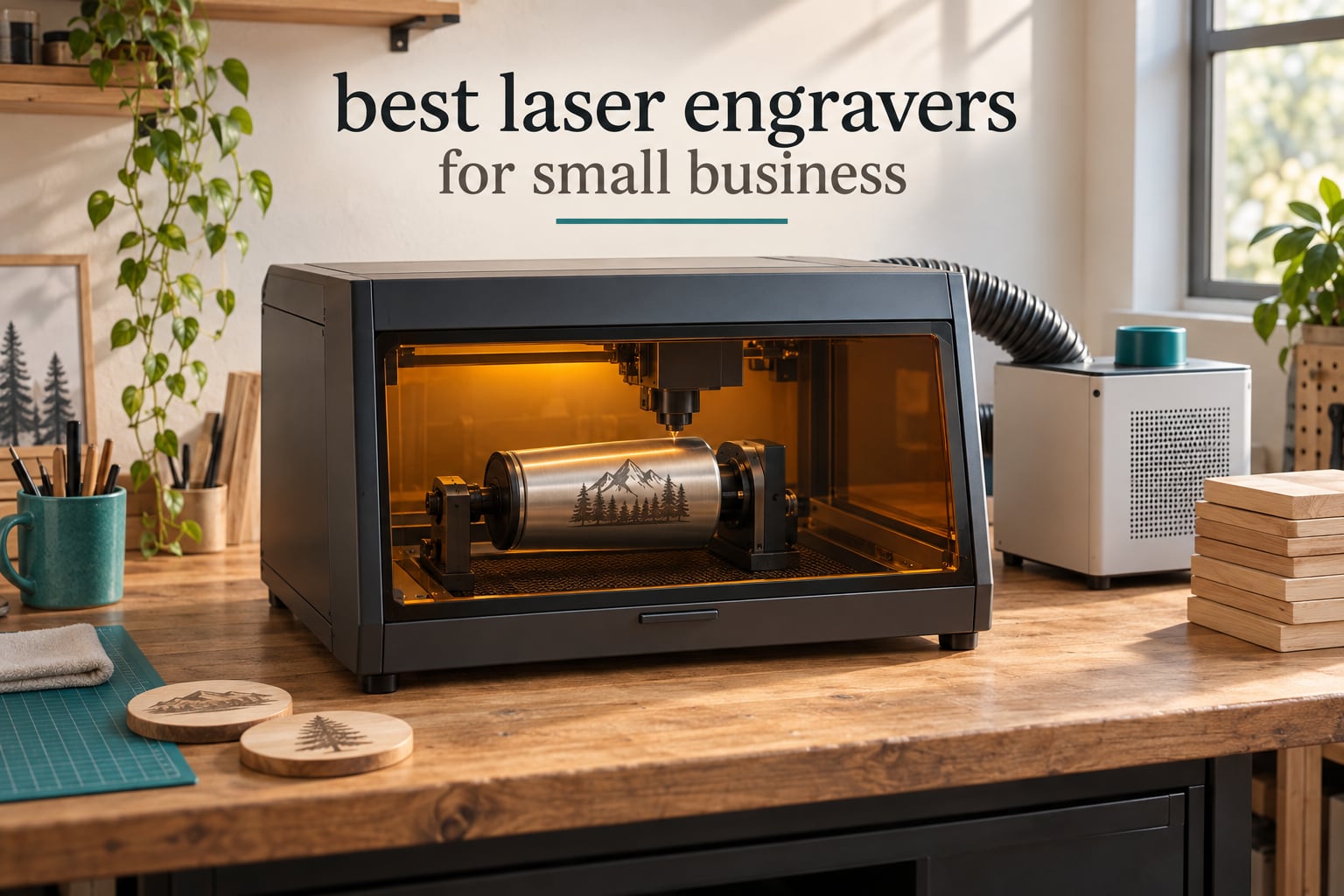
There is a specific moment in almost every small business journey where the machine stops being a tool and starts being the business. For a lot of makers, a laser engraver is that machine. It is the difference between buying a blank tumbler and selling a personalized one, between a wooden sign and a wedding gift, between a hobby and a product line with a price list.
Choosing the best laser engraver for small business is harder than it looks. The search results are crowded with roundups written by the brands that sell the machines, and almost all of them quote wattage without ever telling you what the machine can actually cut. Meanwhile the honest questions get skipped: what does it cost to get running, what can it not do, and what happens to your margins when a job takes forty minutes instead of four.
We spent weeks reading specifications, warranty terms and customer feedback across ten of the most popular desktop and enclosed laser machines, then sorted them by the things that actually decide whether a business can make money. Our picks cover the range from a first machine that costs less than a month of rent to an enclosed Class 1 workhorse built for batch production, and we have flagged the real drawbacks on every single one.
If you want a broader look first, our general guide to the best laser engravers covers hobby and craft use, and we also cover dedicated desktop laser cutters separately for readers who mostly cut rather than engrave.
Top 3 Laser Engravers for Small Business in 2026


All 10 Laser Engravers for Small Business at a Glance
| Product | Specifications | Action |
|---|---|---|
| xTool S1 40W Rotary Bundle |
|
Check Latest Price |
| Longer RAY5 40W |
|
Check Latest Price |
| WECREAT 20W 4-in-1 Enclosed |
|
Check Latest Price |
 xTool F2 Dual Laser xTool F2 Dual Laser |
|
Check Latest Price |
 OMTech K40+ 45W CO2 OMTech K40+ 45W CO2 |
|
Check Latest Price |
 ORTUR Laser Master 2 10W ORTUR Laser Master 2 10W |
|
Check Latest Price |
 Twotrees TTS-10 Pro 10W Twotrees TTS-10 Pro 10W |
|
Check Latest Price |
 Longer RAY5 10W Touchscreen Longer RAY5 10W Touchscreen |
|
Check Latest Price |
 ATOMSTACK A20 Pro V2 20W ATOMSTACK A20 Pro V2 20W |
|
Check Latest Price |
 CREALITY Falcon A1 10W CREALITY Falcon A1 10W |
|
Check Latest Price |
1. xTool S1 40W Rotary Bundle – The Business-Ready Enclosed Diode
- Class 1 enclosed body filters 99% of laser light
- Batch throughput of up to 119 dog tags per job
- Enclosed setup means no goggles required
- Support resolves issues with replacements
- Heavy at roughly 100 lbs and needs a dedicated space
- Smoke and smell still need an external vent
- XCS software can lose saved projects
The S1 40W is the machine we kept coming back to while testing. At 4.6 stars from 233 reviews it is the highest rated in this group, and the reasons owners give line up with what the spec sheet promises: clean cuts straight out of the box, an enclosure that lets you skip goggles, and enough speed to batch small items.
It cuts 18mm cherry wood in a single pass and engraves at 600mm/s across a 23.93 by 15.16 inch bed. That bed size matters more than wattage for a business, because it is the difference between a batch of dog tags in one job and a batch you run four times.
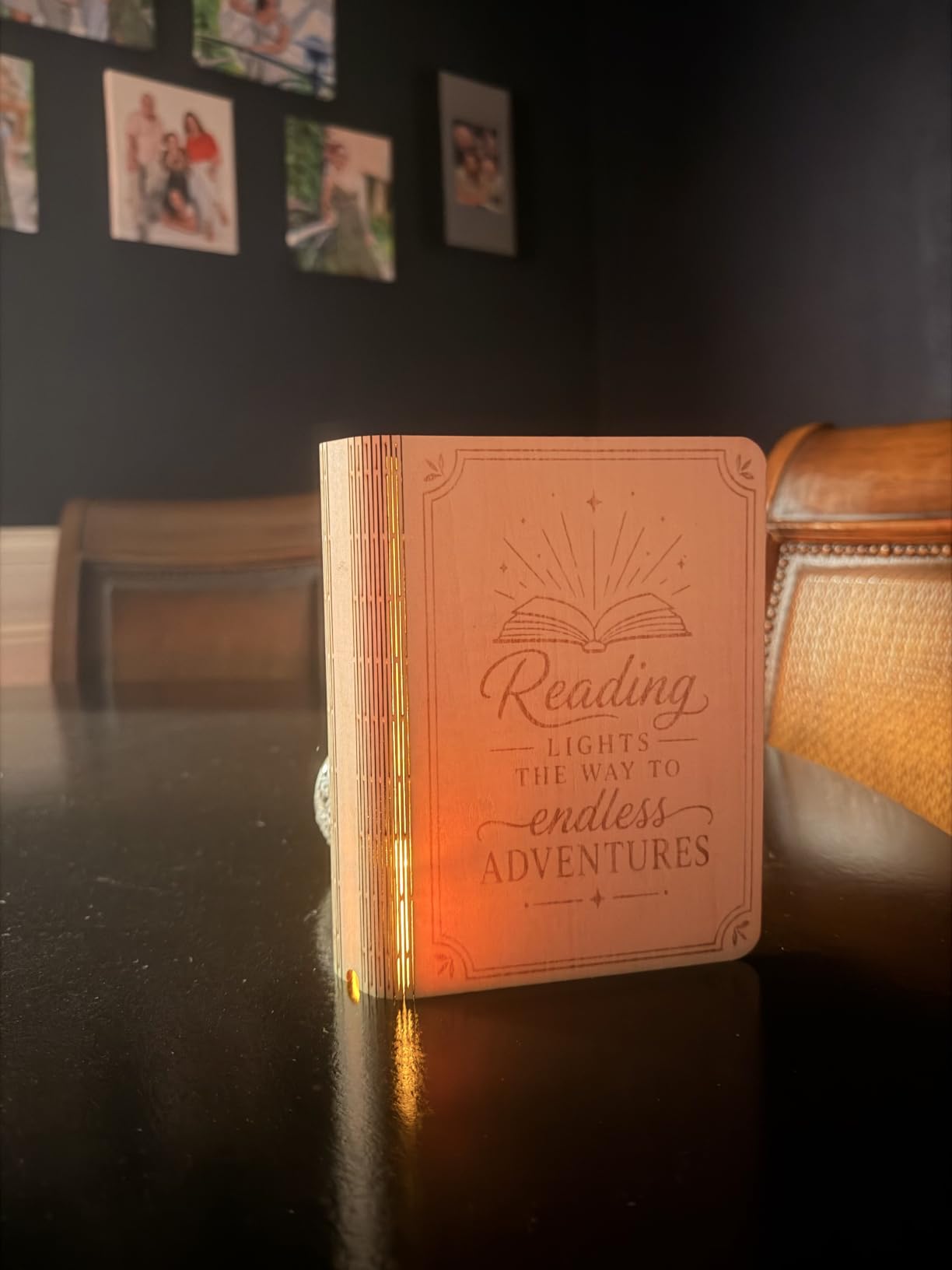
The rotary attachment is bundled in this configuration, which removes the single most common accessory purchase for a tumbler business. xTool’s pin-point positioning handles curved surfaces, and AutoPassthrough can push projects up to 118 inches long when you add a feeder.
Owners upgrading from a cheaper diode machine describe the step up in build quality and steadiness at speed as night and day. A reviewer on r/Laserengraving put it plainly: after moving from a D1 to an S1, the speed and the enclosure changed the way they worked rather than just how fast the head moved.
What holds up when you are running orders, not samples
The frame is 3mm aerospace-grade aluminum, and xTool cites 71,830 hours of testing with seven pre-shipment inspections. Owners running it commercially report consistent results across long production sessions, which is the difference between a machine that demos well and one you can quote a lead time on.
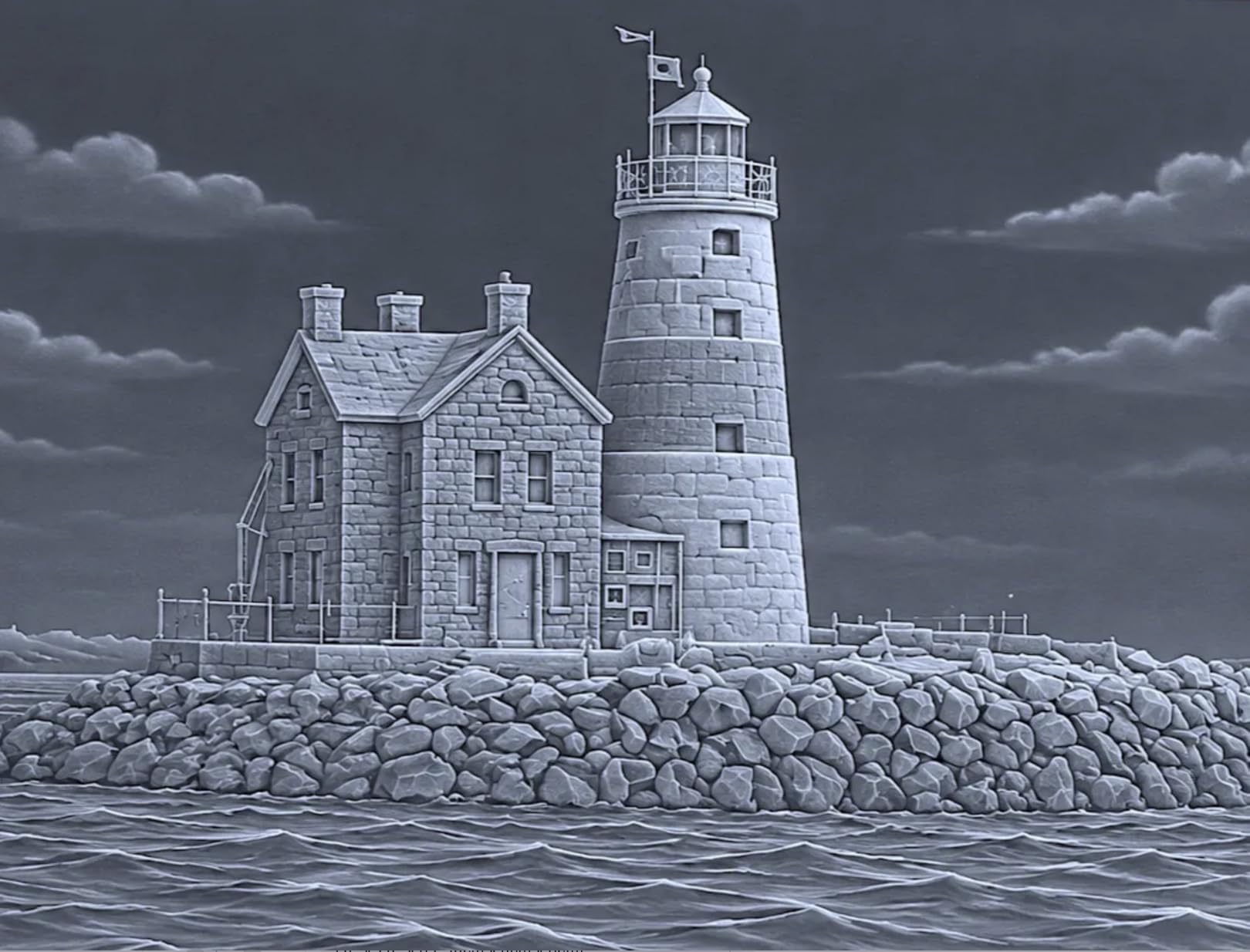
Auto-focus and the 400+ pre-tested material presets in xTool Creative Space remove most of the trial-and-error that eats machine time on lesser software. Batch runs that used to need manual height setting become a single setup step.
Where it will frustrate you
It weighs 86.8 pounds and needs a bench of its own. The enclosure blocks the light, not the smell, so indoor production still requires an external vent or purifier and the noise of one running.
The software is not flawless. XCS can lose saved projects or feel awkward to navigate, and the spring-loaded Z probe spear is delicate enough to dent and return false focus readings if you are not careful with it. AutoPassthrough also needs a separately purchased feeder to do anything at all.
2. Longer RAY5 40W – Best Value 40W Cutting and Steel Marking
- Best value 40W machine in this roundup
- Engraves 0.15mm stainless steel directly
- Cuts 30mm black acrylic and 20mm wood in one pass
- Built-in air assist kit
- Multi-machine control from one device
- Operating instructions after assembly are thin
- Air assist may need manual activation
- Enclosure and exhaust are separate add-ons
The RAY5 40W is the value pick for a reason: at 4.5 stars from 109 reviews with only 3% one-star, it delivers genuine 40W cutting ability for far less than the enclosed machines on this list. It cuts 30mm black acrylic and 20mm wood in a single pass and engraves 0.15mm stainless steel, which is a capability most machines in this price range simply do not have.
That stainless steel capability is what separates it from cheaper 20W and 30W kits. For a business doing hardware tags, keychains or blade marking, a diode that reaches 0.15mm steel without a coating step is a real cost saving per unit.
Dual-beam technology pushes engraving to 24,000 mm/min and the 32-bit motherboard is built for long-duration operation. Longer also supports controlling multiple machines from a single device, which matters the moment you add a second unit to a production room.
For a small business, the practical detail I care about is the built-in air assist kit. Air assist reduces charring, improves cut edges and extends lens life, and on machines where it is an optional extra it usually gets skipped. Here it is part of the machine.
Why it outsells machines that cost considerably more
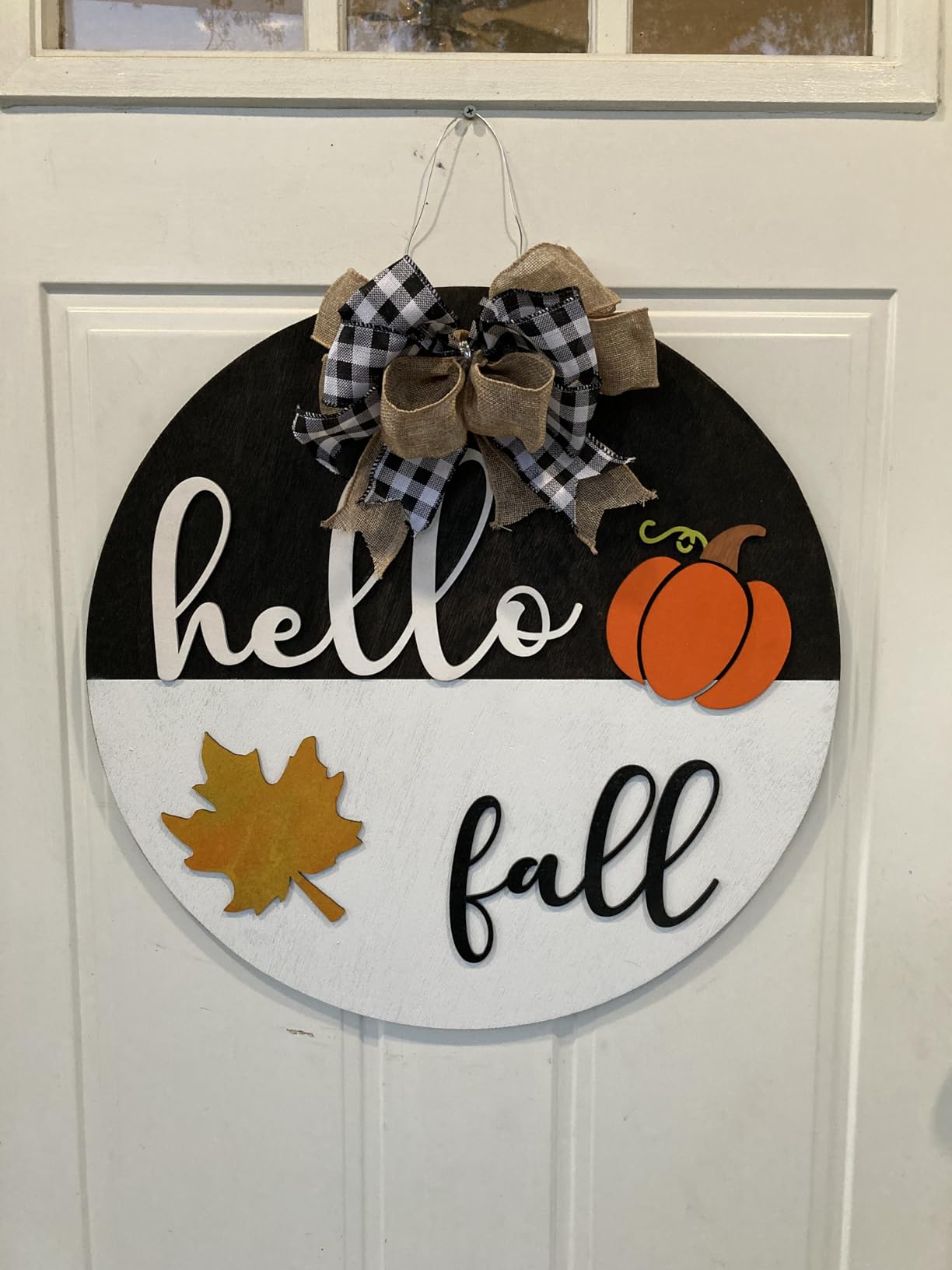
The 256-color engraving palette gives grayscale work a genuine range rather than a binary burn, so photo engraving on wood or acrylic produces results worth charging for. Longer also rates this machine for 24/7 continuous operation, which is the language a production buyer wants to hear.
Reviewers report quick responses from support, including a free replacement part sent to one owner. The safety suite covers motion protection, temperature control, an emergency stop switch and included protective glasses.
The gaps you should know about
The enclosure and exhaust fan are separate add-ons rather than integrated parts. If you are working indoors for a living, you are adding to the total cost to launch, and you should factor that in before you commit.
Documentation gets thin once the machine is assembled, so expect a trial-and-error period. Air assist may require manual activation depending on the unit, and later power upgrades are not straightforward because they can need circuitry changes. A small number of units have shipped with a cracked plastic shell, so inspect on arrival.
3. WECREAT 20W 4-in-1 Enclosed – Built for Tumblers and Gifts
- Automatic Z lift removes the need for a separate riser base
- Rotary covers tumblers and mugs plus spheres and rings
- Enclosed Class 1 design needs no extra goggles
- Pre-assembled and ready out of the box
- Heaviest machine per watt at 66.9 lb
- MakeIt software is less flexible than LightBurn
- 98 reviews is a thin data set
Almost every small business starts with tumblers, so the machine that handles a gift shop’s most popular product with the least fuss is worth serious consideration. The WECREAT LC2320 is that machine, and its defining feature is the automatic laser lift that adjusts from 0 to 140mm.
That Z lift is the quiet hero here. With an open-frame diode you are physically swapping risers to change material thickness, and every swap is machine time you are not billing. Here the height sets itself, which is why buyers single out the elimination of a separate riser base as the feature that changed their workflow.
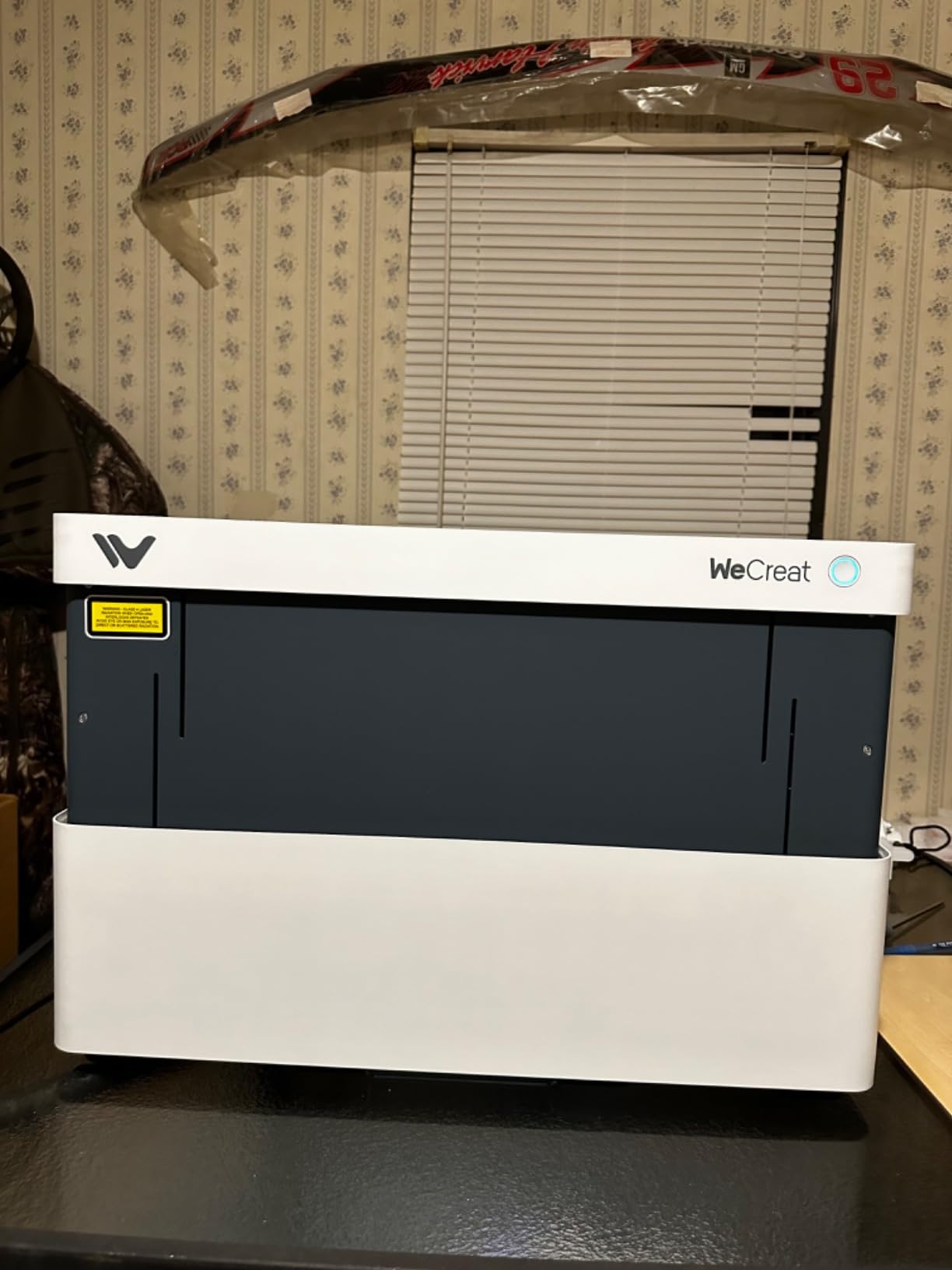
The rotary system is a genuine multi-axis kit rather than a simple roller. It handles tumblers, mugs, rollers, chucks, spheres and rings, so a business can sell across a whole range of cylindrical and curved gifts without buying separate fixtures. The 0.06 x 0.08mm spot produces the fine detail jewelry work needs, and it cuts 10mm wood or 8mm opaque black acrylic in one pass at up to 600mm/s.
It arrives pre-assembled with a built-in HD camera for automatic positioning, a smart air assist moving up to 30L/min, and a fully enclosed FDA Class 1 body with a lid-open auto stop and 99% light filtering. You can use it in a shared room without goggles.
Where it fits in a product line
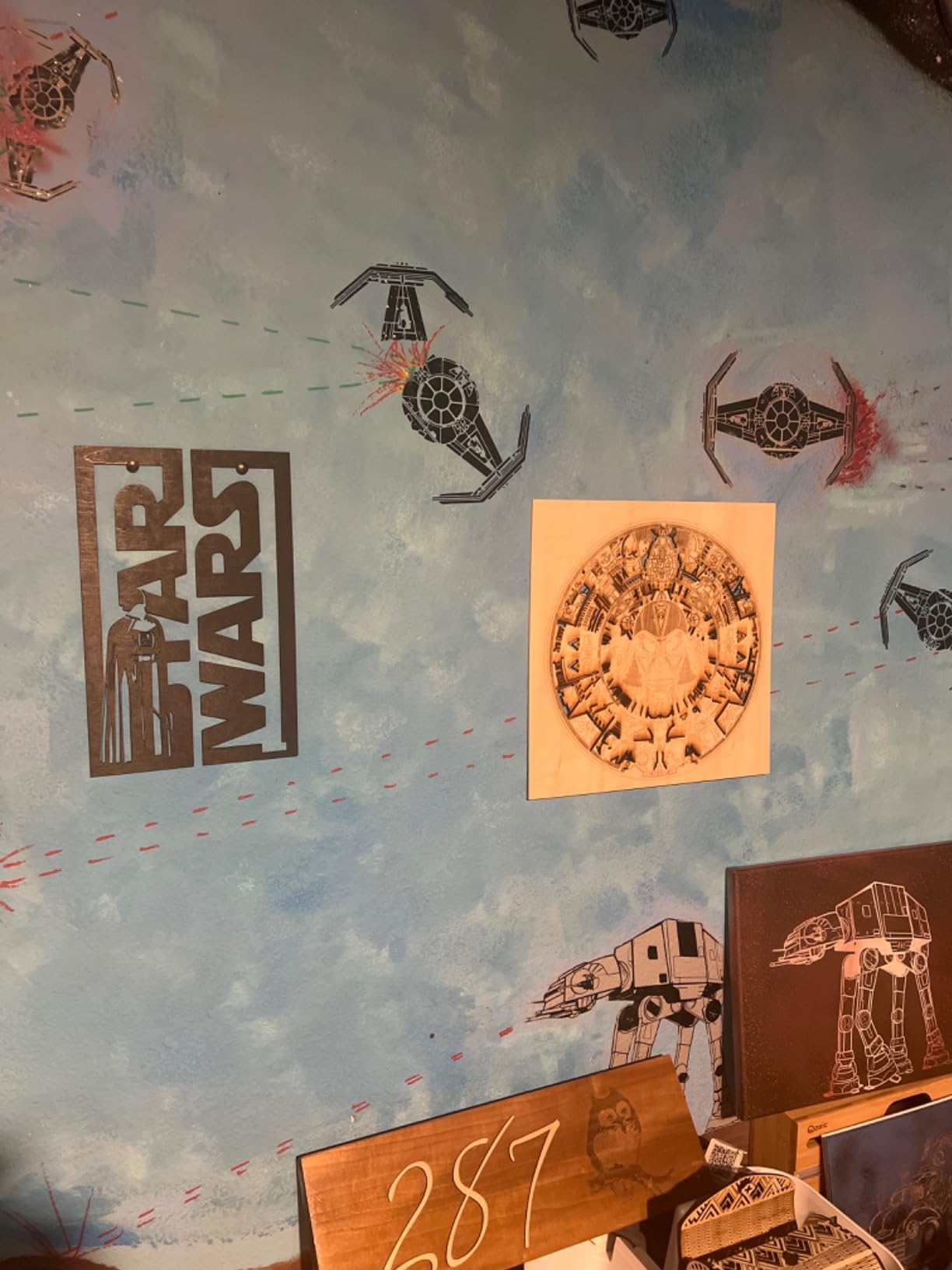
This is a gift machine. The quick-view matrix covers 1,000+ materials and the bundled library holds more than 1,000 ready-to-print images, so a new seller can be producing personalized gifts on day one rather than spending a week building a design library from scratch.
It stays compatible with LightBurn for advanced work even though WeCreat MakeIt is the primary interface. That matters if your business outgrows the bundled software later, which is a common and expensive surprise with machines that only run proprietary controls.
What to weigh before buying
At 66.9 pounds it is the heaviest machine per watt in this roundup, so plan the bench and the floor space. The 20W diode still carries the usual limits: reflective metals are out and acrylic cutting is restricted, though it does handle 8mm opaque black acrylic.
MakeIt is less flexible than LightBurn, so advanced users will spend most of their time in the alternative software. The review base of 98 is thin, and a 12% one-star share is higher than the better-reviewed models in the group, which tells you the defect rate is a little higher even though the features are strong.
4. xTool F2 Dual Laser – Portable 15W Diode and 5W IR Combo
- Dual-laser handles color metal marking and thick cutting in one unit
- Extremely portable at 10 lb for markets and on-site work
- 50MP camera makes alignment and batch setup fast
- Arrives fully assembled and runs after brief calibration
- Small work plate limits batch sizes
- Cloud-centric software makes local saving awkward
- IR color marking needs tuning for consistency
The F2 solves a specific small business problem that most desktop machines ignore: how do you serve a customer at their office, a wedding venue or a market table when your machine weighs 80 pounds? At 4.6 kg this one goes in a car and sets up in minutes.
It also carries two lasers. The 15W diode handles 3D embossing and thick-material cutting, while the 5W infrared laser produces deep, dark color marking on metal. That combination means a single unit covers both of the two most common custom requests, and xTool says it works across more than 300 materials.
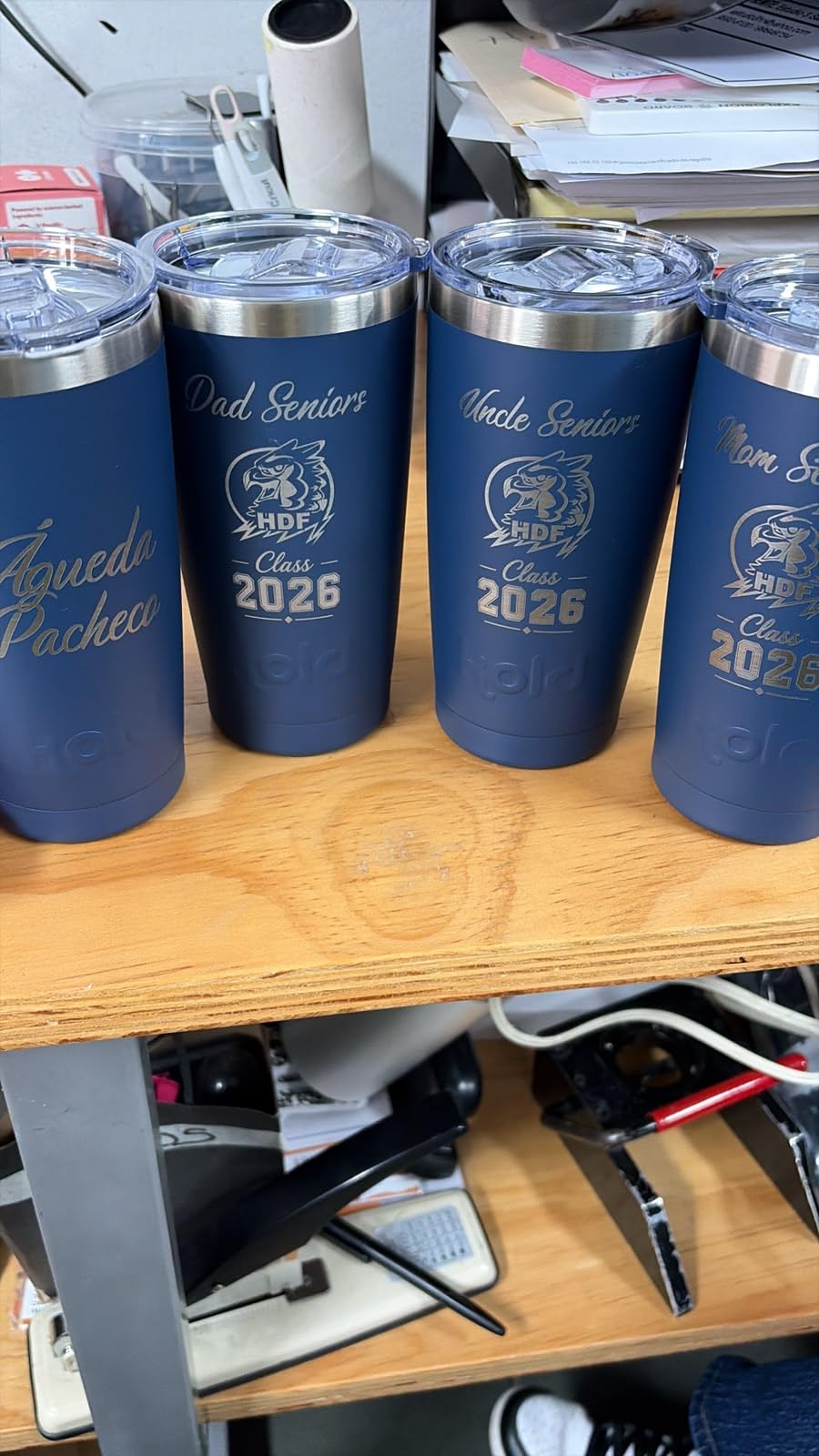
The 50MP built-in camera aligns to 0.1mm on small pieces, and motion accuracy is 0.00199 inch. Speed reaches 6,000mm/s, which the manufacturer illustrates with a card engraved in about three seconds, and that headroom is what makes rapid on-site personalization possible rather than theoretical.
Owners coming from a Longer Nano Pro or an M1 Ultra consistently rank the F2 higher for speed, camera alignment and single-software control of both lasers. xTool Studio handles both modules in one program, so you are not switching between two design tools mid-job.
Where a dual-laser machine earns its keep
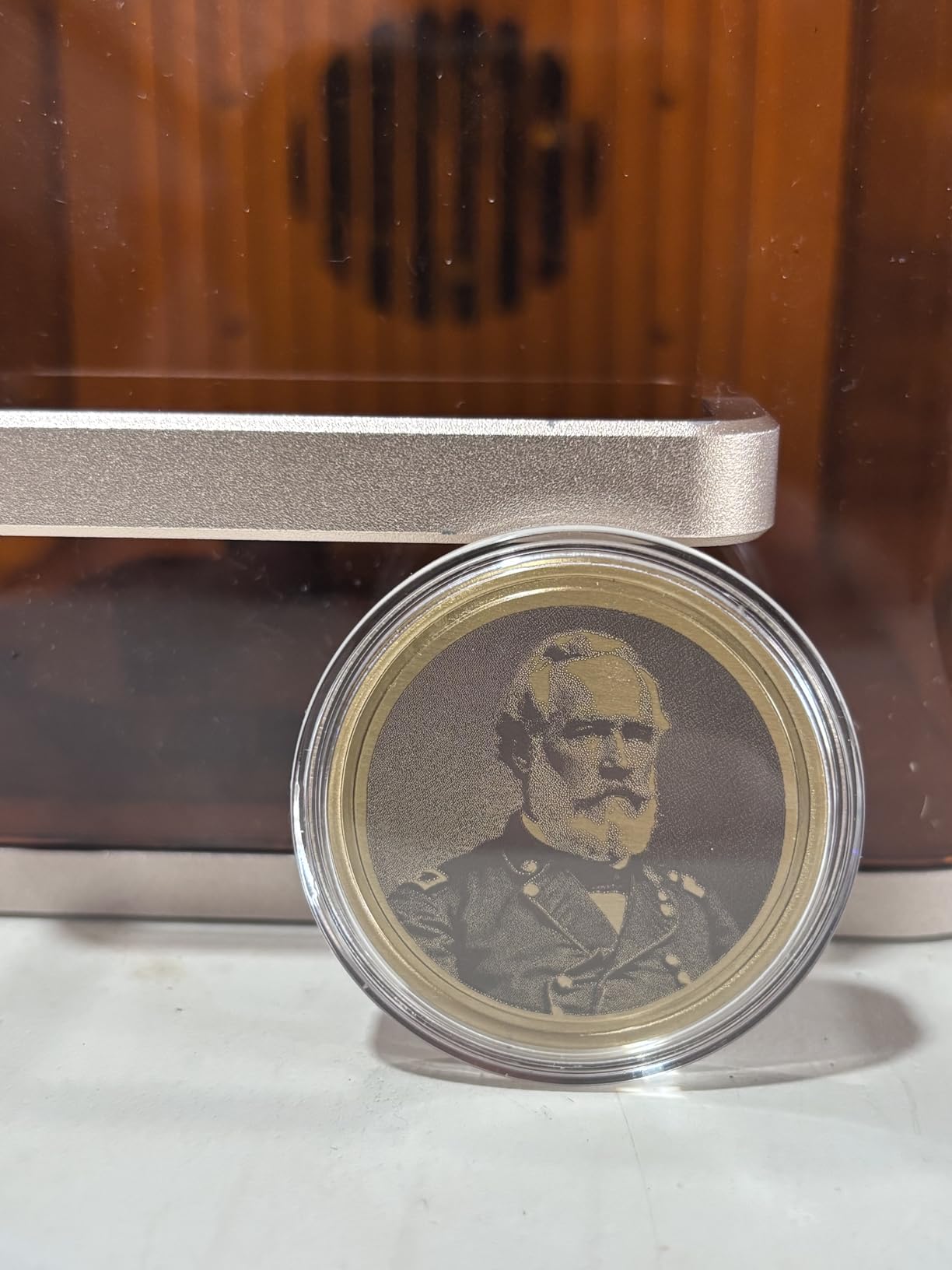
Infrared marking on metal is a premium service. Anodized aluminum tumblers, stainless blanks and coated steel all take a deep, permanent dark mark from the IR module, and a business can charge a higher rate for color metal marking than for standard surface engraving because the result looks closer to a factory finish.
It arrives fully assembled with a base plate and base material kit included, so there is no build step between delivery and first paid job. The fully enclosed leak-proof body has a built-in fan with an optional purifier for indoor use, which matters when the machine is the same one you carry between locations.
What limits it in a production setting
The work plate is small, and larger batches need the optional slide extension. Cloud-centric software makes saving local files awkward, which is a genuine annoyance if your designs are the part of the business you cannot afford to lose.
IR color marking results vary and need tuning to become consistent, and connecting the optional air purifier is confusing. A rotary attachment is needed for good tumbler results. It also does not work with the newest Microsoft Surface Pro because of driver compatibility, so check your laptop before you commit.
5. OMTech K40+ 45W CO2 – The Only CO2 Platform Here
- Only CO2 platform in this roundup
- Cuts 10mm acrylic and 8mm wood
- 1.5-2x faster than the 40W model
- Integrated air assist auto-adjusts to laser power
- Support includes live video walkthroughs
- Smallest review base at 37 reviews
- Inconsistent factory quality control on some units
- 81.8 lb footprint needs a dedicated bench
A diode laser cannot cut acrylic cleanly, and no amount of parameter tweaking changes that physics. If your business sells acrylic signage, layered wood products or anything cut rather than only marked, a CO2 machine is not a luxury. The K40+ 45W is the only CO2 platform in this roundup for exactly that reason.
It cuts 10mm acrylic and 8mm wood, engraves up to 300mm/s, and the manufacturer rates it at 1.5 to 2 times the cutting speed of the 40W model with 15 to 20% greater depth. For a signage shop that is the difference between one acrylic sheet and two per session.
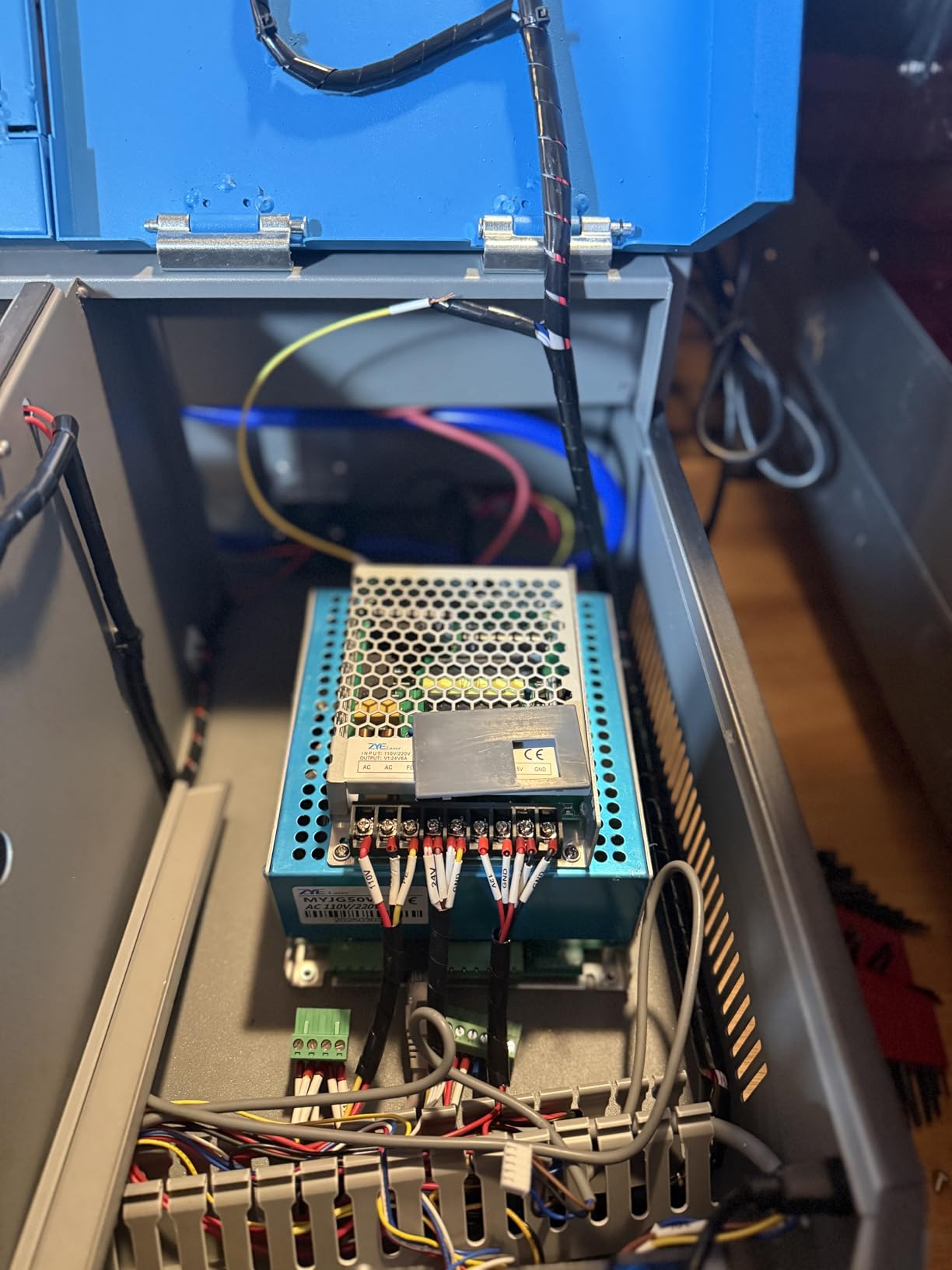
The integrated 45-degree air assist auto-adjusts airflow to the laser power, which removes a variable that open-frame operators fiddle with constantly. Airflow control is the single biggest factor in cut quality and lens life, so having it automatic and angled correctly is more valuable than it sounds.
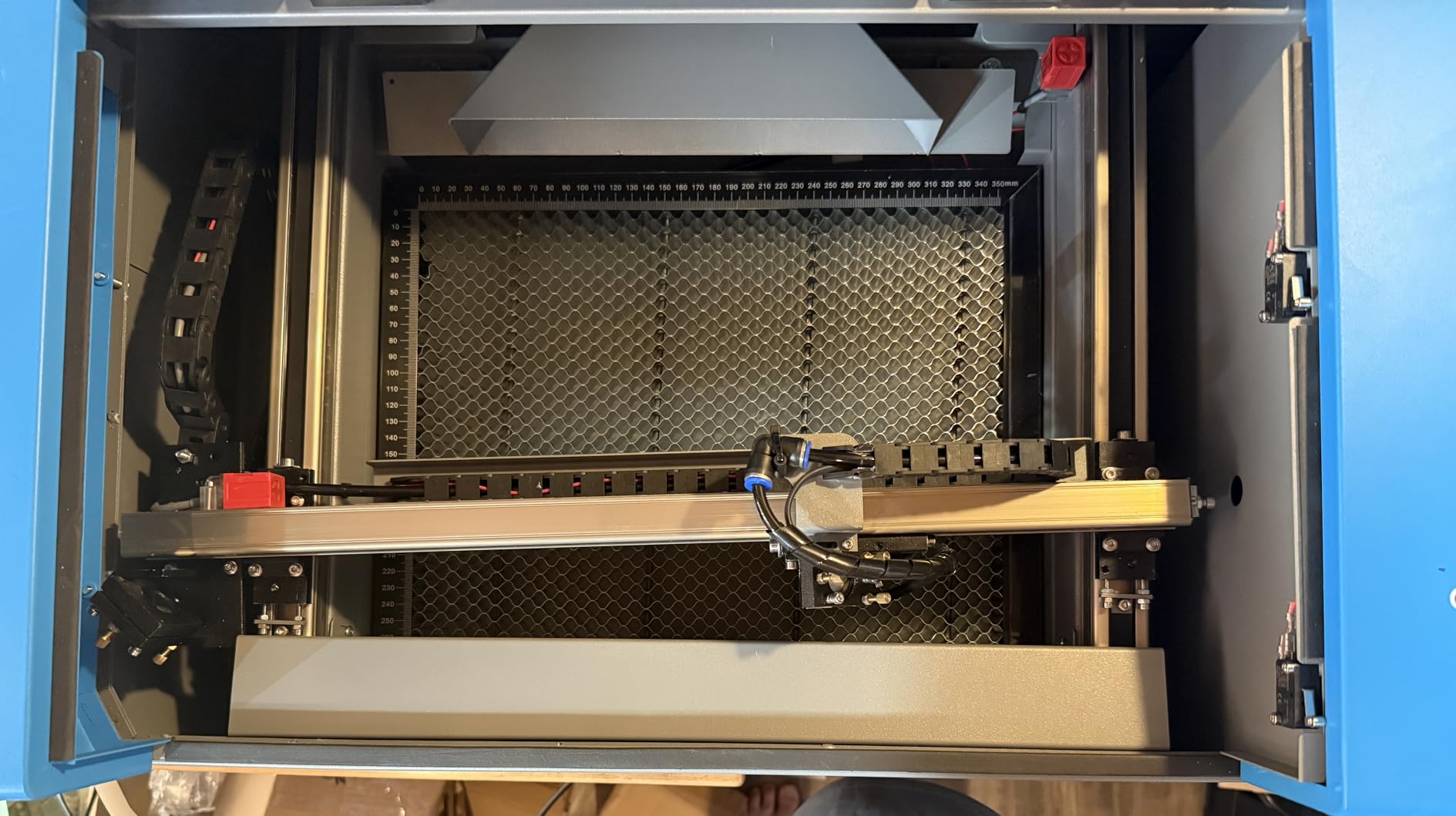
It also has a high-powered exhaust fan built in, a honeycomb bed, a detachable base and an optional rotary axis. The enclosure is rated Laser Class 2 at 0.827 mW output with a flame-retardant acrylic panel, water and door protection plus an emergency stop.
Why owners stay with CO2 for a business
CO2 machines remain the standard for engraving and cutting non-toxic materials like wood, acrylic and leather. Many sellers report beautiful, clean cuts once the initial setup hurdles are behind them, and OMTech support includes live video walkthroughs, which is unusually hands-on for a machine in this class.
Full LightBurn and LaserGRBL support means you are not locked into one ecosystem. For a business that intends to keep this machine for years, software portability is a real long-term value and cheaper platforms often do not offer it.
What the small review base means for you
With 37 reviews this is the thinnest data set in the roundup, and the rating is less proven than its 4.4 stars suggest. Quality control is the recurring complaint: some units arrive dented or misaligned with loose parts, water hoses can be installed backwards and fault on first power-up, and the bundled USB cable may need replacing.
Plan for setup day. The 81.8 pound footprint needs a dedicated bench and someone comfortable with plumbing the water cooling. If your business cannot absorb a self-repair or a week of troubleshooting during its first month, an enclosed diode with a larger review base is the safer purchase.
6. ORTUR Laser Master 2 10W – The Most Proven Starter Frame
- Largest review base here at 1474 ratings
- All-metal frame gives real rigidity and accuracy
- Modular design makes assembly and repair straightforward
- Cuts 30mm acrylic and 20mm wood
- Open-frame Class 4 design needs eyewear and ventilation
- Gantry can need alignment tuning
- LightBurn setup has a learning curve
When we wanted to know whether a machine holds up, we looked at how many people had already found out. The Laser Master 2 has 1,474 ratings, more than every other machine in this roundup combined, and the long review history is itself a form of reliability evidence you cannot get on a new release.
It delivers 10W of optical output with a compressed spot of 0.05 x 0.1mm across a 390 x 410mm area, and it cuts 30mm acrylic and 20mm wood. That cutting depth is the surprise at this level, and it is why this open-frame machine remains a legitimate first purchase rather than a toy.
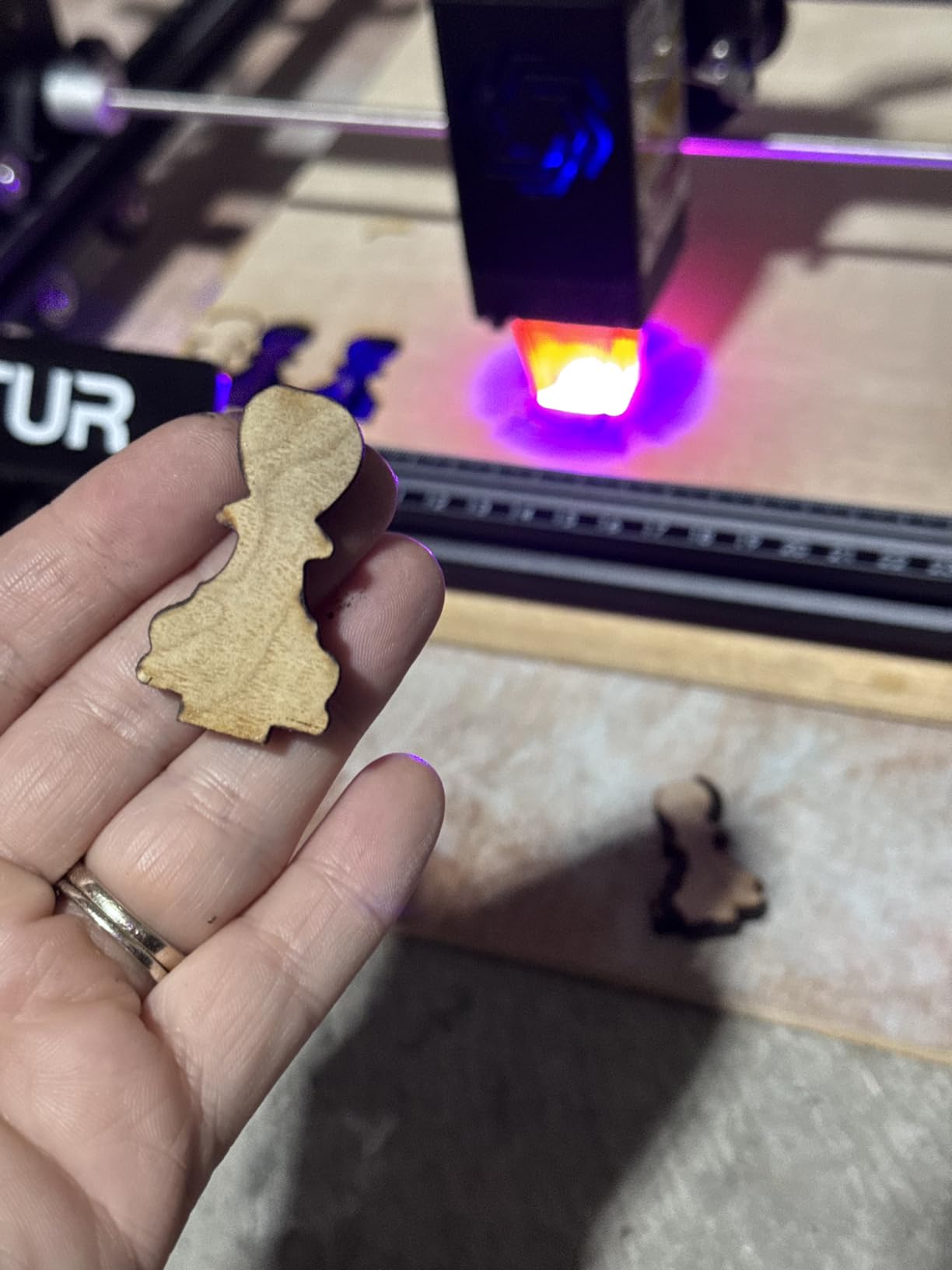
The full metal frame is the physical reason it engraves accurately. Buyers cite the sturdy all-metal chassis and quick assembly, and the modular construction means a failed part is replaced rather than the whole machine. That modularity is genuinely useful for a business, because downtime is money.
It supports both LaserGRBL and LightBurn, plus a wide range of file formats from SVG and DXF to JPG, PNG and TIF, and runs on Windows or macOS. A built-in air assist interface means you can add air without a modification, and the protective cover filters 98% of UV light with goggles included.
Who this is genuinely right for
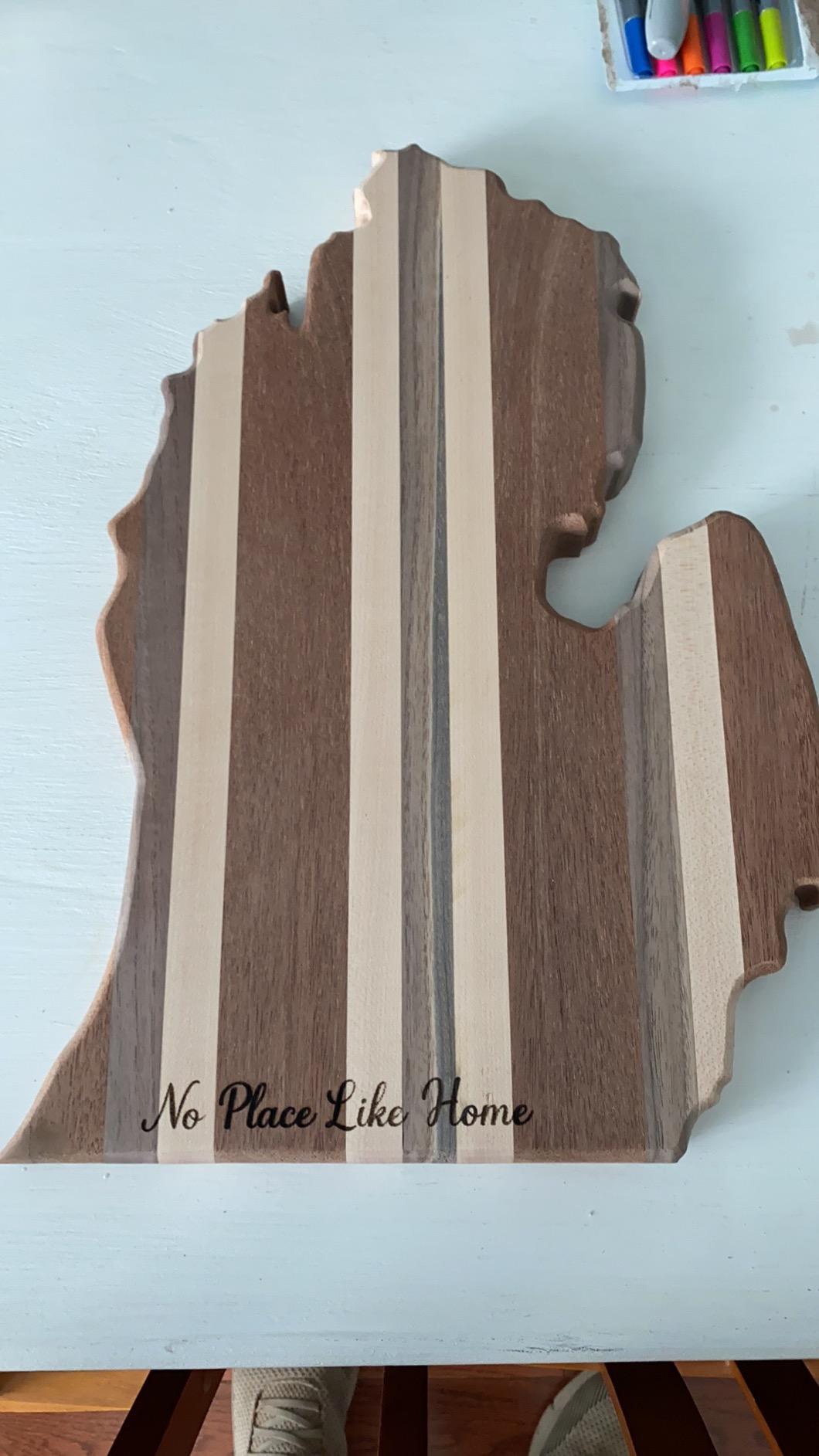
If your work is jewelry-sized and your workspace is a corner of a spare room, this machine does most of what a far more expensive enclosed unit does for materials like wood, leather and acrylic. Buyers regularly describe strong cut and engrave performance for the money as the single most common theme in the reviews.
It weighs 9.03 pounds, which means it moves when you need it to. G-sensor, motion-stop and auto laser-off give you the standard safety protections expected of a Class 4 machine, and the 10 to 15 minute assembly claim held up well for most owners.
Where the open frame costs you
This is a Class 4 open-frame machine, so safety eyewear, proper ventilation and a controlled space are non-negotiable. If you share a home with anyone, particularly children or pets, the safety and ventilation overhead is a real cost that does not appear in the purchase.
The gantry and modular parts can need alignment tuning to stay consistent across a full work area, and there is a genuine learning curve for first-time LightBurn users setting laser parameters. Treat that first week as training and price it into your launch plan.
7. Twotrees TTS-10 Pro 10W – Certified Entry-Level Machine
Twotrees TTS-10 Pro Laser Engraver,10000mW High Precision Laser Engraving
- Includes CE FCC ROHS FDA and UL62368 certifications
- 12-month manufacturer warranty
- Smooth LightBurn connection
- Accurate stepper motors and belt motion
- Not suitable for bare steel or uncoated metal
- Some buyers report connection freezes needing a restart
- Bundled phone app is not advanced
The certification list is the reason this machine earns a place. It carries CE, FCC, ROHS, FDA and UL62368 certifications with a 12-month manufacturer warranty, and for a business operating in a home or a shared space that documentation is worth more than another few watts of claimed power.
At 4.3 stars from 589 reviews it is well regarded for a first machine, performing well on wood, bamboo, acrylic, leather, dark glass and coated or anodized metal. The 32-bit dual-core mainboard and the aluminum alloy frame with dual Y-axis stepper motors and GT2-6mm belts give it the accuracy you need for small gift work.
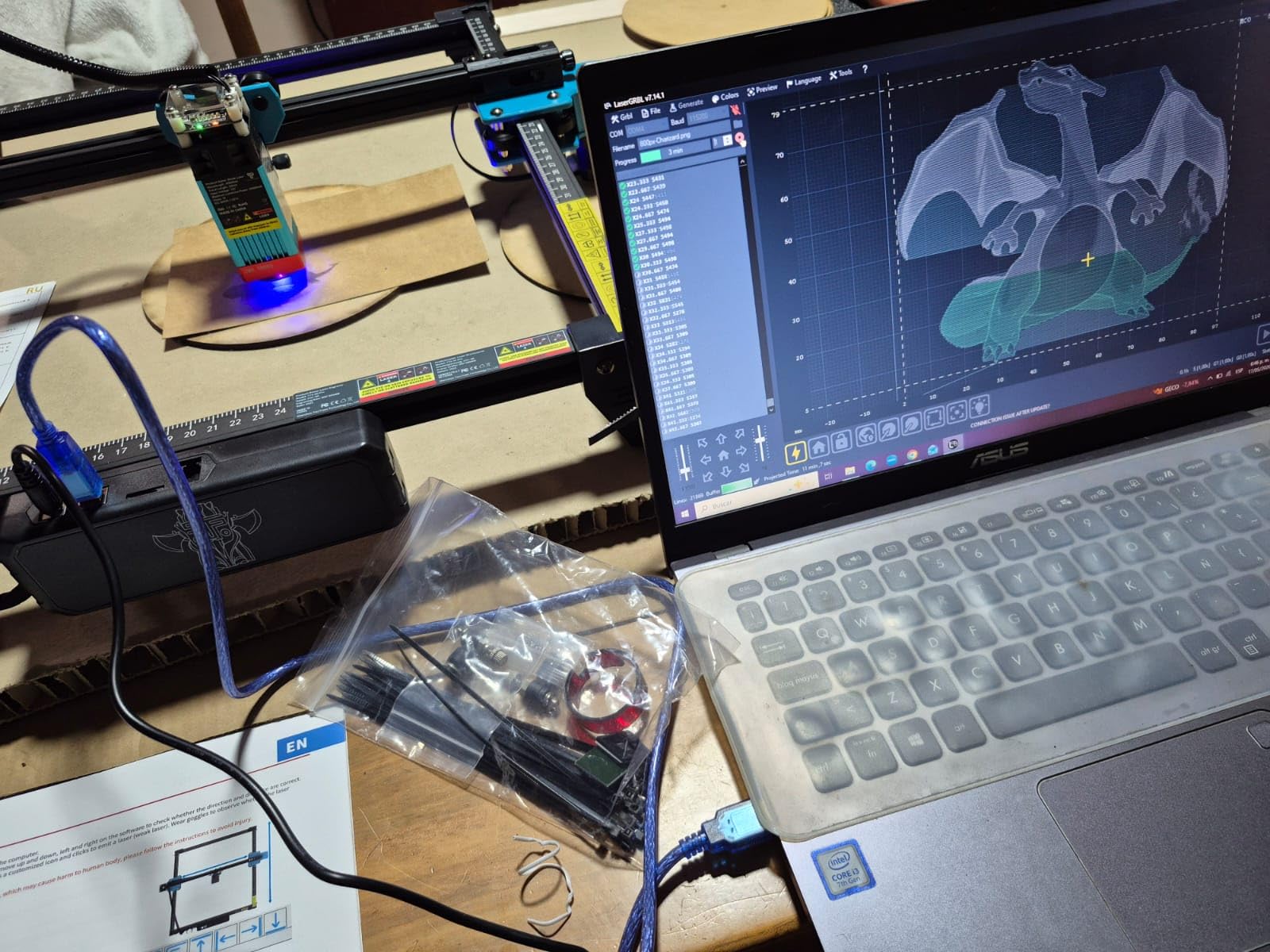
It runs online or offline from a TF card, with mobile app and web control, and it supports LightBurn and LaserGRBL with .lbrn or .nc file export. The offline mode matters more than it sounds, because a business that cannot engrave when the internet drops has a service problem.
Buyers describe accurate, durable stepper motors and belt motion as consistent strengths, and the seller support is reported as responsive and helpful. Assembly is well illustrated, though the dominant sentiment is that the first setup still needs patience.
The honest limit on materials
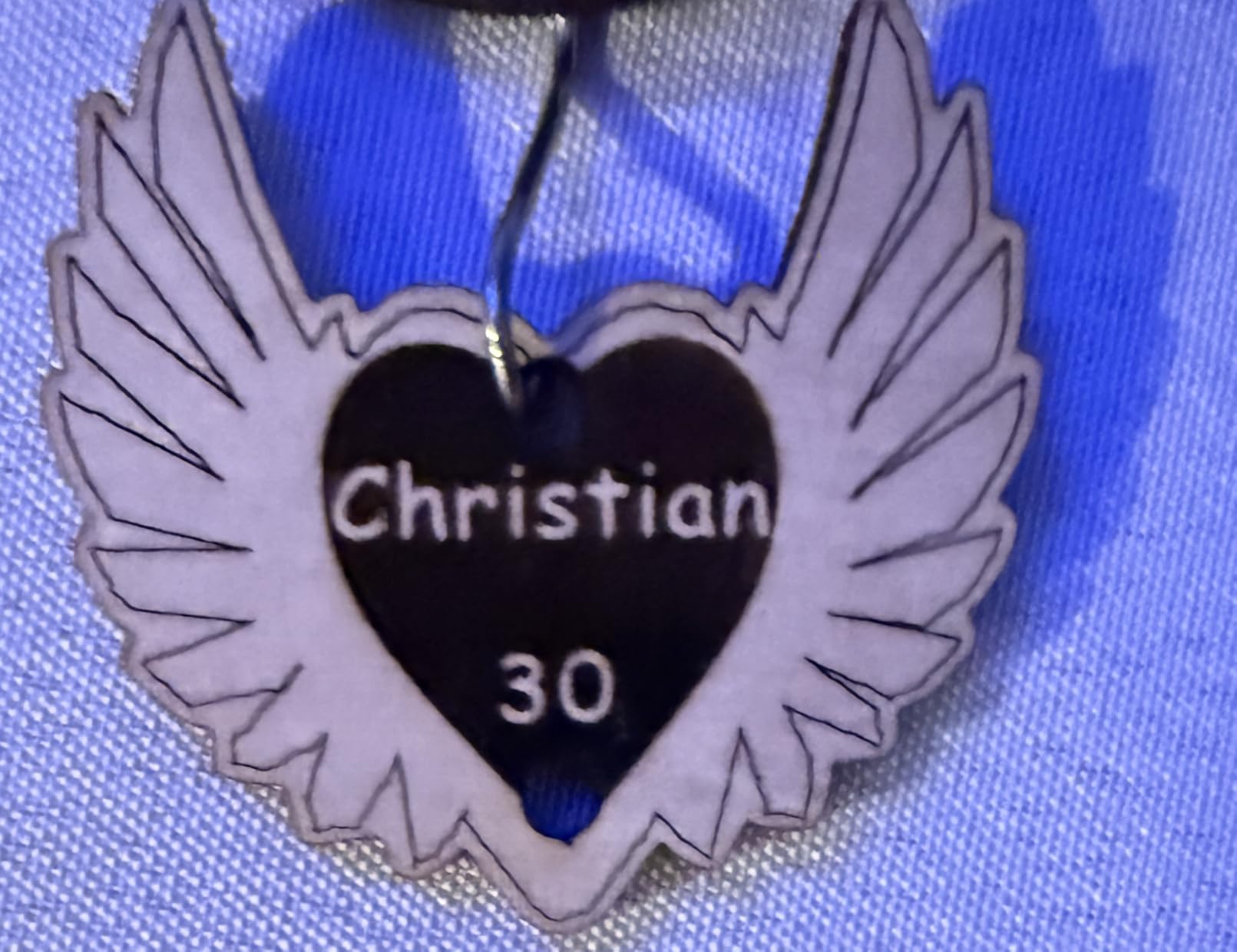
Despite what some marketing implies, it does not engrave bare or uncoated metal. If your product line is stainless steel or raw aluminum, choose a different machine or plan on coating every blank before engraving, which adds a step and a cost per unit.
Some buyers report intermittent connection freezes that require a restart, and the bundled proprietary phone app is not advanced. At 300 x 300mm the work area suits jewelry and small gifts, but it will not take a cutting board or a signage panel.
Is it the right business machine?
It is the right first machine when you sell small gifts, you need a documented safety profile, and you want the certification trail rather than the largest bed. The 300 x 300mm bed is the practical ceiling on what you can offer, and that ceiling determines your product list more than the wattage does.
8. Longer RAY5 10W Touchscreen – Big Bed, Small Footprint
Longer New Upgrade RAY5 Laser Engraver Cutter,Working Area 15.75″×15.76″
- 400 x 400mm bed is unusually large for 10W
- Touch screen control is rare at this level
- Cuts 20mm wood and 30mm acrylic
- Expandable to 850mm x 400mm with extension kit
- Written instructions are weak
- File transfer and firmware can be unreliable
- Some Mac users cannot update firmware
The headline spec on the RAY5 10W is the 400 x 400mm work area, expandable by 200% to 850 x 400mm with the optional extension kit. A 20W machine in a lightweight frame can be built for speed on small items, whereas this one is built for footprint, and for a signage or board business the footprint is what pays.
It still cuts 20mm wood and 30mm acrylic in a single pass, with dual-beam technology reaching 24,000 mm/min. The 3.5-inch touch screen is the detail that stands out, letting you run the machine without a computer for simple repeat jobs, which saves setup time across a production day.
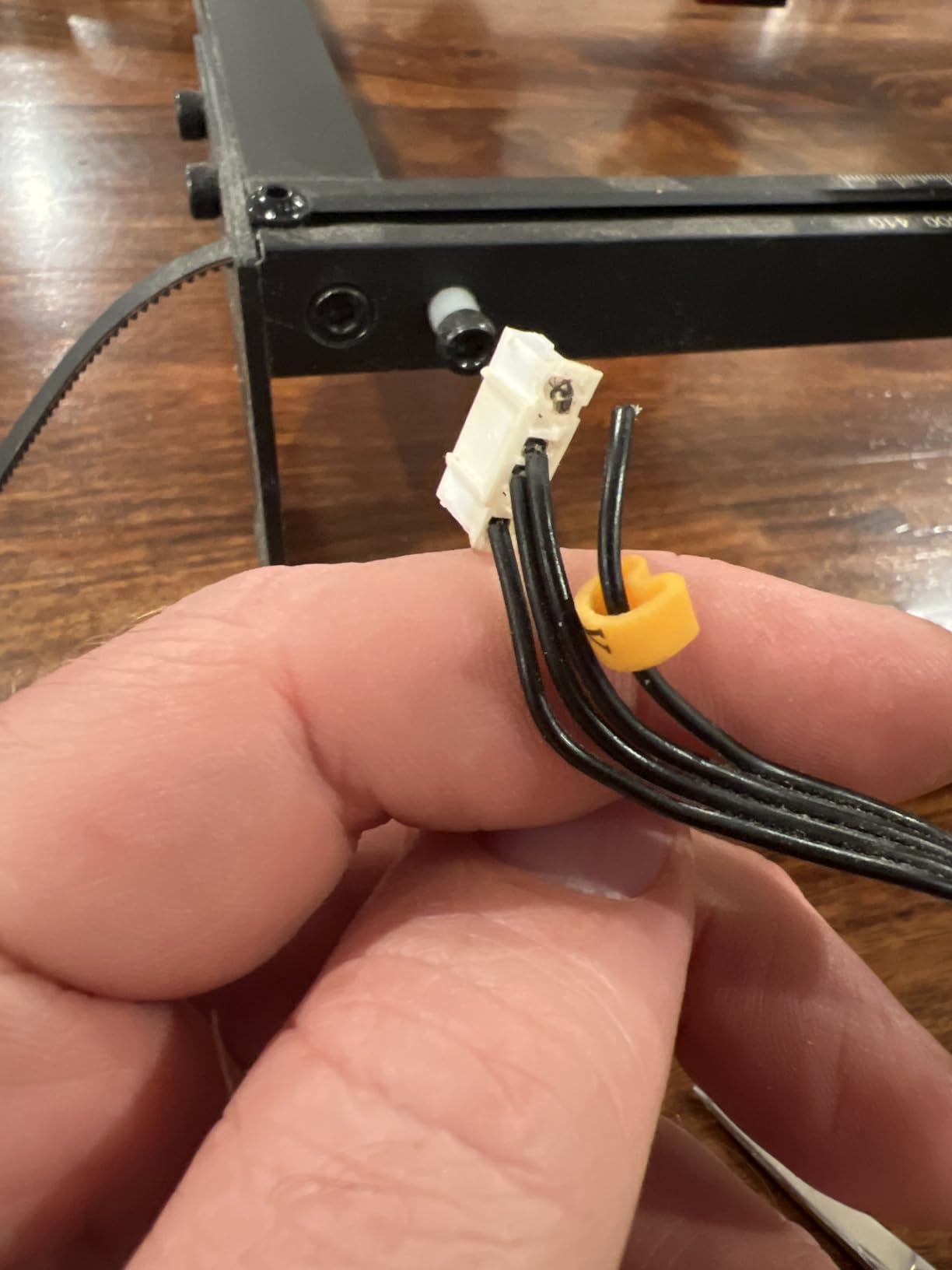
Four data transfer methods are supported: Wi-Fi, USB cable, app and TF card, with offline operation on a 32-bit core motherboard. Owners running small production runs such as 36-piece fixture batches report the accuracy and speed holding up, and many call it good value in plain terms.
A protective cover and safety glasses are included, and an abnormal shaking and suspension auto-stop program is built in. At 8.2 pounds it is light enough to move when your workspace changes.
When the large bed changes your pricing
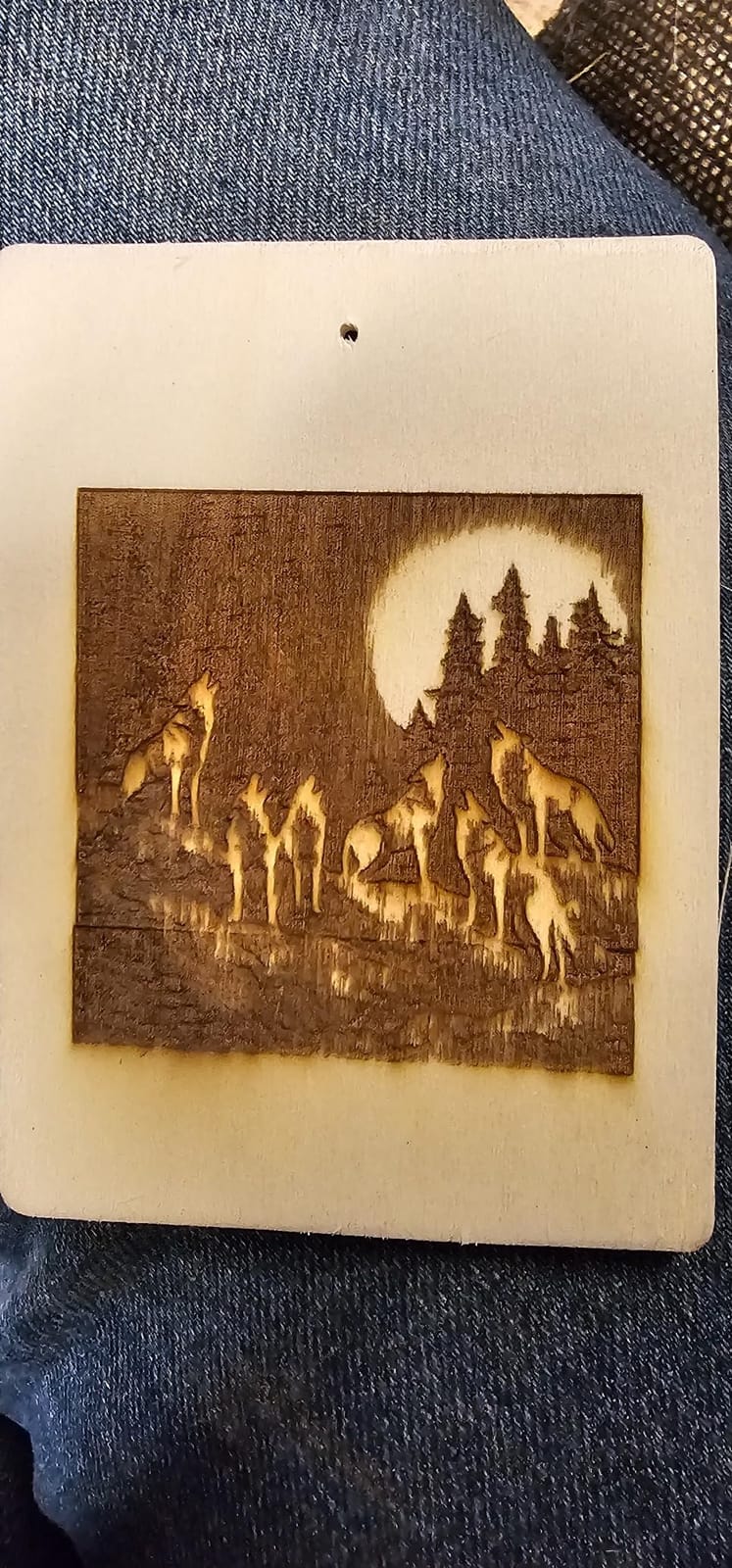
You can quote a full cutting board in one pass instead of splitting the job. The expansion kit takes the bed to 850 x 400mm, which is wide enough for most door signs and wall pieces, and it means the machine you buy today can follow you into a larger product tier later.
The touch screen is more useful for repeat production than it first appears. A job you run fifty times a week can live on the machine without a laptop tethered to it, and that removes a failure point and a few minutes per run.
The friction points to plan around
Documentation is the weak spot. Written instructions are poor and assembly often requires video guides, so budget an afternoon and follow a walkthrough rather than a manual. Support hours and roller documentation can be frustrating if you are stuck mid-production.
File transfer and firmware can be unreliable, and some Mac users cannot update firmware at all, so confirm your computer before buying. Some buyers also report missing accessories such as the focus tool, and out-of-bounds motion errors can occur until the frame is re-initialized. Longer support has often resolved these with refunds or free parts.
9. ATOMSTACK A20 Pro V2 20W – Precise Detail on a Light Frame
ATOMSTACK 20W Laser Engraver, A20 PRO V2 Laser Cutter, High Accuracy Laser Engraving Machine for Personalized Gifts, Business Cards, Wood, Metal, Acrylic, Leather
- Sharp detailed engraving with strong 20W cutting
- Integrated linear guide motion for accuracy and longevity
- Large work area in a 13 lb frame
- Free replacement parts and 24/7 support
- Documentation is thin on specs and Wi-Fi setup
- Bundled app and PC software are basic
- Wiring loom is not held in drag chains
The A20 Pro V2 is the machine we would put in front of someone whose business depends on the engraving looking expensive. At 20W with a 0.08 x 0.1mm dot compression, owners consistently report sharp, detailed work with strong cutting on wood, acrylic and leather, and that combination of fine detail and real power is not common at this level.
It uses integrated linear guide motion rather than the belt-only rails found on cheaper frames, with an aluminum alloy frame and a modular design. Built-in limit switches and a cross-line light deliver 0.01mm engraving accuracy, and that repeatability is what lets you charge for engraved product rather than a laser-marked one.
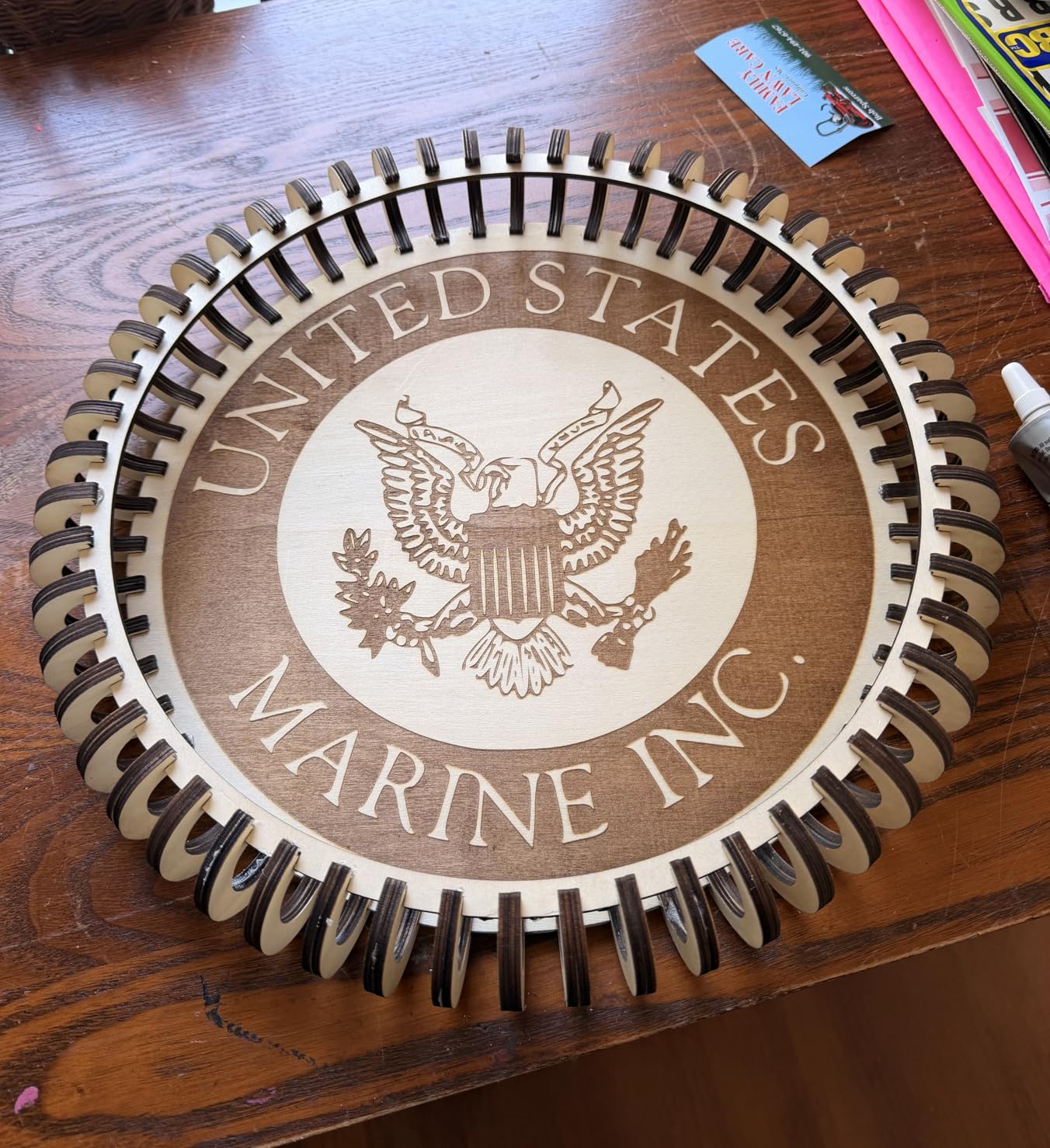
Speeds reach 400mm/s, and the module is rated for up to 10,000 hours of life, which is a useful durability proxy when you are working out payback. Assembly is quick with well-illustrated bagged parts, and the whole unit weighs 13.42 pounds while still offering a large work area.
It works via Type-C and USB stick control, and while buyers almost universally end up running LightBurn rather than the bundled ATOMSTACK app, that is a healthy pattern because LightBurn is the industry-standard control software. A removable magnetic protective cover, safety glasses and a tilt-angle safety beep above 15 degrees round out the safety features.
Why leather and acrylic work well here
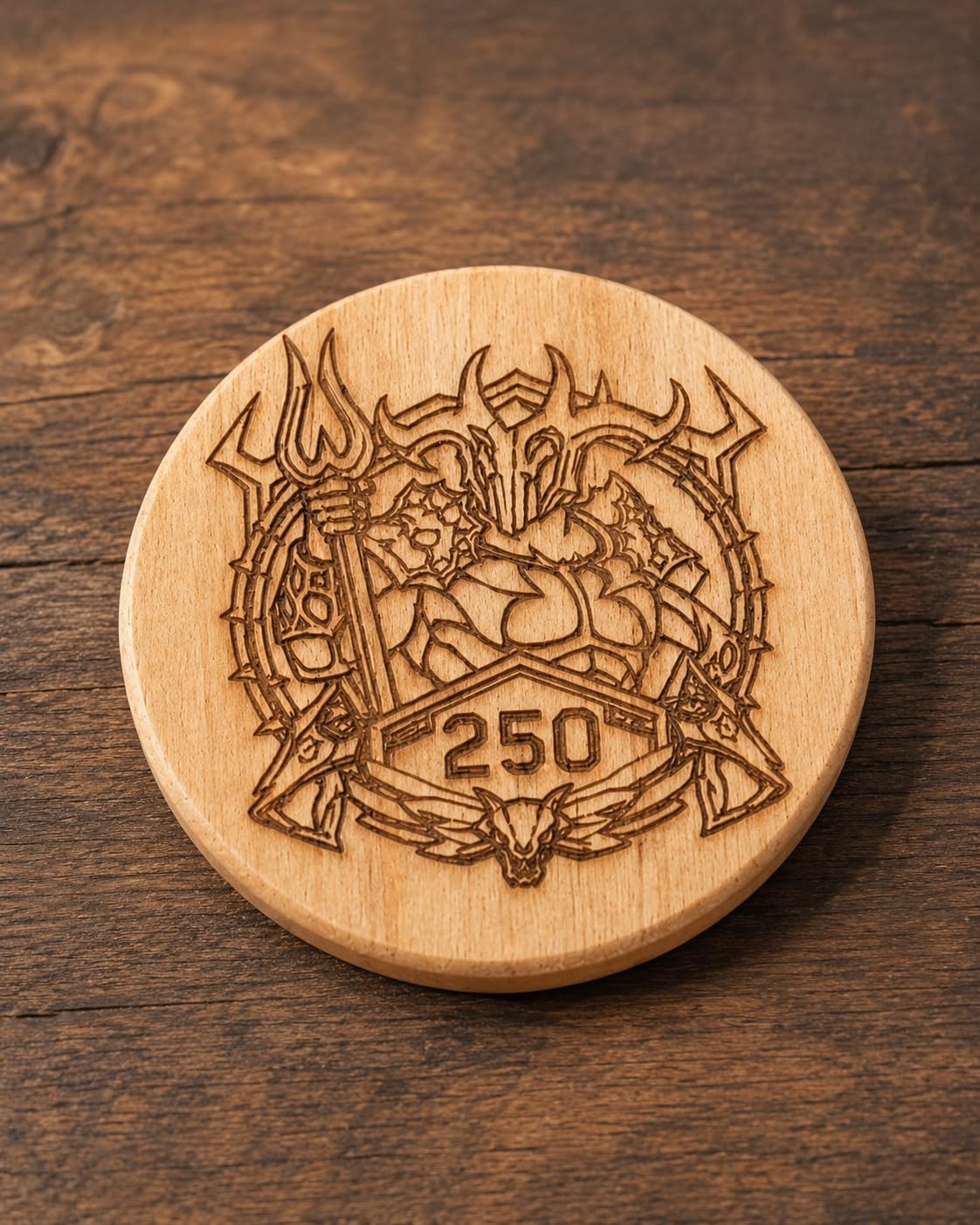
Leather is a difficult material for a weak laser because it chars before it cuts. The 20W output and the automatic air assist interface give the head the energy and the airflow to push through cleanly, and the fine dot size keeps text crisp on a small tag where a bigger spot would smear it.
Buyers report solid, well-built construction with good linearity rails as a consistent theme, along with quick straightforward assembly. Free replacement parts and 24/7 support are offered, which reduces the cost of the kind of small failure that would otherwise kill a production week.
The real drawbacks
Shipped documentation is thin on specifications, Wi-Fi setup and limit switch configuration, and the bundled ATOMSTACK app and PC software are basic compared with LightBurn. The gantry wiring loom is not held in drag chains, so it can snag on workpieces, and the belt-driven frame is less accurate on larger items than the spec suggests.
A small number of one-star reviews report units arriving with electronics faults and difficult warranty resolution, so inspect the machine early and test it before you build a production schedule around it.
10. CREALITY Falcon A1 10W – Camera-Guided Enclosed Setup
- Camera removes manual positioning and trial-and-error
- Enclosed Class 1 dual-door design is quiet and safe
- Ready out of the box with preset parameter profiles
- Supports LightBurn
- LaserGRBL and Cutlabx
- 381 x 305mm bed is small
- 10W module cannot cut acrylic
- One in ten reviewers gives one star
The Falcon A1 makes a case for the camera more convincingly than any other machine here. The pre-calibrated HD camera gives a full-frame view of the workspace and auto positioning, and the graphic outline extraction feature converts an existing design directly into an engraving path, which removes the manual positioning step that eats time on every small job.
It is a fully enclosed dual-door Class 1 body filtering 99% of laser radiation while blocking smoke and noise, with auto-lock and an emergency stop. That combination is why it suits a home-based or shared workspace better than an open frame, and 68% of its reviews are five-star.
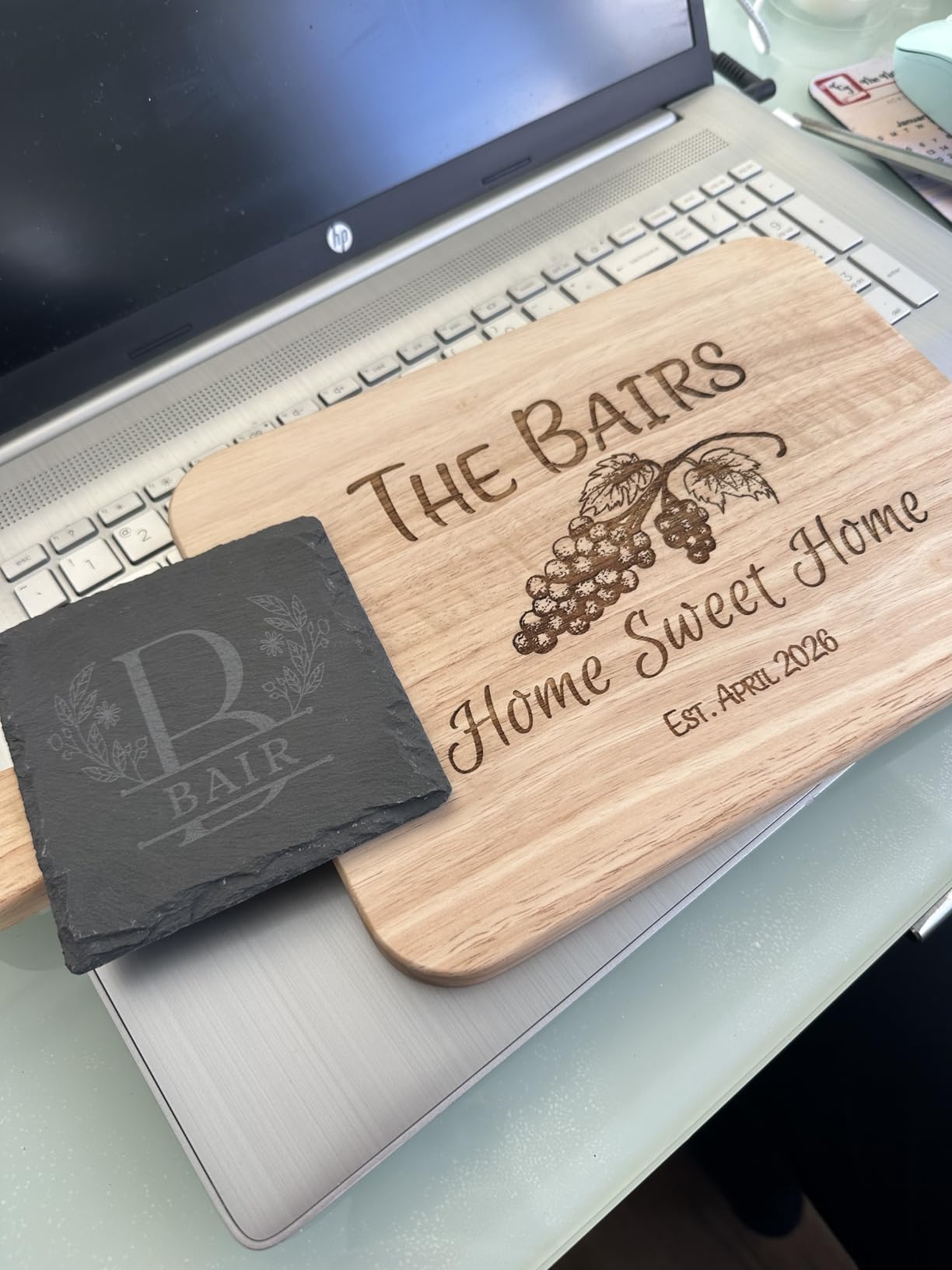
CoreXY motion with a dual motor power system reaches 600mm/s, and it comes with free Falcon Design Space software while also supporting LightBurn, LaserGRBL and Cutlabx. Out of the box it uses pre-set optimal parameter profiles, so a first-time owner can get a usable result before understanding a single setting.
It is one of the newer listings in the category, which tells you where the demand is heading. For engraving wood, leather and coated metal with a repeatable workflow, the camera-assisted setup is the feature that reduces operator hours most.
Where the camera genuinely pays for itself
Every engraved item that needs a design placed precisely by hand costs setup time. The camera converts that into an automated step, and on a business running many small items per day that recovered time is margin. The dual-door design also means you can load and unload without fully unsealing the enclosure.
Because the enclosure blocks smoke and noise, the machine is workable in an indoor workspace where an open frame would push exhaust problems onto you. That is a practical business advantage in a home-based operation, and it is one of the few reasons we recommend a 10W machine here.
The limits you need to plan around
The 381 x 305mm working area is small, and it is not compatible with the 500 x 500mm honeycomb panel, so a larger bed is not a simple upgrade. The 10W module cannot cut acrylic, and it is prohibited on mirror-finished metals and mirrored acrylic, with acrylic requiring a coating.
About one in ten reviewers gives one star, which points to occasional first-unit problems. A small work area also limits larger signage and production batches, so if your product list includes anything board-sized, this is not the machine and a larger-bed enclosed option will serve you better.
How to Choose a Laser Engraver for Small Business
Pick the laser type first, because it decides what you can sell. Everything else is a preference. A diode laser is the practical default for a small business: affordable, compact, and excellent on wood, acrylic, leather, paper, cardboard and coated or anodized metals. Every machine on our list except the OMTech is a diode platform, which tells you how the market has settled.
A CO2 laser is the specialist for cutting and engraving non-metals, and it remains the standard for wood, acrylic and leather. It cannot touch metal. Our OMTech K40+ is the only CO2 option here and it earns its place for acrylic signage, but its weight and small footprint make it a workshop machine rather than a desk machine.
A fiber laser is the metal specialist, typically 20 to 50W, with high precision and no consumable tubes, and MOPA variants allow adjustable pulse duration for color marking. UV lasers target heat-sensitive materials like glass and crystal. Neither appeared in this product set, and both sit well above the small-business entry tier, so we would treat them as a second machine for an established operation rather than a first purchase.
Now match the type to the material. Diode handles wood, bamboo, acrylic engraving, leather, cardboard, paper, dark glass and coated metals, plus shallow engraving on stainless. CO2 handles wood, acrylic including cutting, leather, paper, cardboard, glass, ceramics and some plastics. Fiber handles stainless steel, aluminum, brass, copper, titanium, plated metals and coated surfaces. UV handles glass, crystal and heat-sensitive plastics.
The second decision is enclosure and safety, and for a business this is not optional. Enclosed Class 1 machines with 99% light filtering, lid-open auto stop, flame sensors and an emergency stop let you work in a shared or home-based space without safety eyewear and with far less ventilation pressure. The open-frame Class 4 options such as the ORTUR and the Twotrees are cheaper and genuinely capable, but they carry an ongoing cost in eyewear, ventilation and workspace control.
Air assist and exhaust are the two features buyers most often treat as optional and most often regret skipping. Air assist reduces charring, improves cut quality and extends lens life, and on this list the xTool S1, the Longer RAY5 40W and the OMTech all include it. Exhaust is what stops a workshop from filling with smoke, and on the RAY5 40W it is a separate add-on rather than an integrated part.
Software decides how much of your time is spent producing instead of troubleshooting. LightBurn is the industry-standard control software and is supported by the xTool S1, the Longer machines, the ORTUR, the Twotrees, the ATOMSTACK, the WECREAT, the OMTech and the CREALITY. Bundled software such as WeCreat MakeIt, xTool Creative Space and Falcon Design Space is convenient, and LightBurn is what you will use once the work gets complex. Check for LightBurn support before you buy, because proprietary-only controls limit your growth.
Budget for the total cost to launch, not the machine. Buyers report adding rotary attachments, air compressors, exhaust systems, safety glasses, fire blankets, ducting and software licences on top of the machine, and that total is commonly 30 to 40% above the headline. Plan the accessory list before the purchase so you are not piecing a workshop together over several weeks.
If you work from home, check the rules before you buy, not after. Many landlords, HOAs and local fire codes restrict laser use in residential spaces, and a fire marshal conversation is easier to have before a machine arrives than after. Confirm ventilation capacity, keep a fire blanket and an extinguisher near the machine, and never run an unattended job.
Set maintenance expectations early. Daily and weekly tasks include emptying the ash tray, cleaning the lens with isopropyl alcohol, checking the air assist filter and cleaning the honeycomb bed. Monthly checks should cover the lens for pitting, the focus offset and the emergency stop. Many owners on r/Laserengraving report that a dirty lens alone was the cause of degraded cut quality, and cleaning it restored performance without touching any settings.
Finally, think about the upgrade path before you need it. The common route runs from an open-frame diode for learning, to an enclosed Class 1 diode for production and safety, to a CO2 or a dual-laser machine once your material list demands it. A business that reaches the point of controlling multiple machines from one device, or running batch jobs past a hundred pieces, should look at a larger-bed enclosed machine or a CO2 platform next rather than a faster version of the same one.
If you also run the business on the road, the trade show circuit has its own setup list, and the same planning applies to the hardware you bring with you. We cover the logistics side separately in our business laptop guide, and the seasonal install work is a good example of the kind of product line that benefits from the personalized holiday gift angle that keeps a laser busy for a quarter of the year.
Frequently Asked Questions
Which laser engraver is best for small businesses?
The xTool S1 40W is the best overall pick for a small business because it combines a Class 1 enclosed body, a 23.93 by 15.16 inch bed, 600mm/s engraving and an included rotary attachment. For a lower budget, the Longer RAY5 40W offers the best value, and the WECREAT 20W 4-in-1 is the strongest choice for tumblers because of its automatic Z lift and multi-axis rotary kit.
Are laser engraving businesses profitable in 2026?
They can be, but only when you price machine time into every product from day one. Most roundups quote headline revenue without accounting for material cost, machine time, rework and marketplace fees. Buyers report that standard text engraving and photo engraving sit at very different price points, and that one seller runs more than 40 personalized tumblers a day at a healthy profit on each. The difference between a profitable and unprofitable shop is cost accounting, not the machine.
What is the best laser engraver for reliable daily use?
The Longer RAY5 40W is the strongest option for daily use, cutting 30mm black acrylic and 20mm wood while engraving 0.15mm stainless steel, with a built-in air assist kit and a 32-bit motherboard rated for long-duration operation. The xTool S1 40W costs more but adds a Class 1 enclosure, which matters if you work indoors. Both handle daily production; the RAY5 wins on value and the S1 on safety and bed size.
Do I need a CO2 or diode laser for my business?
A diode laser is the right default for most small businesses because it is compact, affordable and excellent on wood, acrylic, leather and coated metals. A CO2 laser is the specialist for cutting and engraving non-metals cleanly, particularly thicker acrylic and wood, and it cannot mark metal at all. Choose CO2 if your revenue depends on cutting acrylic signage or layered wood, and stay with diode if your work is mostly engraving, gifts and jewelry.
What is the most profitable item to engrave?
Personalized tumblers, drinkware and cylindrical gifts are consistently cited as the most reliable earners, because a rotary attachment makes them repeatable and the material cost is low relative to the selling price. Engraved AirTag and keychain holders reach much higher selling prices, and buyers report strong margins on them even after material cost. Margin comes from product choice and batch efficiency rather than from the machine itself.
Can a laser engraving business run alongside a full-time job?
Yes, and most small operations start that way. The realistic model is evening and weekend production on an enclosed Class 1 machine such as the CREALITY Falcon A1 or the WECREAT 20W, since both are safe and quiet enough for a home workspace. The constraint is throughput rather than demand: one small business owner reported roughly 30 minutes of run time per square foot of engraving on a 80W CO2 machine, so budget machine time honestly when you estimate weekly capacity.
Conclusion: Which Laser Engraver Should You Buy First
The xTool S1 40W rotary bundle is our pick as the best laser engraver for small business in 2026. It pairs a Class 1 enclosed body with a large bed, real engraving speed and a bundled rotary, and at 4.6 stars it is the highest rated machine we reviewed. If your budget sits lower, the Longer RAY5 40W delivers the most capability per pound, and the WECREAT 20W is the tumbler machine.
Whichever you choose, buy the enclosure if you work indoors, confirm LightBurn support before you pay, and price your machine time into every product from the first day. The machine is the easy part; the cost accounting is what turns a laser engraver into a business.