
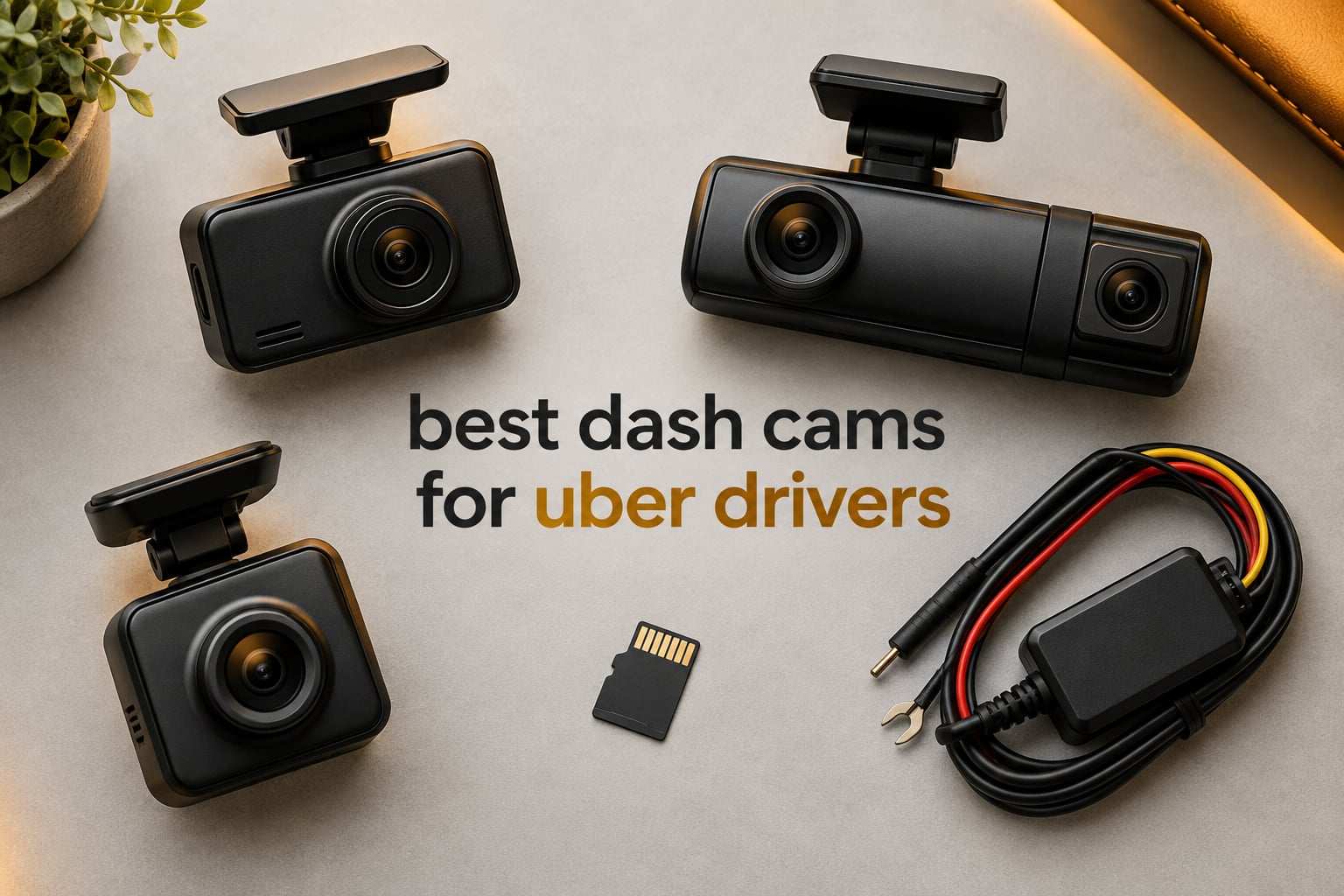
The best dash cam for Uber drivers is the COOAU D30S, a two-channel unit that records 4K ahead and 1080P inside through an infrared cabin lens, adds built-in GPS and Wi-Fi with no subscription, and holds 4.3 stars across more than 3,500 owner reviews. Riders are strangers in your back seat, and video is often the only evidence you will ever have.
That is the whole argument. A rideshare driver carries paying members of the public with no independent witness in the car, and a single disputed account can end a good driver day with a deactivation and no way to prove what happened. A front camera settles rear-end collisions. A cabin camera settles passenger disputes. Rear coverage settles the moments after impact, when the other driver is already walking away.
We put ten current-generation dash cams side by side for this guide, weighing night plate readability, simultaneous channel coverage, how fast a clip reaches your phone, and whether the card holds up through a full week of shifts. If you want a broader look first, our [general dash cam roundup](https://www.talkofthehouse.com/best-dash-cams/) covers the category for ordinary drivers too.
Top 3 Picks for Uber and Lyft Drivers in 2026
All 10 Dash Cams Compared at a Glance in 2026
| Product | Specifications | Action |
|---|---|---|
 COOAU D30S 4K Front and Inside COOAU D30S 4K Front and Inside |
|
Check Latest Price |
 REDTIGER F17 4K 3-Channel REDTIGER F17 4K 3-Channel |
|
Check Latest Price |
 BOTSLAB G300H Plus 4K Dual BOTSLAB G300H Plus 4K Dual |
|
Check Latest Price |
 Affver A4 4K and 2.5K Dual Affver A4 4K and 2.5K Dual |
|
Check Latest Price |
 Neideso N300 4-Channel 360 Neideso N300 4-Channel 360 |
|
Check Latest Price |
 ZMOPO D435 4-Channel 360 ZMOPO D435 4-Channel 360 |
|
Check Latest Price |
 BOTSLAB G980H 4K with Hardwire Kit BOTSLAB G980H 4K with Hardwire Kit |
|
Check Latest Price |
 Vantrue N4 Pro S Triple 4K Vantrue N4 Pro S Triple 4K |
|
Check Latest Price |
 IIWEY N6 PRO 4-Channel STARVIS 2 IIWEY N6 PRO 4-Channel STARVIS 2 |
|
Check Latest Price |
 COOAU D20 2.5K Front and Inside COOAU D20 2.5K Front and Inside |
|
Check Latest Price |
1. COOAU D30S — Best Overall Dash Cam for Uber Drivers
- 3529 owner reviews at 4.3 stars
- Front and inside IR coverage on one cable
- Built-in GPS and Wi-Fi with no subscription
- Supercapacitor rated -4F to 158F
- Two-year warranty
- Phone app drops connection during playback
- Reported loop-recording gaps near incidents
- Low-fidelity recorded audio
The D30S is the unit we kept reaching for during this comparison. It records 4K at 3840x2160P through a 170 degree lens on the front channel, and 2.5K ahead plus 1080P inside when you run it in dual-channel mode. That second mode is the one that matters for rideshare work, because the cabin camera is the channel that documents a passenger.
Night is where most budget dual cameras fall apart. This one carries four infrared LEDs and a Sony STARVIS 2 sensor behind an f/1.8 aperture, and owners consistently report usable facial detail in complete darkness. If you have read our [4K dash cam guide](https://www.talkofthehouse.com/best-4k-dash-cams/), you already know resolution alone does not buy night visibility. The sensor does.
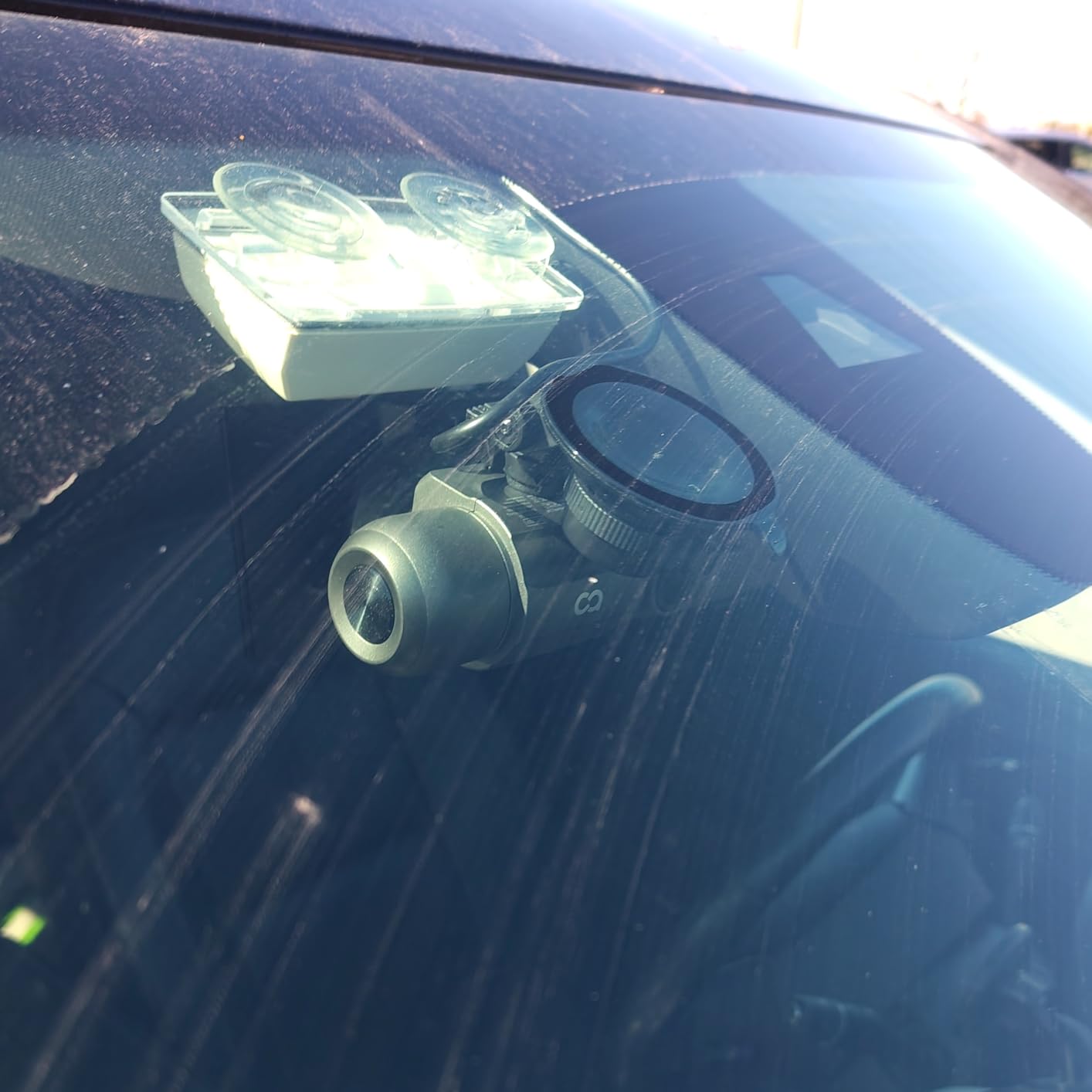
Both GPS and Wi-Fi are built in, which removes two accessories from the shopping list. GPS stamps speed, route and location into the footage, so a speeding ticket or an insurance claim has context attached. The COOAUDash app handles viewing and downloading, and it costs nothing over three years, which matters more to full-time drivers than almost any other spec.
Storage tops out at 256GB, and the card is not included. The supercapacitor is rated from minus 4F to 158F, so a summer shift in Phoenix or a January start in Minneapolis will not kill it the way a small internal lithium battery can. The G-sensor locks collision clips into a protected folder automatically, and the parking monitor offers collision, motion and time-lapse modes once you add a hardwire kit.
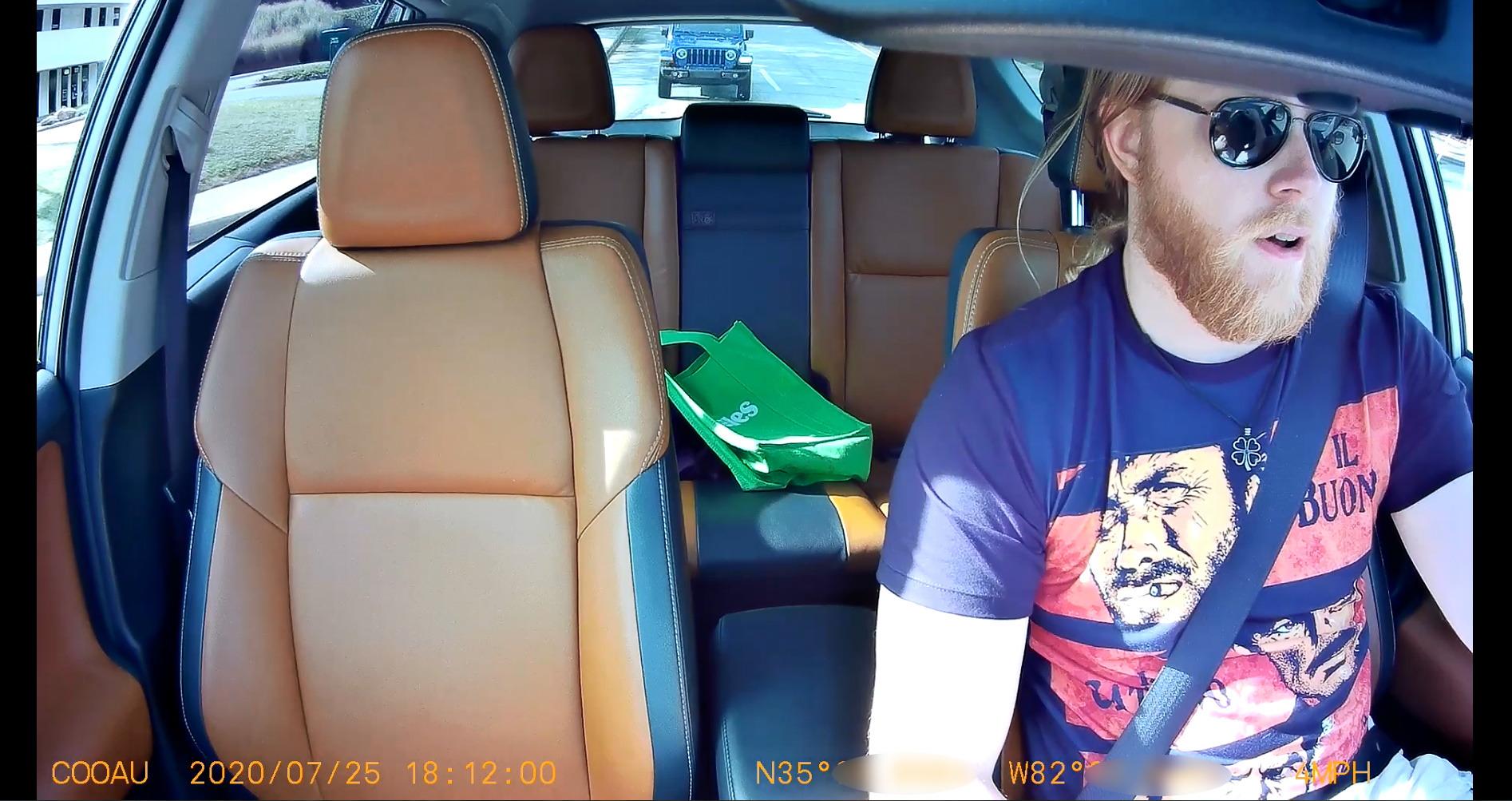
Who the COOAU D30S suits
It suits anyone who wants front and inside coverage without stacking two cameras on one windshield. One cable runs to the cabin module, one power lead, one app, one card. Owners upgrading from an older COOAU unit report reusing the existing power cable, which is a small but real saving on a reinstall.
It also suits drivers who plan to run two apps at once on the road. The suction cup mount is described as sturdy even in desert heat, and the body is compact enough not to dominate the windshield. For a part-time weekend driver or a full-time 50-hour week, the coverage-to-clarity balance here is the best we found in this group.
Where the COOAU D30S falls short
The phone app is the weak point, and it is the same weak point riders complain about most. The most repeated complaint across reviews is a Wi-Fi drop during video playback, followed by needing to power-cycle the camera to reconnect. A second complaint is frequent app login expiry. If the moment you need footage is the moment you are fighting a reconnect, that is genuinely stressful.
There are also a handful of reports of loop-recording gaps where incident-adjacent clips were missing, and recorded audio is described as low fidelity. Neither issue appears in most reviews, but both matter if your case turns on what was said in the car rather than what was seen. The unit is also visibly noticeable through the glass, which some drivers dislike on shared vehicles.
2. REDTIGER F17 — Best Rated 3-Channel Dash Cam for Rideshare Drivers
REDTIGER F17 4K 3CH Dash Cam, STARVIS 2 Sensor HDR, 64GB Card, 5.8GHz WiFi
- All three channels record simultaneously
- Adjustable G-sensor avoids bump-lock spam
- 64GB card included in the box
- Strong after-sales support that ships replacement mounts
- Wi-Fi defaults off on every power-up
- Bluetooth must be off to pair the app
- Rear camera cable runs short in large SUVs
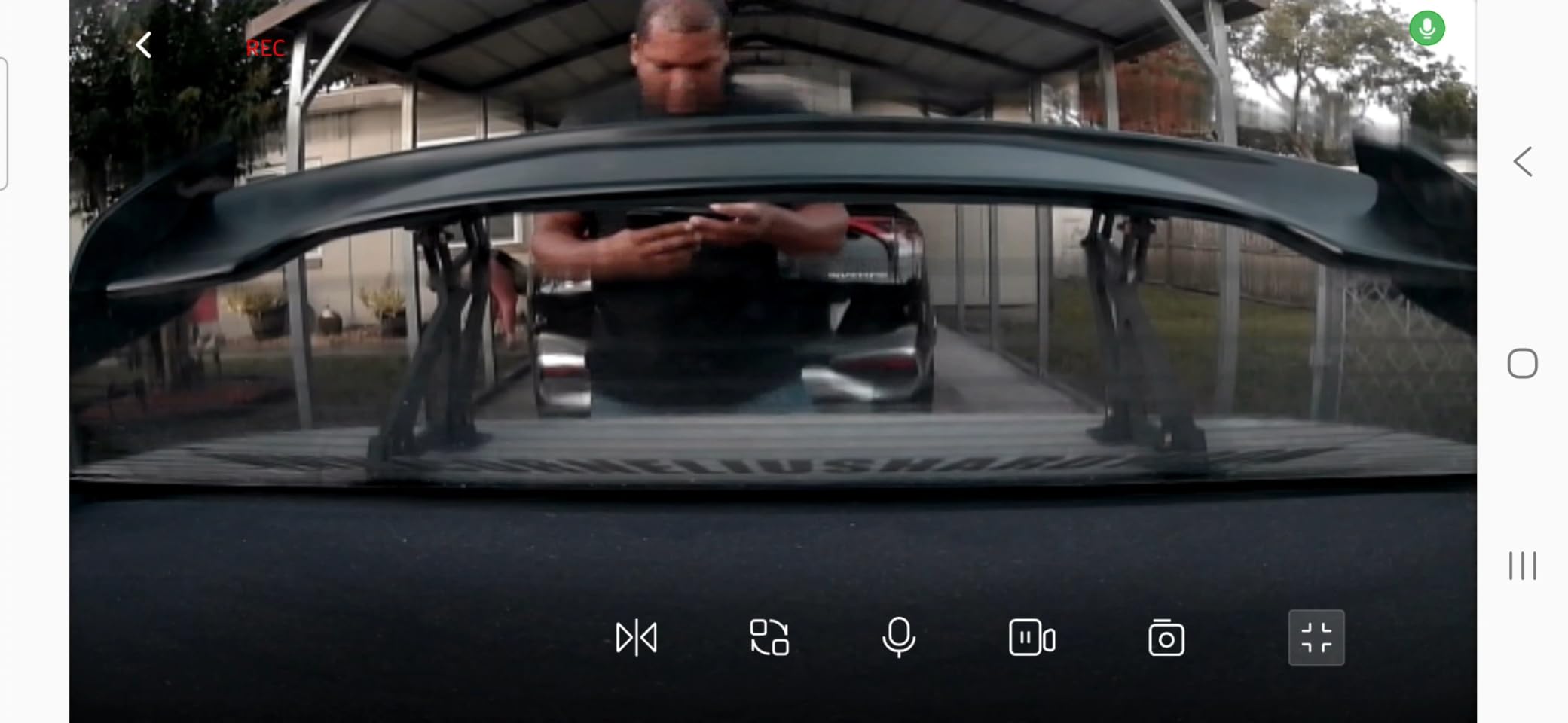
At 4.4 stars across 2,939 reviews, the F17 is the highest-rated three-channel unit in this roundup, and it does something the others do not: it records three channels at once. Four 4K ahead, 1080P through the rear window, 1080P inside the cabin. For a full-time driver, rear coverage is not a luxury. It is what tells you what happened after you were hit.
The sensor is a Sony STARVIS 2 IMX675 with both HDR and WDR enabled, and the lenses run 150 degrees at the front, 160 in the cabin and 155 at the rear. That combination is what keeps a license plate readable when a car is following your own headlights at night, which is the single quality test drivers in r/uberdrivers talk about most.
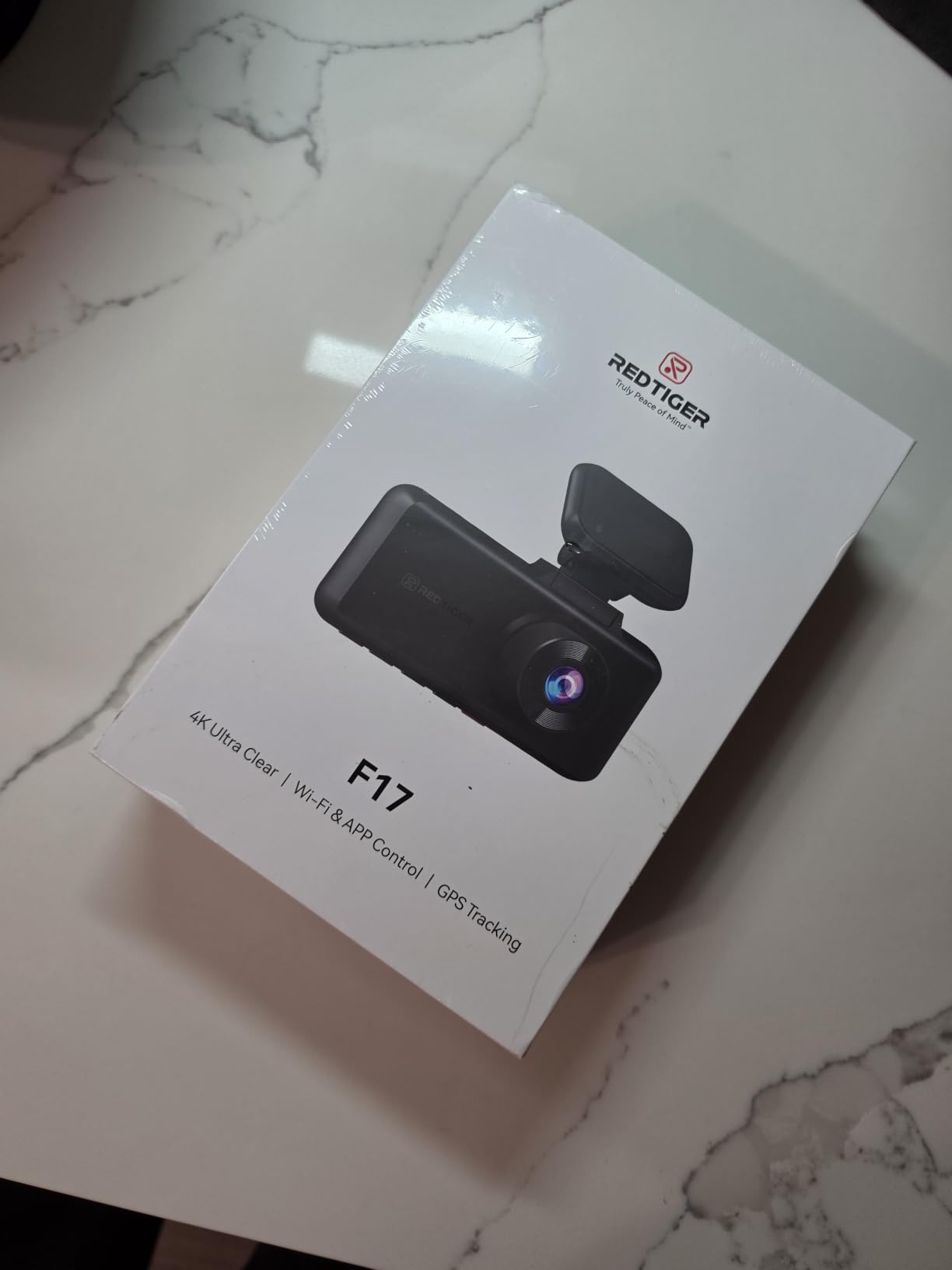
Two details stand out for commercial use. First, the G-sensor sensitivity is adjustable, so you can stop rough pavement from locking every clip it touches and filling your card with protected files. Second, a 64GB microSD card ships in the box, so the camera works the day it arrives instead of sitting on your dash waiting for a purchase.
Parking mode supports time-lapse and collision detection with a hardwire kit, and the 3-inch LCD has a screensaver you can trigger with a button tap without interrupting recording. The supercapacitor handles temperature extremes, dual-band 5GHz and 2.4GHz Wi-Fi handles transfers, and built-in GPS logs speed and route. A few buyers note the GPS is a footage logger rather than a live tracker, which is worth knowing if you assumed otherwise.
Who the REDTIGER F17 suits
It suits drivers who want the widest single-unit coverage available in this group. Three channels from one box means one mount, one power lead, one app session, and no second camera to route along the headliner. If you drive long shifts and want rear evidence without thinking about it, this is the configuration we would pick.
After-sales support also deserves a mention. Multiple reviews describe the company shipping replacement adhesive mounts and walking buyers through troubleshooting rather than issuing generic replies. On a camera that lives in a hot car and vibrates for tens of hours a week, that kind of support has real value over a three-year ownership window.
Where the REDTIGER F17 falls short
The connection ritual is the friction point. Wi-Fi defaults to off on every power-up and has to be enabled with a held button press, and pairing the app requires turning off your phone Bluetooth and standing within a few meters. Every time. Drivers who pull clips mid-shift will do this dance often, and it is more work than the app-free competitors here.
Running three channels also draws enough power that the 12V plug can work loose in the socket under road vibration, and the rear camera cable is described as short on larger SUVs. One owner reported the camera stuck in an SD-card auto-format loop, which is the kind of failure that deletes evidence at the worst moment. Written instructions are also thin, particularly around time zone and daylight saving setup.
3. BOTSLAB G300H Plus — Best Budget 4K Dual-Channel Pick With Voice Control
BOTSLAB G300H Plus 4K STARVIS 2 Dual Dash Cam Front and Rear[2026 Upgraded]
- Voice control for photos and recording start
- 4K front with 1080P rear
- 64GB card included
- Low-profile stick-and-peel body
- Stick-and-peel wiring needs careful routing
- Rear channel is 1080P against a 4K front
- App setup adds friction
The G300H Plus is an affordable way in to get a genuine 4K front channel with a STARVIS 2 sensor behind it. The front lens runs 170 degrees at f/1.5, the rear 150 degrees at f/2.0, and both channels write at the same time. For a driver whose priority is a clean record of the road and the car behind, that is the core job done well.
What separates it from a generic dual camera is the hands-free voice control. You can trigger a photo or start a recording by speaking, which matters more than it sounds in a rideshare context. If you just had a dispute and need a still image, reaching for a phone or fumbling with buttons is exactly when mistakes happen.
![BOTSLAB G300H Plus 4K STARVIS 2 Dual Dash Cam Front and Rear[2026 Upgraded] customer photo 1](https://www.talkofthehouse.com/wp-content/uploads/2026/09/B0GSDTJQK8_customer_1.jpg)
Storage is a 64GB card in the box with support up to 256GB, 5.8GHz Wi-Fi handles app control, GPS logs your route, and a 24-hour parking mode is available. The power unit is an automotive-grade supercapacitor rated from minus 20C to 70C, which is a narrower band than some competitors here but perfectly workable in most climates.
Be clear about what this camera is not. There is no cabin channel. The three-channel units and the four-channel units in this roundup exist because the interior view is the part that protects your driver account, and this one leaves that out. If passenger disputes are your main worry, keep reading past this section.
![BOTSLAB G300H Plus 4K STARVIS 2 Dual Dash Cam Front and Rear[2026 Upgraded] customer photo 2](https://www.talkofthehouse.com/wp-content/uploads/2026/09/B0GSDTJQK8_customer_2.jpg)
Who the BOTSLAB G300H Plus suits
It suits a part-time driver building a first setup, or anyone who wants a discreet second car camera for coverage while the main rideshare unit is being hardwired. The body is 0.45 inches thick and mounts low on the glass, so it does not sit in the sight line the way a three-camera box can.
It also suits drivers who like being able to ask for a snapshot without touching anything. Between shifts, in a parking lot after a fender bender, that is a real convenience rather than a novelty. The 170 degree front angle reduces the chance a vehicle entering from an adjacent lane stays out of frame.
Where the BOTSLAB G300H Plus falls short
There is no cabin camera, full stop. Every dispute that happens behind you in the back seat happens off-camera. For a driver spending 40 hours a week with strangers in the vehicle, that is a meaningful gap rather than a minor one.
The rear channel is 1080P against a 4K front, so a rear plate at distance will not hold up to the front channel in a claim. Installation is more involved than a suction cup because the low-profile stick-and-peel mount needs careful cable routing down the A-pillar and along the headliner, and a badly routed cable is the usual reason a rear feed drops out after a few months.
4. Affver A4 — Best for Fast Clip Transfers to Your Phone
Affver 4K+2.5K Dash Cam Front and Rear, Built-in 5G WiFi 6 GPS Dual Dashcam
- Fastest phone transfers in this group
- Compact body keeps the forward view clear
- Trim tools and clips included in the box
- Dual-port charger charges your phone at the same time
- Parking mode needs a hardwire kit
- Rear cable may need re-securing after install
- 24-month warranty
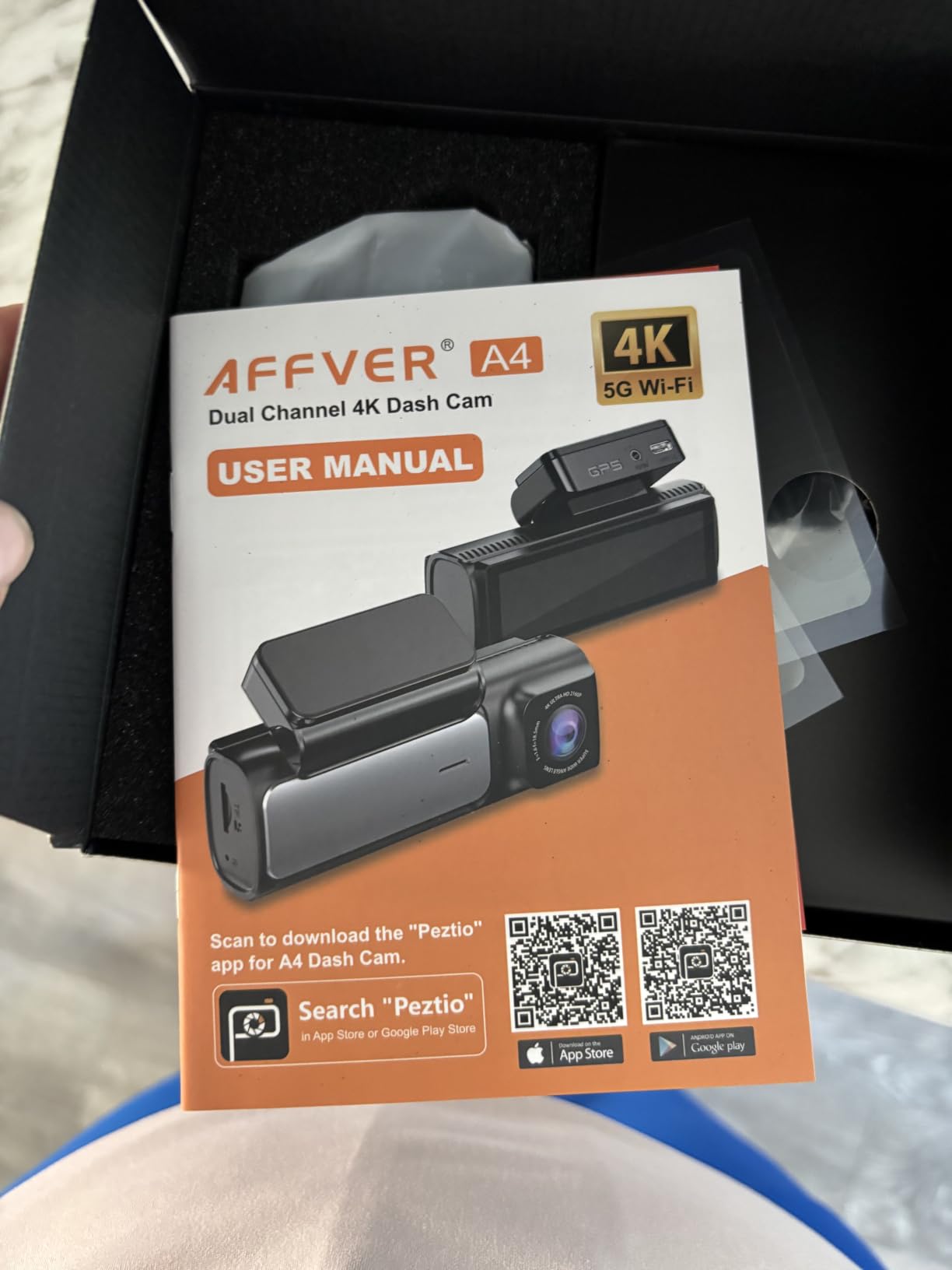
When a platform asks for a clip, the clock is already running. The A4 answers that problem directly with 5GHz Wi-Fi 6 pushing files at up to 10MB per second, which is several times faster than the 2.4GHz-only units in this roundup. A driver who needs to hand over footage the same night is better served here than by almost anything cheaper.
Image quality is the other strength. The front channel records 4K at 30fps through a 160 degree f/1.5 lens with a 6-layer element stack, and the rear records 2.5K at 25fps through 155 degrees. WDR auto-exposure and the night mode handle the two situations that ruin cheap footage: driving into low sun and being blinded by oncoming headlights.
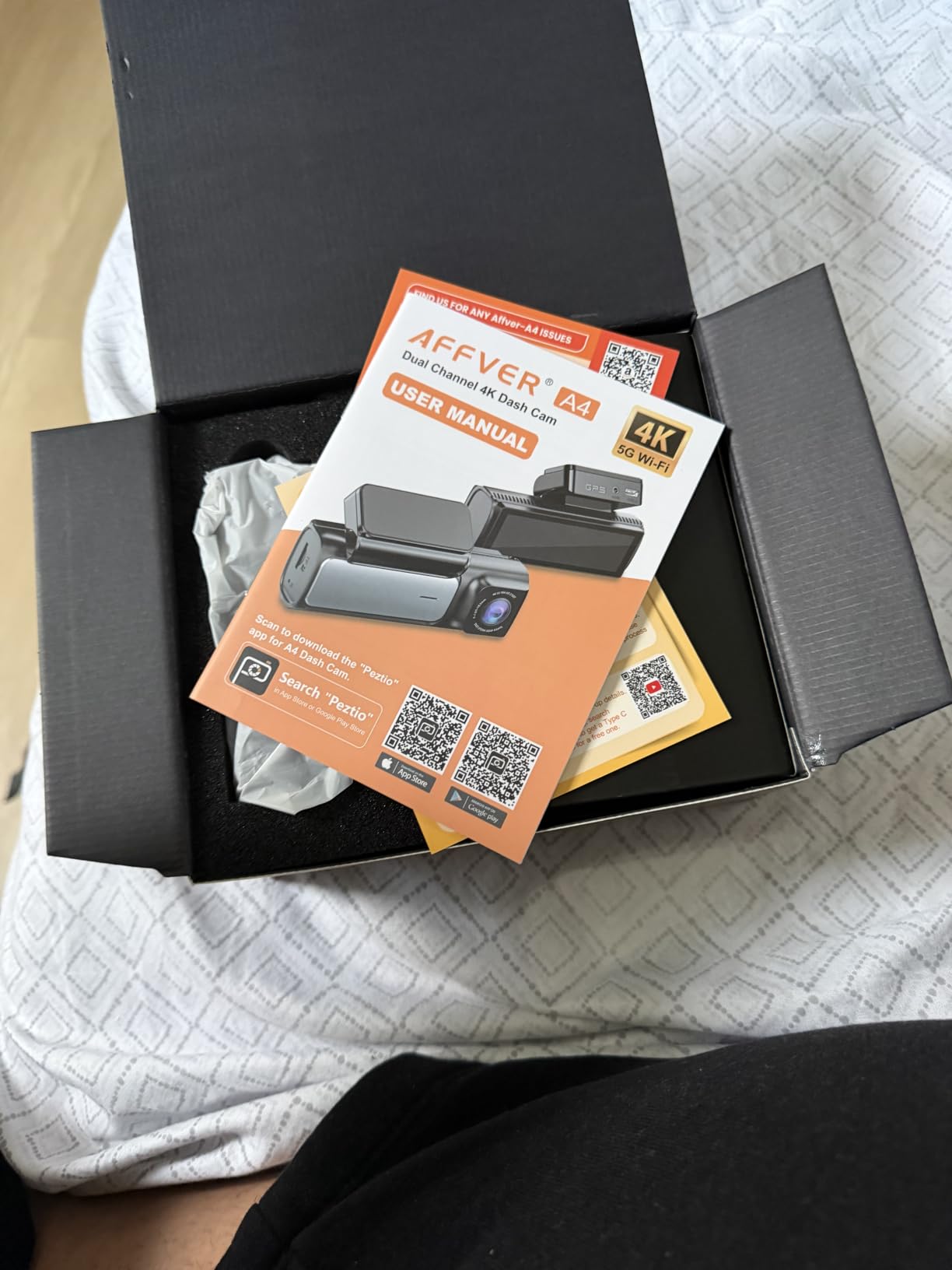
GPS is built in with route, speed and coordinate logging plus desktop playback software, which is useful when an insurer wants a route alongside a clip. The 3.59-inch IPS screen is unusually large for a dash cam, and the body is genuinely low-profile, so the forward view stays clear.
Two details show this brand thinks about daily driving rather than spec sheets. The dual-USB car charger keeps your phone charging while the camera runs, and the box includes trim tools and cable clips so the rear wire can be tucked properly. A 64GB card is included, and 256GB is the ceiling.
Who the Affver A4 suits
It suits drivers who work a tight window between a shift ending and a support ticket closing. Fast transfer means you can pull the exact segment, upload it, and move on. It also suits anyone who drives a larger vehicle, because the rear cable is long enough to reach the back window of a crew cab without an extension.
Installation is reported at roughly 20 minutes for a careful first-timer, and the supplied trim tools remove most of the argument with that. The compact footprint is a real benefit if you share your car, since a camera nobody can see invites fewer questions from passengers than a large three-lens box.
Where the Affver A4 falls short
Parking mode is the honest limitation. With the supplied cigarette-lighter plug, the camera records only while the ignition is on, so true 24-hour surveillance requires a fuse-box hardwire and, in the words of the reviews, professional installation. If your biggest worry is what happens to the car while it is parked, this is not the unit.
Some users also report having to re-tuck or re-secure the rear wiring after the first few weeks of vibration, which points back to how the cable was routed. And the rear channel runs 25fps against 30fps on the front, a small mismatch that shows if you slow the footage down frame by frame.
5. Neideso N300 — Best 360 Coverage With Adjustable Cabin Cameras
Neideso 360° Dash Cam Front and Rear Inside, 4 Channel Dash Camera for Car
- Four channels where rivals ship two
- Swiveling side cameras can face the cabin
- 128GB card pre-installed and ready
- Support shipped replacement units proactively
- Viewing footage in the app stops recording
- G-sensor over-sensitive on ordinary roads
- Rear camera cable too short for some vehicles
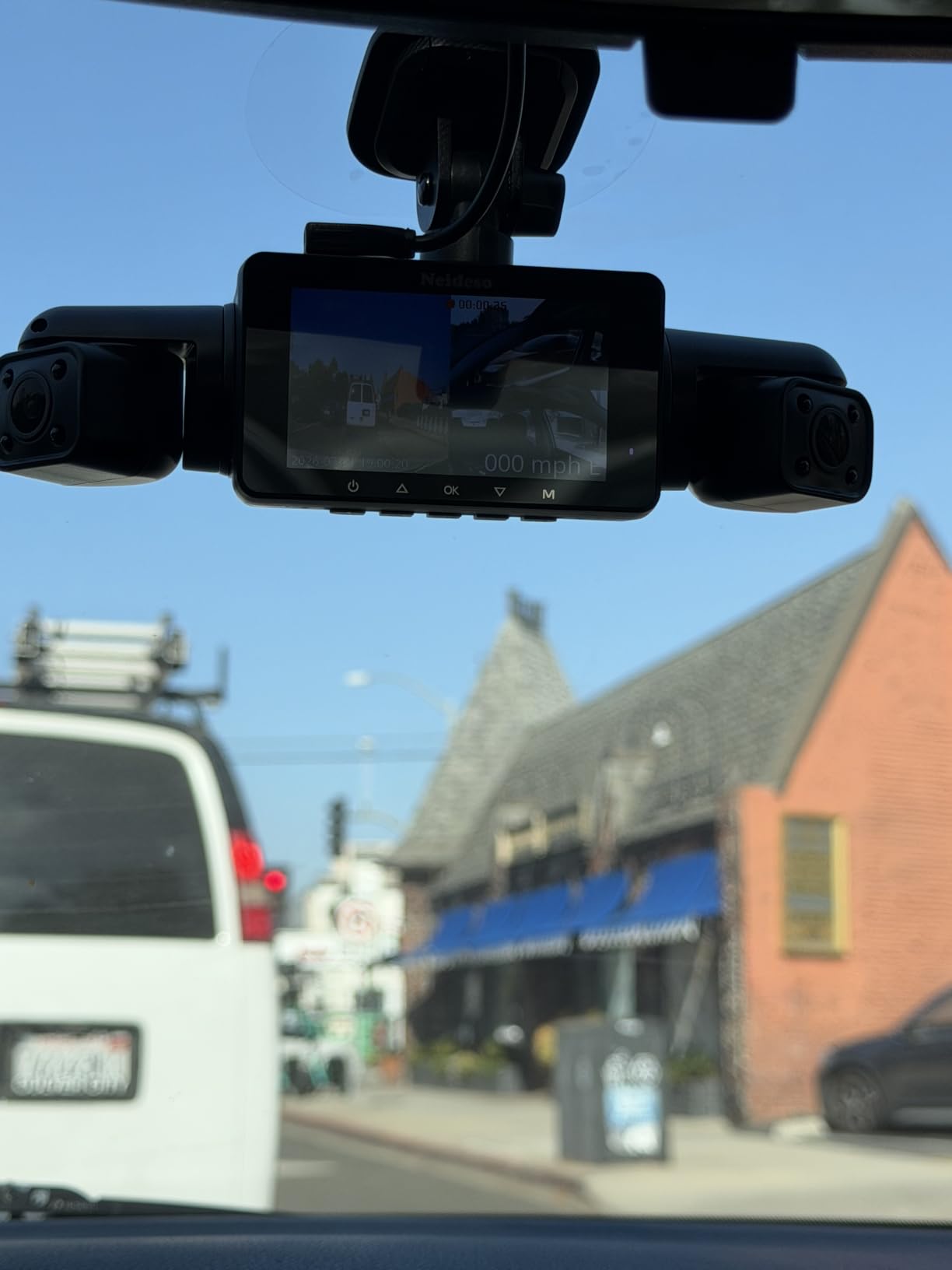
The N300 does something the other four-channel unit here does not: two of its four cameras swivel. Buyers regularly point out that the side units can be aimed toward either rear corner, or swung round to watch the cabin, which means the camera that documents a passenger can be repositioned for a tall driver in the front seat without pulling the mount apart.
It runs three selectable recording modes, topping out at 4K plus 1080P plus 1080P across three channels, or spreading to 2K plus 1080P plus 1080P plus 1080P across all four. The 8-LED infrared array with WDR handles darkness on the interior channel, and a 128GB card is pre-installed in the unit, so it records out of the box.
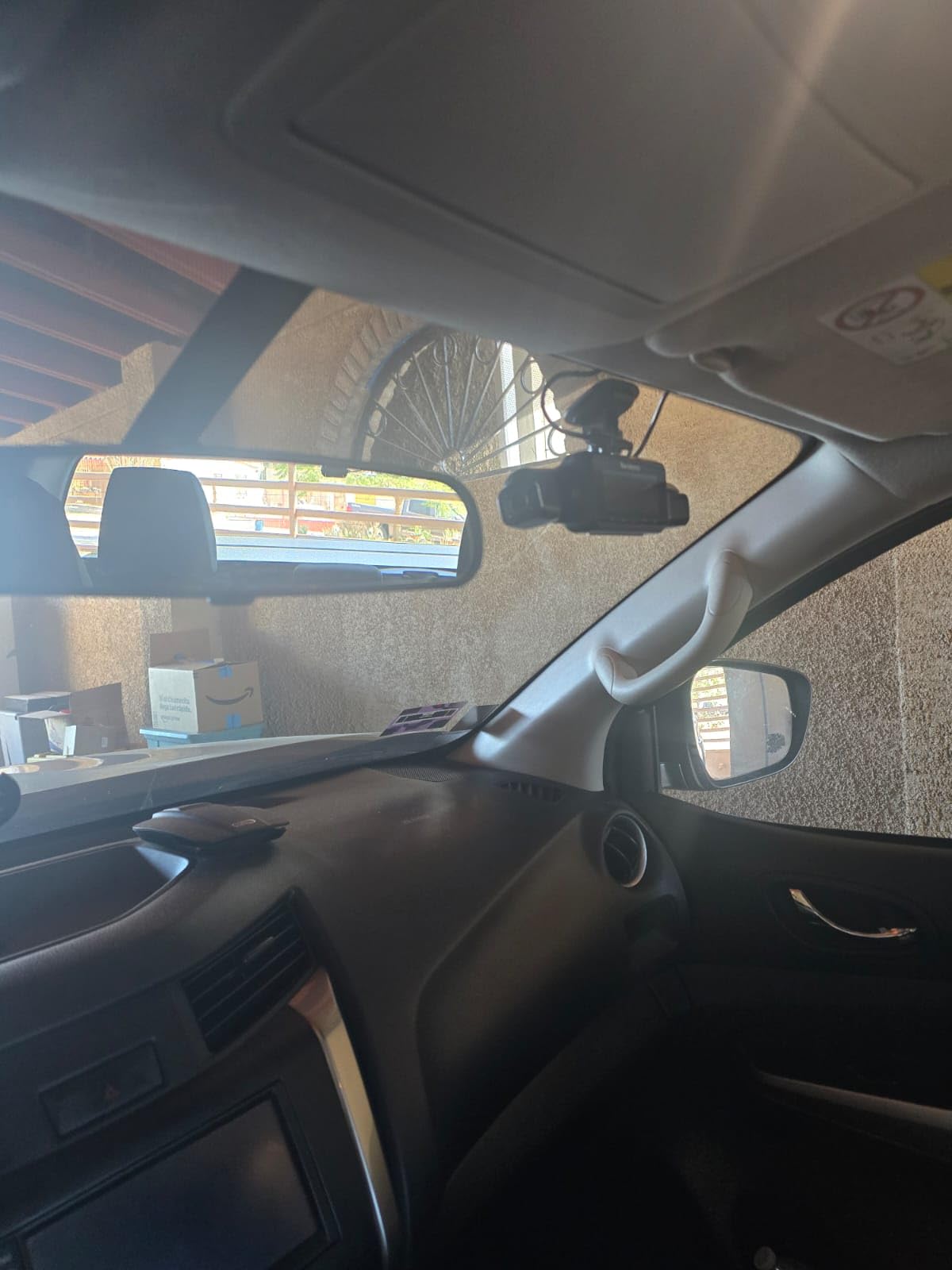
Built-in GPS logs location, speed, route and time, 5GHz Wi-Fi handles app transfers at up to 10MB per second, and English voice control covers photo capture, starting a recording, audio, Wi-Fi and screen control. The G-sensor writes locked footage into a separate Event folder, which makes finding the clip later much easier than scrolling through a wall of loop files.
Parking mode with radar detection needs a separate hardwire kit, and the unit runs from the included car charger rather than being wireless. It is 182 grams and 7.34 inches long, so it is a substantial object on the windshield. Owners also report it running warm during recording, a consequence of the capacitor-based power design.
Who the Neideso N300 suits
It suits drivers whose biggest problem is a blind spot rather than raw resolution. A side-swipe at a junction, a door ding in a parking structure, a passenger who moves out of a fixed cabin lens angle before an argument starts, all of these are exactly what a fourth and third channel exist to catch. Our [front and rear dash cam guide](https://www.talkofthehouse.com/best-front-and-rear-dash-cams/) covers the two-channel case in more detail if you want to compare.
It also suits drivers who do not want a second purchase decision. The card is already inside, the app is free, and the side cameras mean you can decide at the time of an incident which direction you actually needed. Support has also been reported as proactive, with replacement units shipped for both playback and timestamp faults.
Where the Neideso N300 falls short
The app behaviour is the real problem for a working driver. Opening footage on the phone stops the dash cam from recording, so every moment spent reviewing video is a moment not being recorded. On top of that, video loading can take up to 20 seconds, which is an eternity when a platform is asking for a clip tonight.
The G-sensor is also described as over-sensitive, locking clips on ordinary road surfaces, and voice commands intermittently fail, particularly with background music playing. Timestamps can drift out of sync and need manual correction, which is awkward when a clip has to line up with a timeline an insurer is checking.
6. ZMOPO D435 — Best Starting Point for Four-Channel Coverage
- Four-channel coverage removes blind spots
- Cameras are highly adjustable to face the cabin
- Bright clear picture across all channels
- Simple on-screen menu
- Adhesive mounts can fail in high heat
- WiFi sync drops with thin after-sales support
- Power lead ends in a cigarette-lighter plug
The D435 covers front, rear, left and right simultaneously with four 1080P cameras, and it holds a 4.3 rating across 1,546 reviews in a category where most buyers stop at two channels. Adjustable angles are the practical highlight: the side units can be turned toward the cabin when you need interior evidence and back out again when you do not.
Parking mode here is genuinely clever for full-time drivers. The time-lapse setting compresses 60 minutes of footage into 1, so a full night of surveillance costs very little card space and very little review time. Eight infrared lights with WDR exposure adjustment handle the dark, and a 128GB card is included with support up to 256GB.
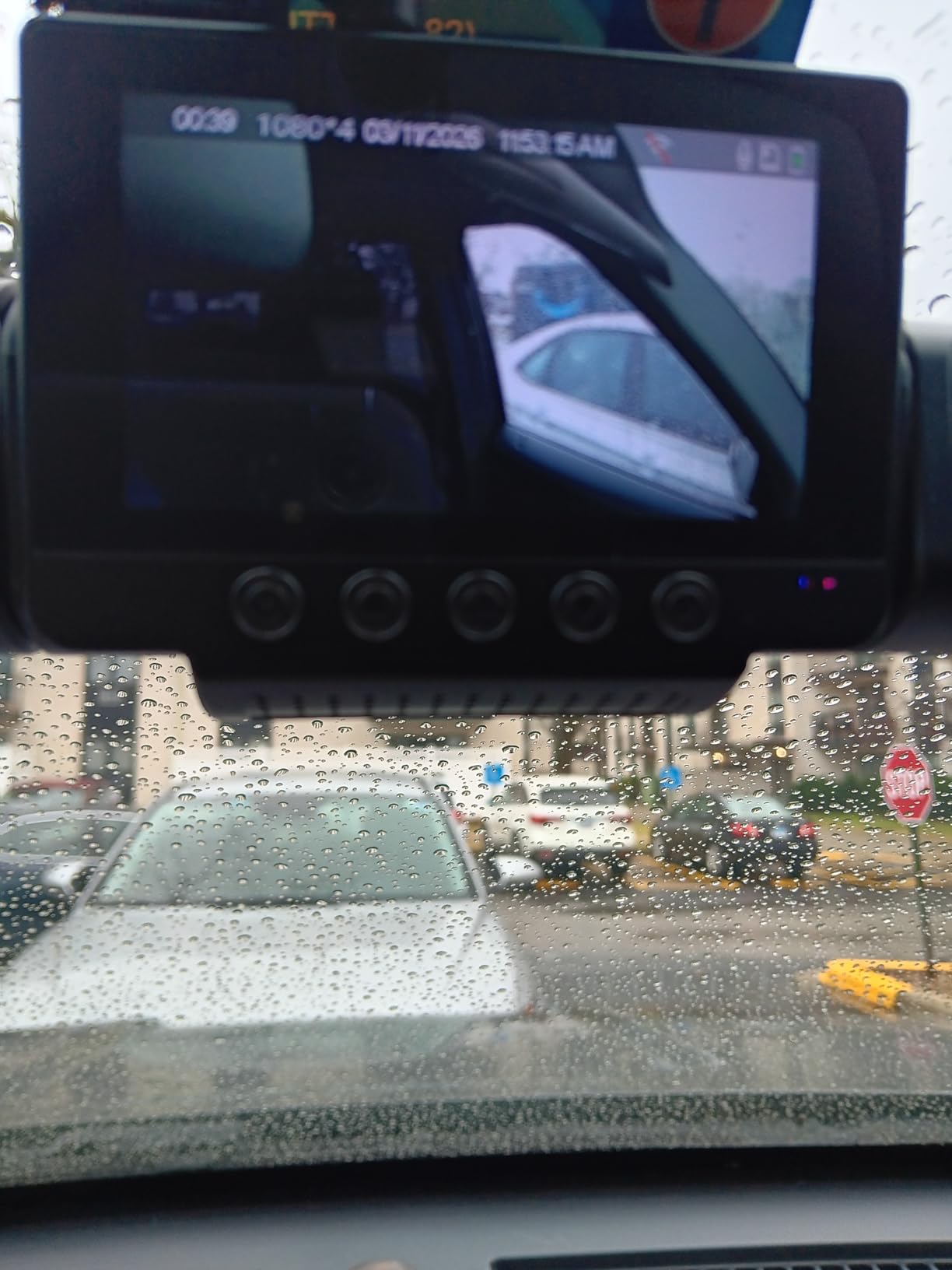
Setup is the easiest in this roundup. The on-screen menu is simple, and both suction cup and tape mounting options are supplied. The footprint is small for a four-camera system, and the built-in supercapacitor handles the temperature swings. Five GHz Wi-Fi handles app control on iOS and Android.
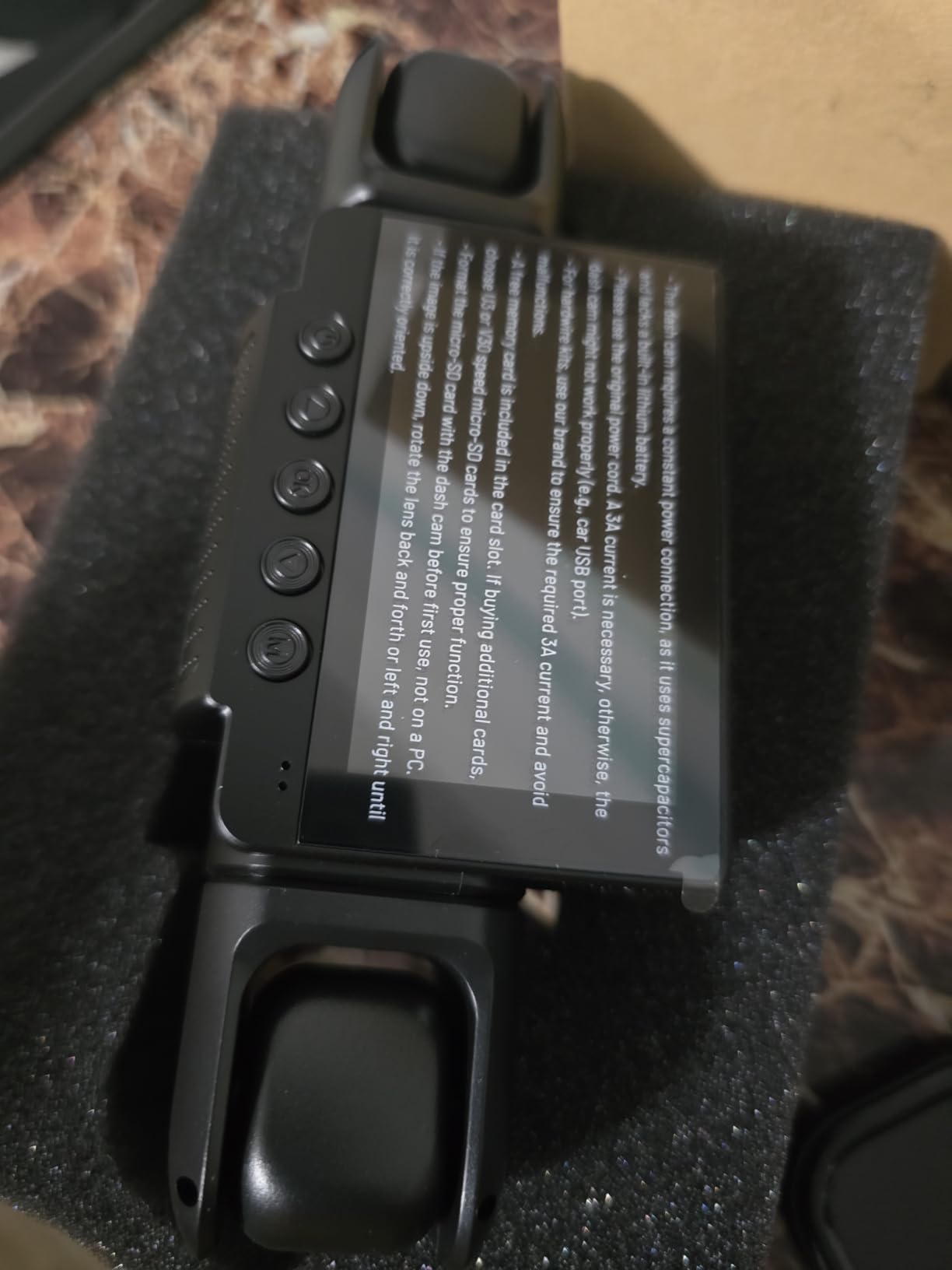
One detail catches people out: the GPS logger is a separate accessory here, not built in. The same goes for the ACC hardwire kit required for parking mode. So the headline spec sheet is honest, but two features in the marketing photos are not in the box.
Who the ZMOPO D435 suits
It suits a driver who wants maximum coverage for the least money and does not need 4K detail at a distance. Four 1080P channels covering every side of the car is a better evidence position than two 4K channels for a driver whose incidents tend to happen in parking lots and at junctions rather than on motorways.
It also suits anyone who drives a vehicle in a warm climate and wants to avoid a long install. The simple menu means you are not configuring four separate camera angles from a phone app, and the time-lapse parking mode is a set-and-forget feature once a hardwire kit is fitted.
Where the ZMOPO D435 falls short
Mounting durability is the top complaint. Adhesive mounts are reported to fail in high-heat climates such as Arizona, which is a serious problem for a camera whose whole job is to stay fixed and pointed. That is a direct hit on the product’s core function rather than a cosmetic annoyance.
Night footage also struggles with oncoming headlights and passing lights, the exact scenario that makes 1080P across four channels a compromise. Wi-Fi syncing to the phone drops and produces an error message with no listed support number, the power cable ends in a cigarette-lighter plug rather than USB-C, and the suction cup is described as oversized enough to block part of the driver’s view.
7. BOTSLAB G980H — Best Dash Cam with 24/7 Parking Mode Already in the Box
- Hardwire kit included so parking mode works immediately
- True 4K front plus 2K rear
- Swivel rear camera doubles as a cabin camera
- ADAS warnings for pedestrians
- lanes and headway
- microSD support capped at 64GB
- Rear camera is 2K against a 4K front
- Limited to vehicles under 5.5m long
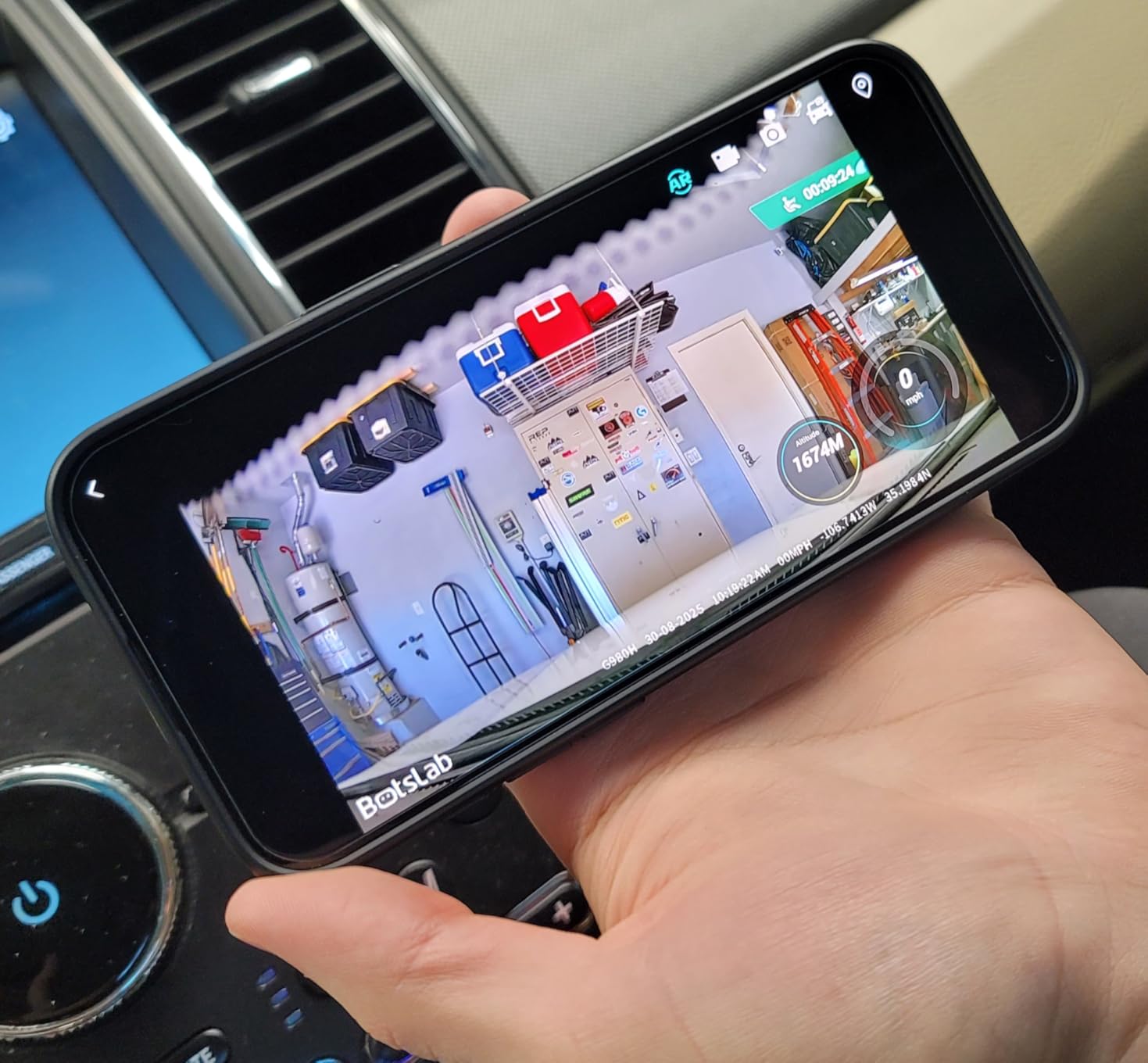
Most units in this roundup sell parking mode as a feature you unlock with an extra hardwire kit. This one includes the kit. For a rideshare driver whose car sits unattended for hours between airport runs, that removes both the extra purchase and the extra install, which is where most of the cost and confusion lives.
The front camera is true 4K on a Sony IMX415 sensor and the rear is 2K. More interesting for you is that the rear camera swivels a full 360 degrees, so it can point through the back window at traffic or swing around to watch the cabin. A fixed cabin channel and a swiveling one are not the same tool, and this is a rare two-channel kit that covers both jobs.
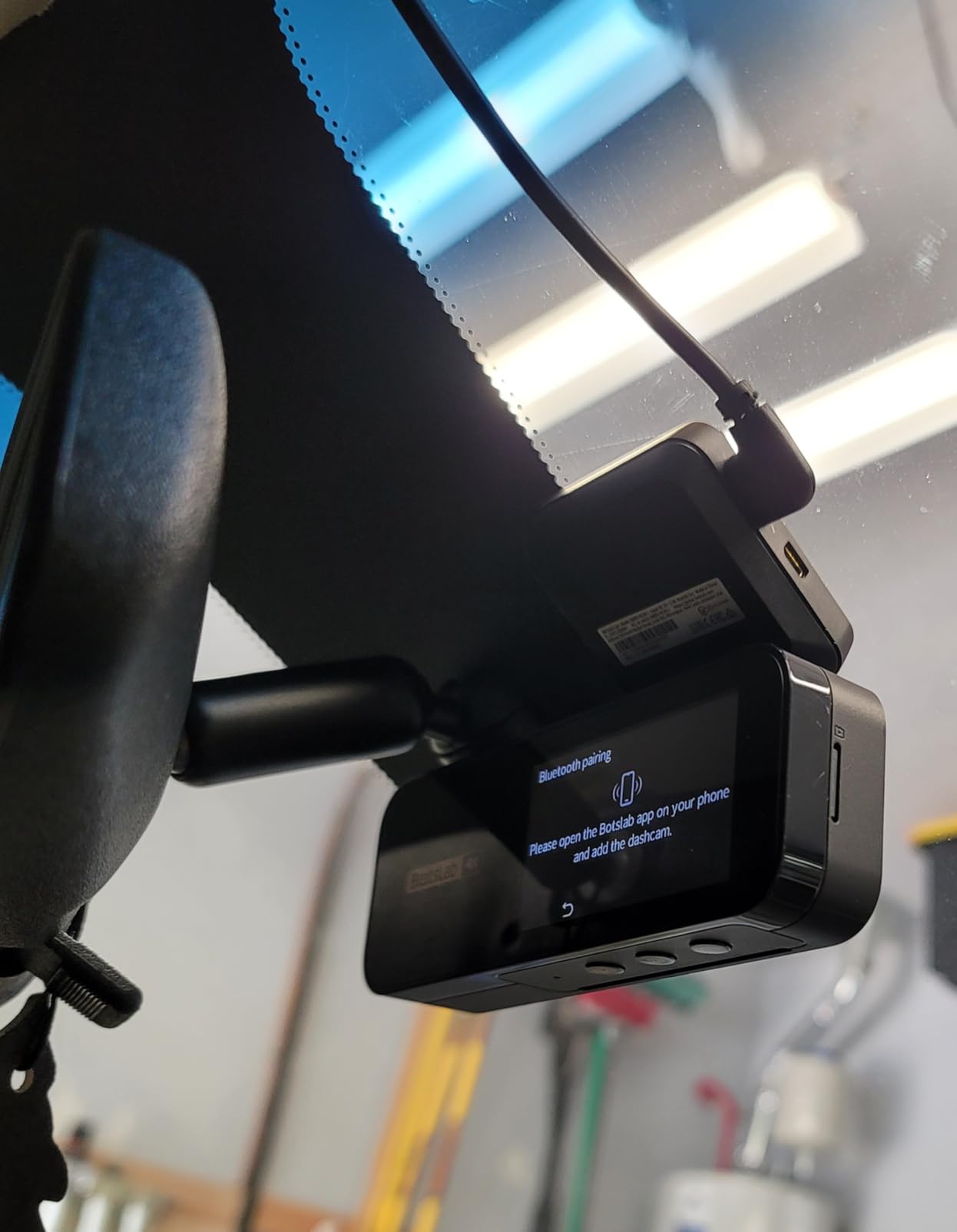
The ADAS suite is the other differentiator. A 1.5TOPS AI NPU handles pedestrian collision warnings, front vehicle movement alerts, lane departure and distance warnings, plus fatigue monitoring. That is not evidence, but in a 50-hour week it is a genuine safety assist, and it is rare in this price class.
Dual-band 5GHz and 2.4GHz Wi-Fi, built-in GPS with route playback software, WDR for glare, tunnels and low light, and a 170 degree field of view round out the hardware. A 64GB card is included, and loop recording can be set at 24, 30 or 60fps.
Who the BOTSLAB G980H suits
It suits drivers who park on the street overnight and have had catalytic converter theft or break-ins in the area. With the hardwire kit in the box, parking mode is a settings change rather than a project. It also suits drivers who work out of a larger SUV or minivan and want one camera they can re-aim rather than two fixed ones.
It suits part-time drivers who cannot justify a subscription app and do not want one. There is no recurring fee, the card is included, and the ADAS warnings are useful on long highway stretches where fatigue is the real risk.
Where the BOTSLAB G980H falls short
Storage is the hard limit. microSD support is capped at 64GB, which is the smallest ceiling among the dual-channel units here. On a 40 to 50 hour week, a 4K front plus 2K rear will fill that quickly and start overwriting locked event files sooner than you would like. Check the ceiling before you buy, not after.
The rear camera is 2K against a 4K front, and the unit is specified for vehicles under 5.5 meters in length, which excludes larger vans and trucks. If you drive a full-size van for a rideshare platform, this is the wrong box for you.
8. Vantrue N4 Pro S — Best Night Plate Readability for Full-Time Drivers
Vantrue N4 Pro S 4K 3 Channel Dash Cam, Triple STARVIS 2 HDR Car Camera
- Triple STARVIS 2 sensors
- PlatePix readable at up to 31mph at night
- Rotating rear camera for traffic or trunk
- Front plus rear mode cuts heat 30 percent
- 1TB cards give 37+ hours of 4K triple-channel video
- Memory card not included
- Hardwire kit sold separately
- 240g body runs warm in triple-channel mode
The N4 Pro S is the highest-rated camera in this roundup, at 4.5 stars across 894 reviews. Three STARVIS 2 sensors, including an IMX678 on the front, feed a 4K plus 2.5K plus 1080P three-channel recording at 30fps. The lenses cover 165, 160 and 155 degrees, which is the widest spread of any unit here.
The feature that separates it is PlatePix license plate recognition, which the manufacturer claims doubles night accuracy and holds plates at speeds up to 31mph on lit streets. Whatever the marketing framing, plate readability is the number one quality test drivers on r/uberdrivers use to judge a camera, and this is the unit built around it. Triple HDR balances the exposure across three channels so a headlight does not white out a plate.
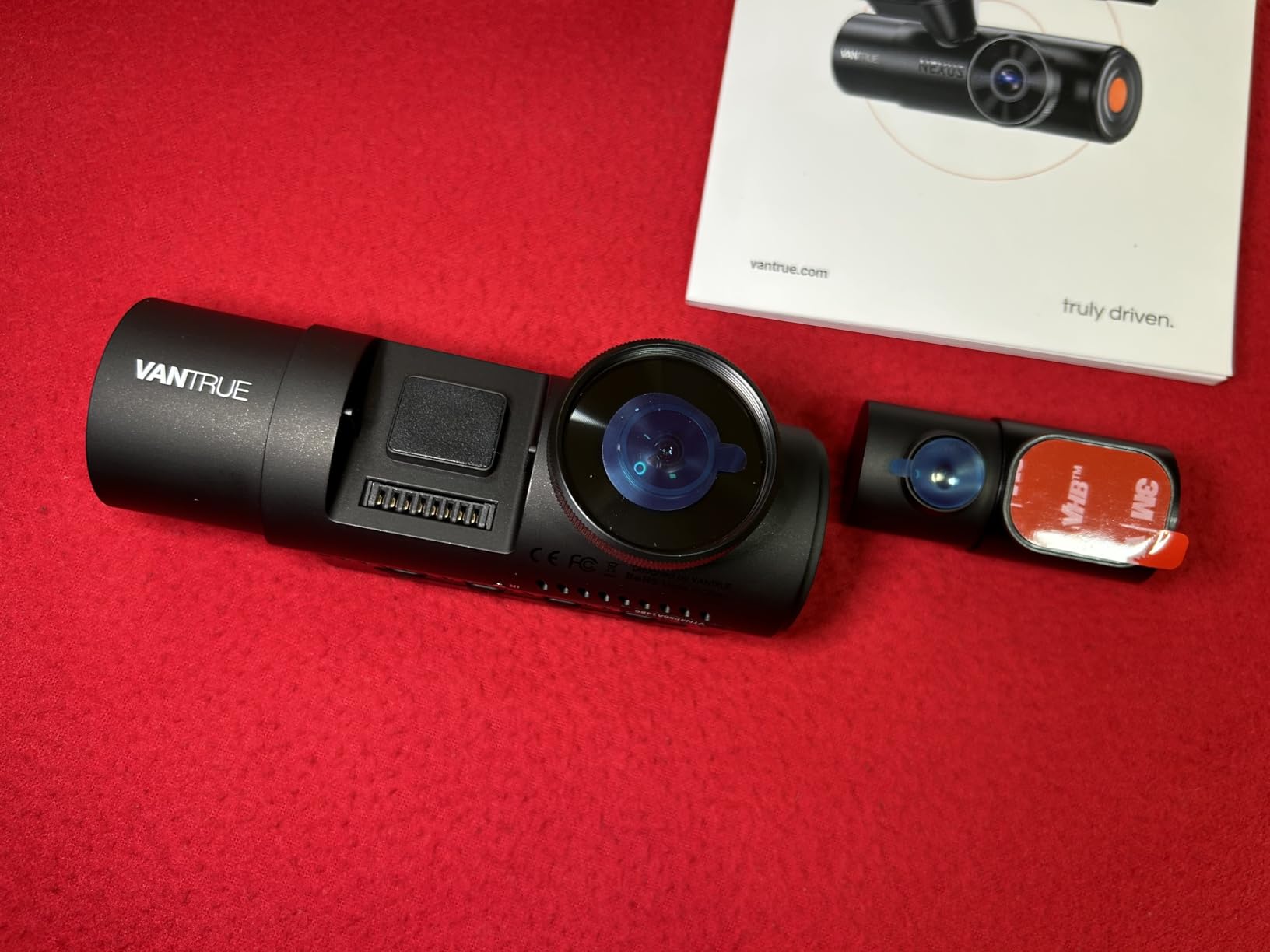
Two engineering details matter enormously for commercial use. The front-plus-rear dual mode reduces heat by 30 percent compared with triple-channel recording, which is how you keep a unit alive through a summer shift. And buffered parking mode captures 10 seconds before an event triggers, so a collision is not cut off at the moment of impact.
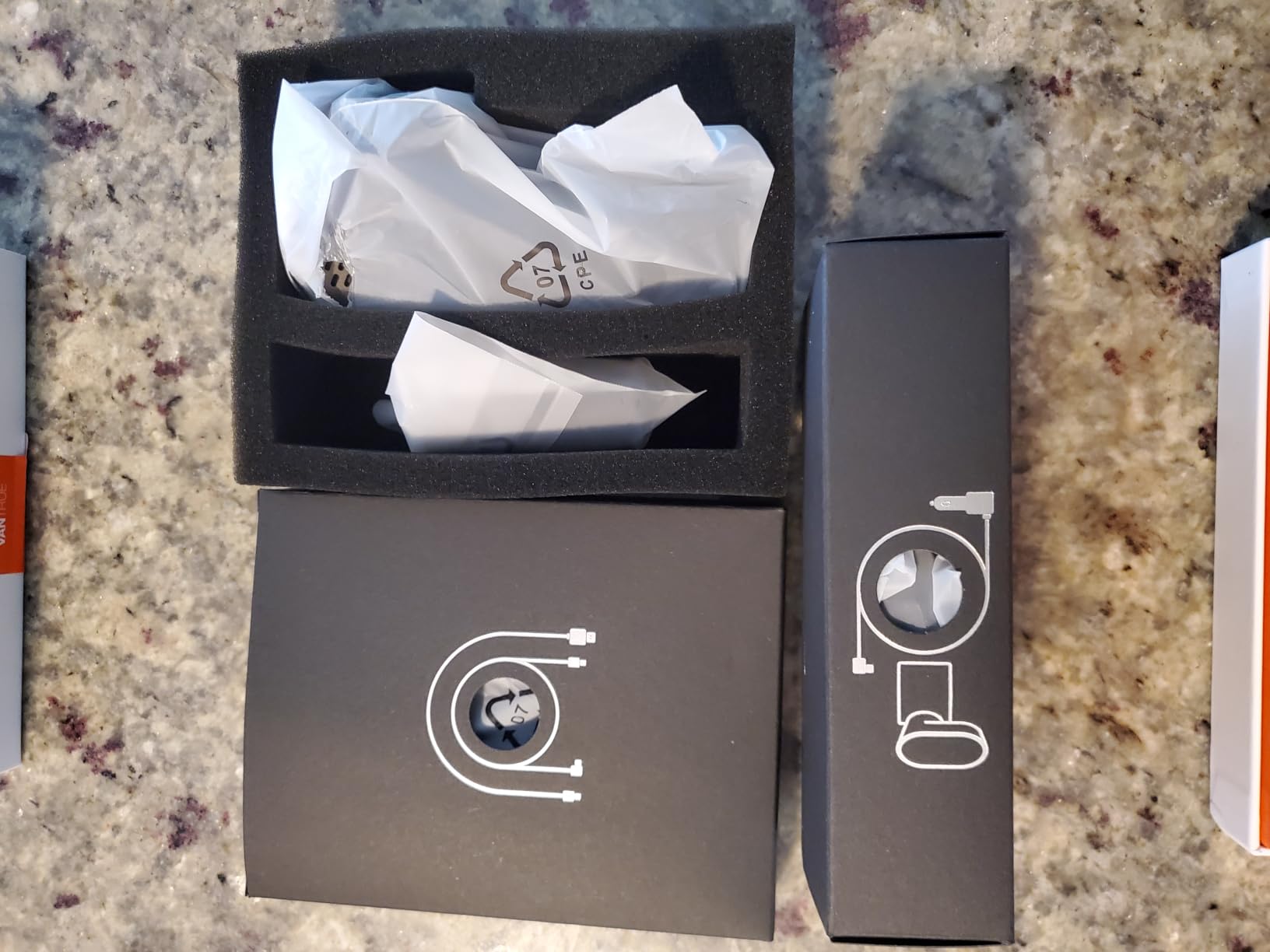
Storage is the standout spec: microSD support up to 1TB, giving 37 hours or more of continuous 4K triple-channel video. That is the answer to drivers who worry about running out of space mid-shift. The rear cable is 20 feet, which fits most cars, SUVs, minivans, trucks and buses, and 5GHz Wi-Fi, GPS and voice control are all built in.
Who the Vantrue N4 Pro S suits
It suits full-time drivers who average 40 to 60 hours a week and whose biggest recurring loss is footage that was too dark or too compressed to read a plate. If you want the strongest documented night performance available in a single unit, this is the one, and the 1TB ceiling means card changes stop being a weekly chore.
It also suits drivers in hot climates who need a way to reduce heat load, and drivers with large vehicles who need that long rear cable. The extendable warranty from 12 to 18 months with online registration is a small perk, but registration takes minutes.
Where the Vantrue N4 Pro S falls short
Neither the memory card nor the hardwire kit is included, so the true first cost is higher than the sticker suggests. At 240 grams and over 7 inches wide, it is the largest and heaviest unit here, and a three-lens box high on the windshield is noticeable to passengers in a way a small single camera is not.
Triple-channel recording runs warm, which is exactly why the dual mode exists. Owners in hot climates will end up in front-plus-rear for summer, and that means losing the third channel during the months you might most want it. It is also the least-reviewed unit in this roundup, so there is a thinner pool of long-term owner feedback to draw on.
9. IIWEY N6 PRO — Best for Side-Impact and Door-Ding Evidence
IIWEY N6 PRO 4K STARVIS 2 4-Channel Dash Cam 360° View, Free 128GB Card
- Four channels capture side-swipe and door-ding incidents
- 8 IR lamps give cabin faces at night
- HDR fights headlight plate white-out
- High-endurance 128GB card included
- Free app with no subscription
- Must use the included car charger
- No USB-C to USB-C support
- Bulky body sits high on the windshield
The N6 PRO runs four channels at once: native 4K at the front plus 1080P covering the two side windows and the rear. That side coverage is the whole point. A two-channel front-and-rear setup is blind to the exact incident rideshare drivers most often lose claims over, which is the moment a car door connects with yours in a parking structure and both parties disagree about whose fault it was.
The sensor is a Sony STARVIS 2, which the manufacturer rates at capturing 6 times more light than a standard sensor, and eight discrete IR lamps light the cabin and side channels at night. Advanced HDR is included specifically to resolve the headlight plate white-out problem, where a front plate burns out to a white block exactly when you need to read it.
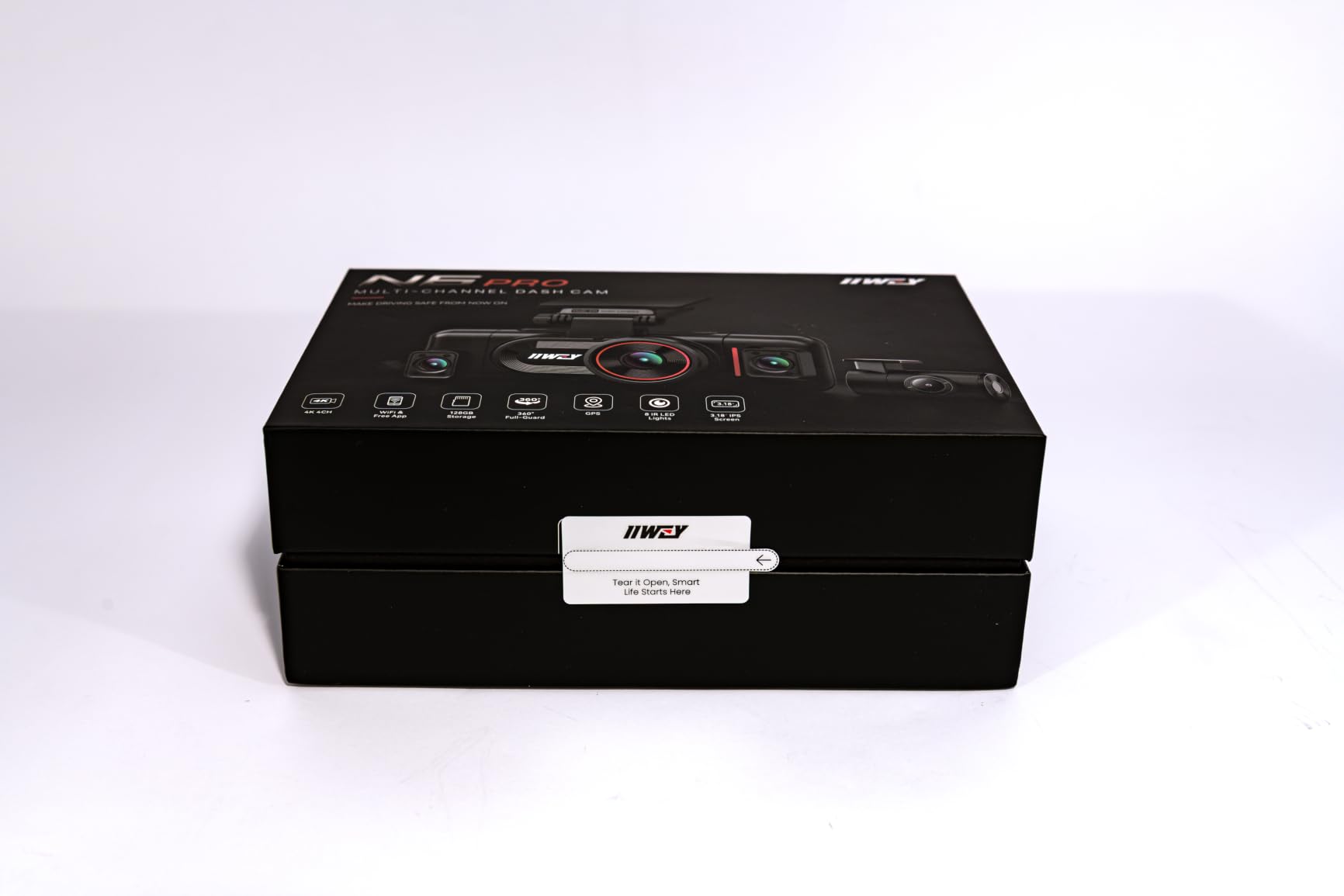
Transfer speeds are handled by 5GHz Wi-Fi 6 at up to 10MB per second, which is 300 percent faster than 2.4GHz and matters when a 4K file has to reach an insurer or a support ticket. Cards go up to 512GB, and a high-endurance 128GB card tested for four-channel write loads is included, which is the correct card type for this workload and often is not.
The supercapacitor is rated from minus 4F to 158F, so it handles extreme heat and cold. The app is free with no subscription, and 24/7 time-lapse parking mode works with a separately sold hardwire kit. G-sensor event lock and loop recording handle the file management side.
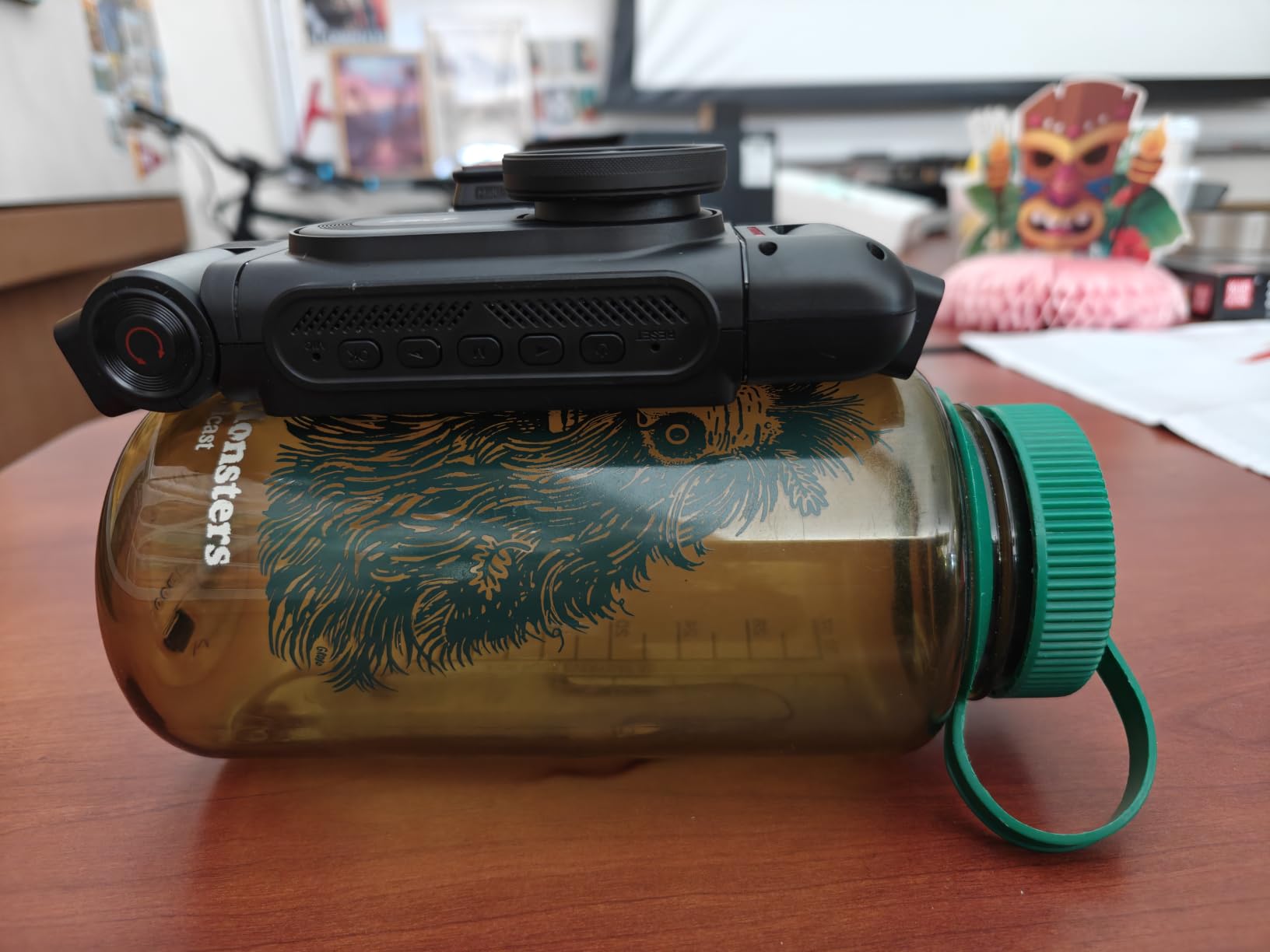
Who the IIWEY N6 PRO suits
It suits drivers who work urban shifts full of parking structures, narrow streets and airport pickup zones, where side incidents are the norm rather than the exception. It also suits drivers who want cabin night detail without relying on a swiveling camera and hoping for the right angle.
It suits anyone who hates subscriptions. There is no recurring fee, the app does the work, and the included card is the right endurance grade. A driver planning three years of full-time work will not be nickel-and-dimed by a cloud tier they never activated.
Where the IIWEY N6 PRO falls short
Power is the main constraint. The unit must be powered by the included car charger, and USB-C to USB-C cables are not supported, so vehicles without a cigarette lighter socket need the separately sold hardwire kit. That is a real friction point for anyone whose car is newer than a few years old.
Four-channel 4K recording also demands more from the card and generates more heat than a dual-channel unit, and the body is bulky enough to be obvious on the windshield at 6.9 by 5.47 inches. Reviewers also note that sustained multi-channel writing is demanding on card endurance, so budget for replacements rather than assuming the included card lasts indefinitely.
10. COOAU D20 — Best Value Front and Inside Camera for New Drivers
- Front and inside built for passenger disputes
- 170 degree front lens covers adjacent lanes
- GPS and Wi-Fi with no subscription
- Supercapacitor rated -4F to 158F
- App link blocks Android Auto and CarPlay
- Memory card not included
- Cabin camera position is fixed
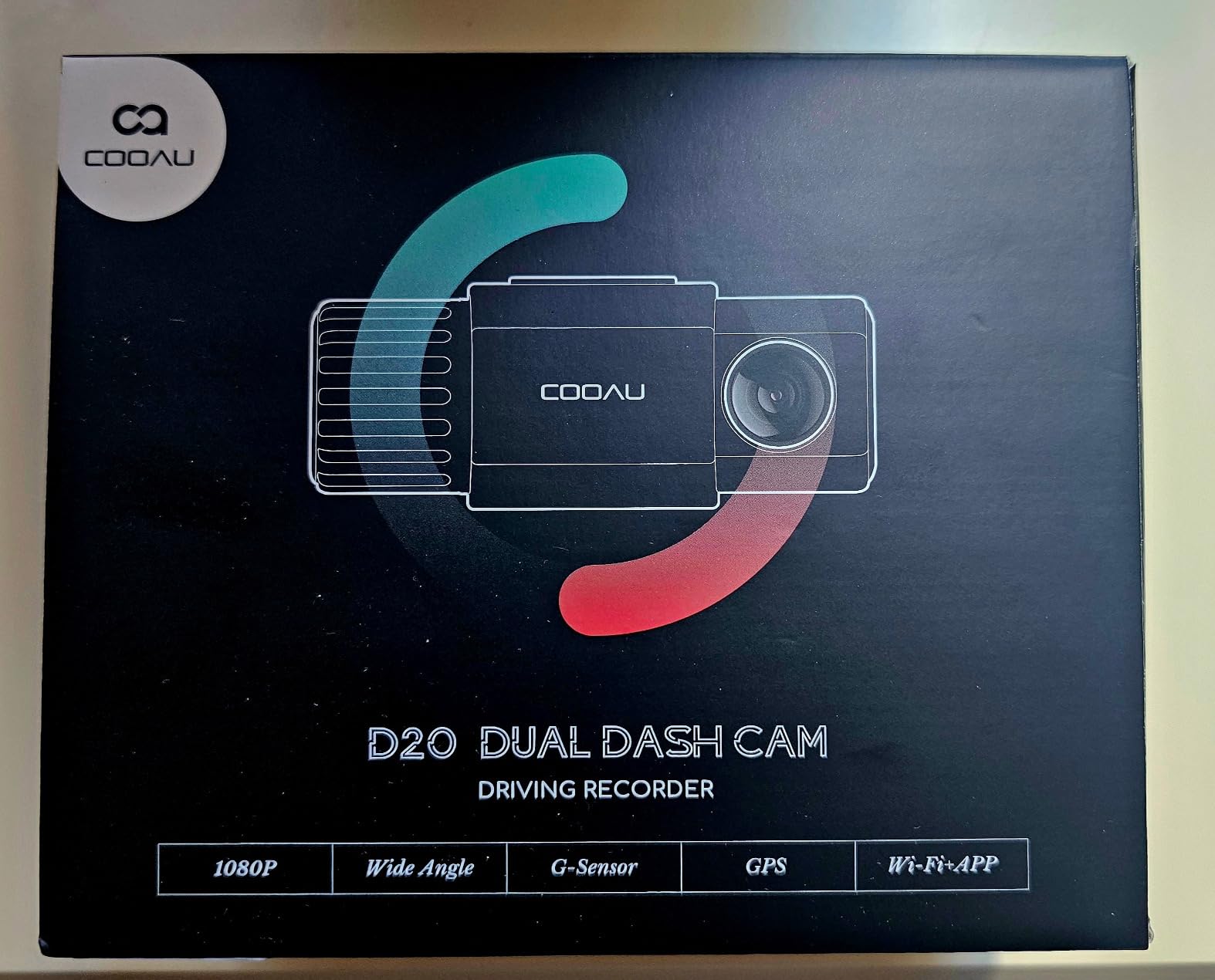
The D20 is marketed directly at Uber, Lyft, taxi and ride-share drivers, and the design reflects that. It records 2.5K at 2560x1440P through a 170 degree front lens and 1080P inside through 150 degrees, with four IR lights and an f/1.8 aperture on the cabin camera. That is the minimum credible spec sheet for defending yourself against a passenger complaint.
The 170 degree front lens is described as covering roughly six to eight lanes, which is genuinely wide and means fewer vehicles sit in a blind spot when a light changes. The front camera pairs an f/1.8 six-glass lens with WDR exposure balancing, and the IR night mode can be toggled off if you do not want black and white cabin footage.
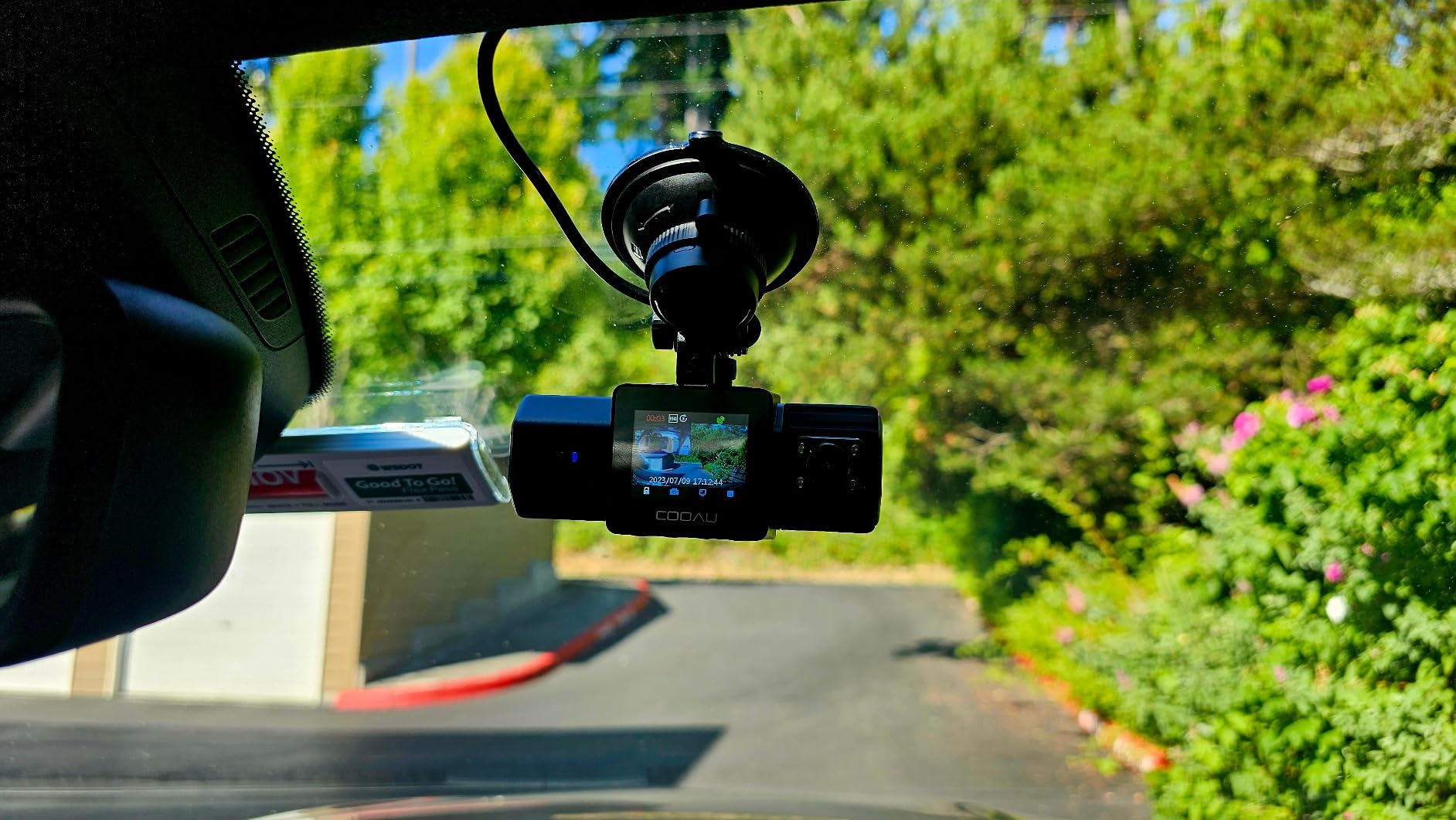
GPS logs speed in either km/h or mph along with route and location, and built-in Wi-Fi with the COOAUDash app handles viewing, recording, downloading and sharing at no recurring cost. The 1.5-inch display and compact body do not obstruct the driver’s view, and the supercapacitor is rated from minus 4F to 158F for both deep cold and desert heat.
Parking monitor with motion and collision detection needs a hardwire kit, and loop recording uses three-minute segments on a Class 10 or better card up to 256GB. Both suction cup and adhesive mounting are supplied. Note the card is not included, which is the first thing to buy alongside it.
Who the COOAU D20 suits
It suits a driver buying their first camera, or anyone who wants the specific protection a cabin lens provides without paying for four channels. Two cameras, one power lead, one card, one app. If your disputes are with passengers rather than with other drivers, this configuration targets the right risk.
It also suits drivers in extreme climates who want supercapacitor power rather than an internal lithium battery, and anyone who wants a small body that disappears against the rearview mirror. If you are unsure how many channels you need, this is a safe and complete starting point.
Where the COOAU D20 falls short
The app limitation is the standout problem. Owners report that while the phone is connected through the app, Android Auto or CarPlay cannot be used at the same time. On a driver who navigates for a living, that is more disruptive than it sounds, and it is the single most repeated complaint in reviews.
The card and hardwire kit are both sold separately, the cabin camera position is fixed once the unit is mounted, and there is no rear channel at all. That last point is the gap to weigh: a rear-end collision at a light will be recorded from the front, but the vehicle behind you will not be.
What Actually Matters for Rideshare Dash Cams
Specs pages reward volume, so start from your risk instead. The most common way a rideshare account is lost is not a collision. It is a passenger complaint with no evidence attached. That is why the cabin channel, not the front channel, is the first thing to check on any list.
Front, Rear, or Cabin? Choosing Your Channel Count
A single front camera settles who is at fault in a rear-end collision. Add a rear channel and you also capture what the other driver does after impact, including walking away or signalling. Add a cabin channel and you can document what happened behind you, which is the channel that protects your account. A channel is simply an independent camera feed recorded at the same time.
Our advice follows your hours. Part-time weekend drivers can run front and inside. Full-time drivers who work urban shifts should add a side or rear channel, because parking structure and junction incidents are invisible to a forward-facing lens. If you are still deciding between formats, our [rearview mirror dash cam guide](https://www.talkofthehouse.com/best-rearview-mirror-dash-cams/) covers a different mounting style that some drivers prefer in vehicles with a tall rear window.
Two separate single cameras stuck on one windshield is the arrangement to avoid. Two units mean two mounts to shake loose, two cable runs down the headliner, two cards to format and two apps to learn, and the timestamps will not align cleanly if you ever need to show the same moment from both angles.
Night Vision and Why the Cabin IR Lens Matters
An infrared cabin lens is not a nice-to-have. Without it, an interior camera pointed at a back seat in an unlit car at 1am records a black rectangle, and footage that proves nothing protects nothing. Four to eight IR LEDs light the cabin without spilling visible light or washing out the windshield view ahead.
On the front channel, sensor choice matters more than resolution. Sony STARVIS and STARVIS 2 sensors are the low-light standard in current-generation cameras, and HDR or WDR is what keeps a plate readable when you are driving into headlights. Owners on r/uberdrivers consistently judge cameras on one metric: can they read the plate of the car in front at night.
One countermeasure is worth knowing about. Drivers on r/uberdrivers report riders switching on dome or cabin lights specifically because of cabin cameras. Bright visible light overwhelms the IR array and produces washed-out footage, so no infrared system defeats a deliberately lit cabin. Aim the lens high and toward the rear seats rather than low and toward the headrests, because that is where a face is.
How Much Storage a Real Shift Needs
Card sizing is where most full-time drivers underestimate. Multi-channel 4K footage consumes far more per hour than a single 1080p channel, and loop recording means an undersized card quietly overwrites the clip you thought you had. Treat these as the practical ranges for continuous multi-channel recording on a high-endurance card.
For a 20-hour week, 128GB is workable. For a 40-hour week, 256GB is the sensible minimum, and 512GB is comfortable. For a 50 to 60 hour week or a camera that supports 1TB, go as large as your unit allows and set a card rotation routine so you always keep a second card in rotation. Check the ceiling on the specific model before you buy, because it varies from 64GB to 1TB across this roundup.
Always use a high-endurance U3 or Class 10 card. A standard card that passes a speed test can still fail under sustained write loads, and a card failure mid-shift means silent gaps in your evidence. Format the card in the camera rather than on a computer, and reformat on a schedule rather than when the camera prompts you.
Where to Mount the Cameras and Why Riders Disappear From Footage
Mount the main unit high, just behind the rearview mirror, and aim the cabin lens toward the rear seats rather than the headrests. This is the most common complaint in rideshare driver forums: a rider slides low or turns away, and the cabin footage shows the back of a head and a shoulder. Raising the mount and tilting down toward the seat cushion fixes more of this than any camera upgrade.
Route the rear camera cable along the headliner and down the passenger or driver A-pillar, then into the rear parcel shelf, using the supplied clips at every edge. Cable routed across a door seal or a bare A-pillar will chafe and drop out within months. Run the test clip before you reassemble the trim, not after.
Do a twenty-minute night test before your first shift. Drive a familiar loop with the cabin lights off, confirm all channels recorded, and check that a plate is readable at a stoplight. It is twenty minutes that removes the most expensive variable in the whole purchase.
Wi-Fi, Apps and Getting a Clip to the Platform Fast
Wi-Fi is what turns a dash cam from a recorder into evidence you can actually submit. Wi-Fi is local phone transfer, which is fast and free. Cloud is off-car remote access that usually carries a subscription, which matters if you need footage from a car you cannot reach. Part-time drivers rarely need cloud. Full-time drivers working across two vehicles or relying on remote access after an incident may.
Two things to check before you commit. Some cameras default Wi-Fi to off on every power-up, and some apps require you to disable phone Bluetooth before pairing. Both are minor once you know, and both are infuriating when a support ticket is open. Fast 5GHz and Wi-Fi 6 transfers, at 10MB per second, make the difference between a clip in your hand in a minute and a clip in five.
When footage is requested, search by date and time first rather than by G-sensor event, because event folders only catch impacts. Know roughly when the event happened, pull the surrounding five minutes from every channel, and hand over the files rather than a single clip, because a single clip rarely tells the whole story.
Parking Mode, Hardwire Kits and Your Car Battery
Parking mode is what your camera does while the car is unattended, usually triggered by motion or impact. It needs a hardwire kit connected to the fuse box, because the cigarette lighter loses power when you turn the key off. A kit with a low-voltage cutoff stops recording before it flattens your battery, and that cutoff setting is the one you must configure.
On the capacitor question that circulates online, be clear: the capacitor or small internal battery in a dash cam exists only to save the final clip when power is cut. Neither one powers extended recording, and no model here will record all night off its internal power. Continuous overnight recording comes from loop recording to the card, and parked recording comes from a hardwire with a cutoff.
Only the BOTSLAB G980H in this roundup ships with the kit. Everyone else expects you to buy it separately, and the Neideso, IIWEY and ZMOPO all need one for their parking features to work at all.
Recording Legally: Consent, Signage and Account Safety
Recording inside a vehicle is generally permitted, and no rideshare platform publishes an approved-model list. What platforms do require is that you follow local law on recording and, in most cases, that you tell riders a recording device is present. Post a dash cam notice sticker on the windshield or the door, and say it once when a rider gets in.
Audio is the variable that changes by state. Some states require all parties to consent to a recording, others require only one. If you are unsure, recording video with audio disabled is the safer default, and you lose less than you think because most rideshare disputes are visual.
One more warning. Do not post ride footage to YouTube, TikTok or Facebook without the rider’s consent. Riders are identifiable in a cabin recording, and using their footage as content is a fast route to a complaint and a deactivation. Keep the footage for the platform, your insurer and a police report, which are the three legitimate audiences.
Frequently Asked Questions
Which dash cam is approved by Uber?
No specific model is approved. Uber does not publish an approved dash cam list, and drivers are allowed to install recording devices. What matters is following local recording law and telling riders a device is present, which most drivers handle with a windshield notice sticker and a short mention at pickup.
Do I need a cabin camera for Uber?
Yes, for most drivers. A front camera settles collisions, but the cabin camera is what documents a passenger dispute, which is the most common way a rideshare account is put at risk. Look for four or more IR LEDs so the interior is legible in total darkness, and mount the unit high behind the mirror with the lens aimed at the rear seats.
Will my insurance go down if I have a dash cam?
There is no automatic premium discount for owning a dash cam. The practical value is different: forward-facing footage is increasingly accepted as claim evidence, and app-based car verification programs routinely ask drivers to submit a recording of a trip. A camera does not lower your premium, but it makes you much harder to dispute after an incident.
Is there a dash cam that can record all night?
Yes, through two separate mechanisms. Loop recording onto a high-endurance microSD card records continuously as long as the ignition is on, overwriting the oldest unlocked files. Recording while the car is parked requires a hardwire kit with a low-voltage cutoff, which stops before your car battery is drained. No dash cam records all night from its internal capacitor alone.
What size SD card do I need for a dash cam?
For a part-time driver running about 20 hours a week, 128GB works. For a full-time driver running 40 to 60 hours with multiple channels recording 4K, 256GB is the sensible minimum and 512GB is comfortable. Card ceilings vary by model from 64GB to 1TB, so check the limit before purchasing. Always use a high-endurance U3 or Class 10 card and format it in the camera.
The Bottom Line for 2026
The COOAU D30S is our best dash cam for Uber drivers because front, cabin, GPS and Wi-Fi arrive in one box with no subscription, and more than 3,500 owner reviews back it up. If you need rear coverage as well, the REDTIGER F17 records three channels at once at the highest rating in this group. If night plate readability is your deciding factor, the Vantrue N4 Pro S is the strongest unit available.
For a first camera on a tight budget, the COOAU D20 covers the essentials that matter. For full coverage on every side of the car, look at the IIWEY N6 PRO or the Neideso N300. Whichever you choose, add a high-endurance card, run a twenty-minute night test before your first shift, and put a notice sticker on the glass. Our broader [dash cam roundup](https://www.talkofthehouse.com/best-dash-cams/) covers the other formats if you want to compare before you buy.