
A gaming projector is a home video projector built around low input lag, a high refresh rate and enough brightness to hold a picture in a real room. Put that together with a PS5, an Xbox Series X or a docked Switch and you can get a 100-inch screen in a space where a television that size would be impossible.
So, is a projector better than a TV for gaming? For couch-and-console play in a darkened room, yes. For competitive shooters at a desk or for daytime viewing in a sunlit space, a gaming monitor or OLED wins every time. We looked at ten of the best gaming projectors for consoles in 2026 and sorted them by the numbers that actually decide the experience: measured input lag, refresh rate, brightness in ANSI lumens, throw distance, and what console features survive the cable.
Every pick below is written around one question: which console does this suit, and what do you give up? One sentence answer up front, then the specs that matter, then the honest limitations. We also pulled from buyer discussions on r/projectors and r/playstation, where the same two worries come up repeatedly: perceived lag and whether a room that cannot be blacked out kills the picture.
If you are still working out how a projector fits the room, our guide to TV consoles for large TVs covers the furniture side, and our media console picks cover where the gear physically goes.
If you want the short version, the Valerion StreamMaster Plus2 is our top pick for PS5 and PS5 Pro owners who want native 4K without giving up refresh rate. Everything else is a deliberate trade of some spec for a lower cost, a tighter throw, or a brighter image.
Top 3 Gaming Projector Picks for Consoles in 2026
These three cover the most common console setups: a native 4K living-room system, a small apartment short-throw, and a bright room that will not fully darken.


Optoma GT1080HDR
- 100 inch image from just over 3 feet
- 3800 lumens
- Low input lag mode
- 15000 hour lamp
All 10 Picks at a Glance
Every model in this roundup, with the specs that decide console performance. Brightness figures are as published by each manufacturer, and note that plain “lumens” and ANSI lumens are not the same measurement.
| Product | Specifications | Action |
|---|---|---|
| Valerion StreamMaster Plus2 |
|
Check Latest Price |
| Optoma GT1080HDR |
|
Check Latest Price |
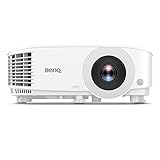
| BenQ TH575 |
|
Check Latest Price |
 BenQ TK700 BenQ TK700 |
|
Check Latest Price |
 BenQ TH685P BenQ TH685P |
|
Check Latest Price |
 ViewSonic PX749-4K ViewSonic PX749-4K |
|
Check Latest Price |
 Optoma GT2400HDR Optoma GT2400HDR |
|
Check Latest Price |
 Optoma UHD50X Optoma UHD50X |
|
Check Latest Price |
 ZCGIOBN Google TV Projector ZCGIOBN Google TV Projector |
|
Check Latest Price |
 CWEUG 2400 ANSI Smart Projector CWEUG 2400 ANSI Smart Projector |
|
Check Latest Price |
1. Valerion StreamMaster Plus2 – Best Overall for PS5 and PS5 Pro
- 4ms input lag at 240Hz for competitive console play
- RGB triple laser covering 110% Rec.2020
- Google TV with AirPlay 2 and Chromecast built in
- Automatic focus keystone obstacle avoidance and screen alignment
- Dolby Vision HDR10 and IMAX Enhanced support
- Heaviest unit we tracked at 15.4 pounds
- 2000 ISO lumens is modest against 3000 to 4200 lumen rivals
- No high-wattage speaker system for serious theater use
The StreamMaster Plus2 is the one unit in this group that does not ask you to choose between native 4K and a high refresh rate. It runs a true 3840 by 2160 panel at 4ms with a 240Hz refresh rate, and it carries an RGB triple laser engine with 110% Rec.2020 coverage plus ISF calibration. Owners consistently describe the picture as strong straight out of the box, which is unusual for a projector at this level.
For console play, the combination is the selling point. The HDMI 2.1 port accepts a full-bandwidth 4K signal, the chipset is 4GB of RAM with 128GB of storage, and the Google TV platform means the streaming apps are already there. A small group of r/projectors owners asked directly about PS5 Pro readiness, and this is the class of hardware the extra console power is designed for.
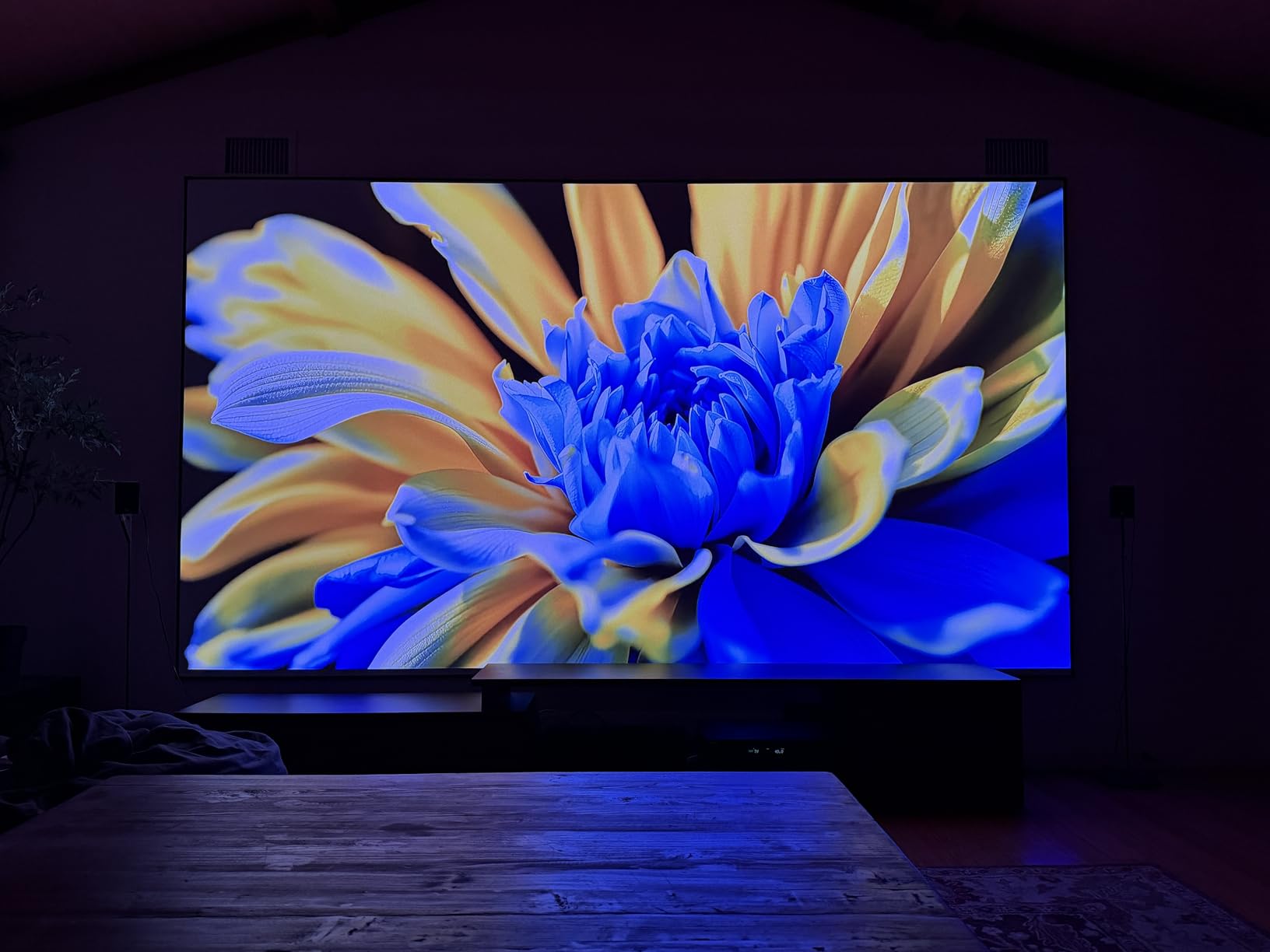
Setup is close to hands-free. Auto focus, auto keystone, auto obstacle avoidance and auto screen alignment are all present, and the image size ranges from 40 to 300 inches. The dust-proof optical path and laser light source mean no bulb replacement is on your schedule. Dolby TrueHD Atmos and DTS-HD Master Audio audio decoding is handled, though the speaker hardware itself is modest.
The two real limits are physical. At 15.4 pounds this is the heaviest unit we tested, and moving it between rooms is a two-person job rather than a one-carry job. The 2000 ISO lumens figure is the lowest of the ten models here, so a room with a big window will wash the image out unless you can get real blackout.
How it handles PS5 and PS5 Pro settings
A PS5 in 4K with a 120Hz output is the mode this projector is built for, and the 4ms figure is measured at 240Hz. If you drop to 4K at 60Hz, the headroom goes further than you need. Dolby Vision from a disc or a streaming app is supported alongside HDR10 and HDR10+, and Dynamic Tone Mapping adjusts brightness and contrast in real time as the scene changes.
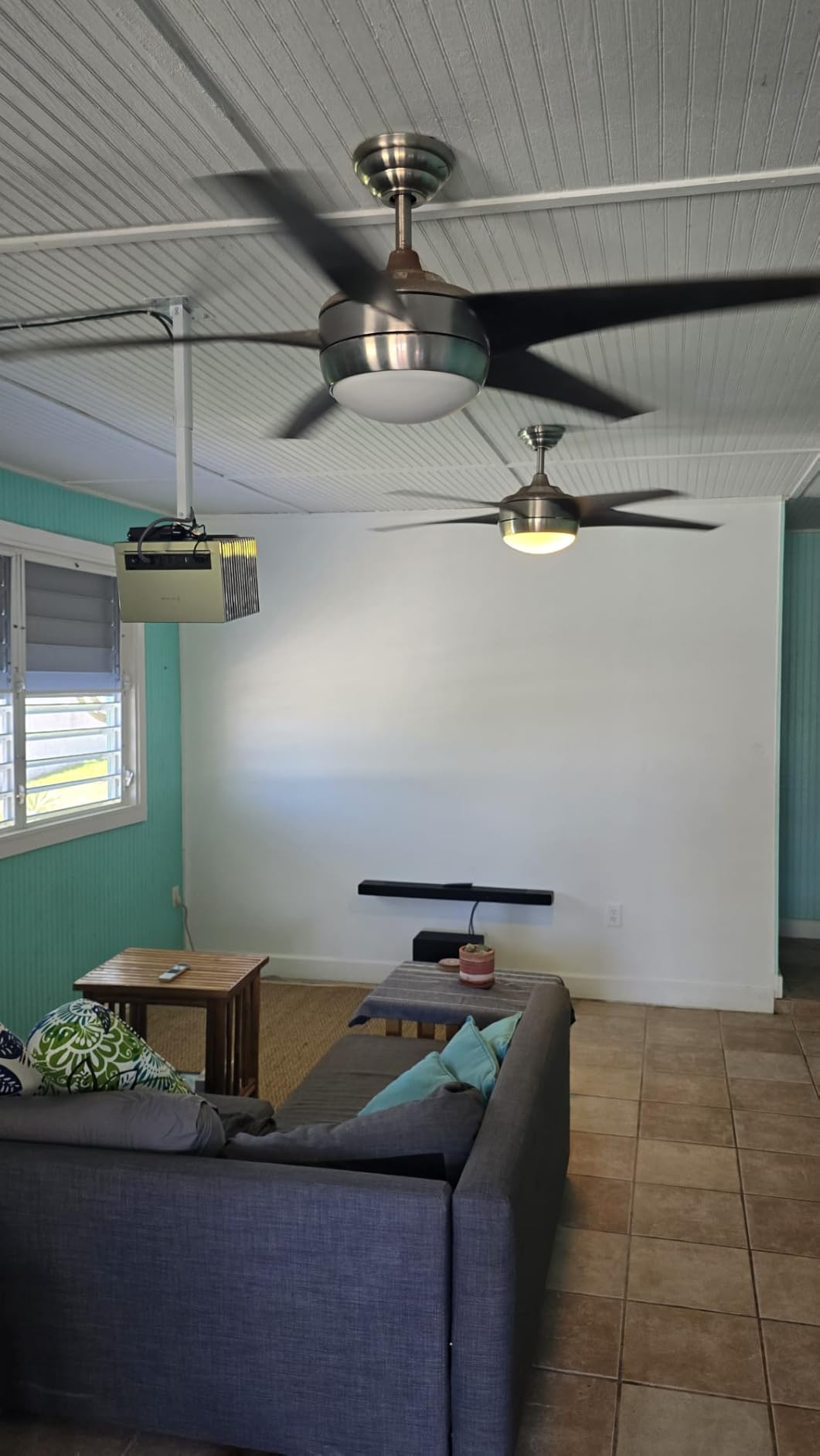
Auto obstacle avoidance is worth knowing about in a tight room. It detects a ceiling mount, a speaker or a plant in the light path and shifts the frame, which is more forgiving than the manual alignment most projectors at this resolution demand.
Where it is the wrong pick
Do not buy this for a bright living room with north-facing windows and no blackout curtains. 2000 ISO lumens is roughly half what the brightest units in this list deliver, and the difference is obvious with the lights on. It is also the wrong tool if you plan to move it between a living room and a bedroom every week, because the weight works against you.
Finally, budget for audio. There is no serious built-in speaker system here, so a soundbar or an AVR is part of the real cost of this setup.
2. Optoma GT1080HDR – Best Value Short Throw for Small Rooms
- Short throw lens fills a wall from barely three feet away
- 3800 lumens handles lights-on and daytime viewing
- Low input lag gaming mode for responsive play
- Lamp rated up to 15000 hours
- Light enough to move between rooms
- Native 1080p rather than 4K
- Integrated 10W speaker is thin
- No smart TV platform so a streaming dongle is needed
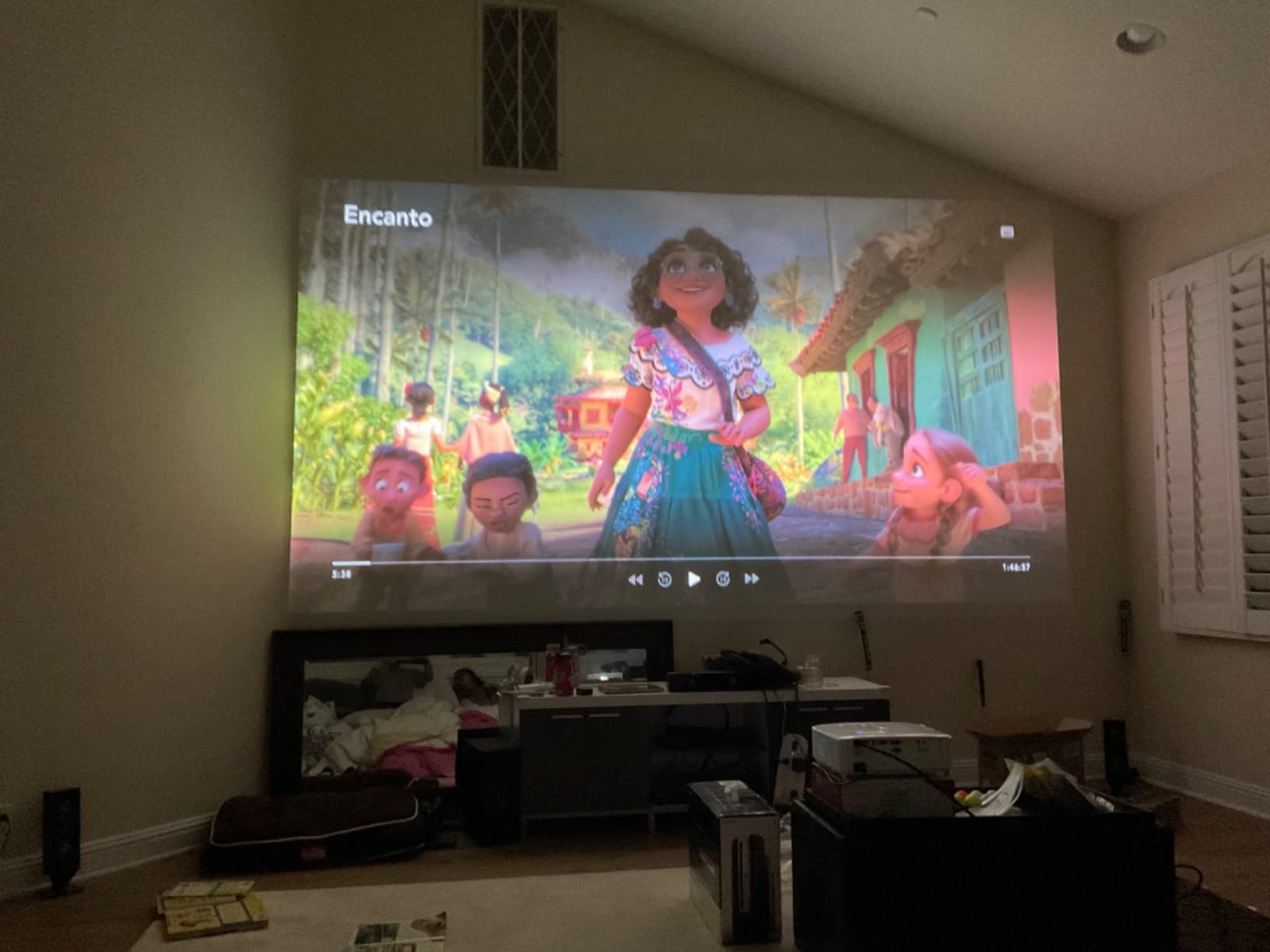
The GT1080HDR is the pick when the room is the problem, not the console. Its short throw lens produces a 100-inch image from just over three feet, which means an apartment bedroom, a bonus room or a desk-height shelf can host a genuinely large screen without rearranging the furniture.
Brightness is the quiet strength here at 3800 lumens, enough to keep the picture readable with a lamp on and daylight coming through a window. The low input lag gaming mode keeps console and PC play responsive, and the contrast ratio is listed at 50,000:1 for a projector of this class. Dual HDMI inputs, USB power and VGA cover the connection needs of most setups.
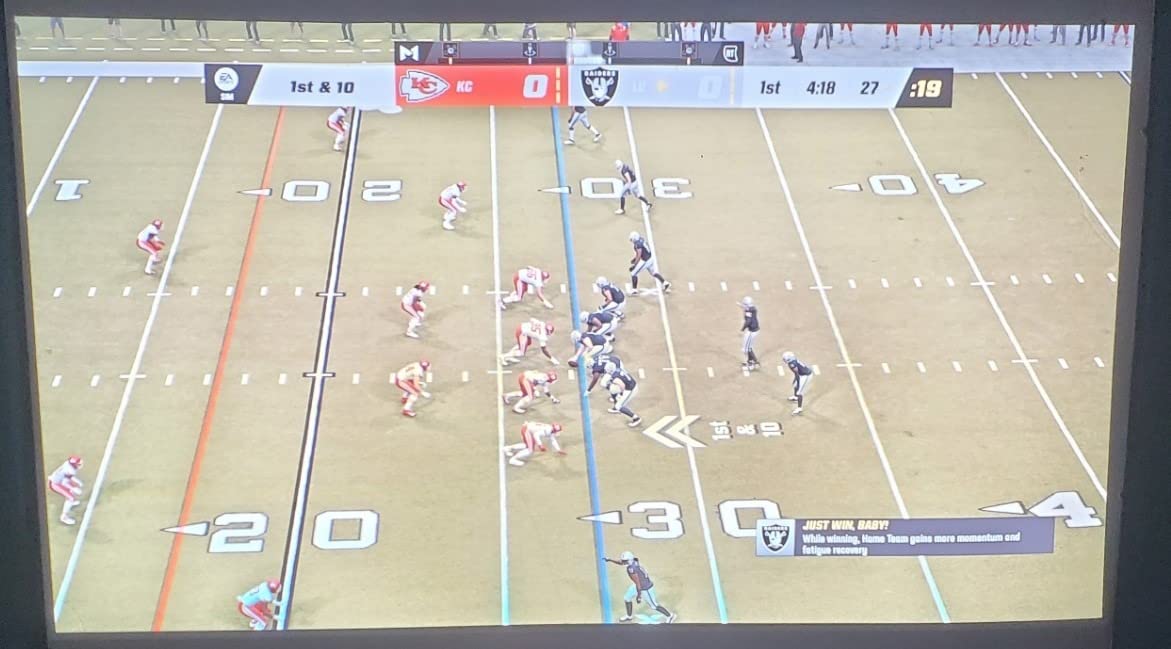
Buyers treat this as the sensible large-screen entry point, and the review pool is the largest in the group. The acknowledged trade-offs are 1080p sharpness, thin built-in audio and the need for a separate streaming device. A visible minority of one-star reviews centers on lamp or unit reliability, which is the main reason we do not place it higher despite the low cost.
The image size range runs from 36.2 to 307 inches, and the lamp is rated up to 15,000 hours in Eco+ mode, so maintenance is a long-term non-issue. It is also golf simulator ready if you want to stretch the setup beyond consoles.
Why short throw changes the placement question
A standard throw projector needs eight to thirteen feet of room depth for a 100-inch image. This one needs a little over three. That single spec decides whether you can wall-mount it, sit in front of it, or put it on a small table behind the sofa without blocking the view. If your room is under twelve feet deep, this category is the only one worth shopping.
The 100-inch figure also means you can go smaller if the wall demands it, down to 36 inches for a laptop-adjacent setup. Keystone correction is vertical and rated at 0.4 inches, which is modest, so place it square to the wall if you can.
Where it is the wrong pick
A PS5 Pro owner who wants 4K panel detail will notice the difference at 100 inches and closer. The 4K HDR support here is input compatibility, not a 4K image. Second, the 10W speaker is not a substitute for real audio in a co-op gaming session, so plan on a soundbar or a paired speaker.
Third, there is no smart platform, no Bluetooth and no WiFi mentioned. Streaming means a dongle. For a Switch in handheld mode, an HDMI adapter handles it fine.
3. BenQ TH575 – Best for Bright Rooms and Outdoor Console Nights
BenQ TH575 1080p 3800 Lumens Home Entertainment Projector 16ms Low Latency
- 3800 ANSI lumens stays vivid in a sunlit room or outdoors at dusk
- 16ms low input lag is smooth for Switch and casual console play
- Quiet fan rated near-silent even near a ceiling mount
- Sharp colorful 1080p image reviewers say does not feel short of 4K
- Auto vertical keystone for fast setup
- Native 1080p only
- No Bluetooth and no smart TV so streaming needs a dongle
- Weak built-in speaker
- USB port is power-only
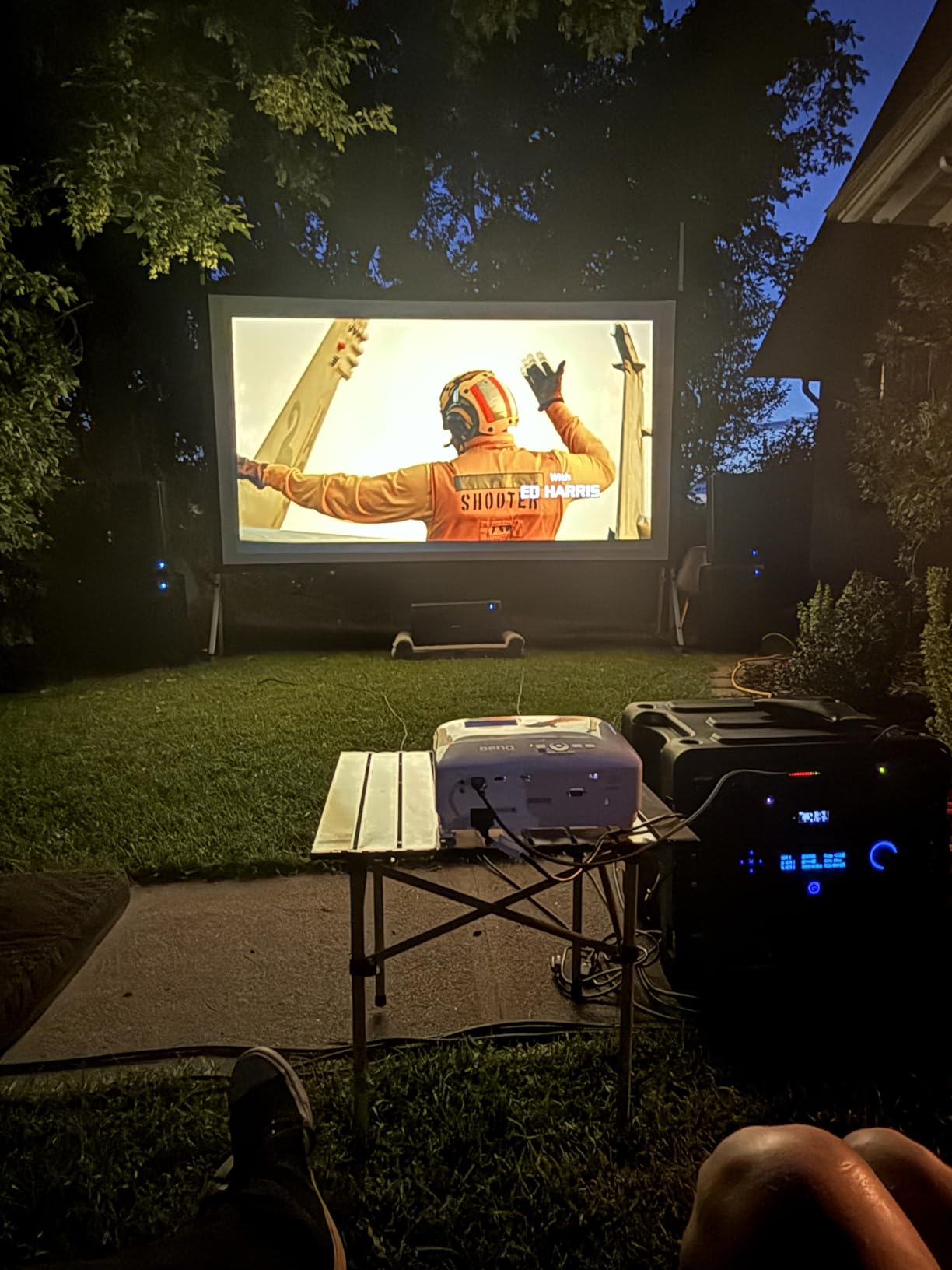
The TH575 is the brightness answer for rooms that will not go fully dark. At 3800 ANSI lumens it holds a vivid image in a sunlit space, and reviewers specifically call out outdoor movie nights and daytime family viewing as the use cases that drove their purchase. The 15,000:1 FOFO contrast ratio helps blacks stay defined in a bright room.
Latency is 16ms at 1080p and 60Hz with an enhanced game mode. That is smooth for Nintendo Switch play, co-op games, racing titles and anything cinematic. It is not the number you want for competitive shooters, where the faster models in this list measure between 4 and 8.3ms. The microsecond DMD fast response keeps motion smooth at 60Hz.
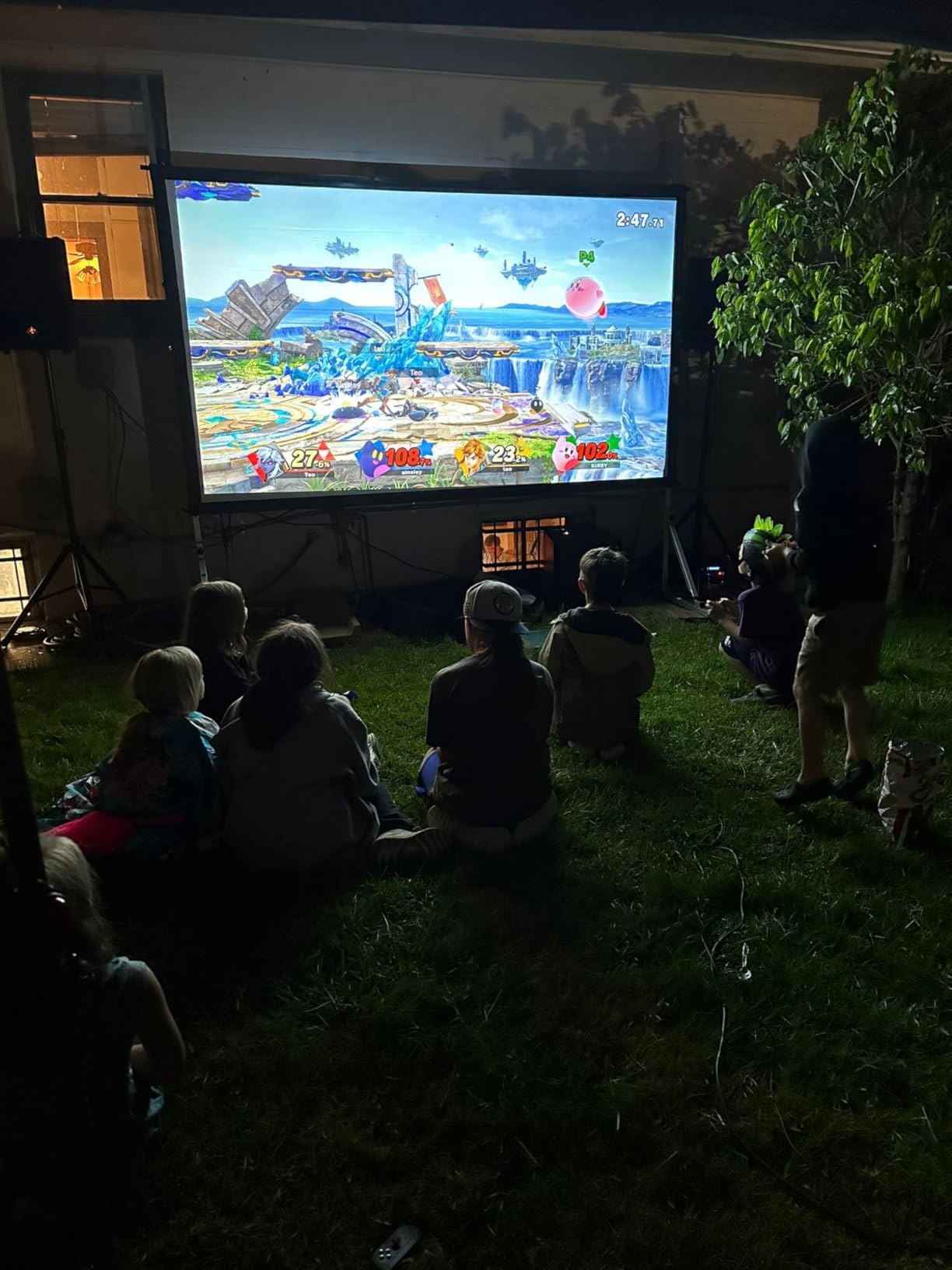
This is the 2023-upgraded replacement for the TH585P, adding lumens and contrast. The fan is quiet enough that owners with a ceiling mount directly above seating still rate it as near-silent, which matters for marathon sessions. Image size runs from 30 to 300 inches, and a 1.1x zoom plus auto vertical keystone make placement forgiving.
The complaint cluster is about thin connectivity rather than picture. No Bluetooth, no Google TV and a power-only USB port mean you plug in a streaming device, and the built-in speaker is the kind owners replace with computer speakers or a soundbar. A small group also reports power-supply shutdowns and audio dropouts requiring warranty replacements.
How bright is bright enough for console play
ANSI lumens is the honest brightness measurement because it uses a defined test method, unlike the unqualified “lumens” some brands print. A fully blacked-out room is comfortable around 1500 to 2000 lumens. A dim room with a lamp on wants 3000. Daylight through a window pushes you toward 3800 and above, and a proper ALR screen adds perceived contrast on top of that.
That is why this unit and the ViewSonic and Optoma GT2400HDR sit near the top of our brightness ranking. If your room cannot be blacked out, buying a 2000-lumen projector is buying a washed-out image.
Where it is the wrong pick
Fast competitive shooters. At 60Hz and 16ms, aiming down sights in a shooter will feel looser than it should, and a 1080p panel means the console is running at half the resolution it wants. The outdoor claim also assumes a dark evening, not a bright afternoon.
Because there is no smart platform, anyone who wants Netflix and streaming apps on the projector itself needs an external device. Dual HDMI is enough to keep the console and that device connected at the same time.
4. BenQ TK700 – Best Native 4K for PS5
BenQ TK700 4K HDR Home Entertainment Gaming & Movie Projector 4.2ms Latency
- True 4K XPR DMD panel with HDCP 2.2 for genuine 4K HDR from PS5
- 4.2ms latency keeps fast shooters and console play responsive
- 3200 lumens bright enough for daylight on a 90 to 100 inch screen
- Dark blacks and clean text rendering
- Light at 6.8 pounds and scalable to a 135 inch screen
- No Bluetooth and limited on-screen zoom
- Fast mode disables keystone so alignment must be physically right
- Only a 5W speaker
- 4000 hour lamp rating versus laser engines elsewhere
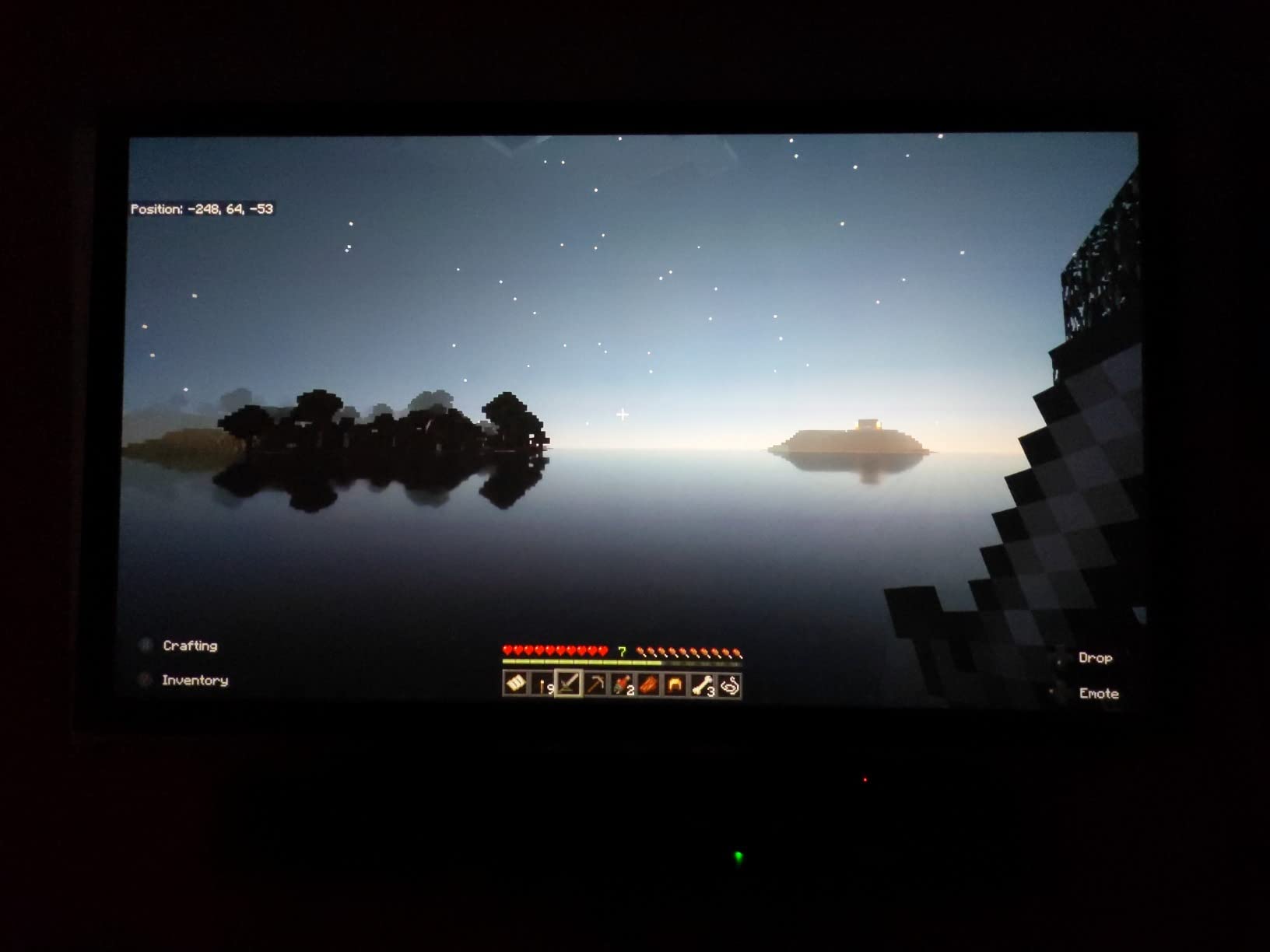
The TK700 is the mid-tier answer to PS5 owners who want a real 4K panel without stepping up to a laser flagship. It uses a genuine XPR pixel-shift 4K DMD rather than upscaling, and the dual HDMI inputs carry HDCP 2.2, which reviewers confirm accepts true 4K HDR from a PS5 instead of dropping to a compatibility mode.
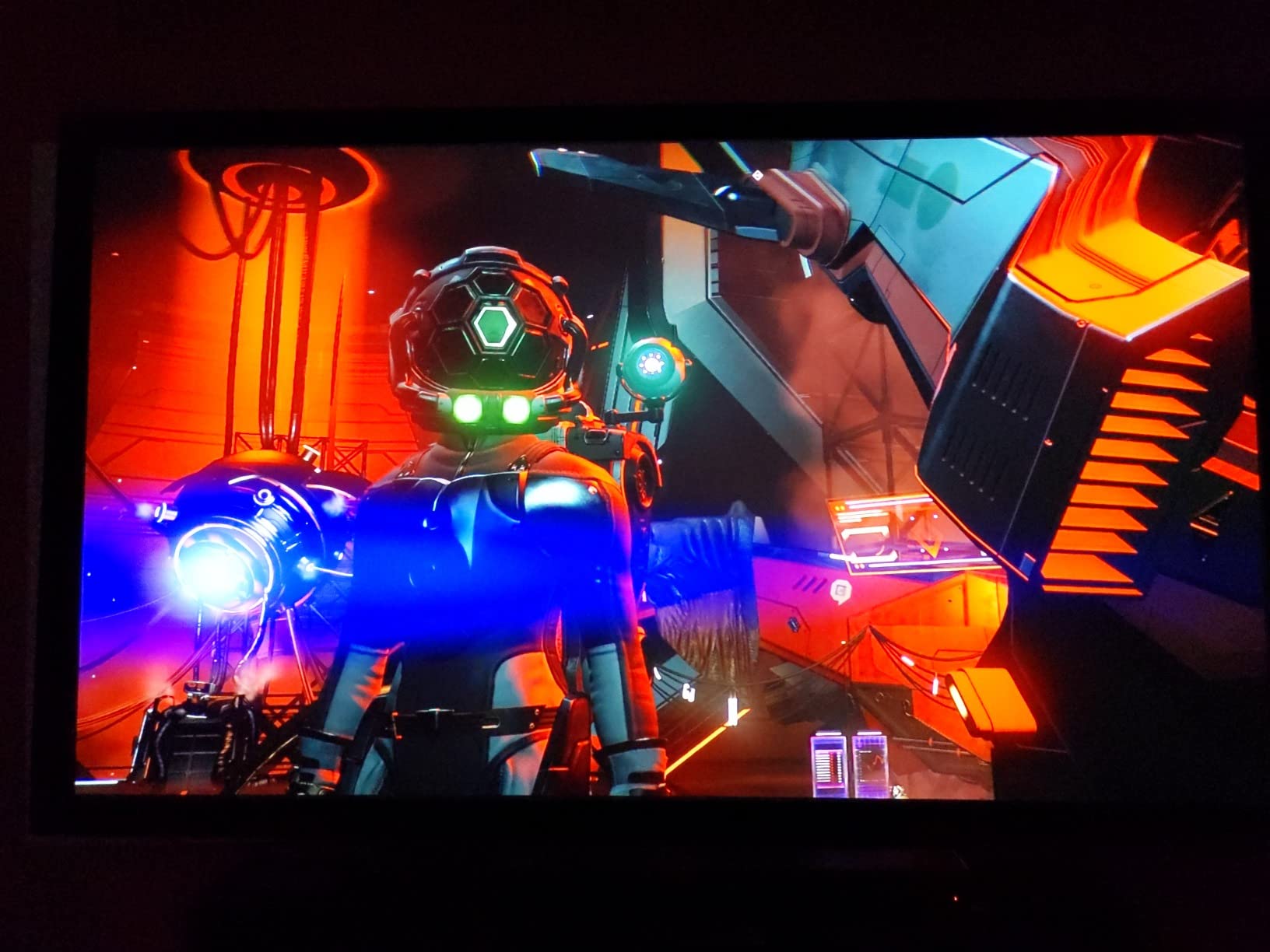
Latency is 4.2ms in the high-refresh mode, and brightness is 3200 ANSI lumens with 10,000:1 contrast. Owners report the picture stays crisp and bright with no perceived lag, and they read small on-screen text comfortably, which matters in games with dense HUDs. The image scales up to a 135-inch theater screen, and the ARC output is a practical workaround for the lack of optical audio out.
What catches people out is the interaction between fast mode and placement. The low-latency mode disables keystone correction, so the projector has to be physically square to the screen or you will see a distorted image with no software fix available. The limited on-screen zoom also means growing the picture requires moving the unit rather than pressing a button.
Reliability feedback is mixed at this point in the product life. Some reviews report dead pixels developing after heavy long-term use, and there are notes about buying from unauthorized sellers. The lamp is rated at 4,000 hours, well short of the 30,000-hour engines on the laser models here.
What true 4K versus pixel shift actually changes
Pixel-shift 4K, also called XPR, moves a micromirror array fast enough to land eight million addressable pixels per frame. The result is genuinely sharp text and fine detail, not the soft edge you get from upscaling a 1080p signal. The practical difference shows up in menu text, subtitles and distant game detail, and it is why the TK700 looks sharp on a 100-inch image at normal couch distance.
What pixel shift does not do is add brightness or contrast. The 3200 lumens and 10,000:1 ratio are the picture quality you are actually paying for alongside the resolution. This is also why we list the 4K boost mode caution on cheaper units honestly rather than treating a 4K label as a resolution claim.
Where it is the wrong pick
A blacked-out media room. The 4,000-hour lamp and no built-in streaming platform make it more of a gaming-first machine than a permanent theater install, and the 5W speaker is not usable for a long co-op night without external audio.
It is also the wrong choice if you cannot position the projector square to your wall. If your ceiling has joists directly in front of the screen, the disabled keystone in fast mode will leave you with a skewed image, and this unit has no vertical lens shift to compensate.
5. BenQ TH685P – Best 1080p High Refresh for Console Shooters
- 8.3ms latency at 1080p/120Hz is a real edge over typical budget projectors
- 3500 lumens with HDR10 for bright punchy console viewing
- LumiExpert mode reduces eye strain in long sessions
- Integrated 5W treVolo speaker with equalizer
- Lightest model we weighed at 6.2 pounds
- No VGA input or Monitor-Out compared with the earlier TH685
- Native 1080p with 4K via input support only
- 5 watt speaker lacks bass
- Small review base for long-term reliability data
The TH685P exists for one reason: it hits 120Hz and 8.3ms at 1080p, the combination fast console shooters need, and it lands well inside the range where the delay stops being noticeable on a large image. For a PS5 running a competitive title at 1080p/120 output, this is a direct and honest fit.
Brightness is 3500 ANSI lumens with HDR10 support, and color coverage is listed at 95% Rec.709. The Game Mode and Game Sound Mode presets tune the picture and audio for console play, and LumiExpert is aimed at reducing eye strain during long sessions, which is a real consideration when the screen is four feet wide.
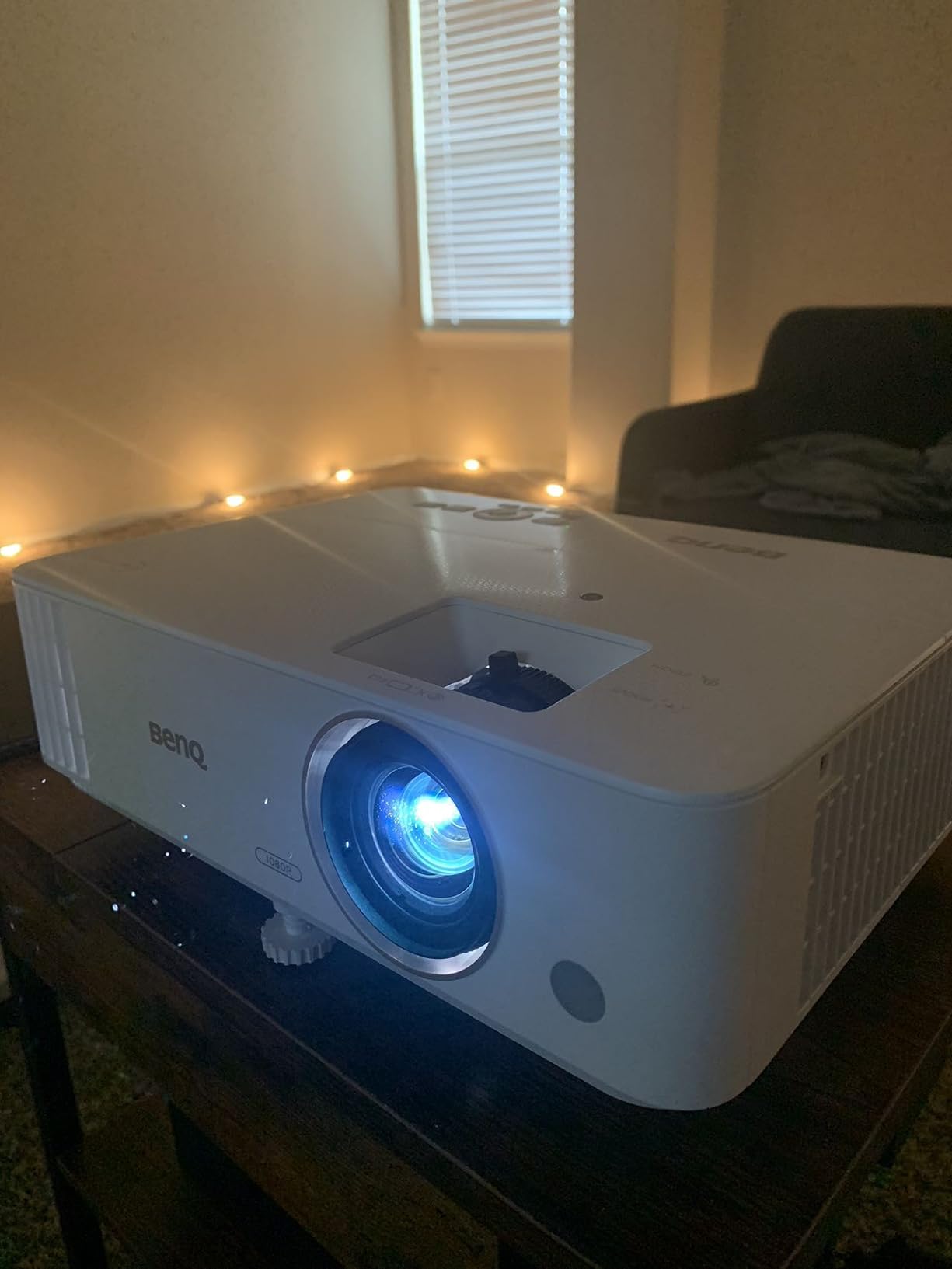
At 6.2 pounds it is the lightest unit here, and auto keystone makes setup quick. A 100-inch image lands from 8.2 feet, which suits a normal living room. The integrated treVolo 5W speaker with equalizer is more usable for casual audio than most 5W systems, though it will not carry a movie.
The most-cited drawback is a port change rather than a picture problem. Compared with the earlier TH685, this model drops the VGA input and Monitor-Out, which trips up anyone with existing PC or display gear. The review pool is also small, which means there is less long-term reliability data to draw on.
What refresh rate means for a console, not a PC
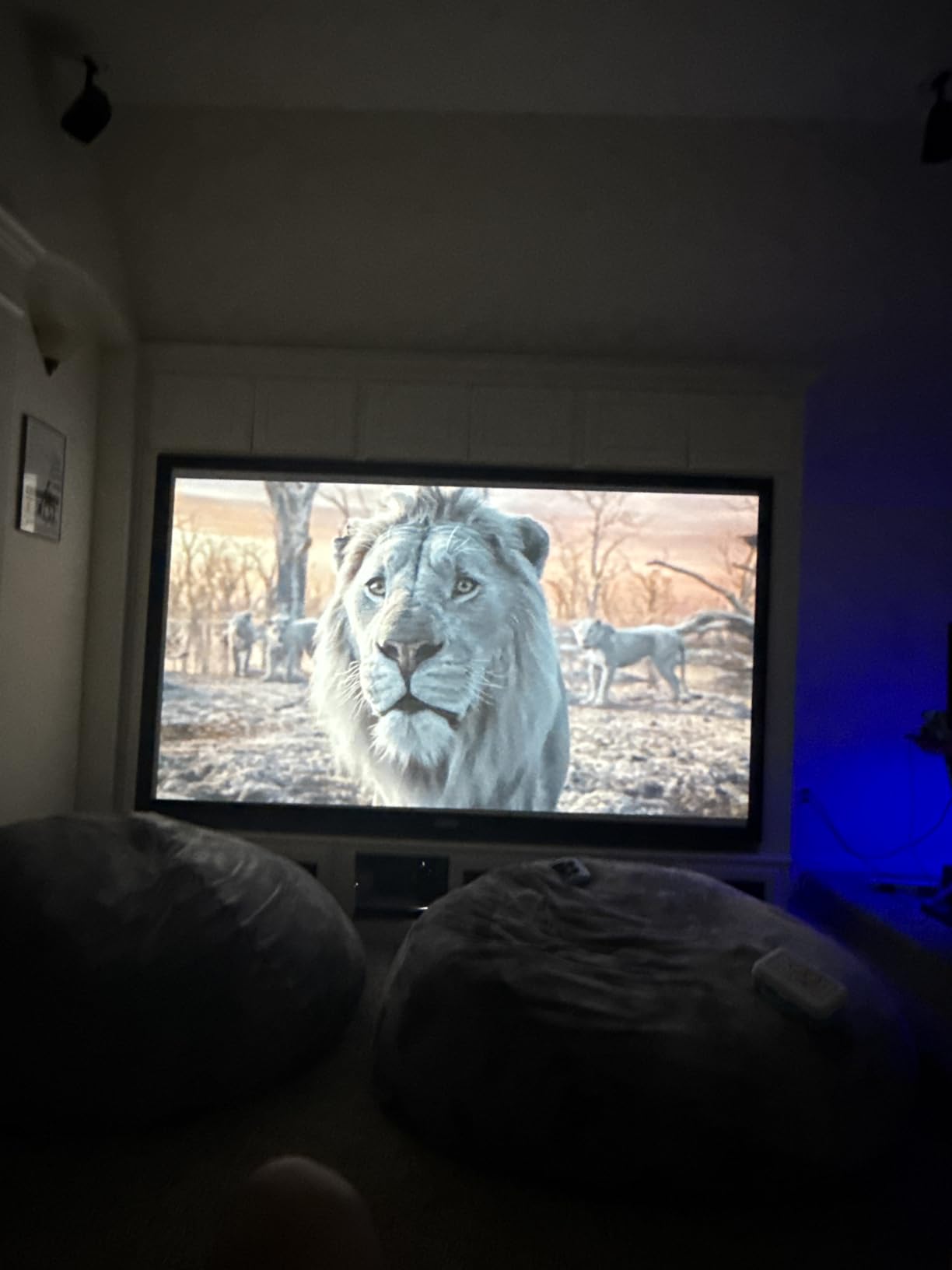
A 120Hz panel only helps if the console can feed it. PS5 and Xbox Series X can output 1080p at 120Hz, and that is the mode this projector is tuned for. Nintendo Switch tops out at 60Hz, so here the 120Hz figure does nothing except cost you, and the 8.3ms at 60Hz figure is what you would actually feel.
This is the key misunderstanding in projector shopping. A 240Hz headline on a spec sheet often applies only to the computer input, and console input is capped separately. Check the console input figure, not the marketing one.
Where it is the wrong pick
Movie and streaming nights. With a 5W speaker, no smart platform and native 1080p, this is a gaming-first box that will need an AVR, a soundbar and a streaming device before it becomes a living-room display.
It is also the wrong choice if you have legacy gear. If your setup still needs a VGA source or wants to split a signal through a monitor out, this model removed both.
6. ViewSonic PX749-4K – Best for Xbox Series X
- 4000 lumens with 12000:1 contrast holds up in rooms with moderate ambient light
- 4.2ms latency and 240Hz refresh keep high-action titles fluid
- Native Xbox support at 1440p/120Hz is a genuine current-gen advantage
- 1.3x optical zoom with H/V and four-corner adjustment
- Images up to 300 inches with USB-C connectivity
- Weaker owner rating than the rest of the roundup at 3.9
- Lamp light source rated only 4000 hours
- Mixed feedback on HDR and HLG implementation
- Brightness and alignment need more care than rivals
The PX749-4K was designed with Xbox Series X and Series S in mind, and that is the specific claim that sets it apart: native support for 1440p at 120Hz from the console, alongside 4.2ms latency and a 240Hz refresh rate. If your primary console is an Xbox, this is the one in the group explicitly engineered around the console’s output modes.
Brightness is 4,000 ANSI lumens with 12,000:1 contrast, which is enough for a room with moderate ambient light. SuperColor technology handles the color side, and HDR plus HLG are supported. Installation flexibility is unusually good for the class, with 1.3x optical zoom, horizontal and vertical keystone, auto keystone and four-corner adjustment, which matters a lot in a real living room.
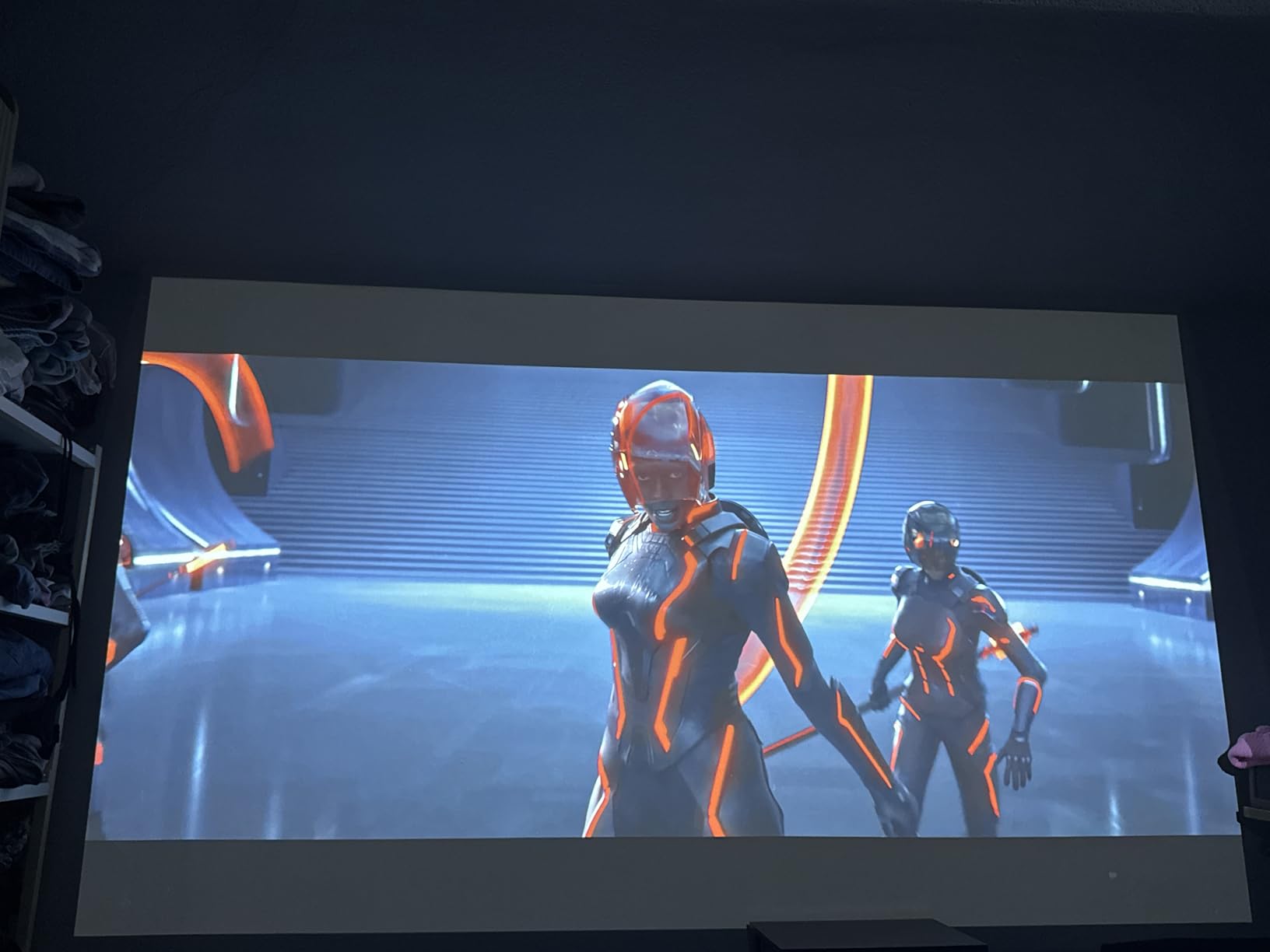
Here is the honest problem. The specification sheet is class-leading, and the owner rating of 3.9 is the second-lowest in this roundup with a notable share of one-star reviews. Owners who get a well-aligned unit describe an excellent bright image and smooth console gaming, while the negative reviews concentrate on setup difficulty, image alignment needing correction, and a gap between expectation and result.
Connectivity is Dual HDMI, USB-A, USB-C and Ethernet, and the lamp is rated at 4,000 hours. The warranty is three years parts and labor with a one-year lamp warranty and first-year Express Exchange, which is better coverage than most rivals offer.
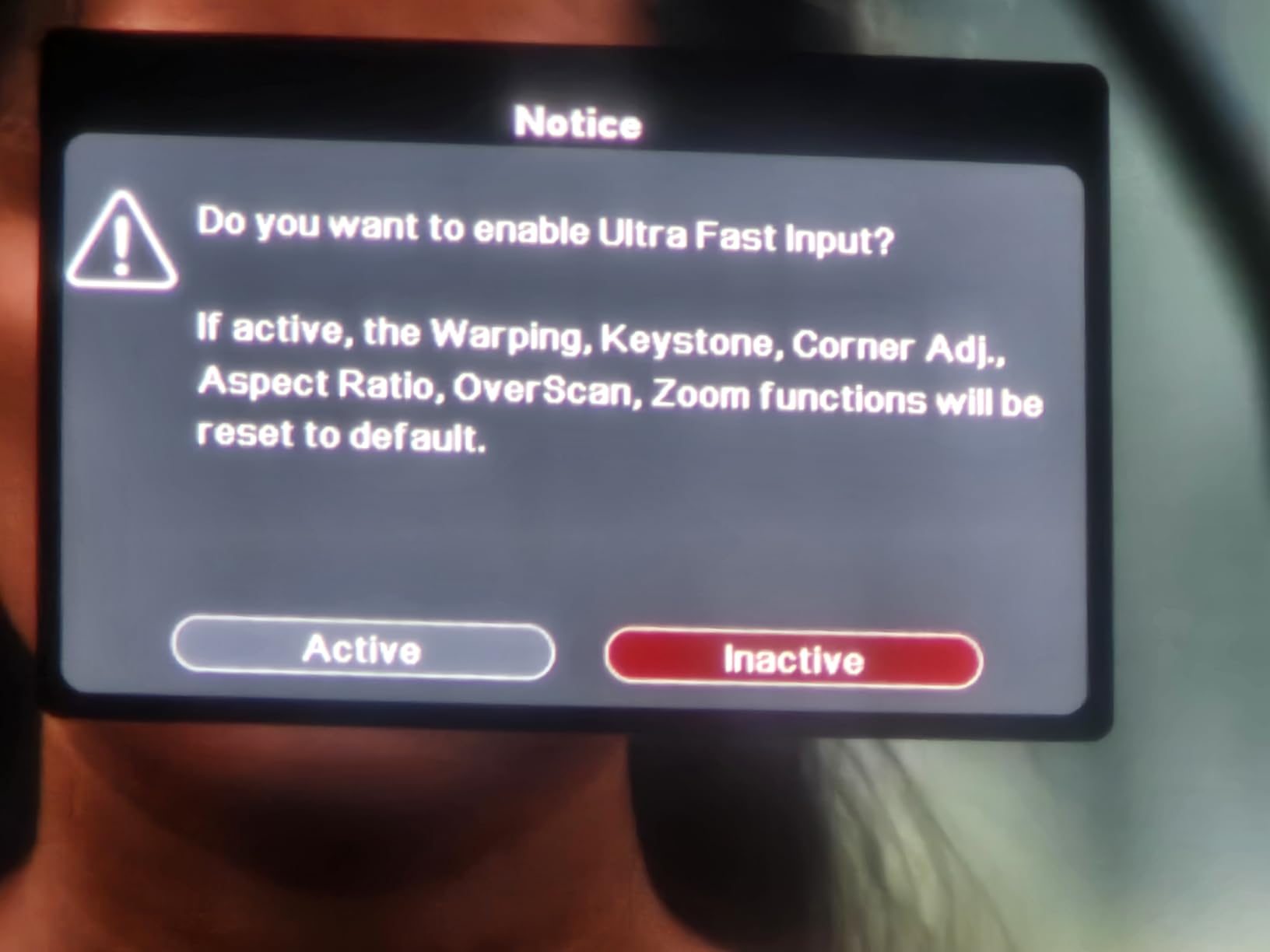
Why native console support changes what you can play
When a projector is not built around a console’s output modes, you end up negotiating. It may accept 4K but only at 60Hz. It may accept 120Hz but only at 1080p. It may accept 1440p at 120Hz and then apply processing that adds frame delay. Native support means the console’s own mode is the mode the projector was tuned for, with nothing renegotiated.
The practical payoff on this model is 1440p at 120Hz from the Xbox, which is a resolution and refresh combination the PS5 cannot output at all. Games that support 1440p on Xbox look sharper here than they would on most 1080p projectors, and the 240Hz panel gives a cleaner motion picture in ports and racers.
Where it is the wrong pick
Buy this expecting hands-off setup and you will be disappointed. The optical zoom helps, but reviews keep pointing at alignment and brightness accuracy needing manual work, and there is no automatic correction on the critical axis. Anyone who cannot spend an evening placing the unit precisely should pick a laser or triple-laser model with auto keystone instead.
The 4,000-hour lamp rating also means this is a purchase with a replacement cost on the horizon, unless you mostly game in the evening and keep brightness low.
7. Optoma GT2400HDR – Best Short-Throw Laser
Optoma GT2400HDR – Full HD 1080p, 4,200 Lumens, Short Throw, Laser, Low Input Lag Gaming, Golf Simulation Ready Projector
- 4200 lumens survives curtains-open daytime viewing
- 8.4ms input lag at 1080p/120Hz makes fast shooters playable on PS5
- 0.49 short throw gets a 100 inch image from about 4 feet
- 30000 hour DuraCore laser with no bulb replacement
- Sharp natural color with realistic skin tones
- No optical zoom or vertical lens shift so size is set by moving the unit
- No auto keystone and no auto focus
- No Bluetooth WiFi or smart TV platform
- 15W speaker is thin
The GT2400HDR is the brightest model we tracked at 4,200 ISO lumens, and owners specifically call out curtains-open daytime viewing and lit rooms as the reason they bought it. It pairs that brightness with a 30,000-hour DuraCore laser, so there is no bulb replacement on the schedule and the unit runs cooler and quieter than lamp-based projectors.
Gaming is an 8.4ms input lag at 1080p and 120Hz, which reviewers call genuinely playable on PS5, including fast shooters. The 0.49 short throw ratio is the other headline: a 100-inch image from roughly four feet solves tight room layouts that standard-throw models cannot. Image size runs from 30 to 300 inches, and it is golf simulation ready.
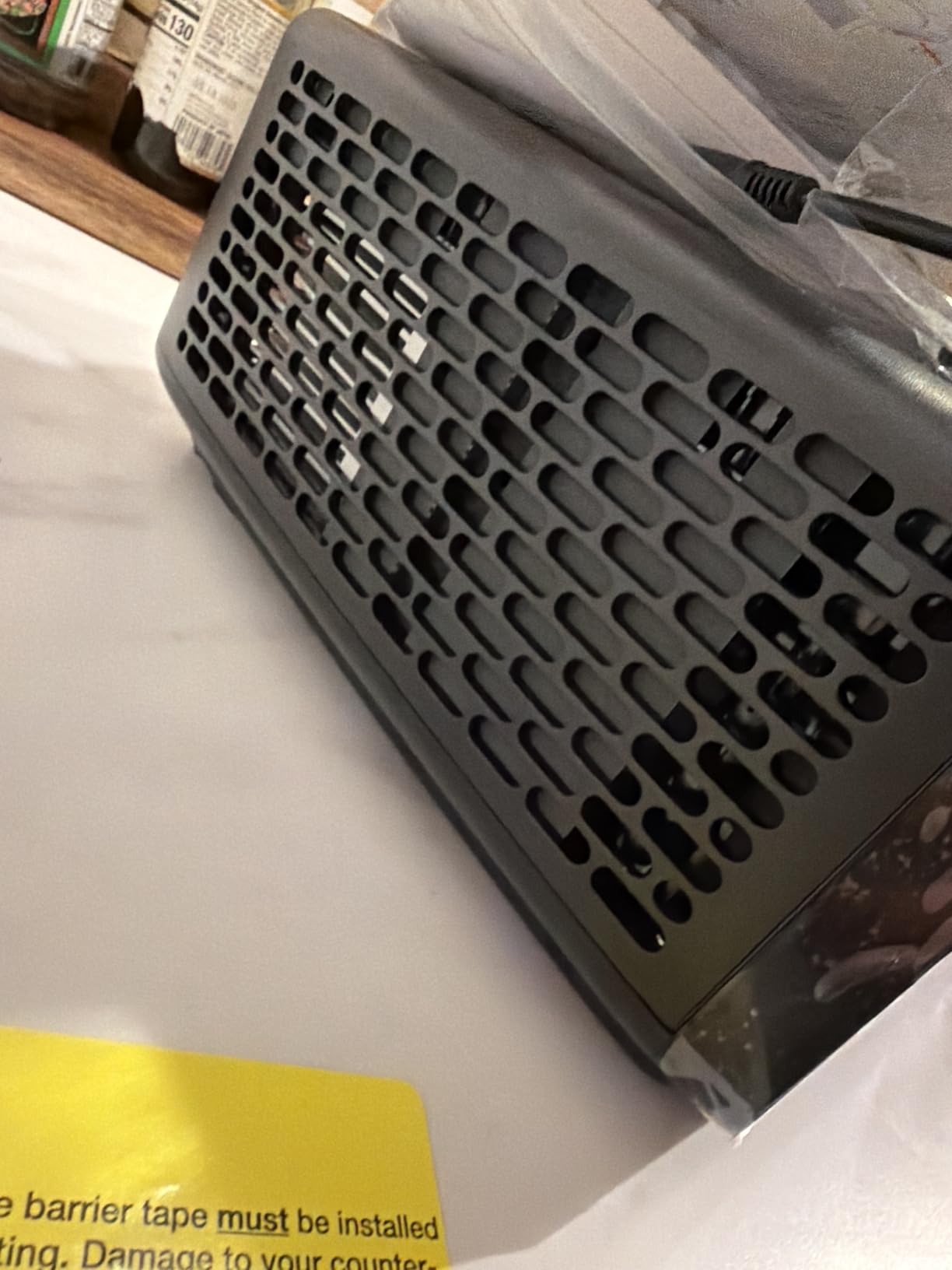
Owners report brightness holding steady over weeks of heavy use with no color drift, and sharp natural color with legible text even on a plain wall. Rec.709 coverage with a cinematic color mode keeps things accurate rather than oversaturated, and IP6X dust protection guards the optical engine.
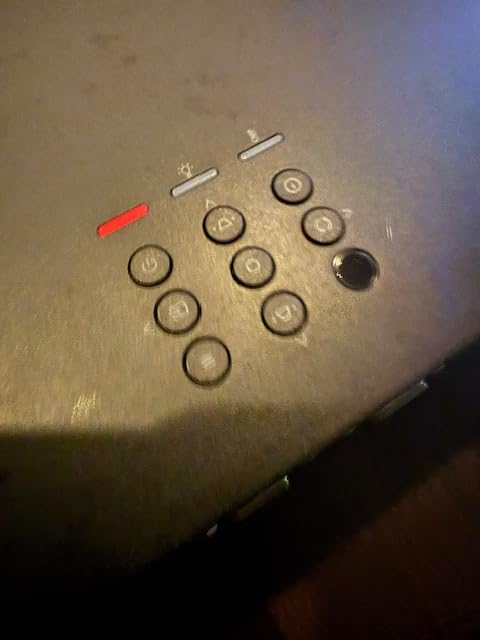
The criticisms are entirely about installation ergonomics. With no optical zoom and no vertical lens shift, image size is adjusted only by moving the unit, and there is no auto keystone or auto focus, just a manual dial for each. Furniture mounts are fiddly, so a ceiling mount is the sensible install. The review base is also small, so long-term data is thin.
What a laser light source changes over a year
A lamp projector loses brightness gradually and then needs a bulb, which usually means a service visit or a careful ceiling-mount job. A laser engine rated at 30,000 hours removes that event entirely and typically dims far more slowly over its life. If you game every evening, that difference shows up as fewer maintenance weekends over a few years.
Laser units also start instantly, run cooler and quieter, and have no color shift as the lamp ages. The trade is the purchase cost and, in this model, the complete lack of placement automation. Budget extra time for the install.
Where it is the wrong pick
Do not buy it if you want a plug-and-play smart projector. There is no Bluetooth, no WiFi and no smart TV platform, so streaming needs a dongle. It is also a poor match for anyone who wants to fine-tune image size from the sofa, because there is no optical zoom at all.
Finally, the review count is low enough that you are buying with less long-term owner history than the rest of this list. That is a reason to keep your expectations measured, not a reason to skip it.
8. Optoma UHD50X – Best 240Hz Motion, With a Real 4K Limit
- 240Hz refresh gives buttery smooth motion on a large screen
- 3400 lumens stays sharp on a 100 to 110 inch image with lights on
- Low latency at 1080p with no responsiveness issues reported
- 1.3x zoom and 5-15 percent vertical lens shift
- Quiet fan that stays steady and 15000 hour lamp life
- Lowest rating here at 3.7 with a high one-star share
- No 4K at 120Hz for current consoles since 240Hz is computer-only
- Gaming mode drops to 1080p and disables keystone
- Light leak from the chassis and weak blacks on dark scenes
- HDR artifacts and 10 to 15 second source switching
The UHD50X is included because it is the reference point for what a 240Hz gaming projector claims, and understanding its limits is how you read every other spec sheet in this roundup. The 240Hz refresh rate applies to the computer connection. Console input is limited to 120Hz at lower resolutions and 4K at 60Hz with HDR, and gaming mode drops the output to 1080p for its lowest latency.
On the plus side, the picture is genuinely smooth and the 3,400-lumen image is usable with lights on at 100 to 110 inches. Installation flexibility is the best in the group for ceiling mounting, with 1.3x zoom, 5 to 15 percent vertical lens shift and plus or minus 40 degrees of keystone, so a room with ceiling joists is workable. Lamp life is up to 15,000 hours.
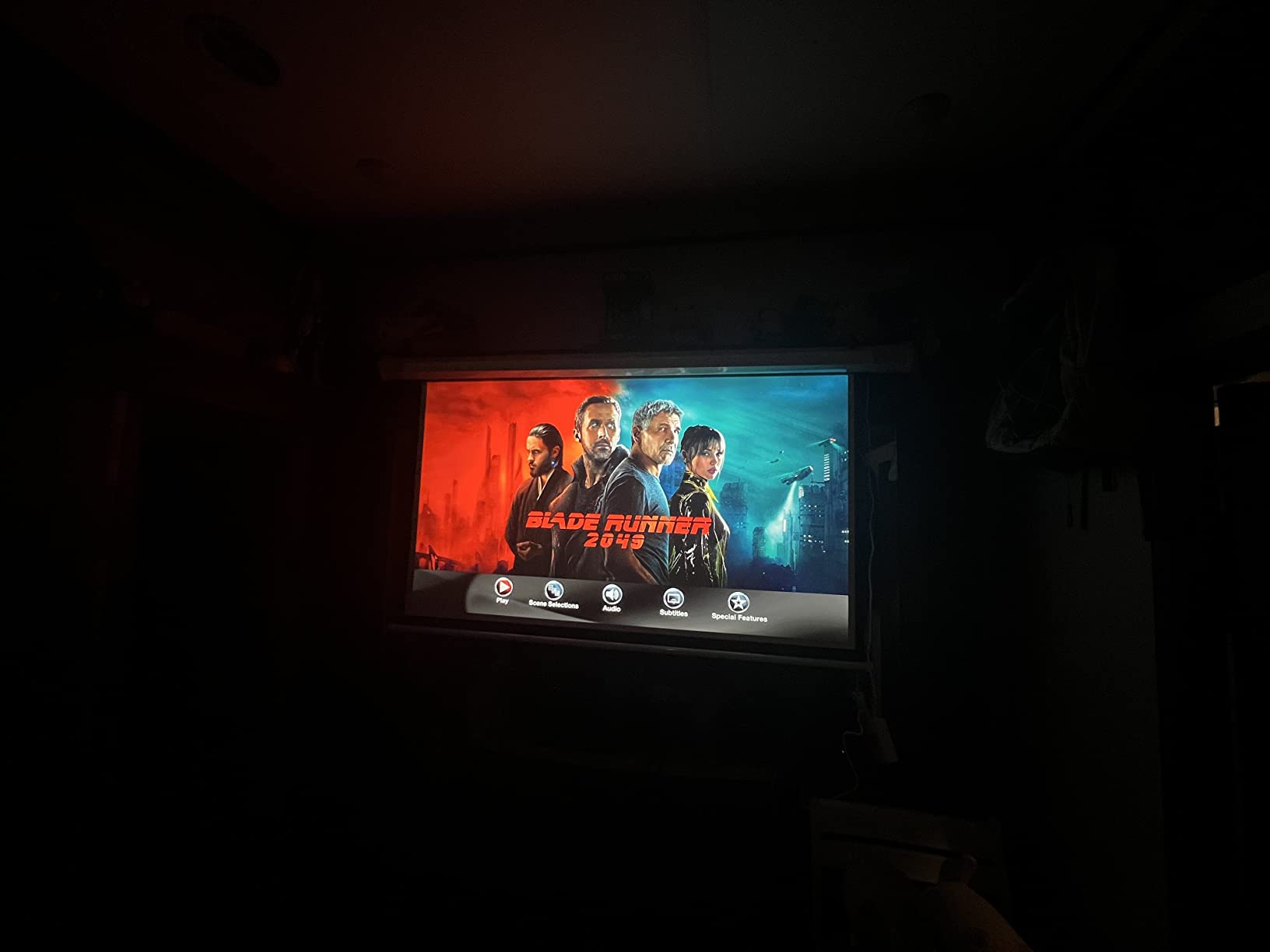
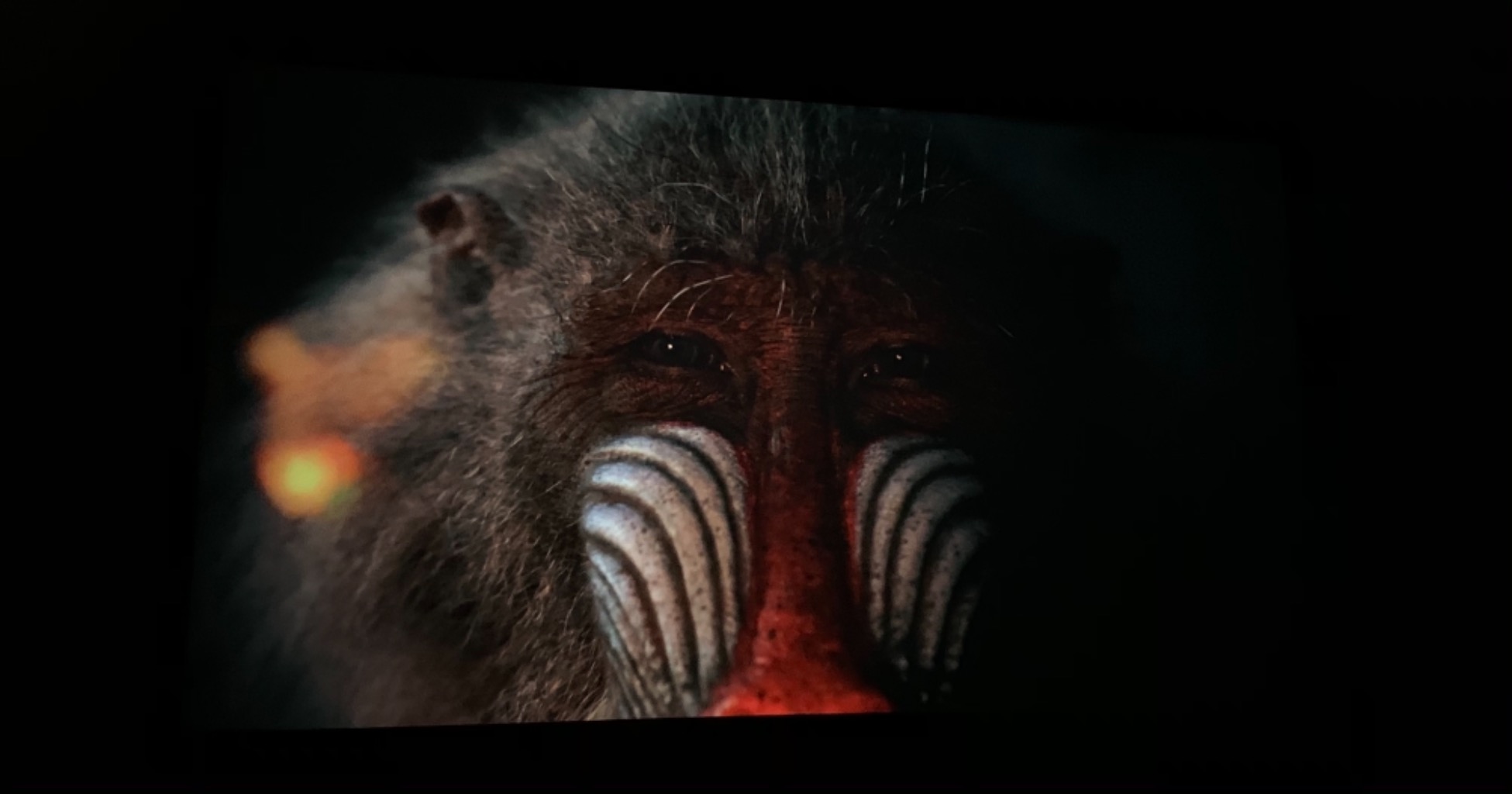
The 3.7 rating is the lowest of the ten, and the reasons are specific rather than vague. Light leaks noticeably from the chassis, black levels are weak on dark night scenes, HDR produces visible artifacts, and source switching takes roughly ten to fifteen seconds. Several reviews also report dead pixel clusters and random shutdowns, alongside complaints about how the manufacturer’s support handles warranty repairs.
There is a committed core of owners who treat it as a reference budget gaming projector for its motion handling, and that enthusiasm is real. It is also the model most likely to frustrate someone buying a PS5 Pro expecting 4K at 120Hz.
Reading refresh rate claims honestly on projector listings
When a projector advertises 240Hz, ask which input it applies to. If the answer is a computer connection only, the console experience is 120Hz at best. And check what resolution each refresh rate runs at, because a 240Hz mode that only works at 1080p trades away exactly the detail the 4K panel was bought for.
This model makes the trade-off explicit, which is more than most listings do. Gaming mode drops to 1080p for 16ms and 4K runs at 26ms. If you want both detail and speed on a console today, the shortlist in this roundup that carries HDMI 2.1 is the more realistic place to look.
Where it is the wrong pick
Cinematic and dark-scene viewing. Weak blacks, chassis light leak and HDR artifacts undermine the exact content the 4K panel is supposed to serve. It is also the wrong pick for anyone who has to move ceiling-mounted gear, because the ten to fifteen second source switching is tedious in practice.
If reliability matters more than headline refresh rate, the volume of dead pixel and shutdown reports here is a fair reason to look at a laser engine instead.
9. ZCGIOBN Google TV Projector – Best Budget Smart Console Projector
4K HDR Gaming Projector with Google TV, 2200 ANSI LED Proyector Daylight
- Google TV WiFi 6 and HDMI 2.1 at an entry-level price point
- 2200 ANSI lumens holds up for daytime indoor play
- Auto focus auto keystone obstacle avoidance and screen fit
- Sealed optical engine resists dust spots
- Digital zoom changes image size without moving the unit
- 60Hz refresh is the weakest gaming figure here
- Native 1080p LCD despite 4K UHD decoding language
- Single-chip LCD gives weaker contrast than the DLP and laser units
- 200 inch maximum image size
- Unknown brand with a thin review record and 1 year warranty
What makes this one interesting is the feature list per dollar rather than the gaming numbers. It ships with Google TV, WiFi 6, Bluetooth 5.4, NFC casting and multiple HDMI 2.1 ports, so you can plug a console in, stream from apps on the same box, and cast from a phone without buying anything else. Licensed apps and voice control are included.
Brightness is 2,200 ANSI lumens, which is enough for daytime indoor play in a room with managed light. Setup is essentially hands-free with auto focus, auto keystone, obstacle avoidance, screen fit and digital zoom, and the sealed optical engine is designed to resist dust spots during long sessions. The LED source is rated at 100,000 hours, so there is no lamp replacement.
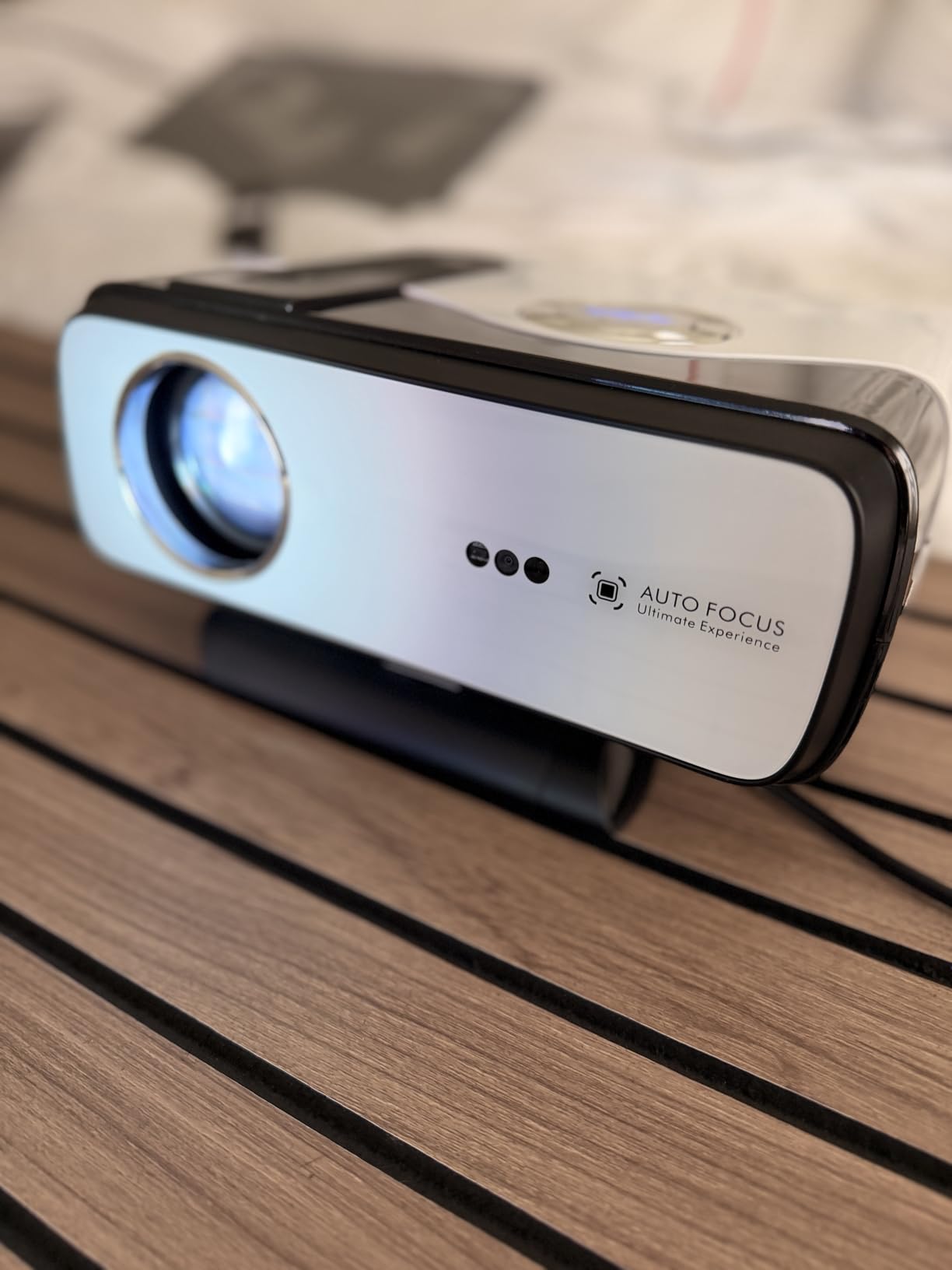
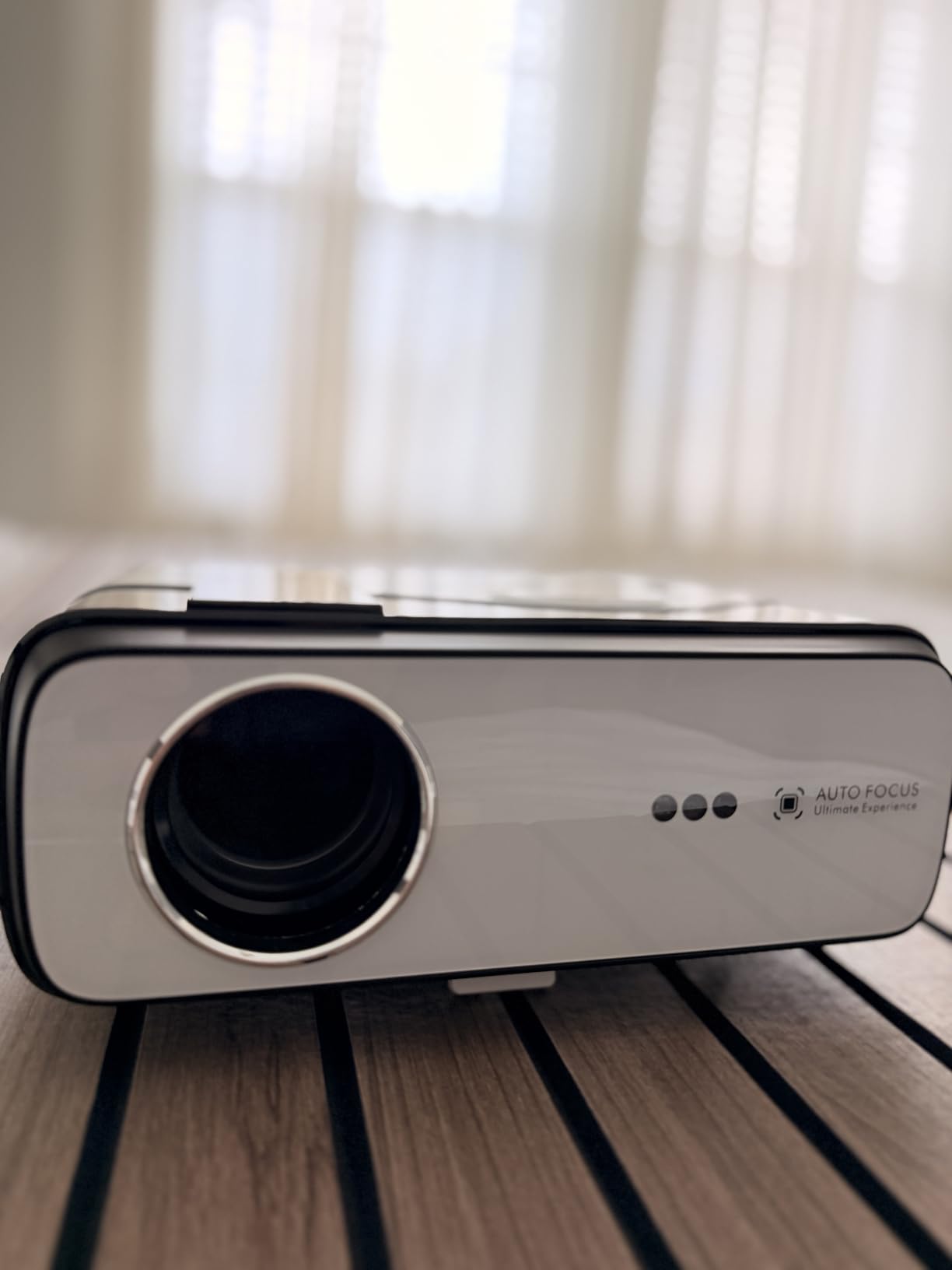
Where it stops is refresh rate. At 60Hz with unspecified latency, this is not a competitive-play projector, and the single-chip LCD panel delivers noticeably weaker contrast than the DLP and laser units here. The 4K UHD decoding in the listing is a decode capability, not a 4K native panel, and the 200-inch maximum image size is below the 300 inches most rivals reach.
You are also buying a thinner support and warranty position: a small review base and a one-year warranty. The A12 model ships with an HDMI cable, power cord and remote, though remote batteries are not included.
What a smart platform actually saves you
A built-in Google TV platform removes the streaming stick, which is a real saving if you want Netflix, YouTube and the rest running off the same box as your console. It also means one remote, one power button and one input, instead of a second device taking a HDMI port and a power outlet.
The trade is picture processing. Streaming chips and smart platforms in budget projectors often add frame delay, so check whether there is a game mode that bypasses the processing path, and keep the console on a different input than streaming so both are not sharing a pipeline.
Where it is the wrong pick
Competitive multiplayer. 60Hz is the ceiling here, and a 1080p LCD panel with softer contrast will not deliver the clarity that fast shooters need even on a 100-inch image. If your main genre is anything twitchy, the 120Hz and 240Hz models in this list are a different category of machine.
It is also the wrong choice for a permanent install. The 200-inch cap limits a theater room, and a one-year warranty on an unknown brand carries more risk than a three-year warranty from an established maker.
10. CWEUG 2400 ANSI Smart Projector – Best Built-in Audio and Movies
- 70W Dolby audio at 35W times 2 is exceptional for a compact projector
- 2400 ANSI lumens keeps the picture bright with blinds open
- Licensed Netflix and smart OS mean no streaming stick needed
- ToF 3D autofocus with CMOS camera and auto keystone square the image quickly
- Motorized lens cover opens on power
- MEMC motion compensation smooths fast action
- Refresh rate and input lag figures are not published
- Native panel is not true 4K
- Some owners report auto focus and auto keystone failing
- Occasional shutdowns after extended use at maximum brightness
- Unknown brand with a thin review record
The CWEUG is the pick when the projector has to do double duty as a television. The 70W Dolby Audio system at 35W times 2, with DSP and HDMI eARC, is far beyond anything else in this roundup, and owners say they rarely add a soundbar. That single spec removes the most common complaint we saw on every other model here.
Smart features are complete, with officially licensed Netflix, a smart OS with more than 10,000 apps, 64GB of internal storage, WiFi 6 and Bluetooth, and the ability to work as a Bluetooth speaker. The ToF 3D autofocus with a CMOS camera and auto keystone square the image within seconds from almost any angle, and the motorized lens cover that opens on power is a genuinely thoughtful dust-protection detail.
Brightness is 2,400 ANSI lumens with 23,000:1 contrast, and reviewers say the picture stays vibrant with blinds open. MEMC motion compensation smooths fast sports and action, and the short throw lens covers 30 to 400 inches, which is the widest range we found in this roundup. The LED source is rated at 100,000 hours inside a sealed optical engine, and mounting options include ceiling, tripod, wall, floor and tabletop.
The honest limitation is gaming measurement. Refresh rate and input lag figures are not published, so you cannot compare its responsiveness against the stated 4.2ms or 8.3ms of the rivals. The native panel is also not true 4K despite the 4K-supported specification, and a number of owners report units arriving with auto focus and auto keystone not functioning, plus occasional shutdowns after long sessions at maximum brightness.

Do you need a soundbar with a console projector
Almost always, because projector speakers are small drivers in a plastic or metal chassis and consoles are where the dialogue lives. Games mix voice chat, effects and music at levels that expose thin speakers quickly, and a soundbar solves it for less than most people expect.
This model is the exception. A 70W system with a DSP and HDMI eARC means you can route a TV or console through the projector and get real audio without a second box. The eARC passthrough also means adding a soundbar later is straightforward rather than a rewiring project.
Where it is the wrong pick
If your main concern is how the controller feels in a shooter, with no published refresh rate or latency here you are buying on faith. The measured 4ms and 8.3ms models in this roundup are the defensible choices instead.
Long-term reliability is also less proven. A thin review base and a one-year warranty mean early-owner reports, including auto focus and auto keystone failures, are worth weighing before you commit.
How We Picked: What We Measured and Why
Every projector in this roundup was judged on four numbers that a console player can actually feel, plus one question about the room. Input lag was compared as published, at the refresh rate and resolution that matters, because a 4ms figure at 240Hz says nothing about the 4K mode you will actually run on a PS5.
Refresh rate was read against console output limits. PS5 and Xbox Series X can reach 120Hz, and only some projectors accept a 4K signal at that rate, so a 240Hz computer-mode claim was discounted. Brightness was compared using ANSI lumens where published, and manufacturer “lumens” were flagged as a different, less reliable measurement.
Throw distance was checked against a 100-inch image, since that is the most common target size and the number most listings hide behind a vague throw ratio. Light source life was weighed because console gaming means long, frequent sessions, and lamp replacements on a ceiling-mounted unit are a real chore.
Finally, setup burden mattered. Auto keystone, auto focus and lens shift decide whether a projector is a weekend install or an evening of measurement, and buyers on r/projectors consistently describe moving a single setup between rooms rather than installing permanently. We favored units that survive that reality.
How to Choose a Gaming Projector for Consoles
Decide your input lag target by genre first
Input lag and response time are different measurements and get confused constantly. Input lag is the delay between your controller input and the picture changing on screen. Response time is how long a pixel takes to change shade, which affects motion blur rather than control feel. For console gaming, only input lag matters.
As a rule of thumb: under 10ms is invisible in any genre, 8 to 16ms is fine for shooters at 1080p, and anything above 25ms will feel sluggish. The 4ms units here cover competitive play, the 8ms units cover fast console shooters comfortably, and the 16 to 26ms units suit single-player and co-op sessions where you are reacting to the game rather than to other players.
Understand the resolution versus refresh rate trade-off
This is the decision most roundups skip. A projector can have a 4K panel and a fast chip, but it cannot necessarily do both at 120Hz. The trade usually goes one of two ways: native 4K at 60Hz with around 16 to 26ms, or 1080p at 120Hz or 240Hz with 4 to 16ms.
Our advice: if you mostly play single-player, cinematic and adventure games, take native 4K, because resolution is what you notice on a 100-inch image. If you play competitive shooters or fighting games, take the higher refresh rate, because 1080p at 120Hz looks sharper in motion than 4K at 60Hz. Very few projectors do both natively, which is why the 4.2ms and HDMI 2.1 models in this list command a premium.
Match ANSI lumens to your room lighting
Projectors lose to televisions in daylight, and the only fix is brightness. A fully blacked-out room is comfortable from around 1500 to 2000 lumens. A dim room with a lamp on wants 3000. Daylight through a window pushes you to 3800 and above, and an ambient light rejecting screen will add perceived contrast that raw lumens do not capture.
Use ANSI lumens for comparison and treat unqualified “lumens” as marketing. If your room cannot be blacked out, a 2000-lumen premium projector will disappoint, and a 4000-lumen budget one will not.
Work out your throw distance before you buy
Throw distance is how far the projector sits from the screen. Standard throw models need eight to thirteen feet for a 100-inch image, which is why the BenQ TK700 and TH685P use 8.2 feet and the ViewSonic PX749-4K needs 13. Short throw models cut that dramatically, with the Optoma GT1080HDR at just over three feet and the GT2400HDR at about four feet.
Measure the depth of your room from the wall you will project onto to where a table or mount can sit, and check that against the throw figure. A projector that produces a 100-inch image from 13 feet in a nine-foot room is the wrong purchase, no matter how good the specs are. Remember that image size is usually set by distance unless the model has optical zoom or lens shift.
Check that 4K at 120Hz and VRR actually reach your console
HDMI 2.1 is the difference between reaching the console’s advertised features and not reaching them. On HDMI 2.0, you lose 4K at 120Hz, you lose variable refresh rate, and you usually lose auto low latency mode. PS5 Pro and Xbox Series X owners who care about 4K at 120Hz need a projector with a full-bandwidth HDMI 2.1 port and a matching internal pipeline, not just a port labelled 2.1.
VRR and ALLM are worth understanding before you buy. VRR matches the refresh rate to the frame rate your console is delivering, which removes screen tearing without adding input lag. ALLM switches the projector into low-latency mode automatically when a console is detected. In this roundup, the ViewSonic PX749-4K is the model with explicit native console support at 1440p and 120Hz, and the Valerion StreamMaster Plus2 is the one carrying HDMI 2.1 with a 240Hz pipeline.
Decide between laser and lamp light sources
Lamp projectors are cheaper and can be brighter per dollar at the entry level, with 15,000-hour ratings that mean several years of normal evening use. Laser projectors cost more up front and then stop being a maintenance item, with 30,000-hour engines that eliminate bulb replacement entirely and run cooler and quieter.
If you game every night and the unit is ceiling mounted, laser is the better long-term choice because nobody wants to climb a ladder at 4,000 hours. If you game a few times a week, a lamp unit with a long rated life is perfectly sensible. Check the warranty either way, since lamp warranties are usually a year while parts and labor coverage runs longer.
Enable the game mode and turn off the processing that adds delay
Before you judge a projector’s latency, set it up correctly. Turn on game mode, because that bypasses frame interpolation, dynamic contrast and other image processing that adds delay. On models where game mode disables keystone, physically align the projector instead of fighting it in software.
Then check the console side. Put your console on its own input rather than sharing a HDMI switcher, and make sure the display mode is matched to what the projector accepts. Using the matching game preset for the genre you play is a small step that sharpens motion handling noticeably.
When a Projector Is the Wrong Choice for Console Gaming
Projectors lose to displays in three specific situations, and buying one anyway is how people end up unhappy with the purchase. Competitive multiplayer at a desk is the first. Even the fastest projectors here add latency that a gaming monitor does not, and 4ms on a 100-inch image is still perceptible in a ranked shooter where every millisecond counts.
The second is a bright, unshaded room. If you watch daytime sports with the sun on the screen and cannot install blackout curtains, no projector in this list will deliver a picture that holds up against a mid-range television, regardless of its lumen rating.
The third is a small desk setup. A 30 to 50 inch image does not need a projector at all, and at that size a monitor will be brighter, sharper and more responsive. Projectors earn their place at 90 inches and above, in a room where the distance between seats and screen genuinely changes how the game feels.
There is also a practical middle ground worth considering. Several people describe moving one projector setup between a living room and a bedroom rather than installing permanently, which is why weight and auto-setup features matter as much as the headline specs.
Frequently Asked Questions
What projector works best with PS5?
The Valerion StreamMaster Plus2 is the strongest PS5 match in this roundup. It pairs a native 3840×2160 panel with 4ms input lag at a 240Hz refresh rate, an RGB triple laser engine, and a full-bandwidth HDMI 2.1 port. That combination means a PS5 can output 4K at high refresh without falling back to a compatibility mode, and Dolby Vision and HDR10 are both supported.
Is a TV better for gaming on PS5 than a projector?
For competitive play or daytime viewing, yes, a television or OLED is better. Projectors add a small processing delay, and they depend on room darkness to hold contrast. For evening couch gaming in a blackout-able room, a projector wins decisively, because a 100-inch image costs a fraction of what a TV that size costs and changes how cinematic games feel.
Can I play PS5 games on a projector?
Yes. Any projector with an HDMI input will accept a PS5 signal. What matters is whether the projector matches the console’s output modes: native 4K at 120Hz needs a full-bandwidth HDMI 2.1 port and a matching internal pipeline, and game mode should be enabled to bypass processing that adds delay.
Which is better, a 4K or 1080p projector?
It depends on your genres. Native 4K at 60Hz with 16 to 26ms of lag suits single-player, cinematic and adventure games, where you notice detail on a large screen. 1080p at 120Hz with 4 to 8ms suits competitive shooters and fighting games, where refresh rate matters more than fine detail. Pick refresh rate for shooters and resolution for story games.
Can gaming on a projector cause input lag?
Yes, every stage of processing after your console adds delay. Typical budget projectors run 30 to 50ms, which is clearly noticeable in shooters. The units measured in this roundup range from 4ms at 240Hz down to 16ms at 1080p and 60Hz, and enabling game mode removes the image processing that adds the most avoidable delay.
Can a projector run 120 fps?
Some can, but check which input the refresh rate applies to. Several projectors advertise 240Hz for computer connections while console input is limited to 120Hz or to 4K at 60Hz. PS5 and Xbox Series X can output 1080p at 120Hz, and the models here that accept that cleanly measure 8.3ms and 8.4ms at 1080p and 120Hz.
The Verdict for Console Gaming in 2026
After working through ten units against the same four numbers, the best gaming projectors for consoles split cleanly by room. In a blackout-able living room with a PS5 or PS5 Pro, the Valerion StreamMaster Plus2 is the pick, because it is the only one here that delivers native 4K alongside 4ms latency and a 240Hz pipeline without asking you to choose.
In a bright room, brightness beats resolution. The Optoma GT2400HDR and the BenQ TH575 both carry roughly 3800 to 4200 lumens, and the ViewSonic PX749-4K adds native 1440p at 120Hz if your console is an Xbox. In a small room where a projector has to sit close to the wall, short throw is not optional, and the Optoma GT1080HDR still delivers a 100-inch image from just over three feet.
For anyone who wants the whole living-room experience rather than a gaming-only box, the CWEUG pairs licensed streaming with 70W of built-in Dolby audio and removes the need for a soundbar. Whatever you pick, measure your throw distance first, enable game mode on day one, and set your expectations from the refresh rate figure that applies to console input rather than the one on the box.
You can also see how we cover the rest of the display side of the room, with our roundup of the best gaming projectors and our guide to the best laser projectors for long-term ownership.