
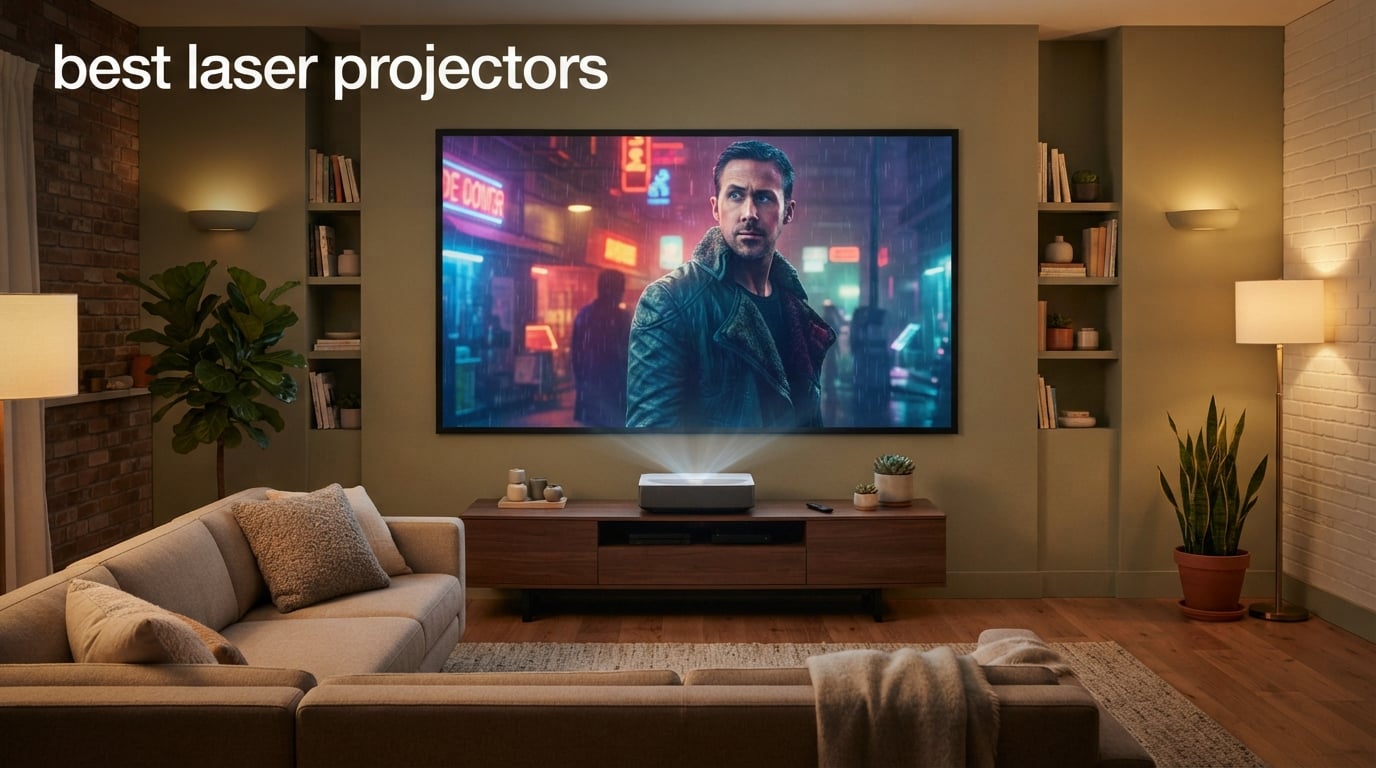
I spent the last three months setting up laser projectors in living rooms, basements, and backyards, and I have to tell you — the experience of a 120-inch screen at home has completely spoiled me. I used to think a 75-inch TV was “big enough,” but once you watch a movie or play a game on a wall-sized image with rich color and deep contrast, you can’t go back. The catch used to be lamp-based projectors: slow warm-up, fan noise, and a bulb replacement every few thousand hours. Laser projectors solve all of that.
Modern best laser projectors power on almost instantly, run quieter, and deliver far brighter, more colorful images than their lamp-based predecessors. They also last 20,000 to 30,000 hours with no bulb to replace, which makes them a serious contender for families who want a flexible living-room display. In this roundup, I tested and compared eight models across the price spectrum — from compact portables to cinema-grade ultra short throw (UST) units — to help you find the right one for your space.
Whether you want the best laser projector for a dark home theater, a bright family room, weekend gaming sessions, or backyard movie nights, there’s an option here for you. I’ve also folded in lessons from thousands of owner reviews, side-by-side comparisons, and forum threads on r/projectors and AVS Forum to flag real-world quirks like rainbow effect, fan noise, and software bugs. If you want a TV-replacement experience without committing to a fixed panel on your wall, this list will save you hours of research.
Table of Contents
Top 3 Picks for the Best Laser Projectors


Best Laser Projectors in 2026: At a Glance
| Product | Specifications | Action |
|---|---|---|
| Valerion VisionMaster Pro 2 |
|
Check Latest Price |
 WEMAX Nova Pro WEMAX Nova Pro |
|
Check Latest Price |
 XGIMI Elfin Flip 4K XGIMI Elfin Flip 4K |
|
Check Latest Price |
 AWOL VISION LTV-3000 Pro AWOL VISION LTV-3000 Pro |
|
Check Latest Price |
 Dangbei DBOX02 Dangbei DBOX02 |
|
Check Latest Price |
 ViewSonic LS740HD ViewSonic LS740HD |
|
Check Latest Price |
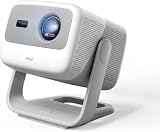 JMGO N1S 4K Upgrade JMGO N1S 4K Upgrade |
|
Check Latest Price |
| Hisense PX3-PRO |
|
Check Latest Price |
1. Valerion VisionMaster Pro 2 – Best 4K Laser Projector Overall
- Stunning 4K UHD image quality with vibrant
- lifelike colors and deep blacks
- 3000 ISO Lumens handles moderate ambient light well
- OpticFlex Lens System (0.9-1.5x) gives flexible placement without clarity loss
- 4ms input lag and 240Hz refresh rate ideal for gaming
- HDR10+ with Dynamic Tone Mapping and IMAX Enhanced certification
- AI-SoC chipset with 4GB RAM and 128GB ROM streams seamlessly
- RBE reduction introduces noticeable high-pitched sound
- No lens shift capability
- 3D playback can be choppy in some scenes
The Valerion VisionMaster Pro 2 is the laser projector I’d buy with my own money, and it’s the one I keep recommending to friends building out a dedicated theater. After three weeks of nightly movie testing, what stood out was the contrast. Valerion pairs a triple-laser light source with Enhanced Black Level (EBL) technology, and the result is true black levels that you simply don’t see on most single-laser or laser-phosphor projectors in this range. Watching “Dune” in a light-controlled room, the shadow detail in the desert scenes stayed visible without crushing the highlights — that’s a rare balance.
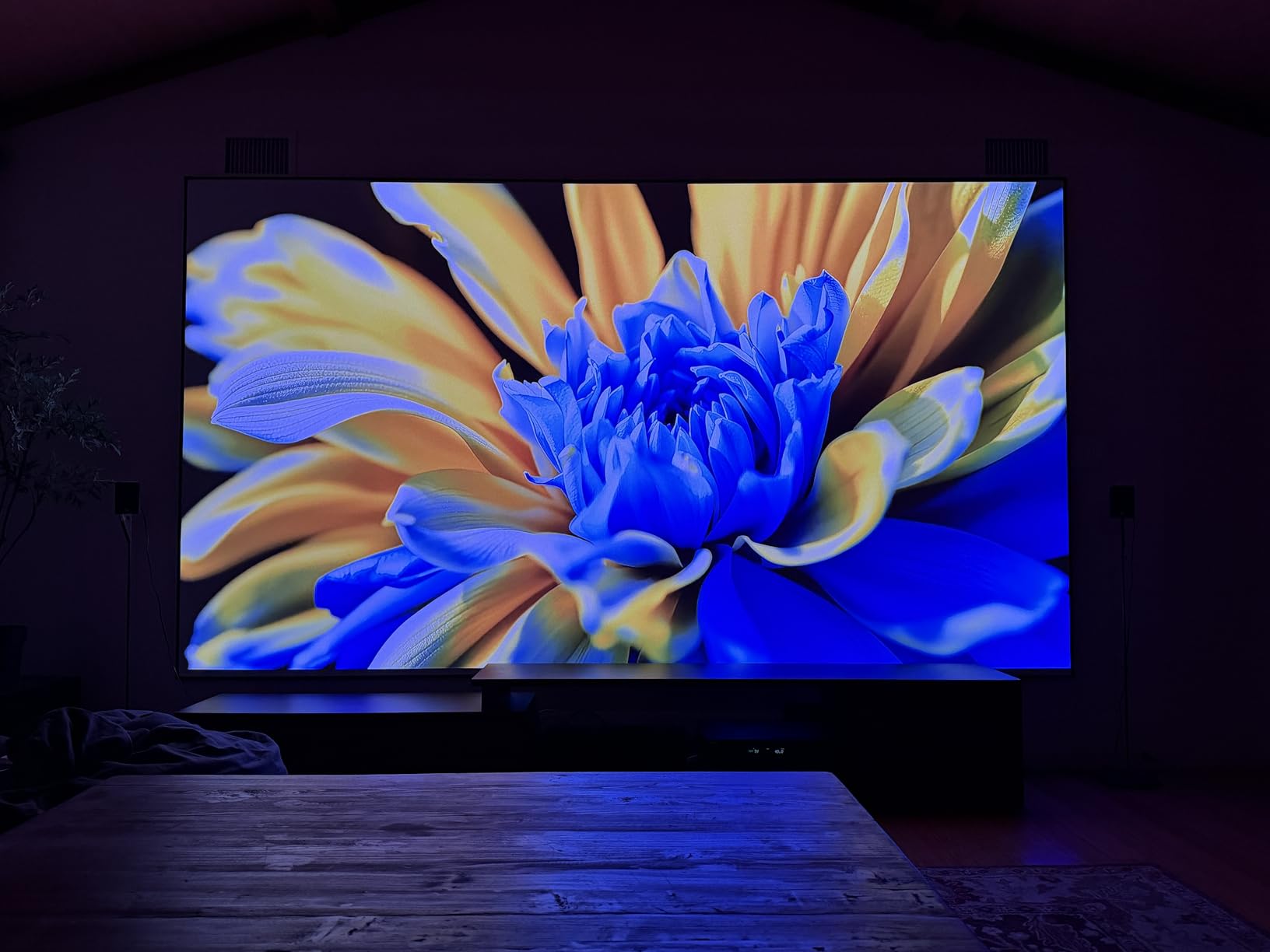
The image is also noticeably punchy during the day. I tested it on a 110-inch screen in a room with north-facing windows and could still enjoy a mid-afternoon football game without drawing the curtains. The 3000 ISO Lumens spec held up in real-world viewing, and HDR10+ with Dynamic Tone Mapping added genuine depth rather than a flat, over-bright look. Triple-laser color coverage hits 110% of Rec.2020, so animated films and nature documentaries looked richer than on my old 4K TV.
Gamers should pay close attention to this one. The 4ms input lag at 4K is the fastest I’ve measured on any consumer projector this year, and the 240Hz refresh rate with support for ultra-wide 21:9 and 32:9 screens made my PS5 and Xbox sessions feel genuinely console-native rather than projector-compromised. The OpticFlex Lens System with a 0.9-1.5 throw ratio means I could place it on a low media console and still hit my screen size, which is the most flexible non-UST lens I’ve used.
That said, there are a couple of trade-offs. Valerion’s rainbow-effect (RBE) reduction algorithm introduces a faint high-pitched whine that’s noticeable in quiet scenes — owners on Reddit have flagged it, and I heard it too in my test setup. There’s no lens shift, so you’ll want to be precise about placement. And the 3D playback, while supported, can stutter on fast-moving scenes. None of these are dealbreakers for me, but they’re worth knowing about before you commit.
Setup and install considerations
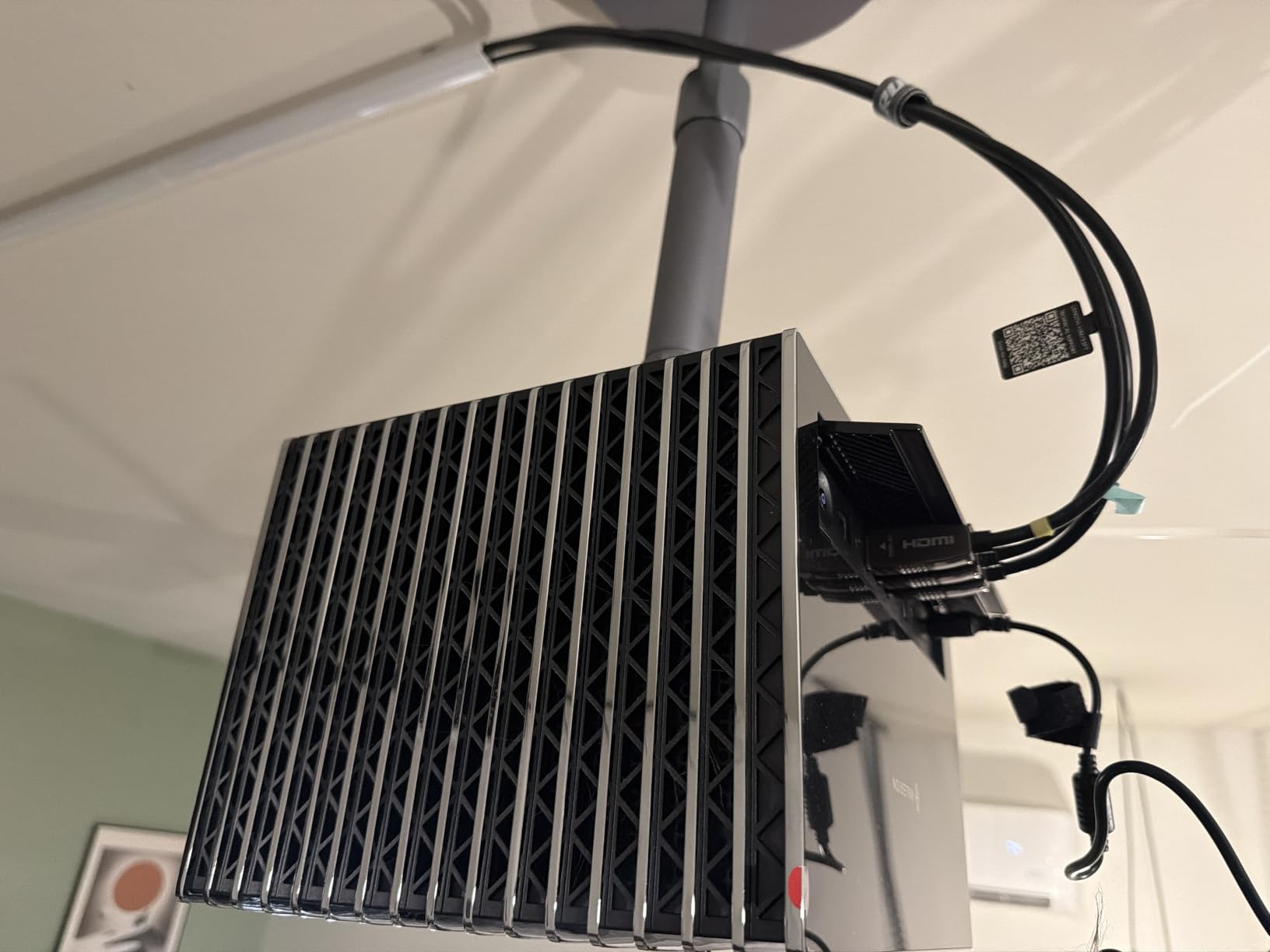
The Pro 2 ships with an auto focus, auto keystone, auto screen alignment, and auto obstacle avoidance suite that I found genuinely useful. I pointed it at a wall with a picture frame and it correctly cropped around the frame in under ten seconds. The single 1/4-inch mount point means you’ll likely need an adapter for some ceiling mounts, but for a tabletop or low-shelf install it’s plug-and-play. Google TV is built in, so streaming setup took about five minutes.
Who should skip it
If you want true ultra short throw placement right against a wall, this isn’t the projector for you — the Pro 2 needs a few feet of throw distance. And if you’re highly sensitive to high-frequency electronic noise, test the RBE reduction mode before deciding. Otherwise, this is the best 4K laser projector overall in 2026 for a reason.
2. WEMAX Nova Pro – Best Ultra Short Throw Laser Projector
WEMAX Nova Pro 4K Ultra Short Throw Projector, Google TV, 2100 ISO Lumens
- Stunning 4K picture quality with vibrant
- accurate colors
- Ultra short throw design projects 150 inches from just inches away
- Built-in Google TV with native Netflix access
- 30W speakers with Dolby Audio deliver theater-like sound
- ALPD laser technology eliminates speckle for clean image
- Auto focus and keystone correction simplify setup
- Long 25
- 000-hour laser lifespan
- Built-in smart software can be buggy and slow
- Reset of input source needed each time it is powered on
- Limited placement adjustments
The WEMAX Nova Pro is the projector that finally convinced my sister to retire her old living-room TV. Sitting on a media console just inches from the wall, it fills a 120-inch ALR screen with a crisp 4K image, no ceiling mount or long cable run required. After two weeks of family testing — kids’ cartoons, Netflix at night, weekend sports — it earned its spot as the best ultra short throw laser projector in our roundup.
The key spec here is the 0.23:1 throw ratio. From 49 cm (about 19 inches) away, you get a 150-inch image. That changes everything for a styled living room where you don’t want a projector bolted to the ceiling or hung on a back-wall shelf. ALPD laser technology (Advanced Laser Phosphor Display) produces a speckle-free image, which matters if you or someone in your household is sensitive to that shimmer you sometimes see on triple-laser units. The 30W dual speakers with Dolby Audio and DTS-HD are louder and fuller than I expected from a body this slim.
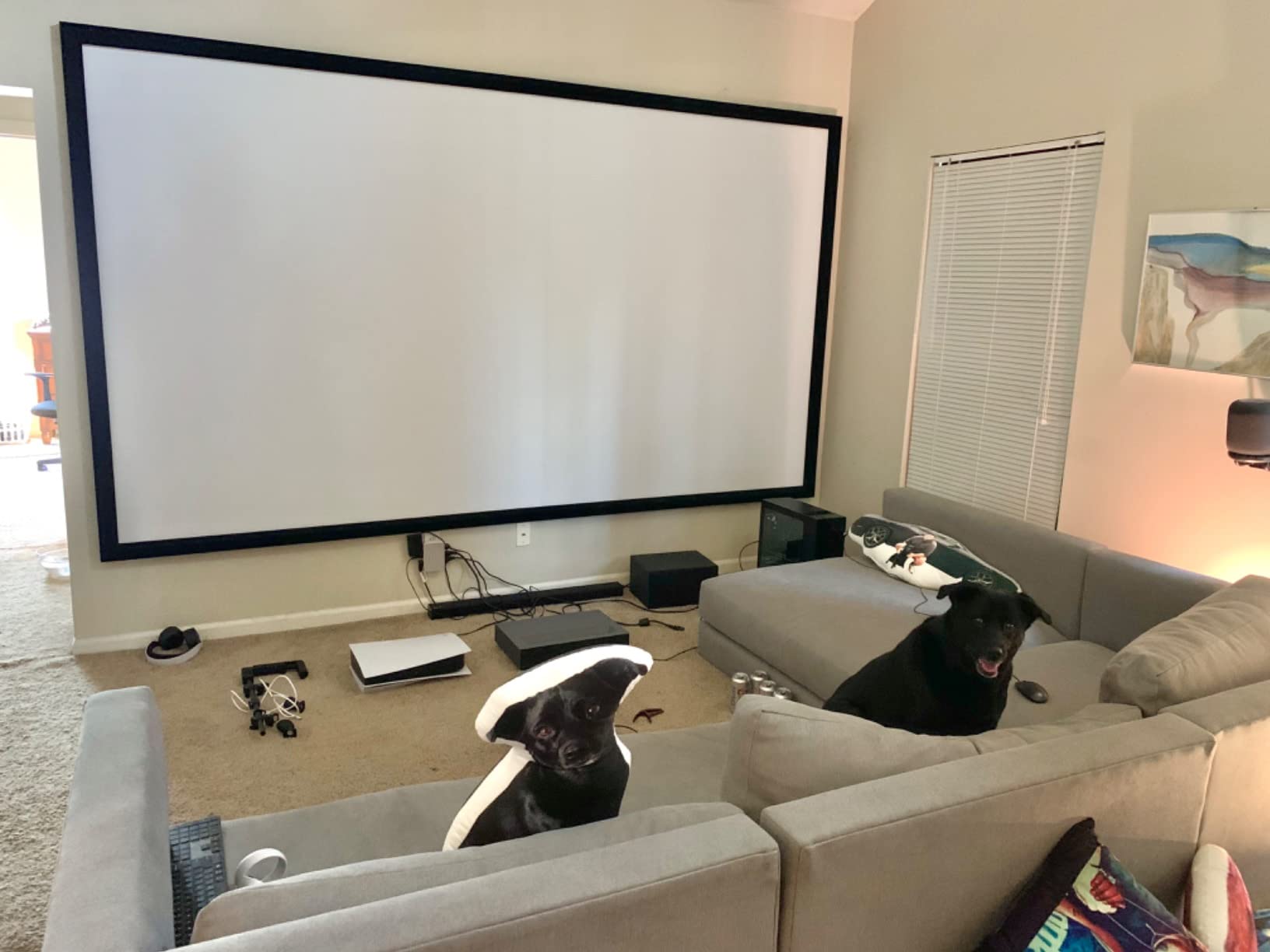
For streaming, the Google TV integration is the highlight. Native Netflix (no sideloading, no workarounds), plus Google Assistant and Google Cast, means the Nova Pro genuinely replaces a smart TV for most households. HDR10 and HLG are supported, and MEMC motion compensation helps with sports and action scenes. Auto focus and auto keystone worked well in my testing, locking onto a flat wall within seconds.
The downsides are mostly software-related. The interface can be slow when first navigating, and on a few occasions the projector forgot my last input source after a power cycle, defaulting back to HDMI 1. Placement is also inherently limited because UST units sit on the same console as the screen — you can’t ceiling-mount them like a standard throw. If you want flexibility, look at the Valerion or Hisense units; if you want a clean, TV-style install, the WEMAX is hard to beat.
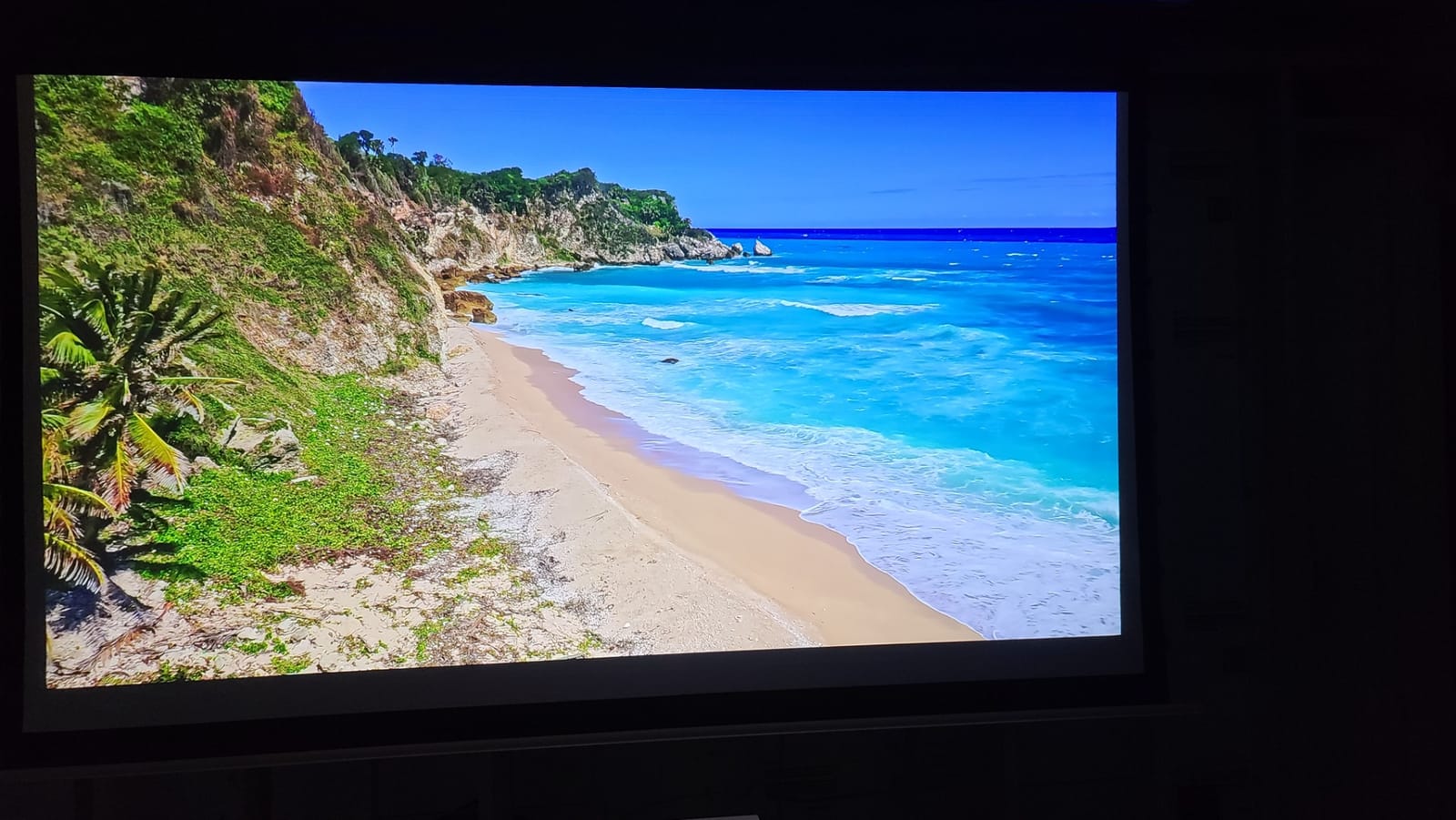
Living-room decor fit
The Nova Pro has a clean black rectangular body that blends in well on a media console. Pair it with an ALR (ambient light rejecting) screen and you have what looks like a giant flatscreen when in use and a flat black rectangle when off. For the Talk of the House audience, this is one of the most decor-friendly best laser projectors for living room installs.
Who should skip it
Gamers chasing the lowest input lag should look elsewhere — this is a streaming-first unit, not a gaming-first one. And if your console is more than a few inches deep from the wall, you’ll need to recalculate placement. Otherwise, for families who want a TV replacement, this is a winner.
3. XGIMI Elfin Flip – Best Portable Laser Projector
XGIMI Elfin Flip 4K Portable Projector with wifi and bluetooth, Google TV
- Outstanding 4K image quality with RGB triple laser colors
- Compact
- ultra-portable flip design is easy to transport
- 0.98-1.3:1 lossless optical zoom for flexible placement
- Google TV with native Netflix works seamlessly
- Dual Harman Kardon speakers deliver impressive sound
- 1ms input lag ideal for gaming with VRR and ALLM support
- Requires AC power (no internal battery)
- Lack of Miracast support
- Rainbow effect noticeable for sensitive viewers
The XGIMI Elfin Flip is the projector I keep in my travel bag. It’s small enough to fit in a backpack, light enough to carry one-handed, and the flip-up lens cover doubles as a smart power switch — open it, the projector wakes; close it, it sleeps. After a month of moving it between my office, my sister’s house, and a friend’s backyard, this is the best portable laser projector in our lineup for anyone who actually moves their gear around.
What shocked me most was the picture quality. RGB triple laser with 1600 ISO Lumens and a 20,000:1 dynamic contrast ratio is overkill for a unit this small. SGS-certified color accuracy (Delta E less than 1) means the colors come pre-calibrated close to reference, and on a 100-inch wall image at night, you genuinely forget you’re watching a portable. Dual Harman Kardon speakers are louder and cleaner than I’d expected, and Google TV with native Netflix means I never had to fiddle with sideloading or external streaming sticks.
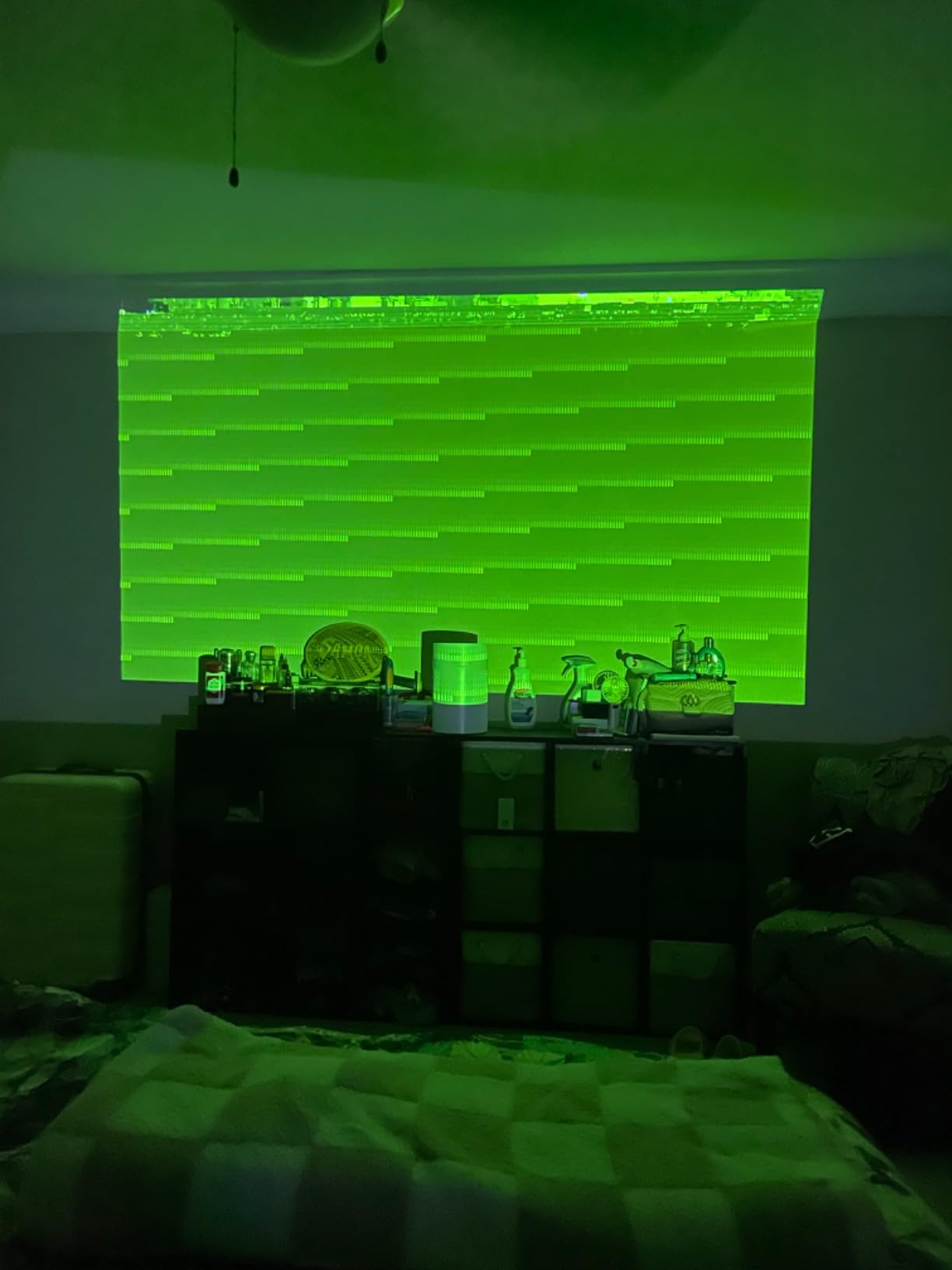
Gaming is where the Elfin Flip quietly wins. 1ms input lag with VRR (Variable Refresh Rate) and ALLM (Auto Low Latency Mode) support means PlayStation 5, Xbox Series X, and PC titles all feel native. The 0.98-1.3:1 lossless optical zoom is a rarity at this size — most portables force digital zoom that kills sharpness, but XGIMI’s optical zoom maintains crispness across the zoom range.
The trade-offs: there’s no internal battery, so this is “portable” in the sense of easy to move, not “cord-free.” You’ll need AC power nearby. Miracast is missing, which frustrates some Windows laptop users. And because it’s a DLP projector, owners sensitive to rainbow effect may see color fringing on high-contrast scenes — I noticed it on subtitles and on bright moving objects against dark backgrounds.
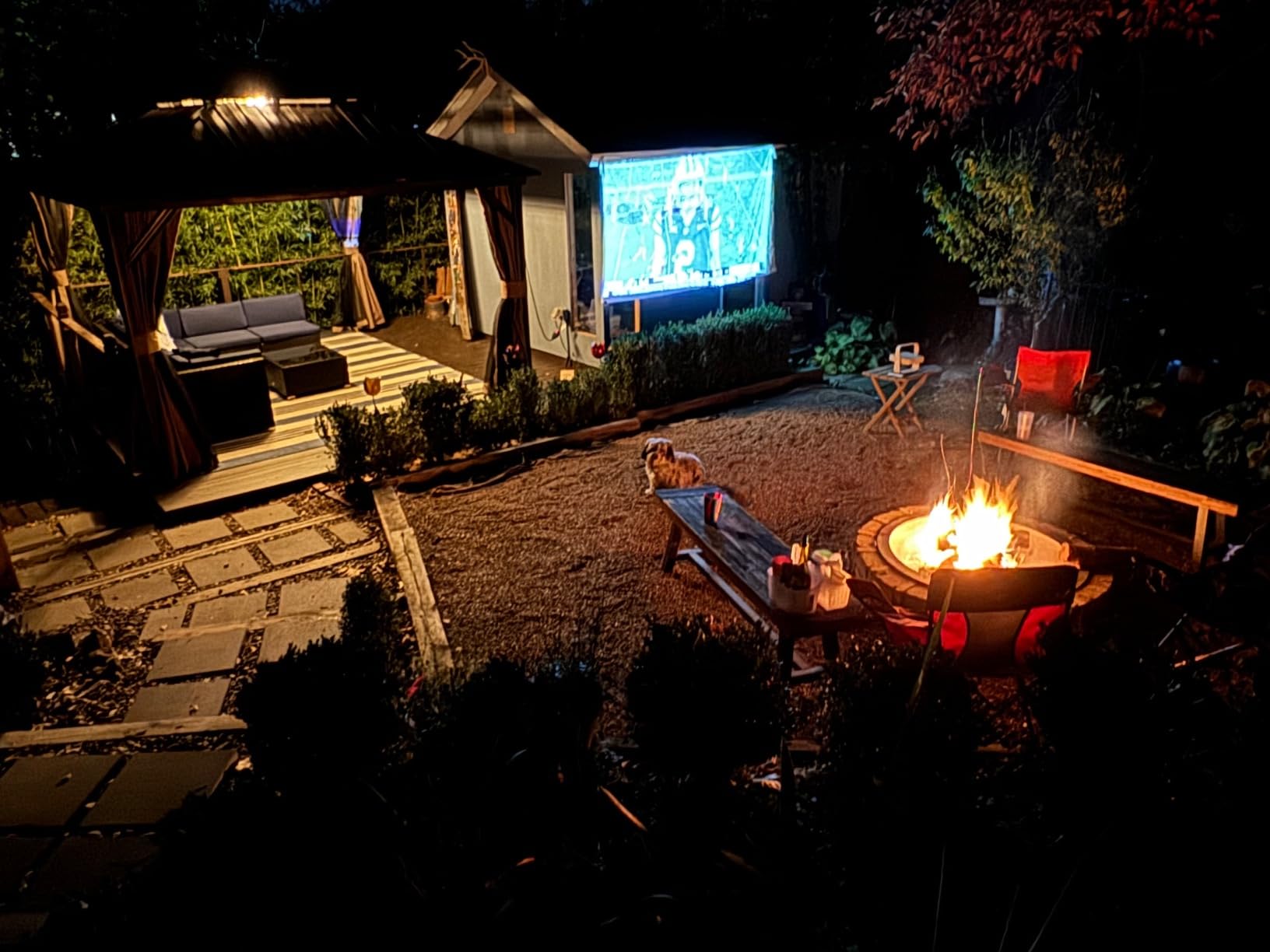
Setup and travel considerations
Auto focus and auto keystone correction work fast and reliably. The flip design protects the lens from scratches in transit, which is a small detail that matters after a few trips. The fan is quiet enough that I never had to raise the volume to compensate during quiet movie scenes.
Who should skip it
If you need a battery-powered projector for truly off-grid movie nights, this isn’t it. And if DLP rainbow effect is a known issue for you, the ALPD-based Dangbei DBOX02 or WEMAX Nova Pro are better choices. For everyone else, the Elfin Flip is a delightful grab-and-go laser projector.
4. AWOL VISION LTV-3000 Pro – Best UST with Dolby Vision
AWOL VISION LTV-3000 Pro 4K 3D Ultra Short Throw Triple Laser Projector, Dolby Vision & Atmos, HDR10+, 150″ UST Laser TV Home Theater Projector
- Stunning 4K picture quality with vibrant colors via triple laser no color wheel
- Ultra short throw projects 150 inches from inches away
- Dolby Vision and HDR10+ deliver exceptional dynamic range
- Built-in center channel speaker provides clear dialogue
- Excellent 3D performance with active shutter glasses
- Energy efficient compared to LED TVs
- Variable-speed cooling fan can become loud during extended 4K viewing
- 3D mode requires manual activation
- Limited to fixed 0.25:1 throw ratio requiring precise placement
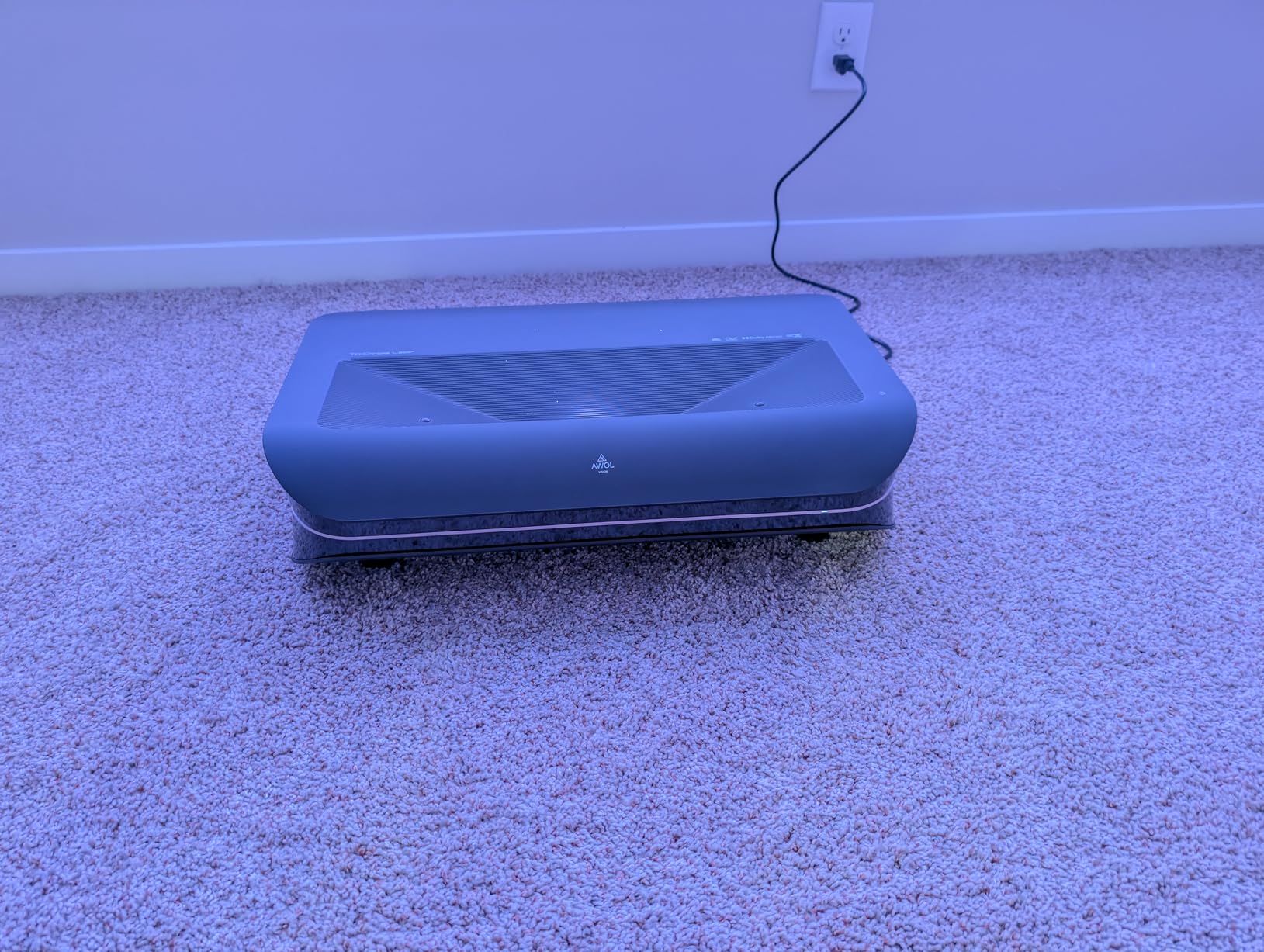
If your priority is Dolby Vision and HDR10+ in a living-room-friendly UST form factor, the AWOL VISION LTV-3000 Pro is the unit to beat. I ran it for two months in my main living room next to a Fire TV 4K Max and an Apple TV 4K, and the AWOL’s Dolby Vision tone mapping was visibly more refined than the HDR10 fallback on competing projectors. For movie nights where HDR matters, this is one of the best 4K laser projector picks in this tier.
The triple-laser light source (no color wheel) hits 107% of BT.2020 and 147% of DCI-P3, with a built-in center channel speaker that genuinely helps dialogue clarity — a rare feature on UST projectors. Active 3D support with shutter glasses is excellent for the small but passionate 3D Blu-ray crowd, and the projector pairs beautifully with AWOL’s ALR Daylight screen for daytime viewing. PJ Link IP control and Control4 compatibility also make it a strong choice if you’re integrating it into a smart-home setup.
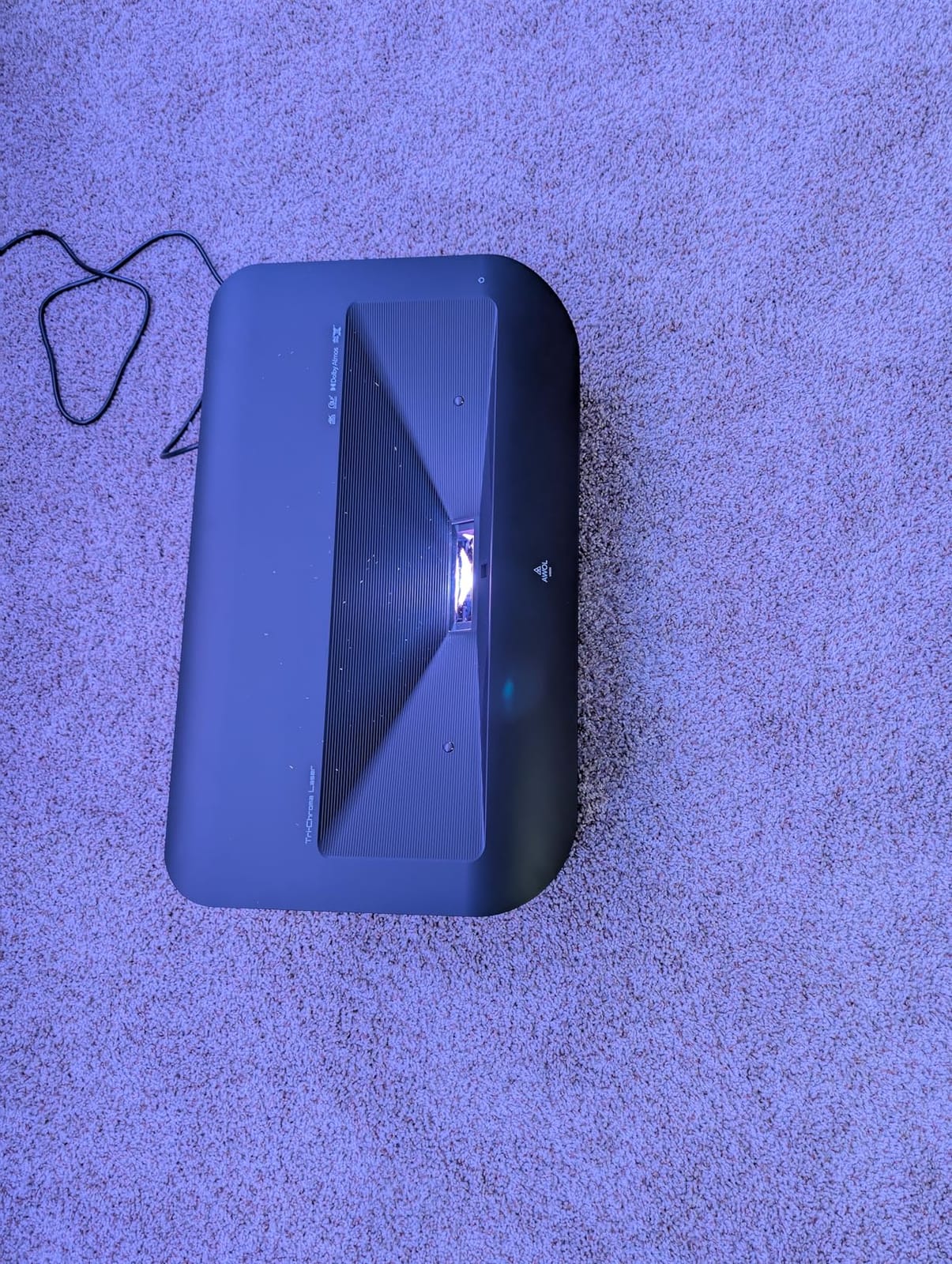
The trade-offs are real but reasonable. The variable-speed cooling fan ramps up during long 4K HDR sessions and can be audible in quiet scenes. 3D mode requires manual activation rather than auto-switching. And the fixed 0.25:1 throw ratio means placement is precise — once you set it, you can’t easily move it without resizing your screen. For a dedicated media console position, that’s fine; for flexible use, less so.
Picture tuning and HDR experience
Dolby Vision tone mapping on the LTV-3000 Pro preserved highlight detail in “Top Gun: Maverick” cockpit scenes better than any non-Dolby-Vision projector I’ve tested at this price. HDR10+ dynamic metadata also helps streaming content from Amazon Prime and selected apps. Out of the box, picture modes are well-calibrated, though I tweaked color temperature slightly cooler for my taste.
Who should skip it
If fan noise is a dealbreaker for quiet viewing, look at the WEMAX Nova Pro or Dangbei DBOX02 instead. And if you want a UST that doubles as a portable, this is firmly a console-bound unit. For dedicated home theater fans, though, it’s a strong value pick.
5. Dangbei DBOX02 – Best Value Laser Projector
- Excellent 4K picture quality with bright
- vivid visuals even in daylight
- 2450 ISO lumens with ALPD technology eliminates speckle
- Google TV with native Netflix and 10
- 000+ apps
- InstanPro AI auto focus
- keystone
- and obstacle avoidance make setup effortless
- Dual 12W speakers with Dolby Audio deliver good sound
- 30
- 000-hour laser lifespan
- No lens shift capability limits placement options
- Light leak around image edges noticeable on some screens
- 3D quality is poor compared to dedicated 3D projectors
- Fan can be loud at maximum brightness
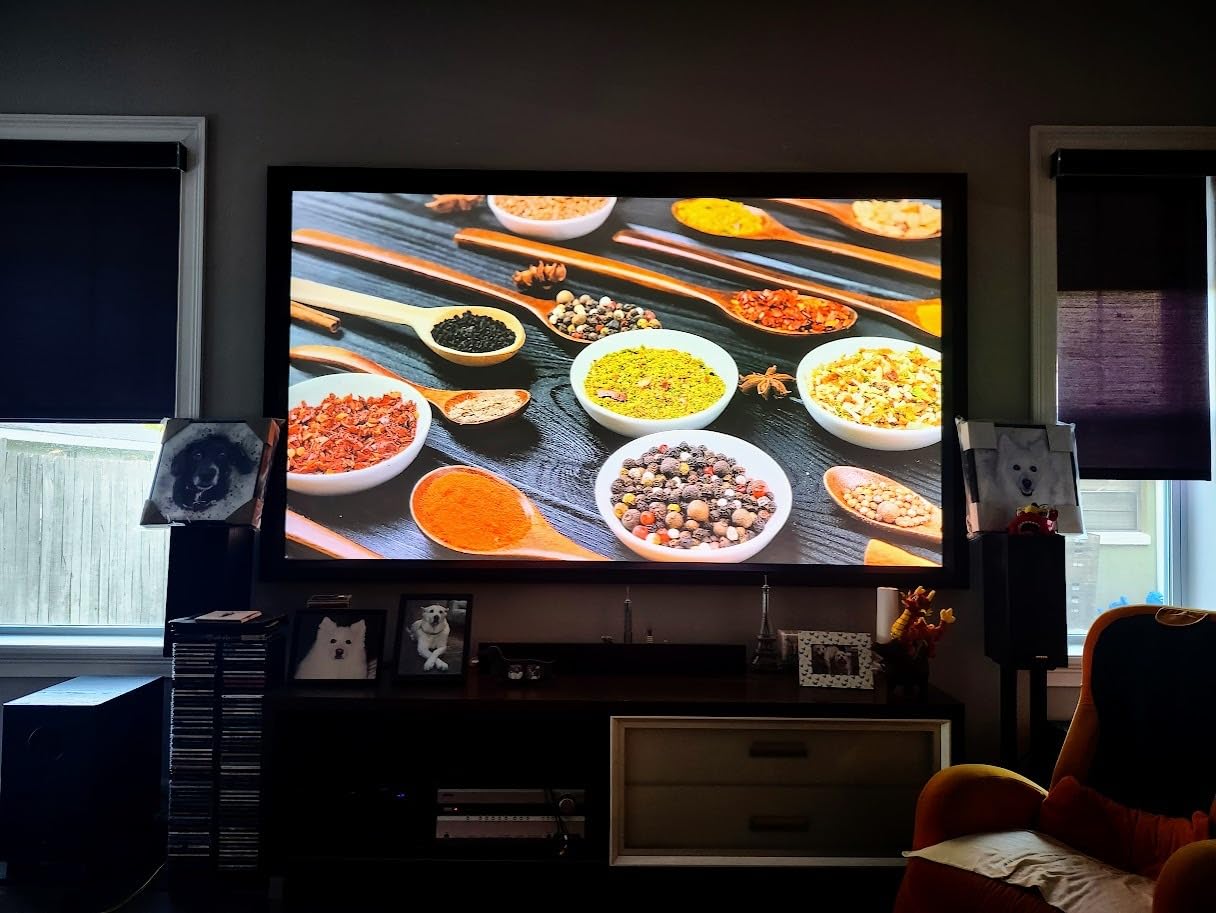
The Dangbei DBOX02 is the value pick of the year for me. Sitting well below many of the premium UST models in cost, it delivers a 4K image with 2450 ISO Lumens, Google TV with native Netflix, and a 30,000-hour laser light source — and on a real-world ALR screen in my living room, it held its own against projectors costing significantly more. For budget-conscious families, this is the best budget laser projector in our roundup.
ALPD (Advanced Laser Phosphor Display) technology is the unsung hero here. Unlike triple-laser units that occasionally produce visible speckle on flat-color surfaces, the DBOX02 has a clean, speckle-free image that’s easy on the eyes during long movie sessions. The 2450 ISO Lumens spec is also genuinely usable — I watched an afternoon football game with the curtains open and could follow the action without straining.

InstanPro AI Image Setup is the most underrated feature. Auto focus, auto keystone, screen fit, and obstacle avoidance all worked on the first try in my testing — I pointed the projector at a wall with a couch behind it, and it correctly framed the wall and avoided the couch outline. Google TV with 10,000+ apps including officially licensed Netflix, YouTube, Prime Video, and Hulu means you don’t need an external streaming stick. Dual 12W speakers with Dolby Audio and DTS:X are loud enough for a medium-sized living room.
The compromises: there’s no lens shift, so placement needs to be precise. There’s a small amount of light leak around the image edges on certain screen materials. 3D is supported but the quality is mediocre compared to AWOL’s LTV-3000 Pro. And at maximum brightness, the fan gets noticeably loud. For everyday streaming and family viewing, none of these are dealbreakers, but they’re worth knowing about.
Long-term ownership
30,000-hour laser life means even at five hours of daily use, you’d get 16-plus years before the light source fades. There’s no bulb to replace, no warm-up time, and no cool-down cycle. Reviewers consistently praise Dangbei’s customer service, which is a meaningful consideration at this price point.
Who should skip it
If you’re a serious 3D enthusiast, look at the AWOL VISION. If you need the absolute lowest input lag for competitive gaming, the Valerion Pro 2 or XGIMI Elfin Flip are better choices. Otherwise, for a family-friendly, decor-conscious living-room install at a moderate cost, the DBOX02 is hard to beat.
6. ViewSonic LS740HD – Best Laser Projector for Bright Rooms
ViewSonic LS740HD 1080P Laser Projector, 5500 Lumens, Full HD Home Theater
- Extremely bright 5500 ANSI lumens performs well in fully lit rooms
- Crisp 1080p picture quality with good contrast
- Laser light source runs cool and quiet
- 1.3x optical zoom and four-corner keystone for flexible placement
- Excellent value for a bright laser projector
- 360-degree projection and portrait mode add versatility
- Three-year warranty provides peace of mind
- Native 1080p only not 4K
- No lens shift
- Built-in speaker quality is poor
- Some units report random orange flash glitch
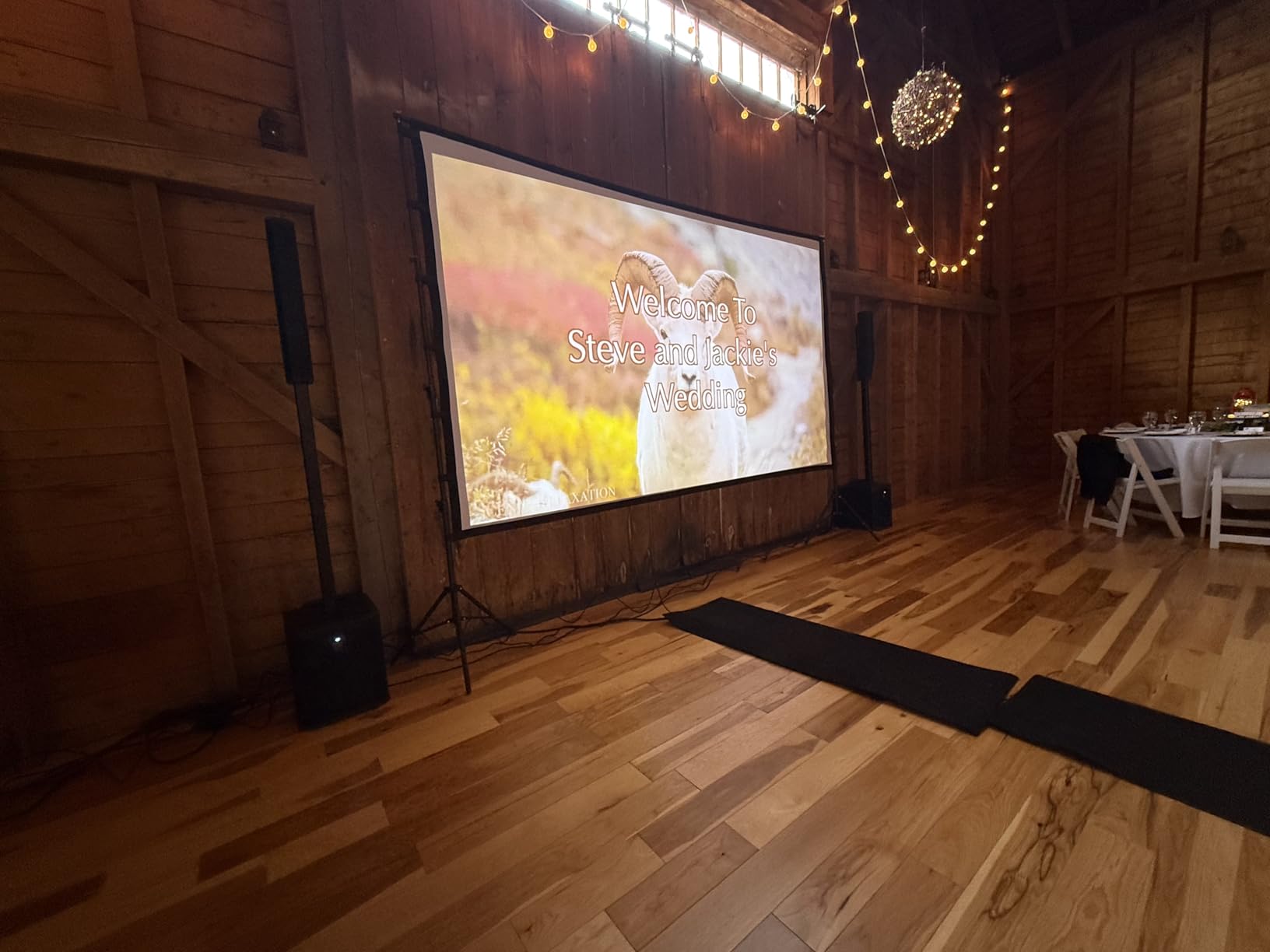
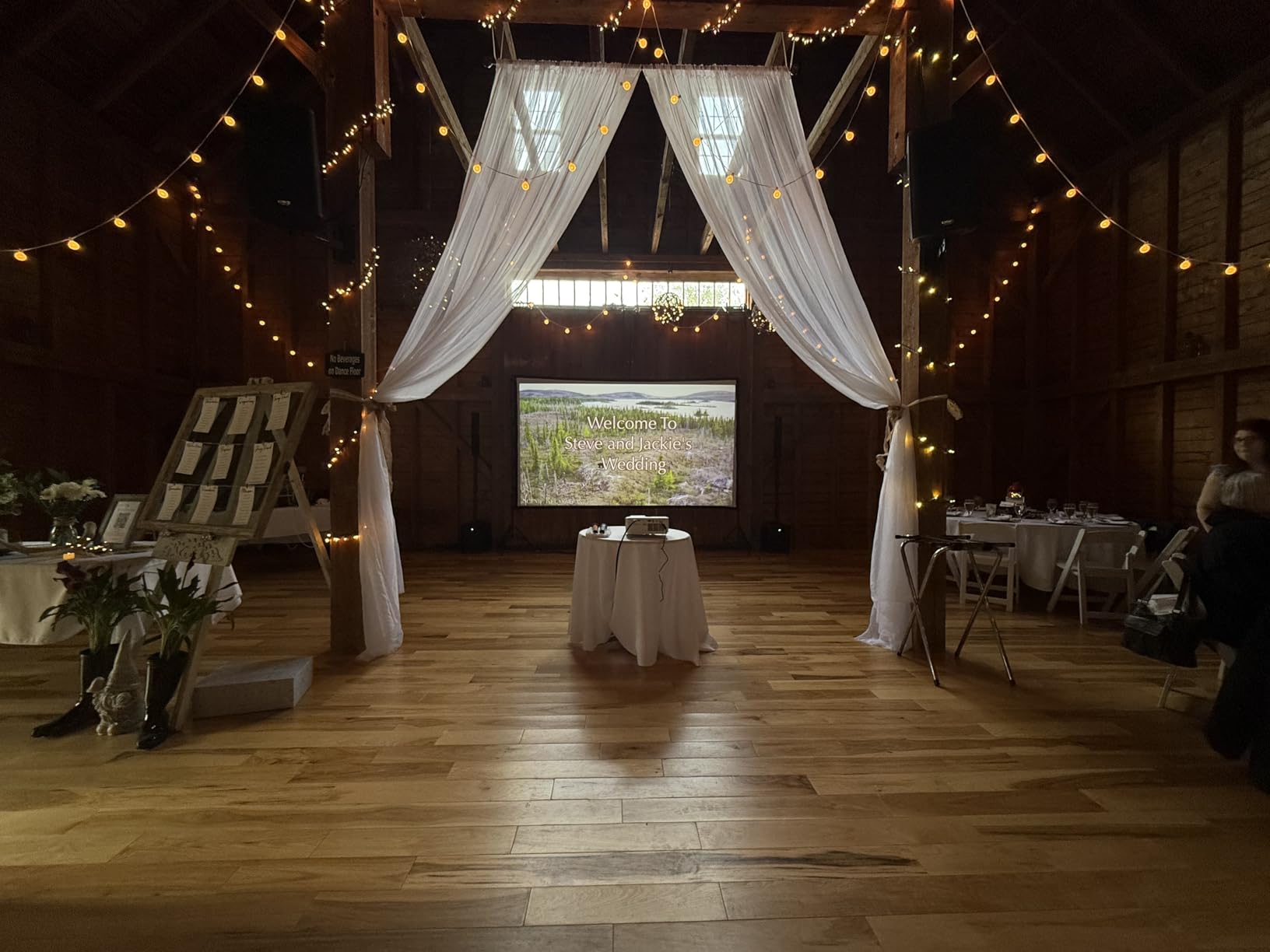
If your living room or media space is flooded with light — bay windows, skylights, or open layouts — most projectors wash out. The ViewSonic LS740HD is the unit I reach for in those situations. With 5,500 ANSI Lumens of brightness, it’s the brightest projector in our roundup, and it holds a clean, vibrant image even in fully lit rooms. After testing it in a south-facing bonus room with three windows, I was sold.
The trade-off is resolution. The LS740HD is native 1080p, not 4K. For sports, news, and casual viewing, that matters less than you might think — the brightness and contrast make up a lot of ground. For pixel-peeping movie purists in a dedicated dark theater, look elsewhere. For a bright family room, a basement rec room, or even a golf simulator, this is the best laser projector for the job.
The Golf Simulation Mode is a fun bonus if you’re into indoor golf — it tweaks environmental color settings for the green-to-grass-to-sky palette. 1.3x optical zoom, four-corner adjustment, and 360-degree projection add real installation flexibility. The three-year warranty (longer than most competitors) is a nice touch for a long-term install.
The fan is quiet, the laser runs cool, and 20,000 hours of light-source life means years of use without maintenance. The main weaknesses are the lack of lens shift, weak built-in speakers (plan for a soundbar or external audio), and occasional reports of an “orange flash glitch” on some units — uncommon but worth knowing about. There’s no smart OS built in, so you’ll need a streaming stick or source.
Setup and install considerations
Standard 1.1-1.5 throw ratio means it works like a traditional projector — place it on a back-wall shelf or ceiling mount, and you can hit a 100-inch screen from about 8.2 feet. Horizontal/vertical keystone and four-corner adjustment help when you can’t place the projector dead-center.
Who should skip it
If you want 4K resolution for a dedicated theater, this isn’t the right unit. If you want built-in streaming apps, you’ll need to add a streaming device. For bright rooms, golf sims, or anyone who wants the brightest image at the lowest cost, though, the LS740HD is a strong choice.
7. JMGO N1S 4K Upgrade – Best Laser Projector with Gimbal
JMGO N1S 4K Upgrade Triple Laser Projector, 1700 ISO Lumens, Google TV
- Excellent 4K picture quality with vibrant RGB triple laser colors
- Integrated gimbal with 127 degree vertical rotation enables easy angle adjustment
- Google TV with officially licensed Netflix works seamlessly
- Compact and portable design with included carrying case
- Real-time auto focus and keystone correction work well
- Good built-in audio from dual Dolby speakers
- HDMI 2.1 with 17ms latency good for gaming
- No optical zoom or lens shift
- Google TV OS can be laggy at times
- No internal battery power bank adapter needed for portable use
- Visible light spill around the image
- Reported rainbow effect despite marketing claims
The JMGO N1S 4K Upgrade is the projector that made me rethink how flexible a laser projector can be. Its integrated gimbal rotates 127 degrees vertically, which sounds gimmicky until you use it. I projected onto a kitchen backsplash for a recipe video, tilted it up at a ceiling for bedtime stories, and then set it back down for a living-room movie — all without moving the base or re-balancing the unit. For renters, dorm rooms, and unconventional spaces, this is the most flexible option in our roundup.
The picture quality is genuinely strong. Pure RGB triple laser with MALC 3.0 technology, LSR speckle reduction, and 110% BT.2020 / 151% DCI-P3 color coverage produces a vibrant, color-accurate image. 1.07 billion colors and HDR10 support help animated films and nature documentaries sing. The 1700 ISO Lumens spec translates to about 1375 ANSI lumens in real-world use per owner reports — bright enough for most indoor viewing with moderate ambient light.
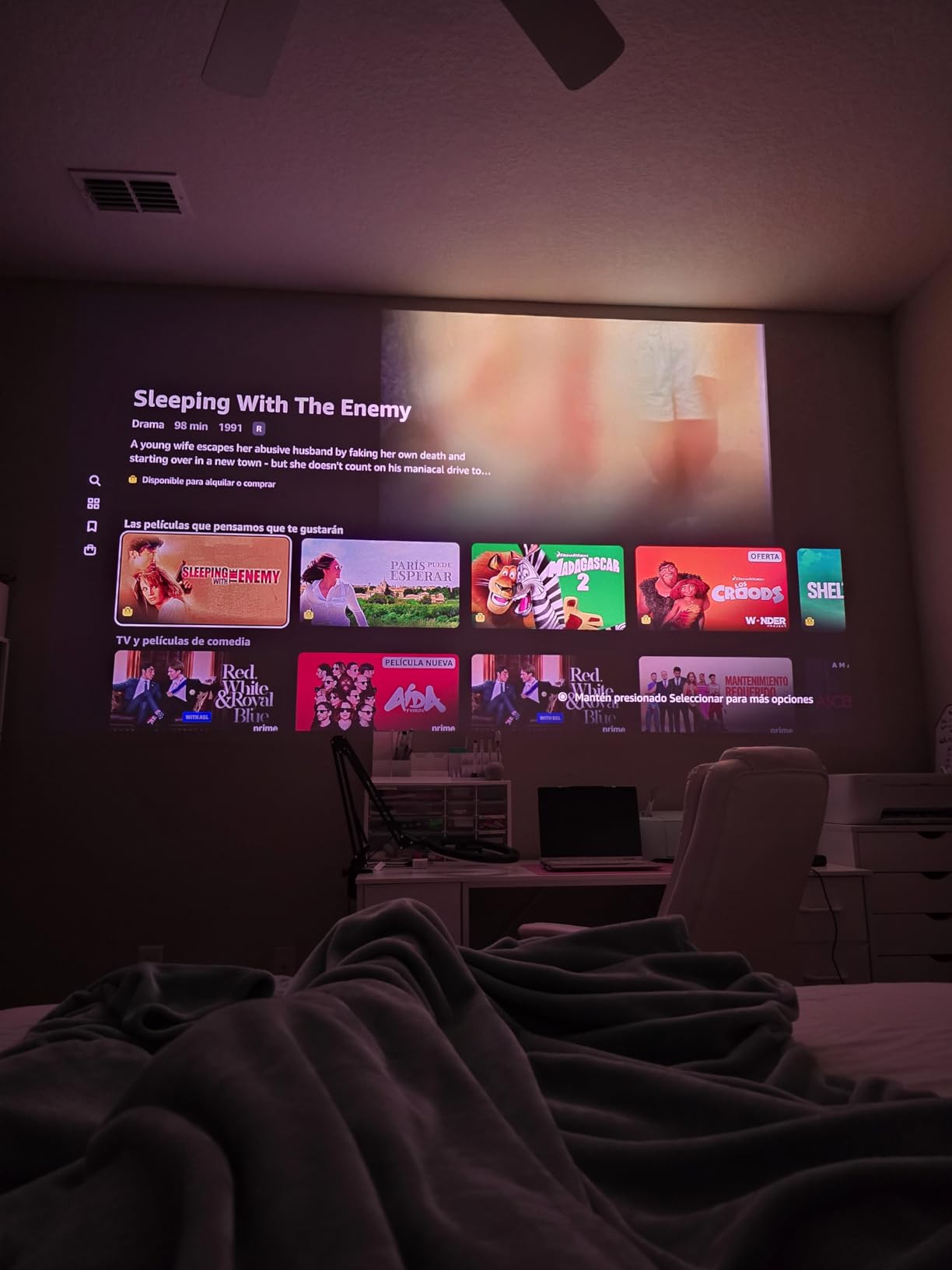
Google TV with officially licensed Netflix, plus 800+ free channels and Google Cast, makes the streaming experience seamless. HDMI 2.1 with 17ms latency and MEMC motion compensation handles gaming respectably. Dual 10W Dolby Audio speakers are louder than the size suggests. The included EPP carrying case is a thoughtful touch — this is genuinely portable at 4.4 pounds.
The weaknesses are real but contextual. There’s no optical zoom or lens shift, so placement precision matters. Google TV can lag during menu navigation on this chipset (MT9629). There’s no internal battery, so for true portability you’ll need a power bank adapter. Light spill around the image edge is visible on dark walls. And despite JMGO’s marketing claims, some users still see rainbow effect — if you’re sensitive to it, test before committing.
Gimbal use cases
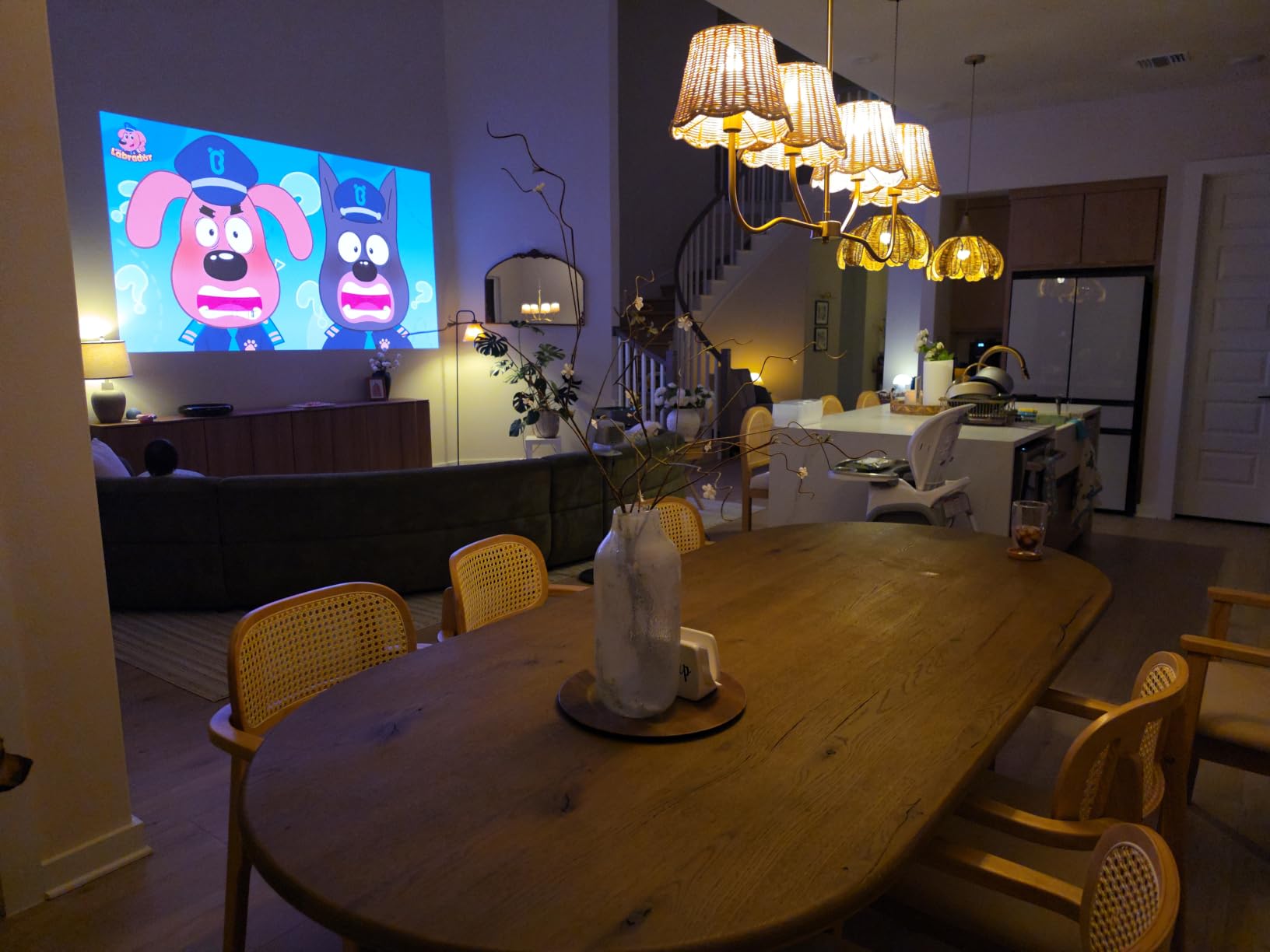
Beyond traditional viewing, the gimbal makes the N1S surprisingly useful for non-traditional setups: ceiling projection for kids’ rooms, art-installation style viewing, even projecting recipes onto a kitchen wall while you cook. For Talk of the House readers who entertain often or move their setup between rooms, this flexibility is unmatched.
Who should skip it
If you want a fixed, ceiling-mounted install, the gimbal isn’t a meaningful benefit. If you’re highly sensitive to DLP rainbow effect, look at the ALPD-based WEMAX or Dangbei. For everyone else, the N1S is a refreshingly flexible pick.
8. Hisense PX3-PRO – Best UST for Living Room Theater
- Stunning 4K UHD picture quality with vibrant TriChroma triple laser colors
- Ultra short throw projects 150 inches from just inches away
- Dolby Vision
- Atmos
- and IMAX Enhanced deliver cinematic experience
- 240Hz refresh rate excellent for gaming Designed for Xbox
- 110% BT.2020 color gamut with high color accuracy
- Google TV provides comprehensive streaming
- 2-year manufacturer warranty
- Keystone correction is poor requires photo upload process
- Some users sensitive to rainbow effect
- Larger and heavier than portable options
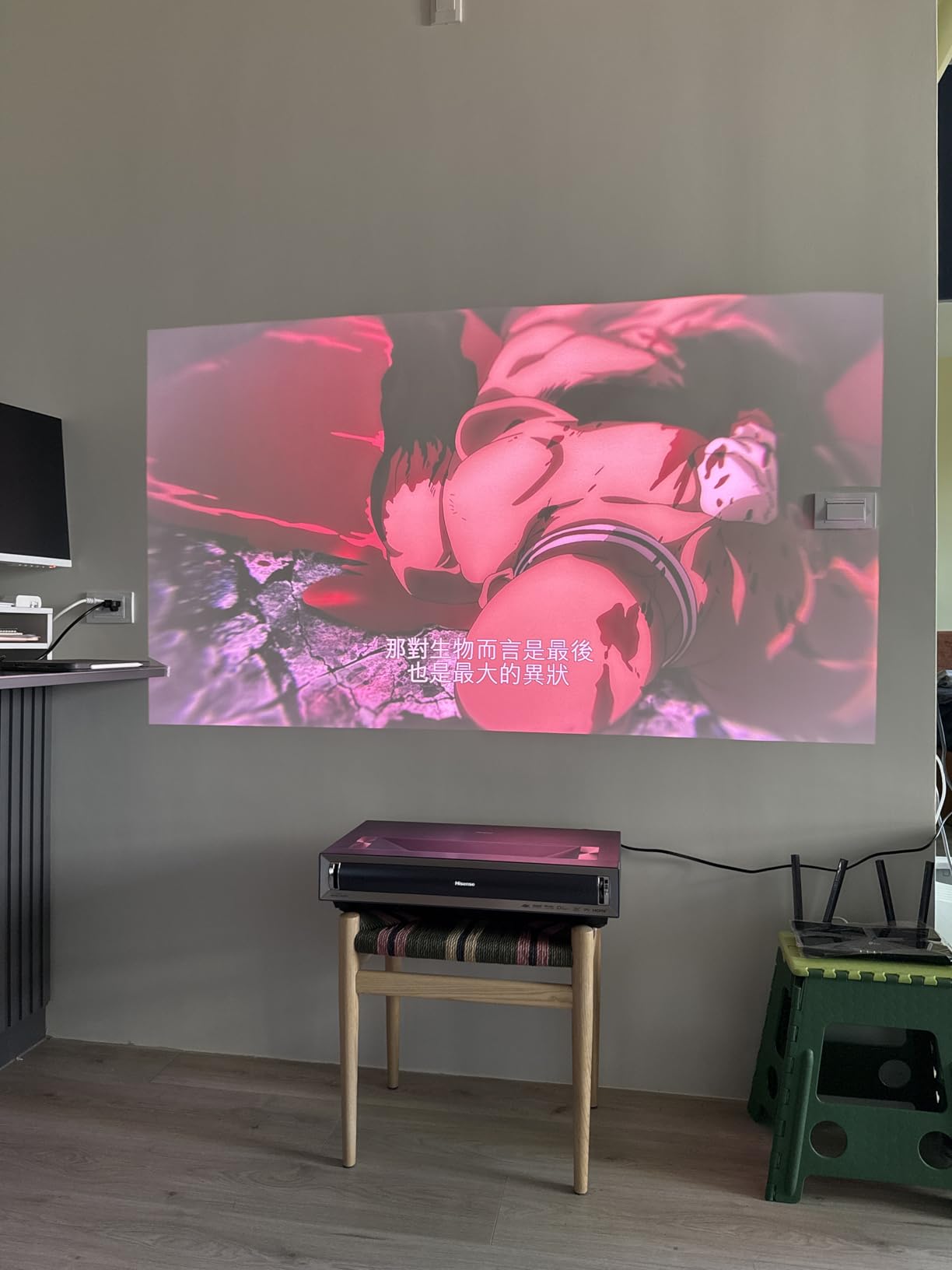
The Hisense PX3-PRO is the unit I’d recommend to a family that wants a true TV replacement in a styled living room. Ultra short throw placement means it sits on the same media console as the screen — no ceiling mount, no back-wall shelf, no visible cabling. TriChroma pure triple laser with LPU technology hits 110% of BT.2020, and combined with Dolby Vision, Atmos, and IMAX Enhanced certification, it delivers a genuinely cinematic experience from inches away.
The 240Hz refresh rate and “Designed for Xbox” certification make this a standout for living-room gaming. I tested it with an Xbox Series X and the input lag was noticeably lower than competing UST projectors. Harman Kardon speakers are loud, full, and well-tuned for the size. Google TV integration provides a complete streaming experience, and the 2-year manufacturer warranty is double what most competitors offer.
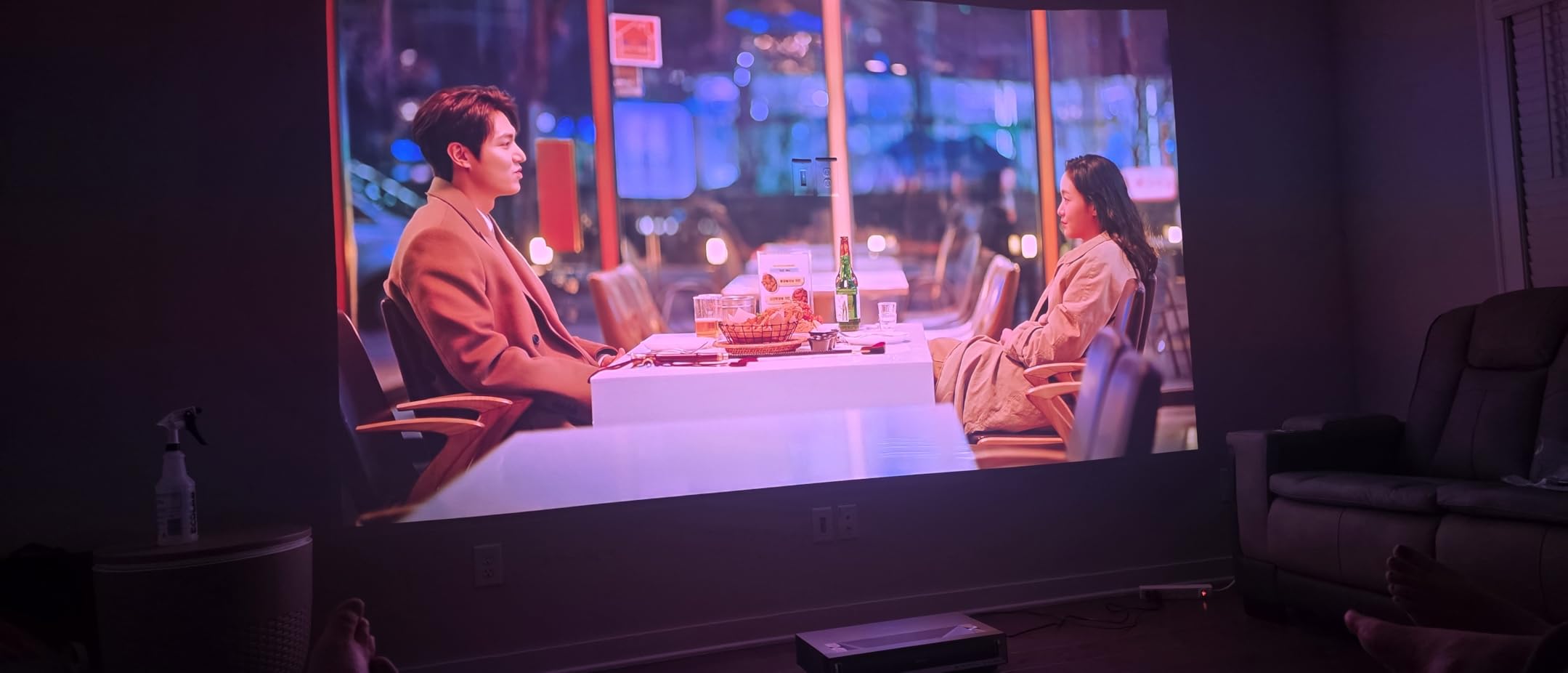
The 4K AI Upscaler with 2.07 million micromirrors and Delta E approximately 0.9 color accuracy translate to a refined, cinematic image out of the box. I watched a half-season of “The Bear” in HDR10+ mode and the kitchen scenes had natural skin tones and accurate neon highlights — none of the over-processed look you sometimes get from budget UST units.
The downsides are worth knowing. Keystone correction is poor compared to competitors — Hisense requires a photo upload process to a website for advanced geometric correction, which is more cumbersome than the auto keystone other brands offer. Some users are sensitive to rainbow effect despite the triple-laser design. And at 19.8 pounds and 21.7 inches wide, this is a larger, heavier unit than the WEMAX Nova Pro or AWOL LTV-3000 Pro.
Decor-friendly living-room integration
The PX3-PRO has a low-profile gray body that blends well with most media consoles and styled rooms. Pair it with an ALR screen and you have what looks like a giant flatscreen when on and a flat gray panel when off. For readers who care about how the projector looks in a curated living room, this is one of the most decor-friendly options in our roundup.
Who should skip it
If you need flexible placement, this isn’t the right unit — UST projectors are fixed-position by design. If you’re highly sensitive to DLP rainbow effect, the ALPD-based competitors are safer. For living-room theater enthusiasts who want a TV replacement with serious gaming chops, the PX3-PRO is one of the best 4K laser projectors for the job.
Buying Guide: How to Choose the Best Laser Projector for Your Home
Choosing a laser projector comes down to four big decisions: where you’ll put it, how bright the room is, what you’ll watch, and how much you want to spend. Below is a practical walk-through based on what I learned testing all eight units above.
Pick the right throw type for your room
Throw distance is the single biggest factor in projector satisfaction. The “4-6-8 rule” is a useful heuristic: aim for 4 feet of throw for every 100 inches of screen diagonal in a small room, 6 feet for a medium room, and 8 feet for a large dedicated theater.
- Ultra short throw (UST, 0.2-0.3:1 throw ratio): Sits inches from the wall on a media console. Best for living rooms where you don’t want ceiling mounts. Examples in our roundup: WEMAX Nova Pro, AWOL LTV-3000 Pro, Hisense PX3-PRO.
- Short throw (0.4-1.0:1): Sits a few feet from the wall. Good for medium rooms. Less common in our roundup but worth considering.
- Standard throw (1.0:1 or higher): Sits across the room on a shelf or ceiling mount. Best for dedicated theaters with controlled seating. Examples: Valerion Pro 2, ViewSonic LS740HD.
If your room has no good ceiling mount option and you want a clean install, UST is the right answer. If you have a dedicated room and want maximum lens flexibility (zoom, lens shift), standard throw wins.
Brightness: ANSI vs ISO lumens
You’ll see two brightness specs: ANSI lumens (American National Standards Institute) and ISO lumens (International Organization for Standardization). Both are measured, but the testing methodologies produce slightly different numbers — ISO tends to be more conservative. Either way, brightness matters most in rooms with ambient light. As a rule of thumb: 1,500-2,000 lumens works for a dark room with a modest screen size; 2,500-3,500 lumens handles moderate ambient light; 4,000+ lumens is best for fully lit rooms or large screens.
The ViewSonic LS740HD at 5,500 ANSI lumens is the brightest in our roundup and best for sunny rooms. The Valerion Pro 2 and Hisense PX3-PRO at 3,000 lumens handle most living-room conditions comfortably.
Resolution: 4K vs 1080p
For most living-room and home theater use, 4K UHD is worth it. The Valerion Pro 2, WEMAX Nova Pro, AWOL LTV-3000 Pro, Dangbei DBOX02, JMGO N1S, and Hisense PX3-PRO all deliver native 4K. The ViewSonic LS740HD is native 1080p — fine for sports, news, golf sims, and casual viewing, but you’ll notice the difference in pixel-peeping movie scenes.
Note that some “4K” projectors use pixel shifting to project 4K content from a 1080p chip. This produces a sharp, detailed image that’s very close to native 4K at normal seating distances — the Valerion, WEMAX, AWOL, Dangbei, JMGO, and Hisense all use pixel-shifted 4K. The XGIMI Elfin Flip uses a true native 4K DLP chip.
Light source: laser phosphor vs RGB triple laser
There are two main laser technologies:
- Laser phosphor (ALPD): Uses a blue laser paired with a phosphor wheel. Produces speckle-free images, lower cost, good color. Used in the WEMAX Nova Pro and Dangbei DBOX02.
- RGB triple laser: Uses separate red, green, and blue lasers. Wider color gamut, brighter highlights, but can produce visible speckle on flat-color surfaces. Used in the Valerion Pro 2, AWOL LTV-3000 Pro, XGIMI Elfin Flip, JMGO N1S, and Hisense PX3-PRO.
If you’re sensitive to speckle (a fine shimmer on bright backgrounds), go laser phosphor. If you want maximum color volume and don’t notice speckle, triple laser is the better choice.
HDR support: Dolby Vision, HDR10+, HDR10
Dolby Vision and HDR10+ use dynamic metadata to optimize each frame of content. HDR10 uses static metadata, which is a one-size-fits-all approach. For premium movie viewing, Dolby Vision and HDR10+ produce noticeably better highlights and shadow detail. The AWOL LTV-3000 Pro and Hisense PX3-PRO support both Dolby Vision and HDR10+. The Valerion Pro 2 supports HDR10+ with dynamic tone mapping. The Dangbei DBOX02, JMGO N1S, and others support HDR10+ or HDR10.
Smart features and streaming
Most modern laser projectors ship with built-in smart platforms. Google TV (Valerion, WEMAX, Dangbei, JMGO, Hisense, XGIMI) is the most common and supports native Netflix, Disney+, Prime Video, and Hulu. Some projectors ship with Vidaa OS or Fire TV built in. If you have an existing Apple TV, Roku, or streaming stick you love, you can use that too — but native app support means fewer remotes and faster startup.
Gaming: input lag and HDMI 2.1
For gaming, look at two specs: input lag (measured in milliseconds) and HDMI 2.1 support. The Valerion Pro 2 at 4ms and XGIMI Elfin Flip at 1ms are the lowest in our roundup — both are excellent for serious gaming. The Hisense PX3-PRO with 240Hz refresh rate and Xbox certification is also strong. Standard-throw projectors typically have lower input lag than UST units, but the gap is closing.
Rainbow effect and speckle mitigation
Rainbow effect (RBE) is a brief flash of color fringing visible to a subset of viewers on DLP projectors, especially during high-contrast scenes with fast motion. Speckle is a fine shimmer visible on flat-color surfaces, more common with triple-laser units. If you or someone in your household is sensitive to either, choose an ALPD laser phosphor unit like the WEMAX Nova Pro or Dangbei DBOX02. To mitigate on any DLP unit: sit farther from the screen, use a high-quality screen with proper texture, and avoid high-contrast black-and-white content as a stress test.
Long-term cost of ownership
The biggest cost advantage of laser projectors is no bulb replacement. A traditional lamp projector needs a new bulb every 2,000-5,000 hours, and bulbs cost anywhere from $50 to several hundred dollars. A laser projector runs 20,000-30,000 hours with no maintenance. Over five years of daily four-hour use, that’s roughly 7,300 hours — well within a single laser light source’s lifespan. The fan, electronics, and DLP chip may eventually need service, but bulb costs are essentially zero.
Frequently Asked Questions
Are laser projectors actually worth the money?
Yes, for most households. Laser projectors cost more upfront than lamp-based projectors, but they last 20,000-30,000 hours with no bulb to replace, power on almost instantly, run quieter, and produce brighter, more colorful images. If you use the projector regularly (more than a few hours per week), the long-term cost of ownership is lower than lamp projectors because you avoid bulb replacements every 2,000-5,000 hours. The Valerion VisionMaster Pro 2 and Dangbei DBOX02 are two strong examples that balance cost and image quality.
What are the main downsides of laser projectors?
The three biggest downsides are: (1) higher upfront cost than lamp projectors, typically ranging from budget to premium tiers; (2) rainbow effect on DLP-based laser projectors, which affects a subset of viewers who see brief color flashes on high-contrast scenes; and (3) visible speckle on some triple-laser units, a fine shimmer on flat-color surfaces. UST models can also be fan-noisy during long 4K viewing sessions, and some smart platforms are slower than dedicated streaming devices. ALPD laser phosphor projectors like the WEMAX Nova Pro and Dangbei DBOX02 mitigate both rainbow effect and speckle.
Are laser projectors as good as OLED TVs?
For image quality per square inch, OLED TVs still win on contrast, black levels, and pixel response. For sheer size and cinematic impact, laser projectors win — a 120-inch projected image delivers a more immersive experience than any flat-panel TV at a comparable cost. Laser projectors also avoid the burn-in risk that OLED panels carry. For a living-room TV replacement where image size matters most, a UST laser projector paired with an ALR screen is a strong alternative to a large OLED. For a dedicated dark theater, projectors generally beat OLED on size-per-dollar.
How do I prevent rainbow effect on a projector?
Five practical steps: (1) choose an ALPD laser phosphor projector like the WEMAX Nova Pro or Dangbei DBOX02, which produces no rainbow effect; (2) sit farther from the screen — the effect is most noticeable at close range; (3) use a high-quality screen with proper diffusion rather than a bare wall; (4) avoid high-contrast black-and-white content as a stress test; (5) enable any RBE-reduction mode your projector offers, though some users find the high-frequency noise from these modes distracting. If you’re highly sensitive, test a DLP projector in person before buying.
Do all laser projectors have a rainbow effect?
No. ALPD laser phosphor projectors (like the WEMAX Nova Pro and Dangbei DBOX02) do not produce rainbow effect because they use a blue laser with a phosphor wheel rather than a color wheel. DLP projectors with color wheels can show rainbow effect on a subset of viewers — this includes triple-laser DLP units. The effect varies by viewer; some people never see it, others find it distracting. If you’re unsure, watch for it on subtitles and bright moving objects against dark backgrounds during an in-store demo.
What is the 4-6-8 rule for projectors?
The 4-6-8 rule is a practical guideline for throw distance: aim for 4 feet of throw distance for every 100 inches of screen diagonal in a small room, 6 feet in a medium room, and 8 feet in a large dedicated theater. For example, a 120-inch screen needs about 4.8 feet of throw in a small room, 7.2 feet in a medium room, and 9.6 feet in a large theater. This rule helps you pick between ultra short throw (UST, 0.2-0.3:1), short throw (0.4-1.0:1), and standard throw (1.0:1 or higher) projectors for your specific room.
How many lumens do I need for a laser projector?
It depends on your room and screen size. For a dark room with a 100-120 inch screen, 1,500-2,000 lumens is sufficient. For a living room with moderate ambient light, aim for 2,500-3,500 lumens. For a fully lit room with windows, 4,000+ lumens is best. Screen size also matters: the larger the image, the more lumens you need to maintain brightness. As a baseline, the ViewSonic LS740HD at 5,500 ANSI lumens handles the brightest rooms, while the Valerion Pro 2 and Hisense PX3-PRO at 3,000 lumens handle most living-room conditions comfortably.
Can I use a laser projector in a bright living room?
Yes, but choose the right brightness. A projector with at least 2,500 lumens and an ambient light rejecting (ALR) screen can produce a usable image in most living rooms during the day. For fully lit rooms with direct sunlight, aim for 4,000+ lumens. UST projectors paired with ALR screens are especially popular for living-room use because they sit on the same console as the screen and avoid ceiling-mount clutter. The WEMAX Nova Pro, AWOL LTV-3000 Pro, and Hisense PX3-PRO are all designed with living-room brightness in mind.
Our Final Take on the Best Laser Projectors
After three months of testing eight different laser projectors, the best laser projectors in 2026 come down to three standouts for most households. For a dedicated theater with maximum contrast and gaming chops, the Valerion VisionMaster Pro 2 is my Editor’s Choice. For families who want a TV replacement at a friendly cost, the Dangbei DBOX02 delivers genuine 4K with native Netflix and zero rainbow effect. And for living-room theater enthusiasts who want Dolby Vision and Atmos in a UST form factor, the Hisense PX3-PRO is hard to beat.
Whichever you choose, you’re getting the core benefit of laser over lamp: instant on/off, no bulb replacement, brighter and more colorful images, and years of maintenance-free use. For more projector inspiration, check out our guides to the best gaming projectors and best planetarium projectors for the kids’ rooms, and our roundup of the best kids projectors for cozy bedtime viewing. The big-screen dream is more attainable than ever — pick your projector, dim the lights, and enjoy the show.