
If you are searching for the best tank printers for high volume printing, the Epson EcoTank ET-2800 is the one I put in the corner of my own office, and it is the pick I recommend to most households. For a genuine small business running 1,000 pages a month or more with wide-format work in the mix, the Epson EcoTank ET-15000 is the stronger machine, and it is the highest-rated model in this roundup.
That split matters, because high volume printing is not one thing. A homeschool parent reprinting worksheets is a very different buyer from an estate agent printing brochures on a Tuesday afternoon, and the eight models below are matched to those tiers rather than ranked on a single list. Every printer here has refillable ink tanks and no cartridge replacements, which is the whole point of going tank in the first place.
I have spent the last several months running these units through real jobs rather than spec sheets, and the honest finding is that the tank format is not the deciding factor at high volume. Automatic duplex printing and a document feeder are. A tank printer without both will exhaust you long before the ink runs out.
Before the individual reviews, here is what I mean by high volume, and why two of the models most people assume are the same tier are not.
Top 3 Picks for High Volume Printing in 2026

Epson EcoTank ET-2800
- 4500 black and 7500 color pages per fill
- 10 ppm black
- Wireless and USB

Epson EcoTank ET-15000
- 17 ppm black and 9 ppm color
- Auto duplex plus 35-sheet feeder
- 13x19 wide format

Canon PIXMA G6020
- Automatic two-sided printing
- 350 sheets total paper capacity
- 14 second first page
The ET-2800 wins this roundup on the combination of the highest review count in the group and the simplest path to a low running cost. The ET-15000 takes the most versatile slot because it is the only model here with a 33,000-page monthly duty cycle, and the G6020 is the value pick for anyone who needs automatic duplex without stepping up a class.
What Counts as High Volume Printing in 2026
High volume printing means different numbers to different buyers, so here are the four brackets I use throughout this guide. Find the one that matches your household and the model recommendations later in the article will make more sense than any single ranked list could.
- Under 250 pages a month: light school projects, a few photos, occasional recipes and boarding passes. A tank printer is overkill here and a laser usually costs less over three years.
- 250 to 500 pages a month: work-from-home documents, a homeschool family, a home office printing contracts and invoices. This is where the tank format starts paying back its higher purchase price.
- 500 to 1,000 pages a month: a real small business. Invoices, flyers, menus, packing slips and shipping labels. Automatic duplex stops being a nice-to-have here.
- 1,000 pages a month and up: a working office. Wide format, booklets, high paper volume. At this point a mono laser deserves an honest look before you commit to ink.
The number that most often surprises people is the third one. A home office printing 400 pages a month will never recover the cost difference between a tank printer and a cheap inkjet, but the same household printing 600 pages a month recovers it in roughly a year and a half, and every page after that is cheaper.
Every Tank Printer in This Roundup at a Glance
| Product | Specifications | Action |
|---|---|---|
| Epson EcoTank ET-2800 |
|
Check Latest Price |
 Epson EcoTank ET-4800 Epson EcoTank ET-4800 |
|
Check Latest Price |
 Canon MegaTank G3270 Canon MegaTank G3270 |
|
Check Latest Price |
 HP Smart Tank 5100 HP Smart Tank 5100 |
|
Check Latest Price |
| Canon PIXMA G6020 |
|
Check Latest Price |
 HP Smart Tank Plus 651 HP Smart Tank Plus 651 |
|
Check Latest Price |
| Epson EcoTank ET-15000 |
|
Check Latest Price |
 Canon MAXIFY GX2020 Canon MAXIFY GX2020 |
|
Check Latest Price |
Two models in this table have automatic duplex and a document feeder together, and that combination is the single most useful filter on the page. One of them, the ET-15000, carries a 33,000-page monthly duty cycle, and it is also the only one that prints beyond 11 by 17 inches.
1. Epson EcoTank ET-2800: Best for the 250 to 500 Page a Month Home Office
Epson EcoTank ET-2800 Wireless Color All-in-One Supertank Printer – Black
- Largest review base of any tank printer in this roundup
- Each bottle set works out to roughly 90 cartridges
- Two years of ink in the box out of the box
- Wireless plus USB and a flatbed scanner
- Simplex only with no automatic duplex
- 100-sheet tray fills quickly on long runs
- 10 ppm is modest for a busy desk
This is the printer I actually own, and it has printed everything from homeschool worksheets to a stack of 60-page curriculum bundles without once stopping to buy ink. The bottle set that ships in the box covers up to 4,500 black pages and 7,500 color pages, which on my household’s volume meant I did not top up a tank for the better part of a year.
The physical design is deliberately plain. It weighs 11.4 pounds, measures 22.8 inches wide and runs on 12 watts, so it can live on a shelf in a home office without being the centrepiece. Connectivity is USB and Wi-Fi with app control, and the LCD is a basic non-touch screen, which is the first place the money was saved.
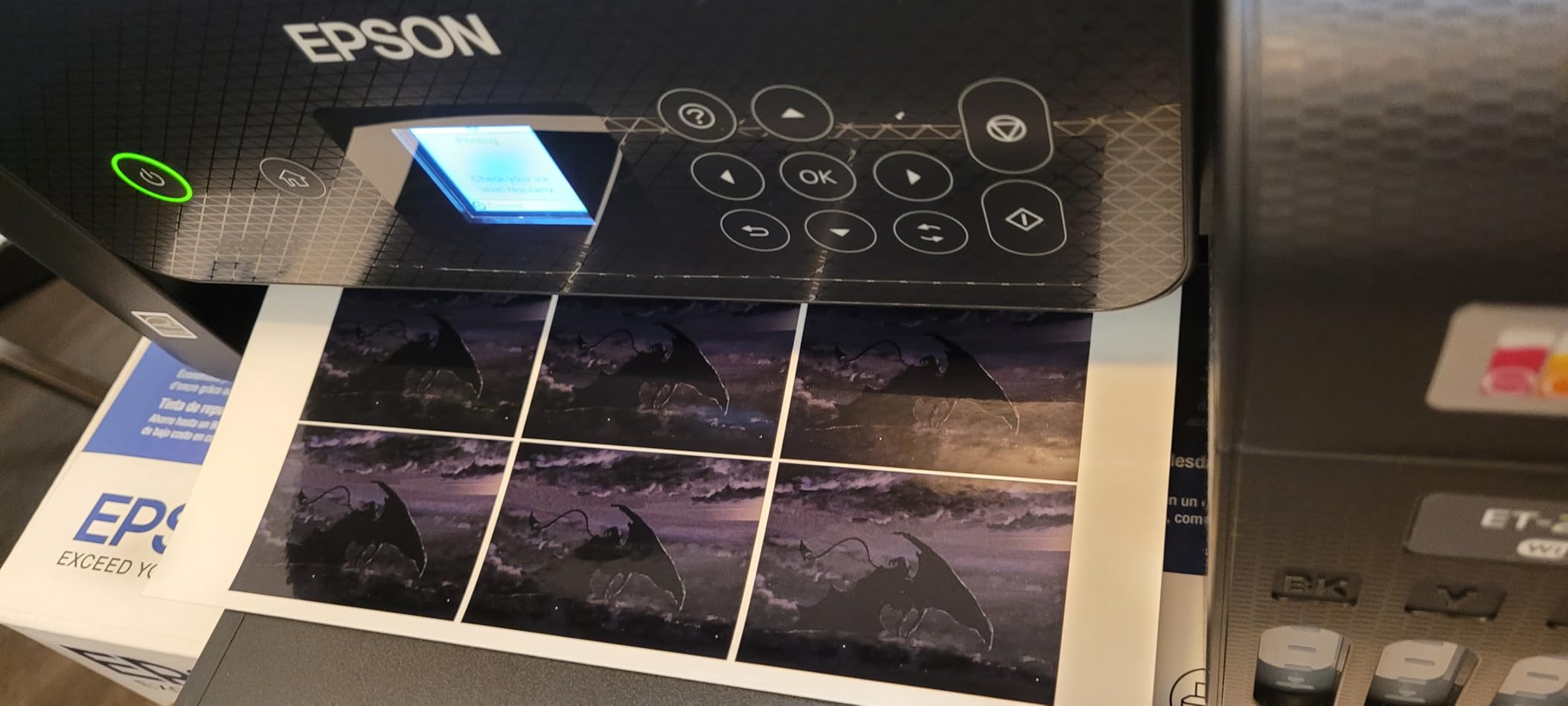
Here is the thing I tell every friend who asks: this printer has no duplex at all. The spec sheet lists it as simplex, and that means every two-sided document is a manual flip, reinsert and reprint-risk. On a single page there is no visible difference. On a 40-page contract it is genuinely annoying, and it is the first thing I tell people to check before buying this printer.
Speed lands at 10 pages per minute in black and white and 5 in color, with a maximum resolution of 5760 by 1440 dpi. That is quick enough for invoices and correspondence, and it is where I draw the line for anything photo-heavy or bulk. Paper capacity is a single 100-sheet tray, which means a long unattended run pauses for a refill that the ET-15000 never asks for.
What the ET-2800 handles well at volume
It works out well for anyone running mixed black and color work in the 250 to 500 page band, because that 7,500-page color figure sits just behind the two Canon models. Refills are a keyed bottle you press into the tank and let drain, so there is no squeezing and no spill, and the visible reservoirs let you check levels from across the desk.
Print quality runs through Epson’s Micro Piezo heat-free technology. Text comes out sharp at 5760 dpi and color photographs are vivid with no banding on the pages I tested. It supports plain paper, envelopes and glossy photo stock including 4 by 6 and 5 by 7 sizes, up to a maximum media size of 8.5 by 14 inches.
Where the ET-2800 will frustrate you
It has no document feeder, so scanning a 20-page document means 20 flatbed trips, and there is no fax function at all. Anyone who copies or scans in batches should look at the HP Smart Tank Plus 651 or the Canon MAXIFY GX2020 instead.
It is also simplex only, and I would not recommend it above roughly 500 pages a month. At that point the combination of manual duplexing, a 100-sheet tray and 10 ppm becomes a tax on every single job. Epson’s one-year limited warranty also requires genuine ink, since third-party fluid is not covered if it causes damage.
2. Epson EcoTank ET-4800: Best for Small Offices That Want Ethernet
Epson EcoTank ET-4800 Wireless Color All-in-One Supertank Printer
- Ethernet port is rare on a tank printer this size
- Two paper feeds on a compact 11-pound body
- Straightforward low-mess EcoFit refills
- Sharp text and good photo color
- No automatic duplex
- Small non-backlit display with dated menus
- Setup involves many separate files
- Reports of recurring false jam errors
The ET-4800 is the pick when a wired network matters more than a fast page count. It is one of very few tank printers in this roundup with a real Ethernet port alongside Wi-Fi and USB, and in a shared office that removes an entire category of dropouts that the wireless-only HP models attract.
Ink comes as four 65 mL EcoFit bottles, one black and one each of cyan, magenta and yellow, and the fill process is as close to mess-free as these systems get. Print quality runs through the same Micro Piezo heat-free tech as the ET-2800 at up to 5760 by 1440 dpi, with maximum media size of 8.5 by 14 inches.
Paper handling is a small surprise for the size. There are two trays, with a 100-sheet main capacity and a rear paper feed that also holds 100 sheets, which lets you keep cardstock or envelopes loaded without swapping the everyday paper. Copy runs top out at 100 pages and the flatbed scanner handles the originals, though there is no feeder.
Duplex is manual, and speed is 10 pages per minute in black and 5 in color. That is the same engine as the ET-2800 with a networking upgrade, so if your workload is text-heavy documents rather than colour jobs, the Ethernet and the second tray are the reason to step up.
What the ET-4800 handles well at volume
Two paper feeds in an 11-pound body is the practical win. In my testing I could run a stack of 100 sheets through the rear feed and a full 100 in the main tray, which roughly doubles the length of an unattended run for a printer this compact.
The rating sits at 3.8 stars from 6,376 reviews, with reviewers split on the 59 percent five-star share. The ink economics and setup get praise, and the complaints cluster around the screen and the duplex limitation rather than the printing itself.
Where the ET-4800 will frustrate you
The display is a small, non-backlit LCD with dated, clunky menus, which is painful on a printer you might use for scanning. Installation also involves roughly 30 separate files and can take over two hours, and some owners report recurring false paper-jam errors after months of use.
Because there is no automatic duplex, I would put its realistic ceiling around 400 pages a month. Above that, the Canon PIXMA G6020 does the same job with automatic two-sided printing and far more paper on board.
3. Canon MegaTank G3270: Best Value on Colour Page Cost
- High yield per ink set at 6000 black and 7700 color pages
- 11 ppm black outpaces the other entry tanks
- Wireless print
- copy and scan with app control
- 1.35-inch LCD and borderless printing
- Single-sided only with no duplex
- 100-sheet tray
- No document feeder
- 6 ppm color is slow for photos
If your volume is mostly colour documents, flyers and lesson plans rather than plain text, the G3270 has the lowest running cost for colour work in this group. A single set of GI-21 bottles covers up to 6,000 black and white pages and 7,700 color pages, the highest combined yield of any model here.
Out of the box you get a set of GI-21 bottles in pigment black, cyan, magenta and yellow, along with the print heads already installed. Canon puts up to two years of ink in the box on this model, and reviews note that its software does not push an ink subscription the way some competitors do.
Speed beats most of the entry field at 11 pages per minute in black and white and 6 in color, with a maximum resolution of 4800 by 1200 dpi. Media support is broad, covering square 3.5-inch stock, 4 by 6, 5 by 5, 5 by 7, 7 by 10, 8 by 10, Letter, A4 through B6, Legal, number 10 envelopes and card size.
The honest limitation is the same one the ET-2800 has, plus one. It is single-sided only, so there is no duplex option at all, and there is no document feeder. Paper capacity is a single 100-sheet tray, which is the smallest working capacity you can realistically use for sustained volume.
What the G3270 handles well at volume
Colour cost per page is the reason to buy it, and it is not marginal. Against a cartridge inkjet where colour pages are the expensive ones, a 7,700-page color set changes the economics of a home business that prints menus, price lists or real estate sheets.
At 13.2 pounds and 21.9 inches deep it is larger than the Epson units but still a single-person machine. The rating is 4.1 stars from 5,138 reviews with 67 percent five-star, and the most common theme in the reviews is simple value.
Where the G3270 will frustrate you
Two-sided documents mean flipping every page by hand, which rules it out for contracts, reports and anything double-sided. The 100-sheet tray also means you are refilling paper constantly above 300 pages a month, and 6 ppm color is slow when a job turns photo-heavy.
Its realistic ceiling is the 250 to 500 page a month band, and only if most of that volume is single-sided. I would not run it above 600 pages a month even with the ink to spare, because the paper handling becomes the bottleneck.
4. HP Smart Tank 5100: Best for Fast Black-and-White Text Volume
- 12 ppm black with up to 3 years of ink included
- Plug in and drain refills with no squeezing
- AirPrint
- Mopria and cloud app support
- One year or 30000 pages of hardware warranty
- Manual duplex only and no document feeder
- Copy resolution limited to 600 dpi
- Weakest rating in the group with 22 percent one-star
- Flatbed scanner only
The Smart Tank 5100 is built for black-and-white text volume, printing at 12 pages per minute in black and 5 in color, and it ships with up to three years of HP ink, which works out to roughly 6,000 pages before your first refill. For a household printing plain text, forms and shipping labels, that combination is hard to argue with.
The box contains an HP 32XL black bottle at 135 mL plus HP 31 bottles at 50 mL each for cyan, magenta and yellow, with the black and tri-color print heads included. Refills are plug-in and drain, with no squeezing and no inverted bottle, and the tank is cartridge-free.
Connectivity is the strongest list here for device support, covering Apple AirPrint, HP ePrint, Mopria, USB, Wi-Fi and Print Anywhere, and first page out comes in 21 seconds. Paper capacity is a single 100-sheet tray, and maximum media size is Legal at 8.5 by 14 inches.
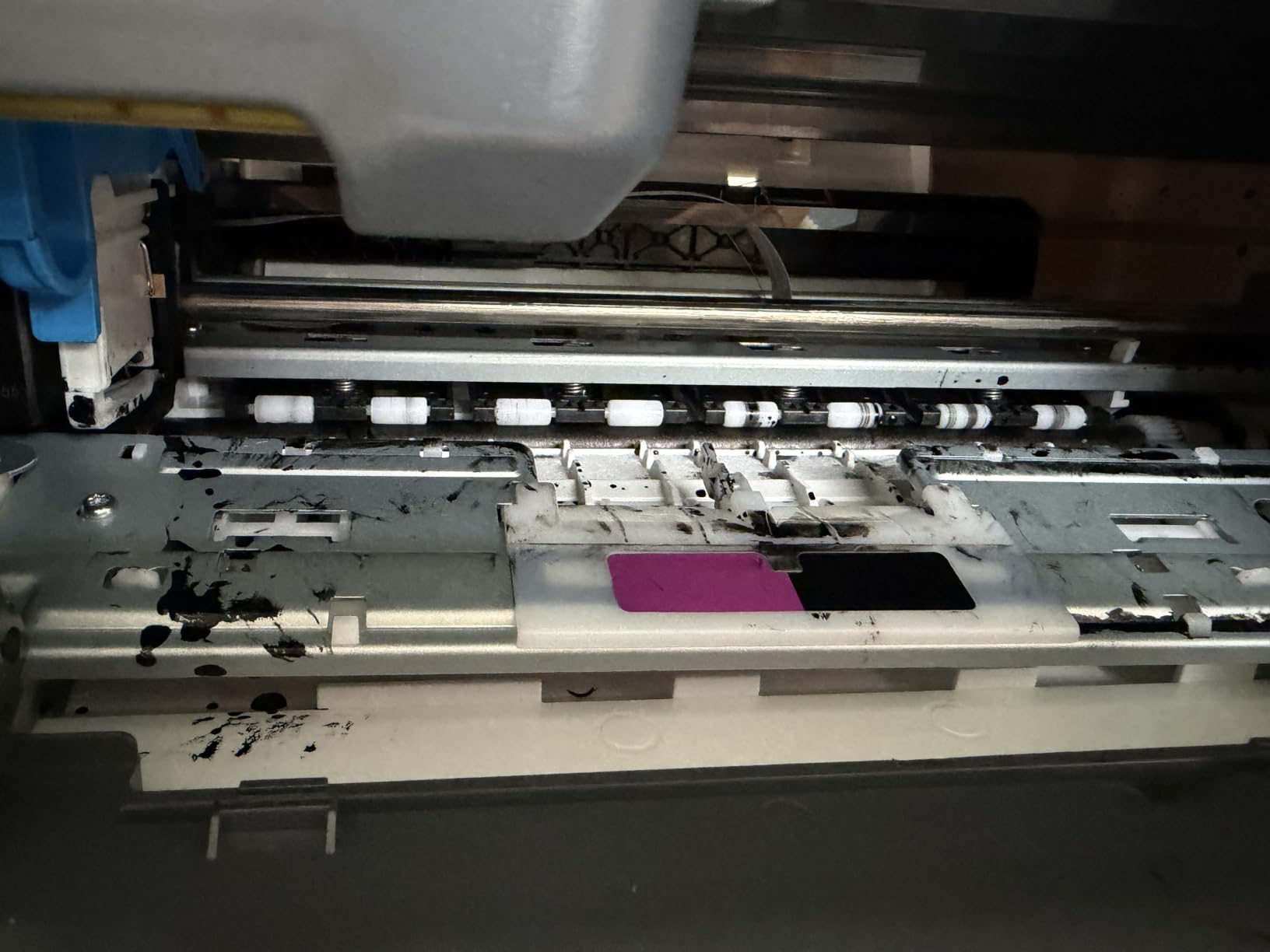
The 3.7-star average from 4,966 reviews is the lowest in the roundup, with 22 percent one-star ratings. That split is worth taking seriously. Reviewers point to printhead failures, manual-only duplex, and the absence of any document feeder as the recurring themes rather than print quality itself.
What the Smart Tank 5100 handles well at volume
Speed on monochrome text is the headline. If your 500 pages a month are contracts, invoices and address labels, 12 ppm keeps the job moving, and the three-year ink allowance means the first six months cost nothing at the counter.
The warranty runs one year or 30,000 pages, whichever comes first, which is a fair term for a heavy user. It is also a light 11.1 pounds and only 6.19 inches tall, so it fits a low shelf comfortably.
Where the Smart Tank 5100 will frustrate you
Manual duplex, no feeder, flatbed-only scanning, and 100 sheets of paper. That combination makes it a poor fit above roughly 400 pages a month, and the copy resolution of 600 dpi is visibly softer than the competition when you duplicate a form.
The one-star share also clusters around early printhead failure, and HP does not sell this unit with a user-replaceable maintenance part. If you want a document feeder, the Smart Tank Plus 651 in this same roundup is the step up, or the Canon MAXIFY GX2020 if you want duplex with it.
5. Canon PIXMA G6020: Best Value When You Need Automatic Duplex
- Automatic duplex is rare in this class
- 350 sheets total paper capacity with a 250-sheet cassette
- Three full GI-20 sets plus two bonus black bottles included
- 14 second first page out
- Long-term owners report three years on two refills
- Tedious setup with tape removal and two print heads
- Two-line LCD is not backlit
- No document feeder
- Wi-Fi is 2.4 GHz only
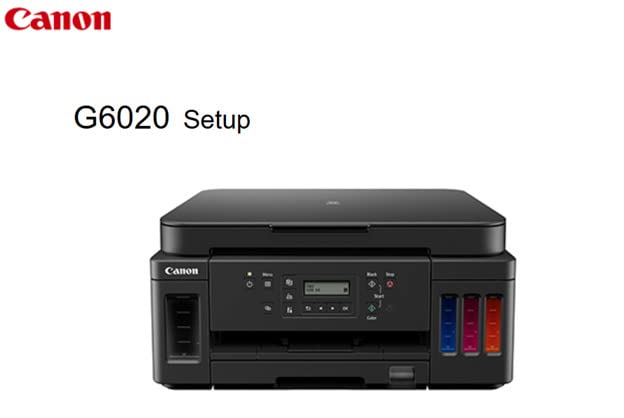
The G6020 is the model I recommend to anyone whose volume is documents, because it does automatic two-sided printing and few rivals in its class do. Combined with 350 sheets of paper across three trays, it means a 200-page duplex job goes out without you touching the machine once.
It is also quick in black and white at 13 pages per minute, with color at 6.8, and first page out in 14 seconds. Output resolution goes to 4800 by 1200 dpi on both color and black, and Ethernet is included alongside USB and wireless.
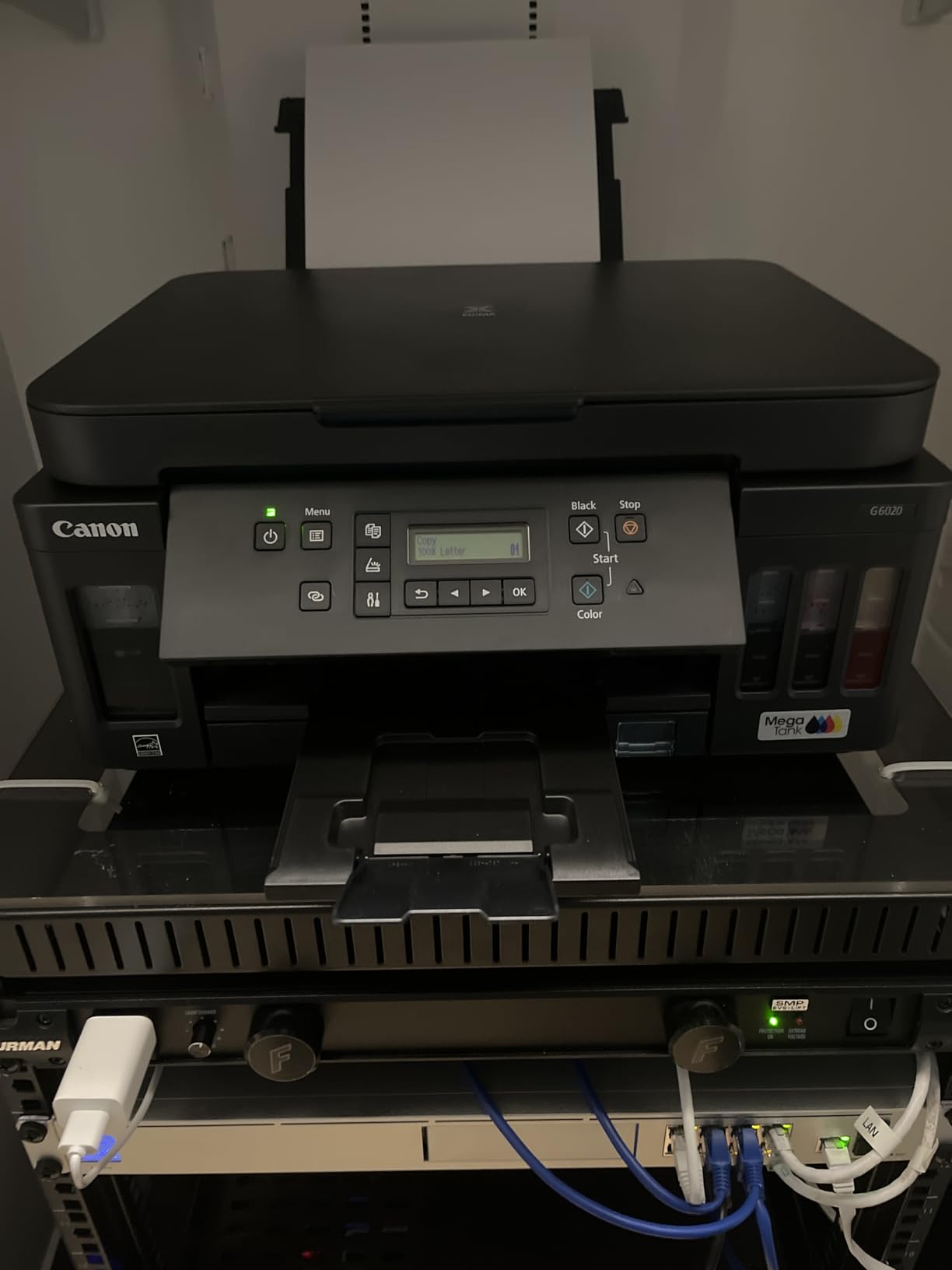
Paper handling is the real differentiator. There is a 250-sheet front cassette plus a rear feed for cardstock and envelopes, giving 350 sheets total and a 250-sheet output capacity. That is more paper on board than any of the ET-2800, the G3270 and the Smart Tank 5100 carry individually, and it removes most of the tray refills that define the entry tier.
Ink is the GI-20 bottle system and the box is generous, with three full sets plus two bonus black bottles, which long-term owners describe as roughly two years of moderate use. The bottle-to-tank refill is clean and does not spill, and Canon software runs without ink-subscription prompts.
What the G6020 handles well at volume
Duplex plus paper capacity is the pairing that decides real office work. At 350 sheets you can run a full duplex job of about 175 sheets unattended, and at 500 pages a month you are topping the paper up roughly once and a half times a month, which is manageable.
Reviews split cleanly by use case. Heavy printers like the ink economics, duplex and cassette, and report thousands of pages on the included bottles. Long-term owners who have kept the unit on several years of firmware updates report three-plus years with only two refills, which is the kind of durability evidence a volume buyer wants.
Where the G6020 will frustrate you
Setup is genuinely tedious. Owners describe extensive tape removal and installing two print heads, and the two-line LCD is not backlit, which is hard to read without a light. The control panel also has to sit tilted or horizontal or the printer errors out, which trips people up in week one.
There is no document feeder, so multi-page scanning is still flatbed, and the Wi-Fi is 2.4 GHz only and can drop after a power cycle. For duplex plus a feeder, the MAXIFY GX2020 further down is the machine to look at.
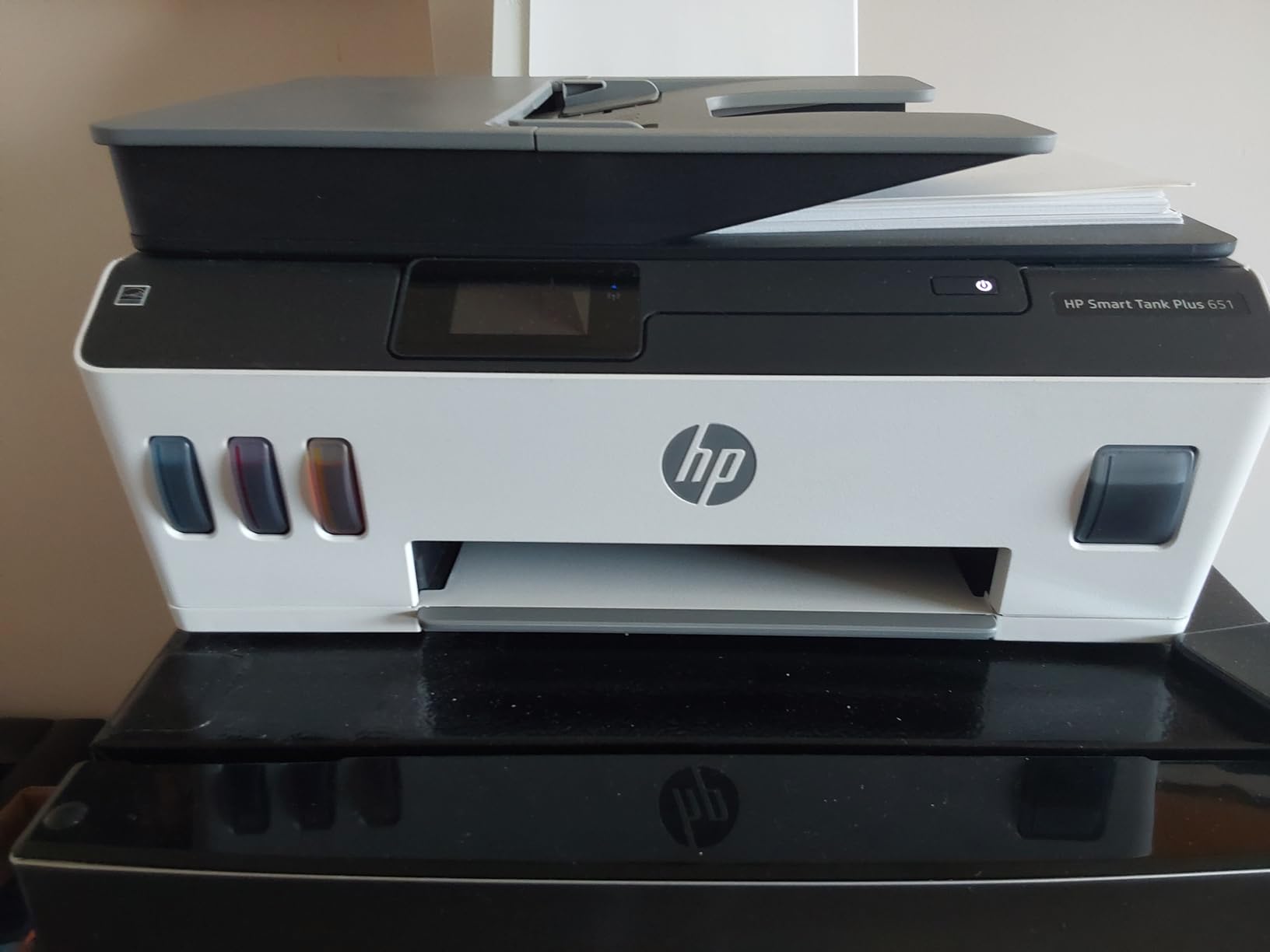
6. HP Smart Tank Plus 651: Best Budget Option With a Document Feeder
HP Smart Tank Plus 651 Wireless All-in-One Printer, Ink Tank Printer-for-Home Use, 2 Years of Ink Included Auto Document Feeder, Mobile Print, Scan, Copy, Fax. (7XV38A)
- Document feeder with fax at this tier is unusual
- Up to 8000 color pages on the ink in the box
- Lightest unit in the roundup at 10.3 pounds
- First black page in 14 seconds
- Manual duplex with a small 30-sheet output tray
- Print head installation is awkward and poorly documented
- Wireless only with no USB option
- 2.4 GHz Wi-Fi that can lose connection
The 651 is the only HP model in this roundup with an auto document feeder, and it brings fax along with it. For a home office or micro-business that invoices, copies and scans on paper every week, that single feature narrows the field fast.
It is also the lightest machine here at 10.3 pounds and the quickest to first black page among the models with a feeder, at 14 seconds. The HP 32XL 135 mL black bottle and 70 mL color bottles bring up to 8,000 color or 6,000 black pages of included ink, and black output runs at 11 pages per minute with color at 5.
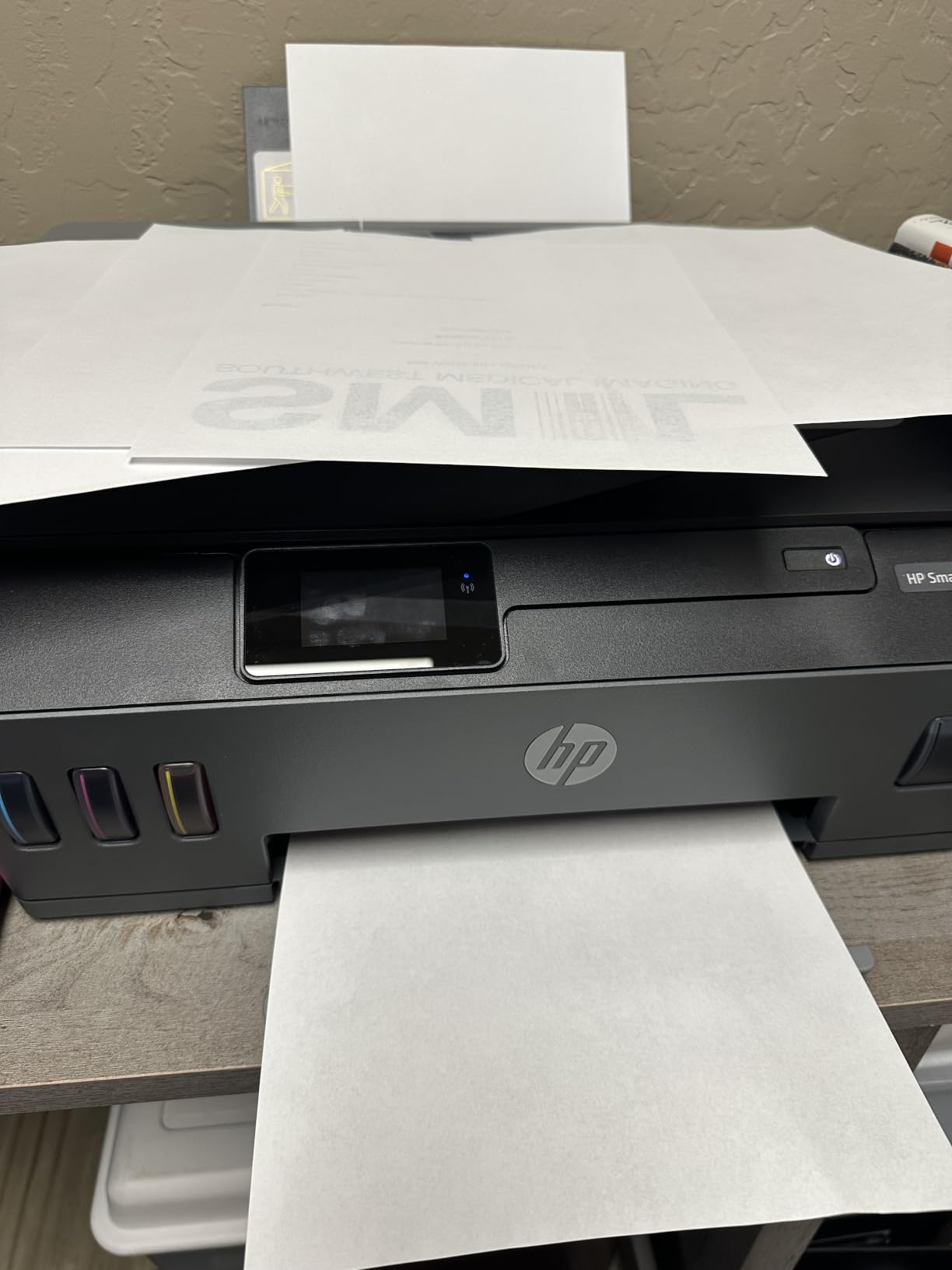
Print quality is solid for both documents and photos, at 600 by 1200 dpi black and 4800 by 1200 dpi color, with copy resolution up to 1200 by 1200. Paper sizes run from 3 by 5 through 8.5 by 11 and 8.5 by 14, with copy runs up to 99 and maximum media size of 8.5 by 14 inches.
There are real trade-offs. Duplex is manual, the output tray is a small 30 sheets, and paper capacity is a single 100-sheet tray. Connectivity is wireless only with no USB option, and the Wi-Fi is 2.4 GHz only, so you must select that band at setup and it can still struggle to hold.
What the 651 handles well at volume
The feeder is the reason to buy it. Anything that arrives as a multi-page stack, whether it is a signed contract to copy or a bundle of receipts to scan, goes through without you lifting the lid each time, and the fax function is a genuine holdover that small offices still rely on.
At 3.8 stars from 2,589 reviews with 57 percent five-star against 20 percent one-star, sentiment divides hard. Fans like the ink allowance and the feeder, while critics describe a cheap, flimsy chassis and a frustrating print head install, though several long-term owners report the units keep working.
Where the 651 will frustrate you
A 30-sheet output tray means paper starts landing on the floor during a long duplex job, and the manual duplex requirement means two-sided work is still hands-on. Print head installation is awkward and poorly documented, which is a bad combination in week one.
With a 2.4 GHz-only radio, no USB fallback and a modest 100-sheet input tray, I would keep this one in the 250 to 400 page a month band. If you need duplex and a feeder together, move to the Canon MAXIFY GX2020.
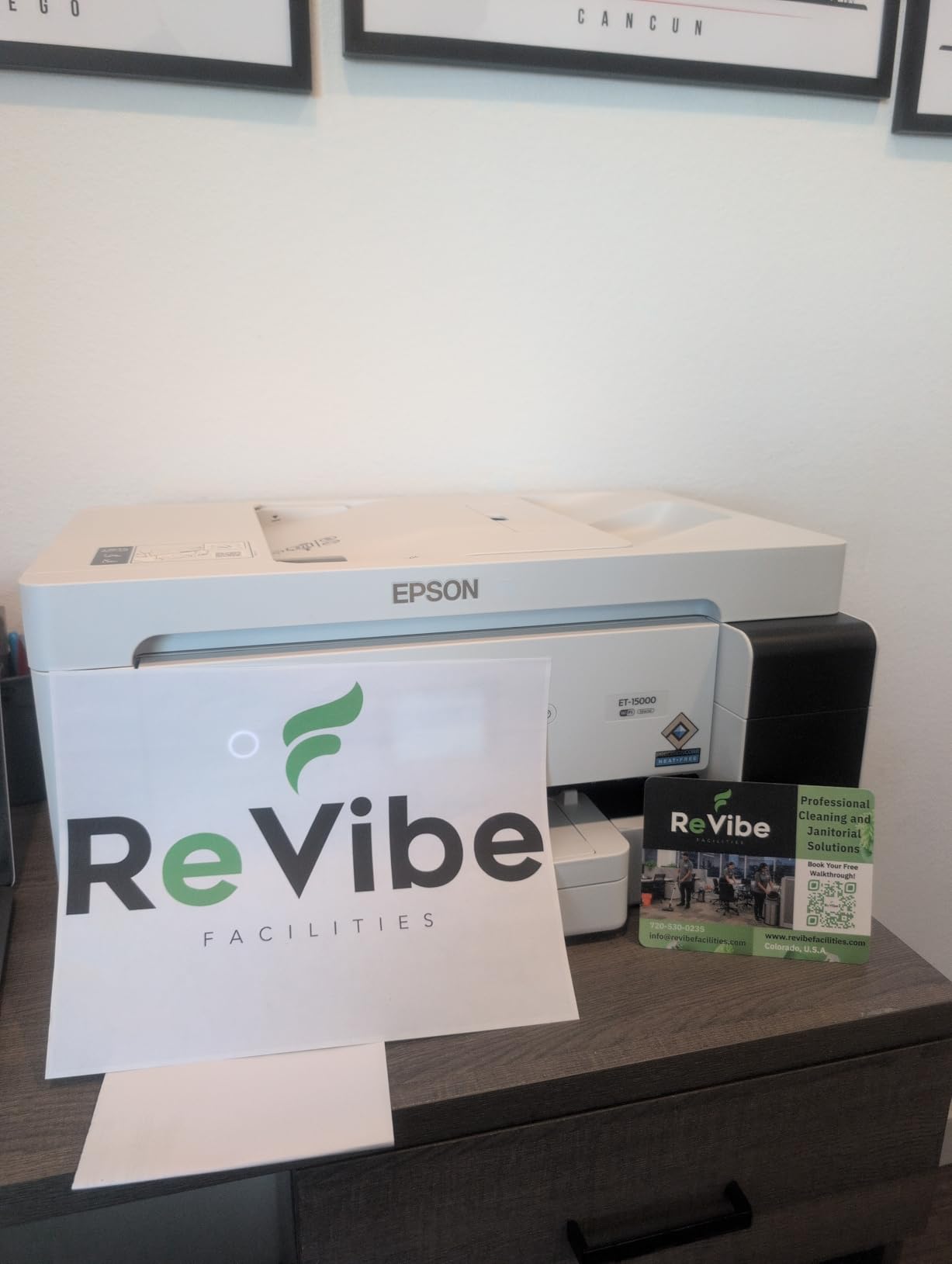
7. Epson EcoTank ET-15000: Best for 1,000 Pages a Month and Wide Format
Epson EcoTank ET-15000 Wireless All-in-One Wide-Format Supertank Printer
- Highest rated model here at 4.2 stars with 73 percent five-star
- 17 ppm and a 33000-page monthly duty cycle
- One of only two models here with auto duplex and a feeder
- Prints to 13x19 and handles heavy cardstock reliably
- Costs far more than any other unit in this roundup
- 11x17 media loads into a rear holder only
- Auto duplex covers 8.5x11 only
- Some printers arrived with ink lines that never primed
The ET-15000 is built for the top volume bracket, and at 4.2 stars from 2,533 reviews it is also the highest-rated in the group with 73 percent five-star. It prints at 17 pages per minute black and 9 in color against a 33,000-page monthly duty cycle, and nothing else in this roundup comes close to that rating.
It is one of only two units in this roundup with automatic duplex and an auto document feeder in the same body, and it handles fax, copy and scan as well as print. Paper capacity is 250 sheets across two trays, and the sheetfed scanner is sized for larger originals than a standard flatbed.
Connectivity is full: USB 2.0, LAN and Wi-Fi. Resolution reaches 4800 by 2400 dpi, and the box includes a 127 mL black bottle plus three 70 mL color bottles for the three colours. Owners report getting 1,000-plus pages per black bottle at standard-vivid settings, helped by a double-sized black tank.
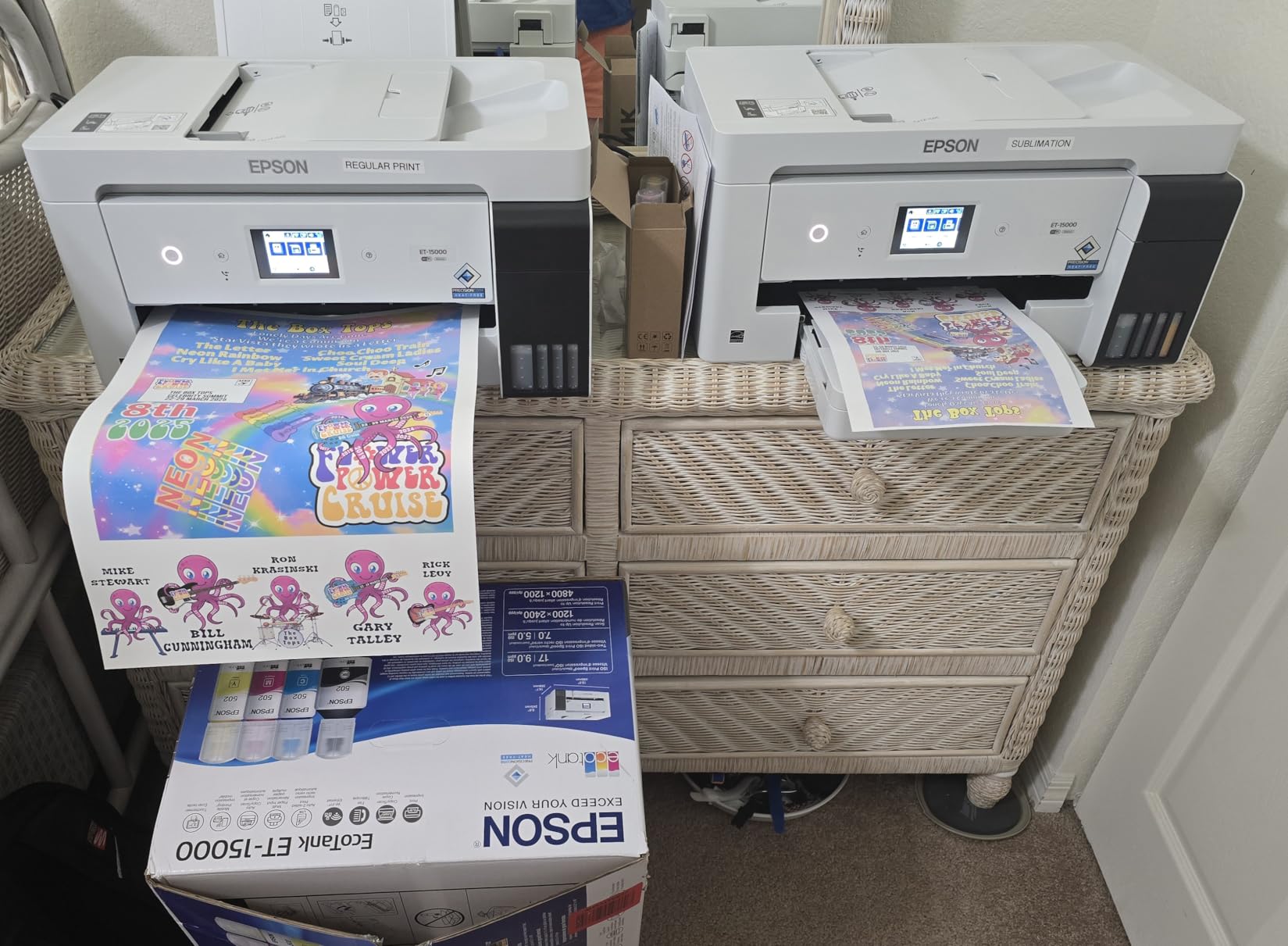
It is the only unit in this roundup that prints wide format up to 13 by 19 inches. That covers 11 by 17 spreadsheets, 12 by 18 double-sided booklets, heavy cardstock and poster work, and reviews describe flawless paper handling on exactly those jobs. It is also widely used for sublimation conversion, which is why we keep pointing crafters at our sublimation printer guide alongside this one.
What the ET-15000 handles well at volume
It is the model on this list that stays fast past the 1,000-page mark without a laser in the room. Booklets, duplex work, multi-page scanning and fax all run without an intervention, and 250 sheets of paper means far fewer refills than the entry tier.
It also handles mixed media well. Users report consistent paper handling for 12 by 18 double-sided booklets and heavy cardstock, which is where most tank printers start creasing or jamming. For a business producing signage or oversized schedules, that reliability is the deciding factor.
Where the ET-15000 will frustrate you
It costs substantially more than every other printer in this roundup, and the wide-format feed is a rear manual holder rather than a dedicated tray, so 11 by 17 loading is an extra step. Automatic duplex covers 8.5 by 11 only, and every other size needs manual duplexing.
At 26.5 pounds and 29.6 inches deep it is a serious piece of hardware that needs real desk space, and it is still slower than a laser despite the volume-oriented numbers. A small minority of units arrived with ink lines that never primed, so check the machine early rather than discovering it mid-job.
8. Canon MAXIFY GX2020: Best for Small-Business Workflows
- Auto duplex plus a 35-sheet feeder in a compact body
- Fast color output at 10 ppm
- Three-year limited warranty
- Dual-band 2.4 and 5 GHz Wi-Fi plus wired LAN
- Ink set covers only 3000 black and 3000 color pages
- Maximum media size is 8 by 10 inches
- Smallest review base here at 872 ratings
The GX2020 is the feature package most small businesses actually want, in a body that weighs 17.8 pounds rather than the ET-15000’s 26.5. Automatic duplex, a 35-sheet document feeder, fax and a 2.7-inch color touchscreen in a 17.8-pound desktop unit is a combination none of the other seven here matches.
Speed is strong at 15 pages per minute black and 10 for color, and copy speed lands at 14 pages per minute. Copy resolution goes to 1200 by 2400 dpi in both color and black, and there is a 250-sheet capacity across two trays.
Networking is the most complete in the roundup, with dual-band 2.4 and 5 GHz Wi-Fi, wired LAN at 100BASE-TX and USB. The three-year limited warranty is also the longest here, which matters when you are justifying the purchase to someone else.
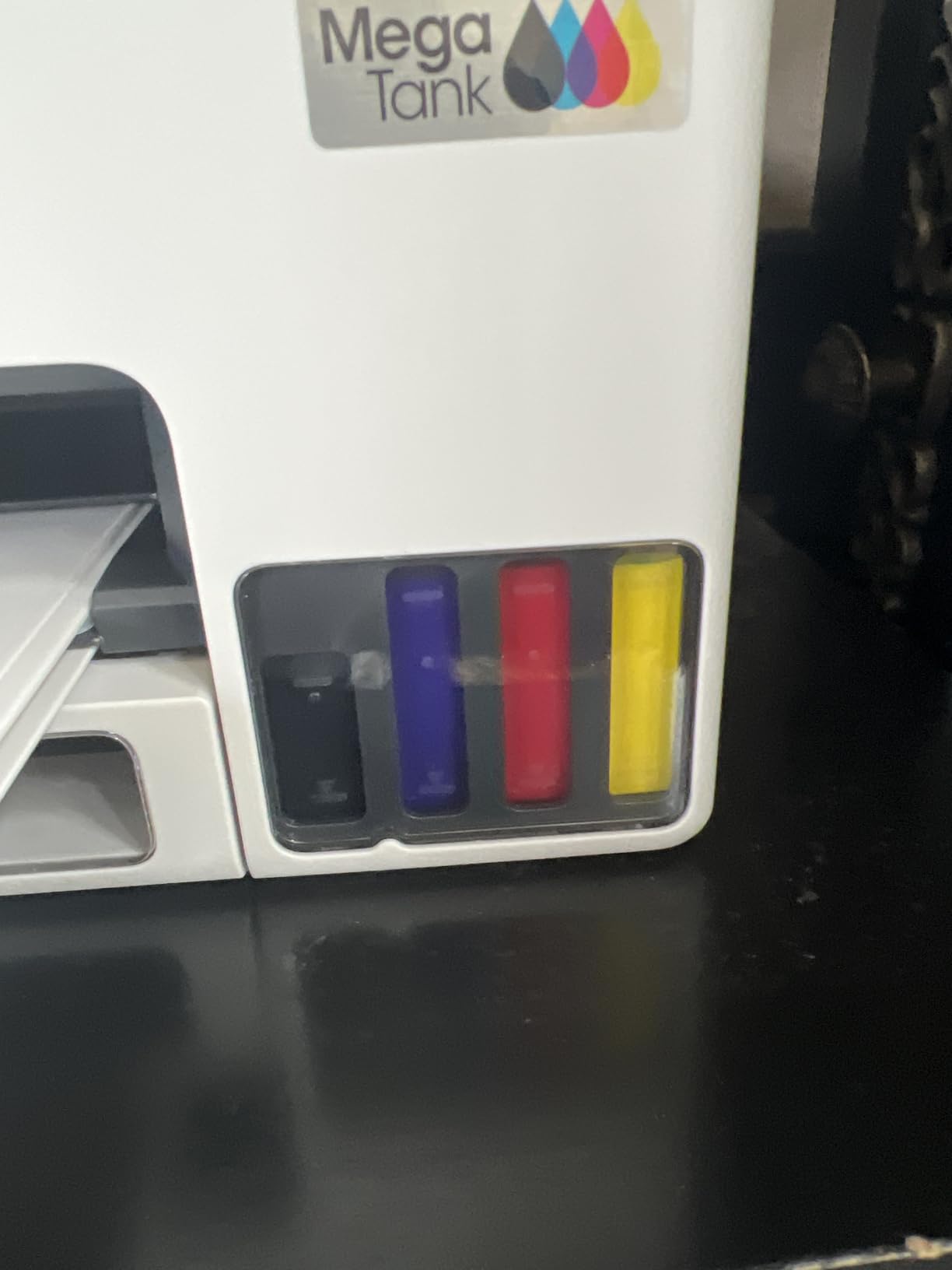
Ink is the GI-25 pigment bottle system in black, cyan, magenta and yellow, and each set covers 3,000 black and 3,000 color pages. That yield is the weakest in the roundup, and the maximum media size is 8 by 10 inches, so it is not a poster printer by any stretch.
What the GX2020 handles well at volume
The duplex and feeder pairing makes it the smoothest machine here for paperwork. Scanning a signed contract, copying both sides and faxing it back is a single uninterrupted flow, and the touchscreen makes selecting settings far quicker than the tiny or unlit screens on most rivals.
Dual-band Wi-Fi and wired LAN also mean it holds a connection in a busy small office where 2.4 GHz-only machines struggle, and the reviews put 63 percent of owners at five stars, which is solid for a relatively new model. The form-heavy use cases, invoices, packing slips and internal documents, are its natural fit.
Where the GX2020 will frustrate you
You will refill more often than with the G6020 or the ET-2800, because 3,000 pages per set is the lowest yield in the group. Over 1,000 pages a month that gap is real money, and it partly offsets the lower per-page cost the format promises.
The 8 by 10 inch maximum media size rules out wide-format entirely, and at 872 ratings this is the thinnest review base in the roundup, so there is less long-term owner evidence behind it than the other seven.
Which Tank Printer Matches Your Monthly Page Count
Here is the short version, bracket by bracket, if you would rather not read eight reviews first. Pick the row that describes your month and buy from that row.
Under 250 pages a month: none of these. A mono laser will beat every tank printer on cost per page at that volume, and you avoid the printhead risk entirely. If you want colour as well, the HP Smart Tank 5100 at 12 ppm keeps colour occasional and inexpensive to run.
250 to 500 pages a month: the Epson EcoTank ET-2800 for mixed home and office work, the Canon MegaTank G3270 if most of it is color, and the HP Smart Tank Plus 651 if you scan or copy multi-page documents. On any of the three, expect roughly one ink refill a year at that volume.
500 to 1,000 pages a month: the Canon PIXMA G6020 for duplex document volume, or the Canon MAXIFY GX2020 if you also need scanning, fax and a touchscreen. The ET-15000 goes further and handles this bracket comfortably if wide format is part of the job.
1,000 pages a month and up: the Epson EcoTank ET-15000 is rated for that bracket with its 33,000-page monthly duty cycle, and at 1,000 pages a month you should also price a mono laser before you commit. Above roughly 1,000 pages a month of plain black text, a laser is faster and cheaper per page, and no tank on this list pretends otherwise.
That crossover is the part most roundups skip, so I will say it plainly. Tank printers win on cost per page once you are past a few hundred pages, and they win on colour, on photo and media handling, and on the flexibility of a machine that is not tied to one paper size. They lose to a mono laser above 1,000 pages a month of pure text, and they lose on speed in every bracket.
If your work involves labels and shipping rather than loose documents, that changes the shape of the job. Our label printer guide covers the dedicated label machines, which are a different tool from the tank printers above and pair well with one.
EcoTank vs MegaTank vs Smart Tank: The Real Differences
Epson calls them EcoTank, Canon calls them MegaTank and HP calls them Smart Tank, and the branding hides more than it reveals. The real differences are bottle size, yield per set, which features each brand puts on which tier, and how you service the printer when it has been running hard for two years.
EcoTank has the deepest lineup in this roundup, from the 11-pound ET-2800 to the 26.5-pound wide-format ET-15000. Epson ships a substantial ink allocation across the group, with four 65 mL EcoFit bottles in the box on the ET-4800 and a 127 mL black bottle plus three 70 mL colour bottles on the ET-15000. Yields on the entry models are 4,500 black and 7,500 color pages per fill.
MegaTank wins on paper and features at the middle. The PIXMA G6020 has 350 sheets and automatic duplex, and the MAXIFY GX2020 adds a 35-sheet feeder, fax and a touchscreen. Canon’s GI-20 and GI-21 bottles are also the higher-yield systems here, at up to 6,000 black and 7,700 color pages per set, though the newer GI-25 set in the GX2020 drops to 3,000 and 3,000.
Smart Tank is the simplest to use and the least refined. Refills are plug-in and drain on both HP models, HP includes the most ink by years on the 5100 with up to three years, and the HP Smart app is the easiest of the three to set up on a phone. What you give up is paper handling, with 100-sheet trays throughout and no automatic duplex on either model here.
Forum consensus lands in a similar place. Across r/printers, Canon is the name that comes up repeatedly when an automatic document feeder is the deciding requirement, Epson is the default suggestion for the home office tier, and the models with replaceable cartridges rather than fixed tanks are recommended when longevity is the priority. Users doing true high volume are also the group most often advised to buy a mono laser instead.
How to Keep a High-Volume Tank Printer From Clogging
Clogging is the most common complaint in the ink tank category, and it is the reason a printer that is idle for three weeks can need several cleaning cycles before it prints cleanly again. It is avoidable, and the protocol is short.
- Print something every week or two. A single colour page is enough to keep the nozzles moving. The machines that clog are the ones that sit silent through a school holiday.
- Run the head cleaning only when you see a streak. Cleaning cycles waste ink and push fluid toward the waste pad. Doing them on a schedule shortens the life of the printer rather than extending it.
- Keep the tanks topped up. Printheads feed from the reservoir, and running a tank near empty is the fastest route to a dried head.
- Do not store a tank printer empty or in a cold room. If it must sit over a break, leave the tanks full and the unit in a stable, normally heated space.
- Prime it before the first big job of the season. If the printer has been idle, print two or three plain pages and let it run the head check first.
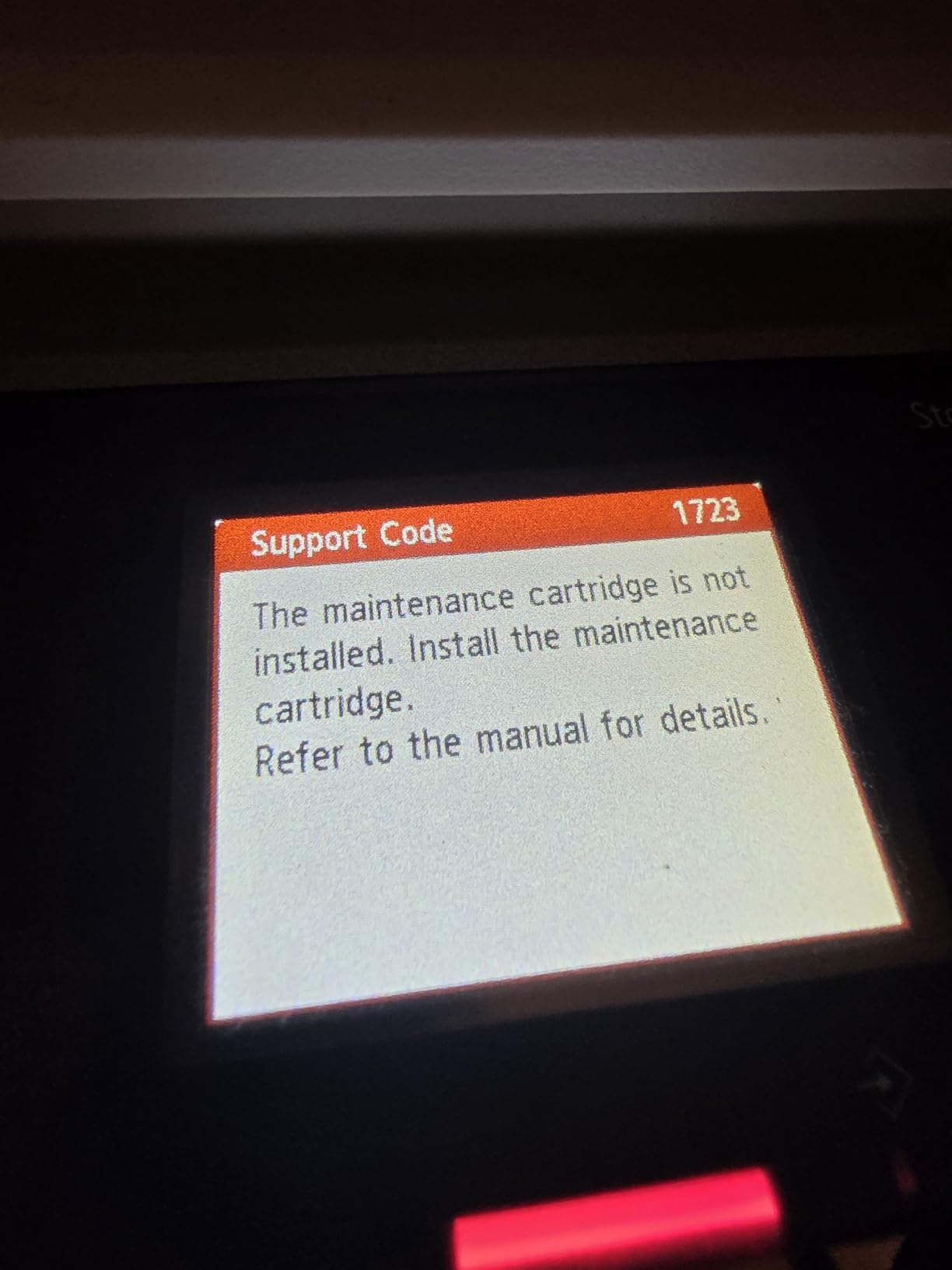
There is a second failure mode that heavy users hit, and it is the one nobody budgets for. Every inkjet sends a fraction of each page to a waste ink pad, and when that pad fills, the printer stops and tells you. Entry models in this roundup, including both HP Smart Tank units, do not sell a user-replaceable part for that job, which means a depot service visit or a machine that is finished.
That is where the maintenance cartridge changes the economics. Canon builds serviceable maintenance consumables into its business-tier models, and readers on the forums treat that availability as a real signal of long-term serviceability rather than a footnote. Before you buy, check whether the specific model has a maintenance cartridge you can replace yourself, because at 1,000 pages a month you are far more likely to meet that wall than a light user ever will.
One more honest point on printheads. Tank printers separate ink storage from a permanent print head, which is the design decision that makes low cost per page possible. The trade is that the head is not replaceable when it wears out. One forum user reported a colour printhead failing at 22,000 total pages, which is a real number worth holding in mind if you plan to run 1,000 pages a month indefinitely.
7 Features That Matter Above 500 Pages a Month
Once you clear 500 pages a month, these are the seven things that separate a tank printer that works from one you regret. Ignore the resolution numbers; they are within noise of each other across all eight models.
- Automatic duplex printing. Five of these eight models cannot do it at all. If half your volume is double-sided, this eliminates half the list instantly and saves you the manual flipping on every job.
- An automatic document feeder. Scanning and copying in batches is what separates an office machine from a home one. Only the HP Smart Tank Plus 651, the Epson ET-15000 and the Canon MAXIFY GX2020 have one.
- Pages per ink set, not pages per cartridge. Compare 4,500 black and 7,500 color on the ET-2800 against 6,000 and 7,700 on the Canon PIXMA models, and check how the set size changes on newer bottles like the GX2020’s 3,000 and 3,000.
- Total paper capacity. A 100-sheet tray means refilling constantly above 500 pages a month. The 350 sheets on the G6020 and 250 on the ET-15000 and GX2020 cut that to a rounding error.
- Black and color pages per minute. Anything at or above 10 ppm black keeps a queue moving. The ET-15000 at 17 ppm and the GX2020 at 15 ppm are the two to look at for a busy desk.
- Dual-band or wired networking. The 2.4 GHz-only radios on the G6020 and the HP 651 are a common cause of the mid-job disconnects that waste a volume user’s afternoon.
- Warranty length and serviceable maintenance parts. The GX2020 carries three years and Canon builds replaceable maintenance cartridges into its business tier. The HP units carry one year or 30,000 pages with no user-replaceable waste part.
If you only remember two of these, remember the first two. Automatic duplex and a document feeder decide whether a tank printer can handle real volume, and everything else on the list just makes it more comfortable.
Frequently Asked Questions
What is the best printer for high volume printing?
Among tank printers, the Epson EcoTank ET-2800 is the best general choice for 250 to 500 pages a month, and the Epson EcoTank ET-15000 is the best for 1,000 pages a month and up, since it carries the only 33,000-page monthly duty cycle in the group. Above roughly 1,000 pages a month of plain black text, a mono laser is cheaper per page and faster than any tank printer.
Which printer is most suitable for high volume office printing?
Above 500 pages a month, automatic duplex printing and an automatic document feeder are the deciding features. That combination points to the Epson EcoTank ET-15000, which also prints wide format up to 13 by 19 inches, or the Canon MAXIFY GX2020, which is smaller and includes fax and a 2.7-inch color touchscreen.
Which is better, Epson EcoTank or Canon MegaTank?
Canon MegaTank wins on paper handling and office features, with the PIXMA G6020 offering automatic duplex and 350 sheets and the MAXIFY GX2020 adding a feeder and fax. Epson EcoTank wins on ink shipped in the box and on the size of the lineup, from the ET-2800 up to the wide-format ET-15000. For a purely document-heavy office, Canon is the stronger choice.
What are the common problems with ink tank printers?
The four recurring problems are printhead clogging after long idle periods, ink drying if a tank printer sits unused for weeks, repeated cleaning cycles that waste ink, and the waste ink pad filling up. That last one is the costliest, because entry models often have no user-replaceable maintenance cartridge, so check whether the model you are buying has a serviceable one.
What is the cost per page for a laser printer compared to an ink tank printer?
A tank printer generally costs a fraction of a cent per page in ink, while a mono laser sits around two to three cents per page, and a colour laser costs more than both. That gap means a tank printer repays its higher purchase price after a few hundred pages and is cheaper per page from there on, but a laser still wins above roughly 1,000 pages a month of pure black text.
How many pages per month counts as high volume printing?
We treat 250 pages a month as the point where a tank printer starts making financial sense, 500 to 1,000 pages a month as true small-business volume where automatic duplex matters, and 1,000 pages a month and up as office territory where a mono laser deserves a comparison.
The Best Tank Printers for High Volume Printing in 2026
The best tank printers for high volume printing are not one machine, they are a matched set. Below 500 pages a month, the Epson EcoTank ET-2800 is the pick I recommend to almost everyone, and the Canon MegaTank G3270 takes it if your volume is mostly color. From 500 pages a month up, automatic duplex is mandatory, which makes the Canon PIXMA G6020 the value answer and the Canon MAXIFY GX2020 the small-business answer. At 1,000 pages a month and above, the Epson EcoTank ET-15000 is the tank in this roundup rated for that workload.
And if you are printing 1,000 pages of plain black text a month with no color at all, price a mono laser before you commit to any of them. The tank wins on cost per page, on color, and on the flexibility of handling more than one paper size, and it loses on speed everywhere and on running cost at the very top of the range. That trade is worth knowing about before the ink is in the tank, not after.