
The best photo printers for home use in 2026 fall into two very different families, and picking the wrong one is the single most common mistake I see. Compact 4×6 and 2×3 machines – dye-sublimation, ZINK, and small inkjets – sit on a shelf and turn phone photos into physical prints. Ink tank all-in-ones live under a desk and crank out hundreds of 4×6 and 8×10 prints for pennies each.
Our team has been living with these machines rather than spec-sheeting them. We logged hours with twelve of them across two houses: one where a small child turns every family photo into a scrapbook page, and one where the printer doubles as a home office machine for school projects, shipping labels and holiday cards. What follows is what survived that scrutiny, plus an honest note on when a print lab is still the smarter option.
Our quick verdict: the KODAK Dock Plus is the best photo printer for home use overall, because it charges your phone while it prints laminated 4×6 photos. If you print dozens of photos a month rather than dozens a year, the Canon PIXMA G620 MegaTank changes the economics completely at roughly 2.5 cents per 4×6 in ink.
Before you go further, a fair warning. Owning a photo printer only pays for itself if you actually print. A 4×6 at a drugstore kiosk or an online lab is cheap when you need four prints a year, and no home machine will beat it on that. Ink, paper and the occasional deep clean are ongoing costs, and a printer that sits unused for months can develop blocked nozzles. We will cover all of that below rather than pretending ownership is free.
If you are still assembling a home print setup, our guide to the best printers for home use covers the document side of the equation, and our picks for the best label printers for home offices cover the shipping and organiser side.
Table of Contents
How We Picked These Photo Printers
Every machine here was judged on the same six things, weighted toward what a home household actually feels.
- Print quality out of the box – borderless output, colour accuracy on skin tones, and how the colour held up in daylight on a fridge door, not under studio lights.
- Running cost per print – the manufacturer’s own ink yield claims cross-checked against owner reports on running costs.
- Workflow friction – how long it takes from a phone photo to a finished print, including app setup and Wi-Fi pairing.
- Paper handling – whether it takes standard 4×6 sheets, whether the tray jams, and how it handles a full ink or film change.
- Durability and maintenance reality – what owners say about blocked nozzles, print head problems and long-term reliability.
- Size versus function – whether the footprint is proportionate to what you will actually make with it.
We also read the owner reviews on these products closely, and we cross-checked recurring themes against what comes up in photography and printer forums. That last step matters, because the loudest complaint in this category – nozzles drying out from disuse – never appears in a manufacturer’s page.
Two things we refused to do. We did not rank on price, since that changes daily and every one of these machines moves in and out of different price bands. And we did not include models we could not verify, which is why you will notice the list leans heavily toward compact and instant printers plus two refillable-ink all-in-ones.
Top 3 Photo Printers for Home Use in 2026

KODAK Dock Plus 4×6 Printer
- 4PASS dye sublimation
- Integrated phone charging dock
- Laminated water resistant 4x6 output

Liene M100 4×6 Photo Printer
- True borderless 4x6 output
- Self contained Wi-Fi hotspot
- 100 sheets and 3 cartridges included

Epson EcoTank Photo ET-8550
- 13x19 borderless gallery prints
- Claria ET Premium six color ink
- Scanner and copier built in
Every Pick at a Glance in 2026
Here is the whole lineup in one place, with the format, the ink approach and the strongest reason to buy each one.
| Product | Specifications | Action |
|---|---|---|
| KODAK Dock Plus 4×6 Photo Printer |
|
Check Latest Price |
 KODAK Step Instant Photo Printer KODAK Step Instant Photo Printer |
|
Check Latest Price |
 KODAK Mini 2 Retro KODAK Mini 2 Retro |
|
Check Latest Price |
| Liene M100 4×6 Photo Printer |
|
Check Latest Price |
 Liene Pearl K100 Photo Printer Liene Pearl K100 Photo Printer |
|
Check Latest Price |
 Epson PictureMate PM-400 Epson PictureMate PM-400 |
|
Check Latest Price |
 Nelko PP01 Photo Printer Nelko PP01 Photo Printer |
|
Check Latest Price |
 Canon SELPHY CP1500 Bundle Canon SELPHY CP1500 Bundle |
|
Check Latest Price |
 Canon SELPHY QX20 Canon SELPHY QX20 |
|
Check Latest Price |
 Canon PIXMA G620 MegaTank Canon PIXMA G620 MegaTank |
|
Check Latest Price |
| Epson EcoTank Photo ET-8550 |
|
Check Latest Price |
 HP Sprocket Studio Plus HP Sprocket Studio Plus |
|
Check Latest Price |
1. KODAK Dock Plus 4×6 Photo Printer – Best Overall for Phone Photos
KODAK Dock Plus 4×6 Photo Printer, Smartphone Docking, 4PASS, 50 Sheets
- Phone docks and charges while printing
- Three color layers plus a clear laminate
- Resists fingerprints water and fading
- Bluetooth app setup in seconds
- Four pass cycle is slow per print
- Instructions are tiny and incomplete
- Paper jams can ruin the film roll
This is the printer we leave plugged in on the kitchen counter, and it has printed more family photos in our house than everything else combined. You drop your phone into the top dock, tap print in the app, and the Dock Plus charges the handset while it lays down three colour passes and a clear laminate.
That laminate is the reason it wins. We have handed prints to small children who have scrubbed them, dripped juice on them and stuck them in a bath, and the colours have not budged. Inkjet prints need a drying day before they can be handled properly; these come out ready to hold.
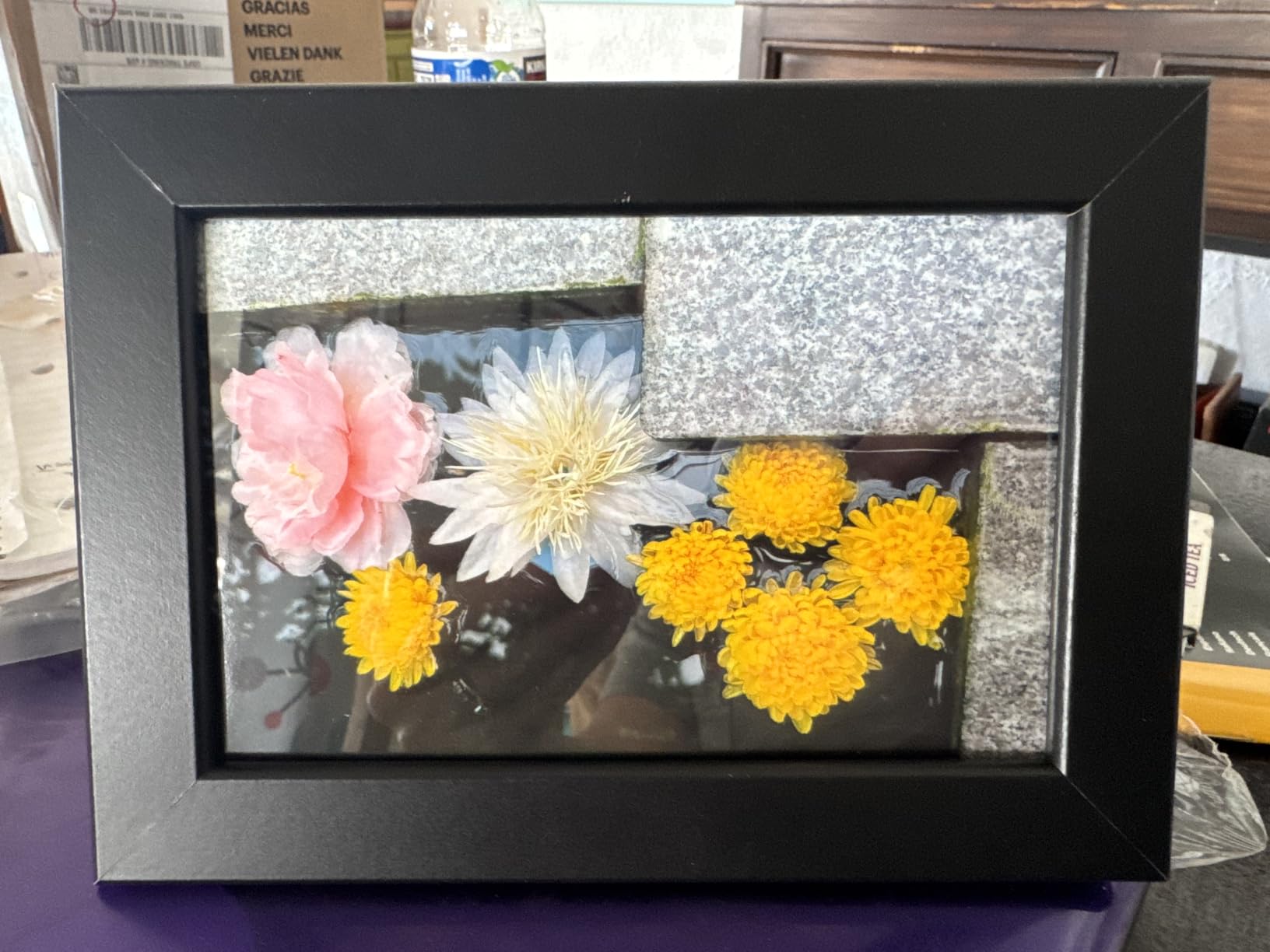
At roughly 55 seconds a print, this is not fast. If you need forty prints before dinner, the wait adds up, and the film cost per 4×6 is meaningfully higher than tank ink. It is a home snapshot machine, not a production device.
The other real irritation is documentation. Owners consistently mention tiny, incomplete instructions and an app flow that is not obvious from the box. Budget ten minutes with the setup video before your first session.

What you should know before buying it
The Dock Plus ranks at the number one position in the best photo printers for home use lineup for one specific reason: it removes the cable and the charging anxiety from phone printing. If your household is full of phone photos and you want them in hand within a minute, nothing else here does that as cleanly.
It prints one size only. 4×6 is all you get, and there is no borderless full-bleed option in the app beyond the standard crop. If you ever want a framed enlargement, this is the wrong machine.
Who should skip it
Skip it if your family prints in volume or if you want anything larger than a postcard. A cartridge inkjet or a MegaTank will cost less per photo and scale to bigger sizes, even though the output is less instantly durable.
Also skip it if you have already tried ZINK portable printers and liked the adhesive paper format. This machine prints plain rectangles, which is a step back for scrapbooking specifically.
2. KODAK Step Instant Photo Printer – Most Versatile for Journals
- Under a pound with a rechargeable battery
- About 25 prints per charge
- Sticky back paper peels and sticks
- Full editing suite with collages and filters
- 2x3 is credit card sized
- ZINK colour can look muddy or warm
- Refill paper is expensive and brand locked
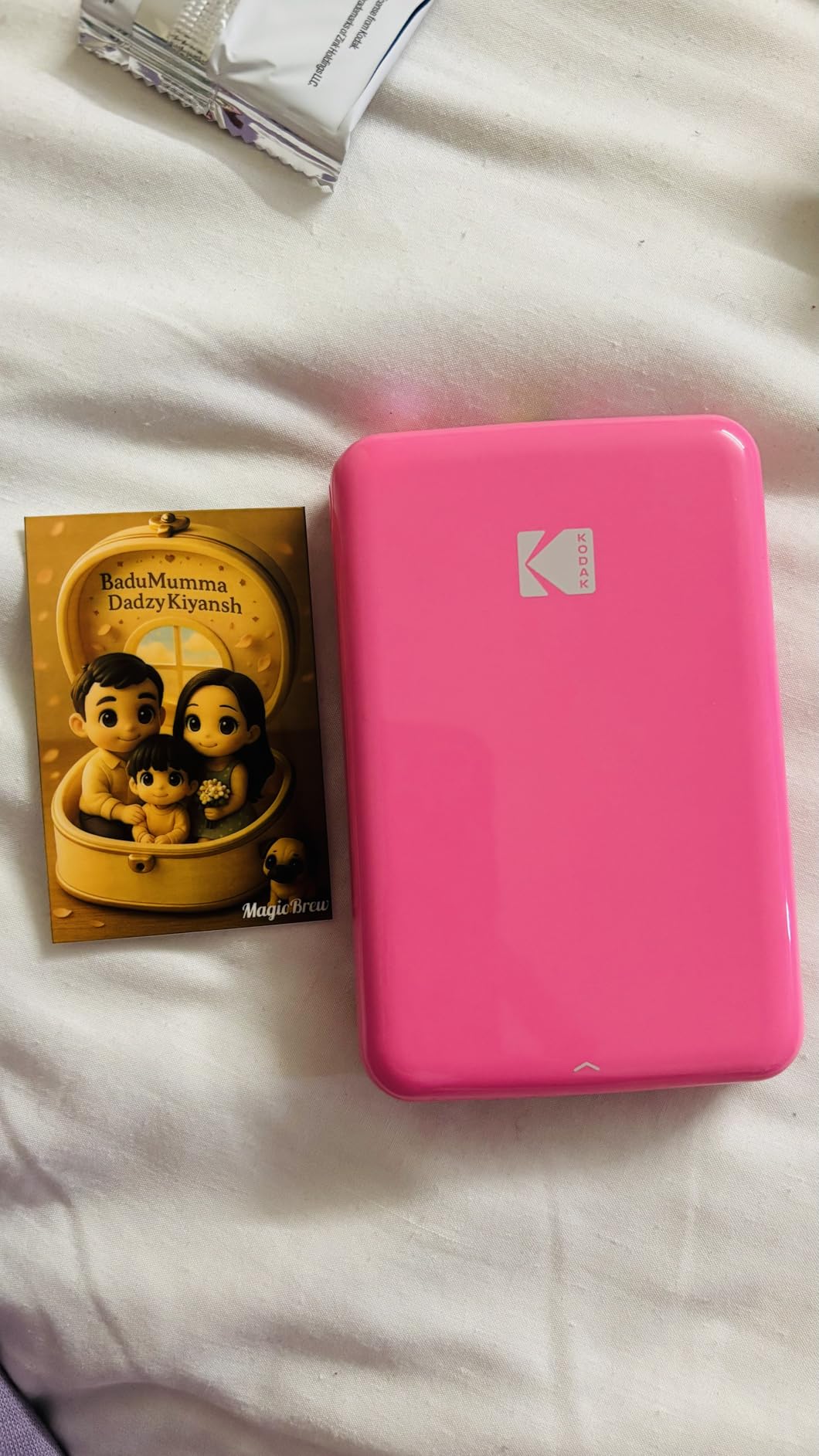
The Step is the printer our scrapbooker uses. It is under a pound, it charges over USB-C, and it produces about twenty-five prints per full charge, which covers a weekend of crafting away from a socket.
ZINK paper arrives with adhesive already on the back, so you peel a strip, press it down and it sticks to a journal page. There is no trimming and no glue. For planners, travel journals and party favours, nothing else in this list is quite so easy.
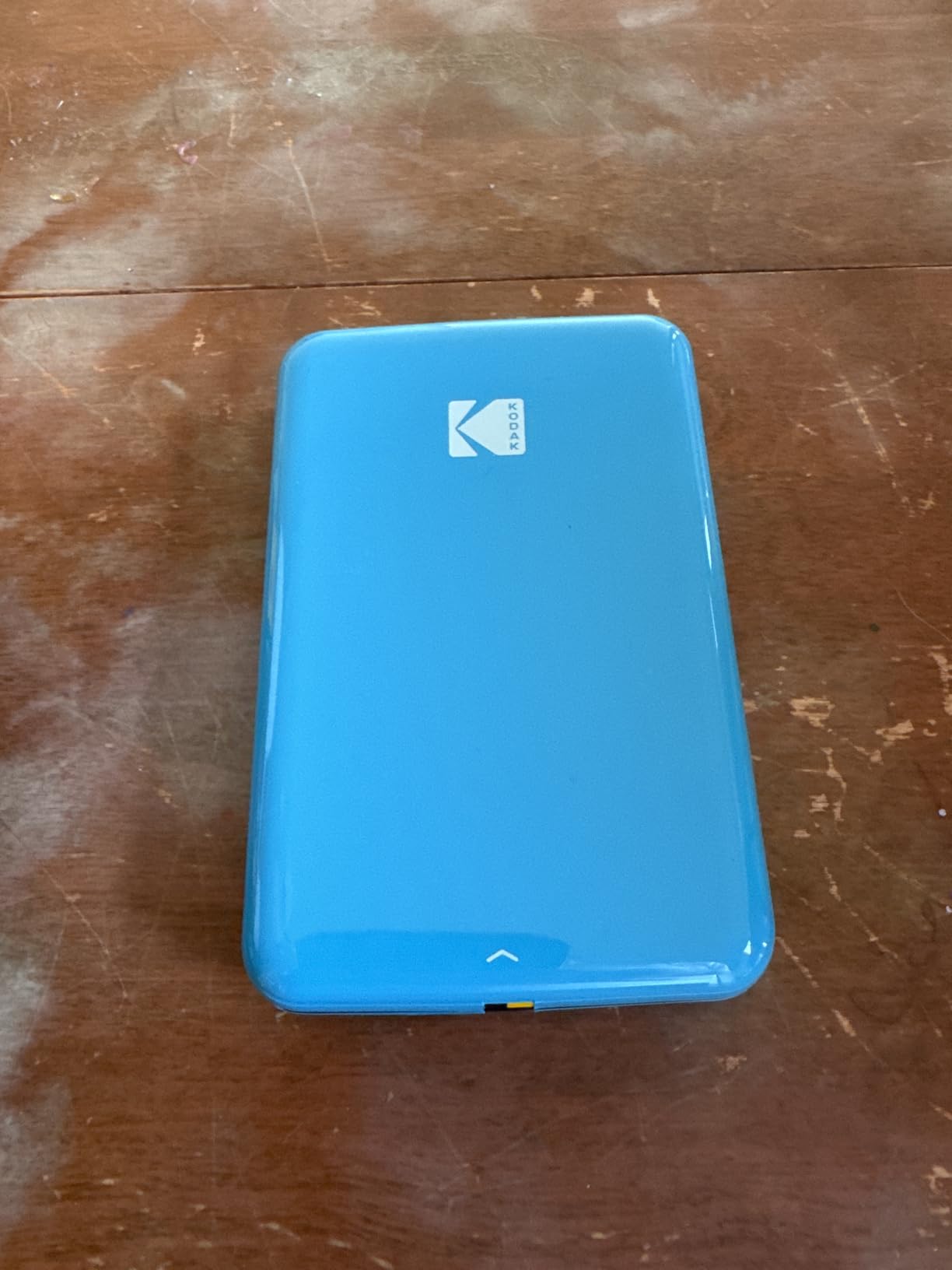
It is also the highest review count of anything we covered, which tells you how established this category has become. Owners are largely relaxed about it because expectations for a pocket printer are low and the app does the creative work for you.
The honest weakness is colour. ZINK dyes can drift warm or look muddy against the phone screen, and if you are matching a specific shade – a team colour for party stationery, for instance – this is not the tool.
What you should know before buying it
The economics here are the thing to model before you commit. ZINK refill paper is expensive relative to the printer itself, and it is brand locked. Owners who print a lot end up budgeting for paper the same way cartridge users budget for ink.
Because the printer needs no ink, there are no nozzles to block, which quietly makes it the most reliable device in this lineup. It can sit in a drawer for a month and wake up working.
Who should skip it
Skip it if you want to frame anything. A 2×3 print is credit-card sized and looks lost in a frame or a gallery wall.
Skip it if you need archival longevity for a keepsake. ZINK output is a thermal layer over plastic, and while it is water resistant, it is not the same permanence claim as pigment ink or a laminated dye-sublimation print.
3. KODAK Mini 2 Retro – Best for Travel and Party Prints
KODAK Mini 2 Retro 2×3 Portable Photo Printer, 4PASS, 38 Sheets, White
- Pocket sized at 255 grams
- Four cartridges and 38 sheets in the box
- Laminated output resists water and fingerprints
- Simple Bluetooth app workflow
- Lowest rated of the Kodak group at 4.1
- Film cartridges add a cost per photo
- 2.1x3.4 output is not framable
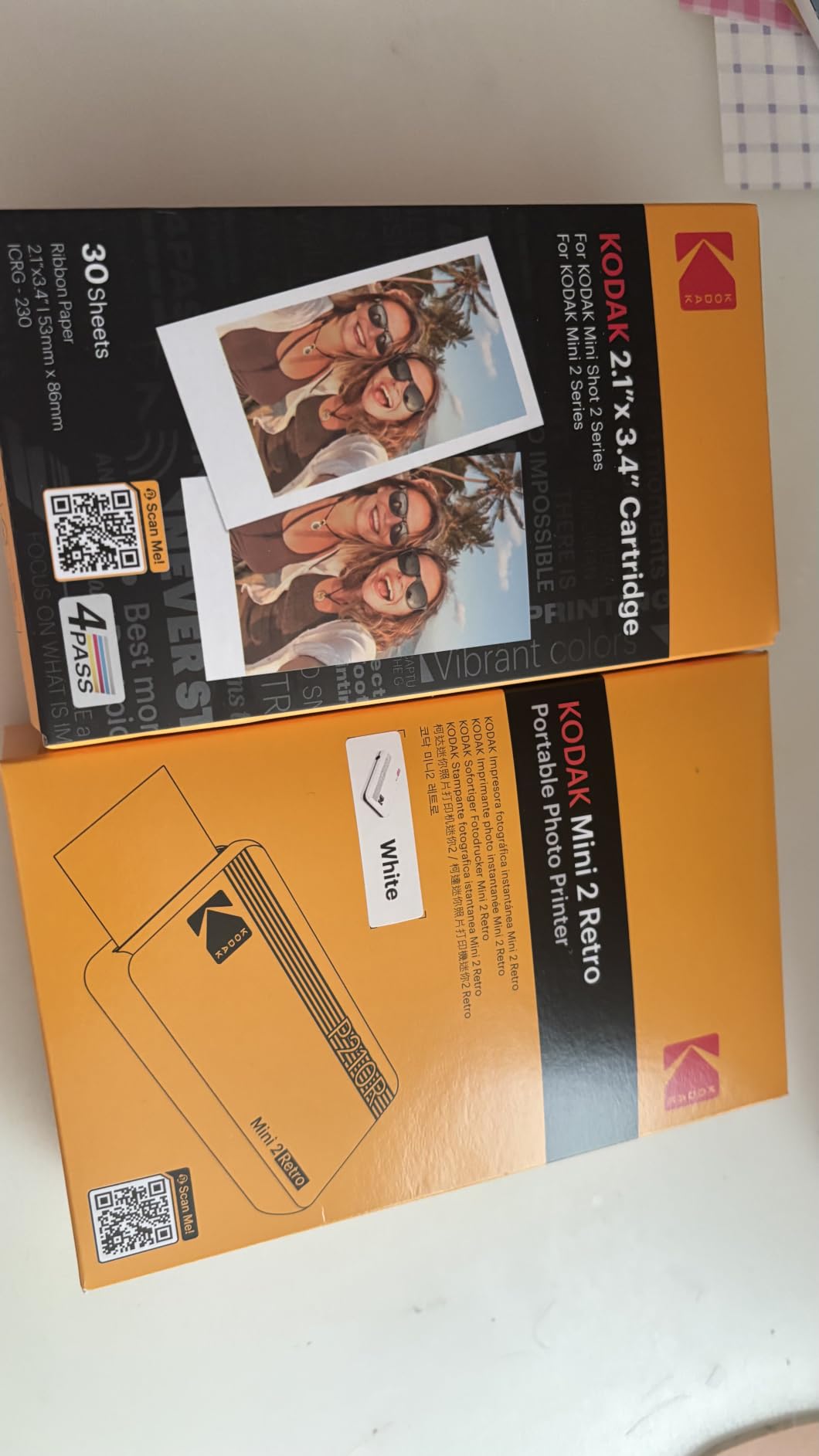
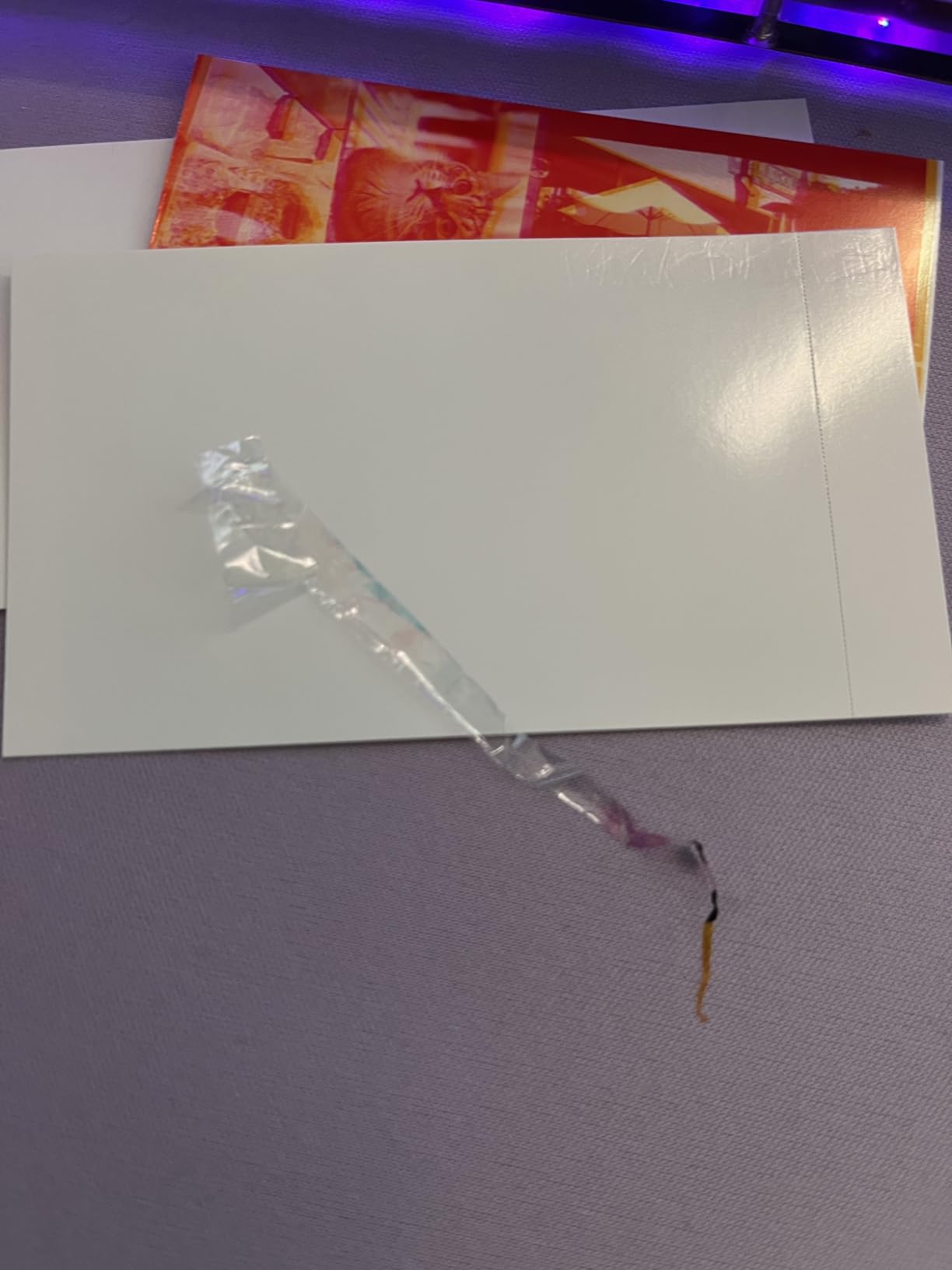
The Mini 2 Retro is the one we take to family gatherings. At 255 grams it genuinely fits in a coat pocket, and unlike the ZINK models it uses real dye-sublimation film, so colours have more depth and a laminated finish you can hand to someone with sticky fingers.
The box is unusually generous for this category. Four cartridges and 38 sheets of paper means you can print the day you open it, which is not true of several machines here that need a consumables purchase before the first photo.
Its 4.1 average sits below the other Kodak models here, and the pattern behind that number is clear: owners are happy with the print quality but resent the recurring film cost. Several reviews describe it as the same core technology as a more expensive machine in a smaller body, which is a fair summary.
Resolution sits at 291 x 300 dpi, which is fine for a snapshot and soft if you hold the print close. At this size, held at arm’s length, the difference is hard to see.
What you should know before buying it
If you are choosing between this and the KODAK Step, the deciding question is durability. Dye-sublimation here gives you a laminated print that resists water and fingerprints; ZINK gives you adhesive paper that sticks into a book. One is more durable, the other is more useful for craft projects.
Paper is 2.1 by 3.4 inches, so it will slide into a standard wallet or a small album but not into a standard frame mat without trimming.
Who should skip it
Skip it if you print often. Four cartridges is a starter amount, and the running film cost is the highest complaint in the reviews.
Skip it if you want the lowest possible price per photo, because a cartridge or ZINK machine that prints a proper 4×6 gets you more image for the same money over time.
4. Liene M100 4×6 Photo Printer – Best for True 4×6 at Home
- Prints true borderless 4x6 photos
- Bundle of 100 sheets and 3 cartridges
- Built-in hotspot supports five devices
- App adds borders filters and ID photos
- Requires proprietary Liene cartridges
- Print head needs occasional cleaning
- Not really portable despite the listing
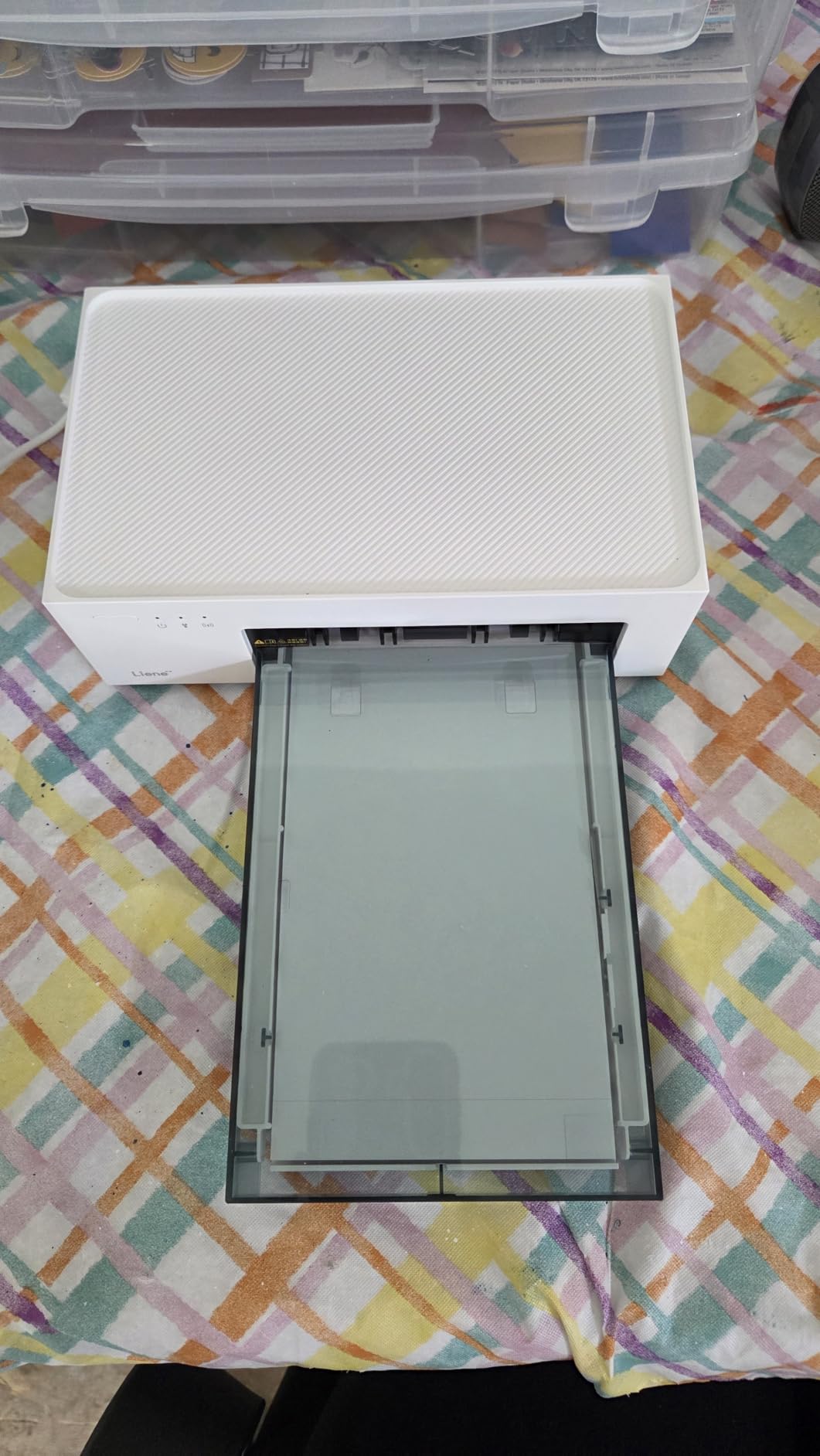
If your frustration with compact printers is that 4×6 output is not really 4×6, the M100 solves it. This is a full 4×6, borderless, laminated, and it comes with 100 sheets and three colour cartridges in the box, which is by far the most complete starter bundle we tested.
The Wi-Fi implementation is the part we did not expect to like as much as we did. Rather than joining your home network, the printer runs its own hotspot that accepts up to five devices at once, so there is no router configuration and no app that fails to find the printer on a crowded network.
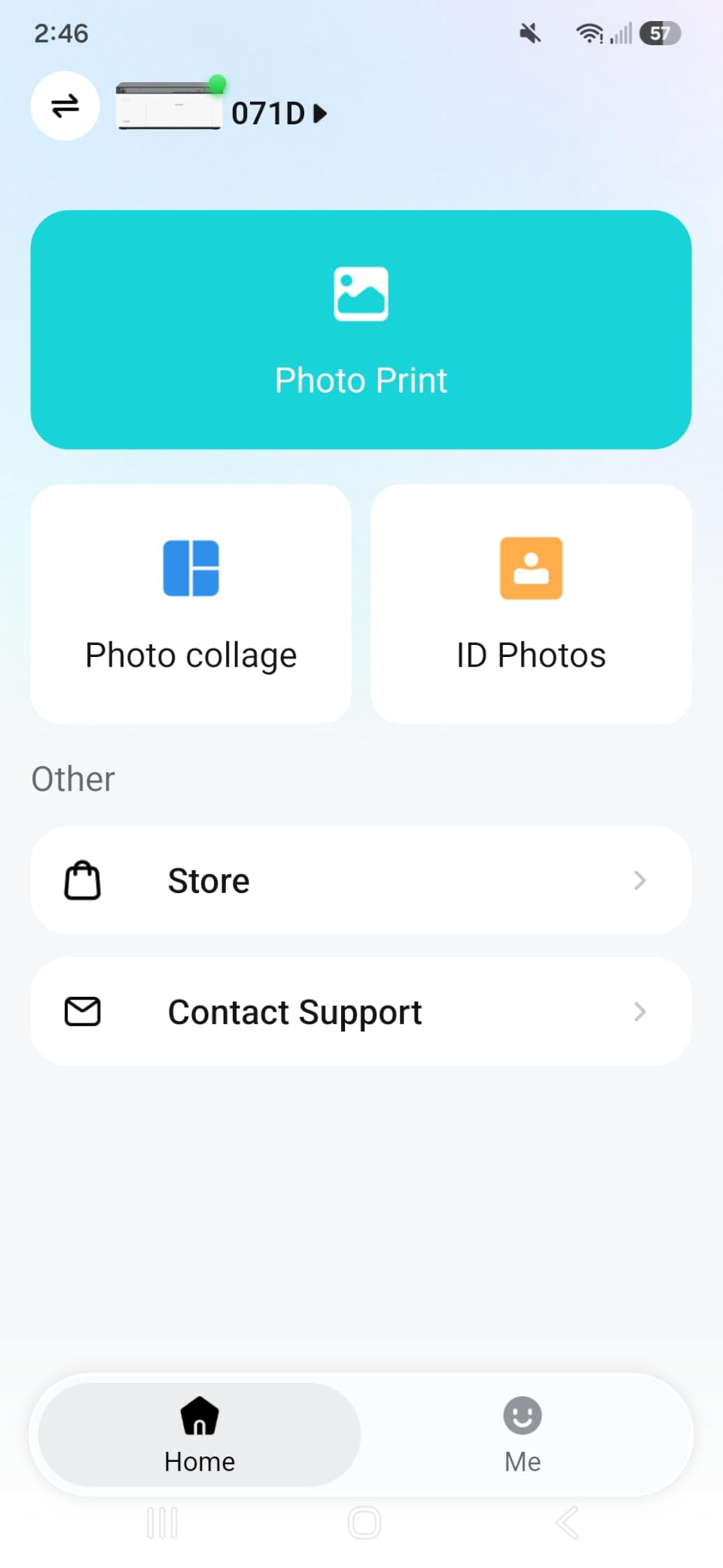
Print time is around 59 seconds and the app includes border, filter, brightness and contrast controls plus ID photo printing. In our house it got used for passport-style school forms more than we expected.
The catch is consumable lock-in. The cartridges are proprietary, and the app warns you to clean the print head as soon as you see smudges, because dye-sublimation rollers pick up residue over time. We ran a cleaning cycle roughly every month with no drama.
What you should know before buying it
Compare the running cost against the KODAK Dock Plus, which also does laminated 4×6. Both produce the same finished format. The M100 wins on bundle size and no-router Wi-Fi; the Dock Plus wins on the integrated phone dock and a lower hardware price.
It weighs 200 grams but has its own paper cassette and needs power, so this is a desk machine despite the portable language in the listing. Plan a shelf, not a handbag.
Who should skip it
Skip it if you print more than a few hundred photos a year. A dye-sublimation film cost per print cannot compete with refillable tank ink, which is the whole economic argument for the Canon and Epson models further down.
Skip it if you want a scanner. This is a print-only device, and pairing it with a separate flatbed is an extra cost that makes no sense if the Canon G620 covers both.
5. Liene Pearl K100 – Best for Adhesive Scrapbook Stickers
- Prints adhesive stickers in about five seconds
- A full charge runs around 30 photos
- App includes a print head cleaning function
- Slim design fits a small bag
- Colour can shift warm or yellow
- App filters tend to overexpose
- ZINK refills are expensive versus the printer
The K100 exists for one job: making stickers fast. It prints a 2×3 adhesive square in about five seconds, which means a page of scrapbook stickers takes under a minute rather than the better part of an hour with a 4×6 machine printing one rectangle at a time.
Many owners here switched over from an instant-film camera for exactly that reason. You choose the photo you want, print as many copies as you need, and stick them wherever you like. The adhesive is consistent enough to lift and reposition without tearing the paper.
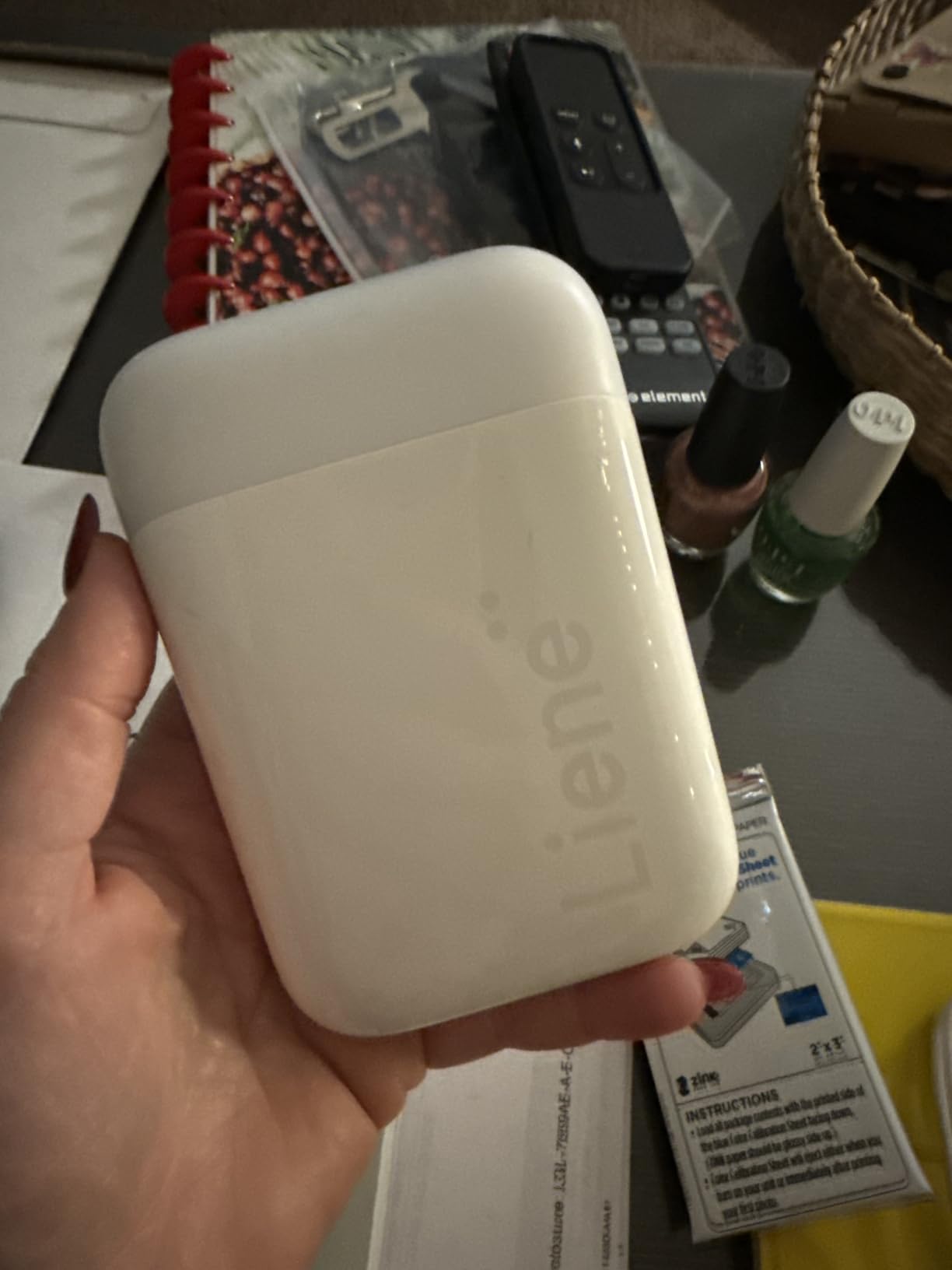
Bluetooth 5.2 pairing needs no Wi-Fi, and a full charge gives you roughly thirty prints. The app handles collages, borders, stickers and text, plus monochrome printing for a black-and-white journal look.
There is a genuinely useful detail here: the app now includes a clean print head function that clears white spots and lines on the output, and it only requires a blue calibration card. ZINK machines normally have no nozzles to clog, so this is aimed at roller marks rather than blocked ink.
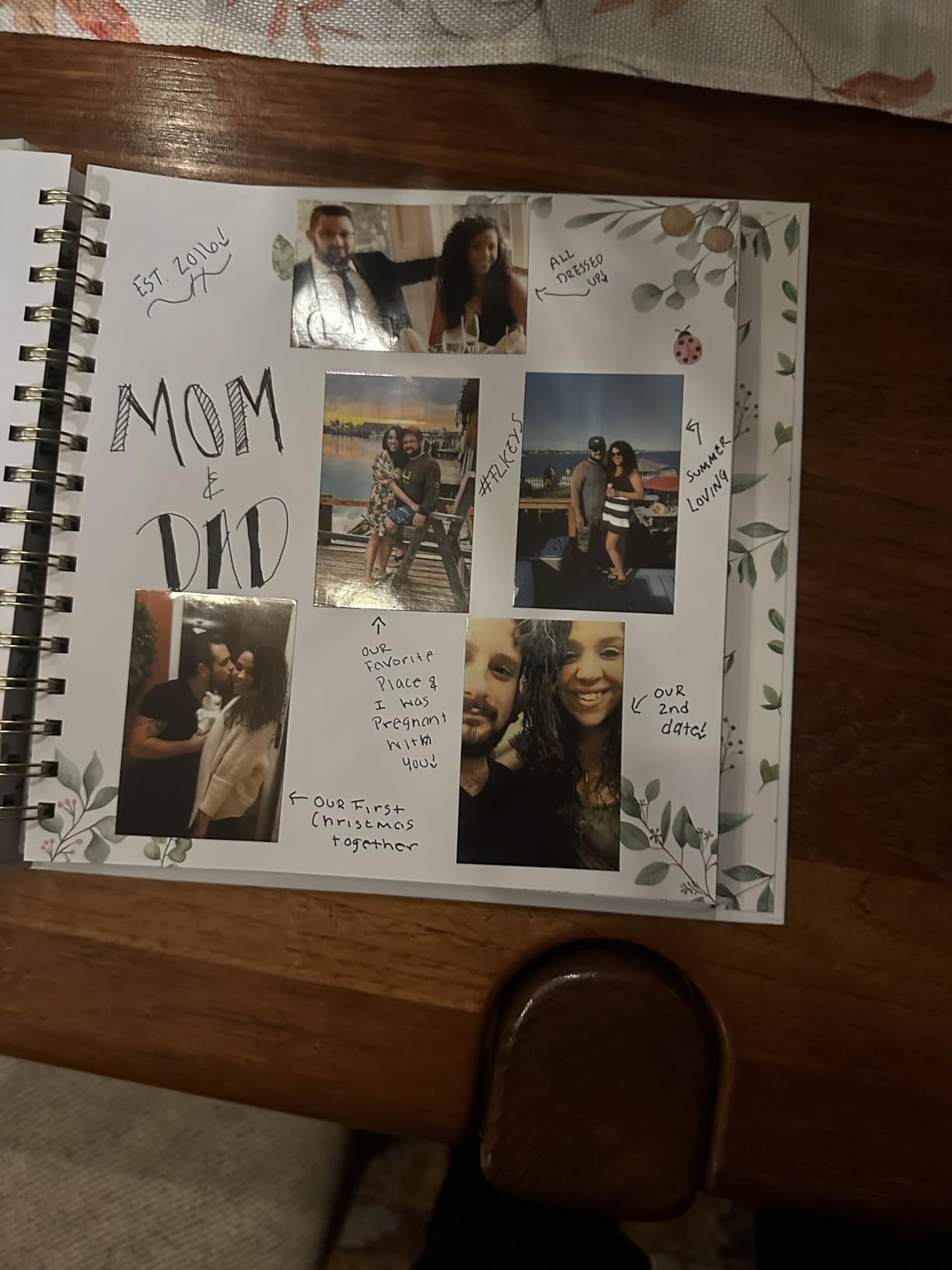
What you should know before buying it
Two real cautions from owner reviews. Colour can run warm, with a yellow or orange cast on some prints, and the built-in filters tend to push images toward orange rather than correcting them. Turn the filters off and print straight.
App availability varies by country, so check that the Liene app loads on your phone before you buy. It is the only interface this printer has.
Who should skip it
Skip it if print quality per pixel matters more than speed. Five seconds is a convenience number, not a quality number, and dye-sublimation at 4×6 gives a cleaner image.
Skip it if you print constantly. Owners repeatedly flag refill paper cost as the point of friction, and the KODAK Step has a much larger installed base of compatible ZINK stock.
6. Epson PictureMate PM-400 – Best Compact Inkjet for Real Photo Paper
- True borderless 4x6 and 5x7 prints
- 5760 x 1440 dpi resolution
- One-time Wi-Fi setup then print from any device
- 36 second borderless 4x6 prints
- Genuine Epson cartridges only
- No battery so it needs power
- Older app design than newer rivals
This is the pick if you want to choose your own photo paper. Every other compact machine here comes with locked-in film or ZINK sheets, while the PM-400 takes standard 4×6 and 5×7 photo paper and prints borderless at 5760 by 1440 dpi.
You can load matte, glossy or luster stock and the result changes completely. We printed the same image across three finishes and the difference was obvious under daylight, which is something a dye-sublimation machine cannot offer because its paper is what makes the print.
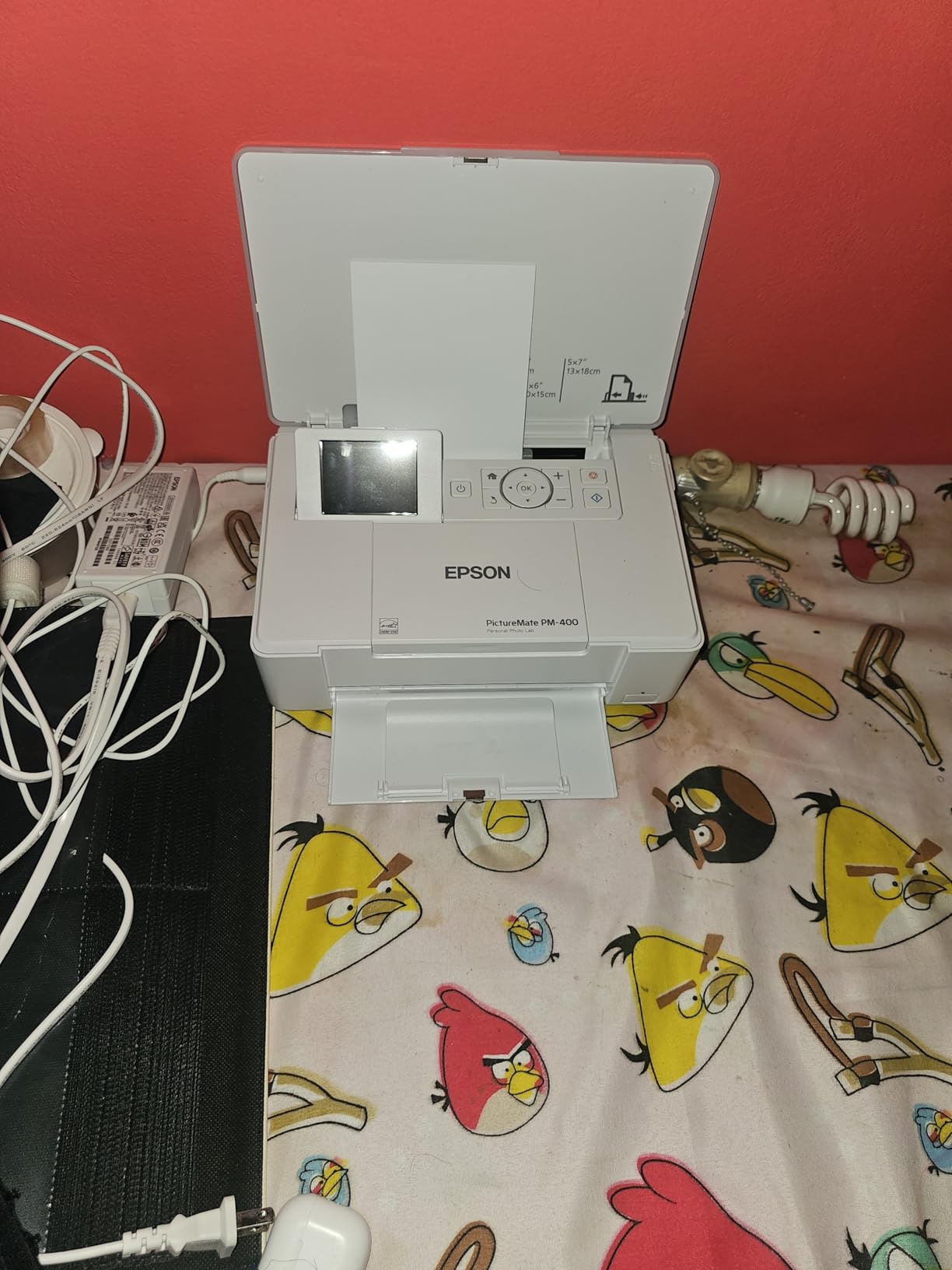
Wi-Fi setup is a genuinely pleasant surprise for a printer of this age. You enter the network once on the machine’s LCD and every phone and tablet can print afterwards, and a borderless 4×6 lands in about 36 seconds.
There is also a scan function, which is unusual at this size and quietly useful for copying a recipe or a school worksheet. The body folds down to roughly a laptop footprint, so it disappears on a desk when you are not printing.
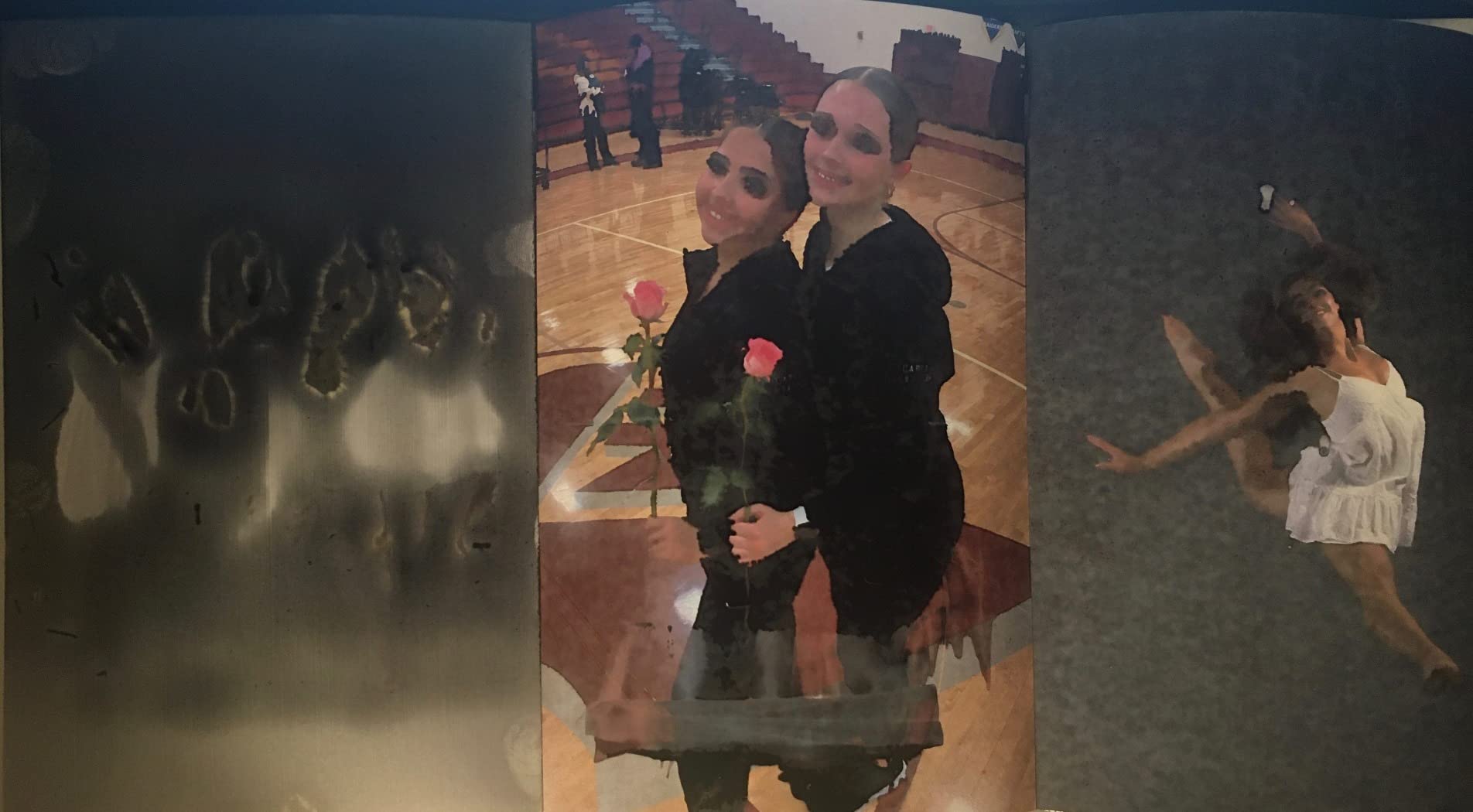
What you should know before buying it
Cartridge cost is the deciding factor. Genuine Epson ink is required, and the running cost per 4×6 sits far above anything with refillable tanks. That is why this is a low-volume recommendation, and why the Canon G620 is our pick for anyone printing in volume.
There is no battery, so “portable” means “folds up and fits in a car”, not “works on a picnic table”. Owners with years of service report thousands of prints and no fading, which is a good sign for longevity.
Who should skip it
Skip it if you want larger than 5×7. This is the smallest maximum size in the group, and the 8×10 and A3 formats are simply not available.
Skip it if you print often enough for ink economics to matter, or if you want a tank system that never needs a cartridge swap.
7. Nelko PP01 – Best 2×3 Clarity in a Pocket Printer
Nelko PP01 Photo Printer, 2×3 Portable Photo Printer, Mini Printer, White
- 600 dpi is the highest stated resolution here
- Each cartridge prints up to 80 full colour photos
- Sticky backed paper resists smudges and tears
- App adds collages filters and AI editing
- Ink cartridges mean refills
- Heads need manual cleaning after long idle periods
- Power adapter is not included
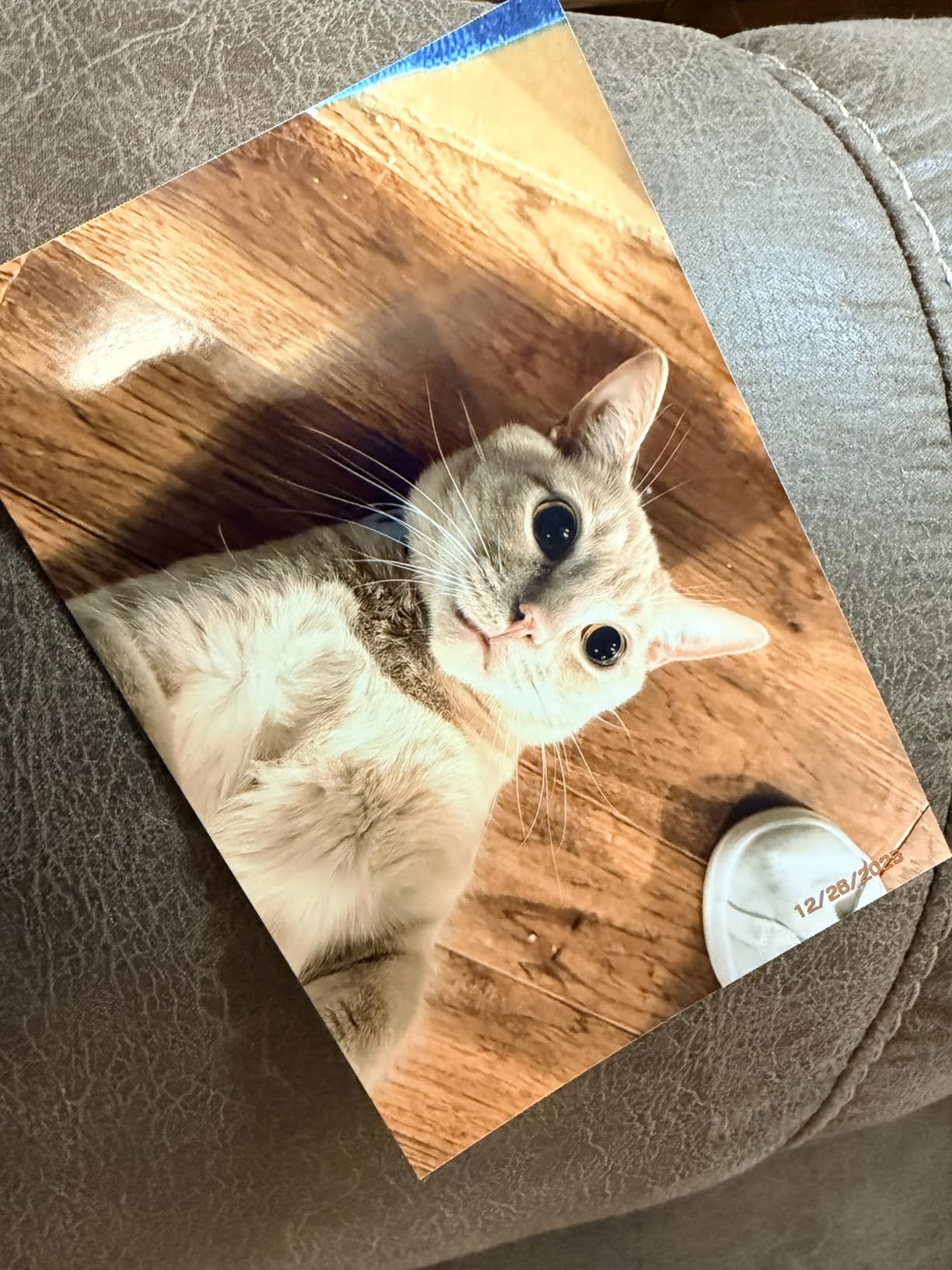
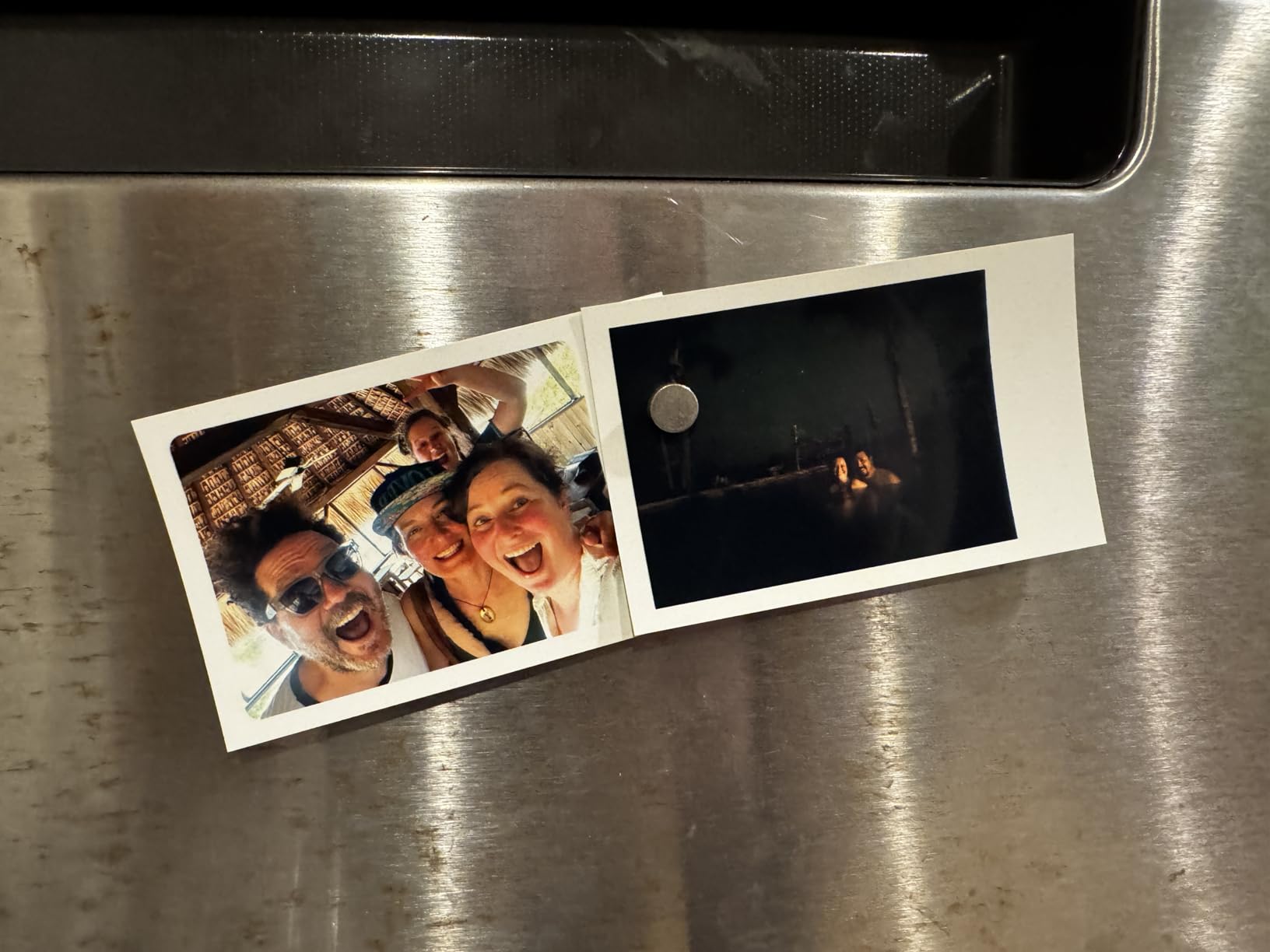
The PP01 does one thing the other 2×3 machines do not: it prints with actual ink at a stated 600 by 600 dpi, the highest resolution figure in this lineup. At 2×3 inches that density is visible when you hold the print close, which matters for scrapbook detail shots.
The economics are the quiet winner. Each cartridge prints up to eighty full-colour 2×3 photos, so a refill goes a long way and the per-photo cost lands well below instant film or ZINK once you settle into a routine.
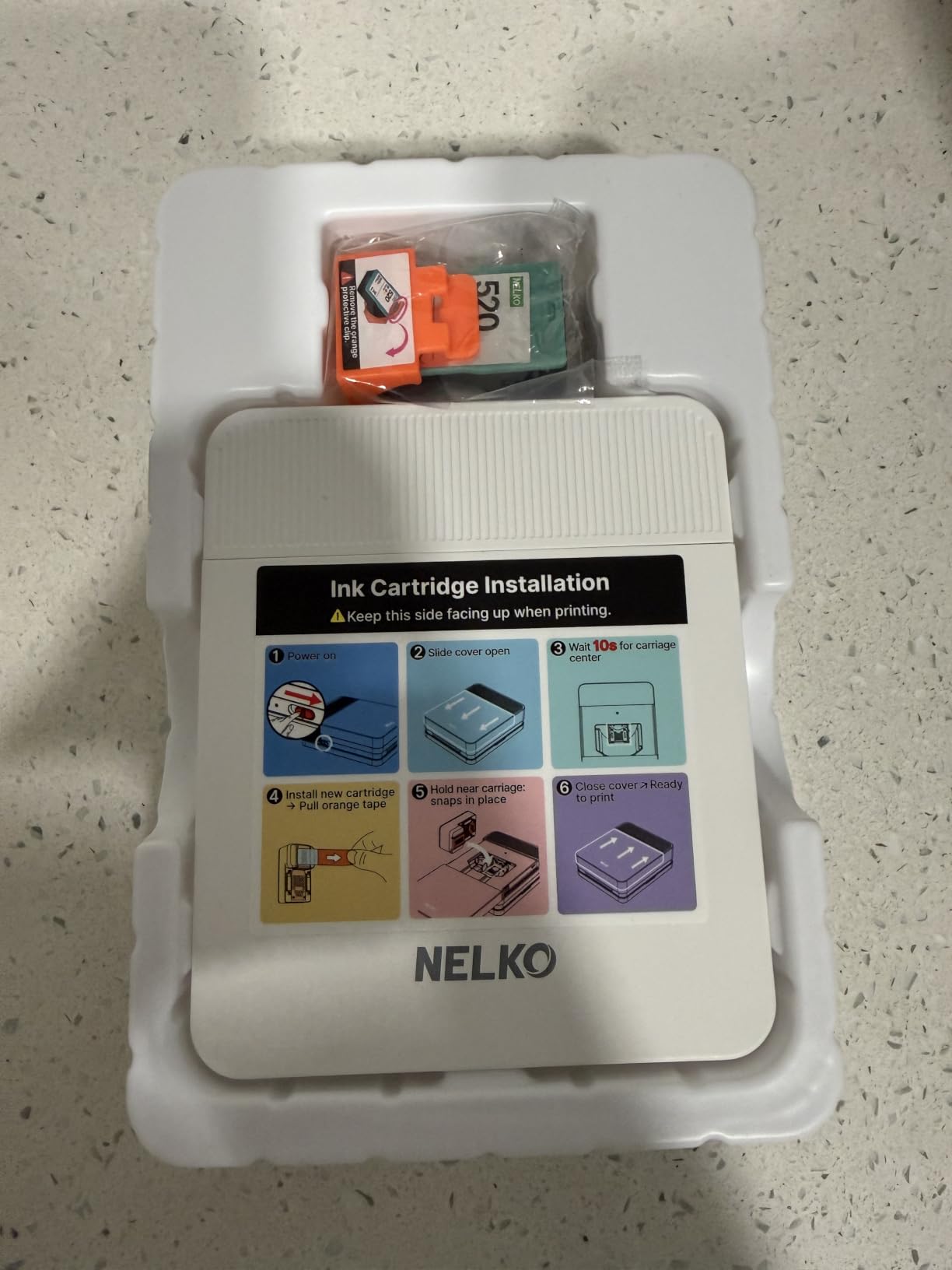
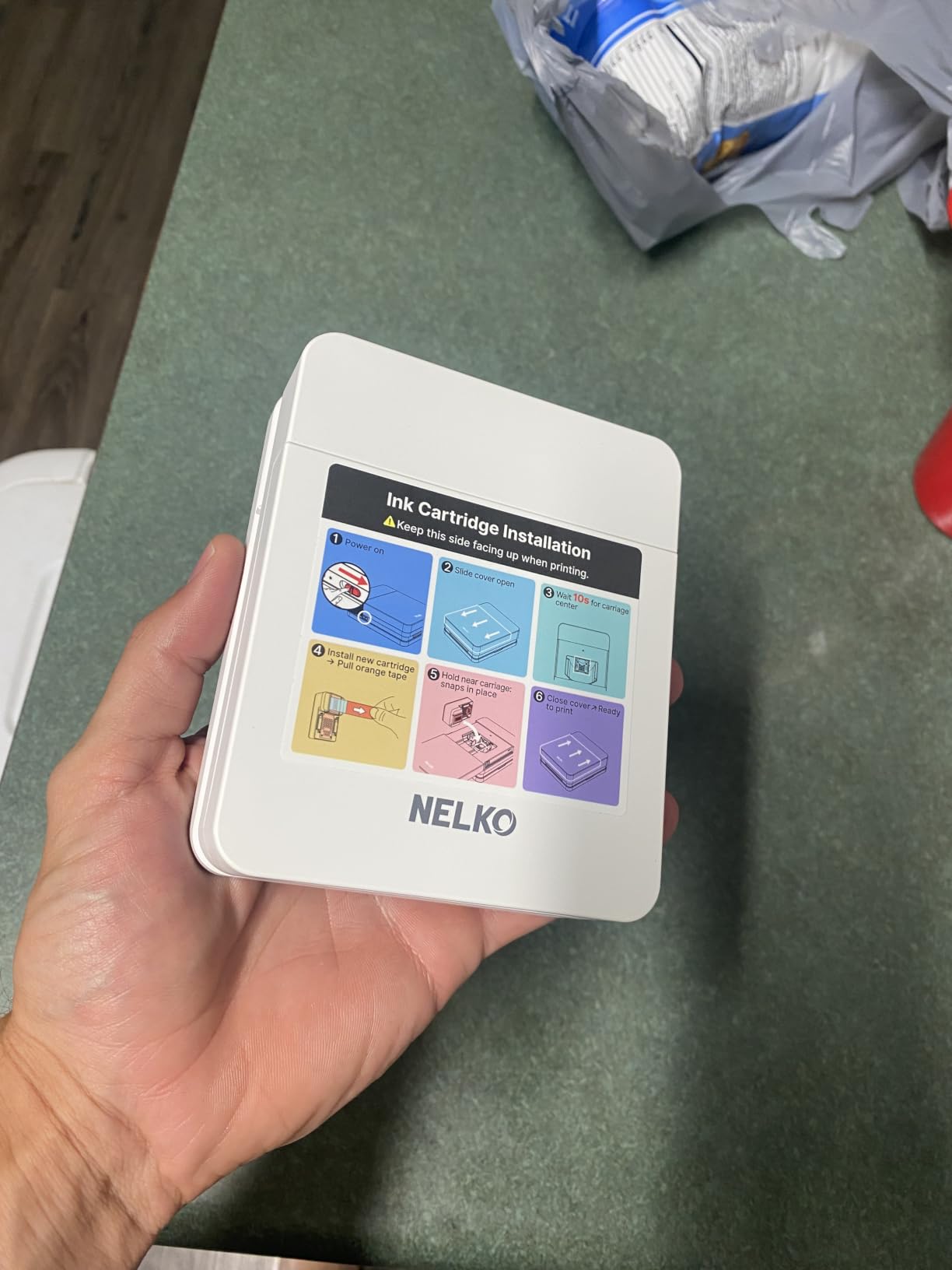
It weighs 0.6 pounds, the paper is sticky-backed and rated to resist smudges, water and tearing, and the app is unusually capable for a printer this small, with collages, filters, borders, text and AI image editing.
The trade-off for inkjet in a tiny body is maintenance. Owners note that the cartridge heads need manual cleaning if the unit sits unused, and unlike the ZINK options there is something that can dry. Print something once a month and it never becomes a problem.
What you should know before buying it
Note what is in the box: one cartridge, twenty sheets, a USB cable and a guide card. There is no power adapter, so you need a wall plug or a charged power bank. The box also includes a guide card rather than a full manual.
It only prints 2×3. There is no way to make a 4×6, and the paper width is fixed at 52 by 90 millimetres.
Who should skip it
Skip it if your printer will live in a cupboard between uses. This is the one machine in the lineup where idle time genuinely creates risk of blocked heads.
Skip it if you want waterproof or marker-friendly output. Dye ink needs a moment to dry, and unlike laminated dye-sublimation prints it will mark if a pen touches it too soon.
8. Canon SELPHY CP1500 Bundle – Best Starter Bundle for 4×6
- Bundle includes 108 sheets and three cartridges
- Prints from memory card or USB with no computer
- Wi-Fi syncs to the SELPHY Layout app
- Four paper sizes including adhesive stickers
- Ink and paper sold as combined cartridges
- Compact body limits paper capacity
- Card edges can tear slightly
This bundle is the least frictionful way to get a working 4×6 printer into a home. The box includes the printer, 108 sheets of Canon KP-108IN paper, three ink cartridges, a power supply, screen protectors, a six-slot memory card wallet and a cloth.
For a family that hands prints to grandparents, or for anyone without strong Wi-Fi, being able to walk a memory card or USB stick straight to the printer is a real advantage. No app, no network, no account.
It prints at 300 by 300 dpi in 16.7 million colours and supports four paper sizes, including 2.1 by 3.4 inch adhesive sticker stock, with glossy, semi-gloss and satin finishes available.
It carries the highest average rating of the group at 4.6, largely because the bundle removes the first purchase friction completely. Review volume is much lower than the other picks, so treat that score as encouraging rather than definitive.

What you should know before buying it
Canon’s ink and paper are combined into single cartridges calibrated to a fixed number of prints. That is convenient and it guarantees compatibility, but it is also how this format of printer locks you into one consumable ecosystem for the life of the machine.
The body is genuinely compact at roughly 2.68 kilograms, and that compactness is a trade: paper capacity is much lower than a full-size all-in-one, so you will refill more often.
Who should skip it
Skip it if you are an active shooter printing hundreds of frames. The 300 dpi output and the sheet capacity are not built for volume.
Skip it if you want to choose your paper brand. You print on Canon stock, and that is the point of the design rather than a flaw.
9. Canon SELPHY QX20 – Best Portable Dye-Sublimation Quality
- Reviewers rank the image quality above ZINK and instant film
- Built-in battery with an integrated paper tray
- Prints in about 40 seconds
- Water resistant marker ready prints
- Paper is not included
- Switching paper format needs a different cartridge
- Ink and paper only sold as combined packs
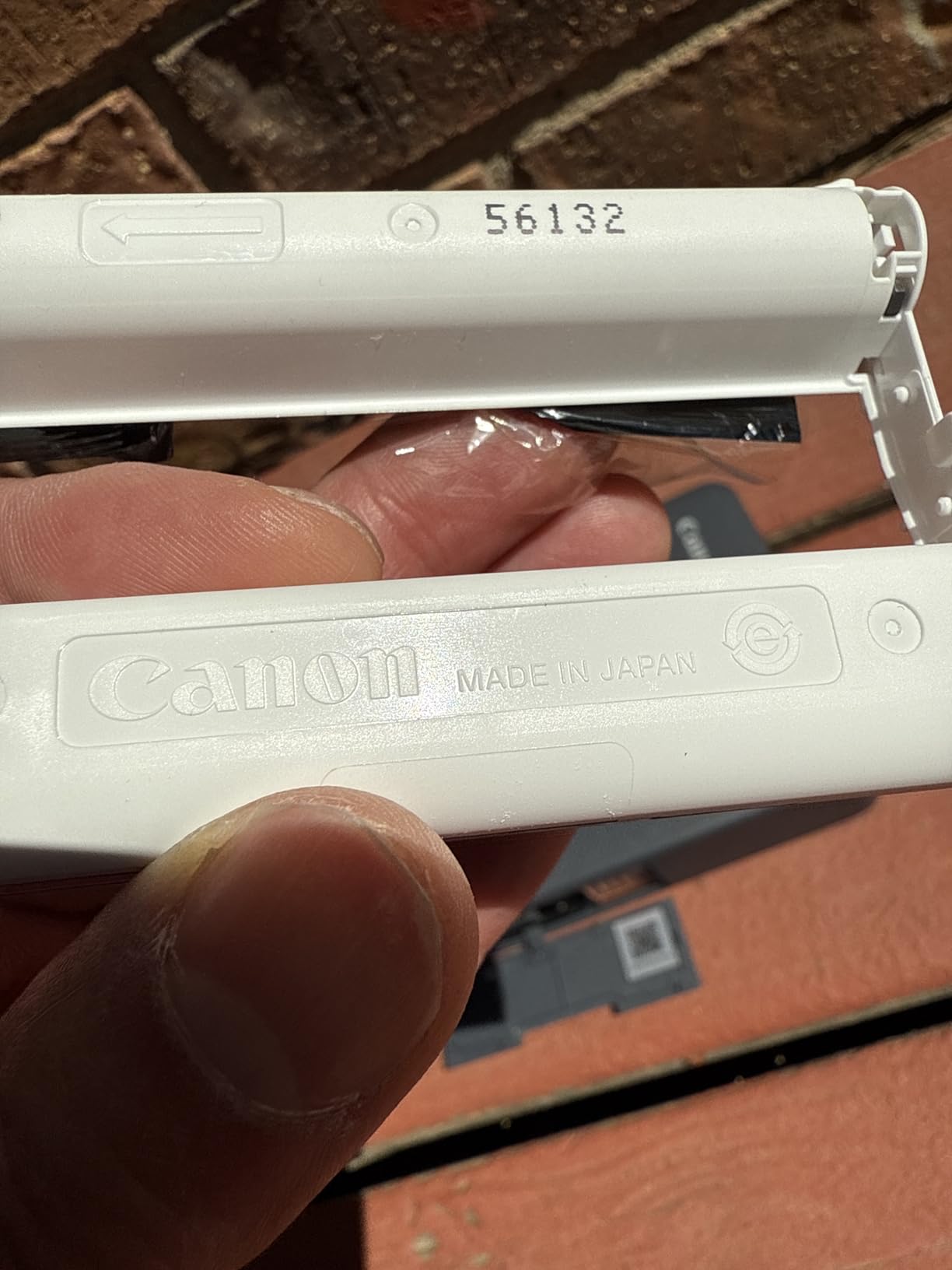
The QX20 is the one to buy if you have already tried ZINK and found the colour disappointing. Owners who compared the two directly place the dye-sublimation output above ZINK and instant film for clarity and true colour, and that matches what we saw on skin tones.
It has a built-in battery and an integrated paper tray, and it charges over USB-C. It prints in roughly 40 seconds, which is the fastest dye-sublimation cycle in this lineup, and the output is dry, marker-ready and water resistant immediately.
It also handles two paper formats, the newer 2.1 by 3.4 inch card stock and the 2.7 by 2.7 inch square stickers that earlier SELPHY models used, with pattern overlays and borderless options in the app.
Two practical catches. Paper is not included in the box, so the first purchase is the printer plus a pack. And switching between card and square formats requires a different ink cartridge, which is annoying if you like both.
What you should know before buying it
Canon rates the prints to keep looking good for up to 100 years, and the dry, laminated finish means they survive a bathroom wall and a child’s hands. If longevity is why you are considering a photo printer at all, this format is the reason.
Wi-Fi setup is by QR code, which is the least painful method we came across. There were a few owner reports of dropped connections and crops relative to the app preview, so give the alignment tabs attention on your first print.
Who should skip it
Skip it if heavy monochrome printing is your use. Ink and paper are only sold as calibrated combined packs, so a mostly black-and-white habit runs out of colour ink first.
Skip it if you need a big print. The maximum here is 2.1 by 3.4 inches, and no portable machine in this list goes larger.
10. Canon PIXMA G620 MegaTank – Best Value Ink Tank for 4×6 Volume
Canon PIXMA G620 Wireless MegaTank Photo All-in-One Printer [Print, Copy, Scan], Black,Works with Alexa
- Up to 3800 4x6 photos per full ink set
- About 2.5 cents per 4x6 in ink alone
- Six colour dye system with red and gray inks
- Print copy and scan with automatic duplex
- Lowest average rating here at 3.9
- Wi-Fi and app setup reliability is inconsistent
- Refilling tanks manually can spill
This is where the economics change completely. The G620 prints up to 3,800 4×6 colour photos on a full set of ink, which works out to roughly 2.5 cents per print in ink alone before you count paper. If you were printing ten photos a month on a compact machine, this pays for the difference inside a year.
The colour system is a six-colour dye setup that includes red and gray inks alongside the standard cyan, magenta, yellow and black. Those two extra channels are what make skin tones look like skin tones instead of a slightly orange approximation, and they widen the gamut noticeably.
![Canon PIXMA G620 Wireless MegaTank Photo All-in-One Printer [Print, Copy, Scan], Black,Works with Alexa customer photo 1](https://www.talkofthehouse.com/wp-content/uploads/2026/10/B08XZQVWZW_customer_1.jpg)
It is also a genuine all-in-one, printing, copying and scanning with automatic duplex, which makes it the pick if your home needs school projects, shipping labels and holiday cards alongside photos. Paper handling covers 4×6, 5×7, 8×10 and up to 8.5 by 14 inches.
Its rating of 3.9 is the lowest in the group and 16 percent of reviews are one star. The complaints cluster around wireless and app setup rather than print quality, and around reliability in some units. CHROMALIFE 100 ink handles longevity on the paper side.
![Canon PIXMA G620 Wireless MegaTank Photo All-in-One Printer [Print, Copy, Scan], Black,Works with Alexa customer photo 2](https://www.talkofthehouse.com/wp-content/uploads/2026/10/B08XZQVWZW_customer_2.jpg)
What you should know before buying it
Refilling is manual. You pour ink bottles into external tanks through an injection port, and owners do report spills, especially on a first fill. Lay down a sheet of newspaper, fill in daylight, and do it over a sink.
Photo resolution is 4800 by 1200 dpi, which is lower than the Epson ET-8550 on paper but paired with six dye inks it produces more pleasing colour for most home subjects. If you are enlarging to 13×19, that gap starts to matter.
Who should skip it
Skip it if Wi-Fi reliability is non-negotiable in your house. The inconsistency here is a real pattern in the reviews, and a USB or Ethernet connection sidesteps it entirely.
Skip it if you only print a handful of photos a year. The savings never materialise, and a dye-sublimation 4×6 machine is the better experience for occasional use.
11. Epson EcoTank Photo ET-8550 – Best Wide Format for Framed Wall Art
Epson EcoTank Photo ET-8550 Wireless Wide-Format All-in-One Tank Printer
- Borderless 13x19 gallery prints on a home printer
- About 4 cents per 4x6 with tank ink
- Up to two years of ink in the box
- Large touch screen with scanner and copier
- Heaviest unit here at 24.5 pounds
- Automatic tray selection is unreliable
- Print head clogs and ink spotting need deep cleans
The ET-8550 is the answer to the question photographers ask most: can I print my own work large without sending it out? Borderless 13×19 is the headline, and a dedicated 4×6 tray plus a rear photo paper feed mean you can switch sizes without hunting for a second printer.
The economics are the other headline. Epson puts 4×6 tank prints at about 4 cents against roughly 40 cents with traditional cartridges, and a replacement ink set covers up to 6,200 colour pages. There are no cartridges to throw away at all.
Claria ET Premium six-colour inks handle both photos and text, which is rare. A large colour LCD touchscreen controls the whole machine, and the built-in flatbed scanner and copier turn it into a full home office device rather than a specialist.
The 4.0 rating reflects a genuine split. Plenty of owners describe flawless tank reliability and gallery-quality output, while a substantial minority hit paper-feed errors, ink spotting and clogged heads that need repeated deep cleans. Paper handling is the most common source of frustration.
What you should know before buying it
Set it up somewhere with real shelf space. At 24.5 pounds and nearly 30 inches deep, it is the largest machine here, and the unboxing and head alignment routine is lengthy. Buy your wide-format photo paper before you buy the printer so you are not printing on plain sheet the first time.
Turn off automatic paper tray selection and choose the tray manually. Owners report that automatic selection repeatedly grabs the wrong one, and a manual choice fixes nearly all of the paper-not-found errors.
Who should skip it
Skip it if your prints are 4×6 and 5×7 only. The Canon G620 covers standard sizes at a fraction of the size and cost, and the ET-8550’s advantages only start paying at larger formats.
Skip it if you print irregularly and in bursts. Clogging reports are more common here than on smaller tank machines, partly because a larger print head with six colours has more nozzles to maintain.
12. HP Sprocket Studio Plus – Best 4×6 Over Wi-Fi for Crafting
- True 4x6 dye sublimation output
- Built-in Wi-Fi connects in seconds
- Waterproof and smudge proof paper
- App builds collages and photo IDs
- Only 10 sheets included in the box
- Refill cartridges and paper are proprietary
- Wi-Fi pairing failures reported
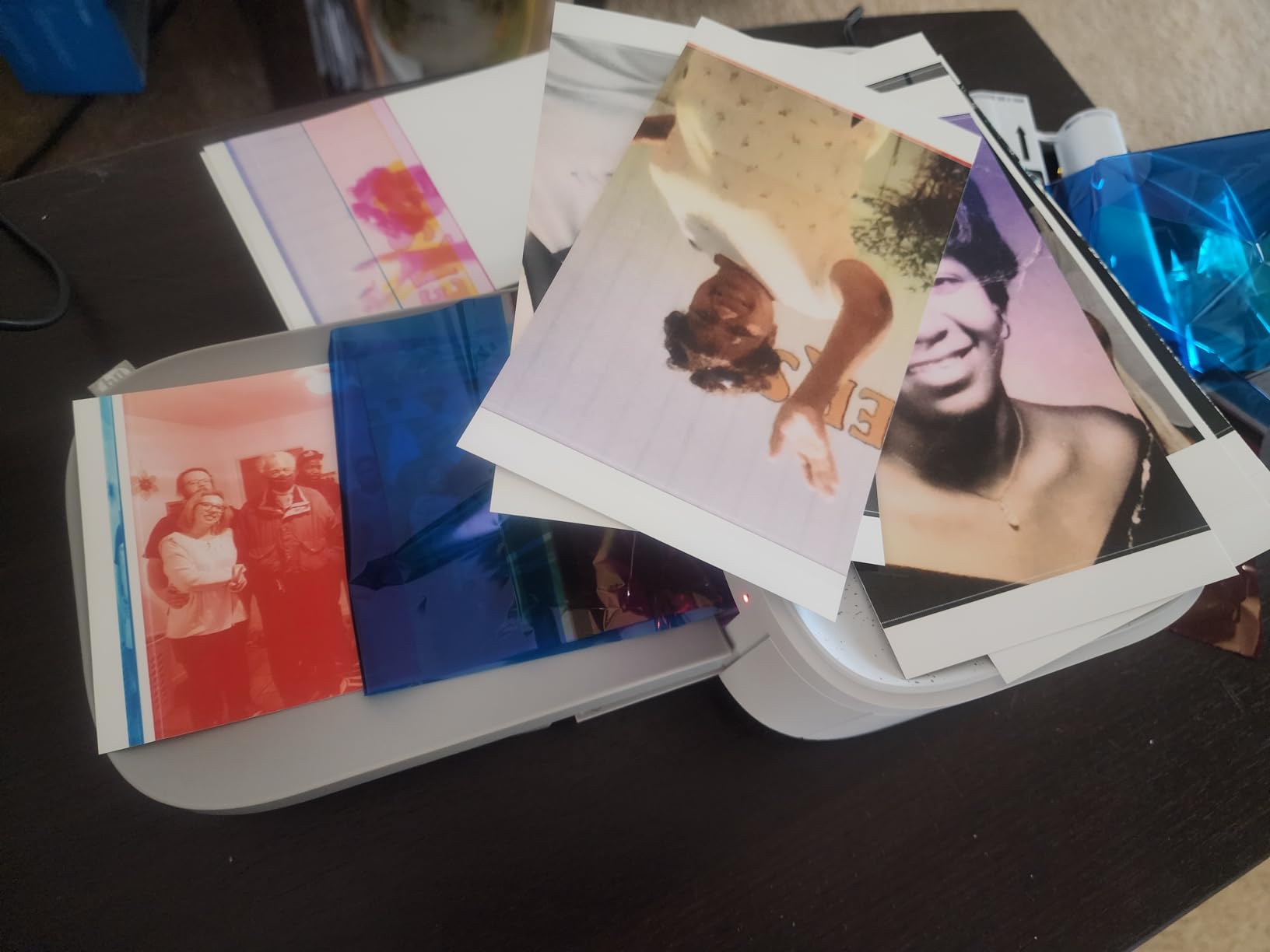
The Sprocket Studio Plus is unusual in this lineup because it gives you genuine 4×6 dye-sublimation prints at a price point most people would call cheap. Most sub-compact machines stop at 2×3 or lock you into adhesive paper, and this one does neither.
It has built-in Wi-Fi as well as Bluetooth, so you can print without a cable or without an app, and it produces a dry-to-the-touch 4×6 in about 61 seconds on tear-resistant, smudge-proof, waterproof stock.
The app is the creative centre here. Sticker and frame overlays, filters, collages, photobooth layouts and photo ID creation all live in one place, which makes it a genuinely useful craft tool rather than a straight printer.
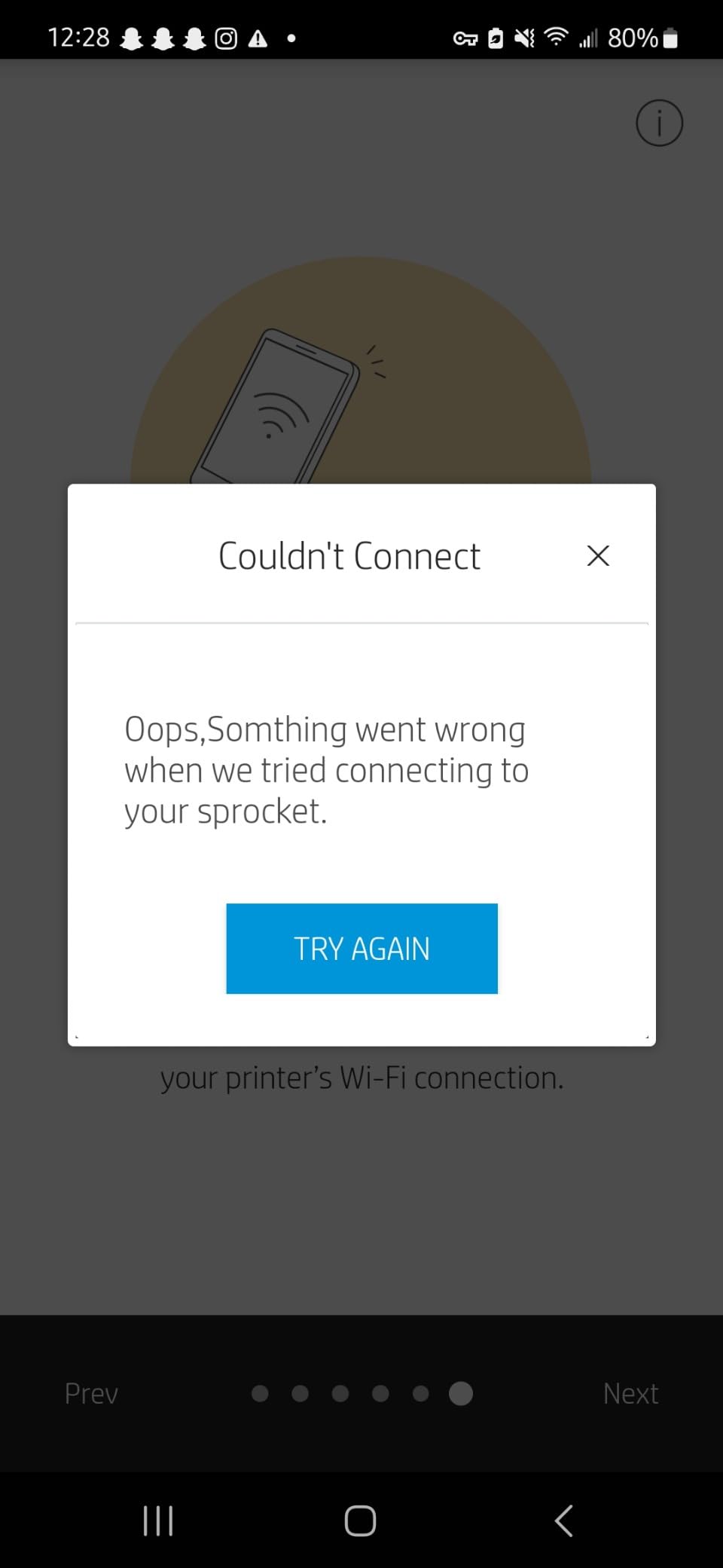
Two warnings. The bundle includes only ten sheets, so you will be ordering paper almost immediately. And several units report Wi-Fi pairing failures or connections dropping after setup, so test it on your actual network before you commit to it for a party.
What you should know before buying it
Set against the KODAK Dock Plus, which also does laminated 4×6 at a lower hardware price, the Sprocket’s advantages are the Wi-Fi radio and the creative app. The Dock Plus’s advantage is the integrated phone dock, which is hard to beat for the phone-first workflow.
Refill cartridges and 4×6 paper are HP-proprietary, so plan for one consumable family rather than shopping around between brands.
Who should skip it
Skip it if you print a lot or plan to frame enlargements. 4×6 is the maximum size, and dye-sublimation film cost climbs quickly with volume compared with tank ink.
Skip it if your household Wi-Fi is unreliable. Bluetooth works, but the Wi-Fi path is the reason many people bought this machine, so test that first.
How to Choose a Photo Printer for Home Use
Start with how much you will actually print, because that single number decides the ink question for you.
Cartridge, tank, or film: the real running cost
Every printer here except the ZINK models consumes something per print, and the spread is enormous. The Canon PIXMA G620 works out at about 2.5 cents per 4×6 in ink alone, and the Epson ET-8550 at about 4 cents. Compact dye-sublimation machines using film sit well above that once you count cartridges, and cartridge inkjets are the most expensive per print of all.
Refillable tank systems – called MegaTank by Canon, EcoTank by Epson, supertank by everyone else – are refillable bottles of ink rather than sealed cartridges. The upfront cost is higher, the running cost is far lower, and you will not be replacing ink every few weeks. For anyone printing dozens of photos a month, this is not a preference, it is arithmetic.
Dye ink, pigment ink, dye-sublimation, and ZINK
Dye ink is what the Canon G620 and Epson EcoTank use. It produces vivid, glossy colour with strong skin tone rendering and it is the most economical option, but it fades faster than pigment and it is the type most likely to dry in the nozzles if a machine sits unused.
Pigment ink is more permanent and more water resistant, and it is what archival printing depends on. It is also more prone to sitting on the surface and needing regular use to stay in condition. The trade-off in a home setting is usually whether you want prints that last decades on a wall or cheap colour on a fridge door.
Dye-sublimation printers transfer colour from a ribbon onto a thermal layer, so prints emerge dry, laminated, water resistant and smudge proof. There is nothing to dry and nothing to clog, which is why this format dominates the compact end of the market. ZINK is different again: it heats developer crystals embedded in the paper, so there is no ink cartridge at all, and the result is less sharp with more of a colour cast.
Does ink colour count matter?
Yes, and more than most marketing copy suggests. A standard four-colour printer mixes cyan, magenta, yellow and black to make every other colour, which is where banding in skies and orange-ish skin tones come from. Adding a fifth light colour, and in the G620 and ET-8550 a sixth, inserts intermediate tones that smooth gradients and render skin more convincingly.
Two six-colour systems sit in this lineup – the Canon G620 with red and gray inks, and the Epson ET-8550 with Claria ET Premium. If portraits and family photos are your main subject, this is the single most visible quality difference between printers.
Which print size do you actually need?
Most homes only need 4×6. It is the format of almost every phone photo, it fits a standard frame, and it is what a large share of our group is built for. If you want to frame above letter size, 8×10 is the next useful step, and the G620 reaches that comfortably.
13×19 is the point at which you are printing gallery prints, and only the Epson ET-8550 here gets you there. Seventeen-inch wide format belongs in a professional studio, not a home, and none of these machines are that machine.
Canon or Epson?
Both build excellent home photo printers and the honest answer is that the models matter more than the badge. Canon wins on running cost in the tank category, with the G620 claiming around 2.5 cents per 4×6 and a six-dye-colour system with red and gray inks. Epson wins on size range, since the ET-8550 reaches 13×19 and pairs a scanner with a large touchscreen.
Canon’s SELPHY line is the stronger compact offering, covering the CP1500 and the battery-powered QX20, and owners on photography forums repeatedly name the Canon G-series and SELPHY models as the ones that held up over years of use. Epson’s advantage is the PictureMate at the small end and the EcoTank wide format at the large one.
Laser or inkjet for photos?
Inkjet, and it is not close. Laser printers are toner-based and produce crisp text, fast documents and a very low cost per page for black and white, which is why they remain the right choice for a home office. But laser output is four-colour at best, has no photo-grade ink, and cannot print borderless photo paper. A colour laser prints a recognisable image, not a photograph.
Paper matters as much as the printer
Glossy gives punch and depth, matte hides fingerprints and suits frames with glass, and luster sits between the two with a lower, softer sheen. Heavier grammage feels more substantial and resists curling. Whatever you choose, buy paper branded for your printer, because a good printer on cheap plain paper will always look disappointing.
One practical rule: let a fresh print from an inkjet dry face up for several hours before framing it, because heavy ink coverage on glossy stock takes longer to cure than you would expect.
When a Home Photo Printer Is Not Worth It
If you need a handful of prints a year, a lab or a retail kiosk will beat a home printer on price and on consistency, and there is no version of the maths that changes that. Sending files to an online lab also gives you access to larger sizes and archival papers your printer cannot feed.
A home printer starts making sense when you are printing regularly, when size and framing choice matter to you, or when you want the craft experience of making the print yourself. It also makes sense when the photos are of your own children and you would rather they never left the house.
Owning one also means owning maintenance. Ink dries, rollers need cleaning, paper jams happen and consumables are locked to one brand. If you will not run a cleaning cycle or print something once a month, buy a ZINK or dye-sublimation machine with no nozzles at all.
Keeping a Photo Printer Healthy: Nozzle Clogs and Idle Periods
Blocked nozzles are the loudest complaint in owner forums across this whole category, and it is the one problem most roundups never mention. The pattern is consistent: a printer sits for several weeks, dye ink dries in the head, and prints come out with white streaks or missing colour bands.
Forum regulars make a useful distinction here. Modern dye inks clog less readily than pigment inks, which is one reason the tank printers we recommend tend to complain less. Archival permanence, though, still requires pigment. Those are two separate goals, and you cannot have both in one cartridge.
There is also a buying-age consideration worth knowing. Owners on photography forums report print head replacement on ageing inkjet photo printers running into the thousands of dollars once labour and parts are counted, which makes repairing an old unit uneconomic. The forum consensus is to buy once and buy well, and to choose a format with no print head if you are not confident you will use the machine often.
Here is the routine that has kept our machines printing cleanly.
- Print something once a month, even one small photo, so the head never fully dries.
- Run the manufacturer’s cleaning cycle the moment you see streaks, not weeks later. Early cleaning is cheap and effective.
- Use the alignment or print head cleaning function in the app when the Liene K100 or similar ZINK model shows white spots or lines.
- Power-cycle the printer before a deep clean, since a genuine jam and a stalled head often clear the same way.
- Store paper sealed and inside the printer rather than in the open air, because humidity is what turns dried ink into a blockage.
- Stop after two or three failed deep cleans and check the warranty. Repeated cleaning cycles waste a lot of ink and rarely fix a hardware fault.
Frequently Asked Questions
What is the best printer for photo printing at home?
For most households the KODAK Dock Plus is the best photo printer for home use, because it charges your phone in a built-in dock while printing laminated 4×6 photos that resist water and fingerprints. If you print dozens of photos a month rather than a handful, the Canon PIXMA G620 MegaTank is the better buy, since it runs about 2.5 cents per 4×6 in ink and also copies and scans. Choose the Epson EcoTank Photo ET-8550 if you want borderless 13×19 prints for framing.
Is Canon or Epson better for photos?
Both make excellent home photo printers, and the specific model matters more than the brand. Canon leads on running cost in the tank category: the PIXMA G620 uses a six-colour dye system with red and gray inks and prints up to 3,800 4×6 photos per full ink set. Epson leads on size range, because the EcoTank Photo ET-8550 reaches borderless 13×19 and includes a scanner. Canon also has the stronger compact range in the SELPHY CP1500 and QX20.
Is laser or inkjet better for photos?
Inkjet, without close competition. Laser printers are toner-based and excel at fast, crisp black and white documents, but they only offer four-colour output, cannot print borderless on photo paper, and produce images rather than photographs. A colour laser is the right choice for a document-heavy home office, and an inkjet or dye-sublimation machine is the right choice for photographs.
What are some good photo printer recommendations on Reddit?
The most frequently repeated owner recommendations in photography and printer forums are the Canon G-series MegaTank models and the Canon SELPHY CP1500, with the Epson PictureMate 400 also named often as a compact favourite. One G620 owner reported being two years in with roughly 1,150 prints and no refill needed, and forum regulars frequently describe the Canon G-series as an EcoTank alternative that costs slightly less. The same forums are also where the nozzle clogging warnings come from.
How much does it cost to print a photo at home?
It depends almost entirely on the printer. The Canon PIXMA G620 works out at about 2.5 cents per 4×6 in ink alone, and the Epson EcoTank Photo ET-8550 at about 4 cents, before paper. Cartridge inkjets run far higher, and compact dye-sublimation machines add a film cartridge cost on top. Add photo paper and a print lab is still cheaper for the occasional snapshot, but a tank printer wins once you are printing more than a few dozen photos a year.
The Best Photo Printer for Your Home
Start with the KODAK Dock Plus if you want phone photos in your hand in about a minute, laminated and ready for small hands. The phone dock is the detail nothing else in this group replicates, and owners print hundreds on it without trouble.
Print in volume, and start with the Canon PIXMA G620 MegaTank instead. Six dye colours including red and gray, roughly 2.5 cents per 4×6, and a scanner and copier in the same box make it the value pick of the lineup despite the middling owner rating.
Framing large prints, and the Epson EcoTank Photo ET-8550 is the only machine here that reaches borderless 13×19. Just set the paper tray manually and run a clean cycle if you see streaks.
Crafting and scrapbooking point to the Liene K100 for fast adhesive stickers or the KODAK Step for the widest ZINK paper availability. Travelling points to the KODAK Mini 2 Retro, and if your household needs documents alongside photos, the Canon G620 or Epson ET-8550 both do the lot.
Whichever you pick, buy photo paper made for that printer in your first week, print something once a month, and the nozzles will stay clear. That is the whole difference between a photo printer that works in two years and one that ends up in a cupboard.