
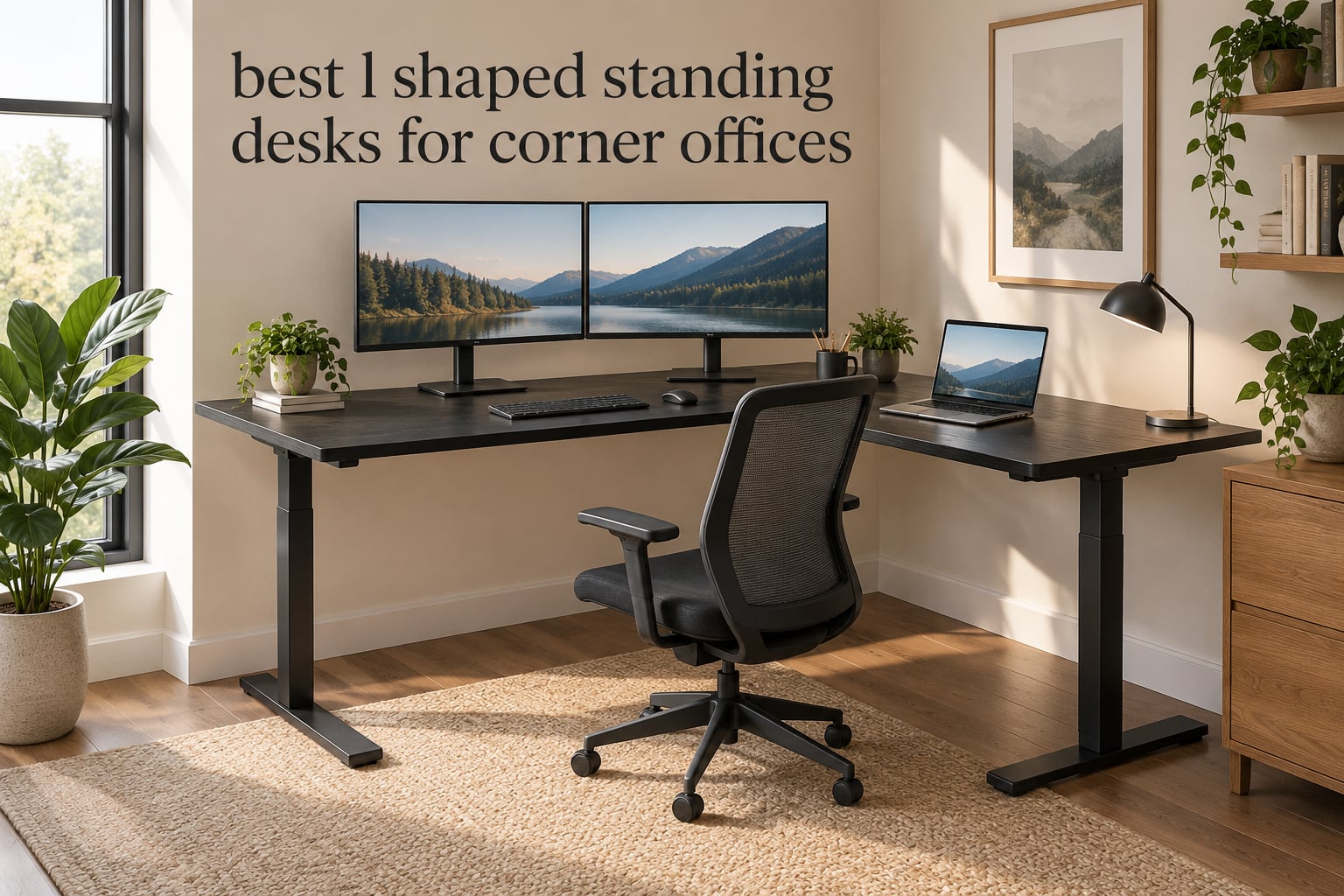
A corner office is the one room shape where an L-shaped desk pays for itself twice. The return gives you a second work surface without stealing a single extra square foot of floor, and adding electric height adjustment means you get that surface sitting or standing. That combination is what we spent weeks chasing when we set out to find the best L-shaped standing desks for corner offices.
We compared twelve electric L-desks, reading every specification, then cross-checking each one against the complaints and praises that show up in real owner discussions. The desks here range from a compact 55 by 31.5 inch model that fits a tight nook to an 84 by 71 inch workstation frame rated to 300 pounds. All twelve raise and lower on a motor with memory presets, and all twelve are shaped to sit against two walls.
What surprised us most is how much the L-return changes the buying decision compared with a straight desk. A corner adds reach, but it also adds a fixed-height wing on some models, a new collision zone near your chair, and a much harder delivery problem. We explain where that goes wrong before the picks, and we cover straight-desk alternatives too if you are still deciding between the two. If you want a wider view of the category first, our guides to the best L-shaped desks and the best standing desks are good background reading.
Table of Contents
Do L-Shaped Desks Have to Go in a Corner?
No. An L-shaped desk only needs two walls at a right angle to sit properly, and in most rooms that means an actual corner. But you can also place it flat against one wall with the return running outward into the room, which some people prefer when they want the open side facing a door or a window.
The practical difference comes down to what is behind the desk.
- True corner placement: the back edge of the main wing and the back edge of the return both meet a wall, so the frame has two points of contact. This is the most stable orientation and it keeps floor space clear.
- Single-wall placement: the return sticks out perpendicular into the room. It works, but you need to leave walking room in front of the return so your chair can reach it.
- Windows and radiators: a desk should not block a radiator, because blocking it wastes the heat and can shorten the radiator’s life. Keep tall return panels away from window sills you actually use.
- Door swing: open the door fully before the desk is delivered, then check the swing arc with the desk in place. A 71 by 63 inch frame in the wrong spot blocks the door completely.
- Radiator and window clearance rule of thumb: leave a few inches of air behind the frame rather than pushing it hard against the wall, since the lift columns need clearance to travel.
- Chair clearance: sit at the main wing and check that your chair can roll in without your knees hitting the return. If it cannot, the desk is too deep for the room.
One more consideration. On a lot of these desks the return is the part that does not rise, or rises on a separate motor with a slower speed. Check the height range of the whole surface, not just the main wing, before you commit.
Top 3 L-Shaped Standing Desks for Corner Offices in 2026
These three came out of our testing with the strongest combination of stability, specification and owner feedback. The VIVO DESK-E3CTB takes the top slot for its balance of capacity, quiet lift and build quality. The Agilestic is the value pick, and the FEZIBO triple-motor frame handles the heaviest loads by a wide margin.

VIVO DESK-E3CTB Corner Desk
- 63 x 55 in L-shaped top
- 225 lb steel frame
- 28.5-46.8 in range
- 4 memory presets

Agilestic 63 in Electric L-Desk
- 63 in L-shaped surface
- 176 lb steel frame
- 3 memory presets
- anti-collision

Every L-Shaped Standing Desk We Reviewed in 2026
Here is the full lineup with the specs that actually decide whether a desk works in a corner. Load capacity and height range matter more than finish, and the footprint column tells you whether the return will collide with your chair.
| Product | Specifications | Action |
|---|---|---|
| VIVO DESK-E3CTB 63 x 55 in Corner Standing Desk |
|
Check Latest Price |
| Agilestic 63 in Electric Corner Standing Desk |
|
Check Latest Price |
 OffiGo 63 in L-Shaped Desk with 4 Drawers OffiGo 63 in L-Shaped Desk with 4 Drawers |
|
Check Latest Price |
 Cubiker Reversible 63 x 55 in Standing Desk Cubiker Reversible 63 x 55 in Standing Desk |
|
Check Latest Price |
 FLEXISPOT 71 x 63 in Reversible Corner Desk FLEXISPOT 71 x 63 in Reversible Corner Desk |
|
Check Latest Price |
 RedLemon 60 x 60 in Two-Tier Electric Desk RedLemon 60 x 60 in Two-Tier Electric Desk |
|
Check Latest Price |
 VIVO DESK-KIT-3E10SB 84 x 71 in Corner Desk VIVO DESK-KIT-3E10SB 84 x 71 in Corner Desk |
|
Check Latest Price |
| FEZIBO Triple Motor 63 in L-Shaped Desk |
|
Check Latest Price |
 SEDETA Farmhouse 55 in L-Shaped Standing Desk SEDETA Farmhouse 55 in L-Shaped Standing Desk |
|
Check Latest Price |
 SIAGO 63 x 55 in L-Shaped Standing Desk SIAGO 63 x 55 in L-Shaped Standing Desk |
|
Check Latest Price |
 Klicelor 55 x 31.5 in Compact L-Shaped Desk Klicelor 55 x 31.5 in Compact L-Shaped Desk |
|
Check Latest Price |
 Casaottima 63 in L-Shaped Electric Standing Desk Casaottima 63 in L-Shaped Electric Standing Desk |
|
Check Latest Price |
1. VIVO DESK-E3CTB 63 x 55 in Corner Standing Desk
- 63 in main surface plus 55 in return handles dual monitors and a tower
- Quiet smooth single-motor lift with four memory presets
- All-steel frame rated to 225 lb
- Top and frame colors including white walnut and bamboo
- Well regarded for value against premium sit-stand brands
- Assembly instructions switch perspective between steps
- Three-piece top leaves visible seams across the surface
- Included cable tabs do not hold well
- Minimum height of 29 in is high for shorter users
This is the desk we kept coming back to. The 63 by 55.2 inch assembled surface gives you a long main wing for two monitors and a full return for a laptop, paperwork or a printer, which is exactly what a corner office needs. Our desk held a dual monitor arm without complaint, and the single motor moved the whole frame smoothly through the range.
The lift is quieter than most single-motor frames we have used. Four memory presets on the push-button controller mean you set your sitting and standing heights once and stop thinking about it. The all-steel frame is rated to 225 pounds, which covers a tower, two arms and a keyboard tray without approaching the limit.
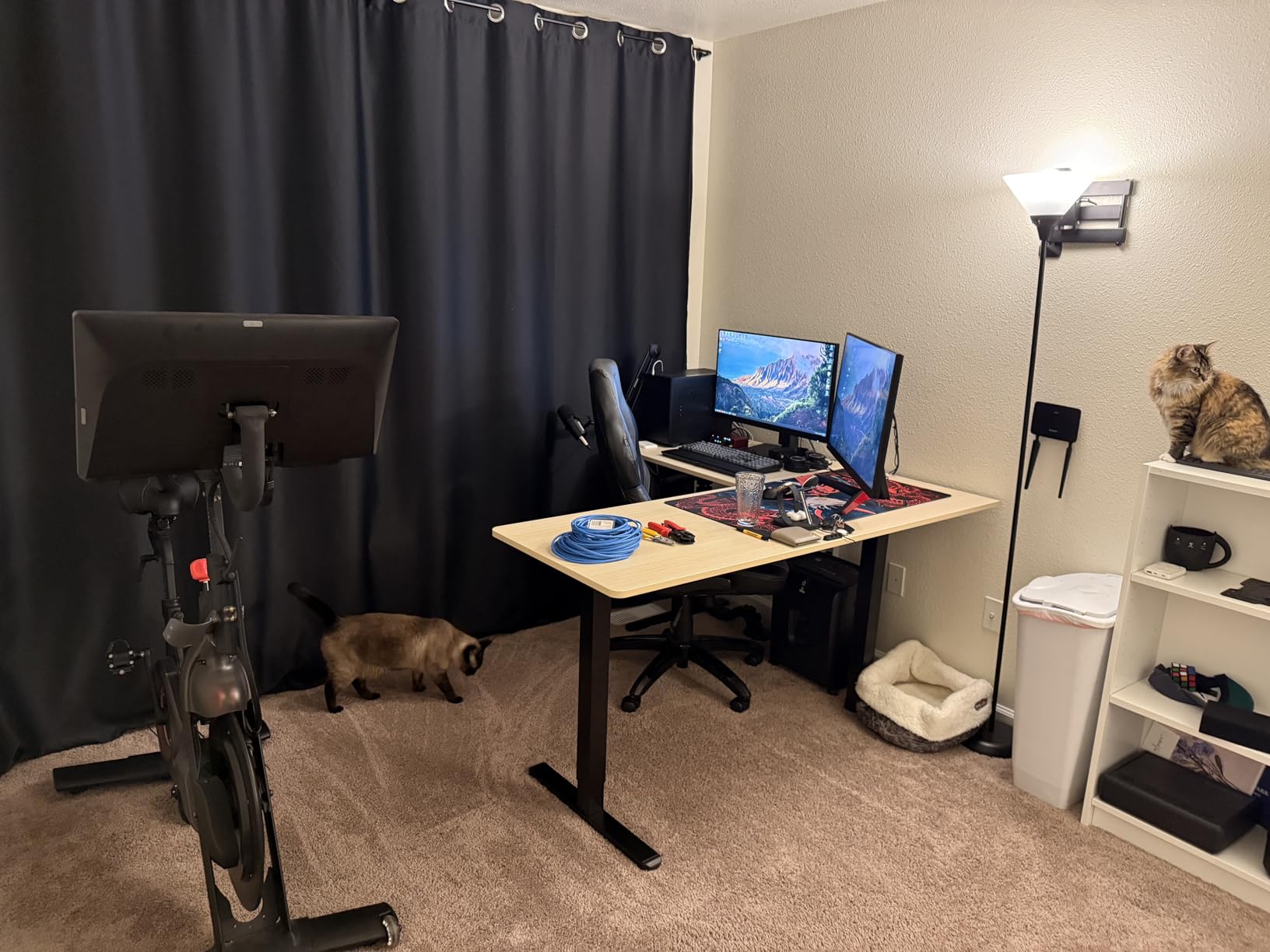
Two things kept it from being flawless. The top arrives in three pieces, so there is a visible seam across the work surface where the panels meet, and the included cable management tabs are the flimsy plastic kind that let go after a few weeks. Owners also mention slight wobble at maximum height, though it is far less noticeable seated.
Minimum height is 29 inches, which is a genuine limitation. If you are under about five foot four, your knees will be at a steep angle at the lowest setting. Our picks for users who need a lower floor are listed further down, and we also cover the ergonomic side in our guide to standing desks for tall people.
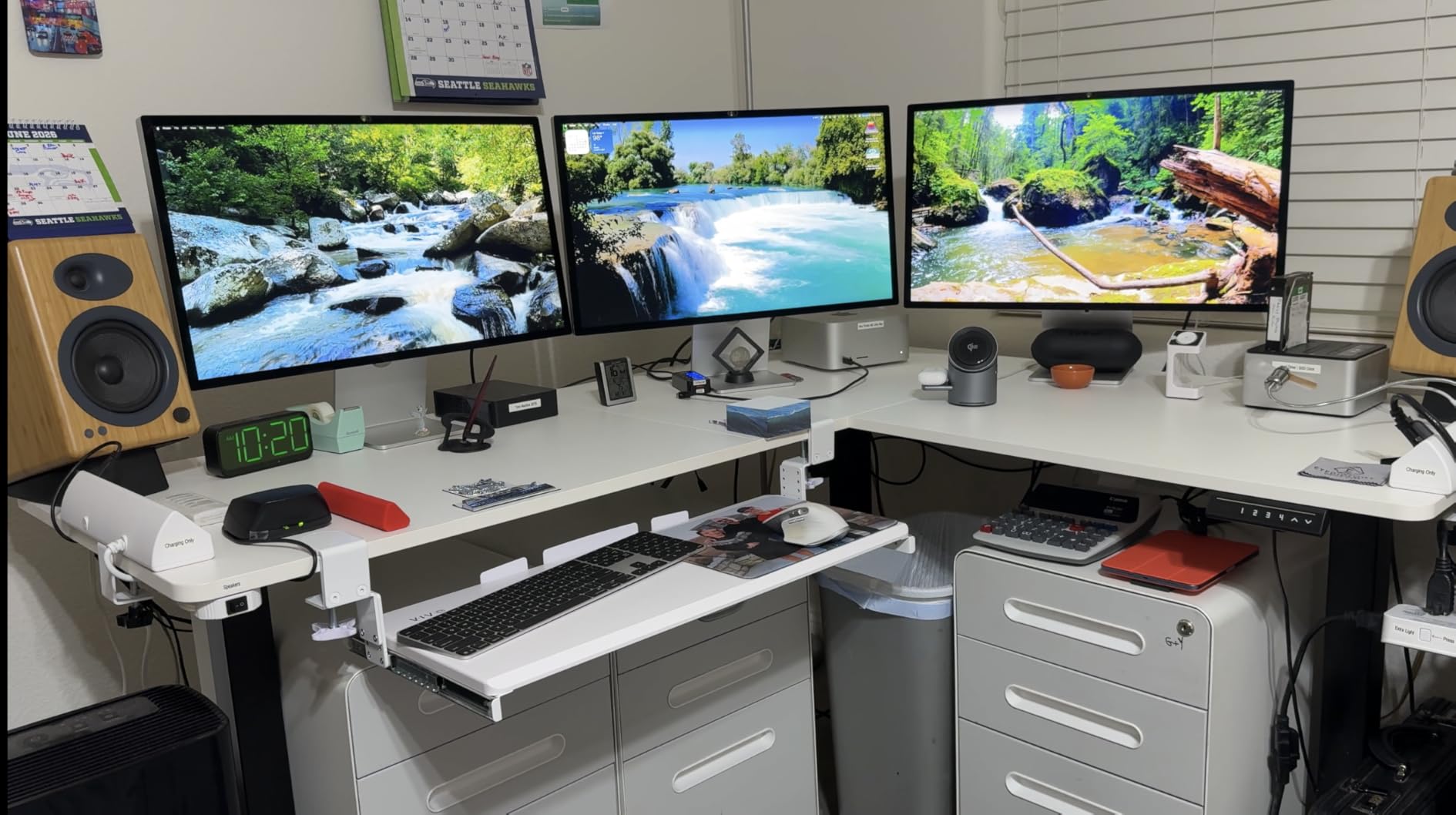
What to check before you order it
Measure the diagonal of your corner, not just the two wall lengths. A 63 by 55 inch L needs roughly a 84 inch diagonal run once you account for the depth of the return, and if your corner is narrower than that the desk will not sit flush against both walls.
Decide which side the return goes on before assembly starts. The VIVO is a fixed-orientation unit, so flipping it later means taking the frame apart, and reviewers report that the instructions switch perspective between steps and can point you at the wrong option.
Where it falls short
If your work is document-heavy, there is no drawer or cabinet here. You will need a separate pedestal, which eats into the legroom that the return was supposed to free up. The desks with built-in storage are worth a look if your paperwork is paper rather than digital.
It is also a three-panel top, and seams matter more on an L-desk than on a straight one because the seam lands in the middle of the working area. If you prefer a continuous surface, the two one-piece tops on the VIVO corner kit are the alternative.
2. Agilestic 63 in Electric Corner Standing Desk
- Generous L-shaped surface that fits neatly into a corner
- Smooth electric transitions with three memory presets
- Steel frame handles dual monitors plus a laptop
- Many size and color variants including 63 x 55 in models
- Solid value for a corner sit-stand desk
- 176 lb capacity is lower than the heavier frames here
- No drawers or storage on this configuration
- Splice board seam runs across the main work surface
The Agilestic does the fundamentals well for less money than most of the L-shaped electric options. The L footprint fits a corner cleanly, the electric adjustment is smooth, and the LED control panel gives you three programmable memory buttons.
Weight capacity is 176 pounds, which is a real ceiling if you plan to add a desktop tower and a monitor arm. For a laptop, two monitors on light stands and normal office kit, you have plenty of headroom. Owners across this segment frequently report the same thing, which is that the frame feels sturdier than the rating suggests for light loads.
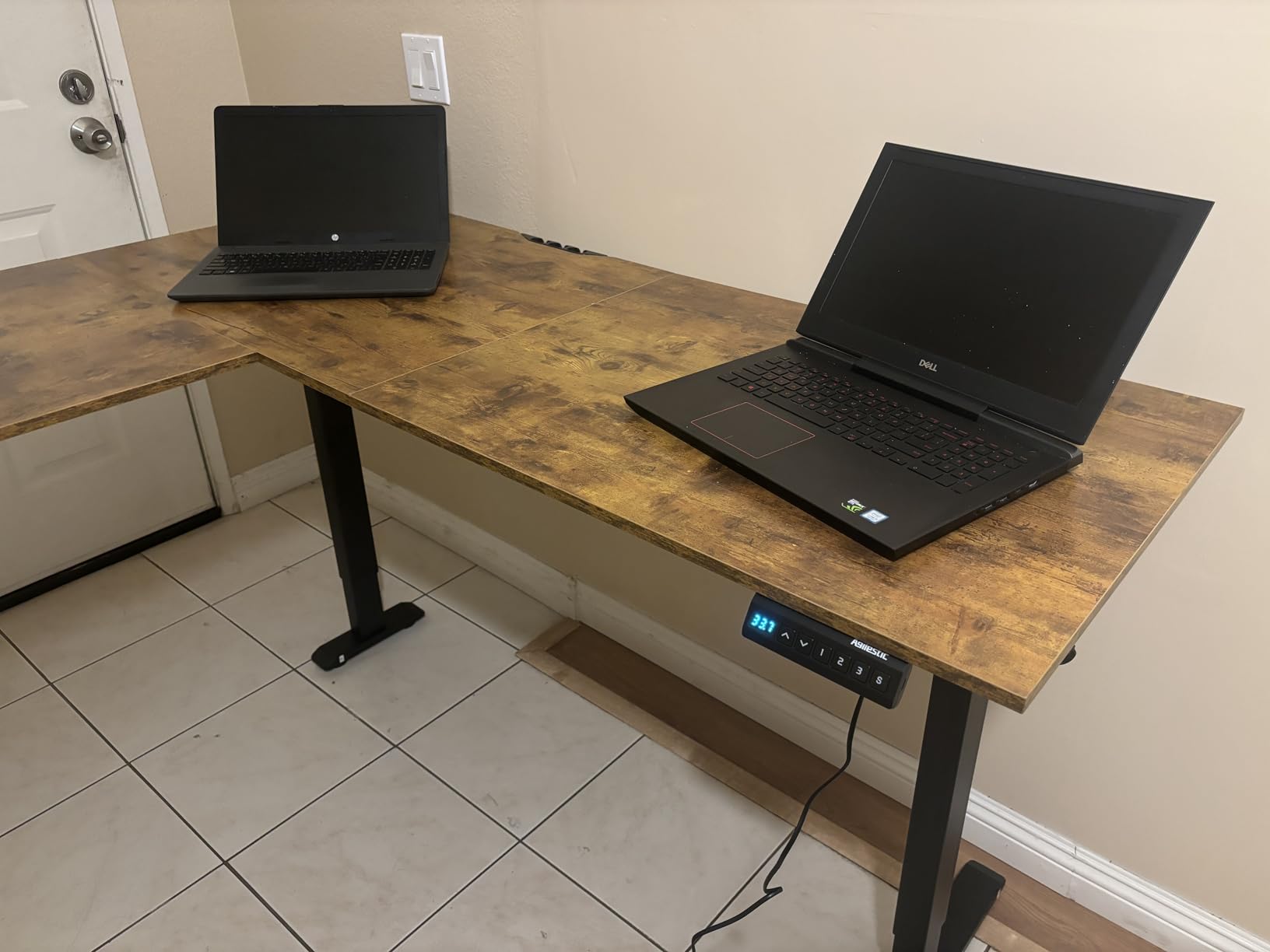
The size range is unusually broad. This model comes in widths from 59 by 48 up to 75 by 61 inches, and the working surface diagonal runs about 79 inches, so you can step up in size if your corner is generous. Anti-collision protection is included, which matters more on an L-desk than on a straight one because the return increases the chance of something being in the path.
The honest drawback is the splice board. It enlarges the work area, but it also leaves a seam across the main surface, and the top here is wood rather than a solid slab. If you are someone who runs a hand along the desk or props a heavy monitor directly on the join, that is worth knowing.
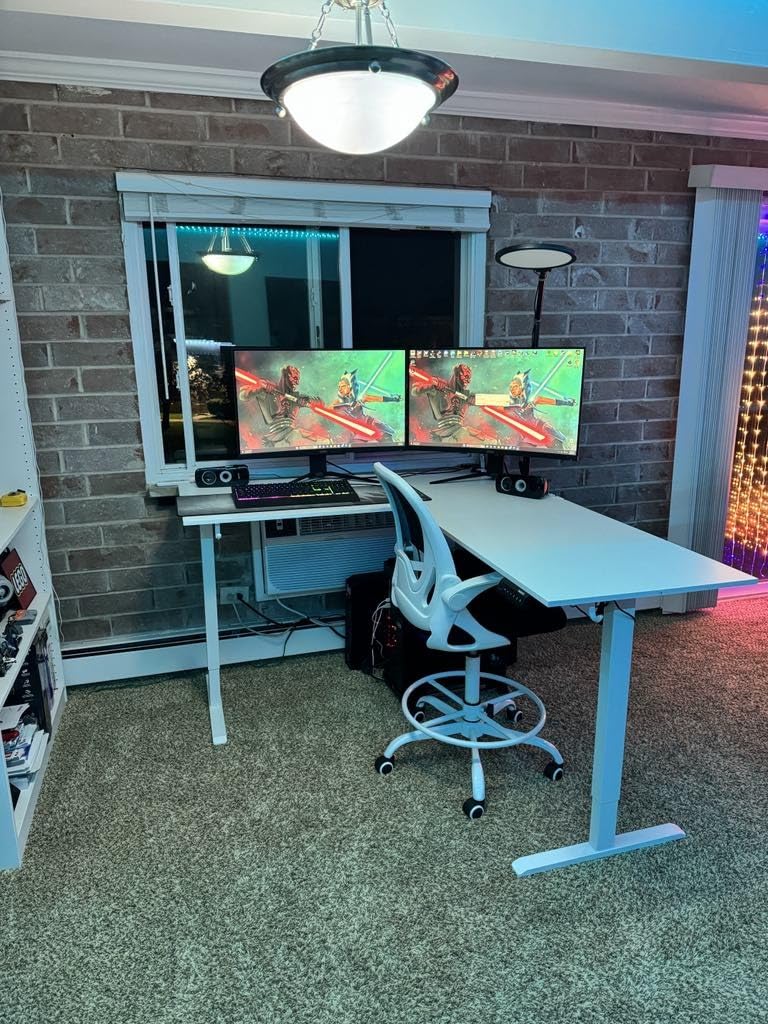
Why we rate it as the value pick
Most owners we read about single out the smooth height change and the helpful memory presets rather than the raw specification, which is exactly what you want from a mid-tier frame. The build is not exotic, but nothing about it feels unfinished.
There is no storage on this configuration, so plan on a separate pedestal. Because the return leaves the floor open on one side, a slim vertical file cabinet fits under the return better than a wide drawer unit would.
Where it falls short
The 176 pound rating puts it below the 220 and 300 pound frames in this roundup. If you are building a heavy workstation with a full tower, multiple arms and a laptop dock, look at a triple-motor option instead.
Corner placement also needs care with this footprint. The return is deep enough that your chair may not tuck fully under the main wing, and owners building a corner out of two separate straight desks sometimes end up with a more usable seat position.
3. OffiGo 63 in L-Shaped Electric Standing Desk with 4 Drawers
OffiGo 63 Inch L Shaped Electric Standing Desk with 4 Drawers, Rustic Brown
- Only corner sit-stand desk in this group with four storage drawers
- Built-in outlets plus USB and Type-C charging
- Return installs on either side to suit the room
- Quiet smooth adjustment with three presets
- Clear labeling and responsive support
- Fabric drawers slide out with no stop
- Some side-to-side sway from light crossbeam support
- 154 lb limit is the lowest here
- Top is engineered wood rather than solid wood
Storage is what separates this desk. Four drawers, around 40 liters of combined volume, sit in the return, which turns a plain corner desk into something closer to a full workstation. It is the only L-shaped corner sit-stand desk in this group that does that.
The charging integration is genuinely useful and not just a marketing line. You get three AC outlets plus one USB and one Type-C port built into the desk, so you are not hunting for a free socket behind the return. A 15 inch extra splice board enlarges the workspace, and a cable management tray runs behind the desk.
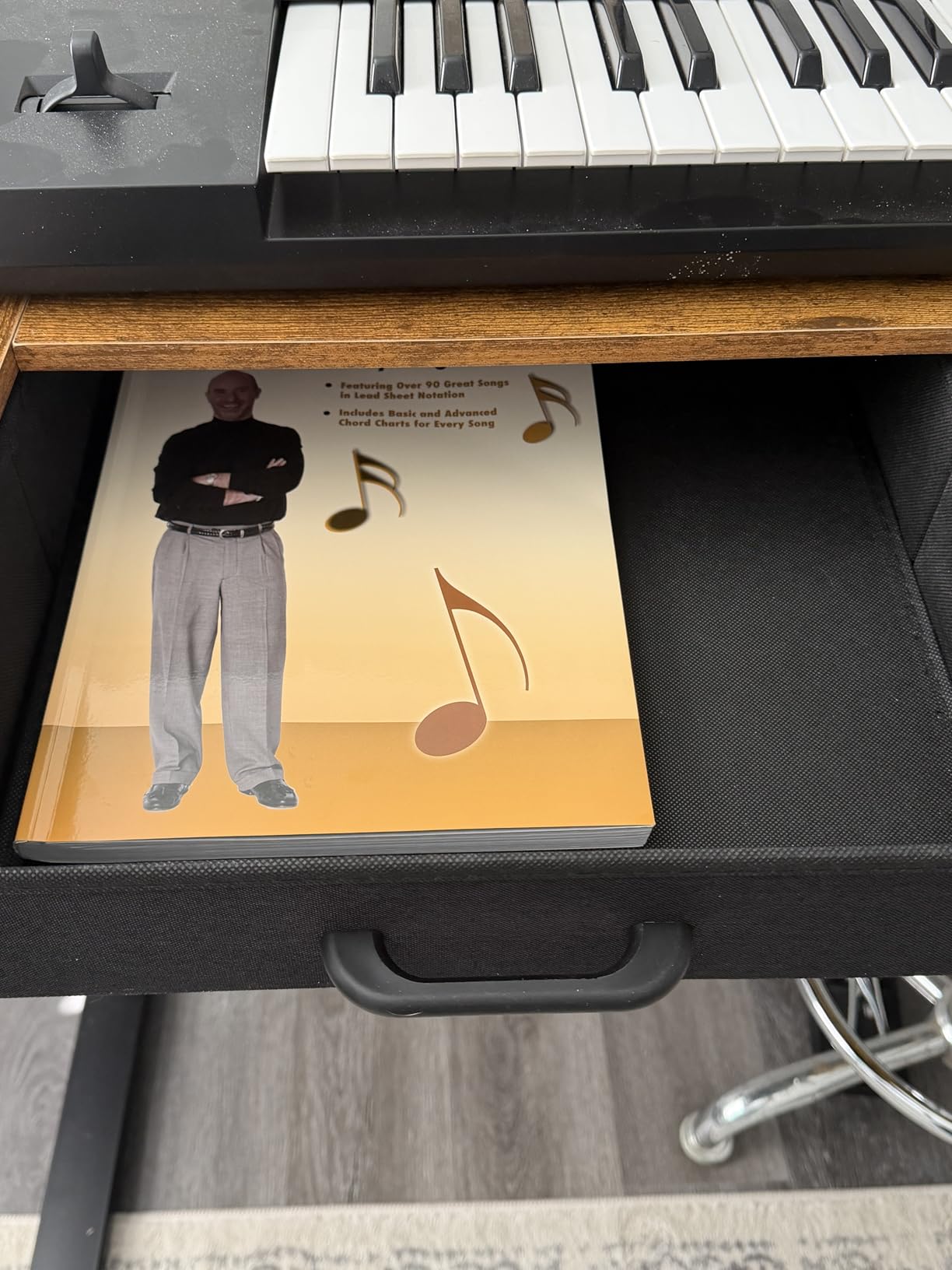
The sub-table installs on either side, so you can decide the orientation after the frame is up rather than before. Height runs from 30 to 47.6 inches with three presets, which is a sensible range for most adults.
The weaknesses are real. The drawers are fabric sided and slide out with no stop, so a laptop can slide off if you open one while turning. Several owners also report side-to-side sway, and that complaint usually traces back to frame bolts that were not fully tightened during assembly. At 154 pounds, the capacity is the lowest figure in this roundup, which rules it out for a heavy multi-monitor rig.
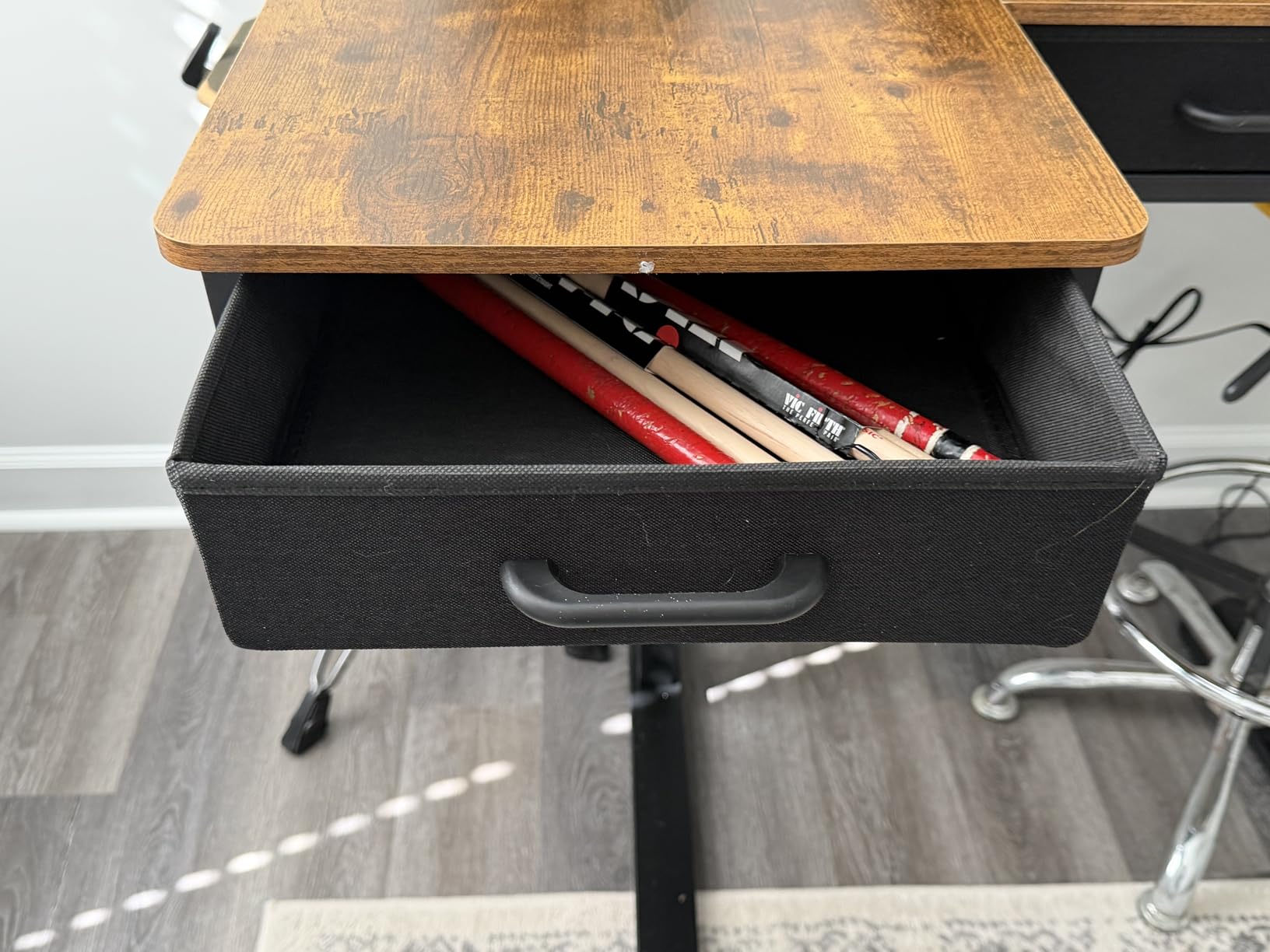
What it is genuinely good at
If you keep paper files, stationery and a laptop in the return instead of on top of it, the surface stays clear and the corner stays tidy. Buyers who bought it for that reason tend to rate it well, and the outlet cluster means one cable runs to the wall rather than five.
It also suits a corner office where the desk return partly hides a filing cabinet, because the drawers take over the small-item storage role. Just check that the door swing of your room does not catch the new drawer fronts when pulled out.
Where it falls short
Tighten every frame bolt with a proper driver before you load the desk. A significant share of the stiffness complaints in owner feedback disappear once the crossbeam is fully secured, and it is a ten minute job that costs nothing.
Also mind the white-ish finishes and the light colors in this category, which show scuffs. If you have a busy corner office and expect daily contact, a darker top is easier to keep presentable.
4. Cubiker Reversible 63 x 55 in L-Shaped Standing Desk
- Wood top reviewers describe as sturdier than particle board
- Quiet motor with three memory presets
- Reversible installation maximizes corner space
- Large work area fits a desktop PC plus a laptop
- Backed by a 5-year limited warranty
- Some wobble at full extension while typing
- Panel mismatch at the join leaves a sharp corner
- 84 lb boxed weight makes the box hard to move
- Controller position may need relocating after assembly
The Cubiker is the one to look at if you are not sure which way your corner faces. The long side installs on either orientation, so the return can go where the window is not, or away from the door, without buying a different desk. That flexibility is the whole point of this model.
The top is wood rather than particle board, and owners consistently notice the difference. Lift speed is 20 millimeters per second with no-load noise at 55 decibels or less, which is quiet enough for a room you share. Three memory buttons and a collision-avoidance function cover the basics well.
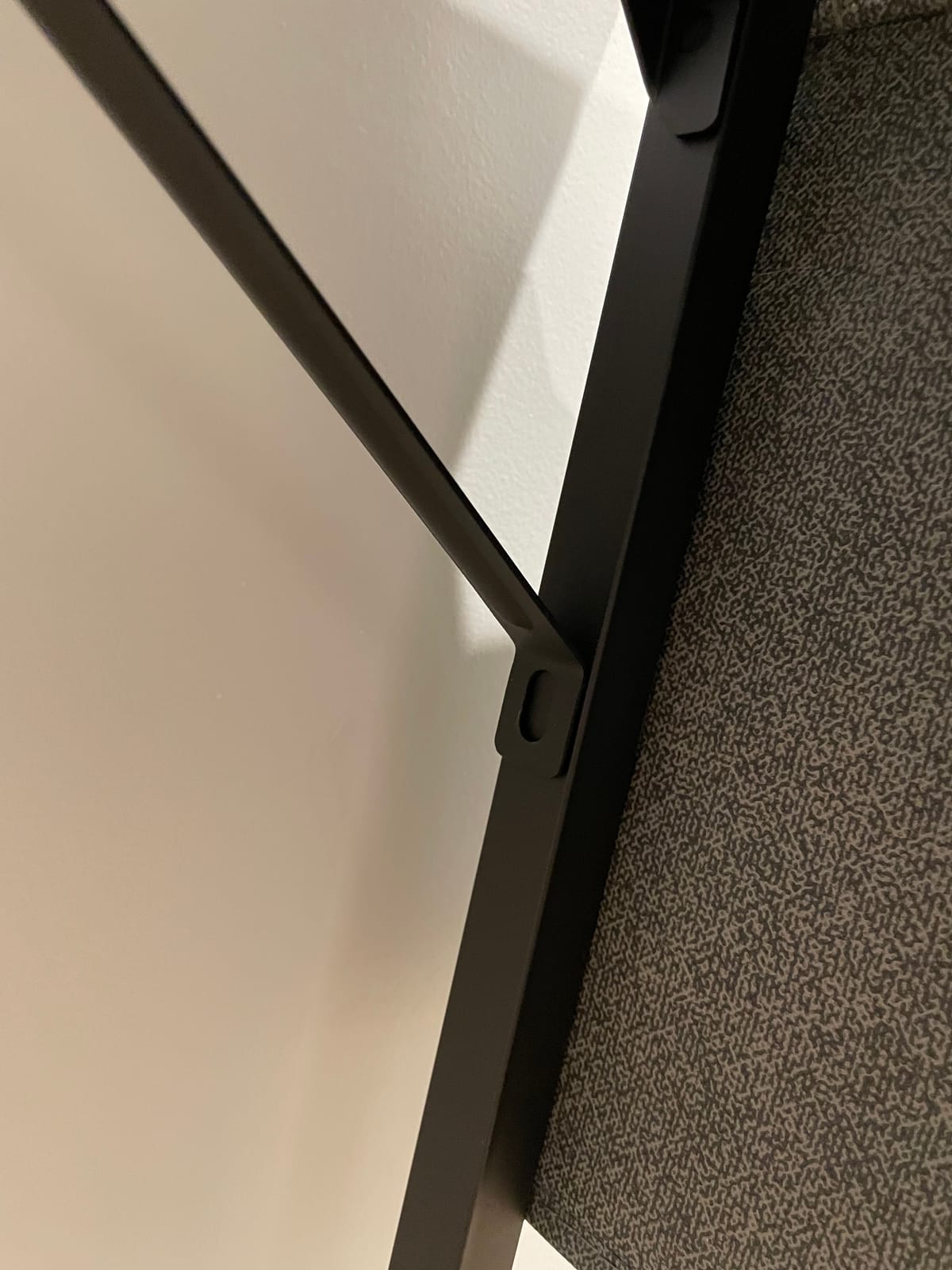
There is a cable management hole and a headphone hook included, which is more than many rivals offer, and the 5-year limited warranty is the joint longest here. The 63 by 55 inch work area handles a desktop PC plus a laptop without crowding.
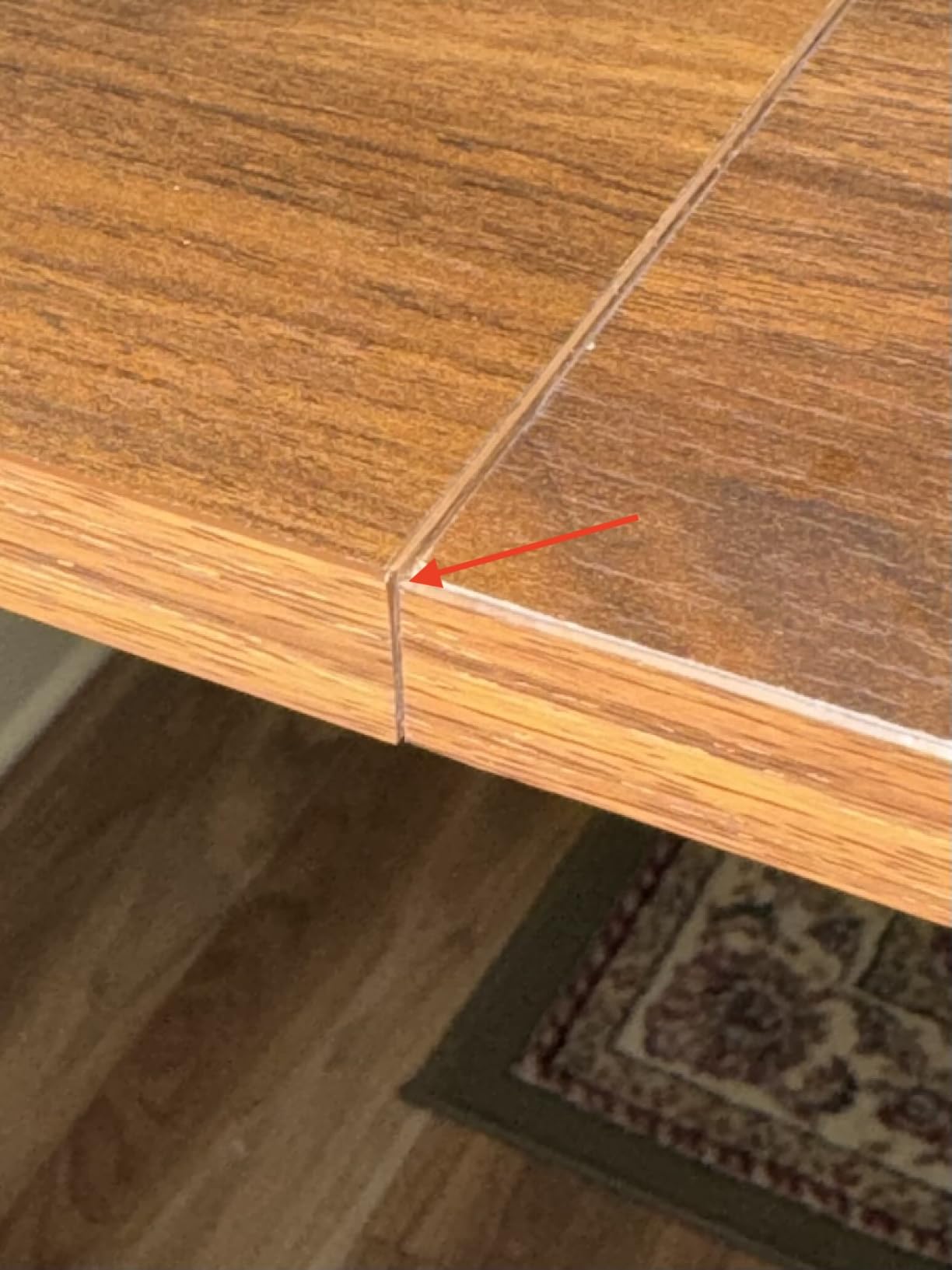
Owners do report some wobble at full extension with vigorous typing, and the panel join can leave a slight mismatch that needs a light sanding because the corner is sharp. At 84 pounds, the box is a genuine two-person lift, and the controller sometimes ends up in an awkward spot that you will want to relocate.
How the reversible return actually works
The long-side installation is reversible, which means you choose the orientation during assembly and can change it later by disassembling that side. Do it right the first time: stand in the room, look at the corner, and pick the side that leaves your chair with a clear path.
This matters most if you use your less common hand for the mouse, since a return on the wrong side pushes the mouse out toward the edge of the surface. Reversible panels solve that without a second desk.
Where it falls short
Capacity is 176 pounds, so treat this as a light-to-medium duty frame. It is fine for monitors on stands, a laptop and a docking station. It is not the desk for a full tower plus a heavy arm plus a walking pad.
Check the join before you start working. A sanded, flush corner costs two minutes; a raw seam that catches a sleeve every day is a daily annoyance for months.
5. FLEXISPOT 71 x 63 in Reversible L-Shaped Corner Standing Desk
FLEXISPOT 71 x 63 Reversible L-Shaped Corner Standing Desk, Black
- Very large work surface that fits two laptops and three monitors
- Reversible L layout so the return can move later
- Very sturdy with minimal shake even standing tall
- Fast quiet lift with four memory presets
- Includes keyboard tray and monitor arm with 5-year warranty
- Assembly instructions confusing with unlabeled legs
- Very heavy and needs two or three people to flip upright
- Several pilot holes missing and must be drilled
- No cable management tray despite the listing impression
This is the desk for a corner office that doubles as a workstation for several screens. At 71 by 63 inches, you can fit two laptops and three monitors, and the reversible L layout means the longer side goes on whichever orientation your room needs.
Stability is the standout. Reviewers describe very little shake even standing at the upper end of the range, and the industrial-grade steel frame is rated to 220 pounds on a 1 inch thick desktop. Four programmable memory presets with anti-collision, a fast and quiet lift, and leveling feet for uneven floors all round out a well-specified frame.
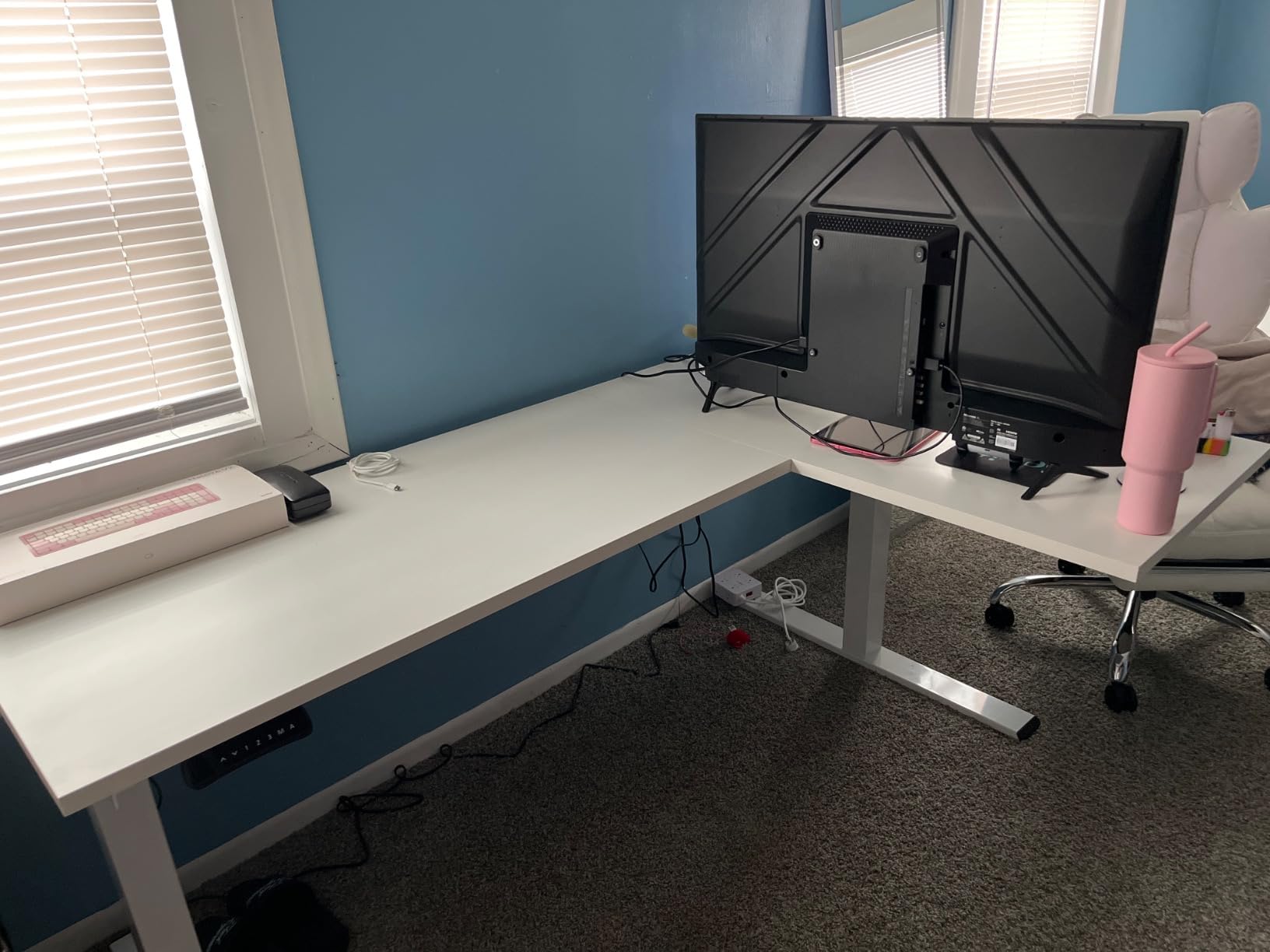
A keyboard tray and a monitor arm are included, which at this level is a genuine saving, and the frame and motor carry a 5-year warranty. You do need a corner with real space. This footprint needs a roomy corner, and it will dominate a small one.
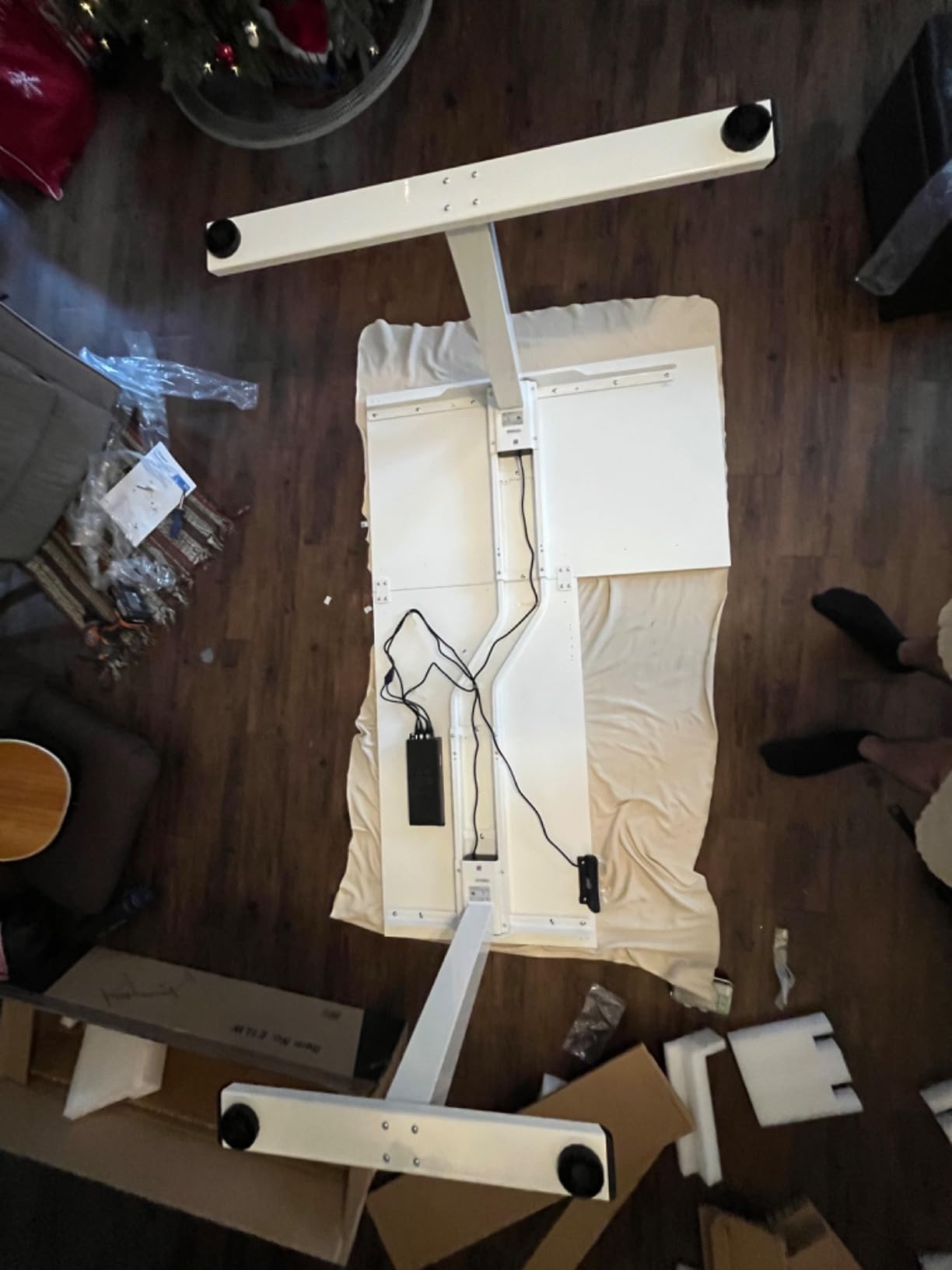
Assembly is the honest weak point. Owners describe unlabeled legs, right and return diagrams that do not match the actual layout, and missing pilot holes that you have to drill yourself. At this weight several reviewers needed two or three people to turn it upright. There is also no cable management tray despite what the listing imagery suggests, so plan your own cable routing. A minority report motor or controller failure inside a year, which is worth mentioning to customer service if you hit it.
Is the size worth it in a real corner
The 71 by 63 inch surface is the difference between one monitor plus a laptop and a full command setup. If your work involves multiple windows open at once, the extra surface area pays back every day in fewer alt-tab switches.
Measure twice. This unit arrives in two packages that may reach you separately, so plan where you will stage the second box in a room that already has a half-built corner desk in it.
Where it falls short
If your corner is under about eight feet on both walls, this is too much desk and you will spend more time managing the surface than working on it. The compact models further down handle small rooms much better.
Budget real time for assembly. The complaints in owner feedback are almost entirely about setup rather than the product itself, and a second pair of hands turns a frustrating afternoon into an evening job.
6. RedLemon 60 x 60 in Two-Tier Electric Standing Desk
RedLemon 60 Inches L Shaped Electric Standing Desk 2 Tier, Antique White
- Only desk in this group with a two-tier monitor shelf and lighting
- Silent smooth height changes usable during meetings
- Spacious 60 x 60 in surface with a 1.5 inch thick top
- Well packed with foam and wooden panels
- Two drawers plus a keyboard tray and rotating cup holder
- Only two small drawers which hold little
- Drawers cannot move to the opposite side
- Antique white finish is warmer and more aged than photos suggest
- Screw cover stickers do not adhere well
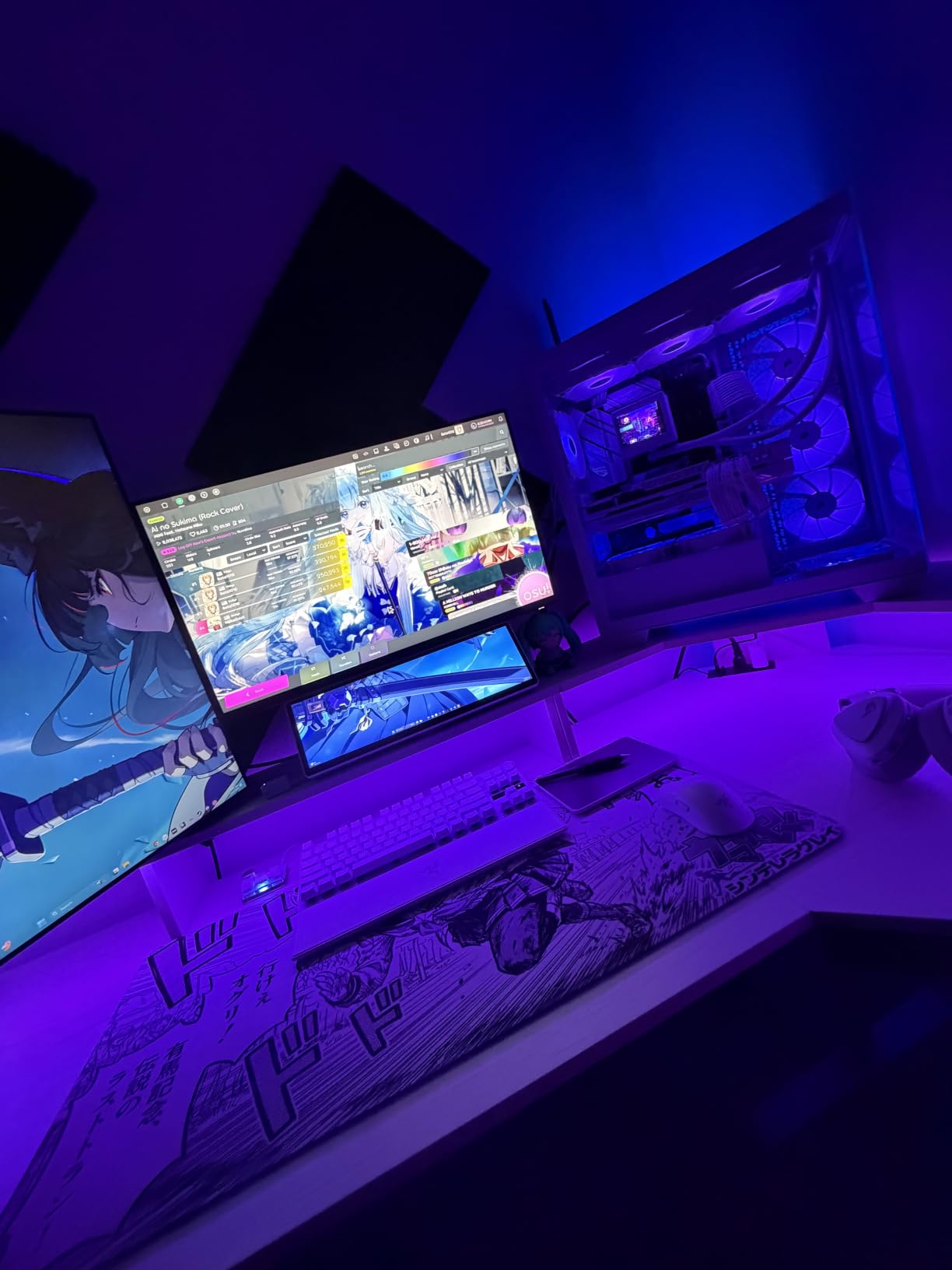
The RedLemon is the most unusual layout here. It is a two-tier desk with a raised monitor shelf at 15 inches, so your screens sit above the main surface and your keyboard sits on the lower tier. In a corner office that gives you a third level of usable space, and it works well for a single wide monitor or a laptop plus a display.
It also has RGB LED lighting with 12 scene modes, plus built-in power outlets, side hooks, a 360-degree rotating cup holder and a keyboard tray. Very few corner sit-stand desks combine that much hardware. The electric range is 28.5 to 46 inches with four height-memorizing presets, and owners call the movement silent, which matters if you take calls while adjusting the desk.
Packaging is unusually good, with foam and wooden-panel reinforced boxes, and sellers resolve issues quickly when something does arrive damaged. At 103 pounds it is a solid two-person assembly, and taller users report they can sit at a raised height without hunching.
Storage is the compromise. Two small drawers hold little more than a mouse and a notebook, and they cannot be moved to the opposite side, so the orientation is fixed at assembly. The antique white finish also reads warmer and more aged in person than the product photos suggest.
Who the two-tier layout suits
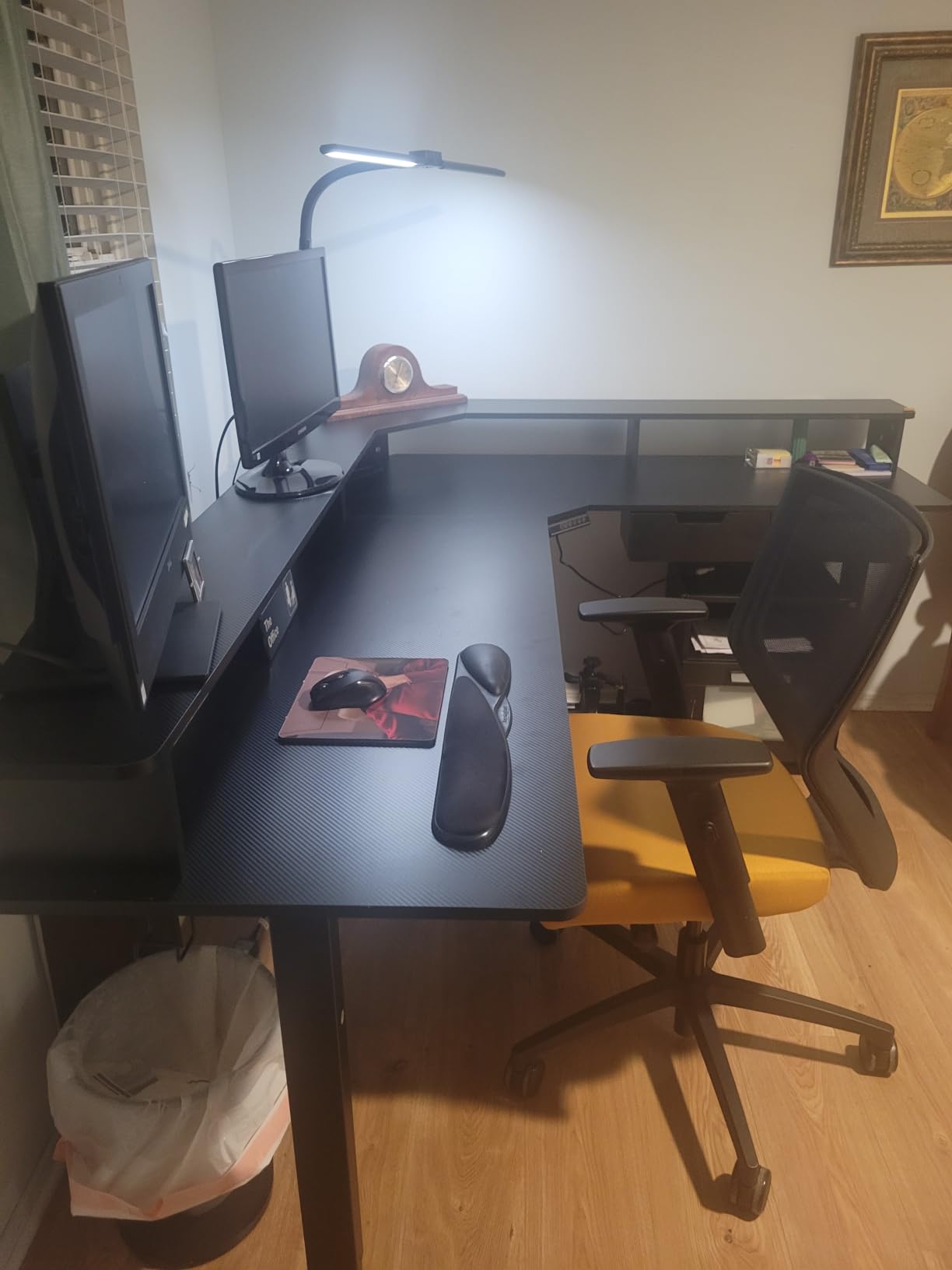
If you use one monitor or a laptop, the raised shelf keeps your screen at a comfortable eye level and frees the lower surface for writing. It also shortens the distance between your eyes and the screen, which reduces neck strain over a long day.
The lighting is a genuine bonus in a dim corner office and it is the feature owners mention most. It is not a substitute for a proper task light, but it takes the edge off an evening session.
Where it falls short
Two people sharing this desk will fight over the space. The two-tier arrangement is built for a single user, and the cup holder and hooks are a bonus rather than a necessity for a shared setup.
There is one isolated report of the lift mechanism sticking repeatedly. It is not a pattern in the reviews, but if the frame feels rough on the first up-and-down cycle, run it through the full range several times before you load anything onto it.
7. VIVO DESK-KIT-3E10SB 84 x 71 in Corner Standing Desk
- Largest load capacity in the roundup at 300 pounds
- Widest height range at 24.6 to 50.2 inches
- Two one-piece tops avoid seams on the work surface
- Generous 84 x 71 in corner workstation layout
- Most expensive option in this roundup
- Lowest average rating of the twelve at 4.3
- 94.7 lb assembled weight makes assembly a two-person job
Two specs separate this from everything else in the roundup. The multi-motor lift runs from 24.6 to 50.2 inches, the widest range here, and the all-steel frame is rated to 300 pounds. That low minimum suits a user around five foot two who otherwise bumps their knees on a 29 inch floor, and that high maximum suits anyone well over six foot looking for a proper standing elbow height.
The surface is 84 by 71 inches, built from two one-piece tops rather than three panels. There is no splice seam across the working area, which matters on a desk this size where you would otherwise feel the join constantly. A push-button controller with four memory presets handles the height changes.
This is the desk for a drafting setup, a multi-monitor command center, or a pair of people working in the same corner. It is also the heaviest lift in the roundup, so check that your floor can take a permanently installed 94.7 pound frame before you order it.
Be realistic about the trade-off. This one carries the lowest average rating of the twelve at 4.3, with a noticeably larger share of one-star feedback than the mid-tier frames, and several buyers pointed out that the multi-motor lift is a more complex system with more that can go wrong. It is also the most expensive option here by a wide margin, which is worth weighing against a simpler frame if your load is light.
When this height range genuinely matters
A low minimum of 24.6 inches is the difference between a comfortable seated position and a compromise posture for shorter users. If you are below five foot four, most of the L-shaped standing desks in this roundup will not let you sit properly at their lowest setting, and this one does.
At the other end, 50.2 inches is tall enough that a tall user can stand with shoulders relaxed rather than hunched. If you have ever come back from a sit-stand desk with a stiff neck, the top of the range is usually the reason.
Where it falls short
At 84 by 71 inches, this needs a genuine corner office rather than a home nook. A bedroom corner that a normal L-desk fills will look crowded with this one, and you will have little floor left for a chair to roll.
It is also a fixed installation in practice. At 94.7 pounds assembled, you are not moving this to a different room, so decide on the placement before it arrives.
8. FEZIBO Triple Motor 63 in L-Shaped Standing Desk
- Triple-motor lift stays smooth and stable at full height
- 330 lb capacity is the highest load rating here
- Quiet 35 mm per second travel under 50 dB
- Arrives as one well-protected box with clearly labeled parts
- Long-term owners report three to four years of daily use
- Three motors can drift out of sync and need a controller reset
- Top is laminate particle board that can strip screws
- One report of motor and controller failure after three years
- No keyboard tray on this version
- Very heavy box
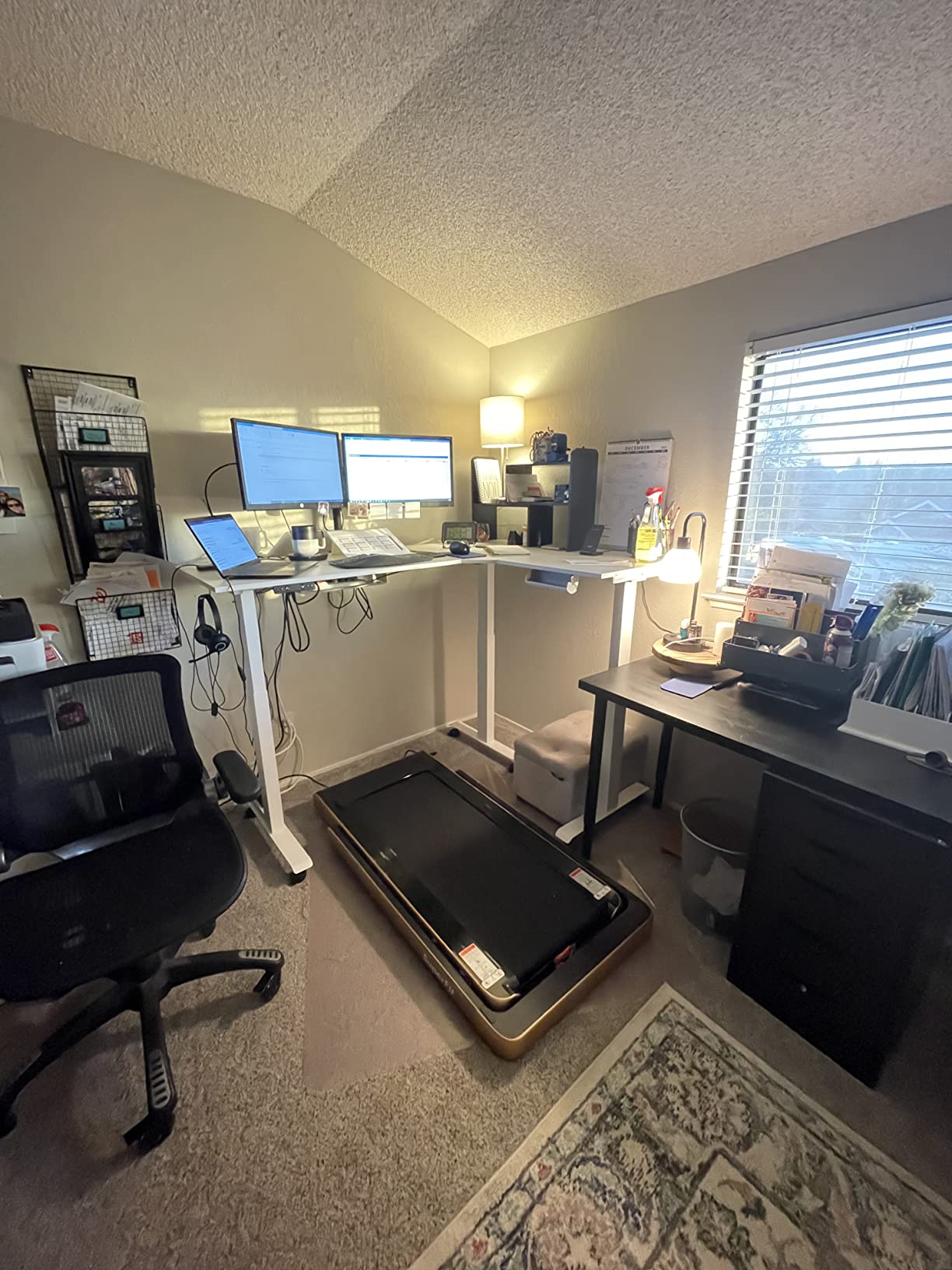
The FEZIBO is the frame for people who put heavy things on a desk. Three motors drive the lift at 35 millimeters per second, the industrial-grade steel frame is rated to 330 pounds, and owners report it stays smooth and stable at full height with multi-monitor arms, a tower and even a treadmill underneath.
That extra capacity is not marketing. Owners who use this desk as a standing workstation with heavy equipment treat it as the reference point in this category, and long-term owners report three to four years of solid daily use. Noise stays under 50 decibels, so it will not drown out a call.
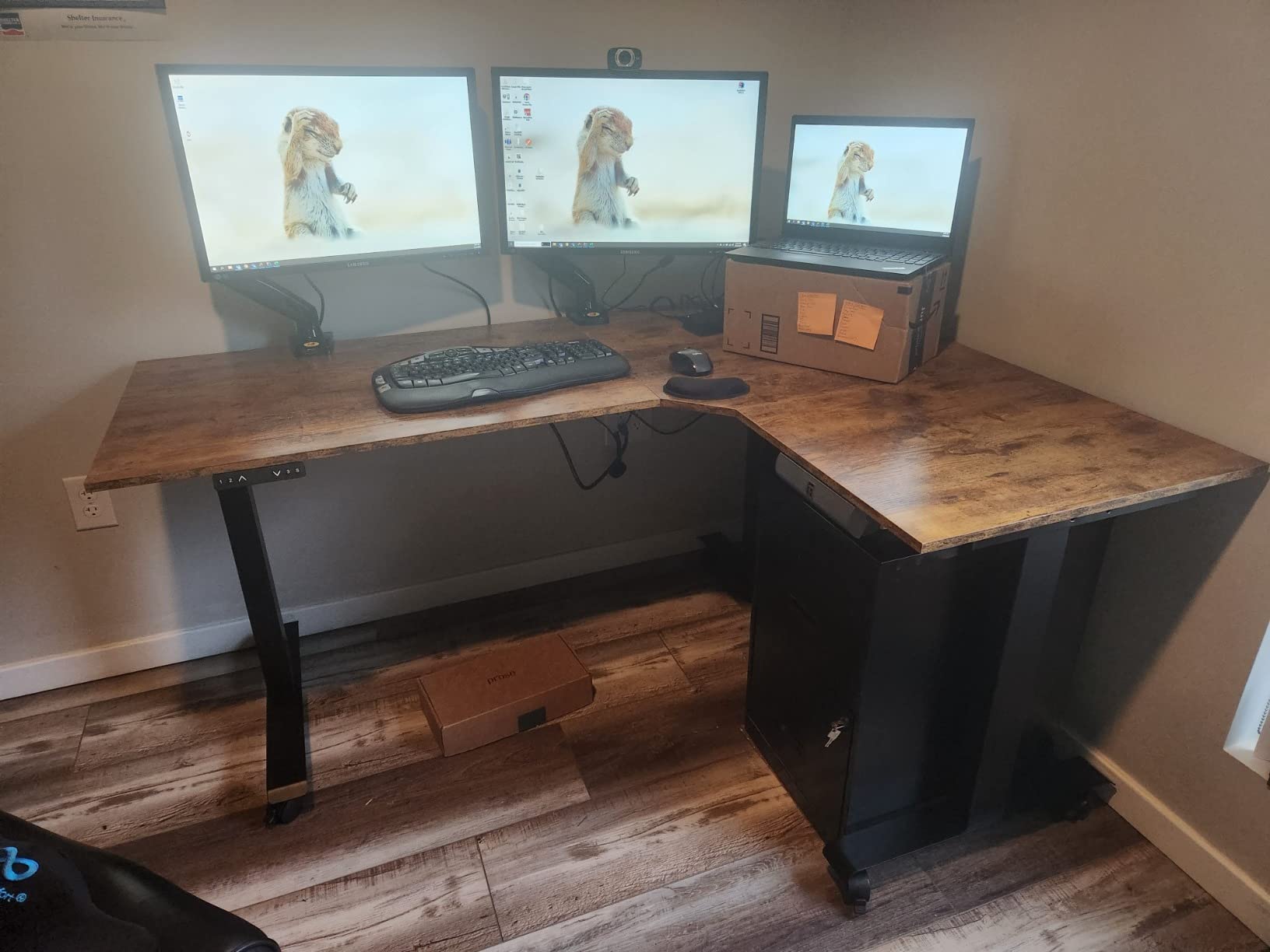
Locking casters are included to protect flooring, along with hooks, and the whole unit arrives in a single well-protected box with no styrofoam and clearly labeled parts. Height range is 27 to 48 inches, with anti-collision protection throughout.
There is a specific maintenance quirk worth knowing. Three motors can drift out of sync over time, which shows up as a surface that sits slightly uneven, and the fix is a controller reset rather than a repair. This version has no keyboard tray, the top is laminate particle board that can strip screws if tightened roughly, and one owner reported a motor and controller failure after three years of use.
When you actually need a triple motor
If your desk holds a full tower, two monitor arms, a dock and a walking pad underneath, this is the frame that will not feel strained. Single-motor units at lower capacities flex under that combined load, and the wobble you feel while typing is the first symptom.
Anti-collision matters more here than anywhere else in the roundup, because a heavy L-return travelling at speed in a corner room is exactly the setup where a collision can damage something.
Where it falls short
Three motors are three components that can wear, and the sync drift is a maintenance item you did not sign up for with a dual-motor frame. If your load is moderate, you are paying for headroom you may never use.
The box is very heavy and several buyers needed help getting it into the room. Plan the delivery route through your doorways before it arrives, because a 63 inch L-shape is awkward in a hallway.
9. SEDETA Farmhouse 55 in L-Shaped Standing Desk with Storage
SEDETA Farmhouse 55 inch L Shaped Standing Desk with Storage Drawers
- Most storage in the roundup with drawers shelving and glass cabinets
- Large file cabinet fits letter A4 and legal documents
- Infinite height adjustment from 28 to 47 inches
- Farmhouse styling with barn doors suits a home office
- Built-in two-outlet two-USB charging station
- Lowest average rating here at 4.2 with a 10 percent one-star share
- 184 lb assembled weight is the heaviest unit here
- Only 176 lb load rating despite the large size
- Bulky footprint limits remaining floor space
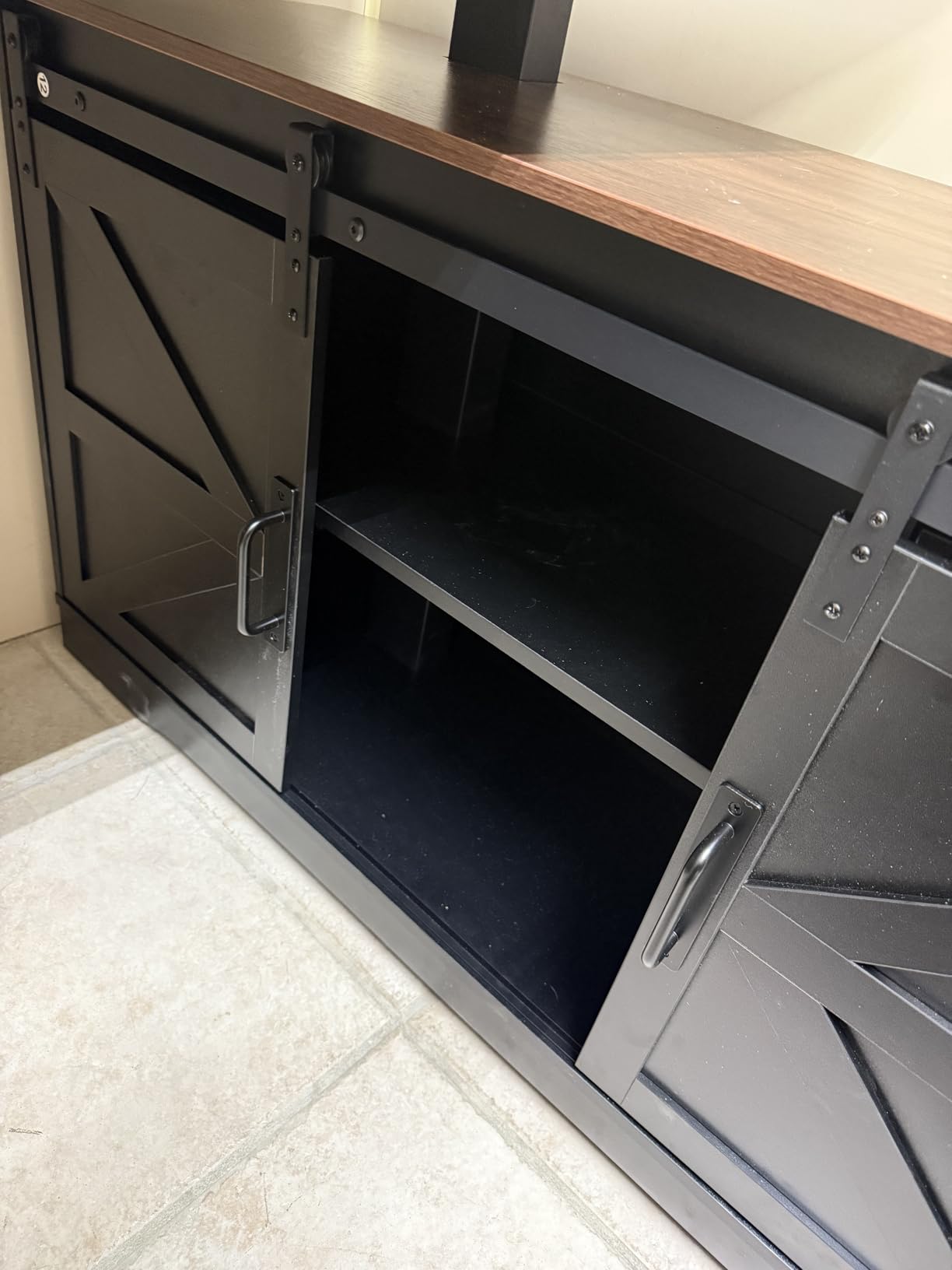
If your corner office doubles as a paperwork room, this is the one. The return houses four wooden drawers, seven open shelves and two glass-door cabinets, and the large file cabinet takes letter, A4 and legal documents on smooth sliding tracks. No other L-shaped standing desk in this roundup comes close on storage.
It still raises and lowers. Infinite height adjustment runs from 28 to 47 inches with three memory presets, and there is a built-in charging station with two outlets and two USB ports. The barn-door cabinet hardware gives it a farmhouse look that suits a home office rather than a corporate one.
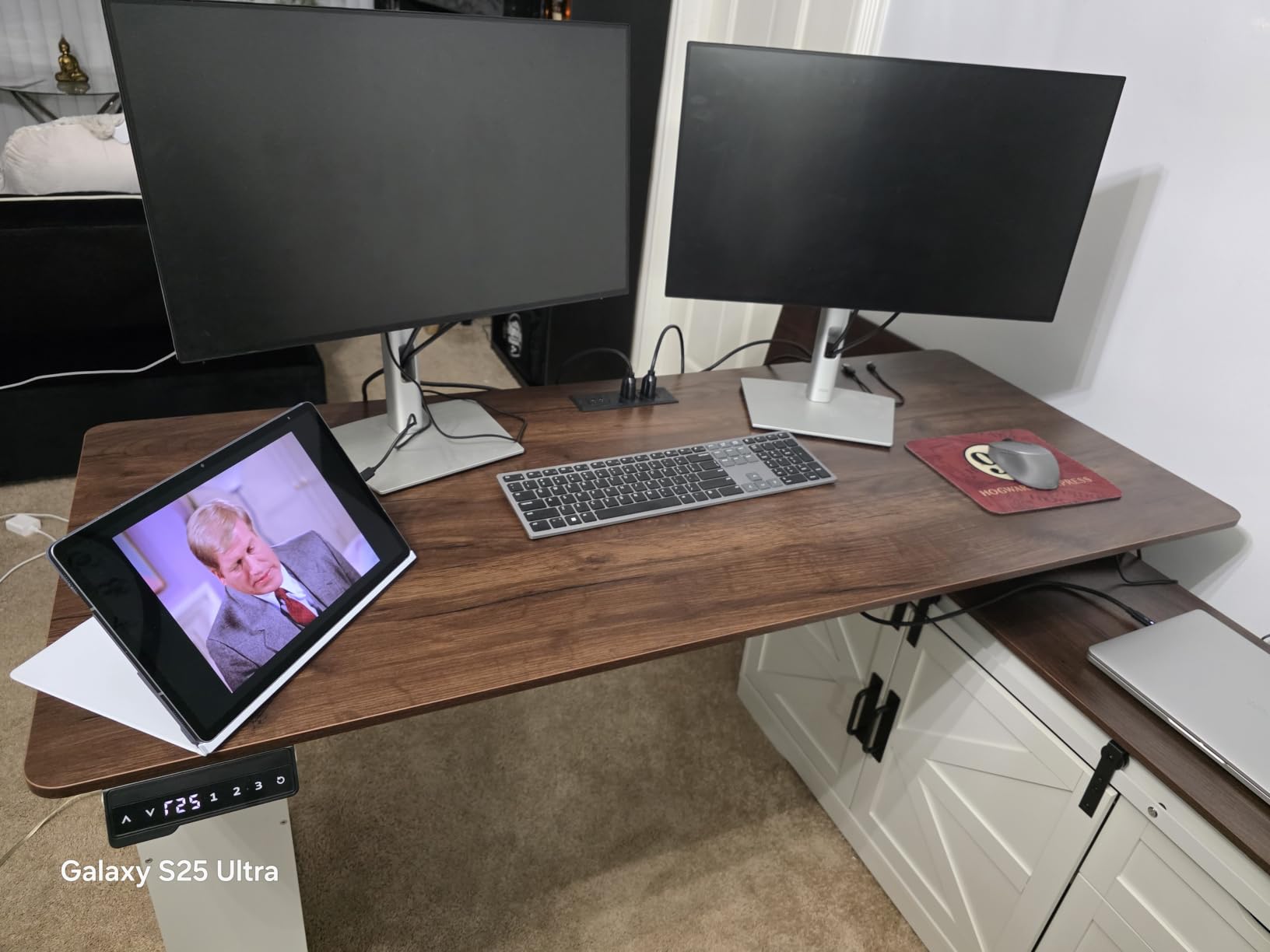
What you are really buying here is a storage wall with a lift mechanism attached. The assembled surface is 69 by 55.1 inches, and at 184 pounds it is the heaviest unit in this roundup by a wide margin. In practice that means you install it once and it stays there.
The ratings reflect that trade-off. This carries the lowest average score of the twelve at 4.2, with a 10 percent one-star share, and the recurring themes are weight and bulk rather than lifting performance. The 176 pound load rating is also modest for a desk this large, which is a strange mismatch that buyers do mention.
How to make the bulk work in a corner
Push it fully into the corner so the storage side absorbs the leftover wall. The shelving faces into the room, which means the bulk becomes the wall and the usable surface stays clear. A rolling chair still fits at the main wing because the return is the deep, full-height section.
Leave a path to the door. At this footprint the swing of a door can catch the cabinet doors, and that is an easy mistake to make in a small room.
Where it falls short
The lift does a lot less here than the storage does. At 176 pounds with a 28 inch minimum, this is not a desk for a heavy monitor rig, and it is not the most comfortable surface for a person over six foot.
If you do not genuinely need the filing and shelving, you are adding 184 pounds and a large footprint for storage you will not use. A separate pedestal under a lighter frame often serves the same need.
10. SIAGO 63 x 55 in L-Shaped Standing Desk with Charging Station
- 250 lb capacity with a motor tested through 50000 cycles
- Quiet 48 dB lift with three one-touch presets
- Three equal-length legs support both wings evenly
- Built-in charging with three outlets plus USB Type-A and Type-C
- Reversible installation and a child safety lock on the controller
- Only three height presets
- fewer than some rivals
- Splice board seam crosses the main work area
- Top is engineered wood rather than solid wood
The SIAGO is the quietest sensible option for a shared or client-facing corner office. The lift runs at 48 decibels, and the child safety lock on the controller is a small touch that matters in a home with kids or a room visitors pass through.
Three equal-length legs support 250 pounds across both wings of the L, which is the detail that separates it from two-leg frames. Owners specifically call out the even support, and the motor is tested through 50,000 lift cycles under load, which is the strongest durability claim in this group.
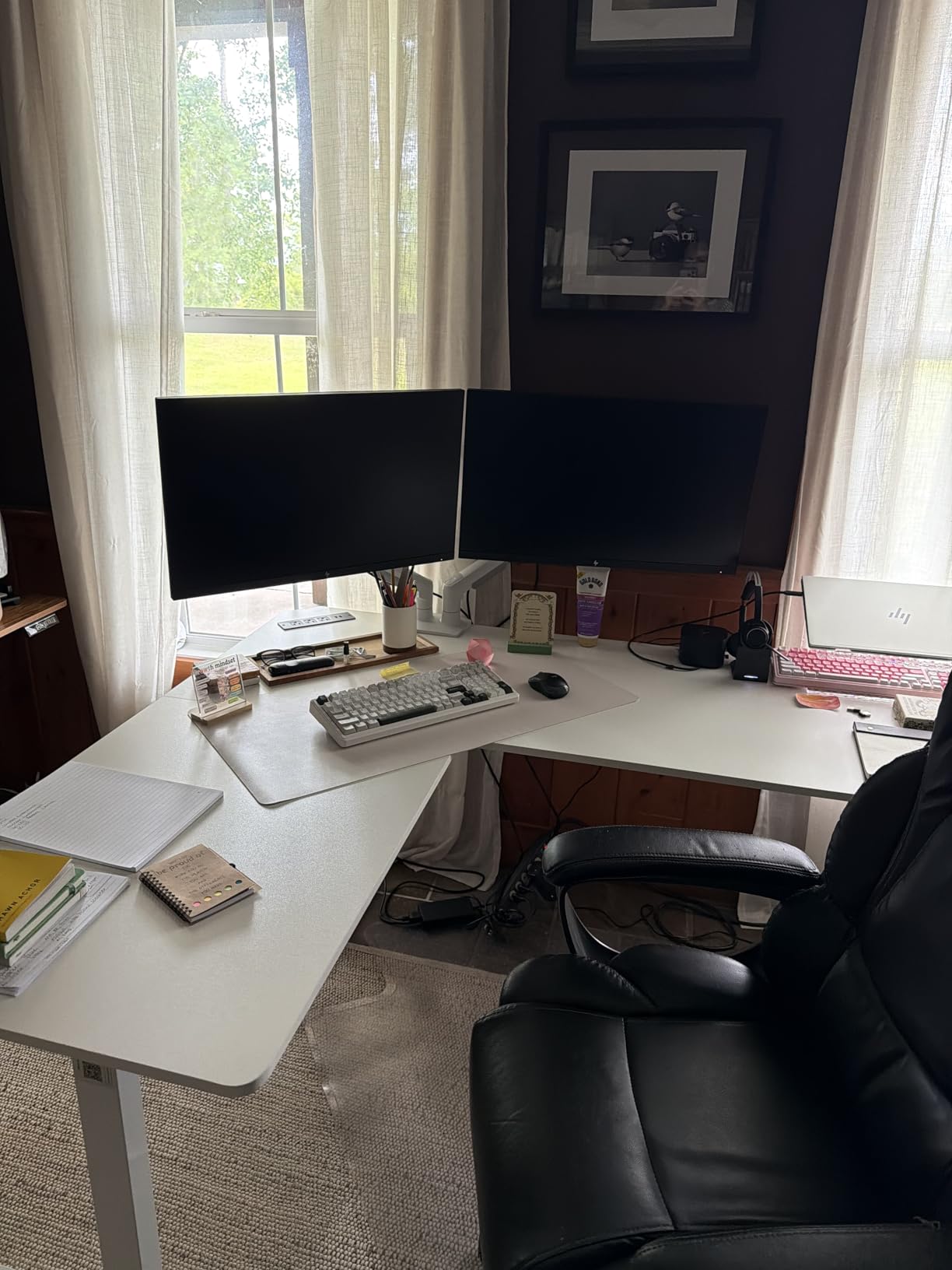
Charging is well handled with three AC outlets plus USB Type-A and Type-C fast-charging ports, alongside a cable management tray, headphone hooks and a toolkit. Installation is reversible, height runs 27.5 to 45.7 inches, and the brand backs it with a 2-year warranty and 30-day returns.
Criticism is minor and mostly cosmetic. There are three presets rather than four, and the splice board leaves a seam across the main work area. The top is engineered wood rather than a solid slab, so treat the corner of the join with care if you rest your forearms on it.
Why the three-leg base matters in a corner
A corner desk is a cantilever in two directions. With support at the outer corner of the return as well as at the two main legs, the return does not pitch when you lean on it, and the surface stays flat when the frame is at full height.
That is what keeps typing stable in the corner, which is the single most repeated complaint in owner discussions about L-shaped desks of this type.
Where it falls short
Three presets means more keypad presses than a four-preset model. If you share the desk with someone of a very different height, the extra memory slot is genuinely useful and its absence is felt.
The child safety lock is a feature for some and a nuisance for others, since it means a deliberate hold before the desk will move. Worth knowing before someone in the house tries to raise it.
11. Klicelor 55 x 31.5 in Compact L-Shaped Standing Desk
- Lowest cost of any electric L-shaped corner desk here
- Clearest assembly instructions with some builds finishing in 30 minutes
- Quiet sub-50 dB motor with two programmable heights
- Compact 55 x 31.5 in footprint suits small rooms
- Built-in cable management plus dual hooks
- Build quality reads as entry-level
- Only two programmable height presets
- 154 lb weight limit
- No charging ports
- One report of the motor struggling and buttons stopping
Not every corner is a 71 inch corner. If your walls are short or the room is a spare bedroom, this is the footprint that actually fits. At 55 by 31.5 inches, the Klicelor gives you a genuine L-shape in a space where most of the others would stand several inches proud of both walls.
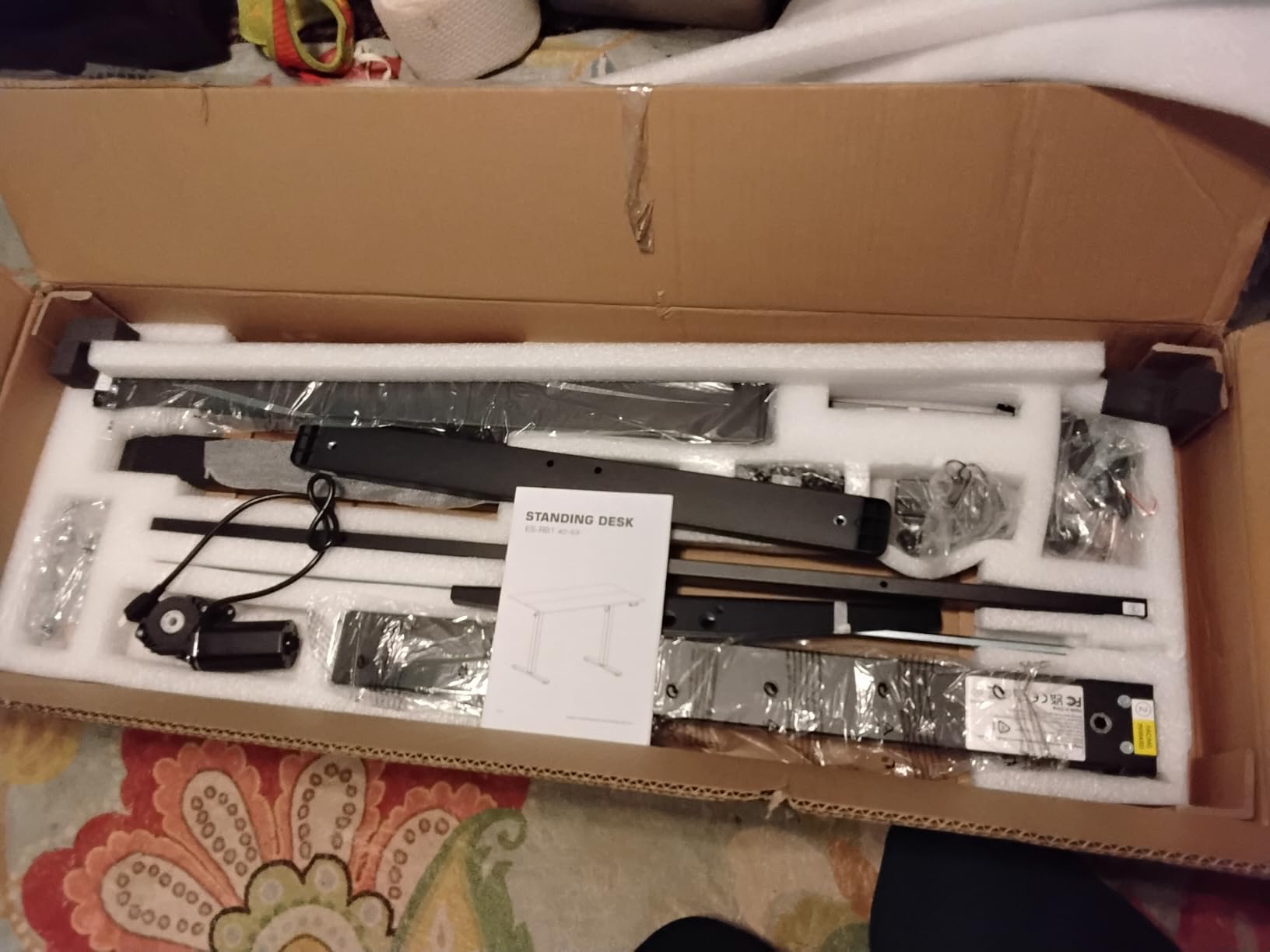
It also has the clearest assembly instructions of any desk in this roundup, and several buyers report finishing the build in about half an hour. The motor is quiet at under 50 decibels, with two programmable heights, a 28.3 to 45.7 inch range, anti-collision protection, and built-in cable management with dual hooks for headphones or a daybag.
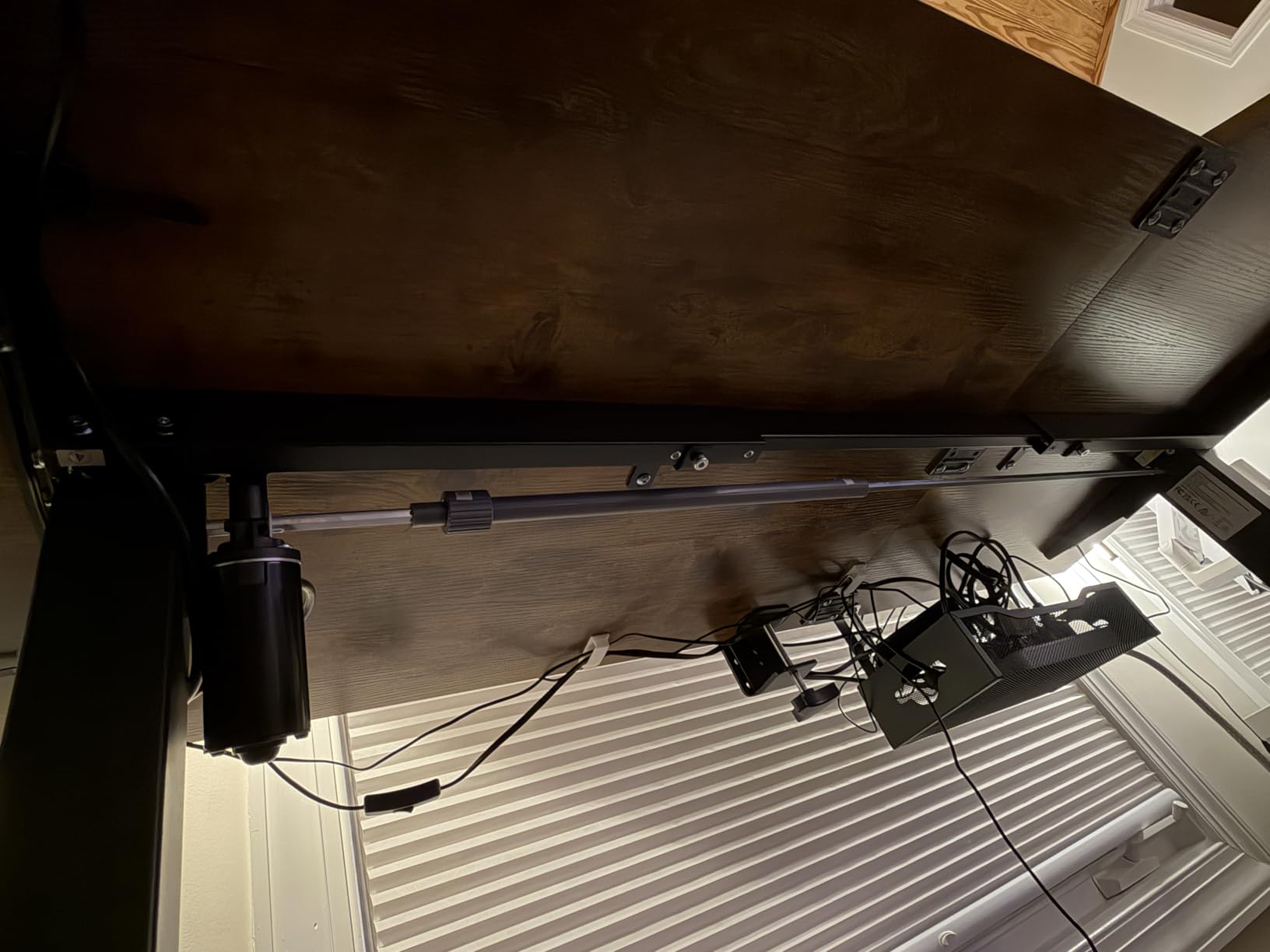
It also has the highest rating among the entry-level options here at 4.6, driven mostly by owners being surprised at how solid it feels for the money. Sizes run from 40 by 24 up to 71 by 31.5 inches, so you can step up without changing brand.
The compromise is build quality. It reads as entry-level, and at 154 pounds the capacity is tied for the lowest figure in this roundup. There are only two presets and no charging ports. There is also one isolated report of the motor struggling and the buttons stopping at random, which is not a pattern but is worth remembering.
When small beats large
A desk that overhangs the corner by four inches on both sides will hit furniture, curtains and skirting boards, and it eats floor space you were counting on for a chair. The 31.5 inch return depth also keeps your knees clear when you sit at the join, which solves the chair collision problem that bigger models create.
For a study corner, a small apartment office or a second bedroom workspace, this footprint is simply the right answer.
Where it falls short
Surface area is the limit. A 55 inch main wing fits one monitor comfortably and a laptop on the return, but a dual-monitor setup means one screen sits over the edge.
At 154 pounds, keep the load to monitors on light stands, a laptop and a dock. A full tower and heavy arms will push it.
12. Casaottima 63 in L-Shaped Electric Standing Desk
Casaottima 63 Inch L Shaped Electric Standing Desk, Home Office, White
- Highest average rating of the twelve at 4.7
- Owners commonly fit a walking pad underneath
- Quiet lift with three memory presets
- Reversible return fits either corner orientation
- Clear instructions with all parts included and no damage reported
- White finish shows every mark
- Assembled footprint smaller than many 63 inch rivals
- Memory presets only save while the unit stays plugged in
- 154 lb weight limit
The Casaottima carries the highest average rating in this roundup at 4.7, and the reason owners give most often is that it feels sturdier than expected. The carbon steel frame has a reinforced lifting system, and the most common use cited by buyers is fitting a walking pad underneath, which is a demanding test for a compact L-frame.
It rises quietly from 28.4 to 45.7 inches with three memory presets, and the return installs on either orientation so the desk suits either corner. Owners also report clear labeling, an optional installation video, and no arrival damage.
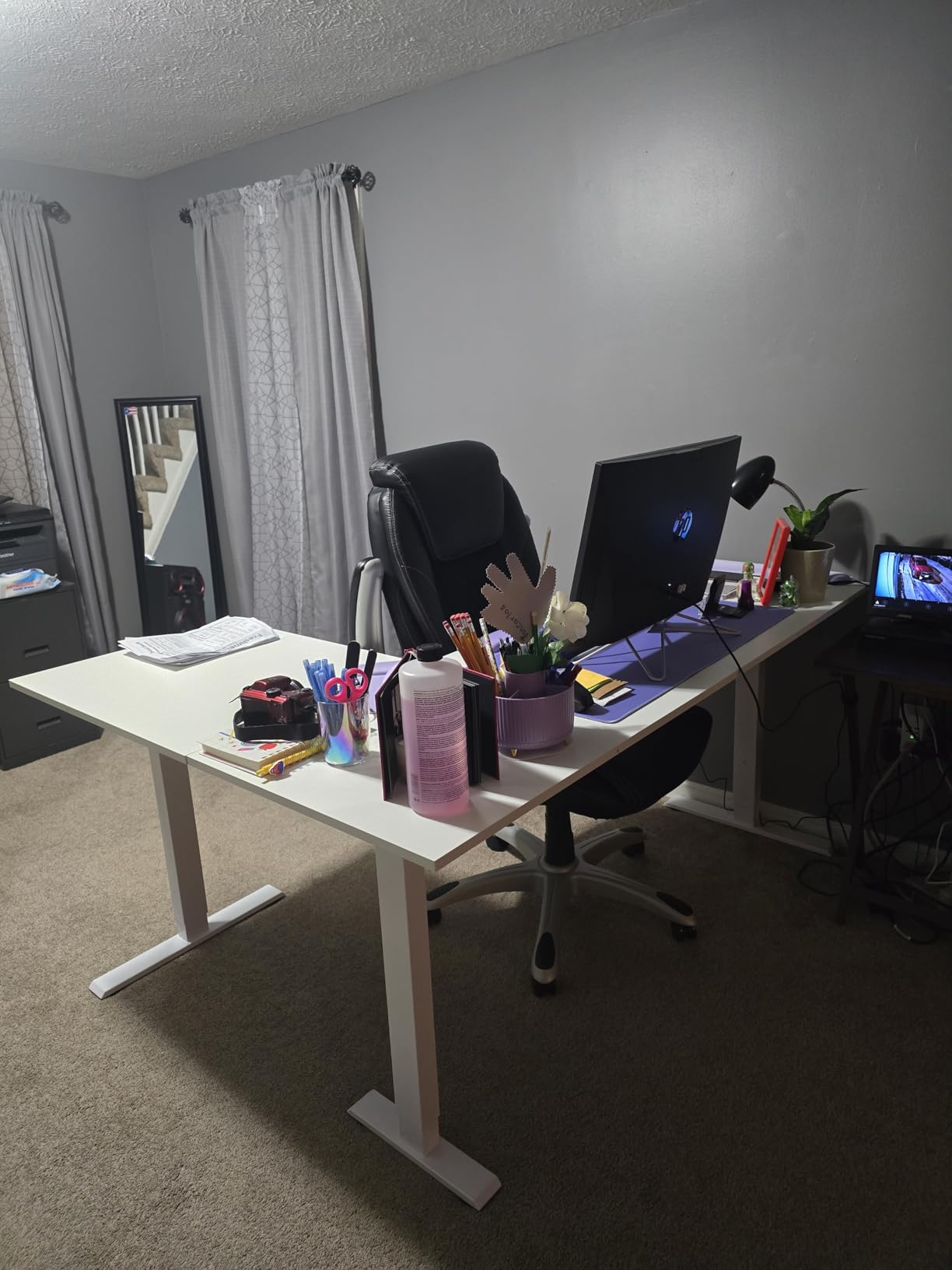
It comes in 59, 63, 71 and 79 inch sizes in black and white, and the 59 inch version includes a keyboard tray. If your corner is tight but you want this frame, the smaller size is the one to look at.
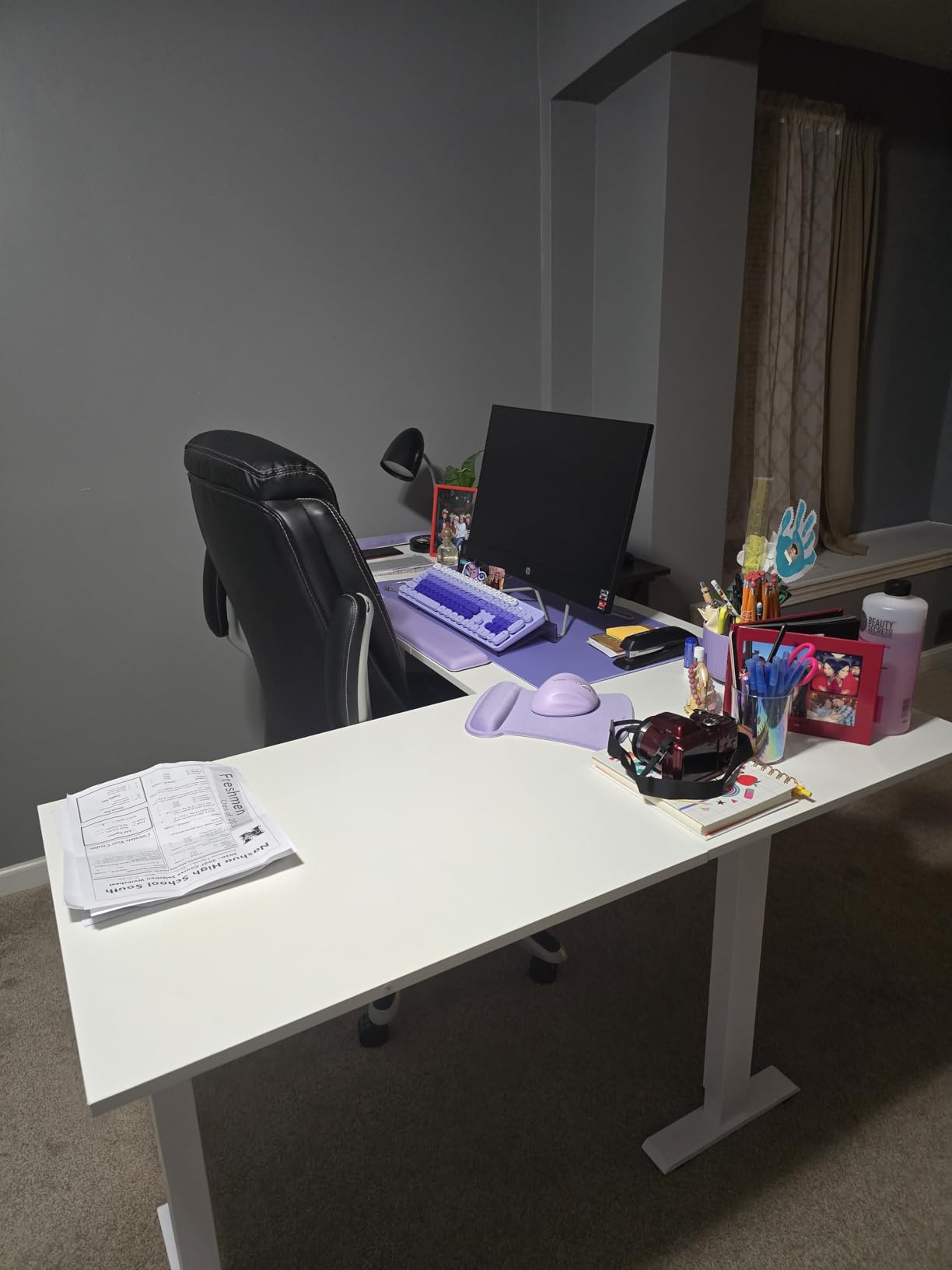
Two practical caveats. The white finish shows every mark, and several owners add desk pads to protect it. The assembled footprint is smaller than many 63 inch rivals, so you will be decluttering the surface to use it well. Presets only save while the unit stays plugged in, and the 154 pound limit rules out a heavy tower.
Why it suits a walking pad
A walking pad under a desk needs three things: enough legroom, a frame that will not rack when you step on the moving belt, and a motor quiet enough that the belt noise is not the loudest thing in the room. Owners report this desk handles all three, which is why it comes up so often in that specific use case.
Check the clearance height at your lowest setting before you buy the pad. A frame that only reaches 28.4 inches may not clear the console on a taller walking pad.
Where it falls short
The white top is a real consideration in a busy room. Fingerprints, coffee rings and pen marks show immediately, and unlike a dark walnut or black top they cannot be wiped out of sight.
At 154 pounds this is a light-duty frame. Plan monitors on stands rather than heavy arms, and keep the walking pad plus your own body weight comfortably inside the limit.
How to Measure a Corner Office Before You Order
Measure the corner properly and most of the disappointment disappears. Nearly every fit problem we saw in owner discussions came from someone measuring the two wall lengths and forgetting the depth of the return.
- Measure both walls at three heights. Skirting boards, uneven paint and outlets will not show up if you measure once at desk height. Note the lowest number on each wall.
- Measure the diagonal. The usable diagonal of the corner is the constraint that actually decides whether an L-desk fits. A 63 by 55 inch L needs a diagonal run of roughly 84 inches before you allow for the return depth.
- Check the window and radiator. Do not block a radiator. If a window sill sits within the height of the raised section, a two-tier model will not work in that corner.
- Swing the door fully open and mark the arc on the floor. Then place the desk footprint inside that arc. If it overlaps, the drawer or cabinet fronts will hit the door.
- Sit down in the empty corner and swing a chair. Check that your knees clear the return and that you can roll in and out. This catches the chair-versus-L-return problem that specifications never reveal.
- Leave a few inches behind the frame. The lift columns need clearance to travel and a hard push against the wall can bind the mechanism.
- Plan the delivery route. Measure the narrowest doorway and the tightest turn between the door and the corner. A bulky L-shape that cannot get through the door is the single most common regret in owner feedback.
- Check your ceiling. Maximum heights above 46 inches need ceiling clearance, and a ceiling fan or pendant light can make the tallest ranges unusable.
Dual Motor vs Triple Motor: What Changes on an L-Return
Motor count is the spec that separates a desk that feels solid from one that feels nervous, and it matters more on an L-shape than on a straight desk. A corner is a cantilever: the return pushes outward from the main wing, and the further out you type, the more the frame twists.
Single motor units drive one lifting column set and usually carry the lowest capacity figures, in the 154 to 225 pound range in this roundup. They are smooth and quiet, which is their real strength, and the wobble owners report at full height usually traces back to the span of the return rather than the motor itself.
Three-leg and three-motor frames add support at the outer corner of the return. Three equal-length legs across both wings is what keeps the surface flat when you lean on the corner, and that is the arrangement that produces the least typing shake. The SIAGO is the clearest example in this group, and the FEZIBO is the version that pairs three legs with the highest load rating here.
The practical trade-off is complexity. Each extra motor is another component that can wear and another point where the surface can drift out of level. If your load is a laptop and two monitors, a well-built single-motor frame will serve you for years. If you are loading the corner with a tower, arms, a dock and a walking pad, the extra lift capacity is what stops the desk from feeling like it is about to tip.
Owners in the forums we read care more about motor smoothness and quietness than raw speed. Lift speeds across this roundup sit in a narrow band, so speed rarely separates two otherwise similar frames, while noise and smoothness do.
How to Use an L-Shaped Standing Desk Safely
The 20-8-2 rule is the most common sit-stand schedule: for every 30 minutes of sitting, stand for 8 minutes of activity, then sit again for 2 minutes. The point is not the standing itself but the alternation, which is what gives you the benefit.
Use the presets. Set your sitting height once, your standing height once, and a middle height for reading or phone calls. Owners who use memory presets consistently report sticking with the desk far longer than those who adjust manually every time, and the second preset is the one people forget to program.
Stand facing the main wing with the return to your side, not with your stomach against the corner. That keeps your weight over the center of the frame instead of the cantilevered return, where the same posture produces a lot more wobble.
Before you stand, clear the return. On a lot of these models the L-return travels with the main wing or rises separately, and a coffee cup, a stack of paper or an open drawer on the return is exactly what an anti-collision sensor will catch. That is the mechanism doing its job, but a jammed lift is still an inconvenience.
Keep anti-collision active. It is there because a 63 inch frame rising at 35 millimeters per second in a corner with a chair nearby is a genuine pinch risk. If a sensor fires repeatedly on your chair arm, move the chair rather than disabling the feature.
Alternate gradually. If you are new to standing work, start with two stand periods a day rather than doubling your standing time overnight, and alternate between standing still and walking a few steps.
Where to Put the Return and How to Tame the Cables
The return orientation is a decision, not a default. Put the long side against the wall with the window so daylight falls on your main wing, and keep the return away from a radiator. If you mouse or write with your less common hand, orient the return so that hand has the surface, and if the model is not reversible, decide this before assembly rather than after.
Two straight standing desks pushed into a corner is the alternative owners raise most often, and it has real advantages. You can place each desk where the light is best, adjust them independently, and replace one at a time. The trade-off is a visible seam down the middle, two sets of motors to maintain, and two frames taking up floor space in the corner rather than one.
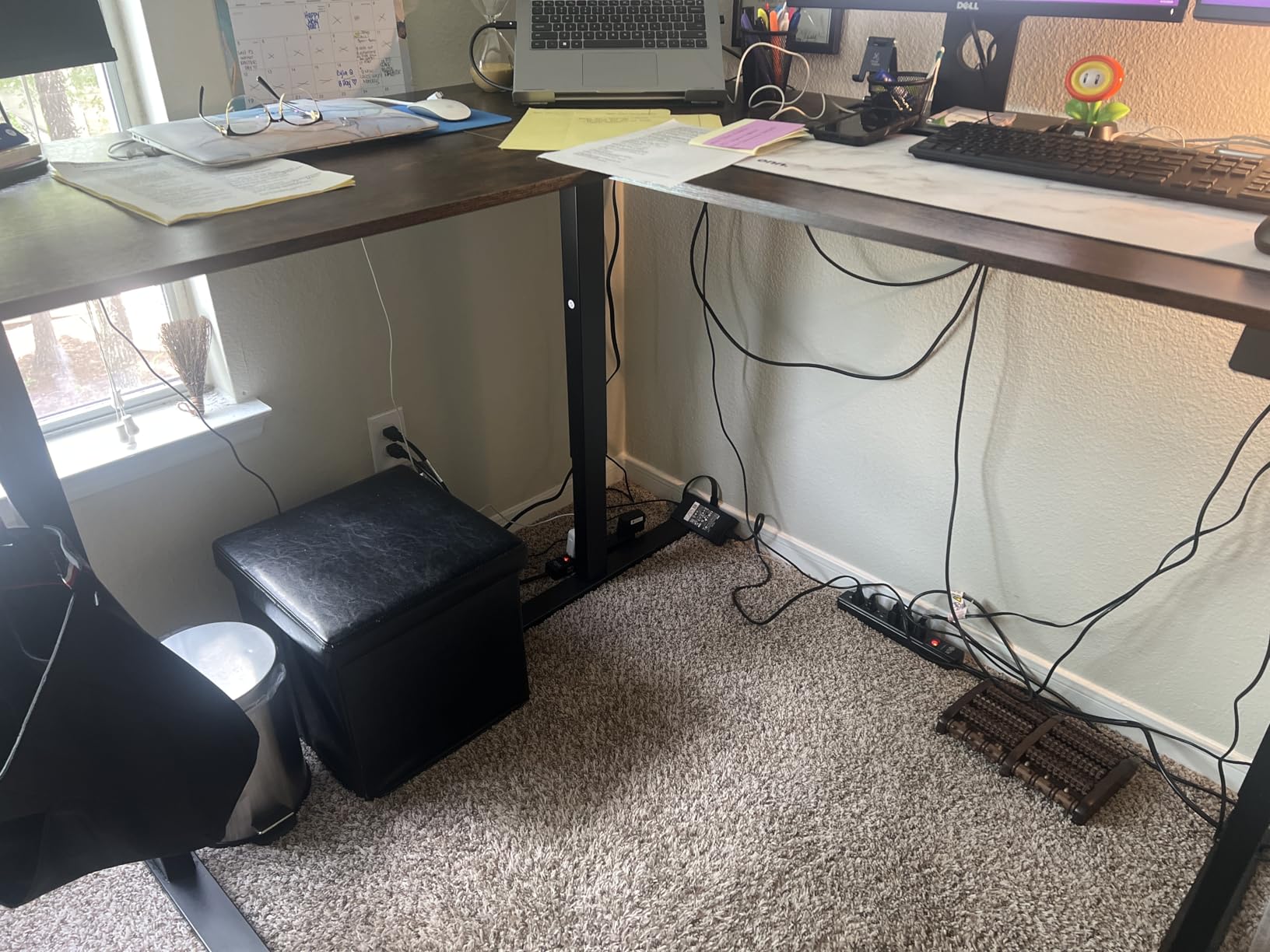
Cable management is where L-desks disappoint most. A tray behind the main wing handles the monitor and dock leads well, but the return has no natural place to put them, so cables from a return-mounted machine often run diagonally across the legroom. Two fixes that cost almost nothing: route the return cables through a sleeve clipped to the return leg, and mount a power strip under the desk rather than on the wall, so there is one cable to the socket instead of four.
For space beyond the desk itself, a monitor arm on the main wing recovers a surprising amount of depth on a 60 inch model, an under-desk drawer unit uses the legroom the return was meant to create, and a vertical monitor shelf on the return keeps the corner of the surface clear. If you need more corner storage than a pedestal provides, our guide to the best U-shaped desks covers the next step up in footprint.
Who Should Skip an L-Shaped Desk
Buy a straight standing desk instead if your corner walls are under about five feet on one side, if you are the only person using the space and one monitor is enough, or if you need to move the desk between rooms regularly. The added surface is wasted floor space when you do not need the second wing.
Also skip it if you already own a good chair with a narrow base and cannot give up tucking in. The L-return sits exactly where your knees want to be, and you will end up sitting sideways at the join.
And skip the motorized category entirely if nobody in the house needs powered height adjustment. A hand-crank adjustable desk gives you the same memory of positions with none of the motor, controller or electrical failure points, and it is a legitimate choice rather than a compromise.
Frequently Asked Questions
Do L-shaped desks have to go in a corner?
No. An L-shaped desk only needs two walls at a right angle to sit properly, but you can also place it flat against one wall with the return running outward into the room. Give the return a clear walking path, keep it away from radiators, and check the full door swing before you commit to a placement.
What size L-shaped standing desk fits in a corner office?
Most L-shaped standing desks run between 55 and 71 inches on the main wing, with returns from about 31 to 63 inches deep. The deciding measurement is the corner diagonal, not the two wall lengths. Check the diagonal first, then subtract a few inches of clearance behind the frame for the lift columns.
What is the 20-8-2 rule for standing desks?
The 20-8-2 rule means that for every 30 minutes of sitting, you stand for 8 minutes of activity and then sit for 2 minutes. The alternation matters more than the total standing time. On an L-desk, stand with your weight over the main wing rather than leaning on the return, which is the part that moves the most.
Are L-shaped standing desks stable at full height?
Stability depends on motor count and leg placement rather than the L shape itself. Frames with support at the outer corner of the return, such as three equal-length legs, stay flat when you lean on the corner. Single-motor frames with two legs can show visible wobble at full height, especially when you lean on the far end of the return.
What weight capacity does an L-shaped standing desk need?
For a laptop, two monitors on light stands and a dock, 154 to 176 pounds is enough. If you run a full desktop tower, multiple monitor arms, a dock and a walking pad underneath, look for 250 pounds or more. Add your own body weight to any equipment you keep leaning against the desk when you stand.
The Best L-Shaped Standing Desk for Your Corner Office
After working through all twelve, the VIVO DESK-E3CTB is the best L-shaped standing desk for most corner offices. Its 63 by 55 inch surface handles a dual-monitor setup, the 225 pound all-steel frame stays steady, and the single motor is quiet enough for a shared room. Set the presets once and use it.
Buy the FEZIBO triple-motor frame if you load the desk with a tower, arms and a walking pad, and the 330 pound rating is the difference between a desk that works and one that feels like it is straining. Choose the Casaottima for a walking pad and the best rating in the set, the Klicelor if the corner is genuinely small, and the SEDETA if paperwork is the reason you are in that office at all.
Whatever you pick, measure the corner diagonal before you order, keep the return out of the chair’s path, and program all the memory presets on day one. Those three steps fix most of the problems we saw described by owners, and they cost you an afternoon rather than a return.