
The best wireless printers for students are the Epson EcoTank ET-2800 and the Epson EcoTank ET-2400 if your biggest worry is the ink bill, and the Brother DCP-L2640DW if you print in volume. Every one of them prints over Wi-Fi without a cable, but they differ sharply on running cost, paper capacity and how much desk space they eat.
That distinction matters more than it does for any other buyer. Students buy printers wrong in a very specific way: they sort by sticker price, bring home a cartridge machine, then discover in week three that a single set of high-yield cartridges costs more than the printer did. A second group overcorrects and buys a large tank printer that will not fit on a dorm shelf and that dries out over winter break anyway.
We spent weeks putting these eight machines through a student workload: lecture notes, a 22-page research paper, problem sets, lab handouts and the occasional borderless photo. Below you will find what each one does well, what it does badly, and the honest running-cost arithmetic behind each recommendation. Prices move constantly, so treat the figures in the product cards as a snapshot rather than a quote; use the buttons to see today’s number.
We also cover the question nobody in this category asks first, which is whether you should own a printer at all while campus libraries are printing for a few cents a page. If you have not settled that, our Chromebook buying guide for students is worth a look too, since the print setup changes completely depending on what machine you carry.
Table of Contents
Should You Even Buy a Printer in College?
Most students printing under 60 pages a month are better off using the library. Campus kiosks charge per page, they never dry out, they never jam, and they cost you nothing in shelf space or noise. Run three numbers before you shop: your estimated pages for the whole term, the per-page charge at your campus print service, and the one-year total cost of buying ink for a home unit.
If your estimate comes out under about 200 pages a term, the library wins on arithmetic alone. If you are printing several hundred pages a month, or you have deadlines at hours when the library is closed, a personal unit pays for itself quickly. Our laptop picks for college students assume most people do print occasionally, which is why the budget picks below start with cartridge machines and the tank printers come next.
One more consideration: check your dorm’s return and move-out policy before you buy. Anything bought on a grant or scholarship budget should be something you can resell or hand off at the end of the year, and that rules out some oversized laser bodies.
How We Picked the 8 Best Wireless Printers for Students in 2026
Our criteria were chosen for student workloads rather than office ones. We ranked on running cost per printed page first, because ink is the real price of a printer. Then we scored automatic duplex, since essay-heavy terms make manual paper flipping genuinely punishing. After that came footprint and weight, wireless standard, consumable availability, and warranty length.
We read the aggregate owner feedback for each machine and flagged recurring failure modes rather than isolated complaints. Anything that showed up repeatedly across reviews got written into the cons list, including software friction, paper jams and setup confusion. We did not lab-test these units, so every claim here comes from published specifications and from what owners report about them, and we name the trade-off on every pick instead of hiding it.
Top 3 Wireless Printers for Students in 2026
These three cover the widest range of student budgets and print volumes in the roundup. The ET-2800 is the overall pick, the ET-2400 is the cheaper route to the same ink economics, and the Brother DCP-L2640DW handles the heavy-volume end with toner and automatic duplex.
All 8 Picks at a Glance in 2026
Every model below is wireless and every model scans or copies except the two print-only Brother lasers. Sort this table by ink system if you are trying to keep the running cost down, and by paper capacity if you are printing a full term of readings at once.
| Product | Specifications | Action |
|---|---|---|
 Epson EcoTank ET-2800 Epson EcoTank ET-2800 |
|
Check Latest Price |
 Epson EcoTank ET-2400 Epson EcoTank ET-2400 |
|
Check Latest Price |
 Canon PIXMA TS3720 Canon PIXMA TS3720 |
|
Check Latest Price |
 Brother DCP-L2640DW Brother DCP-L2640DW |
|
Check Latest Price |
 Brother HL-L2460DW Brother HL-L2460DW |
|
Check Latest Price |
 Canon PIXMA TS6520 Canon PIXMA TS6520 |
|
Check Latest Price |
 Canon PIXMA TR7120 Canon PIXMA TR7120 |
|
Check Latest Price |
 Brother HL-L2405W Brother HL-L2405W |
|
Check Latest Price |
1. Epson EcoTank ET-2800: The Tank Printer With the Biggest Ink Set
Epson EcoTank ET-2800 Wireless Color All-in-One Supertank Printer – Black
- Cartridge-free tanks with up to 2 years of ink in the box
- Refill only the color you actually need
- Sharp 5760 x 1440 output
- Flatbed scanner and copier included
- No automatic duplex so two-sided jobs are manual
- No screen
- only status LEDs
- Owners report paper jams and Wi-Fi dropouts
The ET-2800 is the printer we keep coming back to because the ink system changes the economics of student printing. Instead of cartridges, it uses refillable Epson ink bottles, and the box is rated to hold up to two years of ink. One ink set is rated at up to 4,500 black pages or 7,500 color pages, which means a student printing a few hundred pages a term will not be buying consumables mid-year.
Output quality is genuinely good for coursework. The 5760 x 1440 resolution handles dense text and small diagram labels without smearing, and the flatbed scanner covers the assignment-to-PDF workflow most students need. It works over Wi-Fi and USB, and the Epson app handles phone setup cleanly.
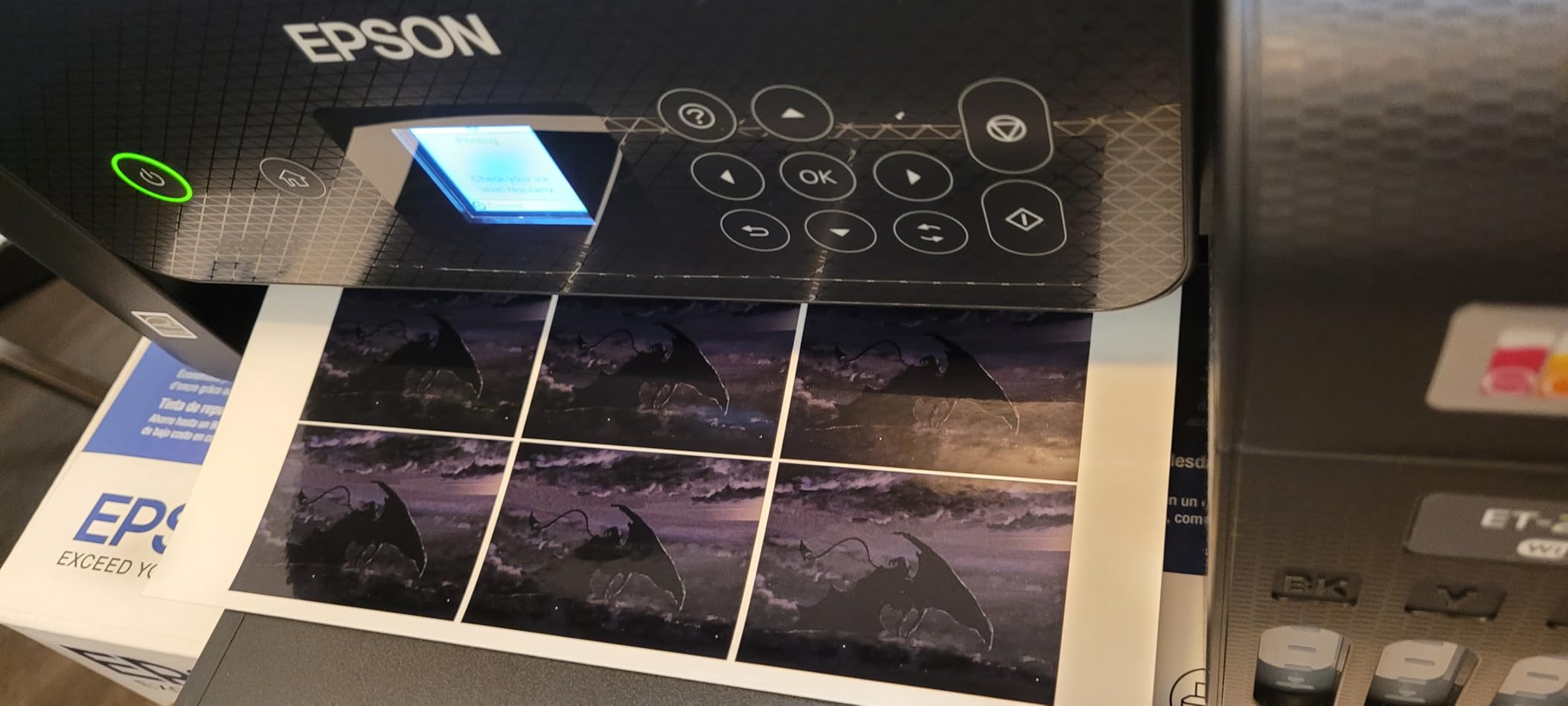
Now the part that decides whether this printer suits you: there is no automatic duplex. Every sheet comes out single-sided and you flip it yourself, which is exactly the chore that makes a 25-page essay tedious. There is no screen either, just a row of status LEDs, so when something goes wrong you are reading codes rather than messages. Owners also report recurring paper jams and occasional Wi-Fi dropouts from laptops.
The body measures 14.8 by 22.8 by 10 inches and weighs 11.4 pounds, so it fits a dorm desk but wants a real surface, not a shelf lip. At 10 pages per minute black, it is not fast, though for notes and readings that rarely matters. Print speed is a 4.0-star compromise across more than 18,000 owner reviews, and the ink cost is the reason it stays there.
What this model is good for
This is the pick for anyone printing more than about 100 pages a month who will notice ink costs. Art and design students get borderless photo capability and strong color depth at 24 bits per pixel, and the paper handling supports envelopes and glossy photo stock. The refill system also means a part-used color does not force you to replace a whole cartridge.
Where it will frustrate you
Students with essay-heavy terms should be warned that manual duplexing on a long paper will cost you real time. If your dorm room is small enough that desk space is the constraint, the 22.8-inch width is worth measuring before you commit. And if you leave the printer unused over winter break, tank printers still need a nozzle keepalive print to avoid drying.
2. Epson EcoTank ET-2400: The Same Ink Economics in a Lighter Body
- Very low running cost with refillable EcoFit tanks
- Lightest body in the roundup at 8.6 pounds
- Refill only the color you need
- Sharp flatbed scans
- Epson app makes phone setup straightforward
- No automatic duplex
- No display screen
- Owners report paper jams and weaker quality when printing wirelessly from a laptop
The ET-2400 answers a narrow but common problem: the ET-2800 is a solid printer that will not travel well. At 8.6 pounds, this one is the lightest machine in the group, which matters if you are moving it between a dorm and a family home at the end of the year. The EcoTank bottle system is the same idea, rated at up to 4,500 black or 7,200 color pages per set.
Owners consistently praise the running cost first and the color second, describing prints as bright with deep blacks and clean full-page images. The flatbed scanner produces sharp, detailed output for scanned notes and lab documents, and the Epson app handles phone printing without fuss.

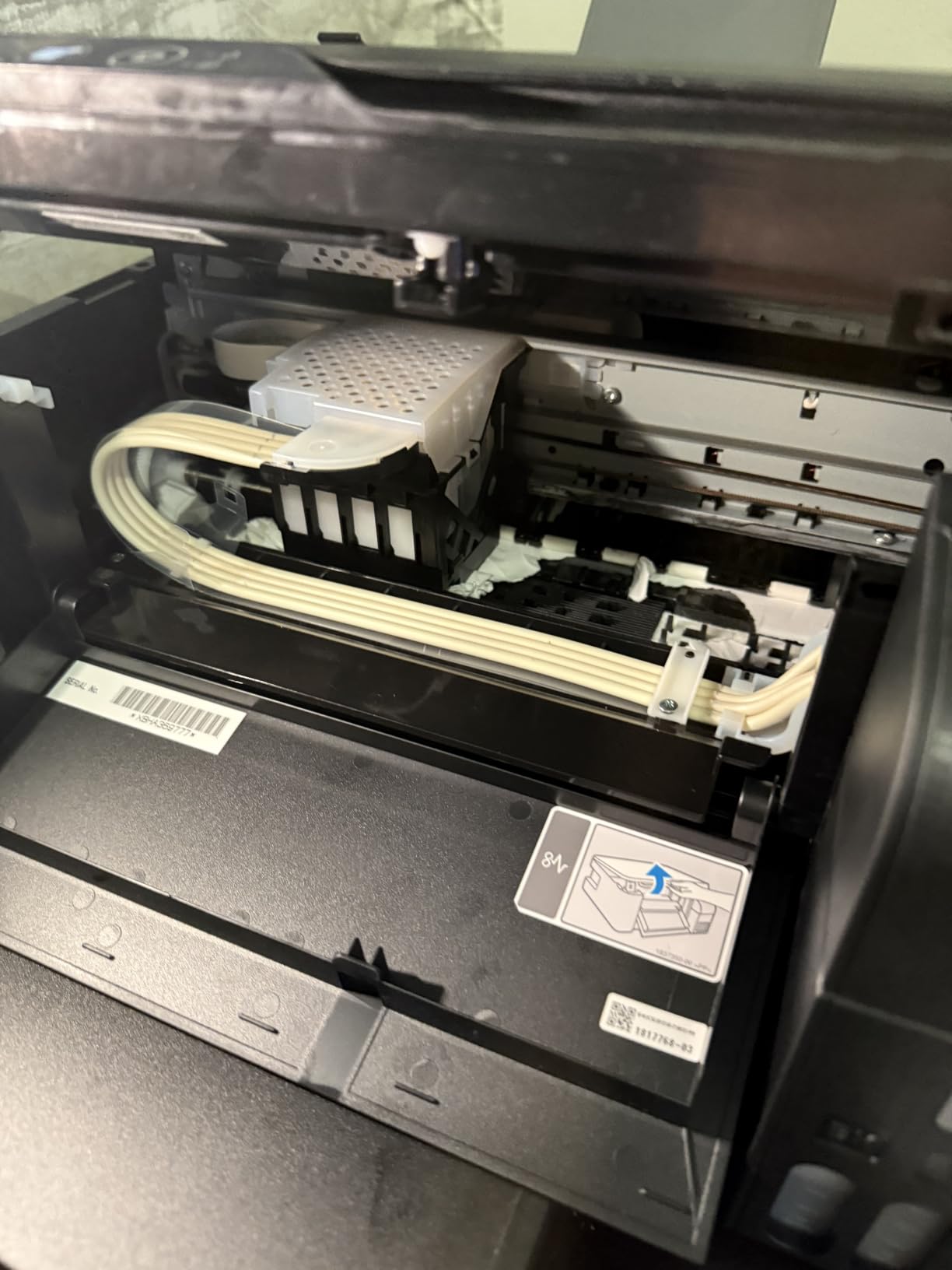
The compromises are the same family as the ET-2800. Duplex is manual, the control method is app-based with an LCD and no real screen, and registration asks you to opt into marketing email. Several owners mention recurring paper jams and degraded output when printing wirelessly from a laptop rather than over the network.
Capacity is a modest 100 sheets in, 30 sheets out, so a long reading list means refilling mid-print. Against that, the ink system means most students will never buy a cartridge in four years, which is why this is the value pick rather than a budget compromise. Rated 4.0 stars across more than 4,600 reviews.
What this model is good for
It suits students who carry a printer between two locations, or whose dorm desk is small enough that every pound and every inch shows. Color output is strong enough for presentation slides and photo prints, and refill bottles cost less over a degree than any cartridge set here.
Where it will frustrate you
If you print thick two-sided documents, the manual flip is the dealbreaker, and there is no screen to help you diagnose a jam. Wireless printing from a laptop is the specific quality complaint owners repeat, so keep the USB cable within reach if color accuracy matters to you.
3. Canon PIXMA TS3720: The Smallest Dorm-Friendly Budget Pick
Canon PIXMA TS3720 Wireless All-in-One Printer for Basic Home Printing, White
- Lowest purchase price in the roundup
- Dual-band 2.4GHz and 5GHz Wi-Fi
- 1.5-inch segment LCD for job status
- AirPrint and Mopria for phone and Chromebook printing
- Single-sided printing only
- Modest print speed
- Small 60-sheet paper tray
- Cartridge ink runs a higher cost per page
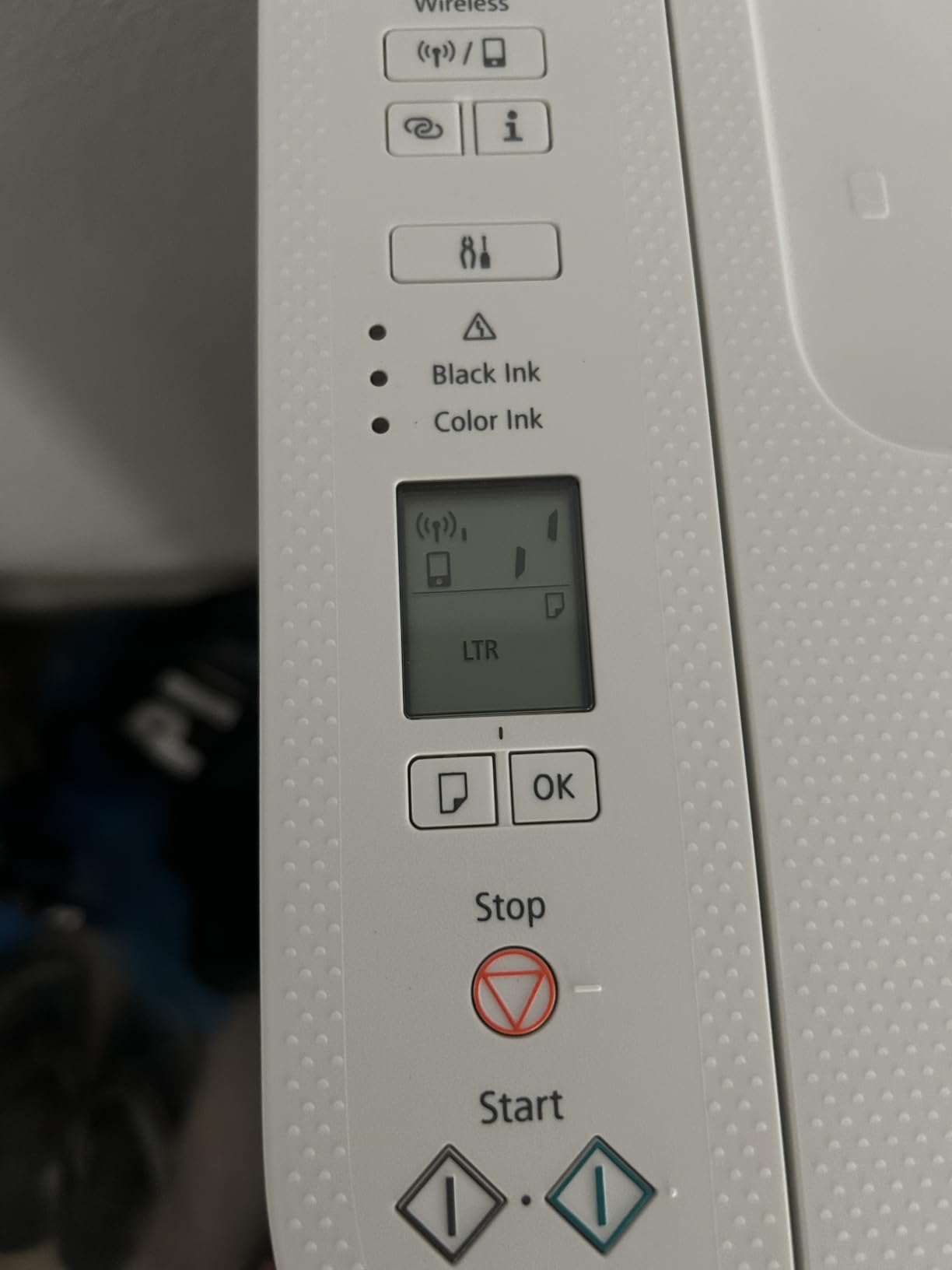
The TS3720 is the answer to what is the best small printer for a dorm room. It measures 12.9 inches wide by 17.2 deep and stands 5.8 inches tall, and at 8.7 pounds it is one of the easier units to move when you clear out at the end of the year. For a student printing a few pages a week, that footprint alone solves a real problem.
Its wireless is the best-equipped on a budget device here: dual-band 2.4GHz and 5GHz, which dodges a lot of the connection problems students hit on dorm networks. Canon PRINT, AirPrint and Mopria are all supported, so an iPhone or a Chromebook can print with no driver at all. The 1.5-inch segment LCD shows job status at a glance, which more expensive models in this roundup skip.

What you trade away is paper handling and running cost. The 60-sheet tray is the smallest here, so a full term of readings means repeated refills, and printing is single-sided with no duplex. Speed is about 7.7 pages per minute black and 4 color, which is slow enough that you should start long jobs and walk away. Ink comes from PG-275 and CL-276 cartridges, and cartridge cost per page is the highest of any model we list.
Owners treat it as a budget first printer rather than a long-term machine, and the 4.0-star average across more than 3,400 reviews reflects that. Borderless photos up to 5 by 7 inches and 5-inch square formats are supported, which is a pleasant surprise at this level.
What this model is good for
This is the right choice for a light-printing student who needs color occasionally, prints from a phone or Chromebook, and lives in a room where desk space is the binding constraint. Dual-band Wi-Fi makes it the most forgiving option for dorm networks that split the 2.4 and 5 GHz bands.
Where it will frustrate you
Anyone printing more than a page or two a week will feel the cartridge economics and the 60-sheet tray together. There is no duplex at all, so two-sided reading packs are one-sided only. And a cartridge printer that sits through winter break is the exact scenario where dried nozzles cause you to pay for a cleaning cycle.
4. Brother DCP-L2640DW: Built for Students Who Print in Bulk
- Automatic duplex halves your paper use
- 36 pages per minute monochrome
- 50-page automatic document feeder
- Toner does not dry out over a semester break
- Dual-band Wi-Fi plus Ethernet
- Largest and heaviest body here at 25 pounds
- Password and firmware setup can be confusing
- PC scan-to-PDF has been reported to freeze
- On-printer menu navigation is awkward
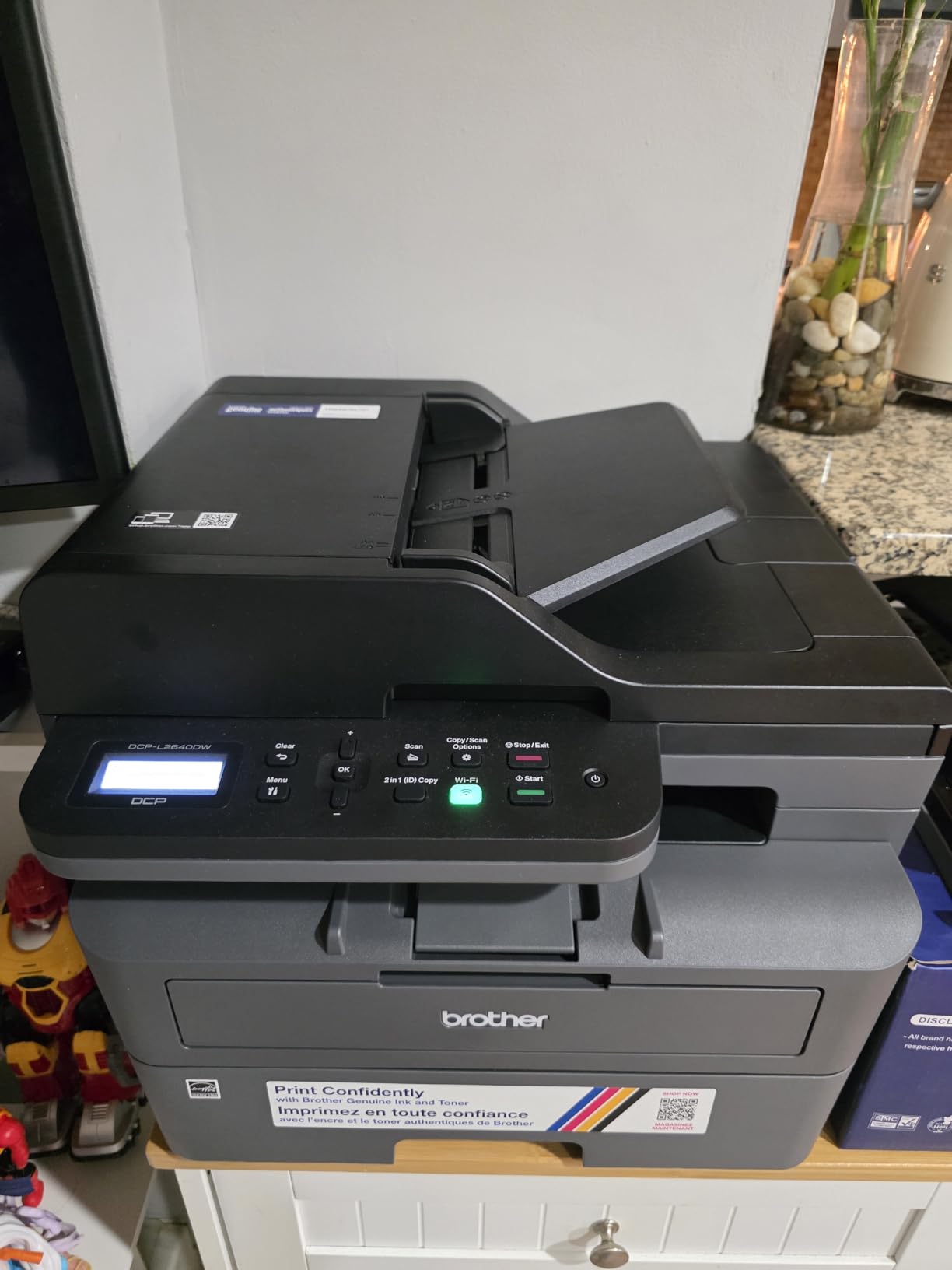
If your workload is measured in reading packs and problem sets rather than occasional notes, toner changes the conversation. The DCP-L2640DW prints up to 36 pages per minute in monochrome, with a first page in 8.5 seconds, and it holds 250 sheets in the tray with 120 sheets in the output. Automatic duplex means a 30-page paper prints while you make coffee.
The 50-page automatic document feeder is the feature most overlooked by students. Scanning a chapter of notes or a stapled packet takes one pass instead of one lid lift per page, and the flatbed underneath handles photos and odd sizes. It uses TN830 and TN830XL toner, and toner does not dry in the cartridge during a three-week winter break, which removes the failure mode that haunts cartridge inkjets.
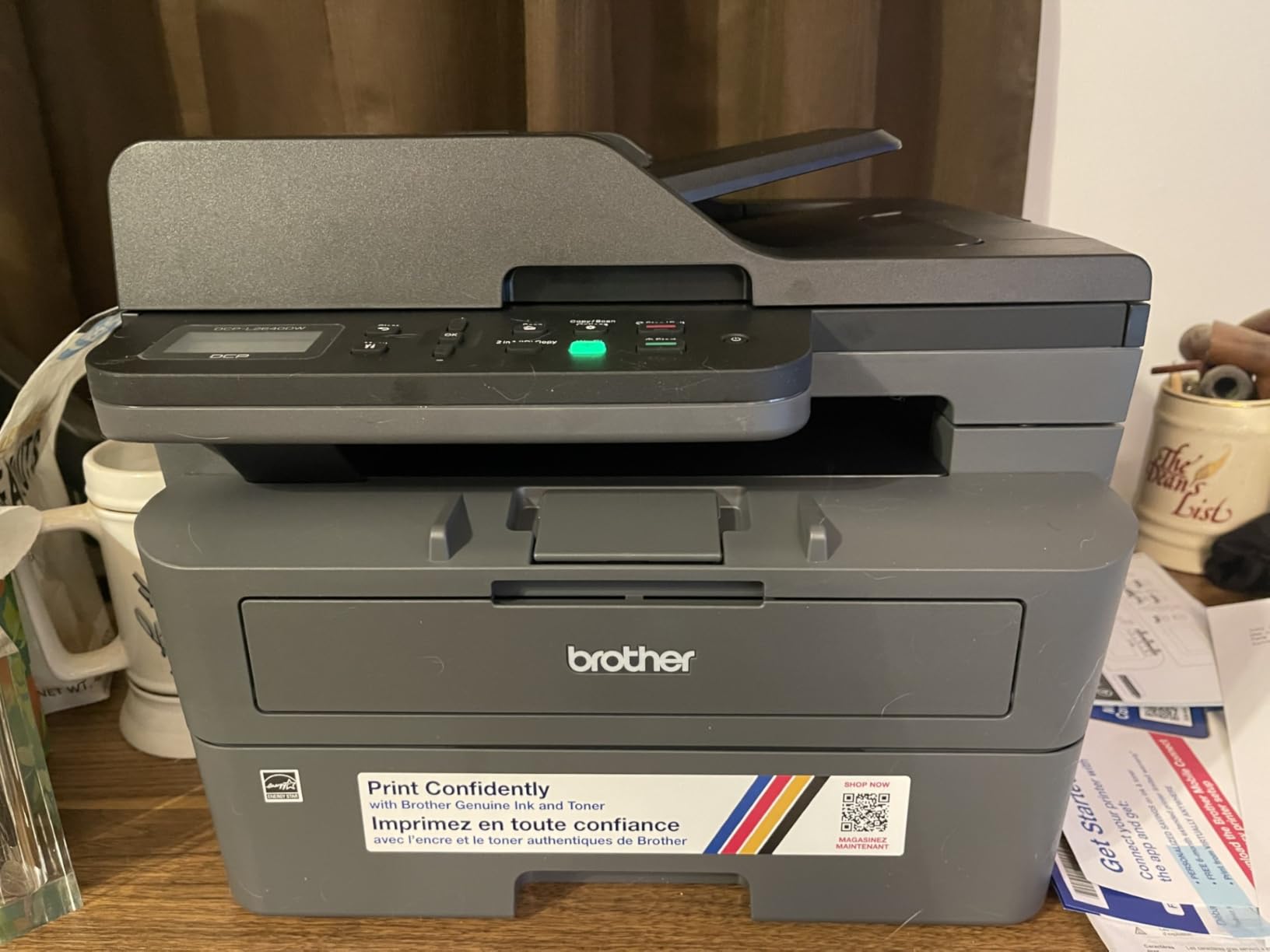
The negatives here are mostly about the body and the software. At 25 pounds and 15.7 by 16.1 by 12.5 inches, this is the largest printer in the roundup and it needs a real surface, not a dorm shelf. Owners also report a PC scan-to-PDF window that freezes and forces a restart, a firmware password flow that rejects a correct password on the first attempt, and a menu system that takes practice. The bundled power cord is short.
Connectivity is a genuine strength: dual-band 2.4GHz and 5GHz wireless, plus Ethernet and USB, and the Brother Mobile Connect app handles phone scanning and toner ordering. It holds a 4.1-star average from just over 3,900 reviews, and the sales rank of number one in its laser category reflects how many buyers found it this way.
What this model is good for
It fits STEM students, graduate students and anyone whose coursework is mostly black-and-white documents, drafts and archive reading. The combination of duplex, a 250-sheet tray and toner that survives idle months makes it the lowest running cost per page for heavy volume. The ADF is worth it on its own if you scan handouts regularly.
Where it will frustrate you
There is no color output at all, so anything with a chart or diagram in color has to go somewhere else. In a small dorm room the size and weight are a genuine constraint, and the software friction around passwords and PC scanning can cost an evening the first time. Plan a shelf with real support, not a stacking shelf.
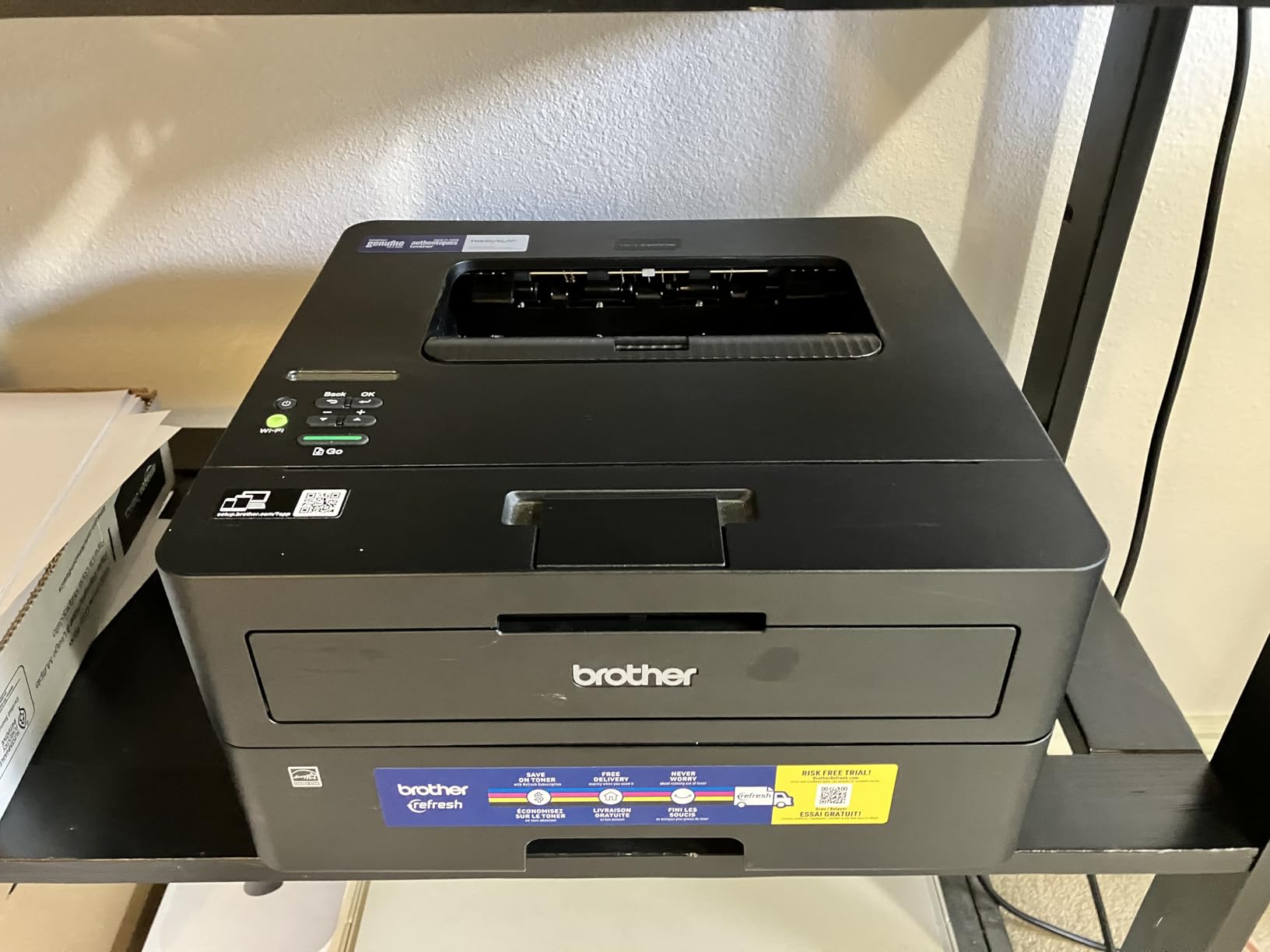
5. Brother HL-L2460DW: Laser Speed and Duplex in a Small Footprint
- Automatic duplex that owners report works reliably
- Compact 14.2 by 14 by 7.2 inch body
- Sharp smudge-free monochrome text
- Quiet operation with no jams reported
- Works on Windows and Linux
- No scanner or copier
- Monochrome only
- Initial Wi-Fi setup through tiny on-printer buttons
- Bundled toner trial can generate surprise charges
The HL-L2460DW is the laser answer for a student who does not need to scan anything. It shares the 36 pages per minute engine and 250-sheet tray of the bigger Brother multi-function, but drops the scanner and cuts the body down to 14.2 by 14 by 7.2 inches at 15.6 pounds. On a small desk, that difference is the whole decision.
Automatic duplex is automatic, and owners say it works reliably rather than occasionally. Text output is sharp and does not fade the way inkjet black can when a page sits in a folder for a term. It works on both Windows and Linux, which matters if your dorm machine runs something other than a stock laptop OS, and the manual feed slot handles envelopes and specialty paper.
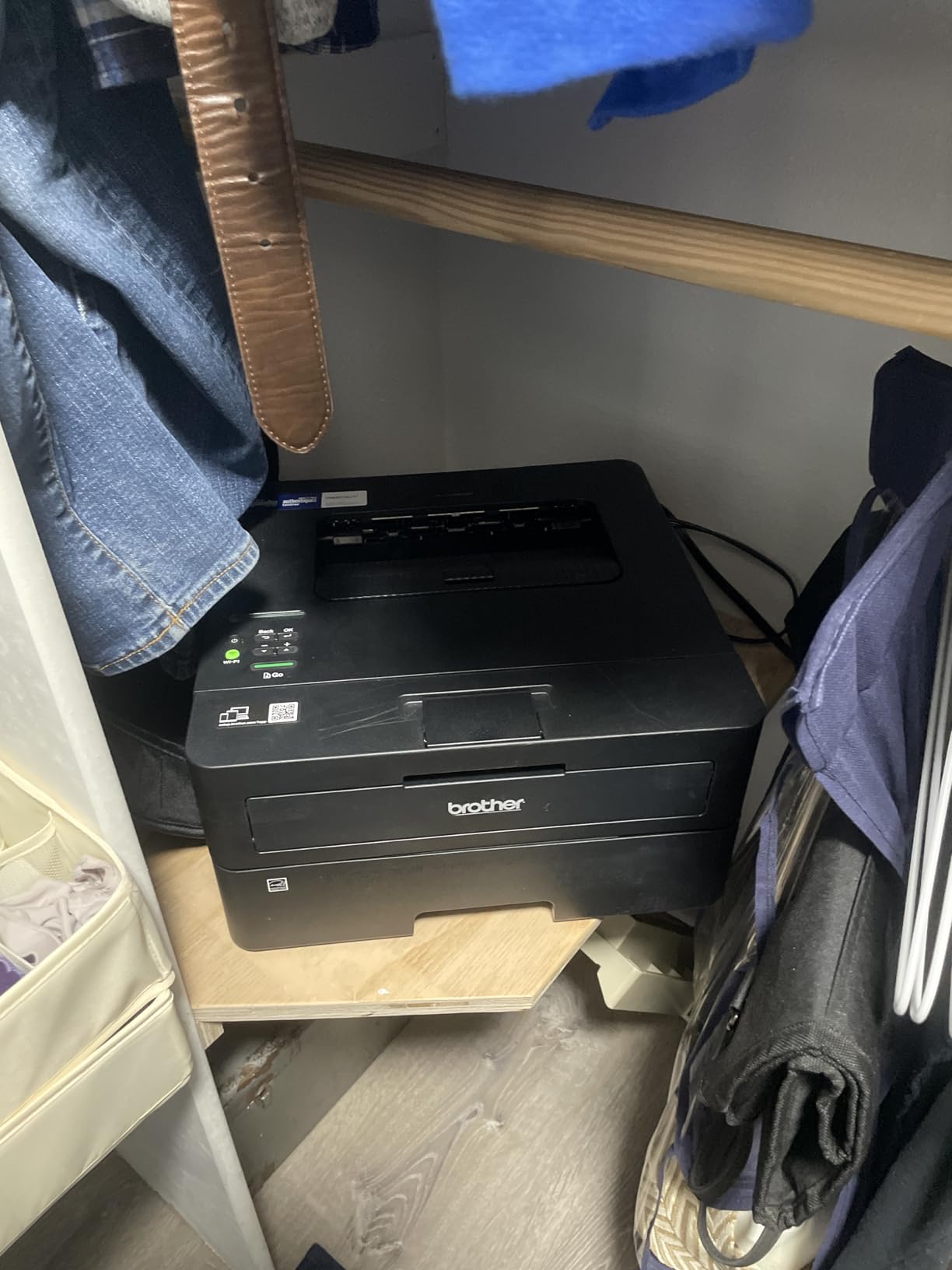
The catch is the setup and the trial. Wi-Fi configuration runs through small on-printer buttons and owners call it tedious. It ships with a Refresh toner subscription trial, and if you do not cancel it you can get overage charges later, so check the paperwork on arrival. Being print-only, there is no way to copy a worksheet or scan a receipt in a hurry.
Network support is solid, with dual-band 2.4GHz and 5GHz wireless alongside Ethernet and USB, plus Brother Mobile Connect for phone printing and Alexa support. It holds a 4.0-star average across roughly 2,600 owner reviews, with quiet, dependable operation the most common theme.
What this model is good for
It suits students who print a lot of monochrome coursework in a small room, and who would rather not manage a scanner they will never use. Long documents, theses and lab reports come out fast, two-sided by default, and toner cost per page stays low over a full degree.
Where it will frustrate you
The missing scanner is the first thing people miss when a lab requires a signed copy or a photo of a whiteboard. Plan for color workarounds, because there is none built in. And if your dorm network hides behind a captive portal or a mesh router, budget time for the button-driven setup, or set it up at home first.
6. Canon PIXMA TS6520: The Rare Budget Unit With Automatic Duplex
Canon PIXMA TS6520 Wireless Color Inkjet Printer, Duplex Printing, Copier/Scanner, 1.42″ OLED Display, Compact, White
- Automatic two-sided color at an affordable price
- 1.42-inch OLED shows ink levels and status
- Dual-band 2.4GHz and 5GHz Wi-Fi
- Flatbed scanner and copier
- Only 6.7 inches tall for a full all-in-one
- 3-year warranty
- Letter size only
- no Legal support
- Small ink capacity for heavy color work
- Starter cartridges included rather than tanks
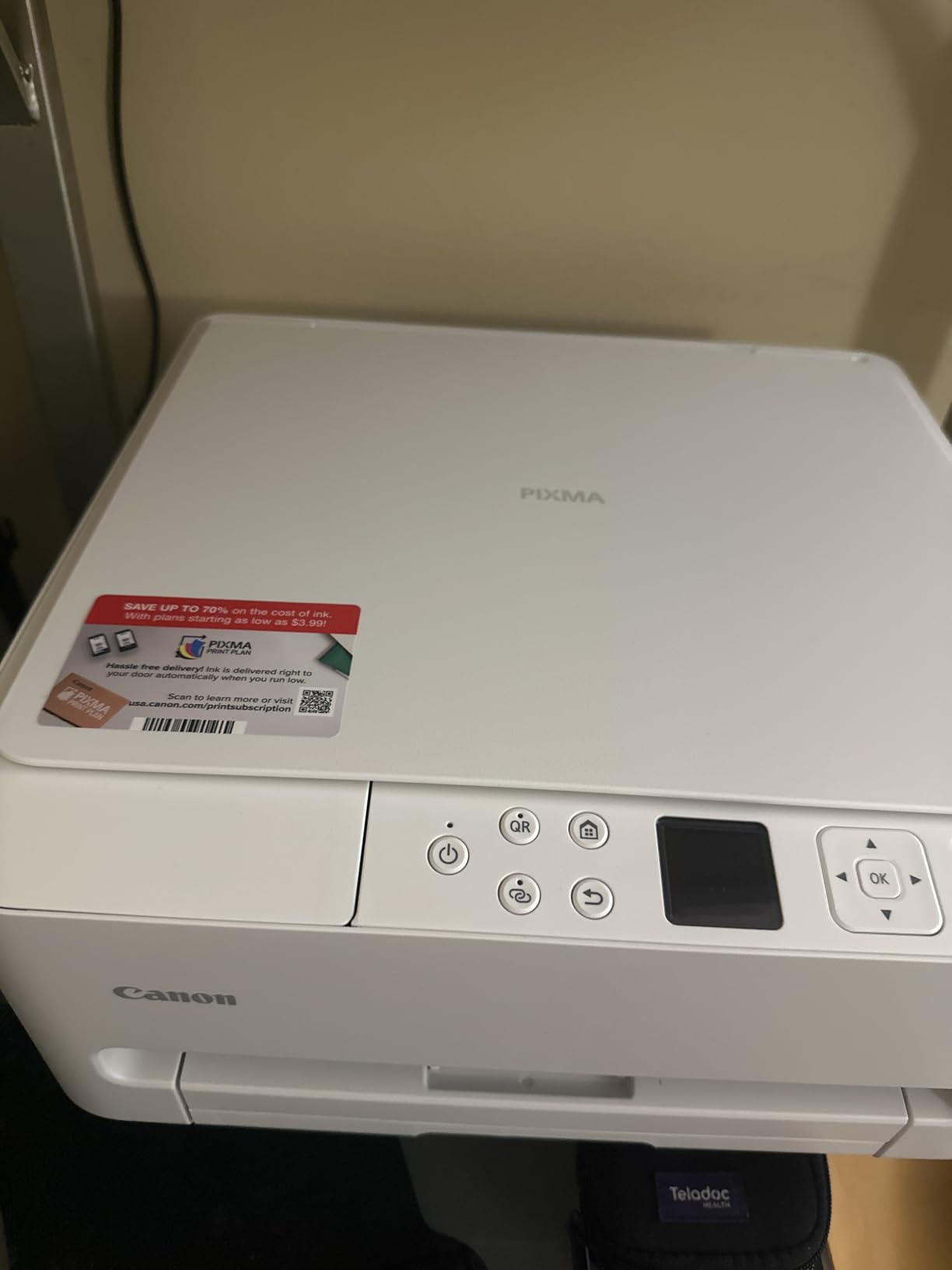
The TS6520 solves the most annoying gap in budget printers. Automatic duplex on color output is rare below the tank models, and this one adds a flatbed scanner, a 1.42-inch OLED status display and dual-band wireless in a body that stands just 6.7 inches tall. For an essay-heavy student who wants two-sided color, that combination is unusually complete.
Speed is better than the Canon budget cartridge models: 14 pages per minute black and 9 color, with a first page in 7.5 seconds for black. The PG-295 pigment black and CL-286 dye color cartridges give sharp text and vivid photos, and borderless printing runs up to 8.5 by 11 inches. The OLED panel showing ink levels is a real convenience when you are out of ink and trying to decide what to do.
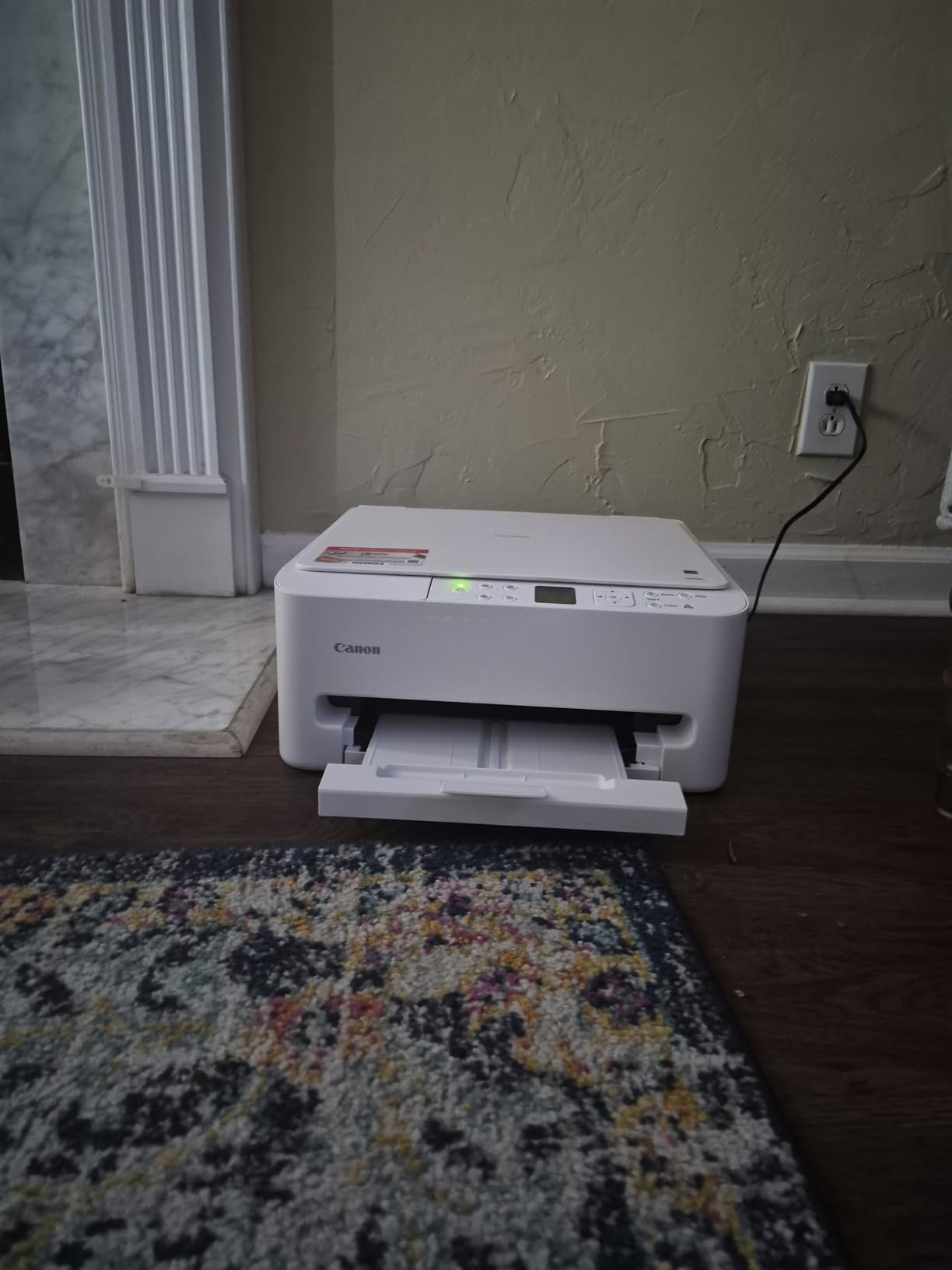
The limitations are specific and worth hearing. Paper support is Letter only, so a Legal-size document is out. The ink capacity is small for heavy color work, and the box contains a starter set of ink tanks rather than high-yield cartridges, which is the version to buy if you print color regularly. The 3-year manufacturer warranty is the longest in this roundup, which is worth something.
Canon PRINT, AirPrint and Mopria are all supported, the printer draws 21 watts, and it works with Alexa. At 4.2 stars from just under 2,000 reviews, it carries one of the higher satisfaction scores among these models, and the duplex-plus-scanner pairing explains most of that.
What this model is good for
This is the pick for a student writing long essays who wants two-sided printing, and for anyone who needs color plus scanning without moving up to a tank printer. The dual-band radio makes dorm connections more reliable, and the low profile means it fits under a dorm desk rather than on top of it.
Where it will frustrate you
Color volume is the limit. Students running a design or photography workload will refill cartridges constantly and pay more per page over a degree than the EcoTank models. If your coursework includes Legal or oversized paper, you will need a second machine or a trip to the library.
7. Canon PIXMA TR7120: Best-Scoring Pick With a Document Feeder
- Highest average rating in this roundup
- Auto document feeder for multi-page jobs
- Automatic duplex saves paper on essays
- OLED panel shows ink levels
- Legal-size support and wide media range
- Only a 100-sheet tray for the weight
- Heaviest inkjet here at 18.1 pounds
- One-year manufacturer warranty
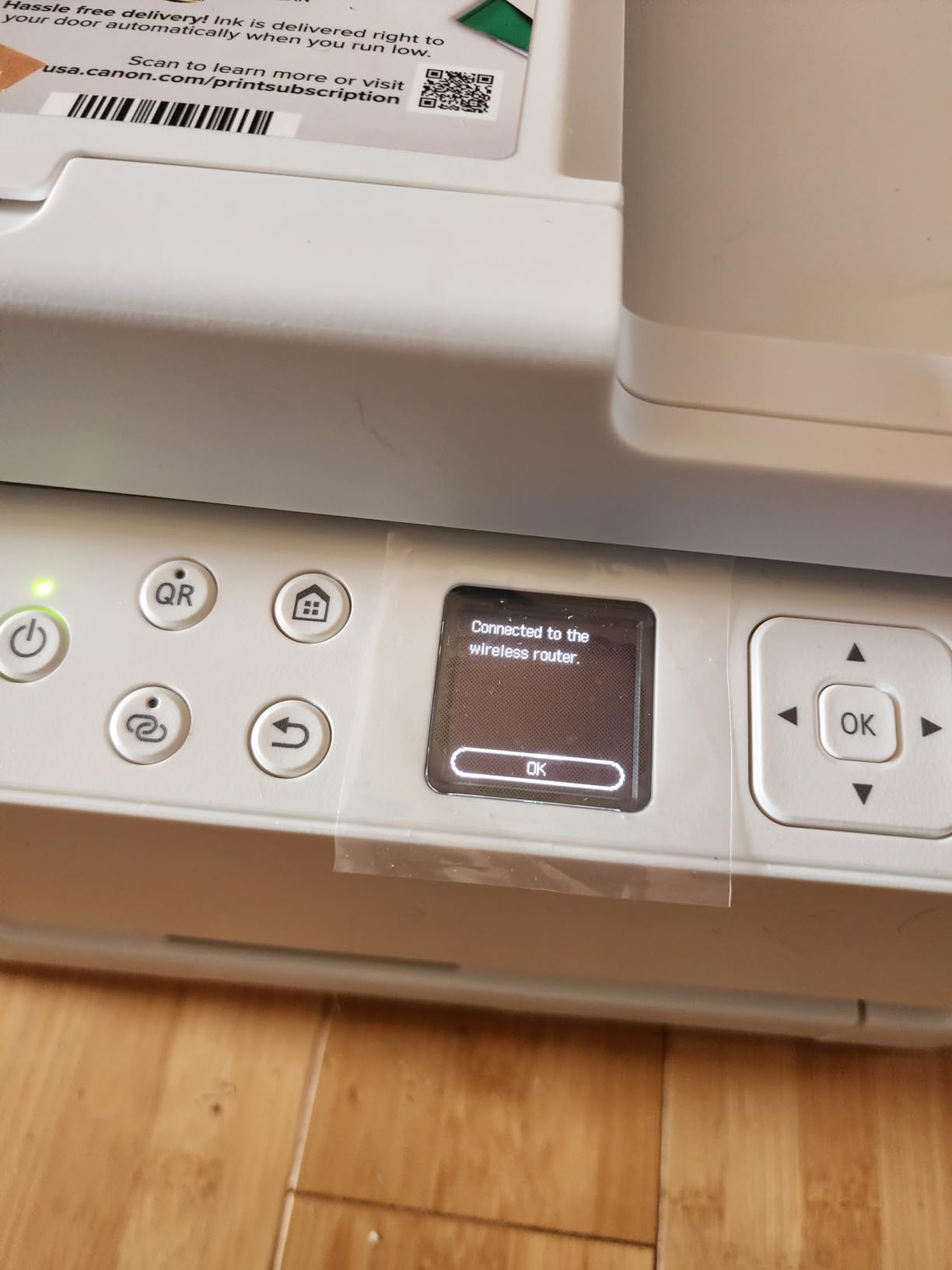
The TR7120 is the highest-rated printer we list, at 4.3 stars, and the reason is that it puts a document feeder on a compact inkjet. Scanning a 20-page packet happens in one pass through the ADF rather than one lid lift per page, and the flatbed underneath covers books, photos and anything oversized.
Automatic duplex is present, and it saves both paper and time on exactly the coursework students generate most. The 1.42-inch OLED control panel makes ink level and status checks immediate, and dual-band 2.4GHz and 5GHz wireless plus USB keeps the connection options broad. Print speed is 14 black and 9 color pages per minute.
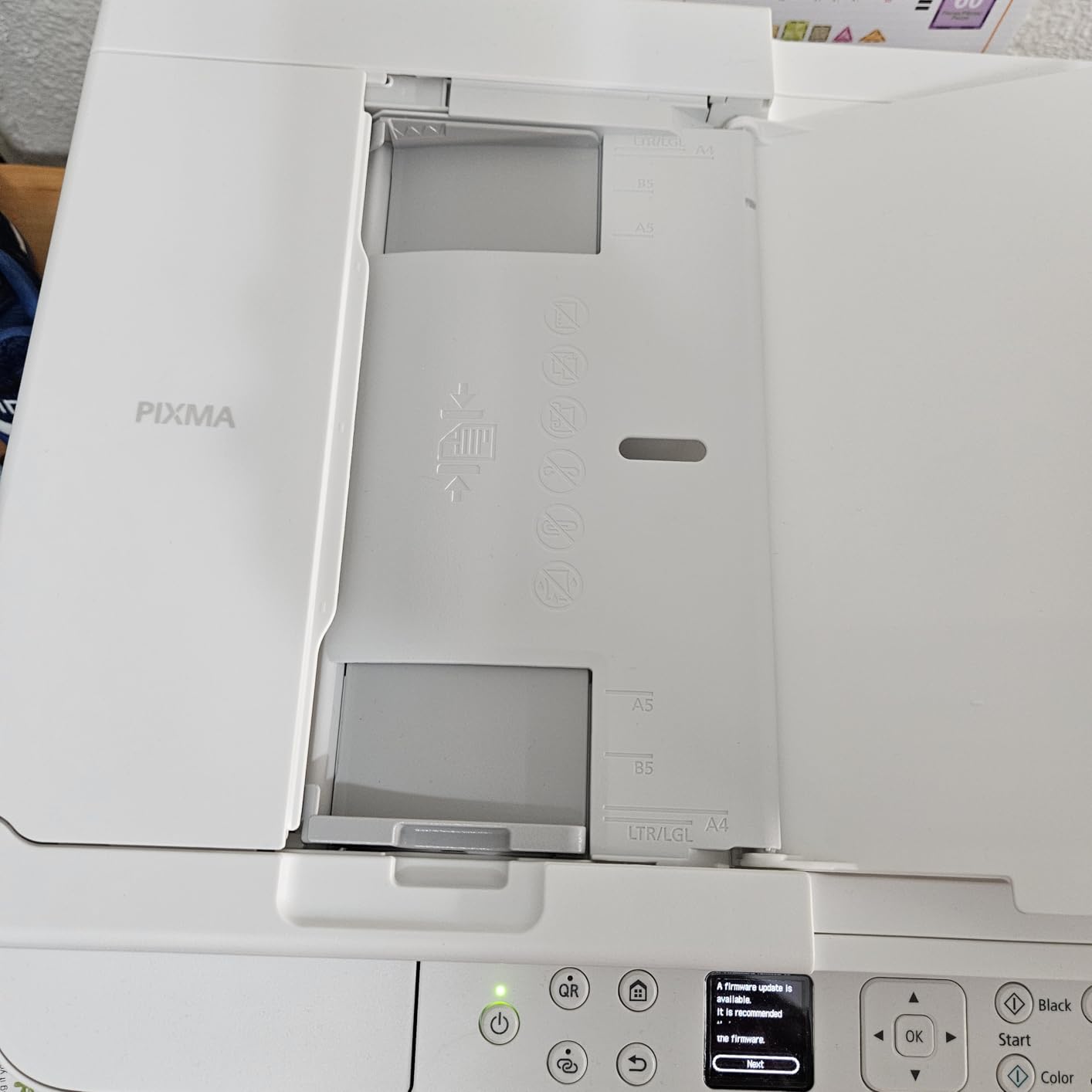
What holds it back is paper capacity and weight. The tray holds 100 sheets, which is on the small side for printing a full reading list, and at 18.1 pounds this is the heaviest inkjet in the group, so it is a poor choice for a room where you need to move it around. The warranty is one year, the shortest coverage here alongside most of the field.
Media support is unusually broad for the size: 4×6, 5×5 square, 5×7, 7×10, 8×10, Letter, Legal, envelopes and card stock, with borderless photo printing and Alexa support. The owner base is smaller than the other picks at 483 reviews, and 71 percent of those are five-star, which is worth weighing against the ET-2800’s much longer track record.
What this model is good for
It suits students who scan as much as they print, particularly in courses that hand back annotated materials or require signed forms photographed and submitted. Legal-size support is a real advantage for architecture, drafting and large-format coursework, and the OLED panel is the easiest status readout in the group.
Where it will frustrate you
A 100-sheet tray and 18.1 pounds make it a two-machine-carry problem rather than a shelf item. Ink cost per page sits with the cartridge models, so color-heavy semesters will add up faster than with an EcoTank. The smaller review base also means less long-run data on failure rates than the Epson picks offer.
8. Brother HL-L2405W: The Setup That Does Not Fight You
Brother HL-L2405W Wireless Compact Monochrome Laser Printer with Mobile Printing, Black & White Output | Includes Refresh Subscription Trial(1), Works with Alexa
- Clean install with no bloatware or forced sign-ups
- 30 pages per minute monochrome
- Toner outlasts ink cartridges over a degree
- Works on Windows 11 and Linux
- Compact at 14.2 by 14 by 7.2 inches
- Print-only with no scanner or copier
- Manual duplex only
- Monochrome output
- Wi-Fi setup can need a router and printer restart
The HL-L2405W is the pick for students whose real enemy is installation friction. Owners repeatedly single out the absence of bloatware, forced account agreements and auto-installed apps as the thing they liked most, and several mention finishing setup in a few minutes. That is a genuine differentiator in a category where many brands push you through an app account before the first page.
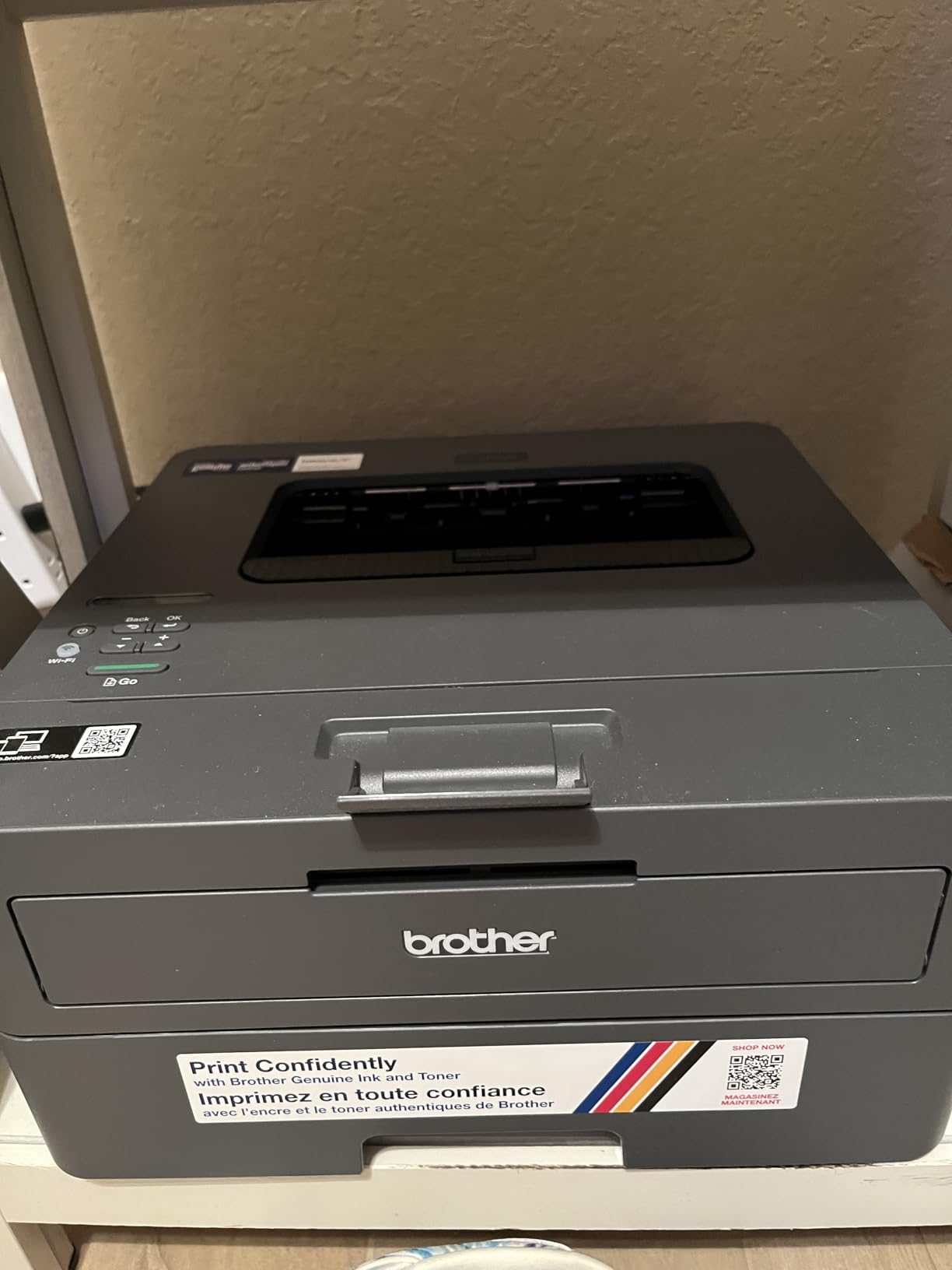
Under the hood it is a straightforward monochrome laser: 30 pages per minute, first page in 8.5 seconds, 1200 by 1200 dpi text, and a 250-sheet tray with a 100-sheet output. Toner TN830 and TN830XL lasts considerably longer between replacements than an ink cartridge, and the body matches the compact HL-L2460DW profile at 14.2 by 14 by 7.2 inches and 15.1 pounds.
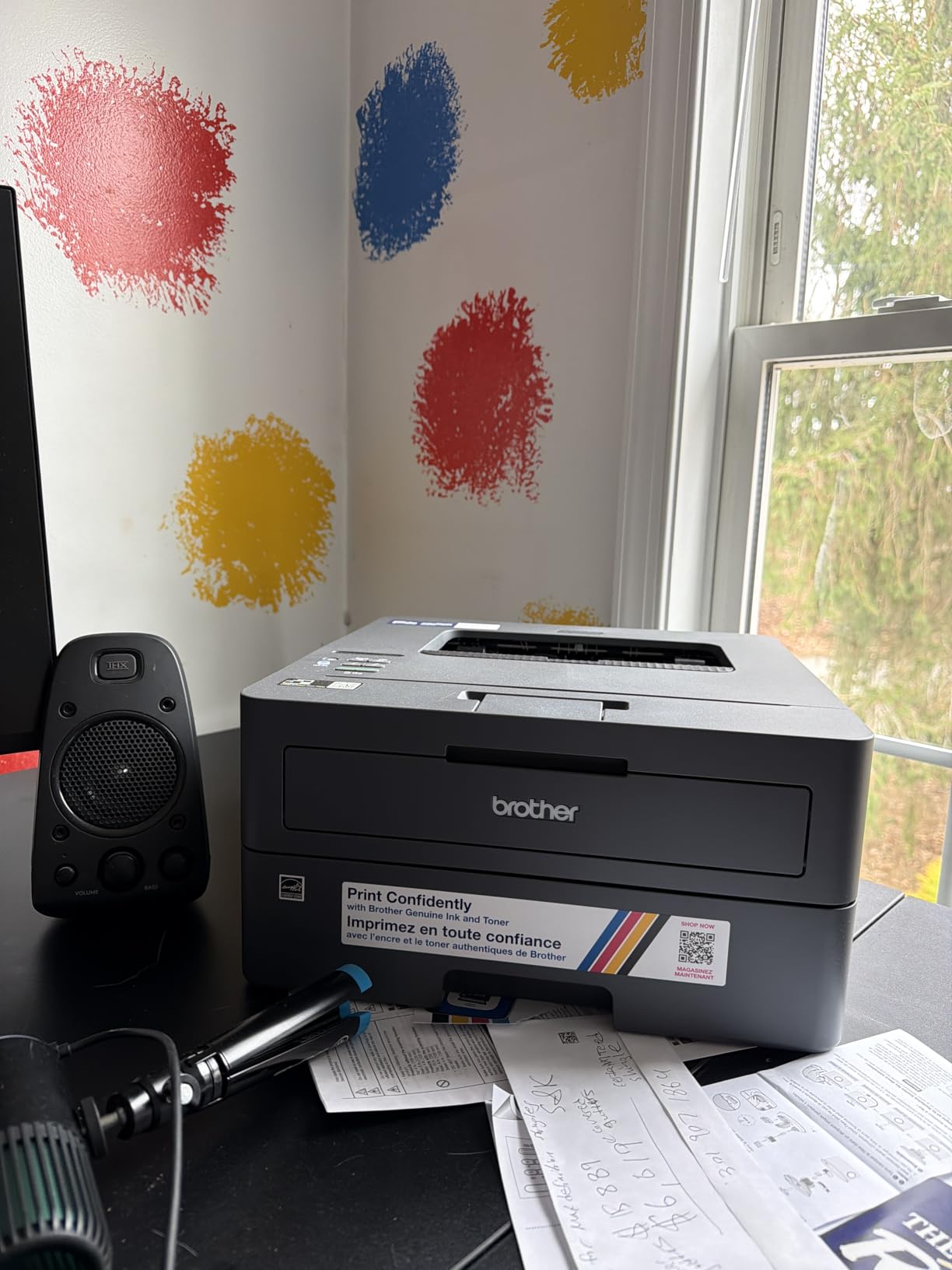
The tradeoff is that duplex here is manual, so you flip every two-sided page yourself, and there is no scanner or copier at all. Output is monochrome only. Wi-Fi setup can still need work: some owners had to unplug and restart both the router and the printer, and deep sleep mode has been reported to drop the printer off a mesh network, which is a common dorm configuration.
Connectivity is dual-band 2.4GHz and 5GHz alongside USB, with Brother Mobile Connect for phone printing and Alexa support. It scores 4.1 stars from around 2,400 reviews, with 67 percent five-star ratings, and it works on both Windows 11 and Linux.
What this model is good for
This suits a student on Windows or Linux who wants fast, cheap monochrome output and does not want an app account to print. The 250-sheet tray and 30 pages per minute handle a heavy reading load, toner economics beat any cartridge model here over a degree, and the small body suits a dorm desk.
Where it will frustrate you
Manual duplex is the price of the cleaner software experience, and it will cost you time on every long document. Print-only design rules out scanning and copying entirely. On mesh or captive-portal dorm networks, expect to touch the network settings more than once.
Buying Guide: How to Choose a Wireless Printer for a Dorm Room
Inkjet or laser comes down to your monthly page count
Print mostly black-and-white documents past about 200 pages a month and a monochrome laser wins on every variable. Toner costs less per page, never dries in the cartridge, prints faster and is quieter at the moment of feeding paper. The catch is color, which only inkjets here provide, and a bigger body on the multi-function models.
Print mixed notes, diagrams, slides and the occasional photo, and an inkjet is the only sensible choice. Under roughly 50 pages a month almost any model works, and the decision is about features rather than running cost.
Cartridge or refillable tank is where the payback happens
Tank printers, sold as EcoTank, MegaTank and Smart Tank, ship with enough ink to cover years of normal student use, and the ET-2800 alone is rated at up to 4,500 black or 7,500 color pages per ink set. Cartridge machines look cheaper and cost more over a degree, because a set of high-yield cartridges routinely exceeds the purchase price of the printer.
The honest test is page count. Below about 100 pages a month, a cartridge machine is fine and cheaper up front. Above that, a tank printer pays back in well under a year, and it also lets you refill one color instead of discarding a set.
Automatic duplex is the feature that saves the most time
Duplex means two-sided printing without flipping paper by hand. Four of these eight machines have it: the Brother DCP-L2640DW, the Brother HL-L2460DW, the Canon TS6520 and the Canon TR7120. For a student printing a 25-page paper under a deadline, that is the difference between one action and twenty-five.
The models without it, including both EcoTank picks and the TS3720, are perfectly capable printers. They just ask more of you.
Dorm shelf space and roommate noise
Measure before you buy. The Canon TS3720 stands 5.8 inches tall and the TS6520 at 6.7 inches, both of which fit under a desk. The EcoTank models are wider, at 22.8 inches across, and the Brother multi-function laser needs 16.1 inches of width and 25 pounds of floor space. Paper tray sizes range from 60 sheets to 250, which is a better predictor of how often you will get up than the product photo is.
On noise, laser printers are generally the quieter choice during paper feed, and the Brother models are the ones owners describe as quiet and dependable. A printer in a shared room is also a scheduling tool, not just a convenience, so agree on print windows with your roommates.
Dorm Wi-Fi reality: 2.4 GHz, captive portals and WPS
Most dorm networks put printers behind a captive portal that requires a browser login, and that is the single most common reason setup fails. Models with dual-band 2.4GHz and 5GHz support have an easier time, and that includes the Canon TS3720, TS6520, TR7120 and all three Brother lasers. If the network only offers 2.4 GHz, connect on that band during setup and leave the router on a single band until the printer is installed.
If your router has WPS, push-button setup skips the password entry that owners report confusing on the Brother firmware. If your network is mesh-based, note that deep sleep mode can drop a printer off the network, and a static IP address assigned in the router settings prevents that. Set the printer up on your home network first if you can, then move it at the end of the year with the configuration stored.
AirPrint, Mopria and Wi-Fi Direct are three different things
AirPrint is Apple’s built-in print system on iPhone, iPad and Mac. Mopria is the Android and Chromebook equivalent, built into the operating system. Both mean you can print from a phone or school laptop with no app and no driver, which is why every Canon and Brother here supports them. Wi-Fi Direct is different again: it creates a direct link between your phone and the printer with no router involved, useful in a room with no network at all.
Ink availability and the semester-break keepalive habit
Before buying a cartridge printer, check that its ink is carried at the big-box retailers near your campus, because a model whose cartridges are hard to find will strand you the week you need them. Cartridge inkjets also dry out when idle, and a printer that sits through winter break is exactly the case that produces streaks and a cleaning cycle charge. One page a week keeps nozzles clear; that habit costs a few sheets and saves a service visit.
Tank printers and lasers do not have the same problem, which is another argument for them if you will be away for a month. Whatever you buy, print a test page before you leave for break.
Frequently Asked Questions
What is the best wireless printer for college students?
The Epson EcoTank ET-2800 is the best overall choice because its refillable ink tanks cover up to 4,500 black or 7,500 color pages per ink set, which is the lowest running cost per page in this roundup. The Epson EcoTank ET-2400 offers the same ink economics in a lighter 8.6 pound body for students who move between a dorm and home. If you print heavy volumes of black-and-white coursework, the Brother DCP-L2640DW adds automatic duplex, a 50-page document feeder and toner that never dries out.
What is the difference between a WiFi printer and a wireless printer?
Retailers use the terms interchangeably, and the two mean the same thing in almost every listing. A wireless printer joins your Wi-Fi network and becomes a shared printer for laptops, phones and tablets on that network. A Wi-Fi printer is simply the same device described differently, so treat the two phrases as identical when you are comparing models.
Do college students actually need their own printer?
If you print under about 60 pages a month, the campus library or print kiosks cost less and take up no shelf space. Personal printers pay off when you print several hundred pages a month, need color, or work outside library hours. Estimate your term page count, multiply it by the campus per-page charge, and compare that with one year of ink for the model you are considering.
What is the best printer for a college dorm room?
The Canon PIXMA TS3720 is the best fit for a small dorm room, standing 5.8 inches tall at 8.7 pounds with dual-band 2.4GHz and 5GHz Wi-Fi and a 1.5-inch LCD. If you need automatic duplex, the Canon PIXMA TS6520 stands just 6.7 inches tall and adds two-sided color printing plus a flatbed scanner. Both trade paper capacity for size, with trays of 60 and small cartridges respectively.
Which printer has the cheapest ink per page for students?
Refillable tank printers have the lowest cost per page in this roundup. The Epson EcoTank ET-2800 covers up to 4,500 black or 7,500 color pages per ink set, and the ET-2400 covers up to 4,500 black or 7,200 color pages, so most students never buy consumables during a degree. Monochrome laser models such as the Brother DCP-L2640DW are cheapest per black page, since toner costs less and does not dry out.
Which Wireless Printer Is Right for Your Degree?
Start with volume. Under 60 pages a month, the library wins and the Canon PIXMA TS3720 is the cheapest sensible way to keep a color printer in the room. Between 60 and 200 pages, choose features over ink economics, and the Canon PIXMA TS6520 is the one that adds automatic duplex color and a scanner without moving up a size class.
Past 200 pages a month, ink economics decide it, and the Epson EcoTank ET-2800 is the best wireless printer for students in that band, with the ET-2400 as the lighter, easier-to-move alternative. Color-heavy art and design students should stay with the EcoTank line for the tank capacity and borderless photo output, though neither has automatic duplex.
STEM, pre-med and graduate students printing mostly monochrome should look at the laser group. The Brother DCP-L2640DW adds scanning and a document feeder, the HL-L2460DW keeps automatic duplex in the smallest body, and the HL-L2405W offers the least painful install. Whatever you pick, set it up before break and print one test page a week to keep nozzles clear.
Pairing a printer with the right machine also helps, and our picks for the best laptops for engineering students cover the machines most of these printers end up next to. Students working with dye-sublimation projects at home can read our sublimation printer guide as a complement rather than a substitute.