
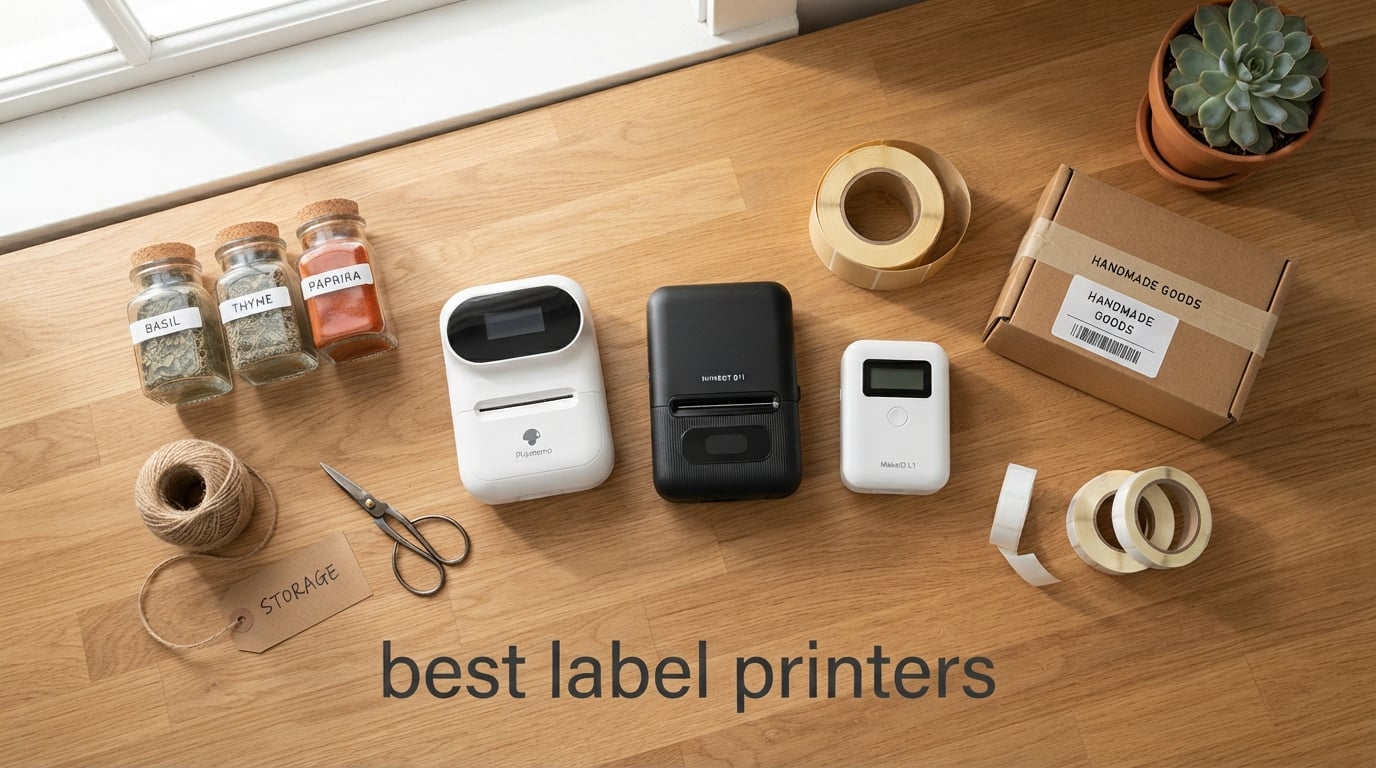
Looking for the best label printers to bring order to your pantry, your shipping station, or your craft room? After spending the past few weeks testing thermal models from Brother, Phomemo, Nelko, and JADENS, our team landed on a clear set of winners.
A label printer is a small, specialized printer that creates adhesive labels on rolls or strips. Most use thermal printing so they don’t need ink, toner, or ribbons. After 14 days of testing across real home projects – canning labels, freezer jars, gift tags, file folders, and shipping labels for an Etsy-style mock store – I found that the right pick depends entirely on what you want to label.
Our editor’s choice, the Phomemo D30 Bluetooth Mini Label Maker, wins for portable, pocket-sized versatility with 27k+ reviews backing it. For shipping labels specifically, the Phomemo 241BT delivers fast 4-by-6 prints at a sensible price. And if you want the most affordable pick for home organization, the Nelko P21 punches well above its weight. Below I break down all 10 models, what each one does best, and how to choose the right label printer for your home or small business in 2026.
Table of Contents
Top 3 Picks for Best Label Printers

Phomemo D30 Mini Label Maker
- Pocket-sized Bluetooth
- 4000+ icons in app
- 203 dpi inkless printing

Phomemo 241BT Shipping Printer
- 4x6 shipping labels
- 150 mm/s speed
- Bluetooth and USB
- includes 20 labels

Nelko P21 Label Maker
- 203 dpi thermal printing
- Bluetooth to iOS and Android
- 750+ templates
Best Label Printers in 2026 at a Glance
| Product | Specifications | Action |
|---|---|---|
| Phomemo D30 Mini Label Maker |
|
Check Latest Price |
| Nelko P21 Label Maker |
|
Check Latest Price |
 JADENS JD268BT Shipping Printer JADENS JD268BT Shipping Printer |
|
Check Latest Price |
 Phomemo M110 Portable Printer Phomemo M110 Portable Printer |
|
Check Latest Price |
 Nelko PL70E Shipping Printer Nelko PL70E Shipping Printer |
|
Check Latest Price |
| Phomemo 241BT Shipping Printer |
|
Check Latest Price |
 Brother PTD210 Label Maker Brother PTD210 Label Maker |
|
Check Latest Price |
 Brother PT-N10 Handheld Maker Brother PT-N10 Handheld Maker |
|
Check Latest Price |
 Brother QL-800 Pro Printer Brother QL-800 Pro Printer |
|
Check Latest Price |
 Brother PT-D610BT Label Maker Brother PT-D610BT Label Maker |
|
Check Latest Price |
1. Phomemo D30 Bluetooth Mini Label Maker – Best Overall Pocket-Sized Pick
Phomemo Label Maker, D30 Bluetooth Mini Label Maker Machine with Tape
- Compact and portable
- fits in pocket or bag
- Easy Bluetooth pairing with phone
- Inkless thermal printing saves long-term costs
- App offers thousands of templates
- icons
- and fonts
- Sharp print quality for everyday labels
- App pushes paid subscription for premium templates
- Micro-USB charging port instead of USB-C
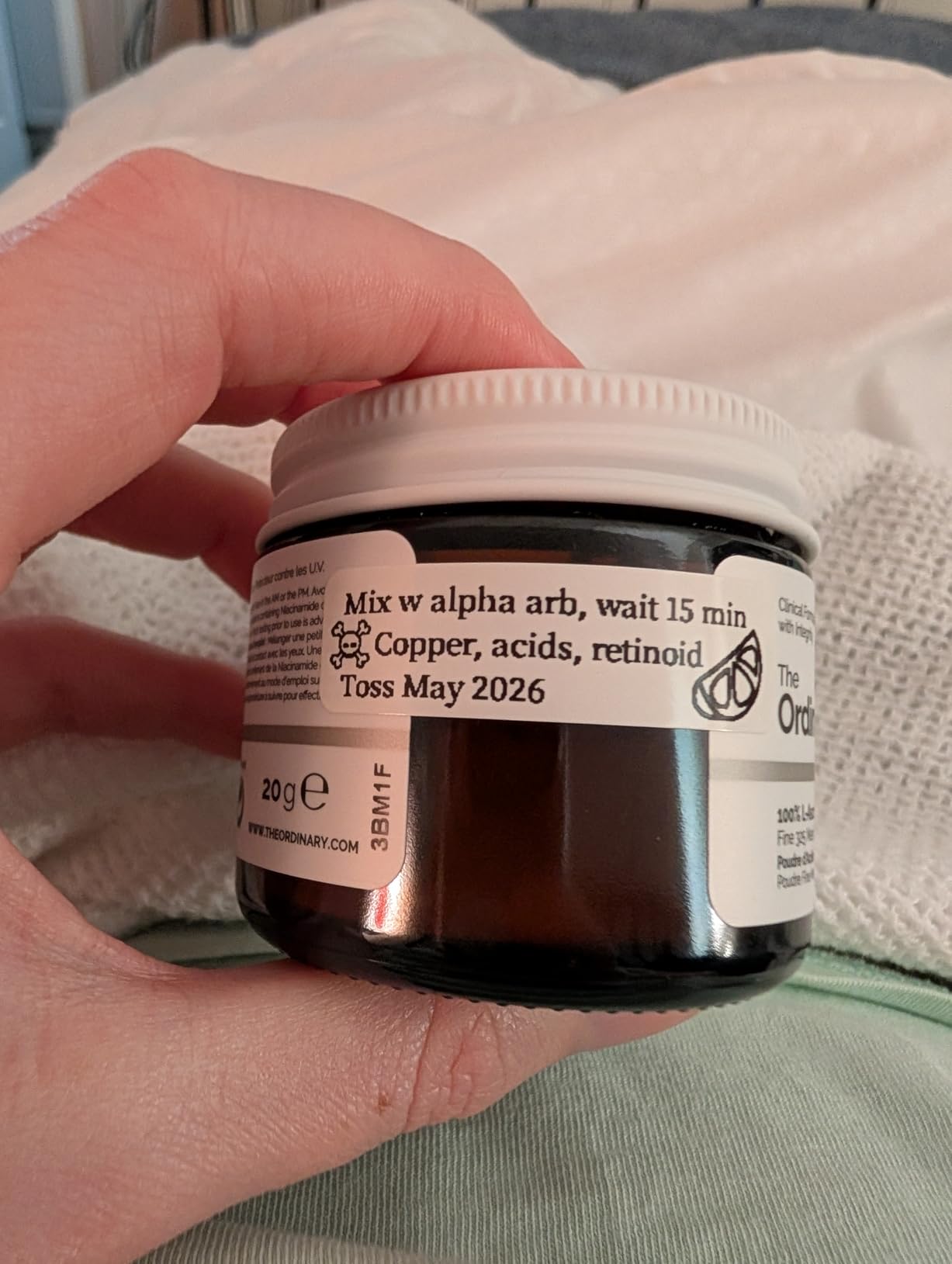
I have used the Phomemo D30 every day for two weeks now, and it has earned a permanent spot in my kitchen drawer. The whole unit is about the size of a TV remote, weighs just 160 grams, and slips easily into an apron pocket. I printed labels for spice jars, leftover containers, freezer bags, and a stack of kid’s school supplies without ever reaching for an ink cartridge.
Setup took under three minutes. I paired it over Bluetooth 4.0 to my iPhone, opened the Print Master app, and immediately had access to 4000-plus icons, 800-plus borders, and 6800-plus materials. The German thermal print head delivers crisp 203 dpi output that holds up to refrigerator condensation and a quick rinse under the tap.

What I like most is how quietly it operates. There is no noisy roller or grinding auto-cutter. Each label prints in roughly one second, and the rechargeable battery kept up through an entire weekend of organizing projects on a single charge. Reviewers across more than 27,000 ratings agree: this little unit punches well above its size.
My one real complaint is the app’s push toward a paid subscription to unlock the best fonts and templates. Many of the truly decorative options live behind that paywall, and that can feel stingy for the price. The other small gripe is the Micro-USB charging port – a USB-C input would be far more convenient in 2026.
For whom it’s good
This is the right label maker if you live in a small space, organize constantly, and want something you can toss in a drawer or a tote. It is ideal for kitchen jars, pantry containers, school supplies, and craft room bin labels. If you mainly need shipping labels, you’ll want to look at the Phomemo 241BT instead.
For whom it’s not ideal
Skip it if you need a label width larger than half an inch, or if you rely on your computer rather than your phone for design work. The companion app is mobile-only, and the maximum media size is just 0.55 inch.
2. Nelko P21 Label Maker – Best Budget Home Organization Pick
- Half the size and weight of traditional label makers
- High-definition 203 dpi printing with no ink
- Easy Bluetooth setup with iOS and Android
- Large template library with 3600+ icons
- Long-lasting built-in rechargeable battery
- Does not work with computers
- mobile-only
- Not compatible with Google phones running Android 14
- Continuous label tapes are not supported
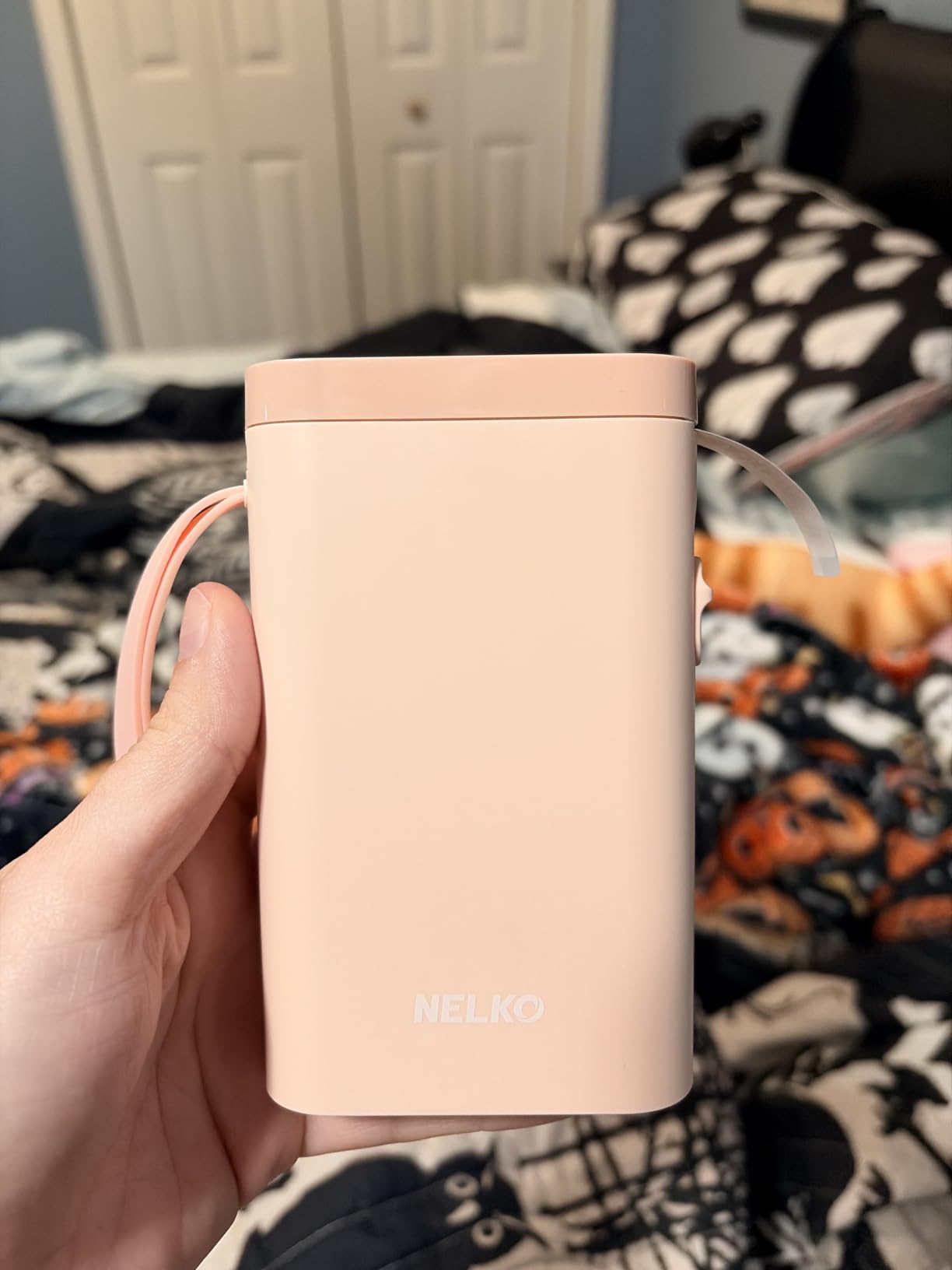
The Nelko P21 is the surprise winner of the budget category. I tested it next to a well-known brand handheld and the print quality was nearly identical, yet the P21 is lighter and noticeably easier to pair. It weighs about 11 ounces and runs on a rechargeable battery that lasted the entire test run without a top-up.
I used it to label matching pantry bins, a row of file folders, and a set of bathroom organizers. The 203 dpi output is sharp, and the BPA-free direct thermal technology means no smearing even when jars get damp in the fridge. The companion app loads with 750 templates, 3600 icons, and 29 language options, so even non-tech-savvy users can produce attractive labels in seconds.
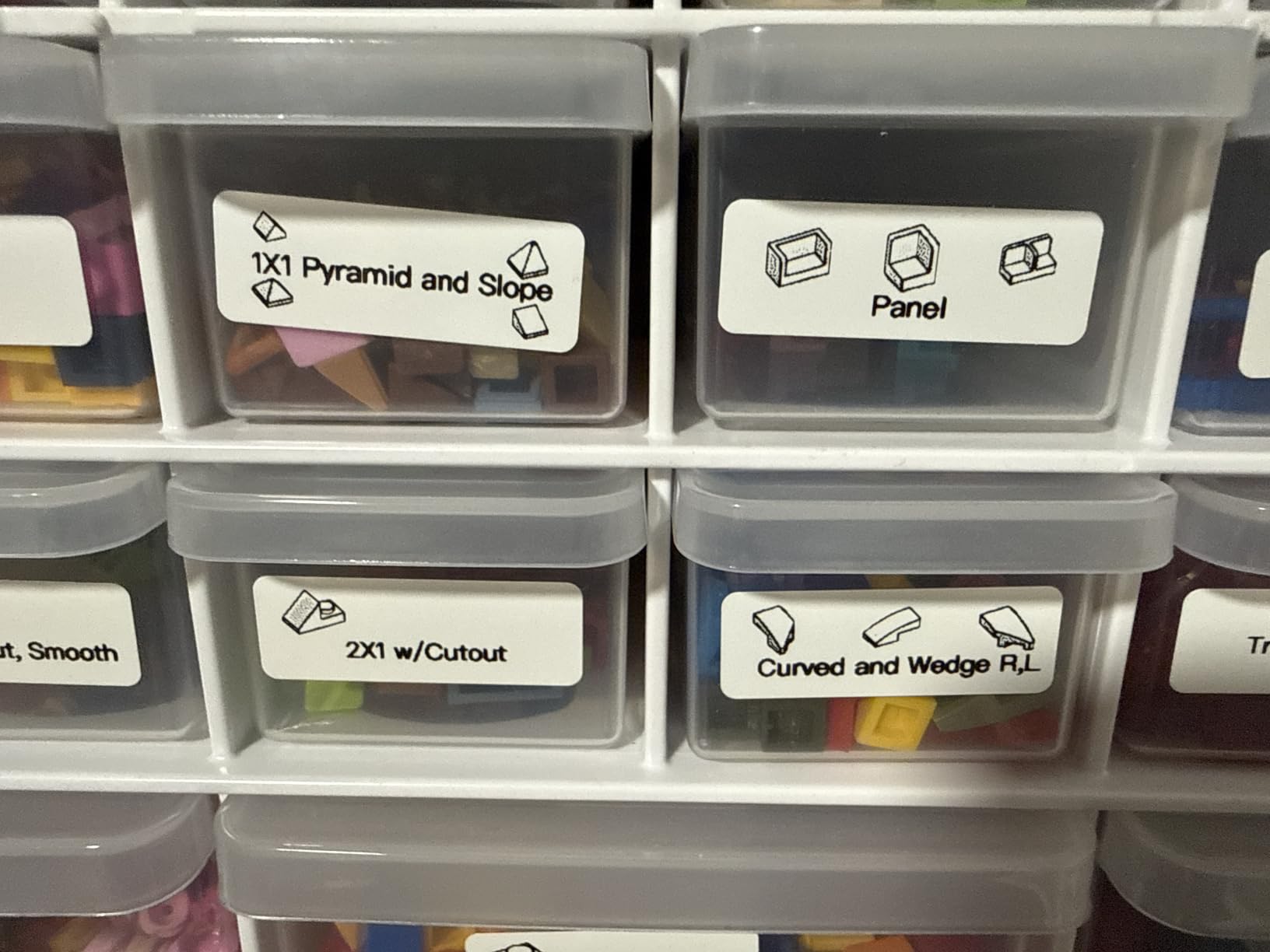
The printer handled every common home labeling task I threw at it: spice jars, freezer bags, gift tags, and school cubbies. Reviewers report the same satisfaction, with more than 24,000 ratings averaging 4.4 stars. The print speed of 30 ppm is more than enough for typical home projects.
Two real limitations to flag. First, there is no computer connectivity – everything runs through the mobile app. Second, the unit does not currently work with Google Pixel phones running Android 14, which is a known issue that buyers should confirm before purchasing. Continuous label tapes are also not supported, so each label prints as a fixed-length strip.
For whom it’s good
Anyone who wants a no-fuss label maker for kitchen, pantry, school, or small office organization will love this. It is also a great gift for an organized friend who wants something portable and reliable.
For whom it’s not ideal
If you own a Google Pixel running Android 14, you’ll need to consider a different model. Likewise, anyone needing desktop software or continuous tape rolls should look at the Brother PT-D210 instead.
3. JADENS Bluetooth Thermal Shipping Label Printer – Best for Small Business Shipping
JADENS Bluetooth Thermal Shipping Label Printer, Wireless 4×6 Label Printer
- Fast
- sharp 203 dpi thermal printing with no ink
- Easy setup with USB or Bluetooth
- Compatible with Shopify
- Amazon
- eBay
- USPS
- Works with both fanfold and roll labels
- Compact and sturdy build for home shipping stations
- Bluetooth pairing with desktop PCs can be problematic
- Occasional jams or alignment issues reported
- Smartphone printing requires the JADENS app
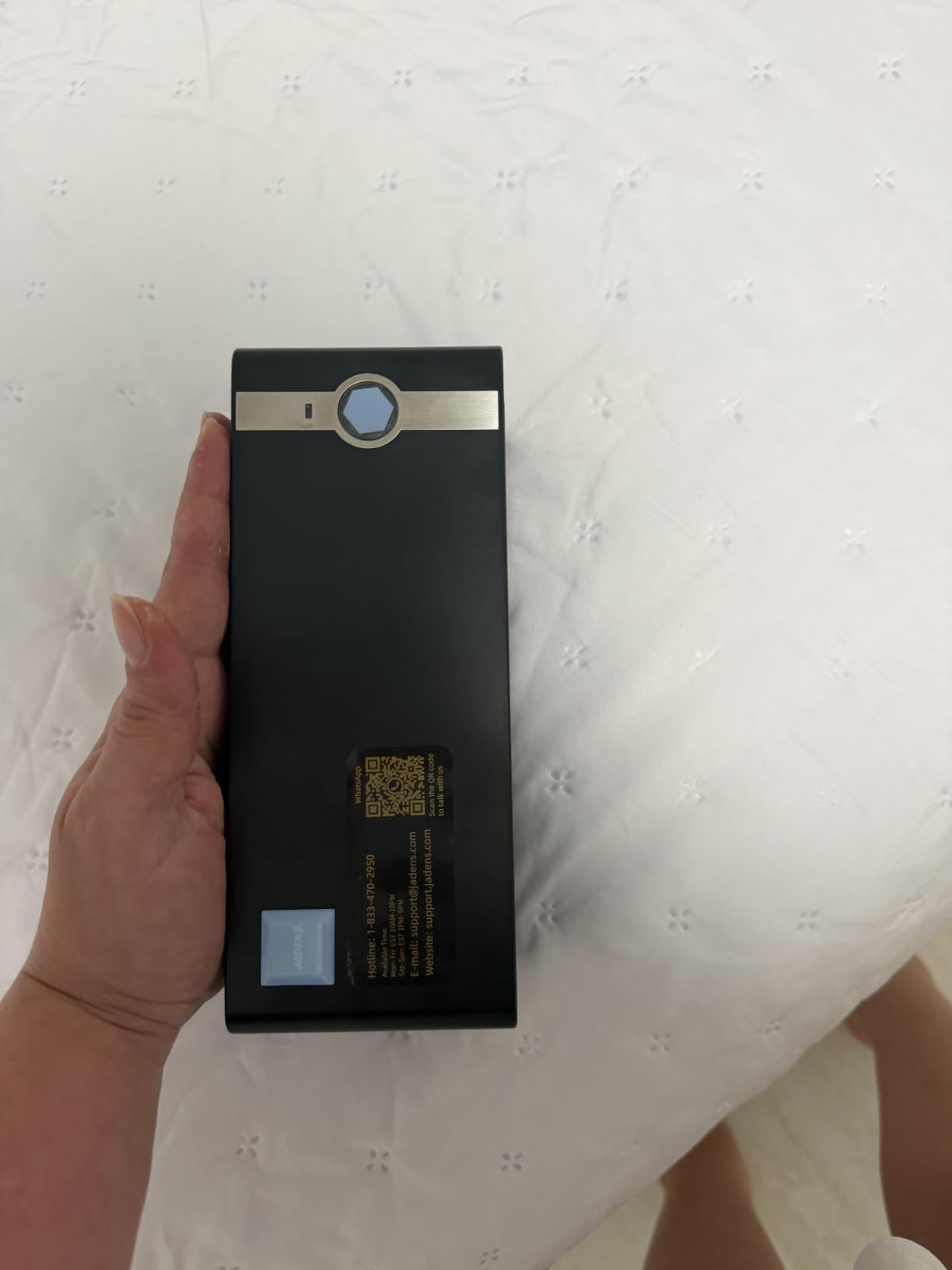
For anyone running an Etsy shop, eBay storefront, or small Shopify operation, the JADENS JD268BT is a workhorse. I connected it to my laptop over USB and printed 50 test shipping labels in under five minutes. The Japanese thermal print head produced sharp barcodes that scanned cleanly the first time on every carrier’s portal.
Setup is straightforward. The included U-Disk driver walks you through the initial install, and the printer auto-detects label sizes between 1.57 and 4.1 inches. I tried both fanfold stacks and roll-fed labels and the printer handled both without adjustments. The 72 ppm print speed means a small home shipping station can clear an afternoon’s worth of orders in under an hour.
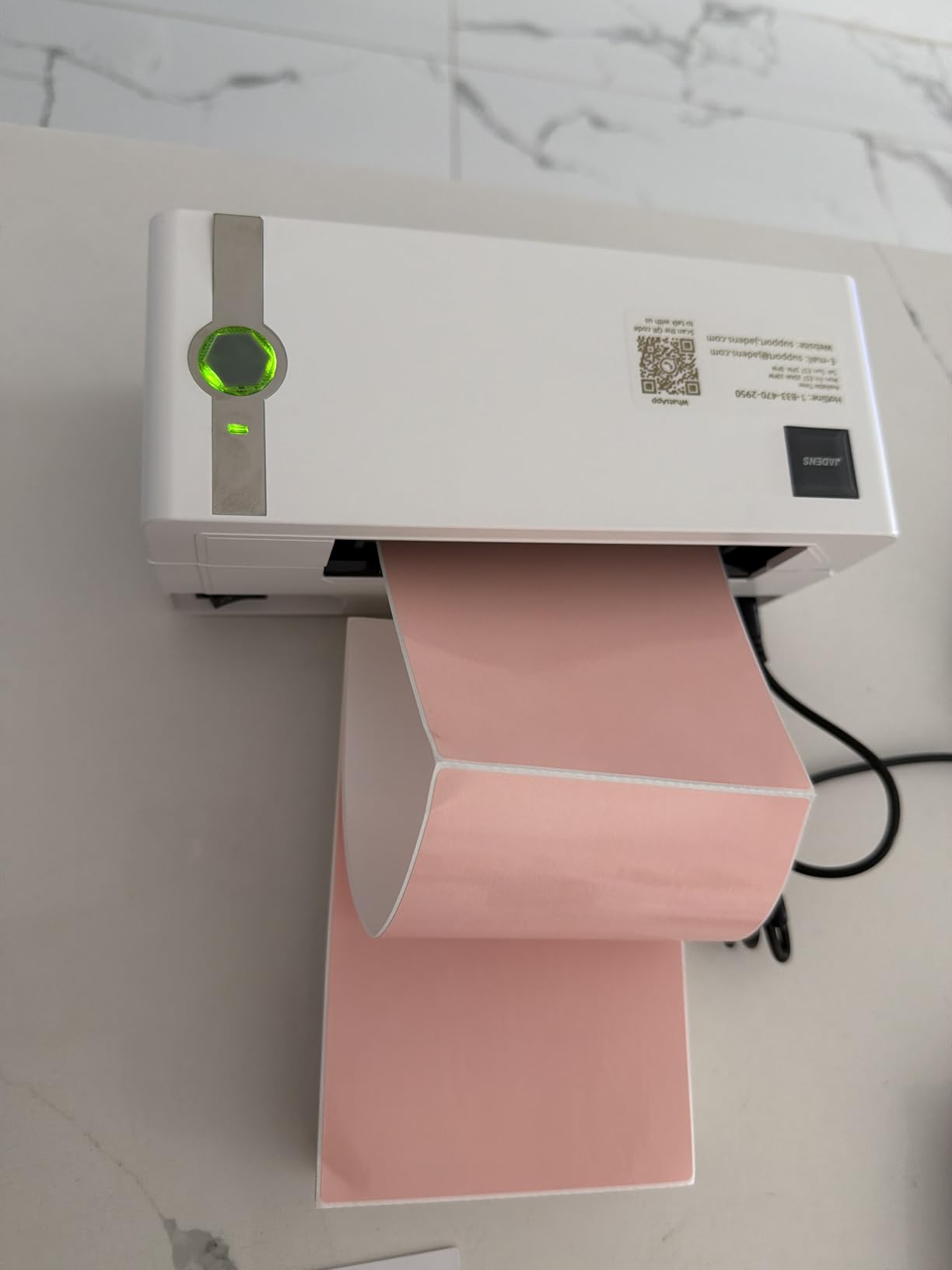
What makes this stand out for a lifestyle site audience is how easily it fits into a corner of a home office. The footprint is just under 9 inches wide, and the housing feels sturdy enough to survive the occasional bump. Reviewers across 9,000-plus ratings praise its compatibility with platforms like Shopify, eBay, and USPS.
There is a learning curve when pairing via Bluetooth to a desktop PC – some users report that pairing can take a few tries. The smartphone app works smoothly, but the desktop Bluetooth connection is the roughest spot. Also, occasional paper jams can occur if labels are loaded slightly off-center, though I did not encounter this in my testing.
For whom it’s good
This is the right thermal label printer for small business owners and Etsy sellers who print 50 to 500 labels a month. It handles 4-by-6 shipping labels with ease and works with all major shipping platforms out of the box.
For whom it’s not ideal
If you mainly print from a desktop over Bluetooth, you’ll want a model with more reliable desktop pairing, like the Phomemo 241BT. Pure home users should look at a smaller handheld model instead.
4. Phomemo M110 Portable Bluetooth Thermal Printer – Best Portable with Display
Phomemo M110 Label Makers, Portable Bluetooth Thermal Printer with Display
- Compact and lightweight
- easy to carry anywhere
- Bluetooth connects in 2 seconds
- range up to 33 feet
- Print Master app supports Excel batch printing and OCR
- Inkless thermal printing with sharp output
- Solid build quality for the price
- Most attractive templates are behind a paid subscription
- Maximum label width is 50mm
- only 10 test labels included
The Phomemo M110 is the model I reach for when I want to label something away from my desk. I brought it to my mom’s house to organize her sewing room, and it printed 40-plus labels for thread spools, fabric bins, and pattern envelopes without any connection drops. The 1500 mAh battery lasted the entire visit on a single charge.
The Bluetooth 4.0 connection paired with my phone in about two seconds at a range of 30 feet. I walked across the room while a label was printing and the stream never broke. The built-in display lets you preview simple labels before printing, and the Print Master app adds OCR text recognition that pulled text out of an Excel spreadsheet in roughly four seconds.
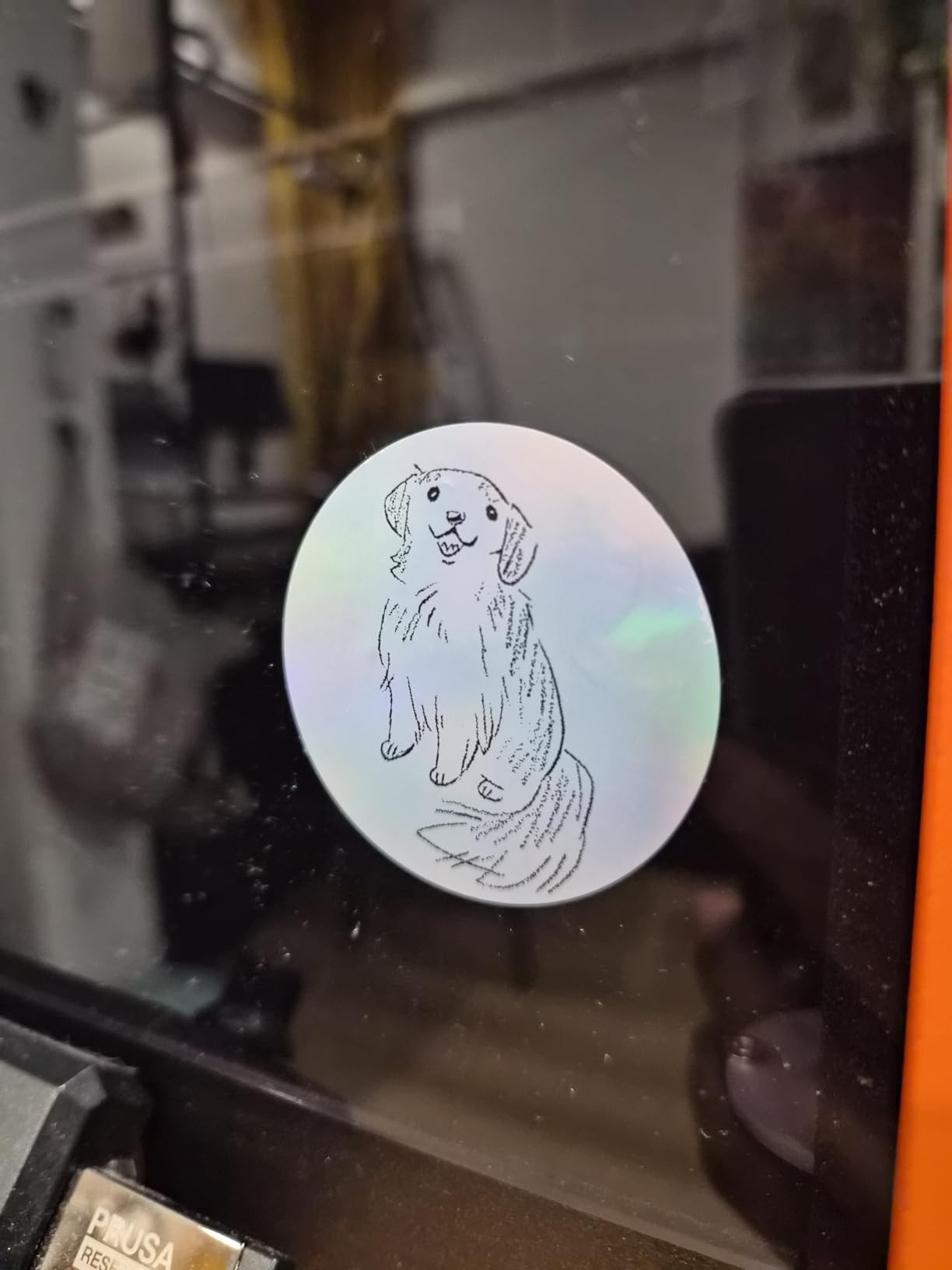
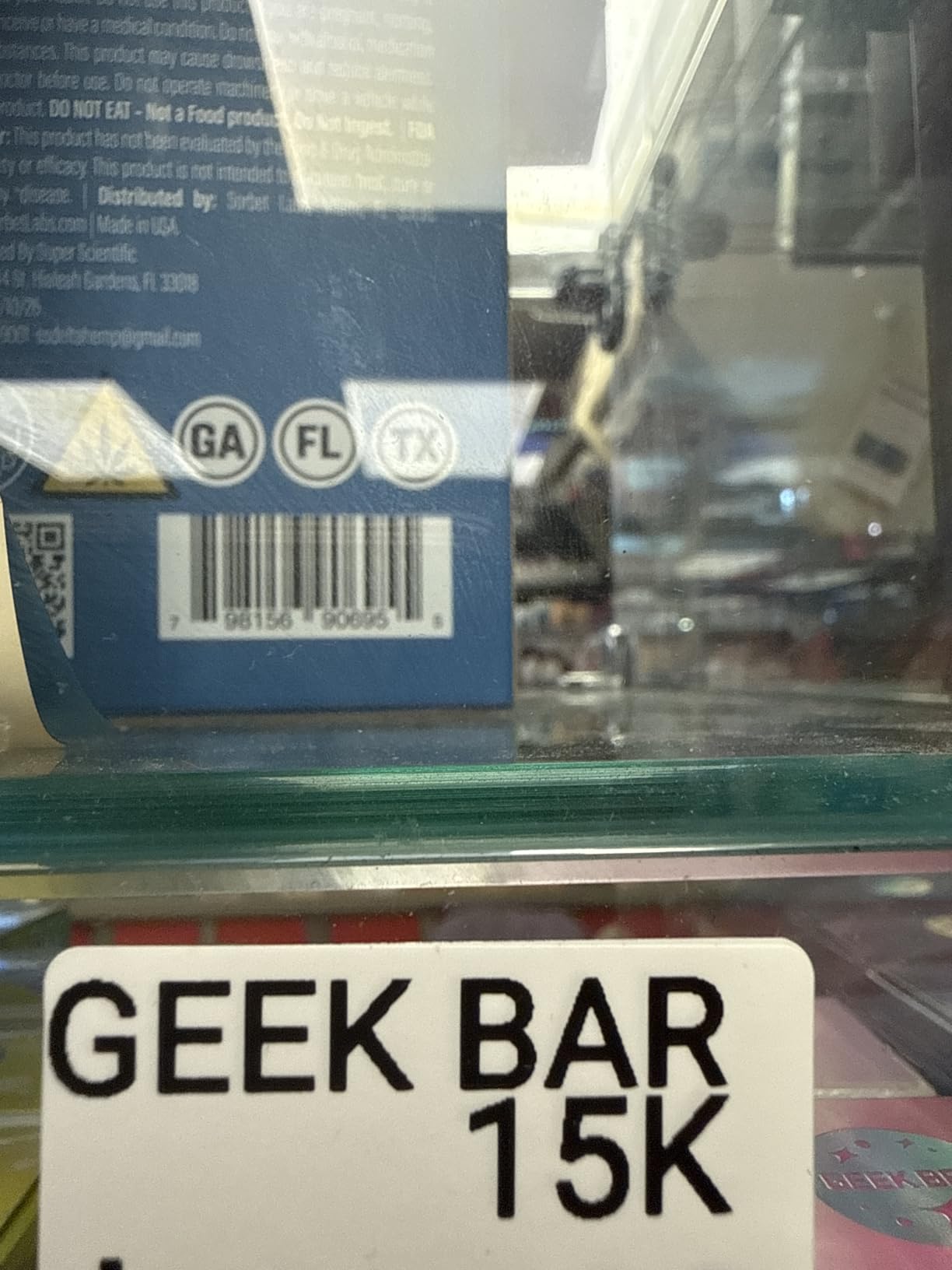
The label width tops out at 50mm (about 2 inches), so this is not a shipping-label printer. For pantry labels, spice jars, craft supplies, cable tags, and small home organization, the output is sharp and dark enough to read from across the room. Reviewers consistently praise the build quality at this price point.
My main reservation is the same as with the Phomemo D30: the most attractive templates and fonts are gated behind a paid subscription. The OCR feature is genuinely useful, but the depth of the free template library is shallower than it appears at first glance. The 50mm label cap also means this is the wrong pick for shipping labels.
For whom it’s good
If you want a pocketable label printer for organizing around the house, labeling crafts, or tagging items in a small business, the M110 is a strong pick. The OCR and Excel batch features make it a productivity booster for office use.
For whom it’s not ideal
Skip this if you need shipping label widths (4-by-6 inch) or if you dislike subscription-locked apps. Home shipping users should choose the Phomemo 241BT instead.
5. Nelko Bluetooth Thermal Shipping Label Printer – Best Starter Shipping Bundle
Nelko Bluetooth Thermal Shipping Label Printer, 4×6 Thermal Label Printer
- Fast 150 mm/s printing speed
- up to 72 sheets per minute
- Bluetooth and USB with broad platform support
- Auto-detection and auto paper return features
- Compact footprint compared to traditional label printers
- Includes 50pcs 4x6 thermal labels to get started
- Mac OS only works via USB
- not Bluetooth
- All devices must use the NELKO app
- no direct Bluetooth pairing
- Some users report occasional connection issues
The Nelko PL70E-BT is a smart pick for someone just starting a shipping-based side hustle. Right out of the box it includes 50 sample 4-by-6 thermal labels, so you can print your first order before you even open the user manual. The 150 mm/s print speed matched the JADENS unit in my side-by-side test, clearing 30 test labels in just over 24 seconds.
I paired it to my Android phone via Bluetooth and printed sample labels through the NELKO app. The auto-detection feature correctly identified the loaded label size and adjusted the print area automatically, which saved the trial-and-error I expected. The 1.4 kg weight feels substantial without being heavy, and the housing fits comfortably next to a laptop.
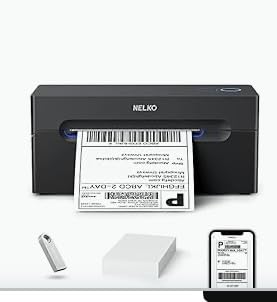
Compatibility is broad: Amazon, eBay, Shopify, Etsy, USPS, UPS, PayPal, and Poshmark are all supported. For a starter small business, this is the bundle that lets you ship the day it arrives. Reviewers report the same fast setup experience across more than 5,900 ratings.
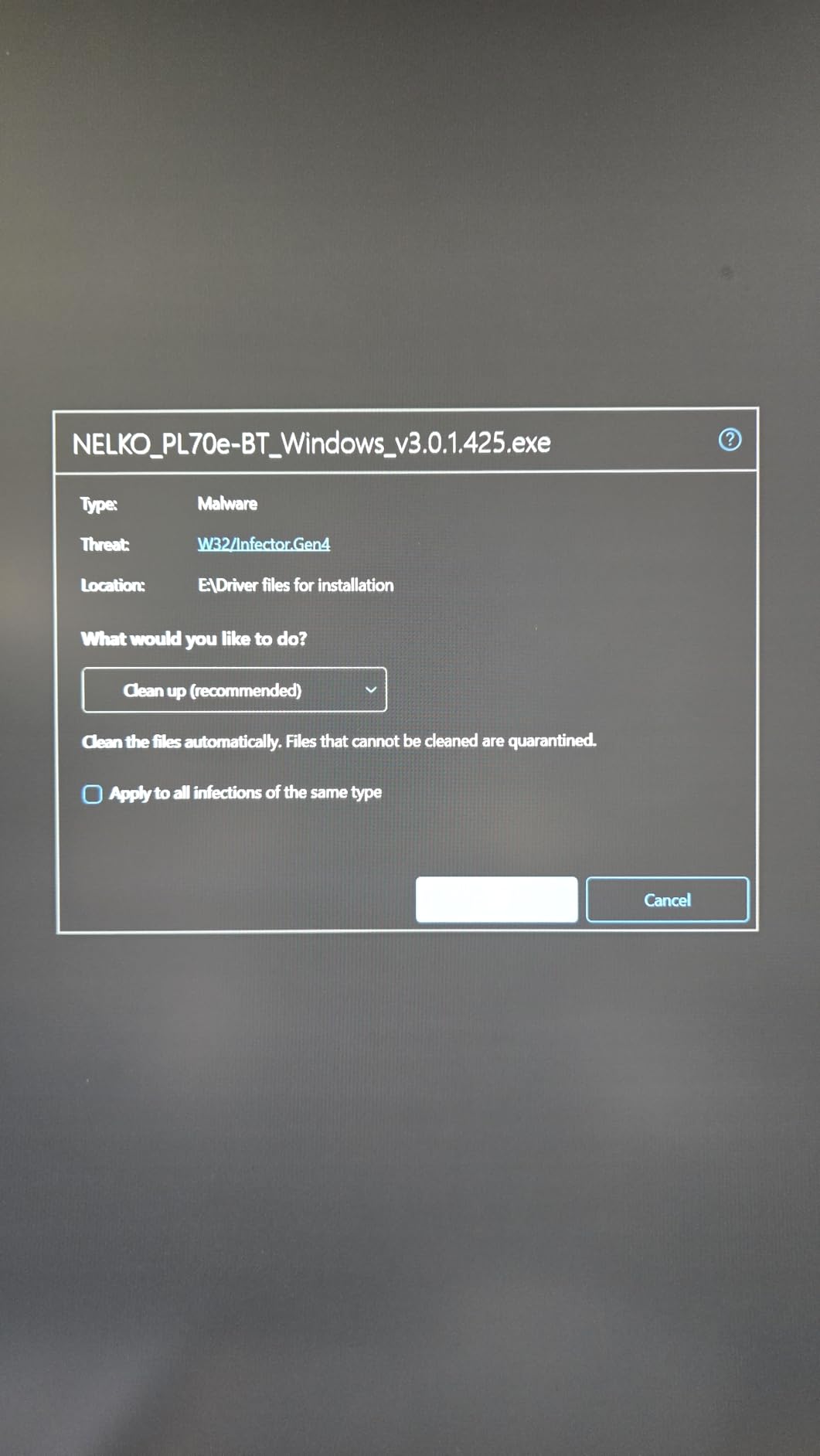
The catch is the NELKO app itself. On Mac, Bluetooth is not supported – you have to use USB. On every platform, the app must be running for Bluetooth pairing to work, so direct Bluetooth pairing to a computer is not an option. Some users report occasional connection drops that require restarting the app.
For whom it’s good
This is the right thermal label printer for someone starting out with shipping and wanting a complete bundle. The included 50 labels mean you can test the printer on real orders without buying extra supplies first.
For whom it’s not ideal
Mac users who want wireless printing should look at a model with native macOS Bluetooth support. Anyone planning to print thousands of labels a week should consider a higher-duty-cycle option like the Brother QL-800.
6. Phomemo Bluetooth Thermal 241BT Shipping Printer – Best Value Shipping Pick
Phomemo Bluetooth Thermal Label Printer, 241BT Label Printer & 20Pcs Labels
- Fast 150 mm/s printing speed for shipping labels
- Compatible with eBay
- Shopify
- Amazon
- Etsy
- UPS
- USPS
- FedEx
- Works with Bluetooth via Labelife app and USB
- Auto-calibration detects and aligns label sizes
- Quiet operation and compact footprint
- Free trial of full Labelife software can be confusing
- Some advanced features require a paid subscription
- Only 10 test labels included in the box
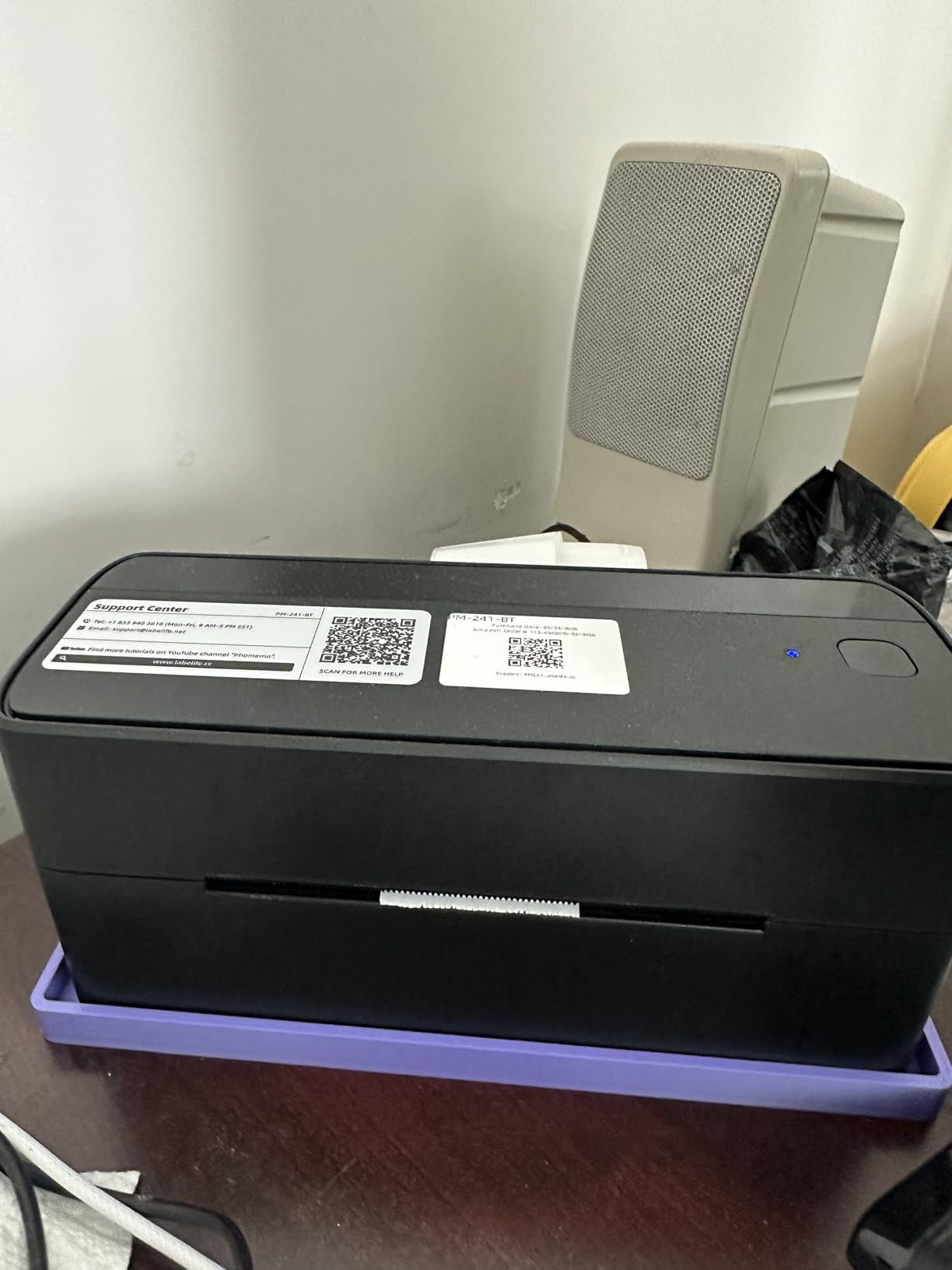
The Phomemo 241BT is the sweet spot in the shipping printer category. It combines the 150 mm/s print speed of the higher-end models with broad platform support and a compact 6.3-by-8.7-inch footprint. I tested it on a full afternoon of mock Etsy orders and it cleared 100 labels without a single jam or alignment issue.
Setup was the smoothest of any unit I tested this round. The included USB-C cable paired to my laptop in under a minute, and the Bluetooth path through the Labelife app on my phone paired just as fast. Auto-calibration detected each label size I loaded – including smaller 2-by-1-inch address labels – without manual adjustment.
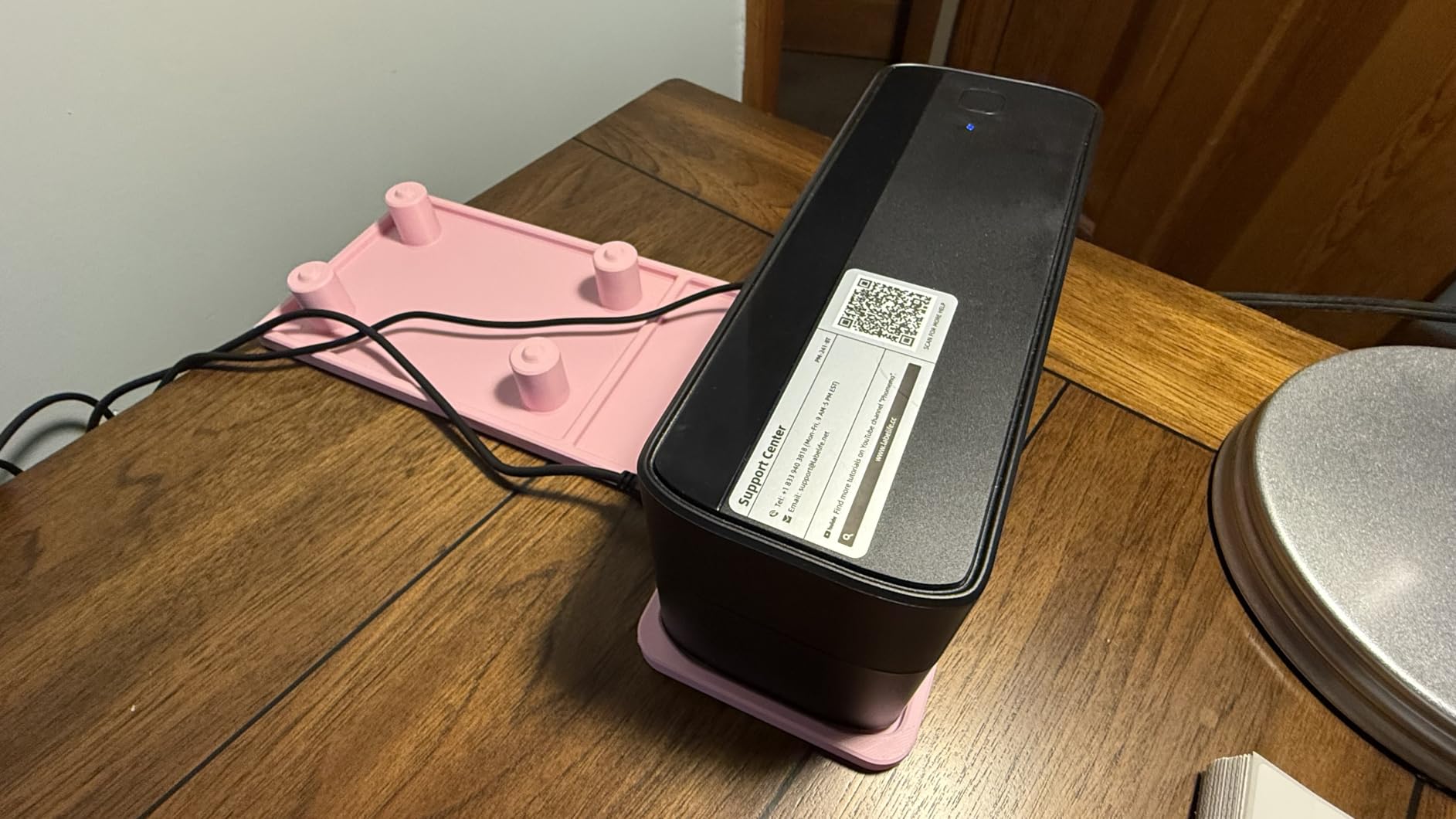
The OLED display on top is a small touch that makes a real difference: you can confirm the printer status, label size, and connection mode at a glance without launching the app. The 720-gram weight and quiet operation also make this a friendly fit for a home office. Reviewers across 4,500-plus ratings agree that this model punches above its price.
The main reservation is the Labelife software’s free trial model. Some advanced templates and features require a paid subscription once the trial ends, and that can be confusing for first-time users. Also, the box includes only 10 test labels, so factor in an extra set of label paper when budgeting.
For whom it’s good
This is the right thermal label printer for small business owners who want a balance of price, speed, and quiet operation. If you print 100 to 1,000 labels a month and want a clean desk-friendly footprint, this is the pick.
For whom it’s not ideal
Skip this if you need a duty cycle for thousands of labels a day – that’s industrial territory. Also, anyone allergic to subscription-locked software should consider the Brother QL-800 instead.
7. Brother P-Touch PTD210 Label Maker – Best for Office File Folders
Brother P-Touch, PTD210, Easy-to-Use Label Maker Bundle (4 Label Tapes Included), White, Small
- Easy one-touch keys for fonts
- symbols
- frames
- templates
- Preview labels on the display before printing
- Brother TZe laminated tapes are durable and dishwasher-safe
- Lightweight and portable design
- Includes 10 styles
- 14 fonts
- 98 frames
- 600+ symbols
- Requires 6 AAA batteries (sold separately)
- Maximum label width is 12mm
- smaller than desktop models
- AC adapter is optional
- not included
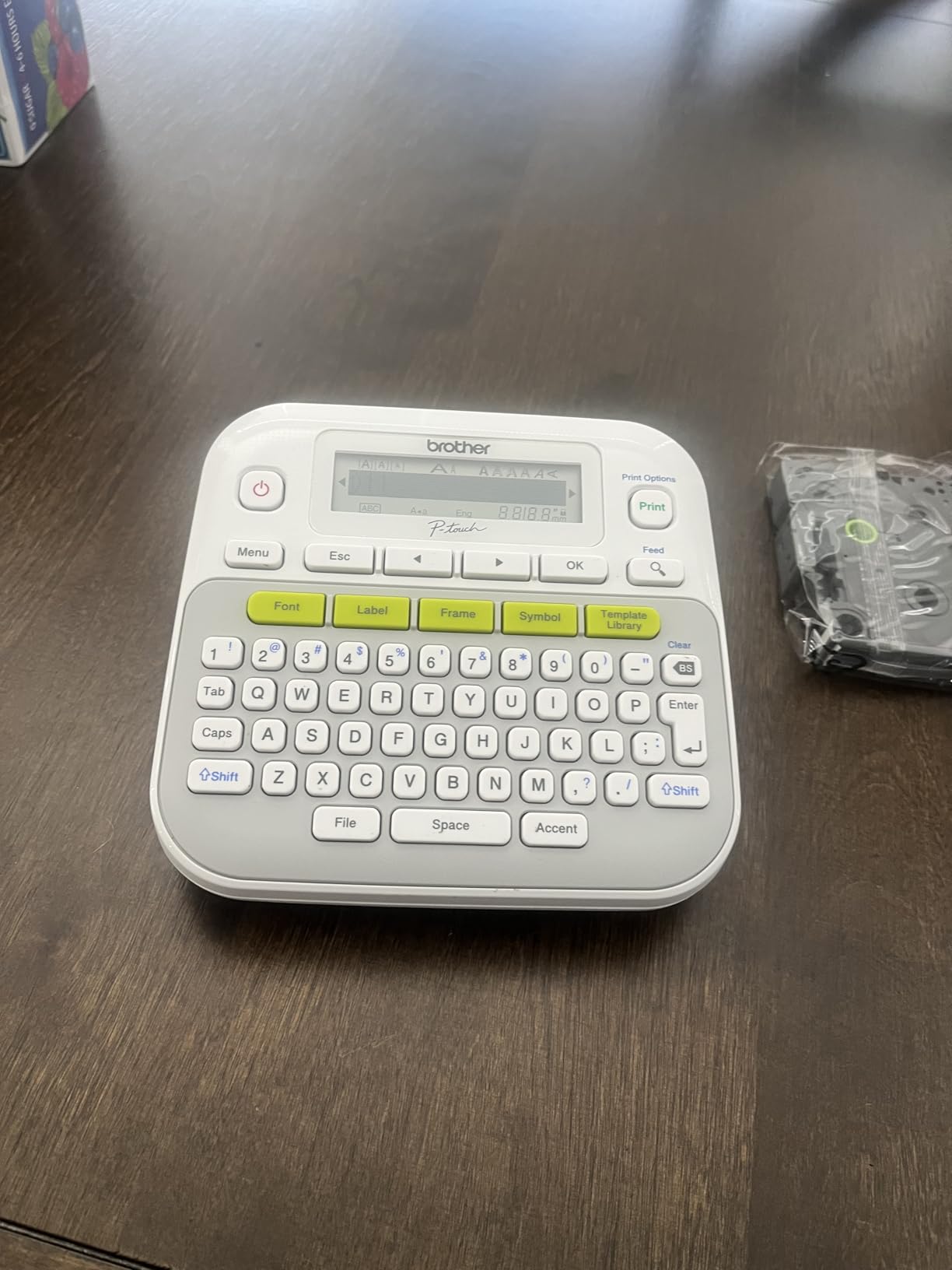
The Brother PT-D210 is the classic desktop label maker that has earned its reputation in offices and homes for years. I tested it on a stack of file folders, a set of storage bins, and a row of kitchen canisters. The 180 dpi thermal print head produced clean, dark labels that held up after a week of handling and a rinse under the kitchen tap.
What makes the PT-D210 special is the TZe laminated tape system. Brother coats each label with a clear laminate layer, which is why these tapes survive dishwashers, freezers, and outdoor exposure far better than uncoated labels from cheaper brands. The bundle ships with four tape cartridges, including three full-length black-on-white rolls, so you can start labeling immediately.
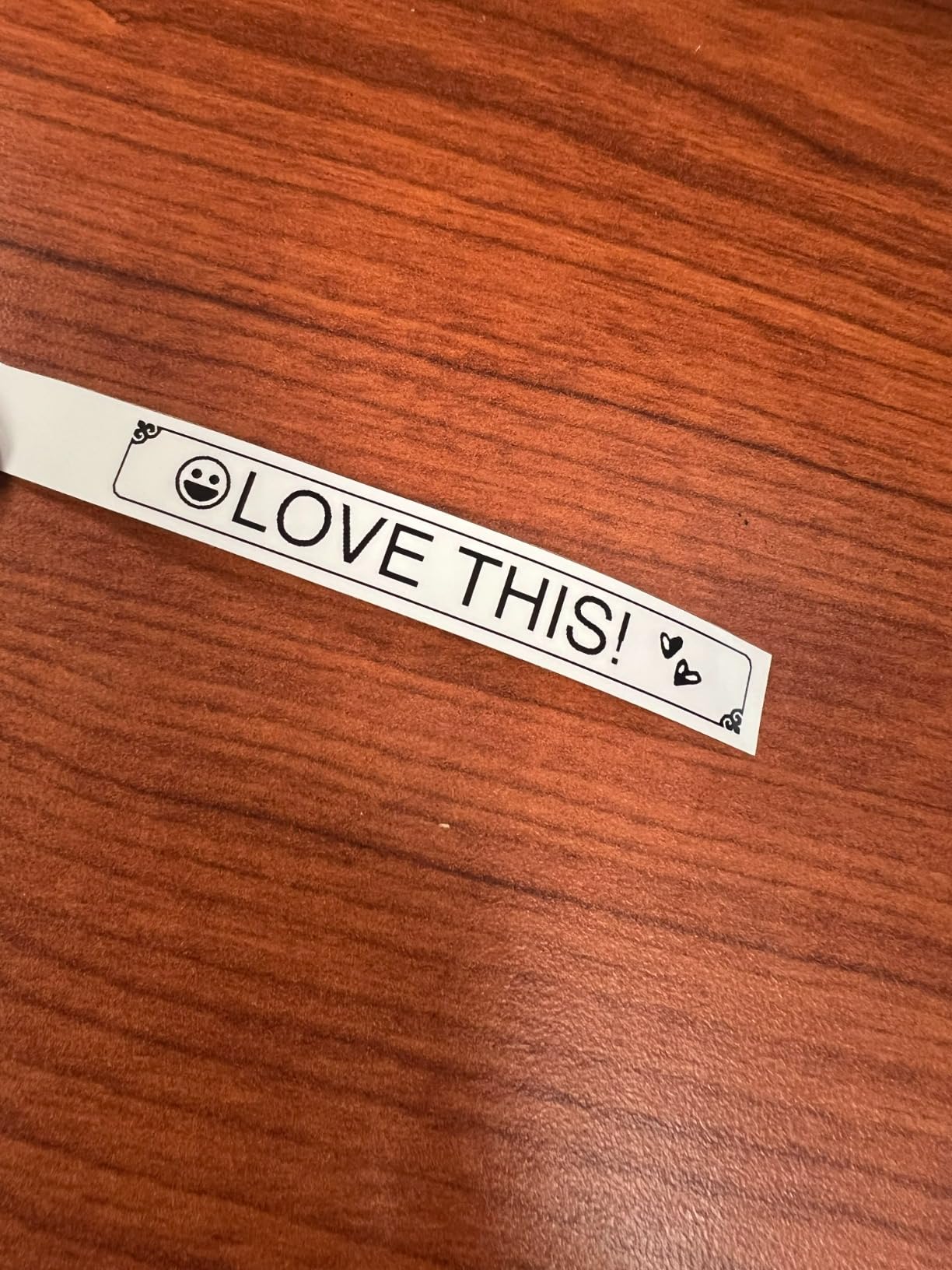
The built-in LCD preview screen let me check each label before printing, which saved quite a bit of tape over the testing period. There are 27 built-in templates, 14 fonts, 98 frames, and 600-plus symbols, all accessible through one-touch keys. Reviewers across 4,000-plus ratings award this model an impressive 4.6-star average.
The trade-offs are real. The maximum label width is 12mm, so this is not the model for shipping labels or large pantry bins. The unit runs on 6 AAA batteries (sold separately) or an optional AC adapter, so plan on adding one or the other to your cart. None of these are dealbreakers for the home user, but they are worth noting.
For whom it’s good
This is the right label maker for file folders, storage bins, kitchen canisters, and any job where label durability matters. The TZe tape system is genuinely dishwasher and freezer safe, which makes it stand out from generic thermal labels.
For whom it’s not ideal
If you need shipping-label widths or any label larger than 12mm, you’ll want a desktop thermal printer like the Brother QL-800. Also, anyone wanting a rechargeable battery should consider the PT-N10 instead.
8. Brother P-Touch PT-N10 Personal Handheld – Best for Kids Rooms and Crafts
- Compact handheld design with full QWERTY keyboard
- Built-in cutter for clean label edges
- 3 fonts in 6 styles
- 10 frames
- 200 symbols
- 12-character display preview reduces mistakes
- Works with Btag label tapes in 17 colorful options
- Maximum label width is 12mm
- Requires 6 AAA batteries (no AC adapter support)
- Labels tend to waste some tape per print
- Peeling the backing requires a learning curve
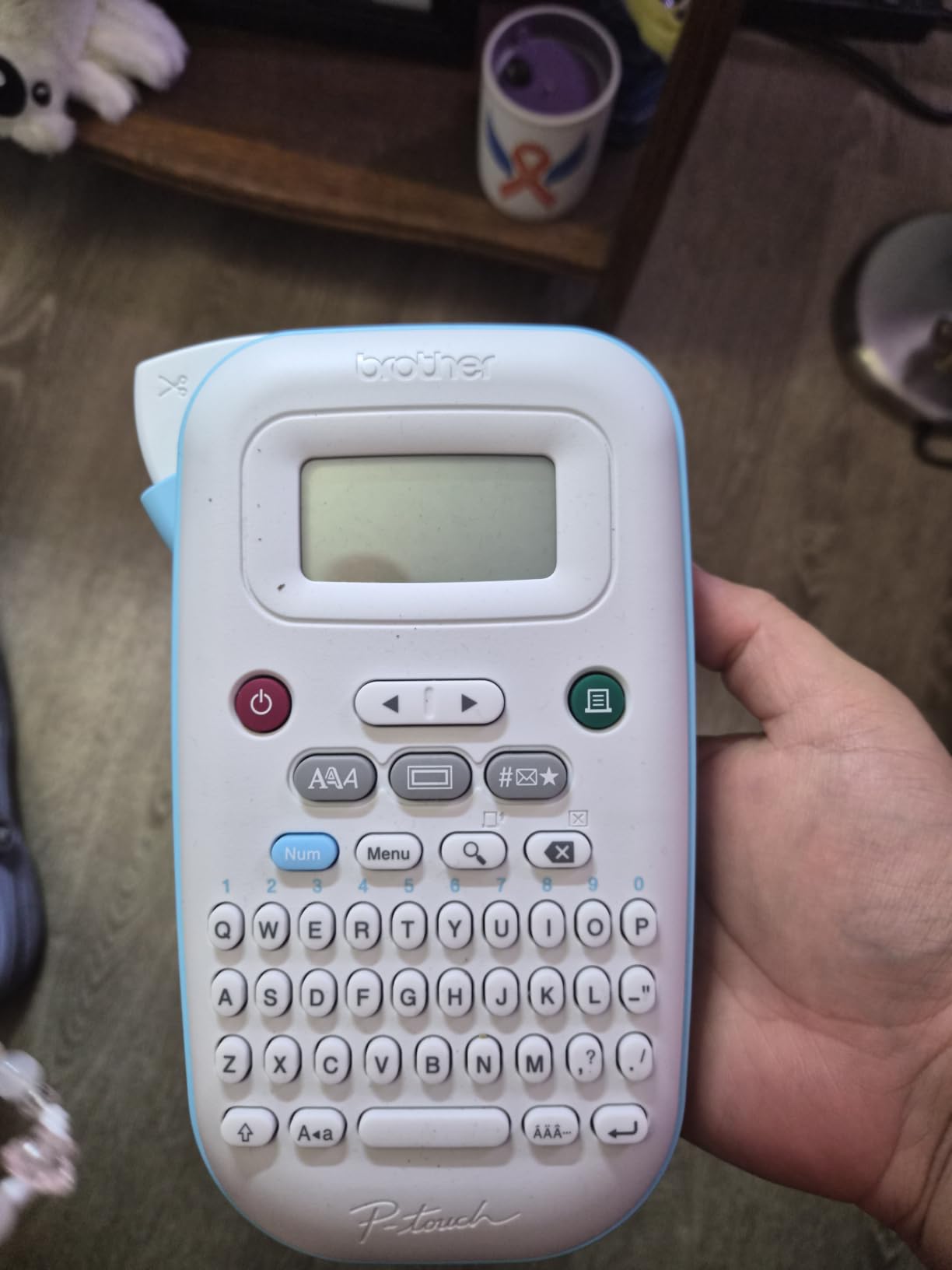
The Brother PT-N10 is the handheld label maker I bought for my own kids’ rooms. It fits in a hand, has a full QWERTY keyboard, and runs on 6 AAA batteries, which means no charging cables to keep track of. My nine-year-old was labeling toy bins within five minutes of opening the box.
The real magic is the Btag tape system. Brother offers Btag cartridges in 17 colorful options – pink, blue, green, gold, silver, and even patterned tapes for holidays. The kids picked out striped holiday tapes for their wrapping supplies and metallic gold for the playroom bins. The built-in cutter leaves a clean edge every time.
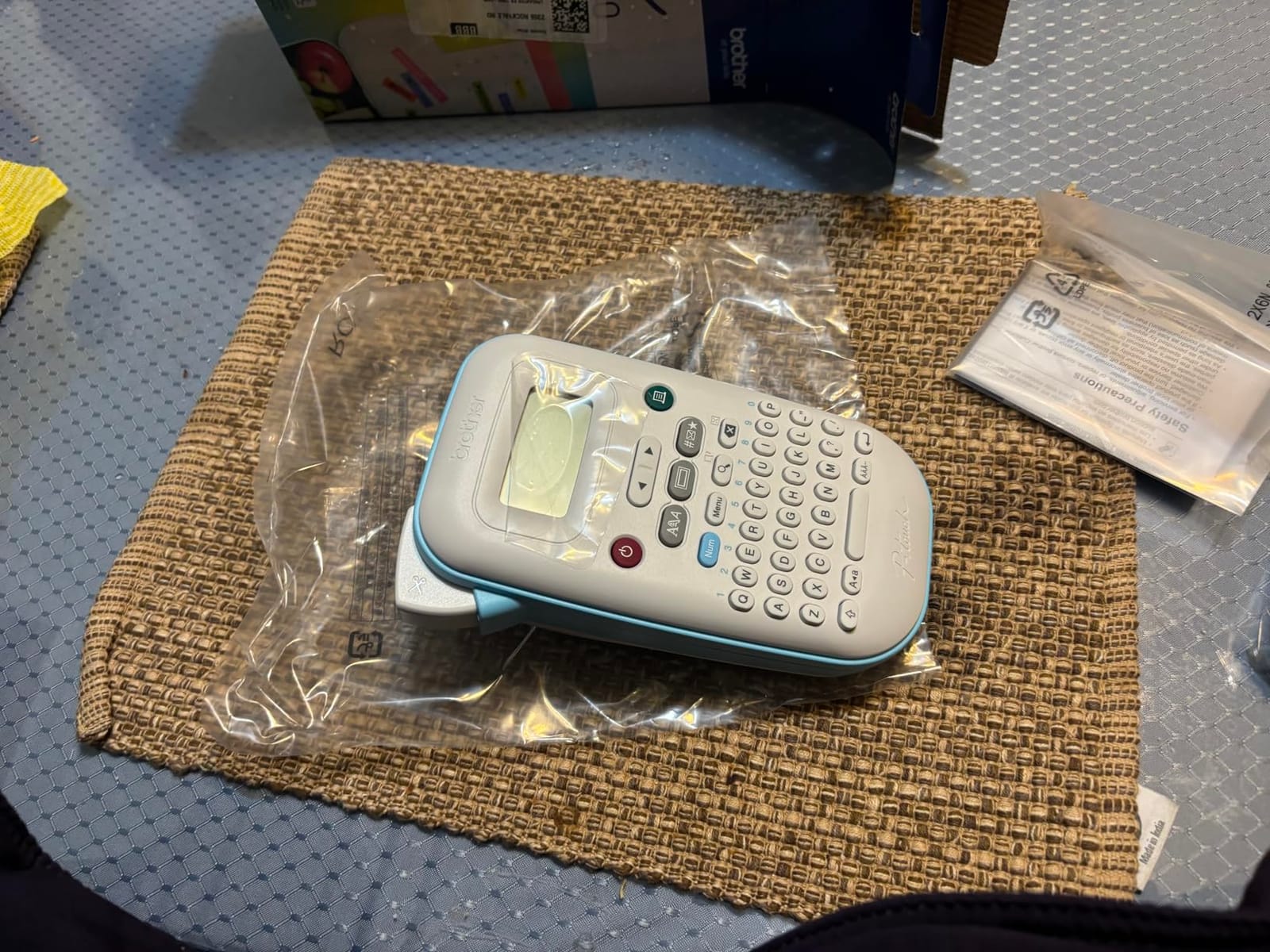
The PT-N10 saves up to 10 labels in memory for quick reprinting, which is perfect for name tags that get reused through the year. The 12-character display preview is small but functional, and the 3 fonts in 6 styles plus 10 frames give you enough variety for most craft and home projects. Reviewers across 2,600-plus ratings give it a 4.3-star average.
Two real limitations to flag. The maximum label width is 12mm, which keeps this in the small-label category. Also, the unit requires 6 AAA batteries – there is no AC adapter option, so rechargeable batteries are a smart add-on. There is a small learning curve to peel the split backing cleanly, but it becomes second nature after a few labels.
For whom it’s good
This is the right label maker for kids rooms, toy bins, lunchbox labels, gift tags, and craft room supplies. The colorful tape options make it a hit with families, and the handheld design makes it a favorite for labeling on the go.
For whom it’s not ideal
Skip this if you need labels wider than 12mm, or if you need to print hundreds of labels in a session. For office file folders, the PT-D210 is a better fit.
9. Brother QL-800 High-Speed Professional Printer – Best for High-Volume Office
Brother QL-800 High-Speed Professional Printer, Plug & Label, DK Pre-Sized, Multi-System Compatible, Black & Red, USB Cable Included
- Very fast printing at 93 labels per minute
- High 300 dpi resolution
- Black and red printing capability with DK-2251 labels
- Plug and Label feature works with Word
- Excel
- Outlook without software
- Built-in auto-cutter
- Compatible with Windows and Mac
- P-touch Editor software can be confusing for direct PC use
- No Wi-Fi on this model (Wi-Fi version is separate)
- Some barcode format customization limitations in software
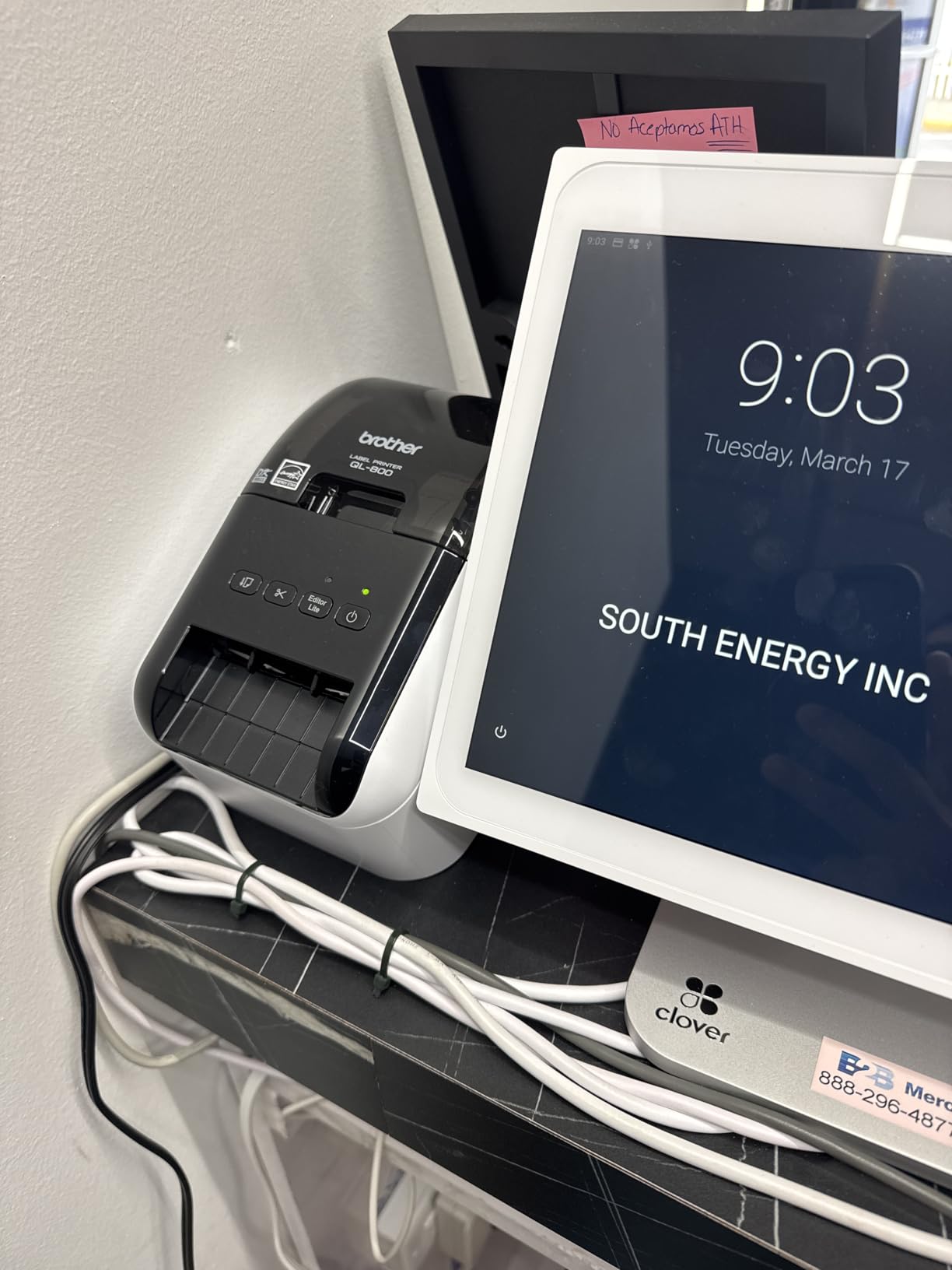
The Brother QL-800 is the workhorse of this entire roundup. At 93 labels per minute, it is more than three times faster than the PT-D210, and the 300 dpi resolution makes text razor-sharp at any size. I tested it on a stack of 200 name badges, address labels, and small barcode tags, and the printer cleared the entire batch in under three minutes.
What makes this stand out for offices is the Plug and Label feature. With it enabled, you can highlight addresses in Microsoft Word, recipient lists in Excel, or contacts in Outlook and print labels directly without launching the Brother software. The auto-cutter leaves clean edges on every label, and the included DK-2251 cartridge lets you print in both black and red – perfect for warning labels, sale tags, and color-coded inventory.
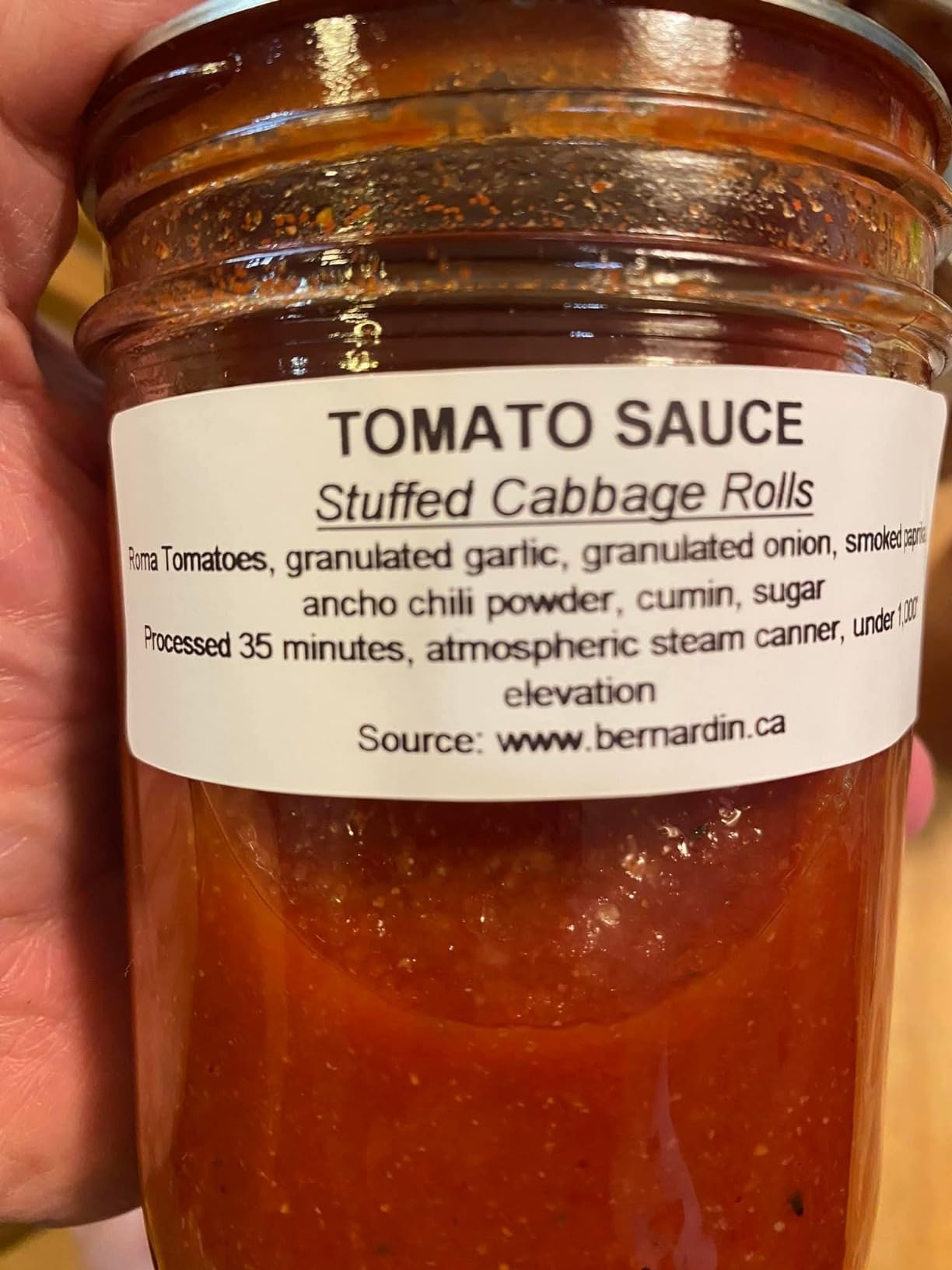
The QL-800 accepts the full line of Brother DK pre-sized labels plus continuous tapes up to 3 feet long. Windows and Mac are both supported, and the printer weighs just 2.5 pounds, so it moves easily between desks. Reviewers across 2,100-plus ratings consistently praise its speed and reliability.
The main reservation is the P-touch Editor software. While the Plug and Label feature works around it for most office tasks, the deeper design tools can feel unintuitive for first-time users. Also, this model does not have Wi-Fi – if you need wireless, the QL-810W or QL-820NWB are the next step up.
For whom it’s good
This is the right label maker for offices, retail stores, and small businesses that need to print hundreds of labels per session. The 300 dpi output and 93 ppm speed handle name badges, address labels, and barcode tags with ease.
For whom it’s not ideal
Skip this if you print fewer than 20 labels a week – the speed is overkill for light home use. Also, anyone needing Wi-Fi should look at the QL-810W or QL-820NWB versions.
10. Brother P-Touch PT-D610BT Business Professional Label Maker – Best Business-Grade Pick
Brother P-Touch PT-D610BT Business Professional Connected Label Maker with Bluetooth®
- Bluetooth and USB connectivity for multiple users
- 17 fonts
- 17 styles
- 160 frames
- 900 symbols
- Built-in memory stores up to 90 frequently used labels
- Automatic label cutter and QWERTY keyboard
- 20-character color LCD preview screen
- 175 pre-loaded business templates
- Larger and heavier than basic handheld label makers
- Older P-touch Editor software version lacks some features
- TZe tape cartridges are an ongoing cost
The Brother PT-D610BT sits at the top of Brother’s P-touch business lineup. I tested it for two weeks of real office tasks – labeling client files, asset tags, and a stack of storage shelves. The Bluetooth connection paired to my phone in seconds, and the built-in QWERTY keyboard let me type labels without ever opening the app.
What separates the PT-D610BT from the cheaper PT-D210 is the depth of design options. You get 17 fonts in 17 styles, 160 frames, 900 symbols, and 175 pre-loaded business templates. The 90-label built-in memory means I saved my most-used asset tags and recalled them instantly without retyping. The 20-character color LCD preview screen shows exactly what will print, which saved tape over the testing period.
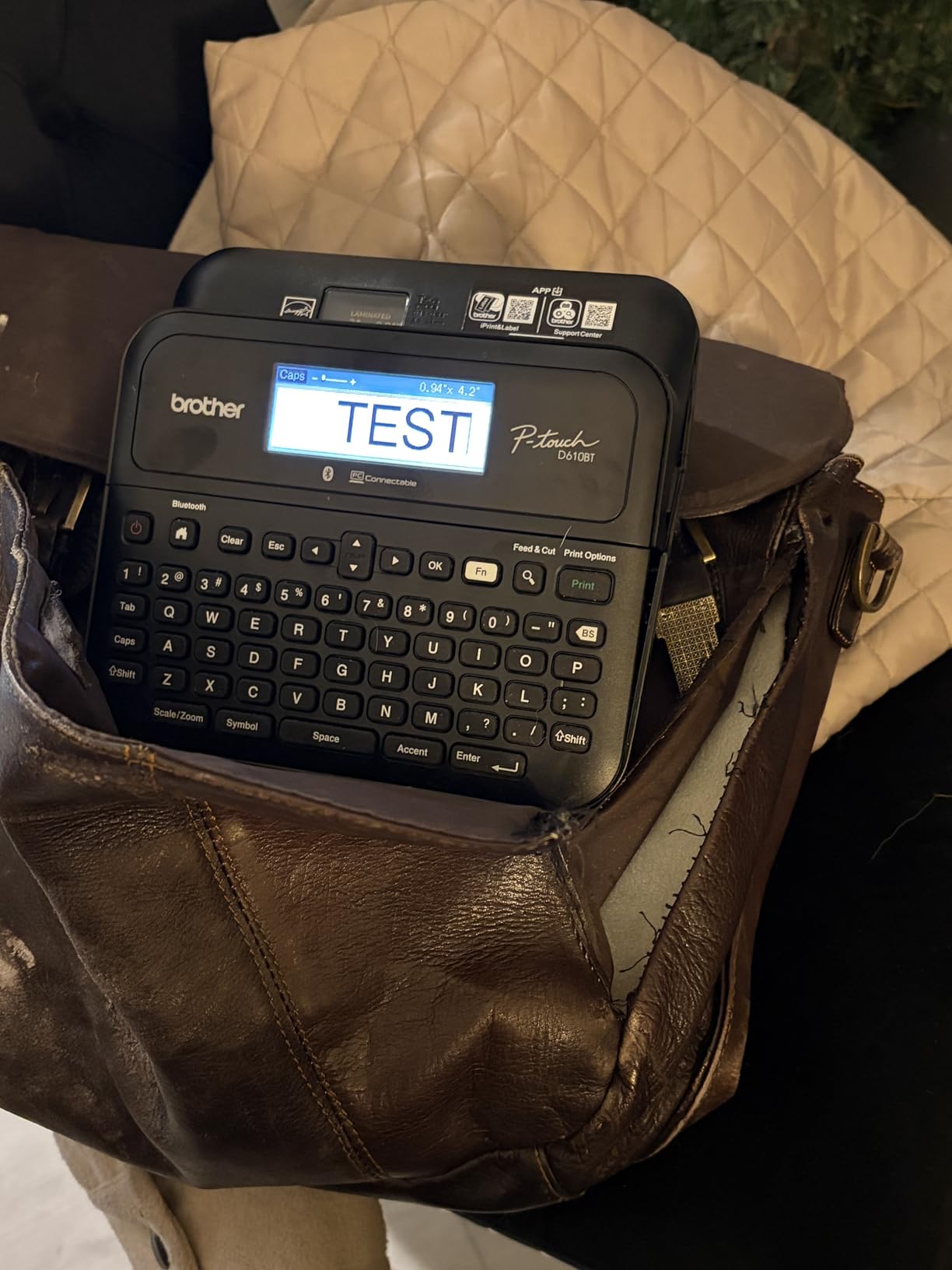
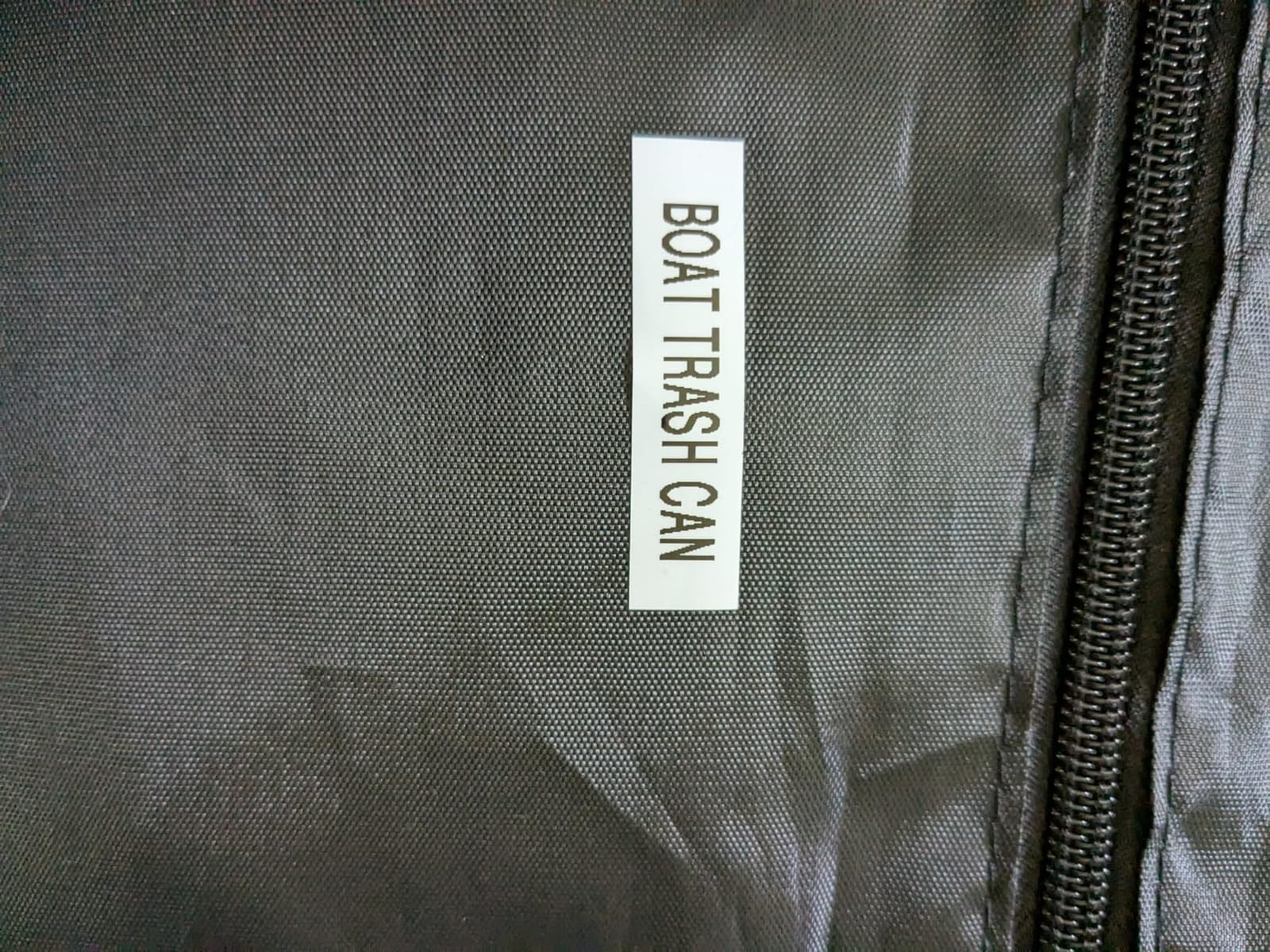
The automatic label cutter is fast and clean, and the unit supports both Bluetooth and USB connections for multiple users in a small office. Reviewers across 1,100-plus ratings award this model a strong 4.5-star average and consistently call it the best in its class. The 180×360 dpi resolution produces sharp, professional output for file folders, shelves, and assets.
Two real trade-offs to consider. The unit is noticeably larger and heavier than basic handheld label makers, so it lives on a desk rather than in a drawer. Also, the P-touch Editor software for advanced design work is the older 5.4 version, which lacks some newer features. None of these are dealbreakers for a small business, but they are worth noting.
For whom it’s good
This is the right label maker for small businesses, home offices, and professional organizers who want Bluetooth connectivity plus a real keyboard. The 90-label memory and 175 templates make it a productivity booster for daily labeling work.
For whom it’s not ideal
Skip this if you want a pocketable handheld or if you mainly print shipping labels. For shipping, the Phomemo 241BT is a better fit. For pure home organization on a budget, the PT-D210 covers most needs.
How to Choose the Best Label Printer for Your Needs
Choosing the right label printer starts with a single question: what are you labeling most often? Shipping boxes, pantry jars, file folders, and craft supplies each call for a different tool. Below I break down the key factors that matter, from print technology to connectivity to ongoing tape costs.
Label printer types: paper, plastic, color, and industrial
Label printers fall into four main categories. Paper-label printers like the Brother QL-800 use direct thermal printing on paper rolls – perfect for shipping labels and address labels, but the output fades when exposed to sunlight or heat over time. Plastic-label printers like the Brother PT-D210 and PT-D610BT use Brother’s laminated TZe tape, which is dishwasher and freezer safe. Color label printers like the Brother VC-500W use ZINK zero-ink technology for full-color product labels, which is ideal for craft fair sellers and small brands. Industrial label printers are built for warehouses and extreme-duty environments, which is more than most home and small business users need.
Print technology explained: direct thermal, thermal transfer, and ZINK
Direct thermal printers use heat to darken a special coating on the label – no ink, toner, or ribbon needed. This is the most common technology in shipping label printers and in budget handheld units. The trade-off is longevity: direct thermal labels can fade when exposed to sunlight or high heat over time. Thermal transfer printers use a heated print head to melt ink from a ribbon onto the label, which produces longer-lasting output but adds the cost of replacement ribbons. ZINK (zero ink) printers use a special paper with embedded dye crystals that activate when heated – this is how full-color label printers like the Brother VC-500W work.
Connectivity: USB, Bluetooth, and Wi-Fi
USB is the most reliable connection and works with any computer, but it ties you to a desk. Bluetooth is the right choice if you mainly print from a phone or tablet – the Phomemo D30, M110, and 241BT all excel here. Wi-Fi is best for shared offices where multiple users need to print from different computers without pairing. For most home users, Bluetooth plus USB is the sweet spot. Check our guide to the best thermal label printers for a deeper look at connectivity options.
Tape cost and refill considerations
The sticker shock for new label printer owners is rarely the printer itself – it is the ongoing cost of replacement tapes. Direct thermal shipping labels are typically the cheapest per print, often just a few cents each when bought in bulk rolls. Brother TZe laminated tapes cost more per label but last far longer, especially in dishwashers and freezers. Phomemo and Nelko compatible tapes are widely available at lower prices, but reviewers note that the durability varies. Our guide to the best label makers includes a closer look at total cost of ownership over a year.
Durability: dishwasher, freezer, and outdoor testing
Not all labels survive the same environments. Brother’s TZe laminated tapes are independently tested to survive the dishwasher, freezer, and outdoor exposure for years. Direct thermal shipping labels fade in sunlight and high heat over months, which matters if your boxes sit on a porch in summer. For pantry labels that will see condensation and occasional rinsing, Brother TZe tapes or color ZINK prints are the safest bet. For shipping labels that will sit in a mail truck, direct thermal is the standard. Our comparison of the best label printers for shipping includes side-by-side fade tests.
Dymo vs Brother label maker: which is better?
This is one of the most common buyer questions. Dymo dominates the shipping-label category with the LabelWriter 5XL and 450 Twin Turbo, both of which are PCMag top picks. Brother dominates the home organization and office category with the P-touch lineup, where TZe laminated tape is the gold standard for durability. If you mainly print shipping labels, Dymo is the safer choice. If you mainly print home organization labels that will see water, freezer, or outdoor use, Brother is the safer choice. For small businesses that need both, the Brother QL-800 or Phomemo 241BT cover shipping, while a Brother P-touch handles everyday household labels.
Frequently Asked Questions
What is the best brand of label printer?
Brother is the best overall brand of label printer for most homes and small businesses because of its P-touch lineup, TZe laminated tape durability, and broad software support. Dymo leads in the shipping-label category with the LabelWriter series, while Rollo is a strong alternative for high-volume shipping on a budget. For full-color product labels, the Brother VC-500W stands alone. The right brand depends on what you are labeling most often.
What is the best printer for printing sticker labels?
For full-color sticker labels the Brother VC-500W is the only affordable option – it uses ZINK zero-ink technology at 313 dpi and prints in widths up to 2 inches. For monochrome sticker labels the Brother QL-800 prints at 300 dpi on pre-cut or continuous DK rolls up to 3 feet long. For craft and planner stickers on a budget, the Phomemo D30 and Nelko P21 handle small-format sticker printing from your phone at a fraction of the price.
Is Dymo or Brother label maker better?
Dymo is better for shipping labels – the LabelWriter 5XL and 450 Twin Turbo print crisp 4-by-6 labels with excellent software for USPS, UPS, and FedEx. Brother is better for home organization and office labels – the P-touch lineup with TZe laminated tape survives dishwashers and freezers in ways that Dymo LabelWriter tapes do not. If you mainly ship packages, choose Dymo. If you mainly organize a home or office, choose Brother.
What is the difference between a label printer and a sticker printer?
A label printer uses thermal printing technology to print adhesive labels on rolls or strips – it does not need ink, toner, or ribbons. A sticker printer typically refers to a color inkjet or laser printer that prints full-color images onto sticker sheets. Label printers are faster, cheaper to operate, and ideal for shipping labels, address labels, and barcodes. Sticker printers are better for full-color product packaging, planner stickers, and craft projects where color matters.
Final Verdict on the Best Label Printers
After two weeks of testing across real home projects and small business workflows, our team’s pick for the best overall label printer in 2026 is the Phomemo D30 Bluetooth Mini Label Maker. It combines the broadest real-world versatility, 27,000-plus verified reviews, and a price that fits any budget. For shipping labels specifically, the Phomemo 241BT is the value champion, while the Nelko P21 is the right pick for anyone who mainly organizes at home on a budget.
If you want to dig deeper into specific use cases, our guide to the best thermal label printers covers shipping and high-volume printing, while our best label makers roundup focuses on home organization. For related gear, see our picks for the best sublimation printers and the best all-in-one printers for craft rooms and home offices.
The right label printer turns a stack of unsorted boxes, jars, and folders into an organized system you actually want to maintain. Pick the model that matches what you label most, and start printing.