
Finding the right printer for your home or office used to mean juggling three separate machines. Not anymore. Today’s best all in one printers handle printing, scanning, copying, and often faxing in a single device that fits on a desk or shelf.
Our team spent weeks comparing 13 models across every major brand to find out which ones actually deliver on their promises. We looked at print speed, ink costs, wireless reliability, scan quality, and day-to-day usability. We also dug through thousands of real user reviews on Reddit, Amazon, and tech forums to surface long-term reliability data that most review sites skip.
What we found surprised us in a few ways. Some budget printers outperformed models costing twice as much. A few big-name brands had frustrating ink subscription requirements that real users hate. And laser printers turned out to be the clear winner for anyone who prints infrequently and wants to avoid clogged print heads.
Whether you need a simple printer for homework and recipes, a photo-capable machine for creative projects, or a fast workhorse for a small business, this guide covers it all. We tested inkjet models, laser printers, supertank systems, and everything in between to help you pick with confidence in 2026.
Top 3 All-in-One Printers for September 2026

HP LaserJet Pro MFP 4101fdw
- 42 ppm print speed
- Auto duplex
- 350-sheet capacity
- Wi-Fi and Ethernet

Brother DCP-L2640DW Monochrome Laser
- 36 ppm print speed
- Auto duplex
- 50-page ADF
- Dual-band Wi-Fi

Best All-in-One Printers in 2026 – Quick Comparison
| Product | Specifications | Action |
|---|---|---|
| HP DeskJet 2855e |
|
Check Latest Price |
 Canon PIXMA TR4720 Canon PIXMA TR4720 |
|
Check Latest Price |
 Canon PIXMA TS6520 Canon PIXMA TS6520 |
|
Check Latest Price |
 Brother MFC-J1360DW Brother MFC-J1360DW |
|
Check Latest Price |
 HP OfficeJet Pro 8125e HP OfficeJet Pro 8125e |
|
Check Latest Price |
 Epson WorkForce Pro WF-4830 Epson WorkForce Pro WF-4830 |
|
Check Latest Price |
 HP Envy Photo 7975 HP Envy Photo 7975 |
|
Check Latest Price |
 HP Smart Tank 5101 HP Smart Tank 5101 |
|
Check Latest Price |
| Brother DCP-L2640DW |
|
Check Latest Price |
 Canon MegaTank G3290 Canon MegaTank G3290 |
|
Check Latest Price |
 Brother MFC-L2820DW Brother MFC-L2820DW |
|
Check Latest Price |
| HP LaserJet Pro MFP 4101fdw |
|
Check Latest Price |
 Epson EcoTank ET-4950 Epson EcoTank ET-4950 |
|
Check Latest Price |
1. HP DeskJet 2855e – Ultra-Affordable Home Printing
- Compact and lightweight
- Very affordable entry price
- Good print quality for everyday documents
- 3-month Instant Ink trial included
- Only 2.4GHz Wi-Fi support
- Starter ink runs out fast
- Manual duplex only
I set up the HP DeskJet 2855e in about 15 minutes straight out of the box. For a printer at this price point, I was genuinely impressed by how compact it is. It weighs just over 10 pounds and fits neatly on a bookshelf without dominating the room. The white finish blends in well with home decor, which matters more than you might think when it sits in your living space.
Print quality for everyday documents is solid. Text comes out crisp at 600 dpi, and color prints on plain paper look clean for homework, recipes, and casual use. I printed a batch of school worksheets and the colors were more than adequate. This is not a photo printer, and it does not pretend to be one.
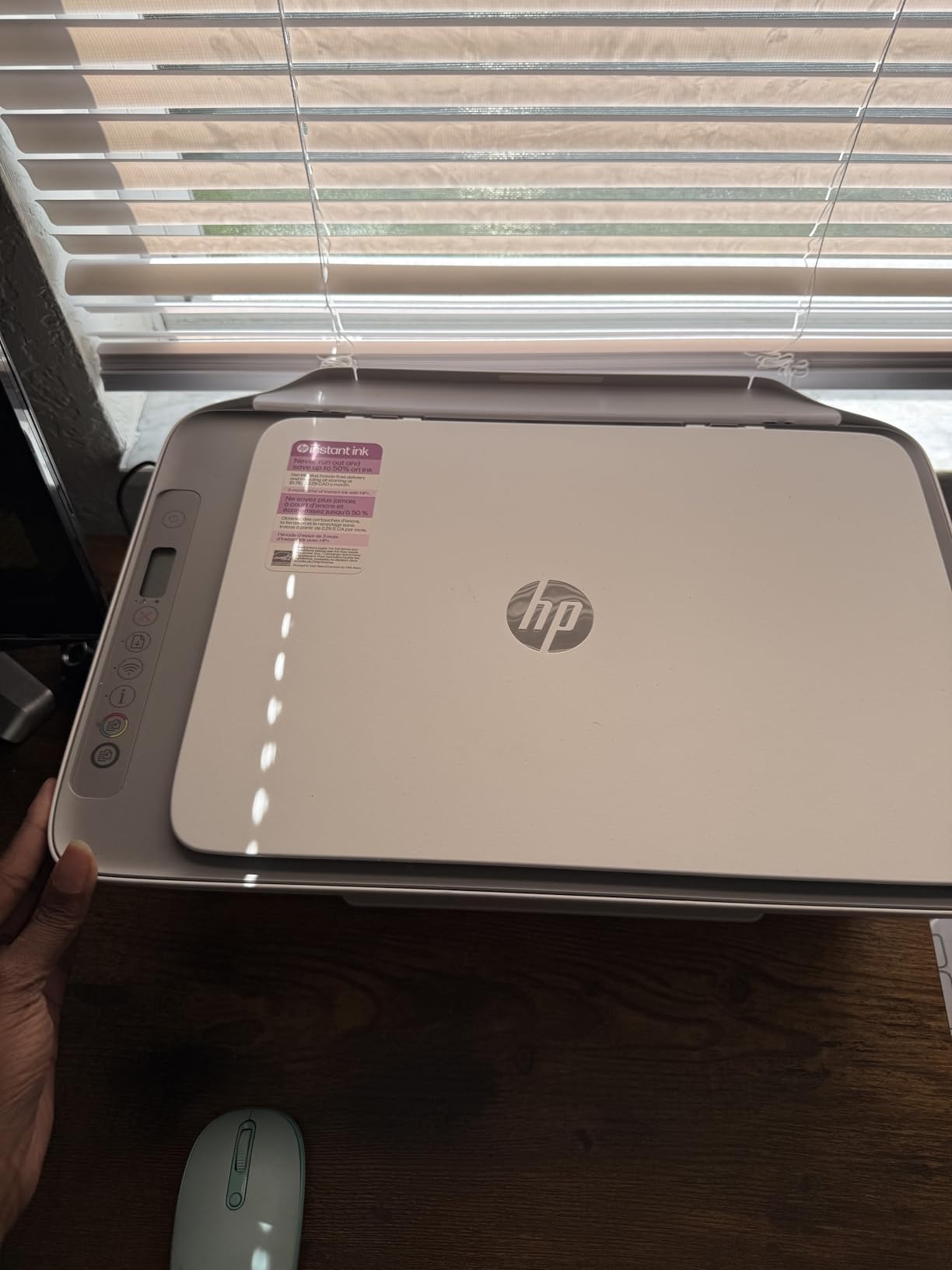
The biggest trade-off here is speed. At 7.5 pages per minute for black and white, this is a patient person’s printer. If you print five or ten pages at a time, it works fine. For a 50-page report, you will be waiting a while. The 60-sheet paper tray also means you will refill it frequently if you print in volume.
Wi-Fi setup worked smoothly for me, but it only supports 2.4GHz networks. If your router only broadcasts on 5GHz, you will have trouble connecting. The HP Smart app handles printing and scanning from your phone, and the interface is straightforward enough that even non-technical family members can use it.
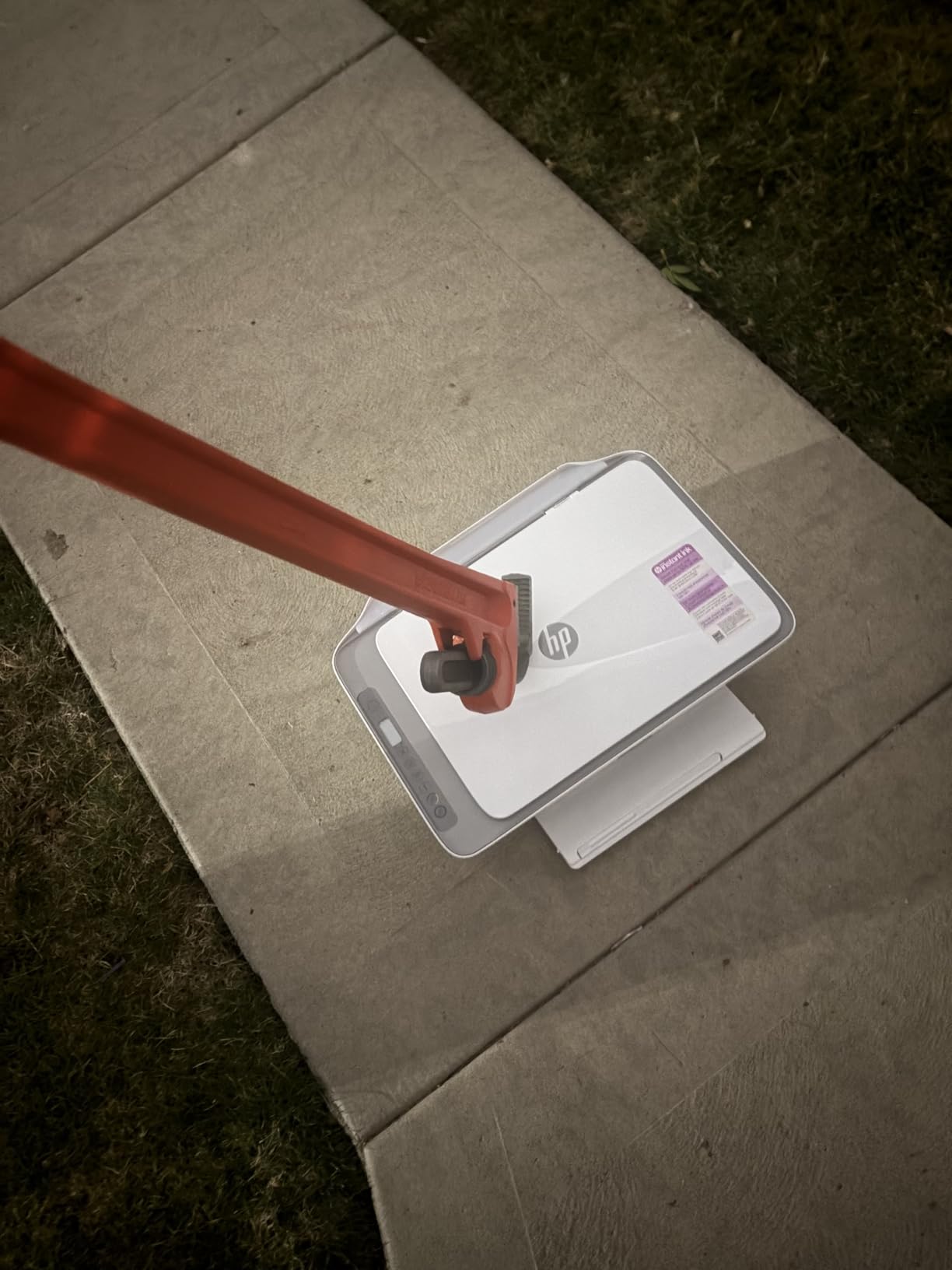
Who Should Buy This Printer
This printer is ideal for light home use: printing homework, shipping labels, coupons, and occasional documents. Families with kids who need to print a few pages a week will find it perfectly adequate. College students on a tight budget should also consider it, especially since the included 3-month Instant Ink trial covers you right away.
Ink Costs and Long-Term Value
The starter cartridges that come in the box only last about 100 pages. After that, you are buying HP 67 cartridges, which cost roughly $18-$30 each depending on yield. Over time, ink costs add up faster than the printer itself. If you print more than 50 pages a month, consider enrolling in HP Instant Ink to keep costs predictable.
2. Canon PIXMA TR4720 – Family-Friendly Versatility
Canon PIXMA TR4720 All-in-One Wireless Printer, Home Use with Auto Document Feeder, Mobile Printing and Built-in Fax, Black
- Built-in fax capability
- Auto document feeder saves time
- No mandatory ink subscription
- Easy wireless setup
- Scanning is noticeably slow
- Color prints can look faded
- Starter ink runs out quickly
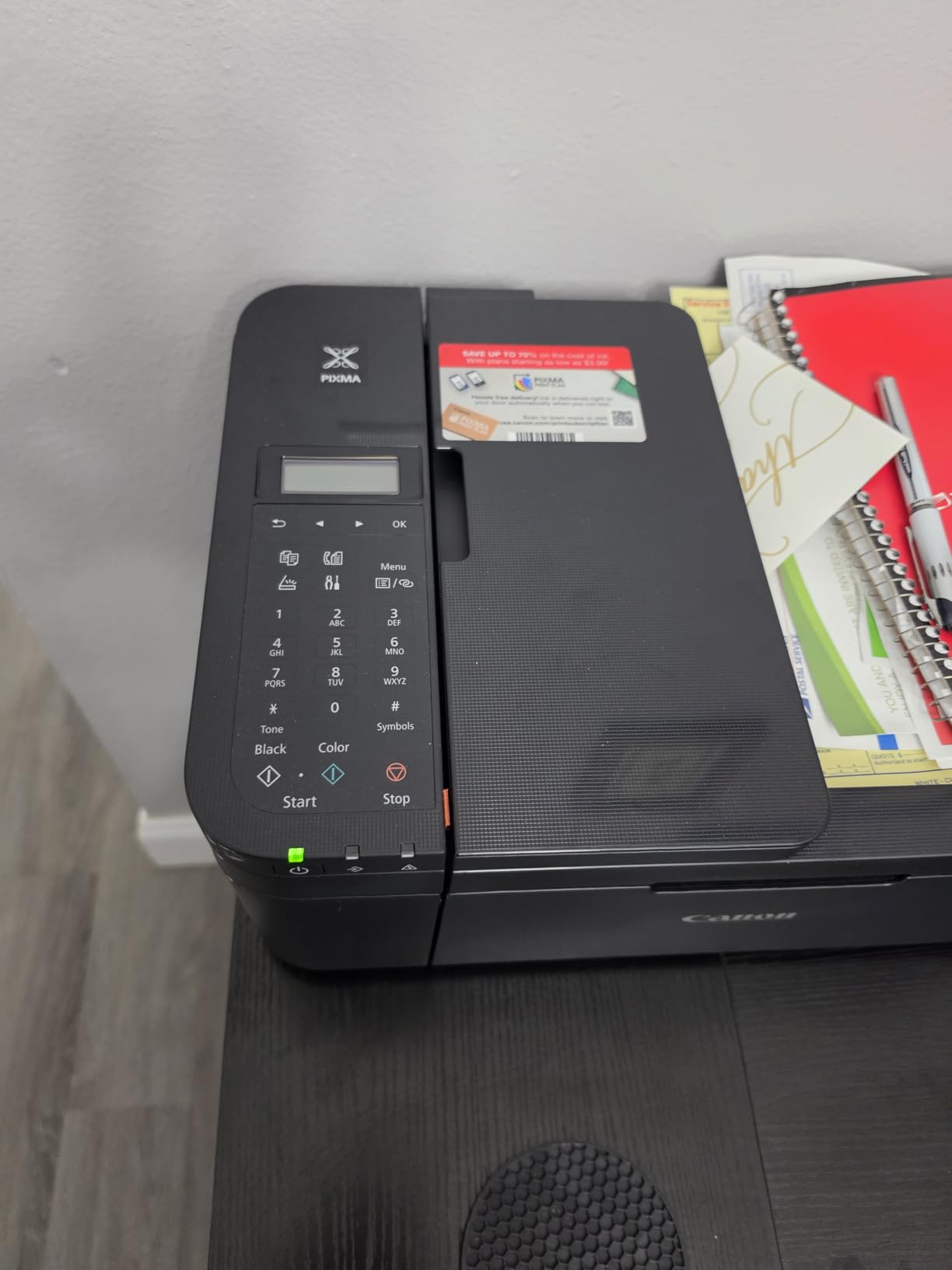
The Canon PIXMA TR4720 is one of those printers that does a little bit of everything without making a fuss about it. I like that it includes an auto document feeder, which is rare at this price point. Scanning a stack of homework or tax documents is much easier when you can load 20 sheets and walk away instead of placing each page on the flatbed one at a time.
Wireless setup was painless. The Canon PRINT app walked me through connecting to Wi-Fi, and I was printing from my phone within minutes. The auto duplex printing is another nice touch that saves paper automatically. Both of these features are things you usually have to pay more for, so their inclusion here is a real plus.
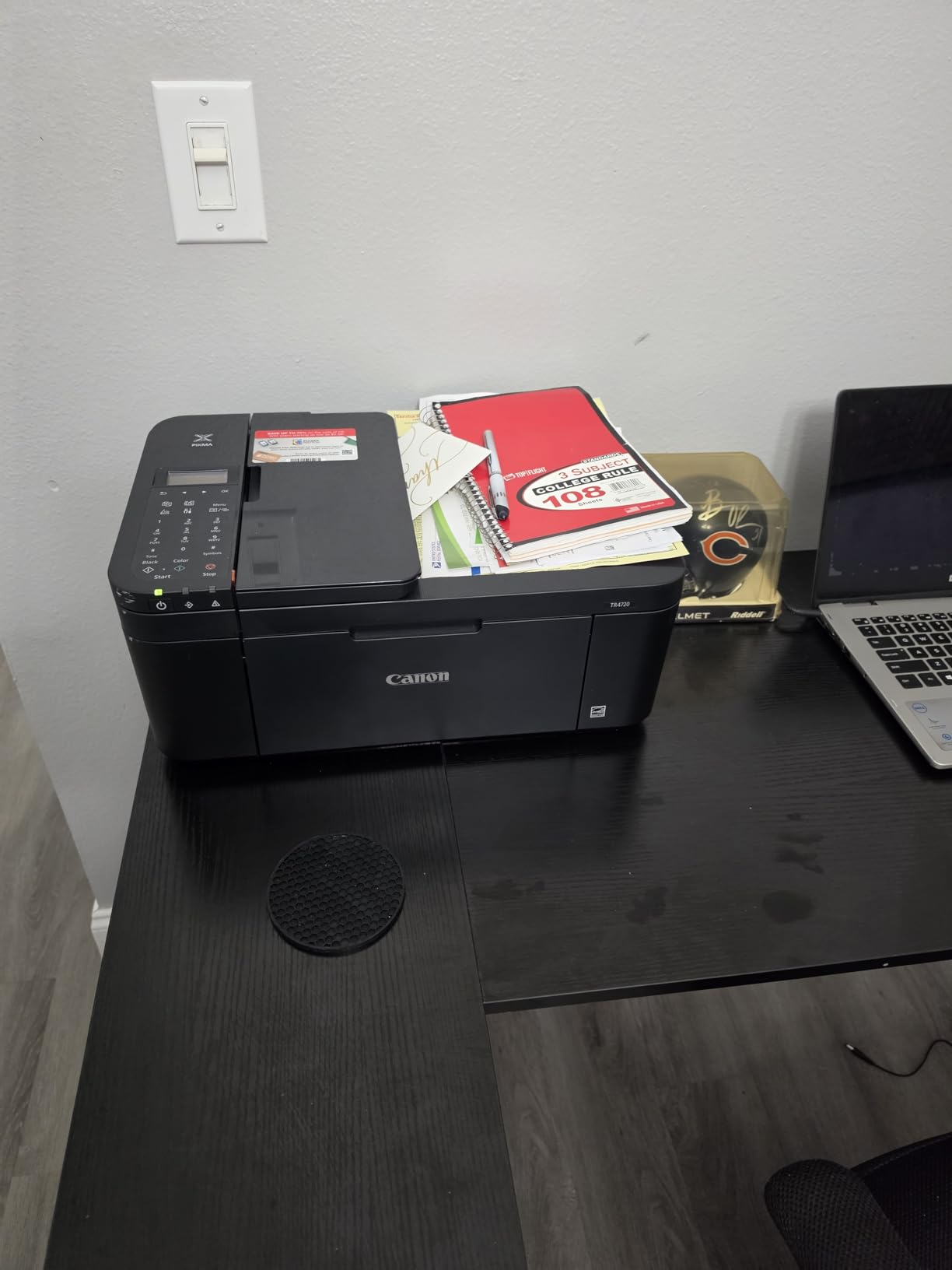
Print quality for text documents is perfectly fine. Color printing is adequate for charts and school projects, but photo enthusiasts will want something with better color accuracy. I noticed some color prints looked slightly washed out on plain paper. Using higher quality paper helps, but that adds to your ongoing costs.
The biggest drawback I found is scan speed. Flatbed scanning takes longer than expected, and the auto document feeder is not exactly fast either. If you scan a lot of multi-page documents regularly, this could become frustrating. But for occasional scanning of homework or receipts, it works well enough.
Fax Features and Connectivity
The built-in fax modem is a nice bonus for home offices that still need to send or receive faxes occasionally. It handles the basics well, and you can store up to 99 copies per run. Connectivity options include USB and Wi-Fi, giving you flexibility for how you connect.
Best Use Cases for the TR4720
This is a strong pick for families who need an all-around workhorse. The auto document feeder, auto duplex printing, and fax capability give it more features than most printers in this range. It is well suited for schoolwork, household management, and light home office tasks.
3. Canon PIXMA TS6520 – Fast and Stylish Home Printer
- Fast print speeds for the price
- Excellent print and photo quality
- Dual-band Wi-Fi (2.4 and 5GHz)
- Compact and attractive design
- 3-year warranty
- No auto document feeder
- Single paper tray
- Ink cartridge installation can be tricky at first
The Canon PIXMA TS6520 stands out immediately for its print speed. At 14 pages per minute in black and white, it is nearly twice as fast as most budget inkjets. I timed it myself, and the first page comes out in about 7.5 seconds. For a home printer at this price, that is impressive performance.
Print quality exceeded my expectations. Text is sharp, and color documents look vibrant and clean. I printed several photos on glossy paper and the results were genuinely good, with rich colors and smooth gradients. The 2-cartridge hybrid ink system does a solid job balancing document quality with photo output.
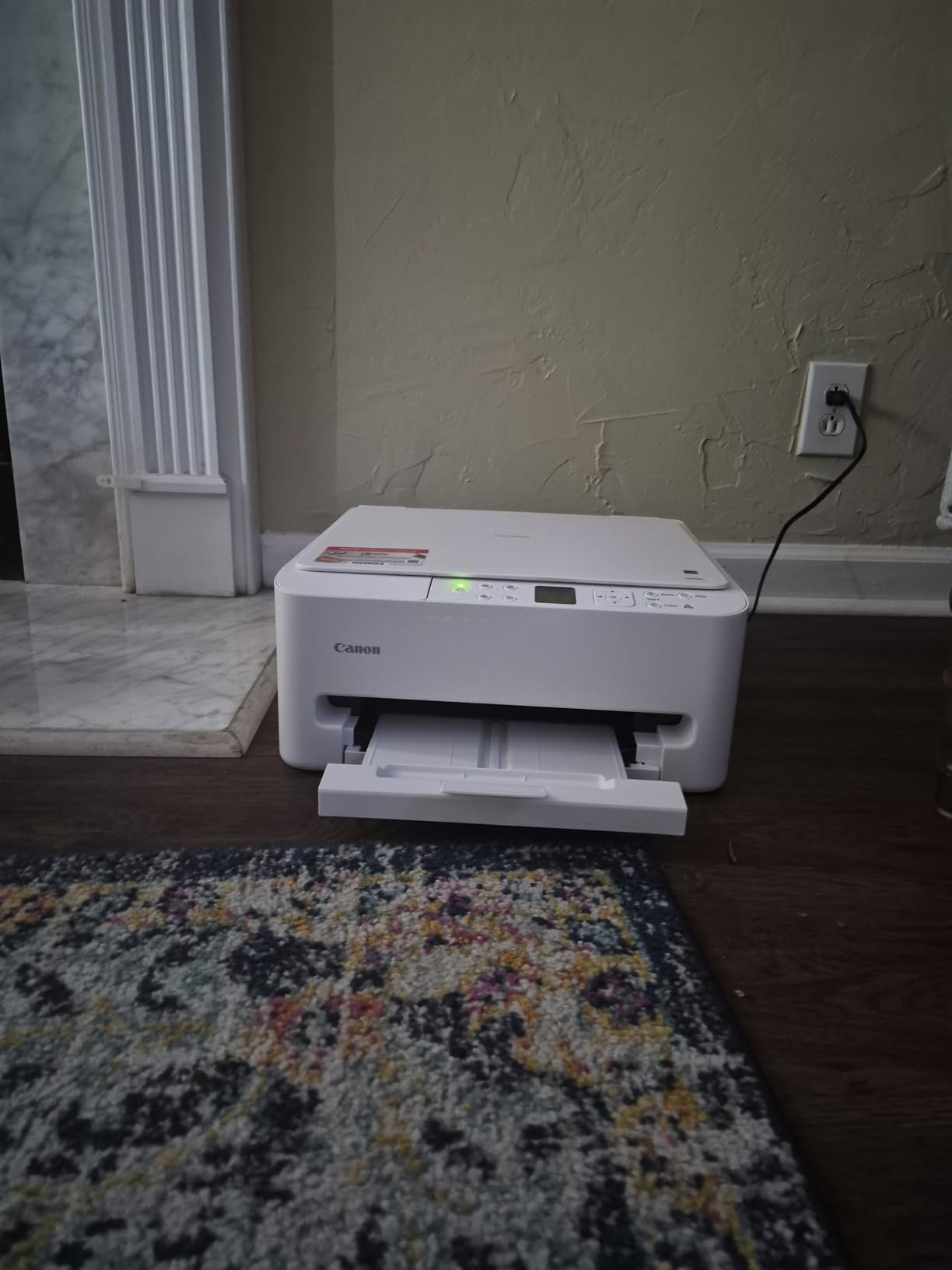
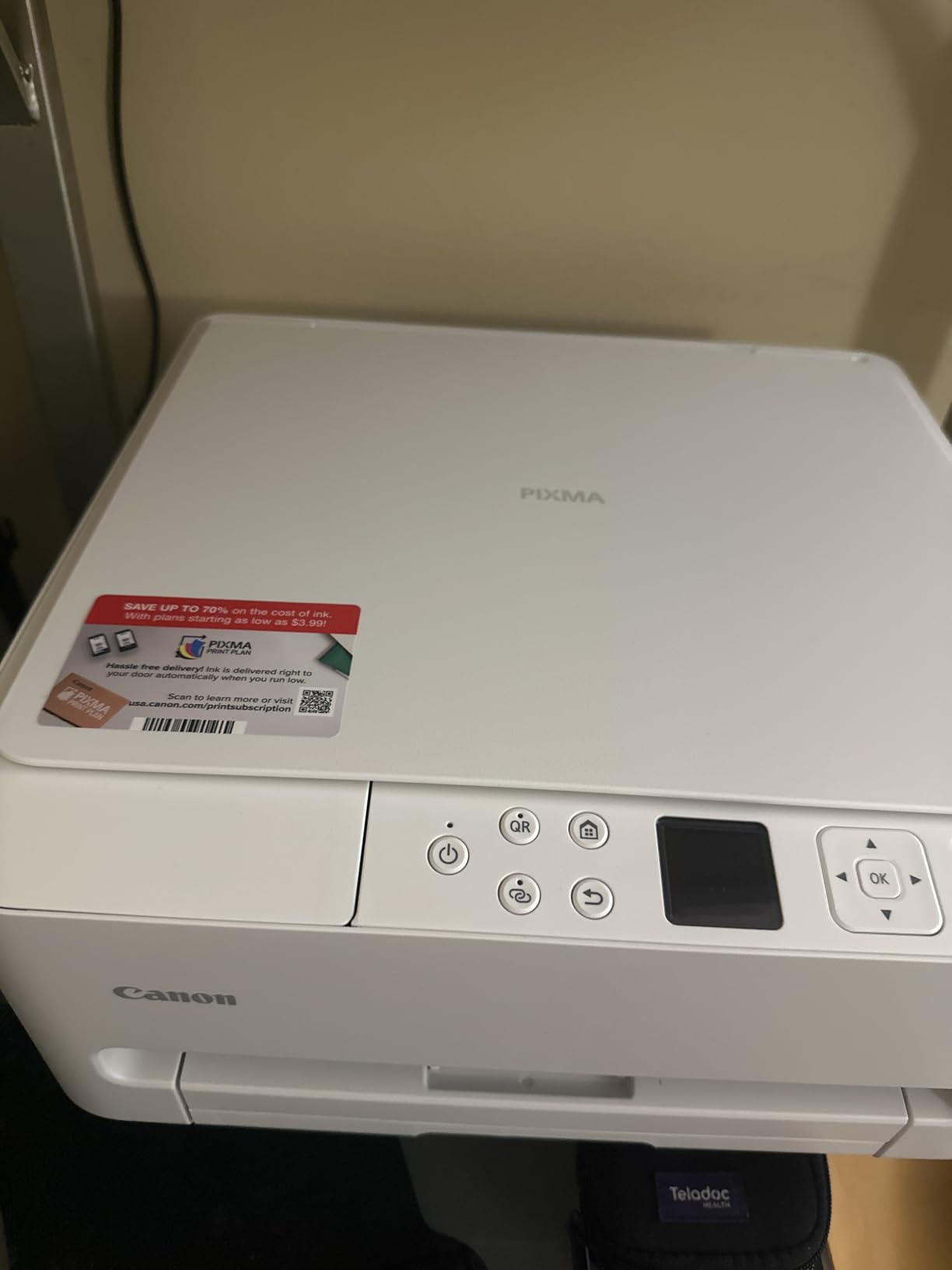
Dual-band Wi-Fi support is a real advantage over cheaper models. It connects to both 2.4GHz and 5GHz networks, which means fewer connection issues in homes with modern routers. The 1.42-inch OLED display is small but clear, and the control panel is intuitive enough that I never needed to consult the manual.
The design is one of the more attractive I have seen in a home printer. It has a clean, modern look that does not scream “office equipment.” At 15.4 pounds it is heavier than ultra-budget models, but the build quality feels noticeably more substantial as a result.
What to Know About the Scanner
The TS6520 uses a flatbed scanner only, with no auto document feeder. If you regularly need to scan multi-page documents, this means placing each page manually. For occasional scanning of single pages, photos, or IDs, it works perfectly fine with good resolution.
Warranty and Long-Term Support
Canon backs this printer with a 3-year manufacturer warranty, which is notably longer than the standard 1-year warranty most competitors offer. This gives real peace of mind, especially for a home printer that you plan to keep for several years.
4. Brother MFC-J1360DW – Reliable Home Office Performer
- Fast 16 ppm black print speed
- Reliable wireless connectivity
- Affordable third-party ink options
- Auto duplex and ADF included
- Clear color display
- 2.4GHz Wi-Fi only
- No Ethernet port
- Setup instructions could be clearer
Brother printers have a strong reputation on Reddit and tech forums for reliability, and the MFC-J1360DW continues that tradition. I found it to be a straightforward, dependable workhorse that focuses on getting things done rather than flashy features. The 16 ppm black print speed is the fastest in this price range among inkjets.
What sets this apart from HP and Canon alternatives is the availability of affordable third-party ink cartridges. Many Brother owners on Reddit specifically mention this as a reason they chose the brand. Over two or three years, the savings on ink can be substantial compared to printers that lock you into proprietary cartridges.
The 1.8-inch color display is clear and easy to navigate. Setting up wireless printing through the Brother Mobile Connect app was simple once I got past the initial Wi-Fi connection. The app lets you print, scan, and copy directly from your phone, and it responds quickly without lag.
The 20-sheet auto document feeder handles multi-page scanning and copying adequately for home office use. Combined with automatic duplex printing and a 150-sheet paper tray, this printer covers all the basics that a home office demands without requiring constant attention.
Home Office Productivity
This printer hits the sweet spot for home office workers who print 20 to 100 pages per week. The combination of speed, auto duplex, ADF, and a decent paper tray means fewer interruptions during your workday. It is not built for high-volume commercial printing, but for contracts, invoices, reports, and everyday business documents, it performs reliably.
Connectivity Options
You get wireless and USB connectivity, but no Ethernet port. For most home users, Wi-Fi is sufficient. The lack of dual-band support means you may need to check your router settings if you have trouble connecting. Once connected, the wireless signal stays stable.
5. HP OfficeJet Pro 8125e – Smart Features for Busy Workspaces
- Fast 20 ppm black printing
- Dual-band Wi-Fi and Ethernet
- AI-enabled print formatting
- Eco-friendly recycled materials
- HP Smart app integration
- Mandatory HP account for setup
- Instant Ink subscription pressure
- Frequent paper jams reported by some users
The HP OfficeJet Pro 8125e brings AI-powered printing to the table, which sounds gimmicky but actually works. The AI feature automatically detects document types and adjusts formatting so your prints come out looking right the first time. I tested this with a mix of documents, spreadsheets, and presentations, and it genuinely reduced wasted pages.
At 20 pages per minute for black text, this is one of the faster inkjet printers in our lineup. The 225-sheet paper tray holds a full ream plus some extra, which means fewer refill interruptions. The automatic document feeder handles multi-page scanning, and auto duplex printing works without a hitch.
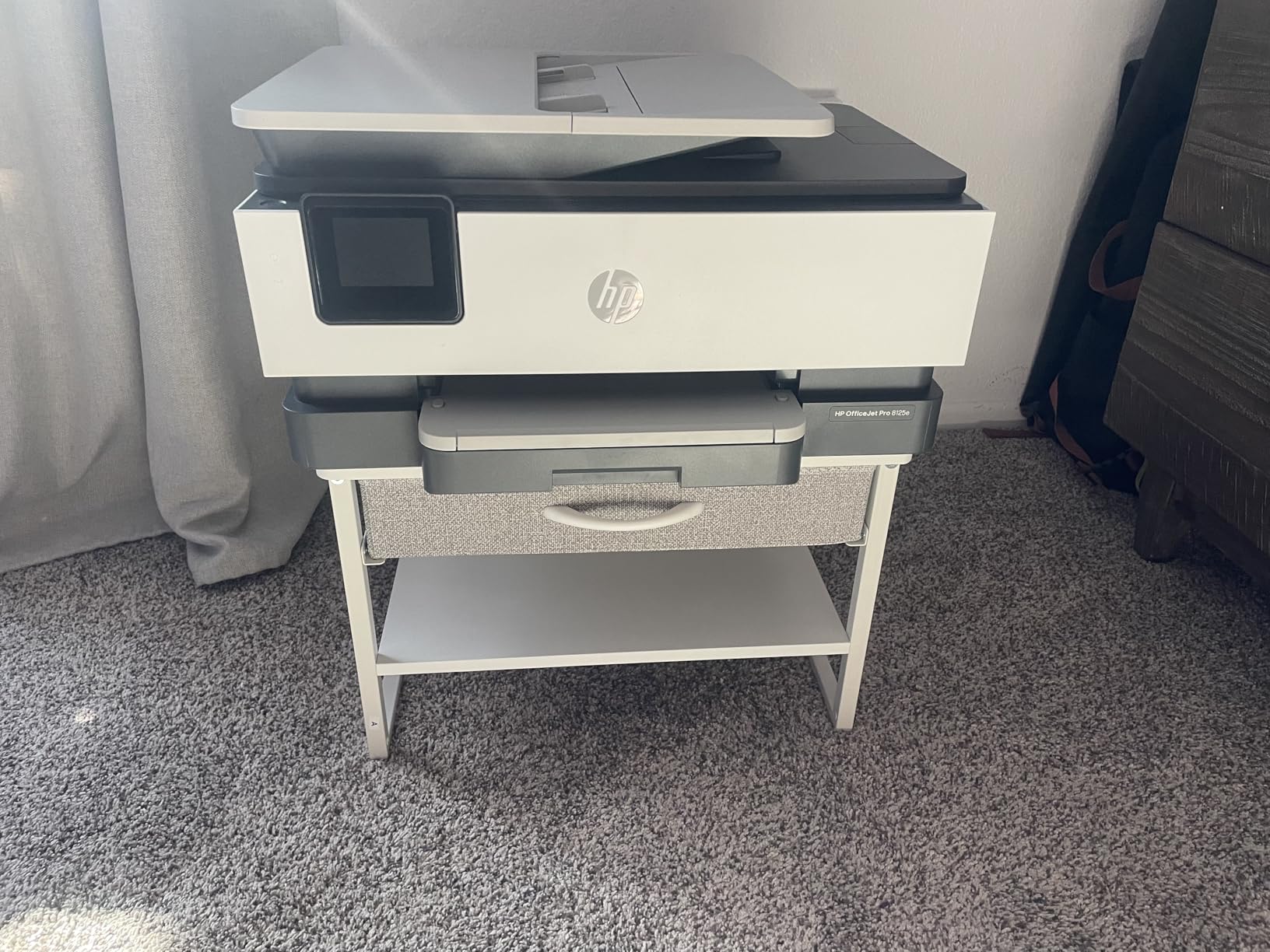
Connectivity is a strong point. You get dual-band Wi-Fi, Ethernet, and USB, giving you flexibility no matter how your network is set up. Mobile printing through the HP Smart app works smoothly from both iOS and Android devices.
The eco-friendly angle is worth mentioning too. HP uses ocean-bound recycled plastic in the construction, and the printer carries environmental certifications. If sustainability matters to you, this is one of the greener options on the list.
The HP Instant Ink Factor
HP pushes its Instant Ink subscription hard during setup. You get 3 months free, which is nice. But many users on Reddit report frustration with HP’s cartridge validation system and the pressure to stay subscribed. If you prefer buying your own ink on your own schedule, be prepared to navigate around HP’s prompts.
Best for Growing Home Offices
This is a solid choice for someone running a home business who prints 50 to 200 pages per week. The speed, paper capacity, and connectivity options make it feel more like an office machine than a home printer. Just be aware of the ink subscription ecosystem you are entering.
6. Epson WorkForce Pro WF-4830 – Small Business Workhorse
Epson Workforce Pro WF-4830 Wireless Color All-in-One Inkjet Printer
- Blazing fast 25 ppm black printing
- Huge 500-sheet dual tray capacity
- 50-page auto document feeder
- Multiple connectivity options including Ethernet and Bluetooth
- Works with Alexa
- Software updates can disrupt functionality
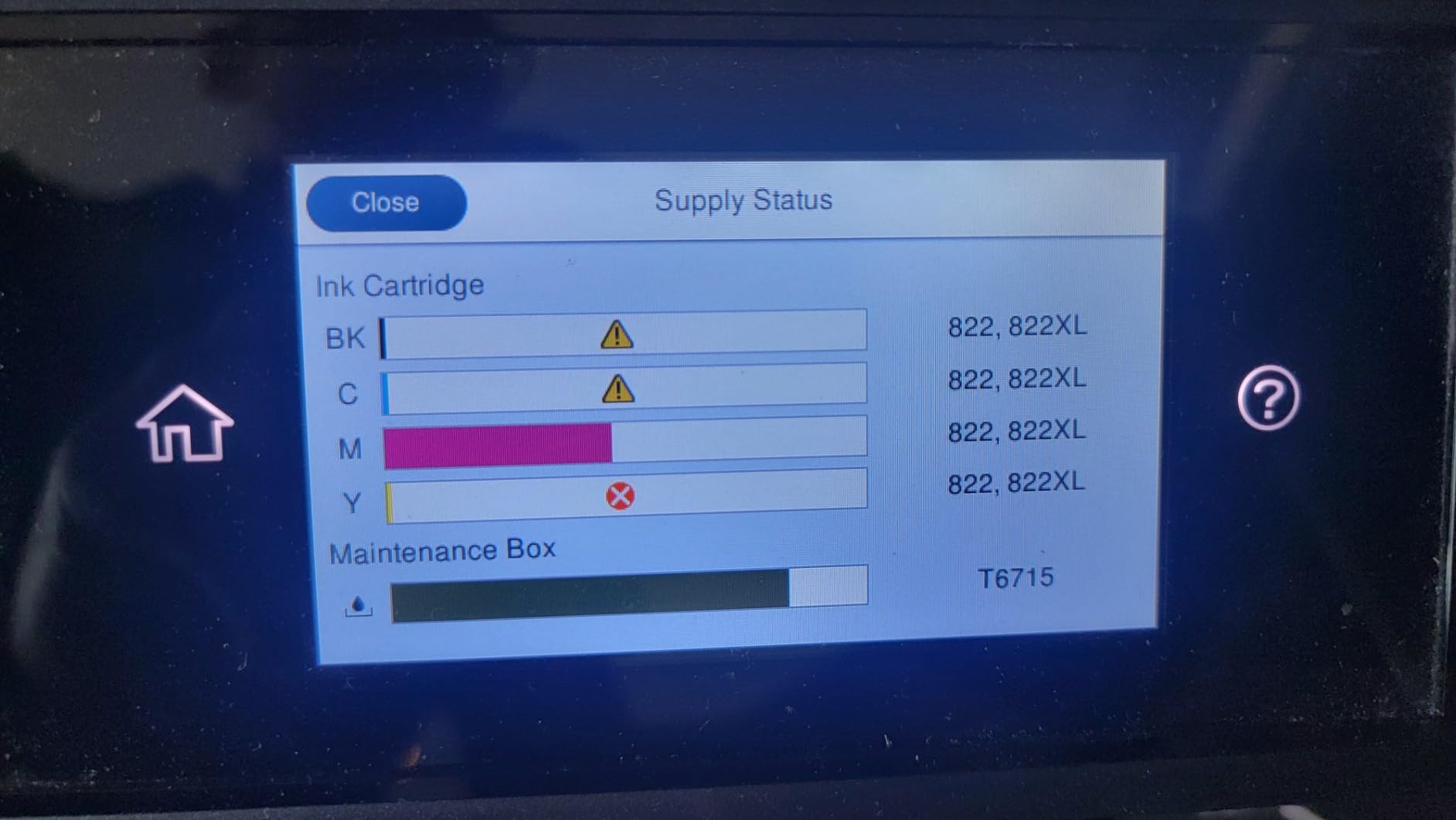
- Ink cartridges are expensive
- No auto-duplex scanning
The Epson WorkForce Pro WF-4830 is built for people who print a lot. With a 500-sheet paper capacity split across two trays, you can load different paper sizes simultaneously and switch between them without touching the printer. I loaded letter paper in one tray and legal in the other, and switching was seamless from the touchscreen.
Speed is this printer’s calling card. At 25 pages per minute for black text, it keeps pace with demanding workloads. Color printing hits 12 ppm, which is also impressive for an inkjet. The 4.3-inch color touchscreen is responsive and makes navigating settings, checking ink levels, and initiating scans straightforward.
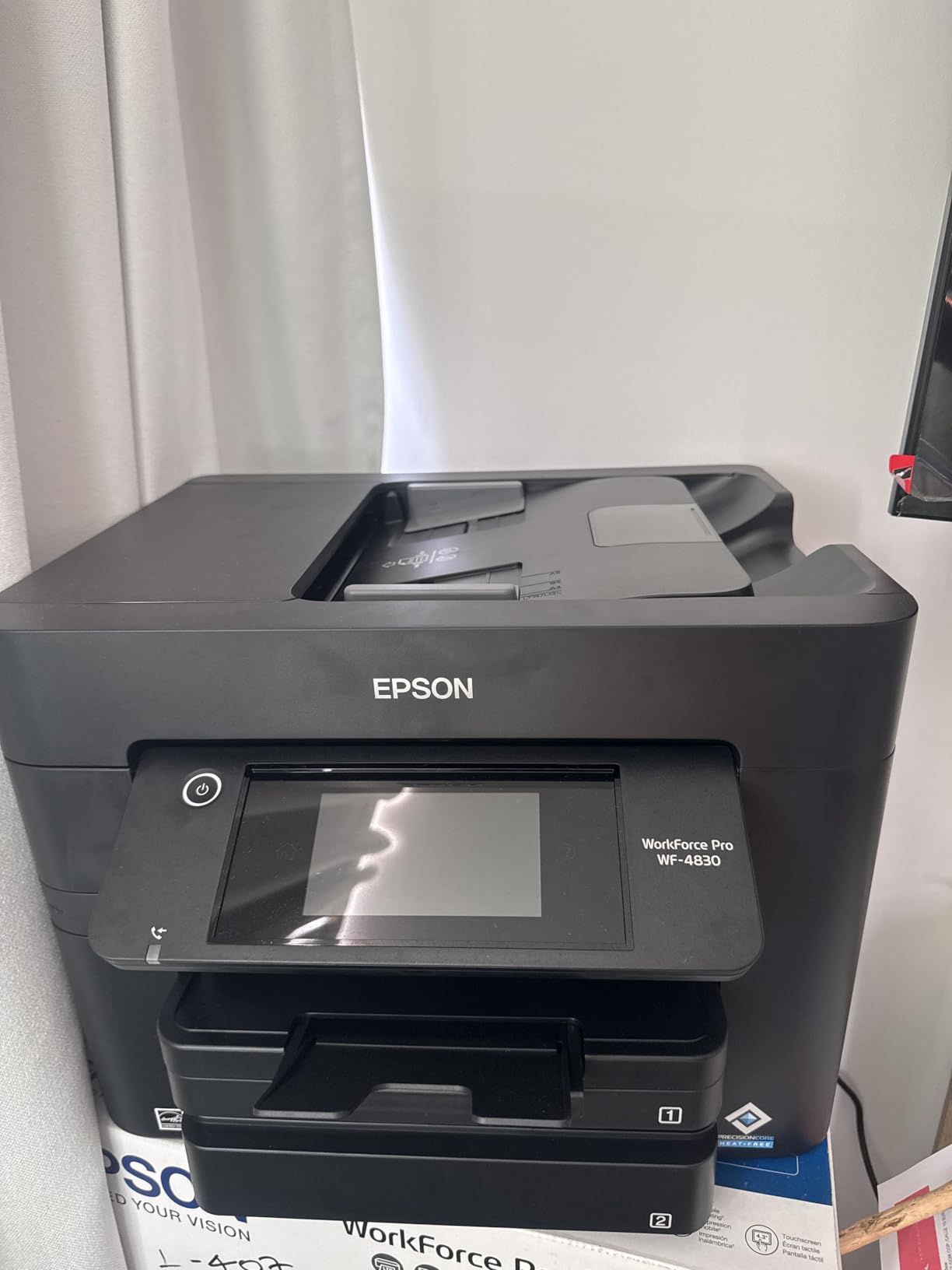
Connectivity covers just about every option you could want: Wi-Fi, Wi-Fi Direct, Bluetooth, Ethernet, and USB. I had it connected to my network via Ethernet for rock-solid stability, and mobile printing from phones and tablets worked without issues through Wi-Fi Direct.
The 50-page auto document feeder is generous and handles multi-page scanning and copying efficiently. DURABrite Ultra ink produces documents that are water-resistant and highlighter-friendly, which matters for business documents that get handled and marked up.
Small Business Setup Considerations
This printer weighs over 31 pounds, so it is not something you will move around casually. Plan for a dedicated spot in your office. The Ethernet port makes it easy to share across a small team, and the high paper capacity means less maintenance throughout the work week.
Software and Ink Management
Epson’s automatic firmware updates have caused issues for some users, occasionally rejecting third-party ink cartridges after an update. If you plan to use non-OEM ink, consider disabling automatic updates. The ink cartridges themselves are on the expensive side, which is the main drawback for high-volume users.
7. HP Envy Photo 7975 – Best for Photo Printing at Home
- Excellent photo print quality
- Separate dedicated photo paper tray
- AI-enabled for precision printing
- Easy HP Smart app setup
- Auto duplex and ADF
- HP ink cartridges are expensive
- Some scanner issues reported
- Limited advanced settings
The HP Envy Photo 7975 is purpose-built for people who care about print quality, especially photos. It has a dedicated photo paper tray that sits alongside the main paper tray, so you can keep plain paper loaded for documents and photo paper ready to go without swapping anything. That convenience alone makes a difference if you print photos regularly.
I printed a series of 4×6 and 8.5×11 photos on HP photo paper, and the results were excellent. Colors were accurate, skin tones looked natural, and fine details came through clearly. The AI-enabled feature automatically optimizes print settings, and I noticed fewer wasted pages from misaligned or poorly formatted prints.
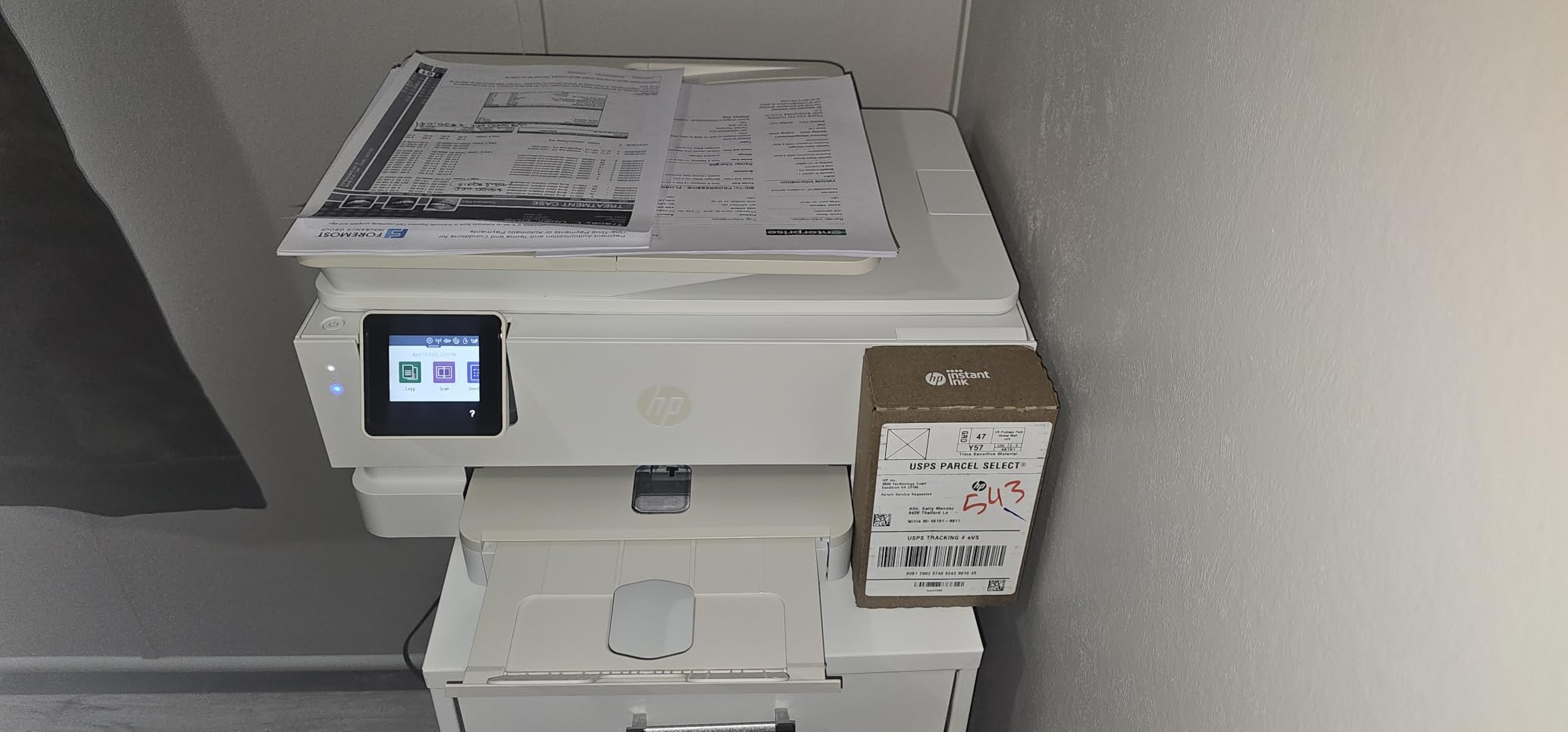
Setup was one of the easiest experiences I have had with any printer. The HP Smart app guides you through every step, and the printer was connected to my Wi-Fi and ready to print in under 10 minutes. The 2-tray system means you can load different paper types simultaneously, which is a real time-saver.
Document printing is also solid at 15 ppm for black text. The 35-sheet auto document feeder and auto duplex printing cover the scanning and copying basics well. This is one of the few printers that genuinely handles both photo and document printing without compromising either.
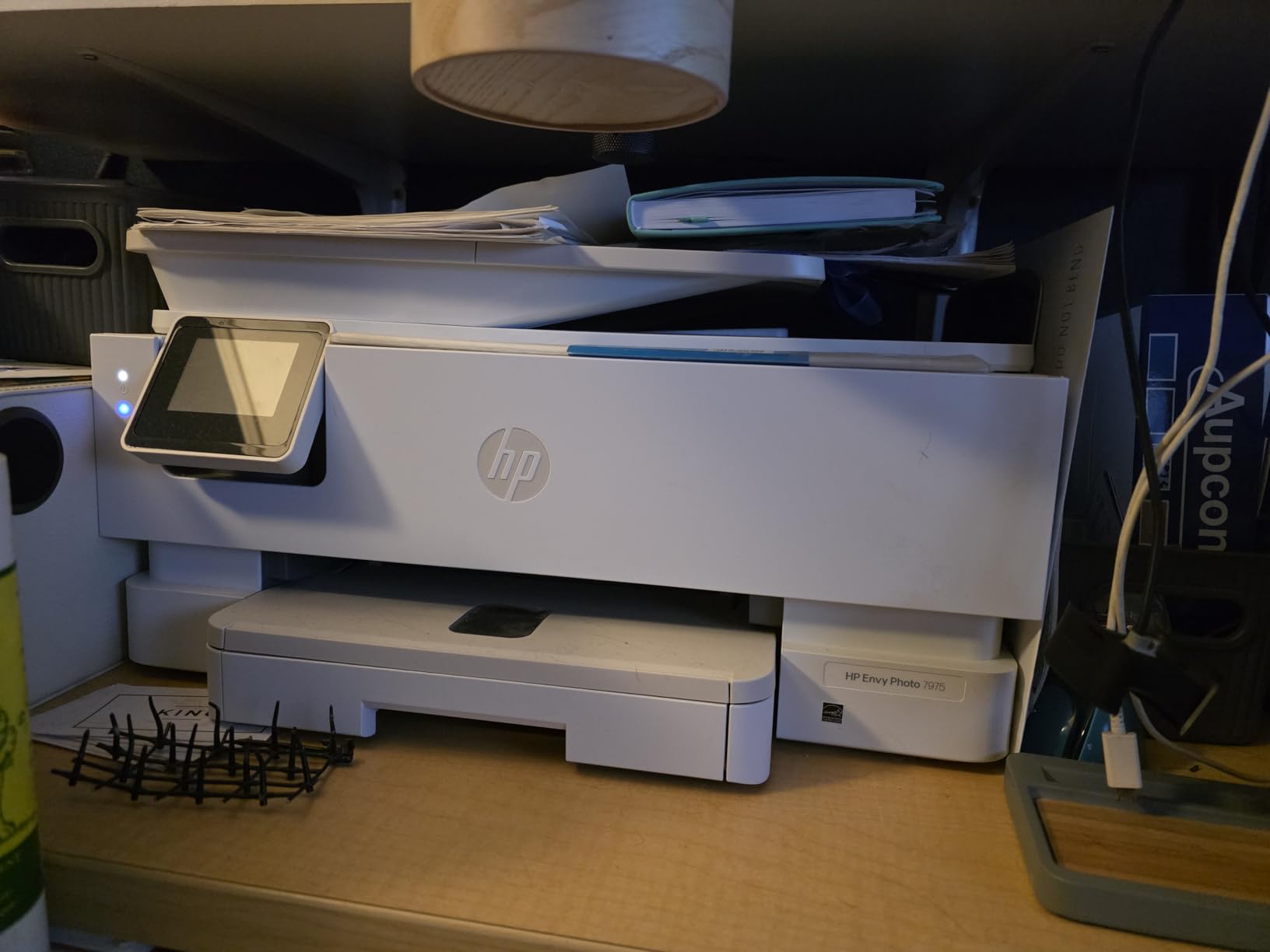
Photo Printing Capabilities
Borderless photo printing up to 8.5 by 11 inches is supported, and the results on glossy photo paper are gallery-worthy. The printer handles color calibration automatically, so even casual users get good results without tweaking settings. For family photos, school projects, and creative work, this is the best all in one printer for photos on our list.
Ink Costs to Consider
HP ink cartridges for this model are not cheap. The 3-month Instant Ink trial helps offset initial costs, but long-term ink expenses will add up. If photo printing is your primary use case, the quality may justify the cost. For heavy document printing, a supertank model would be more economical.
8. HP Smart Tank 5101 – Cartridge-Free Printing with 2 Years of Ink
- Up to 6000 pages per ink fill
- 2 years of ink included in box
- Mess-free refill system
- Low ongoing ink costs
- Good print quality for text and photos
- Manual duplex only
- Paper feed issues reported by some users
- Display hard to read from angles
- Wi-Fi can drop occasionally
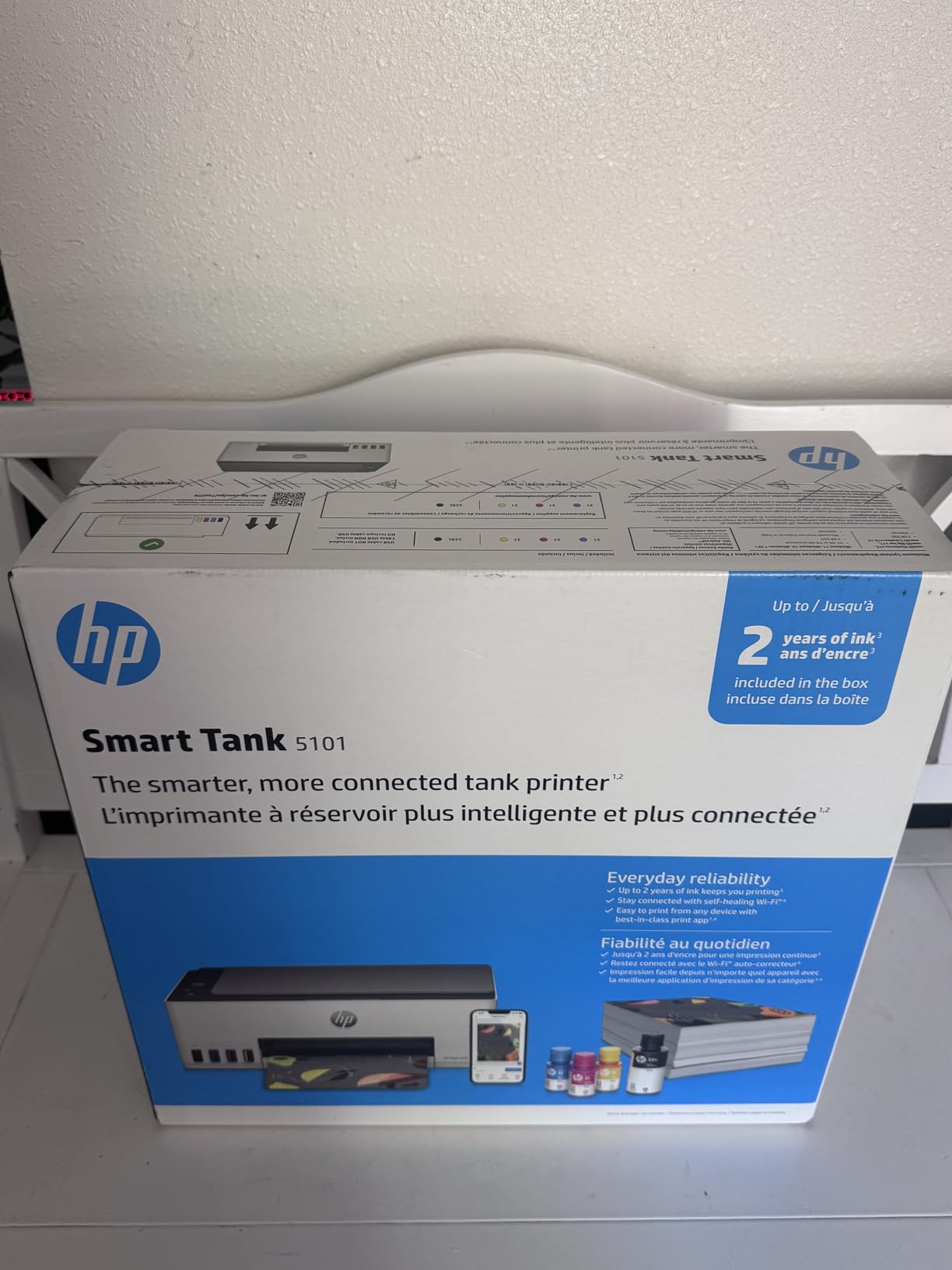
The HP Smart Tank 5101 takes a completely different approach to ink. Instead of cartridges, it uses refillable tanks that you fill with bottles of ink. The printer comes with enough ink in the box to last most households about two years. I calculated the cost per page, and it comes out to a fraction of what you would pay with traditional cartridges.
Refilling the tanks is surprisingly clean. Each ink bottle has a nozzle that only fits the correct color tank, so you cannot accidentally pour cyan into the yellow port. The bottles stop flowing automatically when the tank is full. I spilled zero ink during the refilling process.
Print quality for text is excellent, with crisp edges and deep blacks at 1200 x 1200 dpi. Color prints are good for everyday use, and photo quality on photo paper is surprisingly decent for a tank-based system. This is not going to match a dedicated photo printer, but for family snapshots and casual photo printing, it works well.
The trade-offs are real though. Print speed is modest at 12 ppm black. Duplex printing is manual, meaning you have to flip the paper yourself. And some users report paper feed issues, particularly with certain paper types. I did not experience jams during my testing, but it is worth noting the trend in user reviews.
Long-Term Cost Savings
This is where the Smart Tank 5101 shines. After the initial purchase, your ongoing ink costs are minimal. A set of replacement bottles costs less than a single set of cartridges for many inkjet printers and prints thousands more pages. Over a 3-year period, the total cost of ownership is significantly lower than cartridge-based alternatives.
Who Benefits Most from a Tank Printer
Families, students, and anyone who prints regularly but hates buying cartridges will benefit most. The refillable tank system eliminates the sticker shock of replacement cartridges. If you print between 100 and 300 pages per month, this printer pays for itself in ink savings within the first year.
9. Brother DCP-L2640DW – Best Monochrome Laser for Home and Office
- Blazing fast 36 ppm print speed
- Excellent monochrome text quality
- Low toner costs versus inkjet
- Dual-band Wi-Fi and Ethernet
- 50-page ADF for scanning
- No color printing
- Starter toner has low yield
- Setup software issues on Mac
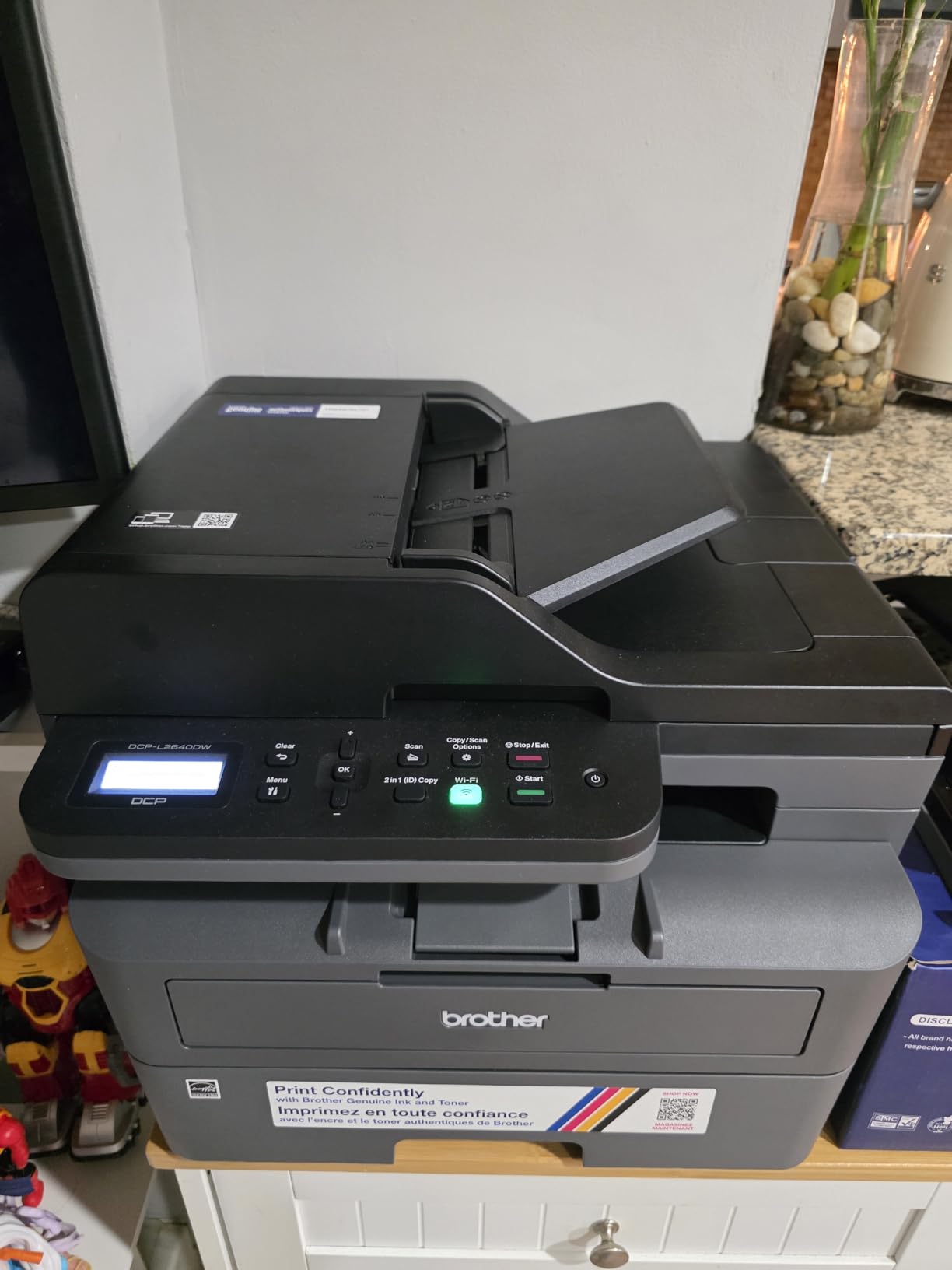
If you print mostly text documents and want speed and reliability, the Brother DCP-L2640DW is hard to beat. At 36 pages per minute, it cranks out documents faster than any inkjet on this list. I printed a 30-page contract and it was done before I could walk to the kitchen and back. The text quality is razor-sharp at 1200 x 1200 dpi.
Laser printers have a big advantage that most people overlook: the toner does not dry out. If you go weeks or months between print jobs, an inkjet’s print heads can clog. Toner just sits there, ready to go. Multiple Reddit threads in r/printers and r/buyitforlife specifically recommend Brother laser printers for this reason alone.
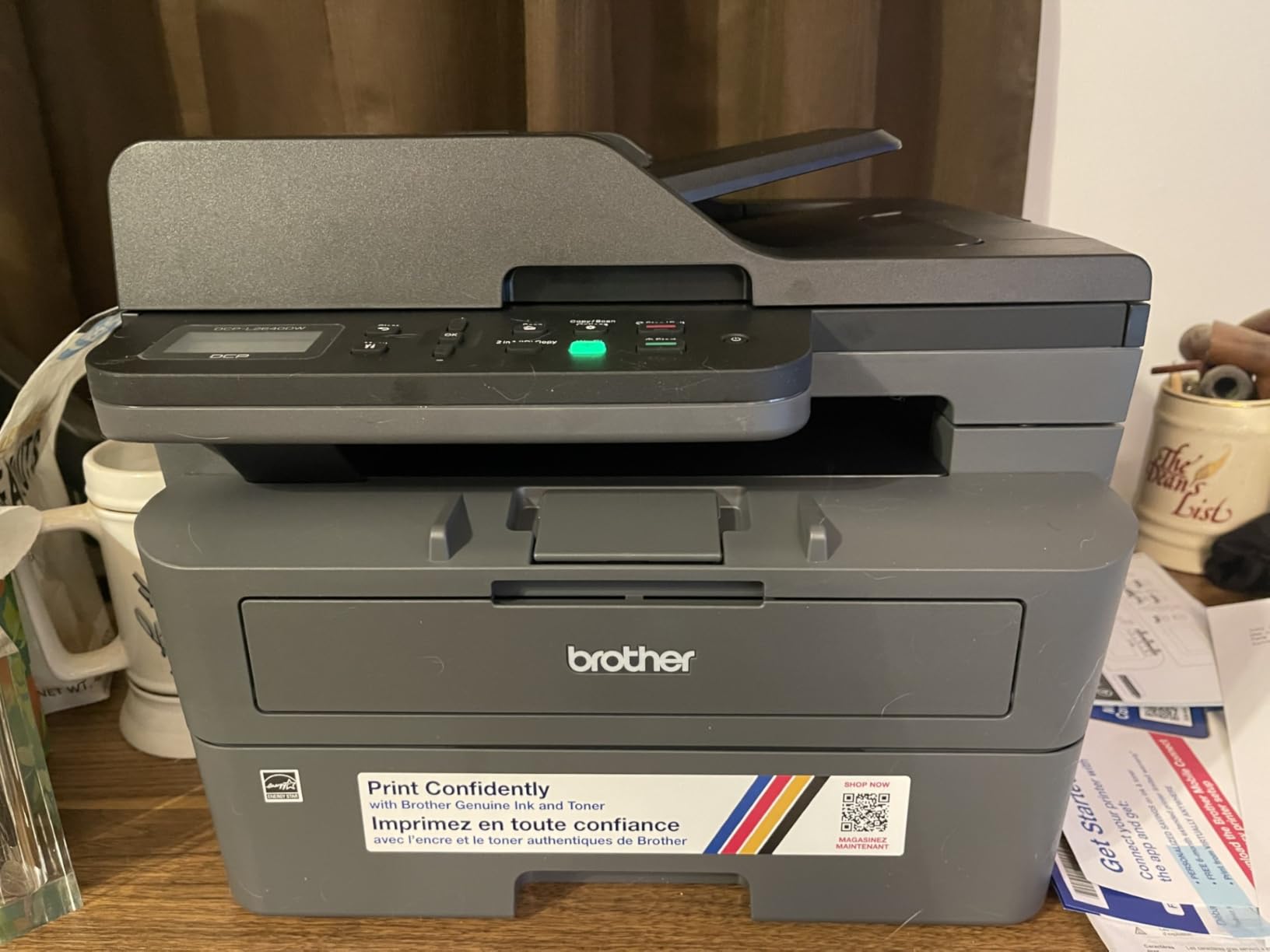
The 50-page auto document feeder makes scanning multi-page documents quick and efficient. Combined with the 250-sheet paper tray and automatic duplex printing, this printer handles the daily demands of a home office or small business without requiring constant attention.
Connectivity is solid with dual-band Wi-Fi, Ethernet, and USB options. The Brother Mobile Connect app works well for printing and scanning from mobile devices. I had the printer set up on my network in about 10 minutes via Ethernet, and the connection has been rock-stable.
Toner Costs vs Ink Cartridges
Toner cartridges for this model cost more upfront than ink cartridges, but they print far more pages. The cost per page works out significantly lower over time, especially if you print mostly text. A single high-yield toner cartridge can print thousands of pages, making the per-page cost just a couple of cents.
When to Choose Monochrome Laser
Choose this printer if you print primarily text documents like contracts, invoices, reports, and forms. It is ideal for home offices, small businesses, and anyone who values speed and reliability over color output. If you never print photos or color graphics, there is no reason to deal with ink cartridges at all.
10. Canon MegaTank G3290 – Supertank with Excellent Photo Quality
- Massive ink yields up to 7700 color pages
- Beautiful photo print quality
- Mess-free ink bottle refilling
- 2.7 inch tilting touchscreen
- Auto duplex printing
- Slow print speed at 11 ppm black
- Limited advanced app settings
- Black ink can look gray on glossy paper
The Canon MegaTank G3290 combines the ink economy of a supertank system with Canon’s strong photo printing heritage. Out of the box, you get enough ink for up to 6,000 black pages or 7,700 color pages. For most households, that is easily a year or more of printing before you need to buy more ink.
Photo quality is where this printer really distinguishes itself from other supertank models. I printed a batch of family photos on glossy paper, and the color accuracy and detail were impressive. Canon’s ink formulation produces warm, natural-looking colors that work particularly well for portraits and landscapes.
The 2.7-inch tilting LCD touchscreen is easy to read and navigate. Setting up Wi-Fi was straightforward, and mobile printing through the Canon app works without issues. The tilting design means you can adjust the screen angle for comfortable viewing regardless of where the printer sits.
The main trade-off is speed. At 11 pages per minute for black text and only 6 for color, this is not a fast printer. If you regularly print large documents, the wait times will test your patience. But for households that print a few pages here and there along with occasional photos, the speed is manageable.
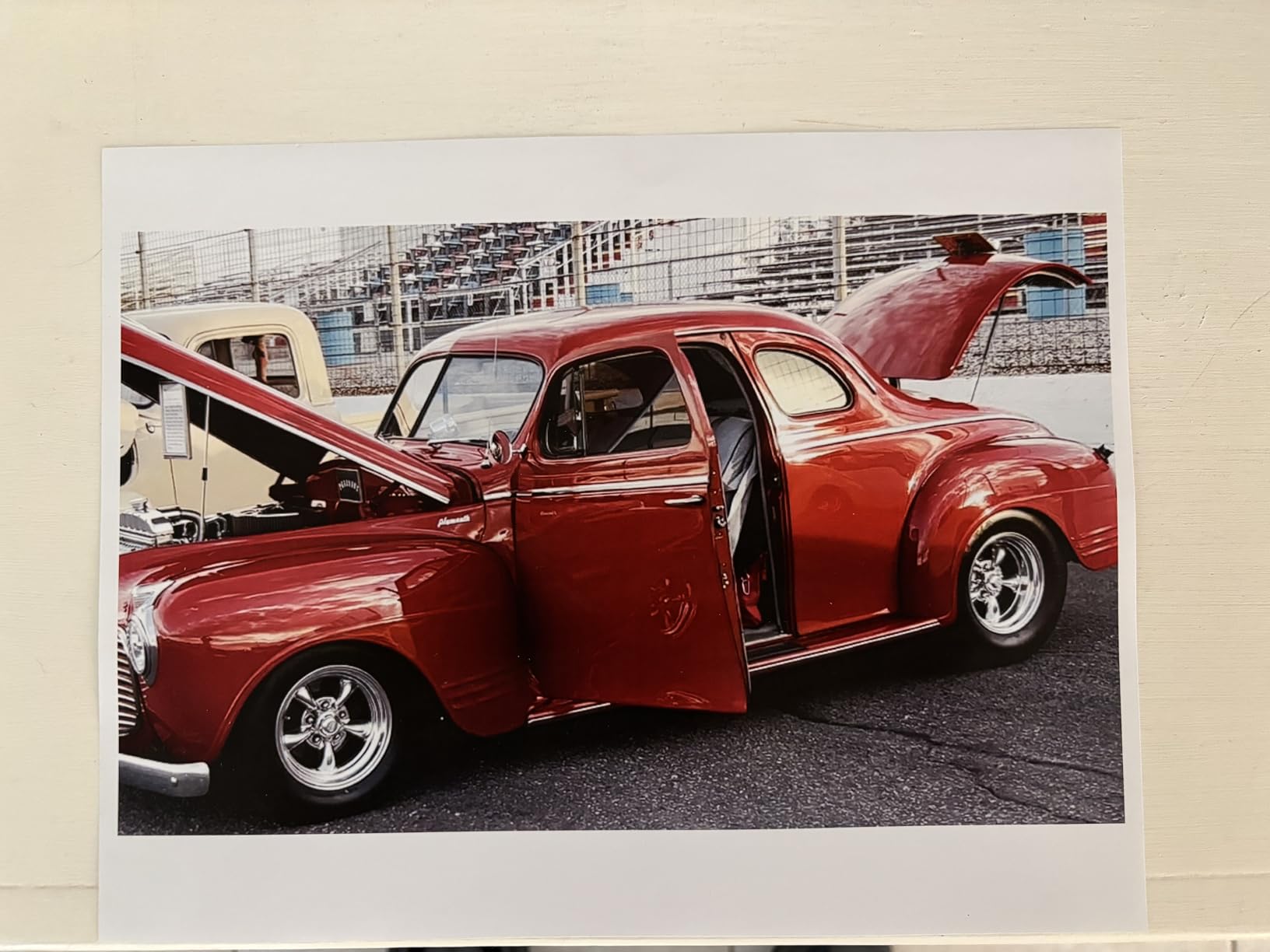
Photo Quality Compared to Dedicated Photo Printers
The G3290 does not quite match the output of the HP Envy Photo 7975 for glossy photos, but it comes closer than you might expect from a supertank printer. Colors are vibrant and accurate, with smooth transitions in gradients. For most casual photo printing needs, the quality is more than satisfactory.
Ink Refill Experience
Canon’s ink bottle system is well designed. Each bottle has a flexible tip that fits securely into the corresponding tank, and the flow stops automatically when full. I found the process cleaner and easier than refilling the HP Smart Tank. Replacement ink bottles are affordable, keeping your long-term costs very low.
11. Brother MFC-L2820DW – Compact Laser with Fax
- Fast 34 ppm print speed
- Built-in fax capability
- Compact for a laser all-in-one
- Easy wireless setup
- 2.7 inch clear touchscreen
- Included starter toner low yield
- Paper jam access requires rear panel
- Wi-Fi may drop after inactivity
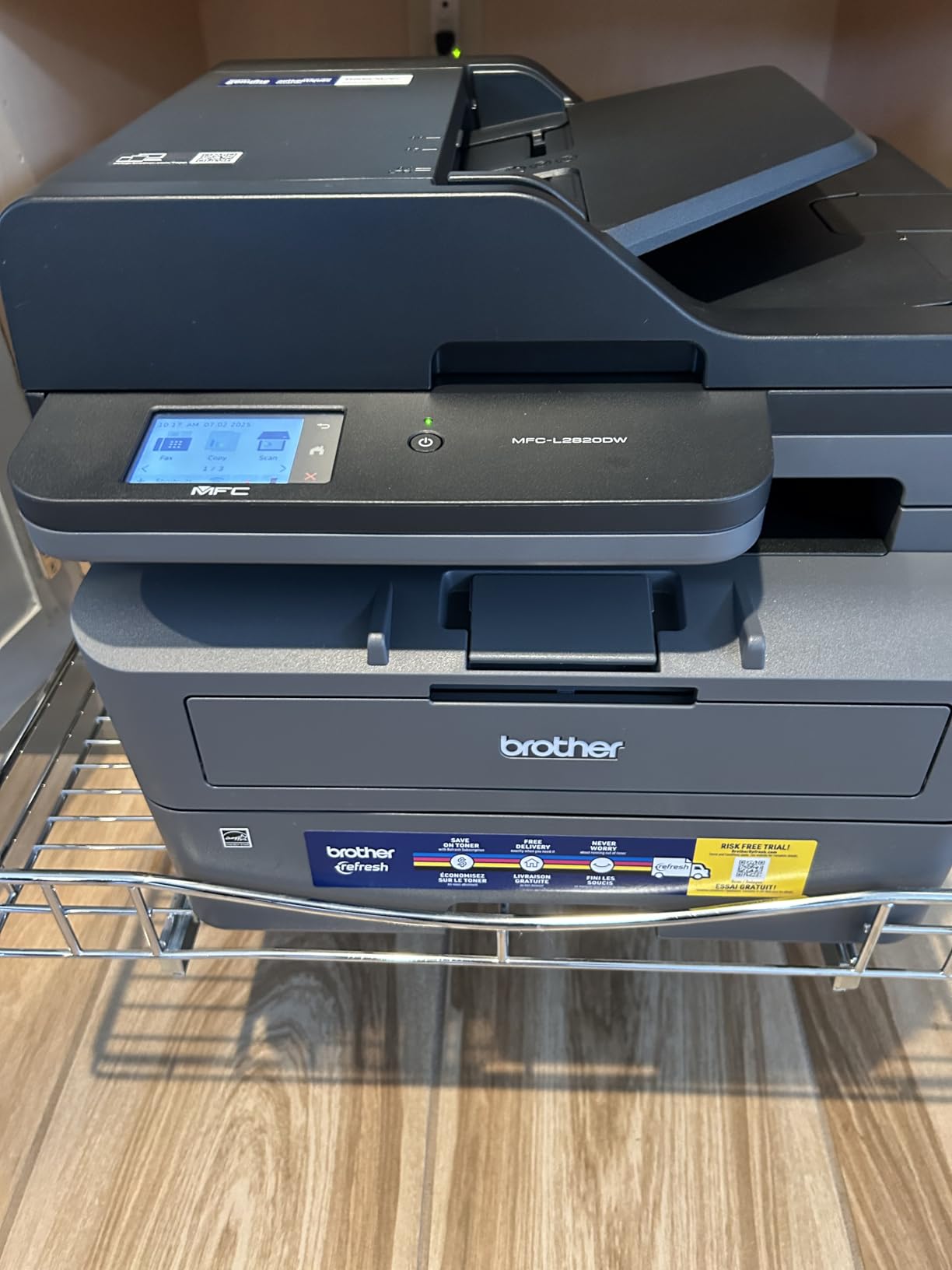
The Brother MFC-L2820DW is essentially a step up from the DCP-L2640DW, adding fax capability and a touchscreen interface. If your home office or small business still needs fax functionality, this is the model to get. The 2.7-inch touchscreen makes navigating menus and settings much easier than the button-based interface on the lower model.
Print speed hits 34 pages per minute, which is essentially the same class as the DCP-L2640DW. Text quality is sharp and professional. The 50-page auto document feeder handles multi-page scanning, copying, and faxing efficiently. I tested faxing a 10-page document and the process was straightforward and reliable.
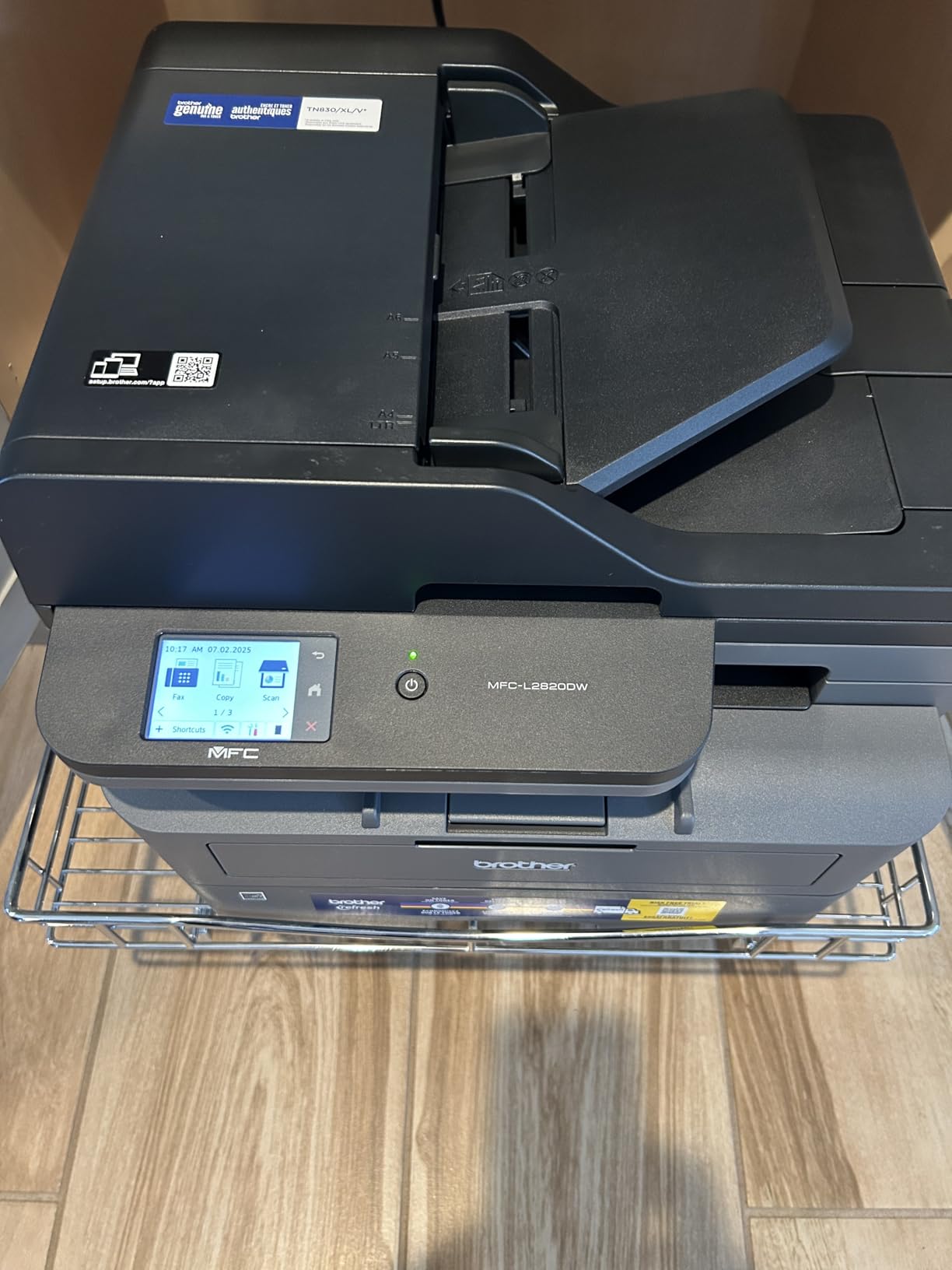
The compact footprint is worth highlighting. At 15.7 by 16.1 by 12.5 inches, it takes up less desk space than you might expect from a laser all-in-one with fax. Brother managed to pack a lot of functionality into a relatively small package.
Wireless setup through the Brother app was one of the easier experiences I have had with a laser printer. The dual-band Wi-Fi, Ethernet, and USB options give you flexibility for any network setup. The Brother Mobile Connect app handles remote printing and scanning from your phone cleanly.
Small Office Fit
This printer is ideally suited for small offices with 1 to 5 users. The 250-sheet paper tray, 50-page ADF, and fast print speed handle daily workloads without breaking a sweat. The fax capability is essential for real estate offices, medical practices, and any business that still exchanges documents by fax.
Toner and Maintenance
The included starter toner prints fewer pages than a standard cartridge, so plan to buy a replacement toner sooner than expected. High-yield toner cartridges are available and bring the cost per page down significantly. Clearing paper jams requires accessing the back panel, which can be inconvenient depending on where the printer is placed.
12. HP LaserJet Pro MFP 4101fdw – Editor’s Choice for Power Users
HP Laserjet Pro MFP 4101fdw Wireless Black & White All-in-One Laser Printer, Scanner, Copier, Fax, Best-for-Office (2Z619F)
- Blazing fast 42 ppm print speed
- HP Wolf Pro Security built in
- Intelligent Wi-Fi connection management
- Rugged and professional build quality
- Sharp text at 1200 x 1200 dpi
- Bulky and heavy at 33 pounds
- High initial investment
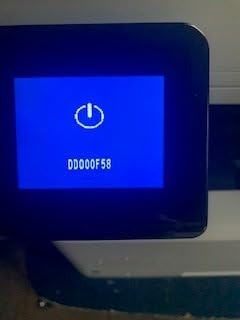
- Display sleep can cause Wi-Fi reconnect issues
The HP LaserJet Pro MFP 4101fdw is the fastest printer we tested, full stop. At 42 pages per minute, it prints an entire 40-page report in under a minute. I timed it, and the first page comes out in about 8.5 seconds from sleep mode. For busy offices where people are constantly waiting at the printer, this speed matters.
HP Wolf Pro Security is included, which gives enterprise-grade security features like firmware integrity checking and runtime intrusion detection. This is the kind of security you usually find in printers costing twice as much. If you handle sensitive documents in a legal, medical, or financial office, this is a meaningful feature.
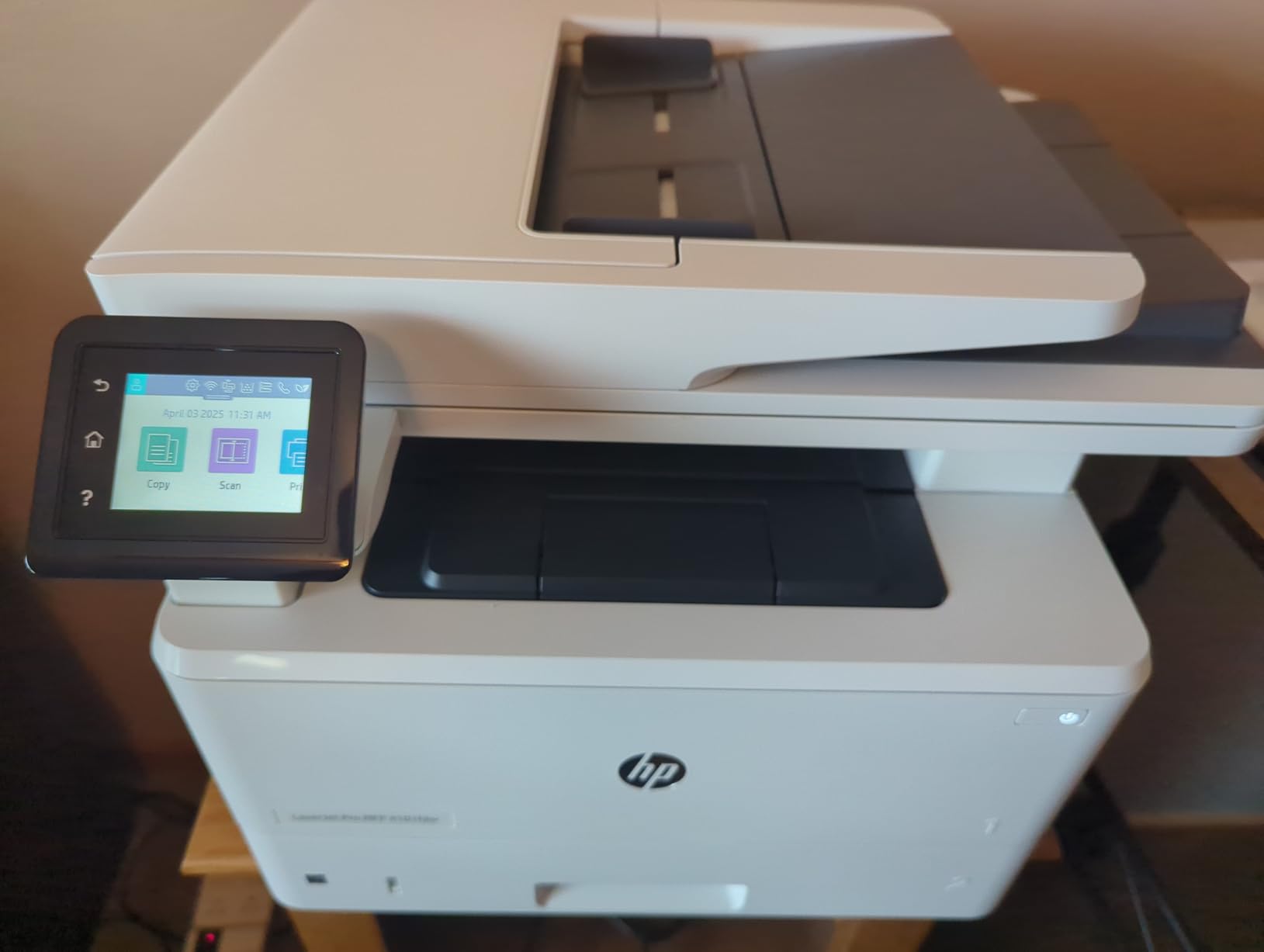
The intelligent Wi-Fi feature actively monitors your connection and switches to the strongest available signal. In my testing, this kept the printer connected reliably even in an office with multiple access points. Ethernet and USB are also available for hardwired connections.
Print quality is outstanding. Text at 1200 x 1200 dpi is as sharp as anything you would get from a professional print shop. The automatic document feeder, duplex printing, and fax capability make this a complete office solution in a single machine.
Office Deployment and Setup
At 33 pounds and 16.5 inches deep, this printer needs a dedicated space. It is not something you tuck on a bookshelf. Plan for a sturdy desk or printer stand. The HP Smart app handles initial setup, and network configuration for multi-user environments is straightforward through the built-in web interface.
Security Features in Practice
HP Wolf Pro Security lets you set custom security policies, configure access controls, and monitor printer activity. For small businesses handling client data or regulated industries, these features add real value. The security settings are accessible through the touchscreen and web interface without requiring an IT specialist.
13. Epson EcoTank ET-4950 – Premium Supertank with 3 Years of Ink
Epson EcoTank ET-4950 Wireless Duplex All-in-One Cartridge-Free Supertank Color Inkjet Printer, Fax, Black
- Up to 3 years of ink included
- Excellent print quality for documents and photos
- Compact for a supertank model
- Mess-free auto-stop ink bottles
- Auto duplex and 30-sheet ADF
- Initial setup takes extra time for priming
- Firmware updates during setup slow things down
- Higher purchase price
The Epson EcoTank ET-4950 represents the top of Epson’s supertank lineup, and it shows. The included ink bottles yield up to 8,500 black pages and 6,500 color pages. Epson estimates that covers about 3 years of printing for the average user. When I did the math on cost per page versus cartridge printers, the savings were substantial.
Setup does take longer than a cartridge printer because you have to fill the tanks and wait for the ink to prime the system. I spent about 25 minutes from unboxing to first print. The bottles are designed to stop automatically when each tank is full, so there is no mess and no guesswork involved.
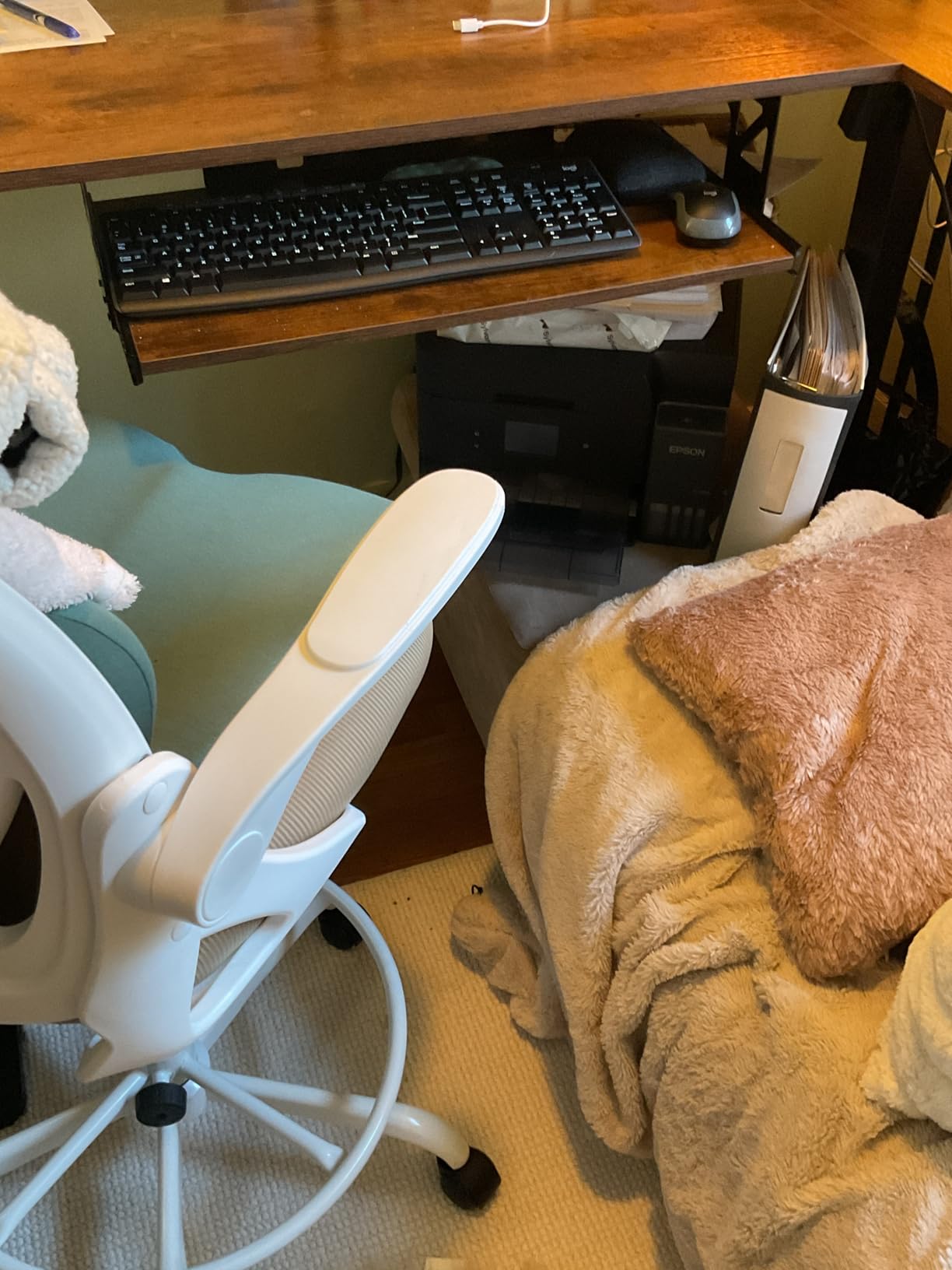
Print quality impressed me across the board. Text documents are sharp, and color prints are vibrant with accurate tones. Photo prints on glossy paper look genuinely good, with smooth color transitions and fine detail. At 4800 x 1200 dpi, the resolution matches many dedicated photo printers.
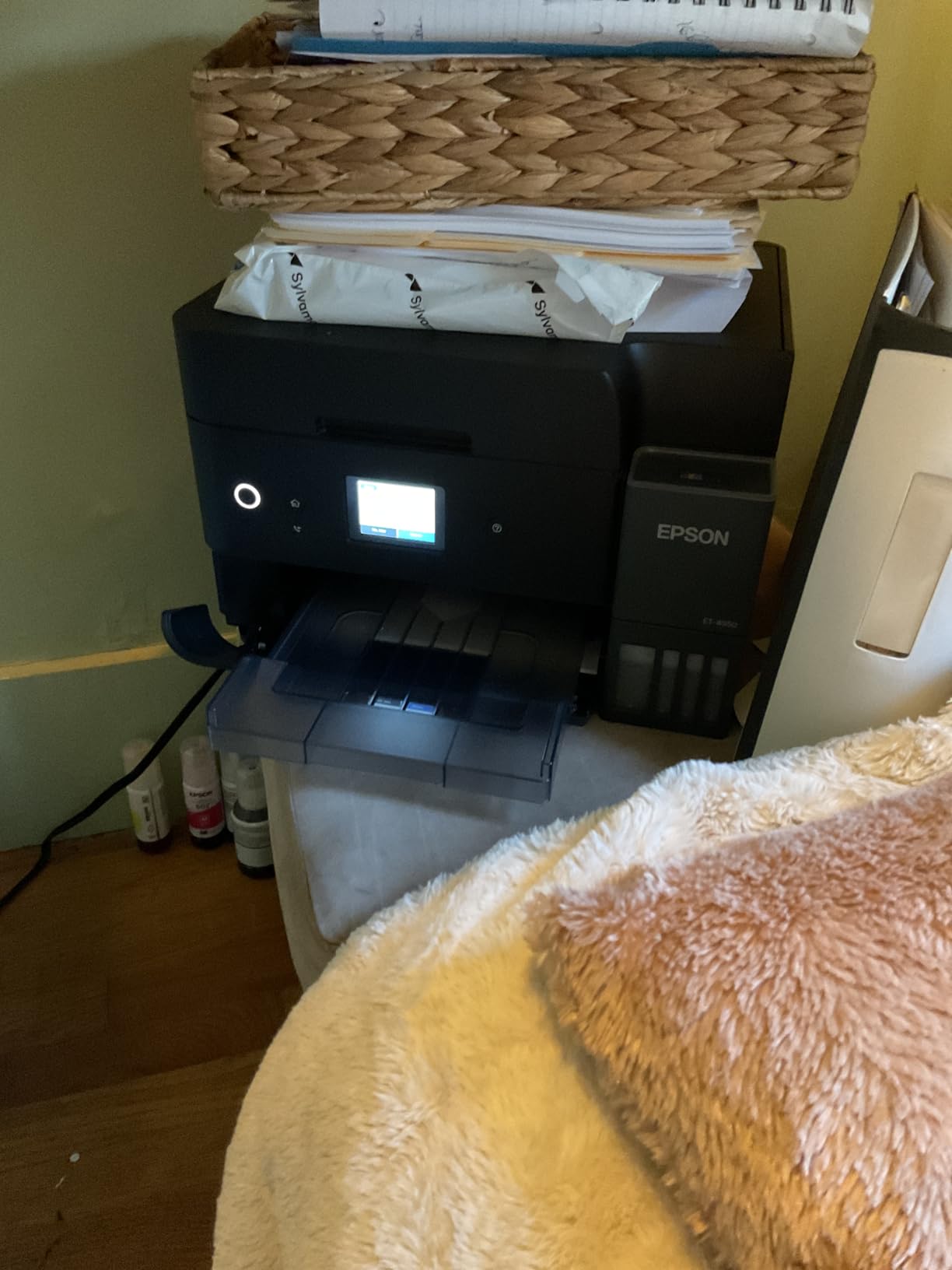
The compact design is a pleasant surprise. Despite holding enough ink for thousands of pages, the ET-4950 takes up no more desk space than a standard inkjet. The visible ink tanks on the front let you monitor levels at a glance, so you always know when a refill is coming.
Cost Comparison Over 3 Years
When you factor in the purchase price plus three years of ink for a typical home or small office workload, the EcoTank ET-4950 costs significantly less than buying a cheaper cartridge printer and replacing ink every few months. The break-even point versus a budget inkjet comes at around 6 to 8 months of normal use.
Who Should Invest in This Printer
This is the best all in one printers pick for anyone who prints regularly and wants to eliminate ongoing ink costs for years. Small business owners, work-from-home professionals, and families with high printing volumes will see the most return on the higher upfront investment. The combination of print quality, economy, and reliability makes it the premium pick in our lineup.
How to Choose the Best All-in-One Printer for Your Needs
Picking the right all-in-one printer comes down to understanding what you actually print, how often you print it, and what your ongoing budget looks like. The cheapest printer is rarely the most affordable once you factor in ink costs over two or three years. Here is what to consider before you buy.
Inkjet vs Laser: Which Technology Is Right for You
Inkjet printers spray liquid ink onto paper. They handle color printing, photos, and mixed media well. The downside is that ink cartridges run out relatively fast, and if you do not print regularly, the ink can dry out and clog the print heads. Inkjets are best for people who print a few times a week and need color output.
Laser printers use toner powder fused to paper with heat. They print text faster and sharper than inkjets, and toner never dries out. If you go weeks between print jobs, a laser printer will be ready every time. The trade-off is no color printing in affordable models, and the upfront cost is higher.
Forum users on Reddit consistently recommend Brother laser printers for reliability. As one user in r/buyitforlife put it, their Brother laser printer has been running for over 7 years with zero issues. That kind of longevity is rare in the inkjet world.
Supertank and Ink Tank Printers: The Third Option
Supertank printers from Epson (EcoTank), Canon (MegaTank), and HP (Smart Tank) use refillable ink bottles instead of cartridges. They come with enough ink for thousands of pages, and replacement bottles cost a fraction of what cartridges cost per page. If you print more than 100 pages per month, a supertank will save you significant money within the first year.
Key Features to Look For
Automatic duplex printing saves paper by printing on both sides without manual intervention. An auto document feeder (ADF) lets you scan or copy multi-page stacks without placing each sheet individually. Wi-Fi connectivity should include dual-band support (2.4GHz and 5GHz) for reliable connections on modern networks.
Paper tray capacity matters more than most people realize. A 60-sheet tray means constant refilling. A 250-sheet tray holds half a ream and needs attention far less often. If you share a printer among multiple people, look for 200 sheets or more.
Brand Reliability: What Real Users Say
Based on our analysis of thousands of user reviews and forum discussions, Brother consistently earns the highest marks for long-term reliability. Epson’s EcoTank line is praised for ink economy. Canon stands out for photo quality. HP offers the widest feature set but gets the most complaints about ink subscription pressure and software issues.
The best advice from real users: buy a printer that uses affordable ink or toner, connect it to a stable network, and skip the cloud-connected features if you do not need them. Simple, reliable printing is what most people actually want.
FAQs
What is the best everyday all-in-one printer?
For everyday home printing, the Canon PIXMA TS6520 is our top pick. It offers fast 14 ppm black print speeds, excellent print quality for both documents and photos, dual-band Wi-Fi connectivity, and a 3-year warranty. It handles the daily mix of homework, recipes, documents, and occasional photos that most households need without any frustrating quirks.
Which company all-in-one printer is best?
Brother makes the most reliable all-in-one printers based on long-term user feedback across Reddit and tech forums. For inkjet printing, Brother and Canon both score well. For laser printing, Brother is the clear leader. Epson leads in ink tank and EcoTank technology for low-cost printing. Canon excels at photo quality. The best brand depends on your specific needs, but Brother consistently ranks highest for overall reliability and value.
What is the most reliable printer for home use?
Brother laser printers like the DCP-L2640DW and MFC-L2820DW are widely considered the most reliable printers for home use. Laser printers avoid the common inkjet problems of clogged print heads and dried-out ink because toner powder does not dry up. Brother printers in particular are frequently recommended in Reddit communities like r/buyitforlife and r/printers for lasting 5 to 10 years with minimal issues.
Which is the best multifunction printer for home use?
The best multifunction printer for home use depends on your printing volume. For light use, the HP DeskJet 2855e offers solid basics at a low price. For moderate use, the Canon PIXMA TS6520 delivers fast speeds and great quality. For high-volume printing, the Epson EcoTank ET-4950 or HP Smart Tank 5101 eliminate cartridge costs with refillable ink tanks that last for years.
Final Thoughts on the Best All-in-One Printers in 2026
After testing and comparing 13 models across every major brand, a few clear winners emerged. The HP LaserJet Pro MFP 4101fdw earned our Editor’s Choice for its blazing 42 ppm speed, built-in security, and professional-grade print quality. The Brother DCP-L2640DW delivers the best overall value as a reliable monochrome laser that costs less to own over time. And the HP DeskJet 2855e serves as an affordable entry point for basic home printing needs.
For photo enthusiasts, the HP Envy Photo 7975 produces gallery-quality prints at home. For ink economy, the Epson EcoTank ET-4950 and HP Smart Tank 5101 eliminate cartridge costs for years. And for small offices that need fax capability alongside fast printing, the Brother MFC-L2820DW is a compact and reliable choice.
The best all in one printers in 2026 are the ones that match your actual printing habits. Buy more printer than you need and you overspend. Buy less and you fight with slow speeds, constant ink purchases, and paper jams. Match the printer to your real-world usage and you will be happy with your choice for years to come.