
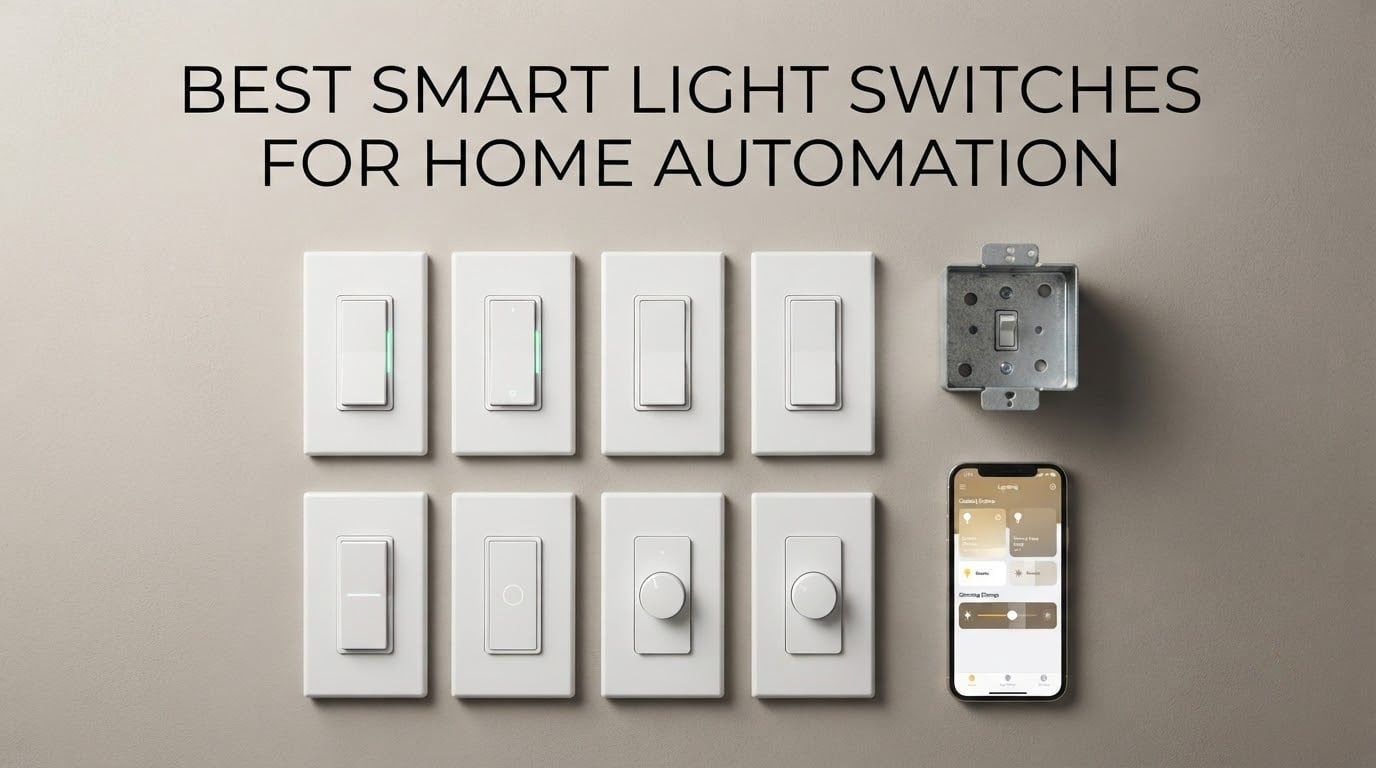
If you only install one smart light switch in your house this year, make it the Kasa Smart HS200. It carries a 4.6 average across more than 43,000 reviews, needs no hub, and pairs with Alexa and Google Assistant in minutes. For older homes with no neutral wire, the Aqara WS-USC01 is the pick. For Apple users, the meross MSS510 brings HomeKit to a modest price point.
That is the short answer, but the right switch depends almost entirely on what is already inside your walls. A smart light switch replaces the traditional toggle at the point where you actually touch the room, so any fixture works, including chandeliers, fans and hardwired sconces that a smart bulb never reached.
It also keeps working switches in the house. With a smart bulb, someone walking into a dark hallway hits a switch that no longer does anything, and guests end up flicking a dead wall. Upgrading the switch instead of the bulb avoids that entirely, which is why the best smart light switches for home automation tend to matter more than any single bulb you can add.
We spent weeks reading spec sheets, owner reviews and installer threads on these ten, and what stood out was how much the wiring situation narrows the field. Five of the ten switches below need a neutral wire at the box. Four speak Wi-Fi only on the 2.4GHz band. Three of the four that do something more interesting than plain on and off depend on a hub or a bridge you have to buy separately.
Here is how the field breaks down before we get into the individual reviews.
Top 3 Picks for Smart Light Switches in 2026


Kasa Smart HS220P3
- 0 to 100 percent dimming
- 3-pack with wall plates
- Alexa and Google Assistant
- Neutral wire required

Kasa Smart HS210 Kit
- One smart switch per 3-way circuit
- Up to 1800W
- Works 3-way or single pole
- Neutral wire required
All 10 Switches at a Glance in 2026
The table below is the fastest way to rule things in or out. Protocol decides what it can talk to, the neutral wire column decides whether it will physically fit your box, and the dimming column decides whether it is a switch or a dimmer.
| Product | Specifications | Action |
|---|---|---|
| Kasa Smart HS200 |
|
Check Latest Price |
| Kasa Smart HS220P3 |
|
Check Latest Price |
| Kasa Smart HS210 Kit |
|
Check Latest Price |
 TREATLIFE 4-Pack SS01S TREATLIFE 4-Pack SS01S |
|
Check Latest Price |
 Amazon Basics WS29-01 Amazon Basics WS29-01 |
|
Check Latest Price |
 meross MSS510 meross MSS510 |
|
Check Latest Price |
 Tapo S505 2-Pack Tapo S505 2-Pack |
|
Check Latest Price |
 Aqara WS-USC01 Aqara WS-USC01 |
|
Check Latest Price |
 TREATLIFE DS01 Dimmer TREATLIFE DS01 Dimmer |
|
Check Latest Price |
 Leviton D315S-1RW Leviton D315S-1RW |
|
Check Latest Price |
1. Kasa Smart HS200 – the best overall on and off switch
- Largest installed base in the category at 43000+ reviews
- No hub and no account juggling
- App-guided install with clear wiring steps
- Timer and countdown schedules plus away mode
- 2-year warranty
- On and off only with no dimming
- Neutral wire required
- 2.4GHz Wi-Fi only
The HS200 is the switch we recommend to most people. It talks directly to your 2.4GHz Wi-Fi network, so there is no bridge, no hub sitting on a shelf and no subscription to think about. Setup in the Kasa or Tapo app walks you through the wiring step by step, which matters the first time you do this.
What earns it the top spot is consistency rather than features. It holds a 4.6 average across more than 43,000 reviews, which is the biggest sample in this roundup by a wide margin, and the complaints that do show up are installation prerequisites rather than hardware failures.
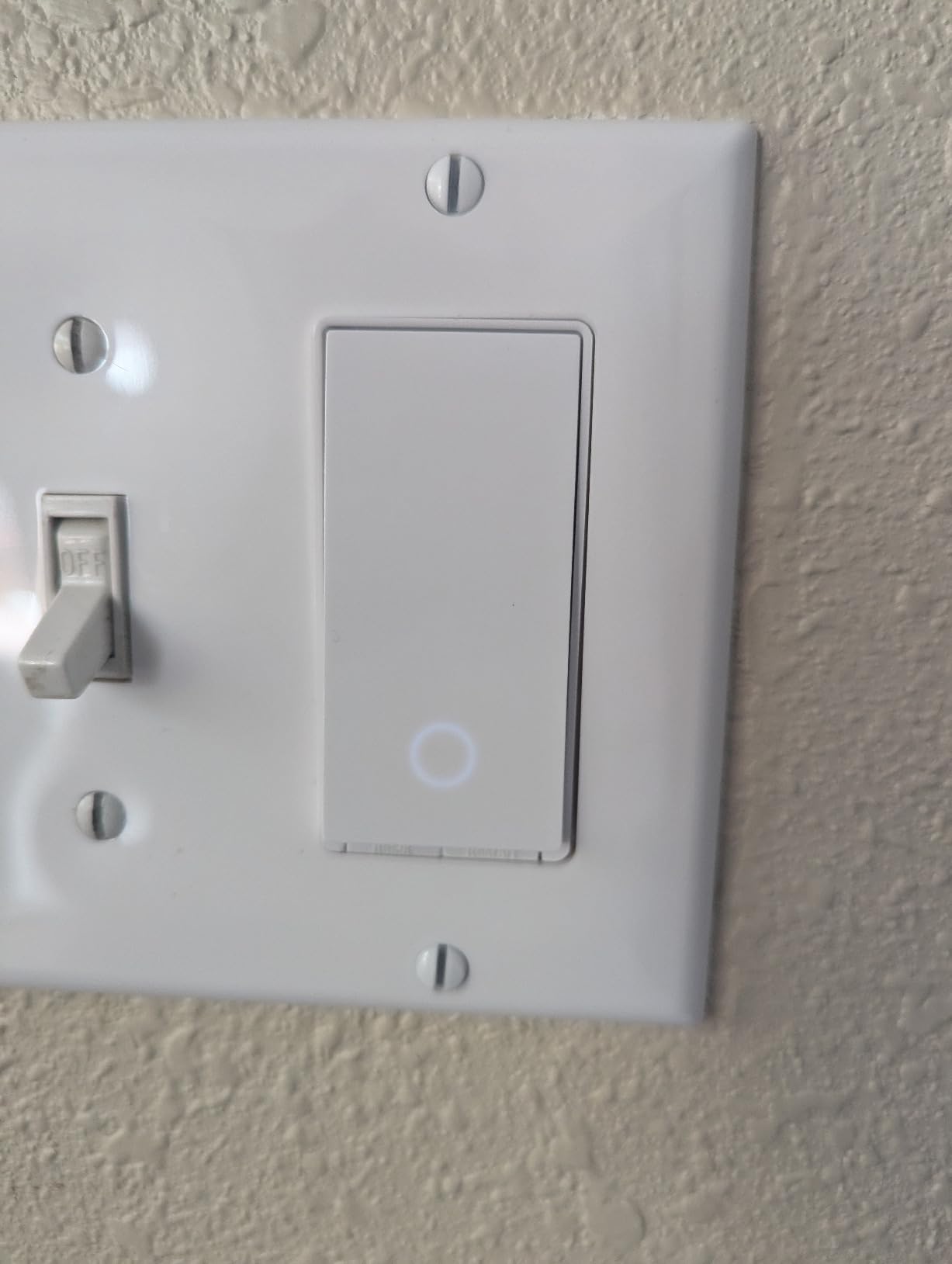
The load rating is 15 amps and 600 watts, and the operating voltage is 120 volts, so it covers a standard residential lighting circuit without strain. It is UL certified and carries a two-year warranty. Physical dimensions are 4.13 by 1.71 by 1.74 inches without the panel, which is deeper than a plain toggle.
What the HS200 does well after installation
Scheduling is where this switch earns its keep. Timers, countdowns and away mode are all in the app, and away mode randomly flips lights during an empty house, which is the cheapest burglary deterrent available. Voice control through Amazon Alexa and Google Assistant responds quickly in most owner accounts.
It also keeps working when your internet does not. Because the connection is local to the Wi-Fi network, the physical switch remains the source of truth and the app is a convenience layer on top.
Where the HS200 will disappoint you
There is no dimming, so for a living room you will want the HS220P3 below. The 2.4GHz-only requirement trips people up on dual-band mesh networks, and a separate 2.4GHz network name is the common fix.
The neutral wire is the other hard stop. If you open the box and see only two wires and a ground, this switch is not going into that box.
2. Kasa Smart HS220P3 – real dimming for bedrooms and living rooms
- Full dimming range from paddle/app/voice
- Double-click fade-off for bedtime
- 3-pack includes plates and wire nuts and labels
- Works with Alexa / Google Assistant / IFTTT
- 2-year warranty
- Neutral wire required
- Heavier 150W dimming ceiling than the load rating suggests
- 2.4GHz Wi-Fi only
- Larger body than a standard Decora dimmer
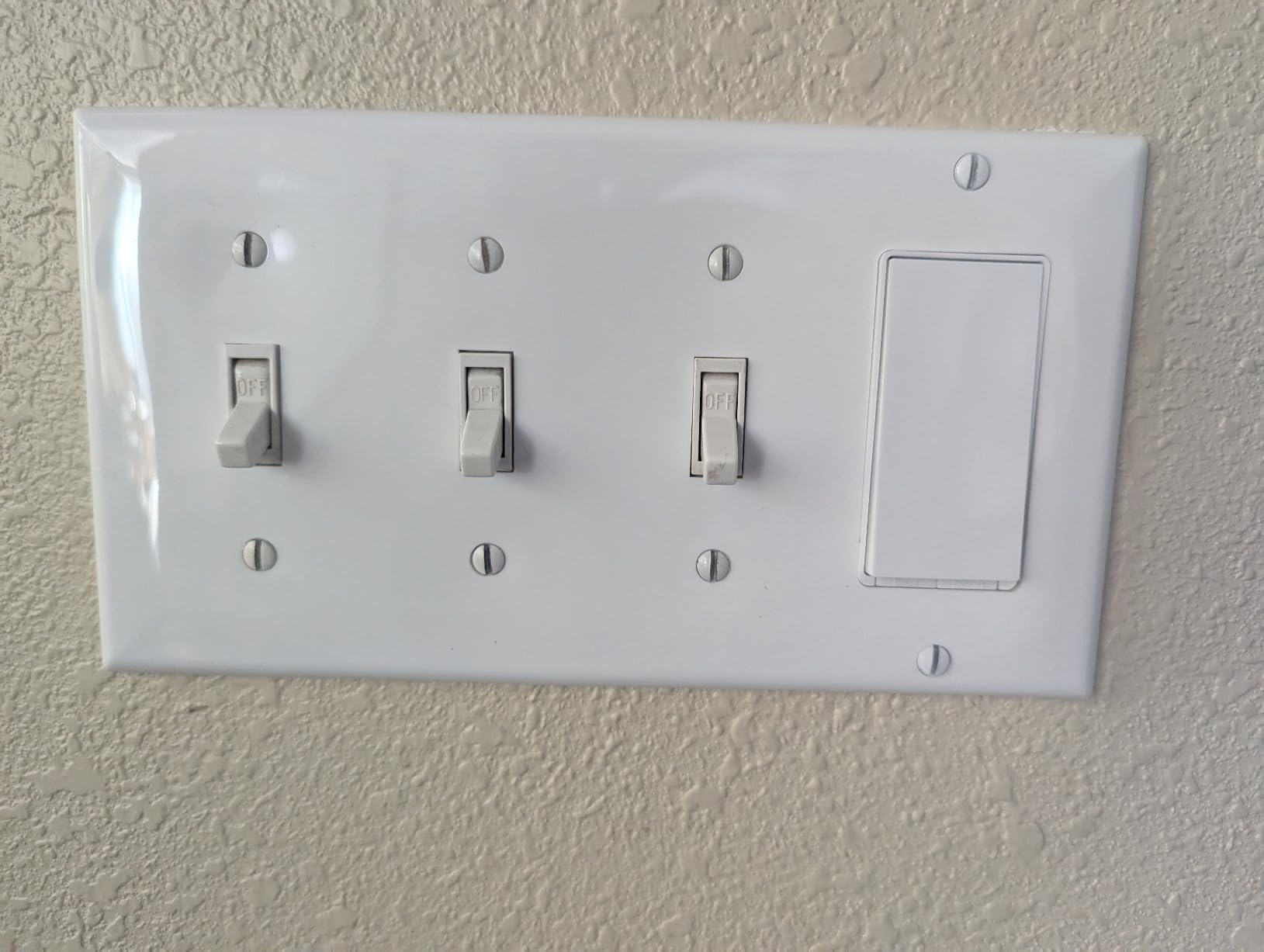
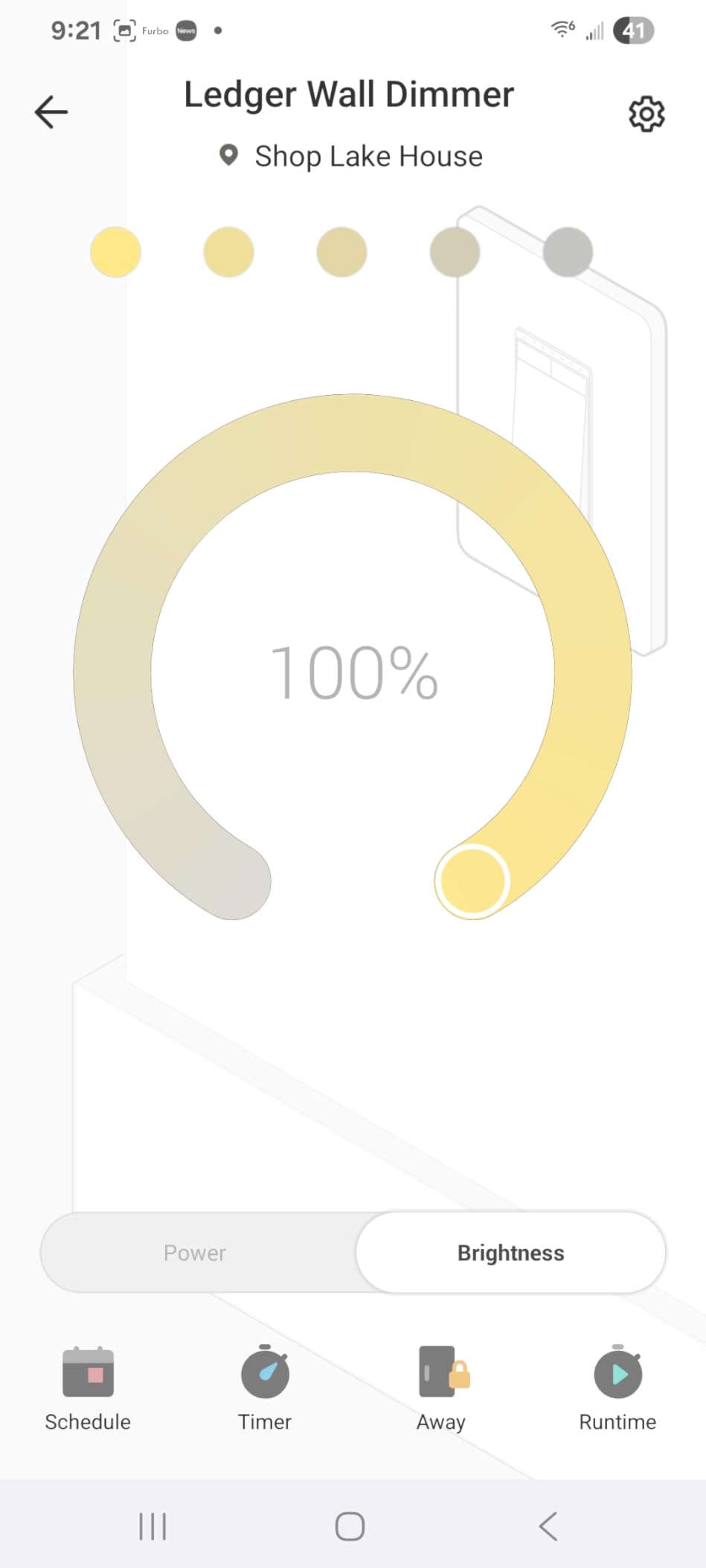
This is the one we put in bedrooms and main living rooms. The dimming range runs the full 0 to 100 percent, and the paddle itself does the work: a single click snaps to full brightness, while a double-click fades the room down for sleep. That fade is the feature owners mention most often.
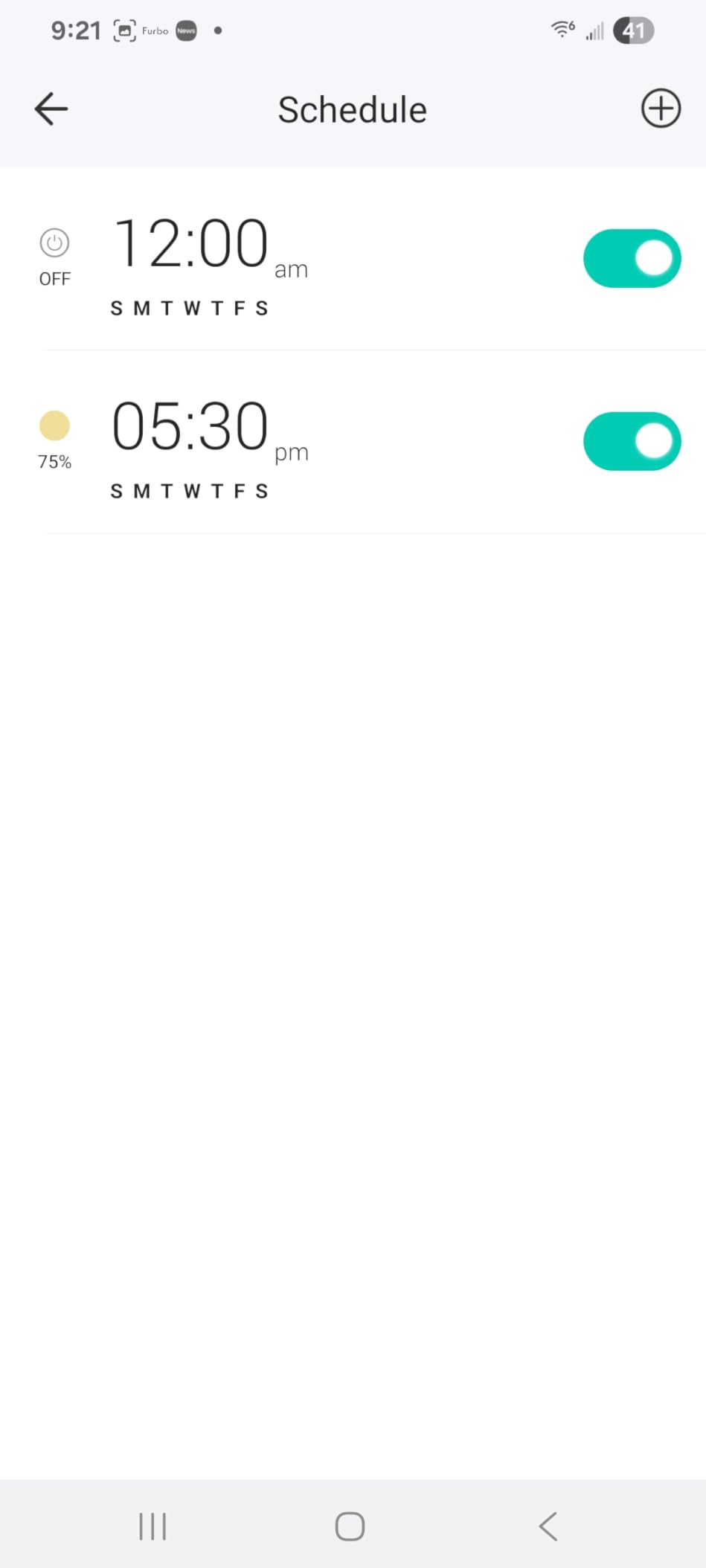
You get three switches in the box along with wall plates, wire nuts and a wire label sheet, so a three-room rollout does not mean three separate shopping trips. The app and Alexa both work for brightness control, and schedules can set a dim wake-up level instead of a harsh full-on.
The switch is rated 15 amps overall, but the dimming path handles up to 150 watts. With LED or CFL bulbs you will be well inside that. It weighs 5.28 ounces and measures 4.13 by 1.71 by 1.74 inches without the plate, rising to 5.06 by 3.33 by 1.74 with it.
How the HS220P3 handles LED loads
Because the dimming wattage ceiling is 150 watts, this is a residential lighting dimmer rather than a fixture controller. Nine or ten LED bulbs on one circuit stays well under the limit, which covers most ceiling fixtures.
Reviewers commonly use the schedules to set different brightness levels per time of day, and the double-click fade works from the wall, from the app and by voice, so the feature is not locked to one input method.
When to pick a different dimmer instead
If you are running smart bulbs that already dim internally, a wall dimmer fights them. In that setup most people use an on and off switch like the HS200 and let the bulb handle brightness.
The body is also deeper than a conventional Decora dimmer, so shallow or crowded boxes are where install problems show up. The neutral wire requirement is unchanged from the rest of the Kasa line.
3. Kasa Smart HS210 Kit – the answer for staircases and long hallways
- Only one of the two switches has to be smart
- Wiring is close to a standard 3-way switch
- Handles 3-way / 4-way / single-pole layouts
- Quick app setup with no QR step
- Works with Alexa / Google Assistant / SmartThings
- Neutral wire required at the line box
- Can need re-pairing after a power outage or router change
- White only with no multi-gang plates offered
- Locator LED is brighter than on the single-pole model
Most people assume a smart 3-way setup means two expensive smart switches. It does not. This kit ships with two switches, and you install the smart one in the box where the line and load wires meet, while the second position keeps a conventional rocker. Owners put these at the top and bottom of staircases more than anywhere else.
It also works as a single-pole switch, so the same kit covers a hallway with one control point. The 15 amp, 1800 watt rating is the highest lighting load of any switch in this roundup, which gives it room for a multi-bulb fixture.
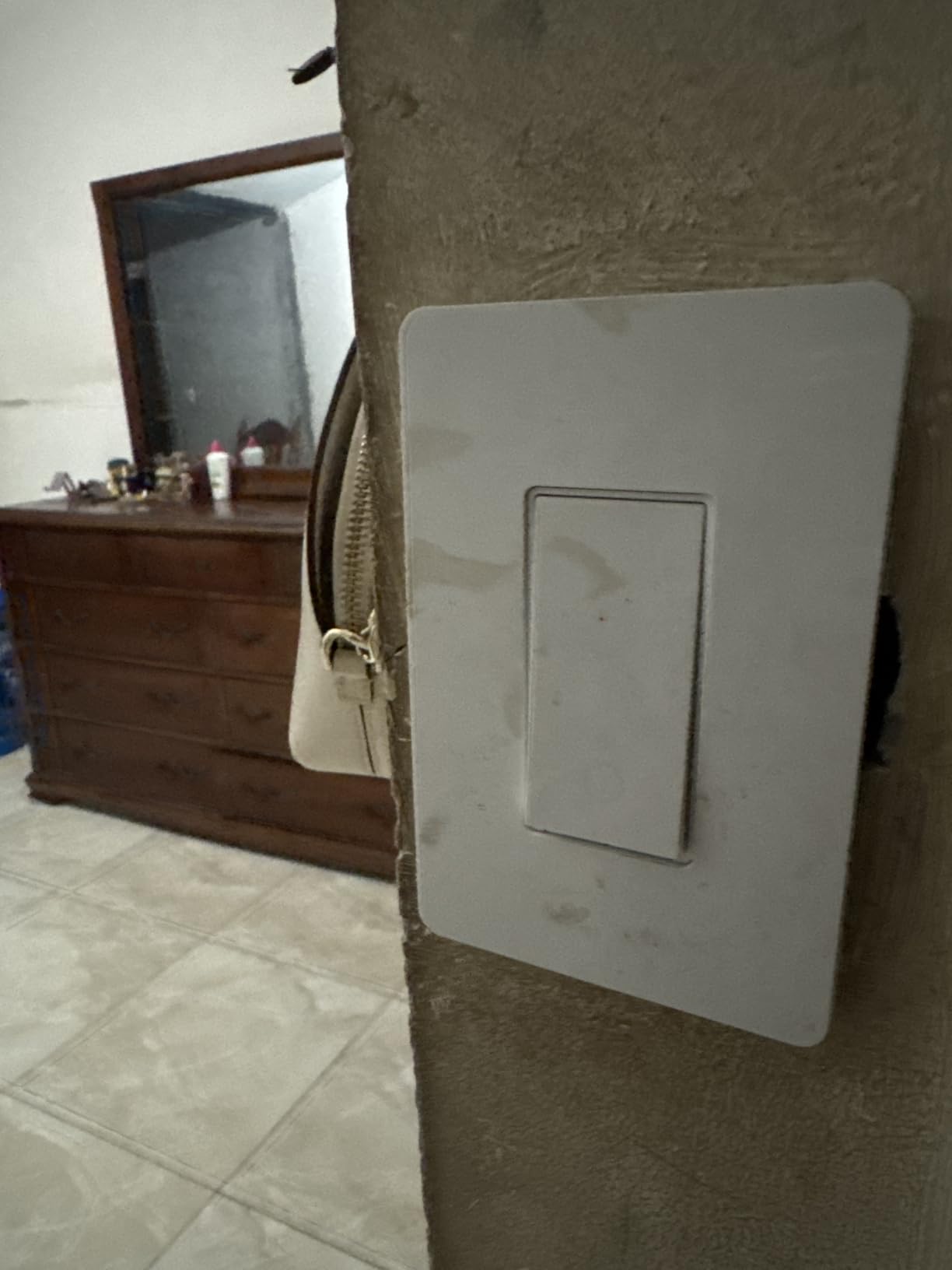
Setup is close to a standard 3-way install, needing only a neutral at the line box, and the app setup needs no QR code or Bluetooth step. Firmware updates come through the Kasa or Tapo app, and the circuit is rated for 1-way and 3-way configurations.
Where the HS210 earns its place in a hallway
Two locations means a light at the stairs and a light at the bedroom door, both controllable by voice and app. Timer, countdown and away mode carry the same feature set as the single-pole model, so automation does not get thinner in a hallway.
One practical note: install the smart switch in the line junction box rather than the load box. Owners who put it in the wrong box report unreliable Wi-Fi connection.
Where it falls short
Smart switches sometimes need re-pairing after a power outage or a router or ISP change, which is a genuine annoyance in a bedroom you rely on at night. The locator LED is also brighter than on the HS200, and it is noticeable in a dark hallway.
Color is white only, and the manufacturer does not offer matching 2-gang through 4-gang wall plates for this kit.
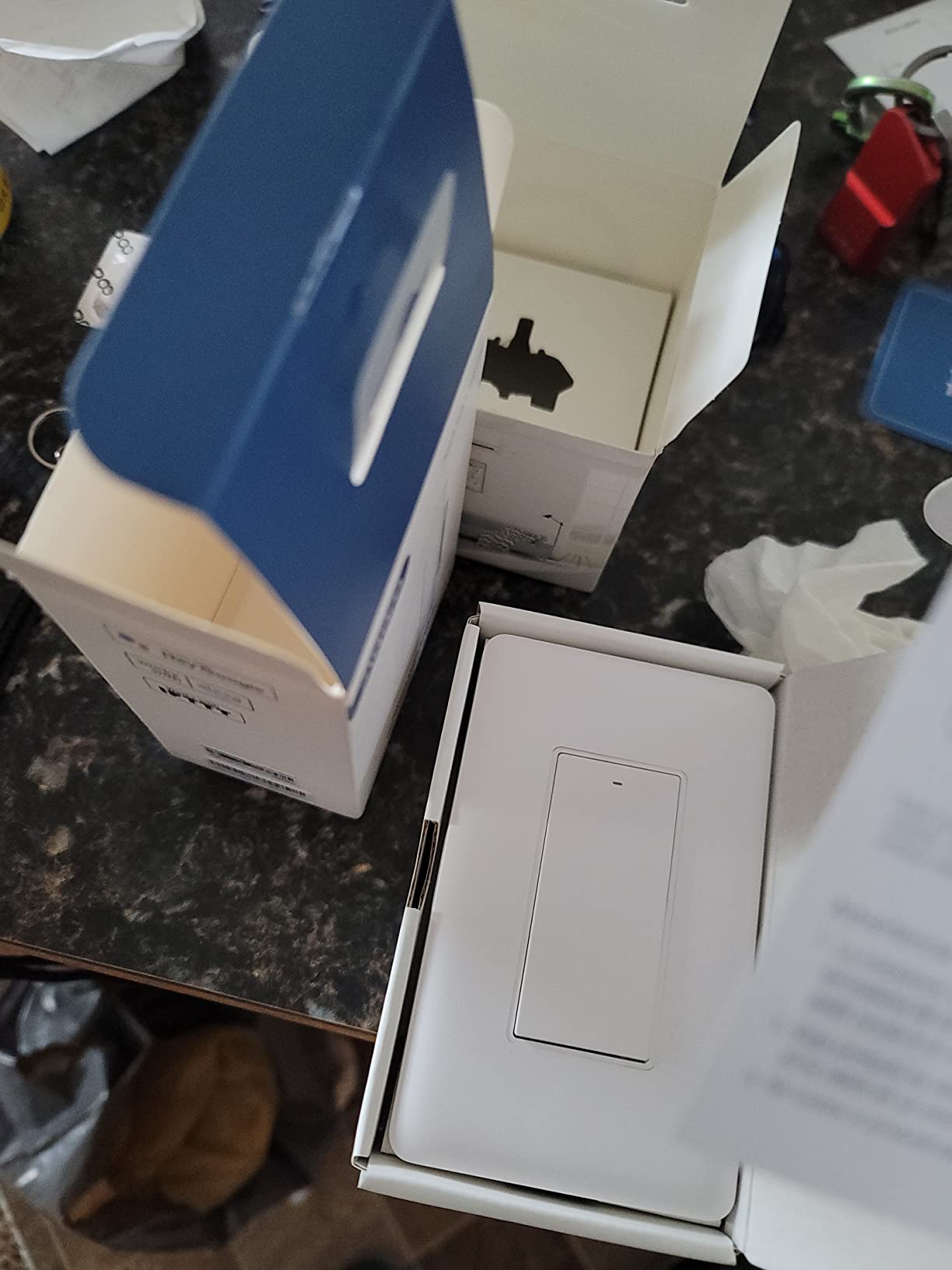
4. TREATLIFE Smart Light Switch 4-Pack – covering four rooms in one order
- Four switches with plates and wire nuts in the box
- Works with Alexa / Google Assistant / SmartThings
- Schedules plus countdowns plus groups plus device sharing
- No hub required
- On and off only with no dimming
- Single pole only
- 10A rating is lower than the 15A Kasa models
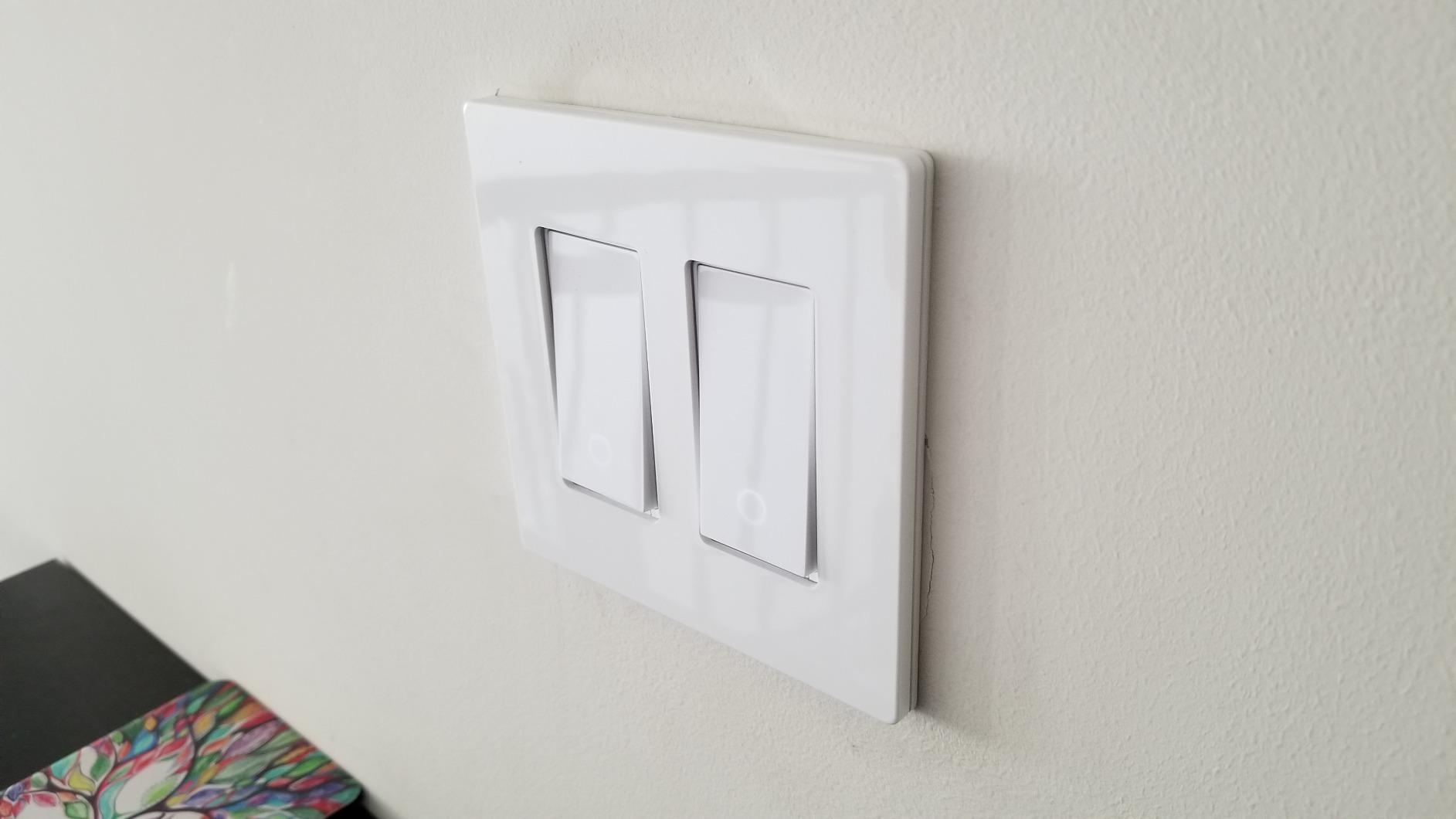
If your project is a bedroom, a hallway, a kitchen and a porch, this pack removes the most tedious part of the job, which is ordering four switches and four sets of hardware. Each switch comes with a screwless wall plate, wire nuts and screws.
Control runs through the Smart Life app, which handles schedules, countdowns, groups, family sharing and real-time status. Voice control covers Amazon Alexa, Google Assistant and SmartThings, and no hub sits between the switch and the network.
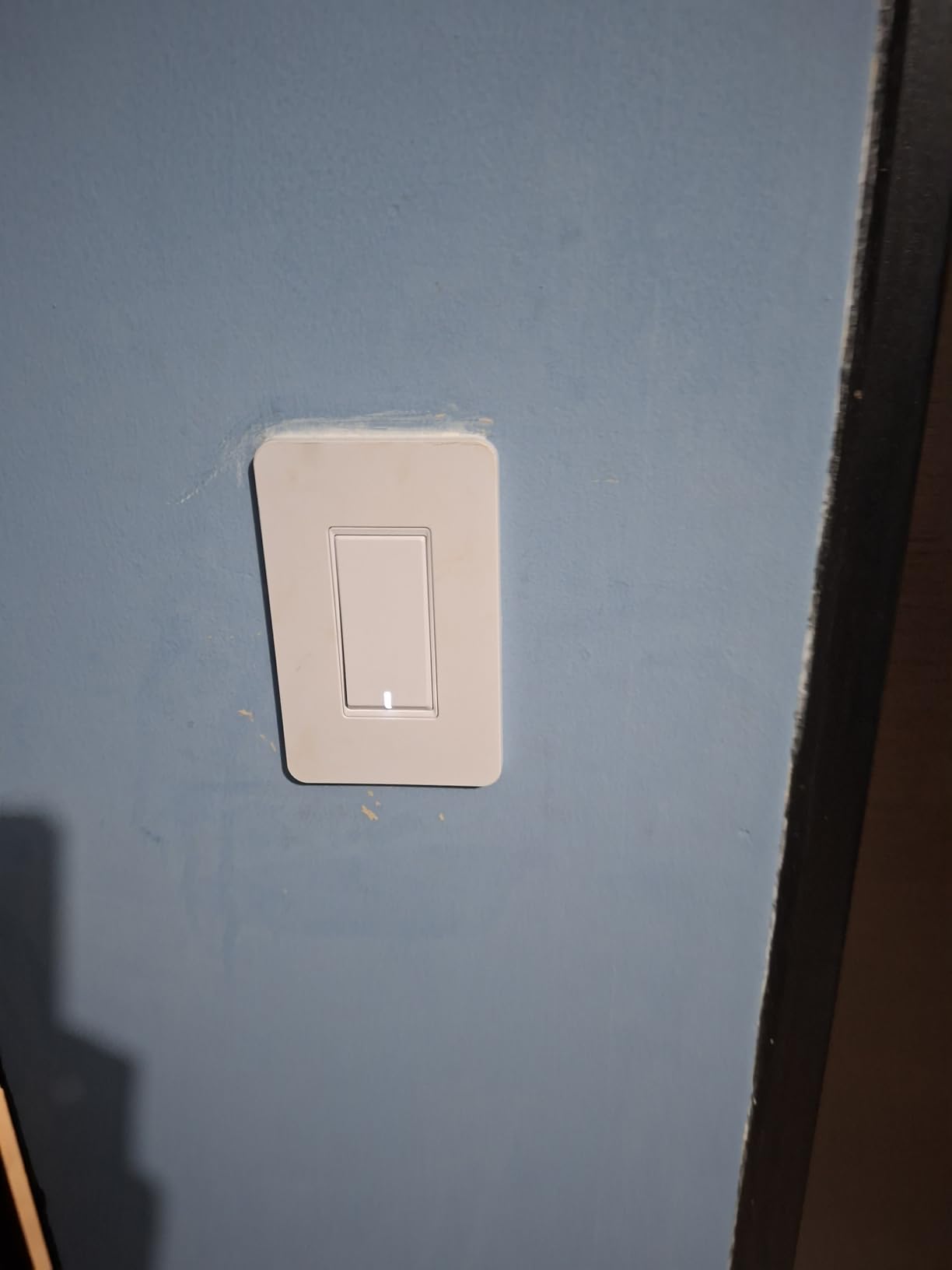
Specifications are 10 amps and 1250 watts at 120 volts, FCC certified, IP30 rated, with a two-year warranty. Each switch measures 3.3 by 4.84 by 1.57 inches, which is among the shallower bodies here, and that helps in older boxes.
Why the four-pack works for a multi-room rollout
Grouping four rooms under one app means a single scene command for a whole floor. Away mode across the group is a good way to check nothing is still on before you leave, and the four-switch set keeps the look consistent from room to room.
For a main-floor retrofit, the physical consistency of identical switches in four rooms is worth more than any individual feature difference between brands.
Where the four-pack falls short
It is on and off only, so a living room still needs a dimmer. It is single pole, which rules it out for a staircase or a two-location hallway.
The 10 amp, 1250 watt ceiling is lower than the 15 amp switches in this list, and the neutral wire and 2.4GHz requirements are the same as every other Wi-Fi model here.
5. Amazon Basics Smart Light Switch – the simple first switch
- Pairs directly with Alexa with no hub
- Guided install with step-by-step video
- Scheduling runs through Alexa routines
- ETL certified
- Dimmer and 3-way variants exist in the same line
- Amazon Alexa only
- 5A rating is the lowest in this roundup
- This model is single pole
- 2.4GHz Wi-Fi only
This is the switch to buy when one person in the house uses Alexa and nobody else touches the app. It pairs directly with Amazon Alexa, needs no hub, and the guided installation walks you through the wiring with a video.
Scheduling happens inside Alexa routines rather than a dedicated lighting app, which is a limitation if you want per-room brightness or group control beyond what routines offer. For simple on and off with a timer, it is enough.
The switch is 5 amps at 120 volts, ETL certified, and rated to 40 degrees Celsius. It measures 2.91 by 4.64 by 1.62 inches and weighs 0.11 kilograms, so the body is small enough for tight boxes.
What works well about the Amazon Basics switch
There is no second app to learn and no account ecosystem to join beyond the one you already have. Owners like the straight-line setup, and for a first install the guided video removes most of the guesswork.
It is also a sensible test purchase. If you install one and decide smart switches are not for your house, you have not committed to a hub, a bridge or a protocol.
Where it falls short
The ecosystem lock-in is the real cost. There is no Google Home, no Apple Home and no SmartThings support on this model, so if the household voice assistant changes, the switch loses most of its value.
The 5 amp rating is the lowest here, which limits heavy fixture loads. This specific model is single pole, and it still needs a neutral wire and a 2.4GHz network.
6. meross MSS510 – the practical Apple Home option
meross Smart Light Switch Single Pole, Supports HomeKit, Wi-Fi Light Switch
- HomeKit plus Siri plus Apple Watch and CarPlay control at this price
- Also works with Alexa / Google Assistant / SmartThings
- Configurable LED glow plus sunrise and sunset schedules
- Fits existing 1-gang to 4-gang Decora plates
- HomeKit remote access needs a HomePod or Apple TV online
- 4A 400W rating is the lowest in this roundup
- Single pole only
- A share of owners report long-term drop-offs
Apple Home support is normally the thing that pushes a switch price up, and this one keeps it affordable. With HomeKit paired, you get Siri, Apple Watch and CarPlay control alongside the usual Alexa, Google Assistant and SmartThings support.
The meross app adds remote control, schedules, timers and sunrise or sunset automation, and the locator LED can be configured to glow when the light is on or when it is off. Owners who have installed several units report steady long-term behaviour.
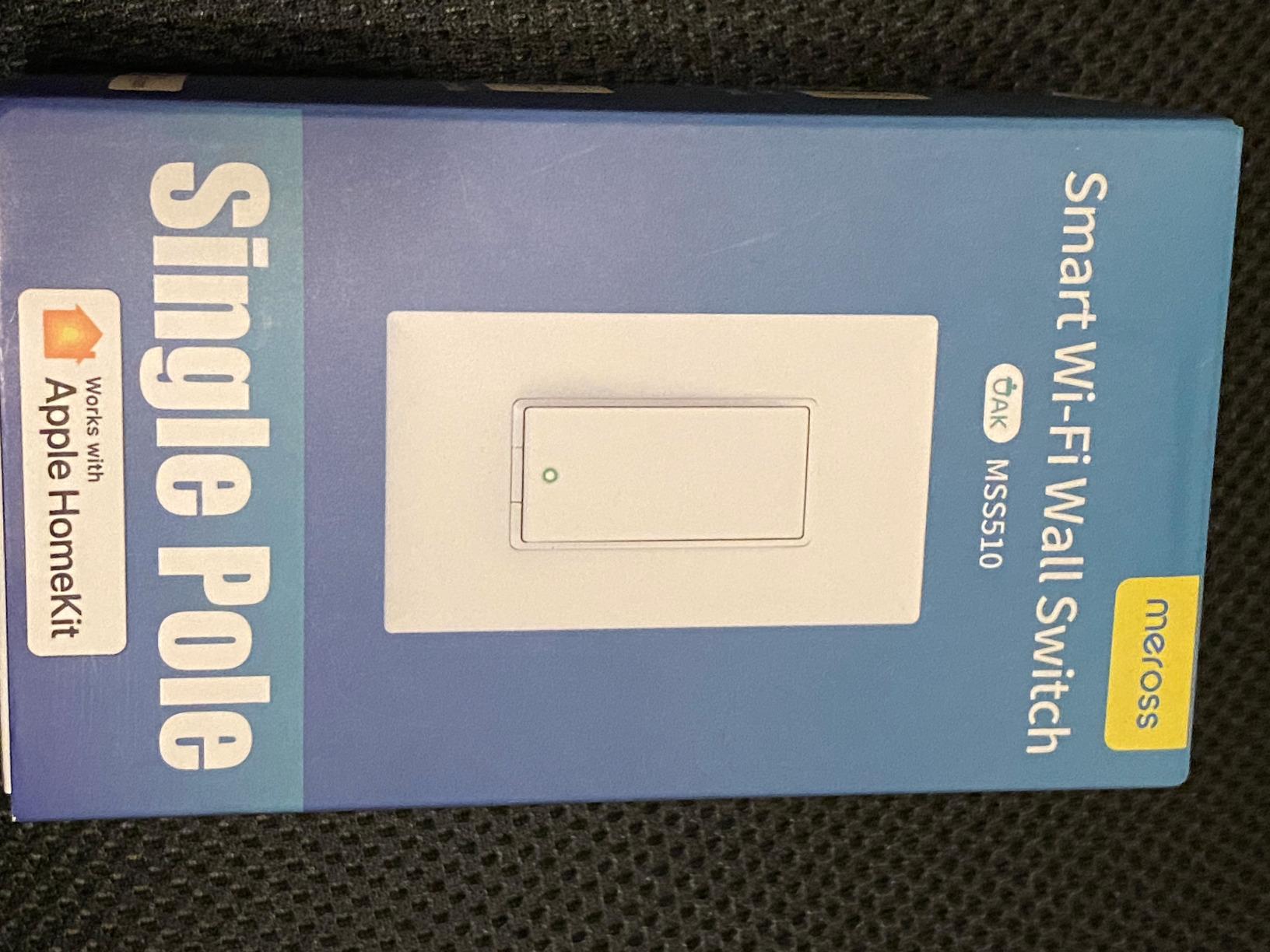
It runs on 2.4GHz 802.11 b/g/n Wi-Fi at 120 volts, is FCC, IC and ETL certified, and carries a two-year manufacturer warranty. The switch is 4.7 by 2.8 by 1.5 inches and weighs 83 grams.
How meross handles Apple homes
HomeKit pairing needs the meross app and an account first, and remote control from outside the house requires a HomePod or an Apple TV acting as the bridge. Anyone in the house on the same Wi-Fi can control the light without that step.
The plate compatibility is genuinely useful in older homes, since it fits existing 1-gang through 4-gang Decora and GFCI faceplates instead of forcing a new plate.
Where it falls short
The 4 amp, 400 watt rating is the lowest in this roundup, so a heavy multi-bulb fixture is a poor match. The model is single pole with no 3-way capability.
A small but real share of owners report intermittent drop-offs after months of use, and the deep housing is tight in some single-gang boxes.
7. Tapo S505 2-Pack – the one switch that fits every ecosystem
- Matter works with Apple Home / Alexa / Google Home / SmartThings
- LAN control keeps the switch working without internet
- Multi-Admin lets several apps control one switch
- 2-pack includes plates and wire nuts and screws
- UL certified with a 15A rating
- Neutral wire required
- 2.4GHz Wi-Fi only
- Single pole only with 3-way in a separate model
- Touch buttons rather than a rocker paddle
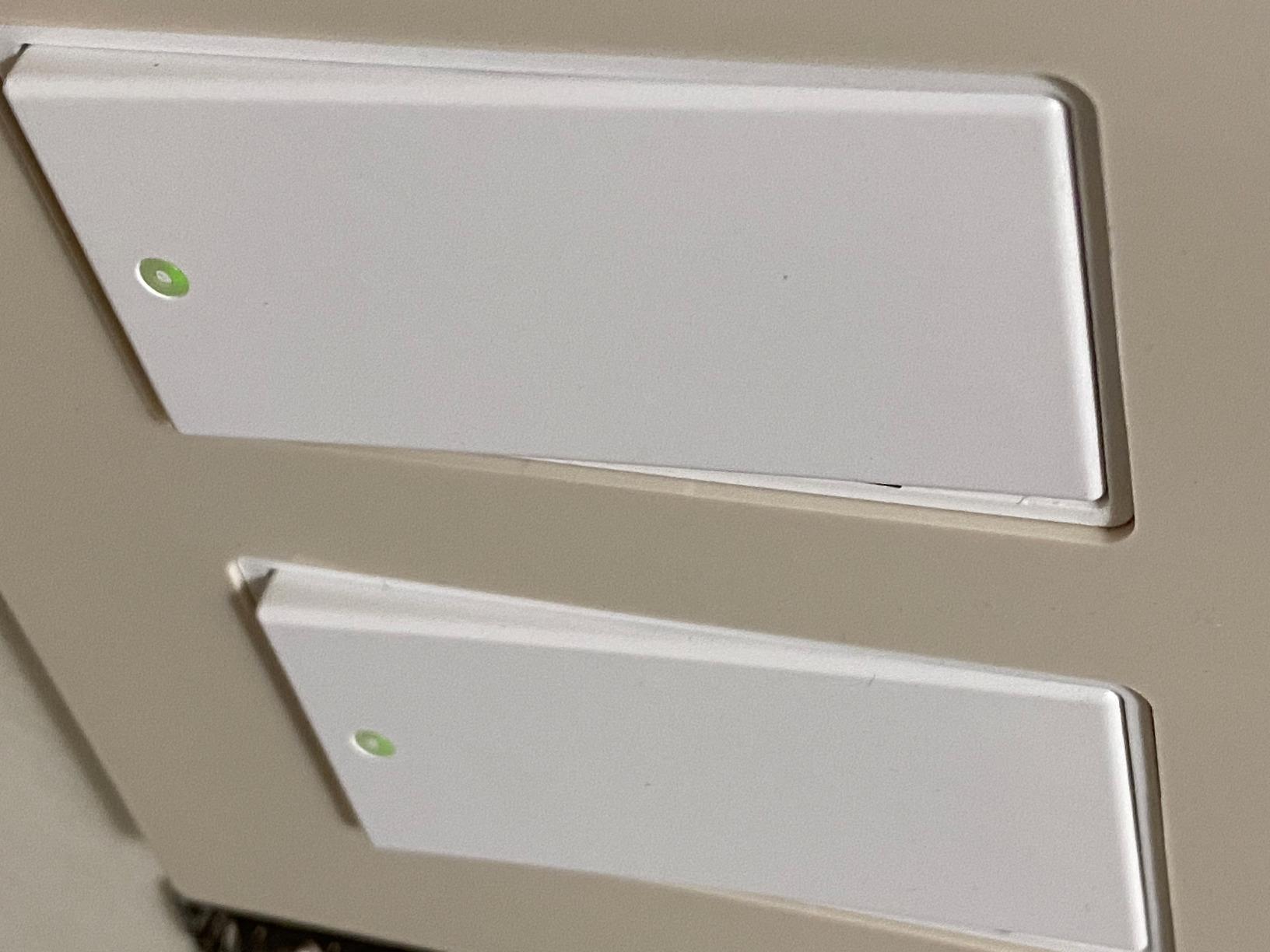
This is the future-proof pick. Matter over Wi-Fi means the same switch lands in Apple Home, Amazon Alexa, Google Home and Samsung SmartThings, and Multi-Admin means several of those apps can control the same switch at once rather than fighting over ownership.
The detail we like most is smooth LAN control. The switch talks to your phone and voice assistants on the local network, so if the internet drops, the light still responds. For anyone who has watched a cloud-dependent switch go dead during an outage, that is a meaningful difference.
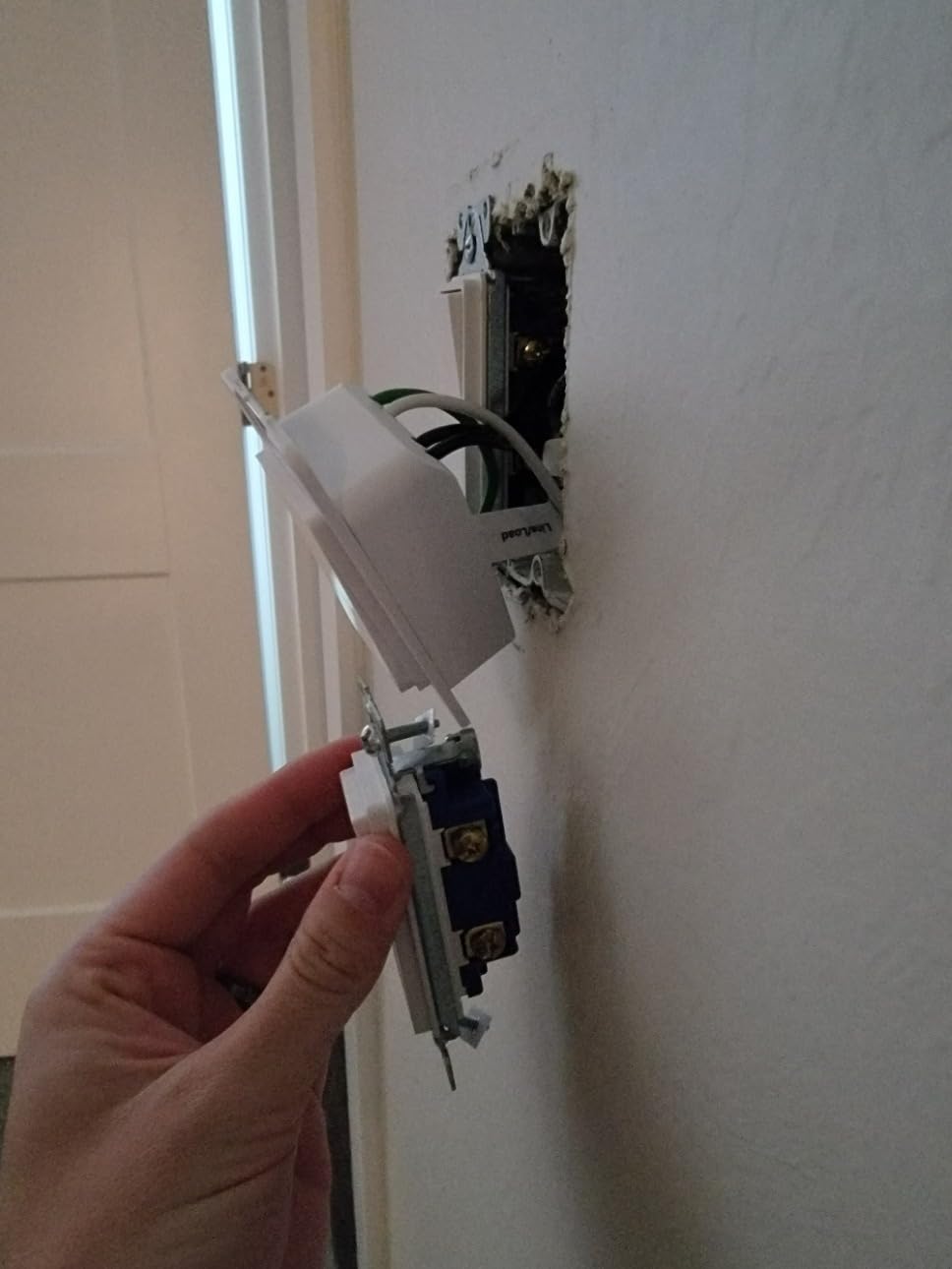
It is rated 15 amps and 600 watts at 120 volts, UL certified, with a two-pack that includes wall plates, wire nuts and screws. Dimensions are 5.04 by 3.33 by 1.41 inches with the plate, and the load side handles a standard residential lighting circuit comfortably.
Why Matter matters in 2026
Matter is the protocol layer designed to stop a switch from being locked to one assistant forever. Tapo and Leviton are the two picks here that speak it, and that alone gives both of them a longer useful life than a Wi-Fi-only switch tied to one app.
Combined with local operation, it means the switch keeps working even if the vendor changes its mind about cloud services.
Where the S505 falls short
It is single pole, and 3-way setups need a different model. The neutral wire is required and the radio is 2.4GHz only, so the usual two prerequisites apply.
The control surface is a touch-style button rather than a traditional rocker paddle, which is a matter of taste and worth handling in person if that bothers you.
8. Aqara WS-USC01 – the no-neutral answer for older homes
Aqara Smart Light Switch (No Neutral, Single Rocker), Requires AQARA HUB
- Installs in older switch-loop wiring with no neutral
- True rocker paddle that guests understand
- Zigbee works with Home Assistant or Zigbee2MQTT
- Locally controlled operation survives internet outages
- Faceplate plus screws plus wire nuts included
- Aqara hub sold separately for full features
- 5A rating with a 200W per-way LED or CFL ceiling
- No-neutral units still need a ground wire
- Minor reports of build quality issues
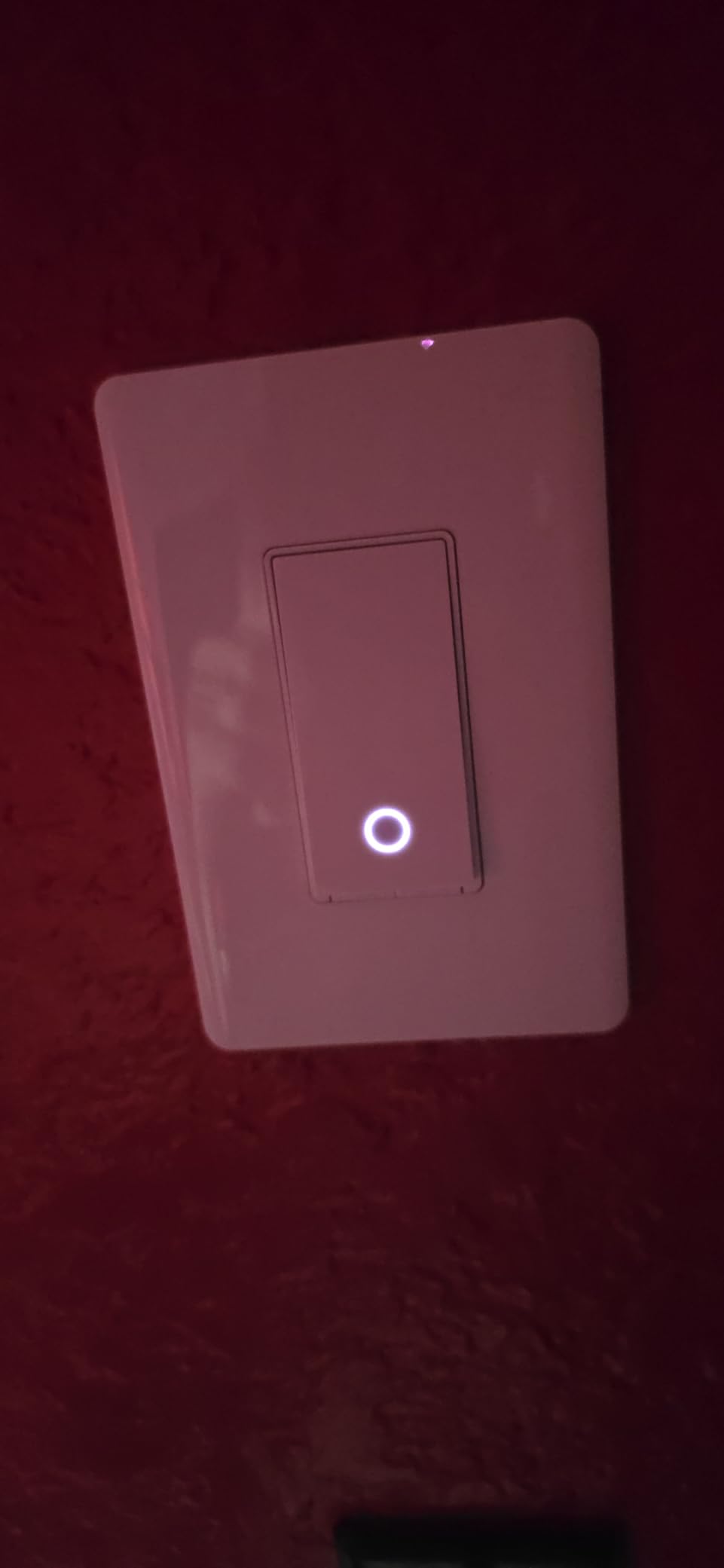
If your house was wired before the neutral wire was standard, this is the switch that solves the problem rather than the switch that documents it. It uses the existing switch loop, so no wall opening and no new wiring, and it is one of very few no-neutral options with a real rocker paddle instead of a touch button.
It speaks Zigbee, which means it is not tied to one brand. It can join an Aqara hub, a generic Zigbee coordinator, Home Assistant or Zigbee2MQTT, and locally controlled operation means automations keep running when the internet is down.
The load ceiling is 600 watts total incandescent, with 200 watts per way for CFL and LED, a minimum load of 3 watts, and 1/4 HP fan support. It is ETL and FCC certified, operates at 120 volts and 60 Hz, and the panel carries a V-0 flame rating with automatic high-temperature shutoff.
Why this is the retrofit pick
Homeowners with pre-1980 wiring describe the same experience with this switch: two wires in the box, a ground, and every other option on the shelf disqualified. Zigbee also means the switch keeps working if you later abandon the Aqara app, which is unusual at this price.
For anyone already running a Zigbee coordinator, the addition cost is effectively zero because the hardware is already there.
Where the Aqara falls short
Without a hub you lose access to firmware updates, LED behaviour settings and the advanced Aqara app features. Pairing straight to an Echo Zigbee hub has produced connection trouble for some owners, and adding devices individually through the Alexa skill can break routines.
Without a neutral, the 3 watt minimum load matters. A single low-wattage LED can flicker or misbehave, and the box still needs a ground wire present. A minority of owners have reported rocker buttons failing after a few presses.
9. TREATLIFE DS01 Dimmer – dimming on a budget
- Touch slider plus app plus voice dimming in one unit
- Remembers the last brightness level after a power cut
- Works with Alexa and Google Assistant with no hub
- Schedules can carry specific brightness levels
- Faceplate plus wire nuts plus screws included
- Dimmable bulbs only and not for non-dimmable fixtures
- Single pole with no 3-way option
- Not compatible with HomeKit
- 2.4GHz Wi-Fi only
This is the dimmer to look at when the Kasa HS220P3 is more than you want to spend on a single room. A touch slider on the face, app control and voice control all adjust brightness, and it works with Alexa and Google Assistant without a hub.
The feature that wins reviewers over is brightness memory. The switch restores the last brightness level after a power restoration, so a brief outage does not leave a bedroom light blasting on at full output at two in the morning. Schedules can also carry a specific brightness rather than just on and off.
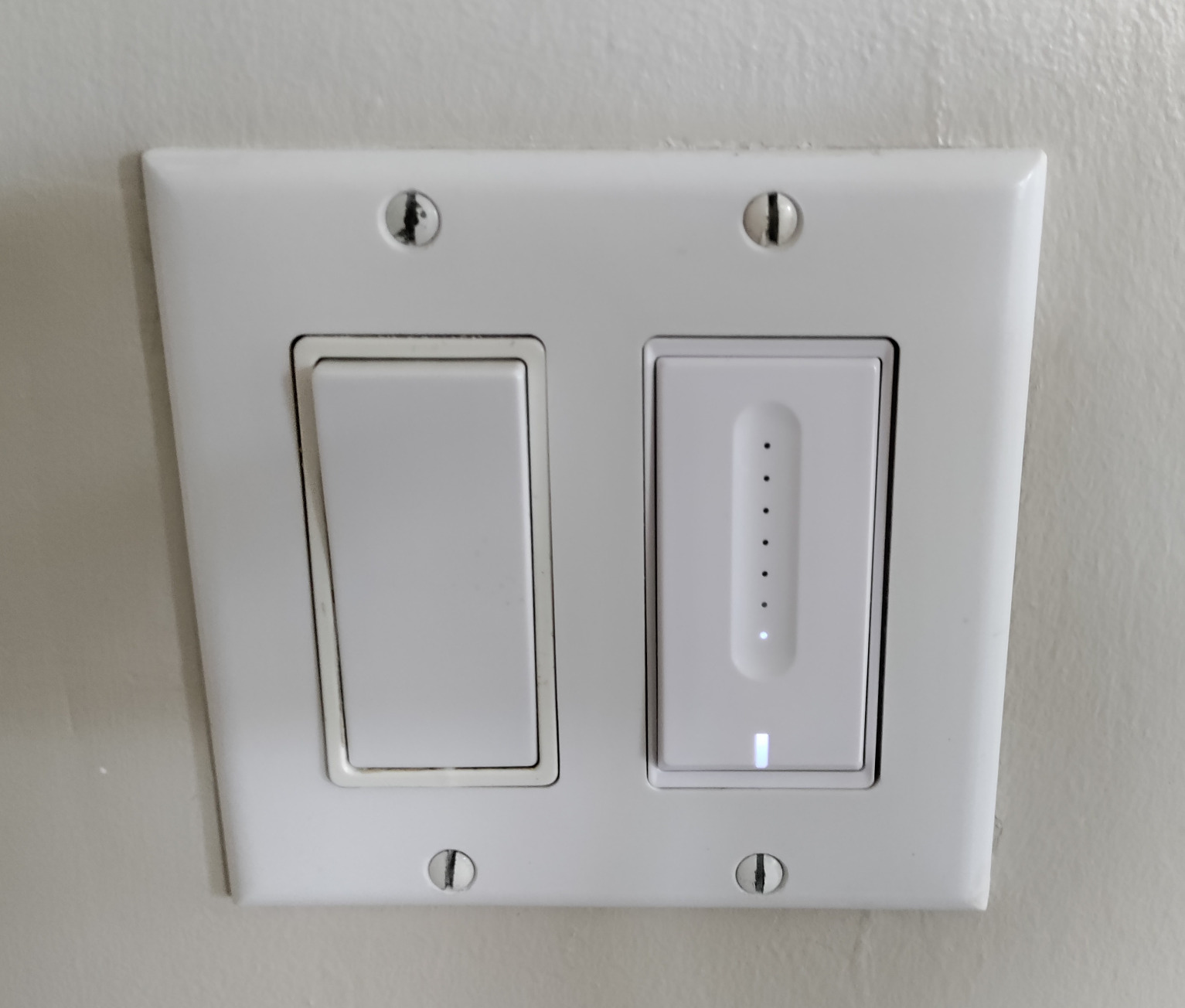
Bulb limits are 150 watts for LED and CFL, and 400 watts for halogen or incandescent, against a 3.3 amp rating. It is FCC certified, rated IP54, carries a two-year warranty, and needs a wall box of 2.75 by 1.69 by 1.61 inches.
When this dimmer is the right call
One bedroom or a small living room on a single-pole circuit is the sweet spot. Voice dimming through Alexa or Google Assistant removes the need to find a slider in the dark, and the physical slider gives guests a visible control when the light is already on.
Brightness memory is a genuine quality-of-life feature in a room you use at night, and it is the reason we would pick this over a plain on and off switch for a primary bedroom.
Where the DS01 dimmer falls short
It only drives dimmable bulbs. Non-dimmable fixtures and smart bulbs with their own remote dimming will misbehave, and mixing bulb types on one circuit is a reliable way to get flicker.
There is no Apple HomeKit support, no 3-way capability, and the neutral wire requirement rules out many homes built before 1980.
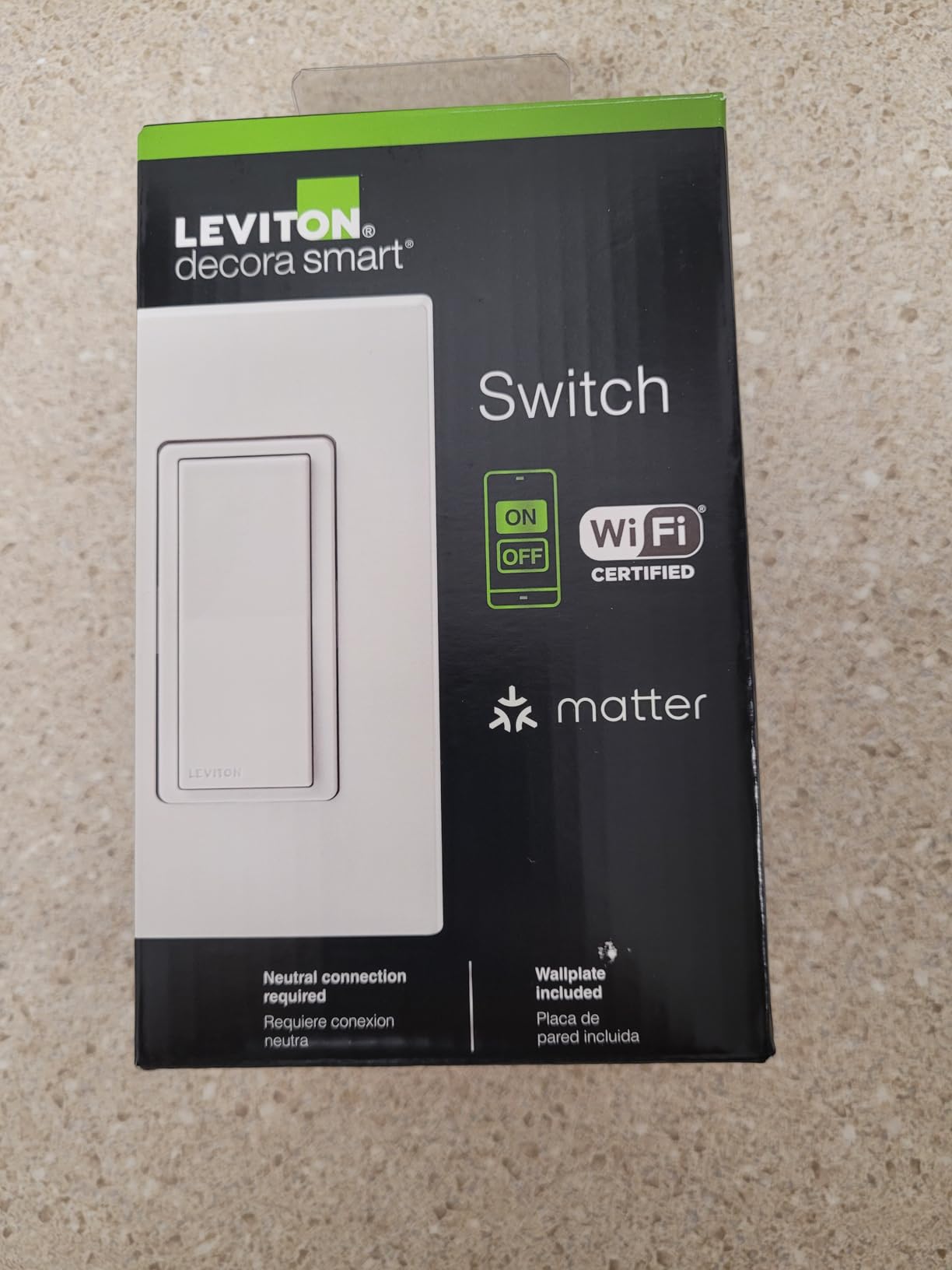
10. Leviton Decora Smart Switch D315S-1RW – the widest platform list
- Compatible with Alexa / Google Assistant / Apple Home / SmartThings / Home Assistant
- Sunset-triggered scheduling for exterior lights
- My Leviton app for remote control and status
- Slim Decora body fits standard decorative wallplates
- Established electrical brand
- Newest listing here with the smallest review base
- On and off only for this model
- No load rating or voltage published on the product page
Leviton is the one brand in this roundup that every serious platform already knows how to talk to. The D315S-1RW lists compatibility with Alexa, Google Assistant, Apple Home, SmartThings and Home Assistant, and it is Matter ready out of the box rather than after a firmware update.
For an exterior or entry light, the sunset-triggered scheduling is the detail that separates it. Exterior lights turn themselves on when the sun goes down without anyone touching a phone, which is a small piece of automation that most switches in this list cannot do.
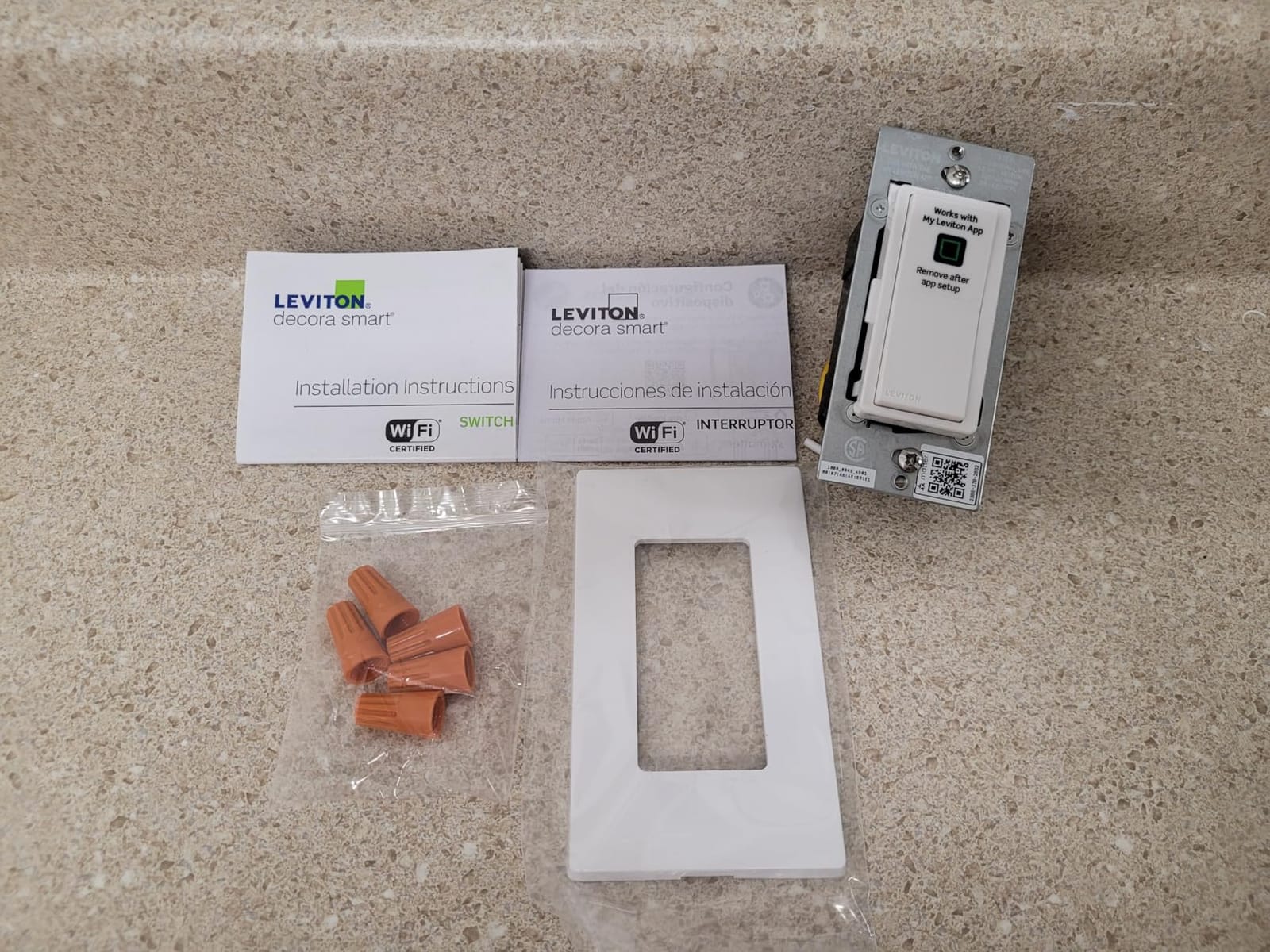
The body is 1.09 by 1.8 by 4.12 inches and weighs 7.4 ounces, in the slim Decora format that fits standard decorative wallplates. The My Leviton app handles remote control, on and off scheduling and light status checks. It became available in April 2026, so it is the newest product here.
Why the Decora format matters
Leviton has been making Decora switches for decades, which means the shallow profile fits the decorative wallplates people already have installed. In a house with existing Decora plates, this is one of the few switches that does not force a plate change.
Pairing it with a hub already running Matter, whether that is a Home Assistant install or a SmartThings setup, avoids adding another protocol stack to the house.
Where to slow down
This is the pick with the thinnest evidence behind it, at 192 reviews and a 4.4 average. That is not a dealbreaker, but it means you are trusting a brand name and a compatibility list rather than a long owner history.
This model is on and off only, and the product page publishes no load rating or operating voltage, so if you are driving a heavy fixture, confirm the specifications before you commit.
How to Choose a Smart Light Switch Without Regret
Every wrong turn in this category traces back to buying a switch before checking the box. Work through these in order and the product choice takes about five minutes.
Check for a neutral wire before anything else
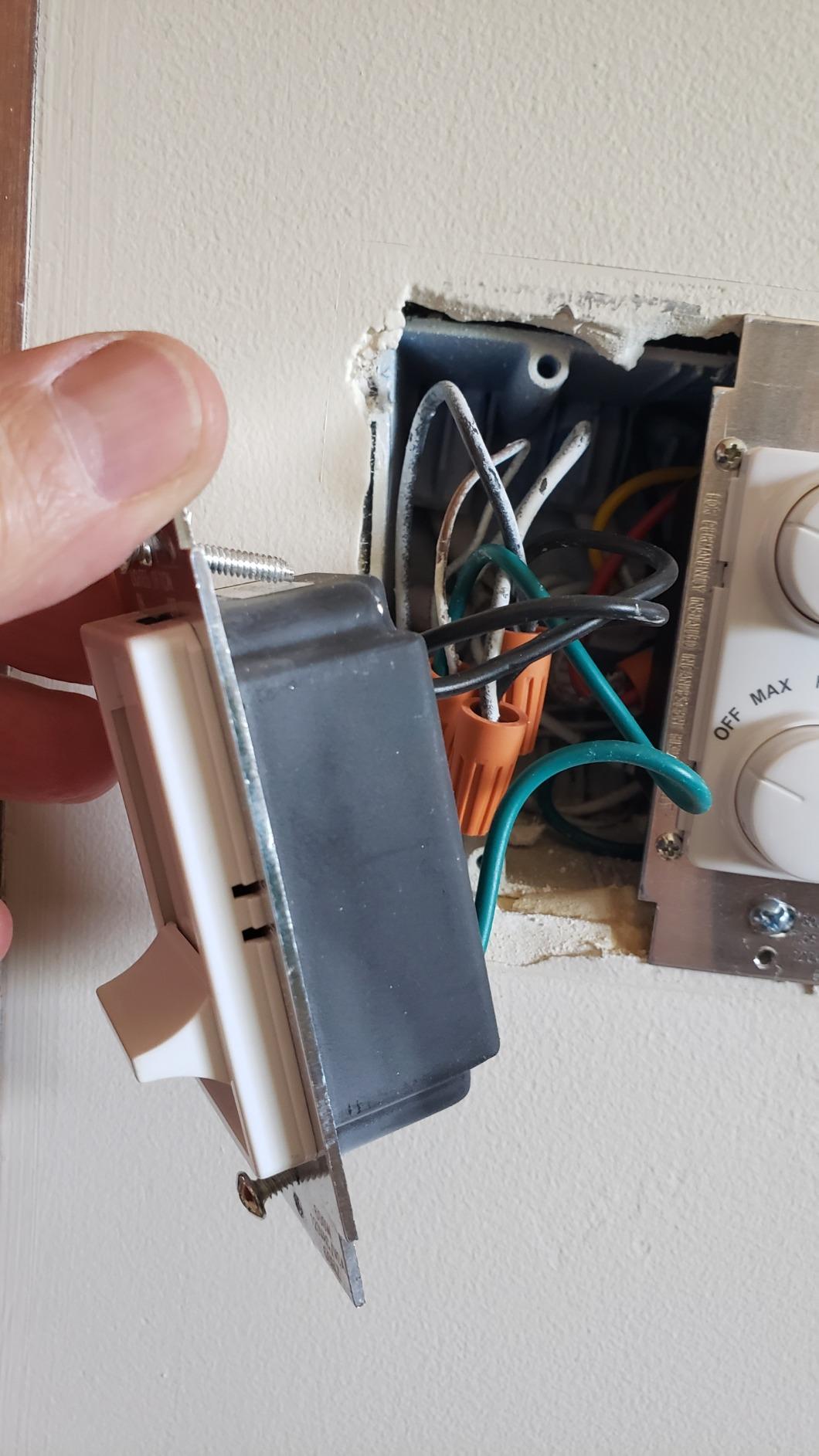
Turn off the breaker and remove the switch plate. A neutral is the plain white or grey wire that connects only to itself and does not belong to the fixture. If you see two wires and a ground, you need a no-neutral model like the Aqara, or a rewiring job.
This is the single most repeated blocker in homeowner forums, and it is the one that turns a weekend project into a call to an electrician. The repeated advice is to check every box you plan to touch before ordering anything.
Pick the protocol to match the hub you already run
Wi-Fi switches need no hub and speak to Alexa or Google Assistant directly, which is the simplest path and also the one that depends most on vendor cloud services. Zigbee switches need a coordinator but reward you with local control, and Z-Wave sits in the same camp with a longer track record on that side.
Matter is the newest layer here, and it is the one that most reduces the risk of buying into a dead end. The Tapo S505 and the Leviton both speak it, and for a purchase you expect to keep for a decade that is worth weighting heavily.
If you are running Home Assistant, SmartThings or anything else hub-based, our guides to home automation hubs and smart home automation systems cover the coordinator side of that decision.
Decide between a switch and a dimmer
Only buy a dimmer if you are running dimmable bulbs and want the wall to control brightness. If your lights are already smart bulbs, an on and off switch avoids the argument between two dimming systems that produces flicker and confusion.
On LED flicker specifically, the pattern is consistent across forums: buzzing and flicker show up at the bottom of the dimming range, especially below roughly 20 percent brightness, and they get worse when bulb types are mixed on one circuit. Keeping every bulb on a dimmer to the same type solves most of it. If you want to go further down that path, our smart light bulb picks are a useful reference for matching bulbs to a dimmer.
Count gangs and locations
Single-pole covers one switch controlling one light. A 3-way covers a light controlled from two places, which is how staircases and long hallways are wired. A smart 3-way kit only needs one smart switch in the line box, with a conventional switch at the other location, so it costs less than most people expect.
Check what else is on the circuit
Load ratings range from 4 amps on the meross to 15 amps on several Kasa and Tapo models. Fans and heavy fixtures want the top of that range, and a dimming switch caps out well below its switching rating, at 150 watts on the HS220P3 and 400 watts on the TREATLIFE DS01.
Installation Basics and the Mistakes That Trip People Up
Turn the breaker off and confirm the switch no longer works before touching any wire. Photograph the existing wiring before you disconnect anything, because that photo is the reference for every connection that follows and it is the difference between a ten-minute job and a trip to the hardware store.
Check the box depth next. Modern smart switches are deeper than conventional toggles, and old single-gang boxes in houses from before 1980 are often too shallow to accept one. A box that will not sit flush is a common reason installs stall halfway through.
Label the wires as you go and land the test before closing the plate. Turning the breaker back on and confirming the light responds to the paddle, the app and voice catches a miswired neutral immediately, while it is still easy to open up again.
One more warning that shows up repeatedly in owner reviews: a smart switch cuts power to the fixture when you flip it off, which drops any smart bulb on that circuit off the network. If you are mixing switches and smart bulbs, keep the smart bulbs at a low level so nobody flips the wall switch.
Frequently Asked Questions
Which smart switch is considered the best for home automation?
The Kasa Smart HS200 is the best overall pick: a 4.6 average across more than 43,000 reviews, no hub required, and app, Alexa and Google Assistant control from a single-pole box with a neutral wire. For older homes without a neutral, the Aqara WS-USC01 is the answer.
What smart switches work best with Home Assistant?
The Aqara WS-USC01 and the Leviton D315S-1RW are the strongest options for Home Assistant. The Aqara speaks Zigbee, so it can join Zigbee2MQTT or a standard coordinator without an Aqara account, and it needs no neutral wire. The Leviton is Matter ready and works locally on the network. Any Wi-Fi switch on this list can also be pulled into Home Assistant, but it depends on the cloud to be reachable.
Do smart light switches need a neutral wire?
Most do, including the Kasa, TREATLIFE, Amazon Basics, meross and Tapo models here. A neutral wire is the continuous wire in the box that powers the switch itself. The Aqara WS-USC01 is the exception, designed for older switch-loop wiring with no neutral, though it still requires a ground wire in the box.
Why do my LED bulbs flicker with a smart dimmer?
Flicker and buzz come from driving non-dimmable bulbs, mixing bulb types on one dimmed circuit, or dropping too low on the dimming range, which commonly shows up below roughly 20 percent brightness. Use dimmable bulbs of the same type throughout a circuit, and check that the fixture itself is rated for dimming.
Are smart switches worth it compared to smart bulbs?
For most houses, yes, because a smart switch upgrades the control point at the wall rather than the bulb, so chandeliers, fans and hardwired fixtures all become controllable and working switches still work when the internet is down. Smart bulbs are still the better choice for table lamps and fixtures with no wall switch at all.
Which Smart Light Switch Should You Buy First
Start with the wiring, not the brand. If your box has a neutral, the Kasa Smart HS200 is the safest first purchase in this roundup, with the HS220P3 behind it for any room you want to dim and the HS210 for a two-location hallway or staircase.
If there is no neutral, stop and buy the Aqara, and plan on a Zigbee coordinator you already own or one you will add once. If you want the switch to outlive whichever assistant you are using in 2026, look at the Tapo S505 or the Leviton, because both speak Matter and keep working locally when the internet does not.
Wherever you start, our broader smart switch picks and smart home gadget guide cover the rest of the system, and one room at a time is a perfectly good way to build a house that turns its own lights off.