
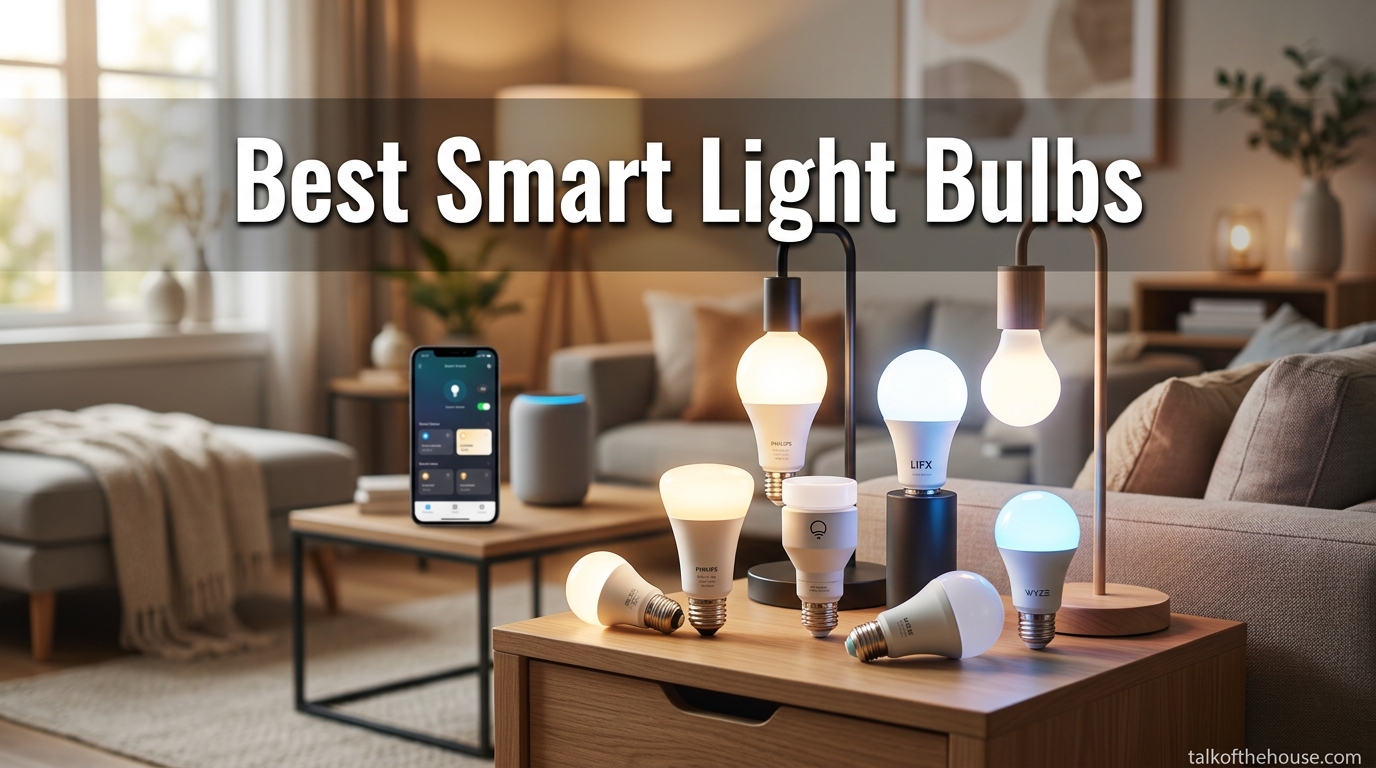
Lighting is the single most underrated element in home design. I learned this the hard way after spending months picking out furniture, paint colors, and decor for our living room, only to realize the overhead fixture was washing out every carefully chosen detail. Swapping in a smart light bulb changed the entire mood of the room in about 30 seconds. That moment sent me down a path of testing dozens of smart LED bulbs across every room in our house, and it completely transformed how I think about home lighting.
If you are here, you are probably looking for the best smart light bulbs to upgrade your own space. Whether you want voice-controlled lights for your bedroom, color changing bulbs for entertaining, or tunable white bulbs that shift from warm to cool throughout the day, I have spent the last several months testing 10 of the top-rated options on the market. Our team installed each bulb, connected them to Alexa, Google Home, and Apple HomeKit where supported, and lived with them day to day to see which ones actually hold up.
What makes a great smart bulb goes beyond brightness. It is about how easy the setup is, how reliably the connection holds, how natural the colors look, and whether the app makes you want to tear your hair out. I paid close attention to all of it. I also looked at how each bulb fits into real home environments, from kitchen task lighting to cozy bedroom ambiance to festive holiday scenes. This guide covers everything you need to know to pick the right smart home lighting for your space in 2026.
Top 3 Picks for Best Smart Light Bulbs (August 2026)
Best Smart Light Bulbs in 2026
| Product | Specifications | Action |
|---|---|---|
 Govee Smart Light Bulbs Govee Smart Light Bulbs |
|
Check Latest Price |
 Kasa Smart Light Bulbs Kasa Smart Light Bulbs |
|
Check Latest Price |
 Philips Hue Essential A19 Philips Hue Essential A19 |
|
Check Latest Price |
 Philips Hue A19 WCA (3-Pack) Philips Hue A19 WCA (3-Pack) |
|
Check Latest Price |
 Tapo TP-Link L530E Tapo TP-Link L530E |
|
Check Latest Price |
 Tapo TP-Link L535E Tapo TP-Link L535E |
|
Check Latest Price |
| SYLVANIA WiFi LED Bulbs |
|
Check Latest Price |
 DAYBETTER Smart Bulbs (6-Pack) DAYBETTER Smart Bulbs (6-Pack) |
|
Check Latest Price |
 WiZ Connected Smart Bulbs WiZ Connected Smart Bulbs |
|
Check Latest Price |
 Amazon Basics Smart A19 Amazon Basics Smart A19 |
|
Check Latest Price |
1. Govee Smart Light Bulbs – Best Overall Color Experience
- Easy setup and app control
- Millions of colors with 54 preset scenes
- Music sync with mic detection
- Voice control with Alexa and Google
- Some colors less bright at max
- Requires 2.4GHz WiFi
- Cannot use with smart switches
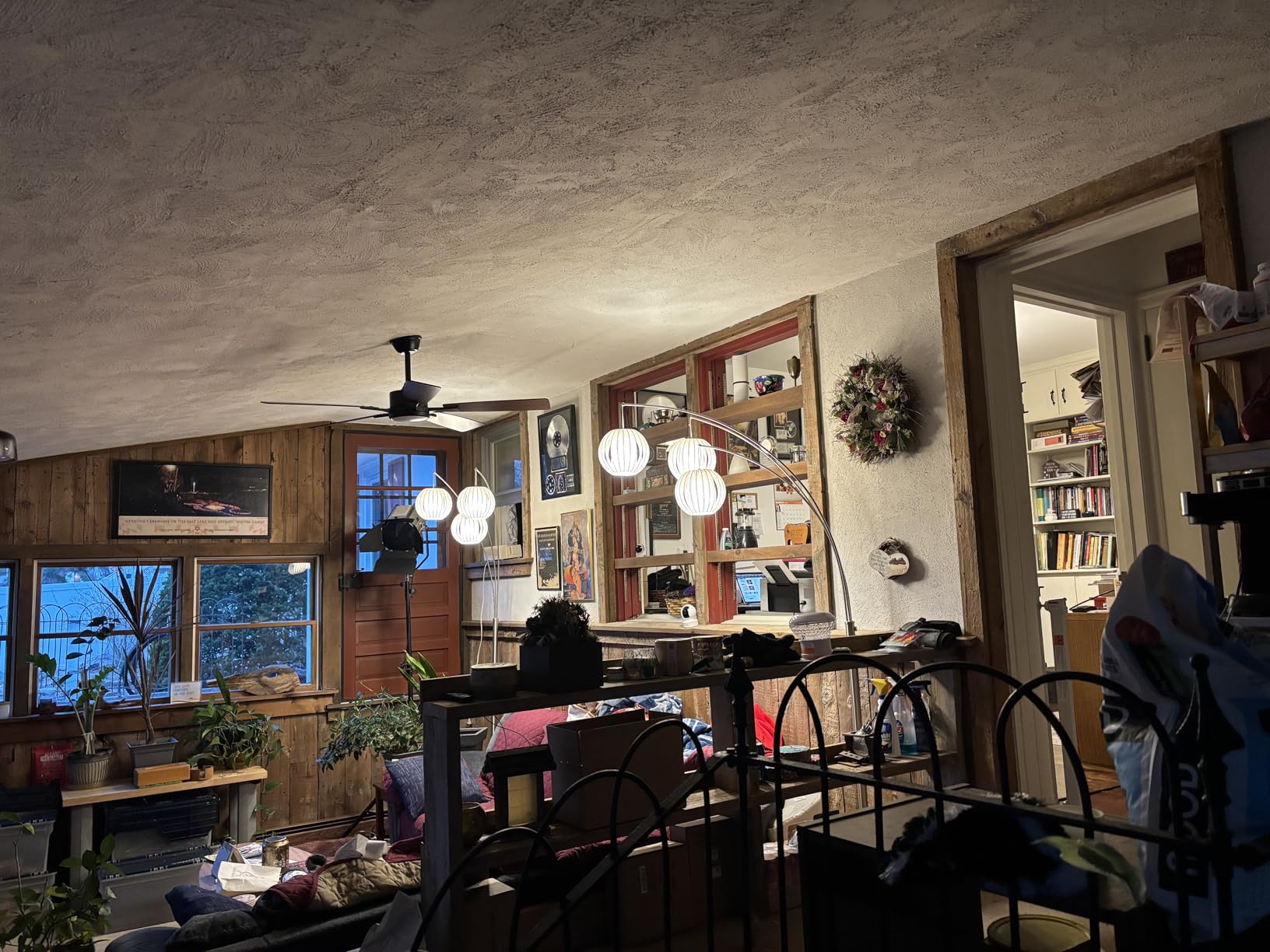
I installed the Govee bulbs in our living room and bedroom, and they immediately became the bulbs I reached for when testing color accuracy. The 16 million color options sound like a marketing number until you start scrolling through the Govee app and realize you can dial in the exact shade of amber you want for a fall tablescape. The 54 preset scene modes cover everything from a cozy reading warm white to vibrant party colors that shift through the rainbow.
Setup was genuinely easy. I connected each bulb through the Govee app using Bluetooth pairing, then it walked me through connecting to our 2.4GHz WiFi network. From unboxing to voice-controlling lights through Alexa took under 5 minutes per bulb. The music sync feature uses the microphone on your phone to detect audio and match colors to the beat. It worked surprisingly well during a dinner party, pulsing warm oranges and deep purples along with the playlist.
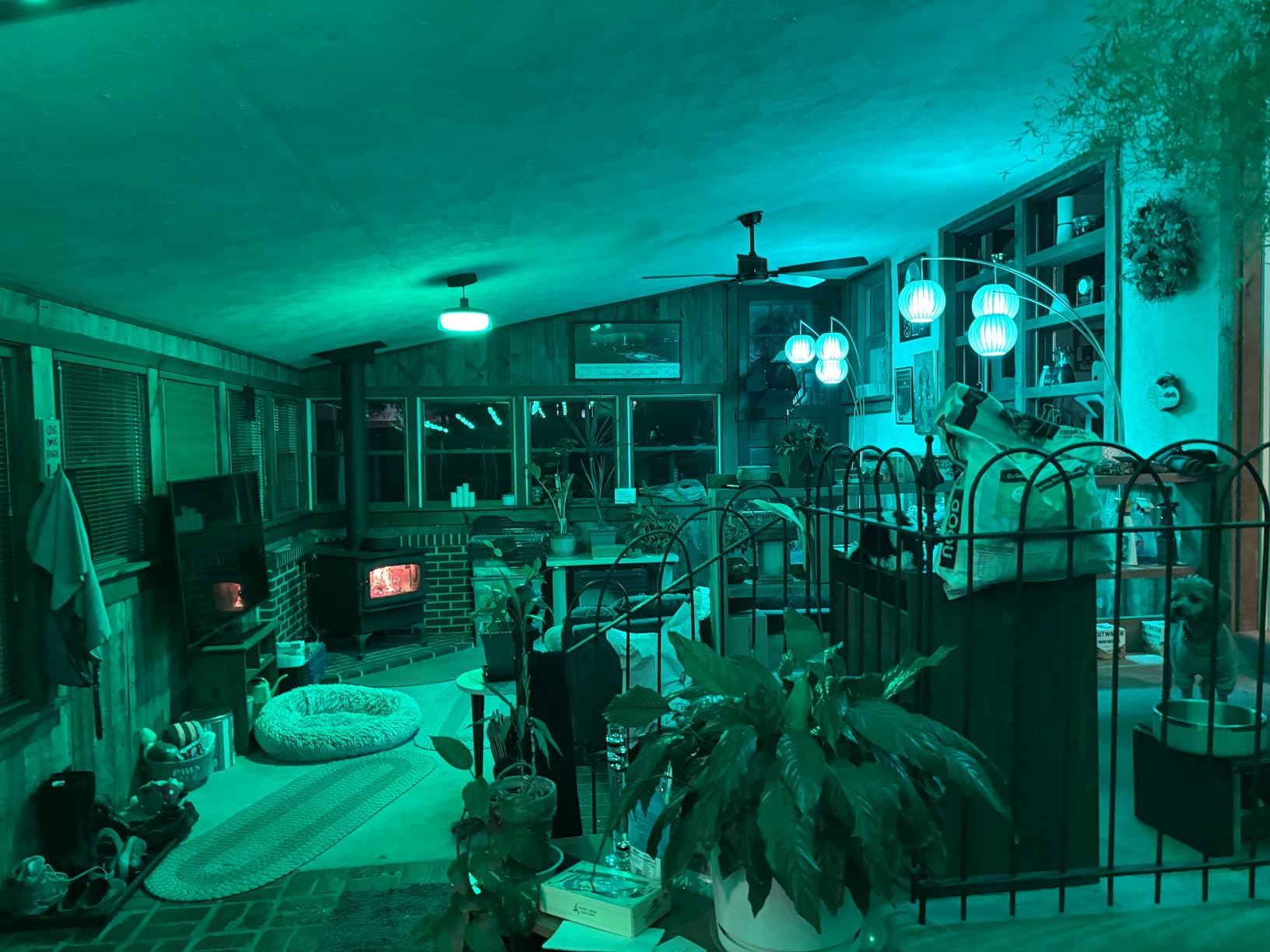
On the technical side, these bulbs deliver 800 lumens of brightness at just 9 watts, which is a solid 60-watt incandescent equivalent. The color temperature range goes up to 6500K for cool daylight, and the warm whites look genuinely warm rather than the slightly greenish tint I have seen on cheaper bulbs. With a 50,000-hour rated lifespan, you will not be replacing these for years. The CRI of 80 is decent, though not the best in this roundup for color accuracy.
The main trade-off is that certain saturated colors like deep red and royal blue do not hit the same brightness level as whites and pastels. It is noticeable if you are comparing side by side, but in normal use, the colors still look vibrant and satisfying. Also, these bulbs need a stable 2.4GHz WiFi connection, so if your router only broadcasts on 5GHz or you have dead zones, you may experience occasional connectivity hiccups.
Who should buy the Govee Smart Light Bulbs
These bulbs are ideal for anyone who wants a feature-packed smart lighting experience without spending premium money. If you love the idea of preset scenes for holidays, music sync for gatherings, and rich color options for setting the mood in living rooms or bedrooms, the Govee bulbs deliver all of that in a straightforward package. They are also a strong choice for renters since no hub is required.
Setup and compatibility notes
The Govee app is available for iOS and Android and handles both initial setup and ongoing control. The bulbs work with Amazon Alexa and Google Assistant for voice commands. They connect via WiFi and Bluetooth, but smart home platform integration is limited to Alexa and Google. There is no native Apple HomeKit or Matter support, so Apple-centric households may want to consider other options.
2. Kasa Smart Light Bulbs – Best Value for Full Color
- Easy setup
- no hub required
- Works with Alexa and Google
- Energy monitoring and scheduling
- WiFi range can be limited
- Bulbs reset to on after power outage
- Not for enclosed fixtures
I tested the Kasa Smart bulbs in our kitchen and home office, two spaces where I needed reliable, no-fuss lighting that still offered color options for different times of day. The Kasa app walked me through setup in about 3 minutes per bulb, and I never needed a hub or bridge. For anyone just getting started with smart home lighting, this simplicity is a huge advantage.
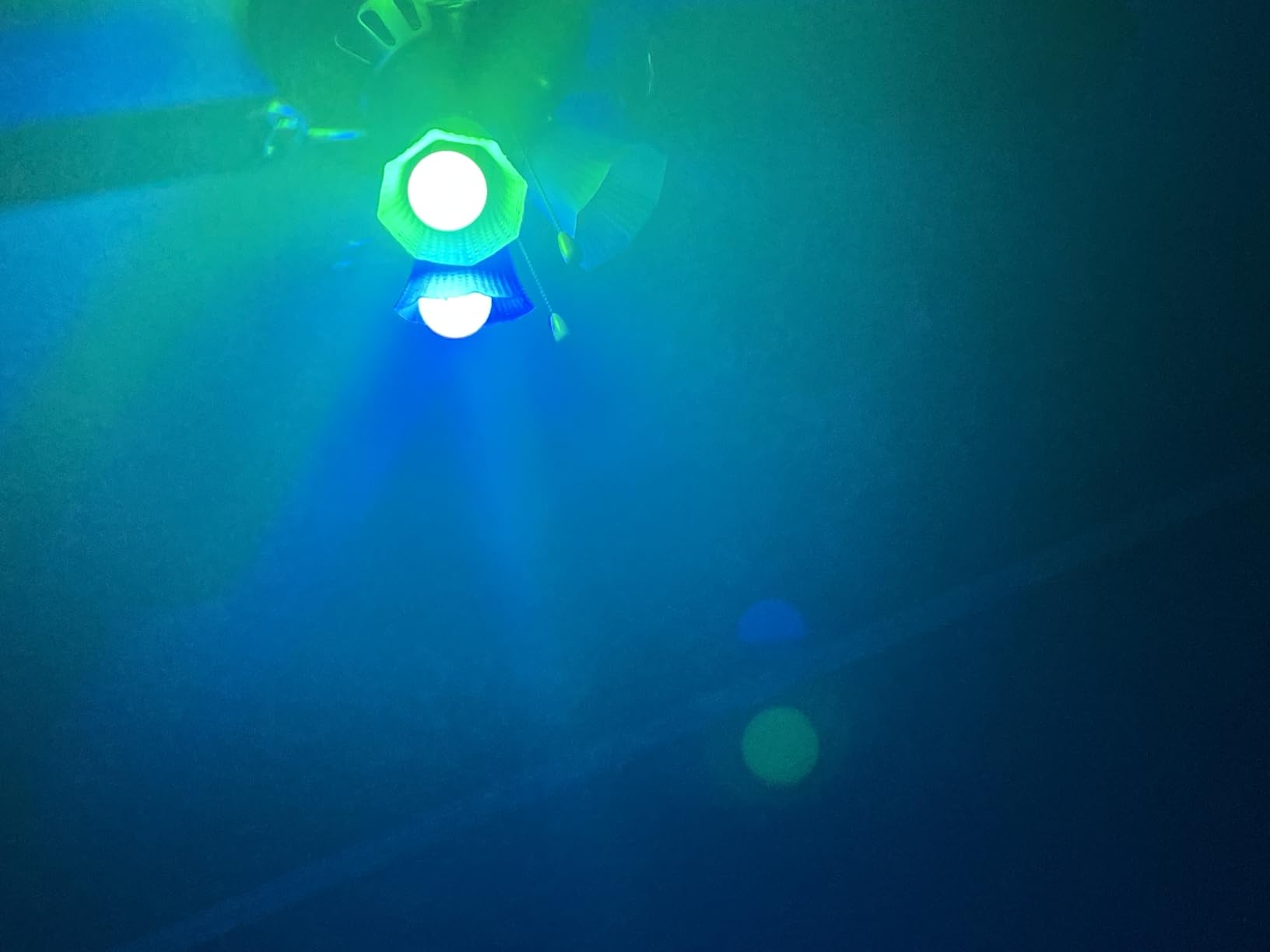
The color quality impressed me more than I expected at this price point. The 16 million color options look accurate and the auto-white feature, which adjusts color temperature to match natural light throughout the day, became something I actually looked forward to. In the morning the kitchen would have a bright cool white, and by evening it transitioned to a warm amber that felt appropriate for winding down.
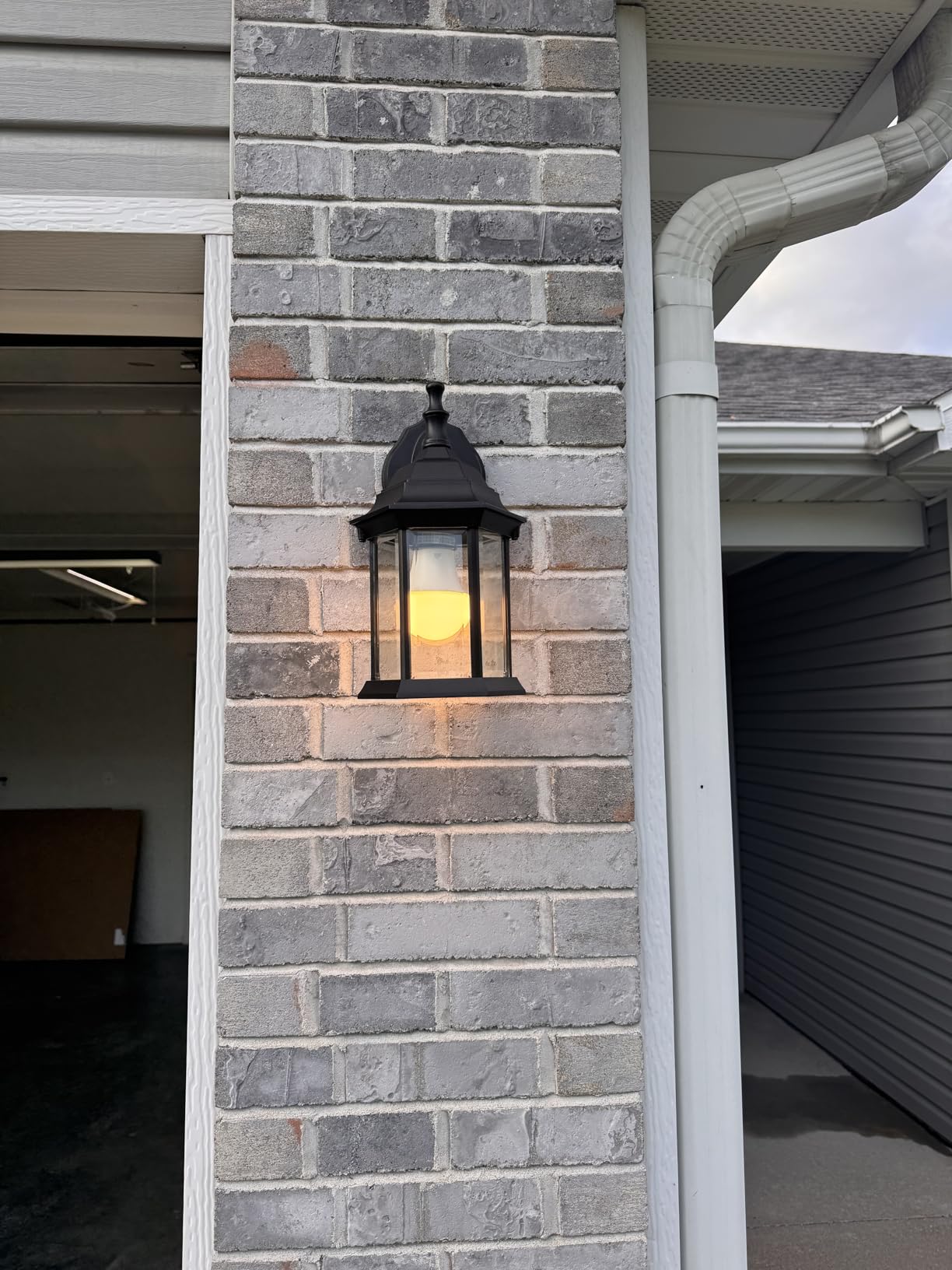
Each bulb outputs 800 lumens from 9 watts, matching a standard 60-watt bulb. The Kasa app includes an energy monitoring feature that shows real-time and historical power consumption, which I found genuinely useful for tracking how much the smart bulbs were adding to our electricity usage. Scheduling is straightforward, and the UL certification gives peace of mind about safety. The color temperature range spans 2500K to 6500K, covering everything from candlelight warmth to daylight coolness.
The biggest drawback is WiFi range. In our kitchen, which is about 40 feet from the router through two walls, the connection held steady. But in the far corner of the office, I noticed occasional delays in response time. Another thing to know: if the power goes out, these bulbs default to the on position when power returns. If you have them in a bedroom, that 3 AM surprise wake-up is not fun. Also, they are not rated for fully enclosed fixtures, so avoid using them in sealed glass shades.
Who should buy the Kasa Smart Light Bulbs
These are the smart bulbs I would recommend to most people who want a reliable, affordable entry into smart home lighting. If your primary needs are voice control through Alexa or Google, scheduling, and solid color quality without the hassle of a separate hub, the Kasa bulbs hit the sweet spot of features and value.
Setup and compatibility notes
The Kasa Smart app is clean and intuitive, available for iOS and Android. These bulbs work with Amazon Alexa and Google Home for voice control. They operate on 2.4GHz WiFi only with no hub requirement. There is no Apple HomeKit support, and the bulbs are not Matter certified. If you need Apple ecosystem compatibility, look at the Philips Hue or WiZ options instead.
3. Philips Hue Essential Smart LED A19 – Premium Without the Hub
- Plug and play setup
- Excellent light quality
- Smooth dimming to 2%
- Works with Alexa/Google/Apple Home
- Premium pricing
- Full features require optional Hue Bridge
- Limited dimming range vs flagship
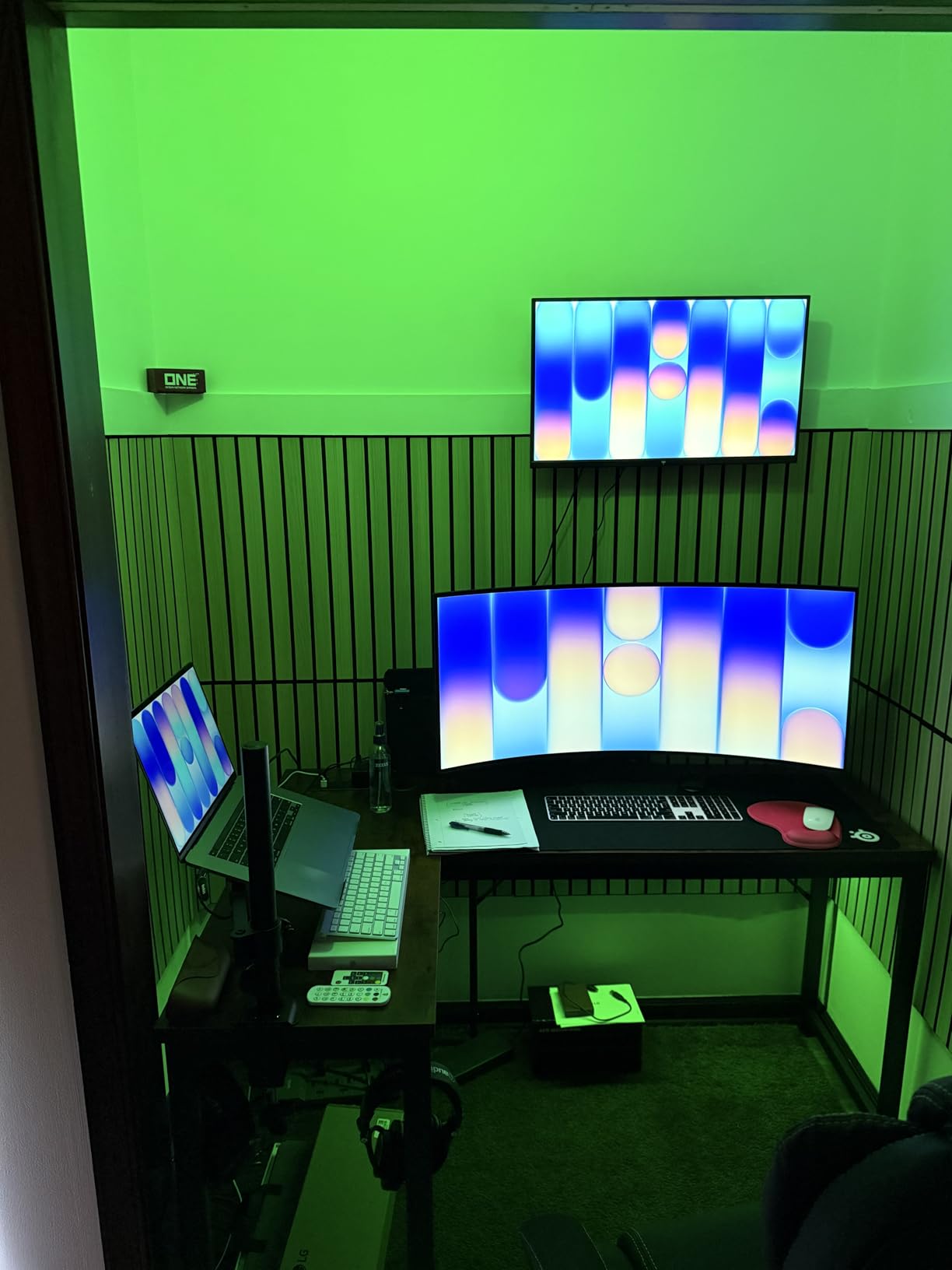
The Philips Hue Essential A19 bulbs landed in our guest bedroom, a space where I wanted lighting that felt polished and effortless. From the moment I screwed them in, the light quality was noticeably different from the other bulbs I tested. Colors transition smoothly without any visible stepping, and the preset scenes designed by Philips lighting experts are genuinely well-curated rather than gimmicky.
What sets these apart is the dimming performance. Most smart bulbs claim to dim, but the Hue Essential bulbs dim down to 2% without flickering, which creates a genuine candlelight-like ambiance for movie nights or late evening relaxation. The Bluetooth range is rated at 150 meters, and in my testing, I never lost connection even at the far end of the house.
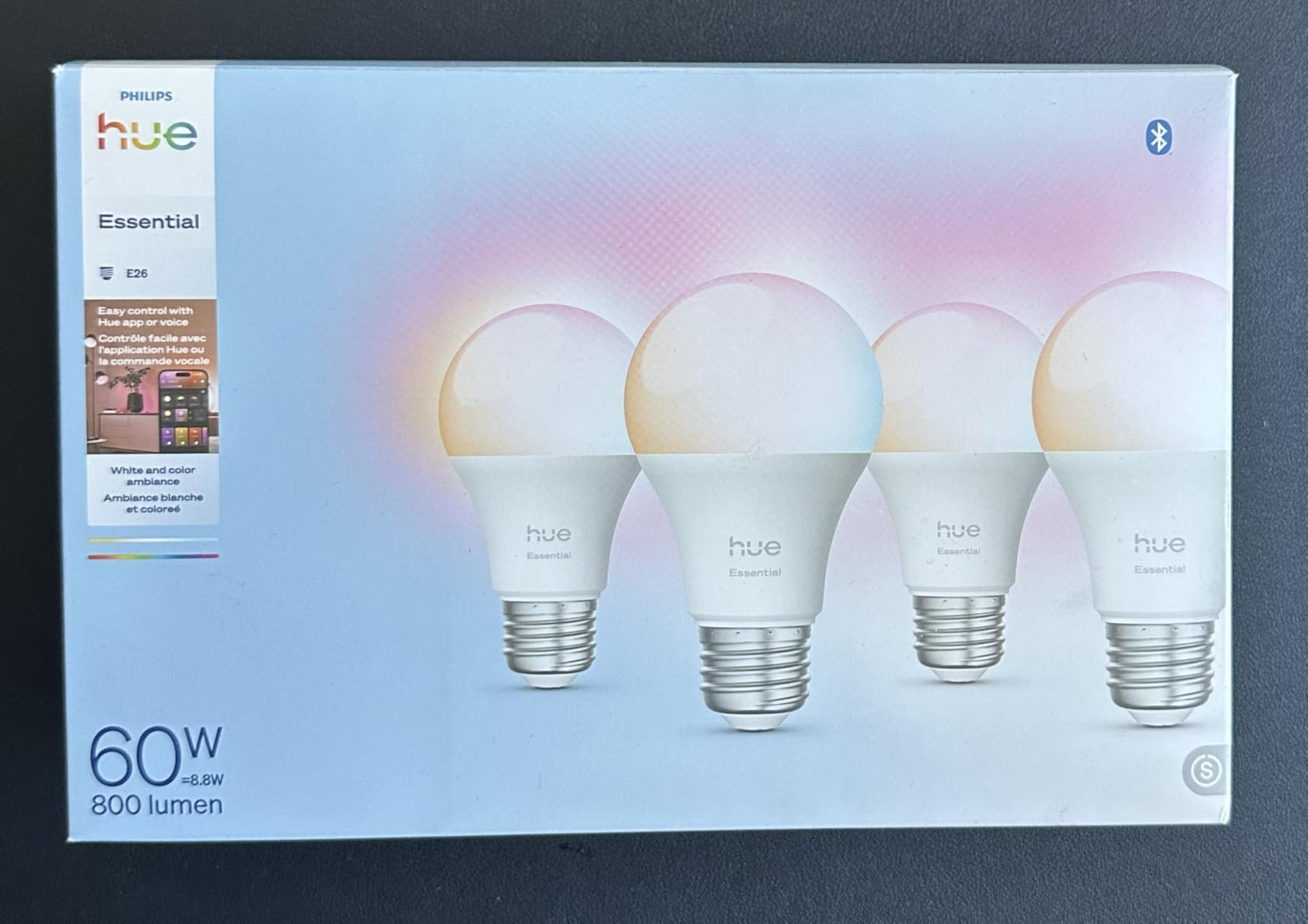
On the specs side, these bulbs deliver 800 lumens from just 8.8 watts, making them slightly more efficient than many competitors. The color temperature spans 2200K to 6500K, giving you an extra-warm amber at the low end that most other bulbs cannot match. The CRI of 80 is consistent with the category standard. Build quality feels premium in hand, with a solid weight and smooth finish that speaks to the Philips reputation.
The trade-off is pricing. These bulbs sit at a premium point, and while you can use them with Bluetooth right out of the box, unlocking the full Hue ecosystem with automations, remote control away from home, and integration with other Hue accessories requires purchasing the optional Hue Bridge. That said, you can start with Bluetooth and add the Bridge later without replacing the bulbs. If you want the absolute lowest dimming level, the flagship Hue model dims to 0.2%, while this Essential version stops at 2%.
Who should buy the Philips Hue Essential A19
These bulbs are perfect for anyone who wants premium light quality and smooth dimming without committing to the full Hue Bridge ecosystem upfront. If you care about how light transitions look and feel, especially in spaces like bedrooms, dining rooms, or living rooms where ambiance matters, the Hue Essential delivers that polished experience.
Setup and compatibility notes
Setup is truly plug-and-play over Bluetooth. The Philips Hue Bluetooth app guides you through the process, and it works with Alexa, Google Assistant, and Apple Home right away. If you decide to expand later, adding a Hue Bridge unlocks automations, away-from-home control, and Matter compatibility. The bulbs support all three major voice assistants natively, which is rare in this price range.
4. Philips Hue A19 White and Color Ambiance – Ultimate Smart Lighting Ecosystem
- Superior Zigbee reliability
- Ultra-low dimming to 0.2%
- Works with all major platforms
- 3-year warranty
- Most expensive option
- Hue Bridge needed for full features
- Larger than standard bulbs
These are the gold standard of smart light bulbs, and after testing them extensively, I understand why. I installed the Philips Hue White and Color Ambiance bulbs in our main living space using the Hue Bridge, and the difference in reliability compared to WiFi-only bulbs was immediately obvious. Every command responds within a fraction of a second, and I have not had a single dropped connection in months of daily use.
The ultra-low dimming to 0.2% is the feature that sold me. At that level, the bulbs emit a faint glow that works beautifully as a nightlight in hallways and children’s rooms without being bright enough to disturb sleep. The 24-hour natural light scene, which mimics the sun’s arc from warm sunrise through bright midday to amber sunset, became the default in our bedroom within the first week.
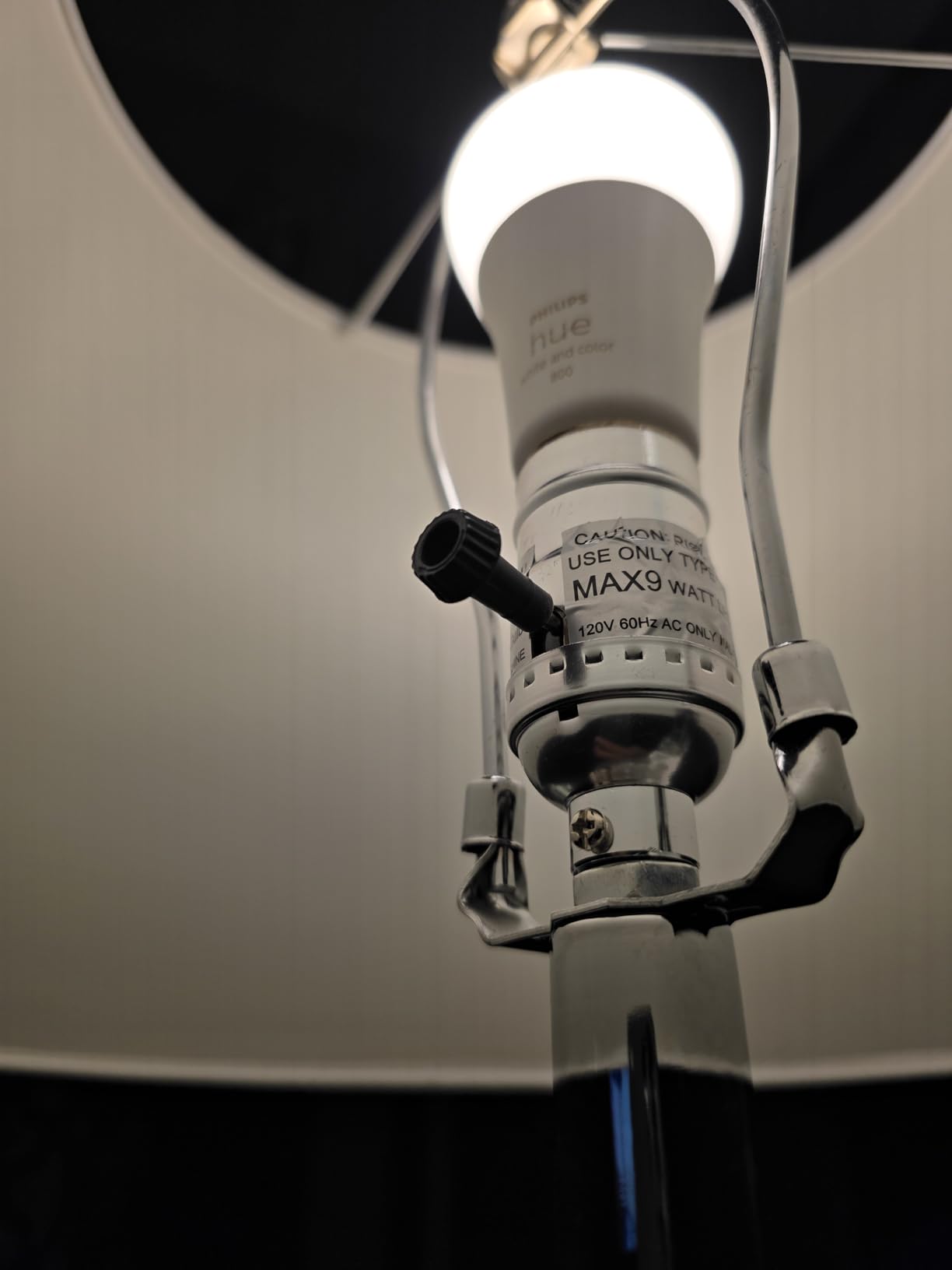
These bulbs use Zigbee connectivity through the Hue Bridge rather than WiFi, which means they will not add to your WiFi network congestion. Each bulb puts out 806 lumens from 9 watts with a 360-degree beam angle for even light distribution. The color rendering index of 80 matches the category standard. They are Energy Star certified and backed by a 3-year warranty, the longest in this roundup. The bulbs are also Matter-compatible when used with the Hue Bridge, which future-proofs them for evolving smart home standards.
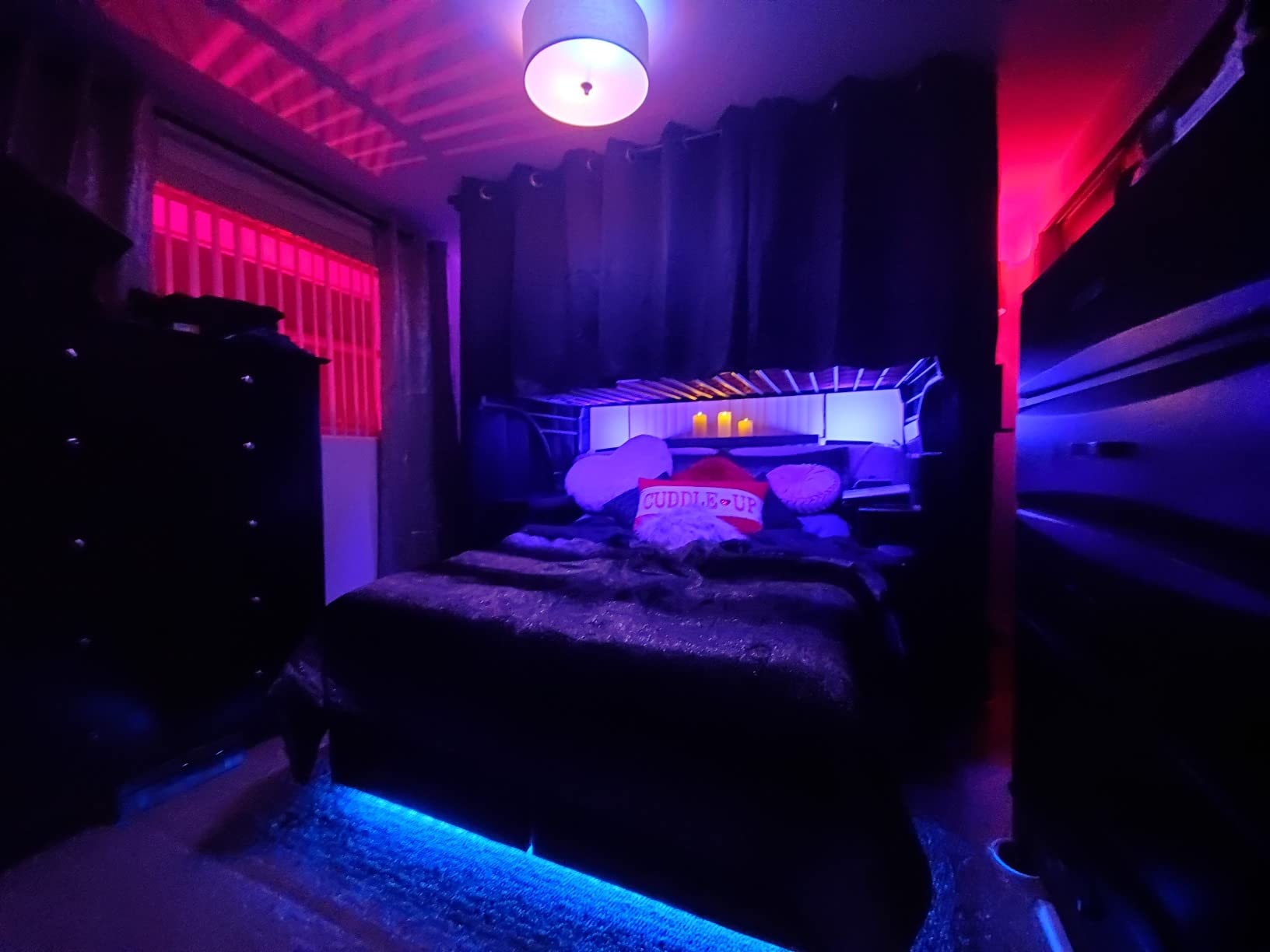
The obvious drawback is the total cost. The 3-pack of bulbs plus the Hue Bridge represents a significant investment compared to WiFi-only alternatives. The bulbs are also slightly larger and heavier than standard A19 bulbs, so they may not fit in very tight fixtures. Color brightness, while excellent for whites, is not quite as intense as the white modes. These are trade-offs you accept when buying into the most established smart lighting ecosystem on the market.
Who should buy the Philips Hue A19 WCA
If you are building a serious smart home setup and want the most reliable, expandable lighting system available, this is the one. The Hue ecosystem supports over 500 compatible products from third parties, so you can extend into outdoor lighting, light strips, fixtures, and more without starting over. It is the best choice for homeowners committed to a long-term smart lighting strategy.
Setup and compatibility notes
You will need the Hue Bridge (sold separately) to unlock full functionality. Once connected, the bulbs work with Alexa, Google Assistant, and Apple HomeKit. The Hue app is one of the most polished smart home apps available. The Zigbee protocol means each bulb acts as a repeater, extending the mesh network range with every bulb you add. For the best smart light bulbs experience with zero compromise, this is the path.
5. Tapo TP-Link Smart Light Bulbs L530E – Superior Color Accuracy
- CRI over 90 for accurate colors
- 220-degree beam angle
- Energy monitoring
- No hub required
- WiFi can drop at distance
- Requires Tapo account
- Limited to 2.4GHz WiFi
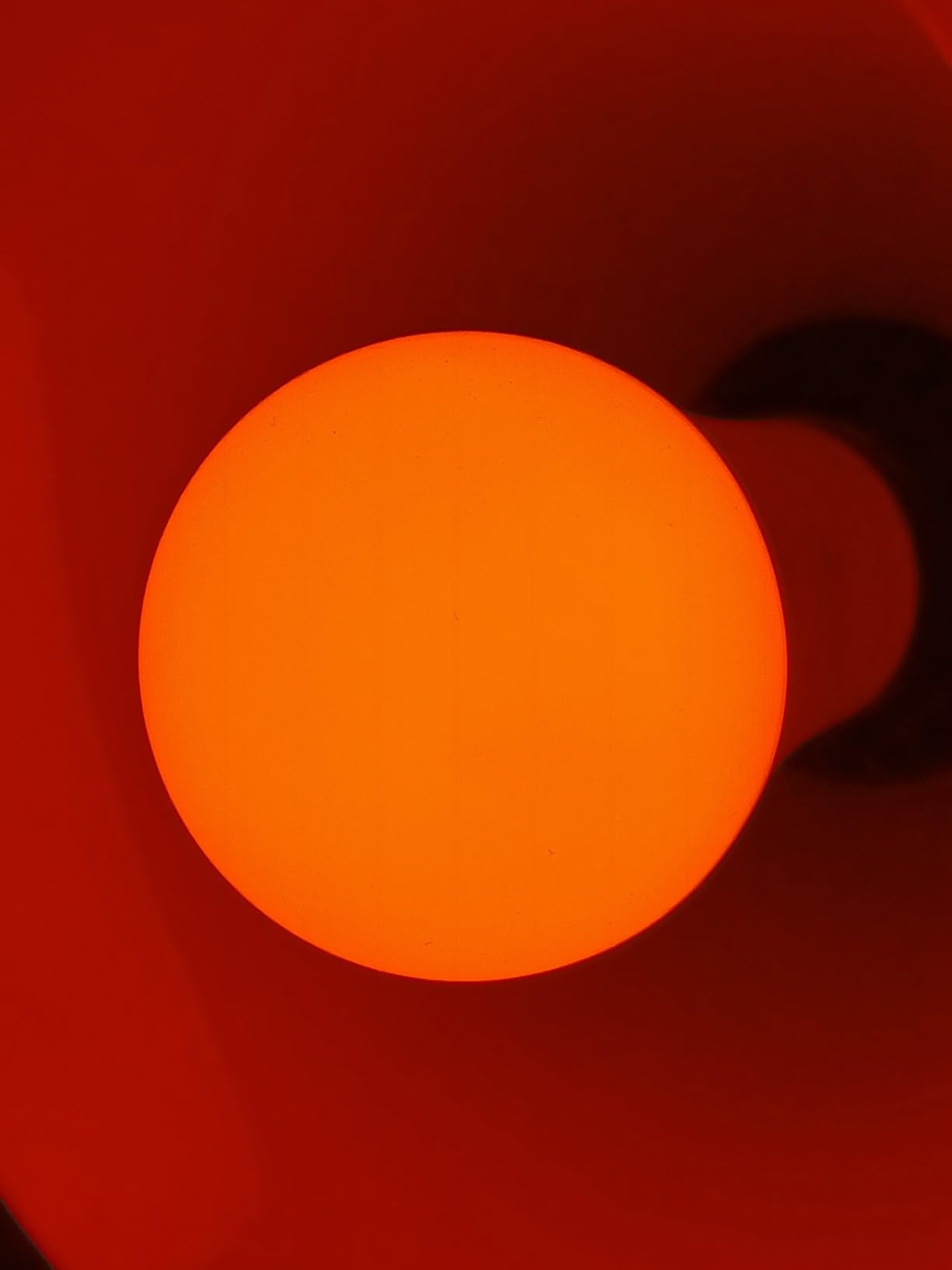
I installed the Tapo L530E bulbs in our dining room, where color accuracy matters most. The CRI rating above 90 means these bulbs render colors more faithfully than most competitors in this price range, and it shows. Food on the dinner table looks appetizing rather than washed out, and the warm white setting at 2500K creates an inviting atmosphere that feels genuinely different from the slightly clinical tone of lower-CRI bulbs.
The Tapo app setup was straightforward, though you do need to create a TP-Link Tapo account before you can control anything. Once connected, the app provides real-time energy monitoring that tracks how much power each bulb consumes. The 220-degree beam angle provides wider light spread than the standard 180 degrees on most A19 bulbs, which helped eliminate shadows in our dining room corners.
 90, 2.4GHz WiFi only, No Hub Required, L530E(4-Pack) customer photo 1″ class=”wp-image-customer”/>
These bulbs deliver 800 lumens from 9 watts, matching the 60-watt incandescent equivalent standard. The color temperature ranges from 2500K to 6500K, and the full RGBW LED with true-white means the white light comes from a dedicated white LED rather than a mix of RGB colors. This produces cleaner, more natural whites. Dimming goes from 1% to 100%, and the scheduling features include sunrise and sunset automation based on your location.
The main issue I ran into was WiFi reliability at distance. The Tapo bulbs performed flawlessly within about 25 feet of the router but became occasionally sluggish at greater range. If your home has a strong 2.4GHz signal throughout, this may not be an issue. There is also standby power consumption that some users have flagged, though it is minimal enough that I did not notice a difference in our electricity bill.
 90, 2.4GHz WiFi only, No Hub Required, L530E(4-Pack) customer photo 2″ class=”wp-image-customer”/>
Who should buy the Tapo L530E
These bulbs are the right pick if color accuracy is a top priority and you want to keep costs reasonable. The CRI 90+ rating makes them especially good for dining rooms, art studios, or any space where you want colors to look true and vibrant. They are also a solid option for anyone already using other TP-Link Tapo smart home devices.
Setup and compatibility notes
The Tapo app (separate from the Kasa app, which can be confusing) handles setup and daily control. The bulbs work with Alexa and Google Home for voice commands. They operate on 2.4GHz WiFi only with no hub required. There is no Apple HomeKit or Matter support on this model. If you want Matter certification from Tapo, look at the L535E instead.
6. Tapo TP-Link L535E – Brightest Matter-Certified Pick
- Matter certified for broad compatibility
- Extra bright 1100 lumens
- Works with Siri/Alexa/Google
- CRI 90+
- Requires Tapo app not Kasa
- Some connectivity issues
- Plastic build quality
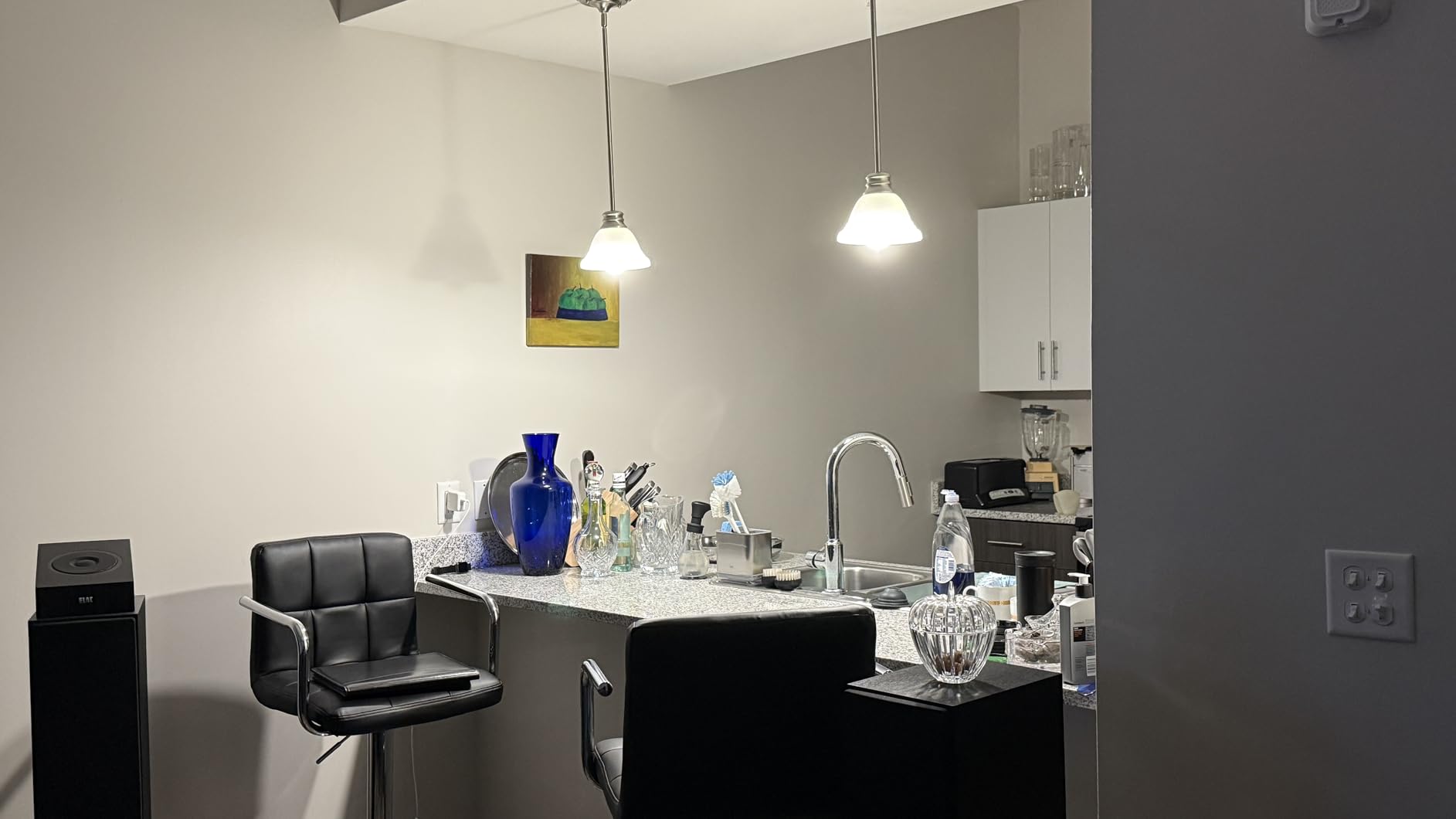
I tested the Tapo L535E bulbs in our home office and kitchen, two spaces where brightness really matters. At 1100 lumens, these are the brightest bulbs in our lineup, equivalent to a 75-watt incandescent. That extra brightness makes a real difference for task lighting, and I found myself reaching for the dimming slider more often because there was enough headroom to go from comfortable reading light to full work brightness.
The Matter certification is what drew me to test these specifically. Matter is the new universal smart home standard that lets devices work across platforms without brand lock-in. In practice, I was able to add these bulbs to Apple Home, Alexa, and Google Home without installing three different apps or worrying about compatibility. That cross-platform flexibility is a big deal if your household uses a mix of ecosystems.
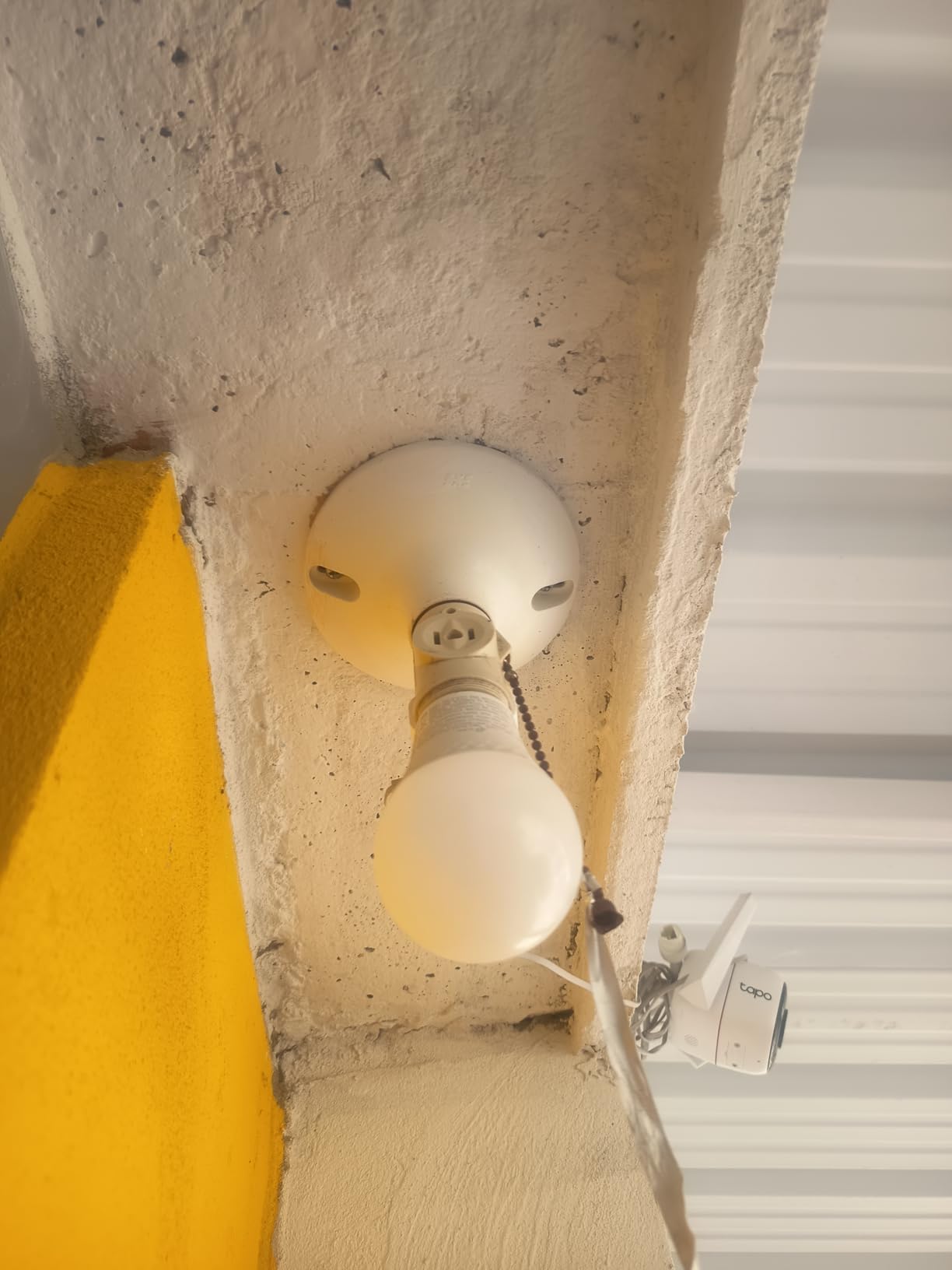
Each bulb uses 9.5 watts to produce 1100 lumens with a 220-degree beam angle and CRI of 90. The color temperature range spans 2500K to 6500K, covering warm to cool white tones. Dimming goes from 1% to 100%, and the scheduling features include timers and automation routines. The bulbs connect over WiFi with no hub required, and the Matter protocol handles the cross-platform communication.
I did encounter some connectivity quirks during my testing. A couple of times, the bulbs took longer than expected to respond to commands, though they always eventually executed. The build quality is entirely plastic, which keeps costs down but does not feel as substantial as the Philips Hue options. Also, note that these use the Tapo app, not the Kasa app, which confused some users in the Amazon reviews who were already invested in the Kasa ecosystem.
Who should buy the Tapo L535E
If you need extra brightness and want Matter certification for future-proof smart home compatibility, these are the bulbs to get. They are especially well-suited for kitchens, home offices, and any space where 800 lumens is not quite enough. The cross-platform support makes them a safe bet for households with mixed smart home ecosystems.
Setup and compatibility notes
These bulbs use the Tapo app for initial setup, but once configured, they work with Alexa, Google Assistant, and Siri through Matter. No hub is required. The Matter protocol is the key advantage here, as it gives you broad compatibility without needing separate integrations for each platform. Make sure your smart home hub or speaker supports Matter for the best experience.
7. SYLVANIA WiFi LED Smart Light Bulbs – Budget-Friendly Full Color
- Very affordable
- Vibrant colors
- CRI 90+
- No hub required
- Humming sound when on
- App can be inconsistent
- Random disconnections
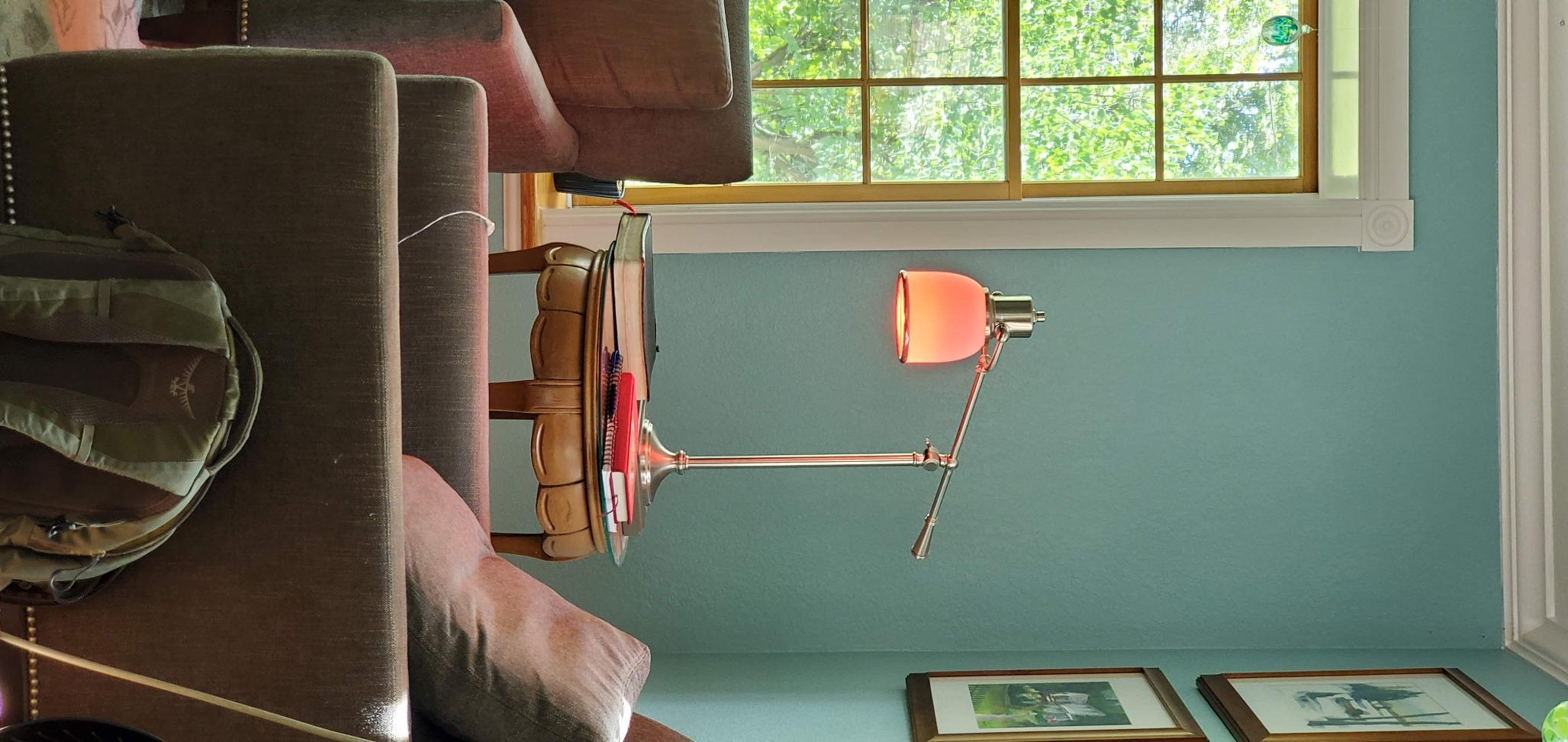
The SYLVANIA WiFi LED bulbs are the option I recommend when someone asks me for the cheapest way to get into smart color lighting. I tested them in our basement rec room, a space where I wanted color-changing capability for movie nights and game days but did not want to invest heavily in premium bulbs. For the price of a single Philips Hue bulb, you get four SYLVANIA bulbs with full color and tunable white.
The color quality surprised me in a good way. The CRI rating of 90 means these bulbs punch well above their price class in color accuracy. Reds look red, skin tones look natural, and the tunable white range from 2700K to 6500K covers the practical spectrum from warm ambient to cool task lighting. The SYLVANIA Smart WiFi app offers preset scenes, group control, and scheduling that covers the basics without being overwhelming.
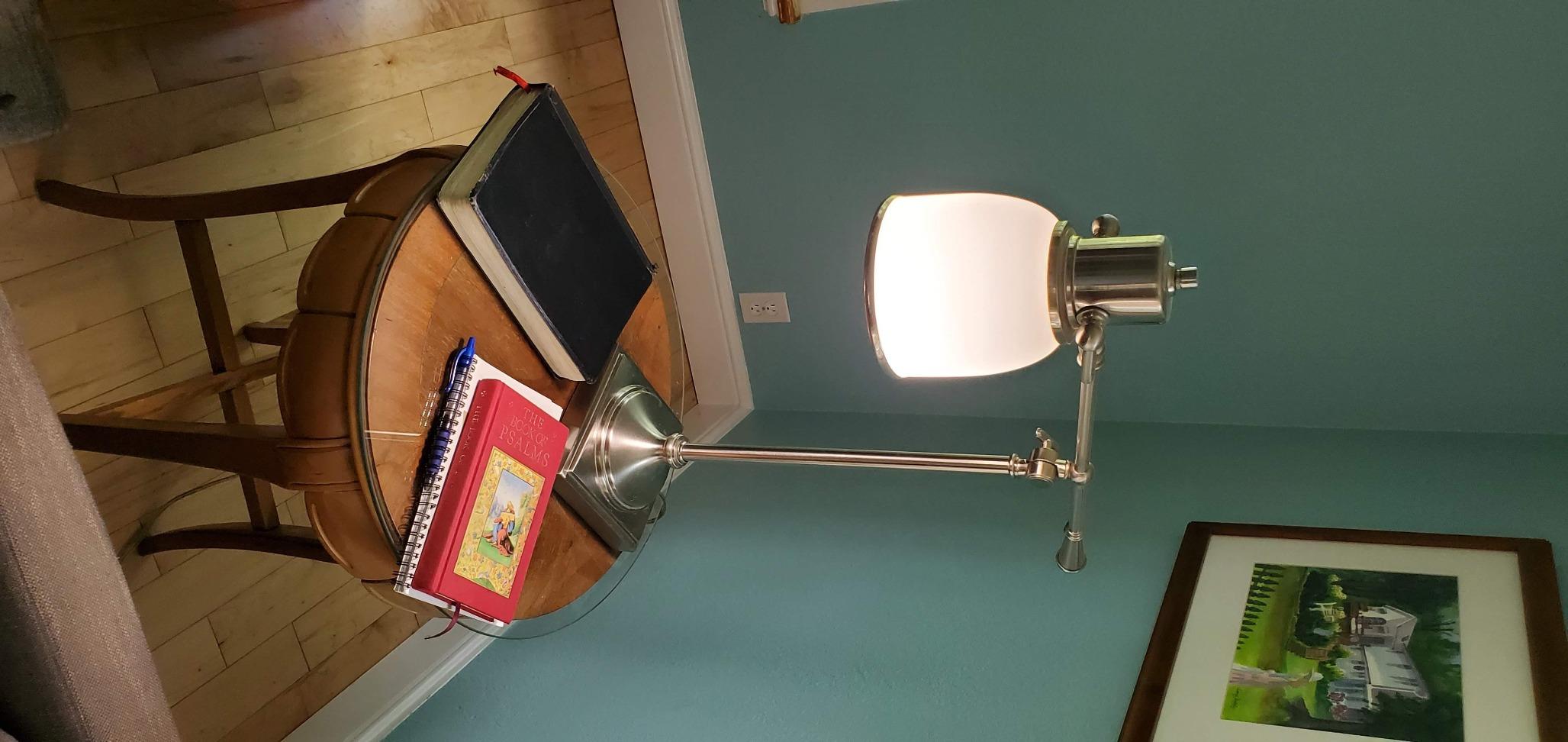
Each bulb outputs 800 lumens, matching the standard 60-watt equivalent brightness. The 15,000-hour rated lifespan is lower than some competitors but still translates to years of normal use. The E26 base fits standard fixtures, and no hub is required since everything connects over 2.4GHz WiFi. The bulbs also support Siri Shortcuts alongside Alexa and Google Assistant, giving them broader voice assistant support than I expected at this price.
The trade-offs are real, though. The most noticeable issue is a faint humming sound that some bulbs produce when powered on. In a quiet room, it is audible and may bother sensitive listeners. The app connectivity can also be inconsistent, with occasional random disconnections that require closing and reopening the app to resolve. These are not dealbreakers for casual use, but they are worth knowing about if you plan to rely on these bulbs for primary lighting.
Who should buy the SYLVANIA WiFi LED Bulbs
These bulbs are the best fit for anyone who wants to try smart lighting without a significant investment. They work well for secondary spaces like basements, guest rooms, kids’ rooms, or holiday decorating where you want color options but do not need premium build quality or flawless app performance.
Setup and compatibility notes
The SYLVANIA Smart WiFi app handles setup and control. These bulbs work with Amazon Alexa, Google Home, and Siri Shortcuts for voice commands. They connect via 2.4GHz WiFi with no hub required. Note that they are not compatible with Tuya, Smart Life, or Magic Home apps, which is a limitation if you use those platforms for other smart home devices.
8. DAYBETTER Smart Light Bulbs – Best Bulk Value Pack
- Excellent 6-pack value
- Music sync feature
- Flicker-free operation
- Works with Alexa and Google
- No Matter or Home Assistant support
- Limited soft white quality
- Requires 2.4GHz WiFi+Bluetooth
The DAYBETTER bulbs caught my attention because you get six bulbs in a single pack, which makes them the best value for outfitting an entire room or small apartment in one purchase. I installed all six in our hallway and upstairs landing, replacing a mix of mismatched bulbs with a unified smart lighting setup. The consistency alone made the space feel more intentional and designed.
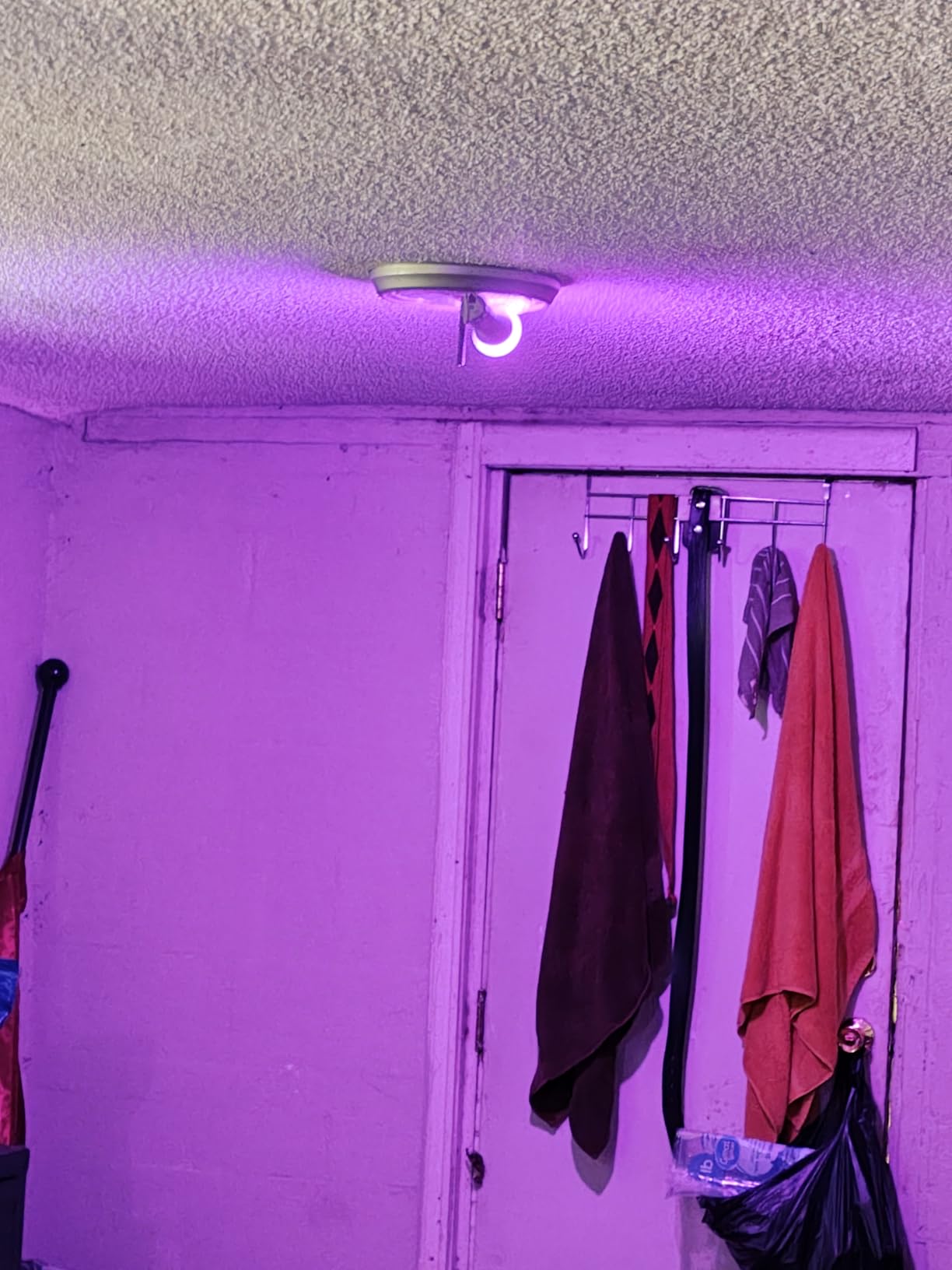
The music sync feature works similarly to the Govee bulbs, using your phone’s microphone to detect audio and match the lighting effects. I tested it during a family gathering, and the kids loved watching the hallway pulse with color changes. The preset holiday scenes, including Christmas, Halloween, and party modes, give you quick-start options without any configuration.
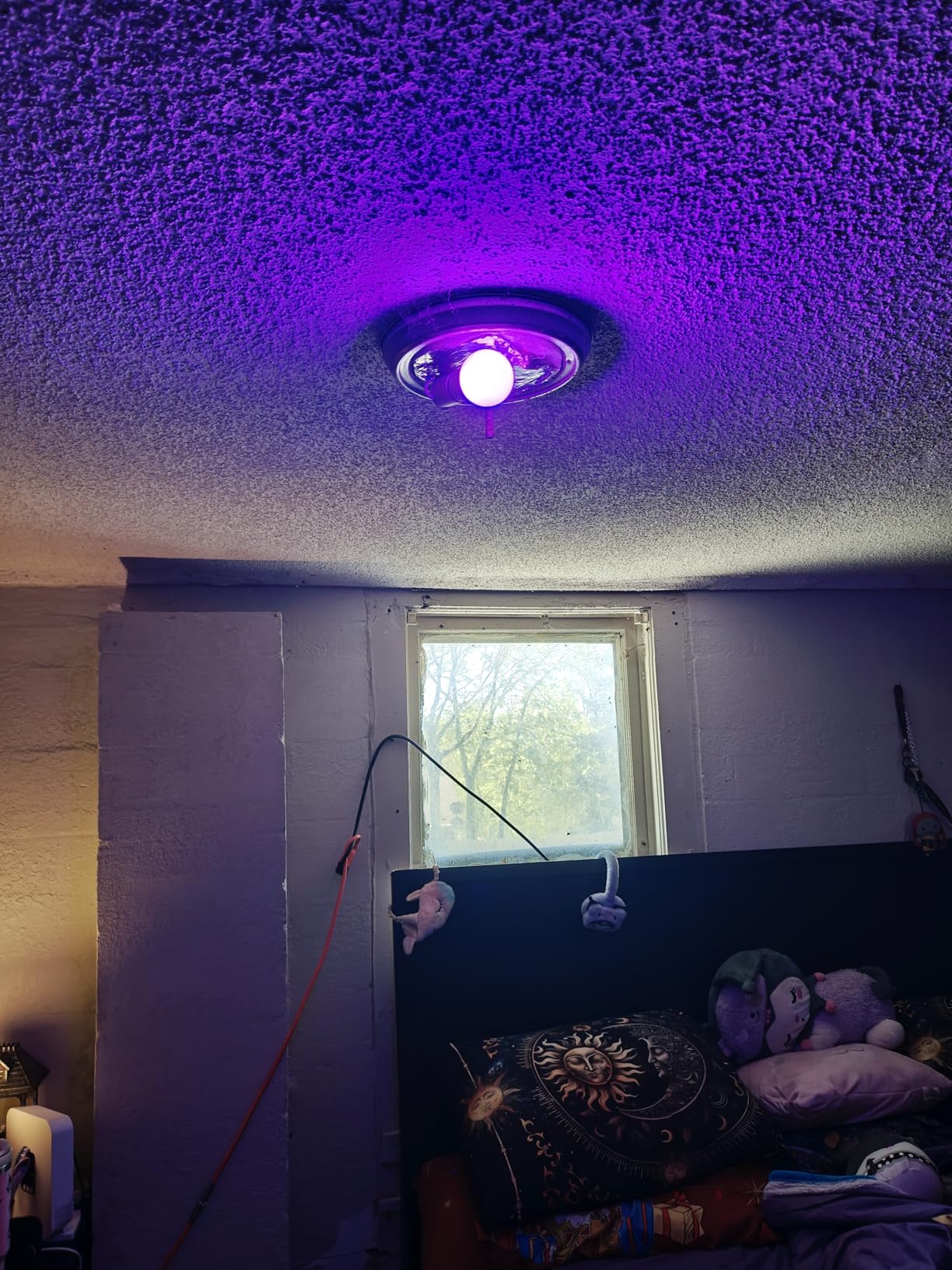
Each bulb delivers 800 lumens from 9 watts with an 88.89 lumens-per-watt efficiency rating, which is competitive with the better bulbs in this group. The color temperature ranges from 2700K to 6500K, and the CRI of 80 is standard for the category. These bulbs are marketed as flicker-free and eye-friendly, and I did not notice any flickering during my testing even at low dimming levels. The WiFi plus Bluetooth dual connectivity gives you flexibility in how you set them up.
The limitations are worth considering. There is no Matter support, no Home Assistant compatibility, and no support for Tuya, SmartLife, or Magic Home platforms. If you are building an advanced smart home setup with custom automations, these will not integrate well. The soft white light quality at 2700K is adequate but not as warm or natural-feeling as the Philips Hue or Tapo options with their wider temperature ranges.
Who should buy the DAYBETTER Smart Light Bulbs
If you have a lot of fixtures to fill and want to keep costs low while still getting color-changing smart bulbs, this 6-pack is hard to beat. They are great for hallways, basements, dorm rooms, or any space where you want fun color options and basic smart features without paying per-bulb premium prices.
Setup and compatibility notes
Setup uses the DAYBETTER app with Bluetooth pairing followed by WiFi connection. The bulbs work with Amazon Alexa and Google Home for voice control. They require both Bluetooth and 2.4GHz WiFi during initial setup. There is no Apple HomeKit, Matter, or advanced smart home platform integration. For straightforward app and voice control, they work reliably.
9. WiZ Connected Smart Light Bulbs – Best Automation Features
- Matter certified
- Sunset to sunrise automation
- SpaceSense motion detection
- No hub required
- Some reliability issues over time
- App can be buggy
- SpaceSense needs 2+ WiZ devices
The WiZ Connected bulbs bring something genuinely different to the table: built-in automation that goes beyond simple scheduling. I tested these in our entryway and living room, and the SpaceSense motion detection feature turned the lights on automatically when I walked into the room. It felt like living in a home that was paying attention, and after a few days, I stopped reaching for the light switch entirely.
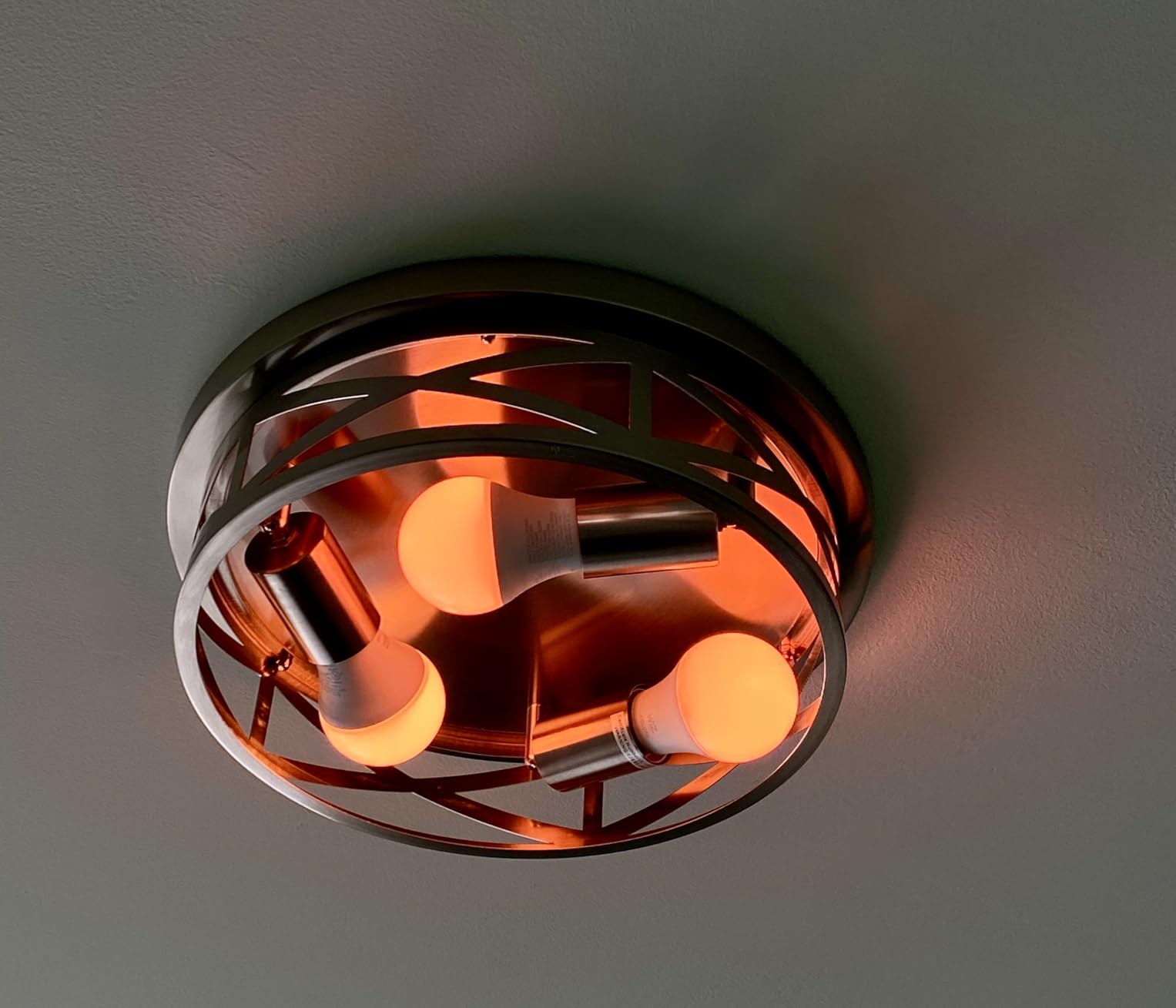
The sunset to sunrise automation is another standout. Rather than setting a fixed schedule, these bulbs adjust their brightness and color temperature based on your local sunrise and sunset times. In the morning, they gradually brighten with a cool white tone, and in the evening, they shift to warm amber. This circadian rhythm approach to lighting made the living room feel more naturally lit throughout the day.
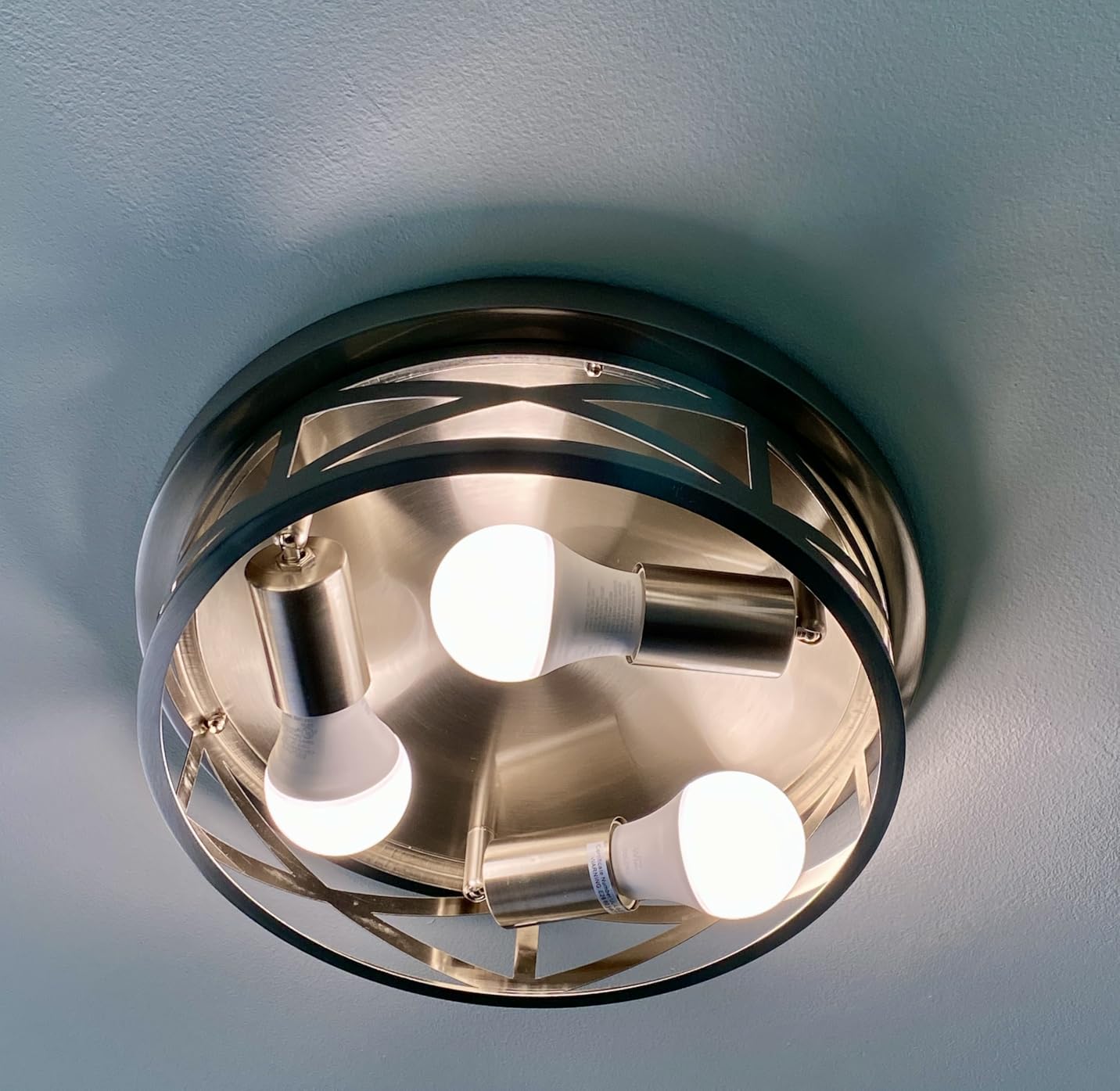
Each WiZ bulb delivers 800 lumens from 8.8 watts with an efficiency of 90.9 lumens per watt, one of the highest ratings in our group. The bulbs are Matter certified, giving them broad compatibility across smart home platforms. They work with Alexa, Google Assistant, Apple HomeKit, IFTTT, and Samsung SmartThings. That is the widest native compatibility of any bulb in this roundup. The 16 million color options cover the full RGB spectrum, and the warm to cool white range handles everyday lighting needs.
The trade-offs center on long-term reliability and app performance. During my testing, the bulbs performed well out of the box, but forum discussions and user reviews mention occasional firmware issues that cause bulbs to stop responding over time. The WiZ app has improved over the years but can still feel sluggish compared to the Philips Hue or Kasa apps. SpaceSense also requires at least two WiZ devices in the same room, which means you need to invest in more than one to unlock the motion detection feature.
Who should buy the WiZ Connected Smart Bulbs
These bulbs are the best choice for anyone who wants advanced automation features like motion detection and circadian rhythm lighting without paying Philips Hue prices. They are ideal for entryways, hallways, and living spaces where automatic on/off based on presence adds genuine convenience. The Matter certification also makes them future-proof for evolving smart home setups.
Setup and compatibility notes
The WiZ app handles setup and daily control. These bulbs support Matter, which means they work with Alexa, Google Home, Apple Home, Samsung SmartThings, and any Matter-compatible platform. No hub is required for basic operation. SpaceSense motion detection activates when you have two or more WiZ devices in the same room, so consider buying at least a 2-pack for that feature.
10. Amazon Basics Smart A19 LED Light Bulb – Best for Alexa Homes
- Seamless Alexa integration
- 16 preset colors
- No hub or extra apps
- Works in damp locations
- Alexa exclusive
- no Google or Apple
- WiFi issues after outages
- Limited color presets
The Amazon Basics Smart A19 bulbs are purpose-built for Alexa households, and that single-minded focus shows in how smoothly they integrate. I tested these in our bathroom and a covered porch fixture, spaces where I wanted simple, reliable lighting control through the Echo devices already in those rooms. The setup experience was the fastest of any bulb I tested: I said “Alexa, discover devices” and they appeared within seconds.
There is no separate app to download, no account to create, and no hub to buy. Everything runs through the Alexa app that is already on your phone. The 16 preset color options cover the most popular choices, including warm whites, cool whites, and saturated colors like red, blue, green, and purple. While you cannot dial in a custom color the way you can with other bulbs, the presets are well-chosen for everyday use.
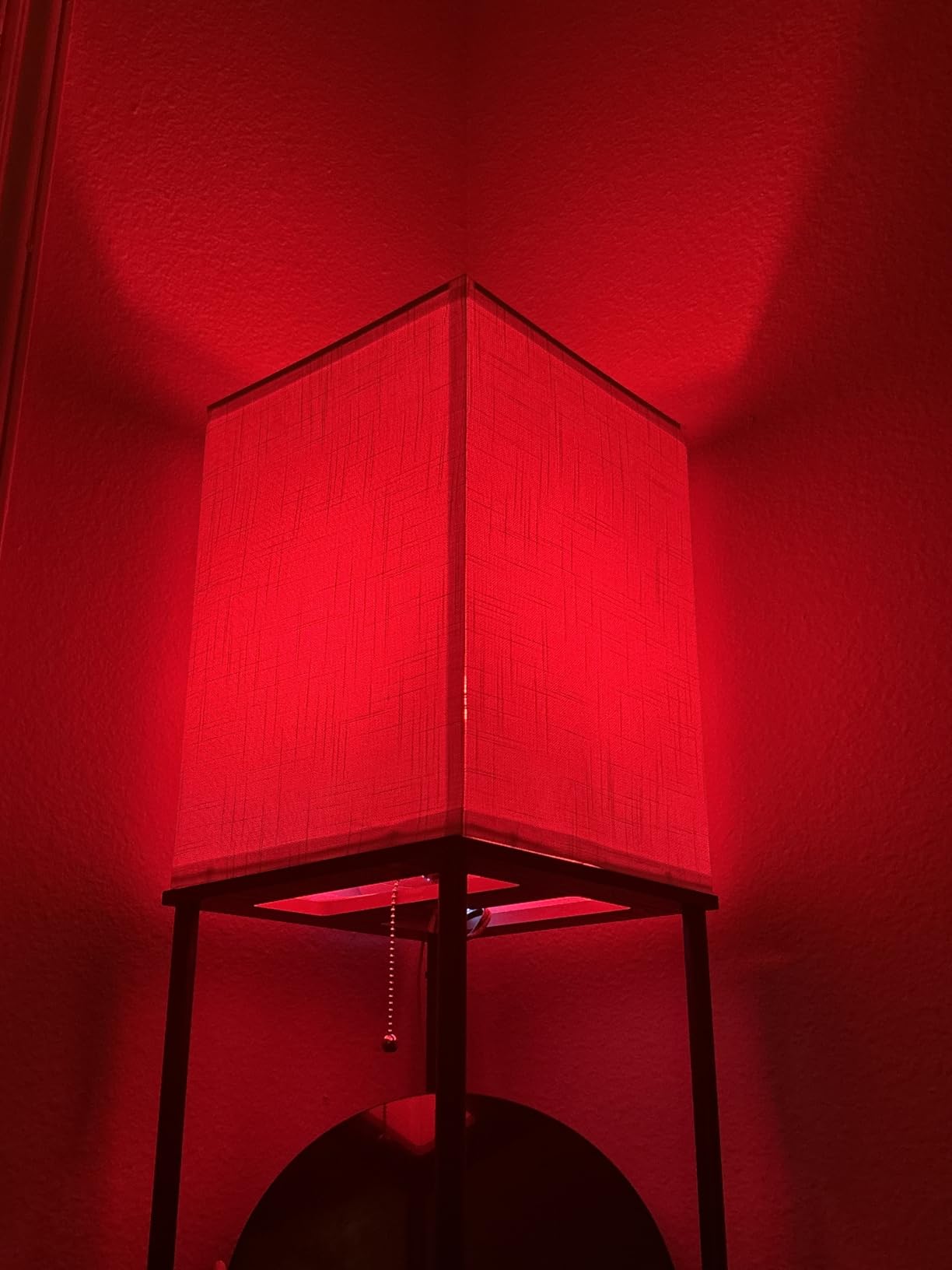
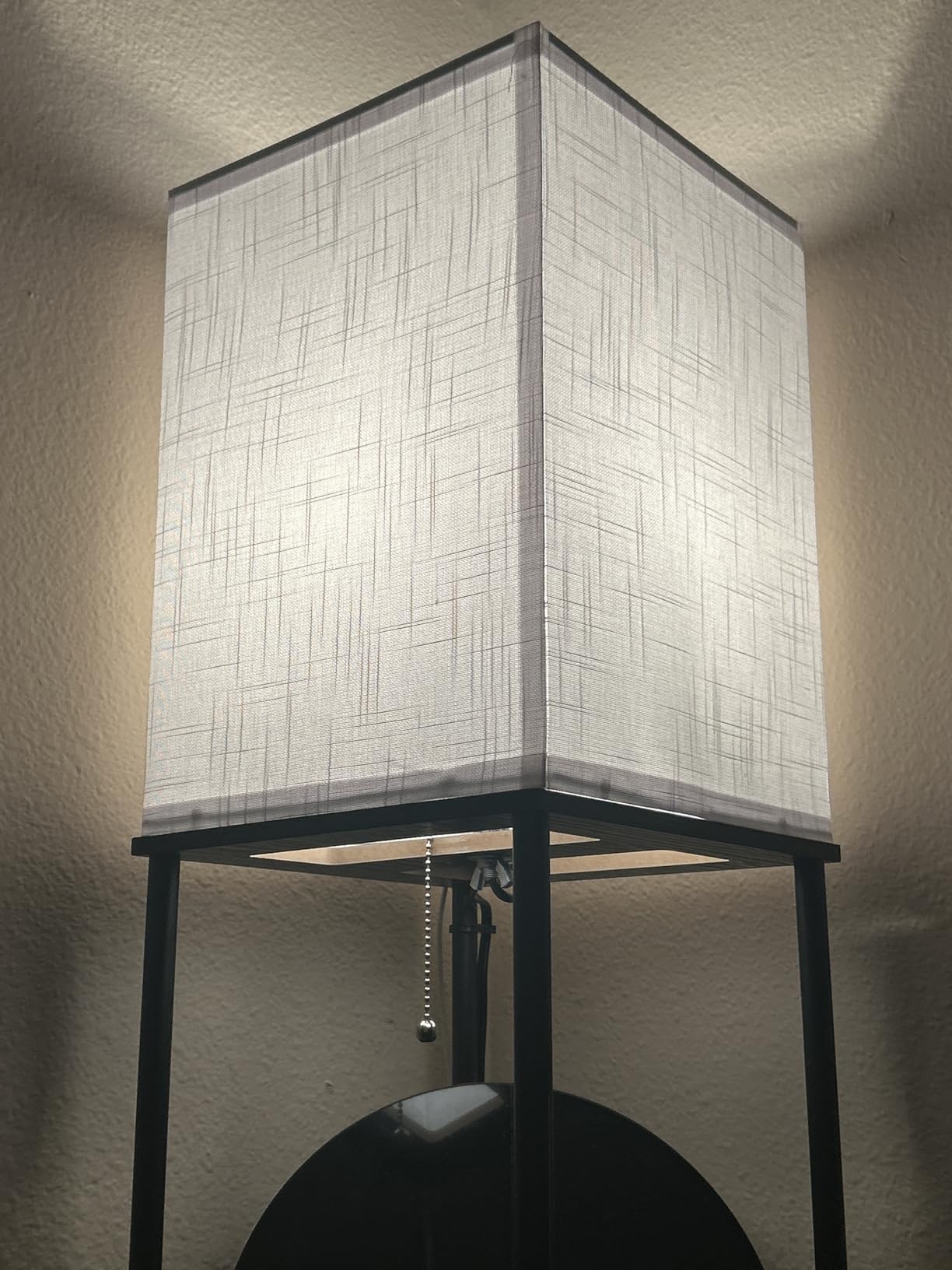
Each bulb outputs 800 lumens from 9 watts with a CRI of 90, matching the color accuracy of more expensive options. The dimming range goes from 5% to 100%, which is narrower than the 1% or lower options on premium bulbs but still covers most practical needs. The bulbs are rated for damp locations, making them suitable for bathrooms and covered outdoor fixtures, which is a detail many smart bulbs overlook. They connect via 2.4GHz WiFi with no hub required.
The big limitation is exclusivity. These bulbs only work with Alexa. If you use Google Home, Apple HomeKit, or any other smart home platform, these bulbs will not connect. Period. I also noticed that after a power outage, the bulbs sometimes struggled to reconnect to WiFi automatically, requiring a manual rediscovery through the Alexa app. And while the 16 preset colors cover common needs, you cannot mix custom colors or use scene modes the way you can with Govee, Kasa, or Hue bulbs.
Who should buy the Amazon Basics Smart A19
If your entire smart home runs on Alexa and you want bulbs that just work without any extra steps, these are a straightforward choice. They are especially good for bathrooms (damp location rating), covered porches, and any space where you want simple on/off, dimming, and color presets without needing advanced features.
Setup and compatibility notes
Setup happens entirely through the Alexa app. Screw in the bulb, go to the Alexa app, and tap “Discover Devices.” That is it. There are no third-party apps or hubs to deal with. These bulbs are compatible exclusively with Amazon Alexa. They do not support Google Assistant, Apple HomeKit, Matter, or any other smart home platform. If your household uses multiple ecosystems, look at the WiZ or Tapo Matter-certified options instead.
How to Choose the Best Smart Light Bulbs for Your Home
Picking the right smart bulb comes down to understanding a few key factors that determine how well a bulb will work in your specific space. I have broken down the most important considerations below, based on what actually mattered during our months of testing.
Brightness and lumens
Lumens measure how much light a bulb produces. Most standard rooms need about 800 lumens per bulb, which is equivalent to a 60-watt incandescent. For kitchens, offices, and other task-oriented spaces, consider brighter options like the Tapo L535E at 1100 lumens (75-watt equivalent). Bedrooms and accent lighting can get away with less. Do not confuse lumens with watts; watts measure energy consumption, not brightness. All the bulbs in this roundup use between 8.8 and 9.5 watts to produce their rated brightness, making them all highly energy efficient compared to traditional bulbs.
Color temperature and CRI
Color temperature, measured in Kelvin, determines how warm or cool the light appears. Lower numbers like 2200K to 2700K produce warm amber light ideal for bedrooms, dining rooms, and living spaces. Higher numbers like 5000K to 6500K create cool daylight tones suited for kitchens, offices, and bathrooms. If you want the flexibility to switch between both, look for tunable white bulbs like the Kasa or Tapo options that cover the full range. Color Rendering Index (CRI) measures how accurately a light source shows colors compared to natural sunlight. A CRI of 90 or above, found in the Tapo L530E, Tapo L535E, SYLVANIA, and Amazon Basics bulbs, makes colors appear more true and vibrant. This matters most in dining rooms, art spaces, and anywhere color accuracy is important.
Connectivity protocols explained
WiFi bulbs like the Kasa, Govee, and SYLVANIA connect directly to your home WiFi network. They are easy to set up and require no additional hardware, but they do add load to your WiFi network, especially if you install many bulbs. Zigbee bulbs like the flagship Philips Hue connect through a dedicated hub or bridge using a mesh network where each bulb extends the range. Zigbee is more reliable and responsive but requires an upfront investment in a hub. Matter is the newest universal standard that lets certified devices work across all major platforms. The WiZ Connected and Tapo L535E bulbs support Matter, making them the most flexible options for mixed-ecosystem households. Bluetooth is typically used as a secondary protocol for initial setup or local control when WiFi is unavailable.
Hub vs. no hub
Most bulbs in this roundup work without a hub, connecting directly to your WiFi. This is simpler and cheaper, making it ideal for renters and beginners. The trade-off is that WiFi-only setups can become less responsive as you add more devices. Hub-based systems like Philips Hue with the Hue Bridge create a dedicated mesh network that stays fast and reliable regardless of how many bulbs you add. If you plan to install 10 or more smart bulbs throughout your home, a hub-based system is worth the extra cost for stability alone. Forum users on Reddit consistently recommend Zigbee-based systems for whole-home deployments.
Smart home platform compatibility
Before buying any smart bulb, check which voice assistants and platforms it supports. The Amazon Basics bulbs only work with Alexa, while the Philips Hue and WiZ Connected options support all three major platforms (Alexa, Google, Apple). Matter-certified bulbs like the WiZ and Tapo L535E offer the broadest cross-platform compatibility. If you use Apple HomeKit specifically, your best options are the Philips Hue bulbs and the WiZ Connected bulbs, both of which support HomeKit natively.
Room-by-room recommendations
For living rooms and entertaining spaces, color-changing bulbs like the Govee or Kasa add the most versatility. Bedrooms benefit from tunable white bulbs with smooth dimming, where the Philips Hue Essential or flagship Hue with their ultra-low dimming create the best sleep-friendly ambiance. Kitchens need bright, cool white light for cooking tasks; the Tapo L535E at 1100 lumens is ideal here. Bathrooms require damp-location rated bulbs like the Amazon Basics. Hallways and entryways are perfect for automation features like the WiZ SpaceSense motion detection. Home offices do well with high-brightness, high-CRI bulbs like the Tapo L530E or L535E that reduce eye strain during long work sessions.
Frequently Asked Questions About Smart Light Bulbs
Which smart bulb is best?
The best smart bulb depends on your needs. For overall value and features, the Govee Smart Light Bulbs offer the best combination of color quality, music sync, and app control. For premium reliability and the deepest ecosystem, Philips Hue is the top choice. For budget-conscious buyers, the SYLVANIA WiFi LED bulbs provide full color at the lowest price point. If cross-platform compatibility matters most, the WiZ Connected or Tapo L535E with Matter certification are the safest picks.
What color temperature is best for a kitchen?
The best color temperature for a kitchen is between 4000K and 5000K, which provides bright, neutral white light that makes food colors look natural and helps you see what you are doing while cooking. Some people prefer the upper end at 5000K to 6500K for maximum clarity during food prep. Look for tunable white smart bulbs like the Kasa or Tapo options that let you switch between warm 2700K for casual dining and cool 5000K for cooking tasks.
Do smart bulbs use more energy than regular bulbs?
No, smart LED bulbs use about the same amount of energy as non-smart LED bulbs during operation, typically 8 to 10 watts for a 60-watt equivalent. The smart features add a very small amount of standby power consumption (usually under 0.5 watts) to maintain the WiFi or wireless connection. Compared to traditional incandescent bulbs, smart LED bulbs use roughly 85% less energy while adding the convenience of app control, scheduling, and voice commands.
Can smart bulbs work without WiFi?
Most WiFi-based smart bulbs lose their smart features when WiFi goes down, but they still function as regular light bulbs that you can turn on and off with a physical switch. Bulbs with Bluetooth backup, like the Philips Hue Essential, can still be controlled locally via the app within Bluetooth range. Zigbee-based systems like Philips Hue with the Bridge continue working on their own mesh network even if your internet goes down. Matter-certified bulbs also maintain local control when the internet is unavailable.
Final Thoughts
Finding the best smart light bulbs for your home does not have to be complicated, but it does deserve some thought about how you actually live in your space. After testing these 10 options across multiple rooms and scenarios, the Govee Smart Light Bulbs stand out as the best overall pick for most people thanks to their rich color options, music sync, and straightforward setup. The Philips Hue system remains the gold standard for reliability and ecosystem depth, while the SYLVANIA bulbs prove you do not need to spend much to get colorful smart lighting that works.
For 2026, the biggest trend I see is Matter certification becoming a real differentiator. Bulbs like the WiZ Connected and Tapo L535E that support Matter give you the freedom to switch smart home platforms without replacing your lights, and that kind of flexibility is worth paying attention to. Whatever you choose, the right smart light bulbs will transform how your home looks and feels, one room at a time.