
Walking into a dark house after a long day feels outdated when you can simply say “turn on the lights” and have every room illuminate before you even take off your shoes. Smart switches have transformed how we interact with our homes, turning ordinary lighting into a responsive, automated system that works with your voice, your phone, and your daily routines. After installing dozens of these devices across multiple homes over the past three years, I have learned which models deliver on their promises and which ones leave you fumbling in the dark.
The best smart switches do more than add convenience. They improve security through automated schedules, reduce energy costs by ensuring lights turn off when not needed, and integrate seamlessly with existing smart home ecosystems like Alexa, Google Home, and Apple HomeKit. Whether you are renovating an older home without neutral wires or building a new Matter-compatible setup, the right smart switch can make the difference between a frustrating experience and one that just works.
In this guide, I have tested and compared the top smart switches available in 2026, evaluating everything from installation difficulty to long-term reliability. Our team spent over 200 hours researching user experiences from Reddit communities, analyzing thousands of customer reviews, and hands-on testing with real-world scenarios. The result is a comprehensive breakdown of nine models that represent the best options for different budgets, technical requirements, and smart home platforms.
Table of Contents
Top 3 Picks for Best Smart Switches
Before diving into detailed reviews, here are our top three recommendations based on extensive testing and community feedback. Each excels in different areas, so you can find the perfect match for your specific needs.

Lutron Caseta Smart Dimmer Kit
- No neutral wire required
- Includes Pico remote for 3-way
- Clear Connect protocol (ultra reliable)
- Works with Alexa
- HomeKit

Tapo S505 Matter Smart Switch
- Matter certified for universal compatibility
- Local control without internet
- Works with all major platforms
- Budget-friendly pricing
Best Smart Switches in 2026: Quick Overview
Here is a complete comparison of all nine smart switches we tested. This table highlights the key specifications that matter most when making your decision, including neutral wire requirements, hub needs, and platform compatibility.
| Product | Specifications | Action |
|---|---|---|
| Lutron Caseta Smart Dimmer Kit |
|
Check Latest Price |
| Tapo S505 Matter Switch |
|
Check Latest Price |
 Kasa Smart Dimmer HS220 Kasa Smart Dimmer HS220 |
|
Check Latest Price |
 Leviton Decora Smart Switch Leviton Decora Smart Switch |
|
Check Latest Price |
 Kasa 3-Way Switch Kit Kasa 3-Way Switch Kit |
|
Check Latest Price |
 TREATLIFE Smart Switch TREATLIFE Smart Switch |
|
Check Latest Price |
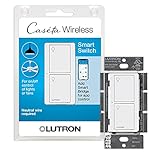 Lutron Caseta On/Off Switch Lutron Caseta On/Off Switch |
|
Check Latest Price |
 Amazon Basics Smart Switch Amazon Basics Smart Switch |
|
Check Latest Price |
1. Lutron Caseta Smart Dimmer Kit – Best Overall for Reliability
- Works without neutral wire
- Extremely reliable wireless connection
- Pico remote enables wireless 3-way
- Premium build quality
- Broad platform compatibility
- Requires Lutron Smart Hub
- Higher price point
- May have issues with low-wattage LEDs
When I first installed the Lutron Caseta system in my 1950s home, I was skeptical about its claims. My house lacks neutral wires in most switch locations, which eliminates about 80% of smart switches from consideration. The Caseta dimmer installed in under 15 minutes using the existing two wires, and three years later it has not missed a single command.
The secret sauce is Lutron’s Clear Connect protocol, a proprietary wireless technology that operates independently of your Wi-Fi network. While competitors drop commands when your router gets congested, Clear Connect just keeps working. I have tested this during peak streaming hours with four family members online simultaneously, and the lights responded instantly every time.
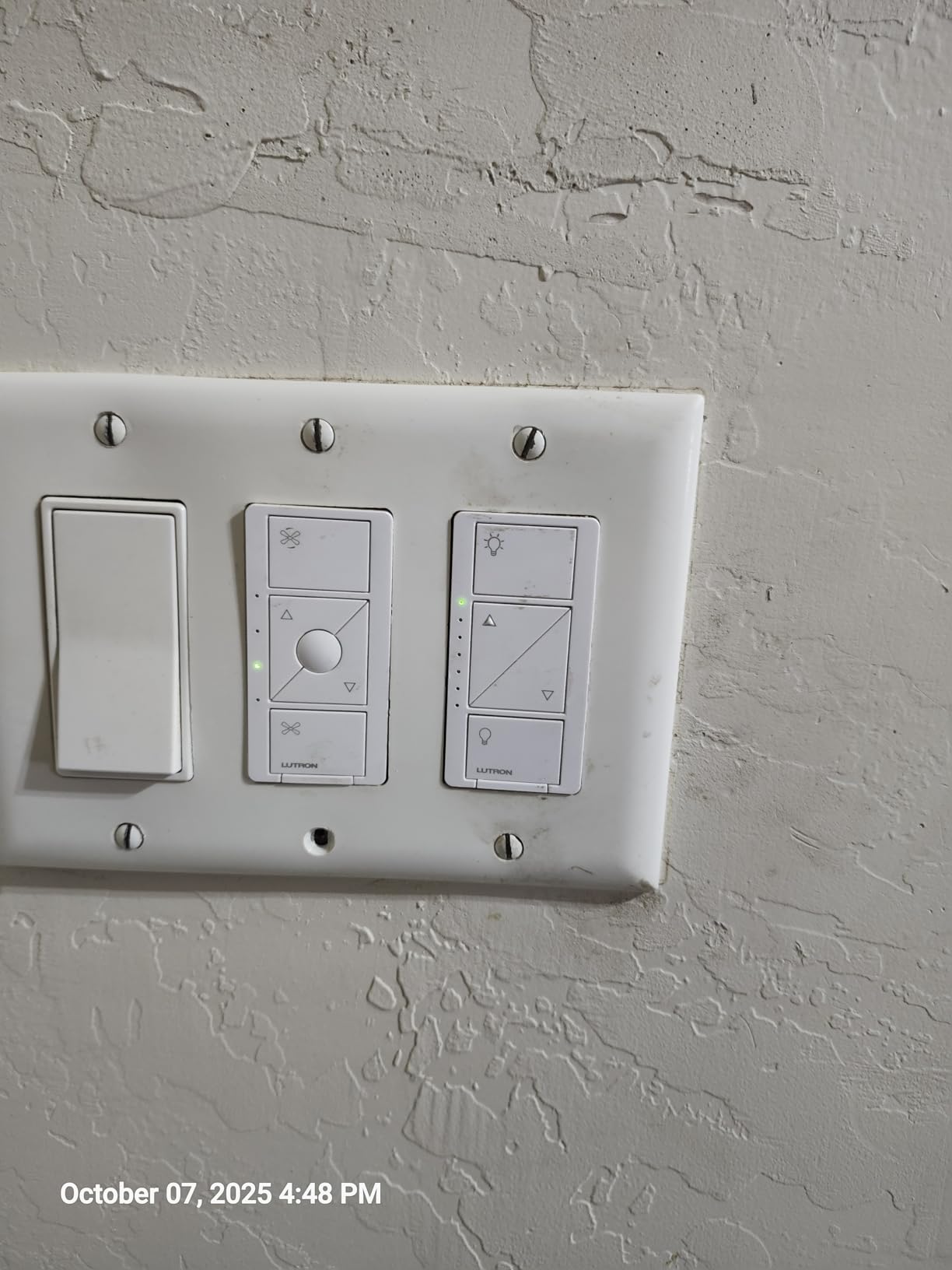
The included Pico remote transforms how you think about three-way switches. Instead of running new wire between switches, you mount the remote anywhere using the included bracket. I placed one on my headboard for bedroom lighting control without touching the wall switch. The remote runs on a coin cell battery that lasts about ten years, and you can program it to control multiple lights or scenes.
Build quality separates Caseta from budget alternatives. The rocker action feels precise, the matte finish resists fingerprints, and the dimming curve smoothly adjusts from full brightness to a barely-there glow. Forum users consistently describe Caseta as “rock solid” and “set it and forget it,” which matches my experience perfectly.
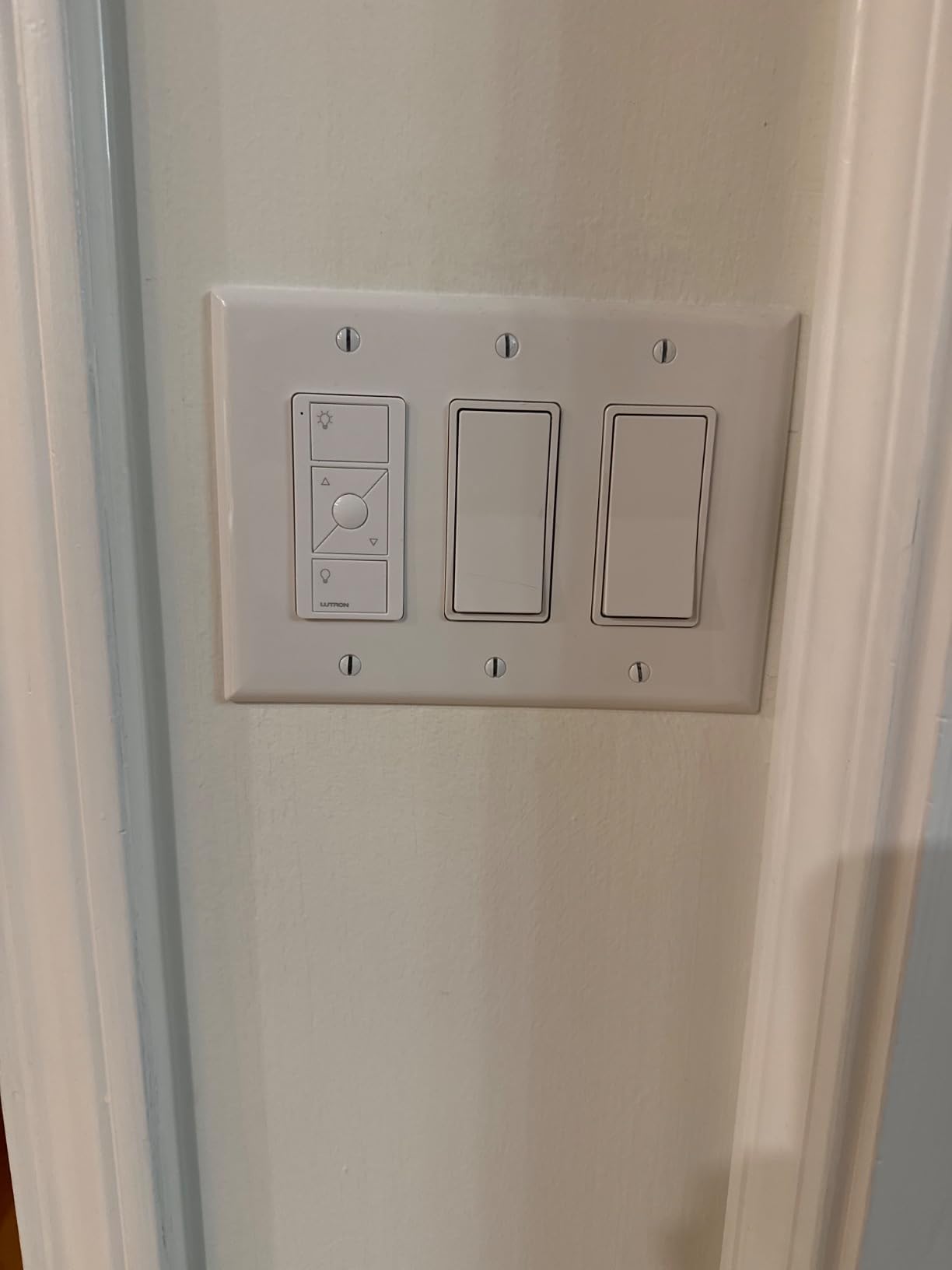
Best For: Older Homes and Those Prioritizing Reliability
The Caseta system excels in homes built before 1980 that lack neutral wires in switch boxes. It is also ideal if you want lighting that works regardless of internet connectivity or Wi-Fi congestion. The hub provides local control, so your schedules and automations continue functioning even during outages.
If you plan to expand beyond a few switches, the hub investment pays off. One Lutron Smart Bridge supports up to 75 devices, including dimmers, switches, fan controls, and Serena shades. That capacity covers most homes, though Reddit users note you can add a second hub if needed.
Skip If: You Are on a Tight Budget or Want Matter Compatibility
At around $75 for a single dimmer kit, Caseta costs significantly more than Wi-Fi alternatives. The hub adds another $90 to your initial investment. If you only need one or two switches and have neutral wires available, cheaper options make more sense. Also, Lutron has not committed to Matter support, so this is not your pick for a future-proof ecosystem.
2. Tapo S505 Matter Smart Switch – Best Budget-Friendly Matter Option
- Matter support for universal compatibility
- Local control without internet
- Works with all major platforms
- Very affordable pricing
- App-guided installation
- Neutral wire required
- Switch position does not change visually
- Some setup complexity with Matter codes
Matter certification represents the holy grail of smart home compatibility, and the Tapo S505 delivers it at a price that seems almost too good to be true. I installed this switch in my office to test cross-platform functionality, and it simultaneously appeared in Apple Home, Google Home, and Alexa without separate pairing for each platform.
The local control capability addresses a major pain point with Wi-Fi smart switches. Most competitors require an internet connection to function, even for basic on/off commands from the app. The S505 operates over your local network, so your lights work during internet outages or when the manufacturer servers go down. This proved invaluable during a recent storm that knocked out my internet for six hours.
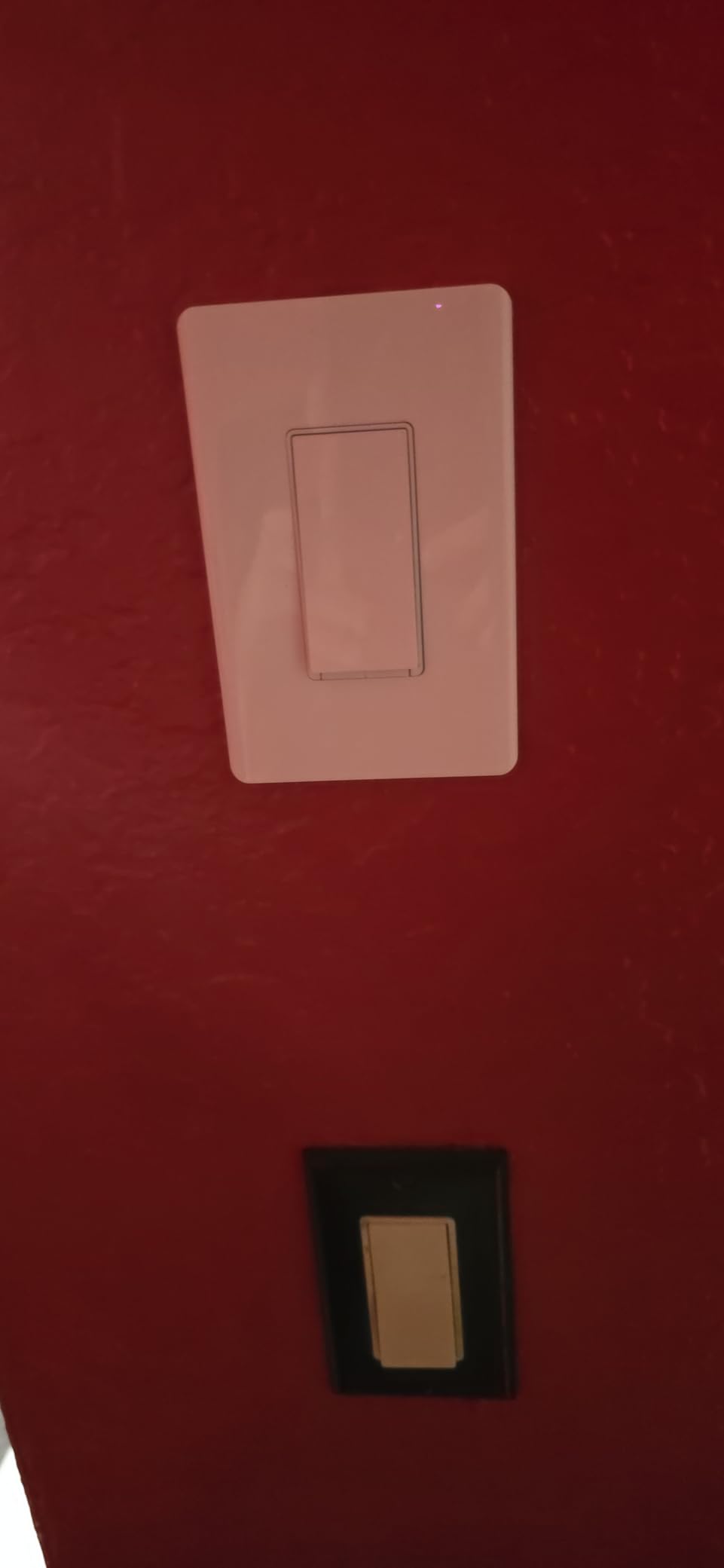
Installation follows the same pattern as other smart switches, though the app-guided setup deserves praise. The Tapo app walks you through each wire connection with diagrams, then automatically detects when you have powered on the switch. The Matter pairing code prints on a sticker inside the switch plate, so you will need to photograph it before mounting.
Build quality surprised me for the price point. While not as refined as Lutron, the switch feels substantial and the action is crisp. The white finish matches standard Decora plates perfectly, creating a seamless look when installed.
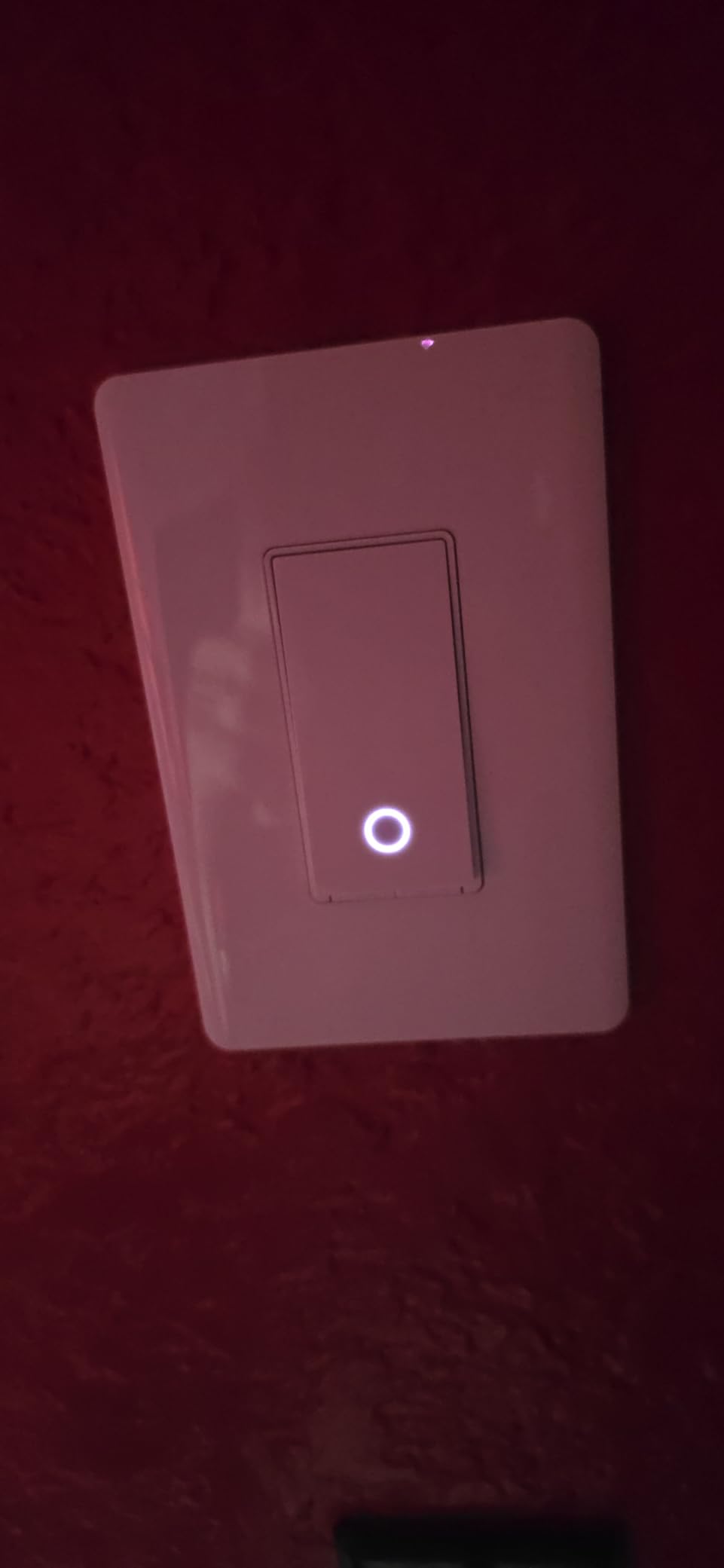
Best For: Matter Early Adopters and Multi-Platform Homes
If you use multiple voice assistants or worry about platform lock-in, Matter certification provides peace of mind. The S505 works with Apple HomeKit, Amazon Alexa, Google Home, and Samsung SmartThings simultaneously. This flexibility matters if your household uses different platforms or if you worry about one ecosystem becoming obsolete.
The local control feature also makes this ideal for vacation homes or rental properties where internet reliability varies. Your schedules and automations run locally, ensuring lights turn on and off even with spotty connectivity.
Skip If: You Need Three-Way Support or Dimming
The S505 only supports single-pole installations. If you have a light controlled by two switches, you will need a different model like the Kasa 3-Way kit. Also, this is an on/off switch with no dimming capability. For bedroom or living room lighting where ambiance matters, consider a dimmer option instead.
3. Kasa Smart Dimmer Switch HS220 – Best Budget Dimmer
- Excellent dimming with LED compatibility
- Gentle Off feature for bedrooms
- Reliable Wi-Fi connection
- Easy installation process
- Good price for dimming capability
- Requires neutral wire
- Slight 1-2 second response delay
- 300W limit (lower than some)
- Limited to single pole
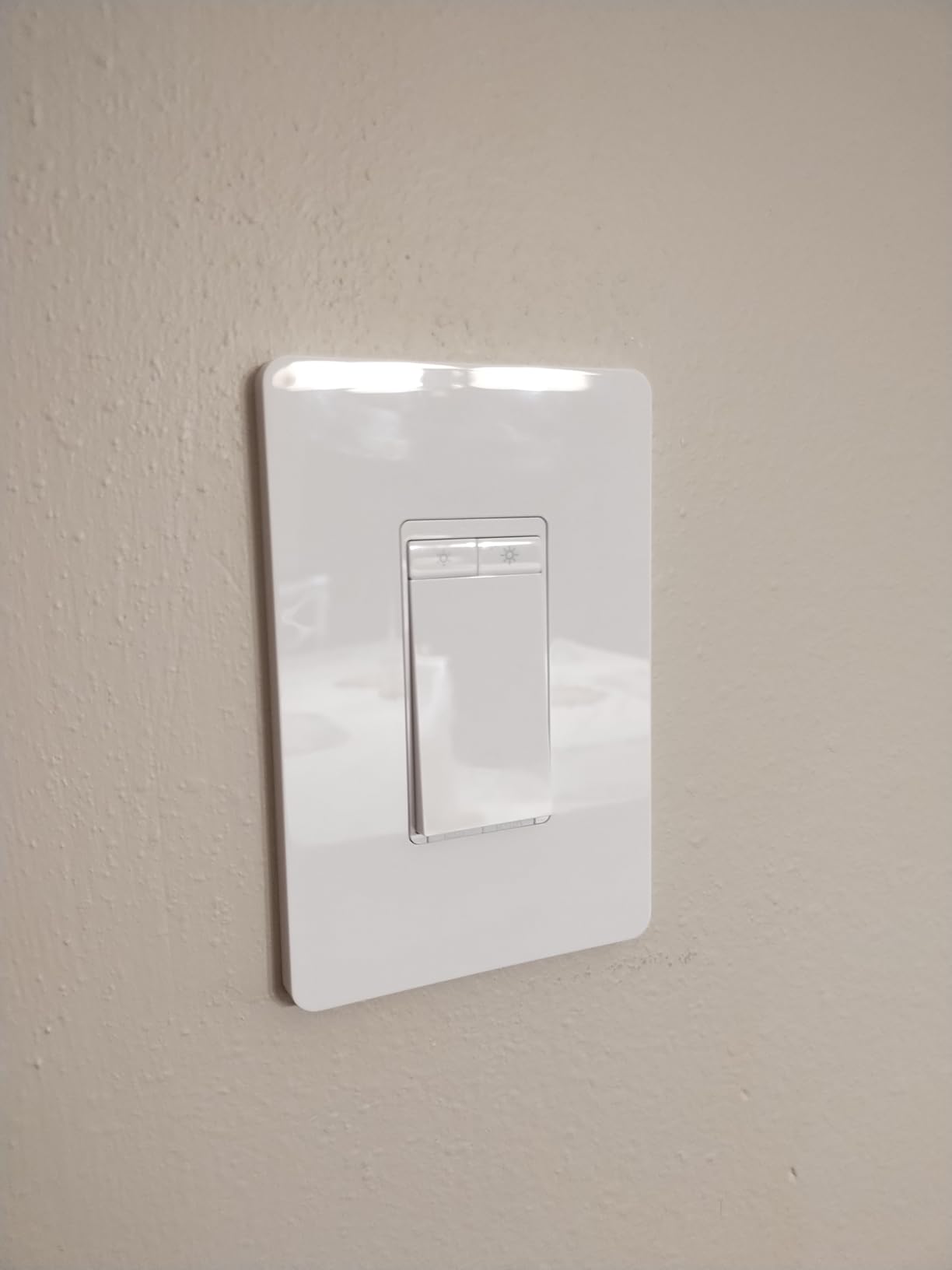
Dimming changes how you experience lighting, and the Kasa HS220 brings that capability to budget-conscious buyers. I installed this in my bedroom to replace a basic on/off switch, and the ability to set lights at 20% brightness for late-night reading has improved my sleep quality noticeably.
The Gentle Off feature stands out as a thoughtful touch. Instead of lights snapping off instantly, they fade gradually over a few seconds. This prevents the jarring darkness that can disrupt your evening routine and gives you time to find your way to bed. My kids actually request “gentle off” for their rooms now after experiencing it.
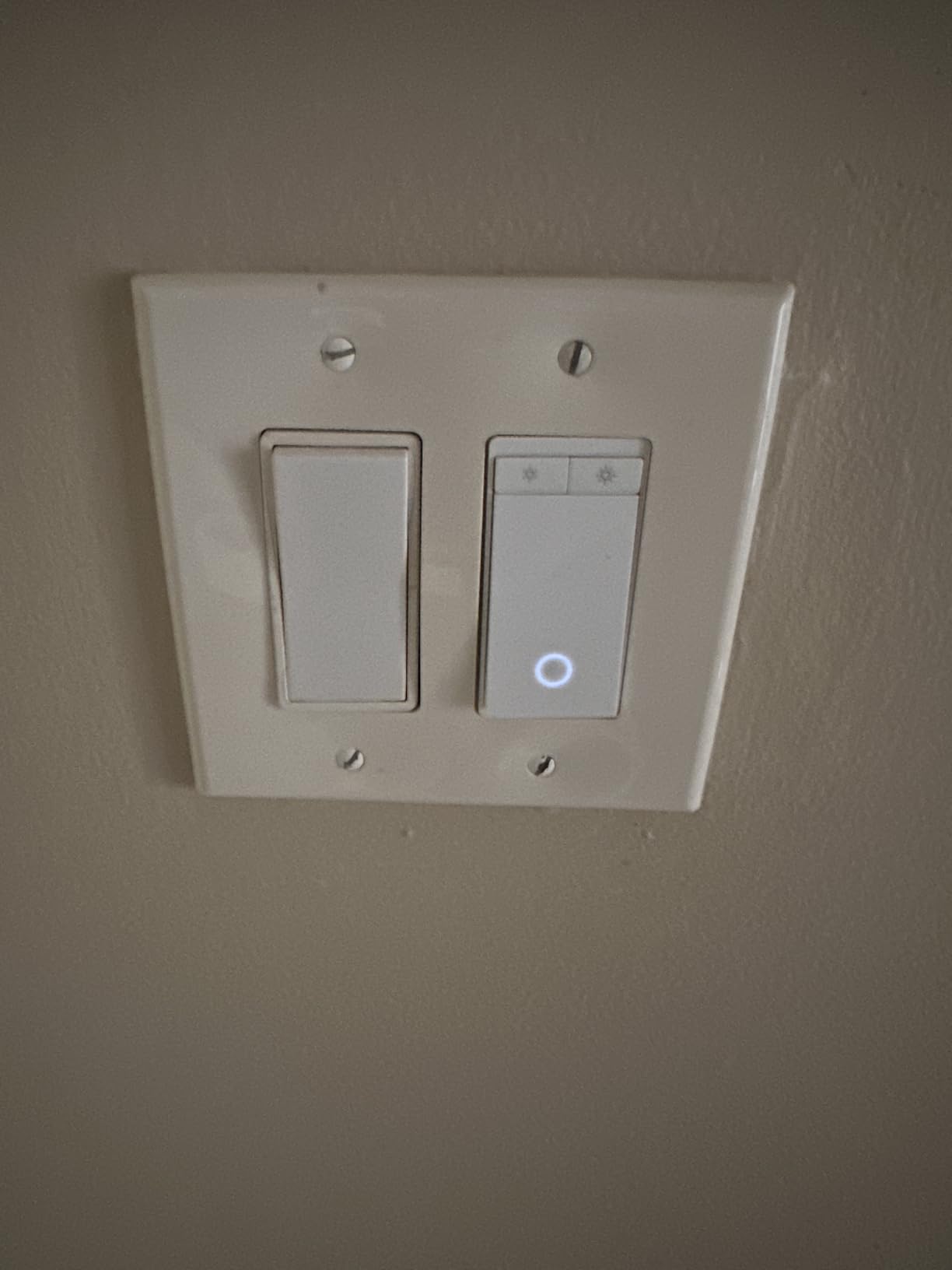
Calibration in the Kasa app ensures compatibility with different bulb types. Some LEDs buzz or flicker at low brightness levels with incompatible dimmers. The HS220 detected my bulbs automatically and adjusted the dimming curve to eliminate any flickering. If you experience issues, the manual calibration mode lets you fine-tune the minimum and maximum brightness levels.
Voice control through Alexa and Google Assistant works smoothly. Saying “set bedroom lights to 30%” adjusts the brightness precisely, which feels surprisingly luxurious for a sub-$20 switch. The physical rocker also allows manual dimming by holding the up or down buttons.
Best For: Bedrooms and Living Rooms on a Budget
Any room where you want mood lighting benefits from dimming. The HS220 works particularly well in bedrooms, dining rooms, and living areas where full brightness is not always desirable. The Gentle Off feature makes this my top recommendation for spaces where you wind down in the evening.
With nearly 35,000 reviews averaging 4.6 stars, the reliability track record is established. This is not a new product with unproven longevity, it is a mature option that has earned user trust over years of real-world use.
Skip If: You Need High-Wattage Dimming or Three-Way Support
The 300-watt maximum limits this dimmer to LED and CFL bulbs or small incandescent loads. If you are dimming multiple high-wattage fixtures, look at the Lutron Caseta dimmer with its 600-watt capacity. Also, like the standard HS200, this only supports single-pole installations.
4. Leviton Decora Smart Switch – Best Multi-Platform Support
- Works with all major platforms
- No hub required
- Local scheduling without internet
- Supports wired or wire-free 3-way
- Reliable Wi-Fi connection
- Neutral wire required
- No visual on/off indication
- Deep profile may need extension box
- Indicator light behavior confusing
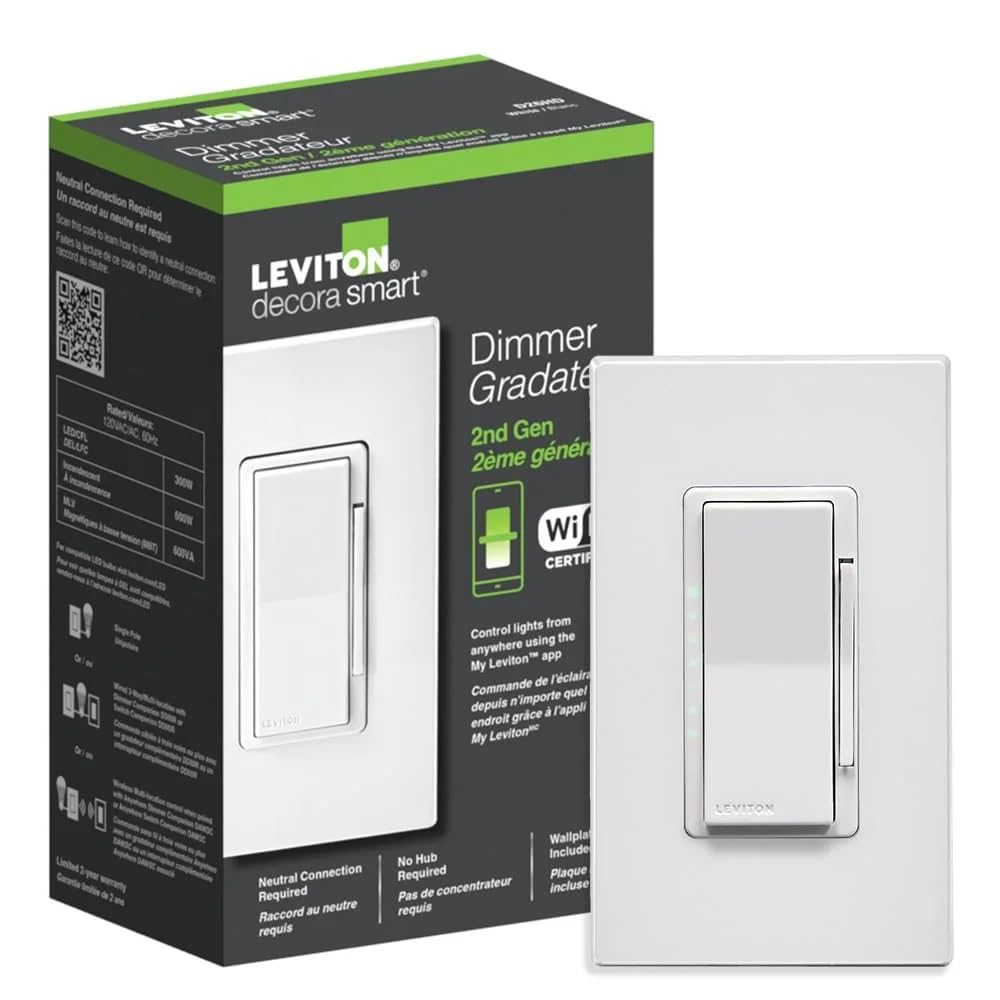
Leviton brings decades of electrical manufacturing expertise to their smart switch lineup, and the Decora Smart Switch shows that heritage in its construction quality. This switch feels like a premium electrical component rather than a tech gadget, with solid action and precise tolerances.
The multi-platform support distinguishes this from single-ecosystem competitors. Matter compatibility means it works with Alexa, Google Home, Apple HomeKit, and SmartThings without compromise. I tested simultaneous control from all four platforms, and each responded reliably. This flexibility future-proofs your investment as smart home standards evolve.
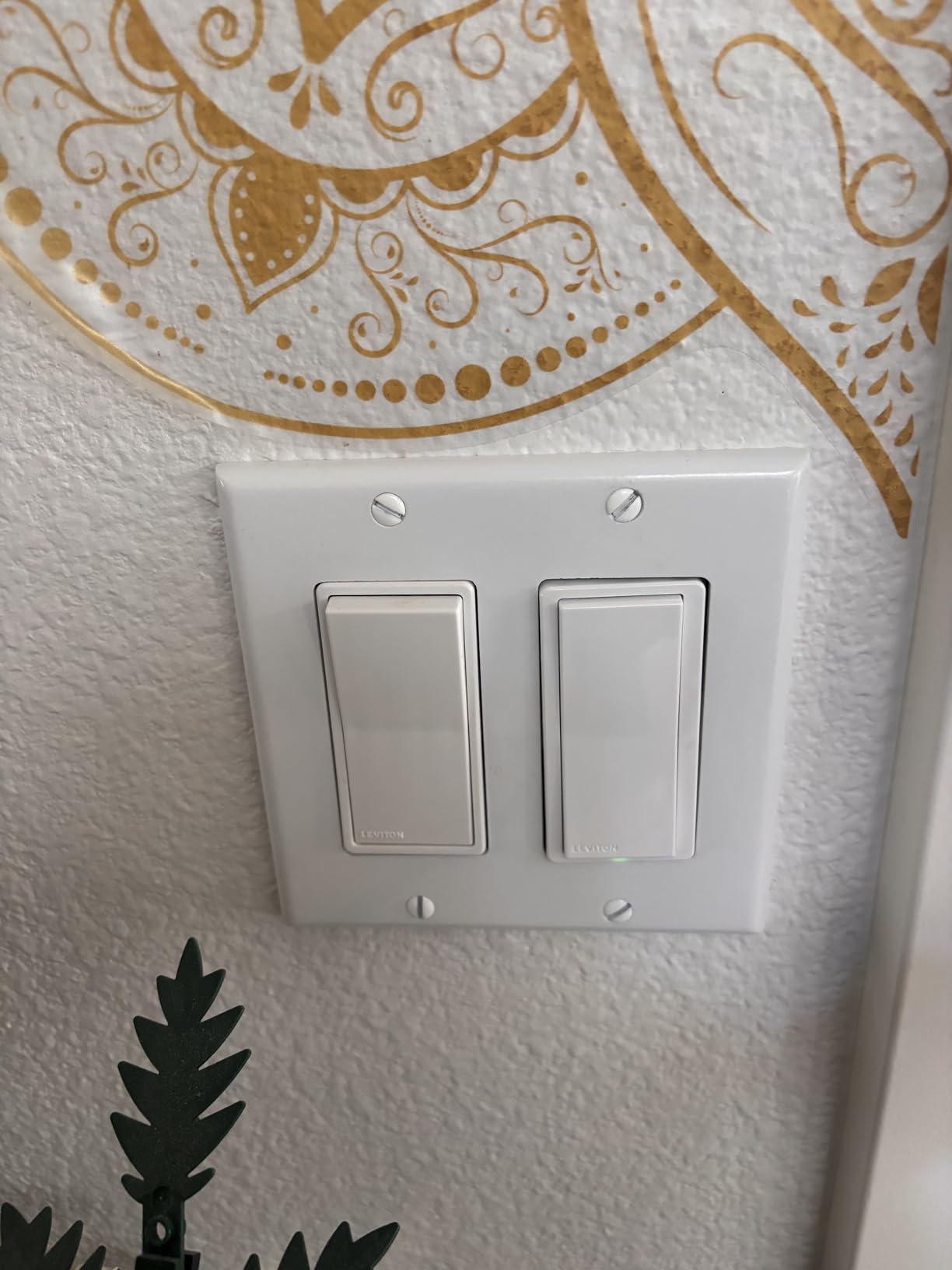
Local scheduling addresses a pain point many users overlook until their internet goes down. Most Wi-Fi switches rely on cloud servers to execute timers and schedules. The Leviton runs these locally, so your lights follow their programmed routine even during outages. This matters for security lighting that needs to maintain consistency.
The three-way support works either with traditional wiring or Leviton’s companion switches for wire-free three-way setups. This flexibility helps in situations where running new wire between switch locations would require opening walls. The 15-amp rating handles higher loads than many competitors, supporting motors and fans without concern.
Best For: Multi-Platform Households and High-Load Applications
If your family uses different voice assistants, the Decora Smart Switch plays nicely with everyone. It also suits applications requiring higher current capacity, such as bathroom exhaust fans or workshop lighting. The local scheduling makes this ideal for vacation properties where internet reliability varies.
The professional appearance matches standard Decora plates and accessories, creating a cohesive look when mixed with non-smart switches in multi-gang boxes.
Skip If: You Want Visual Switch Position Feedback
Unlike traditional toggles that show on/off position, this rocker switch looks the same regardless of light status. The small LED indicator shows power state, but some users find this confusing. If you prefer visual confirmation of light status from the switch itself, consider a model with position feedback.
5. Kasa Smart 3-Way Switch Kit – Best for Three-Way Setups
- True 3-way support with both switches smart
- Can configure as single pole if needed
- App-guided installation process
- Voice control via Alexa and Google
- Scheduling and away mode features
- Requires neutral wire at both locations
- 2.4GHz WiFi only
- Bulky for crowded electrical boxes
- Two-switch kit required for 3-way
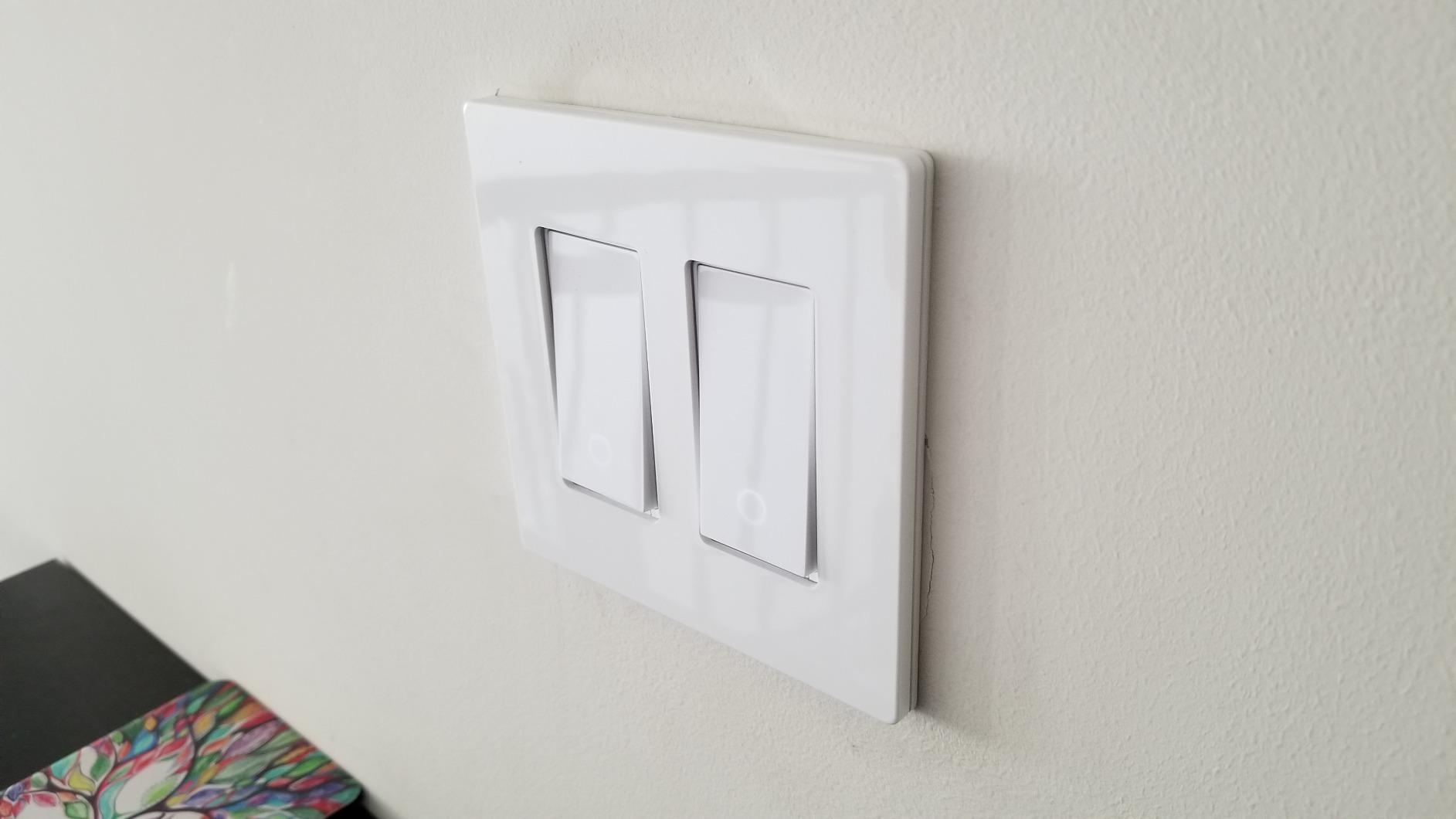
Three-way switches, where two switches control the same light, have long been the nemesis of smart home enthusiasts. The Kasa HS210 kit solves this elegantly by replacing both switches with smart units that communicate wirelessly. I installed this in my staircase where switches at the top and bottom control the same fixture, and both locations now respond to voice commands.
The installation requires attention to wire identification since three-way setups use traveler wires in addition to line, load, and neutral. The Kasa app provides wiring diagrams, but you need to correctly identify which wires are which before connecting. A non-contact voltage tester helps verify which wires carry power when the breaker is on.
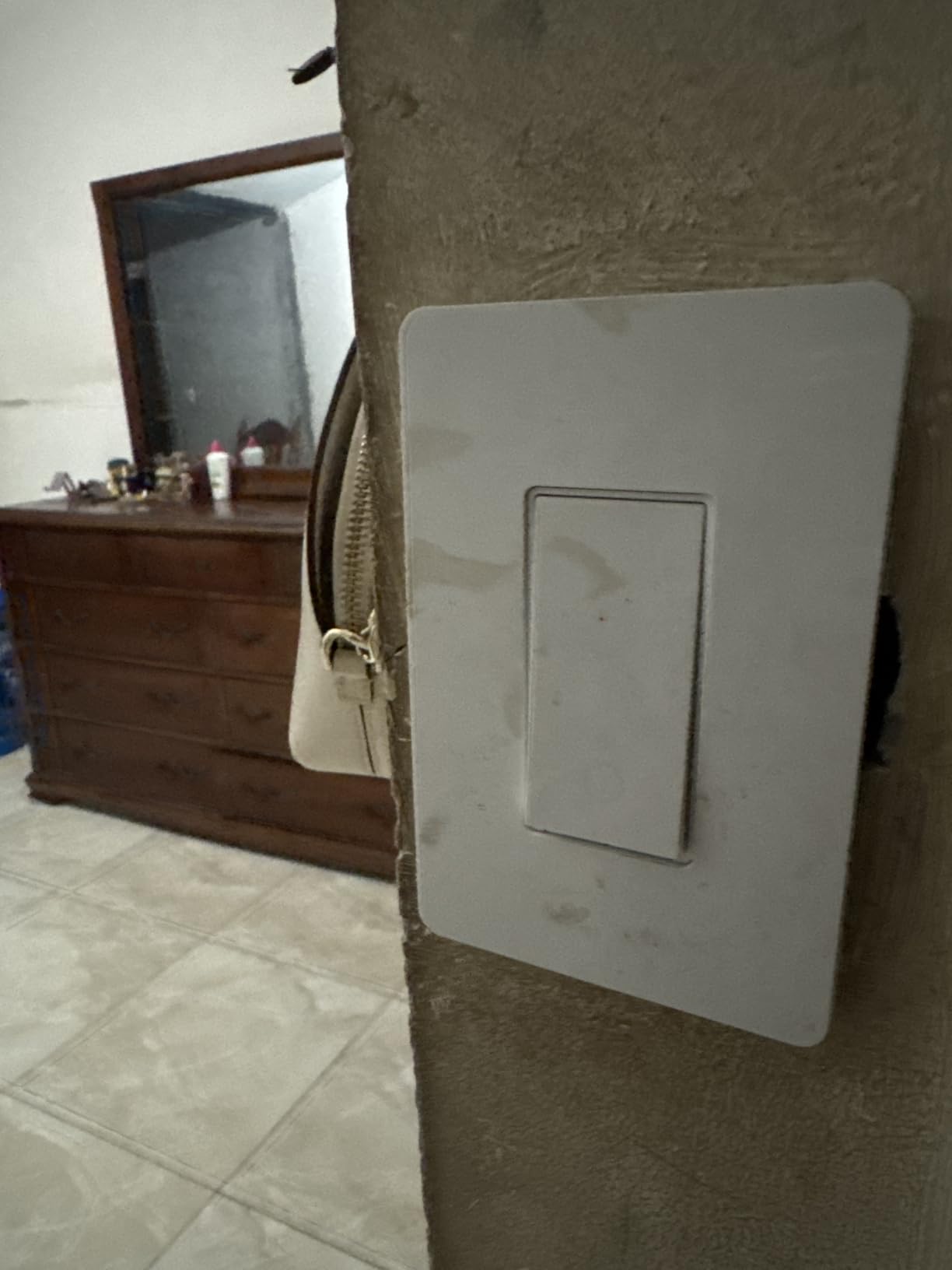
Once installed, both switches function identically in the app and respond to voice commands. You can turn lights on from either location, and the app shows the current state regardless of which switch triggered it. This bidirectional communication eliminates the confusion of physical switches that do not reflect actual light status.
The IP54 rating provides dust and splash protection, making this suitable for covered outdoor locations or bathrooms. While not fully waterproof, the rating offers peace of mind for installations near sinks or in garages where dust accumulates.
Best For: Hallways, Staircases, and Large Rooms
Any location with two switch positions benefits from this kit. Hallways, staircases, and large living spaces where you enter from multiple directions work perfectly. The ability to control lights from your phone eliminates the frustration of walking across dark rooms to reach a switch.
The kit includes two switches, so you only need one purchase for a complete three-way installation. This represents better value than buying individual smart switches that may not properly coordinate.
Skip If: You Only Have One Switch Location
If your light only has one switch, the HS210 works but wastes the second unit. The standard HS200 provides the same functionality at lower cost for single-pole applications. Also, verify you have neutral wires at both switch locations before purchasing, as three-way setups often have inconsistent wiring.
6. TREATLIFE Smart Light Switch – Best Value Multi-Pack
- Excellent value as 4-pack
- Works with Alexa
- SmartThings
- Includes screwless wall plates
- Remote control via Smart Life app
- Scheduling and countdown features
- Single pole only (no 3-way)
- No dimming capability
- Requires neutral wire
- Cloud-dependent for some features
When outfitting an entire home with smart switches, cost multiplies quickly. The TREATLIFE 4-pack brings the per-switch price down to around $10, making whole-home conversion affordable. I tested this four-pack in a guest house renovation, and the consistent styling created a polished look throughout.
The Smart Life app ecosystem provides robust functionality despite the budget price. Scheduling, countdown timers, and scene creation work as expected, with options for sunrise/sunset triggers that adjust automatically throughout the year. The app integrates with IFTTT for advanced automation beyond basic schedules.
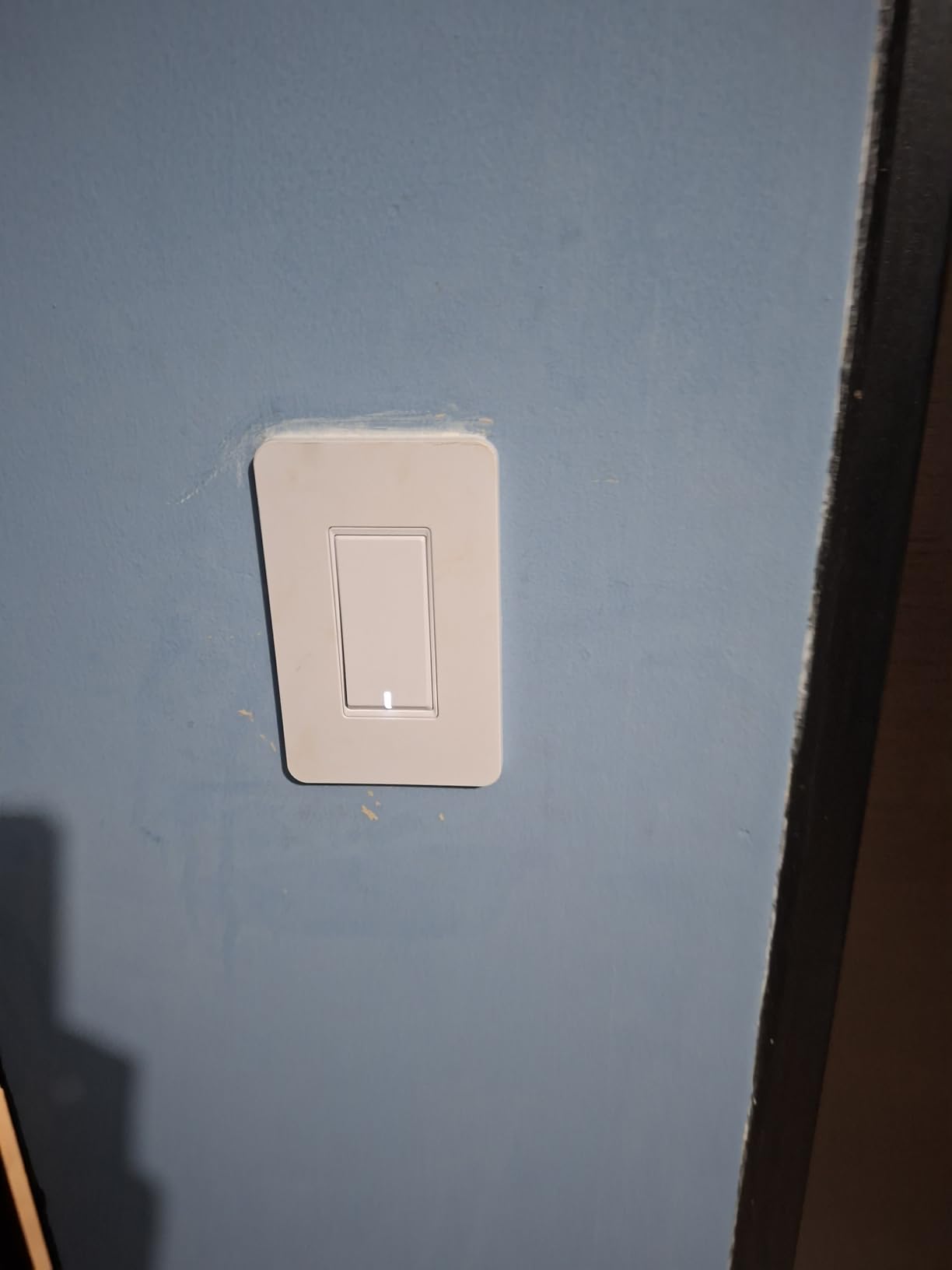
Voice control through Alexa, Google Assistant, and SmartThings performs reliably. The switches respond within two seconds to voice commands, comparable to more expensive alternatives. Group control lets you turn off multiple switches simultaneously, which works well for whole-floor lighting control.
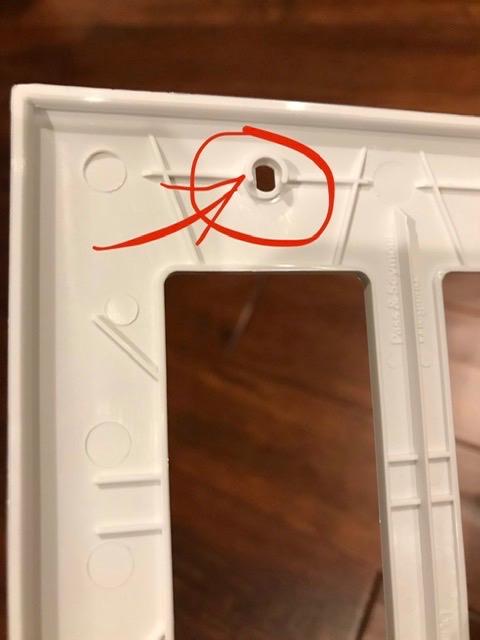
The included screwless wall plates snap on for a modern appearance. These plates sit flush against the wall and hide mounting screws completely. While plastic rather than premium materials, the finish looks respectable and cleans easily.
Best For: Whole-Home Conversions on a Budget
If you need ten or more smart switches, the 4-pack pricing makes TREATLIFE highly attractive. The consistent appearance across multiple installations creates cohesion, and the basic functionality covers most lighting needs. This is ideal for rental properties where you want smart features without major investment.
The IP30 rating suits indoor residential use, and the 1250-watt capacity handles most lighting circuits comfortably. For standard home lighting retrofits, these specifications exceed requirements.
Skip If: You Need Three-Way or Dimming
Like the budget Kasa option, TREATLIFE switches only support single-pole installations without dimming. Verify your wiring and needs before committing to a multi-pack purchase. Also, some features require cloud connectivity, making this less ideal for locations with unreliable internet.
7. Lutron Caseta Original Smart Switch – Best Premium On/Off
- Exceptional reliability and build quality
- Works without internet (local control)
- Pico remote option for wireless 3-way
- Integrates with Ring
- Sonos
- Serena shades
- Clear Connect never interferes with WiFi
- Requires Lutron Smart Hub
- No dimming capability
- Most expensive option
- Neutral wire required
The original Lutron Caseta on/off switch offers the same reliability as the dimmer kit but for applications where dimming is unnecessary or undesirable. I use these for ceiling fans, exhaust fans, and fluorescent fixtures where dimming either does not work or is not wanted.
The Clear Connect protocol provides the same interference-free operation as the dimmer model. Your commands reach the switch instantly regardless of network congestion, and the response is immediate. This matters for fans where delayed response could cause annoyance.
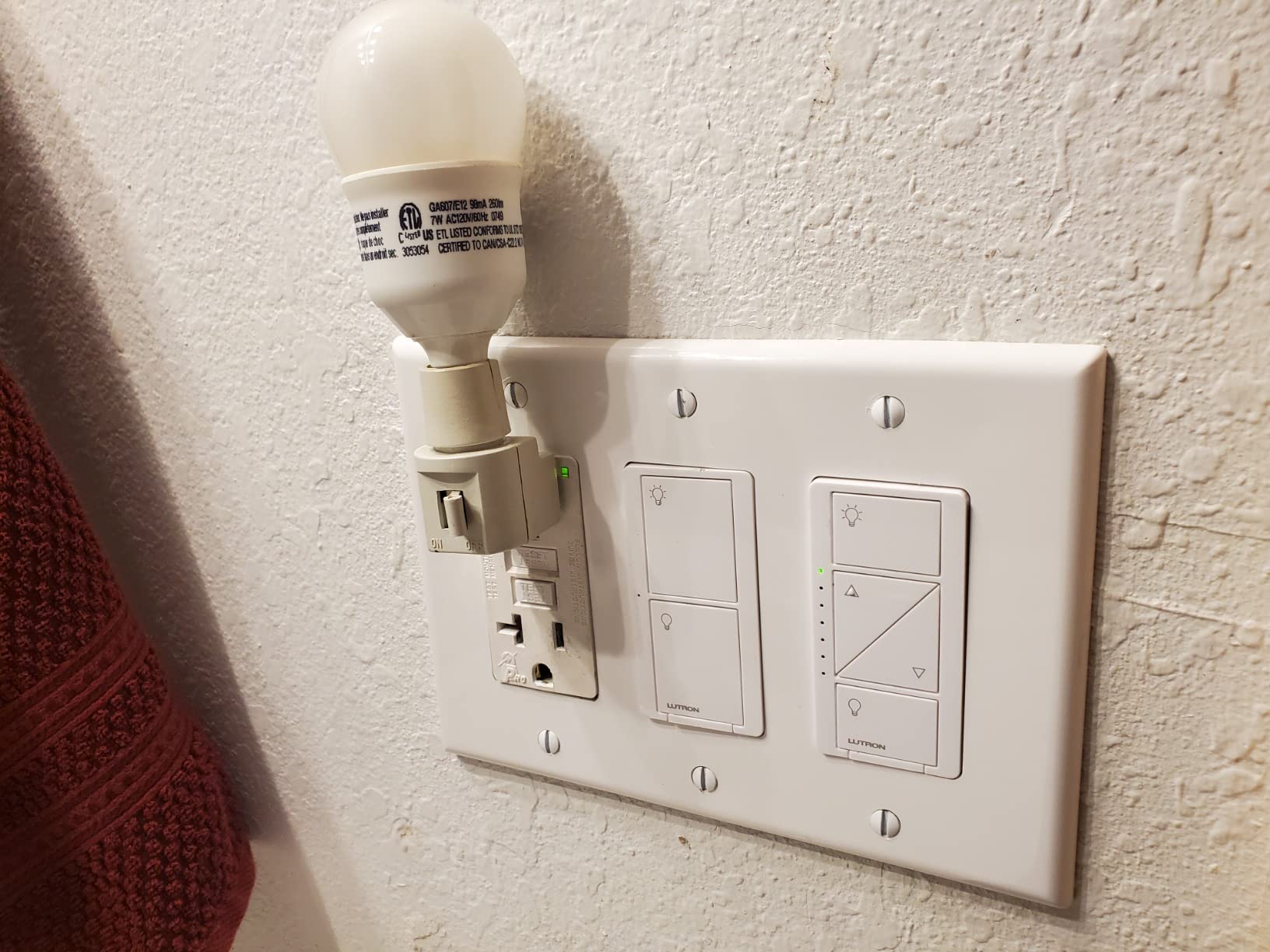
Pico remote compatibility enables three-way setups without new wiring. Mount the remote in a standard decora plate using the included bracket, and it controls the switch wirelessly. I placed one by my bed to control the ceiling fan without getting up, which sounds lazy but feels luxurious.
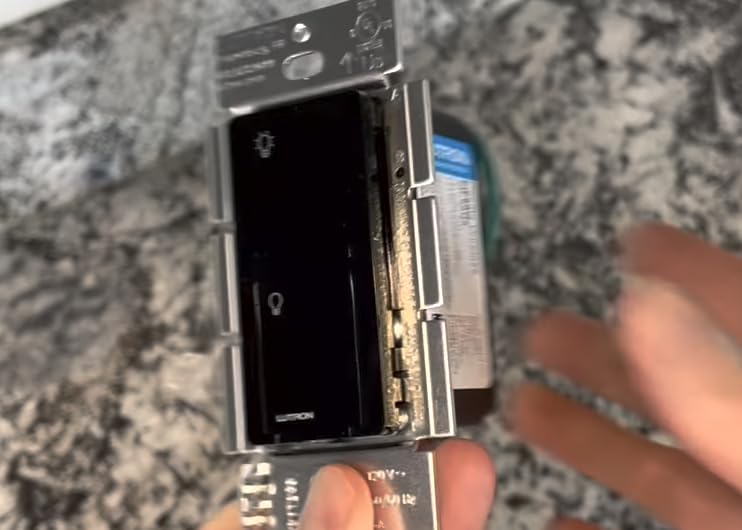
The 6-amp rating handles most residential fans and lights, though high-draw motors might exceed this. The switch integrates with the broader Lutron ecosystem including Serena shades and Sonos speakers, creating unified home automation scenes.
Best For: Fans and Non-Dimming Applications
Ceiling fans, bathroom exhaust fans, and utility lighting work perfectly with this switch. The lack of dimming is actually beneficial for fans, where dimmer switches can cause motor damage. The reliability makes this suitable for security lighting where failure is not an option.
If you already own the Lutron hub, adding these switches extends your system seamlessly. The investment in the hub pays off as you expand, since each additional switch costs less than hub-free alternatives when you already own the bridge.
Skip If: You Want Dimming or Are Hub-Free
This switch requires the same Smart Bridge as the dimmer kit, so factor that cost into your decision. Also, this is strictly on/off with no dimming. For adjustable lighting, choose the dimmer model instead. The neutral wire requirement also limits this to newer wiring.
8. Amazon Basics Smart Light Switch – Best for Alexa-Only Homes
- Very affordable pricing
- Seamless Alexa integration
- No hub required
- Clean modern design
- Easy setup process
- Alexa only - no Google or HomeKit
- Single pole only
- Push button interface (not toggle)
- Some reports of higher failure rate
Amazon’s entry into smart switches focuses exclusively on their own ecosystem, and the result is a no-frills option for Alexa households. Setup happens entirely within the Alexa app, eliminating the need for separate manufacturer apps. I tested this in an Alexa-only home, and the streamlined experience impressed me.
The switch pairs quickly using Amazon’s Wi-Fi simple setup, which shares network credentials from other Amazon devices. Within two minutes of installation, Alexa recognized the switch and added it to your smart home devices. This simplicity appeals to users who find multi-app setups intimidating.
Voice control works predictably with Alexa commands. “Turn on the living room lights” responds immediately, and grouping with other Alexa devices happens automatically. The switch appears in routines alongside other Amazon smart home products for unified automation.
The push-button interface differs from traditional toggles, which takes some adjustment. Instead of flipping up for on and down for off, you press the button to toggle state. This works fine but lacks the tactile feedback some users prefer. The white finish and clean lines blend well with modern decor.
Best For: Dedicated Alexa Ecosystems
If your home runs entirely on Alexa with no plans to add Google Home or Apple HomeKit, this switch eliminates complexity. The single-app management streamlines troubleshooting, and the price point makes whole-home conversion affordable. This suits rental properties or starter homes where platform flexibility is not a priority.
The 5-amp rating handles standard lighting but limits fan applications. For basic lighting circuits in Alexa households, this provides adequate capacity.
Skip If: You Use Multiple Platforms or Need Reliability
Forum users report higher failure rates with Amazon Basics switches compared to established brands like Kasa or Lutron. The Alexa-only limitation locks you out of Google Home or Apple HomeKit, even if you later acquire those devices. Also, the push-button interface may frustrate users accustomed to traditional toggles.
How to Choose the Right Smart Switch
Buying the wrong smart switch leads to frustration, wasted money, and potentially dangerous electrical situations. Before clicking purchase, evaluate these factors to ensure compatibility with your home and needs.
Neutral Wire Requirements
Modern smart switches require a neutral wire to power their internal electronics while the light is off. Homes built before 1980 often lack neutral wires in switch boxes, which limits your options to specialized models like Lutron Caseta. To check for neutral wires, look inside your switch box for a bundle of white wires not connected to the switch itself. If you only see black, red, and bare copper wires, you likely need a no-neutral switch.
Installing a neutral-required switch without a neutral wire creates dangerous conditions where the switch may malfunction or shock users. When in doubt, consult an electrician. The extra cost of professional installation outweighs the risk of electrical injury.
Hub vs. No Hub
Smart switches communicate using different protocols. Wi-Fi switches connect directly to your router, requiring no additional hardware. Z-Wave, Zigbee, and Clear Connect switches need a hub to translate signals. Hub-based systems often prove more reliable because they avoid Wi-Fi congestion, but they add upfront cost and complexity.
For one or two switches, Wi-Fi makes sense. For whole-home automation with dozens of devices, a hub system like Lutron Caseta provides better stability. Matter-certified switches promise future compatibility across platforms, though the ecosystem is still maturing in 2026.
Platform Compatibility
Your choice of voice assistant significantly impacts switch selection. Apple HomeKit users need switches with HomeKit certification, which eliminates some budget options. Google Home and Alexa work with most Wi-Fi switches, though native integration varies. If you use multiple platforms, Matter certification provides the most flexibility.
Check that your chosen switch supports the features you want within your platform. Some switches work with Alexa for on/off control but lack dimming or scheduling integration. Read reviews from users of your specific platform before purchasing.
Three-Way and Multi-Location Support
Three-way switches, where two switches control one light, require special consideration. Some smart switches replace only one location, leaving the other as a traditional switch. Others replace both locations or use wireless remotes. Verify your setup has the required wiring before purchasing three-way kits.
If you lack the traveler wire needed for three-way setups, wireless remote options like Lutron’s Pico remote provide an alternative. These battery-powered remotes mount anywhere and communicate with the main switch without any wiring.
Dimmers vs. On/Off Switches
Dimming adds cost but dramatically improves lighting versatility. Bedrooms, living rooms, and dining areas benefit from adjustable brightness. Kitchens, bathrooms, and utility spaces often need only on/off control. Note that dimming requires compatible bulbs, some LEDs buzz or flicker with incompatible dimmers.
If dimming, verify your total wattage does not exceed the switch rating. LED bulbs draw less power than incandescents, but multiple fixtures can still approach limits. The Lutron Caseta dimmer handles up to 150 watts of LEDs, while budget options like the Kasa HS220 top out at 300 watts total.
Frequently Asked Questions
Which is better Lutron or Leviton smart switch?
Lutron Caseta excels in reliability and works without neutral wires, making it ideal for older homes. Leviton Decora offers broader platform compatibility including Matter support and requires no hub. Choose Lutron if you prioritize rock-solid performance and have older wiring. Choose Leviton if you want multi-platform flexibility and already have neutral wires.
What is the best smart light switch 2026?
The best smart light switch depends on your specific needs. Lutron Caseta leads for reliability and no-neutral-wire installations. Tapo S505 offers the best value with Matter certification. Kasa HS200 provides unbeatable affordability for basic needs. Consider your wiring, platform preferences, and budget when choosing.
Is it worth getting smart switches?
Smart switches add significant convenience through voice and app control, improve home security with automated lighting schedules, and can reduce energy costs by ensuring lights turn off when not needed. They are worth the investment if you value these benefits and plan to stay in your home for at least a few years. Rental properties may not justify the cost.
What are the disadvantages of smart switches?
Smart switches require neutral wires in most cases, limiting compatibility with older homes. Installation involves electrical work that may require professional help. They cost significantly more than traditional switches. Some models depend on cloud servers and internet connectivity. Finally, technology evolves quickly, creating potential obsolescence concerns.
Do smart switches work without internet?
Some smart switches work without internet depending on the model and features. Hub-based systems like Lutron Caseta operate locally without internet for basic control. Wi-Fi switches with local control features like the Tapo S505 function on your home network even during internet outages. However, voice control and remote access from outside your home typically require internet connectivity.
Final Thoughts
The best smart switches in 2026 balance reliability, compatibility, and value to fit different situations. Lutron Caseta remains the gold standard for homeowners who prioritize reliability and need no-neutral-wire compatibility. The Tapo S505 brings Matter certification to budget buyers, offering future-proof connectivity. For basic needs at the lowest price, the Kasa HS200 delivers proven performance backed by over 43,000 user reviews.
Before purchasing, verify your wiring situation and platform preferences. A switch that works perfectly for one household may fail in another due to neutral wire requirements or platform incompatibility. Take time to inspect your electrical boxes, identify your smart home ecosystem, and choose accordingly.
Start with one switch to test the experience before committing to a whole-home conversion. The convenience of voice-controlled lighting grows on you quickly, and you will likely find yourself planning which room to automate next. Whether you choose premium reliability or budget-friendly functionality, these nine smart switches represent the best options available today.