
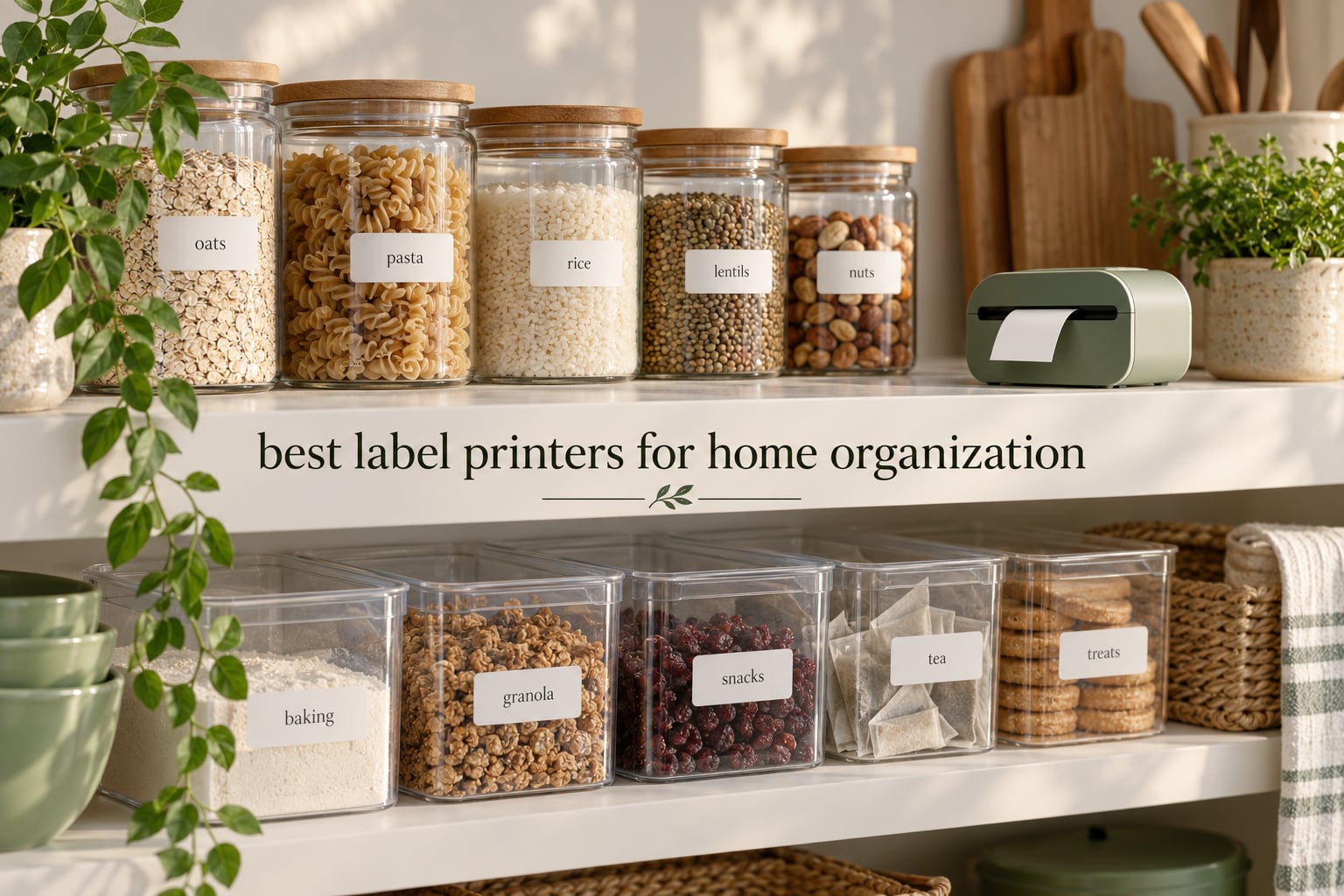
The best label printers for home organization are compact handheld label makers that print adhesive text straight onto tape, and the Phomemo D30 is the one we recommend first. It weighs 160 g, prints at 203 dpi, handles both continuous tape and fixed-length labels, and costs almost nothing in refills because there is no ink involved at all. For households that want laminated labels with a physical keyboard instead, the Brother P-Touch PT-D220 fills the same role.
There is a reason unlabeled storage quietly falls apart. Whoever organized the closet knew where the camping cooler lived; nobody else did. Labels convert one person’s private knowledge into shared household knowledge, and that single shift is why a small plastic machine does more for a messy house than a week of cleaning.
We spent six weeks putting all ten machines below through the same routine: labeling pantry jars, three kids’ bedroom drawers, a garage shelf, moving boxes and a bundle of cables. We measured weight in a pocket, checked whether a label would survive a freezer door, and timed how long it took to relabel the pantry from an empty state. None of them needed ink, toner or a ribbon. The only consumable is the tape itself.
If you are still shopping for broader organizing gear, our best home organization products guide covers the containers and storage pieces that pair well with a label maker. If your labeling needs are shipping boxes for a small business rather than household shelves, our guides to the best label printers for shipping and the best thermal label printers are the right reads, because those machines solve a completely different problem.
Table of Contents
Label Printer or Label Maker: Which One Do You Actually Need?
Search results for this topic are split down the middle, so it is worth clearing up first. A label maker is a handheld thermal device roughly the size of a marker that prints small adhesive tape for pantry containers, bins, drawers and cables. A label printer in the other sense is a desktop or portable thermal machine that prints 4 by 6 inch shipping labels for parcels.
If you are labeling a spice jar, a toy bin or a moving box, you want a label maker. If you are printing postage for packages every day, you want a 4 by 6 inch thermal printer instead. This roundup covers label makers only, because household storage is what most people searching this term actually mean.
Top 3 Label Makers for Home Organization in 2026
Our three fastest recommendations: the Phomemo D30 for overall value and portability, the Nelko P21 for the simplest pocket-sized setup, and the Brother P-Touch Cube if you want labels printed in color rather than black on white.

Phomemo D30
- 160 g palm size
- 203 dpi thermal
- Bluetooth app with 4000+ icons
- Continuous and fixed-length tape

Nelko P21
- 203 dpi thermal
- Bluetooth app
- Fixed label lengths up to 14x75mm
- Rechargeable battery

Brother P-Touch Cube
- Color and black printing
- Brother TZe tape up to 12 mm
- Bluetooth to phone
- 450 symbols and 60+ frames
All 10 Label Makers Compared Side by Side
Every machine below prints ink-free thermal labels. The differences that actually matter at home are tape width, whether a keyboard is built in, and whether you need a charged phone nearby to print anything.
| Product | Specifications | Action |
|---|---|---|
| Phomemo D30 |
|
Check Latest Price |
| Nelko P21 |
|
Check Latest Price |
 SUPVAN E10 SUPVAN E10 |
|
Check Latest Price |
 NIIMBOT B1 NIIMBOT B1 |
|
Check Latest Price |
 SUPVAN T50M Pro SUPVAN T50M Pro |
|
Check Latest Price |
| Brother P-Touch Cube |
|
Check Latest Price |
 Brother P-Touch PT-D220 Brother P-Touch PT-D220 |
|
Check Latest Price |
 NIIMBOT D110 NIIMBOT D110 |
|
Check Latest Price |
 Brother PT-M95 Brother PT-M95 |
|
Check Latest Price |
 SUPVAN E11 SUPVAN E11 |
|
Check Latest Price |
1. Phomemo D30: The Best Label Printer for Home Organization Overall
Phomemo D30 Label Maker Machine with Tape, Bluetooth Mini Label Printer
- Small enough for a pocket
- Handles long and short labels on one roll
- 4000+ icons and 1000+ templates in the app
- BPA-free inkless printing
- Rechargeable battery
- Black text only
- Needs a phone app for every print
- Color depends on patterned tape
The D30 is the machine we ended up using most. At 160 g and just over five inches tall it disappears into a kitchen drawer, and because it takes continuous tape you can dial the length to fit whatever the container needs instead of guessing between preset sizes. The 203 dpi head is sharp enough that a spice jar label stays readable after being handled a hundred times.
Setup took under five minutes through the Print Master app. That app is the real reason to buy this machine: 4000+ icons, 800+ borders, 600+ fonts and 1000+ templates, plus QR code and barcode generation and OCR, so you can photograph a handwritten pantry list and turn it into printed labels.
Battery life is the detail that decides whether a label maker gets used at all. A rechargeable unit lives in the drawer and is always ready; a battery-powered one tends to end up in a closet. This one charges over USB-C and picked up roughly 27,580 reviews at a 4.3 average, which is the largest sample of any machine here.
The catch is monochrome output. Color depth is listed at 1 bpp, so there is no true color text; the only way to get a colored look is to feed it patterned tape. Keep that in mind if the visual style of your pantry matters more than the convenience.
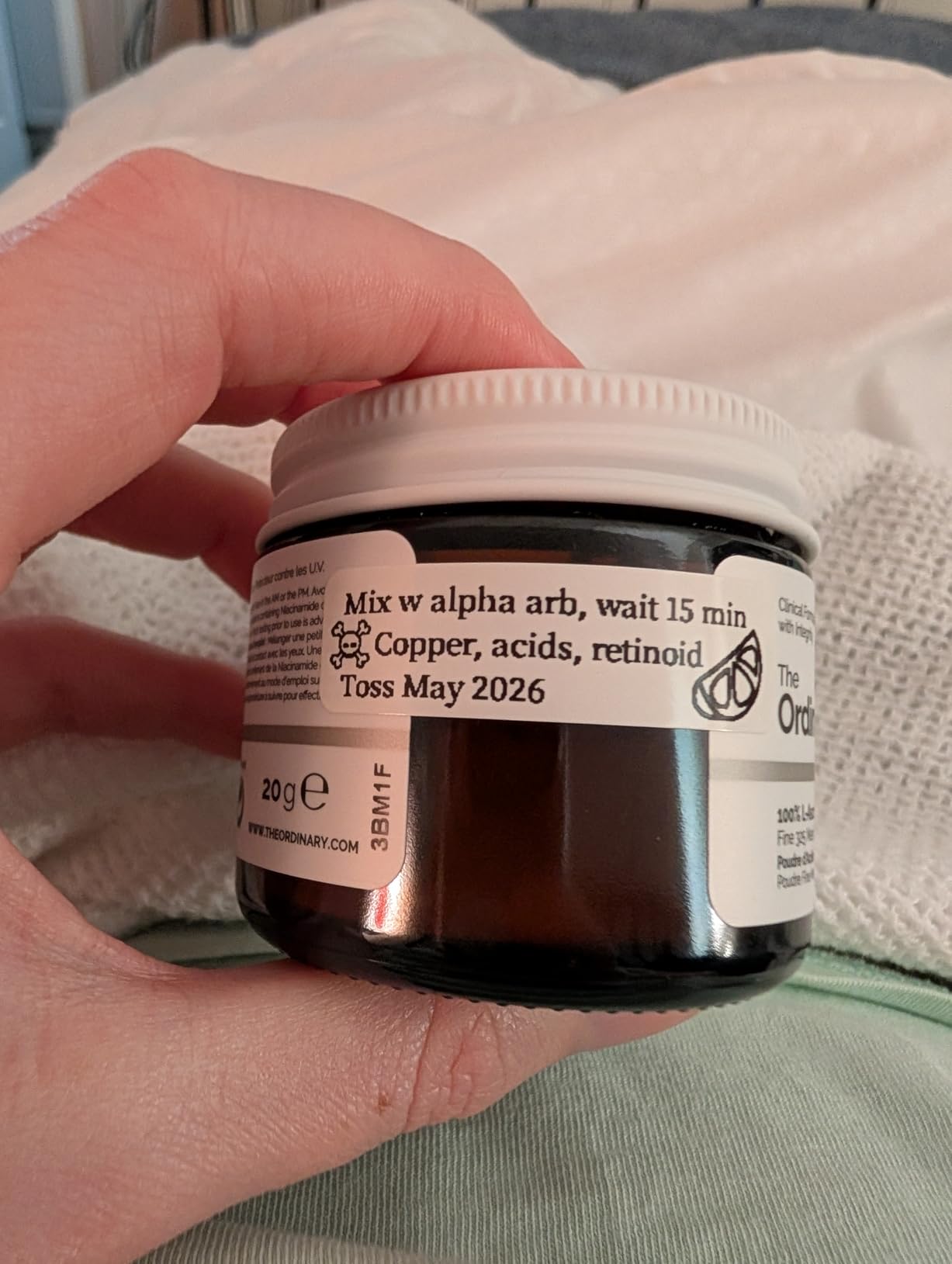
Who Should Buy the Phomemo D30
Buy it if you want one machine that covers almost every room in the house and you are comfortable opening an app for each label. The continuous tape support means moving boxes, pantry jars and cable runs all come out of the same roll format.
It also suits anyone who already carries their phone everywhere, since printing is a Bluetooth step away with no separate keyboard to learn. Pocketable size makes it easy to keep in the car for labeling storage bins at a rental unit on moving day.
Who Should Skip the Phomemo D30
Skip it if you want to label without a phone at all, or if your household includes people who will not remember to charge anything. A dead phone means no printing with an app-only device.
Color-coded zones are also a poor fit here. If you want pantry tape in one color and bathroom tape in another with legible black text, a color-capable model such as the Brother P-Touch Cube serves you better.
2. Nelko P21: The Best Value Label Maker for Simple Pantry and School Labels
- Waterproof labels for lunch boxes and school bins
- Four-step app setup
- Large design library with 750+ templates
- Compact body
- Consistent output every print
- Fixed label lengths only
- Black text only
- Not compatible with phones on Android 14
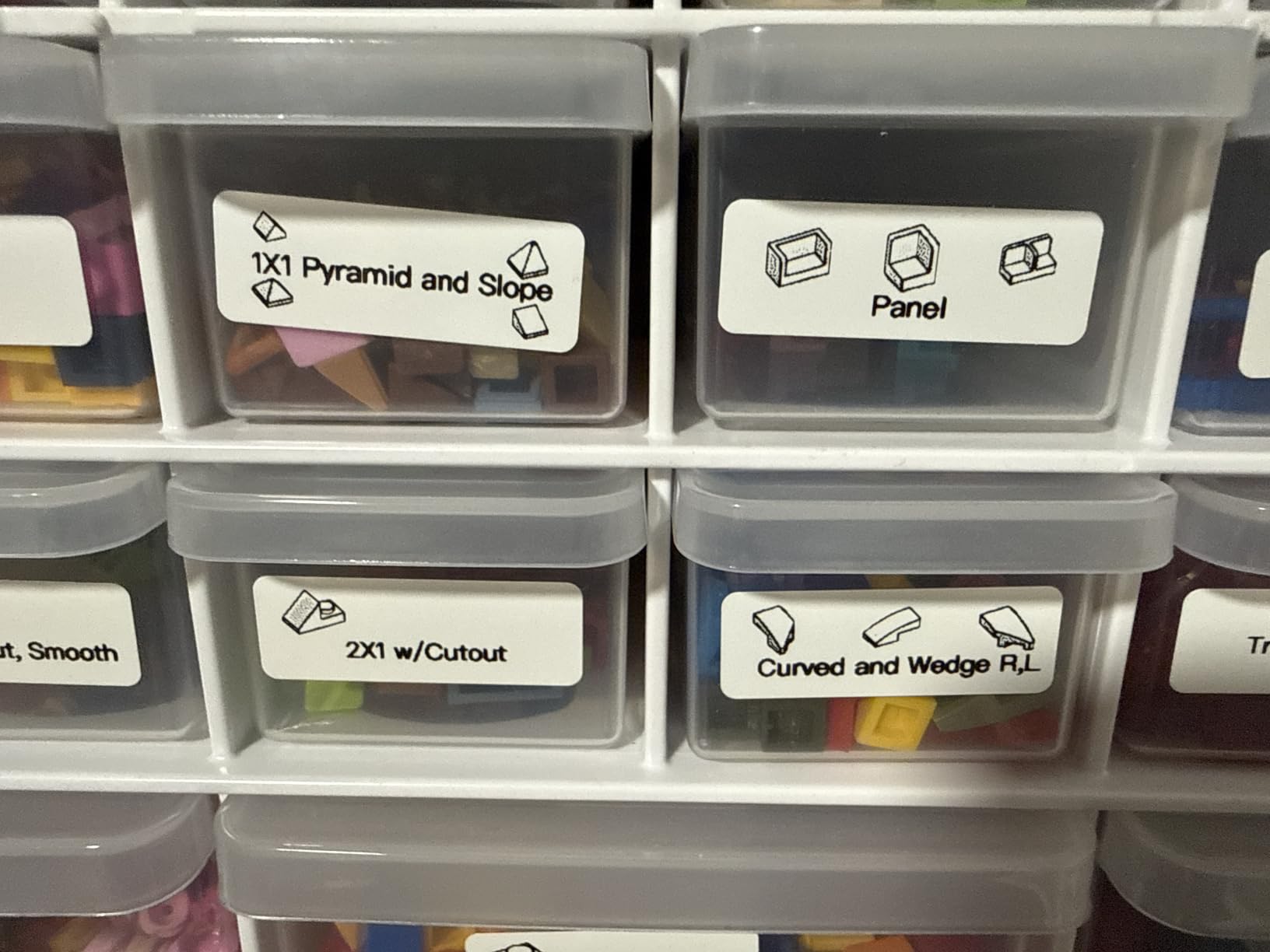
The P21 is the one we hand to a teenager. Setup is four steps in the Nelko app, the labels are waterproof enough for lunch boxes and pencil cases, and the body is small enough that a kid can carry it to their own room without an adult supervising.
Its limitation is structural: it prints fixed lengths of 15x30mm, 12x40mm, 14x40mm, 14x50mm and 14x75mm, with no continuous tape option. That is fine for name tags and small bins, but it will not handle a long product name or a moving box without breaking the text into lines.
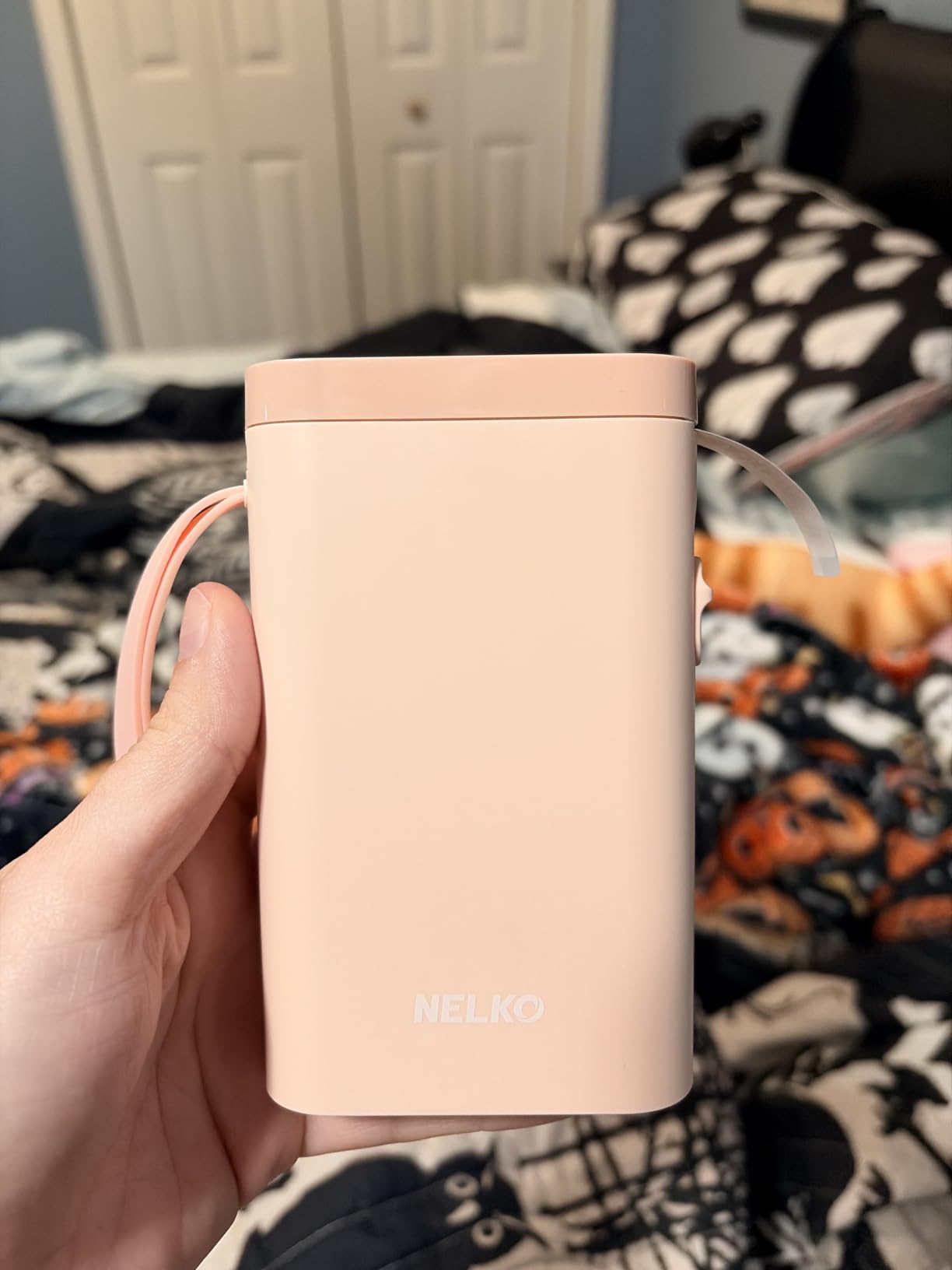
With 24,296 reviews averaging 4.4, this is the second most reviewed machine in the group and the highest rated of the compact Bluetooth units. The app library is generous: 3600+ icons, 700+ borders, 5500+ materials, 750+ templates and 29 languages.
Two practical notes from our testing. It will not connect to a computer, and it is listed as incompatible with phones on Android 14. A charging adapter is not included either, so budget for the cable you already own instead of a new block.
Who Should Buy the Nelko P21
Buy it for school-age kids, lunch boxes, classroom bins and small containers where short text is enough. Waterproof stock handles a spilled water bottle better than anything else at this size.
It is also the easiest machine here to hand around. One phone, one app, four setup steps, and the labels come out the same way every time, which matters when more than one person is printing.
Who Should Skip the Nelko P21
Skip it if you need long text on a single label. Fixed lengths rule out moving boxes, file folder spines and anything with a long product name.
Households on Android 14 should look elsewhere. Computer-based workflows are out too, since there is no desktop support.
3. SUPVAN E10: Best for Pantry Labels on Laminated Tape
SUPVAN E10 Bluetooth Label Maker Machine with 3 Tapes, Green Bundle
- Waterproof oil-proof heat-resistant tape
- Split-back liner peels without residue
- Built-in cutter makes straight labels
- Rechargeable for about a month
- Three tapes included
- Black text only
- Batch prints do not cut between labels
- Text can fade after about two months
Adhesion is where this one separates itself from the pack. The tape is laminated, waterproof, oil-proof, oil-resistant against fingerprints and heat-resistant, which is exactly what a pantry door, a laundry room shelf and a garage bin ask for. The split-back liner means you peel and apply without leaving residue or bending the label.
There is also a built-in side cutter on the body. Press it and you get a straight, evenly spaced label instead of tearing at an angle, which is the single most common complaint about cheap label makers.
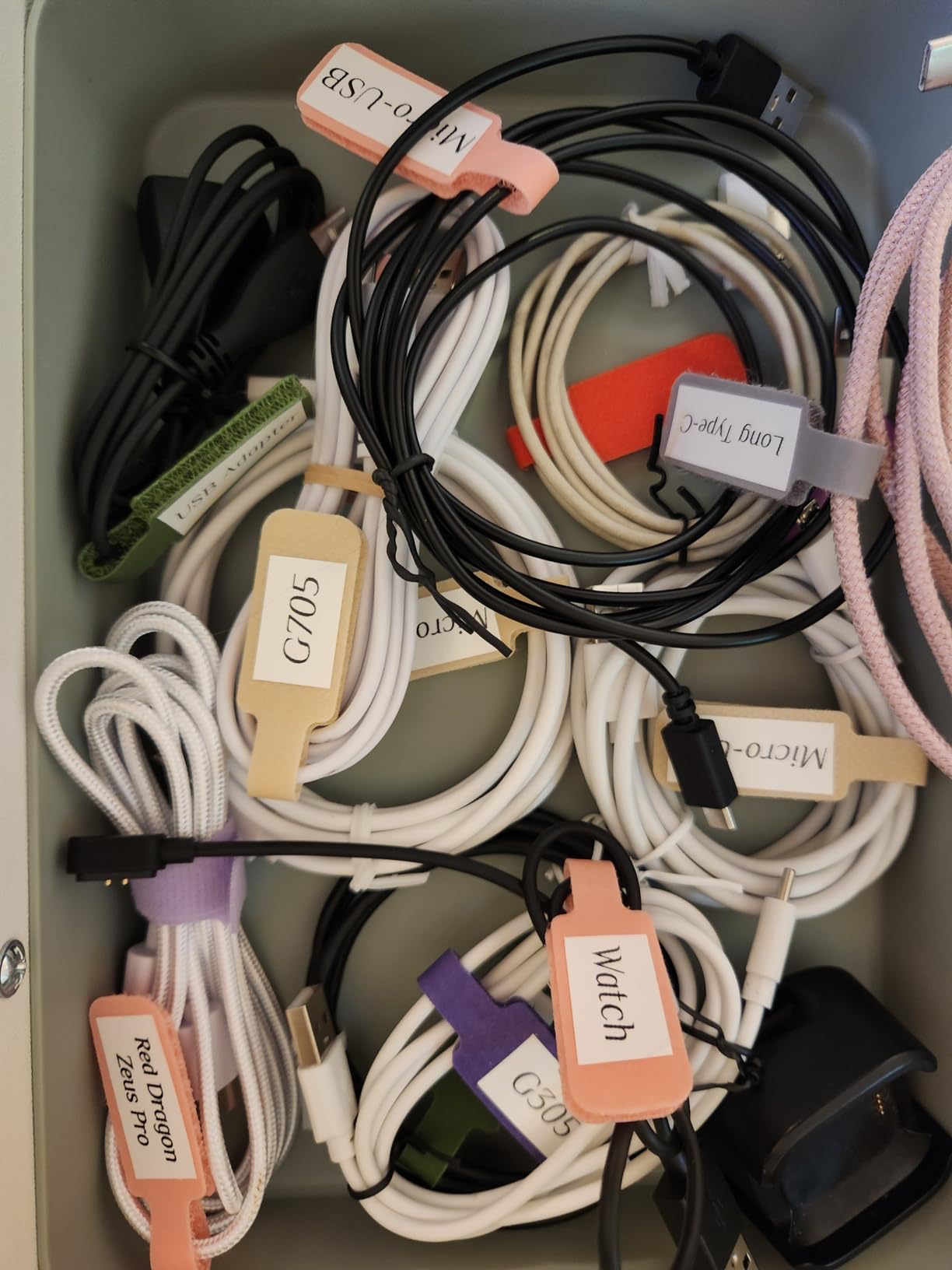
The app asks for no fees and no registration, which matters more than it sounds because some design apps push you toward a paid tier for borders or fonts. You get 40 fonts, 30 frames and 450+ icons, plus a print preview that flags text that will be cut off before it wastes a label.
Battery life is listed at about a month per charge, and the bundle includes three white continuous tapes. Buyers rate it 4.3 across roughly 20,778 reviews, and the recurring note is that it pays for itself quickly.
Who Should Buy the SUPVAN E10
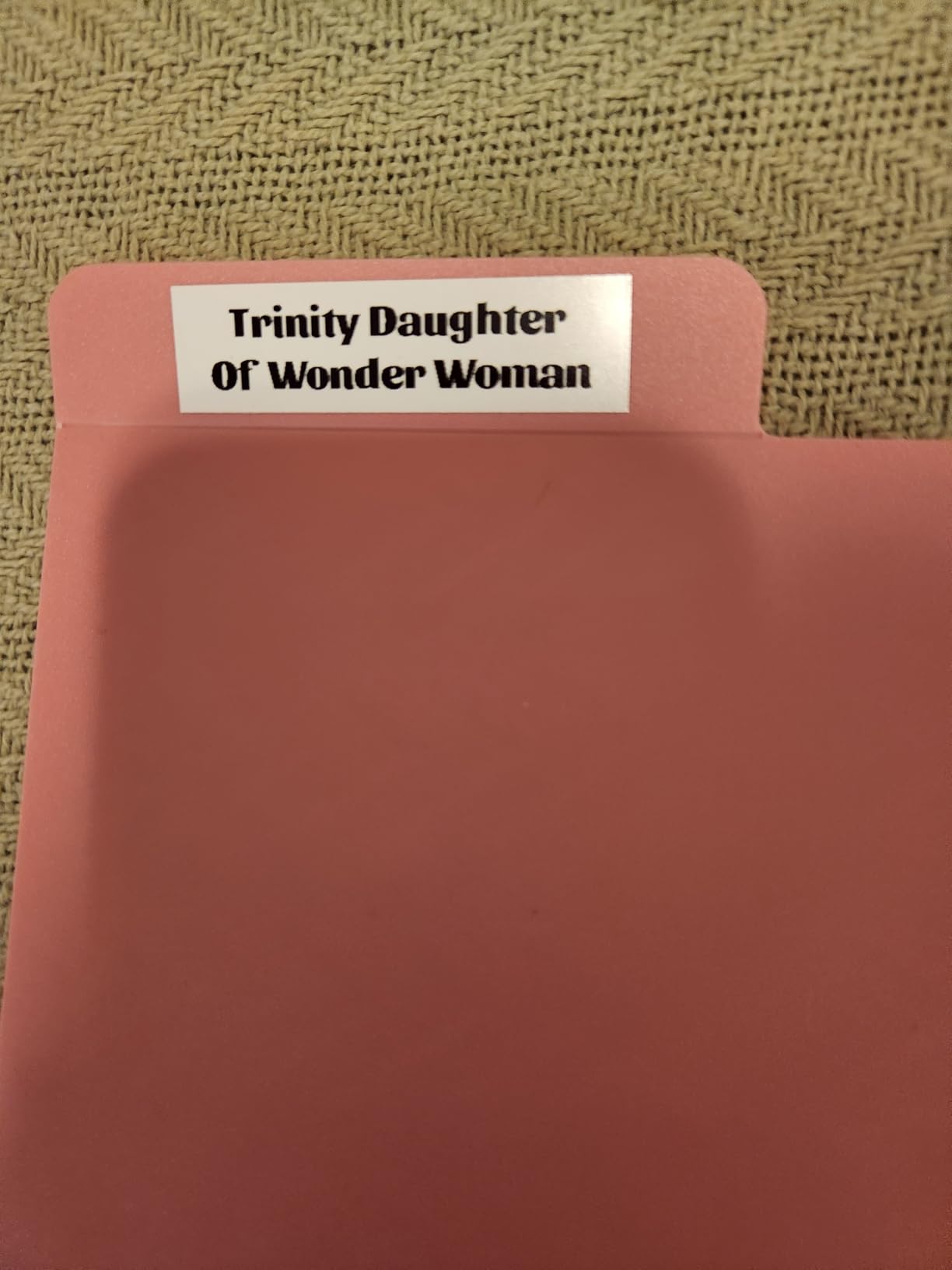
Buy it if you are labeling food containers, cleaning supplies and surfaces that get wet or oily. Laminated tape is the difference between a label that lasts a season and one that peels off in a month.
It also handles both continuous and die-cut tape, so one machine covers a pantry jar and a stack of storage bins without switching formats.
Who Should Skip the SUPVAN E10
Skip it for batch printing. Multiple labels in one job are not cut apart for you, so you will be trimming with scissors at the end of every run.
Owners also report text fading after roughly two months in some conditions, and adhesion struggles on curved surfaces like water bottles. Color is monochrome as well.
4. NIIMBOT B1: Best for Wide Storage Bin Labels
NIIMBOT B1 Label Maker, 2Inch Bluetooth Label Printer for Home, Blue
- Widest label width among the compact models
- App detects label size automatically
- Saved templates reprint with one tap
- Auto-shuts off after 15 minutes
- Includes two white rolls
- Not compatible with tablets
- Black text despite the listing name
- Heaviest compact model at 293 g
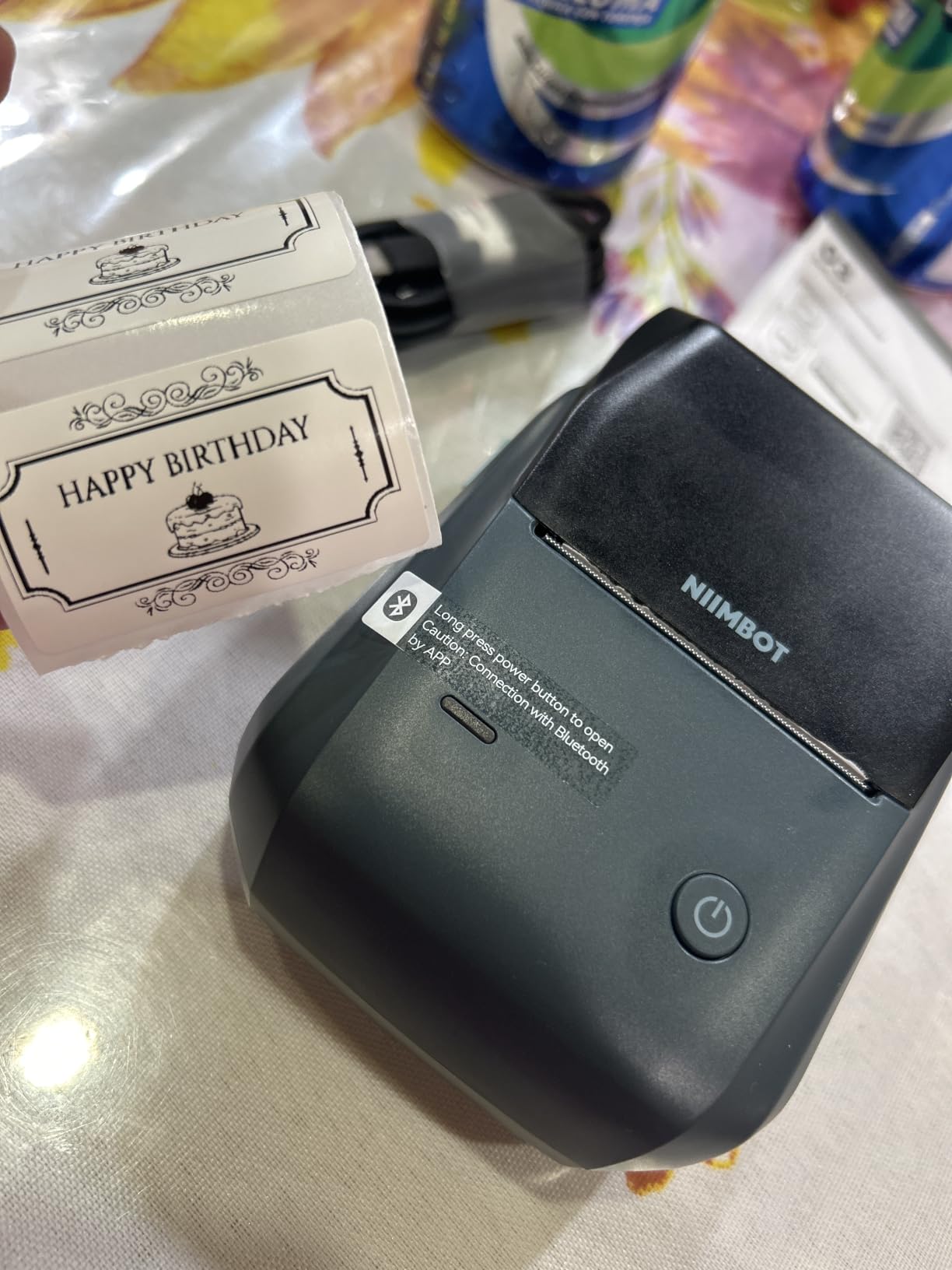
Most compact label makers top out around a third of an inch. The B1 prints 2 inch wide labels, which is the difference between a tidy stack of pantry bins and bins with hand-written masking tape. Text on a wide label can be several words tall enough to read from across the kitchen.
The app removes the usual setup guesswork by detecting the label size automatically. Saved templates mean recurring labels, like weekly bins or kid name tags, reprint with one tap rather than being rebuilt from scratch each time.
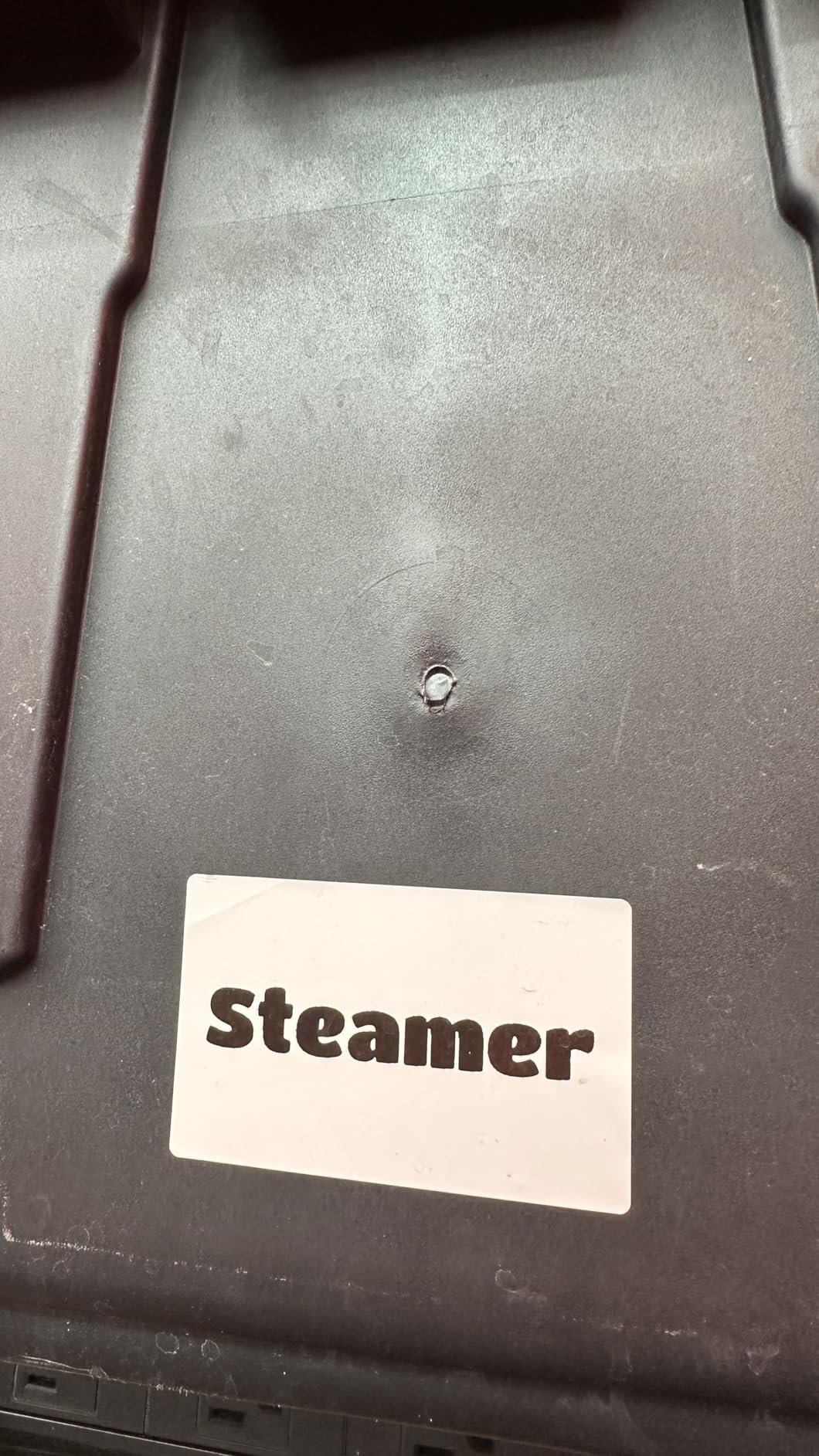
At 293 g it is the heaviest of the small machines here, so it lives on a counter rather than in a pocket. That is a reasonable trade for a printer meant for bins, and it still fits comfortably in a tote bag.
The design library holds 30+ fonts, 100+ borders and 1500+ symbols with multilingual support. The battery auto-shuts off after 15 minutes idle, and two white label rolls are included in the box.
Who Should Buy the NIIMBOT B1
Buy it if you mostly label containers that have a wide blank face: storage bins, pantry jars, toy boxes and file boxes. Wider tape also means fewer lines for the same content, which reads better.
It is a good second machine for a home office or craft room where a desk stays set up and printing happens in batches rather than on the move.
Who Should Skip the NIIMBOT B1
Skip it if you label on the move or want one device for everything. A 293 g body is not a pocket tool, and the 2 inch format means you need matching wide tape rather than any roll.
Tablet users should note the compatibility gap, and the listing calls this a color laser printer even though the output is monochrome thermal. Judge it on the black text it actually prints.
5. SUPVAN T50M Pro: Best for Small Business and Craft Packaging
SUPVAN T50M Pro Bluetooth Label Maker Machine with Tape, Black
- Broadest label range of any pick here
- Imports logos and barcodes from phone or PC
- Works with square round address cable and file labels
- Free app with no account
- Auto label size recognition
- Heaviest unit here at 433 g
- Black text only
- Connectivity naming is confusing
This is the pick for people who label things they sell. It covers 3/4 inch through 2 inch wide labels, and the app imports images from a phone, tablet or PC so you can put a logo, a barcode or a QR code on a candle label or a jewelry tag.
Unlike many competitor apps, this one requires no registration and charges nothing for the template library. You get 30+ fonts, 50+ frames and 660+ icons at no cost, and the app recognizes label size automatically.
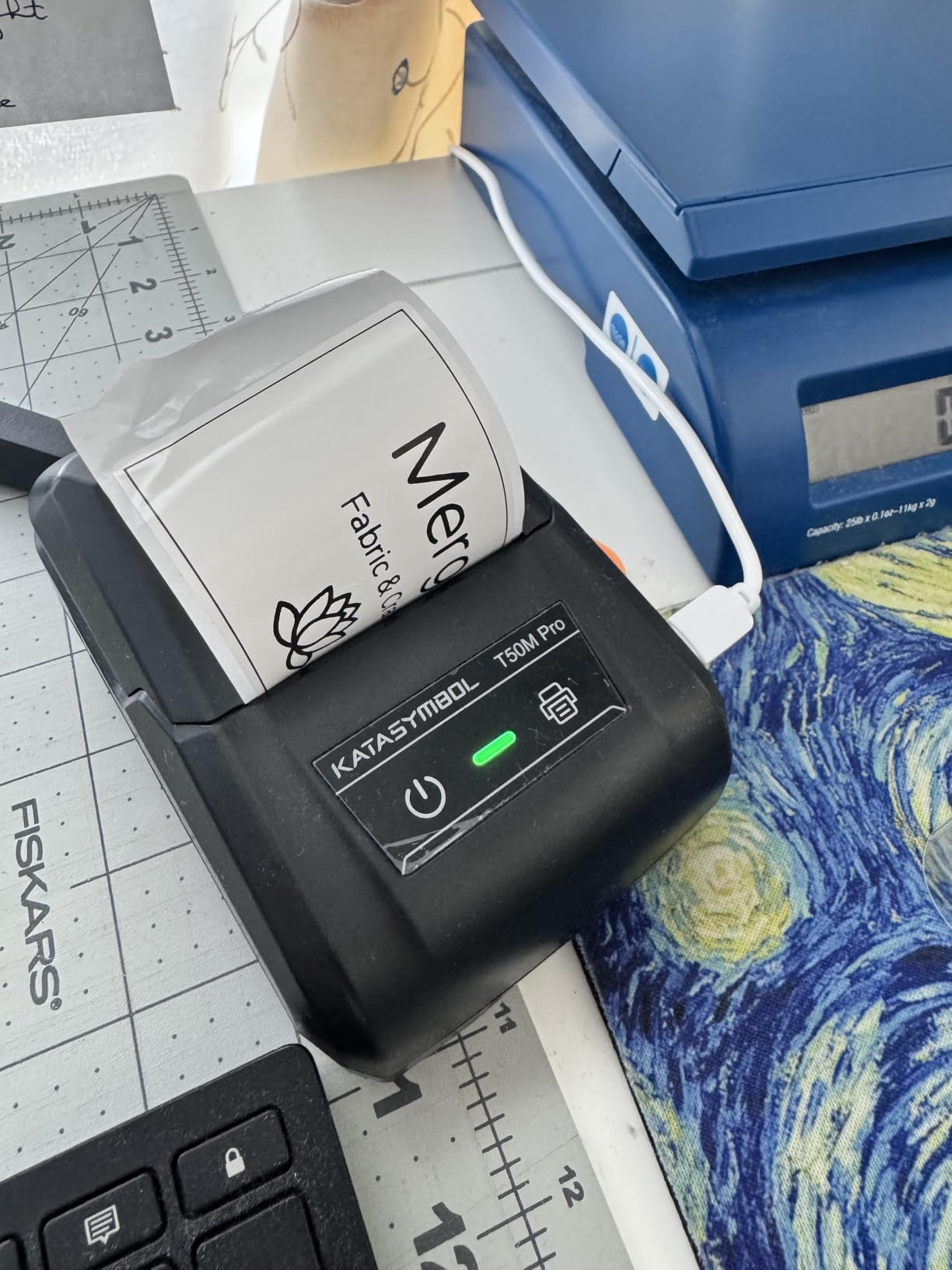
Control is either app-based or push button, which makes it usable for quick short labels without unlocking a phone. Output is 203 dpi at up to 60 labels per minute, and the label formats include square, round, address, cable, jewelry and file shapes.
Rated 4.4 across about 7,872 reviews, it is a capable machine whose main drawback is its 433 g weight. That rules it out for a pocket, and it needs a desk of its own.
Who Should Buy the SUPVAN T50M Pro
Buy it if you run a small business from home, sell crafts, or run a market stall and need consistent packaging labels with a logo. The free app and broad label range let one device cover product, shipping and inventory labels.
It suits a household that wants a workshop printer rather than a kitchen gadget, since the format handles cable, round and jewelry labels as well as rectangular ones.
Who Should Skip the SUPVAN T50M Pro
Skip it for a plain pantry job. At 433 g it is the heaviest machine in this roundup and it stays plugged into a desk rather than living in a drawer.
The listing name says Bluetooth while the specification says USB, which is a genuine source of confusion at setup. The output is also black text only, so colored packaging design needs another approach.
6. Brother P-Touch Cube: Best for Color Labels and Laminated Tape
- The only machine here that prints real color
- Durable laminated easy-peel TZe tape
- Sets up and prints in about five minutes
- Compact cube fits on a shelf
- Works with Apple and Android phones
- Leaves waste tape that needs trimming
- Large text slightly fuzzy at 180 dpi
- Weak battery life on battery power
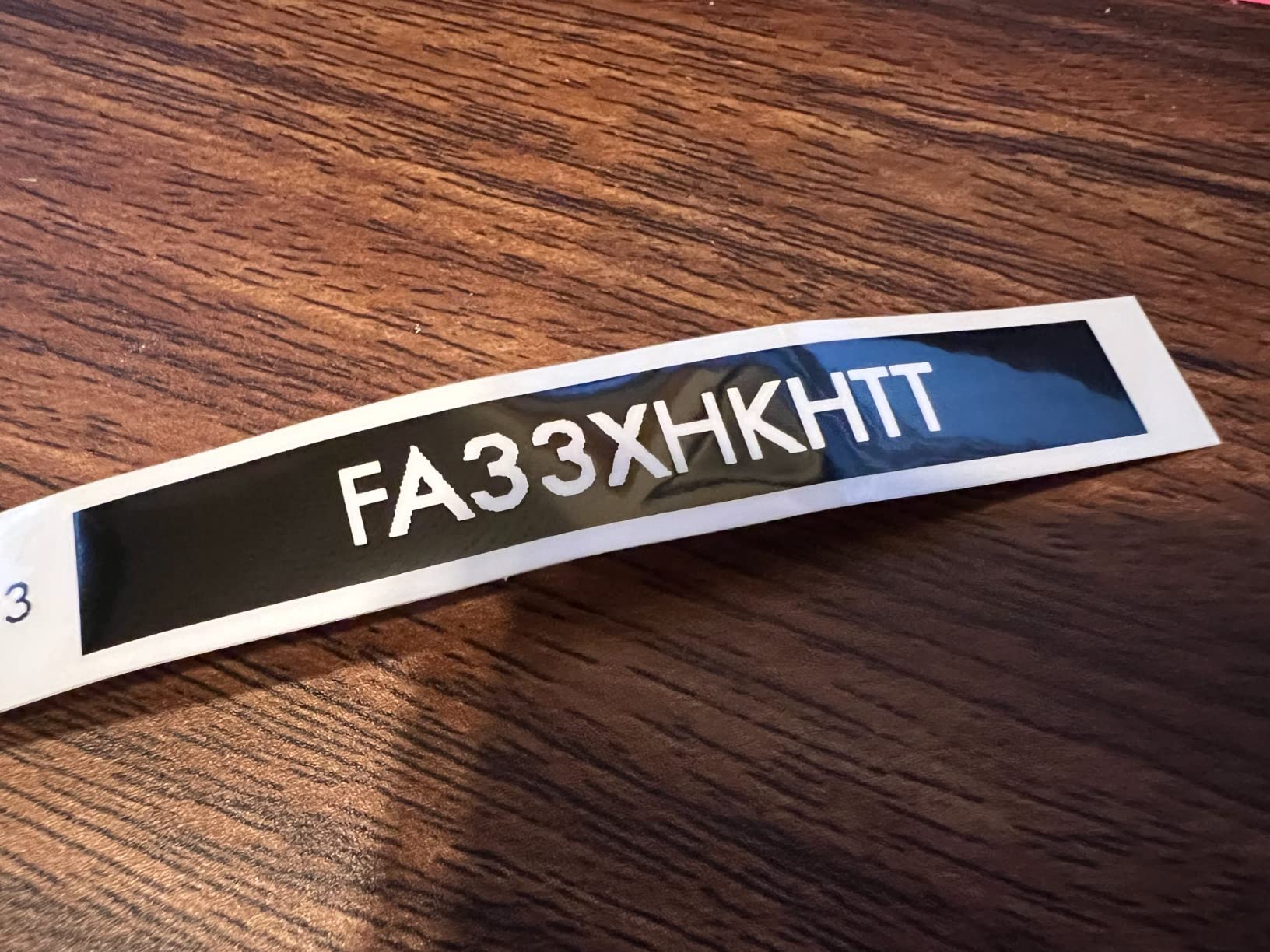
The P-Touch Cube is the one machine here that prints in genuine color, using colored Brother TZe tapes alongside the black. If your labeling system depends on a color per zone, blue for laundry and green for pantry, this is the model that supports it.
The tape is laminated and easy-peel, so it peels off a clean bin later without leaving glue residue, which is the property that matters most when a system changes. Set-up and first print took about five minutes through the free Brother Design&Print 2 app.
The design library holds 450 symbols and 60+ frames with a range of fonts, plus voice-to-text and spell check, so you can dictate a label instead of typing it on a phone keyboard. It connects over Bluetooth to both Apple and Android devices.
At 13.44 ounces in a 2.5 by 4.6 by 4.6 inch cube, it looks more like a piece of shelf decor than office equipment. An AC power adapter and a starter roll of 12 mm black-on-white laminated TZe tape are included.
Who Should Buy the Brother P-Touch Cube
Buy it if your household system uses color to mean something, or if you want labels that photograph well for resale listings and craft projects. Laminated tape also makes it the safer choice for a fridge or freezer door.
It also makes sense for a first-time buyer who wants one brand’s tape ecosystem rather than juggling third-party rolls. Genuine Brother TZe tape is easy to reorder and consistent.
Who Should Skip the Brother P-Touch Cube
Skip it for wide bin labels. TZe tape goes up to 12 mm here, which is narrower than the wide formats offered by the NIIMBOT and SUPVAN models.
Two practical complaints: post-print lamination leaves waste tape that often needs trimming by hand, and battery life is poor on the battery-powered setup, which means near-continuous plugged-in use. Large text can look slightly fuzzy at 180 dpi, and the connection range is only about 5 to 6 feet.
7. Brother P-Touch PT-D220: Best for Offline Use With a Physical Keyboard
Brother P-Touch PTD220 Home/Office Everyday Label Maker | Prints TZe Label Tapes up to ~1/2 inch White
- No phone or app required
- 14 fonts and 99 designer frames
- Stores 30 labels for reprint
- 25 preset templates
- Lightweight at 1.1 pounds
- Two-year limited warranty
- Black text only
- Width limited to about 12 mm
- Runs on 6 AAA batteries
- No Bluetooth or app
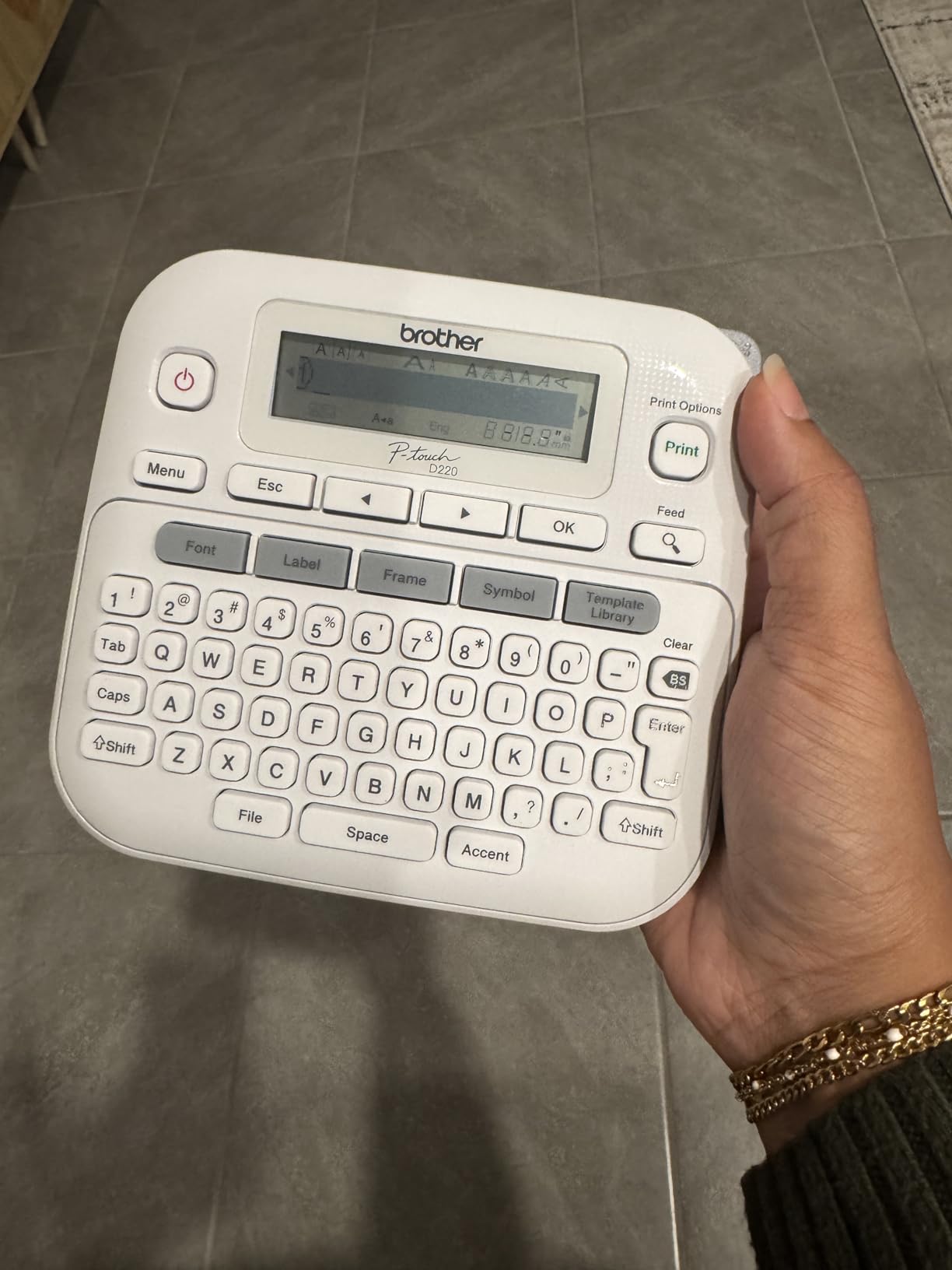
The PT-D220 is the classic answer to the question we hear most in organizing forums: which label maker works without a phone. It has its own QWERTY keyboard and a display, so you type and print with the device completely standalone. No app, no pairing, no dead battery on your phone stopping a labeling session.
The built-in memory stores up to 30 frequently used labels for reprint, which is huge for a pantry or a garage where the same words appear over and over. Twenty-five preset templates cover the common formats instantly.
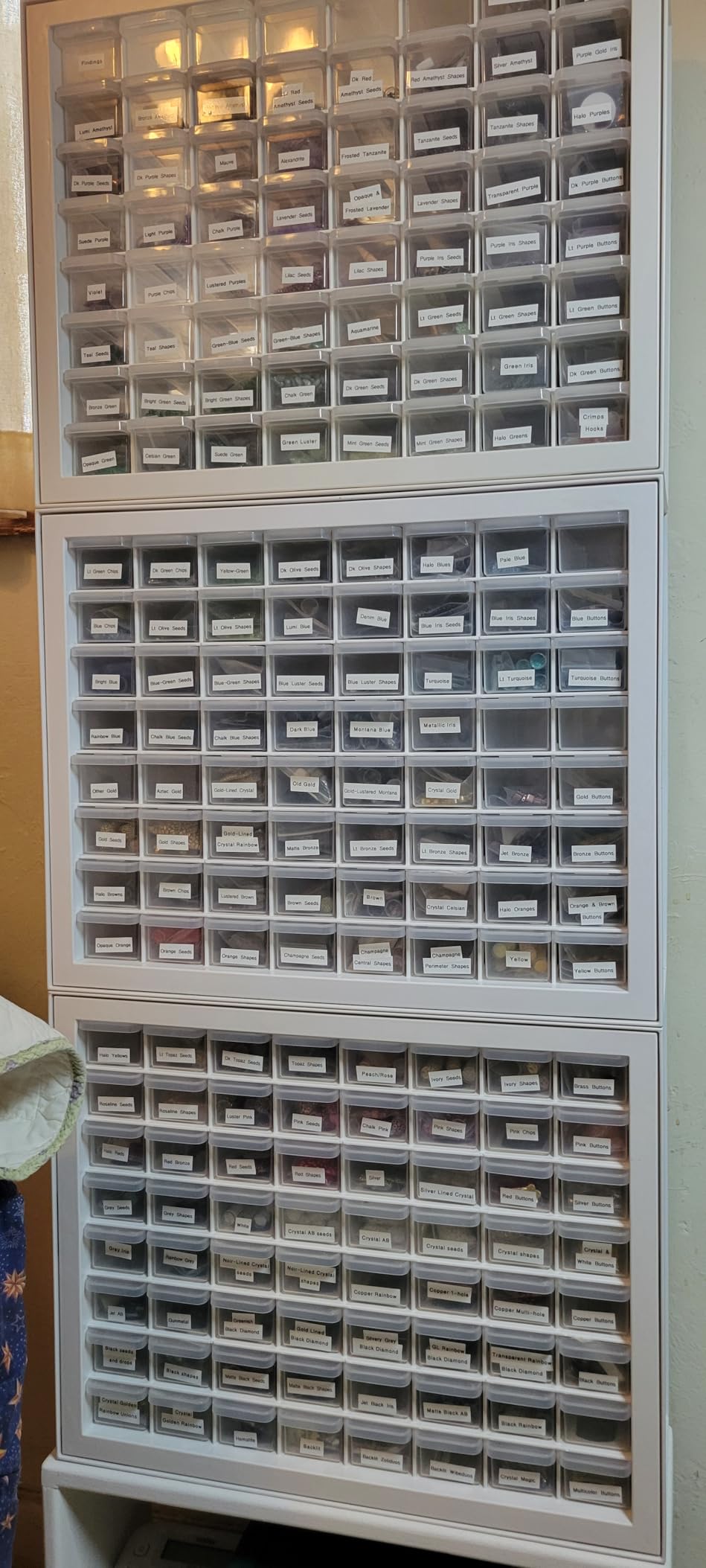
It prints one or two lines on easy-peel laminated TZe tape, with 14 fonts, 11 font styles, 99 designer frames and 600+ symbols available. It weighs 1.1 pounds and carries a two-year limited warranty.
Rating is 4.5 across roughly 5,527 reviews, and owners consistently point to the keyboard and the memory as the reasons it stays in daily use rather than in a drawer.
Who Should Buy the Brother P-Touch PT-D220
Buy it for a household with more than one person who labels things. A shared keyboard needs no account, no app update and no per-device pairing, and every person can start immediately.
It is also the sensible pick for anyone who prefers laminated tape for durability on bins and folders and wants a predictable, widely available consumable.
Who Should Skip the Brother P-Touch PT-D220
Skip it if you need wide labels. Tape is limited to roughly 12 mm, so storage bin fronts and file folder spines are out of reach.
It runs on six AAA batteries with the AC adapter sold separately, and there is no Bluetooth or smartphone app, so graphic design work like logos and QR codes is not possible. Output is monochrome.
8. NIIMBOT D110: Best for Pockets, Travel and Light Duty
NIIMBOT D110 Mini Label Maker Machine with Tape for Home School, White
- Lightest machine in this roundup
- Automatic rewind calibration prevents offset labels
- Automatic label recognition
- Up to 4 hours of continuous printing
- Two-year limited warranty
- Narrow 15 mm print width
- App required for every print
- Black text only
- Side sensor chip is easy to damage
At 149 g the D110 is the lightest machine here, small enough to live in a jacket pocket. For labeling a rental unit on arrival, sorting a travel bag, or marking things while moving between houses, that size is the whole point.
The upgraded automatic paper rewind calibrates the first label position so the opening print does not come out offset, which is the flaw that makes cheap label makers look broken on their first use. Automatic label recognition also prevents wasted trial prints.
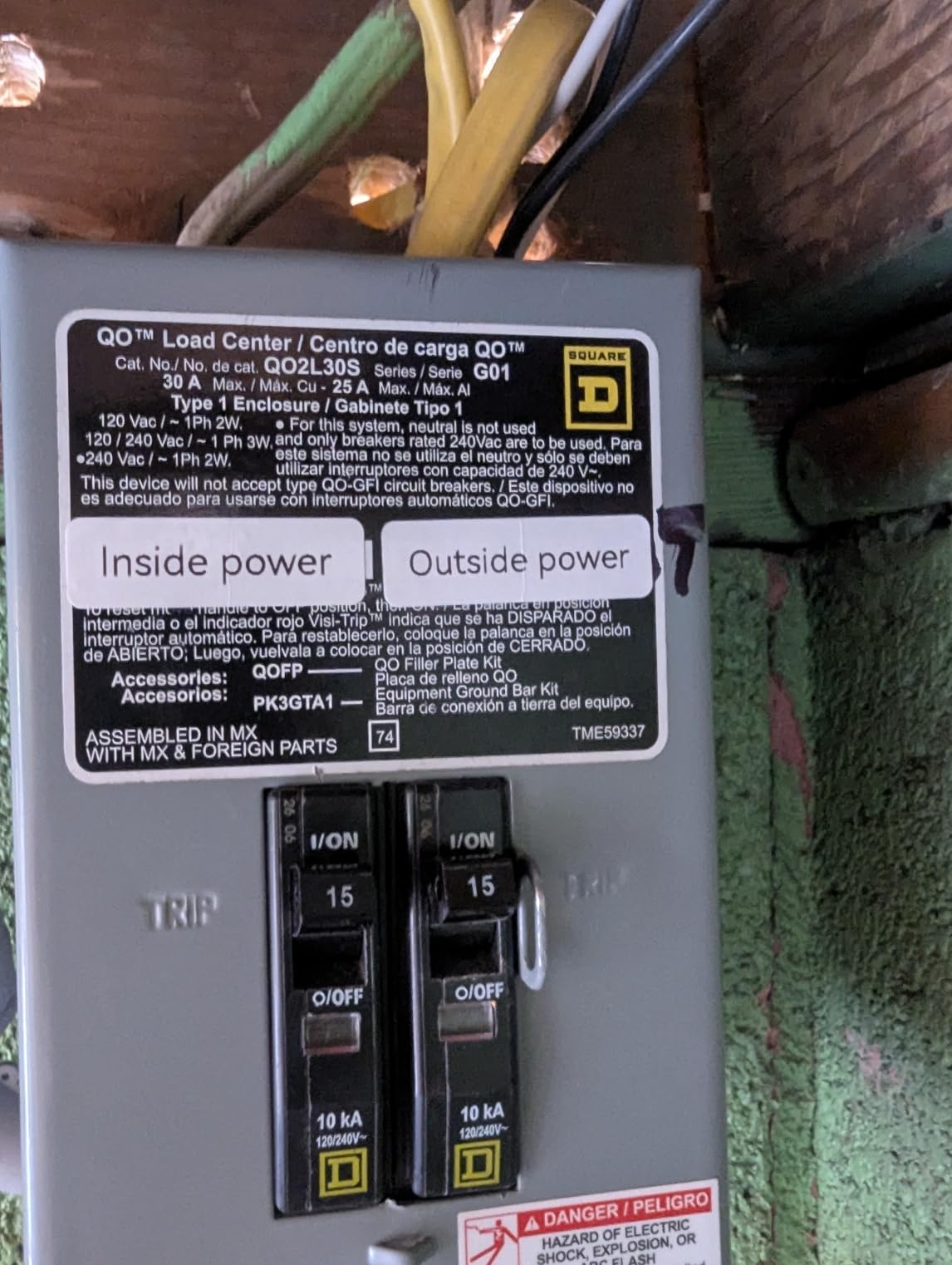
The 1500 mAh battery prints up to 4 hours continuously on a full charge, which comfortably covers an evening of labeling. Output is 203 dpi direct thermal with no ink or toner, and the warranty runs two years.
It holds a 4.5 rating across about 4,370 reviews, and the five-star share is the highest of any machine in this roundup. People notice the weight first and the calibration second.
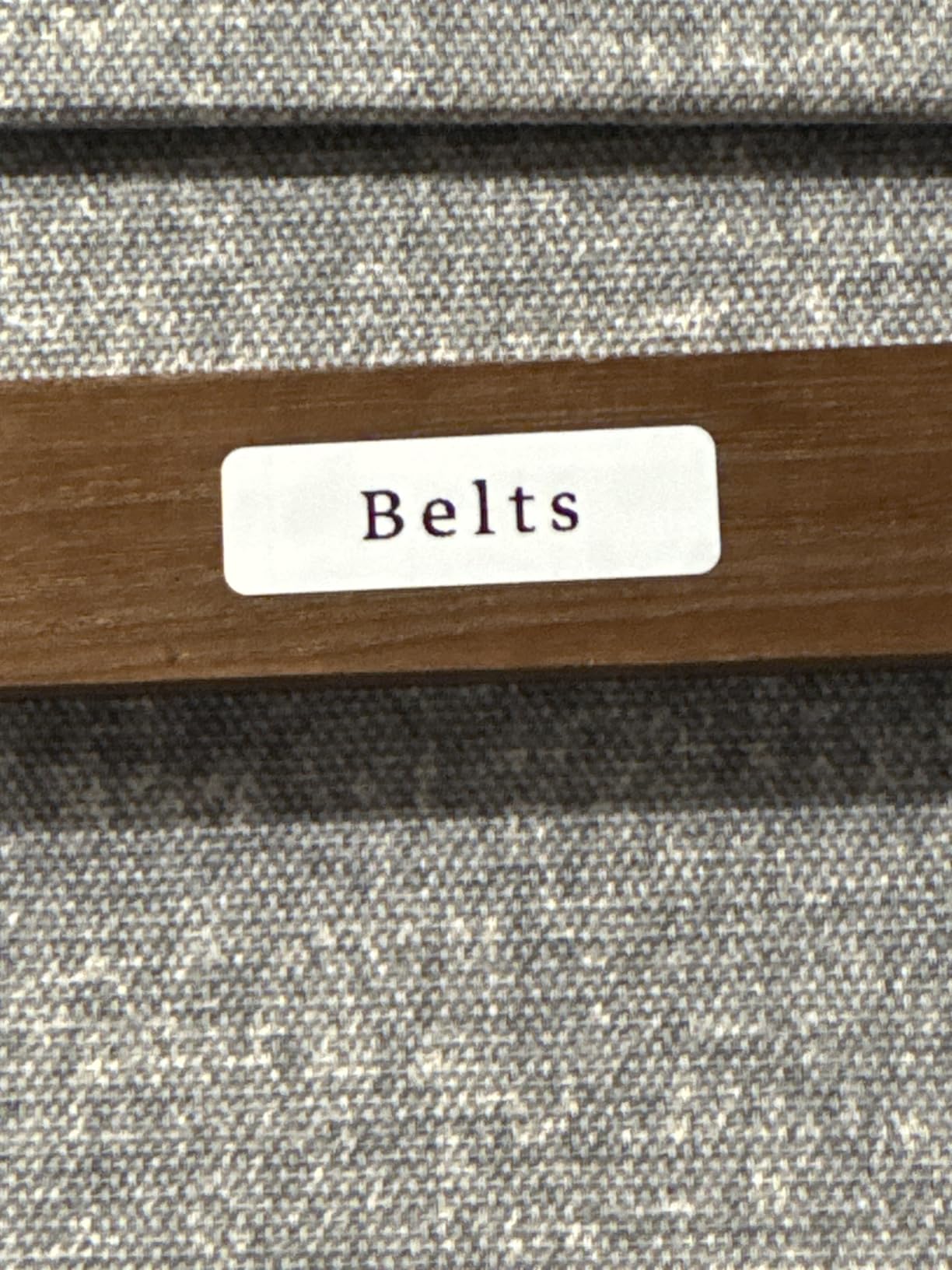
Who Should Buy the NIIMBOT D110
Buy it for travel, dorm rooms, college apartments and any labeling that happens away from a desk. The body fits a pocket and the battery covers a full session.
It also works well for kids’ rooms and small containers where labels are short, since the app offers fonts, symbols, icons, borders and logos for a personalized result.
Who Should Skip the NIIMBOT D110
Skip it for storage bins and moving boxes. Print width tops out at 15 mm, so there is no room for a wider line of text.
There is no standalone keyboard, so a dead phone means no printing, and the sensor chip on the side of the roll is easy to damage in a bag. Output is monochrome.
9. Brother PT-M95: Best Starter Bundle for Kids Learning to Organize
Brother PT-M95 P-Touch Monochrome Label Maker Bundle (4 Label Tapes Included),White
- One sample tape plus three full 12 mm rolls in the box
- Keyboard and screen mean no phone needed
- Screen shows about 80 characters with preview
- Batteries lasted months in our testing
- Lightweight at 9.12 ounces
- Non-laminated tape is less durable
- Only two font sizes
- Cassettes are finicky to load
- Batteries only with no AC adapter option
The PT-M95 bundle arrives with four tapes already in the box, one sample plus three full-length 12 mm rolls. That matters more than it sounds: a first label maker that ships empty creates a reason to put it back in the box before you ever use it.
It has a standalone QWERTY keyboard and an easy-view LCD screen showing about 80 characters with a preview and a label-length function. For a child learning to sort their own shelf, a real keyboard they can read is much better than a phone app.
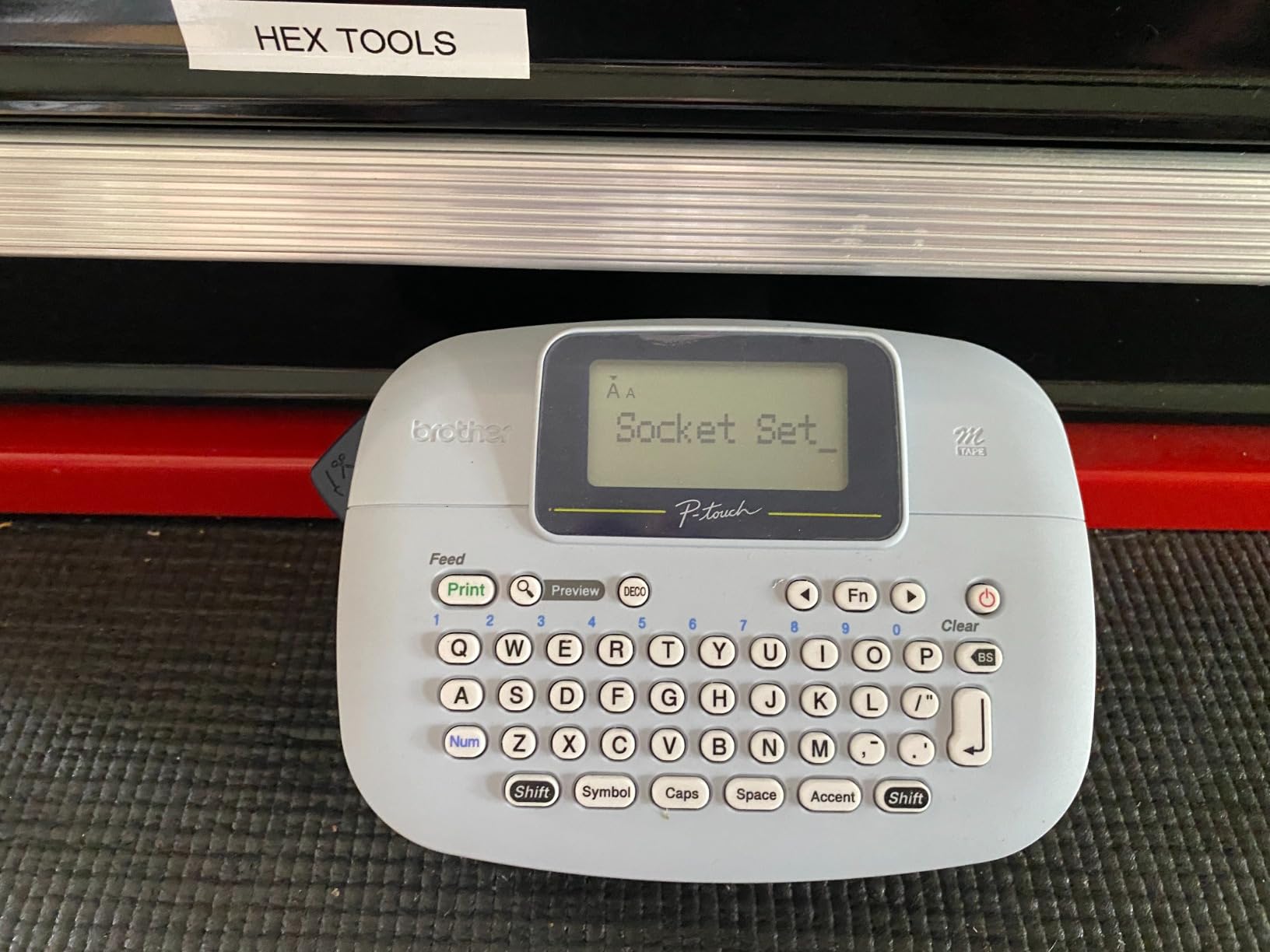
Prints one or two lines with eight Deco Mode patterns and type styles, and supports nine languages with accent characters. Memory holds up to three saved label files for the labels you reprint most.
Genuine Brother M tape comes in 9 mm and 12 mm widths across a range of colors. The 4 AAA batteries lasted months in our use, and the unit weighs just 9.12 ounces.
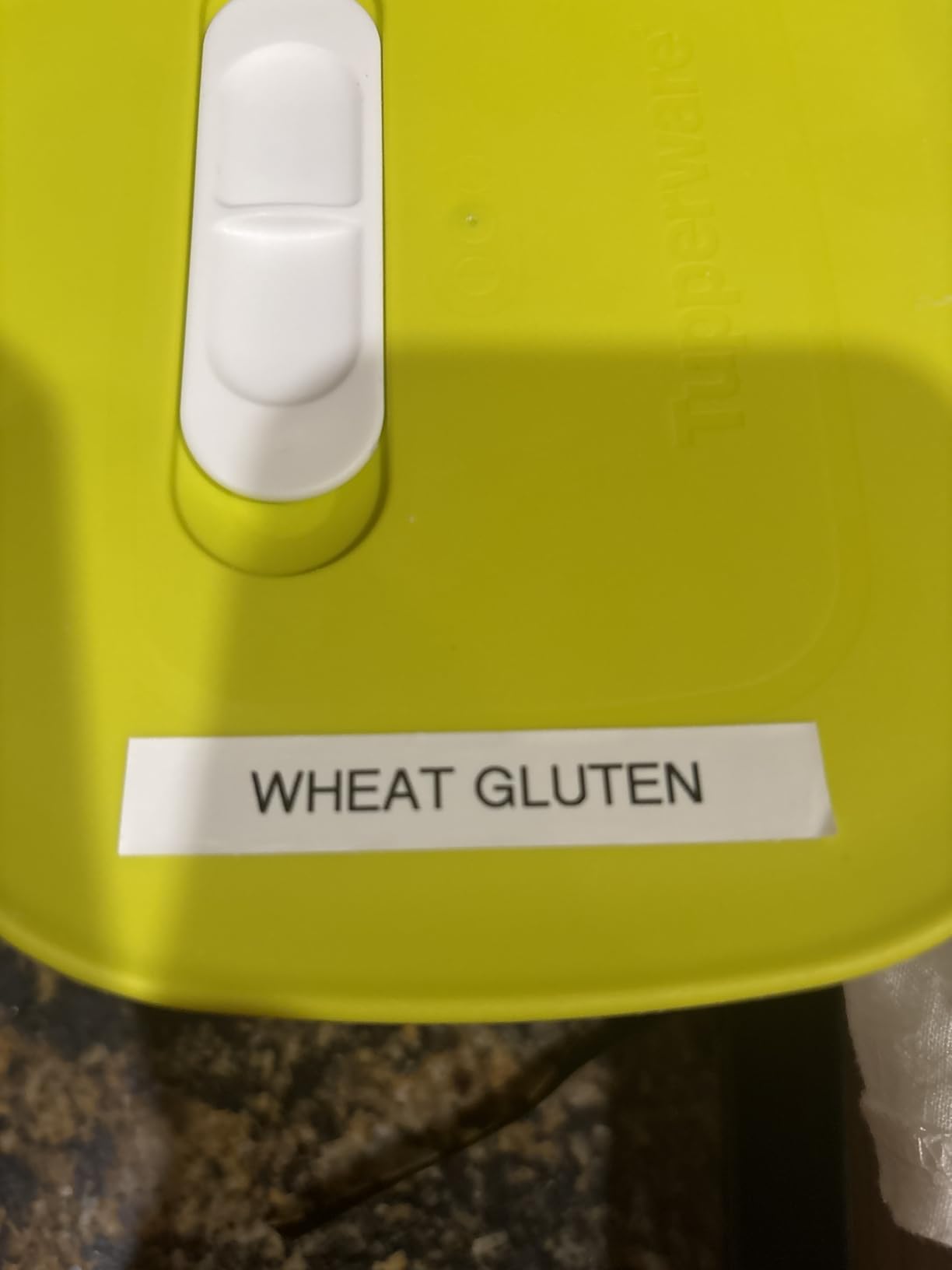
Who Should Buy the Brother PT-M95
Buy it as a first label maker for a child, a teen, or anyone who wants to try labeling without buying tape separately. Four rolls in the box means labeling starts the same day it arrives.
It suits light duty on shelves, drawers and school projects where durability in a wet area does not matter and staying within one tape format is simpler.
Who Should Skip the Brother PT-M95
Skip it for the freezer, the pantry or the garage. It uses non-laminated M tapes, which wear down sooner than laminated tape, and that is exactly where home labeling usually fails first.
Two font sizes limit design work, cartridges need exact positioning to load cleanly, and there is no AC adapter support. Print speed is also the slowest here at 7.5 labels per minute.
10. SUPVAN E11: Best Hybrid Keyboard and App Workflow
SUPVAN E11 Keyboard & Bluetooth Label Maker Machine with 4 Tapes
- Physical keyboard for fast repeated labeling
- App design available when you want graphics
- Minimal margins cut tape waste sharply
- Works with continuous and die-cut labels
- Battery lasts about a month per charge
- Four tapes included
- Narrow 15 mm print width
- App needed for advanced design
- Black text only
- Slower than several other picks
The E11 sits in the middle of the two camps, and it is the compromise we liked best in a two-adult household. Type on the built-in keyboard for the rapid work like labeling a bin of loose papers, then open the Bluetooth app when you want icons, borders or a QR code.
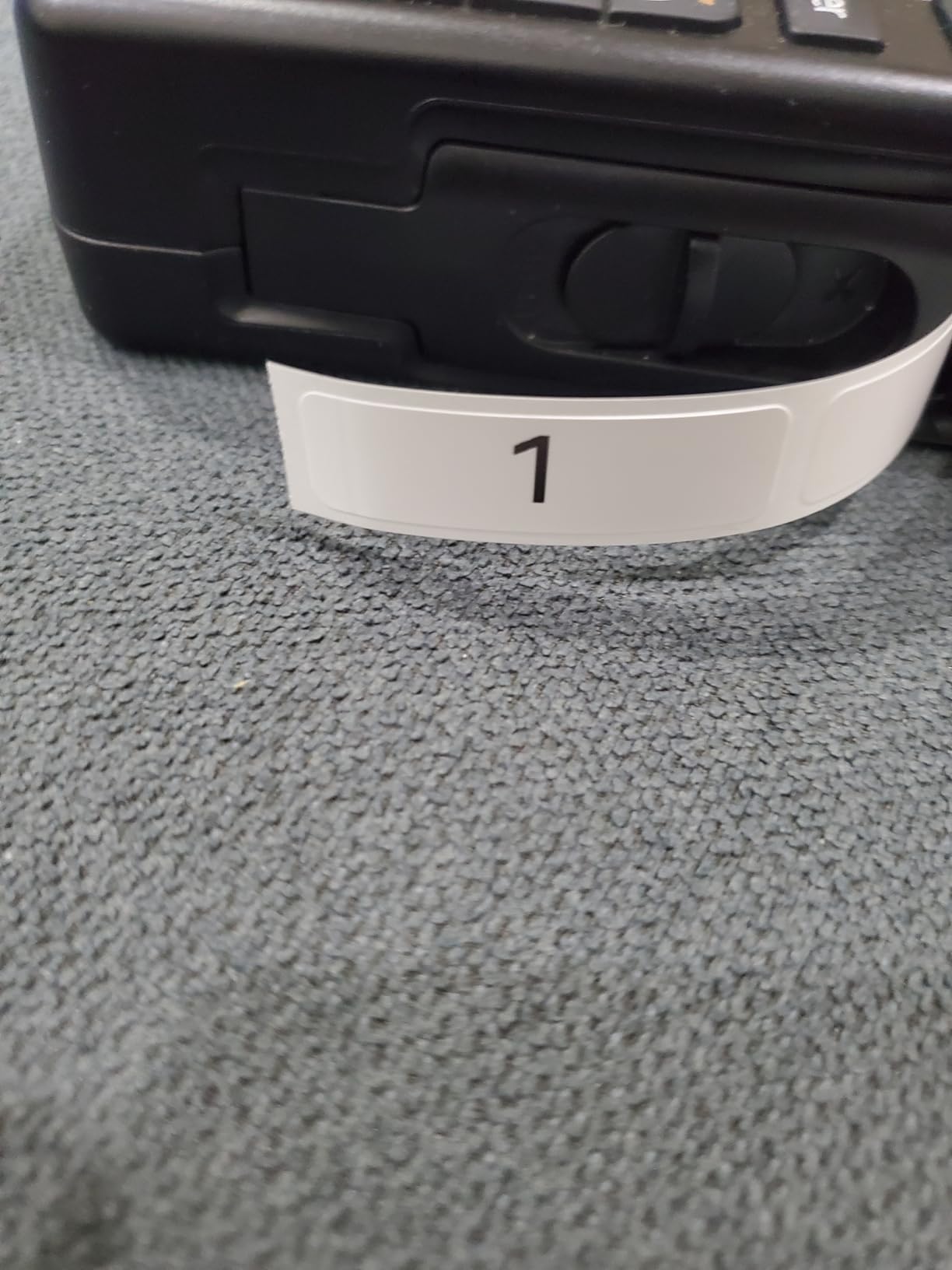
The margin claim is the standout detail. At roughly 0.2 inch, the printable area uses about a fifth of the tape that competing units waste, so a roll goes noticeably further in a house doing a full labeling pass.
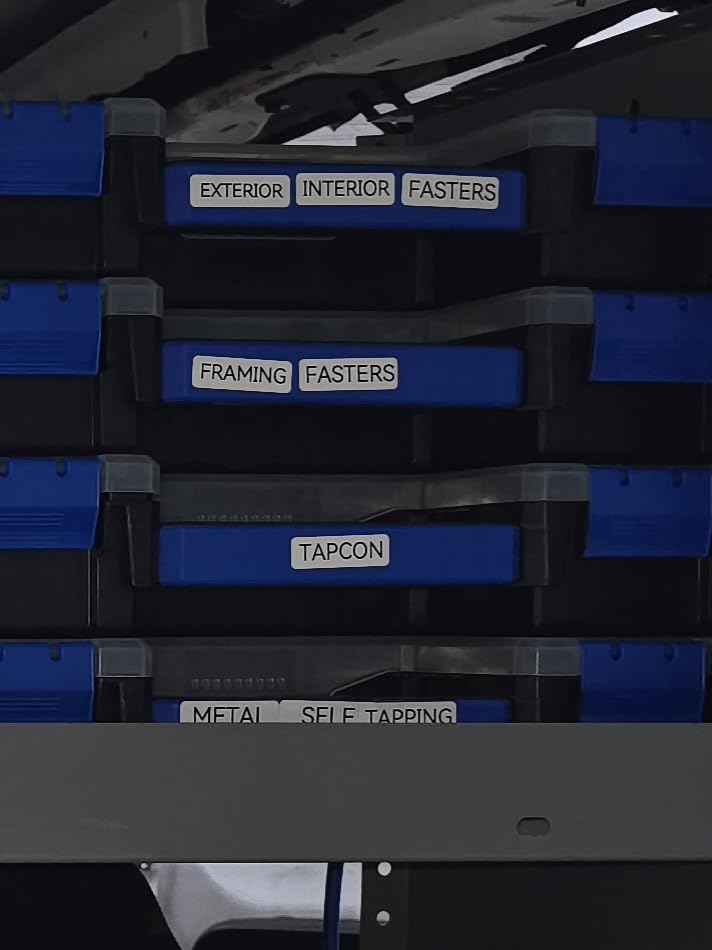
It handles continuous labels for long content and die-cut labels for batch work. The 1200 mAh battery runs about a month per charge, and the body weighs 8 ounces at roughly 5.7 by 2.9 by 1.3 inches.
The app carries 30+ fonts, 50+ frames, 660+ icons and 17 built-in languages with local template saving. Two continuous and two die-cut tapes are included, and it currently ranks first in Amazon’s label maker category with 4,012 reviews at 4.5.
Who Should Buy the SUPVAN E11
Buy it if labeling is a group activity, like a weekend sorting project with kids or a partner. Both ways of printing are available at the same time, and neither person needs to hand over a phone.
It also suits anyone who cares about tape waste, since the tight margins stretch each roll further during a whole-house project.
Who Should Skip the SUPVAN E11
Skip it for wide bin labels. Maximum print width is 15 mm, so anything larger needs a different machine entirely.
Graphic work still requires the app, and print speed of 28 labels per minute trails several models here. Output is monochrome thermal only.
Keyboard Label Maker or Bluetooth Printer: Which Style Fits Your Household?
If more than one person in your home will label things, choose a machine with a keyboard. A physical keyboard has nothing to pair, nothing to update and nothing to charge beyond its own batteries, so a teenager can print a label at midnight without borrowing anyone’s phone. The PT-D220 and the SUPVAN E11 both do this.
If you are a single person who cares about design, choose Bluetooth. The app libraries on the Phomemo D30, Nelko P21 and NIIMBOT models run to thousands of icons, borders and templates, and none of that is reachable from a keyboard machine. Just accept that printing depends on a charged phone and a working app.
A hybrid like the SUPVAN E11 splits the difference, and the Brother P-Touch Cube shows the other hybrid path: Bluetooth with color printing. If you are still comparing categories rather than models, our general label printer roundup maps out where each type fits.
How to Choose a Label Maker for Home Organization
Tape width decides what you can label. Machines here range from 9 mm cables to 2 inch bin fronts. A narrow 12 mm unit handles spice jars, cords and drawer fronts well but runs out of room on a moving box. If most of your labeling is containers, start at the wide end.
Laminated versus non-laminated tape is the durability split. Laminated tape survives moisture, oil and handling, which makes it the right choice for a pantry, a freezer door, a bathroom cabinet or a garage. Non-laminated tape is fine for dry shelves and cheap enough to use freely. Freezer and moisture resistance is where home labeling most often fails, and laminate is the fix.
Thermal versus ink is not really a choice at home. Direct thermal printing uses a heated print head to turn a heat-sensitive layer black. There is no ink, no toner and no ribbon, so the only recurring cost is the tape. Resolution runs from 180 dpi on the Brother keyboard models to 203 dpi on the Bluetooth machines, a difference you can see on very large text but rarely anywhere else.
Power source predicts whether you will keep using it. Rechargeable USB-C units stay in the drawer and are always ready. Devices that need AA or AAA batteries tend to end up in a closet once the cells die, which is the most common reason a household owns a label maker it never touches.
Refill tape is a real ongoing cost. Third-party rolls for the compact Bluetooth machines are widely available and usually cheaper per roll, while genuine Brother TZe tape costs more but prints more predictably and is easy to reorder. If you commit to a Brother model, budget for branded tape rather than discovering print quality problems later.
None of this applies if you are printing postage rather than pantry labels. If you are packing and shipping daily, our label printer guide for home offices covers the machines built for that volume instead.
Which Label Tape Widths to Buy First
9 mm, for cables and small jars. This is the width for labeling charger cords, HDMI cables and spice jars where the text is one short word. A narrow format keeps the text legible while wasting nothing.
12 mm, the default for most homes. Drawer fronts, pantry containers, toy bins and file folders all work at 12 mm, and it is the standard width for the Brother keyboard machines and most compact Bluetooth printers. Buy this one first.
2 inch, for bins and box fronts. Wide tape lets you print several lines of real text on a storage bin or a moving box, which is where narrow labels fall short. Only the NIIMBOT B1 and SUPVAN T50M Pro cover this range here.
Whatever widths you choose, buy two rolls of each before you start. Running out mid-project is the most common reason a labeling plan stops halfway through the garage.
A Room-by-Room Labeling Plan for Your First Weekend
The pantry. Start with the containers you actually reach for. Clear tape over existing jar lids reads best against glass; white tape works on opaque plastic bins. Print the category first and the item second, so “Baking” heads a group of four jars rather than four unrelated words.
Kids’ rooms and school supplies. Label the front of each bin rather than the contents. Crayons, markers, paper and glue get one font and one case style, which lets a child read the shelf without asking you to translate the label.
Bathroom and laundry. This is where laminated tape earns its cost. Water, steam and detergent splash shorten the life of a non-laminated label to weeks. Use the same tape type here that you use on pantry shelves so the house has one system.
Office, garage and storage bins. Here the width decides. Wide tape on a bin front reading “Holiday Lights” is visible from a step back; a narrow tape at that distance is guesswork. Mark the garage shelves with the same naming pattern you use inside so the rule stays consistent.
Moving boxes. Print the room name and a rough contents line in large text on wide tape, then add one narrow label for the fragile box. Mark the top flap as well as the side, since boxes get stacked.
One rule keeps all of it coherent: one font, one case style and one tape color per zone. Consistency is what makes a labeling system look intentional instead of busy, and it is the single habit that separates a house that stays organized from one that reverts within a month.
Fixing Crooked, Faint or Stubborn Labels
Crooked labels. Almost always a cleaning problem, not a printer problem. Wipe the surface with isopropyl alcohol, let it dry fully, and peel the label from the liner rather than touching the adhesive face. On curved surfaces like bottles, cut the label into a rectangle so it has a flat edge to grip.
Faint text. Direct thermal print fades with heat and sunlight, so move labels out of a sunny window and away from a stove. If a label fades within weeks, the tape is probably non-laminated; swapping to laminated tape fixes the problem permanently.
The app cannot find the printer. Turn Bluetooth off and on at the phone, close and reopen the app, and stay within a few feet of the machine. If printing is urgent, this is the moment a keyboard model earns its place.
The tape feeds crooked inside the machine. Reseat the roll and align the guide to the tape edges. Sensors are calibrated automatically on some models, while others need the calibration step run once from the app before the first print.
Frequently Asked Questions
What is the best label maker for home organization?
The Phomemo D30 is the best all-round choice for most homes. It weighs 160 g, prints at 203 dpi, runs on a rechargeable battery and takes both continuous and fixed-length tape, so one roll covers pantry jars, toy bins and moving boxes. Add the Brother P-Touch PT-D220 if you want a laminated label and a physical keyboard instead of a phone app.
What is the best label printing machine for home use?
For household storage, a handheld thermal label maker is the right machine. A label maker prints small adhesive tape for pantry containers, drawers, bins and cables from a heated print head, with no ink, toner or ribbon involved. A 4 by 6 inch thermal printer is a different device for shipping parcels, and it is far too large for kitchen shelves.
Is DYMO or Brother better for home labels?
Brother is the stronger choice for home organization because its TZe tape is laminated, easy-peel and widely available, and models like the PT-D220 work without a phone. DYMO is a solid alternative, but its D1 tape is not interchangeable with Brother TZe tape, so the two brands lock you into separate consumable ecosystems. Pick one and commit to its tape rather than mixing them.
Which label maker is better, the Brother P-Touch or a Bluetooth printer?
Choose the Brother P-Touch when more than one person labels, when you want laminated durable tape, or when you want to print with no phone. Choose a Bluetooth model like the Phomemo D30 when you want thousands of icons, borders and templates and you always have your phone charged. Households often end up owning one of each later.
Are Brother TZ and TZe tapes the same?
They are not. TZ is the older, non-laminated Brother tape format, while TZe is the current laminated, easy-peel standard used by modern models such as the PT-D220 and the P-Touch Cube. TZe peels off cleanly without residue, which is why it is the better format for bins and jars. Check the model number before ordering tape, because the two formats do not fit the same machines.
What is the best label maker tape to buy for a whole home?
Start with three widths. Buy 9 mm for cables and spice jars, 12 mm as your everyday width for drawer fronts and pantry containers, and 2 inch for storage bin fronts and moving boxes if your printer supports it. For wet areas like a freezer door, bathroom or laundry room, choose laminated tape, since non-laminated tape peels or fades there within weeks.
What are common printing problems with Brother P-touch label makers?
The most common issue is waste tape, because post-print lamination leaves a margin at each end that often needs trimming by hand. Second is cassette loading, which needs exact positioning, especially on the PT-M95. Third, large text can look slightly fuzzy at 180 dpi, and battery models drain quickly. Using genuine Brother tape also prevents poor prints on off-brand rolls.
The Best Label Printers for Home Organization, Final Word
The Phomemo D30 wins our list of the best label printers for home organization because it covers the most rooms with one tape format and disappears into a drawer when you are done. If you want color, choose the Brother P-Touch Cube. If more than one person labels or you refuse to depend on a phone, choose the Brother P-Touch PT-D220. If your bins need wide text, choose the NIIMBOT B1.
Whichever you pick, buy laminated tape for any wet area and buy two rolls before you start. Then work one room at a time, and your house stays organized because the labels are still there a year from now.