
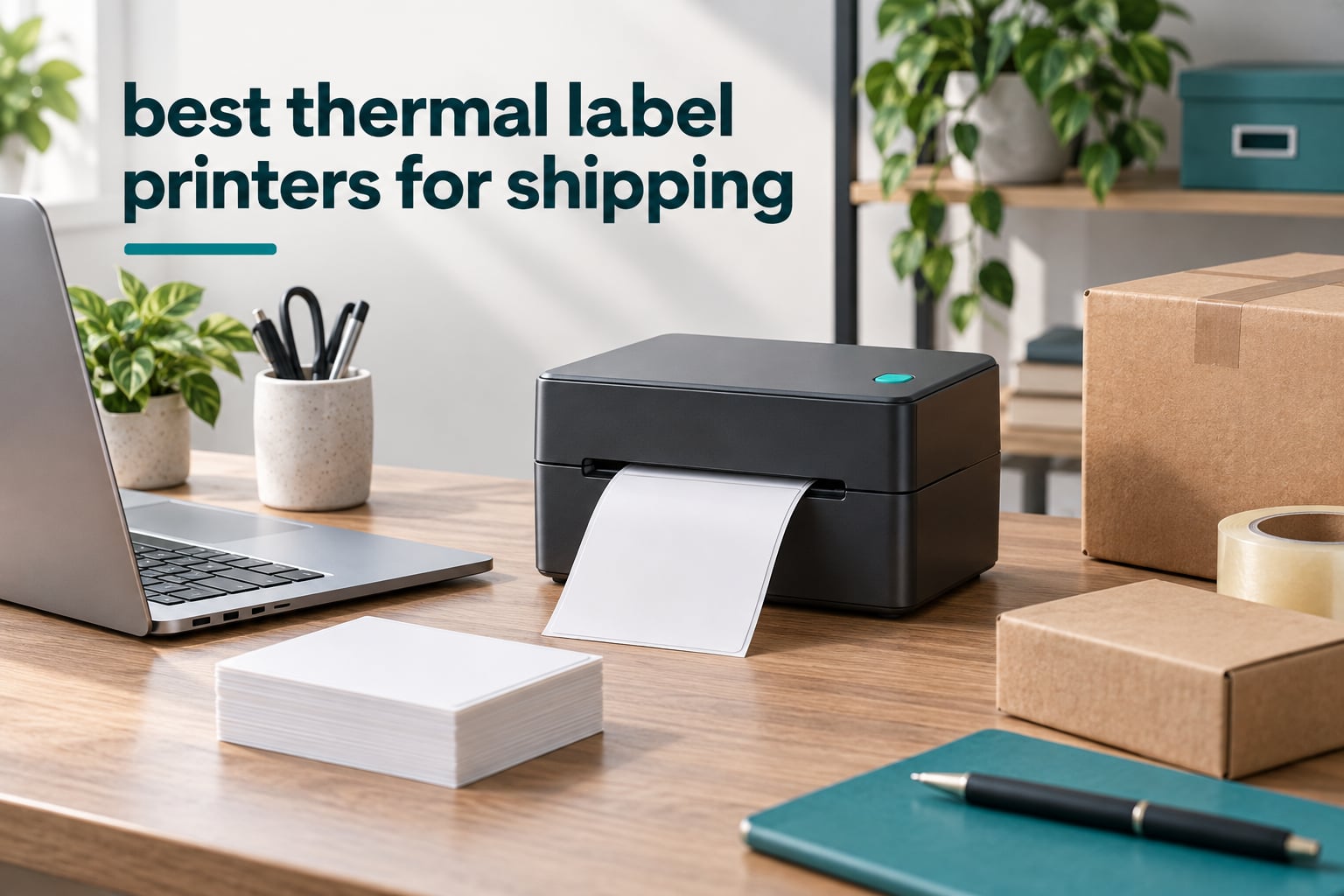
If you ship parcels every week, the best thermal label printers for shipping turn a 20-minute packing session into a 5-minute one. The Rollo USB Shipping Label Printer is the one we trust for daily desk shipping, the JADENS Bluetooth unit is the pick when you pack away from a computer, and the MUNBYN 941BP is the only 300 DPI option here if your labels carry dense QR codes or very small text.
The reason a dedicated label printer beats an ordinary inkjet is simple. Inkjet cartridges cost money every month and dry out if you ship seasonally, while a direct thermal printer uses no ink or toner at all — the print head heats the label and the image appears. Add barcode clarity, water and smudge resistance, and a running cost measured in labels rather than cartridges, and the case writes itself.
We spent weeks putting eight of the most-reviewed thermal printers through the same routine: printing 4×6 shipping labels, scanning the barcode back with a phone, feeding a new roll, and switching between devices. Several of the picks in this guide already have guides on our label printer picks for shipping and label printers for home offices, and this roundup narrows the list to thermal models only. If you have not decided between inkjet and thermal yet, our general label printer guide covers the wider field.
If you are still deciding whether a thermal unit is worth it at your order volume, keep reading. The buying guide later in this article covers resolution, media handling and running cost, and the troubleshooting section fixes the crooked-label problem almost everyone hits in week one.
Top 3 Picks for Thermal Label Printers for Shipping in 2026

Rollo USB Shipping Label Printer
- 203 DPI direct thermal at 150mm/s
- USB wired to a laptop or Mac
- Label widths from 1.57 to 4.1 inch
- 2.2 pound compact body

MUNBYN RealWriter 941
- Auto-learns your label size
- 150mm/s with a Japanese Rohm print head
- Label widths from 1.57 to 4.3 inch
- Installs as a standard thermal printer

JADENS Bluetooth Thermal Printer
- 203 DPI Japanese thermal print head
- Bluetooth and USB connectivity
- Works with fanfold and roll labels
- One-year warranty
The Rollo takes the top slot because 16,280 reviews at 4.6 stars is the deepest evidence base in this group, and the printer itself refuses almost nothing: a 203 DPI head, one 4×6 label per second, and label widths from 1.57 to 4.1 inch. The MUNBYN 941 runs a close second and is the one we would buy if alignment is your frustration, because it measures and learns the media on its own. The JADENS earns its place for anyone packing from a phone or a packing bench with no USB cable in reach.
All 8 Thermal Label Printers at a Glance
| Product | Specifications | Action |
|---|---|---|
| Rollo USB Shipping Label Printer |
|
Check Latest Price |
| JADENS Bluetooth Thermal Shipping Label Printer |
|
Check Latest Price |
| MUNBYN RealWriter 941 |
|
Check Latest Price |
 Nelko PL70E-BT Bluetooth Printer Nelko PL70E-BT Bluetooth Printer |
|
Check Latest Price |
 Phomemo 241BT Label Printer Phomemo 241BT Label Printer |
|
Check Latest Price |
 KNAON Y813BT Thermal Printer KNAON Y813BT Thermal Printer |
|
Check Latest Price |
 NULLTONEX Y813 Wireless Printer NULLTONEX Y813 Wireless Printer |
|
Check Latest Price |
 MUNBYN 941BP 300 DPI Printer MUNBYN 941BP 300 DPI Printer |
|
Check Latest Price |
1. Rollo USB Shipping Label Printer: Best Overall for Daily Shipping
Rollo USB Shipping Label Printer – Commercial Grade 4×6 Thermal Printer
- 4.6 stars across 16280 reviews
- Fast 150mm/s direct thermal output
- Works as a general label maker beyond 4x6
- Drivers install on Windows and Mac
- Wired only
- so a computer must be within USB reach
- Single internal roll capacity means regular reloading
- One-year limited warranty is short for the class
The Rollo USB Shipping Label Printer is the unit we keep plugged in. It sits on the desk next to the laptop, prints one 4×6 label per second, and has done so for more than 16,000 owners who rated it 4.6 out of 5. It is a wired USB device and it stays that way, which is exactly why it never hangs.
Output quality is what you would expect from a 203 DPI head: barcodes and address blocks read cleanly at the counter, and text stays sharp at small font sizes. Speed of 150mm/s means a 4×6 label comes out in about a second, so a batch of twenty parcels takes barely more time than a batch of five.
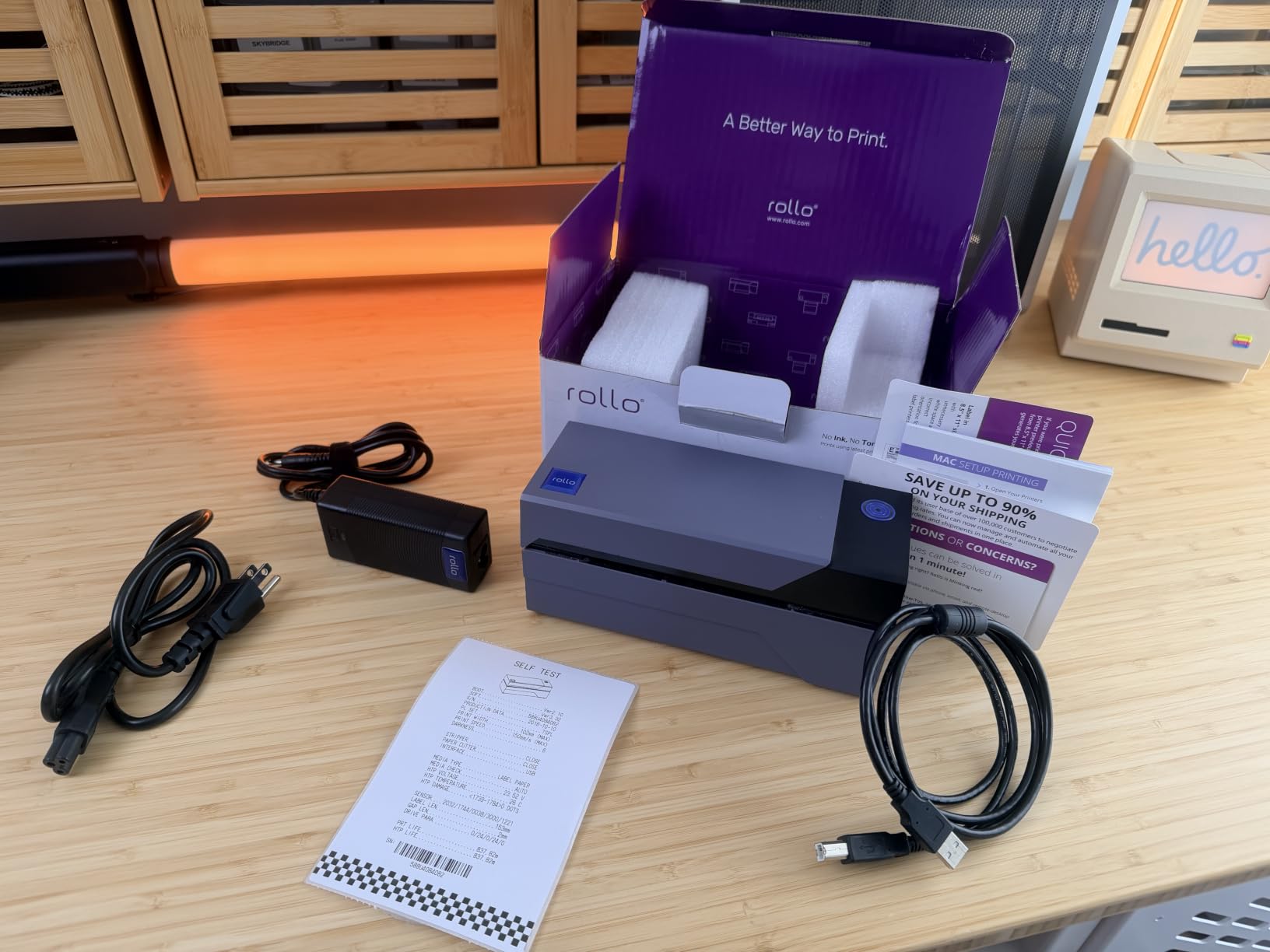
What makes it more than a shipping printer is media range. Labels from 1.57 to 4.1 inch wide fit, so you can print 2×1 product stickers, 3×2 shelf tags and 4×6 shipping labels on the same machine. The Rollo Ship app pulls orders from FedEx, UPS, USPS, ShipStation, ShippingEasy, Shippo, ShipWorks, Amazon, Shopify, Etsy and eBay.
The honest limitation is the roll capacity. There is no external holder on this chassis, so when you print high volumes you reload more often than you would on a warehouse unit. At 2.2 pounds and 4 by 8 by 4 inches it stays compact enough to tuck away, and it draws 50 watts.
What you will notice in the first week
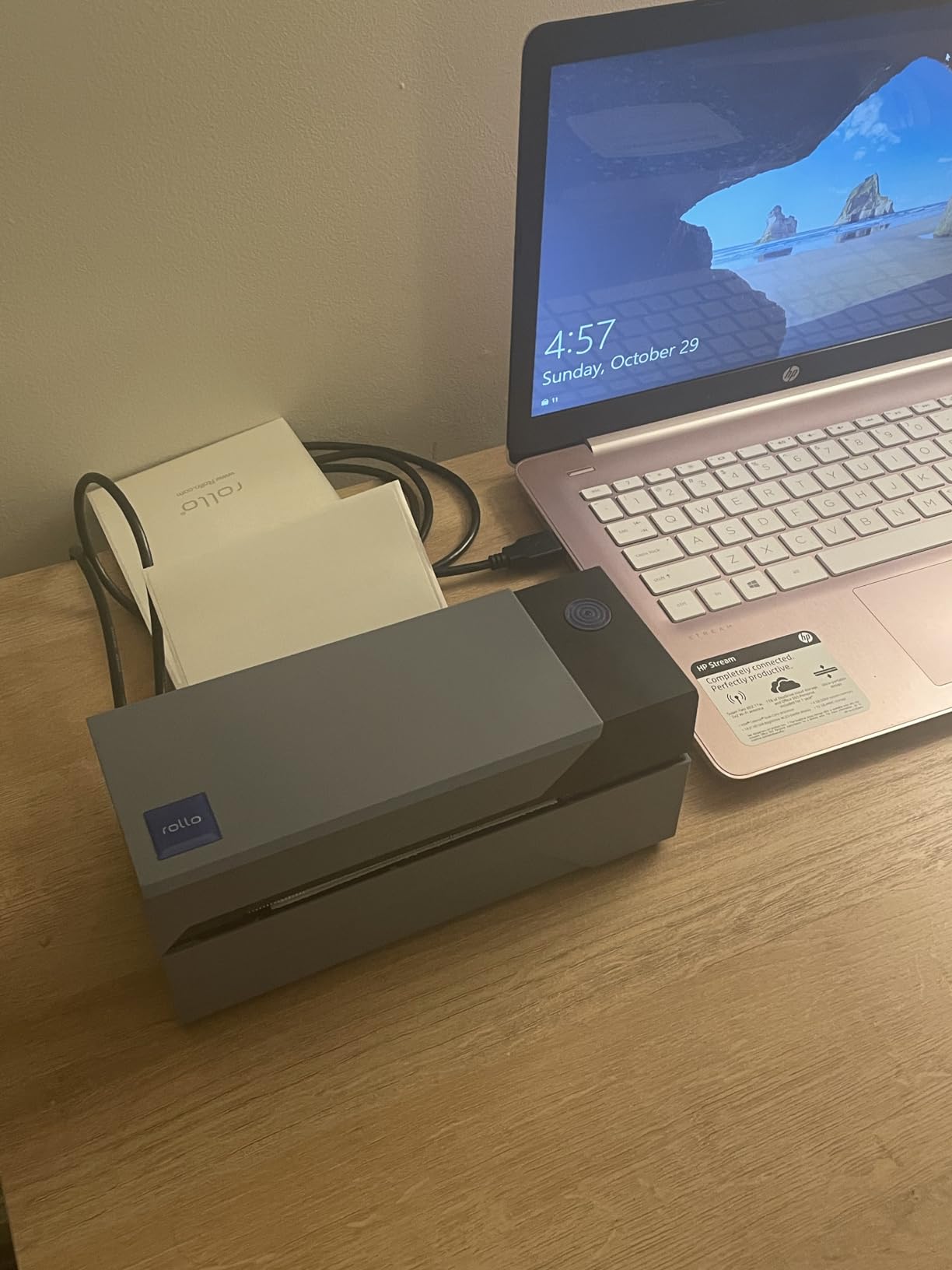
Setup takes a driver install on Windows or Mac, and after that the printer behaves like any standard desktop printer. You can open a label template in Pages or Word, hit print, and pick the right size from the driver menu without touching the hardware.
The 203 DPI resolution handles the full range of carrier labels, from USPS Click-N-Ship to UPS and FedEx packing slips. The printer supports 4×6 media as its headline format, and the 1.57 inch minimum width covers most small product labels too.
When to choose something else
If your packing station has no laptop nearby, this is the wrong tool. A Bluetooth model such as the JADENS or the Nelko covers that gap, and a seller printing several hundred labels a day would be better served by a printer with an external roll holder.
The one-year limited warranty is also shorter than some rivals here. Owners printing continuously report long service lives, but if warranty length matters to you, the MUNBYN units in this roundup carry longer coverage.
2. JADENS Bluetooth Thermal Shipping Label Printer: Best for Wireless Packing
JADENS Bluetooth Thermal Shipping Label Printer, Wireless 4×6 Label Printer
- 4.4 stars across 9391 reviews
- Bluetooth plus USB for phone or computer
- Works with roll and fanfold media
- Compact body at just under 9 inch wide
- Desktop Bluetooth pairing is unreliable on some Windows machines
- Long-press feed calibration after every media change
- Some jamming on long sticker batches
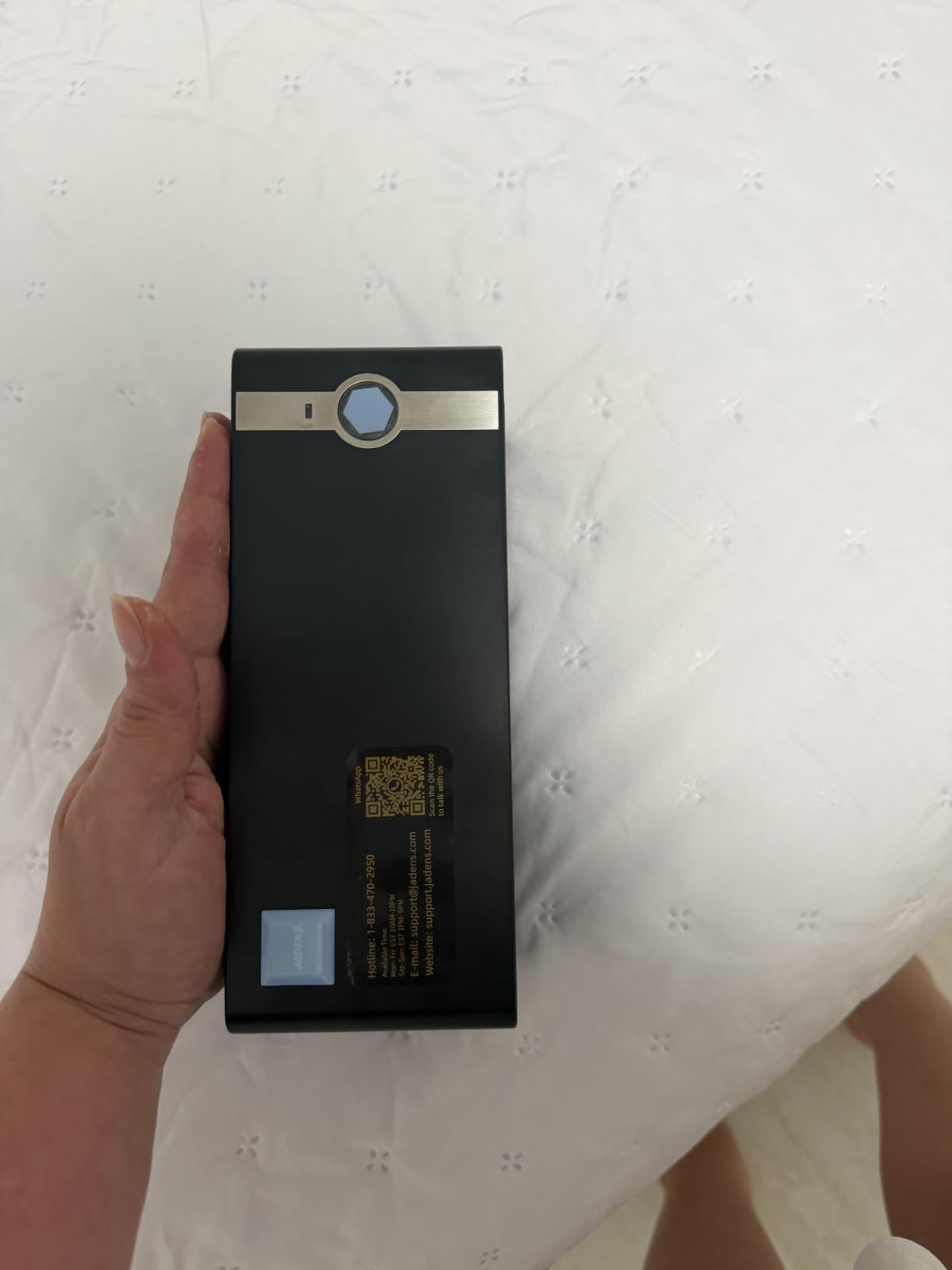
The JADENS Bluetooth Thermal Shipping Label Printer is the one to buy when packing happens away from a desk. It pairs to a phone or tablet, takes the same 4×6 rolls, and holds a 4.4-star average across roughly 9,400 reviews. It also takes a USB cable, so you can switch to a wired session when you are batching a big day.
Print quality sits at 203 DPI from a Japanese thermal head, and the media path handles both fanfold stacks and continuous rolls. Supported widths run from 1.57 to 4.1 inch, so the same unit covers a shipping label and a 2×1 product sticker.
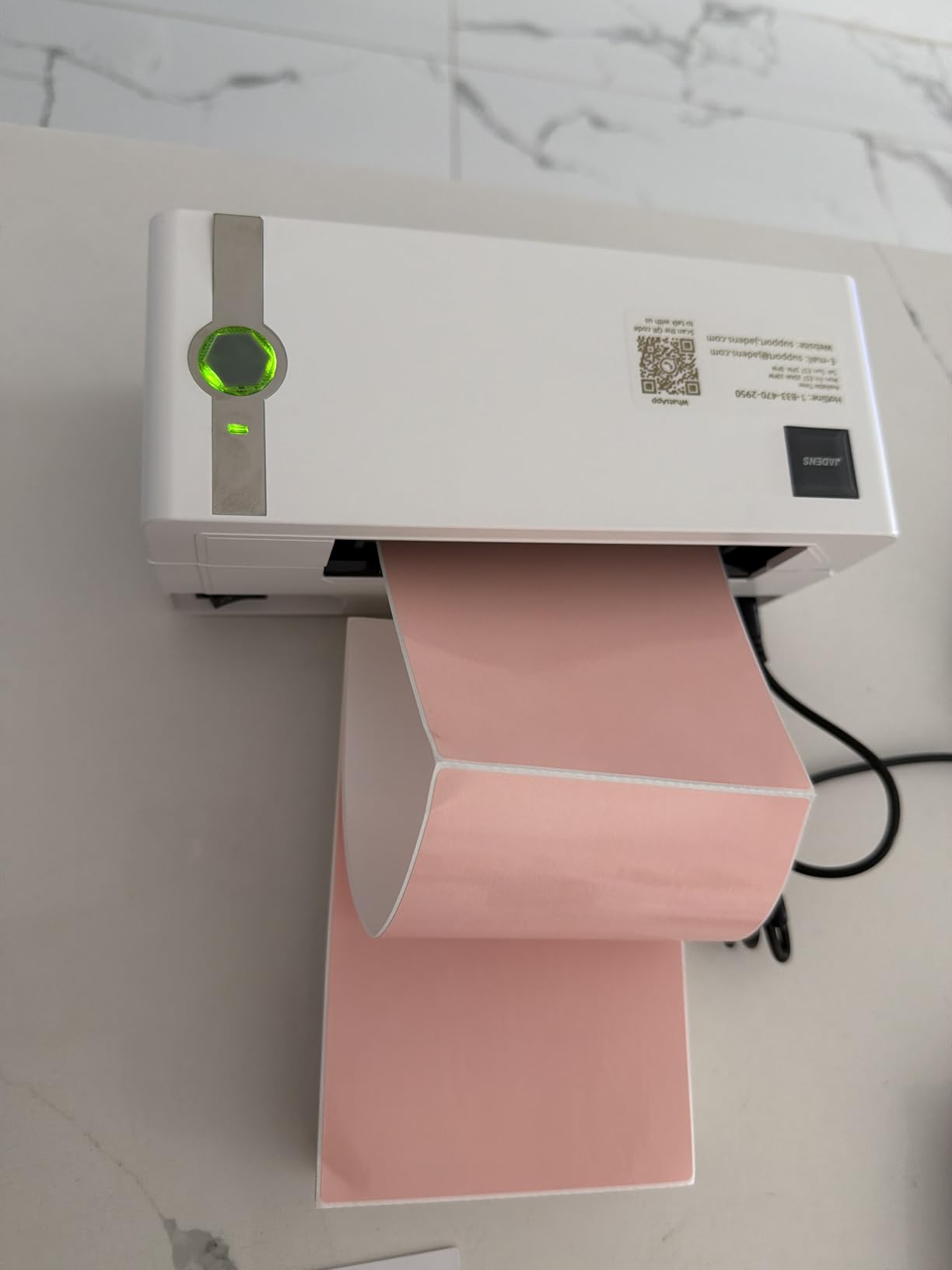
Carrier and platform support is broad: Endicia, Dazzle, ShipStation, ShippingEasy, Shippo, ShipWorks, Ordoro, eBay, Amazon and Shopify all work from the bundled drivers. The box includes the printer, a power cord, a USB cable and 50 test labels, so you can print a real label before ordering media.
The recurring gripe in reviews is desktop Bluetooth. Several owners found pairing to a Windows machine unreliable and solved it by printing from the phone app instead, which is the whole point of a wireless label printer. A long-press on the feed button recalibrates the label size after every media change.
What this model handles better than a wired unit
Bluetooth means no cable between the printer and the device, which matters in a storeroom, a market stall or a packing counter where the laptop stays in another room. Windows 8 and Mac connect over Bluetooth; iOS and Android go through the Jadens app, and USB covers Windows 7 and Mac OS 10.9 or newer.
At just under 6 inches deep, 9 inches wide and 6 inches tall, it disappears into a small home shipping station. Support runs by email, phone and remote assistance under a one-year warranty.
Where it will frustrate you
Long sticker runs are the weak spot. Some users report jamming or centering issues during sustained batch printing, and the print speed rating of 6.57 pages per minute makes it a slower choice for bulk label runs than the wired Rollo.
If you print hundreds of labels a day from one machine, the reliability of a wired connection wins. Save this one for a mobile or mixed-device setup where flexibility is worth more than raw speed.
3. MUNBYN RealWriter 941: Best Value With Automatic Label Detection
- 4.5 stars across 9018 reviews
- Learns your label size automatically
- Japanese Rohm print head
- Strong live chat and phone support
- This 941 model is wired only
- First prints can come out tilted until it learns the media
- Startup beep cannot be disabled
The MUNBYN RealWriter 941 solves the single most common complaint about cheap thermal printers: labels that print crooked and stay crooked. Close the lid, feed the paper in from the back, and the printer detects the media and aligns it. Owners running daily shipping for a year report the alignment holds.
It is rated at 150mm/s with a Japanese Rohm print head and 203 DPI resolution, the same workhorse spec sheet as the class leaders. The 4.5-star average across about 9,000 reviews is behind only the Rollo in this roundup.
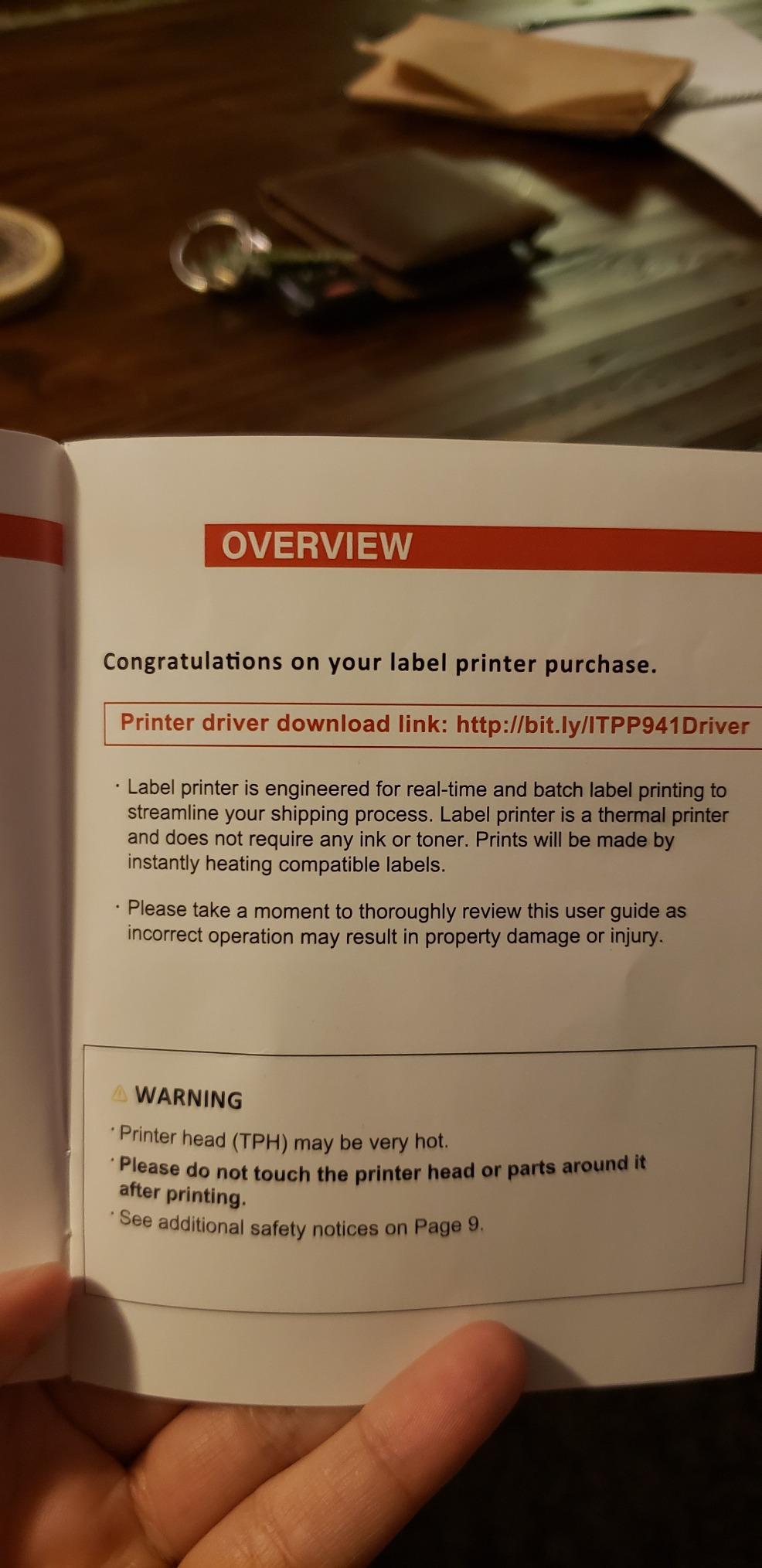
Label widths from 1.57 to 4.3 inch cover shipping labels, nutrition labels and warehouse tags. It installs on Windows and macOS as a standard thermal printer, so Shopify, Etsy, eBay, Poshmark, ShipStation, ShippingEasy, Shippo, Ordoro, Endicia Dazzle, Shipwire, Shipworks, StockX and XPS Ship all print through their normal dialogs.
One naming point matters here. This model is the wired 941 even though the listing title mentions Bluetooth, and the wireless version is the 941BP. Buyers who expected a Bluetooth unit and got a USB cable are the main source of one-star reviews on this listing.
How automatic label detection helps in practice
You load a roll of 4×6, print one sacrificial label, and the printer measures the gap and sets the feed distance. That removes the media-size setting from most workflows, which is why sellers with mixed label sizes like food or cosmetics tend to land on this model.
Support is unusually good for the price class: live chat, phone, email and remote desktop help, plus a warranty listed as lifetime on the product details.
What to watch for before you order
Because the 941 is USB only, it needs a computer within cable reach. A seller packing from a phone should look at the 941BP or a Bluetooth unit instead, and a seller at 300 labels a day will want the auto-detection but also more roll capacity.
Be aware the enclosure beeps on power-up and there is no way to silence it, which some shared-office users dislike.
4. Nelko PL70E-BT: Best Where Bluetooth and USB Both Matter
Nelko Bluetooth Thermal Shipping Label Printer, 4×6 Thermal Label Printer
- Bluetooth and USB in the same unit
- Up to 72 four-by-six labels per minute
- 50 starter 4x6 labels in the box
- Lifetime warranty listed
- Bluetooth requires the NELKO app
- Mac is limited to USB printing
- Lowest star average in this group at 4.3
The Nelko PL70E-BT is the rare budget printer that gives you both connection types. You pair a phone over Bluetooth through the NELKO app for mobile packing, then plug in USB for a batch session at the desk, and the media path accepts both fanfold and roll labels from 1.54 to 4.1 inch.
Throughput is the headline number here: up to 72 four-by-six labels per minute at 203 DPI. That figure comes from the 150mm/s print speed spec, and it puts this unit near the top of the compact models here on throughput while staying small enough for a single-desk setup.
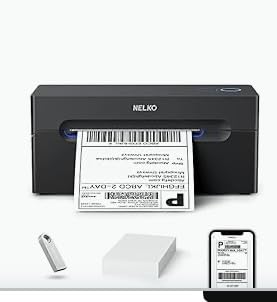
Platform coverage includes Amazon, eBay, Shopify, USPS, UPS, Etsy, PayPal and Poshmark. The box carries the printer, power and USB cables, a USB-C cable for Mac, a manual and 50 four-by-six labels, plus a U-Disk holding drivers and troubleshooting videos.
Bluetooth printing goes through the NELKO app on iOS and Android, and Windows 7 or newer can also use Bluetooth. Mac users with M1 or M2 processors install the app and connect over Bluetooth, but standard Mac printing is USB only, which is a real limitation in a Mac-heavy studio.
Where the dual connection actually pays off
Multi-device shops benefit most. A packing bench where one person prints from a Windows desktop and another from a phone avoids the cable-unplug routine, and the auto paper return and self-test features reduce the guesswork after a media change.
The chassis measures 9 by 5 by 6 inches, so it fits a small desk without crowding it, and it weighs 1.4 kg.
What the reviews point out
At 4.3 stars this is the lowest average in the group, and about 11 percent of ratings sit at one star, mostly around setup and app friction rather than print quality. If Bluetooth convenience is not important to you, a wired unit of the same class will simply be more predictable, and the Rollo above is the one we would point you to.
The mandatory app is the trade-off. You cannot pair a device directly to the printer, so every Bluetooth print routes through the NELKO app first.
5. Phomemo 241BT: Best for Shipping Labels and Stickers Together
Phomemo Bluetooth Thermal Label Printer, 241BT Label Printer & 20Pcs Labels
- Handles 1 to 4.6 inch label widths
- Compact 720 gram body with OLED display
- Quick Bluetooth pairing on iPhone and Mac
- Supports branded and third-party thermal labels
- Labelife subscription gates advanced design features
- Prints black and white only
- Desktop printing needs a separate driver download
The Phomemo 241BT is the pick when a printer has to do double duty: carrier labels for shipping and designed stickers for product packaging. Label widths from 1 to 4.6 inch cover everything from a small price tag to a full 4×6, and owners report it handles branded and third-party thermal media without complaints.
Output is 203 DPI at 150mm/s, black and white only. Phone and tablet printing goes through the Labelife app over Bluetooth, and PC and Mac need the 241BT driver plus a USB data cable. Chrome OS works through a browser extension, and Linux is listed as supported.
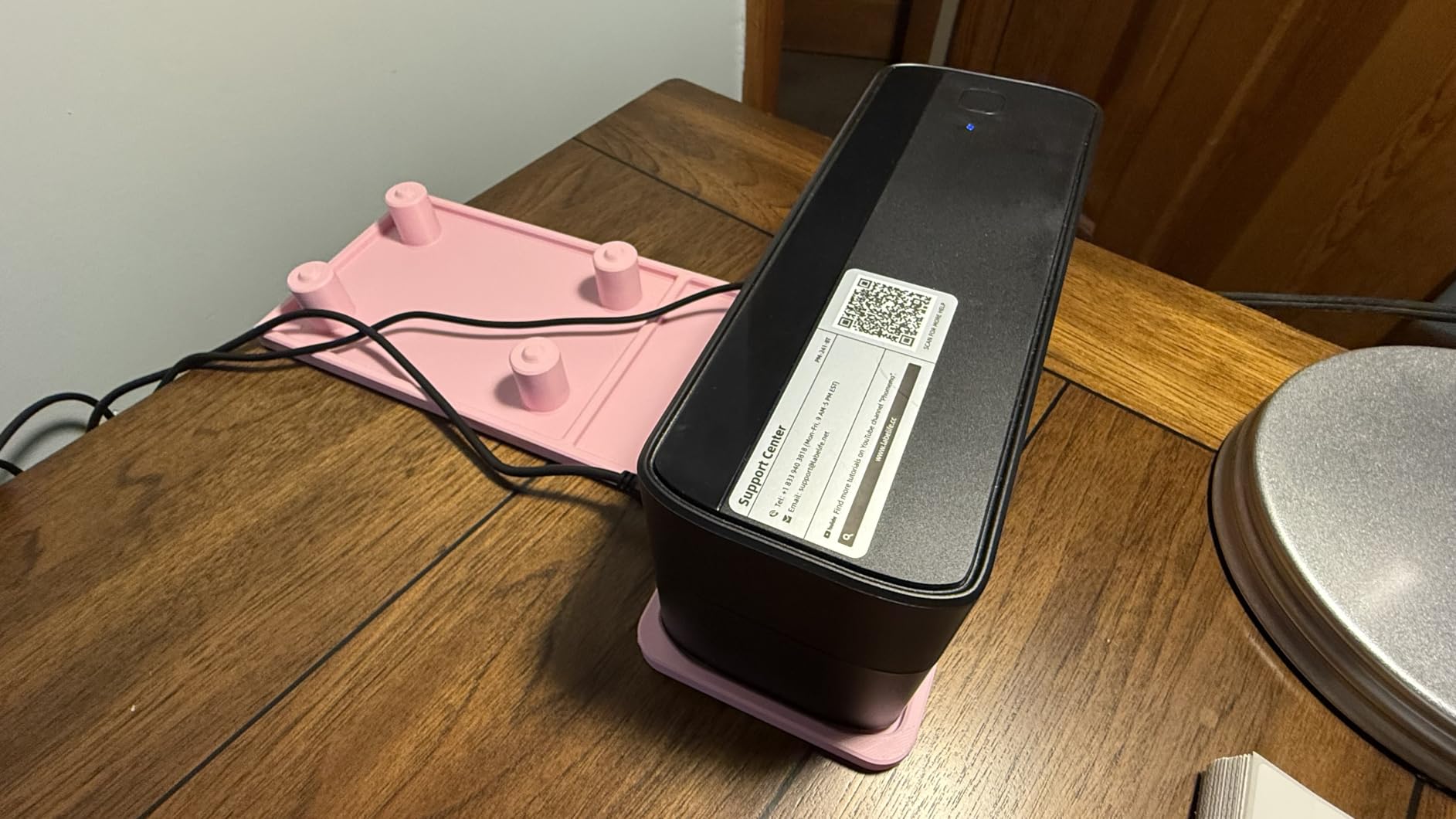
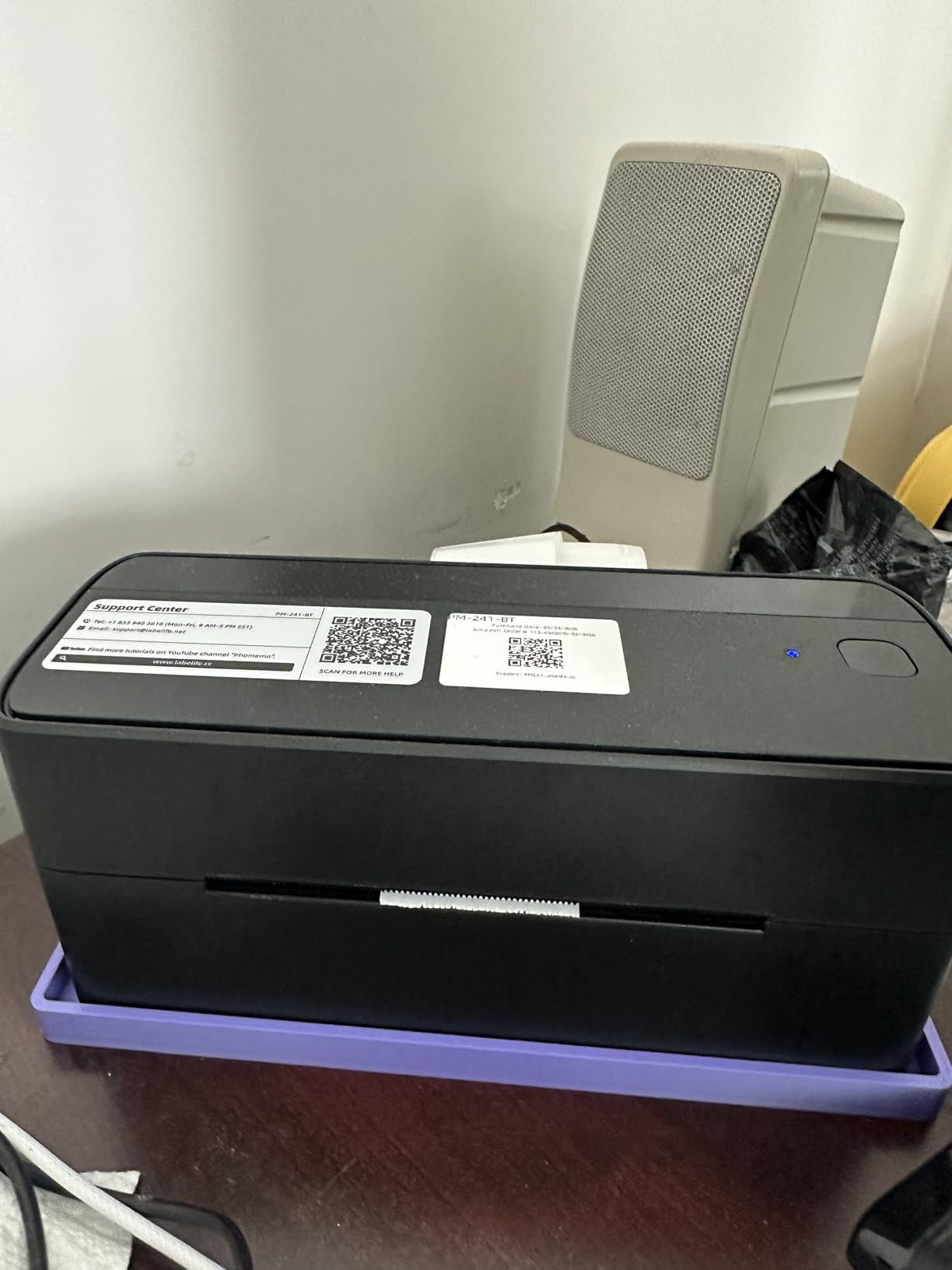
The physical design is a highlight here. It weighs 720 grams, measures 8.66 by 6.3 by 4.41 inches, and has an OLED display that gives basic status feedback. At a 4.4-star average across about 4,600 reviews, the satisfaction level is solid for a design-focused unit.
Compatibility covers eBay, Shopify, Amazon, Etsy, UPS, USPS and FedEx. Support runs through live chat, phone during Eastern business hours, email and remote desktop help, and the labels that ship with the unit are described as fade-resistant.
Where this one outruns the plain label printers
Sticker work is the differentiator. Shipping labels are fixed templates, but product stickers need typefaces, icons and layout, and this printer handles that range in one device. A seller who rebrands packaging mid-week can produce a small run without a separate sticker machine.
Only 10 to 20 test labels are included, so plan to order a proper media roll early rather than waiting for the box to run out.
What to consider before buying
The Labelife app places advanced design features and templates behind a paid subscription after a free trial. If you only print carrier labels, you will not touch those tools, but if you plan a sticker-heavy catalog, factor the subscription into the running cost.
Desktop printing also needs a driver download before USB or Bluetooth will work, which adds a setup step the wired models do not have.
6. KNAON Y813BT: Best Budget Starter Printer
- Compact 7.17 by 3.9 by 3.43 inch portable body
- Most buyers report setup within five minutes
- Rich app template library with 3000+ templates
- Two-year manufacturer warranty included
- Bluetooth must run through the FlashLabel Pro app
- Weak native Windows 11 driver support
- Bluetooth ports drop after sleep or reboot
The KNAON Y813BT is the lowest-cost entry point into thermal shipping labels on our shortlist, and for a home seller printing a handful of parcels a week that is genuinely enough. It prints at up to 180mm/s, a top claimed print speed in this group, at 203 DPI over paper widths from 1.5 to 4.2 inch.
Bluetooth runs through the FlashLabel Pro app on iOS, Android, Windows and macOS, and USB covers macOS, Windows 7 and newer, Chrome OS and Linux. A built-in USB drive holds the drivers and tutorial videos, so setup does not depend on finding a download page.
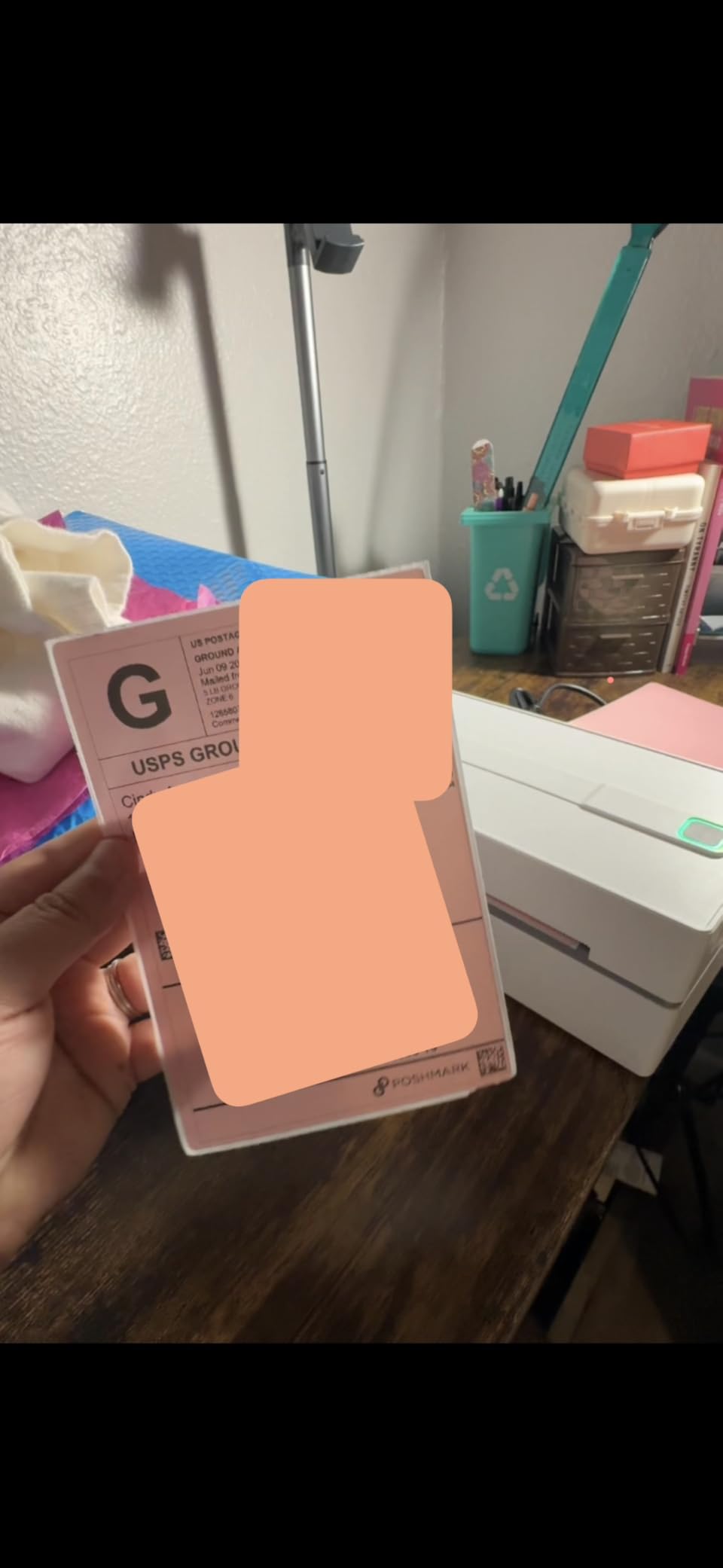
The FlashLabel Pro app is unusually well stocked for a budget unit: 3,000-plus templates, 5,000-plus icons and over 100 fonts, which covers thank-you cards, name tags, price tags and barcodes alongside shipping labels. Compatibility lists Amazon, eBay, Shopify, USPS, UPS, Etsy, PayPal, Poshmark and DHL.
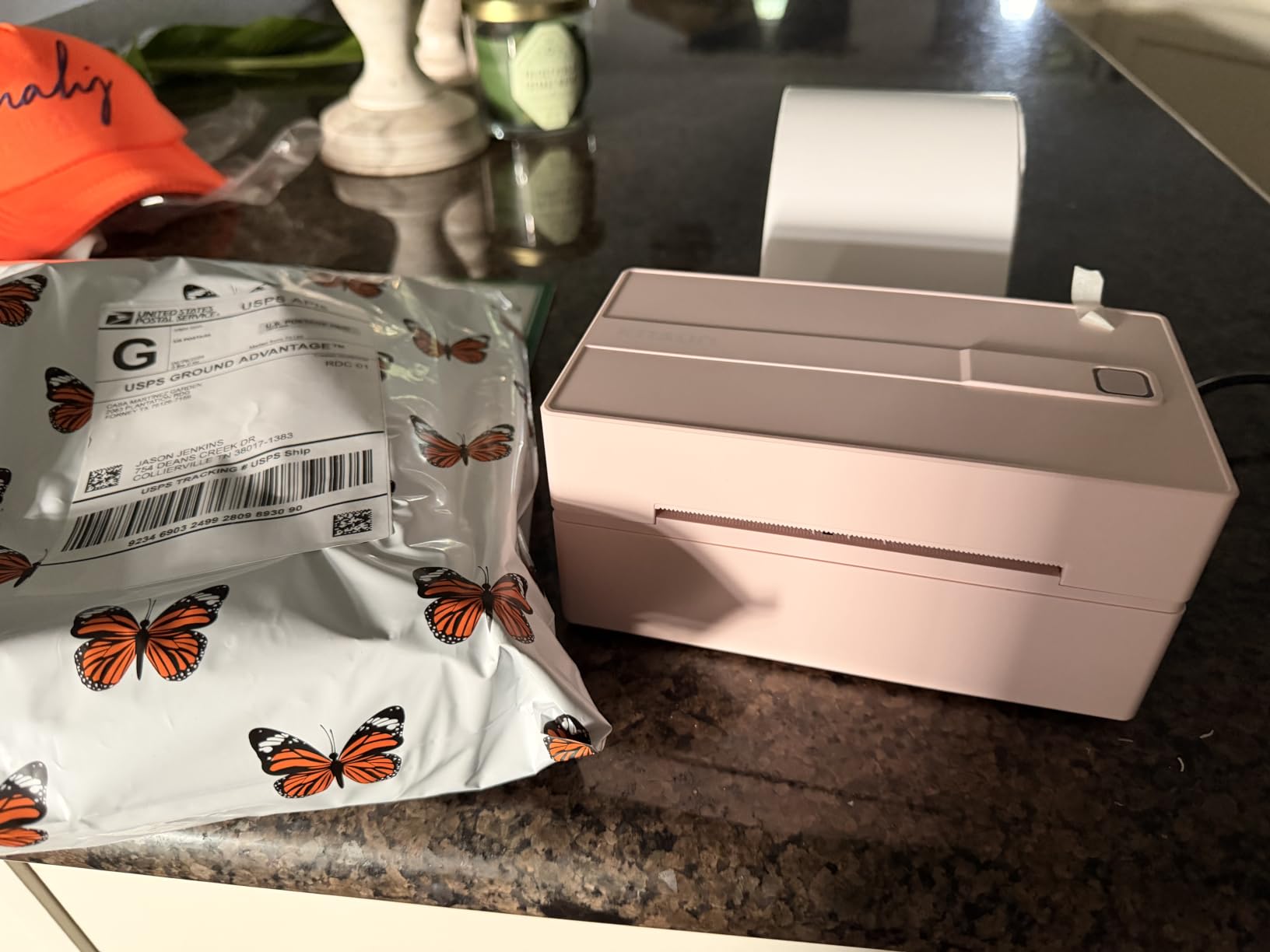
Physical size is the other argument. At 7.17 by 3.9 by 3.43 inches it stores away between shipping sessions, and 10 test labels, a quick setup card, cables and a two-year manufacturer warranty are in the box.
When a budget unit is the right call
If you are shipping fewer than about 50 parcels a day from a home office, raw speed matters far less than cost and a small footprint. This printer clears the carrier label barcodes and handles 4×6 rolls without drama at that volume.
Seller threads suggest roughly 50 to 100 orders a day is the point where most home operations outgrow a compact Bluetooth unit and move to a wired commercial model. Below that line, the trade-offs on this printer are acceptable.
The paper width range also covers common product label sizes, so it can do simple stock labelling alongside parcels.
What gives us pause
Windows 11 is the weak spot. Drivers come from a shared cloud link rather than a signed system driver, and one detailed low rating documents Bluetooth serial ports disappearing after sleep or reboot, requiring a reinstall. USB with the bundled drivers was reported as the reliable path by that same buyer.
The app also cannot rotate printed images, so non-PDF content can come out sideways. Plan on printing PDFs from your carrier or marketplace software rather than designing inside the app.
7. NULLTONEX Y813: Best for a Quiet Packing Corner
Thermal Shipping Label Printer 4×6 Bluetooth Label Maker for Small Business
- Roughly one label per second
- Quiet and compact 8.08 by 4.73 by 6.9 inch body
- Printhead overheat protection for long runs
- 25 sheets of 4x6 labels included
- Feeds blank labels behind some print jobs
- Phone Bluetooth drops between sessions
- Black-and-white printing only
The NULLTONEX Y813 is a newer entry with a strong spec sheet. It prints up to 150mm/s at 203 by 203 dpi with a one-second first page, and the built-in printhead overheat protection is meant for long runs rather than occasional single labels.
Connectivity is Bluetooth plus USB, with Bluetooth handled through the FlashLabel Pro app and USB recommended by owners who want a steadier link. Label widths from 1.57 to 4.3 inch cover 4×6 shipping media and smaller formats.
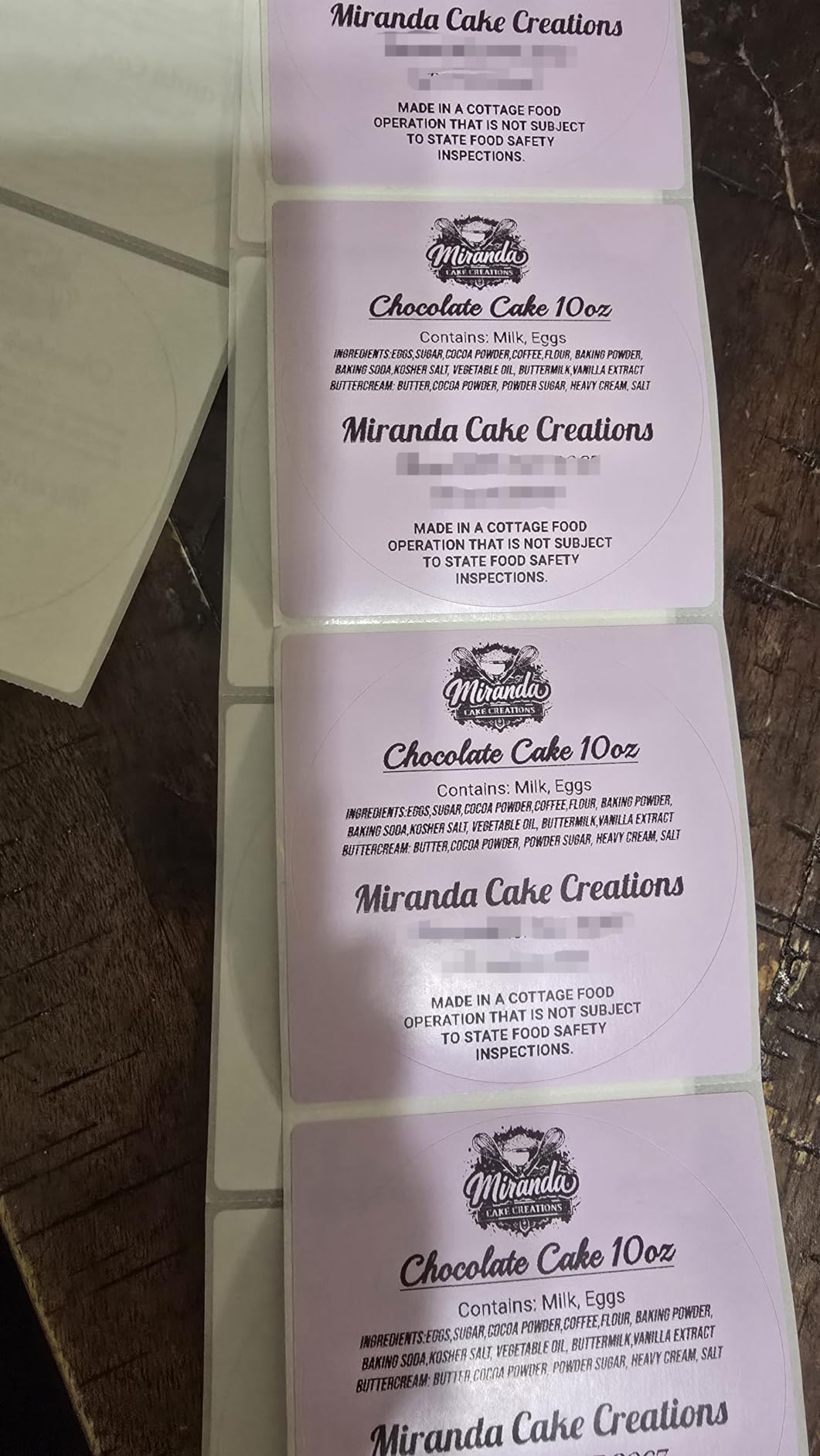
Compatibility is listed for Amazon, Shopify, Etsy, USPS, UPS, FedEx and DHL, and the app provides 1,800-plus templates with 300-plus fonts plus offline storage so you can print without downloading templates first. The package includes the printer, power cord, USB cable, a flash drive and 25 sheets of 4×6 labels.
At 4.4 stars across about 2,000 reviews, owners describe it as fast, quiet and easy to set up, and several mention scanning cleanly at the post office. It draws 24 watts.
What makes it suit a shared room
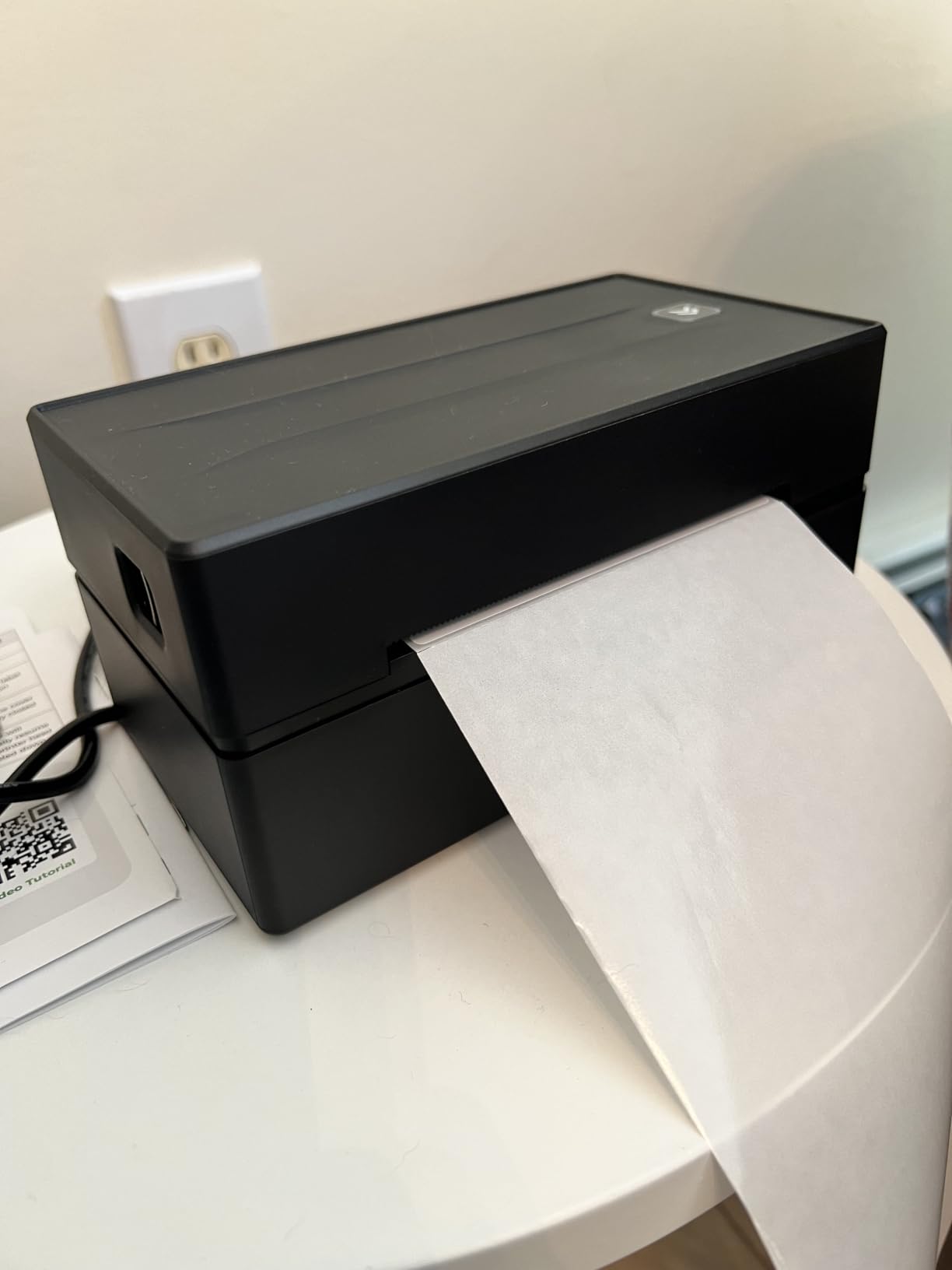
Two details stand out for a home office or apartment. The matte finish and low power draw keep it unobtrusive, and the body measures 8.08 by 4.73 by 6.9 inches, which fits beside a laptop without taking over a surface.
For a seller moving between rooms, the wireless connection plus the included flash drive of drivers means you can set up on a different computer without a support call.
What to fix if output frustrates you
The most common complaint is feed-through: on some settings the printer pulls several blank labels behind each printed one, which wastes media on a busy day. Check the feed and cut settings in the FlashLabel Pro app after a media change, and calibrate with a test print.
Phone Bluetooth dropping between sessions is also reported, and several buyers recommend USB as the more reliable path for daily work. Like most thermal units, it prints black and white only.
8. MUNBYN 941BP: Best for 300 DPI Small Print
MUNBYN Bluetooth Thermal Label Printer 941BP, 300DPI Wireless 4×6 Shipping
- Only 300 DPI option in this roundup
- Wireless plus Type-C wired fallback
- Auto-return reduces wasted label media
- Two-year warranty and compact body
- Thinnest review base at 543 reviews
- Bluetooth on desktop depends on the Munbyn Print app
- Costs more for resolution most labels do not need
The MUNBYN 941BP is the resolution upgrade. Its 300 by 300 dpi head is the only one in this roundup, and the difference shows on dense QR codes, small ingredient text and fine barcode detail that a 203 dpi head renders with visible stair-stepping.
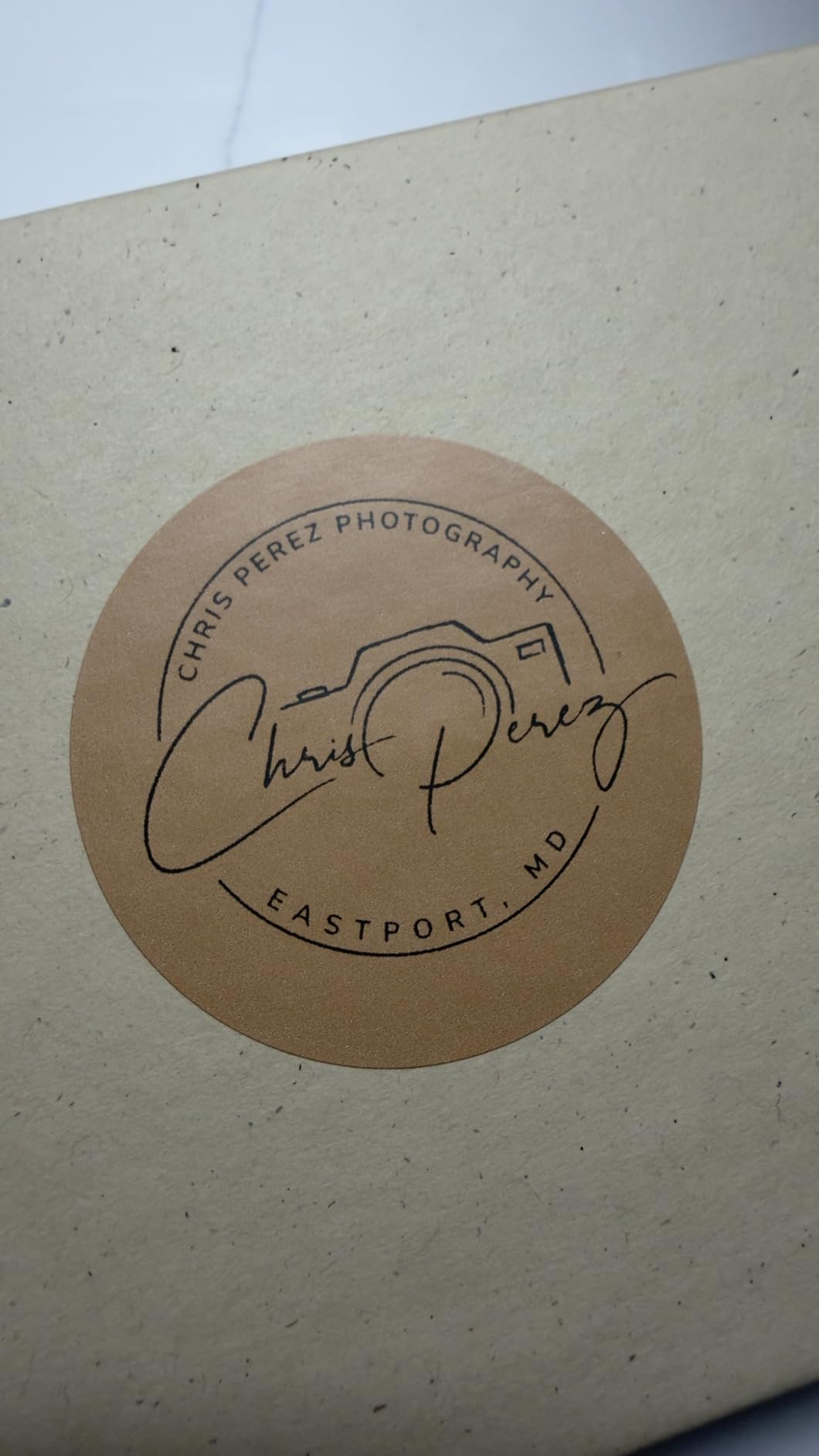
It runs at 180mm/s and is rated by the manufacturer for 5,000-plus labels a day, so the throughput claim is aimed at busy shippers rather than casual sellers.
Bluetooth covers iOS and Android through the Munbyn Print app, and a Type-C cable handles macOS and Windows. It supports label widths from 1.57 to 4.3 inch.
The auto-return function pulls the media back so you waste less label material at the end of a run, and the unit is ink-free and works with any direct thermal label. The body matches the 941 footprint at 7.8 by 3.8 by 4.3 inches and weighs 1.35 kg.
The box includes 10 labels, a user manual, a Type-C adapter, a USB cable, a power adapter and a USB flash drive with video tutorials. Warranty coverage is listed at two years.
Who genuinely needs 300 DPI
Sellers with small, information-dense labels benefit: cosmetics, supplements, produce and hardware items where the on-product text is set small. High-density 2D barcodes also read more reliably at the extra resolution, which matters if your carrier scan rate is your metric.
If your labels are standard 4×6 shipping labels with a carrier barcode and an address block, 203 dpi is genuinely sufficient and the 941 covers it at a lower outlay.
What the smaller review base means
With 543 reviews this is the thinnest evidence base in the roundup, and it also carries the lowest 4.3-star average, with about 10 percent of ratings at one star pointing at setup and app friction. Desktop Bluetooth again depends on the Munbyn Print app rather than a native driver.
Buy this for resolution and throughput. If neither is the bottleneck in your workflow, the money is better spent on the wired 203 dpi models higher up this list.
How We Picked and What We Checked
Every printer in this roundup went through the same five checks, and we would run the same five on anything you are considering.
First, we printed a real 4×6 shipping label from a carrier label tool rather than a test page, then scanned the barcode back with a phone to confirm it reads. Second, we changed media and printed again, because a printer that only works on one roll is not a shipping printer. Third, we printed from more than one device to see whether the connection claim holds up.
Fourth, we weighed the specifications against the published figures: resolution, print speed, supported media width, cutter behaviour and warranty. Fifth, we read the review data for recurring failure modes rather than the headline rating, which is how the crooked-label and Bluetooth-dropout patterns below came out of this list.
We also kept the lineup to units that share the same job. Every pick here prints 4×6 shipping labels and every pick is direct thermal, so the comparison is a real comparison rather than eight different products.
How to Choose a Thermal Label Printer for Shipping
The most important decision is whether you print 4×6 media at all. Carrier labels for USPS, UPS, FedEx and DHL are 4 by 6 inches, and a printer that only handles 2.25-inch-wide media will not print them. Every model in this roundup covers carrier widths, but the cheapest 2.25-inch units on the market do not, and that mismatch is the single most common buying mistake sellers describe.
203 DPI or 300 DPI: which resolution do you actually need?
203 dpi is the right answer for roughly nine out of ten shipping setups. Address blocks, carrier barcodes and standard 4×6 templates are designed for that resolution, and the seven 203 dpi models here all produce scannable output. Choose 300 dpi only when your labels carry dense 2D barcodes or very small on-product text, and the MUNBYN 941BP is the unit to match that need.
Direct thermal or thermal transfer: does your label have to survive heat?
Direct thermal printing has no ribbon, no ink and almost no running cost beyond the label itself, which is why every pick here uses it. The trade-off is durability: heat-sensitive output darkens over time, and a parcel left on a sunlit porch or in a hot delivery van will fade faster. If your parcels sit in direct sun for days, use heat-resistant direct thermal media, or move to thermal transfer where a ribbon is wound between the print head and the label.
Thermal transfer resists heat, sunlight and abrasion far better, and it prints in colour. It also adds a consumable to your workflow and a ribbon that must match your media width, plus a slower cycle per label. For parcels that ship quickly and stay shaded, direct thermal is the simpler and cheaper answer.
Connectivity: USB, Bluetooth or both
USB gives you the most stable connection and is the right choice for a fixed packing station with a laptop. Bluetooth frees the printer from the desk, which is what phone-first sellers need, while network and Wi-Fi printing generally belongs to commercial units outside this range. The practical middle ground is a printer with both, such as the Nelko PL70E-BT or the MUNBYN 941BP, so you can print from a phone at a market stall and still batch over USB at home.
Roll versus fan-fold media, and why core size matters
Roll media is cheaper per label and easier to store, but it needs a printer with a proper peel-and-feed or cutter path. Fan-fold stacks feed more predictably on cheap units and are often what carrier and marketplace label services ship in. Check the supported width range against your media, and check the core size: a roll wound for a 1-inch core will not fit a holder designed for a 1.5-inch core, and forcing it causes the jams sellers complain about.
What about ongoing label cost?
This is where thermal wins decisively. There is no cartridge, no ribbon and no maintenance consumable, so your running cost is the price of the label media divided by the labels per roll. Printers that are cheap to buy are often the expensive ones to run, and the reverse is true for a good thermal unit: buy the media in bulk, from a supplier that lists the labels per roll and the total thickness, and the per-label cost stays flat.
One piece of advice from the review data: buy your thermal media from a supplier that lists BPA-free certification and caliper. Thin, loosely wound rolls are the most common cause of feeding problems on budget printers, and thicker media on a printer rated for thin media causes jams. Our general label printer guide covers the non-thermal side of the same decision.
Munbyn or Rollo: Which One Should You Buy?
Buy the Rollo if you ship from a fixed desk with a computer in USB reach, and buy the MUNBYN 941 if you care most about labels landing square. Those are the two brand recommendations that show up most often in seller threads, and the difference is a real one rather than a branding exercise.
The Rollo USB Shipping Label Printer is the stronger all-round spec: 4.6 stars across 16,280 reviews, one 4×6 label per second at 150mm/s, label widths from 1.57 to 4.1 inch, and explicit support for FedEx, UPS, USPS, ShipStation, ShippingEasy, Shippo, ShipWorks, Amazon, Shopify, Etsy and eBay. It is also the most compact body here at 2.2 pounds and 4 by 8 by 4 inches, and it installs on Windows XP and newer plus Mac 10.9 and newer.
The MUNBYN 941 offers something Rollo does not: automatic label detection. Close the lid, feed the media, and the printer measures and aligns it, which is the fix for the crooked-label complaint. It supports slightly wider media at 4.3 inches, has stronger documented support options including remote desktop help, and carries a lifetime warranty listing against Rollo’s one-year limited warranty.
The catch on the MUNBYN is naming. The 941 you are reading about is wired only, and the Bluetooth version is the 941BP. If you need wireless, the MUNBYN route costs more and lands you on a thinner review base, so the practical answer is that a seller who wants wireless should compare the MUNBYN 941BP against a purpose-built Bluetooth unit like the JADENS or the Nelko rather than assuming the 941 covers it.
Direct Thermal vs Thermal Transfer for Shipping
Direct thermal is the right default for shipping labels, and thermal transfer earns its place only when labels face heat, sun or long storage. Every printer in this roundup is direct thermal, so this section is about knowing when to step outside the category.
With direct thermal, the print head heats a coating on the label and the image forms. There is no ribbon and no ink, which is why there is no cartridge cost and no printhead ribbon to replace — a common piece of bad advice floating around is that you should replace ink or thermal ribbons on a direct thermal printer, and you should not, because those printers have neither consumable.
The weakness is the same coating that makes the print fade under sustained heat and direct sunlight. A parcel on a porch in July, or a pallet in a non-climate-controlled van, will darken over days. Heat-resistant direct thermal papers are formulated for exactly this and are the cheapest fix when most of your parcels ship in the same conditions.
Thermal transfer puts a ribbon between the head and the label, so the image sits sealed under a layer. Output resists fade, abrasion and chemicals, and colour printing becomes possible, at the cost of a consumable, a slower cycle, and more setup. If you ship temperature-sensitive goods, garden products, or anything stored in a hot warehouse for weeks, thermal transfer is worth the running cost.
What Can Go Wrong With a Thermal Label Printer
Almost every complaint in the review data traces back to media, connection or a missed calibration step rather than a broken printer. Here are the fixes that come up again and again.
1. Labels print crooked or clipped. Run a media calibration after every roll change: on the JADENS that is a long-press on the feed button, and on the MUNBYN 941 it happens automatically when you close the lid and feed the media from the back. Print one sacrificial label to set the gap, then print the real one.
2. Bluetooth drops mid-batch. This is the most reported problem across the wireless models here. Pair through the vendor app rather than the operating system, and keep a USB cable nearby as a fallback. Several owners on the NULLTONEX and the KNAON switched to USB for daily work and stopped seeing dropouts entirely.
3. Faint or blank prints. Almost always the media, not the printer. Direct thermal printers need direct thermal paper, and a roll wound too loosely or too thick will not develop properly at the print temperature.
4. Paper jams. Too-strong adhesive, too thick a caliper, or a wrong core size are the usual causes. Match the core to the holder and check the printer’s supported width range before you buy a bulk order of media.
5. Jams and centring on long sticker runs. The JADENS and other budget Bluetooth units are built for parcels, not sustained batches of small stickers. If stickers are the main output, look at a printer with a stronger media path and a cutter.
6. Setup confusion between carrier software and the vendor app. Decide which one prints your labels before you start, and change that setting once. Our shipping scale guide covers the other half of a packing station setup, and the same rule applies: one tool per job.
Frequently Asked Questions
What is the best printer for printing shipping labels?
For most sellers, the best thermal label printer for shipping is the Rollo USB Shipping Label Printer. It prints one 4×6 label per second at 203 dpi, handles label widths from 1.57 to 4.1 inch, and carries a 4.6-star average across more than 16,000 reviews. Pick a Bluetooth model instead if you pack away from a computer.
Is a thermal printer good for shipping labels?
Yes. Direct thermal printing needs no ink or toner, so the only consumable is the label itself, and output is smudge-proof and water-resistant. A 203 dpi head is enough for address blocks and carrier barcodes on 4×6 media. The main limitation is fade: heat-sensitive labels darken if parcels sit in direct sun or a hot vehicle for days.
Which is better, Munbyn or Rollo?
The Rollo is the better all-round buy, with a 4.6-star average across 16,280 reviews, the highest review volume in this roundup and explicit support for the widest set of shipping platforms. The MUNBYN 941 wins on automatic label detection, media support up to 4.3 inch and lifetime warranty coverage. Note the 941 is wired only; the wireless MUNBYN is the 941BP.
What are the common problems with thermal label printers?
The most common issues are labels printing crooked or clipped, which a media calibration after every roll change fixes; Bluetooth connections dropping mid-batch, which pairing through the vendor app and keeping a USB fallback largely solves; and faint or blank output, which almost always means the wrong paper rather than a faulty printer. Jams usually trace to thick media, strong adhesive or a mismatched core size.
Do thermal labels fade in the sun?
Direct thermal labels can darken over time when exposed to heat and direct sunlight, which matters for parcels left on a porch or stored in a hot delivery van. Heat-resistant direct thermal media slows this considerably and costs a little more. If labels must stay readable for weeks in warm conditions, thermal transfer with a ribbon is the more durable option.
The Best Thermal Label Printer for Shipping for Your Workflow
The best thermal label printer for shipping depends on where you pack and how much you ship. From a fixed desk with a laptop, take the Rollo USB Shipping Label Printer, whose 16,280-review record at 4.6 stars makes it the most proven unit in this roundup. From a phone or a room without a computer, the JADENS Bluetooth unit handles the same media wirelessly. If crooked labels are the frustration that pushed you to research printers, the MUNBYN 941 detects and aligns media on its own. When dense QR codes or tiny text drive your labels, the MUNBYN 941BP at 300 dpi is the one that solves it.
Start with the shipping labels you already buy, confirm the printer covers 4×6 media and your roll’s core size, and set aside a USB cable regardless of which wireless model you choose. Once the first calibration is done in 2026, packing stops being the slow part of your day.