
Every sit-stand desk I have owned eventually got a monitor arm bolted to it. The first one arrived because my 27-inch screen sat at chin height once I stood up, and my neck paid for it by the end of the day. The second one arrived because the desk itself was a lift-top frame with no back rail to bolt into.
That is the honest starting point for the best monitor arms for standing desks: an arm is not a luxury, it is the only way to keep one screen at the right height at both positions. It also reclaims a surprising amount of desk depth, since the screen no longer eats a square foot of your work surface.
What follows is a roundup of ten arms we spent weeks with across single-screen, dual-screen and ultrawide setups. We logged in our standing desk picks first, then matched arms to the frames. If you have not chosen a desk yet, start there, because the arm has to clear whatever crossbar sits under your tabletop.
A few of these arms are remarkably cheap, and two of them carry decade-long warranties. That is the short version. The long version includes the desk wobble question, which almost nobody answers honestly.
Table of Contents
Do Monitor Arms Work with Standing Desks? Yes, and Here Is Why
Yes. A monitor arm works with a standing desk because it moves vertically on its own, not because of the desk. You clamp the arm to the desktop edge or drop it through a grommet, the screen hangs on a VESA plate, and a counterbalance offsets the weight so you can raise and lower it with one hand. Because the desk rises and falls and the arm does not, you get repeatable eye-level height at both sitting and standing positions, which is exactly what a fixed monitor stand cannot do.
The one caveat: check your desktop thickness and the frame crossbar before you buy. An arm that clamps near the back edge may not clear the metal rail that most sit-stand frames use.
Top 3 Monitor Arms for Standing Desks in 2026

VIVO STAND-V002 Dual Mount
- Holds two screens to 30 inch and 22 lbs each
- Full plus or minus 90 degree tilt and 360 degree rotation
- C-clamp to 3.25 inch desktops plus optional grommet
- 3 year warranty

HUANUO FlowLift Dual
- Dual C-clamp base resists shake and slide
- Raises screens up to 15.75 inch above the desktop
- Fits 0.59 to 3.54 inch wooden desktops
- 5 year manufacturer warranty

VIVO STAND-V001 Single
- Covers standard screens to 32 inch and ultrawides to 38 inch
- Toolless C-clamp for desktops to 3.25 inch
- Height adjustment up to 16 inch on the center pole
Best Monitor Arms for Standing Desks at a Glance in 2026
| Product | Specifications | Action |
|---|---|---|
| VIVO STAND-V002 Dual Monitor Desk Mount |
|
Check Latest Price |
| HUANUO FlowLift Dual Monitor Stand |
|
Check Latest Price |
 ErGear Dual Monitor Stand EGCM1 ErGear Dual Monitor Stand EGCM1 |
|
Check Latest Price |
| VIVO STAND-V001 Single Monitor Arm |
|
Check Latest Price |
 Amazon Basics Single Monitor Stand Amazon Basics Single Monitor Stand |
|
Check Latest Price |
 WALI Single Monitor Arm GSMP001N WALI Single Monitor Arm GSMP001N |
|
Check Latest Price |
 HUANUO FlowLift Single Monitor Mount HUANUO FlowLift Single Monitor Mount |
|
Check Latest Price |
 MOUNTUP Single Monitor Desk Mount MOUNTUP Single Monitor Desk Mount |
|
Check Latest Price |
 ErGear Single Monitor Arm EGDMA69B ErGear Single Monitor Arm EGDMA69B |
|
Check Latest Price |
 HUANUO Dual Monitor Stand HNDS7 HUANUO Dual Monitor Stand HNDS7 |
|
Check Latest Price |
1. VIVO STAND-V002 Dual Monitor Desk Mount – Best Overall for Standing Desks
- Holds two heavy screens without sagging
- Full tilt swivel and rotation range
- Works as clamp or grommet mount
- 3 year warranty
- Cable clips along arms and pole
- Pole height changes need a tool
- C-clamp stops at 3.25 inch desktop thickness
- Arm does not fold flat
This is the arm we recommend to most people, and the reason is unexciting: it ranks near the top of the Computer Monitor Arms category with a rating of 4.6 across more than 60,000 ratings. Huge sample sizes do not guarantee perfection, but they do make it very hard for a badly made product to hold a score that high.
On our sit-stand frame, we swapped between a 24-inch and a 30-inch panel without the arm complaining. Each side holds up to 22 pounds and mounts to standard 75x75mm or 100x100mm holes, which covers almost everything on the market except the odd extra-wide pattern.
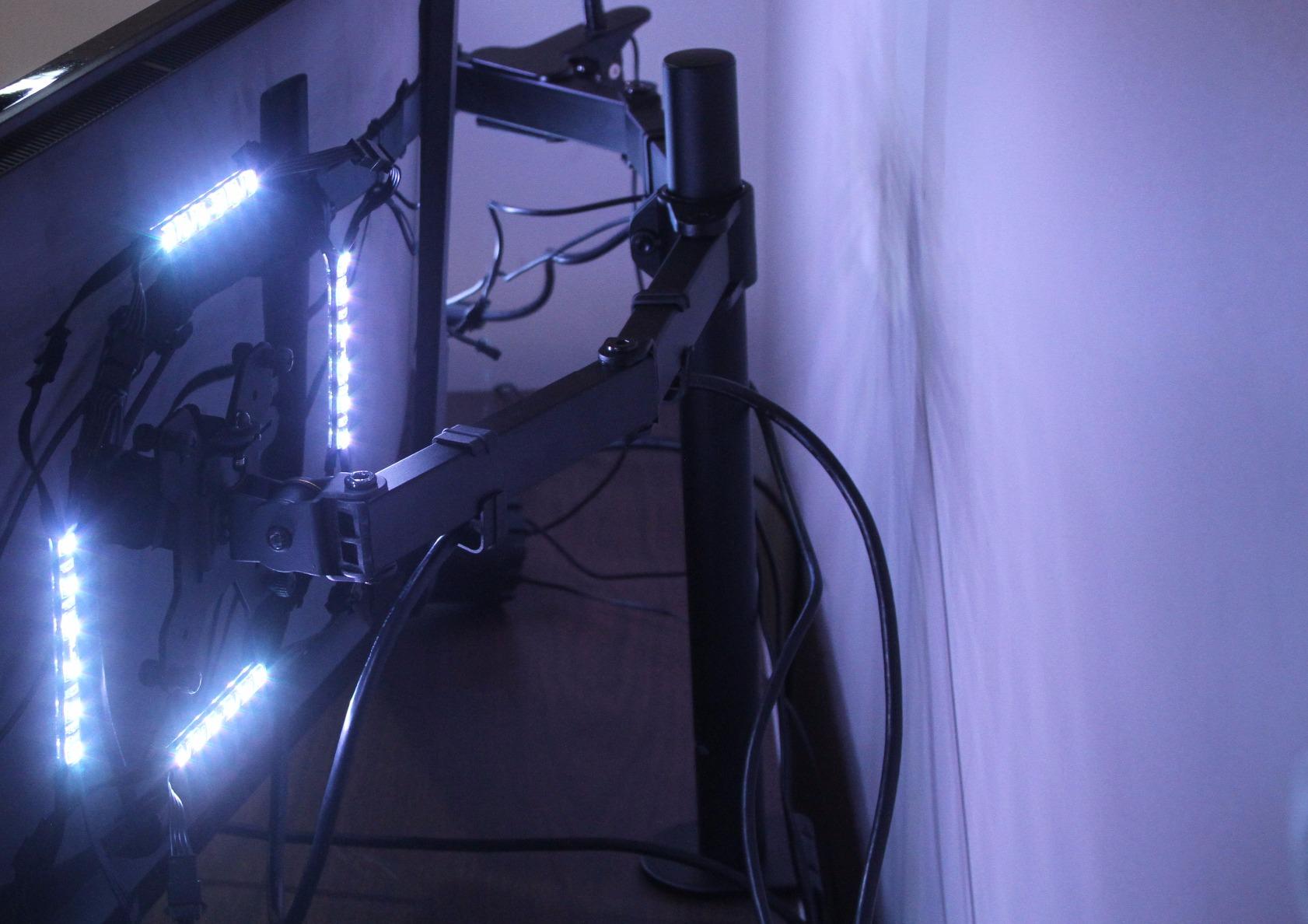
Articulation is genuinely full range. You get plus or minus 90 degrees of tilt, 180 degrees of swivel and 360 degrees of rotation, and each screen can flip to portrait, which is the arrangement most people like for a long document beside a spreadsheet.
The steel construction is the reason it stays put when you type. Reviewers repeatedly describe it as stable with heavy displays, and our own experience matched that: no visible screen shake even with the desk at standing height and the arms pushed forward.

Does it fit a thick standing desk top?
It fits desktops up to 3.25 inches thick, which covers the great majority of solid wood and veneer sit-stand surfaces. A genuinely thick butcher-block top is where you switch to the grommet base instead, and the hardware for that is in the box.
The real check is the crossbar. If your frame has a metal rail sitting a few inches back from the edge, measure the gap before clamping. Our test frame left roughly two inches of clearance, which was enough.
Where it falls short
Height changes along the center pole need an Allen wrench and a re-tighten, so this is not a one-hand-per-second adjustment the way a gas spring arm works. If you are constantly tweaking height for two different people at a hot desk, that friction shows up.
The arm also will not fold flat on itself, so a screen pushed fully back still sits a few inches forward of where a folded arm could sit. Plan your keyboard depth with that in mind.
2. HUANUO FlowLift Dual Monitor Stand – Best Value for Two Screens
- Dual C-clamp base resists shake and sliding
- Holds position without re-tightening
- Raises screens to a healthy seated eye level
- Top ranked in Computer Monitor Arms
- Cable guides built into the arms
- Each arm stops at 19.8 lbs
- Wooden desktops only
- Under-desk cross beams block the clamp
This arm sits at number one in the Computer Monitor Arms category and carries a 4.6 rating from nearly 35,000 reviews. In plain terms, this is the one we would buy second, and for a lot of buyers it is the one they buy first.
The build detail that matters on a sit-stand desk is the upgraded base with a dual C-clamp structure. Two clamp points resist the rocking that a single clamp picks up as the desk moves through its travel, and owners regularly call out the absence of shake and sliding as the deciding factor.
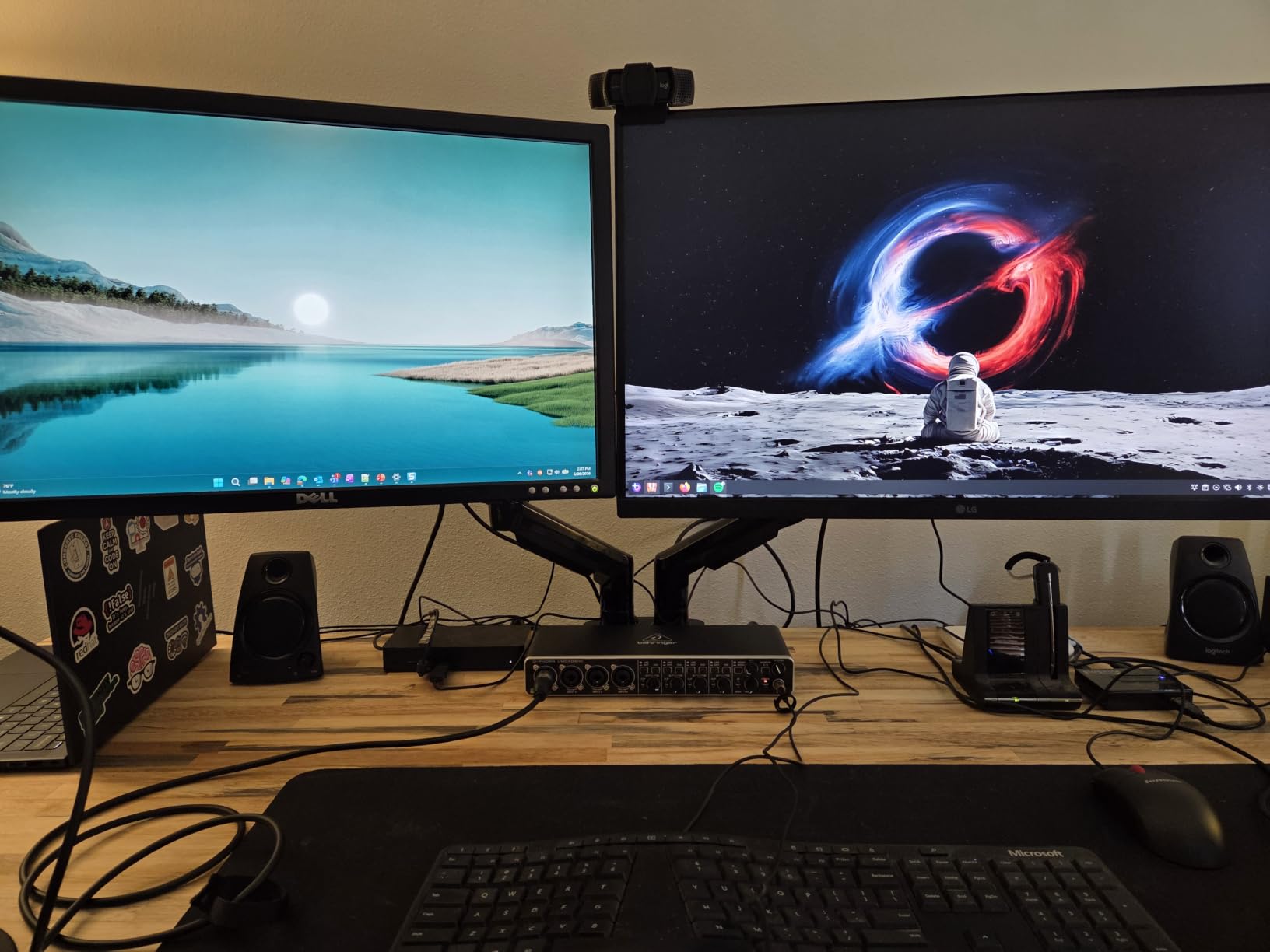
Height is a genuine strength here. Each screen lifts up to 15.75 inches above the desktop, which is enough travel to bring a seated screen to eye level and then keep going for standing. Most competing budget duals top out noticeably lower.
Motion is smooth with one hand once it is positioned. Tilt runs plus 85 to minus 50 degrees, swivel plus or minus 90 degrees, and rotation goes a full 360 degrees.
Will it hold two larger monitors?
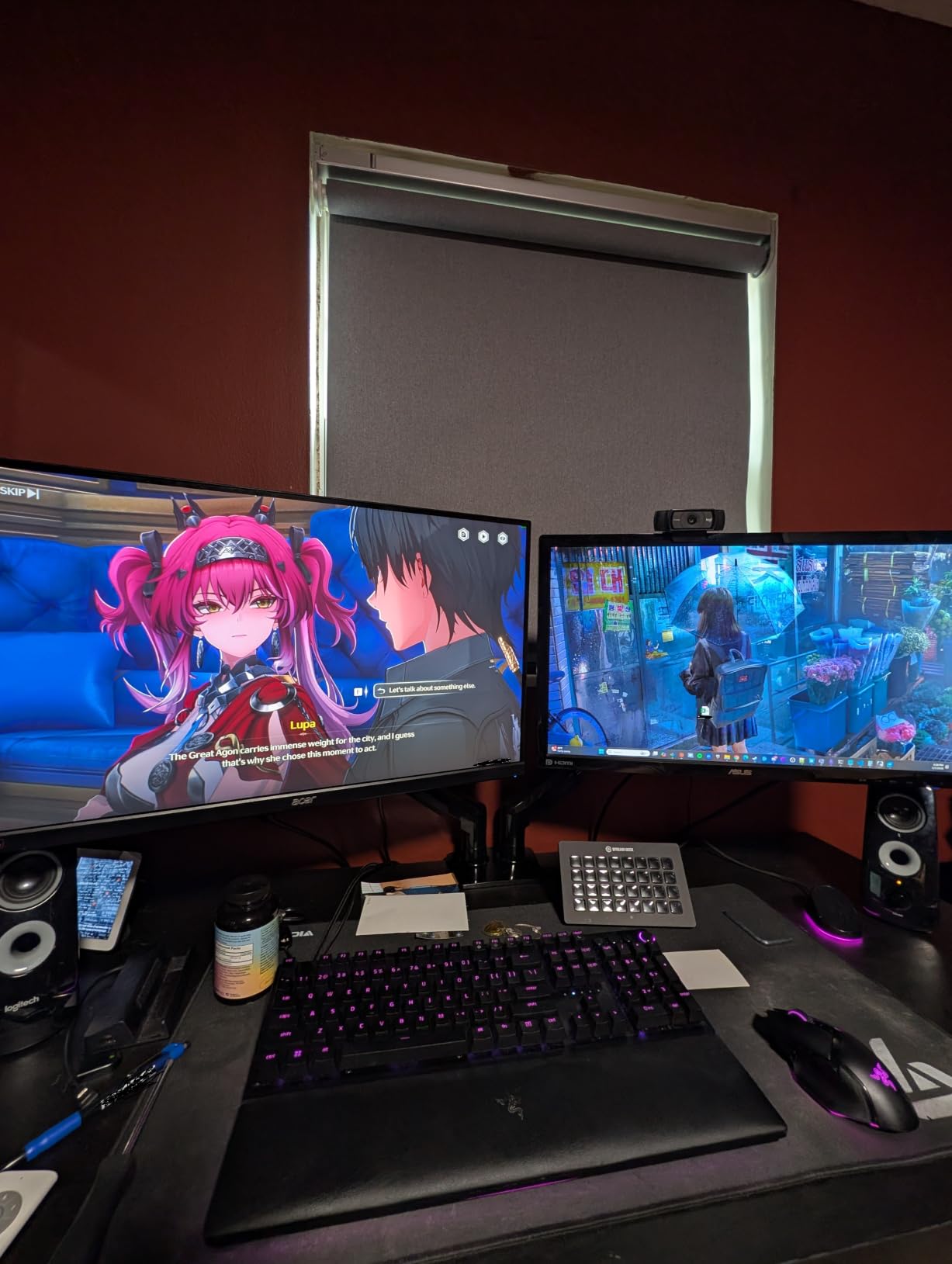
Each arm holds 4.4 to 19.8 pounds, and each screen must fall between 13 and 32 inches with a 75x75mm or 100x100mm pattern. That is a comfortable range for two 24s or two 27s, but a 34-inch ultrawide with a heavy panel runs into the ceiling.
Two compatibility rules catch people out. The manufacturer recommends a wooden desktop with nothing underneath but air, so glass and plastic tops are out, and a cross beam in the clamp path will stop the install.
Where it falls short
The weight ceiling is the main limitation. Heavier ultrawides need one of the arms further down this list with a 22 or 26.4 pound rating.
Raising 15.75 inches is generous for seated work and adequate for most standing positions, but users over six feet often want more pole. If you are that tall, measure your standing eye height against your seated one before ordering.
3. ErGear Dual Monitor Stand – Best Budget Dual Mount
- Wide 31.22 inch span fits two 32 inch screens
- Labeled hardware and clear manual
- Integrated cable clips
- Plenty of swivel and rotation
- 17.6 lbs per arm is low for the class
- Tilt stops at plus or minus 45 degrees
- Grommet option limited to 2.36 inch desktops
Among budget dual mounts, the ErGear EGCM1 is the one we would happily put on a desk. It scores 4.4 from more than 22,000 ratings, and the two numbers we care about are the arm span and the install.
A 31.22 inch wide arm span with a 16 inch high cross bar means two 32-inch screens sit side by side without overlapping, which is not always true in this price bracket. Reviewers repeatedly mention the wide span as the reason they kept it.
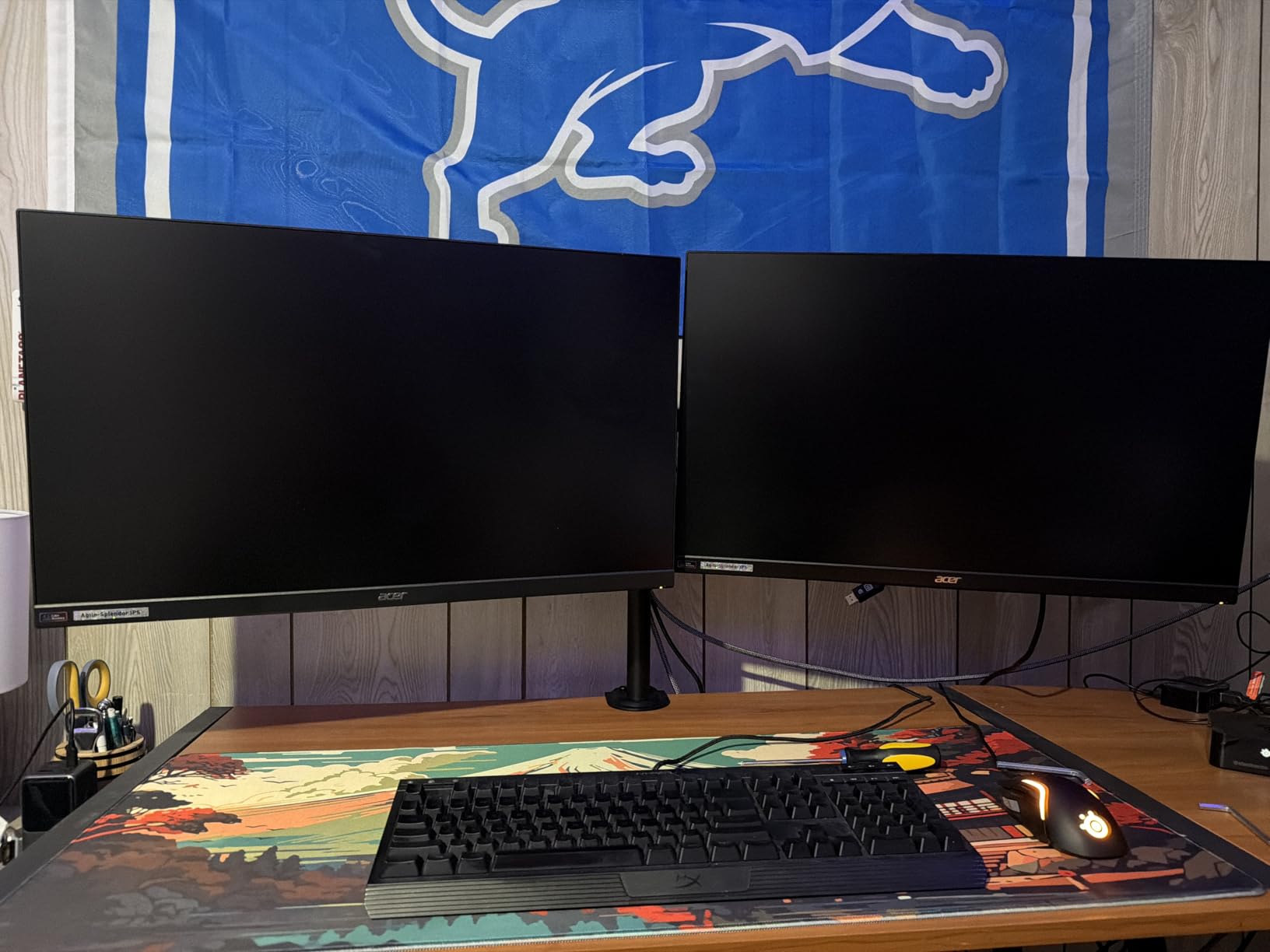
Installation is straightforward. The hardware is labeled, the manual is detailed, and you get two mounting paths: a C-clamp for desktops between 0.39 and 3 inches, or a grommet mount for 0.39 to 2.36 inches. On a standing desk we prefer the clamp because it leaves the grommet hole free for a cable pass-through.
Integrated cable clips run along the arms, and they do an adequate job of keeping a power lead and an HDMI cable from dropping onto the desktop.
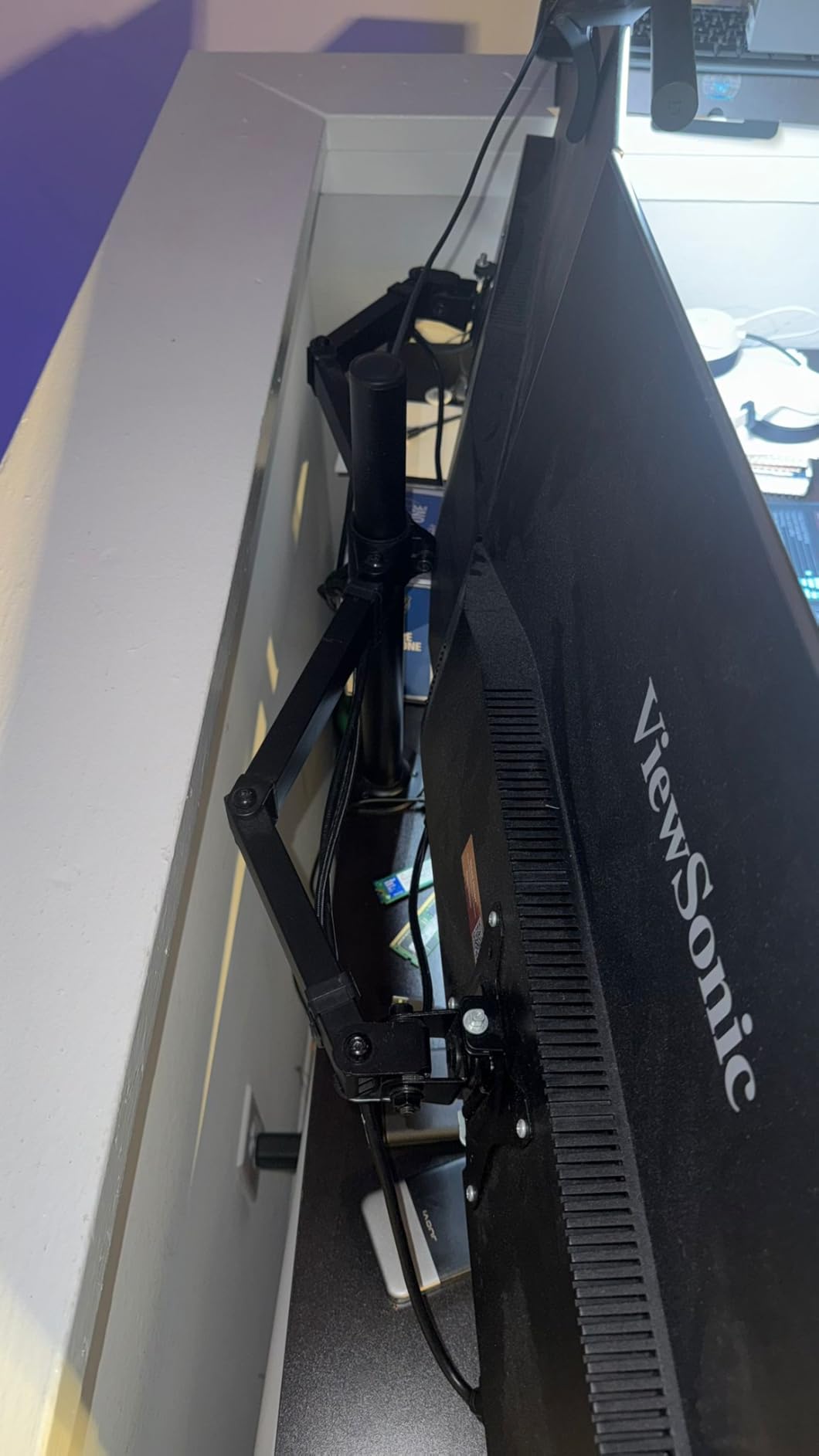
Can it carry two big screens on a standing desk?
Each arm supports up to 17.6 pounds, the lowest ceiling among the duals here. Two 27-inch panels are comfortable. Two 32-inch panels depend entirely on their weight, so check the spec sheet before committing.
Because each screen is light, this arm feels stable at standing height with the screens close to the pole. Push them forward and you are increasing the leverage on a lighter-rated joint, so keep them nearer the center.
Where it falls short
Tilt runs plus or minus 45 degrees. That is fine for most desk work but shallow if you plan to mount a display high and look up at it from a lower seat, or low and tilt it back toward you.
A wooden tabletop with nothing beneath it is the recommended setup. Cross beams and panels under the surface can block the clamp, and grommet mounting is unavailable on desktops thicker than 2.36 inches.
4. VIVO STAND-V001 Single Monitor Arm – Best for Ultrawides
- Covers standard screens and 38 inch ultrawides
- Stays stable on standing desks
- Modular design scales to triple setups
- Cable clips included
- Split clamp fits tight wall clearance
- Pole height needs an Allen wrench
- Arm cannot fold flat
- Position drifts slightly with heavy panels
If your setup involves one big screen rather than two mid-size ones, this is the arm. It handles regular 13 to 32 inch monitors and curved ultrawides up to 38 inches on the same pole, and it carries 22 pounds.
The reason this earns a premium slot is the stability record on adjustable desks specifically. Reviewers describe it as steady with no sagging even on sit-stand frames, and that is the attribute a fixed-desktop reviewer never mentions but a standing-desk owner notices immediately.
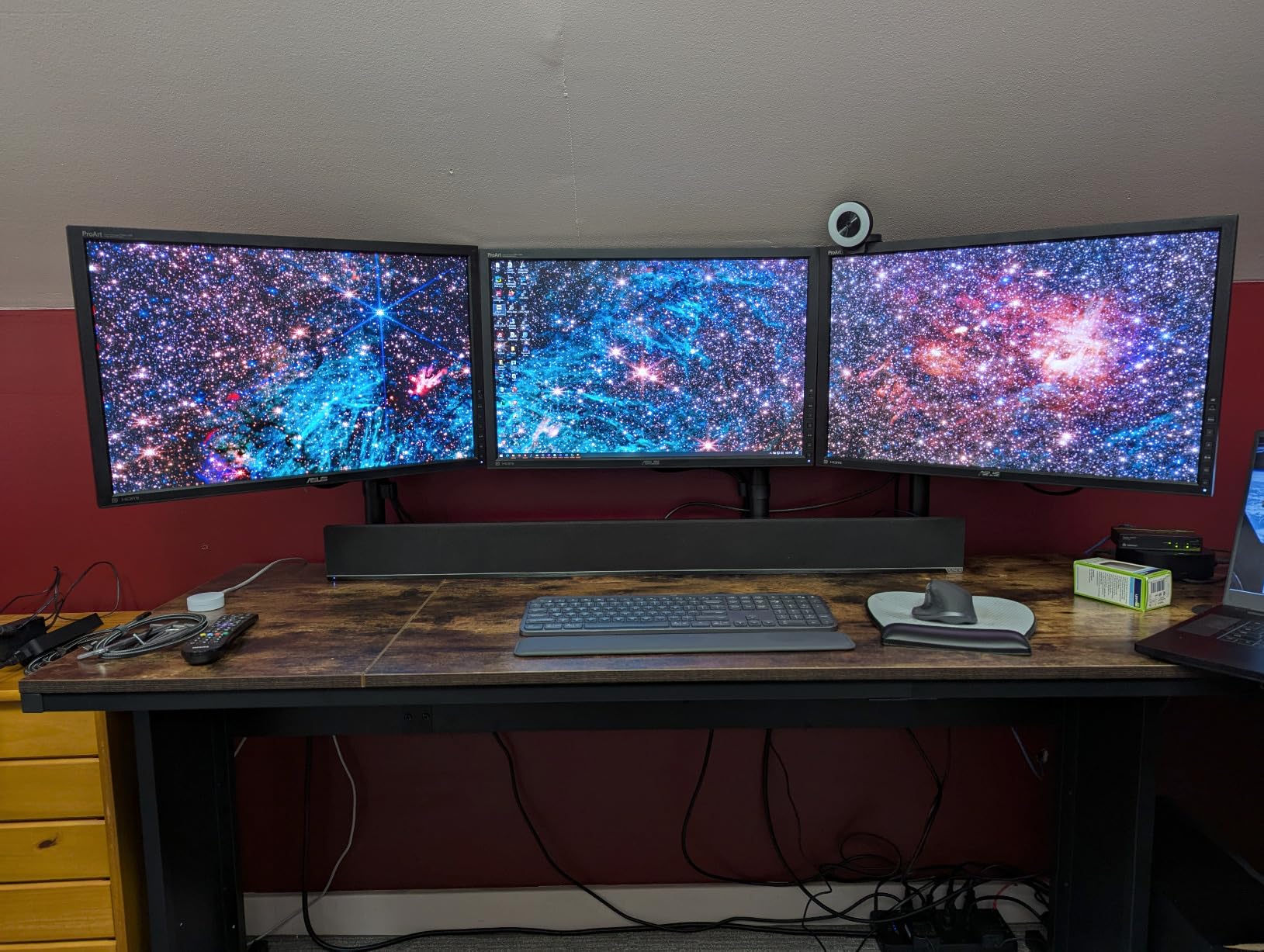
Motion range is generous. Tilt runs plus 90 to minus 90 degrees, with 360-degree swivel, 360-degree rotation and up to 16 inches of height adjustment along the center pole. Portrait orientation works if your document workflow calls for it.
The modular design is genuinely useful. Because these are single mounts, you can add a second arm later for a dual setup instead of replacing one heavy dual bracket, which is the path many owners take.
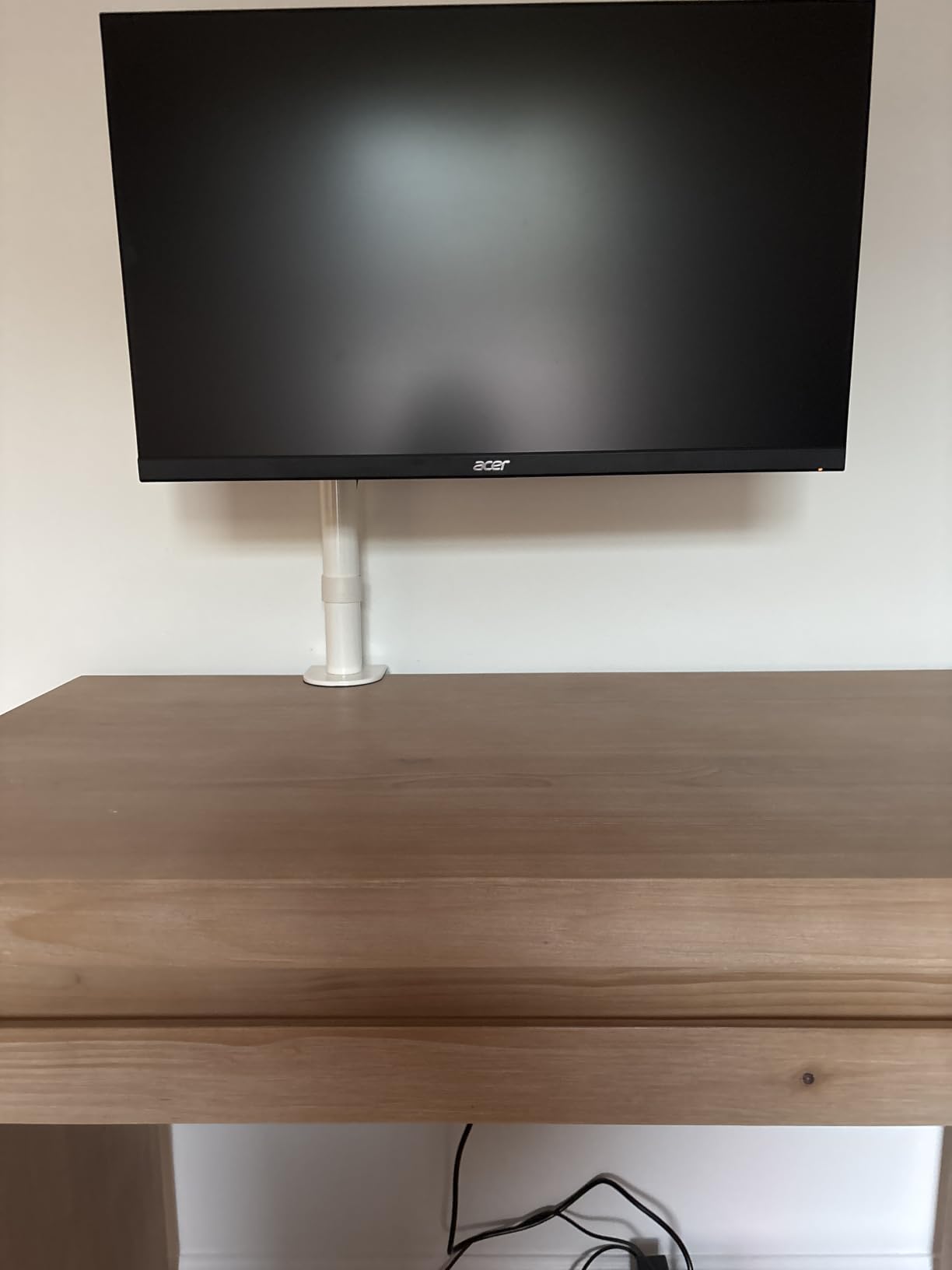
Is it strong enough for a large ultrawide?
For most ultrawides, yes. It is rated to 22 pounds and to 38 inches, and it uses heavy-gauge steel with hex bolts at the pivot points. What to watch is the panel weight rather than the diagonal, because some 34-inch and larger curved displays weigh well past what a 22 pound rating comfortably suggests.
The split desk clamp is a nice detail. It installs easily on desks with tight wall clearance, which is common when a sit-stand frame is pushed back against a wall.
Where it falls short
Height adjustment on the center pole requires an Allen wrench and re-tightening, so it is not a continuous one-hand motion. Heavy displays can also drift one to two millimeters vertically over time, and some joints need a periodic tighten to stay quiet.
The arm cannot fold flat on itself, so it sits further forward than a collapsible arm. Plan your desk depth with a screen pushed back in mind.
5. Amazon Basics Single Monitor Stand – Best for First-Time Setup
- No-fuss setup with tools included
- 360 degree rotation for portrait or landscape
- Integrated cable management
- Detachable VESA plate at two patterns
- Fits unusually thick desktops
- Tilt-only movement on some configurations
- Tilt range is narrow at minus 15 to plus 85 degrees
- 30 inch maximum screen size
- Only a 1 year warranty
The Amazon Basics single arm is the least interesting specification sheet here and the easiest install we did. If this is your first monitor arm and you want the assembly over with, start here.
It fits screens from 13 to 30 inches and up to 22 pounds, and it accepts desks from 0.8 to 3.9 inches thick. That 3.9 inch limit is one of the thicker clamp ranges in this group, which matters if your sit-stand top is a thick solid wood slab.
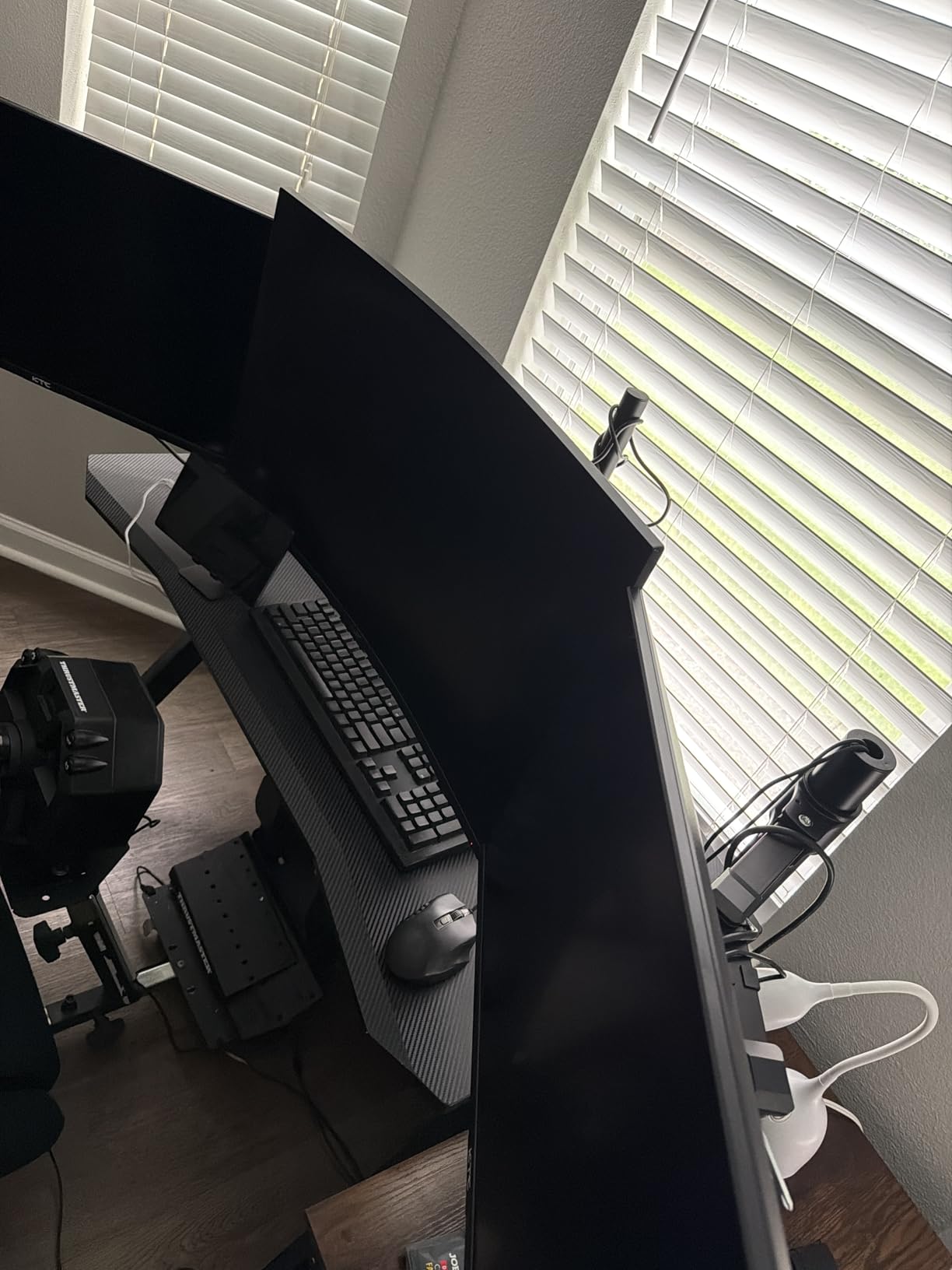
The detachable VESA plate accepts both 100x100mm and 75x75mm patterns, and 360-degree rotation lets you flip to portrait when you want a tall reading column beside a horizontal screen.
Integrated cable management runs through the arm, and every tool and piece of hardware is included in the box. There is no separate hex key hunt and no second trip to the hardware store.
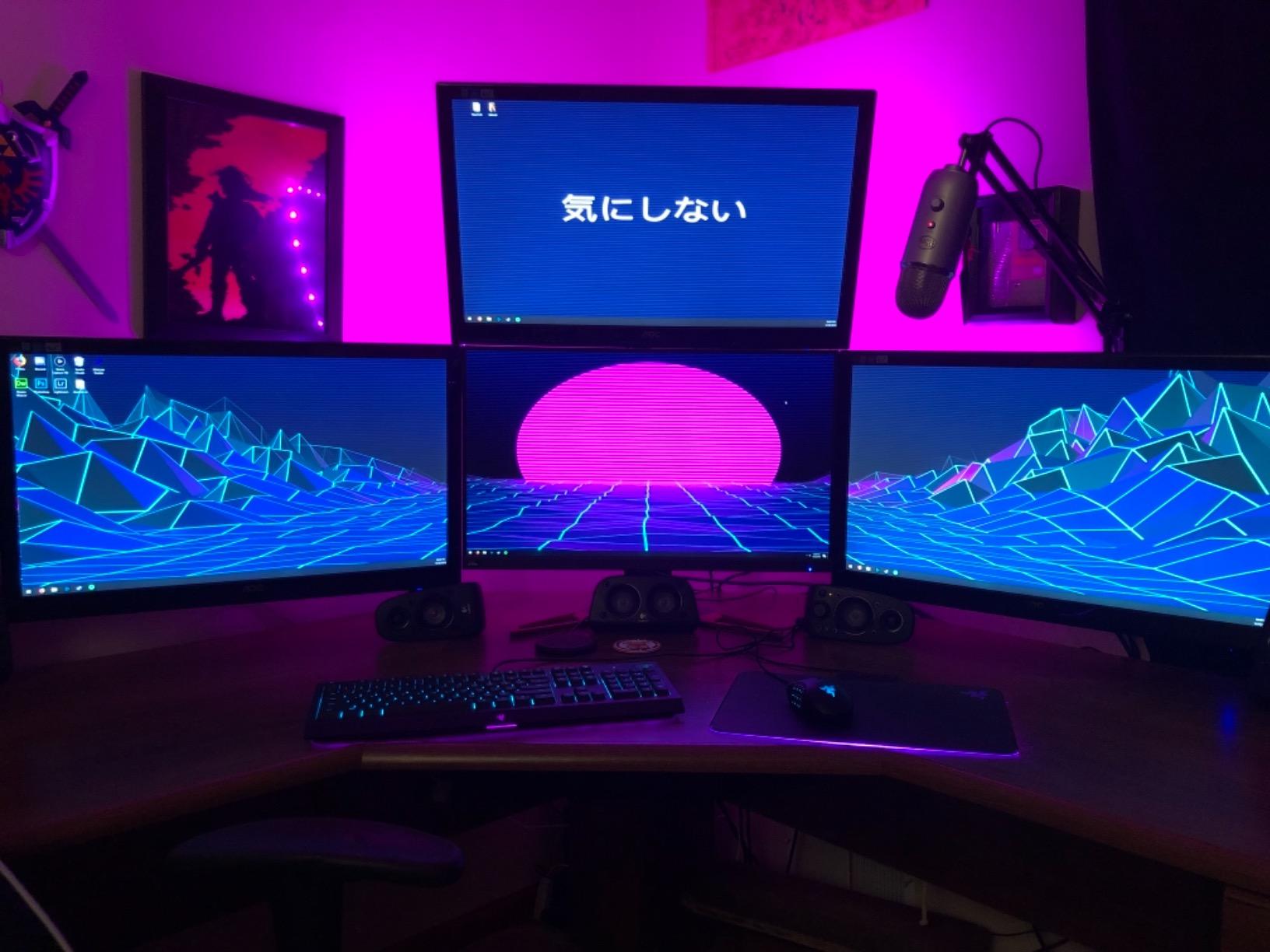
Will the height range work at a standing desk?
The adjustable arm spans 7.9 to 14.2 inches. That is enough to move a 27-inch screen from a low seated position to roughly eye level standing, provided your standing eye height is average.
For a desk that spends most of its day at one height, that is plenty. For a desk that switches constantly, or for a user over six feet, the taller raise figures on the MOUNTUP and WALI arms give you more room.
Where it falls short
The movement type is listed as tilt, and the tilt range of minus 15 to plus 85 degrees is the narrowest here. If you want to swing a screen out of the way with a swivel, this is not the arm.
Two other limits are worth naming. Thirty inches is the maximum screen size, so it will not take an ultrawide, and the warranty is a single year, which is a fraction of what several competitors carry.
6. WALI Single Monitor Arm – Best for Heavy Monitors
WALI Adjustable Single Monitor Arm for 13-34 inch Screens, up to 26.4 lbs
- Highest flat-screen capacity in the group
- Widest swivel at plus or minus 180 degrees
- Long extension and high raise
- Core tested through 20000 plus cycles
- 10 year warranty
- Curved screen limit drops to 19.8 lbs
- Lowest rating in the roundup at 4.3
- Clamp and grommet both stop at 2.76 inch desktops
- Wooden desktops with clear undersides recommended
The WALI GSMP001N is the arm to buy when your monitor is heavy. It carries 26.4 pounds for flat screens, the highest single-arm figure in this group, and it accepts flat or curved panels up to 34 inches.
Note the split rating, because it matters. Curved screens drop to 19.8 pounds. Curvature shifts the center of mass forward, and this brand accounts for that rather than quoting a single optimistic number.
Reach and raise are both generous. The arm extends 19.3 inches and lifts up to 17.3 inches above the desktop, which lets you place a screen at the far edge of a deep sit-stand top rather than in the middle of your typing area.
Swivel runs plus or minus 180 degrees, tilt plus 70 to minus 45 degrees, and rotation goes a full 360 degrees. A wider VESA head and a tighter-fitting panel add stiffness at the joint, which is where cheaper arms get loose.
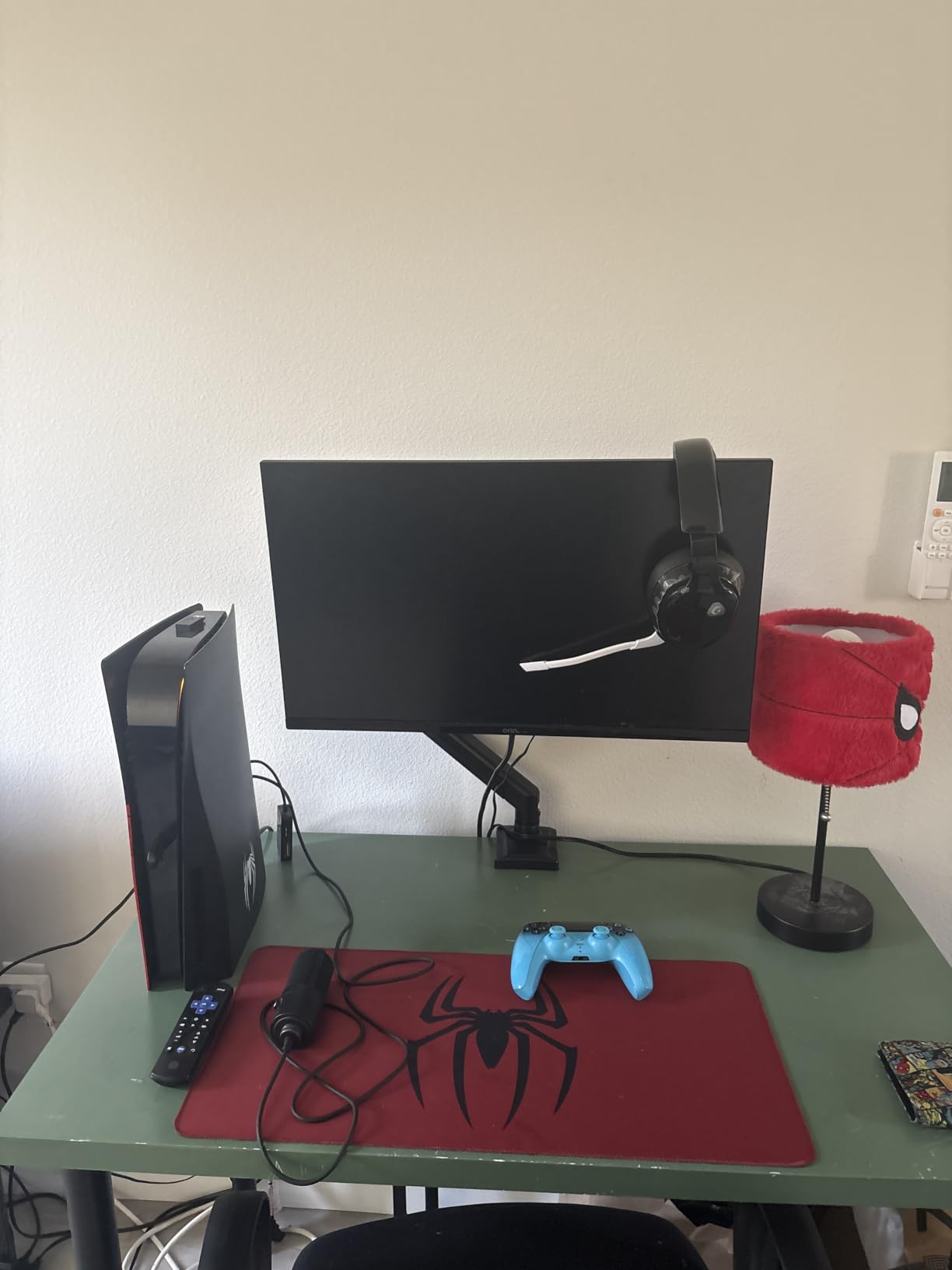
Is it a good fit for a tall user on a sit-stand desk?
The 17.3 inch raise is the second highest of the single arms here, and paired with the 19.3 inch extension it gives you the freedom to find the eye-level position at standing height without pushing the screen to the desk edge. If you are over six feet, that combination is the deciding factor.
Our guide to standing desks for tall people covers the desk side of the same problem, because pole reach only helps if the frame itself travels high enough.
Where it falls short
It carries the lowest average rating in this roundup at 4.3, with a higher share of one-star feedback than the others. The complaints we saw were isolated stability issues rather than a pattern of build failures, but it is fair to say this is not the flawless record some rivals have.
Both the clamp and the grommet base stop at 2.76 inches of desktop thickness, so a thick slab rules it out entirely. A wooden top with a clear underside is the recommended configuration.
7. HUANUO FlowLift Single Monitor Mount – Best for Daily Sit-Stand Switching
HUANUO FlowLift™ Single Monitor Mount, 13 to 32 Inch Monitor Arm, Adjustable Monitor Stand, Vesa Mount with Clamp and Grommet Base – Fits 4.4 to 19.8lbs LCD Computer Monitors
- Holds any position without re-tightening
- Automotive grade components tested 20000 cycles
- One piece design installs in about 3 minutes
- 5 year spare part availability
- Raises the screen with one hand
- Weight ceiling of 19.8 lbs
- Wood tabletop with clear underside recommended
- Listed minimum screen size is 17 inches
This is the pick for a desk that changes height dozens of times a day. Owners consistently report that it holds any position without repeated screw adjustments, and on a sit-stand desk that is the whole ballgame.
The spec that backs that up is the component testing. These arms are built with automotive grade components put through 20,000 motion tests, and the manufacturer commits to five years of spare part availability, which is unusual at this level.
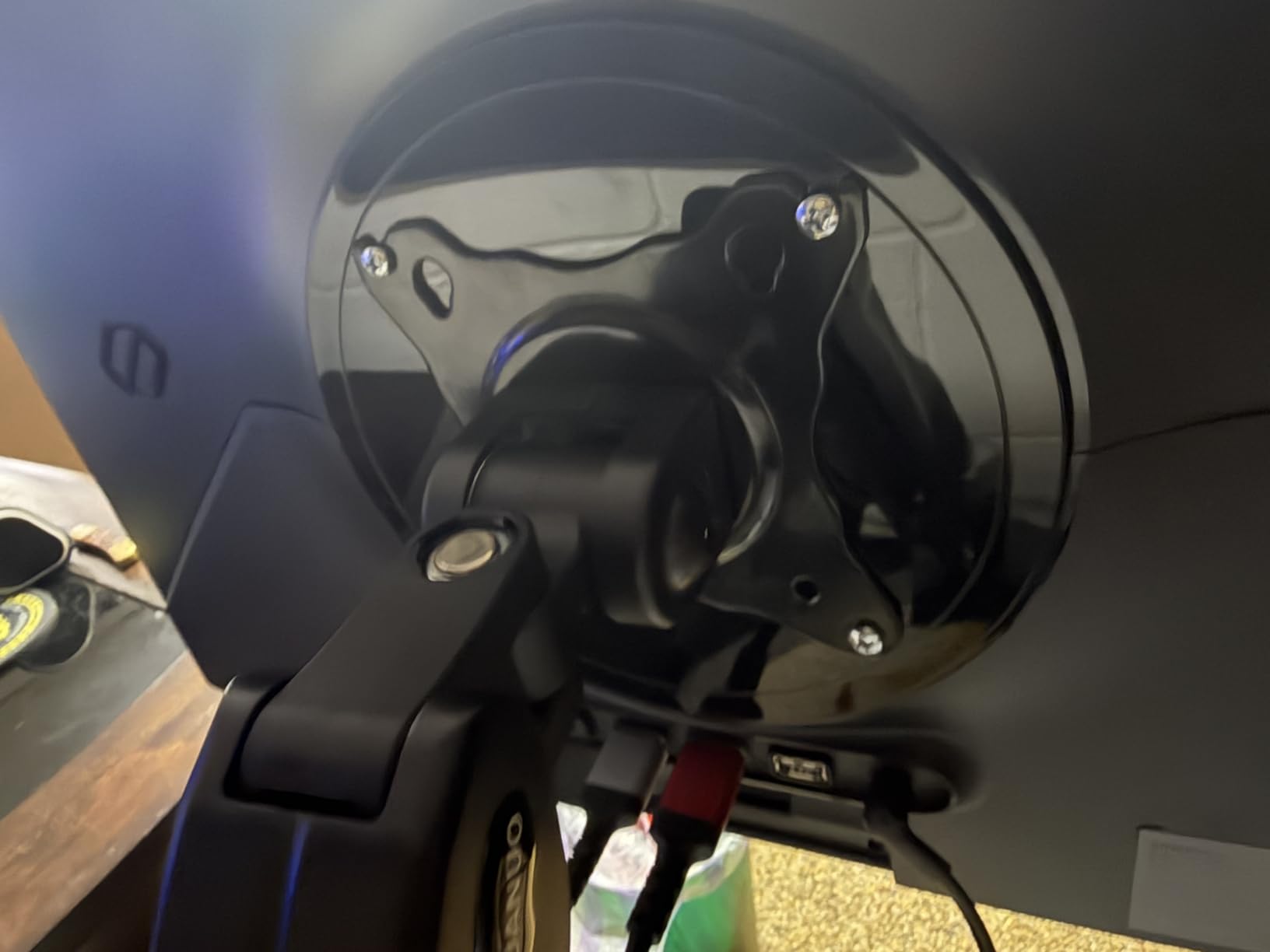
Lift is 39.6 centimeters from the desktop, roughly 15.6 inches, and the spec sheet says you can raise the screen with one hand. Tilt runs minus 50 to plus 85 degrees, swivel plus or minus 90 degrees, rotation 360 degrees.
Installation is about three minutes on the one-piece design with all hardware included. On a shared hot desk or a rented office where you might move equipment around, that speed matters more than it does in a dedicated office.
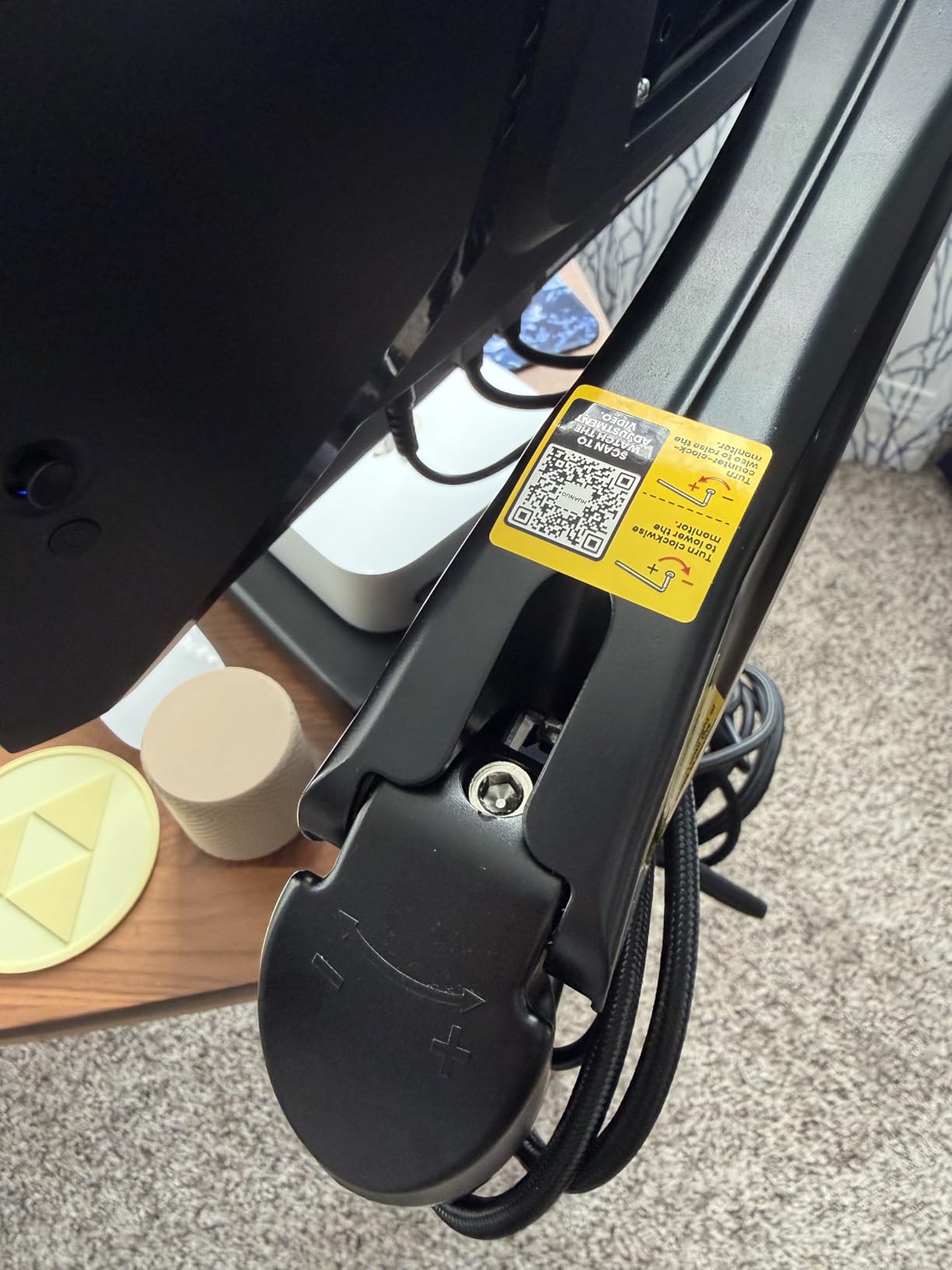
Does it clear enough height for a standing position?
It raises the screen to 39.6 centimeters above the desktop, which lines up well for a seated position and comfortably covers a standing one for average-height users. Tall users should check their standing eye height first, because the ceiling here is lower than the MOUNTUP and WALI arms.
Mounting is flexible with a C-clamp or grommet base for desktops between 0.59 and 3.54 inches, one of the thicker ranges available. That makes it a safe choice for a chunky solid wood top.
Where it falls short
The weight ceiling is 19.8 pounds, so a heavy ultrawide is out. A light 27-inch or a 32-inch panel is the sweet spot.
There is also a small inconsistency in the listing worth flagging. The headline figure says 13 inches while the detailed minimum supported screen size reads 17 inches, and the desk itself should be wood with the underside clear of beams and panels.
8. MOUNTUP Single Monitor Desk Mount – Best for Long Reach
- Tension system tested through 20000 plus cycles
- Smooth one finger repositioning once tensioned
- Longest reach of the budget singles
- Snap-on cable covers hide cables
- 10 year support commitment
- Needs tension tuning after mounting
- Heavy screens need seven or more hex rotations
- Not suited to heavily curved panels
- 19.8 lbs maximum load
The MOUNTUP MU0004 stretches 19.4 inches forward and raises 16.9 inches above the desk. On a deep sit-stand top that means you can park a screen at the very front edge and still clear your keyboard.
Movement is a screw-tension system rather than a gas spring, and that distinction drives everything about this arm. Tension is tested through more than 20,000 cycles, so the hold is consistent, but the initial calibration is a real step.
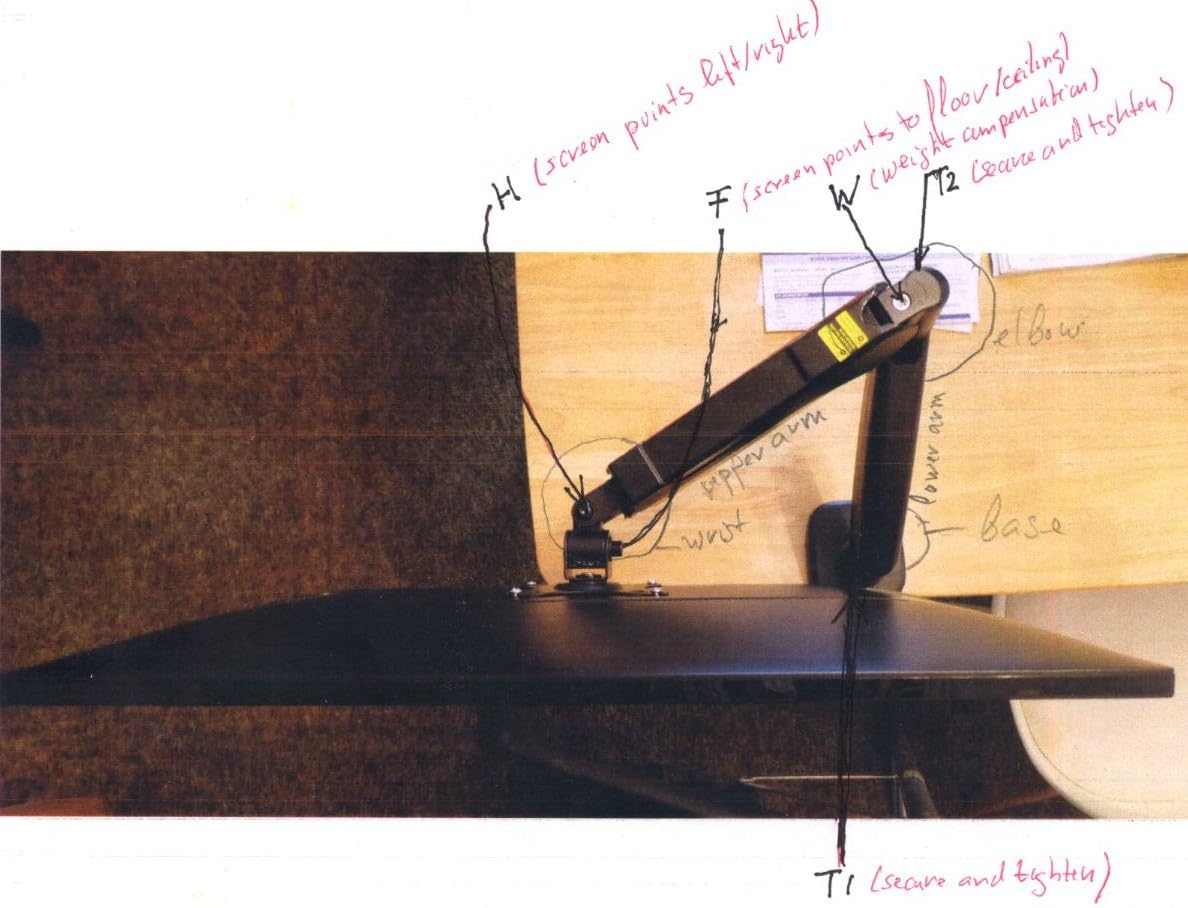
Once tuned, owners describe smooth one-finger repositioning. The manufacturer guidance is specific: turn the hex key counterclockwise to add tension, and for monitors over 15 pounds, make seven or more full rotations after mounting.
Articulation is wide. Tilt runs minus 45 to plus 90 degrees, swivel plus or minus 180 degrees and rotation 360 degrees, with universal VESA compatibility at 75x75mm and 100x100mm for 17 to 32 inch flat or curved monitors.
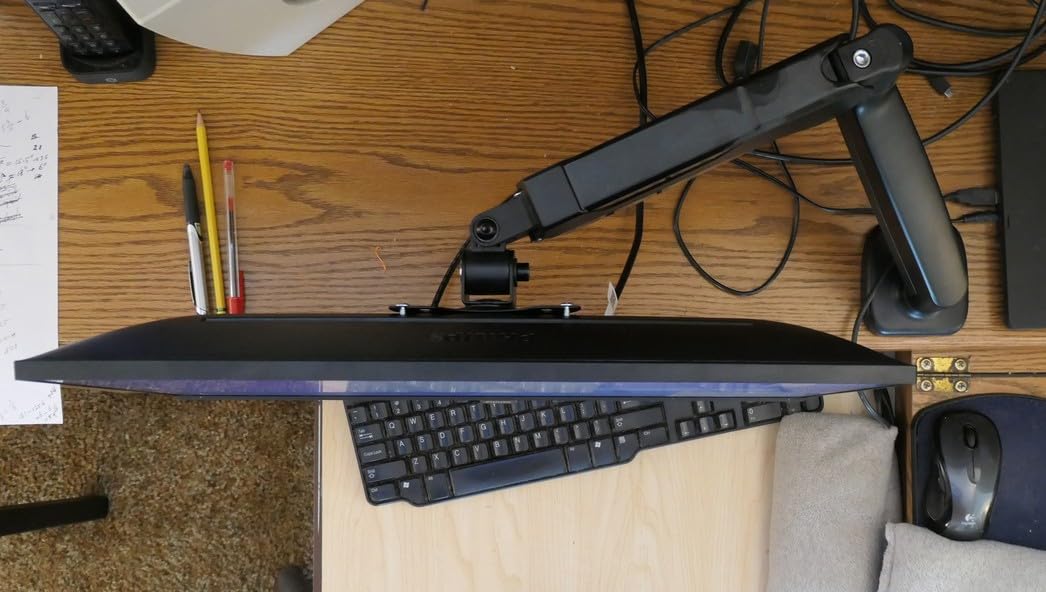
Is the tension system a problem on a moving desk?
Not if you set it once. The tension is a mechanical preload on the arm rather than something that changes as the desk moves, so the arm keeps the same feel at sitting height and standing height. That is a meaningful advantage over arms that depend on a spring to stay balanced at every position.
The catch is the setup step. Skip the calibration and the arm will either sag or refuse to hold, and on a desk with two people alternating daily, you want to get the tension right.
Where it falls short
Curvature matters here. The manual is clear that 1000R, 1500R and 1800R curved monitors need a heavier duty arm, and the maximum load is 19.8 pounds, so aggressive curves are out.
Mounting options are a C-clamp or grommet bolt for desktops between 0.39 and 2.76 inches, which is a thinner range than several rivals. The snap-on cable covers are the best cable management in this group, but that is a low bar overall.
9. ErGear Single Monitor Arm – Best for Tool-Free Installation
- Tool-free VESA plate in three steps
- Holds position after the initial setup
- Cable clips open without tools
- Wider VESA head improves stability
- 20000 cycle tested core
- Height adjustment needs a screwdriver
- Some units show shake and incomplete rotation
- Tension threads can strip
- Only a 2 year warranty
The ErGear EGDMA69B solves the single most common complaint about budget arms, which is fiddly installation. The tool-free VESA plate turns the last step into a three-step job that you do once and forget.
After setup it holds position without needing further screw adjustments, according to reviewers. That matters on a standing desk because a loose joint is what produces the visible wobble when you type at standing height.
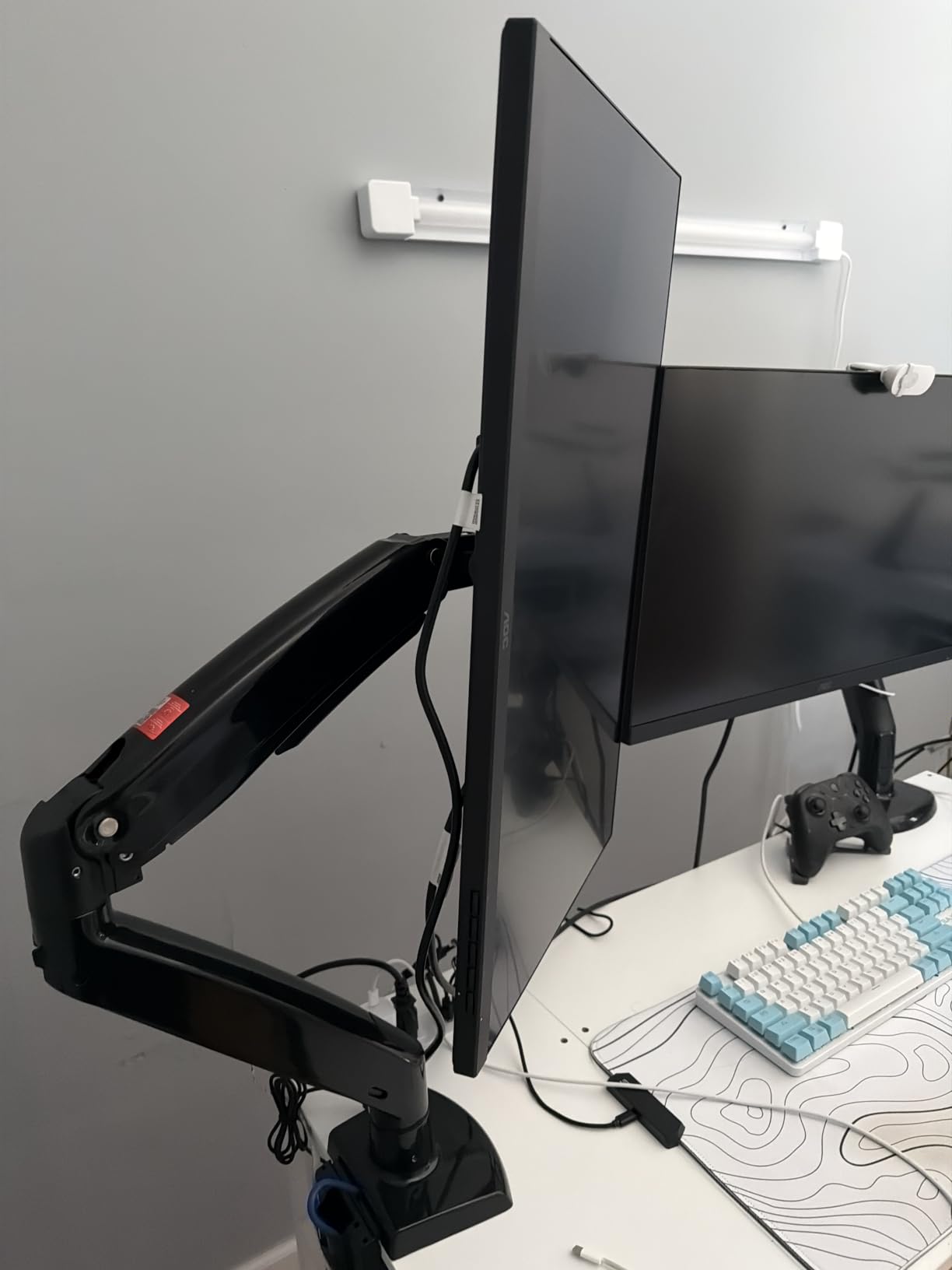
Range is solid. It handles flat or curved screens from 13 to 34 inches up to 19.8 pounds, raises up to 17.5 inches, and reaches out 18.1 inches, with tilt plus 80 to minus 50 degrees, swivel plus or minus 90 degrees and 360-degree rotation.
The 40 percent wider VESA head with a tighter-fitting panel is a real structural improvement over narrower heads, and it is the part of this arm most likely to keep your screen still.
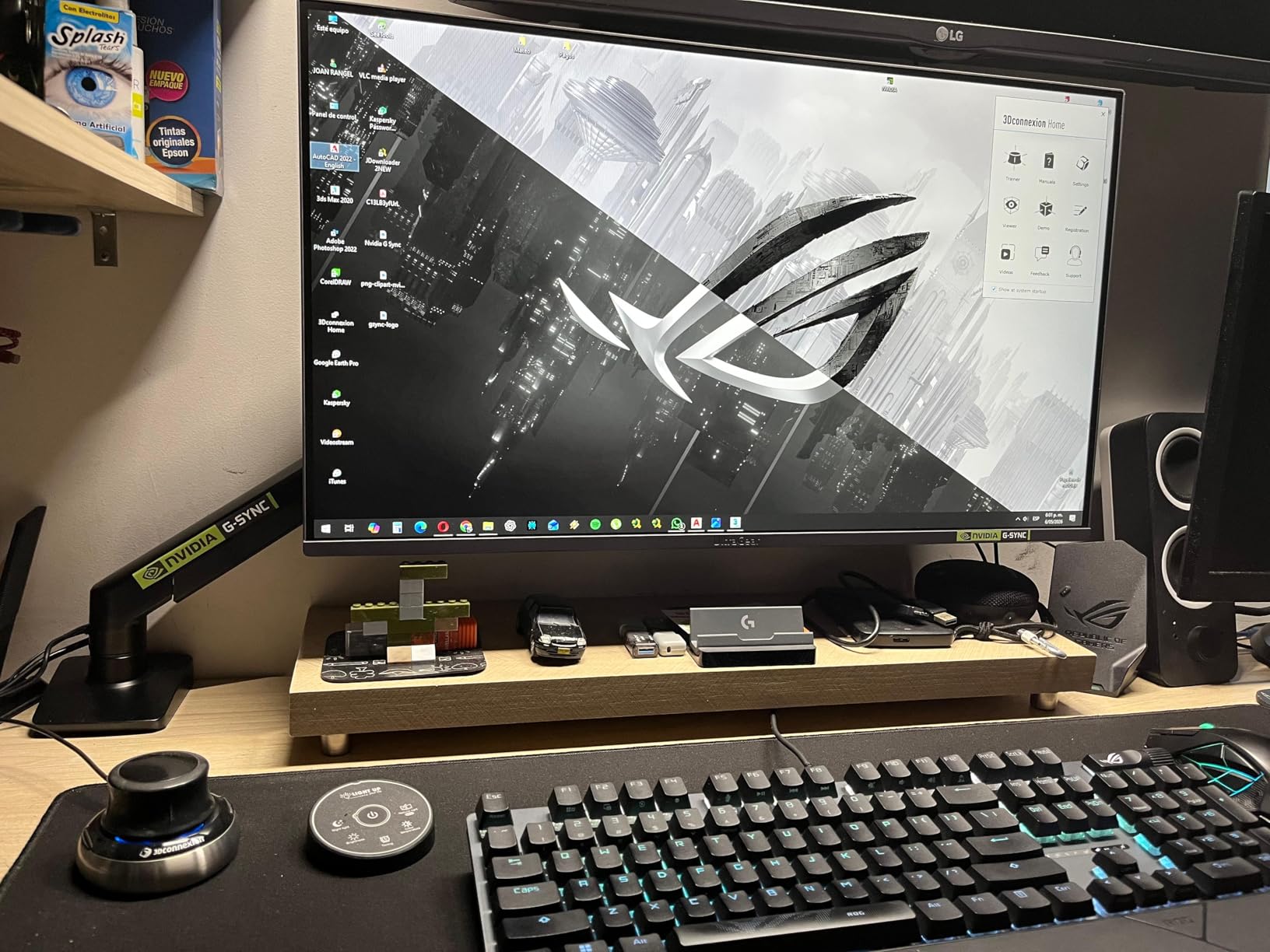
Is it good for a mixed sitting and standing routine?
Yes, provided you set the height once. With 17.5 inches of raise, you can move a 27-inch screen from a low seated position to standing eye level for most users. The desk moves, the arm stays at its set height, and neither interferes with the other.
For a small desk, the single point of attachment is the quiet win. It frees a large block of surface where a monitor base would otherwise sit.
Where it falls short
Height adjustment still requires a screwdriver, which is an odd gap given the tool-free VESA plate. Some units also report a slight shake when moved and incomplete 360-degree rotation in practice, so treat the rotation figure as approximate.
Tension bolts and metal threads can strip if adjusted repeatedly, and the warranty is two years, shorter than the decade-long commitments from MOUNTUP and WALI.
10. HUANUO HNDS7 Dual Monitor Stand – Best for Big Ultrawides
- 26.4 lbs per arm for the heaviest displays
- Largest screen support up to 40 inches
- Tallest raise and longest reach here
- Solid aluminum arms with a dual clamp base
- Two built-in USB ports
- Narrowest tilt range at minus 30 degrees
- Highest price in the group
- Cross beams can block the clamp
- Fewer ratings than the other picks
The HNDS7 is the one to buy for very large panels. Each arm holds 26.4 pounds and each screen can run from 13 to 40 inches, which covers big ultrawides that smaller arms refuse outright.
Its geometry is the standout. It raises up to 21.1 inches and extends up to 25.59 inches, both the tallest and longest figures in this roundup, which makes it the natural fit for a deep standing desk where the monitors need to sit well back from the edge.
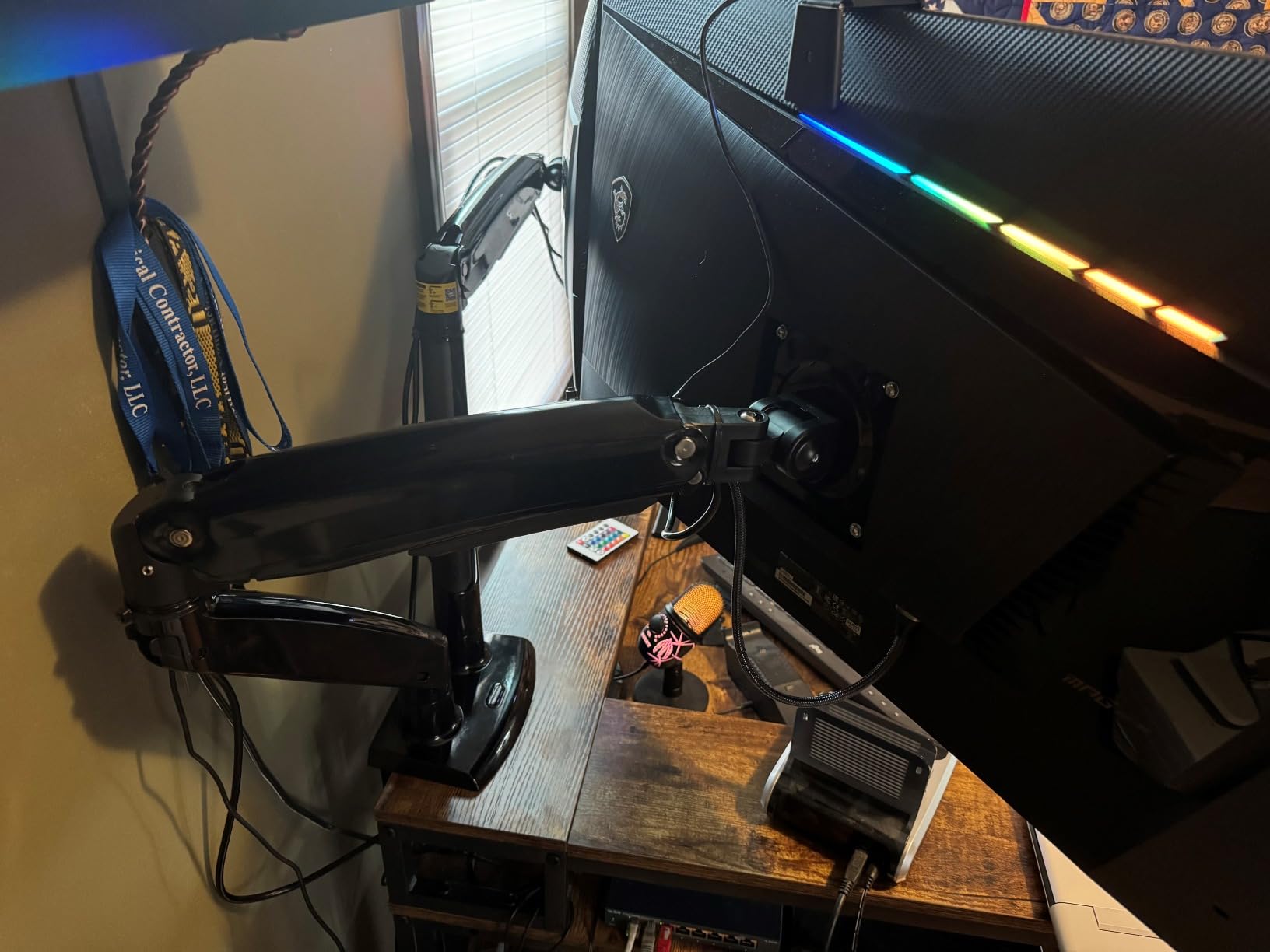
Construction is solid aluminum arms on a larger base with a dual C-clamp design, and that pairing is what keeps two heavy screens from rocking when the desk is at standing height. Mounting handles desktops up to 3.54 inches by clamp or bolt-through grommet, with grommet holes from 0.39 to 1.97 inches.
There are two built-in USB ports with a 5.25 foot cable included, which is a small convenience for a phone or a pair of headphones rather than a laptop dock.
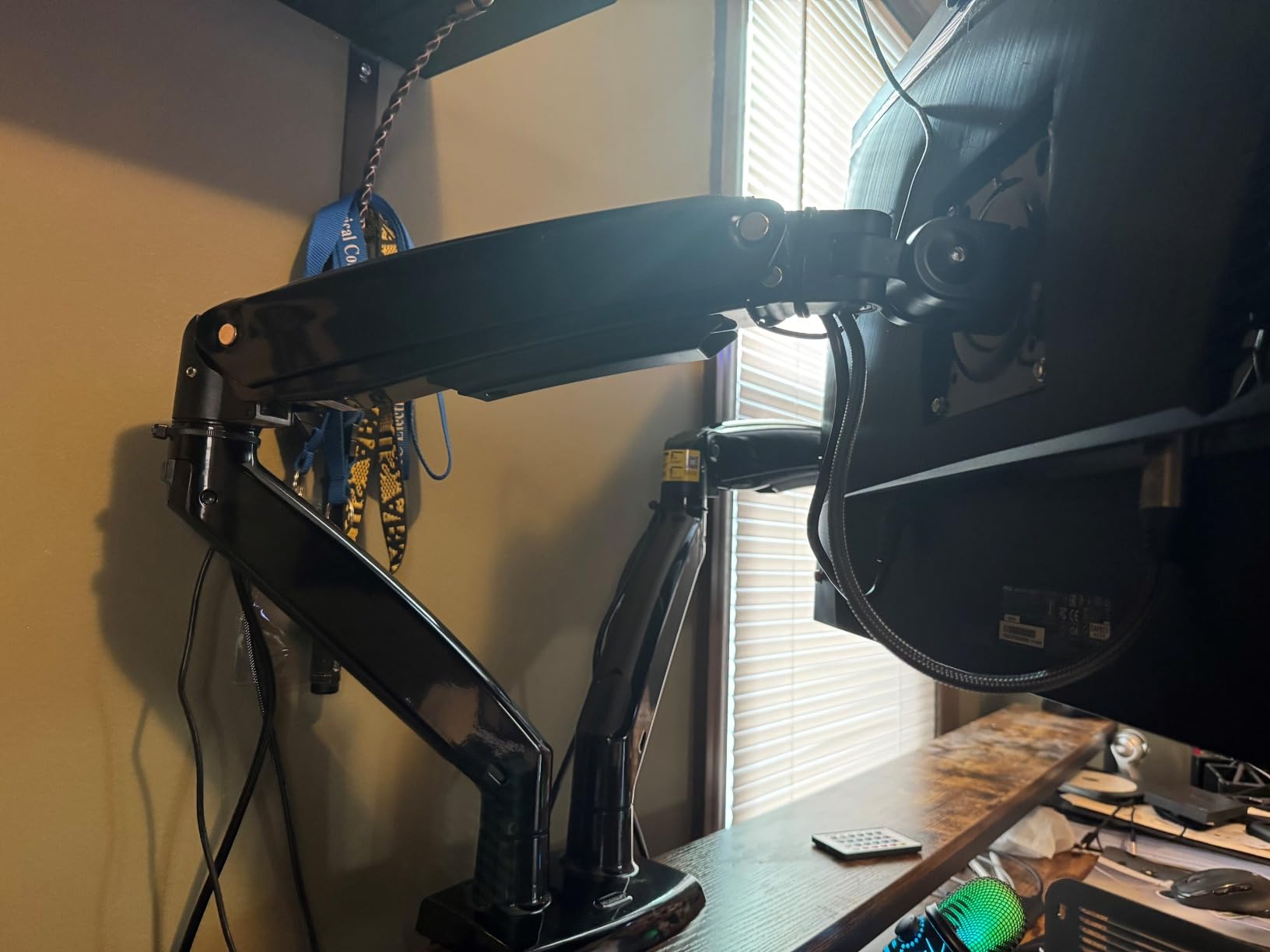
Does a taller pole matter on a standing desk?
It matters a great deal, and this arm answers the height question better than anything else here. A 21.1 inch raise lets you dial in a standing eye position without tipping your head back, and the extra reach lets you set the screens back from the desk edge to free typing space.
Because both arms lift together, a dual setup stays symmetric. Screens that cannot be held level are a recurring complaint about duals on shallow desks, and the reach here helps you avoid pulling them inward.
Where it falls short
Tilt stops at minus 30 degrees, the narrowest downward range in the group. If you plan to mount high and look up from a lower position, that limit will be felt.
It is also the most expensive arm in the group and carries fewer ratings, at 5,630, than the other nine picks, so the long-term record is shorter. A wooden desk with cross beams under the top can also interfere with clamp placement.
How to Choose a Monitor Arm for a Standing Desk
Start with the three numbers that decide everything: your monitor weight, your desktop thickness, and the clearance behind your desk edge. Get those right and the rest is preference. The buying decisions below are ordered by how often they trip people up.
Clamp or grommet mount, and how to choose
A clamp grips the desktop edge from above and below, needs no drilling, and is the only option if your standing desk frame has no pass-through holes. A grommet mount drops a bolt through a hole in the surface and is more rigid, which matters on a desk that moves.
Choose a clamp when you rent, when your desktop has no holes, or when you want to move the arm later. Choose a grommet when the desk is permanent, you can drill, and you want the least movement possible. If a clamp is your only option, check that the clamp jaw fits your thickness, which ranges from 0.39 inches on several models here up to 3.9 inches on the Amazon Basics arm.
Whichever you pick, verify the underside is clear. Under-desk cross beams and panels are the single most common install failure, and they are the reason nearly every manufacturer here recommends a wooden desk with nothing beneath it.
Will a monitor arm make my standing desk wobble?
Sometimes, yes, and this is the honest answer most roundups skip. A monitor arm does not stabilize a desk. Put a heavy panel on a long arm, push it forward, then type at standing height, and you can make a frame that felt fine before feel worse.
Three things reduce it. First, keep heavy monitors close to the pole rather than fully extended. Second, prefer a four-legged frame over a two-legged one if your desk is light and your monitors are heavy. Third, tighten every VESA screw by hand after mounting, since loose screws at the head are the most cited cause of screen wobble in owner reports.
If wobble persists after those steps, the frame is the problem rather than the arm, and our desk picks are a better place to start.
Single, dual or two single arms
One screen needs one single arm. Two screens of similar size can go on a dual mount, which is cheaper and clamps once. Two screens of different sizes, or two very heavy screens, are better served by two single arms, because a single arm lets each screen sit at its own height.
Our dual monitor arm guide goes deeper on that comparison, and the general monitor arm roundup covers arms for fixed desks where reach matters less.
Arm or riser?
A riser is a shelf. It is cheaper, takes seconds to set up, and cannot adjust height once you are up. An arm can. That is the entire argument, and it is why a riser is a poor match for a desk that spends real time at standing height.
Our monitor stand picks are the right reference if your desk never moves or you are furnishing a fixed writing desk.
Counterbalance and warranty, and why length matters
Gas spring arms move with one hand at any point in their range and never need re-tuning, which is why they are the most requested feature in owner feedback. Screw-tension arms are cheaper and equally consistent once calibrated, but they need a hex key on day one and, on some models, whenever you change monitors.
Warranty length is the clearest quality separator across this category. Arms with ten-year terms, like the WALI and MOUNTUP single mounts, use thicker steel and tested joints, while one-year and two-year warranties mark the budget tier. On a desk that moves constantly, expect more wear than on a fixed desk, so the longer warranty is worth weighting.
Before you buy anything, take five measurements. Your monitor weight in pounds, its VESA pattern, your desktop thickness, your sitting eye height, and your standing eye height. Compare that raise figure against the gap between your two eye heights, and most returns happen because somebody skipped the last one.
Frequently Asked Questions
Do monitor arms work with standing desks?
Yes. A monitor arm moves vertically on its own, independent of the desk. It clamps to the desktop edge or drops through a grommet, the screen hangs on a VESA plate, and a counterbalance offsets the weight so one hand can raise and lower it. Because the desk moves and the arm does not, you get repeatable eye-level height whether you are sitting or standing.
Are monitor arms really worth it?
For a desk that changes height, yes. Standing raises your eye level several inches, so a monitor on a fixed stand ends up too low and you compensate by craning your neck. An arm restores the correct height at both positions, frees desk depth, and lets you angle a screen away from window glare. On a fixed desk the case is weaker, since you gain reach and tilt rather than height.
What are the differences between a monitor arm clamp and a grommet mount?
A clamp grips the desktop edge from above and below, requires no drilling, and suits rental desks or frames without pass-through holes. A grommet mount drops a bolt through a hole in the surface and is noticeably more rigid, which helps on a desk that moves. Clamp thickness limits range from 0.39 inches on several models to 3.9 inches on others, so measure first.
Why is my standing desk wobbly?
The most common causes are heavy monitors mounted far forward on a long arm, a two-legged frame carrying more weight than it was built for, and loose VESA screws at the head. Keep heavy panels close to the pole, prefer a four-legged frame for heavy monitor loads, and hand-tighten every VESA screw after mounting. If wobble remains, the frame rather than the arm is usually at fault.
How do I make my monitor stop wobbling?
Start at the head. Hand-tighten all four VESA screws, then check that the monitor is fully seated against the plate rather than resting on it. Next, tighten the arm joints and confirm the clamp is biting the desktop firmly. Finally, pull the screen closer to the pole, since reaching further out multiplies the force on the joint. If it still shakes, the panel may be heavier than the arm rating allows.
Which monitor arm is the least wobbly overall?
Arms with a wider VESA head and a tighter-fitting plate resist wobble best, and the models that keep two heavy screens steady are the dual mounts with a dual C-clamp base. Among single arms, the ones rated through 20,000 plus motion cycles and backed by a ten-year warranty hold position longest. Tightening every joint after install matters as much as the arm itself.
The Best Monitor Arms for Standing Desks in 2026
The VIVO STAND-V002 dual mount is the best monitor arm for standing desks overall, because it carries two screens to 22 pounds each, stays stable at standing height, and has a review record larger than anything else in this roundup. The HUANUO FlowLift dual is the better value pick if your screens stay under 20 pounds, and the HUANUO HNDS7 is the answer when a big ultrawide is involved.
For a single screen, the VIVO STAND-V001 covers the widest size range, the WALI arm takes the heaviest panels, and the MOUNTUP arm reaches the furthest forward across a deep desk. Measure your monitor weight, desktop thickness and eye heights before you order, and pick the mount type that suits whether the desk is staying put.