
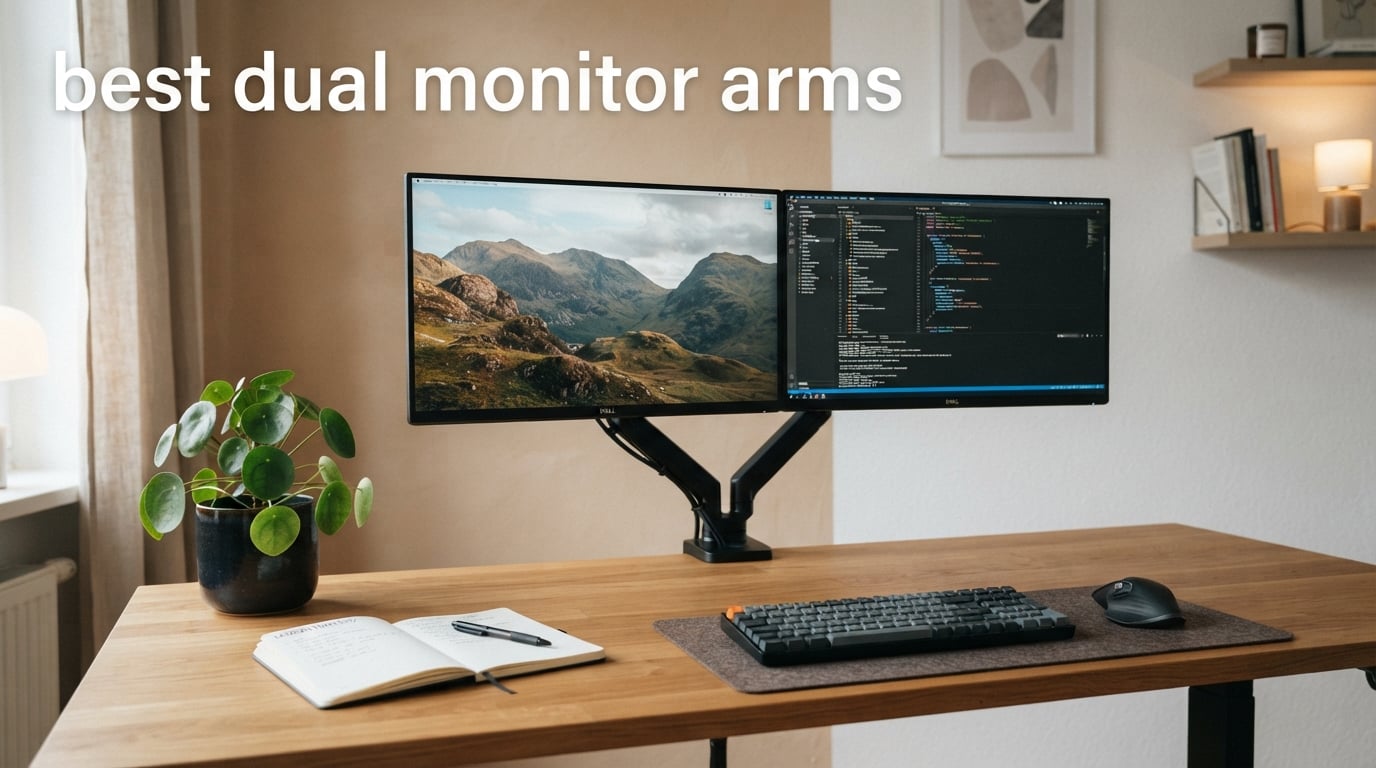
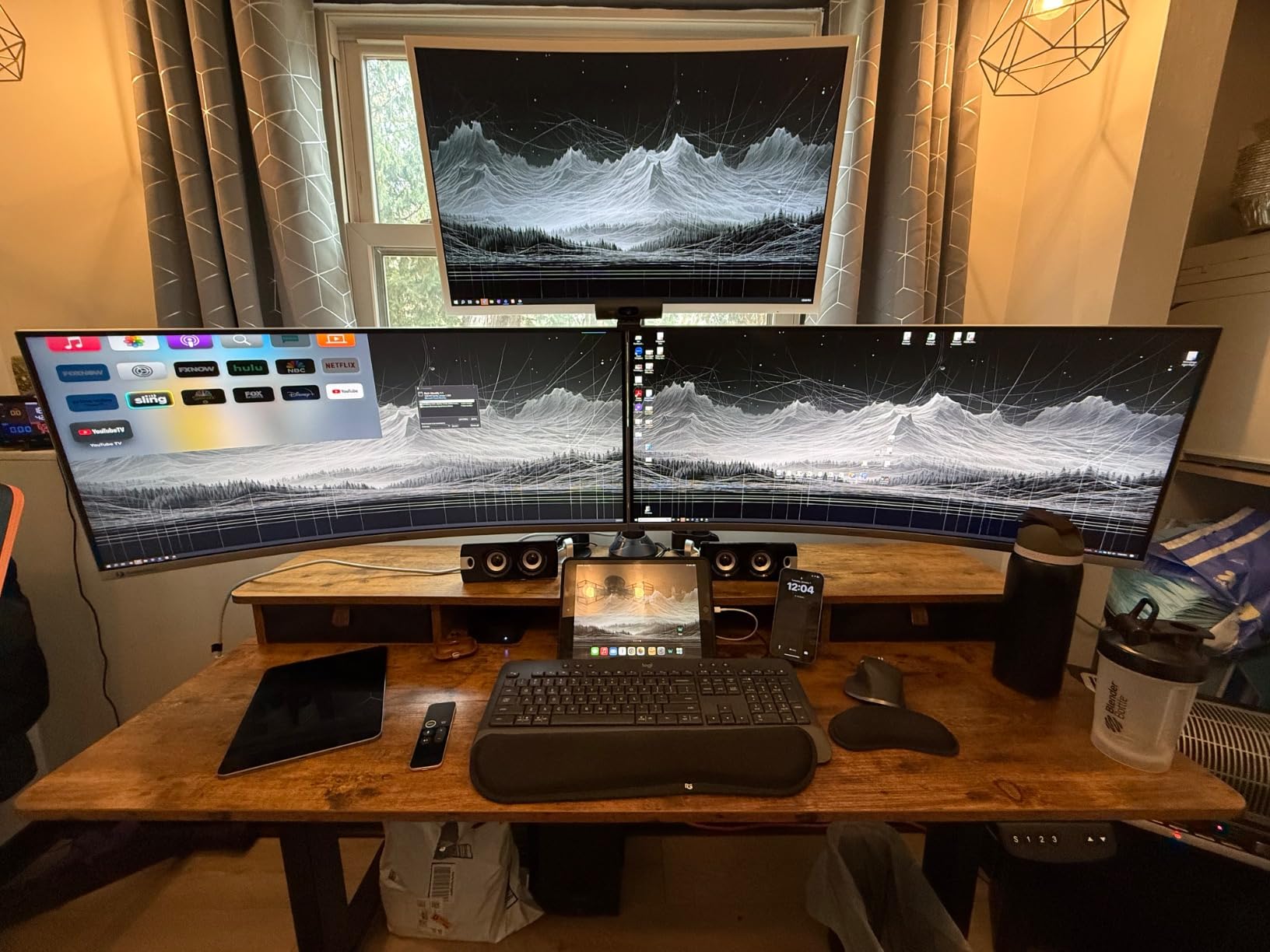
My desk used to be a disaster zone. Two monitors sitting on their factory stands, eating up every inch of surface area, cables tangled behind them, and zero room for a notebook let alone a coffee mug. When I finally switched to a dual monitor arm setup, it felt like I had doubled my workspace overnight. That transformation is exactly why I put together this guide to the best dual monitor arms available right now.
If you are running two screens for work, gaming, or content creation, a quality dual monitor desk mount changes everything. You get height adjustment for proper ergonomics, tilt and swivel for the perfect viewing angle, and a clean, professional look that no stock monitor stand can match. After testing these arms with monitors ranging from 22-inch office displays to 32-inch curved panels, I have a clear picture of which ones deliver and which ones disappoint.
In this guide, I cover eight standout options across every budget tier. Whether you need a heavy-duty mount for two 32-inch screens, a budget-friendly pick under $40, or a premium arm that will last a decade, you will find the right fit below. Let us get into what makes each of these dual monitor arms worth your attention in 2026.
Table of Contents
Top 3 Picks for Best Dual Monitor Arms

HUANUO FlowLift Dual Monitor Stand
- Holds 13-32 inch monitors
- Up to 19.8 lbs per arm
- Full motion gas spring
- 15.75 inch height adjustment

VIVO Dual Monitor Desk Mount STAND-V002
- Holds up to 30 inch screens
- 22 lbs per monitor
- C-clamp and grommet mount
- 3 year warranty
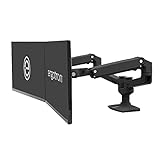
Ergotron LX Dual Monitor Arm
- Premium build quality
- 10 year warranty
- 13 inches of lift
- Holds 7-20 lbs each
These three represent the top of each category. The HUANUO FlowLift wins for overall value and capability. The VIVO STAND-V002 is unbeatable for budget shoppers who still want quality. And the Ergotron LX is the gold standard for anyone willing to invest in a mount that will outlast your monitors.
Best Dual Monitor Arms in 2026
| Product | Specifications | Action |
|---|---|---|
| HUANUO FlowLift Dual Monitor Stand |
|
Check Latest Price |
| VIVO Dual Monitor Desk Mount STAND-V002 |
|
Check Latest Price |
 ErGear Dual Monitor Arm ErGear Dual Monitor Arm |
|
Check Latest Price |
 WALI Dual Monitor Stand GSMP002N WALI Dual Monitor Stand GSMP002N |
|
Check Latest Price |
 Amazon Basics Gas Spring Dual Monitor Arm Amazon Basics Gas Spring Dual Monitor Arm |
|
Check Latest Price |
 VIVO STAND-V002K Dual Mechanical Mount VIVO STAND-V002K Dual Mechanical Mount |
|
Check Latest Price |
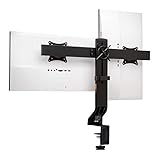 Kensington Dual Monitor Mount Kensington Dual Monitor Mount |
|
Check Latest Price |
| Ergotron LX Dual Monitor Arm |
|
Check Latest Price |
1. HUANUO FlowLift Dual Monitor Stand – Full Motion Gas Spring Design
- Sturdy dual C-clamp holds monitors securely
- Full motion adjustment with tilt swivel and rotation
- Cable management included
- Both C-clamp and grommet mounting options
- Saves significant desk space
- Only recommended for wooden desks
- May not fit desks with cross beams underneath
I have been running the HUANUO FlowLift on my primary workstation for about three months now, and it has earned its spot as my editor’s choice. Out of the box, the build quality immediately stands out. The alloy steel construction feels substantial at 11 pounds, and the dual C-clamp grips my desk with zero movement once secured. I mounted two 27-inch monitors on it, each weighing around 14 pounds, and the arms hold them steady without any noticeable droop.
The full motion range is where this arm really shines. You get 85 degrees of forward tilt, 50 degrees back, 90 degrees of swivel in both directions, and full 360-degree rotation. In practice, that means I can flip a monitor to portrait mode for reading documents, then swing it back to landscape for editing work without touching a tool. The height adjustment gives you nearly 16 inches of vertical travel, which is more than enough to position monitors at proper eye level regardless of your desk height.
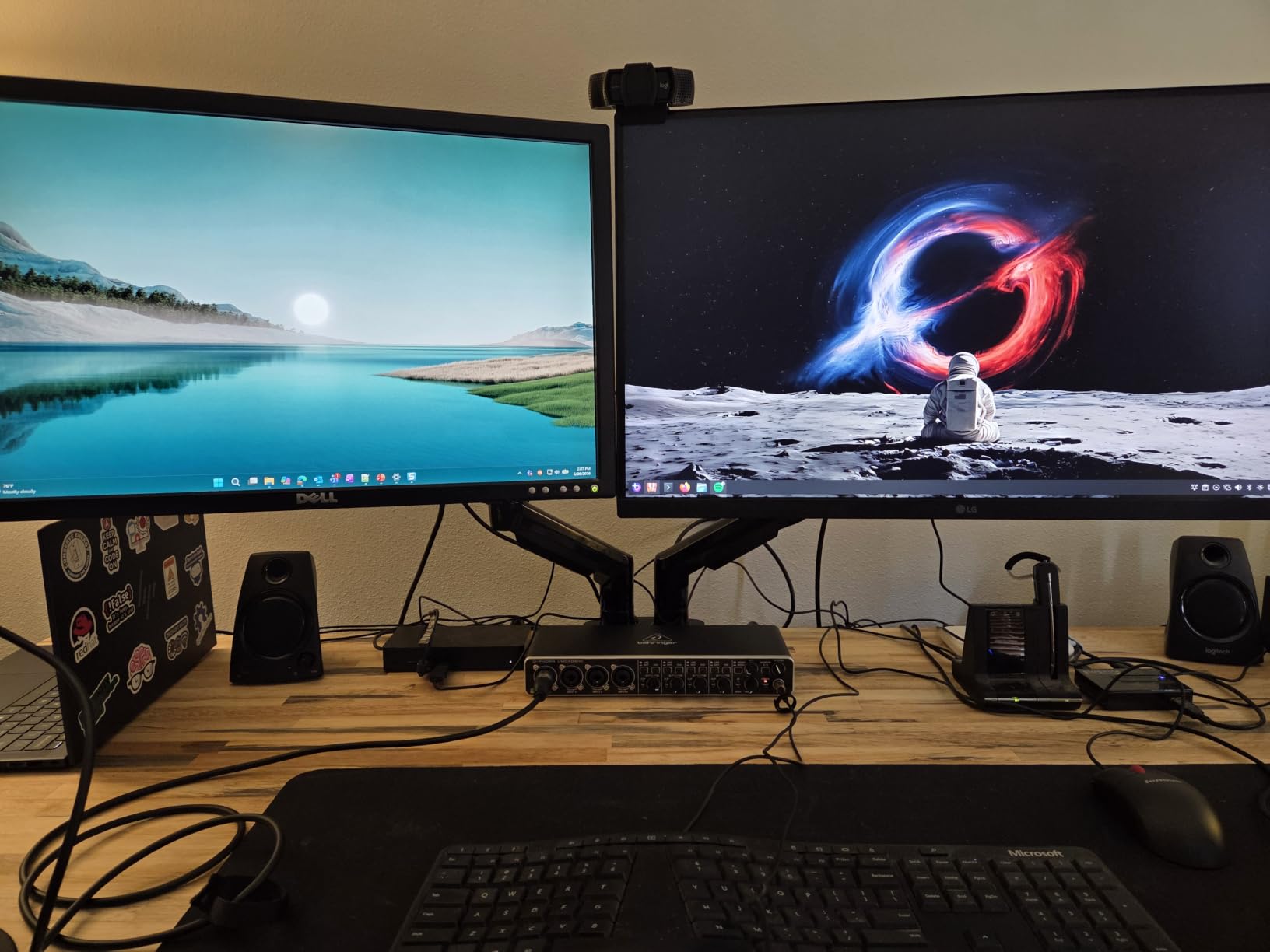
One thing I noticed during testing is that the gas spring mechanism on each arm operates independently. This is important if you run two different monitor sizes or weights. My left monitor is a 27-inch 1440p display and my right is a 24-inch 1080p secondary screen. The FlowLift handles the mismatched pair without any balance issues. Each arm adjusts its own tension to match the load, so both screens stay exactly where I position them.
The cable management system is functional rather than fancy. You get clips along the arms that route your power and display cables cleanly. It is not the most elegant solution I have seen, but it does the job of keeping cables hidden from view. My desk went from a cable disaster to something that actually looks intentional and clean.
Forum users on r/desksetup consistently praise this exact model. One Reddit thread I followed had over 200 upvotes from users confirming the HUANUO holds up well over time, with one user reporting zero droop after 18 months of daily use with two 32-inch monitors. That kind of longevity is what separates a good budget pick from a genuinely great value.
Ideal Setup and Monitor Compatibility
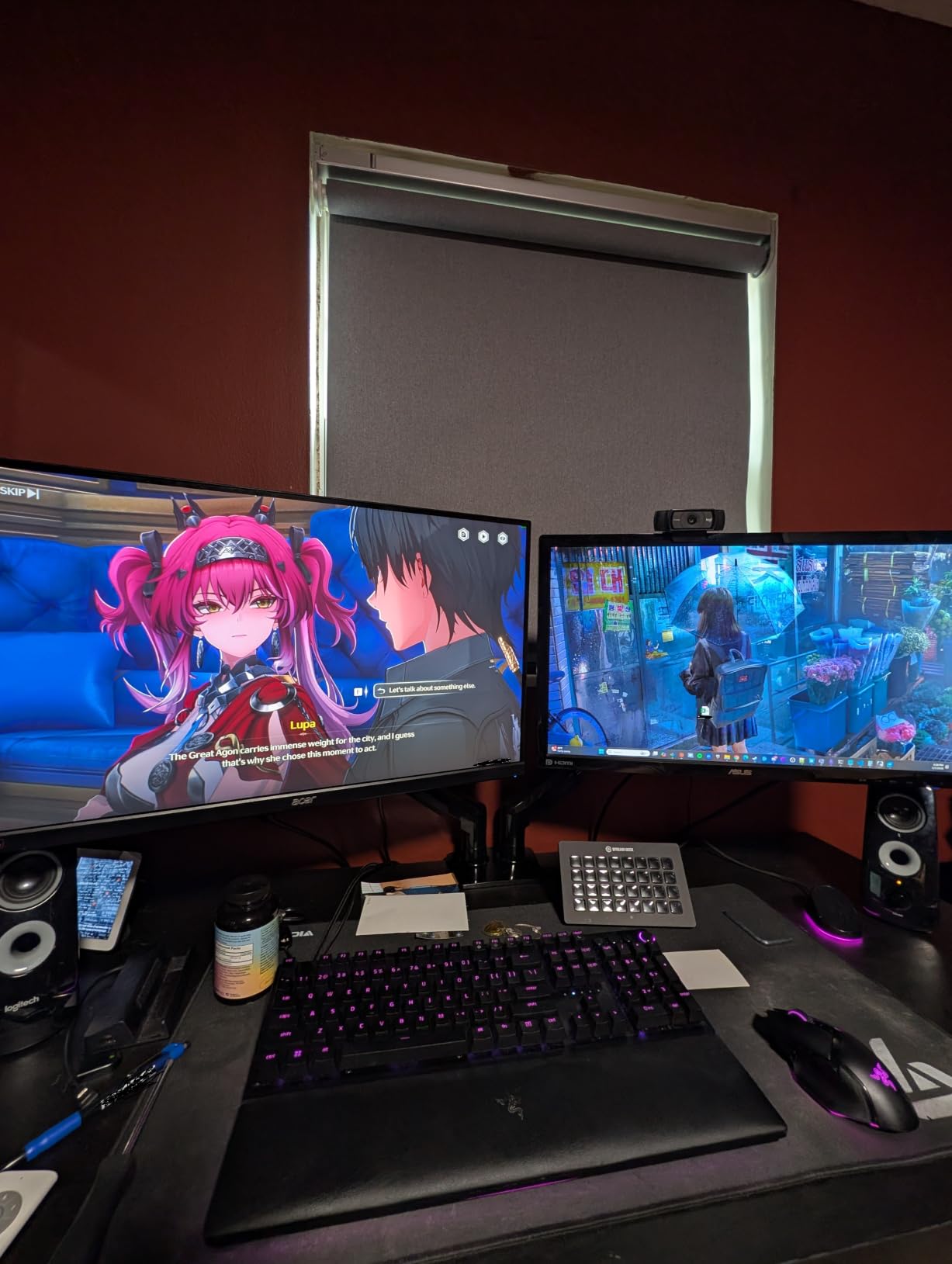
The FlowLift works best with monitors in the 17 to 32 inch range weighing between 4.4 and 19.8 pounds each. I tested it successfully with two 27-inch monitors, but it also handles a single 32-inch plus a smaller secondary screen without balance problems. The VESA compatibility covers both 75x75mm and 100x100mm patterns, which covers virtually every monitor made in the last decade.
If your desk has a crossbeam underneath the surface, the C-clamp may not fit properly. Measure your desk thickness and check for obstructions before ordering. The grommet mount option is a solid alternative if your desk has a built-in cable hole.
Installation and Long-Term Stability
Installation took me about 25 minutes from unboxing to fully mounted monitors. The instructions are clear, and all necessary hardware is included. The trickiest part is attaching the VESA plates to your monitors while balancing the arm. Having a second person hold the arm makes this much easier.
After three months of daily use including frequent adjustments, the arms have not loosened or developed any wobble. The tension has stayed consistent, which addresses the common complaint about cheap gas springs losing their hold over time.
2. VIVO Dual Monitor Desk Mount STAND-V002 – Heavy Duty Budget Workhorse
- Excellent value for money
- Very sturdy once tightened
- Easy to assemble with clear instructions
- Full range of motion adjustments
- 3 year warranty included
- Slight play at VESA bracket connection
- Limited independent height adjustment between monitors
- Requires hex wrench for adjustments
The VIVO STAND-V002 is the best-selling dual monitor arm on Amazon for good reason. With over 60,000 reviews and a 4.6-star average, this mount has been battle-tested by more users than any other arm on this list. I picked one up to see if the budget price tag translates to budget performance, and I came away genuinely impressed.
What immediately stood out is the weight capacity. Each arm holds up to 22 pounds, which is higher than most arms in this price range. I tested it with two older 27-inch Dell monitors that each weighed about 18 pounds with their stock stands removed. The VIVO held them without complaint, though I did need to crank down the tension adjustment nuts pretty firmly to prevent any drift.
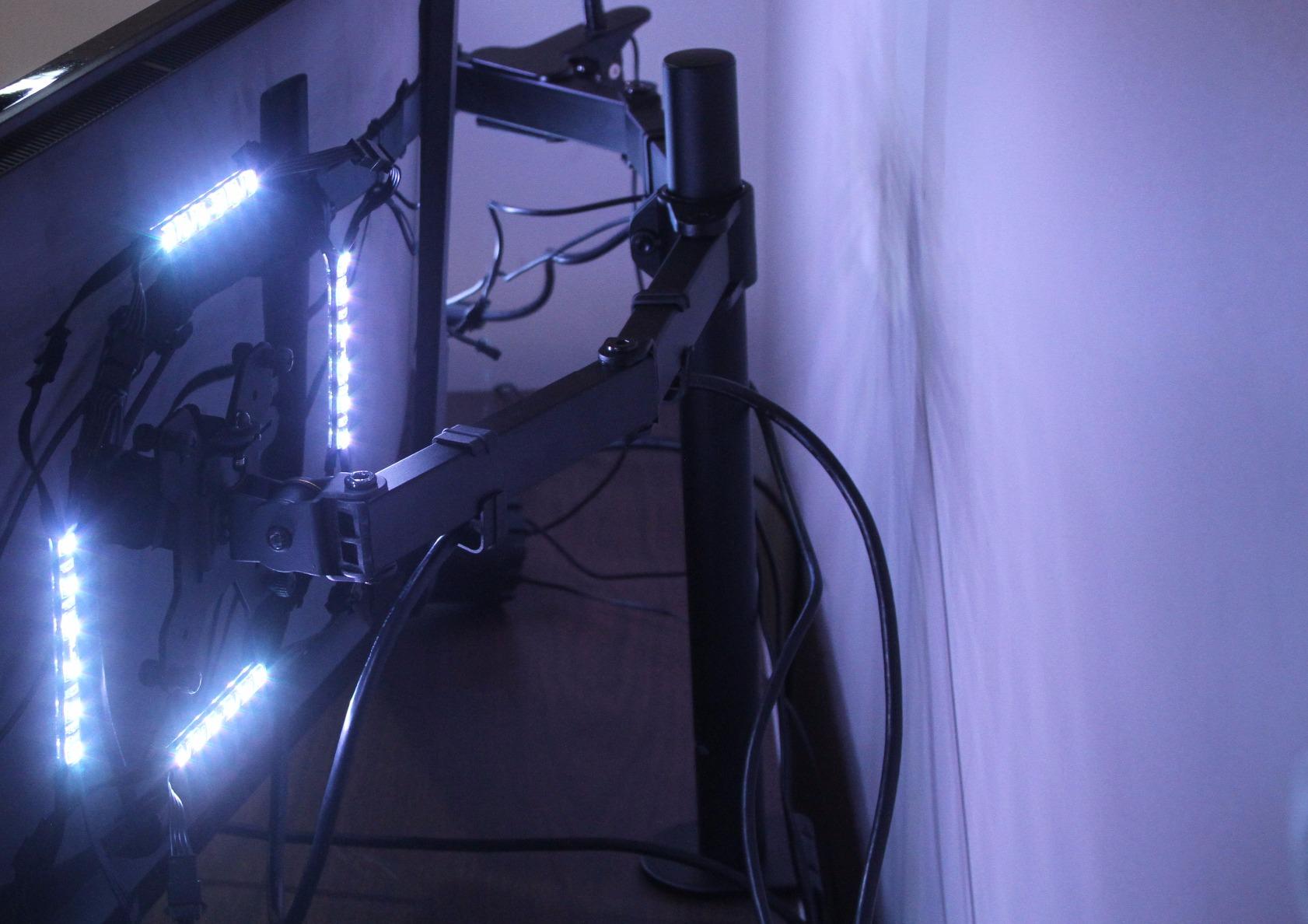
The adjustment system uses a center pole design rather than fully independent articulating arms. Both monitors mount to arms that slide up and down on a shared vertical post. This means you can adjust overall height easily, but getting each monitor at a slightly different height requires some creative use of the tilt and swivel joints. For users with identical monitors, this is a non-issue. For mismatched pairs, it takes some patience.
Range of motion is solid for the price. You get 90 degrees of tilt in both directions, 180 degrees of swivel, and full 360-degree rotation. The heavy-duty C-clamp fits desks up to 3.25 inches thick, and a grommet mount option is included as well. The cable management clips are basic but functional.
What really sells me on this mount is the value proposition. You are getting a full-featured dual monitor desk mount that handles heavy monitors, offers full motion adjustment, and comes with a 3-year warranty. Many arms cost three or four times as much and do not offer dramatically better performance for typical users.
Weight Capacity and Heavy Monitor Support
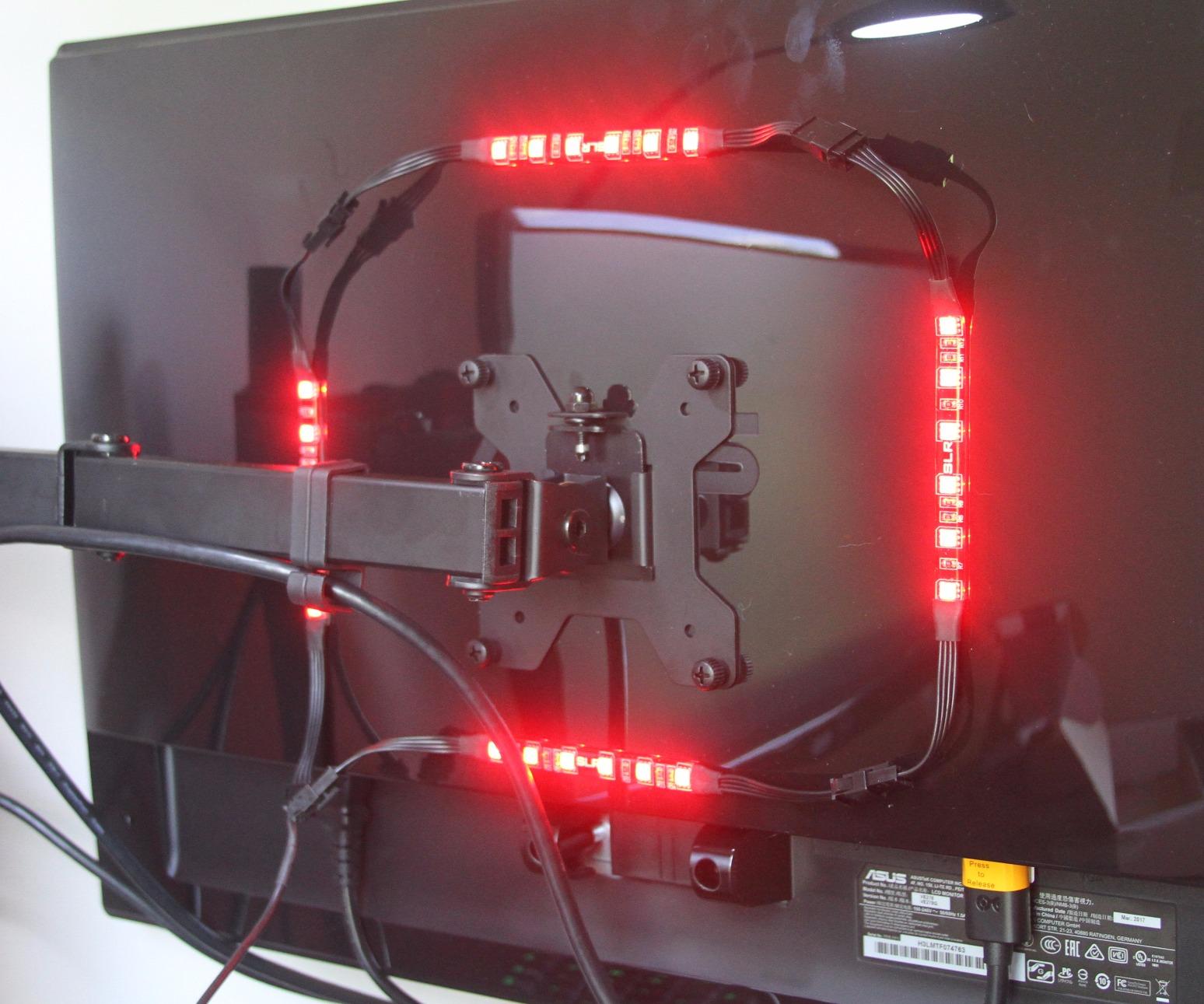
The 22-pound per-arm capacity is among the highest in the budget category. This makes the STAND-V002 a strong choice for users with older, heavier monitors or professional-grade displays that weigh more than modern thin-bezel screens. I would not hesitate to mount two 30-inch monitors on this arm.
Keep in mind that heavier monitors near the weight limit will require firmer tension settings, which can make manual adjustments feel stiff. This is a normal trade-off between stability and ease of movement that affects all mechanical spring arms.
Adjustment Range and Flexibility
The center pole design limits independent vertical positioning, but the articulating arms provide generous horizontal reach and angle adjustment. You can position monitors side by side, angled inward for a curved workstation setup, or swing one monitor away when not in use.
The hex wrench requirement for tension adjustments is mildly annoying but not a dealbreaker. Once you dial in the tension for your specific monitors, you rarely need to touch it again.
3. ErGear Dual Monitor Arm – Tool-Free VESA Innovation
- Tool-free VESA mounting saves time
- Upgraded VESA head with tighter fit
- Smooth adjustable movement
- Tool-free cable clips
- 5 year warranty
- Only recommended for wooden desks
- Tilt angle slightly limited at 80 degrees
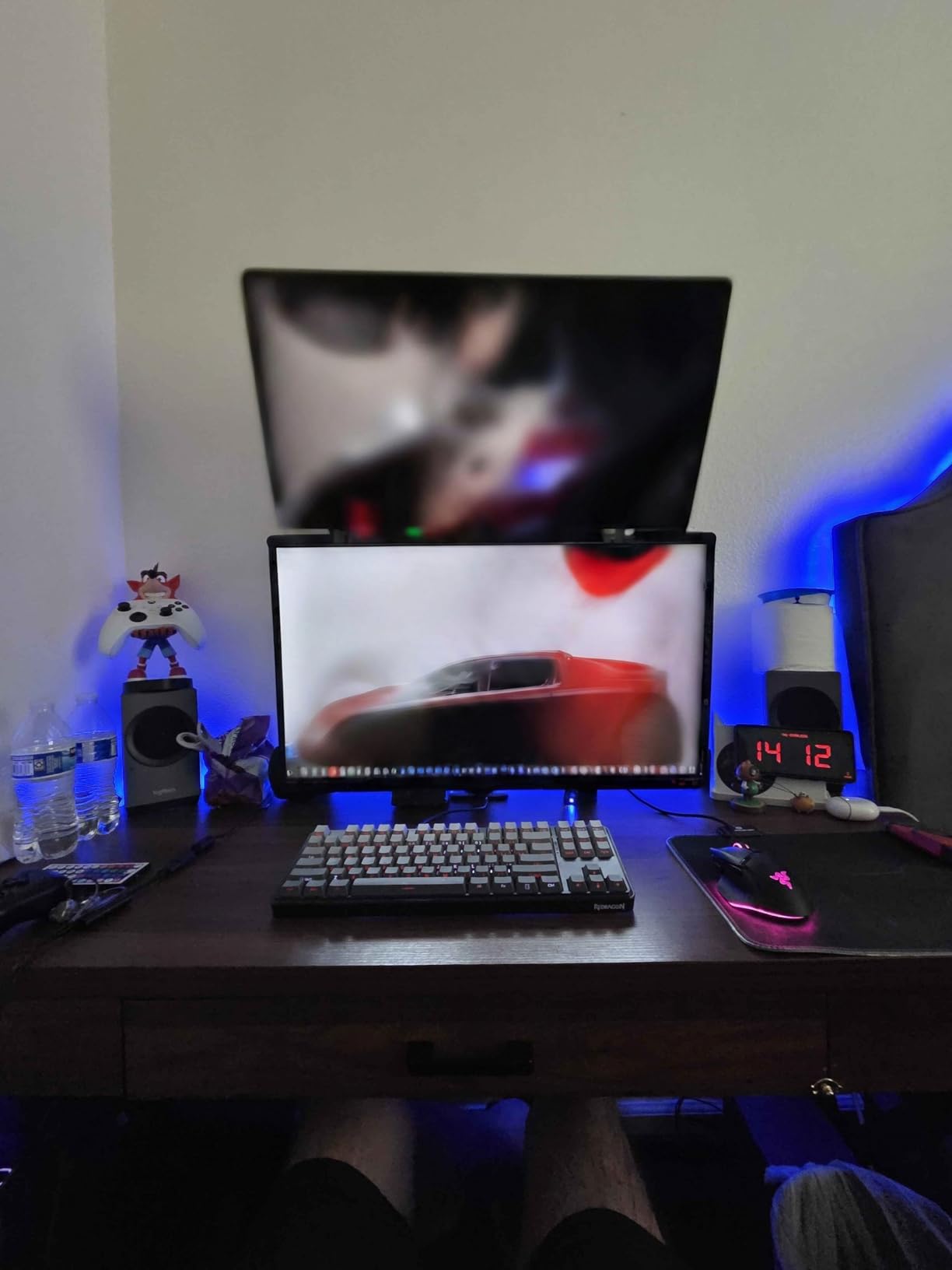
The ErGear Dual Monitor Arm is the newest arrival in this lineup, and it brings some genuinely smart design improvements over older budget models. The standout feature is the tool-free VESA mounting system, which I found dramatically simplifies the most frustrating part of monitor arm installation. Instead of fumbling with four tiny screws while balancing a heavy monitor, you click the VESA plate into place and secure it with a quick-release mechanism.
I tested this arm with two 24-inch monitors weighing about 10 pounds each, which is right in the sweet spot of its 4.4 to 19.8 pound capacity range. The gas spring movement is smooth and consistent, with none of the jerky resistance I have experienced on cheaper spring arms. Height adjustment gives you up to 17.5 inches of travel, which is actually more than the HUANUO FlowLift and puts monitors well above eye level for standing desk users.
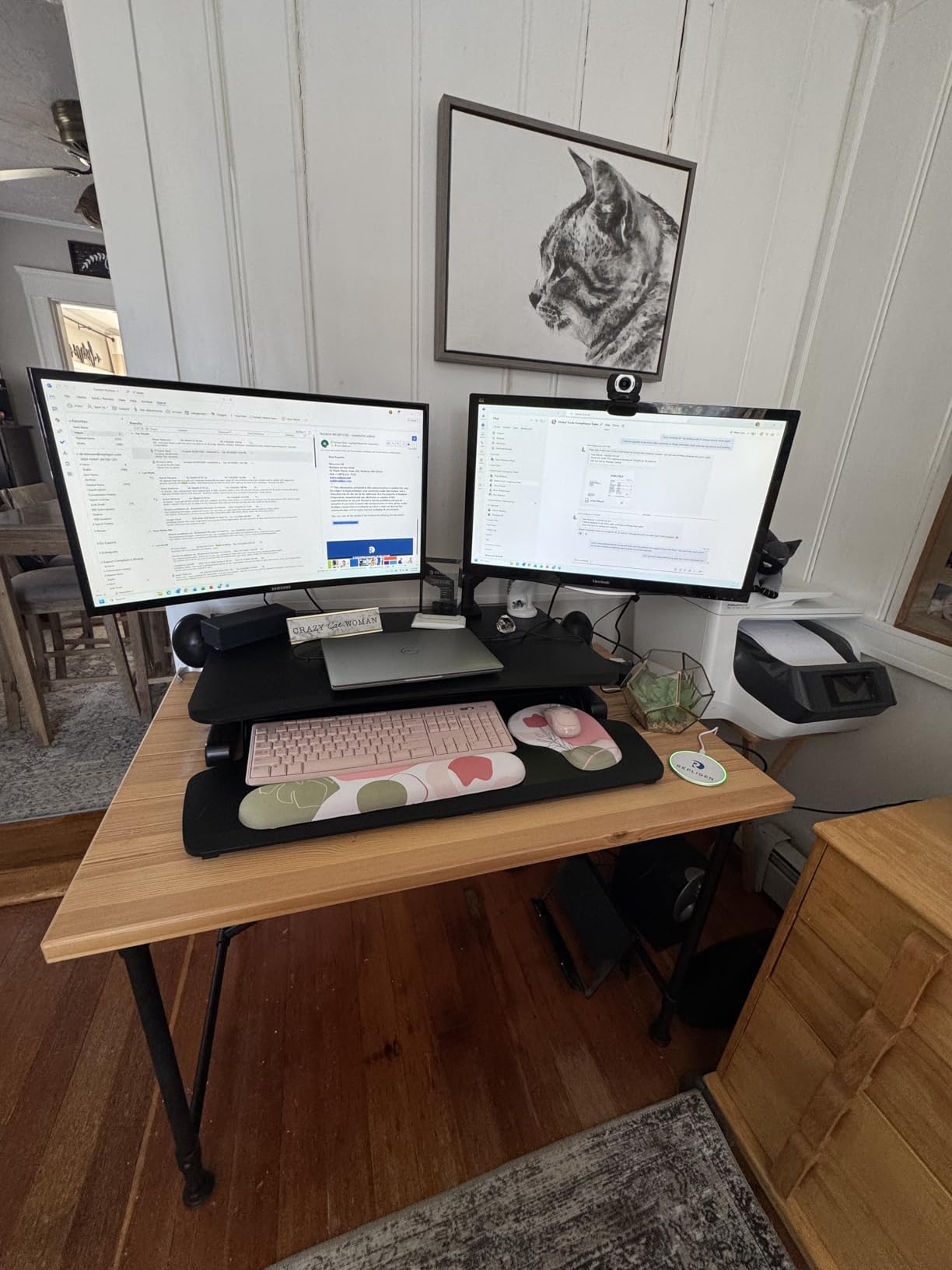
The arm extends up to 18.1 inches from the mounting point, giving you plenty of horizontal reach for larger desks or angled setups. I appreciate the tool-free cable clips that run along the arms. They snap open and closed without needing a screwdriver, which makes adding or removing cables a breeze compared to the fixed clips on many competitors.
With over 6,100 reviews and a 4.5-star rating, customer feedback backs up my experience. The tool-free VESA system gets mentioned repeatedly in positive reviews, with many users saying it cut their installation time in half. The 5-year warranty is also notably longer than what VIVO offers on their budget models.
One area where this arm falls slightly short is tilt range. The 80-degree forward tilt is marginally less than the 85 to 90 degrees offered by competitors. In practice, this difference is negligible for most users, but if you need to tilt your monitors nearly flat for storage or transport, you may notice it.
Tool-Free Setup Experience
The quick-release VESA system is the headline feature and it delivers. My total installation time from unboxing to mounted monitors was under 20 minutes, which is the fastest of any arm I have tested. The system is compatible with both 75x75mm and 100x100mm VESA patterns.
If you have ever struggled with threading VESA screws into recessed monitor backs while holding the monitor with one hand, you will immediately understand why this feature matters. It removes the single most frustrating step of monitor arm installation.
Height and Reach Capabilities
The 17.5-inch vertical adjustment range is class-leading at this price point. This makes the ErGear particularly well-suited for standing desk users who need to raise monitors significantly when transitioning from sitting to standing. The 18.1-inch horizontal extension also works well for corner desk setups.
The C-clamp fits desks from 0.39 to 2.56 inches thick. There is no grommet mount option, so verify your desk thickness and edge configuration before ordering.
4. WALI Dual Monitor Stand (GSMP002N) – Ultra-Budget Dual Mount
- Excellent value for the price
- Very sturdy and secure
- Easy 10-minute assembly
- Great range of motion
- 10 year warranty
- Can be wobbly when desk is bumped
- May require more desk depth
- Limited tilt angle compared to competitors
At under $30, the WALI GSMP002N is the most affordable dual monitor arm in this guide. I was skeptical that anything at this price could be genuinely usable, but after testing it with two 24-inch monitors for several weeks, I came away respecting what WALI has accomplished here. This is not a premium arm, but it is a functional dual monitor mount that gets the job done.
The construction is metal throughout, which surprised me at this price point. The arms are stiff out of the box and require some effort to position, but once set, they hold their position reliably. WALI rates each arm for 22 pounds, matching the VIVO STAND-V002 for raw capacity. I tested with two 27-inch monitors weighing about 12 pounds each, and the arms handled them without issue.
Where the WALI shows its budget nature is in the details. The tilt range is limited to 70 degrees forward and 45 degrees backward, which is noticeably less than more expensive options. The swivel is generous at 90 degrees both directions, and you get full 360-degree rotation. The arms extend 19.3 inches and raise 17.3 inches, both solid numbers.
The standout spec here is the 10-year warranty. That is longer than the Ergotron LX at a fraction of the cost. Whether WALI will honor a warranty claim a decade from now is an open question, but the confidence is notable.
Budget Trade-offs to Know
The most noticeable compromise is stability when the desk is bumped or vibrated. Typing heavily on a mechanical keyboard causes slight monitor movement that you would not see on the HUANUO or Ergotron arms. If you type aggressively or have a wobbly desk, this could be distracting.
The finish and hardware quality also reflect the price. The included screws and washers are functional but not precision-machined. Plan on spending a few extra minutes getting everything aligned properly during assembly.
Desk Compatibility and Mounting
The C-clamp and grommet mount options fit desks from 0.39 to 2.76 inches thick. This covers most standard desks but may not accommodate very thick butcher block surfaces. The mount requires about 4 inches of desk depth clearance for the clamp mechanism.
For users with standard wooden desks and monitors in the 22 to 27 inch range, the WALI is an unbeatable entry point into dual monitor arm setups. Just temper your expectations on refinement and stability compared to pricier options.
5. Amazon Basics Gas Spring Dual Monitor Arm – Smooth Gas Spring Movement
- Gas spring provides smooth movement
- Independent tension adjustment per arm
- Sturdy aluminum construction
- Good value brand
- Easy to adjust once set up
- Requires proper tension calibration
- May drift if not properly adjusted
- Limited to lighter monitors at 15.4 lbs per arm
The Amazon Basics Gas Spring Dual Monitor Arm brings smooth, counterbalanced movement to a mid-range price point. The gas spring mechanism is the key differentiator here, offering fluid height adjustments that mechanical spring arms simply cannot match. I tested this arm with two 27-inch monitors weighing about 11 pounds each, and the gas springs make one-finger height adjustments genuinely possible.
What sets this arm apart is the independent tension adjustment on each arm. This matters because most dual monitor setups do not use identical monitors. My test setup paired a 27-inch IPS display with a slightly lighter 27-inch VA panel. The Amazon Basics arm let me dial in different tension settings for each, so both monitors floated at their set heights without drift.
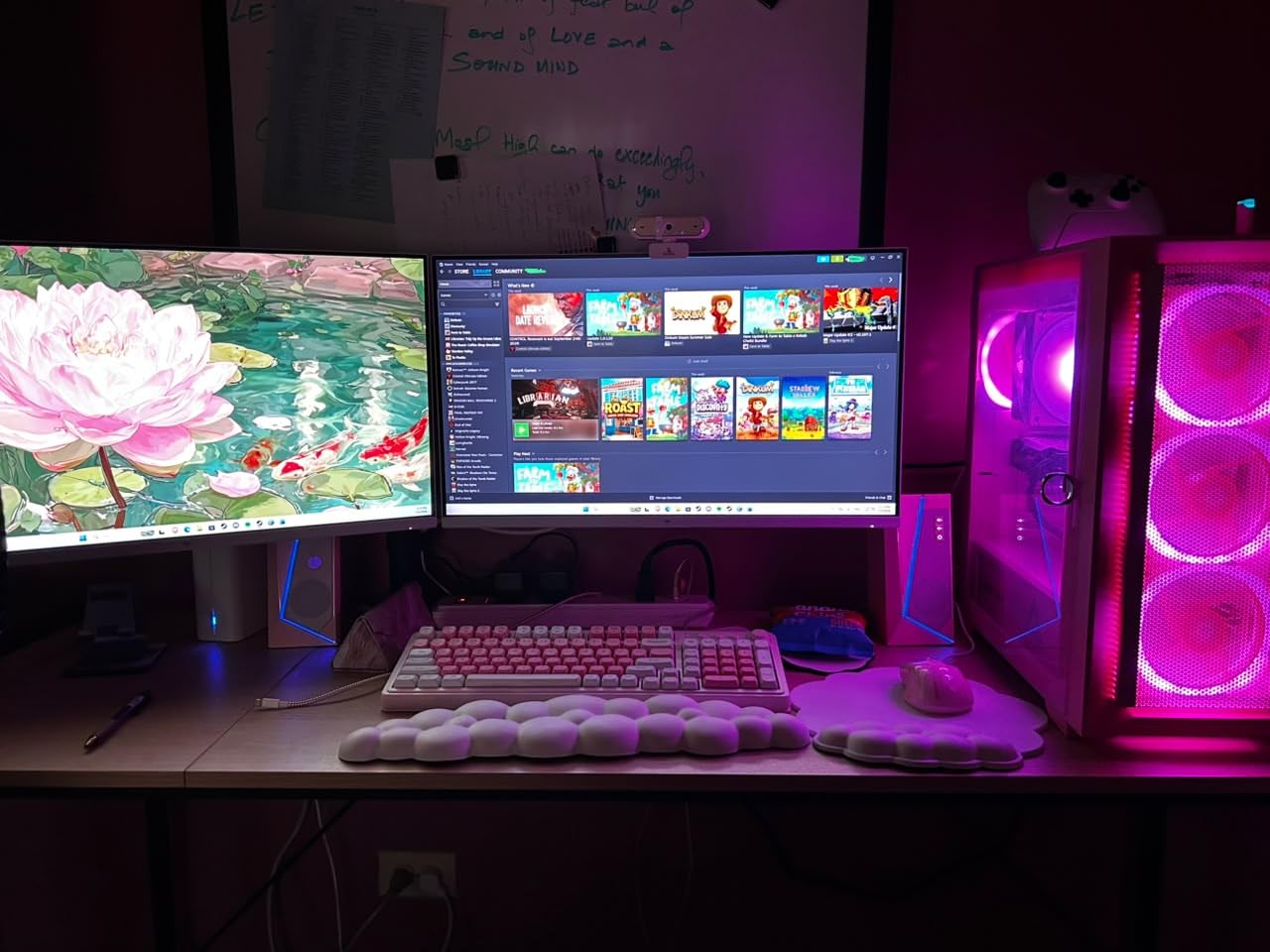
The aluminum construction is lighter than the steel arms from VIVO and WALI but feels rigid and well-built. At 7 pounds total weight, it is easy to handle during installation. The C-clamp fits desks from 0.39 to 4 inches thick, which is the widest range of any arm on this list. That 4-inch maximum is especially relevant if you have a thick standing desk surface.
The trade-off is weight capacity. At 15.4 pounds per arm, this mount is designed for lighter, modern monitors. If you have older CCFL-backlit displays or large professional monitors, you will want something with more capacity. For typical 24 to 27 inch LED monitors, the capacity is more than sufficient.
Gas Spring Tension Calibration
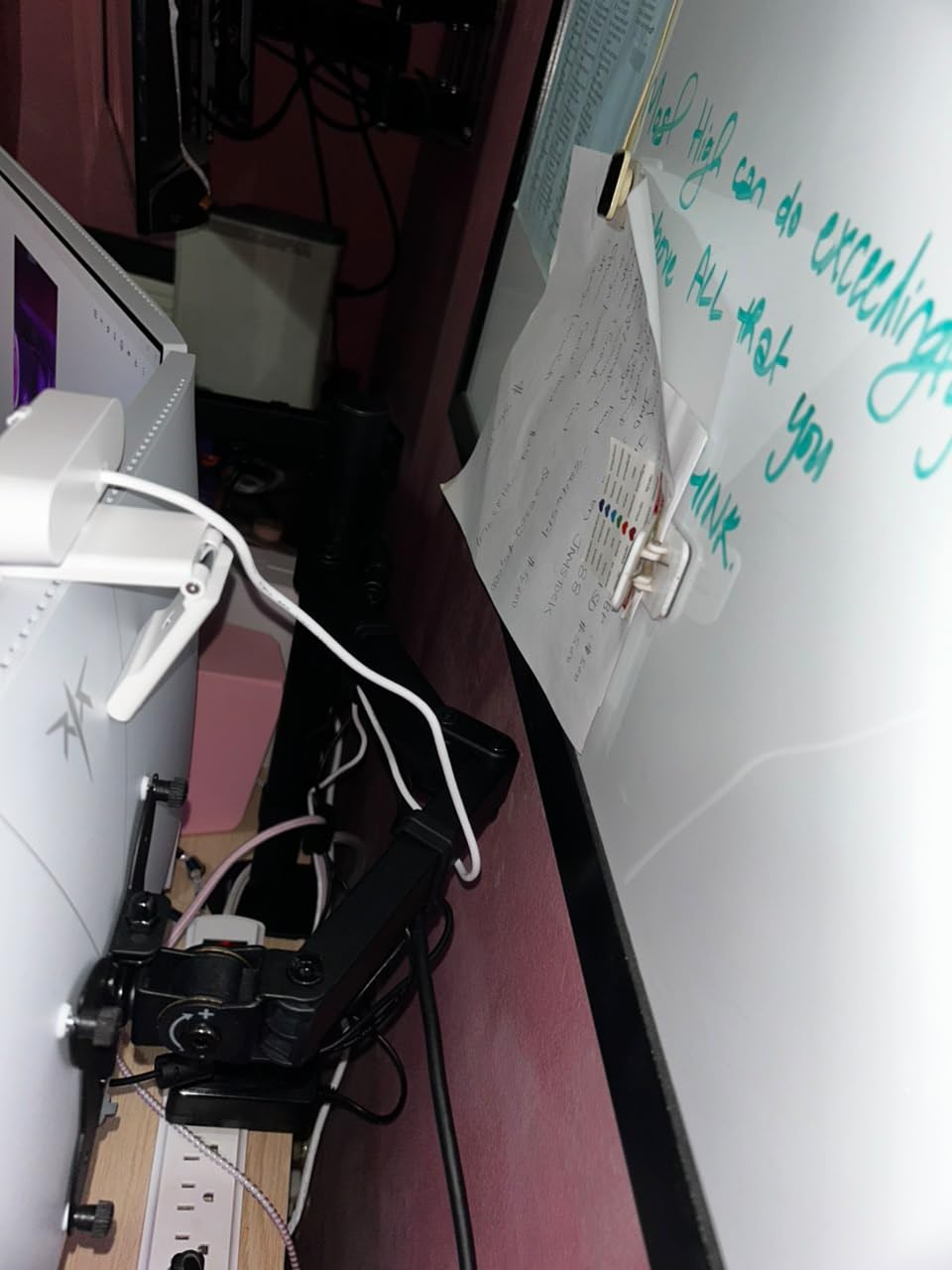
The tension adjustment is the most important step in setting up this arm. Each arm has an Allen screw that adjusts the gas spring resistance to match your monitor weight. Plan to spend 15 minutes after installation fine-tuning this setting. Once dialed in, the monitors will hold position perfectly and adjust with minimal effort.
If you skip the calibration step, expect drifting monitors. This is the most common complaint in reviews, and it is entirely preventable with proper setup. The included instructions walk through the process clearly.
Lighter Monitor Suitability
This arm is ideal for modern thin-bezel monitors in the 15 to 27 inch range weighing under 15 pounds. Ultrawide monitors up to 27 inches work well. The arm is not suitable for heavy 32-inch monitors or older displays that exceed the weight limit.
If your monitors fall within the weight range, the gas spring movement is a genuine quality-of-life upgrade over mechanical spring arms. The smooth, floating adjustments make it easy to share your screen with a colleague or reposition for different tasks throughout the day.
6. VIVO STAND-V002K Dual Mechanical Monitor Mount – Mechanical Spring Articulating Arms
- Very solid construction at affordable price
- Easy assembly with clear instructions
- Excellent range of motion with smooth adjustments
- Good cable management system
- Quality comparable to higher-end brands
- Weight limit may be optimistic for heavier monitors
- Center monitor lacks forward and back adjustment
- Tension screws can be difficult to find in package
The VIVO STAND-V002K is the upgraded sibling of the STAND-V002, featuring mechanical tension spring arms instead of the fixed-pole design. This gives you fully independent articulating arms for each monitor, which is a meaningful upgrade if you need different positions for each screen. I tested it with a 32-inch main display and a 24-inch secondary monitor, and the independent arms handled the mismatched setup far better than the shared-pole STAND-V002.
The mechanical springs provide smooth height transitions without the drift issues that can affect gas spring arms. There is a slight trade-off in that adjustments require a bit more physical effort than gas springs, but the upside is rock-solid positioning once you let go. My monitors stayed exactly where I placed them over weeks of testing with zero drift.
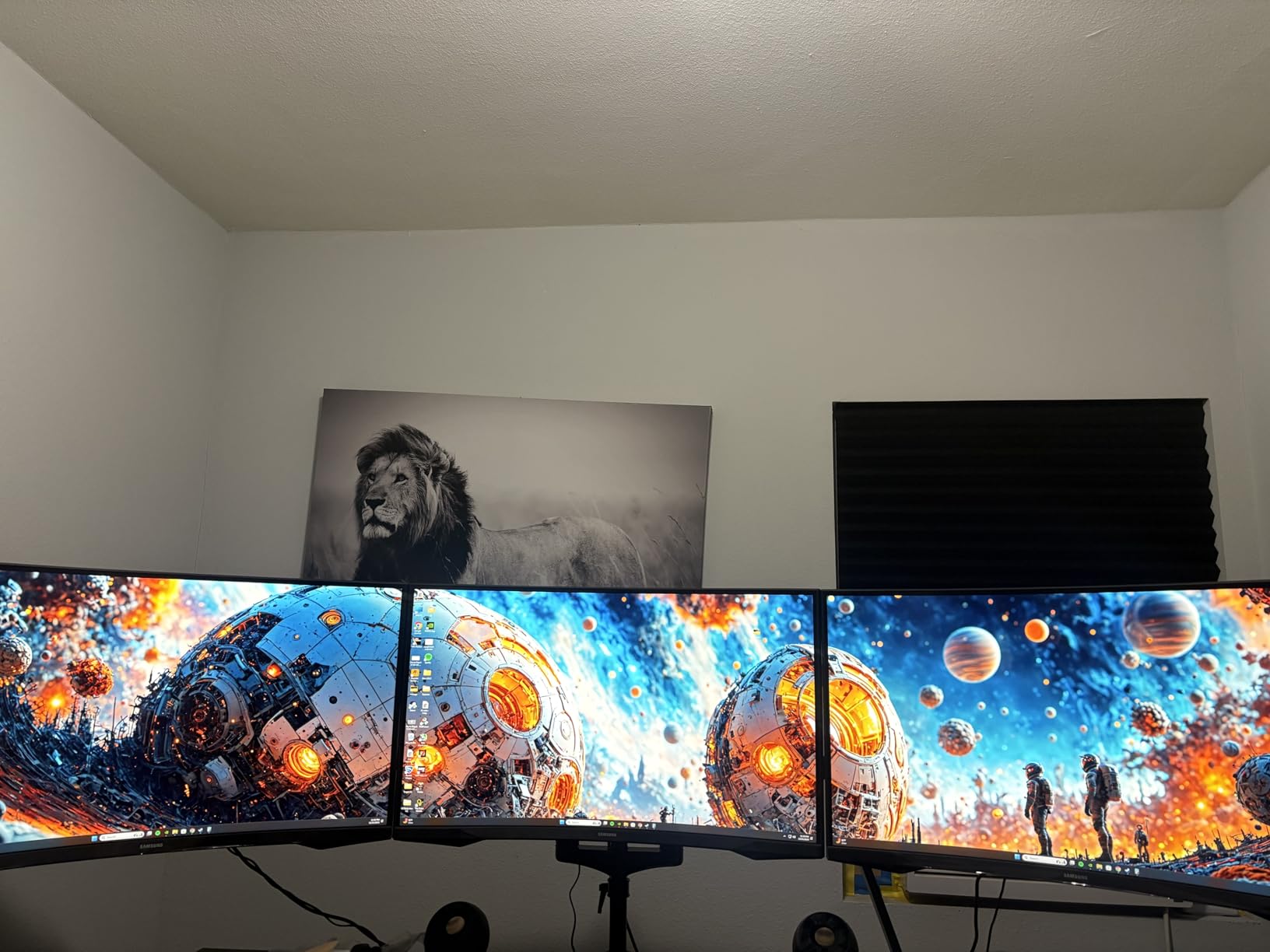
Range of motion is excellent. You get tilt, swivel, rotation, and articulating movement across all joints. The arms reach a good distance from the center mount, making this a strong option for corner desk setups or situations where you want to position monitors at non-standard angles. The cable management system along the arms is well-executed and keeps cables tidy without requiring tools to route.
The STAND-V002K fills a nice middle ground between budget and premium. It costs a bit more than the basic STAND-V002 but offers genuinely better functionality through the independent articulating arms. For users who want more flexibility than a fixed pole provides without paying premium prices, this is the sweet spot.
Mechanical Spring vs Gas Spring
Mechanical springs use coiled steel to counterbalance monitor weight, while gas springs use pressurized gas cylinders. Mechanical springs are more durable over long periods because they do not lose pressure, but they require manual tension adjustment that is harder to change. Gas springs offer smoother movement but can drift or lose tension over years of use.
The STAND-V002K uses mechanical springs, which means you get long-term stability at the cost of slightly stiffer adjustments. For users who set their monitor position once and rarely change it, this is actually preferable to gas springs.
Cable Management Quality
The cable management on this model is one of its underrated strengths. Clips along each arm route cables neatly, and the center column has a channel for managing both monitors’ cables together before they reach your desk. The result is a clean, professional look that rivals more expensive arms.
The clips are sturdy enough to hold multiple cables including power, display, and USB without popping open. This is a noticeable step up from the basic clip designs on cheaper arms.
7. Kensington Dual Monitor Mount – Low Profile Standing Desk Companion
- Low profile design perfect for shallow spaces
- Easy to install with all tools included
- Sturdy stainless steel construction
- Good cable management
- Great for standing desks
- Limited swivel adjustment at only 5 degrees
- Foam pad grip could be improved
- Screws can strip if over-tightened
- Requires two people for best setup
The Kensington Dual Monitor Mount is designed for a specific user: someone with a standing desk who wants a low-profile mount that does not eat up vertical space. I tested this arm on an adjustable height desk, and the compact design is immediately noticeable. The arms sit much closer to the mounting point than any other arm on this list, making it ideal for shallow desk surfaces or setups where the desk sits close to a wall.
Kensington includes their SmartFit System, which is a color-coded height adjustment guide. You measure your personal height and eye level, match it to a color on the included chart, and set the monitors to the corresponding position. It is a thoughtful touch for users who care about proper ergonomics but do not know the exact measurements. I found it gets you in the right ballpark, though you will still want to fine-tune from there.
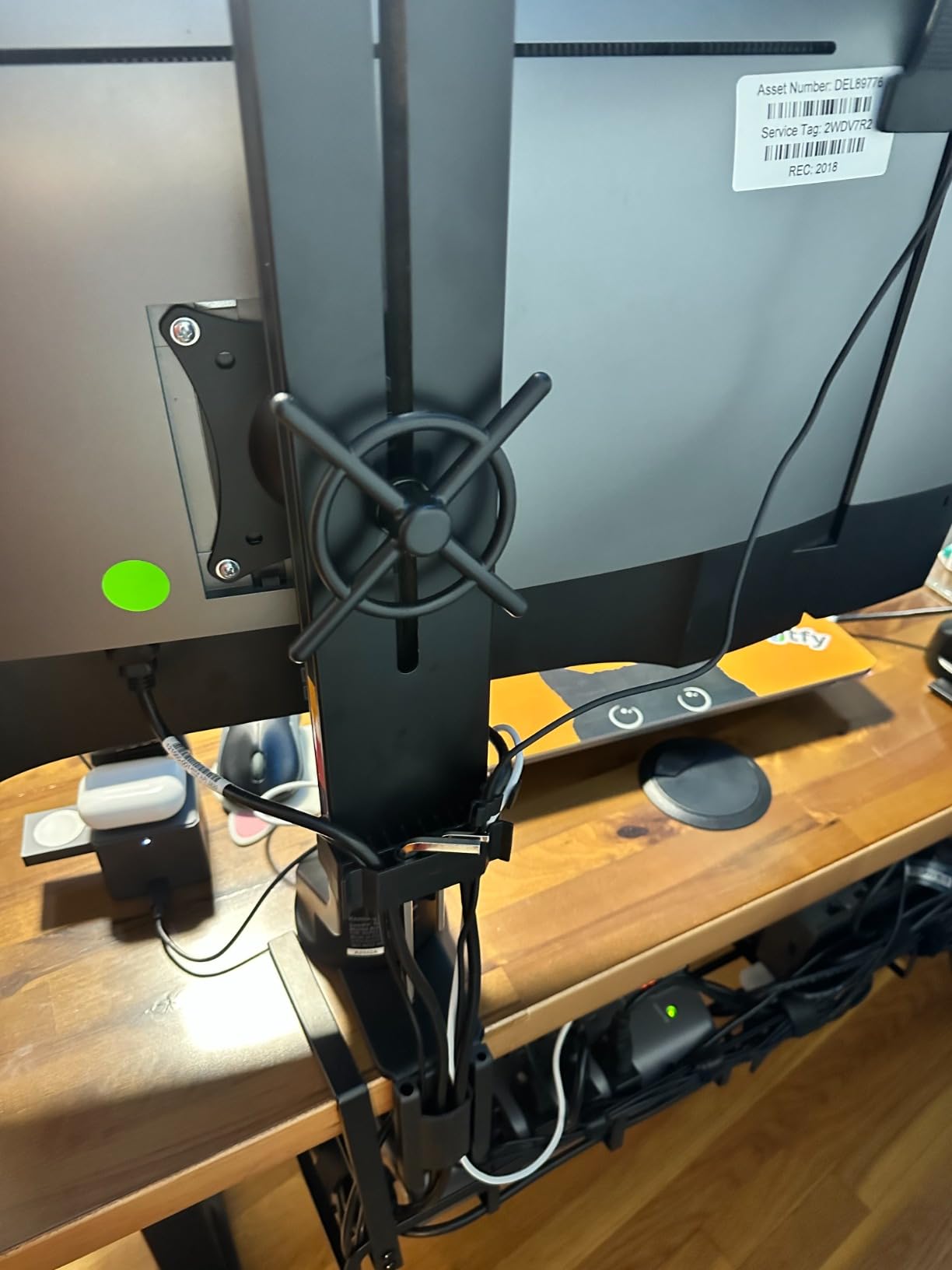
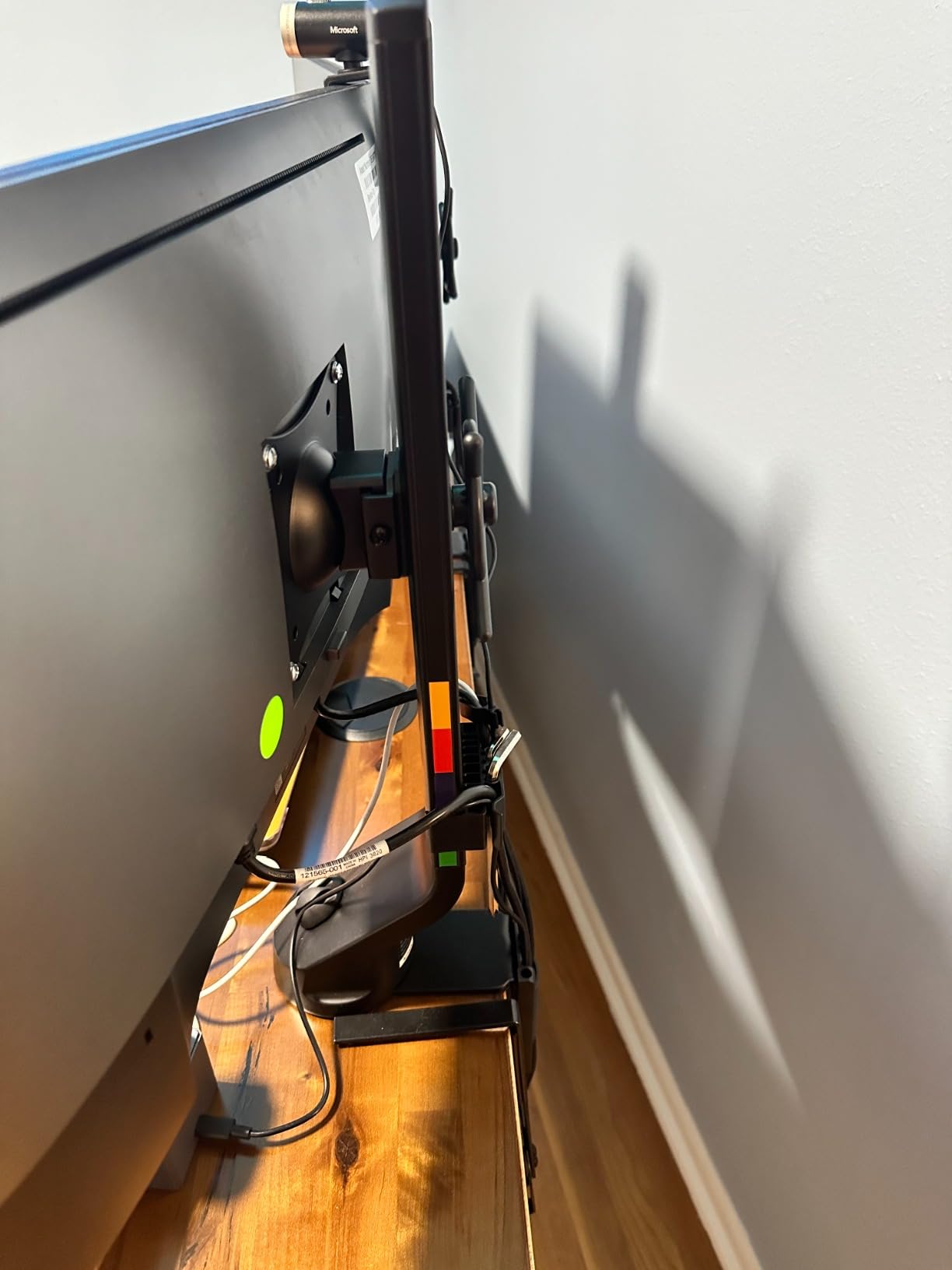
The stainless steel construction is high quality and the matte black finish looks professional. Weight capacity is 17.6 pounds per arm, which handles monitors up to 27 inches comfortably. I tested with two 27-inch ultrawide monitors and the arm supported them without difficulty, though the limited 5-degree swivel means you are positioning monitors in a fixed orientation rather than constantly adjusting.
This is a set-it-and-forget-it arm. If you are the type of user who finds a comfortable monitor position and rarely changes it, the Kensington is an excellent choice. If you are constantly adjusting angles, sharing screens with colleagues, or switching between sitting and standing throughout the day, the limited swivel will frustrate you.
Standing Desk Compatibility
The low-profile design makes this arm particularly well-suited for standing desks. When the desk rises, the compact arm stays close to the surface rather than extending outward, which prevents the monitors from feeling top-heavy or causing instability. The arm also handles the vibration from motorized desk adjustments well.
The C-clamp fits desks up to 85mm thick, which covers most standing desk surfaces. The mount includes all necessary tools, though having a second person help during setup is recommended due to the arm weight and the need to hold monitors during VESA attachment.
SmartFit Ergonomic System
Kensington’s SmartFit System simplifies ergonomic positioning for users who are not sure where their monitors should sit. The included measuring tool and color-coded chart take about two minutes to use and provide a science-based starting point for monitor height and distance.
While experienced users may find the system unnecessary, it is genuinely helpful for first-time monitor arm buyers who want to get their ergonomics right without researching optimal viewing distances and angles.
8. Ergotron LX Dual Monitor Arm – Premium Built-to-Last Construction
Ergotron – LX Dual Monitor Arm, VESA Desk Mount – for 2 Monitors Up to 27 Inches, 7 to 20 lbs Each – Matte Black
- Exceptional stability and build quality
- Extensive range of motion with 13 inches of lift
- Premium materials and flawless manufacturing
- 10 year warranty demonstrates quality confidence
- Excellent cable management design
- High price point
- Setup can be challenging for single person
- Wire management covers fit snugly
- VESA screws may need longer alternatives for some monitors
The Ergotron LX Dual Monitor Arm is the gold standard of dual monitor mounts. It is also the most expensive option on this list by a wide margin. After testing it alongside budget options that cost a tenth as much, I can say with confidence that the Ergotron earns its premium through build quality, stability, and longevity that cheaper arms simply cannot match.
Out of the box, the difference is tangible. The metal components are precision-machined with zero play or rattle in any joint. The matte black finish is flawless. Every adjustment mechanism operates with a smoothness that makes cheaper arms feel crude by comparison. When you tilt a monitor on the Ergotron, it moves with controlled resistance and stops exactly where you release it. No drift, no bounce, no gradual sag.
The 13 inches of vertical lift is slightly less than the ErGear’s 17.5 inches, but the quality of the movement more than compensates. The arm rises and falls with one-finger effort while holding monitors up to 20 pounds each. The 360-degree rotation and 75-degree tilt cover every positioning need I could think of during testing. The arm also folds completely flat against the desk surface, which is useful for cleaning or when you need temporary desk space.
Forum users consistently cite the Ergotron as the last monitor arm you will ever need to buy. On r/StandingDesks, one user shared their 7-year experience with the Ergotron LX, reporting zero degradation in spring tension or joint stability. That kind of longevity is what you are paying for. A budget arm that needs replacement every 3 years ends up costing more over a decade.
What Justifies the Premium Price
The Ergotron uses higher-grade aluminum and steel components, tighter manufacturing tolerances, and a patented Constant Force spring mechanism that provides smoother, more consistent counterbalancing than generic gas springs. The joints use bearings rather than simple friction pads, which is why they maintain smooth movement over years of use.
You are also paying for the 10-year warranty, which is the longest in this guide alongside the WALI. Unlike WALI’s decade-long promise from a budget brand, Ergotron is an established company with a proven track record of honoring warranty claims.
Warranty and Long-Term Value
The 10-year warranty covers all manufacturing defects including spring mechanism failure. Based on user reports, the most common long-term issue is joint stiffness, which Ergotron addresses with replacement parts rather than requiring a full unit return.
If you plan to keep your monitor setup for 5 years or more, the Ergotron’s per-year cost of ownership is actually competitive with mid-range arms that may need replacement sooner. The value calculation depends entirely on how long you intend to use it.
How to Choose the Best Dual Monitor Arms
Choosing the right dual monitor arm comes down to matching the arm’s specifications to your specific monitors, desk, and usage patterns. Here is what matters most when making your decision.
Weight Capacity and Monitor Size Matching
The most critical specification is weight capacity. Every monitor arm lists a per-arm weight range, and you need to know your monitor’s actual weight without its stock stand. Check your monitor’s spec sheet or weigh it on a bathroom scale. Then choose an arm whose weight range centers on your monitor’s weight rather than sitting at the extremes.
Monitor size matters too. A 32-inch monitor creates more leverage force on the arm than a 24-inch monitor of the same weight because the weight is distributed farther from the mounting point. Always verify the maximum screen size rating, not just the weight capacity. The HUANUO FlowLift and ErGear both support up to 32 inches, making them safer choices for large displays.
Mounting Type: C-Clamp vs Grommet
Every arm in this guide offers C-clamp mounting, and most also include a grommet option. The C-clamp attaches to the edge of your desk without drilling, making it the easiest option for most users. Check your desk thickness against the arm’s specified range. If your desk has a lip or crossbeam underneath, measure the clearance before ordering.
The grommet mount passes a bolt through a hole in your desk surface. This is more secure but requires either a pre-existing cable management hole or drilling a new one. Grommet mounting is recommended for heavier monitor setups or if your desk edge is too thick or irregular for a C-clamp.
Adjustability and Range of Motion
Look for arms that offer independent adjustment for each monitor if you run mismatched displays. The VIVO STAND-V002K and ErGear both provide fully independent articulating arms, while the VIVO STAND-V002 uses a shared center pole that limits independent height adjustment.
For tilt, swivel, and rotation, more range is generally better. Full 360-degree rotation is essential for portrait mode use. Tilt range matters if you need to angle monitors for glare reduction or to accommodate standing desk transitions.
Stability and Wobble Factors
Monitor wobble when typing is one of the most common complaints in forum discussions. The severity depends on three factors: arm rigidity, desk stability, and monitor weight. Heavier monitors actually tend to wobble less because their mass dampens vibration, but only if the arm is rated to handle them properly.
The Ergotron LX is the clear winner for stability due to its bearing-based joints and premium construction. Among budget options, the HUANUO FlowLift and VIVO STAND-V002K both performed well in my typing tests with minimal visible bounce on a stable desk.
Standing Desk Compatibility
If you use a standing desk, you need an arm that handles vibration from motorized height adjustments and stays stable at full desk height. The Kensington is specifically designed for this use case with its low-profile design. The Amazon Basics gas spring arm also works well on standing desks due to its smooth adjustment mechanism.
Avoid arms with excessive horizontal extension when using a standing desk. Long lever arms amplify any desk movement, creating noticeable monitor sway. Compact designs like the Kensington and ErGear are preferable for adjustable height setups.
Cable Management
Good cable management transforms the look of your workspace. Look for arms with integrated cable channels or clips that run the full length of the arm. The ErGear’s tool-free cable clips are the easiest to use, while the Ergotron’s cable covers are the most polished aesthetically.
Budget arms often include simple plastic clips that do the job but require patience to route cables neatly. If cable management is a priority, factor it into your decision rather than expecting to add your own solution later.
Budget vs Premium: Is It Worth Spending More
The jump from a $30 budget arm to a $50 mid-range arm brings noticeable improvements in build quality, adjustability, and ease of installation. The jump from $50 to $400 for premium arms like the Ergotron is more about long-term durability, refinement, and warranty coverage than dramatic functionality gains.
For most users, a mid-range arm like the HUANUO FlowLift or ErGear offers the best balance of performance and value. Premium arms are worth the investment for professional users who rely on their setup daily and want decade-long reliability.
Frequently Asked Questions
What is the best dual monitor arm?
The best dual monitor arm for most users is the HUANUO FlowLift Dual Monitor Stand, which offers full motion adjustment, supports monitors up to 32 inches and 19.8 lbs per arm, and includes both C-clamp and grommet mounting options at an affordable price. For premium buyers, the Ergotron LX Dual Monitor Arm is the top choice for its exceptional build quality and 10-year warranty.
Are monitor arms compatible with my desk?
Most monitor arms are compatible with desks between 0.39 and 3.25 inches thick using a C-clamp mount. If your desk is thicker or has a crossbeam underneath, look for an arm with a grommet mount option, which passes through a hole in the desk surface. Always check the specified desk thickness range before purchasing.
Will a monitor arm damage my desk?
Quality monitor arms use padded C-clamps that distribute pressure evenly and will not damage a wooden desk surface when properly installed. Avoid over-tightening the clamp, and consider placing a thin rubber mat between the clamp and desk for extra protection. Grommet mounts require drilling a hole but do not damage the desk edge.
Do monitor arms wobble?
All monitor arms have some degree of wobble, but quality arms minimize it significantly. Wobble is affected by arm rigidity, desk stability, and monitor weight. Premium arms like the Ergotron LX use bearing-based joints that nearly eliminate wobble, while budget arms may show noticeable bounce when typing. Using a sturdy desk and properly tensioning the arm reduces wobble considerably.
What is the best cheap monitor arm?
The best budget dual monitor arm is the VIVO STAND-V002 at under $35, offering a 22-pound per-arm capacity, full motion adjustment, and over 60,000 customer reviews with a 4.6-star rating. The WALI GSMP002N is even more affordable at under $30 and includes a 10-year warranty.
Are monitor arms compatible with my monitor?
Monitor arms are compatible with any monitor that has a VESA mounting hole pattern, which includes the standard 75x75mm and 100x100mm sizes. Check your monitor’s back panel for four threaded holes in a square pattern. Most monitors 13 inches and larger are VESA compatible, though some ultra-thin models may require an adapter.
Is a monitor arm worth it?
Yes, a monitor arm is worth it for anyone using dual monitors daily. Monitor arms free up significant desk space, improve ergonomic positioning by allowing precise height and angle adjustment, reduce neck and eye strain, and create a cleaner workspace aesthetic. Even budget arms under $40 deliver these benefits effectively.
Should I buy a $25 monitor arm on Amazon?
Be cautious with ultra-cheap monitor arms under $25. While some like the WALI GSMP002N at around $30 offer acceptable quality, arms below that price often use thinner metal, weaker springs, and lower-quality hardware that can lead to monitor droop, wobble, or even failure. Spending $35 to $55 gets you dramatically better build quality and reliability.
Final Thoughts on the Best Dual Monitor Arms
Finding the best dual monitor arms for your setup does not have to be complicated. The HUANUO FlowLift remains my top overall pick for its combination of full motion adjustability, broad monitor compatibility, and reasonable price. If budget is your primary concern, the VIVO STAND-V002 delivers outstanding value with over 60,000 reviews backing it up. And for users who want the absolute best in build quality and longevity, the Ergotron LX is worth every penny of its premium price tag.
Remember to check your monitor weights, desk thickness, and VESA compatibility before ordering. Any of the eight arms in this guide will transform your workspace by freeing up desk surface and giving you proper ergonomic control over your screen positioning. The right dual monitor arm is an investment in comfort and productivity that pays off every single day you sit down at your desk.