
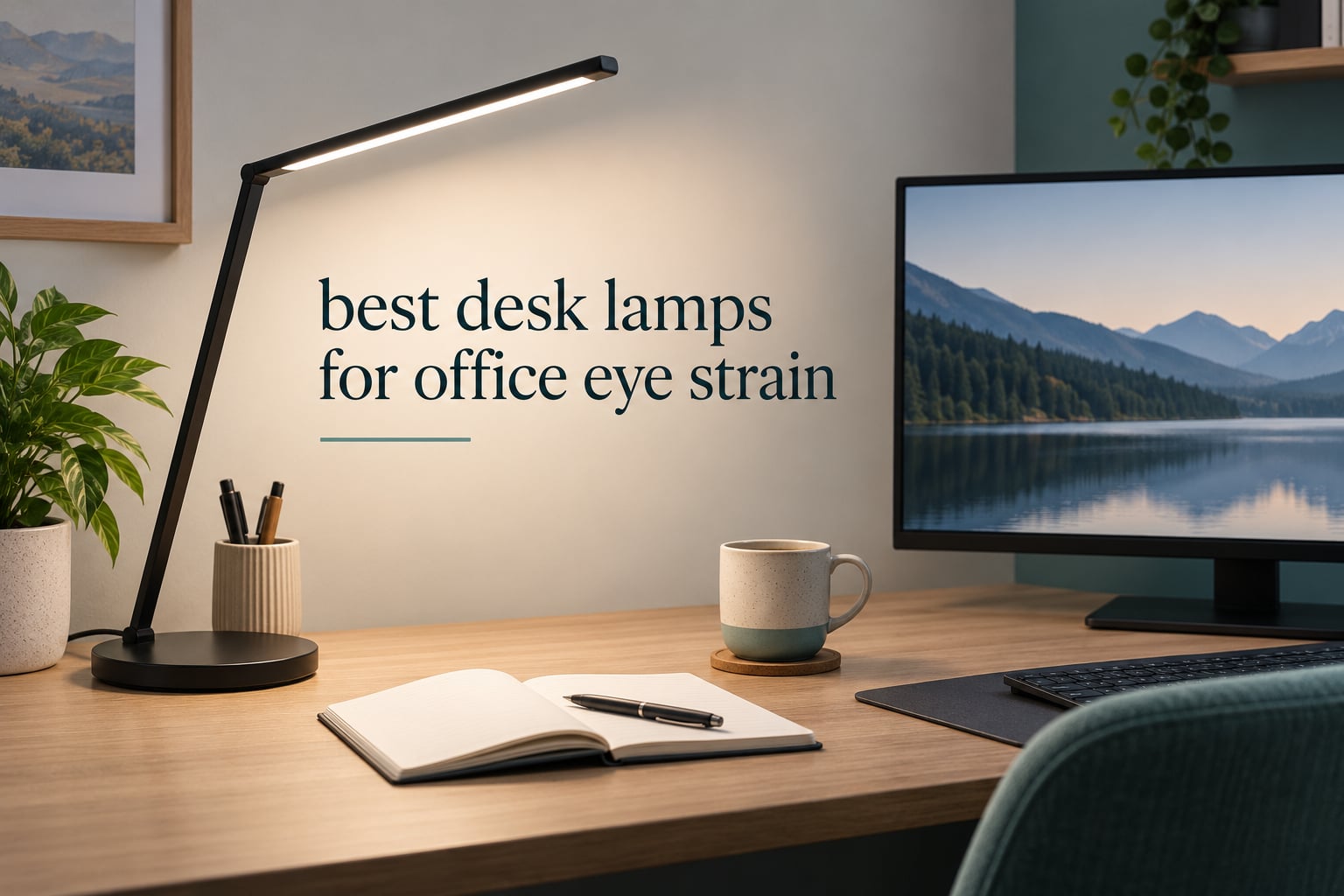
If your eyes ache by four in the afternoon, the lamp is usually the last thing on your list and the first thing worth changing. The best desk lamps for office eye strain do not simply add brightness. They remove flicker, cut the glare that lands on your screen, and let you dim light low enough for eleven at night without your pupils clamping shut.
Most buying guides treat eye strain and screen glare as one problem, and that is why so many lamps disappoint. They are two different problems with two different fixes, and a lamp that solves one can make the other worse. We pulled ten lamps apart by spec and cross-checked what buyers actually report after months at a desk, then judged each one against the same framework.
The short answer: the best desk lamps for office eye strain are flicker-free LED lamps with a diffuser, a colour temperature range you can shift through the day, and dimming that goes below the brightness of your monitor. Placement matters more than any of it. Put the light to one side of the screen or behind it, never behind you, and half the work is already done.
Every pick below carries its own brightness range, colour range, mounting type and mounting caveats, along with a note on exactly where to put it relative to your monitor. We have also covered the specs that matter for reading-heavy desks and the clamp options in our guide to clip on desk lamps. This roundup was put together and updated for 2026.
Top 3 Picks for Office Eye Strain in 2026

Lepro LED Desk Lamp 750LM
- 25 mode combinations
- Frosted diffuser
- Compact footprint
- Touch dimming

TROND Dimmable Eye-Caring Lamp
- Flicker-free light guide panel
- 7 dim levels
- Memory function
- 16 inch gooseneck

Micomlan 24W Clamp Architect Lamp
- CRI over 90
- 45 degree asymmetric beam
- Ambient side bars
- Stepless 20 to 100 percent
Quick Spec Comparison of Every Pick in 2026
All ten lamps side by side, so you can see quickly which ones dim low enough, which ones clear a tall monitor, and which ones need a desk edge to clamp onto.
| Product | Specifications | Action |
|---|---|---|
| Lepro LED Desk Lamp 750LM |
|
Check Latest Price |
| TROND Dimmable Eye-Caring Lamp |
|
Check Latest Price |
| Micomlan 24W Clamp Architect Lamp |
|
Check Latest Price |
 Pzloz Dual-Bar Clamp Lamp Pzloz Dual-Bar Clamp Lamp |
|
Check Latest Price |
 LEPOWER 800LM Eye-Caring Lamp LEPOWER 800LM Eye-Caring Lamp |
|
Check Latest Price |
 SUPERDANNY Clamp Lamp SUPERDANNY Clamp Lamp |
|
Check Latest Price |
 Motumen Dual-Head Clamp Lamp Motumen Dual-Head Clamp Lamp |
|
Check Latest Price |
 Micomlan CRI 95 Clamp Lamp Micomlan CRI 95 Clamp Lamp |
|
Check Latest Price |
 Honeywell HWT-H2 Full Spectrum Lamp Honeywell HWT-H2 Full Spectrum Lamp |
|
Check Latest Price |
 ShineTech Double-Head Clamp Lamp ShineTech Double-Head Clamp Lamp |
|
Check Latest Price |
1. Lepro LED Desk Lamp – The One to Buy First
Lepro LED Desk Lamp for Home Office, 9.5W 750LM Touch Desk Light, Black
- 25 combinations from 5 colour modes and 5 brightness levels
- Frosted shade spreads soft even light with low contrast
- Adjustable body and top light bar
- Compact footprint that leaves desk space free
- Runs cool and uses little power
- Touch control needs a light deliberate touch
- 750 lumens is modest for a large dual-monitor desk
This is the lamp I would put on a desk first, and it has earned that position on the strength of thousands of reviews describing the same thing: light that spreads evenly and never gets harsh. The frosted shade and the long lamp head are doing the real work here. Instead of a bright hotspot in the middle of your vision, you get a wide, soft wash across the desk and keyboard.
The controls give you five colour modes and five brightness levels, which works out to 25 combinations. In practice you will settle on two or three of them, but the range matters because it lets you match the lamp to your screen instead of matching your screen to the lamp. That single habit removes more strain than any spec on the box.
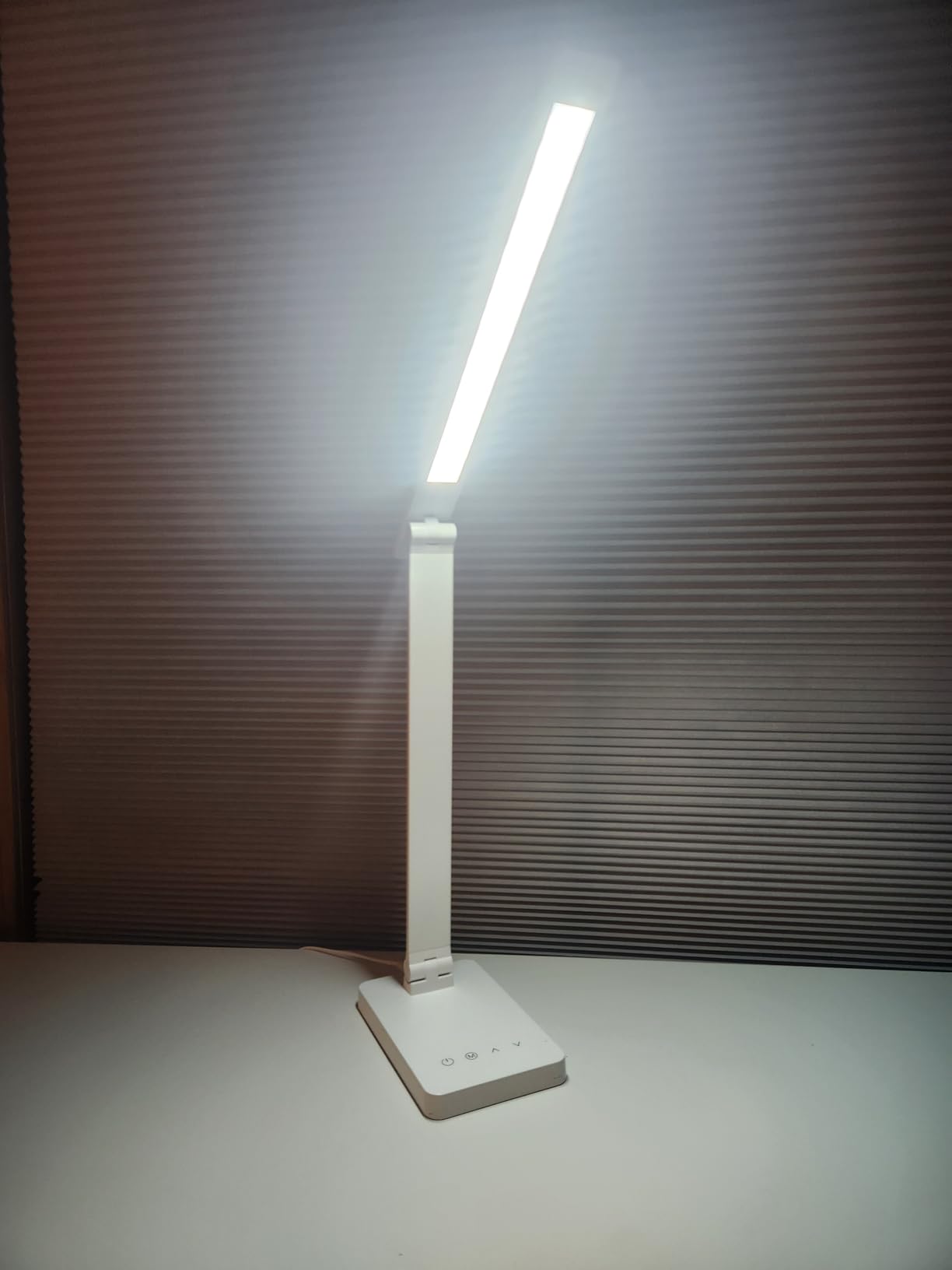
Build quality is respectable for the tier. The base is metal, the arm adjusts through a useful arc, and the top light bar is a nice touch because you can angle a slice of light back toward the wall to soften the room. The 13.4 by 3.9 by 15.1 inch footprint is narrow enough to sit at the back corner of a desk without crowding the keyboard.
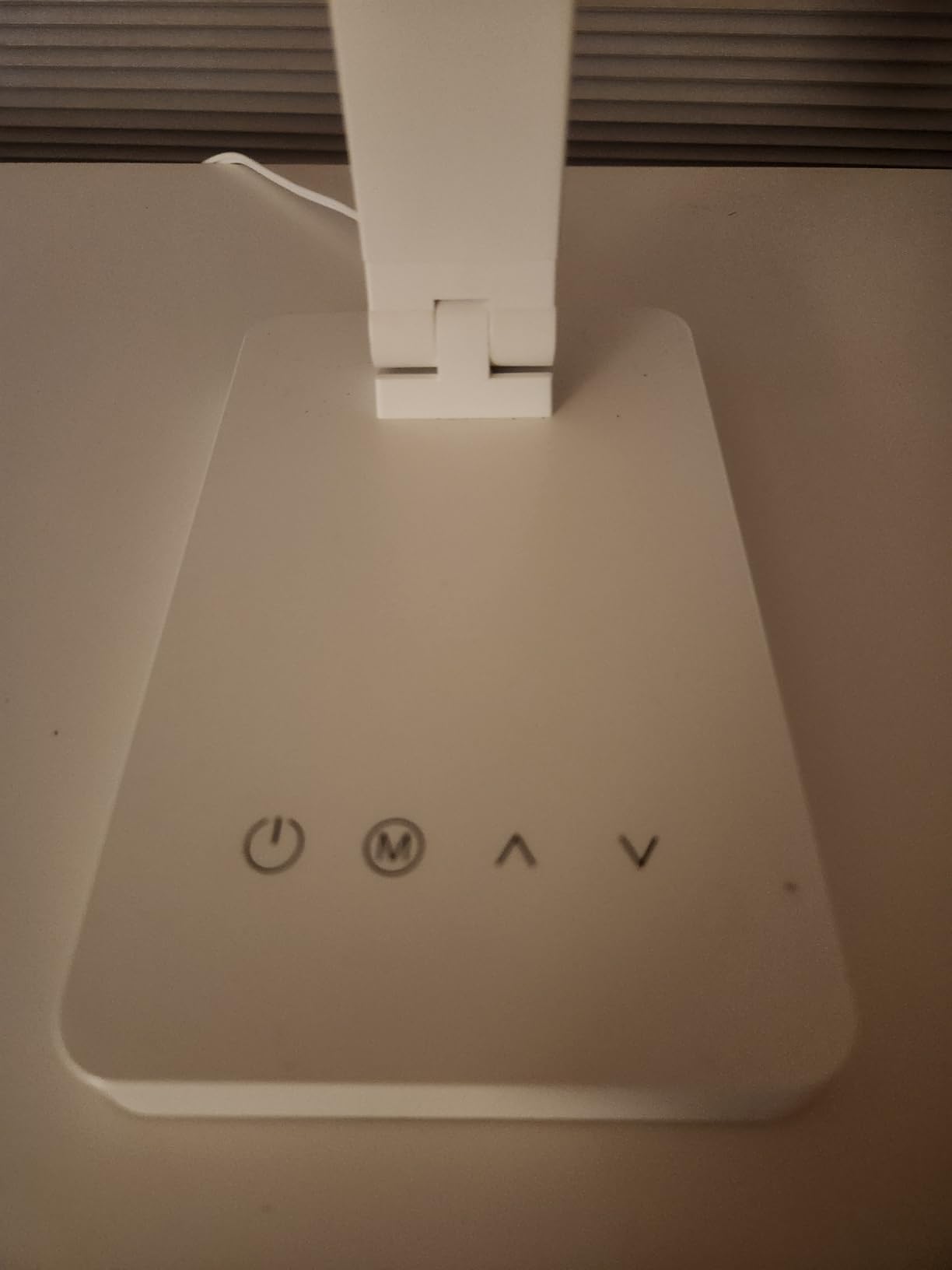
Where it falls short is output. At 750 lumens from a 9.5 watt LED, this lamp lights a single monitor and your notes comfortably, but a dual-monitor desk with a large chassis will leave the far corners dim. The touch control also needs a light, deliberate tap; a brushed sleeve is enough to trigger it.
Where to put it: set it on the side of the desk opposite your dominant hand, at roughly the same height as the top of your monitor, and aim the head down at the desk rather than across it. That keeps the beam out of your line of sight and off the screen surface.
Who this lamp suits
Single-monitor users, students, and anyone who reads printed material alongside a laptop. It is also the one I would put in a home office where appearance matters, since a slim black bar on a corner of the desk looks deliberate rather than utilitarian.
For very long reading blocks, our guide to the best desk lamps for reading covers higher-output options if your pages stay dim after sundown.
Who should skip it
If you run two or three monitors on arms, or if your desk is a wide corner unit, the light will not reach the far edges. Look at the Micomlan and Pzloz clamp lamps further down, which are built for exactly that footprint.
It is also not the right choice for evening work if you need a truly dark setting, because its lowest step still reads as lit. The SUPERDANNY and Honeywell lamps dim further.
2. TROND Desk Lamp – Slim Base, Stepless Neck
- Light guide panel gives flicker-free anti-glare output with no ghosting
- Three colour temperatures with a memory recall
- Seven brightness levels on a swipe dimmer groove
- 0.63 inch slim base with a 16.1 inch gooseneck
- Rated for 40000 hours of use
- 10W output is low next to 24W architect lamps
- Slim gooseneck holds position less firmly than a rigid arm
The TROND is the lamp I recommend for a small desk, a dorm room, or anywhere surface area is genuinely scarce. The base is a 0.63 inch disc, which is barely more than a coaster, and everything else is built into a 16.1 inch flexible gooseneck. You can put it in the one corner you were saving and still have room to move a mouse.
Its lighting approach is the part that matters for eyes. Rather than pointing bare LEDs at your work, it uses a surface lighting source and a light guide panel, which spreads the output across the whole panel. That is why the light is described as flicker-free and anti-glare, and why it does not produce the ghosting halo some cheaper panel lamps show at low brightness.
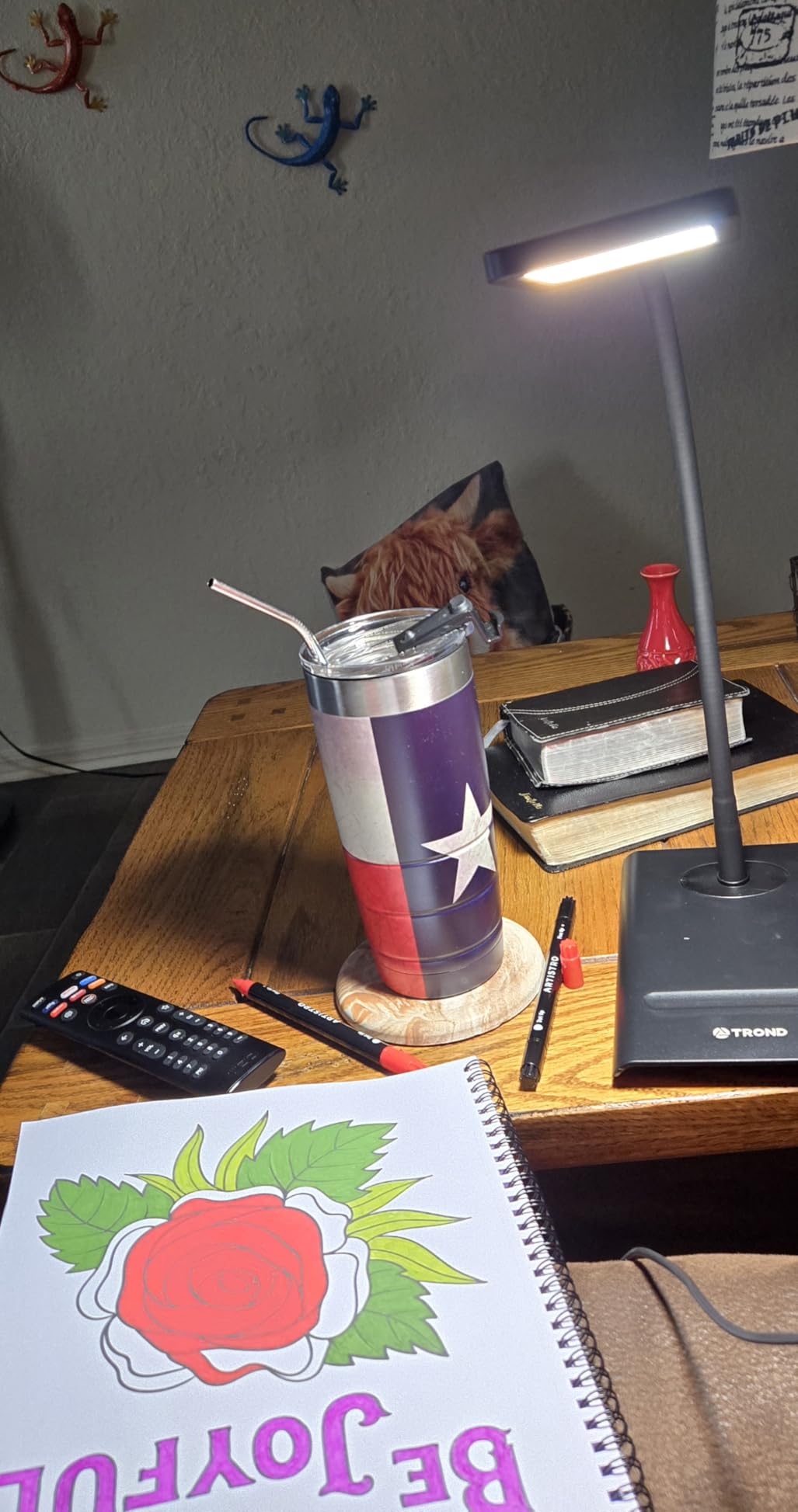
Control is unusually good for this money. You get three colour temperatures at 3000K, 4500K and 6000K by long-pressing the power indicator, seven brightness levels on a swipe groove along the top, and a memory function that restores exactly what you had on. That last detail sounds minor until you realise it is the difference between a lamp you adjust deliberately and one you nudge irritably every morning.
The honest weakness is power. At 10 watts, this is a desk lamp for one screen, a notebook and a keyboard. It will not fill a large drafting table, and on a wide desk you will find yourself reaching for a second light source by late afternoon.
Where to put it: the gooseneck is long enough to arc the head over the back corner of the desk so light falls on your hands and page rather than on the monitor face. Pull it back about 20 inches from the screen and bend the neck so the head points down and slightly away from you.

Who this lamp suits
Readers, students and anyone working from a kitchen table or a small corner desk. If you also use a magnifying lamp for close work, we have rounded up the best magnifying desk lamps separately.
The 40000-hour rated lifespan and the 18-month warranty also make it a sensible second lamp for a bedroom, where a bright desk lamp doubles as a reading light.
Who should skip it
Anyone on a large desk or with more than one monitor. The gooseneck is flexible rather than rigid, which means it will drift if you knock it, and it is not designed to hold a heavy head out over a wide surface.
Colour-critical work is also a poor fit. The lamp does not publish a CRI figure, so you have no way to know how faithfully it renders skin tones or paint colours.
3. Micomlan 24W Clamp Architect Lamp – Built for Wide Desks
- 45 degree angled light sends illumination to the desk instead of the screen
- CRI over 90 with no flicker
- Two side bars angle upward to bounce ambient light off the ceiling
- Smart sensor adjusts brightness to the room
- Metal clamp leaves the desk surface clear
- Runs hot at the top brightness step
- No telescoping height adjustment
- Main and auxiliary lights switch on separately
This is the lamp to look at if your desk is wide, if you have a monitor on an arm, or if you have concluded that ceiling lights alone make your eyes tired. At 24 watts with a colour rendering index above 90, it is the most capable light output in this roundup, and the colour accuracy is the kind that makes paper and fabric look like themselves again.
Its defining feature is the asymmetric 45 degree design. The main bar throws light down and forward onto your desk and keyboard rather than toward your face or the monitor face. On a large desk this is the difference between lighting the work and lighting the screen, and it is why owners report headaches easing within a few weeks of switching from overhead room lighting.
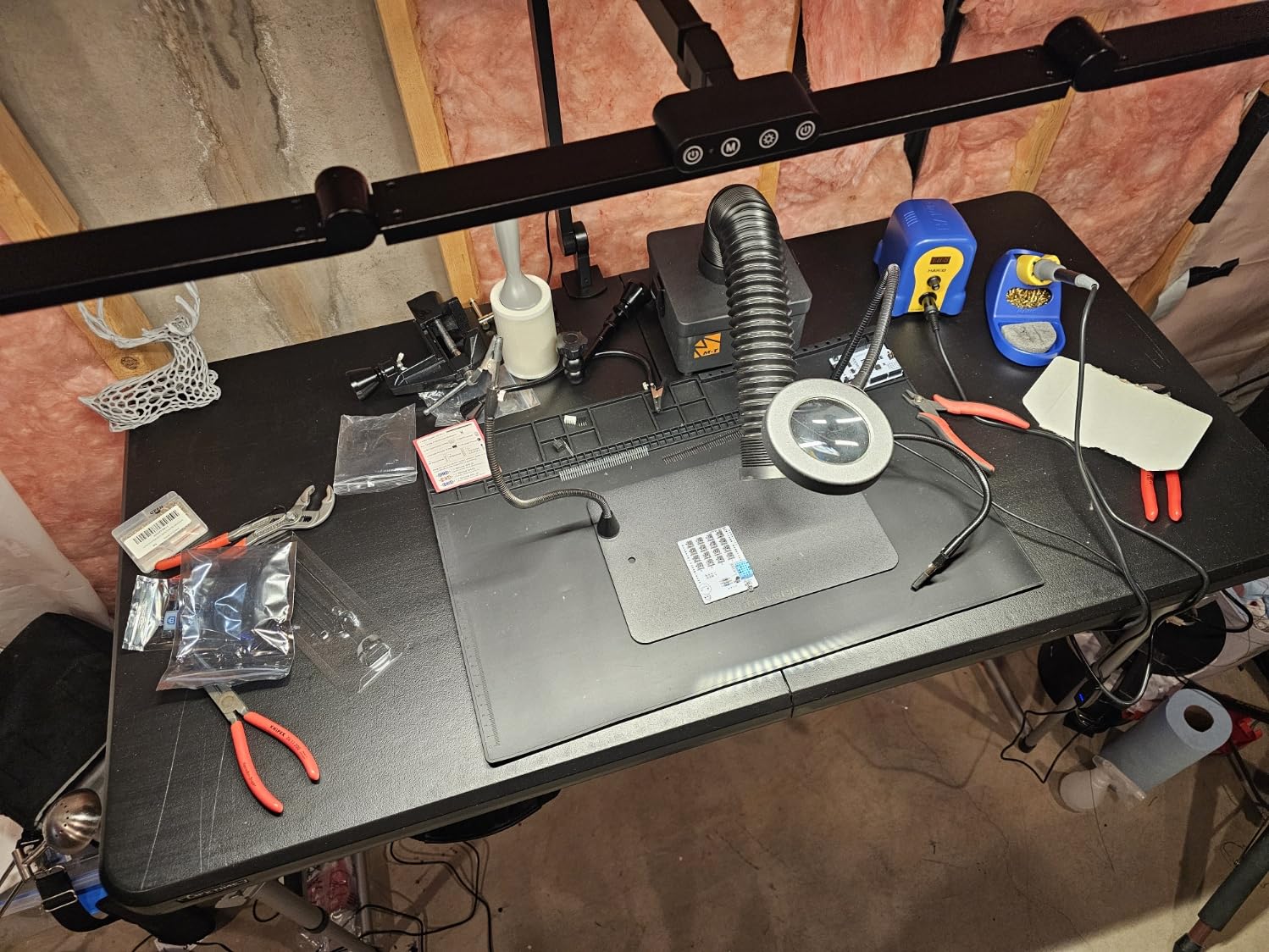
The two auxiliary side bars are the part people underestimate. Angle them upward and they bounce light off the ceiling, filling the room with soft ambient illumination that reduces the brightness gap between your screen and your surroundings. Most people run the main bar at a middle setting with the side bars washing the ceiling, and that combination reads far more comfortable than full main-bar output.
Dimming is stepless from 20 to 100 percent and colour temperature runs stepless from 3000K to 6500K, with a memory function. A smart light sensor will also adjust brightness automatically as the room changes, though users who prefer manual control sometimes find that behaviour counterintuitive. There is no telescoping section, so height range is limited on a low desk.
One practical warning that comes up repeatedly in reviews: it runs noticeably hot on the top brightness step, and a fair number of owners cap themselves at the second-highest setting. That is fine, because the second-highest step is more than enough for desk work.
Where to put it: clamp it to a desk edge with at least two inches of thickness, then swing the main bar over the centre of the work area with the head angled away from the monitor. Use one side bar aimed at the ceiling for ambient fill rather than leaving both dark.
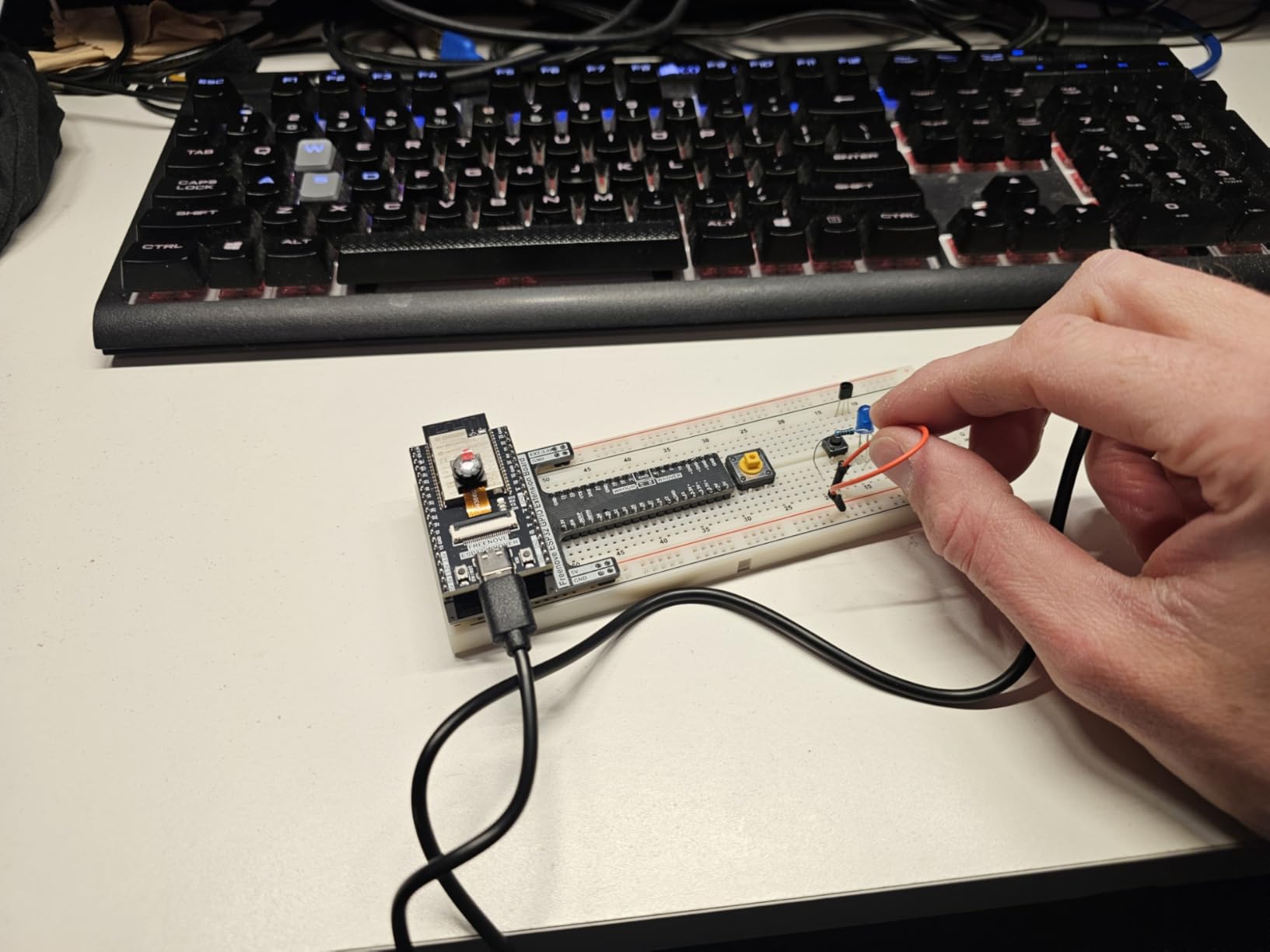
Who this lamp suits
Large desks, ultrawide monitors, multi-monitor arms and anyone who still has the overhead light off during the day. Seven strongly damped joints mean it holds a position well, so you can set it once and leave it.
If you plan to upgrade your desk setup later, this pairs naturally with a full office desk set, since it clamps rather than occupies surface area.
Who should skip it
Thin desks, desks with no accessible edge, and setups with a keyboard tray or a modesty panel across the front. The clamp needs real material to grip, and forcing it onto a particleboard edge will mark it.
It is also heavier than it looks at 2.5 pounds, and the three separate light switches mean you will be adjusting more than you would with a single-head lamp.
4. Pzloz Dual-Bar Clamp Lamp – Clears Tall Monitors
- 360 degree pole with 180 degree swing arms clears 27 inch monitors
- 25 combinations plus night-light and reading modes
- CRI over 90 with no flicker or blue light hazard
- Sturdy metal clamp stays put while you adjust
- Remote lets you control brightness from your chair
- Remote ships without AAA batteries
- No onboard buttons so the remote is the only control
- Remote occasionally needs the lamp power-cycled
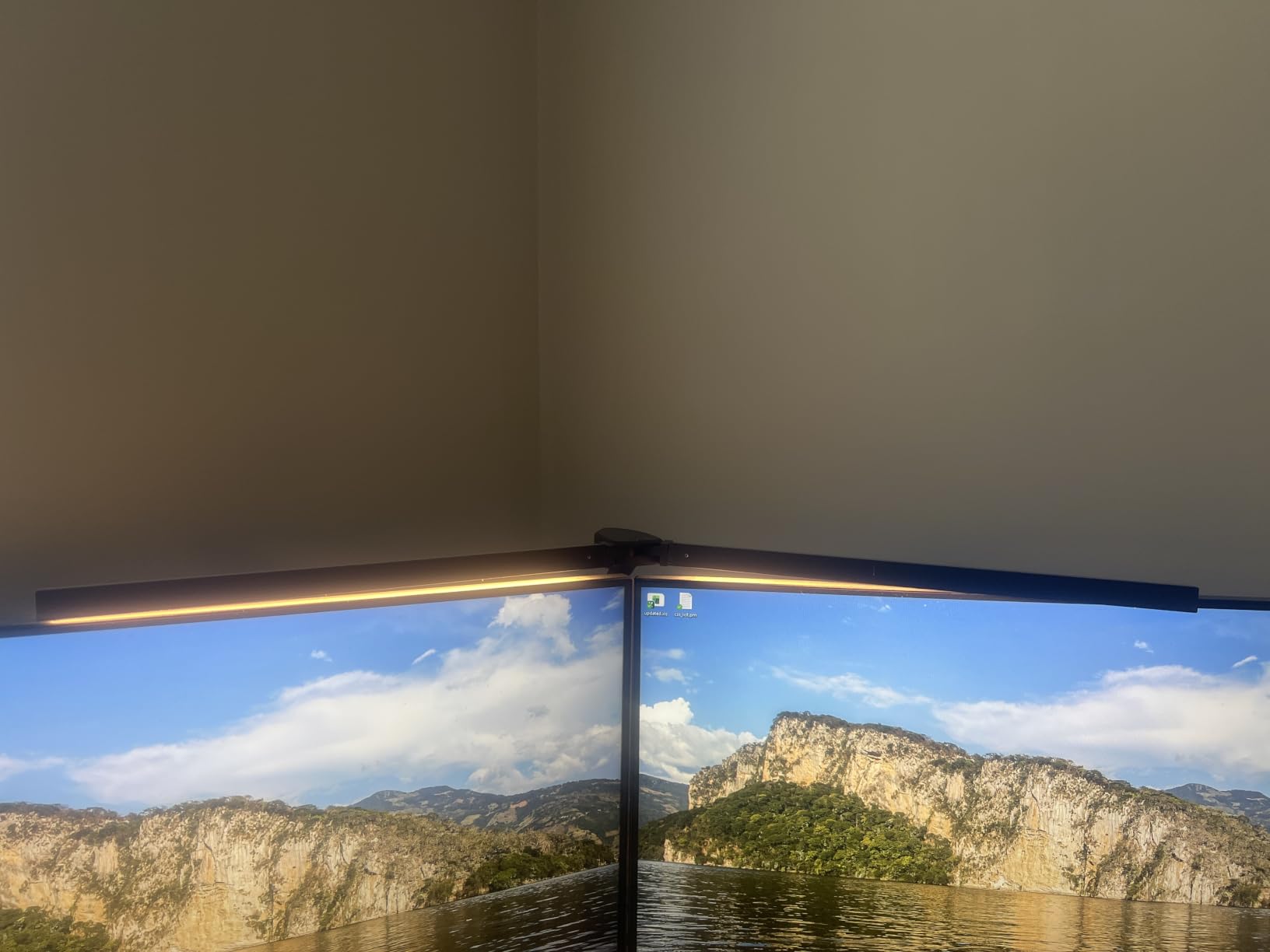
Monitor arms solve the tidy-desk problem and create a lighting problem, because the screen now floats above and behind the desk edge. The Pzloz is one of the few affordable lamps that solves it, and owners with dual 27-inch setups describe it as the lamp that finally worked for them.
The geometry is what makes that possible. A 360-degree standing pole, 180-degree foldable swing arms and a 270-degree rotatable head give enough travel to position the dual bars above and behind the monitors, throwing light down onto the desk from behind the screens rather than reflecting back off them. At 24 watts with a CRI above 90, the output is genuinely bright without being harsh.
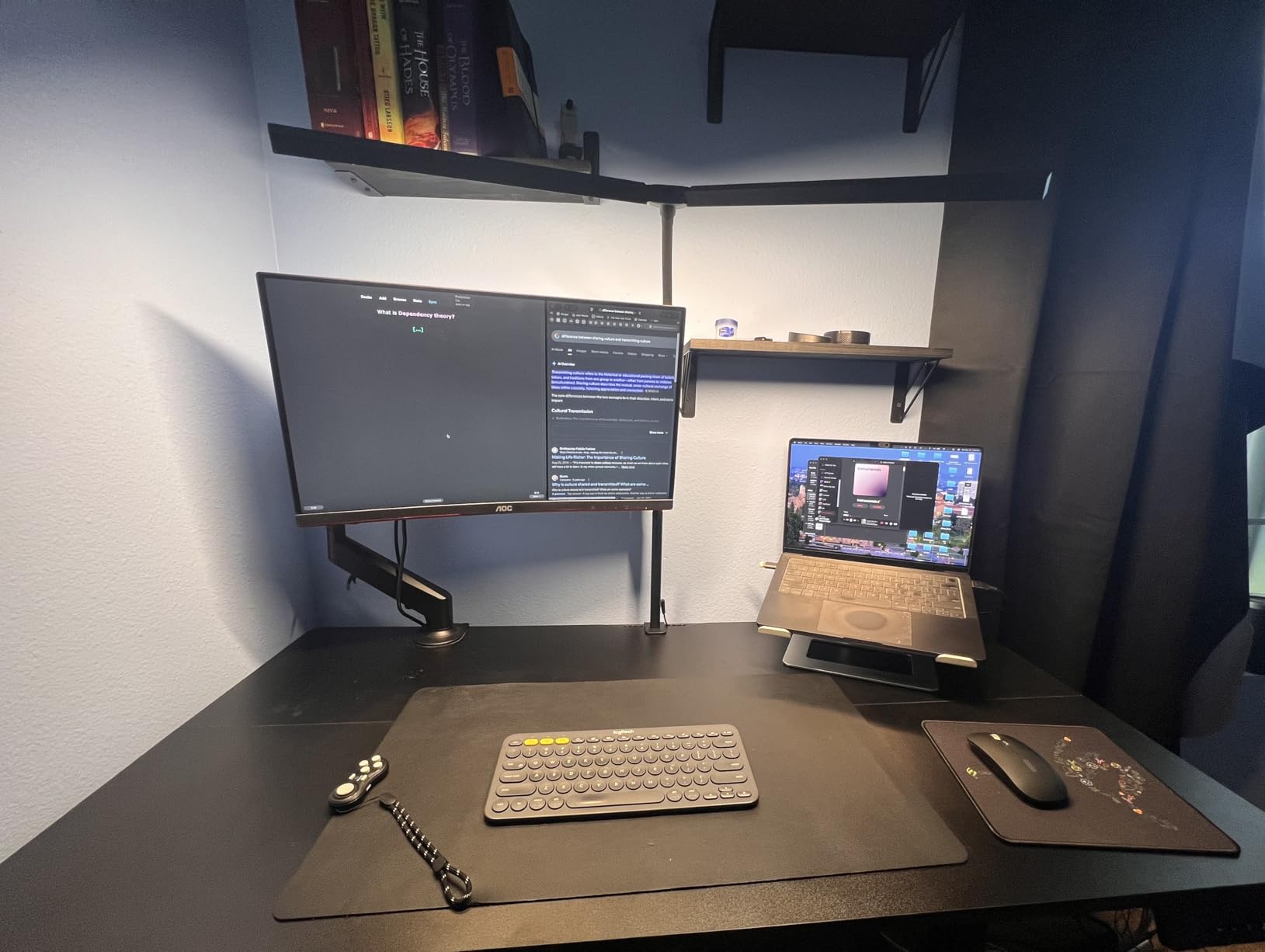
There are 25 combinations from five colour temperatures at 3000K through 5500K and five brightness levels from 20 to 100 percent, plus dedicated night-light and reading modes. The 45-degree tilt asymmetric design, no-flicker output and reduced blue light hazard rating all sit alongside the colour accuracy.
Controls are remote-only, and that is the most repeated complaint about it. There are no buttons on the lamp itself, the remote needs AAA batteries that are not included, and occasionally it stops responding until you power-cycle the unit. If you dislike depending on a remote, look at the LEPOWER instead.
Where to put it: clamp to the rear edge of the desk behind the monitor arms, then run both bars forward and up so the light lands on your desk surface at a shallow angle. Keep the bars above eye level, which is what stops the reflection on the screens.
Who this lamp suits
Dual-monitor and ultrawide users, particularly anyone whose monitors sit on arms or a riser. The range of motion is the best in this group for repositioning around tall hardware.
It suits colour work reasonably well too, with a CRI above 90 covering most drafting, illustration and craft tasks, though the Micomlan CRI 95 lamp is sharper for judging fabric and paint.
Who should skip it
Anyone who fidgets with brightness. Remote-only control is a genuine friction point, and the remote glitching mid-session is exactly the kind of small irritation that makes a good lamp feel unreliable.
The clamp offset also leaves the base slightly off-centre, which bothers people with very symmetrical monitor arms.
5. LEPOWER 800-Lumen Lamp – RG0 Beads for Night Work
LEPOWER Desk Lamp, 800LM LED for Home Office, True Eye-Caring for Reading
- RG0 rated beads block hazardous blue light per IEC 62778
- Wide panel covers a 50 inch area at 800 lumens
- 50 combinations from 5 colour temperatures and 10 brightness levels
- Stepless slide bar plus memory function
- Works with voice control
- Touch sensor can be triggered by a cord brushing the base
- Base feels light to some owners
- Awkward cable connector during assembly
The LEPOWER is the one I would pair with an evening schedule, because its beads carry an RG0 rating under IEC 62778, the standard that governs blue-light hazard. That does not mean the lamp is magic. It means the short-wavelength output has been tested and kept below the hazard threshold, which is more than most lamps in this price range will tell you.
Light output is 800 lumens and 1400 lux spread across a 50-inch area, achieved with a panel roughly twice the width of a conventional head. Wide, even coverage matters more than raw brightness for a desk lamp, because a narrow pool of light forces your eyes to keep refocusing between bright and dim zones.
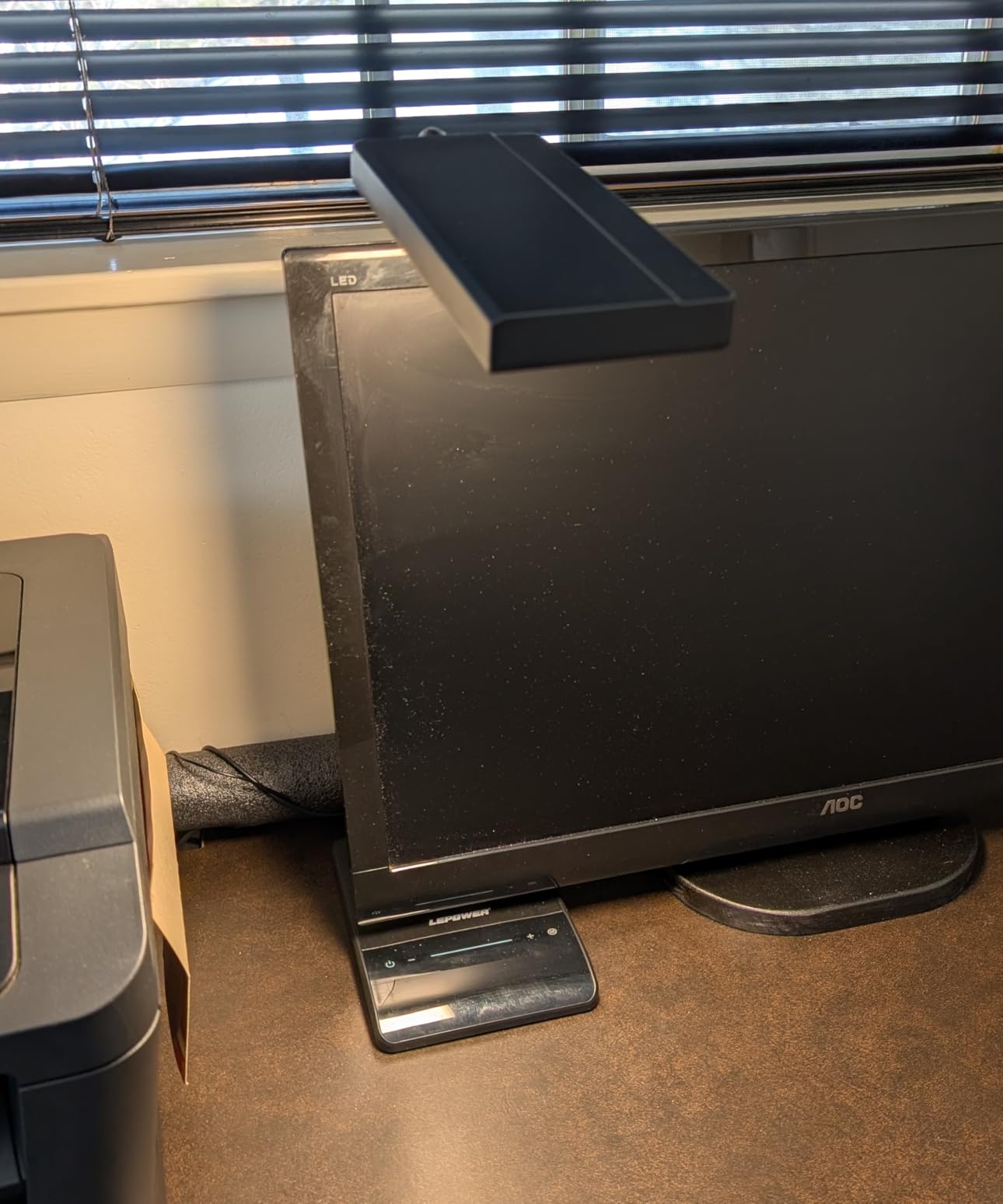
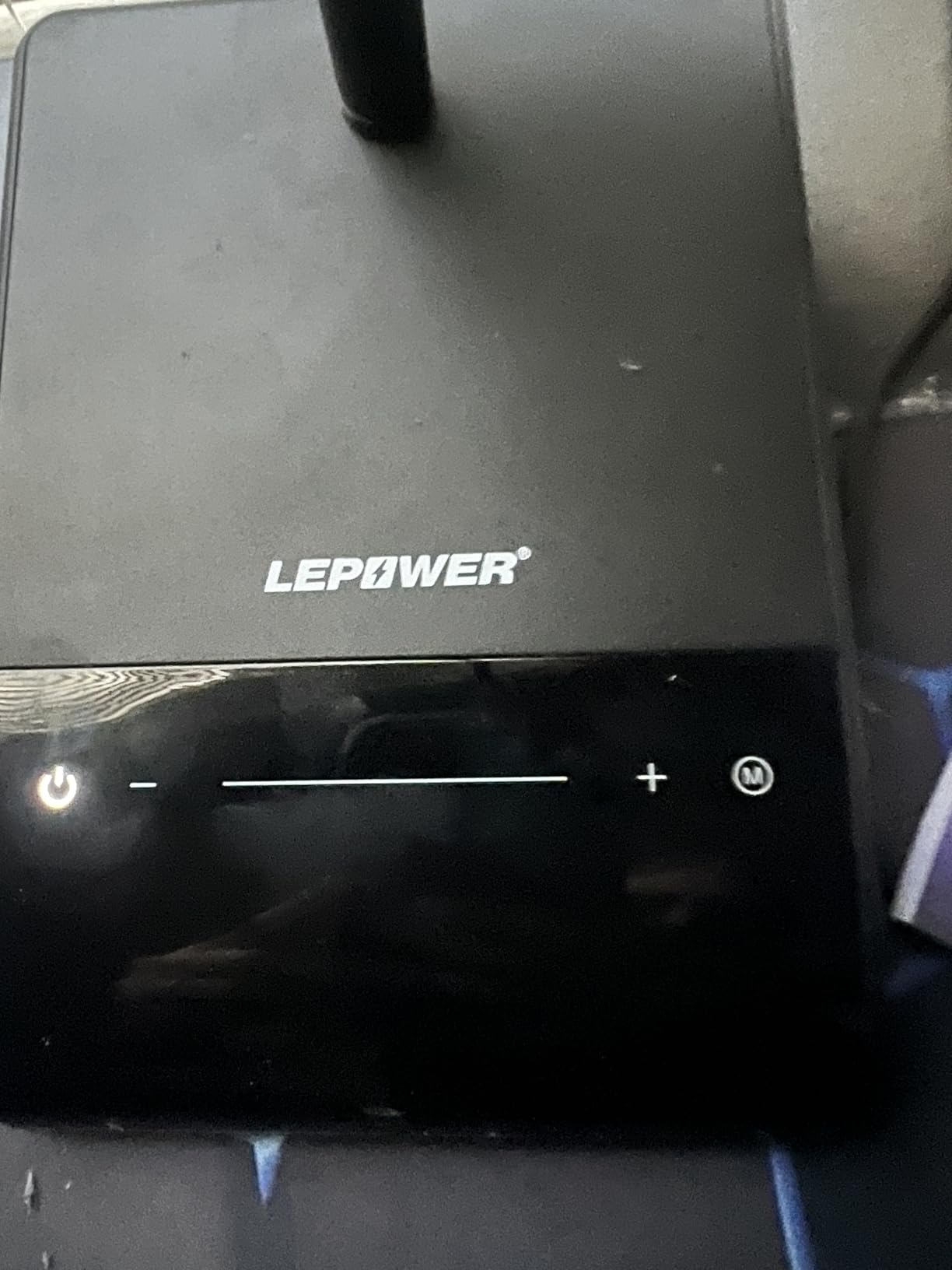
Controls are the strongest part: 50 combinations from five colour temperatures and ten brightness levels, a stepless slide bar in addition to the plus and minus touch buttons, and a smart memory that restores your last setting. The 360-degree metal gooseneck holds a position well once set, and the lamp responds to voice control, which is handy when your hands are busy.
Two ergonomic complaints recur. The touch sensor is sensitive enough that a charging cable brushing the base can change the brightness, and some owners find the base light enough to tip if knocked. Assembly also involves routing the cable through the post and gooseneck to a small connector pin, which is the fiddliest part of setup.
Where to put it: the wide panel makes this a good candidate for a slightly higher position than a spot lamp. Set it about 24 inches to the side of your monitor with the head angled down, so the light covers the desk without crossing the screen at a shallow angle.
Who this lamp suits
Evening and night workers, dorm rooms, and anyone who is light-sensitive or works in a dim room for hours. The RG0 rating is a genuine reason to pick this one over a cheaper alternative with the same headline lumens.
Owners also buy multiples for sewing and craft rooms, where a 50-inch lit area at 1400 lux reduces shadow across fine work.
Who should skip it
Anyone who needs colour accuracy for professional work. No CRI figure is published, so there is no way to judge how it will render colour, and colour-critical work deserves a lamp that states its CRI.
The base footprint is also larger than the light head warrants, which matters on a small desk, and only black and grey finishes are offered.
6. SUPERDANNY Clamp Lamp – Dims All the Way Down
- 45 degree beam sends light to the desk and claims 30 percent less screen glare
- Continuous 10 to 100 percent dimming on every colour temperature
- 360 degree gooseneck reaches 30 inches and clears large monitors
- Metal clamp with a silicone pad that will not scratch the desk
- Runs from a USB adapter
- power bank or computer
- Only 3 colour temperatures against 4 or 5 on rivals
- 12W output is modest for a very large desk
- Clamp-only design needs a compatible desk edge
This lamp answers the complaint that comes up most often in desk-lamp discussions: almost nothing dims low enough. Most budget lamps bottom out around 20 or 30 percent of full output, which at eleven at night is still a lit desk. The SUPERDANNY runs continuous dimming from 10 to 100 percent on every one of its colour temperatures, and that low floor is why it earns a place here.
Its other strength is geometry. The 45-degree asymmetric beam is designed so light lands on the desk rather than traveling toward your eyes or reflecting off the monitor, with a claimed 30 percent reduction in screen glare. The 360-degree gooseneck reaches a maximum height of 30 inches, which is tall enough to clear monitors between 15 and 29 inches.
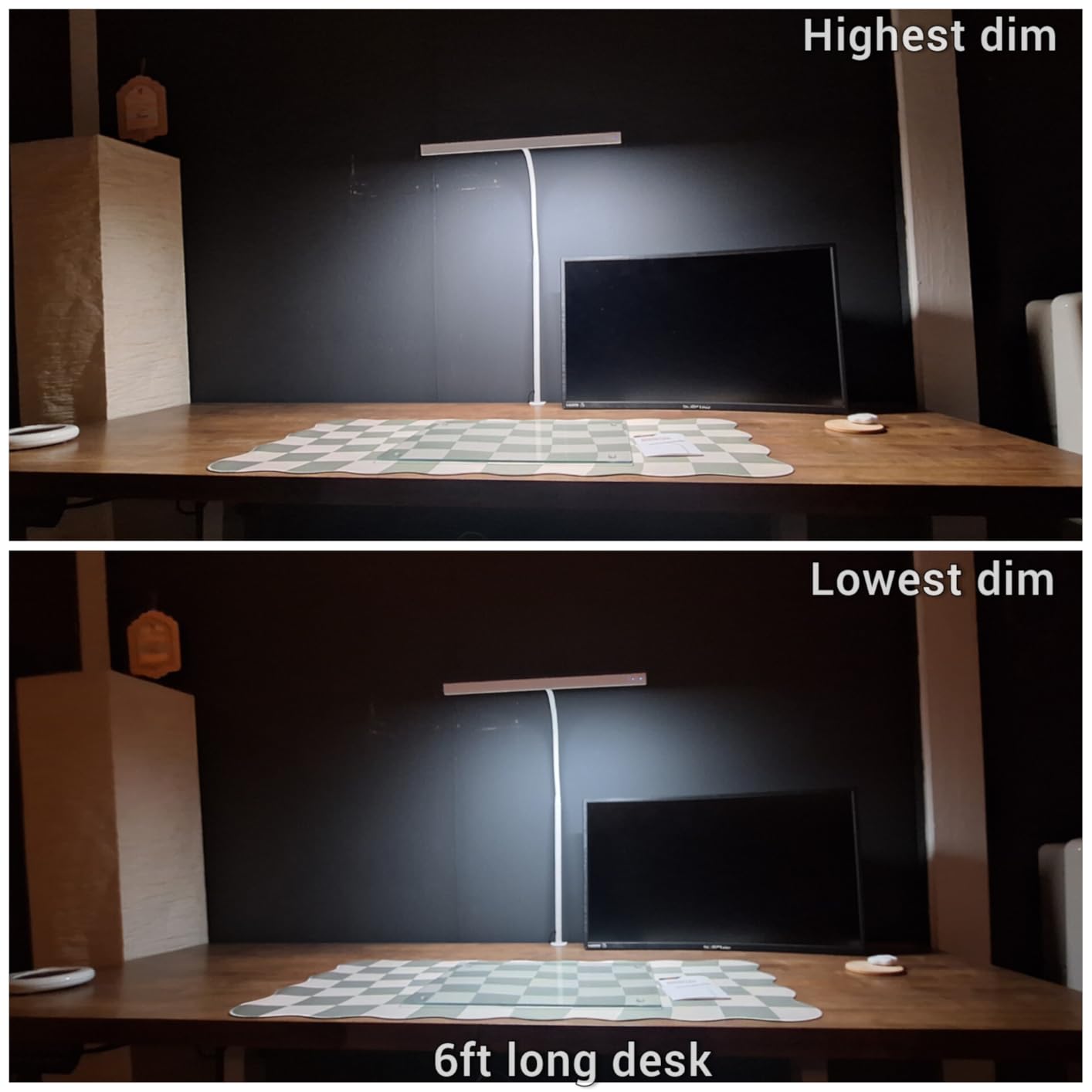
Sixty individual LED elements give uniform coverage, and there are three colour temperatures at 3000K, 4000K and 6000K. The clamp is metal with a silicone pad, which means it grips a thick desktop without leaving marks, and the whole thing runs from the included 5V USB adapter, a power bank or a computer.
Being honest about the limits: 12 watts is modest, three colour temperatures is fewer than most rivals here offer, and the clamp means it simply will not work on a desk without a compatible edge. Grey is the only finish.
Where to put it: clamp to the front corner of the desk nearest your non-dominant hand, set the head at about 20 inches from the monitor and angle it down. Because the gooseneck is tall, you can also place the base behind the monitor and arc the light forward over the top.
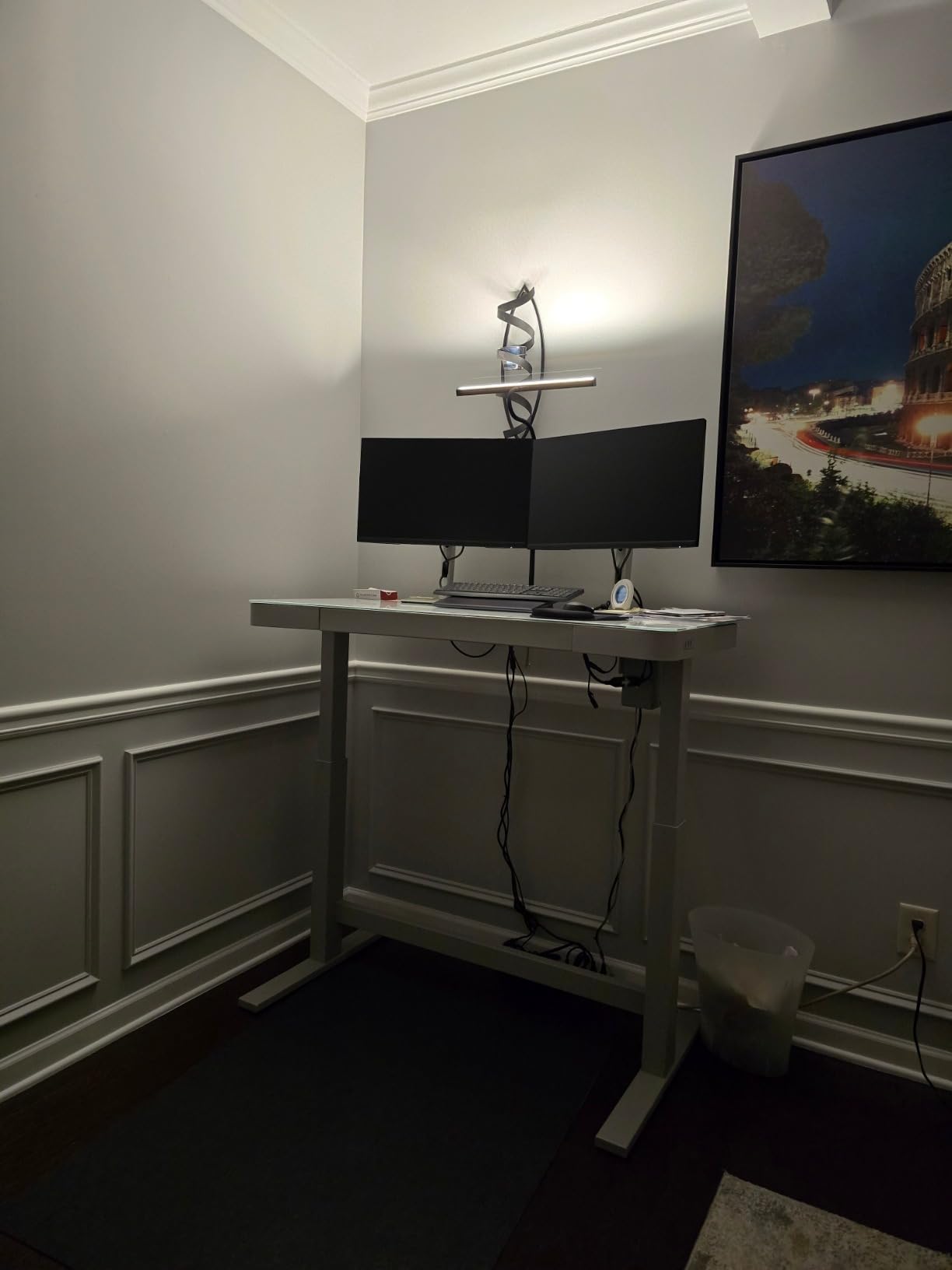
Who this lamp suits
Anyone working late, students revising in the evening, and people in shared flats where a bright overhead light is not an option. Running it from a power bank is a genuinely useful trick for a power outage or a load-shedding evening.
The 30-inch reach also makes it one of the better budget options for anyone with tall monitors on a riser.
Who should skip it
Colour-critical work, since only three colour temperatures limits how closely you can match a specific tone. It is also not the choice for a wide desk, where a single 12-watt head will leave the far end noticeably dimmer.
If your desk has no clampable edge, for example a solid wall-mounted slab, cross it off the list. Every clamp lamp here has the same limitation.
7. Motumen Dual-Head Clamp Lamp – Remote Control From the Sofa
Motumen Led Desk Lamp for Home Office, Eye-Care Desk Light Clamp, Black
- Dual heads spread light across a wider desk area
- 5 colour temperatures and 5 brightness levels with memory recall
- 168 LED elements give even illumination
- Remote works from up to 10 meters
- One-hour auto-off timer and on-lamp buttons as backup
- Remote-first design with limited buttons on the lamp
- 14W output is modest beside 20 and 24W rivals
- Clamp mount rules out desks with no accessible edge
Users in home-office forums keep returning to one desire: the ability to change the light without getting up. The Motumen answers that with a remote that reaches up to 32.8 feet, or 10 meters, which sounds excessive until you realise it also reaches across a room when you are working on a sofa or in bed with a laptop.
Optically it is a competent dual-head design. 168 LED elements spread across two heads give even coverage, with five colour temperatures from 3000K to 6500K and five brightness levels from 20 to 100 percent, plus a memory function that restores your last combination. A one-hour auto-off timer is a small touch that matters for anyone who falls asleep at a desk.
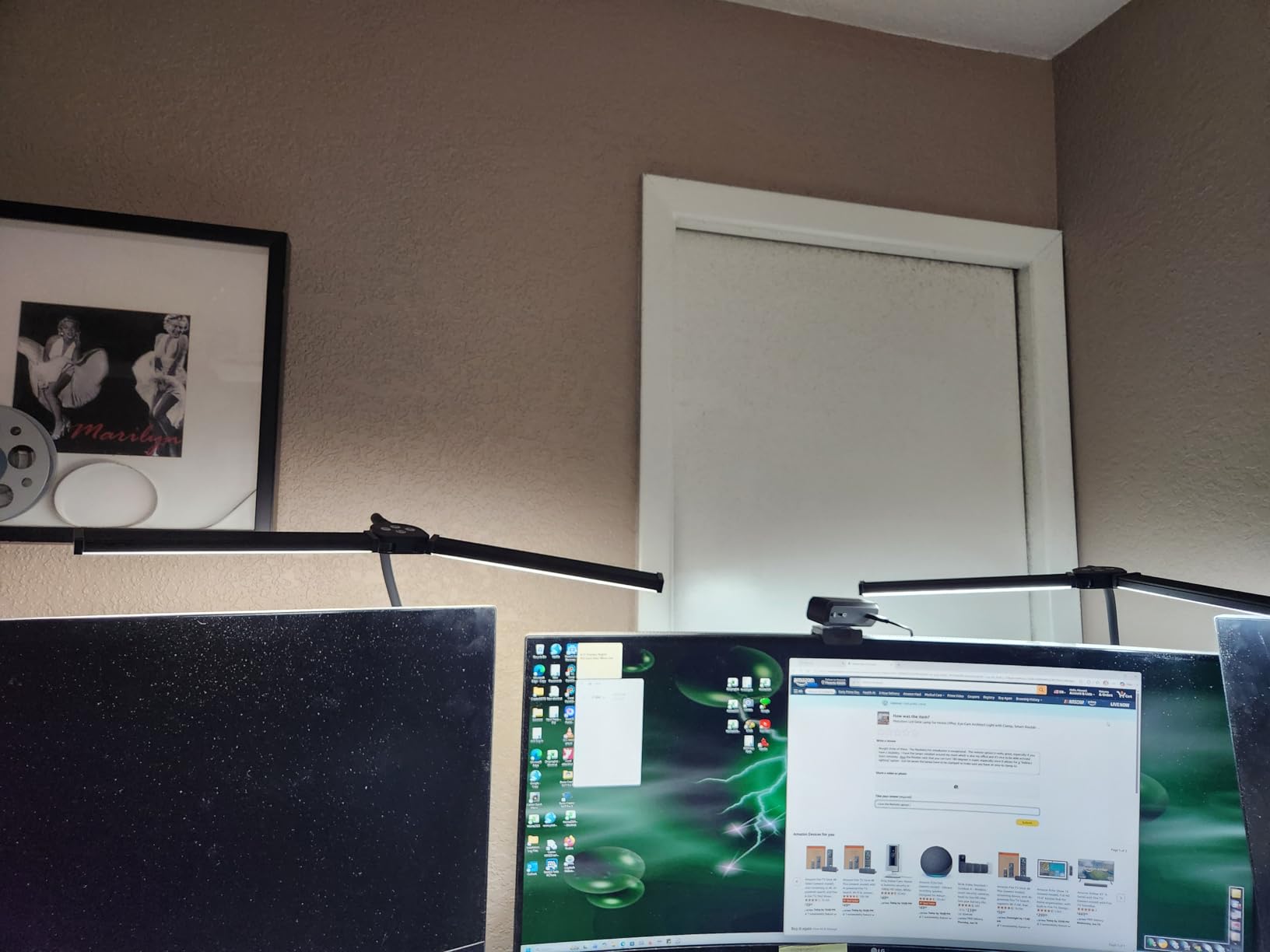
The 360-degree gooseneck and compact clamp keep the footprint small, which is useful on a modest desk, and there are basic buttons on the lamp itself as a fallback when the remote is out of reach in another room.
At 14 watts, the output sits in the middle of this group. It handles a single large monitor and a keyboard well, and the dual heads cover more ground than a single head at the same wattage, but it will not light a corner desk end to end. The clamp also means it needs a desk edge it can grip.
Where to put it: set it to one side, out of the monitor’s vertical plane, and aim one head at the keyboard and one at your notes. Keep both heads angled downward; raising one to wash the wall is fine, but pointing it near eye level is not.
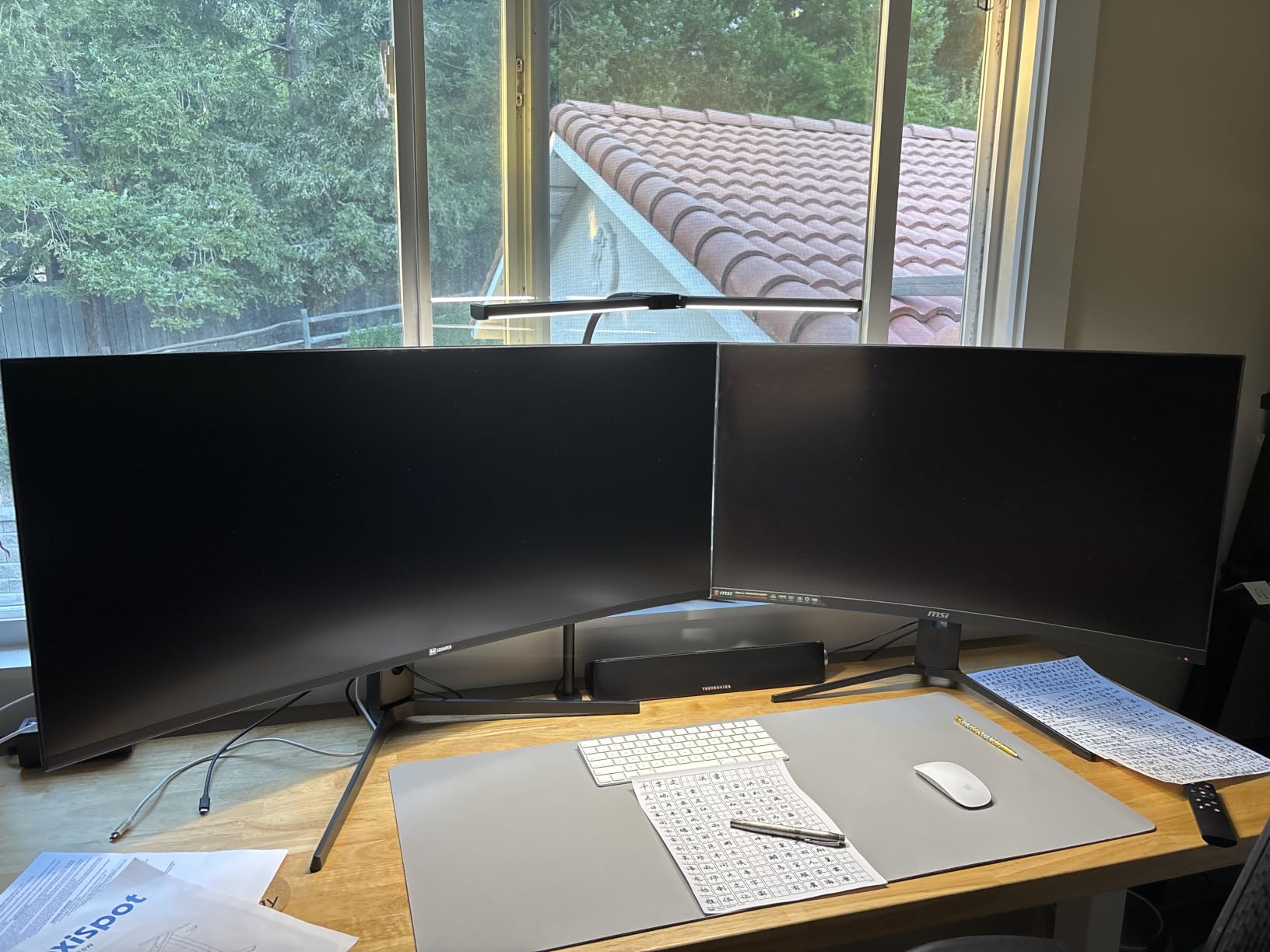
Who this lamp suits
People who alternate between a desk and a sofa, and anyone who wants the timer function. The 10-meter remote range is also useful in a studio or a shared studio space where the lamp is not next to you.
For anyone building out a full setup, our round-up of desk lamps with wireless charging covers a different kind of convenience feature.
Who should skip it
People who want tactile control. There is a set of on-lamp buttons, but the intended way to use this lamp is the remote, and if you lose it the lamp becomes a good deal less pleasant to operate.
It is also not a match for very large desks, and the one-year warranty is the shortest covered here.
8. Micomlan CRI 95 Clamp Lamp – For Colour-Critical Work
- CRI 95 is the highest stated colour accuracy in this roundup
- All aluminum body sheds heat and runs cool
- Ultra-wide clamp with a silicone pad fits desks up to 2.5 inches thick
- 7 rotatable parts for precise direction
- 30-minute delay-off timer and memory function
- 46 inch arm footprint is large for a compact desk
- 12W output is below 20 and 24W lamps
- Designed for indoor use only
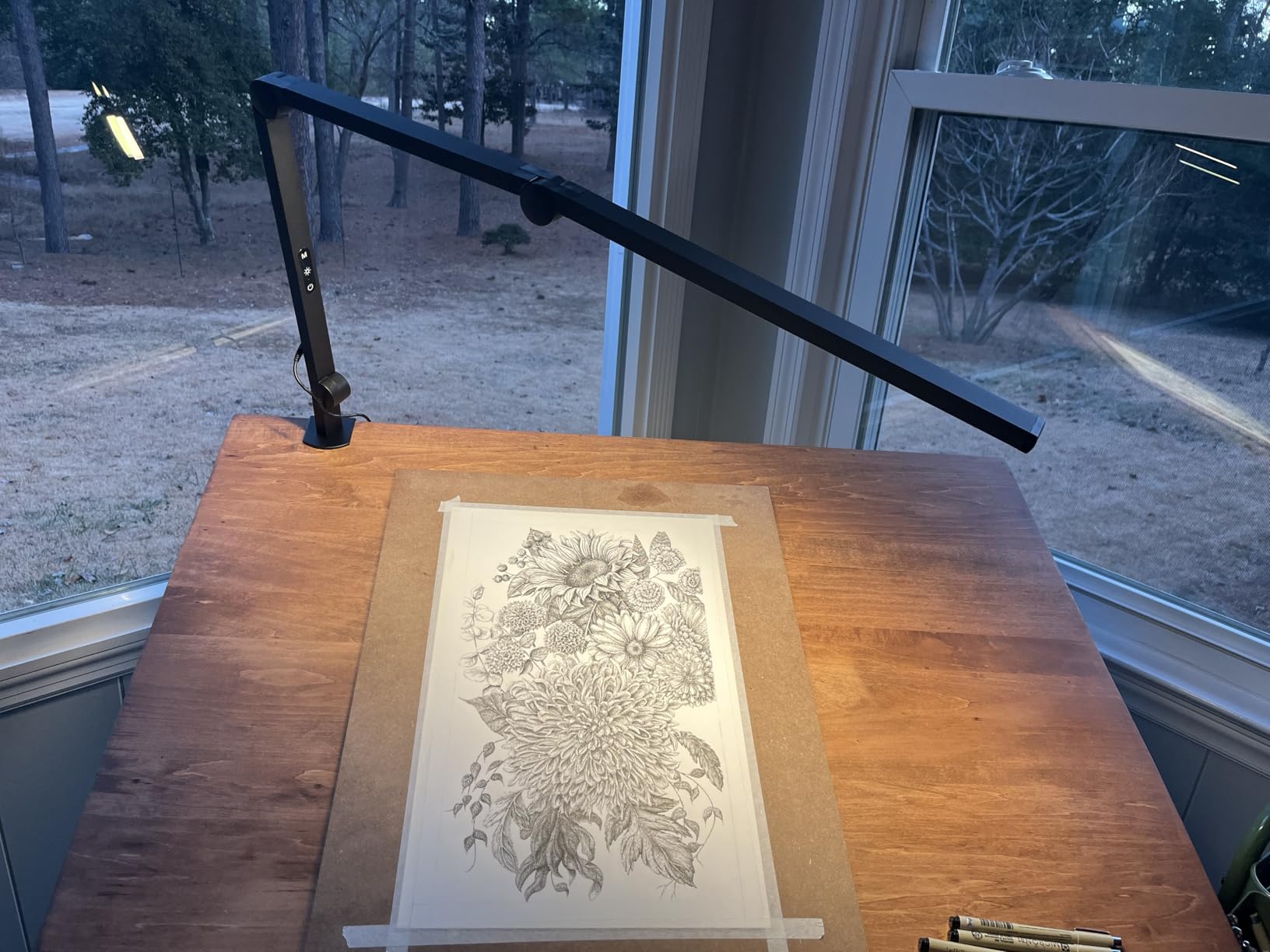
If you sew, paint, draft or edit photos, this is the lamp to shortlist. Its CRI of 95 is the highest published figure among these ten, and colour rendering is the single spec that matters most when the thing under your light has a colour you are judging rather than reading.
The build supports the specification. An all-aluminum body dissipates heat far better than the plastic shells used on cheaper lamps, which shows up in the longevity of the LED output and in how the lamp feels after a few hours. Seven rotatable parts give unusually fine control over direction and angle for a lamp at this level.
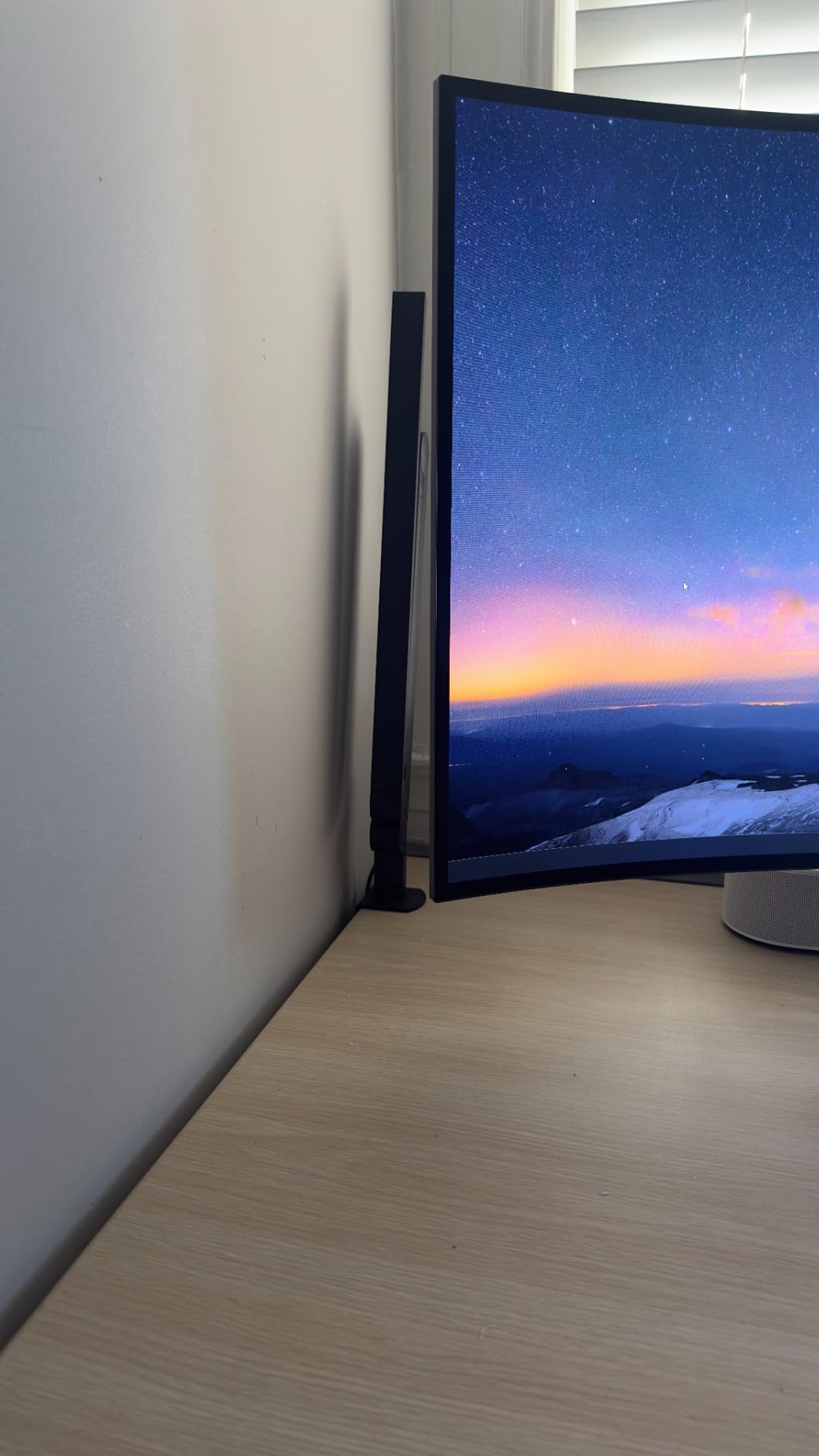
Light control runs across four colour temperatures and five brightness levels, giving 20 combinations, with flicker-free, low-glare output and low blue light content. The clamp is unusually accommodating: an ultra-wide metal design with a silicone pad that grips desktops up to 2.5 inches thick, and it can also clip to bookshelves, shelving, a sofa sideboard or a headboard if you want light somewhere other than a desk.
Two cautions. The 46-inch arm is a large footprint for a compact desk and you will feel it every time you reach past it. At 12 watts the output is modest, so on a big surface the far corners will need help.
Where to put it: for judging colour, get it close to the subject rather than far away, positioned opposite your dominant hand and angled steeply down so it rakes across the surface and reveals texture. Pull it back further for reading, where a broader wash is easier on the eyes.
Who this lamp suits
Sewists, woodworkers, illustrators, scrapbookers, and anyone doing detailed craft work where a wrong colour judgement costs money. Hobbyists consistently name this as the reason they bought it.
The 30-minute delay-off timer also makes it useful as a bedside lamp for reading, if your bedside table has an edge you can clamp to.
Who should skip it
Small desks. A 46-inch reach that is a benefit on a large surface is a nuisance on a 48-inch-wide table, where the arm simply gets in the way of your mouse hand.
Anyone needing high output for a bright room, and anyone using it outdoors, since it is rated for indoor use only.
9. Honeywell HWT-H2 – Full Spectrum With Charging Ports
Honeywell HWT-H2 LED Desk Lamp, Eye-Caring Full Spectrum, USB Charging
- CRI 94 full spectrum output with RG1 low blue light technology
- 4 colour temperatures from 2700K to 5700K with stepless 10 to 100 percent dimming
- 11 inch head gives even low-glare coverage across desk and monitors
- Folds flat to save space
- Built-in USB-A and USB-C ports plus a 30-minute timer
- Weighted base occupies desk surface rather than clamping
- 550 lumens is modest for a large multi-monitor workspace
- 30000 hour lifespan rating trails some rivals
The Honeywell is the most recognisable lighting name here, and the HWT-H2 is the version that quietly does almost everything right. Forty-eight Sunturalux LED beads deliver 550 lumens at a CRI of 94 or better with RG1 low blue light technology, which is a strong optical package for a lamp that also happens to charge your phone.
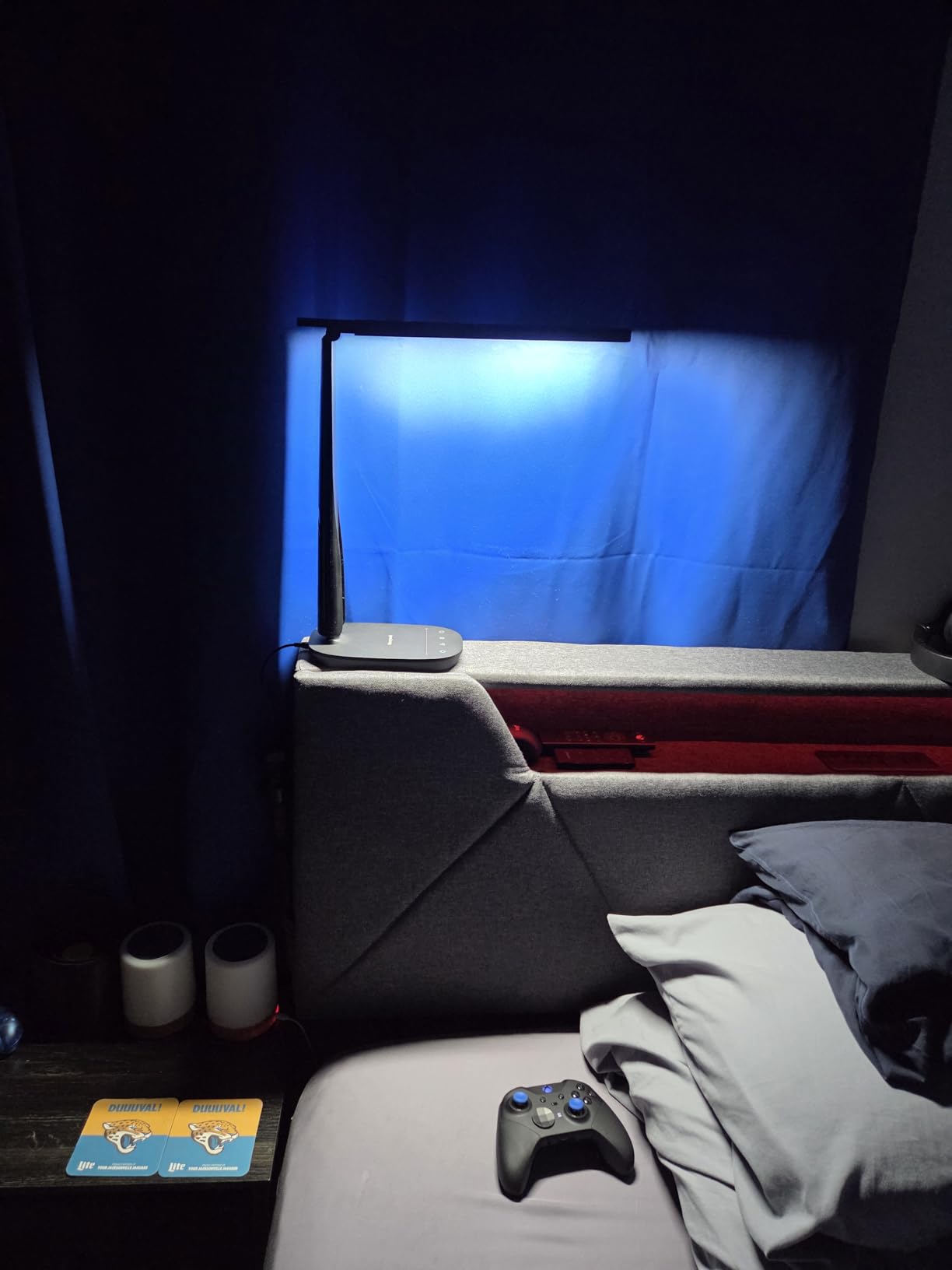
For eye comfort, the important details are the four colour temperatures from a warm 2700K to a cool 5700K, and stepless dimming from 10 to 100 percent. That warm end is genuinely useful for evening work, where a lamp that can drop to 2700K lets you wind down without switching the desk light off entirely.
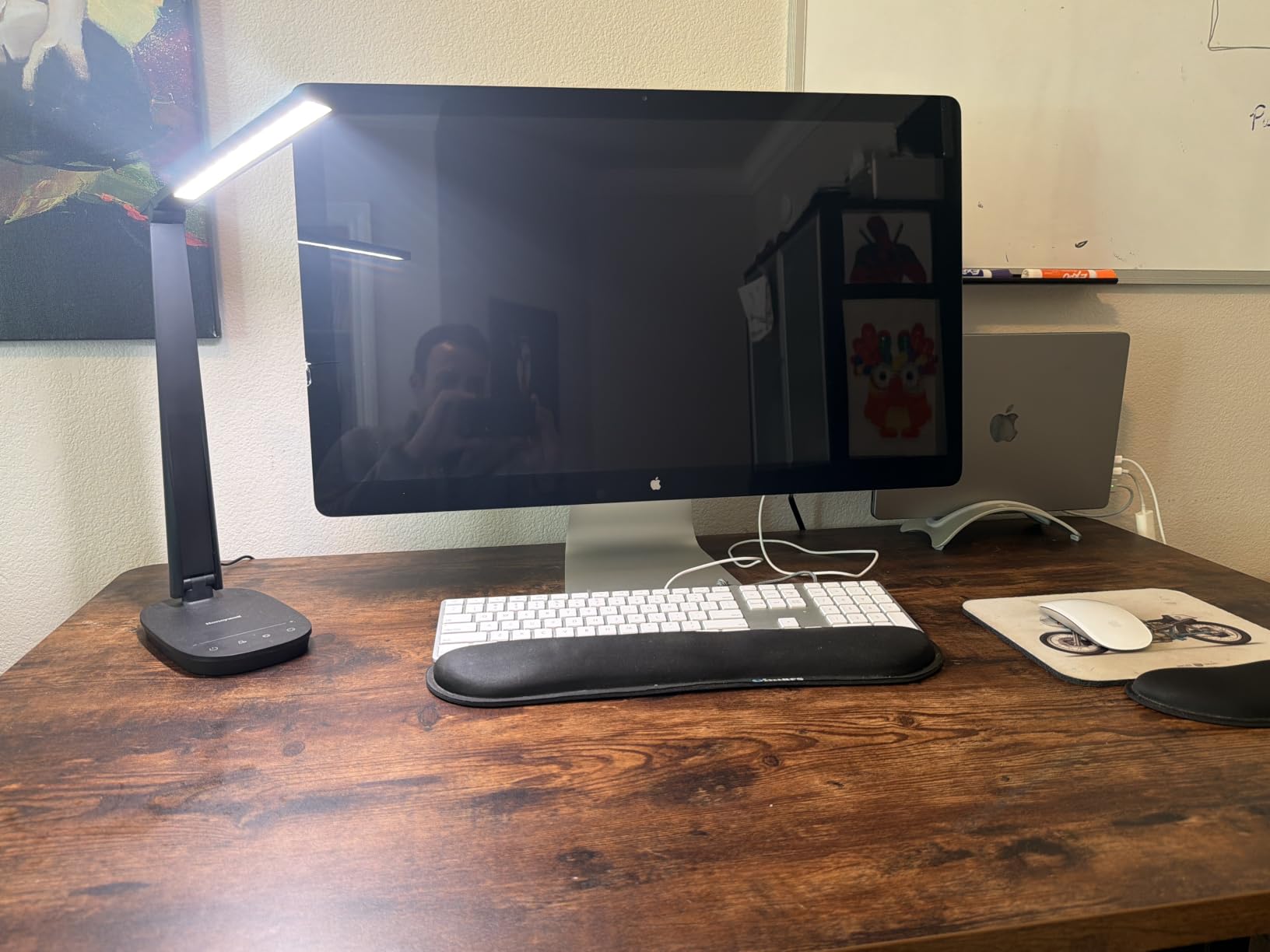
The 11-inch rectangular head is wide and flat, which spreads light evenly across your desk, keyboard and monitors with fewer shadows than a round head. The folding multi-angle structure means it collapses down when you are not using it, which matters more than it sounds on a small desk that doubles as a dining table.
The base carries USB-A and USB-C charging ports, so a phone, tablet or pair of earbuds can charge overnight without a second brick on your desk. There is also a 30-minute auto-off timer and a memory function. Our guide to the best desk lamps with wireless charging covers the next step up in that convenience category.
The trade-offs are honest ones. At 550 lumens this is not a lamp for a three-monitor workstation, and it stands on a base rather than clamping, so it takes up desk surface you may not have. The 30,000-hour rated lifespan also sits below the 40,000 and 50,000 hour figures some rivals claim.
Where to put it: behind and slightly to one side of the monitor is the best use of a wide flat head, since the light comes down over the top of the screen and lands on the desk. Keep it around 20 inches back so the head is above your sightline.
Who this lamp suits
Shared desks and small home offices, where the folding body and the built-in charging ports each remove clutter. The two-year warranty and the 30,000-hour rating also make it a sensible long-term buy.
Readers benefit from the 2700K warm end, and anyone who works late will appreciate being able to dim to 10 percent while keeping some colour.
Who should skip it
Large desks and multi-monitor arms, where 550 lumens will not carry the space. It is also a poor choice if your desk surface is already full, because a base lamp needs base space that a clamp lamp does not.
If your work depends on accurate colour, the Micomlan CRI 95 lamp is the safer bet at nearly the same optical class.
10. ShineTech Double-Head Clamp Lamp – Widest Light Span
- 31.5 inch double head spans desks up to 71 inches
- 26.7 inch height clears most monitors and laptops
- 20W and 1400 lumens with CRI over 90
- 50 combinations with 10 and 45 minute auto-off timers
- Sturdy metal clamp with an EVA pad protects the surface
- Clamp compatibility needs checking on thin or crowded desks
- Push-button control rather than touch or remote
- Shortest review history of the picks here
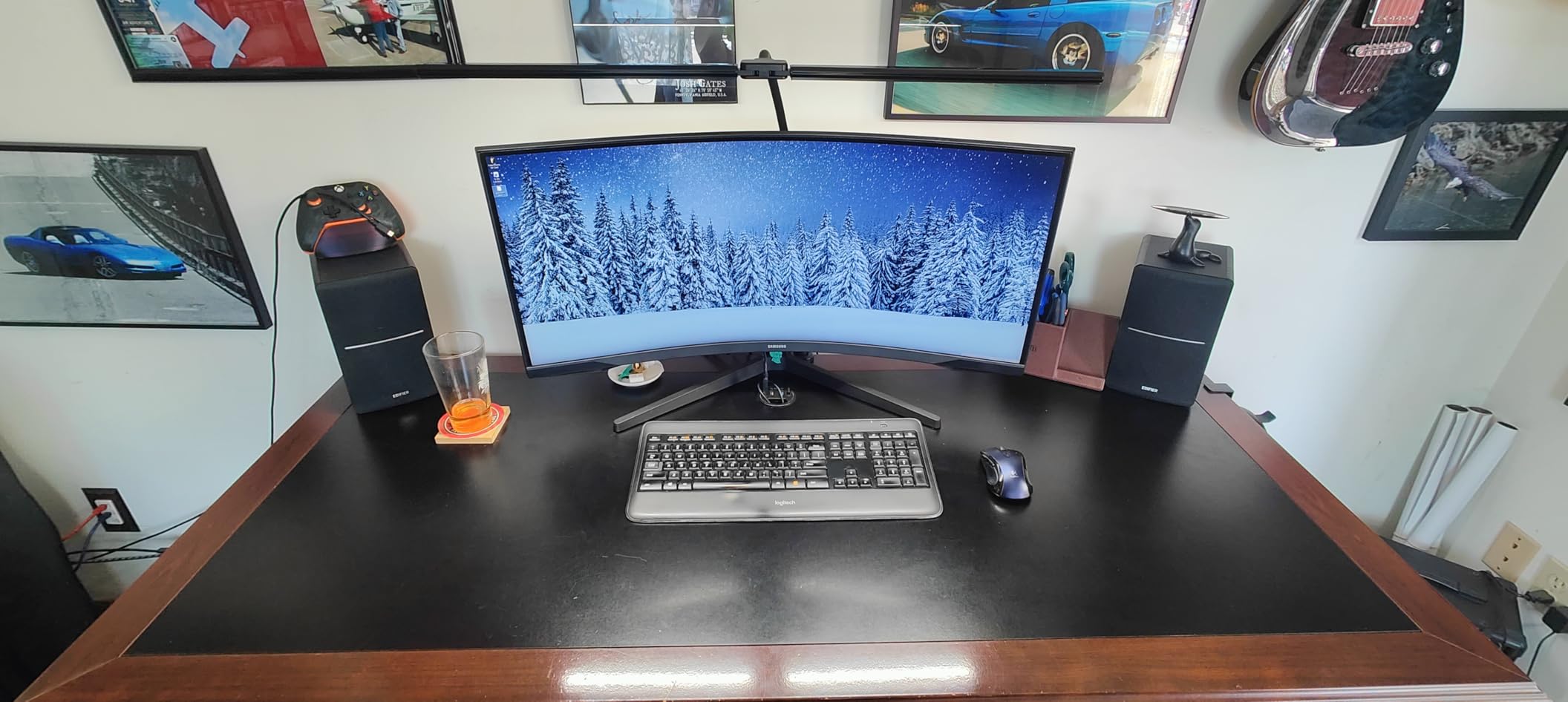
The ShineTech is included for one reason: the span. A 31.5-inch expandable double head covers desks up to 71 inches, and at 20 watts and 1400 lumens with a CRI above 90, it puts a genuinely even wash across a very large work surface. If you have a long desk, a drafting table or a corner L-shape, this is the only lamp in the group that covers it without help.
Height is the second advantage. At 26.7 inches, the gooseneck arm clears most monitors and open laptops without crowding the screen, and the 360-degree gooseneck with 180-degree adjustable heads lets you aim each side independently.
Light control is thorough: five colour temperatures from 3000K to 6000K across ten brightness levels, giving 50 combinations, with flicker-free output and a CRI above 90 intended to reduce fatigue over long hours. Two auto-off timers at 10 and 45 minutes are genuinely useful at night, and the memory function means the lamp restarts exactly as you left it.
Where it earns its rating rather than a higher one: the controller is a push button rather than touch or remote, the clamp needs a compatible desk edge up to 2.9 inches thick, and it has the shortest review history of anything we have listed. Check your desk thickness before you commit.
Where to put it: clamp to the rear edge of a long desk, between the two work areas rather than at one end, then angle each head outward and down. Centring the lamp behind the monitor is what lets a wide head light a wide desk.
Who this lamp suits
Long desks, corner desks and anyone who has given up on lighting an entire surface with one lamp. It also works for two people sharing one desk, since each head can serve a different seat.
The two timers and the memory function make it convenient for people who work to a schedule and want the light to shut itself off.
Who should skip it
Small desks. A 31.5-inch head is not a benefit at 48 inches wide, and you will be constantly folding it out of the way. Push-button control also means no dimming while your hands are on the keyboard without looking.
If colour accuracy matters, its CRI above 90 is good but not class-leading, and the Micomlan and Honeywell lamps state higher figures.
Eye Strain and Screen Glare Are Two Different Problems
Most people describing tired eyes at a desk are describing two separate things at once, and lamps sold as eye-care products rarely explain the difference. Glare is about light landing on the screen or in your line of sight. Strain is about the quality and stability of the light itself over hours. One lamp can fix glare and do nothing for strain, and another can do the reverse.
Glare is fixed by geometry. If light bounces off your monitor and back at you, move the lamp so the light is not reflected. The solution is off-axis placement, aiming at the desk instead of the screen, or bouncing light off a wall behind or beside the monitor so it arrives from a direction the panel cannot mirror.
Strain is fixed by the light itself. Flicker-free drivers stop the invisible pulsing that fatigues the eye, a high CRI stops colours looking washed and flat, a diffuser spreads a point source into an even panel, and dimming down to 10 or 20 percent lets you match the lamp to a dark room in the evening. A bright, perfectly positioned lamp in a pitch-black room still causes strain, because the contrast between the screen and the room is doing the damage.
Users in r/Workspaces describe this last point more clearly than any spec sheet: both extremes hurt. Too little light and too much light produce the same afternoon headache, and the fix is matching, not maximising.
Six Features That Decide Whether a Lamp Helps Your Eyes
1. Flicker-free output. Cheap LEDs pulse their current rapidly to dim, and the flicker is invisible but the eye still registers it. Look for an explicit flicker-free claim or a low blue light hazard standard such as IEC 62778. Among these ten, the LEPOWER is the one that states the rating.
2. A dimming floor below 20 percent. This is the single most requested feature and the one most often missing. If you work at night, check the lowest brightness step, not the highest. The SUPERDANNY runs continuous 10 to 100 percent dimming and the Honeywell matches that floor, while several others stop at 20 percent.
3. A wide colour temperature range. Aim for at least 3000K to 5000K, and 2700K to 5700K if you work into the evening. A fixed-temperature lamp forces you to choose between a warm room at nine at night and a cold one at nine in the morning. Note that the 5000K-plus settings are for mornings and daytime alertness, not for evening comfort.
4. A high CRI. The colour rendering index describes how accurately a light shows true colour, from 0 to 100. Anything above 90 is good, and the four lamps here that state their figure all sit at 94 or above. The Micomlan at 95 is the highest, followed by the Honeywell at 94, then the Micomlan and Pzloz and ShineTech at above 90.
5. A diffuser rather than bare LEDs. Exposed LED elements behave as point sources and produce sharp, distracting hotspots. A frosted panel or a light guide panel turns that into an even wash. The Lepro’s frosted shade and the TROND’s light guide panel are the clearest examples in this group.
6. Enough range of motion to get the light off your screen. A gooseneck is fine for a small desk. A multi-joint or folding arm is better when you need to place light above and behind a monitor, and a clamp base is the only option when desk surface is scarce. Judge the arm on whether it holds position after adjustment, not on how many joints it claims.
For people with low vision or sensitive eyes, the priorities shift. High output matters more, contrast matters more, and a large, even source matters more than a narrow spot. That points toward the Micomlan 24W and the ShineTech double head for brightness, and toward the Lepro or TROND for the gentlest, most diffuse output. Blue light is a secondary concern compared with brightness mismatch and glare.
Where to Put the Lamp Relative to Your Monitor
Placement does more for eye comfort than any specification on the box, and it is the step most people skip. The working rule is simple: the lamp goes to the side of your monitor or behind it, never behind you, and never in your direct line of sight between your eyes and the screen.
Start with the 18 to 24 inch side rule. Place the lamp 18 to 24 inches to one side of your monitor, at roughly the height of the top of the screen, with the head angled down at the desk. This lights your hands, your keyboard and your notes while leaving the screen face dark, which is the whole objective. The side you choose matters less than the distance.
For multi-monitor setups, move the lamp behind the screens. A lamp positioned behind and above the monitors throws light forward onto the desk from a direction the panels cannot mirror, which is the arrangement that fixed evening eye pain for most people posting in r/Workspaces. This is where the taller clamp lamps earn their keep, since only a 26-inch or greater gooseneck clears a monitor cleanly.
Then match brightness to the screen rather than to the room. Turn the lamp down until it is roughly as bright as your monitor feels, and adjust your monitor brightness to match the lamp. A bright lamp against a dim screen is just as fatiguing as a bright screen in a dark room. Practise the 20-20-20 habit alongside it: every 20 minutes, look at something 20 feet away for 20 seconds.
Finally, use the wall. A lamp aimed at a bare wall behind your desk bounces light back into the room from a broad, soft source, and several users report that this single change removed their evening headaches. Most lamps here can be reversed to do it, and the Micomlan’s upward-angled side bars do it by design.
When a Desk Lamp Is the Wrong Answer
For some setups, a monitor light bar or bias lighting behind the screen solves the problem better than any desk lamp. A light bar sits along the top of the display and washes the desk from directly above your eyeline, which is close to ideal geometry for a single monitor. Bias lighting, a strip behind the monitor, reduces the brightness gap between the screen and the wall behind it.
The catch, and it comes up consistently in user discussions, is that a light bar leaves a visible bright line along the top of the panel and a hot spot on the screen when you are not looking straight on. For a dual-monitor arm setup with a very wide desk, a clamp lamp remains the better answer. For a single small monitor in a dark room, a light bar is worth trying first.
The other case is a desk that already receives good window light during the day. If your room is bright at three in the afternoon, no lamp needs to carry the room, and a modest task light aimed at your keyboard is enough.
Frequently Asked Questions
Which desk lamp is best for reducing eye strain?
The best desk lamp for reducing eye strain is one with flicker-free LED output, a diffuser, adjustable colour temperature and dimming that reaches 10 to 20 percent. Among the lamps we looked at, the Lepro LED Desk Lamp is the strongest all-round choice, while the Micomlan 24W clamp lamp is the best on a wide desk. Placement matters more than the model: sit the lamp 18 to 24 inches to the side of your monitor, angled down at the desk.
Does a desk lamp cause or reduce eye strain?
A desk lamp can do either, depending on where it sits and how it behaves. A lamp behind you reflects off your monitor and directly increases glare. A lamp too bright for a dark room raises the contrast between screen and surroundings, which fatigues the eye. Placed 18 to 24 inches to the side of the monitor and dimmed to match your screen brightness, the same lamp reduces strain noticeably.
What kind of lamps are best for people with poor eyesight?
For low vision, brightness and even coverage come before colour temperature. Look for high lumen output, a large diffuse source rather than a narrow spot, and a wide beam that lights the whole surface evenly. A published CRI figure of 90 or above also helps, since low contrast makes small print harder to resolve. The Micomlan 24W clamp lamp and the ShineTech double head offer the most even coverage here, while the Lepro and TROND give the softest, most diffuse light.
Should my desk lamp be brighter than my monitor?
No. Aim for a close match rather than an obvious difference. If the lamp is clearly brighter, your pupils have to keep adjusting as your gaze moves between the two, which is a common cause of afternoon headaches. Turn the lamp down until it feels comparable to your screen, then adjust the screen brightness down slightly to meet it. A dim room with a bright lamp is just as harsh as a bright room with a dim screen.
How far should a desk lamp be from my monitor?
Around 18 to 24 inches to the side of the monitor, at roughly the height of the top of the screen, with the head angled down at the desk rather than across it. For multi-monitor setups, put the lamp behind and above the screens instead, angled forward onto the work surface, so light arrives from a direction the panels cannot mirror.
Are LED desk lamps bad for your eyes?
Not inherently. Problems come from specific design choices: bare LED elements acting as harsh point sources, visible flicker from low-quality drivers, and fixed colour temperature with no dimming control. LED desk lamps with a diffuser, flicker-free drivers, a colour temperature range and a low dimming floor are among the most comfortable options available. Look for a stated blue light hazard standard such as IEC 62778, which the LEPOWER lamp carries at RG0.
So the best desk lamps for office eye strain are not the brightest ones, they are the ones you can shape. The Lepro LED Desk Lamp is the pick for most people: soft diffused light, twenty-five combinations and a footprint small enough to ignore. If your desk is wide or your monitors are on arms, spend up to the Micomlan 24W clamp lamp for the asymmetric 45 degree beam and the side bars that wash the ceiling. If you work late, choose on dimming floor first, which points to the SUPERDANNY or the Honeywell.
Whichever you pick, set it 18 to 24 inches to the side of your monitor, dim it until it matches your screen, and pair it with the 20-20-20 habit. That combination does more for your eyes than any specification on the box. Our picks and notes are current as of 2026.