
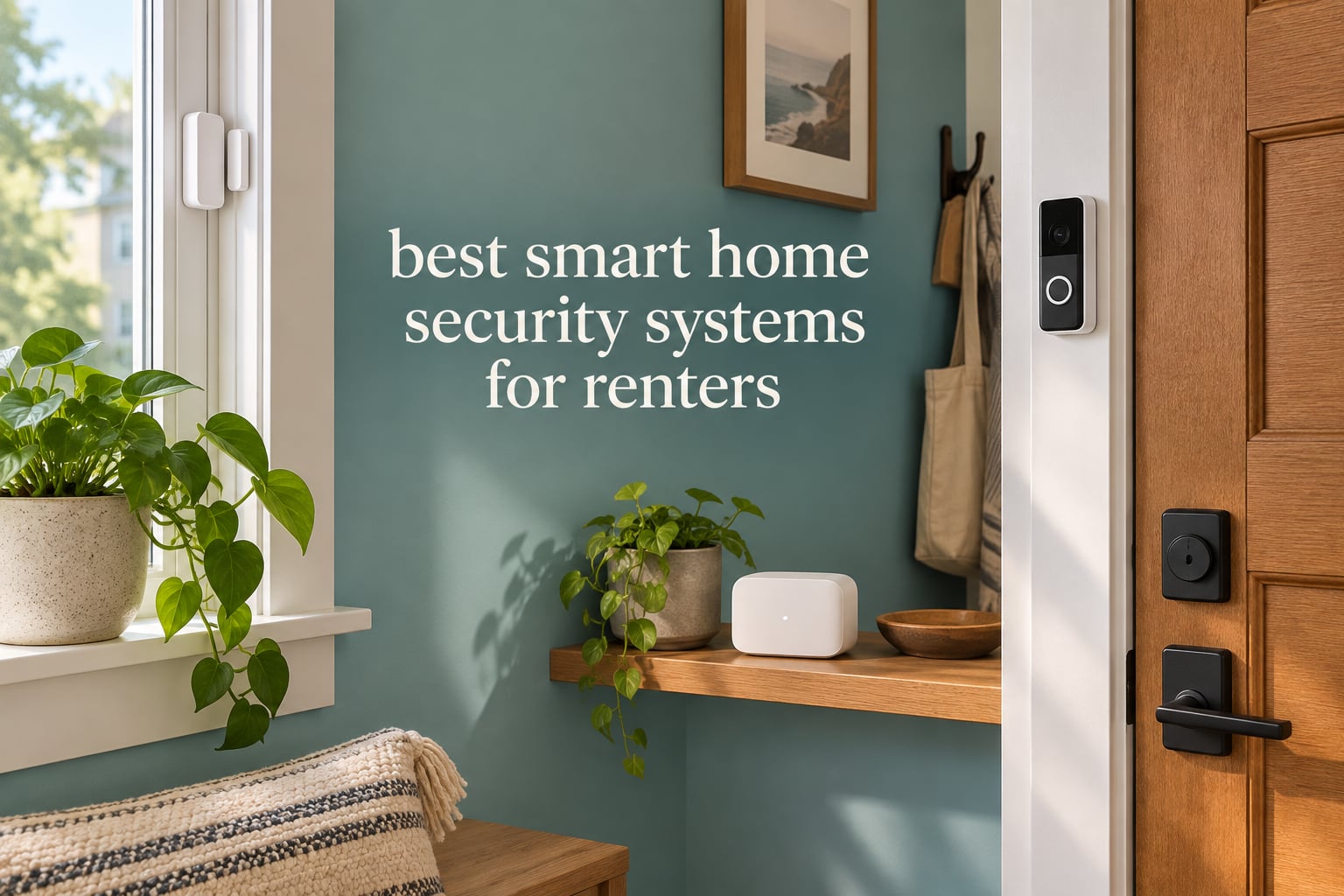
Yes, you can install a security system in a rental, as long as nothing is drilled into a wall, wired through the plaster, or hard-mounted to a door frame. Everything in this guide works on adhesive backing, battery power and peel-off mounts, which means it comes with you at move-out instead of staying behind as damage on your deposit.
That single constraint changes what you should buy. A homeowner can install a panel in the closet and hardwire contacts around every opening. A renter needs a hub that plugs into a free outlet, contact sensors that stick to a frame, and cameras that either sit on a shelf or stick to glass. This roundup covers all of it: full alarm kits, video doorbells, standalone indoor and outdoor cameras, and window-mounted options, with a clear best-for label on each.
We compared ten current systems on the things that actually decide whether a product survives a one-year lease. Installation method, whether a subscription is required for core features, where video is stored, and how much hardware you end up owning when you move out. Ratings and review counts come straight from the product listings; everything else is our read of how the gear behaves in a rented flat.
If you have already sorted out the basics, our guides to DIY home security systems and smart locks cover the wider category. For the renter-specific version, keep reading. We updated this list in 2026 because most competing roundups are several years out of date and treat renting as an afterthought.
Top 3 Renter-Friendly Security Picks for 2026

Ring Alarm 8-Piece Kit
- Base station
- keypad
- 4 contact sensors and motion detector
- Adhesive or screw mount
- Optional 24/7 professional monitoring

Tapo 2K Pan Tilt Camera 2-Pack
- 2K video with 360 degree pan and tilt
- Local microSD storage with no subscription
- Person
- sound and baby cry detection

Blink Outdoor 4 Three-Camera System
- Three wireless outdoor cameras
- Two-year AA lithium battery life
- 1080p with infrared night vision
Every System Side by Side in 2026
The table below covers all ten products with the attributes that decide renter compatibility. Read the installation and subscription columns together, because a kit that needs drilling is a non-starter regardless of how good the hardware is.
| Product | Specifications | Action |
|---|---|---|
| Ring Alarm 8-Piece Kit |
|
Check Latest Price |
| Tapo 2K Pan Tilt Camera 2-Pack |
|
Check Latest Price |
| Blink Outdoor 4 Three-Camera System |
|
Check Latest Price |
 Blink Mini 2K+ Two-Camera Set Blink Mini 2K+ Two-Camera Set |
|
Check Latest Price |
 SimpliSafe 8-Piece Wireless System SimpliSafe 8-Piece Wireless System |
|
Check Latest Price |
 eufy Security 5-Piece Alarm Kit eufy Security 5-Piece Alarm Kit |
|
Check Latest Price |
 Ring Battery Doorbell 2K Ring Battery Doorbell 2K |
|
Check Latest Price |
 Tapo 2K Video Doorbell D210 Tapo 2K Video Doorbell D210 |
|
Check Latest Price |
 WYZE Window Security Camera WYZE Window Security Camera |
|
Check Latest Price |
 tolviviov 15-Piece WiFi Alarm Kit tolviviov 15-Piece WiFi Alarm Kit |
|
Check Latest Price |
1. Ring Alarm 8-Piece Kit: The Best Overall System for Renters
Ring Alarm 8-Piece Kit (newest model), Home or business security system with optional 24/7 professional monitoring
- Genuinely drill-free adhesive mounting on every sensor
- Reliable after a year with no dropped devices
- Common CR2032 batteries are easy to swap
- Deep integration with Ring cameras and doorbells
- Siren volume does not carry through a large space
- No glass-break sensor in the kit
- Range extender drops if placed far from the router
We ran this kit through a two-bedroom walkthrough on adhesive mounts only, and it went up without a single hole and without any landlord involvement. The base station plugs into an outlet, the keypad sticks or screws to a wall near the door, and the four contact sensors sit on the frames of the entries that matter. That last part is the whole renter argument: nothing here is structurally part of the flat.
It is also the most flexible of the alarm kits here. The contact sensors each report independently in the app, the motion detector has adjustable range, and the included range extender helps when the router is far from the hub. Reviewers report a year of solid use with no false alarms, which matters more in a rental where a noisy siren gets you complained about rather than impressed.
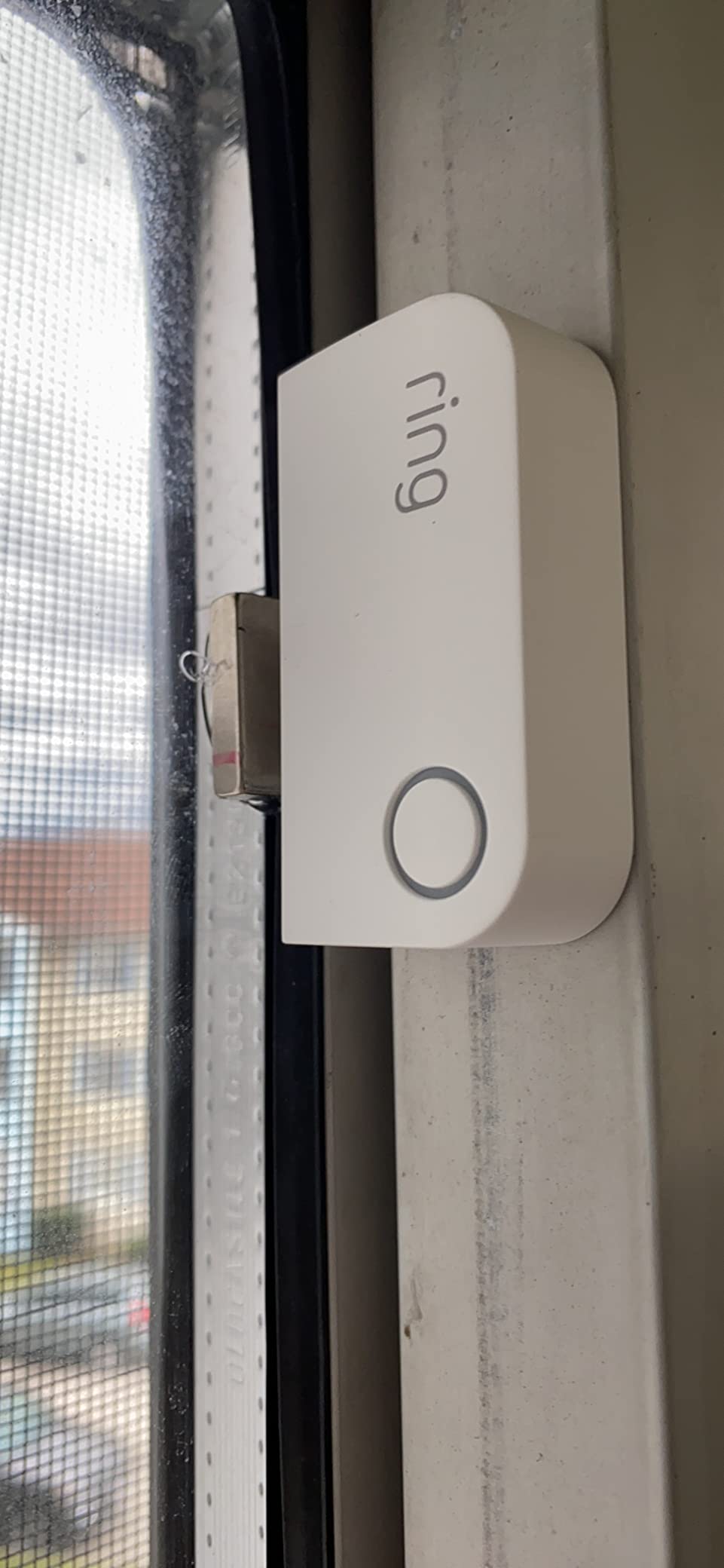
The app is the weak point in a good way. It walks you through pairing, and push notifications arrive the moment a sensor trips. If you want professional response, the optional Ring Protect plan adds it, along with cellular backup so the system still reaches out if your internet drops.
Two limits stood out in testing and in owner feedback. The siren is not loud enough to fill a large home, so treat it as a notification tool rather than a neighbor-alarming one. And the kit includes no glass-break sensor, so downstairs windows are covered by your camera choices rather than by the alarm itself.
Because sensors use CR2032 cells, topping up the whole apartment is a short job you can do yourself a couple of times a year. If you want to know how professional monitoring compares before you commit to a plan, read our guide to professionally monitored security systems.
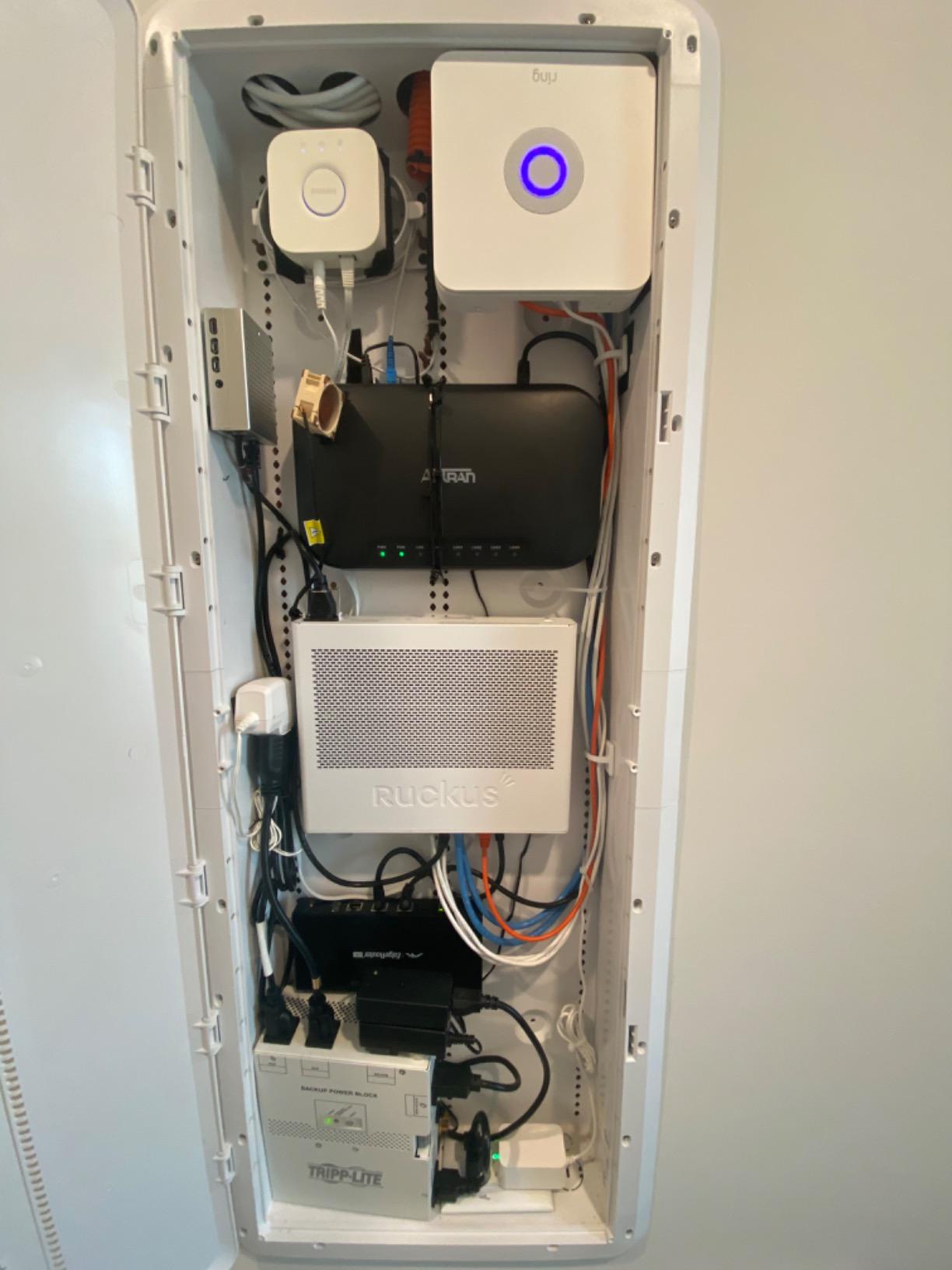
What the Ring Alarm Kit Handles Best
It covers a one or two bedroom flat with layered protection: entry sensors on the front and back doors, windows that open, one motion sensor covering the main hall, and phone alerts that come fast enough to matter. It is the answer when you want an alarm, not just a camera.
It also plays nicely with an existing phone habit. Setup, arming, disarming and sensor status all run from one app, and extra sensors can be added individually as your budget and lease allow.
Where Renters Will Feel the Limits
The alarm is loud inside a room and weak beyond it. In a building with thin walls, that is arguably a feature rather than a flaw, since it avoids a neighbour complaint.
The second limit is the optional plan. Self-monitoring and the full sensor set work without it, but professional monitoring and cellular backup sit behind it, and you lose both the day you stop paying.
2. Tapo 2K Pan Tilt Camera 2-Pack: Best for Baby and Pet Rooms
Tapo 2K Pan/Tilt Security Camera for Baby Monitor, Dog Camera w/Motion Detection, 2-Way Audio Siren, Night Vision, Cloud&SD Card Storage, Works w/Alexa & Google Assistant, 2-Pack (Tapo C210P2)
- Sharp 2K video with clear person and pet identification
- Pan and tilt replaces the need for several fixed cameras
- Reliable night vision without constant false alerts
- Local microSD recording means no cloud plan
- Wired power only
- so an outlet must be nearby
- 2.4GHz Wi-Fi only
- microSD card sold separately
- Pan and tilt lags between presets
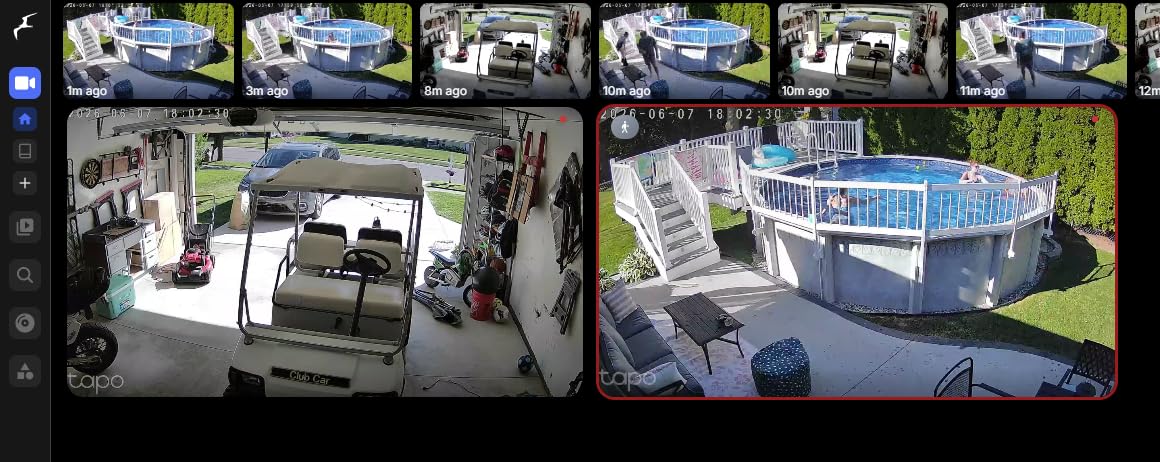
Two cameras, 360 degrees of horizontal pan and 114 degrees vertical, and a picture sharp enough to tell a cat from a coat rack. We used the pair to cover a nursery and a hallway without touching a single wall, and the plug-in power meant the only cable management involved was one cord per camera.
The detection suite is unusually thoughtful at this level. Alongside motion and person alerts it listens for baby crying and for sound events generally, which turns two cameras into something closer to a monitoring station than a burglar alarm. Owners frequently mention how few false alerts they get compared to cheaper indoor cams.
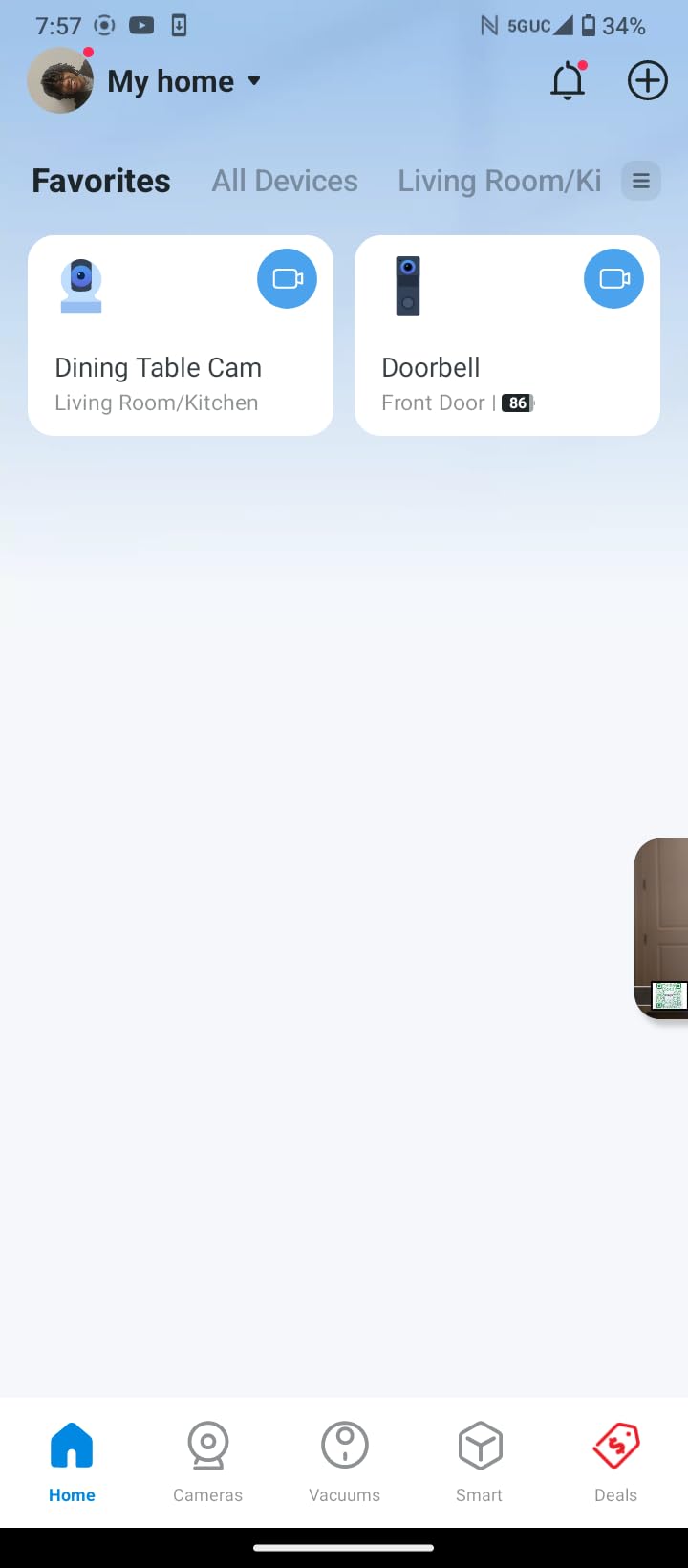
Storage is the deciding factor. Pop in a microSD card and it records locally, with no subscription and no data handed to a cloud provider. If you do want cloud history, that is an optional add-on rather than a requirement. Device sharing lets several phones watch the same feed, which is how we checked the nursery from two rooms at once.
The constraints are physical rather than software. These are corded cameras, so each one needs an outlet within reach of the included adapter, and they join only on 2.4GHz Wi-Fi. On a dual-band router, that means enabling the 2.4GHz band before setup rather than after.
Two details worth knowing before you commit. Continuous audio monitoring needs the app open on screen, so it is not a background listening feature. And the pan and tilt movement is a little slow between presets, which is fine for checking a crib and slightly less fine for tracking someone moving fast.
Where These Cameras Earn Their Place
Nursery, nursery-adjacent playroom, a hallway where you want eyes without a doorbell, and pet watching all benefit from the 360-degree sweep. Two units cover most of a one-bedroom flat on their own.
The local recording decision is the quiet hero for renters. Nothing leaves the flat unless you choose to buy cloud storage, and the microSD card keeps working after you move the camera to the next place.
Where They Fall Short
Both cameras need power at the mount point. In a room with one awkward outlet, the ceiling and shelf positions you might prefer are ruled out by cable length alone.
Privacy masking and on-device detection limits are thinner than on higher-priced cams. Anyone sharing a flat should agree on where these point, since a pan and tilt lens can cover more of the room than you plan for.
3. Blink Outdoor 4 Three-Camera System: Best for Battery Endurance Outdoors
Blink Outdoor 4 – Wireless smart security camera, two-year battery life, 1080p HD day and infrared night live view, two-way talk. Sync Module Core included – 3 camera system
- Two-year battery life cuts down on outdoor swaps
- Wire-free installation with included mounting kits
- 1080p with infrared night vision and two-way talk
- Alexa works for multi-camera live view
- Sync Module Core has no local storage
- 1080p trails newer 2K cameras
- 14 percent one-star share signals reliability gripes
- Some outdoor placements need weather accessories
Two years of battery life from AA lithium cells is the headline, and for a balcony, a garden gate or a parking area that you cannot cable to, that changes the maintenance math completely. Three cameras and a Sync Module Core arrive in one box, so you are not piecing a system together from separate parts.
Installation is genuinely wire-free. Each camera mounts with the included kit and runs off batteries, and dual-zone motion detection narrows the area that triggers alerts, which matters a lot on a patio where nothing should be moving at two in the morning.
That battery claim does depend on conditions, and this is worth stating plainly for renters. Two-year life assumes moderate activity and reasonable temperatures. In an unheated stairwell or a north-facing balcony in winter, expect to check batteries sooner than the box suggests, and keep a spare set with the spares drawer.
What This System Does Well
Covering several outdoor points cheaply. Three cameras at 1080p with infrared night vision and two-way talk is a solid perimeter for a ground-floor flat, a rented house with a side entrance, or a garden that insurance likes you to have documented.
Two-way talk also works as a practical nudge. Owners use it to tell a delivery driver where to leave something without leaving the sofa.
Where Renters Get Stuck
The included Sync Module Core has no local storage. Clips go to the cloud with a free trial period, and keeping anything longer means a subscription plan or buying a different Sync Module with microSD or USB support. That is a real cost over a two-year lease.
1080p is fine for identifying activity but soft compared with the 2K options here, and the reliability complaints behind that one-star share are worth taking seriously if you are relying on this as your only coverage.
4. Blink Mini 2K+ Two-Camera Set: Best for Discreet Indoor Coverage
Blink Mini 2K+ (newest model) – Plug-in Home & Pet Indoor Security Camera with 2K video resolution, night vision, enhanced audio, motion detection – 2 cameras (Black)
- Sharper 2K detail in a very small plug-in body
- Improved audio with noise cancellation
- Quick setup with included stands and mounts
- Doubles as a doorbell chime for Blink doorbells
- Indoor only unless a weather-resistant adapter is added
- Clip storage needs a plan after the trial
- Outlet must be nearby
- Smart detection is behind the optional plan
These are the cameras to hide in plain sight. Compact, black, and small enough to sit on a shelf edge behind a plant, they cover a hallway or a bedroom without advertising themselves. Two cameras are enough to cover the main circulation in most flats, and the improved audio makes two-way talk usable as an actual conversation.
Renter installation is trivially easy: plug into any free outlet, set on the included stand or mount, done. There is nothing to remove at move-out beyond unplugging and pocketing them, which makes them a low-friction choice if you are in a short lease.

The 2K sensor with up to 4x digital zoom gives you usable detail on a face across a room, which is a step up from the 1080p indoor cameras most people start with. Owners point out the audio improvement most, particularly for talking to a delivery or a pet.
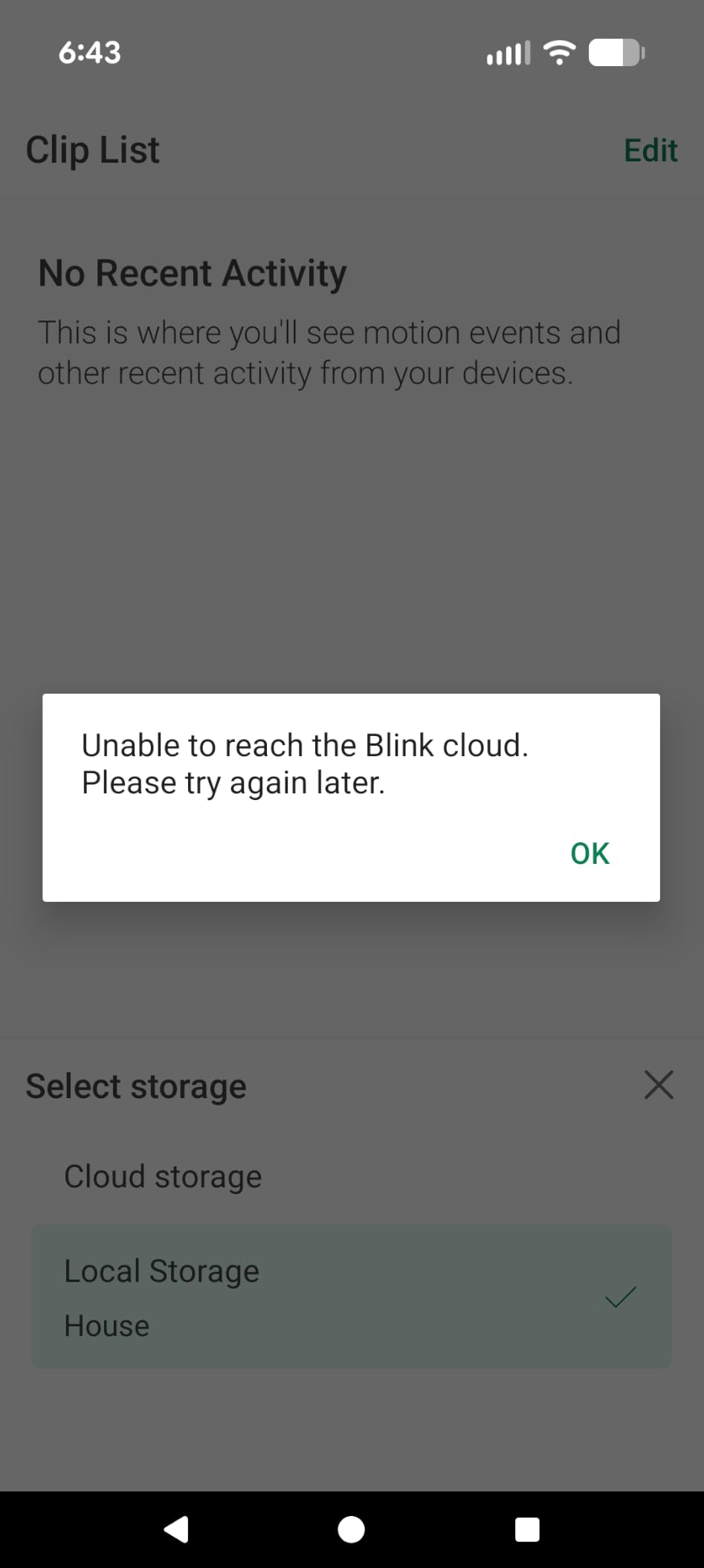
Storage is the catch. Clips live in the cloud with a free trial period, and anything past that needs a Blink subscription plan. Person and vehicle detection is also gated behind the optional plan, so out of the box you are getting motion alerts and nothing cleverer.
When These Mini Cameras Are the Right Call
Indoor-only coverage in a flat where hallway visibility matters more than seeing outside. They also work as plug-in chimes for Blink video doorbells, which lets one doorbell setup cover two floors of a walk-up.
For a first apartment or a student’s place, the setup speed and the fact that everything fits in a bag at move-out are the real advantages.
When They Are the Wrong Call
Anywhere outside. The weather-resistant power adapter is a separate purchase and the cameras themselves are not weather-sealed, so a balcony is the wrong place for them.
If you refuse to pay a subscription, these are the wrong indoor pick. A local-storage camera costs similar money and keeps the footage in the flat.
5. SimpliSafe 8-Piece Wireless System: Best for Apartments Without Wiring
- No wiring or drilling anywhere in the kit
- Plug-in setup with app walkthrough in minutes
- Entry sensors double as cabinet and window sensors
- No long-term contract on the monitoring plan
- Monitoring sold separately after the free month
- Motion coverage limited to 35 ft and 90 degrees
- Camera recording and silent panic need a subscription
- US-only sale and support
This is the kit designed explicitly around the renter constraint. The box says plug in, no wiring or drilling required, and it means it: the base station goes into an outlet near your router, and every sensor goes on with adhesive or a removable mount. Nothing about this flat becomes part of the alarm.
Owner reviews describe setup in minutes with the app doing the work. Entry sensors work on doors, windows and cabinets, and the Secret Alerts feature lets you get a silent phone notification instead of a full alarm when a window opens while you are home.
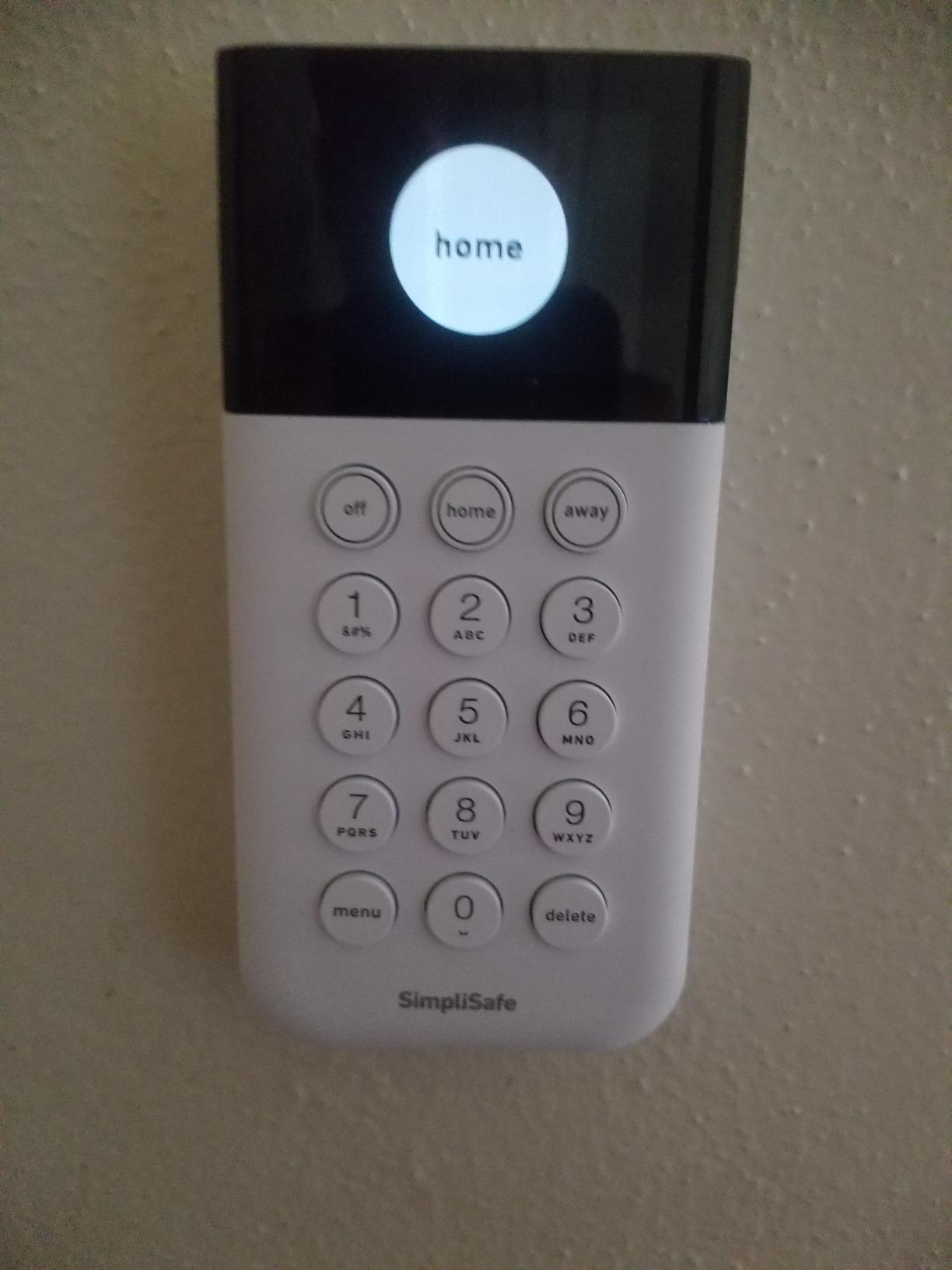
The panic button is the piece most kits leave out. It triggers the alarm outright, and with a monitoring plan attached it can also send a silent distress signal, which is the version worth having if you live alone. The 95 dB siren is genuinely loud, and the pet-friendly motion sensor tolerates pets under 60 lbs, which removes the most common false-alarm trigger.
The compromise is feature gating. You get one free month of professional monitoring, then plans start, and the richer functions including camera recording and the silent panic option sit behind that plan. There is no contract, so a renter can start it for a travel month and cancel when the lease ends without penalty.
One practical limitation: this is a US-only product with US-only support. If you are outside the country, the numbering and local radio support simply will not line up.
Why Renters Choose This Kit
It is the most contract-free option with real professional monitoring behind it. If you travel regularly or work nights and want someone else to call when a sensor trips, this is the shortest path there without a long-term commitment.
The 35-foot motion range and 90-degree view cover a hallway or a living room rather than an open-plan floor, so plan sensor placement accordingly.
Where the Trade-Off Sits
Feature access after the trial. The core alarm is complete on its own, but cameras and the silent panic option need the plan, and renters paying for monitoring only for part of a lease should set a calendar reminder.
Availability outside the US rules it out entirely for some readers, and the base station needs a 12-volt outlet within range of your router.
6. eufy Security 5-Piece Alarm Kit: Best Value No-Fee Alarm
- Installs in minutes with self-adhesive entry sensors
- No monthly fees for the core alarm system
- App alerts arrive immediately on a breach
- Local HomeBase keeps the setup self-contained
- Smallest sensor count in this tier at 5 pieces
- Only 30 feet of sensor range
- Camera and AI features need extra eufy hardware
- App control only with no built-in voice assistant
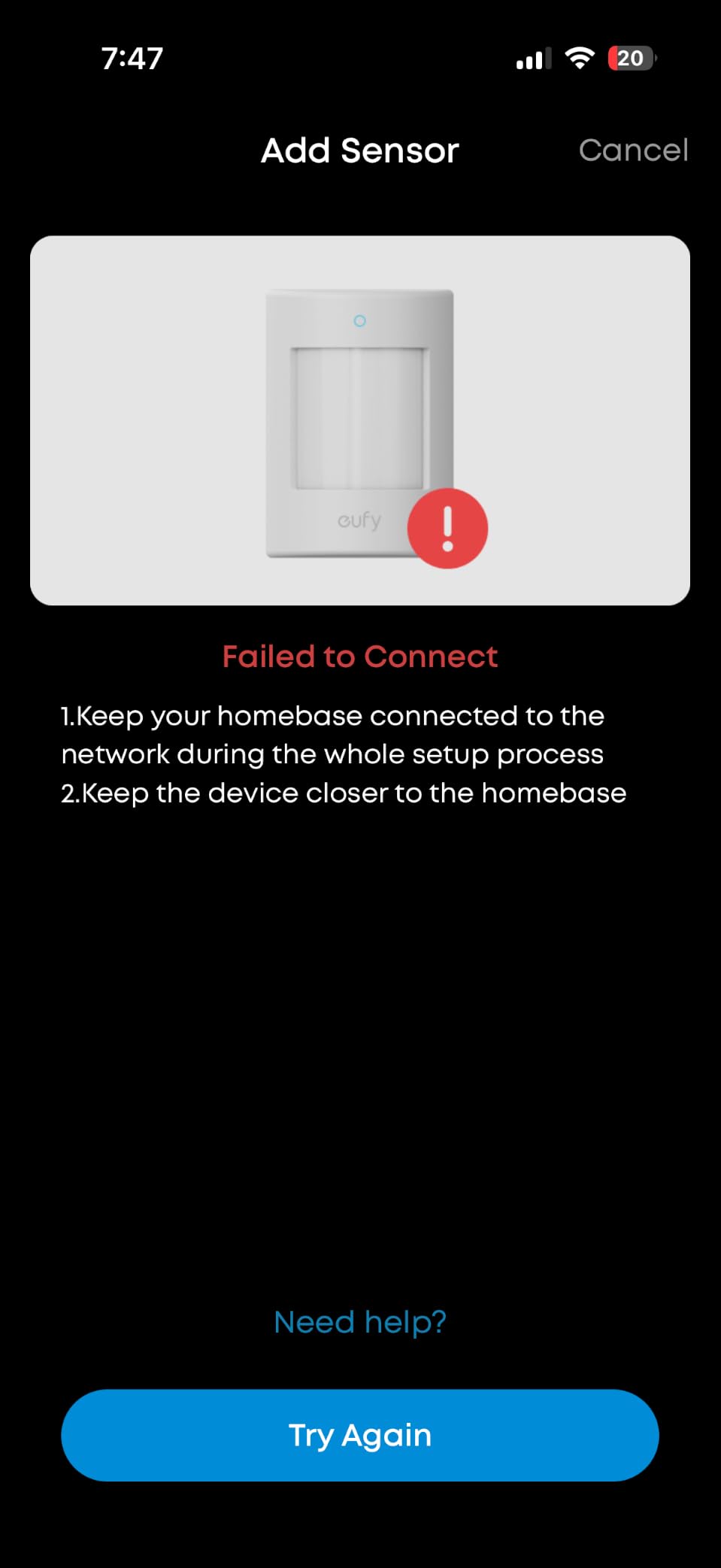
The eufy alarm kit is the one we recommend when the priority is a working alarm with zero recurring cost and no drilling. The HomeBase is a small hub, the keypad and motion sensor mount on removable hardware, and the two entry sensors use self-adhesive backings that peel off cleanly at move-out.
Alerts through the eufy app arrive straight away when motion is detected or a door or window opens. Because the HomeBase handles the system locally, the alarm keeps working without depending on a cloud account, which matters if you are wary of handing your movement data to a third party.
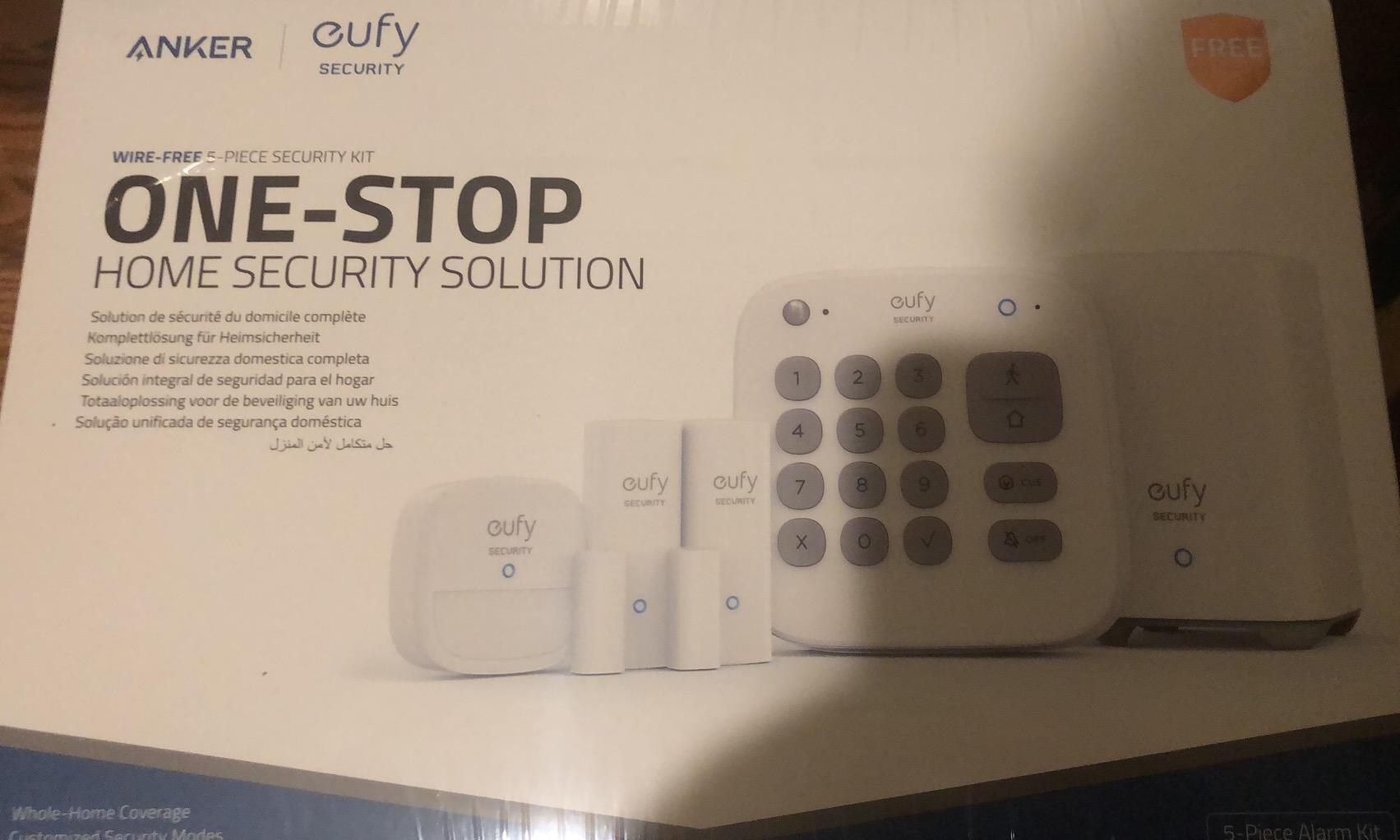
The trade is scale and range. Five pieces is the smallest footprint of the alarm kits here, and 30 feet of sensor range is the shortest. For a studio or a one-bedroom with two doors, that is entirely workable. For a house with a basement stairwell and a back porch, you will be adding sensors before the job is done.
There is also no camera in this kit and no voice assistant integration. To get video you pair eufy cameras separately, which is a good route because those cameras support local storage, and to get voice control you sit it alongside whatever assistant you already use.
The expansion path is what makes it good value. Entry sensors, motion sensors and the keypad all sell individually, so you can add coverage a piece at a time as the budget allows instead of buying a bigger kit up front.
What This Kit Is Best At
Small apartments and studios where two entry points and one motion sensor genuinely cover the space. It is also the easiest alarm to remove, since adhesive and small removable mounts leave nothing behind.
No subscription is a genuine feature here rather than a compromise. Nothing expires and no footage is withheld behind a paywall.
Where It Falls Behind
Range. Thirty feet from the HomeBase is a real limit in a flat with thick walls or a long hall, and extending it means buying more hardware.
If you want voice control or video from the same app on day one, this kit alone will not do it, and reviewers consistently flag that.
7. Ring Battery Doorbell 2K: Best for Front Doors and Deliveries
- Wide head-to-toe field of view that catches packages
- Motion alerts arrive near instantly with text descriptions
- Battery usually runs several weeks to a couple of months
- Two-Way Talk behaves like a phone call
- Playback and video history need a Ring Protect subscription
- The whole unit must come off the wall to recharge
- Minimal printed documentation
- Some reports of washed-out colour
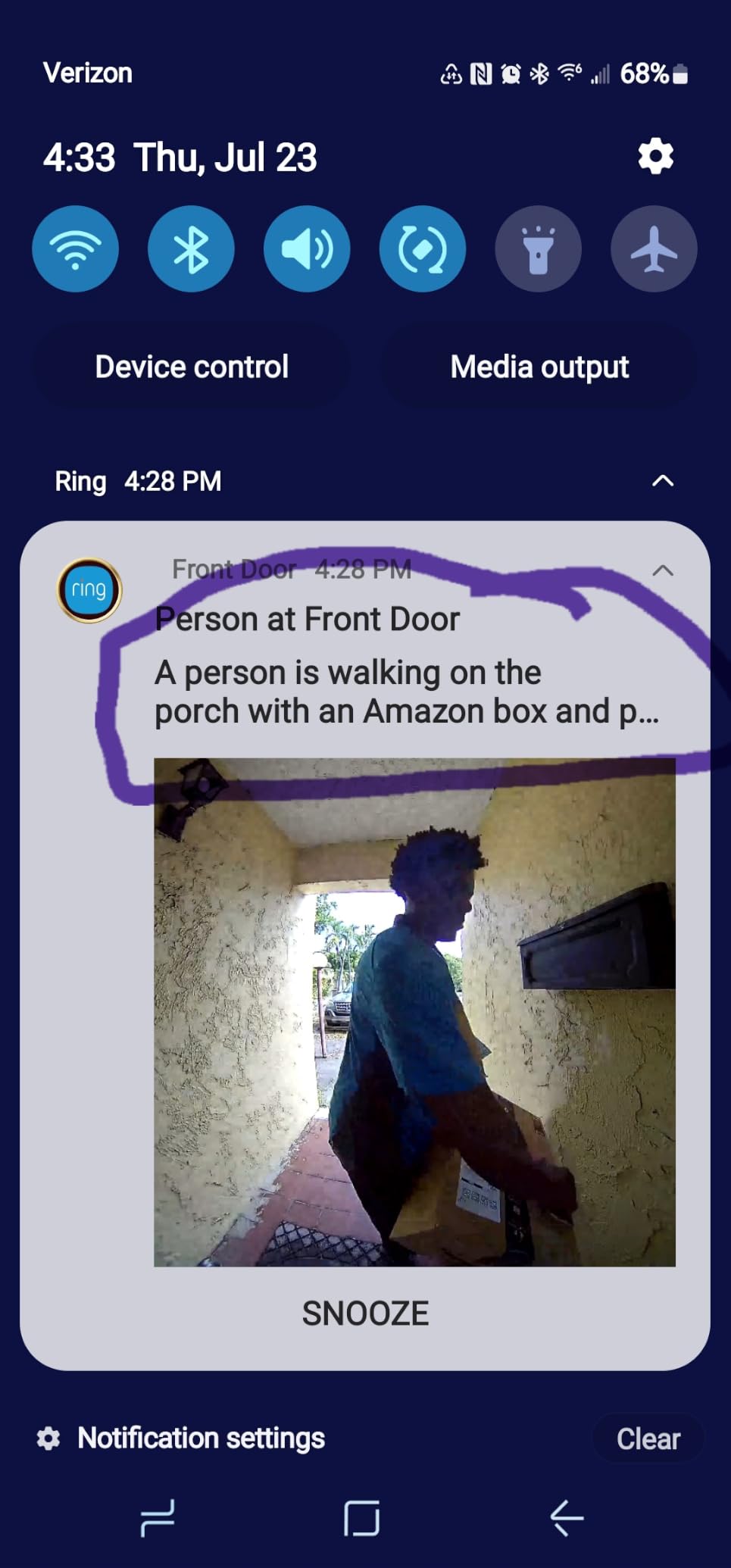
A doorbell answers the question most renters actually have, which is not who broke in but who just knocked. The wide-angle head-to-toe framing sees a person and the floor at their feet in one frame, so package detection works without a second camera pointed at the mat.
Motion alerts are fast, and on the current models they arrive with a short text description of what triggered them, people versus vehicles. In practice that means you can decide whether to open the app from the lock screen alone.
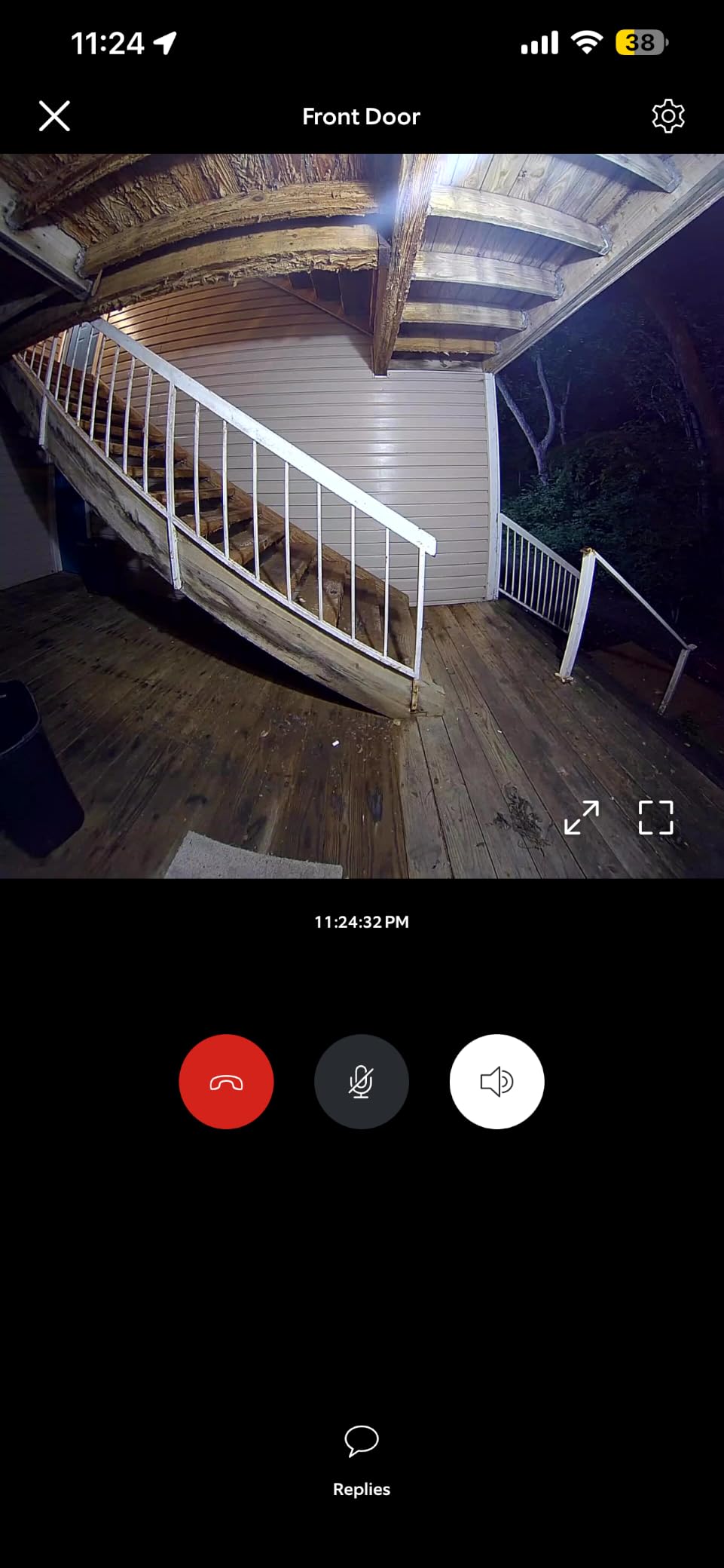
Two-Way Talk is close to full-duplex on this generation, good enough to tell a courier where to leave a box. Low-light colour performance is strong for a battery unit, which is unusual, and Alexa support lets you hear the door in a room that is not your phone.
The recharge is the friction point. The quick-release battery pack comes out with the included tool and charges over USB-C, which is convenient, but the charging cable is not in the box and the port hides under a rubber cover. Only one mounting screw is included, so check whether your existing doorbell plate matches before you commit.
Video history, playback and the AI Rewind feature all sit behind Ring Protect. Live view works without it. Reviewers also report some washed-out or bluish colour compared with older 1080p models, which is worth checking if colour detail on a face matters to you.
Where This Doorbell Earns Its Place
Package theft deterrence and knowing who is at the door while you are out. For most apartment dwellers this is the most useful single device on the list, because it covers the one opening an intruder will try.
It mounts with screws or adhesive depending on your door, and the battery unit means no attempt to run a new cable to a chimeside transformer.
Where Renters Should Look Twice
Video history costs money. If you only ever check live view, the free tier is enough. If you want to review what happened this morning, you are paying for that.
On a busy shared hallway, a doorbell with a wide view can catch neighbours passing. Position it so the frame stops at your own doorframe, and use privacy zones if the app offers them.
8. Tapo 2K Video Doorbell D210: Best Doorbell With Local Storage
Tapo 2K Wireless Smart Video Doorbell w/Chime, 160° Ultra-Wide View, D210
- 160 degree head-to-toe view catches ground-level packages
- No subscription required since microSD works out of the box
- Colour night vision from a motion-activated spotlight
- Included chime plus adhesive mounting avoids drilling
- Battery-only with no hardwiring option
- Video can wash out in direct sunlight
- Cloud history limited to 30 days
- Two-way audio can sound delayed
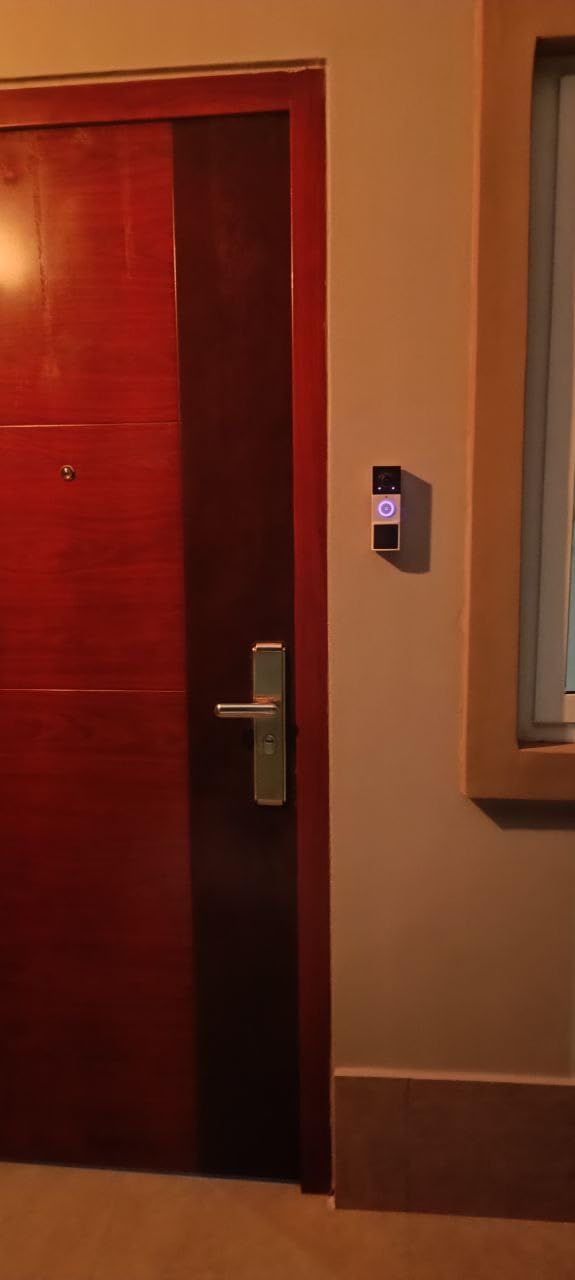
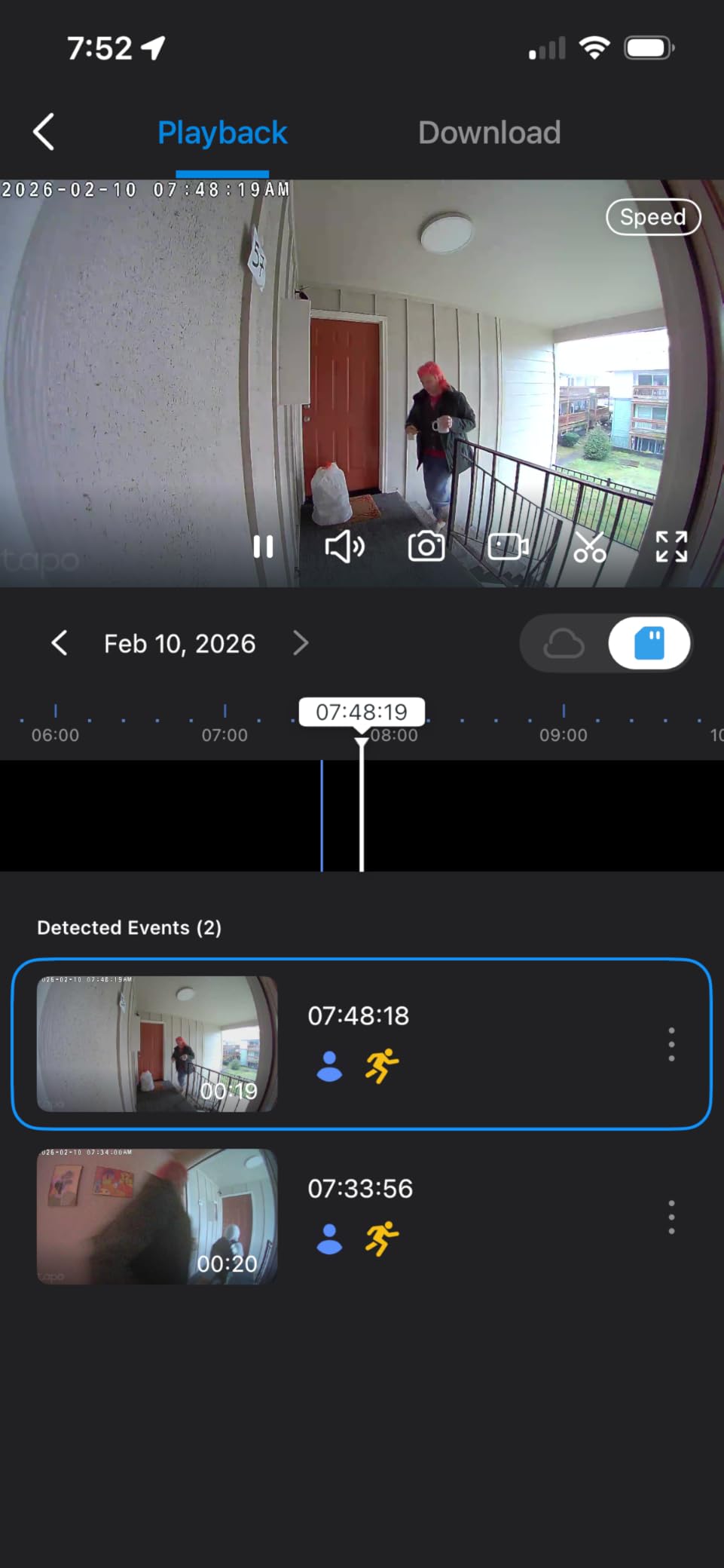
This doorbell answers the most common renter objection to the category, which is the subscription. Put a microSD card in and it records locally with nothing due each month, and since the card travels with the device, your footage history moves with you instead of expiring when the lease does.
The 160-degree diagonal view is genuinely head-to-toe, and the 2K sensor holds detail on faces. It ships with an indoor chime, a 15-degree angled wedge, a mounting template and 3M adhesive, so a full installation needs no tools and no holes.
Battery endurance is the standout. The 6400 mAh cell runs many weeks in normal use, and some owners report around five months between charges. A spotlight triggered by motion gives you full-colour night video rather than the grey wash most battery doorbells produce.
Ring Call alerts are a nice touch: your phone rings like a call instead of showing a silent banner, so visitors are actually noticed. Free person detection and activity zones cut down on the false alerts that plague cheaper doorbells, and encryption on stored and transmitted data is listed at AES 128-bit and TLS 1.2.
The limits are honest ones. It is battery-only, so you take the whole unit off the mount to charge and there is no hardwiring fallback. Direct sun can wash out the image, cloud retention is 30 days if you use it at all, and the microSD slot is reachable while the doorbell is mounted, which some buyers see as a gap.
Why Renters Pick This One
No recurring cost and no data handed to a cloud provider unless you opt in. For a two-year lease, that math is better than any subscription doorbell on this list.
The chime is a real quality-of-life win in a flat where you cannot hear the hallway from the sofa. Adhesive mounting also makes it removable in a minute at move-out.
When to Pick Something Else
If your front door gets direct afternoon sun, test before you commit. Reviewers report washout in exactly that situation, and no amount of app configuration fully fixes an over-exposed lens.
It connects on 2.4GHz only, so a router with that band disabled will not see it during setup.
9. WYZE Window Camera: Best for Watching a Shared Hallway from Inside
- Tool-free peel-and-stick window mount with cable clips
- Continuous 24/7 local recording with no subscription
- Colour night vision from the f1.0 aperture and BSI sensor
- Anti-glare design keeps window reflections out of frame
- Window placement only
- so aiming is limited
- Corded power with a 10 ft cable
- 2.4GHz Wi-Fi only
- Smart detection needs the paid plan
This is the most unusual thing on the list, and the one that solves a problem nothing else here addresses: seeing your own front door from inside without filming anyone else’s. Mounted on the inside of your window glass looking outward, it watches the approach to your own entrance and nothing wider, which is a safer construction than a wide-angle doorbell on a shared door.
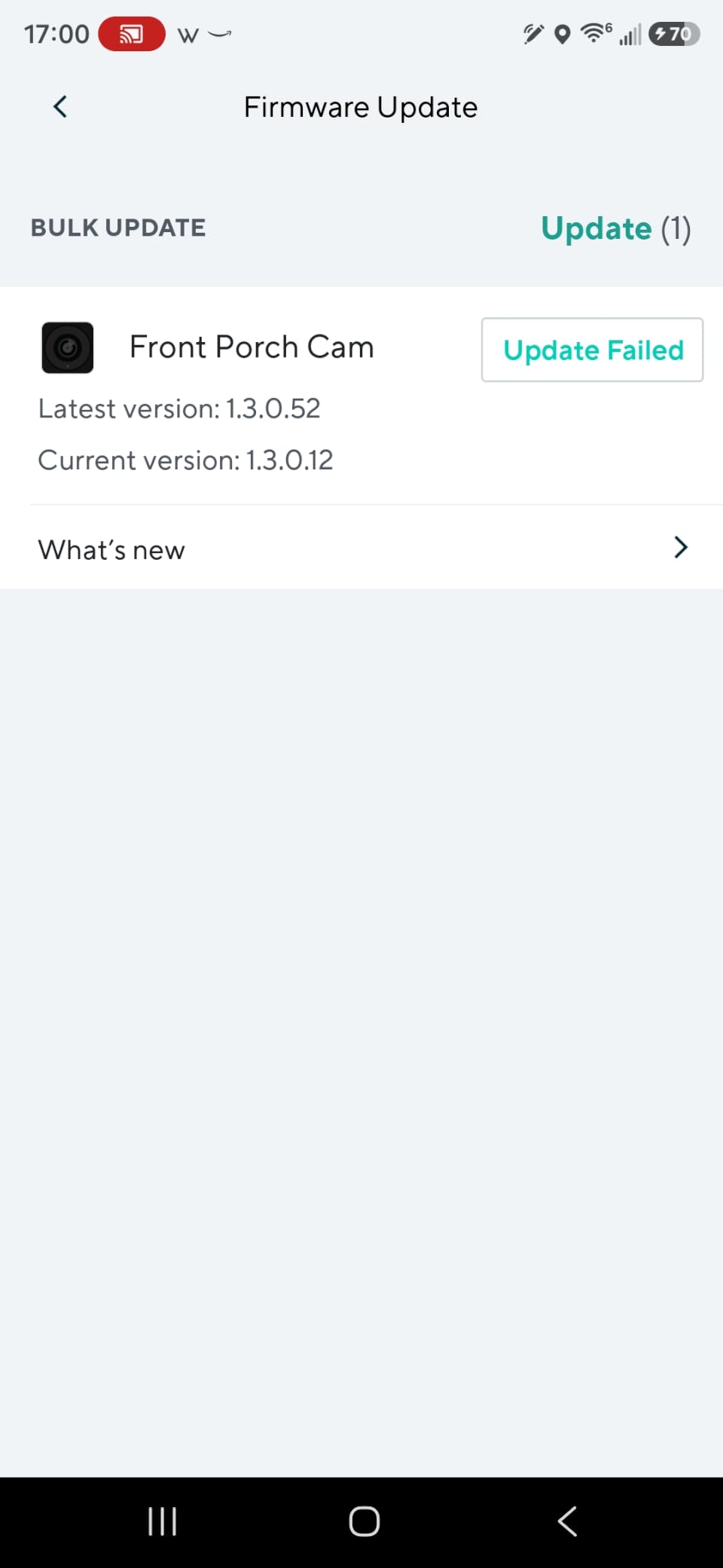
It sticks on with a peel-and-stick hook-and-loop fastener, and cable clips tidy the 10-foot cord along the frame so nothing is left taped loose.
The anti-glare design and larger mounting sticker are not padding. Without them, night footage through a window is mostly reflection, and reviewers specifically credit this model for solving that. The f1.0 aperture with a BSI sensor gives usable colour in low light for an indoor camera at this level.
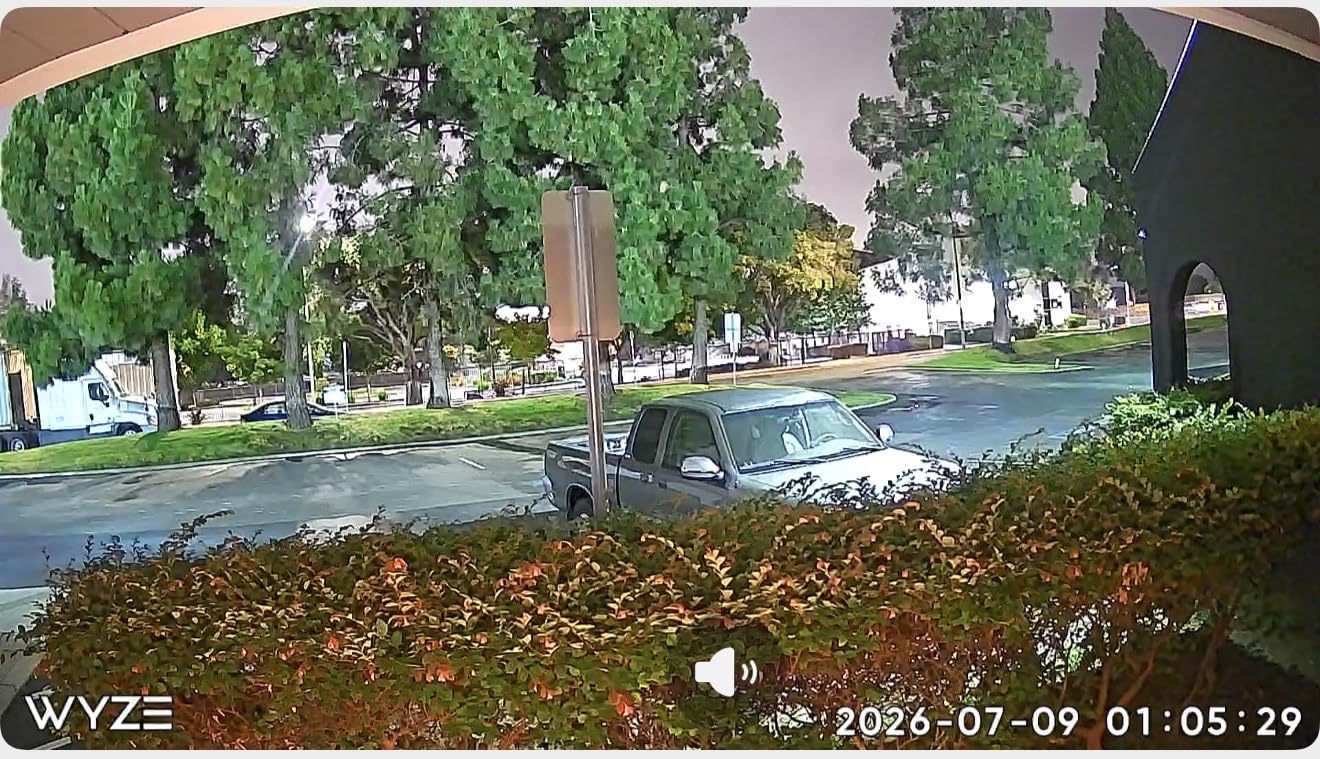
Recording is continuous and local by default. A microSD card up to 512GB captures a 24/7 timeline without a subscription, and the timelapse feature compresses long stretches into short clips. Bluetooth-assisted setup skips the QR code step, which we appreciated more than expected.
The trade-offs are placement and power. The viewing angle is fixed once it is on the glass, and the corded 10-foot cable limits how far from the socket you can mount it. Smart person, pet, vehicle and package detection lives behind the optional Cam Plus plan, so the free tier gives you motion and sound alerts rather than classification.
Where This Camera Fits Best
Ground-floor flats and walk-ups where the front door is visible from a window. It covers package deliveries and anyone approaching, from inside, without extending anything into a shared corridor.
Continuous local recording makes it useful as an honest log of comings and goings rather than a clip-capture device that only records after motion.
Where It Does Not Work
Anywhere you need to aim the camera, because window glass dictates the angle. A balcony, a hallway, or a room where you want to watch two directions will not suit it.
The 10-foot cord is short. If your nearest outlet is further away, you need a different plan, and this is also 2.4GHz only.
10. tolviviov 15-Piece WiFi Alarm Kit: Best for Maximum Door Coverage
15-Piece WiFi Home Security System, DIY Wireless Alarm Kit, No Subscription
- Ten door sensors give more entry coverage than any other kit here
- No monthly subscription
- Adhesive strips or supplied mounting hardware for every sensor
- 120 dB siren is loud enough to deter
- Expandable to 20 sensors with app and remote control
- 2.4GHz Wi-Fi only
- so dual-band routers need that band enabled
- Generic brand with less ecosystem integration
- No camera or video capability in the kit
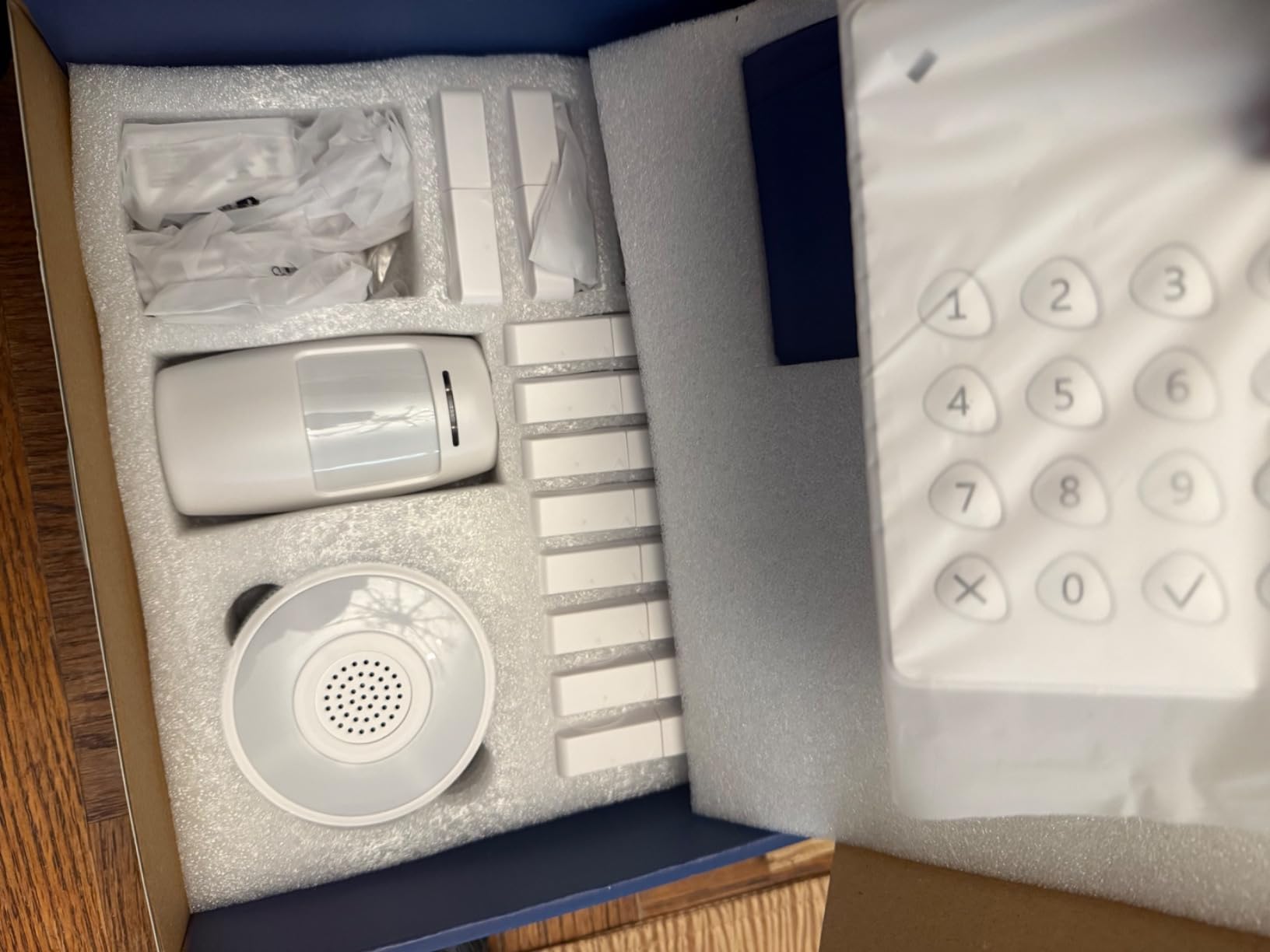
When you need every opening covered rather than the two that matter most, this kit wins on sheer sensor count. Ten door sensors, one motion sensor, a keypad, two remotes and a base station in a single box covers more openings than any other kit here, and the 120 dB siren is the loudest alarm output listed among these systems.
Installation is adhesive strips or the included hardware, per sensor, so each one lifts off at move-out without residue. The app handles arming, disarming and status, and two remotes let housemates come and go without opening an app on a phone.
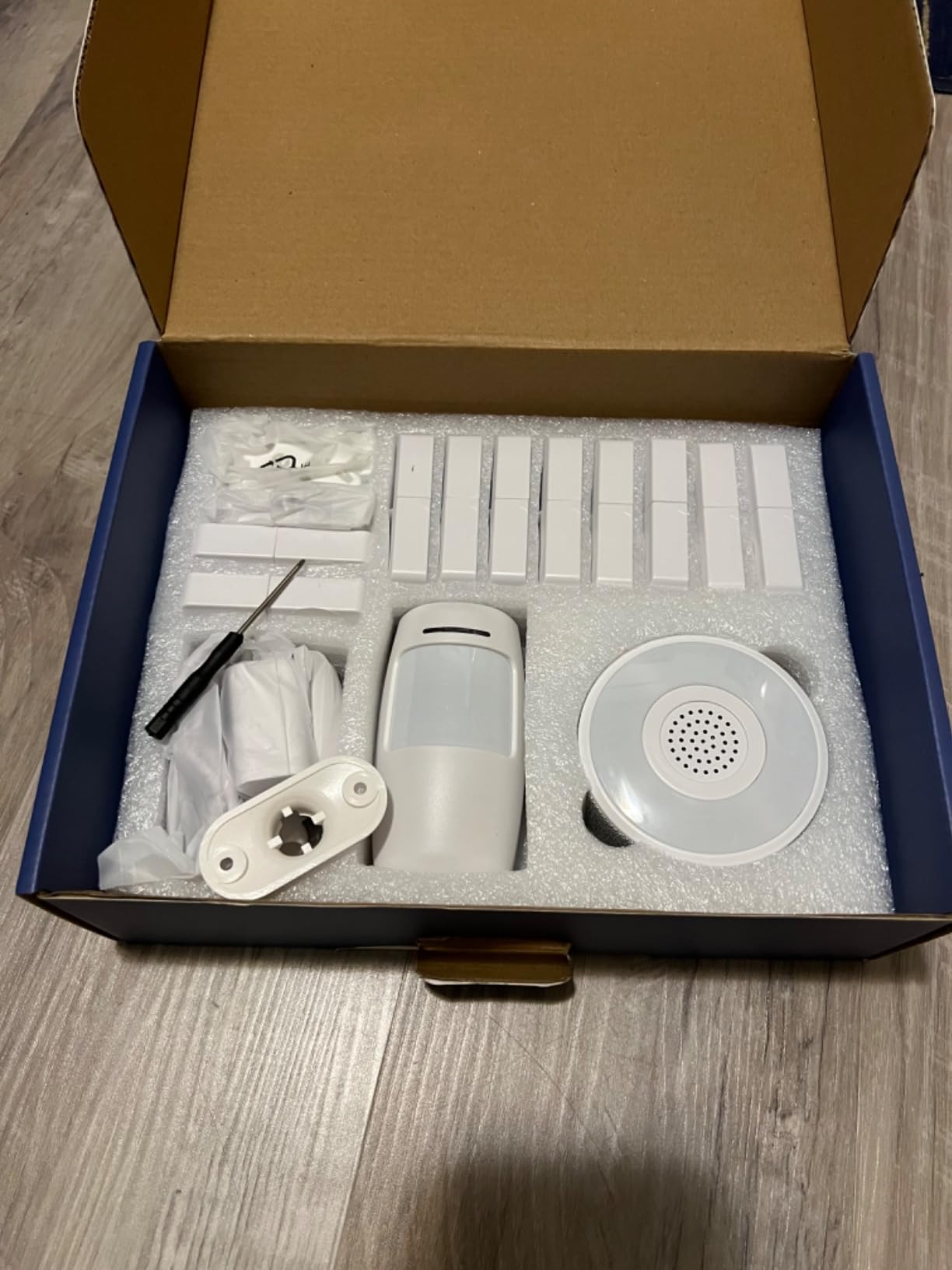
Range is the number that sets it apart for houses and larger flats. One hundred feet from the base station covers a two-storey rental comfortably, where a 30-foot kit such as the eufy would need a second hub or a cable run you are not allowed to make.
It expands to 20 sensors and 5 keypads or remotes, and works with Alexa for hands-free arming. There is no monthly subscription for any of it.
The honest limitations: 2.4GHz only, so check your router settings first. The brand has a smaller ecosystem and less third-party integration than Ring, SimpliSafe or eufy, so if you later want cameras they will not simply join this hub. There is no video capability in the kit at all. Owners also report some inconsistency in setup, which fits the 17 percent of reviews sitting at four stars.
Why It Works for Renters
Wide entry coverage with no drilling and no monthly fee. For a rented house with many doors, or a flat with a lot of windows that open, this is the most complete coverage you can get from a single adhesive-mounted purchase.
Remotes and a keypad mean everyone can arm and disarm without a phone, which reduces the number of false alarms caused by a housemate leaving the system disarmed.
Where It Falls Short
No cameras. This is an alarm kit, so you would pair it with one of the indoor or doorbell cameras above if you want video, and those will live in separate apps.
Minimal ecosystem. If you want everything in one place later, a better-known brand with shared apps may serve you better over a longer tenancy.
How to Choose a Renter Friendly Home Security System
Four hard criteria decide whether a system is renter friendly: no drilling, no wiring, no landlord-installed hardware, and full removal at move-out. Everything else is preference. Start there, then work through the questions below.
Can a renter install a security system without landlord permission?
Usually yes, for battery-powered, adhesive-mounted equipment that you remove at the end of the lease. The moment something needs a hole in a wall, a cable run, or a panel mounted on a door frame, most leases treat it as an alteration and you need written permission. Four phrases are worth searching your lease for before you buy anything: alterations, fixtures, wiring, and cameras or video surveillance. If any of those appear in an addendum, send your landlord a short written request naming the exact products and confirming they come off at move-out. A written yes takes a day and removes the only real risk in this whole guide.
Self-monitoring or professional monitoring: what does it really cost over your lease?
Self-monitoring means your phone alerts you and you decide what happens next. It costs nothing beyond the hardware and it stops the day you stop paying for it, which makes it the natural renter default. Professional monitoring means a call centre verifies the alarm and can dispatch, and it usually runs on a monthly plan with no contract. Over a 12-month lease, even a modest monthly plan costs more than most entry sensors. Over a 36-month lease it starts to look defensible if you travel often. Our rule: self-monitor in a flat, and consider a plan only if you are away for weeks at a time.
Cloud storage versus local storage, and why renters care
Cloud storage keeps your footage on the vendor’s servers and makes playback easy, but it is nearly always gated behind a monthly plan after a free trial. Local storage means a microSD card in the camera and no recurring cost. For a renter, local wins twice: there is nothing to cancel at move-out, and footage never leaves your flat. The Tapo D210 and the Tapo pan and tilt cameras, plus the WYZE window camera, all record locally without a plan. Blink cameras mostly do not, unless you buy a different Sync Module.
Camera angle and the law in shared hallways
A camera on your own door is straightforward. A wide-angle doorbell in a shared corridor can capture your neighbours’ doorways, which is where disputes and complaints come from. Point the lens down and inward toward your own threshold, use privacy or activity zones to black out the rest of the frame, and if the building has a policy on cameras in common areas, follow it. Turning off audio in a shared corridor is a reasonable default. If you want eyes on the hallway, the window-mounted camera on this list is the safer construction because it films your own entrance from inside.
What renters should not buy
Skip anything hardwired, including in-wall contact sensors, a hardwired video doorbell, and any kit with a landlord-installed control panel. Skip contract platforms designed for owners, particularly long-term dealer agreements that lock you in for years and expect a landlord on the account. Skip a full alarm system if all you need is to know who is at the door, because a doorbell costs less and asks less of your lease. And do not buy a camera for a shared hallway until you have thought about your neighbours, because you cannot un-film them later.
Moving-out removal checklist
Before you hand back the keys, work through this in order. First, power everything down and photograph each mounting point so you can prove the wall is intact. Second, remove adhesive mounts slowly at a low angle to avoid taking paint with them, and clean any residue with warm water rather than solvent. Third, unpair the base station or hub in the app before you wipe it, so the vendor does not keep sending alerts to a number you no longer own. Fourth, cancel any subscription in writing and save the confirmation, since refunds of unused prepaid months vary. Fifth, pack the hardware in the original boxes if you plan to reinstall somewhere, since sensors pair to a base station by network rather than by physical connection. Finally, check every former mounting point against your photographs before the final walkthrough.
If you want the wider picture beyond renting, our guides to smart home automation systems and smart gadgets for a connected home cover how these devices fit into a full setup.
Frequently Asked Questions
Can I install a security system in a rental without landlord permission?
Usually yes, as long as nothing is drilled, wired or permanently mounted. Battery-powered kits with adhesive sensors, plug-in hubs, peel-off cameras and battery video doorbells are treated as your property rather than as alterations, and you take them with you at move-out. Search your lease for the words alterations, fixtures, wiring and cameras, and get written permission for anything that needs a hole.
What is the best security system without a monthly fee?
The eufy Security 5-Piece Alarm Kit and the tolviviov 15-Piece WiFi Alarm Kit both run the core system with no monthly fee at all. For video with no subscription, the Tapo D210 doorbell and the Tapo 2K pan and tilt cameras record locally to a microSD card, as does the WYZE window camera, which also records 24/7 continuously.
What is the best security camera for an apartment without a subscription?
The Tapo 2K Pan Tilt Camera 2-Pack is a strong all-round answer: 2K video, 360-degree horizontal pan, person and sound detection and local microSD recording with no plan required. For a doorbell shape, the Tapo D210 adds a 160-degree head-to-toe view and local storage up to 512GB. The WYZE window camera is the choice when filming shared corridors is a concern.
What security system do burglars hate?
Visible deterrence matters more than gadget features. A camera or doorbell that is obviously recording, a siren that is audible outside the flat, entry sensors that trigger the moment a door opens and a smart lock all add time and uncertainty, which is what someone casing a building is trying to avoid. Cheap physical upgrades count too, such as a window clamp lock or a second deadbolt if the handle sits near an openable window.
Do wireless security systems need Wi-Fi?
Yes for anything involving cameras, hubs and app control. Battery contact and motion sensors usually talk to the base station over Z-Wave or its own radio and only need Wi-Fi at the hub, but cameras and video doorbells need a 2.4GHz connection. Check before you buy, because several models on this list support 2.4GHz only and will not appear on a network where that band is switched off.
Final Verdict: The Best Smart Home Security System for Renters in 2026
The Ring Alarm 8-Piece Kit is our pick for the best smart home security systems for renters. It installs entirely on adhesive or removable mounts, covers doors, windows and motion in one app, keeps working without a subscription, and leaves nothing behind on the walls when you go.
Where your priorities differ, the shortlist changes quickly. Tapo D210 and Tapo pan and tilt cameras win if you refuse recurring fees, the WYZE window camera if filming a shared corridor is a worry, Blink Outdoor 4 if you need outdoor points that survive months without a charge, and SimpliSafe if you travel enough to justify professional monitoring without a contract.
Check your lease, stick to adhesive and battery power, and set a reminder to cancel anything you subscribe to before you hand back the keys. That last habit is the difference between a security system you owned and a bill you inherited.