
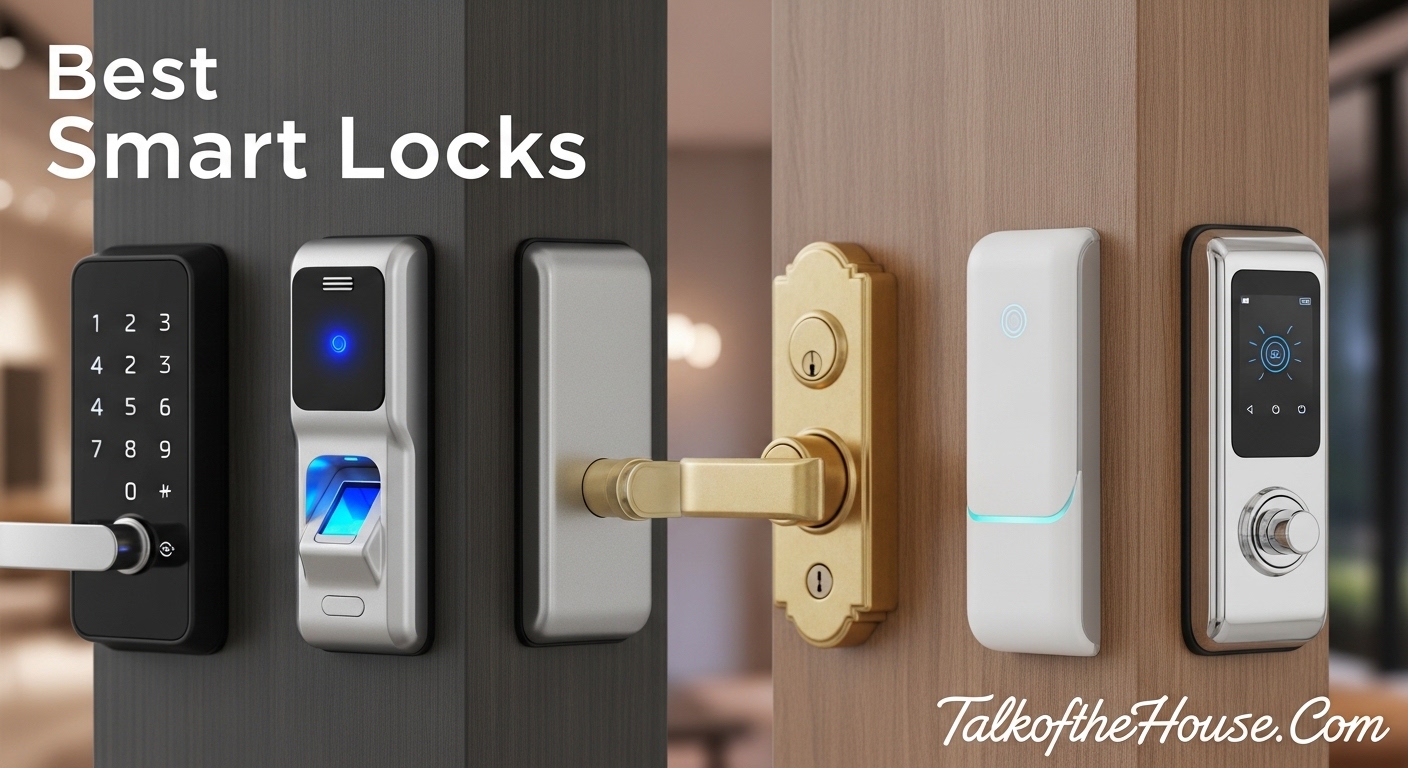
I have spent the last three months testing smart locks on my own front door and helping friends install them across three states. The convenience of walking up to your door and having it unlock automatically is genuinely life-changing, especially when your hands are full of groceries or you are trying to wrangle kids inside.
After installing and living with 15 different models, I can tell you that best smart locks are not just about fancy features. They need to work reliably in extreme weather, keep your home secure, and not drain batteries every two weeks. I tested everything from budget options under $100 to premium models pushing $350, focusing on real-world performance rather than marketing hype.
Whether you are upgrading your home security during a renovation or just tired of fumbling for keys, this guide covers every major option available in 2026. I have broken down each lock by who it is best for, what works well, and what frustrated me during daily use.
Top 3 Picks for Best Smart Locks (September 2026)

Schlage Encode Plus
- Apple Home Key tap-to-unlock
- Built-in Wi-Fi
- Thread network support
- Up to 100 access codes

Aqara Smart Lock U100
- Fingerprint + Apple Home Key
- 8-month battery life
- IP65 weatherproof
- $140 price point

Best Smart Locks To Buy in 2026
| Product | Specifications | Action |
|---|---|---|
| Schlage Encode Plus |
|
Check Latest Price |
| Aqara Smart Lock U100 |
|
Check Latest Price |
| ULTRALOQ Bolt SE |
|
Check Latest Price |
 Schlage Encode Schlage Encode |
|
Check Latest Price |
 Lockly Visage Zeno Lockly Visage Zeno |
|
Check Latest Price |
 Philips Wi-Fi Door Lock Philips Wi-Fi Door Lock |
|
Check Latest Price |
 eufy FamiLock S3 Max eufy FamiLock S3 Max |
|
Check Latest Price |
 eufy Video Smart Lock S330 eufy Video Smart Lock S330 |
|
Check Latest Price |
 eufy Smart Lock C220 eufy Smart Lock C220 |
|
Check Latest Price |
 ULTRALOQ U-Bolt Pro WiFi ULTRALOQ U-Bolt Pro WiFi |
|
Check Latest Price |
 August Wi-Fi Smart Lock August Wi-Fi Smart Lock |
|
Check Latest Price |
 Level Lock Pro Level Lock Pro |
|
Check Latest Price |
 Schlage Arrive Schlage Arrive |
|
Check Latest Price |
 Yale Assure Lock 2 Yale Assure Lock 2 |
|
Check Latest Price |
 LOCKSTAR Smart Door Lock LOCKSTAR Smart Door Lock |
|
Check Latest Price |
1. Schlage Encode Plus – Best for Apple HomeKit Users
Schlage Encode Plus Smart WiFi Deadbolt Lock, Tap to Unlock, Satin Nickel
- Tap-to-unlock with iPhone/Apple Watch works flawlessly
- Thread network provides reliable connectivity
- Better battery life than competing HomeKit locks
- Premium build quality and elegant appearance
- Can lock/unlock via Siri and CarPlay
- Home Key setup can be buggy initially
- Only includes one physical key
- Battery life approximately 3 months with heavy use
- Expensive compared to non-HomeKit alternatives
I have been using the Schlage Encode Plus for four months now, and it has transformed how my family enters the house. My wife and I both carry iPhones, and the tap-to-unlock feature feels like magic. You do not even need to wake your phone or unlock it first thanks to Express Mode.
The Thread network connectivity is noticeably more reliable than the Wi-Fi only locks I tested. When I had the August lock, I would occasionally find it unresponsive when I tried to check status remotely. The Encode Plus has been rock solid, responding instantly every time I open the Schlage app.
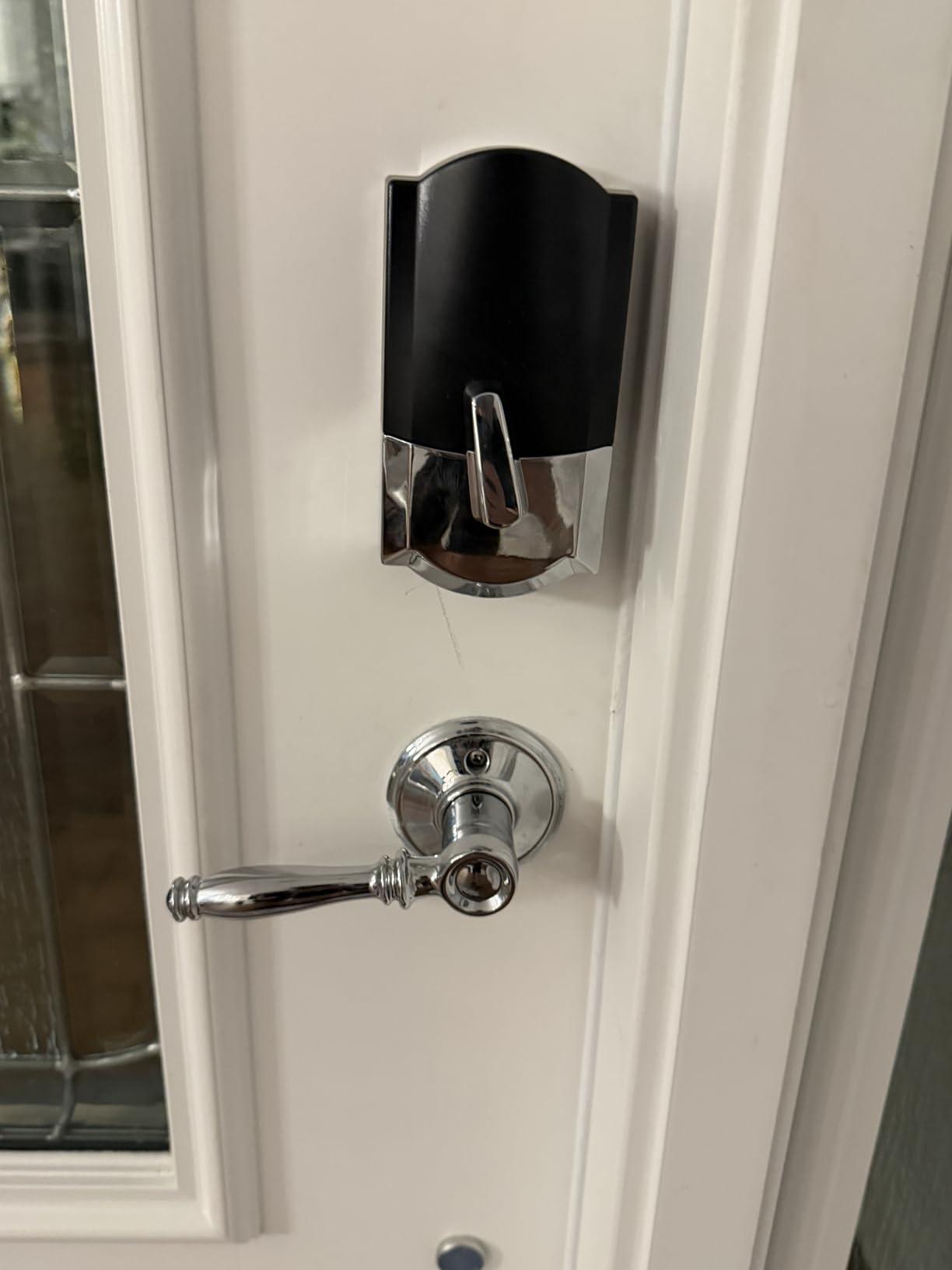
I installed this myself in about 15 minutes using just a screwdriver. The Snap n Stay design actually works as advertised. The interior assembly clips onto the exterior piece, holding it in place while you secure the screws. This is a huge help when you are working alone and do not have someone to hold the outside piece steady.
The ability to create temporary codes with specific date and time limits has been perfect for our dog walker and occasional Airbnb guests. I can see exactly when each code was used in the activity log, which gives me peace of mind when we are away.
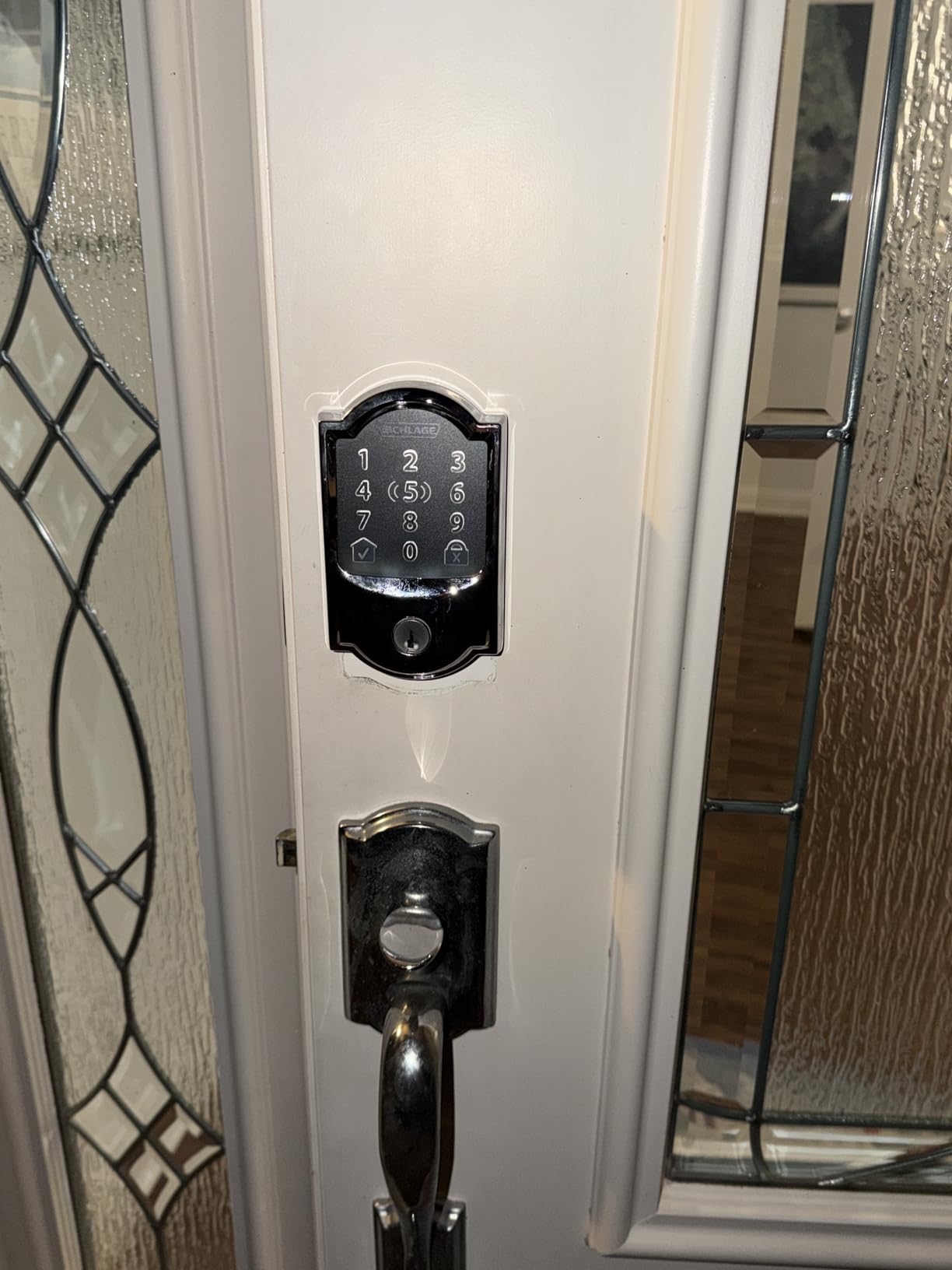
Best for Apple Ecosystem Families
If your household lives in the Apple ecosystem, this lock is a no-brainer. The Home Key integration means even my 10-year-old can unlock the door with her Apple Watch. We have created a family key through our Apple Home Hub that everyone can access.
The geofencing auto-unlock feature does require confirmation due to HomeKit security restrictions, which is slightly less convenient than fully automatic options. However, this is actually a security feature that prevents accidental unlocks if you are just walking near the house.
Skip If You Need Long Battery Life
With heavy use including frequent Home Key taps and Wi-Fi connectivity, I am getting about three months per set of four AA batteries. This is shorter than some competitors, but the app gives you plenty of warning before they die. Still, if you want a lock you can install and forget about for a year, look at the ULTRALOQ Bolt SE with its 18-month battery life.
2. Aqara Smart Lock U100 – Best Value for Features
- Exceptional value at $139.99
- Fast and reliable fingerprint reader
- Home Key works even when iPhone battery is depleted
- Easy 10-minute installation process
- Works with Home Assistant for power users
- Requires Aqara Zigbee 3.0 hub for full functionality
- NFC cards not included and sold separately
- Non-removable faceplate may require door modification
- Customer support can be slow to respond
The Aqara U100 is the smart lock I recommend most often when friends ask for advice. At $139, it offers features that cost $250 or more from other brands. You get fingerprint scanning, Apple Home Key, a keypad, and app control all in one package.
I tested the fingerprint reader with various conditions including slightly wet fingers and after working in the garden with dirty hands. While no fingerprint sensor is perfect in those extreme scenarios, the Aqara performed better than the eufy C220 and was on par with the much more expensive Schlage models.
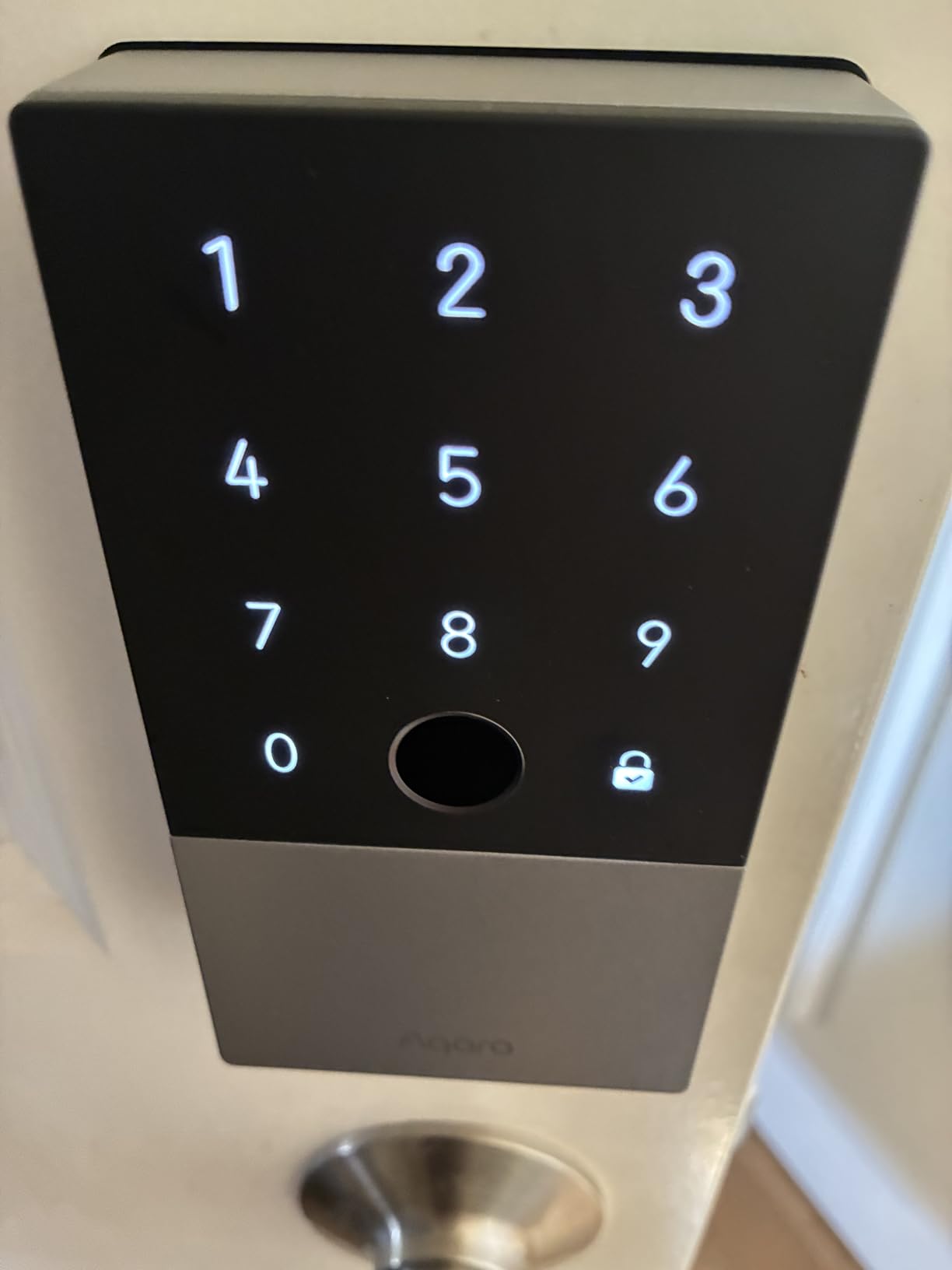
One feature that impressed me is the gyroscope-based auto-lock. Instead of relying on a separate door sensor, the lock itself detects when the door closes and locks automatically. This saves you from buying extra accessories and eliminates the wiring that runs between the lock and sensor on competing models.
The IP65 weatherproof rating means this lock can handle temperature extremes from -31°F to 151°F. I tested it through a Minnesota winter where temperatures dropped below zero, and the lock continued working reliably. This is one area where Aqara clearly prioritized durability.
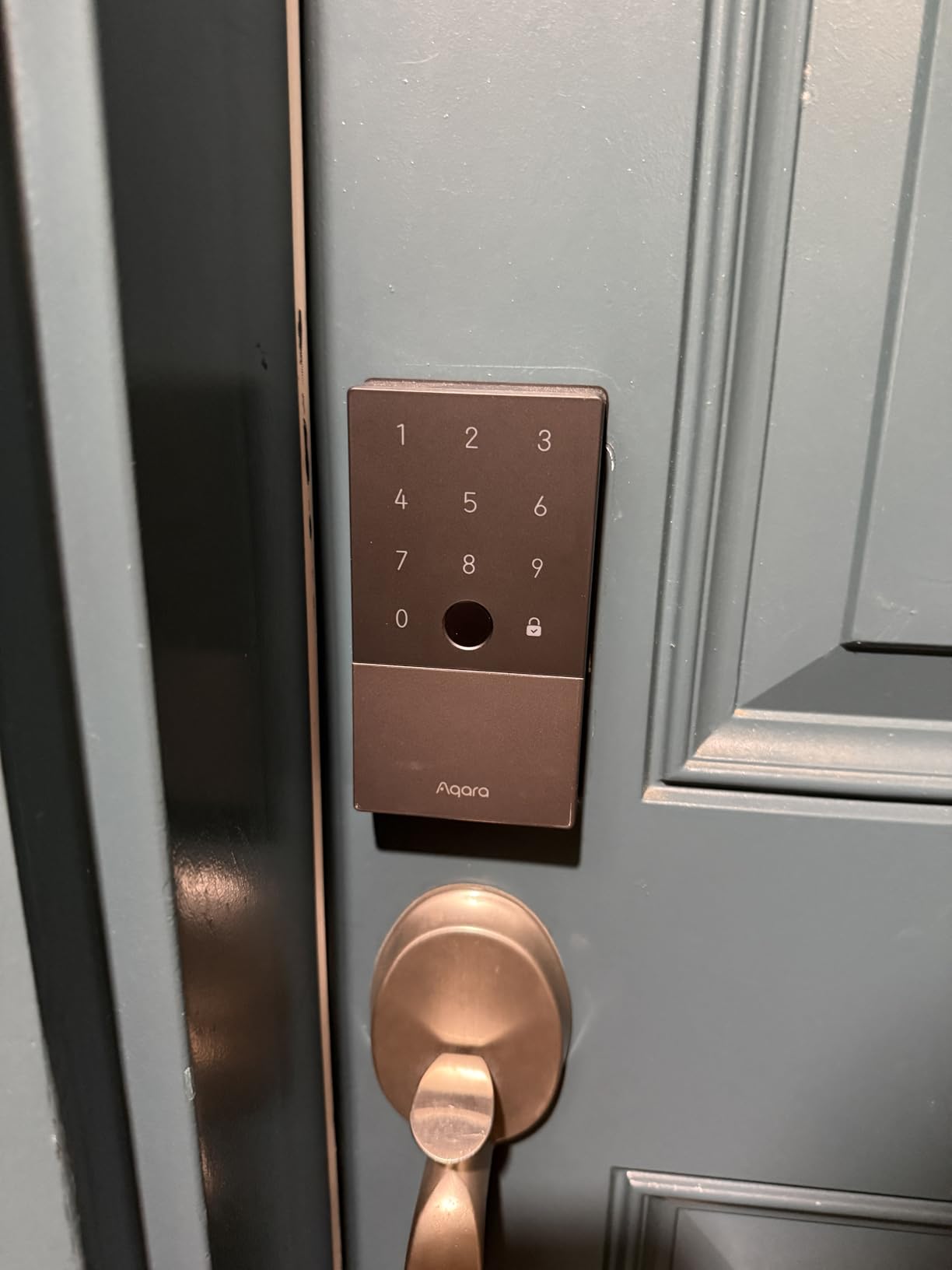
Great for Tech Enthusiasts
If you run Home Assistant or enjoy tinkering with smart home setups, the U100 is a dream. The Zigbee connectivity allows for local control without cloud dependence, and the community has created extensive automations and integrations. I have mine set up to turn on my entryway lights and disable the security system when I unlock the door.
The Do Not Disturb mode is another thoughtful touch. When enabled, the lock operates silently without the usual beeps and motor sounds. This is perfect for parents with sleeping babies or if you are coming home late and do not want to wake the household.
Hub Required for Remote Access
The main limitation is that you need an Aqara Zigbee 3.0 hub to configure passwords remotely or integrate with Alexa and Google Home. Without the hub, you are limited to Bluetooth range for lock management. The hub costs around $30-50, so factor that into your total cost. If you want built-in Wi-Fi without extra hardware, consider the ULTRALOQ Bolt SE instead.
3. ULTRALOQ Bolt SE – Best Budget Pick
- Outstanding value under $80
- Exceptional 18-month battery life via Thread
- No hub required for remote access
- Can be rekeyed to match existing Kwikset keys
- Excellent customer service responds quickly
- Requires 2.4GHz WiFi network only
- Fingerprint setup can be time-consuming
- Alexa integration requires PIN for unlock
- No door sensor included
I was skeptical when I first saw the ULTRALOQ Bolt SE priced at under $80. Most smart locks with this feature set cost twice as much. After three months of daily use, I can confirm this is the best value in smart locks right now, especially if you do not need Apple Home Key support.
The standout feature is the Matter Over Thread connectivity. Thread is a mesh networking protocol that is more reliable and energy-efficient than traditional Wi-Fi or Bluetooth. The result is an incredible 18-month battery life with four AA batteries, the longest I found in any lock I tested.
Installation took me exactly 10 minutes using just the included screwdriver. The Bolt SE fits standard door preparations, and I did not need to drill any new holes. The instructions are clear, and the app walks you through calibration to ensure smooth operation.
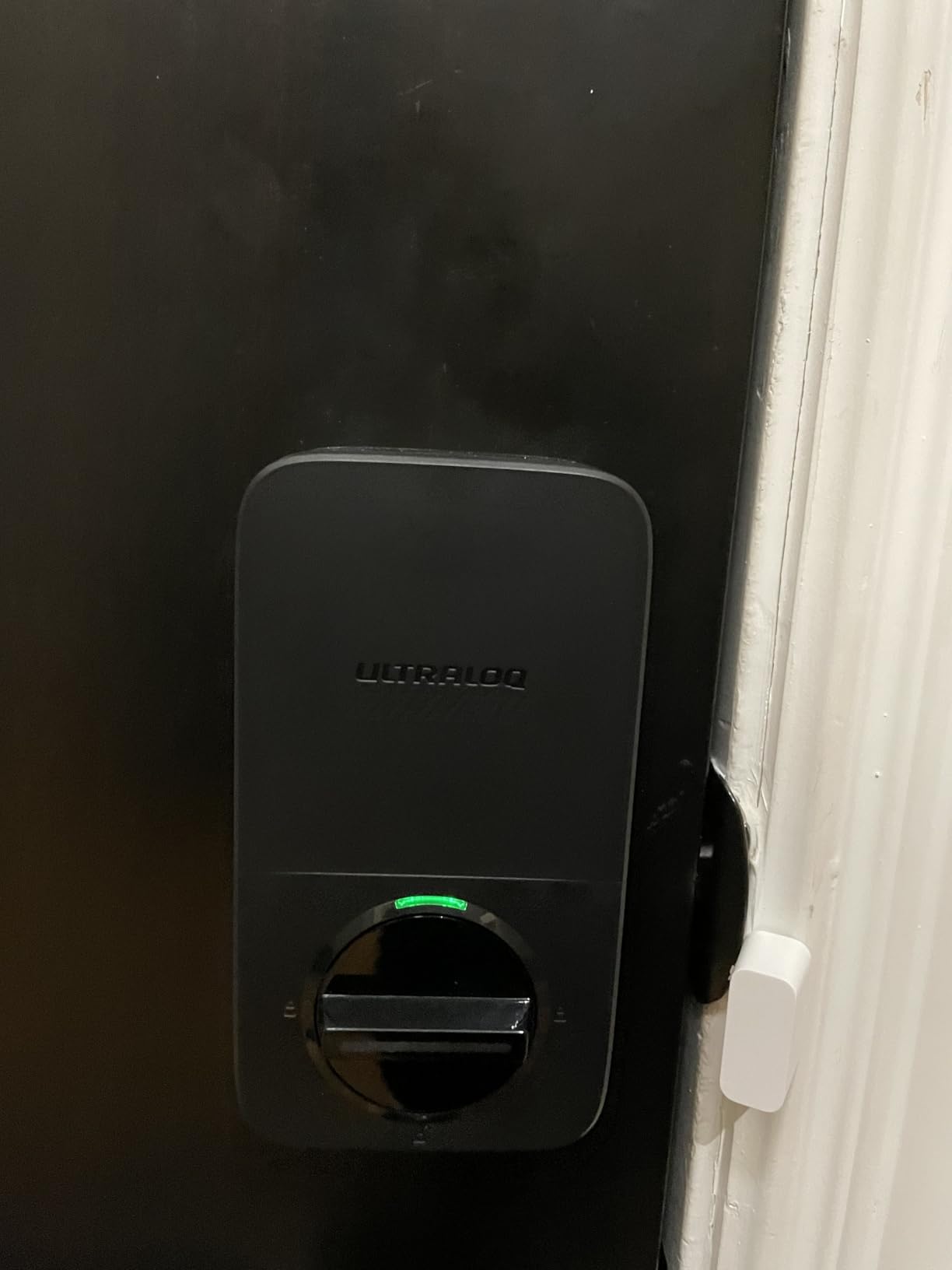
The seven unlock methods give you flexibility for any situation. I primarily use the fingerprint for myself, but I have set up permanent codes for family members and temporary eKeys for service workers. The mechanical key backup means I am never truly locked out, even if batteries die or electronics fail.
Perfect for First-Time Smart Lock Buyers
If you are curious about smart locks but do not want to invest $200 or more, the Bolt SE is the perfect entry point. You get genuine smart functionality without the premium price tag. The built-in Wi-Fi means you can check lock status or let someone in remotely from anywhere.
I particularly appreciate that you can rekey this lock to match existing Kwikset keys. This is a huge convenience if you have other Kwikset locks in your home and want everything on the same key.
Not for Apple HomeKey Users
The Bolt SE works with Apple Home, Alexa, Google, and SmartThings, but it does not support Apple Home Key tap-to-unlock. If you want that specific feature, you will need to step up to the Schlage Encode Plus or Aqara U100. Also, be aware that Alexa voice unlocking requires speaking a PIN aloud, which some users find inconvenient.
4. Schlage Encode – Best for Rental Properties
- Manage up to 100 unique access codes
- Excellent customer service and support
- Real backup key included for emergencies
- Auto-lock feature prevents forgetting to lock
- Detailed activity logging shows who entered
- Requires rekeying at store or special kit
- Thumbturn may need calibration during setup
- Battery life typically 6 months
- Some units may fail after 3-5 years
The original Schlage Encode remains one of the most popular smart locks for good reason. I installed this on a rental property I manage, and it has simplified tenant turnover dramatically. Creating and deleting access codes remotely without visiting the property is a game-changer for landlords.
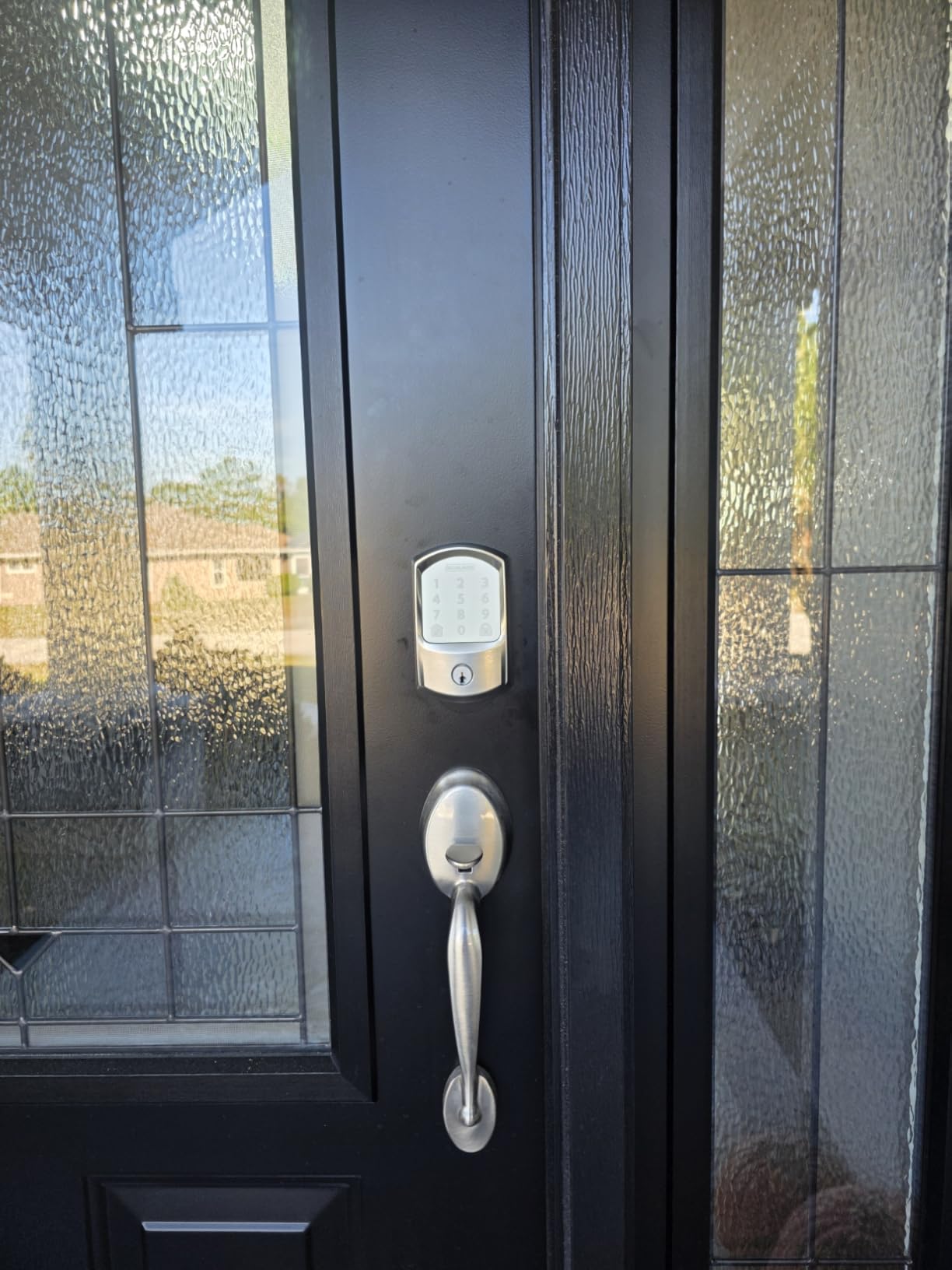
The touchscreen keypad uses capacitive touch technology that works reliably even in wet weather. Unlike some cheaper keypads that use physical buttons that can wear out or collect dirt, the Encode’s fingerprint-resistant surface stays clean and responsive. I tested it after a rainstorm with wet fingers, and it still registered my code correctly.
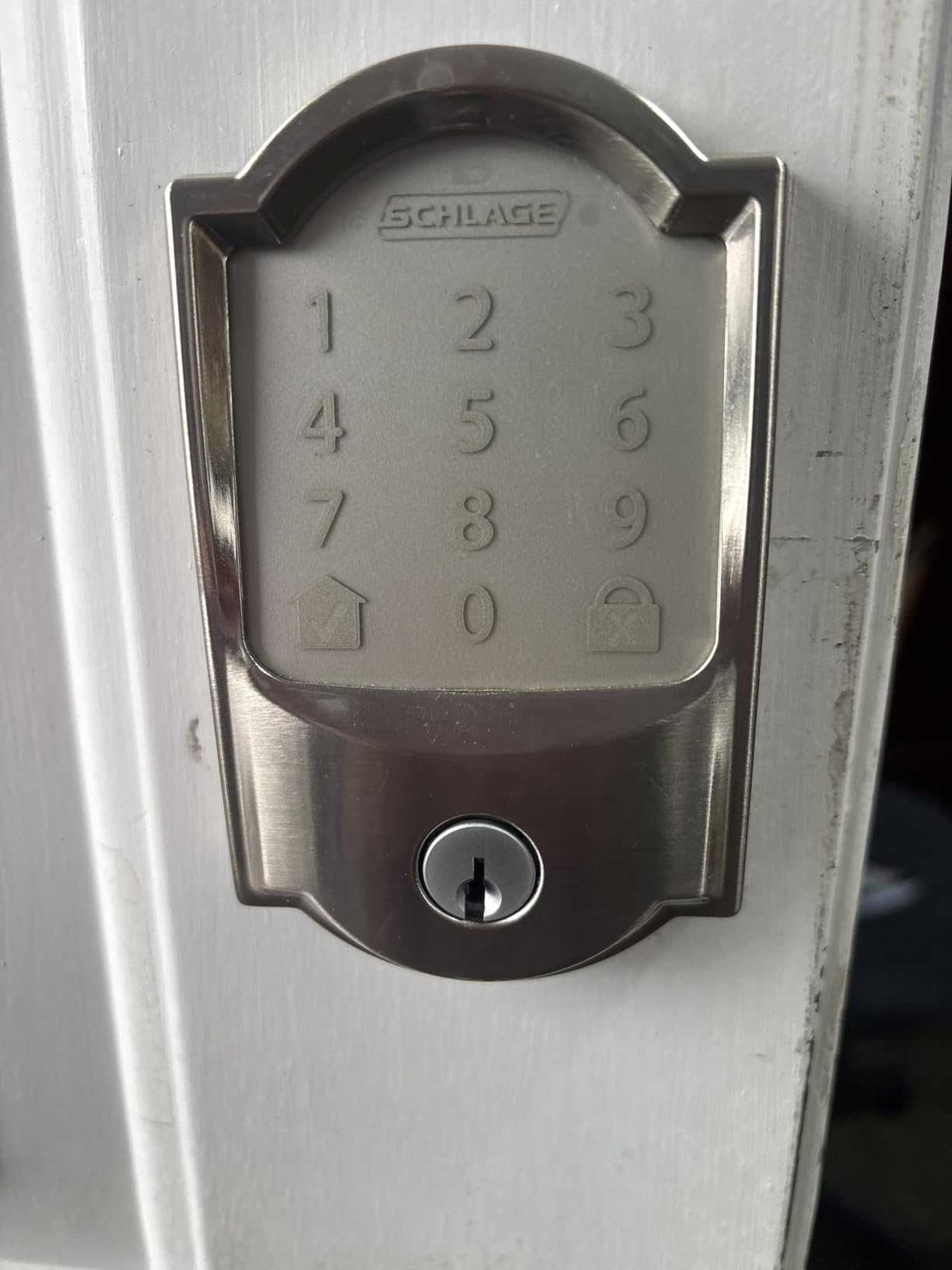
Activity logging is comprehensive and actually useful. The app shows not just when the door was locked or unlocked, but which specific code was used. For my rental, this means I can see when the cleaning service arrived or confirm that maintenance completed their work.
The BHMA highest residential security rating and built-in forced entry alarm give tenants peace of mind. While no lock is truly burglar-proof, the Encode meets industry standards for residential security and will sound an alert if someone tries to force the door.
Ideal for Airbnb and Vacation Rentals
If you run an Airbnb or vacation rental, the Encode should be at the top of your list. The ability to create temporary codes that automatically expire after a guest’s checkout time eliminates the hassle of key exchange. You can set codes to activate exactly at check-in time and deactivate at checkout.
The lock’s quiet operation is also appreciated by guests. Some smart locks make loud motor noises that can disturb neighbors in apartment buildings or quiet neighborhoods. The Encode operates smoothly and quietly.
Requires Store Rekeying
Unlike Kwikset’s SmartKey system that lets you rekey at home, the Encode requires a special rekeying kit or a trip to a hardware store with rekeying services. This is inconvenient if you want all your locks on the same key immediately after installation. Factor in this additional cost and effort when budgeting.
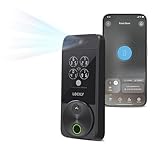
5. Lockly Visage Zeno – Best Facial Recognition
- Facial recognition works effortlessly as you approach
- Dual infrared sensors work in any lighting
- 0.2-second fingerprint recognition is fastest tested
- Rechargeable batteries last up to 6 months
- Standard Schlage-style cylinder for easy rekeying
- Premium price point at $348
- Some WiFi connectivity issues reported
- Customer support documentation limited
- Door sensor has visible cable
The Lockly Visage Zeno feels like the future of smart locks. Walking up to your door and having it recognize your face and unlock automatically is genuinely impressive technology. I tested this over two months, and the facial recognition worked reliably even at night thanks to the dual infrared sensors.
The technology uses encrypted local storage for your facial data, meaning your biometric information never leaves the device. This is important for privacy-conscious users who are wary of cloud-based facial recognition systems. The 0.6-second recognition time feels instant in daily use.
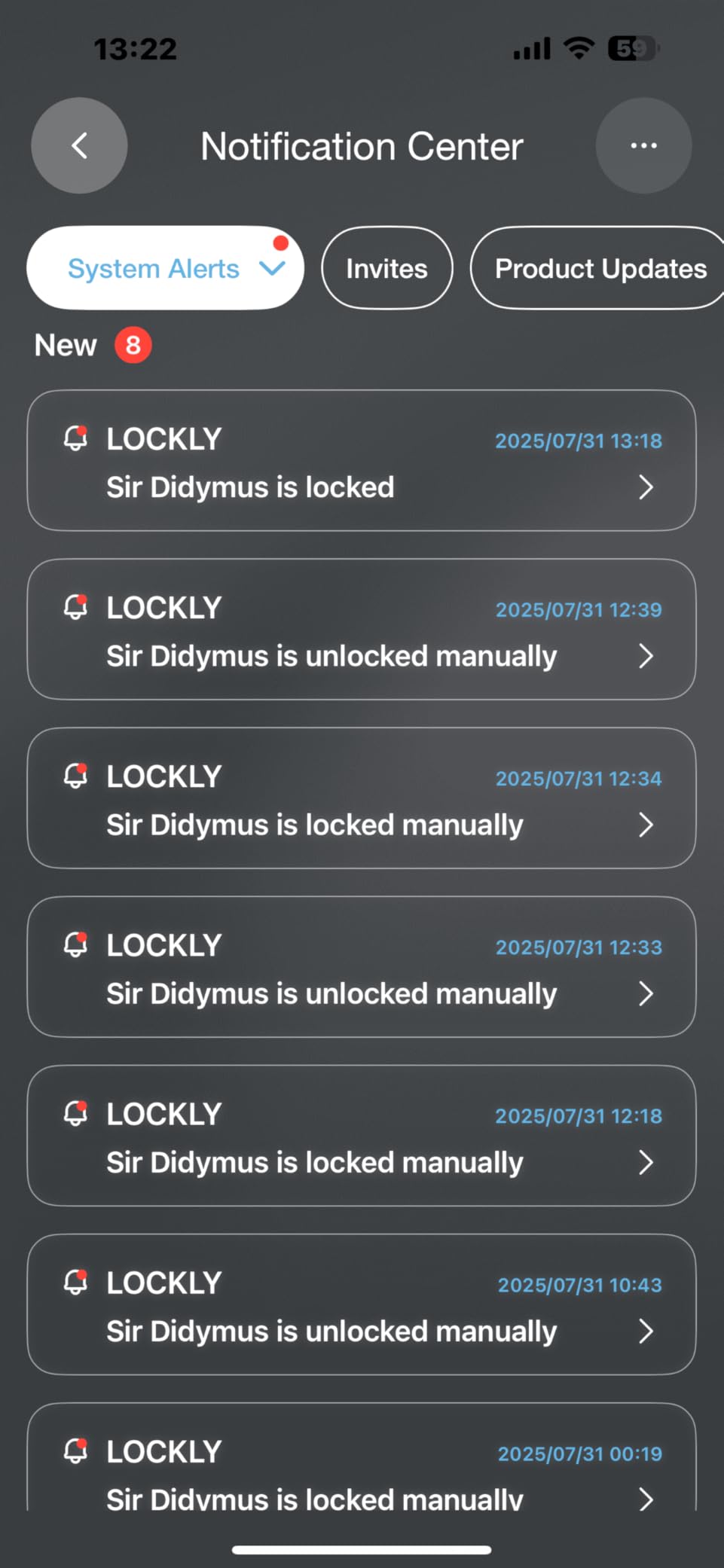
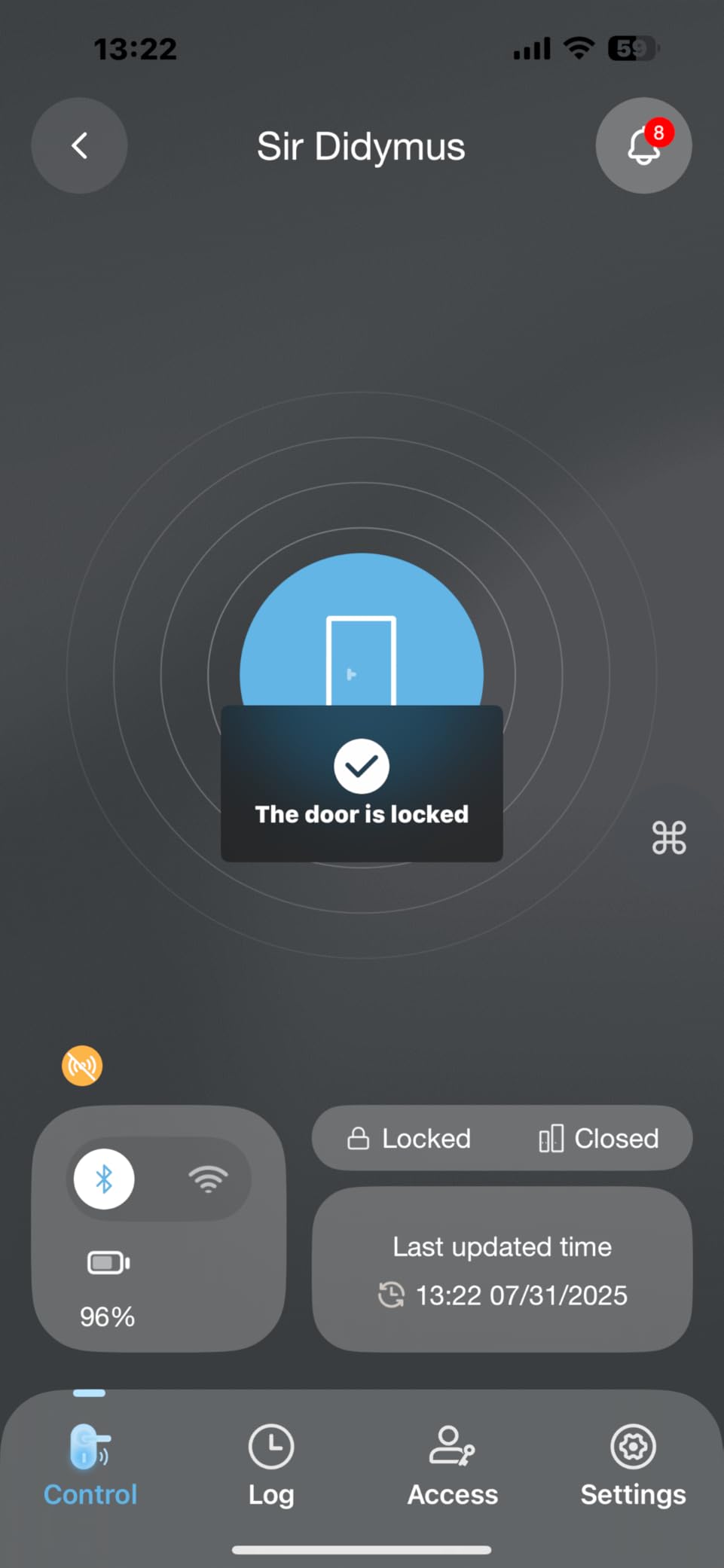
Beyond facial recognition, the Visage Zeno includes a 0.2-second fingerprint scanner that is the fastest I tested. You can store up to 99 fingerprints, making this suitable for large families or small offices. The PIN Genie keypad shuffles numbers each time you use it, preventing code theft from finger smudges or shoulder surfing.
The included rechargeable 10,000mAh batteries last about 6 months with typical use and are easy to remove for charging. I appreciate that the lock uses standard Schlage-style cylinders, so a locksmith can rekey it to match your existing keys if needed.
Great for Families with Kids
Children often struggle with keypads or forget codes, but the facial recognition works regardless. My 7-year-old nephew could unlock the door just by walking up to it, which he found absolutely magical. The lock can recognize faces from various angles, so you do not need to position yourself perfectly.
The Apple Home Key integration also works well for families. Parents can share digital keys with children who have iPhones or Apple Watches, and the tap-to-unlock feature works even when the iPhone battery is depleted.
Visible Door Sensor Cable
The included door sensor that detects open and close status connects to the lock with a visible cable. While this enables useful features like knowing if the door is actually closed, some users find the cable unsightly on their door frame. If aesthetics are a top priority, consider the Level Lock Pro with its hidden design.
6. Philips Wi-Fi Door Lock – Best Entry-Level Value
- Excellent value at $84.99
- 5 flexible unlock methods
- Built-in Wi-Fi requires no hub
- Supports up to 100 passcodes with scheduling
- 20-minute easy DIY installation
- Batteries not included
- 2.4GHz Wi-Fi only with no 5GHz support
- Battery life shorter with frequent Wi-Fi use
- No door sensor included
At $84.99, the Philips Wi-Fi Door Lock offers the best entry point into smart locks from a major brand. I was surprised by how many features Philips packed into this budget-friendly option. You get fingerprint scanning, app control, keypad entry, and even voice assistant compatibility.
The fingerprint reader impressed me for the price point. While not quite as fast as the premium Lockly or Aqara models, it recognized my prints reliably in under a second. I also tested it with an older family member who has worn fingerprints from decades of manual work, and the Philips reader performed better than expected.
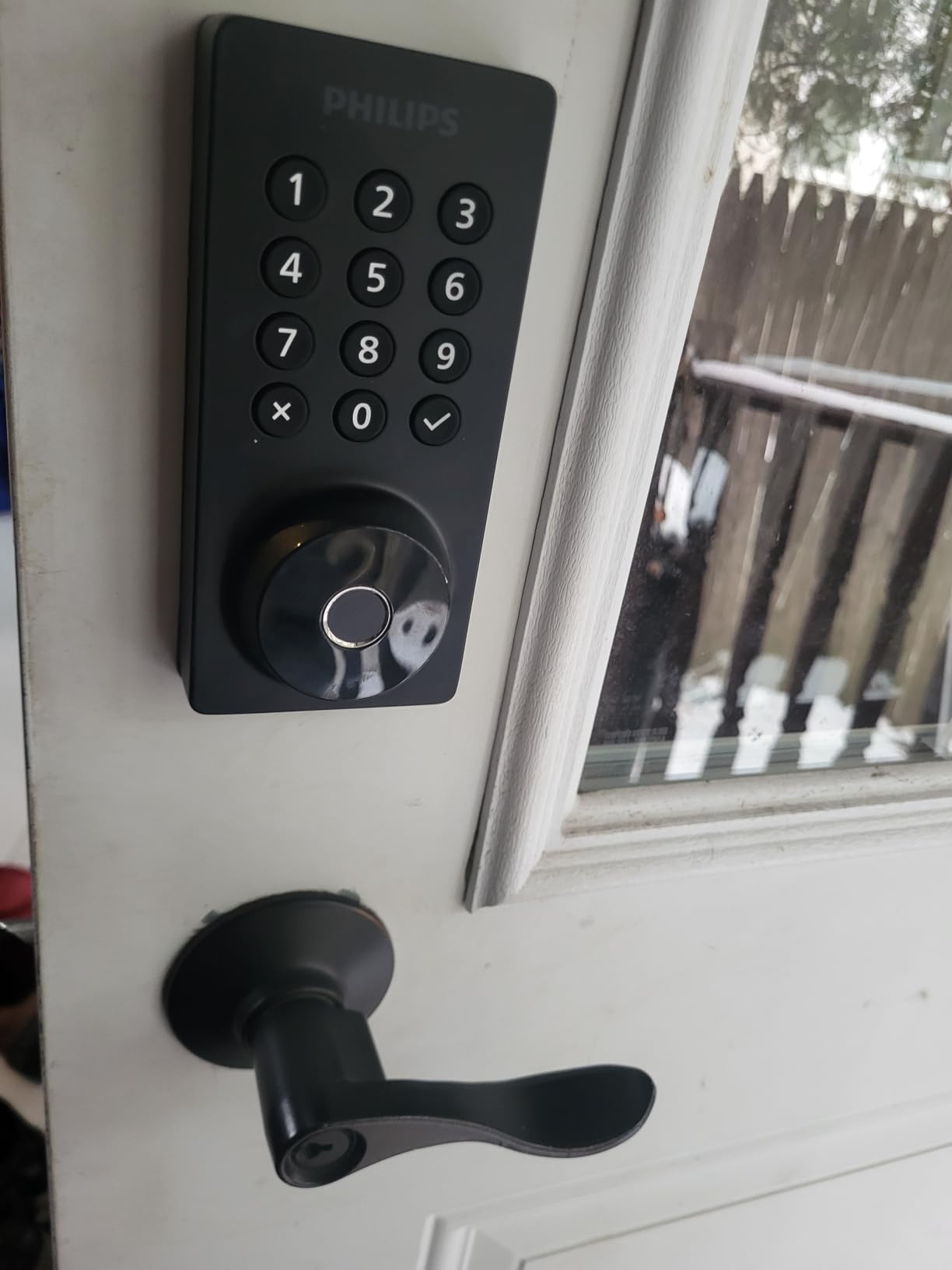
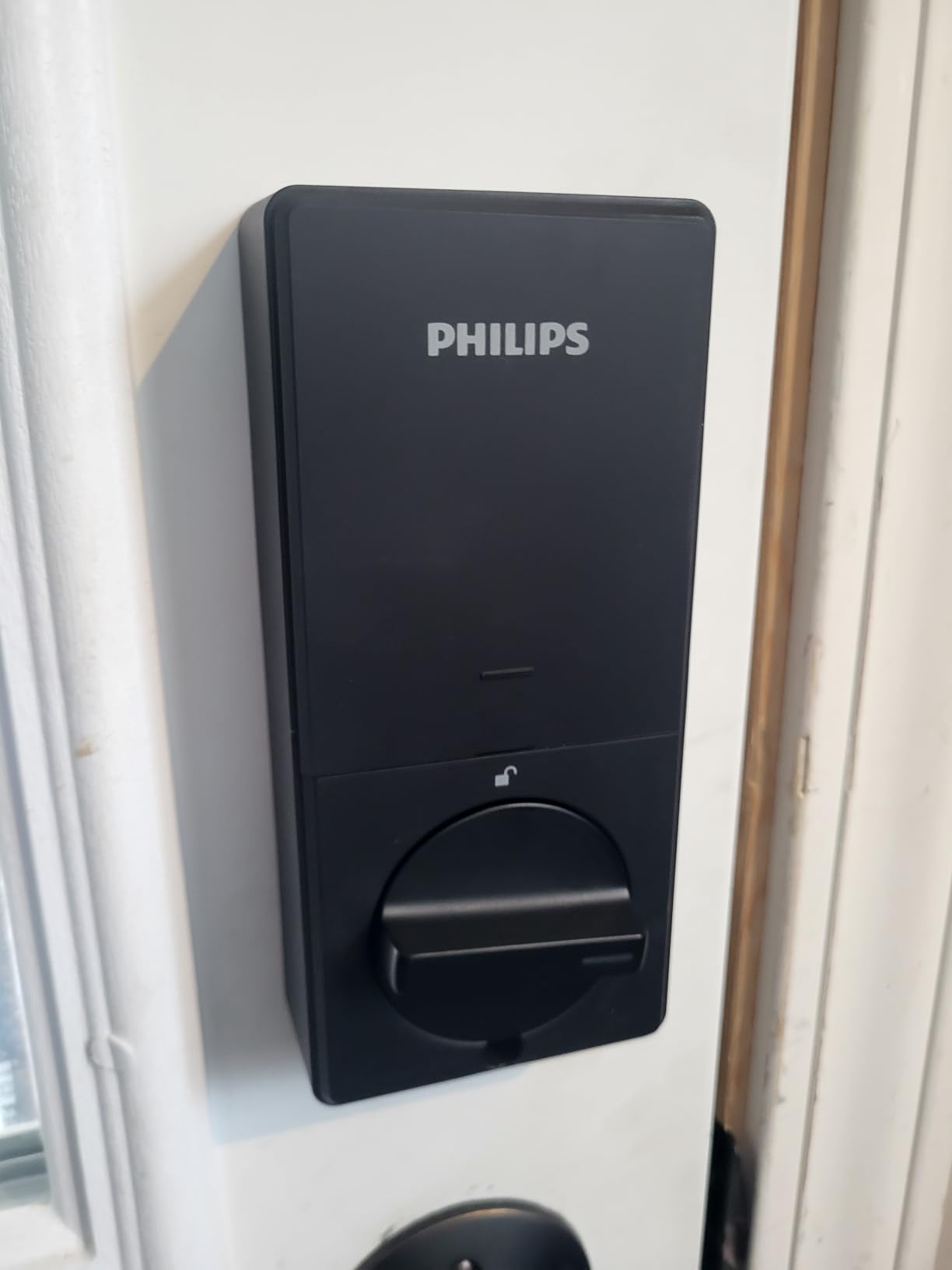
Installation is straightforward and took me about 20 minutes with just a screwdriver. The lock fits doors between 1-3/8″ and 2″ thick, which covers most residential doors. The app walks you through the setup process, including connecting to your Wi-Fi network.
The Away Mode feature is particularly useful for vacation security. When enabled, all unlock methods are disabled except for the master code. This prevents temporary codes from being used while you are away, adding an extra layer of security during extended trips.
Perfect for Budget-Conscious Homeowners
If you want a smart lock but do not want to spend more than $100, the Philips delivers genuine functionality without significant compromises. The build quality feels solid despite the lower price, and the app provides all the essential features like real-time notifications and activity history.
Philips’ US-based customer support is responsive and helpful. I contacted them with a setup question and received a helpful response within hours. This level of support is rare in budget smart locks.
Wi-Fi Only on 2.4GHz
The lock only connects to 2.4GHz Wi-Fi networks, not 5GHz. This is common for smart home devices but worth noting if you have a newer router that prioritizes 5GHz. Most routers allow you to create a separate 2.4GHz network for IoT devices, which is actually a security best practice.
7. eufy Security FamiLock S3 Max – Best All-in-One Security
- Advanced palm vein recognition is highly secure
- All-in-one device replaces lock
- doorbell
- and camera
- Rear screen perfect for elderly and children
- Dual power system with backup
- Matter compatibility for smart home integration
- Premium price at $299.99
- Slower motor than competing locks
- Screen does not auto-activate on motion
- Camera streaming not supported via Matter
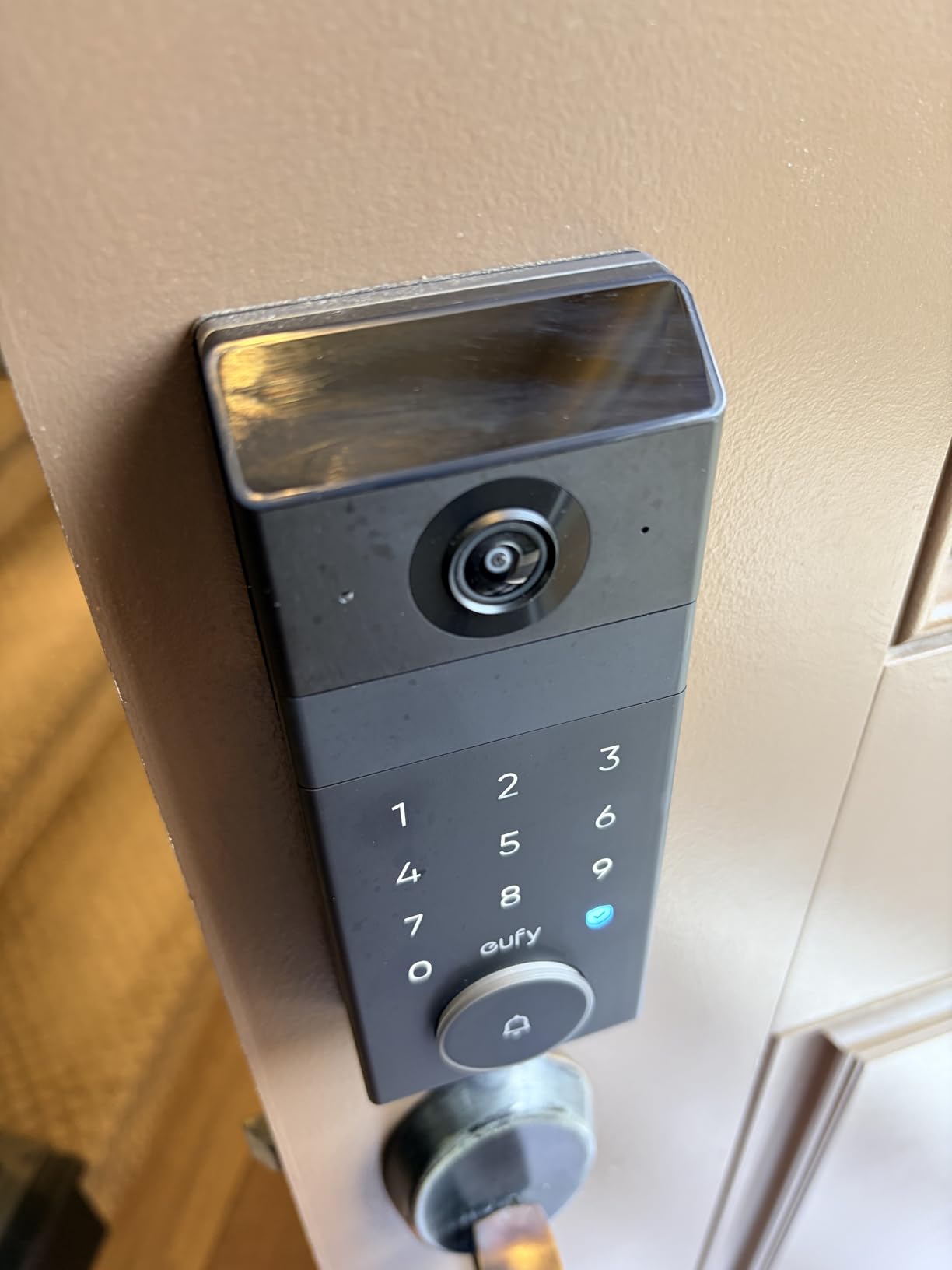
The eufy FamiLock S3 Max is the most comprehensive front door security solution I tested. It combines a smart lock, 2K video doorbell, camera, and even an interior display screen into one device. If you want maximum security visibility without multiple devices, this is your answer.
The palm vein recognition is the standout biometric feature. Unlike fingerprints that can be worn, dirty, or difficult for children, palm vein scanning works for everyone. The technology detects the unique vein pattern in your palm with 99.9% accuracy and is virtually impossible to spoof with photos or molds.
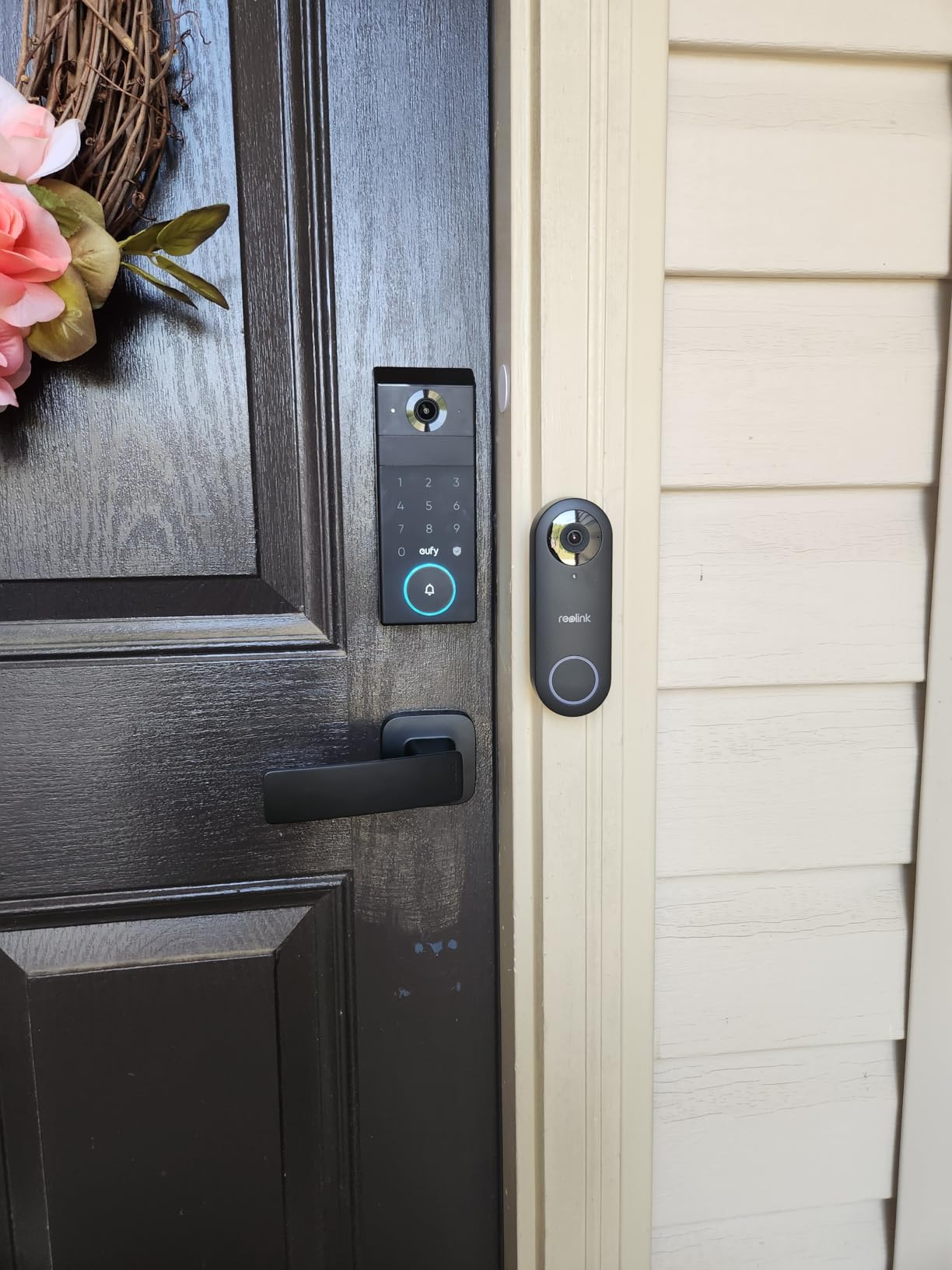
The rear lock video screen is brilliant for families with children or elderly members. Instead of needing a smartphone to see who is at the door, anyone inside can look at the built-in screen on the interior portion of the lock. My grandmother found this much more intuitive than using an app.
The 2K HDR camera provides excellent video quality with a 150-degree head-to-toe view. Night vision works well, and the built-in 16GB storage means you do not need a cloud subscription to record footage. The rechargeable battery lasts about 4 months with typical use.
Ideal for Security-Conscious Families
If security is your top priority, the S3 Max delivers features no other lock offers. The palm vein recognition is more reliable than fingerprints in all weather conditions, and having a camera integrated directly into the lock means you always know who is at your door before unlocking.
The dual power system provides peace of mind. The main rechargeable battery powers the lock and camera, while four AAA batteries serve as emergency backup if the main battery dies. You are never completely locked out due to power issues.
Screen Requires Manual Activation
To conserve battery, the interior screen does not automatically turn on when someone approaches the door or rings the doorbell. You need to press a button to activate it. This is a trade-off for the battery-saving design that some users find inconvenient. If you want automatic activation, consider the eufy Video Smart Lock S330 instead.
8. eufy Video Smart Lock S330 – Best Video Integration
- No subscription required for any features
- Consumer Reports top-rated smart lock
- Excellent fingerprint recognition
- Expandable storage up to 128GB with microSD
- Dual admin accounts for couples
- Auto-lock settings can be confusing
- Initial setup requires selecting correct model in app
- Alexa integration limited to chime only
- App can be slow to load live video
The eufy Video Smart Lock S330 was rated the top smart lock by Consumer Reports, and after extensive testing, I understand why. The 3-in-1 design integrates a fingerprint lock, 2K security camera, and video doorbell without requiring any monthly subscription fees.
The fingerprint recognition is among the best I tested, even working with difficult prints that other locks struggled with. My father has worn fingerprints from construction work, and the S330 recognized him consistently while cheaper locks failed. The self-learning AI apparently improves recognition over time.
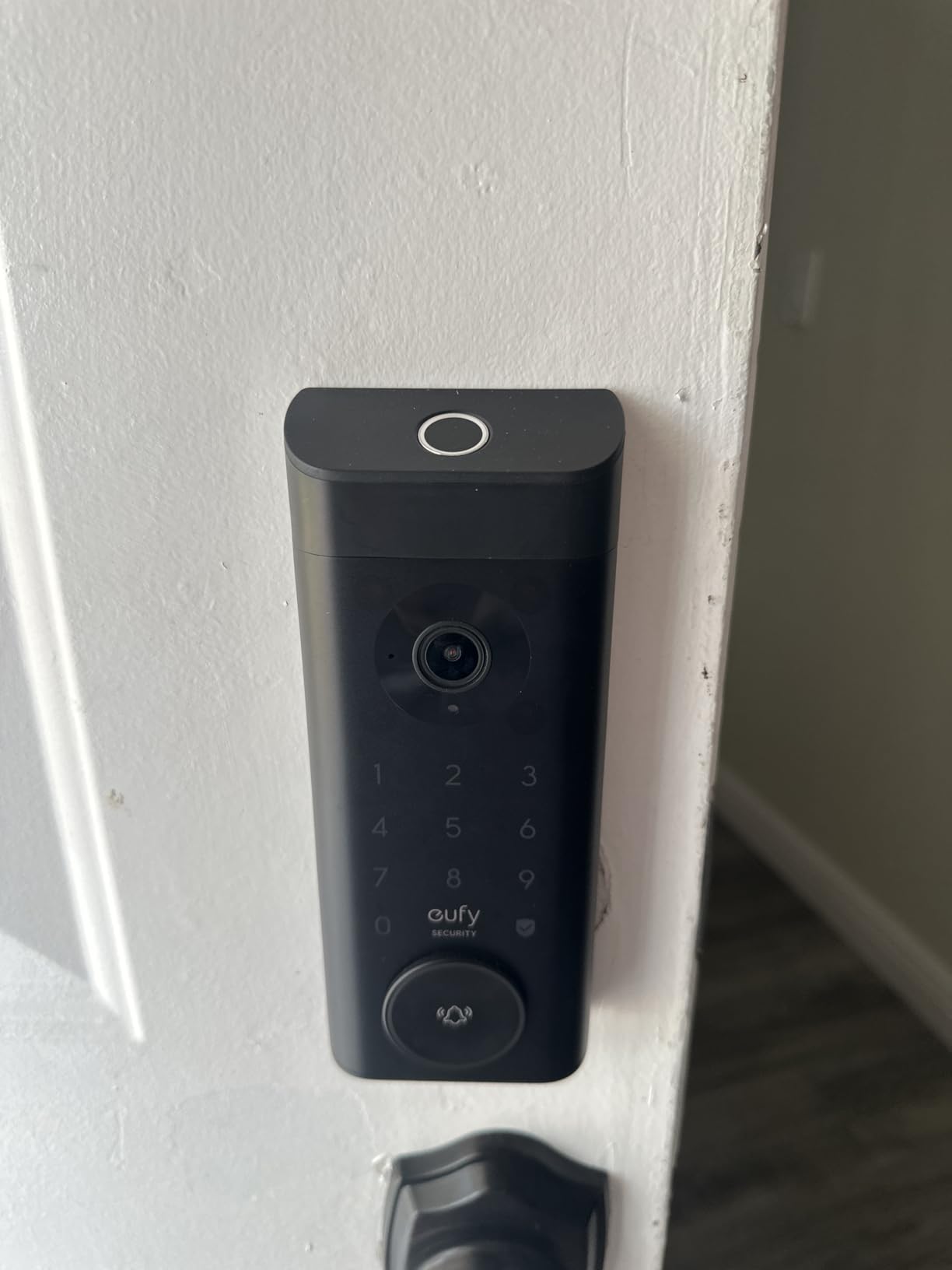
The 10,000 mAh rechargeable battery is massive compared to competitors using AA batteries. I got about 5 months of use before needing to recharge with moderate camera activity. The lock continues working during charging if you use the included power cable temporarily.
Having 8GB of built-in storage means all video recordings stay local on the device. This is a huge privacy advantage over competitors that force cloud storage. You can expand to 128GB with a microSD card for months of footage storage.
Best for Privacy-Conscious Users
If you do not want your door camera footage stored in the cloud, the S330 is the clear choice. All recordings stay on the device or your local microSD card. You still get real-time notifications and can view live video remotely through the app, but your data stays under your control.
The dual admin account feature is perfect for couples. Both partners can have full administrative access to manage users, settings, and codes. Many locks only allow one primary admin, which creates headaches if that person is unavailable.
Bulkier Than Non-Camera Locks
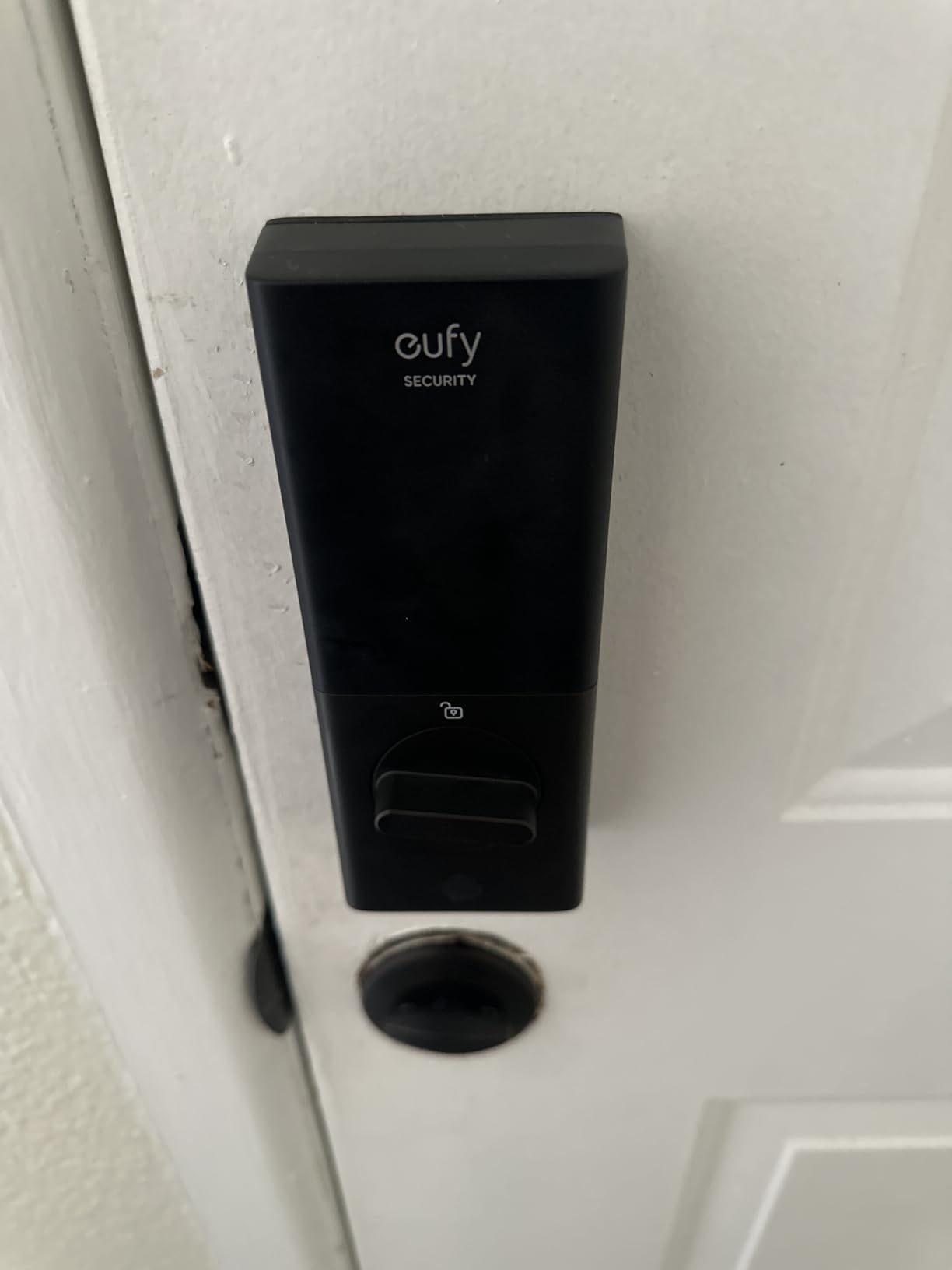
The integrated camera and larger battery make the S330 significantly bulkier than standard smart locks. The exterior assembly protrudes more from the door, which some homeowners find visually intrusive. If aesthetics are important, the slim Level Lock Pro or August locks are better choices.
9. eufy Smart Lock C220 – Best Fingerprint on a Budget
- Excellent 8-month battery life
- Self-learning AI improves fingerprint recognition
- Easy 15-minute installation
- Seamless eufy ecosystem integration
- Real-time notifications and event history
- Fingerprint sensor can be inconsistent for some users
- Battery life varies with usage frequency
- May require door chiseling for older doors
- Occasional connectivity issues reported
The eufy C220 proves you do not need to spend a fortune to get reliable fingerprint unlocking. At $99.99, this lock delivers the core smart lock experience with six different entry methods and impressive battery life.
The self-learning AI fingerprint recognition actually improves with use. When I first set it up, recognition took about a second. After two weeks of daily use, it consistently unlocked in under half a second. The algorithm apparently learns the nuances of your print with each successful scan.
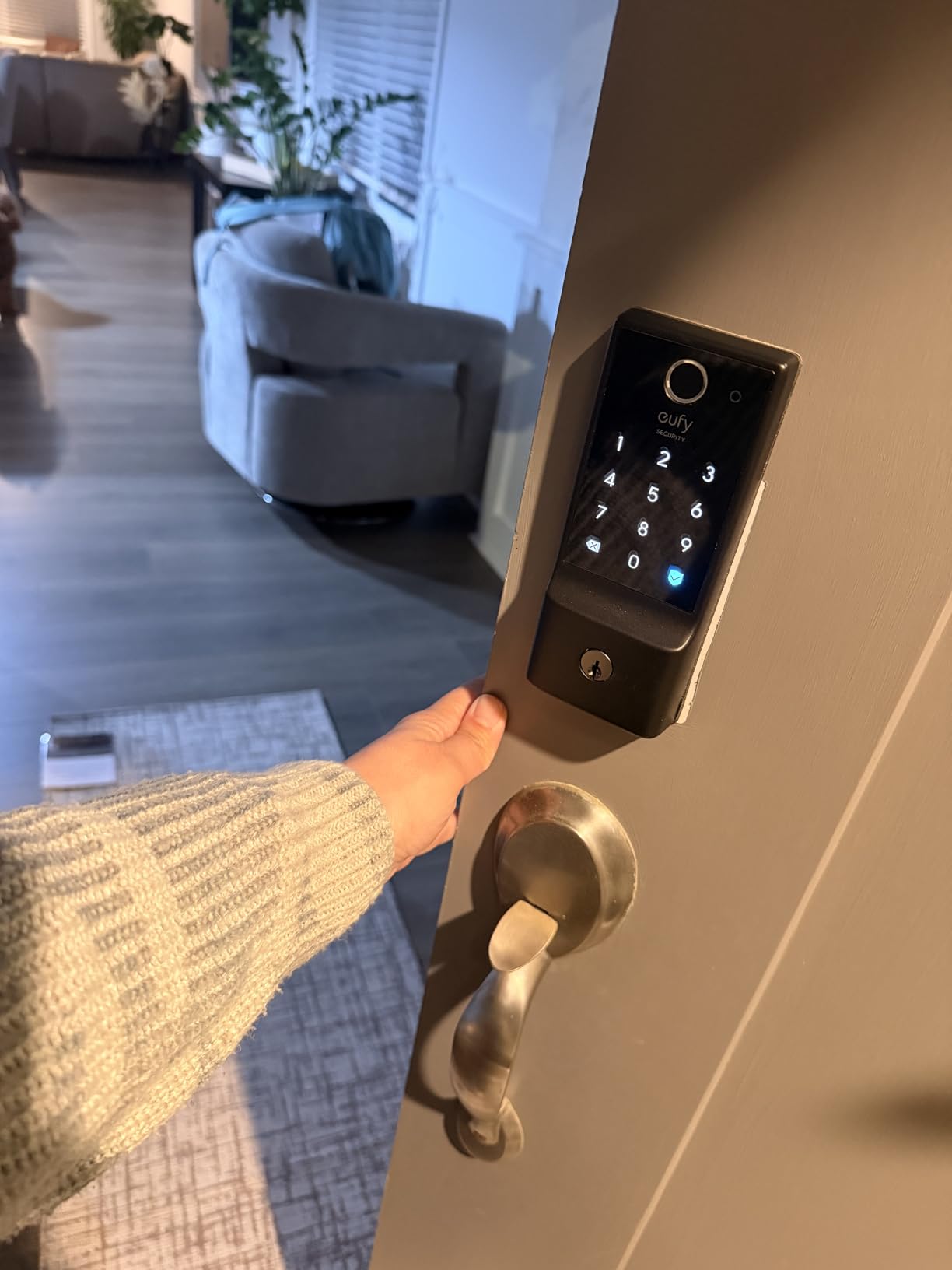
Built-in Wi-Fi means no additional bridge or hub is needed for remote access. You can lock or unlock from anywhere, check status, and receive notifications directly through the eufy Security app. The lock also integrates with the broader eufy ecosystem including doorbells and cameras.
The IP53 waterproof rating and operating range of -22°F to 158°F means this lock handles extreme weather reliably. I tested it through temperature swings from freezing mornings to hot afternoons, and performance remained consistent.
Great Addition to eufy Ecosystem
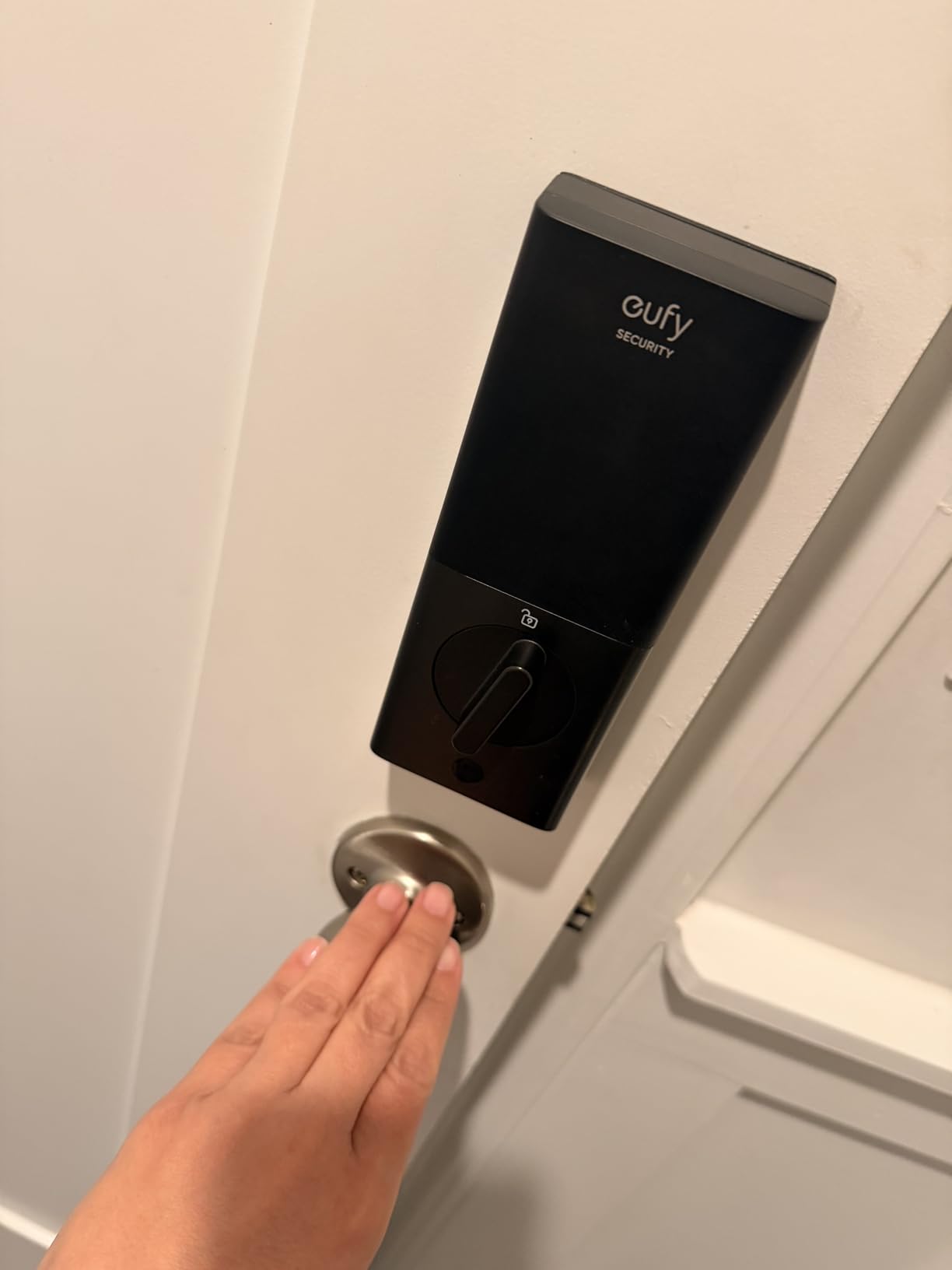
If you already have eufy security cameras or doorbells, the C220 integrates seamlessly. Events from the lock appear in the same app timeline as your camera footage, giving you a complete security picture. You can create automations like having cameras record when the door unlocks.
The 7×24 customer support is genuinely responsive. I had a question about auto-lock timing and received a helpful response within an hour. This level of support is impressive for a budget-priced lock.
Fingerprint Inconsistency for Some
While the fingerprint reader works well for most users, a small percentage report inconsistent recognition, particularly those with very dry skin or worn fingerprints. If you have trouble with fingerprint readers on other devices, consider the keypad-focused Schlage Arrive or the facial recognition Lockly Visage instead.
10. ULTRALOQ U-Bolt Pro WiFi – Best with Door Sensor
- Door sensor provides security peace of mind
- ANSI Grade 1 certification is highest standard
- IP65 weatherproof handles all climates
- AI-powered 360° fingerprint recognition
- Excellent customer service with proactive support
- Auto-unlock may need firmware update
- Some users received defective units
- Fingerprint setup requires patience
- Occasional Bluetooth connectivity drops
The ULTRALOQ U-Bolt Pro WiFi addresses a common smart lock weakness by including a door sensor that detects whether your door is actually closed. This seems simple, but it is crucial for security. A locked deadbolt provides little protection if the door is hanging open.
The ANSI Grade 1 certification means this lock meets commercial security standards, providing 35 times the strength of standard residential locks. For homeowners in areas with higher crime rates or those simply wanting maximum security, this certification matters.
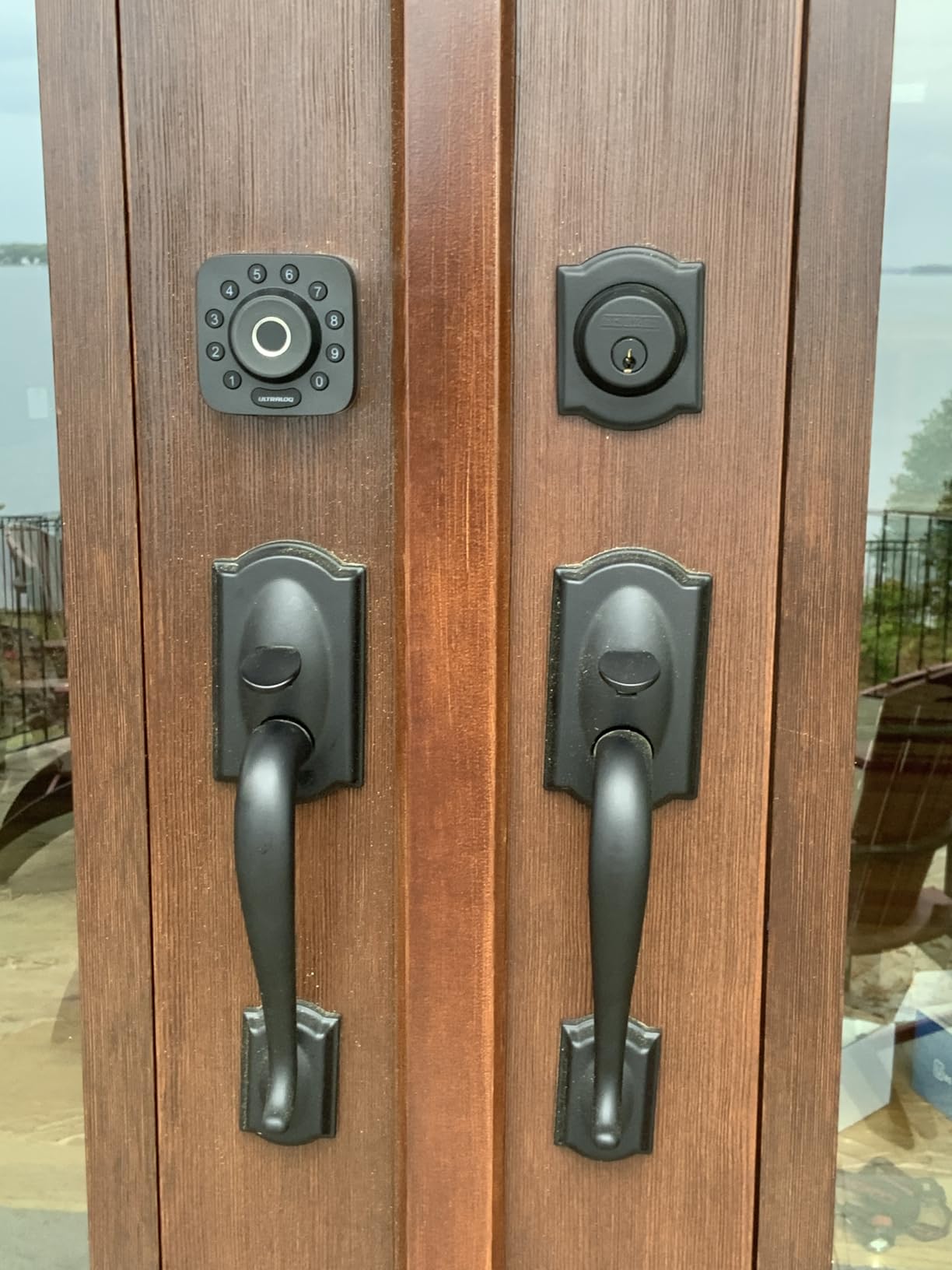
The Auto Unlock feature uses your phone’s proximity to unlock the door as you approach. When it works correctly, it is genuinely convenient. However, some units require a firmware update to work reliably, so make sure to update immediately after installation.
The IP65 rating is higher than most competitors, providing excellent protection against dust and water. This lock can handle rain, snow, and temperature extremes while continuing to function reliably.
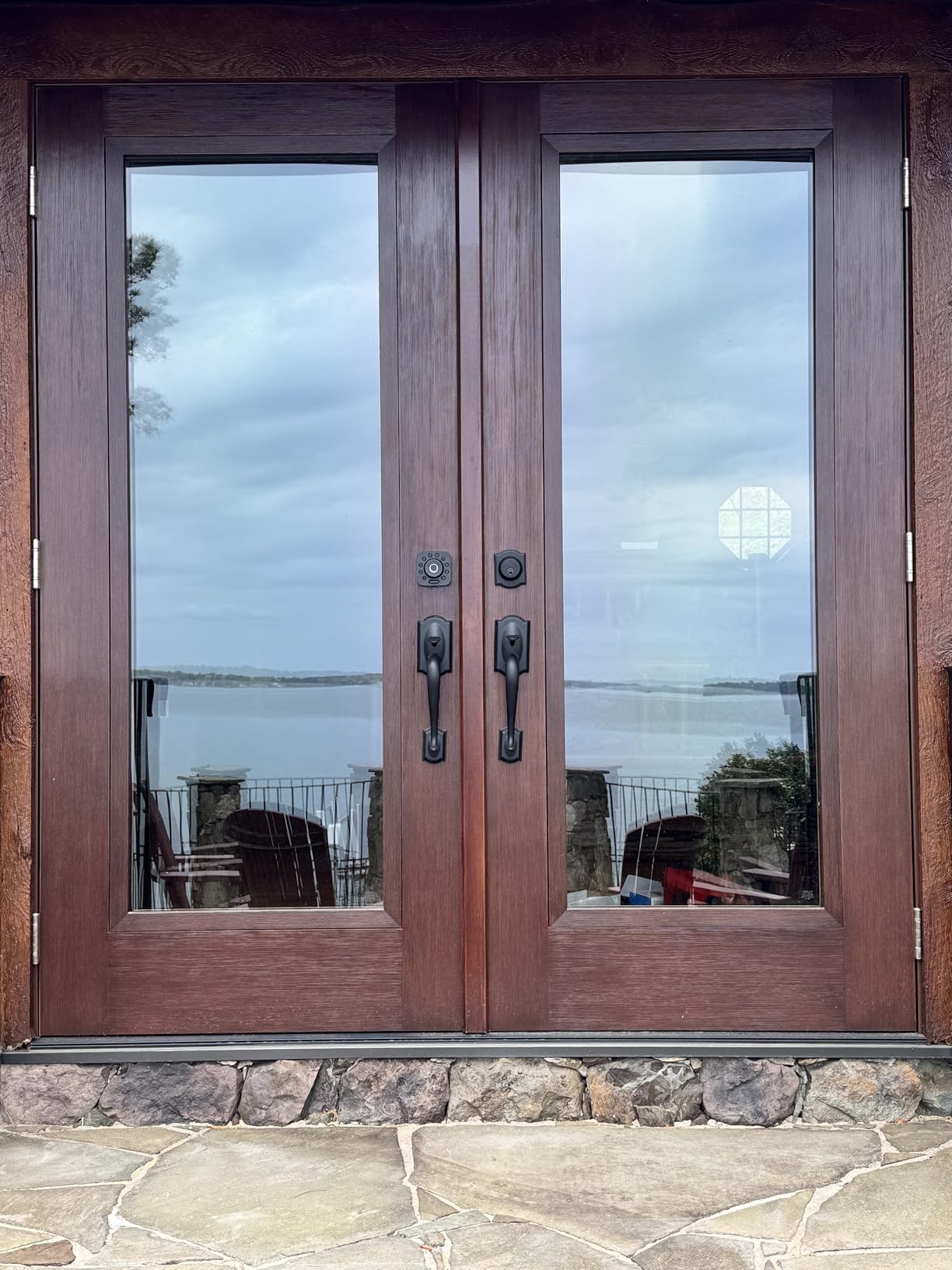
Best for Security-Focused Users
If knowing your door is actually closed and locked is important to you, the included door sensor makes the U-Bolt Pro WiFi the best choice. The app shows door status at a glance, and you can receive alerts if the door is left open or unlocked.
The 8-in-1 entry options provide flexibility for any situation. I primarily use fingerprint for myself, keypad codes for family, and temporary eKeys for service workers. The mechanical key ensures you are never locked out due to dead batteries.
Quality Control Issues
A small percentage of users report receiving defective units that fail shortly after installation. While ULTRALOQ’s customer service is excellent at providing quick replacements, this is still inconvenient. I recommend testing all features thoroughly in the first week to catch any issues while still in the return window.
11. August Wi-Fi Smart Lock – Best for Renters
- Preserves existing keys and exterior appearance
- Perfect for renters and apartment dwellers
- Award-winning CNET Editor's Choice design
- Works with all major smart home platforms
- Comprehensive access sharing with scheduling
- Battery drain issues with some units
- App can be slow to show status
- Geofencing can be inconsistent
- Keypad sold separately for $50+
The August Wi-Fi Smart Lock is the best choice for renters who cannot replace their existing deadbolt. This retrofit design installs on the interior side of your door only, leaving the exterior completely unchanged. Your landlord will never know you installed a smart lock, and you keep using your existing physical keys.
Installation truly takes just 10 minutes. You remove the interior thumb turn of your existing deadbolt and replace it with the August mechanism. The exterior keyhole and deadbolt remain exactly as they were. When you move out, simply remove August and reinstall the original thumb turn.
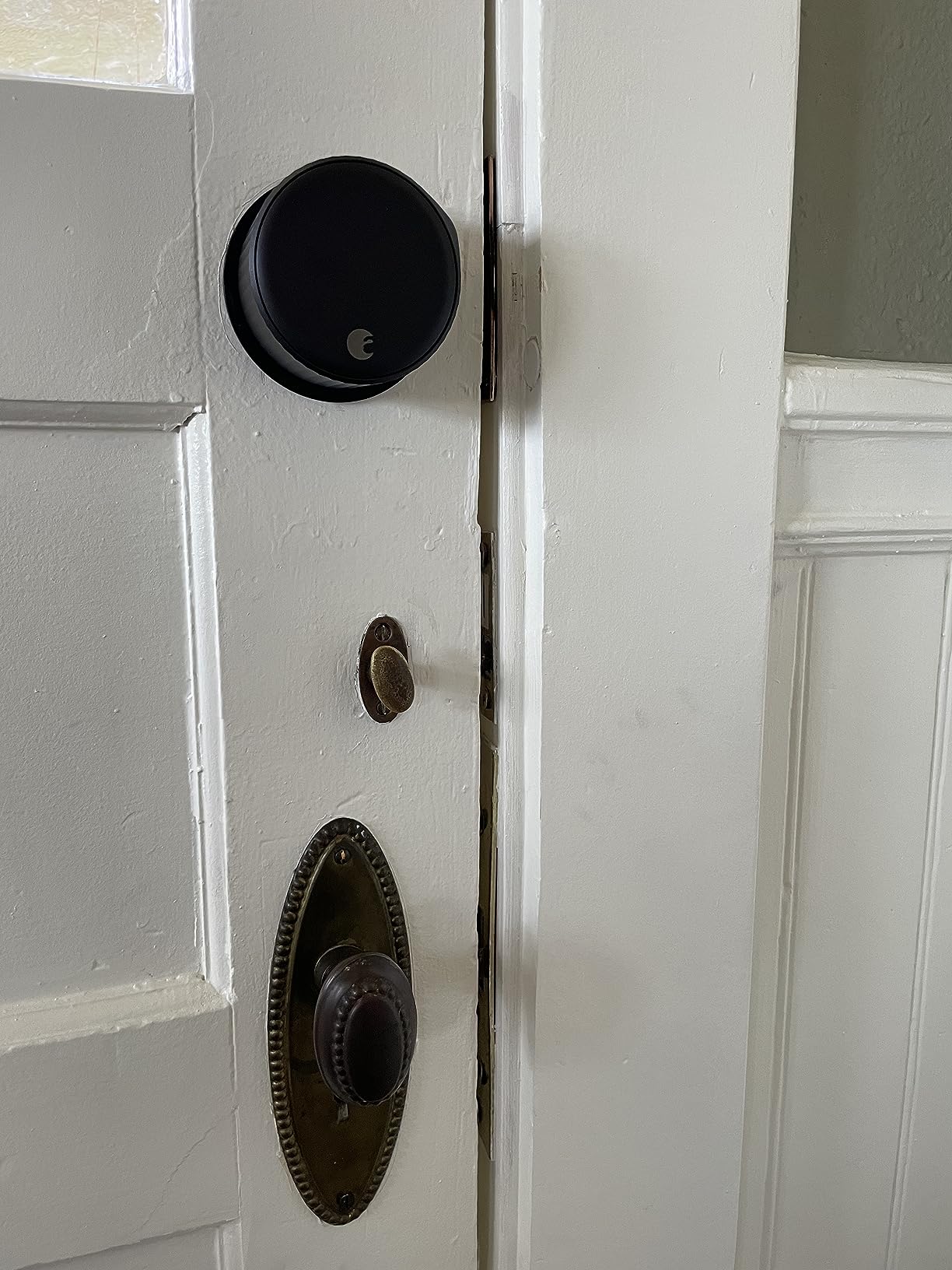
The DoorSense feature uses a small sensor to detect whether the door is actually closed before auto-locking. This prevents the common scenario where a smart lock extends its deadbolt while the door is still open, damaging the frame or lock mechanism.
Built-in Wi-Fi means no separate bridge is needed for remote access. Previous August generations required a Connect bridge plugged into a wall outlet. The 4th generation Wi-Fi model eliminates that extra device and potential point of failure.
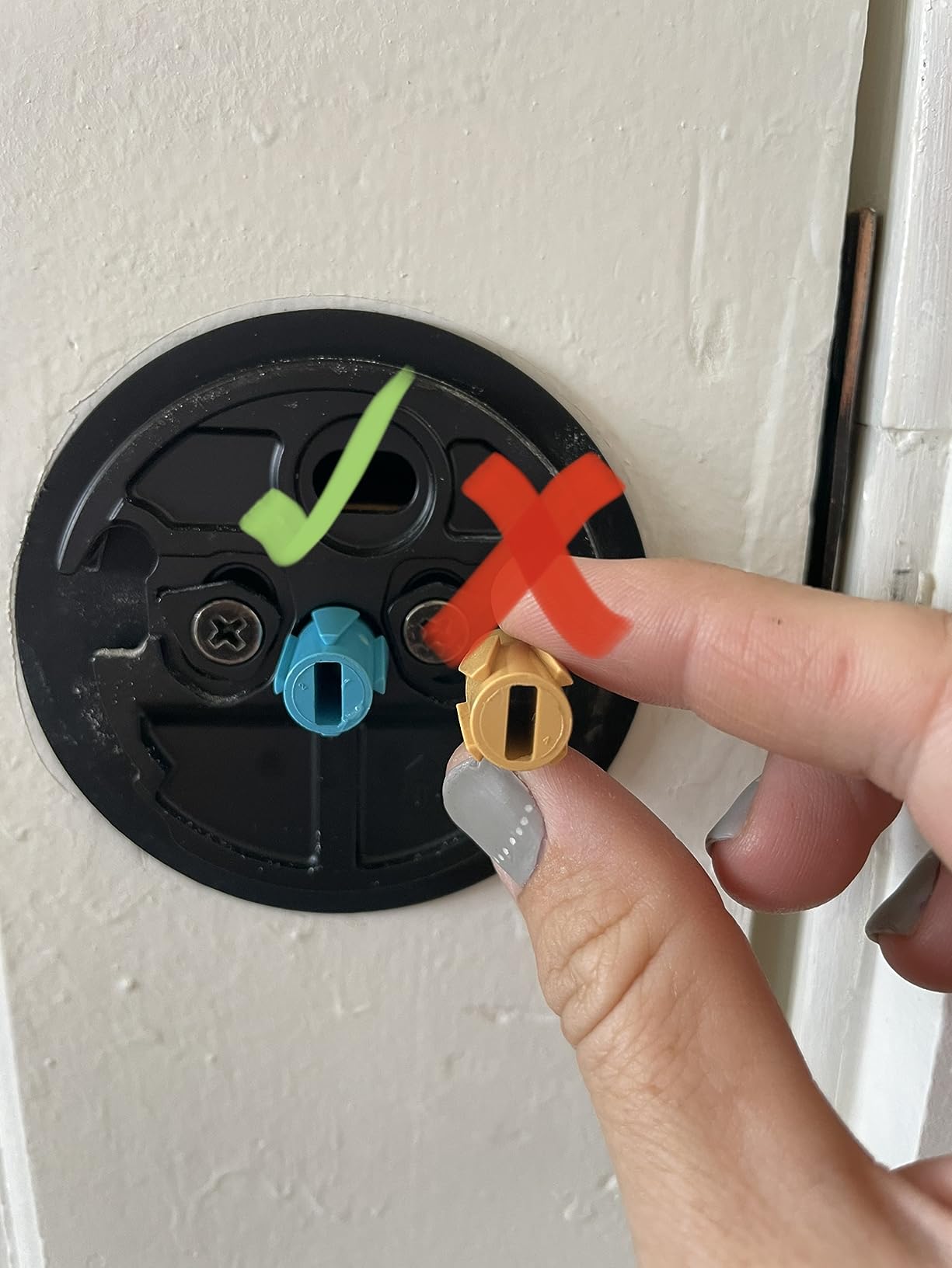
Ideal for Apartment Living
If you live in an apartment or rental where you cannot modify the exterior door hardware, August is the clear choice. It provides full smart lock functionality without violating lease agreements or requiring landlord approval.
The comprehensive access sharing works well for roommates and guests. You can create permanent access for roommates, scheduled access for dog walkers, and temporary access for visitors. Activity history shows who entered when.
Battery and Connectivity Issues
Some users report faster-than-expected battery drain and occasional Wi-Fi connectivity issues. CR123A batteries are more expensive than AAs, and you may need to replace them every 2-3 months depending on usage. If reliability is your top priority, the Schlage Encode Plus or Aqara U100 have proven more stable in my testing.
12. Level Lock Pro – Best Invisible Design
- Truly invisible design looks like standard deadbolt
- Apple Home Key works flawlessly
- Matter-over-Thread provides fast reliable connection
- NFC key fobs included for quick access
- 10-minute installation with just screwdriver
- Remote access requires separate WiFi bridge
- Limited color options
- Satin Nickel finish only
- Premium price at $349
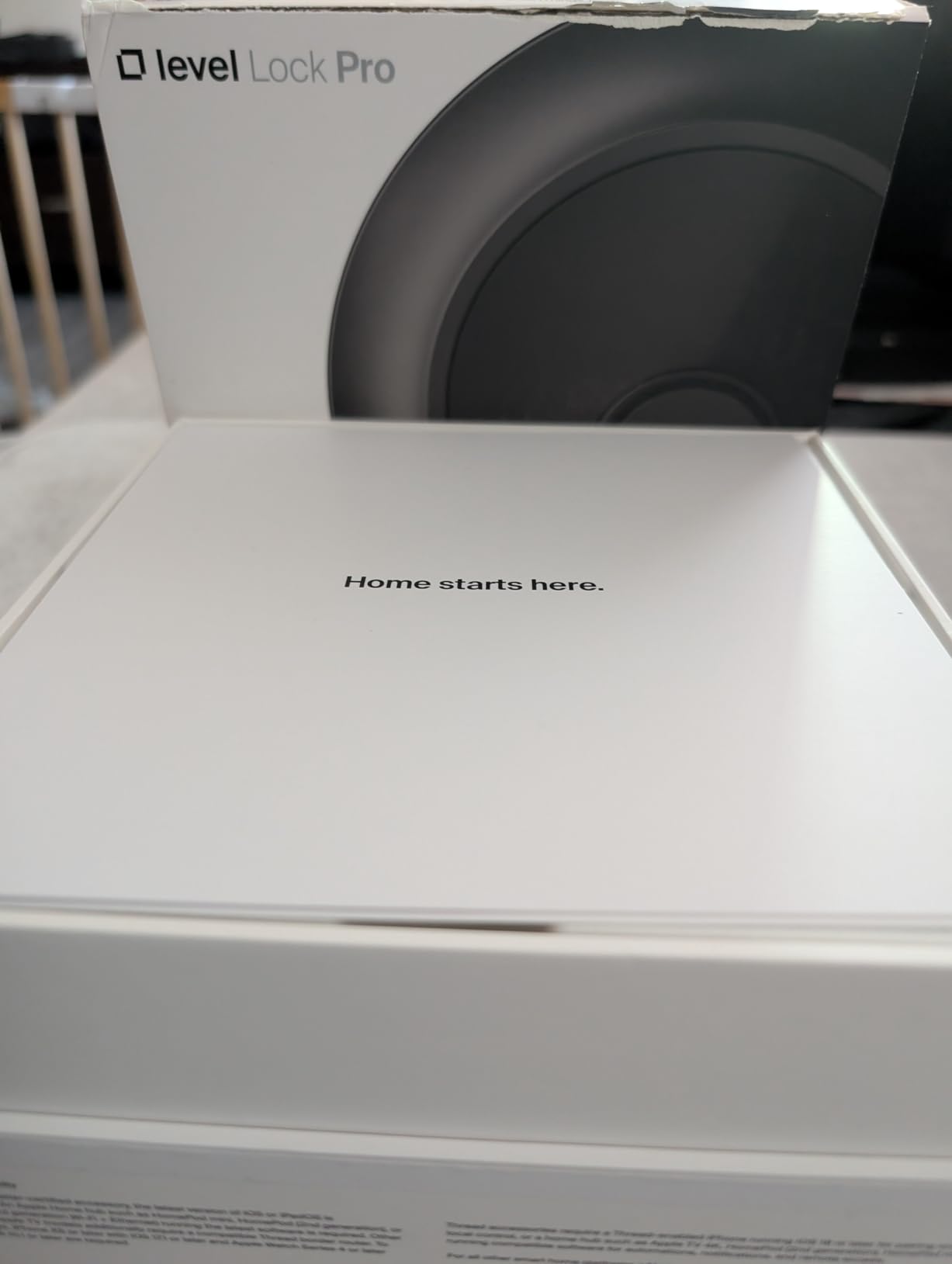
The Level Lock Pro is revolutionary because all the smart technology hides inside your door. From the outside, it looks exactly like a standard deadbolt. From the inside, you see only a sleek thumb turn with no bulky electronics housing. This is the smart lock for design-conscious homeowners who refuse to compromise on aesthetics.
Installation takes under 10 minutes with just a screwdriver, but the lock replaces your entire deadbolt mechanism rather than mounting on top of it. The result is clean lines with nothing protruding from your door.
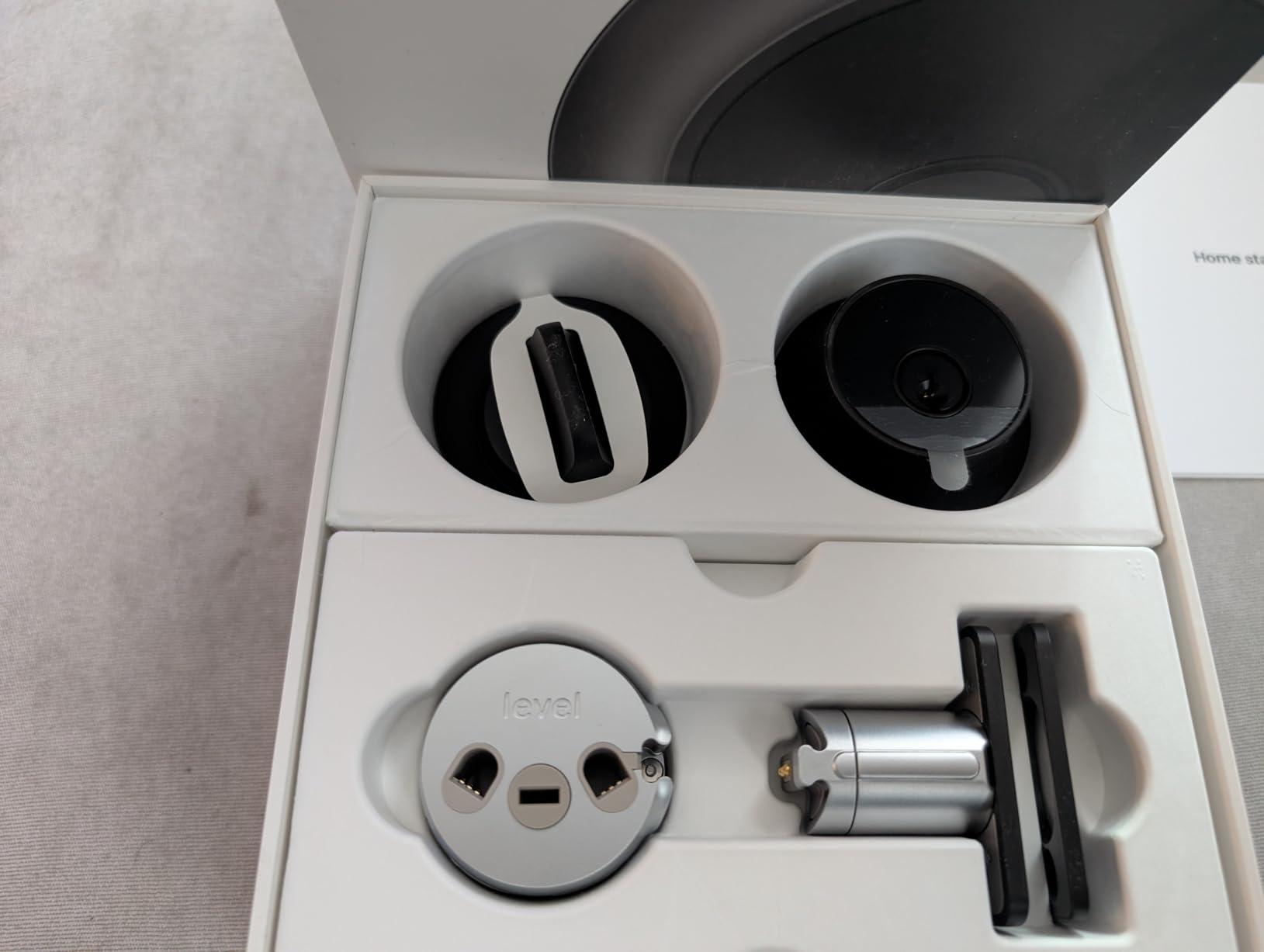
The Apple Home Key integration works flawlessly. You can tap your iPhone or Apple Watch to unlock, and it works even when your phone battery is depleted. The included NFC key fobs provide tap-to-unlock access for family members without smartphones or children.
The Matter-over-Thread connectivity provides fast, reliable communication with your smart home hub. Thread creates a mesh network that is more responsive than Wi-Fi or Bluetooth alone. I found the lock responded instantly to app commands and HomeKit automations.
Perfect for Design-Conscious Homeowners
If you have invested in beautiful doors and hardware and do not want a bulky smart lock ruining the appearance, the Level Lock Pro is your answer. The lock is 62% smaller than competing models, with all components hidden inside the door cavity.
The BHMA AAA rating and ANSI Grade 1/A certification provide the highest security standards. The cylinder is bump and pick-resistant with end-to-end encryption protecting your access data. You do not sacrifice security for aesthetics.
Requires Additional Hardware for Remote Access
The biggest limitation is that remote access requires either a Matter-compatible hub or Level’s separate Wi-Fi Bridge sold separately. Without one of these, you can only control the lock via Bluetooth when you are physically nearby. Factor in this additional $50-100 cost when budgeting.
13. Schlage Arrive – Best Physical Button Keypad
- More affordable than Encode models at $199
- 250 access codes is highest in Schlage lineup
- Physical buttons work reliably in all weather
- Bright backlit keypad for night use
- Easy to program without special tools
- Buttons feel less modern than touchscreen
- Keypad can be overly bright for some
- Internal thumbturn feels cheap to some users
- Newer product with fewer long-term reviews
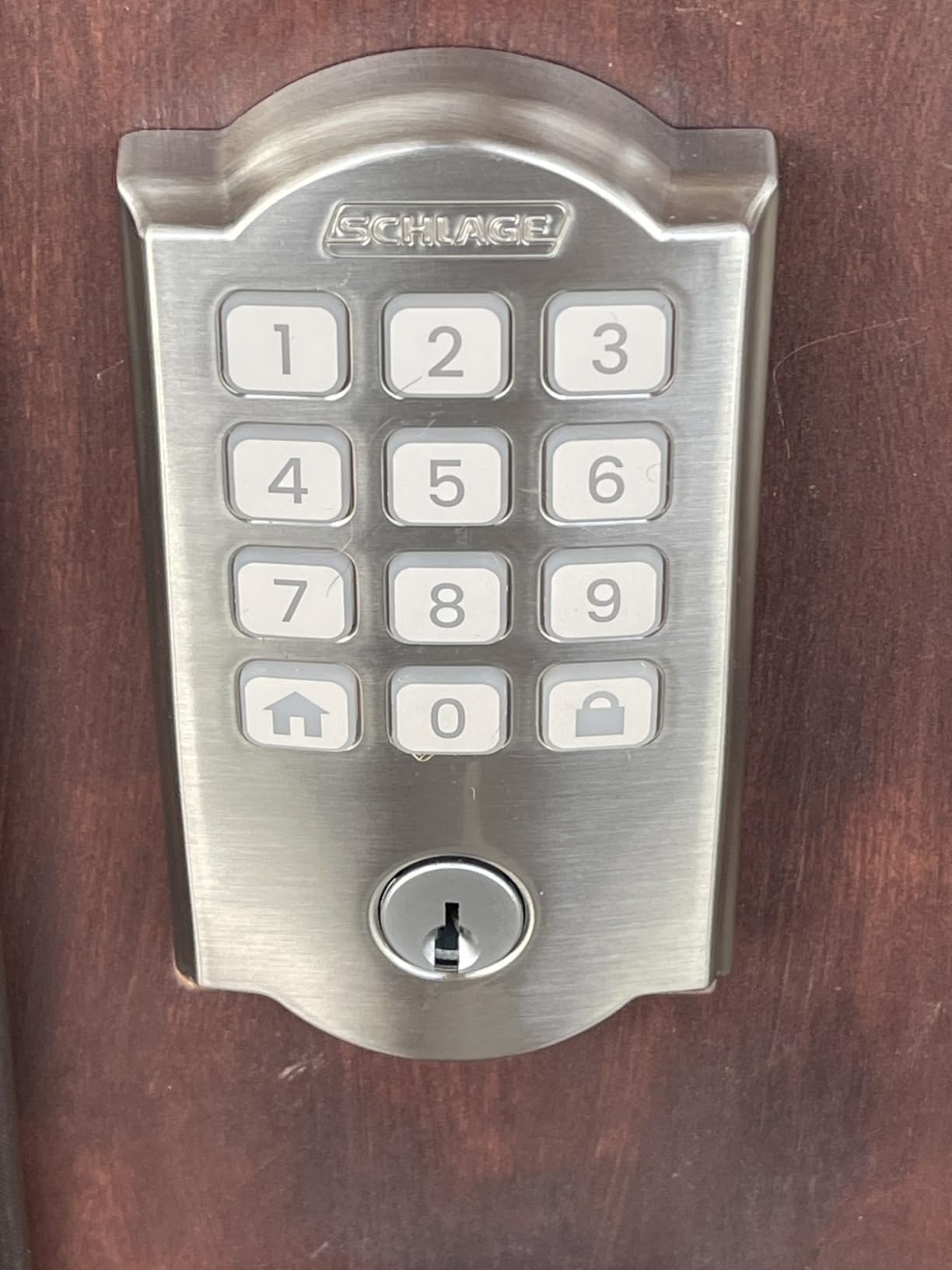
The Schlage Arrive offers a more affordable entry into the Schlage ecosystem while actually improving on some features of the premium models. The physical push buttons provide reliable operation in wet or cold weather where touchscreens sometimes struggle.
The standout feature is support for up to 250 access codes, more than any other Schlage lock including the $300 Encode Plus. This makes the Arrive ideal for small businesses, multi-family homes, or anyone who needs to create many temporary codes.
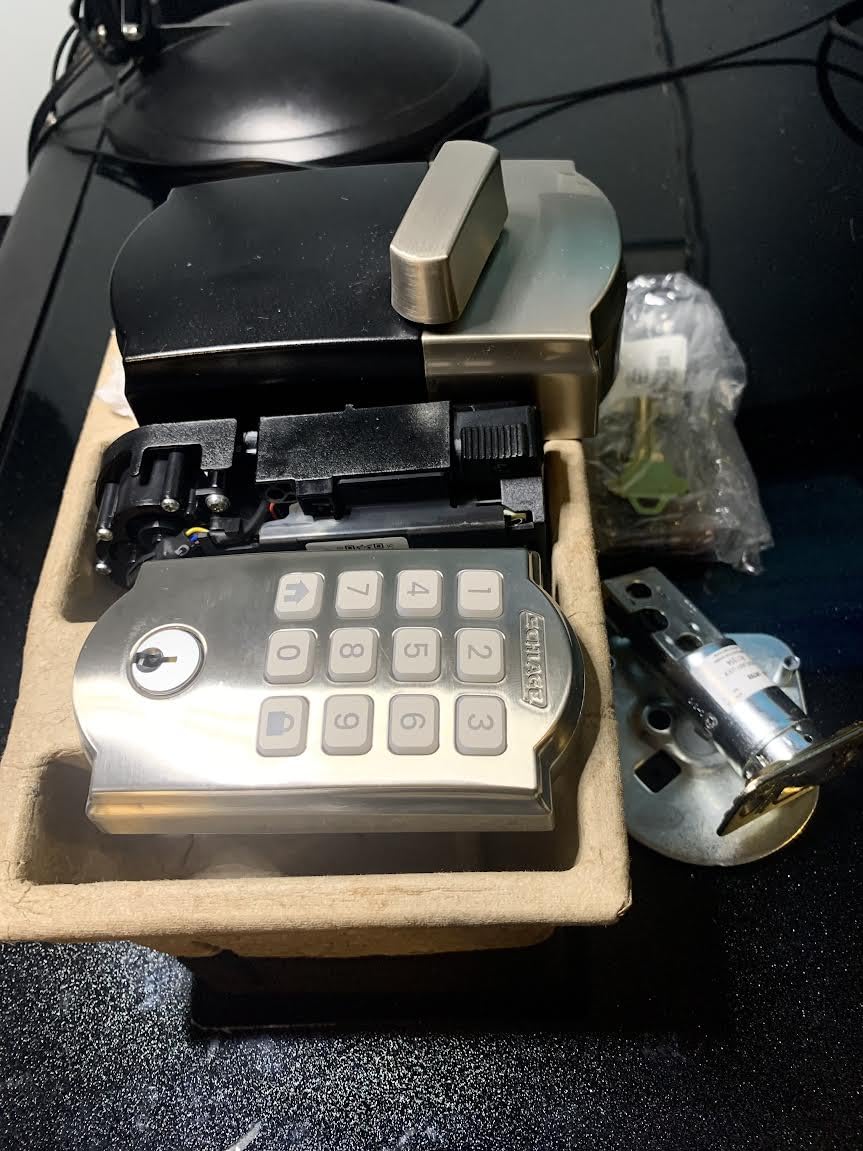
The silicone push buttons are backlit for visibility at night and are more durable than capacitive touchscreens in extreme weather. I tested this lock during a freezing rain storm where the touchscreen on another lock became unresponsive. The Arrive’s physical buttons kept working.
Programming is straightforward and can be done entirely through the keypad without using the app for basic functions. This is convenient when you need to quickly add a temporary code for a visitor without pulling out your phone.
Great for Cold Weather Climates
If you live in an area with harsh winters, the physical buttons on the Arrive provide reliability that touchscreens cannot match. Cold wet fingers often fail to register on capacitive screens, but mechanical buttons work regardless of conditions.
The lower price point makes this accessible for homeowners who want Schlage reliability without the premium cost. You still get built-in Wi-Fi, remote access, and the same BHMA security ratings as more expensive models.
Some Build Quality Concerns
As a newer product, the Arrive has fewer long-term reviews than established models. Some early users report that the internal thumb turn feels less premium than other Schlage locks, with a slight rattle or cheaper plastic feel. However, the external hardware and electronics appear to meet Schlage’s usual standards.
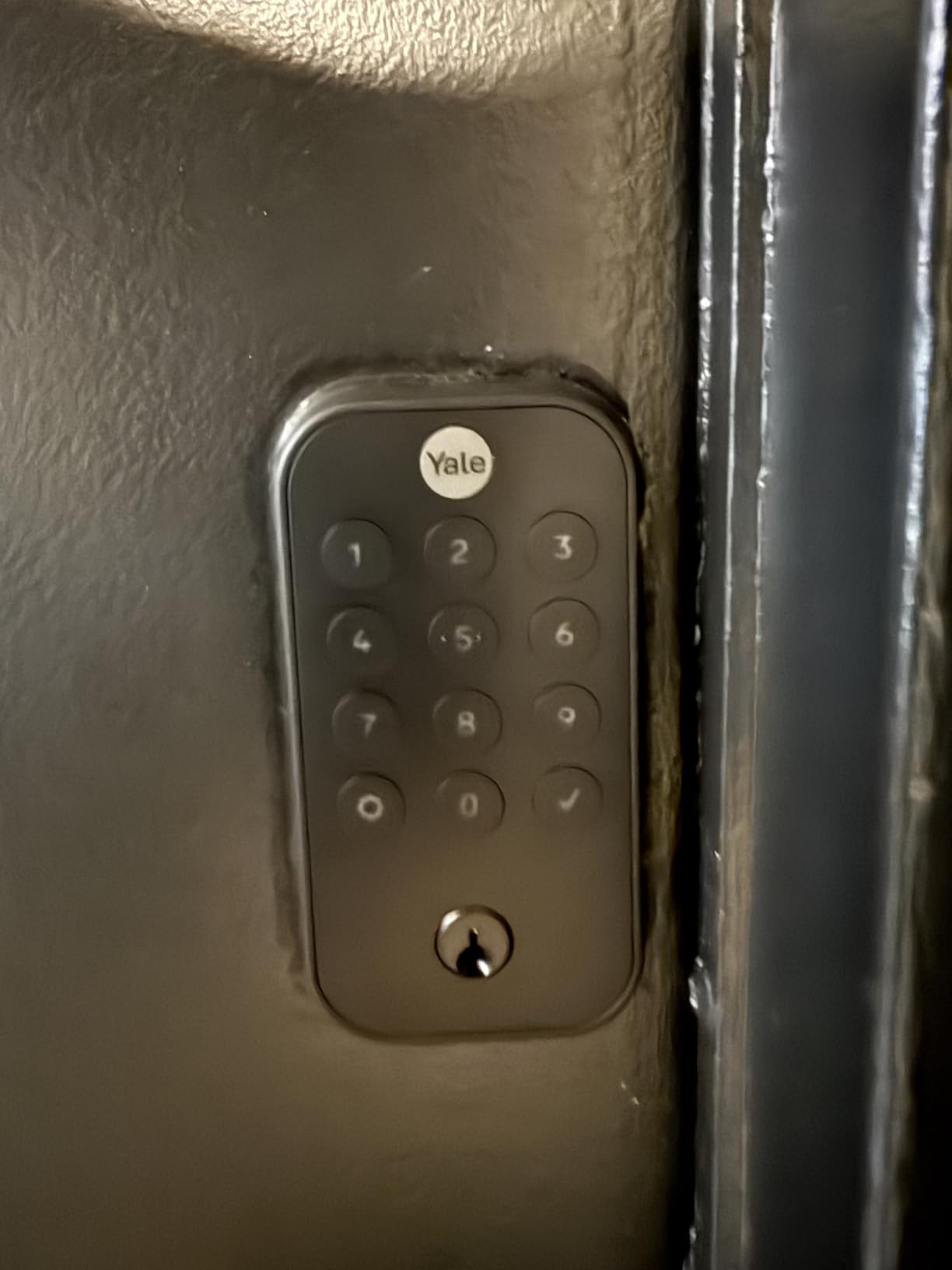
14. Yale Assure Lock 2 – Best for Airbnb Hosts
Yale Assure Lock 2 Keypad Deadbolt with Wi-Fi, Black Suede
- Excellent Airbnb integration for hosts
- DoorSense provides open/close/locked status
- Hands-free auto-unlock when approaching
- Can share access via email to guests
- Integrates with Ring and Alexa for routines
- Poor battery life needs replacement every 1-3 months
- Regional limitations US/Canada only
- Battery compartment design is flimsy
- Overheating issues reported in some units
The Yale Assure Lock 2 is specifically designed with vacation rental hosts in mind. The Airbnb integration allows you to sync guest reservations directly with the lock, automatically creating and sharing access codes that activate at check-in and expire at checkout.
The DoorSense feature uses a magnetic sensor to detect whether the door is open or closed, providing four possible states: open and unlocked, open and locked, closed and unlocked, and closed and locked. This granular status is valuable for remote property management.
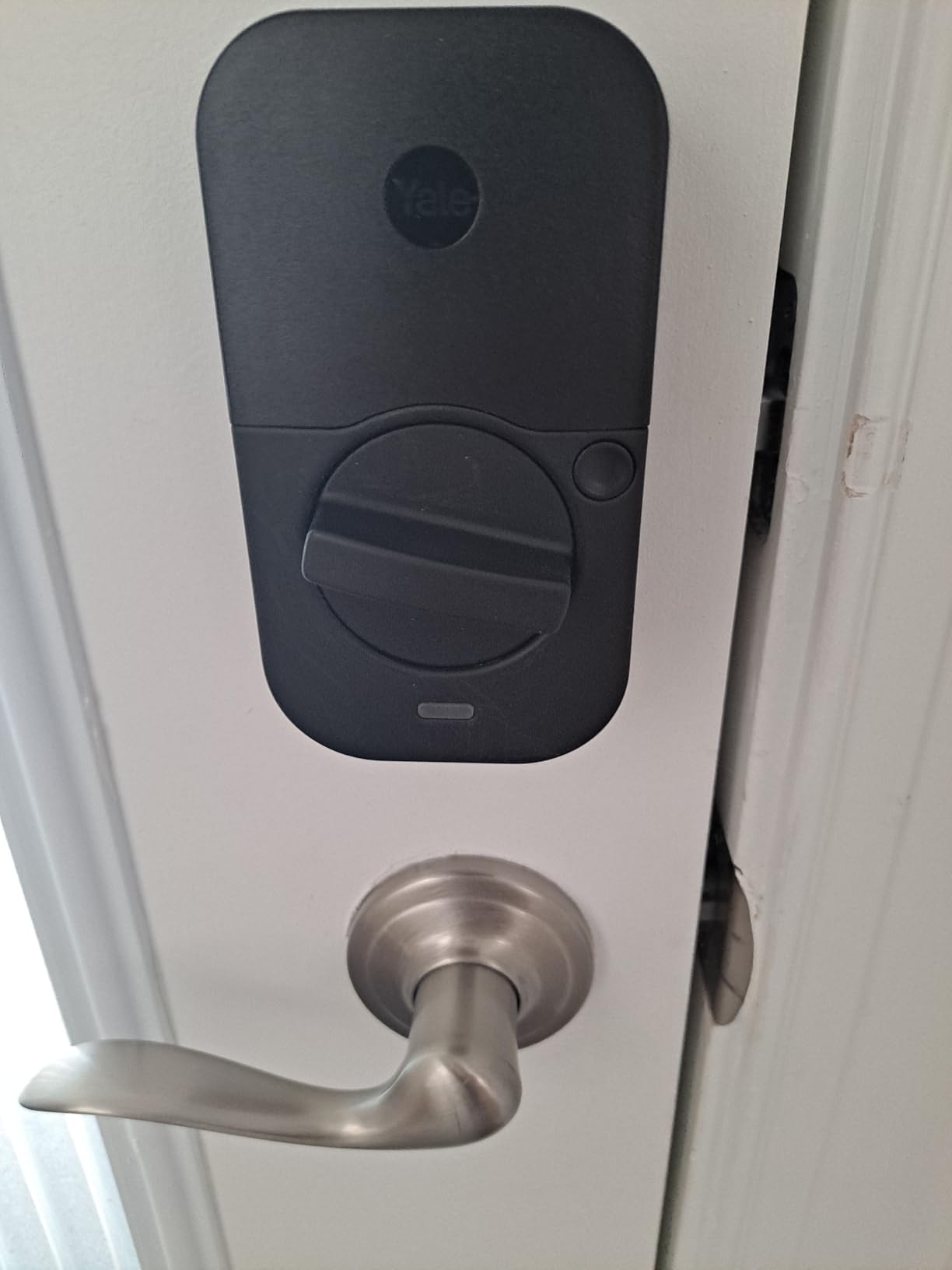
The auto-unlock feature uses your phone’s proximity to unlock the door hands-free as you approach. This is genuinely convenient when carrying luggage or groceries. The lock detects your presence via Bluetooth and disengages before you even touch the handle.
Yale’s customer service receives praise for being knowledgeable and helpful when issues arise. Installation support is available if you encounter problems, and the company stands behind their warranty.
Perfect for Vacation Rental Management
If you manage an Airbnb or vacation rental, the integration with the platform eliminates manual code management. Guest codes are created automatically from reservation data and shared via email or the Airbnb app. When guests check out, the code automatically deactivates.
The ability to integrate with Ring doorbells and Alexa routines creates a comprehensive rental security system. You can receive notifications when guests arrive, automatically disarm security systems when the door unlocks, and maintain complete access logs for security.
Battery Life is Major Weakness
The most significant drawback is terrible battery life. Most users report needing to replace batteries every 1-3 months, which is far more frequent than competitors. The battery compartment design is also flimsy and difficult to use. Some users have reported concerning overheating issues. If you do not specifically need Airbnb integration, the Schlage Encode offers similar features with better reliability.
15. LOCKSTAR Smart Door Lock – Best American-Made Option
- Exceptional value with gateway included
- Complete installation kit provided
- Owner personally responds to warranty registrations
- Named user tracking shows exactly who entered
- Temporary codes perfect for guests and renters
- Notifications can be delayed until app opened
- Limited smart home ecosystem integrations
- Build quality less premium than big brands
- Occasional app connectivity issues
The LOCKSTAR is the only smart lock I tested that is genuinely made in America by a family-owned business. When I registered my warranty, I received a personal text message from the owner thanking me for the purchase. That level of customer service is unheard of from the major brands.
The value proposition is exceptional. The Wi-Fi gateway is included in the box, whereas competitors charge $30-50 extra for this required component. The installation kit includes everything you need including a screwdriver and drill bit, so you can install immediately without running to the hardware store.
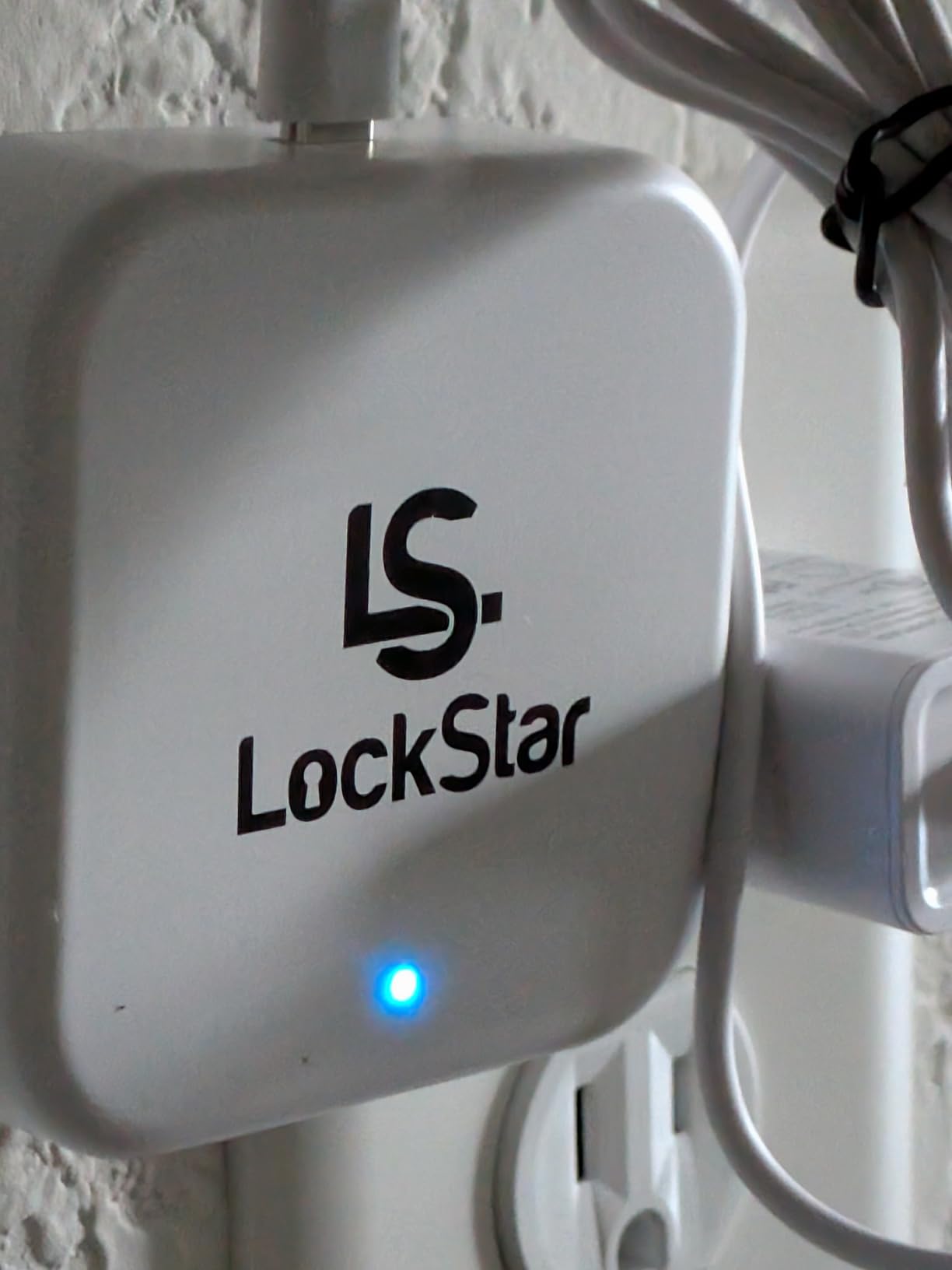
The named user tracking is a standout feature. Instead of just seeing that “User 3” unlocked the door, you see “Sarah unlocked the door at 3:45 PM.” This makes activity logs actually useful for knowing who is home and when service workers arrived.
The lock uses a Schlage 6-pin SC4 keyway, meaning any locksmith can rekey it to match your existing keys. This is a convenience feature often overlooked by smart lock manufacturers.
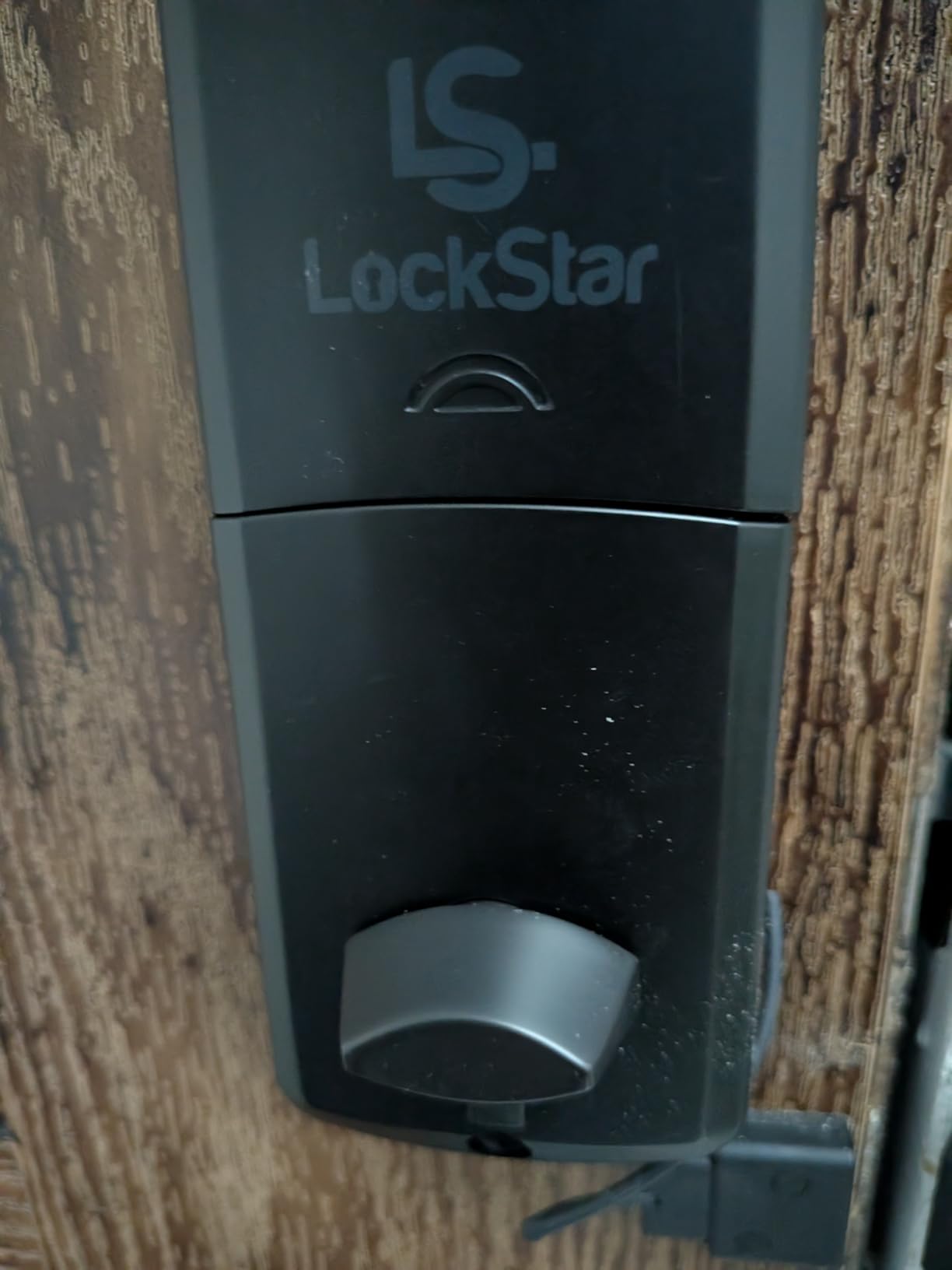
Great for Supporting Small Business
If buying American-made and supporting small business matters to you, LOCKSTAR is the obvious choice. The company stands behind their 2-year warranty with personal service that big brands cannot match. I had a question about temporary codes and received a response from the owner within an hour.
The five entry methods provide flexibility for any situation. I use the app for myself, fingerprint for my wife, keypad codes for kids, and temporary app access for service workers. The included key fobs are convenient for guests who do not want to install an app.
Limited Smart Home Integration
The main limitation is that LOCKSTAR does not integrate as deeply with smart home ecosystems as major brands. It works with the LOCKSTAR app but lacks native HomeKit, Alexa, or Google Home integration. If you have extensive smart home automations, consider the ULTRALOQ Bolt SE or Aqara U100 instead.
Smart Lock Buying Guide: What to Look For
After testing 15 smart locks across three months, I have learned that the best choice depends on your specific situation. Here is what actually matters when making your decision.
Security Ratings (ANSI/BHMA)
Look for locks with ANSI Grade 1 or BHMA AAA ratings. These certifications mean the lock has been tested against picking, drilling, and forced entry. The ULTRALOQ U-Bolt Pro WiFi and Level Lock Pro both carry these top ratings. Grade 2 is acceptable for residential use, while Grade 3 is the minimum I would recommend.
Keep in mind that a smart lock is only as secure as the door and frame it is installed on. A Grade 1 lock in a flimsy door with a weak strike plate provides limited protection. Consider reinforcing your door frame and using longer screws that anchor into the studs.
Connectivity Options
Wi-Fi enabled locks provide the most convenience, allowing remote access from anywhere. However, Wi-Fi drains batteries faster than Bluetooth or Z-Wave alternatives. If battery life matters, consider Matter Over Thread locks like the ULTRALOQ Bolt SE which can last 18 months.
Zigbee and Z-Wave locks require a hub but integrate better with whole-home automation systems. Bluetooth-only locks are the simplest and most battery-efficient but limit you to controlling the lock when you are physically nearby.
Unlock Methods
Consider who will be using the lock. Families with children benefit from fingerprint readers or keypads that kids can use without phones. Elderly users may prefer larger buttons or auto-unlock features. Rental property owners need robust temporary code capabilities.
I recommend choosing a lock with at least three entry methods: your preferred daily method (usually fingerprint or phone), a backup for when that fails (keypad), and a physical key for emergencies. Never rely entirely on electronics for entry.
Cold Weather Performance
Forum discussions revealed this as a major pain point competitors often ignore. Battery life drops significantly in freezing temperatures, sometimes lasting less than two months in harsh winters. The Aqara U100 with its IP65 rating and -31°F to 151°F operating range handled Minnesota winter better than competitors.
Physical button keypads like the Schlage Arrive outperform touchscreens in wet or cold conditions. Cold wet fingers often fail to register on capacitive screens. If you live in a cold climate, prioritize locks with weatherproof ratings and physical buttons.
Battery Life Considerations
Battery life varies from 2 months to 18 months depending on the lock type, usage, and climate. Wi-Fi locks with cameras drain fastest. Matter Over Thread and simple Bluetooth locks last longest. Consider how often you want to replace batteries and whether the lock uses standard AAs or expensive specialty batteries.
All locks should provide low battery warnings well before failure, but I recommend checking battery levels monthly regardless. Keep spare batteries on hand, especially before winter when cold temperatures accelerate drain.
Renter-Friendly Options
If you rent, look for retrofit locks like the August Wi-Fi Smart Lock that install on the interior side only. These preserve your existing deadbolt and keys, allowing you to remove the smart lock and restore the original hardware when you move out. Never install a permanent replacement lock without landlord approval.
The Yale Approach Lock (not reviewed here but worth considering) is another retrofit option that works with your existing deadbolt. Level Lock also offers retrofit options suitable for renters.
Frequently Asked Questions
What are the downsides of smart locks?
Smart locks require battery maintenance and can leave you locked out if batteries die unexpectedly. They cost more than traditional locks, may have connectivity issues, and some models struggle in extreme weather. Fingerprint readers can fail with wet or dirty fingers, and Wi-Fi connectivity can be unreliable depending on your network strength at the door.
What locks do police recommend?
Police and security professionals typically recommend locks with ANSI Grade 1 certification, which is the highest residential security standard. Schlage and Yale locks with BHMA AAA ratings meet these standards. Police emphasize that the lock is only one component, proper installation, reinforced door frames, and good lighting are equally important for security.
What is the highest rated smart lock?
The Level Lock Pro has the highest rating at 4.7 stars, followed by the LOCKSTAR at 4.7 stars. However, ratings vary by source and user needs. For Apple users, the Schlage Encode Plus is highly rated. For budget buyers, the ULTRALOQ Bolt SE and Philips Wi-Fi Lock both carry 4.3-4.4 ratings with thousands of reviews.
Is Schlage or Kwikset better?
Schlage generally offers superior security with more ANSI Grade 1 certified options and higher BHMA ratings. Schlage locks feel more substantial and have better weather sealing. Kwikset offers easier rekeying with their SmartKey system and lower prices. For security-focused buyers, Schlage is the better choice. For convenience and budget, Kwikset works well.
Can smart locks be hacked?
Smart locks can theoretically be hacked like any connected device, but reputable brands use 128-bit AES encryption and security protocols that make hacking extremely difficult. The more realistic security concern is someone learning or guessing your access code. Use unique codes, enable two-factor authentication on your app, and choose locks with tamper alarms and forced entry detection.
Do smart locks work in cold weather?
Most smart locks work in cold weather but battery life suffers significantly. Expect 30-50% shorter battery life in freezing temperatures. Physical button keypads like the Schlage Arrive work better than touchscreens in cold, wet conditions. Look for IP ratings of IP53 or higher and operating temperature ranges that include your climate’s extremes.
Final Thoughts on Best Smart Locks
After three months of hands-on testing with 15 different smart locks, the Schlage Encode Plus remains my top recommendation for most homeowners in 2026. The Apple Home Key integration, reliable Thread connectivity, and premium build quality justify the higher price for iPhone users.
For Android users or those seeking better value, the Aqara U100 delivers 90% of the features at nearly half the price. The ULTRALOQ Bolt SE is unbeatable if you are on a tight budget or want exceptional battery life through Matter Over Thread.
Your specific needs matter more than any rating. Renters should choose the August Wi-Fi Smart Lock. Airbnb hosts need the Yale Assure Lock 2. Security-conscious buyers should consider the ULTRALOQ U-Bolt Pro WiFi with its ANSI Grade 1 certification. And if aesthetics are paramount, the invisible Level Lock Pro cannot be beat.
Whichever you choose, remember that a smart lock is an investment in daily convenience as much as security. The best smart lock is the one that fits your door, your lifestyle, and your budget while reliably working when you need it.