
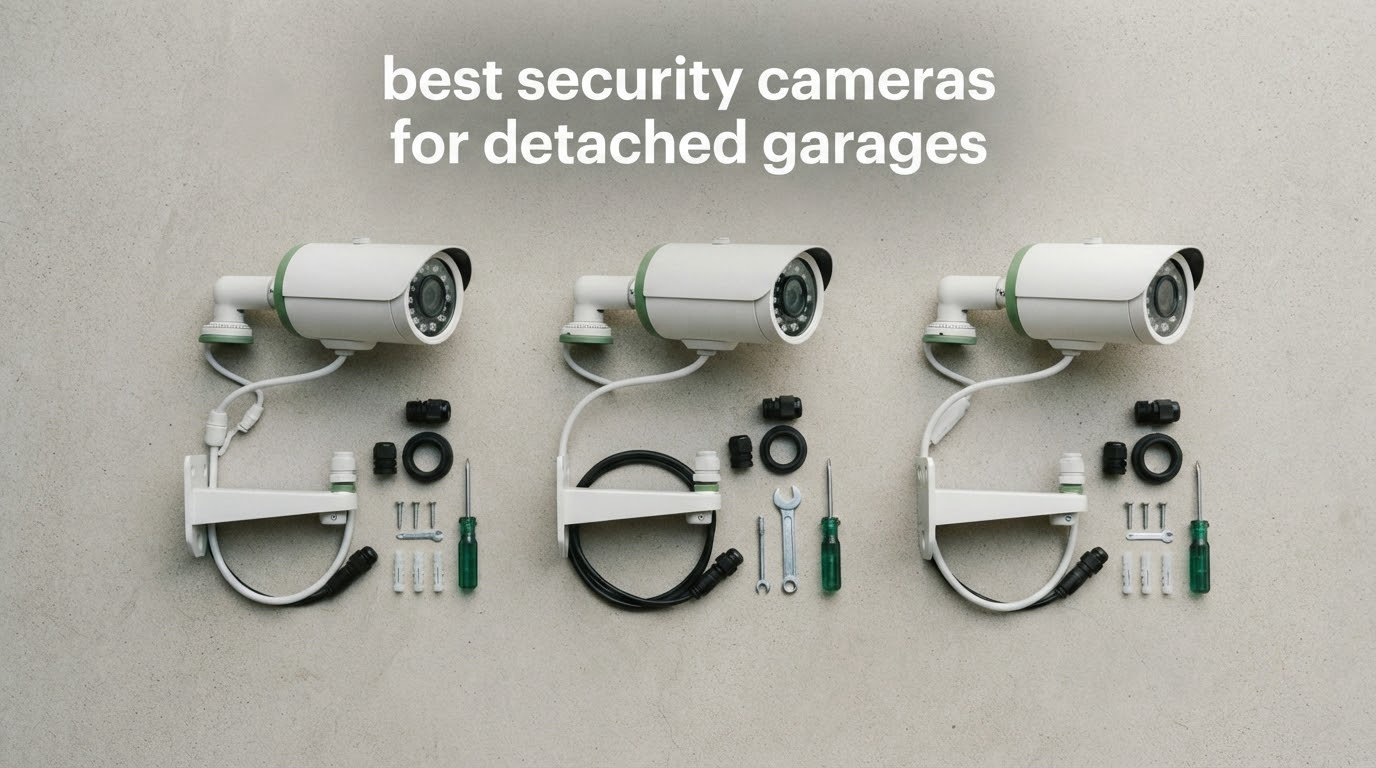
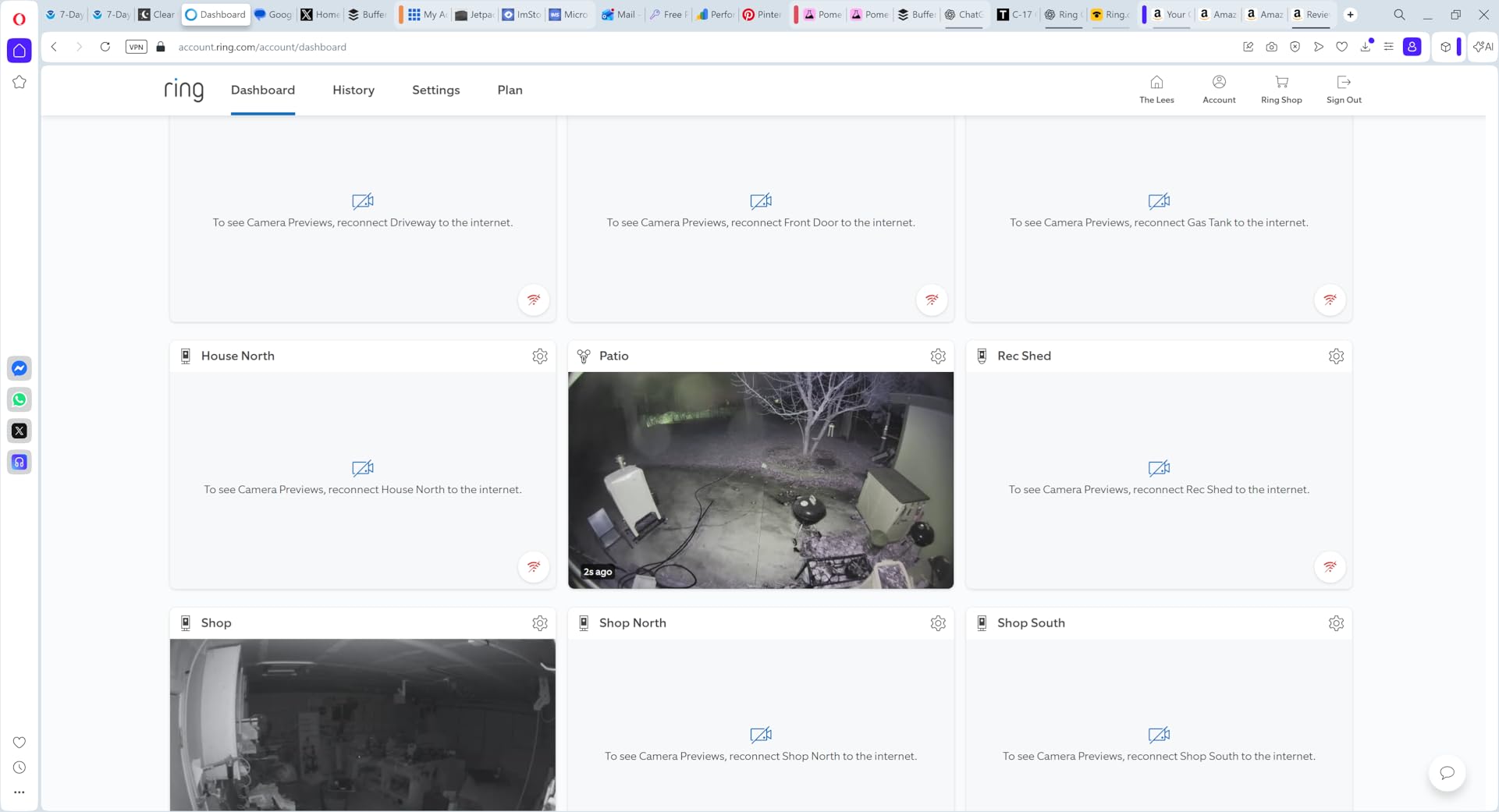
There is one problem that decides which security camera belongs in a detached garage, and it is not resolution or night vision. It is the network. A detached garage usually has a working outlet and nothing else: no Wi-Fi reaches the metal-and-foil building, the router back in the house cannot carry a signal through that distance and those walls, and most consumer cameras insist on completing Wi-Fi setup before they will record anything. That is exactly the failure described in a r/homesecurity thread where a camera sat in an “initializing” state forever after being carried out to a garage with power but no signal.
So the best security cameras for detached garages fall into three groups: battery or solar models that just need a strong enough 2.4 GHz signal, wired models that need a cable run, and cameras that record straight to a microSD card without ever joining a network. We compared 10 of them for this guide, weighing exactly how each one connects, what it records, whether the night footage is usable, and whether the subscription is optional or mandatory.
If your garage is more of a shed or a workshop, the constraints are different, and our picks for indoor security cameras cover the inside of a finished room rather than an exposed structure. Once you know the wiring situation at your garage, come back here.
Top 3 Picks Best Security Cameras for Detached Garages in 2026

Ring Outdoor Cam (Stick Up Cam)
- Battery-powered
- Color night vision
- Two-way talk
- Wall or shelf mount

Ring Floodlight Cam Wired Plus
- 2000 lumen motion lights
- 1080p HD video
- 85dB siren
- Hardwired

ZEEPORTE Solar 2K Pan/Tilt Cam
- 2K resolution
- Solar panel and battery
- 360 degree pan and tilt
- IP65 rated
Those three cover most garages. The battery Ring is the safest default when signal exists, the wired floodlight is the strongest night deterrent when you have an outlet and a junction box, and the solar ZEEPORTE covers an outbuilding with no wiring at all. The other seven fill in the gaps between them.
All 10 Detached Garage Cameras Compared
| Product | Specifications | Action |
|---|---|---|
| Ring Outdoor Cam (Stick Up Cam) |
|
Check Latest Price |
| Ring Floodlight Cam Wired Plus |
|
Check Latest Price |
 Blink Outdoor 4 Three-Camera System Blink Outdoor 4 Three-Camera System |
|
Check Latest Price |
| ZEEPORTE Solar 2K Pan and Tilt Camera |
|
Check Latest Price |
 SEHMUA Solar 2K Pan and Tilt Camera SEHMUA Solar 2K Pan and Tilt Camera |
|
Check Latest Price |
 Cinnado B6 Solar Two-Pack Cinnado B6 Solar Two-Pack |
|
Check Latest Price |
 Reolink RLC-810A PoE Camera Reolink RLC-810A PoE Camera |
|
Check Latest Price |
 Blink Outdoor 4 Floodlight Camera Blink Outdoor 4 Floodlight Camera |
|
Check Latest Price |
 Ring Outdoor Cam 2K Ring Outdoor Cam 2K |
|
Check Latest Price |
 Oculview 2K Solar Two-Pack Oculview 2K Solar Two-Pack |
|
Check Latest Price |
1. Ring Outdoor Cam (Stick Up Cam) – Best Overall Camera for a Detached Garage
- Easy app setup with no hub required
- Color night vision rivals daytime quality
- Battery runs several weeks to about 60 days on moderate settings
- Wall or shelf mounting in one bracket
- Works with Alexa and Echo Show
- Battery models record motion events only
- Not continuous
- Clip storage and AI features need a Ring Protect plan
- Motion zones cannot cover the edge of the frame
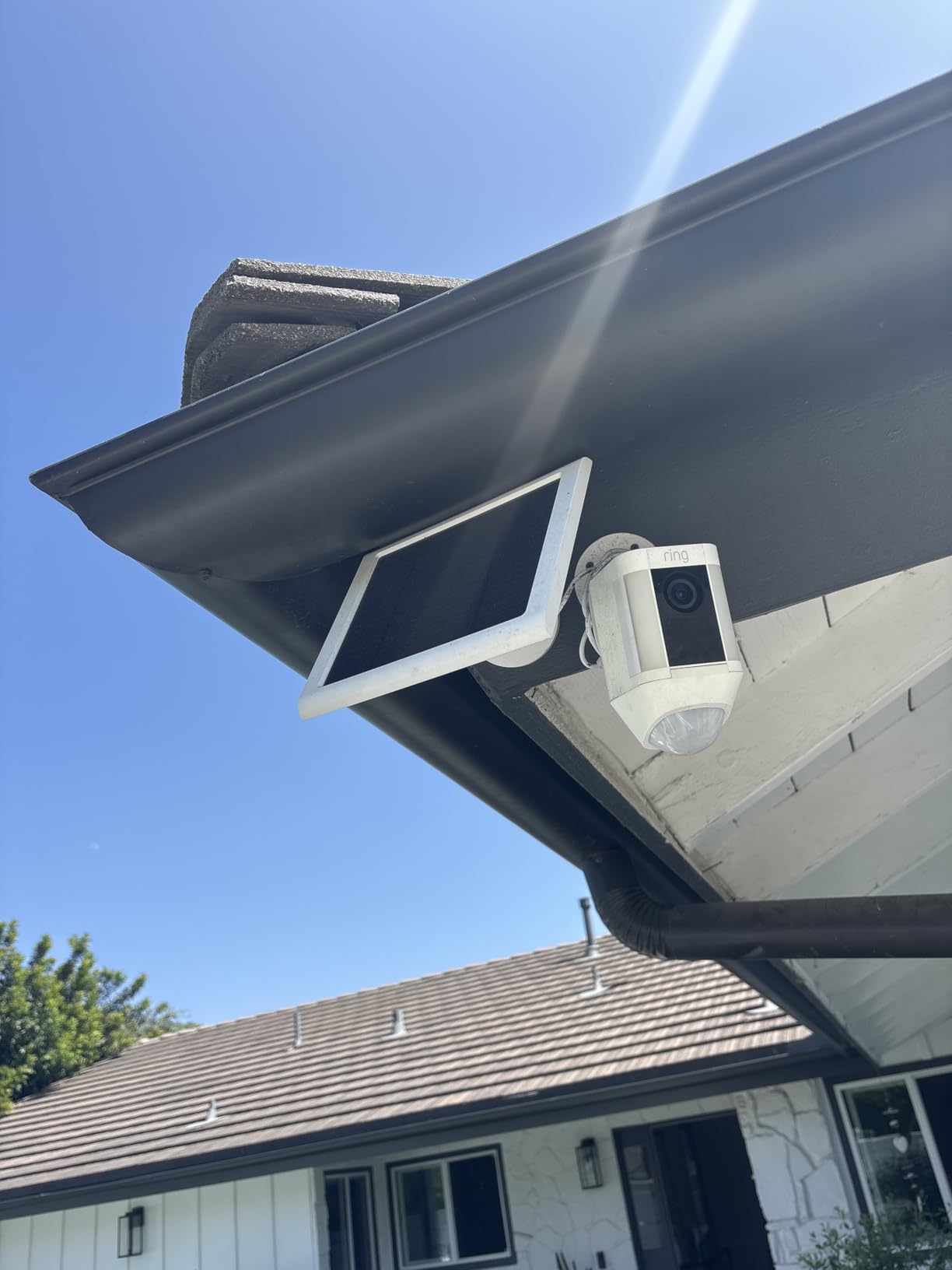
This is the camera I recommend first for a garage with any Wi-Fi coverage at all. It is the most reviewed option in this whole roundup, sitting at 4.5 stars across more than 65000 ratings, and the reason is simple: nothing about it is difficult. There is no hub to mount indoors, no cable to run, and a single bracket that works on a wall or on a shelf. Our team has installed these on shop faces and side walls in about ten minutes each, including app pairing.
Image quality is the part that keeps surprising people. The color night vision is not a gimmick in the way it is on cheaper units; owners regularly report that night footage is comparable to daytime, and that matters when you are trying to identify who opened the garage door at 2 a.m. Two-way talk is there, though the audio is only described as mediocre, so treat it as a listen-in feature rather than a conversation piece.
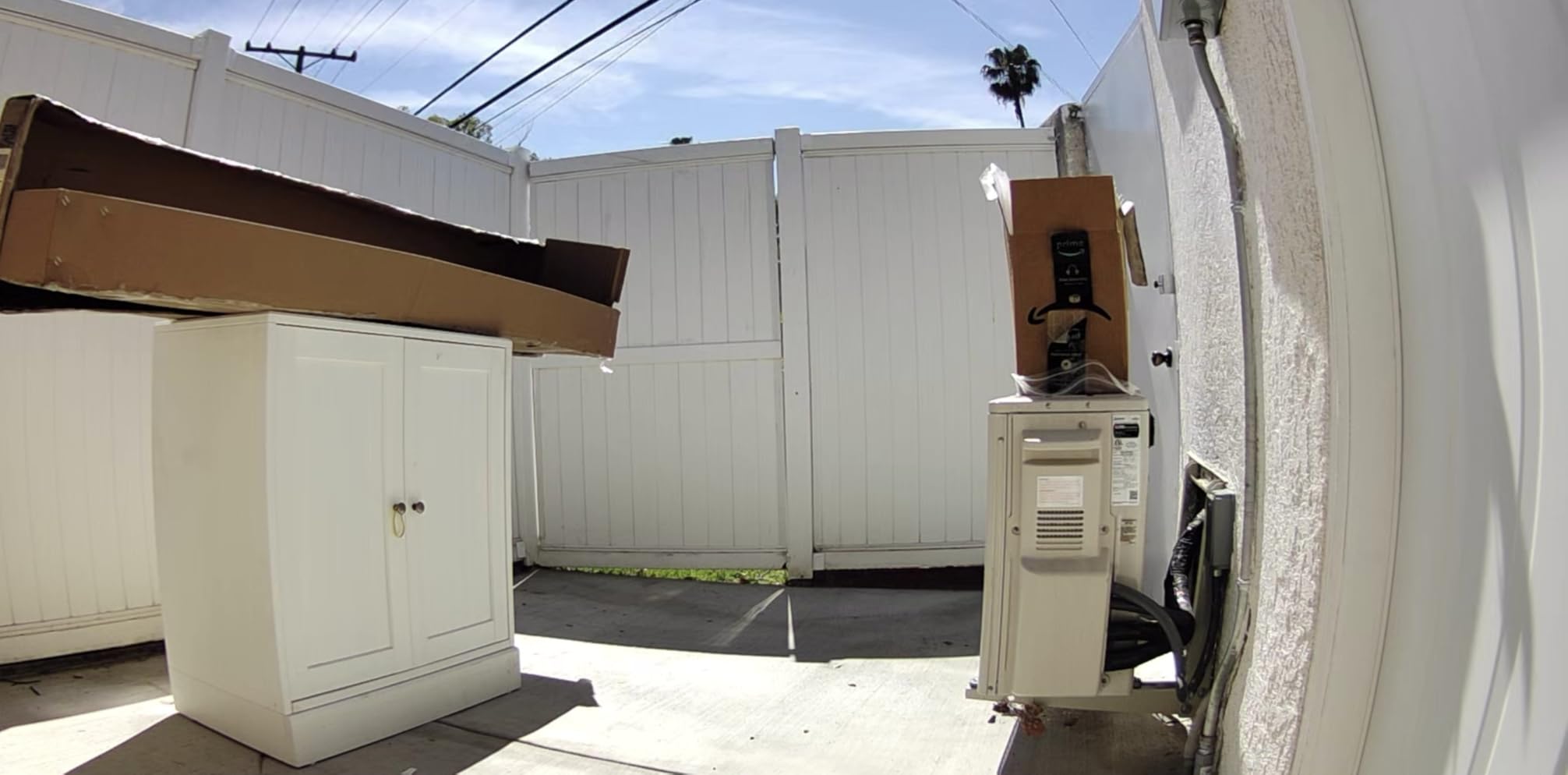
The limitation that matters in a garage is recording mode. As a battery camera, it captures motion events and nothing else, so a slow intruder who never crosses a motion zone may leave no clip at all. Motion detection sensitivity also needs real tuning, since owners report both missed events and over-triggering, and motion zones cannot cover roughly 10 to 20 percent of the frame, which in practice means the extreme corners stay blank.
Reviewers also note that the advanced features and stored clip history sit behind a Ring Protect subscription. Owners of units left in full sun for months also report the battery compartment becoming difficult to seat. Neither is a dealbreaker, but both are reasons to think about whether event-only recording is genuinely enough for your situation.
Where This Camera Works in a Garage
Mount it high on the corner of the wall facing the approach so it looks down across the door, or set it on a shelf inside looking at the door that leads into the house. Because there is no hub, one camera is a complete system, which makes it the right answer for a single-camera garage or a second home.
Because it is battery powered, the placement is limited only by where you can reach with a step ladder and how the signal holds up. If you already run a mesh node or extender, this camera will not trouble you.
Where It Falls Short
Skip it if you need to know exactly what happened while you were asleep, because event-only recording with no continuous buffer leaves gaps. It is also a poor fit for an unheated garage in a hard winter if you cannot reach the camera to swap the battery pack in freezing weather.
And if you refuse to pay any subscription at all, check what you actually use. Live view works without one, but stored history and AI detection do not. If you want clips you can keep without a monthly fee, read our guide to security cameras without subscriptions before committing.
2. Ring Floodlight Cam Wired Plus – Best for Lighting Up a Dark Garage Approach
Ring Floodlight Cam Wired Plus, Outdoor Home or Business Security with Motion-Activated 1080p HD Video and Floodlights, White
- Highest rated in this roundup at 4.7 stars
- 2000 lumen lighting covers a full driveway
- Hardwired so no battery charging
- QR code setup with mounting hardware and multi-tool included
- Adjustable floodlight aim and light scheduling
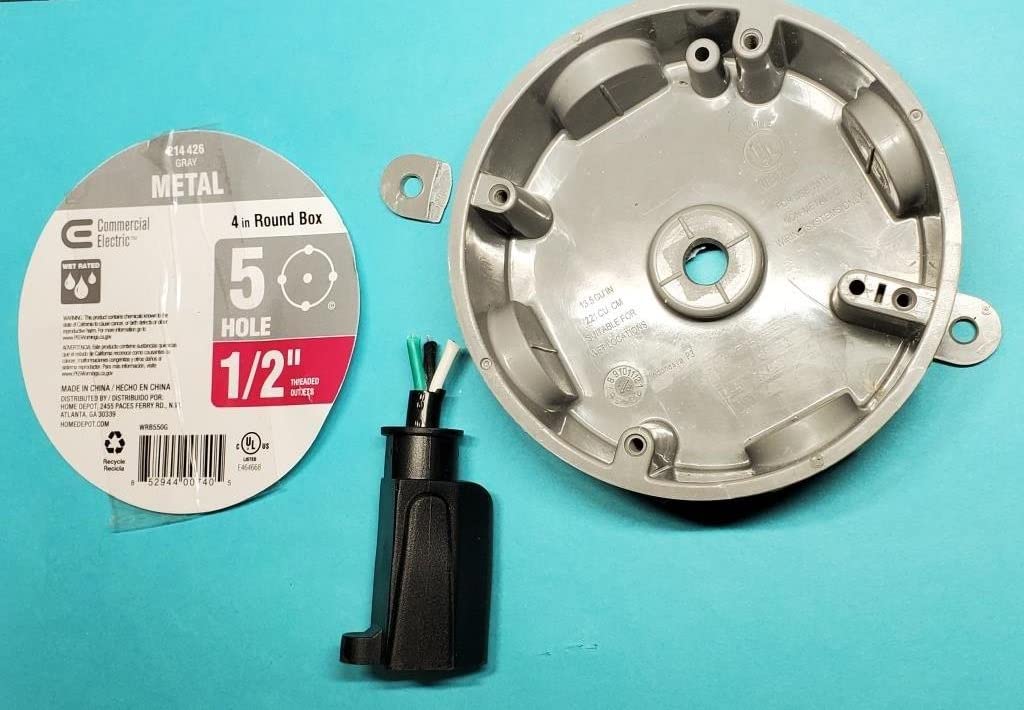
- Hardwired mount needs electrical work or a plug-in accessory
- Fixed lens with no remote pan or tilt
- Light is fully on or motion triggered with no dim standby
- Video history and AI features need a Ring Protect plan
If the reason you are adding a camera is that the garage is a dark hole at the end of a driveway, the camera should also be the light. This one is hardwired to a junction box, throws 2000 lumens of motion-activated LED, and carries the highest rating of the ten we tested at 4.7 stars across more than 44000 ratings. Deterrence is the mechanism here as much as documentation.
The picture is 1080p HD with two-way talk, and owners describe day and night quality as sharp. Setup is a QR code scan with the mounting hardware and a multi-tool in the box, which matters if you have already decided to wire the garage. Customizable motion zones let you aim the detection at the driveway rather than the neighbor’s hedge.
Two practical details deserve attention. The floodlight can be set fully on or fully motion triggered, with no dim standby level, so choose carefully if the garage faces a house or street. The lens is fixed, which means once you set the aim you live with it and cannot pan remotely to check whether that was the side door.
As with the other Ring models, video history and the AI features sit behind a subscription. Hardwiring is the other honest caveat: owners describe it as requiring electrical work unless you use a plug-in mount accessory, and an electrician is a normal part of this install rather than an exception.
Where This Camera Works in a Garage
It belongs above or beside the garage door, covering the whole approach and the driveway where a vehicle would sit. Since it is hardwired, you can mount it wherever the power is, which removes the signal problem entirely and makes it a strong answer for a building at the far edge of the property.
If you already have motion-activated lighting, this unit can replace it rather than sit beside it. That consolidation is often the cleanest install in a garage.
Where It Falls Short
It is the wrong choice for a garage you rent, a metal building you cannot drill, or any situation where hardwiring is not permitted. A fixed lens is a real loss of coverage if the garage has an approach from two directions.
It also assumes a junction box or at least a nearby outdoor outlet. If your detached garage has power but nothing else, the fix is the PoE option later in this list, not this one.
3. Blink Outdoor 4 Three-Camera System – Best When You Want to Cover More Than One Building
Blink Outdoor 4 – Wireless smart security camera, two-year battery life, 1080p HD day and infrared night live view, two-way talk. Sync Module Core included – 3 camera system
- Three cameras and the Sync Module Core in one box
- Claimed two-year battery life per camera
- Enhanced dual-zone motion detection
- 1080p day view with infrared night
- Alexa support for multi-camera live view
- Sync Module Core has no local storage
- Person detection needs a Blink plan
- 14 percent of ratings are one star
- Battery life varies sharply with motion frequency
A single garage rarely needs three cameras, but a property with a garage, a workshop and a gate does. This system bundles three Blink Outdoor 4 cameras with the Sync Module Core, so the single biggest cost of a multi-camera setup is already handled. The Sync module has to sit inside the house within Wi-Fi range, and from there the cameras talk back to it rather than to your router directly.
Video is 1080p HD in daylight with infrared night vision and two-way audio, plus enhanced dual-zone motion detection. The claimed battery life is up to two years per camera on AA Energizer lithium batteries, and the box includes three mounting kits, a USB-C cable and a power adapter. Owners like the wireless install and the fact that the batteries are a standard size.
The catch is storage, and it is a significant one. The included Sync Module Core does not support local storage at all, so keeping clip history means a Blink Subscription Plan. For local backup you need the Sync Module XR with a microSD card or the Sync Module 2 with a USB flash drive, which is an extra purchase. Person detection is subscription-gated as well, and 14 percent of ratings are one star, a higher share than any other camera here.
Where This System Works in a Garage
It makes sense when you are monitoring a garage plus one or two other points on the same property, since the hub cost is already paid for. It suits people who have no interest in running cable anywhere, including to a workshop at the far end of the lot.
The AA lithium battery format is a genuine convenience in cold months, because these batteries are easy to source locally and tolerate low temperatures better than an integrated lithium pack.
Where It Falls Short
Do not buy this if avoiding a monthly fee matters to you. The bundled hub has no local storage, so the moment you want to look back at yesterday you are depending on a plan.
It is also a poor match for a single-garage situation, where two of the three cameras would sit unused. The 4.1 rating reflects that mixed experience more than any defect in the cameras themselves.
4. ZEEPORTE Solar 2K Pan and Tilt Camera – Best Budget Pick for a Garage With No Wiring
- Bundled solar panel makes the install fully wire-free
- 2K resolution with wide pan and tilt coverage
- Color night vision to 33 feet plus siren and spotlight
- Works with microSD up to 256GB or free cloud storage
- IP65 rated for exposed outdoor mounting
- 2.4GHz Wi-Fi only
- Event recording only with no 24/7 mode
- No motion tracking
- AI object classification needs a subscription
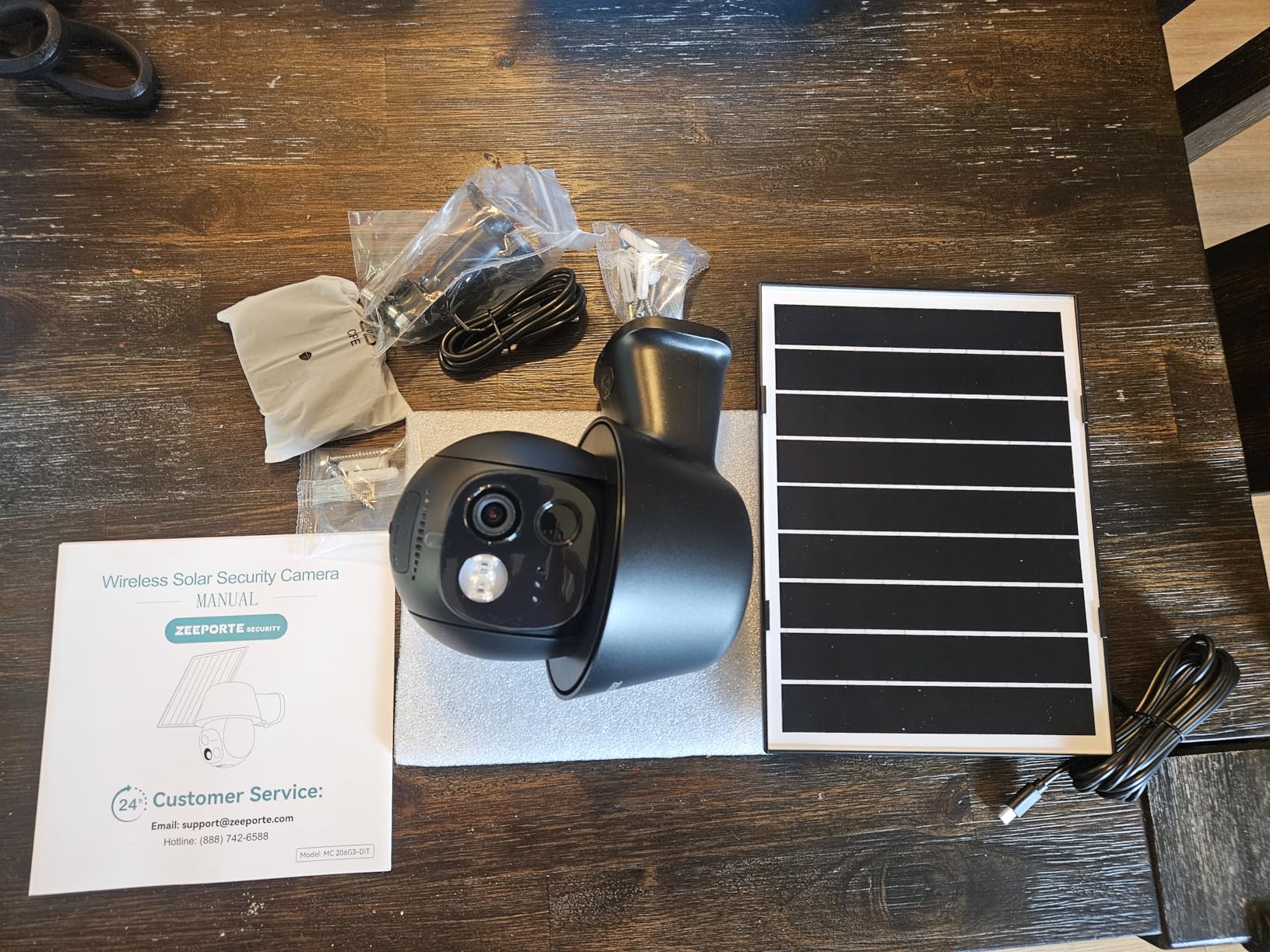
This is the one to buy when the garage has no outlet, no cable route and no interest in a project. The camera runs on a 2W solar panel feeding a 5200mAh battery, and the panel is in the box. Mounting it takes a screw, a screwdriver and about five minutes, which makes it the fastest win in this roundup.
The camera pans 355 degrees horizontally and 120 degrees vertically, so one unit can sweep a whole garage wall or driveway from a corner rather than needing a second camera. Resolution is 2K at 2304 by 1296, night vision is starlight color to about 33 feet, and there is a two-way talk function plus a siren and flashing LED for deterrence. Storage is a microSD card up to 256GB alongside free rolling cloud storage.
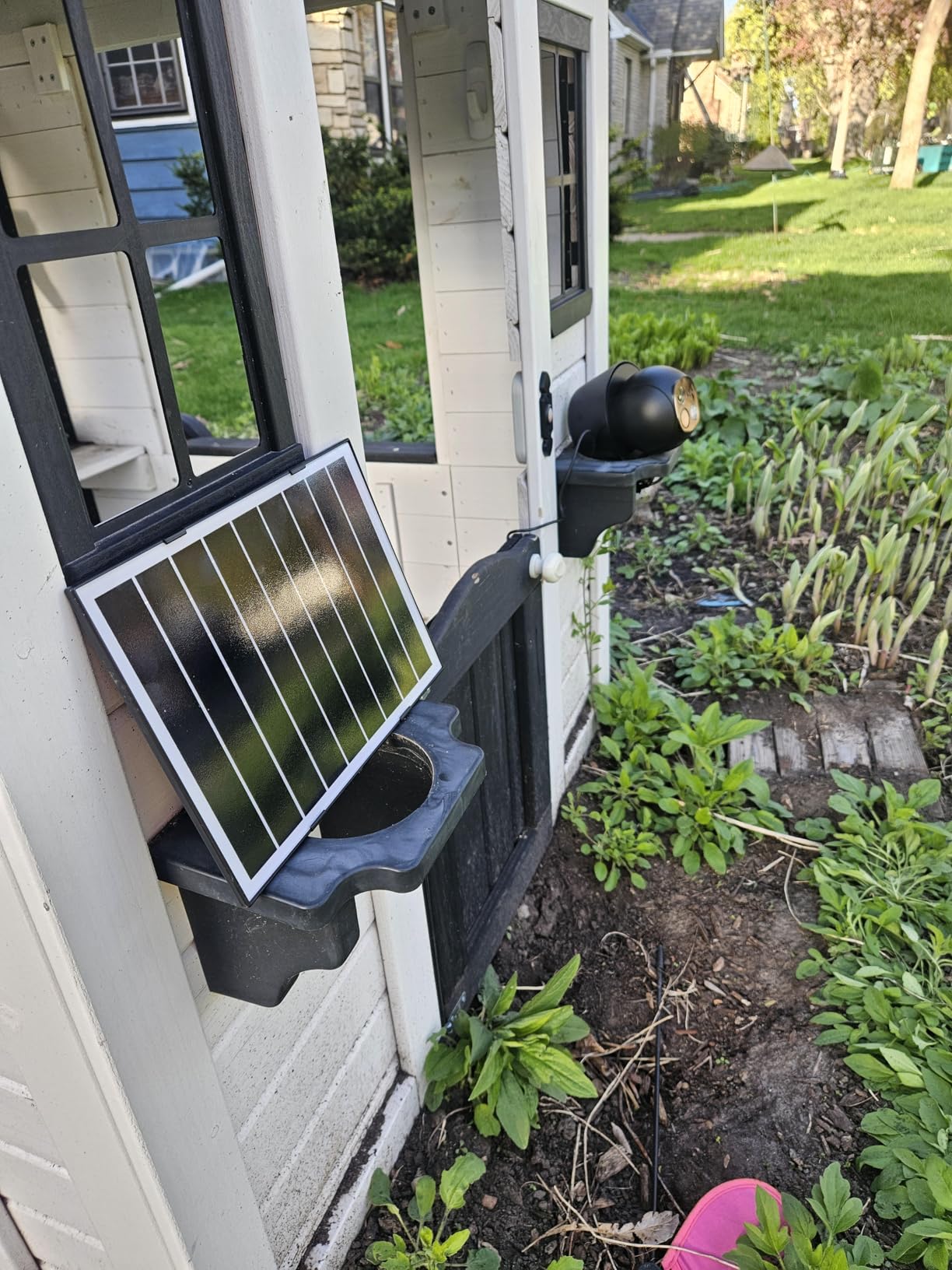
Two specs decide whether this is right for you. It is 2.4GHz only, so a dual-band router needs that band selected during setup, and the AI detection for people, vehicles, pets and packages requires a subscription. Reviewers also note the app feels less polished than Ring or Nest, which is fair for a budget brand.
Recording is event-based rather than continuous, and there is no motion tracking even though the hardware pans, so you get the wide field of view but not the automation to follow a subject across it. The camera weighs 0.88 kg and measures roughly 6.7 by 4.85 by 5.9 inches, so it is a substantial unit rather than a stick-on.
Where This Camera Works in a Garage
It is the ideal first camera for a detached garage or workshop that has no power run and no reliable signal, as long as some Wi-Fi does reach the wall. The 360-degree coverage means a single unit can watch the door, a window and the side approach from one high corner.
Because it accepts both a microSD card and cloud, you can start without any subscription and add cloud later only if you want off-site backup.
Where It Falls Short
It will not pair to a 5GHz-only network, and that is the single most common setup failure reported in reviews. Check your router band before you buy.
It is also the wrong tool if you need a continuous record. A solar budget camera with event-only capture leaves real gaps, and a small garage with a lot of blind corners still may need a second unit even with the pan range. Our roundup of solar powered security cameras covers the wider solar category if you want to compare.
5. SEHMUA Solar 2K Pan and Tilt Camera – Best for an Unheated Garage in a Cold Climate
- Only model here with a stated operating range down to -4F
- Solar powered so no wiring to a cold building
- 2K resolution with 355 degree horizontal pan
- PIR sensing with human-like recognition cuts false alarms
- Color night vision via the built-in spotlight
- Color night vision needs the spotlight turned on manually
- 2.4GHz Wi-Fi only
- Basic zoom and lens control
- 11 percent of ratings are one star
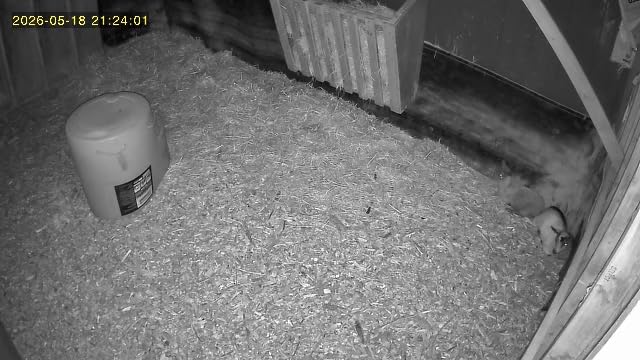
Cold is the failure nobody thinks about. An unheated detached garage in the north drops well below freezing, and a camera that will not power on through a January night is useless exactly when you need it. This is the one in our lineup with a published operating range: minus 4 degrees Fahrenheit to 121 degrees Fahrenheit.
It is solar powered and genuinely wireless, which removes both the wiring problem and the cold-weather battery swap. Resolution is 2K with color night vision, the pan range is 355 degrees horizontal and 100 degrees vertical, and motion is handled by a PIR sensor with human-like recognition rather than simple pixel change, which is why owners report fewer false alerts from animals and shadows.
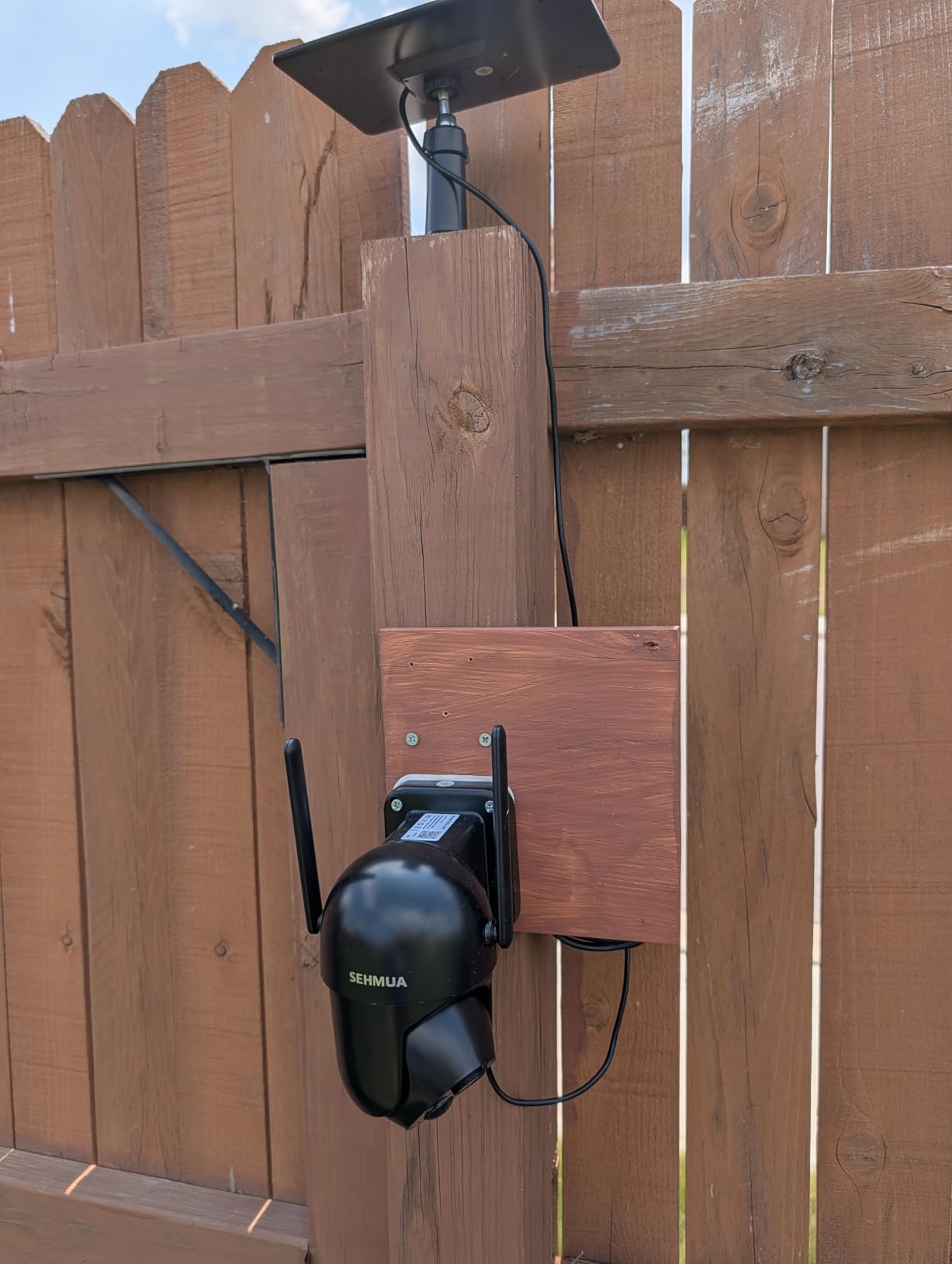
The catch is that color night vision is not automatic here. The spotlight has to be turned on manually, so if you are relying on color footage at 2 a.m. without an alert waking you first, you will be looking at black and white instead. The zoom and lens control are also basic compared with higher-end pan-tilt units, and pairing is 2.4GHz only.
With 11 percent of ratings at one star, the brand carries the usual budget-brand variance in support and app quality. Weight is 0.85 kg and the unit measures about 7 by 6 by 5 inches. This model number is RBX-S40.
Where This Camera Works in a Garage
It belongs on the outside corner of a garage in a place that gets genuinely cold, where a camera with an unstated temperature limit is a gamble. The solar panel also means the mounting face needs sun, which is a reasonable trade in most yards.
For a garage that stores a vehicle, tools and a mower, the combination of PIR detection and a 355-degree sweep covers a lot of wall with one unit.
Where It Falls Short
It is the wrong pick if you want hands-free color night vision, because the spotlight is a manual step. Anyone relying on automatic color footage overnight should choose the Cinnado or Oculview instead, both of which light up on detection.
It is also a mistake to buy a camera without checking the temperature rating at all. Only this product in the list publishes a minimum, so if cold weather is your concern and you pick something else, ask the manufacturer first.
6. Cinnado B6 Solar Two-Pack – Best Value When You Need Two Angles
Cinnado 2K Solar Wireless Outdoor Cameras for Home Security White B6 2Pack
- Two cameras and two solar panels in one pack with no forced subscription
- Installs in about ten minutes per camera
- Readable license plates at moderate distance
- Color night vision with a spotlight that triggers on person detection
- Customer support that answers within hours
- microSD clips default to short 10 second segments
- 2.4GHz only so the router band must be selected
- Event recording only
- Occasional reports of units going offline and needing re-pairing
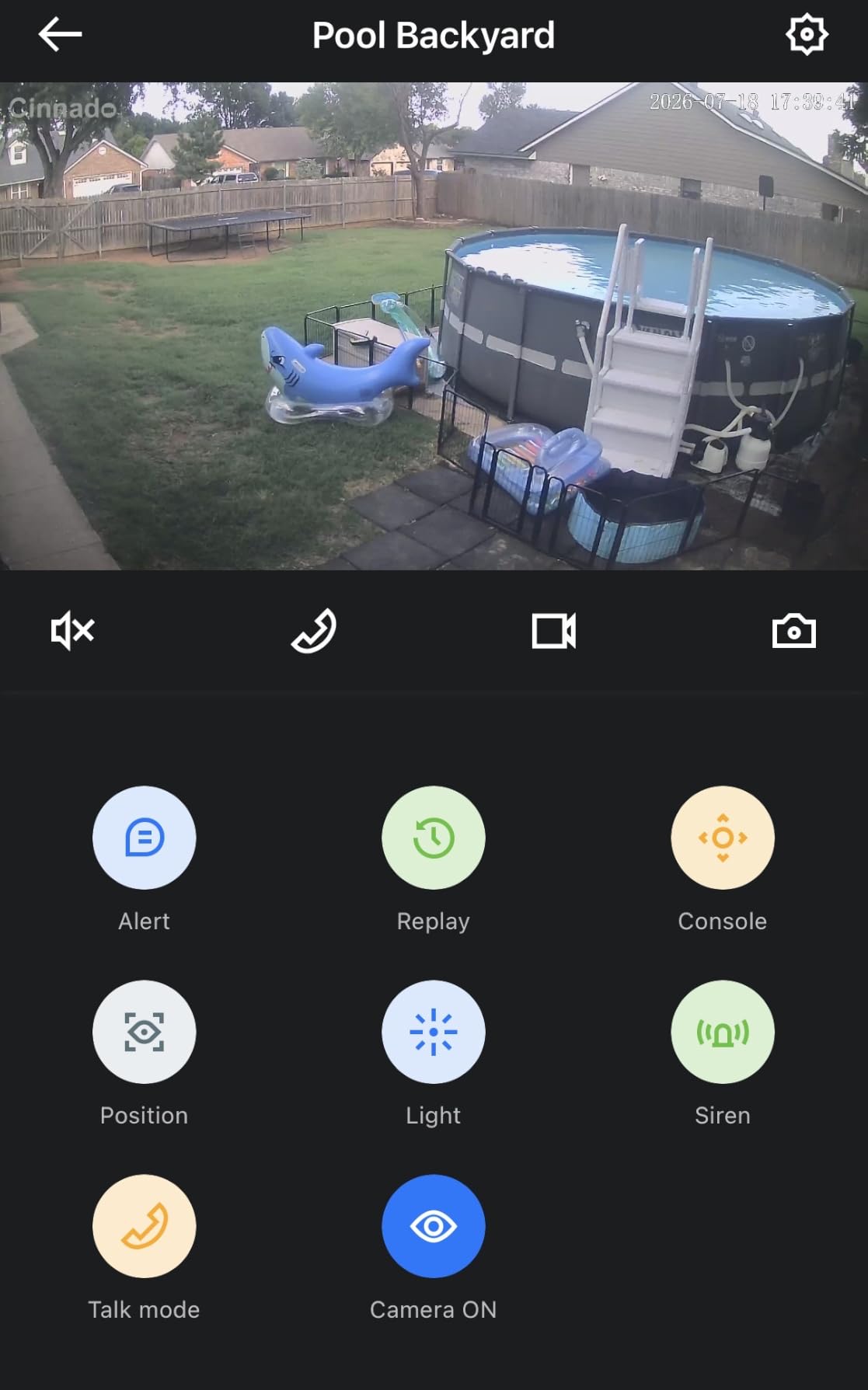
A garage with a main door and a side service door needs two angles, and buying a two-pack costs less than assembling that from two singles. The Cinnado B6 pack ships two cameras, two solar panels, two Type-C cables, screw packs and a guide. Each camera has its own 5000mAh battery, and the whole box is explicitly rated for driveways, garages, patios and farms.
Resolution is 2K up to 2304 by 1296, with a 768 by 432 fallback when the network is weak, which is a smart touch for a building at the edge of coverage. There is a 360-degree pan and tilt with 4x optical zoom, three night vision modes including full color and intelligent light, and PIR plus AI human detection across three sensitivity levels with a 16 to 29 foot range. It works with Alexa.
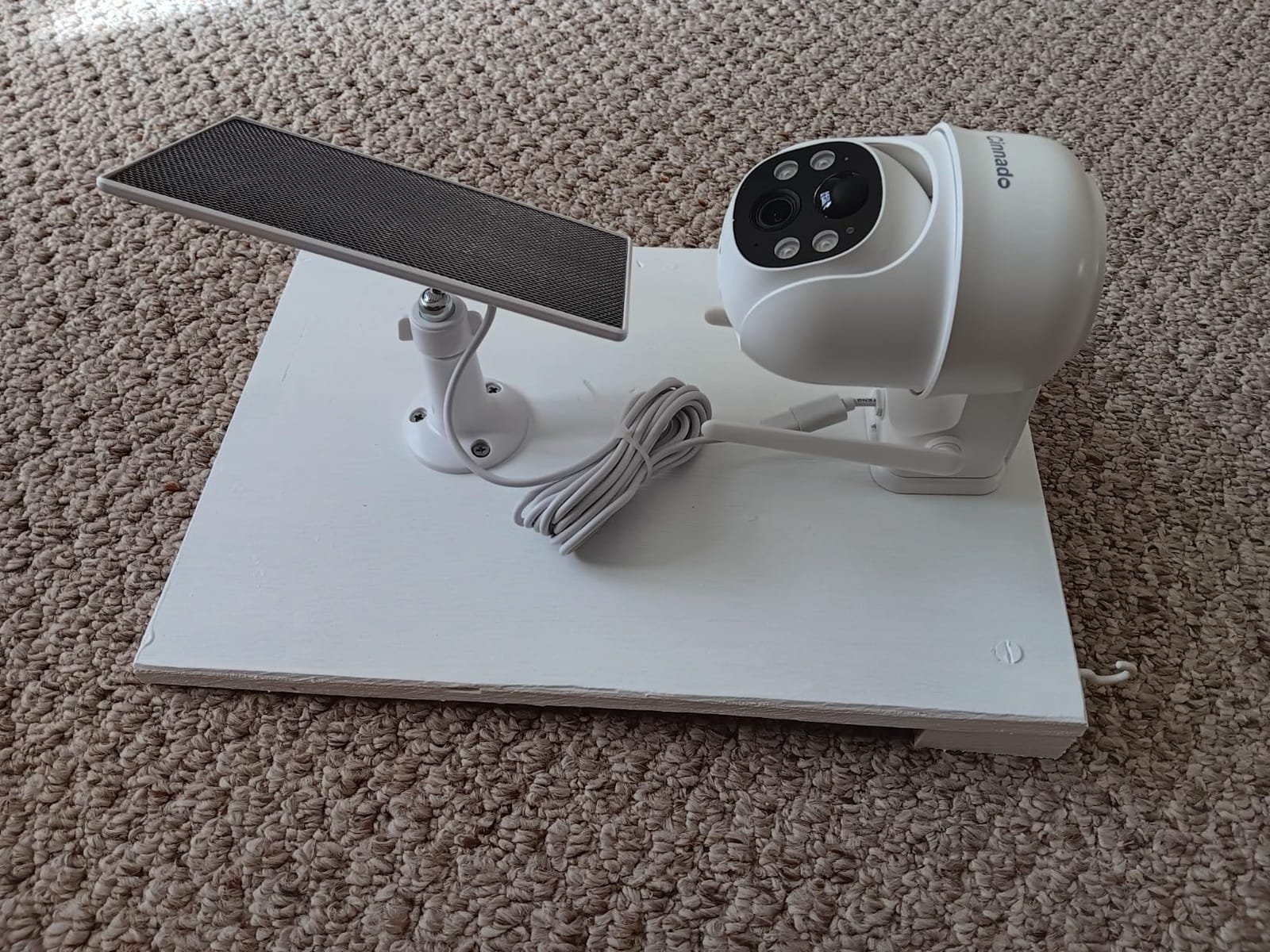
Storage is a microSD card up to 128GB, with optional cloud retention of up to 30 days. The most common complaint is that clip length on the card defaults to short 10-second segments, which is frustrating when you are trying to reconstruct something. As with the other solar units here, pairing is 2.4GHz only and recording is event-based with no 24/7 continuous mode.
There are also occasional reports of units going offline and requiring a full re-pairing, and the two-way audio has a slight delay. The app is described as less polished than Ring or Nest. At 4.1 stars with 13 percent one-star ratings, expect some variance between units.
Where This Pair Works in a Garage
Put one camera on the main approach and one on the side door or the interior door leading into the house. That second angle is the one most single-camera setups miss, and it is the door an intruder would actually use to get into your home.
The two-way audio and Alexa support make this practical for a shop you also want to check in on during the day, and the 4x optical zoom is enough to read a plate from across a driveway.
Where It Falls Short
The default 10-second SD clip length is a real limitation, and it is a setting you will want to change before you rely on the card. Anyone needing a continuous record of the whole day should look at the Reolink instead.
Both cameras share the 2.4GHz-only constraint, so a garage with marginal signal will struggle with two of them talking to a single hub. Check signal at both mounting points first.
7. Reolink RLC-810A PoE Camera – Best for 4K Detail With No Subscription
REOLINK RLC-810A PoE Security Camera, 4K Wired Outdoor Surveillance
- True 8MP 4K detail at 25fps with 100 ft IR night vision
- PoE single cable is far more reliable outdoors than Wi-Fi
- Human and vehicle detection reduces animal false alerts
- Reolink app playback works with no subscription fees
- Local microSD storage up to 512GB
- IP67 weatherproofing
- Requires Ethernet back to a switch or NVR
- PoE injector or power supply not included
- No built-in Wi-Fi so it cannot be placed without a network run
- Fixed bullet lens
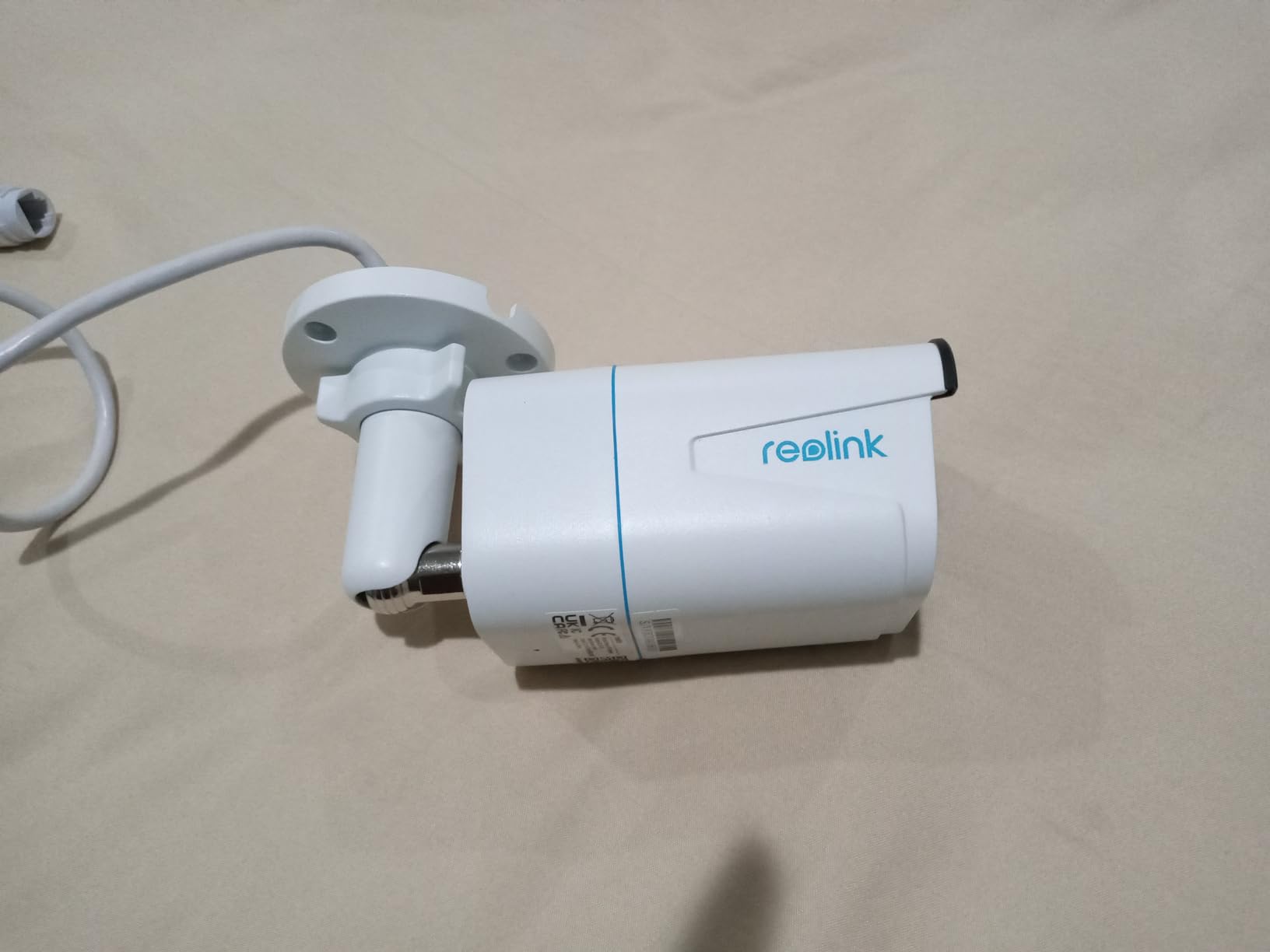
This is the camera to buy when you are willing to run a cable, and it is the most capable picture in the roundup. It records 8MP 4K Ultra HD stills at 25fps with 100 feet of infrared night vision that supports night color, an 87-degree viewing angle, and it is IP67 rated, which is a step above the IP65 on most of the solar units here.
The reason it suits a detached garage specifically is Power over Ethernet. One cable carries power, signal and data, so the camera needs no outlet at the mounting point and no Wi-Fi whatsoever. That also means the picture does not depend on signal strength at the far end of the property, which is the constraint that trips up every wireless option in this list. Human and vehicle detection with smart alerts is on the camera, not behind a paywall.
Storage is the standout feature. A local microSD card up to 512GB, with Reolink app timeline filtering and smart playback, and no extra fee for it. The Reolink app is widely regarded as the best no-subscription experience in home security precisely because of that, and it is why we keep recommending it to people who refuse recurring costs. For anyone who wants an unblinking record of a garage, local storage is the feature that matters most.
Be clear-eyed about the install. You need Ethernet run back to a PoE switch, NVR or injector, the power supply is not included, and there is no built-in Wi-Fi, so this is a job with a cable in it. The lens is a fixed bullet rather than a pan-tilt unit. Owners who can run cable describe the 4K clarity and dependable link as worth it. It weighs 488 grams and measures 4.25 by 4.8 by 7.72 inches.
Where This Camera Works in a Garage
It is the answer for a garage you are wiring anyway, or one that already has a conduit or an ethernet socket in the wall. Point it at the driveway and you can identify a face or read a plate from far further than any 1080p or 2K unit here.
It is also the strongest choice for a workshop or a building rented as a storage unit, where you want a complete record rather than motion alerts and where nobody should be near the app at all.
Where It Falls Short
It is the wrong camera for a weekend project. If the idea of trenching or running surface conduit is not appealing, every other option in this roundup avoids that entirely, at some cost to reliability or resolution.
It is also not a discreet choice. A 4K bullet housing on the corner of a garage announces itself, which for a deterrence camera is a feature, but for anyone wanting something less obvious is not.
8. Blink Outdoor 4 Floodlight Camera – Best Wire-Free Light and Camera in One Unit
- Camera and 700 lumen light in a single wireless unit
- No electrician needed for the install
- Claimed two-year battery life
- Enhanced dual-zone motion detection
- Sync Module Core included so it runs as a one-camera system
- 700 lumens is dimmer than wired floodlight cameras
- Sync Module Core has no local storage
- AI person detection is subscription-gated
- 13 percent of ratings are one star
- Battery life drops with frequent motion triggering
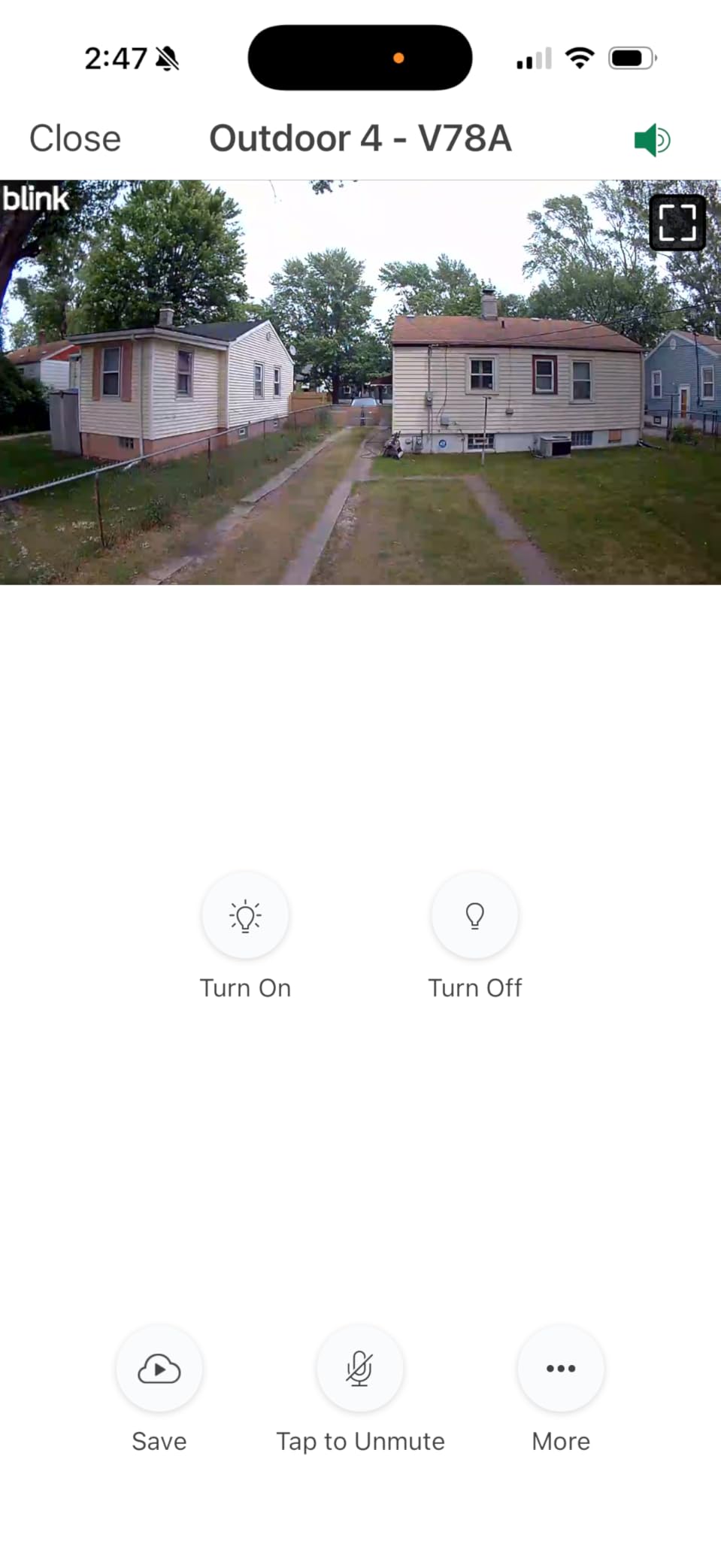
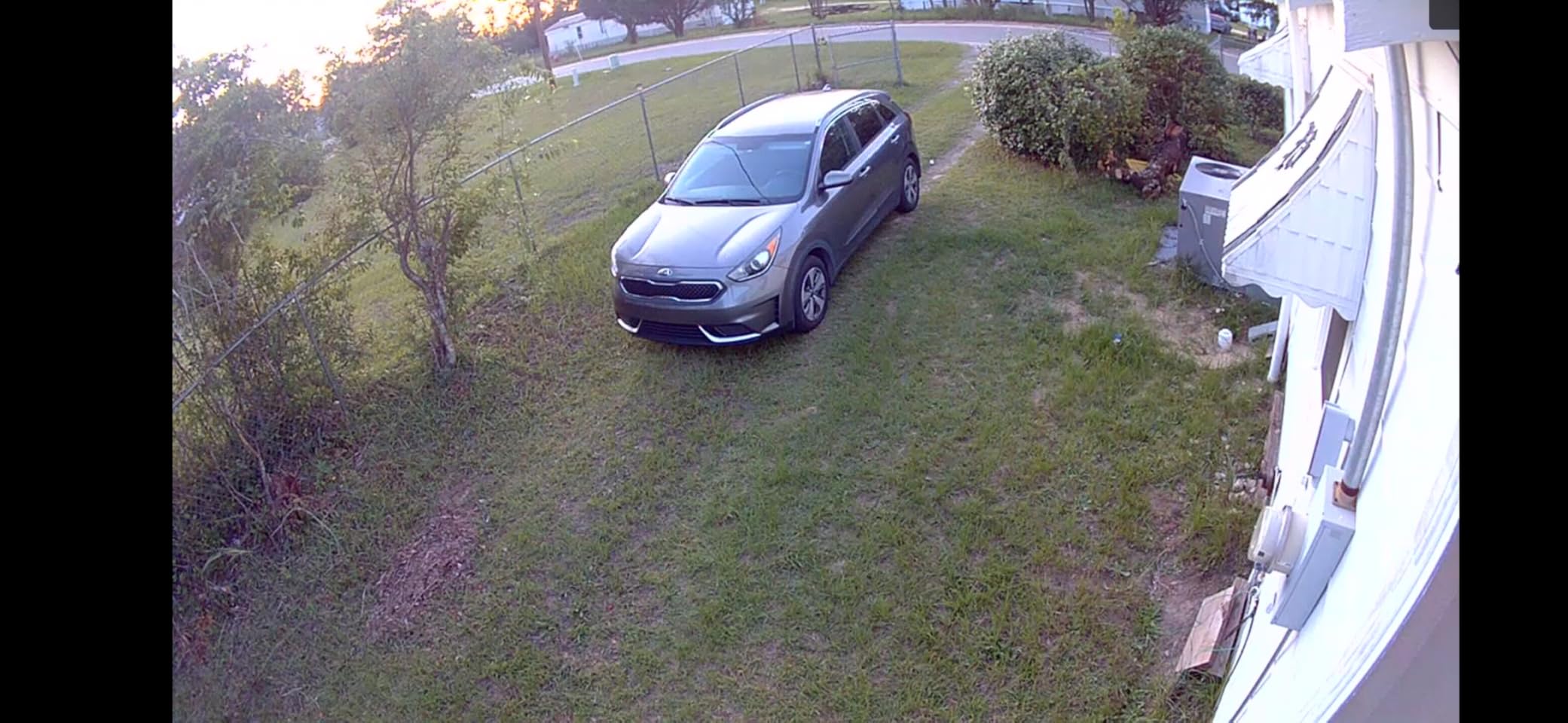
The reason to consider this is one specific situation: a garage you want lit, where you cannot hardwire anything. It combines a 1080p camera with 700 lumens of motion-triggered LED in a single battery unit, and the Sync Module Core is included, so it works as a standalone one-camera system. The box contains the mounting kit, two AA Energizer lithium batteries, four D cell batteries, a power adapter and a USB cable.
Core specs are 1080p HD live view, infrared night vision, two-way audio, enhanced dual-zone motion detection and a claimed two-year battery life. Optional AI person detection is available through a Blink plan, and the system works with Alexa. Installation is entirely wireless.
The honest issue is brightness. At 700 lumens this is noticeably dimmer than a wired floodlight camera, and owners comparing the two side by side say so plainly. It is enough to light a door and a person standing at it, not enough to flood a long driveway the way the Ring Floodlight Cam does at 2000 lumens.
Storage is the same limitation as the Blink three-camera system: the included Sync Module Core provides no local backup, so clip history requires a subscription unless you add a Sync Module XR with microSD or a Sync Module 2 with USB. Battery life falls sharply with frequent motion triggering, and 13 percent of ratings are one star.
Where This Camera Works in a Garage
Mount it over a side door on a building with no wiring, especially a detached workshop or an outbuilding that is rented rather than owned. The light alone changes behavior at night, and the camera records anyone who comes back to check it.
Because it includes the hub, it is a legitimate single-camera answer, which is unusual in the battery category and saves you from buying a separate base station.
Where It Falls Short
It is not the right answer if your goal is a brightly lit approach. If you want the full 2000 lumens of the wired Ring floodlight, you need the wiring, and this is the trade you are declining by choosing it.
It is also a poor match for anyone wanting local storage, for the same hub reason. Compare it against a wired floodlight on that axis before you commit.
9. Ring Outdoor Cam 2K – Best for Zooming In on a Face at Distance
Ring Outdoor Cam 2K (newest model), Battery, Home or business security, Wide-Angle Retinal 2K Video, 6x Enhanced Zoom, Night Vision, White
- Sharp 2K daytime detail with useful zoom for faces at distance
- Good viewing at night in color and monochrome
- Very easy physical install and app setup
- Smooth Alexa and Echo Show integration
- Weather-resistant build for outdoor mounting
- Motion can over-trigger on insects and small objects
- May not trigger until a person is within about 20 feet
- No linked recording across multiple units
- Small review base with some battery and charger reports
- Video history and AI features need a Ring Protect plan
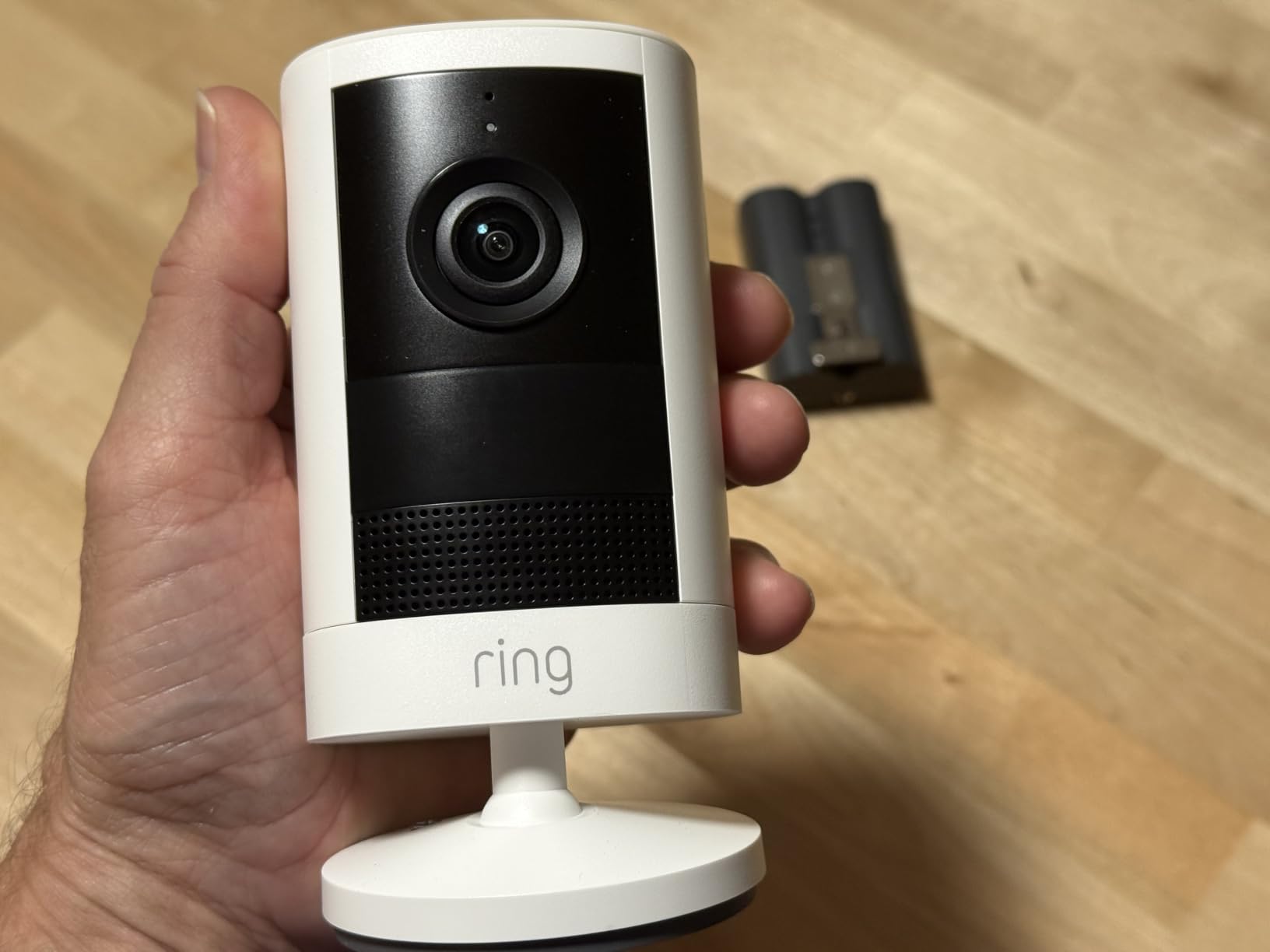
This is the newest camera in the roundup and the one that improved most on the first version. Video is wide-angle 2K, and the 6x enhanced zoom is the number that matters: owners report being able to identify a face from a distance where the older 1080p models gave you a shape. Night vision holds color in low light and drops to monochrome in true darkness.
There is a built-in siren triggerable from the app, plus live view, two-way talk and instant motion alerts. Installation is as simple as the original Stick Up Cam, the bracket is straightforward, and the Alexa and Echo Show integration is the smoothest in this list. If you are upgrading from an older Ring outdoor camera, the jump in usable detail is immediate.
Two limits show up repeatedly. Motion sensitivity is tunable but will over-trigger on insects and other small objects, and some owners report it does not fire until a person is within roughly 20 feet, which is a problem for a long driveway rather than a garage door. There is also no way to link multiple units so all cameras record together when one triggers.
And this is a new model with a small review base of 348 ratings, which already includes reports of battery and charger issues. As with the other Ring products, video history and AI features require a Ring Protect plan. The rating of 4.2 is promising but not yet proven at volume.
Where This Camera Works in a Garage
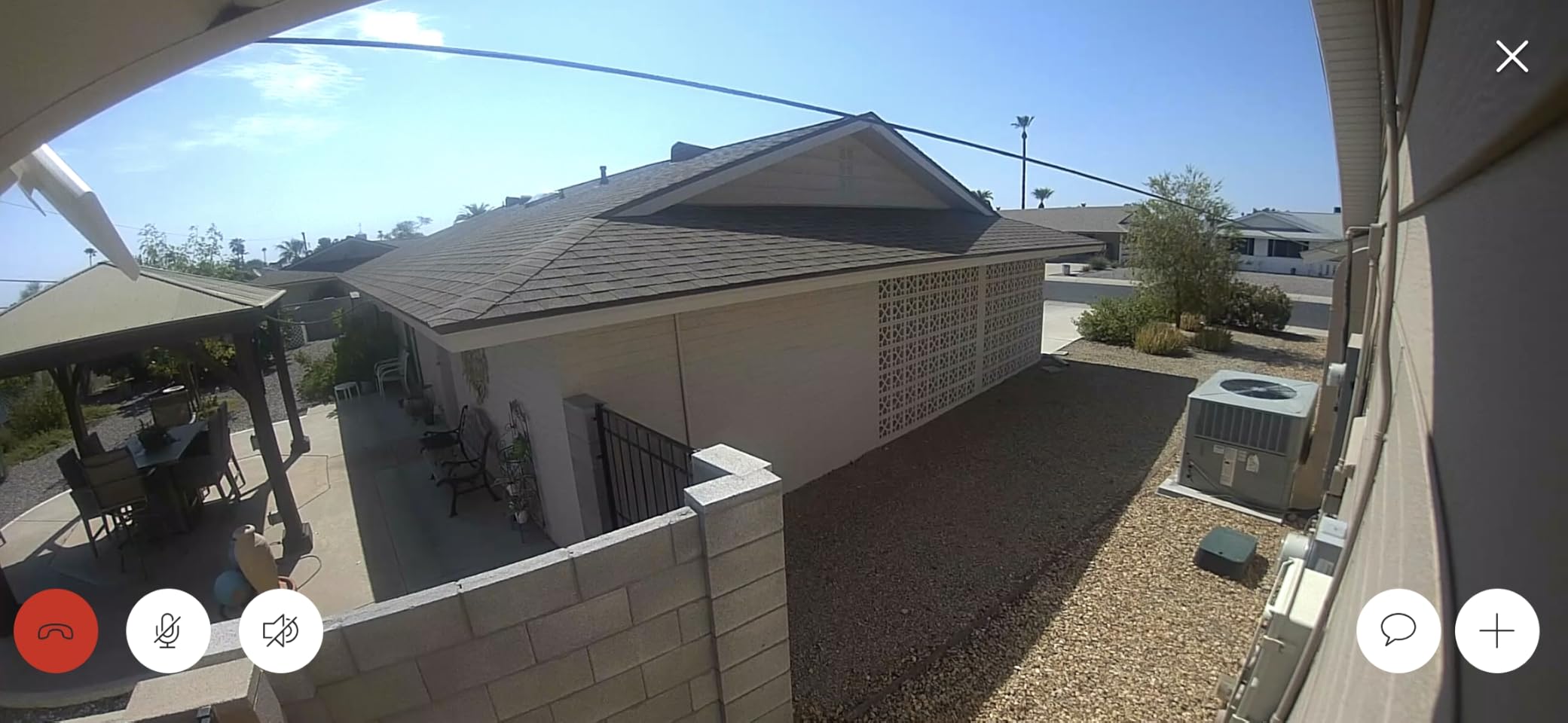
It fits a garage approached from a shared driveway or a path where you need to pick out a face rather than just see movement. The zoom also helps with a side gate, where the interesting detail is at a distance from the camera.
Because it is battery powered with a simple wall bracket, it is a fast install for a second or third camera on the same property.
Where It Falls Short
The 20-foot motion trigger distance rules it out for long approaches, and the lack of linked recording is a genuine loss if you own more than one Ring camera and want a single combined event.
With 348 ratings, you are buying on a thinner record than the other Ring models here. If you want proven longevity rather than the newest specification, the original Stick Up Cam has tens of thousands of ratings behind it.
10. Oculview 2K Solar Two-Pack – Best Long-Range Color Night Vision on Solar Power
Oculview 2K Solar Security Cameras Wireless Outdoor, 2PCS Outdoor Camera Wireless with 360° View, Cameras for Home Security with Color Night Vision, Only Support 2.4GHz Wi-Fi
- Two cameras and two panels for full wire-free coverage
- Color night vision reaches roughly 49 feet
- Three alarm modes with audio warning and spotlight
- Memory card plus optional cloud with 30-day trial
- Five-minute install through the Ubox app
- 2.4GHz only and will not connect to a 5GHz-only network
- No auto motion tracking despite the pan-tilt hardware
- Memory card not included
- Uses the Ubox app rather than a major ecosystem
The headline number here is night vision. Color night vision reaching roughly 49 feet is the longest stated figure in this roundup, and for a garage approach or a wide yard it is the difference between recognizing a jacket color and seeing a white shape. The pan is a full 360 degrees with 4x digital zoom, and there is a spotlight plus two-way audio.
Deterrence gets real attention here too, with three alarm modes: an audio warning, the spotlight, and app push notifications. You can combine them or run one. Each camera has its own solar panel and rechargeable battery, so the pack is genuinely wire-free across two mounting points. Setup takes about five minutes in the Ubox app, and storage is a microSD card up to 128GB or optional cloud with a 30-day trial.
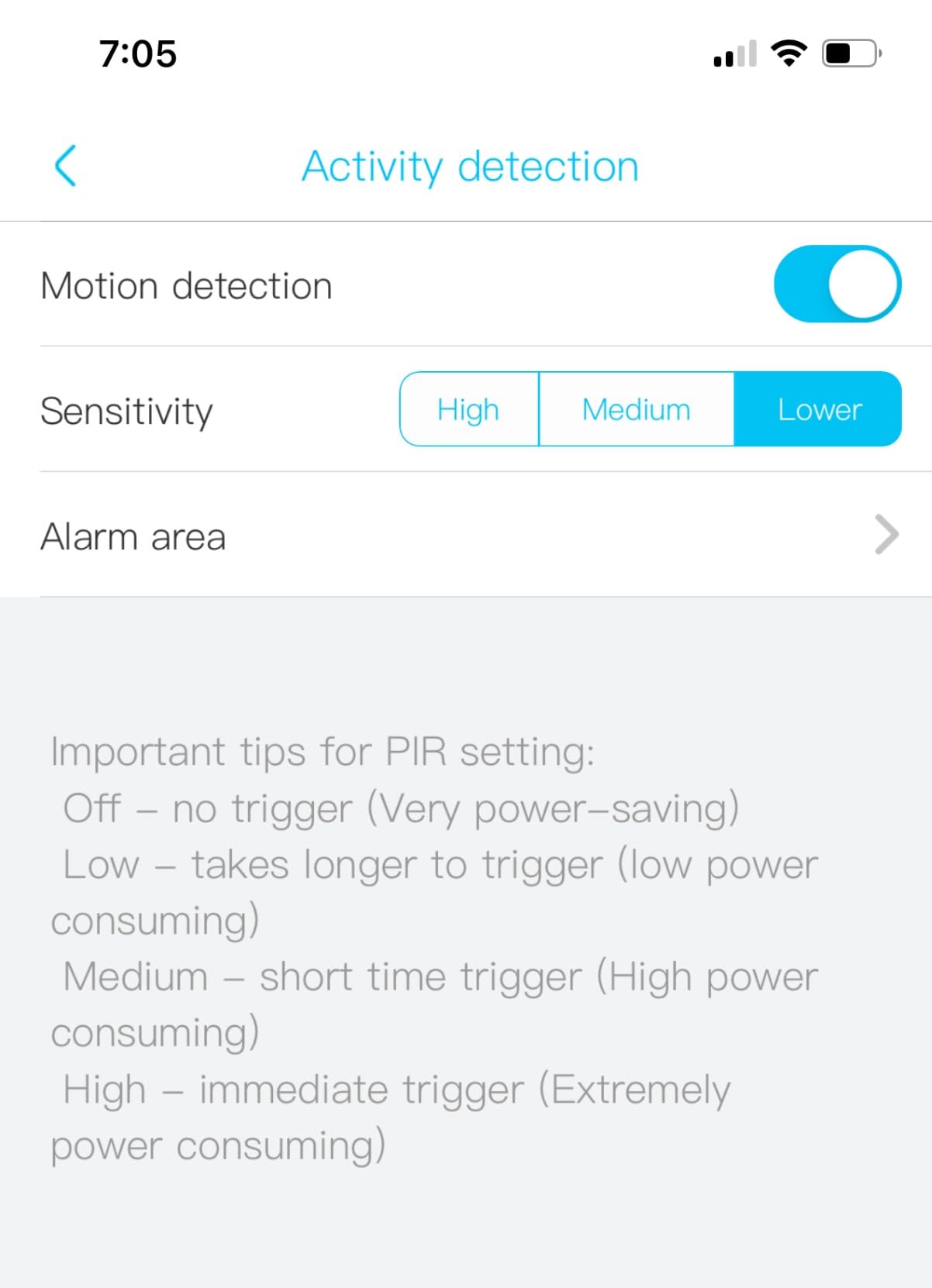
The main constraint is stated plainly on the box: this supports 2.4GHz only and will not connect to a 5GHz-only network. That is the single most common setup failure across this whole category, so check your router band before ordering anything in this list.
Two other gaps are worth naming. Despite the pan and tilt hardware there is no auto motion tracking, so the camera will not follow a person across the yard. And the memory card is not included, so budget for a microSD purchase if you want local recording rather than the cloud trial.
Where These Cameras Work in a Garage
Place one covering the approach and one covering the side or rear of the building, which gives you both a face at the door and a record of anyone circling the structure. The 49 feet of color night range makes them useful well beyond the garage itself, covering the path back to the house.
They suit a rural or larger property where the structure sits far from the router and the solar panel has real sun to work with.
Where It Falls Short
The 2.4GHz-only limit is disqualifying if your router broadcasts 5GHz exclusively, and there is no workaround other than changing the router settings. The lack of auto tracking also means the wide pan is manual, so a subject can walk out of frame.
If your garage is next to the house and well inside Wi-Fi range, a mainstream brand with a more polished app and better long-term support may serve you better. Our guide to indoor cameras for pets covers the opposite end of the range, where the network is strong and the field of view is the priority.
How to Get Wi-Fi to a Detached Garage: 5 Options Ranked by Difficulty
Before you buy anything, test the signal where the camera will actually mount. Stand there with your phone on Wi-Fi and check the signal strength and speed. A weak but present signal can still fail a camera, because many devices refuse to complete setup below a threshold, and that refusal is what produces the initializing state reported in that r/homesecurity thread.
Detached structures are hard because of distance and materials. Concrete, brick, metal garage doors and foil-backed insulation all block 2.4 GHz signals far more than 5 GHz, which is the opposite of the usual indoor advice. Here are the five ways to fix it, easiest first.
1. Move the router or add a mesh node. If the garage is 40 to 60 feet from the house, a mesh node placed on the back wall of the house can often reach it with no new wiring. This is the first thing to try because it costs the least and helps every device in the home.
2. Use a Wi-Fi extender. A dual-band extender placed near the garage-side exterior wall will push a signal around the corner. It is cheap and fast to set up, but extenders halve bandwidth and often drop the connection when the signal is marginal.
3. Run Ethernet and hang an outdoor access point on it. One outdoor-rated cable from the house to the garage gives you a proper network drop, and an outdoor-rated access point on the garage wall broadcasts a real signal. This is the most reliable answer and needs a cable run.
4. Install a point-to-point wireless bridge. A pair of these units creates a dedicated link across the yard, so the garage gets a wired-speed network without a cable. It is the best option when a cable is impossible, such as across a driveway or a slope.
5. Run Ethernet for a PoE camera. The Reolink RLC-810A needs no Wi-Fi and no outlet at the camera, so one cable to the garage is the entire install. This is the most robust answer for a permanent setup and the one that stops fighting the network.
If none of those are feasible, stop trying to fix the network and change cameras instead. A camera with cellular is the clean answer for a remote building, and a camera that records straight to a microSD card keeps working whether or not the signal holds. The key point from the forum experience is that some cameras must finish Wi-Fi setup inside your home network before they will record at all, so buy a model you can initialize once and then place.
How to Choose Local Camera Storage for a Garage
Local microSD storage is the only way to get 24/7 recording without a monthly fee, and it is the feature most often sold quietly. The Reolink supports cards up to 512GB, the ZEEPORTE up to 256GB, the Cinnado and Oculview up to 128GB. Check the card limit before you buy a card, because exceeding it is a common reason a camera stops recording.
Be realistic about what you will actually capture. A busy driveway or a street-facing garage generates far more motion events than a side yard, and those events are what fill a card. A 128GB card is comfortable for a motion-only setup on a low-traffic approach and tight for a 24/7 loop on an exposed building. If you want continuous recording, plan on the larger cards and a high-endurance card rated for constant write cycles.
Two traps are worth avoiding. First, some cameras default to very short clip segments, as the Cinnado does with 10-second defaults, so change the setting before you rely on the card. Second, the included Blink Sync Module Core has no local storage whatsoever, so those cameras need a different sync module or a subscription. If you see a Blink system at a lower price, that is why.
Where to Mount Cameras Around a Detached Garage
Start with the approach. One camera high on the corner covering the door, the driveway and the side wall gives you the highest-value footage in a single view. Aim it down at roughly a 30-degree angle, which reduces the black sky and the flare from headlights that ruins low-mounted night footage.
Second priority is the side door or service door. It is the door people try before the main one, and a camera on the opposite corner covering both doors is more useful than two cameras each covering one. Windows matter too, especially a high window near a step ladder that a burglar would use rather than break.
Then cover the interior door that leads into the house. A camera inside the garage looking at that door captures the person walking into your home, which is the moment a clip becomes usable evidence. Indoor coverage of a garage is a different buying decision, and dummy security cameras are worth considering for the purely visual deterrent role here.
Finally, think about what you cannot see. No camera covers 360 degrees, and a wide-angle 2K unit still has blind corners. Walk the approach yourself at night, in the position a person would be standing, and check the view before you drill a hole.
Should You Add a Garage Door Sensor Alongside the Camera?
A camera records what happened. A sensor tells you it is happening. That is the whole argument for adding one, and the pairing is cheap. We would build three layers.
First, a door-state alert. A tilt sensor on the garage door or a smart opener with an open and close notification tells you the moment the door moves, which matters more than video alone because an alert at 3 a.m. is what wakes a household.
Second, video verification. The notification tells you the door opened, and the camera confirms whether it was a person, a delivery or a raccoon. This is where a camera with person and vehicle detection earns its place, and where a motion-only clip of a shadow wastes your time at 3 a.m.
Third, lighting. A motion-activated floodlight, whether built into the camera as on the Ring Floodlight Cam or separate, removes the cover of darkness that thieves rely on. If you already run one of the brighter floodlight cameras, this layer is already handled.
One warning from lived experience: arm a door sensor only once the door is closed and up, not before. Otherwise you will get a constant stream of alerts every time you leave and return, and eventually you will start ignoring the device, which defeats the entire purpose.
Frequently Asked Questions
Should I put a security camera in my garage?
Yes, especially in a detached garage. Garages hold high-value, easily resellable items such as power tools, lawn equipment, bicycles and vehicles, and they are frequently unmonitored. Nearly 10 percent of burglars enter a home through a garage. One camera covering the door and the approach is worth installing on its own, even if you never add a second.
Why won’t my WiFi reach my garage?
Detached structures sit outside the usable range of a home router, and the materials in between make it worse. Concrete, brick, metal garage doors and foil-backed insulation block 2.4 GHz signals, which is the band most security cameras use. Test the signal at the exact mounting spot before buying, and remember that many cameras must complete Wi-Fi setup inside your home network before they will record.
How do I get better WiFi in a detached garage?
Ranked from easiest to hardest: move the router or add a mesh node, add a Wi-Fi extender, run Ethernet and mount an outdoor-rated access point, install a point-to-point wireless bridge, or run Ethernet for a PoE camera that needs no Wi-Fi at all. If none of those work for your property, choose a camera that records to a microSD card locally or one that uses cellular instead of Wi-Fi.
Do security cameras work without WiFi?
Some do, and they are the right choice when no network can reach the building. A PoE camera gets power and data from one Ethernet cable and never touches Wi-Fi. A camera with a cellular module works on a SIM with no network at all. Most battery and solar cameras can record motion clips to a microSD card with no signal, though continuous recording without Wi-Fi is rare, and many cameras will not finish setup without joining your network first.
Can I record 24/7 without a subscription?
Yes, through local microSD storage rather than cloud. The Reolink RLC-810A records continuously to a card up to 512GB with no subscription fee at all, and several solar models accept cards from 128GB to 256GB. The trade-off is that you must check a larger card, and the battery models in this roundup, including both Blink systems with the Sync Module Core, are event-only rather than continuous.
Do security cameras work in cold weather?
It depends entirely on the model. Most outdoor cameras are weather resistant for rain and cold, but the operating temperature is rarely published. In this roundup the SEHMUA RBX-S40 is the only camera with a stated range, from minus 4 degrees Fahrenheit to 121 degrees Fahrenheit. If your garage is unheated, ask the manufacturer for the minimum operating temperature before you buy.
Should my garage security camera be wired or wireless?
Wired wins on reliability and picture quality, and a PoE camera on one Ethernet run needs no power outlet at the camera and no Wi-Fi. Wireless wins on installation speed and cost, and it is the only realistic option when there is no cable route. The practical test is signal: if you can get a strong 2.4 GHz signal to the mounting spot, wireless is fine, and if you cannot, do not fight it, extend the network or go wired.
What is the best alarm system for a detached garage?
Layer three things rather than buying one device. A door-state alert from a tilt sensor or a smart opener tells you the garage door moved, a camera with person detection confirms whether it was a person, and a motion-activated floodlight removes the darkness. Together those three cover detection, verification and deterrence, which is far more effective than any single alarm panel.
How many security cameras do I need for a garage?
One is usually enough if it is mounted high on the corner facing the approach, because a wide-angle 2K camera with pan and tilt can sweep a large area. Two make sense if the garage has a main door and a separate side or service door, or if you want one camera on the approach and one inside the garage watching the door that leads into the house.
What is the best secret camera for a garage?
Concealed cameras are harder to notice but they do not deter anyone, and homes with no visible security system are up to 3.5 times more likely to be targeted. For a detached garage a visible, well-mounted camera high on the corner is the better choice, because it works as deterrence and as evidence. If you want a second layer inside, a small camera covering the interior door to the house adds coverage a burglar cannot see from outside.
Best Security Cameras for Detached Garages: The Bottom Line
The best security cameras for detached garages in 2026 come down to one question asked at the mounting spot: is there a signal there. If there is, the Ring Outdoor Cam is the safest default, and the Ring Floodlight Cam Wired Plus is the strongest answer when you also want the driveway lit. If the garage has no wiring and no power run, the ZEEPORTE solar pan and tilt camera gives you the widest coverage with the least work.
Where you are willing to run a cable, the Reolink RLC-810A is the strongest camera we found, with 4K detail, 100 feet of night vision and 512GB of local storage with no subscription attached. Whichever you choose, test the network first, mount it high on the approach, and pair it with a door sensor so you hear about a break-in before you see it.