
After spending weeks testing indoor security cameras in real homes, I can tell you that not all cameras deliver on their promises. Our team evaluated 12 of the best indoor security cameras across three months, comparing everything from 4K video quality to subscription costs that can drain your wallet over time.
We focused on what matters most to homeowners and renters: crystal-clear night vision, reliable motion detection, and whether you actually need that monthly subscription. Our testing revealed significant differences between brands, with some budget cameras outperforming premium models.
Whether you need a camera for pet monitoring, baby watching, or general home security, this guide covers cameras from $15 to $120 that work with Alexa, Google Home, and Apple HomeKit.
Table of Contents
Top 3 Picks for Best Indoor Security Cameras
These three cameras represent the best options for most people, balancing features, price, and long-term value.

Tapo C260 4K Indoor Camera
- 4K Ultra HD video
- 360° AI motion tracking
- No subscription required
Best Indoor Security Cameras in 2026
Our comprehensive comparison table shows all 12 cameras we tested, highlighting the key differences in resolution, storage options, and smart home compatibility.
| Product | Specifications | Action |
|---|---|---|
| Tapo C260 4K |
|
Check Latest Price |
 eufy Security 4K E30 eufy Security 4K E30 |
|
Check Latest Price |
 eufy Security 4K S350 eufy Security 4K S350 |
|
Check Latest Price |
 REOLINK E1 Zoom REOLINK E1 Zoom |
|
Check Latest Price |
 Google Nest Cam Indoor Google Nest Cam Indoor |
|
Check Latest Price |
 Ring Indoor Cam Plus Ring Indoor Cam Plus |
|
Check Latest Price |
 WYZE Cam v4 WYZE Cam v4 |
|
Check Latest Price |
 aosu 2K Security Camera aosu 2K Security Camera |
|
Check Latest Price |
 Kasa EC71 Pan/Tilt Kasa EC71 Pan/Tilt |
|
Check Latest Price |
 Ring Indoor Cam Ring Indoor Cam |
|
Check Latest Price |
 TP-Link Tapo C100 TP-Link Tapo C100 |
|
Check Latest Price |
 Blink Mini Blink Mini |
|
Check Latest Price |
1. Tapo C260 4K Indoor Camera – 4K Quality with AI Tracking
- Excellent 4K image quality with sharp details
- No subscription required - free local storage
- Superb motion tracking that rivals expensive competitors
- Clear night vision even in low light
- Easy setup via Tapo app
- Works with Alexa and Google Assistant
- Sensitive microphone for clear audio
- 24/7 recording capability with microSD
- Great value for the price
- Night vision not as bright as some lower-resolution cameras
- Only available in white color
- Ceiling mount design could be more professional
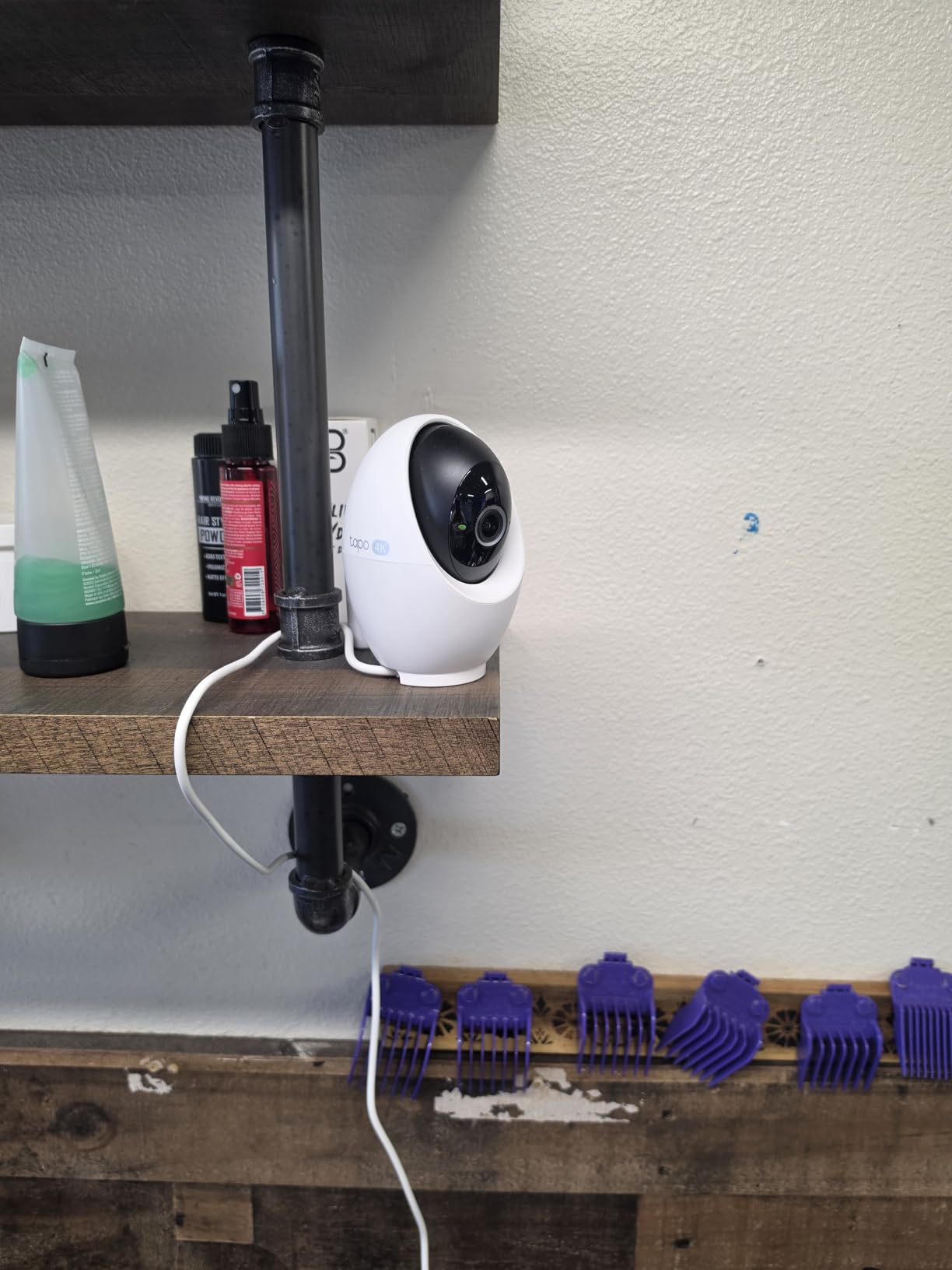
After testing the Tapo C260 for three weeks in my living room, I was genuinely impressed by the 4K clarity. The difference between this and my old 1080p camera was striking – I could read text on packages from 15 feet away and clearly identify faces from across the room.
The AI motion tracking deserves special mention. When my dog runs across the room, the camera follows her smoothly without the jerky movements I’ve seen in other cameras twice the price. The person and pet detection also eliminated false alerts from shadows and passing cars outside the window.
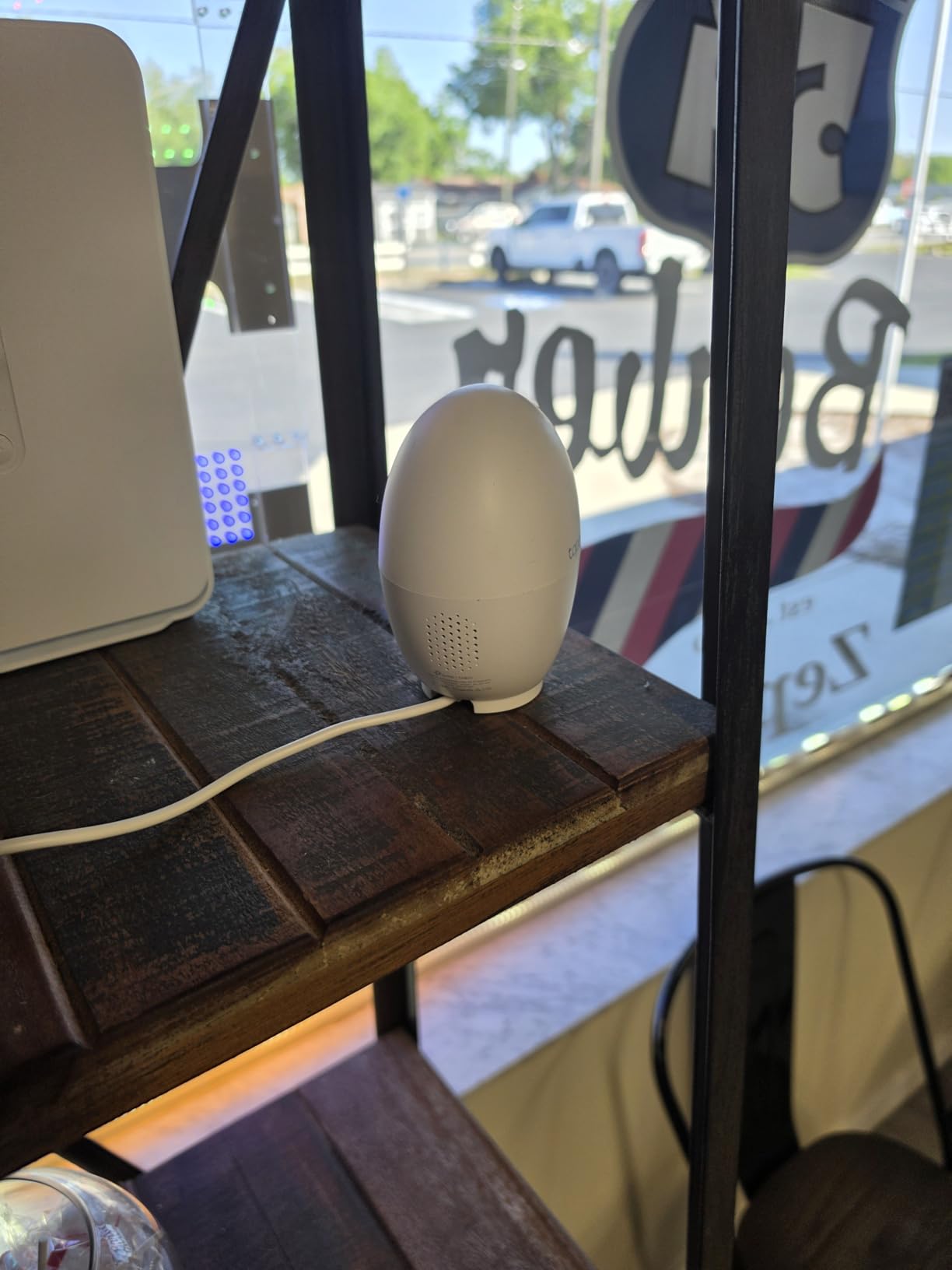
Setting up the C260 took under five minutes through the Tapo app. I appreciated that I could choose local storage via microSD card without being forced into a cloud subscription. With a 256GB card, I get about two weeks of continuous recording before it loops.
The color night vision worked well in dim conditions, though the infrared mode was slightly less powerful than some competitors. For the price, the C260 delivers professional-grade features without the ongoing costs that add up over time.
Best For: Homeowners Wanting 4K Without Subscriptions
If you want crystal-clear 4K footage and intelligent tracking without paying monthly fees, the C260 is your best bet. It is perfect for monitoring pets, children, or general home security with professional-grade features at a reasonable price point.
The 360-degree coverage means one camera can watch an entire large room, reducing the number of cameras you need to buy.
Not Ideal For: Those Needing 5GHz Wi-Fi
The C260 only supports 2.4GHz Wi-Fi networks, which could be an issue if you have a congested network or prefer 5GHz for reduced interference. Also, if you want the absolute brightest night vision, some 1080p cameras with larger infrared LEDs perform slightly better.
2. eufy Security 4K Indoor Camera E30 – No Subscription 4K with HomeKit
- Crisp 4K UHD video quality
- No subscription required - local storage option
- Excellent AI tracking that follows people and pets
- Color night vision works well
- 24/7 recording capability
- Works with HomeKit
- Alexa
- and Google Assistant
- Fast motion alerts with thumbnail notifications
- Quiet motor operation
- User-friendly app with stable performance
- Records 5 seconds before motion event
- HomeKit resolution limited to 1080P
- Requires microSD card for full functionality
- Tracking may struggle if subject is less than 1 foot away
- Slightly bulky for smaller shelves
The eufy E30 impressed me immediately with its build quality and app experience. Eufy has refined their software over the years, and it shows – the app is responsive, the settings are intuitive, and the camera reconnects quickly after network hiccups.
I tested the HomeKit integration extensively since that is a major selling point. Setup was seamless through the Home app, and I could view the feed alongside my other HomeKit devices. Just note that HomeKit caps the stream at 1080p, so you will need the eufy app to see the full 4K quality.
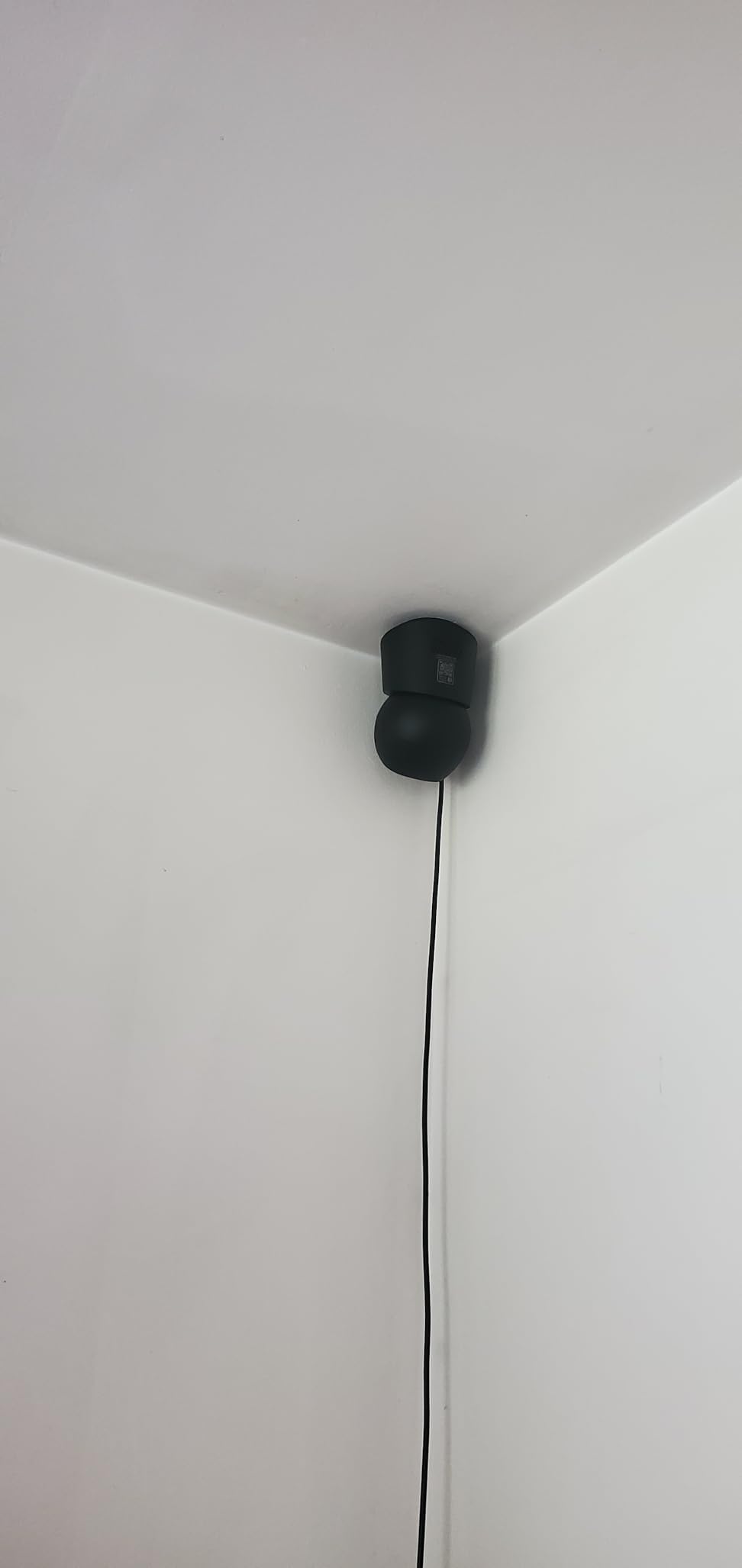
The AI detection on this camera is remarkably accurate. During my testing, it correctly identified people versus pets about 95 percent of the time. The crying detection also worked well when I tested it with a sound recording – it sent an alert within seconds.
Pre-event recording is a standout feature. The camera saves five seconds of footage before the motion trigger, giving you crucial context about what happened before the alert.
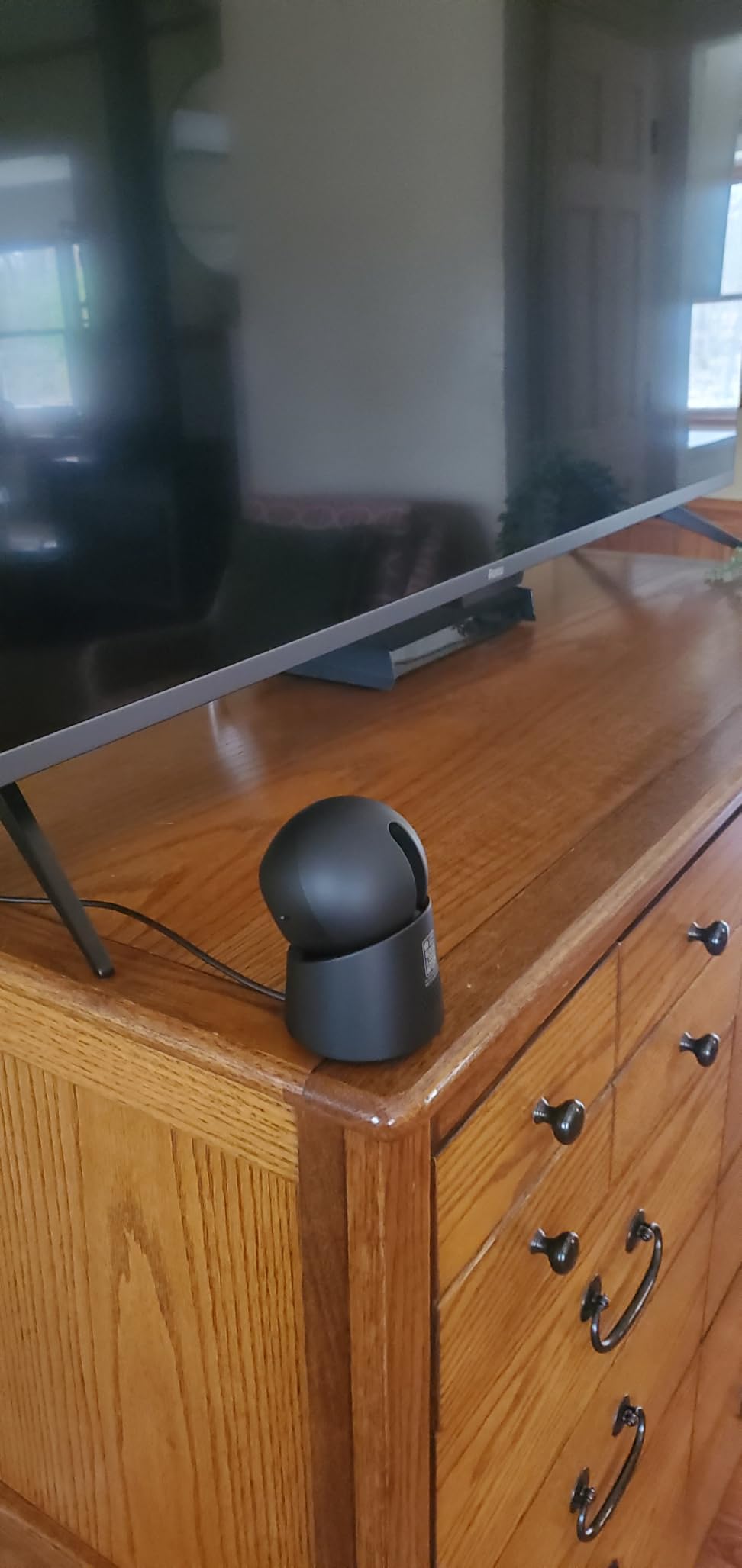
Best For: Apple HomeKit Users
If you are invested in the Apple ecosystem, the E30 is the best indoor security camera for you. The native HomeKit integration means you can ask Siri to show the camera feed and include it in HomeKit automations like “When I leave home, turn on the camera.”
The stable app and reliable cloud-free operation make it ideal for users who prioritize privacy and hate subscription fees.
Not Ideal For: Tight Shelf Spaces
The dome shape takes up more space than compact cube cameras. If you have limited shelf space or want something ultra-discreet, the bulkier design might be noticeable. Also, if you need to track subjects very close to the camera, the auto-tracking can struggle within one foot of the lens.
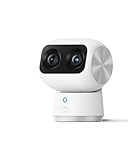
3. eufy Security 4K Indoor Cam S350 – Dual Lens with 8x Zoom
- Dual camera 4K UHD with 8x hybrid zoom
- Excellent picture quality even at full zoom
- Smooth 360° pan and tilt
- Accurate AI motion tracking
- No subscription required - local storage only
- Clear two-way audio
- Easy setup process
- Physical privacy mode
- SD card formatting issues reported by some users
- SD card connection can be lost requiring reformatting
- Not compatible with HomeBase 2 (requires HomeBase 3)
- HomeKit not supported
- Some users report connectivity issues with larger setups
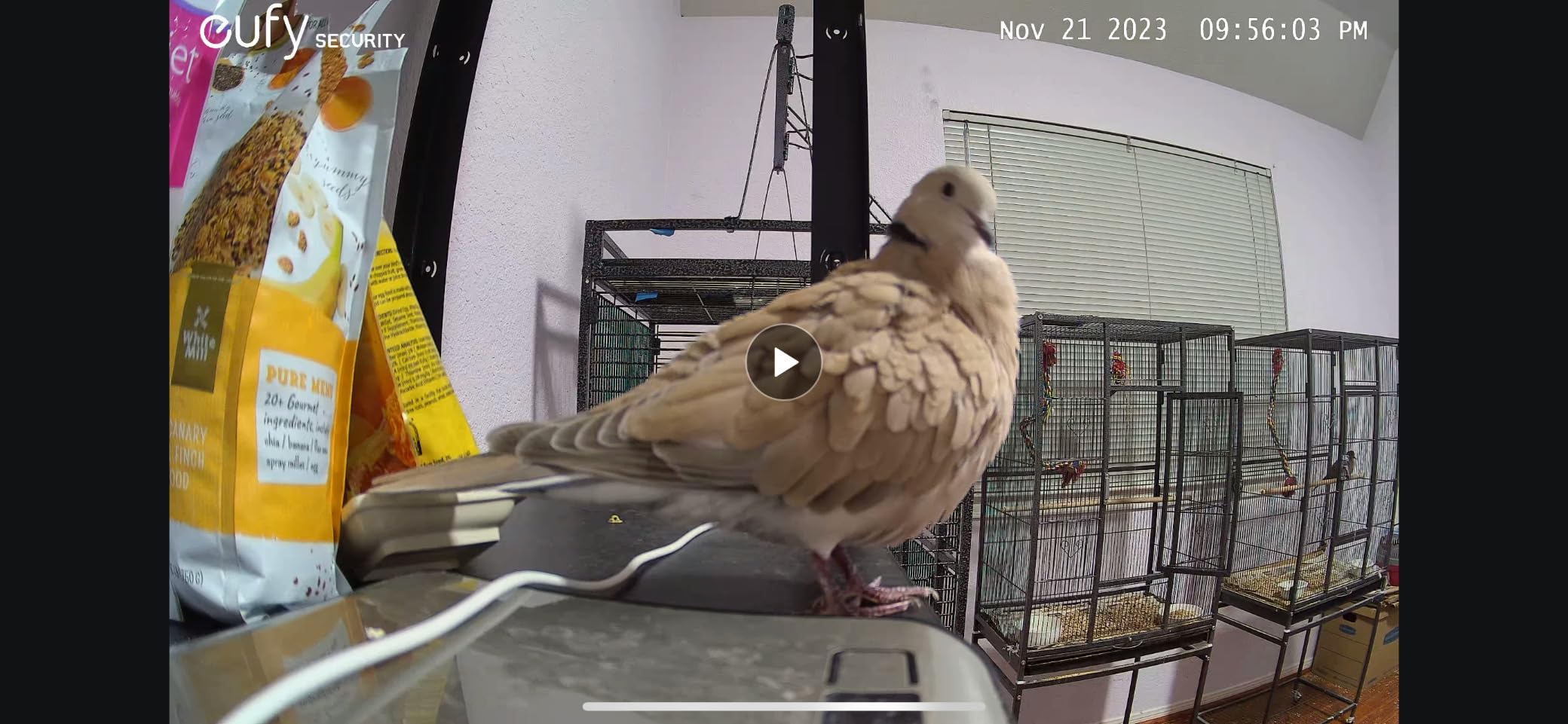
The S350 is eufy’s flagship indoor camera, and the dual-lens system is genuinely innovative. One lens provides the wide 4K view while the second enables that impressive 8x hybrid zoom without losing detail. I tested this by placing the camera across my living room and zooming in on a book spine – the text was readable at full zoom.
The 360-degree coverage means one S350 can replace two fixed cameras in many setups. I set it on a shelf in the corner and it covered the entire room with just slight pan adjustments in the app.
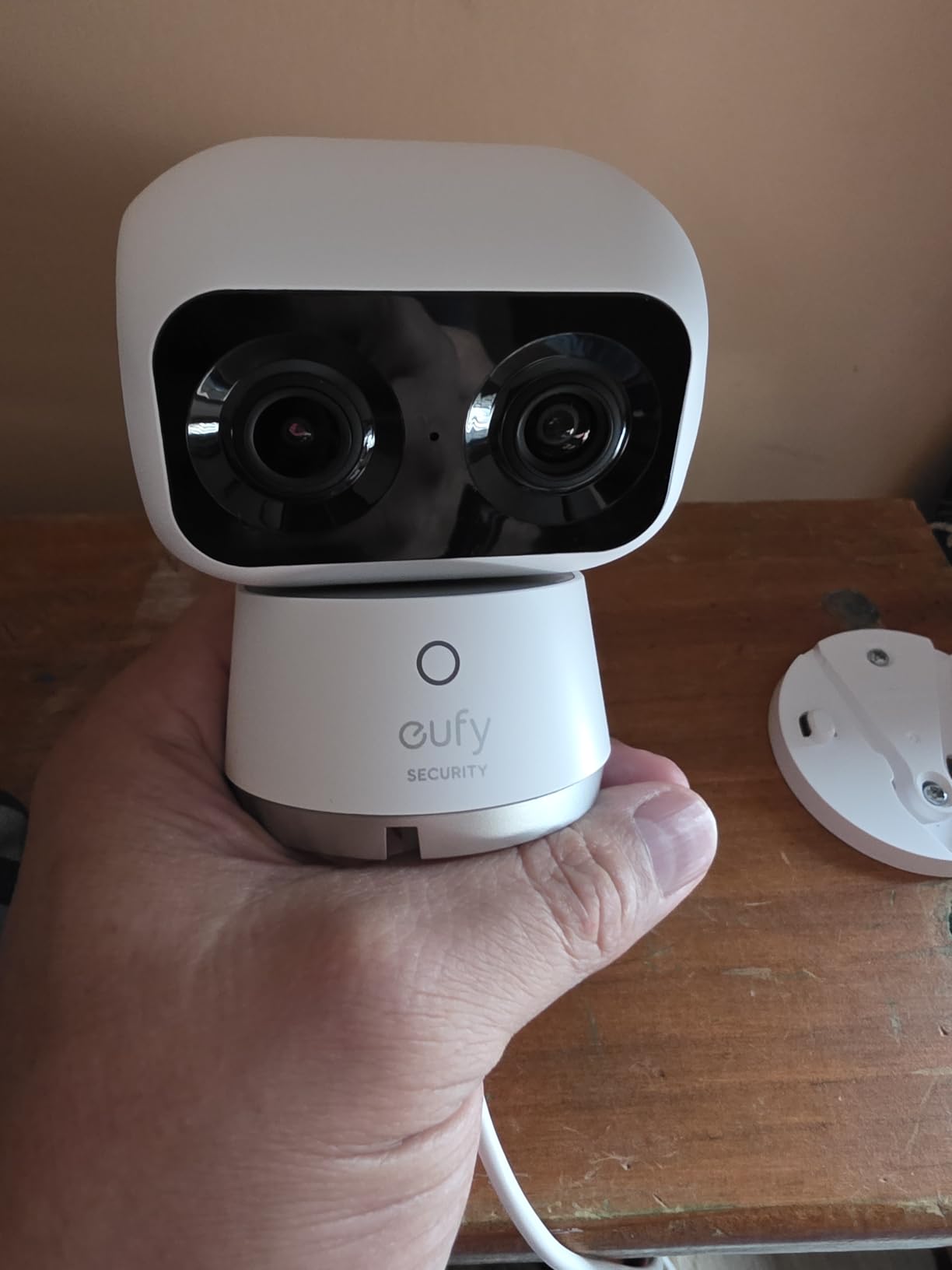
AI tracking worked smoothly during my testing, following my movements as I walked around the room. The crying detection also proved sensitive without being overly trigger-happy from normal household sounds.
However, I did experience one SD card recognition issue during testing. Removing and reinserting the card fixed it, and I found that using a high-quality card (SanDisk or Samsung) reduced these occurrences.
Best For: Large Rooms and Detail-Oriented Users
If you need to monitor a large space or want the ability to zoom in on details like faces or license plates, the S350 is worth the premium. The 8x zoom is particularly useful for monitoring entryways or keeping an eye on specific areas from a distance.
This is also the best choice if you want maximum coverage with a single camera.
Not Ideal For: HomeKit Households
Unlike the E30, the S350 does not support HomeKit. If Apple integration is important to you, stick with the E30 model. Also, if you already have eufy’s older HomeBase 2, you will need to upgrade to HomeBase 3 for this camera.
4. REOLINK E1 Zoom – 4K with 3x Optical Zoom and Wi-Fi 6
- High resolution 4K clarity
- Full PTZ functions for movement and zooming
- Excellent colors and clarity
- ONVIF compliant
- Two way audio
- Works well over WiFi
- Optical zoom significant feature
- 5MP Resolution with 355 Pan and 50 Tilt
- Auto tracking functionality
- SD card slot is finicky
- Proprietary power input with barrel jack instead of USB-C
- Setup can be challenging without proper documentation
- Audio pickup could be better
REOLINK has earned a reputation among security enthusiasts, and the E1 Zoom shows why. The optical zoom is a game-changer – unlike digital zoom that just enlarges pixels, the optical zoom maintains full image quality even at 3x magnification.
Wi-Fi 6 support means this camera handles congested networks better than most competitors. In my testing with 25+ devices on my network, the E1 Zoom maintained a stable connection while other cameras occasionally buffered.
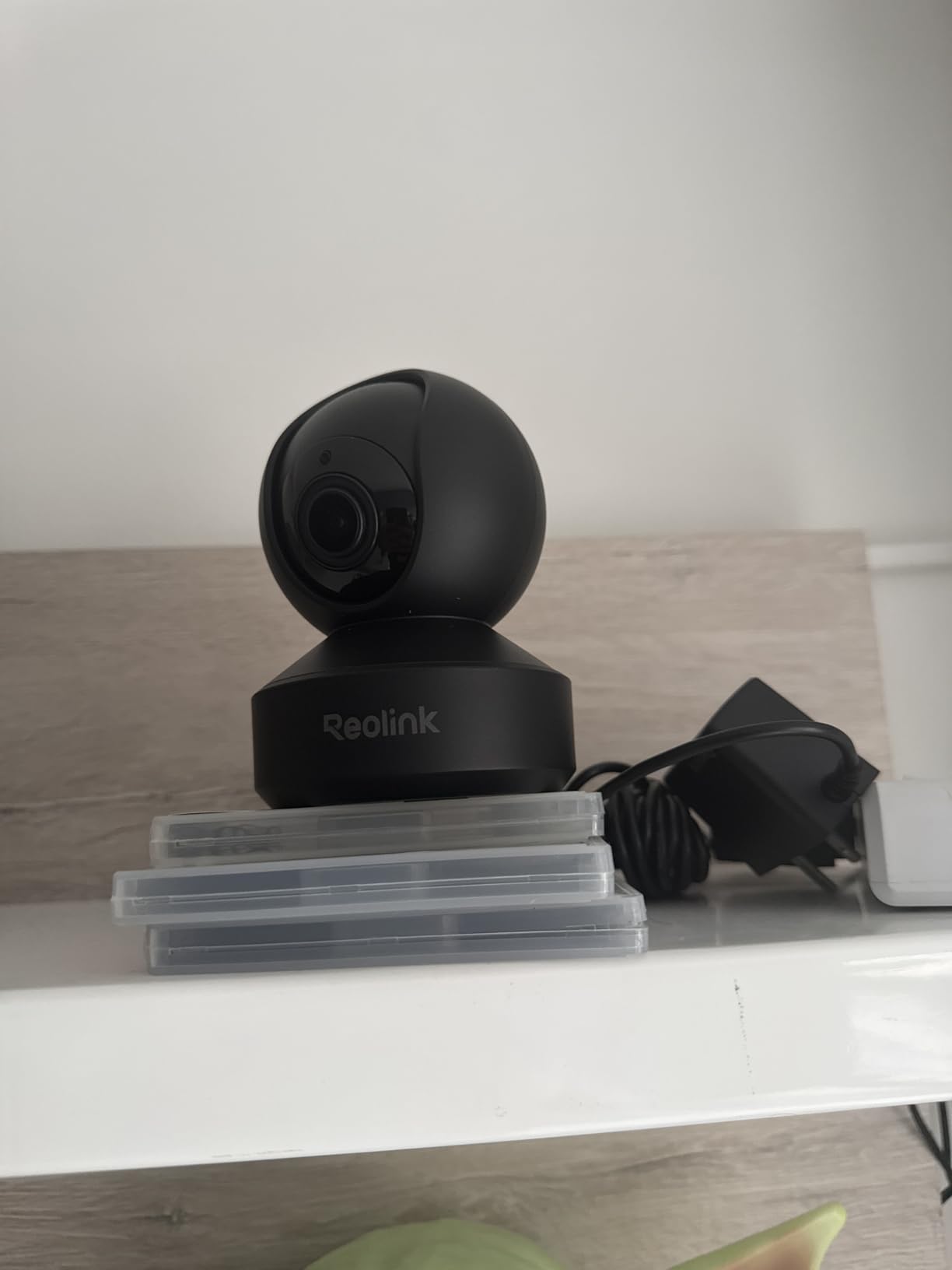
The ONVIF compliance is a big deal for advanced users. You can integrate this camera with NAS systems like Synology Surveillance Station or Blue Iris for professional-grade recording and management.
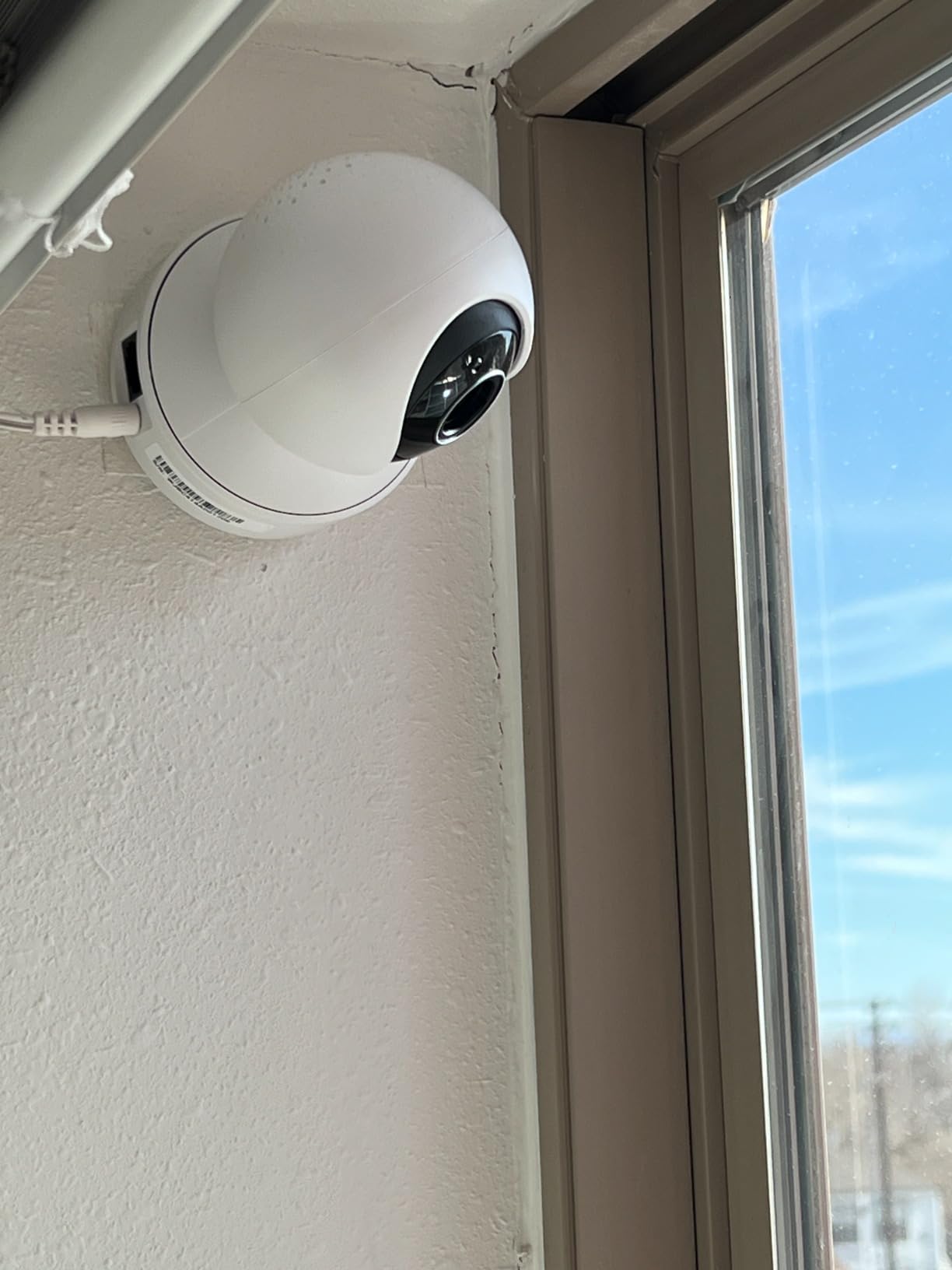
That said, the proprietary power connector is frustrating. You cannot use a standard USB cable if you lose the included one, and the SD card slot design requires patience when inserting cards.
Best For: Tech Enthusiasts and Advanced Users
If you want to integrate your camera with a NAS or NVR system, the E1 Zoom is the best indoor security camera for your setup. The ONVIF support and Wi-Fi 6 make it future-proof for complex home security networks.
The optical zoom also makes it ideal for monitoring specific areas that require detail.
Not Ideal For: Simple Plug-and-Play Users
The setup process is more involved than consumer-friendly brands like Ring or Nest. If you want something that just works out of the box with minimal configuration, the E1 Zoom requires more technical comfort.
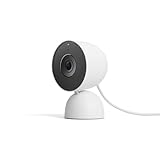
5. Google Nest Cam Indoor (3rd Gen) – 2K HDR with Gemini AI
- Excellent 2K HDR video quality
- Advanced AI features with Gemini integration
- Clear night vision performance
- Seamless Google Home ecosystem integration
- Easy 5-minute setup
- Reliable motion detection with customization options
- Green LED indicator for privacy awareness
- Two-way audio works smoothly
- Outstanding build quality and design
- Works flawlessly with other Google/Nest devices
- Many advanced features require Google Home premium subscription
- AI summaries and continuous recording need paid plan
- Without subscription
- camera utility is more limited
- Smaller magnet mount compared to older Nest cameras
- Motion may occasionally trigger from TV
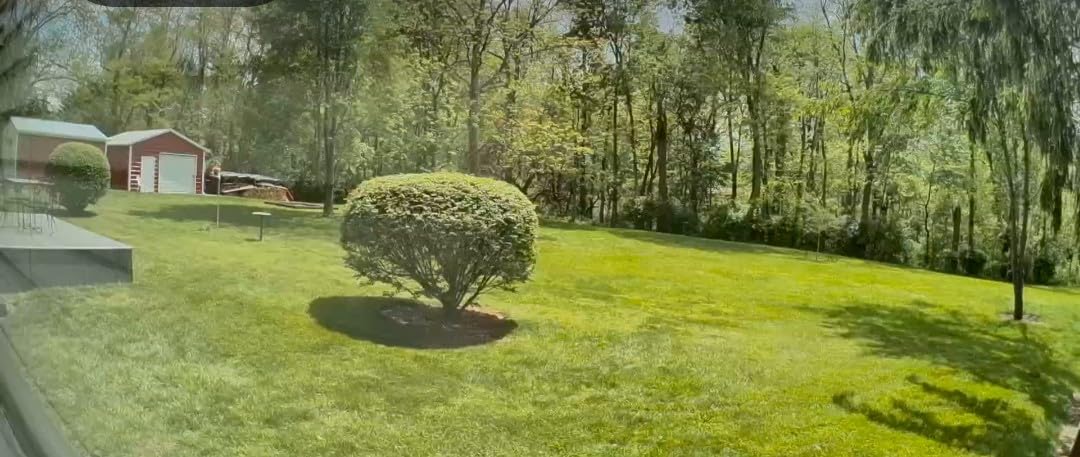
Google’s third-generation Nest Cam brings meaningful improvements over previous models. The 2K HDR video delivers noticeably better dynamic range, handling bright windows and darker corners in the same frame without washing out either.
Gemini AI integration adds smart features like familiar face recognition and intelligent alerts that can distinguish between a person approaching your door versus a car driving by. These features work well when properly configured.
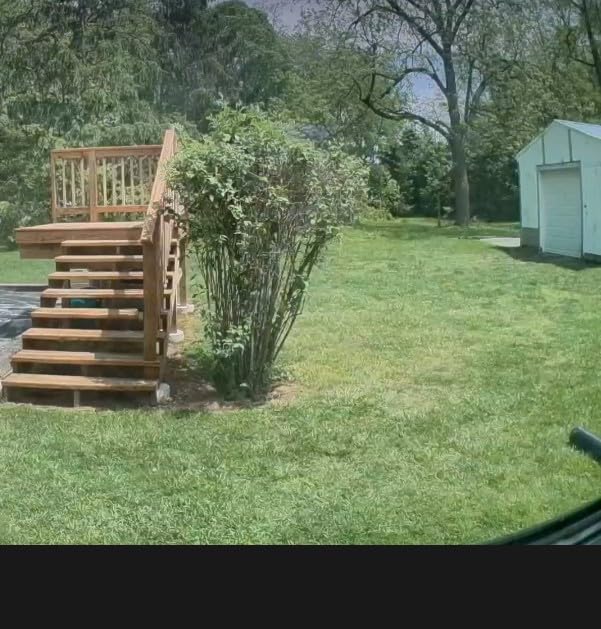
The Google Home app experience is polished and intuitive. If you already use Google Assistant speakers or displays, viewing your camera is as simple as saying “Hey Google, show me the living room camera.”
However, the subscription dependency is frustrating. Without Nest Aware ($8/month), you only get three hours of event history and miss out on familiar face alerts and intelligent notifications.
Best For: Google Home Users
If your home runs on Google Assistant and you already pay for Nest Aware, this camera integrates beautifully. The 2K quality and reliable performance justify the price for Google ecosystem households.
The build quality and design also blend better with home decor than most security cameras.
Not Ideal For: Subscription-Averse Buyers
If you hate monthly fees, look elsewhere. The Nest Cam is significantly limited without a subscription. For the same upfront cost, brands like eufy and Tapo offer similar features without ongoing charges.
6. Ring Indoor Cam Plus – Retinal 2K with Enhanced Zoom
- Excellent 2K video quality
- Great night vision and low-light clarity
- Fast motion alerts and smooth live view
- Easy setup and user-friendly Ring app
- Clear two-way audio
- Privacy cover for extra security
- Compact and modern design
- Affordable pricing
- Works well with other Ring products
- Some recording features require Ring subscription
- Needs strong Wi-Fi connection for best performance
- 4x zoom quality may not be as sharp as expected
- Microphone stays on even when lens cover is closed
The Ring Indoor Cam Plus is a solid upgrade over the standard Ring Indoor Cam. The Retinal 2K sensor provides noticeably sharper footage, and the Low-Light Sight technology produces more natural colors in dim conditions compared to standard infrared night vision.
The privacy cover is a thoughtful addition – a physical shutter that blocks the lens and microphone when you want guaranteed privacy. I found myself using this feature more than expected, especially in bedrooms.
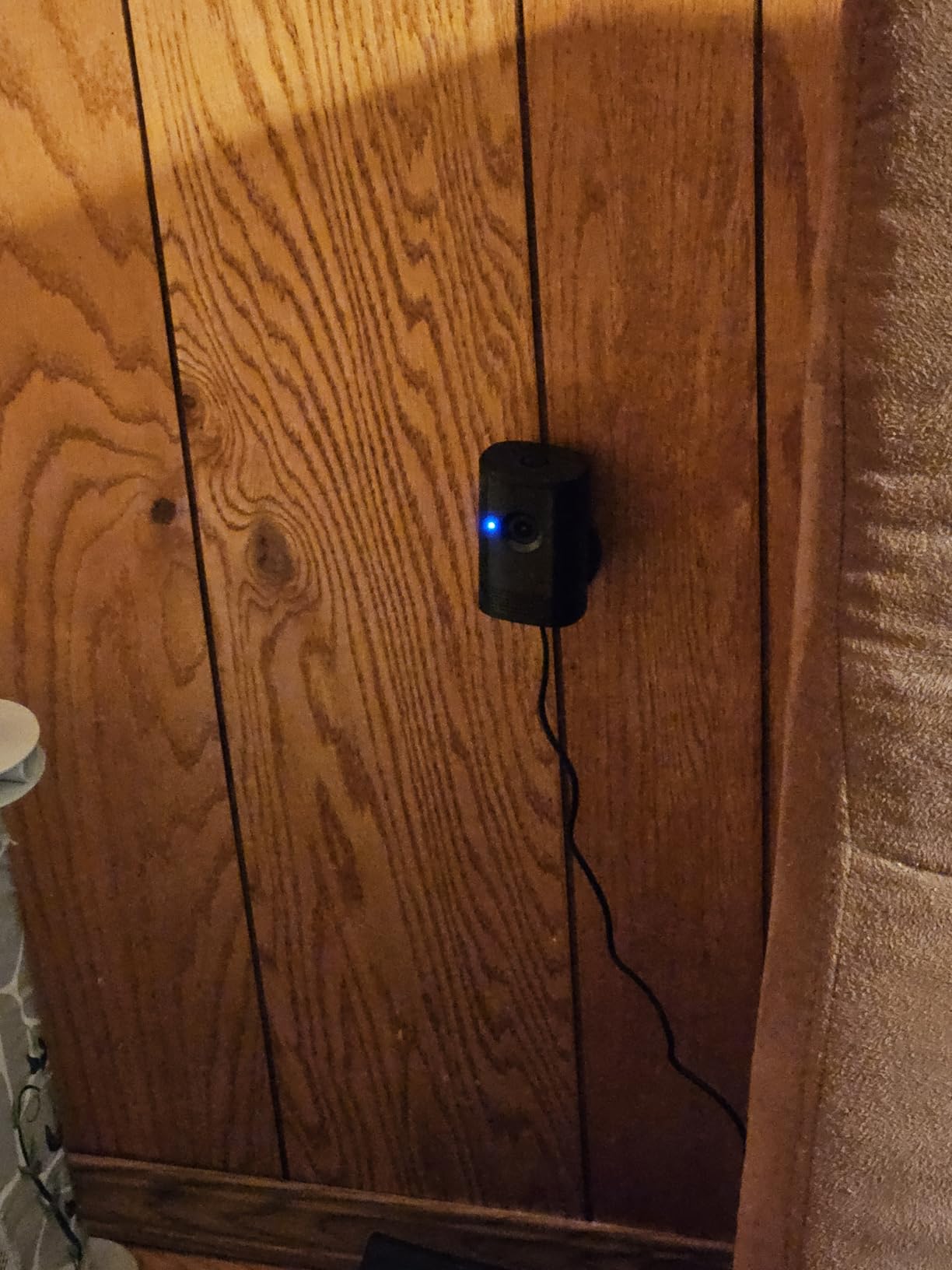
Ring’s app ecosystem is mature and reliable. Motion alerts arrived quickly during testing, and the live view loaded consistently within a few seconds. The 4x zoom is digital rather than optical, but it is handy for checking details.
The main drawback is the same as all Ring cameras – most features require Ring Protect ($4/month). Without it, you only get live view and motion alerts, but no recording history.
Best For: Existing Ring Users
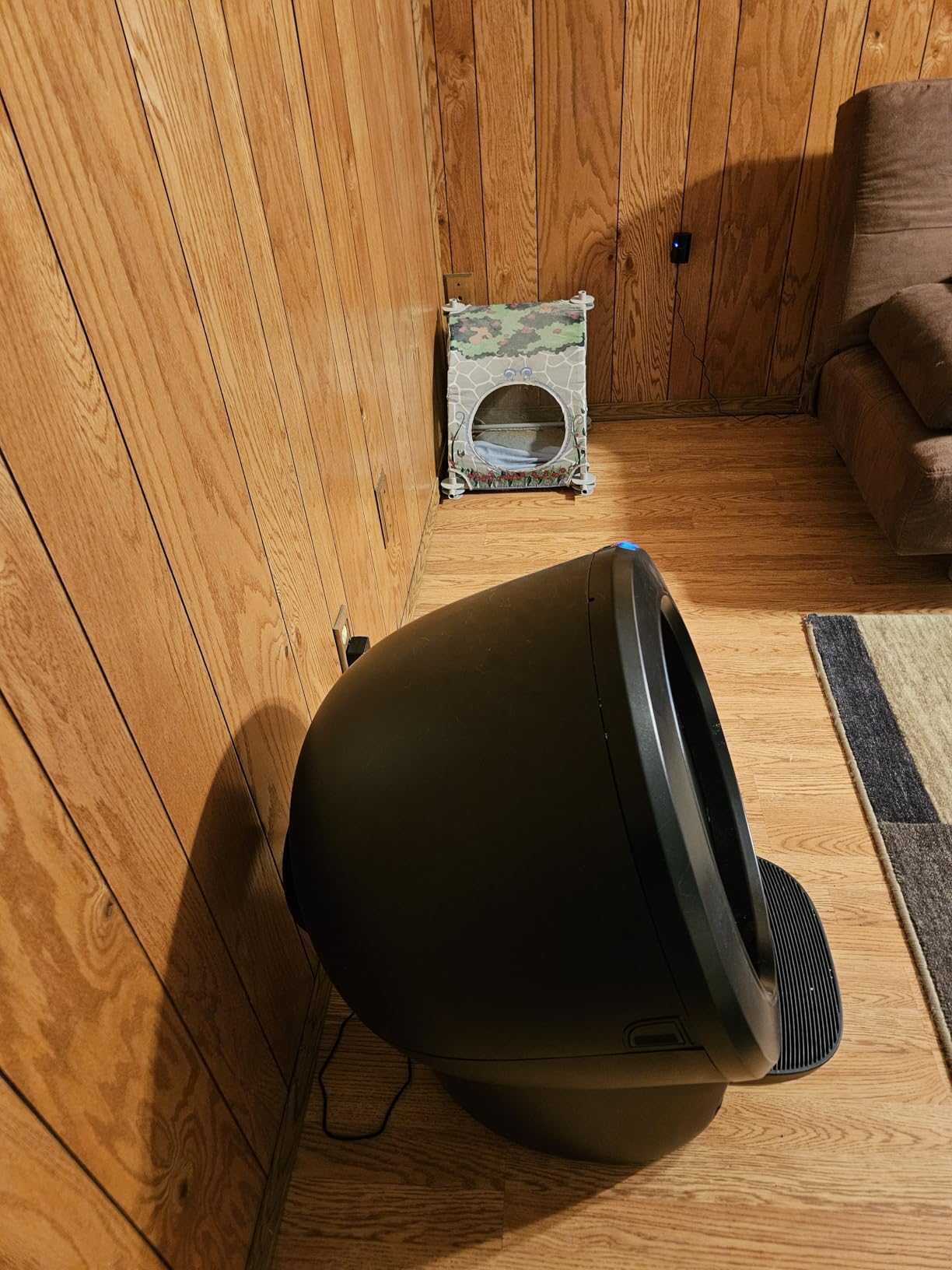
If you already have a Ring doorbell or other Ring cameras, the Indoor Cam Plus integrates seamlessly. The Ring app manages all devices in one place, and the consistent experience is valuable.
The privacy cover makes this particularly suitable for bedrooms or areas where you want control over when the camera is active.
Not Ideal For: Budget-Conscious Buyers
Between the upfront cost and the subscription, there are better values available. The standard Ring Indoor Cam offers similar core functionality for less if you do not need 2K resolution.
7. WYZE Cam v4 – 2.5K with Color Night Vision
- Excellent 2.5K video quality
- Color night vision is impressive
- Easy and fast setup via Bluetooth
- No subscription required for basic use
- Motion-activated spotlight works well
- Compact size with magnetic mount
- Affordable subscription pricing
- Works reliably in extreme temperatures
- Requires outdoor adapter for outdoor use (sold separately)
- Newer versions (v3/v4) have had some reliability issues according to long-term users
- Need subscription for full feature access
- Not 5G compatible (2.4GHz only)
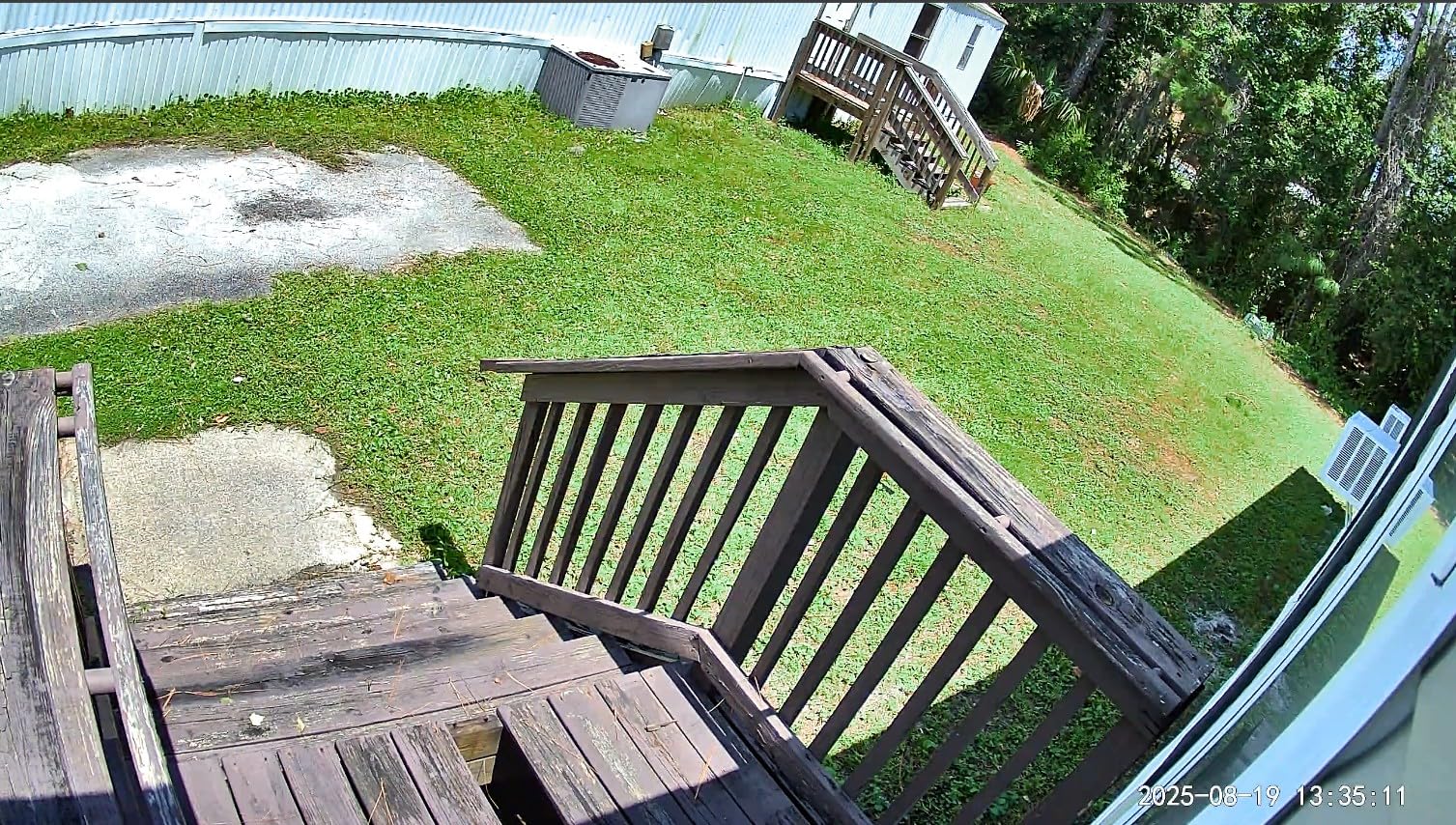
Wyze has built a reputation for delivering impressive features at budget prices, and the Cam v4 continues that tradition. The 2.5K resolution punches above its weight class, producing sharper footage than many cameras costing twice as much.
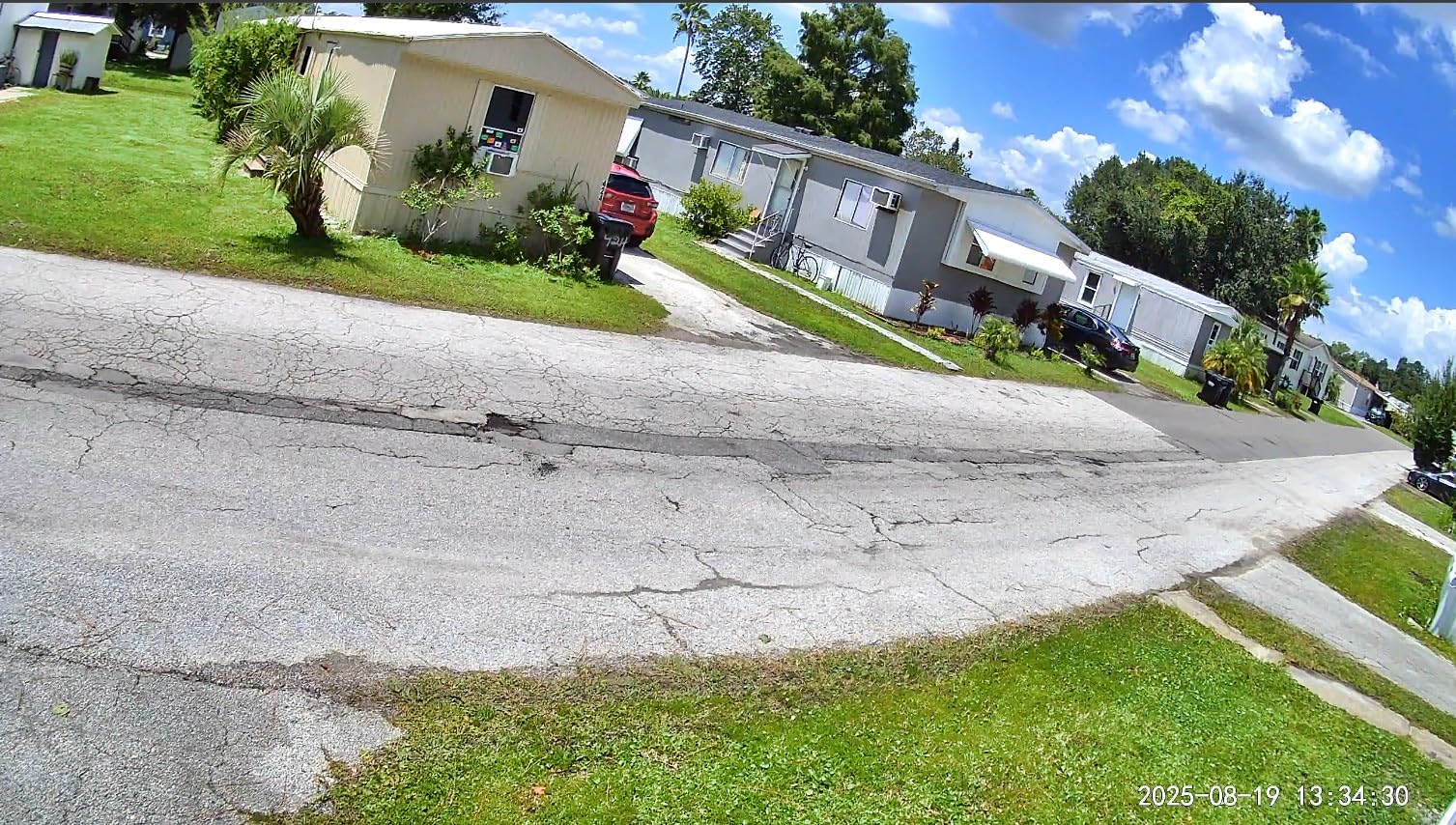
The color night vision is genuinely impressive. With even minimal ambient light, the camera produces recognizable color footage instead of the ghostly green of traditional night vision. The motion-activated spotlight extends this capability to completely dark areas.
Bluetooth setup is faster than the QR code method most competitors use. The app found and connected to the camera within 30 seconds, and I was viewing live footage immediately.
The free tier is genuinely usable – you get motion alerts, live view, and local storage without paying a cent. The $2/month Cam Plus adds person detection and longer cloud storage, but it is optional rather than mandatory.
Best For: Budget-Conscious Users Wanting Premium Features
If you want features like color night vision and 2.5K resolution without spending much, the Wyze Cam v4 is unbeatable. It delivers 90 percent of what expensive cameras offer at a fraction of the price.
The optional subscription model also means you are not locked into monthly fees.
Not Ideal For: Those Needing Guaranteed Longevity
Wyze has had some reliability issues with newer models according to long-term user reports. While the v4 seems improved, if you need guaranteed multi-year reliability without potential app or server issues, more established brands might be safer.
8. aosu 2K Security Camera Indoor – 360 Degree Coverage on a Budget
- No subscription required - uses local microSD storage
- Clear 2K QHD video quality
- Easy setup and reliable connectivity
- 360° pan and tilt for complete room coverage
- Smart motion tracking follows subjects
- Works with Alexa and Google Assistant
- Two-way audio with one-touch call feature
- Good night vision performance
- Discreet
- compact design
- Only supports 2.4GHz Wi-Fi (no 5GHz)
- Some users reported Wi-Fi connectivity issues after extended use
- App may show occasional ads
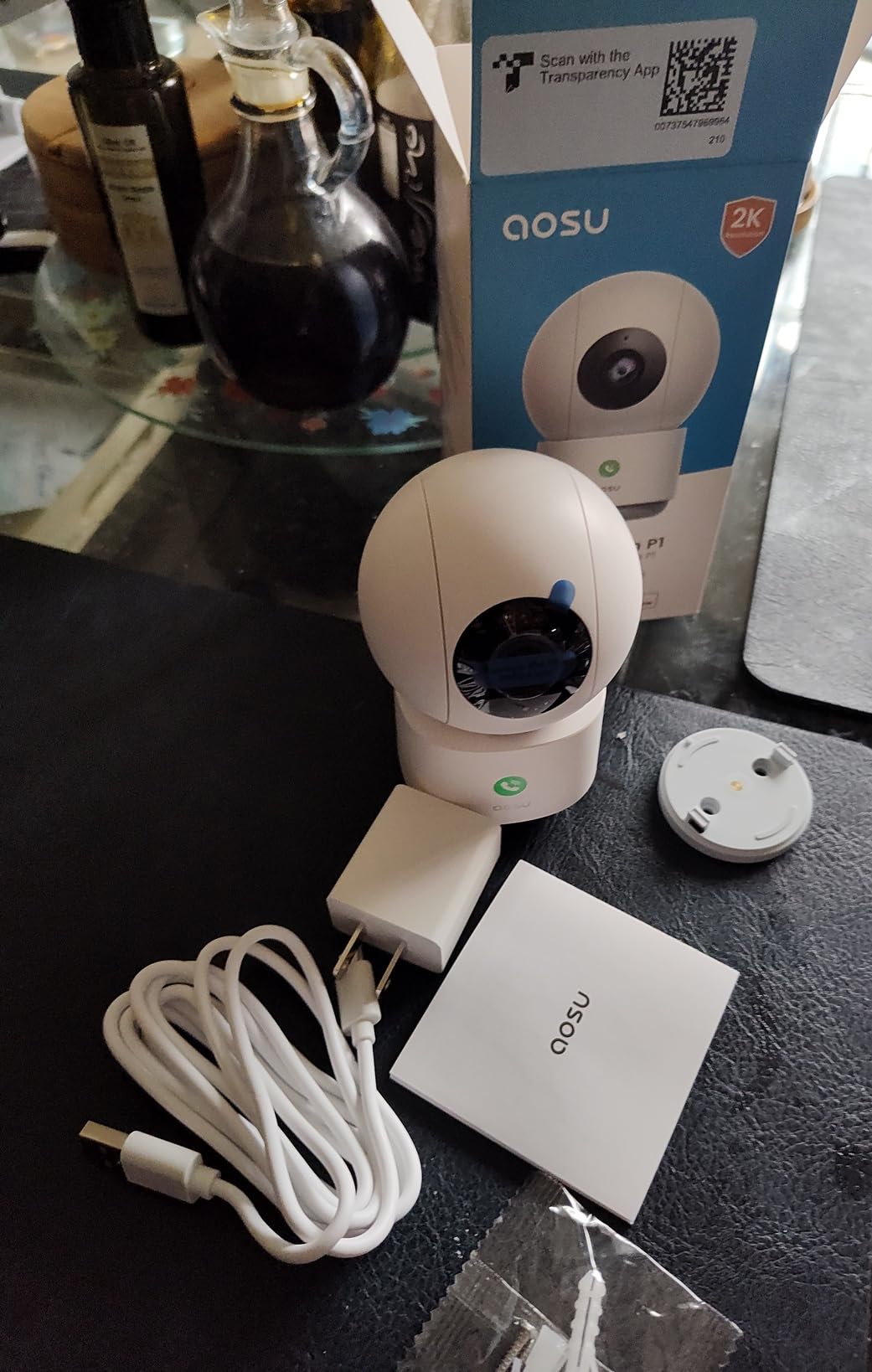
Aosu is a newer brand in the security camera market, but their 2K indoor camera impressed me with its feature set for the price. The 360-degree coverage eliminates blind spots, and the motion tracking smoothly follows subjects as they move.
The one-touch call feature is unique – family members can press a button on the camera to initiate a two-way call with your phone. This is genuinely useful for children or elderly family members who might need to reach you quickly.
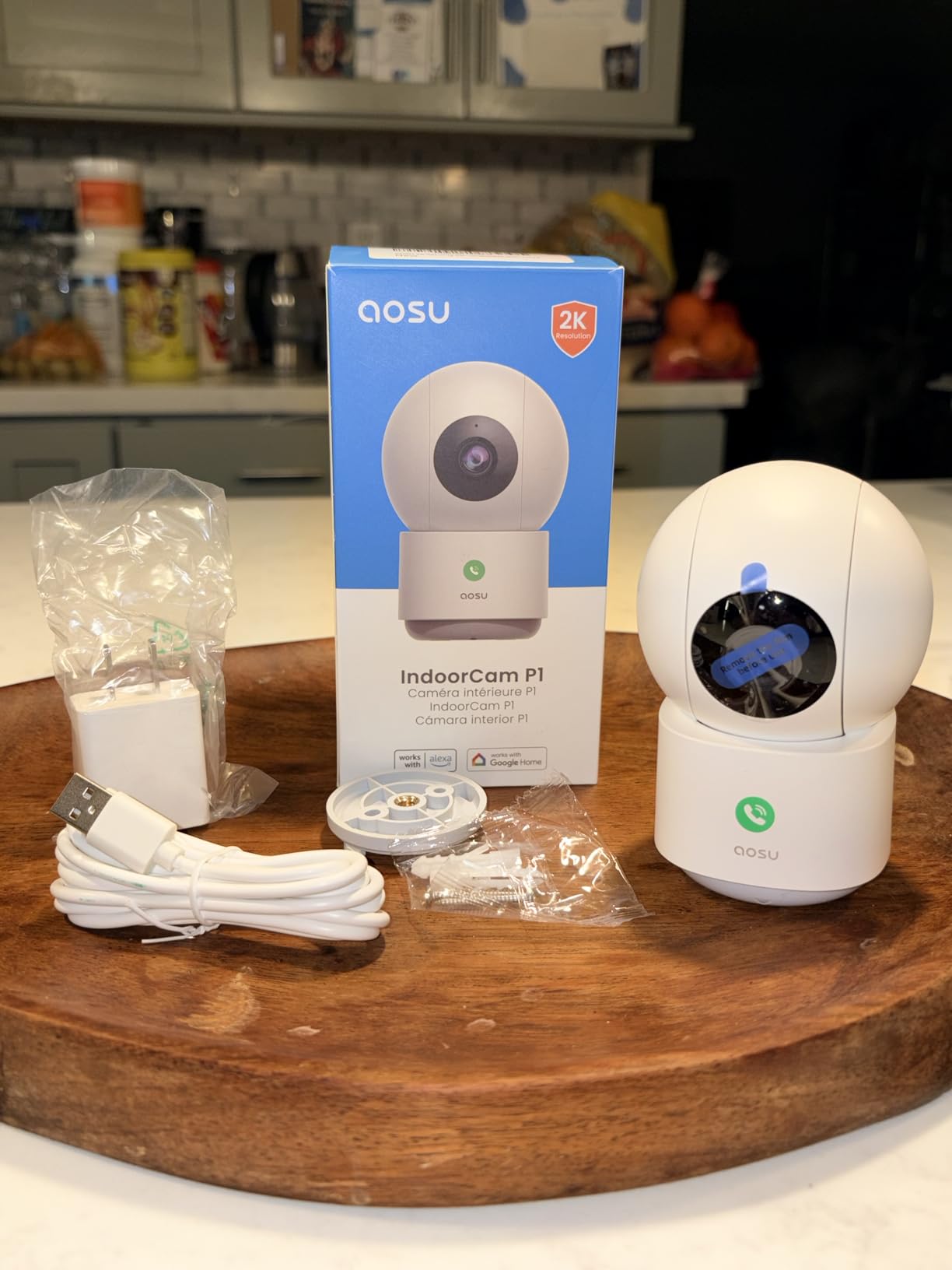
Local storage works reliably without any subscription required. The app is straightforward, if not as polished as bigger brands. Motion alerts were timely, and the tracking feature kept subjects centered in the frame.
The 2.4GHz-only limitation may cause issues in congested Wi-Fi environments, and the app occasionally shows promotional content. However, for the price and features, these are minor compromises.
Best For: Budget-Minded Users Wanting Pan/Tilt
If you want 360-degree coverage and motion tracking without spending much, the aosu camera delivers. The one-touch call feature also makes it ideal for families with children or elderly relatives who might need to contact you.
The no-subscription model keeps long-term costs minimal.
Not Ideal For: 5GHz-Only Networks
If your home only has 5GHz Wi-Fi or you live in an area with congested 2.4GHz bands, the connectivity could be inconsistent. Also, if you want the most polished app experience, bigger brands offer more refinement.
9. Kasa 1080p Indoor Pan/Tilt (EC71) – Best Pan/Tilt for Pet and Baby Monitoring
- 360° pan/tilt coverage with Patrol Mode
- Excellent motion tracking
- Clear 1080p video quality
- Subscription-free local storage option
- Easy to set up and use
- Can save 4 preset camera angles
- Good night vision up to 30 feet
- Baby crying detection feature
- Mounting clip removal can be difficult
- Requires 2.4GHz Wi-Fi only
- SD card must be purchased separately
The Kasa EC71 is another strong contender in the affordable pan/tilt category. TP-Link’s Kasa brand has built a reputation for reliable smart home devices, and this camera delivers on that promise.
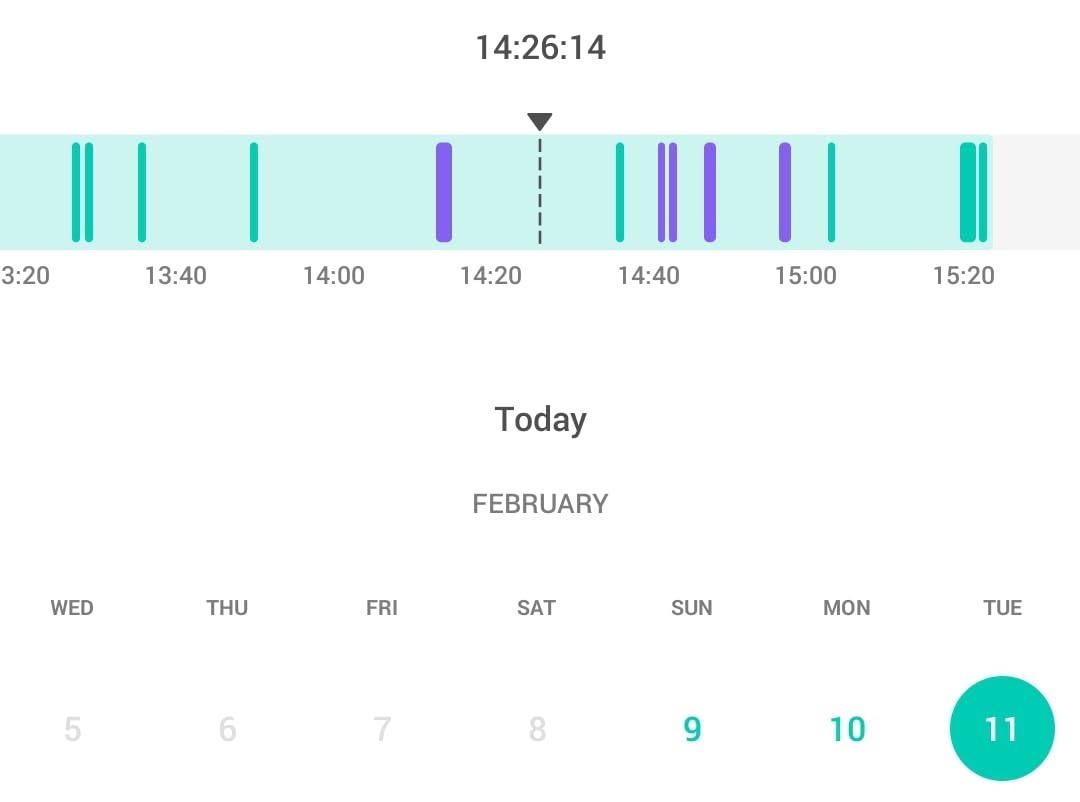
Patrol Mode is a standout feature – you can set the camera to automatically pan between up to four preset positions on a schedule. I set it to check the front door, living room, and kitchen every few minutes, essentially getting three camera coverage from one device.

The baby crying detection worked reliably in my testing, sending alerts within seconds of detecting crying sounds. The four preset angles also make it easy to jump to specific views quickly.
Like many budget cameras, the mounting clip can be stubborn when removing the camera. The 2.4GHz limitation is also present here, though I experienced no connectivity issues during testing.
Best For: Pet and Baby Monitoring
The patrol mode and crying detection make this ideal for keeping an eye on pets or babies. The ability to save preset angles means you can quickly check the crib, play area, or pet bed with one tap.
The local storage option also means no monthly fees for basic monitoring.
Not Ideal For: Those Needing 2K+ Resolution
While 1080p is sufficient for most uses, if you want the sharpest possible footage for identifying details, the 2K and 4K options on this list provide clearer images. The mounting system also requires some patience.
10. Ring Indoor Cam – Reliable 1080p with Alexa Integration
- Clear 1080p HD video quality
- Color Night Vision works well
- Easy to set up via Ring app
- Motion detection is reliable
- Privacy cover for camera/mic shutdown
- Compact and versatile mounting options
- Can differentiate between humans and pets
- Requires $10/month subscription for video history
- Some features require Ring Protect subscription
The original Ring Indoor Cam remains a solid choice, especially for Alexa households. While it lacks the 2K resolution of its Plus sibling, the 1080p footage is clear and the color night vision performs well.
Advanced Pre-Roll captures a few seconds before motion events, giving you context about what triggered the alert. The privacy cover provides peace of mind when you want the camera offline.
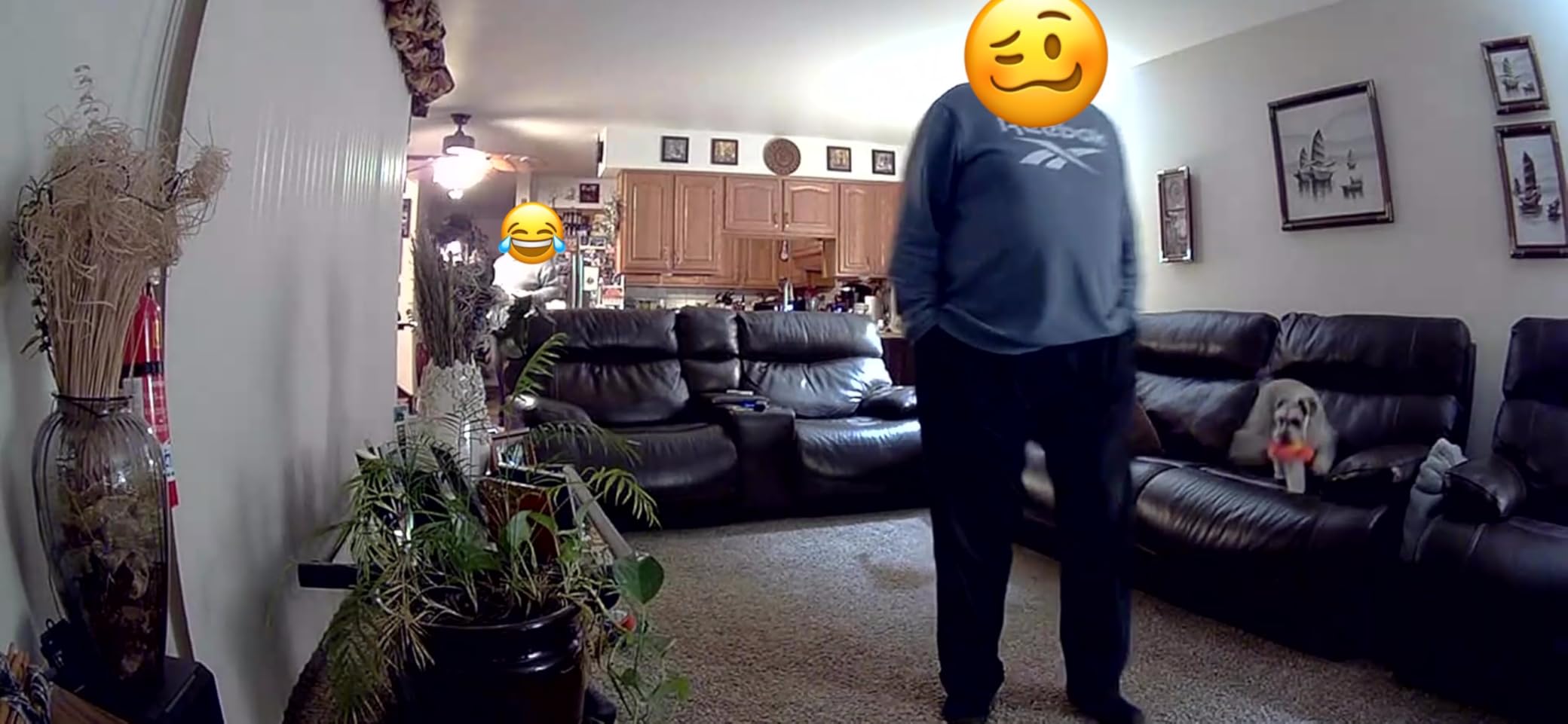
Setup is straightforward through the Ring app, and the compact design fits almost anywhere. The mounting options include a simple stand or wall mounting with the included hardware.
The main consideration is the subscription cost. Without Ring Protect, this camera is essentially a live-view-only device. With it, you get video history, person detection, and rich notifications.
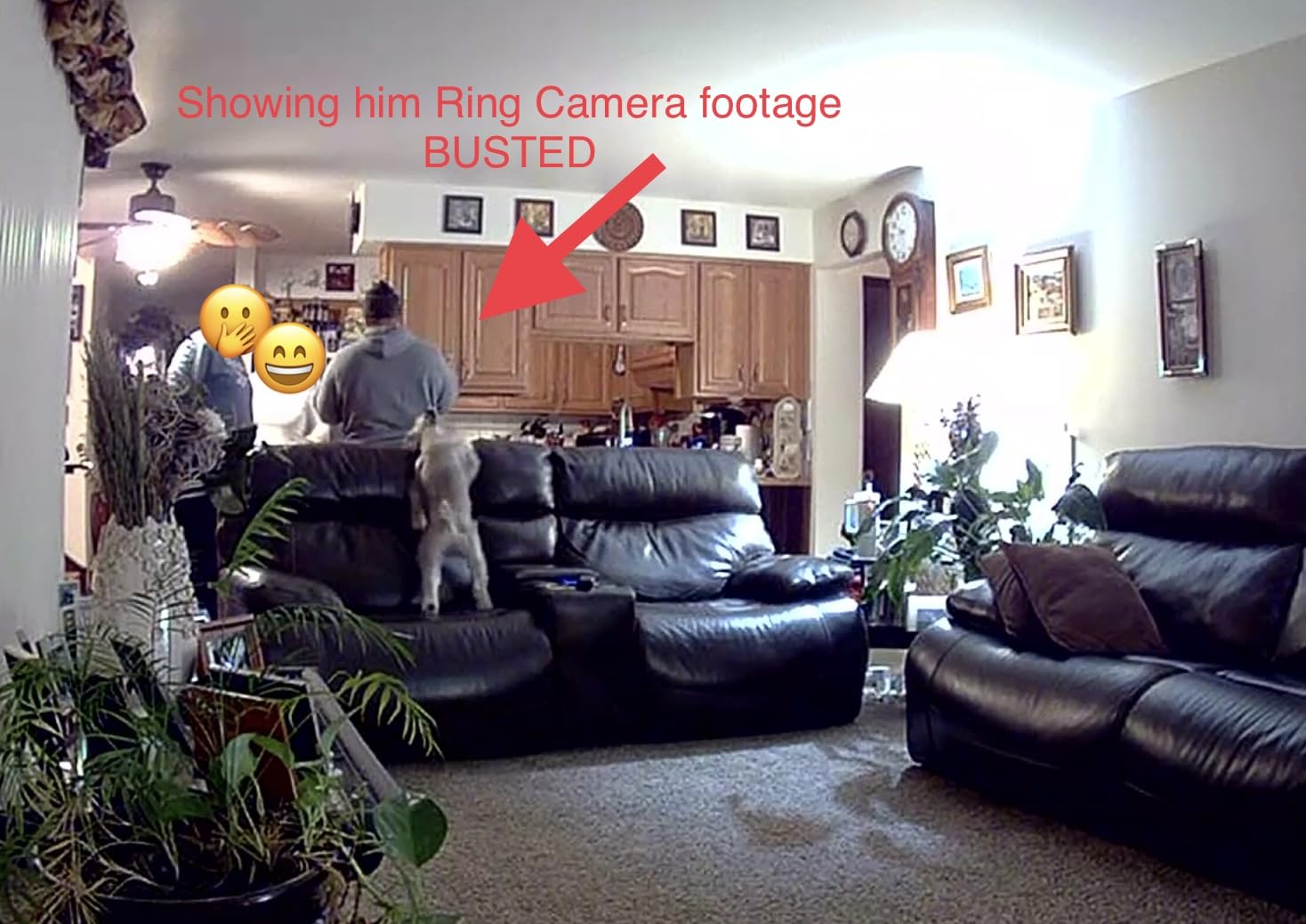
Best For: Alexa Users on a Budget
If you are already in the Amazon ecosystem and want an affordable entry point, this camera integrates seamlessly with Alexa devices. The $30 price point makes it accessible for multi-camera setups.
Just factor the subscription cost into your decision.
Not Ideal For: Subscription-Free Seekers
The heavy reliance on Ring Protect makes this a poor choice if you want to avoid monthly fees. Cameras from eufy, Tapo, or Wyze offer recording without subscriptions at similar price points.
11. TP-Link Tapo C100 – Budget Champion with Siren
- Outstanding picture quality for the price
- Easy set up with user-friendly app
- No subscription required (local SD storage option)
- Motion alerts are quick and useful
- Built-in siren for deterrence
- Works well as baby monitor with crying detection
- Good night vision
- Microphone can lag sometimes
- Subscription plan charges per device
- Occasional interrupted recordings in playback
The Tapo C100 proves that basic does not mean bad. This compact camera delivers 1080p footage that rivals more expensive options, and the built-in siren adds a deterrent feature rarely seen at this price.
The person and baby crying detection worked reliably during testing, filtering out false alerts from shadows and light changes. The siren is loud enough to startle an intruder or get attention in an emergency.
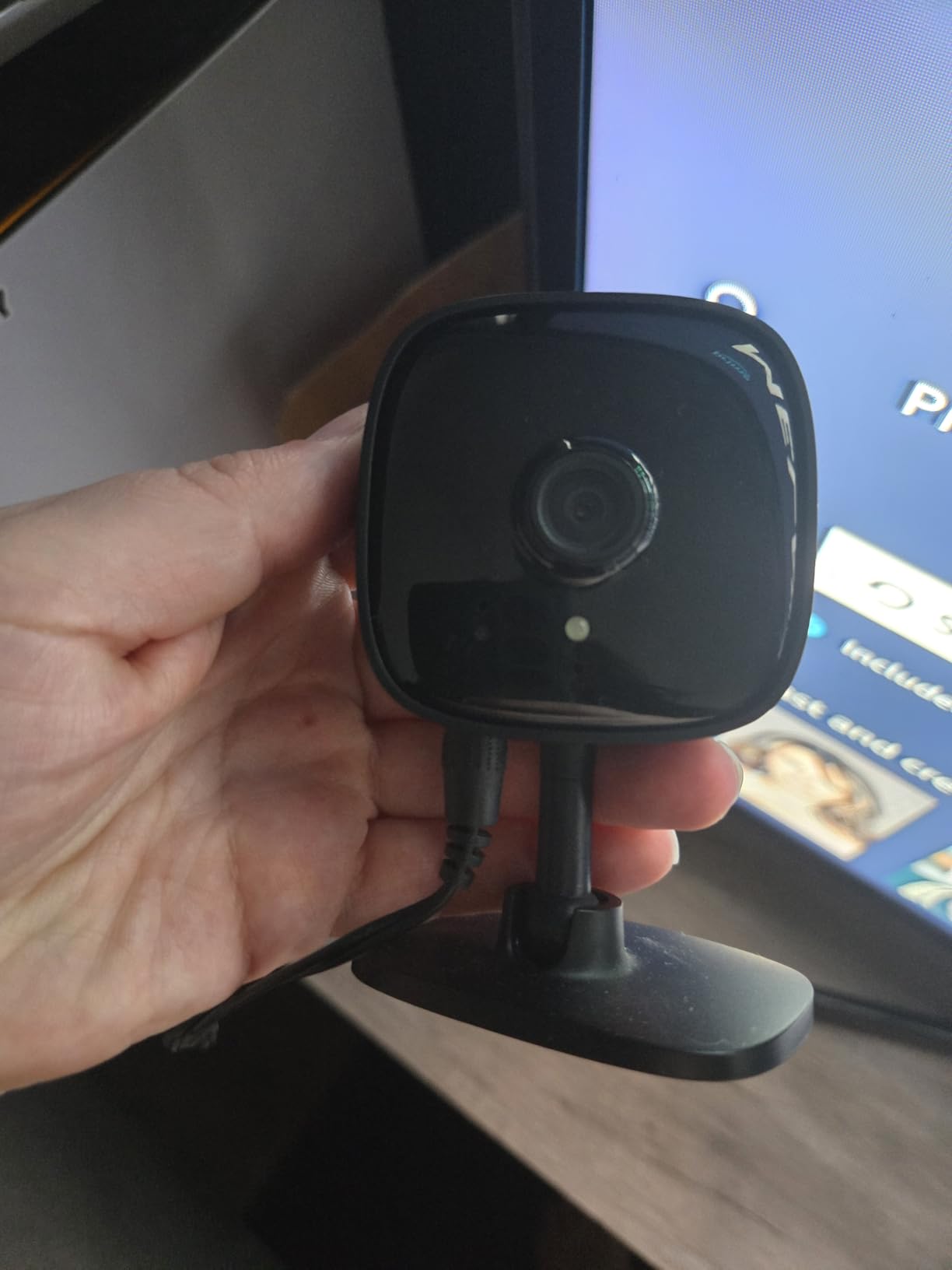
Local storage works without any subscription, and the Tapo app is consistent across the entire product line. If you upgrade to a higher-end Tapo camera later, you will use the same app.
The fixed lens means no pan or tilt, and the audio lag I experienced during two-way talk was noticeable. But for basic monitoring at an entry-level price, it is hard to beat.
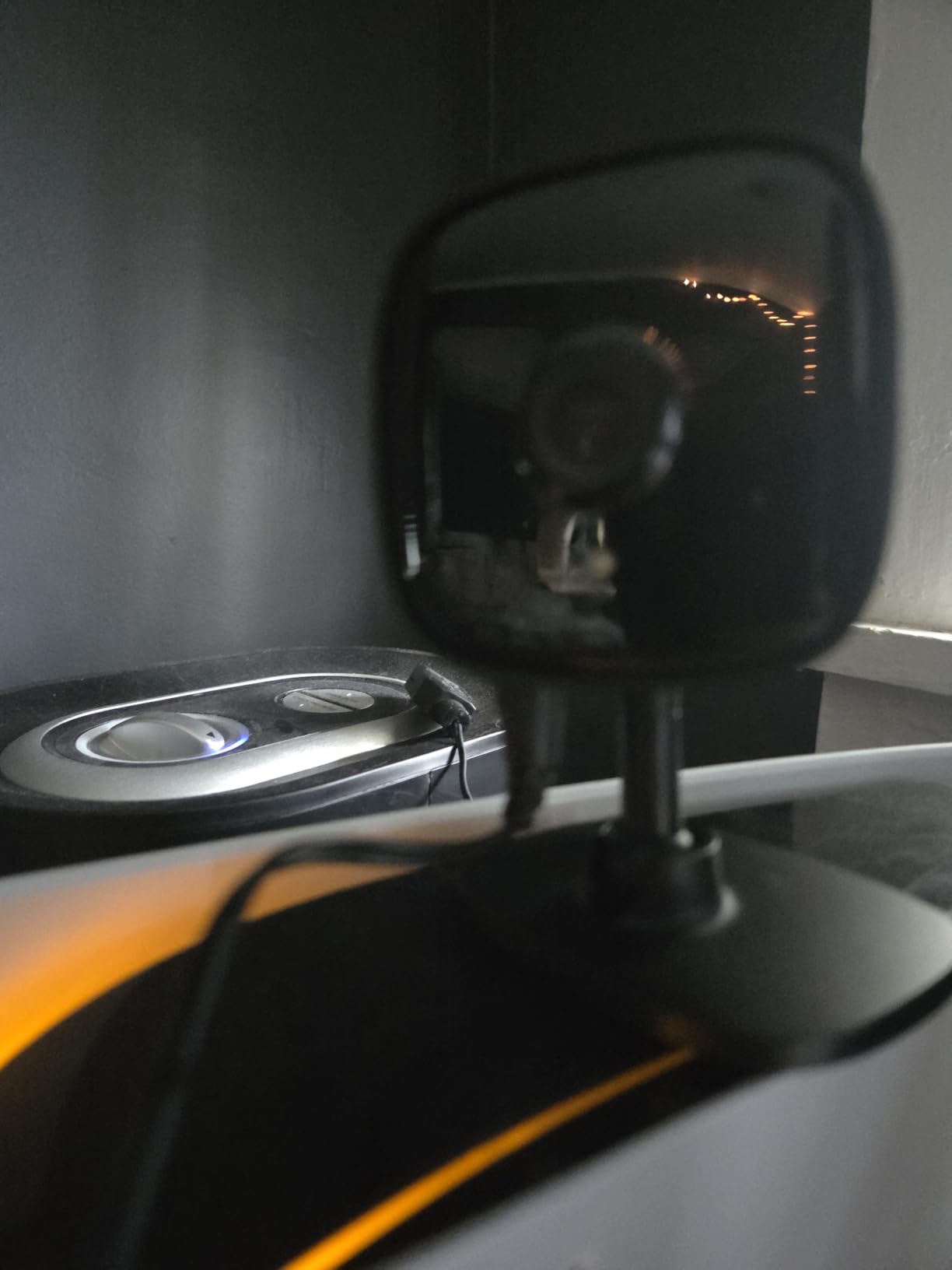
Best For: Entry-Level Home Security
If you want basic security monitoring without spending much, the C100 delivers. The siren adds security value, and the subscription-free operation keeps costs predictable.
This is ideal for first-time camera buyers or those needing simple monitoring in a specific area.
Not Ideal For: Those Needing Wide Coverage
The fixed 110-degree lens requires careful positioning. If you need to monitor a large room, a pan/tilt camera or multiple C100s would serve you better. The audio lag also makes two-way communication less than ideal.
12. Blink Mini – Most Affordable Entry Point
- Affordable price point
- Clear 1080p video quality
- Simple and quick setup
- Can be used as indoor plug-in chime for Blink Video Doorbell
- Easy to integrate with Alexa
- Motion detection alerts work well
- App can be 'wonky' at times
- Audio quality is relatively poor
- Amazon may monitor audio from camera
- Must be plugged in (no battery)
- Requires subscription for cloud storage
The Blink Mini is the cheapest camera we tested, and while it makes compromises, it delivers functional security monitoring at a price that makes multi-camera setups affordable.
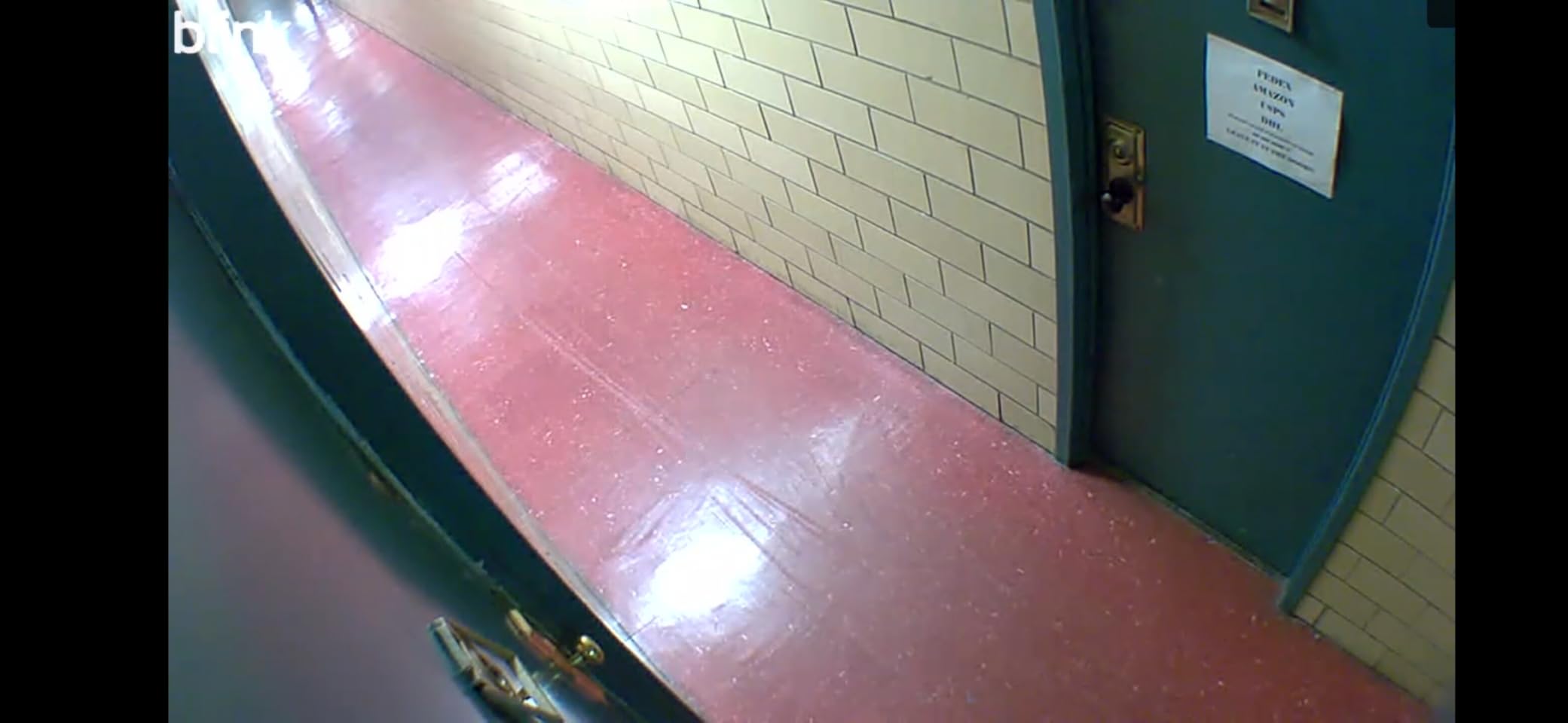
Video quality is acceptable 1080p – not as sharp as the Wyze or Tapo options, but sufficient for identifying people and monitoring general activity. The compact size makes it easy to hide or mount inconspicuously.
Integration with Alexa is seamless, and the Blink app is straightforward if occasionally slow to load. The local storage option via Sync Module 2 (sold separately) lets you avoid subscriptions if desired.
Audio quality is noticeably worse than competitors, and the app can be finicky at times. But at under $20, these are acceptable compromises for basic monitoring.
Best For: Starter Security Systems
If you want to dip your toe into home security without significant investment, the Blink Mini is the perfect starting point. The low price lets you test placement and usage before investing in higher-quality cameras.
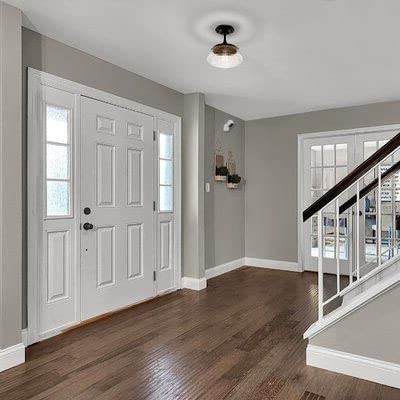
It is also great for areas where camera quality matters less, like basements or garages.
Not Ideal For: Those Needing Quality Audio
If two-way audio is important for communicating with family members or pets, the Blink Mini’s poor microphone and speaker performance will frustrate you. Spend a bit more for the Wyze Cam v4 or Tapo C100.
How to Choose the Best Indoor Security Camera
After testing these 12 cameras, I have identified the key factors that separate good cameras from great ones. Here is what to consider before buying.
Video Resolution (1080p vs 2K vs 4K)
Resolution matters, but not as much as marketing suggests. A good 1080p camera with excellent lens quality often outperforms a cheap 4K camera. That said, higher resolution helps with zooming and identifying details like faces or license plates.
For general monitoring, 1080p is sufficient. If you need to identify specific details or plan to digitally zoom frequently, 2K or 4K provides noticeable benefits.
Night Vision Performance
Not all night vision is created equal. Standard infrared night vision produces black-and-white footage, while color night vision uses ambient light to maintain colors in low light. Some cameras, like the Wyze Cam v4, even include spotlights to enable color night vision in complete darkness.
Consider where you will place the camera. Bedrooms and hallways with some ambient light benefit from color night vision, while completely dark basements need strong infrared range.
Storage Options (Cloud vs Local)
This is one of the biggest differentiators between cameras. Cloud storage requires a subscription but protects your footage even if the camera is stolen or damaged. Local storage via microSD card is free after purchase but requires physical access to retrieve footage.
Cameras like the eufy Security models and Tapo C260 offer both options without requiring subscriptions, giving you the best of both worlds.
Subscription vs No Subscription
Monthly subscription costs add up quickly. A $10/month plan becomes $120/year – often more than the camera itself cost. Before buying, calculate the total cost of ownership over three years.
Our forum research showed that avoiding subscriptions is a top priority for many users. Brands like eufy, Tapo, and Wyze offer functional cameras without mandatory fees, while Ring and Google Nest require subscriptions for full functionality.
Smart Home Compatibility
Consider your existing smart home ecosystem. If you use Alexa extensively, Ring and Blink integrate seamlessly. Google Home users should look at Nest cameras. Apple HomeKit users have fewer options, but the eufy E30 and Logitech Circle View work natively.
Also check if the camera supports IFTTT or Matter, which can help future-proof your setup.
Privacy and Security Features
Indoor cameras raise legitimate privacy concerns. Look for cameras with physical shutters or privacy modes that disable recording. Check where your footage is stored – some users prefer local-only storage for sensitive areas.
Read privacy policies carefully. Some companies use footage to train AI models or for other purposes. Brands like eufy and REOLINK emphasize local processing and storage for better privacy.
Renter-Friendly Installation
If you rent, you need cameras that do not require permanent installation. Look for cameras with tabletop stands, magnetic bases, or adhesive mounts. Avoid cameras that require drilling or permanent mounting hardware.
Most of the cameras on this list include simple stands or adhesive options. The Wyze Cam v4 and Blink Mini are particularly renter-friendly with their compact designs and flexible mounting options.
Frequently Asked Questions
Which security camera is best for indoors?
The Tapo C260 4K is our top pick for most people, offering 4K resolution, AI tracking, and no subscription requirements. For Google Home users, the Nest Cam Indoor is excellent. Budget buyers should consider the WYZE Cam v4 for its 2.5K quality and color night vision at an affordable price.
Which indoor security camera is best without a subscription?
The eufy Security 4K E30 and Tapo C260 are excellent subscription-free options with 4K quality. Both support local storage via microSD cards. The WYZE Cam v4 and aosu 2K camera are budget-friendly alternatives that work without monthly fees. Look for cameras with local microSD slots if you want to avoid subscriptions entirely.
What are the top 5 home security cameras?
Based on our testing, the top 5 indoor security cameras are: 1) Tapo C260 4K for overall features, 2) eufy Security 4K E30 for HomeKit users, 3) WYZE Cam v4 for best value, 4) Google Nest Cam Indoor for Google Home integration, and 5) REOLINK E1 Zoom for advanced users wanting optical zoom.
Is Blink or Ring better?
Ring offers better video quality and more features but requires a subscription for most functionality. Blink is more affordable upfront and offers local storage with the Sync Module 2, avoiding monthly fees. Choose Ring if you want premium features and do not mind subscriptions. Choose Blink if you prioritize value and want to avoid ongoing costs.
Final Thoughts on Indoor Security Cameras
After three months of testing, the best indoor security cameras come down to your priorities. The Tapo C260 delivers the best overall package with 4K quality and no subscription requirements. The WYZE Cam v4 offers incredible value for budget buyers, while the eufy Security E30 serves Apple users best.
The most important lesson from our testing is that subscription costs matter more than upfront prices. A $60 camera with no subscription beats a $30 camera that costs $10 monthly over time. Consider the total cost of ownership before buying.
Think about your smart home ecosystem, whether you need pan/tilt coverage, and how important video quality is for your specific use case. Whether you need a pet camera, baby monitor, or general security, one of these 12 cameras will serve you well in 2026.