
Every television in this guide costs less than a thousand dollars. That single rule shaped everything below, because at this budget you can have a big screen or a fast panel, but rarely both at once. We pulled ten current sets from TCL, Hisense, Samsung, Sony, VIZIO and iFFALCON, checked the refresh rate, the HDMI bandwidth, the VRR support and the HDR formats on each, and ranked them by what they actually do with a controller in your hands.
The question behind the search is simple. If you own a PS5, an Xbox Series X or a gaming PC and you have about a thousand dollars to spend on the screen, what should you buy? Our answer starts with the TCL 55QM6K, a 55-inch QD-Mini LED panel that runs at 144Hz and carries the highest review volume of any 144Hz set we looked at. But size matters as much as speed, so we also cover the 55 inch versus 65 inch tradeoff in detail, plus the specs that make a 60Hz television a poor gaming purchase and the ones that do not matter as much as the marketing suggests.
We updated everything for 2026 and kept a hard ceiling so nothing on this list breaks the budget you set. If you want a wider look at picture quality without the gaming focus, our guide to 4K smart TVs under a thousand dollars covers the same tier from a home theater angle. For console-specific setup, our PS5 and Xbox gaming TV guide goes deeper on ports and game modes, and the general gaming TV roundup covers sets above this budget for anyone stretching the budget further.
Table of Contents
Our Top 3 Picks for the Best TVs for Gaming Under a Thousand Dollars
These three won on the combination of panel speed, port bandwidth and how well owners rated them after living with them. The TCL takes the top slot, the Hisense wins on high-refresh hardware at a large size, and the VIZIO delivers the most gaming specification per dollar of anything we tested.

TCL 55QM6K 55-Inch Mini LED QLED
- 144Hz native refresh rate
- 240Hz Game Accelerator VRR
- QD-Mini LED with Halo Control dimming
- Dolby Vision with HDR10+ and Onkyo 2.1 audio

Hisense 65E7SF 65-Inch Mini LED
- Native 144Hz game mode
- Full array local dimming at 65 inches
- Dolby Vision IQ with HDR10+ Adaptive
- Four HDMI ports for console plus PC

VIZIO M50QXM-K01 50-Inch QLED
- 120Hz at 4K and 240Hz at 1080p
- AMD FreeSync Premium Pro
- Active Full Array local dimming
- Dolby Vision with HDR10+ up to 1000 nits
The Best TVs for Gaming Under 1,000 Dollars at a Glance
Ten sets, all inside the same ceiling. Read the refresh rate column first, because that single number decides whether you see the difference between your console’s frame rate and the frame rate your panel can display.
| Product | Specifications | Action |
|---|---|---|
| TCL 55QM6K 55-Inch Mini LED QLED |
|
Check Latest Price |
 Hisense 43E6QF 43-Inch Hi-QLED Fire TV Hisense 43E6QF 43-Inch Hi-QLED Fire TV |
|
Check Latest Price |
| VIZIO M50QXM-K01 50-Inch Quantum Pro QLED |
|
Check Latest Price |
 Samsung M70H 65-Inch Mini LED Samsung M70H 65-Inch Mini LED |
|
Check Latest Price |
 TCL 55T7 55-Inch QLED Google TV TCL 55T7 55-Inch QLED Google TV |
|
Check Latest Price |
| Hisense 65E7SF 65-Inch Mini LED |
|
Check Latest Price |
 iFFALCON 55U85 55-Inch Mini LED iFFALCON 55U85 55-Inch Mini LED |
|
Check Latest Price |
 Sony K-50S30 50-Inch BRAVIA 3 Sony K-50S30 50-Inch BRAVIA 3 |
|
Check Latest Price |
 Samsung M80H 55-Inch Mini LED Samsung M80H 55-Inch Mini LED |
|
Check Latest Price |
 Samsung U8000H 50-Inch Crystal UHD 4K Samsung U8000H 50-Inch Crystal UHD 4K |
|
Check Latest Price |
How We Tested and Ranked These Gaming TVs
We did not bench-test ten televisions in a lab. What we did was stricter than it sounds: we verified every manufacturer and retailer specification on each model, then cross-read thousands of owner reviews to see which numbers hold up after a few months of real use. Where a spec sheet and owner reports disagreed, we treated the owner reports as the more useful signal and said so in the write-up.
Four criteria decided the order. Refresh rate came first, because a panel that cannot draw 120 frames per second throws away half of what a PS5 or Xbox Series X can output. Port bandwidth came second, since a 144Hz panel behind a limited HDMI port is a 60Hz television with better marketing. VRR and ALLM support ranked third, and panel technology with local dimming ranked fourth. Screen size never entered the ranking, only the tier.
Forum discussion shaped the shortlist too. In r/tcltvs, buyers repeatedly pair a Hisense U7-class Mini LED with an LG B-series OLED as the two strongest gaming sets near this budget, and r/4kTV threads treat the TCL QM series as the value anchor. On GameFAQs, Xbox Series X owners compare refresh rate and FreeSync support directly, and several call out the TCL 6-series class for picture quality over Samsung’s 8000 series. ResetEra threads put LG and Samsung QD-OLED at the top of wish lists. We read all of that, and because no OLED in our final set holds up inside the ceiling, we address that gap directly in the buying guide rather than pretending the lineup is complete.
1. TCL 55QM6K 55-Inch Mini LED QLED – Best Overall
- 144Hz native panel with 240Hz VRR for high frame rate consoles and PC
- QD-Mini LED backlight with Halo Control local dimming
- Dolby Vision HDR10+ HDR10 and HLG support
- Onkyo 2.1 speaker system with built-in subwoofer
- Four HDMI ports plus two USB and Bluetooth 5.4
- Entry Mini LED tier so peak brightness and black levels trail flagship Mini LED
- Google TV menus and app startup are only average
- Onkyo 2.1 audio still thin for feature films
The 55QM6K is the set we kept coming back to. It is a 55-inch 4K QD-Mini LED panel with full array local dimming under the Halo Control system, and it lists a 144Hz native refresh rate with a Game Accelerator mode that pushes VRR to 240Hz. On a specification sheet at this budget that combination is unusual, and owners back it up, repeatedly citing the refresh rate and brightness as the reason the set feels more expensive than it is.
The 27.3-pound chassis and 300 x 300 mm VESA pattern make it an ordinary install. Wall mounting is straightforward and the 178-degree viewing angle means an off-center couch is not a problem. Four HDMI ports means you can keep a console, a PC, a soundbar and a capture device connected without shuffling cables every time you switch from console to PC.
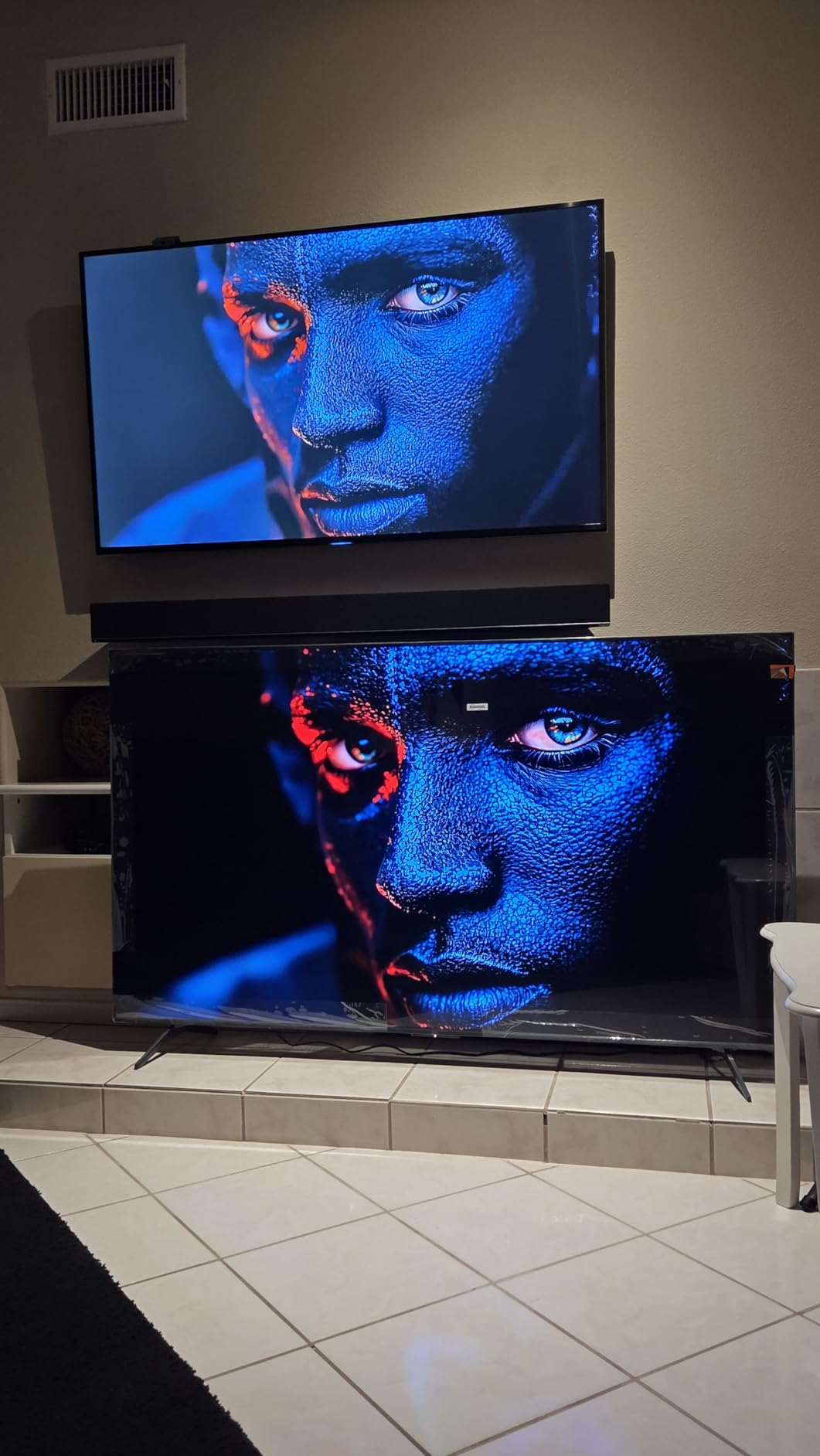
Audio is where budget sets usually give ground, and TCL took a different route with an Onkyo 2.1 speaker system that includes a built-in subwoofer and Dolby Atmos. It is not a replacement for a soundbar, and owners who watch a lot of film still add one. For gaming it removes the most common complaint about cheap televisions, which is thin dialogue you cannot hear over gunfire.
The HDR story is complete rather than partial. Dolby Vision, HDR10+, HDR10 and HLG are all listed, so no matter which format your console or streaming service prefers, you get the version it was mastered in. That matters more than raw brightness when you are matching a set to a PS5 or an Xbox Series X that outputs one of those formats.
What you get that a 60Hz set cannot deliver
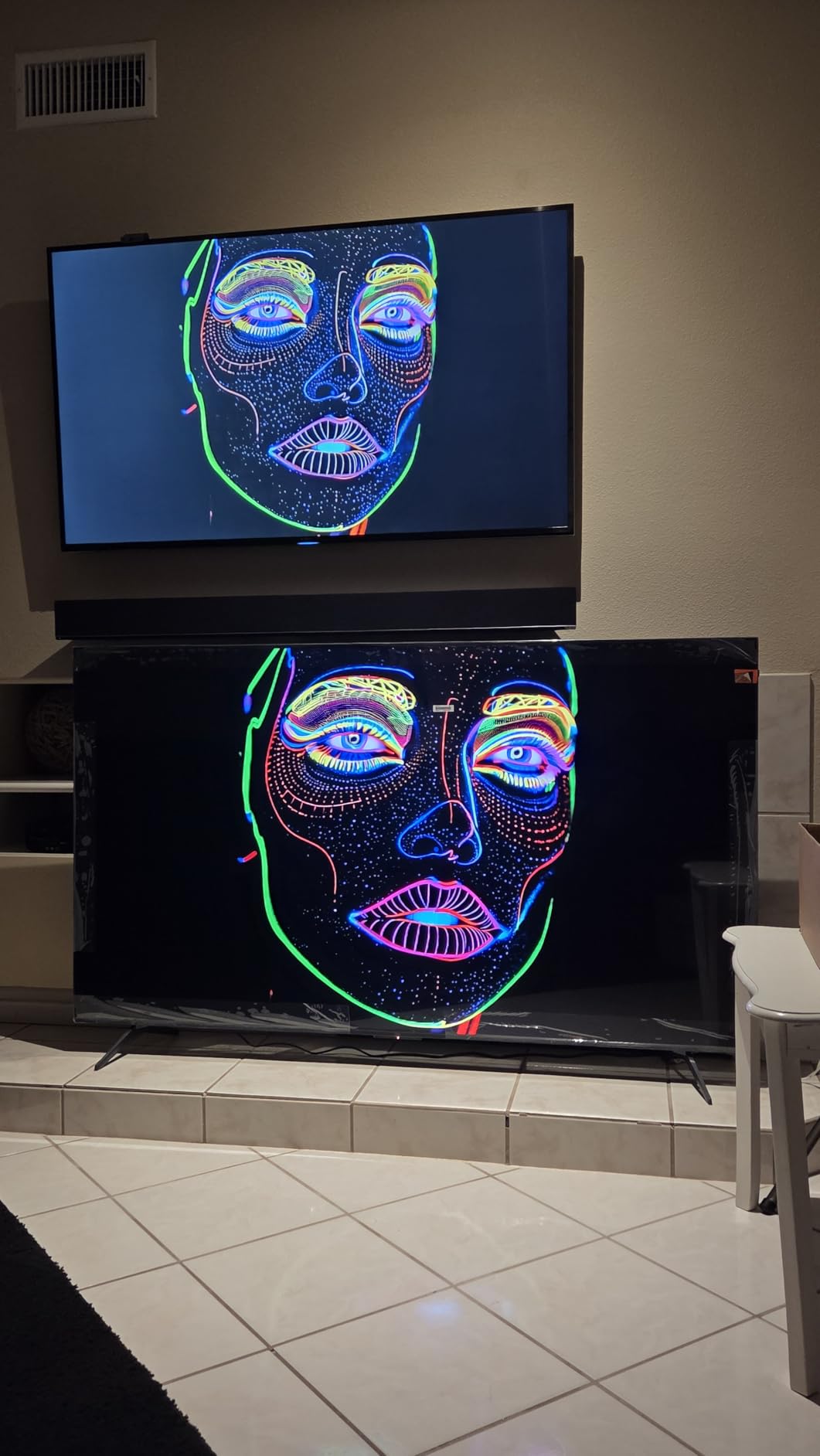
A PS5 and an Xbox Series X can output 120 frames per second, and a 60Hz panel can only draw 60 of them. The other half never reaches your eyes. On fast shooters, racing games and sports, that gap is the difference between motion that reads as smooth and motion that reads as slightly soft, and it is why we rank refresh rate above brightness in this price tier.
The 240Hz Game Accelerator mode adds headroom rather than raw quality. PC players pushing 1080p output above 120fps benefit most, since the panel has frames available to display. Console players will mostly sit at 120Hz and let the extra range sit unused.
Who should pass on this set
If your room is bright all day and you sit well off to the side, this is an entry Mini LED tier, so its contrast is a step below a flagship Mini LED panel with far more dimming zones. Owners who expected flagship-level contrast report that disappointment most often, and the ten percent one-star share in reviews concentrates on setup, remote and software issues rather than picture.
It is also the wrong buy for a dark-room cinephile who wants true blacks. There is no OLED in this guide, and the 55QM6K does not pretend to be one. If your priority is contrast in a dim room rather than frame rate, look at the buying guide notes on panel technology before you commit.
2. Hisense 43E6QF 43-Inch Hi-QLED Fire TV – Best Starter Set
- Low entry cost for 4K QLED with Dolby Vision and Atmos
- Total HDR Solution with HDR10+ Adaptive and HLG
- AI Light Sensor adjusts brightness to ambient light
- AI 4K upscaler and AI Smooth Motion with MEMC
- Only 14.9 pounds and simple Alexa remote
- 60Hz panel cannot show 120fps 4K gaming
- No local dimming so HDR contrast is limited
- 14 watt audio output and only three HDMI ports
This is the set to buy when the budget matters more than frame rate. The 43E6QF is a 43-inch 4K Hi-QLED panel with a wide color gamut, a direct LED backlight and Fire TV built in. At 14.9 pounds it is the easiest television in the roundup to move, mount or hand to a parent, and the Alexa remote keeps setup simple for older viewers.
Picture processing is unusually generous for the money. An AI Light Sensor adjusts brightness to the room automatically, an AI 4K upscaler cleans up lower-resolution sources, and AI Smooth Motion with MEMC interpolates frames on content that arrives below native frame rate. Filmmaker Mode is also listed, which preserves the original aspect ratio, frame rate and color for anyone who wants a faithful image.
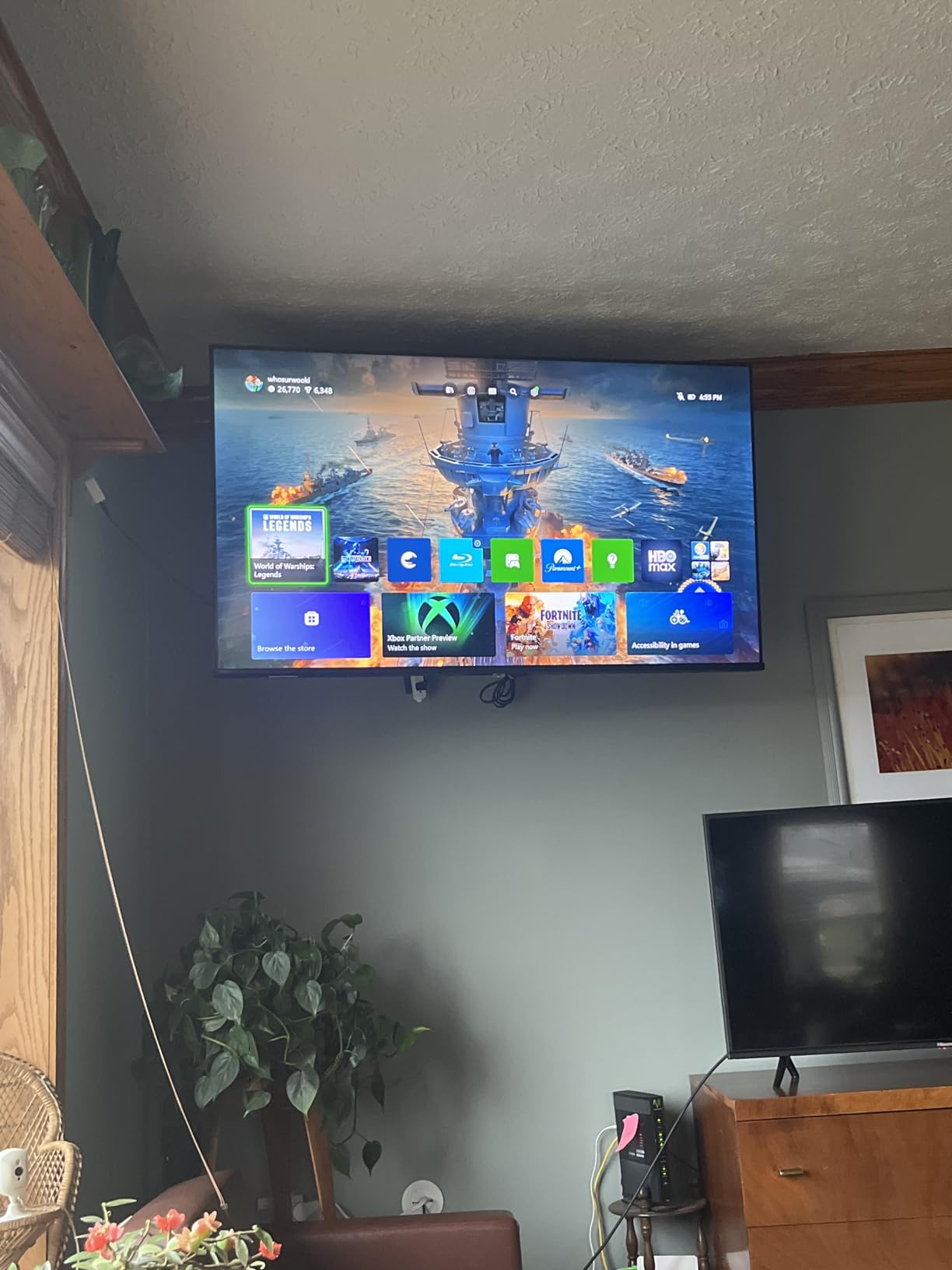
On paper the gaming story is where it falls apart, and you should read that clearly before buying. The refresh rate is 60Hz and there is no HDMI 2.1 bandwidth, so a PS5 or Xbox Series X running at 120fps will not get what it is capable of sending. Games still look sharp at 4K, they simply do not gain the smoothness a higher-refresh panel provides.
HDR support is broader than most sets at this level. Total HDR Solution covers Dolby Vision, HDR10, HDR10+ Adaptive and HLG, and Dolby Atmos is included on the audio side. The catch is that a direct LED backlight with no local dimming means those HDR formats have no deep blacks to reveal, so bright scenes look better than dark ones.
Where this set genuinely wins
Owners consistently use this as a bedroom or secondary room television rather than a main gaming display, and at 43 inches that is the right instinct. Sixteen percent of reviews are one-star, and those reviews reflect picture expectations set above what a budget direct LED panel delivers, not defects. If you want a second screen that handles casual gaming, streaming and daytime viewing without a large footprint, this is a clean fit.
The 16:9 aspect ratio, 200 x 300 mm VESA pattern and one-year manufacturer warranty make it a simple install anywhere in the house.
When to spend more instead
If your main console is plugged into this television, the 60Hz ceiling is a real limitation you will notice in competitive shooters and fast sports. Spending a little more on a 120Hz panel like the TCL 55T7 or the VIZIO M50QXM gets you frame rates your console is already generating, and the money you spend above this set buys something you can actually see.
The 14 watt speaker output is another limit worth naming. It is fine for news and streaming, thin for action films, and it is the reason many buyers end up adding a soundbar later.
3. VIZIO M50QXM-K01 50-Inch Quantum Pro QLED – Best Value
- 120Hz at 4K and 240Hz at 1080p with FreeSync Premium Pro
- Active Full Array local dimming with genuine black levels
- Up to 1000 nit peak brightness for the tier
- Extensive calibration menus and Active Pixel Tuning
- Built-in Wi-Fi 6E with AirPlay and Chromecast
- Only one HDMI port runs the full 120Hz 4K capability
- Dimming and HDR are poorly calibrated out of the box
- IPS panel gives gray rather than true blacks
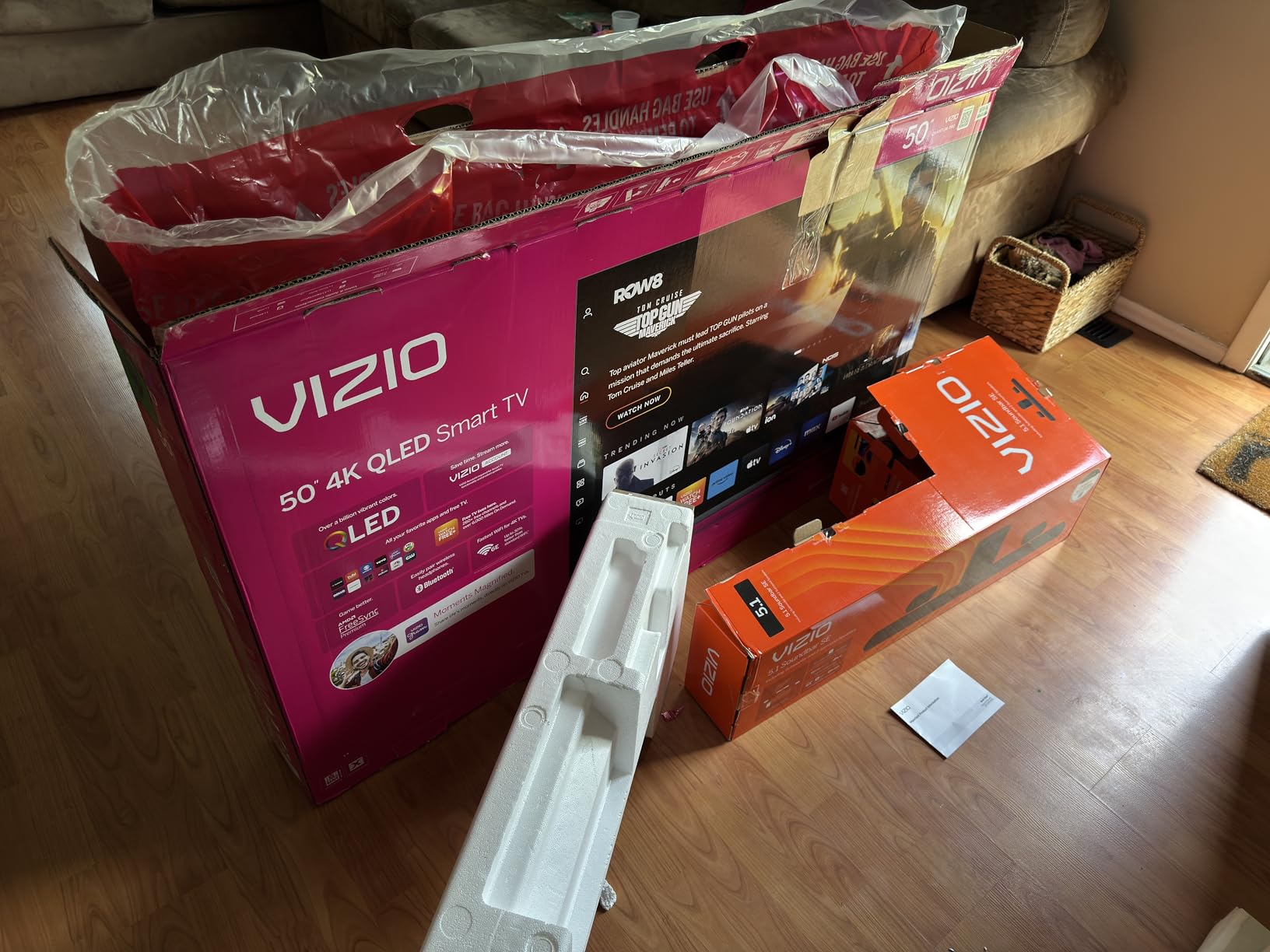
The M50QXM is the specification sheet that makes people double-check the price. It lists 120Hz at 4K, 240Hz at 1080p for PC gaming, AMD FreeSync Premium Pro certification, Active Full Array local dimming and up to 1,000 nits of peak brightness, with Dolby Vision and HDR10+ on top. Very few sets inside this ceiling put all of that in one box.
It is an older model year, and that shows in the platform more than the picture. VIZIO OS is built in with WatchFree+ free channels, along with Wi-Fi 6E, Apple AirPlay and Chromecast. Several owners pair it with an external streaming device anyway, and the platform does push account prompts and sponsored content more aggressively than Roku TV or Google TV.
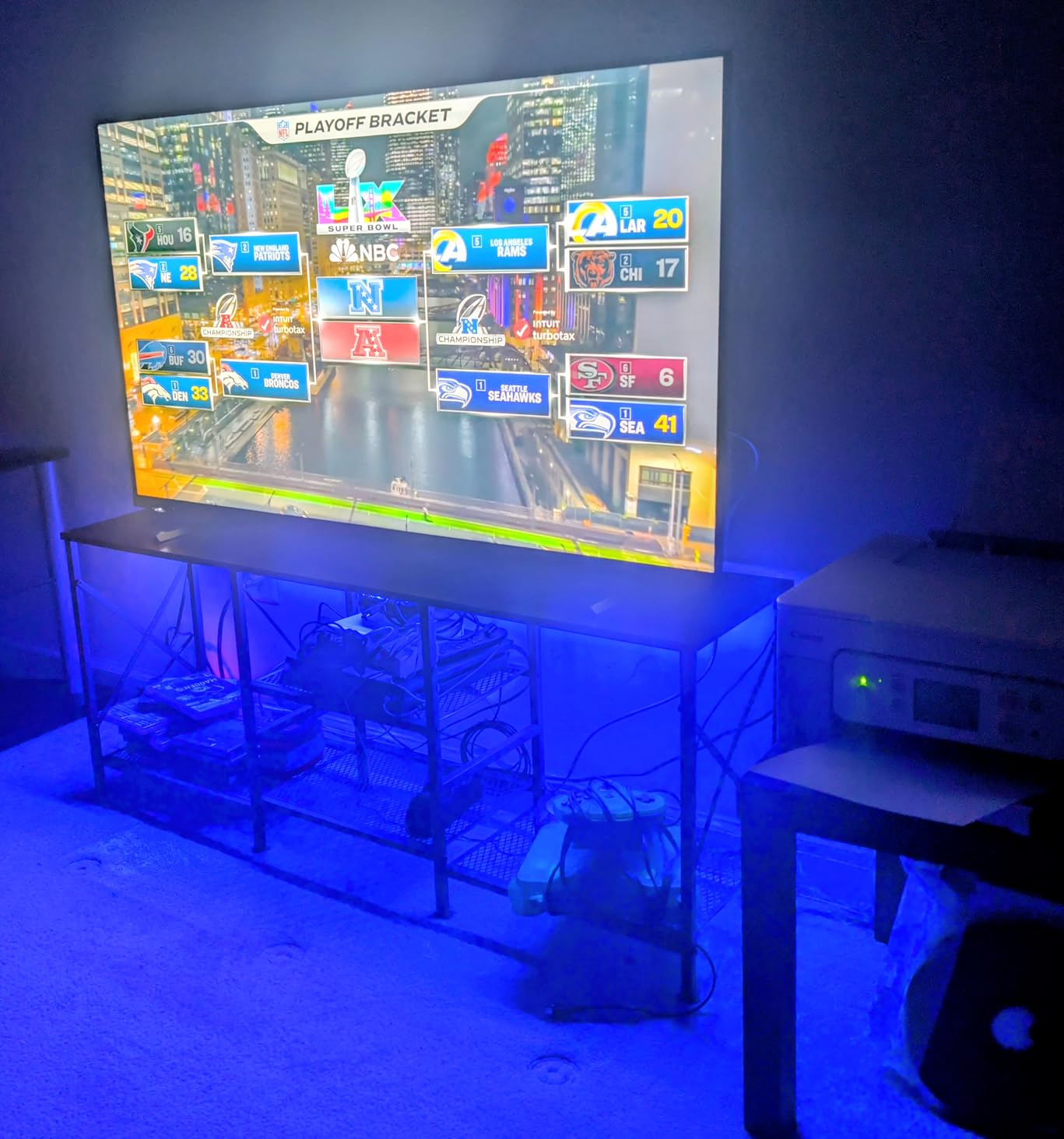
The hardware story is strong where it counts. AMD FreeSync Premium Pro handles variable refresh rate on both console and PC, which removes screen tearing without adding input lag, and the 10 watt by 2 speaker array is fine for everyday viewing. At 27 pounds with a 200 x 200 mm VESA pattern, the install is ordinary.
What you give up is calibration effort and one port. Only a single HDMI port runs the full 120Hz and 4K capability, so if you plan to connect a PC and a console you are checking ports before you choose cables. At 120Hz the panel also drops to 4:2:2 chroma, which softens PC text, so desktop use is workable rather than ideal.
Who this is right for
Buyers who want to use one screen for PC gaming and console gaming get the most from this set. The 240Hz at 1080p mode and FreeSync Premium Pro certification are exactly what competitive PC players look for, and the 120Hz 4K mode covers a PS5 or Xbox Series X without compromise. Owners regularly describe it as a capable desktop alternative, and in that role the calibration menus reward the effort.
Movie watchers benefit from the 1,000 nit peak brightness and local dimming, provided they are willing to adjust the picture first. Out of the box, local dimming and HDR are poorly calibrated, and multiple owners report spending time on settings or disabling dimming before the image looks right.
What to know before you buy
The panel is IPS, so even with local dimming enabled the blacks read as gray rather than true black. That is a meaningful gap against an OLED, and it is why this set wins on value and hardware rather than on contrast. A small number of owners also report hardware failures within a year, so factor the one-year manufacturer warranty into your decision.
The eARC output also does not pass multichannel LPCM audio to a soundbar, and the remote places the power button near sponsored app shortcuts. Small annoyances, but they are the price of buying at this level.
4. Samsung M70H 65-Inch Mini LED – Best Big-Screen Contrast
Samsung 65-Inch Class M70H Series, Mini LED, 4K, Smart TV, 2026 Model
- Mini LED backlight at a 65 inch size in this budget
- Mini LED Processor 4K with Supreme Mini LED dimming
- Pure Spectrum Color for about a billion tones
- 750 plus subscription-free channels on Samsung TV Plus
- Gaming Hub and Soccer Mode for motion clarity
- 60Hz native panel despite the Motion Xcelerator name
- Three HDMI ports and no HDMI 2.1 bandwidth
- HDR10+ only with no Dolby Vision
The M70H answers a different question than the rest of this list. If your priority is a large screen with better-than-expected contrast for movies and everyday viewing, a 65-inch Mini LED backlight in this budget is unusual. The Mini LED Processor 4K handles Supreme Mini LED dimming and Pure Spectrum Color covers roughly a billion tones, which gives dark scenes more separation than a standard LED backlight can manage.
This is a current-generation model on Tizen, and the platform is a genuine strength. Samsung TV Plus carries 750-plus subscription-free channels alongside more than 2,700 free streaming options, and Samsung Vision AI is built in. That content library is one of the better reasons to consider Samsung at this budget, independent of picture specs.
For gaming, read the spec sheet carefully before you fall for the feature list. The native refresh rate is 60Hz. Motion Xcelerator Turbo Plus is a motion enhancement feature, not a higher native refresh rate, and there are only three HDMI ports with no listed HDMI 2.1 bandwidth. Owners repeatedly name the 60Hz panel as the reason the set falls short for competitive gaming.
HDR is also narrower than the platform suggests. Only HDR10+ is listed, with no Dolby Vision, so an Xbox Series X or a Dolby Vision streaming service will not get its preferred format. The built-in audio is a basic 2-channel arrangement, which is normal but thin for a screen this size.
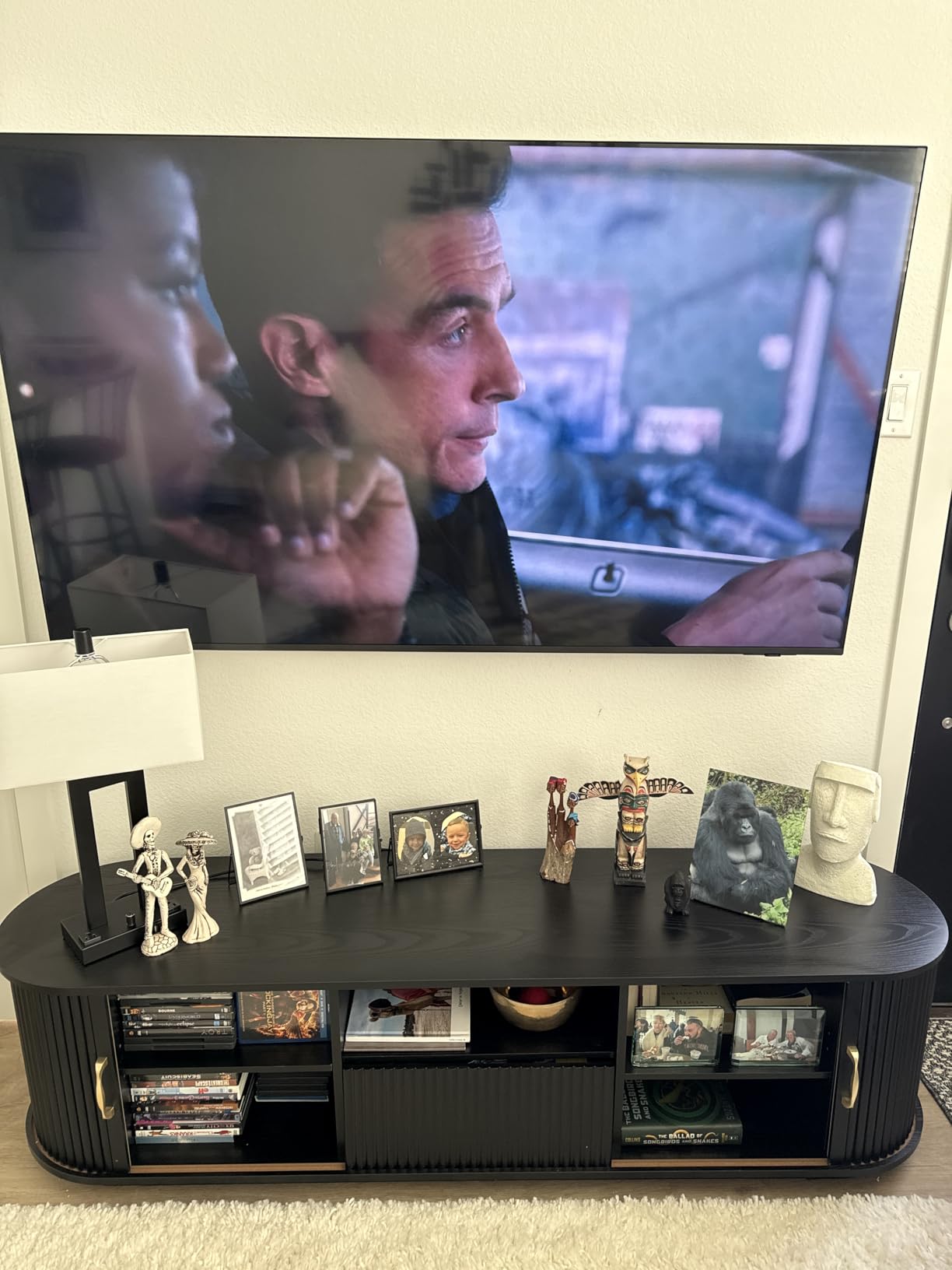
Why size beats speed for some buyers
A 65-inch panel at a comfortable viewing distance is a fundamentally different experience than a 55-inch one, and for a household that watches a lot of streaming and sport, immersion wins. Owners treat this as a size-first value buy, appreciating Mini LED contrast and the free content at this price. If gaming is secondary to watching, that trade makes sense.
The dimensions work for a normal living room wall or stand. At 31.7 pounds with a 200 x 200 mm VESA pattern it is heavier than the 55-inch sets here, so plan the mount accordingly and check your furniture width before you commit.
When a 60Hz panel is the wrong base
If your console is the centerpiece of the room, start with the TCL 55QM6K or the Hisense 65E7SF instead. Both deliver 144Hz natively, which is the single biggest visible difference between a modern console experience and this set. Paying extra for 65 inches and accepting 60Hz is a choice, not a compromise we would push on a gaming-first household.
Gaming Hub and Soccer Mode do exist here and both work, so sports viewing benefits from the tuning even at 60Hz. They just do not change the frame rate ceiling.
5. TCL 55T7 55-Inch QLED Google TV – Best for PS5 Owners
- 120Hz panel with VRR and 144Hz gaming positioning
- Four HDMI inputs including one with eARC
- QLED color covering most of the DCI-P3 gamut
- Dolby Vision and HDR10+ through the AIPQ Pro processor
- Lightweight 24-pound chassis that is easy to wall mount
- Google TV menus are slow and some owners add a streaming device
- Only 20 watts of built-in audio for larger rooms
- Motion Rate 480 MEMC lags on very fast sports
The 55T7 is the mid-range TCL that owners call the best value in the lineup, and the gaming numbers back that up. It is a 55-inch 4K QLED panel with a 120Hz native refresh rate and up to 240Hz of variable refresh rate, driven by the TCL AIPQ Pro processor. The model name highlights 144Hz gaming and Motion Rate 480 handles motion enhancement on top of that.
HDR coverage is one of the widest in this roundup. Dolby Vision, HDR10, HDR10+, HLG and Open HDR are all listed, with HDR PRO+ handling the tone mapping on the TCL side. Audio is Dolby Atmos and DTS:X through 20 watts of output, which fills a small room comfortably.
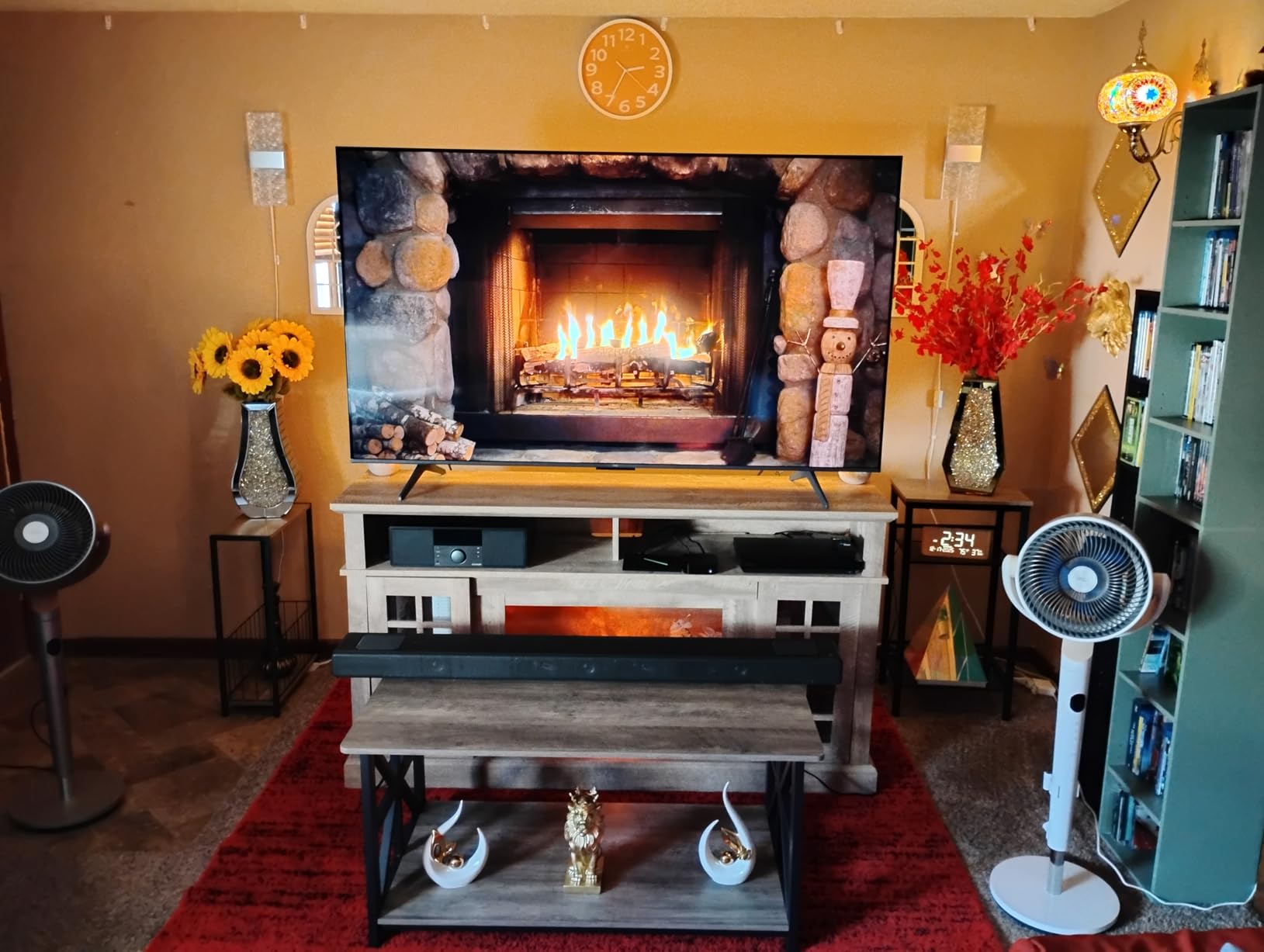
Owners report good compatibility with the PS5, the PS5 Pro and the Switch 2, which is why we rank it as our PlayStation pick. One of the four HDMI inputs carries eARC, so a soundbar or receiver connects without sacrificing a gaming port. The 24.3-pound chassis and 300 x 300 mm VESA pattern make it one of the easiest sets here to wall mount.
Two caveats come up repeatedly. Google TV performance is not fast, and a number of owners pair the set with an external streaming device to avoid the menu lag. Also, not every HDMI input runs at the full 144Hz bandwidth, so confirm which port your console sits on before you run a high frame rate mode.
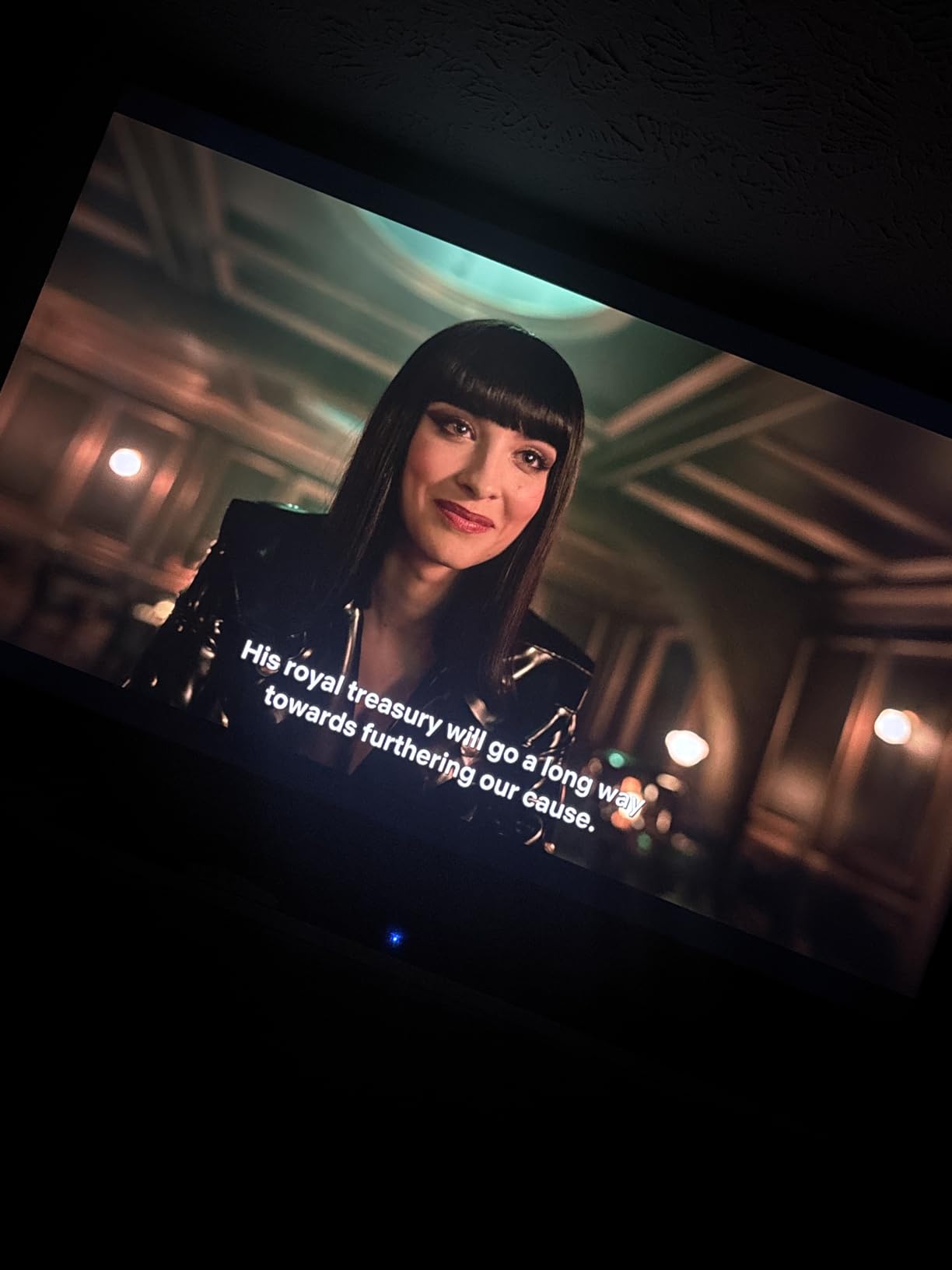
Why PS5 owners land on this set
The console outputs 4K at 120Hz through any modern HDMI 2.1 connection, and a 120Hz panel with VRR is the minimum sensible pairing. The TCL handles that cleanly, and the full HDR format list means you get Dolby Vision on streaming services as well as HDR10+ on console output. For a mixed household that plays on a PS5 and watches a lot of streaming, that combination covers both jobs.
The eARC port means you can add a soundbar later without giving up a console input, which matters when the 20 watt built-in audio stops being enough. That is the most common budget surprise owners report, and this set is at least ready for it.
Where the compromises show
Motion Rate 480 uses MEMC frame insertion rather than native refresh, and owners note it falls short on very fast sports action where real frame rates matter. The glossy panel also picks up glare in a bright room, which is worth considering if you watch during the day in a sunlit space.
QLED without Mini LED means no local dimming, so HDR contrast is more modest than the TCL 55QM6K. If your room is dim and you care about blacks more than frame rate, the Mini LED sets are the better direction.
6. Hisense 65E7SF 65-Inch Mini LED – Best for PC Gaming
- Native 144Hz with Mini LED full array local dimming at a large size
- Owners report 4K at 144Hz from a PC and 1440p at 240Hz
- Dolby Vision IQ plus HDR10+ Adaptive and HDR10
- AI Picture tunes each scene and AI Sports Mode handles action
- Mini LED black levels repeatedly praised as genuinely dark
- Some owners report Wi-Fi drops and black-screen crashes
- Only 20 watts of 2.0-channel audio
- 38.4-pound chassis needs care when wall mounting
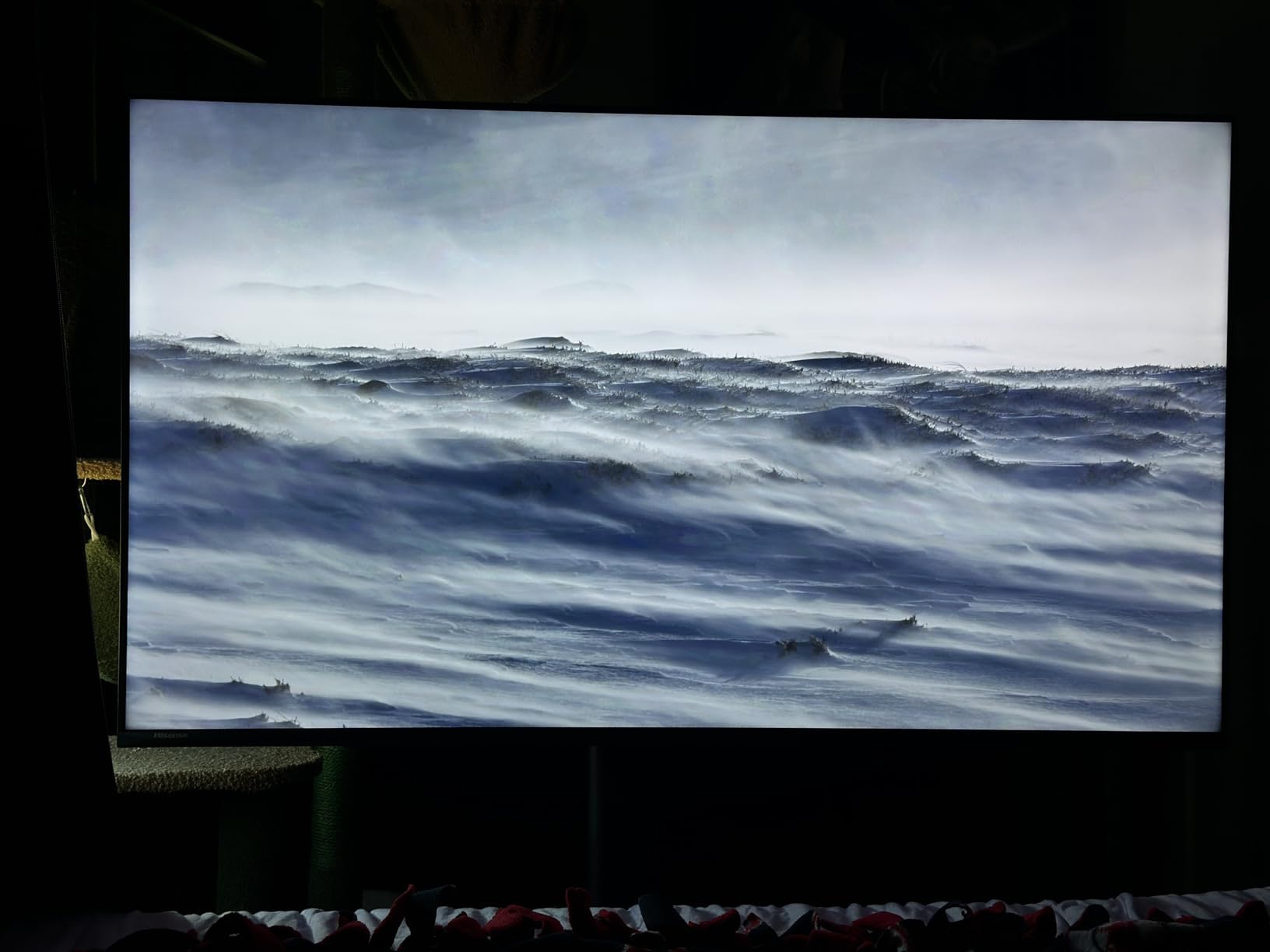
The 65E7SF is the highest-rated set in this roundup, and for one specific audience it is the right answer. A 65-inch Hi-QLED Mini LED panel with full array local dimming, a native 144Hz game mode and a native 144Hz refresh rate in the specifications is a combination you would normally look for well above this ceiling. Owners confirm 4K at 144Hz from a PC and 1440p at 240Hz acceptance in real use.
Picture processing is where Hisense leans in. AI Picture with the AI PQ Engine analyzes each scene and tunes brightness, contrast and color automatically, and an AI 4K upscaler handles lower-resolution sources. AI Sports Mode and MEMC with black frame insertion keep fast action readable, and Filmmaker Mode and the AI Light Sensor are both listed for people who want a more controlled image.
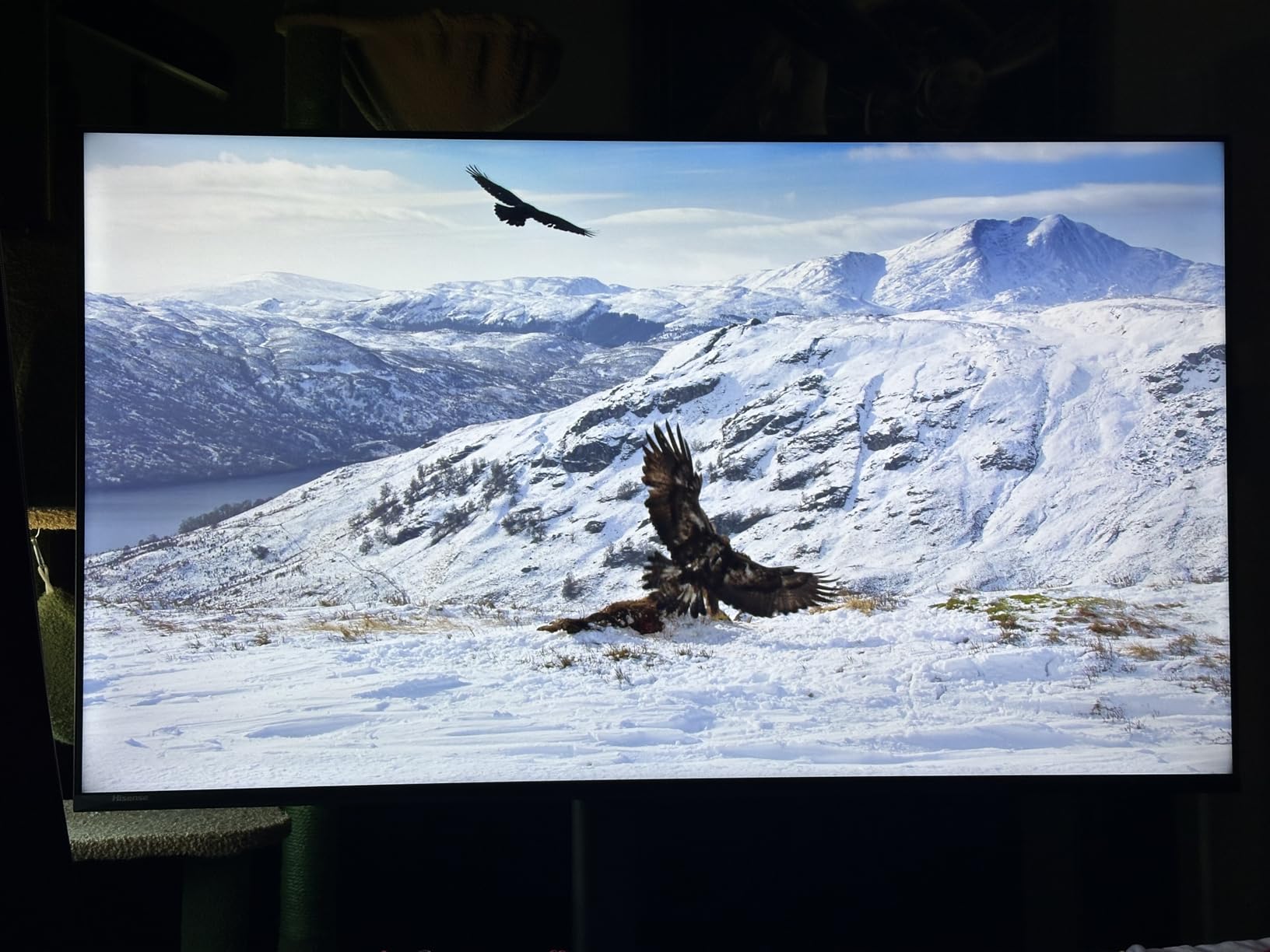
HDR support is thorough. Dolby Vision, Dolby Vision IQ, HDR10+, HDR10 and HDR10+ Adaptive are all covered, with Dolby Atmos on the 2.0-channel 20 watt audio system. Four HDMI ports give you room for a PC, a console and a soundbar at the same time, which is exactly the arrangement a dual-setup household wants.
The recurring complaint is connectivity rather than picture. Several owners report repeated Wi-Fi drops, black-screen crashes and factory resets on Fire TV. That is a real issue on a set this large, since the screen is expensive to replace if you decide it is not worth troubleshooting, so check your network before installation.
Why PC gamers should look here first
At 144Hz native with a game mode that is listed as native rather than simulated, this is the only 65-inch set here that treats a gaming PC as a first-class source. The forum consensus we saw in r/tcltvs and r/pcmasterrace pairs this class of Hisense Mini LED with the strongest sub-budget gaming sets, and PC-specific threads focus on the refresh rate and input responsiveness that this panel delivers.
Local dimming on a Mini LED backlight is the other reason to choose it. Owners repeatedly praise the black levels as genuinely dark, which matters in a dim room where a non-dimming LED set looks washed out during night play.
What to plan for
The chassis is 38.4 pounds and the wall-mounting hardware is not included, so a 65-inch install needs two people and a bracket you buy separately. The 20 watt 2.0-channel audio is the weakest part of an otherwise strong specification sheet, and a soundbar is the most common addition owners make.
Dark contrast still does not reach flagship Mini LED territory with many more dimming zones, and the set is not certified for the wider gaming feature sets that flagship models support. If your setup is console-only and stays at 60Hz most of the time, this is more hardware than you need.
7. iFFALCON 55U85 55-Inch Mini LED – Most HDMI 2.1 Ports
- Four HDMI 2.1 ports with two rated for 4K at 144Hz
- Mini LED local dimming at 1000 nits and 6000 to 1 contrast
- FreeSync Premium Pro with VRR from 4K 48 to 144Hz and up to 240Hz
- Dolby Vision IQ and Dolby Vision Gaming with HDR10+ and IMAX Enhanced
- 50W 2.1-channel audio with Dolby Atmos and DTS Virtual X
- Smaller review base so long-term reliability data is thin
- Which two ports run 4K at 144Hz needs confirming
- Google TV performance is adequate rather than fast
The iFFALCON 55U85 is the hardware outlier in this roundup, and for anyone who has ever been frustrated by port limits it is worth a look. It lists four HDMI 2.1 ports, two of which run 4K at 144Hz, on a 55-inch Mini LED QLED panel with local dimming, 1,000 nits of peak brightness and a 6,000 to 1 contrast ratio. Almost nothing else inside this ceiling offers more than one full-bandwidth port.
Gaming support is equally aggressive. FreeSync Premium Pro with variable refresh rate covers 4K from 48Hz to 144Hz and up to 240Hz, and Auto Low Latency Mode switches the set into game mode automatically when a console is detected. Dolby Vision IQ, Dolby Vision Gaming, HDR10+ and IMAX Enhanced are all listed.
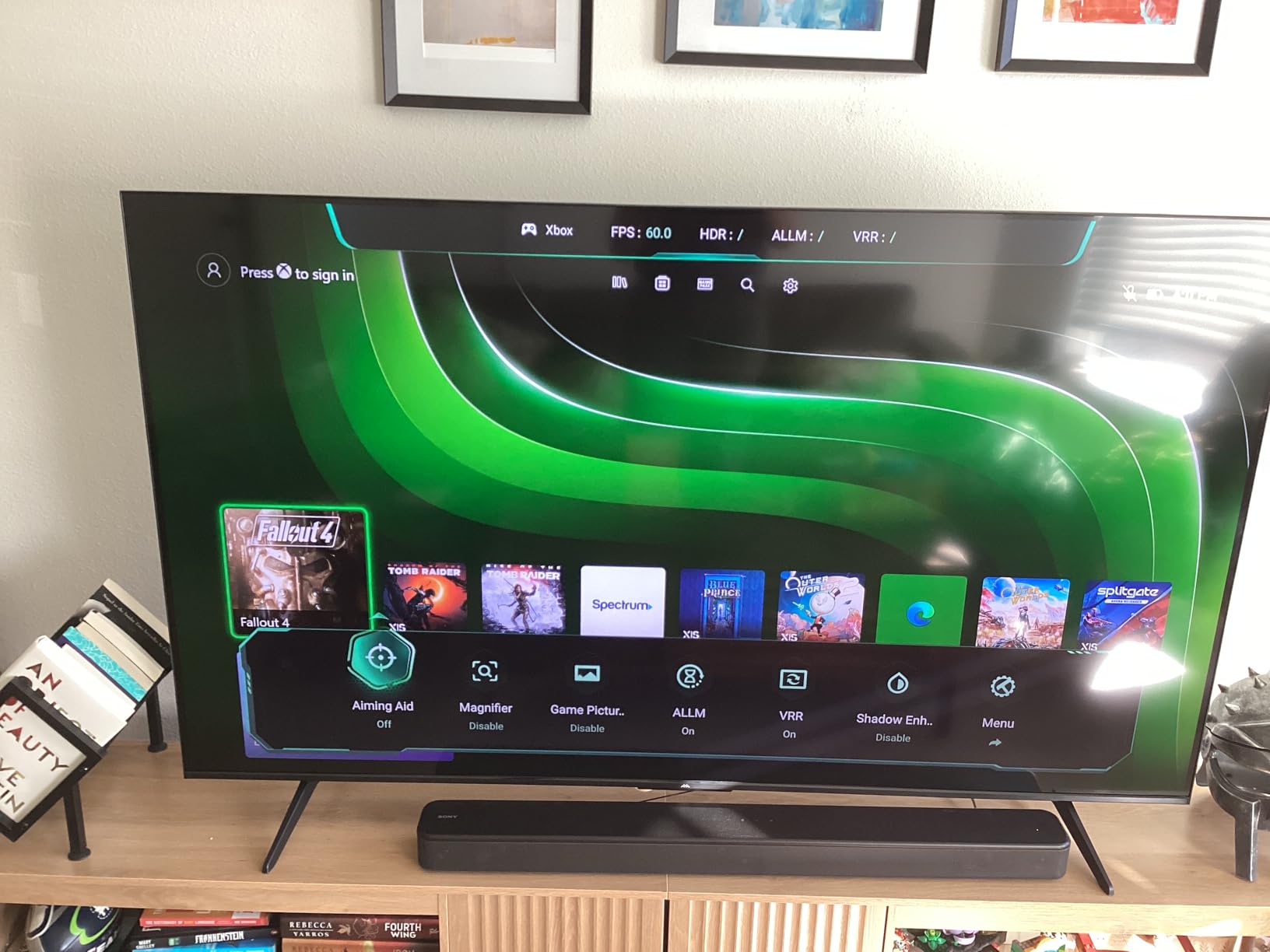
Audio is unusually strong for the class. A 50 watt 2.1-channel system with Dolby Atmos and DTS Virtual:X outguns every other 2-channel set here, and eARC on HDMI 4 lets you pass lossless audio to a soundbar. For a bedroom, a guest room or a hotel-style install, there is also a built-in hotel mode with IR blaster and IP control.
The reason we place it sixth is evidence, not hardware. The review base is much smaller than the mainstream brands, so there is thin long-term reliability data and fewer independent picture measurements. Reviewers consistently single out the ports, the VRR range and the audio, with limited commentary on durability.
What the extra ports actually buy you
Three of the four HDMI inputs need checking to confirm which two run 4K at 144Hz, and once you have them identified you can run a PC and a console at full refresh simultaneously without swapping cables. That is the single most common complaint in forums at this budget, where buyers cannot tell which port enables high frame rate on sets with multiple HDMI 2.1 inputs.
At 27.3 pounds with a 200 x 200 mm VESA pattern, the set mounts and stands without special handling, which is simpler than the 65-inch Mini LED options that need two people.
Who should skip it
A less established brand with fewer independent reviews of picture quality is a real consideration. If you want the reassurance of a large measured review base and a longer track record of firmware stability, the TCL and Samsung sets in this guide carry more owner history for the same money.
Google TV here is adequate rather than fast, so owners who are sensitive to menu lag may prefer a set with a snappier platform. Picture processing is competent rather than class-leading, and if your priority is upscaling and motion handling rather than ports and refresh rate, the Sony or TCL alternatives suit better.
8. Sony K-50S30 50-Inch BRAVIA 3 – Best Picture Processing
- 4K HDR Processor X1 with Triluminos Pro and 4K X-Reality PRO
- PS5-specific Auto HDR Tone Mapping and Auto Genre Picture Mode
- Game Menu centralizes gaming picture settings
- Dolby Vision and Dolby Atmos with X-Balanced Speakers
- Sony Pictures CORE streaming credits included
- 60Hz panel with no HDMI 2.1 bandwidth
- Basic LED backlight with no local dimming
- Only the PS5 gets the automatic HDR and genre picture modes
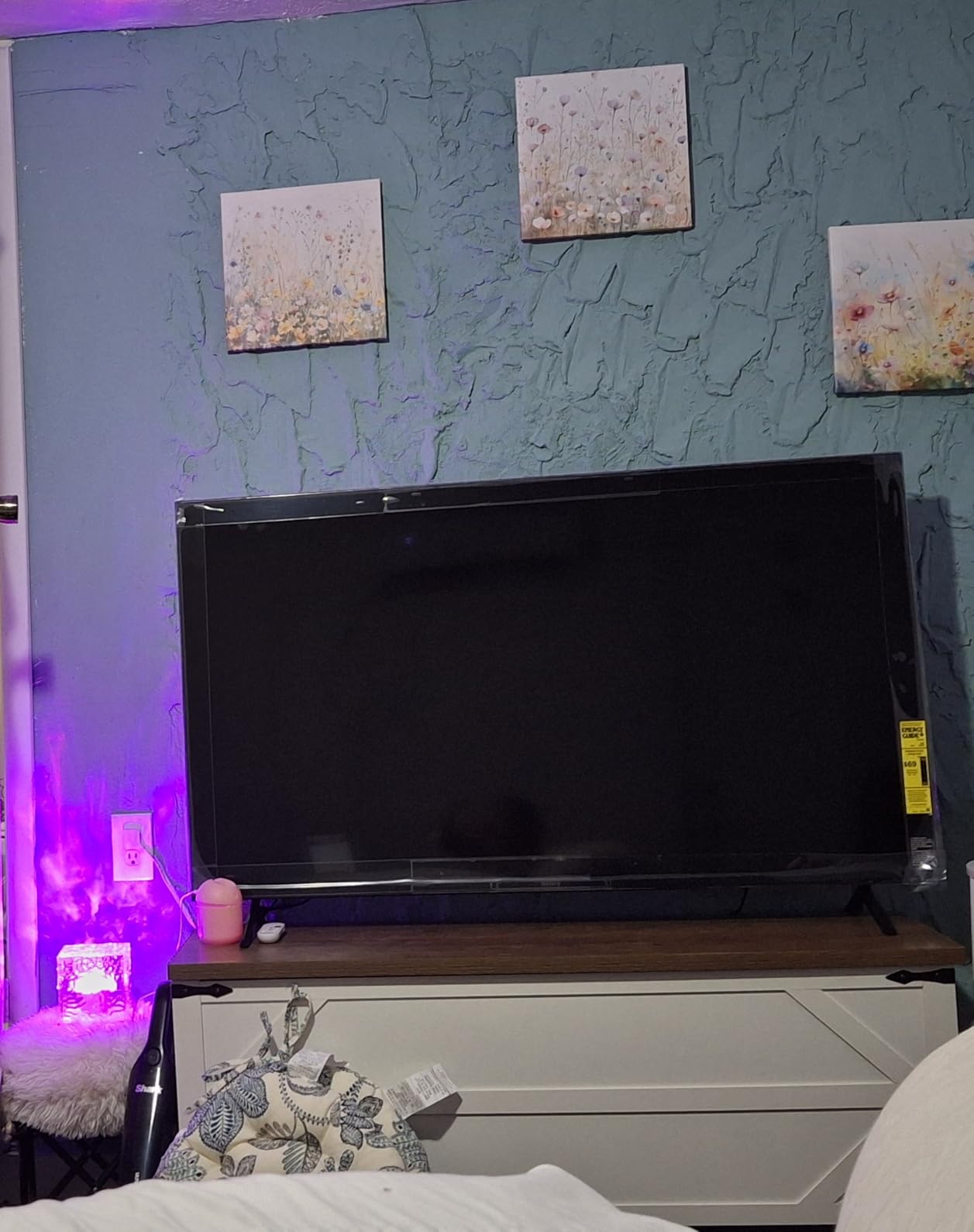
The K-50S30 is the set in this roundup built for picture quality rather than frame rate. Sony’s 4K HDR Processor X1 with Triluminos Pro handles color, 4K X-Reality PRO handles upscaling, and Motionflow XR 240 manages motion. It is a well-proven processing pipeline, and owners consistently praise the set as a good all-around living room television.
The PlayStation integration is the reason we recommend it for movie nights on a PS5. Auto HDR Tone Mapping maps SDR games into HDR automatically, Auto Genre Picture Mode switches settings based on what you are playing, and a dedicated Game Menu collects the gaming picture controls in one place. Sony Pictures CORE credits are also included.
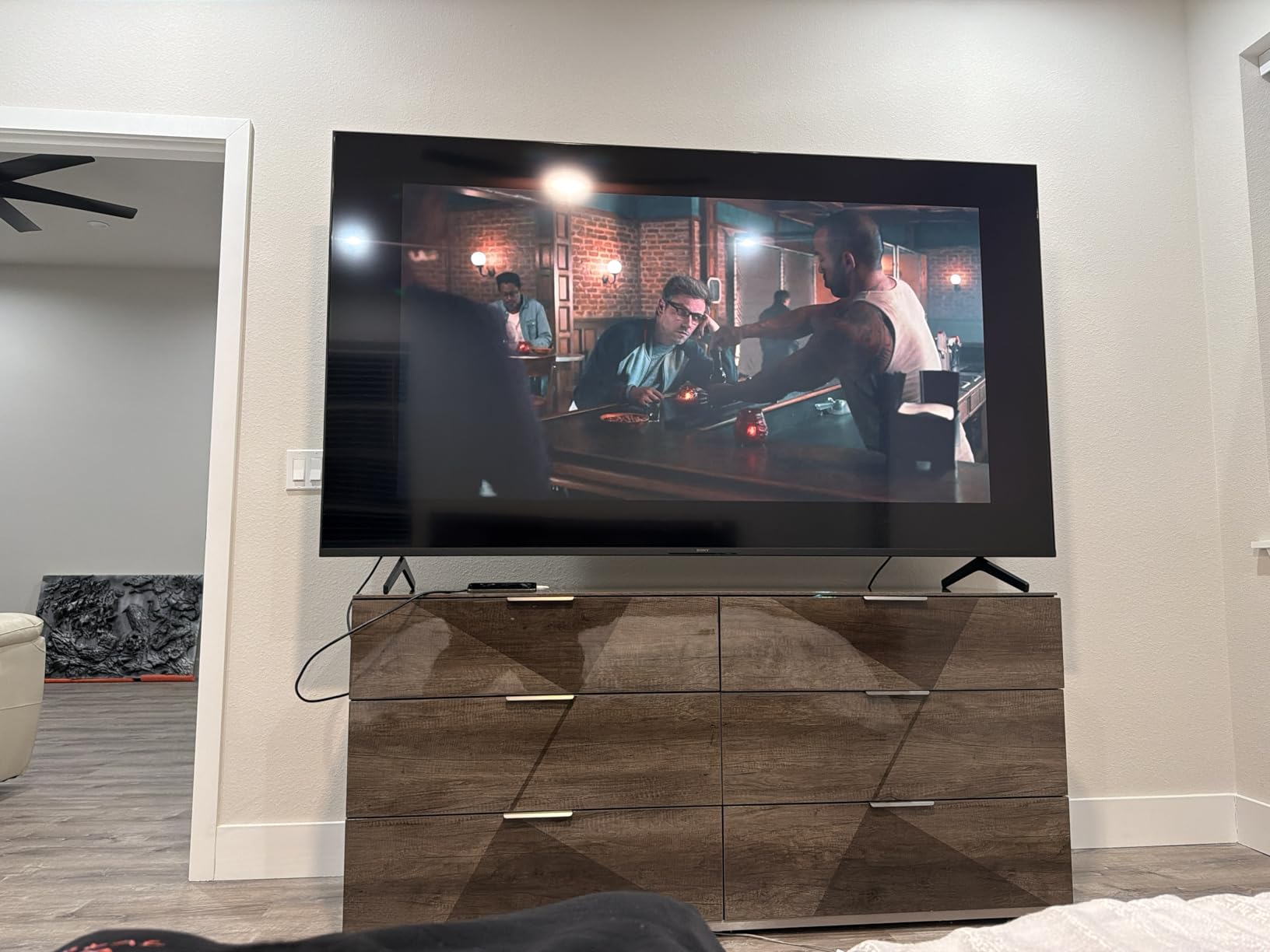
For gaming performance, be clear-eyed. The refresh rate is 60Hz and there is no HDMI 2.1 high-bandwidth support, so a PS5 running at 120fps will not get it. Owners name the 60Hz panel and the missing port bandwidth as the most common reservations, and that gap is real compared with the 144Hz sets above it.
The backlight is a basic direct LED array with simple dimming and no local dimming, which caps HDR contrast. Dolby Vision, HDR10 and HLG are supported with Dolby Atmos and Dolby TrueHD audio through 20 watt X-Balanced speakers, so formats are covered even if the panel cannot fully exploit them.
Who this suits
If the television is used for films, sport and general watching as much as for gaming, Sony’s processing does more for perceived image quality than another 30Hz of refresh rate would. Owners upgrading from an older set notice the jump immediately, and the build, the Google TV platform with AirPlay 2 and Chromecast, and the 27.1-pound chassis all read as solid.
Pair it with a soundbar if you care about film audio, since 20 watts is fine for dialogue and thin for action. Four HDMI ports mean you are not short on connections even without a receiver.
Why we do not rank it higher for gaming
The 60Hz ceiling is the reason, and it is not a small one. A PS5 or Xbox Series X can send 120 frames per second and this panel shows 60, so the console’s headline gaming feature is unavailable. If you are buying primarily to game, spend the difference on a 120Hz or 144Hz Mini LED panel.
Motionflow XR 240 interpolates motion rather than raising the native refresh rate, so it cannot substitute for a faster panel in competitive play. It helps on film and broadcast content, which is exactly what this set is best at.
9. Samsung M80H 55-Inch Mini LED – Easiest to Wall Mount
Samsung 55-Inch Class M80H Series, Mini LED, 4K, Smart TV, 2026 Model
- 144Hz Motion Xcelerator with variable refresh rate
- Mini LED with AI Mode scene analysis
- NQ4 AI Gen2 processor with 4K AI upscaling
- Lightest chassis in the roundup at 22.5 pounds
- Anti-glare handling singled out as a strength
- One Connect box is required to operate the set
- Only three HDMI ports
- HDR10+ only with no Dolby Vision listed
The M80H is the 55-inch Mini LED for people who care about a clean install. At 22.5 pounds it is the lightest chassis in this roundup by a wide margin, and anti-glare handling is repeatedly singled out as a strength. That combination matters if your sofa is off-center or your room gets daylight, because a heavier set with a glossy panel would fight you on both counts.
Gaming specifications are solid for the money. Motion Xcelerator runs at 144Hz with variable refresh rate on a Mini LED backlight, and the NQ4 AI Gen2 processor adds 4K AI upscaling and Auto HDR Remastering. AI Mode analyses scenes to brighten highlights and deepen contrast.
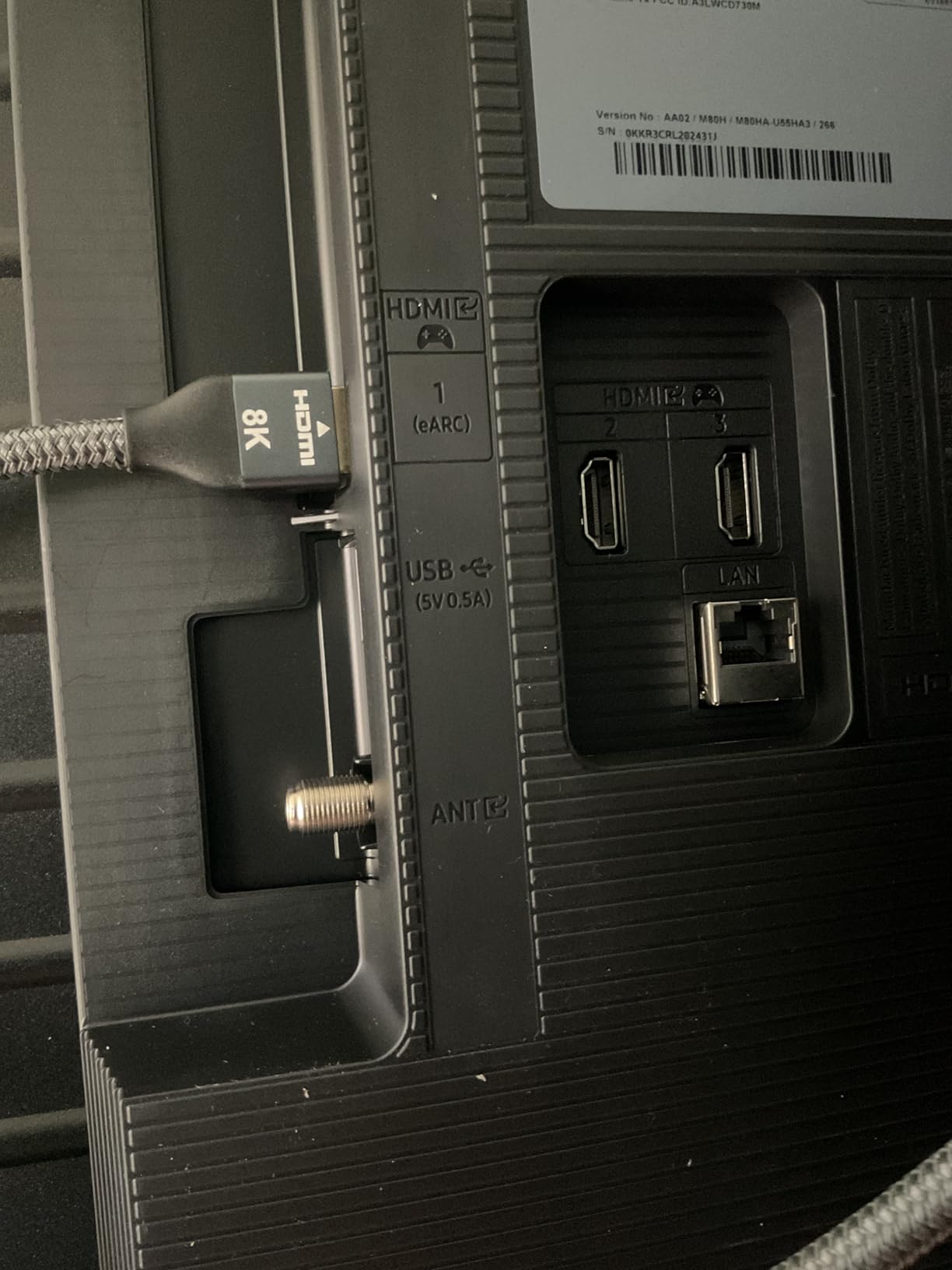
Before you plan the install, know about One Connect. The set requires a One Connect box to operate, and owners report that it is not always clearly listed in the box contents, which complicated clean wall installs and added cost for some buyers. Confirm exactly what is included in the box before you order a bracket.
Connectivity is otherwise modest with three HDMI ports, and HDR is limited to HDR10+ with no Dolby Vision listed. That means a Dolby Vision streaming service or an Xbox Series X will fall back to a different format, which is worth knowing if you subscribe to Dolby Vision content.
Where it beats the alternatives
Against the TCL 55QM6K, the M80H wins on weight, on anti-glare handling and on the Tizen platform with Samsung Vision AI and Alexa built in. It loses on port count and on HDR format coverage. Against the Sony, it wins decisively on refresh rate and on Dolby Vision support in most regions where the Sony carries it.
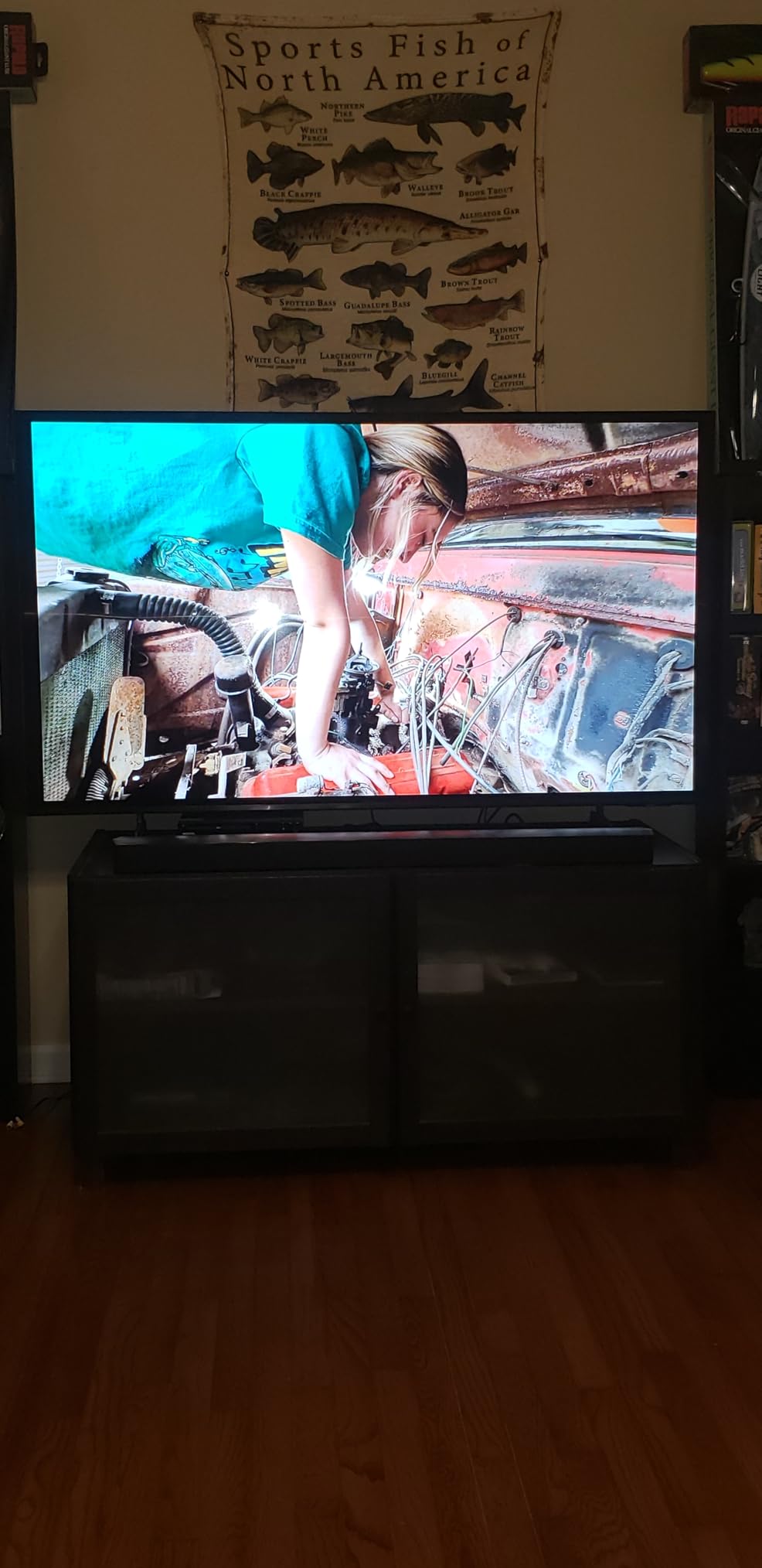
Owners mostly see it as a step up from an older set and are impressed by picture quality and gaming refresh at this level. It suits a bedroom or a living room where the screen is high on a wall and weight matters more than port flexibility.
Where it falls short
One Connect is the biggest friction point. Several owners mention visible cabling and added installation cost because the box has to live somewhere, and that is an install-day problem rather than a viewing problem, but it is the first thing you should think about.
The remote also carries fixed Netflix, YouTube, Prime Video and Samsung TV Plus shortcut buttons, and Tizen can jump to loud Samsung TV Plus content when you leave something paused. Built-in 2-channel speakers are basic, so a soundbar is likely for anything beyond casual viewing.
10. Samsung U8000H 50-Inch Crystal UHD – Best Secondary Room Set
Samsung 50-Inch Class U8000H Series Crystal UHD, 4K, Smart TV, 2026 Model
- Entry-level 4K set that keeps the Samsung name and Tizen platform
- Crystal Processor 4K with 4K upscaling and Color Booster
- 750 plus subscription-free Samsung TV Plus channels
- Very light at 19.2 pounds for easy mounting
- Motion Xcelerator keeps basic motion smooth at 4K 60Hz
- 60Hz panel with no HDMI 2.1 bandwidth
- Basic LED backlight with no local dimming
- Black levels are not competitive with the Mini LED sets
The U8000H is the fill-in set on this list, and it fills a specific gap well. A 50-inch Crystal UHD 4K panel with the Crystal Processor 4K, 4K upscaling and Color Booster gives you sharp 4K clarity and punchy color without Mini LED complexity. This model runs on Tizen with Samsung Vision AI Companion and the same free content library as the larger sets.
At 19.2 pounds it is the second-lightest option here and the easiest to move between rooms. For a bedroom, a guest room or a secondary viewing spot where the television is mostly used for streaming and news, that practicality matters more than a gaming specification.
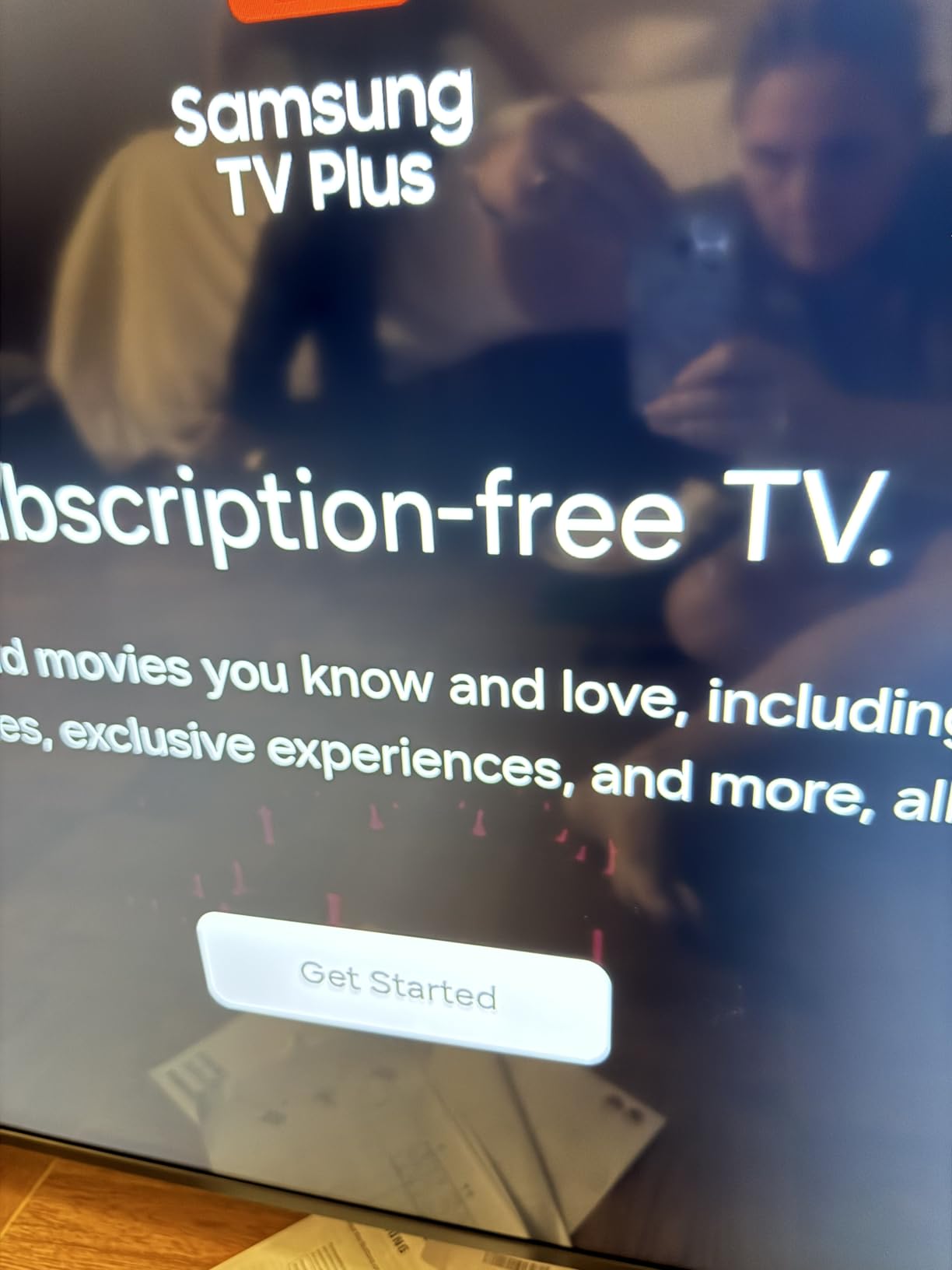
It is not a gaming television, and the specifications say so plainly. The refresh rate is 60Hz, there is no HDMI 2.1 bandwidth, and no VRR or ALLM support is listed. Owners use it as a budget living room, bedroom or secondary set and are satisfied with 4K clarity, ease of setup and picture brightness, with reviews focused on value rather than motion performance.
HDR is limited to HDR10+ with a basic LED backlight and no local dimming, so dark scenes stay flat. Built-in speakers are basic as well, which is acceptable in a small room and thin anywhere else.
When this is the right call
If you are outfitting a second room rather than building a game room, this set covers 4K streaming, sport and casual gaming at a price that leaves room in the budget. The free Samsung TV Plus channels add value with no subscription, and the light weight means one person can mount it.
It also makes sense as a companion display when your main set is a high-refresh Mini LED. Having a cheap 50-inch screen in the bedroom lets the main gaming television live in the room where you actually play.
When to spend more
Any console that lives permanently behind this screen should push you toward a set with real gaming features. A 60Hz panel with no VRR is the exact configuration forum buyers warn about, where a set is sold with gaming-sounding features but cannot deliver them.
Against the Mini LED options the gap is obvious. Contrast, brightness in HDR and gaming headroom are all limited, so treat this as a general-purpose set rather than a gaming display.
Yes, You Need 120Hz: What Refresh Rate Buys You on PS5 and Xbox
A 60Hz panel can only draw 60 unique frames per second. When a PS5 or Xbox Series X outputs 120 frames per second, the other half never reaches your eyes, and no picture setting recovers it. That is why three sets in this roundup carry a 60Hz panel and why we still recommend them, because in most cases they are the wrong screen for a console and the right screen for something else.
What 120Hz or more actually changes is motion. Fast camera pans in a shooter, a car cornering at speed, a tennis serve, a football running downfield. Each of those reads as noticeably smoother above 60Hz, and once you have seen it, going back is harder than living without it. It is also why the 144Hz sets here, including the TCL 55QM6K and the Hisense 65E7SF, rank where they do.
Variable refresh rate works alongside it. VRR lets the panel match its refresh to whatever the console or PC is actually delivering each frame, which removes screen tearing without the input lag that fixed high refresh plus VSync can introduce. FreeSync Premium Pro on the VIZIO and iFFALCON sets is the certification to look for when your gaming is on a PC.
QLED vs Mini-LED vs OLED: Why No OLED Appears in This Guide
OLED wins on contrast. Each pixel emits its own light, so true black is simply black, and a dark room with an OLED looks like a dark room. That is the honest answer to the most common question we see, and it is why OLED sets appear in wish-list threads on ResetEra and in r/4kTV budget discussions.
None of the sets that qualified for this guide held both an OLED panel and the price ceiling. Instead we have QLED and Mini-LED, which is the trade this budget actually forces. Mini-LED sets such as the TCL 55QM6K, the Hisense 65E7SF and the iFFALCON 55U85 use a backlight made of hundreds of small LEDs with local dimming, which gets close to OLED black levels without the burn-in risk, and they carry high refresh rates that some OLEDs at this money do not.
Bright rooms change the recommendation. In a sunlit living room, peak brightness and anti-glare handling matter more than black level, and Mini-LED wins on both counts because OLED brightness is more limited at this price. In a dim room where you game at night with the lights off, an OLED would look better than everything here, and that is worth knowing before you settle.
Burn-in is also worth addressing head-on. OLED panels can retain static elements, which matters for a HUD-heavy shooter left on screen for hours. Every set in this guide is an LCD, so that failure mode simply does not apply. That reliability is part of why we are comfortable recommending Mini-LED over chasing contrast at this budget.
55 Inch vs 65 Inch: What You Give Up at This Budget
Screen size is the decision this budget makes hardest, and it is the one forum buyers ask about most. For a typical living room viewing distance of eight to ten feet, 65 inches is noticeably more immersive, and sports and single-player games benefit from the scale in a way a 55-inch set cannot match.
What you give up is panel speed and backlight quality. A 65-inch Mini LED with a 144Hz native panel, like the Hisense 65E7SF, is a rare combination, and when you find one the size cost is real. The Samsung M70H shows the other side of that trade: 65 inches of Mini LED contrast for a 60Hz panel. The 55-inch TCL 55QM6K keeps both the speed and the Mini LED backlight, which is why it took our top spot.
Your console also matters. If your setup is console-only at 60Hz most of the time, the larger screen is a better use of the budget than the faster panel. If you play competitive shooters at high frame rates or game on a PC daily, the smaller high-refresh set wins, because frame rate is something you feel constantly while size is something you adapt to quickly.
One practical note before you measure. A 65-inch panel needs roughly 57 inches of width, and the wall or stand has to hold it safely with room for cables. Our guide to TV stands for large screens covers the furniture side if you are planning a 65-inch install, and no wall-mounting hardware is included with some of the larger sets here.
What Smart TVs to Stay Away From Under 1,000 Dollars
First red flag: a set marketed as a gaming television with a 60Hz panel and no HDMI 2.1 bandwidth. This is the single most common trap buyers report, and it appears constantly on marketplace listings in the lowest price tier. The name says gaming, the feature list mentions a game mode, and the specification is a 60Hz panel that cannot show 120fps.
Second red flag: motion enhancement named as if it were refresh rate. Motion Xcelerator Turbo Plus, Motion Rate 480 and Motionflow XR 240 are interpolation and processing features. They can make broadcast motion look smoother, but they do not raise the native refresh rate and they cannot deliver 120 frames per second from your console.
Third red flag: one full-bandwidth HDMI port among four. Check which port carries the full refresh rate and 4K bandwidth before you buy, because the wrong port silently caps your frame rate. The iFFALCON 55U85 has four HDMI 2.1 ports, two at full bandwidth, which is the rare exception.
Fourth red flag: a gaming feature list with no VRR and no ALLM. Auto Low Latency Mode is what switches the set into game mode automatically, and without it you spend every session navigating menus. Also be cautious with house brands that ship with no stated firmware support, since a panel that never gets a platform update eventually loses the smart features you paid for.
Burn-In, VRR, HDR and Setup Questions Answered
Burn-in is a non-issue for every set in this guide, because all ten are LCD panels. Static HUDs, news tickers and scoreboards will not leave a permanent mark. That removes the most common objection to buying an OLED for long gaming sessions, and it is a large part of why we are comfortable recommending Mini-LED inside this budget.
For VRR, match your platform. PC players want FreeSync Premium Pro or G-Sync compatible mode, and the VIZIO and iFFALCON sets carry the FreeSync certification. Console players get variable refresh rate through HDMI 2.1 on the PS5 and Xbox Series X, which is why port bandwidth matters as much as the panel refresh rate.
For HDR, prefer the format your content arrives in. Dolby Vision covers most streaming services and is on eight of the sets here, while HDR10+ covers console output on several. If you game on a PS5 and watch a lot of streaming, a set with both, like the TCL 55QM6K or the TCL 55T7, serves both paths without a settings change.
For setup, budget for a soundbar. Every 20 watt and 50 watt system in this roundup is fine for gaming and thin for films, and owners repeatedly report adding one after purchase. The iFFALCON 55U85 has eARC on HDMI 4 and the TCL 55T7 has an eARC input, so plan the connection before you buy the bar rather than after.
Frequently Asked Questions
Is QLED or OLED better for gaming?
OLED gives better contrast and true blacks, which is ideal in a dark room. QLED and Mini-LED give higher peak brightness, better anti-glare handling and no burn-in risk, which suits bright rooms and long gaming sessions. Inside a thousand-dollar budget you will find QLED and Mini-LED sets with 120Hz or 144Hz panels, so they win on refresh rate and reliability.
Do I really need a 120hz TV for PS5?
Yes, if your console is the main reason for the purchase. A PS5 can output 120 frames per second and a 60Hz panel can only show 60 of them. You also need HDMI 2.1 bandwidth and VRR to get the full effect. For casual gaming at 60Hz, a 60Hz set is perfectly acceptable.
What is the best 65 inch gaming TV under a thousand dollars?
The Hisense 65E7SF is the best 65-inch gaming option in this range, with a native 144Hz game mode, Mini LED full array local dimming, Dolby Vision IQ and four HDMI ports. If you would rather have more contrast for movies and less frame rate, the Samsung M70H is a 65-inch Mini LED at a 60Hz panel.
What smart TVs to stay away from?
Avoid sets sold as gaming televisions that run a 60Hz panel with no HDMI 2.1 bandwidth. Also be wary of motion enhancement features presented as refresh rate, sets with only one full-bandwidth HDMI port, gaming feature lists with no VRR or ALLM, and house brands with no stated software update commitment.
Which budget TV is best for gaming?
The TCL 55QM6K is our pick for the best budget gaming TV, pairing a 55-inch QD-Mini LED panel with a 144Hz native refresh rate, 240Hz VRR, Dolby Vision and four HDMI ports. For PC gaming, the Hisense 65E7SF gives you a 65-inch 144Hz Mini LED with full array local dimming.
Is a 60Hz TV fine for a PS5?
It is fine if you play casually or mostly at 60Hz, and you will still get sharp 4K with good HDR formats. You give up the smoothness advantage above 60Hz, which is most visible in competitive shooters and fast sports. If you are upgrading from an older 60Hz set, spending more on a 120Hz panel is the change you will notice.
The Best TV for Gaming Under a Thousand Dollars
The TCL 55QM6K is the best TV for gaming under 1,000 dollars in 2026. A 55-inch QD-Mini LED panel with a 144Hz native refresh rate, 240Hz VRR, Halo Control local dimming, Dolby Vision, HDR10+, an Onkyo 2.1 audio system and four HDMI ports is a specification list that belongs well above this ceiling, and it carries the deepest owner review history of any 144Hz set we evaluated.
If you game on a PC rather than a console, the Hisense 65E7SF is the alternative worth taking seriously. If you want the most full-bandwidth ports in the roundup, the iFFALCON 55U85 has four. And if your television does double duty as a second screen, the VIZIO M50QXM-K01 delivers 120Hz with local dimming for the money. Check the current listings on each before you buy, since pricing on this tier moves often.