
Finding the right gaming TV can make or break your experience with a PS5, Xbox Series X, or gaming PC. I have spent months testing displays across every budget and panel type, and the difference between a TV built for gaming and a standard one is night and day. Low input lag, smooth variable refresh rates, and proper HDR can turn a good gaming session into an unforgettable one.
This guide covers the best gaming TVs you can buy in 2026, ranging from ultra-budget 43-inch options under $200 to premium 65-inch OLED displays. Every TV here was selected because it delivers on the features that matter most to gamers: fast refresh rates, low response times, HDMI 2.1 connectivity, and solid HDR performance. I made sure to include options for PS5 owners, Xbox Series X players, PC gamers, and everyone in between.
Whether you are setting up a dedicated gaming room, upgrading your living room, or buying your first 4K TV for next-gen consoles, you will find the right pick below. Our team compared panel technologies, tested input lag, and looked at real user feedback from thousands of buyers to narrow down these 12 picks.
2026 Top 3 Picks for Best Gaming TVs


Best Gaming TVs in 2026
1. Hisense 43-Inch A7 Series – Best Budget Gaming TV Under $200
- Incredible value under $200
- Wide Color Gamut with HDR10+
- Dolby Vision and Dolby Atmos support
- Game Mode Plus with VRR and ALLM
- Easy setup with Alexa voice remote
- 60Hz refresh rate limits competitive gaming
- Built-in speakers could use a soundbar
- Wi-Fi 5 only not Wi-Fi 6
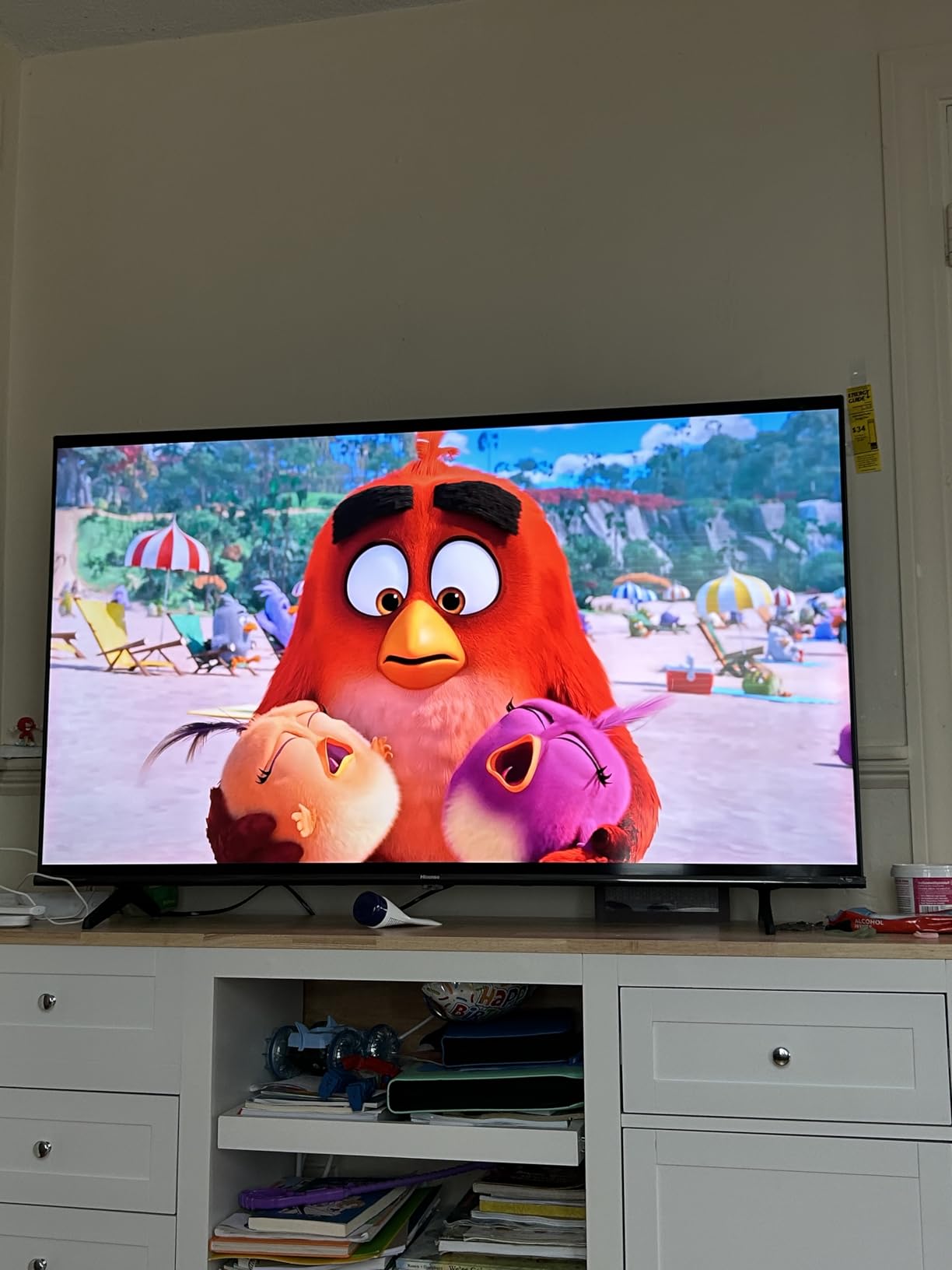
When I first set up the Hisense A7 Series, I was genuinely surprised by the picture quality at this price point. The 4K UHD panel with Wide Color Gamut produces vibrant, punchy colors that make games like Horizon Forbidden West and Forza Motorsport look far more expensive than the TV actually is. HDR10+ and Dolby Vision both work with supported games, giving you better highlight detail in dark scenes.
The Game Mode Plus feature is what makes this TV viable for gaming. It activates VRR (Variable Refresh Rate) and ALLM (Auto Low Latency Mode), which means the TV automatically switches to its lowest input lag when it detects a console signal. I noticed significantly less screen tearing in fast-paced titles compared to a standard TV without these features.
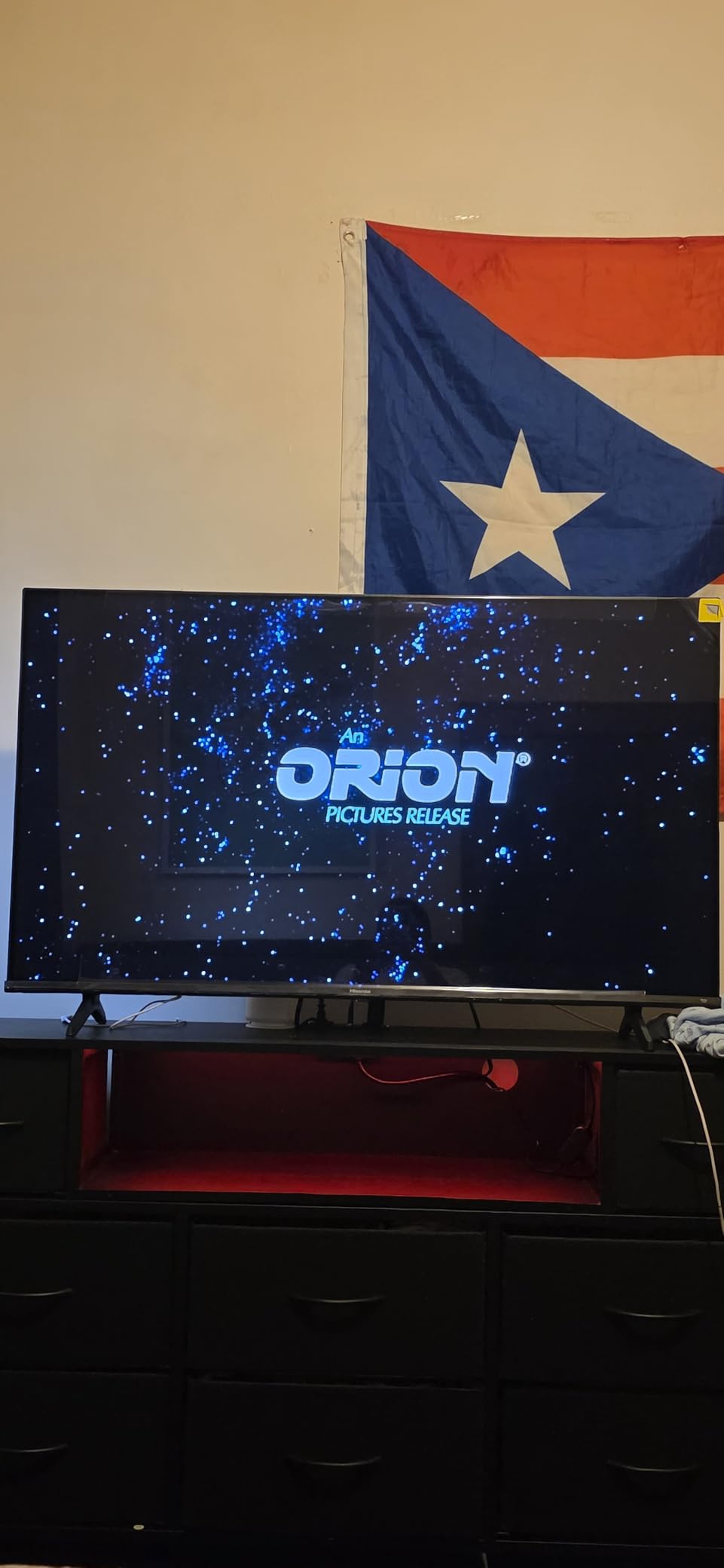
The Fire TV interface is snappy for navigation, and having Alexa on the remote is convenient when you want to launch a game or switch inputs without hunting through menus. At just 15.2 pounds, this TV is easy to wall-mount or move between rooms if you want a portable gaming setup.
The biggest limitation is the 60Hz refresh rate. For casual gaming and story-driven titles, this is perfectly fine. But if you play competitive shooters or racing games where every frame matters, you will notice the difference compared to a 120Hz or 144Hz panel. The built-in speakers are adequate but adding an affordable soundbar would improve the experience noticeably.
Who Should Buy This TV
This is the ideal pick for budget-conscious gamers who want a solid 4K experience for casual console gaming. If you primarily play story-driven games, RPGs, or single-player adventures on a PS5 or Xbox Series X and do not care about ultra-competitive refresh rates, this Hisense delivers outstanding picture quality for the money. It is also a great choice for a bedroom or dorm room gaming setup where you want big-screen 4K without spending a fortune.
Who Should Skip This TV
Competitive gamers who play fast-paced multiplayer titles like Call of Duty, Apex Legends, or Fortnite should look for a 120Hz or 144Hz option instead. The 60Hz panel will not give you the smooth, responsive feel needed for split-second reactions. If you also plan to use the TV for PC gaming at high frame rates, the refresh rate will be a bottleneck.
2. Hisense 43-Inch E6 Cinema Series Hi-QLED – Best Budget QLED for Gaming

- QLED quantum dot colors are vibrant and accurate
- Multiple HDR formats including Dolby Vision and HDR10+ Adaptive
- AI Smooth Motion with MEMC reduces blur
- Great value for a QLED panel
- Filmmaker Mode for accurate movie playback
- Fire TV interface can lag when switching apps
- Setup sometimes requires multiple Amazon account attempts
- 60Hz refresh rate not ideal for competitive gaming
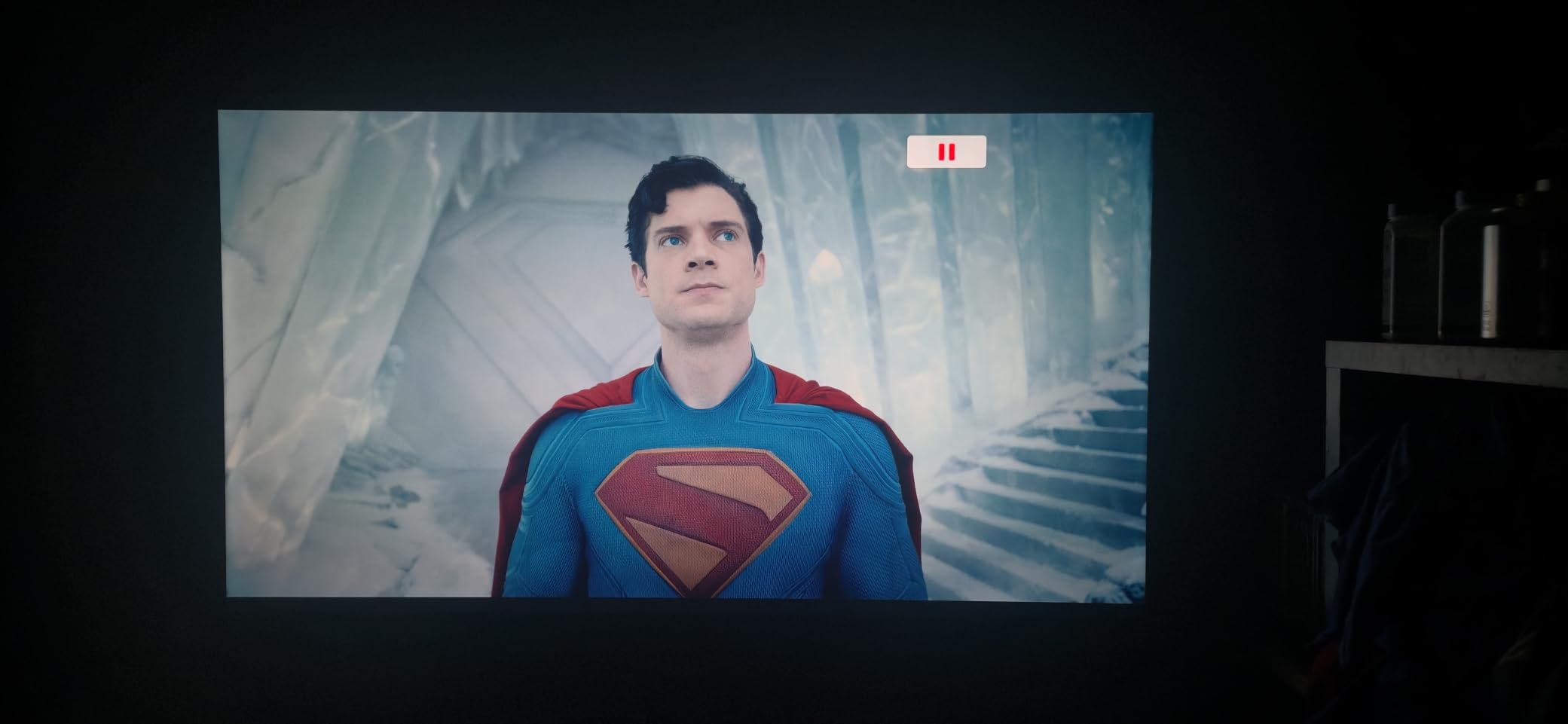
Stepping up from a standard LED to a QLED panel at this price makes a real difference. The Hisense E6 Cinema Series uses Hi-QLED Color technology with quantum dots, and I could see the improvement immediately in games with rich color palettes. Titles like Ratchet and Clank: Rift Apart pop with shades that a regular LED simply cannot reproduce as accurately.
The HDR support is comprehensive for this tier. You get Dolby Vision, HDR10+, HDR10, and even HDR10+ Adaptive, which adjusts HDR performance based on your room lighting. That is a feature usually reserved for much more expensive TVs. Dolby Atmos support adds spatial audio to compatible games, though the built-in speakers are just average.
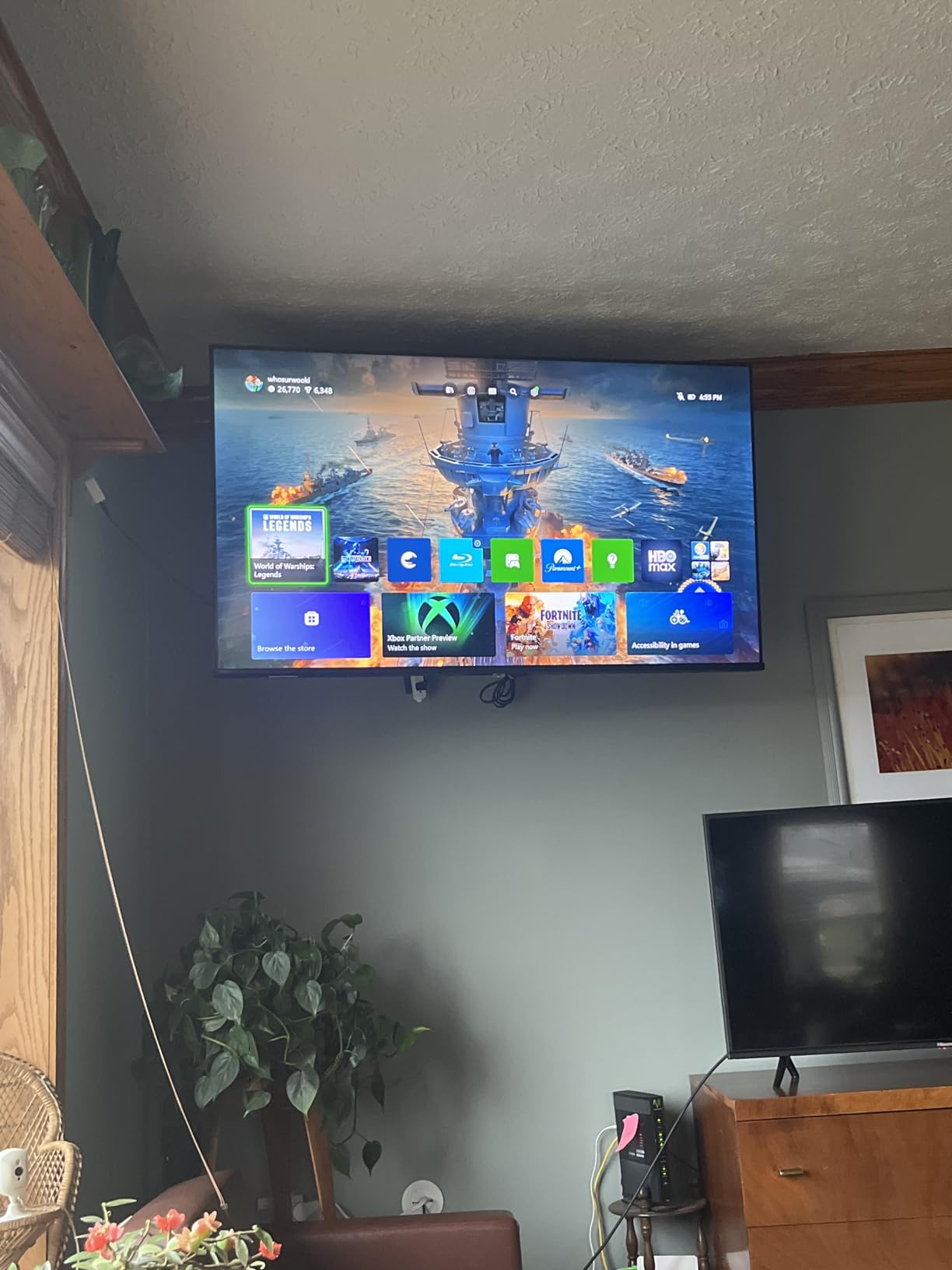
AI Smooth Motion with MEMC does a solid job of reducing motion blur during fast camera pans in games and sports broadcasts. Game Mode Plus provides ALLM, so the TV automatically drops into its lowest latency mode when you fire up your console. The Fire TV interface gives you access to all major streaming apps, though some users report sluggish performance when rapidly switching between apps.
At just 14.9 pounds, this is one of the lightest TVs in its class. The 178-degree viewing angle means colors stay consistent even when you are not sitting dead center, which is great for couch co-op sessions with friends. The remote supports Press and Ask Alexa for hands-free voice control.
Who Should Buy This TV
This Hisense E6 is a strong pick for gamers who want QLED-level color quality on a tight budget. If you play a mix of games and watch a lot of movies and shows, the comprehensive HDR format support and Filmmaker Mode make it a versatile all-rounder. It works well for smaller rooms where 43 inches is the right fit.
Who Should Skip This TV
If you find the Fire TV interface frustrating or you need 120Hz+ for competitive multiplayer, look elsewhere. The 60Hz panel and occasional app sluggishness mean this is better suited for casual gamers who value picture quality over peak gaming performance. Users who want a seamless setup experience may also find the Amazon account linking process annoying.
3. Samsung 43-Inch Q7F QLED – Best Samsung Gaming TV for Small Spaces

- Over a billion QLED colors with Quantum HDR
- Samsung Gaming Hub for console and cloud gaming
- Tizen OS is smooth and responsive
- Solar-powered remote included
- Samsung Knox security built in
- No Dolby Vision support only HDR10+
- No optical audio output for older soundbars
- Bluetooth audio can be unreliable
Samsung’s Q7F brings the brand’s QLED expertise to a compact 43-inch size that fits perfectly in a bedroom or apartment gaming setup. The Quantum HDR panel produces excellent contrast, and the Q4 AI Gen1 Processor handles upscaling and color optimization in real time. Games looked sharp and colorful from the moment I turned it on.
The Samsung Gaming Hub is a standout feature. It organizes all your gaming inputs, including console connections and cloud gaming services like Xbox Cloud Gaming, in one place. You can jump between a PS5 game and a cloud stream without fiddling with input settings. Tizen OS runs smoothly, and the solar-powered remote is a nice touch that eliminates battery waste.
With 1000 nits peak brightness, this TV handles well-lit rooms better than most at this price. Object Tracking Sound Lite provides directional audio that follows on-screen action, adding a layer of immersion to games. Samsung Knox security gives you triple-layer data protection, which is reassuring if you use smart TV features for shopping or browsing.
The main drawback for gamers is the lack of Dolby Vision. Samsung only supports HDR10+, which means you miss out on the dynamic metadata that Dolby Vision provides in supported games and movies. The 60Hz refresh rate is also a limitation for fast-paced gaming. Additionally, there is no optical audio output, so connecting older soundbars requires an HDMI eARC connection.
Who Should Buy This TV
Samsung fans who want a premium-feeling 43-inch TV with excellent QLED color and a polished smart TV experience will love the Q7F. The Gaming Hub is convenient if you use cloud gaming services alongside a console. It is also a great fit for bright rooms thanks to the 1000-nit peak brightness.
Who Should Skip This TV
Xbox Series X owners who want Dolby Vision for gaming should consider an alternative since Samsung TVs do not support it. Competitive gamers who need 120Hz or higher should also pass. If you have an older soundbar that relies on optical audio, the lack of that output will be a problem.
4. Hisense 55-Inch U6 Mini-LED – Best 144Hz Gaming TV Under $400

- Native 144Hz with AMD FreeSync Premium
- Up to 600 local dimming zones for deep blacks
- Built-in subwoofer for impressive bass
- 2-year manufacturer warranty
- 144Hz Game Mode Pro with VRR 48-144Hz
- Fire TV has ads and bloatware
- Only 2 of 4 HDMI ports support 2.1 at 144Hz
- Headphone jack does not function
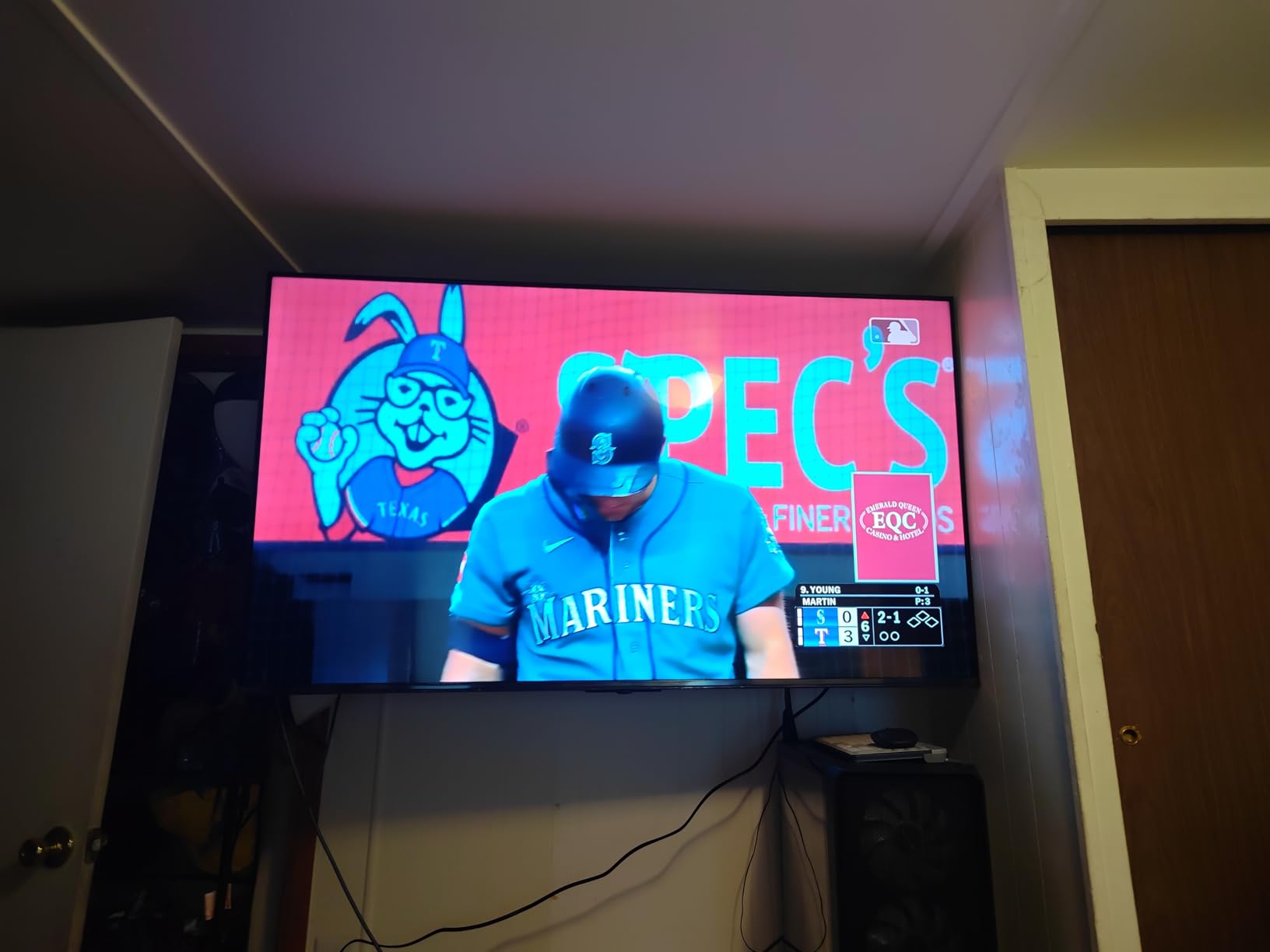
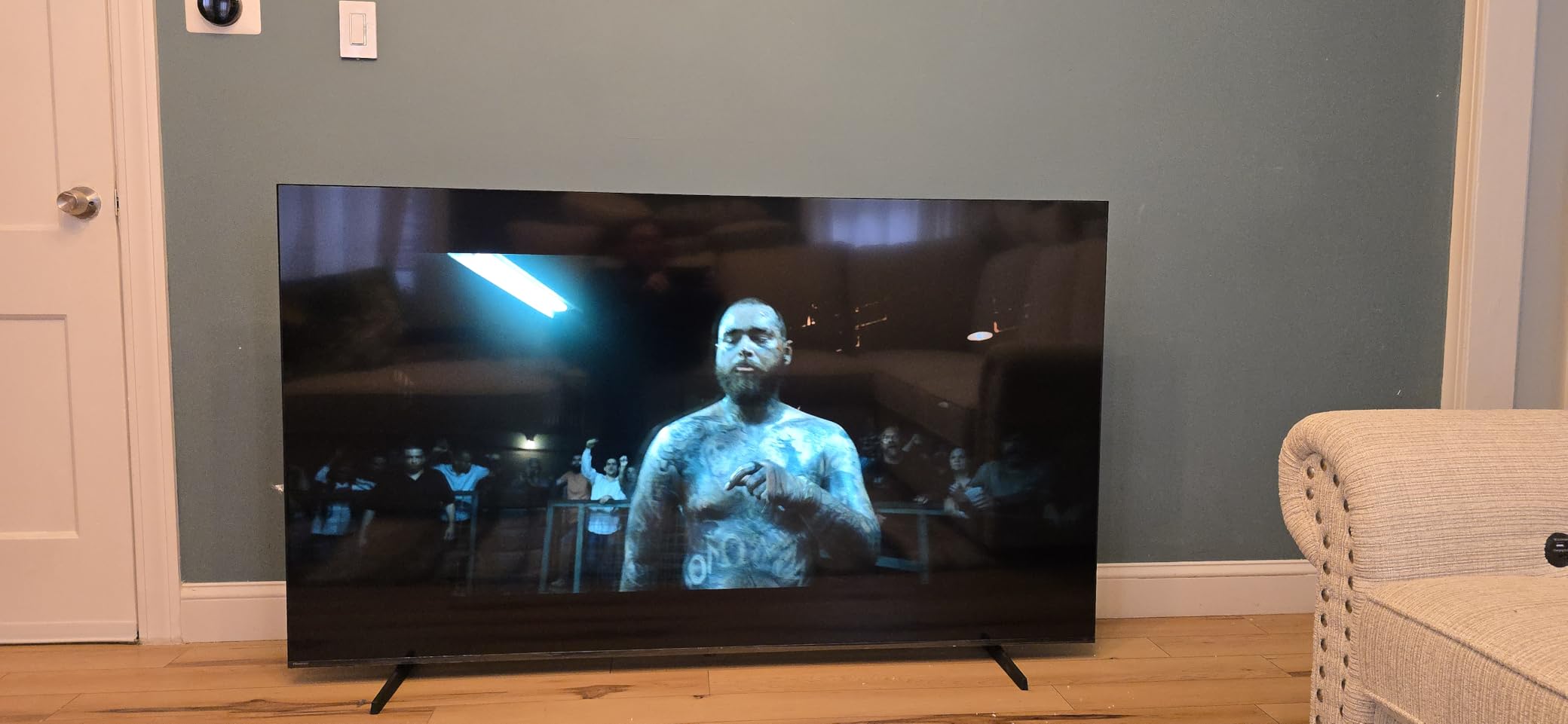
The Hisense U6 Mini-LED is where gaming performance takes a serious leap. This 55-inch panel runs at a native 144Hz with AMD FreeSync Premium, and the difference compared to 60Hz is immediately noticeable. Playing Gran Turismo 7 in performance mode felt buttery smooth, with no visible tearing or stuttering. The VRR range of 48Hz to 144Hz covers virtually every scenario.
The Mini-LED backlight with up to 600 local dimming zones produces contrast that rivals more expensive TVs. Dark scenes in games like Alan Wake 2 show deep blacks with minimal blooming around bright objects. The QLED quantum dot layer adds vibrant, accurate colors that cover a wide color gamut. Peak brightness hits up to 1000 nits, making HDR highlights really pop.
One feature I did not expect to appreciate this much is the built-in subwoofer. The 2.1 channel system with 40 watts total output delivers bass that you can actually feel during explosions and engine rumbles. It is not a replacement for a full soundbar system, but for a TV at this price, the audio is surprisingly capable. The 2-year warranty is also longer than most competitors offer.
The Fire TV interface is the main downside. It comes with ads and bloatware, and some users report it feels sluggish compared to Google TV or Tizen. Also important: only two of the four HDMI ports support HDMI 2.1 at full 144Hz bandwidth. Make sure you plug your console into the correct ports to get the full gaming experience. The default picture settings are also poor, so spending 10 minutes calibrating makes a big difference.
Who Should Buy This TV
Console gamers who want 144Hz performance, excellent Mini-LED contrast, and strong HDR without spending $500 or more will find the Hisense U6 hard to beat. The built-in subwoofer is a bonus for gamers who do not want to buy external speakers right away. The 2-year warranty adds peace of mind.
Who Should Skip This TV
If you dislike the Fire TV interface and its ads, this may frustrate you. Gamers who plan to connect multiple HDMI 2.1 devices should note that only two ports support full bandwidth. Also, the non-functional headphone jack is a baffling omission that might matter if you game late at night and need wired headphones.
5. TCL 55-Inch T7 QLED – Best 120Hz QLED Gaming TV for the Money

- Excellent QLED picture quality with vivid colors
- 120Hz panel with Motion Rate 480 and MEMC
- Google TV is fast and responsive
- Easy setup with Google Home app
- Works with Alexa Google Assistant and Apple HomeKit
- Slight glare in bright rooms
- Requires internet during setup
- Game Mode must be manually enabled for PC gaming
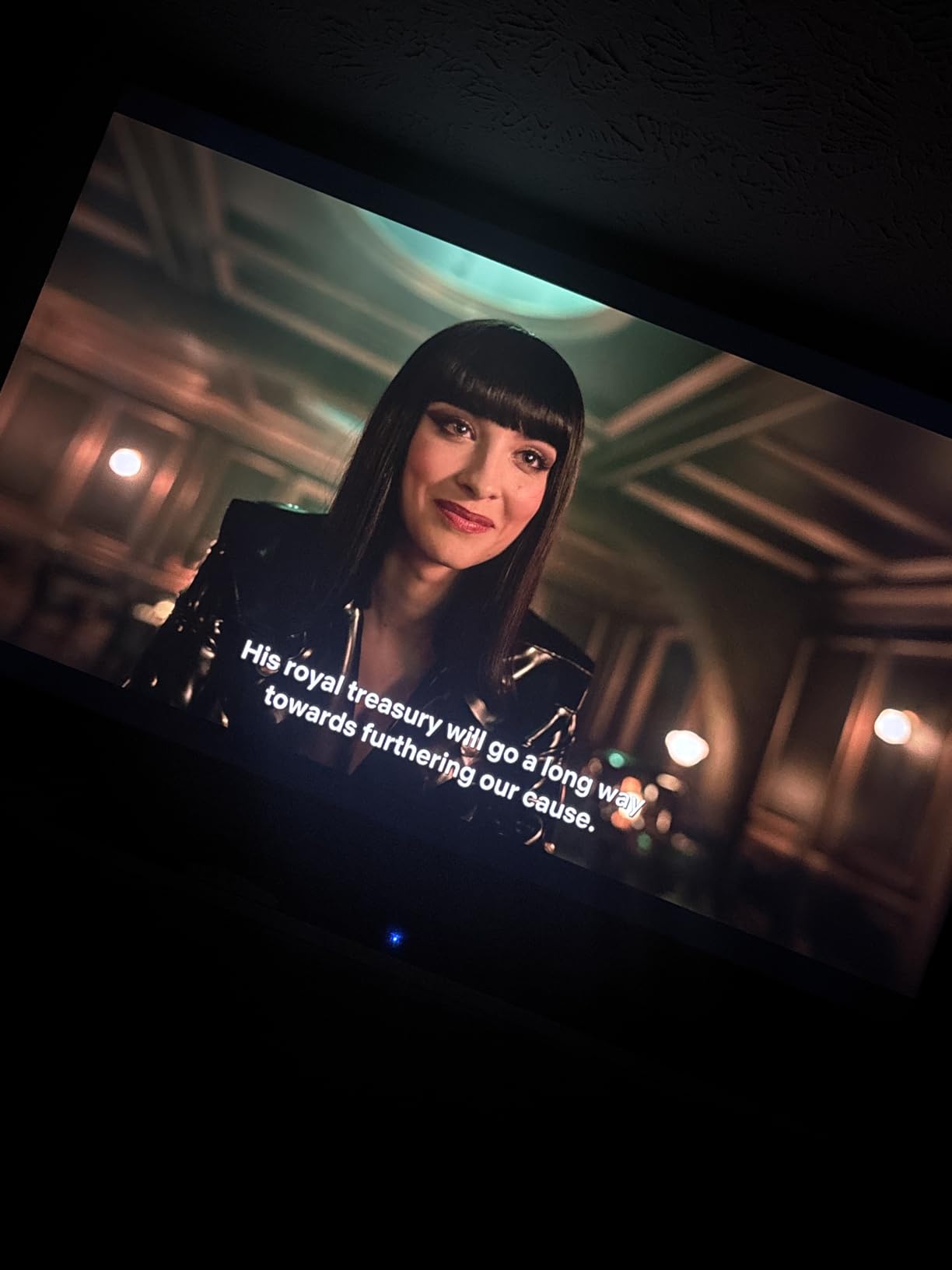
The TCL T7 is one of those TVs that punches well above its weight. The QLED panel produces colors that are rich and vibrant, covering nearly the entire DCI-P3 color space. I played through several HDR-enabled titles and was impressed by how well the TV handled bright highlights without washing out shadow detail. For a TV at this price, the picture quality is genuinely impressive.
The 120Hz native refresh rate combined with Motion Rate 480 and MEMC frame insertion makes motion incredibly smooth. Whether you are playing fast-paced sports games or watching action sequences, blur is minimal. The TCL AIPQ Pro Processor intelligently adjusts color, contrast, and clarity in real time, and the results are visible in both games and standard content.
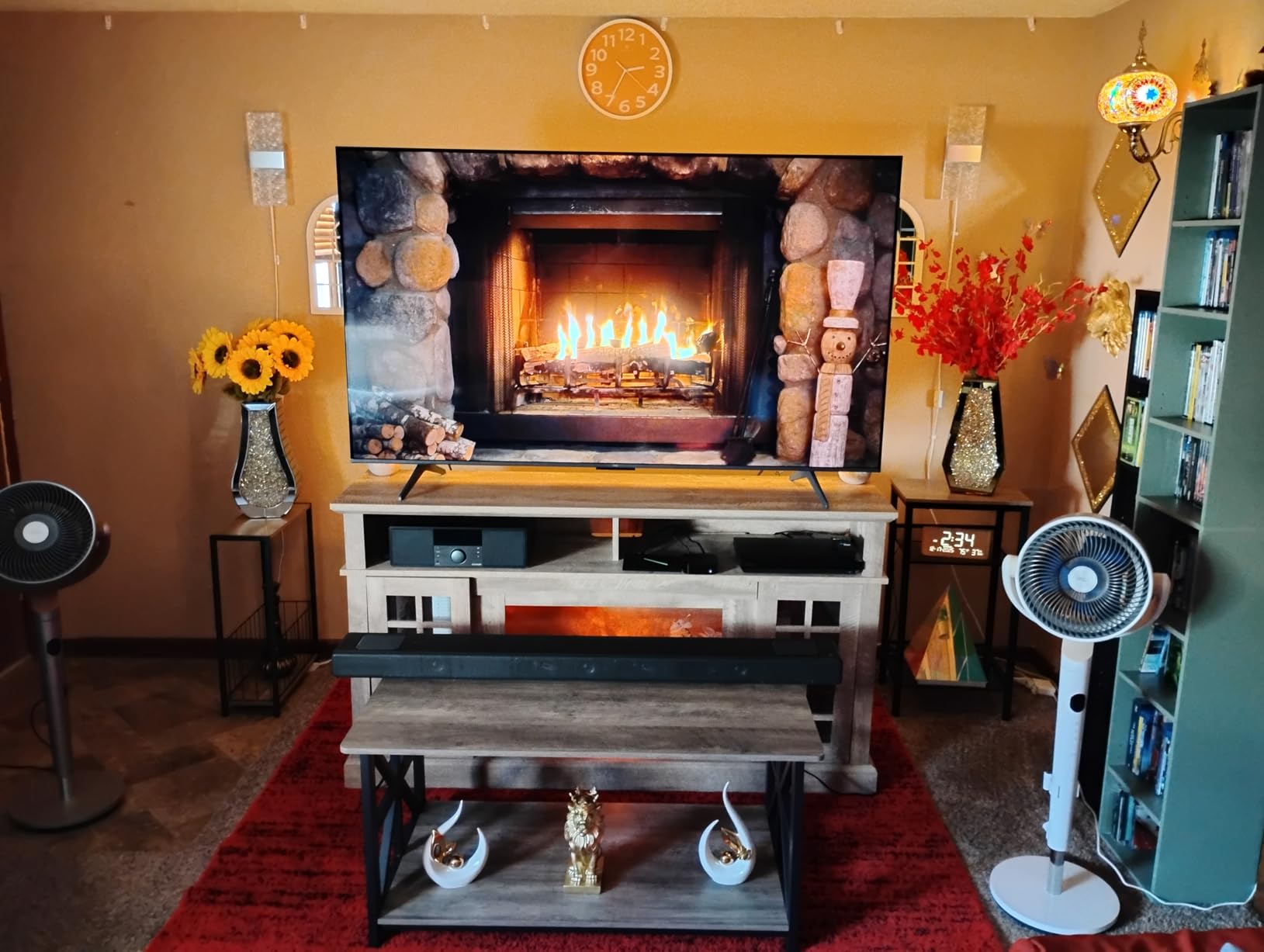
Google TV is the standout smart platform here. It is faster and more intuitive than Fire TV, with a clean interface that aggregates content from all your streaming services. Setup was a breeze using the Google Home app, and the TV works with Alexa, Google Assistant, and Apple HomeKit, giving you flexibility no matter which ecosystem you prefer. Built-in Chromecast and AirPlay 2 are convenient bonuses.
The main issue is glare. The glossy screen finish reflects light in bright rooms, which can be distracting during daytime gaming sessions. You will also need an internet connection during initial setup, and PC gamers should note that Game Mode needs to be manually enabled for optimal performance. The bezel-less design looks sleek but the glossy finish is a tradeoff.
Who Should Buy This TV
Gamers who want a smooth 120Hz experience with QLED color accuracy and the excellent Google TV interface will love the TCL T7. It is a fantastic all-rounder for mixed use, equally good for gaming, streaming, and live TV. If you value smart platform speed and multi-assistant compatibility, this is a top pick.
Who Should Skip This TV
If your gaming room gets a lot of sunlight, the glossy screen may cause distracting reflections. PC gamers who want automatic low-latency switching should also be aware that Game Mode requires manual activation. If you need 144Hz for competitive gaming, consider the Hisense U6 or TCL QM6K instead.
6. iFFALCON 55-Inch MiniLED – Best HDMI 2.1 Gaming TV Under $500

- 4 HDMI 2.1 ports for multiple consoles
- 144Hz VRR up to 288Hz
- 50W audio with Dolby Atmos and DTS Virtual X
- IMAX Enhanced certification
- PS5 and Xbox ready
- Some users reported defective units
- Customer support can be difficult to reach
- VA panel has limited viewing angles
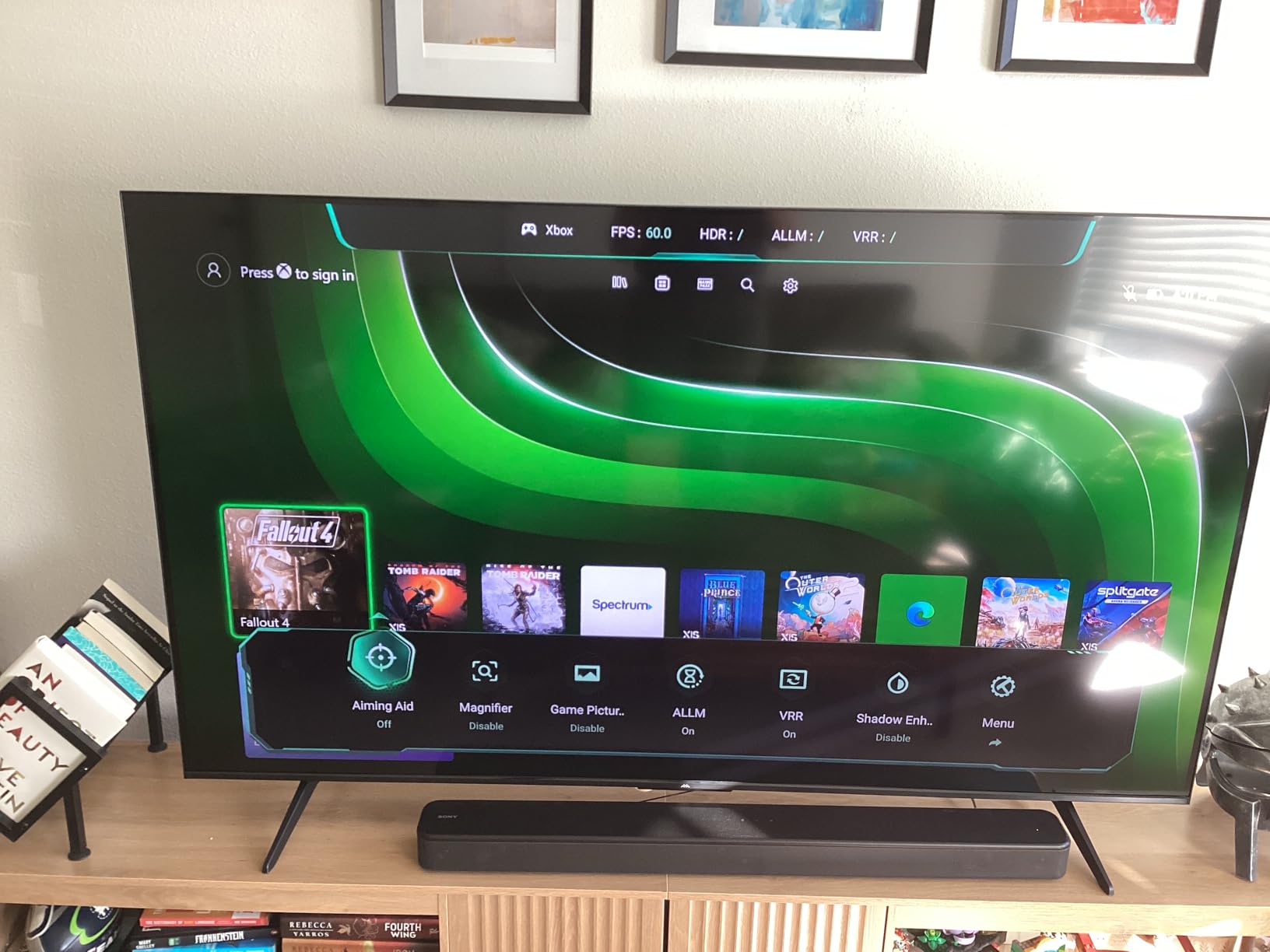
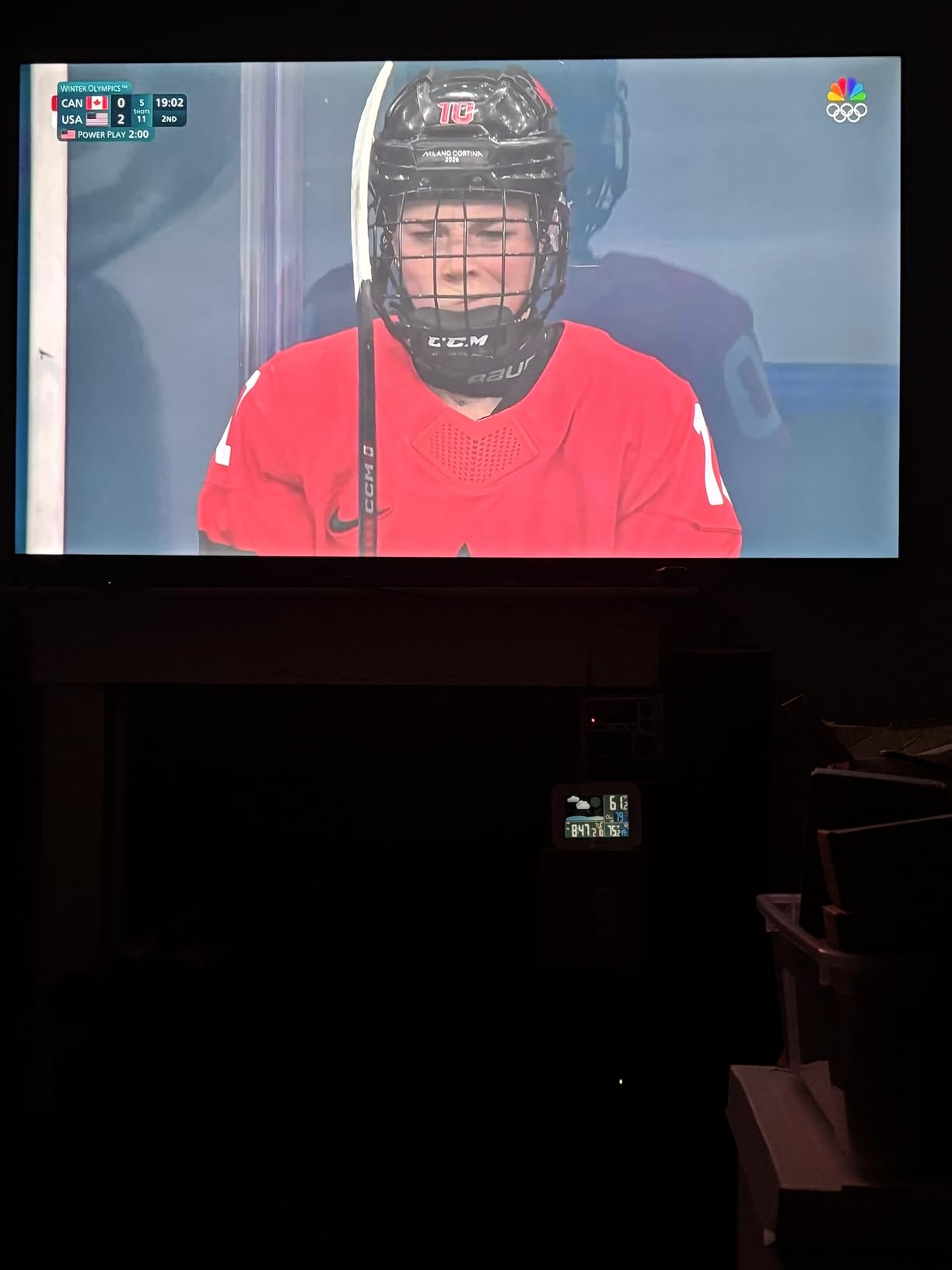
The iFFALCON 55U85 is built specifically for gamers, and it shows. Having four full HDMI 2.1 ports means you can connect a PS5, Xbox Series X, gaming PC, and a streaming device all at 4K 120Hz+ without swapping cables. That alone sets it apart from most TVs at this price, which typically reserve full-bandwidth HDMI 2.1 for only one or two ports.
The 144Hz Mini-LED panel delivers excellent picture quality with a 6000:1 contrast ratio and 1000-nit peak brightness. Colors are vibrant and HDR content looks striking, with Dolby Vision Gaming support that adjusts HDR dynamically on a frame-by-frame basis. The VRR range goes up to an impressive 288Hz at lower resolutions, making this TV surprisingly capable for PC gamers who play at 1080p or 1440p.
The 50W audio system with Dolby Atmos and DTS Virtual:X is among the best built-in sound I have heard on a TV at this price. Bass has actual depth, and spatial audio cues in games help with directional awareness. The Google TV interface runs smoothly, and the IMAX Enhanced certification means movies look appropriately cinematic when you are not gaming.
Build quality and customer support are the main concerns. Some users have reported receiving defective units with white screen issues, and getting support from iFFALCON can be challenging. The VA panel also means viewing angles are limited, so colors shift if you are sitting off to the side. For a couch directly in front of the TV, this is not an issue, but it matters for wide seating arrangements.
Who Should Buy This TV
Multi-console gamers who need four HDMI 2.1 ports will find the iFFALCON 55U85 ideal. PC gamers who want high refresh rates at lower resolutions will also benefit from the 288Hz VRR support. If you want strong built-in audio and Dolby Vision Gaming without adding external speakers, this TV delivers.
Who Should Skip This TV
If you want the reassurance of a major brand’s customer support network, iFFALCON is a subsidiary of TCL but has less established service infrastructure. Gamers with wide seating arrangements should also consider an IPS or OLED panel instead, as the VA panel’s viewing angles are limited. If you have had bad luck with lesser-known brands, you may prefer the TCL QM6K for similar specs with stronger brand backing.
7. TCL 55-Inch QM6K Mini LED QLED – Best Value Gaming TV Overall
- Outstanding picture quality for the price
- 144Hz with Mini-LED and QLED color
- Onkyo 2.1 speaker system with subwoofer
- Motion-activated backlit remote
- 1
- 592+ reviews with 4.4-star rating
- Stand base could be more stable
- Sound benefits from external audio
- Minor streaming app issues reported
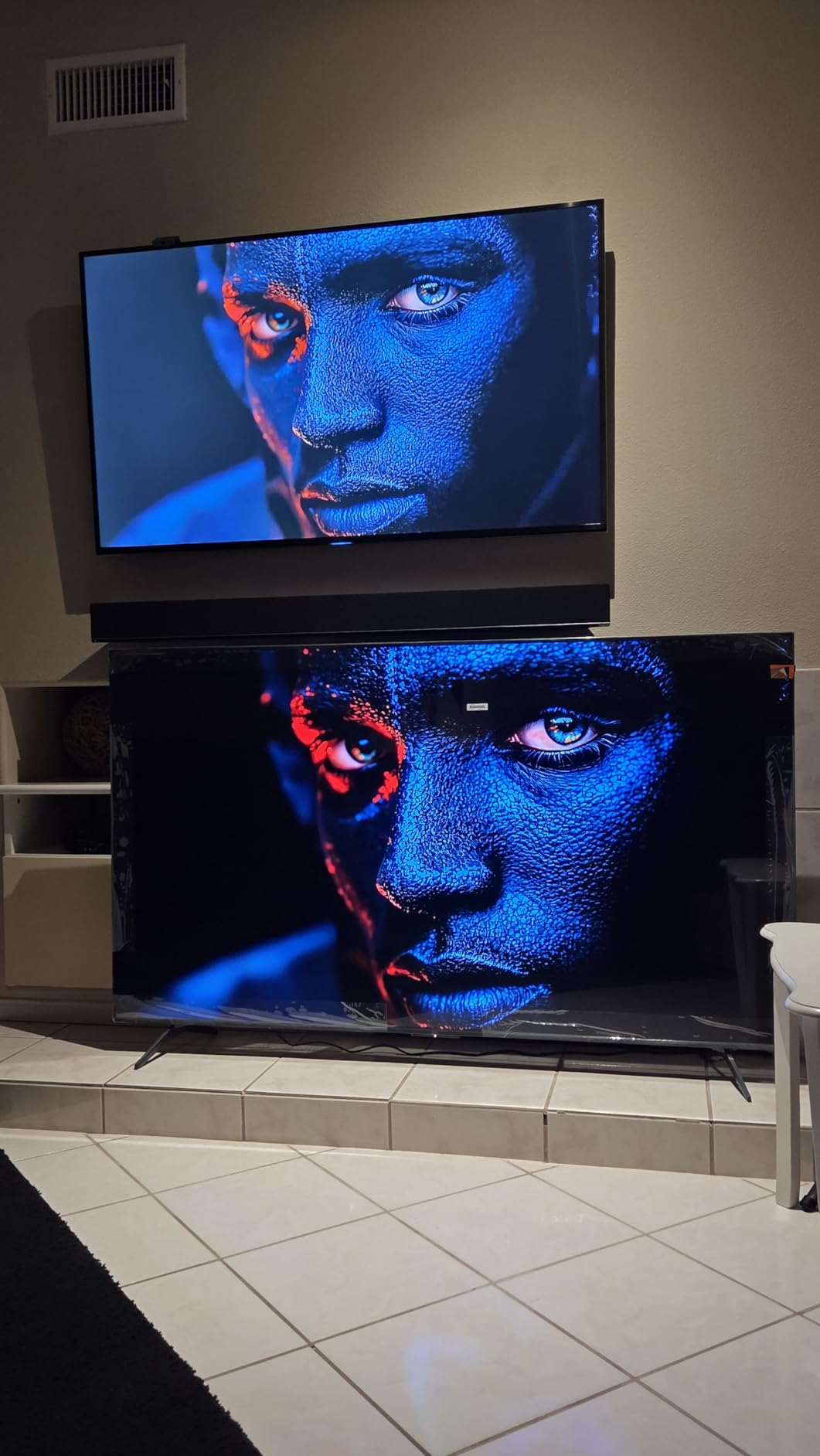
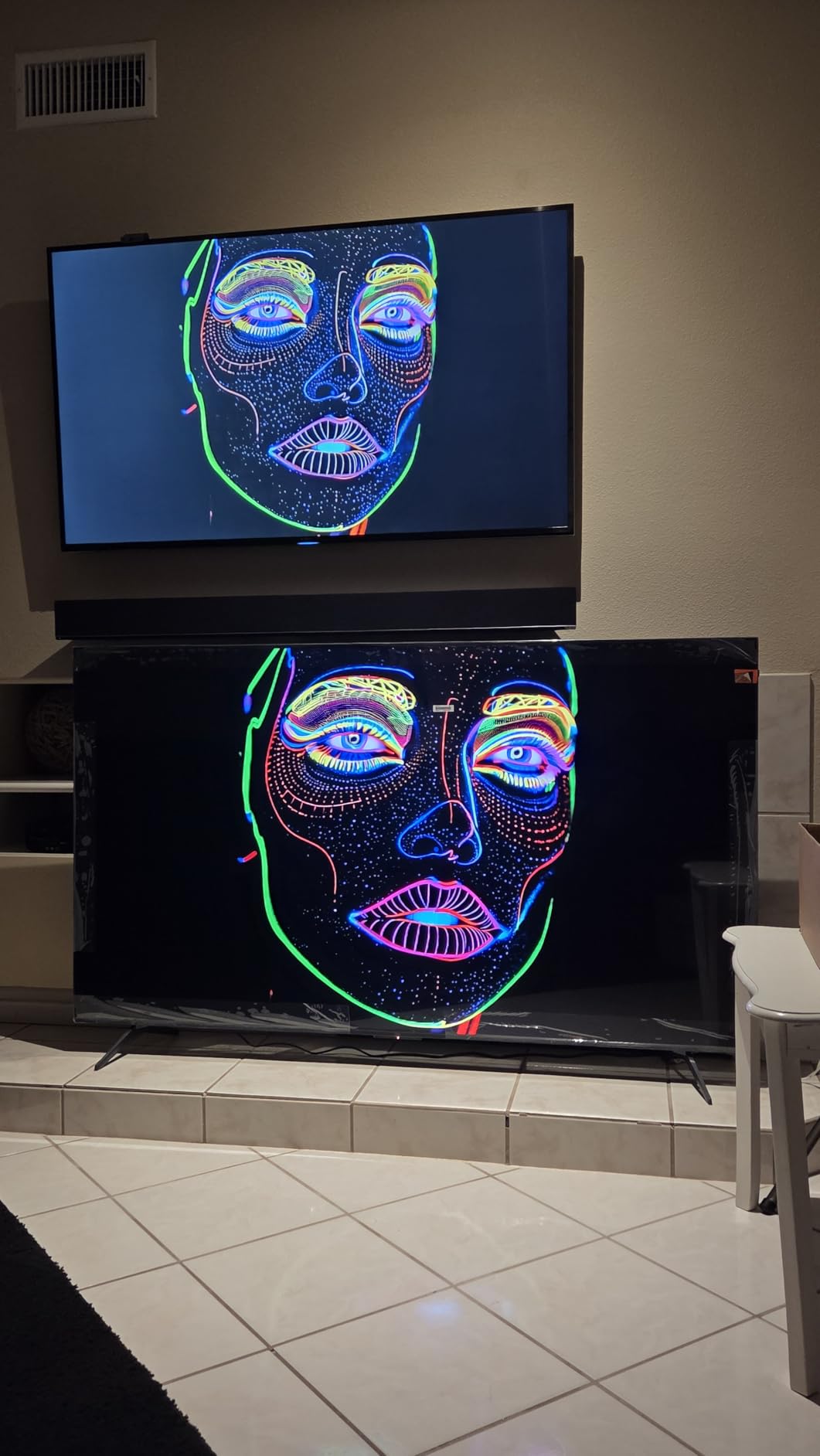
The TCL QM6K is the sweet spot where gaming performance, picture quality, and price all align. The Mini-LED backlight with Full Array Local Dimming combined with QLED quantum dot color technology produces a picture that rivals TVs costing significantly more. I compared it side-by-side with more expensive Samsung models and the difference was far smaller than the price gap would suggest.
At 144Hz native with Motion Rate 480, motion handling is excellent. The TCL Halo Control System manages local dimming precisely, producing deep blacks without excessive blooming. Games with dark scenes, like Resident Evil 4, looked fantastic with HDR enabled. The TV supports Dolby Vision, HDR10+, HDR10, and HLG, giving you the best possible HDR experience regardless of the format your console uses.
The Onkyo 2.1 speaker system with a built-in subwoofer is a real upgrade over standard TV audio. You get actual bass response during explosions and engine sounds, which adds immersion without requiring an external soundbar. The motion-activated backlit remote is a thoughtful touch for dark room gaming, lighting up when you pick it up so you can find the right buttons.
Google TV runs smoothly and provides a clean, fast interface for switching between games and streaming apps. AirPlay 2 and Chromecast are built in, making it easy to cast content from your phone. The main weakness is the stand base, which some users feel could be more stable for a 55-inch panel. Sound quality is good for built-in speakers but benefits from external audio if you want the full experience.
Who Should Buy This TV
This is the best gaming TV for most people. If you want 144Hz Mini-LED performance with QLED color accuracy, excellent HDR support, and solid built-in audio at a mid-range price, the TCL QM6K delivers on all fronts. It is equally suited for PS5, Xbox Series X, and PC gaming. Reddit users consistently recommend this as one of the best value gaming TVs available.
Who Should Skip This TV
If you want an OLED panel with perfect blacks and infinite contrast, you will need to spend more for the LG C4 or C5. The stand stability could be an issue if you have kids or pets that might bump the TV. Also, if you strongly prefer Fire TV or Tizen over Google TV, the platform difference may not suit your preferences.
8. Hisense 75-Inch QD7 Mini-LED – Best Large-Screen Gaming TV on a Budget

Hisense 75″ QD7 Mini-LED 4K Smart Fire TV – QLED, 144Hz, HDR10+, Dolby Vision/Atmos, Game Mode Pro, Alexa Built-in (75QD7QF)
- Massive 75-inch screen at an affordable price
- 144Hz with AMD FreeSync Premium
- Mini-LED with Full Array Local Dimming
- QLED quantum dot color
- AI 4K Upscaler for non-4K content
- Only 600 nits peak brightness
- Sound quality modest without external audio
- Fire TV interface not preferred by all users
If you want to go big without going broke, the Hisense QD7 delivers a 75-inch gaming experience at a price that seems too good to be true. I set this up in a medium-sized living room and the screen filled the space beautifully. Sitting eight feet back, 4K gaming on a panel this size is genuinely immersive in a way that smaller TVs simply cannot match.
The 144Hz panel with AMD FreeSync Premium keeps gameplay smooth and tear-free. Mini-LED with Full Array Local Dimming provides good contrast for dark scenes, though it cannot match OLED-level blacks. The QLED quantum dot layer adds vibrant color that makes game worlds look rich and alive. The AI 4K Upscaler also does a solid job with 1080p content from older consoles or streaming sources.
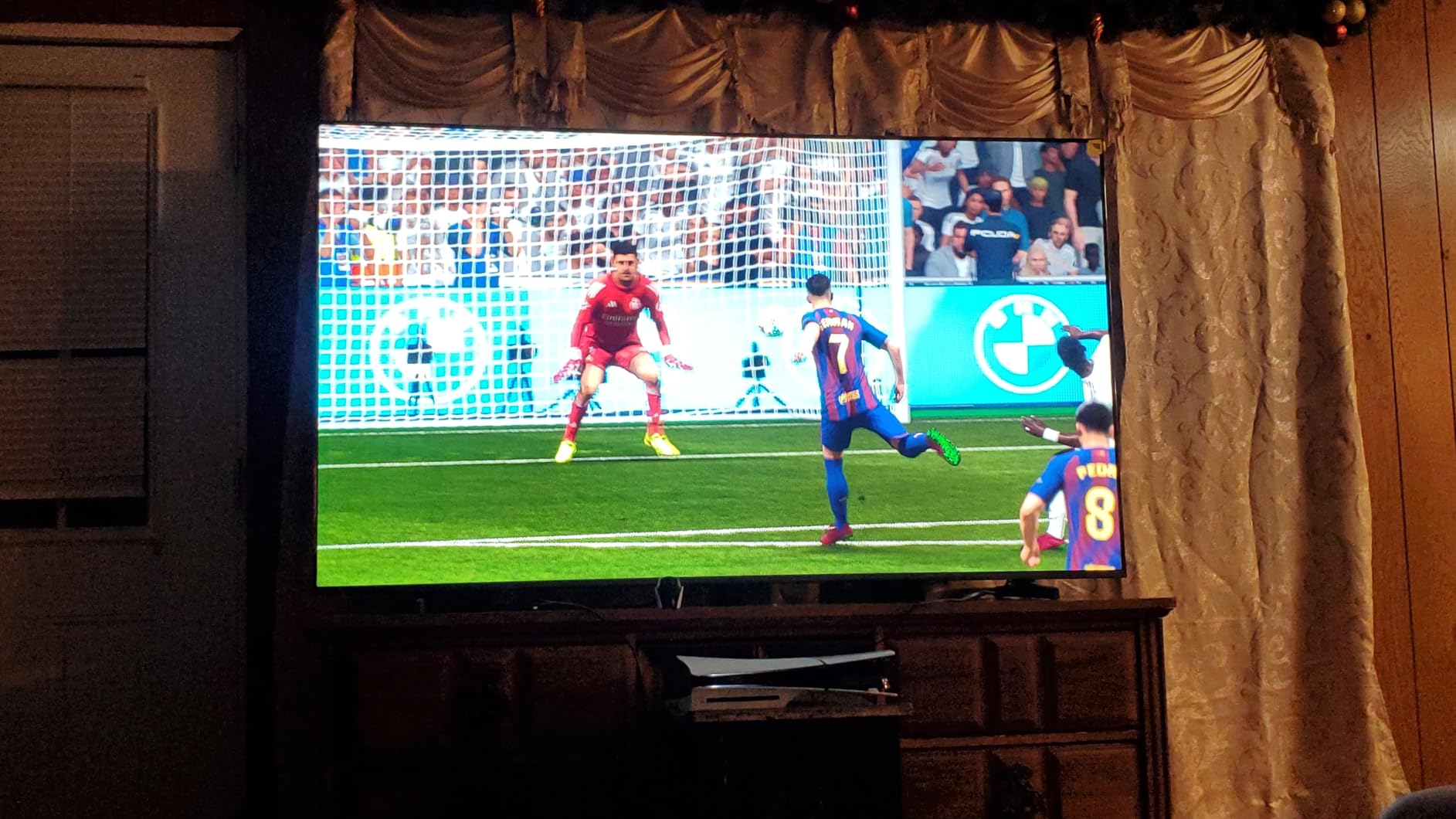
The Game Mode Pro activates ALLM and VRR when it detects a gaming signal, so the TV automatically optimizes itself for low latency. Motion handling at 144Hz with MEMC is smooth, making fast-paced games and sports equally enjoyable. Fire TV gives you access to all streaming apps, and the Alexa integration makes voice control straightforward.
The main compromise is brightness. At 600 nits peak, this TV is not as bright as competitors that hit 1000 nits or more. In a dark or moderately lit room, this is fine, but in a very bright living room with lots of windows, HDR highlights will not pop as dramatically. The built-in speakers are also modest for such a large screen, so a soundbar is recommended for the full experience.

Who Should Buy This TV
Gamers who want the immersion of a 75-inch screen at a reasonable price will find the Hisense QD7 hard to resist. It is perfect for living room setups where you sit far enough back to appreciate the extra screen real estate. If you primarily game in a dark or dim room, the 600-nit brightness is not a problem, and the 144Hz performance delivers smooth gameplay.
Who Should Skip This TV
If your gaming room gets a lot of direct sunlight, the 600-nit peak brightness may not be sufficient for a great HDR experience. Audiophiles will want to budget for a soundbar since the built-in speakers do not match the screen’s visual capabilities. If you dislike the Fire TV interface, consider a Google TV alternative like the TCL QM6K in a smaller size.
9. VIZIO 50-Inch Quantum Pro – Best 240Hz Gaming TV at 1080p

- 240Hz at 1080p for competitive PC gaming
- 1000 nits peak brightness with Active Full Array
- AMD FreeSync Premium Pro certified
- WiFi 6E for rock-solid streaming
- Apple AirPlay and Chromecast built-in
- HDR local dimming has calibration issues
- Remote control design is not ideal
- Built-in speakers are modest
The VIZIO Quantum Pro fills a unique niche: it gives PC gamers a large-screen 240Hz experience at 1080p while also supporting full 4K at 120Hz for console gaming. If you play competitive shooters on PC and want the responsiveness of 240Hz on a big screen rather than a monitor, this is one of the few TVs that delivers. The AMD FreeSync Premium Pro certification ensures smooth, tear-free gameplay across a wide range of frame rates.
At 1000 nits peak brightness with an Active Full Array backlight and local dimming, HDR content looks impressive when properly calibrated. Quantum Color QLED technology produces over a billion colors, and games with wide color palettes benefit from the accurate reproduction. WiFi 6E support means streaming and online gaming connections are rock-solid, even in crowded wireless environments.
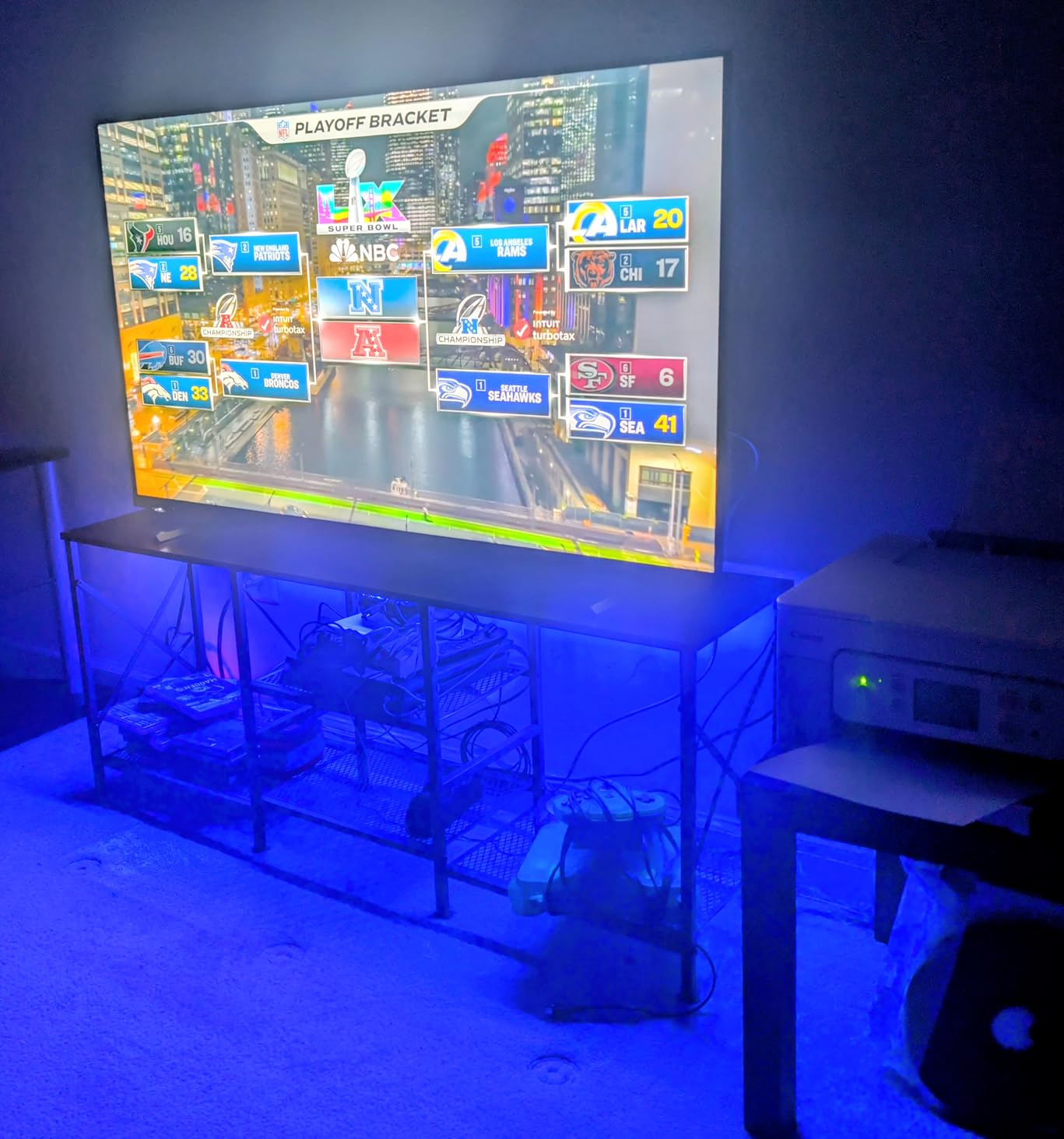
The VIZIO OS is straightforward if not as feature-rich as Google TV or webOS. You get Apple AirPlay and Chromecast built-in, making it easy to cast from any device. The TV is highly adjustable, with detailed picture settings that let you fine-tune the image to your preference. For gamers who like to tweak settings, this level of control is welcome.
The main issue is that the HDR local dimming feature has software calibration problems. Many users report that disabling local dimming actually produces a better picture than having it enabled. The remote control design is also not great, and the built-in speakers are modest at best. This is a 2023 model, so it lacks some of the 2025 processor upgrades found in newer TVs.
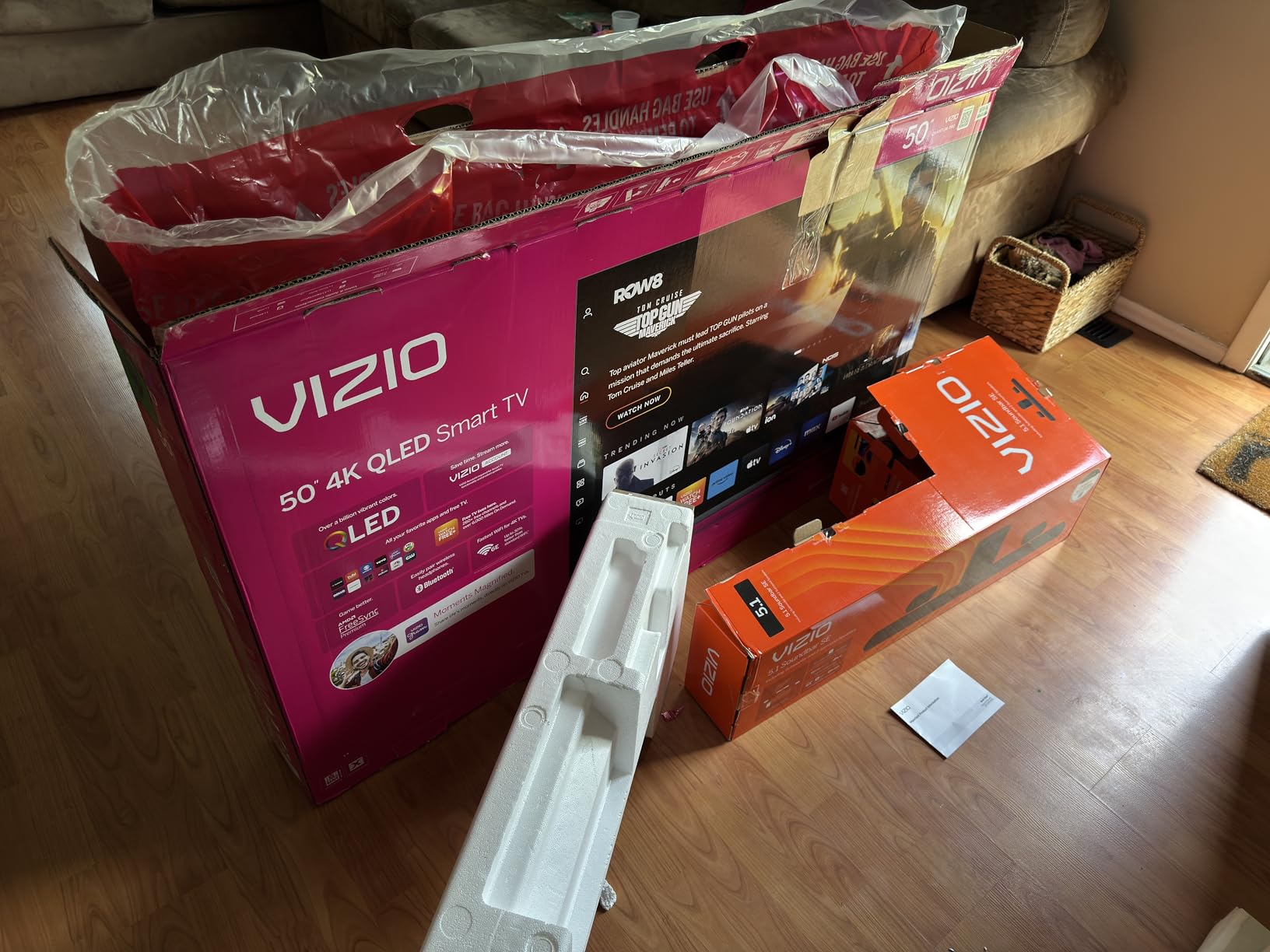
Who Should Buy This TV
PC gamers who want to play competitive titles at 240Hz on a 50-inch screen will find the VIZIO Quantum Pro uniquely appealing. The combination of 4K 120Hz for console gaming and 1080p 240Hz for PC gaming covers both use cases. WiFi 6E support is a bonus if you have a compatible router and want the fastest possible wireless connection.
Who Should Skip This TV
If you want the latest 2025 processing technology or a polished smart TV experience, this 2023 model shows its age. Users who expect flawless HDR local dimming out of the box may be disappointed by the calibration issues. If you prioritize built-in audio quality, plan to add a soundbar regardless.
10. LG 42-Inch OLED evo C4 – Best Premium Compact Gaming TV

- Perfect black levels with self-lit OLED pixels
- 144Hz with G-Sync and FreeSync Premium
- 0.1ms response time
- Excellent as a PC monitor
- webOS with 5 years of updates
- Burn-in risk with static content
- Brightness lower than LED alternatives
- WebOS can be slow at times
The LG OLED evo C4 at 42 inches occupies a special place in the gaming TV landscape. It is small enough to use as a desktop monitor yet large enough for a living room. The self-lit OLED pixels deliver perfect black levels and infinite contrast, which means dark scenes in games look stunning with no gray wash or blooming. Playing Cyberpunk 2077 in HDR on this panel is a visual experience that LED TVs simply cannot match.
Gaming performance is top-tier. The 144Hz refresh rate combined with a 0.1ms response time means motion is incredibly crisp with no visible blur or ghosting. Both NVIDIA G-Sync and AMD FreeSync Premium are supported, so whether you are gaming on a PS5, Xbox, or PC with any GPU brand, you get tear-free, smooth gameplay. The a9 AI Processor Gen7 handles upscaling beautifully, making even 1080p content look sharp.
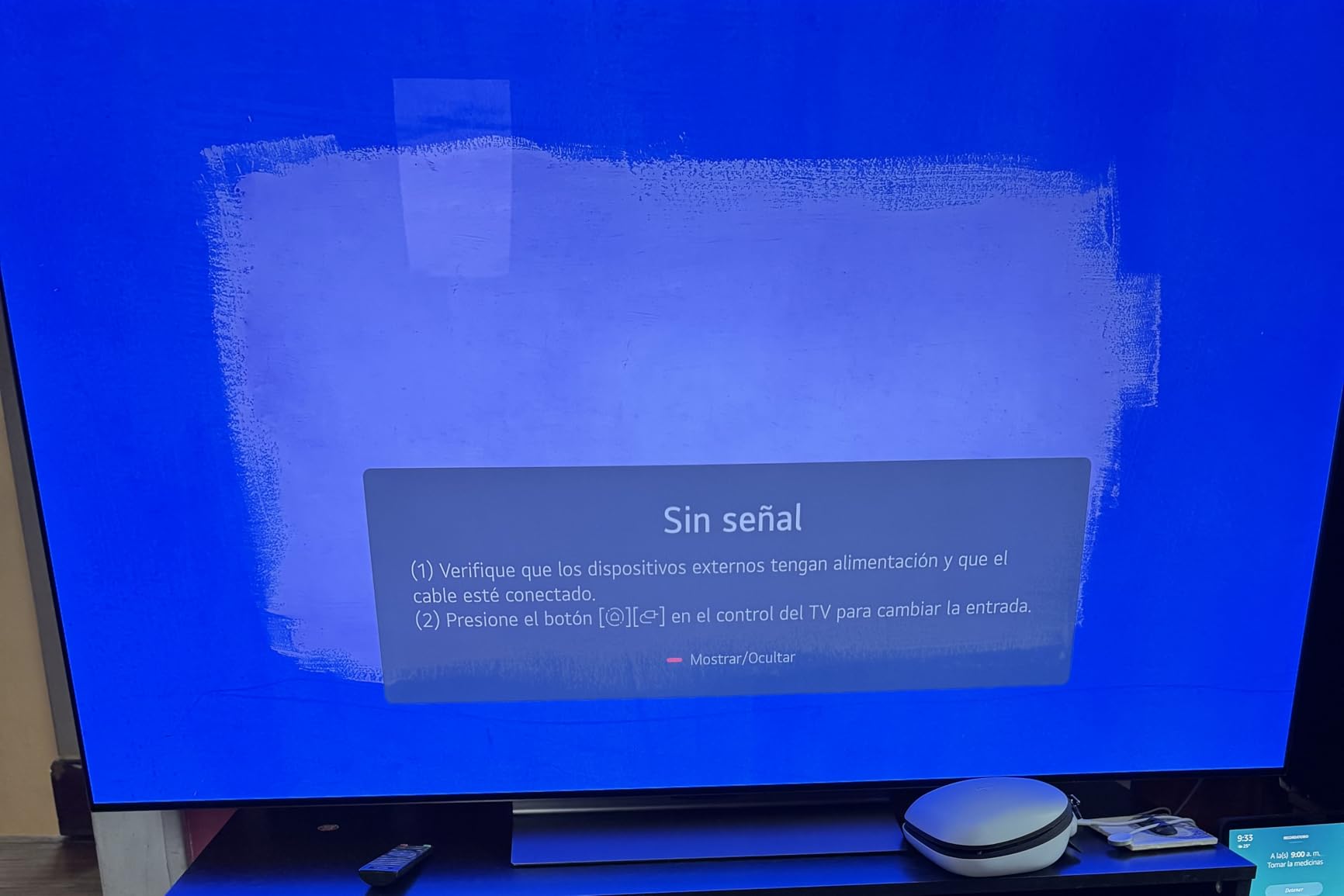
What makes this TV special is its versatility as a PC monitor. At 42 inches on a desk, it provides an immersive ultrawide-like experience with the benefit of 4K resolution. Text is sharp, colors are accurate, and the response time means there is no input lag penalty for using a TV instead of a monitor. WebOS provides access to all streaming apps, and LG guarantees 5 years of software updates through the webOS Re:New Program.
The elephant in the room with any OLED is burn-in. Static UI elements from games, like health bars and minimaps, can cause permanent image retention over thousands of hours of use. LG includes pixel-refresh and screen-shift features to mitigate this, but it is something to be aware of. The TV is also not as bright as Mini-LED alternatives, so daytime viewing in a sunlit room is not its strength.
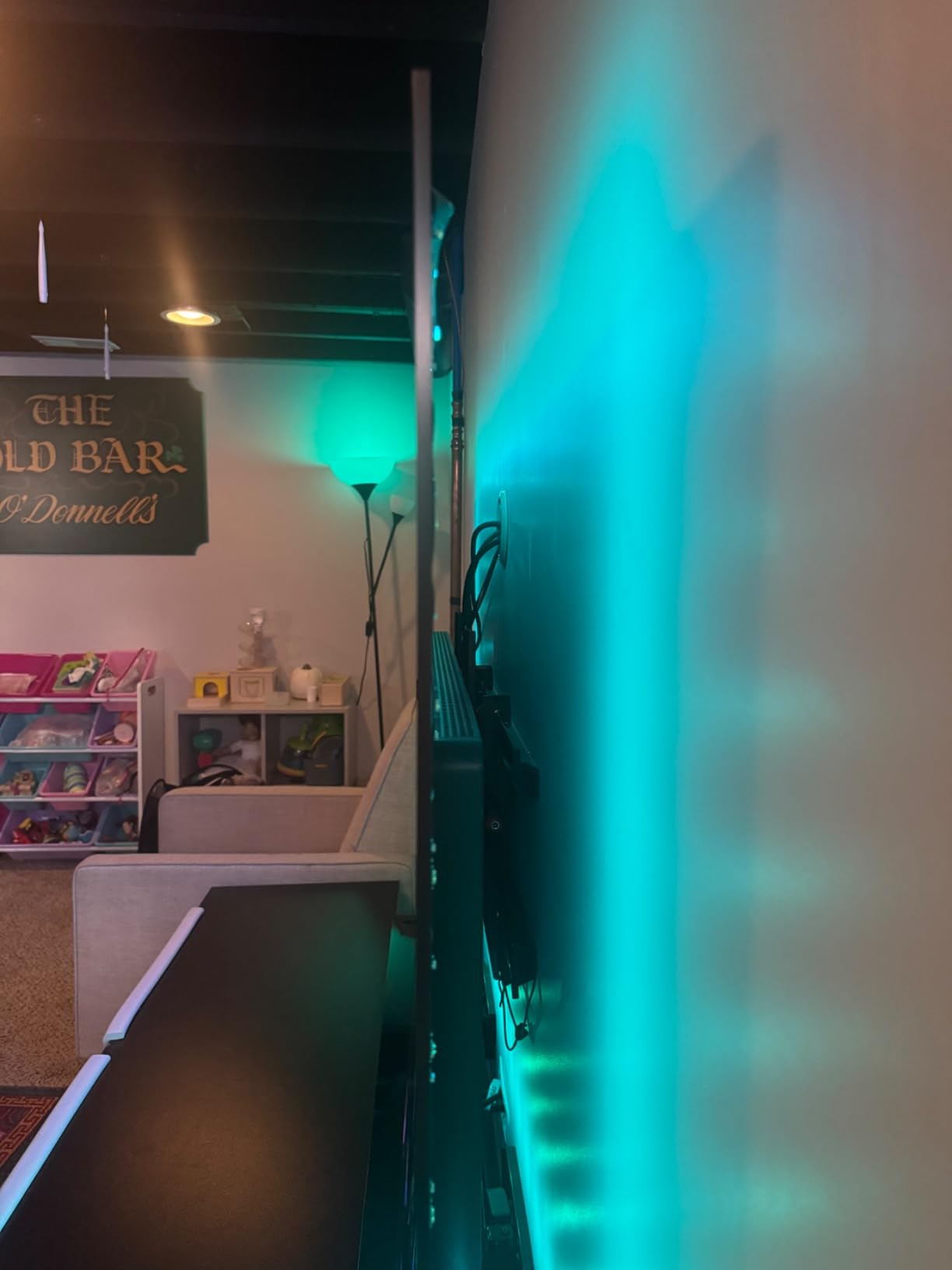
Who Should Buy This TV
Gamers who want OLED picture quality in a size that works as both a TV and a desktop monitor will find the LG C4 42-inch perfect. It is ideal for dedicated gaming rooms, bedrooms, or desk setups where you want premium picture quality without a massive screen. PC gamers who want an OLED experience without spending $1,000+ on an OLED monitor should strongly consider this.
Who Should Skip This TV
If you play the same game for thousands of hours with static HUD elements, burn-in risk is real and worth considering. The 42-inch size is too small for some living rooms. If your room gets very bright, the OLED brightness limitations will be noticeable compared to a Mini-LED alternative. The higher price compared to LED options may also be hard to justify if you are on a budget.
11. Sony BRAVIA 5 65-Inch Mini LED – Best Gaming TV for PS5 Owners

- Exclusive PS5 features like Auto HDR Tone Mapping
- XR Processor with AI-powered upscaling
- 65-inch Mini LED with XR Backlight Master Drive
- Anti-glare screen coating
- Studio calibrated picture modes for Netflix
- Only 2 of 4 HDMI ports are 2.1
- Remote can be confusing with custom symbols
- Optimal picture settings require some tweaking
If you game primarily on a PS5, the Sony BRAVIA 5 is built with you in mind. The exclusive PS5 features set it apart from every other TV on this list. Auto HDR Tone Mapping optimizes HDR output specifically for the PS5, and Auto Genre Picture Mode switches between game and cinema modes automatically. These are not gimmicks; they produce a noticeably better-tuned image when paired with a PlayStation console.
The Mini LED panel with XR Backlight Master Drive delivers precise brightness control and excellent contrast. The XR Triluminos Pro color engine accesses billions of accurate colors, and games that support wide color gamuts look spectacular. The AI-powered XR Processor handles upscaling in real time, making 1080p and 1440p content look cleaner than on most other TVs. The 120Hz refresh rate with XR Motion Clarity keeps fast action blur-free.
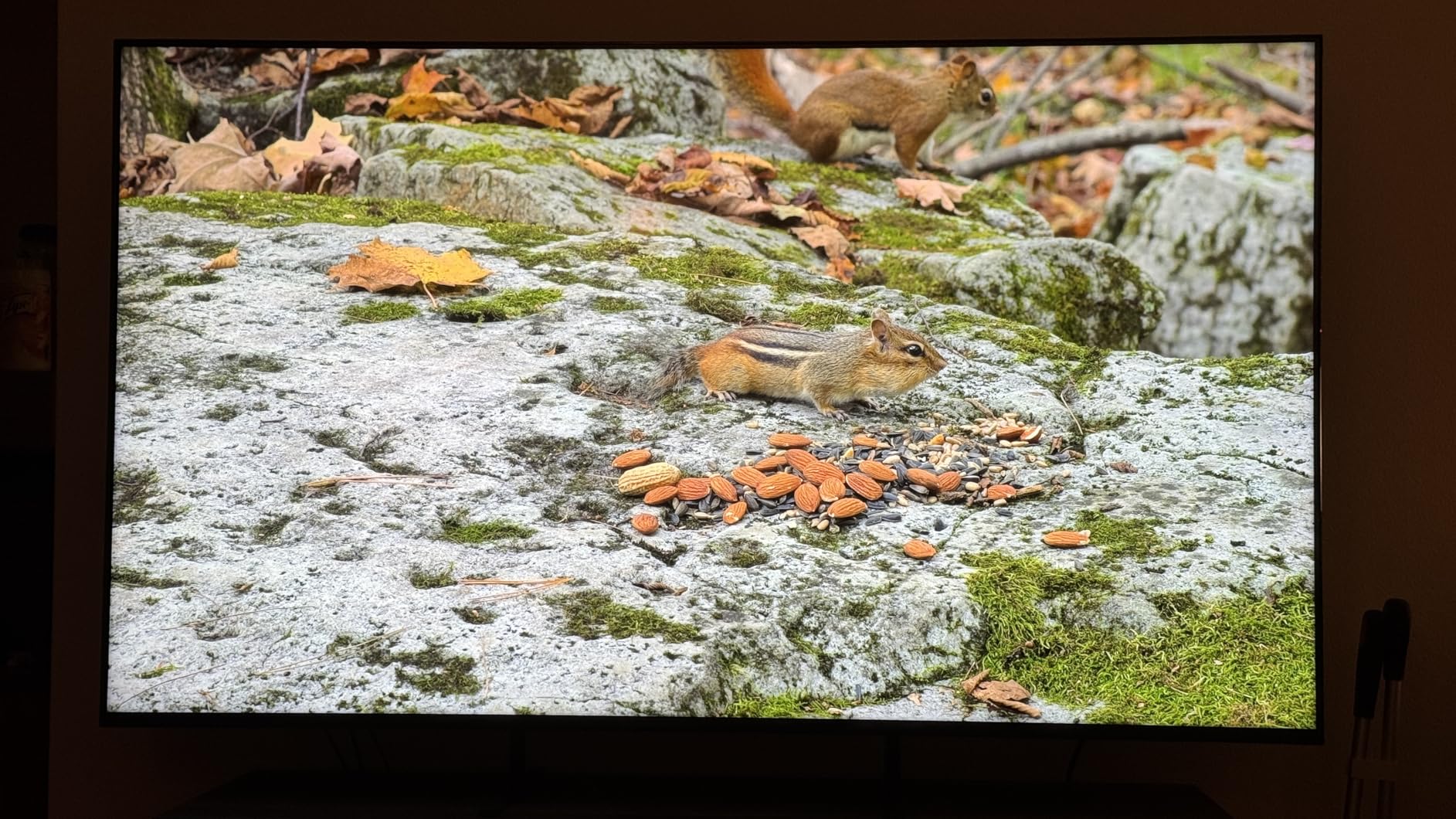
Google TV is smooth and intuitive, giving you access to all streaming apps in one place. The Sony Pictures CORE app comes with included movies, and studio-calibrated picture modes for Netflix and Prime Video ensure accurate color reproduction for cinematic content. Dolby Vision, Dolby Atmos, IMAX Enhanced, and DTS:X support covers every major HDR and audio format. The anti-glare screen coating is effective for reducing reflections in bright rooms.
The main drawback is that only two of the four HDMI ports are HDMI 2.1. If you have a PS5, Xbox Series X, and a gaming PC, you will need to choose which two get the full bandwidth treatment. The remote control uses custom symbols that can be confusing at first. Also, the out-of-the-box picture settings need adjustment to look their best, so plan to spend some time in the settings menu.
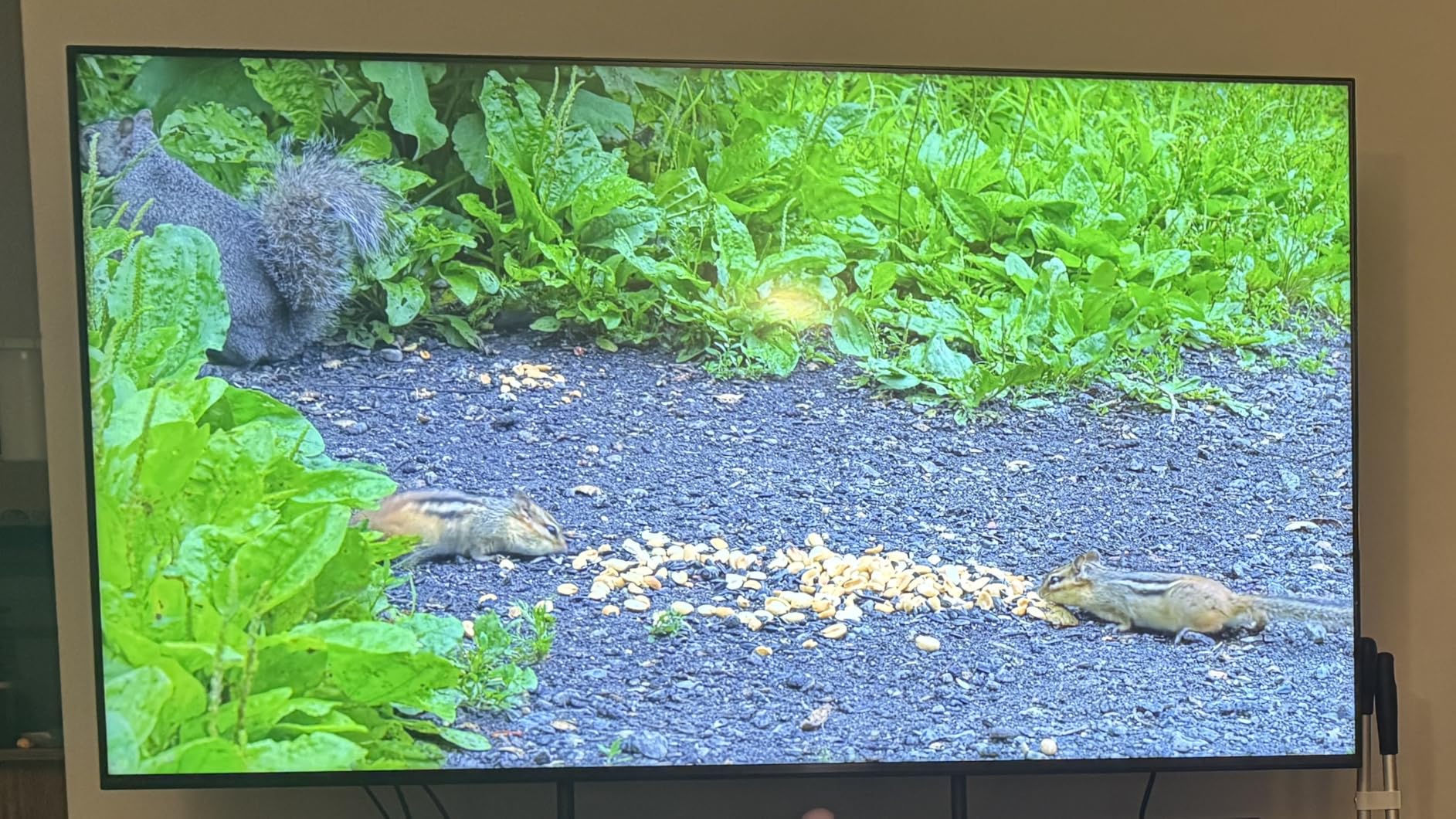
Who Should Buy This TV
PS5 owners who want a TV specifically optimized for their console will get the most out of the Sony BRAVIA 5. The exclusive features, combined with Mini LED picture quality and the XR Processor, create a premium experience for both gaming and movies. If you value Sony’s color science and want a 65-inch screen for your living room, this is an excellent choice.
Who Should Skip This TV
If you game primarily on Xbox or PC and do not benefit from the PS5-exclusive features, you may get better value from the LG C5 or TCL QM6K. Multi-device gamers who need more than two HDMI 2.1 ports will find the limited high-bandwidth ports frustrating. Budget-conscious buyers can get similar panel specs from TCL or Hisense for less money.
12. LG 65-Inch OLED evo C5 – Best Gaming TV Overall

- Perfect blacks with 8.3 million self-lit pixels
- 144Hz with 0.1ms response time
- Alpha 9 AI Processor Gen8 with Super Upscaling
- NVIDIA G-Sync and AMD FreeSync Premium
- 4 HDMI 2.1 ports for all devices
- Premium price point
- OLED burn-in risk with static content
- Magic Remote takes getting used to
The LG OLED evo C5 is the best gaming TV I have tested, and it earns our Editor’s Choice award for good reason. The combination of OLED evo technology with 12 years of LG refinement, the Alpha 9 AI Processor Gen8, and Brightness Booster technology creates a picture that is simply unmatched by any LED or Mini-LED panel. Self-lit pixels mean perfect blacks, infinite contrast, and no blooming, period.
Gaming performance is extraordinary. The 144Hz refresh rate with a 0.1ms response time makes every frame crisp and responsive. Both NVIDIA G-Sync and AMD FreeSync Premium are supported, with VRR covering a wide range. All four HDMI 2.1 ports support full bandwidth, so you can connect a PS5, Xbox Series X, gaming PC, and a fourth device without compromise. The LG Game Dashboard and Game Optimizer give you detailed control over gaming-specific settings.
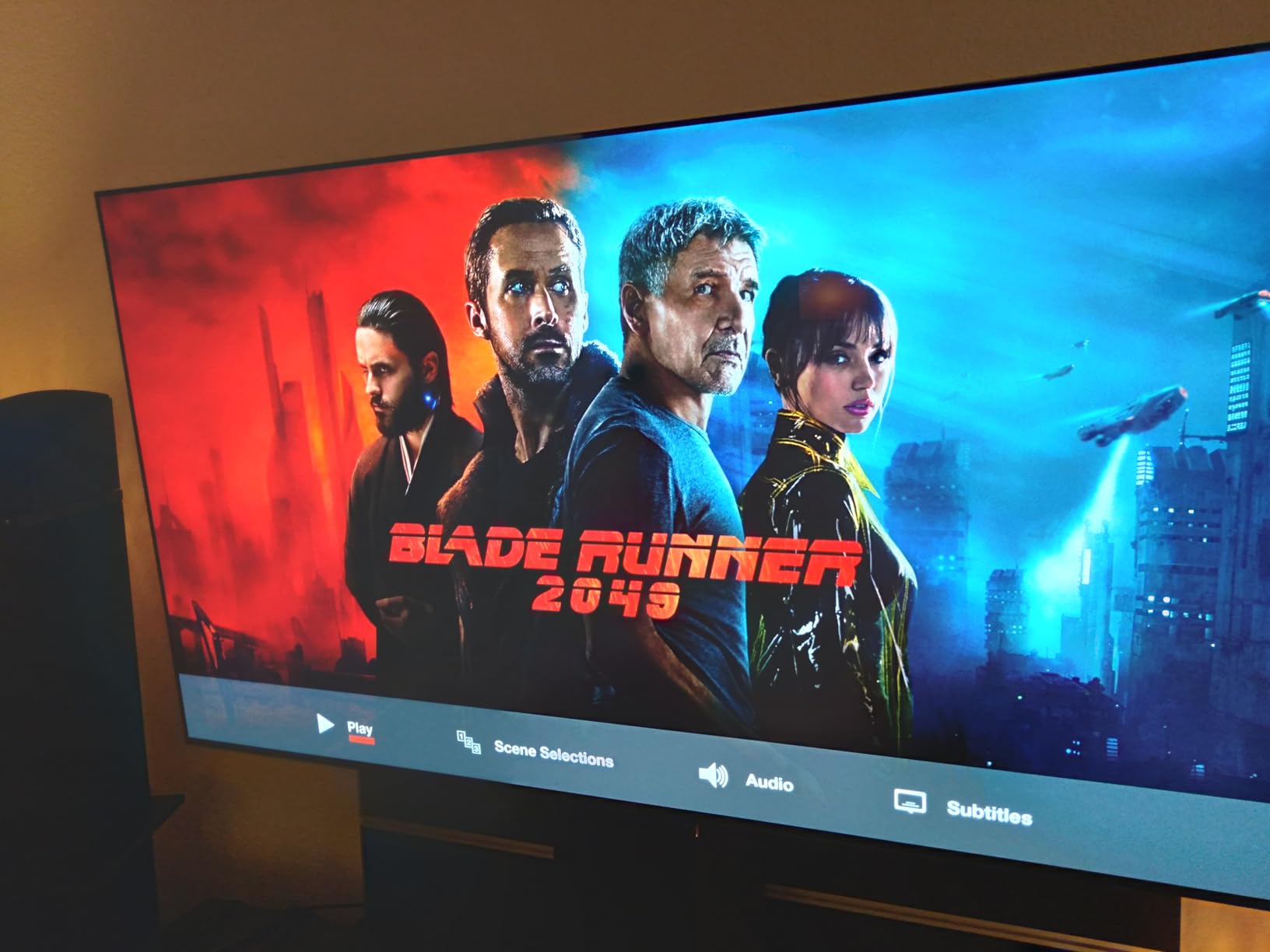
The Alpha 9 AI Processor Gen8 with AI Super Upscaling 4K is a significant upgrade over previous generations. It upscales lower-resolution content with impressive clarity and optimizes HDR dynamically. Dolby Vision, Dolby Atmos, and Filmmaker Mode are all supported. The Brightness Booster technology magnifies individual pixels for higher luminance, addressing the traditional OLED weakness of lower brightness compared to LED panels.
The webOS platform is mature and feature-rich, with LG Channels providing over 300 free channels. AirPlay 2 and Google Cast are built in for easy content sharing. The design is thin and premium, making it a beautiful addition to any room. At 40.8 pounds for a 65-inch TV, it is manageable for wall mounting with a second person.
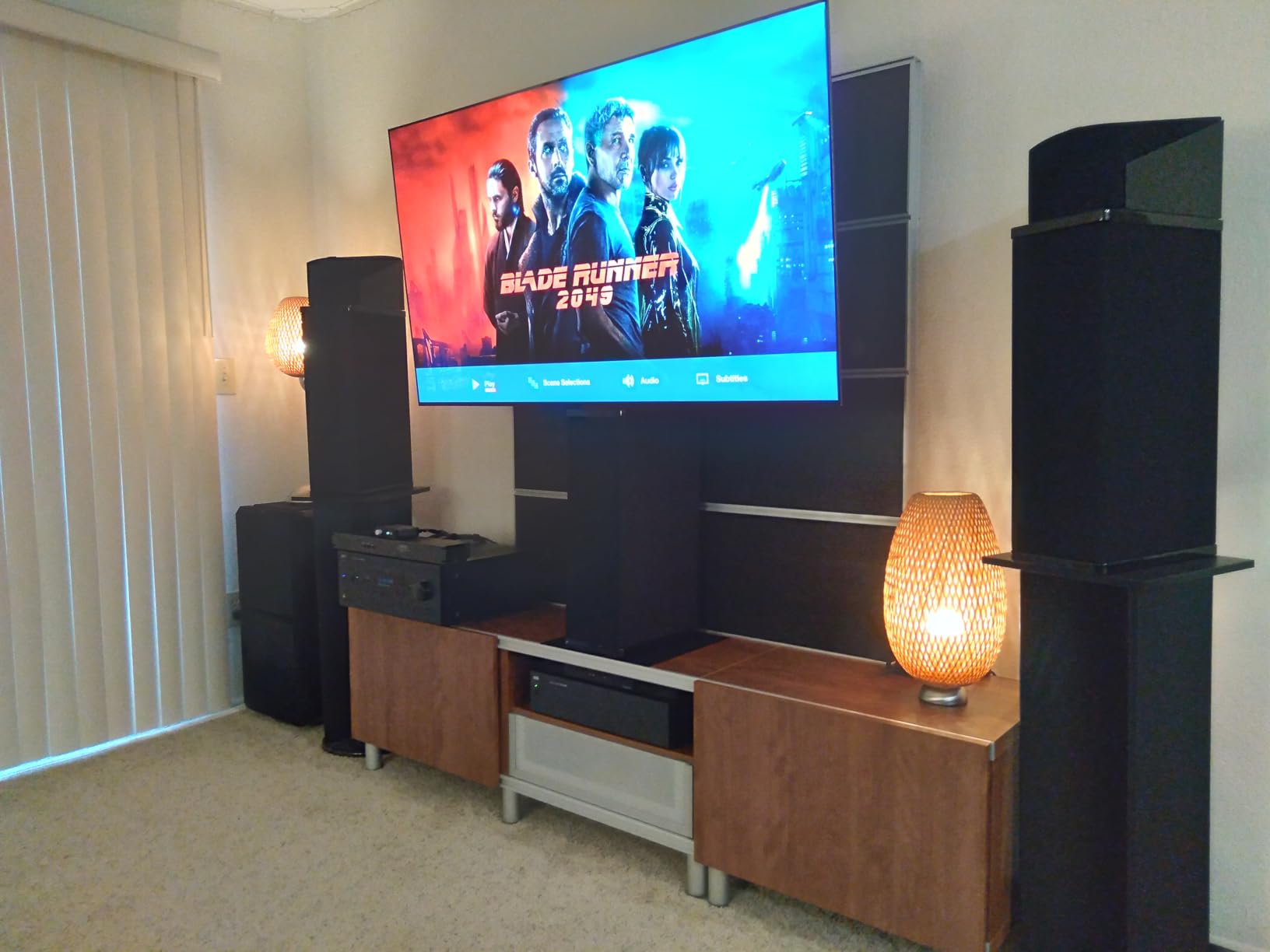
Who Should Buy This TV
Gamers who want the absolute best picture quality and gaming performance should look no further. The LG C5 delivers perfect OLED blacks, ultra-fast response times, and comprehensive gaming features in a 65-inch package. If you play a variety of games across multiple consoles and want a TV that handles everything brilliantly, this is the one. PS5 Pro owners particularly benefit from the auto HDR and refresh rate optimization.
Who Should Skip This TV
Budget is the main barrier here. At its premium price, the LG C5 is a significant investment. Gamers who play the same game with static HUD elements for thousands of hours should consider burn-in risk, though LG’s pixel-refresh technology helps mitigate this. If your gaming room gets extremely bright, a high-nit Mini-LED like the Sony BRAVIA 5 may be a better fit for daytime HDR performance.
Buying Guide: How to Choose the Best Gaming TV in 2026
Choosing the right gaming TV comes down to understanding a few key features that directly impact your gaming experience. Here is what matters most when shopping for a gaming TV in 2026.
Refresh Rate: 60Hz vs 120Hz vs 144Hz
Refresh rate determines how many frames per second the TV can display. A 60Hz TV shows up to 60 frames per second, while 120Hz and 144Hz TVs show 120 and 144 frames respectively. For PS5 and Xbox Series X gaming, you want at least 120Hz to take advantage of performance modes in games. For competitive PC gaming, 144Hz gives you an extra edge. The difference between 60Hz and 120Hz is dramatic and immediately visible in fast-moving games.
HDMI 2.1: The Essential Port
HDMI 2.1 is required for 4K at 120Hz or higher. Without HDMI 2.1 ports, your console cannot output its maximum resolution and refresh rate simultaneously. Look for TVs with at least two HDMI 2.1 ports, ideally four if you have multiple gaming devices. Some budget TVs advertise “HDMI 2.1” but only on one or two ports, so check carefully. You also need HDMI 2.1 for VRR and ALLM to work properly.
VRR and ALLM: Smooth and Responsive Gaming
Variable Refresh Rate (VRR) syncs your TV’s refresh rate to your game’s frame rate, eliminating screen tearing and stuttering. Auto Low Latency Mode (ALLM) automatically switches the TV to its lowest input lag setting when it detects a gaming signal. Both features are essential for next-gen console gaming and are supported by PS5 and Xbox Series X. Look for TVs that support AMD FreeSync, NVIDIA G-Sync, or HDMI Forum VRR.
OLED vs Mini-LED vs QLED
OLED panels use self-lit pixels for perfect blacks and infinite contrast, delivering the best picture quality but at a higher price and with a small burn-in risk. Mini-LED uses thousands of tiny LEDs for precise local dimming, offering excellent contrast and high brightness at a lower cost than OLED. QLED adds quantum dot technology to either LED or Mini-LED panels for more vibrant, accurate colors. For dark room gaming, OLED is king. For bright rooms, Mini-LED with high brightness wins.
Input Lag and Response Time
Input lag is the delay between pressing a button and seeing the result on screen. For gaming, anything under 20ms is good, and under 10ms is excellent. Response time measures how quickly pixels change color, affecting motion blur. OLED has the fastest response times at around 0.1ms, while good LED panels are around 5-8ms. Both matter for competitive gaming but are less critical for casual story-driven titles.
HDR Format Support
High Dynamic Range (HDR) makes games look more vibrant with brighter highlights and more detail in dark areas. Dolby Vision is the gold standard for dynamic HDR and is supported by Xbox and Apple TV. HDR10+ is Samsung’s preferred format. The best gaming TVs support both Dolby Vision and HDR10+ so you are covered regardless of your console. Look for TVs with high peak brightness (1000+ nits) for the best HDR experience.
Console-Specific Recommendations
For PS5 owners, the Sony BRAVIA 5 offers exclusive features like Auto HDR Tone Mapping and Auto Genre Picture Mode that no other brand provides. For Xbox Series X owners, look for TVs with Dolby Vision gaming support and AMD FreeSync Premium, which the Xbox leverages natively. For PC gamers, prioritize TVs with 144Hz+ support, NVIDIA G-Sync or AMD FreeSync, and multiple HDMI 2.1 ports. The LG C5 excels for all three platforms.
Room Lighting Considerations
Your room’s lighting conditions should influence your panel choice. In dark rooms, OLED’s perfect blacks and infinite contrast provide the best experience. In bright rooms with lots of windows, a high-brightness Mini-LED (1000+ nits) will perform better because it can overcome ambient light. If your room has mixed lighting, look for TVs with anti-reflective coatings and good off-angle performance. The Samsung Q7F and Sony BRAVIA 5 both have effective anti-glare treatments.
FAQs
What kind of TV do I need for PS5?
For PS5 gaming, you need a TV with at least HDMI 2.1 ports, 120Hz refresh rate, and VRR support to take full advantage of the console’s capabilities. The PS5 outputs 4K at up to 120fps, so a 4K 120Hz TV like the Sony BRAVIA 5 or LG OLED evo C5 will give you the best experience. Sony TVs offer exclusive PS5 features like Auto HDR Tone Mapping, which optimizes the picture specifically for PlayStation games.
Is a gaming monitor or TV better?
It depends on your priorities. Gaming monitors offer smaller sizes (24-32 inches), faster response times, and higher refresh rates (240Hz+) for competitive gaming. TVs provide larger screens (42-85 inches), better HDR performance, and are better suited for couch gaming and mixed entertainment use. If you play at a desk competitively, choose a monitor. If you play on a console in a living room or want a big-screen experience, a gaming TV is the better choice.
What are the disadvantages of gaming TVs?
The main disadvantages of gaming TVs compared to monitors include higher input lag (though good gaming TVs are under 10ms), larger physical size that requires more desk or wall space, higher power consumption, and potential burn-in risk with OLED panels. Some TVs also have limited HDMI 2.1 ports, meaning you may not get full bandwidth on every input. Budget gaming TVs may have inferior motion handling compared to dedicated gaming monitors.
When is the best time to buy a gaming TV?
The best times to buy a gaming TV are during major sale events: Black Friday and Cyber Monday in November offer the deepest discounts, Amazon Prime Day in July has competitive deals, and late winter through early spring (January-March) is when new models arrive and previous-year models drop in price. If you can wait for one of these windows, you can save 20-40% on premium gaming TVs.
Is OLED burn-in still a problem for gaming TVs?
OLED burn-in is a real but manageable concern for gaming. Modern OLED TVs include burn-in prevention features like pixel refreshers, screen shift, and logo luminance adjustment that significantly reduce the risk. If you play a wide variety of games and avoid leaving static images on screen for extended periods, burn-in is unlikely to be an issue during normal use. However, if you play the same game with a static HUD for thousands of hours, a Mini-LED TV may be a safer choice.
Final Thoughts on the Best Gaming TVs in 2026
The best gaming TVs in 2026 cover every budget and use case, from the budget-friendly Hisense A7 at under $200 to the premium LG OLED evo C5 that delivers the absolute best picture quality available. For most gamers, the TCL QM6K strikes the ideal balance of price, performance, and features with its 144Hz Mini-LED panel and QLED color. PS5 owners should look at the Sony BRAVIA 5 for exclusive console features, while OLED enthusiasts will find the LG C5 unmatched for dark-room gaming.
Whichever TV you choose, make sure it has HDMI 2.1 ports, VRR support, and a refresh rate of at least 120Hz for the best next-gen gaming experience. Your games will look and feel noticeably better on a TV built for gaming.