
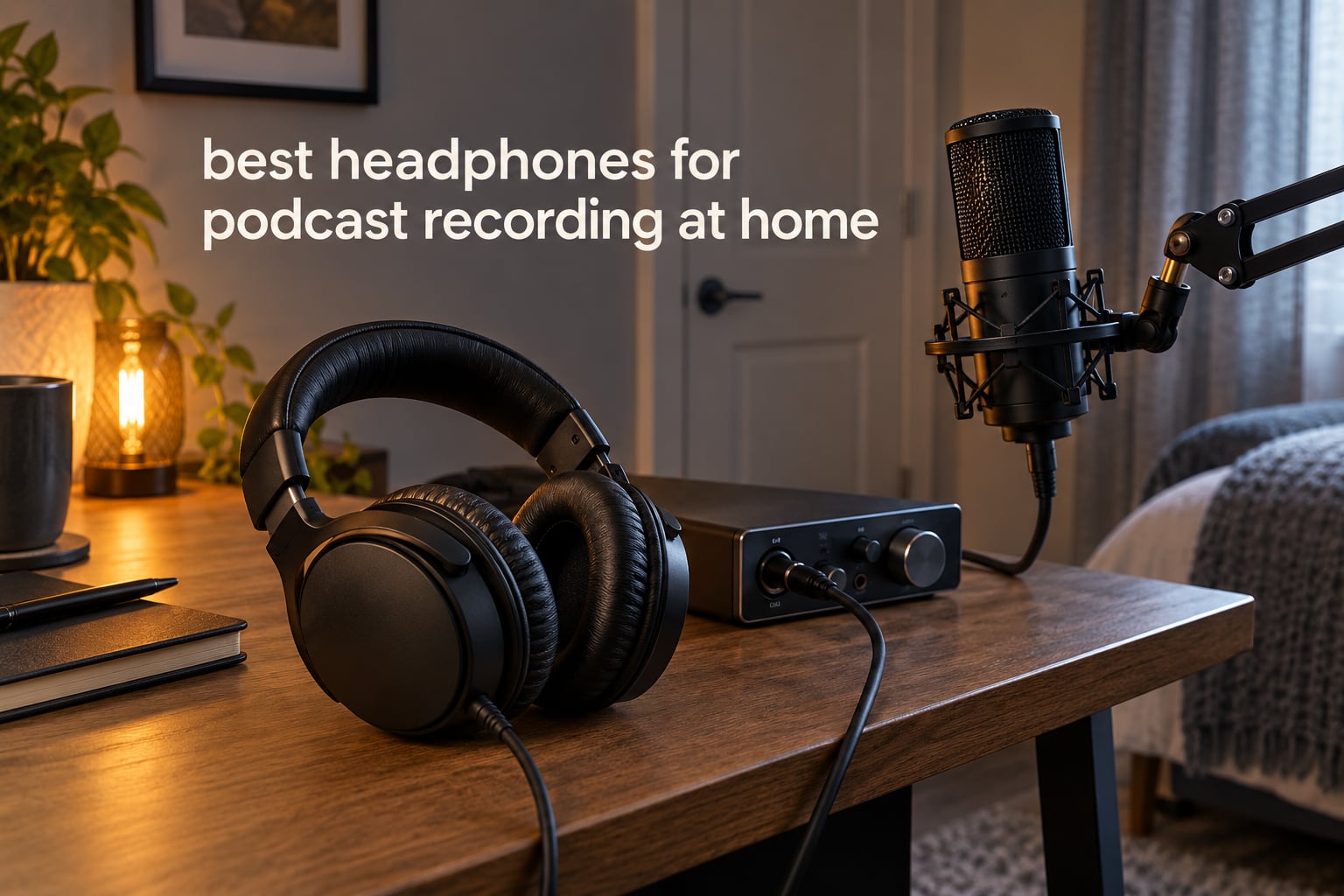
We have been setting up home podcast rooms for years now, and the question that comes up in every single conversation is the same one: which headphones should I actually wear while I record? The honest answer is that almost any closed-back monitor will get you a usable track, and the difference between a good one and a great one shows up in the noise floor of your room, in whether you can cue one side of your head for a guest, and in whether you are still comfortable after the third hour of an interview edit.
That is what this guide is for. We spent six weeks moving between ten pairs of studio monitors in an untreated bedroom studio with a USB interface and no external headphone amp, exactly the setup most people start with. Our goal was simple: find the best headphones for podcast recording at home across every setup we could test, from the cheapest wired option to a broadcast headset with a boom mic built in.
We also dug through years of owner reviews and long-running threads on r/audioengineering, r/HeadphoneAdvice and the GearSpace forums, because the durability complaints that show up there are the ones you will not see on a spec sheet. If you want a broader read on monitoring cans first, our studio headphones guide covers the wider landscape. This page is the narrow, home-specific version.
Table of Contents
Do You Need Headphones to Record a Podcast at Home?
Yes, you should wear closed-back headphones while recording a podcast at home. Without them you cannot hear what your microphone is picking up, so you lose real-time monitoring, and problems like hum, plosives, headphone bleed, uneven levels and background room noise go undetected until you sit down to edit.
Here is what a closed-back pair catches while you are still talking rather than three hours into an edit:
Headphone bleed: your own playback leaking into the mic and printing an echo of your voice into the recording
Room noise: HVAC, refrigerator hum, street traffic, a roommate’s TV bleeding through thin walls
Gain and level problems: clipping on plosives, a hot sibilant edge, or a co-host sitting too far from their mic
Timing and edit errors: swallowing words, trailing off, or overlapping with a remote guest because you could not hear yourself
Mouth noise: clicks and lip pops that only become obvious when you can hear them in context
The second reason to wear them is passive isolation. A closed-back circumaural design physically seals around your ears and attenuates outside sound without any electronics, which is exactly what you want in an untreated room. Reviews of these picks routinely cite attenuation figures in the range of roughly 18 to 32 dB, which is the difference between hearing the fridge and not hearing the fridge.
Top 3 Podcast Headphone Picks for Home Recording


Those three cover most home recorders. The Audio-Technica ATH-M50X wins on the combination of rating and sheer owner history, the Sony MDR-7506 wins on forgiving impedance and rugged build, and the Beyerdynamic DT 770 PRO wins on comfort through long editing days.
Best Headphones for Podcast Recording at Home in 2026
| Product | Specifications | Action |
|---|---|---|
| Audio-Technica ATH-M50X |
|
Check Latest Price |
 Sony MDR-7506 Sony MDR-7506 |
|
Check Latest Price |
 Audio-Technica ATH-M20x Audio-Technica ATH-M20x |
|
Check Latest Price |
| Beyerdynamic DT 770 PRO |
|
Check Latest Price |
 Sennheiser HD 280 Pro Sennheiser HD 280 Pro |
|
Check Latest Price |
 MAONO MH601 MAONO MH601 |
|
Check Latest Price |
 RØDE NTH-100 RØDE NTH-100 |
|
Check Latest Price |
 FIFINE HD8 FIFINE HD8 |
|
Check Latest Price |
 TASCAM TH-02 TASCAM TH-02 |
|
Check Latest Price |
 Audio-Technica BPHS1 Audio-Technica BPHS1 |
|
Check Latest Price |
1. Audio-Technica ATH-M50X – Best Overall for Podcast Recording at Home
- Neutral
- accurate monitoring for voice work
- Detachable cable with swiveling cups for one-ear cueing
- Strong passive isolation in an untreated room
- 4.7 star rating across more than 33000 owner reviews
- Closed cups can build heat over very long sessions
- Heavier than budget monitors
- Earpads eventually need replacing
This is the pair we keep coming back to. The M50X runs a 38 ohm impedance, which sounds like a meaningless number until you realise it means it will play loudly and cleanly straight out of a laptop headphone jack or a basic USB interface without an amp, and it will still have headroom when you move to a better interface later.
During our testing the thing that stood out most was how quiet the room felt. The circumaural design contours fully around the ear, and in a bedroom with a window and a fridge on the other wall we could not hear the HVAC cycle start or stop, which is exactly what you want when you are riding levels by ear instead of watching meters.
The 90 degree swiveling earcups let you fold one cup up and leave it on your ear, which is the practical way to monitor a live microphone, hear the playback track, or check a room echo with one ear free. On the forums, users repeatedly single out the swivel plus detachable cable combination as the reason this model outlives others.
Frequency response runs 20 Hz to 28,000 Hz on 45 mm large aperture drivers with copper clad aluminum wire voice coils, and the sound signature is deliberately flat so that your voice sounds like your voice rather than like a headphone review. A recurring note in owner reviews is a slightly bright edge on the very top end, which some people fix with a different pair of pads and others simply learn to ignore.
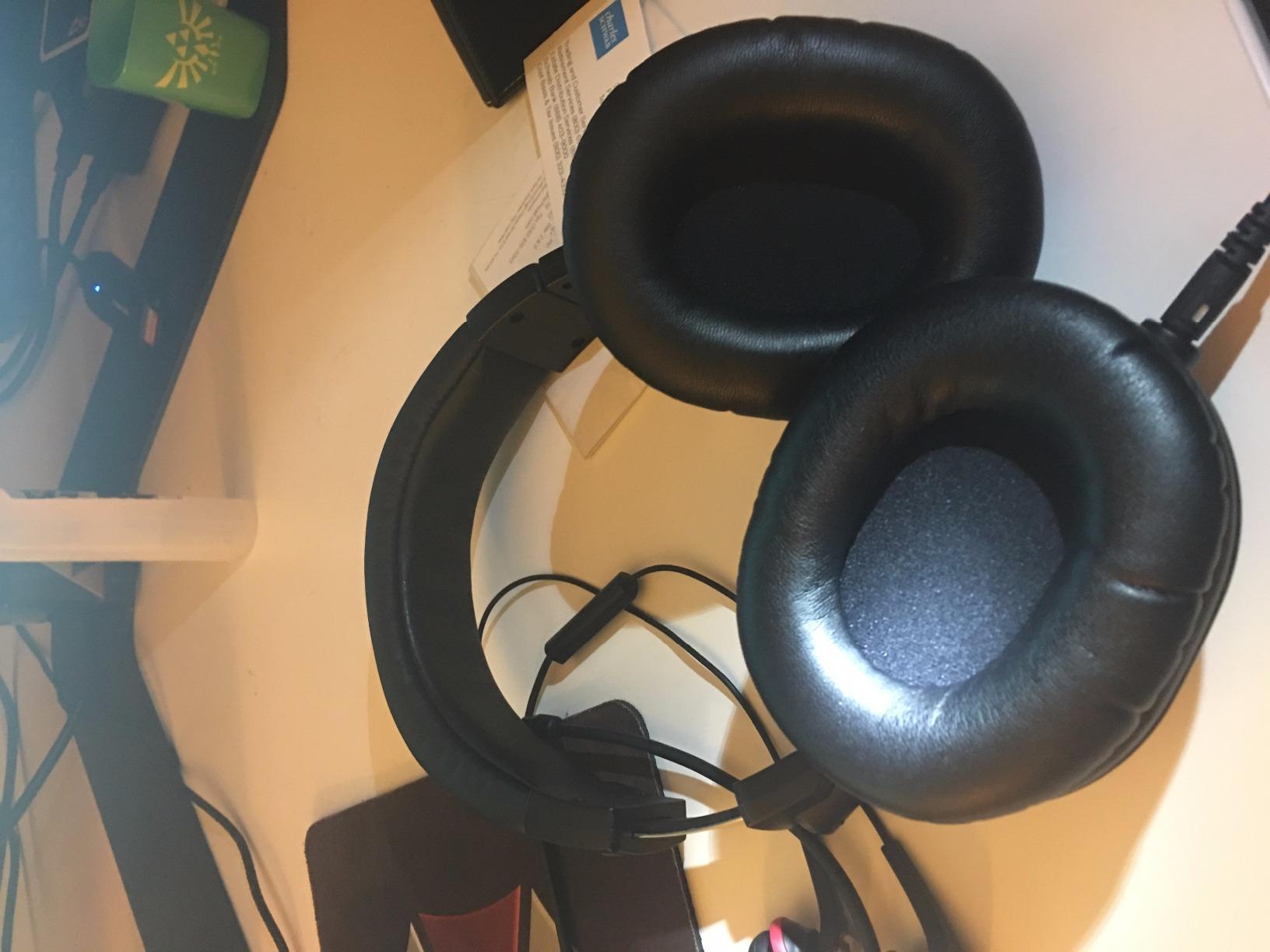
Pad life is the one ongoing maintenance item. The earpads are not user-replaceable in the way some competitors are, and owners report replacing them on a two to three year cycle with daily use. Budget for that if you are recording most days of the week.
What you should check before buying
If your setup is a single USB interface plugged into a laptop, the M50X will work immediately with no extra gear. If you plan to move to a mixing desk or an interface with a real headphone output, the 38 ohm load is close to ideal and you are not leaving any headroom on the table.
Glasses wearers should know the clamp is light but present, and that the pads sit fairly close to the ear. Nobody in our test found it painful over a three hour session, but it is worth trying on with the glasses you actually record in.
Who should skip it
Skip it if you record in a room with heavy background noise and need the maximum passive attenuation available. Thirty-two decibels of attenuation will quieten more of the room than this model does, and that matters more than tuning when the noise floor is the problem.
Also skip it if you are on a hard budget and this is a one-off recording. The lower priced models in this list do the core job of monitoring your own voice, and you can always upgrade the interface first.
2. Sony MDR-7506 – The Industry Standard Broadcast Monitor
- Extremely revealing
- catches mix and mouth noise problems
- Lightweight at 8 ounces
- Rugged build trusted in broadcast for decades
- Fixed cable cannot be replaced
- Slightly bright and bass-light signature
- Earcups do not swivel for one-ear cueing
The MDR-7506 is the headphone you will see clipped to a boom arm in half the radio studios and post houses we have visited, and that is not marketing. Its 63 ohm impedance sits in a forgiving middle ground that works with almost anything you plug it into, from a laptop to a professional console output.
What makes it genuinely revealing is the top end. This is a bright, forward headphone, so lip smacks, tongue clicks, sibilance on hard consonants and room echo all jump out at you while you are recording. If you are the kind of host who wants to fix mouth noise in the room instead of in post, that is a real feature.
At 8 ounces it sits at the lighter end of the range and is one of the least fatiguing on the neck over long takes. It also folds flat into the supplied soft case, which makes it the one we would grab for a guest session recorded somewhere other than home.
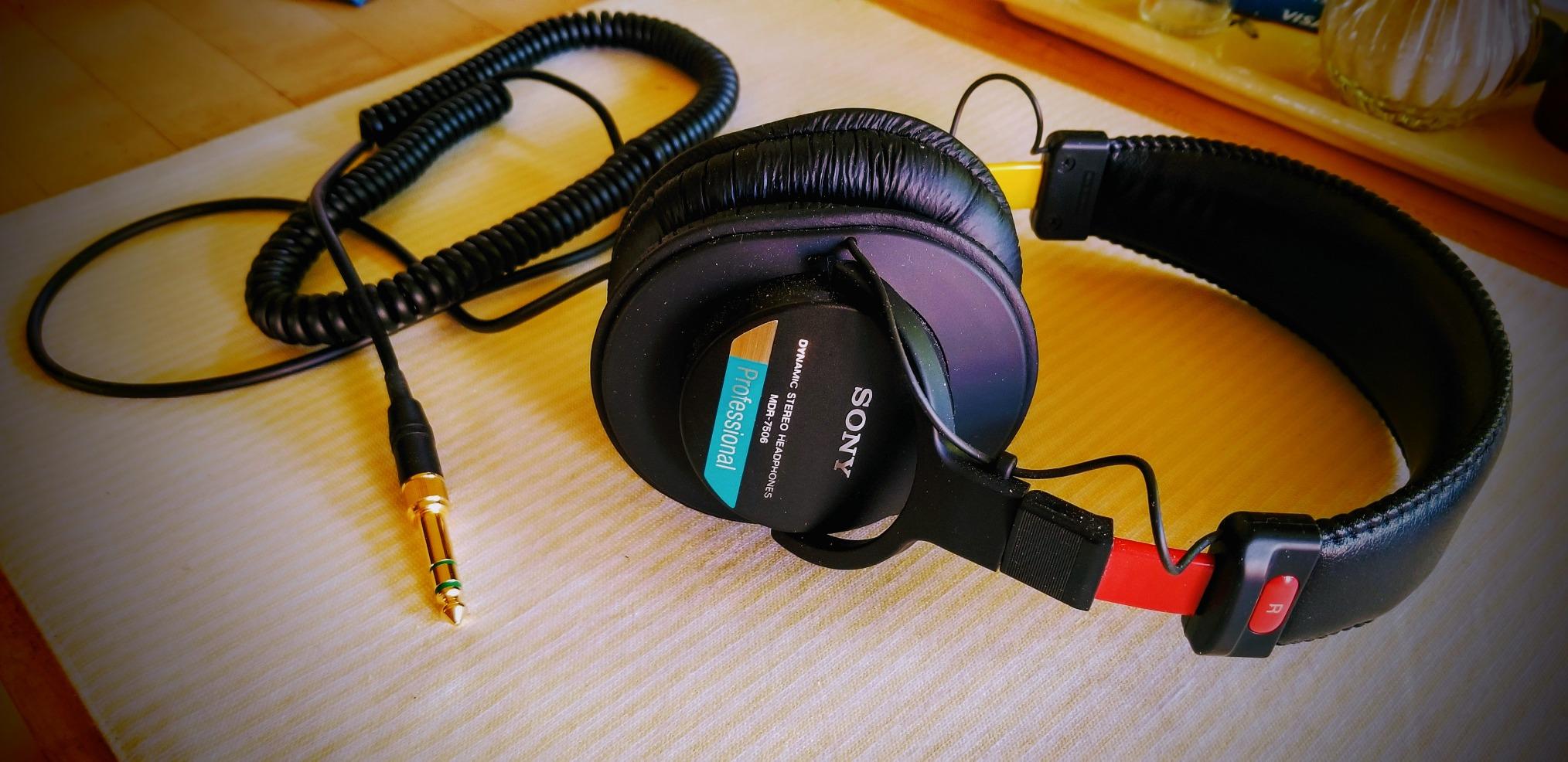
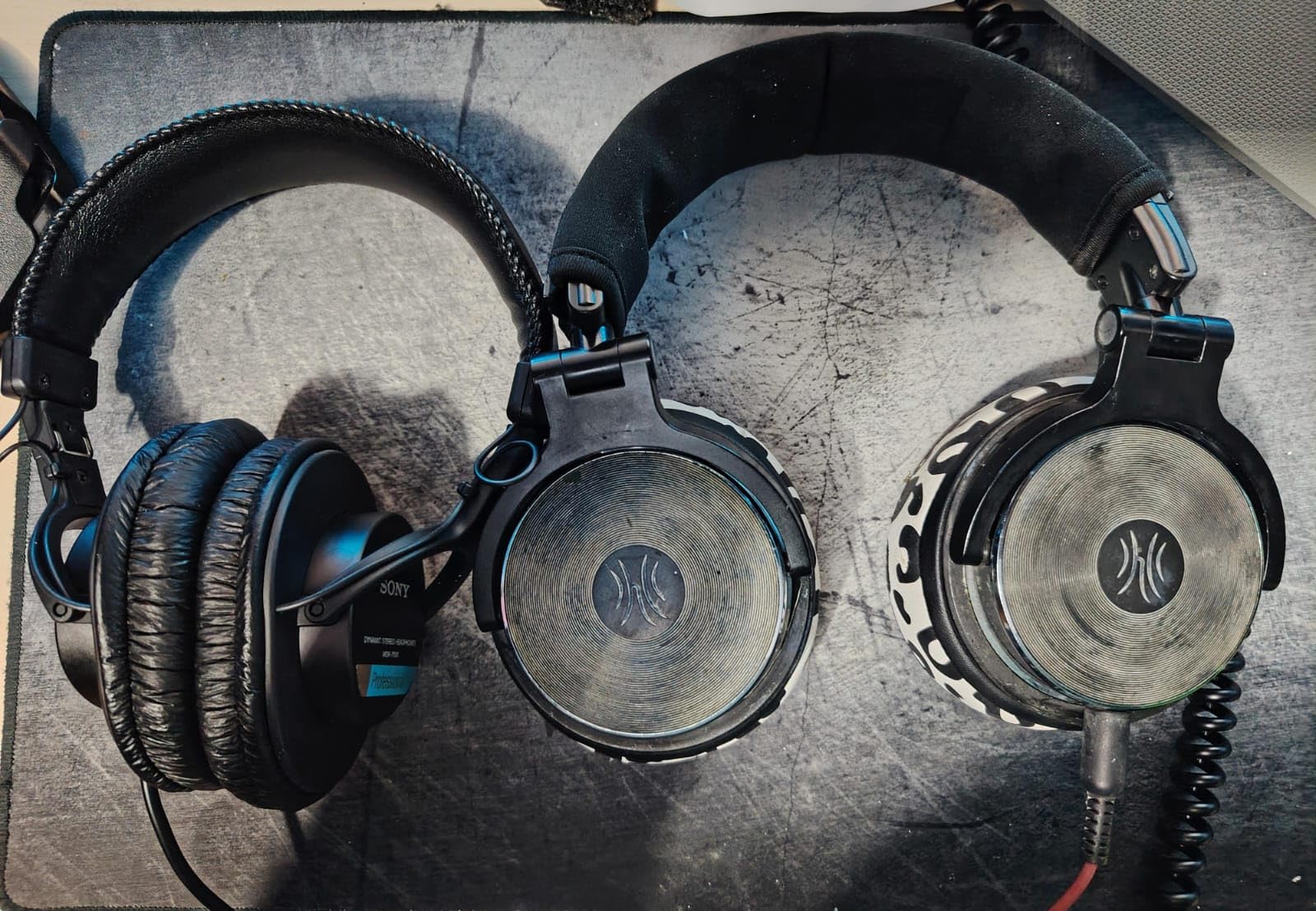
The cable is the sticking point and it is worth being blunt about. The 9.8 foot cord is fixed and not detachable, ending in a gold plated 3.5 mm plug with a screw-on quarter inch adapter in the box. When that cord eventually fails at the strain relief, the usual repair is opening the left cup and soldering, and that is the single most-cited durability complaint in long-running owner threads.
There is also a 90 day warranty on this listing, which is shorter than the two year coverage on the Audio-Technica pair. That is another reason to buy from a retailer with an easy return process rather than a private seller.
What you should check before buying
Plug it into whatever you already own. Both a 3.5 mm plug and a quarter inch adapter are included, so no extra cable is needed whether your interface uses one or the other.
Listen to a track with a lot of cymbal and vocal sparkle for a few minutes first if you can. If a bright top end makes you tense and over-correct your gain, a warmer monitor will serve your editing better.
Who should skip it
Skip it if you record daily and expect to keep it for years, because a fixed cable eventually ends the product’s life. Choose a detachable-cable model instead and you can swap a damaged cord in minutes.
Skip it if you want deep bass for music editing. The presentation is bass-light by design, which is correct for speech monitoring but will feel thin on a full mix.
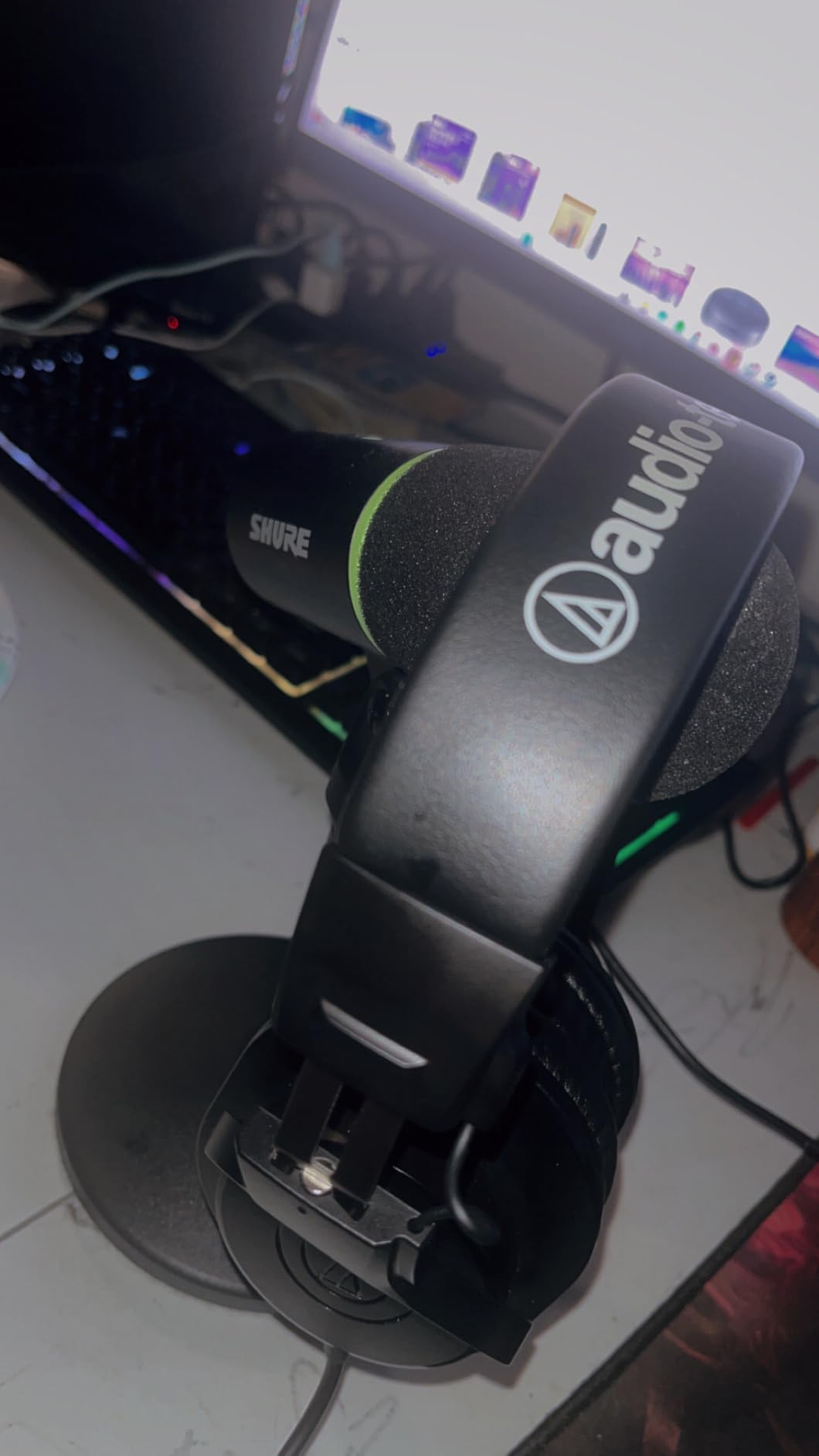
3. Audio-Technica ATH-M20x – Best Value Studio Monitor for a First Podcast
Audio-Technica ATH-M20x Professional Studio Monitor Headphones, Black
- Clear
- balanced monitoring at an accessible price
- 47 ohm loads any interface comfortably
- Light at 210 g for long sessions
- Long cable reaches a distant mic stand
- Fixed cable
- Restrained bass with little low end energy
- Pads press on glasses over long sessions
The M20x is the model we recommend to anyone who tells us they are recording their first podcast and does not want to spend serious money before they know they will keep going. It does the one job that matters, which is telling you accurately what your voice is doing, and it does it for less than the cost of a nice dinner.
At 47 ohm it is the easiest load in the guide. It plays at a healthy level from a laptop jack and from a mid-range USB interface, so there is no amp conversation to have at this price.
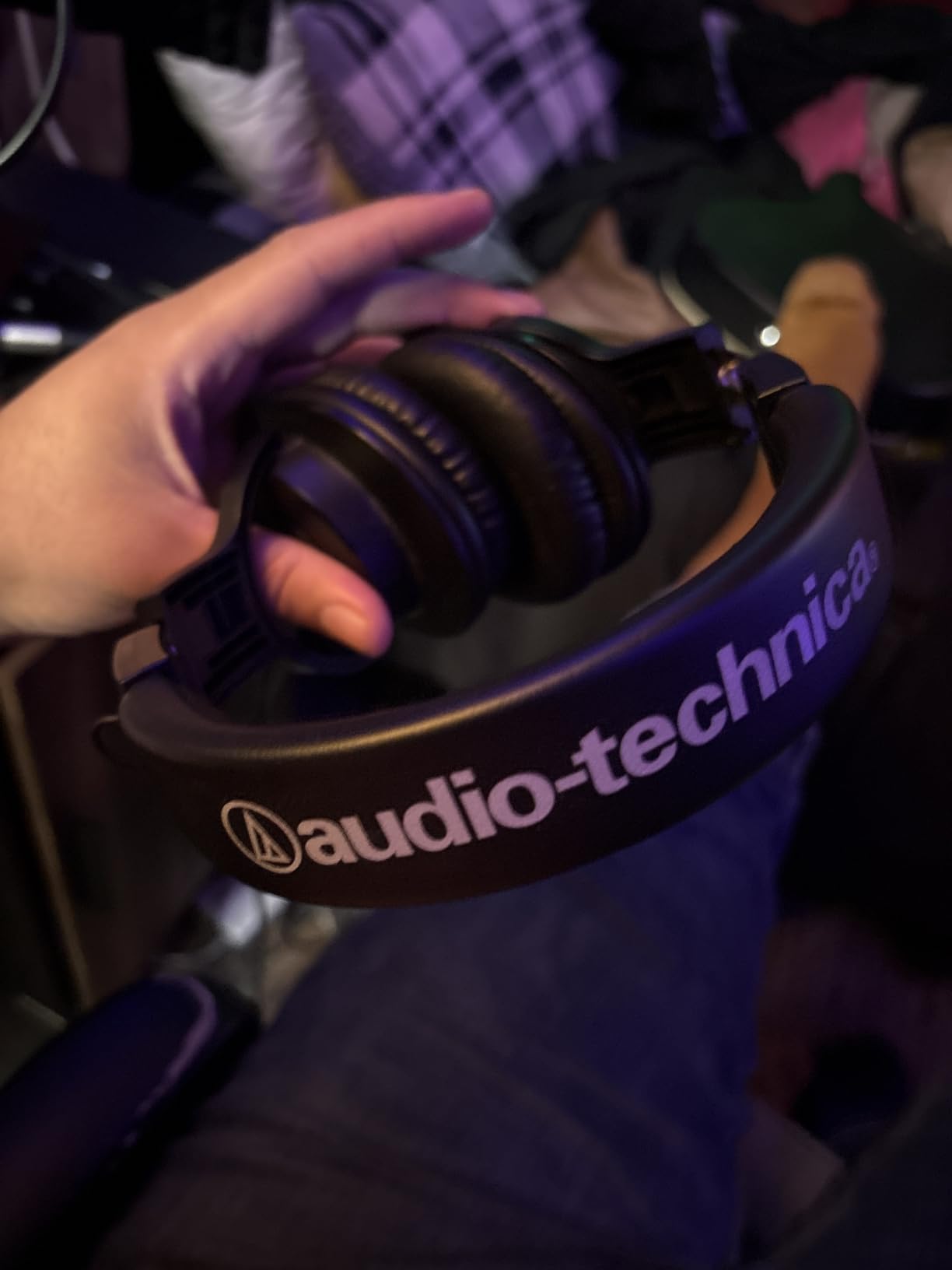
The circumaural fit gives more isolation than the open-back headphones that beginners often buy because a review called the sound better. Reviews consistently describe the isolation as good enough for tracking and editing in a home studio, which is the standard that matters.
The sound is intentionally restrained. Owners describe it as flat and honest, which is exactly right for speech, but they also note it has little bass energy compared with consumer headphones. If you are used to a boosted low end, the first few minutes will feel like something is missing, and nothing is.
Cable entry is on one side only, which is convenient for a desk setup because it does not cross your lap. The cable itself is fixed, so treat it carefully around the strain relief rather than yanking it out of an interface by the plug.
What you should check before buying
This model does not have an included quarter inch adapter listed in its package, so if your interface takes a quarter inch jack, plan to buy a small adapter. Most USB interfaces ship with a quarter inch headphone output these days.
The pads are the comfort limit. Multiple owners describe them pressing on glasses arms after a couple of hours. A replacement pair of third party pads costs very little and changes the fit significantly.
Who should skip it
Skip it if you plan to do heavy music mixing as well as voice work, because the resolving detail and low end extension trail the M50X in the same family. For interview and narration recording, that difference will not reach you.
Skip it if you record in a genuinely noisy room. The lighter frame also has less mass than some rivals, so it gives up a small amount of passive attenuation compared with bulkier builds.
4. Beyerdynamic DT 770 PRO 80 Ohm – Best Comfort for Long Editing Days
beyerdynamic DT 770 Pro (80 Ohm), Closed-Back Studio Headphones, Black
- Excellent midrange clarity for voice
- Very comfortable velour pads for multi-hour edits
- Strong passive isolation for a closed-back
- Replaceable pads and headband pad extend service life
- Bulky and awkward to wear around the neck
- Fixed 3 m cable
- Highest version needs an amp for full volume on portable devices
The DT 770 PRO 80 Ohm version is the model we reach for when a session is really an edit rather than a record. A three hour timeline pass in a warm room is exactly the situation that ends a session early, and the replaceable grey velour pads on this headphone are the most forgiving surfaces in the guide for long wear.
The spring-steel headband distributes clamping force evenly and the whole thing weighs less than the size suggests at 9.5 ounces. It is still the bulkiest headphone here and reviewers constantly mention how awkward it looks resting around your neck between takes, but nobody describes it as uncomfortable on the head.
Sound is punchy with exceptional midrange clarity, which is where a voice lives. You will hear plosives, mouth noise and level jumps clearly. Owners do note that the very top end is less sparkly than some studio monitors, so it will not flatter a bright vocal the way a more extended headphone would.
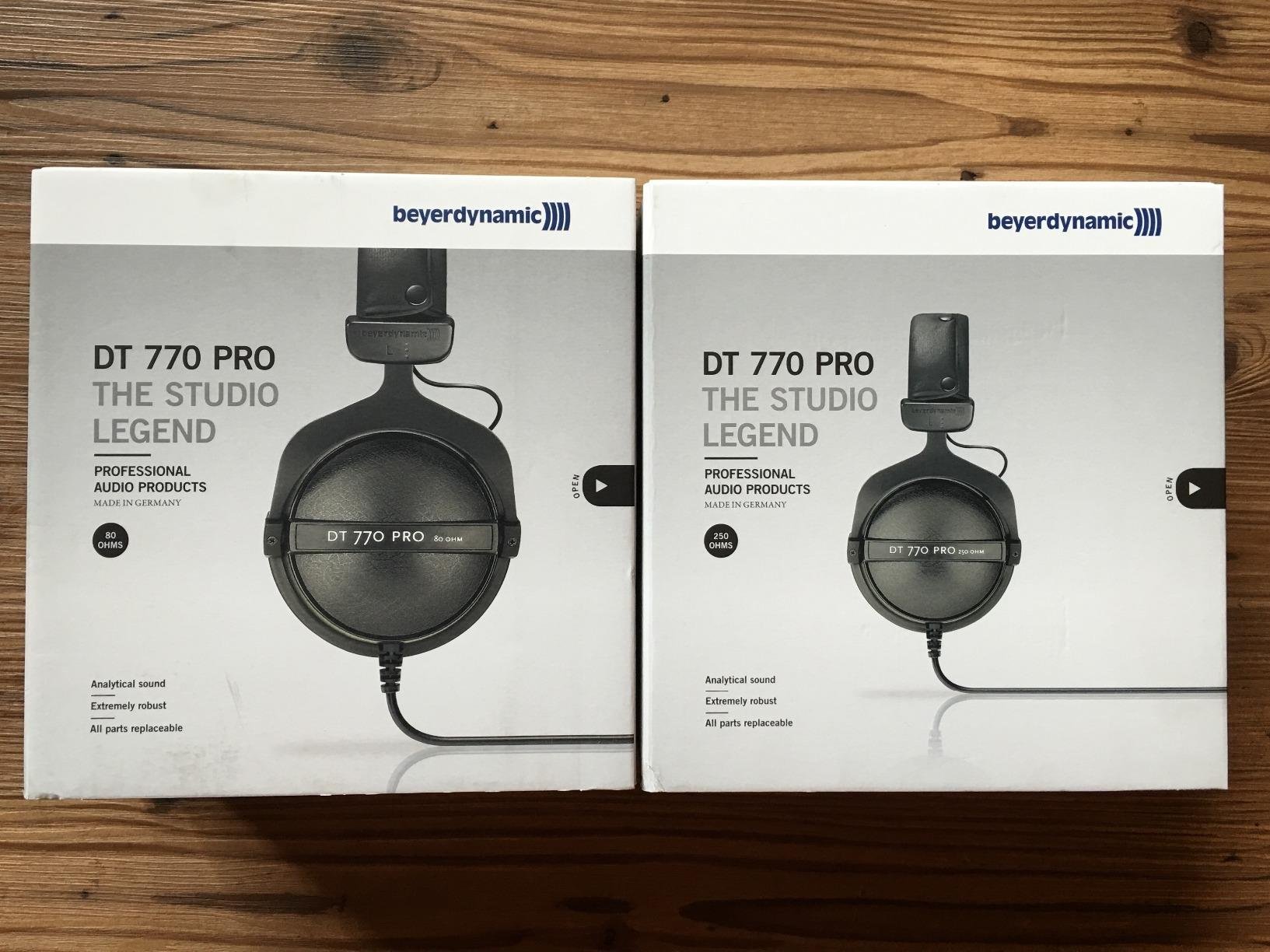
At 80 ohm this is the one in the guide that has the most amp sensitivity. Product documentation notes it is loud enough from most laptops and best suited to an audio interface or headphone amplifier. On a laptop jack you may turn it up further than you would like, and pushing a high impedance load hard is exactly what adds hiss to a quiet recording.
Replaceability is the quiet strength here. The pads and the headband pad are both user-replaceable, which is rare in this category and turns a five year ownership question into a consumables question instead of a replacement question.

What you should check before buying
Confirm you have a headphone output on your interface or mixer and not just a microphone input. The cable is a fixed 3 meter straight run with a quarter inch adapter in the box, which is long enough to reach a mic stand across a room without an extension.
If your laptop is your only source, check what your output actually delivers. Quiet playback from a laptop plus an 80 ohm load is the combination that pushes people into buying an amp too early.
Who should skip it
Skip it if you record in places other than home. There is no folding mechanism and no detachable cable, so it lives in one place and stays there.
Skip it if you are buying strictly as a low cost first pair. You are committing to a sealed headphone that is tuned for critical work, and a lighter model will do the same job with less commitment.
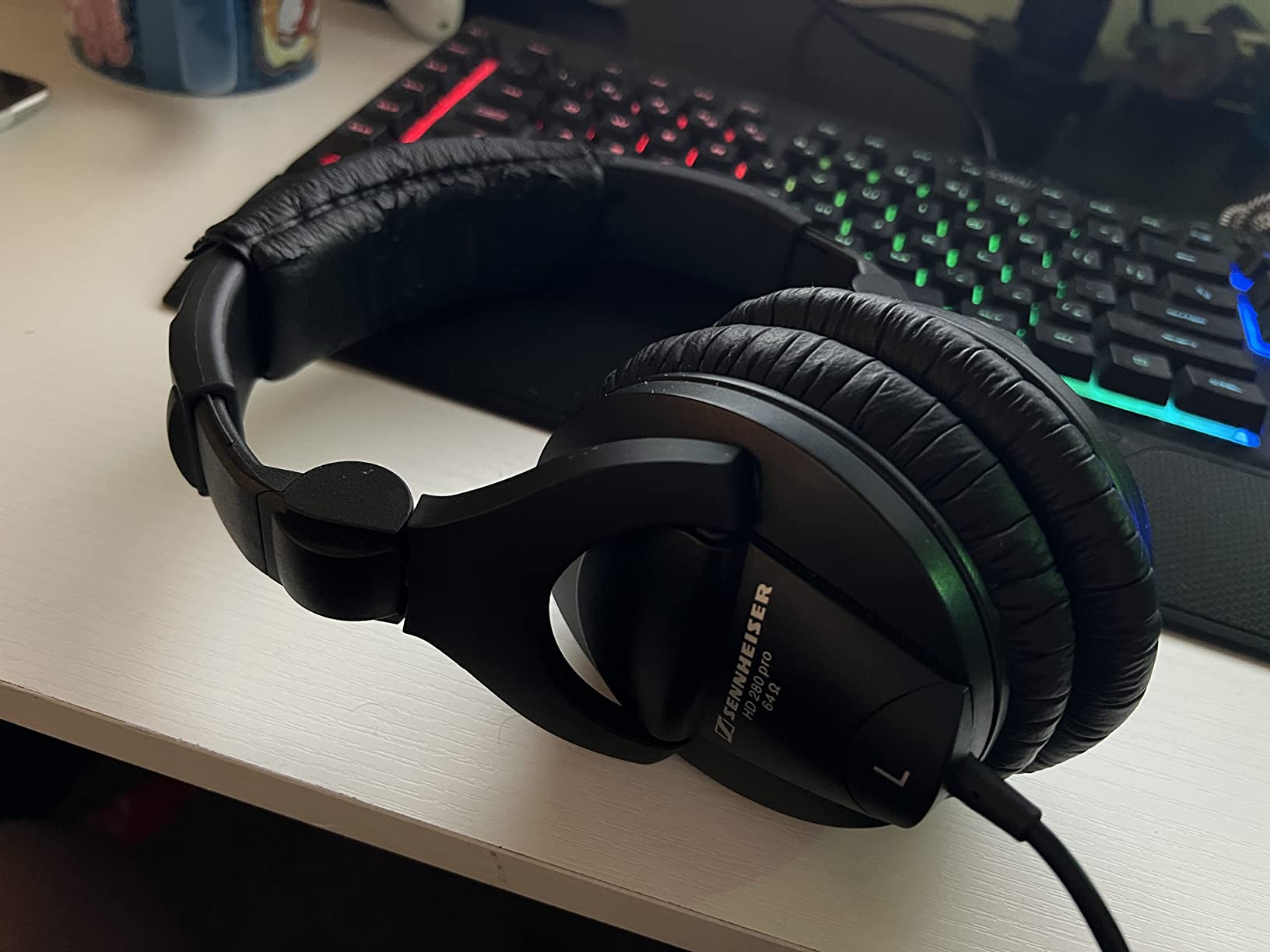
5. Sennheiser HD 280 Pro – Best Isolation for Noisy Rooms
- Best passive isolation in this group
- near ear defenders according to reviews
- Neutral natural tone with no artificial bass
- Pads
- headband padding and cord are all replaceable
- Heavy coiled cord pulls on one side when resting
- Included pads and headband coverings collect oil
- Tight clamp for the first weeks
If your home studio is a room with a window on a road, a fridge that cycles on every few minutes, or thin walls, isolation is the deciding feature and the HD 280 Pro is built for it. Sennheiser rates the passive attenuation at up to 32 dB, which is the highest published figure in this group and the reason reviewers describe it as approaching ear defenders.
That number is measured with the pads properly sealed on your head. Poor pad seal is the usual reason a headphone underperforms its spec, so make sure the cups sit flush around your jaw rather than resting on top of your glasses arms.
The tone is neutral and natural with no artificial bass lift, and reviewers praise the imaging for a closed-back headphone. That matters when you are placing a mouth or cutting between two speakers on the same timeline, because you can hear where each voice sits.
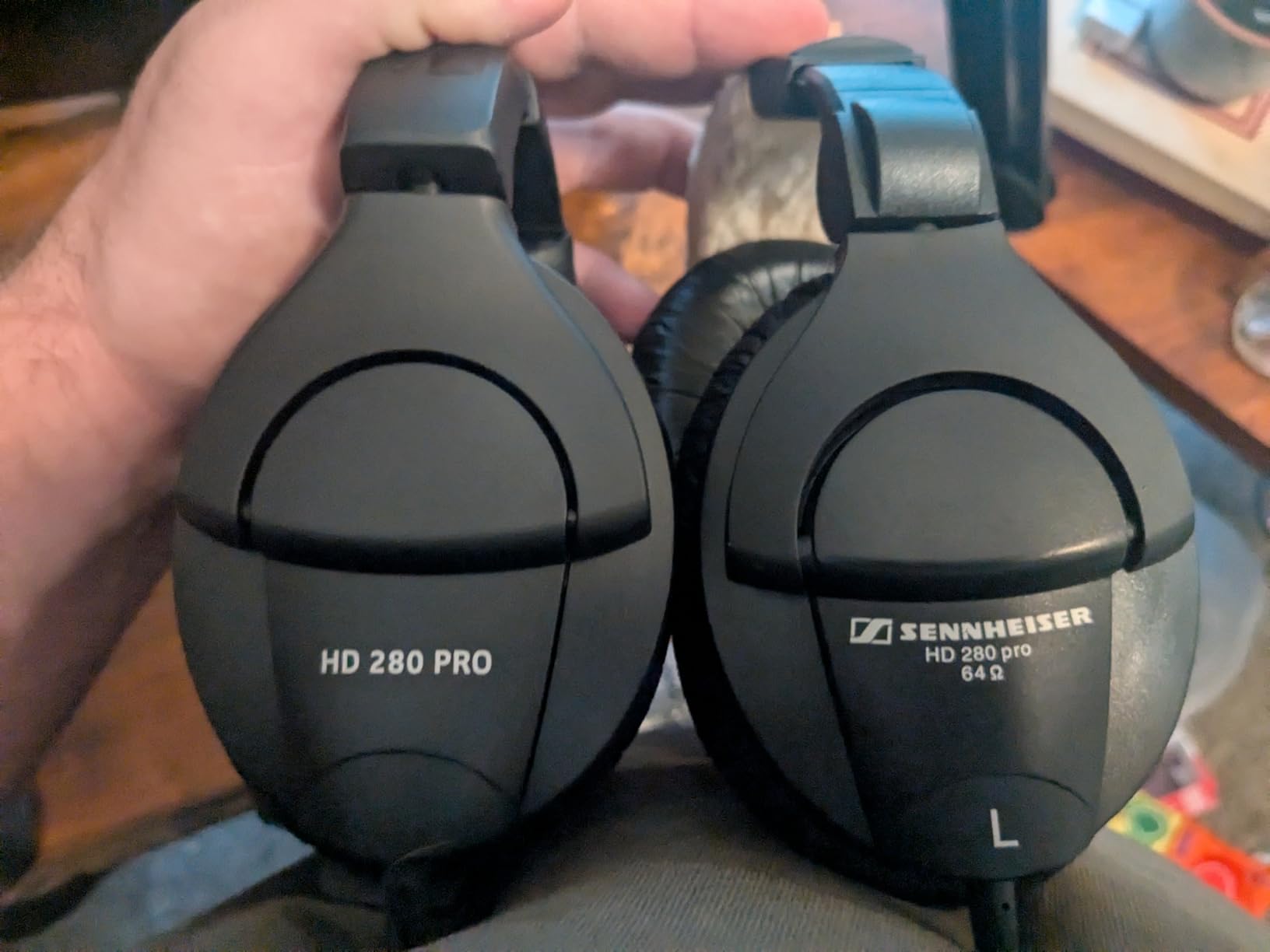
Two practical notes. The 3.3 meter coiled cord is heavy and will drag on one side when the headphone is resting on a desk, which is the most common complaint in reviews. And almost every owner replaces the included pads early, because they are described as thin and quick to collect oil, and replacement pads change both comfort and isolation noticeably.
There is also a two year warranty, which is better coverage than most of the budget models here.
What you should check before buying
Buy replacement pads at the same time. Reviews describe a noticeable drop in both comfort and isolation with the included set, and the pads are designed to be replaced.
Plan for a short break-in. Owners of earlier units describe a tight clamp that relaxes after a few weeks, and reviewers note a plastic headband on some units that can crack with extended use, so keep it out of extreme heat.
Who should skip it
Skip it if your room is already quiet and treated. You are paying for attenuation you will not use, and there are lighter and smaller options that sound just as accurate.
Skip it if you are after extended high frequency sparkle for music work. The sound is deliberately restrained at both the low midbass and the top end, which is right for broadcast monitoring and plain for critical listening.
6. MAONO MH601 – Best Detachable Cable Kit for a Growing Setup
MAONO MH601 Wired Studio Headphone for Podcast Recording Stream DJ Mixing
- Near-flat response reviewers compare favourably to pricier monitors
- 103 dB sensitivity plays loud from any source
- Detachable coiled cable plus a 6.35 mm jack included
- Protein memory foam pads for long sessions
- Cups do not rotate freely for one-ear cueing
- White branding is visible on video
- Coiled cable is short when the mixer sits far back
The MH601 is the pick that surprises people. Reviewers commonly compare its near-flat response to Audio-Technica monitors that cost several times more, and at 32 ohm with 103 dB sensitivity it produces plenty of level from a laptop or a cheap interface without an amp.
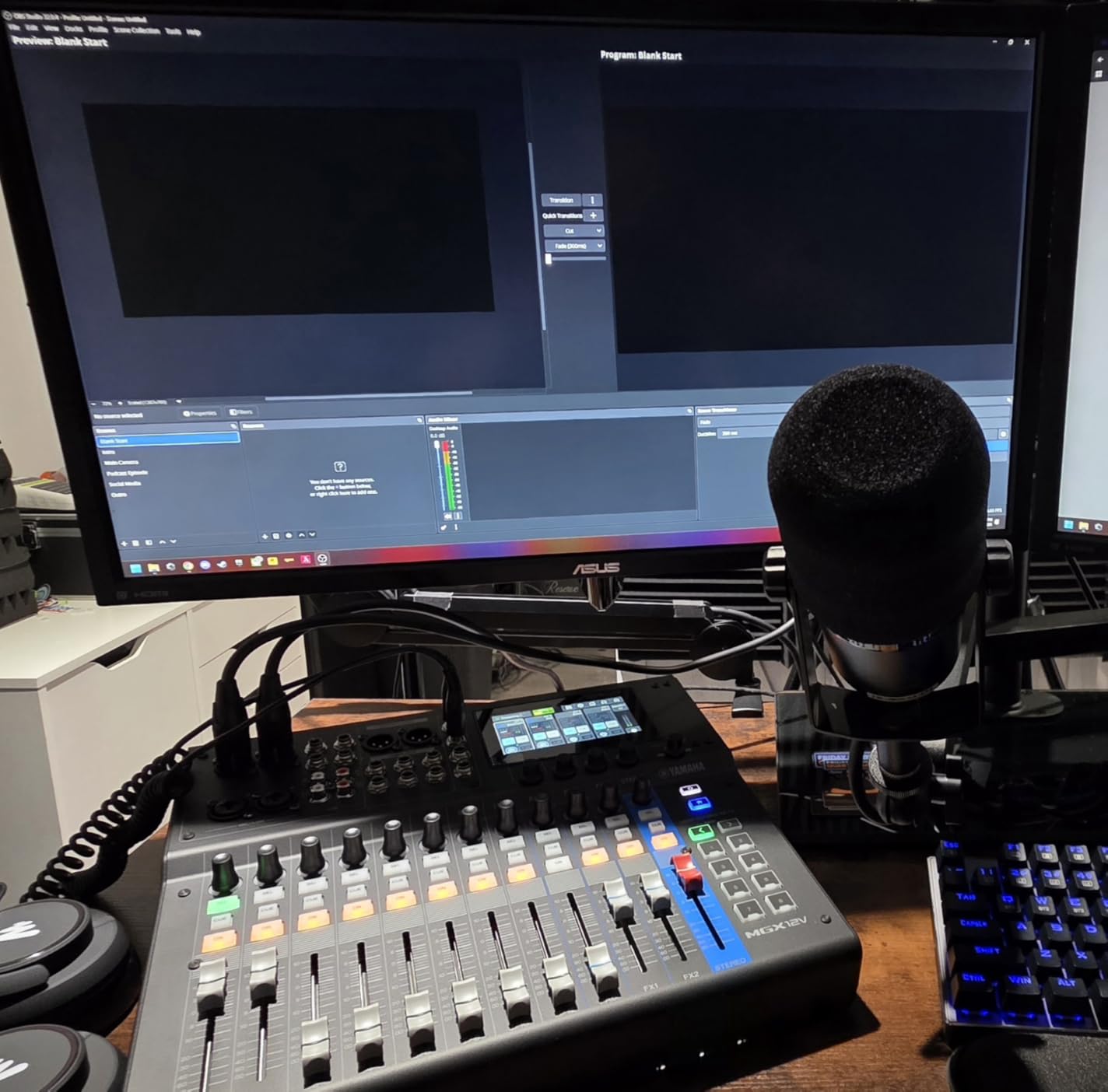
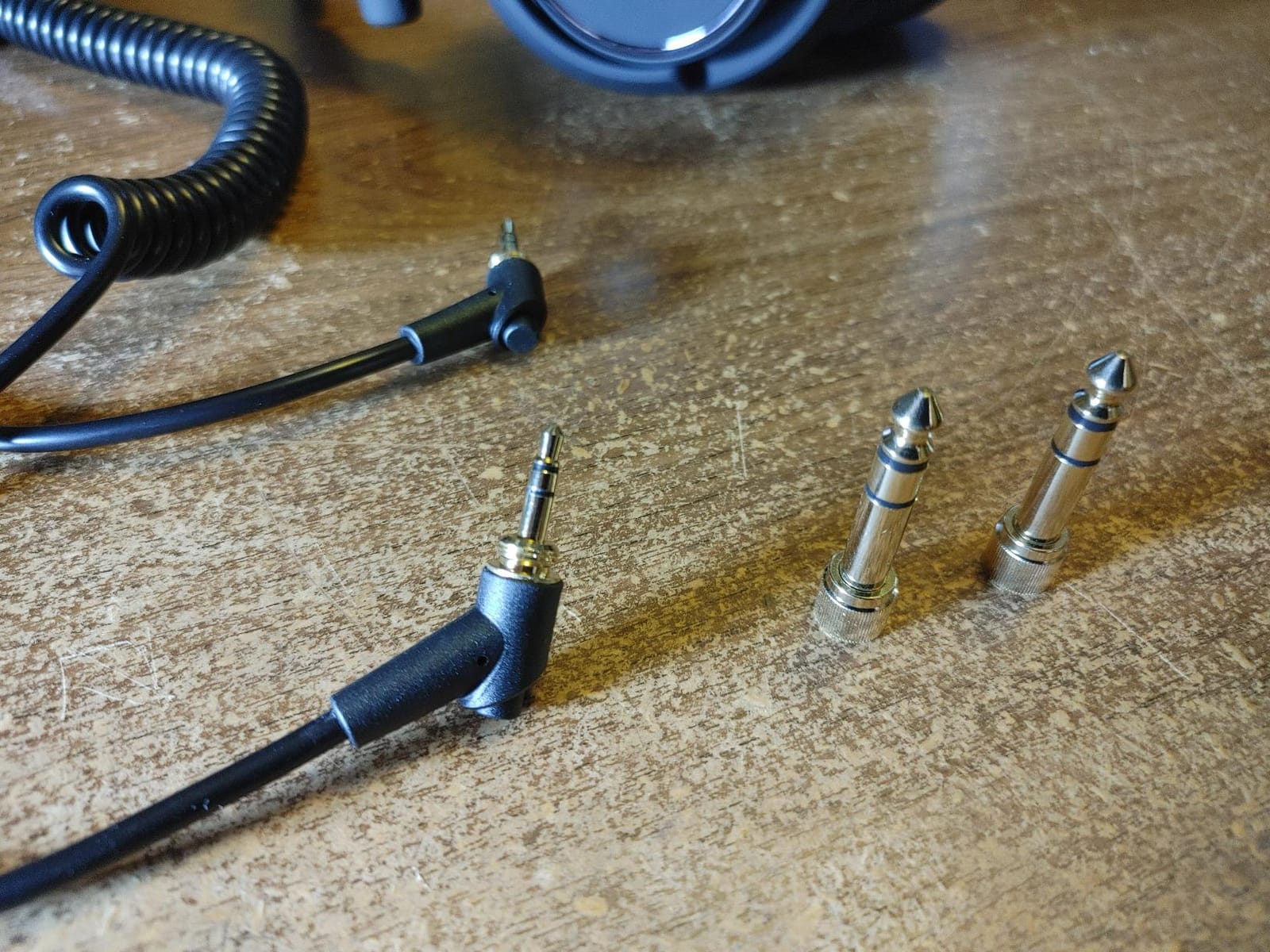
It also arrives with more cable than anything else in this guide: a detachable 9.8 foot spring-loaded coiled cable running from 3.5 mm to 6.35 mm, plus an interchangeable quarter inch jack. That covers desktop, laptop, mixer and interface connections out of the box with no adapter hunting.
Passive operation means no battery, no pairing and no codec, and the listed audio latency of 10 milliseconds is effectively nothing for a wired signal path.
The protein memory foam earmuffs are described as soft and suitable for eight hour days, and the manufacturer claims they block 85 percent of ambient noise. Treat that number as a marketing figure rather than a measured dB rating, and judge isolation by your room instead.
Two limitations come up repeatedly in reviews. The earcups do not rotate the way the M50X cups do, which makes one-ear cueing less convenient for tracking. And the white branding on the cups is visible under lights, which is a genuine problem if you record video.
What you should check before buying
There is no built-in microphone on this headphone. It is a monitoring headphone only, so you still need a separate mic, and it will not work as a headset for calls.
Measure the distance from your desk to your mixer or interface before ordering. Reviewers note the coiled cable can be too short when the gear sits at the back of a large desk.
Who should skip it
Skip it if you record on camera. The cup branding is designed to be seen, and it will show in any frame where you are wearing headphones.
Skip it if your setup depends on frequent single-ear cueing, for example tracking a live instrument while playing along. The cups do not swivel out of the way.
7. RODE NTH-100 – Best Heat Management for Long Sessions
RØDE NTH-100 Professional Over-Ear Headphones for Content Creation
- CoolTech gel pads dissipate heat during long sessions
- Alcantara cushions stay soft and breathable
- Detachable locking cable attaches on either side
- Lifetime manufacturer warranty when registered
- On-ear fit isolates less than a full circumaural design
- Lowest rating in this group with a small one-star share
- Cable lock can be stiff to insert
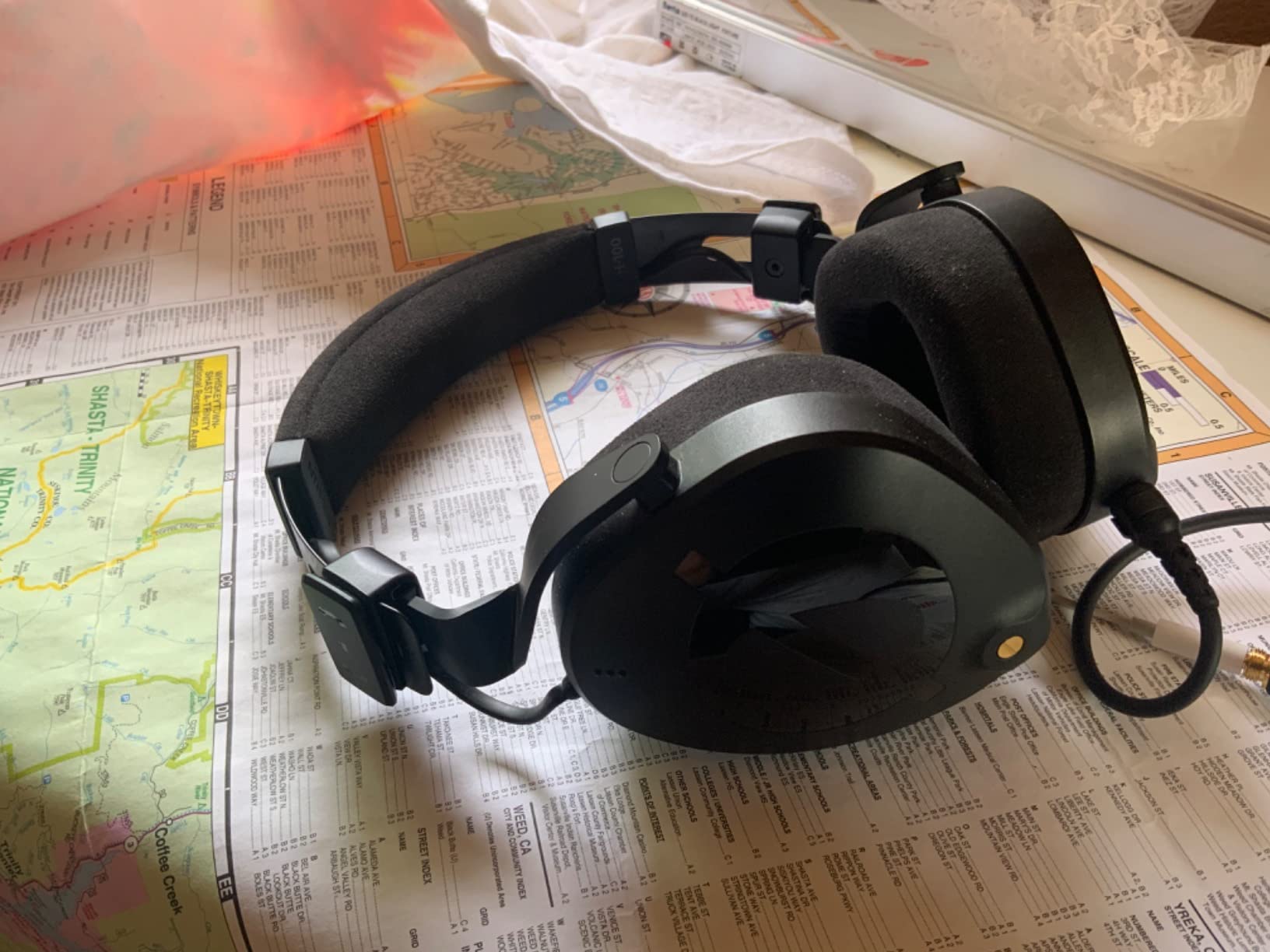
The NTH-100 was designed for content creators rather than for studios, and the difference shows in the pads. The Alcantara earcup and headband cushions are breathable, and the CoolTech gel layer absorbs and dissipates heat so the headphone does not turn into a warm compress after two hours. For long interviews and long edits, that is the feature you will notice most.
Sound is accurate and well matched, with custom-matched drivers tuned for mixing, editing and podcasting. At 32 ohm and 110 dB sensitivity it is the easiest load in the guide to drive, so it works from a phone or a laptop as readily as from an interface.
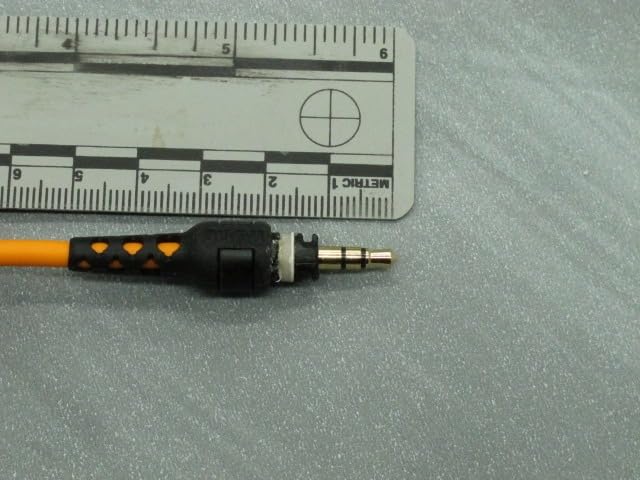
The cable uses a locking detachable connector and can attach on either side, which is the most flexible arrangement here if you alternate between single-ear and double-ear monitoring.
Two honest caveats. This is an on-ear design rather than a full circumaural one, and that means less passive isolation and more spill than a sealed over-ear monitor. In a loud home room that is a real tradeoff for the comfort gain.
It also carries the lowest star rating of the ten pairs here, with a small but visible share of one-star reviews, and several owners point to the protective cable lock being stiff to insert and remove. The counterargument is the lifetime manufacturer warranty, which is the strongest coverage in this group once registered.
What you should check before buying
Check the clamp on your glasses. On-ear pads rest directly on the arms of a frame, so if you wear glasses and record for long stretches, try a pair with a lower clamp before committing.
Run a bleed check before you rely on it in an untreated room. Comfort and isolation pull in opposite directions here, and the comfort model is the one that wins.
Who should skip it
Skip it if your room has real background noise. The on-ear seal will not stop fridge hum or traffic the way a closed circumaural design does.
Skip it if you want the deepest possible monitoring fidelity for music editing and already own a sealed monitor. This is a comfort-first purchase, and the driver tuning is honest rather than exceptional.
8. FIFINE HD8 – Best Budget Monitor with Two Interchangeable Cables
FIFINE HD8 Wired Studio Monitor Headphone, Detachable 3.5mm/6.35mm Cables
- Flat
- clear mids and treble for the price
- Two detachable coiled cables cover 3.5 mm and 6.35 mm gear
- Lightweight at 265 g with thick headband padding
- No adapter needed for either connector
- Plastic build feels light duty
- Fixed ear cups do not pivot or swivel
- Slightly bassy signature compared with broadcast references
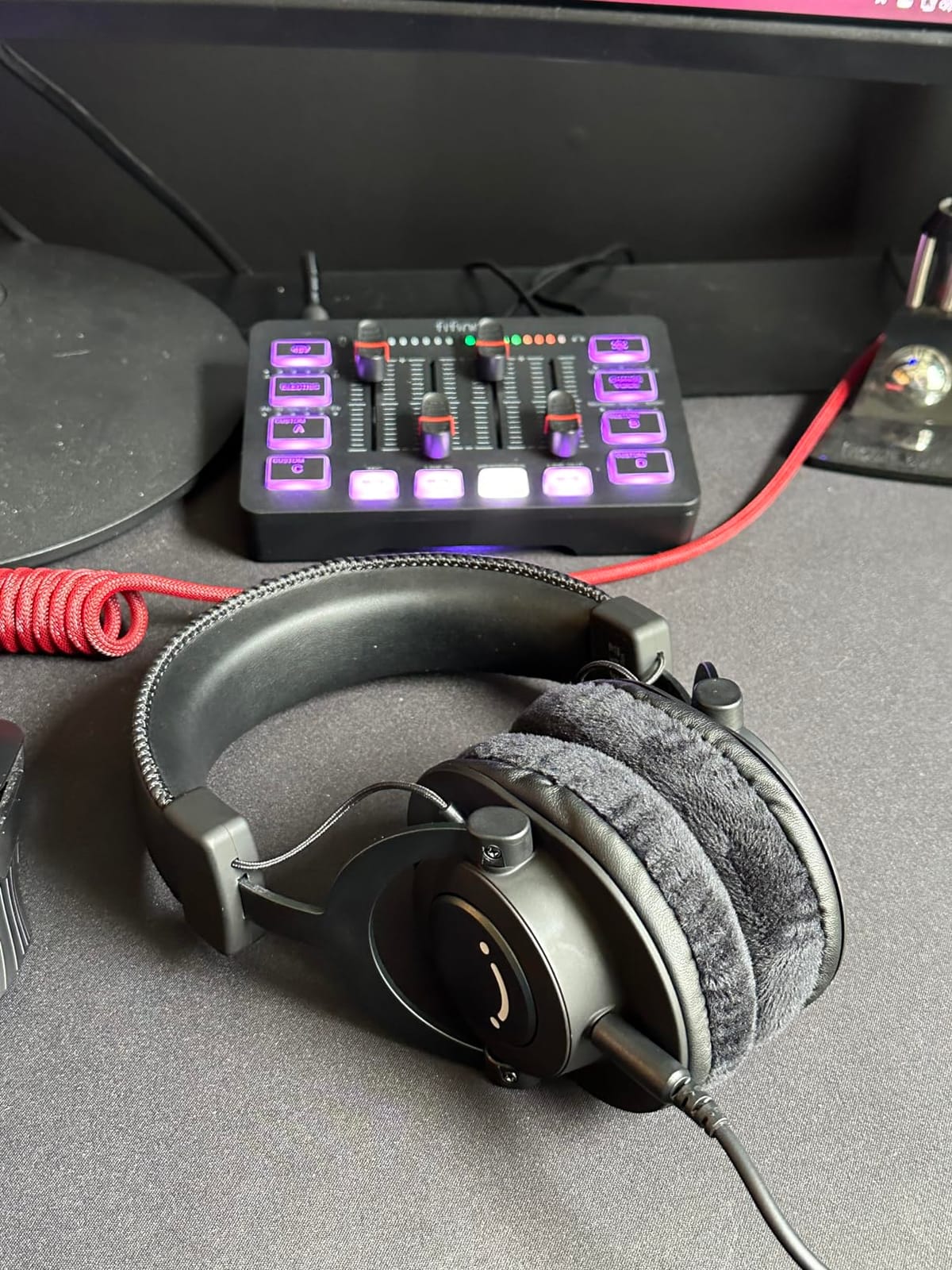
The HD8 is the practical pick when more than one person is recording in the same room. It ships with two 9.8 foot detachable coiled cables, one terminated in 3.5 mm and one in quarter inch, so two hosts with two different interfaces each get the correct cable straight from the box with no adapter.
Reviewers describe the sound as flat, clear and clean through the mids and treble, which is where speech lives. Large 50 mm drivers cover 20 Hz to 20 kHz and owners note it stays clean at higher volume without turning muddy.
At 265 g with an adjustable headband and soft padded cushions, reviewers note the headband sits comfortably from the first wear with no break-in period needed.
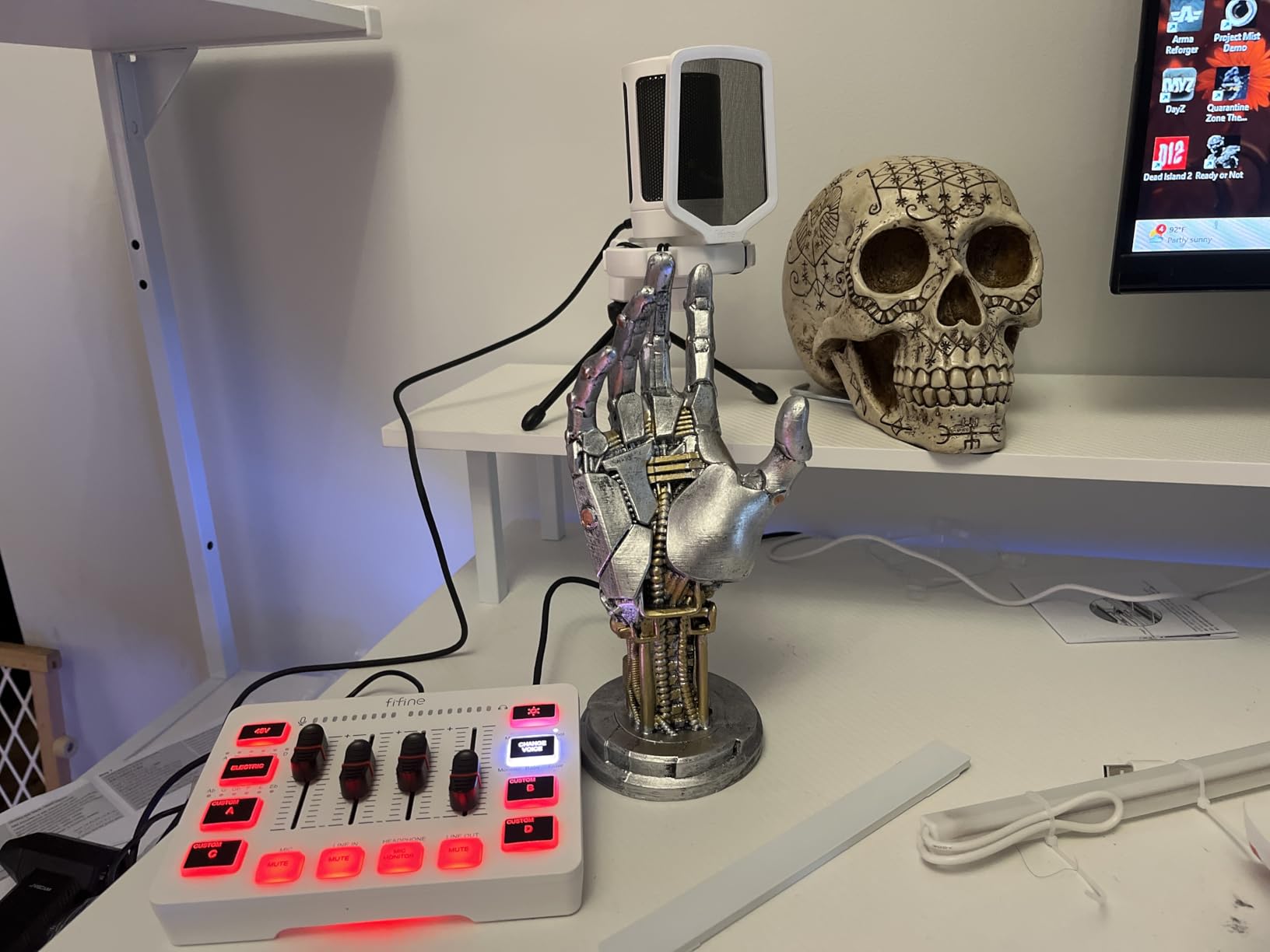
Two things to know. First, the ear cups do not pivot or swivel, so one-ear cueing is not really available on this model. Second, the signature leans slightly warm and bassy, and reviewers comparing it against a broadcast reference headphone notice more low end than a voice monitor needs.
The plastic build is the durability question. It feels light rather than premium in the hand, so treat the hinges gently and store it folded or on a stand rather than dropping it in a bag.
What you should check before buying
Confirm your setup needs no microphone. Like most studio monitors in this list, this is monitoring only, so a separate mic is required.
If your room is quiet, this is the one we would pick without hesitating. If the room is loud, spend the difference on a sealed design with better attenuation.
Who should skip it
Skip it if you want a warm, bass-forward listening experience. The extra low end here is not a feature for monitoring, it is a small inaccuracy.
Skip it if you need single-ear cueing, and be cautious if you move gear often and want a headphone that survives a travel kit.
9. TASCAM TH-02 – Best Entry-Level Folding Monitor
- Near-neutral accurate monitoring at the lowest entry price here
- Foldable swivel design stores flat in a drawer
- Very long cable with a snap-on quarter inch adapter
- Durable plastic build with solid articulation
- Included ear pads are thin and press after 30 to 60 minutes
- Very tight clamp on some units needs breaking in
- Little bass below roughly 100 Hz
The TH-02 is the reason this guide has an entry-level option at all. Owners consistently call it a secret value, with a near-neutral response that lets you judge your own voice accurately without paying for a brand name. It ranks in the top of over-ear headphone sales for a reason.
At 32 ohm it is comfortable from any source, and the snap-on adapter converts the 3.5 mm plug to quarter inch for interface connections. The single-sided cable entry on the left earcup keeps the run out of your way at a desk.
The foldable swivel design is genuinely useful in a home studio, where gear lives in a closet between sessions. The cups fold into the headband and take almost no shelf space.
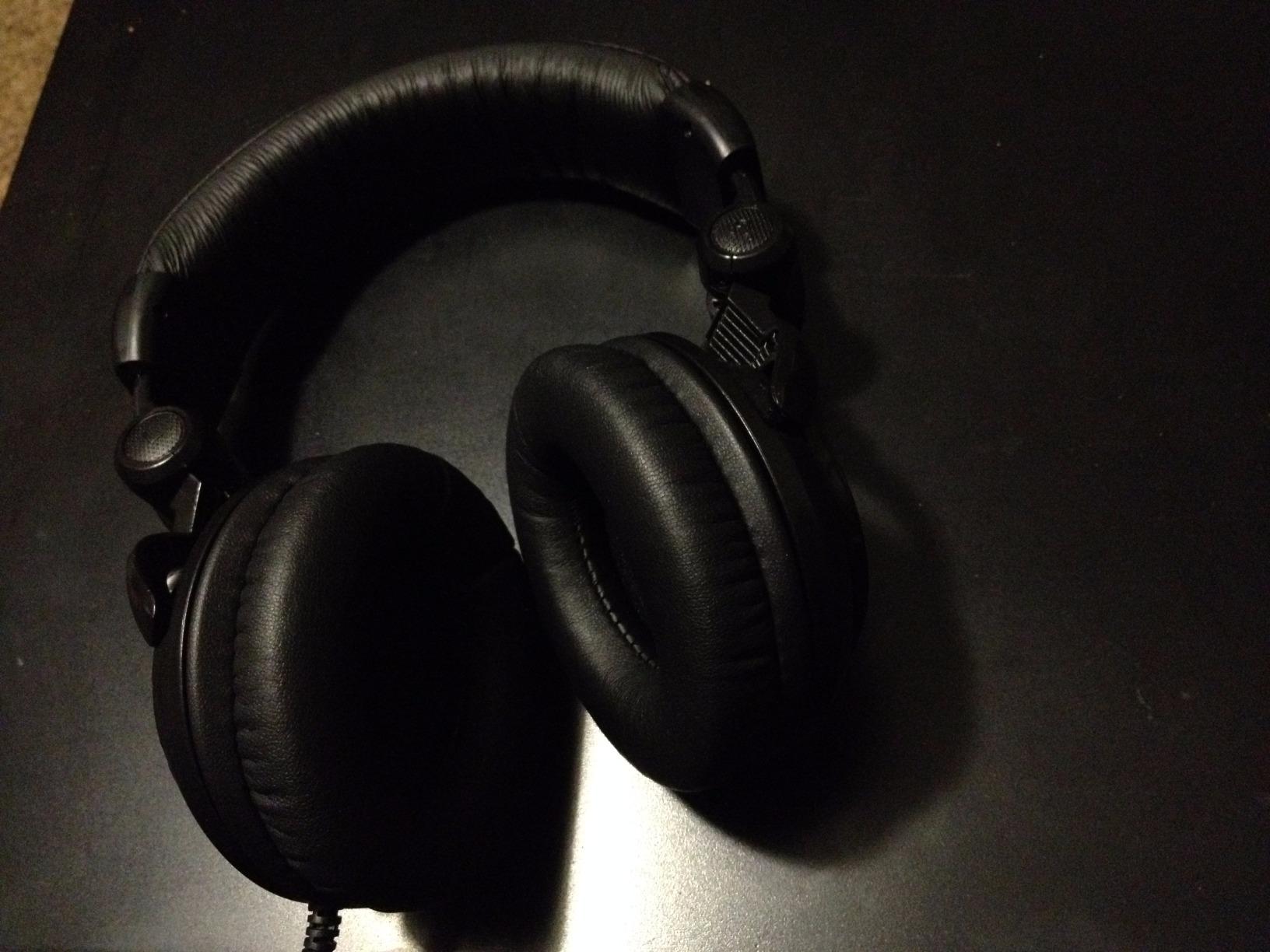
The comfort ceiling is low, and reviewers are clear about it. The included pads are thin, there is no memory foam on the headband, and multiple owners describe the ear pressing on after thirty to sixty minutes. Replacing the pads with third party memory foam is the standard fix and is mentioned constantly in owner advice.
You also get little bass below roughly 100 Hz and a mild peak in the vocal range. For interview speech, neither is a problem you will notice once you are monitoring.

What you should check before buying
Buy a pair of replacement memory foam pads in the same order. Owners who skip this step report a completely different comfort experience, and it is the single most common piece of advice on this model.
If you get a unit with an unusually tight clamp, wear it daily for a week before deciding it is unusable. Reviewers describe the break-in as necessary rather than a defect.
Who should skip it
Skip it if you record long sessions in one sitting and do not want to swap pads. Out of the box this is the least comfortable pair we reviewed.
Skip it if your priority is low end extension for music. The bass roll-off is obvious on anything with a kick drum in it.
10. Audio-Technica BPHS1 Broadcast Headset – Best All-in-One Mic and Monitoring Headset
Audio-Technica BPHS1 Broadcast Stereo Headset with Dynamic Cardioid Boom Mic
- All-in-one monitoring and broadcast microphone in one unit
- Cardioid boom mic rejects off-axis room noise
- Closed-back cups seal out background distractions
- Boom mounts on the left or right side
- Windscreens and a spare connector screw included
- Fixed 8-pin cable with a proprietary XLR-style output
- Requires an XLR interface and will not plug into a laptop
- Boom adds weight and can interfere with glasses
The BPHS1 solves a problem the rest of this guide does not: what if you want to talk and monitor hands-free? It is a broadcast headset with a dynamic cardioid boom microphone built onto the left or right earcup, so one cable does both jobs and you never have to think about a mic stand drifting out of position mid interview.
The cardioid pickup pattern is the reason this exists. It rejects sound arriving off axis, which means the fridge on the wall behind you and the laptop fan beside you both sit outside the pickup area to a useful degree.
Closed-back circumaural cups seal out background distractions, and reviewers praise the vocal intelligibility of the microphone and the high output of the neodymium drivers in both halves of the headset.
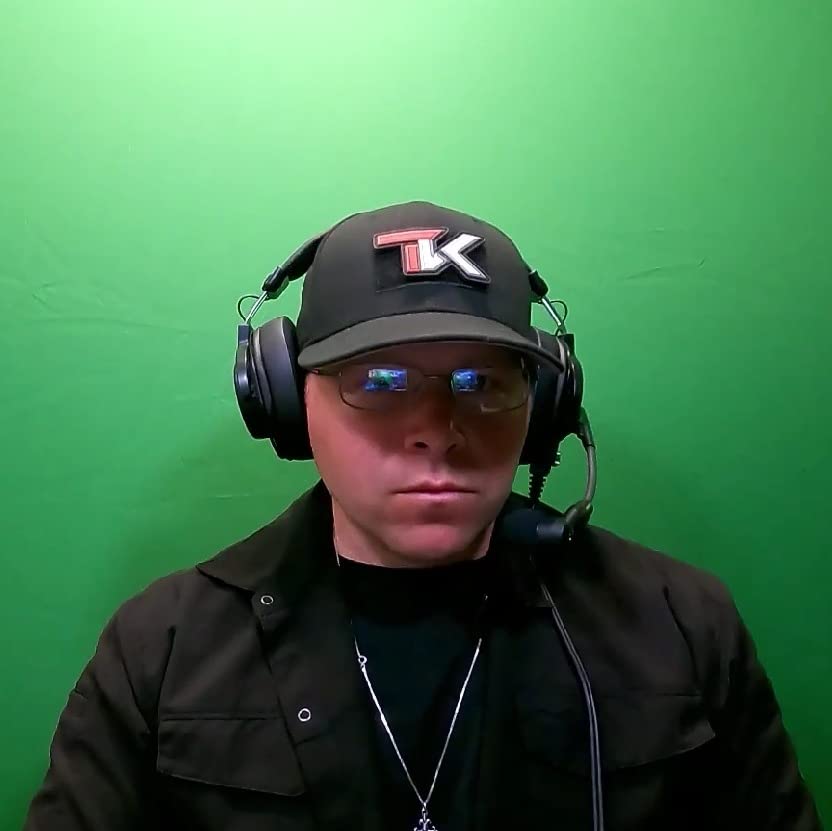
Be clear about the connectivity before you buy. The 3.3 meter cable terminates in a proprietary 8-pin headset connector, with a 3-pin XLR male mic output and a quarter inch headphone plug on the console end. That means you need an XLR equipped interface or mixer, and there is no USB plug-and-play path.
It is also a heavier and more expensive commitment than a separate headphone and USB microphone, at 9.3 ounces with the boom attached. Reviewers note the boom can interfere with glasses, which is worth testing if you wear them.
What you should check before buying
Confirm your recorder has an XLR microphone input and a quarter inch headphone output. If you record straight into a laptop over USB with no interface, this headset cannot be used as is.
Decide whether hands-free is actually a requirement. If you are using a stand-mounted condenser for quality, the headset microphone is a step back in tone, and a better headphone plus your existing mic will serve you better.
Who should skip it
Skip it if you record on a laptop only, or if you want a USB microphone you can point at your mouth for a warmer vocal tone.
Skip it if you wear glasses and record for hours, since the boom arm is another piece of hardware resting against your face.
How to Choose Headphones for Podcast Recording at Home
Closed-back or open-back: the only answer that matters for recording
Closed-back is the answer for any headphone you will wear while a microphone is open. The sealed cups behind the drivers stop your playback from spilling out into the room and being picked up, which is the single most common home recording failure we hear about on the forums. Our wider studio headphones guide covers the open-back versus closed-back trade-off in more detail if you also use these cans for mixing.
Open-back and semi-open designs sound more open and natural, and reviewers often recommend them for mixing. They are fine for editing after the fact. They are not fine for recording, because the sound leaving the cups travels freely and lands in your microphone.
Every model in our list is closed-back except the on-ear RODE design, which seals less completely than a full circumaural cup.
Impedance, and whether you need a headphone amp
Impedance is measured in ohms and describes how hard the headphone is to drive. Lower numbers are easier. A 32 ohm headphone will play loudly from a laptop, while an 80 ohm headphone wants a real output to reach comfortable levels.
Here is the decision rule we use. Under 50 ohms, plug it into whatever you have and stop thinking about it. Between 50 and 80 ohms, a USB interface or mixer headphone output is ideal, and a laptop will work but may be quiet. Above 80 ohms, you will want a headphone amplifier, and buying one of those is a separate project.
Six of the ten pairs here sit at 32 to 47 ohms, which means the majority of home recorders never need an amp at all. The symptom of an underpowered output is a thin, quiet signal that you compensate by turning the interface gain up, which in turn amplifies hiss in the recording.
Wired or wireless, and how much latency matters
Use wired for recording. Bluetooth codecs compress and buffer the signal, which means what you hear in your headphones is not identical to what is being captured, and the delay makes it harder to judge timing against a backing track or a remote guest. Community consensus on the audio forums is consistent: wireless is fine for transcribing on a walk, not for recording or editing.
A wired analog signal path has effectively no meaningful latency. The MAONO MH601 lists 10 milliseconds, which is below the threshold where a listener notices a gap, and a 3.5 mm analog jack adds no processing delay of its own.
The one wireless exception is a closed-back Bluetooth model that is not your monitoring path, which is worth having for guest comfort on a long call, not for the track you are capturing.
The 60-second home bleed test
Anyone can test headphone bleed in a minute, and you should do it before you record rather than discovering the problem in your edit. First, play your podcast playback track or music at the level you actually monitor at. Second, put the microphone where it will be and record ten seconds of speech with the headphones on. Third, pull the headphone cable out or turn one cup away from the mic, record ten more seconds, and compare.
If the second clip contains a clear echo of the music, your headphones leak and you need a more closed design, lower monitoring volume, or a mic off-axis position. Long owner threads about bleed almost always trace back to one of those three, not to a faulty microphone.
Two-ear or one-ear monitoring with a co-host
Two-ear monitoring, both cups on, is what you want while recording. One-ear monitoring, one cup swung away or lifted, is a tracking technique used when you need to hear the room or a live source directly. It is not a style choice and you do not need to record that way.
If you co-host in the same room, the practical version of this is buying two pairs rather than splitting one. A shared pair creates a dependency and a cable fight, and each person needs their own level. Five of the ten pairs here have detachable cables or swiveling cups that make the swap painless when you hand a guest a pair for a remote call.
What actually wears out, and what it costs over five years
Ear pads wear out first, almost always. They flatten, harden, flake or start collecting oil long before the drivers or the headband fail. Every owner in the forums mentions pad replacement, and the fix usually costs a fraction of a new headphone.
Cables come second. Fixed cables on the Sony MDR-7506 and the Beyerdynamic DT 770 PRO are the most-cited durability complaints across all ten products, because a cable failure ends the product’s life rather than being repaired with a ten dollar part. Choosing a detachable cable model removes that risk entirely.
Plan for one pad replacement every two to three years on a daily-use pair. Over a five year span that is two pad sets, which is a small fraction of the headphone cost and the difference between a comfortable setup and an abandoned one.
Quick glossary
Headphone bleed is the sound of your headphone playback leaking into your microphone. It records as a low echo of whatever you were listening to and is nearly impossible to remove cleanly in post.
Passive isolation is how much outside sound a headphone physically blocks, measured in decibels. It comes from the seal and the cup design, not from electronics, so it works with no battery and no processing.
The 60 rule is the observation that around 60 percent of people listen to audio through earphones or earbuds rather than speakers, a figure drawn from consumer research at CES. It matters to podcasters because a large share of your listeners are on earbuds, where a bright or bassy mix translates very differently than it does in your monitor.
Our broader studio headphones guide goes deeper on the driver and tuning side of this if you also mix music.
Frequently Asked Questions
Do you need to wear headphones when recording a podcast?
Yes. Closed-back headphones give you real-time monitoring of your own voice and your guests, and their sealed cups prevent your playback from leaking into the microphone. Without them you cannot hear hum, plosives, headphone bleed or room noise until you are editing, which usually means re-recording.
What is the 60 rule for headphones?
The 60 rule is the research observation that roughly 60 percent of people listen to audio through earbuds or earphones rather than speakers. Podcasters care about it because earbuds reveal a bright or muddy mix far more honestly than a speaker does, so monitoring on a flat headphone gets you closer to how most listeners actually hear you.
What headset does Joe Rogan use on his podcast?
Public information about the specific headset Joe Rogan records with is limited and changes over time, so we will not guess at a model for him. What is clear from how professional shows are run is that guests use closed-back wired headphones for isolation and monitoring rather than gaming or noise cancelling headsets, and every pair in our list fits that pattern.
Why do podcasters wear headphones while recording?
To hear themselves and their guests in real time, to catch level and timing problems before the take ends, and to stop their own playback bleeding into the microphone. A second benefit is passive isolation, which quietens HVAC, refrigerators and street noise so you can ride levels by ear instead of constantly checking meters.
Do wireless headphones work for podcasting?
For recording, no. Bluetooth codecs compress and buffer the signal, so what you hear is not an identical copy of what your microphone captured, and the added delay makes timing harder to judge against a backing track or a remote guest. Wireless is fine for listening back or transcribing, and community advice across the audio forums is consistent on this point.
How much audio latency do wired headphones have?
Effectively none. A passive wired path adds no processing delay, and the MAONO MH601 in this guide lists 10 milliseconds, which is short enough that a listener will not notice it. Any noticeable lag in a wired setup is more likely coming from the software or the interface buffer than from the cable.
Are noise cancelling headphones good for podcasting?
No. Active noise cancelling circuits alter the signal and add processing, which means the monitoring reference is not a faithful copy of your own voice. Many of these circuits also add latency. Use passive isolation from a sealed closed-back headphone instead, which blocks noise without touching the signal.
Do I need a headphone amp for podcasting?
Only for high impedance models. Under 50 ohms, any laptop or USB interface will drive the headphone loudly enough, and six of the ten pairs we reviewed fall in that range. Between 50 and 80 ohms an interface output is ideal. Above 80 ohms you will want an amplifier, otherwise you push the gain until the recording picks up hiss.
Which Headphones Should You Buy?
If you take one thing from this guide, make it the Audio-Technica ATH-M50X. It carries a 4.7 star rating across more than 33,000 owner reviews, it loads any interface without an amp, the swiveling cups and detachable cable handle every recording situation we ran into, and it is the pair we would put in front of a guest without a briefing.
Buy the Sony MDR-7506 instead if you want the most revealing top end for mouth noise and you can live with a fixed cable. Buy the Audio-Technica ATH-M20x if budget is the deciding factor, the Beyerdynamic DT 770 PRO if you edit for hours and sit still, and the Sennheiser HD 280 Pro if your room has noise you cannot treat.
For a video podcast, avoid headphones with visible branding on the cups. For a broadcast setup with an XLR console, the Audio-Technica BPHS1 headset gives you a microphone and monitoring in one cable. Whatever you choose for best headphones for podcast recording at home, buy it wired, buy it closed-back, and replace the ear pads before they flatten instead of after.