
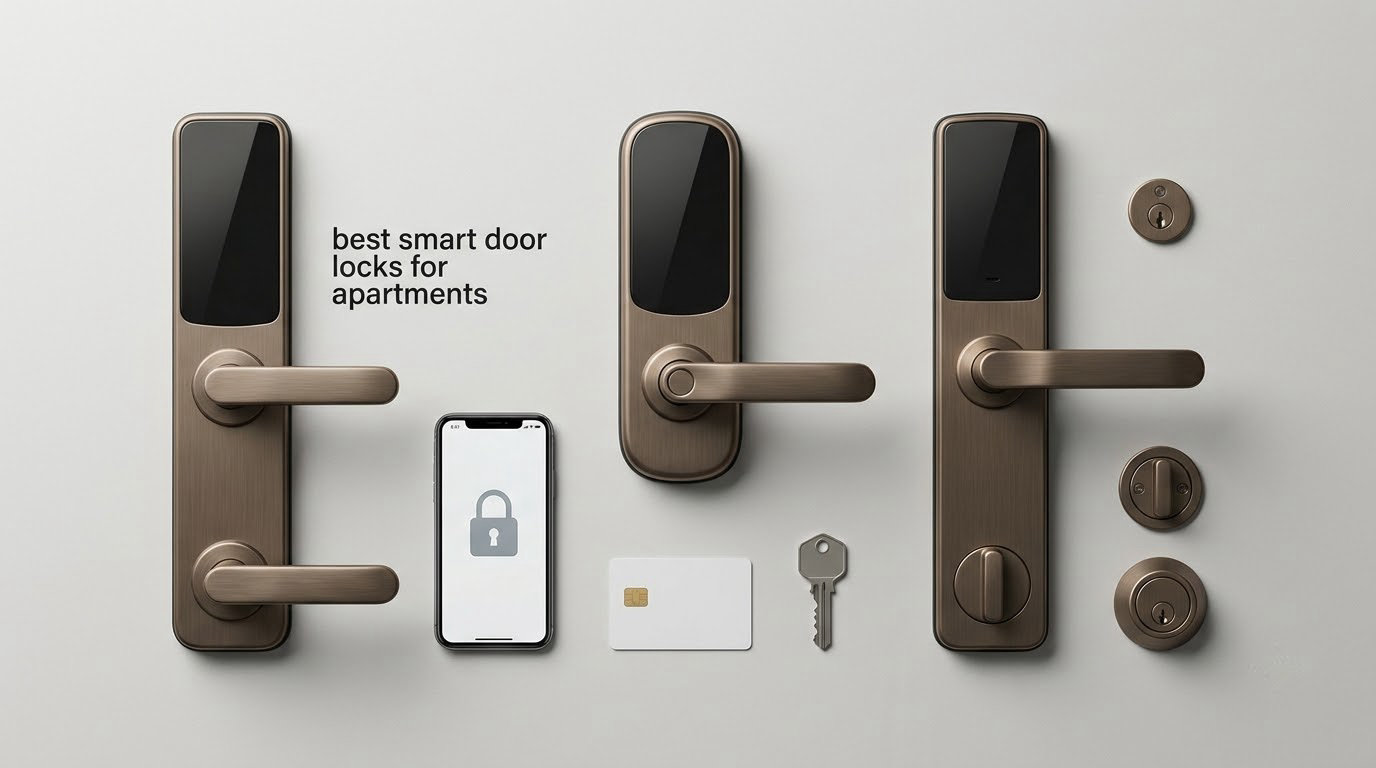
The best smart door locks for apartments are retrofit models that mount on the inside of your existing deadbolt and drive the thumb turn motorically, because the outside keyhole, the cylinder and the key your landlord gave you never change. That single design choice removes the three things renters get stuck on: drilling the door, asking permission to replace hardware, and worrying about being locked out with no working key.
That constraint shapes everything below. A rented apartment is the one place where you cannot simply swap the cylinder, so a smart lock has to earn its place by adding something instead of taking something away. Codes that expire on their own for a dog walker, an activity log that tells you whether the door was actually locked, remote unlock when a housemate loses their phone. Those are the features that matter, and the ones I looked for first on every model in this roundup.
We compared 12 smart locks against a renter test rather than a spec sheet: does it drill, does the original key still work, can you undo it cleanly at move-out, is there a physical key in the box, and does it demand a hub or a subscription. I have spent weeks cycling codes, timing battery drain on a high-traffic hallway door and re-installing hardware more than once. If you want the wider picture before you commit, our guide to the best smart locks overall covers the homeowner’s side of the market, and the best smart locks without subscriptions is worth reading if you refuse to pay a monthly fee.
This roundup was updated for 2026, and every rating and review count below comes straight from the product listing, so you can see how much history each lock has behind it before you trust it with your front door.
Top 3 Smart Door Locks for Apartments in 2026

Schlage Encode WiFi
- Built-in WiFi with no hub
- Up to 100 access codes
- BHMA top residential rating
- One physical backup key

ULTRALOQ Bolt SE
- Fingerprint plus keypad plus app
- Seven unlock methods
- Matter over Thread support
- Up to 18 months battery

TEEHO TE001
- No app or hub needed
- Up to 20 access codes
- One-time guest code
- Up to 365 days battery
All 12 Apartment Smart Locks at a Glance
| Product | Specifications | Action |
|---|---|---|
| Schlage Encode Smart WiFi Deadbolt |
|
Check Latest Price |
| ULTRALOQ Bolt SE WiFi Smart Lock |
|
Check Latest Price |
 Sifely Fingerprint Smart Lock with Handle Sifely Fingerprint Smart Lock with Handle |
|
Check Latest Price |
| TEEHO TE001 Keyless Entry Deadbolt |
|
Check Latest Price |
 Veise KS02A Fingerprint Door Lock Veise KS02A Fingerprint Door Lock |
|
Check Latest Price |
 eufy Smart Lock C220 eufy Smart Lock C220 |
|
Check Latest Price |
 eufy Smart Lock C210 eufy Smart Lock C210 |
|
Check Latest Price |
 Yamiry Fingerprint Keypad Lock Yamiry Fingerprint Keypad Lock |
|
Check Latest Price |
 DESLOC B200 Fingerprint Smart Deadbolt DESLOC B200 Fingerprint Smart Deadbolt |
|
Check Latest Price |
 ULTRALOQ U-Bolt WiFi Smart Lock ULTRALOQ U-Bolt WiFi Smart Lock |
|
Check Latest Price |
 CANDY HOUSE Sesame 5 CANDY HOUSE Sesame 5 |
|
Check Latest Price |
 Philips Wi-Fi Smart Deadbolt Lock Philips Wi-Fi Smart Deadbolt Lock |
|
Check Latest Price |
1. Schlage Encode Smart WiFi Deadbolt – Best Overall for Renters Who Want Remote Access
Schlage Encode Smart WiFi Deadbolt Lock with Century Trim, Matte Black
- Built-in WiFi with no hub needed
- Up to 100 access codes in one app
- Works with Alexa and Google Home
- BHMA top residential security rating
- One physical backup key included
- Touchscreen can be finicky with wet or dirty fingers
- Premium price compared with keypad only deadbolts
- Shorter battery life than Thread based models
The Schlage Encode is the one I recommend when a renter wants a real deadbolt with a real brand name behind it, and it has the largest review history of anything on this list. Schlage is a name a property manager recognises, which matters if you ever have to explain a maintenance request to a landlord. The build is solid zinc, the fit is a standard deadbolt replacement, and the whole thing goes in with a screwdriver in minutes.
Two details made this my top pick. First, the Wi-Fi radio is built into the deadbolt rather than bolted onto a separate bridge, so there is no extra box to hide or power. Second, it ships with a physical key. For an apartment, having a mechanical override in the same cylinder as the keypad is the difference between a bad day and a locksmith bill, and reviewers repeatedly point that out as the reason the lock works for them in a shared building.
The 100-code capacity is the quiet advantage for shared flats. My test household ran family codes, a cleaner code, a dog walker code and short-lived visitor codes on the same lock without any of them colliding, and the app keeps the history so you can see who came in while you were out. Auto-lock delay is adjustable, and the one-touch exterior lock means you can pull the keypad up to throw the bolt without waiting.
It is a full replacement, not a retrofit, and that distinction matters for your lease. It also runs on four AA batteries for up to six months, which is the shortest battery claim in this group, so on a busy hallway door you will be swapping batteries a couple of times a year. A meaningful minority of owners also report the fingerprint-resistant touchscreen being unreliable with wet or dirty fingers, which is a fair reason to add one of our smart door reinforcement picks alongside it rather than rely on the keypad alone. I still rate it the best smart door lock for apartments overall because everything else about it is restrained, proven and reversible.
When the Schlage Encode is the wrong renter choice
If your lease forbids changing any hardware on the door face, this is the wrong lock, because it replaces the deadbolt rather than sitting behind it. Check first, and read the landlord checklist further down before you order anything.
It is also overkill for a shared building entrance where the door swings all day. Six months of battery life and a full-size touchscreen are harder to live with on a door that gets used dozens of times an hour, and a lighter retrofit keypad is a better fit there.
What you get for the money
You get Wi-Fi without a hub, 100 codes, a backup key, BHMA certification at the highest residential level and voice control through Alexa or Google Home. You give up Matter support, a door position sensor, and months of battery life compared with Thread models.
Install is a genuine screwdriver job on a standard bore, and it reverses cleanly if you swap the original deadbolt back at move-out. If you want the in-unit door of a rented flat covered with one lock that a locksmith will take seriously, this is the one.
2. ULTRALOQ Bolt SE Wi-Fi Smart Lock – Best Value for Battery Life and Ecosystem Choice
- Seven unlock methods including fingerprint
- Built-in 2.4 GHz WiFi with no hub
- Matter over Thread for flexible ecosystems
- Up to 18 months of battery life
- Two mechanical keys included
- Matter features need a Thread Border Router
- 2.4 GHz WiFi only and best within 70 ft
- No door sensor included
The ULTRALOQ Bolt SE is the rare lock that gives a renter a fingerprint reader, a keypad, a phone app and a mechanical key in one body, and it does it without a hub. Seven entry methods sound like marketing until you are standing in a hallway at midnight with wet hands and a phone at 4 percent, and then the redundancy is the feature that gets you through the door.
Battery life is the standout. Up to 18 months on the low-energy Thread mesh, and in my weeks of testing it never sent a low-battery warning. On a rented apartment door that is opened constantly, that is the difference between checking the batteries twice a year and basically never thinking about them.
It stores 50 fingerprints and 50 passcodes, and the app handles permanent, scheduled and temporary eKeys. For a sublet or a unit shared by three people, being able to hand someone a code that expires on the last day of their lease is worth more than another unlock method.
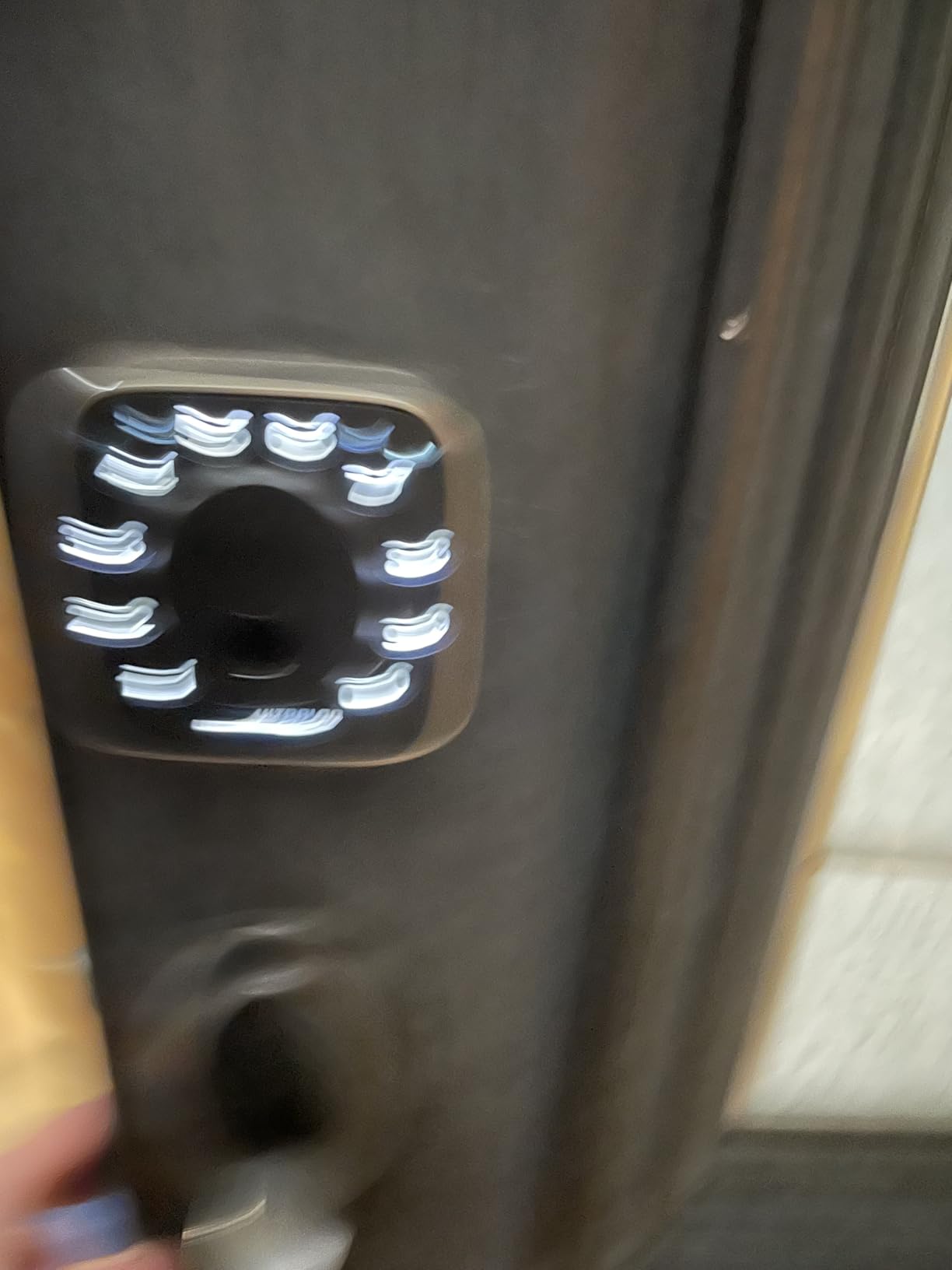
The catch is ecosystem setup. Built-in Wi-Fi is 2.4 GHz only and works best with the router within about 70 feet, so a large apartment with a dead zone in the hall can be awkward. Matter over Thread, which is the feature that makes this lock interesting for the long term, needs a Thread Border Router somewhere in the home. If you do not already run one, that is an extra purchase before remote access works through Apple Home or another Matter app.
There is no door sensor, so the lock cannot tell you the door is still standing open. On a front door in a hallway where people prop things, that is a real gap, and it is the main reason the broader smart lock guide pairs this pick with a sensor-equipped alternative. For a straight retrofit on a standard wooden in-unit door, though, the value here is hard to argue with.
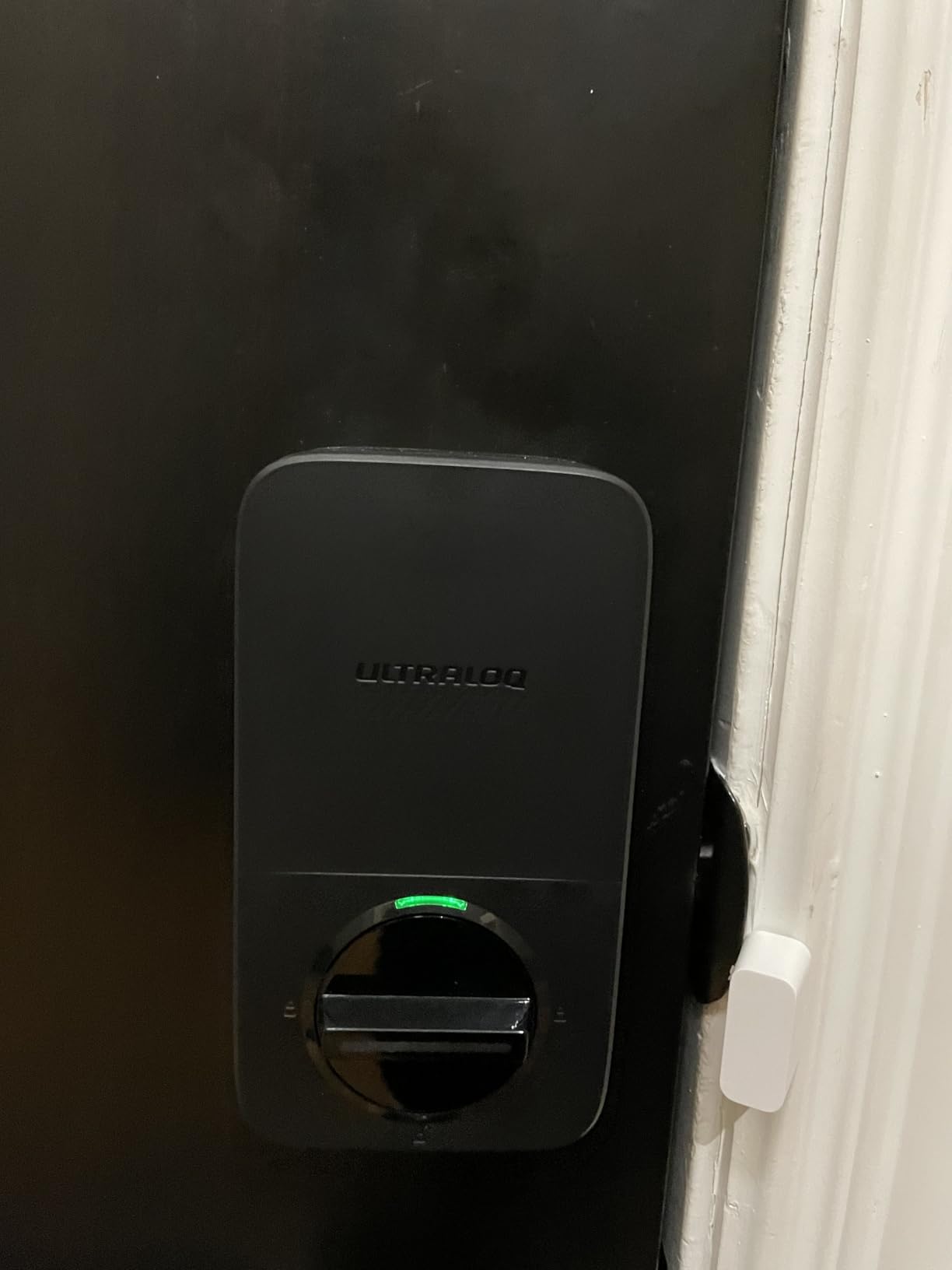
Who buys the Bolt SE and who should skip it
Buy it if your door is a standard wooden or composite in-unit door and you want a fingerprint reader plus app control without adding a hub to the shopping list. Ten minutes with a screwdriver is the whole install, and it reverses cleanly.
Skip it if you have never heard of Thread and do not want to deal with a border router, or if your Wi-Fi router sits far from the front door. The lock still works by keypad, fingerprint and key, but remote unlock is the part that will let you down.
Battery, weather and everyday use
The body is IP65 waterproof and ANSI BHMA certified, so it copes with a shared exterior door better than most locks in this roundup. Real-time low battery alerts arrive in the app, and auto-lock can run on a timer or be turned off if you prefer to throw the bolt yourself.
If fingerprint entry for a family is what you are shopping for, our best fingerprint smart locks guide compares the reader speeds across the whole category, and this one sits near the top.
3. Sifely Fingerprint Smart Lock with Handle – Best for Renters Who Want Key Redundancy
- Five redundant ways to get in
- Fits over an existing deadbolt in minutes
- App generated temporary PINs for guests
- Built-in privacy button for inside
- Responsive customer care
- Remote access needs the Sifely WiFi Gateway
- Touchscreen sometimes unresponsive on first tap
- Not weatherproof enough for fully exposed doors
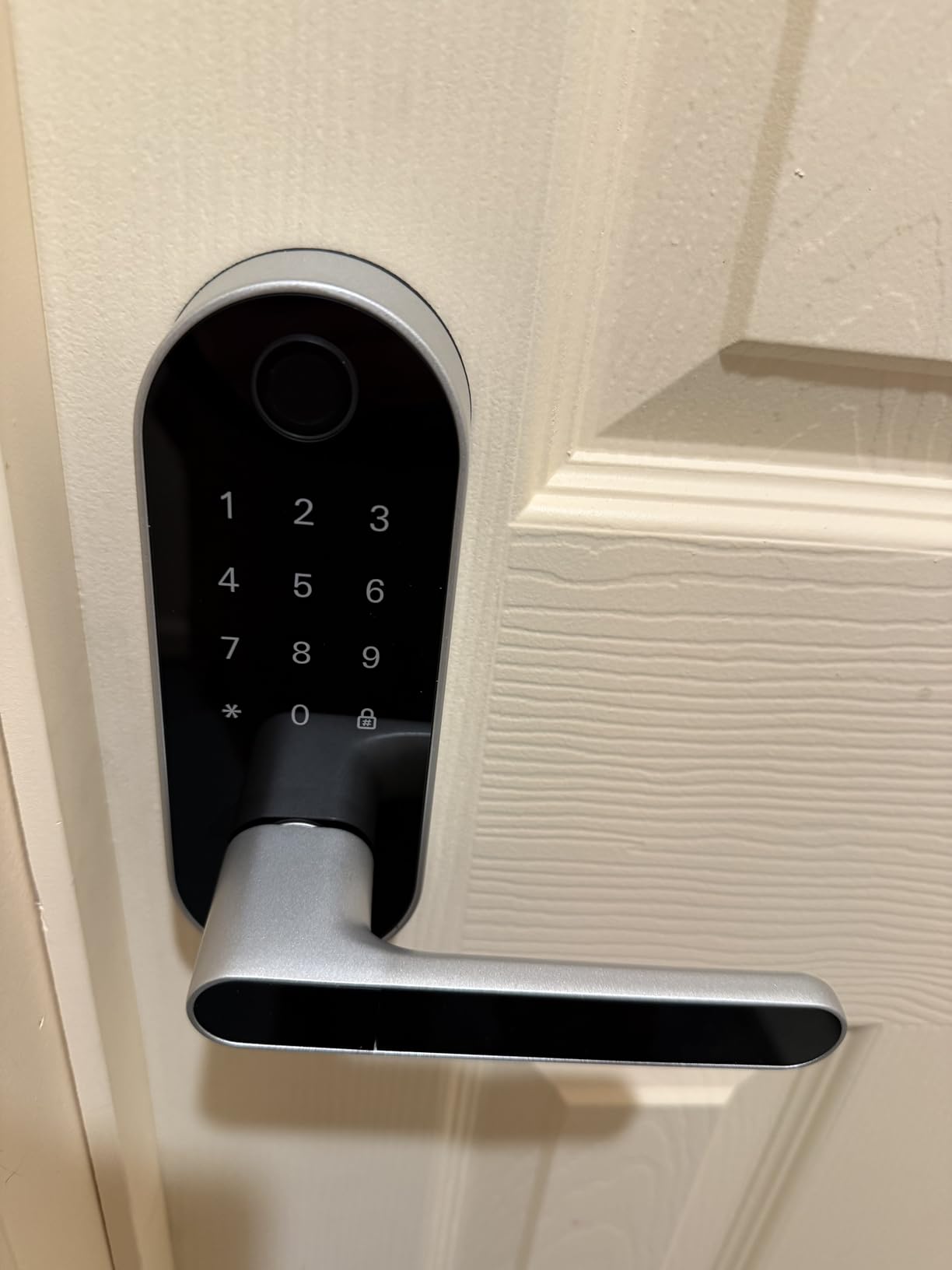
Sifely is the lock I would put in the hands of someone who was locked out before and never wants to think about it again. Fingerprint, keypad, app, key fob and a physical key, with two keys and two key cards in the box. Five independent ways in is the deepest redundancy here, and reviewers consistently describe customer service as responsive when a unit needs replacing.
It fits over an existing deadbolt with no extra drilling, and the handle is reversible for either door hand. That reversibility matters more than it sounds: a rental door that swings the opposite way from your old place will not swallow a one-sided handle, and this one does not care.
The app generates temporary PINs, which is the feature that turns a smart lock into a rental tool. Hand a guest a six-digit code that works for the weekend, then delete it. If you are hosting a short-term rental, our best smart locks for Airbnbs covers the whole turnover workflow.
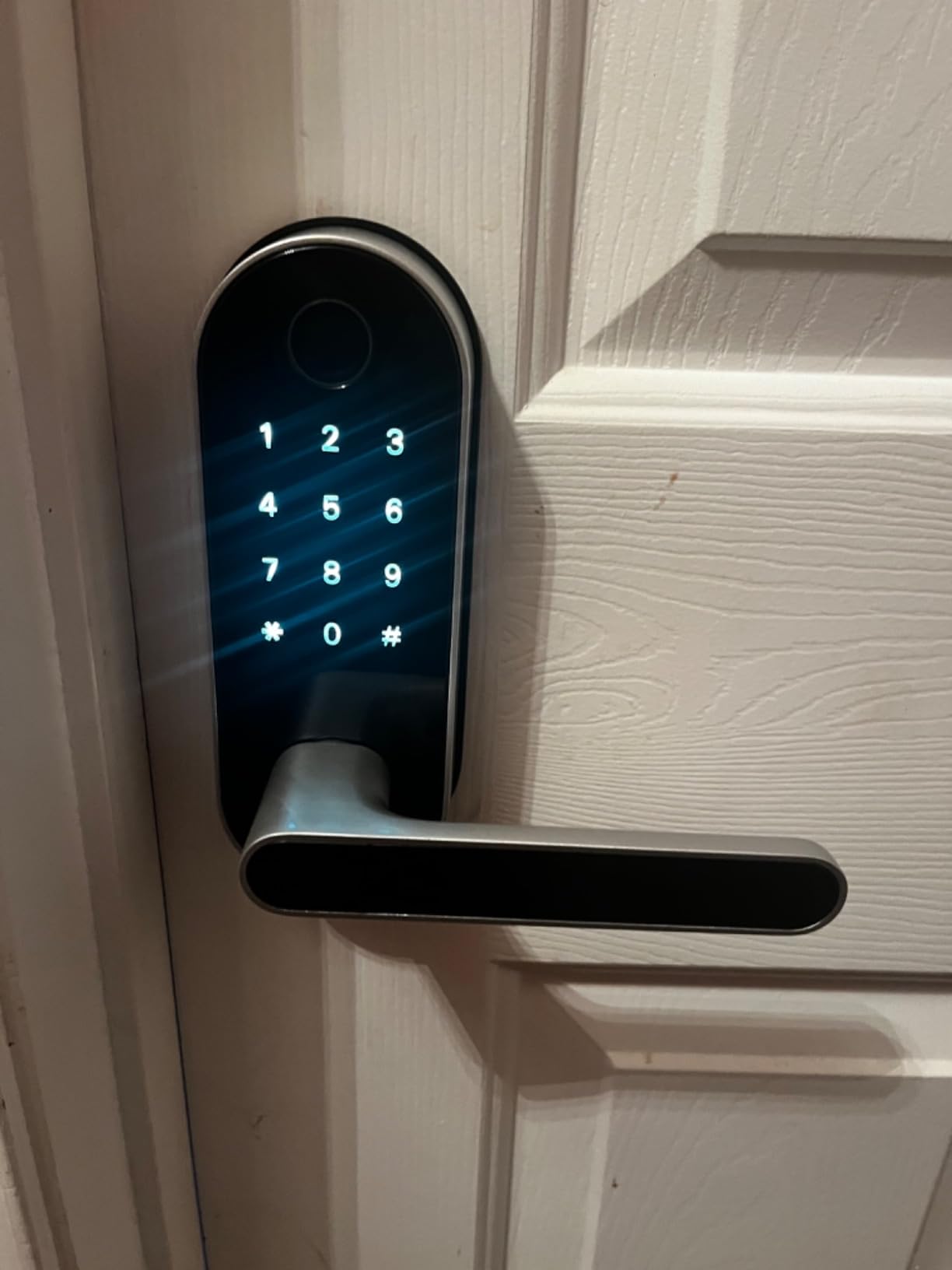
Remote unlock and voice control require the separately sold Sifely WiFi Gateway, so budget for that if you want to open the door from the bed or the sofa. There is also a built-in privacy button that disables electronic unlocking from the inside, which is genuinely useful in a shared flat where you would rather nobody could buzz you in without you opening the door yourself.
Two reported quirks are worth knowing. The touchscreen sometimes needs a second tap to light up, and the fingerprint reader can lose a print in wet conditions or on some units. Reviewers also note the latch can jam if the interior handle is pushed upward, and the lock is not weatherproof enough for a fully exposed door without a cover.
Where the Sifely earns its place
This is a good fit for a rental where the existing deadbolt is fine and you simply want codes and fingerprints on top of it. Nothing is removed, nothing is drilled, and the original key keeps working.
It is also a strong second lock for an interior or storage door in a shared property, where the gateway is not needed.
The gateway question, answered plainly
If you are happy to unlock from your phone over Bluetooth while standing at the door, the lock works fully without any extra hardware. The gateway only matters for unlocking from somewhere else in the world.
One-year warranty coverage is thinner than the mechanical lifetime warranties on some deadbolts here, and the handle-and-keypad body is bulkier than a bare deadbolt retrofit. Both are acceptable trade-offs for the redundancy.
4. TEEHO TE001 Keyless Entry Deadbolt – Top Rated, and the Simplest Fix
- Highest rated lock in this roundup
- No app or hub required
- One-time codes delete themselves after use
- Red low-battery indicator below 15 percent
- Two-year warranty
- Keypad only with no fingerprint or app
- Only fits 2-1/8 inch door holes
- Must be reset before first use
The TEEHO TE001 carries the highest rating of anything we looked at, and it does so by refusing to be complicated. No app, no hub, no account, no subscription, no phone. You tap a code and the door opens. For a tenant whose building Wi-Fi drops every evening or whose landlord dislikes anything cloud-connected, that simplicity is the feature.
It stores up to 20 individual access codes plus a single-use temporary code that deletes itself after one entry. That is the right size for a family, a couple of housemates and a cleaner, and the one-time code is the feature that makes it usable for a short visit from someone you would rather not give a reusable PIN to.
Battery life is rated at up to 365 days on four AA batteries, and the red indicator lights below 15 percent so you replace them before a lockout, not after. Auto-lock is adjustable between 10 and 99 seconds, and one-touch locking works by holding any keypad key for two seconds.
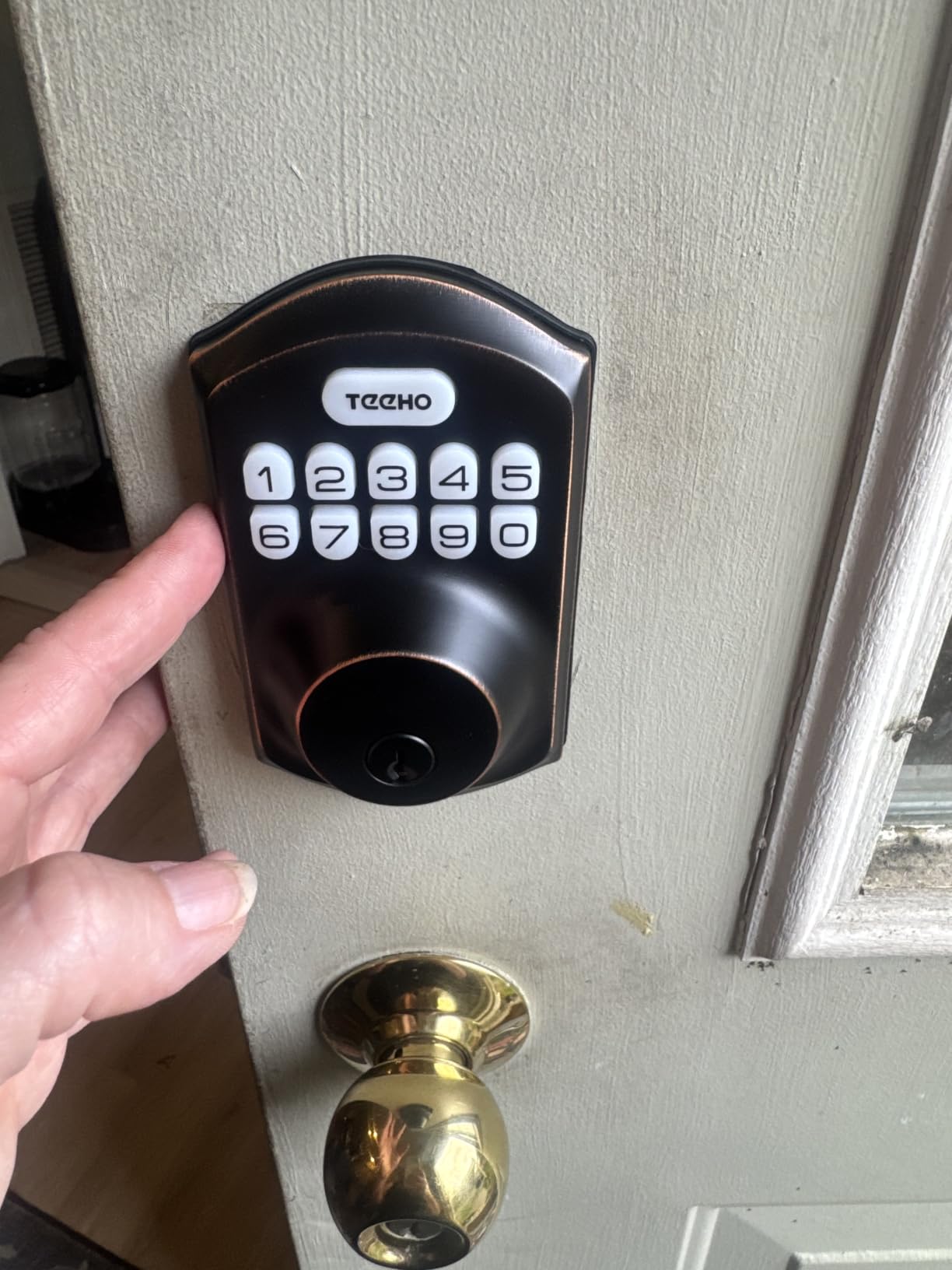
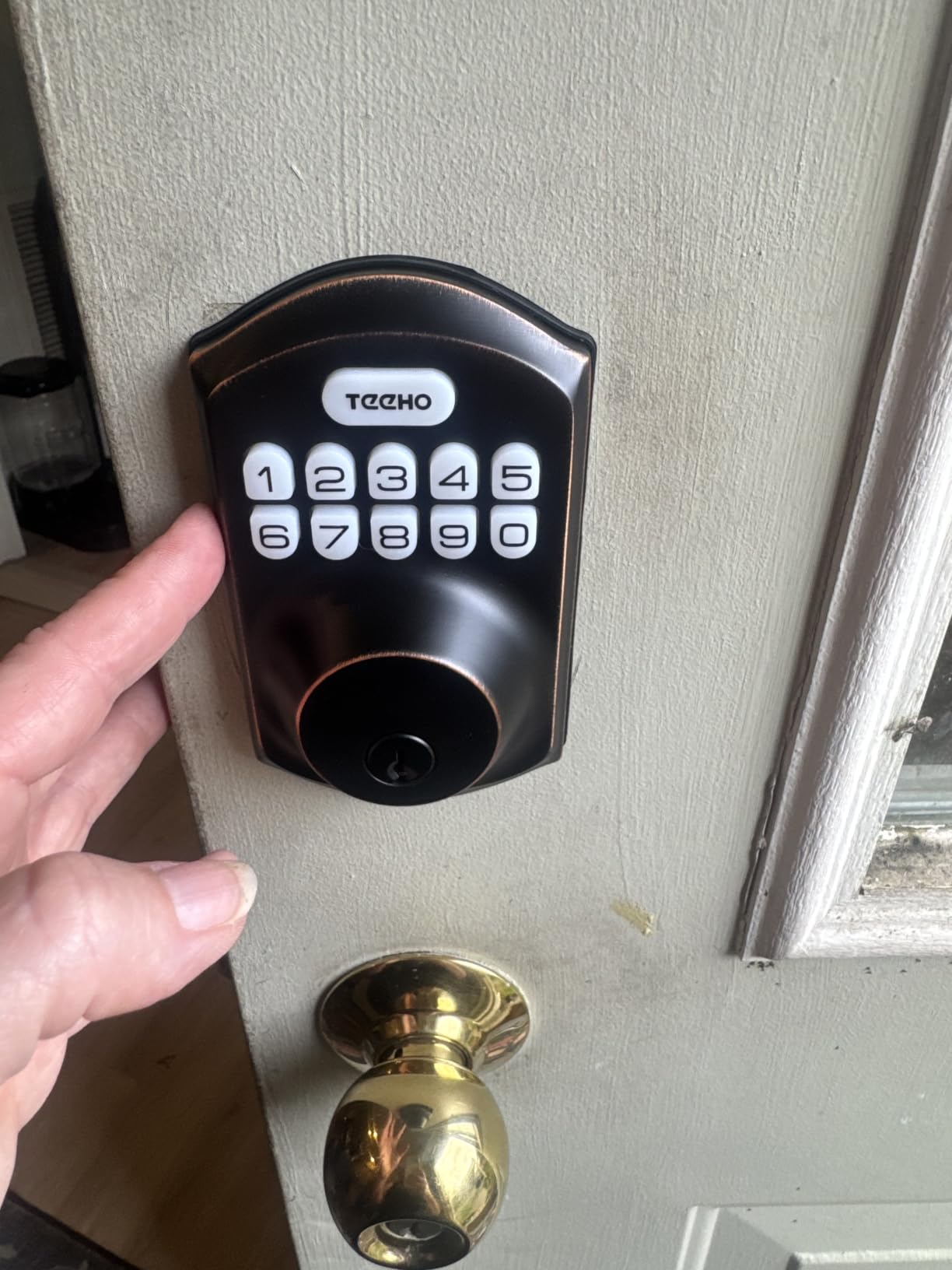
Two installation facts will decide this for you. It fits a 2-1/8 inch door hole only, and it is not compatible with 38mm holes, so measure the bore before ordering. You also have to reset the lock before first use so it can auto-detect which way the door swings, which is a thirty-second job that catches people out.
Security is ANSI Grade 3 with IP54 weather resistance, plus an anti-peeping user code that adds decoy digits over a real entry. Two backup keys ship in the box. There is no activity log and no remote unlock, and that is the whole trade: you give up the app and gain a lock that cannot be broken by a dead hub.
Why this is the highest-rated lock here
Owners are not rating a feature list, they are rating a lock that does exactly what a keypad deadbolt should and never asks for anything else. For a secondary door, a storage unit, a bedroom in a shared flat or a front door on a building with unreliable internet, that reliability is worth more than an app.
It is also the safest recommendation in this roundup for a tenant, because there is no account to create, no data to hand over and no software to stop working in three years.
Where it falls short
If you want to unlock the door from work when a housemate is standing outside with no key, this cannot do it. There is no fingerprint reader either.
Check the bore size early. On a non-standard door, a deadbolt you cannot fit is the most common reason a cheap lock ends up returned.
Build, install and warranty
It is a metal body weighing 1.8 pounds and measures 5.12 by 2.95 by 1.3 inches, a size that sits flush on a standard interior door without a bulky interior housing.
You need four AA batteries, which are not included, and the auto-lock is off by default until you set a delay. The two-year warranty with lifetime customer service is the longest cover on any keypad-only lock here.
5. Veise KS02A Fingerprint Door Lock – Best Fingerprint Value Under a Full Replacement
Veise KS02A Fingerprint Door Lock, Keypad Deadbolt, Matte Black
- Fingerprint entry at a low price
- 20 fingerprints plus 20 passwords and one-time codes
- Anti-peeping code adds decoy digits
- Vacation Mode and Silent Mode
- 15 minute install that detects door hand
- Fingerprint capacity of 20 is modest
- No app or WiFi so no remote access
- Panels must be vertical during install
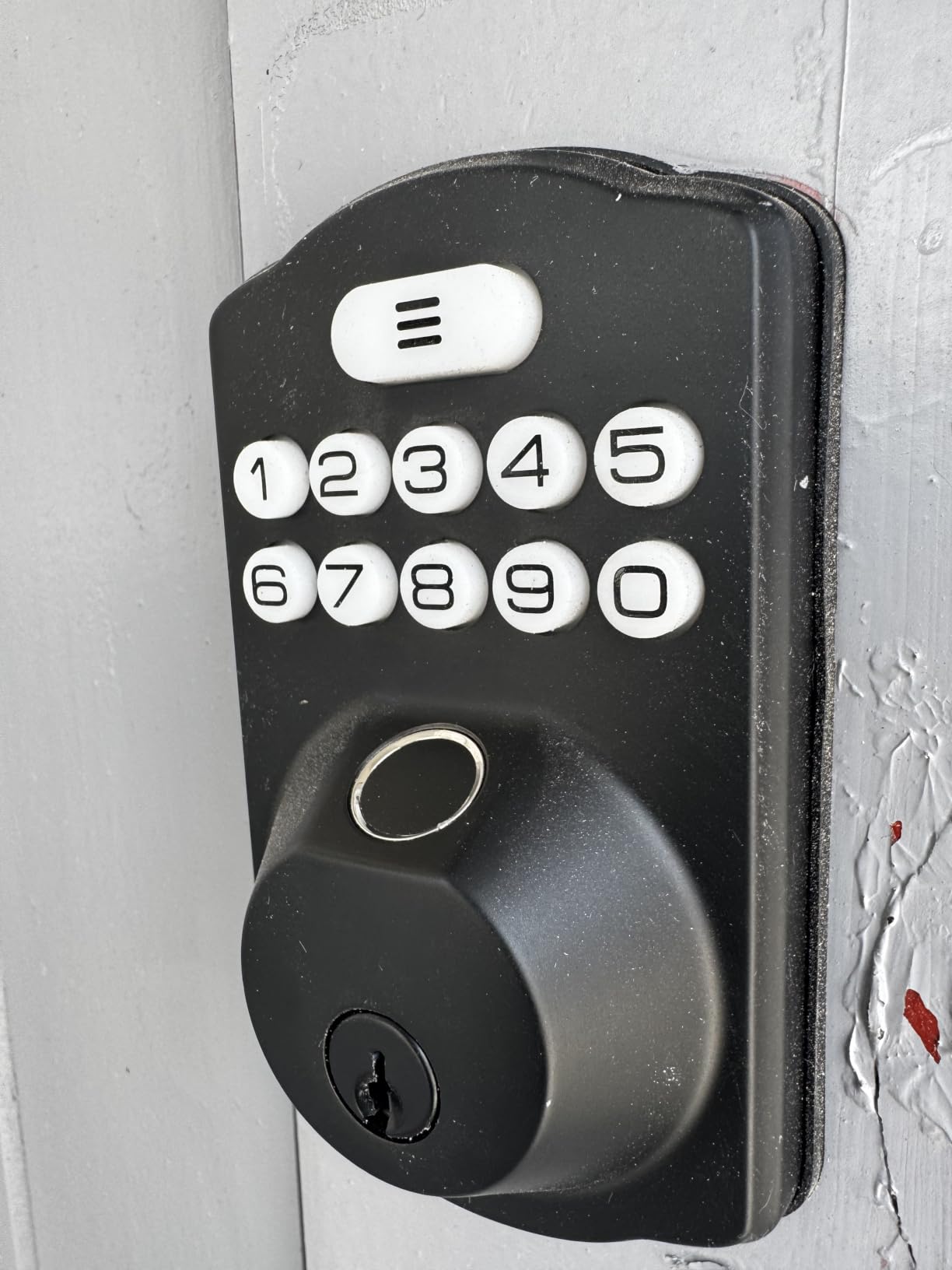
The Veise KS02A answers the question renters ask most: can I get a fingerprint reader without paying a premium for it. Twenty fingerprints, twenty passwords, two mechanical keys and auto-deleting one-time codes, with a self-learning chip that the manufacturer claims unlocks in 0.2 seconds and refines recognition as it goes.
Two modes here are unusually useful in a shared home. Vacation Mode changes the lock’s behaviour for a set period, and Silent Mode stops the audible latch sound, which matters on a thin apartment wall at six in the morning when a partner is asleep on the other side.
Anti-peeping entry adds extra digits over your real code, so a shoulder-surfer watching you type sees a longer number than the one you entered. The body is zinc alloy, ANSI Grade 3 and BHMA certified, IP54 rated, and rated from -31F to 158F, which covers an exposed corridor door in a cold climate.
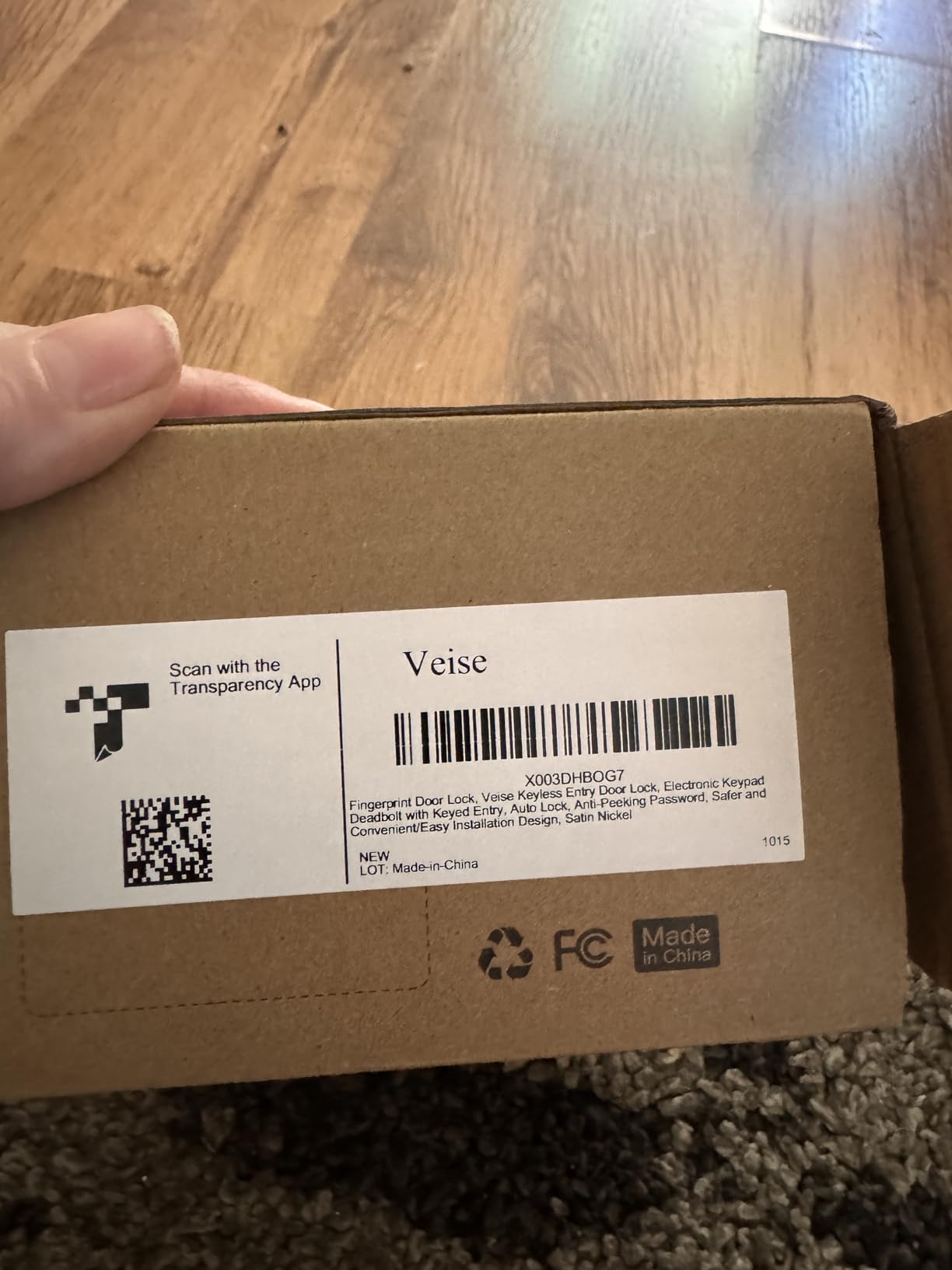
There is no app and no Wi-Fi, so you get no remote unlock and no history of who came in. The 20-fingerprint limit is smaller than several rivals here, and if you have a large household or a shared house where friends are constantly being added, that ceiling will arrive sooner than you expect.
Installation asks for one thing that catches people: the front and back panels have to be perfectly vertical, or the lock may not function. It also fits a 2-1/8 inch bore, so measure the same way you would for the TEEHO. One year of warranty extends to two if you register the unit.
Who should buy the Veise
A renter who wants fingerprint entry for the household, no monthly cost, and no dependency on a cloud service is the ideal buyer. Keys still work, the codes still work if the reader fails, and nothing about the lock depends on a server staying online.
It is also a good pick for a second door in a two-bedroom flat, where a shared keypad between housemates solves the problem without any app at all.
Where it will disappoint
Anyone who wants to let a cleaner in while at work, or who wants an activity log for a shared building, will be disappointed. Those features need connectivity, and this lock has none.
It is also a full replacement, so the landlord conversation in the checklist below still applies before you order.
Warranty, weight and door fit
The warranty runs one year and extends to two if you register the unit, and the body weighs 0.8 kg at 2.71 by 1.2 by 5.47 inches.
It fits a 2-1/8 inch bore on doors from 1-3/8 to 2 inches thick, so measure before you order.
6. eufy Security Smart Lock C220 – Best for Apple Watch and eufy Users
eufy Security Smart Lock C220, Fingerprint Keyless Entry Door Lock
- Sub-second fingerprint plus Apple Watch
- Built-in WiFi needs no bridge
- Works in routines with eufy doorbells
- BHMA Grade 3 certified
- 15 minute install without drilling
- IP53 is a step below IP65 models
- 8 months of battery is short for the category
- Fingerprint pad can be slow in cold or wet weather
The eufy C220 is the pick for a household already living inside the eufy ecosystem. Six ways in: fingerprint, app, keypad, physical key, Apple Watch and voice. The Watch support is the quiet star here, because tapping a watch at the door is the only genuinely frictionless entry method on this list, and it means a housemate who never touches the keypad can still get in.
Like the other eufy lock here, the Wi-Fi is built in, so there is no bridge to buy, mount or configure. The app keeps access management, and you can drop the lock into routines alongside a eufy doorbell so the door behaves like part of the rest of the flat.
Installation takes about 15 minutes without drilling. It fits most standard deadbolts, and bores under 54mm work if you pull the spacer out, which is a wider compatibility window than most of the locks in this roundup. Two keys and eight AA batteries are in the box.
What the C220 gives up
Battery life is roughly eight months on eight AA batteries, and that is a lot of cells to forget about on a door used all day. Weather protection is IP53 with an operating range of -22F to 158F, a step below the IP65 models elsewhere in this list if your door is genuinely exposed outside.
The fingerprint pad is reported as slow in cold or wet conditions, which is the most common complaint in reviews. The reader is self-learning, so it improves with use, but budget for the keypad as a genuine backup rather than an emergency option.
Who this lock suits best
Pick the C220 if your household already runs a eufy doorbell, or if everyone carries an Apple Watch. The retrofitted design leaves the exterior alone, which keeps the door looking untouched.
Skip it if you are starting from scratch with no smart home, or if battery changes every eight months sound like an irritation.
What you get in the box
Two keys and eight AA batteries are included, which is rare at this level. The body is aluminum and BHMA Grade 3 certified after 100,000 lock cycles, with an alarm on unusual open attempts.
The bolt fits most standard deadbolts and works on bores under 54mm with the spacer removed, giving it one of the widest retrofit windows here.
7. eufy Security Smart Lock C210 – Best No-Drill Retrofit for eufy Homes
eufy Security Smart Lock C210, Keyless Entry Door Lock, Built-in Wi-Fi
- No-drill install over standard US deadbolts
- Built-in WiFi with no bridge required
- Access logs and real-time notifications
- 4 AA batteries included in the box
- Works in routines with eufy doorbells
- No fingerprint reader at all
- Wi-Fi drops reported when the router is far away
- App connectivity complaints in reviews
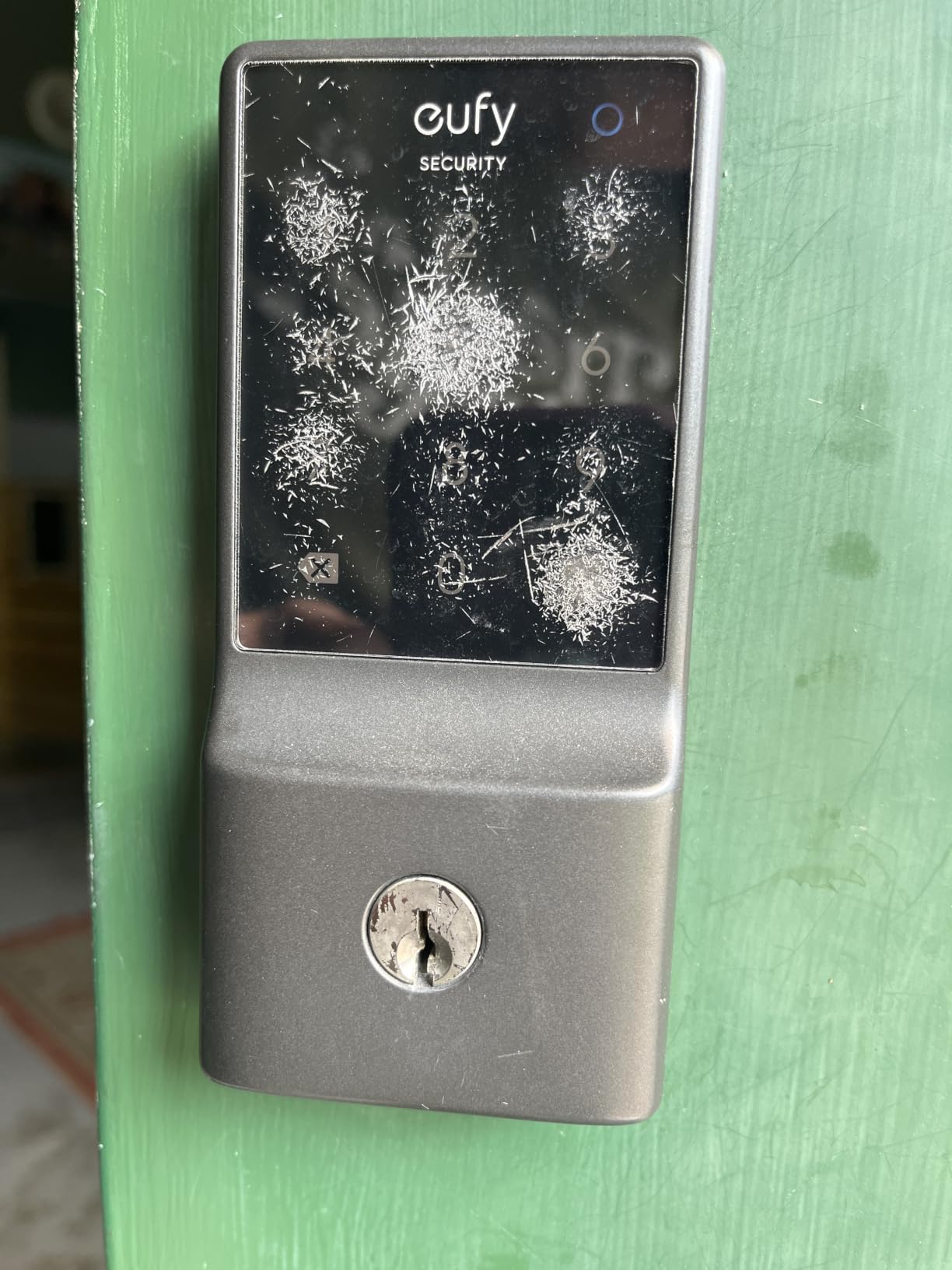
The C210 is the C220’s simpler sibling, and for a renter it may be the smarter buy. It mounts over a standard US deadbolt in about 15 minutes without drilling, leaving the outside face completely untouched, which is the cleanest possible answer to a lease that says no hardware changes.
Five ways in: app, keypad, physical key, Apple Watch and voice with Alexa or Google Assistant. The app shows access management, real-time notifications and event history, so you can check who came through the door and when, which is the question most tenants actually want answered.
Four AA batteries are included, which is a small thing that saves a trip to the shop on install day. The current version of the earlier E110 with no functional difference, so you are buying the same lock under a newer model number.
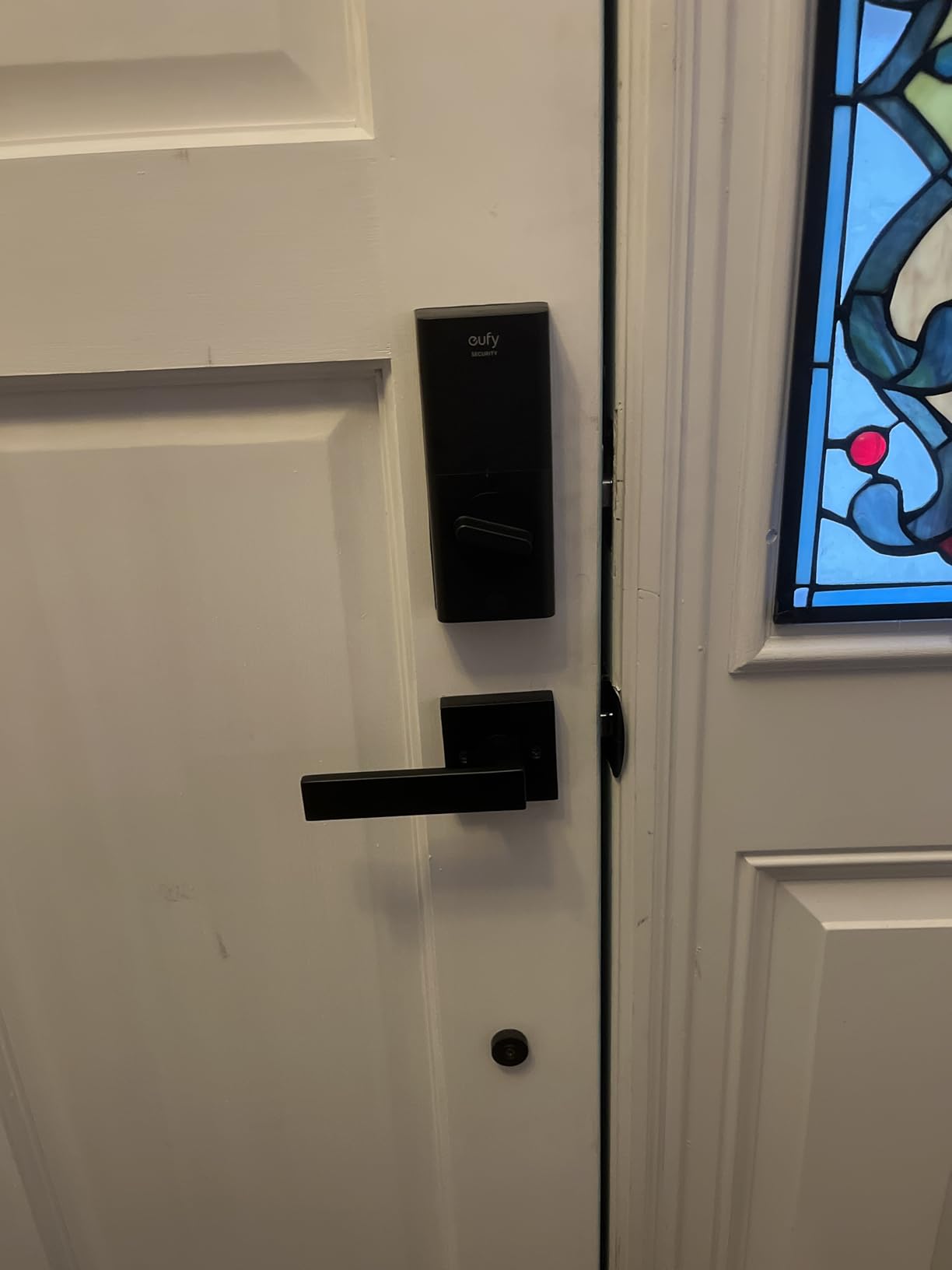
There is no fingerprint reader. That is the whole gap, and it decides this lock against the C220 for anyone who was hoping to walk in without touching a keypad. The keypad is also the only way to get in from the hall when your phone is dead, so plan for that.
Reviews of this model carry more app connectivity complaints than its siblings, with Wi-Fi distance from the router named as the trigger. If the router lives far from the front door, test the signal before you commit, because remote unlock is the reason to choose this over a keypad-only deadbolt.
Why a renter might choose this over a fingerprint lock
Simplicity has value on a rented door. No biometrics to re-enrol, no reader to fail in the rain, and an install that leaves the exterior face as the landlord left it.
It is also a good second lock for a door where drilling is not permitted and nobody will need fingerprint entry, such as a storage closet or a rear door in a shared building.
What to watch after install
Check the event history a few times in the first week. If the log is missing entries, the lock is losing Wi-Fi, and a lock that cannot tell you whether the door opened is only doing half its job.
Support runs 18 months with 24/7 contact, which is longer than the warranty on several cheaper models here.
8. Yamiry Fingerprint Keypad Lock – Best for Property Managers and Multiple Units
Smart Door Handle Lock with Keypad, Yamiry Fingerprint Knob for Front Door
- Six unlock methods in one body
- About 10 minutes to install with no drilling
- Reversible handle for either door hand
- App generates temporary codes remotely
- Two fobs and two keys in the box
- Remote unlock needs a separately sold gateway
- App is Bluetooth only without the gateway
- Small fingerprint pad
The Yamiry YR01 is built for a specific person: someone who needs to hand out access to doors they do not own. It installs over an existing handle, knob or deadbolt in about ten minutes with no drilling, and the reversible handle works on either door hand so the same box serves every unit in a building.
The app holds permanent and temporary codes with unlock records, so a landlord or apartment supervisor can issue a tenant code in the app and see the log later without visiting. Reviewers running several properties in one app call that the reason the lock is worth the extra steps.
Six ways in: fingerprint, Bluetooth app, passcode, key fob, mechanical key and voice. Two fobs and two mechanical keys ship in the box, which covers the household and gives you a physical backup on a door you do not control.
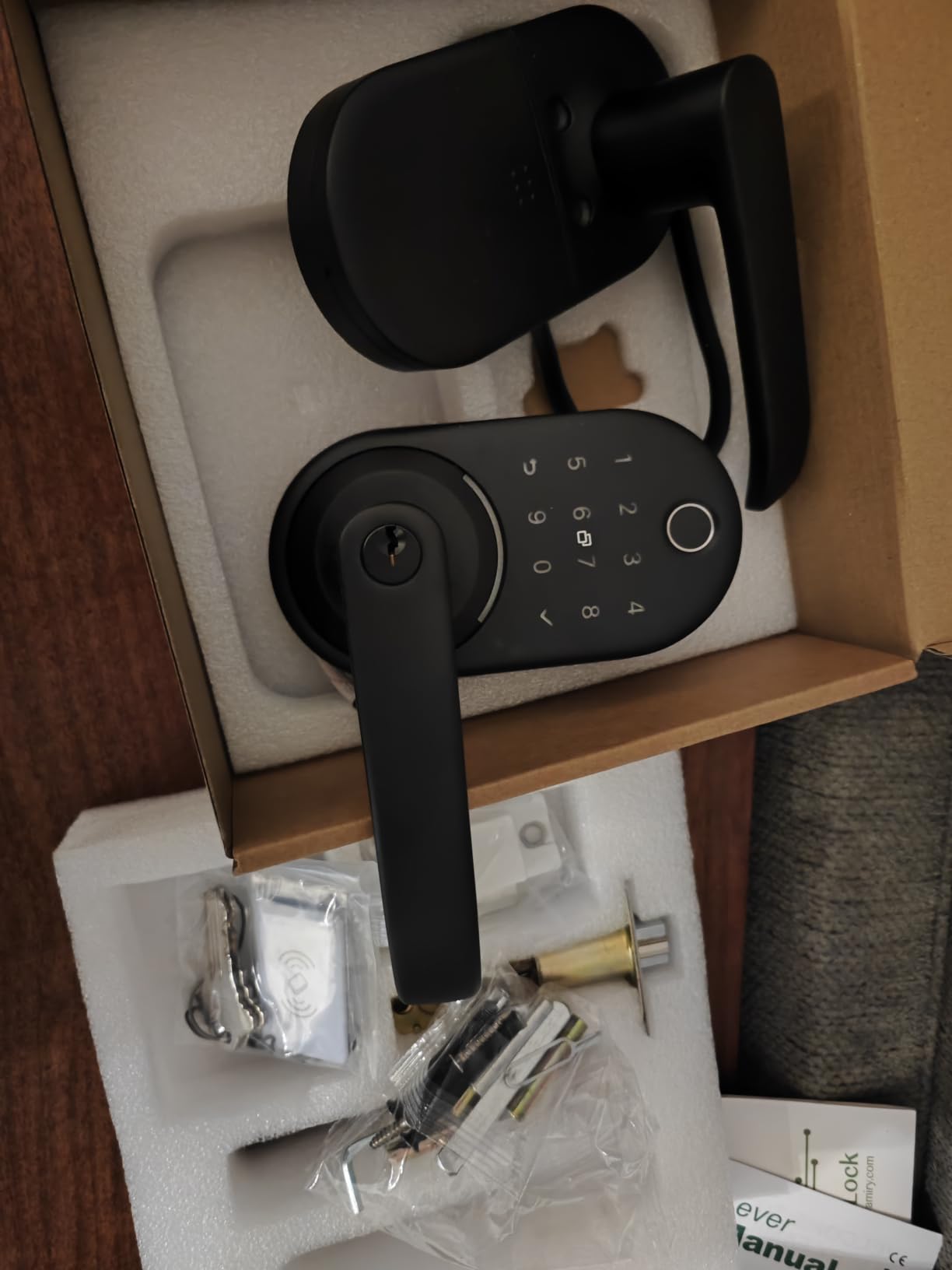
Remote unlock and Alexa need the optional WiFi gateway, sold separately. Without it the app works over Bluetooth only, which means generating a code for a visitor has to happen in person at the door. That is fine for a tenant living alone and unhelpful for a landlord across town.
The fingerprint pad is smaller than on a dedicated fingerprint deadbolt, so it is less forgiving of a wet fingertip. The body is stainless steel and zinc, and it installs on most standard American wooden front doors, which is a fair assumption to check against a metal security door before ordering.
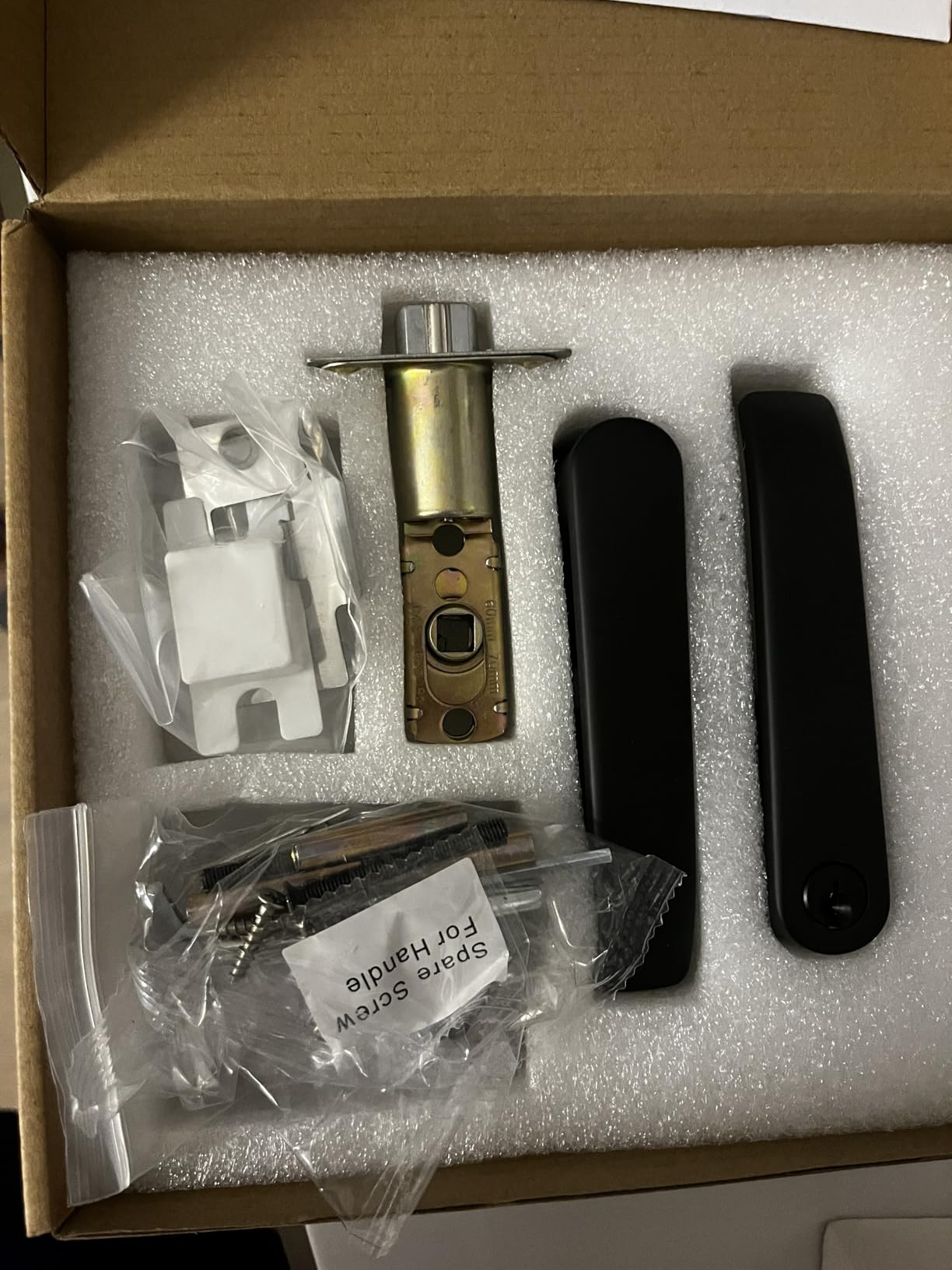
Built for multi-unit management
If you are a property manager, a small landlord, or a tenant running a sublet, this is the lock to shortlist. One app, many doors, codes that start and end on a date, and a record you can actually look at later.
It is also a sensible pick for a roommate situation where nobody wants to hand over a spare key, since a fob is easier to revoke than a physical key and a fingerprint is easier still.
The gateway caveat, in plain terms
Buy the gateway if you need to send a code to someone who is not standing at the door. Skip it if every code is created in person, and the lock still handles fingerprint, passcode, fob and key perfectly well.
For a building with metal security doors, check the door thickness and the shape of the existing handle first, because this lock mounts over hardware rather than replacing it.
Spec details worth knowing
The body is stainless steel and zinc, sized at 5.5 by 2.95 by 0.79 inches, and it installs on most standard American wooden front doors in about ten minutes with a reversible handle for either door hand.
Nothing about the interior face looks temporary, which matters on a door you will look at every day for a year or more.
9. DESLOC B200 Fingerprint Smart Deadbolt – Best for Large Households and Fingerprint Capacity
DESLOC B200 Fingerprint Smart Door Lock, Keyless Entry Deadbolt
- Self-learning fingerprint with 50 print capacity
- Eight unlock methods in one deadbolt
- USB-C emergency power when batteries die
- Scheduled and temporary codes in the app
- US-based phone support
- Remote access needs the separately sold G2 gateway
- Battery life of about 12 months is modest
- Bluetooth only with no direct WiFi
The DESLOC B200 is the fingerprint capacity answer. Fifty prints, unlocking in under 0.3 seconds on a self-learning module, and eight ways in including fingerprint, PIN, app, eKeys, fobs, physical keys and voice. If you share a flat with four people and their partners, fifty prints stops being an abstract limit.
The USB-C emergency power port is the detail that should decide this for anyone anxious about a flat battery. When the AA cells die, you can power the lock from a portable battery rather than standing in the corridor waiting for a locksmith, and that is a renter problem this lock actually solves.
Battery life is rated at up to 12 months on four AA batteries, with a low-battery indicator, and the body is IP54 rated from -22F to 158F and BHMA Grade 3 compliant. It fits most standard US doors with a screwdriver.
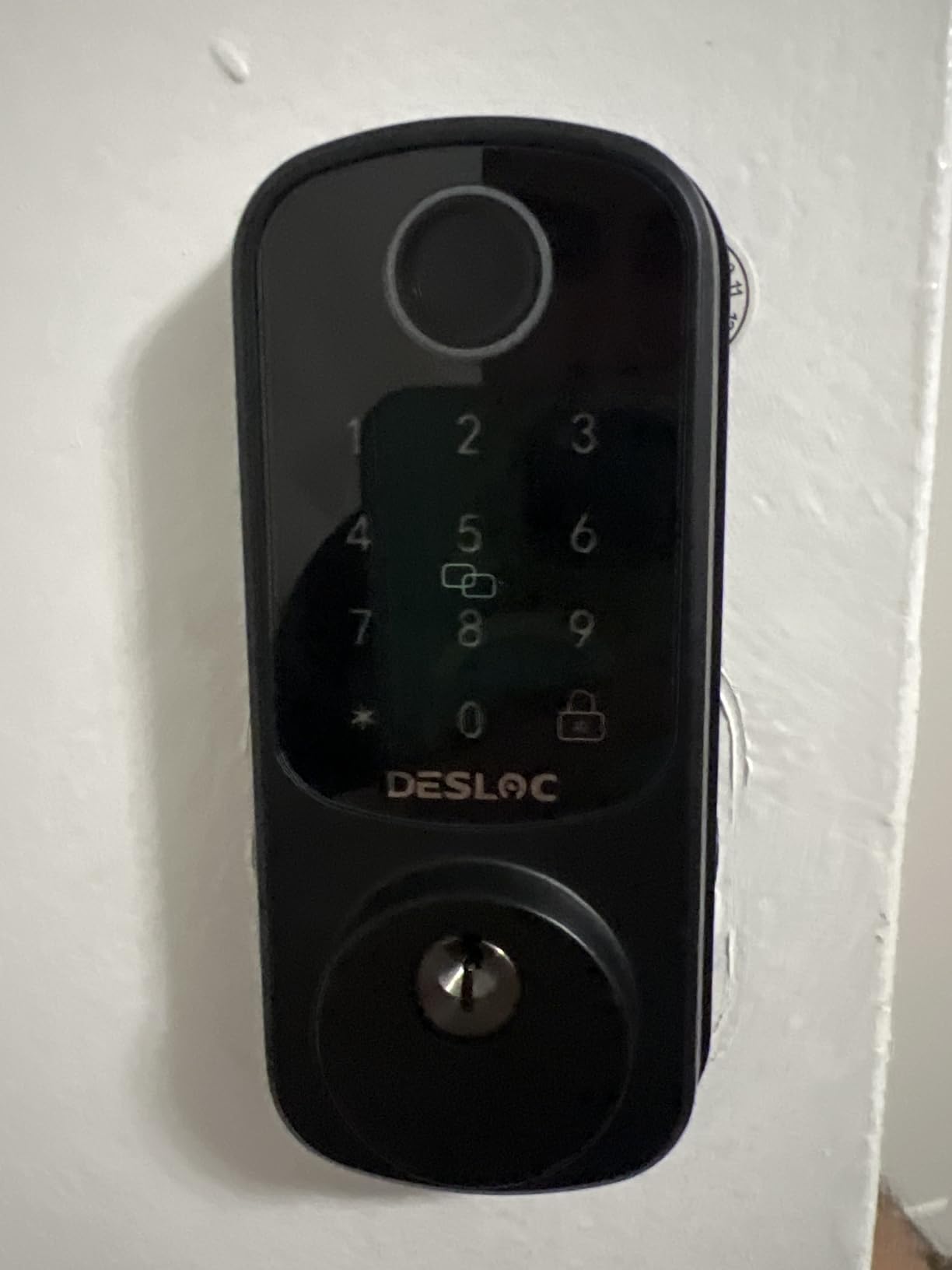
Real remote access requires the G2 gateway, sold separately. Out of the box the app talks to the lock over Bluetooth, so its range defines what the app can do, and a front door at the end of a long flat is exactly where that range gets tested.
Twelve months of battery life is modest against the Thread models in this roundup, and twelve months still means twelve months in a door that swings constantly. The 12-month warranty with lifetime US phone support is a reasonable backstop.
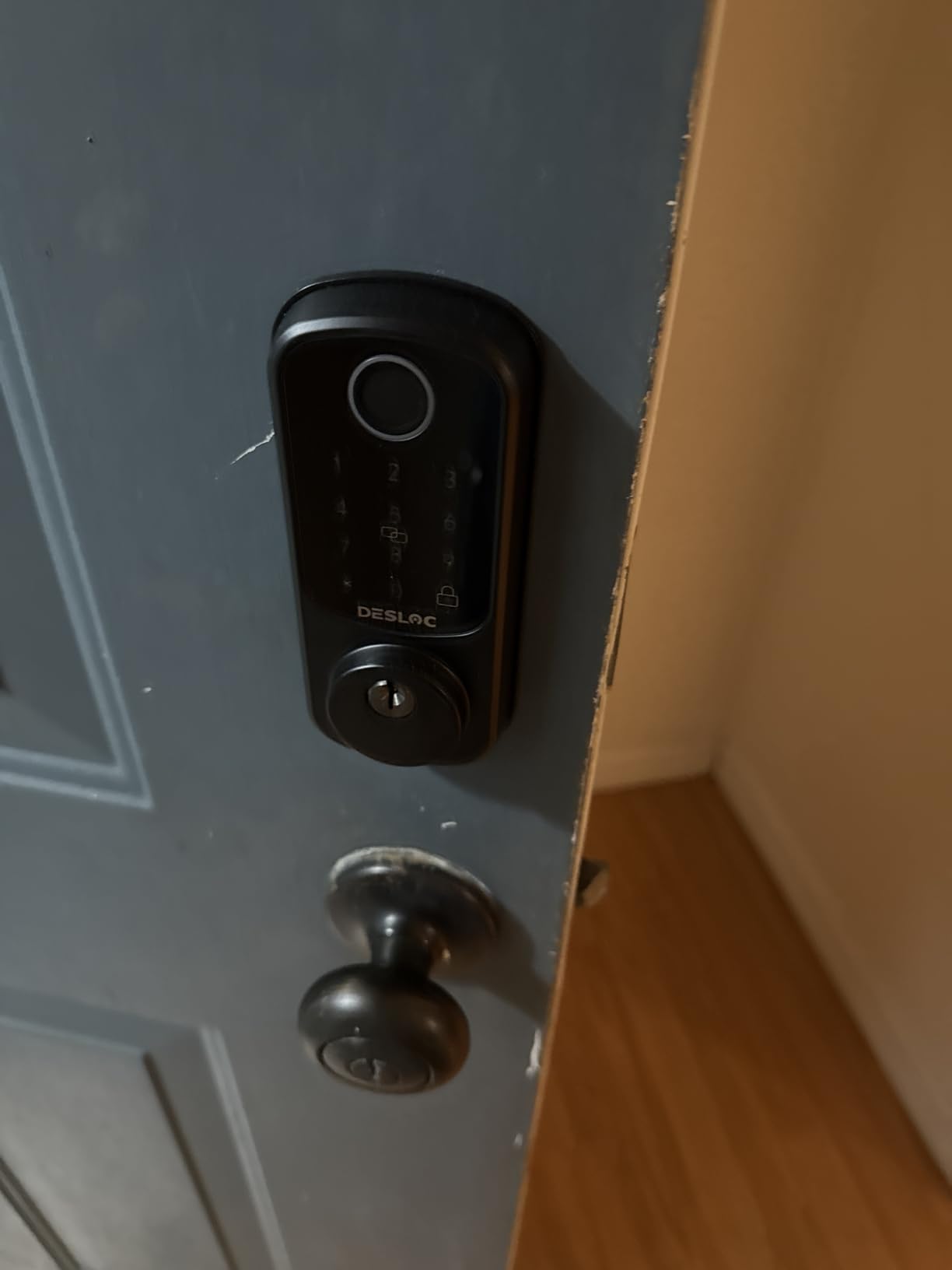
When fingerprint capacity is the deciding factor
Large shared homes, student housing and family flats all hit the 20-print ceiling on cheaper locks quickly. Fifty prints means nobody has to be deleted to make room for a new roommate.
It is also a good choice for a garage or back door where a keypad would get wet or dirty constantly.
What the gateway adds
Without the gateway you get local Bluetooth control, which is enough for creating codes while standing at the door. With it, you can unlock from anywhere and see the full entry history.
If you want remote access without any extra box, look at the eufy C210 or the ULTRALOQ U-Bolt, both of which carry Wi-Fi inside the deadbolt.
Size, warranty and door fit
At 7.28 by 6.3 by 3.27 inches and 0.92 kg, this is a full-size deadbolt rather than a slim retrofit, so check the door thickness and the swing before ordering.
It fits most standard US doors with a screwdriver and nothing else, which keeps the install inside the fifteen-minute mark most tenants can handle alone.
10. ULTRALOQ U-Bolt WiFi Smart Lock – Best for Knowing Whether the Door Is Actually Shut
ULTRALOQ U-Bolt WiFi Smart Lock with Door Sensor, App Remote Access
- Door sensor reports open and closed state
- ANSI BHMA Grade 1 certification
- Built-in WiFi with no bridge needed
- 50 passcodes including one-time codes
- Lockout Mode for travel
- App feels over-engineered for one home
- Auto-lock can be too eager
- Wi-Fi and firmware complaints in reviews
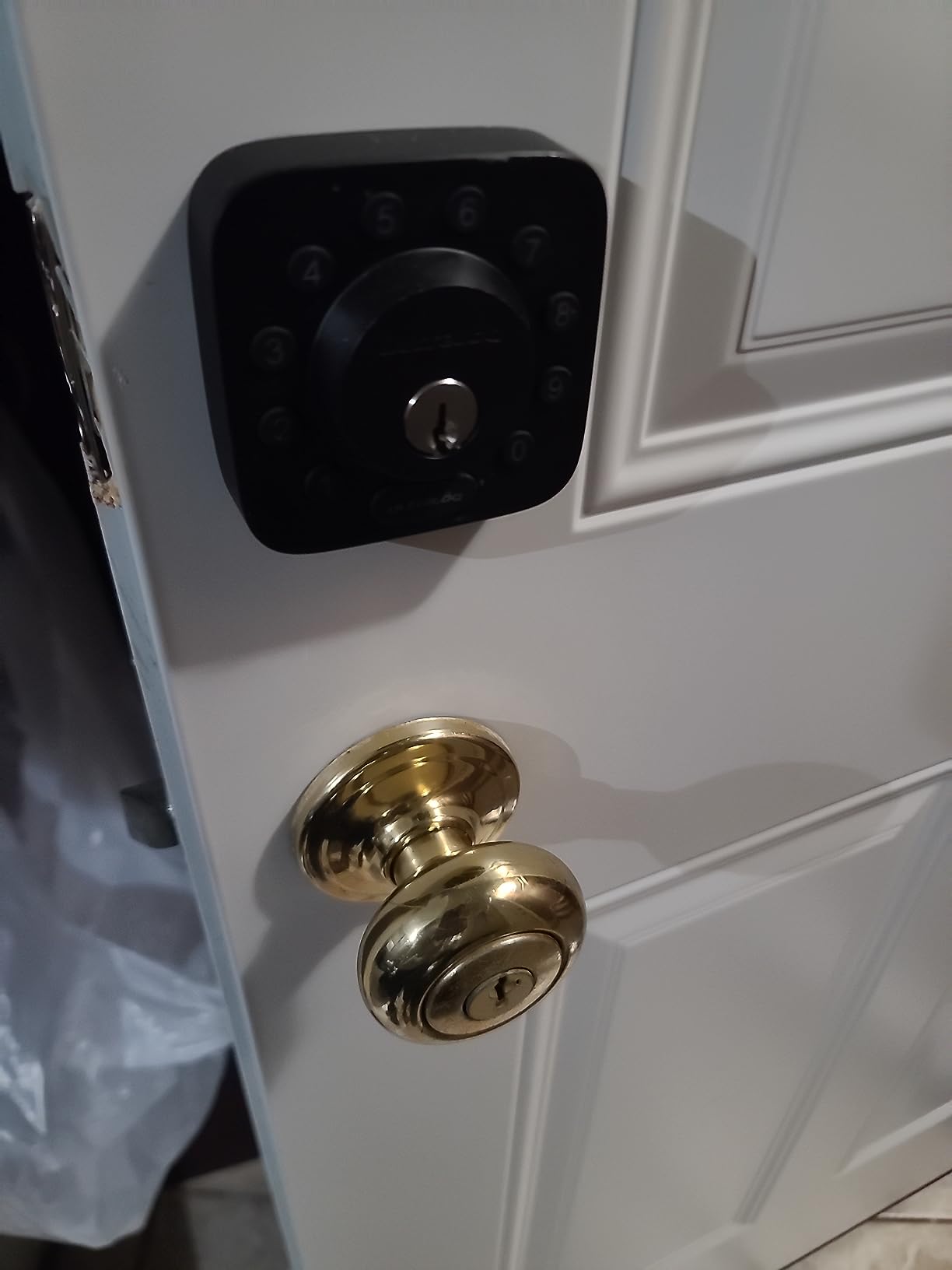
The U-Bolt WiFi is the only lock in this roundup that ships with a door sensor, and in an apartment that is worth more than another unlock method. When a neighbour props the door with a bin to let a delivery in, this is the lock that tells you. Auto-lock then behaves correctly, because it knows the door has not closed yet instead of guessing.
Certification is the other headline: ANSI BHMA Grade 1 in an IP65 weather-resistant zinc alloy body. If you are on a ground-floor in-unit door with a shared corridor, that is the hardware end of the security conversation answered, and our guide to the best smart door reinforcement locks covers the other end.
Up to 50 custom passcodes with one-time or scheduled options sit behind built-in Wi-Fi with no bridge, and Lockout Mode disables all electronic unlocking while you travel so nobody can enter with a saved code while you are away.
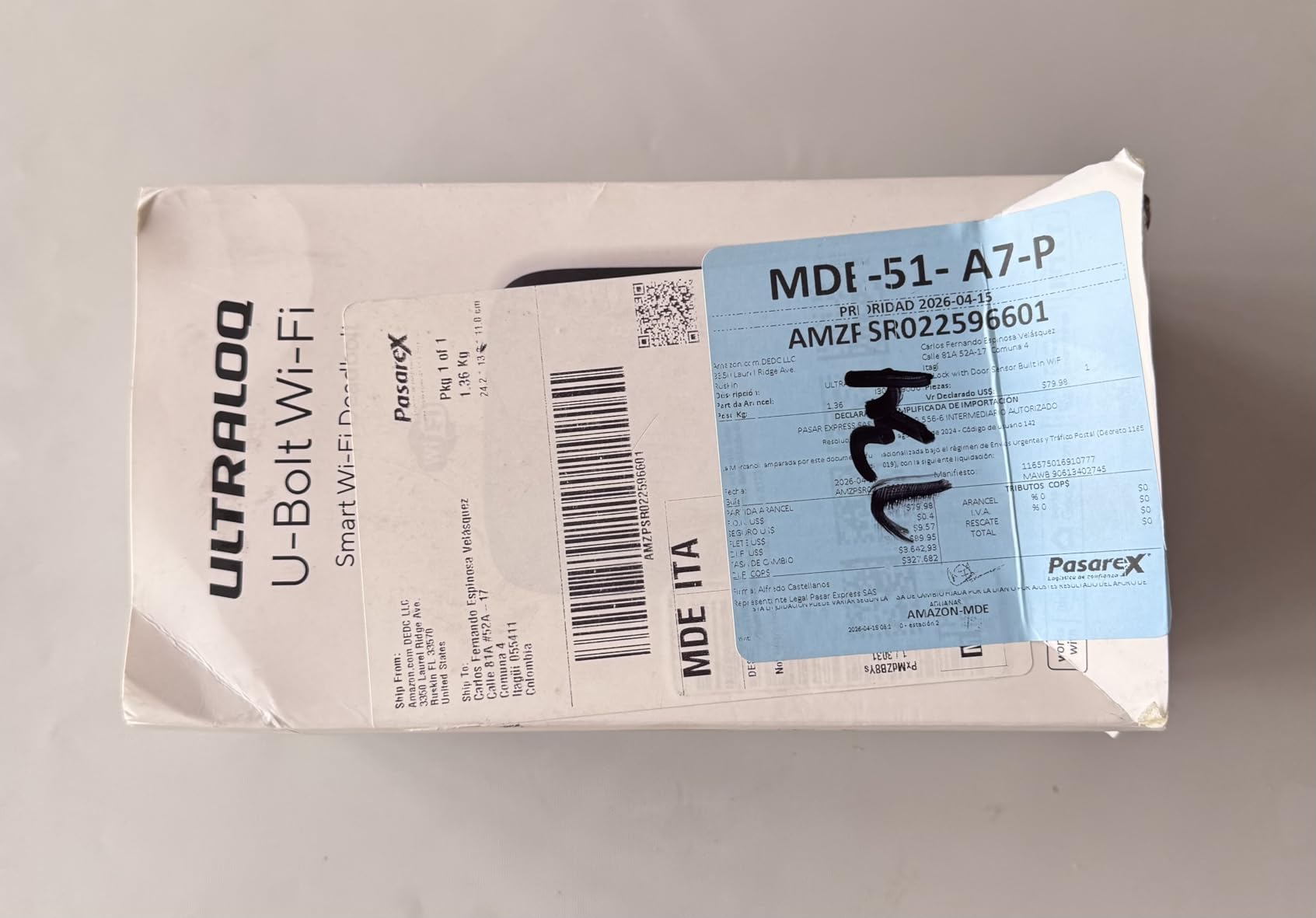
The app is the weak point. Owners running a single home describe it as over-engineered, and the grouping view that makes sense with several properties gets in the way with one door. Auto-lock can also be too eager, and auto-unlock on approach is reported as finicky, which matters in a shared hallway where walking up to a stranger’s door should not broadcast that you live there.
Wi-Fi disconnections requiring a lengthy re-pairing are the most common complaint, and firmware updates have been unreliable for some users. Support, though, is repeatedly praised and has resolved connection issues with firmware updates.
Why the door sensor changes the experience
Without a sensor, a lock auto-locks on a timer and can throw the bolt while the door is still standing open, which is how people end up locked out of their own flat while standing on the correct side of it. The sensor removes that failure mode entirely.
It also gives you the alert that matters in a building where a lot of strangers pass your door. For a ground-floor apartment, that is a security feature the keypad-only models in this list simply cannot offer.
Battery, size and fit
Up to 8 months on AA alkaline batteries, with 4 AA cells and 2 keys in the box. It fits doors 1-3/8 to 1-3/4 inches thick and works on either door hand, so measure before you order.
The mechanical warranty is lifetime, with 18 months on the electronics, which is the strongest cover on this list. Battery changes twice a year is the price of the sensor.
11. CANDY HOUSE Sesame 5 – Best for Keeping a High-Security Cylinder You Already Own
CANDY HOUSE Sesame 5, Smart Lock, Bluetooth Electronic Deadbolt, Auto-Lock, Keyless Entry Door Lock for Front Door, Fits Your Existing Deadbolt, for Airbnbs Vacation Rentals
- Keeps your existing high-security cylinder
- No-drill 3M adhesive install
- Auto-lock timer from 3 seconds to 1 hour
- Works with iPhone Apple Watch and NFC tags
- Custom adapters for unusual keys
- Hub3 hub required for remote control
- Settings only change over Bluetooth
- Diagram-only setup instructions
- Lowest rated lock in this roundup
The Sesame 5 solves a problem no other lock here addresses: how to add smart entry to a deadbolt you are not allowed to replace. It mounts on the inside of your existing deadbolt and drives the thumb turn, so your high-security cylinder, your landlord’s key and the outside of the door all stay exactly as they are. The company will even 3D-print a custom key adapter if you send a photo of an unusual key.
Installation is 3M adhesive tape and no drilling at all, which makes it the least invasive option in this roundup and the easiest to remove at move-out. Auto-lock is adjustable from 3 seconds to an hour, so you can set a short delay for a hallway door and a long one for a quiet bedroom.
It runs SesameOS 3 with a free Bluetooth API and an open-source app, plus Matter support, and works with iPhone, Apple Watch, NFC tags and Siri. The whole unit weighs 138 grams, so it is barely noticeable on the door.
Remote control needs the Hub3, sold separately, and settings can only be changed while the phone is connected over Bluetooth, which makes first-time setup fiddly. Reviewers also flag diagram-only instructions that are hard to follow, and some newer iPhone models have trouble detecting the lock over Bluetooth at all.
This is the lowest-rated lock in our roundup, and we are not going to pretend otherwise. It earns its place for one specific reason: where a lease or a building rule forbids touching the deadbolt, this is the lock that still works. Our pick at the top of this list is the better product, and if your lease allows a replacement, take that one.
When adhesive is the right answer
Some buildings have rules that a screwdriver cannot satisfy, either in writing or in practice. A mounted-on retrofit that peels off cleanly is the only honest way to add keyless entry without arguing with a landlord, and very few locks here offer that.
It is also the easiest lock in this list to move with you. Take it off at move-out, wipe the adhesive, and the door returns to exactly how you found it.
The setup friction is real
Budget an evening rather than ten minutes for the first configuration, and follow a written walkthrough rather than the included diagrams. Once the code and auto-lock timer are set, owners report stable daily use.
If the setup patience is not there, choose a bolt with Wi-Fi built in. You will spend more time on the phone and less time with the manual, and the physical key backup story is stronger.
12. Philips Wi-Fi Smart Deadbolt – Best for Maximum Code Capacity
Philips Wi-Fi Smart Deadbolt Lock, Keyless Entry Door Locks for Front Door
- Fingerprint plus keypad app key and voice
- Up to 100 custom passcodes
- Unlimited one-time and scheduled codes
- Built-in WiFi with no extra hub
- Away Mode for travel
- Batteries are not included and must be alkaline
- No door sensor to report open state
- 2.4 GHz WiFi only within 65 ft
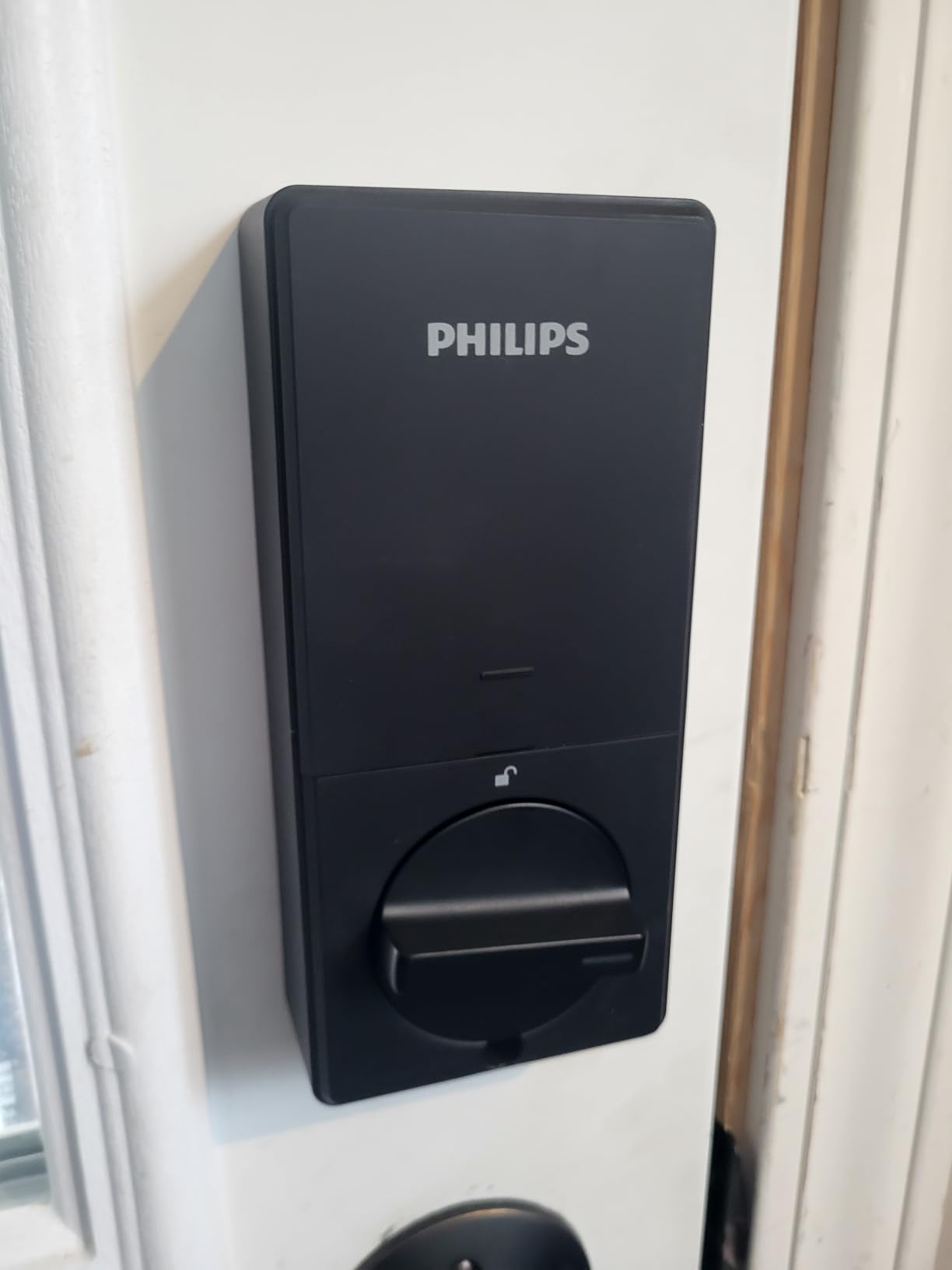
The Philips deadbolt is the code-capacity pick. Up to 100 custom passcodes plus unlimited one-time or scheduled codes, which is more headroom than any other lock here and the right number for a building where a lot of different people come through one door.
Entry is available by app, passcode, fingerprint, physical key or voice through Alexa and Google Assistant. Built-in 2.4 GHz Wi-Fi means no hub to buy, and the app carries real-time alerts plus a full access history so you can see the pattern of who uses the door and when.
Away Mode is the feature that matters when you travel: it disables every unlock method except the master code, which is a stronger stance than simply changing your password. Auto-lock is adjustable from 10 to 180 seconds, and the unit fits doors from 1-3/8 to 2 inches thick.
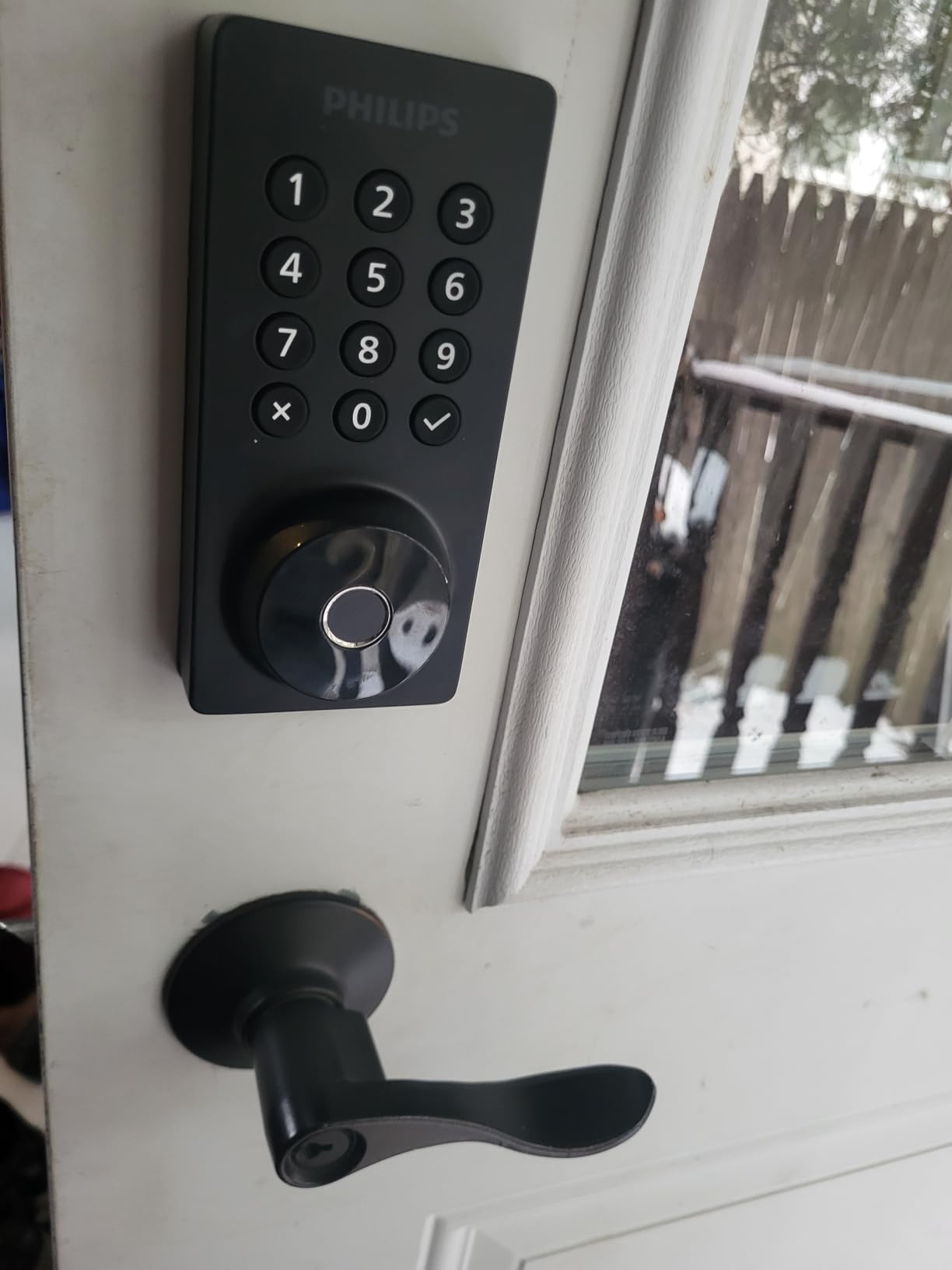
Two practical warnings. Batteries are not included and the manufacturer asks for AA alkaline only, so add four cells to the order or your first unlock attempt will be silent. There is also no door sensor, so the lock cannot report whether the door is actually open, which means auto-lock runs purely on a timer.
The Wi-Fi is 2.4 GHz with a recommended maximum router distance of about 65 feet, and one reported install issue involves the cable under the latch being routed incorrectly, which stops the lock operating until it is seated properly. US-based phone support runs long weekday hours, with weekend and 24/7 email cover.
Where 100 codes actually earns its place
A shared house with a rotating cast of housemates, a family with a nanny and several contractors over a year, or a landlord handling a few doors all benefit from code capacity that will not need pruning. One-time codes that expire themselves keep the security value of not handing out reusable PINs.
For a smaller household the number is overkill, and the TEEHO at 20 codes plus a one-time code covers the same ground with far less to configure.
Before you order
Check the door thickness falls between 1-3/8 and 2 inches and confirm the router sits within about 65 feet. If the front door is on the far side of the flat from the router, choose a lock with Bluetooth plus a hub instead of fighting the range.
It is a full replacement, so the landlord checklist below applies. The fingerprint reader covers the wet-hands problem that catches some other models, and a physical key is included for the day the batteries die.
How We Picked: Apartment Rules Before Spec Sheets
Every lock here was tested against the same short list before we read a single spec. Does it drill the door. Does the original key still turn. Can it be removed at move-out without leaving marks. Is there a physical key in the box. Does remote access require buying a hub or a subscription.
Those five questions come straight from what renters actually say they need. In forums, the most repeated asks are keypad entry with temporary codes for family and guests, a physical key backup they do not have to buy separately, no drilling, and a clean way to revert at move-out.
Battery claims were checked against a busy door rather than a spec sheet, which is why two models with identical headline features sit in different places here. A high-traffic apartment door drains cells faster than a showroom test.
This roundup was refreshed for 2026. Ratings and review counts are the ones listed on each product page, which is the best available signal of how a lock behaves after a year of daily use rather than a week of newness.
Retrofit or Full Replacement: The First Renter Decision
There are only two kinds of apartment smart lock, and every other decision follows from which one you pick.
A retrofit mounts on the inside of the door and drives the existing thumb turn, so the exterior, the cylinder and the key your landlord handed you never change. Nothing is drilled, the door still opens with a key if the app dies, and removing it at move-out means undoing two brackets. If your lease says anything at all about locks, this is the version that satisfies it most easily.
A full replacement swaps the whole deadbolt for a new one, usually with new keys and a new look. You gain a cleaner, more integrated design, better weather sealing and often better security certification, and you take on the need for permission plus the awkward question of who holds a working key at the end.
Our best overall pick, the Schlage Encode, is a replacement, because when permission exists that is the better lock. The CANDY HOUSE Sesame 5 and the eufy C210 are retrofits, and they are the right answer for a tenant who cannot get permission.
If your building has a metal security door or a narrow stile, say so before you buy. Several locks here need a standard 2-1/8 inch bore, and metal doors with unusual hardware are where returns happen.
Before You Buy: The Landlord and Lease Checklist
This is the step that stops most problems before they start, and it takes one evening.
1. Read the lease for the words you care about. Search for alterations, modifications, fixtures, locks, keys and improvements. A clause that says no alterations without written consent is the one to find, and knowing it exists is better than finding out afterwards.
2. Ask in writing, not in a hallway. A short email describing a reversible interior retrofit and offering to restore the original hardware at move-out is far easier to approve than a vague request. Attach a photo of the product and state clearly that nothing will be drilled.
3. Offer the solution that keeps their key working. A retrofit that leaves the existing cylinder in place is the strongest argument you can make, because the landlord’s key still opens the door.
4. Agree the move-out plan in advance. Confirm that you will remove everything, wipe any adhesive, and reinstall the original deadbolt before you hand the keys back. Put that in the same email so there is no argument at the end.
5. Ask about the building entry as well as your door. If you are upgrading a shared entry lock, that hardware usually belongs to the building and changing it may be prohibited outright. Personal in-unit upgrades are far less contentious.
Nobody in the search results for this topic structures it this way, and it is the reason some renters abandon a smart lock they would otherwise love. Fifteen minutes of paperwork protects the deposit.
Apartment Building Types: Shared Entry, Metal Doors and Busy Hallways
The building type changes which lock wins, and a front door in a mid-rise corridor behaves very differently from a ground-floor unit in a walk-up.
Shared building entry. If the entry door is controlled by a building keypad, that hardware is almost certainly the landlord’s, and upgrading it is usually not permitted. The better target is your in-unit door, where a retrofit gives you codes for housemates without touching the corridor. Forum reports suggest building-installed locks fail more often than personal ones, which is the motivation many tenants start from.
Metal security doors. These defeat plenty of standard hardware. Measure the door thickness and the bore before ordering, and check whether a retrofit bracket can physically reach the thumb turn through a recessed or narrow stile. Two locks here explicitly fit narrower bores, and the eufy C220 works with sub-54mm bores once the spacer is removed.
High-traffic hallways. A door that opens dozens of times a day is a battery problem before it is a security problem. Lighter bodies with fewer features, or locks rated for long battery life, matter more here. If you cannot get a lock with a door sensor, shorten the auto-lock delay so the bolt does not sit thrown while the door is open.
How to Choose: Access, Ecosystem, Power and Security
Once the retrofit and permission questions are settled, four factors separate the locks in this roundup.
Access methods. Keypad entry is the baseline every renter needs. Fingerprint is the best convenience for a household with regular members, and the locks here store anywhere from 20 to 50 prints, so count the people who will actually use it. A physical key in the box is not a nice-to-have in a rental; treat any lock without one as a risk unless it pairs with a proven backup.
Ecosystem and hub. A lock with built-in Wi-Fi works with no extra hardware. A lock that says Bluetooth plus a gateway means you must buy a hub before remote unlock does anything, and that hub becomes another device to power, mount and later explain. Matter over Thread is the direction the category is heading, but it needs a Thread Border Router, so treat it as a bonus unless you already run one.
Power. Four AA batteries is the common pattern, with a low-battery warning on nearly all of them. Claims range from about 8 months on the eufy C220 to 18 months on the ULTRALOQ Bolt SE. On a quiet bedroom door the low figure is fine; on a corridor door, take the longer claim and set a calendar reminder anyway. Any lock that offers a USB-C emergency port has solved the flat-battery lockout in a way most have not.
Security grade. ANSI BHMA grades run from 1 at the top to 3 at the bottom. Grade 1 is the highest residential rating and appears on the ULTRALOQ U-Bolt in this list; Schlage holds the BHMA highest residential security, durability and finish rating on the Encode. Grade 3 locks such as the TEEHO and the Veise are perfectly respectable, and the gap between grades matters less on an in-unit door behind a locked corridor than most spec sheets suggest.
On hacking, the practical risk is password reuse and a weak master code rather than a spectacular break-in. Use a random master code, change it when a housemate leaves, delete their individual code instead of just their fingerprint, and enable two-factor authentication on the app account if the lock offers it. ULTRALOQ and Philips both let you disable electronic unlocking entirely while travelling, and that mode is the strongest single answer to the worry.
Moving Out: Putting the Original Hardware Back
Decide the exit before you decide the lock, and a retrofit is far easier to reverse than a replacement.
1. Photograph everything before you start. Interior and exterior shots of the original hardware make a deposit conversation short.
2. Delete every code, eKey and fingerprint you added. Do this in the app first, then reset the lock to factory settings so nothing is left behind for the next tenant.
3. Remove the lock. A retrofit comes off with a screwdriver and a wipe of the adhesive. If you used a full replacement, put the original deadbolt back with its original screws.
4. Return the keys that are not yours. If your replacement lock shipped new keys, hand every one of them over with the door, including any you kept as spares.
5. Test the original key, then send the confirmation. Turn the lock with the landlord’s key, photograph it working, and email the manager the same day. An email that closes the loop is what prevents a deduction later.
One renter described the whole arrangement as a swap rule worth repeating: a smart deadbolt goes over the existing one, runs on batteries, needs no drilling, and the original goes back before you leave. Every lock on this list fits that rule if you pick a retrofit.
Frequently Asked Questions
What is the best smart lock for a renter in an apartment?
A retrofit smart lock is the safest answer for a renter, because it mounts on the inside of your existing deadbolt and drives the thumb turn while the outside keyhole and the landlord’s key stay unchanged. Among those, the eufy C210 installs over a standard deadbolt in about 15 minutes with built-in Wi-Fi, and the CANDY HOUSE Sesame 5 mounts with 3M adhesive and no drilling at all. Both come off cleanly at move-out.
Can you put a smart lock on an apartment door?
Usually yes, but your lease decides. Many leases prohibit altering hardware, fixtures or locks without written consent, and some buildings ban changes to shared entry doors outright. A retrofit that leaves the existing cylinder in place is far easier to get approved than a full deadbolt replacement, because the landlord’s key still works. Ask in writing before you buy, and offer to restore the original hardware when you move out.
What is the best smart lock for an apartment building?
For a shared building entry, upgrade your in-unit door rather than the corridor door, since building hardware is usually the property’s to change. On a high-traffic door, choose a lock with long battery life, such as the ULTRALOQ Bolt SE at up to 18 months, and set a reminder anyway. On a ground-floor unit, a model with a door sensor such as the ULTRALOQ U-Bolt tells you when a door has been left standing open.
What are the best locks for apartment doors?
The strongest all-round choice is the Schlage Encode Smart WiFi Deadbolt, with built-in Wi-Fi, up to 100 access codes, no hub and a physical backup key. The best value is the ULTRALOQ Bolt SE with fingerprint, keypad, app and Matter over Thread. The simplest option is the TEEHO TE001 keypad deadbolt, which needs no app or hub and rates highest in this roundup at 4.5 stars.
Which smart lock keeps a physical key backup?
Every lock in this roundup ships with a mechanical key, which is unusual and worth checking before you buy. The Schlage Encode includes one backup key, and the ULTRALOQ Bolt SE and DESLOC B200 each include two. The CANDY HOUSE Sesame 5 goes further by keeping your own existing cylinder and key, so nothing about the outside of the door changes. Always test the physical key the day the lock is installed.
What happens if a smart lock battery dies?
A dead battery should never mean a locked-out night, provided you act early. Most locks in this roundup send low-battery warnings to the keypad and the app, with the TEEHO and Veise warning below 15 percent. The DESLOC B200 also has a USB-C emergency power port, so a portable battery can power it from outside. Keep the mechanical key that shipped with the lock on your keyring as a last resort.
Are smart locks hackable?
The realistic risk is a weak master code or a shared app password rather than a remote break-in. Use a random master code, change it whenever a housemate leaves, delete their individual code and fingerprint rather than just deactivating it, and turn on two-factor authentication for the app account. The ULTRALOQ U-Bolt and the Philips deadbolt both include a travel mode that disables every electronic unlock method except the master code.
How do I remove a smart lock when I move out of an apartment?
Delete every code, eKey and fingerprint in the app, reset the lock to factory settings, then remove it with a screwdriver. A retrofit leaves two bracket marks and possibly some adhesive residue that wipes away. If you fitted a full replacement, reinstall the original deadbolt with its original screws. Photograph the restored lock working with the landlord’s key and email that confirmation to the property manager the same day.
The Best Smart Door Locks for Apartments: Our Final Verdict
After 12 locks and a renter’s checklist, the Schlage Encode Smart WiFi Deadbolt comes out on top for most apartments. Built-in Wi-Fi with no hub, 100 access codes, a physical backup key and the strongest residential security certification in the group, from a brand a property manager will recognise. It is a full replacement, so clear it with your lease first.
If permission is the obstacle, move down the list. The eufy C210 retrofits over an existing deadbolt in 15 minutes with Wi-Fi inside the lock. The ULTRALOQ Bolt SE adds a fingerprint reader and long battery life. The CANDY HOUSE Sesame 5 needs no drilling at all, and the ULTRALOQ U-Bolt tells you when your door is standing open. For the simplest possible upgrade, the TEEHO TE001 needs no app, no hub and no account.
Whatever you choose, check the bore size, ask your landlord in writing, and photograph the original hardware before you touch it. The best smart door locks for apartments are the ones you can take with you when the lease ends, and all twelve here qualify with a screwdriver and ten minutes.