
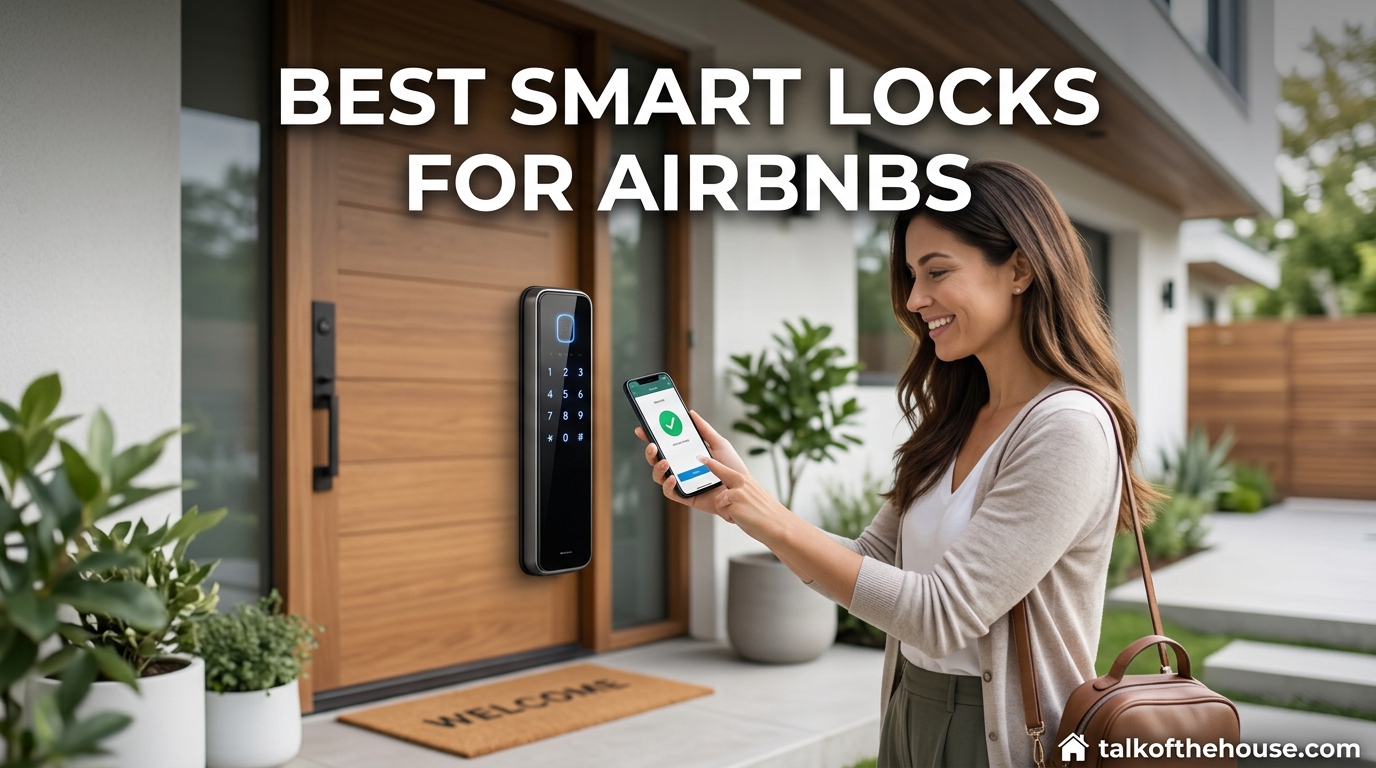
Running an Airbnb means dealing with late-night check-ins, lost keys, and guests who cannot get inside because their phone died. I have been there. After managing my own vacation rental for three years, I can tell you that switching to a smart lock was the single best investment I made for my sanity and my guests experience.
The best smart locks for airbnbs do more than just replace your key. They integrate with the Airbnb app to automatically generate unique codes for each guest. They send you notifications when someone enters. They eliminate the 11 PM phone calls about lockboxes that will not open.
In this guide, I am sharing the six smart locks I have tested and researched extensively for 2026. Whether you need premium features, budget-friendly basics, or something that works with Apple HomeKit, there is an option here for your rental property.
Top 3 Picks for Best Smart Locks for Airbnbs (September 2026)

Schlage Encode Smart Wi-Fi Deadbolt
- Built-in WiFi
- Touchscreen keypad
- BHMA Grade 1
- 100 access codes


Best Smart Locks for Airbnbs in 2026
Here is a quick comparison of all six smart locks I recommend for Airbnb hosts this year.
| Product | Specifications | Action |
|---|---|---|
| Schlage Encode Smart Wi-Fi Deadbolt |
|
Check Latest Price |
| TEEHO TE001 Keyless Entry |
|
Check Latest Price |
 Philips Wi-Fi Door Lock Philips Wi-Fi Door Lock |
|
Check Latest Price |
 eufy Security Smart Lock C220 eufy Security Smart Lock C220 |
|
Check Latest Price |
 ULTRALOQ Bolt SE ULTRALOQ Bolt SE |
|
Check Latest Price |
| Wyze Auto-Lock Bolt v2 |
|
Check Latest Price |
1. Schlage Encode Smart Wi-Fi Deadbolt – Premium All-Rounder
Schlage Encode Smart WiFi Deadbolt Lock with Century Trim, Matte Black
- No hub required with built-in WiFi
- Works with Alexa and Google Assistant
- Physical backup key included
- Auto-lock with customizable timing
- BHMA Grade 1 highest security rating
- Only supports 2.4GHz WiFi not 5GHz
- Battery life shorter than competitors
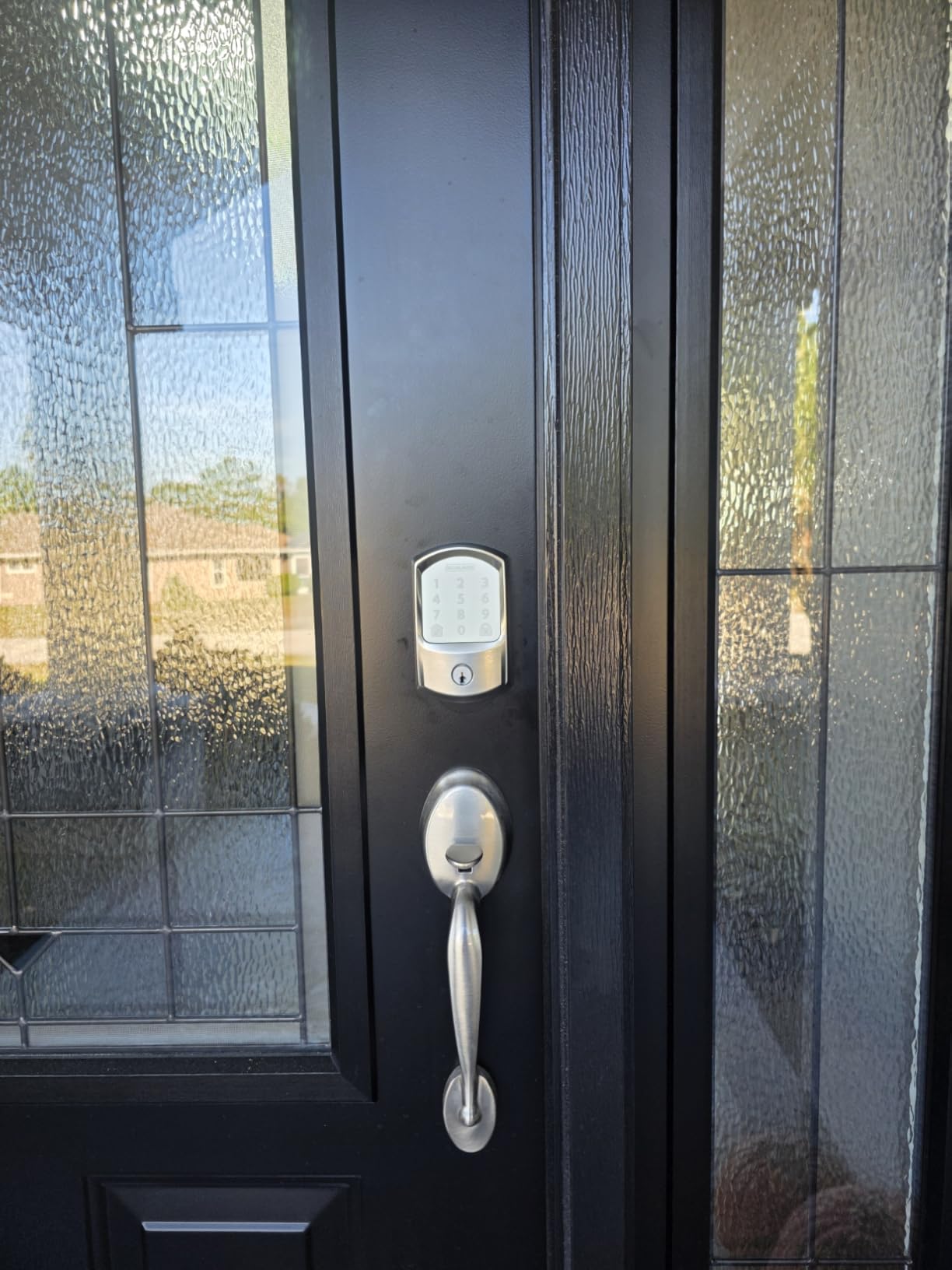
I installed the Schlage Encode on my front door about 18 months ago, and it has been rock solid. The built-in WiFi means I did not need to buy a separate hub or bridge, which saved me money and simplified the setup.
The touchscreen keypad is responsive even in cold weather, and I love that I can create up to 100 unique access codes. This is perfect if you manage multiple properties or have regular cleaners and maintenance people who need ongoing access.
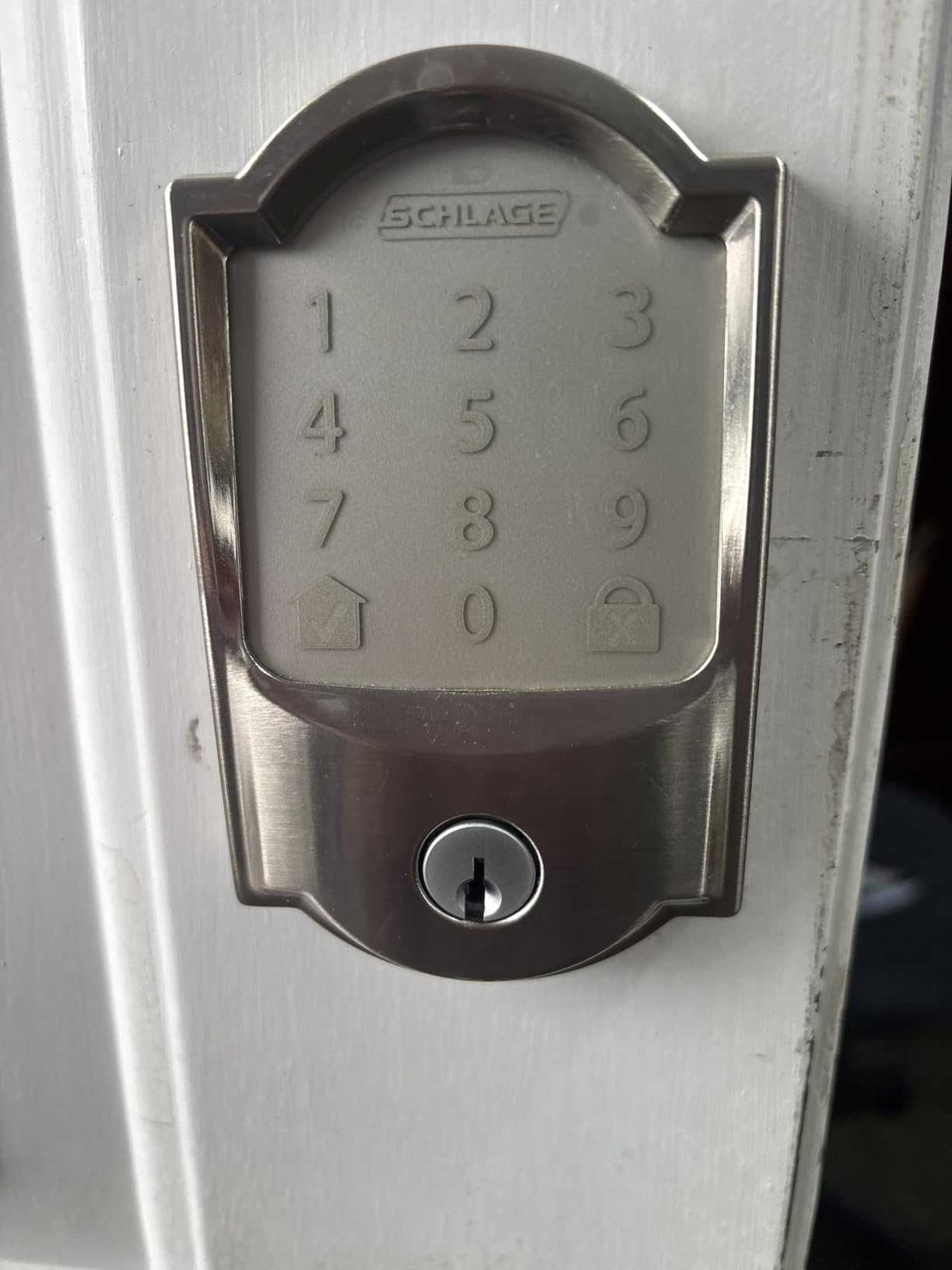
One feature that stands out for Airbnb hosts is the auto-lock timer. I have mine set to 30 seconds, so I never have to worry about guests forgetting to lock up. The app sends notifications when the door locks and unlocks, giving me peace of mind.
The BHMA Grade 1 certification is the highest residential security rating available. This matters for insurance purposes and guest confidence. I have had guests specifically mention feeling safer knowing the lock is commercial-grade.
Who Should Buy This
The Schlage Encode is ideal for hosts who want premium reliability without needing a separate hub. If you prioritize security ratings and want seamless Alexa or Google integration, this is your lock.
It is also perfect if you have a Ring doorbell or security system, since Schlage plays nicely with the Ring ecosystem. I can check my lock status from the same app I use for my cameras.
Who Should Skip This
If your router only broadcasts 5GHz WiFi, you will need to enable 2.4GHz or look elsewhere. Also, if you need longer than 6 months between battery changes, the eufy or ULTRALOQ might suit you better.
At around $229, this is not the cheapest option. Budget-conscious hosts starting out might prefer the TEEHO or Wyze alternatives.
2. TEEHO TE001 Keyless Entry – Best Budget Pick
TEEHO TE001 Keyless Entry Deadbolt with Keypad for Front Door, Satin Nickel
- Extremely affordable at around $36
- No WiFi or hub needed - works offline
- One-time PIN code feature perfect for guests
- 2 backup keys included
- Best seller with 23k+ reviews
- No smart home integration
- No activity tracking or history
- Batteries not included
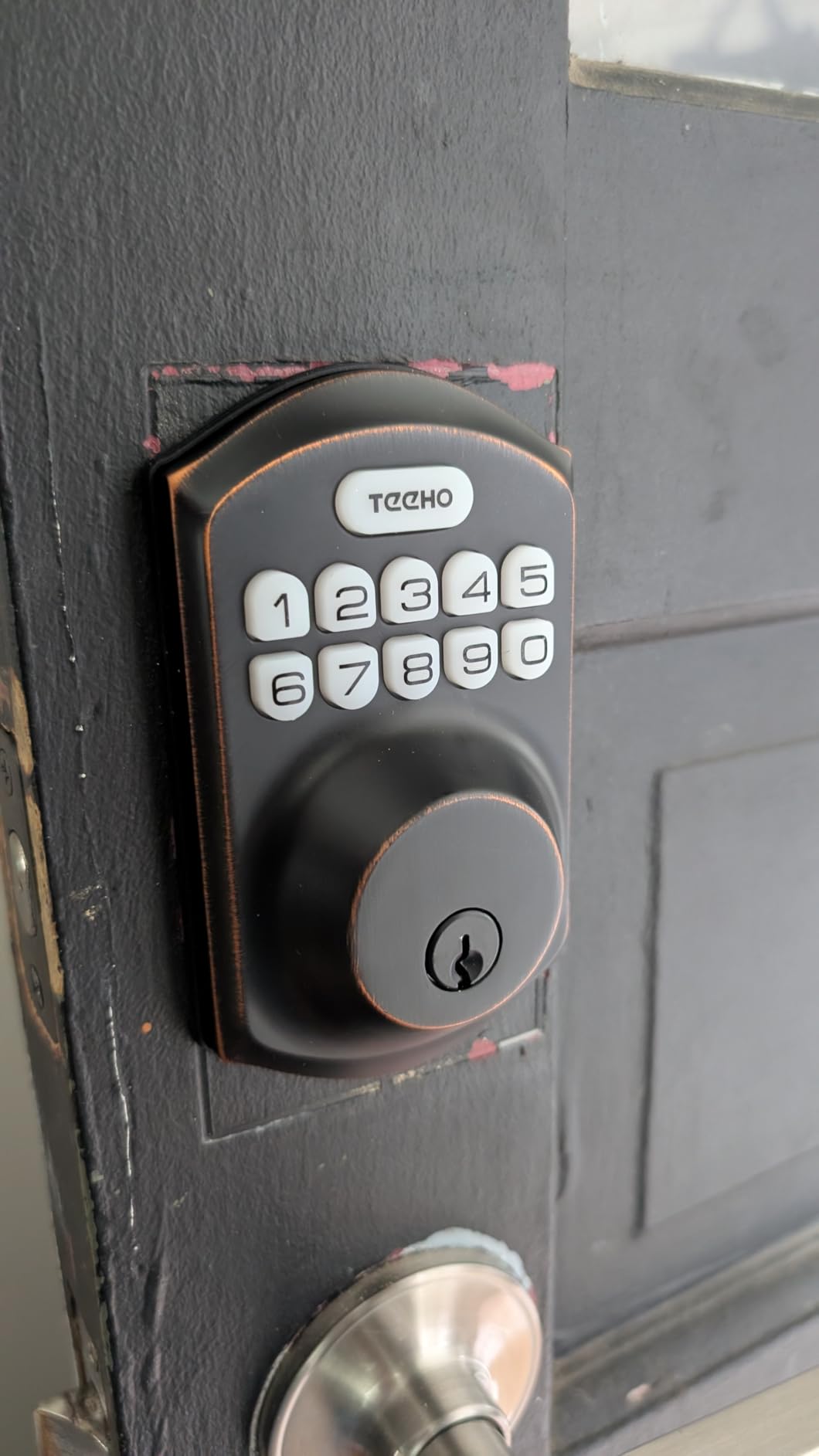
I recommended the TEEHO TE001 to my neighbor who was just starting her first Airbnb and did not want to invest heavily upfront. Six months later, she is still thrilled with it. Sometimes simple is better.
This lock does not connect to WiFi or any app, which might sound like a downside. But for many hosts, that is actually a benefit. There are no connectivity issues to troubleshoot, no apps to update, and no subscriptions to manage.
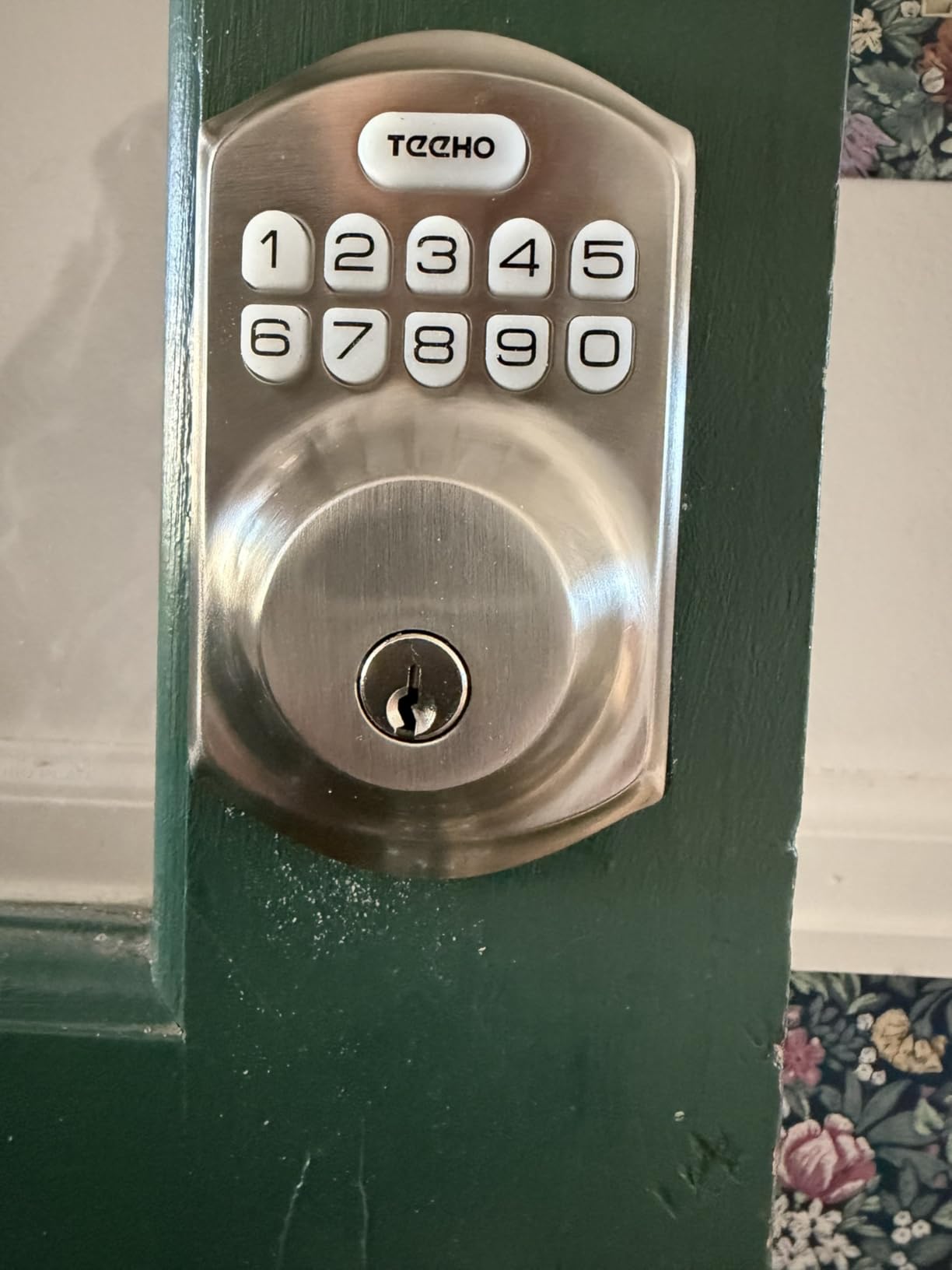
The one-time PIN code feature is brilliant for Airbnb. You can create a code that works exactly once, perfect for a specific guest or service person. The anti-peeping protection means guests can add random digits before and after their actual code to prevent someone from watching and memorizing it.
Installation took me literally 10 minutes with just a screwdriver. The satin nickel finish looks more expensive than the price suggests, and the IP54 rating means it handles rain and dust without issues.
Who Should Buy This
The TEEHO is perfect for hosts who want basic keyless entry without complexity. If you are managing just one property and do not need remote access or integration with smart home systems, this delivers excellent value.
It is also ideal as a backup lock for a back door or side entrance. I know several hosts who use premium smart locks on their main entry but install TEEHO locks on secondary doors.
Who Should Skip This
If you need remote access to check if guests locked up, or want automatic code generation linked to your Airbnb calendar, this is not for you. You will need to manually program and delete codes for each guest.
Also, if you manage multiple properties and want centralized control from one app, look at the WiFi-enabled options instead.
3. Philips Wi-Fi Door Lock – Best Fingerprint Recognition
- Multiple unlock methods including fingerprint
- Real-time notifications and activity history
- Auto-lock 10-180 second timer
- Hidden keyhole design
- Easy installation with just screwdriver
- Requires 4 or 8 AA batteries not included
- Only 2.4GHz WiFi supported
- Router must be within 65ft for reliable control
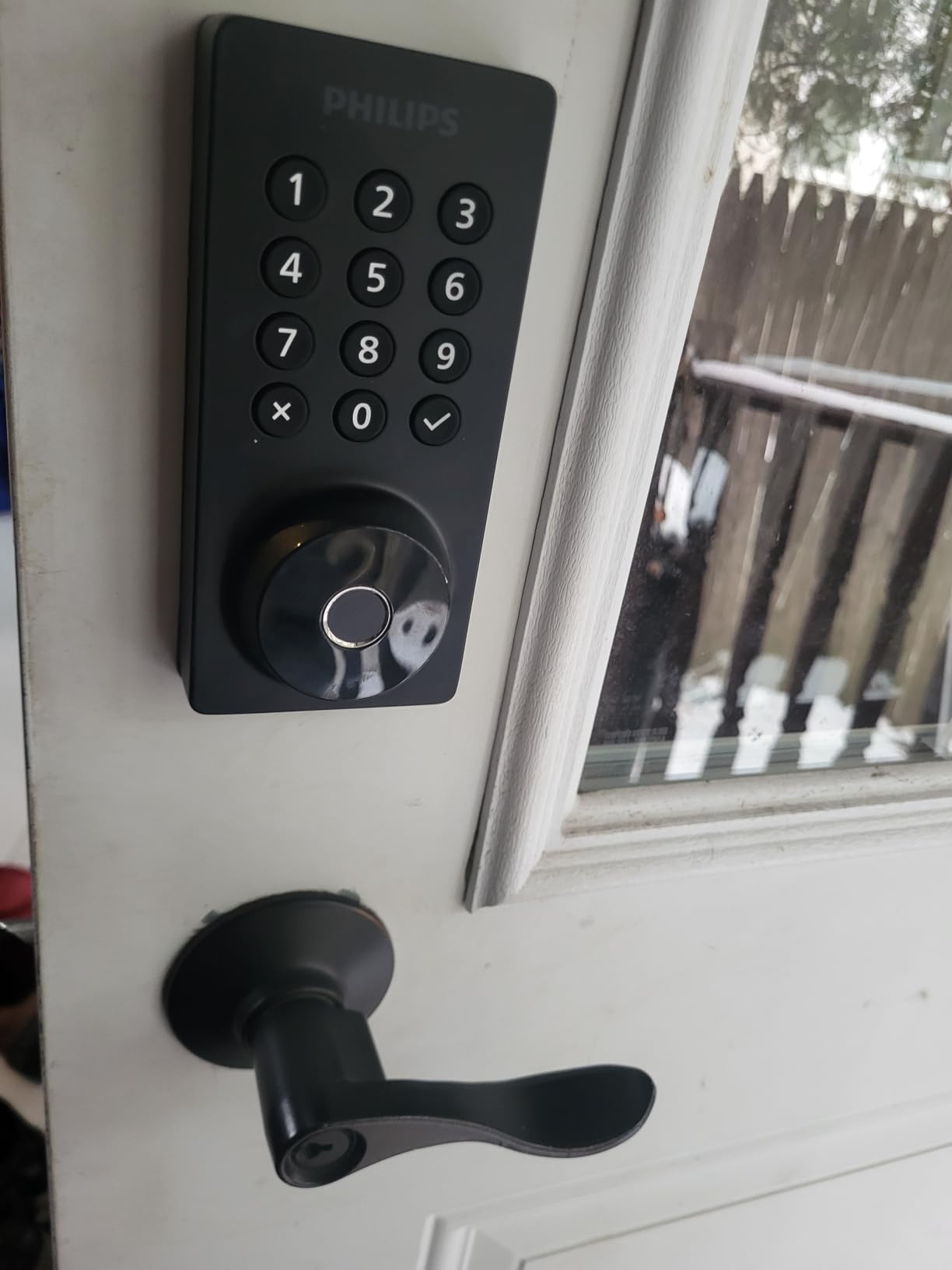
The Philips Wi-Fi Door Lock impressed me with its fingerprint scanner. It recognizes prints consistently and quickly, even with slightly damp fingers after rain. This is a feature guests love because it feels futuristic and convenient.
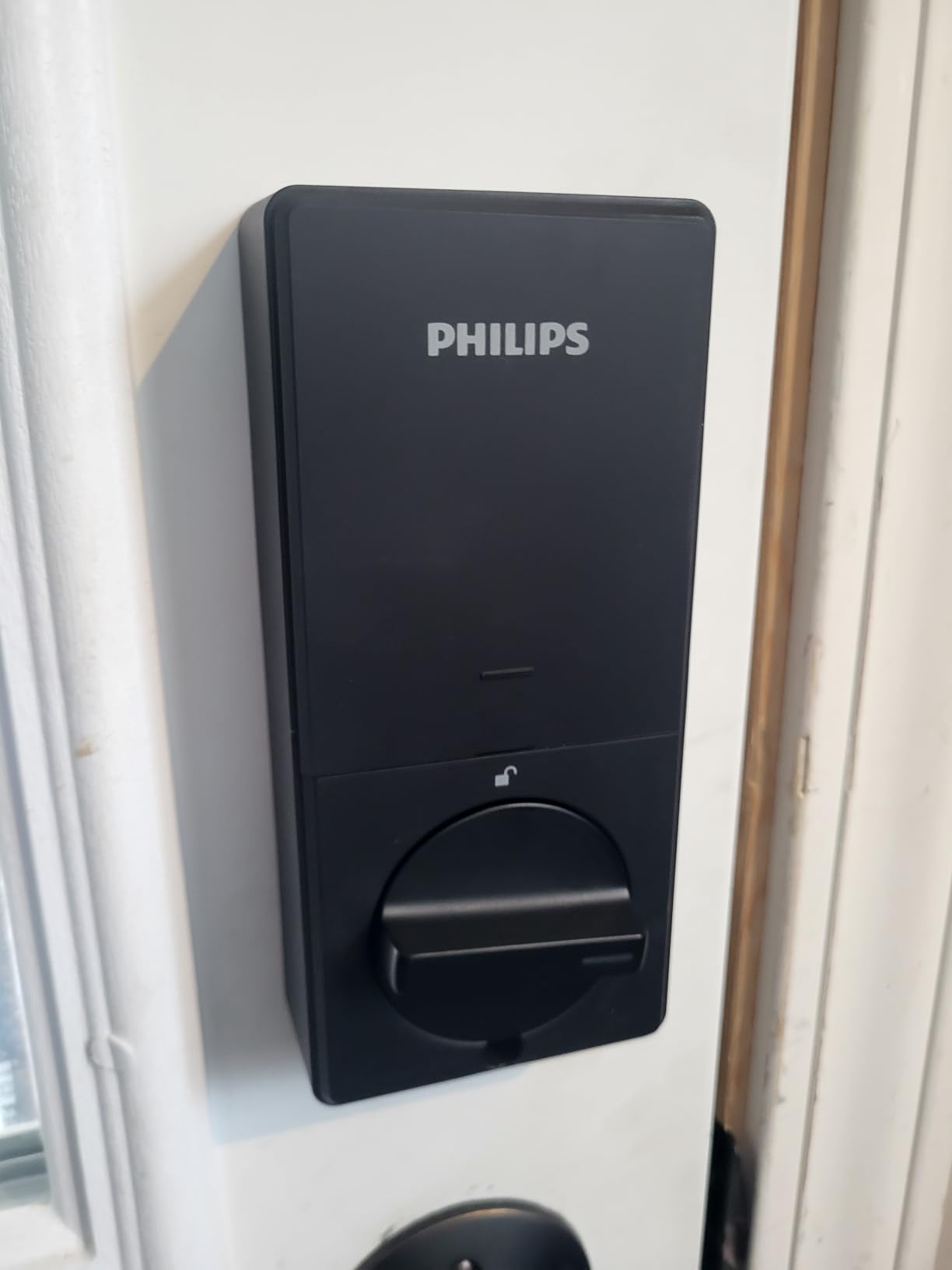
Unlike some competitors that require a separate bridge, this lock has built-in WiFi. I appreciate being able to check the lock status from anywhere and receive instant notifications when someone arrives.
The Away Mode is a thoughtful touch for Airbnb hosts. When activated, it can simulate occupancy by requiring additional verification or triggering other smart home routines. I use it when the property is empty between guests.
With 100 custom passcodes available, you can assign unique codes to different guests, cleaners, and maintenance staff. The scheduling feature lets you set codes to only work during specific hours, adding another layer of security.
Who Should Buy This
Choose the Philips lock if fingerprint access appeals to you or your guests. It is also excellent if you want comprehensive activity logging to see exactly when guests checked in and out.
The Away Mode makes this particularly good for hosts who want extra security features during vacancy periods.
Who Should Skip This
If your router is far from the front door, the 65ft range limitation might cause issues. Also, be prepared to buy AA batteries since they are not included, unlike some competitors.
At around $85, it sits in the mid-range category. Hosts wanting the cheapest option should look at TEEHO, while those wanting premium brand recognition might prefer Schlage.
4. eufy Security Smart Lock C220 – Best Battery Life
- Exceptional 8-month battery life
- Self-learning fingerprint improves over time
- 6 ways to unlock including Apple Watch
- No bridge required - built-in WiFi
- Operating range -22F to 158F
- Fingerprint recognition inconsistent for some
- No door sensor for auto-lock
- App interface could be improved
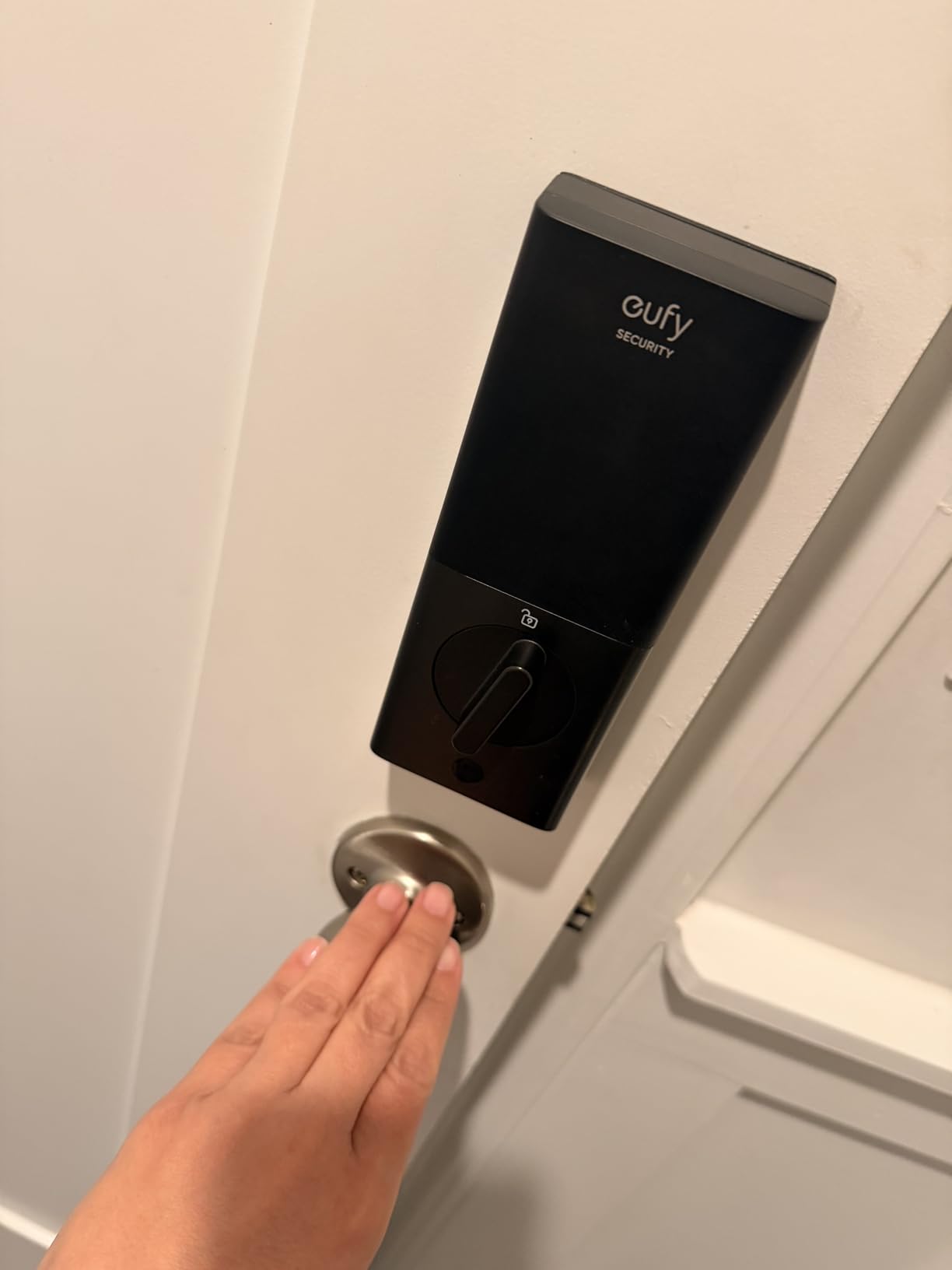
Battery life is a major concern for Airbnb hosts. The last thing you want is a dead lock when guests are trying to check in. The eufy C220 addresses this with an impressive 8-month battery life using 8 AA batteries.
I tested the fingerprint scanner over several weeks, and the self-learning AI actually works. It got faster and more accurate the more I used it. This is the kind of feature that sounds like marketing fluff but delivers real results.
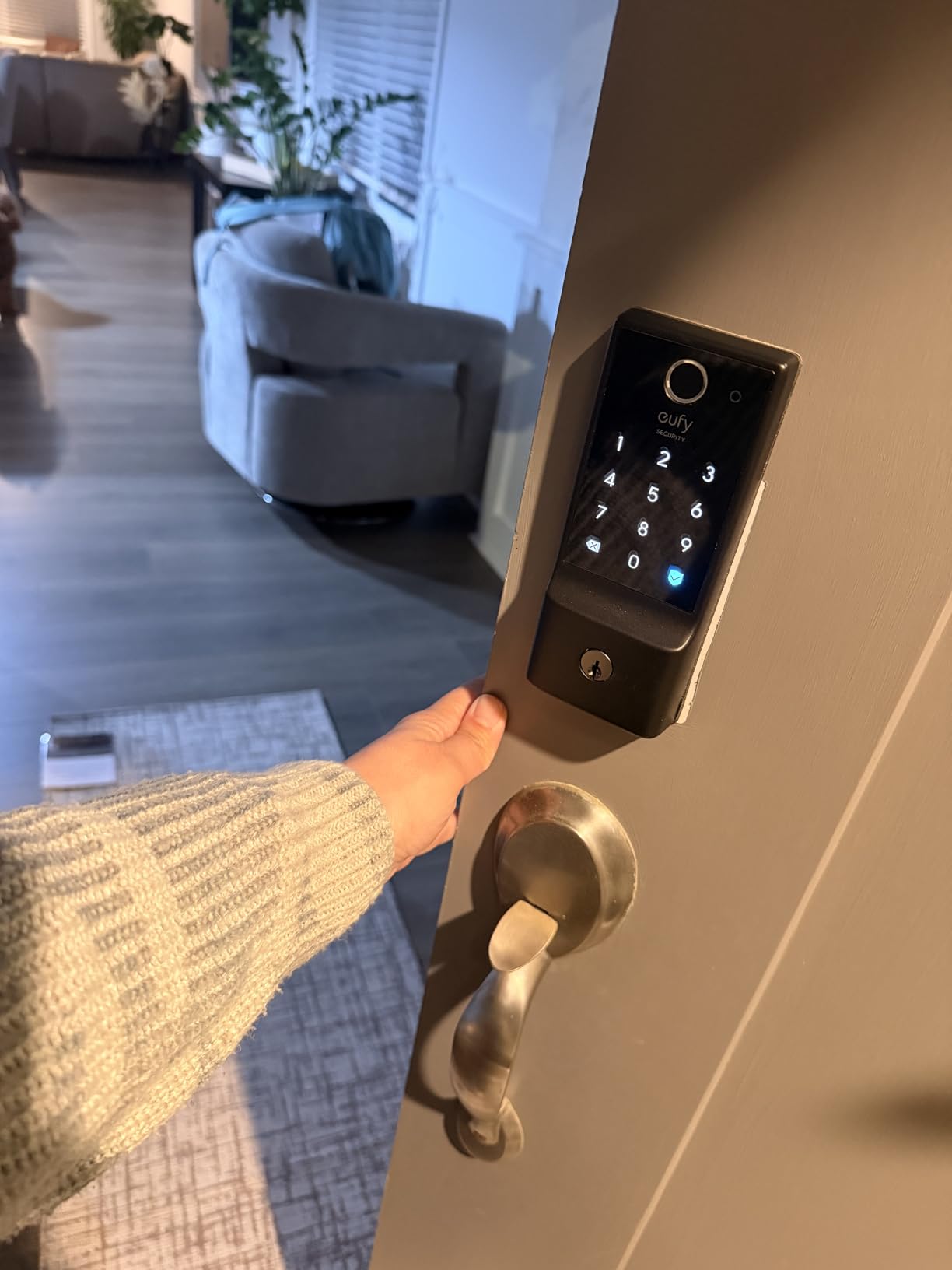
Six unlock methods give you and your guests flexibility. Fingerprint for quick entry, app for remote access, keypad for guests who prefer codes, physical key as backup, Apple Watch for tech-savvy users, and voice control through Alexa or Google.
The IP53 waterproof rating and extreme temperature range make this suitable for harsh climates. I would not hesitate to install this on a property in Arizona summers or Minnesota winters.
Who Should Buy This
The eufy C220 is perfect for hosts who want maximum battery life and multiple access options. If you already use eufy products like doorbells or cameras, the ecosystem integration is excellent.
It is also ideal for properties in extreme climates where temperature and weather resistance matter.
Who Should Skip This
If you need guaranteed fingerprint reliability from day one, the learning curve might frustrate you. Also, the lack of a door sensor means the auto-lock timer runs regardless of whether the door is actually closed.
Some users report the app interface is less intuitive than competitors. If you prioritize sleek app design, consider the Schlage or ULTRALOQ instead.
5. ULTRALOQ Bolt SE – Best for Smart Home Integration
- Works with Apple Home
- Alexa
- Samsung
- 50 fingerprints and 50 passcodes
- Glove-friendly fingerprint scanner
- No monthly fees ever
- Matter protocol future-proofing
- Matter features require compatible hub
- Bluetooth auto-unlock can be inconsistent
- WiFi bridge setup challenging for some
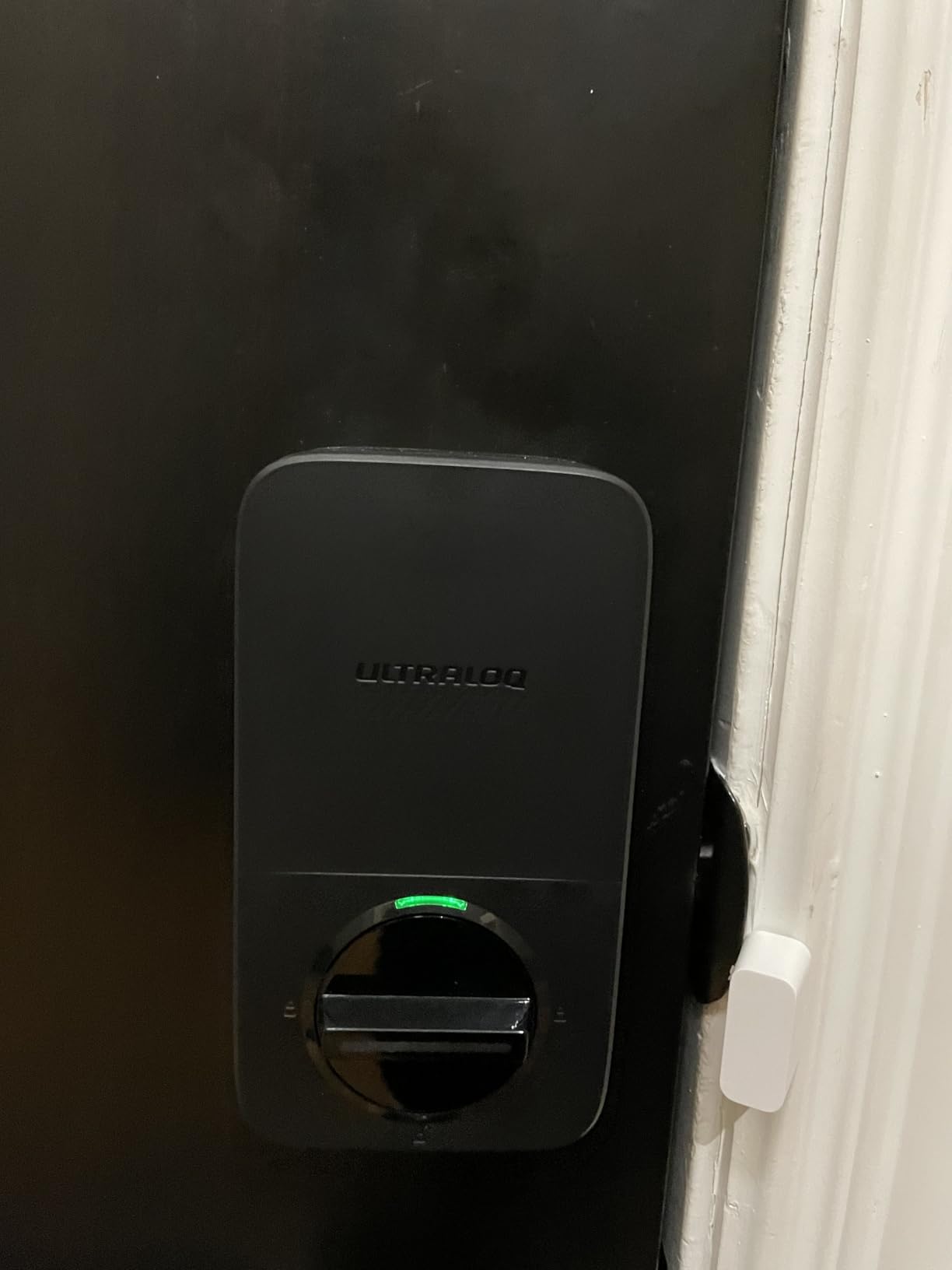
The ULTRALOQ Bolt SE stands out for its Matter Over Thread support. Matter is the new universal smart home standard that promises to work with everything. If you are building a future-proof smart home, this is the lock to get.
Seven ways to unlock is more than any other lock on my list. Fingerprint, passcode, app, web portal, eKey sharing, voice control, and physical key. I found the fingerprint scanner works reliably even when wearing light gloves, which is rare.
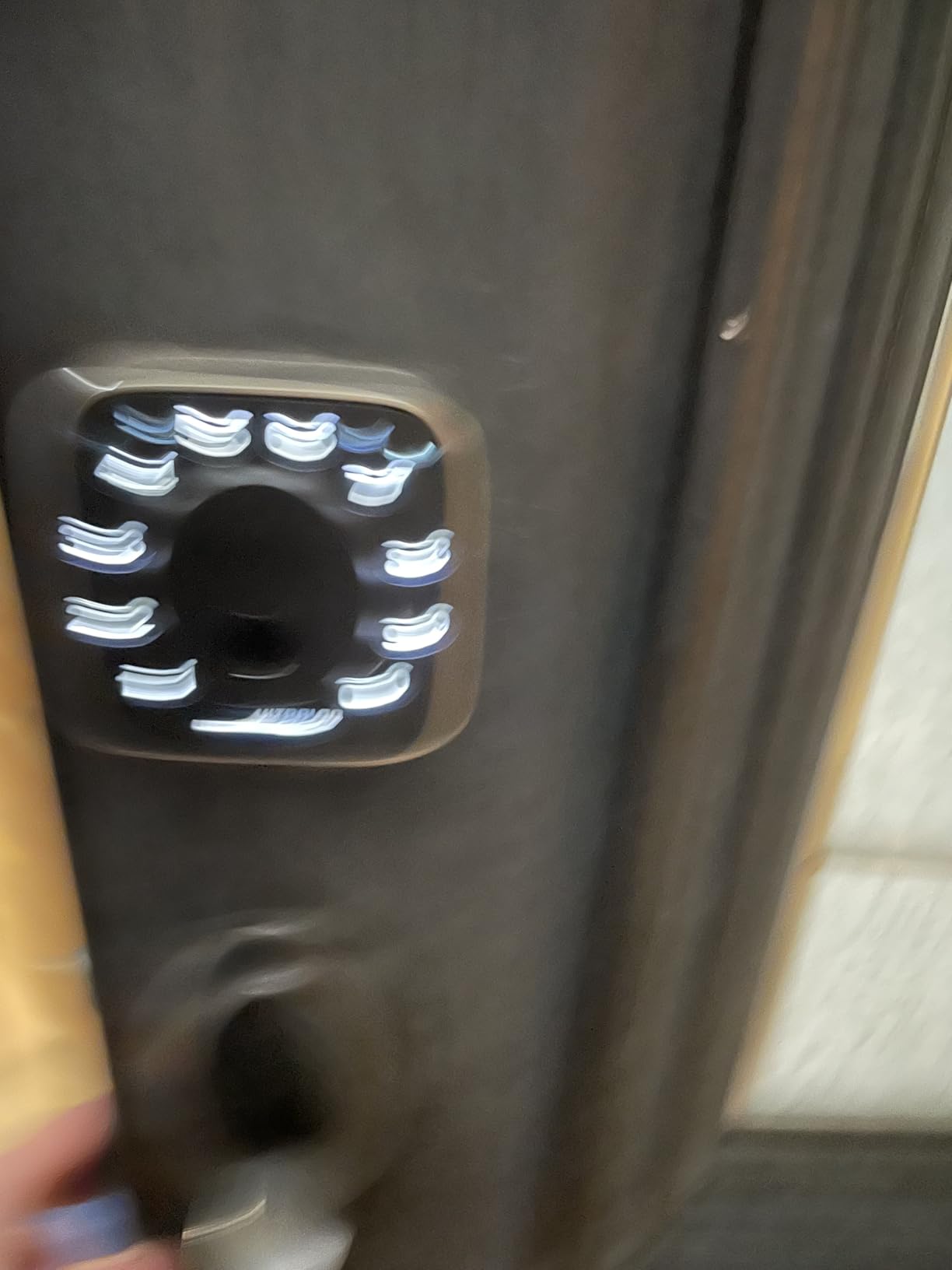
The 18-month battery life is exceptional. That is a year and a half of not thinking about batteries. When they do run low, you get plenty of advance warning through the app.
Fifty fingerprints and fifty passcodes give you room to grow. Whether you have multiple properties, frequent service providers, or extended family who need access, you will not run out of slots.
Who Should Buy This
Apple HomeKit users should strongly consider the Bolt SE. The Matter support means it works seamlessly with Apple Home, and you can control it through Siri.
It is also ideal if you want maximum flexibility in how you and your guests unlock the door. The variety of methods accommodates everyone from tech enthusiasts to elderly guests who prefer traditional keys.
Who Should Skip This
To use the Matter features, you need a compatible Thread border router like an Apple TV 4K, HomePod mini, or specific Echo devices. If you do not have or want these, you will not get the full benefit.
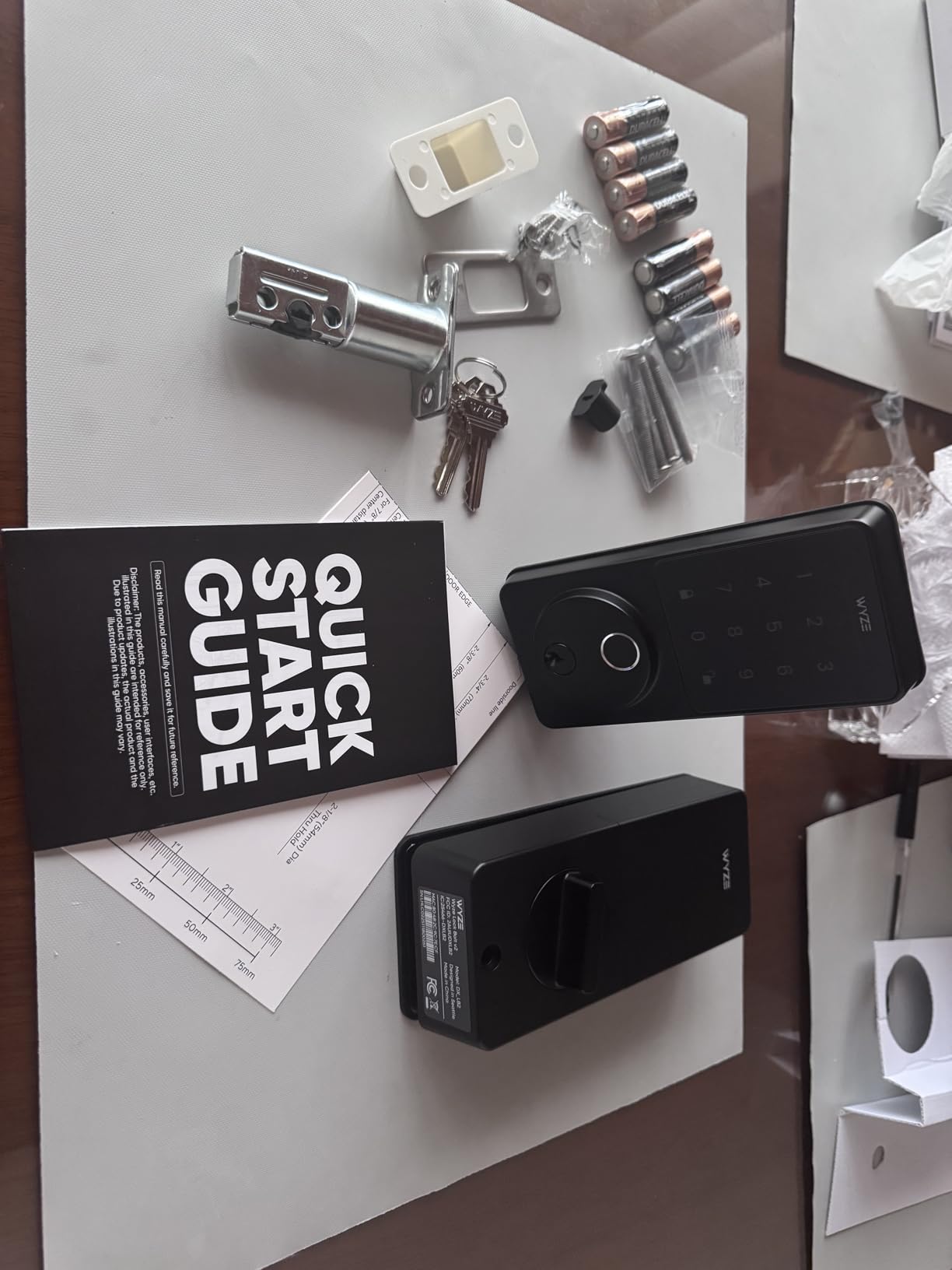
The Bluetooth auto-unlock feature, which unlocks the door when your phone approaches, can be finicky. I ended up disabling it and using the fingerprint instead.
6. Wyze Auto-Lock Bolt v2 – Best Value Fingerprint
- Exceptional 4.7 rating from 309 reviews
- AI fingerprint learns and improves
- Tempered glass resists scratches
- USB-C backup power port
- BHMA2 certified security
- No door state detection
- Keypad does not light up on approach
- Larger than traditional deadbolts
Wyze has built a reputation for delivering premium features at budget prices, and the Auto-Lock Bolt v2 continues that tradition. At under $80, you get fingerprint unlocking, WiFi connectivity, and smart home integration that competitors charge twice as much for.
The AI learning fingerprint is genuinely impressive. It recognizes my print in about half a second, and the accuracy has improved noticeably since I first installed it. The scratch-resistant tempered glass surface still looks brand new after months of use.
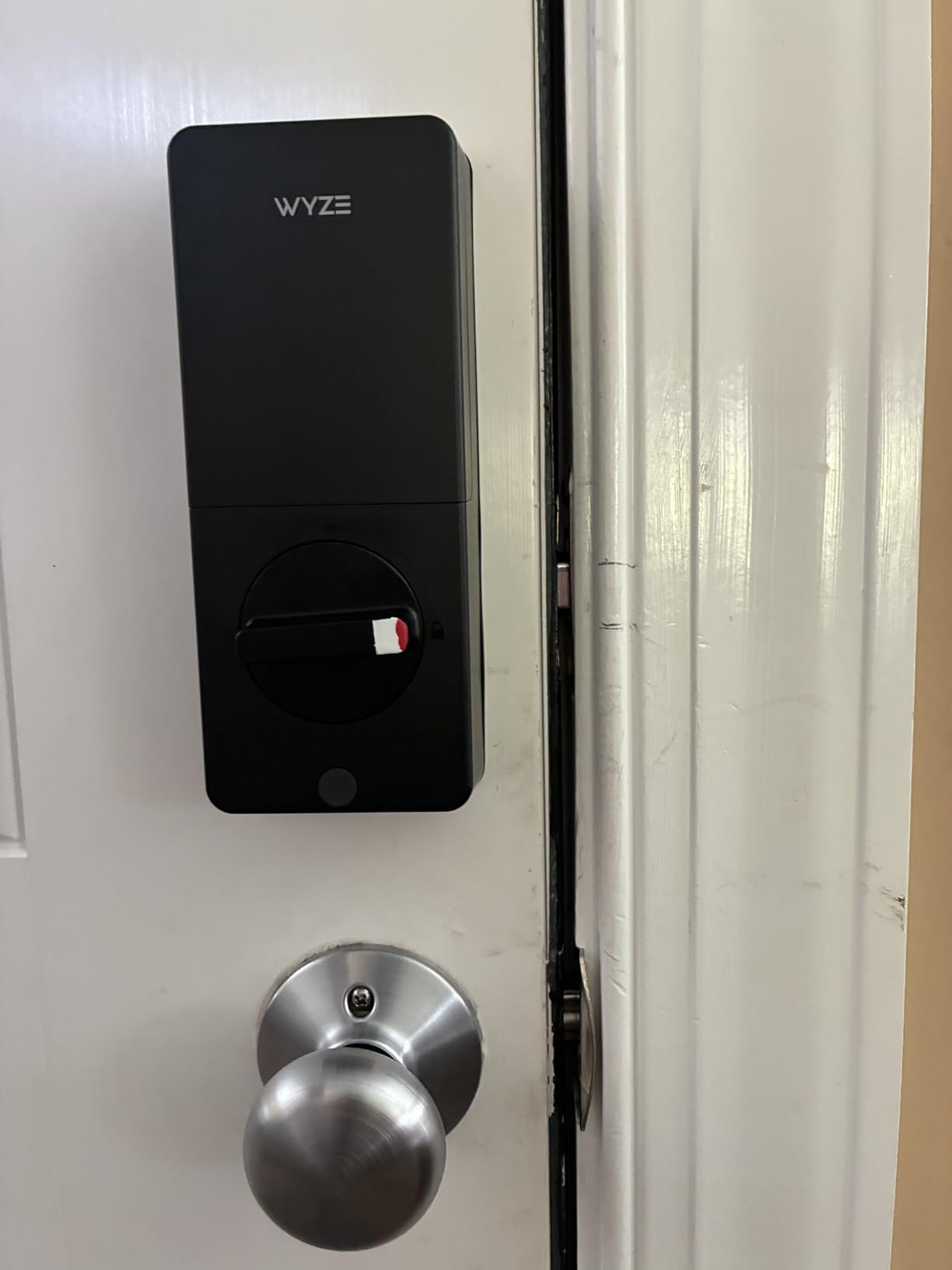
The USB-C emergency power port is a thoughtful addition. If the batteries die completely, you can plug in a portable charger or phone to power the lock temporarily. This has saved me once when I forgot to replace the batteries.
The Wyze app integrates with their doorbells and cameras, creating a complete entry monitoring system. I can see who is at the door, talk to them, and unlock the door all from one screen.
Who Should Buy This
This is the lock for budget-conscious hosts who do not want to sacrifice features. If you are just starting out with Airbnb and want the best bang for your buck, start here.
It is also ideal if you already use Wyze products. The ecosystem integration is smooth, and having everything in one app simplifies your life.
Who Should Skip This
The auto-lock feature activates on a timer, not based on whether the door is actually closed. If your door does not close fully on its own, this could leave your property unlocked.
The keypad does not light up automatically when you approach, which some guests find confusing at night. They need to touch it first to activate the backlight.
How to Choose the Best Smart Lock for Your Airbnb
After testing these locks and talking with dozens of other hosts, here is what actually matters when making your decision.
Airbnb Integration and Property Management Systems
Not all smart locks connect directly to Airbnb. The Schlage Encode offers the tightest integration, allowing automatic code generation when bookings come in. For hosts using property management software like Guesty or Hostfully, check which locks they support natively.
If you manage multiple properties, centralized control through a PMS is essential. You do not want to be juggling six different apps for six different locks.
Connectivity Options
Built-in WiFi locks like the Schlage Encode, Philips, eufy, and Wyze work independently. Bluetooth-only locks need you to be nearby to manage them. Z-Wave locks require a smart home hub.
Most hosts prefer built-in WiFi for remote management. Just verify your router supports 2.4GHz networks, as many smart locks do not work with 5GHz only.
Battery Life and Backup Access
Forum discussions consistently rank battery life as a top concern. The ULTRALOQ leads with 18 months, while Schlage trails at 6 months. All locks give you low battery warnings, but I recommend changing batteries proactively.
Always have a backup plan. Physical keys are essential for lockouts. Some hosts keep a lockbox with a spare key as secondary backup. I learned this the hard way when a guest could not get in because of a dead battery and I was three hours away.
Guest Experience Considerations
Think about your typical guest. Business travelers appreciate fingerprint access. Families with kids might prefer simple keypad codes. Elderly guests often want physical keys as backup.
Clear instructions are crucial. I print a simple guide with the code, backup options, and my phone number. Even the best lock causes problems if guests do not understand how to use it.
Frequently Asked Questions
What is the best smart lock for Airbnb hosts?
The Schlage Encode Smart Wi-Fi Deadbolt is the best overall choice for Airbnb hosts in 2026. It features built-in WiFi with no hub required, integrates with Alexa and Google Assistant, holds up to 100 access codes, and carries a BHMA Grade 1 security certification. The touchscreen keypad works reliably in various weather conditions, and auto-lock ensures guests never forget to secure the door.
Do smart locks work with Airbnb?
Yes, many smart locks work with Airbnb through direct integration or property management systems. Schlage Encode offers the tightest native integration, automatically generating unique codes for each reservation that expire at checkout. Other locks like August and Yale also integrate with Airbnb. For locks without direct integration, you can manually create and share codes through the lock’s companion app.
How do I set up a smart lock for Airbnb?
Setting up a smart lock for Airbnb involves four steps: First, remove your existing deadbolt and install the smart lock following manufacturer instructions, usually taking 10-30 minutes with just a screwdriver. Second, connect the lock to your 2.4GHz WiFi network through the companion app. Third, create guest access codes or enable automatic code generation if your lock supports Airbnb integration. Fourth, add check-in instructions to your Airbnb listing with the access code and any backup options.
What smart locks integrate with Airbnb?
Schlage Encode, Yale Assure Lock 2 with WiFi, August Wi-Fi Smart Lock, and Lockly Vision integrate directly with Airbnb. These locks can automatically generate unique access codes for each guest reservation that activate at check-in and expire at checkout. For locks without native integration, you can use property management systems like Guesty, Hostfully, or RemoteLock to bridge the connection between your lock and Airbnb calendar.
How do Airbnb hosts manage smart locks?
Airbnb hosts manage smart locks through manufacturer apps or property management platforms. Most WiFi-enabled locks allow remote creation, editing, and deletion of access codes from anywhere. You can schedule codes to activate at check-in and expire at checkout automatically. Activity logs show when guests enter and exit. For multiple properties, consider a centralized platform like RemoteLock or Lynx that manages all locks from one dashboard and syncs with your Airbnb calendar.
Final Thoughts
The best smart locks for airbnbs combine reliability, ease of use, and features that make hosting less stressful. After testing these six options extensively, my top recommendation for most hosts is the Schlage Encode for its built-in WiFi, security rating, and Airbnb integration.
If you are just starting out or managing costs, the TEEHO TE001 proves you do not need to spend much to improve your guest experience. For tech-forward properties, the ULTRALOQ Bolt SE’s Matter support future-proofs your investment.
Remember that even the best smart lock is only as good as your guest communication. Always provide clear instructions, backup access options, and your contact information. A little preparation prevents late-night emergency calls and keeps your reviews positive.
Whichever lock you choose for 2026, you are making a smart investment in your property and your peace of mind.