
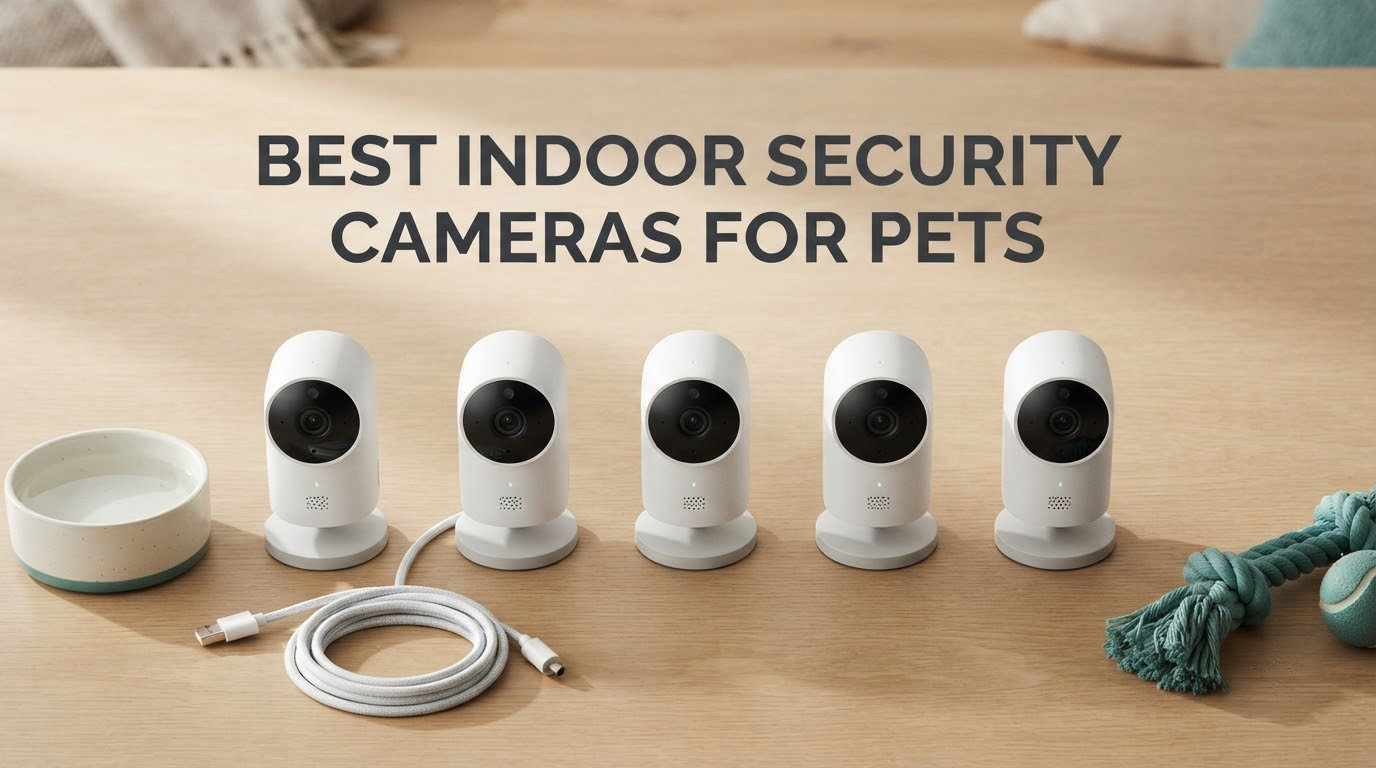
There is a specific moment every weekday morning when a pet parent becomes a security-camera person. You are out the door, the dog is watching you from the crate, and you think: I would like to know whether you are barking at eight or just sighing. That reflex is why best indoor security cameras for pets have become a shelf of their own, separate from the general home-security aisle.
What makes a pet camera different from any other indoor camera is a short list of questions it has to answer. Can it tell a person from a dog? Will it notice a bark, a meow, or a cry? Can you talk back? And the one nobody asks out loud but everybody should: what does it cost you every month after setup? That last question has quietly become the loudest one in search results, on forums, and in the group chats of anyone who was gifted a pet camera and found out during installation what the plan actually gated.
We put ten of them side by side, from the models people buy in threes to the pet-first cameras built by brands that make nothing else. Six of the ten record straight to a microSD card in the camera itself, which is why we can write a pet camera roundup without a monthly-fee asterisk running through every paragraph. None of the ten tosses a treat, and we will say that plainly rather than imply otherwise.
Table of Contents
Top 3 Picks for Indoor Security Cameras for Pets

Ring Indoor Cam (newest model)
- 1080p HD with Color Night Vision
- Manual privacy cover
- Advanced Pre-Roll
- Alexa and Echo Show

Tapo C201 1080p Pan/Tilt
- 360° pan and 114° tilt
- 1080p video
- Two-way audio
- microSD up to 512 GB

eufy Indoor Cam E220
- 2K clarity
- 360° pan-tilt auto tracking
- HomeKit Secure Video
- On-device AI
Those three are the ones we would put in a living room without hesitating. The Ring is the most proven, the most reviewed, and the only one here with a physical privacy shutter, the Tapo C201 covers more floor for less money than anything else in the list, and the eufy E220 is the one to buy if your home runs on Apple. Everything else here is a close second for a particular room, a particular pet, or a particular network.
All 10 Indoor Security Cameras for Pets Compared in 2026
| Product | Specifications | Action |
|---|---|---|
| Ring Indoor Cam (newest model) |
|
Check Latest Price |
| Tapo C201 1080p Pan/Tilt |
|
Check Latest Price |
 Kasa EC70 1080p Pan/Tilt Kasa EC70 1080p Pan/Tilt |
|
Check Latest Price |
 Tapo C100 1080p Indoor Tapo C100 1080p Indoor |
|
Check Latest Price |
| eufy Indoor Cam E220 |
|
Check Latest Price |
 PETLIBRO Dog Camera PLPC001 PETLIBRO Dog Camera PLPC001 |
|
Check Latest Price |
 Petcube Cam Petcube Cam |
|
Check Latest Price |
 Blink Mini 2K+ Blink Mini 2K+ |
|
Check Latest Price |
 Cinnado D1 2K Cinnado D1 2K |
|
Check Latest Price |
 ARENTI P2Q 4MP ARENTI P2Q 4MP |
|
Check Latest Price |
How to read that table: treat dispensing is absent from every row on purpose, and so is a single monthly-fee column, because six of these record locally and the other four lean on a plan for history. What varies is coverage, how each camera decides something is worth telling you about, and what it costs you over a year.
What Is the Best Indoor Security Camera for Pets?
The best indoor security camera for pets is the Ring Indoor Cam, the highest-rated and most heavily reviewed camera we tested for this guide. It gives you 1080p video with Color Night Vision, Advanced Pre-Roll that captures the seconds before an event, a manual privacy cover that cuts camera and microphone with a swivel, and the simplest setup in the group. If you would rather not pay anything monthly at all, the Tapo C201 is the better buy, with full 360-degree pan and tilt and a microSD slot.
1. Ring Indoor Cam (newest model) — The Best Overall Indoor Security Camera for Pets
Ring Indoor Cam (newest model) — Home or business security in 1080p HD video, White
- Highest rated camera in this group with a 4.7 average
- Physical privacy cover switches off camera and mic with a swivel
- Advanced Pre-Roll captures the seconds before an event
- Color Night Vision keeps a dark room readable
- Swivel mount or free-standing tabletop placement
- Playback and AI alerts sit behind a Ring Protect plan
- Fixed 1080p lens with no optical zoom
- No pet or bark classification on this model
The Ring Indoor Cam is the camera we hand to someone who asks for one recommendation and does not want a follow-up conversation. It has been sold for years, it has tens of thousands of reviews behind it, and the mental model is simple: plug it in, point it at the sofa, open the app.
What makes it work as a pet camera is less about the hardware and more about the polish. Advanced Pre-Roll records a few extra seconds before every motion event, which sounds minor until you realise it is the difference between seeing your dog mid-jump onto the armchair and seeing a dog already sitting there looking innocent. Color Night Vision also means a dark living room at nine in the evening reads as a room rather than a green smear.
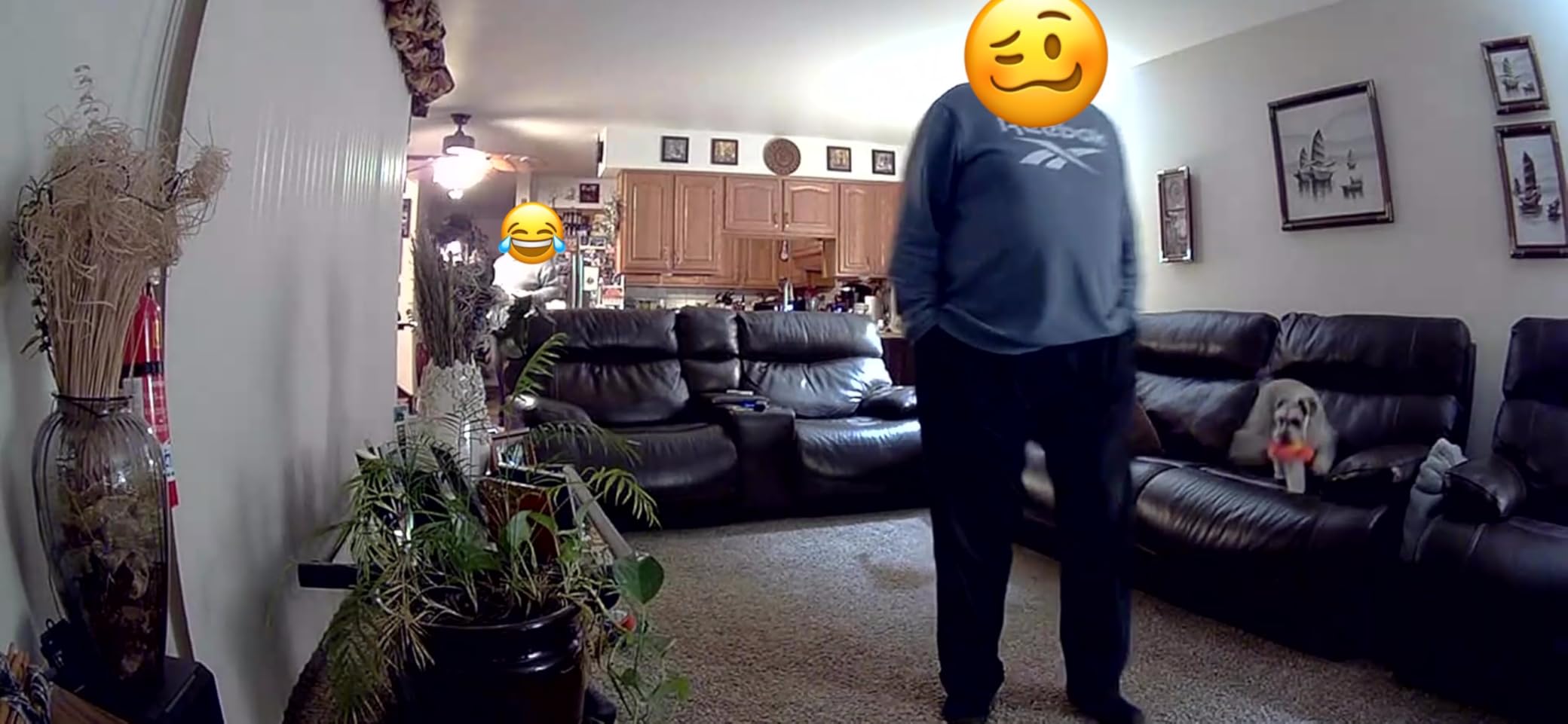
The manual privacy cover is the detail that put this one first in a house rather than a garage. It is a physical swivel that cuts the camera and the microphone, not a toggle in an app you have to remember to use before guests arrive. Owners mention the setup repeatedly in reviews as the easiest of the group, which matters if you are mounting it while a puppy supervises.
The honest limitation is that this is a security camera that people use for pets, not a pet camera with pet intelligence. It will tell you there is motion. It will not tell you the motion was your cat rather than a curtain, and it will not filter for barking. Customizable motion detection zones let you narrow the frame, and that is where the tuning ends.
When this camera earns its shelf space
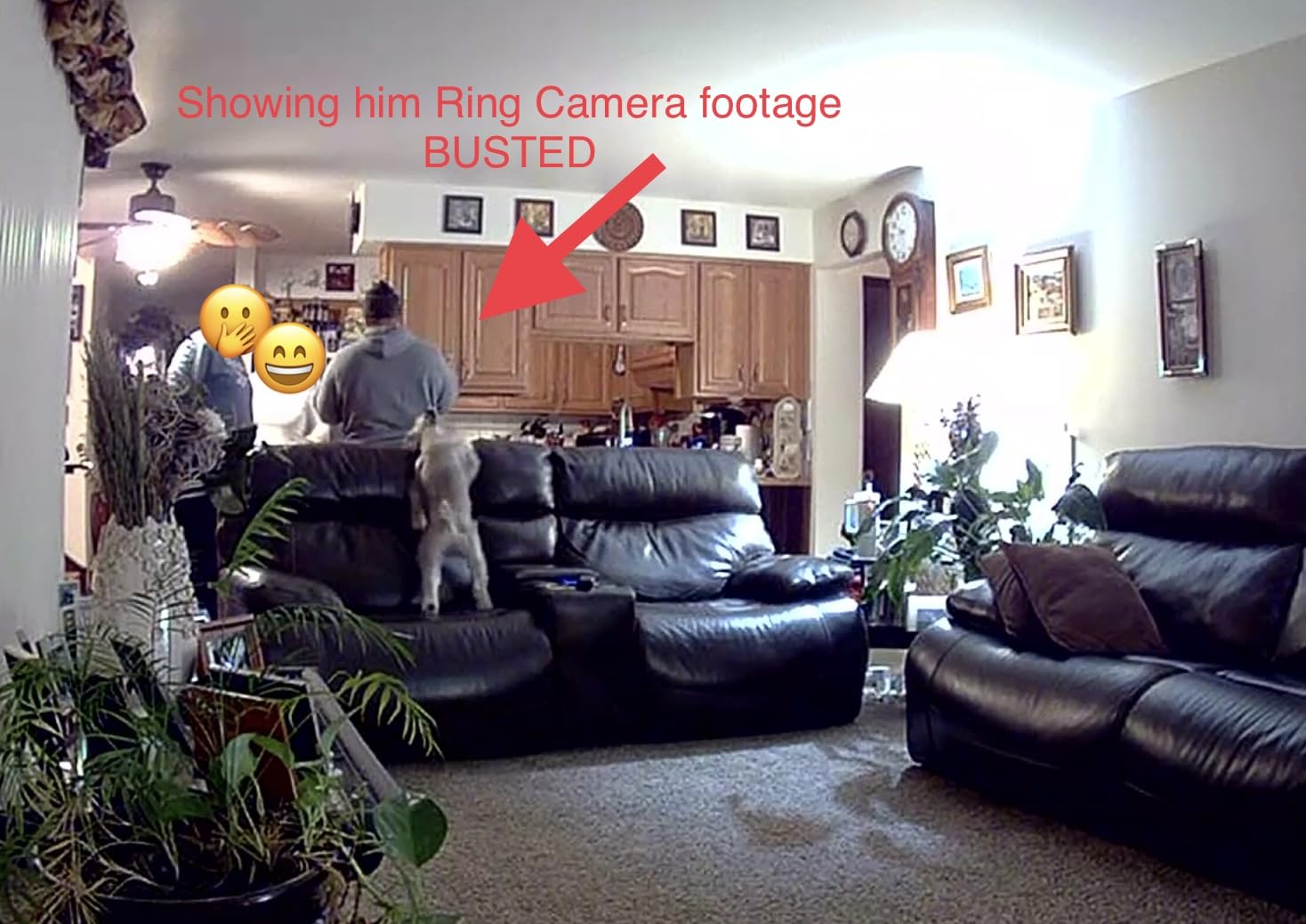
This is the pick for a household that wants reassurance rather than data. If your goal is a quick glance at lunch, a bark you want to catch, and a device that will not fight you on day one, the Ring Indoor Cam is the least fiddly answer in the roundup. Owners also lean on the Alexa integration to put a live view on an Echo Show, which is how a lot of households check in without opening a phone.
Placed on a shelf at about sofa height and angled down slightly toward the dog bed or crate, it does its job. It is not the camera for a cat who spends the day on top of a wall-mounted cabinet, and it is not the camera for two dogs in two rooms.
Where it will frustrate you
The plan is the sore point, and it is why this camera leads on rating rather than on features. Playback of past events and the AI alert features sit behind Ring Protect, so a Ring-only setup is effectively watching live and keeping nothing. That is a defensible trade for a check-in camera and a poor one if you plan to review your cat’s afternoon at midnight.
There is no pet-specific classification anywhere in the feature set, and the fixed lens means a wide room leaves you with a small pet in the corner. If you want the camera to tell a dog apart from a delivery driver, this is not it.
2. Tapo C201 1080p Pan/Tilt — Best Value and the Best No-Subscription Buy
- Covers a whole room with 360° pan and 114° tilt
- Works with no subscription using a microSD card
- Owners rate the picture quality as Ring-class
- Setup takes about ten minutes
- Compact and quiet enough to reposition constantly
- Motion-follow pans in jerks and drops frames
- Two-way audio lags behind the live view
- Can be fussy about which microSD card you use
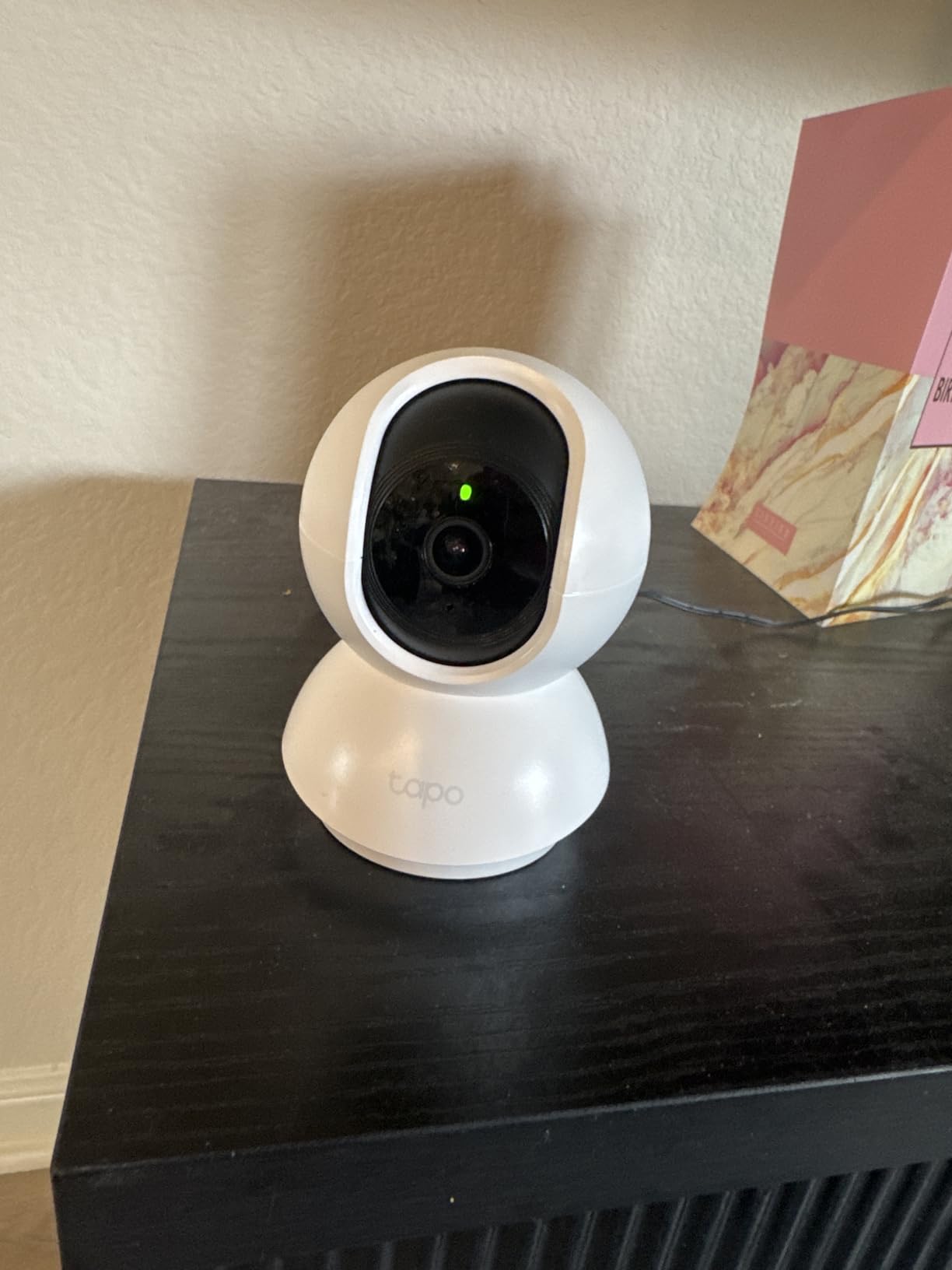
If you read one review thread about a pet camera, it is probably about this one. The Tapo C201 is the camera people buy after the first camera in the house proves its worth, and the reason is coverage: a 360-degree horizontal pan and a 114-degree vertical tilt mean one unit on a shelf can see a sofa, a doorway, and a food bowl without you touching it.
Owners consistently describe the picture as better than they expected, and often better than cameras costing considerably more. For a living room, a bedroom, or a kitchen where the pet spends hours at a bowl, 1080p on a wide lens is the correct specification. Integrated infrared night vision reaches about 30 feet, which is plenty for a normal room.
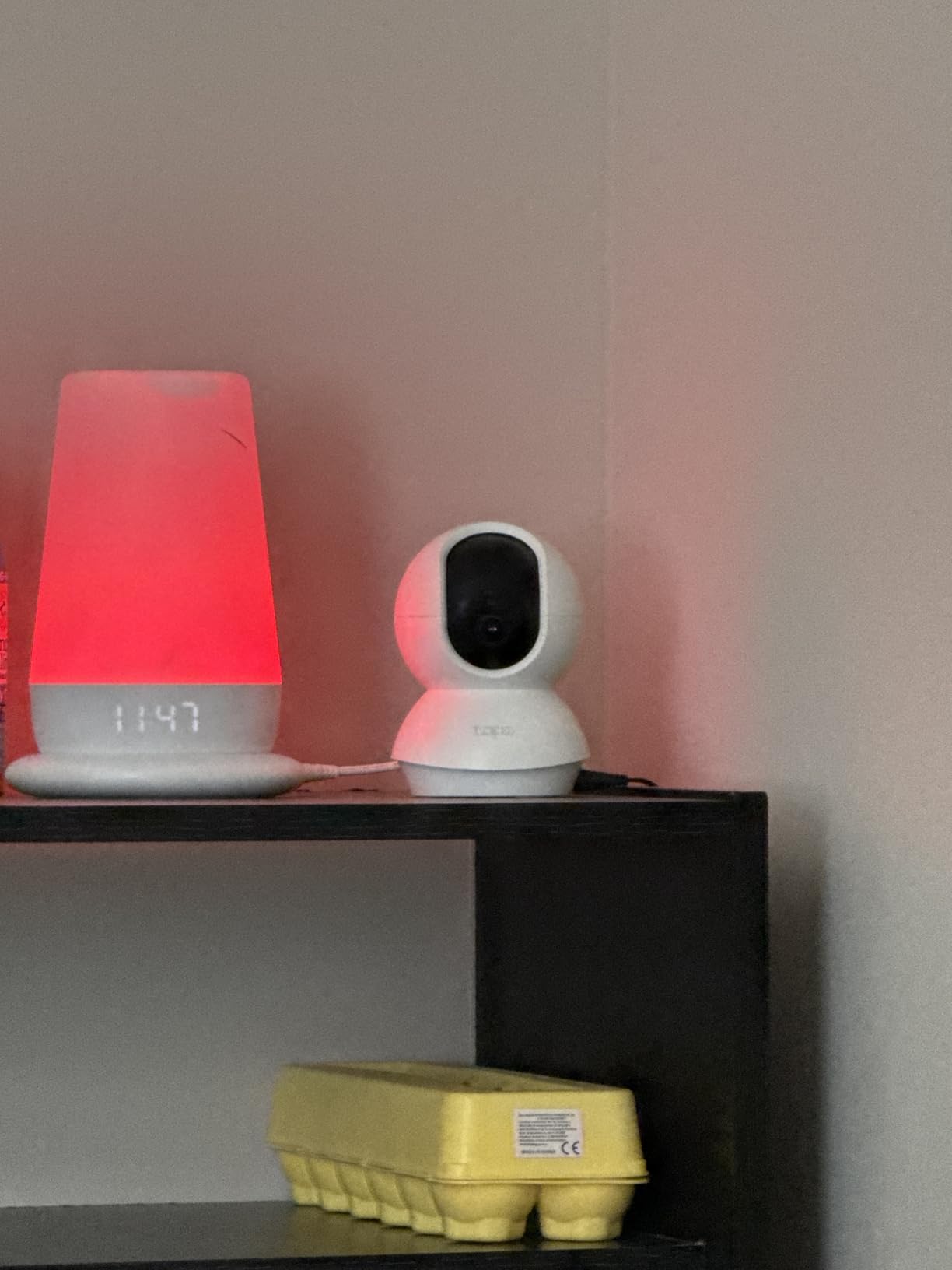
The local microSD slot is the part that changes how people use it. Because the card lives in the camera, event recording works with no plan attached, which means a two-cat household can run two of these and never think about a bill. The card has to be formatted inside the Tapo app first, and reviewers warn that compatibility is pickier than the setup flow suggests, so buy a card you have heard of rather than the cheapest one on the shelf.
Detection covers motion, person, and baby cry, with push notifications to your phone. There is no dedicated bark or meow classifier in the feature list, so a vocal pet registers as sound or motion rather than as an alert labelled with the right animal.
Why this is the value pick
Two cameras here give you full 360-degree pan and tilt at the low end of the market, and the Tapo C201 is the more established of the two. It has a far bigger review base, a picture owners describe as Ring-class, and a tracking motor that is smoother than the bargain alternative. The Cinnado D1 covers similar ground for less; this one covers it better.
It is also the pick for anyone who has been burned by a subscription. The card does the work, the app does the work, and the cloud tier is genuinely optional. If you want a wider comparison for a whole-home setup, our guide to the best indoor security cameras covers the trade-offs beyond pet monitoring.
What you give up for the pan-tilt
Tracking is the weak point. Owners describe the follow mode as jerky, dropping frames as it swings to catch up, and some note that it drifts outside the detection zones you configured. If your pet sprints across a room, you get a panning camera struggling rather than a smooth track.
Two-way audio also runs behind the video, so a conversation with a dog that barks at you arrives slightly out of sync. It works for saying hello; it works less well for delivering a training cue at the exact moment it matters.
3. Kasa EC70 1080p Pan/Tilt — Best for Overnight Patrol and Multi-Zone Homes
Kasa 1080p Indoor Pan/Tilt Wired Security Camera, Baby & Pet Monitor, EC70
- Patrol mode sweeps through four saved positions on a loop
- Local microSD recording with no monthly fee
- Quiet pan-tilt motor
- Affordable cloud tier if you want history
- Two-year manufacturer warranty
- Microphone audio is weak and can sound garbled
- Only 15 fps so fast movement smears
- Infrared reflects off windows at night
The Kasa EC70 is the sibling camera to the Tapo above, sharing much of the same software, and it does one thing the C201 does not: patrol. You can save four camera positions and have the unit rotate through them on a loop, which turns one inexpensive camera into something closer to a multi-camera system.
That matters more than it sounds for a pet. A dog that sleeps in one corner and waits by the door at other times can be covered by four saved angles instead of one, and if you have a living room, a hallway, and a kitchen that all need watching, one patrol unit answers a three-camera problem.
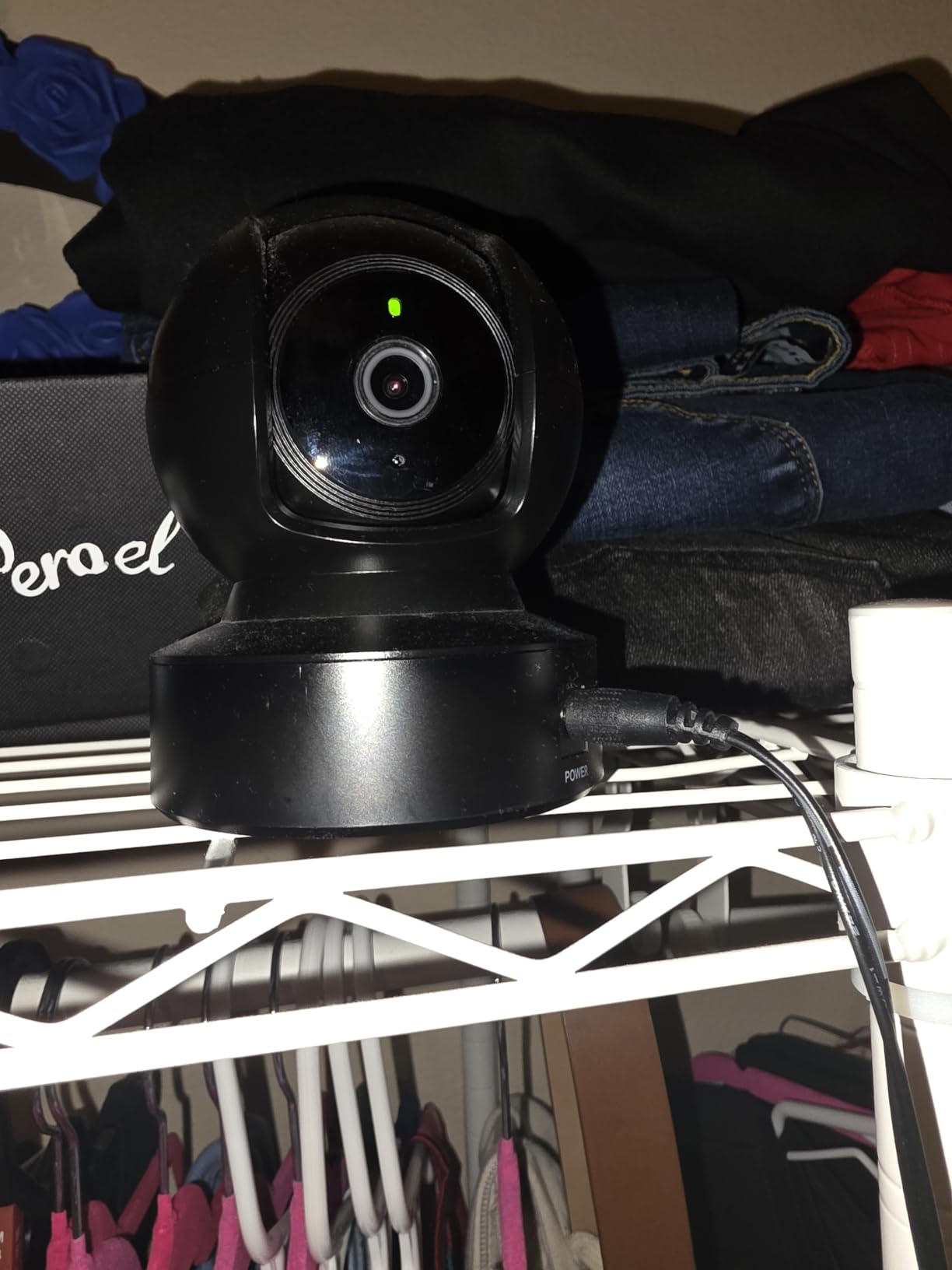
Local microSD recording up to 256 GB runs with no monthly fee, and the Kasa Care cloud plan sits there if you want history without the card. Night range is about 30 feet with motion and sound detection both enabled, and the footprint is small enough for a shelf or a wall mount.
Owners also mention support. For a device that runs in a home for years, a responsive manufacturer is worth more than most of the spec sheet, and the two-year manufacturer warranty is the longest coverage in the roundup.
Best for a house with more than one pet zone
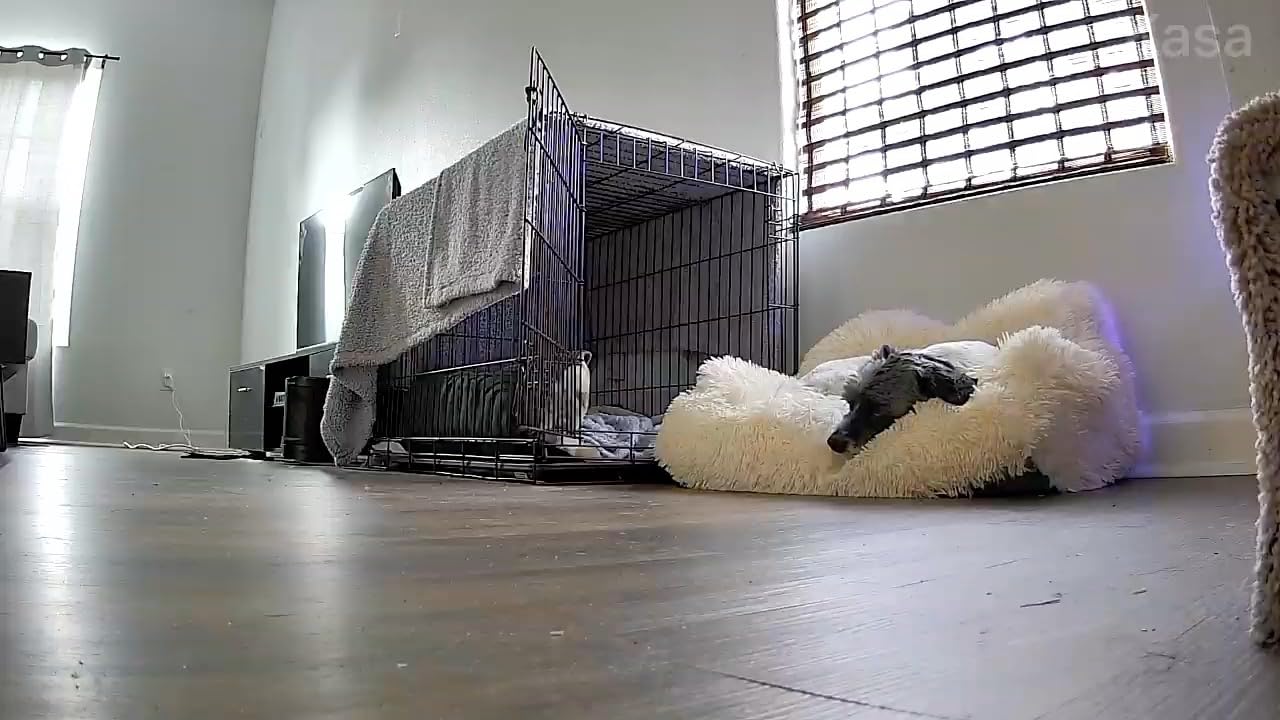
This is the pick for someone whose pet moves. Patrol mode covers a food bowl, a bed, a sofa, and a doorway without buying four devices, and the quiet motor means it will not startle a nervous animal while it turns. It also suits renters well, since it is a single plug-in unit with a wall-mount option and nothing hardwired.
If your home is small and your pet has one favourite spot, the C201 is the better-value buy. If you want one device to behave like several, the EC70 earns its place.
Where the compromises show
Audio is the weak link. Owners describe the microphone as weak and sometimes garbled, so two-way talk here is closer to one-way reassurance than a real conversation. If your reason for buying a camera is to talk your dog through a separation episode, look elsewhere.
The frame rate is 15 fps, so a fast-moving pet smears, and infrared night vision will light up a window and show you your own reflection instead of the street. Some owners also find activity zones drift out of alignment and need resetting, a small annoyance you will forget about until a notification arrives at two in the morning.
4. Tapo C100 1080p Indoor — Best for a Crate, a Bowl, or One Fixed Spot
- Compact bullet shape fits a shelf or a wall
- Colour night mode thanks to built-in spotlights
- microSD and cloud both available
- Two-way audio and a customisable siren
- Activity zones for motion and person detection
- Fixed view with no pan
- tilt or zoom
- Only 15 fps
- No pet-specific AI tracking
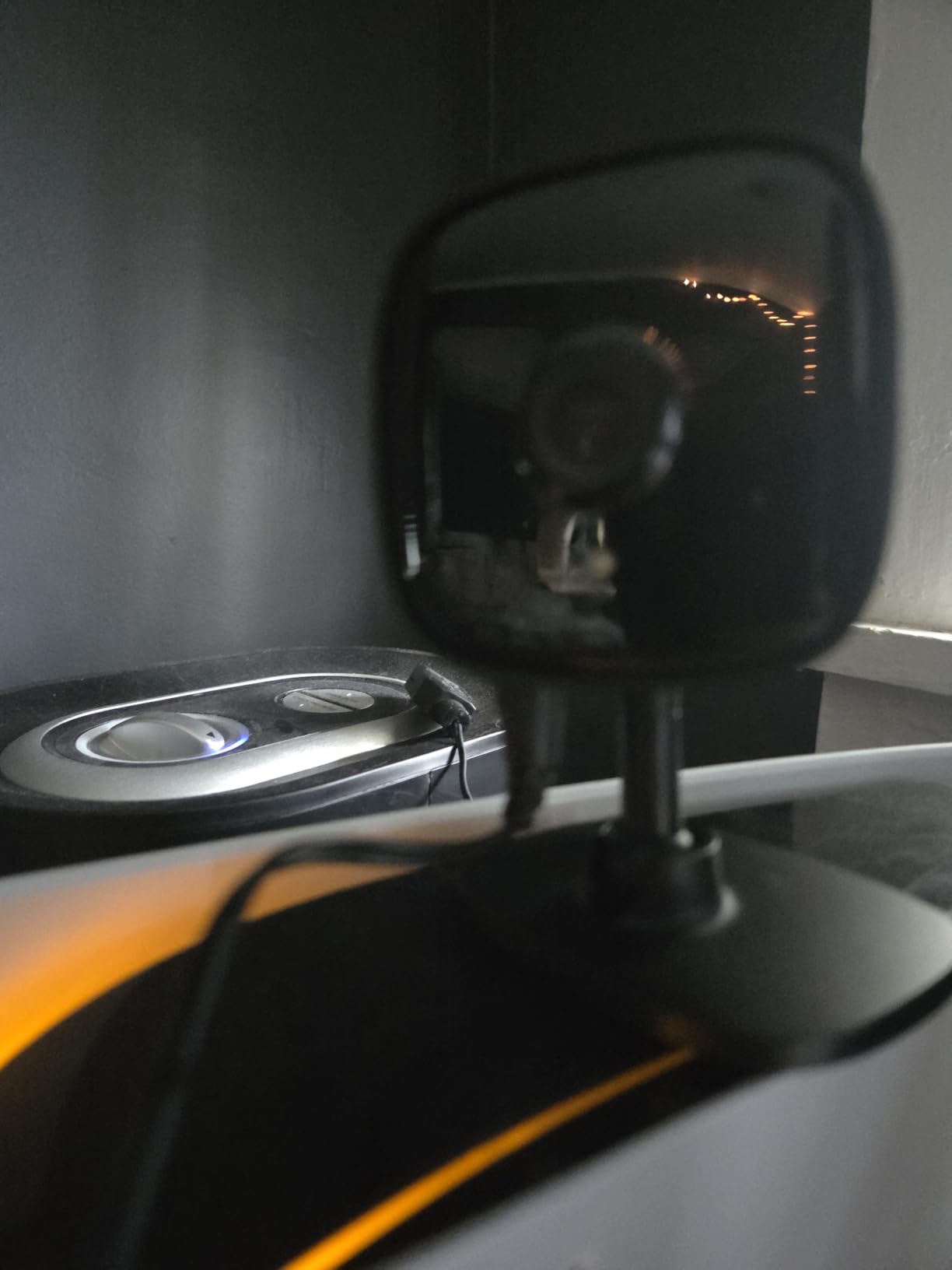
Not every room needs a moving head. The Tapo C100 is a small fixed-view camera aimed at one specific thing, and if that thing is a crate, a food bowl, or the sofa your dog claims at four in the afternoon, this is the most efficient way to cover it.
The 110-degree field of view is genuinely wide for a fixed lens, which means a shelf-mounted unit near a corner sees most of a room without you panning anything. Picture quality is 1080p in daylight and in full colour at night, because the built-in spotlights switch on in the dark before falling back to infrared.
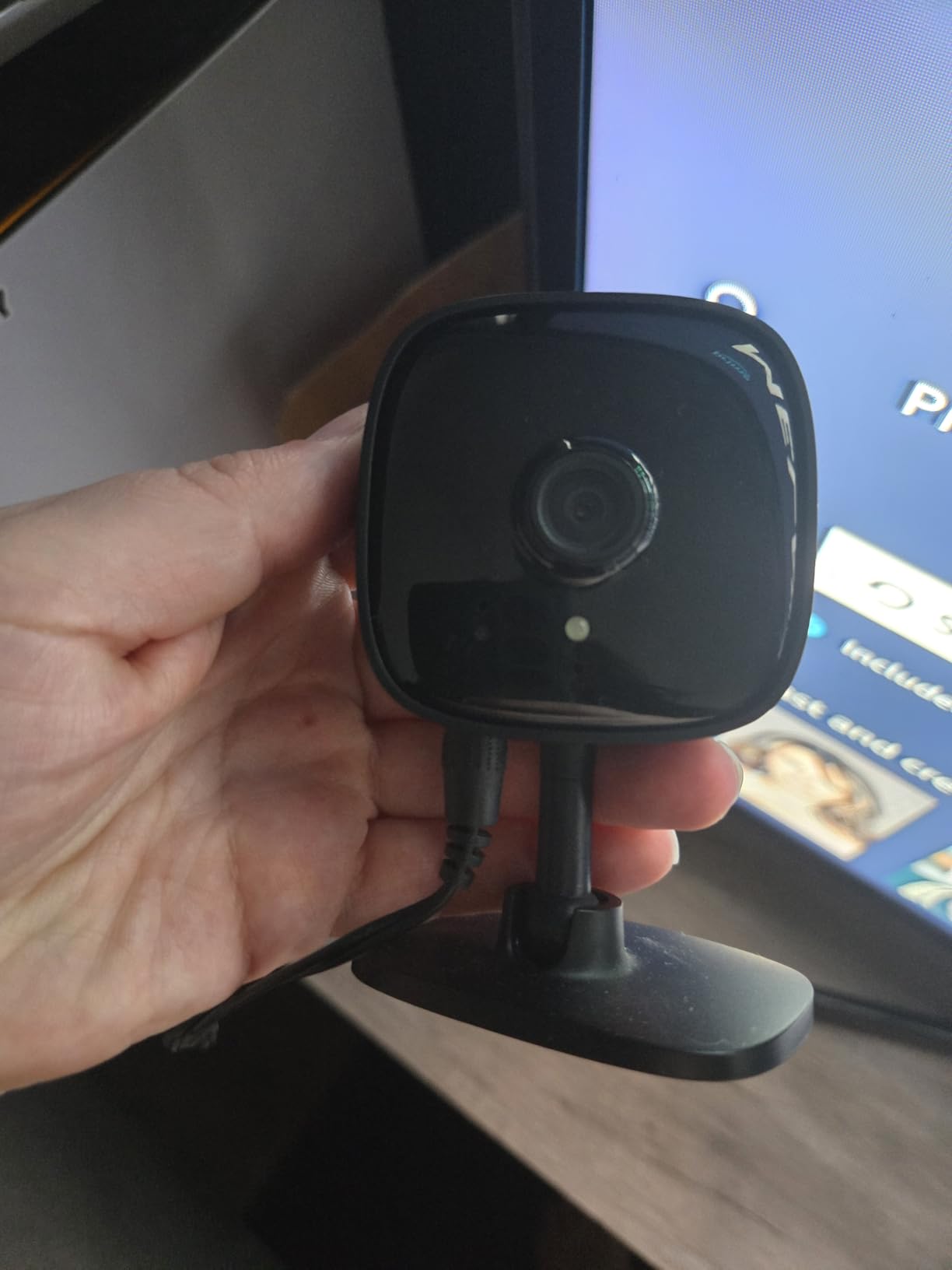
Storage is the same flexible arrangement as the C201: a microSD card up to 512 GB, or a Tapo Care cloud plan if you would rather not manage a card. Two-way audio works, and you can set a customisable siren, which some owners use as a training cue for barking.
The bullet form factor is the quiet hero. It is small enough to sit on a windowsill or a bookshelf, it does not read as a security device, and it will not visually dominate a room the way a dome camera can.
When a fixed view is exactly what you need
Think of this camera as a window, not a searchlight. For crate training, for a cat watching a wall, for a food bowl you want to check afterwards, or for a room where the pet only ever lies in one place, a fixed frame produces a cleaner, more usable picture than a cheaper camera fighting to pan after a fast animal.
It is also the easiest camera here to place without thinking about it. No tracking to configure, no zones to tune, no motor to calibrate. It looks, it records, it alerts.
What you give up without a pan and tilt
The moment your pet leaves that one spot, the camera is looking at an empty room. That is fine for a puppy in a crate and useless for a cat who spends the day on top of a cabinet. Owners who move on from this one usually do so because their pet got more mobile, not because the picture was bad.
The frame rate is 15 fps, so a running pet blurs, and there is no pet-specific tracking to tell you which animal triggered a notification. Both are acceptable for a stationary scene and frustrating for a busy one.
5. eufy Indoor Cam E220 — Best for Apple Homes and 2K Detail
- 2K resolution
- sharper than the 1080p models
- 360° pan and tilt with automatic motion tracking
- On-device AI records only events of interest
- Apple HomeKit Secure Video support
- Human detection is inconsistent at distance
- Tracking can lock onto furniture instead of pets
- App reported as slow and laggy
The eufy E220 is the one we would buy for a house that runs on Apple. It is the only camera in this roundup supporting HomeKit Secure Video, and it also gives you 2K indoor resolution, which is the tier you want when you are trying to read a face across a room or check whether that lump on the sofa is a folded blanket.
Coverage is a full 360 degrees of pan and tilt with automatic motion tracking, so mechanically it sits in the same class as the Tapo C201 with a sharper sensor behind it. It is a small dome, just under three inches across, and it can sit on a shelf or go on a wall.
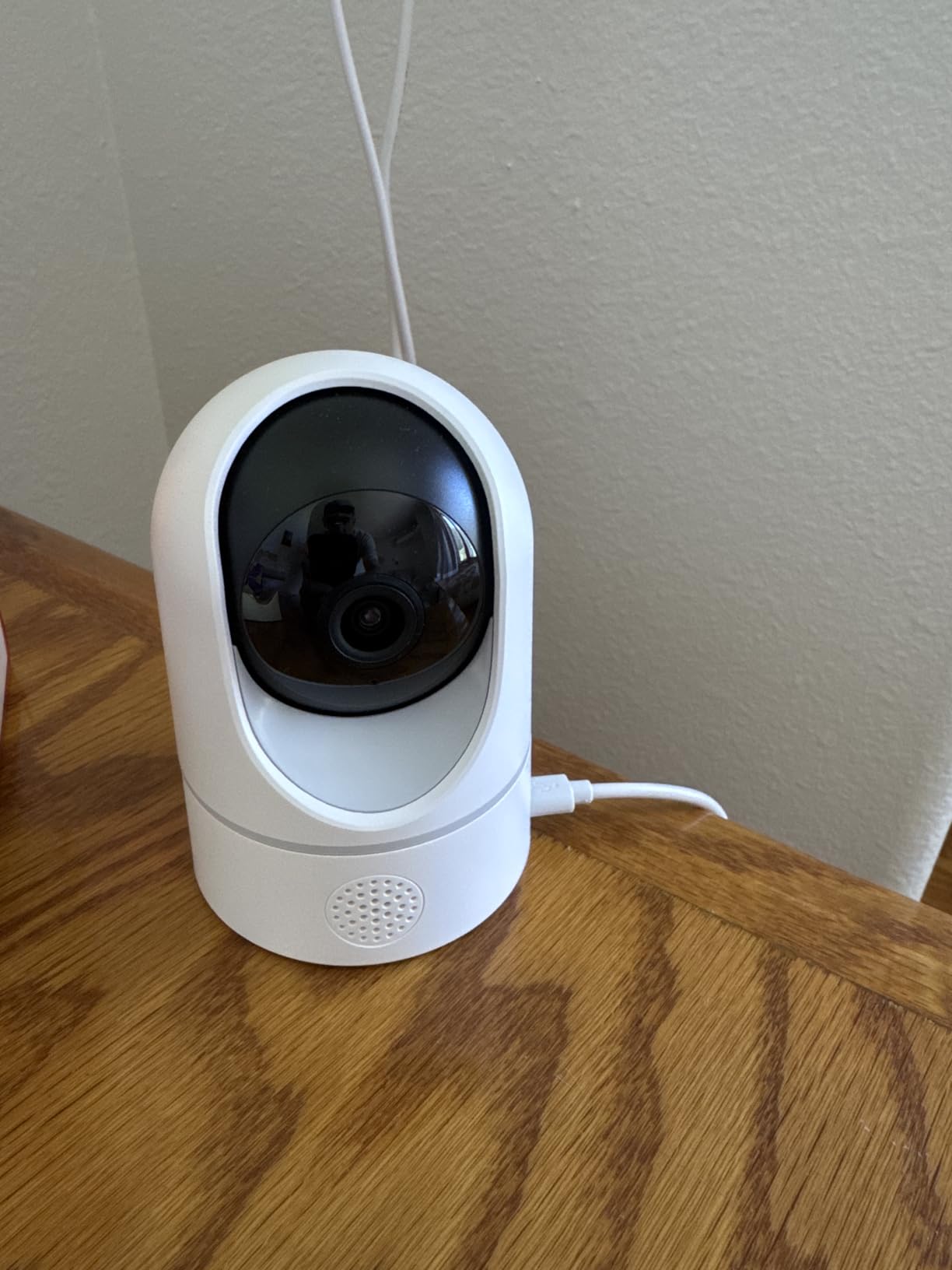
The feature we like most is on-device AI. Rather than pushing every motion event to a cloud service, this camera classifies humans and pets locally and records only the events worth keeping, which is both a privacy improvement and a large storage saving on a card. Reviews also praise how cleanly saved events download, which becomes important when you are pulling clips for a vet.
It works with no subscription using a microSD card, and it can expand into local storage through a eufy HomeBase 3 if you later want the card in a central place instead of in the camera.
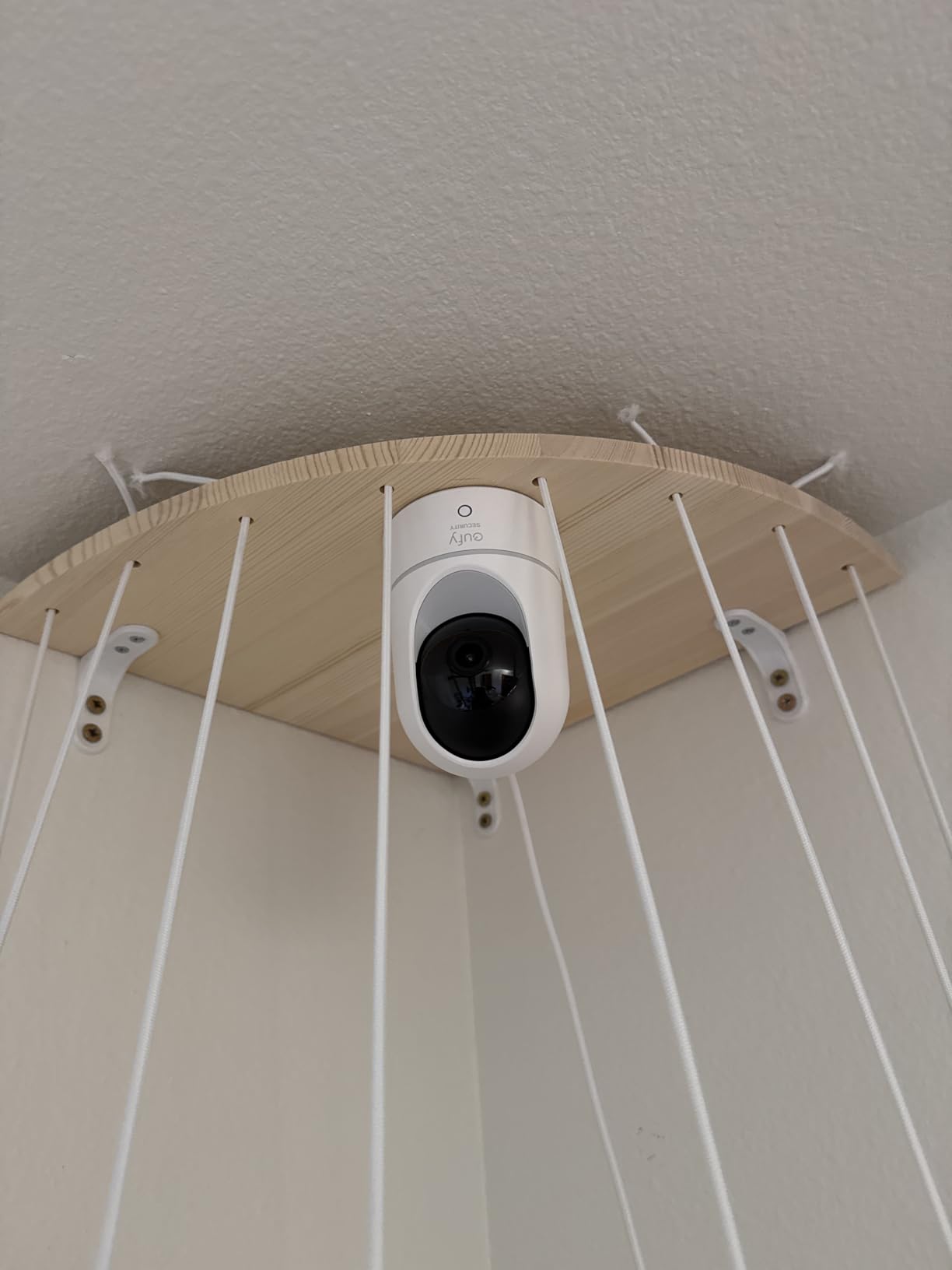
Best for Apple households and detail-heavy rooms
If you already have HomeKit and want the camera to live in the same app as your lights and locks, this is the easy answer. Secure Video keeps the recording pipeline inside your own network rather than sending it to a vendor cloud, which is a genuine answer to the privacy question we take up later in this guide.
It is also the best choice for a multi-animal home in a big room. The tracking and the 2K detail combine well: a small cat crossing a large living room stays recognisable instead of becoming a smudge.
Where owners report friction
Detection reliability is the honest complaint. Owners describe the human detection as inconsistent, with false positives on objects and misses at distance, and the object tracking locking onto furniture rather than the pet. The camera is good at showing you a room; it is less reliable at telling you confidently what is in it.
The app is also reported as slow and laggy by some owners, microSD support caps at 128 GB on this model, and running it through HomeKit drops the stream to 1080p. You are trading a little sharpness and some app polish for the Apple integration.
6. PETLIBRO PLPC001 Dog Camera — Best for Multi-Pet Homes That Want Individual Recognition
- Recognises up to five individual cats and dogs
- AI highlight reels save you watching hours of footage
- Activity and behaviour summaries show changes in routine
- 360° auto tracking follows a pet around a room
- Two-way audio and night vision included
- Sits at the top of the price range for these ten
- 1080p rather than 2K or higher
- One-star reviews make up about 11% of the rating share
This is the most pet-focused camera here, and the difference shows up in one specific place: individual pet recognition. It learns up to five cats and dogs and can tell you which one triggered an alert, which is the feature multi-pet households ask for and rarely find.
Everything else is built around the same idea. Instead of raw clips, the app generates smart recaps, daily highlight reels, and timeline summaries, and it tracks activity patterns so you can see at a glance that one cat has stopped using the litter tray or that the old dog is sleeping more than last month.
Mechanically it is a 360-degree pan-and-tilt dome that auto-tracks, with 1080p video, night vision, and two-way audio. In a home with three animals and a genuine question about which one is the problem, that combination is not available anywhere else on this list.
It is also the newest camera here, first listed in May 2026, and at 1.4 pounds it is the heaviest of the ten, which matters if you are mounting it high on a wall.
Who this is for
Owners in multi-pet homes who have stopped being able to tell which animal caused a noise. If you are trying to work out which dog is barking at six in the morning, a camera that labels the pet turns a guessing game into a fact. The behaviour summaries are the sleeper feature, particularly for a senior pet whose routine change is the thing you are watching for.
For a single-pet household that just wants a check-in camera, this is overkill, and the difference in cost would be better spent on two fixed cameras instead.
What you trade for the pet intelligence
It costs more than the other nine cameras here and the video is only 1080p, so you are paying for software rather than pixels. If picture quality in a dark room matters most, one of the 2K models will serve you better.
It also carries the roughest rating profile of the ten. One-star reviews make up about 11% of the share, higher than anywhere else in this list, and the AI recaps depend on processing in the app, so a slow phone means a slow recap. Owners who want alerts and nothing else may find the extra reporting busywork rather than a feature.
7. Petcube Cam — Best for Vet Chat and a Camera Built Around Cats
- AI Vet chat connects you to a veterinarian from the app
- Works with no subscription for live viewing
- Strong night vision and good two-way audio
- Survived a drop onto its lens
- Magnetic base makes under-cabinet mounting easy
- Video history requires the Petcube Care plan
- Two-way talk has heavy feedback unless one side is muted
- QR code setup can take several attempts
- Corded power limits placement options
The Petcube Cam is the only camera here with a route to a veterinarian inside the app, and for a cat household that is worth more than the treat-dispenser features competing products sell. AI Vet chat lets you ask a question about behaviour and get an answer, with live veterinary access available as a paid tier on top.
Underneath, it is a small 1080p cube with a 110-degree view, 8x zoom, night vision to about 30 feet, and two-way audio. The audio quality is one of the better ones here, which is why it is also the natural pick for talking to a pet that needs to hear you rather than just see you.
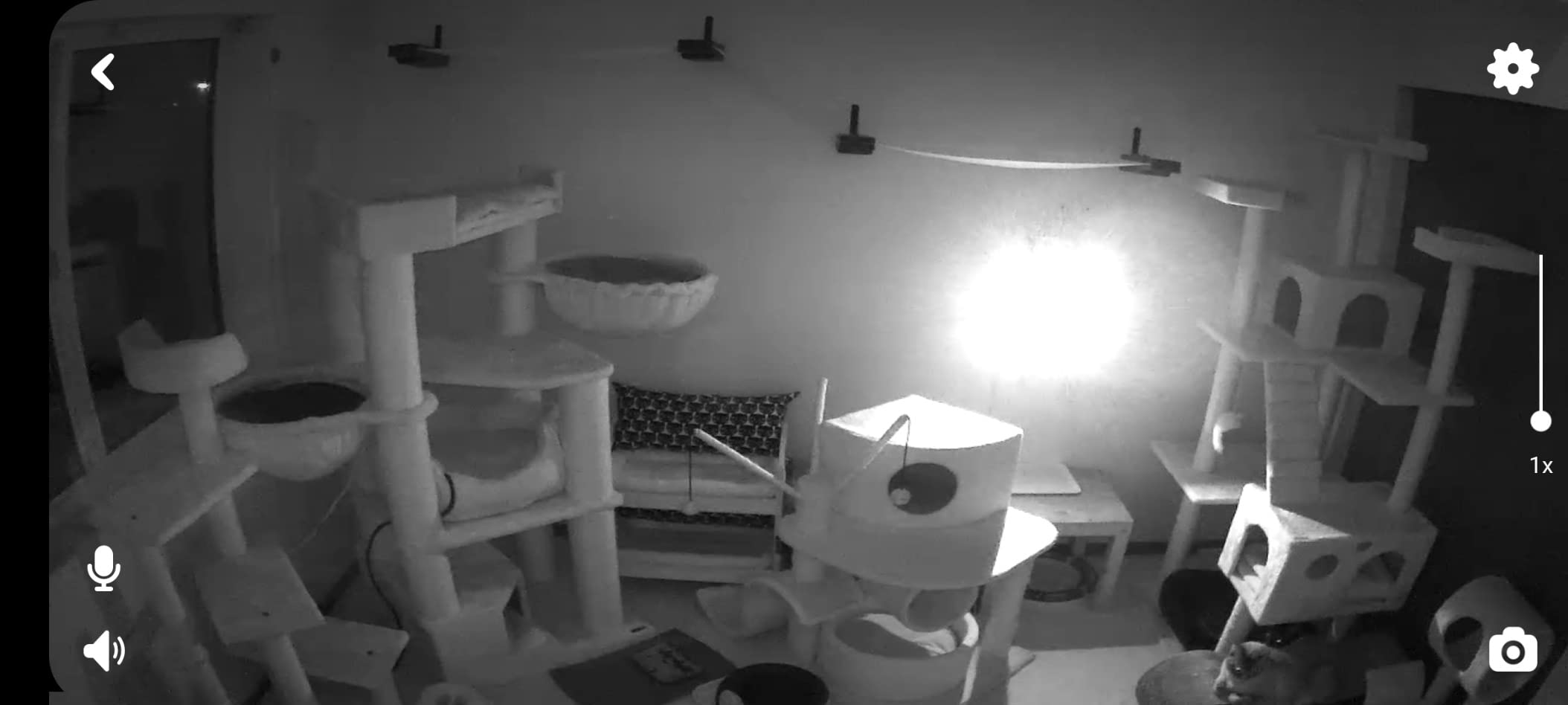
Two practical details stand out. The magnetic base with a metal ring means the camera mounts under a kitchen cabinet or on a wall without a bracket, and owners report it surviving a drop onto its lens, which is reassuring if a cat decides the corner of your counter is a perch it owns.
The Daily Diary feature is the quiet differentiator. Rather than a wall of clips, the app assembles a short summary of eating, drinking, and activity, which for an older cat or a puppy in training is exactly what you would otherwise be scrolling for.
Best for cats and for anyone with a health question
Owners in the reviews single out the durability and the mounting flexibility as the reasons this one stays in place, and the vet chat is the reason a lot of people bought it in the first place. If you have ever wanted to ask whether a behaviour is normal without scheduling an appointment, this is the camera that makes it possible.
The magnetic mount solves placement better than anything else here. Under-cabinet placement above a food bowl gives you a clean angle on eating habits with nothing visible on the counter.
What the plan is actually for
Live viewing works with no subscription at all, which is genuinely useful to know. What the plan adds is video history and the AI pet and person detection. The two-way talk feedback problem lives alongside it: owners report a feedback loop so strong you have to mute one side, a real limitation for a camera whose main job is conversation.
Setup can take several attempts because of the QR code pairing, and the corded power means you are choosing a spot near an outlet. It is a small cube, so the outlet constraint is tighter than with a dome.
8. Blink Mini 2K+ — Best Compact 2K Camera for a Small Space
Blink Mini 2K+ (newest model) – Plug-in Home & Pet Indoor Security Camera with 2K video resolution, night vision, enhanced audio, motion detection – 1 camera (Black)
- Sharp 2K picture that holds up in low light
- Small enough to hide on a shelf or counter
- Setup often running in five to ten minutes
- Improved two-way audio with noise cancellation
- Can move outdoors with a weather-resistant adapter
- No continuous recording
- clips only unless a plan is used
- Blink app is reported as frustrating with settings that are hard to find
- Some users needed repeated resets and manual re-adding to connect
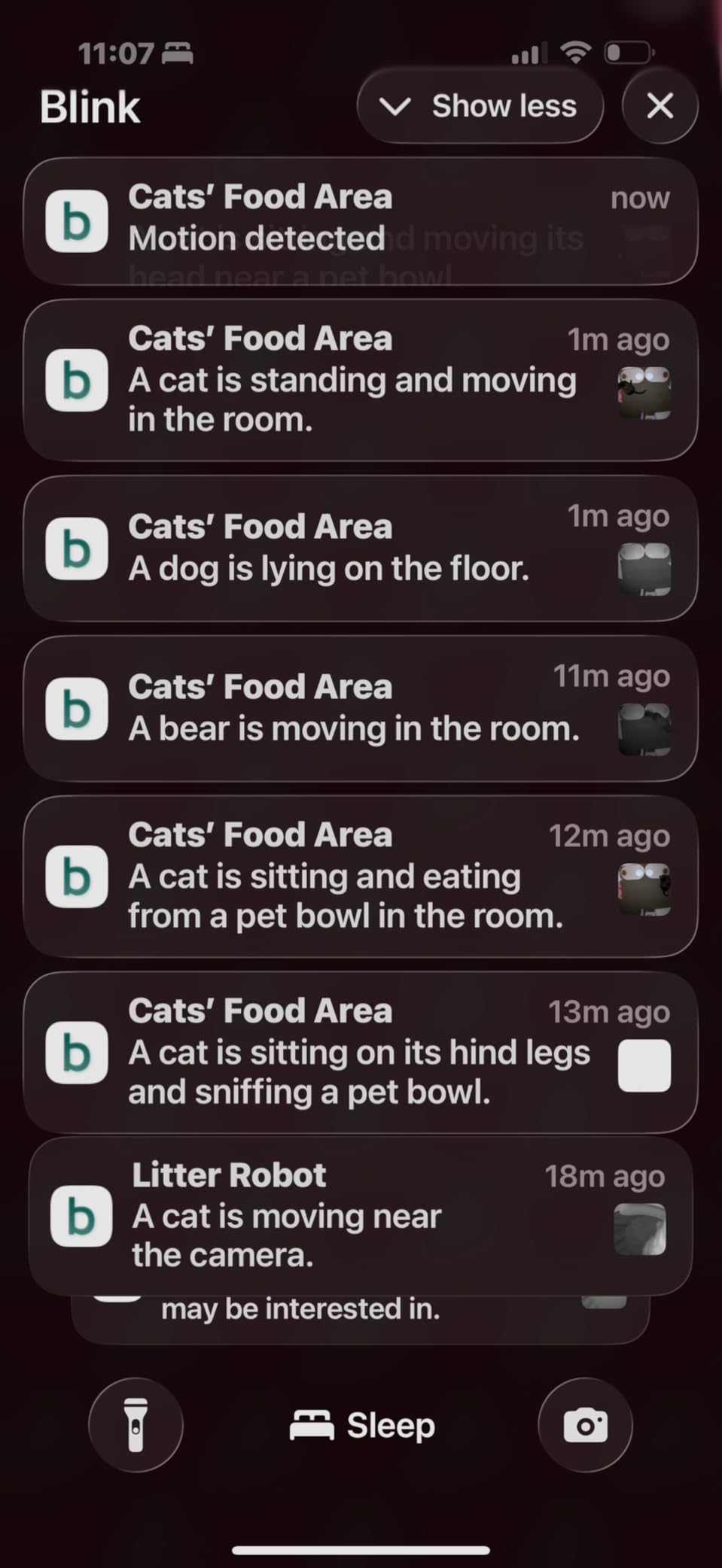
The Blink Mini 2K+ is one of the smallest, least conspicuous cameras in this roundup, and at that size it disappears. That is a real advantage in a living room: a camera your cat does not bat at is a camera that keeps working, and reviews mention exactly that habit forming.
Video is 2K with up to 4x digital zoom, and it holds up in low light better than most of the 1080p cameras here. Two-way talk has noise cancellation, the feature Blink improved most in this generation, which makes a short conversation with a dog much less painful than it used to be.
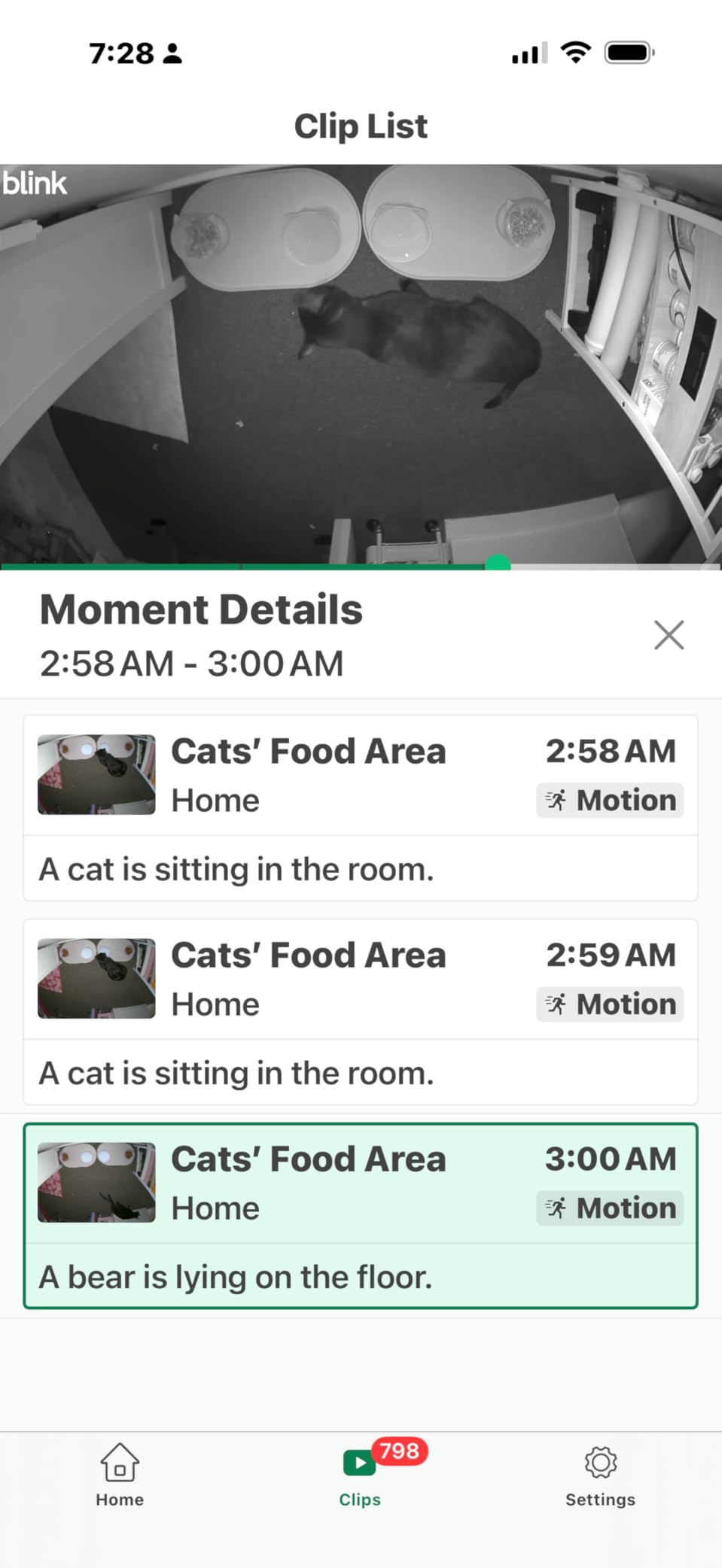
It is a plug-in unit with a compact design for a shelf, desk, or counter, and it can be moved outside with a separate weather-resistant power adapter, which is unusual for a camera this small. It can also double as a chime for a Blink video doorbell if you already run that ecosystem.
Motion detection alerts are reported as reliable, which is more than several competitors in this list manage, and owners report the whole thing running within five to ten minutes of unboxing.
Best when the camera has to be invisible
Aesthetics are a legitimate criterion in a home, not a gimmick. If a visible dome on your shelf makes you self-conscious, or if your pet investigates anything new until it falls over, this is the camera to buy. It is small, dark, and quiet enough to sit beside a stack of books.
It is also the easy pick for anyone who wants 2K sharpness without committing to a larger unit, and for a renter who wants one plug-in camera in the room that matters most.
What you give up for the small footprint
There is no continuous recording. You get event clips, and the default motion recording is only about ten seconds, so you will be pulling short fragments rather than a continuous record of an afternoon. That is the single most common complaint in the reviews, and it is worth understanding before you buy.
Person and vehicle detection sits behind the optional subscription plan, and the app itself is reported as frustrating, with settings that are hard to find and occasional error messages on saves that still apply. The hardware is capable; the software is not its strongest suit.
9. Cinnado D1 2K — Budget Pick for Pan, Tilt and Local Recording on Less
Cinnado 2K Security Camera Indoor for Pet/Dog/Baby with Phone App, D1 1Pack
- Least expensive of the ten with 360° pan and tilt
- microSD card gives continuous recording with no subscription
- Multiple family accounts so several people can watch
- Light enough to ceiling mount or flip for inverted mounting
- Strong setup support from the manufacturer
- Motion sensitivity is inconsistent and over- or under-triggers
- Several owners say the picture is upscaled rather than true 2K
- Recording interval cannot be changed without a subscription
- Lag when reviewing footage from the card
The Cinnado D1 is the value pick of the roundup, and the value is real: 360-degree pan and tilt, two-way audio, multi-user accounts, and a microSD slot for 24/7 recording, at the lowest cost of anything we looked at. If you want a camera in three rooms at once, this is how the arithmetic works out.
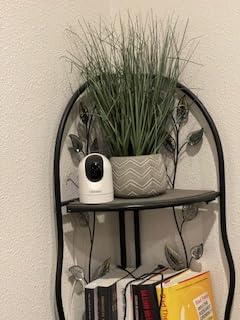
It is a small dome weighing 0.29 kg, light enough to ceiling mount, and it can be flipped for inverted mounting under a shelf. Four infrared lights handle night vision, and the motion sensor can trigger a siren as well as a clip.
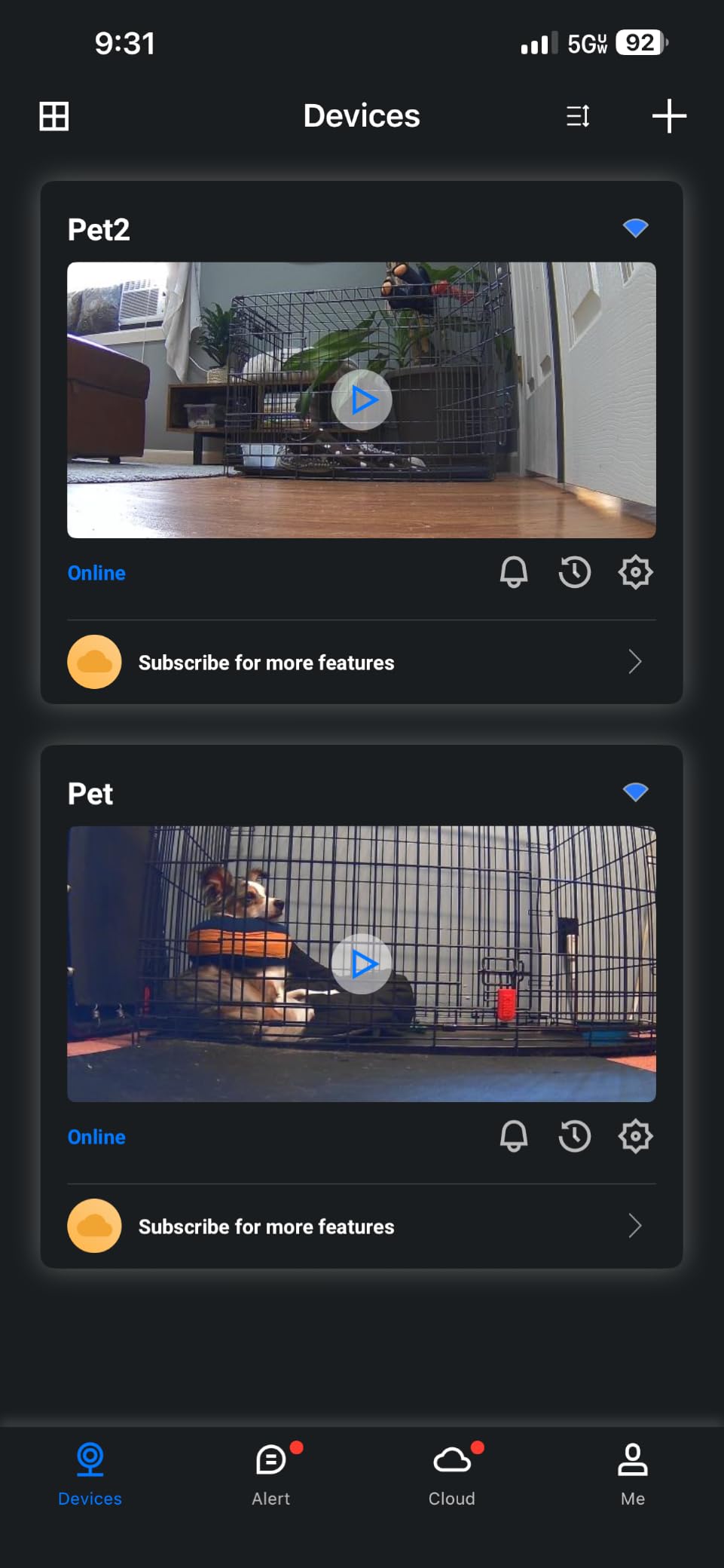
Two-way audio works well enough to speak to a pet, and the multi-user account support means both people in a household can watch live at once without fighting over a login. Support is also reported as strong, with the manufacturer following up on setup problems.
Continuous 24/7 recording straight to a card, with no plan attached, is the feature that changes behaviour. It is the difference between checking in live and being able to look back over the whole day.
Best for covering several rooms on a budget
Three of these across a living room, kitchen, and hallway costs less than a single premium camera, and the 320-degree field of view with pan and tilt means each unit covers more than a fixed lens would. For a first attempt at home monitoring, or a temporary setup while the pets adjust to a new house, it is a genuinely good deal.
The multi-user sharing also makes it the pick if grandparents or a sitter need access without setting up their own account.
What gives up at this price
Motion detection sensitivity is the biggest problem. Owners describe it as over- and under-triggering, which in practice means a night of notifications you stop reading. The picture is also disputed: several owners say the output looks upscaled or closer to 720p than the 2K on the label, and daylight images can look washed out.
You get ten-second event clips without a card, and they expire after about 24 hours. Changing the recording interval without a card requires a cloud subscription, which is a strange piece of friction, and reviewing footage from the card is reported as laggy.
10. ARENTI P2Q 4MP — Best for Dual-Band Wi-Fi and a Crowded Network
ARENTI 4MP Pet Camera P2Q, 5G WiFi 6 Indoor Security Camera, Free Phone App
- Only camera here that supports both 2.4GHz and 5GHz Wi-Fi
- 4MP picture is clear in colour and night vision
- No subscription needed with a microSD card
- Web browser access and four-way multi-view
- Supports NVR and ONVIF for building a system later
- App is harder to navigate and thin on explanations
- Notifications are very sensitive to small movements
- Tilt range does not reach far enough down
- Two-way audio is echoey and delayed
The ARENTI P2Q solves a problem most people only discover when they try to set a camera up. Almost every other indoor camera here is 2.4GHz only, which means it competes with your microwave, your neighbour’s network, and every smart device you own for a slice of crowded air. This one runs dual-band 2.4GHz and 5GHz with Wi-Fi 6, and it is the only camera in the roundup that will take the 5GHz band.
Image quality is the other headline. A 4MP sensor streaming at 2.5K through a 95-degree lens, plus eight infrared LEDs reaching about 32 feet at night, gives you a higher-resolution stream than the 2K models here, and it holds up better in poor indoor light.
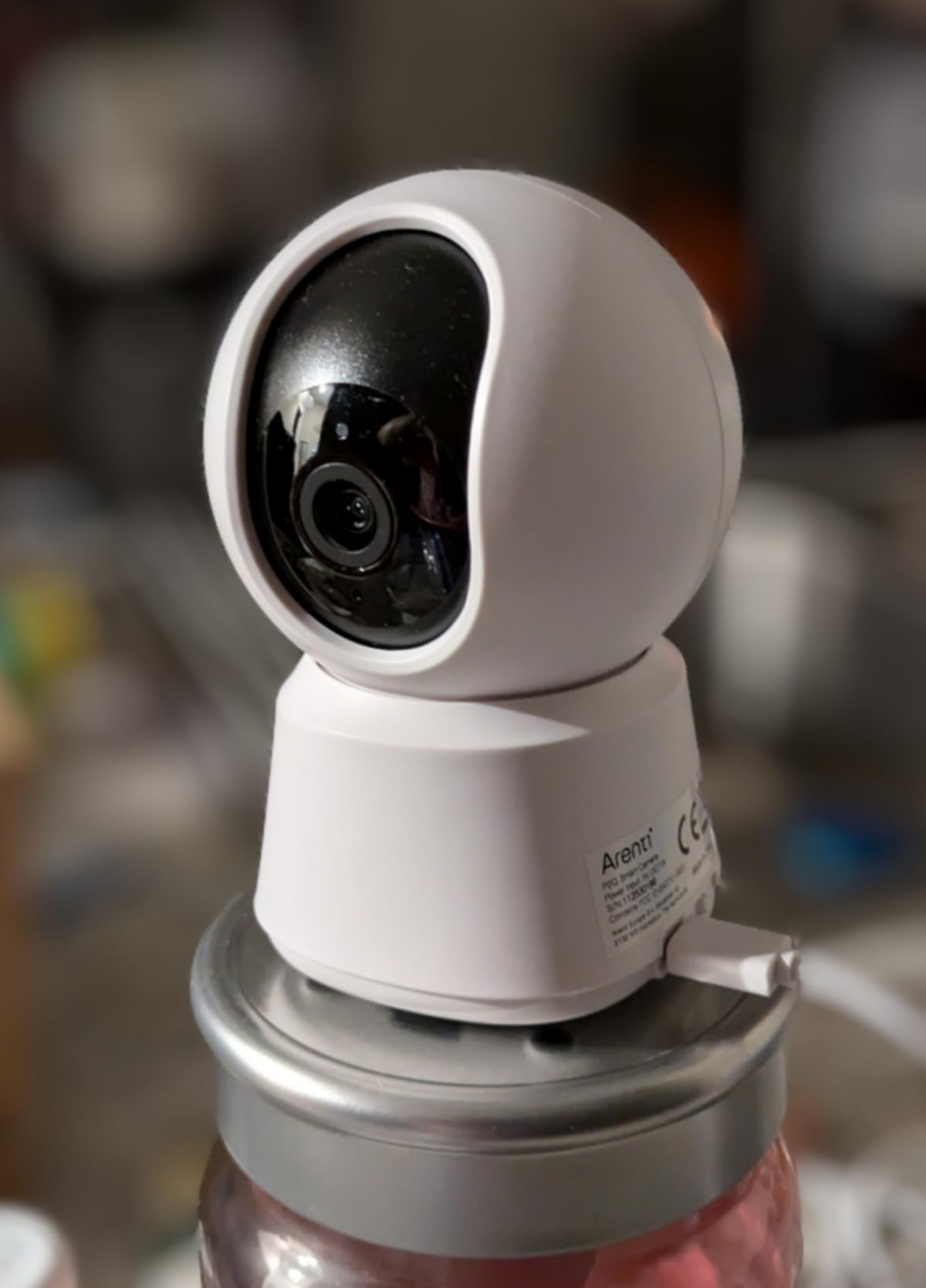
Recording goes to a microSD card up to 256 GB for continuous capture, with cloud as an alternative rather than a requirement. Owners who like digging back through their day also get a privacy mode that stops streaming and recording outright, and vertical yellow activity markers on the timeline make scrubbing a long recording fast.
It is also expandable in a way most budget cameras are not, with NVR and ONVIF support and a web browser interface, so you can build a multi-camera system later without changing platform.
Best for a crowded wireless home
If you have a lot of smart devices, a busy shared apartment building, or a router that struggles with several 2.4GHz clients, the dual-band support alone justifies this. Owners also rate the setup as quiet and quick, and put it above cameras costing several times more.
The four-way multi-view and sharing to several devices make it good for a household where more than one person wants to check the pet from work, and the 4MP picture is the one to pick if your indoor lighting is poor.
Where it gets awkward
The app is the weak point. Owners describe it as harder to navigate with features that are not well explained, which is a shame given how much the hardware can do. The manual is doing more work than it should here.
Notifications are also very sensitive, triggering on television movement or a pet simply lifting its head, and the scheduled security scans can interrupt an active track. The tilt range stops short of low placements, the two-way audio is echoey and delayed, and some owners report the pan motor sticking after a few months of use. It has the smallest review base of the ten, so treat the enthusiasm with a little caution.
How to Choose an Indoor Security Camera for Pets
Almost every camera in this roundup will stream video to your phone and alert you when something moves. The differences that matter fall into about seven decisions, and you can make all of them before you spend anything.
Decide between pet alerts and treat dispensing
Pet alerts mean the camera classifies motion and sound, so you get a notification labelled as your animal rather than a generic movement. Treat dispensing means the camera physically launches a snack across the room, and it exists almost entirely in one well-known product family that is not in this guide. Our view is that treat dispensers are a lovely idea with uneven results: reviewers repeatedly report that treats fail to motivate a particular pet, and that the mechanism itself can startle the animal it is meant to entertain.
For most households, a camera that separates pet alerts from person alerts is the more useful feature, and you can pair it with a treat you throw yourself while you talk to the pet through two-way audio.
Choose local storage over a cloud subscription
Local storage means a microSD card in the camera, and it is the decision that determines your ongoing cost. Without a card, most of these cameras still live-stream, but recorded history sits behind a monthly plan. With a card, you keep the footage and pay nothing after the card.
Six of the ten here take a card, which is why we could put this list together honestly. If you want the wider view of that category, our guide to security cameras without subscriptions covers how storage models differ across brands.
Pick resolution and night vision for the room, not the spec sheet
1080p is genuinely enough for a normal living room, because what you are usually checking is a shape and a posture, not a face down a hallway. 2K and 4MP earn their place when the room is large, badly lit, or you want to know which of two similar-looking pets is on the sofa.
Night vision range is quoted at 30 feet on most of these and 32 feet on the ARENTI. The more useful question is whether the camera has colour at night. Two of them do, using built-in spotlights, and the Ring adds Color Night Vision, which matters for a black dog or a dark-coated cat that infrared renders as a grey outline.
Match field of view and pan-tilt to how the pet moves
A fixed lens with a 95 to 130 degree view is right for a crate, a bowl, or a sofa. A camera with 360-degree pan and tilt is right for a room where the pet relocates hourly, and patrol mode sweeping four saved positions is the cheapest way to fake multi-camera coverage.
The trade is picture stability. Every pan-tilt camera in this list has owners describing a track that jerks or lags, and every fixed camera has owners describing the moment the pet leaves frame. Pick based on the animal, not the feature list.
Treat two-way audio as a training tool
Two-way talk is usually sold as a novelty: say hello to your dog from the office. The real use is behavioural. Saying get off the couch or no, off the bed at the moment of the offence is how a camera becomes a training aid rather than a babysitter.
Audio quality varies more here than video quality does. The Petcube and the Blink Mini have the best two-way talk, the Tapo and Kasa models lag behind the video, and the Cinnado is echoey. If your plan depends on being heard clearly, check this spec before you buy.
Check power, mounting, and whether you rent
These are all compact indoor units that sit on a shelf or mount on a wall, which is good news for renters and for anyone without an outlet near the pet’s favourite spot. There is nothing to charge and no hub to install, so the only real installation decision is where the cord reaches.
Weight matters more than people expect. A dome at 0.29 kg will stay on a ceiling mount, while a 1.4-pound unit on a narrow shelf is a different story, and owners repeatedly report cameras tipped by an enthusiastic dog. If your pet is large and the shelf is high, wall mount it.
For the parts of the property that face outside, our picks for solar powered security cameras and trail cameras cover the yard. The cameras here are indoor-only.
Expect a normal app, not a perfect one
Every app in this roundup draws complaints, and the pattern is consistent: set-up is fast, navigation later is not. Ring’s and Tapo’s apps draw the fewest complaints in reviews. If you plan to spend real time reviewing footage rather than checking in live, favour the apps with smooth playback, because that is the part that decides whether you will actually look.
Cameras That Do Not Need a Subscription
If the phrase monthly fee makes you flinch, you can skip most of this roundup. Six of these ten record to a microSD card with no plan attached, and the ones below are the strongest of that group on the strength of local storage plus everything else they do.
The Tapo C201 is our no-subscription pick because a card gives you motion and person detection, two-way audio, night vision, and 360-degree coverage for less money than anything else here. The Tapo C100 is the version with no moving parts if you want something aimed at a crate. The Kasa EC70 adds patrol mode to sweep four saved positions. The Cinnado D1 is the cheapest way to cover three rooms at once, and the ARENTI P2Q is the only one that runs on 5GHz Wi-Fi if your network is crowded.
The eufy E220 belongs here too, and quietly matters more than the others, because its on-device AI records only events of interest rather than a continuous stream, which is both a privacy choice and a way to fit far more days onto one card.
Four cameras here do not record locally at all, and it is worth being blunt about that. The Ring Indoor Cam keeps playback and AI alerts behind Ring Protect. The Blink Mini 2K+ has no continuous recording mode and its default clip is about ten seconds. The Petcube Cam streams live with no plan, but its recorded history and pet/person detection are the paid tier. The PETLIBRO is built around app-side recaps rather than local footage.
Before you decide, work out how many cameras you actually want, because a plan is charged per camera and the cost multiplies faster than people expect. Our rule of thumb is one camera per pet if the animals are in different rooms, and one per zone if they are not. A card in each camera is a one-off cost that stops there.
Where to Put the Camera and How to Introduce It
Placement decides more about how useful a pet camera is than any feature on this list, and it is the part most guides skip. A camera pointed at the wrong part of a room is a decoration with a subscription attached to it.
Mount it at pet height, not human height. A camera on a high shelf sees the top of your dog’s head and a great deal of ceiling. Somewhere between eighteen inches and four feet, angled slightly down, sees the face, the posture, and the thing on the floor your pet just dropped.
Put it where the pet actually is. For a crate, place it beside or slightly above the crate door, angled in, so you see the face rather than the back of the head. For a food bowl, an under-cabinet mount like the Petcube magnetic base gives you a clean downward angle on eating habits with nothing visible on the counter. For a cat, aim at the shelf or the window ledge they use, because a living-room corner camera will simply watch an empty room for six hours a day.
Keep it away from windows at night. Infrared night vision lights up glass, so a camera facing a window will show you a bright rectangle of your own reflection instead of anything useful. That is the most common complaint in the reviews of these fixed-view infrared units.
Stability is the other placement rule. A large dog or a cat that likes high surfaces will knock over a lightweight camera on a shelf, and several owners in this roundup describe exactly that. Wall mount anything that is not screwed down, and tuck the power cord rather than trailing it across a walkway.
Now the part that matters for a nervous animal: introduce the camera slowly, and let the pet acclimate before you start talking through it. Set it up while the pet is in another room, or leave it switched off on the shelf for a day before you power it on. A treat tossed near the device, and a second one placed right beside it, does more than any app setting.
If your dog barks at the camera, that is common and it is a training problem, not a broken product. Ignore the barking, or use two-way talk to deliver a calm cue once the barking stops. If your cat treats the camera as a rival, put it out of the sight line and let curiosity do the work.
Privacy, Microphones and Locking It Down
An indoor pet camera is the rare device with a microphone living in your living room, pointed at your sofa, and most people install one without a second thought. It deserves one.
Start with the physical switch. The Ring Indoor Cam in this list has a manual privacy cover that cuts both camera and microphone with a swivel, which is the gold standard: it works without an app, without a network, and without anyone having to remember. A software toggle is better than nothing and worse than a swivel. The ARENTI P2Q offers a privacy mode that stops streaming and recording outright, which serves a similar purpose from the app.
Next, decide where the video goes. Six of the cameras here support a microSD card, which means footage can stay in your house and never touch a vendor cloud. That is a genuine privacy upgrade over a plan-based camera that uploads your living room to a server you have never read the policy for. The eufy E220 goes further, classifying humans and pets on the device itself rather than sending every motion event out to be analysed.
Turn on two-factor authentication on whichever app you use. The account is the only thing standing between a stranger and your camera feed, so use a password you do not use anywhere else.
Be deliberate about notifications. A camera that alerts you every time a pet moves is a camera you will mute by the end of the week, and a muted camera is worse than none. Set activity zones to the area that matters, turn sensitivity down, and keep the alerts you do get meaningful.
And tell your guests there is a camera in the room. If you want the appearance of a security presence without a real one indoors, some households prefer a dummy camera, and we have a separate guide to those for anyone taking that route. For anything that actually records a person inside your home, disclosure is the right default.
Frequently Asked Questions
What is the best pet camera without a subscription?
The Tapo C201 is our pick. It records 1080p video with a 360-degree pan and 114-degree tilt, sends motion and person alerts, includes two-way audio and night vision, and stores everything on a microSD card with no plan attached. The Tapo C100 is the fixed-view version, and the Cinnado D1 covers several rooms for less.
Which indoor camera does not require a subscription?
Six of the ten cameras in this roundup record locally to a microSD card: the Tapo C201, the Tapo C100, the Kasa EC70, the eufy Indoor Cam E220, the Cinnado D1 and the ARENTI P2Q. The strongest of them are the Tapo C201 for pan and tilt coverage, the Kasa EC70 for patrol mode, and the eufy E220 for 2K detail.
What is the best indoor security camera for pets?
The Ring Indoor Cam is the best overall, with the highest rating and review count in this guide, 1080p video with Color Night Vision, Advanced Pre-Roll and a manual privacy cover. The Tapo C201 is the best value and the best no-subscription buy, and the eufy Indoor Cam E220 is the choice for Apple homes that want 2K.
What is the most secure indoor security camera?
The eufy Indoor Cam E220 is strongest on data privacy, because its AI classifies humans and pets on the device and it supports HomeKit Secure Video, keeping recordings inside your own network. The Ring Indoor Cam is the best physical option, with a manual privacy cover that switches off camera and microphone with a swivel. Turn on two-factor authentication on either.
Are there any security cameras that don’t charge a monthly fee?
Plenty of indoor cameras record to a microSD card with no plan at all, and six models in this guide do. You still get live view, motion alerts, two-way audio, and continuous recording. What you give up is cloud-hosted history and features like bark or meow classification, which most brands keep behind a paid tier.
The One Camera to Buy and Move On
If you want a single answer to the question of the best indoor security cameras for pets, buy the Ring Indoor Cam, point it at the sofa, and stop thinking about it. It is the highest-rated and most proven camera we put through this guide, the setup is the least fiddly, and the manual privacy cover settles the conversation about a microphone in your living room before it starts.
Buy the Tapo C201 instead if the word monthly fee is the deal-breaker, because it covers the most floor, records to a card in the camera, and leaves you with nothing to pay later. Buy the eufy E220 if your home runs on Apple or you want 2K detail with on-device pet AI. Buy the PETLIBRO if you have several animals and need to know which one is which.
The rest of this guide exists so you can make one of those four decisions once, with the reasoning already done. Pick your camera, place it at the animal’s height, and give it a week before you judge it.