
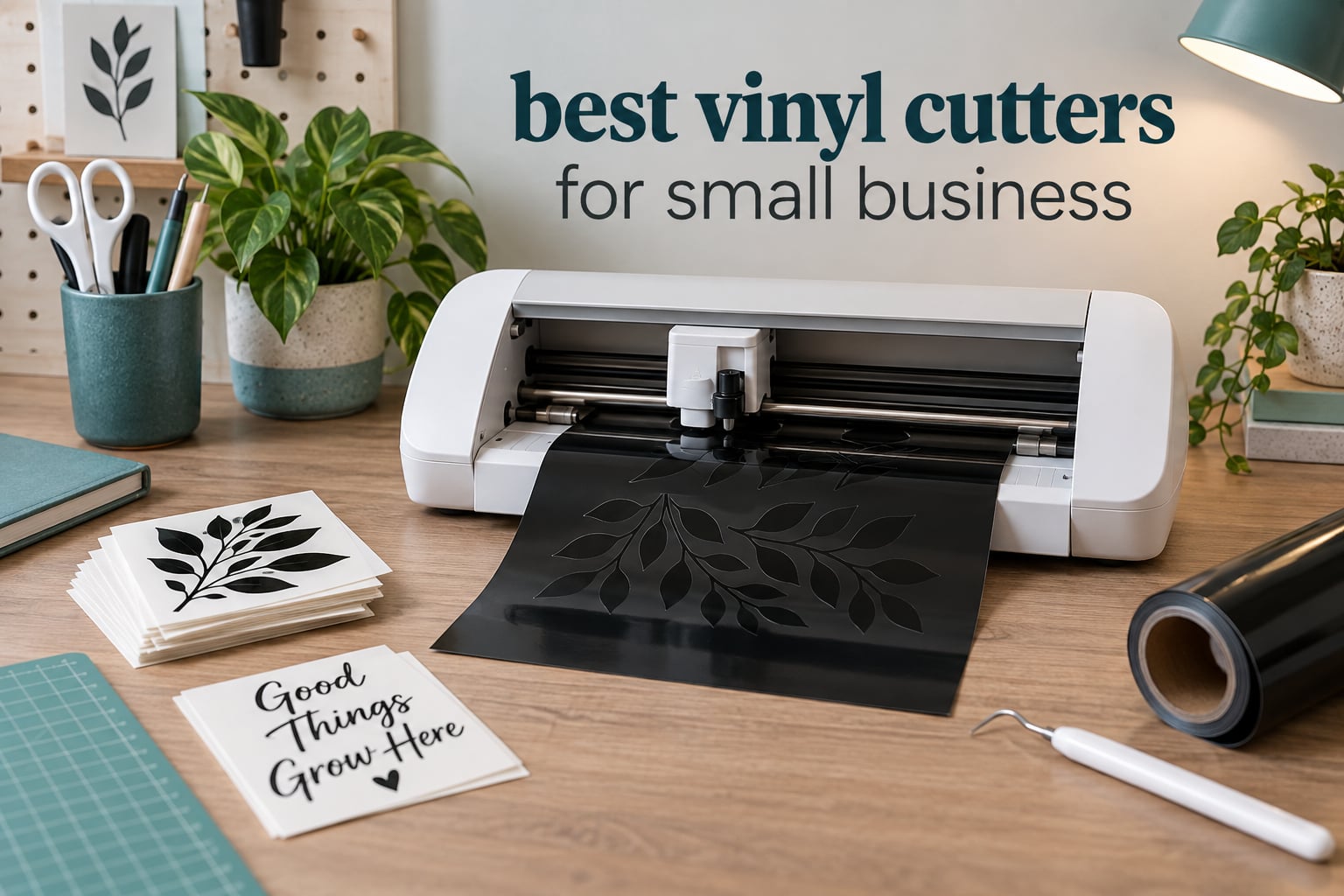
If you are starting a sticker, apparel or decal business this year, the Silhouette Cameo 5 Alpha Plus is the best all-around vinyl cutter for small business. It combines a 15 inch cutting width, an automatic blade and a 4-point registration system with Silhouette Studio, which runs on a Windows or Mac computer without a required subscription.
That is only one end of the market. The right machine for a small business depends almost entirely on what you sell. Someone cutting 4.5 inch kiss-cut labels for candle jars needs something compact; someone weeding 50 HTV shirts a week needs a wide matless bed and fast motor; someone cutting full-width vehicle graphics needs a 24 or 34 inch plotter that takes roll media straight off a holder.
We spent six weeks putting ten of the widely recommended machines through the same routine: cut a batch, weed it, re-cut, weed again, then look at what a month of that work costs in mats, blades and software. Nothing here is based on a spec sheet alone. Where a number matters, we tell you where it came from.
Before the rankings, here are the five measurements that decide which machine earns its counter space.
Table of Contents
Key Features to Consider Before You Buy
- Cutting force in grams-force (gf): Wide-format plotters let you dial the blade pressure by hand. The VEVOR 34 inch adjusts from 20 to 500g and the VEVOR 28 inch from 10 to 500g, which is what lets them bite into thicker material. More force is not automatically better for HTV, where too much pressure cuts through the carrier sheet.
- Cutting width in inches: The Cameo 5 handles material up to 15 inches wide. The Cameo PRO and Siser Romeo reach 24 inches, and the two VEVOR plotters cut 24.8 inch and 30.7 inch media, so a standard 24 inch roll fits without trimming.
- Cut speed: The Cameo 5 cuts up to 400mm/s, the Siser Romeo runs up to 60 percent faster than a traditional desktop cutter, and the VEVOR units reach 800mm/s with an adjustable pressure range. Faster is only useful if your weeding time does not become the bottleneck.
- Matless cutting: The Cameo 5 and the Siser Romeo can cut roll material without a sticky mat, which removes mat replacement from your monthly costs entirely. Cricut Smart Materials matless cutting is tied to Cricut-branded vinyl.
- Contour cutting and Print Then Cut: Registration marks read by an optical sensor let you cut around a printed design, which is the difference between selling blank stickers and selling full-color ones. The Cameo 5 uses 4-point registration; the Likcut S41 and the Cricut Maker 4 support Print Then Cut workflows.
Top 3 Vinyl Cutters for Small Business


The Cameo 5 is the highest rated machine in this group, and that rating comes from owners citing clean, repeatable cuts and the automatic blade. The 15 inch width also cuts a full US Letter sheet in one pass, which is the quiet productivity gain a small business notices first. It is also one of only a few machines here that pairs a wide bed with subscription-free desktop software and a registration sensor, and the USCutter takes the wide-format slot for businesses that live on roll vinyl while the Cricut Maker 4 earns the premium slot on material range rather than raw cutting speed.
Best Vinyl Cutters for Small Business in 2026
| Product | Specifications | Action |
|---|---|---|
| Silhouette Cameo 5 Alpha Plus |
|
Check Latest Price |
| USCutter 34 Inch MH 871 |
|
Check Latest Price |
 Cricut Maker 4 Cricut Maker 4 |
|
Check Latest Price |
 Silhouette Portrait 4 Silhouette Portrait 4 |
|
Check Latest Price |
 Siser Romeo Siser Romeo |
|
Check Latest Price |
 Silhouette Cameo PRO Silhouette Cameo PRO |
|
Check Latest Price |
 VEVOR 34 Inch Vinyl Plotter VEVOR 34 Inch Vinyl Plotter |
|
Check Latest Price |
 VEVOR 28 Inch Vinyl Plotter VEVOR 28 Inch Vinyl Plotter |
|
Check Latest Price |
 Likcut S501 Likcut S501 |
|
Check Latest Price |
 Likcut S41 Likcut S41 |
|
Check Latest Price |
Read that table as a shape rather than a ranking. The first six machines are mat-style or matless desktop cutters that live beside a computer. The last four include two wide-format plotters and two compact machines aimed at sticker and label work rather than signage.
1. Silhouette Cameo 5 Alpha Plus – Best Overall for Batch Decal and HTV Work
- Highest rated machine in this group at 4.6 stars
- AutoBlade removes blade depth guesswork
- 15 inch width cuts a full US Letter sheet
- One-touch job repeat suits repeat runs
- Quiet enough for a small studio
- Studio software has a real learning curve
- Mats and blades are ongoing consumable costs
- Settings need calibration per material
This is the machine we kept reaching for during the six weeks. The Cameo 5 Alpha Plus weighs 12.7 pounds and measures 25.28 inches wide, so it needs a real desk rather than a shelf, and the 15 inch cutting width means a full sheet of sticker material loads without splitting the job into two passes.
What separates it from the other Silhouettes in this roundup is the combination of automation. AutoBlade sets blade depth by itself, so a first-run HTV job does not need four test cuts. The Power Slide Lid opens and closes on its own, and one-touch job repeat is the feature that matters most once you are running the same decal in five sizes, because you set the cut once and send the rest without walking back to the machine.
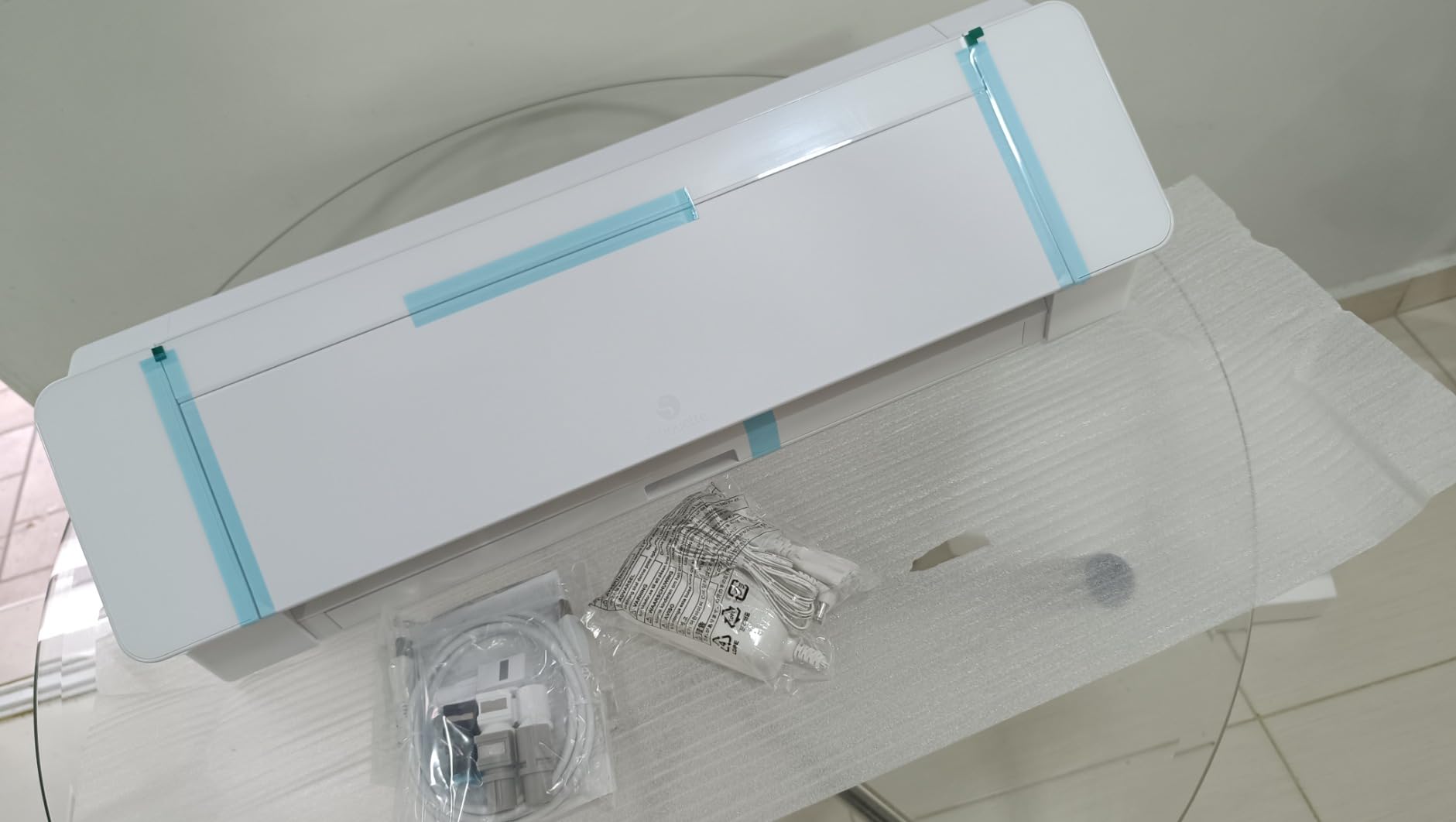
The 4-point registration system is the part that turns this into a business machine rather than a craft machine. Print a sheet of full-color stickers, and the sensor reads the marks and follows the printed outline. Owners consistently cite clean, repeatable cuts and the automatic blade, and the 15 inch width cuts a full US Letter sheet in one pass.
Accuracy still depends on learning Studio’s material settings and calibrating for each material you buy, so expect a few test cuts on any new material before a paid order. Cut speed runs up to 400mm/s, and the electrostatic mat holds material up to 0.5mm thick without curling it. The package includes Studio software, 100 exclusive designs and a one-month Design Store subscription, which is a good way to find out whether the paid library is worth a subscription for your business before you commit to one.
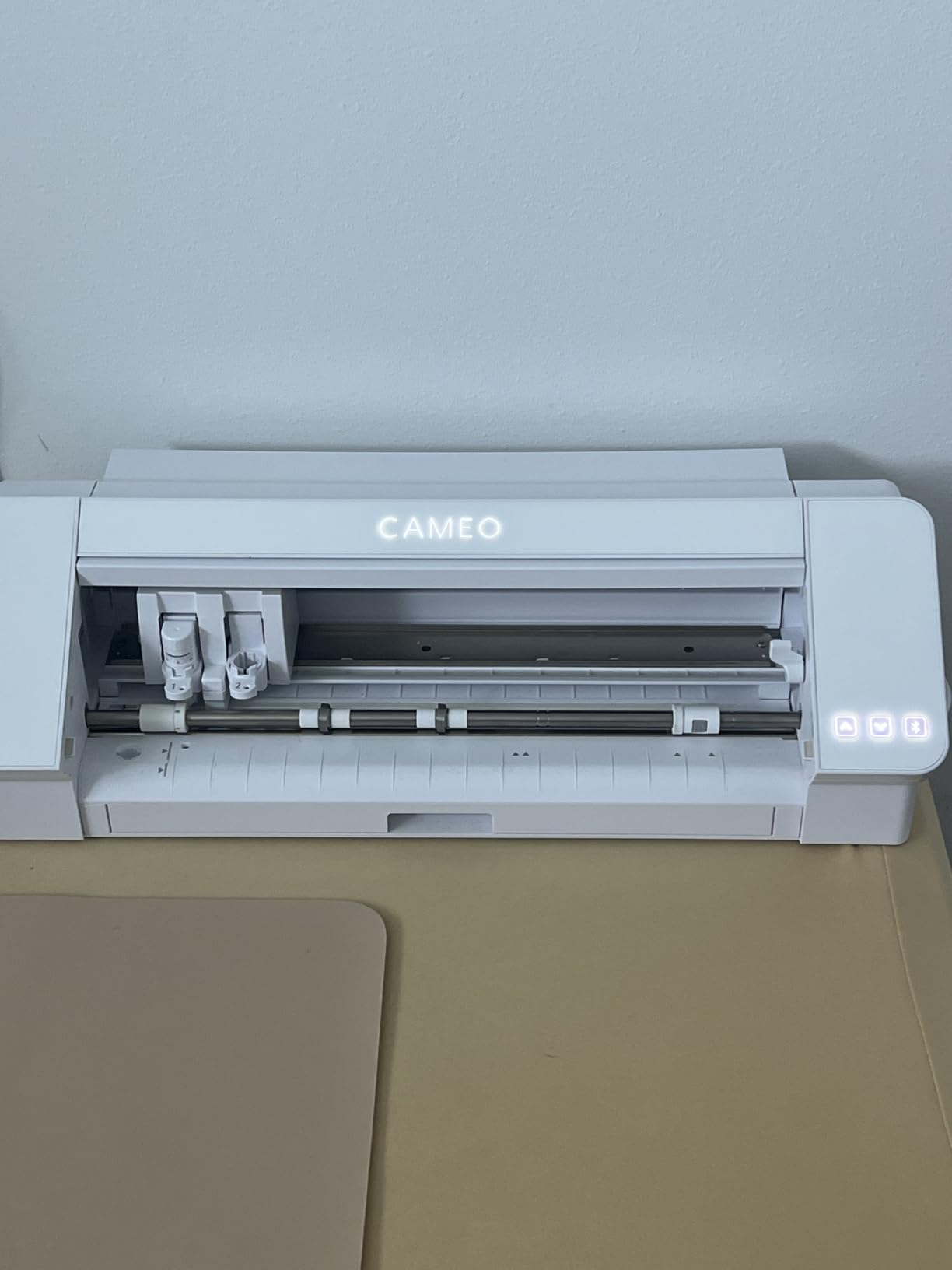
What a batch run looks like on the Cameo 5
Our reference job was a sheet of 12 kiss-cut labels plus a set of HTV numbers for five shirts. The cut itself finished inside a few minutes at 400mm/s; the elapsed time that actually matters to a small business is weeding, and on complex numbers that is where the work sits. The one-touch repeat is what makes a second run cheap, because the setup cost is paid once.
The honest cost picture is the mat. The electrostatic mat holds up to 0.5mm and wears out before the machine does, and the blade is a replaceable consumable like any other. Budget for both as line items rather than treating the machine as a one-time purchase.
Who should skip the Cameo 5
Skip it if your designs are all wider than 15 inches, because the Cameo PRO is the machine built for that and we cover it below. Skip it too if you want a touch screen and a content library that does the design work for you, because that is the Cricut Maker 4 conversation, not this one.
The learning curve is real. Studio is a desktop design tool that uses your installed fonts and image formats, which is exactly why it is more flexible than a closed library, and exactly why it takes longer to learn. Budget a weekend with it before your first paid order.
2. USCutter 34 Inch MH 871 – Best for Full-Width Signage and Roll Media
USCutter 34 inch MH 871 Vinyl Cutter Kit with Software, Free Video Training Course, Starter Signmaking Kit
- Full length signage in one pass
- Software is capable with no subscription
- Calibrated at the factory and accurate from the box
- Starter kit includes vinyl and transfer tape
- Roland compatible blade holder
- Carriage durability reported by some owners
- Software license tied to one computer
- Stepper motor cannot correct a missed cut
- Large machine and stand footprint
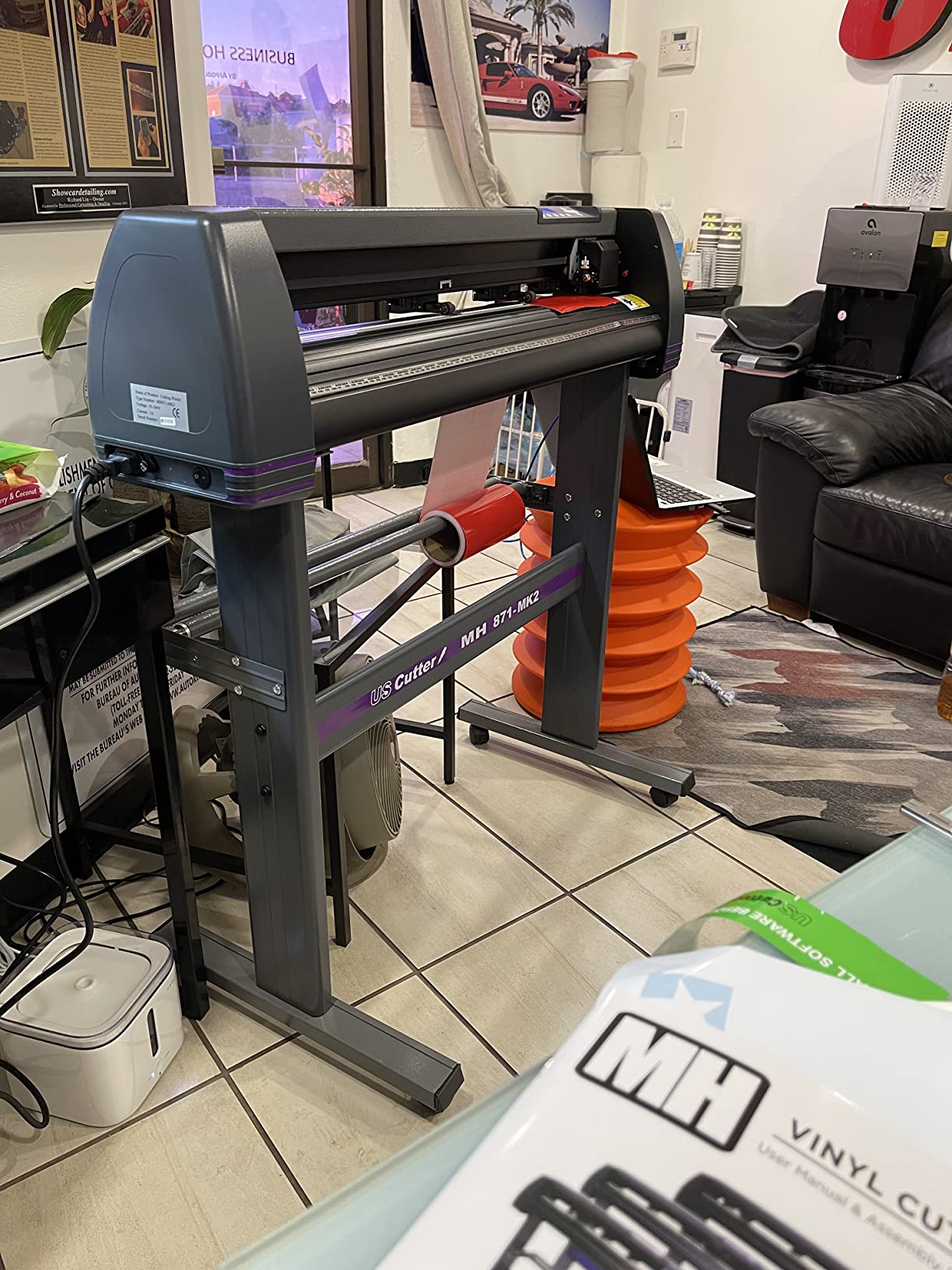
This is the machine for a business whose work is bigger than a sheet of paper. The USCutter 34 Inch MH 871 weighs 48 pounds and stands on its own stand, measuring 34 by 13 by 16 inches for the cutter itself, and it takes roll media directly so a 24 inch sign is a single cut rather than a tiled one.
The bundled software is the quiet story here. It handles trace, scale, negative focus and sharpness controls with no subscription attached, which for a business means the software line item on your monthly costs is zero. A few reviewers would still step down to a smaller unit, and the reason is practical: most vinyl is sold in 12 and 24 inch rolls, so a 30 inch cutting width goes unused on a lot of days.
The kit includes vinyl rolls, transfer tape, magnetic blanks, a knife, a squeegee and phone support, so a new operator can produce on day one. Two fully adjustable pinch rollers and a ball-bearing dual roller media system handle both full rolls and small label material, and the Roland-compatible blade holder accepts the inexpensive standard blades that keep consumable cost down.
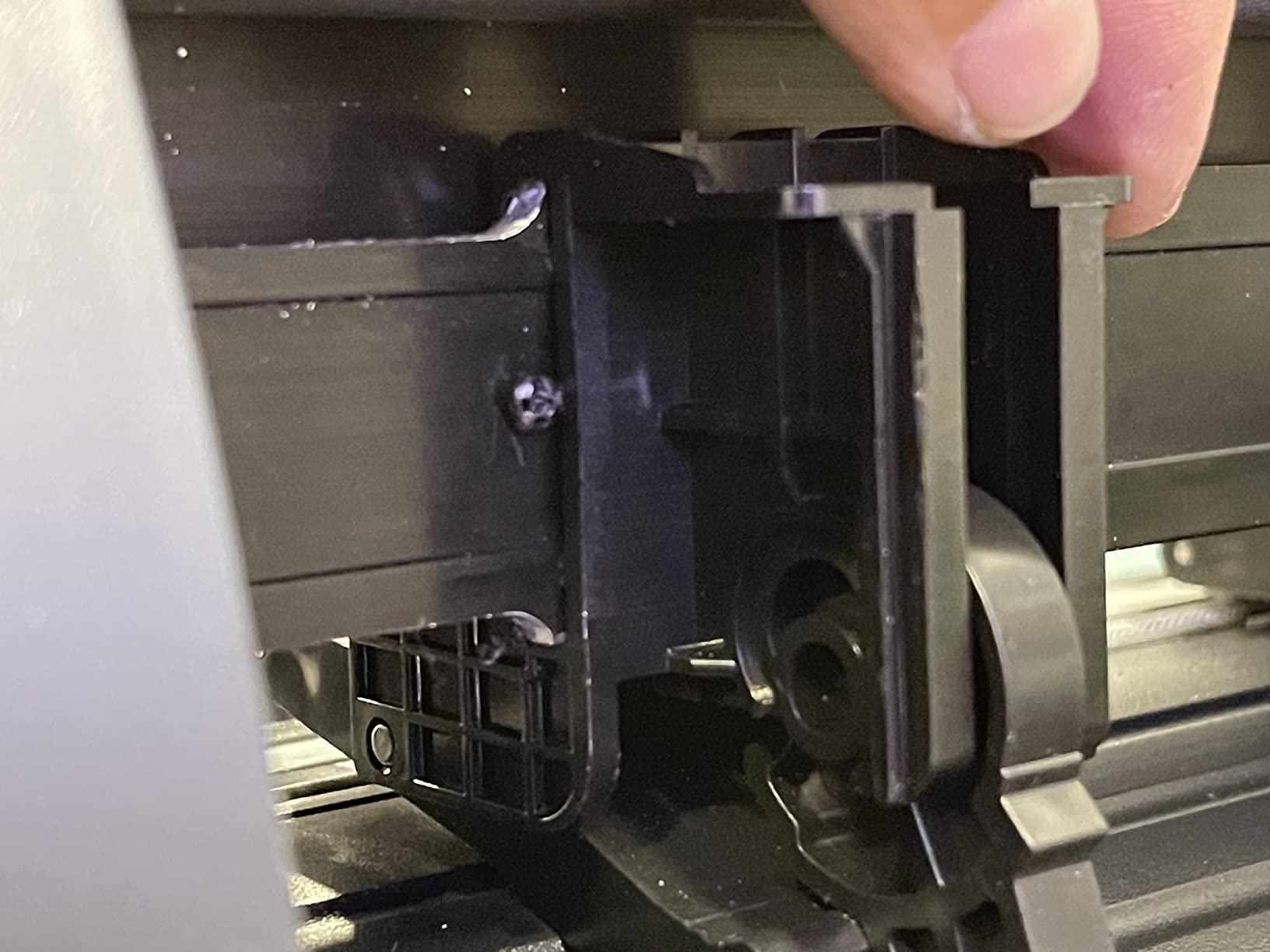
There is a durability signal worth taking seriously. Some owners report carriage and roller component failures after very light use, with expensive parts and the possibility of a mainboard replacement, and the stepper motor is not a true servo, so the machine does not know its exact position and cannot correct a mistracked cut. On high-cost material that is a real consideration, because a wasted yard of premium vinyl hurts.
Where this machine earns its space
Long vinyl banners, window graphics for a fleet, and roll-fed shop signage. In those jobs the 34 inch width removes an entire class of seam and weeding problems, because you are not taping a 24 inch design onto a 36 inch sheet. The dual roller system also holds registration better over long feeds than a single small roller.
Expect a Windows workstation and a USB or serial connection, since it speaks DM/PL plotter language rather than Bluetooth. The Windows driver software is unsigned, which can complicate installation on newer Windows versions, and the software license is tied to a single computer and has to be deactivated and re-entered if you change machines. Keep the original shipping box or the warranty claim becomes harder.
Where it is the wrong buy
Wrong buy if your work fits on 12 or 24 inch material and you are just starting out. A new operator can learn a small desktop machine far faster, and the carriage durability reports argue for a simpler first machine unless signage is genuinely your product.
Also wrong if you cut expensive specialty films. A stepper motor with no position feedback means the feed has to be right the first time, and there is no second pass correction if it is not.
3. Cricut Maker 4 – Most Compact for Multi-Function Studios
Cricut Maker 4 – Smart Cutting Machine (Seashell) | Digital Content Bundle
- Works with leather wood vinyl and HTV
- Print Then Cut with most inkjet printers
- Design Space needs no design experience
- Notably faster than earlier Cricut models
- Bundle includes blade mat pen and weeder
- Cricut Access subscription gates the main library
- Bent mats reported from undersized boxes
- A small share of machines cut unevenly
- Light Grip mat needs end gaps
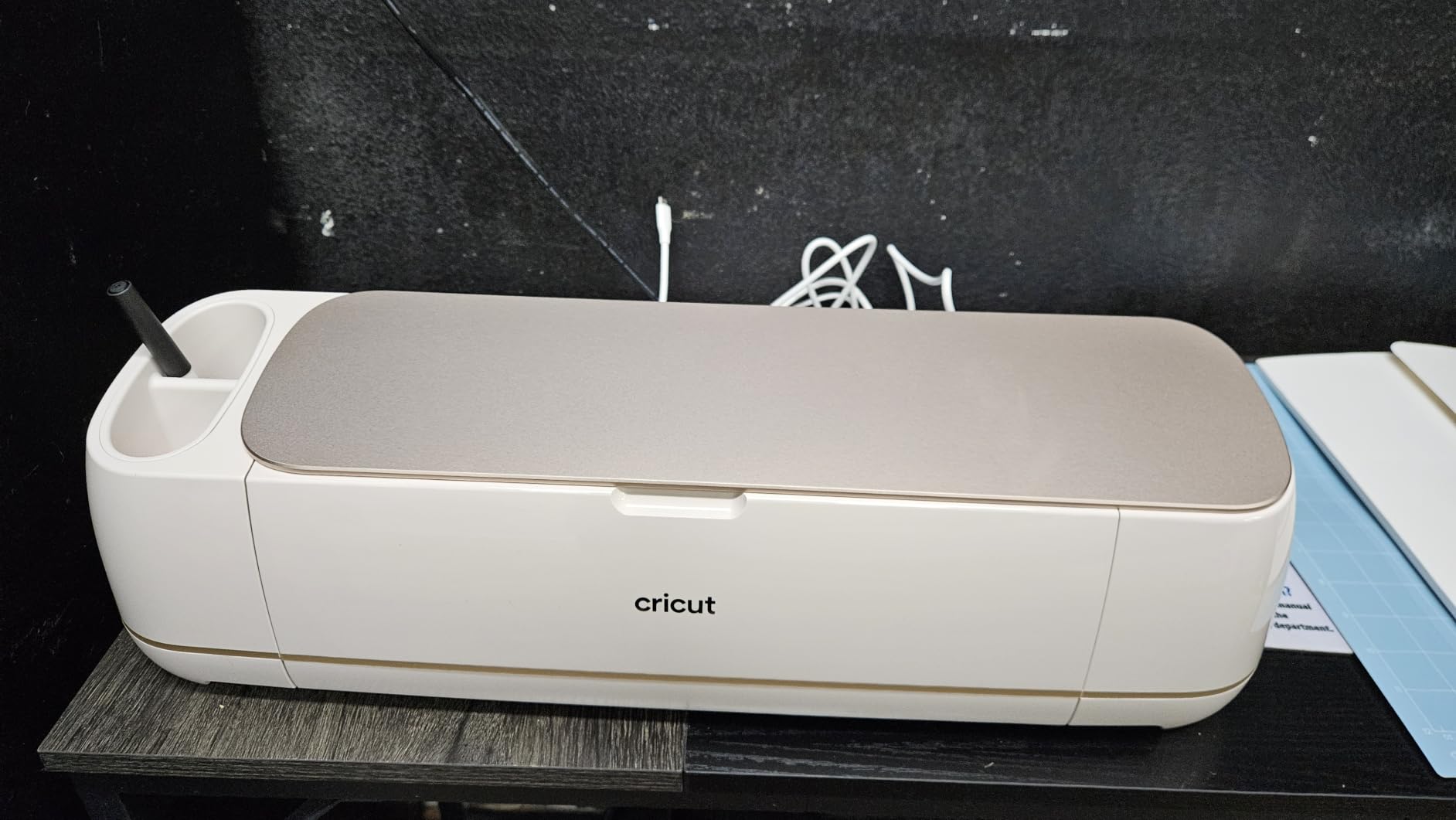
The Cricut Maker 4 is the broadest set of functions in one box in this entire roundup. It cuts, draws, foils, scores, engraves, debosses and perforates, works with 300 or more materials including leather, wood, vinyl, iron-on HTV, cardstock and stickers, and offers a 270.25 square inch active area on a 22.1 inch wide body.
For a small business that sells more than decals, that range is the argument. A packaging studio can print and then cut full-color labels with a standard inkjet printer, and an apparel shop can add debossing or foiling to a paper order without buying a second machine. Owners note it is noticeably faster than earlier Cricut models and that several units paid for themselves through product sales.
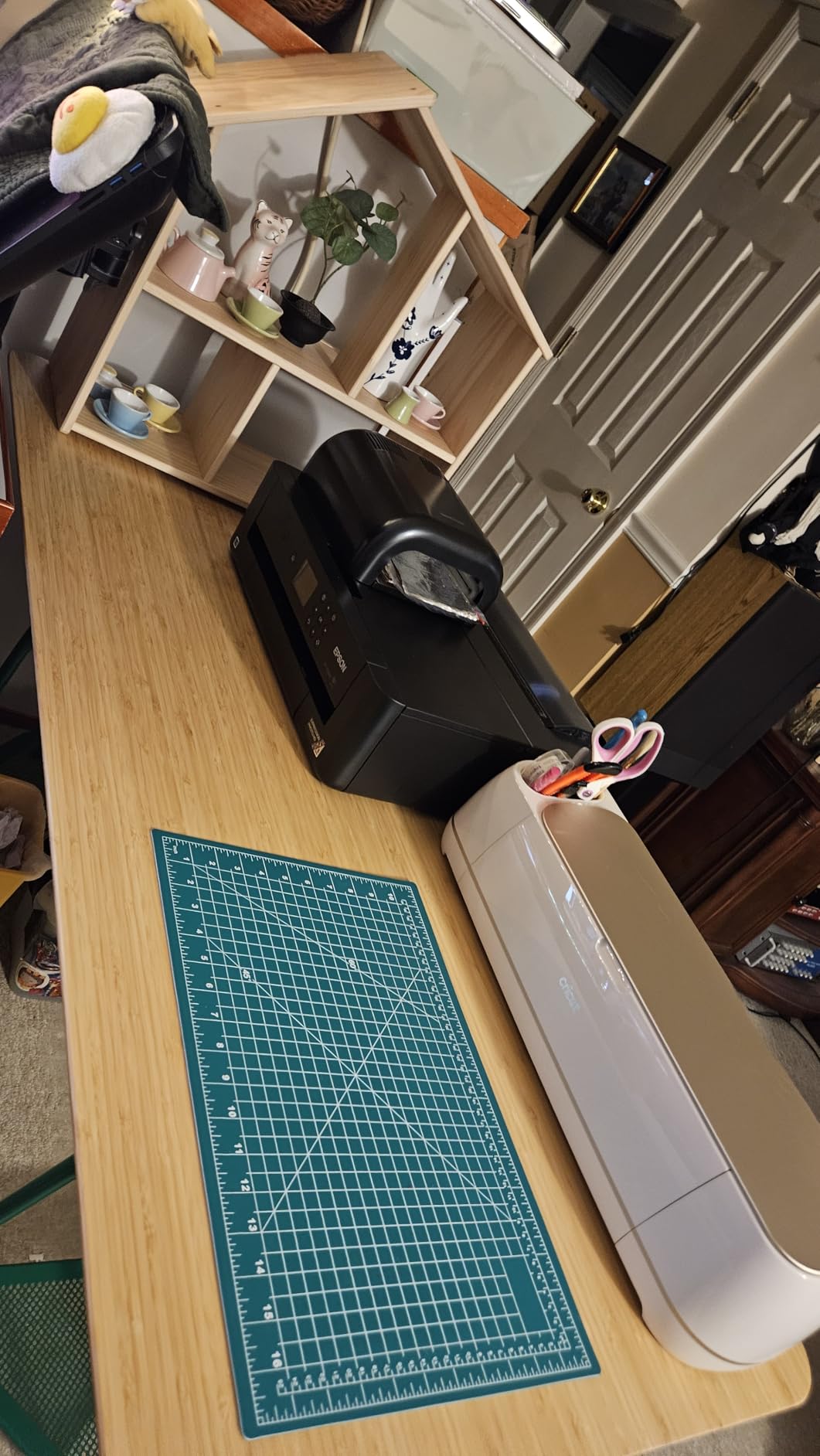
The software is the reason most people buy Cricut and the reason some people leave. Design Space needs no design experience and ships with 3,000 or more free images and 100 or more fonts, and the bundle here includes the fine-point blade, a materials sampler, a fine point pen, a Light Grip mat, a weeder and 30 bonus images. The Cricut Access subscription is what unlocks the 1.5 million or more image library, and that recurring line should be budgeted if you depend on the content rather than your own artwork.
Some bundles arrive with a bent cutting mat because the shipping box is undersized for it, so inspect the mat before your first run. And Light Grip mat requires leaving a gap at each end so the material grips properly, which is a small habit that costs you a failed first sheet if you forget it.
What Print Then Cut changes for a small business
Print Then Cut is the feature that turns a vinyl cutter into a product business rather than a decoration tool. You print your artwork on printable media, send it through the machine, and the sensor cuts around each shape. A candle label, a logo sticker and a product tag all become possible from one machine, which is a per-unit cost argument more than a hobby one.
Matless Smart Vinyl cuts without a mat and saves real production time on short runs, because there is no mat to peel and no registration guesswork. The tradeoff is that matless cutting on Cricut works with Cricut-branded material, and that material costs more per roll than third-party vinyl. For a business buying rolls every month, that difference compounds.
Who should look elsewhere
If your work is almost entirely HTV and decals on a Windows or Mac computer and you want offline software, the Cameo 5 gives you a wider bed and no subscription requirement. The Maker 4 earns its place when you need foiling, scoring, engraving and debossing in the same run as your cuts.
A small share of machines cut unevenly or only part of the design area, so if you buy for a deadline, test a full bed sheet the day it arrives rather than the week of the deadline.
4. Silhouette Portrait 4 – Most Versatile for Desktop-Sized Runs
- Compact footprint that stores anywhere
- Studio uses your installed PC fonts
- Quiet operation near a computer
- Electric tool options beyond cutting
- Mats are inexpensive and refurbishable
- 9 inch width means extra passes
- Studio has a real learning curve
- Mat grips too hard out of the box
- Mat adhesive wears with heavy cardstock
The Portrait 4 is the most compact of the full-size desktop cutters here, at 9 inches wide and 16 ounces, and it is the one we would hand to someone learning this on a kitchen table. It is a full redesign of the Portrait line with a quieter, more precise belt-driven SNA chassis, and owners consistently call it a versatile low-cost alternative to a larger desktop plotter.
The 9 inch width is the entire argument. A 12 by 12 sheet of HTV becomes two or three separate cut runs, and a full-width decal does not fit at all. For labels, small decals, gift tags and short apparel runs, that is a reasonable trade. For anything you would describe as a sign, it is not.
IPT technology is the feature that changes cut quality on a machine this small. It optimizes the order of the cut so the blade path stays tension-free, which is what lets it handle multi-layer material and sharp corners without tearing the material or rounding the corner. Add the electric tool option and you can sketch and draw as well as cut.
The honest friction points are all consumable and calibration related. Suggested blade and media thickness settings often cut into the mat, the mat grips very aggressively out of the box and needs breaking in before thin paper, and the adhesive wears out relatively quickly with heavy cardstock use, which turns into an ongoing consumable line.
When a 9 inch bed is the right answer
Short runs of small decals, product labels and personalization pieces. The Studio advantage is real here: it uses your installed computer fonts and common image formats, so your design library is not limited to what a brand content store decides to include, and it works offline once the software is installed.
The mat math is worth doing before you commit. Because the cutting width is smaller than a standard sheet, you will burn through mats faster than you would on a 12 inch machine, and owners specifically flag mat wear with heavy cardstock. If your product is paper-heavy, compare the consumable cadence against the S41 or S501 before buying.
Who should buy something else
Anyone whose designs are wider than 9 inches, and anyone who plans to grow into signage. A small business that outgrows the Portrait in six months ends up buying twice, and the resale on a 9 inch machine is thin.
It is also the wrong pick if nobody on your team wants to spend a weekend learning a desktop design tool. The learning curve is the single most common complaint, and it does not shrink because the machine is small.
5. Siser Romeo – Best for HTV Brands That Ship With Preset Settings
- 24 inch matless area doubles Juliet throughput
- Preset cut settings for all Siser HTV
- Works over WiFi on both Mac and Windows
- Quieter motor
- Comes with a 12 by 12 mat and roll holder
- Leonardo Design Studio less refined than Cricut or Silhouette
- Base software cannot read SVG without upgrade
- WiFi pairing sometimes needs a reset
- Bundled mat underused in matless runs
The Romeo is the machine to look at if you are an apparel shop rather than a signage shop. Its 24 inch cutting area is roughly double the Juliet model, and Go Matless lets it use that whole area without an adhesive mat, which means the throughput gain is real rather than nominal.
The practical headline is WiFi on both Mac and Windows. Most plotters in this class are Windows-only or USB-only, and garment businesses frequently run a Mac. The touch screen interface is approachable for a beginner while adjustable pinch rollers, variable grit rollers and commercial-grade blades cover the professional end.
The advanced motor delivers cuts up to 60 percent faster than traditional desktop cutters and runs noticeably quieter, which matters more than the spec sounds like if your press area is a room your family also works in. If you buy Siser HTV or EasyPSV vinyl, the preinstalled cut settings remove the single biggest source of failed HTV, which is wrong pressure for the film.
The honest caveat is Leonardo Design Studio. Owners rate it as less refined with a smaller ecosystem than Cricut or Silhouette Studio, and the base version does not read SVG files without a paid software upgrade. If your artwork comes from a designer as SVG files, budget for that upgrade before you start.
Why matless matters for HTV volume
Matless cutting is a throughput feature, not just a cost feature. A matted workflow means cut, peel the backing, lift the vinyl, save or discard the mat, load a fresh one. Matless removes that entire loop, so the same eight hours produces more finished pieces and fewer ruined mats.
One practical tip: expect WiFi pairing friction now and then. Owners report the machine sometimes only appears after unlinking previously paired devices. Set it up once on the bench, then either keep it on the network or drop to USB if your shop network is unreliable.
Who should buy the Cameo 5 instead
Buy the Cameo 5 rather than the Romeo if you design in SVG or import files from clients and want a larger free design ecosystem, or if you run Windows or Mac equally and prefer a belt-driven desktop form factor that fits on a desk. The Romeo body is 36.5 inches wide and weighs 10 kilograms, so plan the counter space.
Buy the Romeo if your product is clothing. The 24 inch matless area and the Siser preset settings are the two features that matter most for apparel volume.
6. Silhouette Cameo PRO – Best for Fleet Lettering and Long Cuts
- 24 inch width handles full width signs and banners
- Dual carriage runs two tools at once
- Supports cuts up to 60 feet
- Includes heat pen and embossing tool
- Quieter than earlier Silhouettes
- Higher 14 percent one-star share
- Feed tracking loss on heavier material
- AutoBlade and homing faults reported
- Studio cannot read SVG without upgrade
The Cameo PRO is the widest Silhouette and the one aimed at signage rather than crafts. It cuts 24 inches wide, and its dual-powered carriage can cut and sketch at the same time or run two tools in one pass.
Long cuts up to 60 feet are supported with auxiliary rollers for stability, which is a genuinely different capability from anything else in this roundup. Owners running signage for a truck fleet report that it handles real production volume, and the reduced noise level relative to earlier models is a genuine improvement for a shared workspace.
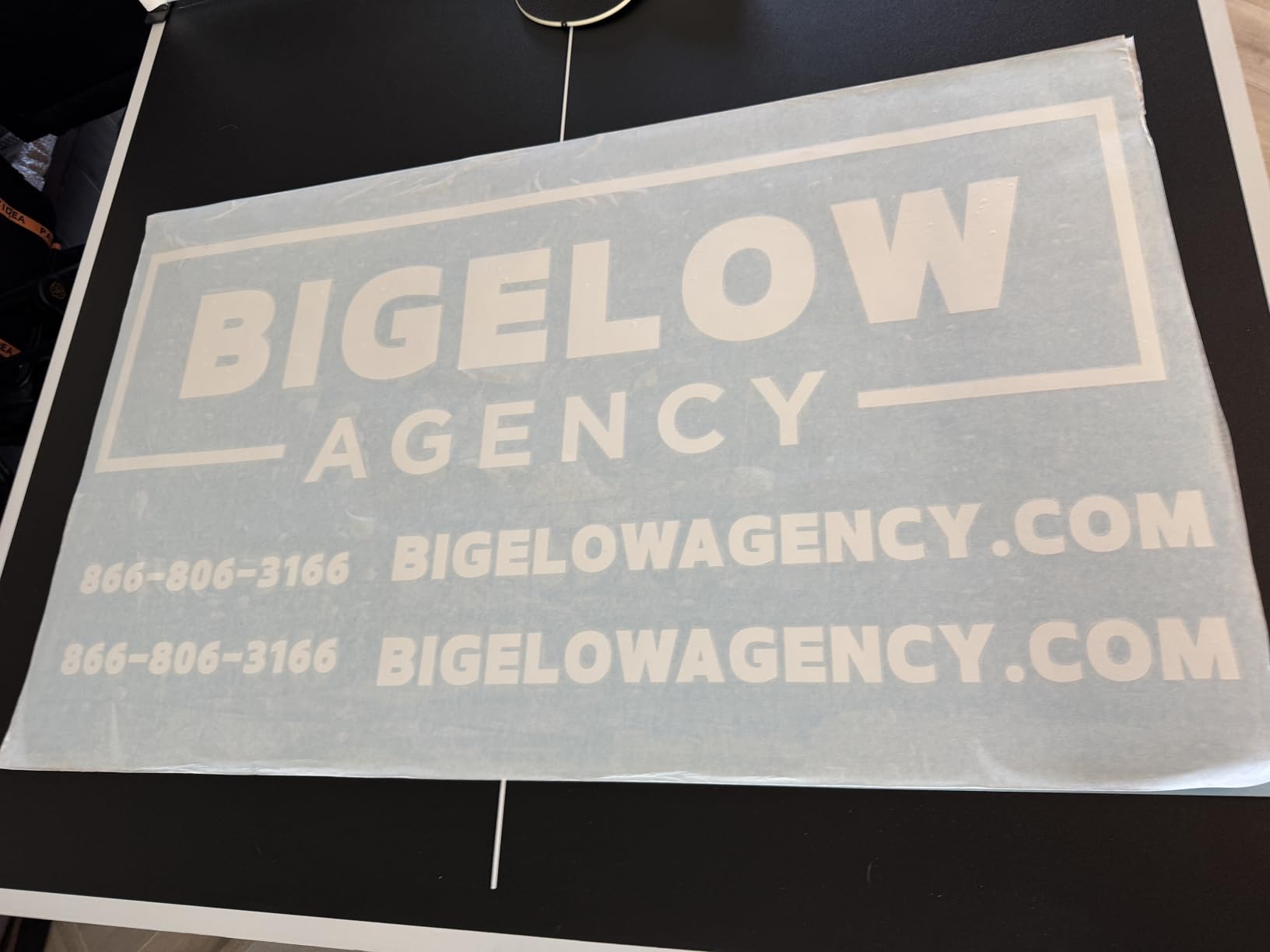
The included heat pen for foil stamping and an embossing tool for texture effects on paper and faux leather add two more product lines for a small business without another machine. At 34.49 inches wide and 19.8 pounds, this is a machine you position once and leave.
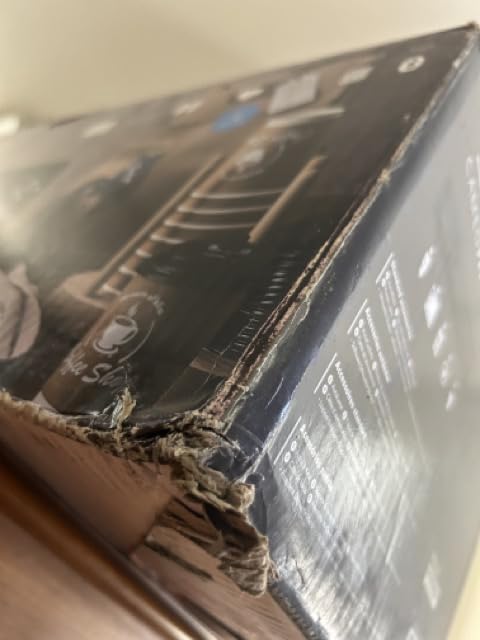
Now the part that decides whether it is right for you. The one-star share of 14 percent is the highest among the Silhouettes here, driven by feed tracking loss on heavier material, homing and AutoBlade faults on some machines, and occasional packaging damage with missing cables or mats. The 24 inch width also is not matless in the same way the smaller Cameo models are, and the material feed is sensitive.
Long cuts versus daily small work
The 60 foot capability is the headline, and it is a niche capability. A van wrap or a long banner is a genuine reason to buy this machine. A small business doing 200 decals a month does not need 60 feet, and the wider bed actually slows you down, because a 24 inch wide machine is constantly feeding material past the blade for a design that only needs four inches.
The dual carriage has the same profile. It is excellent for a workflow with two distinct steps, like scoring and cutting on the same pass, and it is a waste if you only ever cut. The heat pen and embossing tool are the same story, valuable for a paper goods business, dead weight for a pure HTV shop.
Who should look at a plotter instead
If roll width is your priority, several owners recommend a traditional plotter instead, and we agree for signage work. The USCutter or one of the VEVOR units takes a 24 inch or wider roll straight onto a holder, skips mats entirely, and does not have to keep material stuck to a surface.
For anything that fits on a 15 inch bed, the Cameo 5 is the better machine and the better rating. The PRO only wins when the artwork is physically larger than 15 inches.
7. VEVOR 34 Inch Vinyl Plotter – Best for Wide Media With Adjustable Force
VEVOR Vinyl Cutter Machine 34 inches Bundle Manual Vinyl Plotter Cutter
- Widest cut width in this group at 780mm
- Pressure and speed both adjustable on an LCD
- Imports SVG and PDF directly
- Double spring pinch rollers for stable feed
- Roll holder and stand for banner work
- Windows only with no Mac support
- Activation code delivery is awkward
- 15 percent one-star share
- Documentation is thin
The VEVOR 34 inch plotter is hard to argue with on paper. Maximum paper feed is 870mm, or 34.3 inches, and maximum cutting width is 780mm, or 30.7 inches, with cutting precision of plus or minus 0.01mm and paper feed precision of 3 meters. Reviewers treat it as a capable wide-format entry for signage, labels and heat transfer auxiliary cutting.
Unlike the desktop cutters, the force and speed here are adjustable on the machine rather than in software. Cutting pressure runs from 20 to 500g and cutting speed from 20 to 800mm/s, both set on a backlit LCD. For a business that cuts several materials from thin paper to thicker vinyl, having the force dial on the machine is faster than saving a new preset every time you change material.
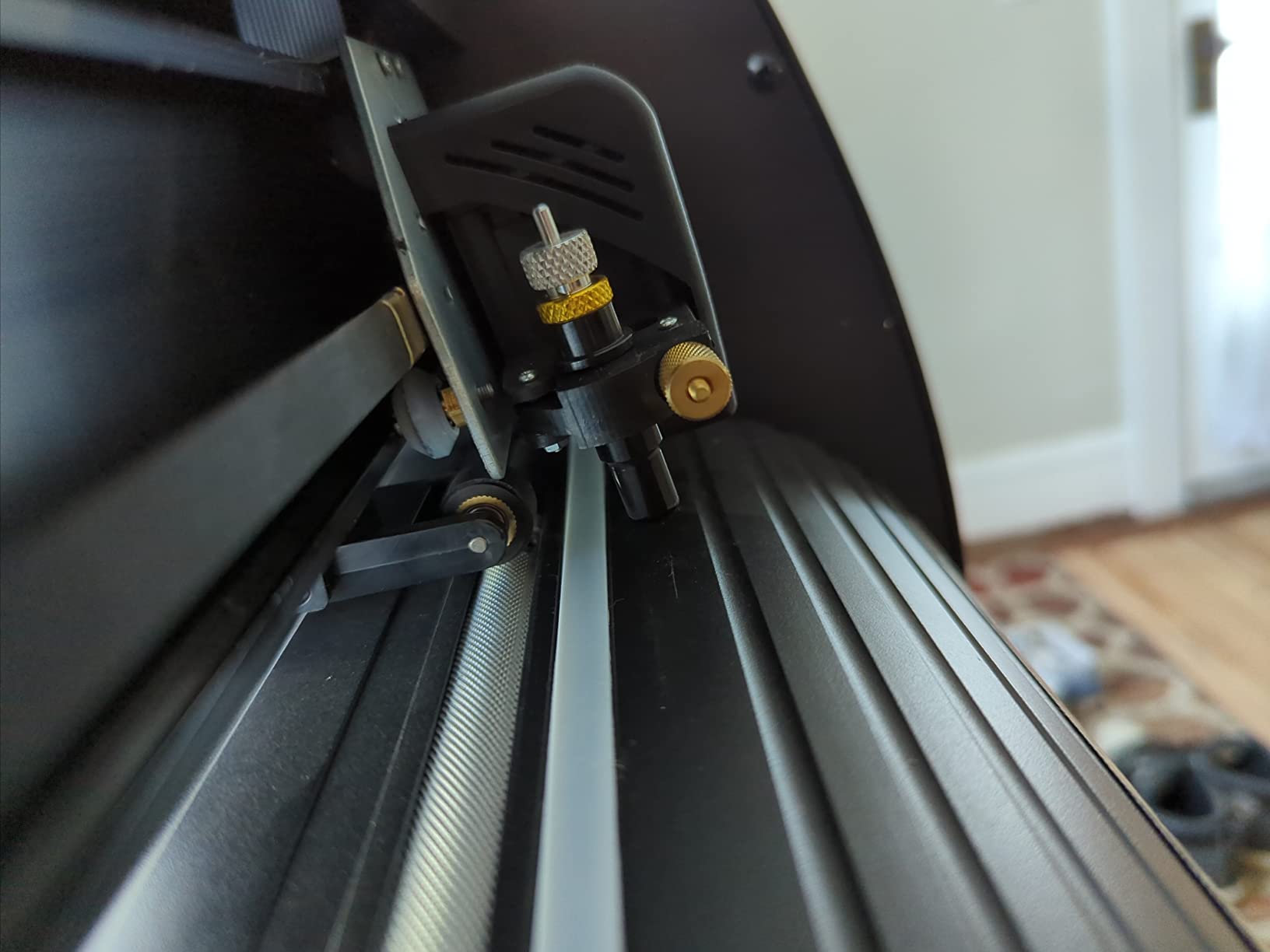
The feed system is the part that suggests real production intent: a D-typed motherboard with 4M of high-speed cache, double-spring pinch rollers and a roughened steel roller to hold media steady over long runs. It imports SVG and PDF directly and works with installed system fonts, and the roll holder and stand support full-width banner and sign work.
You are buying into a Windows-only workflow. There is no Mac support, the software arrives either on a disc or via a magnet with a printed activation URL chosen at random, and it needs a PSN-style activation code. Documentation is limited, which means you are relying on your own troubleshooting when something stalls.
Is a VEVOR plotter any good for a business?
The honest answer is that the specification-to-capability ratio is strong and the consistency is weaker than the established brands. At 15 percent, the one-star share is the highest in this set, and it traces back to Windows-only software, the activation delivery method, and occasional hardware and packaging defects. Some bundles arrive with missing cables or accessories.
Buyers who already run a Windows workstation get the most out of it, because the platform requirement stops being a limitation. The adjustable pressure and speed and the direct SVG and PDF import are what make it useful for signage, labels and heat transfer auxiliary cutting rather than a paper craft toy.
Where a small business should pair it
Think of the VEVOR 34 as the wide-format half of a two-machine shop. It handles banners, wall graphics and long signage where roll media is the point, while a smaller desktop cutter on the same computer handles the small HTV and label work. Sharing one Windows workstation keeps the software situation to a single ecosystem.
If you are on a Mac, this is not the machine. The Siser Romeo and the Silhouette Cameo 5 and Portrait 4 all work on Mac, and the VEVOR 28 has the same Windows-only limitation.
8. VEVOR 28 Inch Vinyl Plotter – Best for Bundled Blades and a Wide Entry
- Covers 24 inch rolls in a single pass
- 20 blades of different depths on hand
- Pressure and speed adjustable on a large control panel
- Floor stand included at this tier
- Aluminum knurling stick steadies long runs
- Windows only and not Mac compatible
- ABS plastic and aluminum body is lighter than metal plotters
- Activation and setup are thinly documented
- Needs a Pentium class Windows machine
The 28 inch VEVOR covers a narrower slice of the market than the 34 inch model and serves it better in one specific way: 20 blades come in the box. Each blade has a different depth, and for a business that cuts both paper-thin permanent vinyl and thicker heat transfer or specialty film, having twenty depths on the shelf removes the most common cause of a failed cut, which is the wrong blade.
The measurements are the ones that matter for wide material. Maximum paper feed is 720mm, or 28.3 inches, and maximum cutting width is 630mm, or 24.8 inches, so a standard 24 inch roll of vinyl fits in a single pass without trimming. Cutting precision is plus or minus 0.01mm and feed precision is 3 meters.
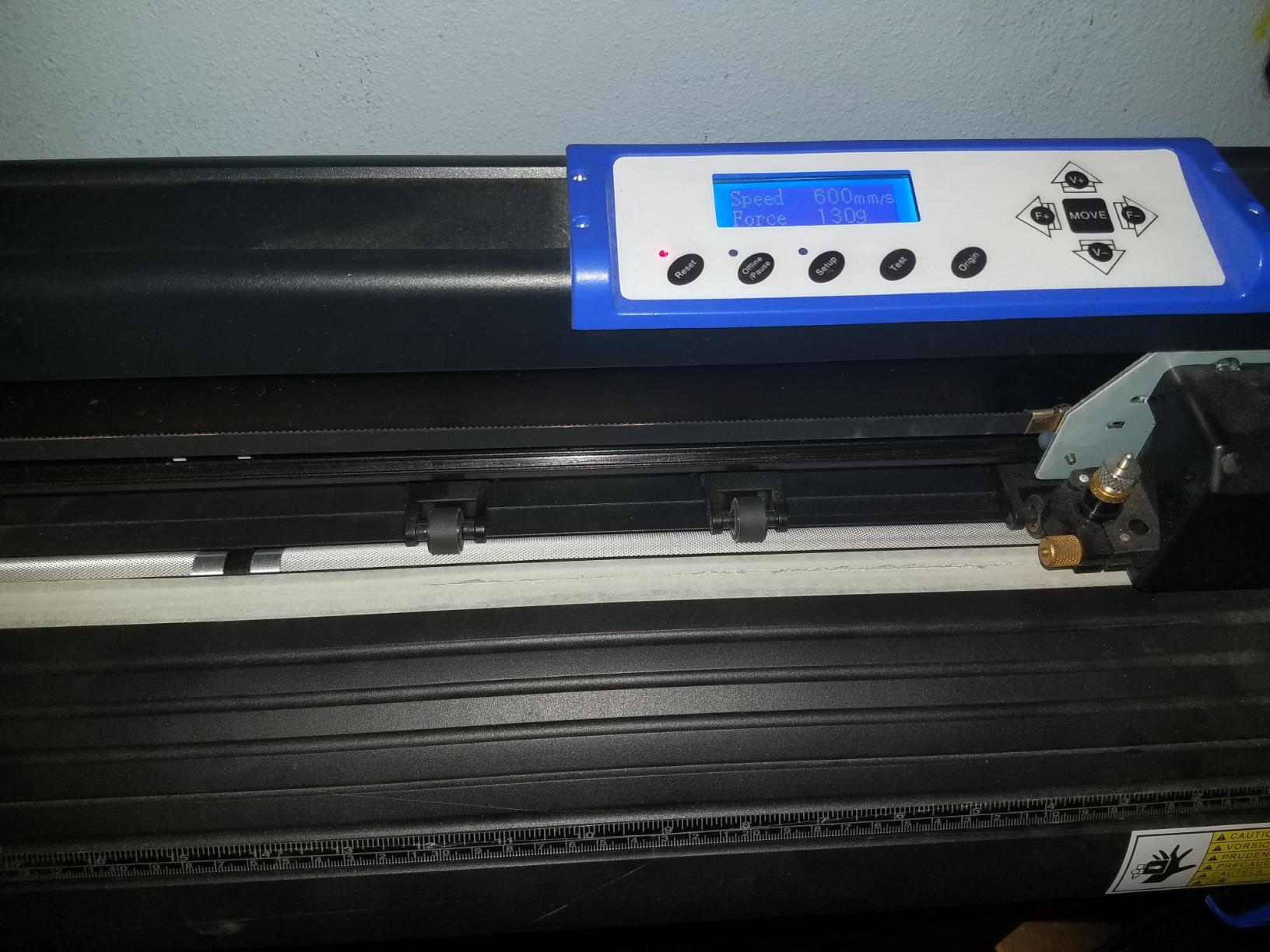
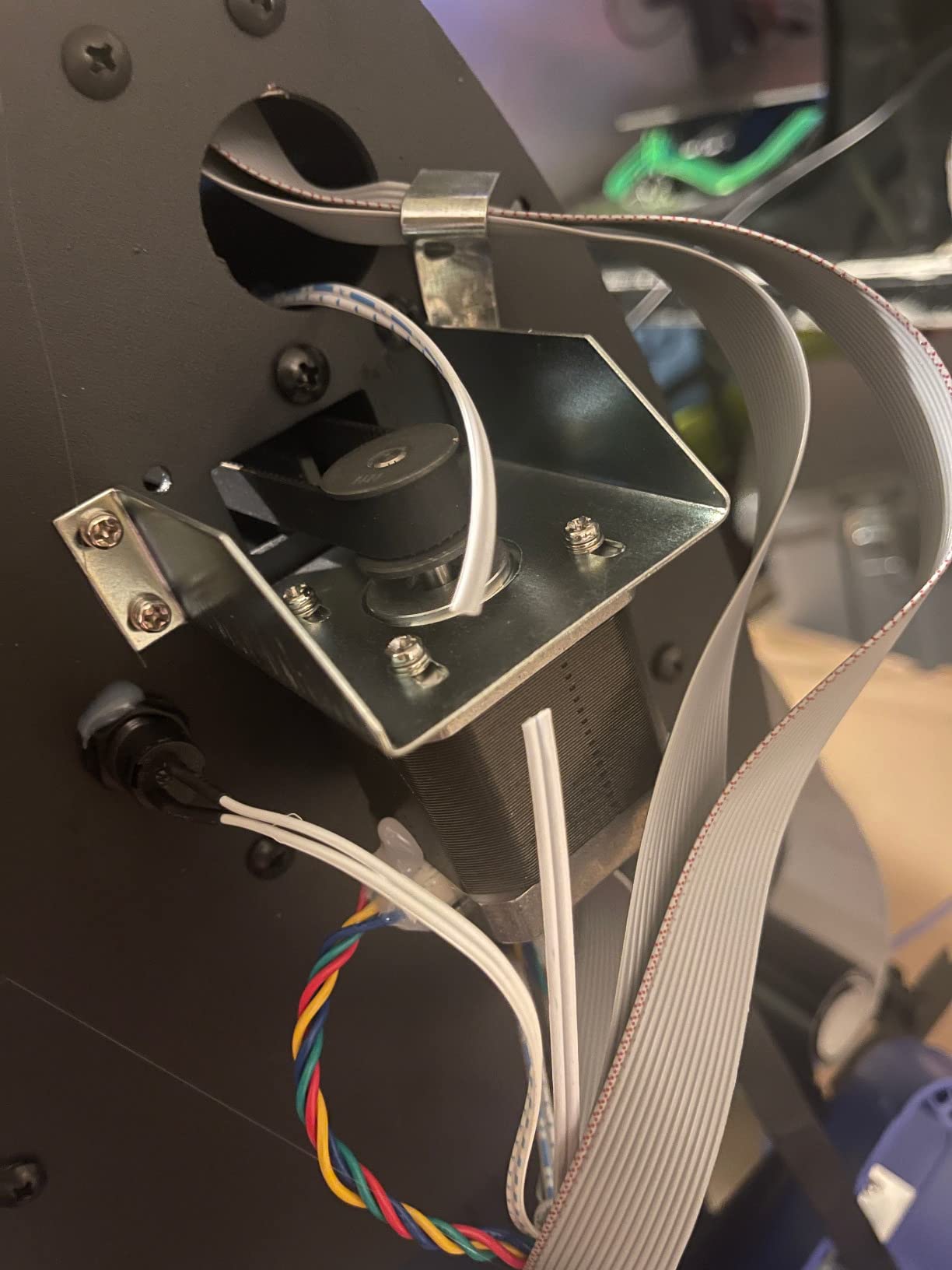
Force and speed are adjustable from 10 to 500g and 10 to 800mm/s on an illuminated LCD with a large control panel, and double-spring pinch rollers with an aluminum knurling stick limit feed deviation on long runs. The sturdy floor stand is included, which most machines at this level sell separately, and the machine comes with supplies for sign making, decoration, heat transfer and label work.
The build is the compromise. ABS plastic and aluminum alloy is lighter and less rigid than an all-metal commercial plotter, and it shows in the 16 percent four-star share where reviewers raise minor accuracy and sturdiness reservations. It is also explicitly not Mac compatible and expects a Pentium-class PC running Windows XP through 10.
Comparing the two VEVOR plotters
Choose the 28 inch over the 34 inch when your vinyl arrives in 24 inch rolls, which is the common case for a small business buying a few rolls at a time. You give up roughly 6 inches of cutting width and you gain twenty blades and a floor stand in the box, which together remove two separate purchases and a lot of trial and error.
Choose the 34 inch when you regularly run wider banner and wall graphic rolls, or when you want a more rigid chassis and the 4M cache board. The 34 inch also has a lower minimum cutting force of 20g versus 10g, which matters for the thinnest films.
The honest caveat on both
Both VEVOR machines are Windows-only and both handle software activation in a way that feels unfinished, with the disc or magnet method chosen at random and a PSN-style code required. Neither will talk to a Mac, and neither has the support ecosystem of Silhouette or Cricut.
That is a fine trade if you have a Windows workstation and want wide-format capability. If you do not, look at the Siser Romeo for wide matless cutting on Mac or Windows instead.
9. Likcut S501 – Best for Small Stickers and Labels
Likcut S501 Vinyl Cutter Machine, AI Sticker Cutter, 4.5″ Wide Cutting
- Connects over Bluetooth in about three seconds
- Fast for its size with a long rated blade
- Front cover doubles as tool storage
- Design Store has over 1 million designs
- AI voice and text-to-design skips design training
- 4.5 inch width means multiple passes on larger decals
- App and design software less mature
- 12 percent one-star share hints at batch-to-batch inconsistency
- Entry-level build quality
The S501 is the narrowest machine here, at a 4.5 inch cut width across a 180 square inch area. That number is small enough that we would normally push people toward something else, but there is one category where it wins outright: kiss-cut stickers and labels small enough to fit inside that 4.5 inch window, produced in volume.
Speed is genuinely quick for the class, cutting at up to 3.2 inches per second, and the blade is rated for over 4,610 meters of cutting, which is a meaningful endurance figure on a machine this small. Bluetooth 5.0 and USB 2.0 dual connectivity connects in about three seconds, so there is no pairing ritual between orders.
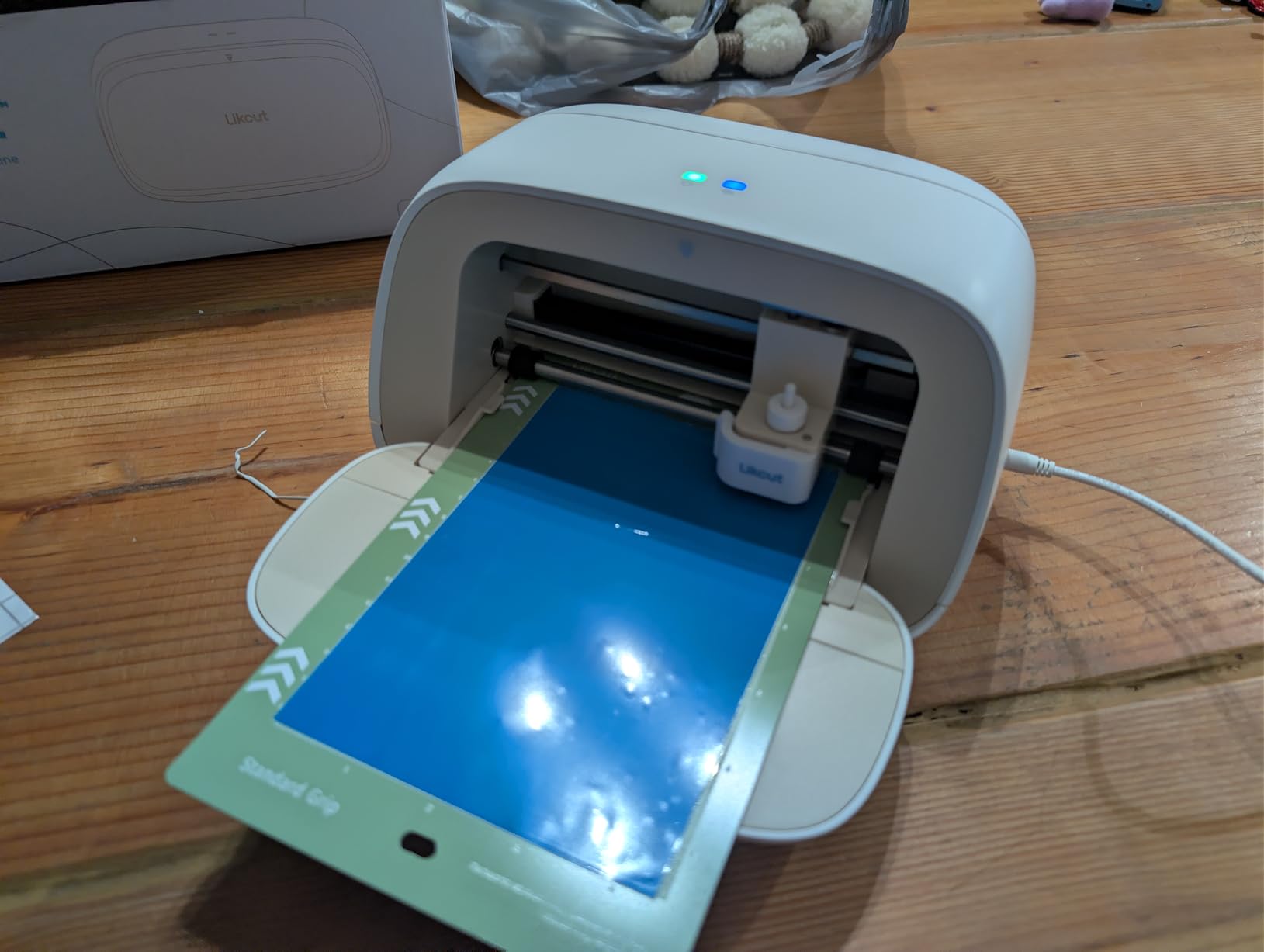
Two design choices set it apart from other entry-level cutters. The front cover folds down to become built-in storage for tools and materials, which keeps a small desk usable. And the AI voice and text-to-design feature generates ready-to-cut artwork from a description, which is the fastest way we have seen a complete beginner go from idea to a finished sticker without touching design software.
The Design Store includes over 1 million designs and 1,200 or more fonts, and the machine supports both cutting and drawing with adjustable pressure across 50 or more material types. The bundle includes the machine, an adapter, a USB-C cable and a vinyl starter pack.
What 4.5 inches of width gets you
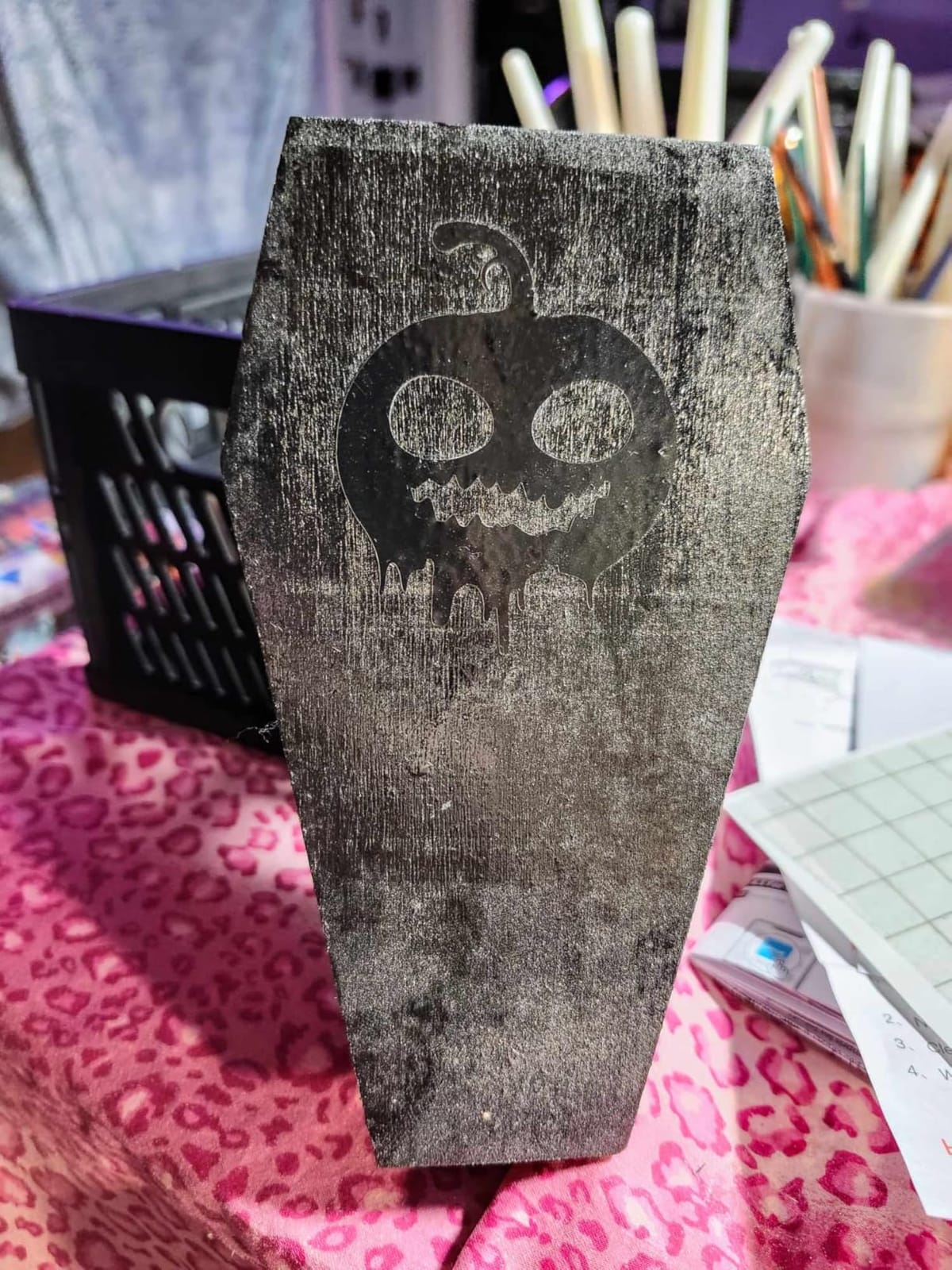
Small round and rectangular labels, favor tags, price stickers, monogram decals and short HTV motifs. Each of those is one pass, and the narrow bed means less material to load and less waste when a small job goes wrong. For a business selling add-ons to a larger order, that is a reasonable use of a second machine.
For anything larger, it is a non-starter. A standard water bottle label is wider than this bed, so you get multiple passes and a tape-down step every time. The 8.5 inch S41 covers US Letter material in one pass and is the better value if your designs are medium sized.
Who should skip it
Skip the S501 if you have any patience for a product larger than a luggage tag, and skip it if vinyl or HTV is your main product. The 4.1 rating and a 12 percent one-star share point to more unit-to-unit inconsistency, and the app is described as less intuitive and less mature than the established ecosystems.
Buy it if you are testing whether a sticker product sells before you commit to a larger machine, or if you are adding a dedicated label cutter to an existing setup. Both are honest reasons, and neither requires the machine to handle signage.
10. Likcut S41 – Best for Letter-Size Print Then Cut Work
- Full US Letter material in a single pass
- Print Then Cut for full color stickers
- Accuracy within 0.2mm on HTV and cardstock
- Folds flat panels and tool storage
- Bundle includes mat blade weeder and vinyl
- App can be clunky and font list may not refresh
- Crashes on imported user files
- Skipping account registration limits features
- 8.5 inch is narrower than 12 inch
The S41 fixes the width problem that limits the S501. At 8.5 inches it takes a full sheet of US Letter material in a single pass with no manual partitioning, which is exactly the format most small label businesses print in, and it supports Print Then Cut for full-color sticker production.
Accuracy is specified at a 0.2mm tolerance, and owners report it as stable on HTV and cardstock. The app carries offset, weld, attach and group functions that anyone coming from a Cricut will recognize immediately, plus free images and fonts, and the AI voice and text-to-design feature creates artwork without design software skills.
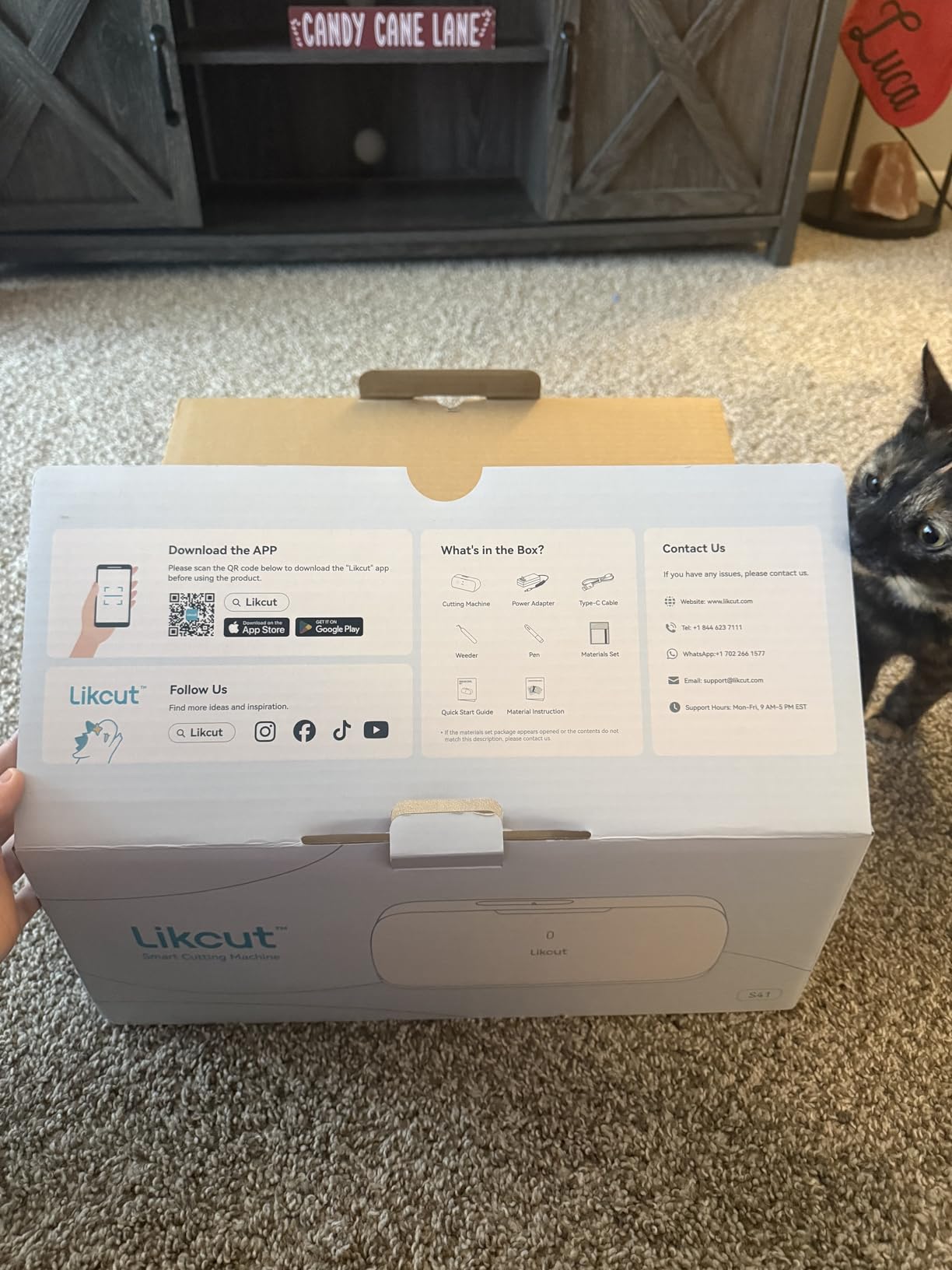
The physical design is sensible for a small workspace. Front panels fold up and a tool storage area keeps the desktop footprint small, and at 3.9 kilograms it is light enough to move between rooms. The Click and Know status screen with one-touch start, stop and load or unload puts the controls on the machine instead of in a menu, and the bundle includes the machine, sample vinyls, a power adapter, a USB-C cable, a marker, a blade, a grip mat and a weeding tool.
Every machine in this roundup has a software complaint, and the S41’s is the loudest at this size. The most common one is an app that crashes when importing a user file, followed by clunky navigation and a font list that sometimes fails to refresh. Skipping account registration also limits features, and some browsers flagged the app as a security risk, prompting returns.
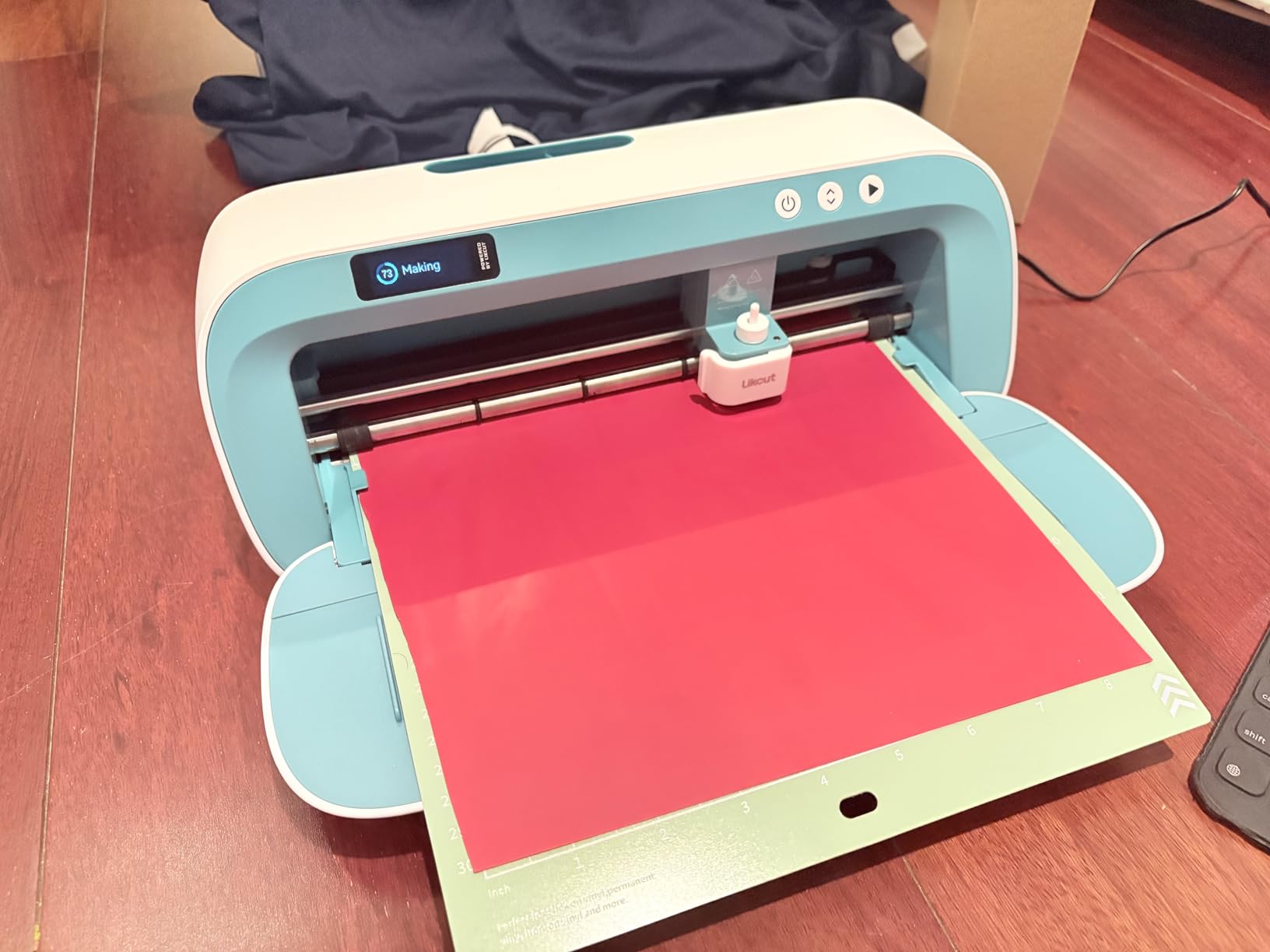
Print Then Cut on an 8.5 inch bed
This is where the S41 earns its place in a small business. Print a full-color sheet of labels or stickers on a standard printer, run it through the machine, and the machine cuts around each shape. One sheet becomes a finished, sellable product run with no manual trimming, and 0.2mm tolerance is tight enough for small label text to stay legible.
Two workflow notes from owners. Users coming from Cricut and Brother find the offset, weld and attach tools translate directly, so the switch is short. And anyone with 12 inch or larger projects should look wider, because at 8.5 inches you are still partitioning full sheet material for bigger artwork.
Who should buy the S501 instead
Buy the S501 if your work is small enough to fit inside 4.5 inches and you want the faster cut speed and the built-in tool storage. Buy the S41 if anything you sell is letter-sized, and especially if you plan to sell full-color printed stickers, because the Print Then Cut workflow is not something the smaller machine does.
Both Likcut machines sit at the entry end of this list. They are the lowest-cost way to find out whether a sticker product is worth building a business on, and the least demanding way to learn the craft before committing to a wider machine.
Cutting Force and Material Capability
Cutting force is the number that separates a craft machine from a production machine, and it is measured in grams-force. Consumer desktop cutters work with a lightweight blade and a light carriage, which is why they need several passes for thick material. The wide-format plotters in this roundup expose force as a physical control: the VEVOR 34 inch runs 20 to 500g and the VEVOR 28 inch runs 10 to 500g, both adjustable on a backlit LCD.
More force is not automatically better. Heat transfer vinyl is a thin film, and over-aggressive pressure cuts through the carrier sheet, which ruins the transfer. A small business should learn the force range of one film well rather than treat the maximum as a target.
Material clearance is the second half of this. The Cameo 5 electrostatic mat holds material up to 0.5mm thick without curling, and the Siser Romeo is the wide machine here that works matless, which is what makes a 24 inch bed genuinely productive instead of a wide bed full of wasted margins.
Software, Subscriptions and Material Freedom
The Cricut and Silhouette ecosystems differ less in hardware than in how they make money. Silhouette Studio is a desktop application that uses your installed computer fonts and common image formats and works offline once installed. Cricut Design Space is a hosted app that requires a connection for full features, and its 1.5 million or more image library sits behind the Cricut Access subscription.
That difference shows up in your monthly costs, not your machine cost. If you use your own artwork, subscription-free Studio is a real business saving. If your buyers expect ready-made designs, the subscription is a line item you should price into each order rather than absorb.
Material freedom is the same argument in physical form. Matless cutting on the Silhouette and Siser machines works with third-party vinyl and heat transfer, so you can shop material on price. Cricut Smart Materials matless cutting works with Cricut-branded material, which is a simpler workflow and a more expensive roll. We have seen this discussed at length on the HTVRONT community forum, where the recurring questions are exactly these two, SVG import cost and third-party material use.
Consumables, Batch Speed and What a Small Business Actually Owns
Most machine reviews list the machine and stop. A business needs three more lines: mats, blades, and software.
Mats are the line people forget. Every matted machine burns a mat on heavy cardstock or thick material, and owners on both the Portrait 4 and the Cameo 5 flag mat wear as an ongoing cost. Matless machines remove this line entirely, which is a quiet but recurring saving that a matless workflow earns back in the first few months of production.
Blades are the second consumable and the one with a documented replacement cadence. The Likcut S501’s blade is rated for over 4,610 meters of cutting, which is a rare published figure. The VEVOR 28 inch includes 20 blades, which removes the guesswork about depth entirely. For the rest, treat the blade as a scheduled replacement rather than something that fails on deadline.
Batch speed is where the machines genuinely separate. The Cameo 5 cuts up to 400mm/s, the Siser Romeo runs up to 60 percent faster than a traditional desktop cutter, and the VEVOR plotters reach 800mm/s with adjustable force. Fast cutting does not make weeding faster, and weeding is usually the bottleneck. Measure your own weeding time on a real order before you decide speed matters to you.
If your production is mostly paper and fabric rather than vinyl, our guides to the best manual die cutters and the best desktop laser cutters cover the tools that handle those materials better. If you are cutting fabric patterns for goods rather than decals, the best rotary fabric cutters are the right comparison.
When to Upgrade to a Wide-Format Plotter
A desktop cutter stops being the right tool at a specific point, and the trigger is width rather than ambition. If your designs regularly exceed 24 inches, a mat-based machine either cannot run them or has to tile them with visible seams. At that point a plotter with a roll holder is not an upgrade, it is a different tool.
The second trigger is volume of wide material. The Cameo PRO review data makes the case against wide desktop machines clearly: 14 percent one-star feedback driven by feed tracking loss on heavier material and homing faults. Plotters hold media with pinch rollers and a steel roller, not adhesive, and they keep feeding steadily on long runs for exactly that reason.
The third trigger is material cost per job. Once you are cutting premium specialty film, a stepper motor that cannot correct a mistracked cut is a real risk, because there is no second chance on an expensive roll. Servo-driven commercial plotters exist for that reason, and the move up is usually triggered by material value rather than order count.
The 24 inch threshold is where most of these machines split. The Cameo 5 stops at 15 inches, the Siser Romeo and the Cameo PRO reach 24, the VEVOR 28 handles 24.8 inch material, and the USCutter and the VEVOR 34 go to 30.7 inches. Pick against your widest common design, not your widest possible one.
Frequently Asked Questions
What is the best vinyl cutter machine for a small business?
The Silhouette Cameo 5 Alpha Plus is the best overall vinyl cutter for a small business, with a 15 inch cutting width, an automatic blade, cut speeds up to 400mm/s, 4-point registration for printed designs, and Silhouette Studio software that requires no subscription on a Windows or Mac computer. Businesses working above 24 inches wide should look at a wide-format plotter such as the USCutter 34 inch instead.
Is there a better cutter than Cricut?
For business use, often yes. The Silhouette Cameo 5 matches Cricut on cut quality and beats it on two business-specific points: Silhouette Studio has no subscription requirement, and matless cutting works with third-party vinyl rather than only Cricut-branded Smart Materials. Cricut still wins on function range, since the Maker 4 cuts, draws, foils, scores, engraves, debosses and perforates in one machine.
What is the key difference between a vinyl cutter and a vinyl plotter?
A vinyl cutter is the general term for any machine that cuts vinyl, including small desktop craft models. A vinyl plotter refers specifically to a larger machine fed by roll media through pinch rollers, usually with adjustable cutting force and a 24 inch or wider cutting width. The cutter is mat-based or matless and sized for sheets; the plotter handles wide rolls and long continuous cuts.
Can you make money with a vinyl cutter?
Yes, provided you sell a repeatable product rather than one-off crafts. Stickers, product labels, HTV apparel and window decals all have a low per-unit cost once the machine is paid for. The margin comes from volume, which is why cutting force, speed and consumable cadence matter more than the machine price. Budget the mat, blade and software lines from the first month.
Why is my vinyl cutter not cutting deep enough?
Raise the blade depth setting, then raise the cut pressure, and only then reduce the speed. The order matters, because forcing a dull blade through at full speed tears material instead of cutting it. Check the blade is seated flat in the holder and replace it if the edge is nicked. On matted machines, test the mat, since a hardened or contaminated mat holds material too high for the blade to reach.
What can I make with a vinyl cutter?
Common small business products include kiss-cut stickers, product labels and packaging tags, heat transfer vinyl for apparel, window and car decals, wall graphics, and signage. The Cricut Maker 4 extends that into foiling, scoring, engraving and debossing. The Cameo PRO extends that into long cuts up to 60 feet for banners, and the Likcut S501 and S41 target small label and sticker runs.
Are VEVOR vinyl cutters any good?
They offer strong specifications for the money, with the 34 inch model reaching a 30.7 inch cutting width and adjustable 20 to 500g cutting pressure at up to 800mm/s. The trade-offs are consistent across the line: Windows-only software with no Mac support, awkward activation code delivery, and higher one-star shares from quality control inconsistency. They suit businesses already running a Windows workstation.
Final Verdict for Small Business Buyers in 2026
For most small businesses starting a sticker, decal or HTV product line, the Silhouette Cameo 5 Alpha Plus is the best vinyl cutter for small business you can buy in 2026. It combines a 15 inch cutting width that still loads a full sticker sheet, the highest rating in this group, an automatic blade that removes setup guesswork, and desktop software with no required subscription.
Match it to your product instead. Apparel shops that already use Siser HTV should look at the Siser Romeo for its 24 inch matless area and preset cut settings. Businesses that need foiling, scoring and debossing alongside cuts should pick the Cricut Maker 4 and budget the Cricut Access subscription. Work wider than 24 inches, and the USCutter 34 inch and the two VEVOR plotters are the machines built for roll media.
One more thing. Buy the machine against your widest common design and your monthly weeding hours, not against the largest number on the spec sheet. Every machine here cuts vinyl well; the difference is how much of the week you spend feeding it, and how much of your budget goes to mats and blades.
If you tell us what you plan to make, whether you want a desktop or a stand machine, and whether your work computer runs Windows or Mac, we can narrow this list to one or two in a comment.