

The machine most people should watch first during this sale is the Lenovo Flagship Chromebook 14. Its 14-inch Full HD touchscreen, 2.9 lb chassis and 13.5-hour battery cover school, streaming and light work without the sticker shock of a premium machine. The HP Essential 14 is the pick for anyone who types all day, thanks to a full-size keyboard with a numeric keypad. The Acer Aspire Go 15 is the smarter buy when real Windows headroom matters, because its memory and storage can both be upgraded later.
Prime Big Deal Days runs October 6-7, 2026, and most of the offers need an active Prime membership or the free trial. These ten laptops are the configurations worth comparing when those offers appear, and the configuration matters more than the discount on any one of them.
Two numbers deserve attention before anything else. Memory, because three of these machines ship with 4GB, which is already tight for a Windows laptop in 2026. And upgrade room, because a machine with a free memory slot and a free storage slot tends to age better than a faster one you cannot extend.
Table of Contents
Our Top 3 Picks for Amazon Prime Big Deal Days Laptop Deals
The Lenovo Flagship Chromebook 14 leads because it does the ordinary things well: a sharp 1920×1080 IPS touchscreen, Wi-Fi 6, a backlit keyboard and enough battery to cross a campus day. The HP Essential 14 takes second place on typing comfort and port selection, with a numeric keypad and HDMI that most machines its size skip. The Acer Aspire Go 15 is third because 8GB of upgradeable DDR5 memory and a free M.2 slot are almost impossible to find at this price.

Lenovo Flagship Chromebook 14
- 14 inch Full HD IPS touchscreen
- MediaTek Kompanio 520 octa-core
- 13.5 hour battery


Acer Aspire Go 15
- 8GB upgradeable DDR5 memory
- 15.6 inch Full HD IPS display
- Free M.2 storage slot
Amazon Prime Big Deal Days Laptop Deals Compared
Every laptop below sits in a different corner of the market, so the useful comparison is the job each one does rather than the spec sheet alone. Read across the rows and the gaps are obvious: memory ranges from 4GB to 32GB, screens from 12.2 inches to 17.3 inches, and weight from 2.71 lb to 5.8 lb.
| Product | Specifications | Action |
|---|---|---|
| Lenovo Flagship Chromebook 14 |
|
Check Deal Price |
| HP Essential 14 |
|
Check Deal Price |
| Acer Aspire Go 15 |
|
Check Deal Price |
 HP 17.3 Ryzen 5 HP 17.3 Ryzen 5 |
|
Check Deal Price |
 Acer Nitro V 15 Acer Nitro V 15 |
|
Check Deal Price |
 HP OmniBook 3 17.3 HP OmniBook 3 17.3 |
|
Check Deal Price |
 Apple MacBook Air M5 Apple MacBook Air M5 |
|
Check Deal Price |
 ASUS ROG Strix G16 ASUS ROG Strix G16 |
|
Check Deal Price |
 Acer Nitro V 16S AI Acer Nitro V 16S AI |
|
Check Deal Price |
 Samsung Chromebook Plus 12.2 Samsung Chromebook Plus 12.2 |
|
Check Deal Price |
How We Chose
We compared processor generation, memory, storage, display panel, weight, ports and battery claims across the ten laptops, then read the owner reviews and Amazon ratings behind each one. Configurations get cut when memory is soldered at 4GB with no way to add more, or when the screen resolution is too low to type on comfortably. Everything here was checked on October 2026, and the prices move during the sale, so treat the specs as fixed and the deal price as something to check on the day.
1. Lenovo Flagship Chromebook 14: Best for School and Streaming on a Budget
- Sharp 1920x1080 IPS touchscreen
- Long 13.5 hour battery life
- Light at 2.9 lb
- Backlit keyboard
- Fast Chrome OS setup
- Only 4GB RAM limits multitasking
- Weak touchpad reported by owners
- Some charging failures reported
The one to watch if the budget is the main constraint.
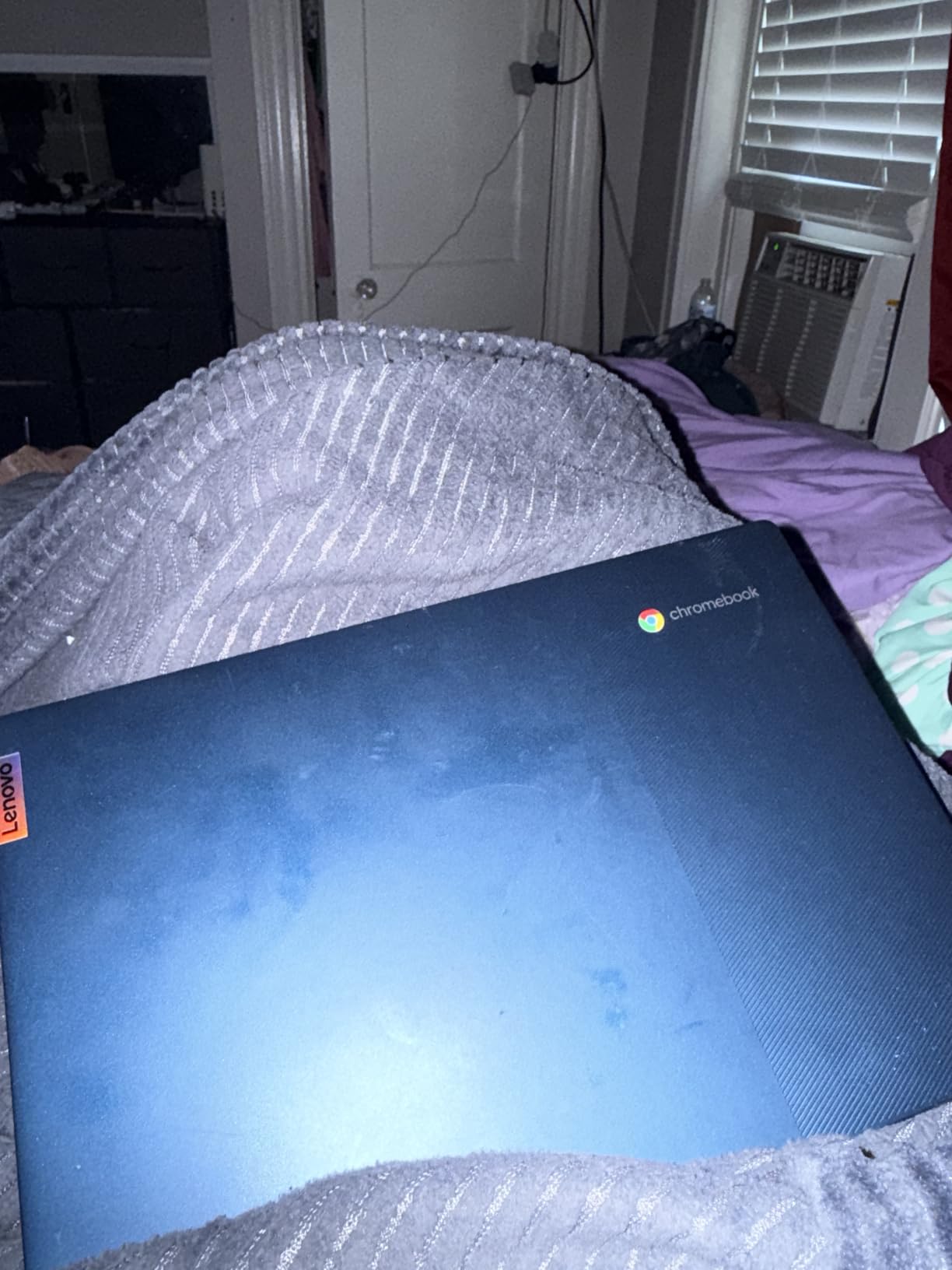
The MediaTek Kompanio 520 is an octa-core chip built for Chrome rather than Windows, and paired with a 1920×1080 IPS touchscreen it makes a genuinely pleasant first laptop. Owners single out the screen and the battery most often, and the panel holds up for streaming and group video calls where cheaper machines wash out.
At 2.9 lb this is one of the lightest machines in the list, which matters more than the spec sheet suggests when the laptop lives in a backpack between classes. The 720p webcam has a physical privacy shutter, and there is a microSD reader plus one USB-A and one USB-C port.
- 13.5-hour rated battery, the longest stated figure among the Chromebooks here
- Wi-Fi 6 with Bluetooth 5.1
- Backlit keyboard for late-night study
- 13.5 x 8.73 x 0.73 inch chassis, thin for a 14-inch machine
The trade-off owners report most is the 4GB of memory. Two browser profiles, a video call and a document open at once will make it feel sluggish, and reviewers mention the touchpad dropping or delaying input. The keyboard layout also feels wide to people arriving from a different Chromebook.
Compared with the HP Essential 14, this machine has the better screen and a lighter body, while the HP wins on keyboard layout and port selection. Compared with the Acer Aspire Go 15, this one is simpler but far less demanding on the wallet.
Setup is the easy part. It boots, signs into a Google account and is usable within a few minutes, and the backlit keyboard, 720p camera with a physical privacy shutter and dual microphone array cover the calls this machine will realistically handle.
The screen is the real reason to pick it over the other Chromebooks here. Full HD at 250 nits with a backlit keyboard is a better study machine than the 1366 x 768 panel on the HP Essential 14, and it is the same class of display that costs considerably more elsewhere.
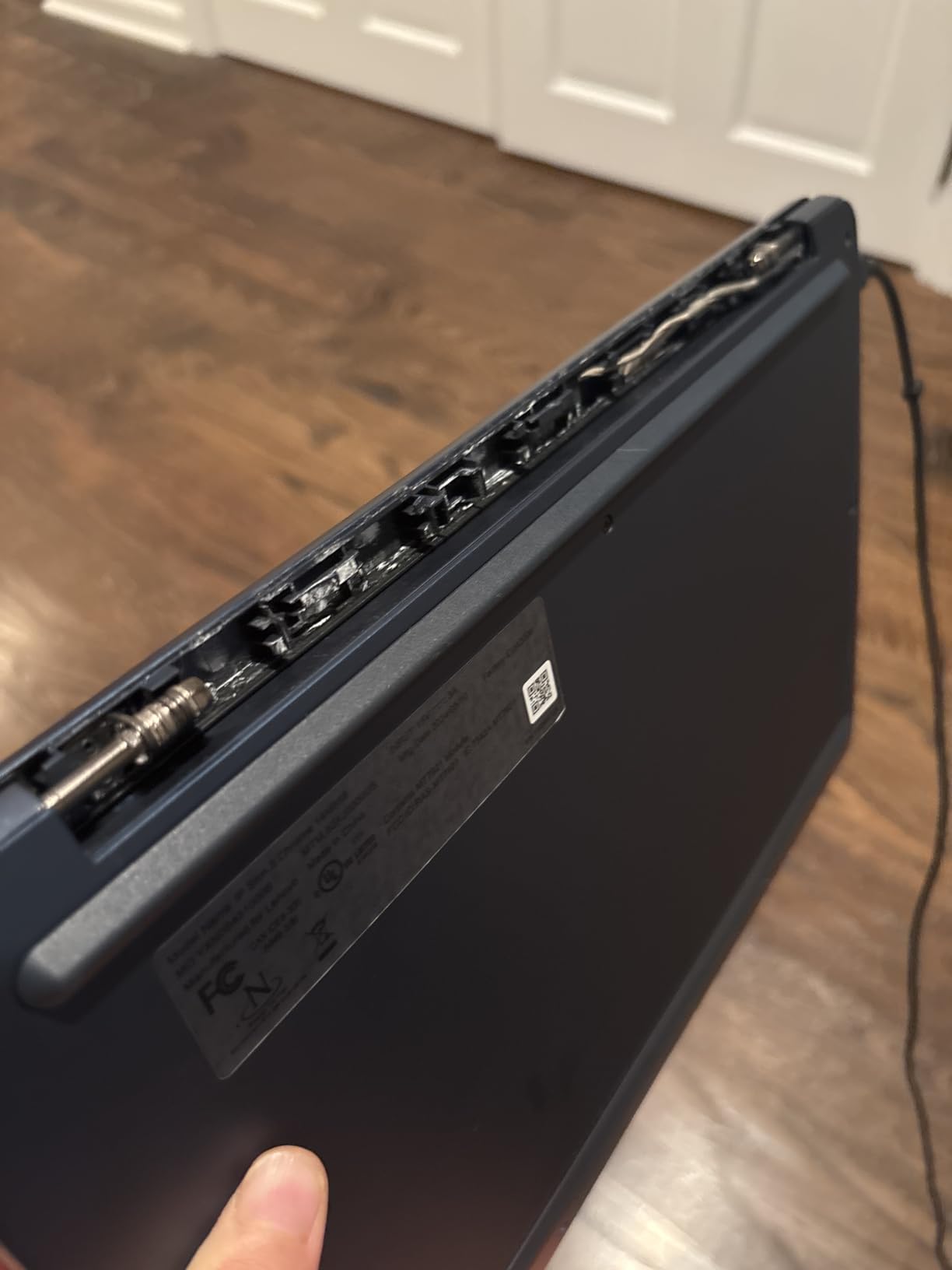
Good to know: a handful of reviews describe charging problems after extended use, so keep the original charger in the box rather than buying a third-party one immediately. If your work involves anything beyond the browser, look at the Acer Aspire Go 15 instead.
2. HP Essential 14: Best for Typing-Heavy Everyday Work
HP Essential 14″ Laptop 2026 Student Business, Intel CPU, Lightweight
- Full size keyboard with numeric keypad
- Good port selection including HDMI
- Wi-Fi 6 and Bluetooth 5.3
- Lightweight at 3.35 lb
- 1366 x 768 screen is low resolution
- Celeron N4500 limits demanding work
- Only 4GB RAM and 64GB storage
Owners buy this one for the keyboard, and they are right to. The full-size layout includes a numeric keypad, which is rare at this size and genuinely useful for data entry, invoicing or anything spreadsheet-heavy. The anti-glare panel also holds up better in a bright room than a glossy panel would.
Connectivity is the quiet strength. You get a USB-C port with power delivery and DisplayPort 1.4, two USB-A ports, HDMI 1.4b and a 3.5mm jack, which is more than several machines twice the size manage. Bluetooth 5.3 and Wi-Fi 6 round out a modern wireless set.
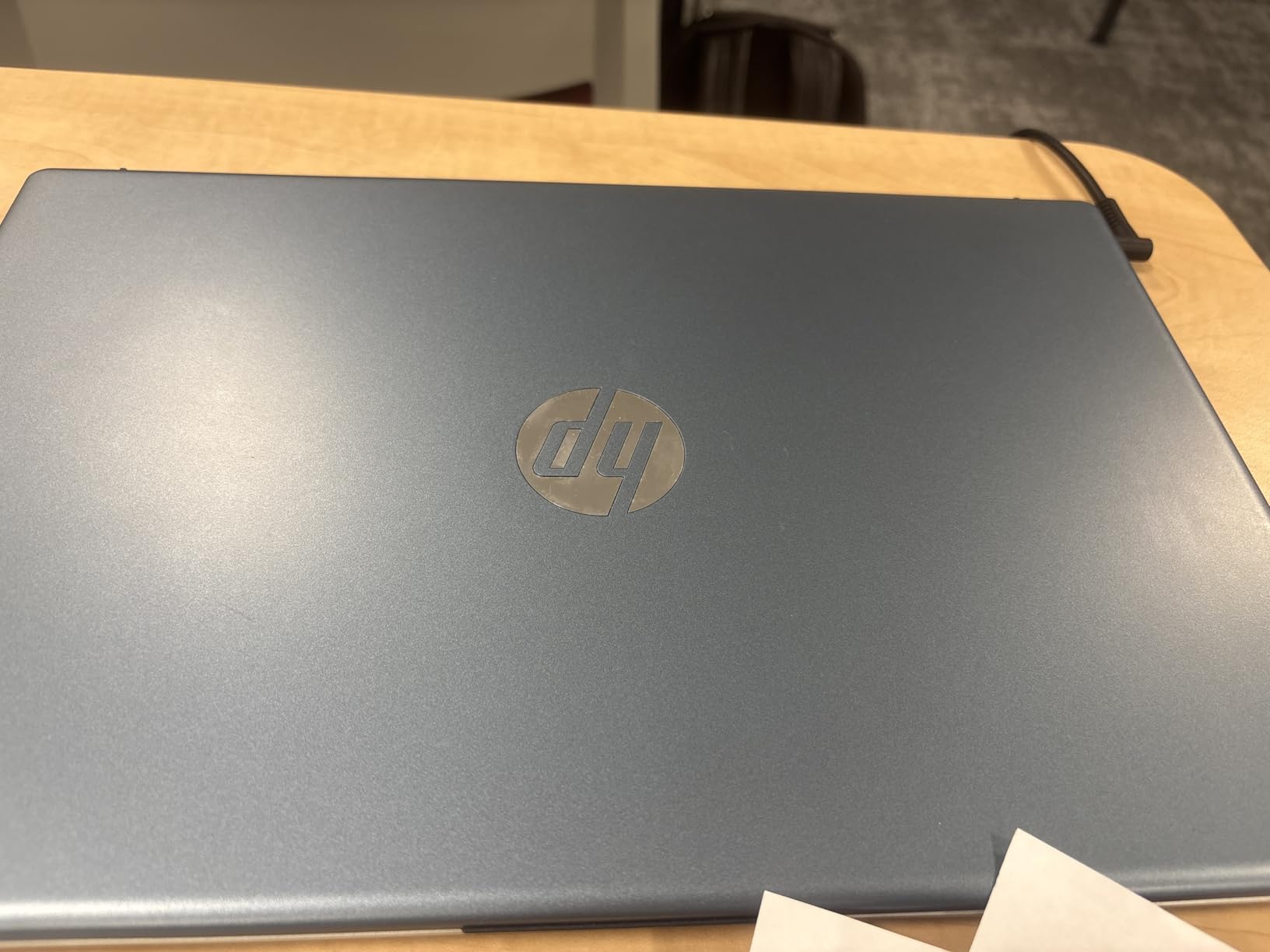
The 47Wh battery and 3.35 lb weight make it a straightforward carry-everywhere companion, and the 250 nit brightness is fine indoors but not for a sunny patio. Owners also like the 80% screen-to-body ratio, which keeps the bezels tight without pushing the weight up.
Two things hold it back. The 1366 x 768 resolution is the real compromise, and text on a 14-inch panel at that density is noticeably softer than the 1920×1080 screen on the Lenovo Flagship Chromebook 14. The dual-core Intel Celeron N4500 also caps what you can run locally.
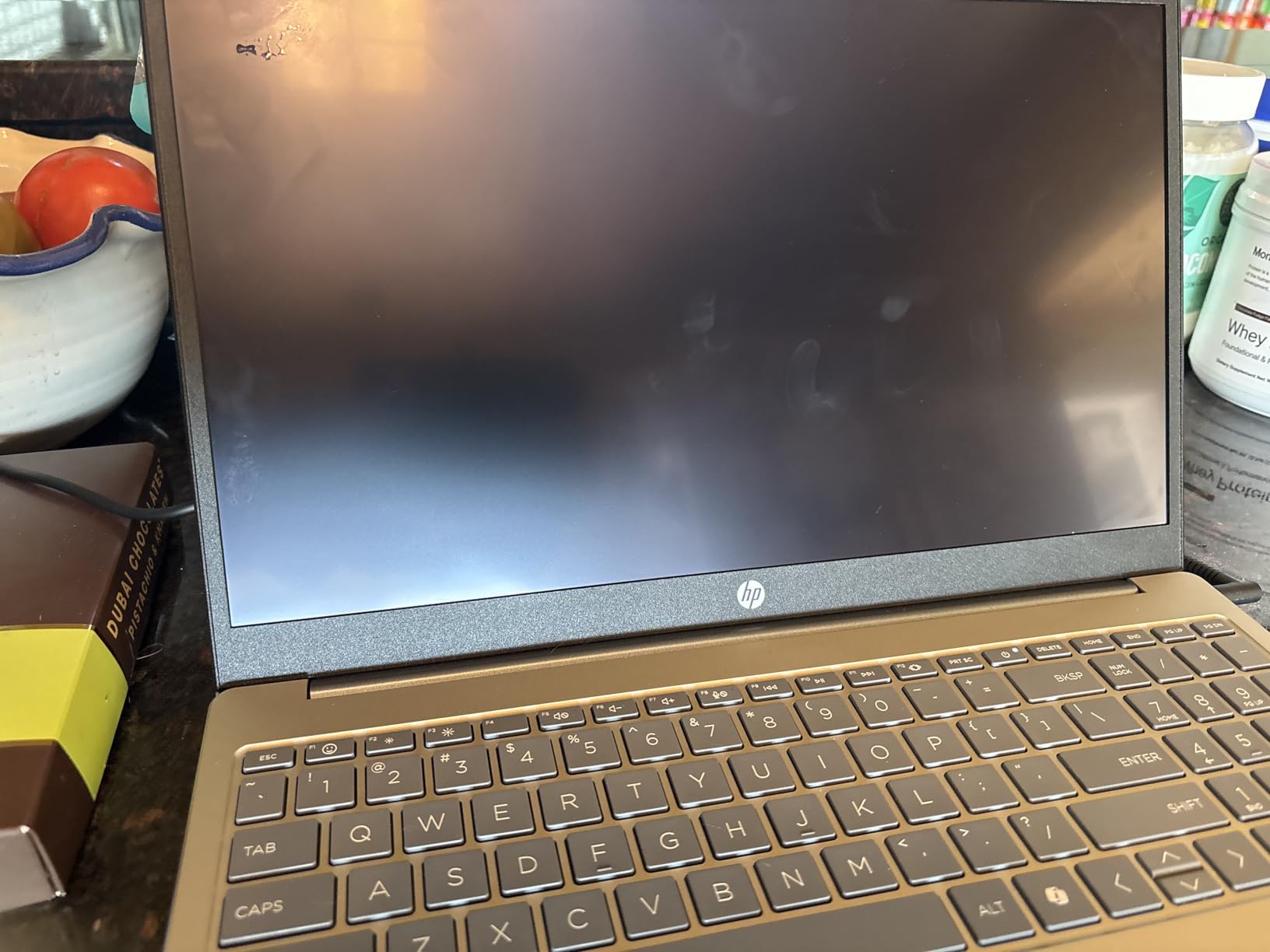
Skip it if you plan to edit photos or run more than a handful of browser tabs, since the Celeron will not keep up and the screen will not hold up to color work. For a student who mostly types, though, the keypad is worth more here than a faster chip would be.
3. Acer Aspire Go 15: Best Value With Room to Upgrade
- 8GB DDR5 on a free DIMM slot
- Free M.2 slot for more storage
- Dual USB-C with 45W charging
- 12.5 hour rated battery
- 128GB storage is tight out of the box
- Windows 11 updates run long
- Some buyers report hangs after updating
The most flexible machine on this list, and the one most people should end up with.
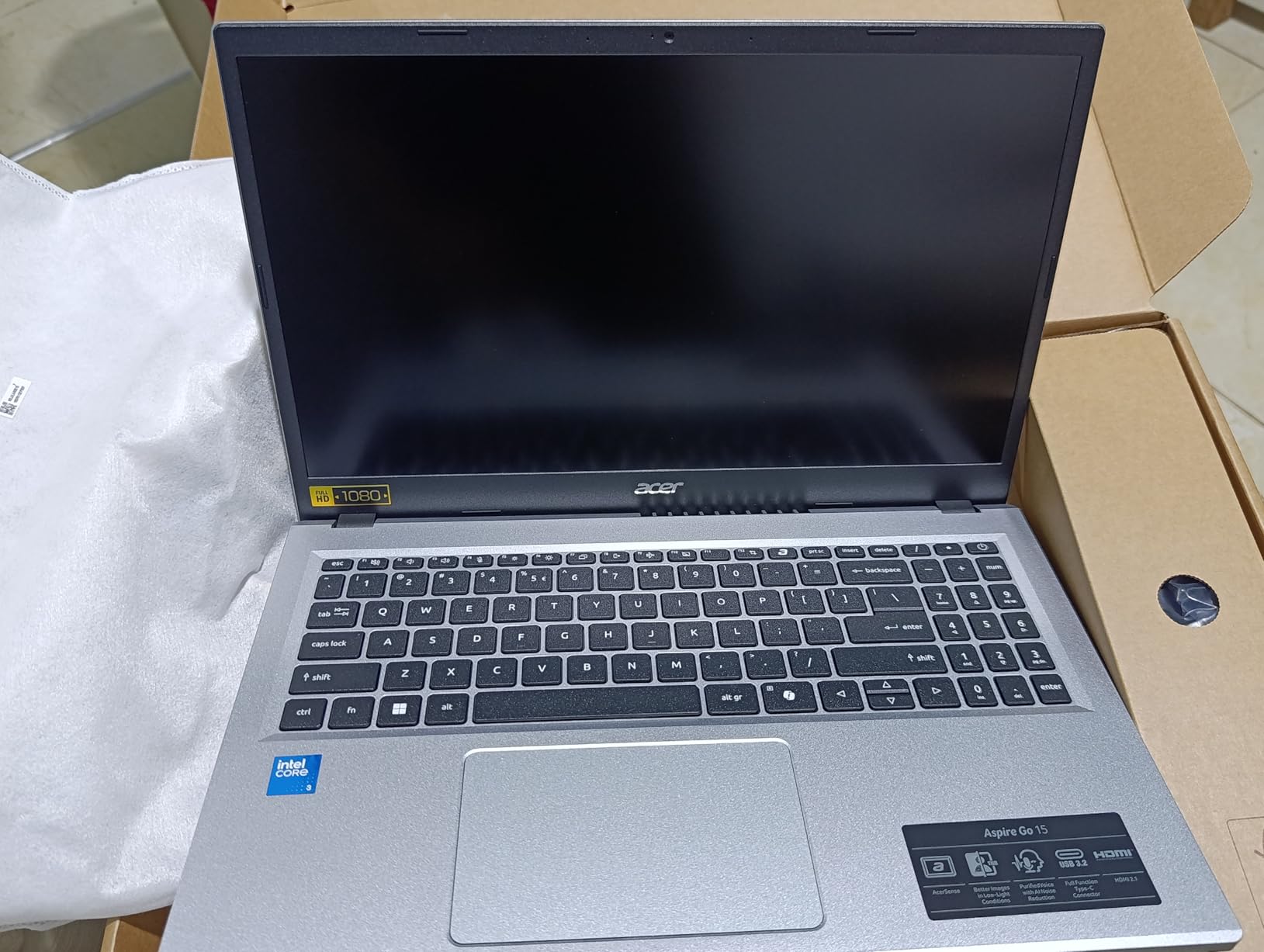
Two upgrade paths at the entry level is rare. The 8GB of DDR5 memory sits on a single DIMM slot that can reach 16GB, and the 128GB of UFS storage has a free M.2 slot next to it. Owners who add a proper drive on day one remove the only complaint that appears consistently in the reviews.
The 8-core Intel Core 3 N355 boosts to 3.9 GHz, which is unremarkable but perfectly competent for documents, browsing and lighter photo work. The 15.6-inch 1920×1080 IPS panel matches the sharpest screen in the entry tier and adds Windows on top.
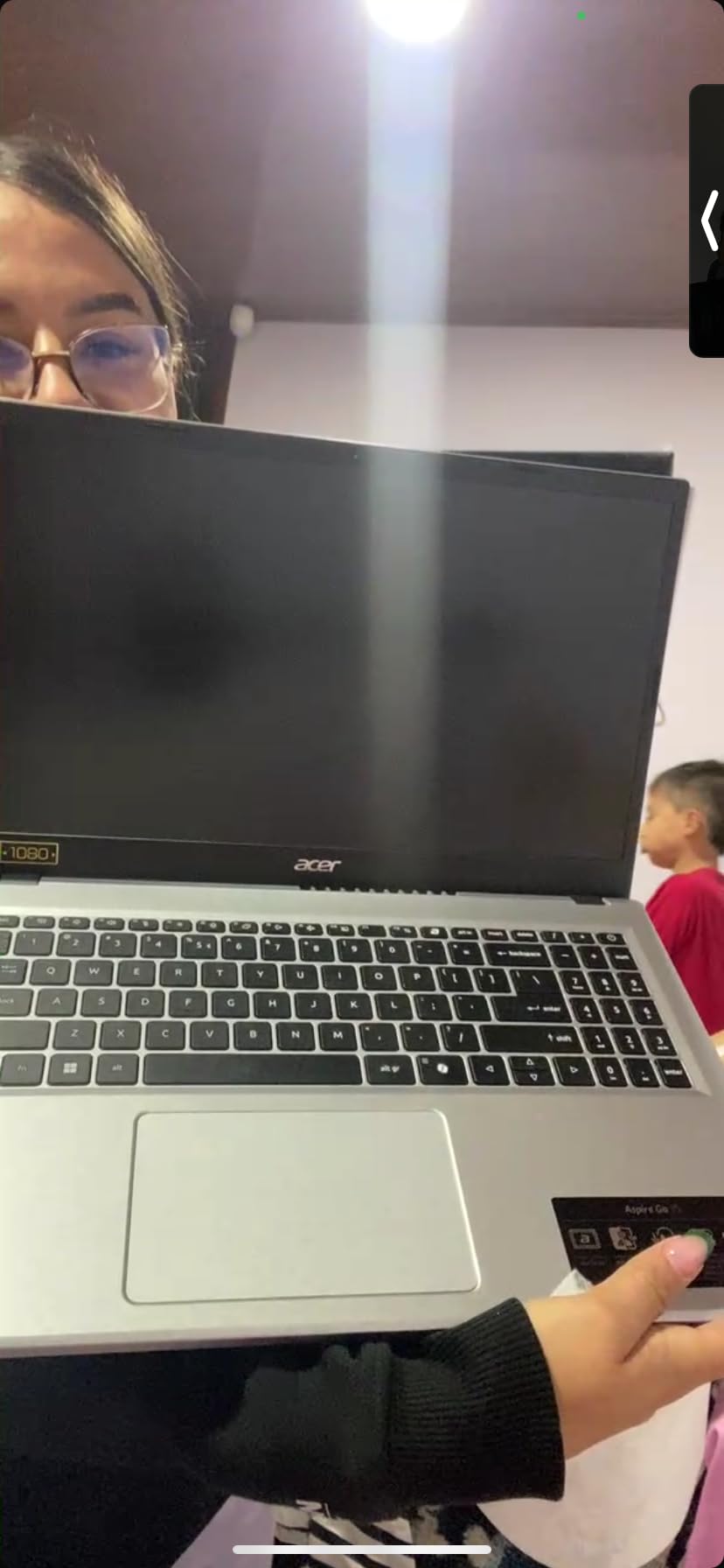
Charging is faster than the battery figure suggests. Two USB-C ports handle DisplayPort and up to 45W, and owners report reaching over 90% in about half an hour. There is also HDMI 2.1, two USB-A ports and a Kensington lock slot for a shared desk.
- 12.5-hour rated battery, which holds up for a normal working day
- 720p camera with Acer TNR and PurifiedVoice AI noise reduction on calls
- 30% recycled plastic in the back cover, EPEAT Gold registered
- Windows 11 Home in S mode with a dedicated Copilot key
Owners do report long Windows update times and occasional hangs after updating, and a few European buyers note the US keyboard layout lacks a pound key. S mode is also worth checking before you buy, since switching out of it takes a few steps.
Where it beats the alternatives: it has more memory and more upgrade room than the HP Essential 14, and it is far more capable than either Chromebook here. Where it loses: if you game, the Acer Nitro V 15 is the sensible step up.
4. HP 17.3 Ryzen 5: Best for 16GB on a Budget
HP 17.3 inch Laptop, HD+ Display, AMD Ryzen 5 7520U, 16 GB RAM, 512 GB SSD, AMD Radeon Graphics, Windows 11 Home, Natural Silver, 17-cp2199nr
- 16GB LPDDR5 and 512GB NVMe SSD
- Ethernet port and Wi-Fi 6
- Lift-hinge keyboard feels good
- Camera has a physical privacy shutter
- 1600 x 900 panel looks washed out
- Battery life around 7 hours
- USB-C port is data only
16GB of memory in this price range is the reason to look here. Owners running many browser tabs, a spreadsheet and a video call at once report no slowdown, and the 512GB PCIe NVMe SSD keeps everything fast. Storage is expandable too, with one free M.2 slot in the chassis.
The AMD Ryzen 5 7520U is a 4-core, 8-thread part that boosts to 4.3 GHz. It is not a creator chip, but it handles everyday office work with room to spare, and Radeon Graphics are fine for streaming and light photo editing.
The 17.3-inch anti-glare screen is large enough to work on two documents side by side, and the lift-hinge raises the keyboard angle slightly, which owners consistently praise for comfort.
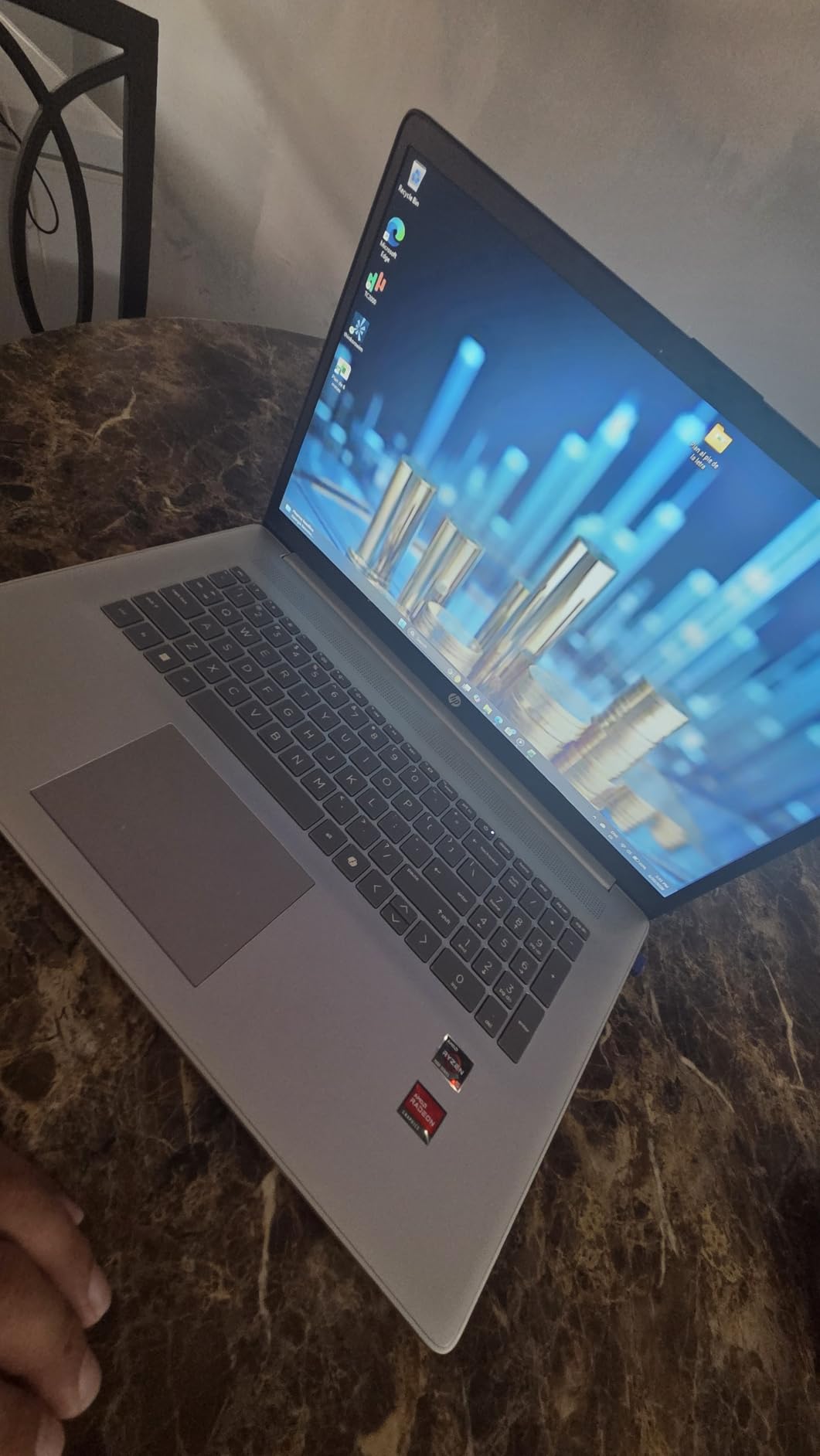
Two compromises are worth planning around. The 1600 x 900 panel covers only 60% of the NTSC color space, so colors look flat next to the Acer Aspire Go 15, and owners put real battery life at around seven hours rather than a full day. The single USB-C port handles data only, so you need the barrel charger or a USB-A cable for charging.
How it holds up: the panel is matte, so it works in a room with overhead lighting without the mirror effect a glossy screen gives you. The 60% NTSC coverage is the one place this screen gives ground, and it shows in anything beyond documents and web pages.
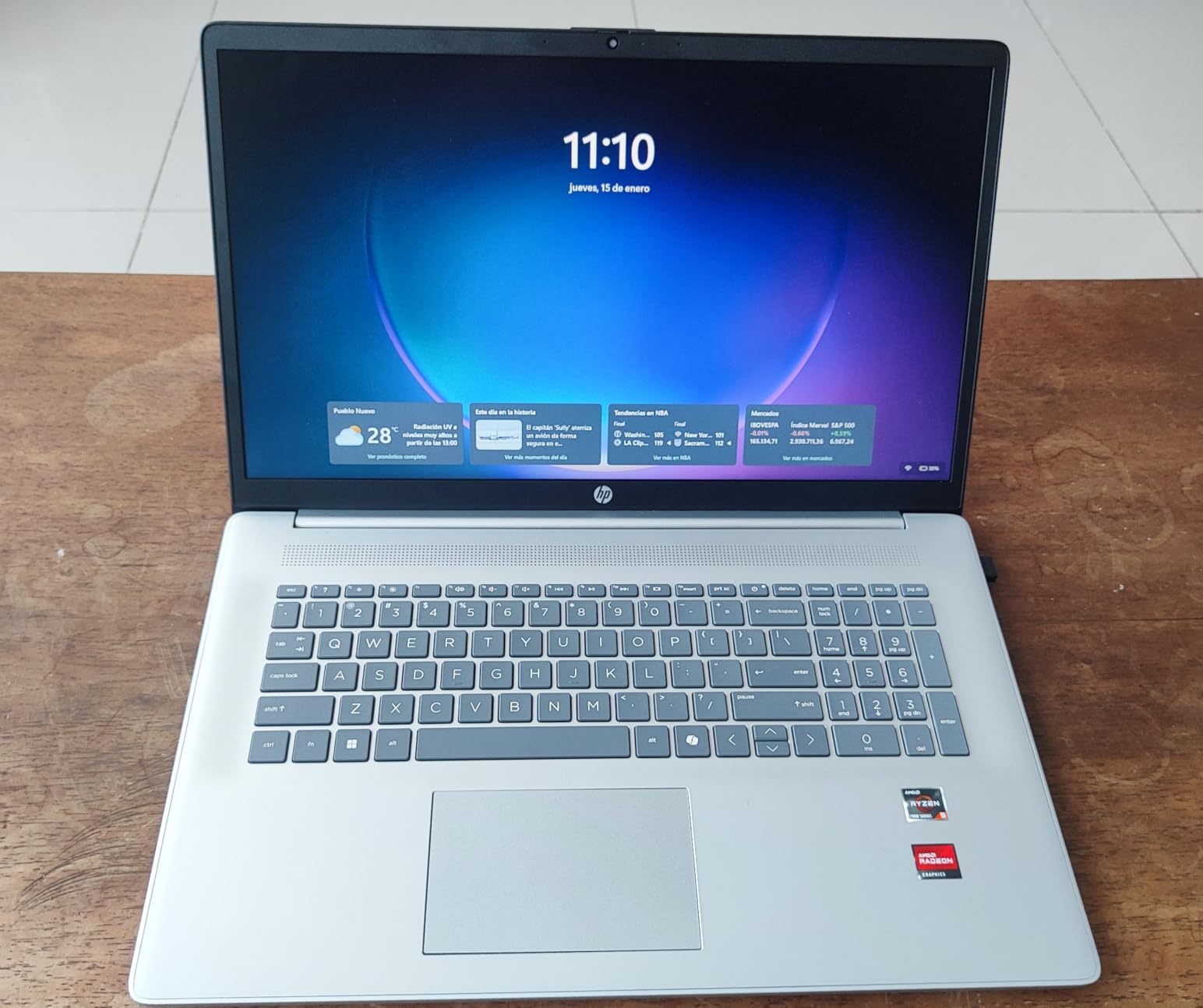
Another practical note for a machine this size: the chassis is 15.78 inches wide, so it needs a proper laptop bag rather than a sleeve. The full-size keyboard with a numeric keypad is a genuine advantage over the 15.6-inch Acer Aspire Go 15, and the camera’s physical shutter is a nice touch for a shared family machine.
The trade against the HP OmniBook 3 17.3 is a clear one: that machine has the better screen, this one has more memory headroom. Against the Acer Aspire Go 15 it gives up upgradeability, because that 16GB of LPDDR5 is soldered to the board.
Good to know: Ethernet is included, which is increasingly rare and useful in offices where the wireless signal is poor.
5. Acer Nitro V 15: Best for 1080p Gaming
- RTX 4050 with DLSS 3.5 for modern titles
- 165Hz display with low ghosting
- Stays cool and quiet under load
- Thunderbolt 4 and Gigabit Ethernet
- Only 8GB RAM in the shipped config
- Fans loud in performance mode
- Battery degrades when used unplugged
The 13th Gen Core i5-13420H has 8 cores and boosts to 4.6 GHz, and the RTX 4050 laptop GPU carries 6GB of GDDR6 and 194 AI TOPS. Owners running modern titles at 1080p report 120+ FPS on high settings, and the DLSS 3.5 support gives headroom on the heavier ones.
The 15.6-inch Full HD IPS panel runs at 165Hz with 300 nits, and reviewers report minimal ghosting in their own testing. At that refresh rate, aiming for a frame rate you can actually see matters, so this is where the GPU earns its cost.
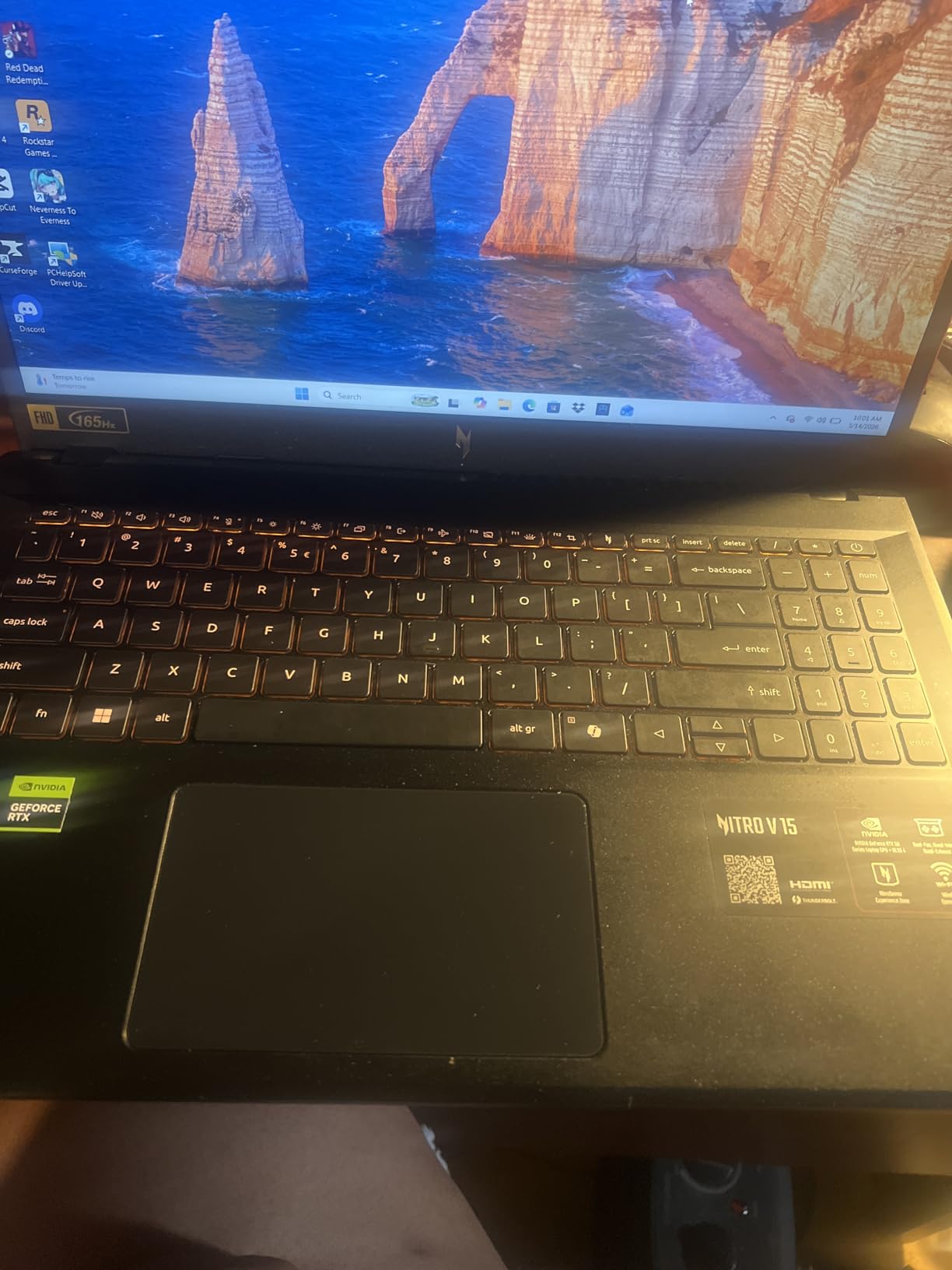
Thermals are the quiet story. Owners report the machine staying cool and quiet after hours of gaming on high graphics, and the Nitro Sense app plus the backlit keyboard with a numeric keypad make it usable as a normal laptop between sessions. Gigabit Ethernet and Thunderbolt 4 are both welcome additions.
Almost every review flags the same thing: 8GB of memory is not enough for current games, and the two DDR5 slots are there waiting. Budget for an upgrade rather than assuming the shipped configuration is final. The 57Wh battery also degrades faster than expected away from the charger, so keep it plugged in for long sessions.
Compared with the Acer Nitro V 16S AI, this one is smaller and cheaper but sits a GPU tier lower and has a 165Hz panel rather than 180Hz. Compared with the ASUS ROG Strix G16, you give up a lot of raw graphics power and pay far less, which is the right trade for most people.
6. HP OmniBook 3 17.3: Best as a Desktop Replacement
HP OmniBook 3 17.3 inch Laptop PC, FHD Display, AMD Ryzen 3 30, 8 GB RAM, 512 GB SSD, AMD Radeon 610M Graphics, Windows 11 Home, Mica Silver, 17-dp0199nr
- Large 300 nit Full HD IPS screen
- Backlit keyboard with numeric keypad
- Up to 14 hours 15 minutes of battery
- Fast charge reaches 50 percent in 45 minutes
- Not suitable for gaming
- Pre-installed Microsoft bloatware
- Bulky for a standard backpack
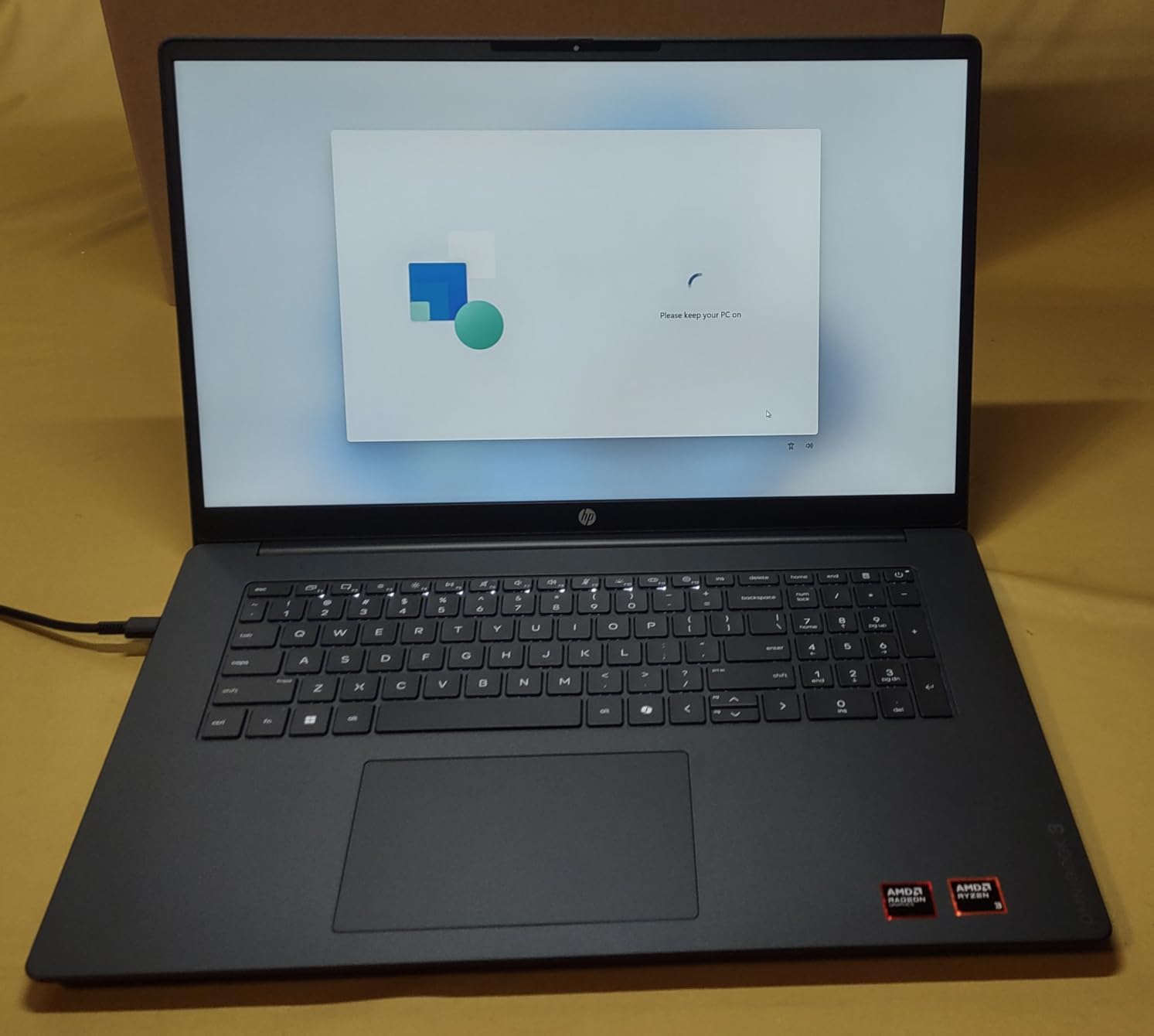
This is the machine people buy when a twelve-year-old desktop finally dies. Owners describe it as a lighter replacement for a home setup, and the reasons line up: a 17.3-inch 1920×1080 IPS panel at 300 nits with 178-degree viewing angles, and up to 14 hours 15 minutes of stated battery life.
The chassis is only 0.65 inch thick despite the 17.3-inch screen, which is unusual at this size. The AMD Ryzen 3 30 has 4 cores and 8 threads boosting to 4.1 GHz, and 8GB of LPDDR5 paired with a 512GB NVMe SSD is enough for documents, browsing and video without any memory lag.
The 1080p camera with HDR auto-switch and AI noise reduction outresolves the 720p cameras on the entry-level machines here, and owners mention it in video call reviews. HP Fast Charge takes the battery from zero to around 50% in about 45 minutes.
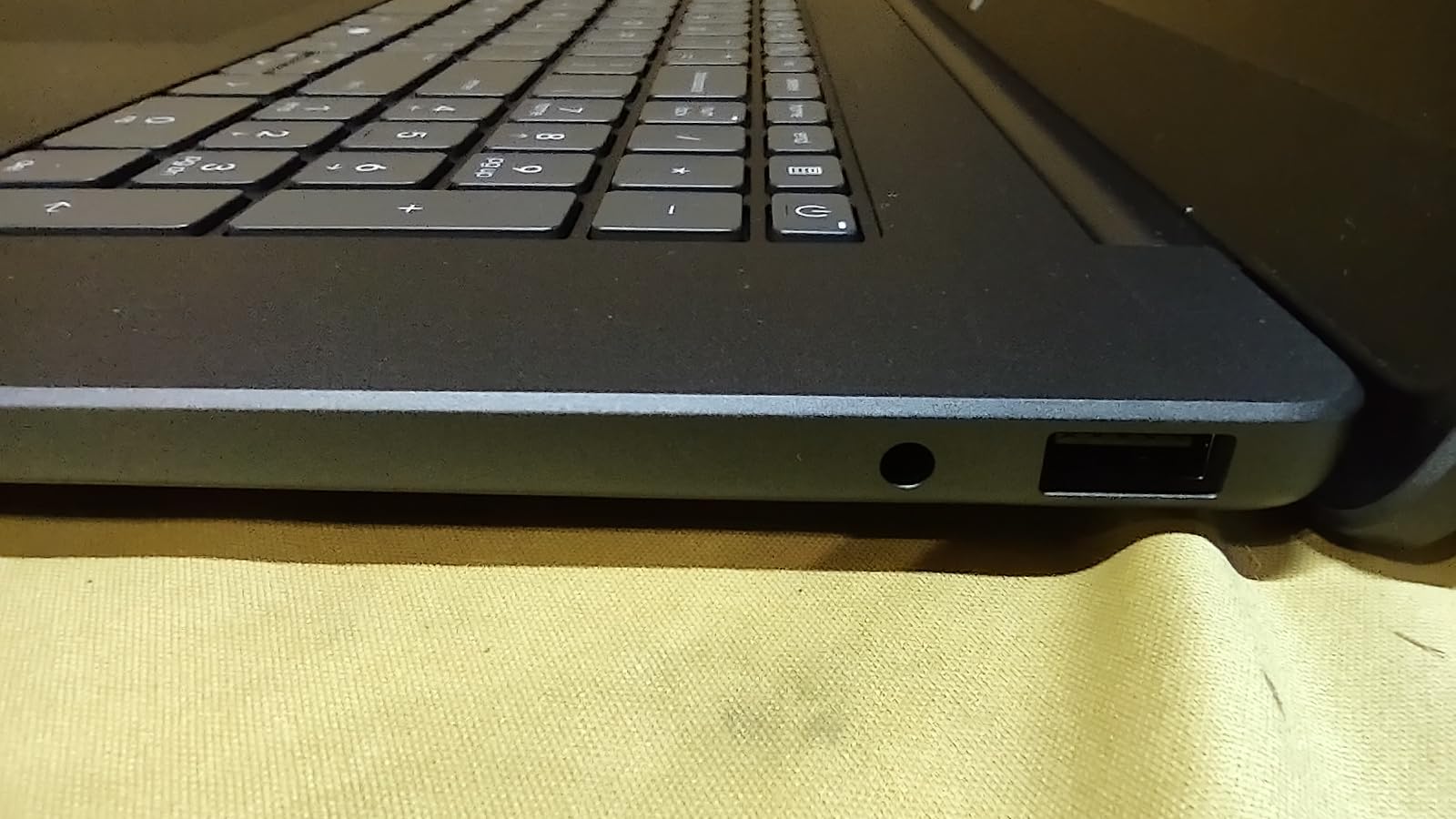
- Two USB-C ports with Power Delivery 3.1 and DisplayPort 1.4
- Two USB-A ports and HDMI 2.1 for older peripherals
- Backlit full-size keyboard with a numeric keypad
- Wi-Fi 6 and Bluetooth 5.4
It is not a gaming machine, and owners are clear about that. The Radeon 610M is entry-level integrated graphics, and the 8GB of memory is soldered. Several buyers also mention pre-installed Microsoft bloatware and OneDrive pre-configured to only 5GB, which takes a few minutes to sort out.
Against the HP 17.3 Ryzen 5, this is the better screen and the better battery for less memory headroom. If you want a bigger display and do not play games, this is the pick over the Acer Aspire Go 15.
7. Apple MacBook Air M5: Best for Apple Users
- M5 chip handles multitasking without strain
- Up to 18 hours of stated battery
- Lightest machine in the roundup at 2.71 lb
- 13.6 inch Liquid Retina display
- No HDMI port so a dongle is needed
- Memory and storage cannot be upgraded
- Apple services may not be included
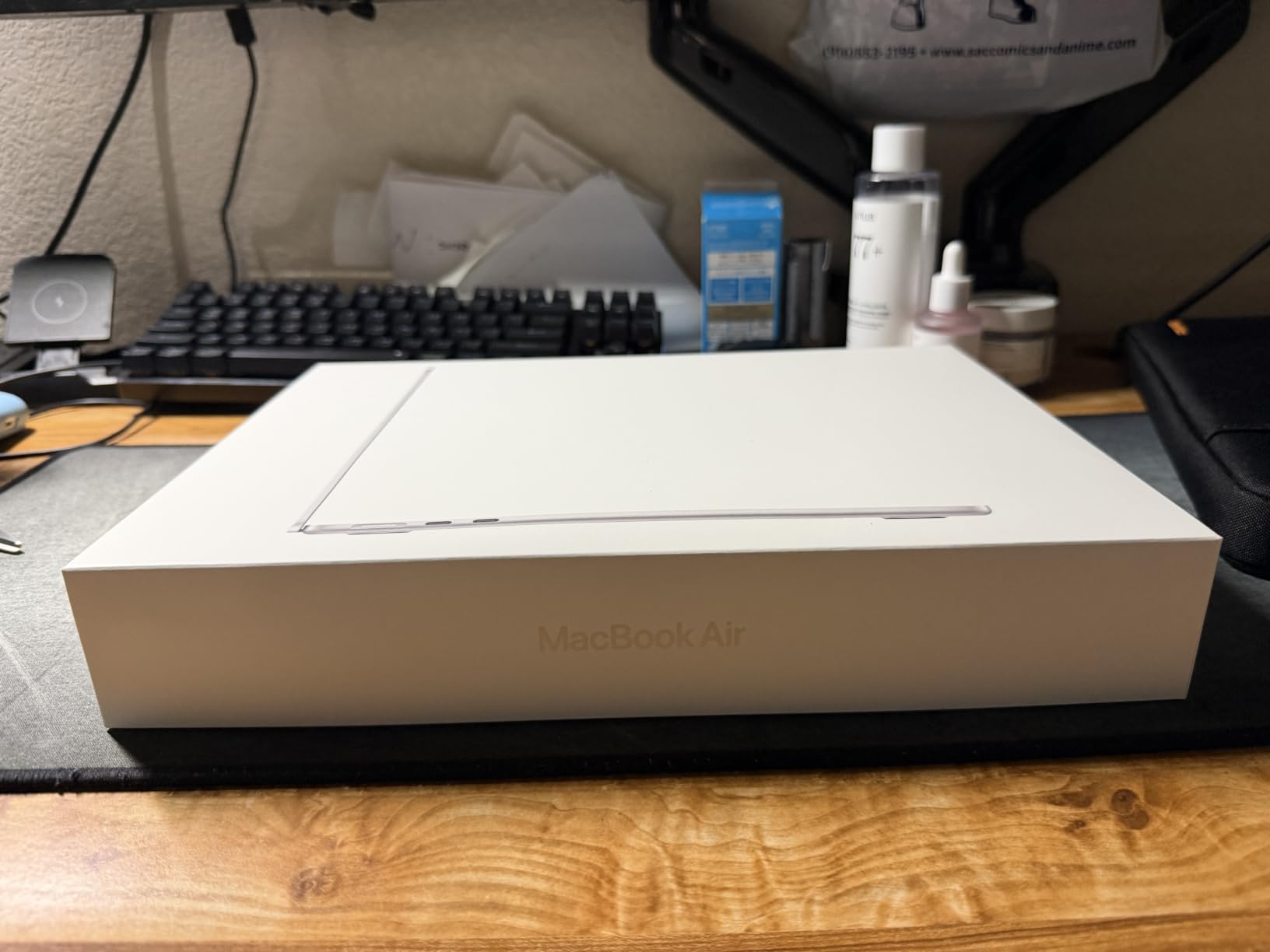
At 2.71 lb this is the lightest laptop here, and with up to 18 hours of stated battery life it is the one that disappears into a bag. The M5 chip pairs a Neural Engine with a next-generation GPU, and owners coming from older Intel Macs describe the difference as dramatic.
The 13.6-inch Liquid Retina display supports one billion colors, which is in a different class from the 250 nit panels in the budget half of this list. First-time Mac buyers in the reviews mention the transition was easier than expected, and iPhone owners point to Handoff and iPhone Mirroring as the feature they use most.
Connectivity is modern: two Thunderbolt 4 ports, MagSafe charging, a headphone jack and Wi-Fi 7 with Bluetooth 6 through the Apple N1 chip. It supports up to two external displays.
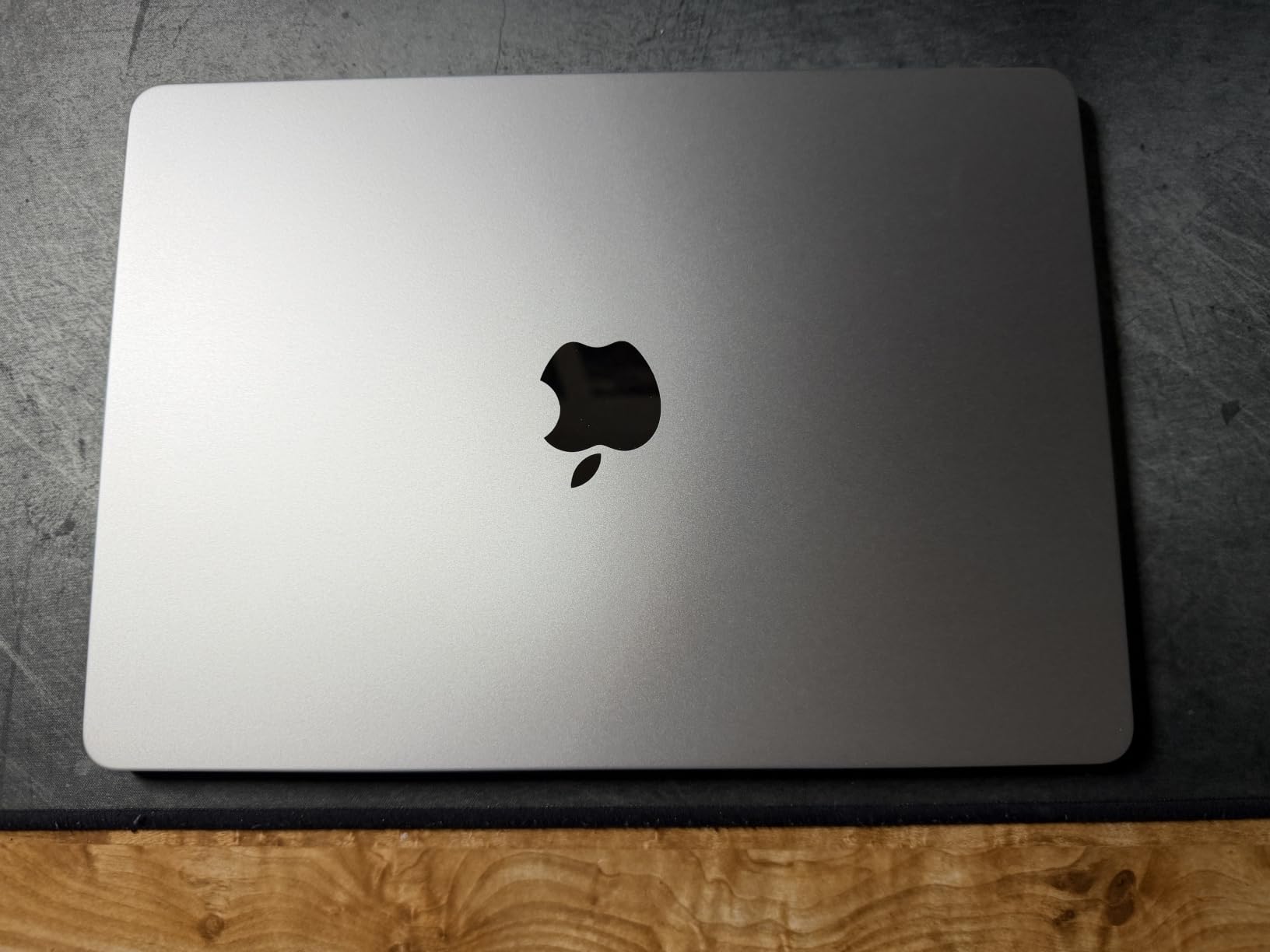
The recurring complaint is the lack of HDMI. If you connect to a conference room display regularly, budget for a dongle. The 16GB of unified memory and 1TB SSD are also fixed, and one buyer cautioned that a non-Apple retail unit may not include an Apple services subscription, so check the box contents.
A word on the 18-hour claim, since owner reviews are the check that matters. Buyers report the battery lasting through a full working day, which is the pattern you want to see behind a large figure.
Where it lands against the Acer Aspire Go 15 is simple: pick this one for creative work and longevity rather than upgradeability. Our guide to laptops for photo editing goes deeper on how much screen quality matters once you start color work.
At 4.8 stars from 230 owner reviews, this is the highest-rated machine in the roundup by a clear margin.
8. ASUS ROG Strix G16: Best for Maximum Graphics Power
- RTX 5070 Ti with 32GB GDDR5 and DLSS 4
- 24-core Core Ultra 9 handles heavy multitask
- 32GB DDR5 and 1TB SSD
- 2.5K 240Hz panel at 500 nits
- 5.8 lb is heavy to carry
- Flagship pricing
- Limited legacy USB-A connectivity
Nothing else in this list comes close on raw graphics. The RTX 5070 Ti laptop GPU runs on Blackwell architecture with 32GB of GDDR5, DLSS 4 and Max-Q, and the Intel Core Ultra 9 275HX underneath it has 24 cores boosting to 5.4 GHz. That is a desktop-class amount of headroom in a laptop shell.
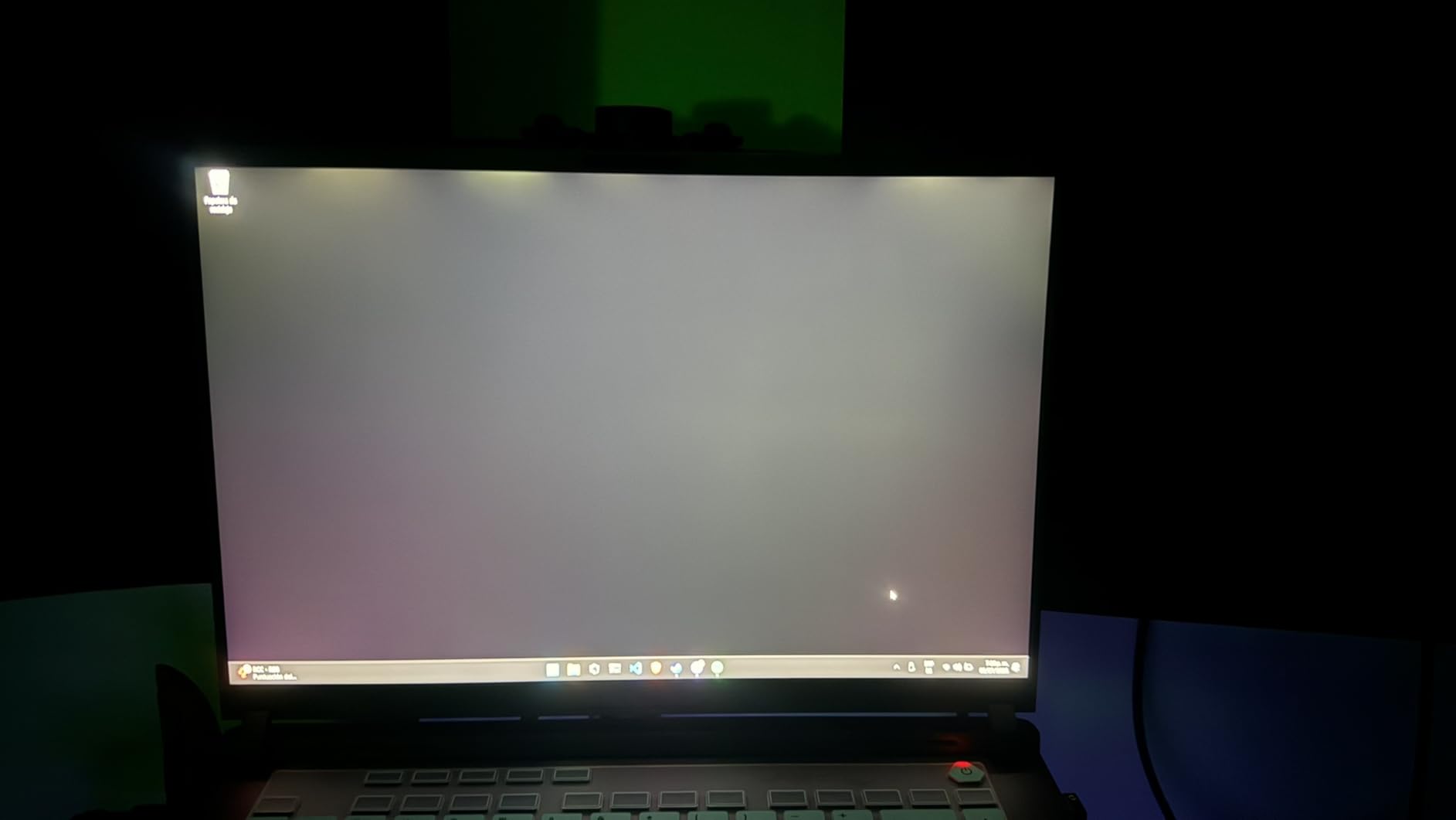
The 16-inch ROG Nebula panel runs at 2560 x 1600 with a 240Hz refresh rate, 3ms response and 500 nits brightness, in a 16:10 aspect ratio with an anti-glare film. At that resolution, the difference between a mid-range GPU and this one shows up immediately in frame rates.
Cooling is the part ASUS spent the engineering budget on. An end-to-end vapor chamber, tri-fan design and liquid metal on the chipset keep temperatures and noise down through long sessions, and the 90Wh battery is the largest capacity listed here. The full-surround RGB light bar has a Stealth Mode that switches it off for work.
The trade-offs are weight and the sticker number. At 5.8 lb this is a machine you leave on a desk, and it is the heaviest machine in the roundup by a wide margin. It also lists Thunderbolt-class connectivity without a generous set of legacy USB-A ports, so check what you actually need to plug in.
Stepping up to the Acer Nitro V 16S AI buys a stronger GPU, a faster panel and a larger battery at the cost of some portability. Against the Acer Nitro V 15 the gap is stark: one runs current games, the other runs everything.
Storage and memory here are already generous, which removes the usual upgrade anxiety. 32GB of DDR5-5600 and a 1TB PCIe Gen 4 SSD mean a large game library installs without shuffling files to an external drive, and 32GB of system memory handles streaming, voice chat and a browser full of tabs at the same time.
Wi-Fi 7 and Thunderbolt are both present, so pairing with current accessories is straightforward. Nothing in the spec list needs an adapter for everyday use, which is not always true at this level.
Where the money goes: the vapor chamber, liquid metal compound and tri-fan layout exist because a 5070 Ti generates heat that a thin chassis cannot vent quietly. That engineering is the reason the machine holds frame rates under sustained load instead of throttling.
One last consideration before you commit. At 13.94 by 10.55 inches and 5.8 lb, this needs a desk and a decent bag, and the 90Wh battery means you get less use away from a charger than the weight alone would suggest.
9. Acer Nitro V 16S AI: Best for Color Accurate Screens
- 32GB DDR5 with two slots
- 1TB Gen 4 SSD plus a free M.2 slot
- RTX 5060 with 572 AI TOPS and DLSS 4
- 16 inch 180Hz panel with 100 percent sRGB
- 4.6 lb is heavy for a 16 inch laptop
- 32GB is the upgrade ceiling
- Non-touch display
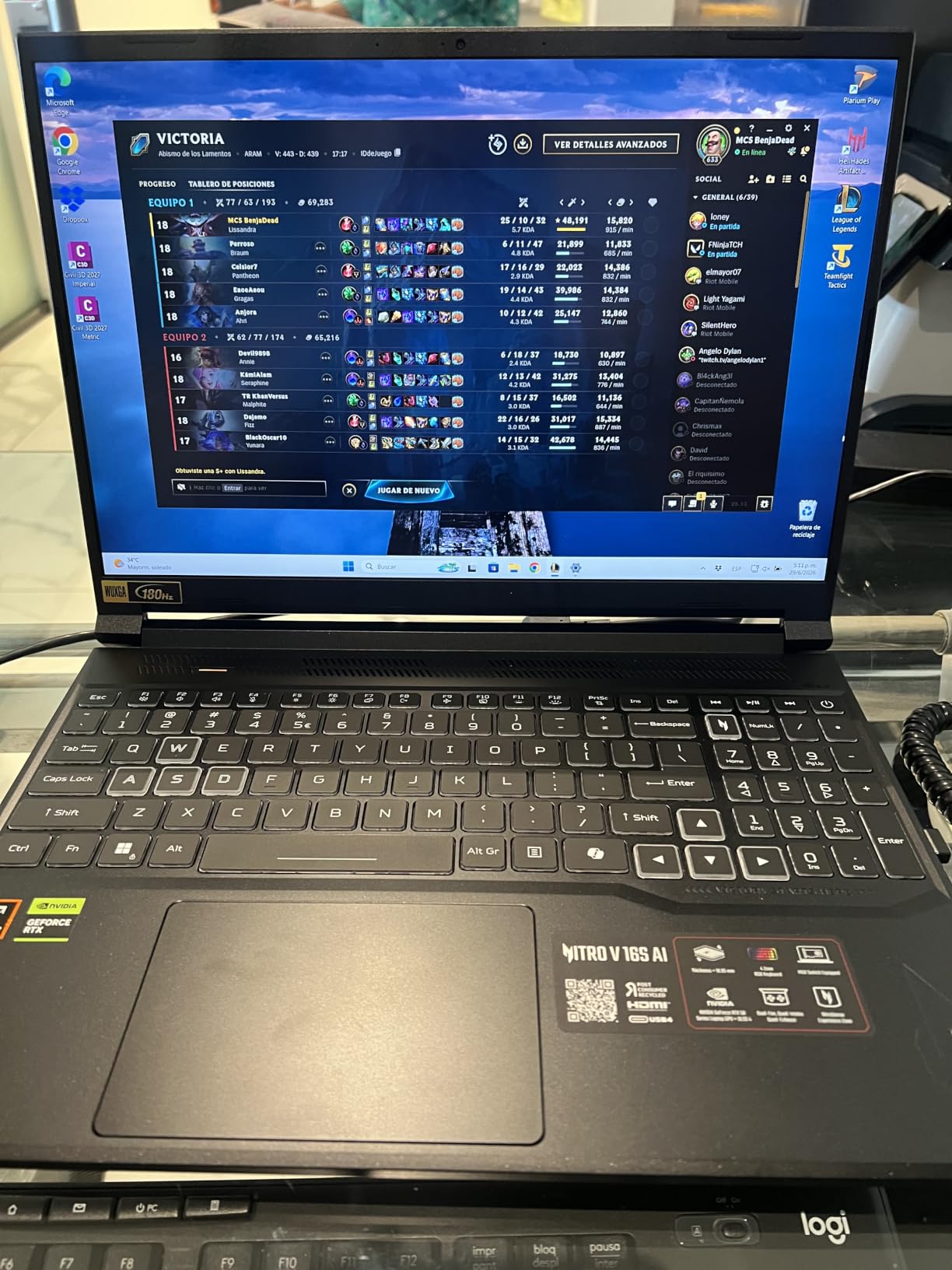
The 1920×1200 IPS panel covers 100% of the sRGB color space and refreshes at 180Hz, which makes this the gaming laptop here that also works for design and photo work. The HP 17.3 Ryzen 5 manages only 60% NTSC, and the difference is obvious side by side.
Memory is the standout specification. 32GB of DDR5-5600 across two slots is generous for gaming and leaves plenty of room for video editing. The 1TB PCIe Gen 4 SSD has a second M.2 slot still open, so storage is easy to add later.
The RTX 5060 laptop GPU is Blackwell architecture with 8GB of GDDR7, 572 AI TOPS and DLSS 4 with Multi Frame Generation, and the Ryzen 7 260 supplies 8 cores boosting to 5.1 GHz with 38 AI TOPS of its own.
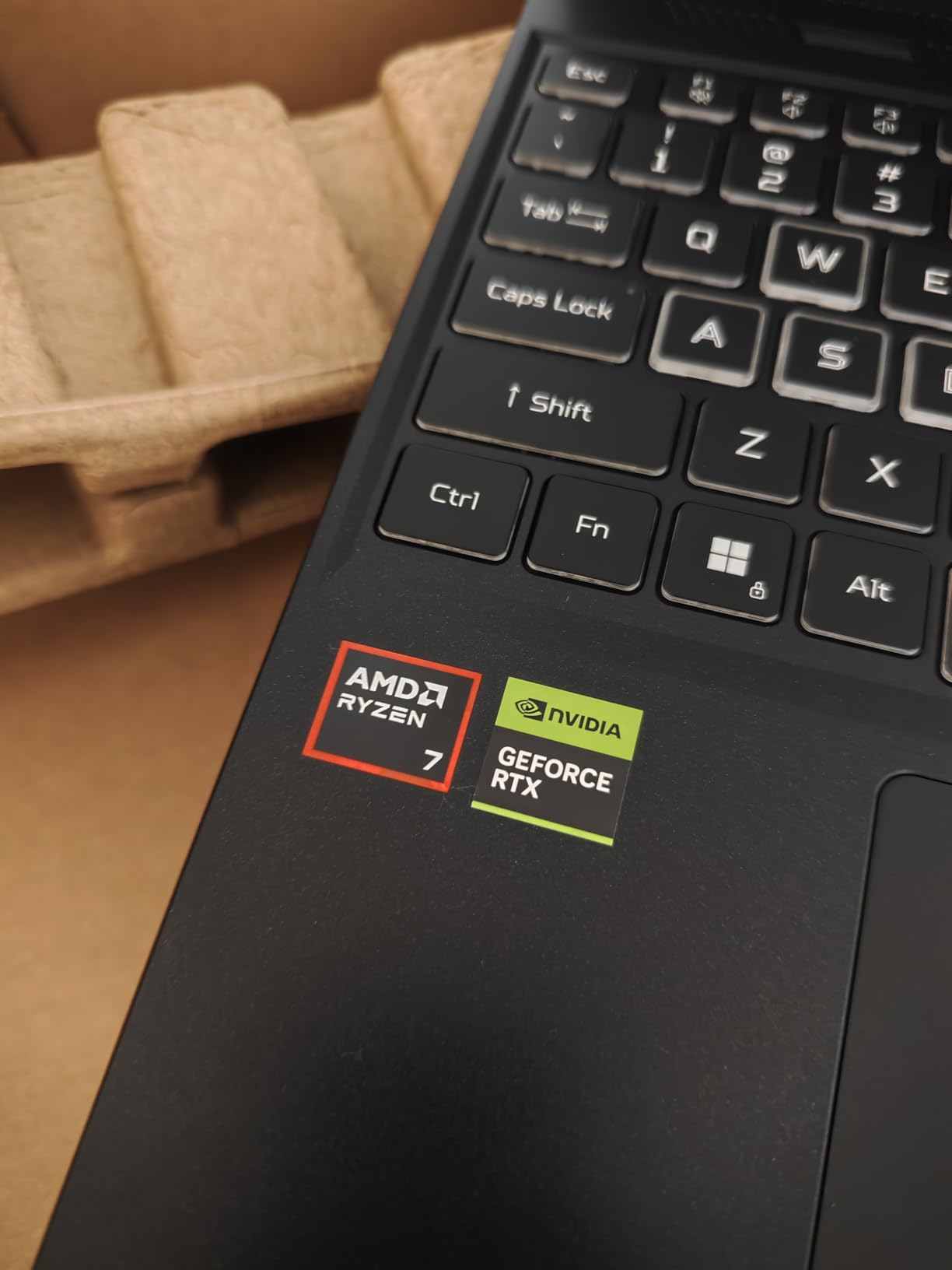
What you give up is portability. At 4.6 lb and 0.79 inch thick, it is heavier than most 16-inch laptops, and the 65Wh battery is modest next to the 90Wh in the ROG Strix G16. The display is also not a touchscreen.
This is the balanced pick of the three gaming machines here. It has the color accuracy the other two lack, more memory than the Acer Nitro V 15, and none of the flagship weight of the ROG Strix G16.
Good to know: HDMI and DisplayPort over USB-C are both present, so a single-cable setup to a monitor is possible without an adapter.
10. Samsung Chromebook Plus 12.2: Best for 2-in-1 Flexibility
- 360 degree hinge converts cleanly to tablet
- Stylus pen and wireless mouse in the box
- Docking station adds 128GB SSD
- Compact at 3 lb for a touchscreen
- Lowest rated at 4.1 with 14 percent one-star
- Celeron 3965Y struggles under load
- Reports of freezing and app crashes
The 360-degree hinge is the reason to buy this. A 12.2-inch 1920×1200 capacitive touchscreen at 3 lb flips cleanly into a tablet, and the box includes a stylus pen and a wireless mouse, which is unusual at any price and rare at this one.
Storage is the clever part. Rather than one drive, the 224GB total is split across 64GB of built-in eMMC, a 128GB SSD inside the bundled seven-in-one docking station and a 32GB microSD card with adapter. Set it up properly and the usable capacity is far better than the built-in figure suggests.
Buyers who love it describe quick setup and solid behavior with schoolwork, browsing and video calls, plus a durability that survives being carried around.
The bundled dock is what makes the storage figure work. Seven-in-one with a 128GB SSD inside, a card reader and a range of ports, it turns a 64GB machine into something closer to a normal laptop, and the stylus covers handwritten notes in tablet mode without another purchase.
Wi-Fi 5 is the one specification that dates this machine. In an area with a crowded wireless network, that difference is noticeable when everything else in the house is on Wi-Fi 6 or 7.
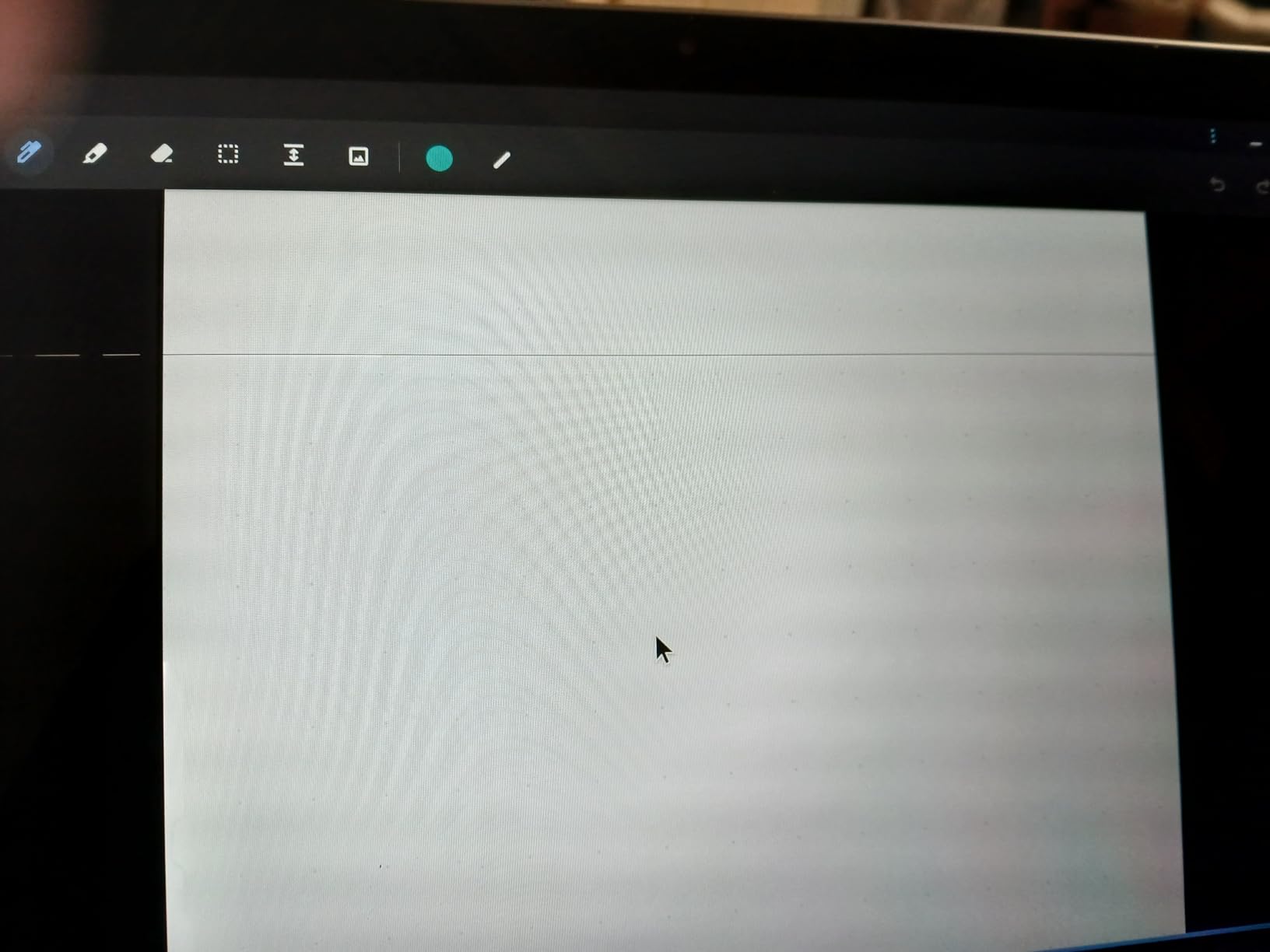
Be aware of what the critical reviews say, because they are substantial. This is the lowest-rated machine here at 4.1 with 14% one-star ratings, and owners report freezing, glitching and apps crashing during document work. The Intel Celeron 3965Y runs at 1.5 GHz and struggles under any real load, and the 4GB of LPDDR3 memory cannot be upgraded. It is also Wi-Fi 5 rather than Wi-Fi 6.
Compared with the Lenovo Flagship Chromebook 14, you trade a much better screen and a far better chip for a convertible form factor and the bundled accessories. If the tablet mode is the point, this works. If raw speed is, take the Lenovo instead.
Good to know: the 12MP Center Stage camera with Desk View keeps you framed when you stand up from a desk, and the four-speaker system with Spatial Audio and Dolby Atmos handles a small room without extra gear.
How to Choose Laptops During Prime Big Deal Days
Performance and Processor
Start with the job, not the chip name. A Celeron or a Kompanio is fine for browsing, documents and streaming, and anything with a Core 3, Ryzen 3 or Ryzen 5 handles a full day of real work. Eight cores is where multi-window multitasking stops feeling like a compromise.
For a machine that will also run creative software or games, the processor matters less than the graphics. Our picks for business laptops go into the workload side in more detail. Below the Acer Aspire Go 15, expect the compromise to show within a year.
Battery Life and Portability
Weight and screen size decide whether a laptop is portable, not the marketing. Under 3 lb you can carry it every day without thinking about it, as with the Apple MacBook Air M5 and the Lenovo Flagship Chromebook 14. Above 4.5 lb, treat it as a second machine that lives near a charger.
Battery claims vary wildly in honesty, so read the owner reviews rather than the spec sheet. Our roundup of college student laptops covers the weight question in more depth, and our picks for power banks for laptops are worth a look if your machine falls short of its rated figure.
Display Quality and Size
Full HD at 1920×1080 is the minimum worth paying for in 2026, and anything below that will bother you daily at 14 inches or larger. The HP Essential 14 at 1366 x 768 and the HP 17.3 Ryzen 5 at 1600 x 900 are the two to look past.
Brightness and color coverage decide what you can do with the screen. 250 nits is fine indoors, 300 nits is comfortable, and a 100% sRGB panel is the requirement for photo or design work. Screen size is a separate choice: 17.3 inches suits a desk, 12 to 14 inches suits a lap.
Storage, Memory and Connectivity
8GB of memory is the practical floor for Windows in 2026, and 16GB is where multitasking stops being a compromise. 4GB is acceptable in a Chromebook and uncomfortable anywhere else.
Check whether the memory is soldered before you buy, and whether a free M.2 slot exists. The HP 17.3 Ryzen 5 and the HP OmniBook 3 17.3 both pair their memory with a 512GB NVMe drive, while the Acer Aspire Go 15 ships 128GB of UFS and leaves an M.2 slot open beside it. For ports, look for USB-C with DisplayPort and power delivery, plus HDMI, since several machines here list a USB-C port that handles data only.
How to Shop Laptop Deals During the Sale
Read the listing carefully before you buy, because sale pages pull configuration details from several places. Confirm the exact model number or generation code, since the same family name covers different chips and screens. Check the memory and storage figures on the specific configuration you are buying, not the family average, and look at what is in the box, since stylus pens, docks and mice are sometimes bundled and sometimes not.
Note whether the listing is new or renewed and who sells it. Most offers during Prime Big Deal Days need a Prime membership, and prices change throughout the event, so the number you see on one day is not a promise about the next.
- Confirm the model number and processor, not just the product family name
- Check the memory and storage on your exact configuration
- Look for a free M.2 slot or DIMM slot before you close the deal
- Check whether the seller is Amazon or a third party
- Read the box contents, particularly for bundled accessories
- Set up a price history alert before the event so you can judge the offer
Frequently Asked Questions
When does Amazon Prime Big Deal Days run in 2026?
Amazon Prime Big Deal Days runs October 6-7, 2026, starting at 12:01 AM PT and lasting 48 hours. Laptops are among the categories most often featured, with new offers appearing throughout the window as today’s big deals refresh.
Do I need Prime membership to buy laptop deals during Prime Big Deal Days?
Most offers during Prime Big Deal Days require an active Amazon Prime membership, and a 30-day free trial counts. A few deals run for everyone, so check the listing before assuming you need to sign up first.
Are laptop deals likely to be available during Amazon Prime Big Deal Days?
Laptops are one of the strongest categories during Prime Big Deal Days, with Chromebook, Windows, Mac and gaming models all appearing. Offers change through the event, so the laptops on a shortlist are worth checking on both days rather than only the first morning.
How do I compare two laptop deals with different specifications?
Compare the configuration rather than the discount, since the same model ships in several versions. Check memory, whether it is upgradeable, storage and free expansion slots, screen resolution, weight and battery claims. A larger percentage saving on a weaker configuration is not the better deal.
Should I buy a laptop with 8GB or 16GB of RAM?
Choose 8GB for browsing, documents and Chromebooks, and 16GB for Windows machines that will run many tabs, video calls and creative software. 16GB is also the right call for a gaming laptop, since several titles stutter below that.
Final Verdict: Amazon Prime Big Deal Days Laptop Deals
Buy the Lenovo Flagship Chromebook 14 if the budget is tight and the work happens in a browser. Buy the Acer Aspire Go 15 if you want the most capable machine for the money, since the upgrade slots make it the one that ages best.
For anyone typing all day, the HP Essential 14 earns its place with a numeric keypad and a full port set. The HP OmniBook 3 17.3 answers the desktop-replacement question, and the HP 17.3 Ryzen 5 is the pick when 16GB of memory matters more than screen quality.
Gamers have three options at clearly different levels: the Acer Nitro V 15 for 1080p play, the Acer Nitro V 16S AI for a color-accurate 180Hz panel, and the ASUS ROG Strix G16 when only maximum graphics will do. Apple users get the MacBook Air M5, and the Samsung Chromebook Plus 12.2 suits anyone who mainly wants a tablet that types.
Check the current price on each listing during the sale, and compare the exact configuration rather than the discount percentage.