
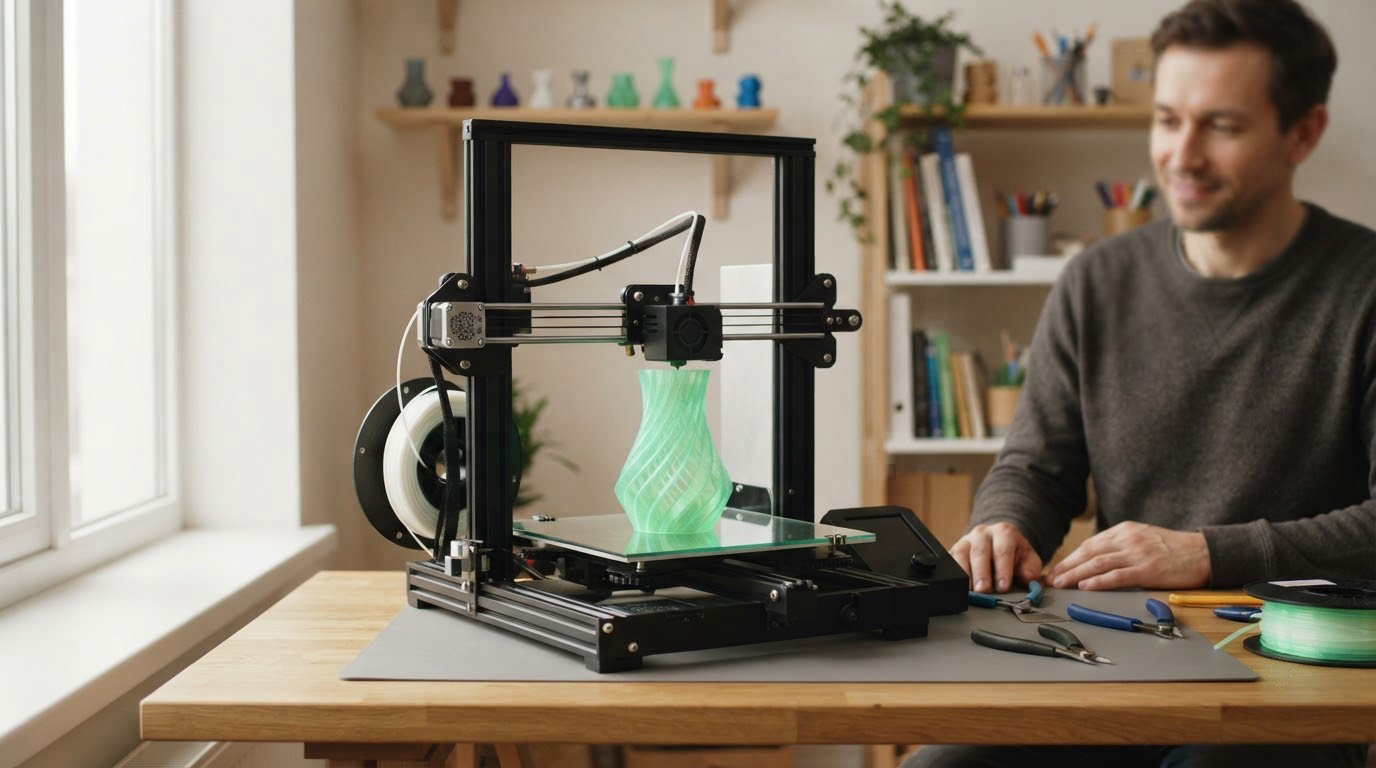
If you want one printer that handles almost anything a home maker throws at it, the Bambu Lab P1S Combo leads this list: a fully enclosed FDM machine that prints up to 16 colors through the bundled AMS and still handles ABS and ASA, which most open-frame rivals in this roundup cannot.
For a lighter entry point, the Creality Ender 3 V3 SE is the straightforward first printer on this list, and the Bambu Lab A1 is the one owners rate highest for setup speed and hands-off reliability. The sale itself, Prime Big Deal Days, runs October 6-7, 2026, and offer terms shift through the window, so every pick below is worth watching rather than a confirmed discount. Each product’s current price sits behind its button.
Our Top 3 Picks for Best Amazon Prime Big Deal Days 3D Printer Deals in 2026


Best Amazon Prime Big Deal Days 3D Printer Deals Compared
| Product | Specifications | Action |
|---|---|---|
| Bambu Lab P1S Combo |
|
Check Deal Price |
| Creality Ender 3 V3 SE |
|
Check Deal Price |
| Bambu Lab A1 |
|
Check Deal Price |
 FlashForge Adventurer 5M FlashForge Adventurer 5M |
|
Check Deal Price |
 Anycubic Photon Mono 4 Anycubic Photon Mono 4 |
|
Check Deal Price |
 ELEGOO Mars 5 Ultra ELEGOO Mars 5 Ultra |
|
Check Deal Price |
 ELEGOO Saturn 4 Ultra 16K ELEGOO Saturn 4 Ultra 16K |
|
Check Deal Price |
 Entina Tina2C Entina Tina2C |
|
Check Deal Price |
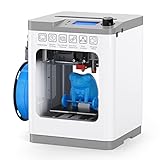 Entina Tina2 Basic Entina Tina2 Basic |
|
Check Deal Price |
 FlashForge Adventurer 5M Pro FlashForge Adventurer 5M Pro |
|
Check Deal Price |
How We Chose
We compared the specifications that actually change a print: build volume, chamber enclosure, max speed and acceleration, leveling type, filament and material compatibility, and warranty coverage. We also read owner reviews and ratings on Amazon for reliability patterns, not just first impressions. Everything here was checked in October 2026 and the sale window is short, so treat the ratings as the durable signal and the pricing as the part that moves.
1. Bambu Lab P1S Combo: Best for Enclosed Multi-Color Printing
- Multi-color printing handled automatically by the AMS
- Enclosed body handles ABS and ASA as well as PLA and PETG
- 500mm/s with 20000 mm/s2 acceleration
- Automatic bed leveling and bed-level check on every print
- About 15 minutes to set up
- Onboard screen is low-resolution for the price
- SD card prints will not run through the AMS
- No filament spools included in the box
This is the machine that does the most jobs per shelf space in the roundup. The AMS multi-unit inside the enclosure is the reason most owners end up keeping it for years: you load four spools at a time and the printer feeds colors and materials itself, which turns a two-hour print into something you can start and walk away from.
Speed is the other half of the story. 500mm/s with 20000 mm/s2 acceleration means tall, thin parts like lamp shades and curtain rods come off the bed faster than on the open-frame machines further down this list, and the fully enclosed body keeps ABS and ASA prints from warping in a room with a draft. Owners consistently report printing within an hour or two of unpacking.
Compare it with the Bambu Lab A1 later in this list: the A1 is rated higher for simplicity, but it is open-frame, so ABS and ASA are off the table there, and the AMS lite that fits it is a separate purchase. If you print two colors or one enclosure-only material matters, the P1S Combo is the smarter buy.
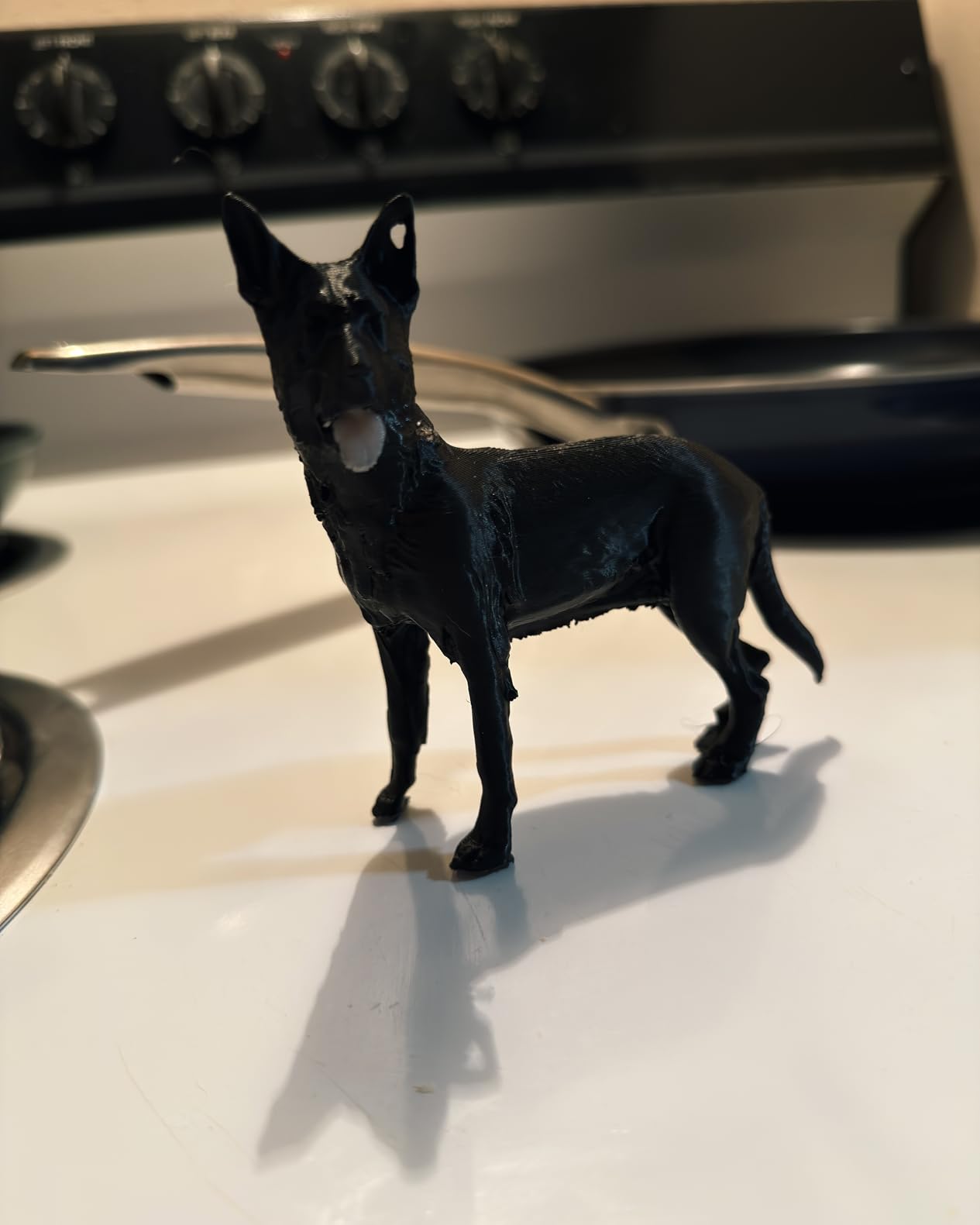
The trade-off is the software and the screen. Owners report a low-resolution display that is awkward next to cheaper touchscreens, and a first-run binding flow through the app that some buyers found confusing. A useful tip from owners: check the fan wiring on arrival and run a purge bucket before your first real job.
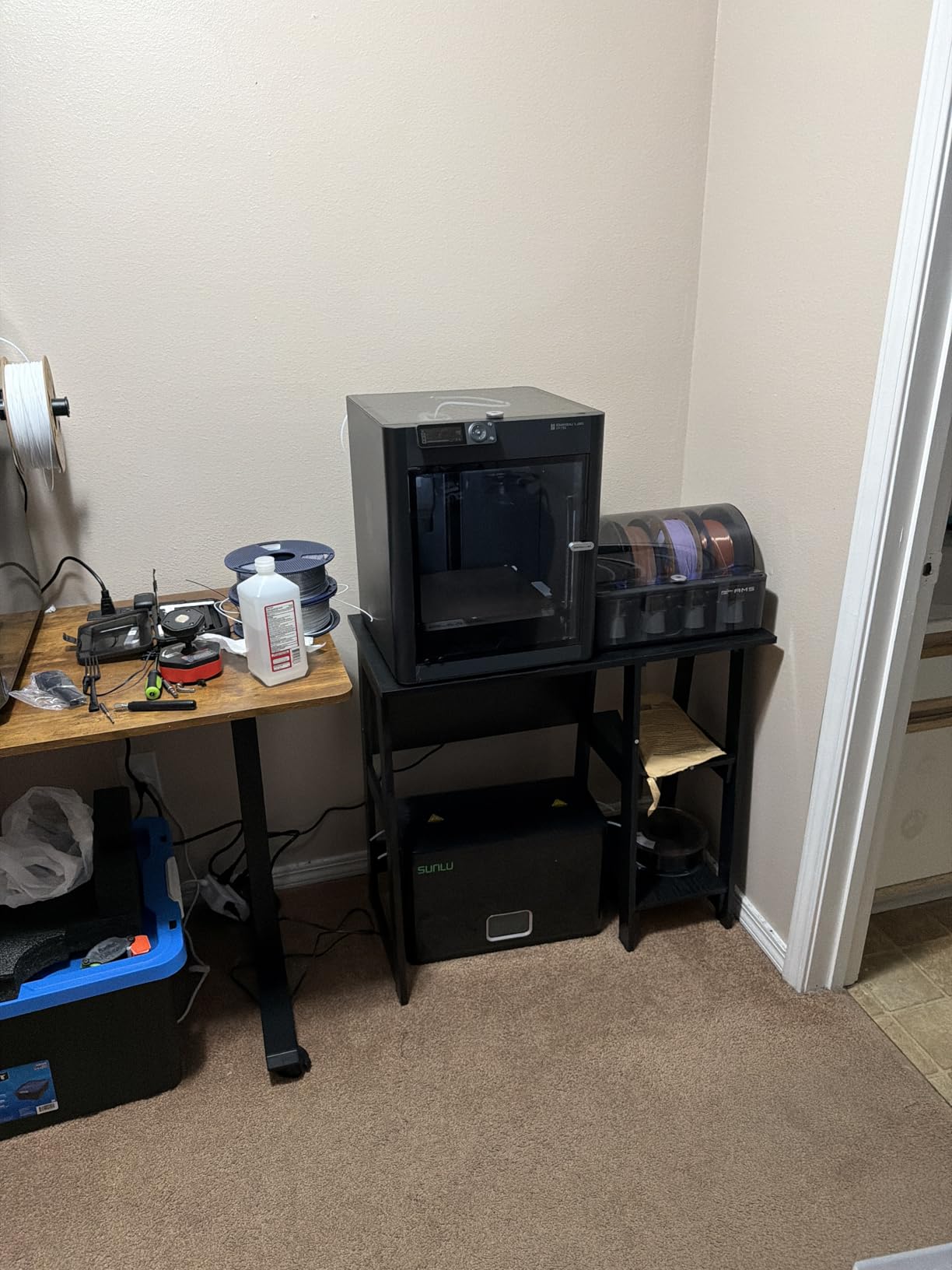
2. Creality Ender 3 V3 SE: Best for a Straightforward First Printer
- About 20 minutes to assemble and set up with an Allen key
- CR Touch auto leveling removes manual bed adjustment
- Sprite direct drive handles PLA and PETG plus TPU
- 32-bit silent mainboard runs quietly
- Dual Z lead screws and Y linear shafts for stable layers
- Open frame rules out ABS and ASA
- Some units develop fan or Y-axis noise within months
- Build volume is smaller than most rivals here
- Check the rear voltage switch on arrival
This is the printer you buy when you want the least ceremony between the box and a finished part. Assembly is genuinely short, and the CR Touch sensor handles bed leveling and Z-offset calibration on its own, which removes the single most common reason first prints fail.
Owners describe it as dependable rather than exciting. The 250mm/s top speed with 2500mm/s2 acceleration is quick enough for everyday PLA, PETG and TPU parts, and reviewers report it handles wood-filled and nylon-infused filament too. At under 20 pounds it is also one of the easier machines to move between a craft room and a spare closet.
Where it differs from the Bambu Lab A1 is manual involvement. The Creality wants you in the slicer; the A1 automates leveling, flow and filament monitoring. For someone who wants to learn the workflow, the Ender is the better teacher. For someone who never wants to touch a slider, pick the A1.
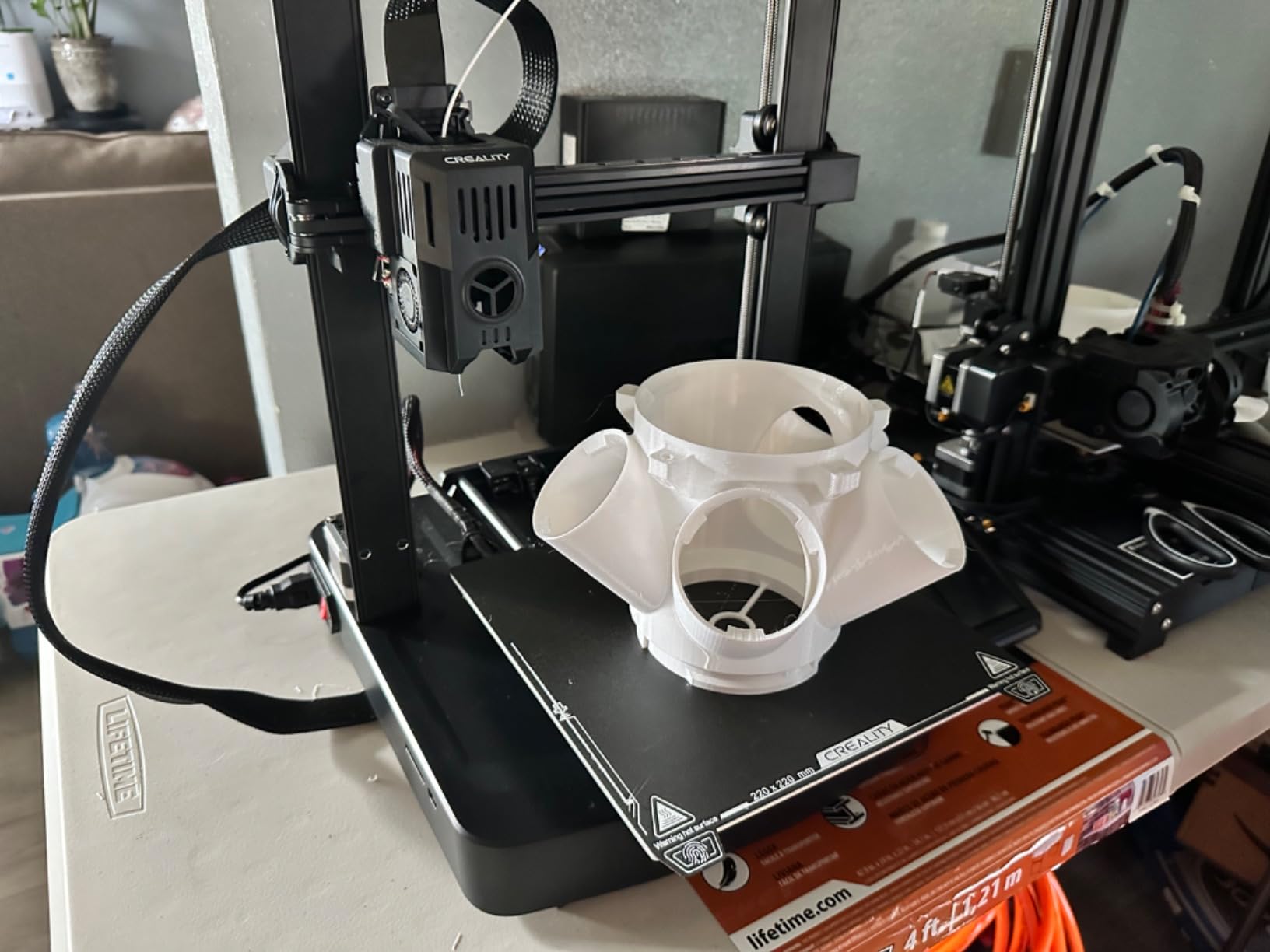
Good to know: the power and voltage switch at the back can arrive set to 220V instead of 125V, which leaves the screen dark on first power-up. Check it before you unpack anything else. Several reviews also mention early-life cooling fan noise and an unreliable USB drive connection, both of which are return-window problems, and Amazon’s 30-day window is the reason plenty of buyers prefer this platform over buying elsewhere.
3. Bambu Lab A1: Best for Set-and-Forget Printing
- Highest owner rating of every printer reviewed
- Setup is quick enough that new users print within minutes
- Full-auto calibration covers Z-offset bed level and flow
- Filament runout and tangle detection stop and resume the print
- Quiet operation with active motor noise canceling
- AMS lite not included with the base model
- Open frame excludes high-temperature engineering filaments
- Cloud account and closed-source software required
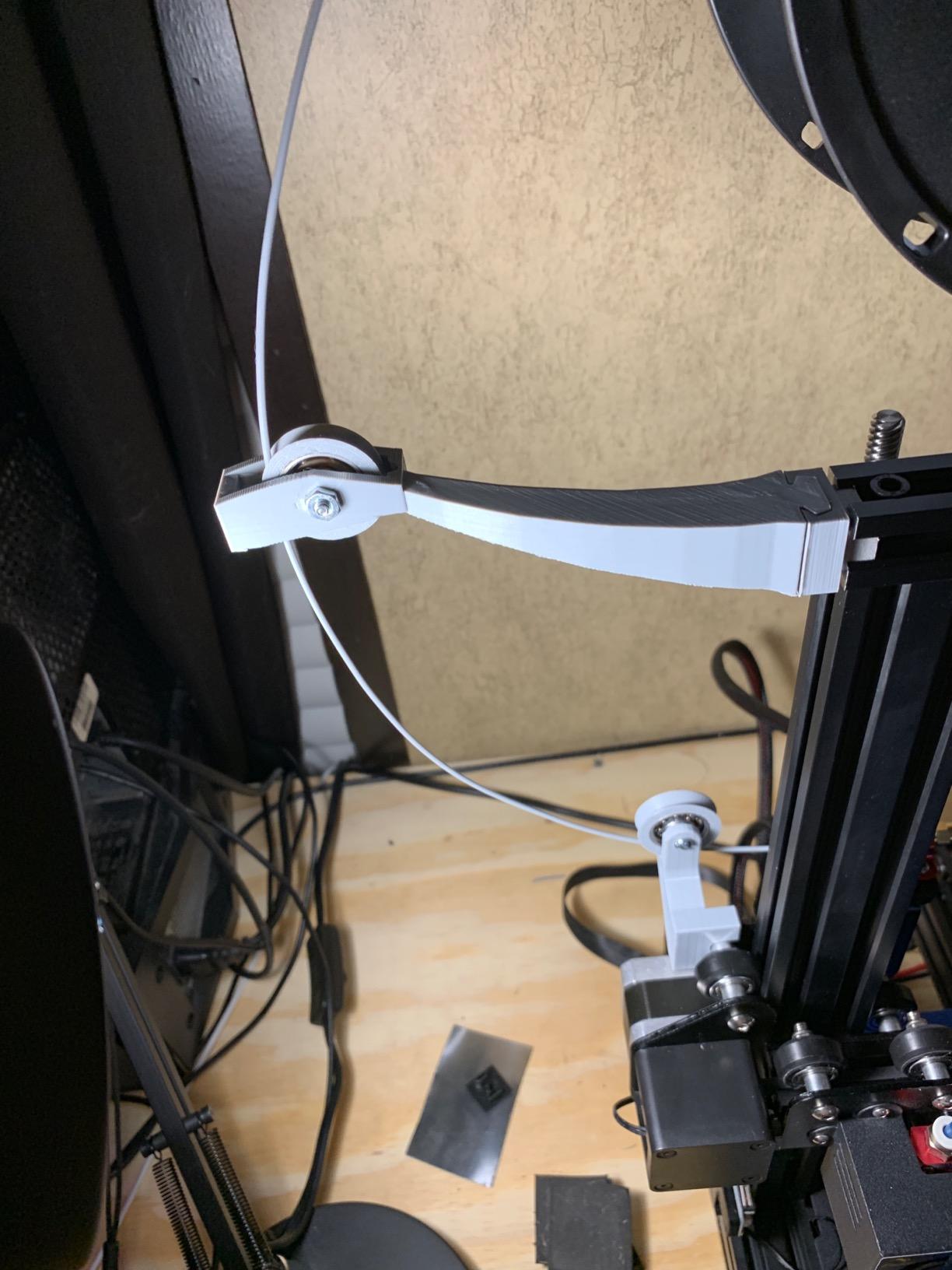
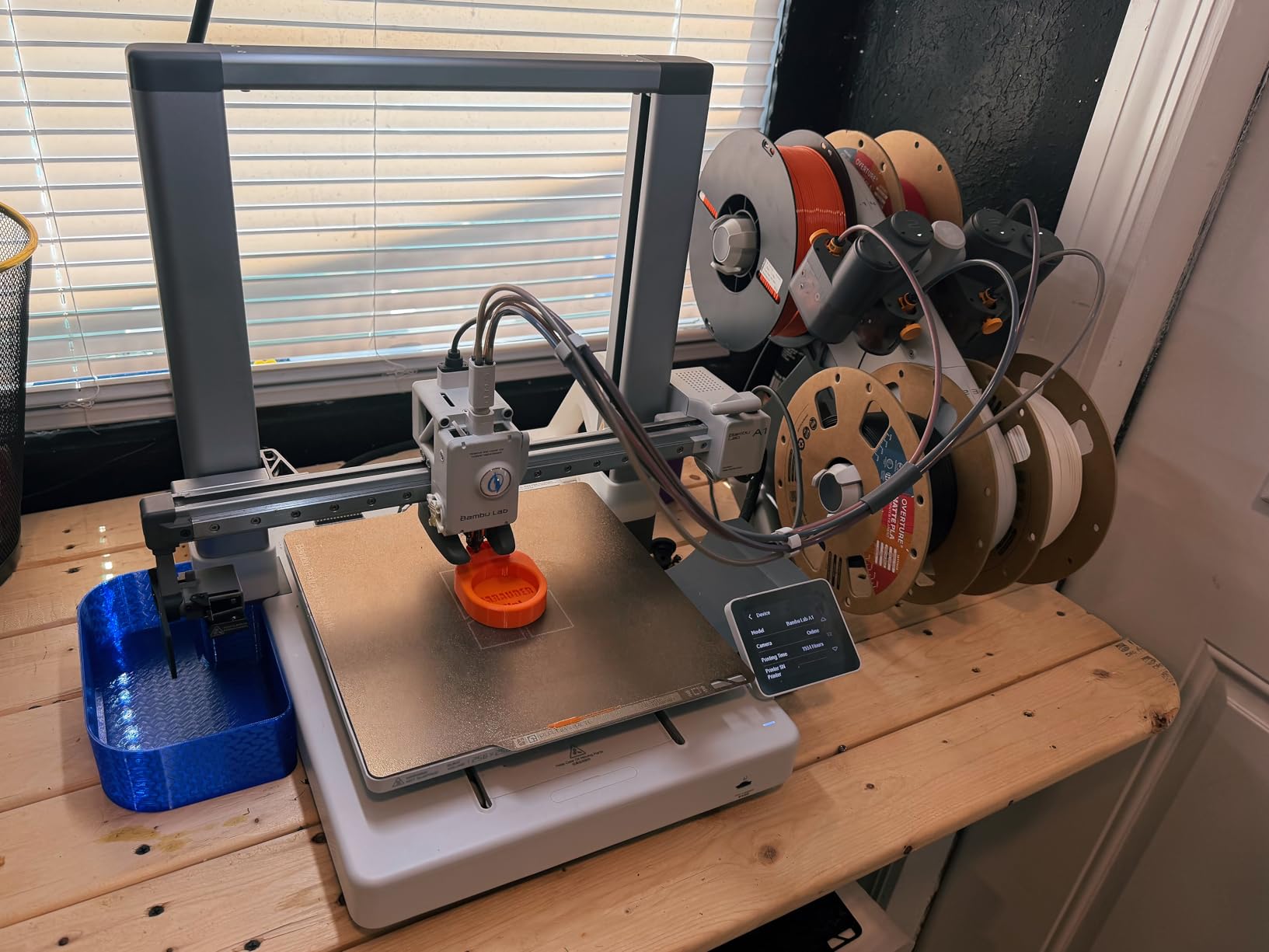
This carries the highest owner rating in the roundup, and the reason shows up again and again in reviews: people with no 3D printing background report months of problem-free output. Full-auto calibration covers Z-offset, bed level and flow, so the machine corrects for itself between jobs.
For a household full of small jobs, the automation is the argument. Cable clips, drawer dividers, replacement knobs and plant pot holders all print unattended because filament runout and tangle detection pause the job and resume it when the problem clears. Flow rate compensation keeps layers consistent as the spool runs down.
The most repeated piece of advice: several owners wished they had bought the A1 Combo version with the AMS lite instead of the base model, because adding the multi-feed unit later costs more than getting it at the start. If multi-color appeals to you at all, compare that bundle carefully against the P1S Combo at number one.
Compared with the FlashForge Adventurer 5M at number four, both automate leveling and both print fast. The A1 is quieter and better rated, while the Adventurer brings a CoreXY gantry and a 220 x 220 x 220mm cube. Reviewers who came from Prusa or Creality machines also point out how little tinkering this one asks for.
4. FlashForge Adventurer 5M: Best for Speed on a Small Footprint
- CoreXY motion with input shaping cuts ghosting
- One-click fully auto leveling
- 600mm/s with 20000 mm/s2 acceleration
- All-metal frame in a compact footprint
- Supports PLA PETG TPU and CF-filled filament
- Single color only with no multi-material option
- WIFI and app connection reported as unreliable
- Touchscreen is small and dim
- Firmware freezes reported by some owners
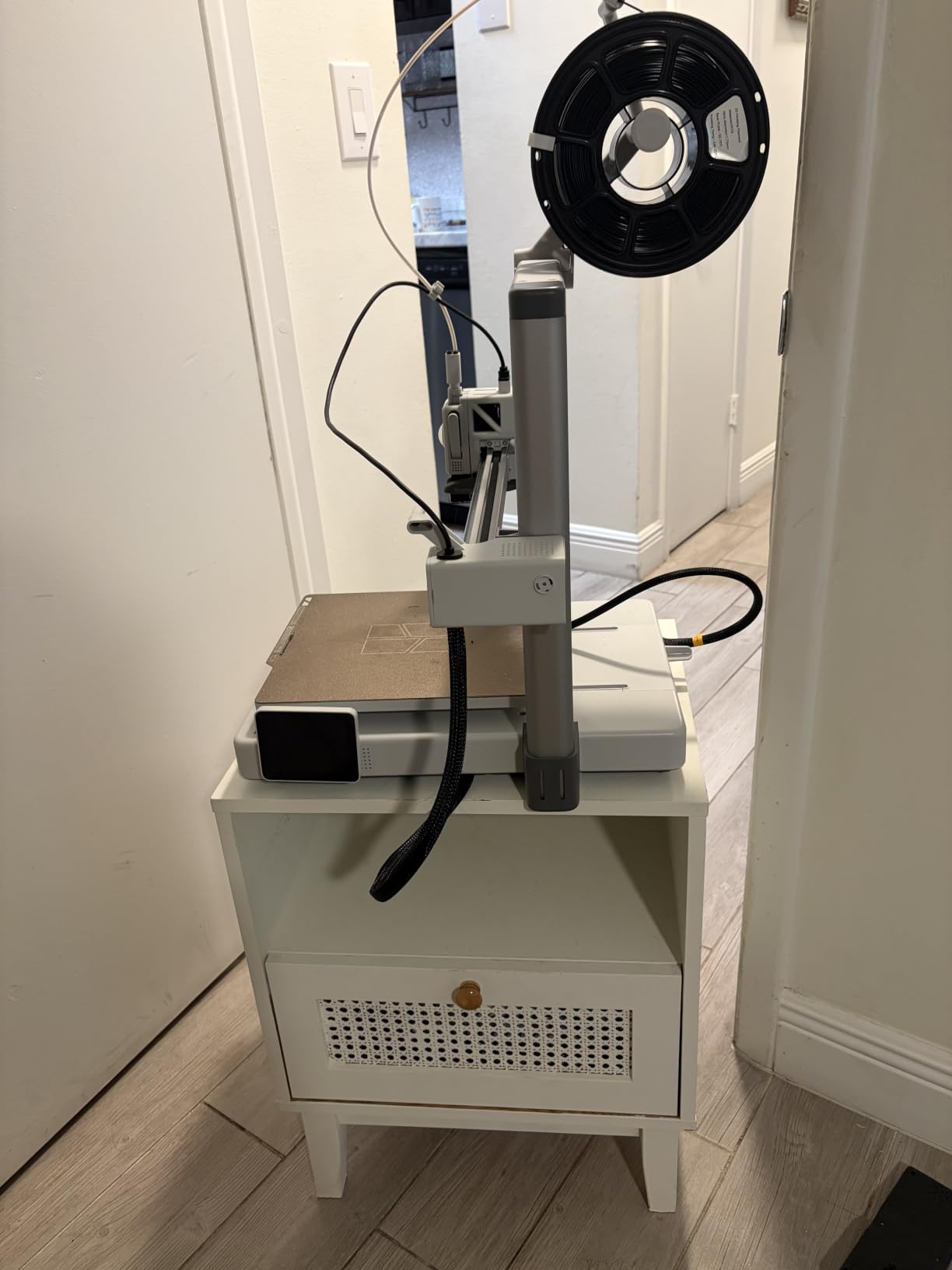
A CoreXY gantry at this price is unusual, and it shows up in the output: input shaping cancels most of the ringing that makes open-frame prints look wavy, so you get fast moves without the ghosting. 600mm/s and 20000 mm/s2 acceleration put it next to the P1S Combo on paper while costing noticeably less and taking less room.
The pitch to a new owner is time to first print. Owners report up and running in under ten minutes, and Flashforge support draws repeated praise for fast parts and clear instructions. The dual-sided flexible PEI plate grips PLA and PETG well, and parts release without a fight.
Skip it if you need colors. The base 5M is single-color with no multi-material option, which is the one hard limit. For ABS, ASA or carbon-filled filament, look at the Adventurer 5M Pro at number ten instead, which is the enclosed version of the same idea.
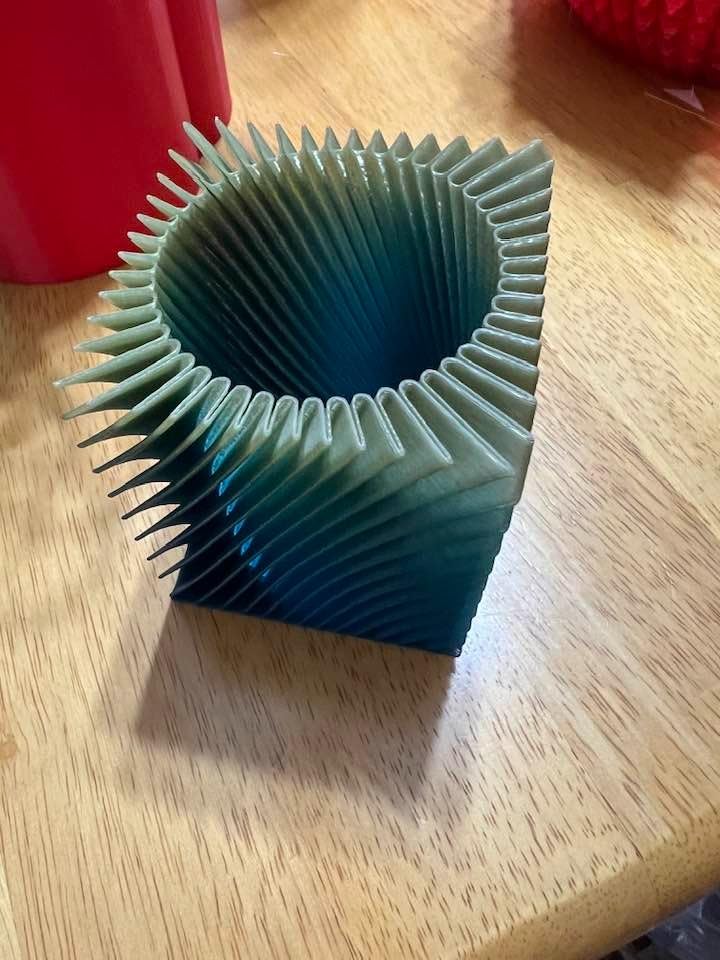
Two practical notes from reviews. Networking is the recurring weak point: some units will not join a 5GHz network, so set the router to 2.4GHz before your first print. And the filament sensor only detects a fully empty tube, not a mid-feed tangle, so a jam can still end a long job.
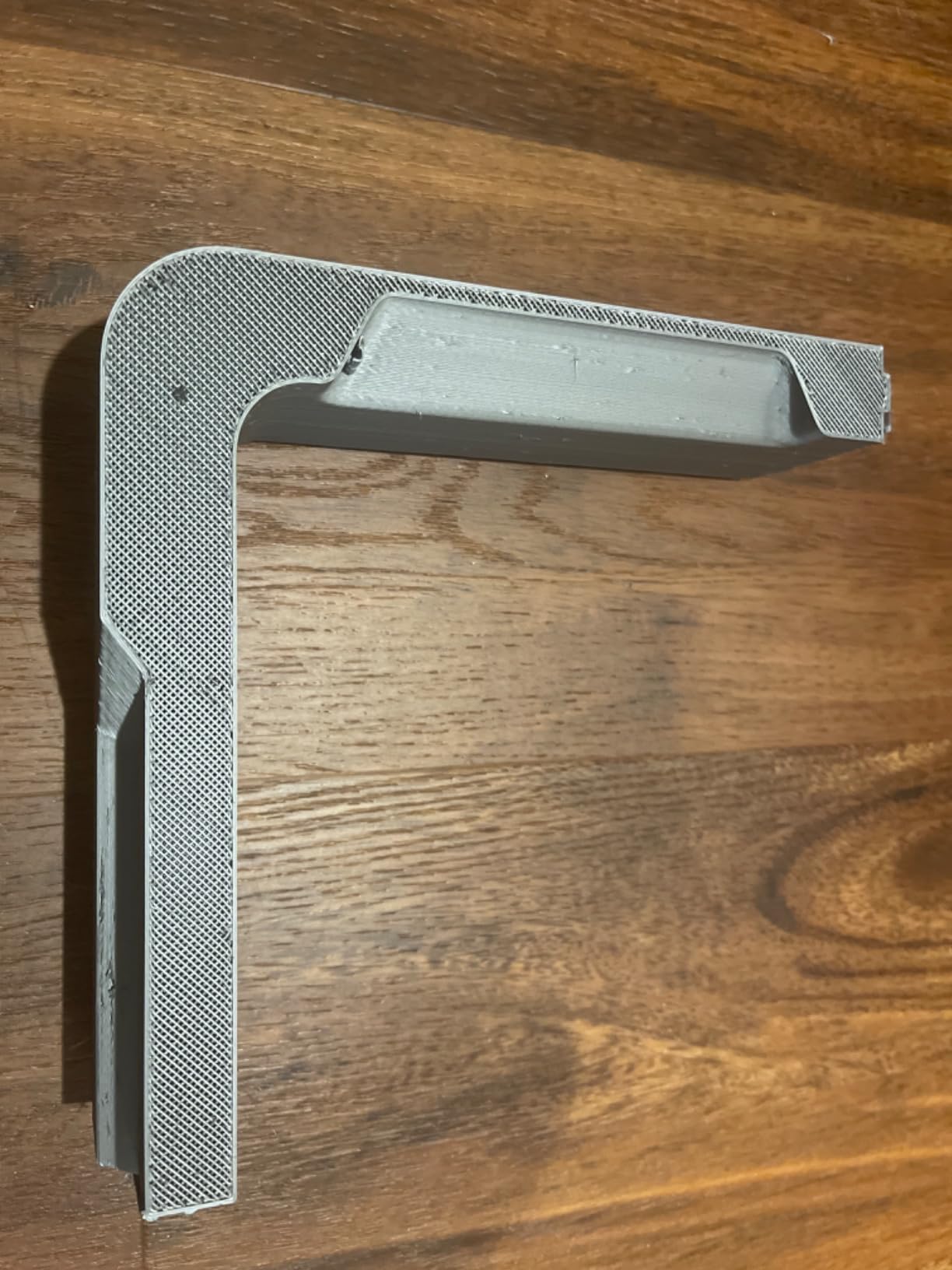
5. Anycubic Photon Mono 4: Best for Miniatures and Small Parts
- 10K mono LCD produces near-invisible layer lines
- Four-point leveling is a one-and-done process
- Quiet and small enough for a home office
- Good plate adhesion for resin
- Power-restore resume recovered interrupted prints
- Small build volume means constant model resizing
- Resin vats crack and need periodic replacement
- Screen and vat failures reported within weeks on some
- No Anycubic app support for this model
Resin printers do one thing filament printers cannot: fine detail with almost invisible layer lines. At 9024 x 5120 resolution with 17 x 17 micron pixels, this machine renders faces, hairline detail and jewelry waxes that no FDM print in this list will match.
Owners report a first print within about half an hour of unboxing, helped by four-point leveling that you run once and forget. At 7.7 pounds it is by far the lightest machine here, and reviewers call it quiet enough for a home office where conversation matters.
The constraint that decides everything is size. The build volume is 6.04 x 3.42 x 6.49 inches, so tall narrow models are fine and anything wide needs resizing. Resin also needs washing, curing and gloves, plus ventilation in the room. If you want a container-sized piece, skip this and look at the ELEGOO Saturn 4 Ultra 16K at number seven.
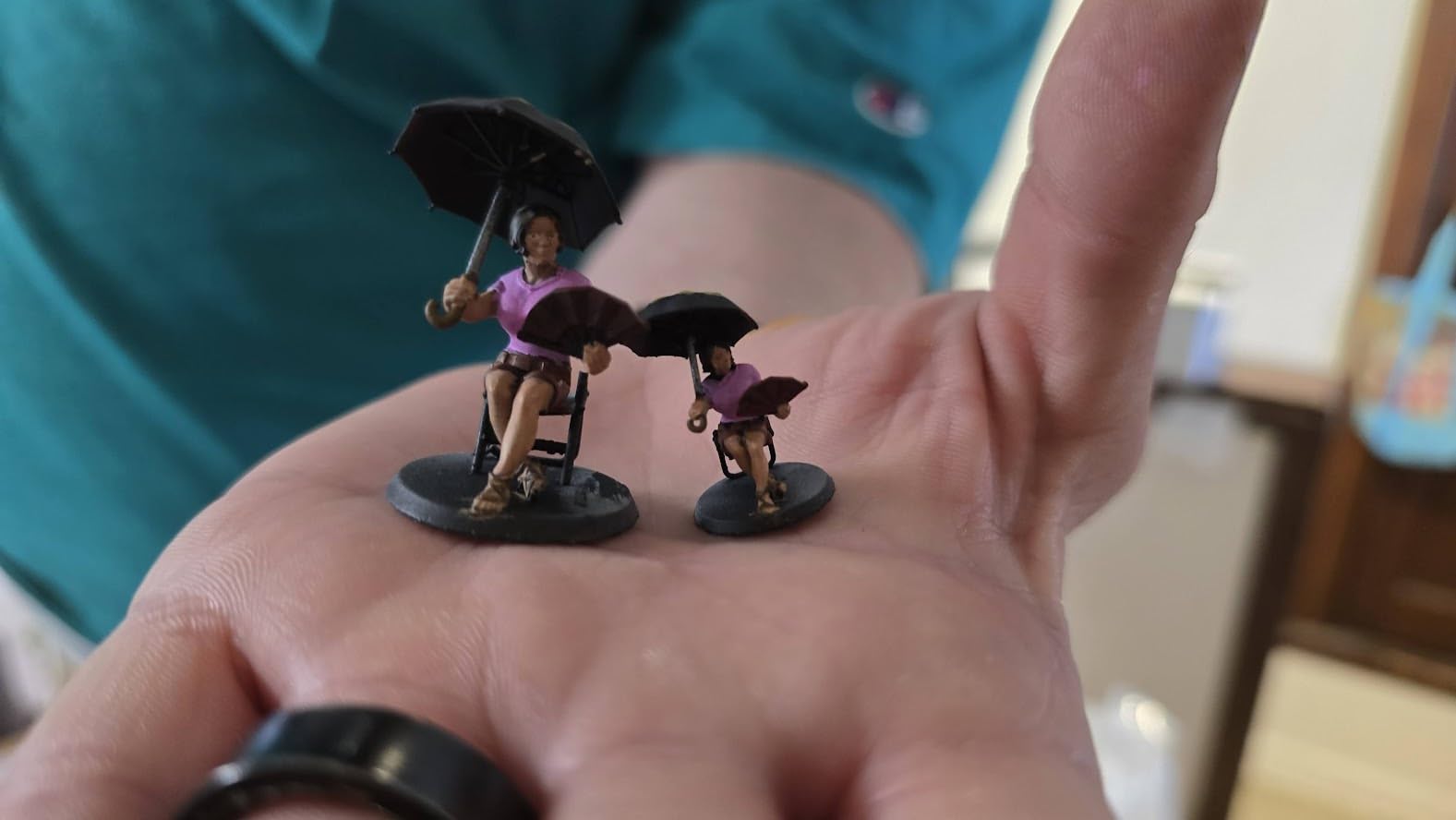
Good to know: owners report occasional warping on larger prints, and a few support experiences that ran past the return window, which is worth factoring in. Reviewers describe durability as the main watch item, so keep spare vats on your list.
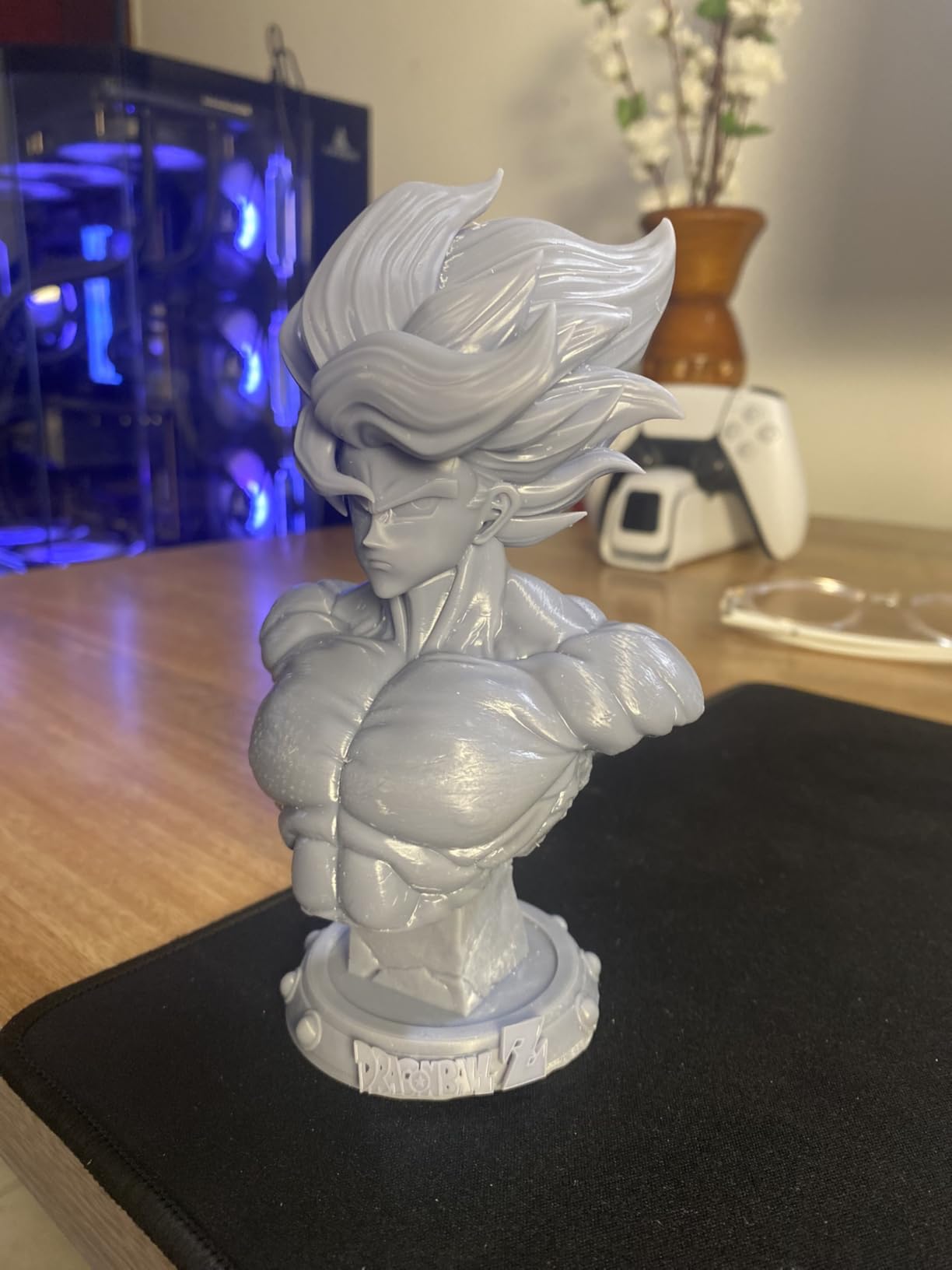
6. ELEGOO Mars 5 Ultra: Best for a First Resin Machine
- Setup is level connect calibrate pour and print
- 9K mono screen at 18 micron XY resolution
- Tilt-release film peeling is roughly twice as fast as older Mars models
- Self-leveling with self-diagnostics for beginners
- Built-in camera with time-lapse for remote monitoring
- Lid has no hinges and must be fully removed
- Rounded resin spout makes pouring messy
- Camera is easily blocked by tall prints
- Build plate limits model size
Where the Photon Mono 4 sells on raw resolution, the Mars 5 Ultra sells on everything happening around the print. The tilt-release vat peels the film away at up to 150mm/h, which owners put at roughly double the speed of older Mars models, so a batch of miniatures finishes while you are elsewhere.
The built-in camera is more useful than it sounds. Error detection alerts you to a resin shortage or a leveling failure mid-print, and the time-lapse capture gives you a record of a build without sitting in front of it. That combination is what makes unattended resin printing realistic for a first-timer.
Compare it with the Photon Mono 4: the Anycubic wins on pixel size and lightness, the ELEGOO wins on speed and monitoring. If you are printing one or two pieces at a time, either is fine. If you run batches of figures, the tilt release is worth the extra.
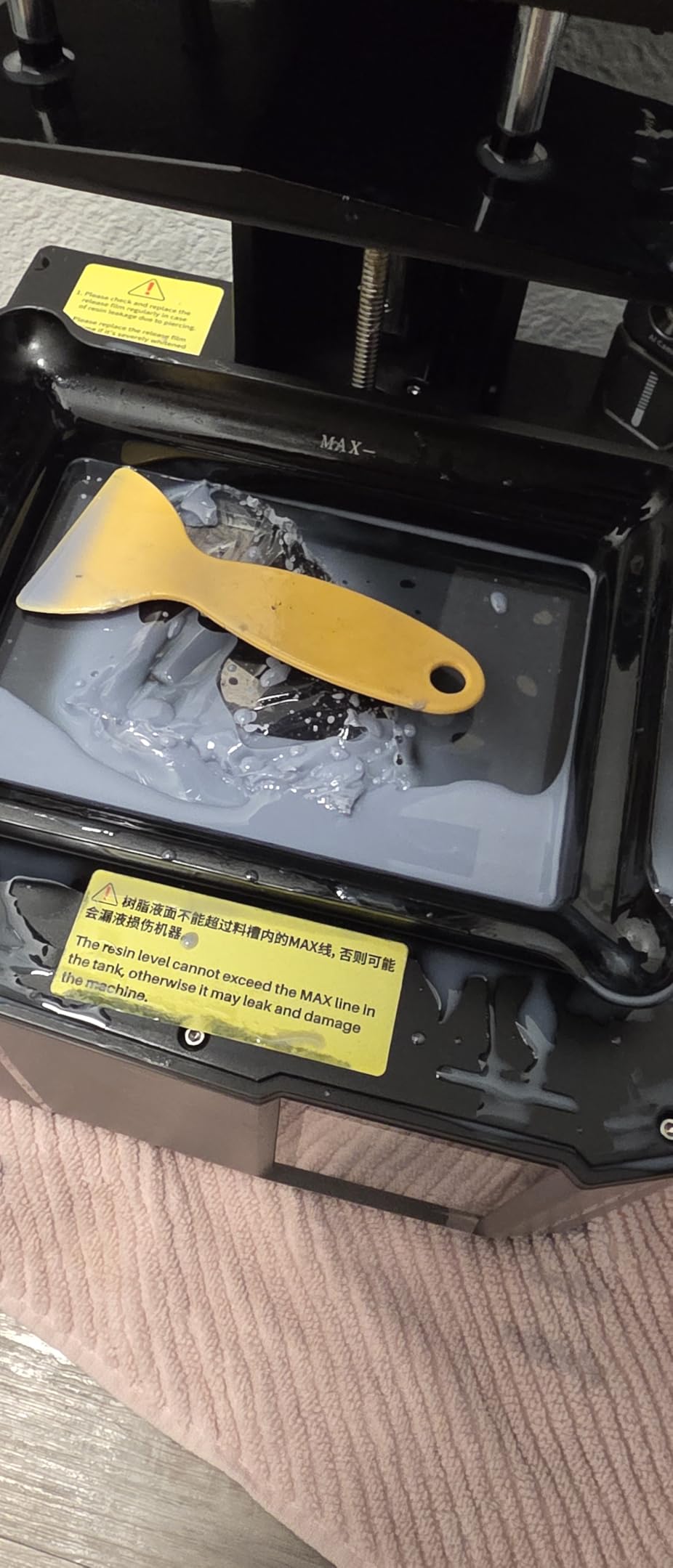
Two design details owners mention often. The lid has no hinges, so you pull it completely off to reach the vat, and the rounded resin spout makes pouring messier than a sharp-edge spout would. Resin parts still need washing, curing and painting regardless of how good the print looks coming off.
7. ELEGOO Saturn 4 Ultra 16K: Best for Large Detailed Resin Models
- 16K mono screen gives smooth surfaces and fine texture
- Heated 30C tank reduces bubbles and layer separation
- Tilt release at up to 150mm/h makes large prints practical
- One-click auto leveling removes the hardest resin step
- Chamber light and AI camera allow unattended monitoring
- Largest and heaviest machine in the roundup
- Steepest learning curve for resin handling
- Resin parts still need washing and curing
- Vat maintenance adds handling steps
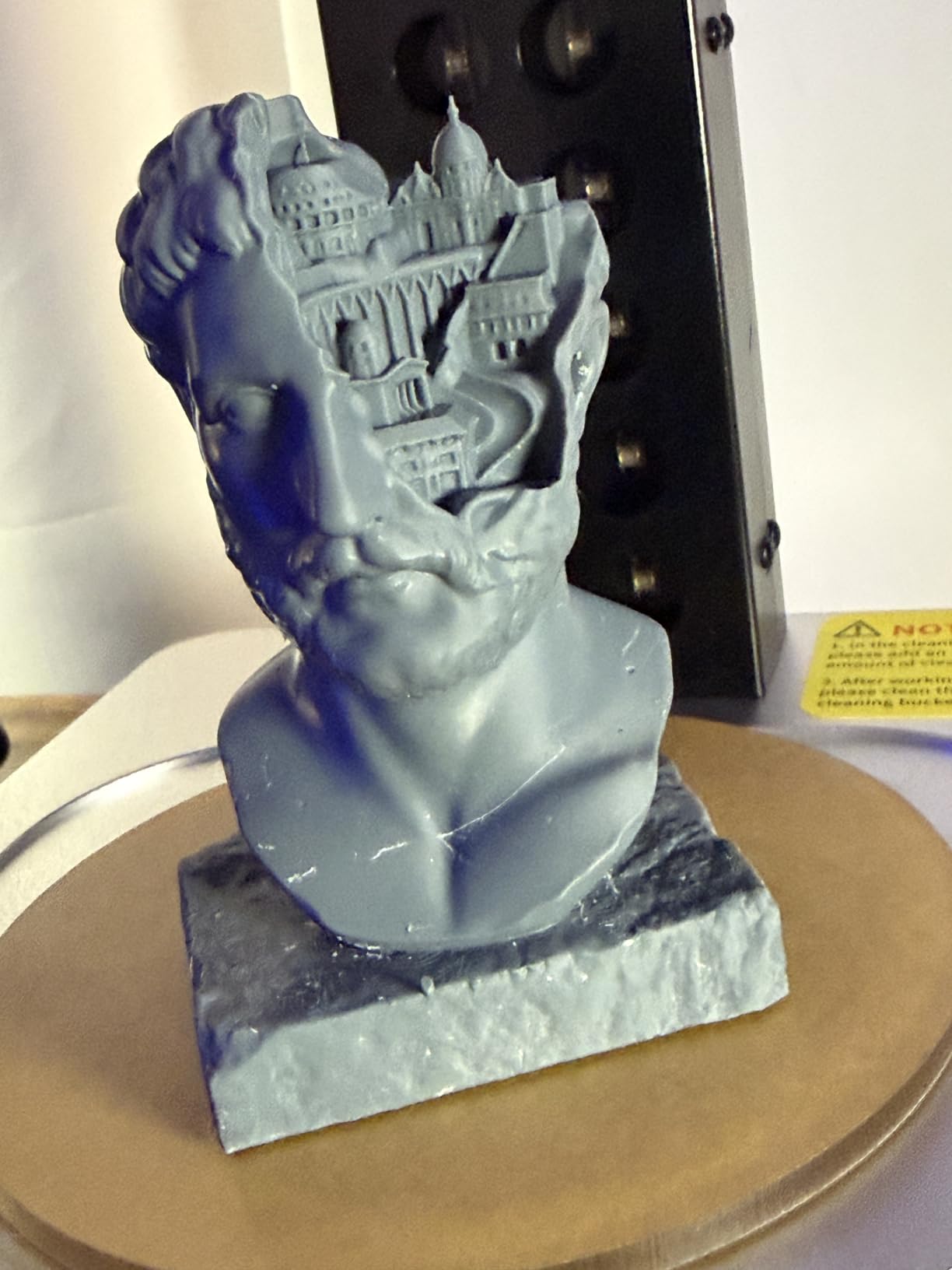
This is the option for someone whose prints are large and whose surfaces need to look finished. The 16K mono screen renders texture you can see from arm’s length, and the heated tank holds resin at 30C, which reviewers say measurably cuts bubbles and layer separation failures on bigger models.
At 35.5 pounds and 24 x 17 x 15 inches, it is the biggest machine in the roundup and wants a real bench, not a shelf. That is also what lets tilt release run at up to 150mm/h across a wider plate, so a full build is a short job rather than an overnight one.
Before buying, be honest about the workflow. Resin means gloves, a wash station, a curing light and ventilation, and owners are clear that the learning curve is steeper than for any filament machine here. If you only want small fiddly parts, the Photon Mono 4 at number five is the lighter, simpler answer.
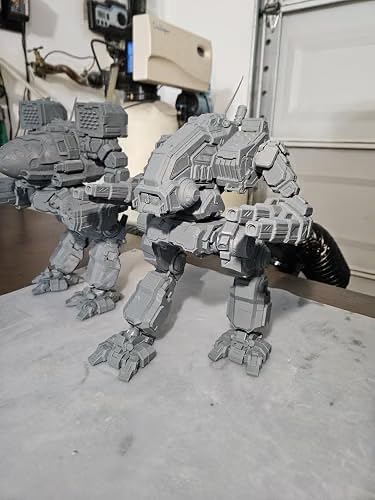
Owners also point to the camera and chamber light as the practical upgrade over smaller resin printers: you can watch a long build from another room and catch a failed layer before wasting a whole tank of resin.
8. Entina Tina2C: Best for Kids and STEM Projects
- First print in as little as 8 minutes through the Poloprint app
- Model library means no slicing knowledge needed
- Small quiet and rounded for a home or classroom desk
- Auto leveling with power-loss recovery
- Works on Windows macOS Linux and Chromebook
- 100mm build volume limits prints to trinkets and fidgets
- Occasional filament breaks or extruder clogs
- Side spool holder will not take 1kg spools
- 200C nozzle needs adult supervision near children
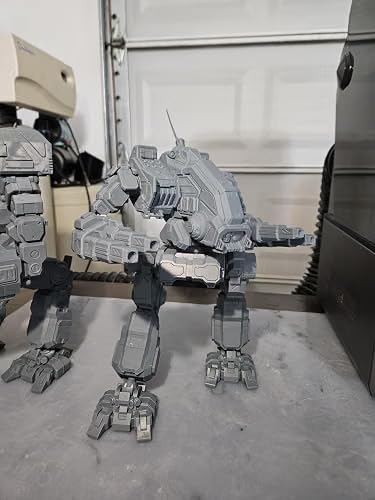
The use case here is specific: a child, a classroom or a STEM club that wants to print something on the same afternoon. Fully assembled and app-driven, this machine can be printing a model within eight minutes of being plugged in, and the cloud library of more than 3500 models means nobody has to learn a slicer first.
Owners also value the physical design. At 5.28 pounds with a rounded body and integrated lighting, it is safe on a desk and small enough to move between rooms, and 2.4GHz WiFi printing plus TF card offline mode cover both a connected classroom and a no-wifi spot.
What it will not do is anything big. The build volume is a 3.9 inch cube, so this prints fidgets, tags, keychains and small models. If a child wants a functional part for a broken drawer or a replacement knob, go up to the Creality Ender 3 V3 SE at number two instead.
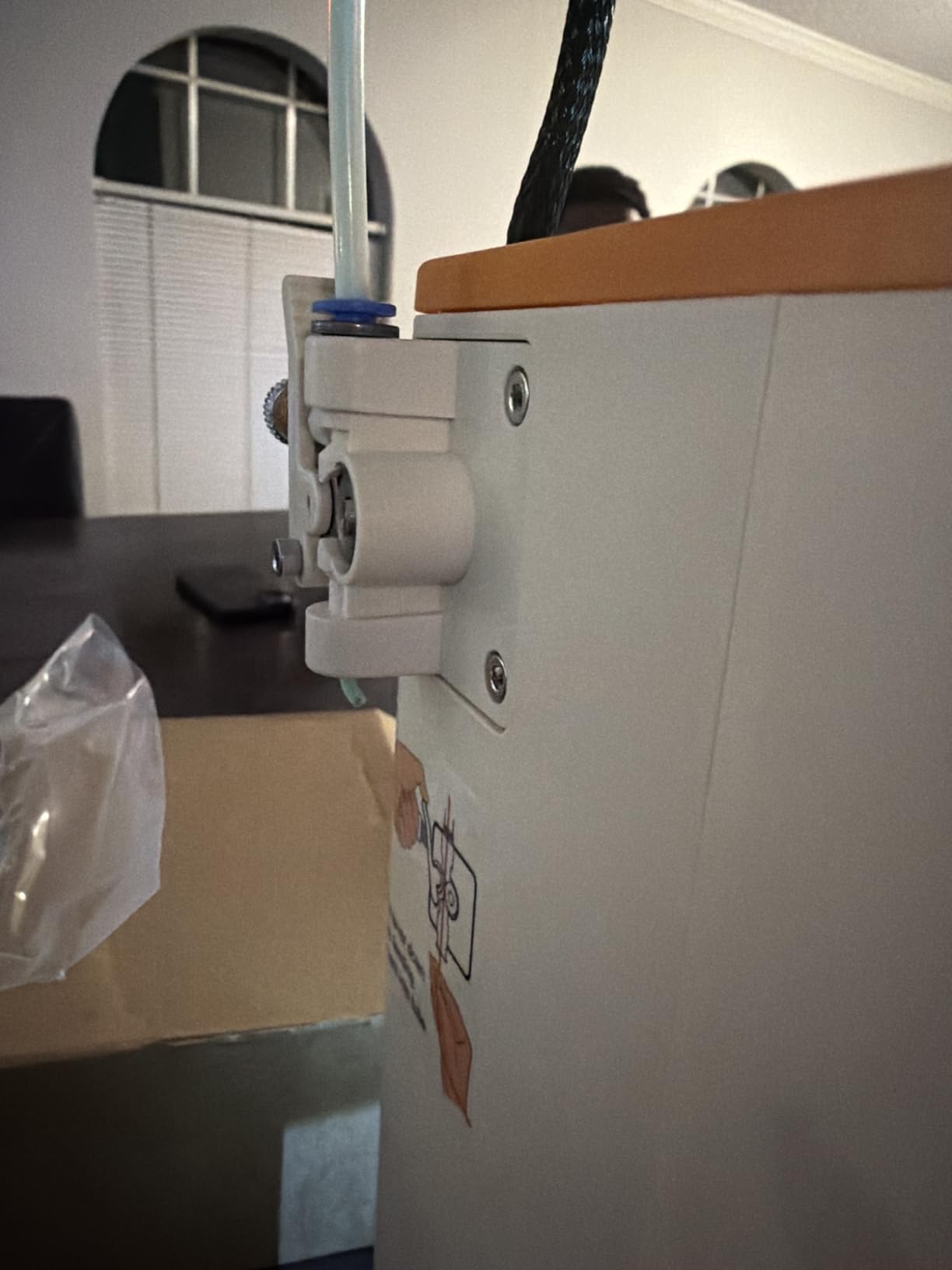
Skip it for engineering filament. Reviews mention occasional filament breakage or clogs inside the extruder when retraction is enabled, and the 200C nozzle is hot enough that an adult should be within reach while a young child prints. For a first machine that a grown-up runs, the A1 or the Ender is a better fit.
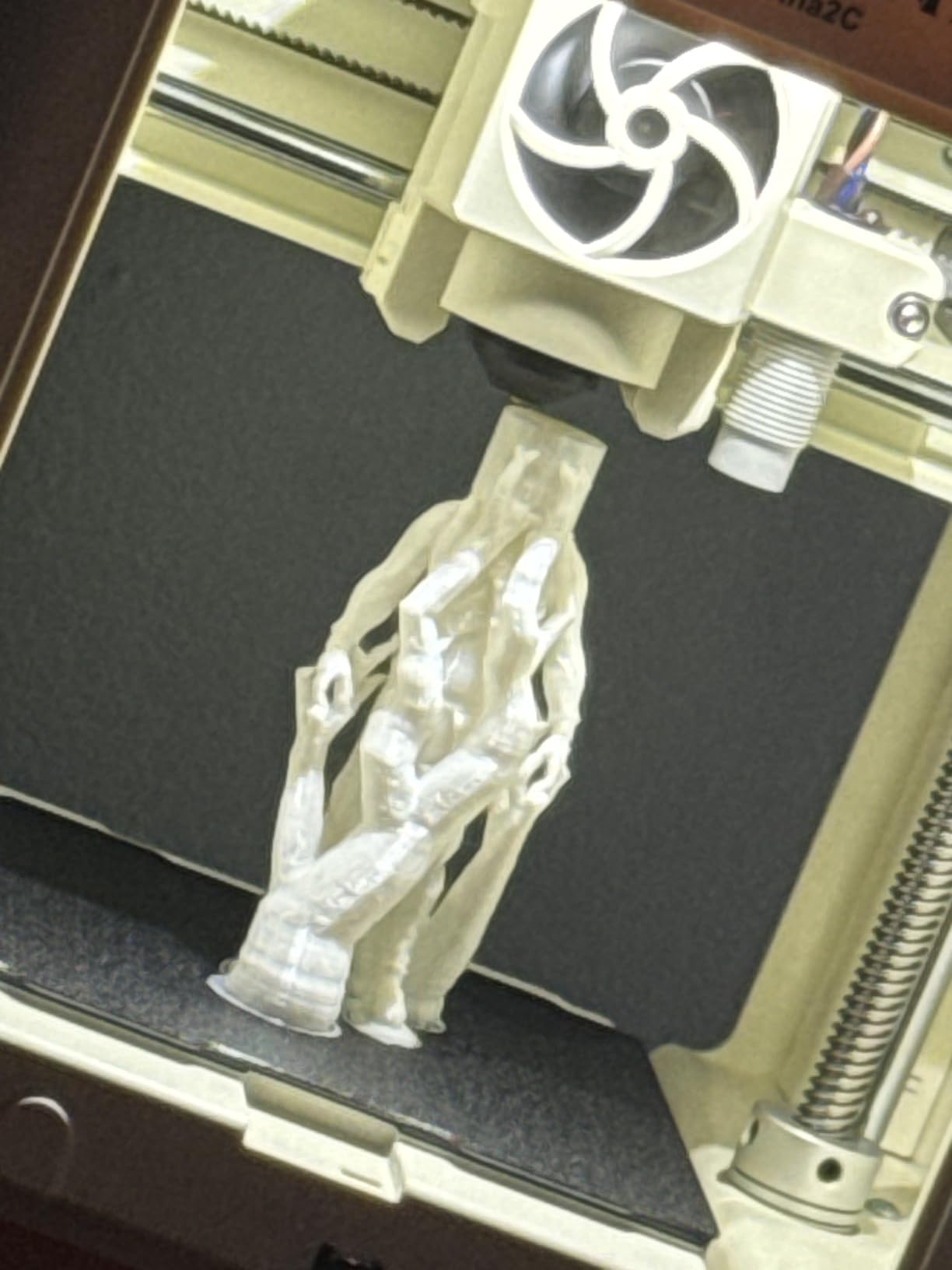
9. Entina Tina2 Basic: Best for a Small Desk
- No assembly required and models ship on the included TF card
- Auto leveling with a removable flexible magnetic plate
- Dual Z-axis rails give more consistent layers than typical minis
- Lightweight enough for a dorm or classroom desk
- One-button filament load and knob controls
- Smallest build volume in the roundout at 100 x 105 x 100mm
- 200C nozzle requires adult supervision
- Occasional filament loading and break-off issues
- Single color only with no enclosure
Same idea as the Tina2C, stripped back. The included TF card comes with test models and slicing software, so the first print takes about five minutes and no slicing experience at all, and the fully open-source compatible platform leaves firmware and slicer choices wide open for anyone who outgrows it.
Dual Z-axis rails and auto leveling separate it from the cheapest toy-class machines. Owners comment on more consistent layers than they expected at this size, and the removable magnetic plate makes taking prints off quick. At 6 pounds and 11.4 x 8.6 x 8.6 inches it fits a dorm shelf.
Choose this over the Tina2C when you want the simplest possible object with no app and no account. Choose the Tina2C when you want WiFi control, photo-to-print and the STEM modules. Neither will print a functional household part, so those buyers belong with the Ender or the A1.
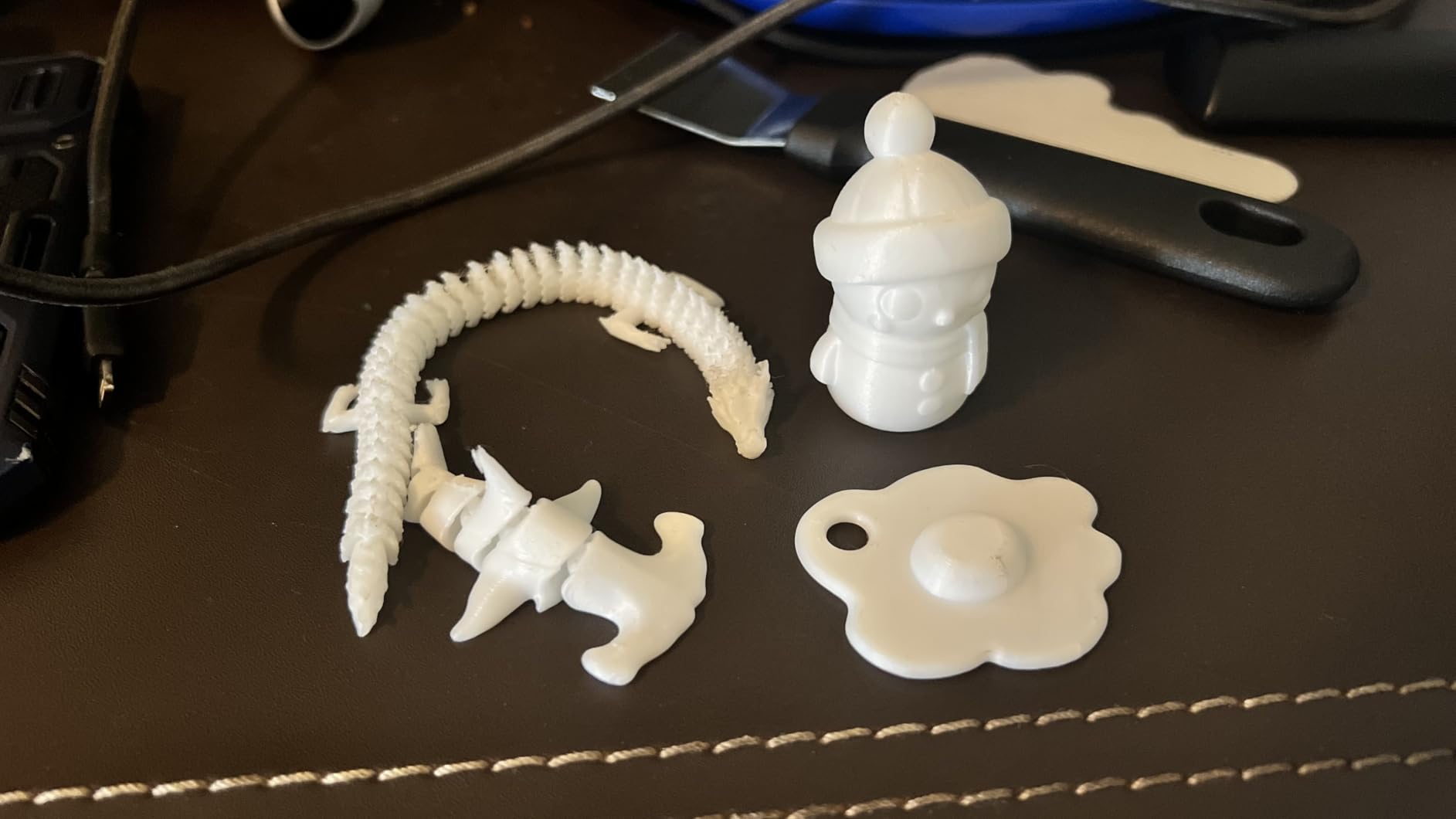
One practical detail worth knowing: the entry-level plastic extruder limits material choice as well as print size, so stick to standard PLA and PETG and expect occasional filament break-off during loading, which reviewers mention fairly often.
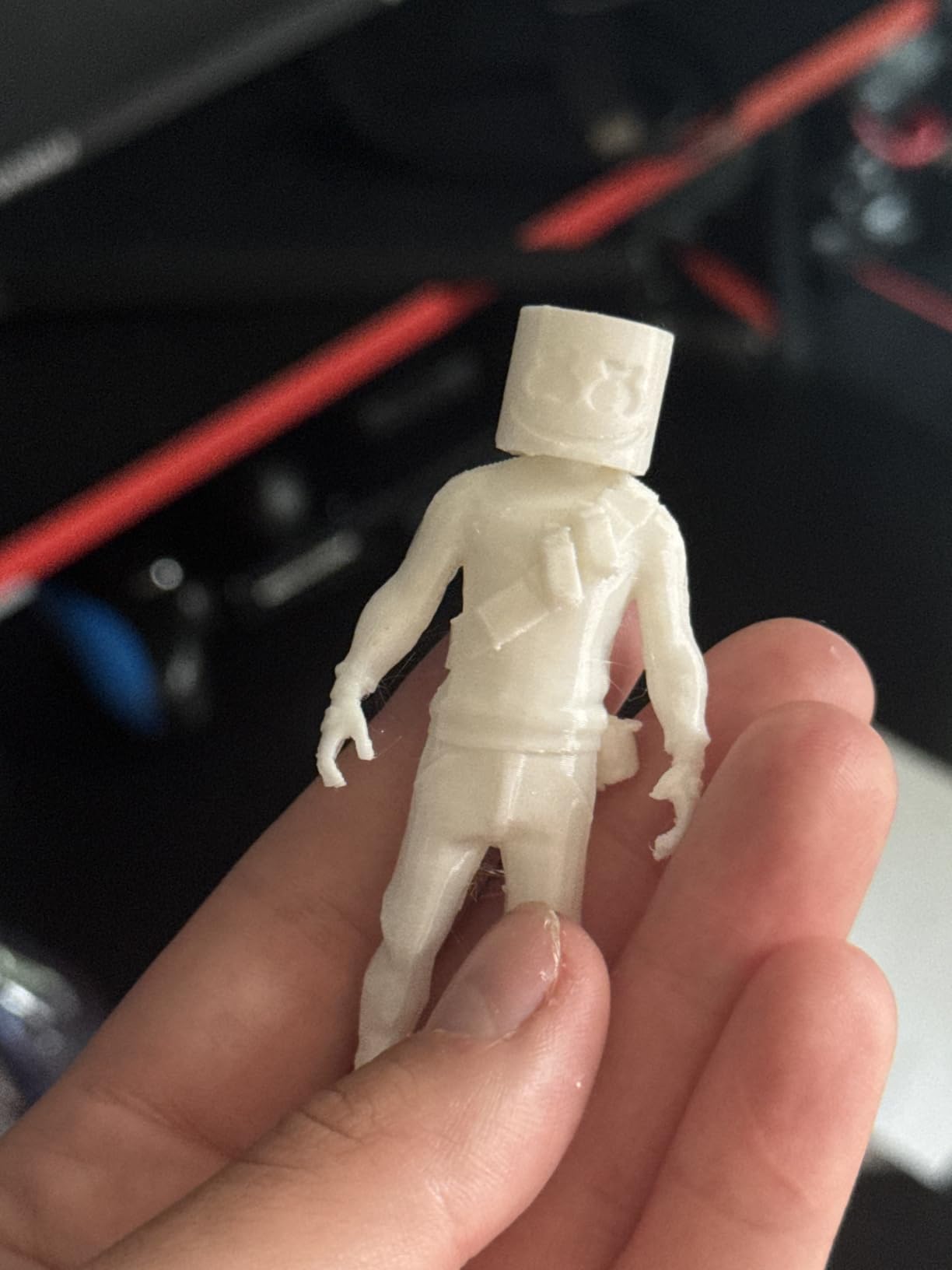
10. FlashForge Adventurer 5M Pro: Best for Enclosed Filament Work Indoors
- Fully enclosed chamber with HEPA13 and activated carbon filtration
- 280C direct drive hotend for ABS ASA PC and CF filament
- Under 50dB so it suits rooms where open frames do not
- 3-second tool-free nozzle swap at four diameters
- Camera and chamber light for remote monitoring
- 1-year warranty
- Heavier and larger than the open-frame Adventurer 5M
- Costs noticeably more than the base model
- Some early units shipped with the screen cable unfitted
- App connectivity reported to disconnect intermittently
The Pro version of number four, and the reason it exists. Adding the enclosure does more than tidy up drafts: HEPA13 and activated carbon filtration block 99% of particles and VOCs, which is what makes an ABS or ASA printer reasonable in a bedroom or a shared office rather than a garage.
The 280C hotend opens up materials the base 5M cannot touch, including PC and carbon-filled filament, and the 3-second tool-free nozzle swap means you can move between 0.25mm detail work and 0.8mm fast layers without tools. Quiet operation under 50dB matters more than it sounds in a house.
Compare with the P1S Combo at number one: both are enclosed FDM machines with camera monitoring, and the difference is the AMS. If you want automatic color changes, take the P1S. If you want materials, filtration and a swappable nozzle at a lower tier, take this.
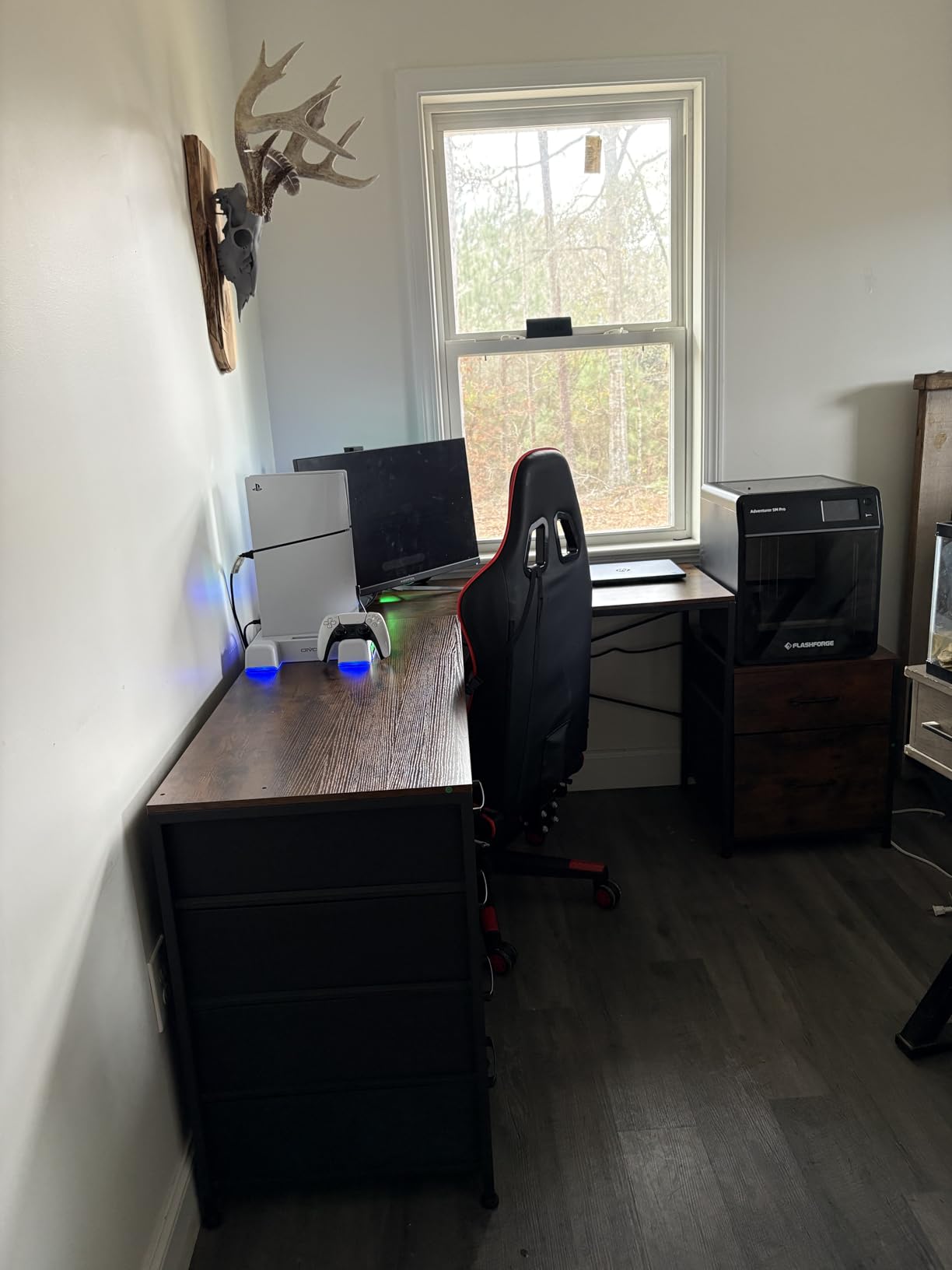
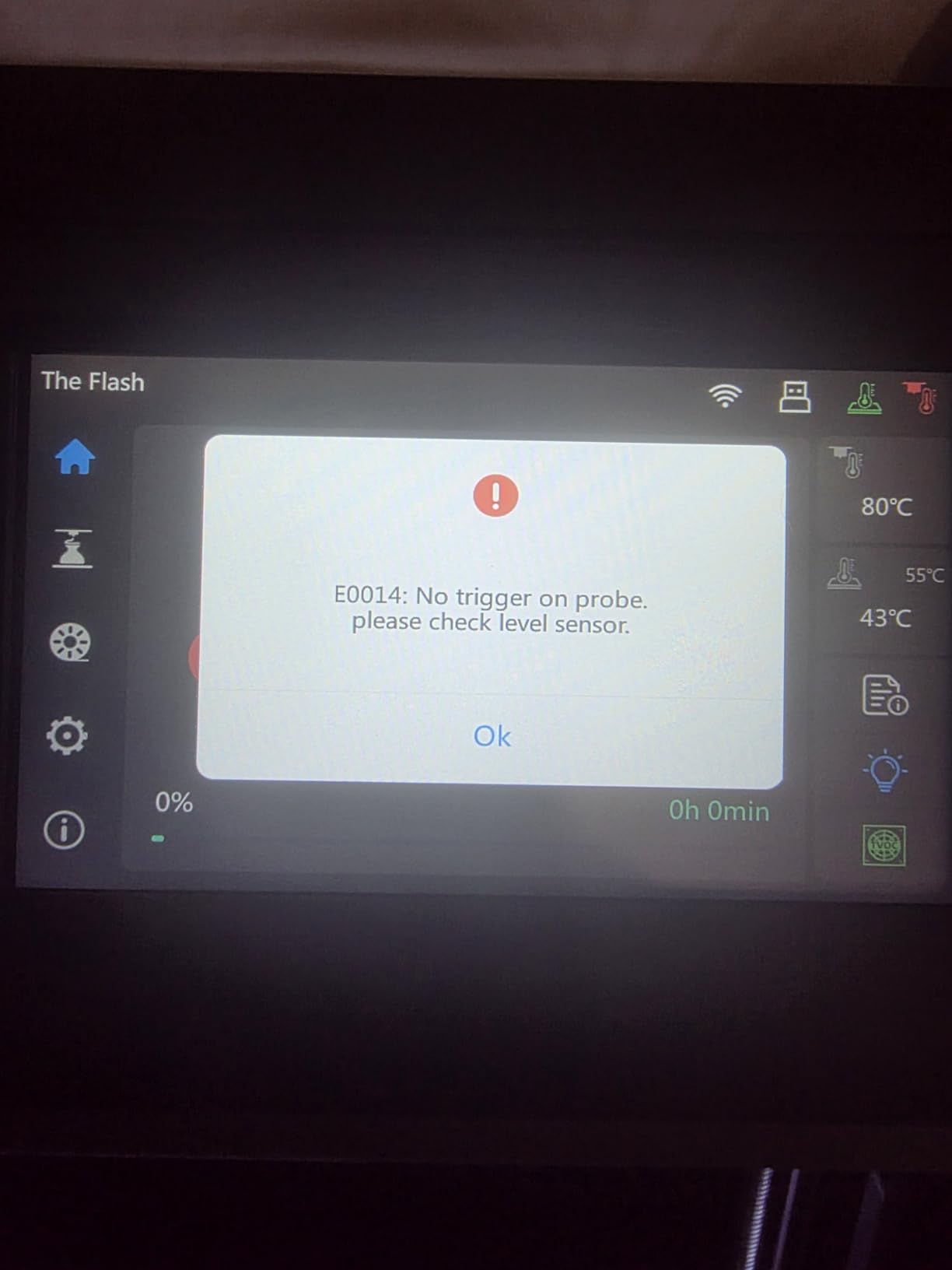
Two owner notes. Some early units arrived with the touchscreen cable unfitted, which means unbolting and rotating the screen before it works, and app connectivity has been reported to drop intermittently. The 1-year warranty is included, which several competitors on this list do not list.
How to Choose 3D Printers During Prime Big Deal Days
Printing Technology and Project Fit
Filament printers melt plastic and are right for organizers, clips, planters and repair parts. Resin printers cure liquid resin and are right for miniatures, figures and anything with fine surface detail, but they need washing, curing, gloves and ventilation. If you have never printed before, our guide to 3D printers for beginners covers the setup differences in more depth. For house projects, stay with filament: the Ender 3 V3 SE, the Bambu Lab A1 or the Adventurer 5M cover it.
Build Volume and Practical Workspace Needs
Build volume decides what physically fits. The 3.9 inch cube of the Entina machines suits trinkets; the 220 x 220 x 220mm of the FlashForge Adventurer 5M fits a plant pot; resin printers here cap out around 6 inches on a side, so large resin models need a bigger machine than this roundup offers. Add clearance for the machine’s arms and any AMS or drying unit, and check the weight before you pick a shelf: the Saturn 4 Ultra 16K is 35.5 pounds.
Print Quality, Speed, and Auto-Leveling
Speed alone does not decide quality. 600mm/s on the Adventurer 5M only produces clean layers because CoreXY motion and input shaping cancel the vibration; the same speed without those would ripple. Auto-leveling matters more for beginners than any speed figure: CR Touch on the Ender, one-click leveling on the FlashForge machines and full-auto calibration on the Bambu Lab A1 all remove the most common first-print failure.
Filament Compatibility and Ongoing Costs
PLA works everywhere. PETG and TPU work on every filament machine in this roundup. ABS, ASA, PC and carbon-filled filament need a hotend above 260C and a closed chamber, which narrows the field to the P1S Combo, the Adventurer 5M Pro and the Saturn for resin. Resin adds a different running cost: vats and cleaning alcohol get replaced regularly. Budget for a spare build plate and a roll of filament before the first print, not after.
How to Shop 3D Printer Deals During the Sale
Check the model number in the listing, not just the marketing name, because printer generations get refreshed with similar branding. Look at whether the bundle includes an AMS or a multi-material unit, what filament and tools are in the box, whether the condition is new or renewed, and who the seller is. Then compare the same model in the manufacturer’s own store, since the maker often undercuts the sale retailer on the same SKU. Most offers during Prime Big Deal Days require a Prime membership, and terms change hour by hour through the window.
- Match the technology to the projects, not to the price
- Confirm build volume fits your largest intended part
- Verify auto-leveling if you are new to printing
- Check chamber enclosure before buying ABS or ASA
- Count filament, vats and build plates into the first-month cost
- Read the listing for model number, bundle contents and seller
Frequently Asked Questions
When does Amazon Prime Big Deal Days run?
Amazon Prime Big Deal Days runs October 6-7, 2026. It is a two-day sale event rather than the longer summer Prime Day, and limited-time offers across categories including 3D printers usually appear at the start of the window and again in the final hours. Comparing the listings on the day tells you which printers are included.
Do I need Amazon Prime to use these 3D printer deals?
Most offers during Prime Big Deal Days require an active Prime membership, and a free trial counts. A few deals run for everyone, but the member-only pricing is where the bigger reductions tend to sit on printers and filament. Check your membership status before the window opens so the deal does not look out of reach when it goes live.
What are the best Amazon Prime Big Deal Days 3D Printer Deals?
The Bambu Lab P1S Combo leads because it prints up to 16 colors through the bundled AMS inside a fully enclosed chamber, which covers multi-color work and ABS and ASA filament in one machine. The Creality Ender 3 V3 SE is the straightforward first filament printer, the Bambu Lab A1 is rated highest by owners for hands-off reliability, and resin buyers should look at the Anycubic Photon Mono 4 or the ELEGOO Mars 5 Ultra.
Are Prime Big Deal Days offers guaranteed to remain available?
No. Offer terms, which models are included, and how long each offer lasts can all change through the two-day window, and offers can end when the event does. Treat any article listing, including this one, as a guide to which models are worth watching rather than a promise of a particular price. Use the buttons on each pick to see the current figure at the moment you are ready to buy.
What should first-time 3D printer buyers check before ordering?
Check the build volume against the largest thing you want to make, whether the printer auto-levels, and whether you need an enclosed chamber for ABS or ASA. Also confirm what is in the box, because filament, tools and spare build plates are usually extra. If resin is on your list, plan for ventilation, gloves and a washing and curing step before you order.
Final Verdict: Best Amazon Prime Big Deal Days 3D Printer Deals
Buy the Bambu Lab P1S Combo if you want the most capable machine on this list, since the enclosed chamber and 16-color AMS cover multi-color prints and high-temperature filament without a second purchase. For a first filament printer on a tighter budget, the Creality Ender 3 V3 SE is the honest choice, and the Bambu Lab A1 is the one to pick if you would rather never adjust a setting yourself.
Pick the FlashForge Adventurer 5M for raw speed in a small footprint, the Adventurer 5M Pro when ABS and ASA work in a shared indoor space matters, the Anycubic Photon Mono 4 for small detailed miniatures, the ELEGOO Mars 5 Ultra for fast first resin batches and the Saturn 4 Ultra 16K for large detailed models. The Entina Tina2C and Tina2 Basic are for children, classrooms and STEM kits rather than functional parts.
Pick the one that matches your largest intended project, then check the current figure on its button during the window.