
External SSDs are one of the few things worth timing to the sale, and the portable drives below are the ones worth watching during Amazon’s October Prime event. The SanDisk Extreme 2TB leads the list: 1050MB/s transfers, an IP65 rating, three-metre drop protection, a five-year warranty and the largest review base of any drive here, which makes it the safest all-round buy. Two alternatives sit right behind it. The Samsung T7 1TB is the cooler-running, higher-rated option for everyday backups and 4K media, and the Samsung T7 Shield 1TB adds an IP65 rating plus a 9.8-foot drop rating for anyone who carries files into bad weather.
Prime Big Deal Days runs October 6-7, 2026, and offers on storage change hour by hour. Each pick below has its own section with the specs and owner-reported trade-offs, and every button leads to the current listing so you can see today’s number yourself.
Our Top 3 Picks for Best Amazon Prime Big Deal Days External SSD Deals in 2026



The SanDisk Extreme takes the top slot on the balance of evidence rather than a single headline number. Two terabytes at 1050MB/s with an IP65 shell and a five-year warranty covers almost every use a reader will have, and 91k+ owner reviews make it the least risky of the ten.
The Samsung T7 1TB edges it on star rating at 4.7 and stays cool under sustained transfers, which matters if you edit straight off the drive. The T7 Shield is the same idea in a rubberised, IP65-rated body that survives a 9.8-foot drop.
Best Amazon Prime Big Deal Days External SSD Deals Compared
| Product | Specifications | Action |
|---|---|---|
| SanDisk Extreme 2TB |
|
Check Deal Price |
| Samsung T7 1TB |
|
Check Deal Price |
| Samsung T7 Shield 1TB |
|
Check Deal Price |
 SanDisk Extreme PRO 2TB SanDisk Extreme PRO 2TB |
|
Check Deal Price |
 Crucial X9 1TB Crucial X9 1TB |
|
Check Deal Price |
 SSK Portable SSD 1TB SSK Portable SSD 1TB |
|
Check Deal Price |
 Samsung T9 1TB Samsung T9 1TB |
|
Check Deal Price |
 Amazon Basics 2TB Amazon Basics 2TB |
|
Check Deal Price |
 Lexar ES3 1TB Lexar ES3 1TB |
|
Check Deal Price |
 OSCOO 2100MB/s 1TB OSCOO 2100MB/s 1TB |
|
Check Deal Price |
Every drive here runs the same 1050MB/s or faster class, so the deciding factors are capacity, port generation, physical rating and how much owner feedback sits behind the listing. Read the interface column first, because a 2000MB/s drive in a 10Gbps port is still a 1050MB/s drive.
How We Chose
We compared the specs that decide this purchase: capacity, sustained read and write speeds, the USB generation each drive needs, ingress and drop ratings, weight, and warranty length. Ratings and owner review themes came from the Amazon listings, checked on October 2026. No price or discount figures appear here, because those change during the sale.
1. SanDisk Extreme 2TB: The Editor’s Choice All-Rounder
- Largest review base in the group
- IP65 water and dust resistance
- Three-metre drop protection
- 256-bit AES hardware encryption
- Two terabytes in a pocket-sized body
- Picky about the USB cable used
- Runs slightly warm on long transfers
- Older firmware caused MacBook ejections until updated
If you want one drive and stop thinking about it, this is the one. Two terabytes is the sweet spot for most households, and the depth of owner feedback behind it is the reason.
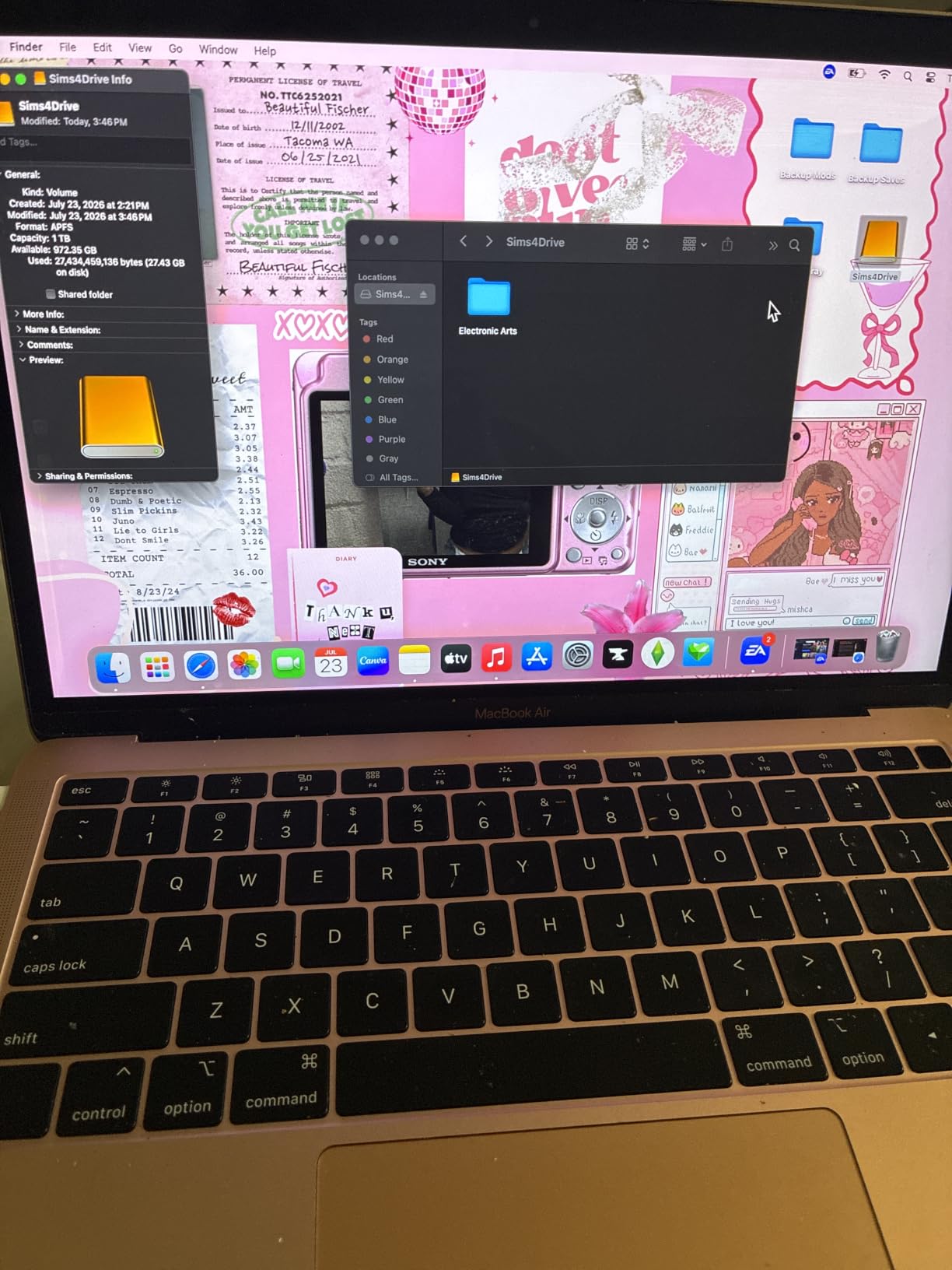
Owners consistently report real-world transfers close to the advertised 1050MB/s, which is rare for a portable drive. The bigger story is longevity: plenty of reviewers describe running this as a media server or photo library drive for years without trouble, and the 256-bit AES hardware encryption means client files and tax documents can live on it without worrying about the laptop they travel with.
The trade-off owners report most often has nothing to do with the drive itself. It is the cable. Several reviews describe intermittent unmounting or a refusal to mount when paired with a thin or unbranded cable, and swapping to a certified high-speed cable resolves it. If you already own a pile of random USB-C leads, that is the first thing to sort out before you blame the SSD.
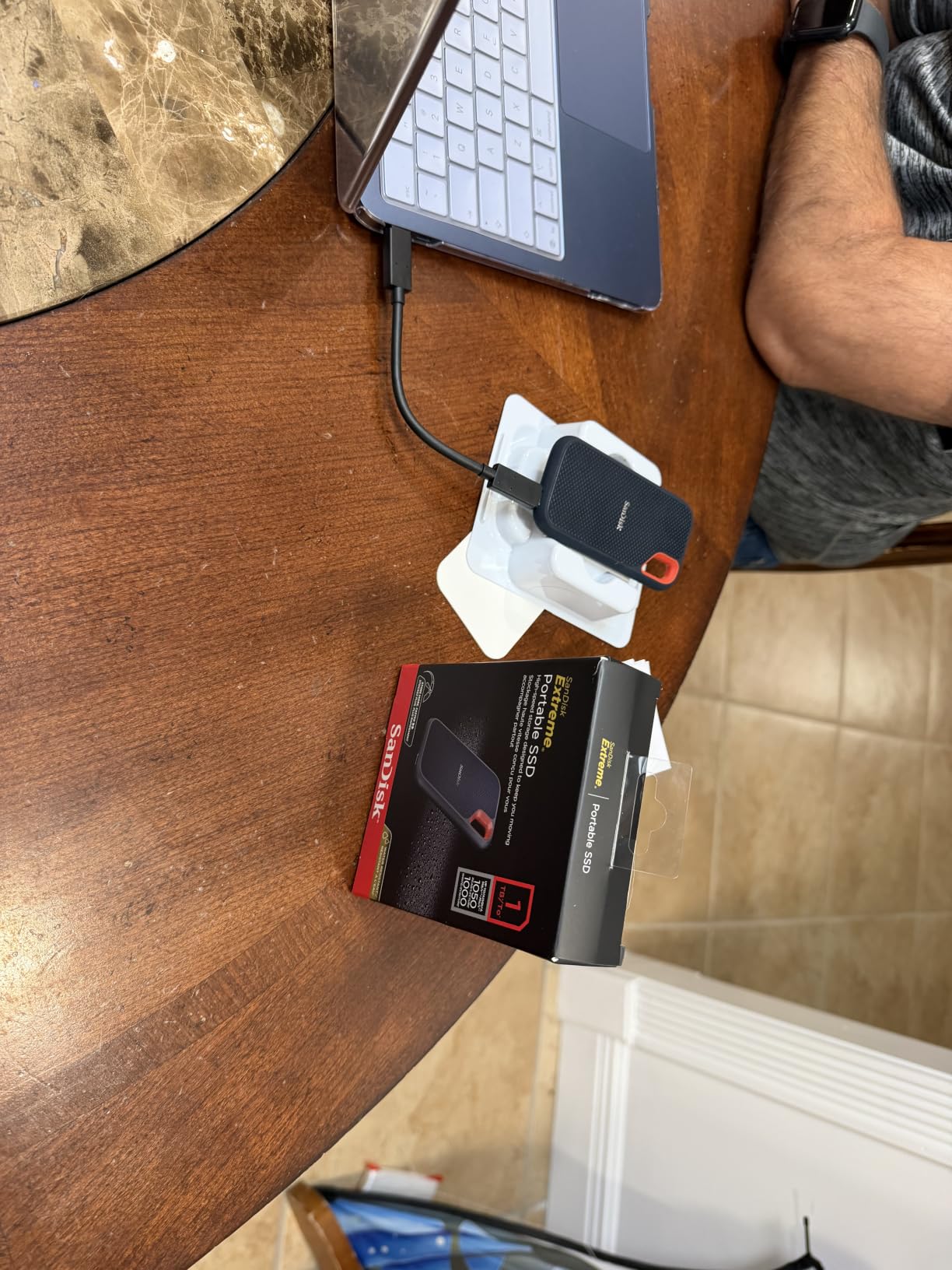
A second, smaller theme shows up around firmware. Older firmware revisions triggered automatic ejection from some MacBooks, which owners resolved by running the SanDisk utility and updating before the drive went into service. Update once at setup and it stays quiet.
Compared with the Samsung T7 Shield 1TB, which shares the same 1050MB/s class, the Extreme is the better choice at two terabytes and carries a five-year warranty instead of three. The Shield wins on drop rating at 9.8 feet. Compared with the SSK Portable SSD 1TB, the Extreme costs more per terabyte but adds an ingress rating, encryption and a far deeper review base, which is the trade most people should take.
Worth knowing before you buy: the carabiner loop on the end takes a belt loop or backpack strap, and the SanDisk Memory Zone app handles file management and space cleanup on a phone.
2. Samsung T7 1TB: The Most Versatile for Everyday Use
- Tied highest star rating here at 4.7
- Runs cool under sustained transfers
- Aluminum unibody
- Pre-formatted exFAT for Mac and PC
- Six-foot drop protection
- Rubberised sleeve collects lint and dust
- No carrying pouch in the box
- Limited colour options
If your day involves copying footage, a photo library or a laptop backup, calmness under load is the thing that actually matters. That is where the T7 earns its place, and it is the reason owners keep it for years rather than swapping it out.
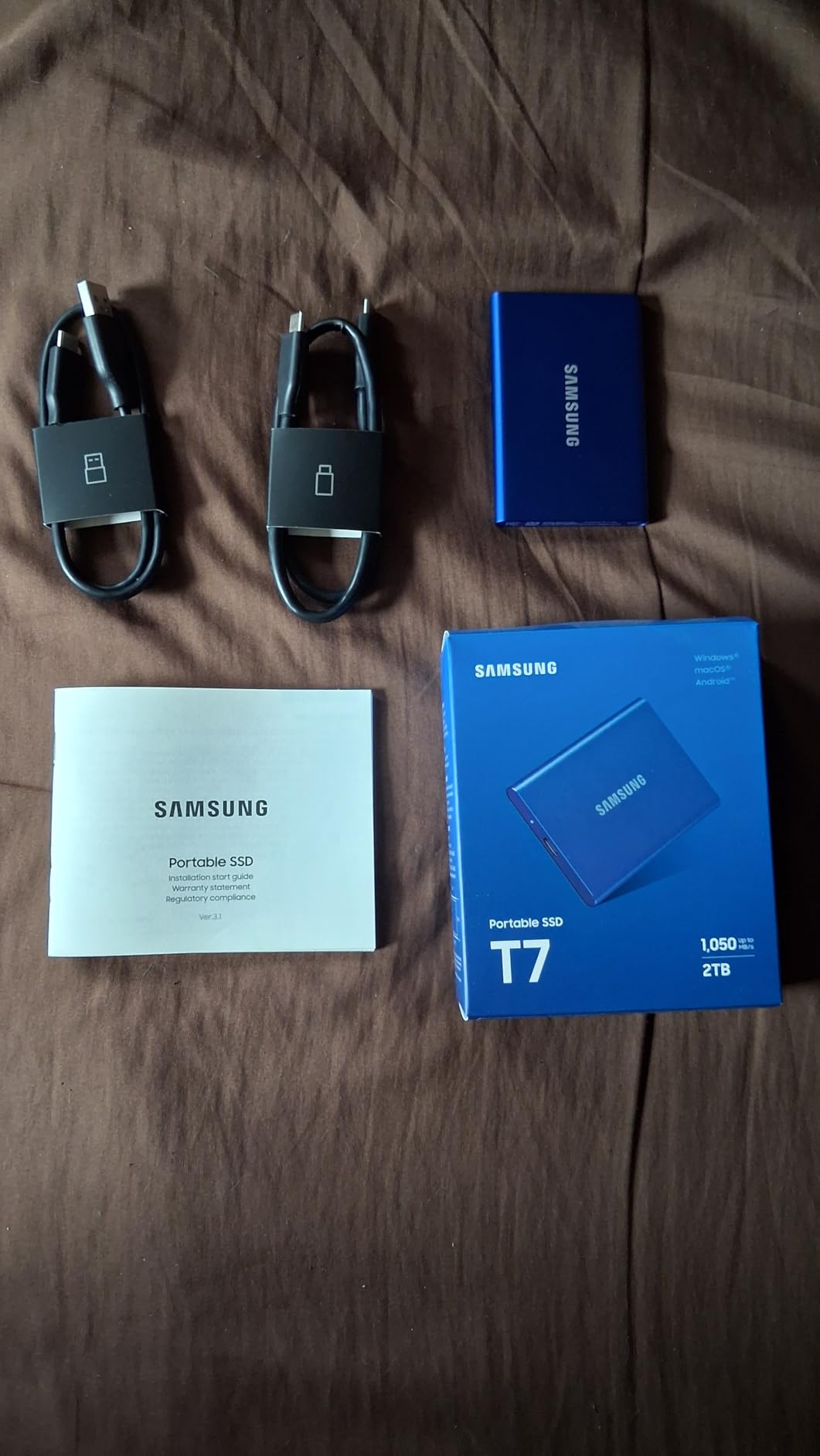
Thermal behaviour is what separates the T7 from its rugged sibling, and owners call it out repeatedly. Several reviews describe editing high-bitrate 4K media directly from the drive without the slowdown that shows up on busier models during long transfers. The solid aluminium unibody is also the reason it feels like a tool rather than an accessory.
It arrives formatted as exFAT, which means it works on a Mac and a Windows PC out of the box with no reformatting step. That single detail saves an afternoon for anyone who has previously bought a Windows-only drive and then had to reformat before a macOS backup would run.
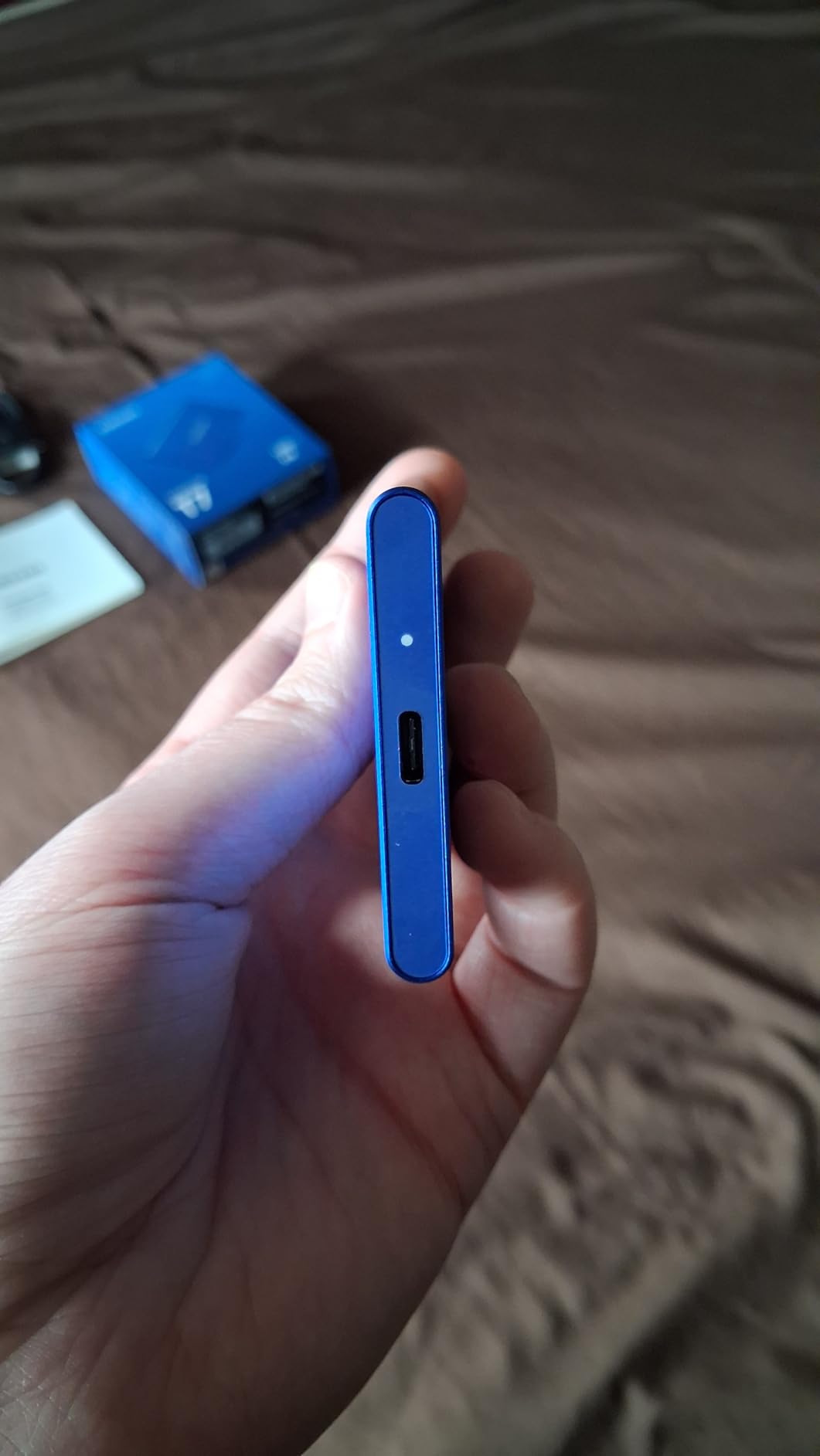
The complaints are cosmetic and consistent. The rubberised exterior sleeve attracts lint and dust in a laptop bag, and there is no pouch in the box, so it lives loose next to your cables. Colour choice is narrow too, with Blue, Titan Gray and Red being the main options. None of that affects performance, but if the drive spends its life in a bag, a lanyard or a case is worth buying separately.
Where it sits against the SanDisk Extreme 2TB: one terabyte versus two, a three-year warranty against five, but a higher average rating and cooler sustained behaviour. Against the Samsung T9 1TB, the T9 is roughly twice as fast on a 2×2 port and carries a five-year warranty, so pick it instead if your laptop has a 20Gbps port and your workload is large media.
Skip it if you need more than a terabyte for a growing video archive. In that case the SanDisk Extreme is the more sensible size.
3. Samsung T7 Shield 1TB: Best for Fieldwork
- IP65 water and dust resistance
- 9.8-foot drop protection
- Compact enough for a shirt pocket
- Works with PC Mac Android and consoles
- Does not overheat in extended use
- Rubber sleeve attracts lint and dust
- No case included
- Magician app needed to set a mobile password
Best for: photographers, DJs and anyone who offloads cards on location. Its 9.8-foot drop rating is matched only by the Samsung T9 later in the list.
An IP65 rating means dust and water jets are non-events, which matters more than most spec sheets admit. A drive that lives in a backpack through a car park in February, a beach shoot or a site visit is a different purchase from one that sits on a desk, and the Shield is built for that version of your week. It stays cool during extended use as well, so a long offload does not stall halfway through.
It also travels well. At a little over three ounces and roughly the footprint of a deck of cards, it disappears into a front shirt pocket, which is a detail reviewers working on location mention more than any speed figure.
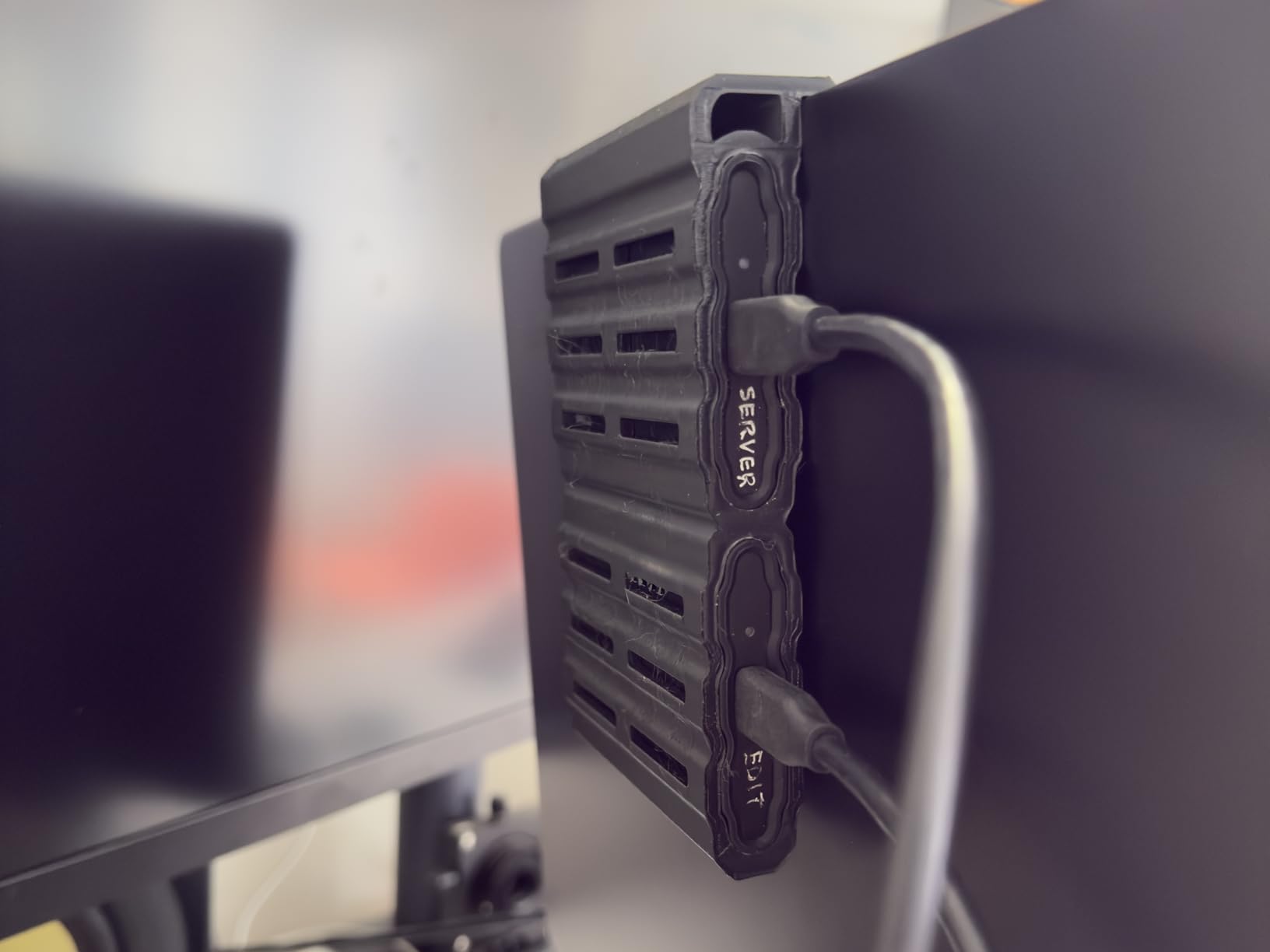
What you give up for the rubberised shell is minimal. The same lint-and-dust complaint appears here as on the standard T7, the box still has no carrying case, and setting a password for phone use means opening Samsung Magician first. Wider colour choice would be nice too, but the black body is the one that hides scuffs anyway.
The Shield sits between the SanDisk Extreme 2TB and the plain Samsung T7 1TB in this list. It costs you the five-year warranty that the SanDisk carries and it holds half the capacity, but it is one of only two drives here with a proper IP65 ingress seal alongside a drop rating of 9.8 feet, and that combination is the point.
One detail worth knowing before you buy: it is listed as compatible with recent iPhone models for 4K ProRes recording, so it doubles as a working drive rather than pure archive storage.
4. SanDisk Extreme PRO 2TB: Best for 4K Editing
- 2000MB/s class read and write speeds
- Forged aluminium chassis doubles as a heatsink
- IP65 rating and three-metre drop protection
- 256-bit AES hardware encryption
- Older model line
- Costs more per gigabyte than 1050MB/s drives
- Needs a high-bandwidth USB-C port for rated speeds
Cutting multi-stream 4K is where a slow drive stops being an inconvenience. If the bottleneck is the drive rather than your laptop, this is the pick that moves the needle.
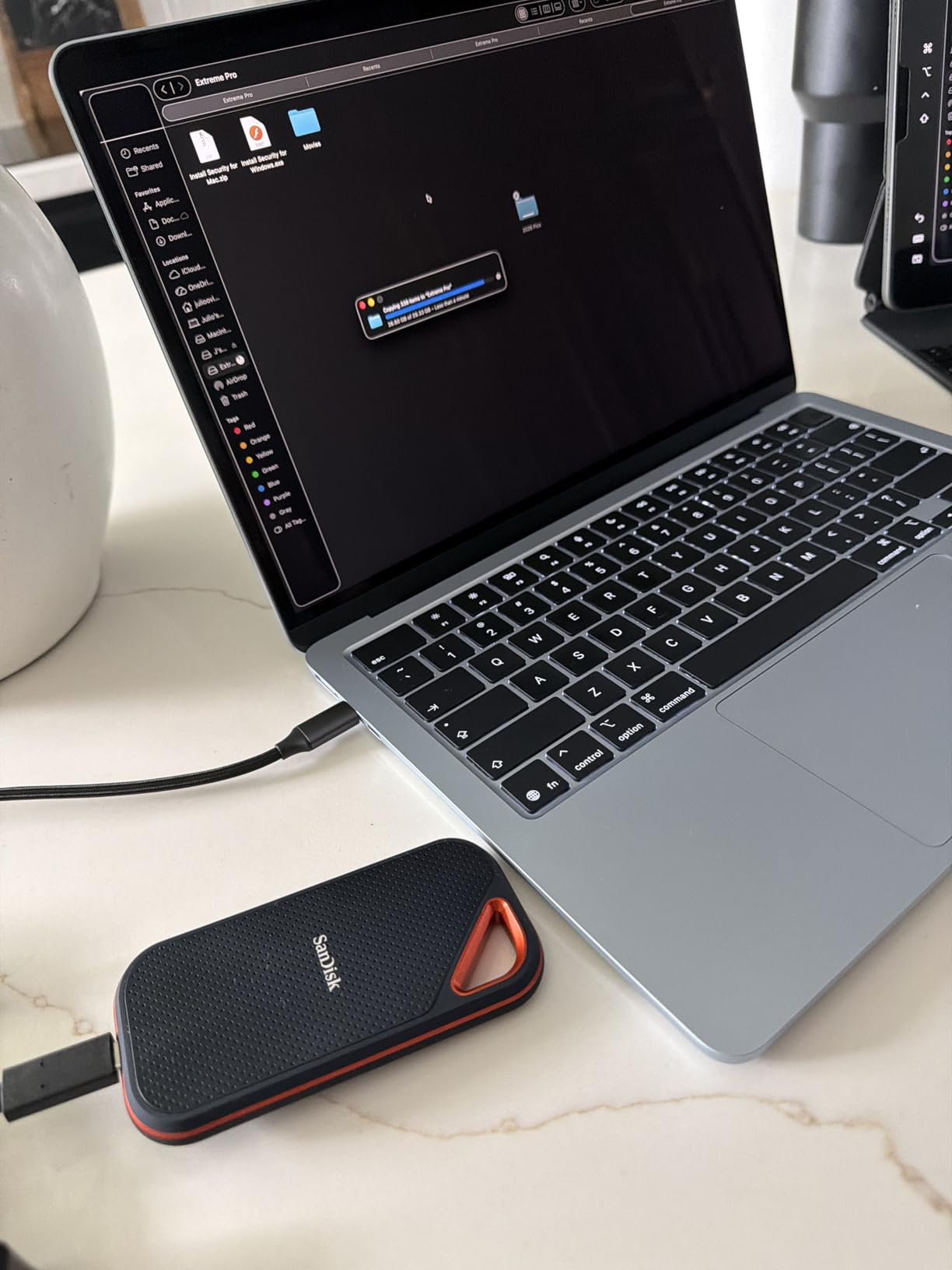
The 2000MB/s class is the headline, but the reason it sustains that figure is the chassis. The forged aluminium body acts as a heatsink, which is exactly what keeps a fast NVMe drive from throttling partway through a long export. Two terabytes of 4K footage is a realistic working set for a single project, so the capacity and the speed line up rather than competing.
Durability matches the rest of the Extreme family: IP65 water and dust resistance, three-metre drop protection, a carabiner loop and 256-bit AES hardware encryption. It is a field drive that also happens to be quick.
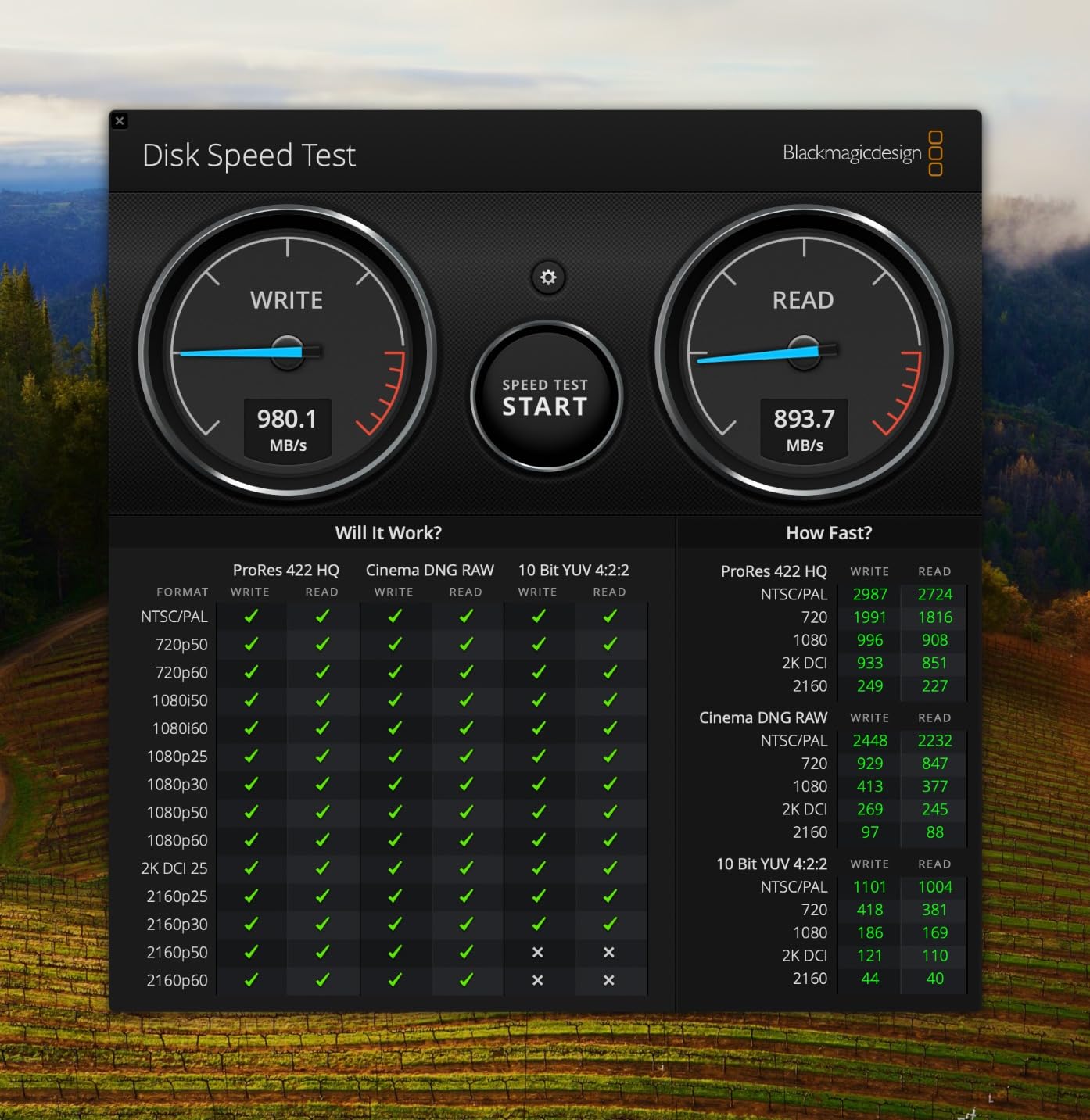
Two caveats are worth weighing. This is an older model line, superseded by newer revisions, so the listing is a different proposition from the current-generation equivalent. And a one-star share of 9 percent, the second highest in this group, comes largely from buyers whose ports could not deliver the rated speed. The drive is not at fault; the cable and the host port are.
That port problem is the deciding factor between this and the Samsung T9 1TB. Both sit in the 2000MB/s class, but the T9 states USB 3.2 Gen 2×2 explicitly, holds only a terabyte and carries a five-year warranty. If your machine has a 20Gbps port, the T9 is the more current buy; if your ports are 10Gbps, neither will exceed roughly 1050MB/s and the SanDisk Extreme 2TB is the smarter money.
Check your port before you commit: a headline speed your machine cannot reach buys you nothing.
5. Crucial X9 1TB: Best for Console Storage
- Lightest drive in the group at 32 g
- Broad console and Chromebook compatibility
- IP55 rating and 2-metre drop resistance
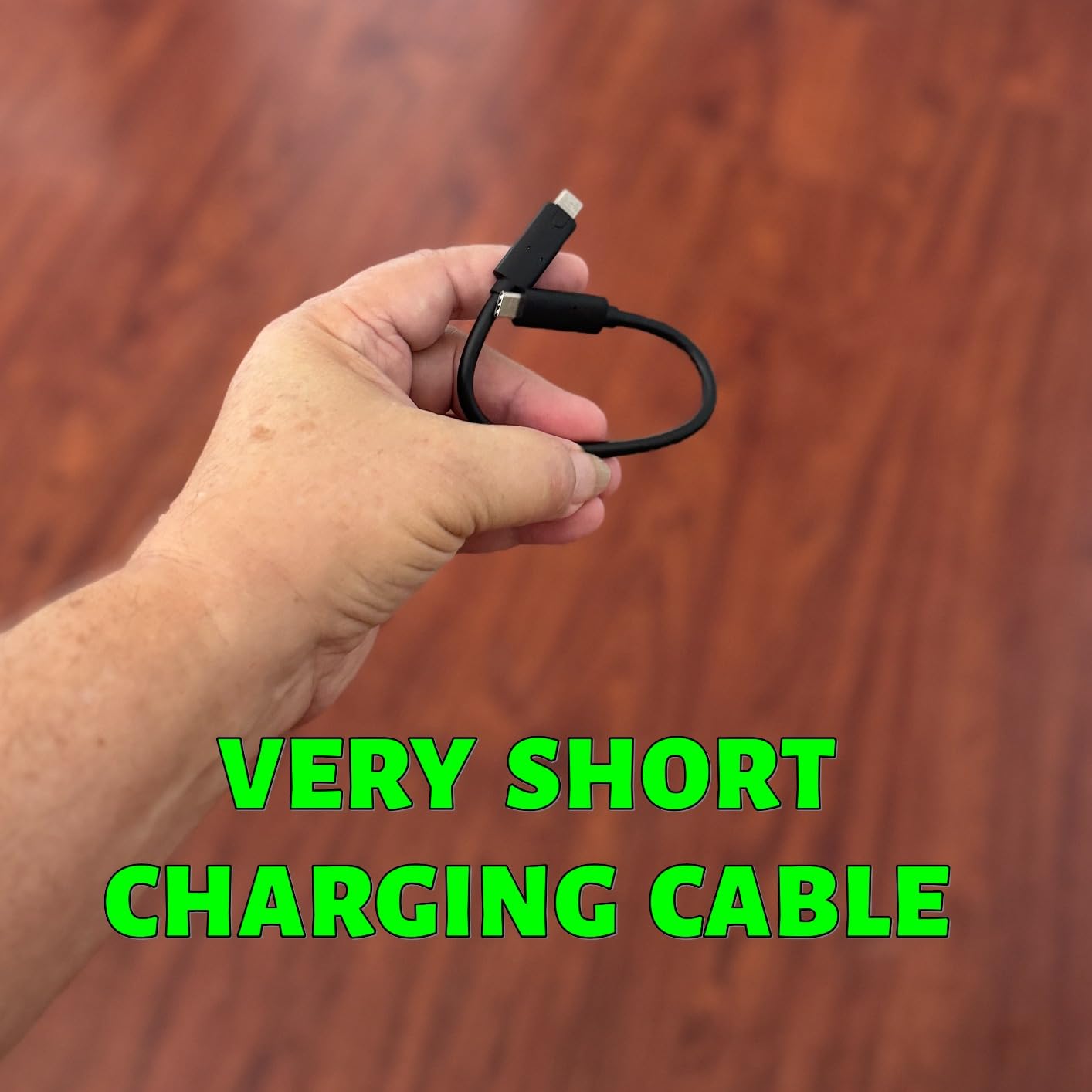
- Includes a USB-C to USB-C cable
- IP55 is a step below the IP65 rivals
- Polycarbonate body feels less premium
- Bundled extras need an account to activate
Console storage is where portability stops being a preference and becomes the reason you bought a portable drive. The compatibility list on this one is the widest of any drive in the guide, and at 32 g it is also the lightest.
Windows, Mac, iPad Pro, Chromebooks, Android, Linux, PS4, PS5 and Xbox are all listed. That matters for a game library in particular, where a 1TB slice gives a console room for installs that no internal bay could provide.
Speed sits in the standard 1050MB/s class, which is the right number here. Console transfers and library management do not benefit from 2000MB/s, and the interface works over plain USB-C, so it connects without an adapter.
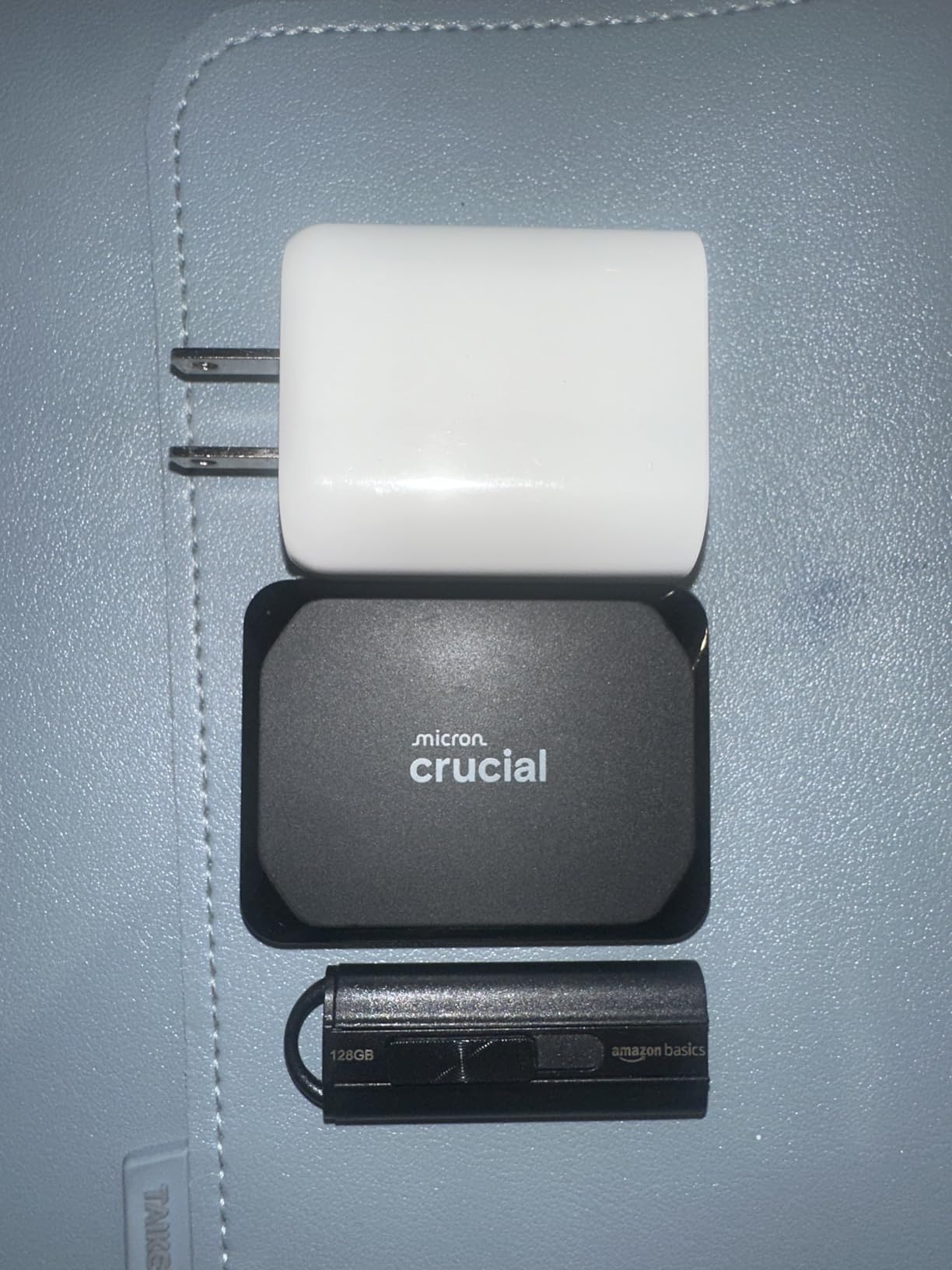
The compromises are honest ones. IP55 protects against dust and splashes but is a step below the IP65 sealing on the SanDisk and Samsung drives, and the polycarbonate enclosure does not feel like the aluminium unibody on the T7. The bundled extras are also tied to an account and a trial period, so treat them as a bonus rather than a reason.
If your work takes you outdoors, the Samsung T7 Shield 1TB has the stronger physical rating. If it stays on a desk or in a console cupboard, the weight and compatibility here make the X9 the easier drive to live with. Against the SSK Portable SSD 1TB, which is also 1050MB/s and only a few grams heavier, the deciding factor is the device list and the enclosure material.
6. SSK Portable SSD 1TB: The Budget Pick
- Strong price-to-performance at 1050MB/s
- Both USB-C and USB-A cables in the box
- 2mm aluminium case runs cool
- Light at 36.6 g
- S.M.A.R.T. diagnostics and adaptive TRIM
- Windows shows 1TB as roughly 931GB
- Writes slow once the SLC cache fills
- LED activity light stays lit
If speed matters more to you than the badge on the box, the engineering here holds up. A 1050MB/s drive with an aluminium case, two cables and built-in health diagnostics is not the usual shape of a budget option.
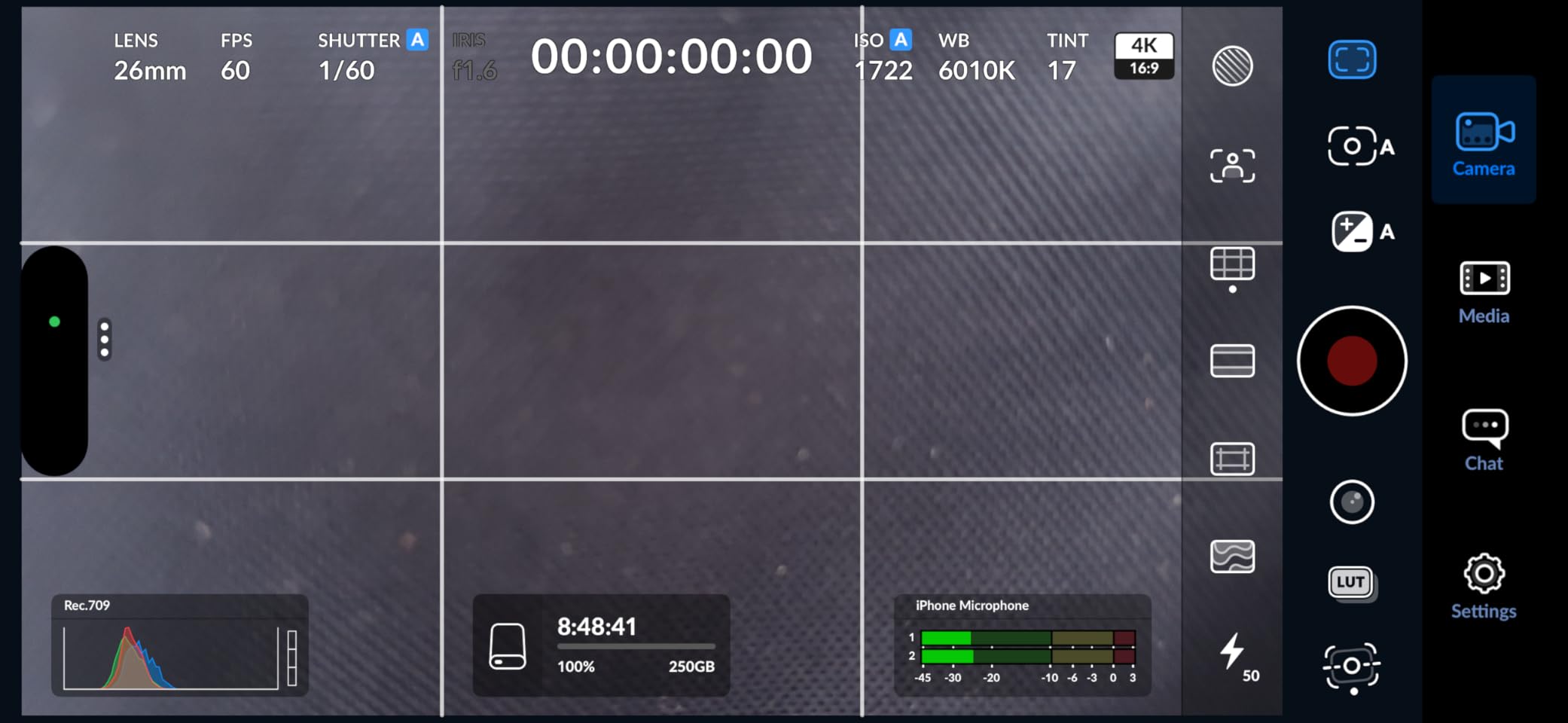
The engineering details are better than the brand badge would suggest. The 2mm aluminium alloy case is documented with a peak case temperature of 105.58F, and reviewers confirm it handles heat better than expected. S.M.A.R.T. health diagnostics and adaptive TRIM are unusual at this end of the market, and both USB-C and USB-A cables are included, so you are not hunting for the right lead on day one.
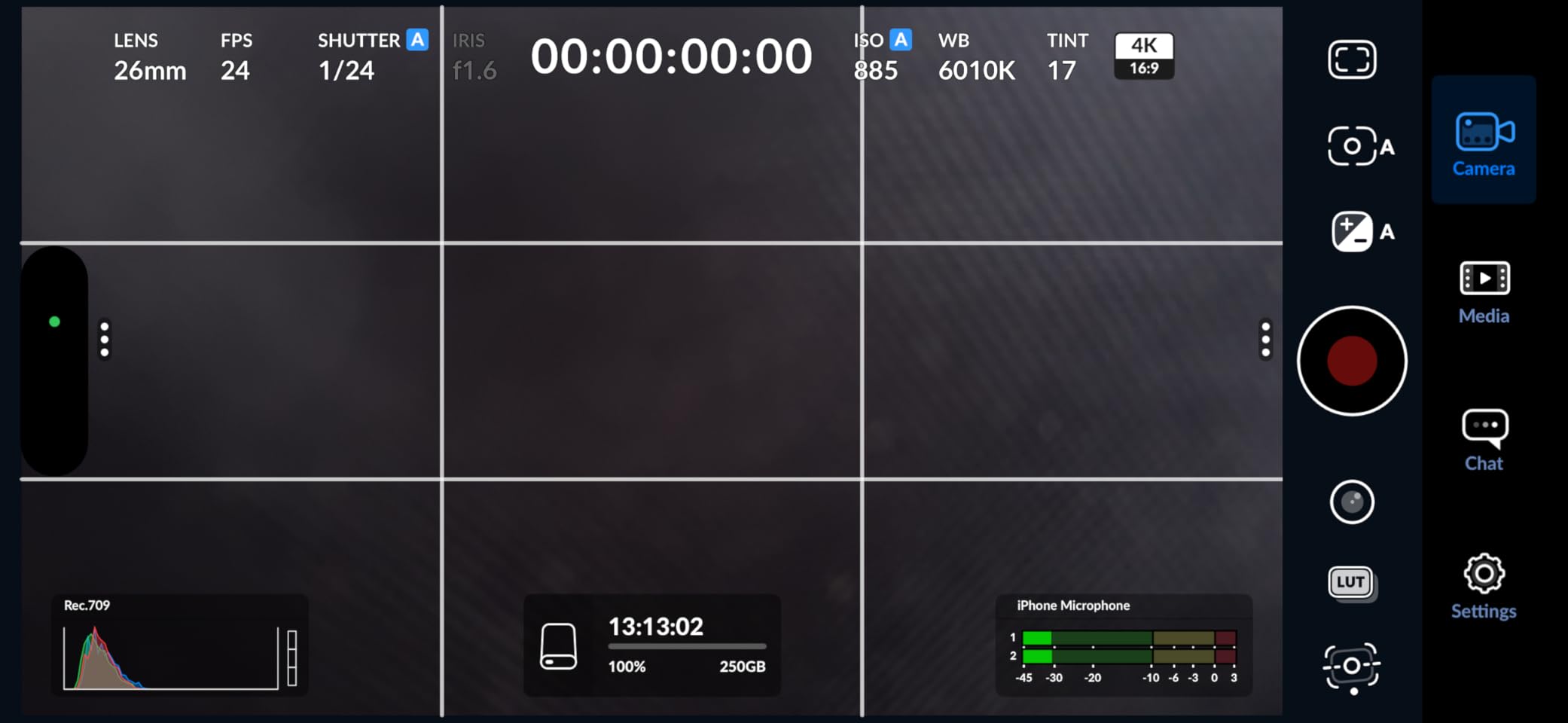
It is also set up for phone work, supporting 4K60 ProRes HDR capture from a compatible USB-C phone, which makes it a legitimate scratch drive rather than only an archive.
Two behaviours trip people up. Windows reports the 1TB capacity as roughly 931GB because of binary versus decimal calculation, which is normal and not a fault, but it has generated more than a few confused reviews. More importantly, SLC caching keeps 10Gbps speeds only while the cache has room, so a very large write settles to slower speeds once roughly a quarter of the capacity has been allocated as cache. For a fast evening backup that changes nothing; for a continuous overnight dump it is worth knowing.
The Amazon Basics 2TB is the alternative when you want more capacity and a 2×2 port at a similar cost, while the SanDisk Extreme 2TB is the alternative when you want a five-year warranty, an IP65 seal and a much deeper review base behind it. The SSK is the pick for buyers who would rather spend the difference on a second copy of their data.
7. Samsung T9 1TB: Best for Raw Speed
- Near-2000MB/s real-world transfers
- Dynamic Thermal Guard on sustained 100GB transfers
- Five-year limited warranty
- Works with cameras and consoles
- Samsung Magician for health monitoring
- Costs more per gigabyte than 1050MB/s drives
- Older or low-power hosts can struggle to initialise
- No carrying case
Two thousand megabytes per second is roughly double the 1050MB/s class, and that is the entire argument for this drive, provided your ports allow it. Owners report real-world transfers close to the rated figure on proper USB 3.2 Gen 2×2 or Thunderbolt 4 ports, and the quiet, fanless body suits a bag as well as a desk.
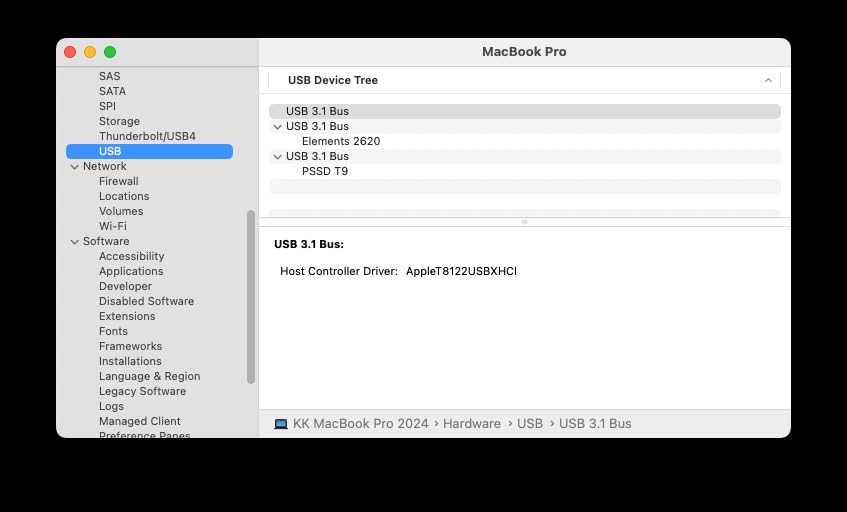
What separates it from the rest of the 2×2 class is how it holds that figure over time. The Dynamic Thermal Guard steps in before the controller throttles, so a long move finishes at close to full speed instead of tapering off partway through. For anyone editing straight off the drive rather than copying to local storage first, that consistency is the useful part.
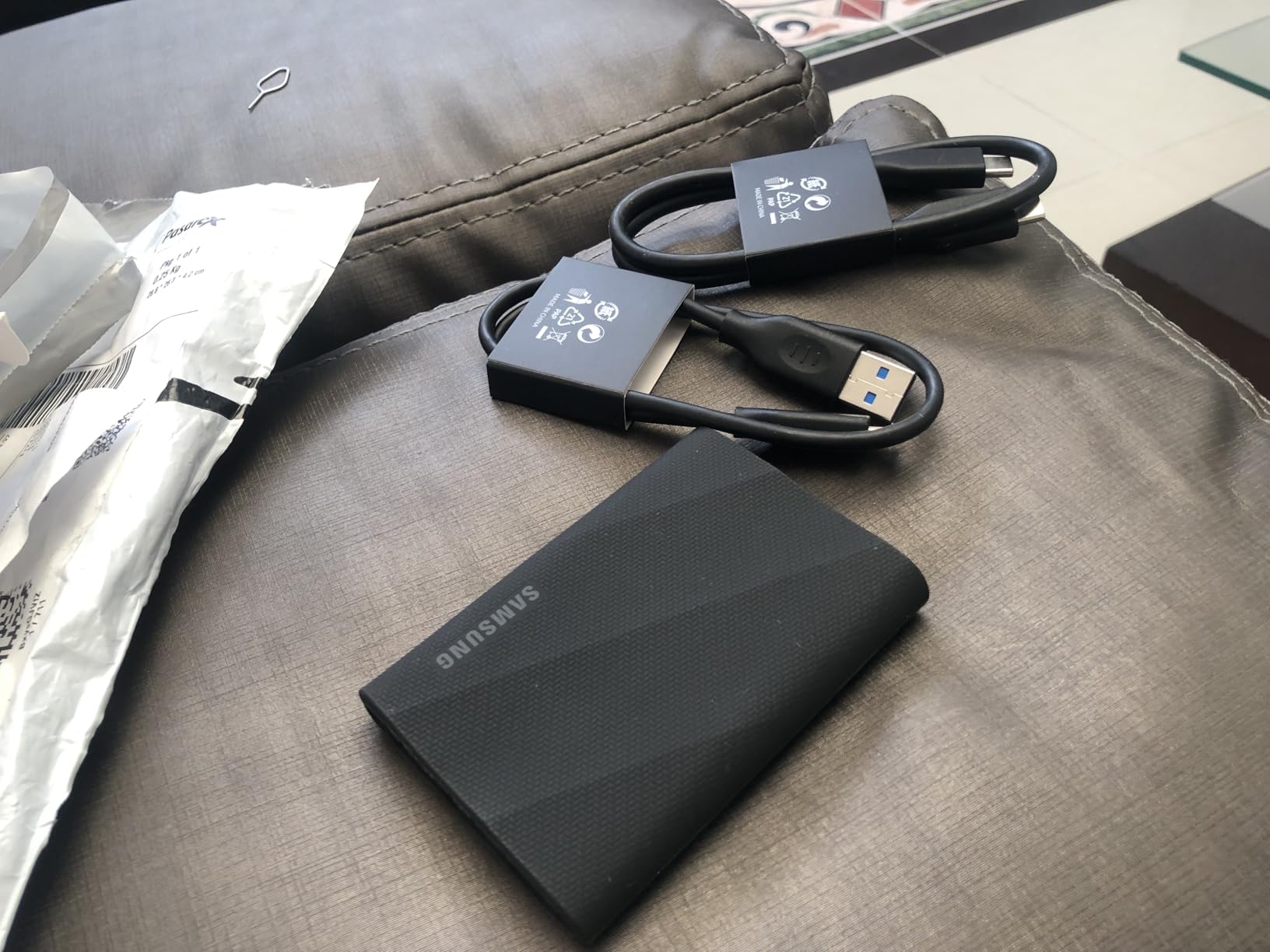
The caution is about the host, not the drive. A 20Gbps port is required for the rated speed, and reviewers note that older or low-power hardware can fail to initialise it properly. That has bitten people trying to use it in older vehicles and on older machines. If your laptop has only 10Gbps, the T9 will behave like a 1050MB/s drive and you will have paid a premium for a number you never see.
It weighs 4.32 oz, the heaviest here, which is fine for a desk drive and less fine for one that lives on your belt. Against the SanDisk Extreme PRO 2TB the speeds are comparable but the T9 is a current-generation model with a five-year warranty and half the capacity; against the Amazon Basics 2TB you get brand support and Magician software in place of a bundled case.
Both USB-C to USB-C and USB-C to USB-A cables come in the box, so it connects to older machines too, just at the slower speed.
8. Amazon Basics 2TB: Best for Large Backups
- Compact square form that fits a pocket
- Two terabytes with a 2000MB/s interface
- Thermal solution keeps it below 50C
- IP65 water and dust resistance
- Two cables and a storage case in the box
- Must be formatted before first use
- Quick Setup Guide is printed in tiny text
- Achieving rated speed needs a Gen 2x2 port
Buy it if two terabytes at 2000MB/s in something pocket-sized is the shape you need. The square body matters more than it sounds when a drive lives in a camera bag.
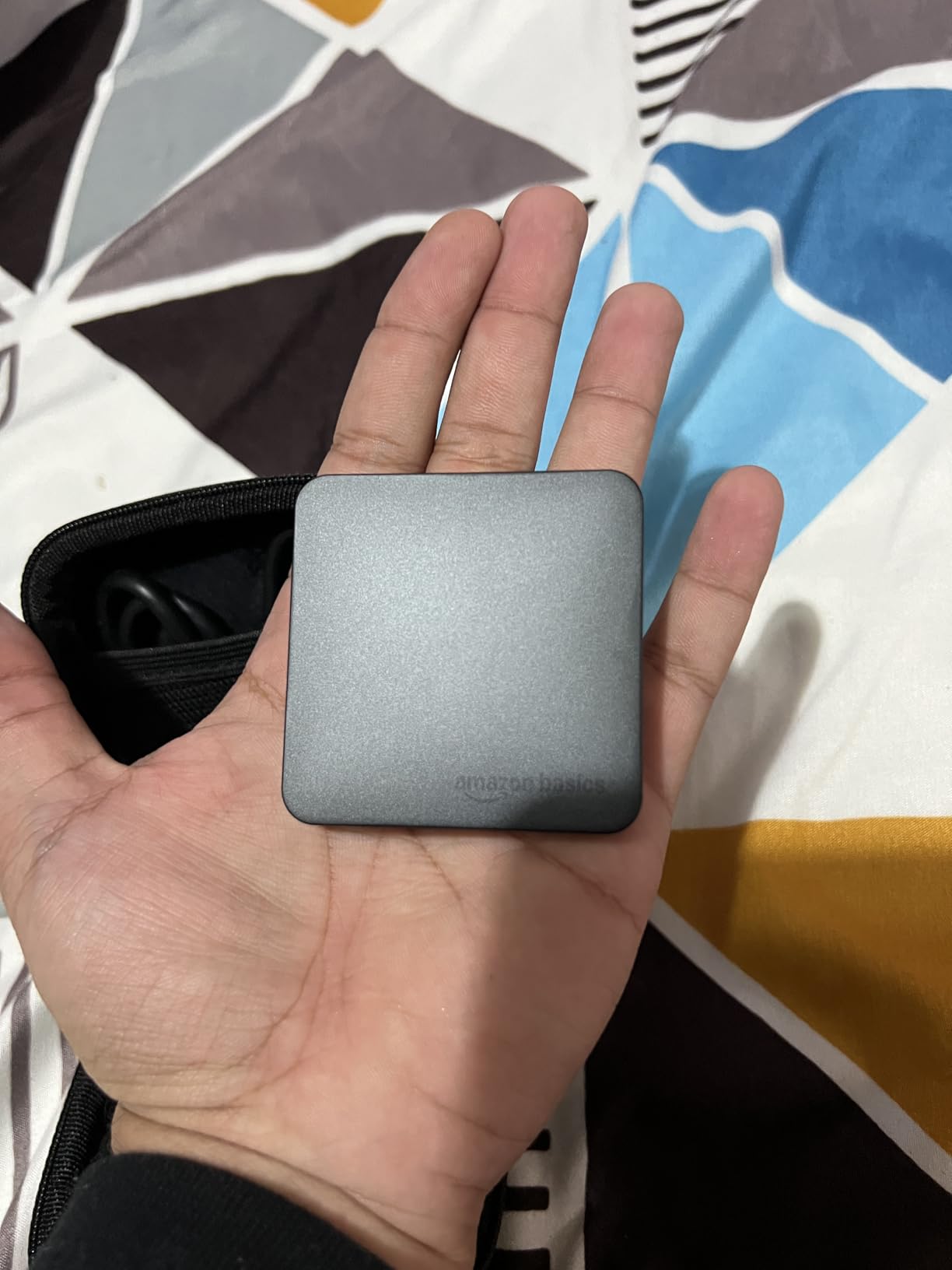
Owners are surprised by the package more than the speed. Both USB-C to USB-C and USB-C to USB-A cables come in the box, along with a protective storage case, and that bundle usually costs extra on rivals. The thermal solution is documented to hold the drive below 50C, which is the number that matters when you copy large files repeatedly rather than a one-off transfer.
One reviewer moved 80GB of footage in about fifty seconds, which is the kind of number that explains why this drive earns its place despite a much shorter review history than the established brands.
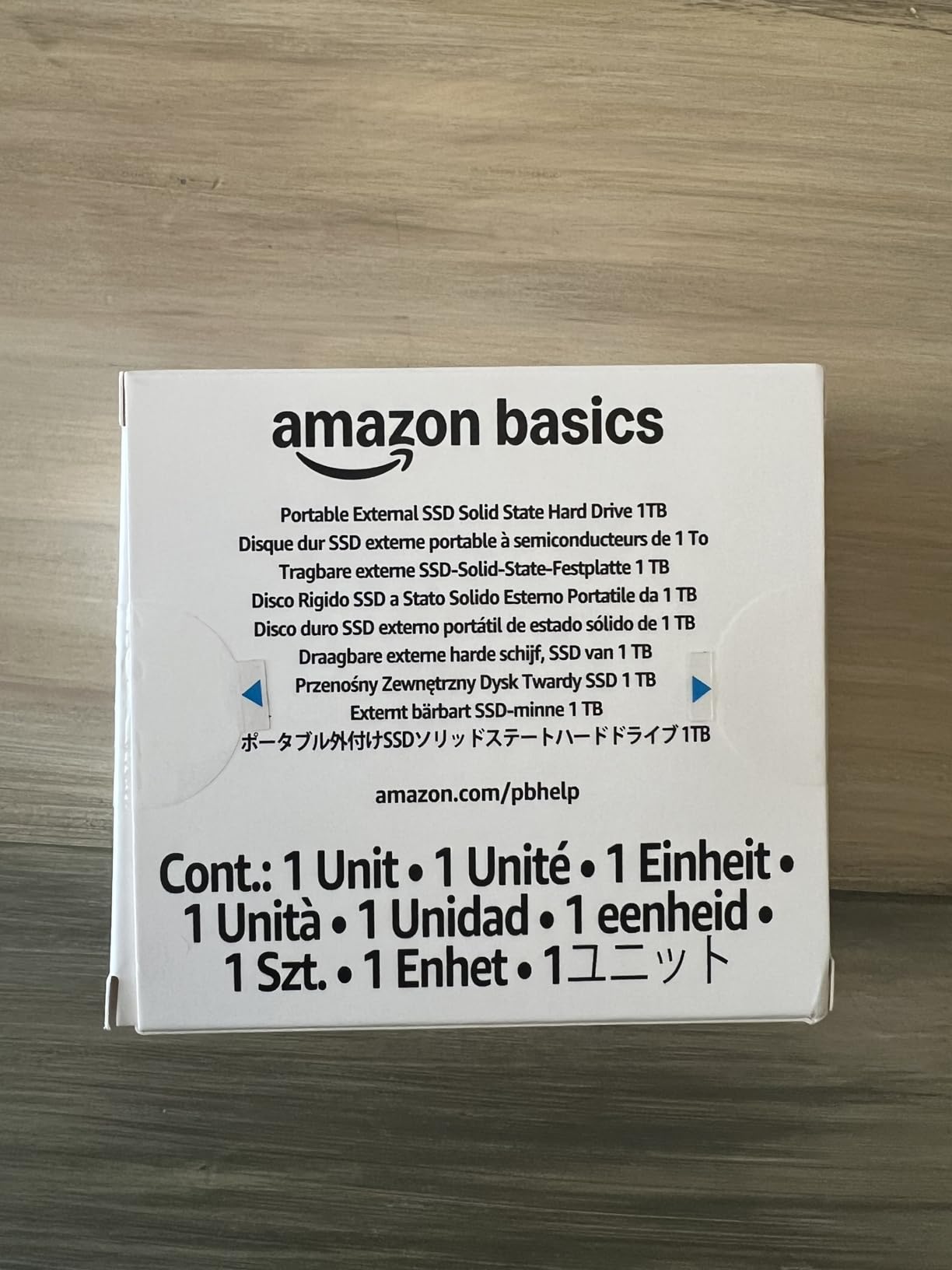
Two setup points catch people. The drive needs formatting, typically NTFS, before first use, so plan ten minutes rather than plugging it in and hoping. The Quick Setup Guide is also printed in very small text, which is a petty complaint until you are standing in a cupboard trying to find the cable. With 824 reviews, this is also among the least proven listings in the group, and one owner reported the drive was not recognised by an older laptop, so check that it mounts before you commit your backup to it.
Compared with the Samsung T9 1TB, you double the capacity and lose the brand software and five-year warranty in exchange. Compared with the SanDisk Extreme 2TB, you get a faster interface and a case, but a shorter warranty story and a much smaller review base.
IP65 sealing means this one can live in a bag or a van without drama, which is rare at this size.
9. Lexar ES3 1TB: Best for Phone Transfers
- Only 10.5mm thick and 42 g
- 1050MB/s read and 1000MB/s write
- Lexar DataShield 256-bit AES encryption
- Works with Android phones cameras and consoles
- Three-year limited warranty
- Speeds drop sharply on Macs without USB 3.2 Gen 2
- Not compatible with older iPhone models
- No MagSafe on this version
Compared with the Crucial X9 1TB: both run at 1050MB/s, but at 10.5mm and 42g this one carries that speed in a body thin enough to slide into a pocket between a phone and a memory card.
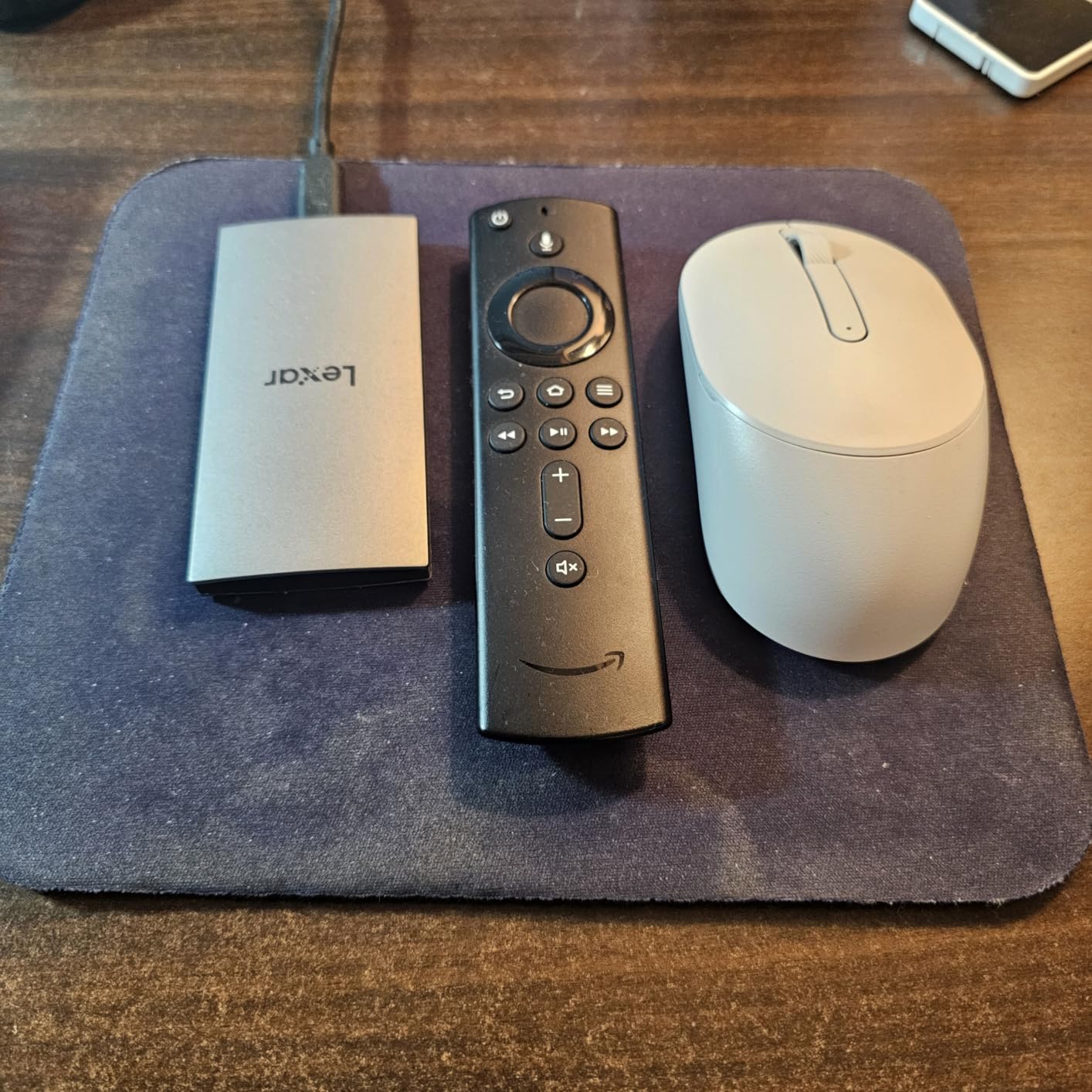
For someone who moves files between a phone and a laptop all day, thickness is a genuine feature rather than a rounding error. The Lexar works with current iPhone models, Android devices, cameras and both current consoles, and encryption is handled through the bundled Lexar DataShield software at 256-bit AES.
Speed sits in the familiar 1050MB/s class, which is the right ceiling for the phone workflows this drive is aimed at.
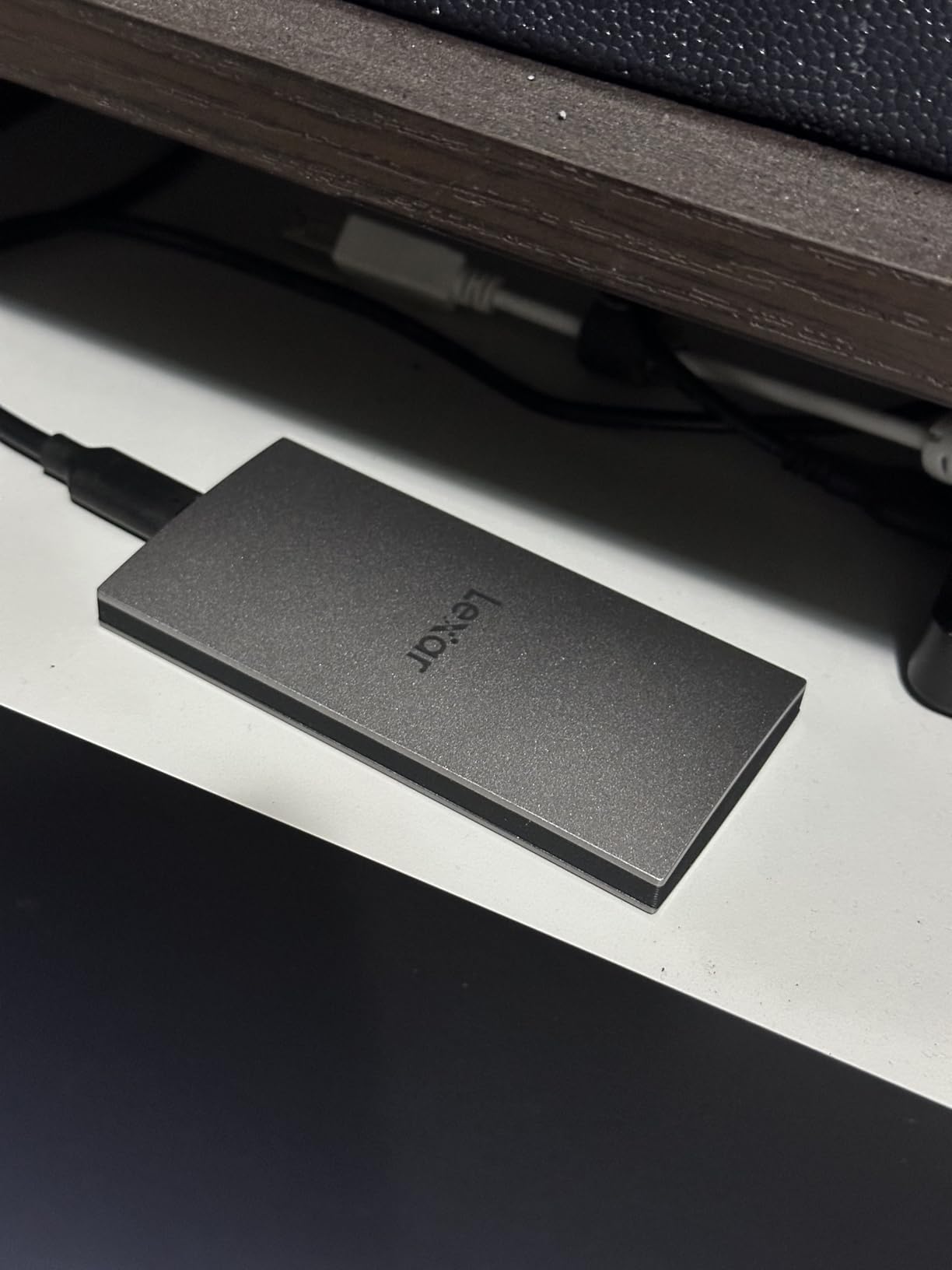
Compatibility is where the caution belongs, and it is worth reading carefully. The listing states speeds will be lower on systems without USB 3.2 Gen 2 support, which includes Macs, and the drive is not compatible with older iPhone models. If your daily machine is a Mac, the read/write headline will not be what you get, and the Samsung T7 1TB or the Crucial X9 1TB is the safer pick. There is also no MagSafe on this version, and only one Type-C cable in the box.
It is one of the lower-rated drives in the shortlist at 4.4, with a one-star share of 8 percent. For a phone-first buyer who knows the exact device list, that is an acceptable trade for a 10.5mm body. For anyone else, the SSK Portable SSD 1TB costs less and includes both cable types.
10. OSCOO 2100MB/s 1TB: Best for Budget 2×2 Speeds
- Up to 2100MB/s in the 2x2 class
- Light at 48.3 g and slim at 0.40 inches
- Aluminium shell with water and drop protection
- SMART monitoring and error correction
- Lowest rating here at 4.1 with a 16 percent one-star share
- One owner reported it stopped staying connected
- Variant naming is inconsistent between listings
Skip it if you want a drive to build a backup routine around. Buyers after a 2×2 port without paying premium-brand money will find it here, and should read the reviews first.
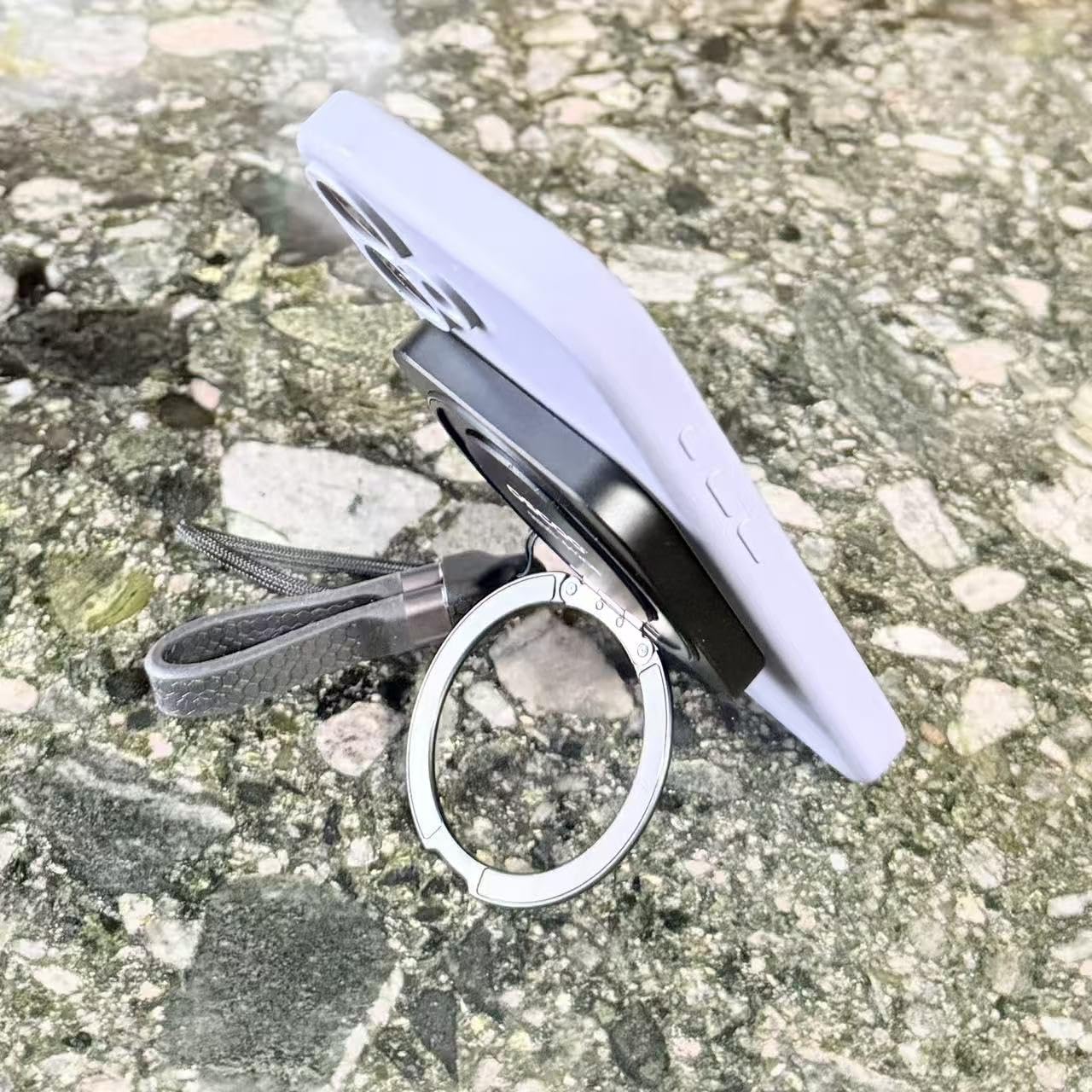
On paper this is impressive: up to 2100MB/s, an NVMe drive with premium NAND flash, a slim aluminium body at 48.3 g, and direct 4K 120fps HDR recording from compatible USB-C devices. Most owners are happy with speed, size and thermals, and several use it for game storage, photo offload and ProRes capture.
Reaching the rated speed needs USB 3.2 Gen 2×2, Thunderbolt 4 or Thunderbolt 5, which is the same caveat that applies to every 2×2 drive in this list.
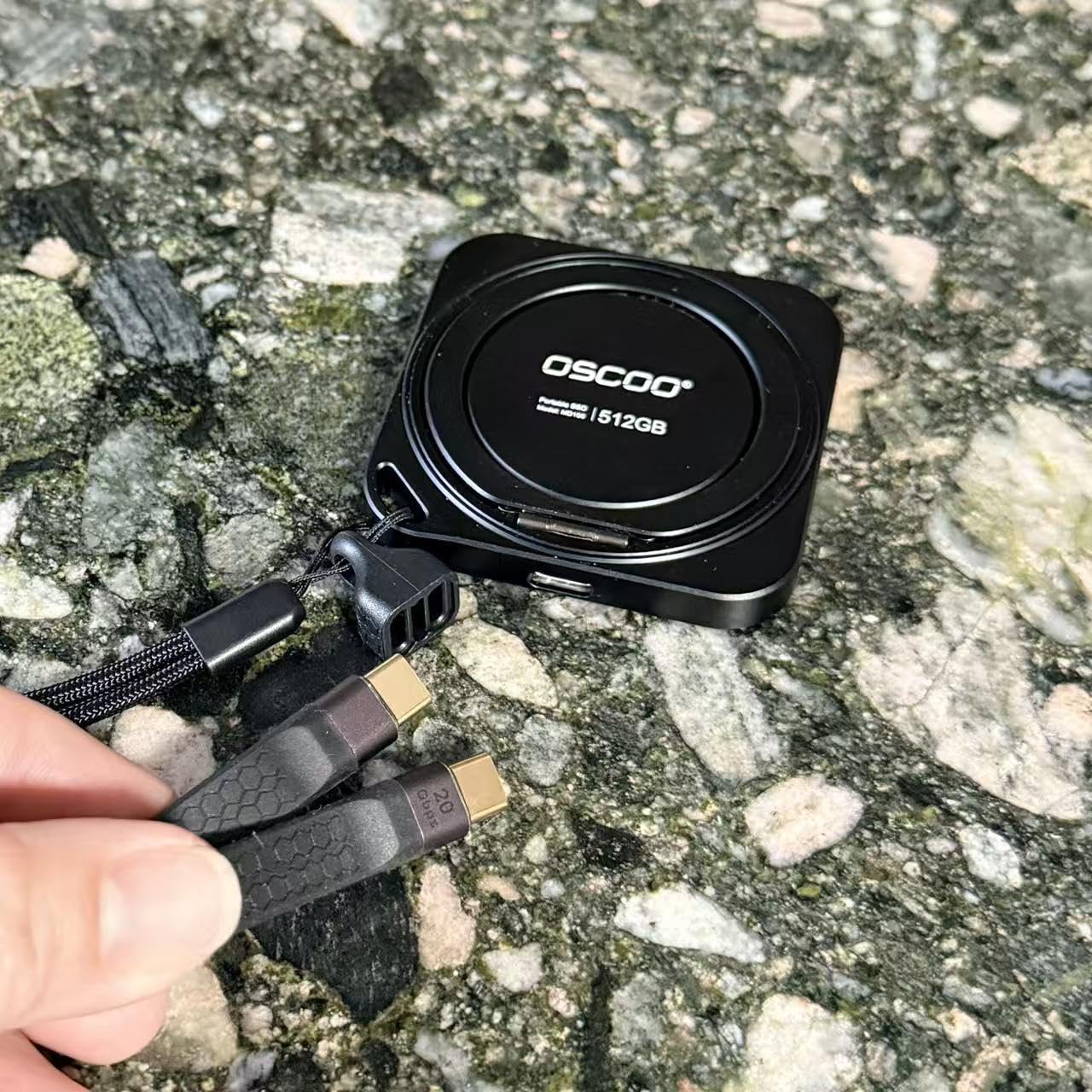
The rating tells the rest of the story. At 4.1 stars with 215 reviews and a 16 percent one-star share, this is the thinnest evidence base here by a wide margin. One owner reported the drive stopped staying connected after a few weeks, another disputed the phone compatibility shown in the listing imagery, and reviewers note that variable variant naming makes it unclear which configuration actually arrives.
Weigh that against the Samsung T9 1TB, which reaches a similar speed class with a five-year warranty, established software and far stronger owner feedback, or the SanDisk Extreme PRO 2TB if your ports are only 10Gbps. This drive earns its place for someone who has a confirmed 20Gbps port and accepts the risk; it is not the one to build a backup strategy around.
One practical note: usable storage comes in below the labelled figure on drives like this, so check the reported capacity before you plan your library around it.
How to Choose External SSDs During Prime Big Deal Days
Price moves during the sale, but the choice does not. Work through these five questions before you look at any offer, and the right drive usually becomes obvious.
How Much Storage Do You Need?
One terabyte is the minimum worth buying today; it fills faster than people expect once a single 4K project or a phone camera roll lands on it. Two terabytes is the sensible default for documents, a photo library and a laptop backup. Four terabytes and above only makes sense for video projects, a media server or a machine that cannot take an internal drive.
If a sale lands while you are choosing, buy the next capacity up rather than two smaller drives. Two drives are one more thing to lose, and per-terabyte pricing usually improves as capacity rises.
Do You Need USB 3.2 or USB 3.2 Gen 2×2?
USB 3.2 Gen 2 runs at 10Gbps, which tops out near 1050MB/s in practice. USB 3.2 Gen 2×2 runs at 20Gbps and reaches roughly 2000MB/s, but only on a port that supports it, which on a laptop usually means USB-C with 2×2 or a Thunderbolt port. Check your ports first; paying a premium for a 2×2 drive you cannot drive is the most common mistake in this category.
For everyday backups and media libraries, 1050MB/s is already fast enough that you will not notice the difference. For cutting multi-stream 4K or moving hundreds of gigabytes regularly, the 2×2 class earns its place.
How Portable and Durable Should an External SSD Be?
An IP65 rating protects against dust and water jets and is the number to look for if the drive lives in a bag, a van or a camera case. IP55 covers dust and splashes, which is better than nothing but not the same promise. Drop ratings add a second layer: three metres covers most desk accidents, while 9.8 feet is the figure to want for fieldwork.
Size matters less than people expect. Everything in this list fits in a pocket, so the usual tie-breaker is weight and whether a carabiner loop or case is included.
Will the SSD Work with Your Devices?
Check three things: the file system the drive arrives with, the ports on your devices, and whether encryption needs a desktop app before it works on a phone. exFAT arrives ready on both Mac and PC, while some drives ship Windows-only and need reformatting before a Mac backup will run.
Console support is a separate list, and it is worth reading: PS4, PS5 and Xbox support appears on several drives here, while phone compatibility is often limited to recent models. A 256-bit AES hardware encryption option is a good reason to keep client files on the drive itself rather than travelling with them on a laptop.
How to Shop External SSD Deals During the Sale
On a storage listing, check the model number in the specifications block, because portable SSDs are frequently revised under the same product name. Confirm the capacity rather than the headline speed, note whether the listing is new or renewed, and check the seller and the delivery partner behind the unit. Read what is in the box, since some drives include two cables and a case and others include one cable. Then look at the Prime badge: most offers during the event need a membership, and the numbers move through the two days rather than staying put.
- Confirm the capacity and the USB generation in the specifications, not the title
- Check whether the listing is new or renewed, and who the delivery partner is
- Verify the warranty length; five years is the more comfortable figure
- Match the interface to your ports before paying for a faster drive
- Look for an IP65 rating if the drive lives outside a desk
- Buy the next capacity up rather than two smaller drives, and keep a second copy of anything irreplaceable
Frequently Asked Questions
What should I look for in Best Amazon Prime Big Deal Days External SSD Deals?
Look at capacity, the USB generation your ports actually support, the ingress and drop ratings if the drive travels, and the warranty length. A 1TB drive is the minimum worth buying, 2TB suits most people, and 1050MB/s is fast enough for everyday backups. Check the listing’s model number too, because portable SSDs get revised under the same product name.
When does Amazon Prime Big Deal Days run in 2026?
Amazon Prime Big Deal Days runs October 6-7, 2026. Offers appear at the start of each day and change through the event rather than lasting the full window, so the price you see in the morning is not guaranteed to be the one you find in the evening. Check the current listing before you commit to a particular drive.
Do I need an Amazon Prime membership to buy an external SSD during the sale?
Most offers during Prime Big Deal Days need a Prime membership, and a free trial counts for the length of the trial. A small number of items are available to everyone, but storage is rarely one of them. If you are not sure it is worth subscribing for two days, compare the listing’s price with the manufacturer’s own store first.
Is a faster external SSD worth it for everyday backups?
Usually not. Most backups, photo libraries and game libraries run at the 1050MB/s ceiling of a USB 3.2 Gen 2 connection, so a 2000MB/s drive changes nothing on a 10Gbps port. Faster drives pay off for multi-stream 4K editing, very large video archives and Thunderbolt workflows, where they also need a matching 20Gbps or Thunderbolt port.
Can I use the same external SSD with a Mac and a Windows PC?
Yes, if the drive arrives formatted as exFAT, which is the case for several of the picks here. Windows-only formatting will not be recognised by macOS, so reformat as exFAT if you plan to move between systems. Note that some drives run at reduced speed on Macs regardless of the file system, because the Mac’s port does not support the same USB generation.
Are external SSD prices coming down?
Not consistently. NAND flash costs have climbed as AI data centre demand absorbs supply, which has made genuine reductions on the larger capacities less common outside a sale window. That is the practical argument for waiting for an event like Prime Big Deal Days rather than buying a 2TB or 4TB drive at full price.
Final Verdict: Best Amazon Prime Big Deal Days External SSD Deals
Buy the SanDisk Extreme 2TB if you want one drive that covers backups, media and travel: 1050MB/s, IP65, a five-year warranty and the deepest owner feedback in the group. For a budget-friendly alternative, the SSK Portable SSD 1TB gives the same 1050MB/s class with both cables in the box and leaves more of the budget for a second copy of your files.
The rest match to a job. Samsung T7 1TB is the most versatile if cool sustained transfers matter more than capacity. Samsung T7 Shield 1TB is the one for rain, dust and drops. SanDisk Extreme PRO 2TB and Samsung T9 1TB are the fast pair, and the T9 is the current-generation choice on a 2×2 port. Amazon Basics 2TB suits large backups in a very small body. Crucial X9 1TB fits console storage, Lexar ES3 1TB suits phone-first workflows, and the OSCOO 2100MB/s 1TB is a budget 2×2 option worth reading the reviews on first.
Check your ports, decide on a capacity rather than a speed figure, then use the buttons above to see the current offer on each during the sale.