

If you are picking a MacBook Air this autumn, the 13-inch M5 leads this list: it pairs up to 18 hours of claimed battery life with a 2.71-pound body, 16GB of unified memory and a 512GB SSD, which is close to the ideal everyday laptop for a student, a commuter or anyone working from home. The 15-inch M5 is the pick for people who want that same chip on a bigger screen, and the renewed M2 with 8GB is the low-cost way into a Mac.
Amazon’s Prime Big Deal Days runs October 6-7, 2026, and most laptop offers need a Prime membership. Configurations change through the two days, so use the button on each pick to see the current number.
Table of Contents
Our Top 3 Picks for Best Amazon Prime Big Deal Days MacBook Air Deals


Best Amazon Prime Big Deal Days MacBook Air Deals Compared (2026)
| Product | Specifications | Action |
|---|---|---|
| MacBook Air 13 M5 |
|
Check Deal Price |
 MacBook Air 15 M5 MacBook Air 15 M5 |
|
Check Deal Price |
| MacBook Air 13 M4 |
|
Check Deal Price |
 MacBook Air M2 8GB Renewed MacBook Air M2 8GB Renewed |
|
Check Deal Price |
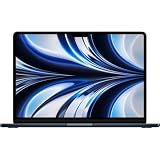 MacBook Air M2 24GB Renewed MacBook Air M2 24GB Renewed |
|
Check Deal Price |
 MacBook Air M3 Renewed MacBook Air M3 Renewed |
|
Check Deal Price |
How We Chose
We compared the specs that decide which Air suits which person: chip generation, unified memory, SSD capacity, display size, claimed battery life and weight, then read what owners report about heat, port limits and battery condition. Ratings and owner review counts were checked in October 2026. Every pick is here because it fits a specific reader, not because the number attached to it is the smallest one going.
1. MacBook Air 13 M5: Editor’s Choice for Everyday Work
- Up to 18 hours of claimed battery life
- 2.71-pound fanless body
- 13.6-inch Liquid Retina display with 1 billion colors
- Wi-Fi 7 and Bluetooth 6
- Supports up to two external displays
- Only two Thunderbolt 4 ports
- Memory and SSD cannot be upgraded
- Fanless design slows under sustained heavy work
The one to watch first during the sale, because nothing else in this list is as complete out of the box.
The 512GB SSD matters more than most buyers expect. Two hundred and fifty-six gigabytes disappears inside a year once a photo library, a few downloads and a couple of apps land on it, and this model skips that problem entirely without moving up a configuration tier.
What stands out is how quiet the whole thing is. There is no fan, so email, spreadsheets, browser tabs and video calls produce no noise at all, and the 13.6-inch Liquid Retina panel renders a billion colours with sharp text at the 2560 by 1664 resolution Apple uses across the Air line.
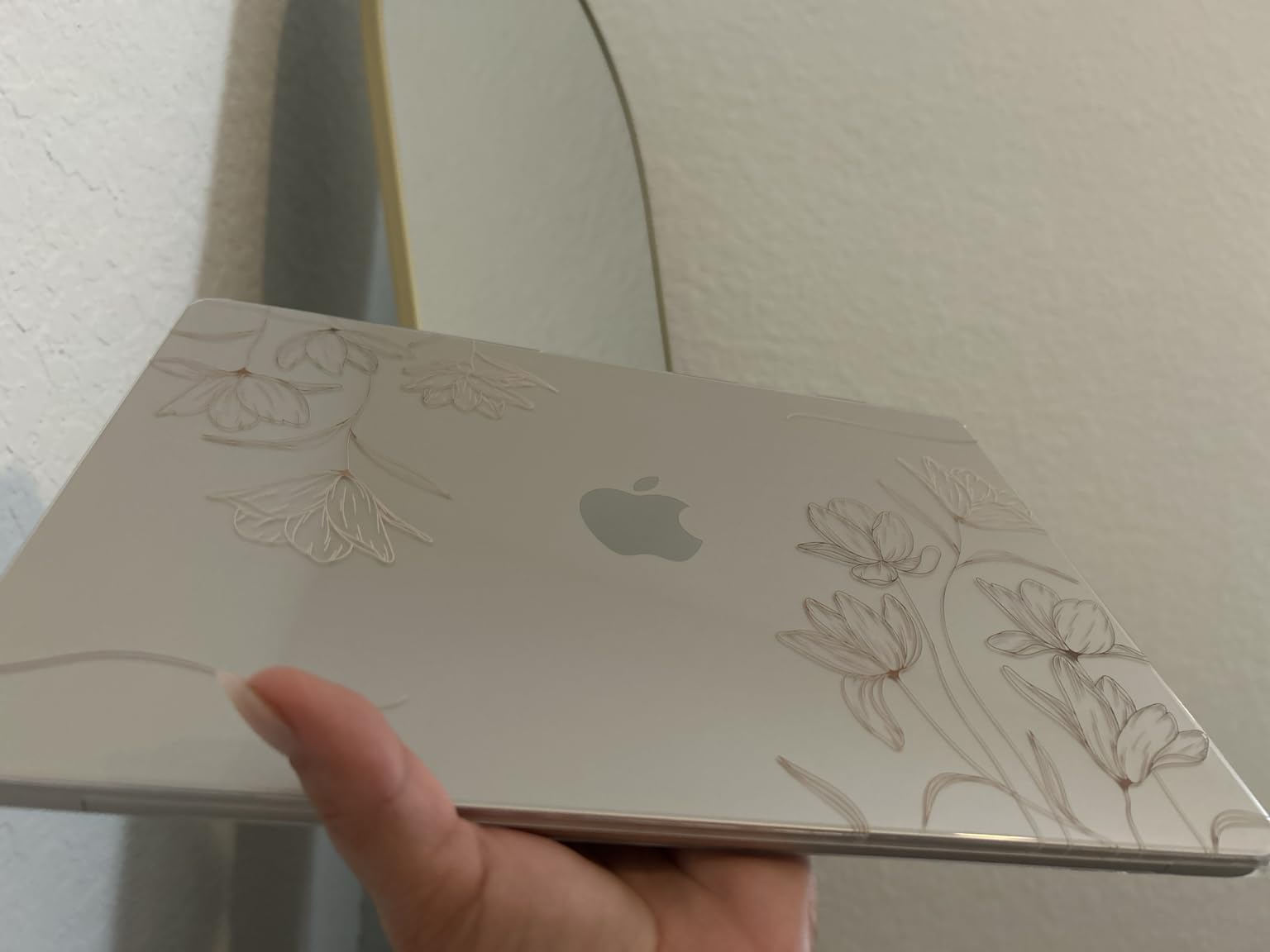
For a working day away from a socket, the claim is up to 18 hours of battery life. Reviewers report that the figure is realistic for mixed office work rather than all-day video editing, and plenty of owners say a full workday of browsing, writing and calls finishes with charge to spare.
Owners switching from Windows name three things repeatedly: setup takes minutes, the iPhone and iPad integration works without effort, and the machine stays silent. A small number mention an occasional freeze during first-time setup that clears on a restart.
- 2.71-pound aluminium body, 0.44 inches thick
- Two Thunderbolt 4 ports, MagSafe charging and a headphone jack
- 12MP Center Stage camera with Desk View for presentations
- Touch ID, backlit keyboard and a fanless, silent design
Compared with the MacBook Air 15 M5, the choice is weight rather than power: same chip, same 16GB of memory, but 3.32 pounds and a 15.3-inch screen. Compared with the MacBook Air 13 M4, you give up 8GB of memory for a newer chip, Wi-Fi 7 and the newest battery claim.
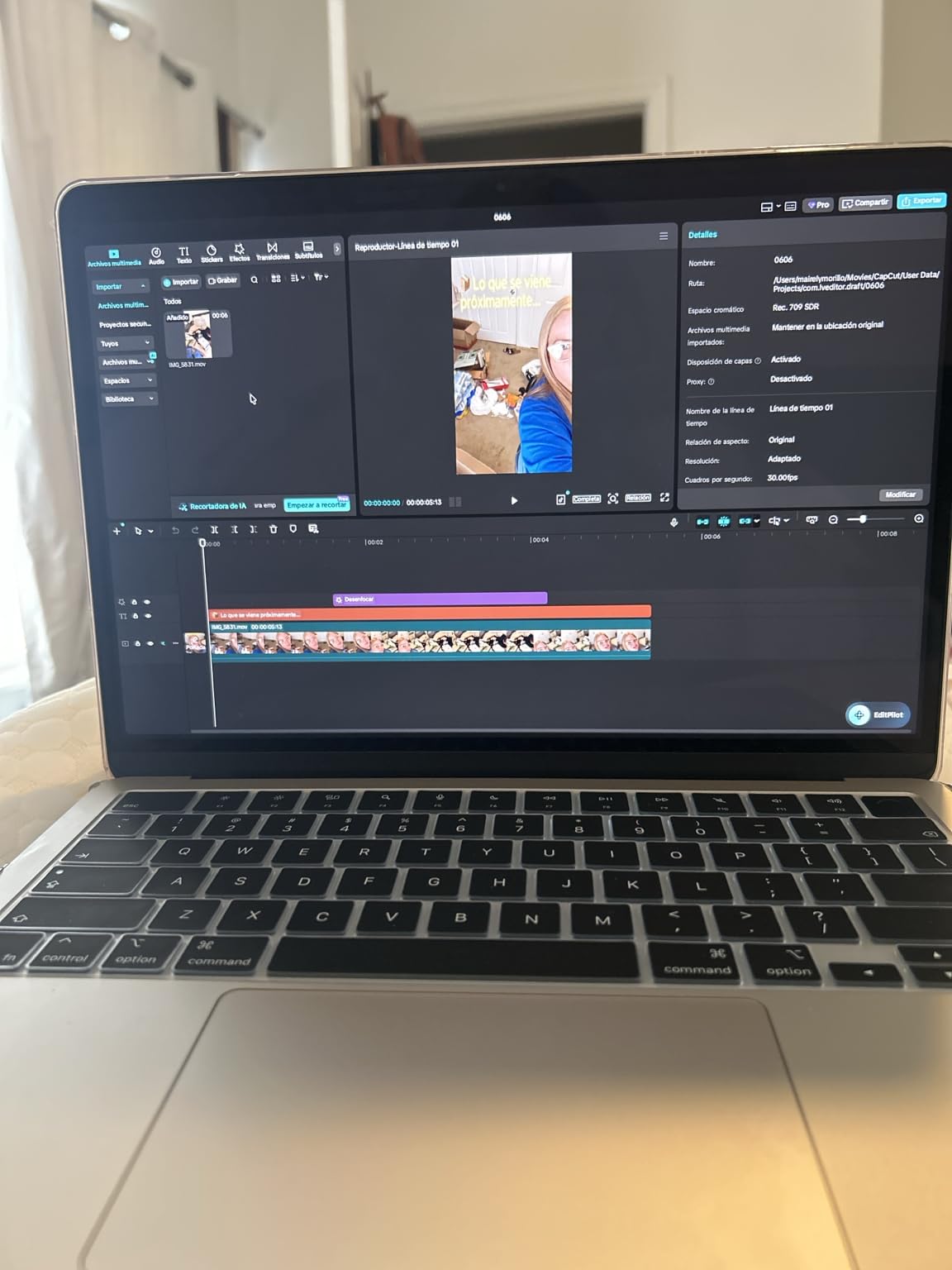
Good to know: if your work involves long video exports or compiling code all afternoon, skip this and look at the MacBook Air 13 M4, where the extra memory absorbs more of that load. It also helps to check what sits above the Air in the range before you commit to a configuration.
Anyone replacing an M1 or M2 Air will find this a clear step up in screen smoothness and wireless speed, and anyone buying a first Mac gets the newest chip generation at the most common memory size. That is why it takes the top spot rather than the 15-inch, which scores marginally higher but serves a narrower reader.
2. MacBook Air 15 M5: Top Rated for Big-Screen Work
- Highest rated in this list at 4.8
- 15.3-inch Liquid Retina display
- Six-speaker system with Spatial Audio
- Up to 18 hours of claimed battery life
- Premium aluminium build
- 3.32 pounds is heavier to carry all day
- Midnight finish shows fingerprints
- Only two Thunderbolt 4 ports
Owners who moved up from Windows mostly mention the same two surprises: the screen is much larger than they expected from a laptop, and the machine still runs silent.
The 15.3-inch panel is the reason to buy this instead of the 13-inch. Text stays sharp at the same 2560 by 1664 resolution, the extra real estate fits a spreadsheet next to a document and a video call, and the six-speaker system with Spatial Audio and Dolby Atmos makes it a reasonable speaker for a small room.
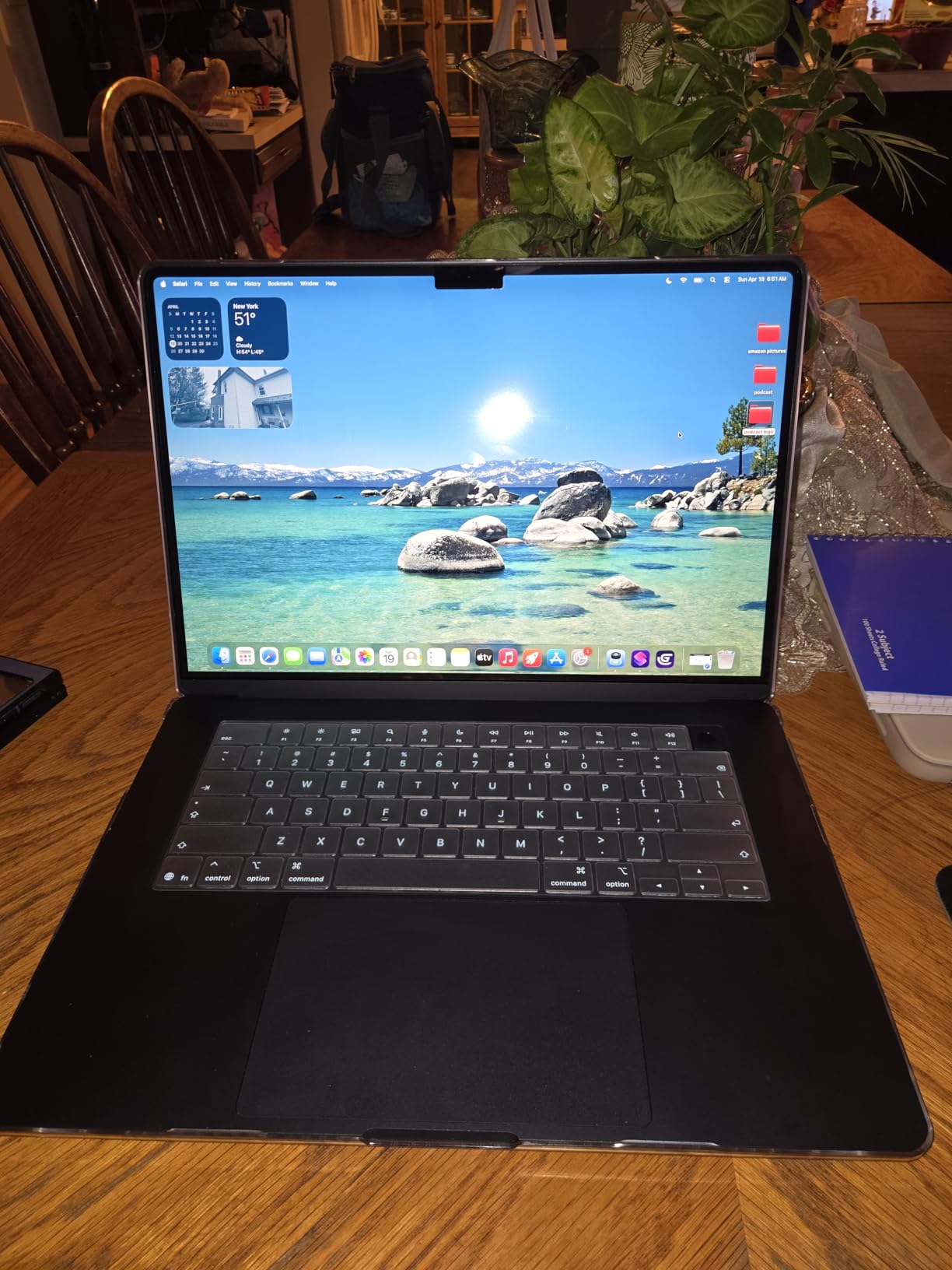
Skip it if: your laptop lives in a backpack all day. At 3.32 pounds this is a half-pound heavier than the 13-inch M5, and several reviewers note the weight is more noticeable than the number suggests. For desk work it makes no difference.
Rating sits at 4.8 across 626 reviews, with nine out of ten reviews at five stars. Reviewers praise smooth multitasking across many apps with 16GB of memory, easy iPhone pairing, and a keyboard and trackpad that feel well above the price tier.
- Up to two external displays over two Thunderbolt 4 ports and MagSafe
- Wi-Fi 7 and Bluetooth 6, the newest wireless in this lineup
- 12MP Center Stage camera with Desk View for screen sharing
- Up to 18 hours of claimed battery life, fanless and silent

Compared with the MacBook Air 13 M5, nothing changes under the hood. Same chip, same 16GB of unified memory, same 512GB SSD, same battery claim. You are paying for size, speakers and a trackpad, nothing else.
Keep in mind that the midnight finish shows fingerprints quickly, so a case or a sleeve is worth considering. Display colour and brightness satisfy most people, though a few reviewers who compare it against higher-end panels find it short of reference-grade accuracy.
Under sustained heavy work the fanless body slows down, which reviewers mention across the Air range rather than this model alone. For photo culling, large spreadsheets and long calls, it holds up well. For continuous video exports, an Air is the wrong shape of tool whichever size you pick.
3. MacBook Air 13 M4: Best for 24GB Multitasking
- 24GB unified memory for heavy multitasking
- Handles 4K video editing quickly
- Full day of real-world battery life
- Upgraded from Intel machines report a large speed jump
- Only two Thunderbolt 4 ports and no HDMI or SD reader
- Runs warm during long heavy workloads
- 512GB fills quickly for media creators
This is the pick for anyone whose work does not fit in 16GB. Editors, developers, researchers and anyone running a dozen browser tabs plus a video editor will feel the difference, because 24GB of unified memory is 50 percent more than the base configuration and nothing else in this list offers that headroom on a 13-inch body.
The M4 chip handles 4K video editing quickly even in a fanless machine, and the battery lasts a full working day. Reviewers upgrading from Intel Macs describe the jump in speed and battery life as the single biggest change they have noticed in years.
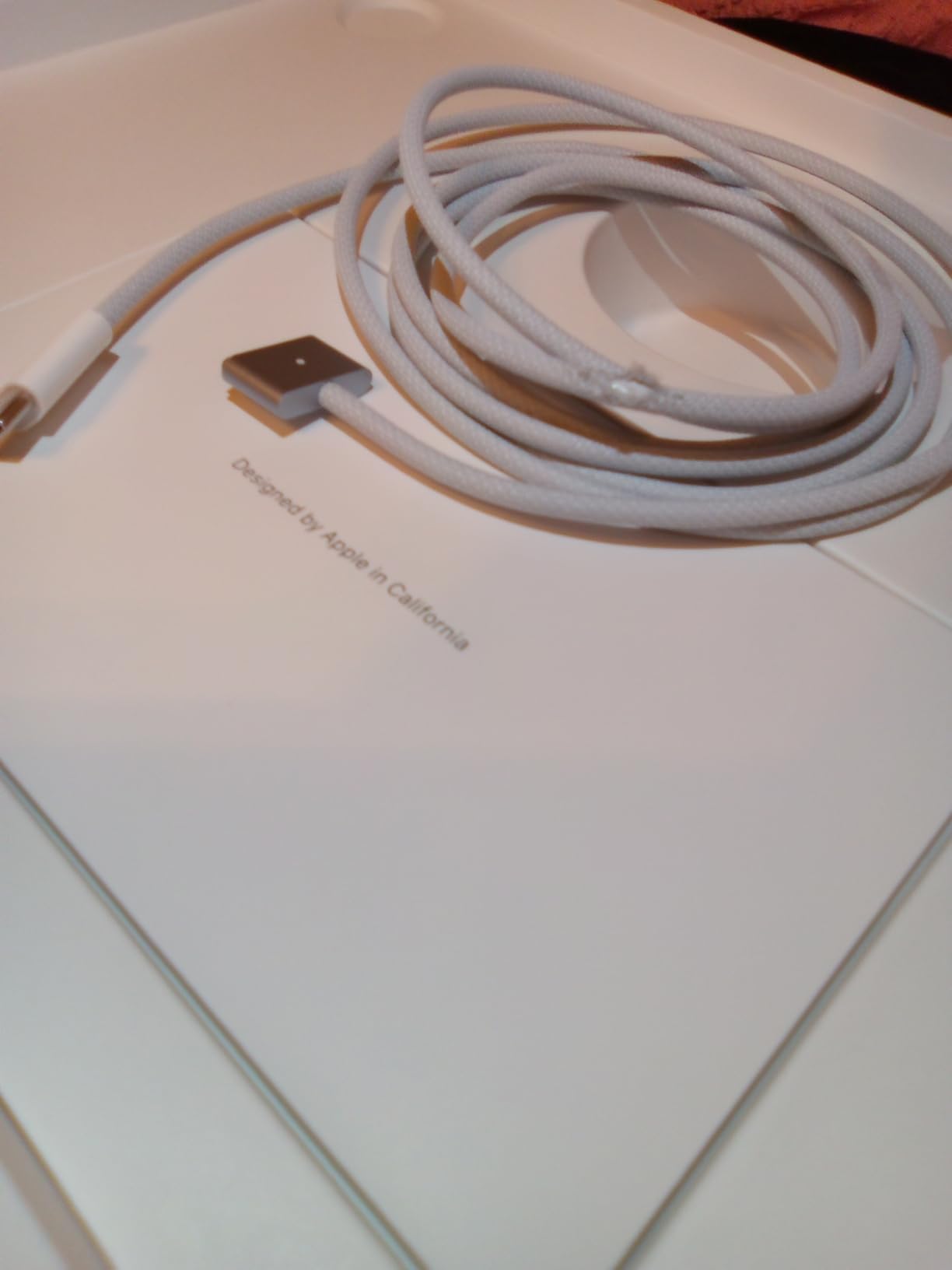
Compared with the MacBook Air 13 M5, you are trading a newer chip for memory. Everyday work barely notices, but memory-hungry tasks notice a lot, and the older generation still lists the better wireless hardware on this model as Wi-Fi 6E and Bluetooth 5.3 rather than Wi-Fi 7.
Rated 4.8 across 496 reviews, with 93 percent at five stars. Recurring praise covers the keyboard, the screen and how quietly the machine runs; the recurring complaints are ports, Windows-only software and heat during long heavy sessions.
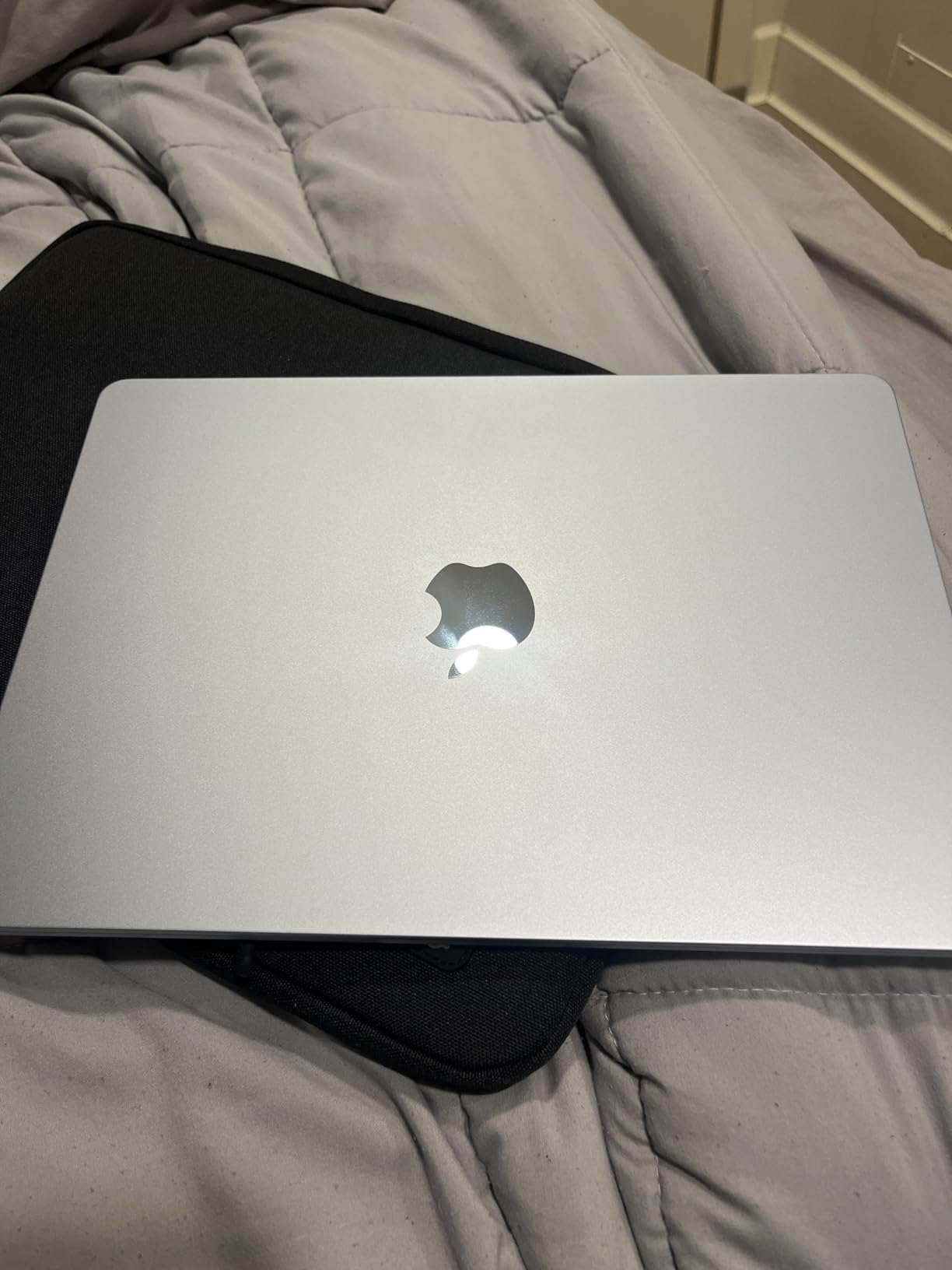
Worth knowing before you commit: the 24GB you buy is the 24GB you keep, since memory here is soldered. Media creators who shoot 4K regularly will fill the 512GB sooner than most people expect, and there is no card reader to offload to without an adapter.
Buy the MacBook Air 13 M5 instead if you do light office work, travel often or want the longest wireless support window. This one makes more sense for a desk-bound professional who keeps a heavy workload open all day.
4. MacBook Air M2 8GB Renewed: Budget Pick
- Lowest outlay of any MacBook Air in this list
- 2.7-pound all-aluminium unibody
- 13.6-inch Liquid Retina display over 500 nits
- Silent fanless operation
- 8GB memory and 256GB SSD cannot be upgraded
- Renewed warranty limited to 90 days
- Battery health varies from machine to machine
For a first Mac, a second machine for a child, or a laptop that lives in a kitchen and takes knocks, this is the cheapest way into the range. The 2.7-pound aluminium unibody is the same shell design as the current models, and the 13.6-inch Liquid Retina display carries over 500 nits of brightness with P3 wide colour.
Be honest about the trade. 8GB of unified memory and a 256GB SSD is the entry configuration and neither can be upgraded, so this is a machine for browsing, documents, email and light photo work, not for editing or large project files.
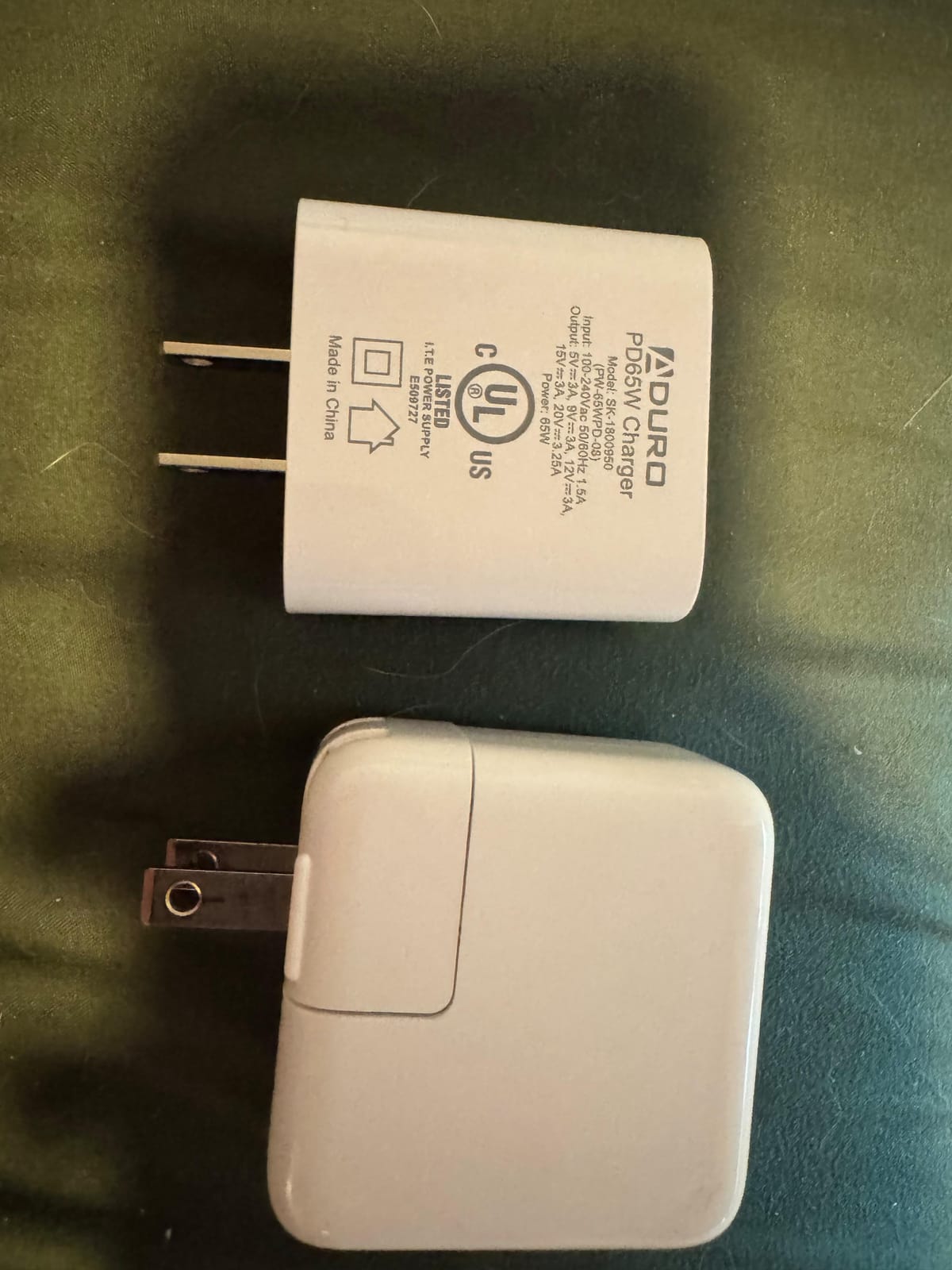
Reviewers are split on the rating, which is 4.4 across 836 reviews, with 78 percent at five stars and 8 percent at one star. The spread comes down to condition: some buyers describe a near-new machine, others report battery capacity that has already faded and cosmetic marks they were not expecting.
Two things to settle before checkout on a renewed machine: the battery health percentage and how long the warranty runs. Every renewed listing here comes with 90 days of limited warranty, and the MacBook Air M2 8GB Renewed quotes around 12 hours of battery life rather than the 18 hours newer models claim.

Against the MacBook Air M3 Renewed, you spend less and give up a chip generation plus the newer battery claim. Against the MacBook Air M2 24GB Renewed below, you give up 16GB of memory, which is the difference between comfortable and cramped as soon as you run more than a few apps at once.
5. MacBook Air M2 24GB Renewed: Best for Large Memory
- 24GB unified memory on this generation
- Battery exceeds 80 percent capacity
- Fast SSD read and write speeds
- Many buyers describe the machine as near-new
- Renewed warranty limited to 90 days
- Condition and battery capacity vary between machines
- Only two USB-C Thunderbolt ports
Twenty-four gigabytes of unified memory on an M2 is an unusual combination, and for a specific kind of buyer it is the right one: someone who wants memory headroom, works on a budget, and does not need the newest chip for on-device AI features.
The M2 runs roughly 18 to 20 percent faster than the M1 in processor tasks, and this listing pairs it with a 512GB SSD that reviewers describe as fast on both reads and writes. Renewed units here are inspected and tested by Amazon-qualified suppliers, and the listing states the battery exceeds 80 percent of its original capacity.
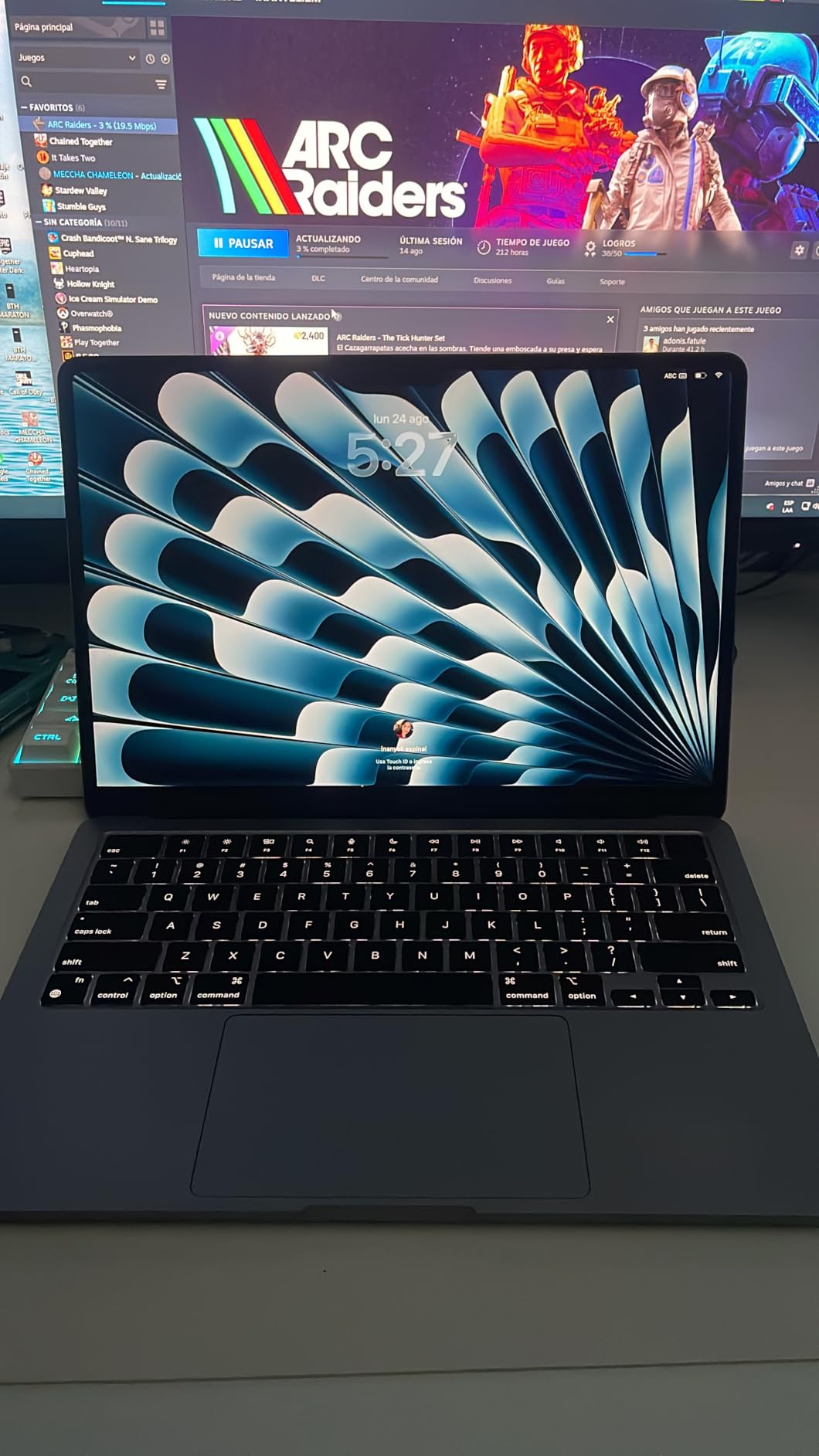
At 4.2 across 373 reviews, this has the lowest rating here, and the reason is visible in the distribution: 70 percent at five stars, 10 percent at one star. Happy buyers often report 87 to 100 percent battery capacity and no cosmetic damage. Unhappy buyers report scratches, dirt and high power-cycle counts that have shortened battery life.
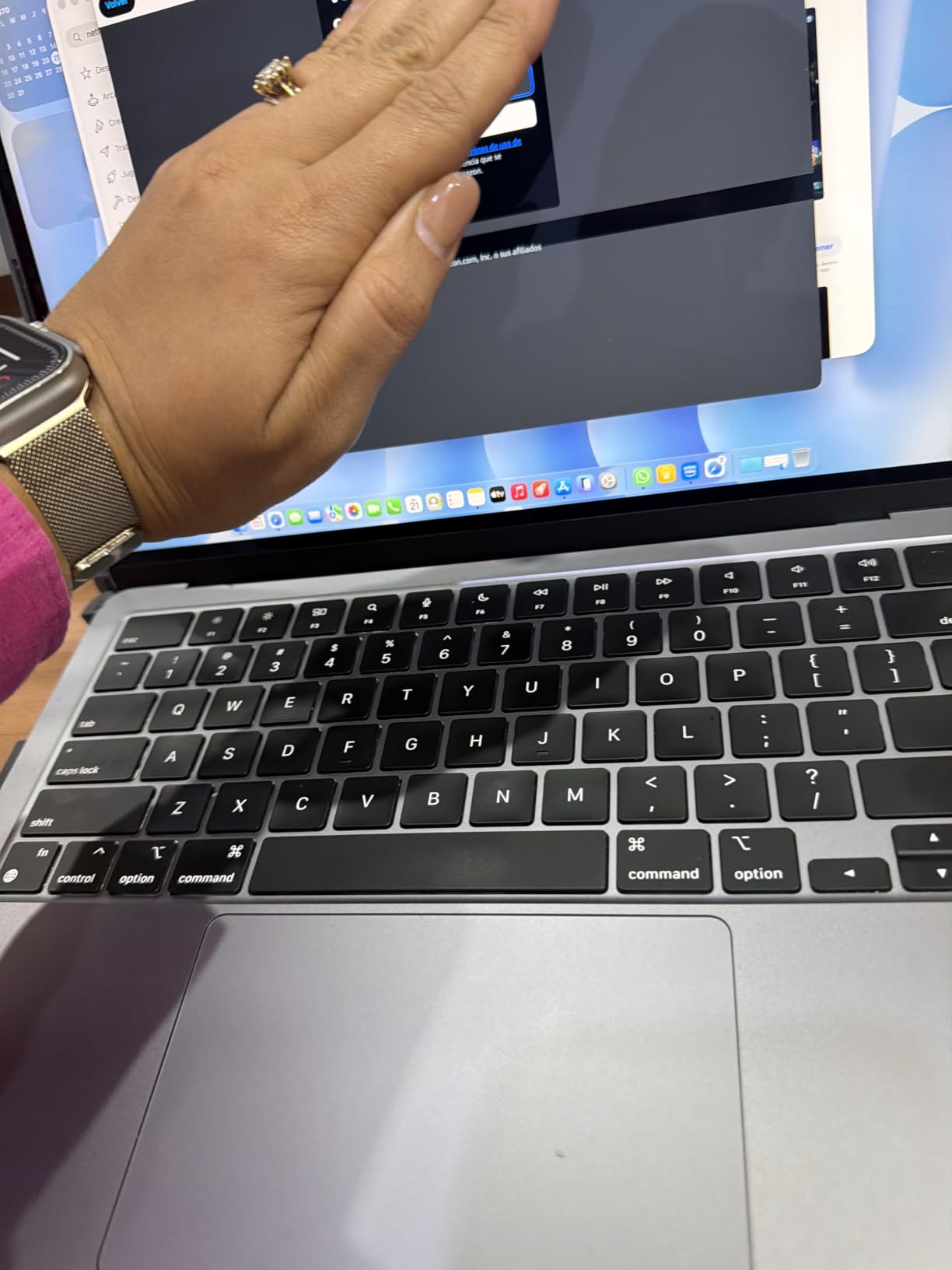
Keep in mind: the 90-day replacement window is short, and the 24GB of memory here cannot be added later, so this is a purchase to make with the same care as a new one.
Where this one wins: heavy multitasking on a budget. Where the MacBook Air 13 M4 wins: newer chip, better wireless, a longer warranty and a 512GB drive you can rely on. Where the MacBook Air M2 8GB Renewed wins: a much lower outlay, if your work is light enough to survive 8GB.
6. MacBook Air M3 Renewed: Best for the Newest Renewed Chip
- Newest chip among the renewed listings
- 4.6 rating with 94 percent at four stars or better
- 13.6-inch Liquid Retina display with 1 billion colours
- Silent fanless design
- 8GB memory and 256GB SSD are the minimum and cannot be upgraded
- Renewed warranty limited to 90 days
- Only two Thunderbolt ports
If your budget pushes you toward a renewed machine, the M3 is the newest chip on offer and the most consistent of the renewed listings. It rated 4.6 across 179 reviews, with 75 percent at five stars and 19 percent at four, and only 3 percent at one star, the tightest spread in this lineup.
The M3 pairs an 8-core processor with an 8-core graphics core, a 13.6-inch Liquid Retina display at 2560 by 1664, a 52.6 watt-hour battery, Wi-Fi 802.11ax and two Thunderbolt ports. Reviewers say everyday multitasking stays smooth and the machine runs completely silent.
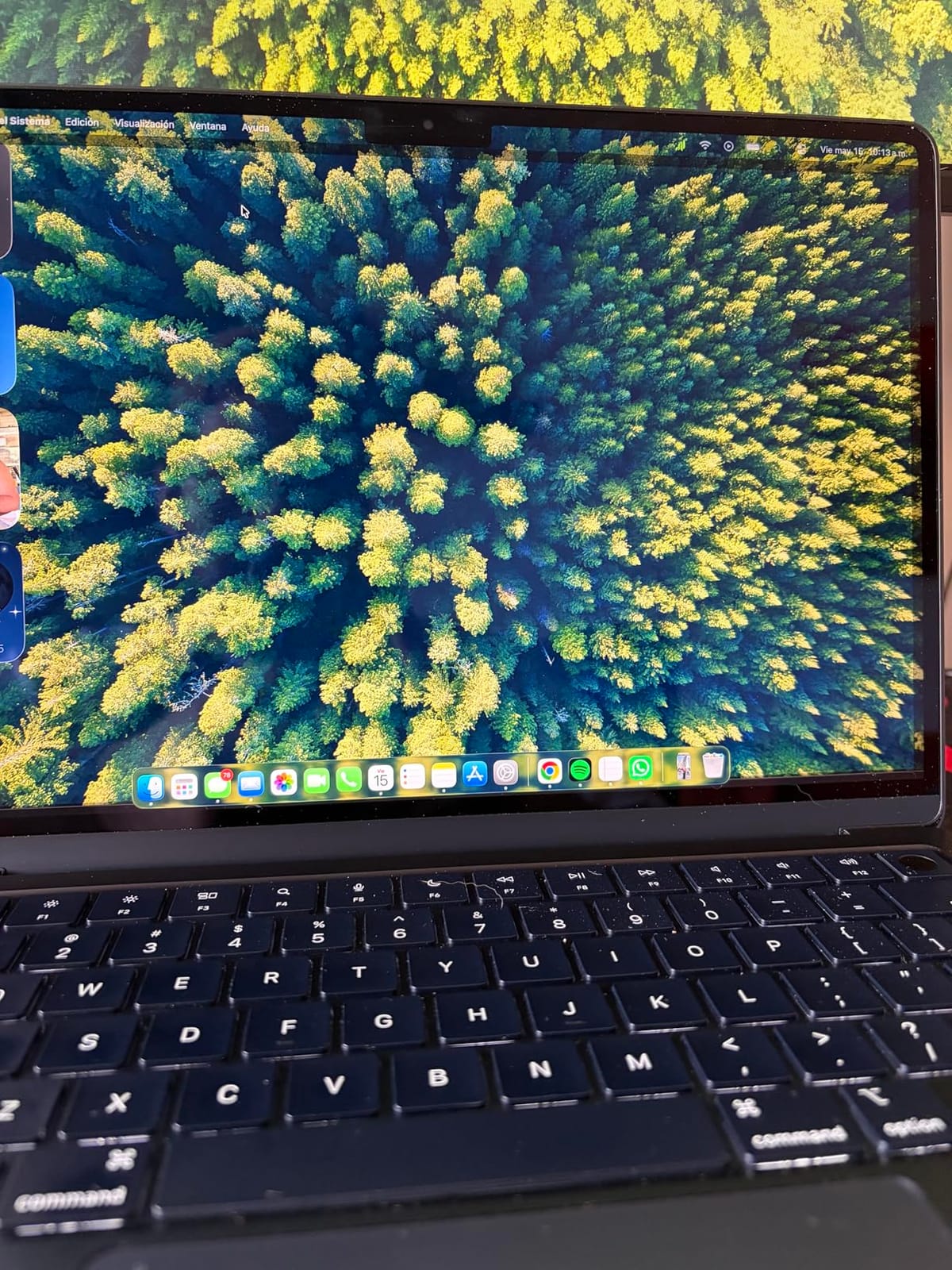
The catch is unchanged across every renewed Air: 8GB of unified memory and a 256GB SSD is the minimum configuration and cannot be upgraded. If you want more room to grow, the MacBook Air M2 24GB Renewed gives you three times the memory for a smaller step up in chip generation.
- Up to 18 hours of claimed battery life
- 1080p FaceTime HD camera, three mics and four speakers with Spatial Audio
- Lightweight and under half an inch thick
- Fingerprint reader built into Touch ID
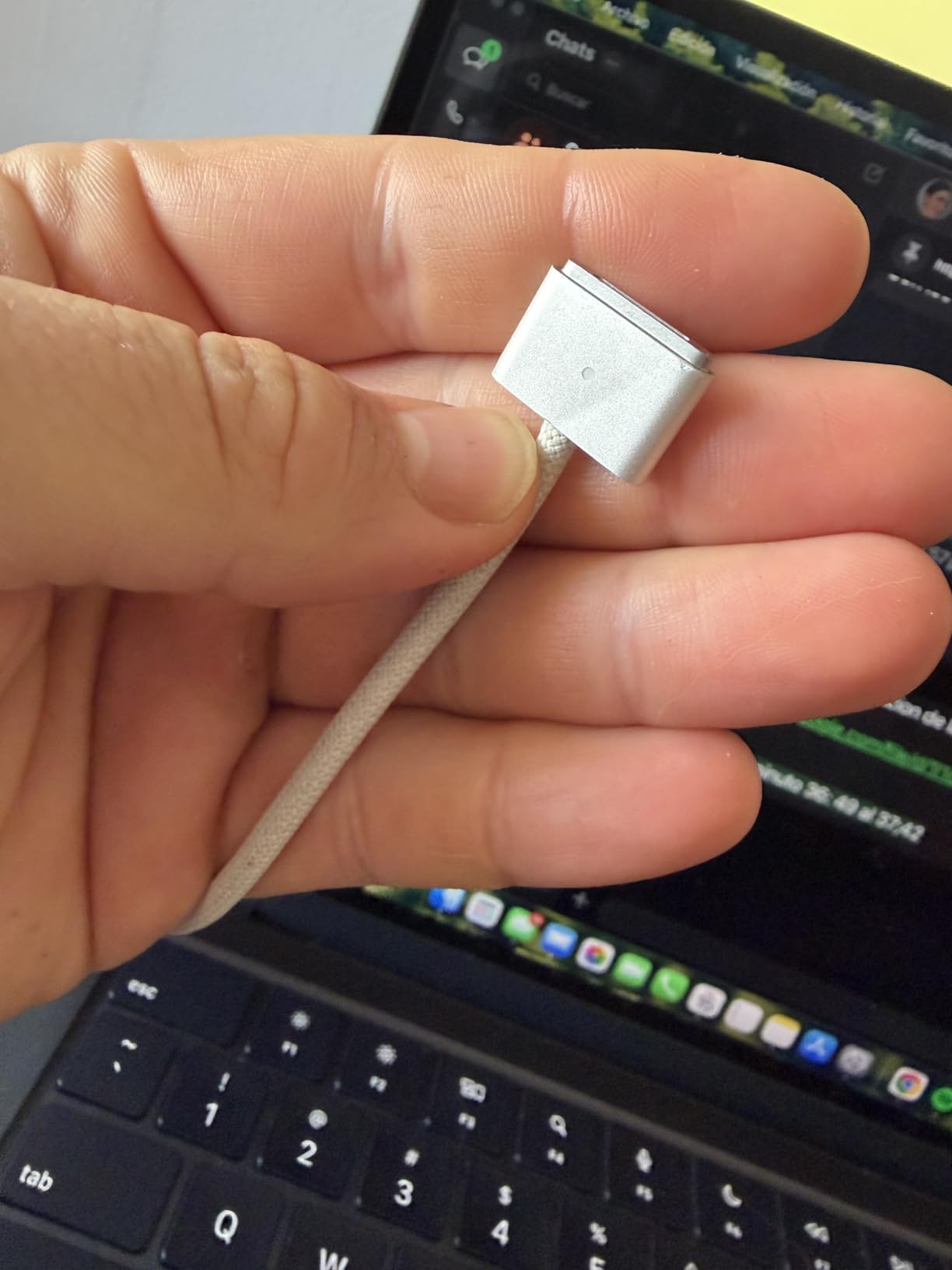
One detail worth flagging: renewed machines here are sold without the original packaging in some cases, and the box is not part of the warranty terms. Check the condition notes and the return terms before checkout.
Owners who picked this route say the trade worked out well for schoolwork, writing and light creative projects. Buyers who expected new-machine consistency were disappointed by the 256GB drive and the 8GB memory, which is the honest limit of this generation’s entry configuration.
How to Choose MacBook Airs During Prime Big Deal Days
Performance and Everyday Workloads
Treat 16GB of unified memory as the comfortable minimum for browsing, documents, spreadsheets and video calls, and move to 24GB if you edit video, run large project files or keep many apps open at once. Nothing in Apple’s Air range can be upgraded later, so this is the one decision worth getting right before the sale rather than after it. If your workload runs heavier than an Air handles, our guide to best MacBook alternatives covers the models above it in the range.
Battery Life and Portability
The M3, M4 and M5 models each claim up to 18 hours of battery life, while the renewed M2 listing quotes around 12 hours. Weight runs from 2.7 pounds on the 13-inch models to 3.32 pounds on the 15-inch, so the 13-inch is the better travel choice and the 15-inch the better desk companion. Because the Air is fanless, it is silent but will slow down during long, heavy, uninterrupted work.
Display, Camera, and Connectivity
Choose the 13.6-inch panel for portability or the 15.3-inch for desk work; both run the same 2560 by 1664 resolution. The M5 models add a 12MP Center Stage camera with Desk View, Wi-Fi 7 and Bluetooth 6, while the renewed units carry a 1080p FaceTime HD camera and older wireless. All of them have MagSafe, a headphone jack and two Thunderbolt 4 ports, and the new models support up to two external displays, so plan for an adapter rather than built-in HDMI.
Storage and Configuration Details
A 256GB SSD fills up quickly once photos and downloads accumulate, and 512GB is the safer starting point for most people. Check the model number on the listing before you compare one offer with another: MDHE4LL/A, MDVH4LL/A, MC6C4LL/A, MLY33LL/A and MRXV3LL/A are five different machines, not the same laptop in five trim levels. Memory and storage are soldered on every model here, including the renewed ones.
Condition, Seller, and Warranty
New listings carry full Apple warranty coverage; every renewed listing here comes with 90 days of limited warranty, and battery capacity varies from machine to machine. Read the condition notes and look for photos showing the actual unit when the listing offers them. Knowing who the seller is and who fulfils the order tells you who handles a return when something arrives damaged.
How to Shop MacBook Air Deals During the Sale
On each listing, read the model number, the memory and storage sizes, the condition, what is in the box and the name of the seller before you compare anything. Prime Big Deal Days pages change between the pre-sale and the event itself, so a roundup written days earlier can be out of date. Most offers need an active Prime membership, a free trial counts, and the configurations that people want most tend to change through the two days.
- Confirm the model number matches the configuration you want before the sale starts
- Decide on 16GB or 24GB of memory first, since it cannot be changed later
- Choose 256GB or 512GB of storage with real files in mind, not headroom on a spec sheet
- For a renewed machine, check the condition notes, warranty length and battery capacity
- Confirm Prime membership if the offer you want is members-only
- Check the current price on the button, since it moves during the event
Frequently Asked Questions
When does Amazon Prime Big Deal Days run in 2026?
Amazon’s Prime Big Deal Days runs October 6-7, 2026, a 48-hour window of offers across the site. Most laptop offers need an active Prime membership, and a free trial counts. Popular configurations can change during those two days, so decide on your memory and storage sizes before the event starts.
What should I look for in Best Amazon Prime Big Deal Days MacBook Air Deals?
Check the model number, the unified memory size and the SSD capacity before you look at any number on the page, because those three details decide which machine you are actually buying. Then confirm the condition, what is included in the box, who sells it and how long the warranty runs.
Does a MacBook Air need 16GB of memory for everyday use?
For most people, 16GB of unified memory is the comfortable minimum and covers browsing, documents, spreadsheets, email and video calls without trouble. Move to 24GB if you edit video, work on large project files or keep many apps open at once. Memory cannot be upgraded after purchase on any model in this list.
Is a renewed MacBook Air worth buying during Prime Big Deal Days?
It is worth buying when your work is light and the outlay matters more than warranty length. Three of the picks here are renewed M2 and M3 machines carrying 90 days of limited warranty, with battery capacity and cosmetic condition varying between units. Check the condition notes and battery health before you commit.
Does a MacBook Air work well with an external monitor?
Yes. The current M4 and M5 models list support for up to two external displays over their two Thunderbolt 4 ports. Renewed listings do not state a figure, so check the technical specifications for that model. You will need an adapter for HDMI because none of these machines has a built-in HDMI port.
Is Prime membership required for every Prime Big Deal Days offer?
No, membership is not required for every offer, but most laptop offers during the event are members-only, and a free trial counts toward the qualifying time. Offers for non-members do appear, though they are fewer and often narrower. Joining before the event starts keeps every offer open to you.
Final Verdict: Best Amazon Prime Big Deal Days MacBook Air Deals
Buy the MacBook Air 13 M5 if you want the most complete everyday laptop in the lineup: 16GB of memory, 512GB of storage, a 2.71-pound body and up to 18 hours of claimed battery life in one machine. The MacBook Air M2 8GB Renewed is the budget alternative for a first Mac or a second household computer, where light work and a lower outlay matter more than memory you cannot upgrade.
The MacBook Air 15 M5 takes over when the laptop lives on a desk and screen size is the priority. The MacBook Air 13 M4 is the choice for anyone who needs 24GB of memory for heavy multitasking, and the MacBook Air M2 24GB Renewed delivers that same headroom at a lower outlay if you accept a 90-day warranty. The MacBook Air M3 Renewed is the newest chip available on a budget.
Decide your size and memory first, then use the button on each pick to check the current number on the day you buy.