
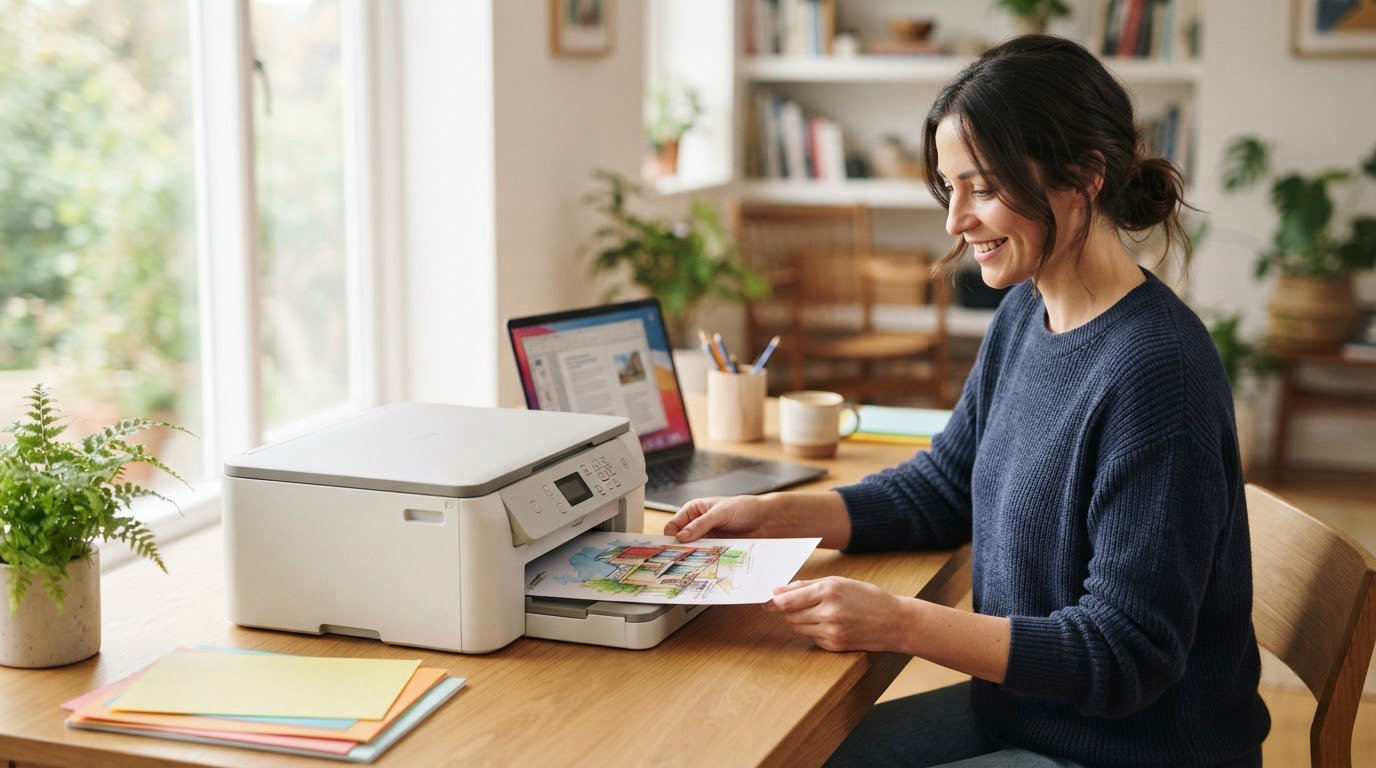
The Epson EcoTank ET-2800 is the printer worth watching first in this lineup: it prints, scans and copies from refillable ink tanks, and its owner-review base runs deeper than any other model here, with more than 18,000 ratings behind it. Printers rarely get the attention laptops and TVs get during an October sale, which is why this category deserves a closer look in 2026. Two alternatives suit different readers: the Canon PIXMA TR8620a for a home office that needs fax, a document feeder and automatic two-sided printing, and the Canon MegaTank G3270 for anyone who wants the cheapest route to low running costs.
Amazon Prime Big Deal Days runs October 6-7, 2026, and most offers on printers need an active Prime membership. Nothing here is a confirmed discount, since pricing shifts by the hour; use the buttons below to see the current price on each listing.
Table of Contents
Our Top 3 Picks for Best Amazon Prime Big Deal Days Printer Deals

Epson EcoTank ET-2800
- Refillable ink tanks
- Up to 7500 color pages per ink set
- Print scan and copy

Canon PIXMA TR8620a
- Print scan copy and fax
- Automatic two-sided printing
- 20-sheet document feeder

Canon MegaTank G3270
- Up to 2 years of ink in the box
- 6000 black and 7700 color pages
- Wireless print copy scan
Best Amazon Prime Big Deal Days Printer Deals Compared (October 2026)
| Product | Specifications | Action |
|---|---|---|
| Epson EcoTank ET-2800 |
|
Check Deal Price |
| Canon PIXMA TR8620a |
|
Check Deal Price |
| Canon MegaTank G3270 |
|
Check Deal Price |
 Brother DCP-L2640DW Brother DCP-L2640DW |
|
Check Deal Price |
 Brother HL-L2460DW Brother HL-L2460DW |
|
Check Deal Price |
 Epson EcoTank ET-8550 Epson EcoTank ET-8550 |
|
Check Deal Price |
 Epson EcoTank ET-15000 Epson EcoTank ET-15000 |
|
Check Deal Price |
 Canon PIXMA TS6520 Canon PIXMA TS6520 |
|
Check Deal Price |
 HP Envy 6155 HP Envy 6155 |
|
Check Deal Price |
 HP Smart Tank 5003 HP Smart Tank 5003 |
|
Check Deal Price |
How We Chose
We compared the specifications that decide whether a printer is worth owning: ink system, print speed, automatic two-sided printing, document feeder, paper capacity, running cost and warranty. Then we read owner reviews and ratings on Amazon for each model. Specs and review data were checked in October 2026.
1. Epson EcoTank ET-2800: Best Overall Pick
- Refillable ink tanks with up to 2 years of ink in the box
- Prints up to 4500 black and 7500 color pages per set
- Print scan and copy in one compact body
- 5760 x 1440 dpi maximum color resolution
- Simplex printing only with no automatic duplex
- 10 ppm black is slow for large document jobs
- 100-sheet paper capacity
- Plain LCD rather than a touchscreen
The safest pick for most homes printing a mix of documents and photos. One ink set covers up to 4500 black pages or 7500 color pages, and Epson counts a full set as roughly 90 individual cartridges, which is the whole argument for a tank printer in a busy home.
The catch is that this is a simplex machine. Every double-sided document means flipping the stack by hand, which is the one thing owners seem to accept without complaint. Print speed sits at 10 ppm black and 5 ppm color, so a 40-page packet takes a few minutes rather than a minute.
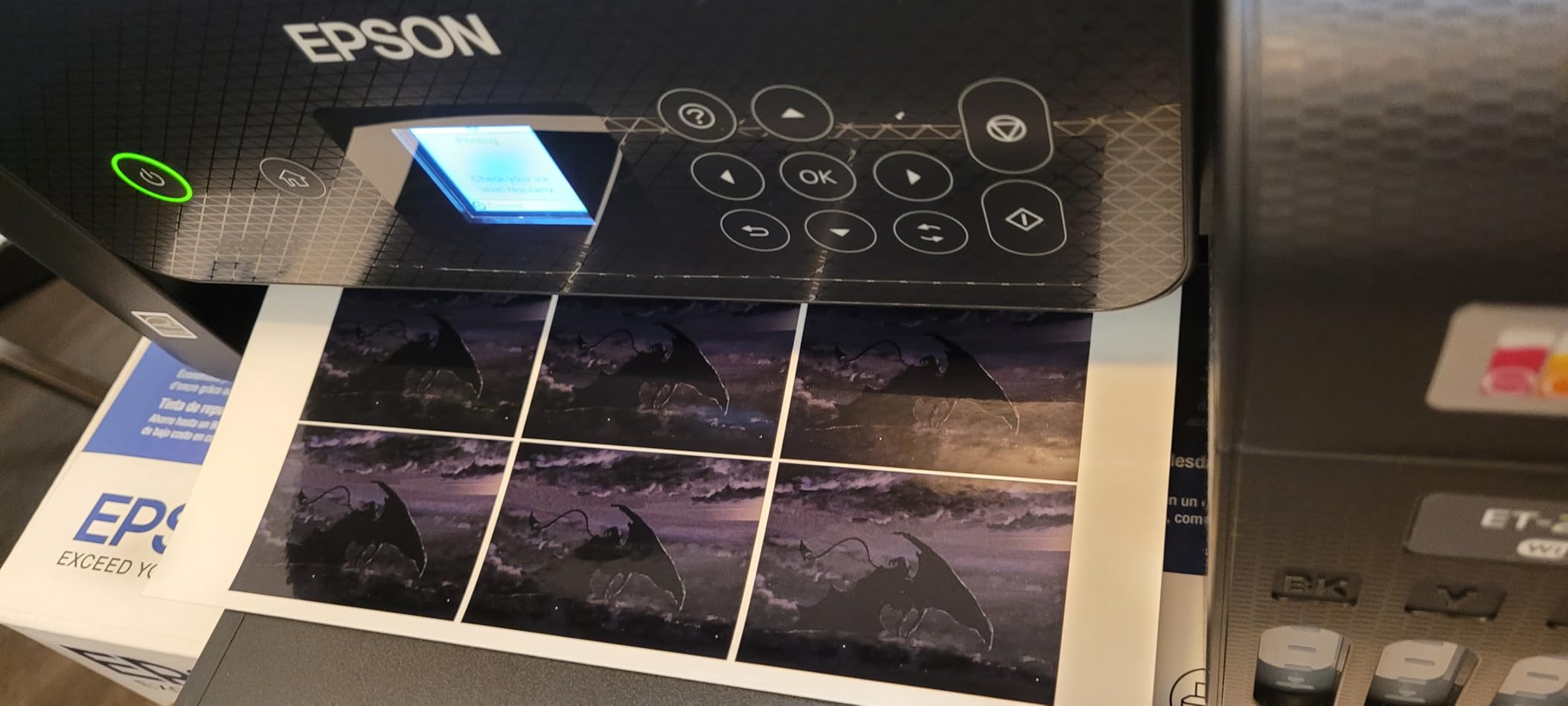
- No cartridge swaps, no chipped-cartridge warnings
- Flatbed scanner and copier built in
- 4×6 and 5×7 photo sizes supported
- 5760 dpi maximum color resolution for photo work
Compared with the Canon MegaTank G3270, the Epson is a little slower in black at 10 ppm against 11, but it carries the deeper review history and a slightly higher color yield per set. The G3270 is the cheaper route to the same refillable-ink idea. If you need a document feeder, skip both and look at the Canon PIXMA TR8620a.
Good to know: Epson asks owners to stick with genuine ink, and third-party ink is not covered by the limited warranty. Weigh that against cartridge cost before deciding a cheaper bottle is fine.
2. Canon PIXMA TR8620a: Best for Home Offices
- Print copy scan and fax in one unit
- Automatic two-sided printing
- 200 sheets of capacity across two trays
- Large tilt touchscreen for job setup
- Alexa low-ink alerts without a subscription
- 20-sheet feeder will not scan two-sided originals in one pass
- Canon mobile app slow and unreliable for setup
- Scanner tops out near 600 dpi for photos
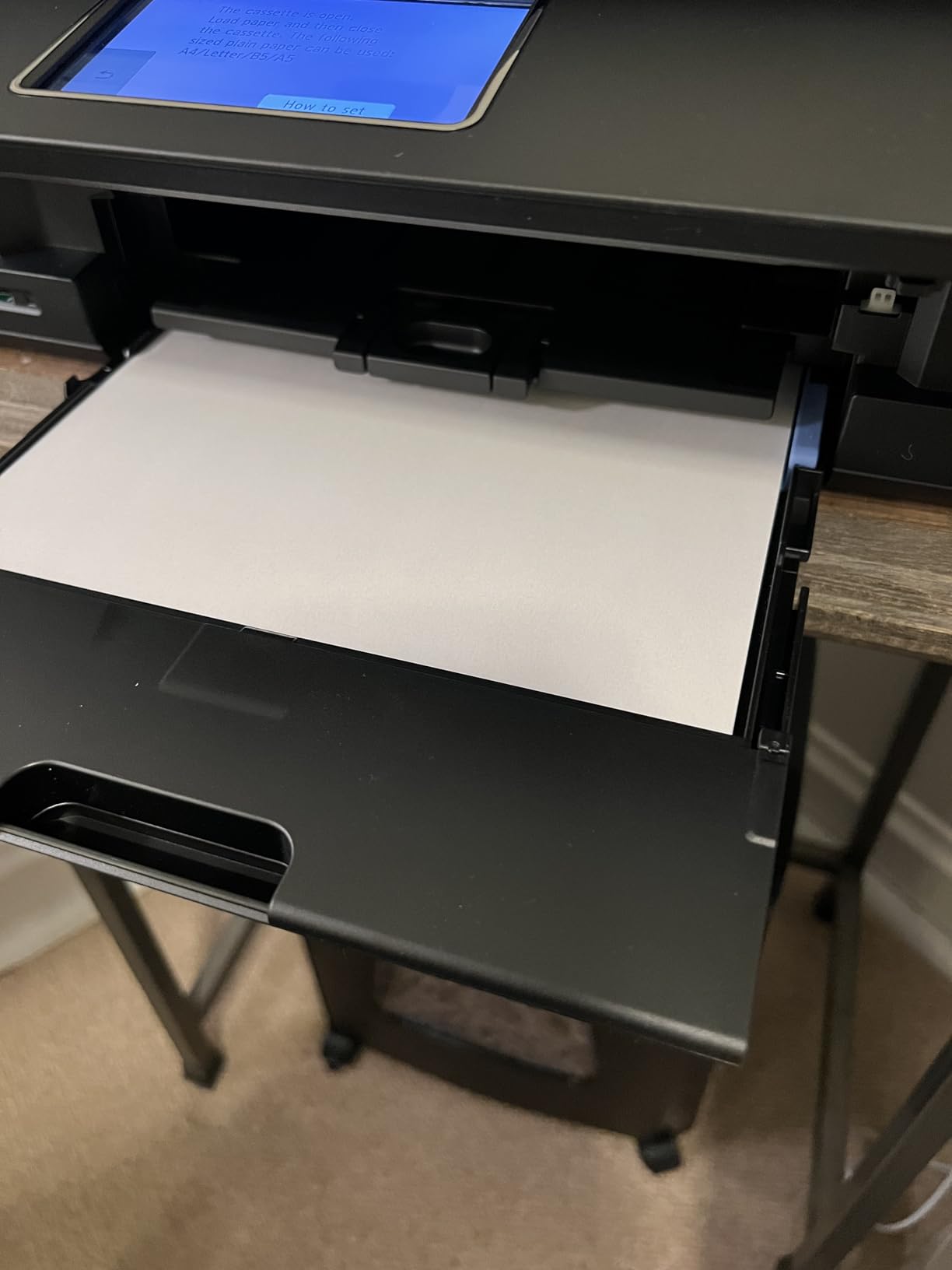
Owners who run a home office usually need four things, and this is the only model on the list with all four: a fax function, a document feeder, automatic two-sided printing and a screen you can actually read from standing up. The tilt touchscreen is unusually large for the class and doubles as the control panel for copy and scan jobs.
Five individual ink tanks mean you replace one color at a time rather than throwing away a tri-color unit, and 200 sheets of total capacity across a 100-sheet cassette and a 100-sheet rear feed beats the 100-sheet trays on most of the inkjets here.
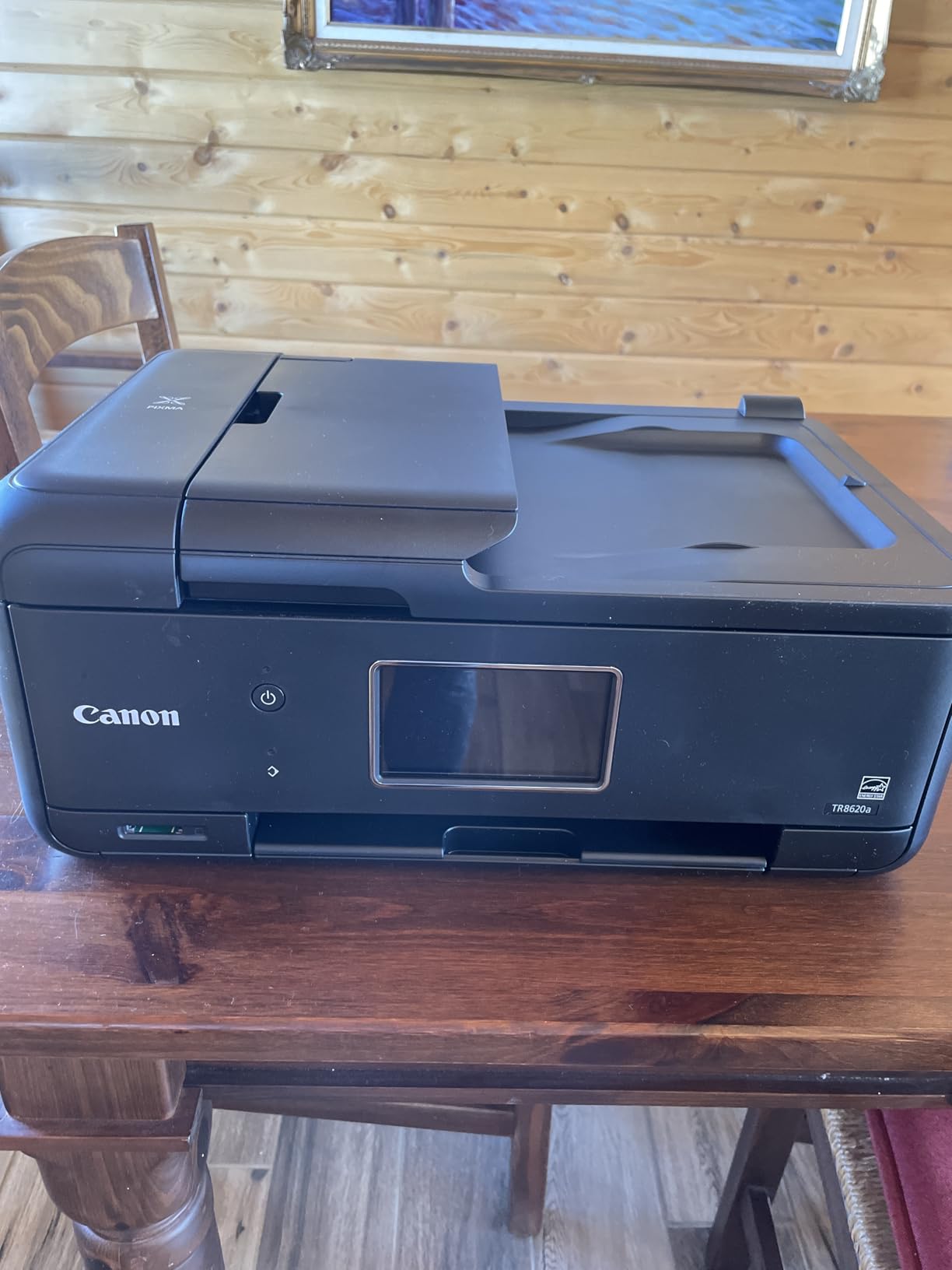
The recurring complaint in reviews is software, not hardware. The Canon app is called out as slow and unreliable for pairing and status checks, and some owners say borderless settings do not stick and need third-party software to hold.
Compared with the Brother DCP-L2640DW, which also copies and scans with a 50-page feeder, the Canon is faster in color at 10 ppm and faxes, while the Brother is 36 ppm in black and cheaper to run on text. Neither prints 11×17 paper.
Skip it if you will not fax anything. Every month without a fax, the TR8620a is a heavier, slower way to do what the Canon PIXMA TS6520 does for less.
3. Canon MegaTank G3270: Best Value
- Up to 2 years of ink included in the box
- Up to 6000 black and 7700 color pages per ink set
- Borderless printing
- Compact footprint for a tank printer
- Single-sided printing only
- 1.35 inch LCD is not a touchscreen
- 6 ppm color output is slow
- Modest 100-sheet capacity
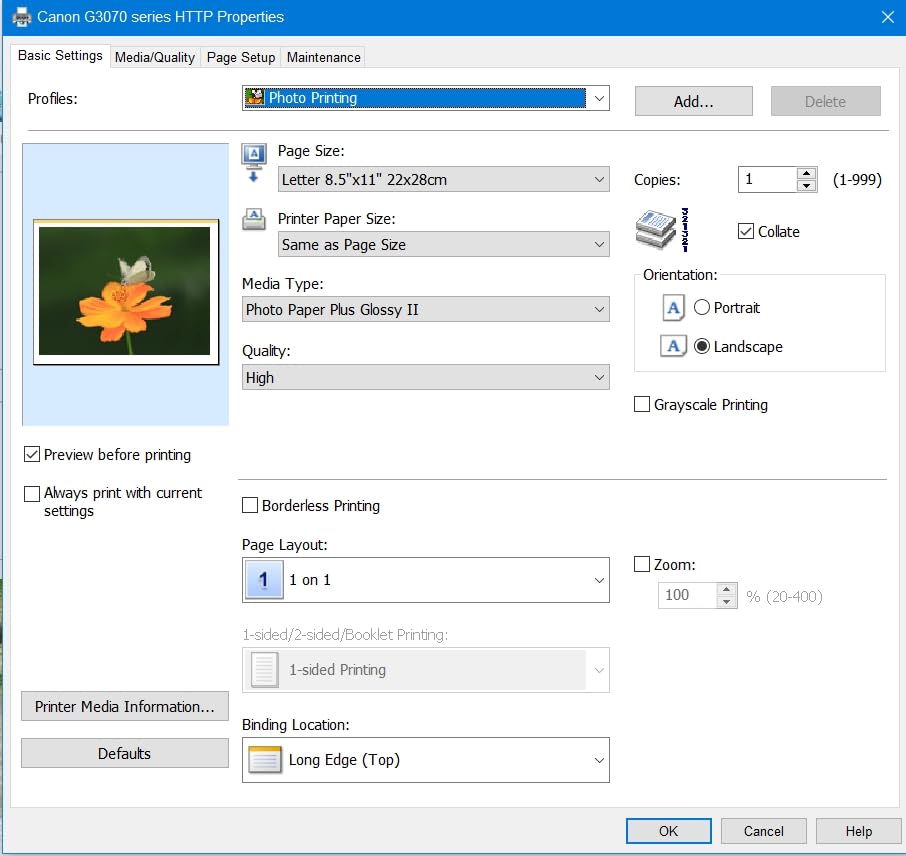
The cheapest way into refillable printing on this list. Canon ships up to 2 years of ink in the box, rated at 6000 black pages and 7700 color pages per set, and Canon puts claimed ink savings in the thousands against cartridge pricing over the life of the unit.
Owners like the small 1.35-inch square LCD for what it gives: ink levels and status without booting anything. They are less enthusiastic about the 6 ppm color speed and the absence of duplex printing, which puts a rewind in every two-sided job.
At 4.1 stars, the G3270 sits mid-pack among the refillable-tank models here. Against the Epson EcoTank ET-2800, Canon trades 1000 color pages per set for a slightly faster black speed, 11 ppm to 10.
Best for a student or a family that prints a few school projects a month and wants to stop thinking about ink. It is the option to beat if the EcoTank pricing moves in the other direction during the sale.
4. Brother DCP-L2640DW: Best for High Volume
- 36 ppm monochrome with an 8.5 second first page
- 50-page automatic document feeder
- Automatic duplex printing
- 250-sheet tray
- Scans to email from the machine
- Wi-Fi setup can fail repeatedly on first attempts
- Firmware and password steps confuse new owners
- On-device scan controls are clumsy
- 25 lb weight needs a real shelf
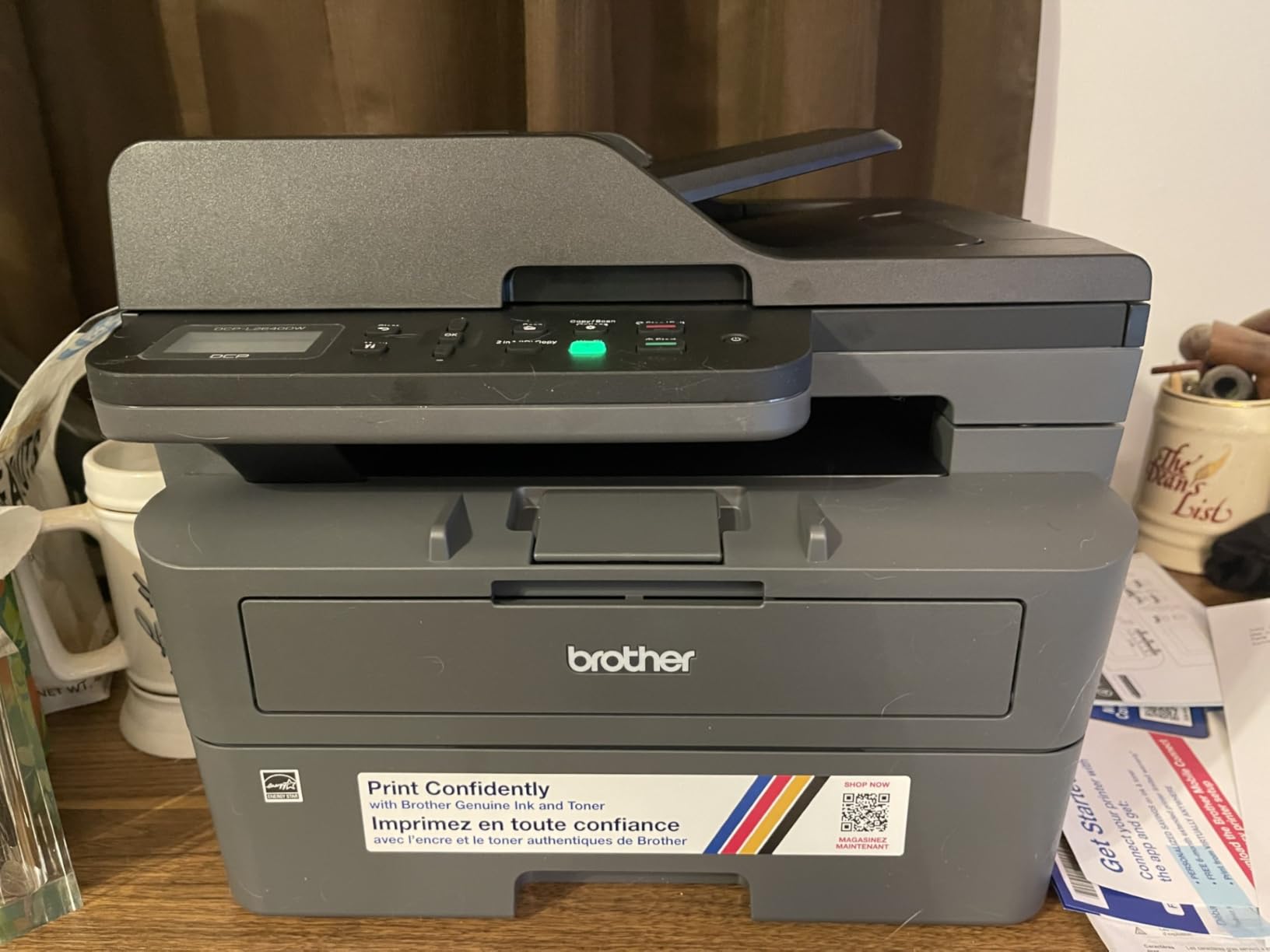
Toner does not dry out in a humid house, which is the quiet advantage of a laser over every inkjet here. This one is also the fastest monochrome option on the list at 36 ppm with an 8.5 second first page, and it holds 250 sheets so refills are rare.
The 50-page document feeder is the feature small businesses notice first, since scanning a stack of invoices no longer means feeding one page at a time on the flatbed. Add automatic duplex printing and dual-band Wi-Fi, and the reason owners upgrade from aging inkjets is plain.
The trade-off owners report is onboarding, not hardware. Reviews describe Wi-Fi that fails on repeated first attempts, a confusing firmware and default-password routine, and scan-to-PC jobs that freeze and need a restart. Several owners also note that support reaches an actual person by phone.
Color is not on the table here, and anyone who needs it should read our guide to color laser printers for small offices before settling. Against the Brother HL-L2460DW, this machine adds a scanner and copier for the same 36 ppm core.
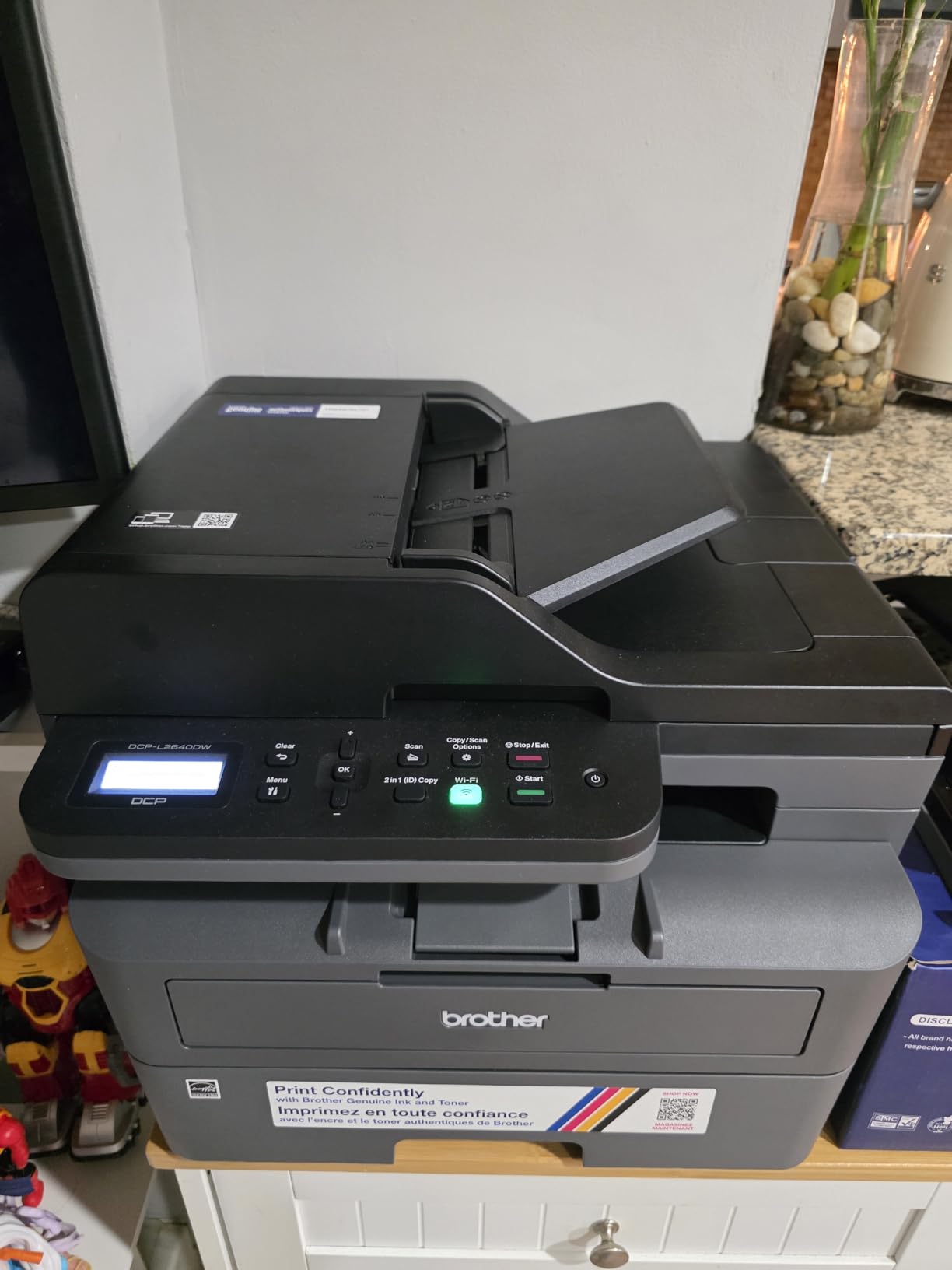
Good to know: this is a 25-pound unit with a short power cord. Measure the shelf before you order, not after.
5. Brother HL-L2460DW: Best for Budget Monochrome
- Same 36 ppm speed as the DCP-L2640DW
- Automatic duplex printing
- 250-sheet tray with a manual feed slot
- Weighs 10 lb less than the all-in-one Brother
- Works with Windows and Linux
- Print only with no scanner or copier
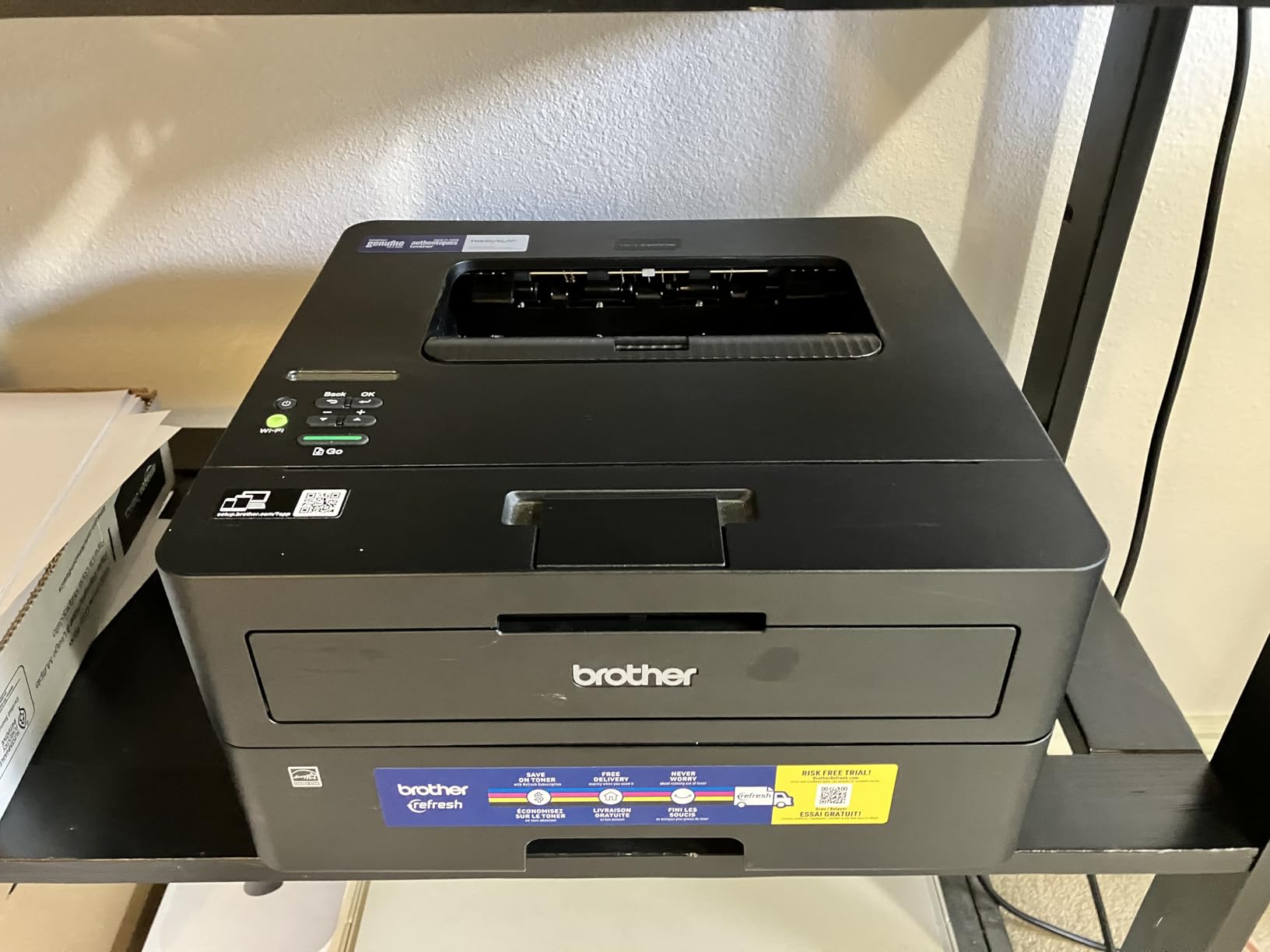
- Refresh subscription trial can bill past its allowance
- Wi-Fi setup is tedious with the button set
- Duplex does not apply to non-letter media
If you print and never scan, this is the sensible Brother. You get the same 36 ppm engine, the same automatic duplex and the same 250-sheet tray as the DCP-L2640DW, in a 15.6-pound body that is easier to move and smaller on a shelf.
Owners upgrading from old HP laser units talk about sharp, fast, jam-free output and a dramatic drop in cost per page once they moved to high-yield toner. Several bought a second unit rather than share one.
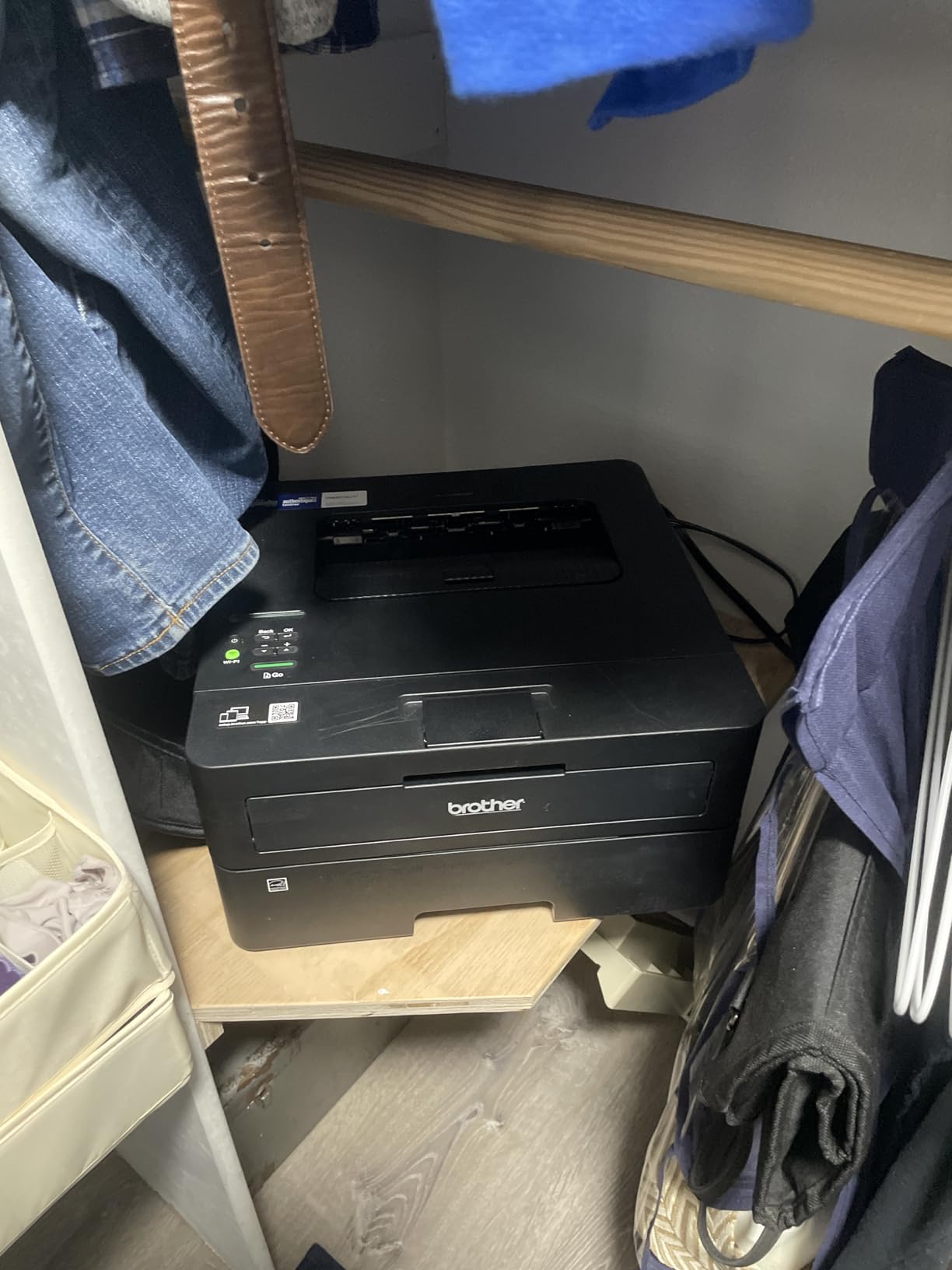
Read the small print on the included Refresh subscription trial. Owners report that going past the page allowance quietly bills extra, and that cancelling takes some persistence. The same toner works without any subscription if you would rather manage it yourself.
Pick the DCP-L2640DW instead if you will scan or copy anything. Pick an inkjet instead if color is not optional, since this machine has no color path at all.
6. Epson EcoTank ET-8550: Best for Photos
- Prints 13x19 inch wide-format sheets
- Six-color Claria ET Premium ink
- About 4 cents per 4x6 photo
- Up to 6200 color pages per ink set
- Front-visible tanks and a large color touchscreen
- Tray auto-selection is unreliable and needs manual choosing
- Finicky rear manual feed for thick media
- Some streaks and spotting needing deep cleans
- Flatbed will not take 11x17 originals
The per-photo math is the argument here: Epson’s own figures put a 4×6 print at about 4 cents with these ink bottles against roughly 40 cents with conventional cartridges. Add the ability to print 13×19 sheets and you are looking at gallery-size posters, school art projects and scrapbooking without a lab.
Six-color Claria ET Premium ink adds Photo Black and Gray, which is what keeps skin tones and gradients from looking posterized. The flatbed scanner and large color touchscreen let you copy and preview without opening a computer.

Owners split on paper handling. Reviews describe tray auto-selection failing so often that the manual selection is used instead, a rear feed that takes thick media only intermittently, and ink spotting from clogged heads that needs repeated deep cleans.
Compared with the Epson EcoTank ET-15000, the ET-8550 is the photo specialist with a bigger sheet size; the ET-15000 is the office and craft machine with a document feeder, 250-sheet capacity and 11×17 output. It is also a 24.5-pound unit that needs real desk space.
Good to know: there is no document feeder. A stack of originals goes on the glass one page at a time.
7. Epson EcoTank ET-15000: Best for Small Business
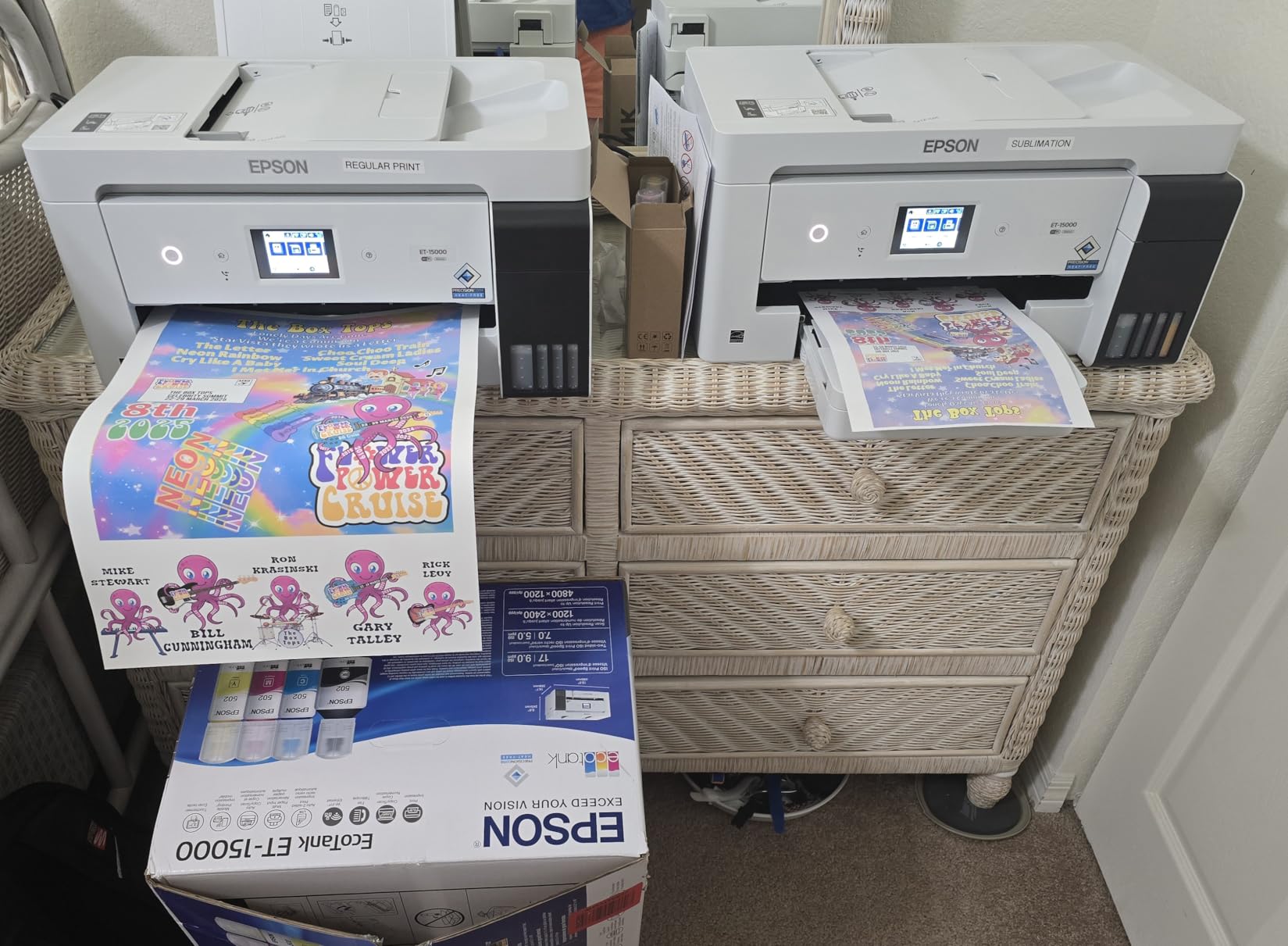
- Prints scans copies and faxes on 11x17 media
- 250-sheet capacity with 17 ppm black speed
- Handles cardstock and canvas for craft work
- Refillable tanks with a double-size black bottle
- Wi-Fi configurable from the control panel
- Recurring paper jams reported by long-time owners
- 11x17 sheets load into the rear holder only
- Paper type menu needs repeated reconfiguration
- Some units arrive with ink lines that never prime
The joint highest rating on this list at 4.2 stars, and the reasons are practical. It is the only wide-format machine here that also faxes, copies and runs an automatic document feeder, so a small office can route invoices and receipts through one box instead of three.
Crafters running stickers and canvas report that ink costs fell far enough for the machine to pay for itself quickly. The black bottle is twice the size of the color tanks, which matches how most small businesses actually print: mostly black, sometimes color.
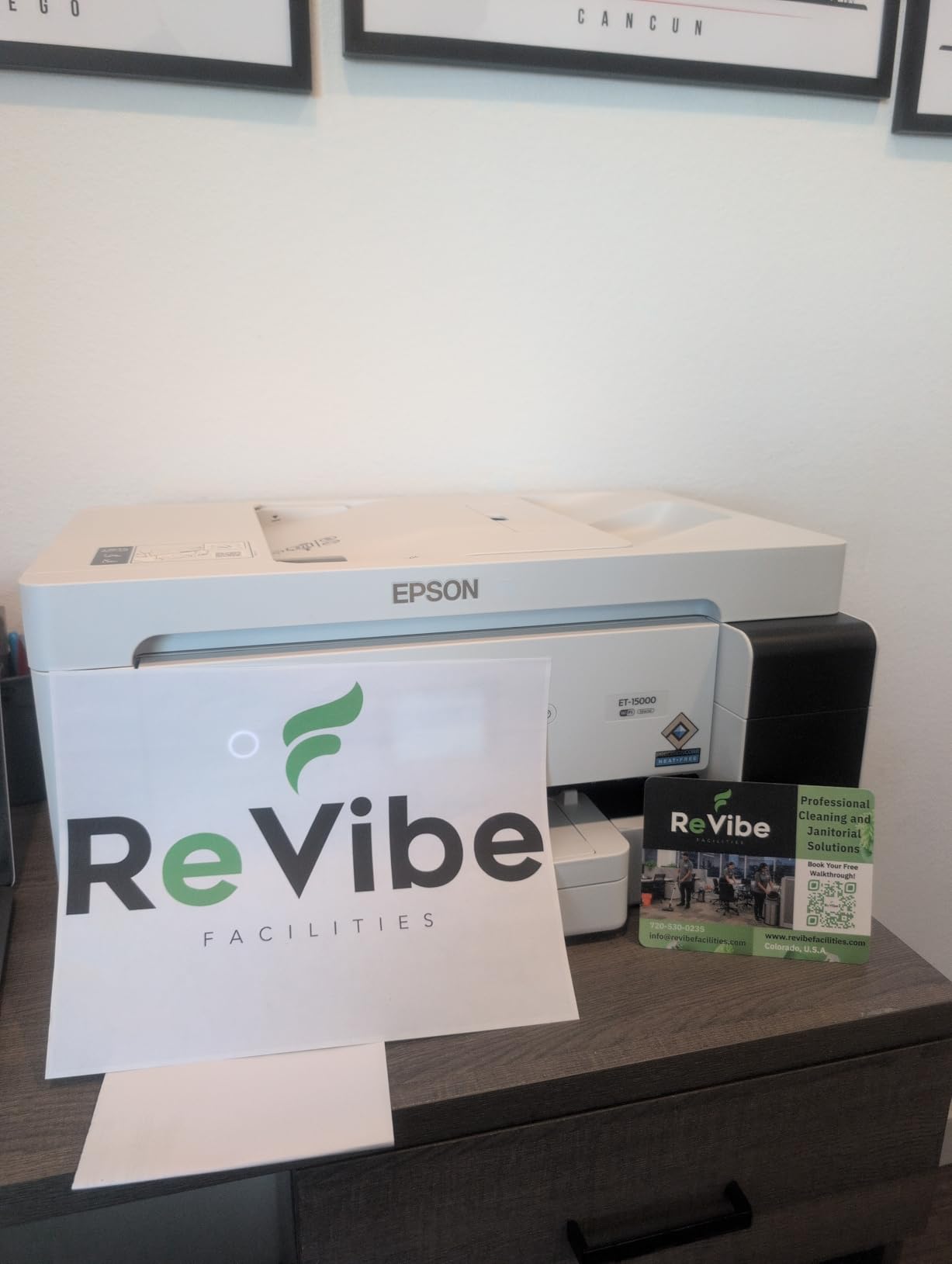
The complaints come from owners who have used Epson machines for years. Recurring paper jams come up more than once, there is no dedicated large-format tray so 11×17 sheets ride in the rear holder, and the paper type menu is called out as unclear enough to require repeated reconfiguration. A small number of units arrive with ink lines that never prime.
Against the Brother DCP-L2640DW, the Epson wins on sheet size and color and loses on speed, 17 ppm to 36 ppm, and on paper jams that the laser simply does not have.
8. Canon PIXMA TS6520: Budget Pick
- Lowest entry point on this list
- Automatic two-sided printing
- Stable dual-band Wi-Fi
- 1.42 inch OLED display shows ink levels
- Three year manufacturer warranty
- Color prints consume black ink
- Single 100-sheet tray with no rear manual feed
- No document feeder
- Heavier than other compact models
The cheapest machine here, and the specs do not read like a budget box. Automatic duplex printing at this price is unusual, dual-band Wi-Fi is steadier than most, and the 1.42-inch monochrome OLED shows ink levels at a glance without booting an app.
Owners put it at 4.2 stars, crediting easy phone and computer setup, crisp text, vivid color and dependable wireless printing.
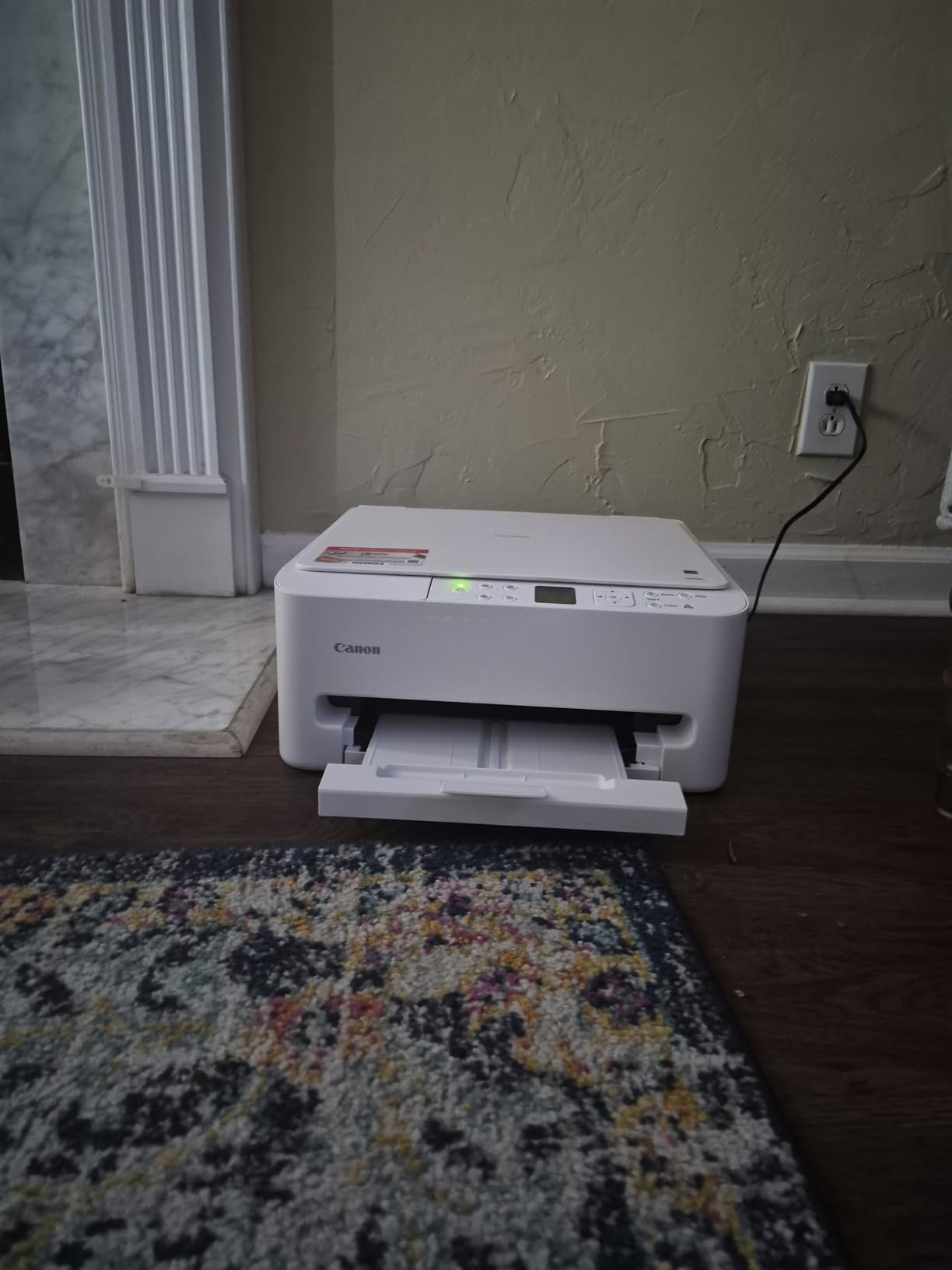
Here is the catch: a two-cartridge hybrid system with a pigment black tank and a dye color tank. Any color page pulls black ink down with it, so expect the black tank to empty faster than the color one. There is also no rear manual feed and no document feeder.
Compare running costs carefully before choosing. The Canon MegaTank G3270 costs more up front and prints 6000 black pages per ink set, which usually wins by the second refill. Buy the TS6520 for light duty, a student, or a second printer for occasional jobs.
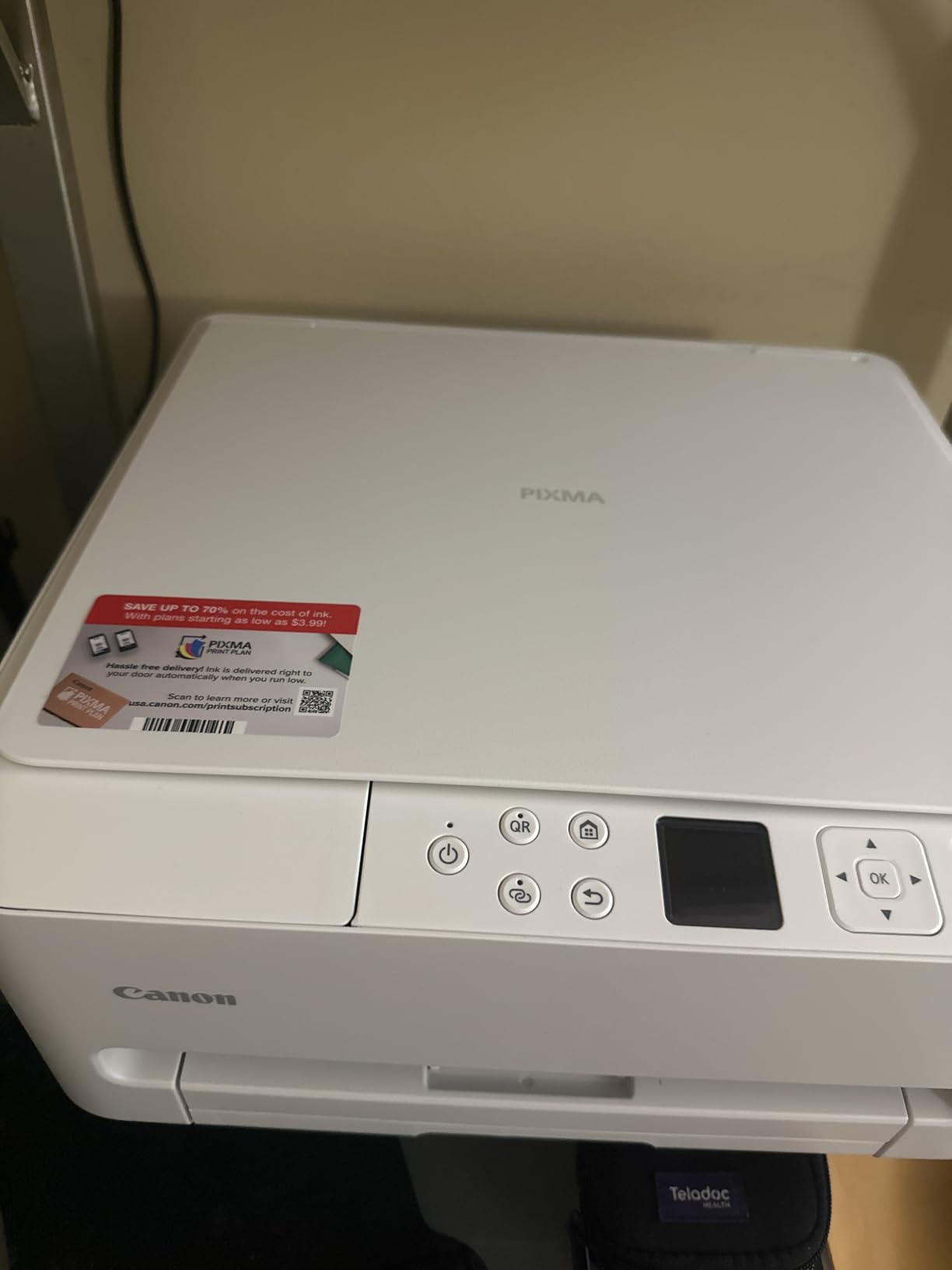
Good to know: the warranty here is three years, longer than anything else on the list.
9. HP Envy 6155: Best for Compact Setup
- Automatic two-sided printing in a small body
- 2.4 inch color touchscreen
- Dual-band Wi-Fi that self-corrects
- Made with at least 60 percent recycled plastic
- Three-month Instant Ink trial included
- HP 68 cartridges block non-HP chips
- Monthly subscription fee follows the trial
- Single 100-sheet tray
- Smallest review base in this roundup
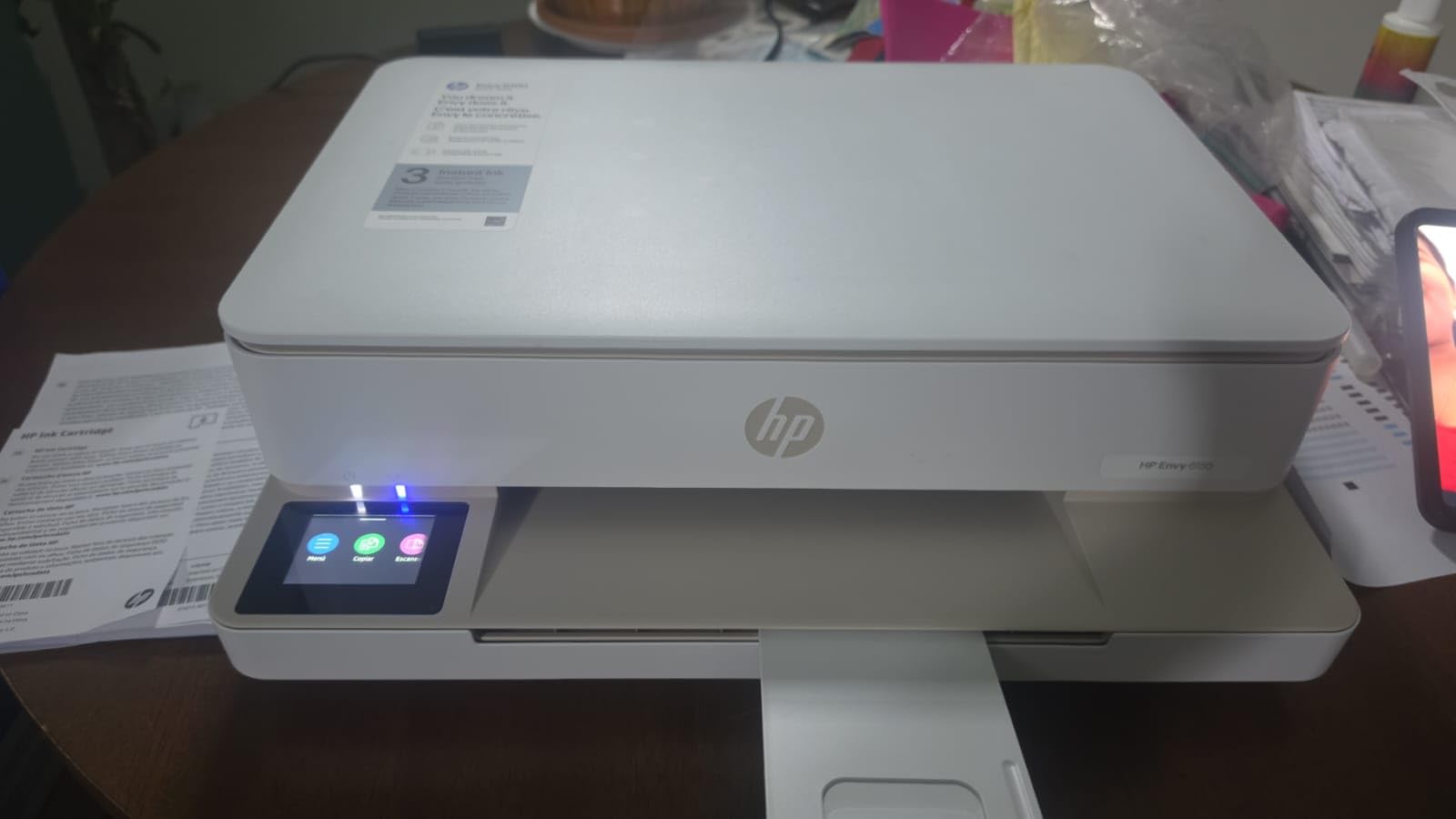
The most compact footprint here, and the reason is the control method: everything runs from the app or a 2.4-inch color touchscreen rather than a bank of buttons. The box ships with an HP 68 setup cartridge rather than a full set, which is worth factoring into the running cost.
Wireless is the strongest part of the package. HP describes dual-band Wi-Fi that automatically detects and resolves connection problems, and owners agree that setup from a phone is quick. Automatic duplex printing in an 11.2-pound body is the quiet headline feature.
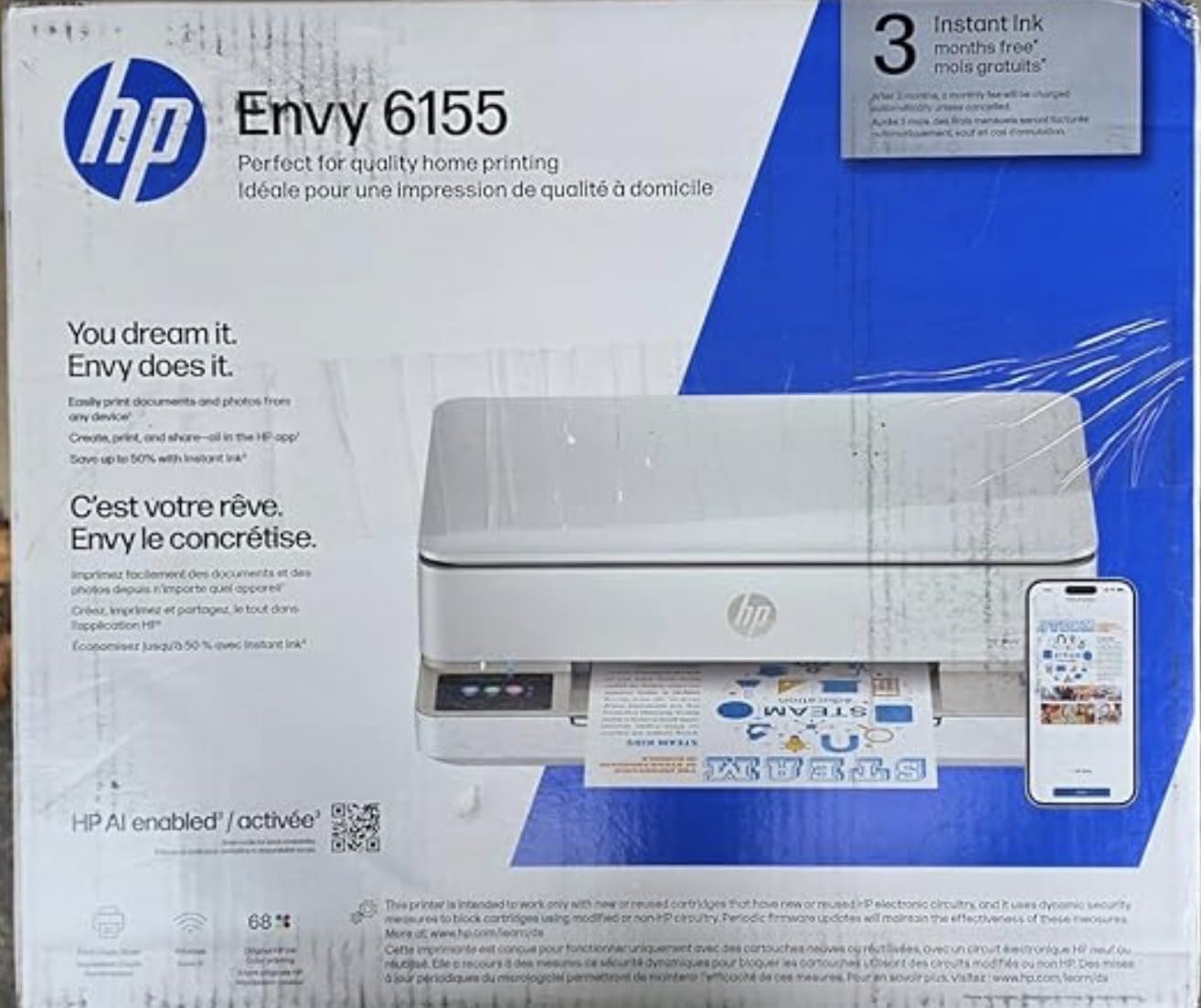
Two things to weigh before buying. The printer is built to work only with cartridges carrying original HP chips or circuitry, so third-party ink is blocked by design. And the three-month Instant Ink trial turns into a monthly subscription fee unless you cancel, which is the single most common source of one-star reviews on cartridge HP machines.
Against the Canon PIXMA TS6520, you get a larger touchscreen and a recycled-plastic body for a higher entry cost. Against the HP Smart Tank 5003, the running cost argument is the one that matters: cartridges versus refillable bottles.
10. HP Smart Tank 5003: Best for Low Ink Cost
- Up to 3 years of ink included in the box
- About 6000 color or black pages out of the box
- Mess-free bottle refills with no squeezing
- One year or 30000 page warranty
- Wireless mobile and borderless printing
- Duplex is manual and needs driver support
- Flatbed scanner only with no document feeder
- 5 ppm color speed
- Requires original HP ink bottles
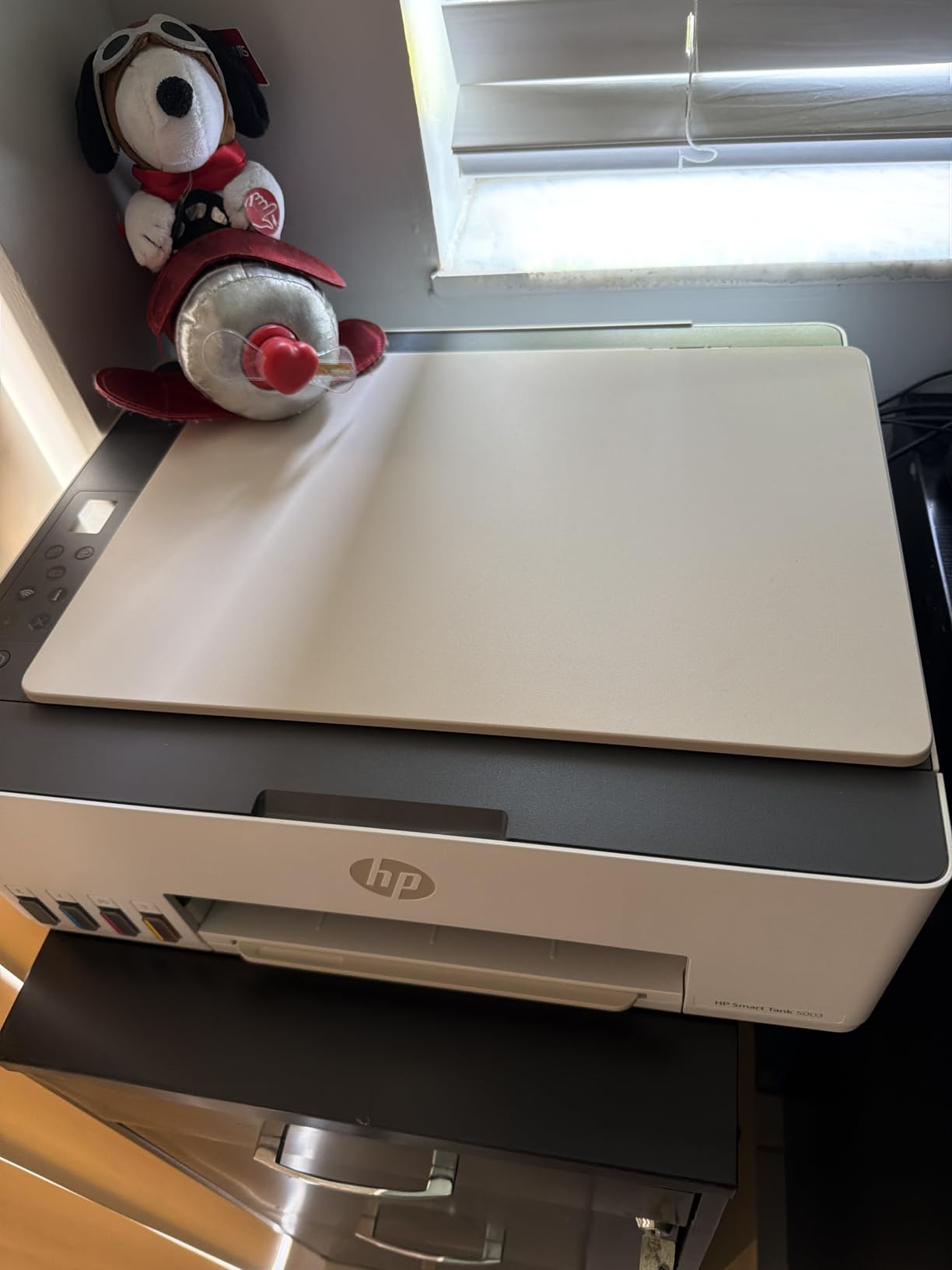
The longest included supply in this roundup: up to 3 years of HP ink, roughly 6000 color or black pages, shipped in the box as refillable bottles. That is the whole sales pitch and the whole reason to buy a tank printer at all.
Refilling is genuinely simple. You plug each bottle into the cartridge-free tank and let it drain, with no squeezing and no spilling, and the front-facing tanks show levels at a glance. Owners single out that refill process as the easiest part of ownership.
The compromises are real. Duplex printing is manual and relies on driver support, there is no document feeder, and color runs at 5 ppm. For a family printing school projects and a few photos, none of that matters. For an office feeding a stack of contracts, it does.
At 4.1 stars from more than 200 ratings, the owner history here is the thinnest of the ten, so read recent reviews before you commit. Against the HP Envy 6155, the trade is cartridges for bottles, which usually pays back within a year of regular printing.
How to Choose Printers During Prime Big Deal Days
Printing Needs and Paper Compatibility
Start with the largest sheet you will actually print. Letter-size home and student jobs rule out wide-format models immediately, while a small office handling invoices and posters needs 11×17. Text-heavy work points toward a monochrome laser, where toner costs less per page and never dries out; regular color work points to a tank printer. Our guide to laser printers for home use covers the monochrome case in more detail.
Also check the tray. A 100-sheet tray means refilling mid-job; 250 sheets means you can forget about it. The Brother DCP-L2640DW and HL-L2460DW hold 250, while most of the inkjets here hold 100.
Wireless Connectivity and App Support
Wi-Fi matters most when more than one device prints. Dual-band support, which covers both 2.4GHz and 5GHz, is the mark of a current model and shows up on the HP Envy 6155, the Canon PIXMA TS6520 and the Brother DCP-L2640DW. AirPrint and Mopria support matter more if your household is mixed Apple and Android.
App quality varies more than the radio does. The Canon app is the most criticized software in this group, with owners reporting slow pairing and unreliable status checks. Students printing from a shared room will get more from our picks of wireless printers for students.
Print Quality and Speed
Resolution decides detail. The Epson EcoTank ET-2800 and ET-8550 print at up to 5760 dpi, which is where photo and craft work looks noticeably cleaner than the 1200 dpi ceiling on the entry-level models. Six-color ink, as on the ET-8550, is what keeps skin tones and gradients smooth.
Speed is about workload. Below 11 ppm, a long document feels like a chore; 36 ppm, as on both Brother lasers, feels instant. First-page times matter for one-off jobs, and the Brother lasers are quoted at 8.5 seconds to a first page. If photos are the point, our guide to photo printers for home use is worth a look before you buy.
Ink or Toner Costs and Page Yield
Page yield is the number that decides the real cost. The Epson EcoTank ET-2800 prints up to 4500 black and 7500 color pages per set, the Canon MegaTank G3270 up to 6000 black and 7700 color, and the Epson EcoTank ET-8550 up to 6200 color pages. A cartridge setup like the Canon PIXMA TS6520 refills far sooner.
Two running-cost traps deserve attention. Color prints on a two-cartridge hybrid system, as on the TS6520 and the HP Envy 6155, drain black ink along with color. And subscription trials, such as the Instant Ink trial on the Envy 6155 or the Refresh trial on the Brother HL-L2460DW, can bill past the included allowance if you do not cancel.
Size, Setup, and Maintenance
Measure the space before you order. The compact options are the Epson EcoTank ET-2800 at 11.4 pounds and the HP Envy 6155 at 11.2 pounds; the heavy ones are the Epson EcoTank ET-15000 at 26.5 pounds and the Epson EcoTank ET-8550 at 29.8 inches deep. Wide-format models also need clearance for the rear feed and output tray.
Setup difficulty is worth checking in reviews rather than on the box. Owners report repeat Wi-Fi failures and confusing first-time password steps on both Brother models, while HP and Canon tank printers are generally called out as painless. If your desk is tight, our roundup of compact printers for small desks covers the footprint question in more detail.
How to Shop Printer Deals During the Sale
Check the model code on the listing before you click, because printer deals often sit next to a previous generation with a similar name. Confirm which functions the configuration includes, since some variants drop the document feeder or the touchscreen, and read what the box actually contains, since setup cartridges hold well under a full ink set. Look at who sells and fulfills the order, and whether the item is new or refurbished. Then compare the same model number elsewhere, because list prices move often and a struck-through price on its own is not proof of a genuine reduction.
One more thing: most offers in this category need an active Prime membership, with a free trial counting, and prices can change several times across the two days.
- Match the ink system to monthly volume before anything else
- Confirm automatic two-sided printing if you print multipage documents
- Check the tray size and whether a document feeder is included
- Verify the model number, the included cartridges and the seller
- Read the running cost, not the discount
Frequently Asked Questions
When does Amazon Prime Big Deal Days run in 2026, and do I need a Prime membership?
Prime Big Deal Days runs October 6-7, 2026. Most printer offers during the event require an active Prime membership, and a free trial counts toward that. A small number of deals are open to everyone, but the printer pricing shown during the sale is generally reserved for members, so check your membership status before you plan the purchase around these picks.
Which of the Best Amazon Prime Big Deal Days Printer Deals should I buy first?
For most households, the Epson EcoTank ET-2800 is the one to watch, because refillable tanks and a yield of up to 7500 color pages per set keep running costs low without a subscription. Buy the Brother DCP-L2640DW instead if you print mostly black documents at volume, and the Canon PIXMA TS6520 if you want the lowest entry point. Current pricing for each listing is on its button.
Are these printer deals confirmed discounts?
No. They are models worth watching during the sale rather than confirmed reductions, because pricing on printer listings changes by the hour. List prices on this category also move independently of any event, so a struck-through number tells you very little on its own. Compare the current price with the same model number on another retailer before you decide.
Should I buy an inkjet or a laser printer for home use?
A laser printer suits homes that print mostly black text, because toner costs less per page and does not dry out if the machine sits unused. An inkjet tank system suits homes printing regular color photos, school projects or craft work, because refillable bottles stretch each refill far further than cartridges. If color is rare, the Brother HL-L2460DW is the leanest option on this list.
How do I know which printer model is included in an Amazon printer deal?
Read the model number in the listing title and the specifications panel, not just the family name. Printers in the same line often differ by document feeder, touchscreen, tray size or duplex support, and those variants carry different prices. Check what is in the box as well, since setup cartridges usually hold well under a full ink set.
Final Verdict: Best Amazon Prime Big Deal Days Printer Deals
Buy the Epson EcoTank ET-2800 if you want the safest all-round choice in this lineup: refillable ink, print scan and copy, and the deepest owner-review base of any model here. Buy the Canon PIXMA TS6520 if your printing is light and the entry point is what matters most. Run a small office on the Brother DCP-L2640DW, and take the Brother HL-L2460DW when you will never scan. Print photos on the Epson EcoTank ET-8550, run craft and wide-format jobs on the Epson EcoTank ET-15000, get a home office with fax and a feeder from the Canon PIXMA TR8620a, choose the Canon MegaTank G3270 as the value refillable option, and look at the HP Envy 6155 and HP Smart Tank 5003 if you want HP software and a compact footprint.
Check Prime membership first, then watch the current price on each listing during the sale.