

The Logitech G502 Hero is the one to watch, and the reason is simple: a 25600 DPI sensor, 11 programmable buttons and a weight system you can tune, on a mouse that has been proven by more owners than anything else on this list. The Logitech G305 Lightspeed is the wireless alternative for anyone who wants a cable-free desk and a battery measured in months, and the Redragon M602 is the one to add if RGB lighting matters more to you than raw sensor numbers. Prime Big Deal Days runs October 6-7, 2026, and most of these offers need a Prime membership.
Everything below is framed as a pick worth watching rather than a confirmed reduction, and the button on each entry is where the current number lives. Figures can change through the event.
Our Top 3 Picks for Best Amazon Prime Big Deal Days Gaming Mouse Deals in 2026

Logitech G502 Hero
- 25600 DPI HERO sensor
- 11 programmable buttons
- Tunable weight system

Best Amazon Prime Big Deal Days Gaming Mouse Deals Compared
Every mouse below is a real configuration with real owner history behind it. The same four fields run in the same order for each row so you can scan down the list instead of jumping between sections.
| Product | Specifications | Action |
|---|---|---|
| Logitech G502 Hero |
|
Check Deal Price |
 Logitech G305 Lightspeed Logitech G305 Lightspeed |
|
Check Deal Price |
| Redragon M602 |
|
Check Deal Price |
 Razer DeathAdder Essential Razer DeathAdder Essential |
|
Check Deal Price |
 Logitech G203 Logitech G203 |
|
Check Deal Price |
 Redragon M908 Redragon M908 |
|
Check Deal Price |
 Redragon M612 Redragon M612 |
|
Check Deal Price |
 Razer Basilisk V3 Razer Basilisk V3 |
|
Check Deal Price |
 Razer Basilisk V3 X HyperSpeed Razer Basilisk V3 X HyperSpeed |
|
Check Deal Price |
How We Chose
We compared the specifications that decide how a mouse feels in play, then read the owner reviews and ratings sitting behind each listing. Sensor resolution, connection type, button count, weight and battery life were the deciding fields. We checked the data on October 2026.
1. Logitech G502 Hero: Best All-Round Gaming Pick
- 25600 DPI HERO sensor with no smoothing or acceleration
- 11 programmable buttons and a dual-mode scroll wheel
- Weight can be tuned with up to five 3.6 g weights
- Metal spring tensioning gives a crisp mechanical click
- Cable drag on a wide mouse mat
- Heavier than the wireless picks here
- Full button setup needs Logitech Gaming Software
Buy the G502 Hero if you want one mouse that covers competitive shooters, strategy games and everyday work without a compromise hiding in the spec sheet. The HERO sensor tracks at up to 25600 DPI with zero smoothing, filtering or acceleration, which is the setting most players never have to think about again once it is set.
What separates it from everything else here is the weight system. Up to five 3.6 g weights let you take the mouse from around 4.32 ounces down to something noticeably lighter, or leave it planted if you prefer a firm hand. Reviewers call the 11 programmable buttons and the dual-mode hyper-fast scroll wheel the reason it works outside FPS titles too, where binding a single key beats using a menu.
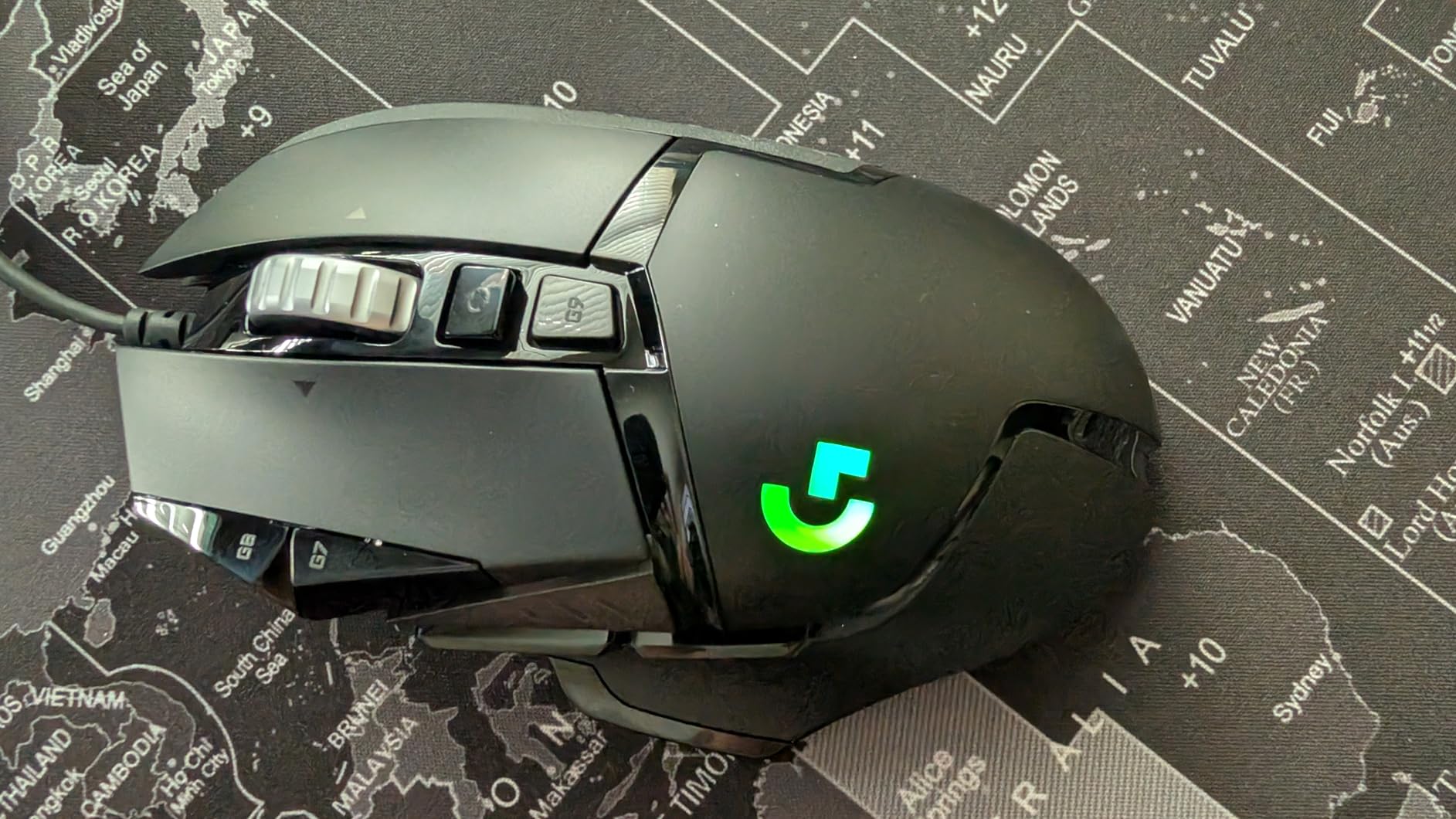
The main trade-off owners report is the cable. It is stiff enough that flicking across a large mat can feel like the mouse is fighting the wire, and that is precisely what the G305 Lightspeed is built to fix. If you would rather not deal with a wire at all, look there. If you are on a small mat and you want 11 buttons, the G502 wins.
- Adjustable weight up to five pieces, so the feel is tunable rather than fixed
- Metal spring tensioning and metal pivot hinges in the main buttons
- Sub-micron tracking precision, no sensor smoothing to fight
- One year of hardware limited warranty
The Razer Basilisk V3 differs on switches and lighting. Basilisk V3 gets optical switches rated to 70 million clicks and 11 RGB zones, while the G502 uses mechanical tensioning and LIGHTSYNC. If your mouse lives on a hard desk and gets banged around, the optical switches in the Basilisk are the harder-wearing option.
One practical detail: the metal enclosure is part of why this one has held up over years of daily use. It is a heavy-feeling mouse out of the box, and the tuning weights are how you decide that is a good thing or not.
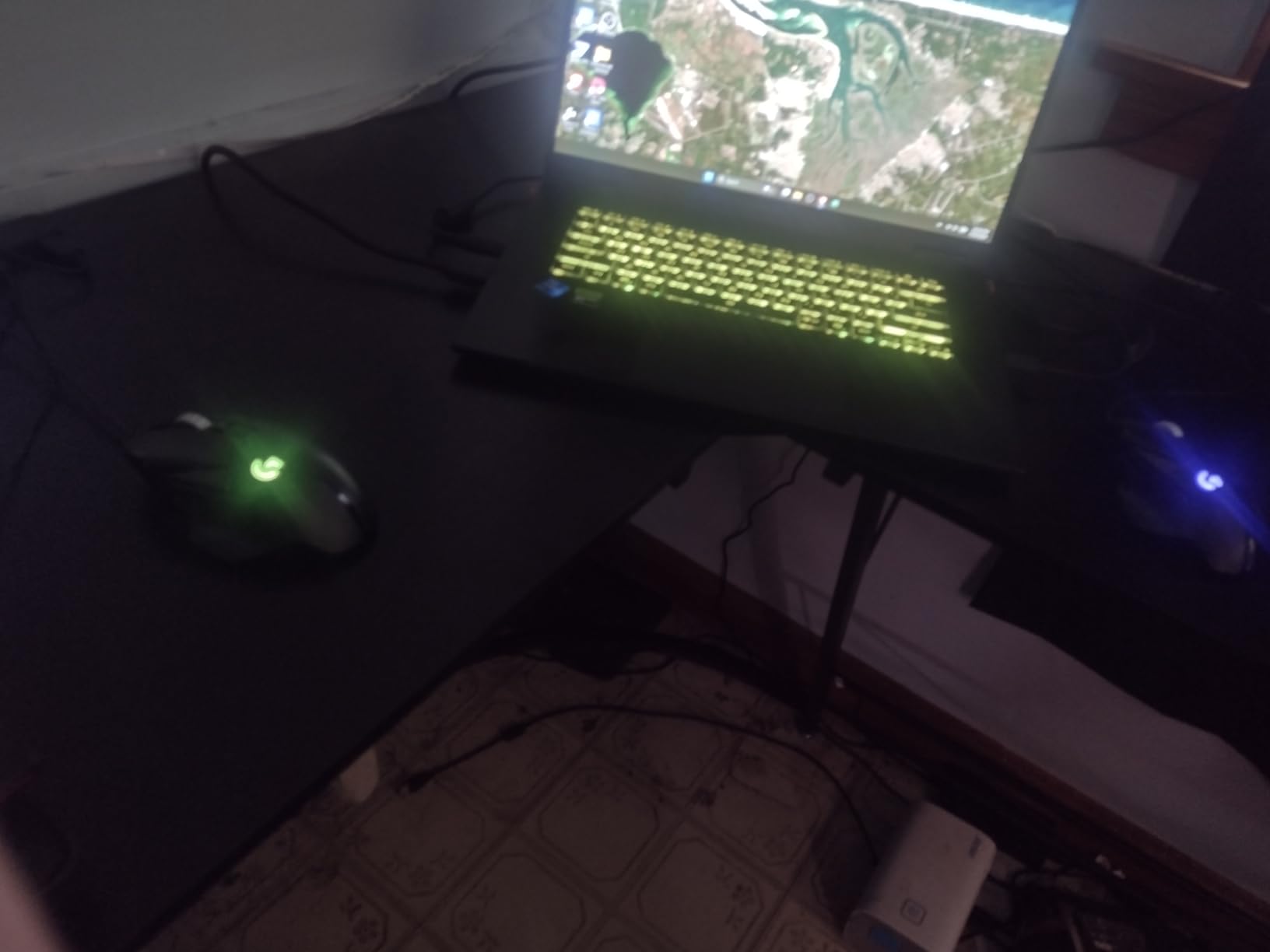
2. Logitech G305 Lightspeed: Best Wireless Value
- 250 hours on one AA battery and up to 9 months in Endurance mode
- Only 3.36 oz so it suits long sessions
- 1 ms LIGHTSPEED report rate with no felt lag
- Receiver stores inside the shell for travel
- Six buttons is few for MMO or MOBA players
- No RGB lighting
- Compact body suits fingertip and claw grip over palm
The G305 is the pick for anyone moving off a wired mouse for the first time. The LIGHTSPEED link reports at 1 ms, and reviews note no noticeable input lag in competitive titles, which is the whole point of a wireless mouse at this level.
Battery life is the standout number. One AA battery is rated for up to 250 hours of continuous play, and Endurance mode stretches that to as many as nine months. Nothing else on this list manages that on a single cell, and the wired picks here need no battery at all.
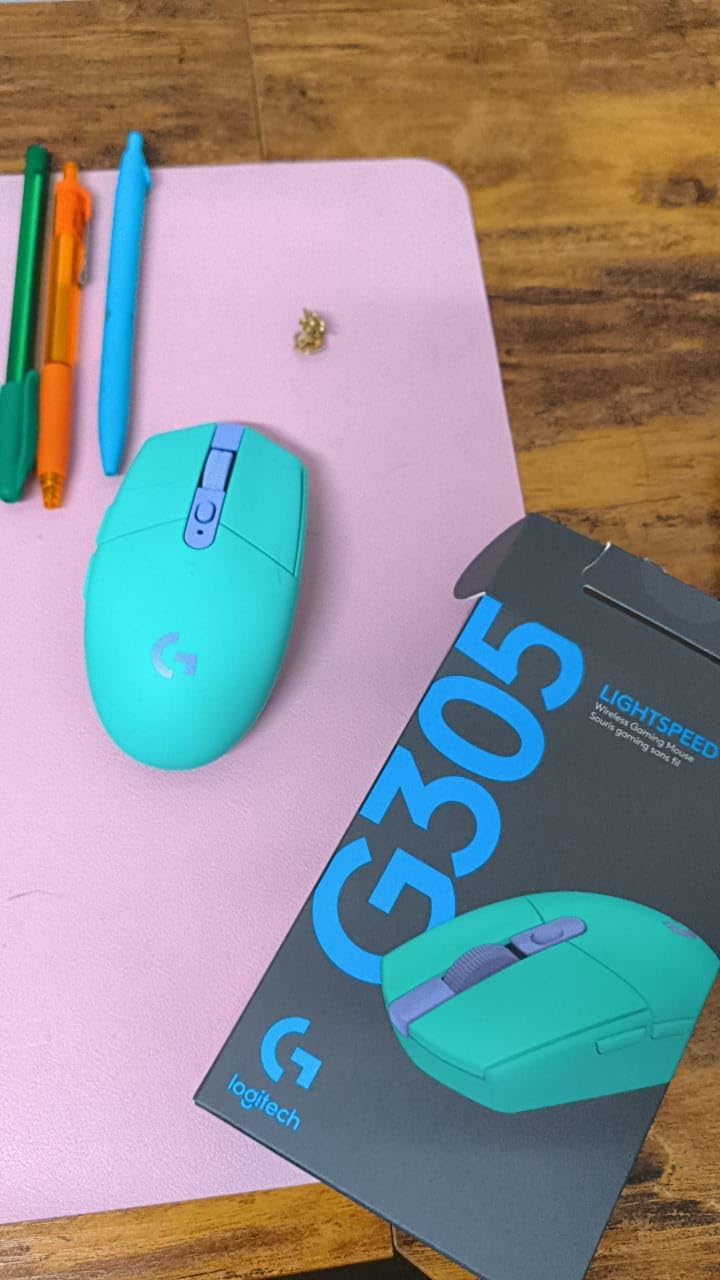
Skip it if you bind a lot of keys. Six buttons is a real limitation in MMO and MOBA games, and it is why the Redragon M908 sits further down this list for players who want a grid of macros. Owners also note the shape works better with fingertip and claw grip, so if you game with your whole palm and large hands, the G502 Hero or the Razer DeathAdder Essential will fit you better.
That said, the G305 does something none of the others do: it is small, light and ambidextrous, and the nano receiver stores inside the shell. If you also use it as a travel mouse for a laptop, there is nothing else here that packs down as neatly.
The Razer Basilisk V3 X HyperSpeed runs for longer still on Bluetooth and offers more buttons, but the G305 is far lighter at 3.36 ounces against 110 g. For pure desk comfort across long sessions, the G305 is the lighter of the two.
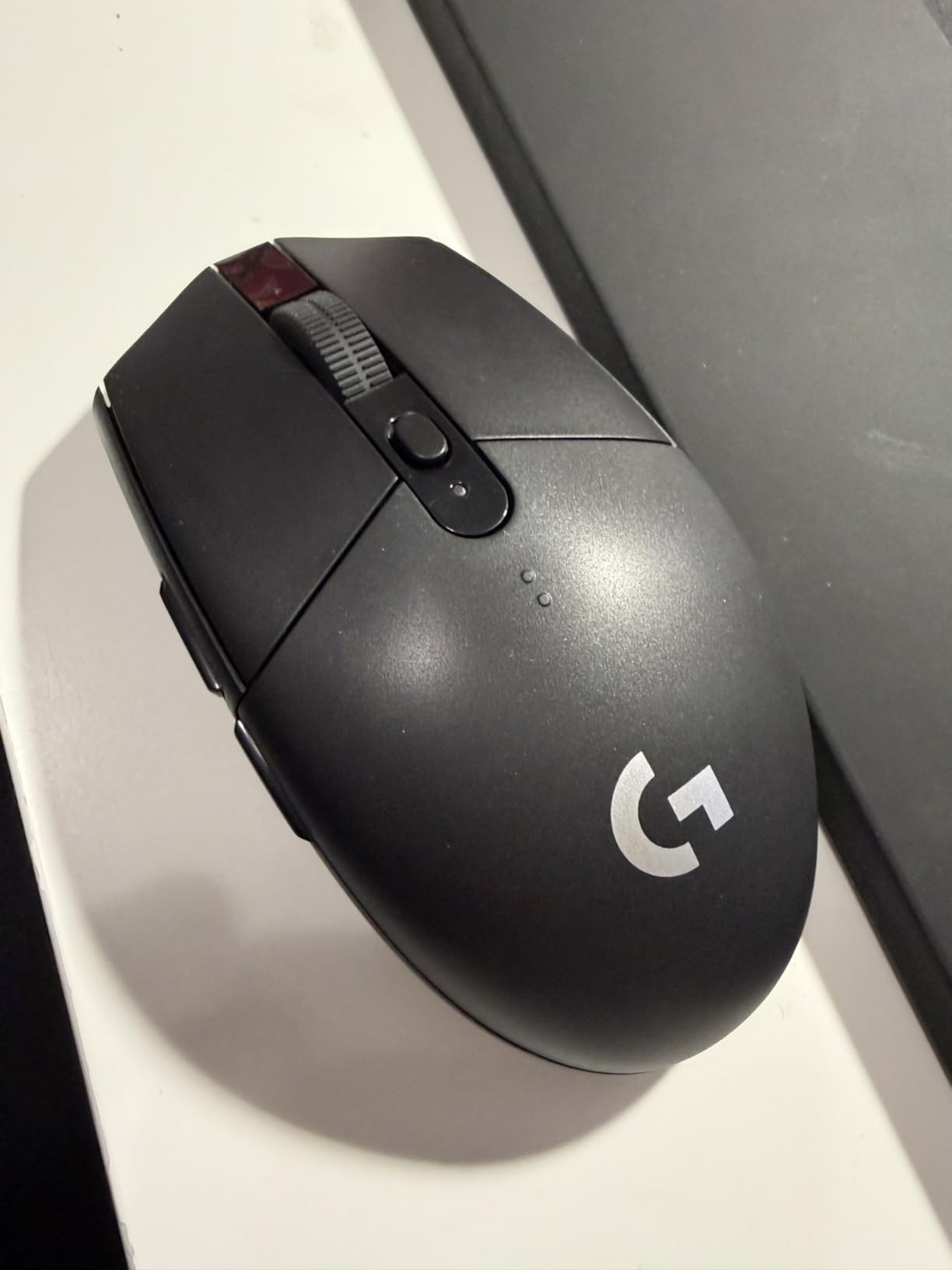
3. Redragon M602: Best for RGB Setups
- Seven RGB modes configurable on the mouse or in software
- Nine programmable buttons with macro editing
- Large right-handed body fits several grip styles
- Works across PC Mac and Linux
- Glossy plastic finish can feel slippery
- Sensor ceiling of 7200 DPI is modest
- Remapping needs a download from Redragon
Owners pick the M602 when the desk looks as good as it plays, and for good reason: seven backlit modes with configurable effects, on a body far larger than the entry-level model usually suggests. If a mouse has to match a lit setup, this is the one that gets there without giving up button count.
Nine programmable buttons with remapping and macro editing is more than most people need, and the 7200 DPI optical sensor is smooth and consistent for daily work as well as play. Reviewers describe it as the durable, proven budget pick, and the owner history behind it is long.
![Redragon M602 Gaming Mouse, Ergonomic RGB Gaming Mouse Wired with 7200 Adjustable DPI, 9 Programmable Buttons, Professional Software for Gamer Office [Black] customer photo 1](https://www.talkofthehouse.com/wp-content/uploads/2026/10/B011HMDZ0Q_customer_1.jpg)
Two caveats show up repeatedly. The glossy finish is a fingerprint collector and can feel slippery in a long session, and remapping runs through Redragon software that you download separately rather than something stored on the mouse itself. If you want lighting you can leave untouched, the modes can be cycled from a button on the shell.
The Redragon M612 is the closer relative here. It raises the sensor to 8000 DPI, drops to 11 buttons, uses a frosted coating with rubber texture on the side, and is lighter at 126 g. Pick the M602 for the glossier look and bigger right-handed body, the M612 for grip and lightness.
One practical detail: the 6 foot cable and right-handed shape mean this suits one hand orientation. If you game with your left hand, the ambidextrous Logitech G305 is the option here that fits.
![Redragon M602 Gaming Mouse, Ergonomic RGB Gaming Mouse Wired with 7200 Adjustable DPI, 9 Programmable Buttons, Professional Software for Gamer Office [Black] customer photo 2](https://www.talkofthehouse.com/wp-content/uploads/2026/10/B011HMDZ0Q_customer_2.jpg)
4. Razer DeathAdder Essential: Best Ergonomic Shape
- Proven DeathAdder shape works for large hands
- 0.13 kg body is light for its size
- Ridged rubberized scroll wheel grips well
- Two year manufacturer warranty
- 6400 DPI is low against newer sensors
- Five buttons is very few for keybinding
- No lighting on this trim
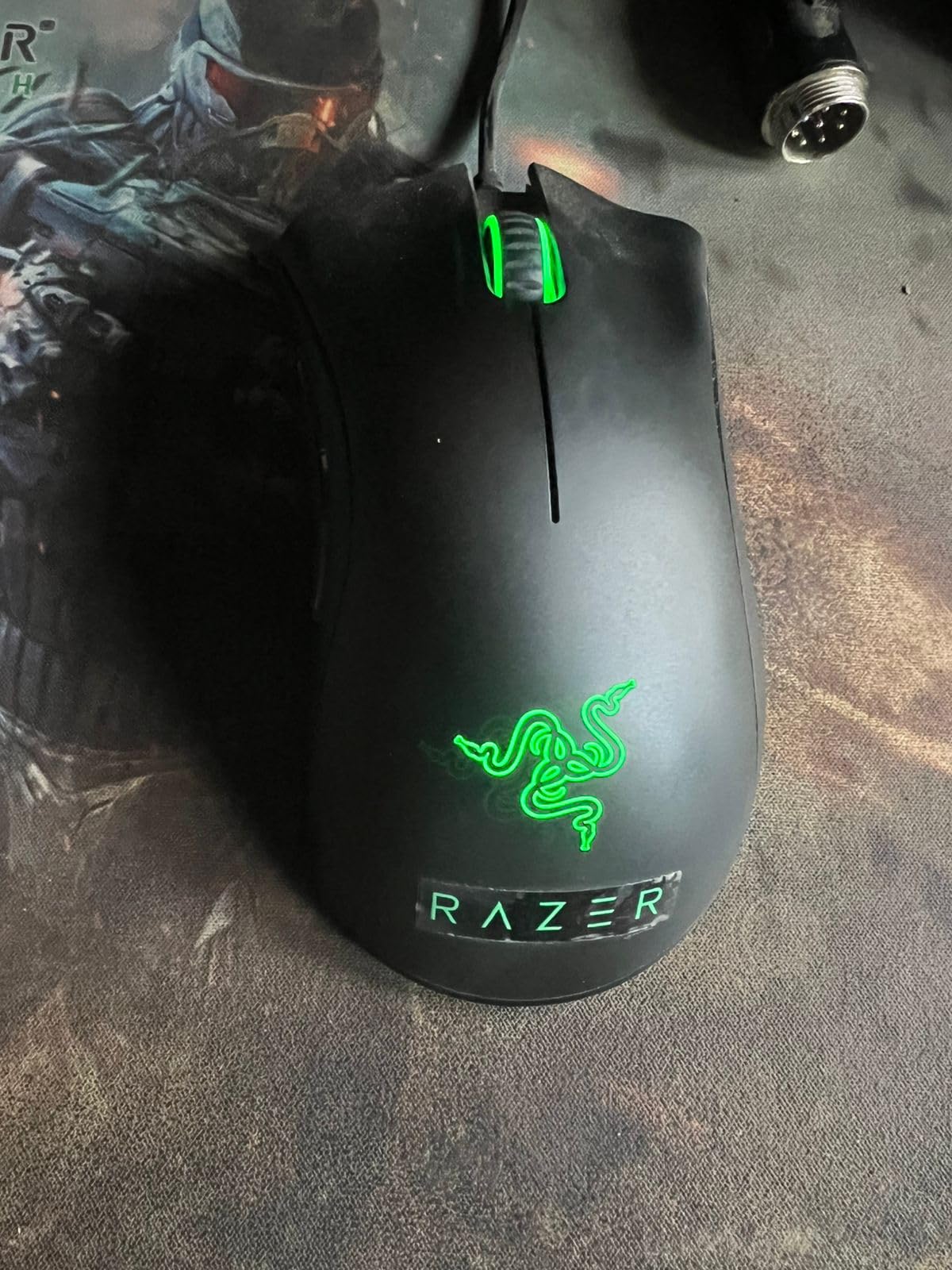
Skip the spec sheet on this one and look at the shape. The DeathAdder line has been the reference for right-handed palm grip for years, and reviewers consistently name the fit as the reason to buy this trim over something flashier.
At 0.13 kg it is a light mouse for its size, and the ridged rubberized scroll wheel gives real traction when you need to scroll a long inventory list or hold a key and flick. Five programmable buttons remap through Razer Synapse, and the mechanical switches are rated for up to 10 million clicks.
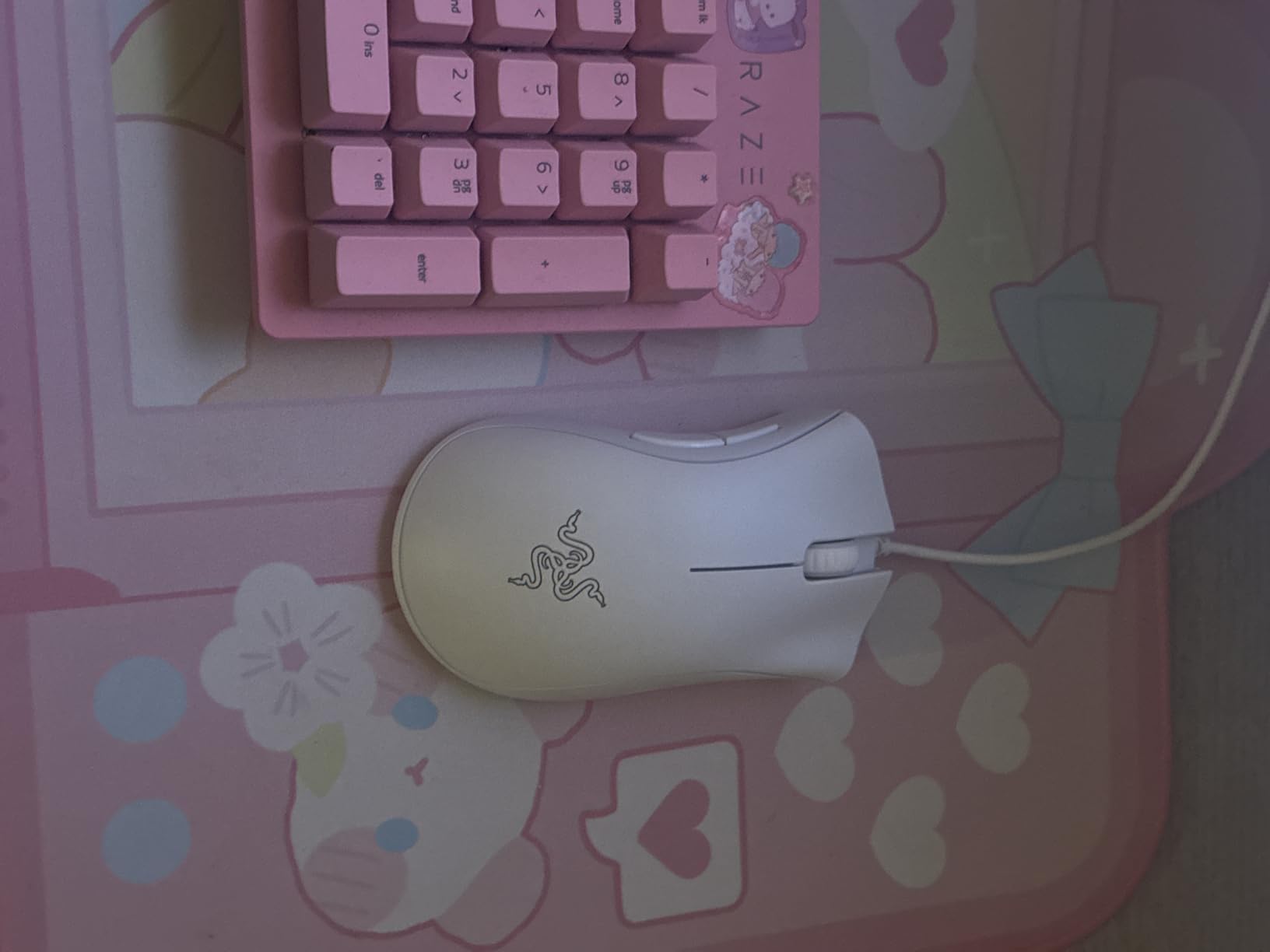
The trade-off is that this Essential version levels out early. 6400 DPI and five buttons will feel limiting the moment you start binding abilities, and there is no lighting on this trim at all. Owners who moved on from it usually did so for more buttons, not for the shape.
The Logitech G502 Hero and the Razer DeathAdder Essential are both right-handed, both wired, and both suit large hands. The G502 gives you 11 buttons, 25600 DPI and a scroll wheel with a free-spin mode; the DeathAdder gives you a lighter body and a two year warranty. If you play a game where you bind nothing, the DeathAdder is the more comfortable pick.
The rubberized shell grips well but collects marks, and the two year manufacturer warranty covers more than the one year listed on the G502 Hero, the M602 and the M612.
5. Logitech G203: Best Compact Wired Option
- 8000 DPI sensor with no filtering or smoothing
- G HUB makes DPI profiles and binds easy
- Metal spring-tensioned main buttons feel crisp
- Smooth scroll wheel for 3D and productivity work
- Compact body can feel short for larger hands
- Side forward and back buttons are small
- RGB sits under the palm where you cannot see it
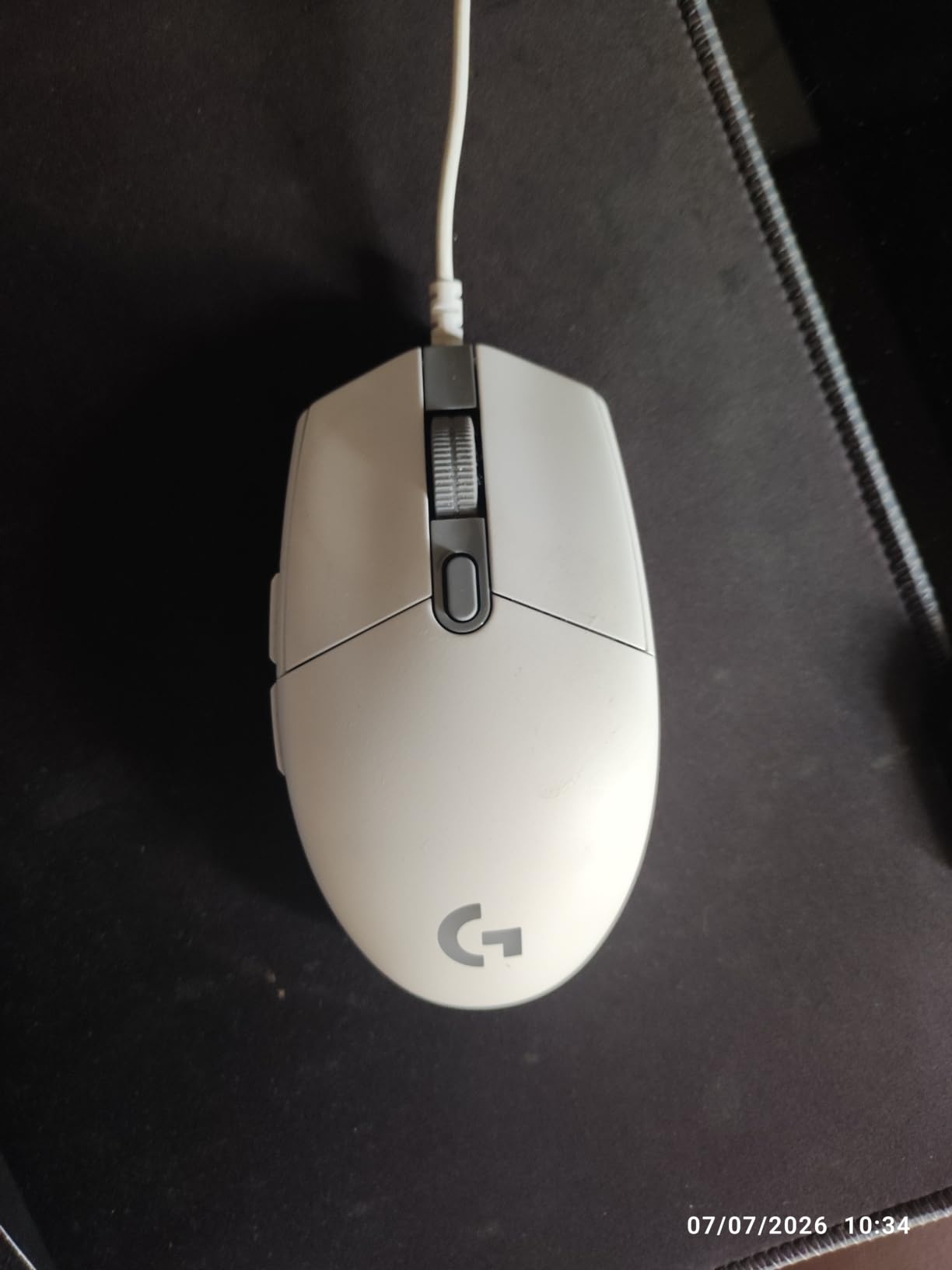
The G203 is the pick when desk space is tight and you still want lighting. At 4.59 by 2.45 inches it takes up less mat than the G502 Hero or the Razer Basilisk V3, and it carries the same 8000 DPI class of sensor that most players need for a long time.
Logitech G HUB handles DPI profiles and button remapping without fuss, and the metal spring-tensioned main buttons give the click a crisp edge that cheaper plastic housings lose quickly. Reviewers single out the scroll wheel as better than expected, particularly for 3D and productivity software rather than games alone.
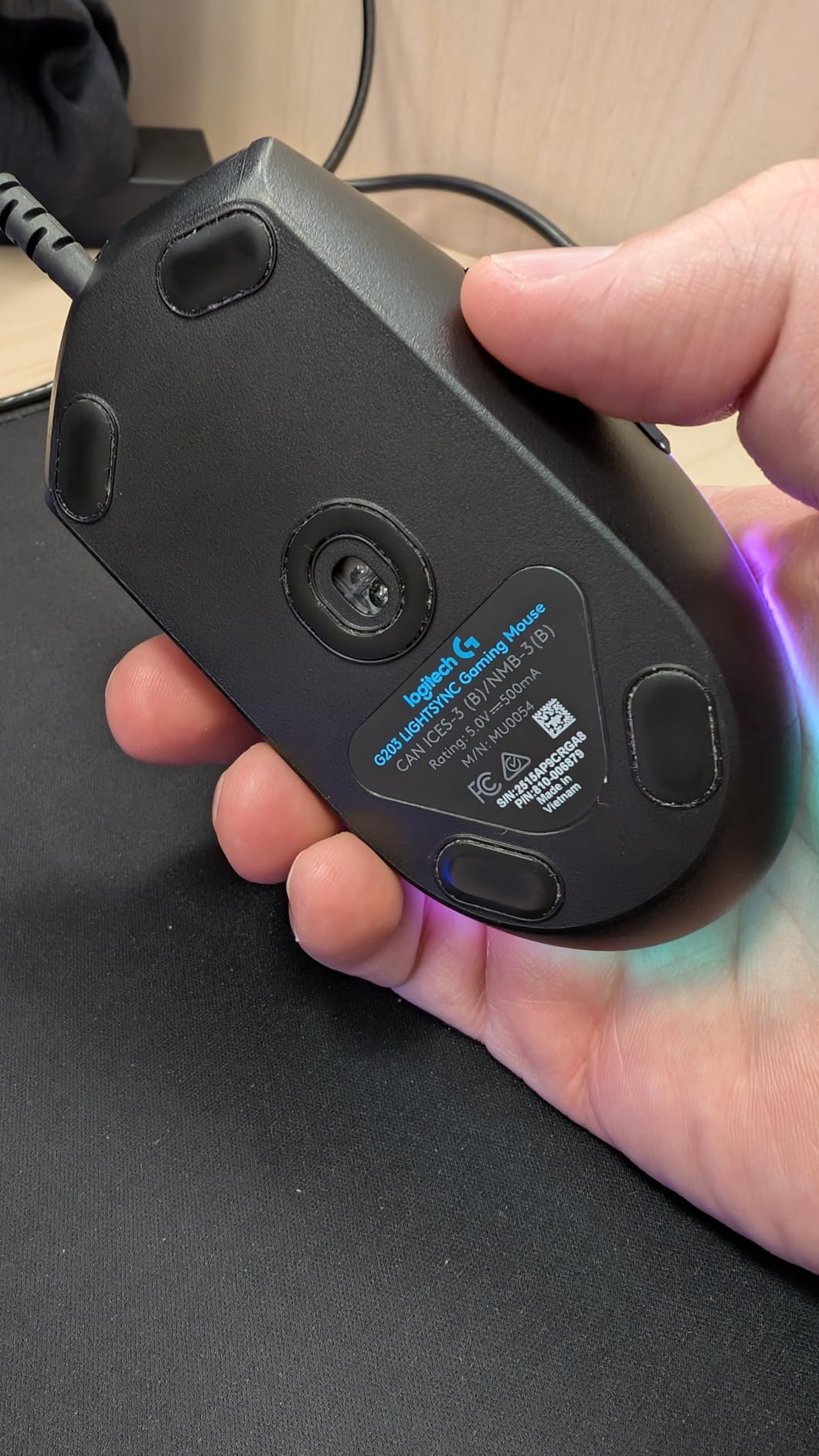
Owners report one complaint above all others: size. If you are coming from a larger mouse, the compact body can feel short, and the side forward and back buttons are small enough to miss without looking. The RGB lighting is also hidden under the palm, so it lights your desk more than the mouse.
Both this mouse and the Redragon M612 sit at 8000 DPI and both light up. The Logitech is smaller and covered by a two year limited hardware warranty, while the M612 is a larger claw-grip frame with 11 buttons and a frosted coating. Small hands on a small mat: G203. Long fingers and lots of binds: M612.
Five DPI settings cycle from the middle button without opening any software, which is handy if you play a mix of shooters and strategy games.
6. Redragon M908: Best for MMO Macros
Redragon M908 Wired MMO RGB Gaming Mouse 12400 DPI Remapping Keys
- Eighteen programmable buttons with five memory profiles
- Pixart PAW3327 sensor up to 12400 DPI at 1000 Hz polling
- Eight-piece weight tuning set for balance
- Braided cable and TEFLON feet glide smoothly
- Bulky 175 g body does not suit small hands
- Side button array is easy to hit by accident
- Software support is Windows focused
No other mouse on this list gives you a grid of keys. Eighteen programmable buttons across five memory profiles, each with its own indicator light, is built for MMO and MOBA players who live on a hotbar of abilities and do not want to leave the mouse.
Underneath that is a Pixart PAW3327 sensor rated to 12400 DPI at 1000 Hz polling, with the software range adjustable in 100 steps from 200 upward. The eight-piece weight tuning set lets you balance a large body, and the braided cable with TEFLON feet is a durability choice you notice after a year.
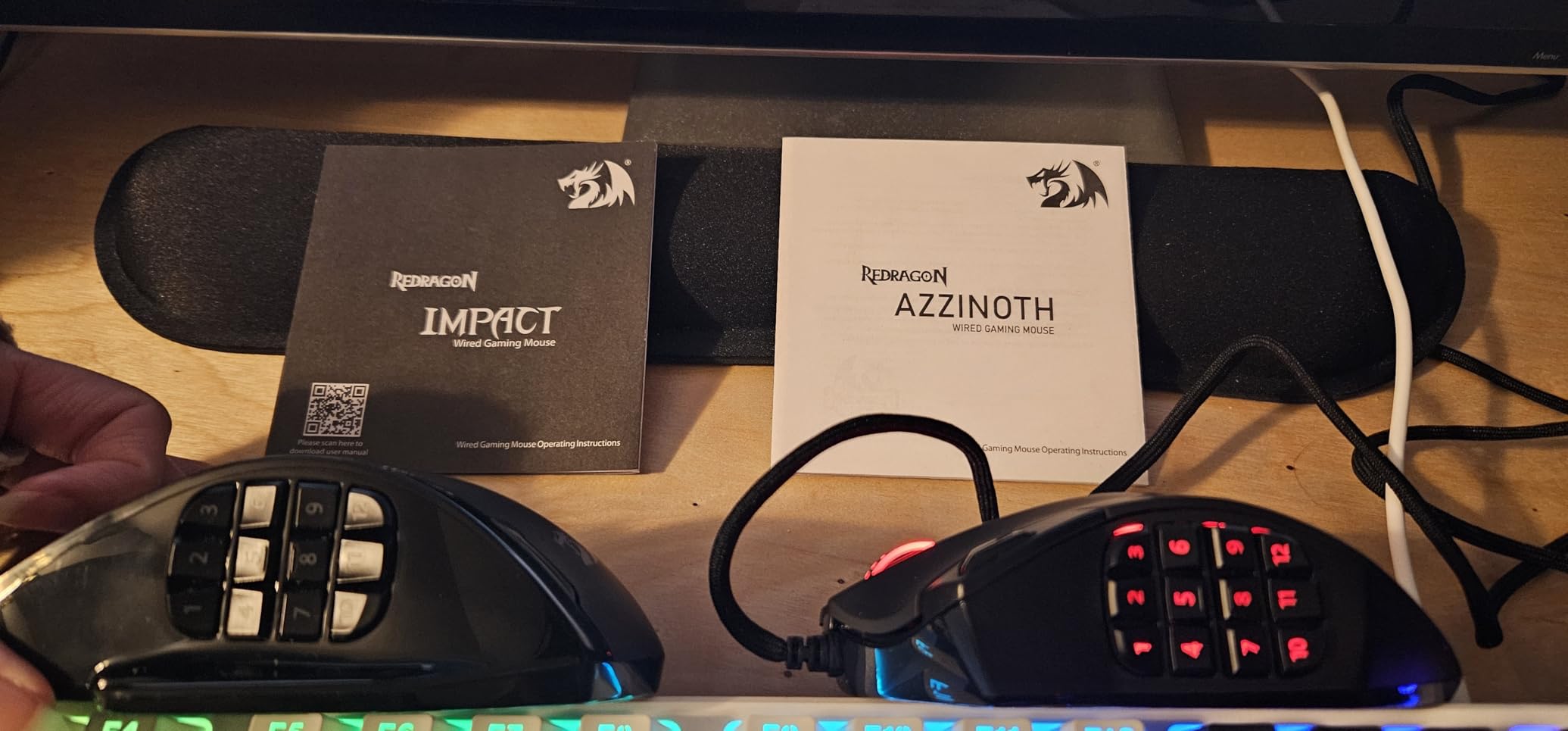
The reservation owners voice most is size. At 175 g this is a heavy, aggressive shape, and small hands tend to fight it. The button array is also easy to trigger during a tense moment in a game that has no use for eighteen binds.
The Redragon M602 covers the general-play side of the family, being the smaller, lighter, glossy nine-button option, while the M908 is the deliberate MMO machine. If you play shooters where extra keys are dead weight, the M612 at 11 buttons is the better buy of the two Redragons.
Memory profiles are stored on the mouse, so your binds travel with it when you move to a different machine. That only works fully on Windows, though.
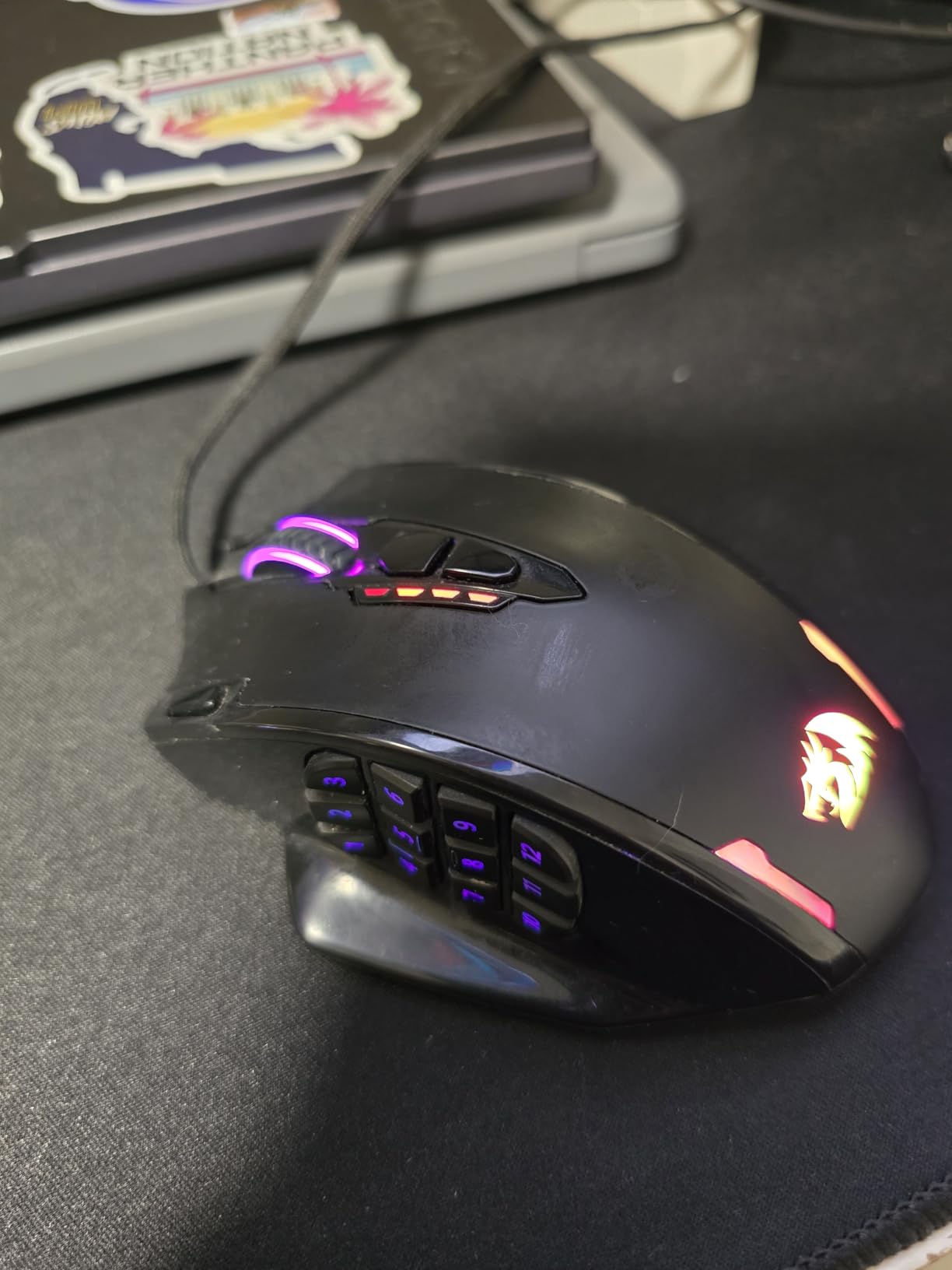
7. Redragon M612: Budget Pick for Remapping
- Eleven reassignable buttons including rapid-fire and side macros
- Frosted coating with rubber texture resists fingerprints
- Claw-grip frame cuts fatigue in long sessions
- Owners report multi-year durability
- Middle button is the component most likely to fail
- Scroll wheel can skip or jump over time
- DPI button is easy to press by accident
Getting eleven reassignable buttons and five RGB modes usually means stepping up a tier, and the M612 sidesteps that. Reviewers routinely call it a mouse that outperforms what it costs, and if a first gaming mouse has to share a budget with a whole setup, this is the one to watch.
Five DPI levels are stored on the mouse, with a software range from 500 to 8000, and two of the side buttons handle rapid fire and macros. The frosted, skin-friendly coating with a rubber-textured side is a genuinely practical choice at this level, and the claw-grip frame is designed to cut fatigue rather than decorate.
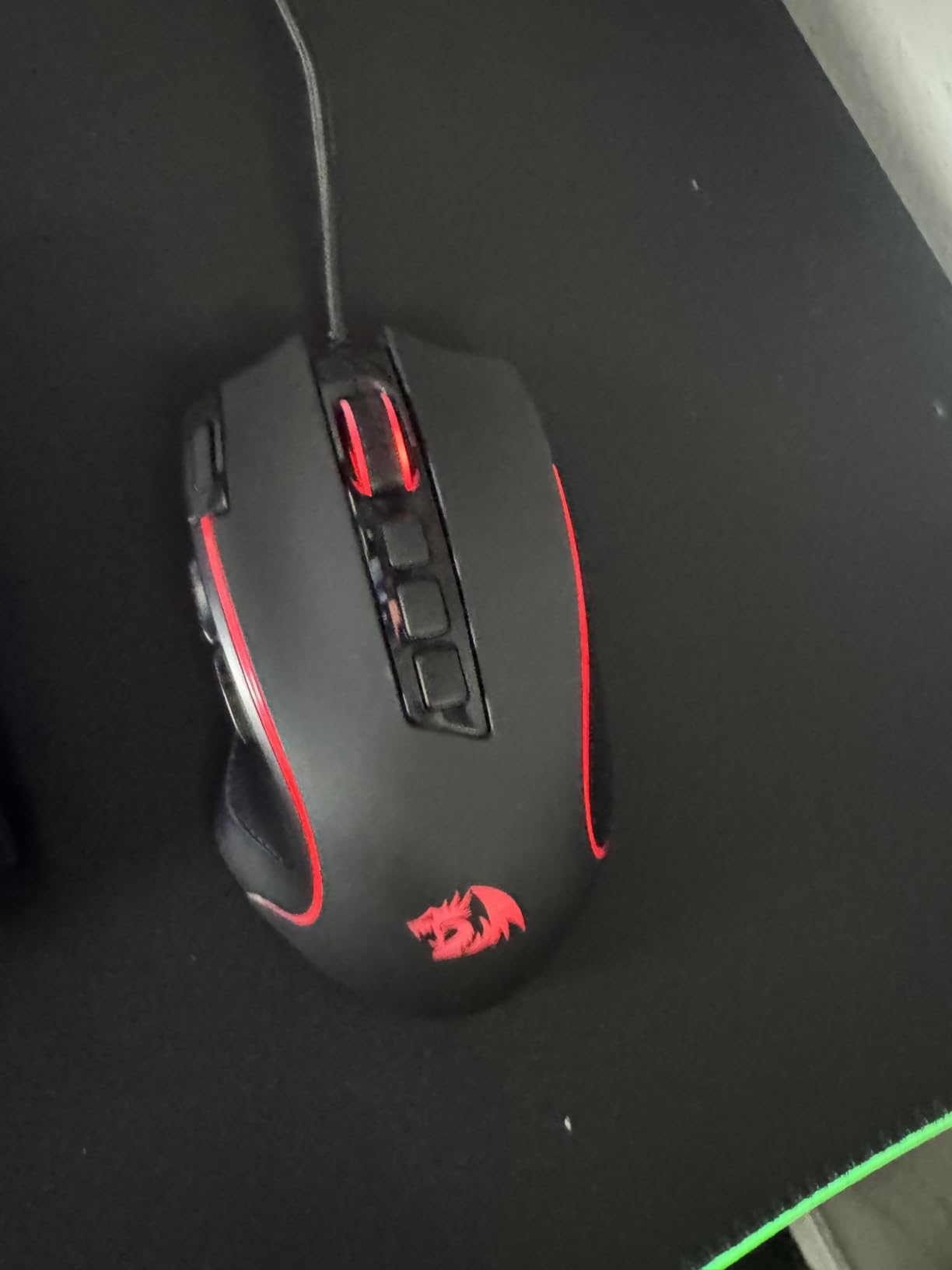
Long-term owners flag two weak points: the middle button is the component most likely to fail early, and the scroll wheel encoder can start skipping or jumping. Neither matters much in a shooter, and both are worth knowing if you scroll heavy work documents on the same mouse.
The Logitech G203 is the opposite shape at nearly the same sensor class. The M612 is a 126 g claw-grip frame with 11 buttons; the G203 is a compact 6-button body with a two year warranty. Also worth weighing the Razer DeathAdder Essential if you want a lighter hand and a rubberized shell with no lighting at all.
Owners report multi-year durability on this model, but the DPI button sits close enough to the left click that a heavy hand can catch it.
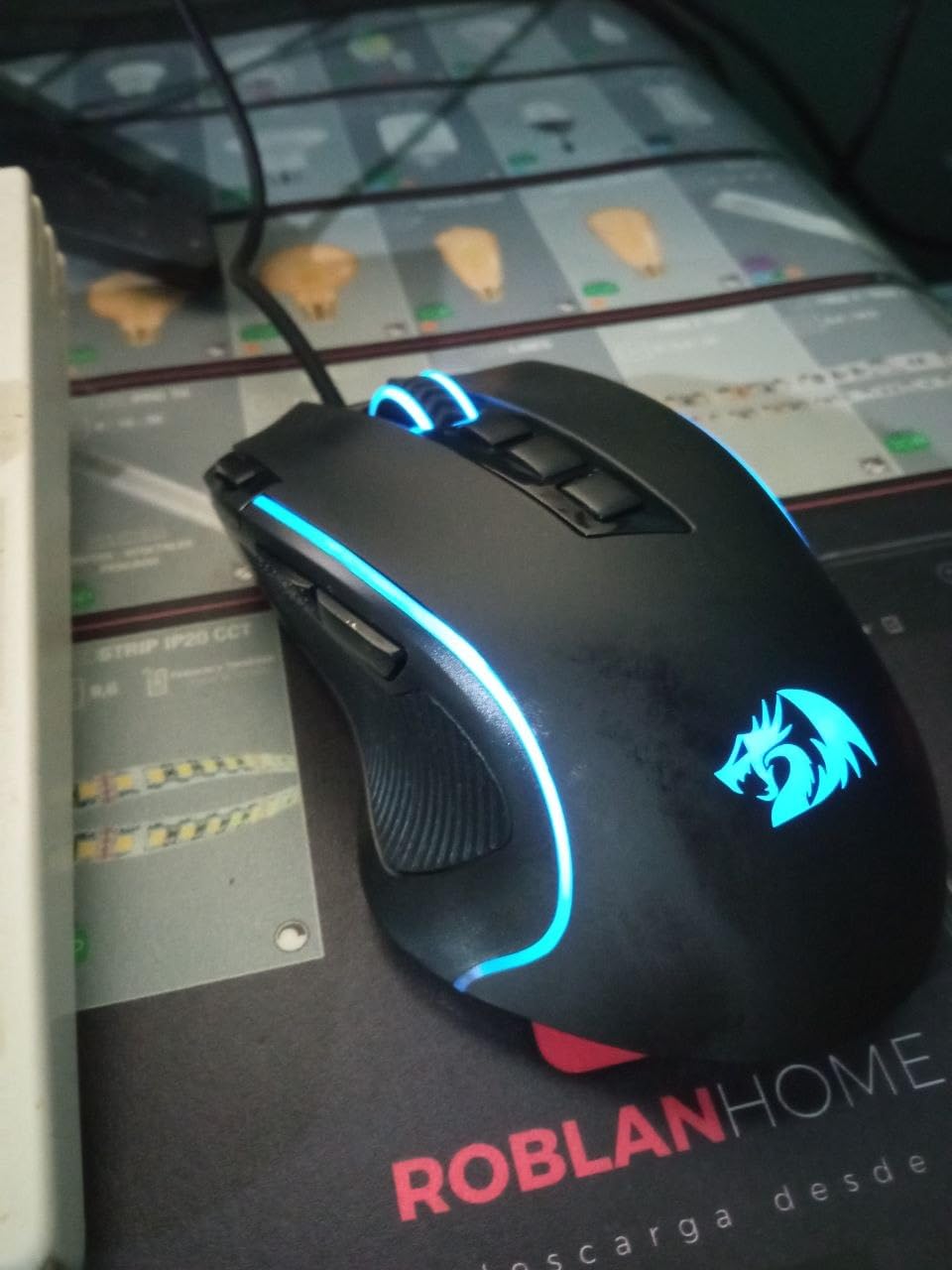
8. Razer Basilisk V3: Best Switch and Scroll Setup
Razer Basilisk V3 Customizable RGB Wired Ergonomic Gaming Mouse, Black
- 26000 DPI Focus+ sensor with zero smoothing
- HyperScroll wheel free-spins or switches to tactile
- Gen 2 optical switches act in 0.2 ms rated to 70M clicks
- Thumb rest and soft braided cable with PTFE skates
- 101 g body is less comfortable for small hands
- Rubberized surface can feel warm in long sessions
- Synapse required for lighting and button setup
The Basilisk V3 is the specification winner here, and reviewers rank it as one of the best mice they have used rather than one of the best at this level. The 26000 DPI Focus+ sensor tracks without smoothing, and the Gen 2 optical switches act in 0.2 ms with a rating of 70 million clicks.
The HyperScroll tilt wheel is the feature owners write about. It free-spins for long lists and switches to a tactile mode for menus and games, and the third thumb button gives you a dedicated DPI control without touching the top of the mouse. Eleven Chroma lighting zones cover 150 integrated games, and the soft braided cable with PTFE skates glides quietly.
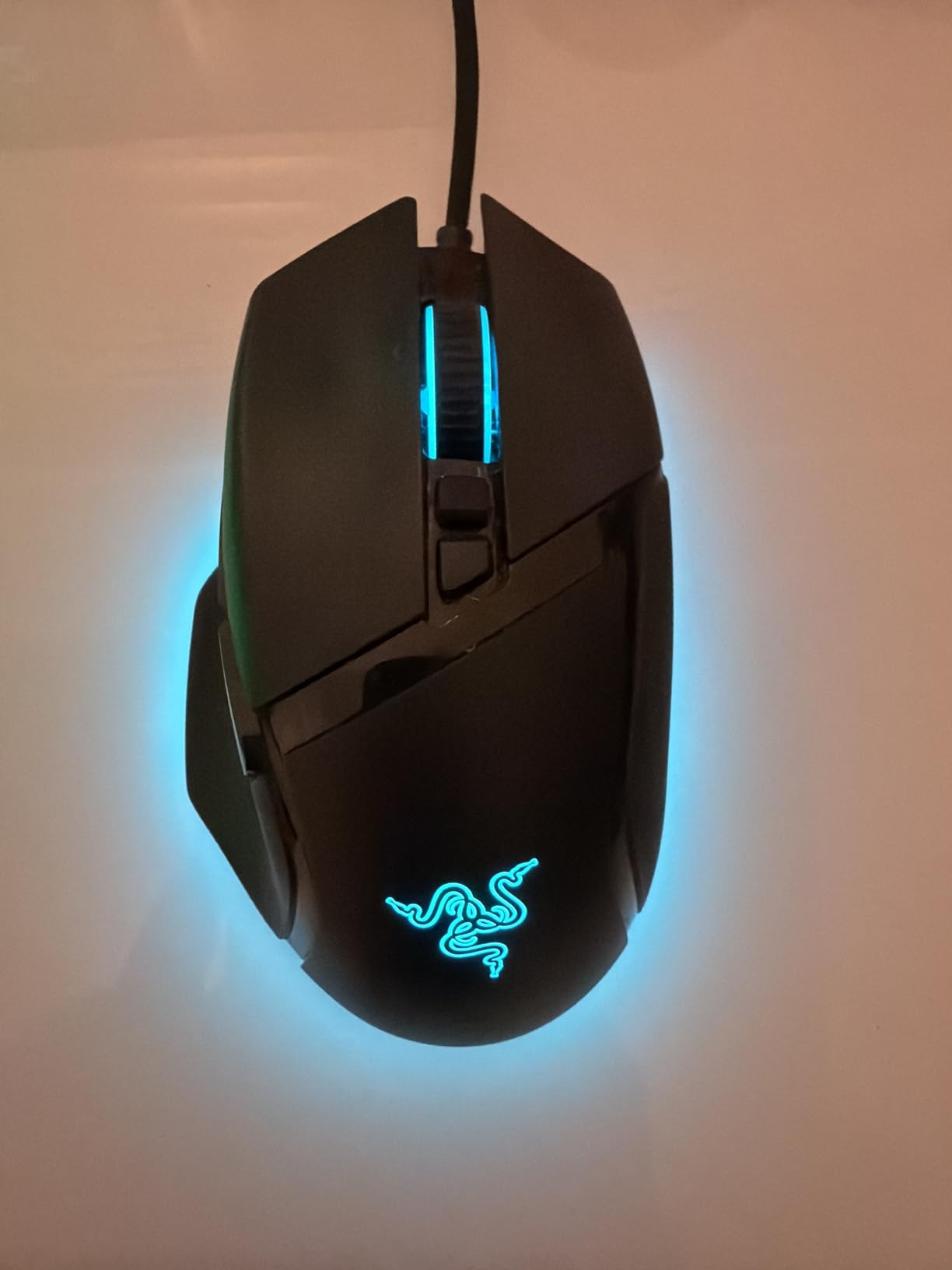
The consistent caveat is size. At 101 g this is a full-size ergonomic body with a thumb rest, which is a poor match for small hands, and the rubberized surface can feel warm during long sessions. Synapse is also required for the lighting and button configuration, so this is not a plug-and-play mouse.
Both this mouse and the Logitech G502 Hero carry 11 buttons and a 25600 DPI class sensor. The Basilisk wins on switches and scroll wheel, the G502 wins on the tuning weight system and LIGHTSYNC software. If your hands are small, neither is the right answer and the Logitech G305 is.
The scroll wheel defaults to a very light free-spin feel until you reconfigure it, which surprises people the first time they scroll a menu.
9. Razer Basilisk V3 X HyperSpeed: Best for Wireless Desks
Razer Basilisk V3 X HyperSpeed Customizable Wireless Gaming Mouse, Black
- Up to 285 hours on HyperSpeed and 535 hours on Bluetooth
- Large textured thumb shelf is genuinely comfortable
- Gen 2 mechanical switches with gold contacts rated to 60M clicks
- Nine customizable controls including a third thumb button
- HyperSpeed can be slow to wake and may drop
- Heavier than most wireless rivals at 110 g
- Uses a single AA rather than a rechargeable cell
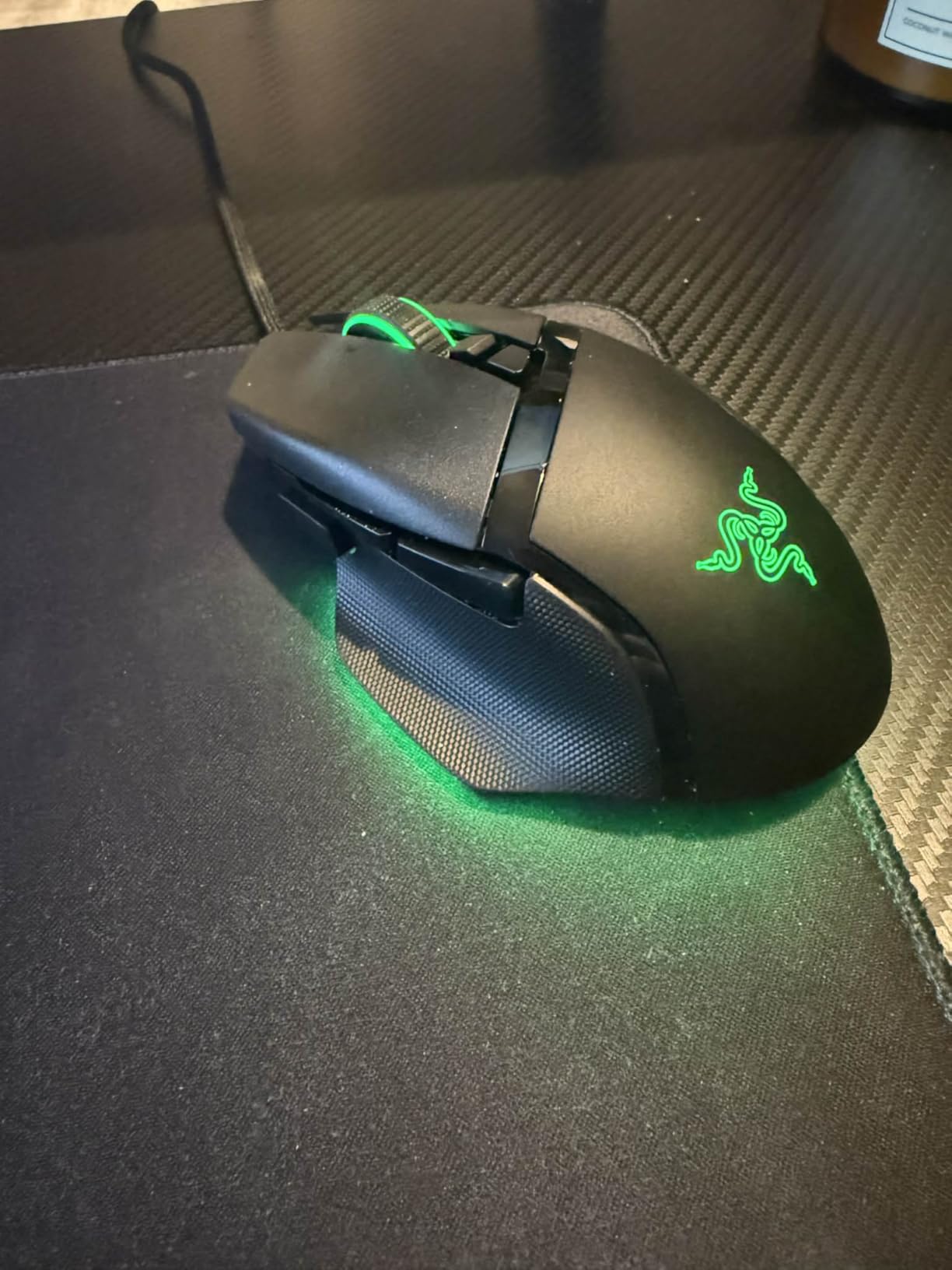
Take the Basilisk V3 shape, remove the cable, and add Bluetooth, and you get the pick for a desk that runs a laptop and a gaming PC. Multi-device support is the reason to pick it, with a large textured thumb shelf that owners single out as the most comfortable part of the mouse.
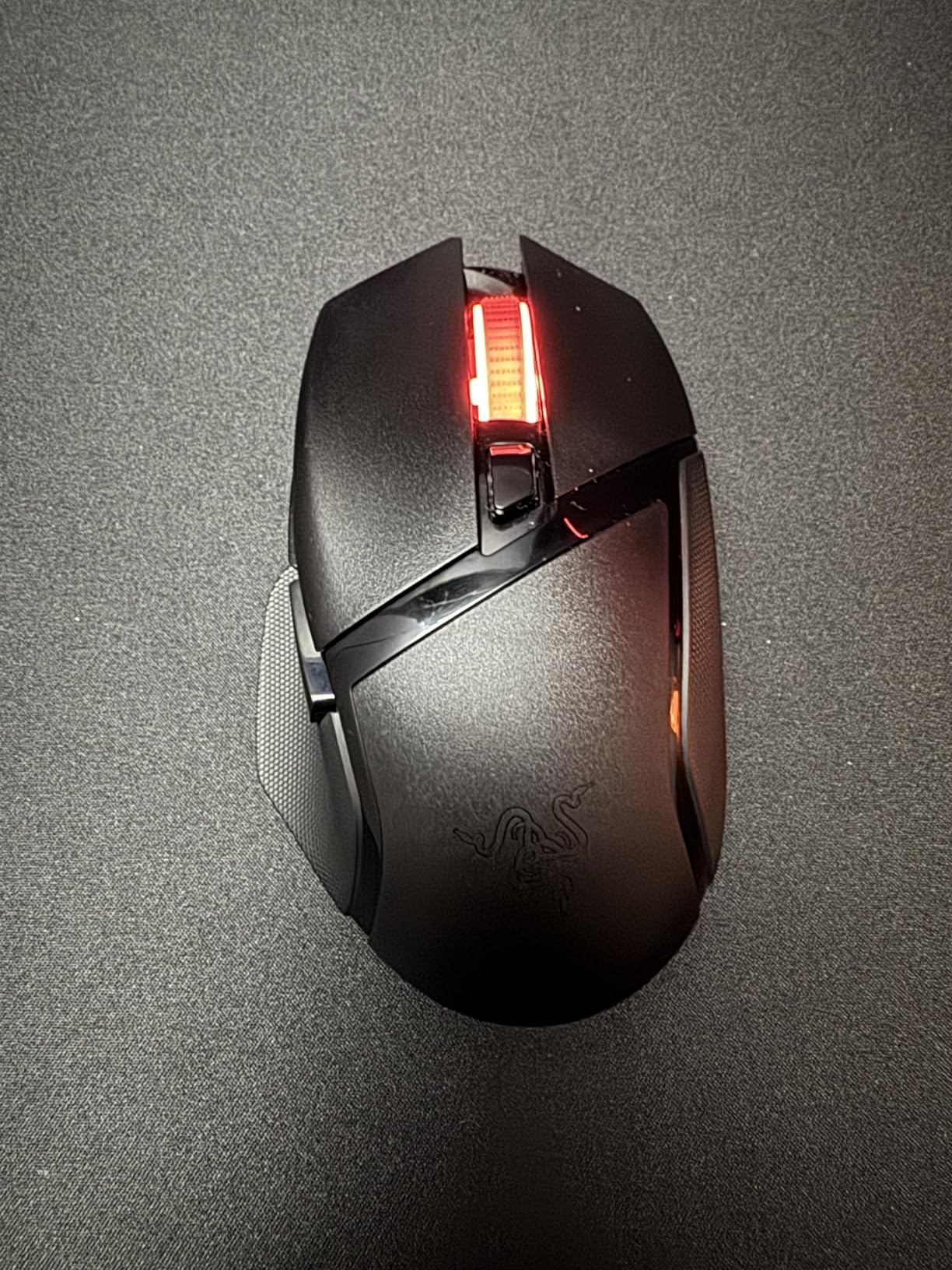
Battery life is the headline number: up to 285 hours on HyperSpeed wireless and 535 hours on Bluetooth, from a single AA. The Razer 5G Advanced 18K optical sensor is specified with zero spinouts, and nine customizable controls run through Synapse with full remapping, macros and HyperShift.
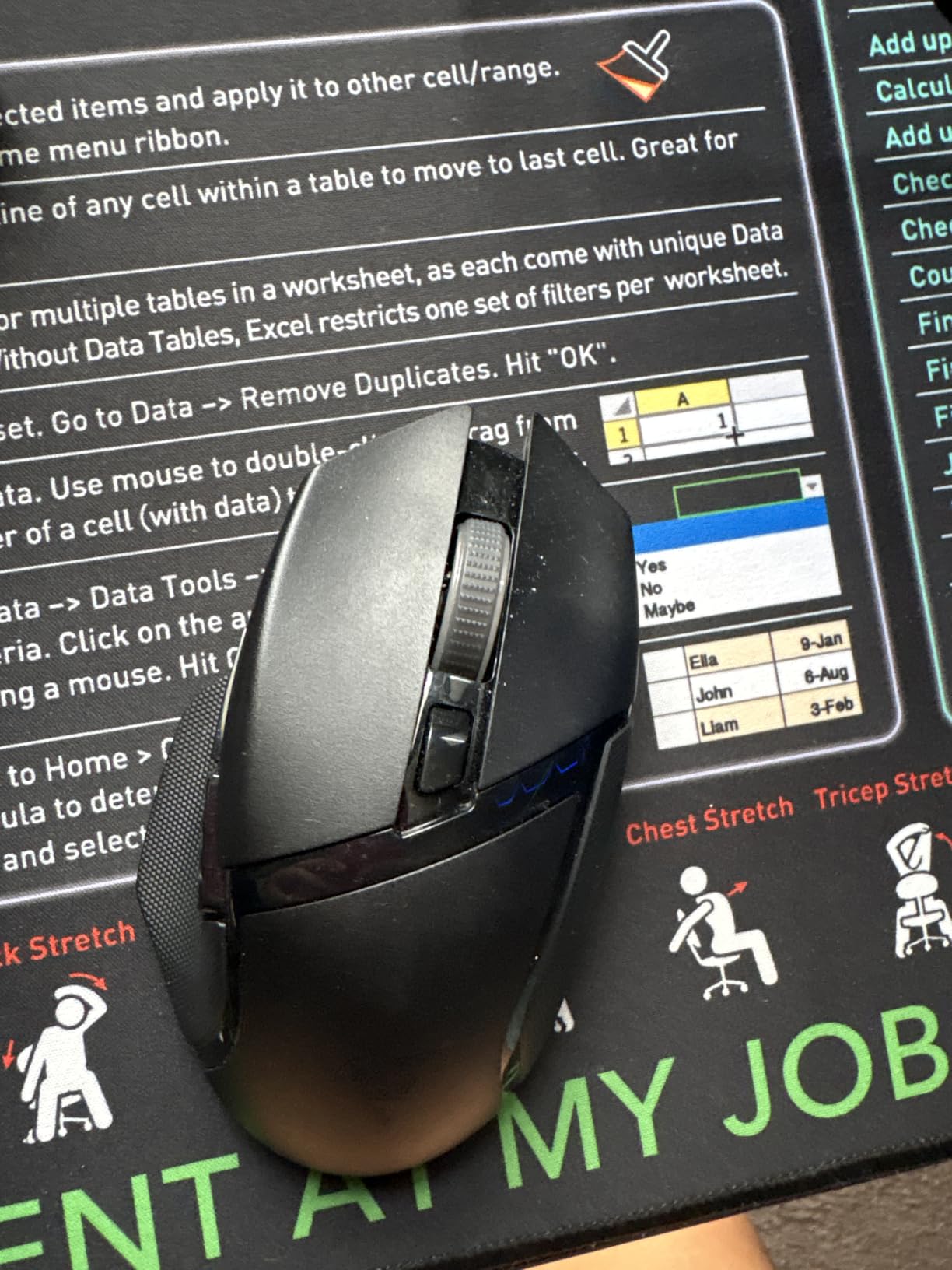
The complaints cluster around wireless reliability rather than feel. Owners report that HyperSpeed can be slow to wake from sleep and may drop unexpectedly, and the scroll wheel can skip inputs when spun fast. At 110 g it is also heavier than most wireless rivals, and a single AA is less tidy than a built-in rechargeable cell.
The G305 stays lighter and simpler at 3.36 oz against 110 g here. The Basilisk wins on shape, sensor class and button count, and it is the one to pick if you switch between two machines daily.
This is the newest and least proven listing here, with the smallest owner history of the nine, so the warranty and the return window matter more than usual.
How to Choose Gaming Mice During Prime Big Deal Days
Sale figures move and models get relisted, so the buying decision should be made on the specification sheet rather than on the number you see on sale day. These are the fields that actually change how a mouse feels after an hour of play.
Sensor Accuracy and Responsiveness
Sensor resolution is the easiest number to overthink. Anything at 8000 DPI or above tracks cleanly for competitive shooters, and climbing past 25600 DPI does not make you better, it just raises the ceiling for sensitivity settings. Polling rate matters more than DPI in a wired mouse, where 1000 Hz is the common baseline and anything higher is a bonus rather than a necessity.
Tracking speed matters more than resolution on fast flicks. The Redragon M908 states 30G acceleration and the Logitech G502 Hero states sub-micron tracking precision, which are the specs worth reading when a mouse is used for a high-sensitivity playstyle. Screen refresh and response matter at the other end of the setup, and we have covered that separately for the best TVs for gaming.
Mouse Shape, Grip and Comfort
Shape is the one variable that can ruin an otherwise good mouse, because it is personal. Palm grip suits larger bodies with a thumb rest, claw grip suits medium frames with defined finger grooves, and fingertip grip suits small shells where your fingertips do the work.
Match your hand before anything else. The Razer DeathAdder Essential and the Razer Basilisk V3 are full-size right-handed shapes, the Redragon M908 is deliberately large at 175 g, and the Logitech G305 and G203 are the compact options. If your setup runs long sessions, seat support matters as much as the mouse, and our gaming chairs for big and tall users guide covers the ergonomic side of that.
Wired Versus Wireless Connectivity
Wired mice have no battery, no pairing and no chance of a dropped connection, which is why most competitive picks here are wired. Wireless removes the cable drag entirely, and at a 1 ms report rate the difference is not something most players can feel in a game.
The trade is battery management and a dongle. Wireless models here run on a single AA rather than a rechargeable cell, so the practical difference in weight and cost is small. If you travel with a laptop, the Logitech G305 stores its receiver inside the shell, which settles the argument quickly.
Buttons, Switches and Customization
Count the buttons against your games, not against the spec sheet. Six buttons is plenty for shooters and fine for everyday use, five is limiting the moment you bind anything, and eighteen only makes sense if you play MMOs where a hotbar lives on the mouse.
Switches decide how long the mouse lasts. Mechanical switches here are rated between 10 million and 60 million clicks, and the Razer Basilisk V3 uses Gen 2 optical switches rated to 70 million clicks with 0.2 ms actuation. For remapping, all of these rely on vendor software, so check whether you are willing to install it before you buy.
Weight, Build and Long-Session Durability
Weight is the quietest comfort factor. The Logitech G305 at 3.36 oz and the Razer DeathAdder Essential at 0.13 kg sit at the light end, while the Redragon M908 at 175 g and the Redragon M612 at 126 g are noticeably heavier. A heavy mouse is not a bad mouse, but it changes how a long night feels.
Build quality shows up in the materials and the feet. The Logitech G502 Hero has a metal enclosure, the Redragon M908 uses a braided cable with TEFLON feet, and the Basilisk V3 uses PTFE skates on a soft braided cable. If you split your day between the desk and gaming chair, our picks for office chairs for gaming and work sit in the same ergonomics conversation.
How to Shop Gaming Mouse Deals During the Sale
Check the model number on the listing, not just the product name. Several mice here are sold in more than one trim, and a refreshed version can carry a different sensor, switch or lighting setup under a near-identical title. Read what is in the box, since a dongle or a battery may or may not be included, and check whether the seller is Amazon itself or a marketplace partner. If a listing says renewed rather than new, the warranty terms change with it.
Most of these offers need a Prime membership, and a free trial counts. Figures and offers change through the event, so check the listing again on the day you buy.
- Match the mouse to your grip and hand size before you look at any number
- 8000 DPI is a sensible floor; 12000 or more only matters for competitive shooters
- Count buttons against the games you actually play, not the highest number available
- Decide whether you will install vendor software before you buy
- Check the model number and the box contents, since several trims share one product name
- Use the button on each section to see the current figure before you commit
Frequently Asked Questions
When does Amazon Prime Big Deal Days run, and is Prime required?
Prime Big Deal Days runs October 6-7, 2026. Most offers on gaming mice need a Prime membership, and a free trial counts, so you can shop the event without a paid plan. Offers are tied to the event window and some change through the two days.
What are the best Amazon Prime Big Deal Days Gaming Mouse Deals right now?
The Logitech G502 Hero leads this list with a 25600 DPI sensor, 11 programmable buttons and a tuning weight system. The Logitech G305 Lightspeed is the wireless value pick with a 250-hour battery, and the Redragon M602 is the pick when RGB lighting matters most. Check each listing for the current figure during the sale.
What is the best budget gaming mouse on Amazon?
Among these picks, the Redragon M612 gives you eleven reassignable buttons and five RGB modes at the lowest cost tier in this group, while the Razer DeathAdder Essential wins on shape and a two year warranty. The Logitech G305 adds wireless and a long battery if you can stretch the budget further.
Is 1000Hz versus 8000Hz polling rate noticeable?
For most players it is not. A 1000 Hz mouse reports your position every millisecond, which is already faster than you can move it, and 8000 Hz mainly matters in specific competitive scenarios and for a very sensitive playstyle. Buying a solid 1000 Hz mouse matters far more than chasing the highest number.
Is a 125Hz polling rate bad for gaming?
Yes, 125 Hz is noticeably less responsive than a 1000 Hz mouse, because it reports roughly eight times less often. It is fine for office work and casual play. Several mice on this list state 1000 Hz polling outright, so there is no reason to accept less for play.
Should I buy a gaming mouse during Prime Big Deal Days?
It is worth checking if you already know the shape and sensor you want, because the event concentrates attention on a small set of proven models. Buy on the day you have decided, check the model number and box contents, and confirm the return window before the event ends if you want an easy return.
Final Verdict: Best Amazon Prime Big Deal Days Gaming Mouse Deals
The Logitech G502 Hero is the one to watch during this sale. It is the most proven pick here, it covers every genre, and the 11 buttons plus tuning weights make it the mouse you will still be using in two years. Start there.
Buy the Logitech G305 Lightspeed if you want a wireless desk and a battery measured in months rather than weeks. Buy the Razer Basilisk V3 as the premium pick if your hands are large and you care about switch durability and the HyperScroll wheel. Buy the Razer DeathAdder Essential if shape and comfort come first and you bind almost nothing. Go for the Redragon M908 if you play MMOs and want eighteen keys, and the Redragon M602 if RGB lighting is the deciding factor. The Redragon M612 is the budget-friendly alternative for anyone who wants eleven remappable buttons without stretching a whole setup budget, and the Logitech G203 covers the compact wired slot. The Razer Basilisk V3 X HyperSpeed suits people switching between a laptop and a gaming PC every day.
Decide on shape and connection first, then open the button on your pick to see the current number during the event.