
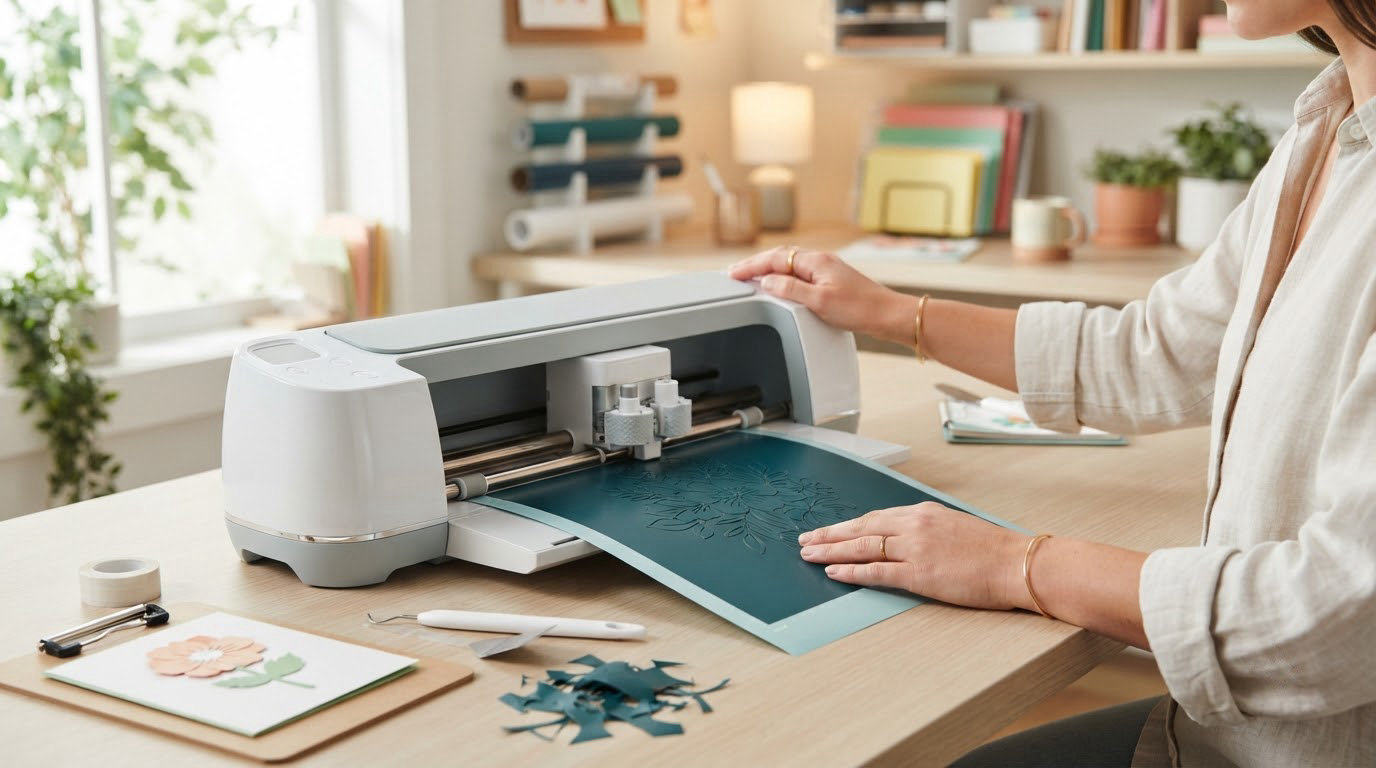
If you cut vinyl, iron-on or cardstock for a living or a hobby, the Cricut Maker 4 is the machine worth watching most during Amazon’s October sale. It handles 300-plus materials, draws, foils, scores, engraves and perforates, and the 12-inch cut width leaves room for full-width decals and sweatshirt graphics. The Joy Xtra covers the everyday label and sticker work at a fraction of the size, and the Maker 4 Apparel Bundle pairs the machine with a heat press for anyone starting an apparel line.
Prime Big Deal Days runs October 6-7, 2026, and offers change by the hour. These are the picks we would keep an eye on, checked against Amazon listings and owner reviews in October 2026.
Table of Contents
Our Top 3 Picks for Best Amazon Prime Big Deal Days Cricut Deals


Maker 4 Apparel Bundle
- Maker 4 plus EasyPress SE
- Vinyl and HTV included
- Ready for apparel
Best Amazon Prime Big Deal Days Cricut Deals Compared (October 2026)
| Product | Specifications | Action |
|---|---|---|
| Cricut Maker 4 |
|
Check Deal Price |
 Cricut Joy Xtra Cricut Joy Xtra |
|
Check Deal Price |
| Maker 4 Apparel Bundle |
|
Check Deal Price |
 Joy Xtra Vinyl Bundle Joy Xtra Vinyl Bundle |
|
Check Deal Price |
 Cricut EasyPress SE Cricut EasyPress SE |
|
Check Deal Price |
 Cricut EasyPress Mini LT Cricut EasyPress Mini LT |
|
Check Deal Price |
 HTVRONT Vinyl 100 Pack HTVRONT Vinyl 100 Pack |
|
Check Deal Price |
 Cricut Scoring Stylus Cricut Scoring Stylus |
|
Check Deal Price |
 Cricut Foil Transfer Kit Cricut Foil Transfer Kit |
|
Check Deal Price |
 Cricut Value Iron-On Cricut Value Iron-On |
|
Check Deal Price |
 Cricut Basic Tool Set Cricut Basic Tool Set |
|
Check Deal Price |
 AOOIIN Cutting Mat Set AOOIIN Cutting Mat Set |
|
Check Deal Price |
How We Chose
We compared cut width and active surface area, material support, functions beyond cutting, what each bundle actually contains, and the ratings and review counts on Amazon. Every pick was checked against its listing in October 2026, and owner feedback on fit, print quality, heat control and durability shaped the trade-offs in each section.
1. Cricut Maker 4: Editor’s Choice for Versatile Cutting
Cricut Maker 4 – Smart Cutting Machine (Seashell) | Digital Content Bundle
- Works with 300-plus materials
- Cuts draws foils scores engraves and debosses
- Print-Then-Cut works with most inkjet printers
- Bundle includes blade pen mat weeder and material sampler
- 12-inch format needs real counter space
- Full design library sits behind the Access subscription
- Heavy for a small craft nook
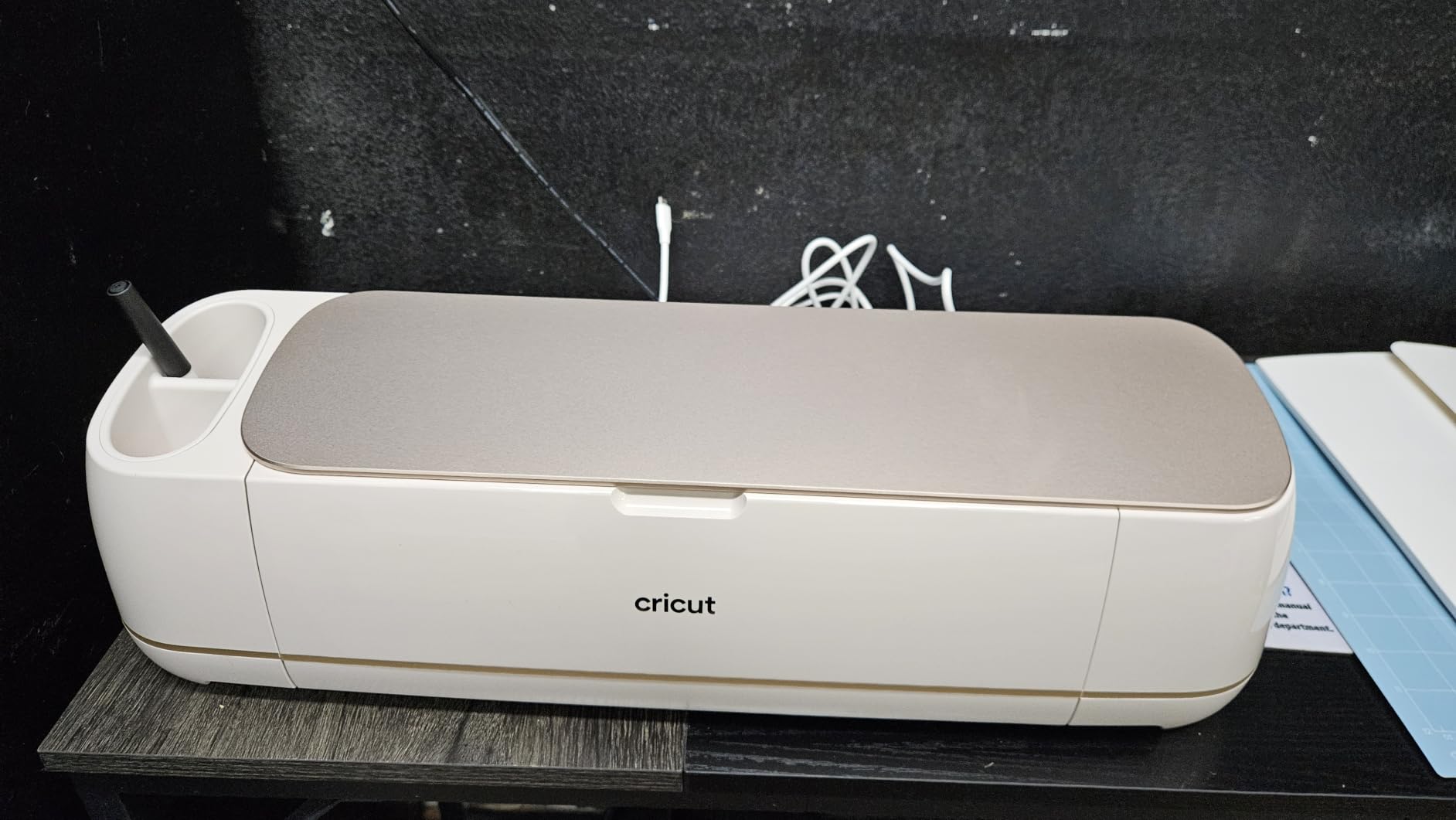
The one machine here that earns its counter space. The Maker 4 does everything the smaller models do and adds drawing, foiling, engraving and debossing behind the same door, which is why it stays at the top of this list even though the Joy Xtra is easier to live with.
The active cutting surface is 270.25 square inches, roughly 12 inches wide, and the body measures 22.1 inches across by 7.1 inches deep. That width is the whole argument: a full-width sweatshirt graphic, a sheet of cardstock or a long wall quote all fit in one pass, where a 9-inch machine would need a join or a second cut.
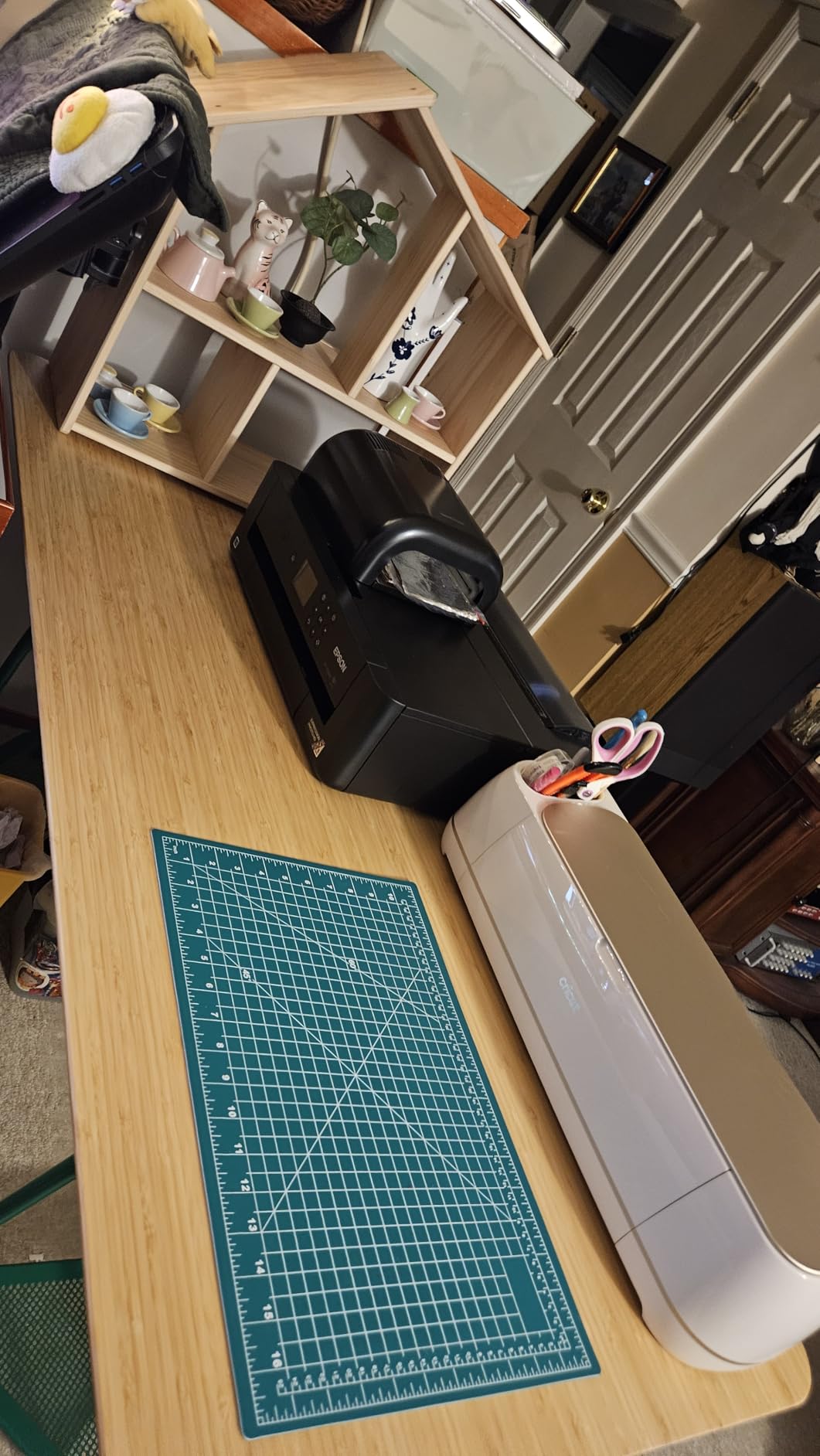
Print-Then-Cut is the feature owners mention most after cut accuracy. Paired with a standard inkjet printer, it cuts registration marks around a printed sheet so you can make full-colour stickers without hand-trimming every one. The bundle also ships a fine-point blade, pen, LightGrip mat, weeder and a materials sampler, so the first cut can happen the day it arrives.
Two things to weigh. Owners report that the 12-inch format is bulky for small workspaces, and the free Design Space library is thin next to the paid tier. Compared with the Maker 4 Apparel Bundle, this listing is the bare machine, so you would need a separate press for shirts.
Skip it if your projects stay under 8 inches wide. In that case the Joy Xtra handles the same vinyl, iron-on and cardstock at a much friendlier size, and the difference in capability will not show up in your finished work.
2. Cricut Joy Xtra: Best Value for Labels and Decals
- Compact body that fits on a desk
- Works with 50-plus materials
- Cut draw and foil functions
- Print-Then-Cut with most inkjet printers
- Narrower cut than 12-inch machines
- Free design content is thin
- Reported Bluetooth pairing hiccups
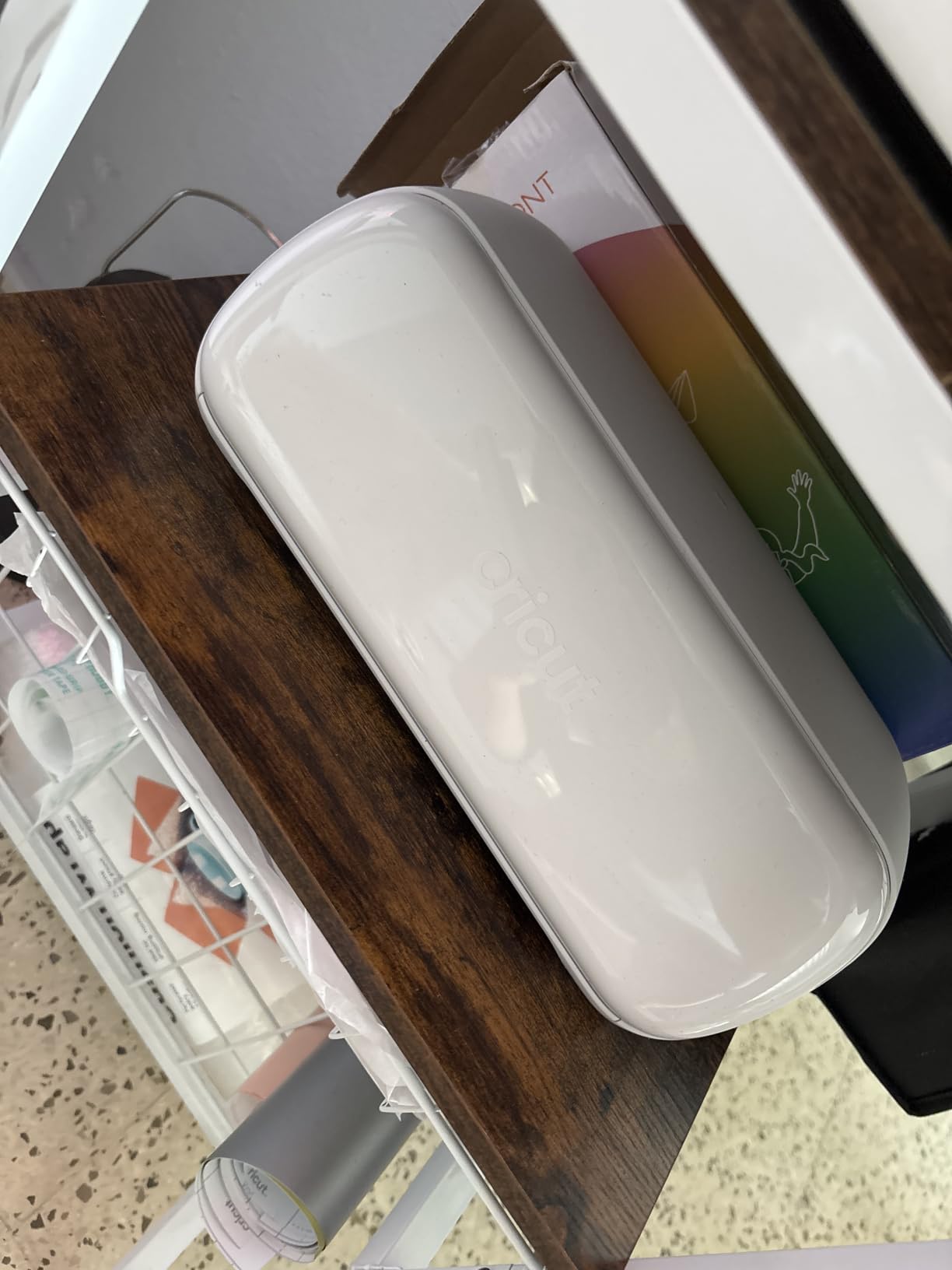
The pick if you make labels, not signage. The Joy Xtra does the everyday work of a craft cutter in a body that can live on a desk between projects, and the listing includes enough in the box to finish a label set on day one.
Inside the box are the machine, fine-point blade, fine point pen, mini weeder, USB cable, power adapter, a welcome card and material for a practice cut. Active surface area is 95.94 square inches, and it works with 50-plus materials including vinyl, iron-on HTV and cardstock. Matless cutting with Smart Vinyl means no mat to load, weed or rescue from the floor.
Owners rate it highly for portability and quick setup, and the compact format is the deciding factor in small craft rooms. The recurring reservation is size: anything wider than the mat has to be split, and some buyers needed to pair through a desktop computer before mobile Bluetooth would connect.
Compared with the Cricut Maker 4, you give up leather, wood, engraving and long decals. What you get back is a machine that is far easier to store between holiday seasons.
Good to know: this listing includes a free trial of Cricut Access for new subscribers, which converts to a paid subscription unless you cancel it. Check the renewal terms before you commit.
3. Cricut Maker 4 Apparel Bundle: Premium Pick for Shirt Makers
- Machine and heat press matched in one package
- Vinyl and HTV materials included
- Even heat and pressure for lasting transfers
- Auto-shutoff and insulated heat base
- Mat can arrive bent from packaging
- Printed documentation is thin
- Support points to community groups
Buy this one instead of assembling your own setup. The bundle pairs the Maker 4 with the EasyPress SE and adds vinyl, iron-on materials, tools and accessories, so the first shirt does not require a second purchase.
The EasyPress SE delivers even heat and pressure across the press, with auto-shutoff and an insulated base, and it is set up for the HTV included in the box. Buyers making apparel at home or in small quantities tend to rate it as the shortest path from a design file to a finished garment.
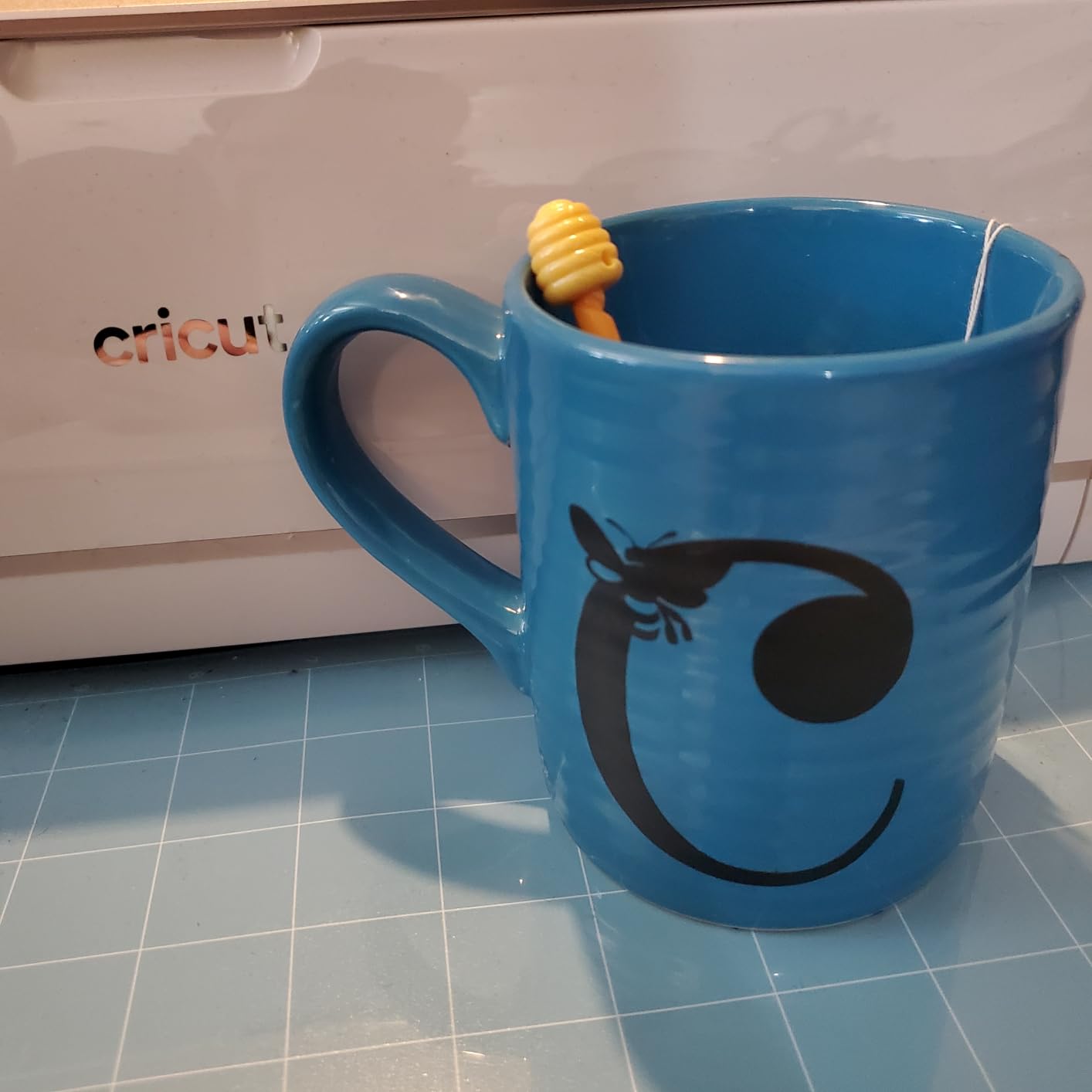
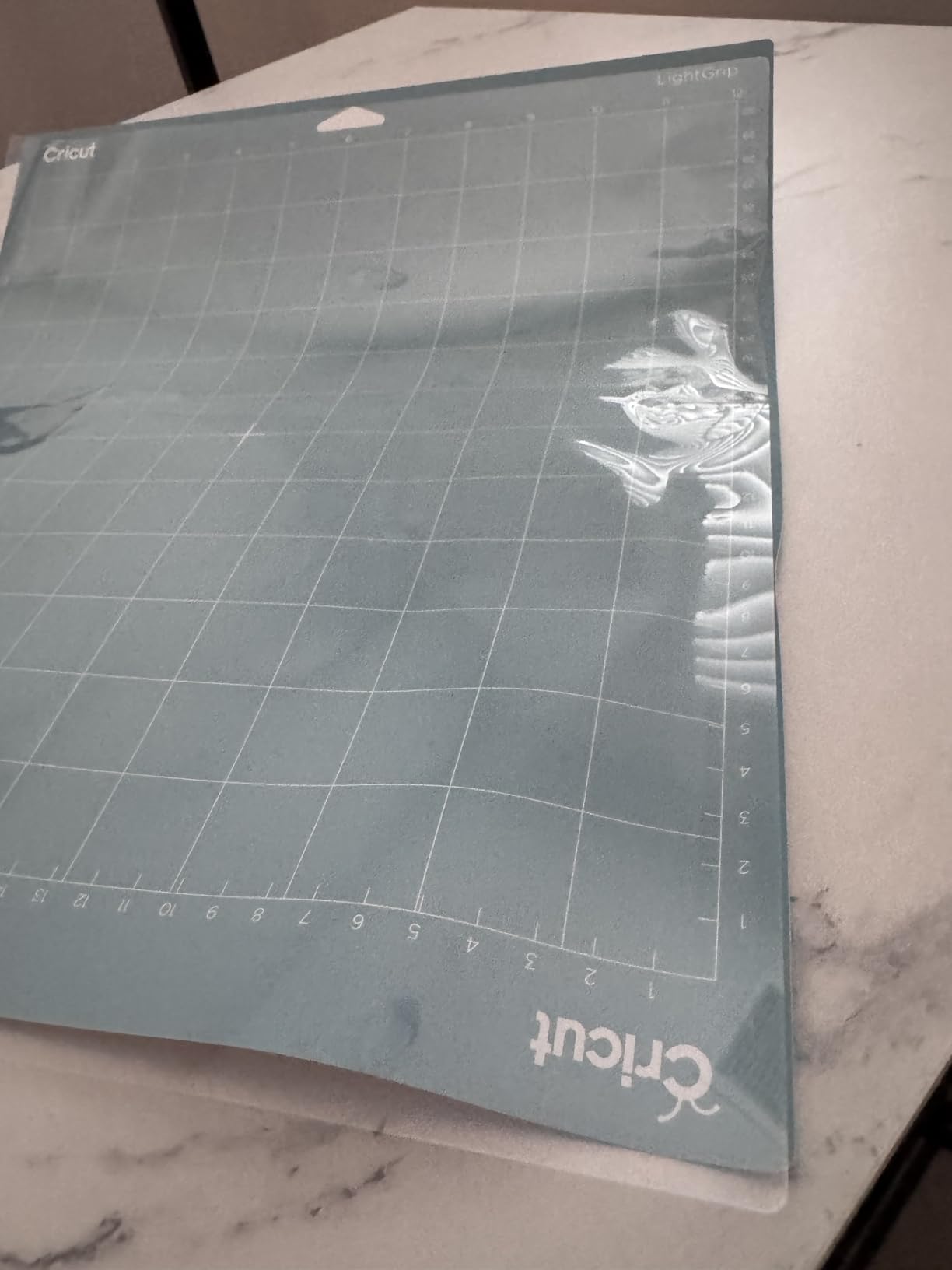
Two practical complaints come up repeatedly. The included cutting mat can arrive creased and does not always flatten, and the printed documentation is thin, so the software and blade clamps take a few projects to learn. Some one-star accounts blame heat control rather than the design.
Against the plain Maker 4, the extra value is one machine and one press rather than two purchases, which matters if apparel is your main project. Against the Joy Xtra Vinyl Bundle, the cut area is far wider at 144 square inches of listed active surface for the bundle, so full-front designs fit.
Registration for the press runs through the Cricut app, and the listing carries a one year warranty against manufacturer defects. Both are worth doing before the first run.
4. Cricut Joy Xtra Vinyl Bundle: Best for First Projects
- Rainbow Smart Vinyl cuts without a mat
- Transfer tape and tools included
- Desk-sized body stores easily
- Works with designs imported through the app
- Small cut area limits large designs
- Some sampler bands suit lighter jobs
Start here if the machine itself is the unfamiliar part. This bundle removes the guesswork from a first purchase: the Joy Xtra, rainbow Smart Vinyl, transfer tape, tool set and digital design guides are in one package.
Smart Vinyl loads without a cutting mat, which is the single biggest time saver for new users. You skip loading, weeding scraps off the mat and rescuing a sheet that has lifted at one corner. The machine handles labels, decals, signs, classroom kits and storage-bin labels, which is where most beginners start.
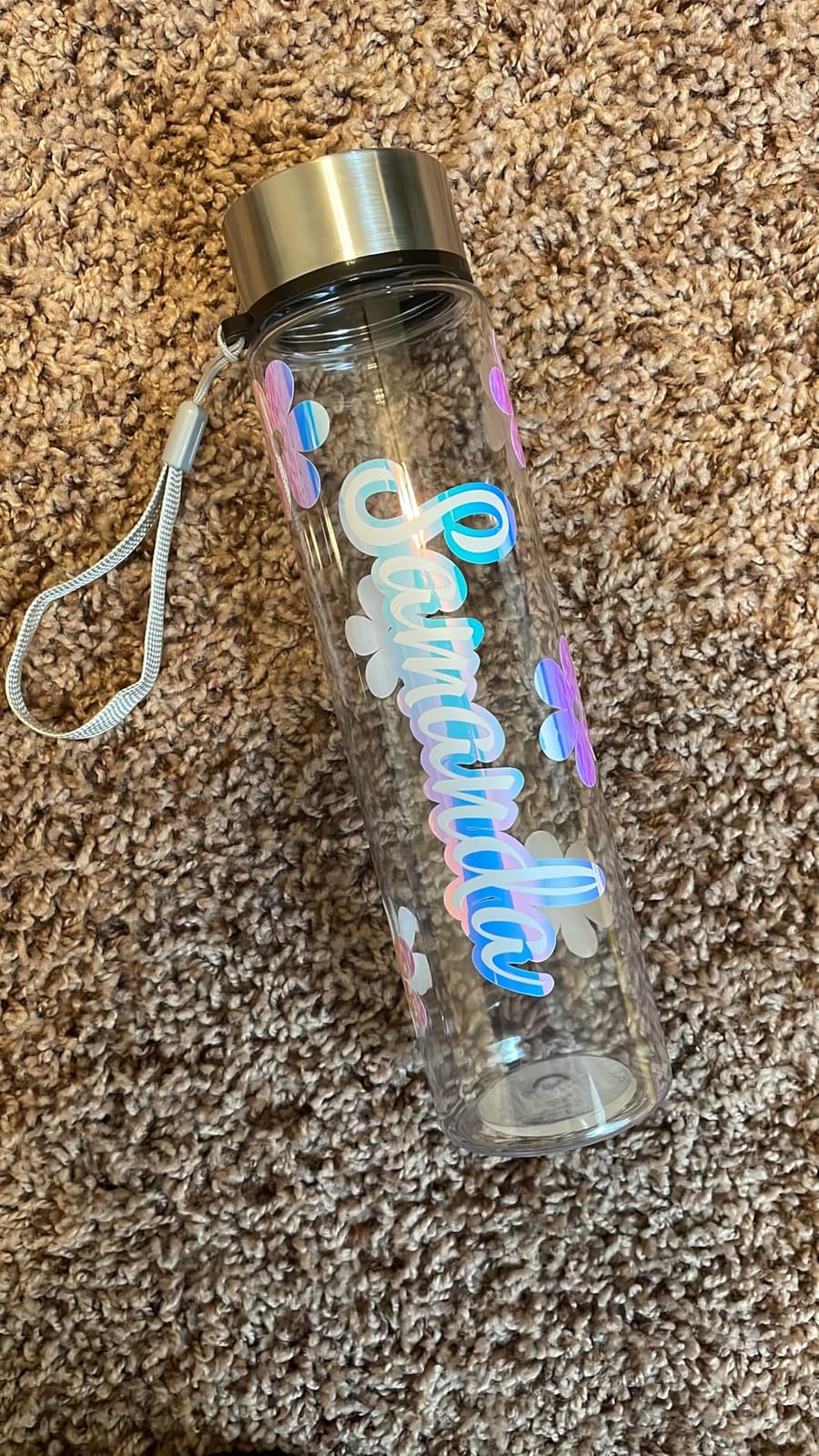
Owner feedback is strong on the included materials, with the Smart Vinyl adhering well across surfaces and the tools holding up to regular handling. The matless workflow is the reason the rating sits where it does. The main limitation is scale: at 68.75 square inches of active surface, this is not the machine for large decals or production runs.
The addition here is material rather than capability. If you already own a Cricut and have a healthy stash of vinyl, this is not the listing to shop. If you are starting from nothing, it removes the first-week supply run.
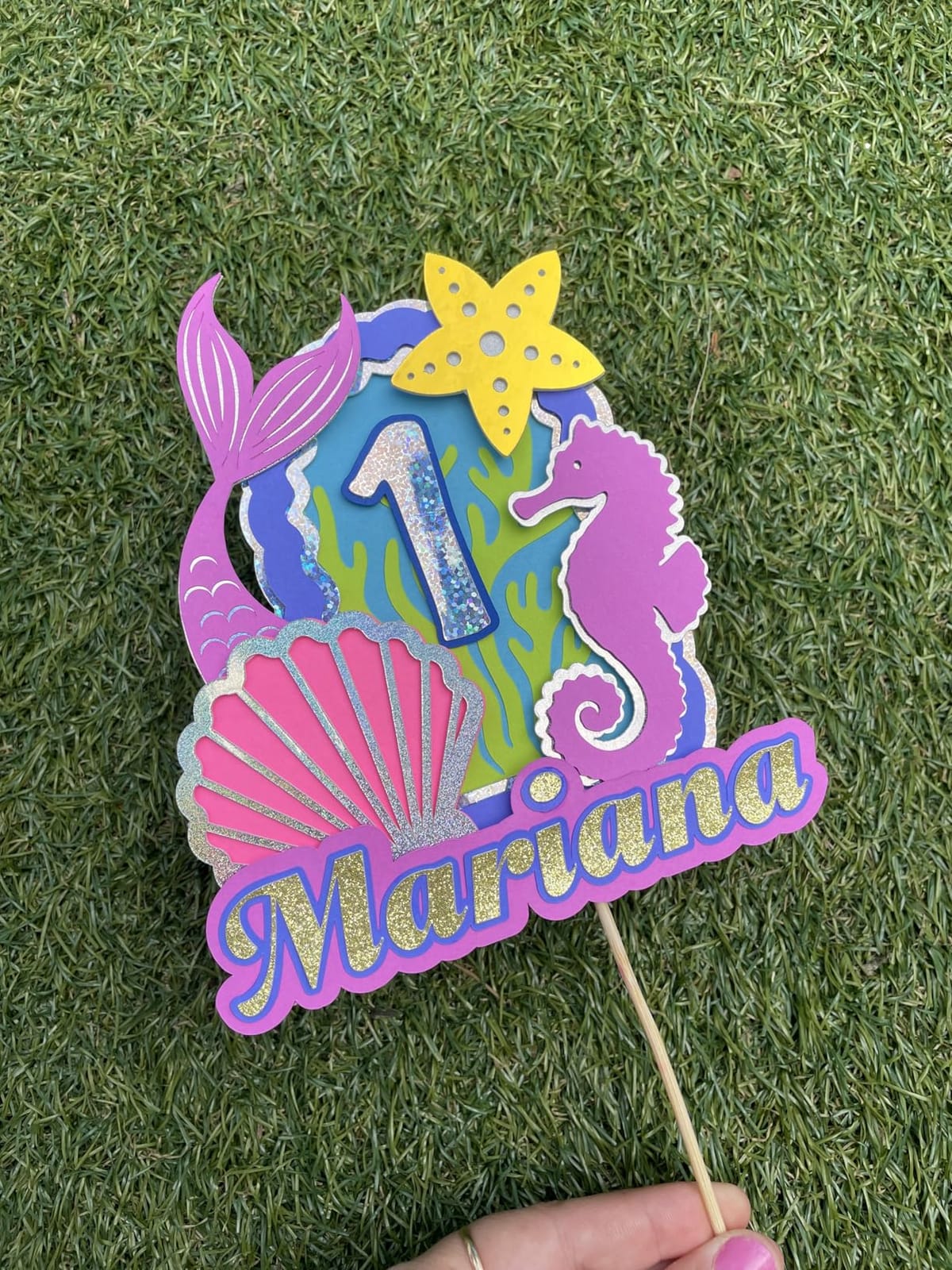
Bluetooth pairing is the only speed bump here. Several buyers had to connect through a desktop computer before mobile pairing worked, so allow ten minutes for setup instead of assuming something is wrong.
5. Cricut EasyPress SE: Most Versatile for Full-Panel Pressing
- Ceramic plate gives even edge-to-edge heat
- Heats up in under three minutes
- One pass covers a full 12 by 10 design
- Insulated base and auto-shutoff
- Curved areas need a pressing mat
- Registration requires a computer
- Some reports of heat control failing
If you press garments rather than tiny details, plate size decides everything. The 12 by 10 inch ceramic-coated surface covers most adult chest prints in a single pass, which removes the seam lines you get from overlapping smaller presses.
It reaches up to 400 degrees Fahrenheit, works with iron-on HTV, Infusible Ink and sublimation products, and remembers the last time and temperature setting so repeat runs are quick. The built-in heat guide gives step-by-step pressing instructions without a separate manual.
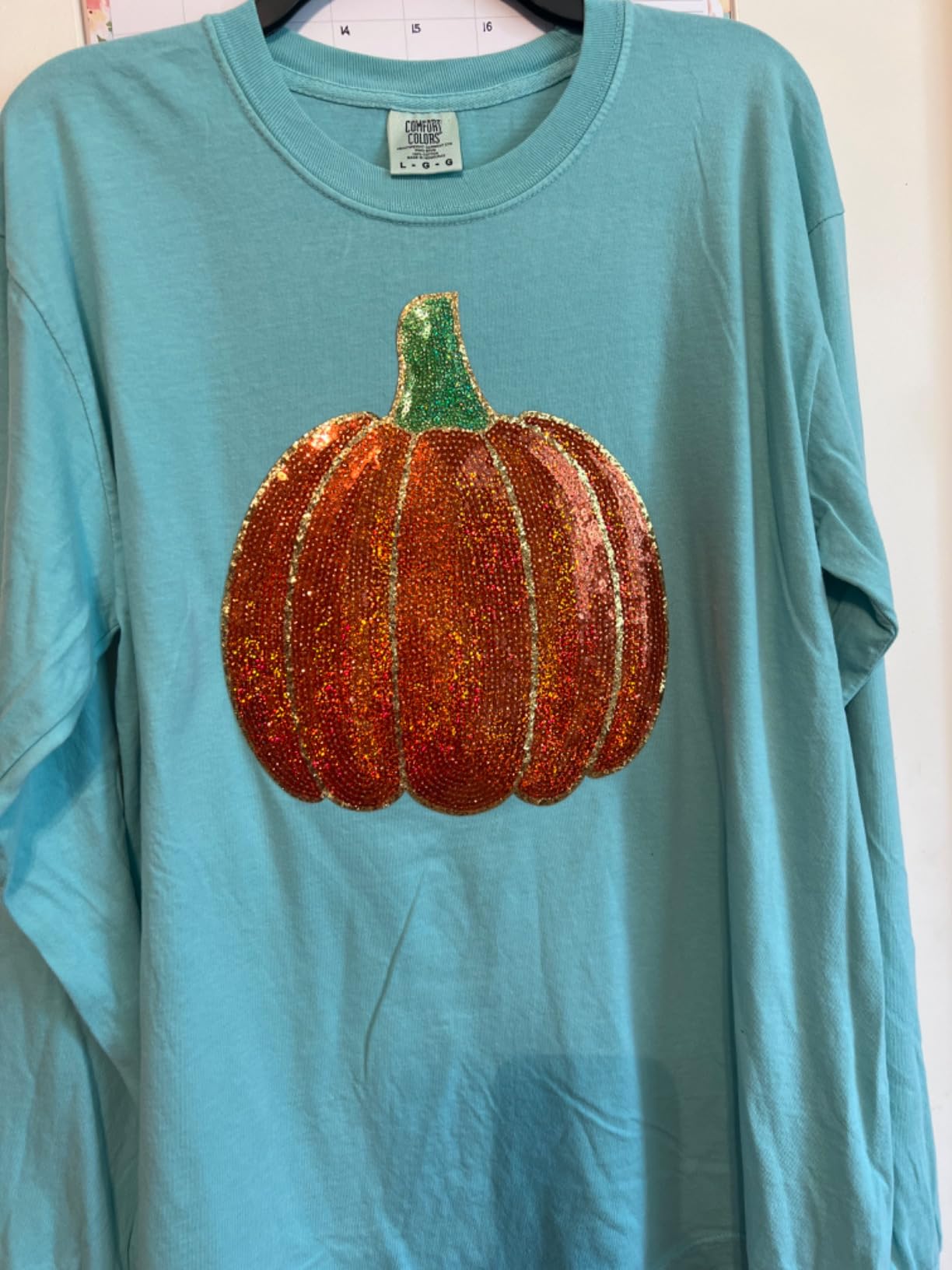
Owners consistently praise fast heat-up and single-pass coverage. The one recurring tip is to add a Cricut pressing mat for necklines and curved seams, where a flat plate cannot make full contact. A small number of reviews report heat control failing after limited use, and some buyers found the product registration step awkward because it requires a computer.
Compared with the EasyPress Mini LT, the temperature ceiling is higher and the plate is roughly ten times the area. The Mini makes more sense for onesie decals, hat patches and seams; this press makes sense for finished shirts.
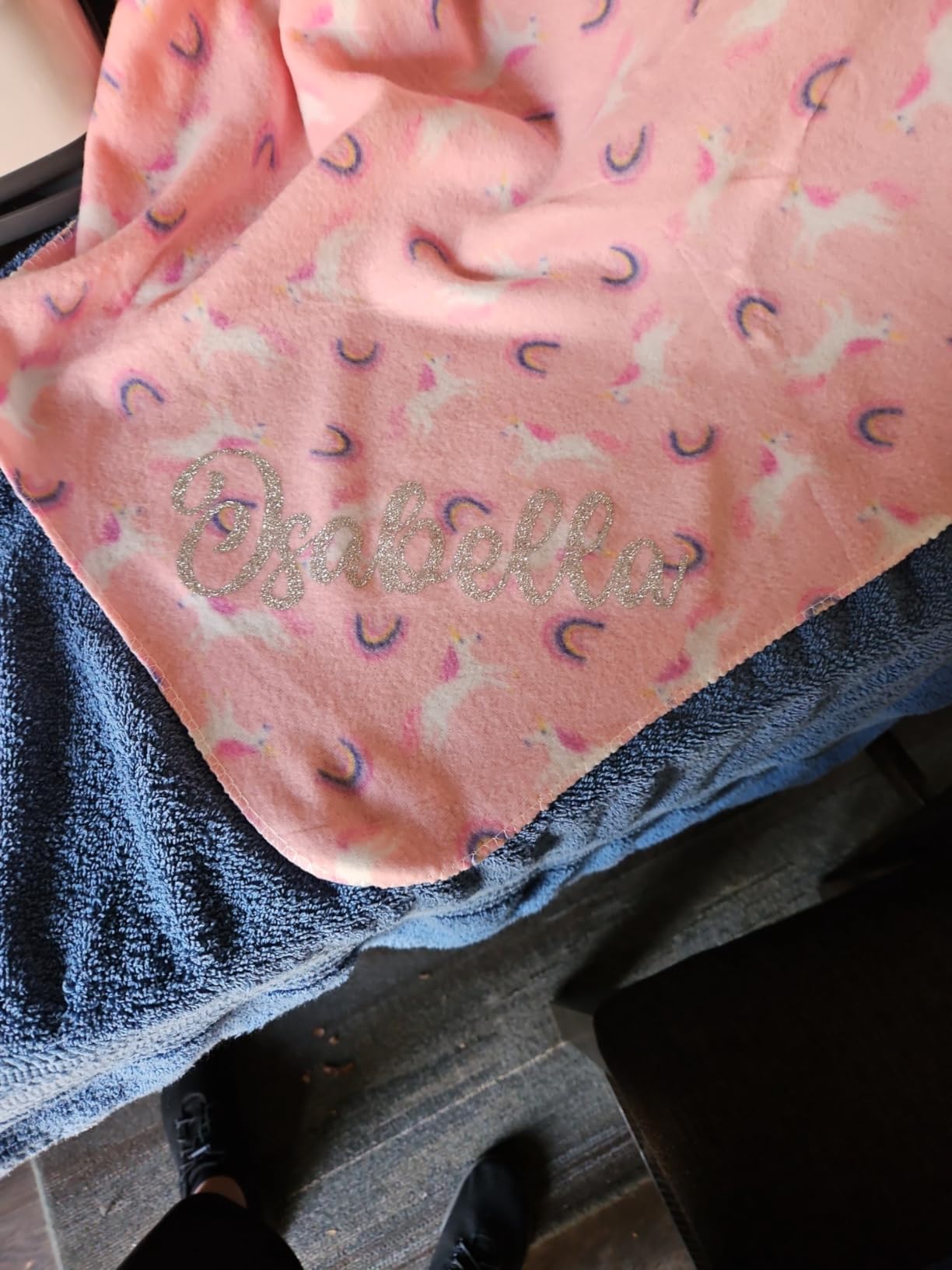
Good to know: the insulated raised base and auto-shutoff make it easier to use around children than a two-sided press. It is also light enough to move between a craft room and a laundry room.
6. Cricut EasyPress Mini LT: Best for Small Pieces
- Precision tip handles small detailed pieces
- Heats quickly with a readiness light
- Compact and easy to store
- Insulated safety base included
- Ceiling of 355 degrees limits materials
- No on off switch
- Hot base needs care when moved
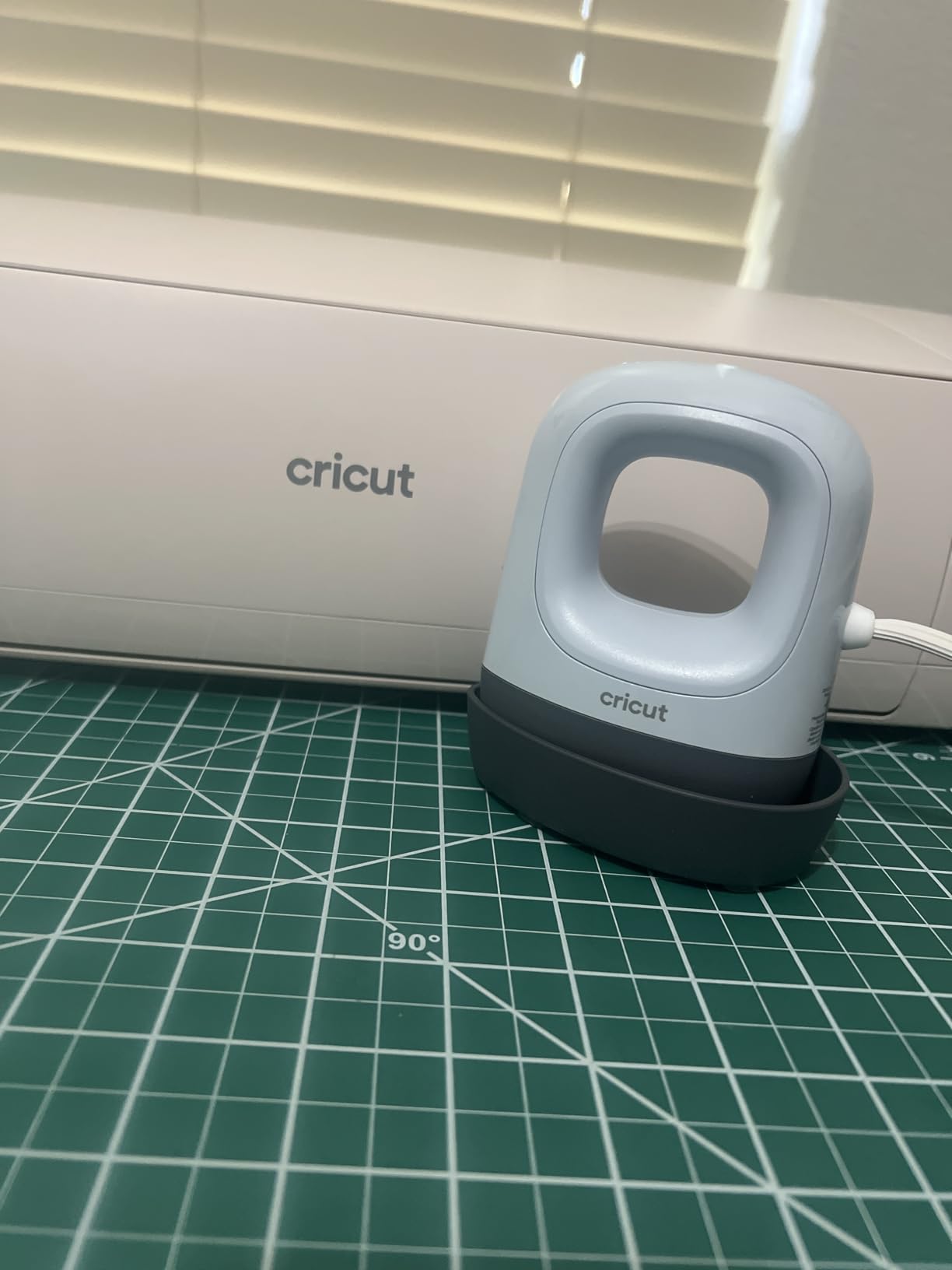
The Mini LT is the press for the jobs a full-size plate handles badly. Onesie necklines, hat patches, sleeve edges, seam allowances and small labels all need a pointed plate, and this one reaches a ceramic surface in about the size of a playing card.
There is nothing to adjust. Plug it in, wait for the light, and press. It tops out at 355 degrees Fahrenheit, which covers standard iron-on HTV and most small bonded pieces but rules out higher-temperature materials. At just over a pound it stores in a drawer and travels.
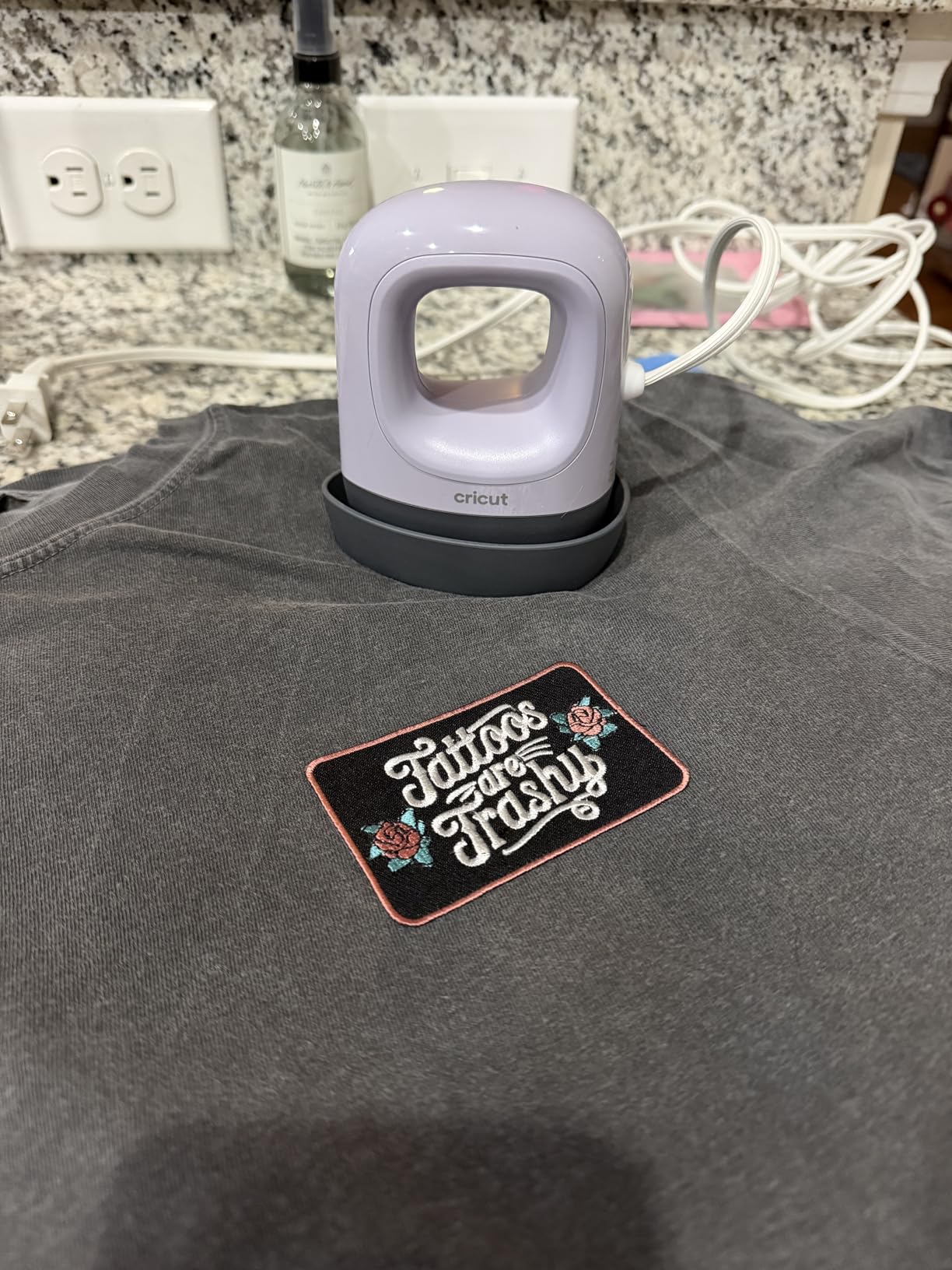
Owners treat it as a cheap complement to a larger press rather than a replacement. Two cautions appear often: there is no on or off switch, so it only stops heating when unplugged, and the base runs hot enough to burn fingers if you move it while powered. Reviewers also note the heat can fluctuate slightly, so wait for a steady green light.
Compared with the EasyPress SE, you trade plate area and temperature ceiling for precision and price. If your project list is mostly full-front shirts, stay with the SE.
The press conforms to UL, CSA, FCC and IEC standards, which matters if it is used in a classroom or around children.
7. HTVRONT Permanent Vinyl 100 Pack: Best for Bulk Restocking
HTVRONT Permanent Vinyl, 100 Pack, 12″x12″, Compatible with Cricut Machine
- Cuts and weeds cleanly for detail work
- Holds on indoor and outdoor surfaces
- 12 by 12 inch sheets cover full mats
- Clear PET backing is easy to handle
- Some reports of heat transfer sheets in the pack
- Slightly thicker than some vinyl
- Not for clothing fabric or car surfaces
Owners of a machine already know the drain: a 12 by 12 sheet lasts a handful of small projects and then the drawer is empty again. This pack is the restock answer, with 90 permanent vinyl sheets, 10 transfer tape sheets and a squeegee across 52 colours.
It is adhesive vinyl, not heat transfer vinyl, so there is no pressing step. It cuts and weeds cleanly even on thin lines, adheres to glass, plastic, metal, ceramic and wood, and the listing describes it as waterproof for indoor and outdoor use. Clear PET backing peels away from the mat more easily than paper backing.
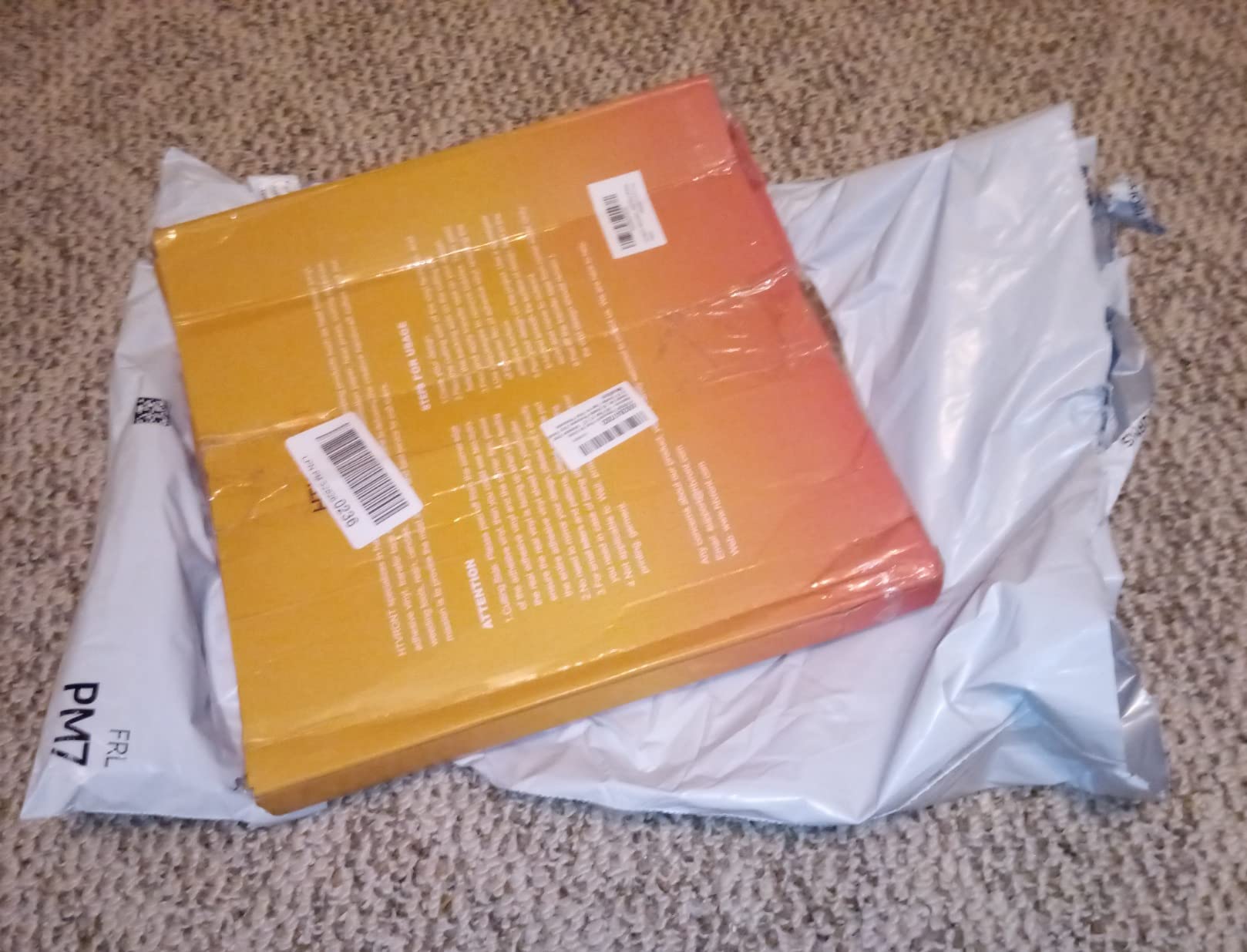
Buyers rate it as dependable budget material rather than a premium sheet, and the per-sheet maths works for small businesses running labels or signage. The notable complaint is a quality-control theme: some multi-pack buyers report receiving heat-transfer-style sheets inside a permanent vinyl pack, and felt the support response was not helpful. Check the pack on arrival.
For apparel, this is the wrong material. The listing specifically advises against using it on clothing, fabric or car surfaces, and for shirts the Cricut Value Iron-On Sampler is the correct pick.
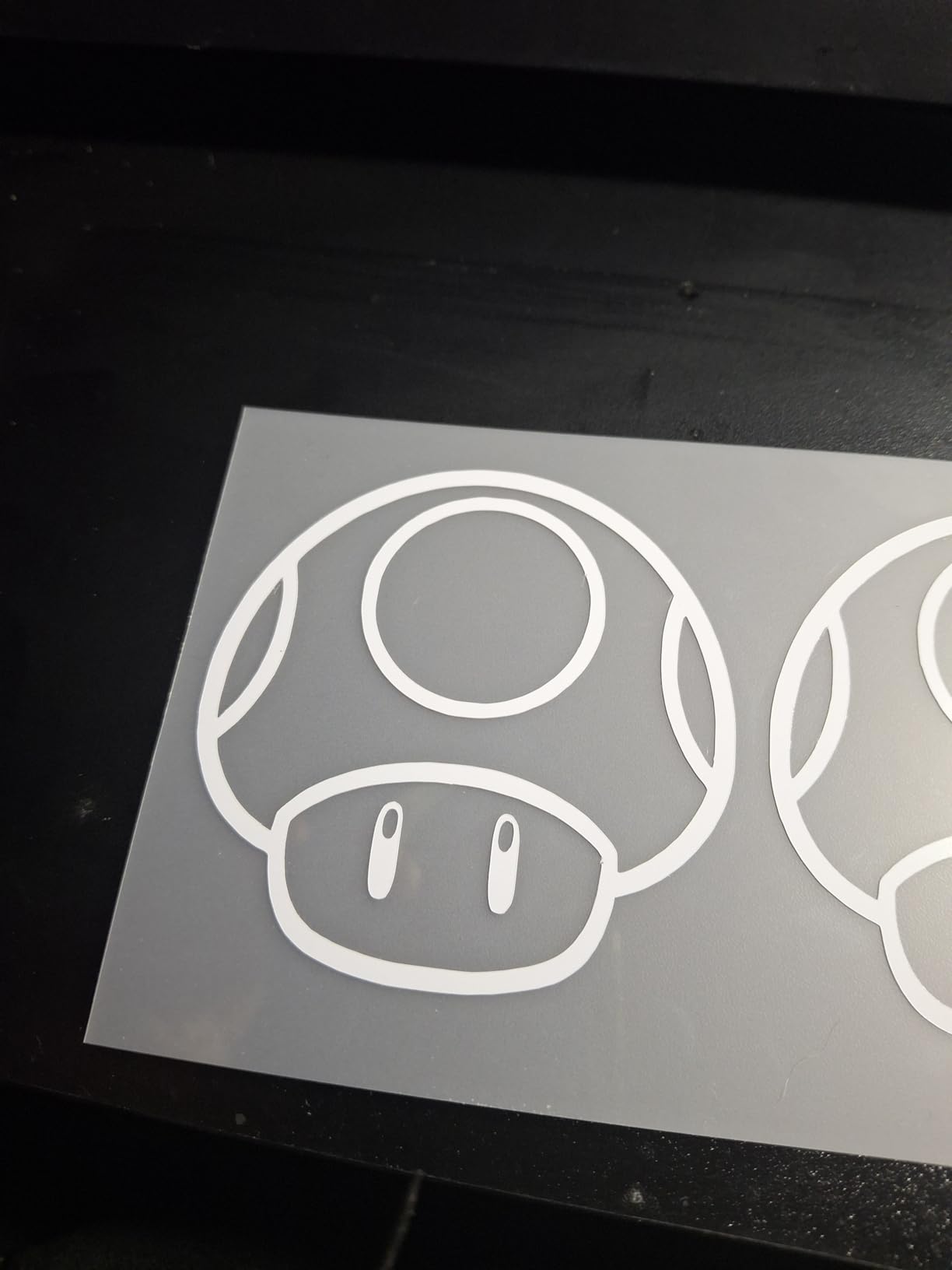
Good to know: matte and glossy sheets are mixed in one pack, which confuses first-time buyers. Sort them before you start a large run.
8. Cricut Scoring Stylus: Best for Paper Folds
- Crisp even score lines that fold cleanly
- Snaps straight into the accessory clamp
- Works with Explore and Maker machines
- Small and easy to store
- Score lines are subtle rather than deep
- Some buyers need a second pass
Cards and gift boxes need a fold that does not crack the cardstock, and a plain blade score usually does. The stylus clamps into the machine accessory holder and drags a rounded point through the paper, which is why owners describe the lines as folding cleanly instead of splitting.
It is a two-pack of lilac styluses, weighing about 22.68 grams each, and it works with Cricut Explore and Maker machines. Many users prefer it to a scoring wheel for the control it gives over pressure on thicker stock.
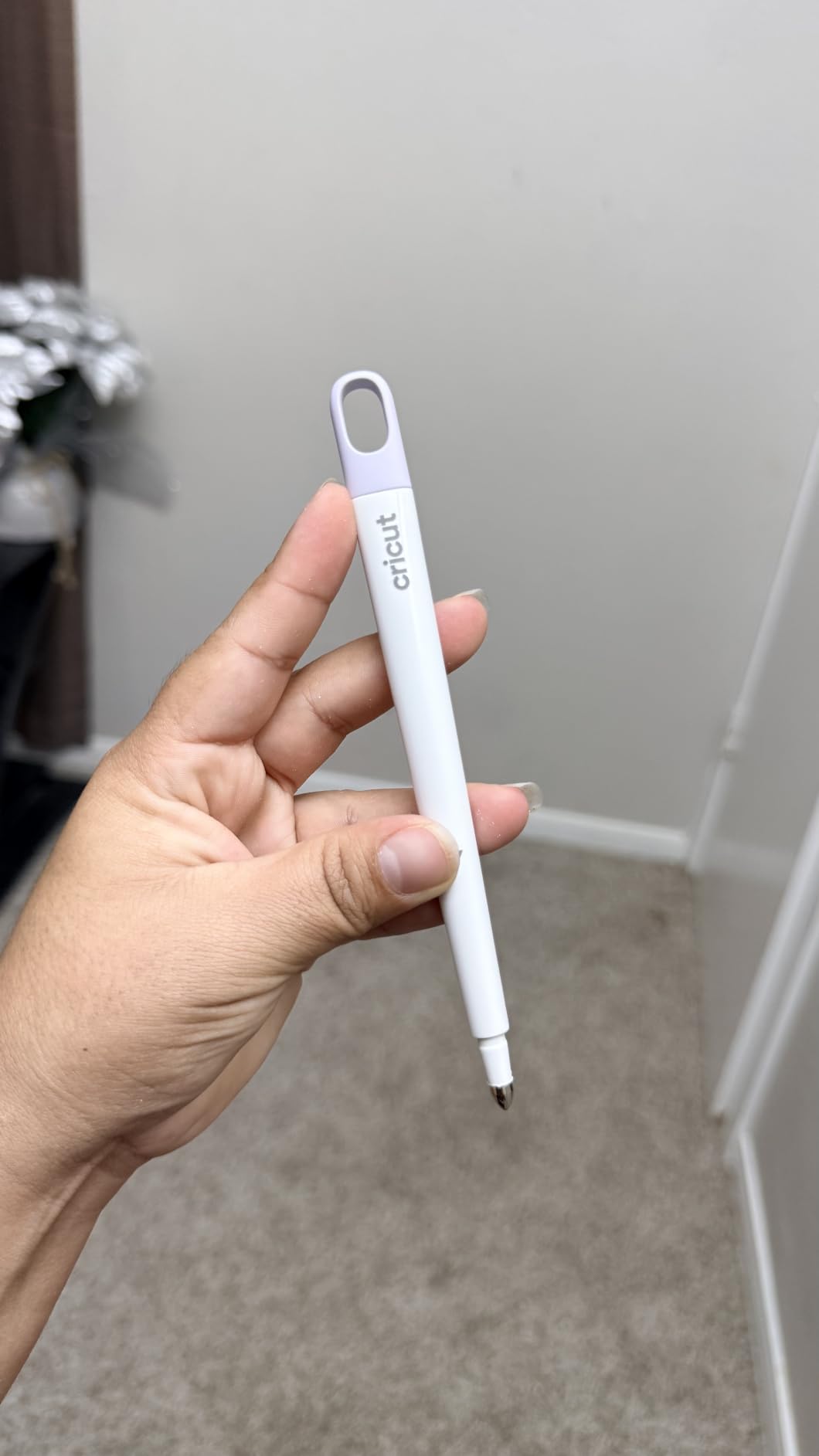
The feedback is almost entirely positive, and the single recurring note is calibration: a few buyers got a very light score on their first attempt and needed a second pass. Once the pressure is right, the line stays consistent across a sheet.
The Foil Transfer Kit sits on the other side of the same card project: that one adds decoration, this one adds structure. Plenty of card makers buy both, scoring the fold first and then foiling a name on the front.
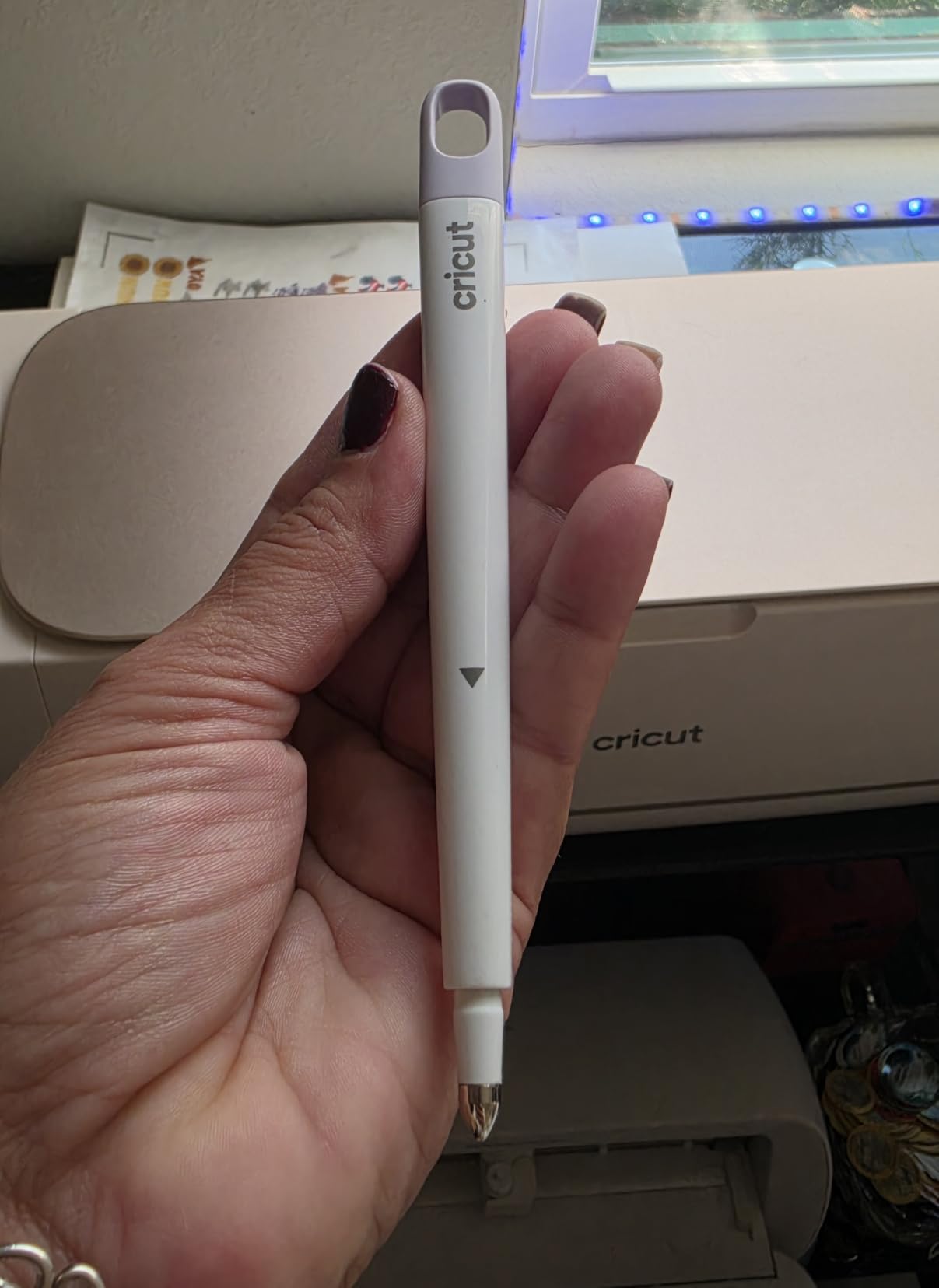
The score stays subtle by design. If you want a deep crease for a box lid, run the tool twice along the same line.
9. Cricut Foil Transfer Kit: Best for Card Work
- Polished metallic finish with no heat
- Three interchangeable tips for lettering and borders
- Includes 12 gold and silver transfer sheets
- Follows Design Space prompts
- Sheets are small at 4 by 6 inches
- Adhesive tape wears out and needs restocking
Adding foil to a card usually means a laminator, a hot foil press and a learning curve. This kit skips the heat entirely. Pressure from the tool housing activates a pressure-sensitive adhesive, so you peel to reveal gold or silver with no machine heat and no waiting.
Inside are 12 transfer sheets, six gold and six silver at 4 by 6 inches, a three-in-one tool with interchangeable fine, medium and bold tips, a tool housing and adhesive tape. It is compatible with Cricut Maker and Explore machines and follows the prompts in Design Space.
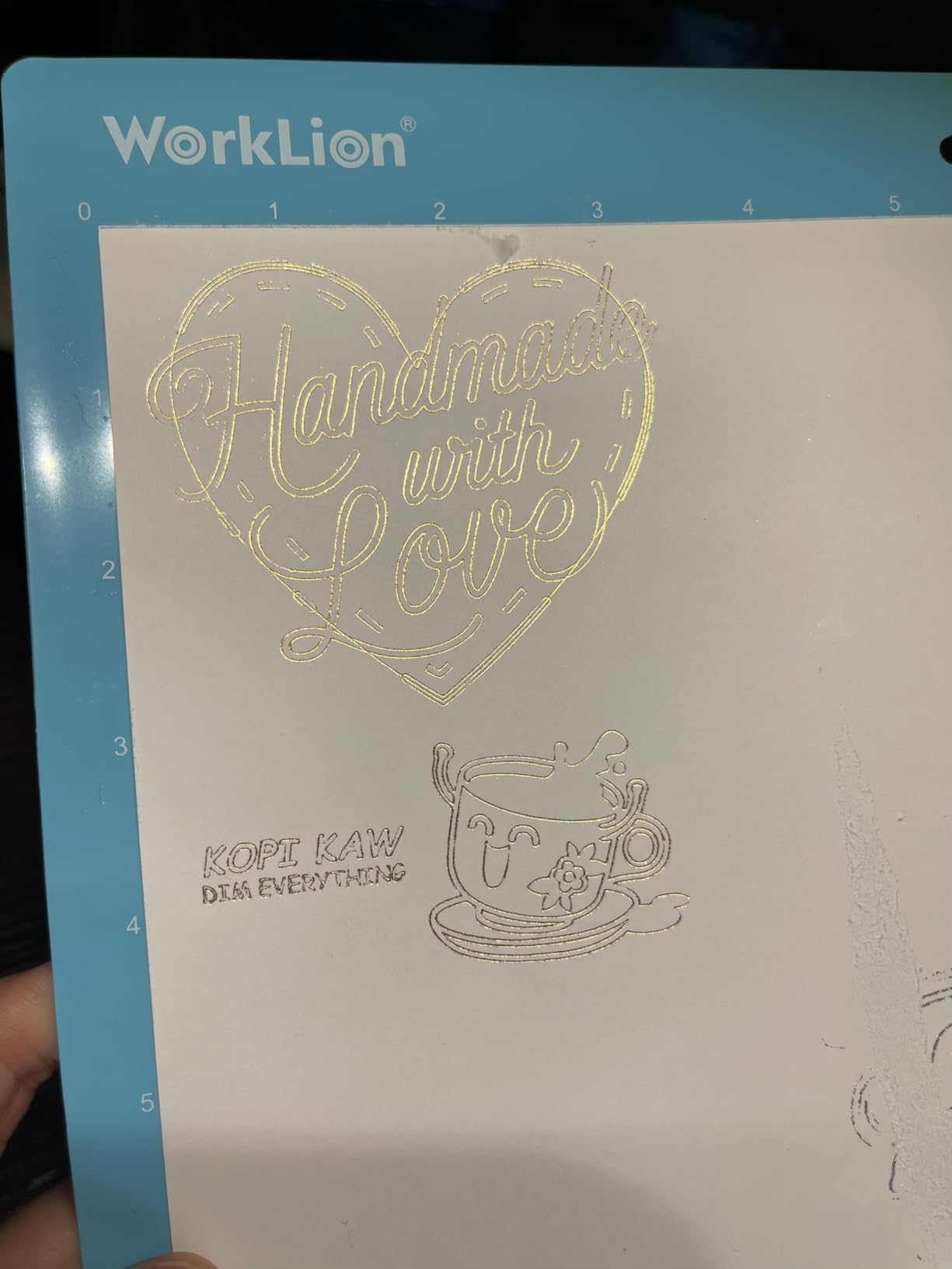
Card makers rate it for the professional finish and for the tip range, which lets you run a name in fine, a border in medium and a large title in bold from the same housing. The two drawbacks are consistent across reviews: the sheets are small, and the tape that holds the foil sheet to the card wears out and has to be replaced.
Pairing it with a full heat press buys more capability than a card ever needs, since the finish here is narrower but requires none of the setup. The Scoring Stylus makes more sense alongside it than a press does.
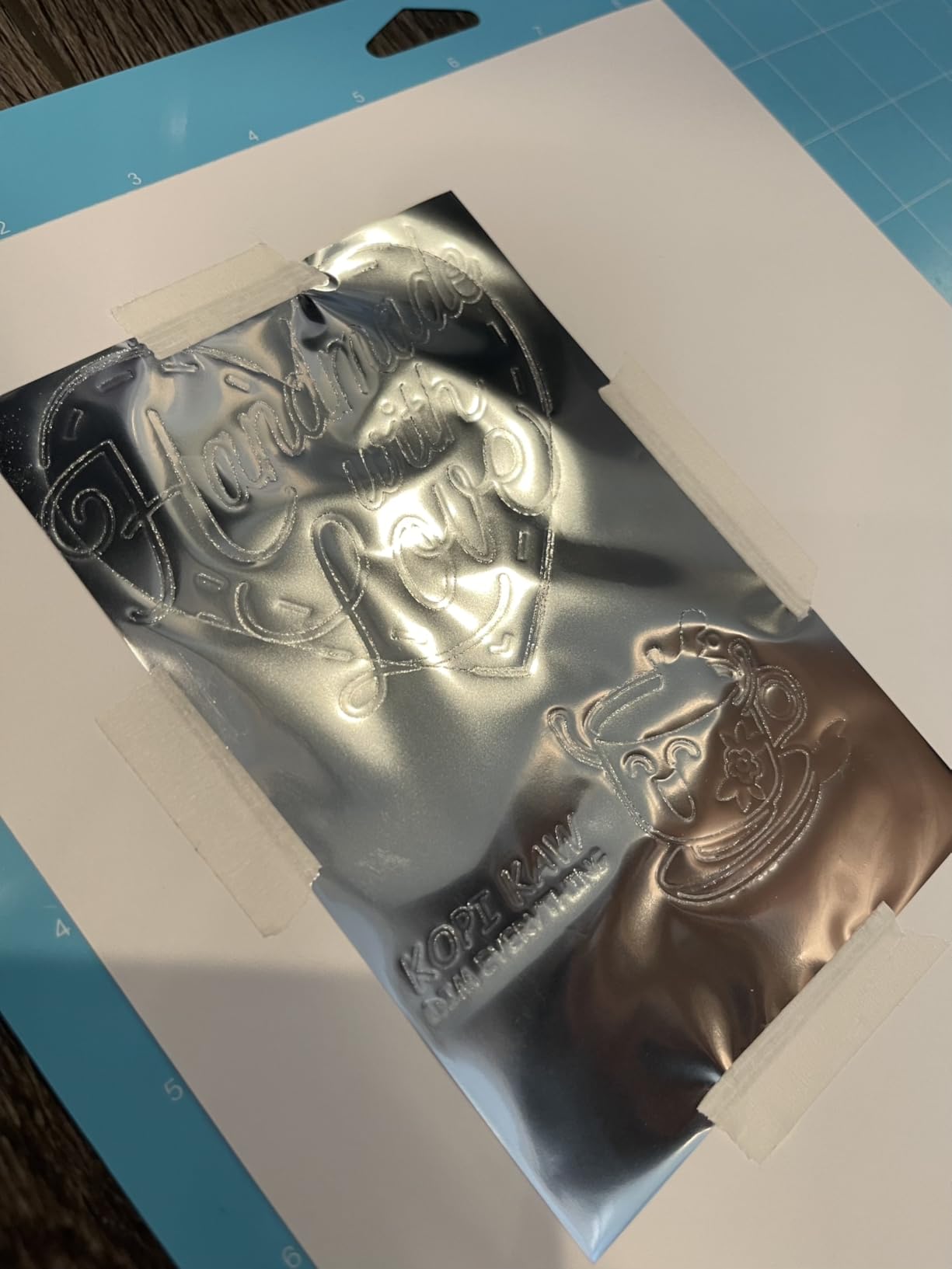
Good to know: active surface is about 11.5 by 11.5 inches, so it fits a full card front on a standard mat. Plan on a second pack of sheets for larger invitations.
10. Cricut Value Iron-On Sampler: Best for Budget Apparel
Cricut® Value Iron-On, Rainbow Sampler (12in x 12in), 20 Sheets
- Outlasts 25 washes per the listing
- Cuts and weeds cleanly on Cricut machines
- Clear backer makes positioning easy
- Less packaging keeps the cost down
- Can need extra press time or pressure
- Only 20 sheets per pack
The value line is the Cricut option for anyone making garments without a materials budget. This pack holds 20 sheets of 12 by 12 inch heat transfer vinyl in a rainbow assortment, with the same everyday benefits as the premium line and lighter packaging to keep the cost down.
The listing states it outlasts 25 washes, and buyers confirm the transfers hold up on shirts through repeated laundering. The clear, heat-resistant backer makes alignment visible before you press, which matters more than it sounds on a first transfer.
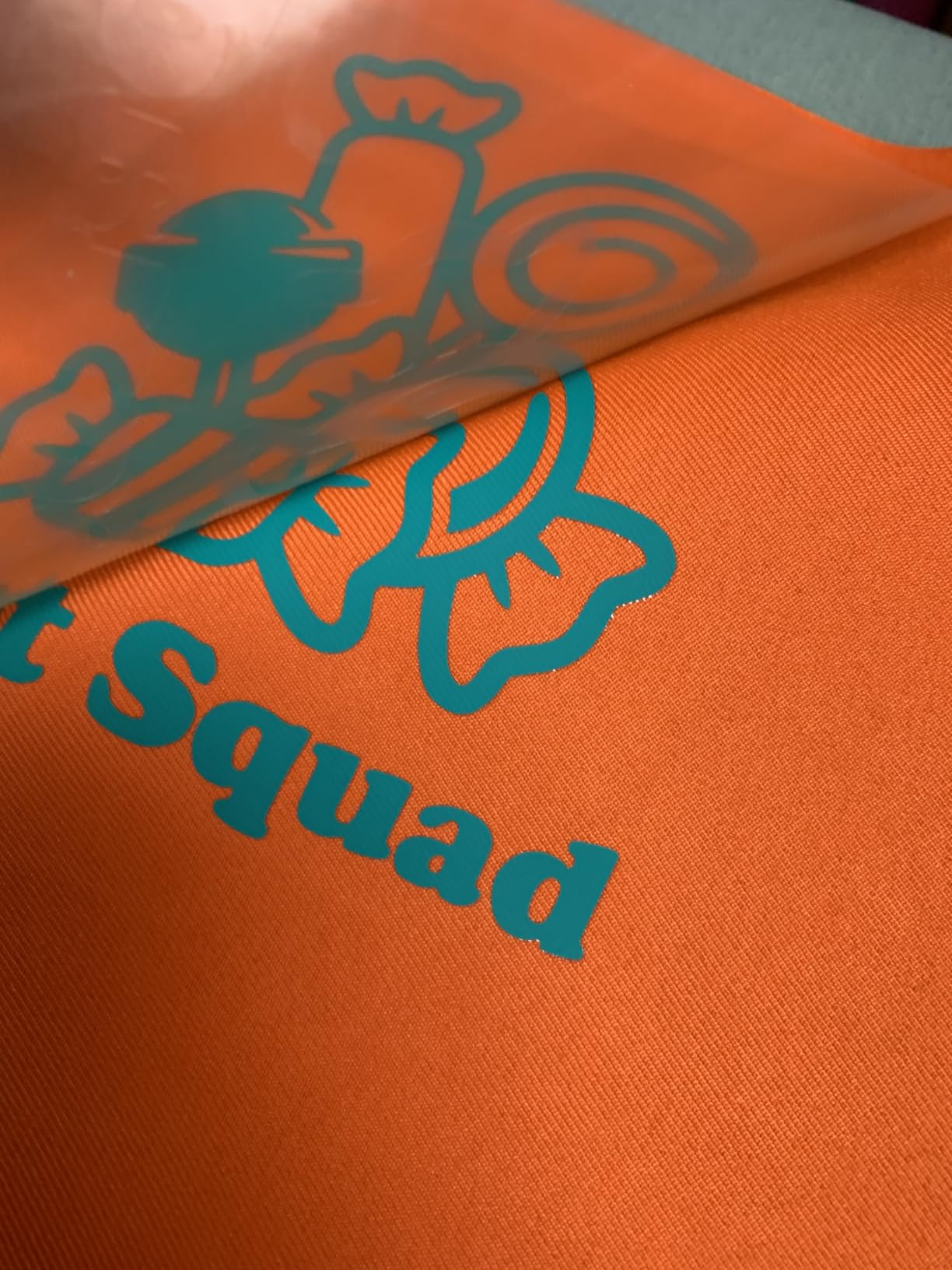
The trade-off owners mention is press time. As a lighter material it sometimes wants a few extra seconds or slightly more pressure than premium iron-on, so follow the heat guide rather than assuming the press is wrong. At 20 sheets a pack, larger apparel runs mean buying twice.
Stashing both packs in one order is common for new owners. The HTVRONT vinyl sits on the other side of the craft from this one, adhesive vinyl for hard surfaces where this material is meant for fabric.
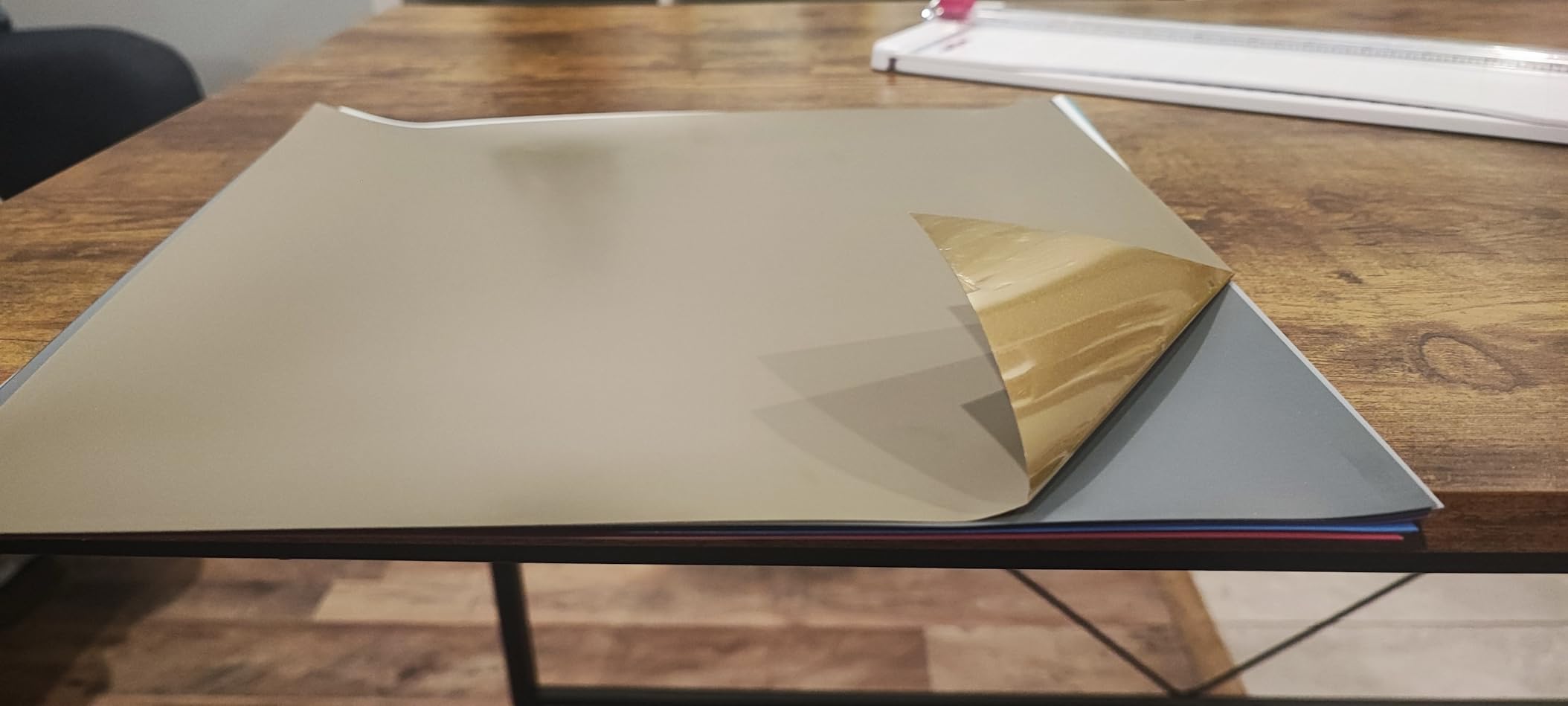
This one is designed for Cricut machines and heat presses specifically, and it follows the EasyPress SE timing chart built into the app.
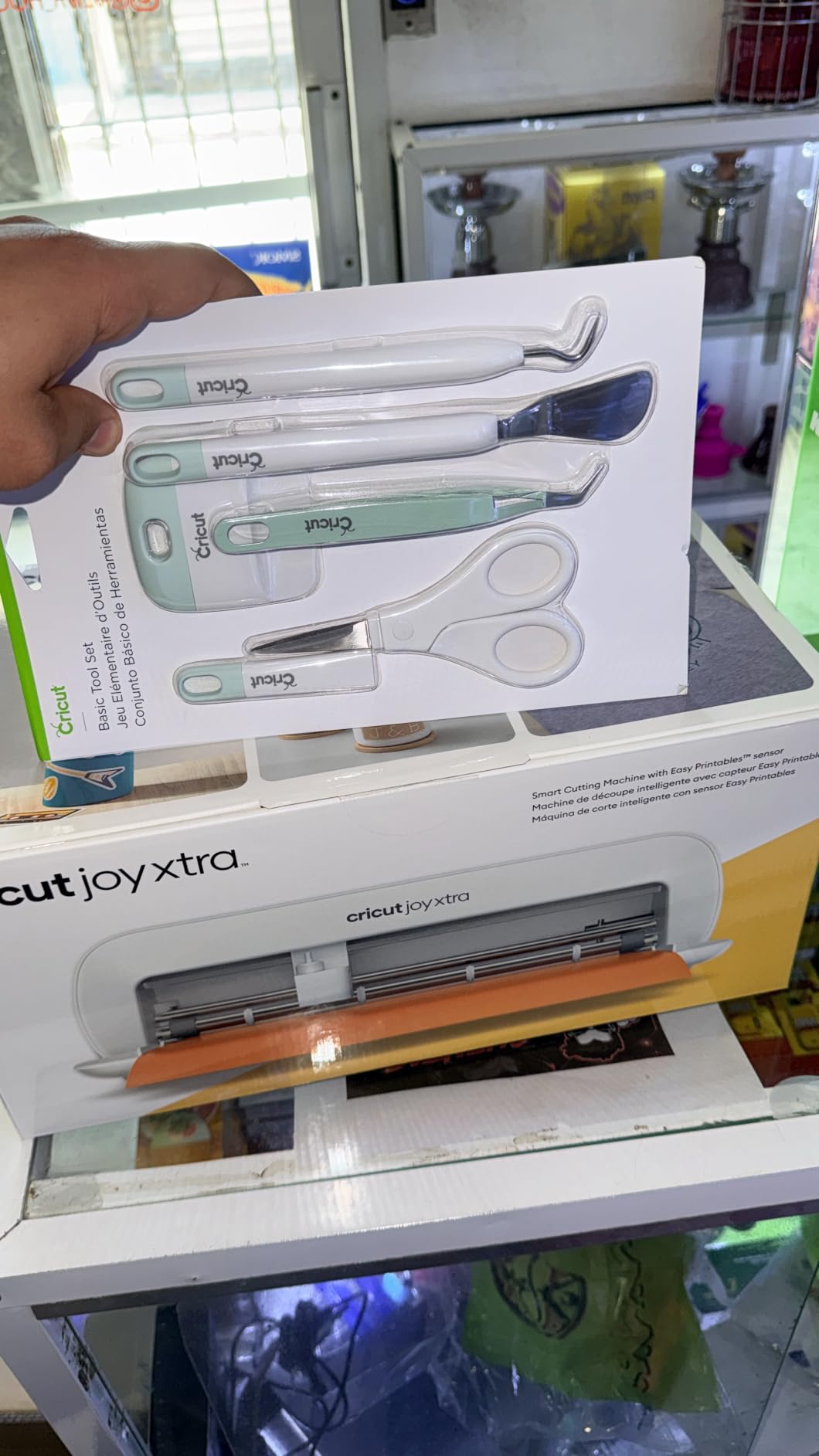
11. Cricut Basic Tool Set: Top Rated Essential Kit
- Spatula weeder scraper scissors and tweezers
- Handles intricate vinyl detail cleanly
- Compact and light enough to keep with the machine
- Durable build at a low price
- Entry-level rather than specialist tools
- Scraper works best on flat surfaces
- Tweezers lose grip on very small pieces
Every machine on this list makes something you then have to lift, weed, snip and burnish, and these are the five tools that do it. The set covers a spatula for lifting cut pieces, a weeder for detail work, a scraper for pressing transfers flat, scissors and tweezers.
It is the highest rated product here, and reviewers treat it as an automatic add-on with any machine purchase. The weeder is credited with clean results on intricate vinyl, and the scraper with flat, well-adhered transfers. At just over two ounces it lives in a drawer or a caddy next to the machine.
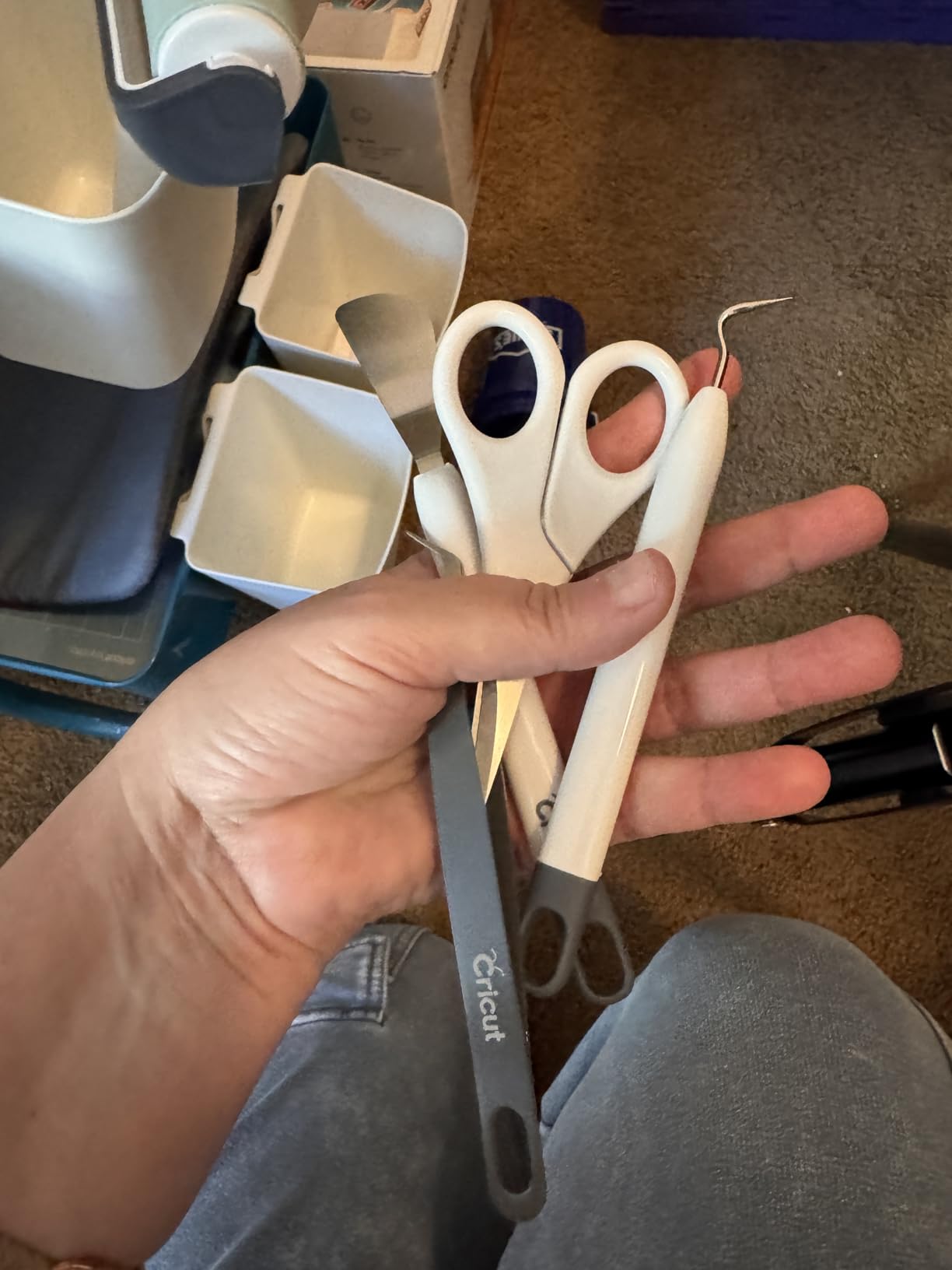
The only recurring criticism is scope. These are entry-level tools, and owners doing heavy duty or specialist work move up to a premium interchangeable-tip set. For labels, decals, iron-on and cardstock, though, the basic set covers the workflow completely.
Unlike the Foil Transfer Kit, which adds a capability, this adds handling quality. It is a low-cost way to make an existing machine feel finished, and the Scoring Stylus covers the one job none of these five can do.
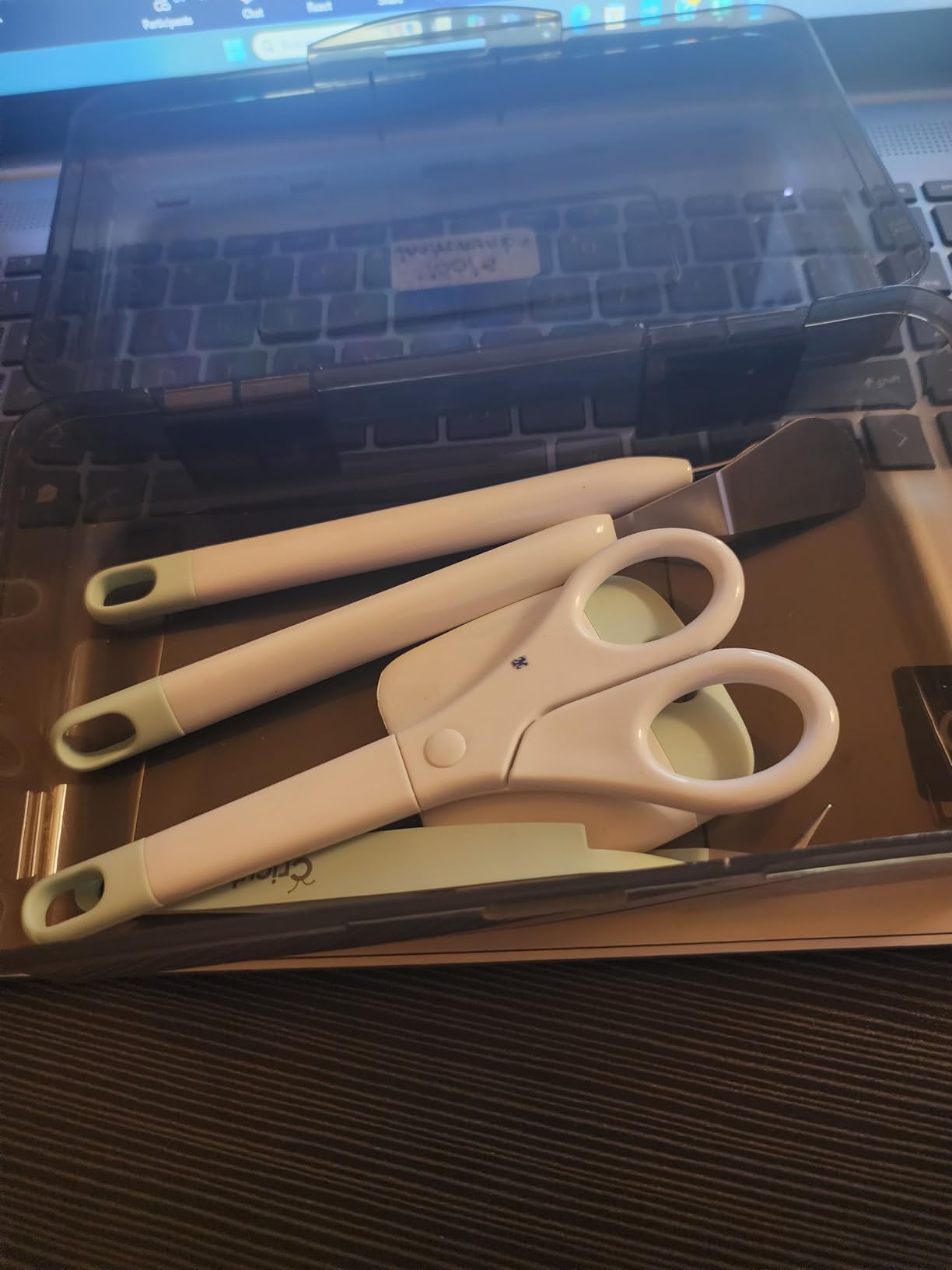
It suits cardstock, labels, iron-on decor and vinyl, and works as well in a classroom as in a home craft room.
12. AOOIIN Cutting Mat Set: Budget Pick for Extra Mats
- Three mats covering light standard and strong grip
- Adhesive holds material without slipping
- Accurate printed grid lines for alignment
- Durable PVC that releases material cleanly
- Third-party fit and grid can vary from original mats
- Grip can weaken sooner with heavy use
Mats are the part of a Cricut setup that quietly runs out. Each one eventually stops holding material, and the official replacements add up quickly, so a three-pack that covers all three grip levels is a sensible restock.
This set includes light grip, standard grip and strong grip 12 by 12 inch mats, and it is listed as compatible with Cricut Explore 5, 4, 3, Air 2, Air, One and the Maker 4, Maker 3 and Maker. The PVC construction holds medium-weight materials from cardstock and construction paper through to printable fabric, vellum, window cling and vinyl.
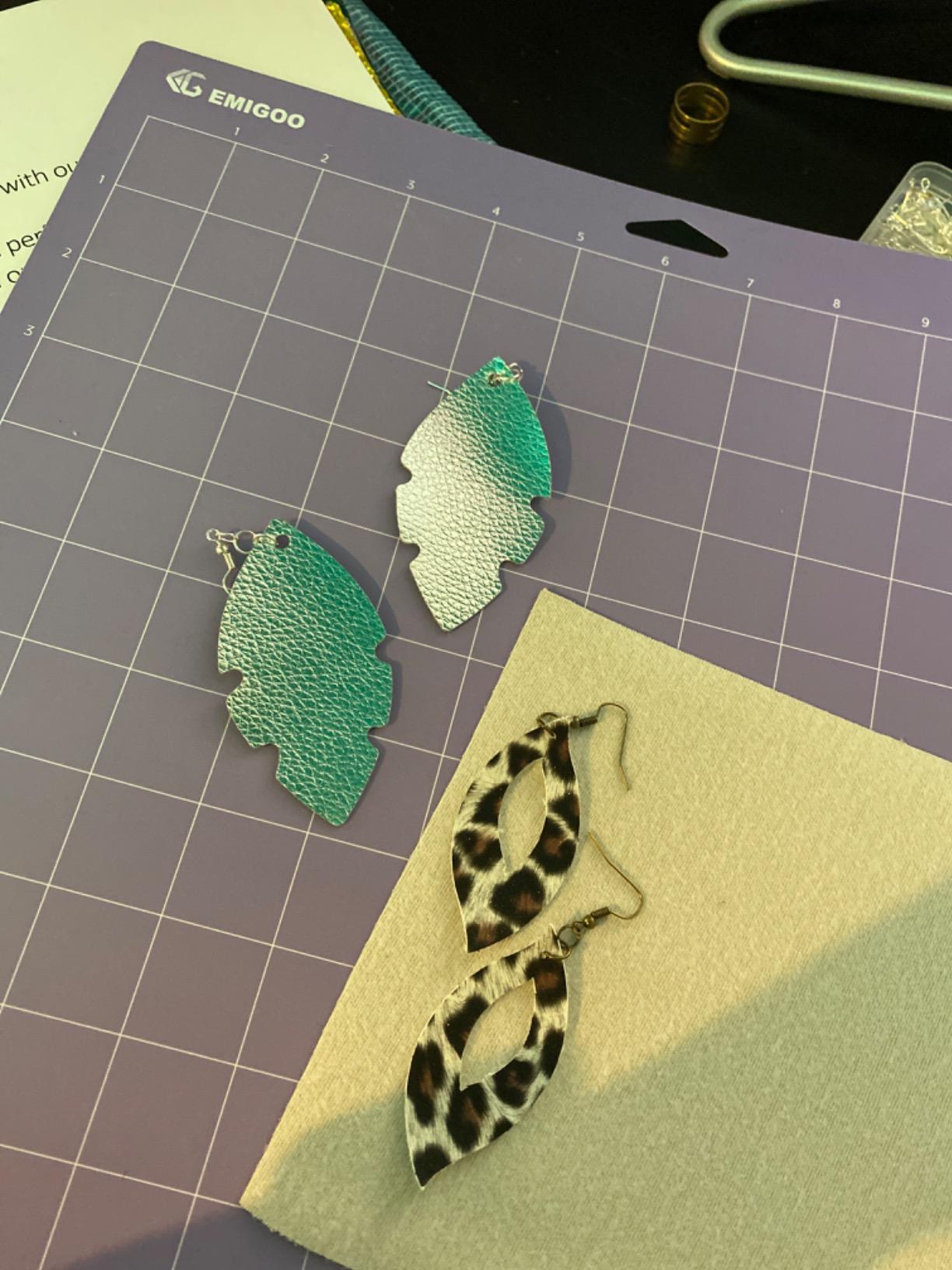
Owners like that one pack covers every grip level rather than forcing separate purchases, and they rate the printed grid lines as accurate enough to align cuts precisely. The honest caveat is that this is a third-party product, so long-term durability and grid precision trail first-party mats, and the adhesive can weaken sooner under heavy use.
Light grip is for delicate papers and thin vinyl, standard grip is the everyday default and strong grip is for fabric and thicker material. Having all three in a drawer removes the guesswork from a matless-adjacent workflow.
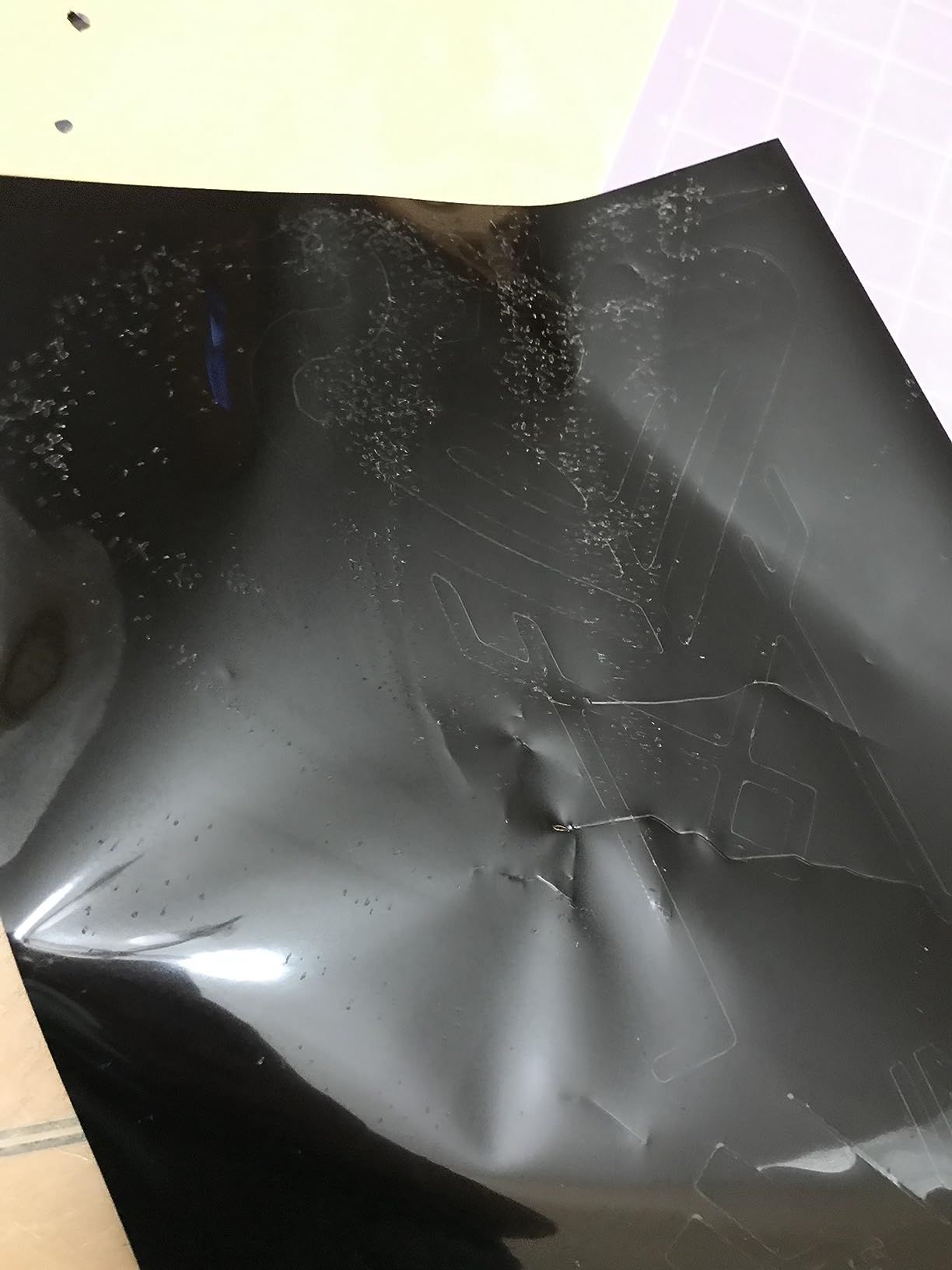
Measure your machine’s mat size before ordering if you are not working with the 12 by 12 models listed here.
How to Choose Cricut Machines During Prime Big Deal Days
Machine Type and Intended Projects
Start with the project list, not the model name. A compact machine handles labels, decals, stickers, cards and small iron-on designs. A full-size machine adds wide decals, multi-ply projects, engraving, foiling and thicker materials. If you want to go in a different direction entirely, our guide to Cricut alternatives covers what else handles these materials.
Machines here fall into two groups: the cutting machines, and the presses and accessories that finish a project. Buying a machine without a press is fine for vinyl and paper. Buying a press without vinyl and iron-on just gives you an expensive iron.
Cutting Width and Material Compatibility
Cut width is the number that limits your projects. The Maker 4 offers a 12-inch-wide cutting area with 270.25 square inches of active surface. The Joy Xtra listings sit at 95.94 and 68.75 square inches, which suits most personal projects but forces joins on long designs.
Material support matters as much as width. A 50-plus material machine handles everyday vinyl, iron-on and cardstock. A 300-plus material machine adds bonded fabric, leather, wood and specialty foils. Thicker material also means the right blade and the right mat grip, not just the machine.
Ease of Use and Learning Curve
All of these machines run through the same Cricut Design Space app, so software is a shared factor rather than a differentiator. The real difference is physical. A compact body pairs quickly over Bluetooth and stores in a closet. A wide-format machine takes a dedicated counter and a clear path for the mat to slide in and out.
Budget for a learning week either way. Owners of the wider bundles most often mention thin printed documentation, and the app tutorials carry most of the setup load.
Accessories and Bundle Contents
Read the bundle contents line before you assume anything. The Maker 4 ships a fine-point blade, pen, LightGrip mat, weeder and a materials sampler. The Joy Xtra vinyl bundle adds rainbow Smart Vinyl, transfer tape and a tool set. The apparel bundle adds a heat press and materials so a shirt can be finished the same day.
Two things are usually still missing: extra mats and a pressing mat for curved areas. Check whether a subscription trial is included in the bundle, because it converts to a paid plan unless cancelled.
Listing Details During the Sale
Match the model and part number in the listing to the machine you actually want. The entries in this list carry distinct part numbers, and bundles often share a machine with a different pack contents list, so two listings for the same cutter are not the same offer.
Confirm the colour and variant, whether the machine and any press or materials are under one warranty, and who the seller and shipper are. A third-party seller on a machine listing is worth a closer look than a first-party one.
How to Shop Cricut Machine Deals During the Sale
Machine offers during Prime Big Deal Days tend to be shallower than the consumables around them, and the flagship models often sit at their usual figure while entry-level bundles move. Compare the bundle contents across two or three listings of the same machine before you commit, since a bare machine and a materials bundle can sit under nearly identical titles.
Cross-check the maker’s own storefront, which runs its own seasonal sale and is sometimes the better of the two. Most offers need an Amazon Prime membership, with a free trial counting, and prices change through the event.
A short checklist before you buy during the sale:
- Confirm the model number and part number match the machine in your shortlist.
- Read the bundle contents line, not just the title, and note anything missing such as a second mat.
- Check whether the bundle includes a subscription trial and what it converts to.
- Compare the same machine across at least two listings to see what changes between them.
- Look at the seller and shipper, and prefer first-party offers on machines.
- Use the button on each section to see the current figure, then decide before the event window closes.
Frequently Asked Questions
Are the best Amazon Prime Big Deal Days Cricut Deals available to everyone?
Yes, with one condition. Anyone can browse the offers, but most of the Cricut picks during Prime Big Deal Days require an Amazon Prime membership, and a free trial counts. Prices and offers shift through the event window, so check the current figure on each listing before you commit.
Do I need a Cricut machine to make vinyl projects?
A machine is the easiest route, but not the only one. A Cricut machine cuts, weeds and transfers the design in one workflow, which is why every bundle on this list pairs the cutter with vinyl or transfer tape. A craft plotter can substitute, and some projects can be cut by hand with a weeding tool if the design is simple enough.
Can one craft-cutting machine handle thicker materials?
Yes, within limits. The Maker 4 is listed as working with 300-plus materials including leather, wood, bonded fabric and specialty vinyl, while the Joy Xtra machines here cover 50-plus materials. Thicker material also needs the correct blade and the correct mat grip, so a strong grip mat is worth adding to the order.
Are essential blades and cutting mats included with the machine?
It depends on the bundle. The Maker 4 and Joy Xtra listings here include a fine-point blade, a mat and a weeder, and the vinyl bundle adds transfer tape and a tool set. Extra mats are almost never included, and the AOOIIN three-pack in this list is a straightforward way to cover that gap.
When does Amazon Prime Big Deal Days run in 2026?
Prime Big Deal Days runs October 6-7, 2026. Most offers open at the start of that window and can change or close during it, and Prime Big Deal Days is a separate event from the summer Prime Day. Plan purchases early in the window rather than on the final evening.
Final Verdict: Best Amazon Prime Big Deal Days Cricut Deals
For the best Amazon Prime Big Deal Days Cricut Deals, watch the Cricut Maker 4 first. It carries the widest cut area and the broadest material range in this list, and it is the one machine that grows with a hobby instead of boxing it in.
Buy the Cricut Joy Xtra as Best Value if your work is labels, decals and stickers, and the Joy Xtra Vinyl Bundle as Best for Beginners if you want materials in the same order. The Maker 4 Apparel Bundle is the short route to finished shirts, and the EasyPress SE is the press that covers a full design in one pass. Small jobs are served by the EasyPress Mini LT, while the Cricut Basic Tool Set and Scoring Stylus handle everything that comes off the mat.
Refilling the cabinet goes to the HTVRONT vinyl pack and the Cricut Value Iron-On Sampler, and the AOOIIN mat set covers the three grip levels. Check the current figure on each listing before the window closes.