
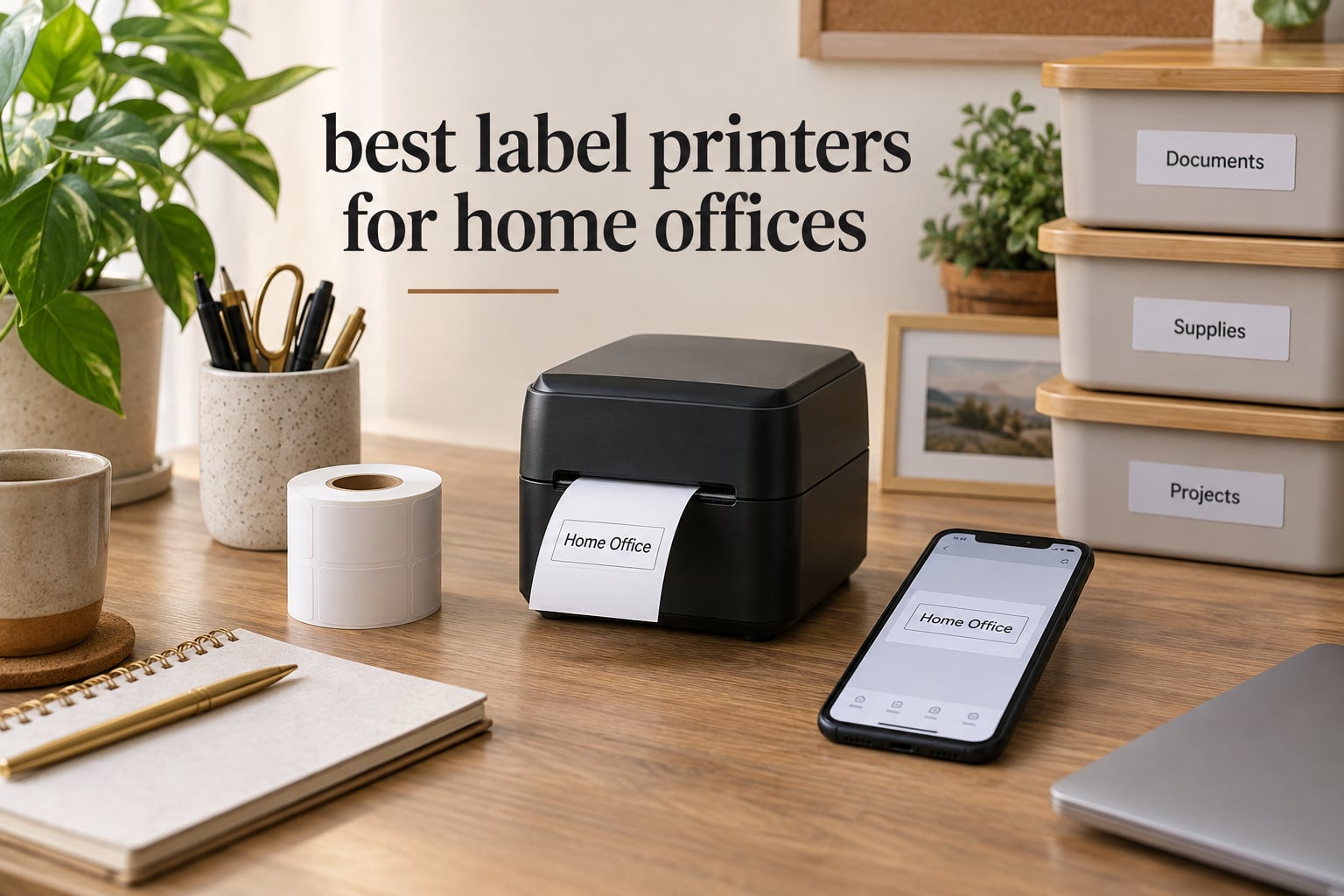
The best label printers for home offices fall into two very different groups, and mixing them up is how people end up with a machine that prints half-inch tape when they needed shipping labels. On one side sit the pocket-sized Bluetooth label makers that live in a drawer and label pantry jars, file folders and storage bins. On the other sit the 4×6 thermal printers bolted to a shipping desk that print carrier labels all afternoon.
We spent weeks putting ten of the most-used label printers through real home office jobs: labelling a pantry, a filing cabinet, a bundle of cables, and a stack of outgoing parcels. What we found is that the category has quietly split, and the printer that wins for one of those jobs can be the wrong choice for another. Setup time, wasted tape and app behaviour turned out to matter more than headline resolution.
If you want the wider background first, we have separate guides on the 10 best label printers tested and on 8 best thermal label printers, plus a dedicated roundup for anyone shipping parcels on a regular basis over at our best label printers for shipping picks. This guide is the home office version: a desk, a mixed workload and one person wearing every hat.
Table of Contents
Top 3 Label Printers for a Home Office Right Now
If you want a short answer before the details, the Nelko P21 is the label printer for a home office that mostly organises, the Phomemo D30 is the one to buy when desk space is tight and you want a genuinely pocketable machine, and the MUNBYN RW403B is the only pick here built for 4×6 shipping labels. Those three cover the overwhelming majority of home office label jobs.

Phomemo D30 Label Maker
- 203 DPI thermal
- 0.55 inch max tape
- 160 g body
- Bluetooth 4.0
- USB-C charging

Nelko P21 Label Maker
- 203 DPI direct thermal
- Half-size pocket body
- Rechargeable battery
- Fixed-length tapes only
- Bluetooth to phone

MUNBYN 4×6 Shipping Printer
- 1.57 to 4.25 inch print width
- Up to 150 pages per minute
- Auto-calibration
- 60 dB operation
- Bluetooth and USB
Best Label Printers for Home Offices in 2026
All ten machines below are inkless thermal devices, so there is no cartridge to order and no ribbon to change. The differences that matter are media width, how the label gets to the printer, and what the app does with your text. Here is the whole lineup side by side.
| Product | Specifications | Action |
|---|---|---|
| Phomemo D30 Label Maker |
|
Check Latest Price |
| Nelko P21 Label Maker |
|
Check Latest Price |
 NIIMBOT B1 Label Maker NIIMBOT B1 Label Maker |
|
Check Latest Price |
 SUPVAN T50M Pro SUPVAN T50M Pro |
|
Check Latest Price |
 Phomemo M110 Label Maker Phomemo M110 Label Maker |
|
Check Latest Price |
 Brother P-Touch PT-D220 Brother P-Touch PT-D220 |
|
Check Latest Price |
 Brother PT-M95 Brother PT-M95 |
|
Check Latest Price |
 SUPVAN E11 Label Maker SUPVAN E11 Label Maker |
|
Check Latest Price |
 DYMO LabelManager 160 DYMO LabelManager 160 |
|
Check Latest Price |
| MUNBYN RW403B Printer |
|
Check Latest Price |
1. Phomemo D30 Label Maker – the pick that fits in a pocket
Phomemo Label Maker, D30 Bluetooth Mini Label Maker Machine with Tape
- Half the size and weight of a traditional label maker
- German thermal head at 203 DPI
- Print Master app with icons
- borders
- fonts and QR codes
- Inkless printing with no ribbon cost
- Rechargeable battery
- Full font and template library sits behind a paid app subscription
- Very small text can print with distorted letters
- QR codes distort when resized in the app
The Phomemo D30 is the machine we kept reaching for during testing because it never needed a surface. At 160 g and a little over five inches tall, it lives in a laptop bag or a jacket pocket, and it is the rare label maker you can take room by room instead of carrying tapes to a desk.
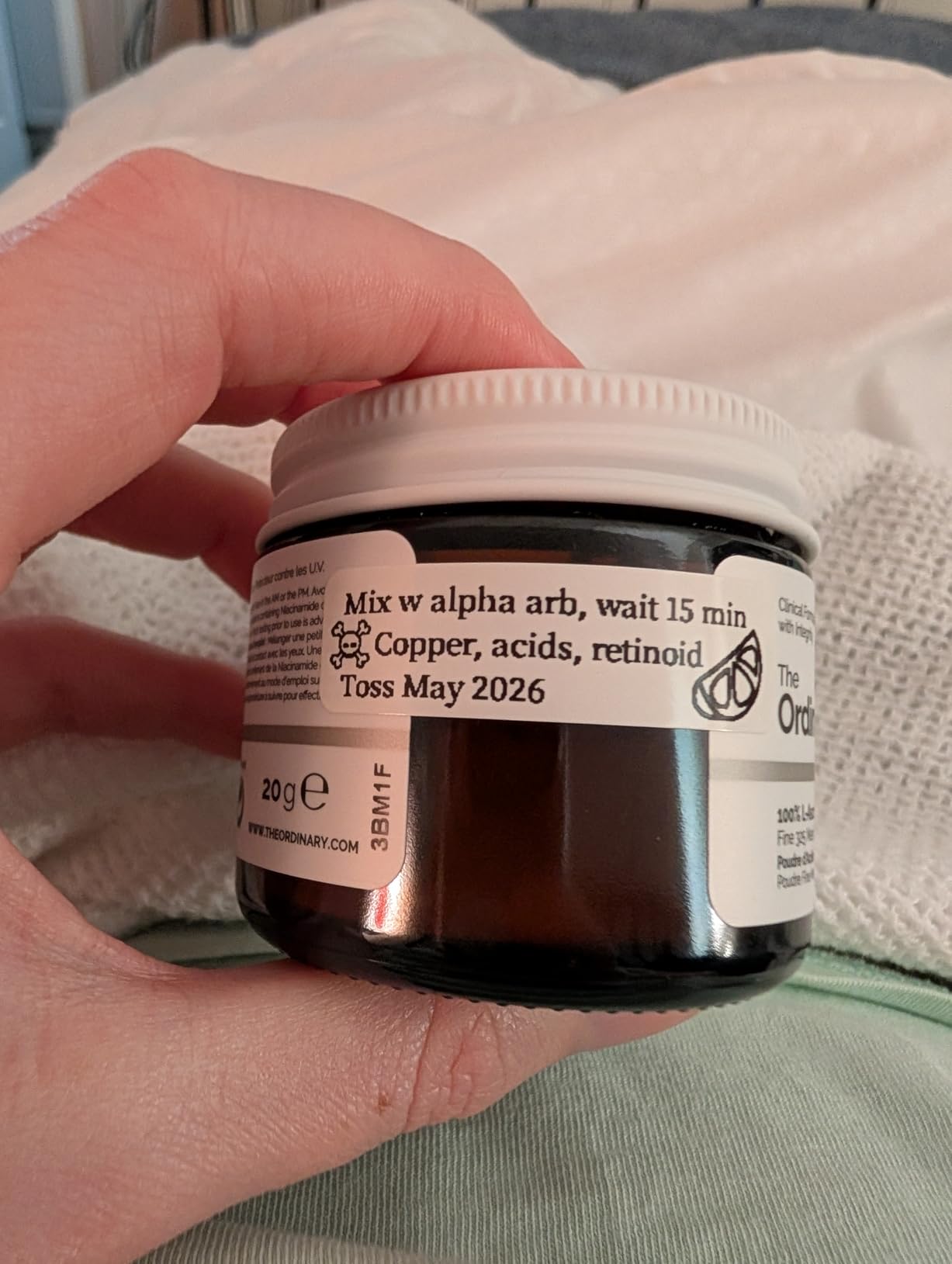
Print quality is genuinely good for the class. The German thermal head at 203 DPI produced clean text on a half-inch label and held up on curved spice jar lids, which is where a lot of cheap thermal heads fall apart. Photo labels on a binder spine came out crisp too.
The Print Master app is where this one earns its place. It carries over 4000 icons, 800 borders, 600 fonts and 1000 templates, plus barcode, QR code, picture import, OCR and Excel batch import. We built a set of QR labels for a client folder in about five minutes from the phone.
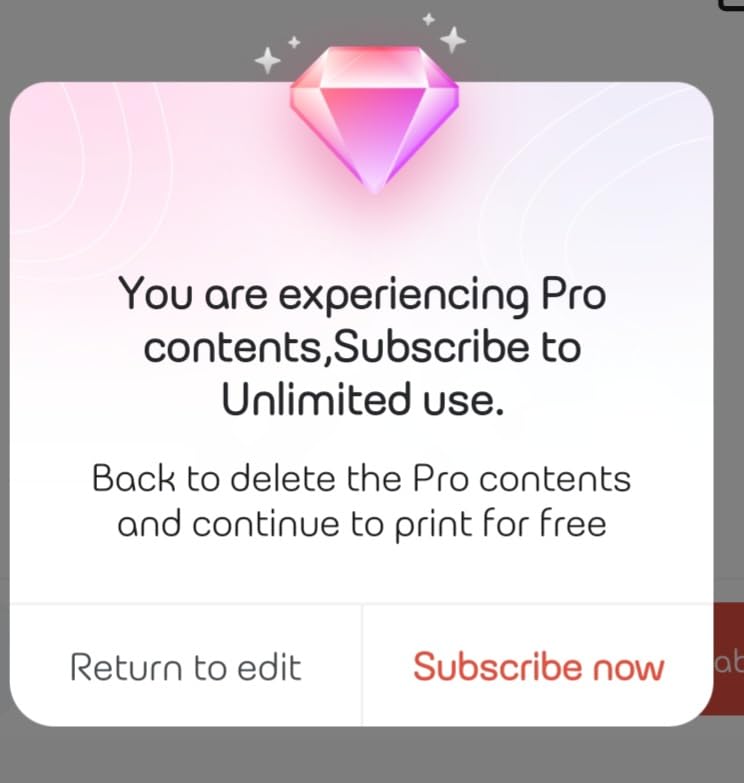
The catch is the subscription. The full font, border and template library is where the free app ends, and a chunk of reviewers specifically named that as the thing that annoyed them most. Small text also prints with softened letters at 203 DPI, so a five-point asset tag will not scan well.
Is the D30 right for your devices and tapes?
It pairs over Bluetooth 4.0 to phones and tablets and charges on USB Type C, so it is a phone-first device with a computer as an afterthought. It handles both continuous tapes and fixed-length labels up to 0.55 inch, which is wider than most pocket makers manage.
Choose it if your labelling happens all over the house rather than at one desk. Skip it if you need barcode-dense asset labels or you refuse to pay for app extras.
What you give up compared with a desktop model
There is no keyboard, so every label starts in the app, and there is no path to shipping labels of any size. Refill rolls wound in the opposite direction are confusing the first time you load one, though the manual covers it.
2. Nelko P21 Label Maker – the best all-rounder for drawers and bins
- Half-size pocket body
- 203 DPI BPA-free direct thermal output
- App with 3600 plus icons and 750 plus templates
- Built-in rechargeable battery
- Text
- QR code
- barcode
- images and timestamps
- Not compatible with Google phones running Android 14
- Will not work with computers
- Does not support continuous label tapes
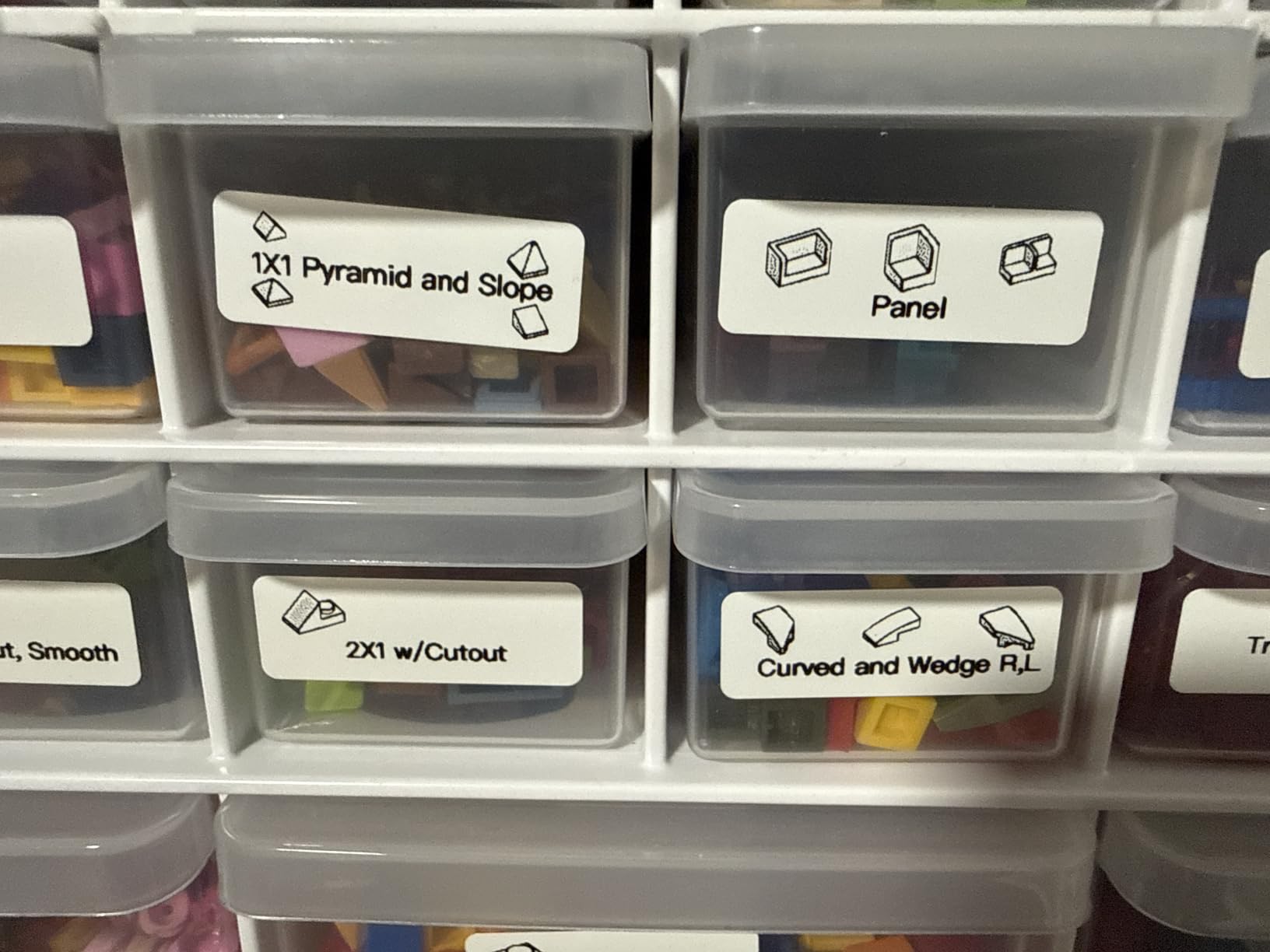
The Nelko P21 is the one we recommend to most home offices. It handles the classic job of labelling a hundred storage bins in an afternoon without slowing down, and it is small enough to disappear into a cupboard when the job is done.
During testing the pairing was among the fastest we saw, and the 203 DPI output on a 14x50mm label was clean and instantly readable. The app adds a timestamp option that we used for pantry jars, which is more useful than it sounds when you want to know when something was opened.
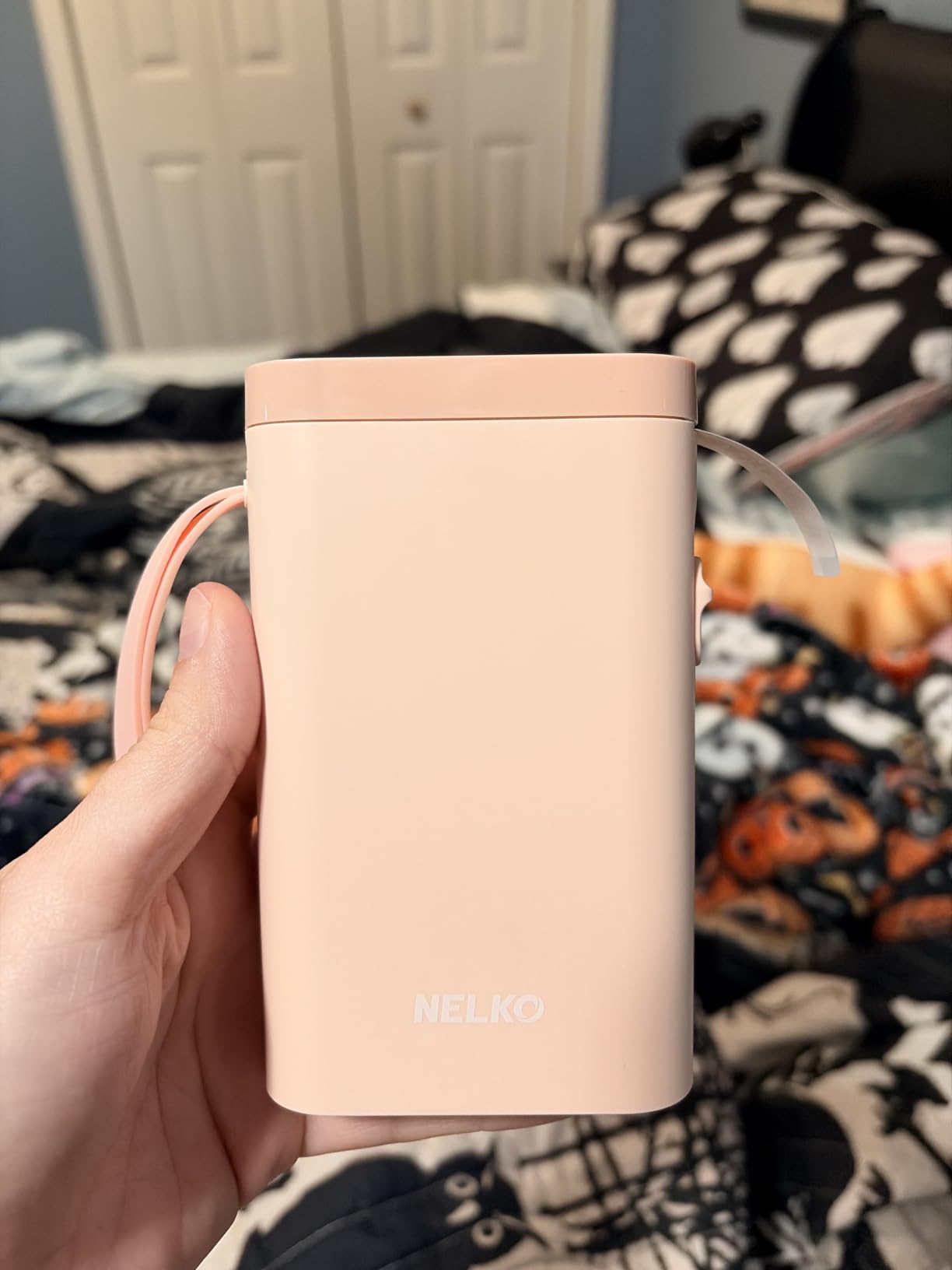
Owners consistently point to the footprint and the straightforward Bluetooth workflow as the reason they bought a second one. The label library in the app is large, with 29 languages supported, so a mixed-household labelling session does not need a laptop.
Two limits are worth planning around. It will not print from a computer at all, only from a phone, and it does not accept continuous tape, so every label has to be a fixed length. There is also a reported gap with Google phones running Android 14.
Will the P21 work with your phone and your tapes?
It connects over Bluetooth to iOS and Android smartphones and covers the common fixed sizes including 15x30mm, 12x40mm, 14x40mm, 14x50mm and 14x75mm. If your labelling is a mix of drawer fronts and jar lids, those sizes cover it.
Check your phone before you order. If you are on a Pixel or another Google device on Android 14, the pairing has been reported as unreliable.
Is it worth stepping up to a wider or keyboard model?
If you need long words on one line, wide address-style labels, or anything printed from a desktop, the P21 is the wrong tool. The NIIMBOT B1 with 2 inch wide labels and the keyboard-equipped models cover those jobs better.
3. NIIMBOT B1 Label Maker – wide labels without the app fuss
NIIMBOT B1 Label Maker, 2Inch Bluetooth Label Printer for Home, Blue
- Prints 2 inch wide labels
- App auto-detects label size
- Rechargeable battery with 15 minute auto-shutoff
- Two 1.18 inch white label rolls included
- 30 plus fonts and 1500 plus symbols
- Not compatible with tablets
- USB PC use needs a driver download
- Rubberised ABS body is heavier than pocket models
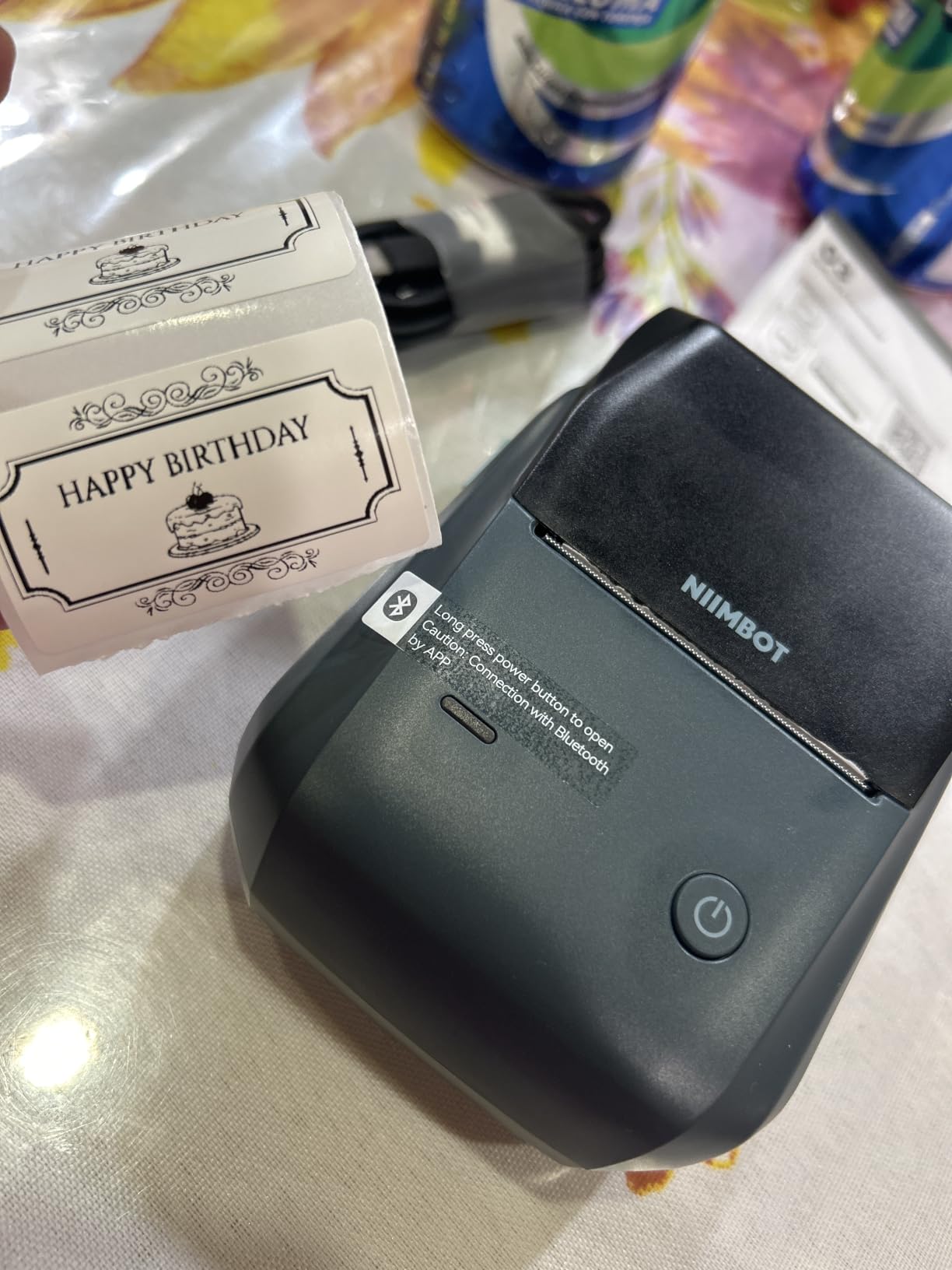
The NIIMBOT B1 solves the problem that makes most compact label makers annoying: text that wraps after four or five characters. At 2 inches wide it prints short words on one line, which turns it into a home office tag printer rather than a pantry machine.
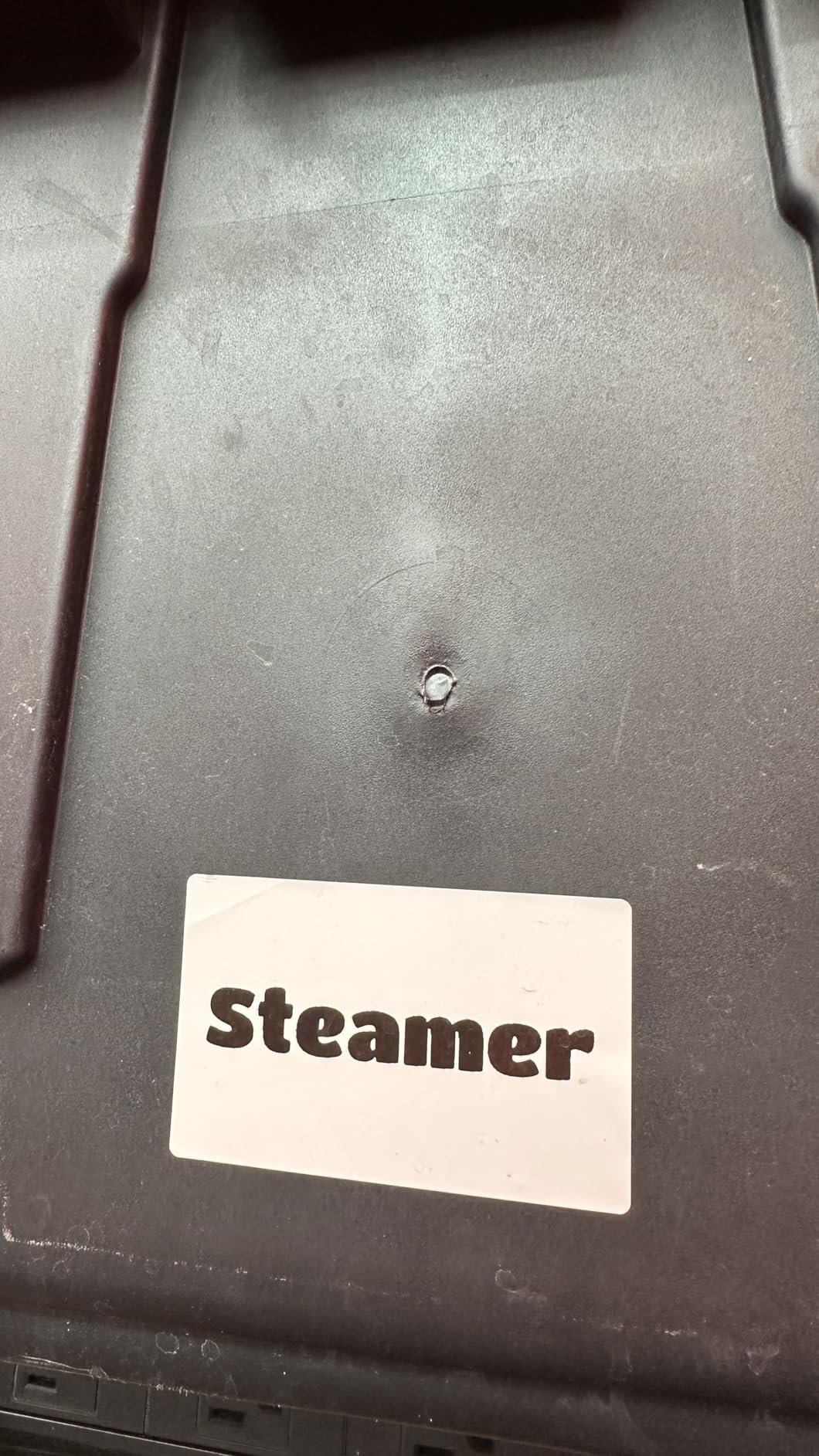
We used it for file folder spines and equipment labels, and the app auto-detecting the tape size was a genuine time saver. There is no calibration button hunting, and the 15 minute auto-shutoff meant it was never on and wasting battery overnight.
For a home office that also runs a small side business, the mix of Bluetooth for phones and USB for a PC matters. Just note that PC use needs a driver pulled from the NIIMBOT website first, which is a five minute detour the first time only.
It is the heaviest of the compact group at 293 g, so it lives on a desk rather than in a pocket. Two white label rolls are in the box, which is enough to start labelling before the first refill order.
Is the 2 inch width the right upgrade?
If your labels carry more than a couple of words, yes. Address-style labels, folder tabs and product tags all fit without wrapping, and the label sits on the front of the tape the way you would want.
If you only mark small drawers and jars, the extra width and weight buy you nothing, and a pocket model will be easier to live with.
What holds it back?
Tablets are not supported, which rules out the common iPad-labelling workflow. The rubberised ABS shell feels durable but adds bulk, and the USB driver requirement can block a first-day print.
4. SUPVAN T50M Pro – the widest tape range with a free app
SUPVAN T50M Pro Bluetooth Label Maker Machine with Tape, Black
- Prints 0.75 inch to 2 inch wide labels
- App editing is completely free with no registration
- Auto-detects label size
- Works with square
- round
- address
- cable and file labels
- Heavier at 433 g than pocket models
- Third-party tapes may not be recognised by the app
- Bluetooth is less emphasised than the USB link
The SUPVAN T50M Pro is the anti-subscription pick. Its app gives you 30 plus fonts, 50 plus frames and 660 plus icons at no cost and with no account creation, and that single design choice removes the complaint that shows up most often with app-driven label makers.
Media range is the other headline. It handles 0.75 inch through 2 inch labels, and our tests showed it running square, round and address-style tapes without adjustment. The first page came out in about a second.
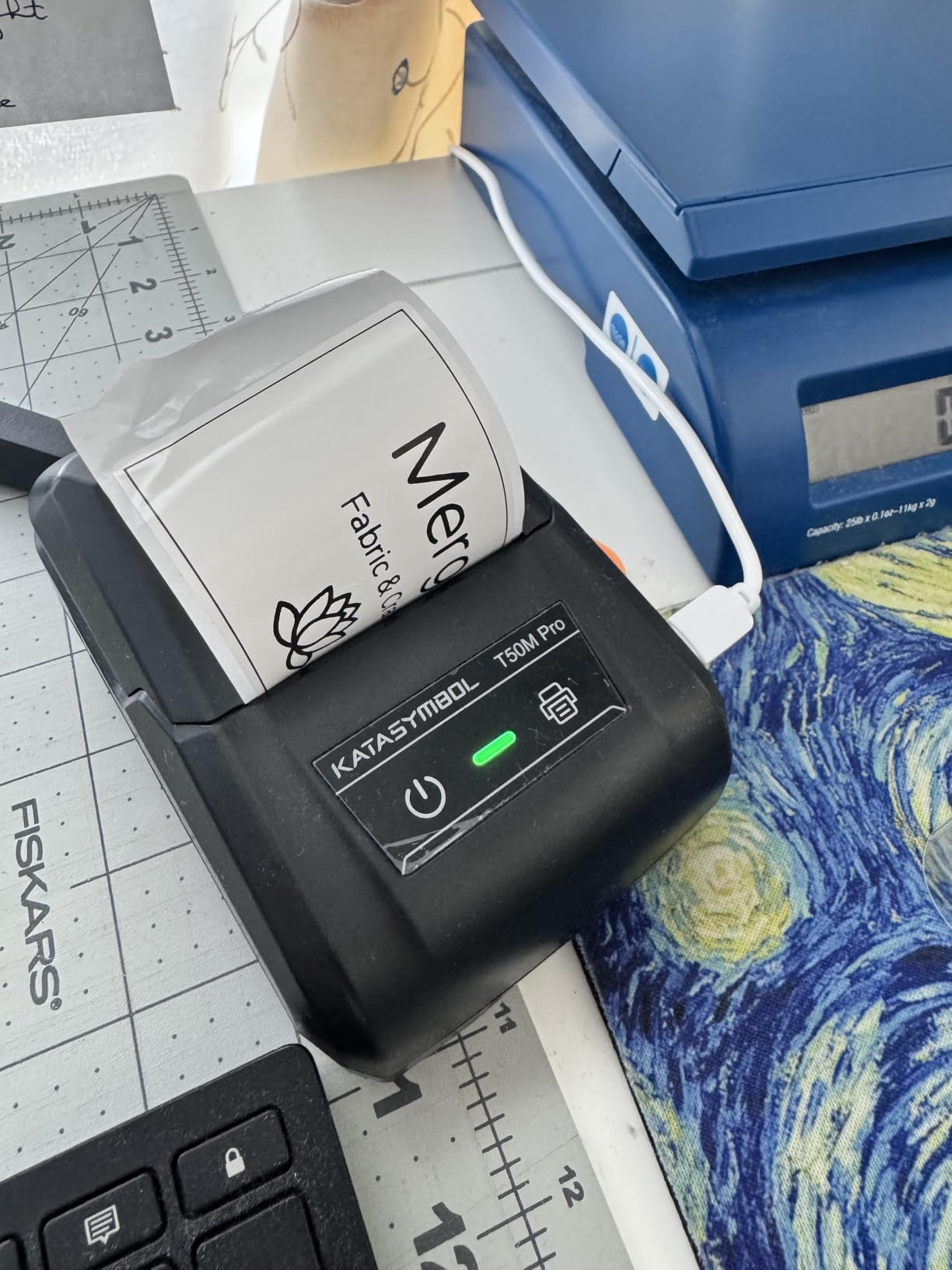
Image handling impressed us too. When we imported a small logo, the enhanced processing kept it readable at label size, which is not something we can say for every thermal machine in this group.
At 433 g it is by far the heaviest machine here and it needs a desk. Some third-party tapes were not recognised by the app, so if you plan to buy generic rolls in bulk, test one first.
Is a free app worth giving up Bluetooth polish?
If you are labelling weekly rather than hourly, yes. The connection options are USB Type C first with Bluetooth alongside, and the app auto-detects the tape so setup is quick once it is paired.
If you expect heavy daily use from a phone alone, check that the Bluetooth path is stable in your setup before committing.
Who should pass on it?
Anyone who needs a machine that fits in a bag, and anyone whose labelling depends on continuous tape at a specific narrow width. This is a desk machine for a busy desk.
5. Phomemo M110 Label Maker – OCR and batch printing for busy workloads
Phomemo M110 Label Makers, Portable Bluetooth Thermal Printer with Display
- Built-in display shows the printer ID
- OCR turns text in photos into editable text
- Excel batch printing for larger jobs
- Bluetooth range up to 33 feet
- Quiet and quick to connect
- Most advertised templates are premium-only in the app
- Included test roll is small
- Not for shipping labels
The Phomemo M110 is the pick when a home office is doing repetitive inventory work rather than one-off labelling. Excel batch printing turns a spreadsheet of items into a stack of labels, and the built-in display shows the printer ID so you are not hunting for a tiny code sticker when two identical machines sit on the same shelf.
The OCR function converted printed text in a photographed supplier invoice into editable label text in roughly four seconds in our test. For anyone building file labels from paperwork, that removes the retyping step entirely.
Its 20mm to 50mm width range covers most home and office labelling, and it connects over Bluetooth 4.0 with a range of up to 33 feet, which is enough to walk to a garage or a storage unit.
The subscription issue is real here. Reviewers point out that only a small fraction of the advertised template library is free, with the rest marked by a diamond icon. The included test roll is also small, so budget for a refill order early.
Is batch printing the reason to buy this?
If you label stock, inventory or assets in runs, yes. The Excel import and the display showing the printer ID are the two features no other compact model in this list combines.
If you are labelling one jar at a time, this is more machine than you need and the app extras will not earn their cost.
What about durability and shipping?
These are direct thermal labels, so they are fine indoors but can fade in heat and direct sun over time. It does not handle shipping labels of any size, so keep the 4×6 option in mind separately.
6. Brother P-Touch PT-D220 – the keyboard pick with laminated tape
Brother P-Touch PTD220 Home/Office Everyday Label Maker | Prints TZe Label Tapes up to ~1/2 inch White
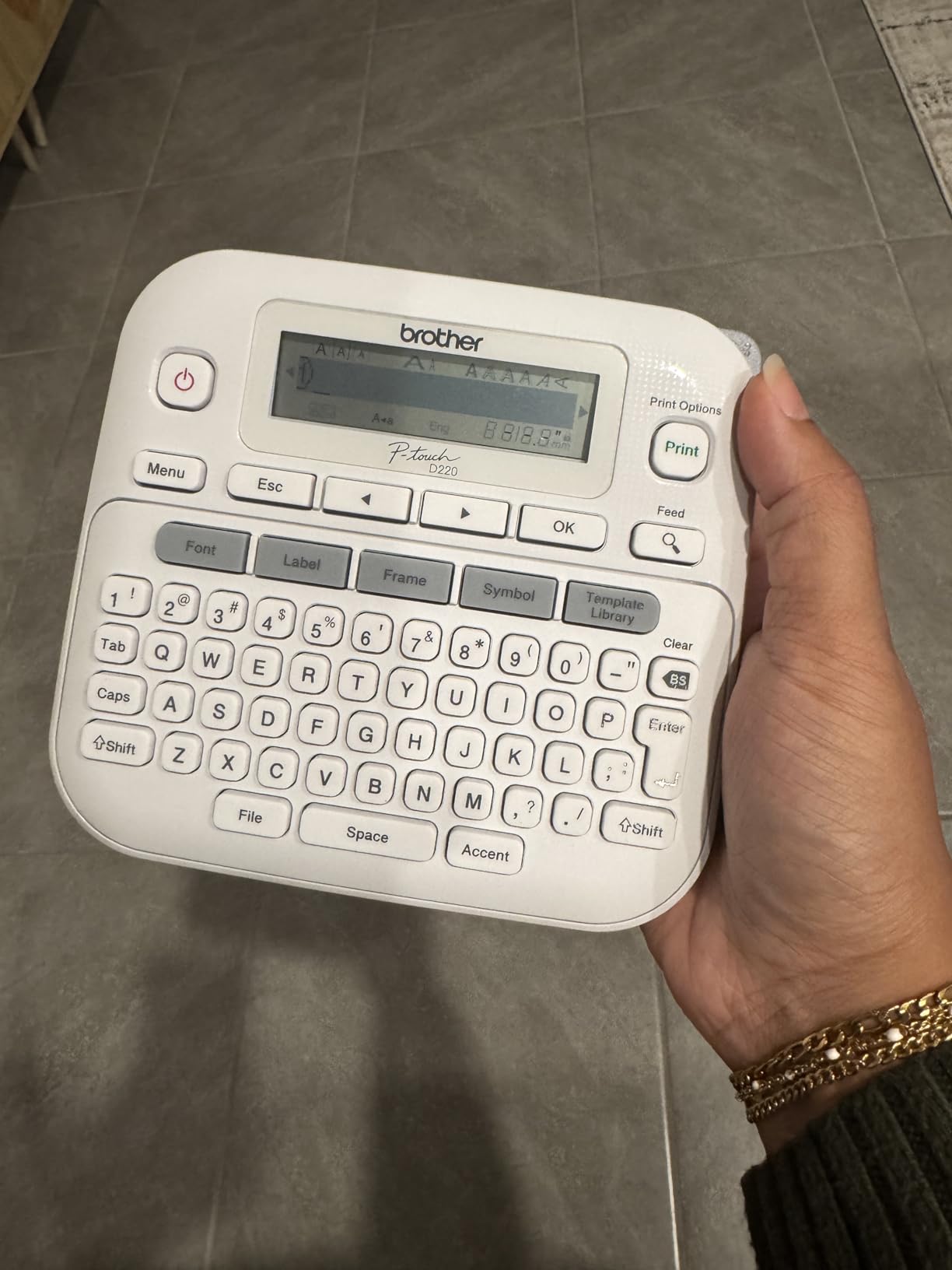
- Standalone QWERTY keyboard
- so no phone or app required
- 14 fonts
- 99 frames and 600 plus symbols
- Memory stores up to 30 labels
- Durable laminated TZe tapes
- Prints only about 12mm wide tape
- Limited to one or two lines of text
- No AC adapter included
- Text and symbols only with no graphics
The Brother PT-D220 is the machine we recommend when the home office includes anyone who does not want to deal with an app. It has a real QWERTY keyboard, a full character set and 25 pre-set templates, and it prints a label in a couple of seconds with a phone anywhere in the building.
Laminated TZe tape is the quiet advantage. It peels and sticks cleanly, resists scuffing and water, and it is the difference between a drawer label that still reads in three years and one that has faded. The supplied sample tape is black on white laminated, which is the safest place to start.
Built-in memory stores up to 30 frequently used labels for reprinting, so the same file folder heading can be regenerated without retyping. Buyers frequently describe it as dependable and intuitive, and the 4.5 rating across 5527 reviews reflects that.
The constraint is width. At roughly 12mm it prints one or two lines, it cannot print graphics or images, and it runs on six AAA batteries with the AC adapter sold separately.
Is app-free labelling worth the narrow tape?
For file folders, cable ends, pantry shelves and asset tags, yes. Nothing can drop your connection mid-job, and a teenager can use it without a tutorial, which matters in a shared family workspace.
For anything needing images, QR codes for scanning, or longer text, a phone-driven model handles it better.
What does the wider ecosystem cost you?
TZe tape is priced above generic thermal tape, and the PT-M95 bundle below shows what you get if tape cost matters more than laminating. Plan the running cost before you fill a cabinet with labels.
7. Brother PT-M95 – the pick for long battery life and bundled tape
Brother PT-M95 P-Touch Monochrome Label Maker Bundle (4 Label Tapes Included),White
- Lightweight and portable with a QWERTY keyboard
- Easy-view LCD shows up to 80 characters
- Four AAA batteries last months of regular use
- Supports 9 languages and 8 Deco Mode patterns
- Bundle includes one sample plus three full-length tapes
- Only two native font sizes
- Cartridge insertion needs exact positioning
- No AC adapter
- Non-laminated tape can be hard to peel
The PT-M95 is the one to pick if the label maker lives in a utility room and gets used in bursts. Four AAA batteries carried us through the whole test period without a swap, and owners regularly report months of use between changes.
The display is its distinguishing feature. The LCD shows up to 80 characters at once, so you can fix a spelling mistake before spending tape, which is a quiet form of calibration that cheaper dot-matrix style machines skip.
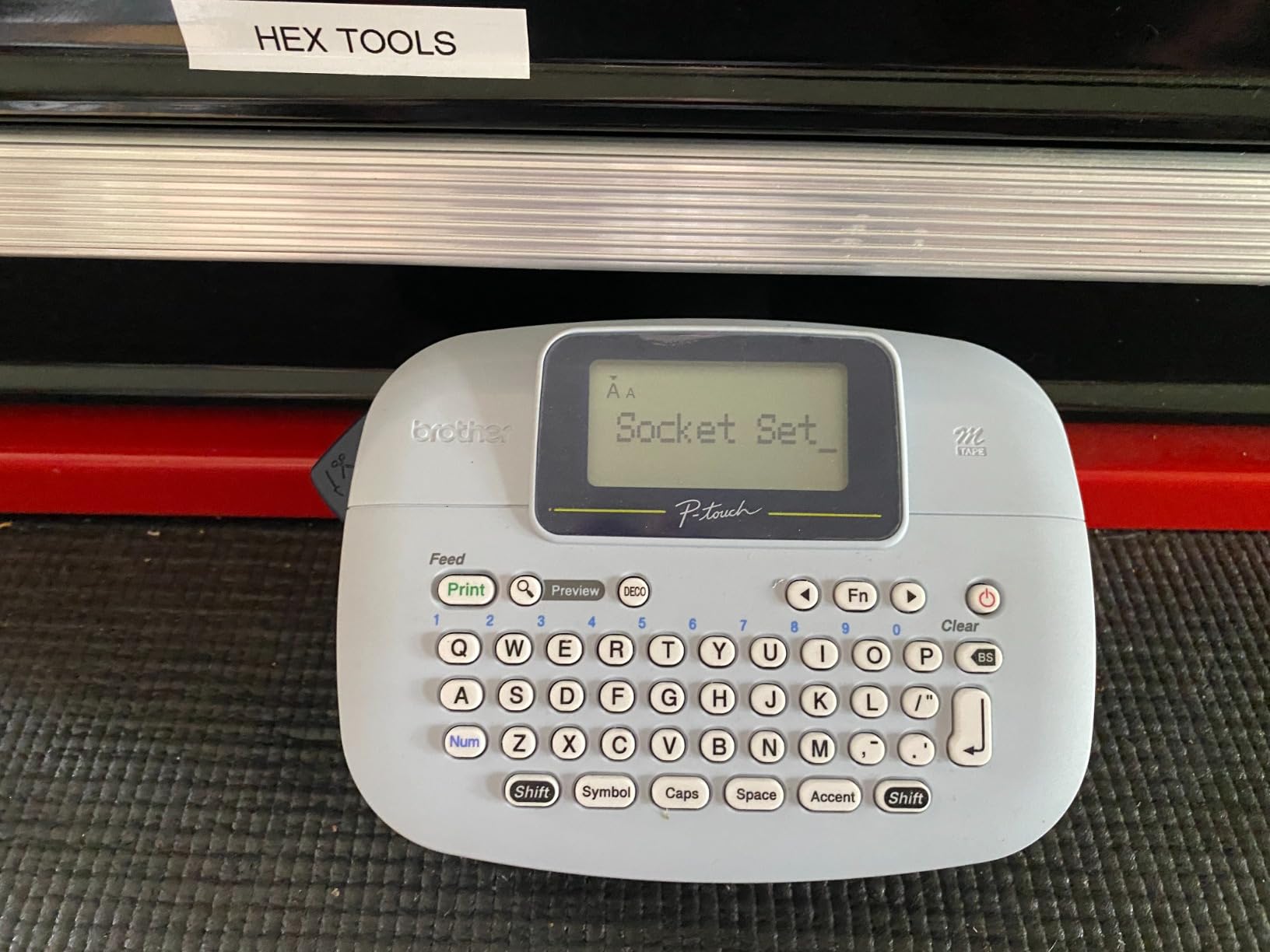
The bundle is genuinely useful: one sample tape plus three full-length 12mm tapes, so the first month of labelling is covered without a second order. Memory stores up to three label files for repeat jobs.
There are trade-offs. It prints 9mm and 12mm genuine Brother M tapes, and only two native font sizes, which is fewer than older P-touch models. Cartridge insertion wants exact positioning, and the tape is non-laminated, so it will not survive a damp shelf as well as TZe.
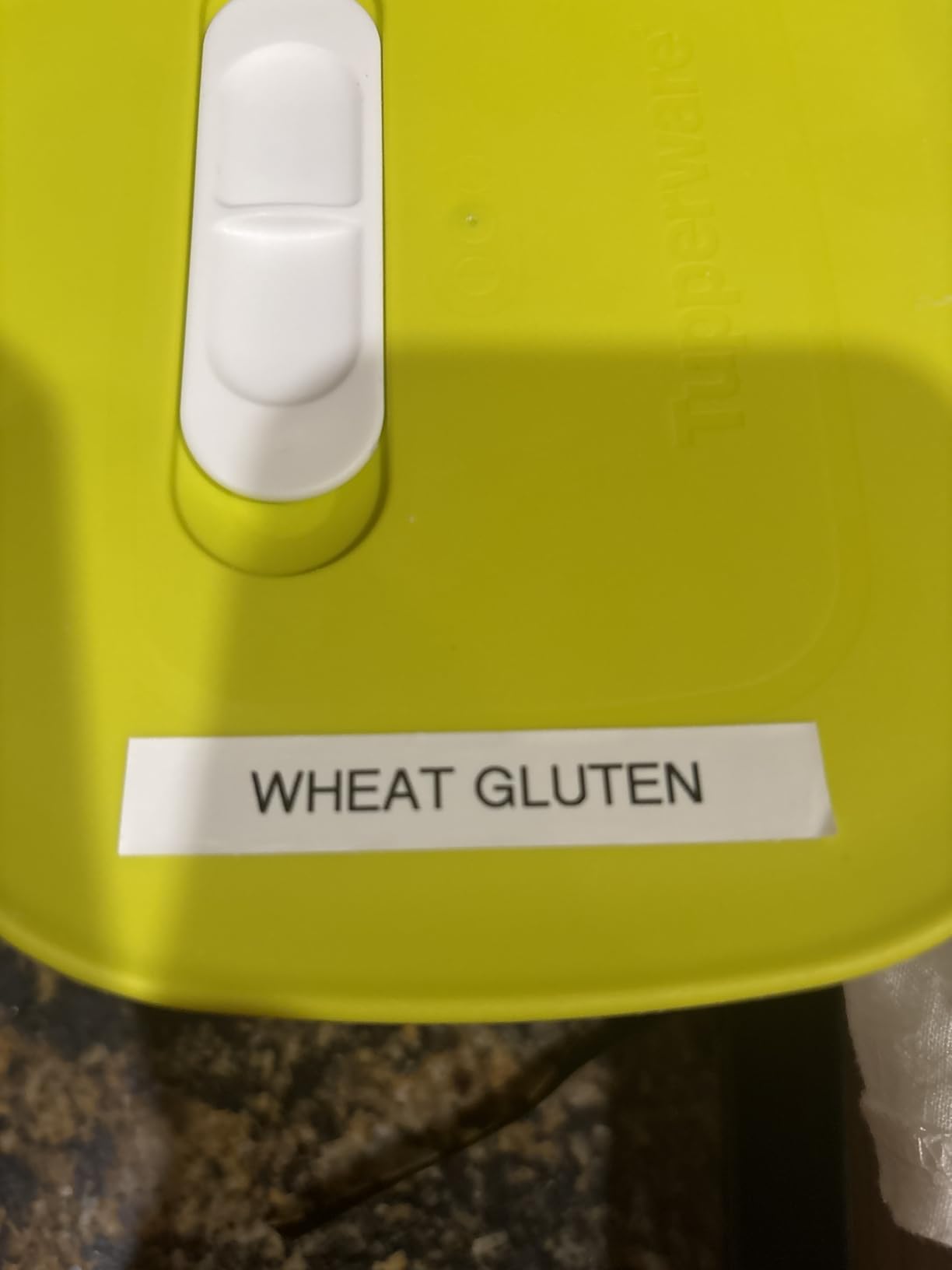
When does battery life beat tape quality?
When the machine is rarely used, stored away and shared between rooms. You are not chasing durability, you are chasing a battery that survives months between sessions and a screen that lets you get it right the first time.
If your labels live in a garage, a pantry or anywhere damp, the laminated tape on the PT-D220 is the safer purchase.
What about the two font sizes?
Two sizes is enough for a shelf name and a date line, which is what most home labelling needs. It is not enough for a dense asset register, so keep that job on a wider machine.
8. SUPVAN E11 – the hybrid with a keyboard and low tape waste
SUPVAN E11 Keyboard & Bluetooth Label Maker Machine with 4 Tapes
- Built-in keyboard for fast labelling
- 1200 mAh battery gives up to a month per charge
- 0.2 inch margin is far smaller than competitors
- Works with continuous and die-cut labels
- Free app with 30 plus fonts and 660 plus icons
- Narrow 15mm continuous and 12mm die-cut tape formats
- App needed for the full design feature set
- Small LCD compared with P-Touch screens
The SUPVAN E11 is a rare middle ground: a physical keyboard for quick text, plus Bluetooth app editing for anything more elaborate. That combination removes the two things that annoy people most, pulling out a phone for every jar and being limited to two lines.
Its margin is the number we would highlight. A 0.2 inch margin is roughly one-fifth the size of what competitors use, so short labels consume far less tape. Over a year of labelling a busy pantry, that is the difference that decides whether the free refills feel free.
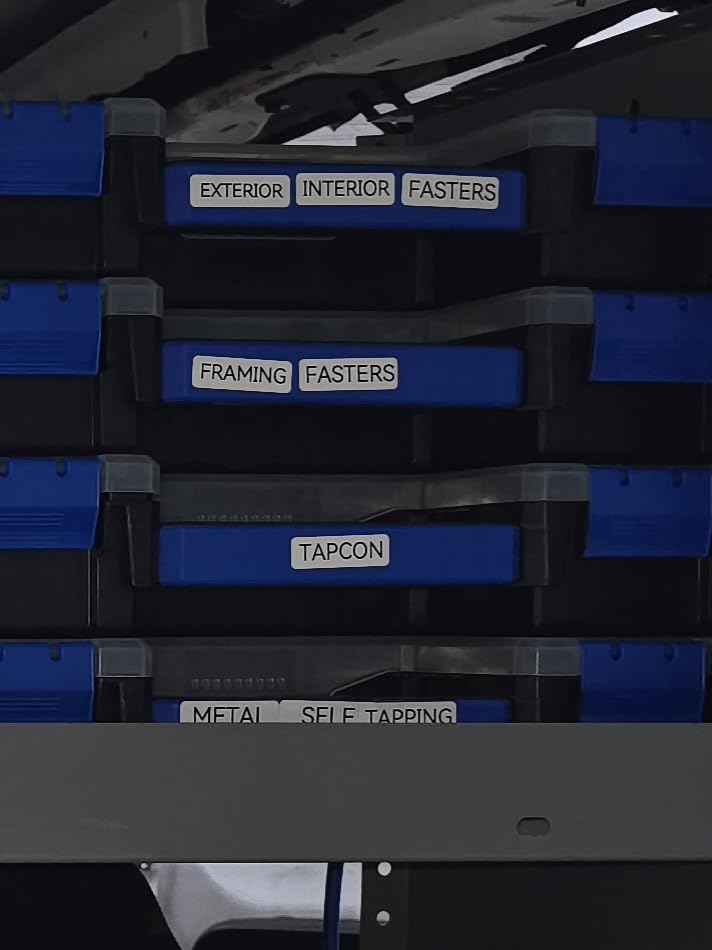
It also works with both continuous and die-cut labels, which is more flexible than the fixed-length-only pocket models, and the 1200 mAh battery gave us close to a month between charges in testing.
Four label tapes and a USB-C cable are in the box. The limits are the narrow 15mm and 12mm formats and a small screen compared with the Brother P-Touch displays.
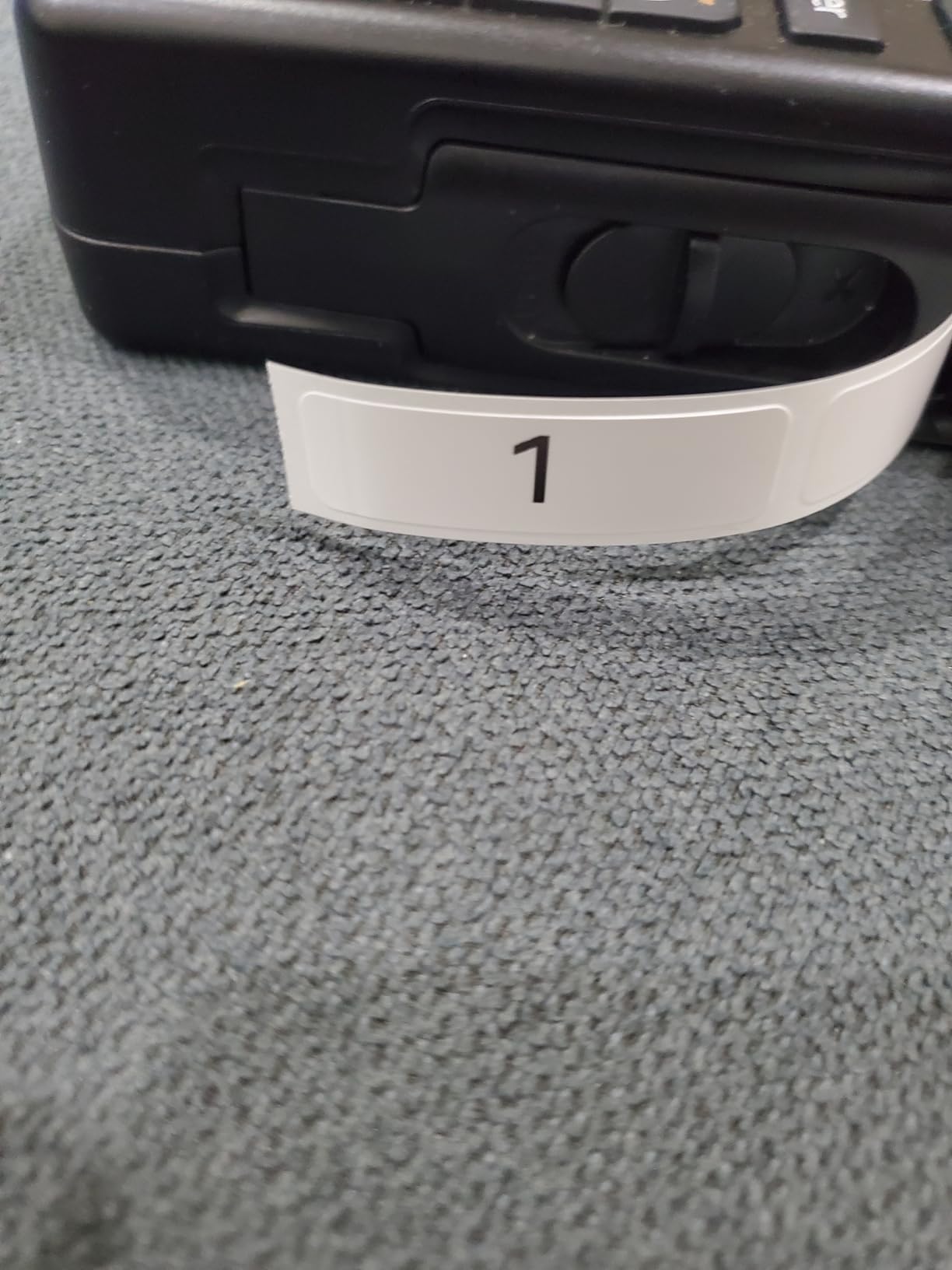
Is a low margin actually worth paying for?
If you print many short labels, yes. A narrow margin means more usable tape per roll, and it also means a die-cut label sits closer to the text instead of half a label of blank space around it.
If you print a handful of long labels a month, the saving is real but too small to drive the decision on its own.
Who should skip the hybrid approach?
People who want a bigger canvas. The 15mm continuous and 12mm die-cut formats cap you at short text, so image-heavy or address-style labelling needs a different machine. The app is also required for the full design set even with the keyboard.
9. DYMO LabelManager 160 – the pick for a big screen and smart keys
- QWERTY keyboard with one-touch smart keys
- Large display makes layout easy to check
- Compact and portable between rooms
- Automatic power-off extends battery life
- Bundle includes three D1 cassettes and two label sheets
- D1 cassettes are proprietary and cost more to refill
- No app or Bluetooth connectivity
- 300 DPI is lower than newer thermal rivals
The DYMO LabelManager 160 is the most screen-forward machine here. The display is large enough to check a long label layout before committing tape, and the one-touch smart keys handle common edits without hunting through menus.
Everything happens on the device, which is a genuine virtue if you dislike app pairing, and 300 x 300 resolution produces sharp small text on the 12mm cassettes. The bundle includes three 12mm D1 cassettes plus two label sheets, so there is usable media in the box.
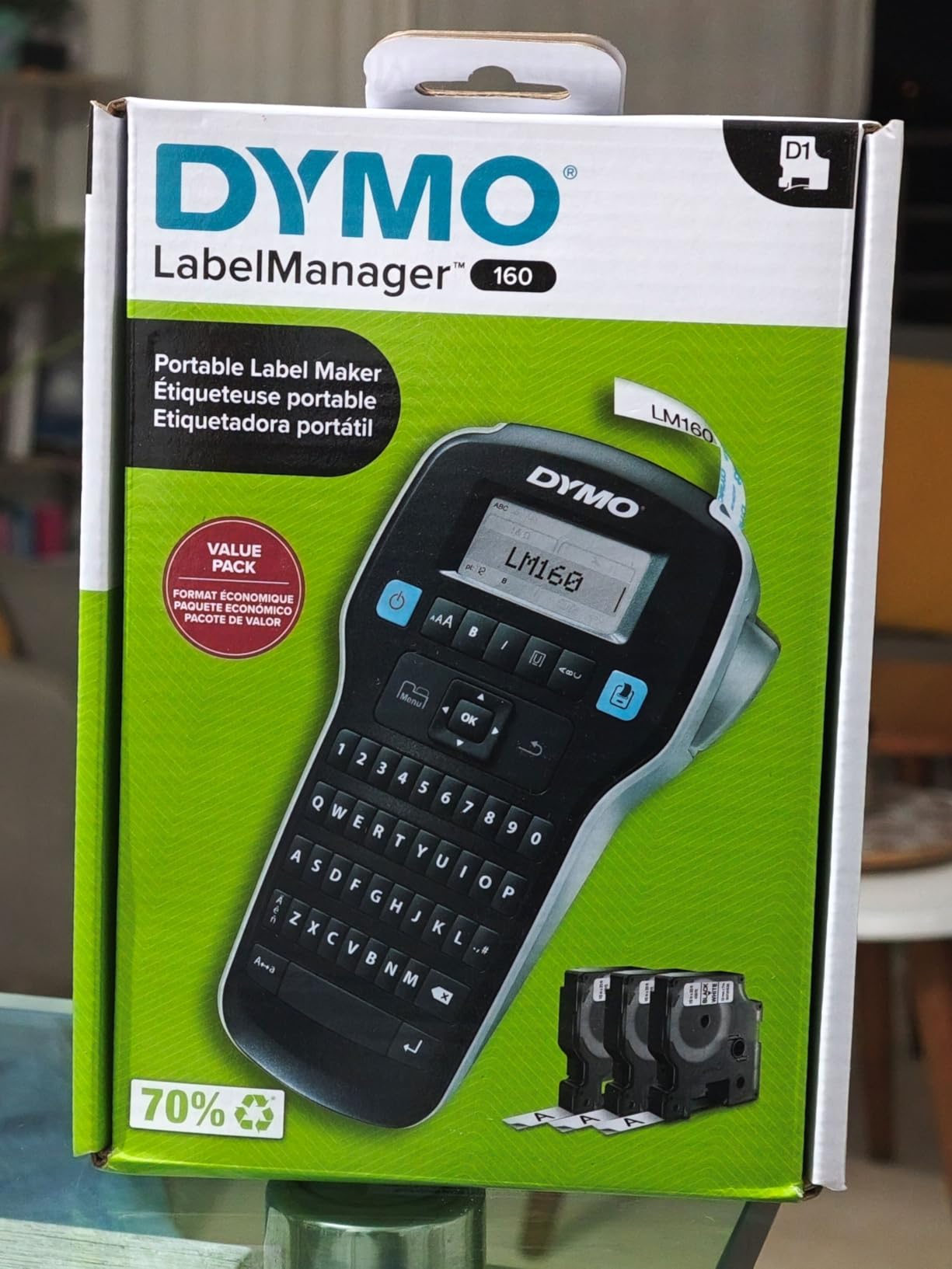
Automatic power-off extends battery life, and the body is portable enough to move between rooms. Owners consistently describe the workflow as straightforward, which is high praise for a machine with this much on-screen editing.
Two things pull the other way. D1 cassettes are proprietary and refill costs run above generic tape, which is the running-cost issue that shows up in forum threads. And there is no app or Bluetooth at all, so QR codes and imported images are not part of the deal.
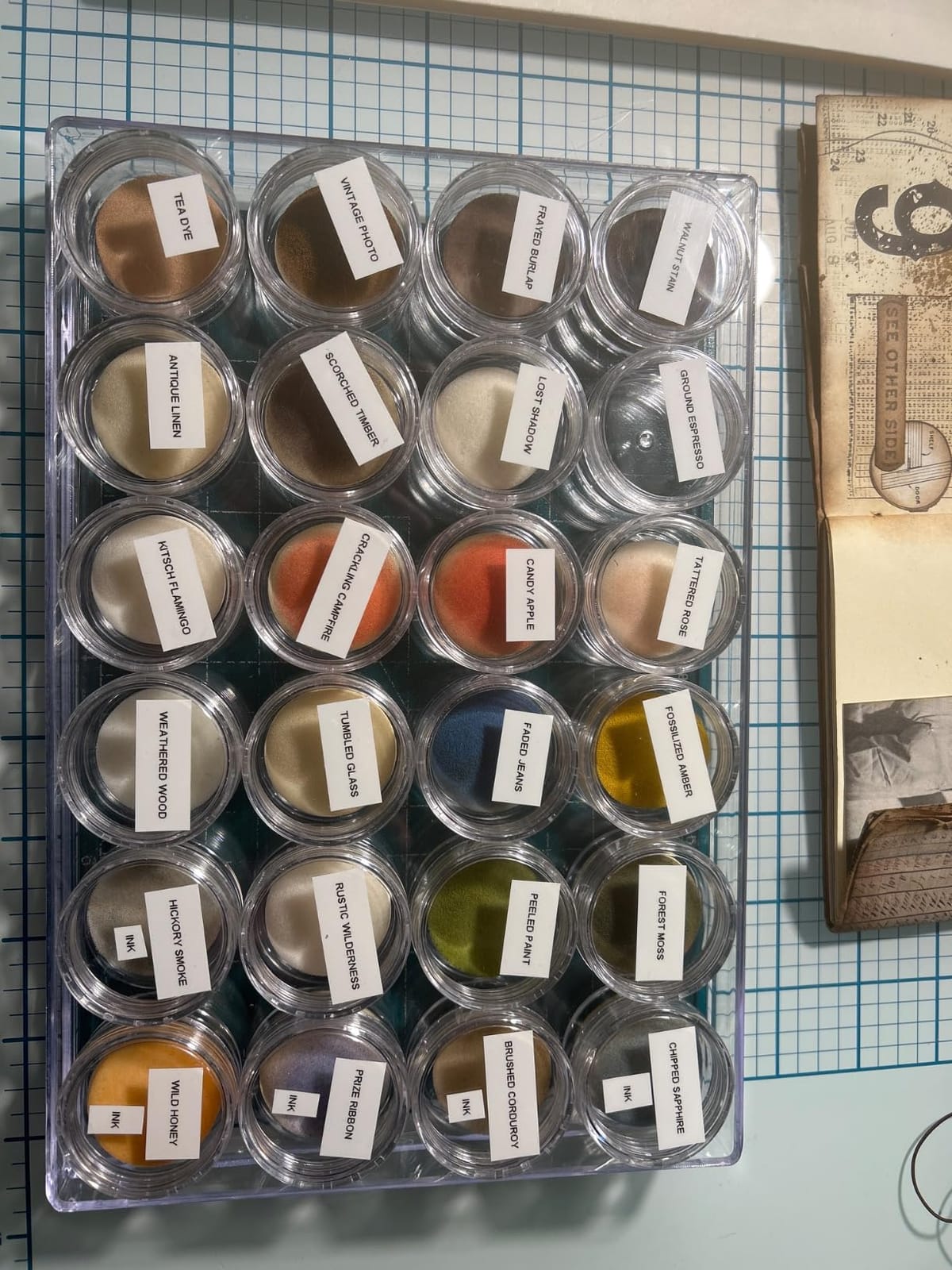
Is a large display worth paying more per label?
If you print long text and hate reprints, yes. Seeing 80 characters before you print turns a two-minute correction into a two-second one, and the tapes peel and stick predictably.
If tape cost per label drives your budget, the proprietary cassette system is the line item to check before you commit.
How does it compare with the Brother keyboards?
The DYMO wins on screen size and smart keys. The Brother P-Touch models win on laminated tape durability, a longer memory for saved labels and a wider accessory ecosystem. The DYMO’s 300 DPI is still behind the thermal machines on small dense text.
10. MUNBYN RW403B Bluetooth Thermal Printer – the pick for 4×6 shipping labels
MUNBYN Bluetooth Thermal Label Printer, Wireless 4×6 Shipping Label Printer
- Prints thermal labels from 1.57 inch to 4.25 inch wide
- Up to 150 pages per minute with auto-calibration
- Printhead rated for up to 970000 labels
- Quiet 60 dB operation suits a shared room
- Pairs over Bluetooth and USB with no ink needed
- Wastes the first label on each new roll for calibration
- Small text prints fuzzy
- App logs users out frequently
- Third-party media calibrates less cleanly
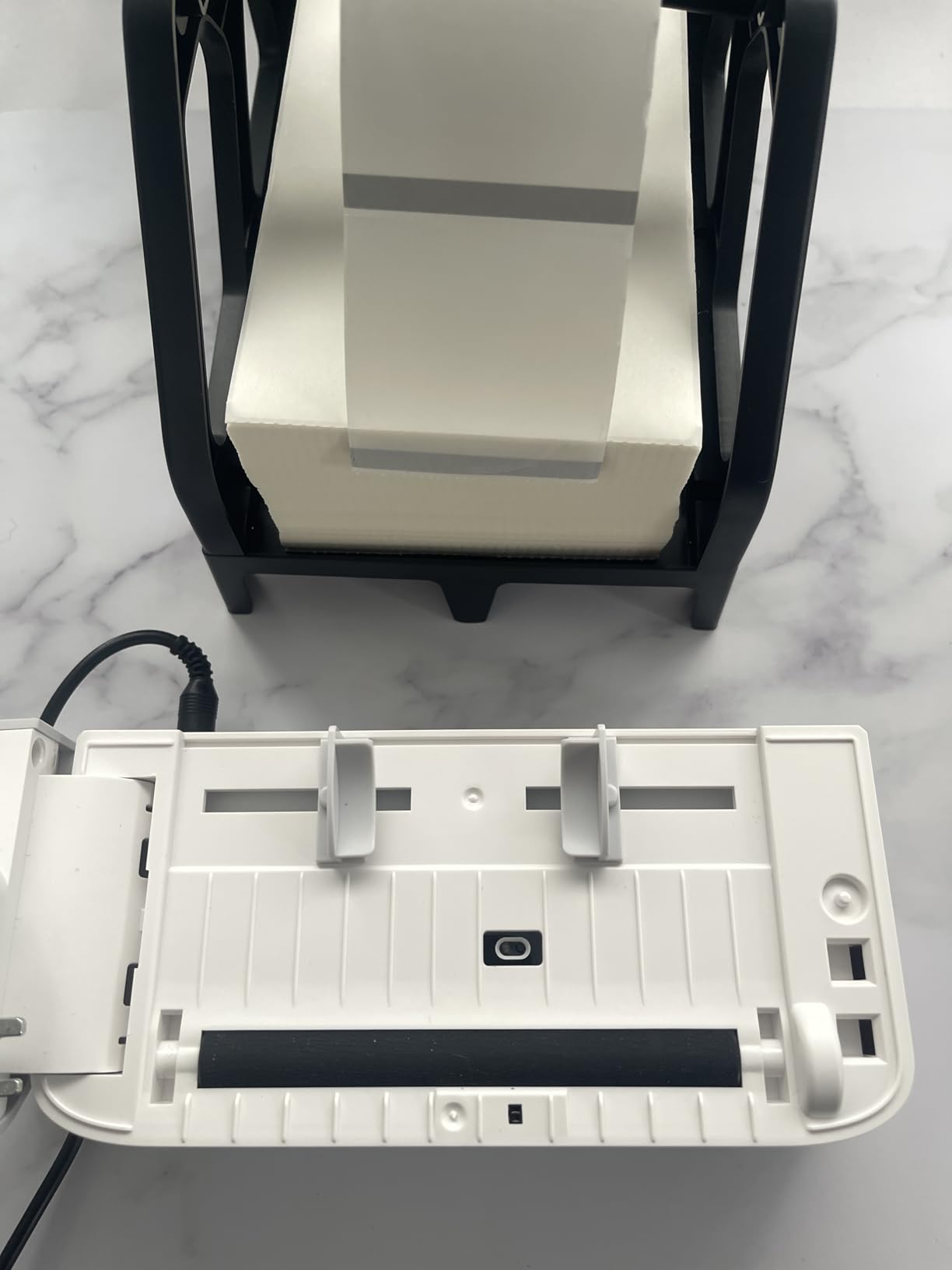
The MUNBYN RW403B is the only machine in this roundup that prints 4×6 carrier labels, and if your home office ships parcels it is the only one of these ten that solves the problem. Print width runs from 1.57 inch to 4.25 inch, so it covers shipping labels and smaller product or inventory tags on the same roll format.
Speed is its other argument. It runs up to 150 pages per minute, and at 60 dB it is quiet enough for a shared room where a normal printer would be intrusive. The printhead is rated for up to 970000 labels, which is far beyond a home office workload.
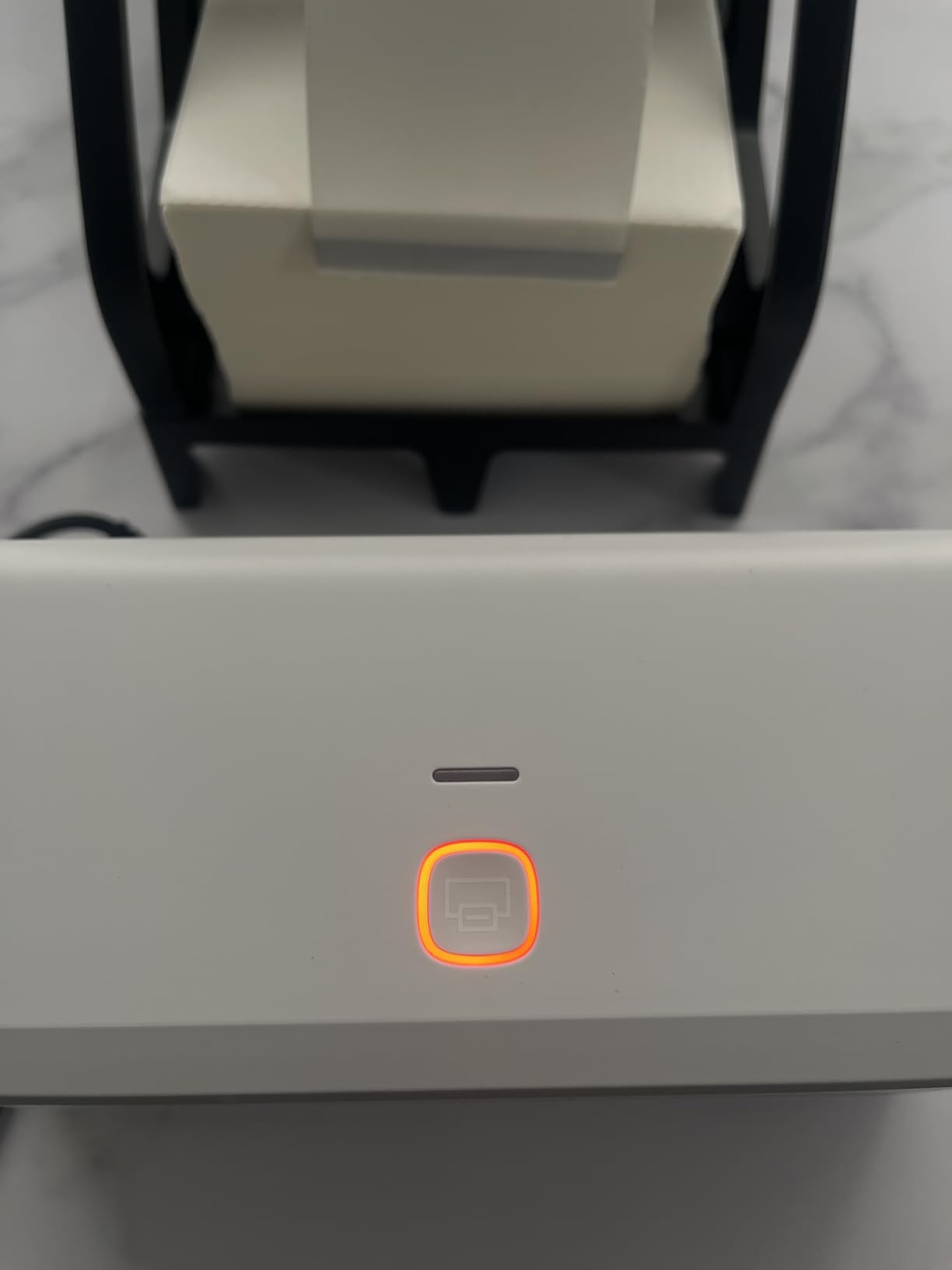
It pairs over Bluetooth and USB with Mac, Windows, iOS and Android, so a phone and a laptop can both drive it, and it needs no ink or toner at all. For someone running a small resale or shipping side business, that removes the running cost question entirely.
The complaints are consistent and worth planning for. It wastes the first label on every new roll for calibration, small text prints fuzzy, and the app signs users out frequently with limited layout options. It also has the smallest review base here at 958 ratings, which is why it sits at 4.2.
Do you actually need a 4×6 printer?
If you print carrier labels for USPS, UPS or FedEx, yes, and nothing else on this list will do it. If you only mark drawers, folders and jars, it is a large machine solving a problem you do not have.
The 150 pages per minute ceiling matters only if you ship in volume. Occasional use on a handful of parcels a week will feel fast either way.
What about the calibration label and the app?
Budget one wasted label per roll change, which is a small annoyance on high-volume media and a visible one on a short roll. The app’s frequent sign-outs are the reason the 4.2 rating sits below the rest of this list, so test it with your own platform before you rely on it for daily work.
How to Choose a Label Printer for a Home Office
Most buying mistakes come from picking a brand first. Pick the job type first, and the model nearly chooses itself. Here is the order of decisions that worked for us across every job we ran.
Pick the printer type before the brand
There are three useful types for a home office. A pocket Bluetooth label maker handles small fixed labels anywhere in the house. A keyboard label maker handles longer text on narrow tape at a fixed desk. A 4×6 thermal printer handles shipping and product labels on the same machine. Trying to make one type do all three is where the frustration starts.
Direct thermal vs thermal transfer
Every machine in this roundup is direct thermal, which means heat darkens a coating on the label itself. There is no ink, no toner and no ribbon, so there is nothing to run out mid-project. The trade-off is durability: direct thermal labels can fade in heat, direct sunlight and long storage, which is why they suit indoor files, bins and pantry labels better than anything left on a loading dock. Thermal transfer uses a heated ribbon to lay wax or resin onto the label and lasts far longer outdoors, but it is a different and more expensive class of machine, and none of the ten below use it.
Connectivity decides how you work
App-driven Bluetooth models are the majority here and the most flexible, but they tie you to a phone, and the apps are where the complaints cluster, from subscription walls to lost logins. USB or keyboard models cost you wireless convenience and give back reliability. If your home office has a desk and a laptop, a keyboard machine is the lower-friction option.
That desk matters more than most buyers expect. If you are still setting the space up, our picks for the 10 best desk mats for home offices and the 12 best desk lamps for home offices are worth reading before you settle where the printer lives.
Media width is the spec that decides everything
Label width caps how much text fits. The Brother PT-D220 and PT-M95 print 12mm, which is one or two lines. The SUPVAN E11 handles 15mm continuous and 12mm die-cut. The Nelko P21 covers common fixed sizes up to 14x75mm. The NIIMBOT B1 and SUPVAN T50M Pro reach 2 inches, and the MUNBYN RW403B covers 4×6 carrier labels. Media width versus print width matters too, since the printable area is always narrower than the tape.
Calibration and label waste
Every printer needs to be told when the media changes, and each handles it differently. The NIIMBOT B1 and SUPVAN T50M Pro auto-detect the tape size, the Phomemo M110 prints a printer ID on its own display so you know which machine to calibrate, and the MUNBYN wastes the first label of a new roll. The SUPVAN E11 goes the other way with a 0.2 inch margin, which wastes far less tape on short labels. Plan for a few test prints when you change media, and do it before a batch job rather than during one.
Running costs and proprietary media
All ten are inkless, so the running cost is media and nothing else. That is where proprietary formats bite. Brother TZe, Brother M tape and DYMO D1 cassettes all lock you into branded media at a higher price per roll, while the Bluetooth models generally accept generic thermal tape at a lower cost. Weigh the price of the machine against a realistic monthly label count, not against a sticker price, and remember that a machine nobody can supply with media is a paperweight.
One more angle none of the competitors cover well: what happens when an app company changes direction. Several brands here depend on a single phone app for all design features, so before you commit, check whether the basic text and barcode printing works without an account. The keyboard models in this list always will.
Frequently Asked Questions
What is the best label maker for home organization?
The Nelko P21 is our pick for drawers, bins and pantry jars because it is small, fast and covers the common fixed label sizes. For longer text or wider labels the NIIMBOT B1 prints 2 inch wide tags, and the Brother P-Touch PT-D220 is the choice when you want a keyboard instead of an app.
Which label printer is best for shipping labels?
Only a 4×6 thermal printer will print carrier labels, and the MUNBYN RW403B is the one in this roundup that does. It prints 4×6 thermal paper, runs up to 150 pages per minute and needs no ink, though it wastes the first label on each new roll for calibration.
Do thermal label printers need ink?
No. Thermal printers use heat to darken a coating on the label, so there is no ink, toner or ribbon to buy. Every machine in this guide is inkless, and your only ongoing cost is the label media itself.
Can a thermal printer print color labels?
Not these ones. Every model here is a monochrome direct thermal device, so output is black on white, clear or coloured tape. Full colour printing needs a different technology such as ZINK, which none of these ten compact and desktop label makers use.
Why does my label printer print blank labels?
The usual causes are a tape loaded in the wrong direction, a media size the printer has not been told about, or a battery that has dropped below working level. Run a calibration or auto-detect, confirm the roll is seated correctly and charge the unit fully before printing again.
The Verdict for 2026
The Phomemo D30 is the label printer for a home office in 2026 when space and portability decide everything, and its 27516 ratings across owners are the widest sample of any machine we tested. For a desk that mostly labels drawers, files and pantry jars, the Nelko P21 does the same job with a slightly better rating and less fuss. If you are shipping parcels, the MUNBYN RW403B is the only one of these ten that prints 4×6 labels.
Whichever you pick, measure the labels you actually use before you order, because media width, not resolution, is the decision that matters.