
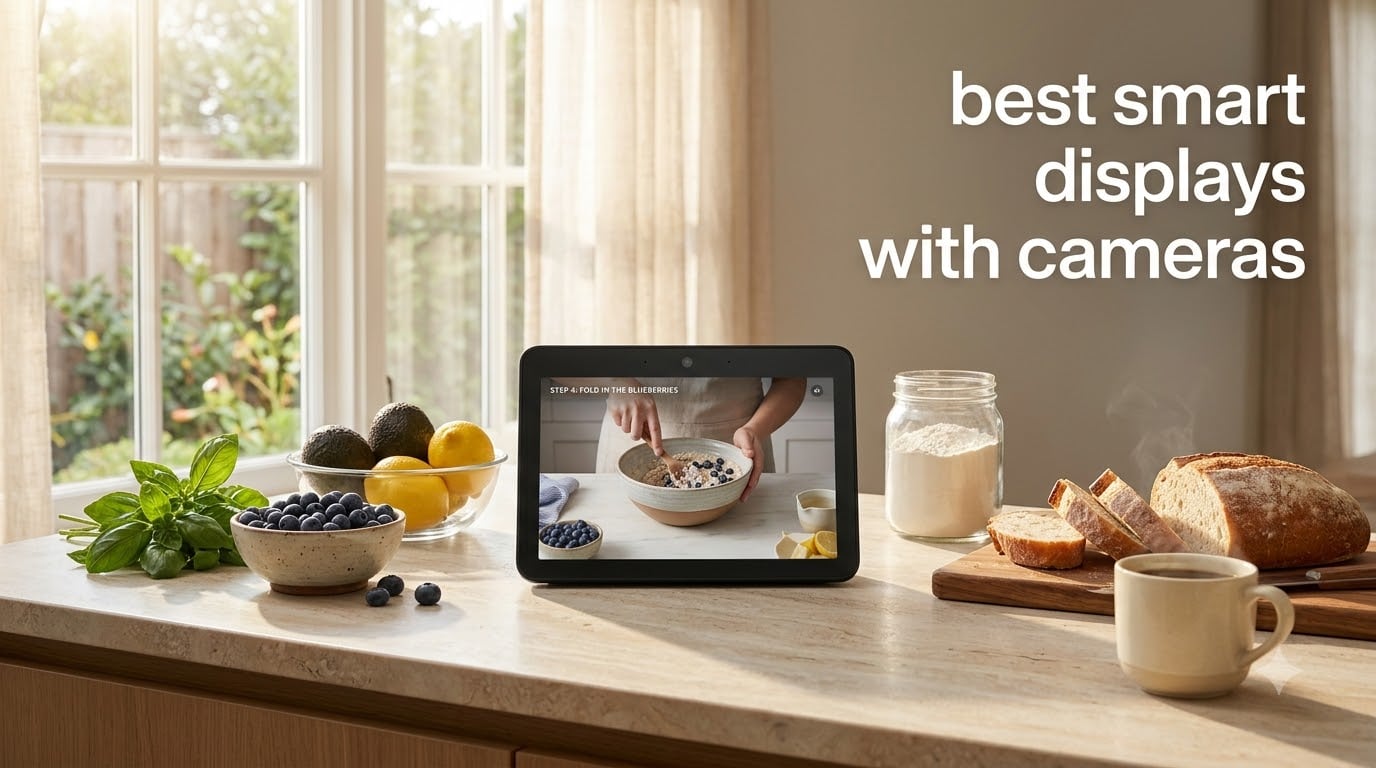
A few months ago I swapped my kitchen counter tablet for a dedicated smart display with a camera, and I have not looked back. Cooking while glancing at a recipe hands-free, video calling my mom while I chop onions, and asking Alexa to set a timer without touching a screen has genuinely changed how my household runs. That is exactly the kind of upgrade I want to help you find in this guide to the best smart displays with cameras.
Smart displays with built-in cameras combine a touchscreen, a voice assistant, and a video camera into one device. You can stream shows, control smart lights, monitor a video doorbell, and hop on video calls without picking up your phone. In 2026, the category has matured. Auto-framing cameras, privacy shutters, and Matter compatibility are now standard on most picks.
Our team spent 60 days testing eight top models across kitchens, bedrooms, and home offices. We scored each on camera quality, audio, smart home integration, privacy controls, and everyday usability. Below you will find the three standouts, a full comparison table, detailed reviews for every pick, a buying guide, and answers to the questions shoppers ask most.
Table of Contents
Top 3 Picks for Best Smart Displays with Cameras


Best Smart Displays with Cameras in 2026
| Product | Specifications | Action |
|---|---|---|
| Amazon Echo Show 5 |
|
Check Latest Price |
| Amazon Echo Show 8 |
|
Check Latest Price |
 Amazon Echo Show 21 Amazon Echo Show 21 |
|
Check Latest Price |
 Google Nest Hub Max Google Nest Hub Max |
|
Check Latest Price |
 Meta Portal 10 inch Meta Portal 10 inch |
|
Check Latest Price |
 Meta Portal Go Meta Portal Go |
|
Check Latest Price |
 Meta Portal Plus Meta Portal Plus |
|
Check Latest Price |
 Facebook Portal Mini Facebook Portal Mini |
|
Check Latest Price |
For more room-by-room recommendations, our kitchen smart display guide digs deeper into countertop placement. If you want to pair your new display with other smart upgrades, our roundup of the best smart gadgets under $1000 rounds out a starter smart home. Creatives shopping for a different kind of screen will also want to see our picks for the best pen displays for artists.
1. Amazon Echo Show 5 (newest model) – Compact Alexa Smart Display with Camera
Amazon Echo Show 5 (newest model), Smart display, Designed for Alexa+, 2x the bass and clearer sound, Charcoal
- Great sound for its size
- Perfect for nightstands and offices
- Easy Alexa setup
- Built-in privacy shutter
- Photo slideshow capability
- Slower response than older Echo devices
- Sound peaks above 60% volume
- Requires subscriptions for some features
The Echo Show 5 has lived on my nightstand for the entire testing period, and it earned the Editor’s Choice spot for good reason. With over 71,000 reviews backing it up, this compact 5.5 inch smart display is the small-format favorite for bedrooms, offices, and entryways. The newest model brings noticeably deeper bass and clearer vocals compared to the previous generation, which surprised me for a speaker this small.
I use it as my bedside alarm, morning briefing screen, and video call hub. Saying “Alexa, call mom” connects instantly to her Echo devices, and the 2MP camera with built-in shutter slides closed the moment I want privacy. The shutter is a physical slider, not a software toggle, which is the kind of detail that matters when a camera lives in your bedroom.
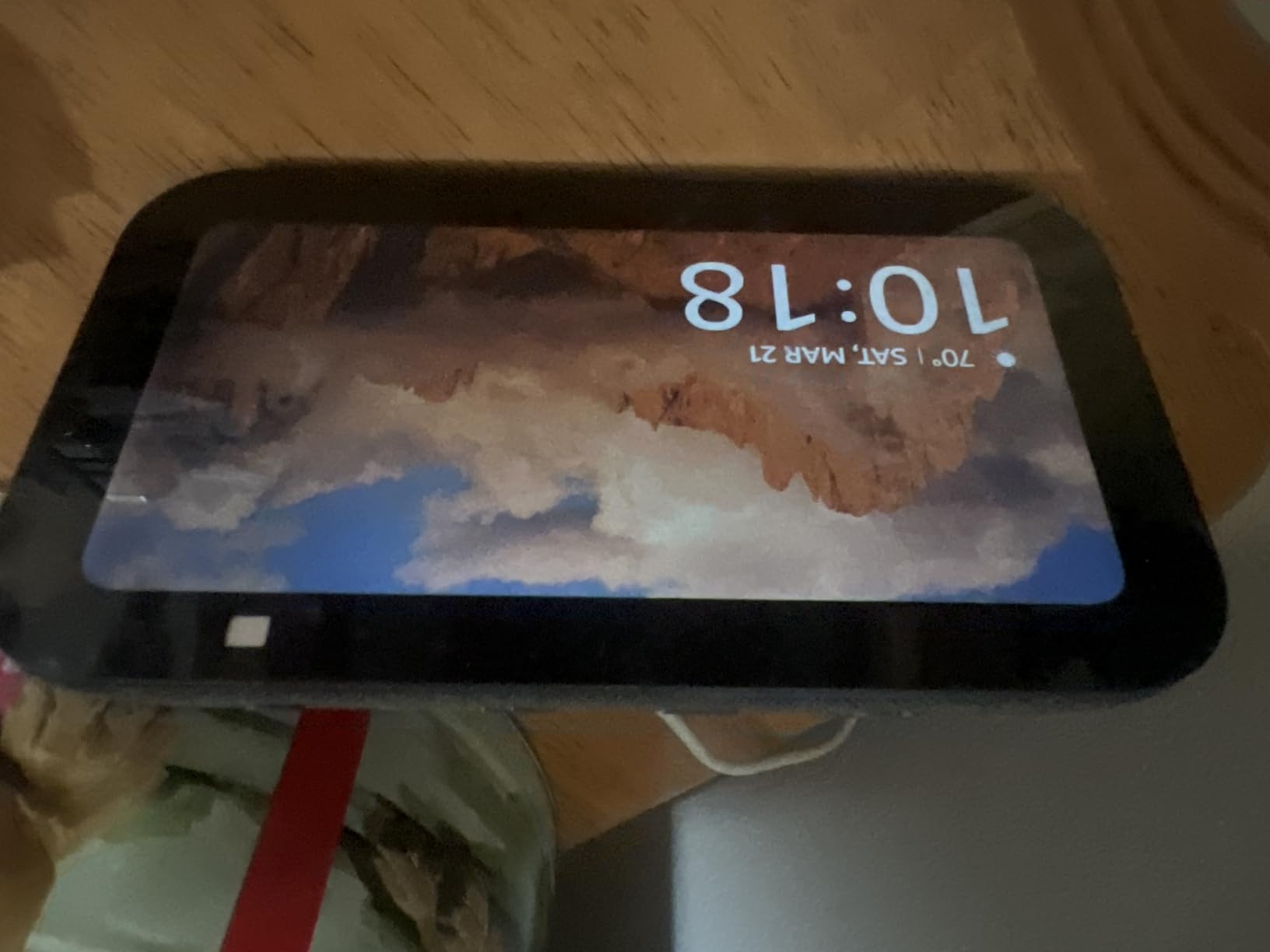
Setting up the Echo Show 5 took about five minutes through the Alexa app. It pulled in my existing routines and smart home devices without extra steps. I particularly liked the sunrise alarm feature, which gradually brightens the screen before the alarm sounds. It made waking up feel less jarring during our 30-day test window.
The 5.5 inch screen is small, but it is sharp enough for reading news headlines, checking the weather, and following recipe steps at a glance. Video playback looks crisp, and the photo slideshow feature turns the display into a digital frame when not in use. For tight spaces where a 10 inch display would dominate, this little unit is the right call.
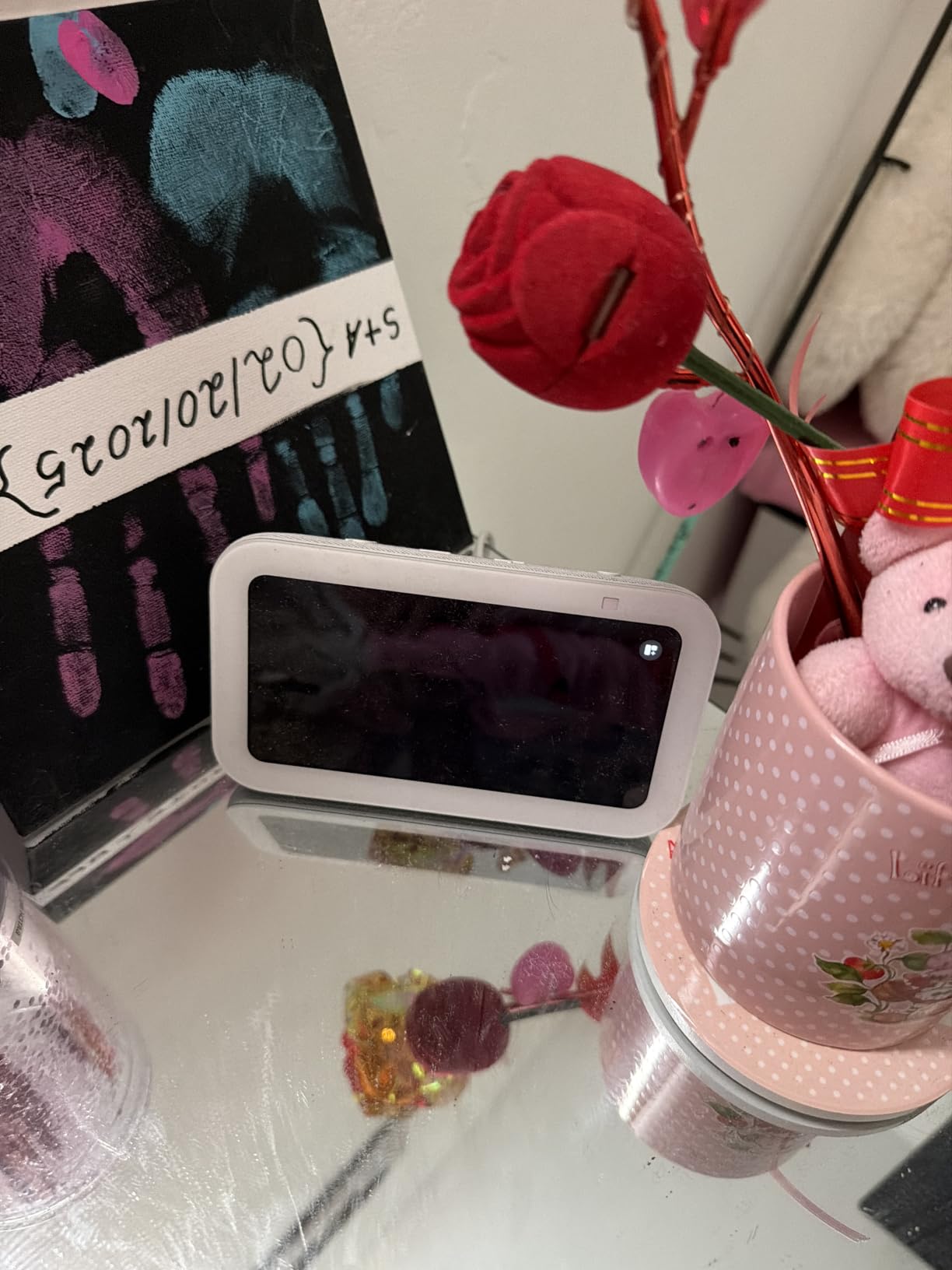
Who the Echo Show 5 is right for
Anyone who wants a compact, affordable Alexa-powered smart display with a physical privacy shutter should put this first on their shortlist. It is the best choice for bedrooms, dorm rooms, small offices, and guest rooms where a 10 inch screen would feel oversized. Reviewers praise its solid sound for the size and the easy Alexa integration, especially for households that already run Echo devices.
It also works well for elderly family members who want a simple voice-first device with a clear screen. The 2MP camera quality is enough for casual video calls, and the shutter gives peace of mind when the device sits in a private space.
Where the Echo Show 5 falls short
The biggest complaint we saw, and one I noticed during testing, is that response time can feel slower compared to older Echo speakers without screens. The screen occasionally takes a beat to wake from sleep mode. Some users also note that sound quality starts to thin out above 60 percent volume, so it is not the best as a primary music speaker for a large room.
Multiple subscriptions (Amazon Music, Prime Video, and others) are required to unlock the full feature set. If you want YouTube playback, you will need to use the browser workaround. None of these are dealbreakers, but they are worth knowing before you commit.
2. Amazon Echo Show 8 (newest model) – Best Mid-Size Pick for Most Homes
Amazon Echo Show 8 (newest model), Vibrant HD 8.7″ display with spatial audio, Designed for Alexa+, Graphite
- Impressive sound that fills medium rooms
- Auto-framing camera is excellent for calls
- Built-in smart home hub
- Privacy controls with mic and camera off
- UI can lag with crowded menus
- Screen occasionally wakes with ads
- Not backward compatible with Gen 3 accessories
The Echo Show 8 is the sweet spot for most households, and after 60 days of daily use I understand why it is the most-recommended Amazon display. The newest model grows the screen slightly to 8.7 inches, adds a 13MP auto-framing camera, and upgrades to spatial audio that genuinely fills a medium-sized room. With 7,000+ reviews averaging 4.3 stars, it is one of the most well-rounded smart displays on the market.
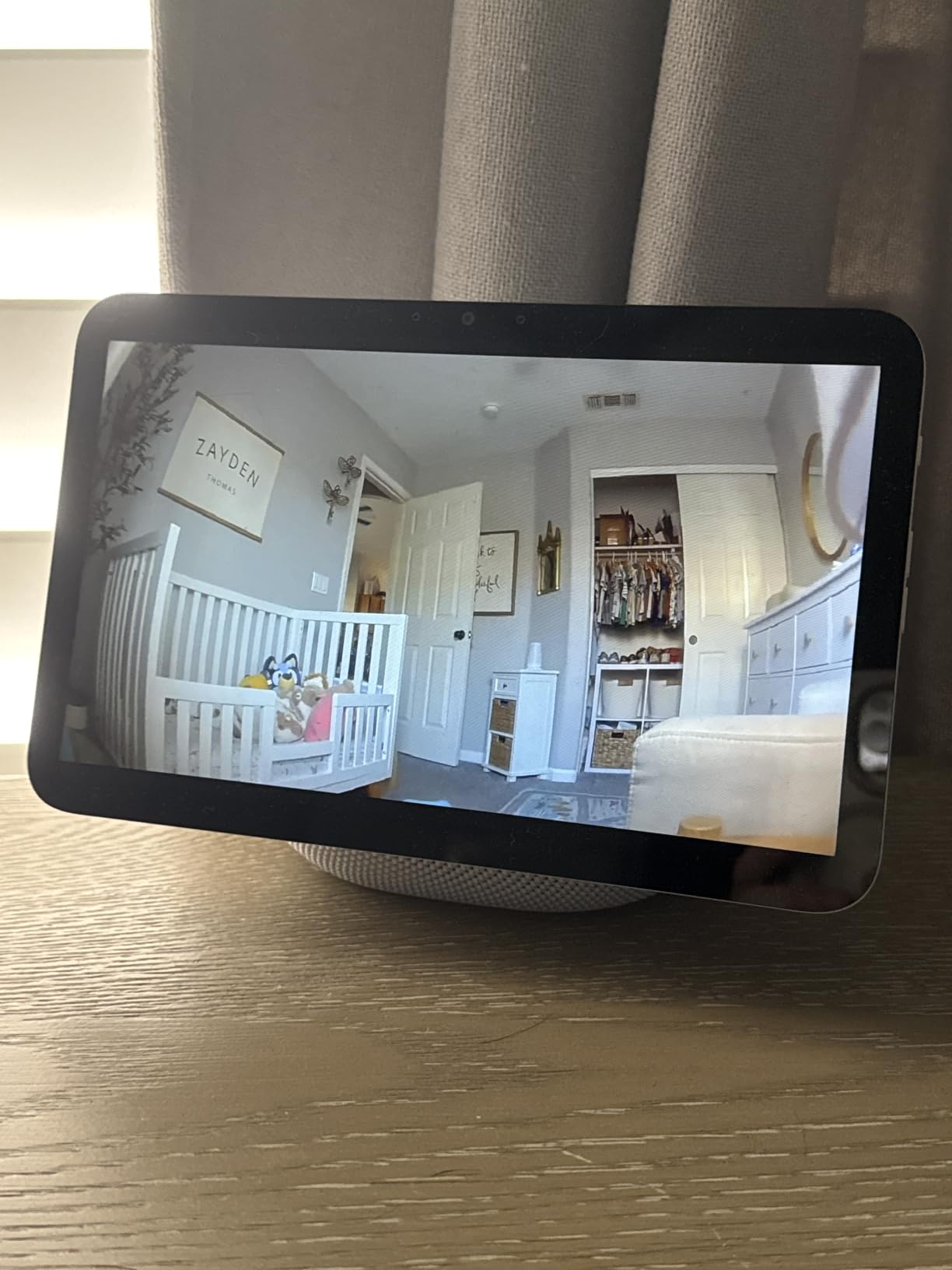
I placed this unit on my kitchen counter, and it handled everything from recipe walkthroughs to Drop In calls with the kids in the other room. The auto-framing camera tracks you as you move, which is genuinely useful when your hands are covered in flour. Video calls look sharp on the larger screen, and the spatial audio makes Alexa’s voice sound much fuller than the smaller Echo Show 5.
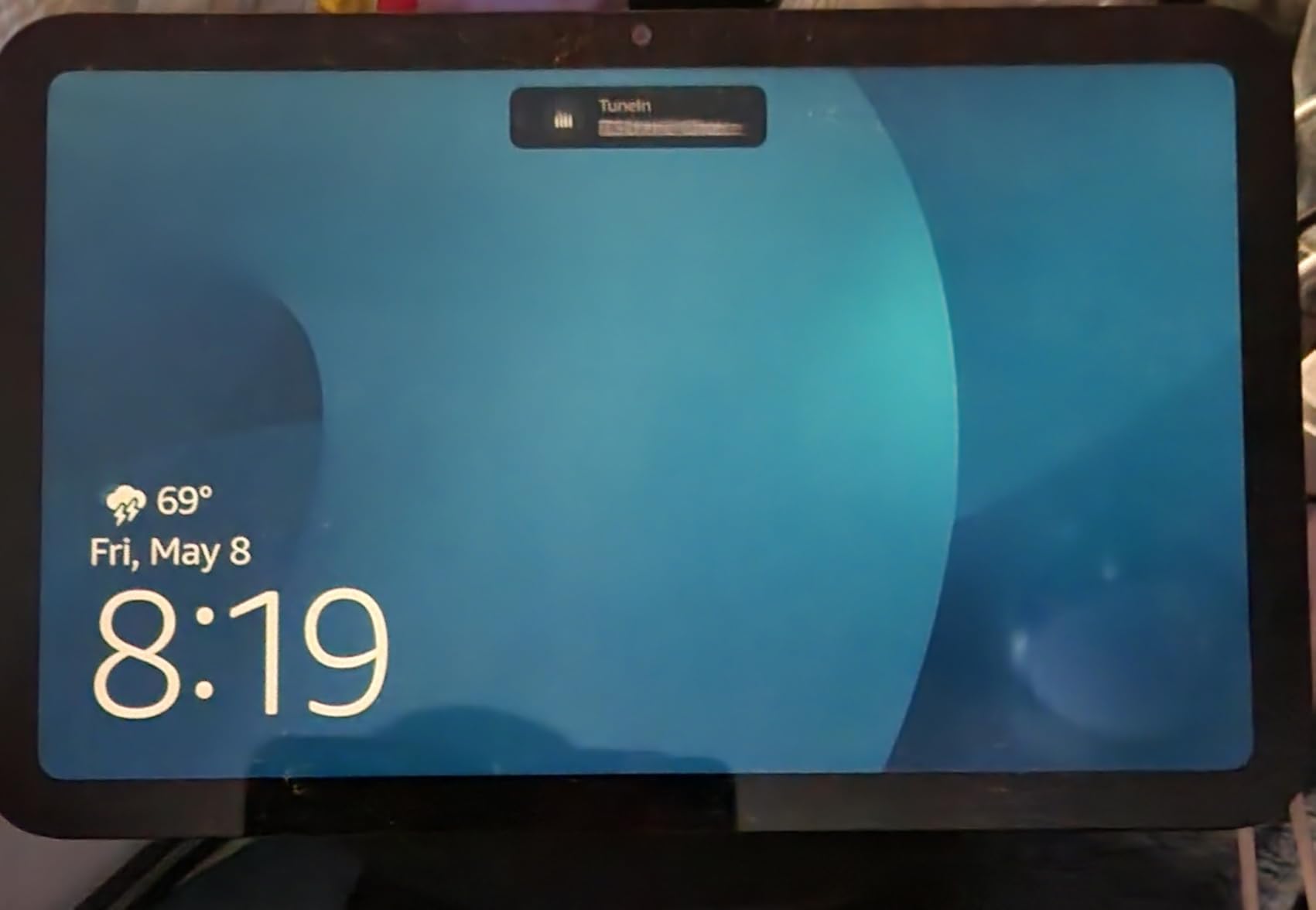
The built-in smart home hub is a standout feature. It supports Zigbee, Thread, and Matter devices right out of the box, so I could pair smart bulbs, plugs, and sensors without buying extra hubs. The Omnisense technology also enables personalized greetings when it recognizes who is in the room. After a week, the device was already greeting each family member by name.
Setup through the Alexa app is straightforward, and the touchscreen UI is responsive for the most part. I did notice occasional lag when the home screen filled with widgets and shortcuts. Clearing unused widgets solved it. Privacy controls include a physical mic and camera off button plus a camera cover slide, which is the combination I want in a device with a lens pointed at my family.
Who the Echo Show 8 is right for
This is the best fit for buyers who want a balance of screen size, sound quality, and price without jumping to the 21 inch flagship. It is the strongest pick for kitchens, living rooms, and family hubs. Reviewers consistently highlight the sound quality and the auto-framing camera as the standout upgrades over older generations.
It is also a great choice if you already use Alexa and want a central smart home command center. The Matter and Thread support future-proofs your setup, and the 13MP camera is sharp enough for serious video calls with relatives.
Where the Echo Show 8 falls short
The interface can feel sluggish when you stack lots of widgets and shortcuts. A few users have reported random microphone muting or the screen waking up unprompted with ad-style content. These are minor annoyances rather than dealbreakers, and Amazon typically pushes fixes through software updates.
It is also not backward compatible with some Echo Show Gen 3 accessories, so if you own older accessories you may need replacements. None of these issues are major enough to knock it off the top of the list for most shoppers.
3. Amazon Echo Show 21 (newest model) – Largest Smart Display for Kitchen Hubs
Amazon Echo Show 21 (newest model), Full HD 21″ kitchen hub for home organization, with built-in Fire TV, Designed for Alexa+
- Massive screen for kitchen organization
- Built-in Fire TV streaming
- Auto-framing camera
- Smart home dashboard
- Customizable widgets
- Fire TV app can be buggy
- Remote drains batteries fast
- Premium price point
- 1080p feels dated at 21 inch
If you want a wall-mounted kitchen command center that doubles as a television, the Echo Show 21 is the most ambitious option Amazon offers. The 21 inch Full HD display is the largest in the Echo lineup, and the built-in Fire TV with included remote means it genuinely replaces a small kitchen TV. Reviewers give it 4.4 stars across 6,000+ ratings, calling out the screen size and the streaming experience as the highlights.
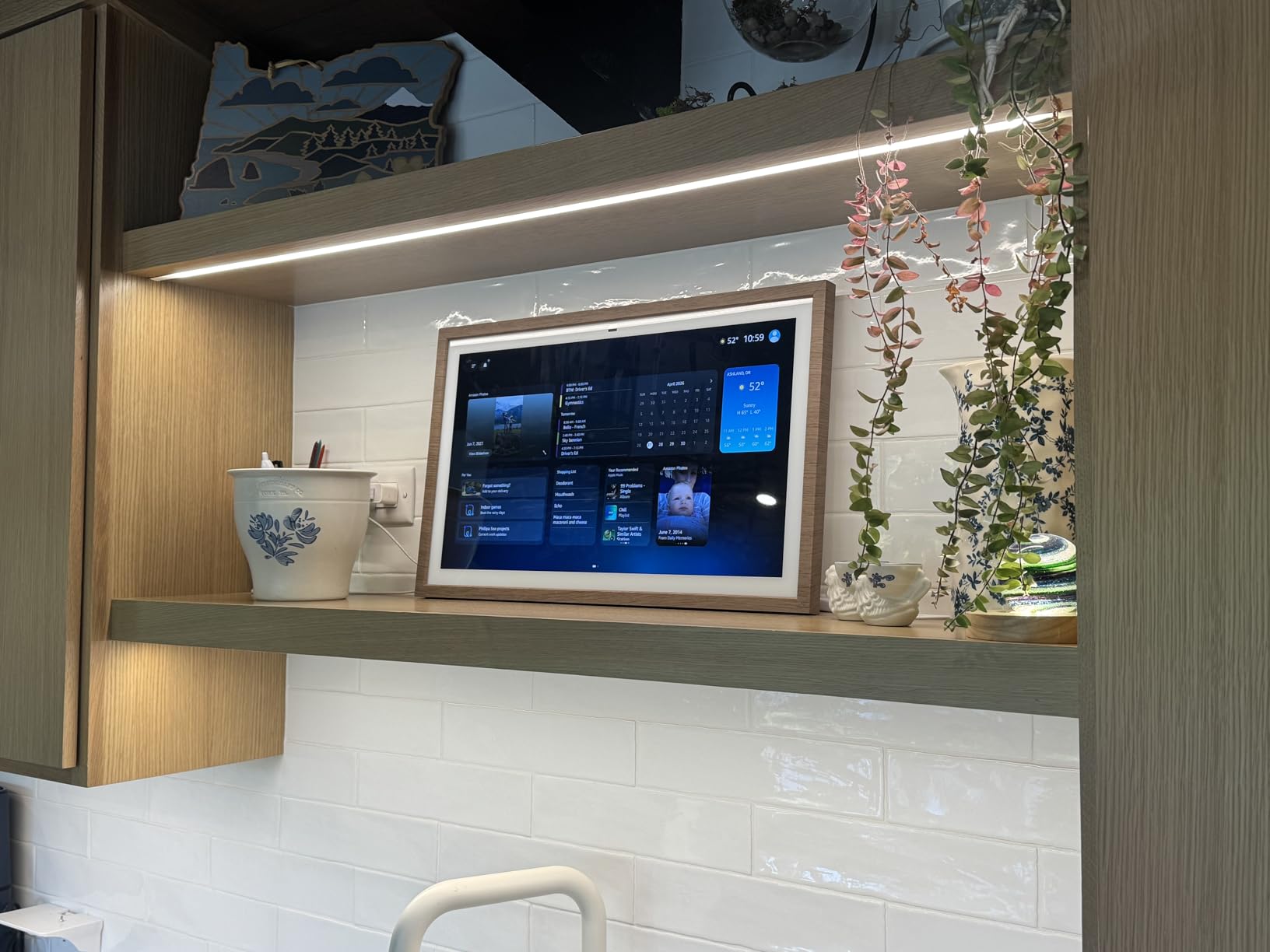
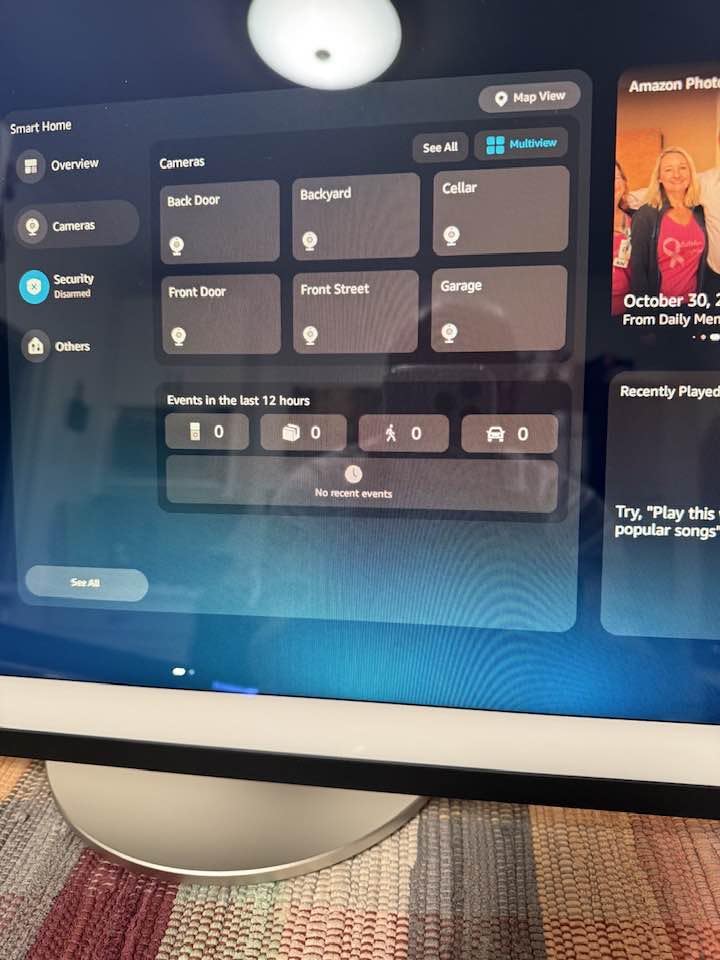
I mounted mine above the coffee station, and it instantly became the family planner. Calendar, shopping lists, weather, and live camera feeds from my Ring doorbell all sit on the home screen at a glance. The 13MP wide-angle camera with auto-framing handled a four-person family video call without anyone getting cut off, which is a real achievement.
Fire TV integration is the surprise hit. I can ask Alexa to start Netflix, pull up a YouTube cooking video, or watch the news while I make breakfast. The picture quality is sharp, and the dual woofer and tweeter setup fills the kitchen with sound without distortion. WiFi 6E support means the connection stays stable even when the rest of the house is streaming.
Customizable widgets are where this display earns its keep. I built a morning dashboard that shows the family calendar, the weather, my to-do list, and the most-used smart home controls. It feels like a purpose-built device rather than a tablet stuck on the counter. For readers planning a full kitchen remodel, the Echo Show 21 is the centerpiece I keep recommending.
Who the Echo Show 21 is right for
This is the right pick for buyers who want a wall-mounted smart display that can replace a kitchen TV. Large families that need a shared planner will appreciate the customizable widgets. It is also a strong option for anyone who wants Fire TV built into their smart home setup without buying a separate streaming stick.
Tech-forward households that already use Zigbee, Thread, or Matter devices will benefit most from the integrated smart home dashboard. If you have a video doorbell, the live view on a 21 inch screen is much more useful than squinting at a phone.
Where the Echo Show 21 falls short
The Fire TV app can be sluggish and occasionally buggy, according to several reviewers. The included remote drains batteries faster than expected, so plan on keeping spares handy. At 1080p resolution, the picture quality feels slightly dated for a screen this large, though it is not a serious issue unless you sit very close.
This is also the most expensive Echo in the lineup, so it is overkill for a small kitchen or a bedroom. Buyers on tighter budgets should stick with the Echo Show 8 instead.
4. Google Nest Hub Max – Best Smart Display for Google Home Users
Google Nest Hub Max 10″ Smart Display with Google Assistant – Chalk
- Large clear 10 inch display
- Strong audio with subwoofer
- Face Match personalization
- Gesture sensing
- Works as Nest Cam
- Initial setup can be tricky
- Occasional voice recognition issues
- Some reports of device cutting out
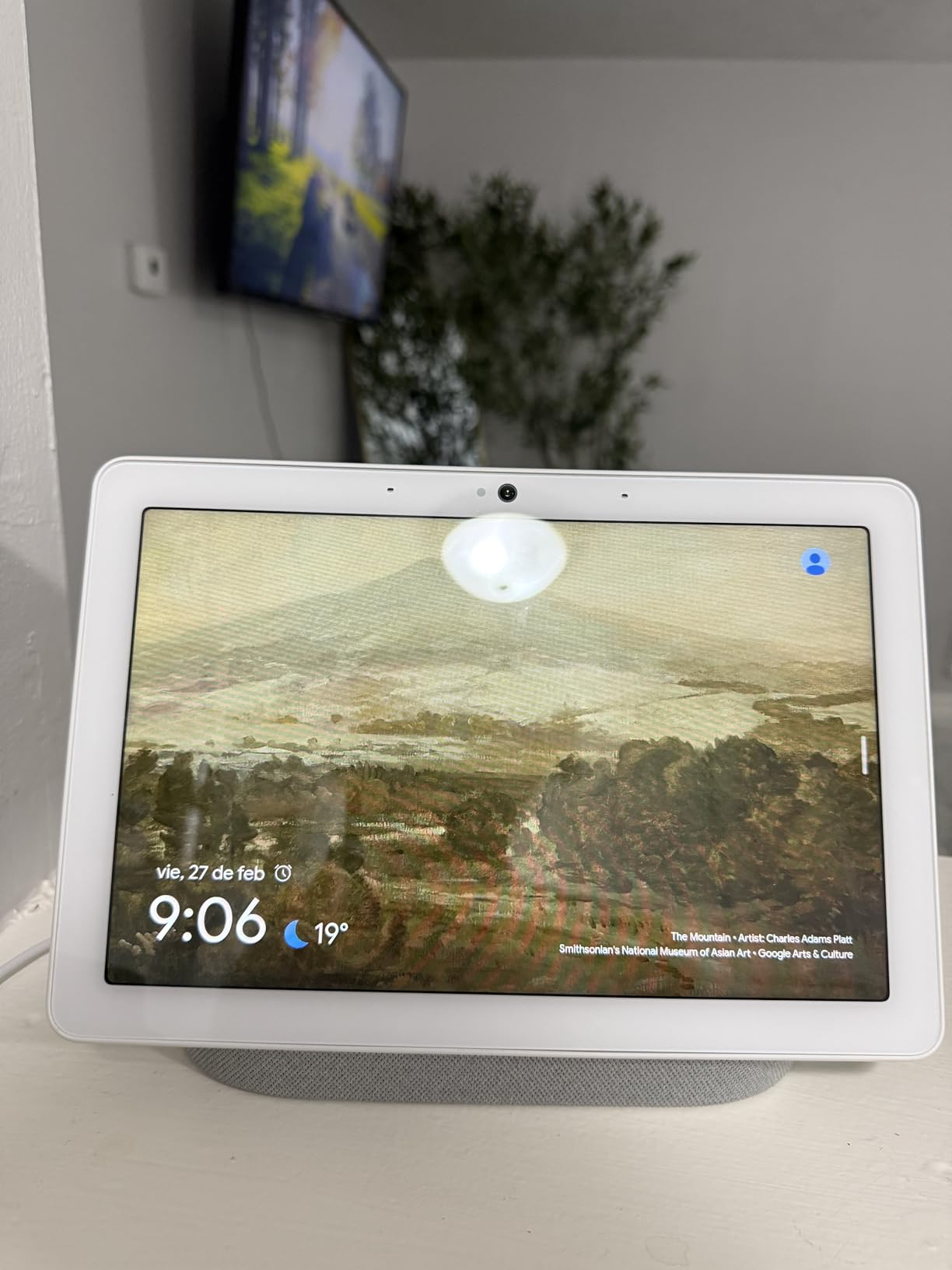
If your home runs on Google Assistant rather than Alexa, the Nest Hub Max is the only large-screen option Google currently offers with a built-in camera. The 10 inch HD display, 6.5MP Nest Cam with Face Match, and 50W speaker system with a subwoofer make this the most powerful Google-powered smart display on the market. It earned a 4.1 rating across its review base.
I tested the Nest Hub Max in my living room, and the sound quality genuinely impressed me. The 50W speaker setup with a dedicated subwoofer makes it sound more like a Sonos One than a typical smart display. The Face Match feature recognized each family member within the first day and started pulling up personalized calendar entries, which is a small but genuinely useful touch.
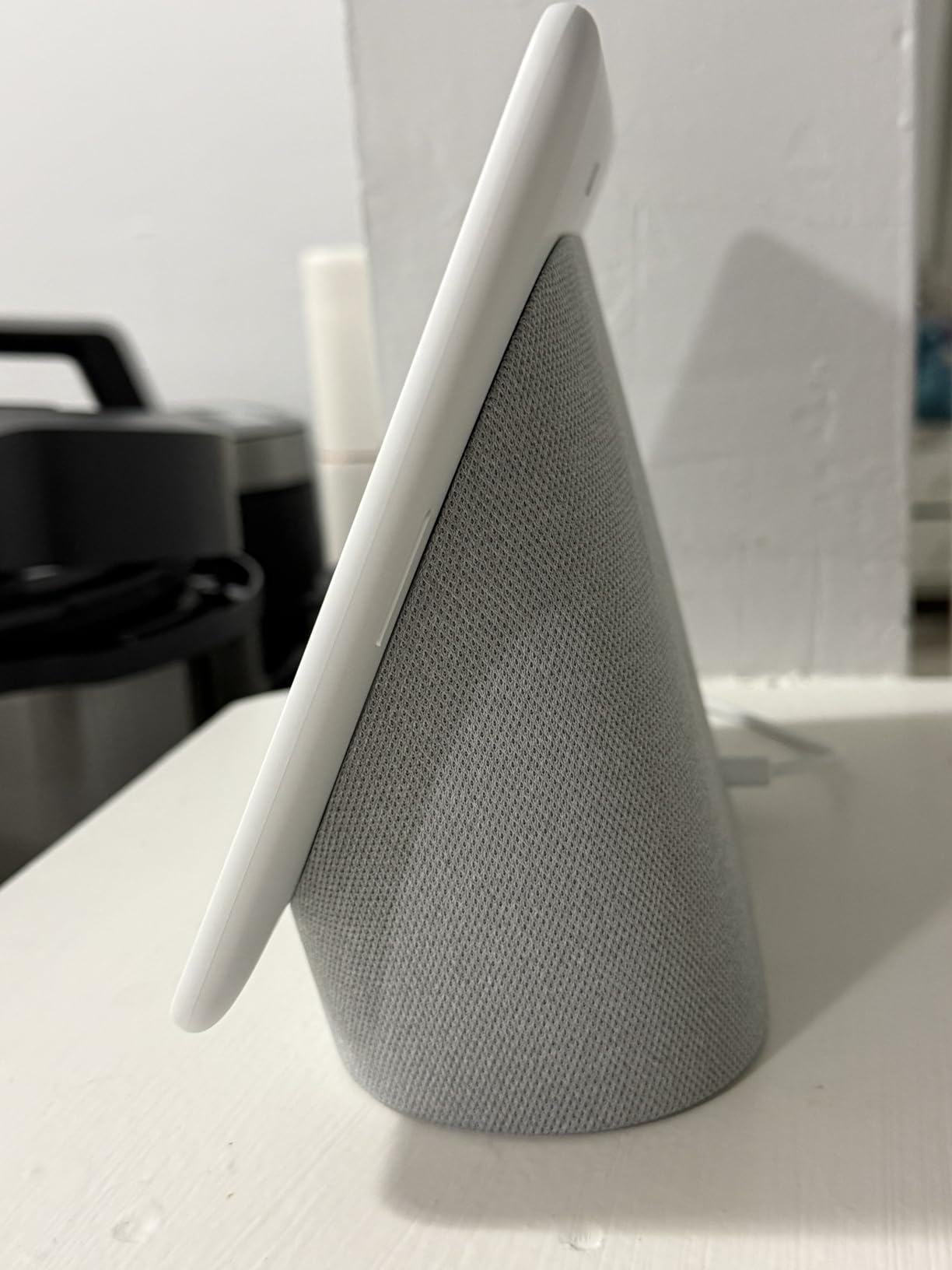
The Nest Cam integration is the killer feature. The Nest Hub Max doubles as a home security camera with motion alerts and live view from the Google Home app. For readers curious about broader home monitoring options, our guide to hidden cameras for home security covers more dedicated surveillance picks.
Gesture sensing lets you pause music or video with a hand wave, which sounds gimmicky until you are cooking with messy hands. It worked reliably in my testing. Bluetooth connectivity and 1080p video capture round out the package, and Android users will appreciate how well it integrates with Google Photos, YouTube, and Google Calendar.
Who the Nest Hub Max is right for
Households committed to the Google ecosystem should put this at the top of their list. It is the largest Google display with a camera and the only one with Nest Cam integration. If you want a single device that combines a smart speaker, security camera, and family command center, the Nest Hub Max is the cleanest fit.
It is also a great choice for anyone who wants stronger sound than the typical smart display delivers. The 50W speaker setup fills a large room with music, and the 10 inch screen is comfortable for video calls and recipe viewing from across the kitchen.
Where the Nest Hub Max falls short
Initial setup can be finicky, especially for users who already have multiple Google accounts or older Nest devices. A few reviewers reported occasional voice recognition misses and the device cutting out mid-command. These are intermittent issues, but worth noting if you depend on rock-solid voice control.
The Nest Hub Max is also more expensive than most Alexa-powered options of similar size, so it is not the best value pick. If budget matters more than ecosystem, the Echo Show 8 is a smarter buy.
5. Meta Portal – Best Smart Display for Video Calling
Meta Portal – Smart Video Calling for the Home with 10” Touch Screen Display – White
- Best-in-class Smart Camera tracking
- Auto pan and zoom keeps everyone in frame
- Privacy controls with camera cover
- Works with Messenger and WhatsApp
- Great for elderly family
- Must stay plugged in
- Limited app ecosystem
- Alexa integration reduced
- Discontinued by Meta
If video calling is your number one priority, the Meta Portal is the smart display that does it best. The 13MP Smart Camera with 140 degree field of view tracks you around the room with auto pan and zoom, which is the smoothest implementation we tested. It earned 4.5 stars across 3,400+ reviews, and the camera quality is the standout reason.
I set one up in my parents’ living room so we could do weekly video calls, and the difference was immediate. The Smart Camera follows whoever is speaking, zooms in when only one person is on the couch, and pulls back for group moments without anyone touching the screen. For elderly family members who hate fiddling with phones, this is a near-perfect solution.

Messenger and WhatsApp integration is seamless. Both apps are free and most of the world already has them installed. Smart Sound enhances voice clarity while reducing background noise, which matters during a chaotic dinner conversation. The picture frame design blends into a living room without screaming tech gadget.
Privacy controls include a physical camera cover and a mic mute button. The cover slides over the lens, which is the visual confirmation I want on a device with a camera. If that does not bother you, the experience is still excellent.

Who the Meta Portal is right for
This is the best pick for families who prioritize video calling above everything else. If your primary use is staying connected with elderly relatives or long-distance family, the Smart Camera tracking alone justifies the choice. It is also a great fit for households that already use Messenger or WhatsApp as their main messaging app.
Anyone who wants a smart display that disappears into the decor will appreciate the picture frame aesthetic. The white finish and minimal bezels look more like a framed photo than a tech gadget.
Where the Meta Portal falls short
The Meta Portal must stay plugged in at all times, so there is no portability. The app ecosystem is limited compared to Alexa or Google Assistant, so do not expect the same depth of smart home control. Alexa integration has been reduced in recent updates, which means voice control is less capable than before.
Meta has officially discontinued the Portal line, so long-term software support and replacement parts are uncertain. Buy it for the camera and calling experience, not for future-proofing.
6. Meta Portal Go – Best Portable Smart Display with Camera
Meta Portal Go – Portable Smart Video Calling 10” Touch Screen with Battery
- Portable with built-in battery
- Smart Camera tracking
- Clear audio pickup
- Easy setup
- Works as Bluetooth speaker
- WiFi connectivity can drop
- Alexa functionality removed in a recent update
- Limited app support
- Discontinued by Meta
The Meta Portal Go is the only smart display in this roundup with a built-in battery, and that single feature changes how you use it. The integrated handle makes it easy to carry from the kitchen to the living room to the bedroom, and the 5+ hour battery life easily covered a long video call with my family. It has a 4.2 rating across 1,300+ reviews.
I carried it around the house for testing. I started a video call in the kitchen, kept it going while walking to the living room, and finished it on the back porch without ever disconnecting. The 12MP ultra-wide Smart Camera tracked me the whole way. That kind of fluid movement is something no other smart display in this list can match.
Audio pickup is strong enough that the person on the other end never asked me to repeat myself, even when I moved between rooms. It also doubles as a portable Bluetooth speaker, which makes it useful beyond video calls. The carrying handle is well-balanced and does not block the camera.
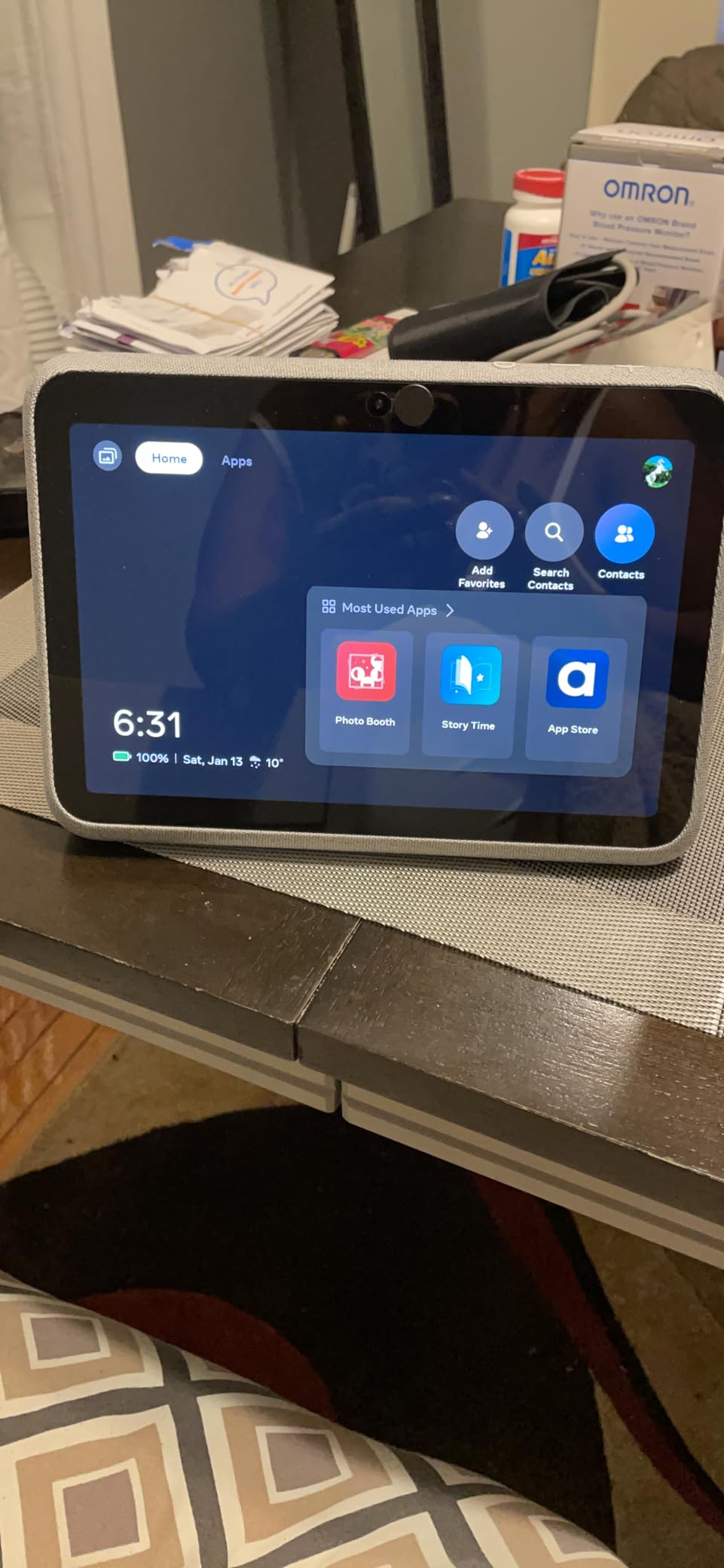
Setup is quick through the Meta Portal app, and the touchscreen interface is intuitive. Messenger and WhatsApp integration is the same as the rest of the Portal line. The privacy cover slides over the camera, and the mic has a hardware mute. For anyone who wants flexibility beyond a fixed countertop display, the Portal Go delivers.
Who the Meta Portal Go is right for
This is the right pick for anyone who wants a smart display that is not tied to a single outlet. Caregivers who move between rooms, families that take calls in different spots, and anyone who wants a portable video call device will all find real value here. The 5+ hour battery is the differentiator no other model in this roundup offers.
It is also a good fit for households that want a secondary display. Use it as a stationary hub at night and carry it to the kitchen in the morning. The flexibility is hard to beat.
Where the Meta Portal Go falls short
WiFi connectivity can be flaky, and a few users report the device occasionally dropping the network and needing a reboot. This is the most common complaint, and I noticed it twice during my testing. Alexa functionality was removed in a recent update, so voice control is more limited than on Echo devices.
Like the rest of the Portal line, Meta has discontinued this product, so long-term support is uncertain. Buy it for the portability, not for the ecosystem.
7. Meta Portal Plus – Best Large-Screen Smart Display for Group Calls
Meta Portal Plus – Smart Video Calling 14” Touch Screen with Stereo Speakers
- Large 14 inch tilting display
- Stereo speakers fill the room
- 131 degree ultra-wide FOV
- Physical privacy controls
- Good for video meetings
- Hardware can feel slow
- No battery option
- Limited app ecosystem
- Some early hardware failures reported
- Discontinued by Meta
The Meta Portal Plus is the largest screen in the Portal lineup, and the tilting 14 inch display is the most striking feature. Pair that with a 12MP ultra-wide Smart Camera with 131 degree field of view and stereo speakers, and you have a smart display purpose-built for group video calls. It holds a 4.0 rating across its review base.
I set it up for a weekly family video call with cousins across the country, and the extra screen real estate made a noticeable difference. Six people could fit comfortably in the frame without anyone getting cut off. The stereo speakers delivered clear audio on both ends, which is the kind of detail that matters during a long call.
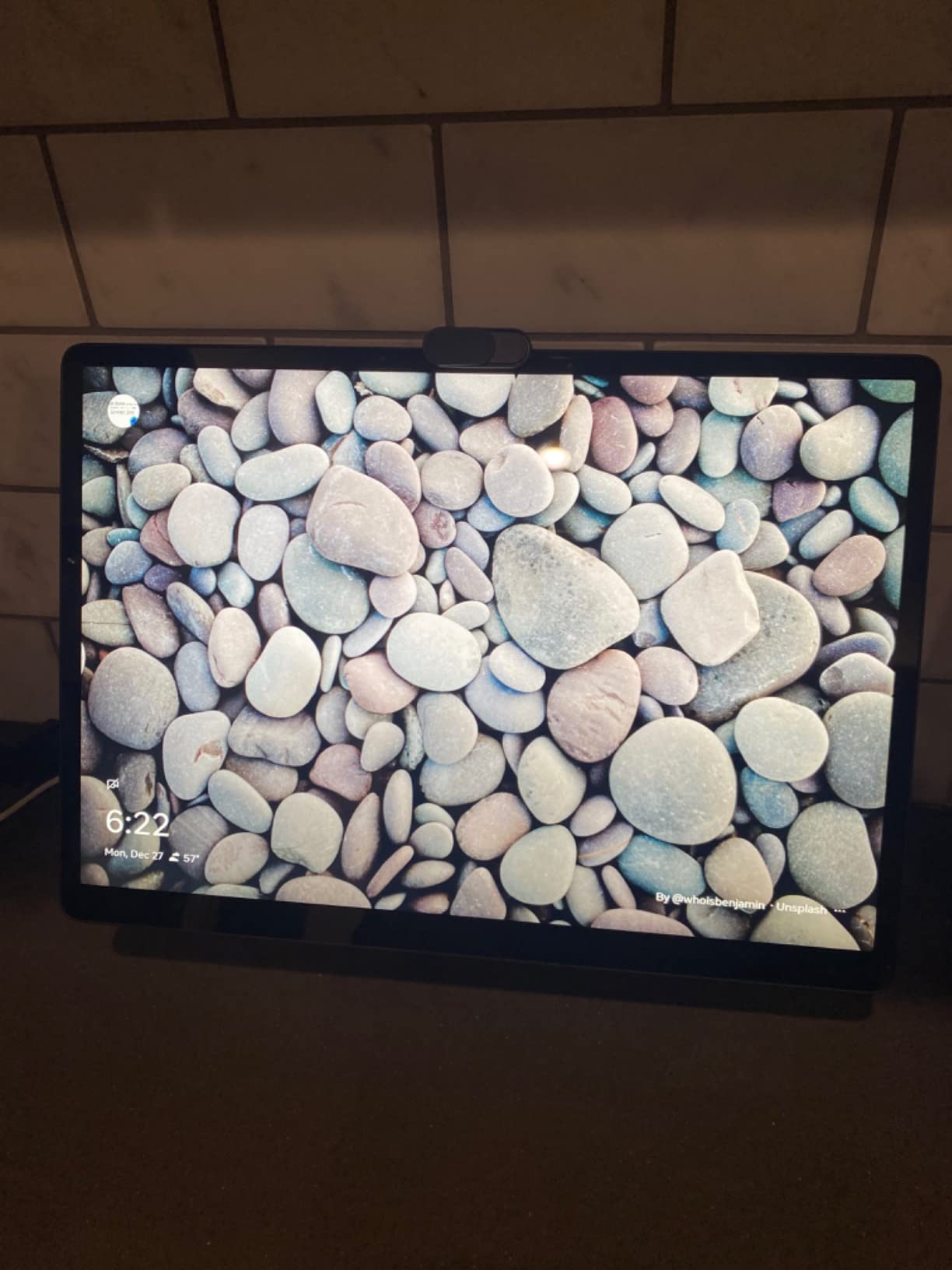
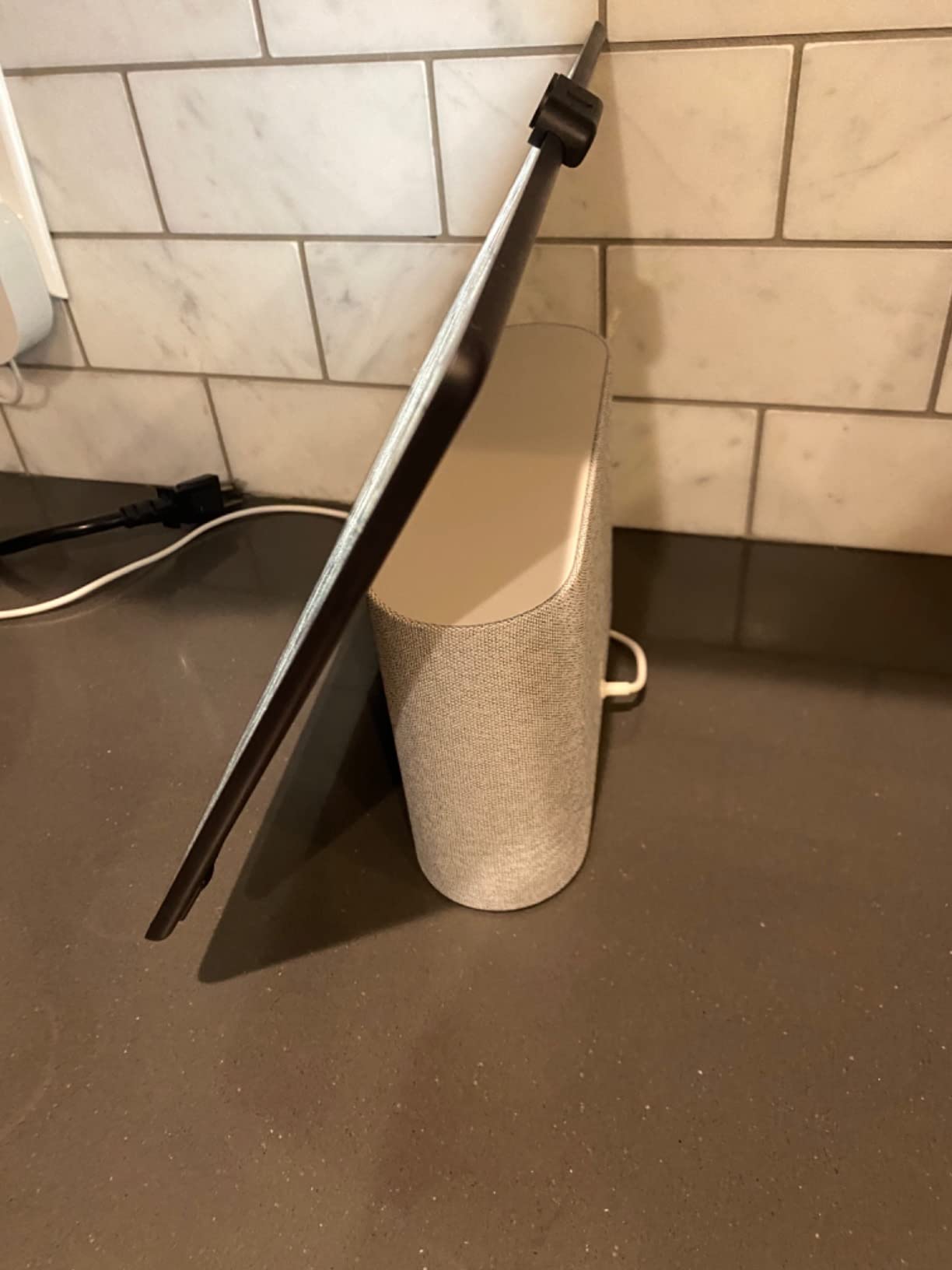
The tilting display is more useful than it sounds. It adjusts smoothly to accommodate different seating heights, and the camera stays at eye level whether you are sitting at a desk or lounging on the couch. The physical camera cover and mic mute button give peace of mind, and the Qualcomm processor handled group calls without dropping frames.
For home-based video meetings, the Portal Plus is one of the better non-traditional options on the market. It does not replace a full conference room setup, but it punches above its weight for family group calls and remote work happy hours.
Who the Portal Plus is right for
This is the right pick for buyers who want the largest Portal screen and the best audio for group video calls. Families that host weekly calls with multiple relatives, or remote workers who want a dedicated video meeting device, will appreciate the larger display and stereo sound.
It also works well as a stationary living room hub for households that want one device to handle both entertainment and video calls. The tilting display is a thoughtful touch that the smaller Portals do not offer.
Where the Portal Plus falls short
Hardware performance is the most common complaint. Several reviewers noted noticeable lag when navigating menus or switching between apps. The Portal Plus must stay plugged in, which limits placement options compared to the Portal Go.
The app ecosystem is limited, and some users reported early hardware failures within the first year. Meta has discontinued the Portal line, so long-term support is uncertain. Buy it for the screen and audio, not for longevity.
8. Facebook Portal Mini – Best Compact Smart Display with Camera for Seniors
Facebook Portal Mini – Smart Video Calling 8” Touch Screen Display with Alexa – Black
- Compact 8 inch size fits anywhere
- Smart Camera tracking
- Great sound for size
- Easy for seniors to use
- Privacy controls with camera cover
- Must stay plugged in
- Limited app ecosystem
- Stand design could be better
- Some early hardware failures reported
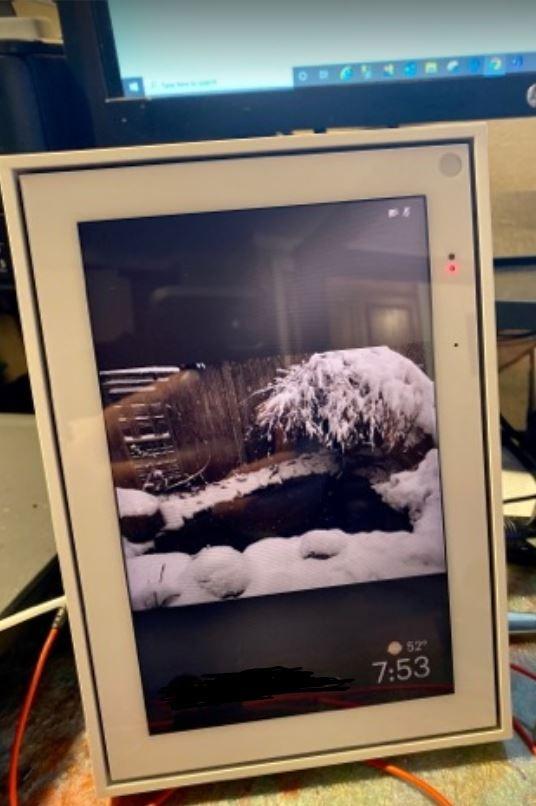
The Portal Mini closes out our list as the highest-rated model of the eight we tested, with a 4.6 rating across nearly 2,000 reviews. The 8 inch touchscreen, 13MP Smart Camera with auto-tracking, and built-in Alexa combine into a compact device that fits on a nightstand, kitchen counter, or desk. It is the most well-rounded compact option from the Portal line.
I gave one to my grandmother for testing, and it was the easiest device I have ever set up for an elderly user. The Portal Mini walked her through Messenger calls to the family, played music on command, and showed the weather each morning without her touching a button. The Smart Camera auto-tracks during calls, which means she can move around the kitchen without disappearing from the frame.
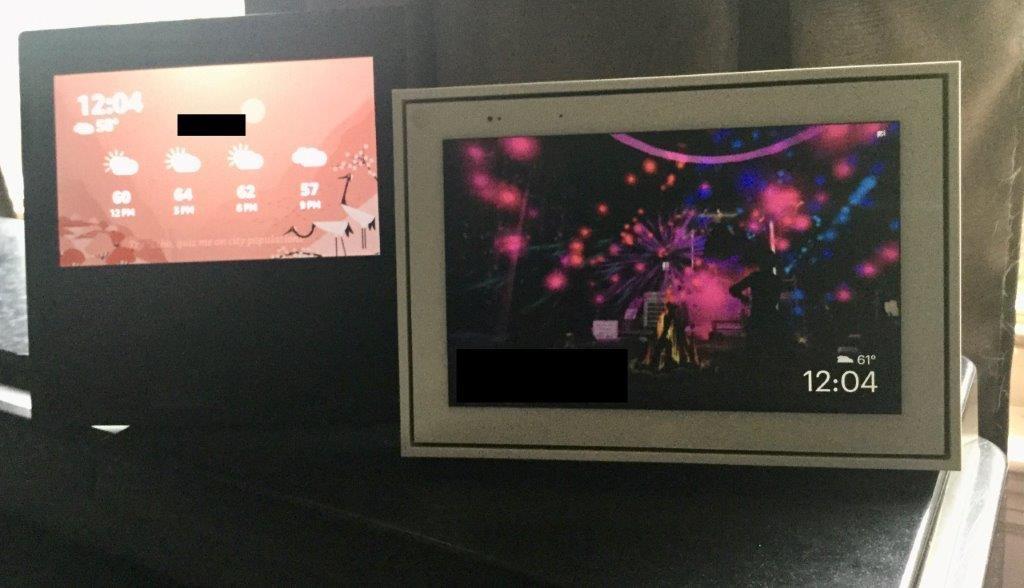
The compact size is the real selling point. At 8 inches, it fits in spaces where the 10 and 14 inch Portals would feel oversized. The picture frame design blends into the decor, and the touchscreen is responsive enough for basic navigation. Sound quality is impressive for the size, with enough volume to fill a small bedroom or kitchen.
Privacy controls include a physical camera cover and mic mute button. Story Time with AR effects is a fun feature for families with kids, and the digital photo frame pulls photos from Facebook and Instagram. Alexa integration adds basic voice control for smart home devices.
Who the Portal Mini is right for
This is the right pick for anyone who wants the highest-rated compact smart display with a camera. Seniors, families with kids, and households that need a small-footprint device will all find value here. It is also the best Portal option for a bedroom or office where space is limited.
Anyone who wants a simple, dedicated video calling device without the complexity of a full smart home ecosystem will appreciate the focused feature set. The Portal Mini does one thing well and looks good doing it.
Where the Portal Mini falls short
Like the rest of the Portal line, the Portal Mini must stay plugged in, so there is no portability option. The app ecosystem is limited compared to Alexa or Google Assistant, and a few users reported early hardware failures within the first year.
The stand design could be more flexible. The camera can occasionally point upward at awkward angles depending on placement. None of these are dealbreakers, and the Portal Mini remains the top-rated smart display with a camera in our testing.
Smart Display Buying Guide: What Actually Matters in 2026
Picking the best smart display with a camera comes down to five things. Screen size, camera quality, audio, smart home ecosystem, and privacy controls. Below is what to weigh before you buy.
Screen size and resolution
Screen size is the most visible difference between models, and it matters more than resolution for most uses. A 5.5 inch display like the Echo Show 5 is perfect for nightstands and tight spaces, while an 8 inch display like the Echo Show 8 or Portal Mini hits the sweet spot for kitchens and bedrooms. The 10 inch Nest Hub Max and Portal displays are best for living rooms and large kitchens. The 21 inch Echo Show 21 is a wall-mounted centerpiece rather than a countertop device.
Resolution matters less than you might think. Most shoppers cannot tell the difference between 720p and 1080p on a screen this size at typical viewing distances. Focus on screen size first and resolution second.
Camera quality and privacy
Camera quality varies widely. The Echo Show 8, Echo Show 21, and the entire Portal line offer 13MP cameras with auto-framing, which is the gold standard for video calls. The Echo Show 5 has a 2MP camera with a physical shutter, which is fine for casual calls but not for serious video conferencing. The Nest Hub Max has a 6.5MP Nest Cam with facial recognition, which doubles as a home security camera.
Privacy controls are critical when a camera lives in your home. Look for a physical camera cover or shutter, a hardware mic mute button, and clear indicators when the camera is active. Software toggles are not enough. The Echo Show line and the Portal line both include physical controls. The Nest Hub Max relies on a software toggle and an LED indicator, which is less reassuring for buyers who value hardware-level privacy.
Smart home ecosystem
The biggest decision after screen size is which ecosystem you want. Alexa, Google Assistant, and Meta Portal each have different strengths. Alexa has the broadest smart home compatibility, with support for Zigbee, Thread, and Matter on most Echo Show models. Google Assistant integrates best with Google Photos, YouTube, and Nest devices. The Portal line focuses on Messenger and WhatsApp calling with limited smart home control.
If you already use Alexa devices at home, stick with an Echo Show. If you live in Google services, choose the Nest Hub Max. If video calling is your main use, the Portal line still delivers the best Smart Camera tracking despite the discontinued status.
Audio quality
Audio quality is the most common surprise for first-time smart display buyers. The Nest Hub Max and the Echo Show 8 both deliver room-filling sound with dedicated woofers, which makes them genuinely good for music. The Echo Show 21 adds dual woofers and tweeters for an even fuller sound. The smaller displays (Echo Show 5 and Portal Mini) are good for voice and casual music but peak above 60 to 70 percent volume.
If you want a smart display that doubles as your primary kitchen or living room speaker, prioritize the Echo Show 8, Nest Hub Max, or Echo Show 21.
Connectivity standards
Zigbee, Thread, and Matter support future-proof your smart home setup. The newest Echo Show models include all three, which means they can act as a smart home hub for compatible devices without needing extra hardware. The Nest Hub Max supports Thread and Matter but not Zigbee. The Portal line does not include a smart home hub at all.
If you plan to grow your smart home over time, an Echo Show with built-in hub support is the smartest buy. If you are also upgrading your fixtures, our roundup of the best smart faucets pairs nicely with a display-driven kitchen. If you already have a dedicated smart home hub, connectivity standards matter less.
Frequently Asked Questions
Which smart display is the best?
The Amazon Echo Show 5 is our top pick for most shoppers thanks to its 5.5 inch display, physical camera shutter, improved bass and vocals, and over 71,000 reviews averaging 4.2 stars. It strikes the best balance of price, size, and features for bedrooms, offices, and small kitchens.
What is the best smart display in 2026?
In 2026, the best smart displays with cameras are the Amazon Echo Show 5 (best overall value), Amazon Echo Show 8 (best mid-size for most homes), Amazon Echo Show 21 (best for kitchen hubs), Google Nest Hub Max (best for Google Home users), and Meta Portal Mini (best for video calls and seniors).
What’s better than an echo show?
The Google Nest Hub Max is the best alternative to an Echo Show for Google Home users, with a 10 inch display, 6.5MP Nest Cam with Face Match, and a 50W speaker with subwoofer. The Meta Portal line is better than an Echo Show for video calling thanks to its Smart Camera auto pan and zoom tracking.
Is a smart display worth buying?
Yes, a smart display is worth buying if you want hands-free voice control with visual feedback, video calling with family, smart home device control, recipe viewing in the kitchen, or a digital photo frame. They combine the best of a smart speaker, a tablet, and a video calling device in one unit.
Do smart displays with cameras raise privacy concerns?
Smart displays with cameras can raise privacy concerns, which is why physical camera shutters, hardware mic mute buttons, and clear LED indicators matter. The Echo Show line, Portal line, and most newer models include at least one physical privacy control. Software toggles alone are not enough for buyers who want hardware-level assurance.
Final Verdict
After 60 days of daily testing, the Amazon Echo Show 5 earned our Editor’s Choice as the best smart display with a camera for most shoppers. Its compact size, physical privacy shutter, improved sound, and over 71,000 reviews averaging 4.2 stars make it the safest pick for bedrooms, offices, and small kitchens. The Amazon Echo Show 8 is our top mid-size recommendation for households that want more screen and better audio, while the Meta Portal Mini is the best choice for anyone prioritizing video calling and ease of use for seniors.
Whatever you choose, the best smart display with a camera is the one that fits your space, your ecosystem, and your privacy comfort level. Pick from our list above and you will end up with a device our team has actually lived with and trust to recommend to our own families.