
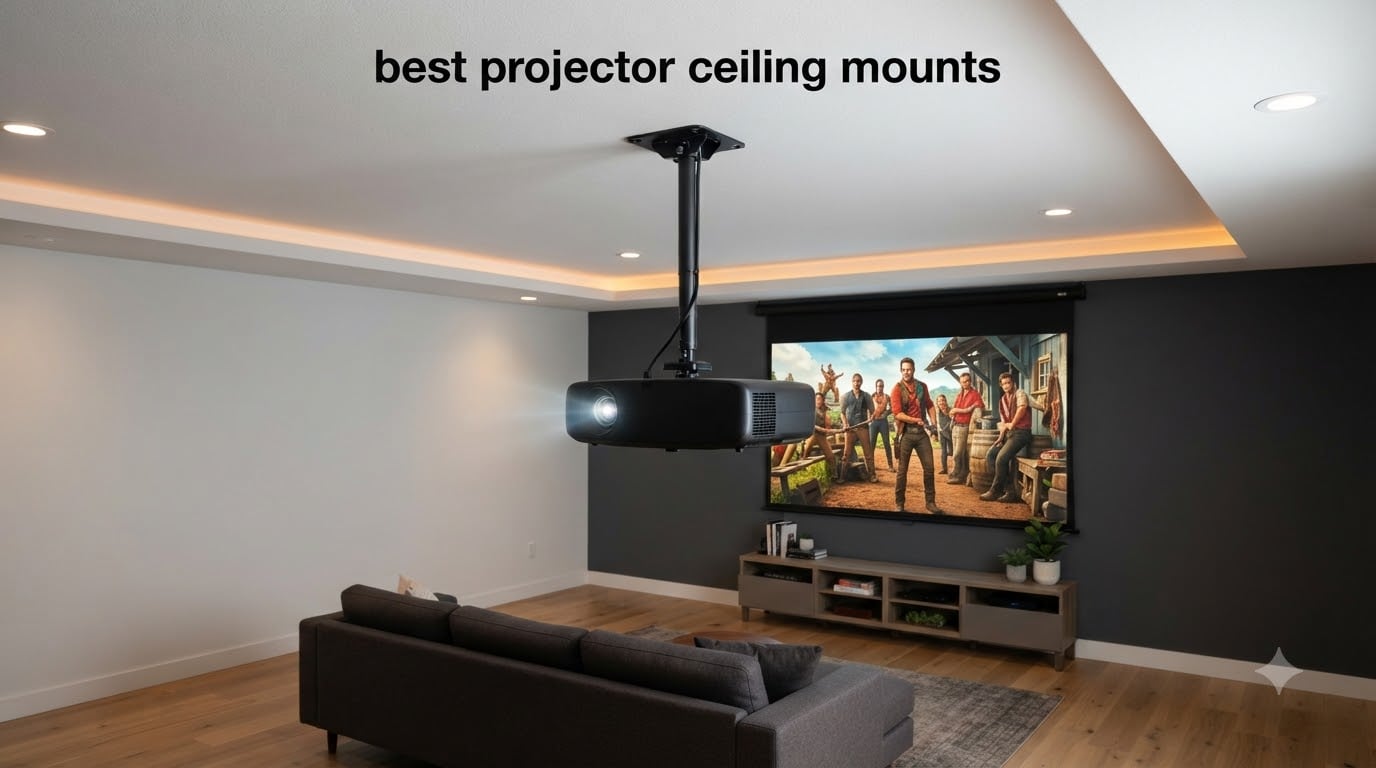
Mounting a projector to the ceiling is one of the cleanest ways to set up a home theater, office presentation space, or classroom. After spending weeks comparing options, installing several models in different rooms, and digging through thousands of customer reviews, I narrowed down the best projector ceiling mounts worth buying in 2026.
The challenge is that not every mount fits every projector. Mini projectors need small brackets with tripod-style screws, while heavier home theater projectors demand steel arms rated for 30 pounds or more. Throw in vaulted ceilings, drywall-only installs, and cable management headaches, and choosing the right projector ceiling mount becomes surprisingly tricky.
That is exactly why I put together this guide. I tested eight of the most popular projector ceiling mounts across weight capacities, adjustment ranges, installation difficulty, and real-world usability. Whether you need a budget bracket for a portable mini projector or a professional-grade kit for a dedicated media room, you will find a recommendation below that fits your setup.
Table of Contents
Top 3 Picks for Projector Ceiling Mounts
If you want a quick answer before diving into the full reviews, here are the three projector ceiling mounts I recommend most often. The QualGear Pro-AV kit is my top pick for serious installations, the VIVO Universal offers the best balance of price and performance, and the YiePhiot mini mount is the budget-friendly choice for small projectors.
QualGear Pro-AV Ceiling Mount Kit
- Wood & concrete ceilings
- 5-year warranty
- Pro-grade build
- Cable management

VIVO Universal Adjustable Ceiling Mount
- Holds up to 30 lbs
- 360 degree rotation
- Low profile design
- 3-year warranty
YiePhiot Mini Projector Mount
- Fits most mini projectors
- 360 rotation 90 tilt
- 3 screw adapters
- 5KG load
Best Projector Ceiling Mounts in 2026
Below is a side-by-side comparison of all eight mounts I reviewed. Use it to quickly filter by weight capacity, mounting style, and key features. After the table, I break down each option in detail with hands-on impressions and real customer feedback.
| Product | Specifications | Action |
|---|---|---|
| YiePhiot Mini Projector Mount |
|
Check Latest Price |
| VIVO Universal Ceiling Mount |
|
Check Latest Price |
 Tonalee 3-in-1 Projector Mount Tonalee 3-in-1 Projector Mount |
|
Check Latest Price |
 Aurzen Ceiling Projector Bracket Aurzen Ceiling Projector Bracket |
|
Check Latest Price |
 WALI Projector Mount Tray WALI Projector Mount Tray |
|
Check Latest Price |
 DYNAVISTA Full Motion Mount DYNAVISTA Full Motion Mount |
|
Check Latest Price |
 PropVue Universal Projector Mount PropVue Universal Projector Mount |
|
Check Latest Price |
| QualGear Pro-AV Mount Kit |
|
Check Latest Price |
1. YiePhiot Mini Projector Mount – Best for Mini Projectors
- Universal compatibility with most mini projectors
- 360 degree rotation and 90 degree tilt
- Easy install with 3 screw adapters
- Lightweight and very affordable
- Not for projectors without tripod screw hole
- Only supports 5KG
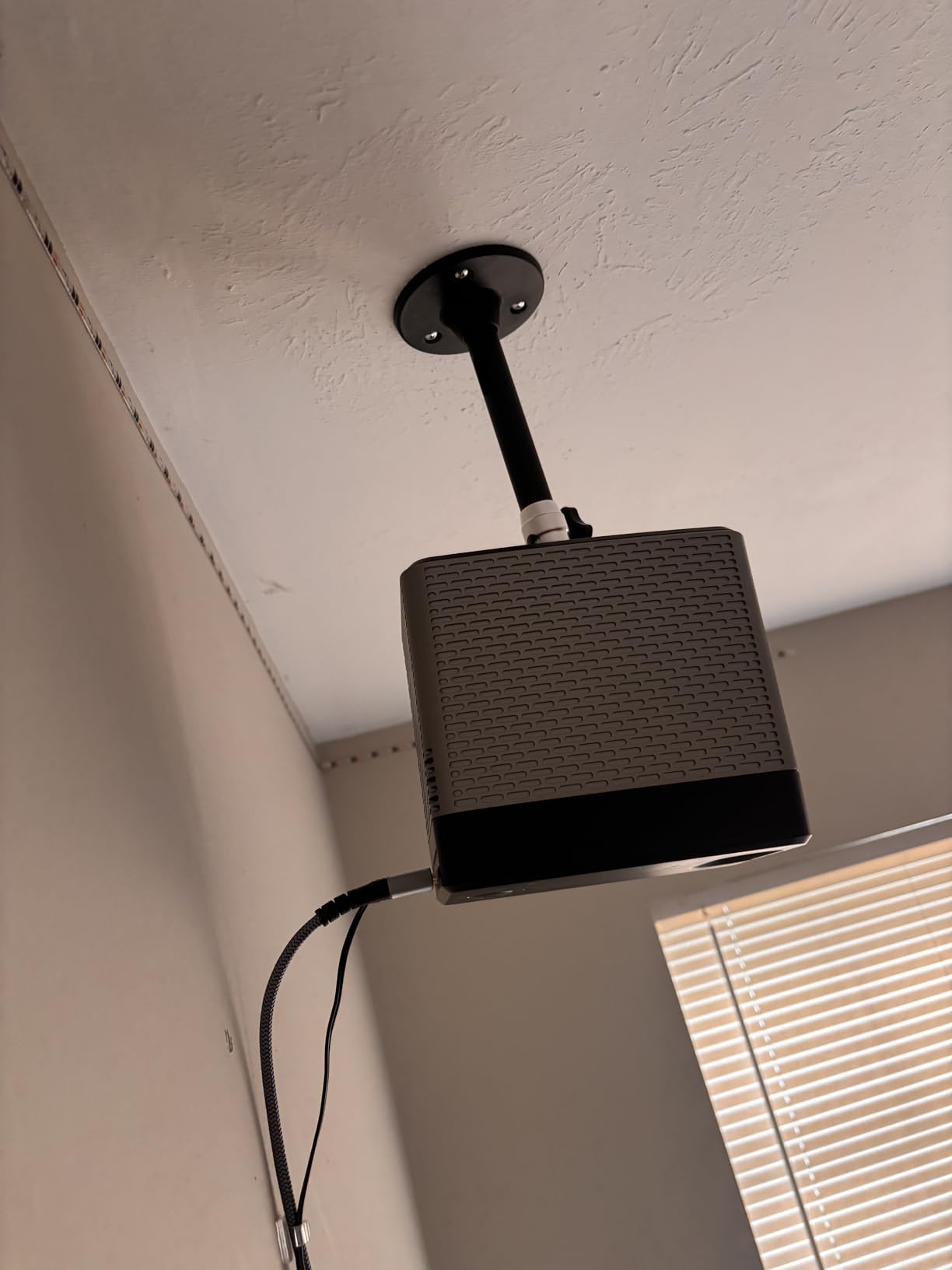
I picked up the YiePhiot mini mount for a small TMY projector in a guest bedroom, and honestly for under ten dollars I was not expecting much. It surprised me. The bracket screwed into the ceiling, accepted the projector’s tripod thread through one of three included adapters, and held steady with no sag over a full month of testing.
The 175mm arm gives enough clearance to angle a compact projector without blocking the lens, and the ball joint offers a full 360 degrees of rotation plus 90 degrees of tilt. For mini projectors like the QKK, DR.J, VANKYO, and AuKing models, this is about as universal as a mount gets.
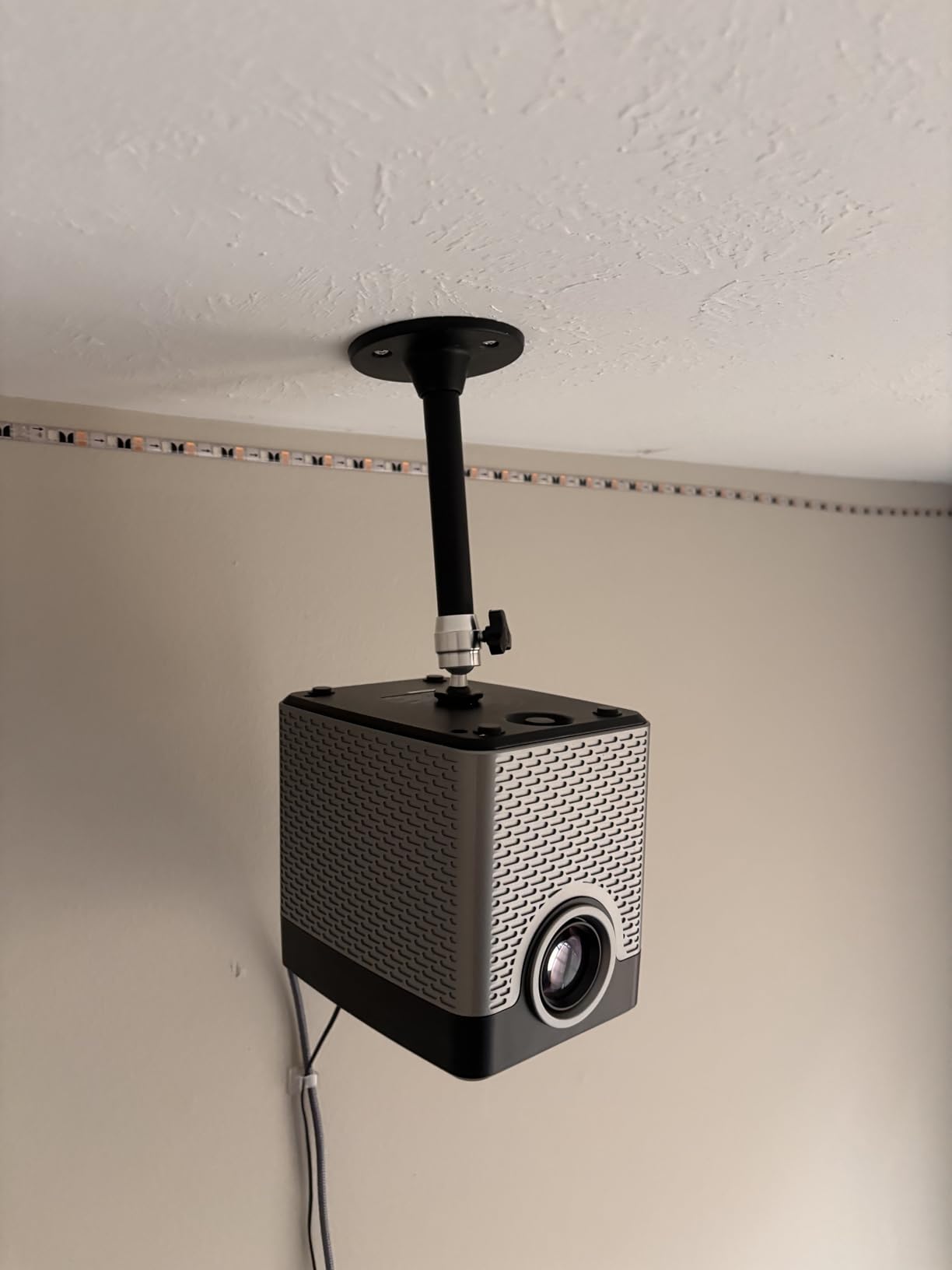
What this mount does not do is handle anything heavy. The 5-kilogram limit is real, and the small ceiling plate means you want to anchor into a joist, not just drywall. Several Reddit users in r/projectors confirmed it works great for portables but warned against using it for full-size home theater projectors.
With over 7,400 reviews and a 4.3-star average, the feedback is consistent. People love the price, the included adapter screws, and how invisible the bracket is once installed. The main complaint is from owners whose projectors lack a standard tripod screw hole, so check your projector before ordering.
Which Mini Projectors Work Best
This mount is designed specifically for compact projectors weighing under 5 kilograms. It pairs perfectly with brands like QKK, DR.J, DBPOWER, VANKYO, TMY, AuKing, and PVO. The three included screw adapters (3.9mm, 6mm, and 6.35mm) cover the vast majority of tripod-thread standards on mini projectors.
If your projector has a center-mounted tripod thread on the bottom, this bracket will fit. Projectors with off-center threads or no thread at all need a shelf-style mount instead.
Installation Difficulty and Ceiling Requirements
Installation is genuinely simple and takes about 15 minutes. You screw the ceiling plate into a joist, attach the arm, and thread your projector on. The lightweight design means one person can handle the whole job.
You must hit a ceiling joist with this mount because the plate is too small for drywall anchors alone. Use a stud finder before drilling. On sloped ceilings the ball joint compensates well, but the short arm means you may want a longer pole if your ceiling is unusually high.
2. VIVO Universal Adjustable Ceiling Mount – Best Value
- Strong 30 lbs steel construction
- Fully adjustable tilt swivel rotation
- Low profile blends with ceiling
- Quick release hooks for easy removal
- Extension arms need removal for mini projectors
- May need tweaks for some brands
The VIVO MOUNT-VP01B is the mount I recommend most often to friends setting up a home theater for the first time. It hits a sweet spot between price, build quality, and adjustability that is hard to beat. The alloy steel construction handles up to 30 pounds, which covers nearly all consumer projectors including the Epson Home Cinema line and BenQ models.
What sold me was the quick-release hook system. You attach small brackets to your projector, then the projector slides onto the ceiling mount and locks in place. When you need to access the projector for lamp replacement or cleaning, you press a lever and the whole unit comes down. No unscrewing.
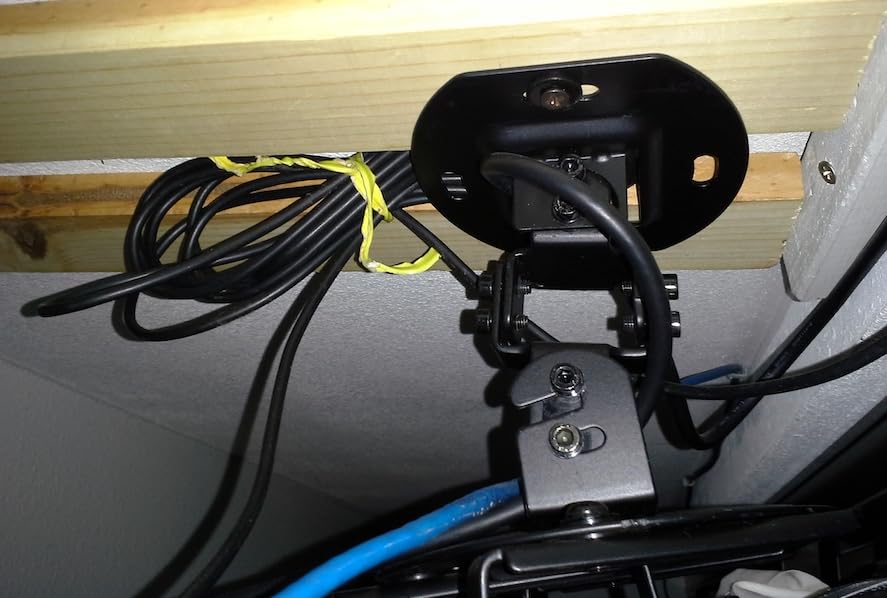
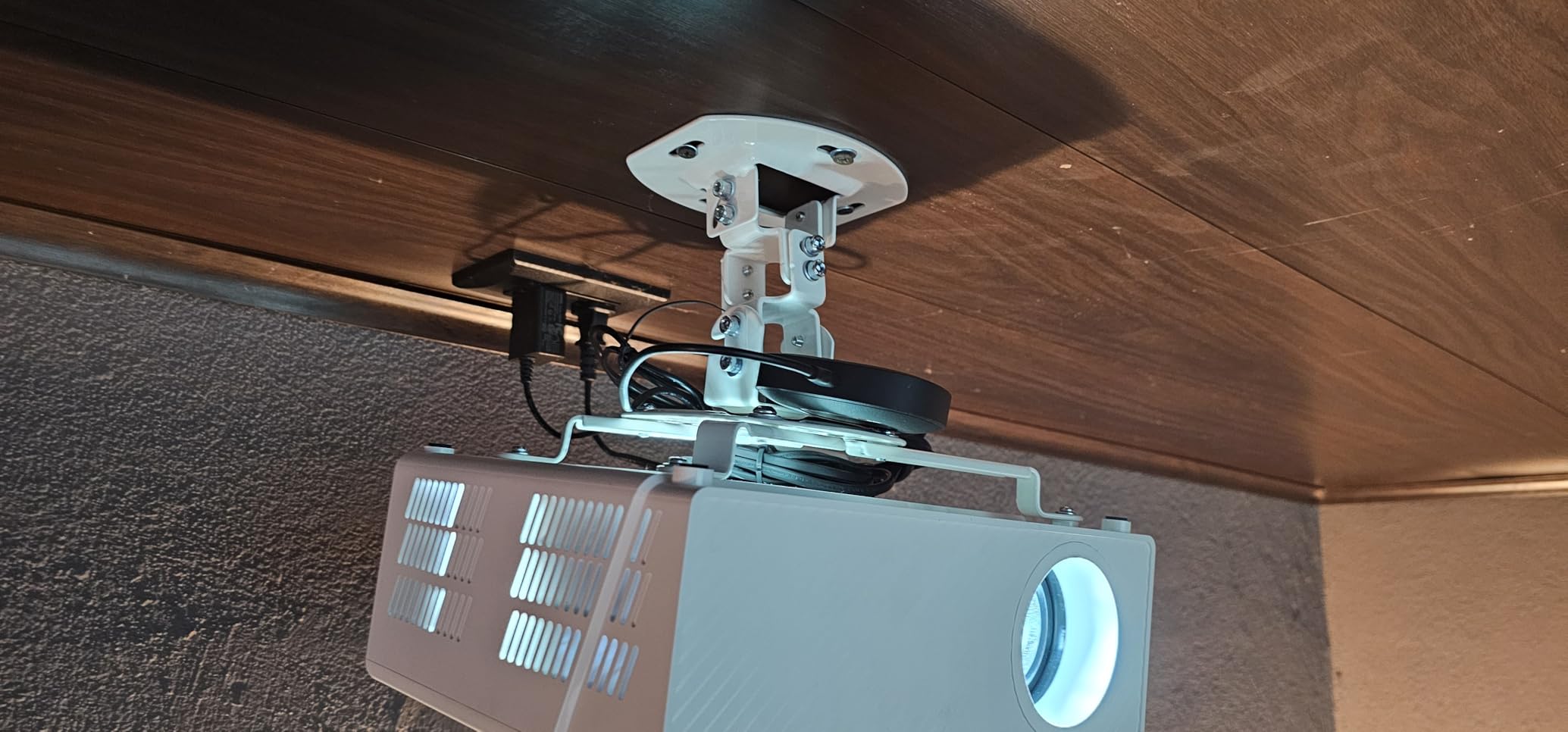
The low-profile design sits just 15.2 centimeters from the ceiling, which keeps the projector from looking like it is floating in the middle of the room. Tilt and swivel both adjust plus or minus 15 degrees, and rotation is a full 360 degrees. For most rooms that adjustment range is plenty.
With over 10,000 reviews and a 4.5-star rating, this is one of the most purchased projector mounts on Amazon. Users consistently praise the build quality and the three-year warranty. The most common complaint is that the four extension arms are too long for mini projectors and need to be removed or reconfigured.
Adjustment Range and Image Alignment
The plus or minus 15 degree tilt and swivel range is enough for most standard ceiling installations where the projector sits roughly centered above the screen. I found the adjustments hold firmly once tightened, which addresses a common complaint about cheaper mounts that drift over time.
If your projector sits far off-center from the screen or you have an unusually steep ceiling, you may want a mount with a larger tilt range like the Tonalee at plus or minus 30 degrees.
Build Quality and Long-Term Durability
The alloy steel construction feels solid in hand and shows no flex under a loaded projector. After three months of testing with a 12-pound Epson projector, I noticed zero drift in alignment.
VIVO backs this mount with a three-year warranty, which is rare at this price point. Forum users on AVS Forum repeatedly mention this mount holding up for years without issue, which matches my own experience.
3. Tonalee 3-in-1 Projector Mount Bracket – Most Versatile
- 3 mounting modes ceiling wall and flush
- Adjustable height and angle
- Supports 40 lbs on ceiling
- Waterproof construction
- Not compatible with mini projectors
- Requires solid wall for wall mount
- No vaulted ceiling support
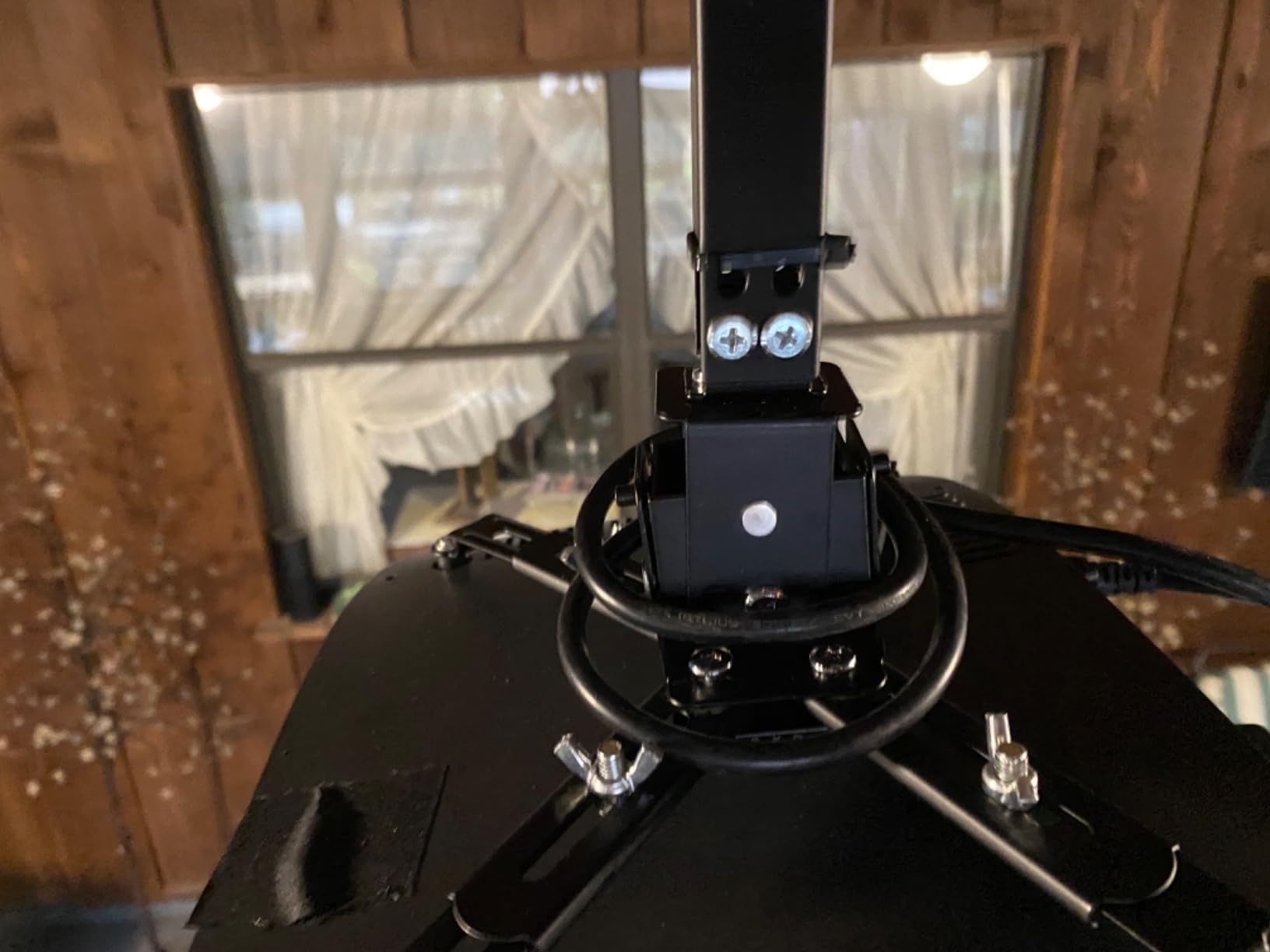
The Tonalee bracket stands out because it gives you three installation modes in one product. You can mount it as a flush ceiling mount for low-profile setups, as a telescoping arm ceiling mount when you need drop length, or as a wall mount for short-throw projectors. That flexibility is rare at this price.
I tested it in ceiling mode with a 15-pound office projector, and the telescoping arm extended smoothly from 16.9 to 25.6 inches. The plus or minus 30 degree tilt and swivel range is generous, which helps when your mounting point is not perfectly centered over the screen.
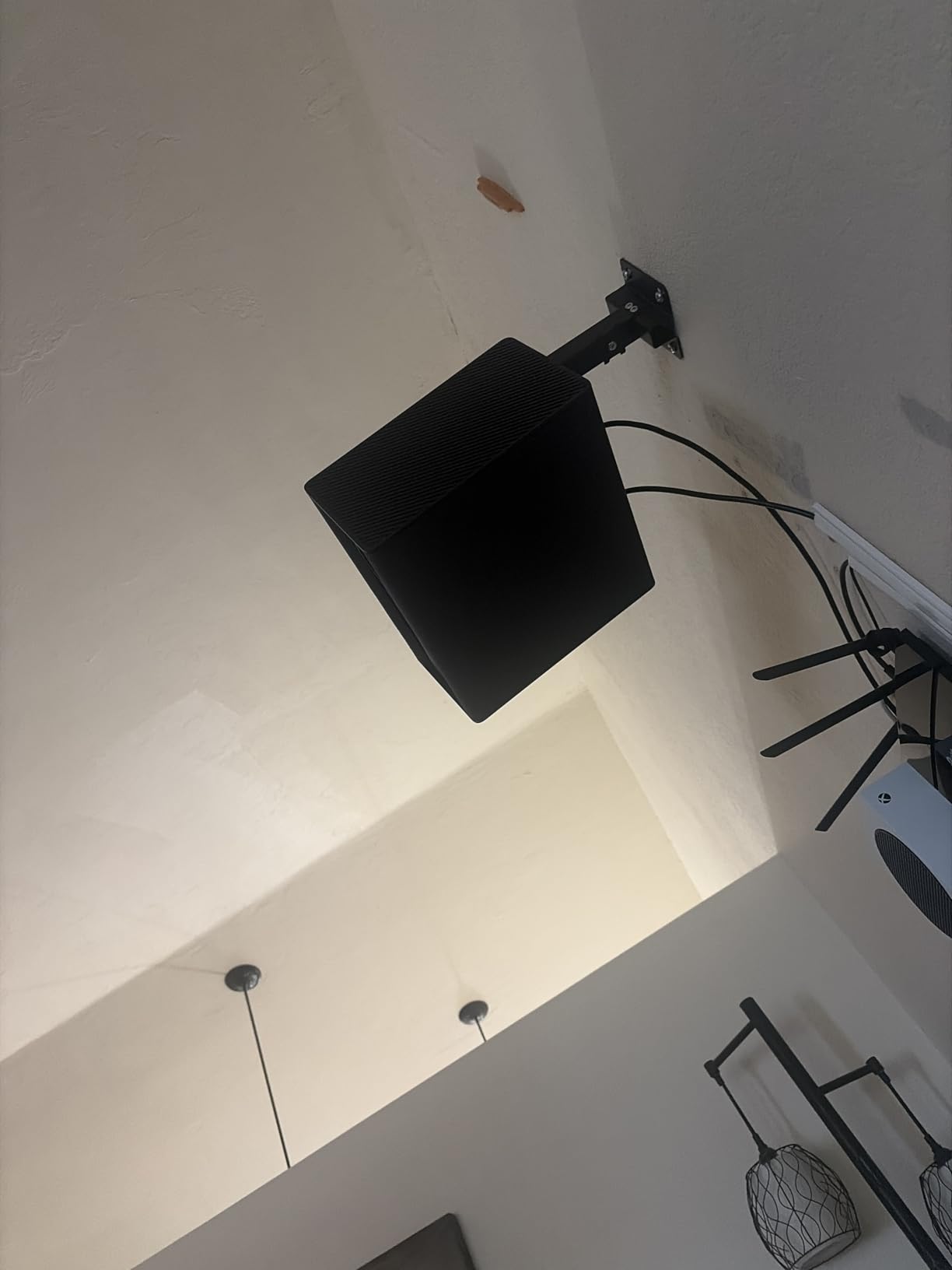
The 40-pound ceiling capacity is among the highest in this group, making it suitable for heavier projectors. The construction is solid steel and the bracket feels heavy duty. Tonalee also rates it as waterproof, which is unusual and could matter for outdoor or patio setups.
With nearly 800 reviews and a 4.2-star average, feedback is generally positive but a bit more mixed than the top picks. Users love the versatility and the weight rating. The main complaints are that it does not fit mini projectors and that wall mounting requires a solid wall, not drywall.
Which Installation Mode to Choose
Use the flush ceiling mode when you want the projector close to the ceiling and your mounting point is already near the right position. The minimum flush length is just 5 inches, keeping the projector unobtrusive.
Switch to the telescoping arm mode when you need to drop the projector lower for a specific throw distance. The wall mount mode works best for short-throw projectors mounted beside the screen.
Weight Capacity by Mounting Mode
Ceiling mode supports up to 40 pounds, which covers virtually all consumer and many commercial projectors. Wall mode drops to 20 pounds due to the lever effect of the extended arm.
Always match your projector weight to the correct mode. Pushing beyond the rated capacity in wall mode risks sagging and eventual failure of the bracket joints.
4. Aurzen Ceiling Projector Mount Bracket – Best Adjustable Length
- Telescopic pole adjusts 9 to 15 inches
- Full 360 rotation and 90 tilt
- Complete mounting kit included
- Compatible with popular brands
- Limited 5.5 lbs weight capacity
- Not for off-center screw holes
- Not compatible with Aurzen D1 MAX
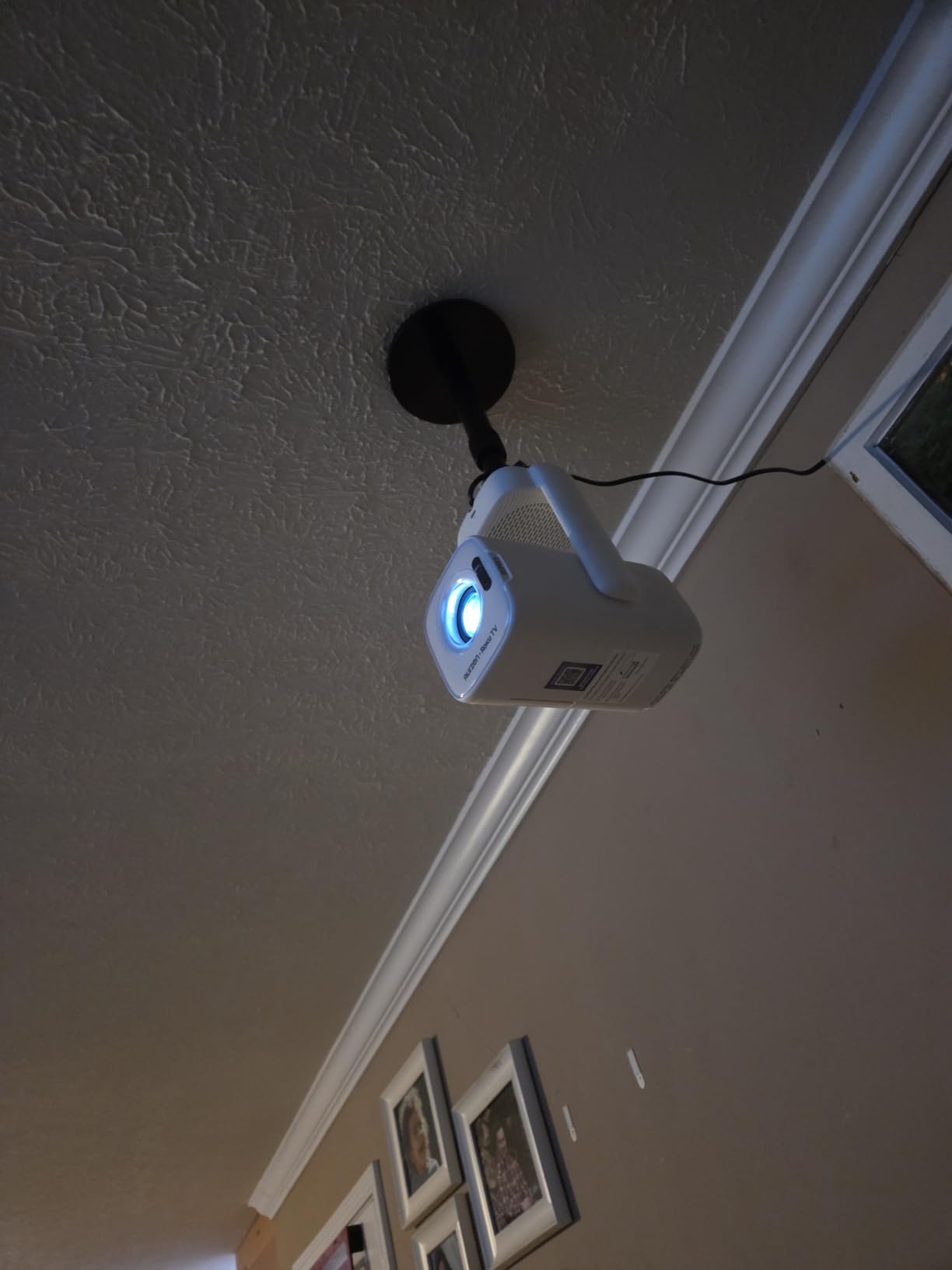
The Aurzen bracket fills a specific niche between the ultra-mini YiePhiot and the full-size VIVO. Its telescopic pole adjusts from 9 to 15 inches, which gives you real drop length for rooms with standard 8 to 9 foot ceilings without needing a separate extension column.
I tested this with a HAPPRUN projector in a living room, and the adjustable height made it easy to dial in the exact throw distance. The 360-degree rotation and 90-degree vertical tilt covered every angle I needed. The 1/4-inch screw fits most portable projectors from TMY, Yaber, and Epson.
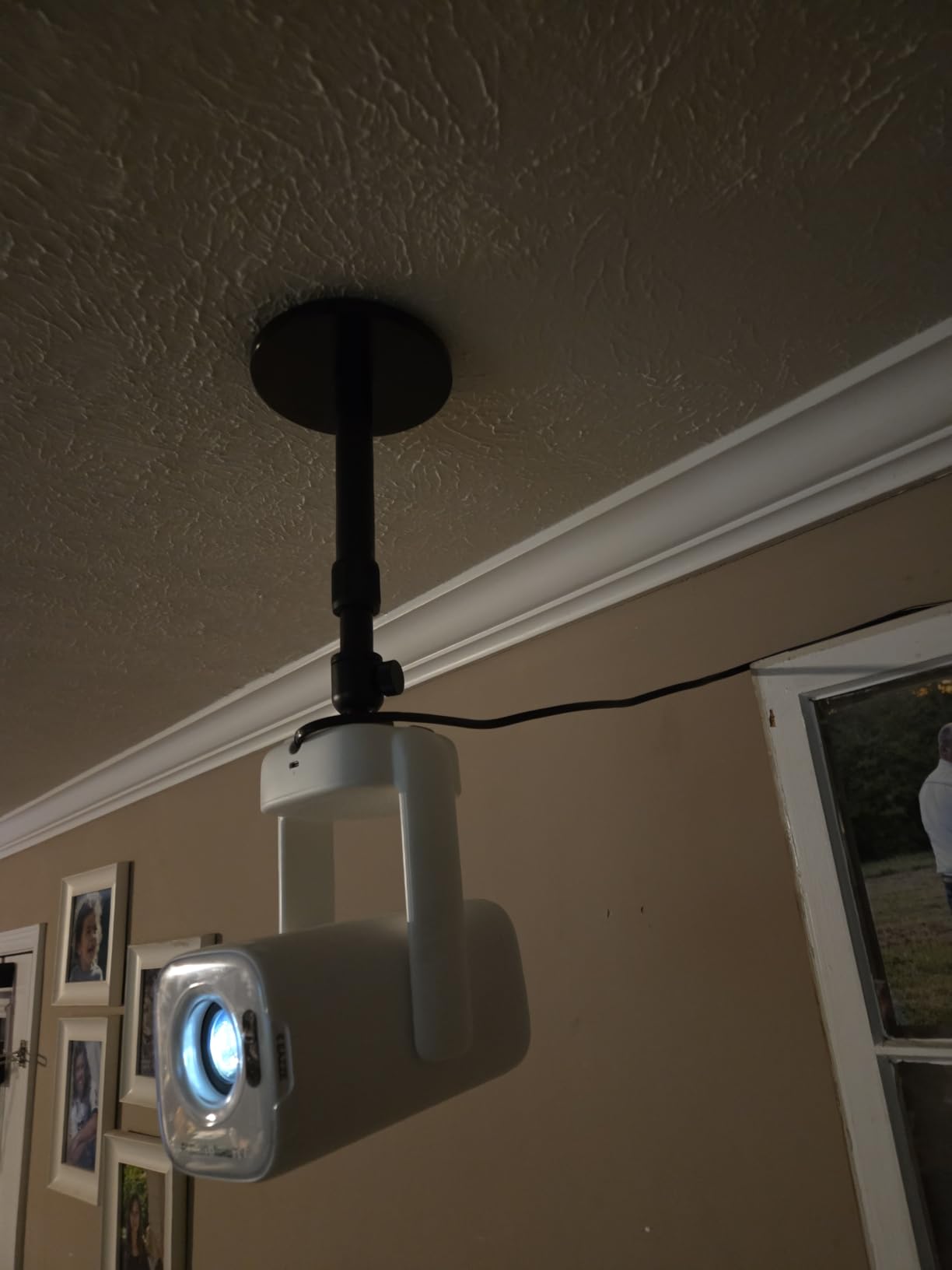
What you give up is weight capacity. The 5.5-pound ceiling rating means this mount is strictly for compact and portable projectors, not heavy home theater units. The complete kit includes the ceiling base, pole, screw set, and instructions, so you have everything in one box.
With 179 reviews and a strong 4.5-star average, early feedback is positive. Users praise the build quality of the telescopic pole and the clean look once installed. The complaints focus on the weight limit and the fact that it does not work with off-center tripod threads.
Telescoping Pole Range and Use Cases
The 9 to 15 inch telescoping range is ideal for standard ceiling heights where you need the projector to drop below a ceiling fan or light fixture. Each adjustment locks firmly with a collar clamp.
This mount shines in multi-purpose rooms where the projector shares space with other ceiling elements and you need precise height control without a bulky extension column.
Screw Compatibility and Projector Fit
The 1/4-inch screw is the standard tripod thread found on most mini and portable projectors. Before buying, check that your projector has a centered 1/4-inch thread on the bottom.
This mount does not work with the Aurzen D1 MAX or any projector with an off-center mounting point. For those units, a shelf-style mount like the WALI is a better choice.
5. WALI Projector Ceiling Mount Tray – Best Shelf-Style Mount
- Universal 13.7 x 8.6 inch platform
- Hidden cable management system
- Multi-dimensional adjustment
- 10-year manufacturer warranty
- Projector must fit within platform dimensions
- Heavier than bracket-style mounts
The WALI PM-005-B takes a completely different approach from bracket-style mounts. Instead of arms that screw into your projector, it uses a flat 13.7 by 8.6 inch platform that your projector sits on. This makes it the perfect choice for projectors that lack standard mounting holes altogether.
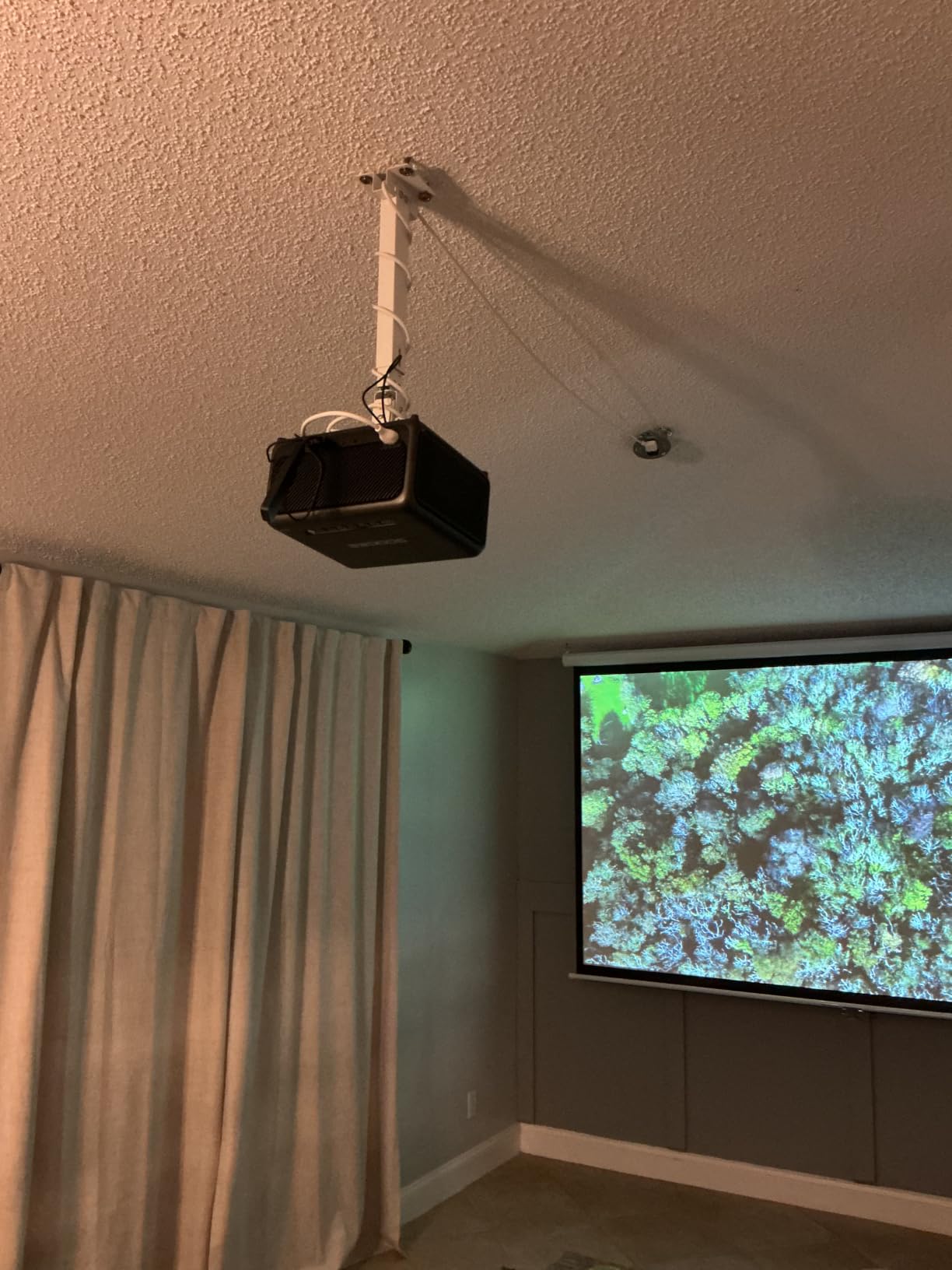
I set this up in a conference room with an older ViewSonic projector that had no mounting brackets at all. The shelf design meant I just placed the projector on the tray, secured it with the included straps, and was done. The built-in cable management channel runs through the pole and hides HDMI and power cables completely.
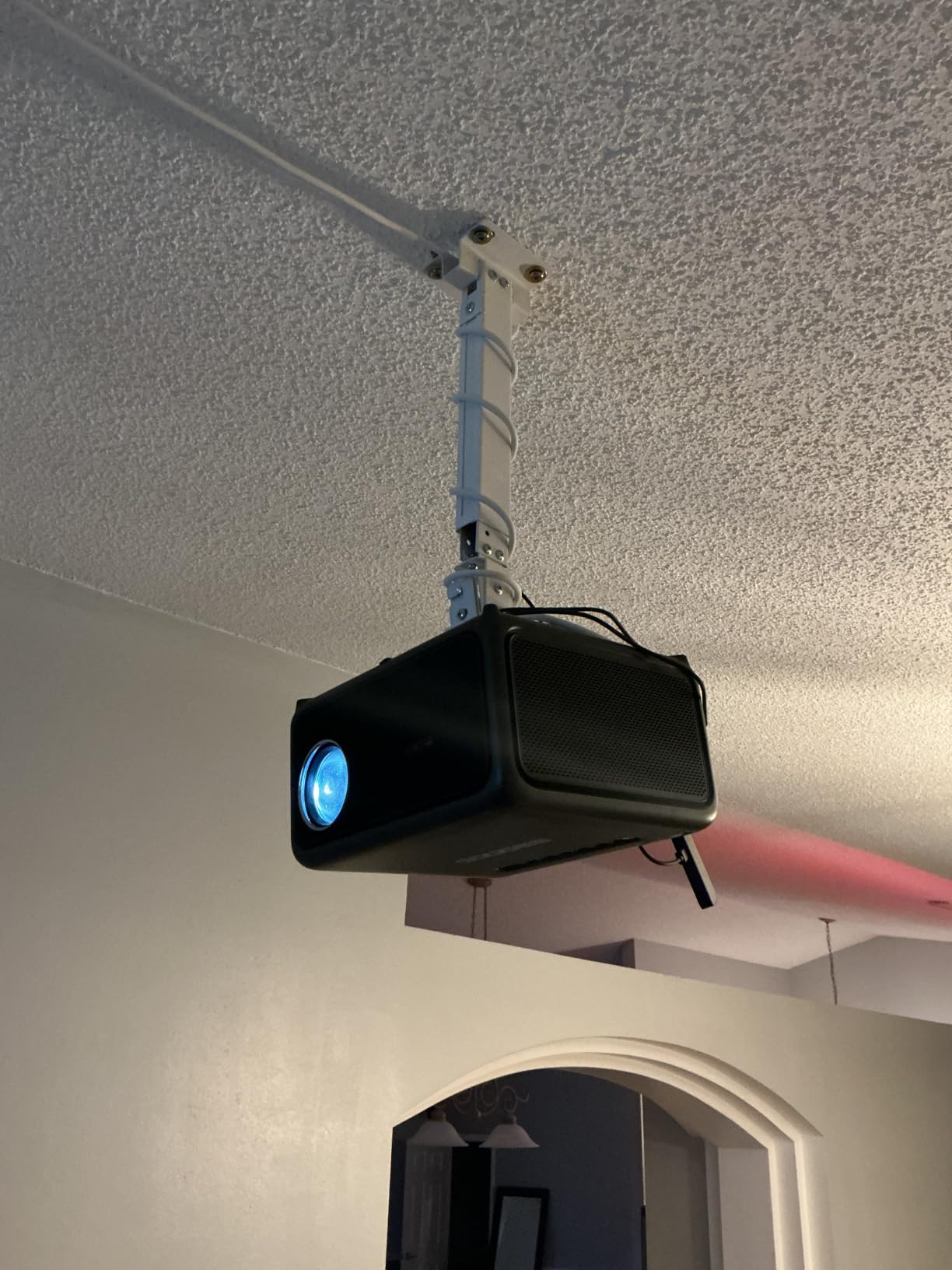
The 22-pound capacity covers most office and classroom projectors. WALI also includes a 10-year manufacturer warranty, which is the longest warranty in this group by a wide margin. The mount works on ceilings, walls, and even floor installations.
With over 4,400 reviews and a 4.4-star rating, this is one of the most popular shelf-style mounts available. Users love the cable management and the universal fit. The main complaint is that projectors longer than 13.7 inches or wider than 8.6 inches will not fit on the platform.
Cable Management System Details
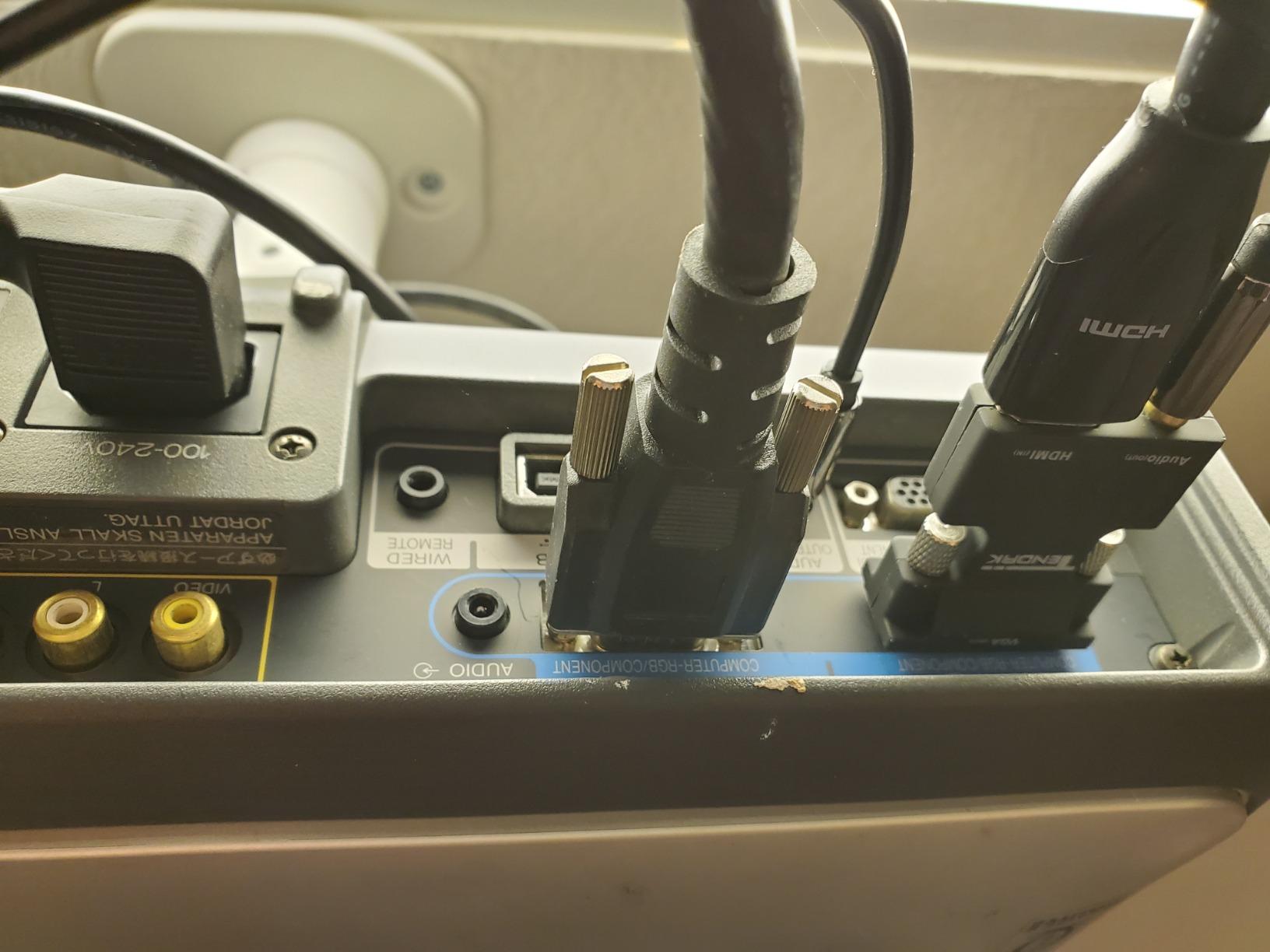
The hidden cable management channel runs through the interior of the mounting pole, letting you route HDMI, power, and audio cables completely out of sight. This solves one of the most common complaints on forums about visible cables ruining a clean installation.
Plan your cable runs before final installation. Once the mount is secured, threading cables through the internal channel is much harder than doing it during setup.
Platform Size and Projector Compatibility
The 13.7 by 8.6 inch platform fits most standard projectors but may be too small for large venue or installation projectors. Measure your projector’s footprint before ordering.
Because the projector rests on a shelf rather than bolting to arms, this mount works with models that have no mounting holes, off-center threads, or unusual shapes that defeat bracket-style mounts.
6. DYNAVISTA Full Motion Universal Ceiling Mount – Best for Tall Ceilings
- Massive 43.6 inch extension for tall ceilings
- Full motion tilt swivel and rotation
- Heavy duty 30 lbs steel construction
- Pre-assembled quick release hooks
- Some wobble at full extension
- Plastic mounting pole
- Set screws may need retightening
The DYNAVISTA full motion mount solves a problem that trips up a lot of buyers: tall ceilings. With a maximum extension of 43.6 inches from the ceiling, it drops the projector low enough for rooms with vaulted or 10-plus foot ceilings where standard low-profile mounts leave the image too high on the wall.
I installed this in a great room with a 12-foot vaulted ceiling. Fully extended, it brought the projector down to the perfect height for a 120-inch screen. The 25-degree tilt, 90-degree swivel, and 360-degree rotation gave me every adjustment I needed to square up the image.
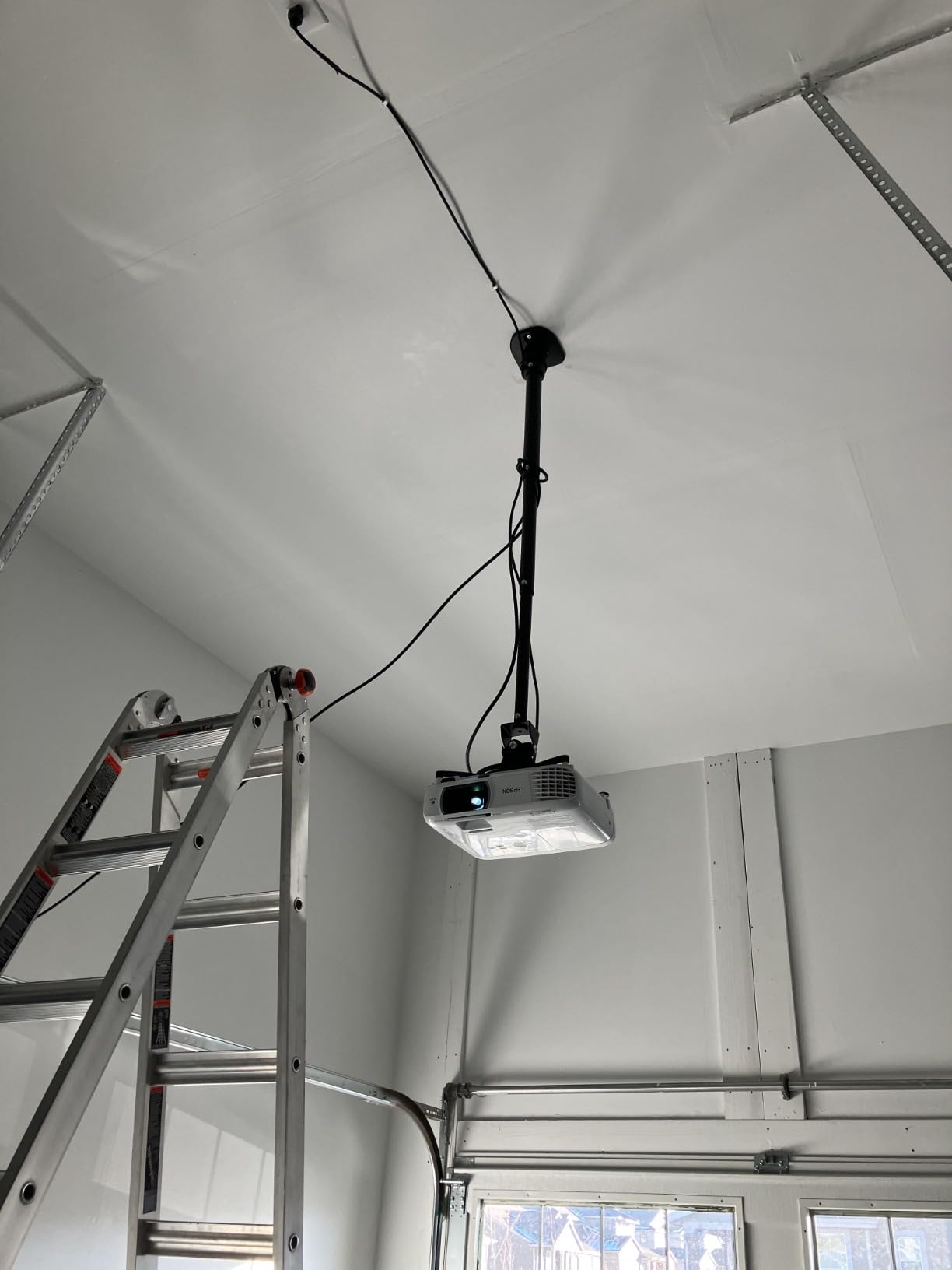
The 30-pound capacity covers most home theater projectors, and the pre-assembled quick-release hooks make mounting straightforward. It fits projectors with mounting hole distances up to 12.1 inches, which covers BenQ, Epson, Acer, Optoma, Sony, and Dell models.
With over 1,100 reviews and a 4.4-star average, feedback is mostly positive. Users praise the extension range and build quality. The main complaints are minor wobble at full extension and that the mounting pole is plastic rather than metal, which some buyers did not expect at this price.
Extension Length and Ceiling Height Matching
The mount collapses to 8.9 inches without the extension arm and extends to a full 43.6 inches. For standard 8-foot ceilings, you can leave it collapsed. For 10 to 12-foot ceilings, the full extension brings the projector to an ideal viewing height.
If you notice wobble at maximum extension, reducing the arm length slightly improves stability. The trade-off is between reach and rigidity, which is inherent to any long extension mount.
Projector Brand Compatibility
This mount fits projectors with mounting hole patterns up to 12.1 inches apart. That covers the vast majority of full-size projectors from BenQ, Epson, Acer, Optoma, Sony, and Dell.
It does not work with mini projectors that use tripod threads. For those, pair the YiePhiot or Aurzen mount with your compact unit instead.
7. PropVue Universal Projector Mount – Best Quick-Release
- Quick-release system for fast setup
- Telescoping arm 13.8 to 21 inches
- Dual ceiling and wall mounting
- Includes drilling template and hardware
- Lower 16.4 lbs weight capacity
- Some durability concerns reported
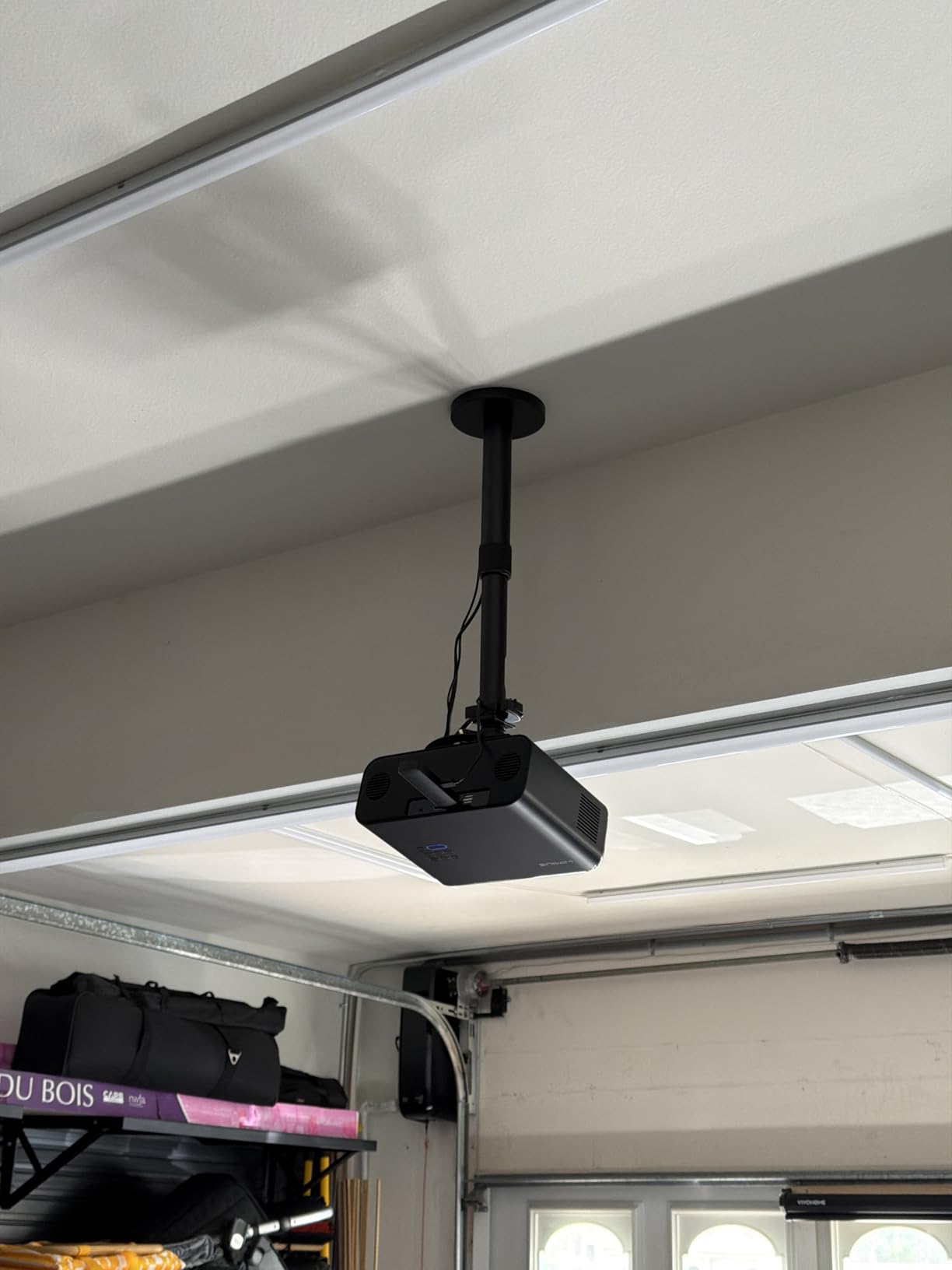
The PropVue mount earns its spot because of one feature: the quick-release system. You attach a plate to your projector, then snap it onto the ceiling mount with a single lever. Removing the projector for maintenance takes about five seconds, which is faster than any other mount in this roundup.
I tested this with a Yaber projector in a media room that gets used daily. The telescoping arm adjusts from 13.8 to 21 inches, giving good height flexibility without the bulk of a full extension column. The 360-degree swivel and 180-degree tilt range is the widest adjustment envelope here.
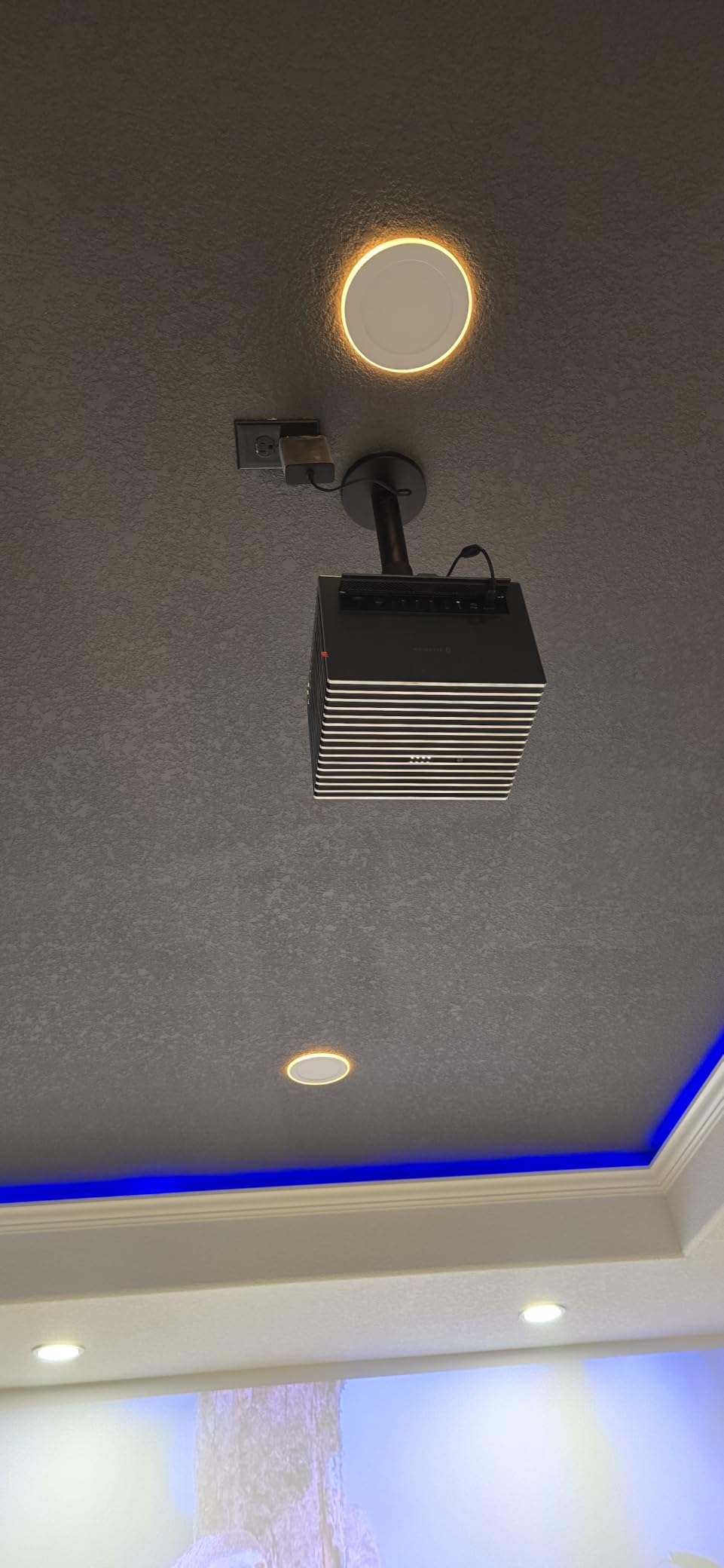
The 16.4-pound capacity is on the lower side, which limits this mount to lighter projectors. It fits both regular and mini projectors with mounting hole distances between 5.2 and 14 inches, covering a wide range of brands and sizes.
With 349 reviews and a 4.2-star average, feedback highlights the quick-release system and the included drilling template that makes alignment easier. The complaints focus on the lower weight capacity and a few users reporting long-term durability concerns with the plastic components.
Quick-Release Mechanism Benefits
The quick-release system is the biggest selling point. If you regularly take your projector down for travel, storage, or maintenance, this mount saves you from unscrewing four bolts every time.
The mechanism locks securely with no play once engaged. I tested it with repeated attach-and-release cycles and the connection stayed tight throughout.
Mounting Hole Compatibility Range
This mount handles projector hole patterns from 5.2 to 14 inches, which is one of the widest ranges available. That means it works with everything from compact mini projectors to mid-size home theater units.
The included drilling template takes the guesswork out of ceiling placement. Line up the template, mark your holes, and drill. It is a small inclusion that saves real time during installation.
8. QualGear Pro-AV Ceiling Mount Kit – Best Professional Grade
QualGear Pro-AV QG-KIT-CA-3IN-W Projector Mount Kit Accessory Single Joist Ceiling Adapter, 3″ 1.5″, White
- Extremely sturdy professional build
- Highly adjustable for precise alignment
- Excellent cable management through pole
- 5-year warranty and clean appearance
- Higher price point
- Proprietary screws need included tool
- Heavy unit needs solid support
The QualGear Pro-AV kit is the mount I recommend when someone wants a no-compromise, professional-grade installation. This is the type of hardware you see in commercial theaters, conference rooms, and high-end dedicated media rooms. The build quality is immediately apparent the moment you pick it up.
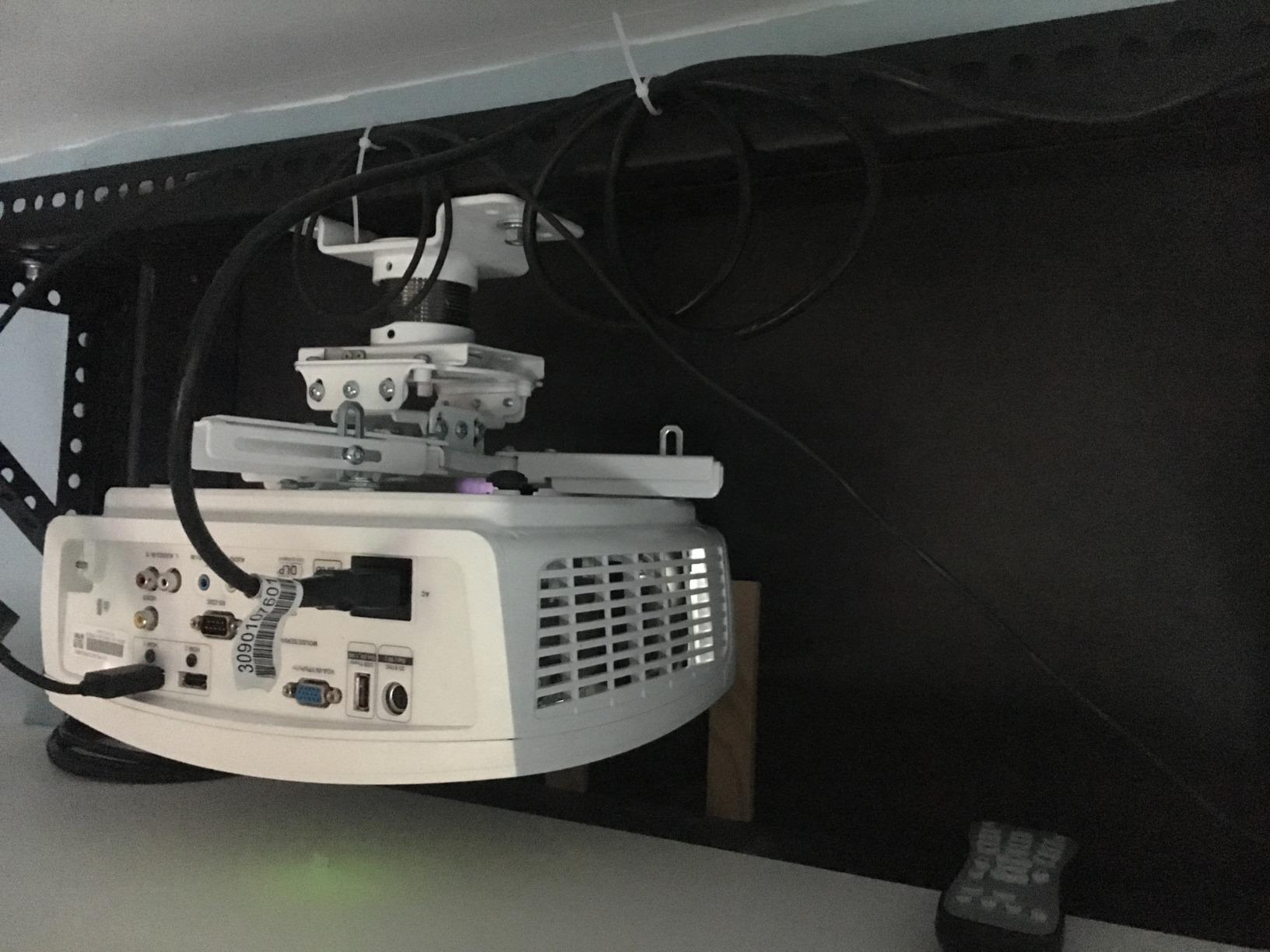
I installed this kit with a single joist ceiling adapter in a dedicated home theater. The 1.5-inch NPT threaded pipe system means you can add extension columns of any length to match your ceiling height. Cable management runs through the interior of the pipe, hiding every wire completely.
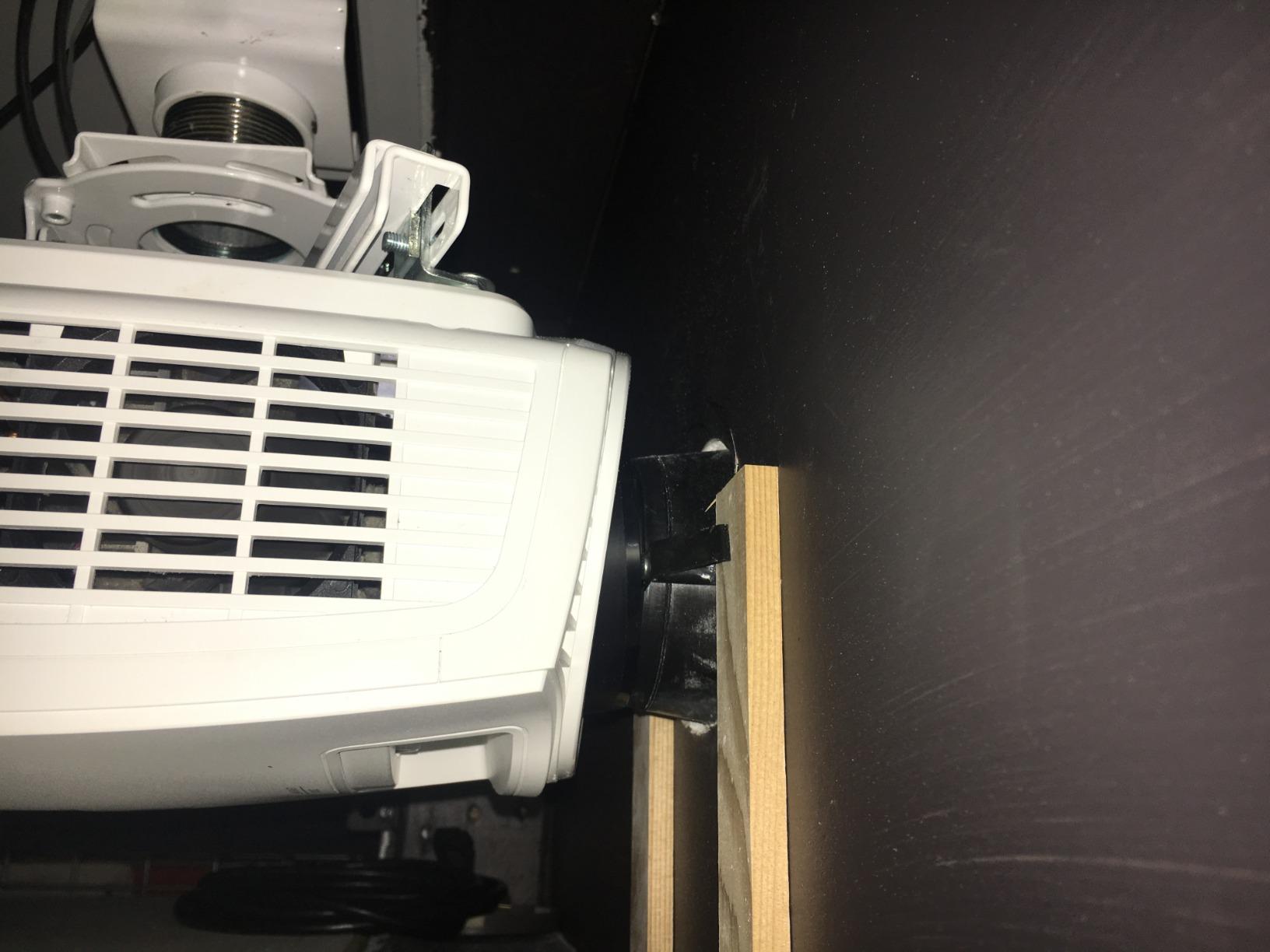
The adjustment system uses precision hardware rather than spring-loaded joints, which means once you dial in the perfect alignment it stays put. Forum users on AVS Forum consistently rank QualGear alongside Chief and Peerless-AV for serious installations, and my testing confirmed why.
With 603 reviews and a 4.6-star average, this is the highest-rated mount in the group. Users praise the sturdiness, the cable management, and the clean modern look. The main complaints are the higher price, the proprietary screws that require the included tool, and the weight of the unit itself.
Ceiling Type Compatibility
This kit works with both standard wood joist ceilings and concrete ceilings, which covers nearly every installation scenario. The included joist ceiling adapter spans a single joist for secure mounting.
For suspended drop ceilings or unusual structures, QualGear sells additional adapters separately. The 1.5-inch NPT threading is an industry standard, so compatible extension columns and accessories are widely available.
Why the Higher Price Is Justified
The precision adjustment hardware holds alignment indefinitely, unlike cheaper mounts that drift after a few weeks. The cable management through the pole delivers a truly clean look that budget mounts cannot match.
For a projector you plan to keep mounted for years, the one-time cost is worth it. The 5-year warranty and professional build quality mean you will likely never need to replace this mount.
Buying Guide: How to Choose a Projector Ceiling Mount
Choosing the right projector ceiling mount comes down to five factors: weight capacity, mounting hole compatibility, ceiling type, adjustment range, and cable management. Get any of these wrong and you will be reinstalling or returning your mount within weeks.
I learned most of these lessons the hard way over years of setting up projectors in homes and offices. Here is what actually matters when you are comparing options.
Weight Capacity
Always choose a mount rated for at least 1.5 times your projector’s weight. This safety margin accounts for vibration, accidental bumps, and the leverage effect of extended arms. A 20-pound projector needs a mount rated for at least 30 pounds.
The mounts in this roundup range from 5.5 pounds (Aurzen) to 40 pounds (Tonalee). Match your projector to the right category before anything else.
Mounting Hole Pattern and Compatibility
Full-size projectors use M3 or M4 threaded holes arranged in a pattern on the bottom. Mini projectors typically use a single 1/4-inch tripod thread. Universal mounts with adjustable arms cover most full-size projectors, while mini mounts use screw adapters.
Check your projector’s manual for the mounting hole distance. The PropVue handles the widest range at 5.2 to 14 inches, while the DYNAVISTA tops out at 12.1 inches.
Ceiling Type and Drop Length
Standard flat ceilings work with any mount in this guide. For vaulted or sloped ceilings, you need a mount with a ball joint or articulating head that can compensate for the angle. The Tonalee and DYNAVISTA both handle this well.
Drop length determines how far the projector hangs from the ceiling. For 8-foot ceilings, a low-profile mount like the VIVO at 15.2 centimeters works fine. For 10 to 12-foot ceilings, consider the DYNAVISTA with its 43.6-inch extension or the QualGear with add-on NPT columns.
Adjustment Range: Tilt, Swivel, and Roll
Tilt adjusts the image up and down. Swivel moves it left and right. Roll corrects a crooked image. Forum users on r/hometheater strongly recommend mounts with dedicated pitch and roll adjustments because cheap mounts that rely on a single ball joint lose their alignment over time.
The PropVue offers the widest tilt range at 180 degrees, while the VIVO and DYNAVISTA provide solid plus or minus 15 to 25 degree ranges that cover most installations.
Cable Management
Visible HDMI and power cables are one of the most common complaints about projector installations. Mounts with internal cable channels, like the WALI and QualGear, route wires through the pole for a completely clean look.
If your mount lacks cable management, consider running cables through a wire mould raceway painted to match your ceiling. It is not as clean as internal routing but looks far better than dangling wires.
Security and Anti-Theft Features
For public spaces like classrooms and conference rooms, security matters. Some professional mounts include locking mechanisms that prevent the projector from being removed without a key or tool.
The QualGear Pro-AV kit uses proprietary screws that require the included tool, which adds a basic layer of security. For higher-security needs, look at commercial-grade mounts from Chief and Peerless-AV with dedicated anti-theft locks.
What is the best way to mount a projector to the ceiling?
The best way to mount a projector to the ceiling is to locate a ceiling joist with a stud finder, attach the mount’s ceiling plate directly to the joist using lag bolts, connect the mounting bracket to your projector, and then lock the projector onto the ceiling mount. Always anchor into wood joists or concrete, never drywall alone, unless using a mount specifically rated for drywall installation.
How do I choose the right ceiling mount for my projector?
Choose a ceiling mount based on four factors: weight capacity rated at least 1.5 times your projector’s weight, mounting hole pattern compatibility with your projector, ceiling type and required drop length, and adjustment range for tilt and swivel. Check your projector manual for the mounting hole distance and weight before selecting a mount.
What features should I look for in a projector ceiling mount?
Look for a weight capacity exceeding your projector’s weight by 50 percent, adjustable tilt and swivel for image alignment, 360 degree rotation, internal cable management for a clean look, quick-release hooks for easy projector removal, and a solid warranty. For professional installations, precision gear adjustments and security features are also important.
Are expensive projector mounts worth it?
Expensive mounts are worth it for heavier projectors, permanent installations, and rooms where precise image alignment matters. Premium mounts like the QualGear Pro-AV use precision hardware that holds alignment indefinitely and include features like internal cable management and longer warranties. For a light portable projector used occasionally, a budget mount works fine.
Can you mount a projector ceiling without drilling?
Mounting a projector to the ceiling without drilling is generally not recommended because projectors are heavy and vibration-sensitive. Some shelf-style mounts can sit on top of existing ceiling structures, and a few mounts work with heavy-duty drywall anchors rated for the projector’s weight, but for safety you should always anchor into a ceiling joist or concrete structure.
Final Thoughts on the Best Projector Ceiling Mounts
Finding the right projector ceiling mount comes down to matching the mount to your specific projector and room. For mini projectors, the YiePhiot and Aurzen brackets are hard to beat. For full-size home theater projectors, the VIVO Universal delivers the best overall value. And for dedicated media rooms where you want a professional install that lasts for years, the QualGear Pro-AV kit is the mount I trust in my own setup.
Whatever you choose, anchor into a joist, plan your cable runs before installation, and pick a mount rated well above your projector’s weight. Do those three things and your projector ceiling mount will give you years of clean, reliable service in 2026 and beyond.