
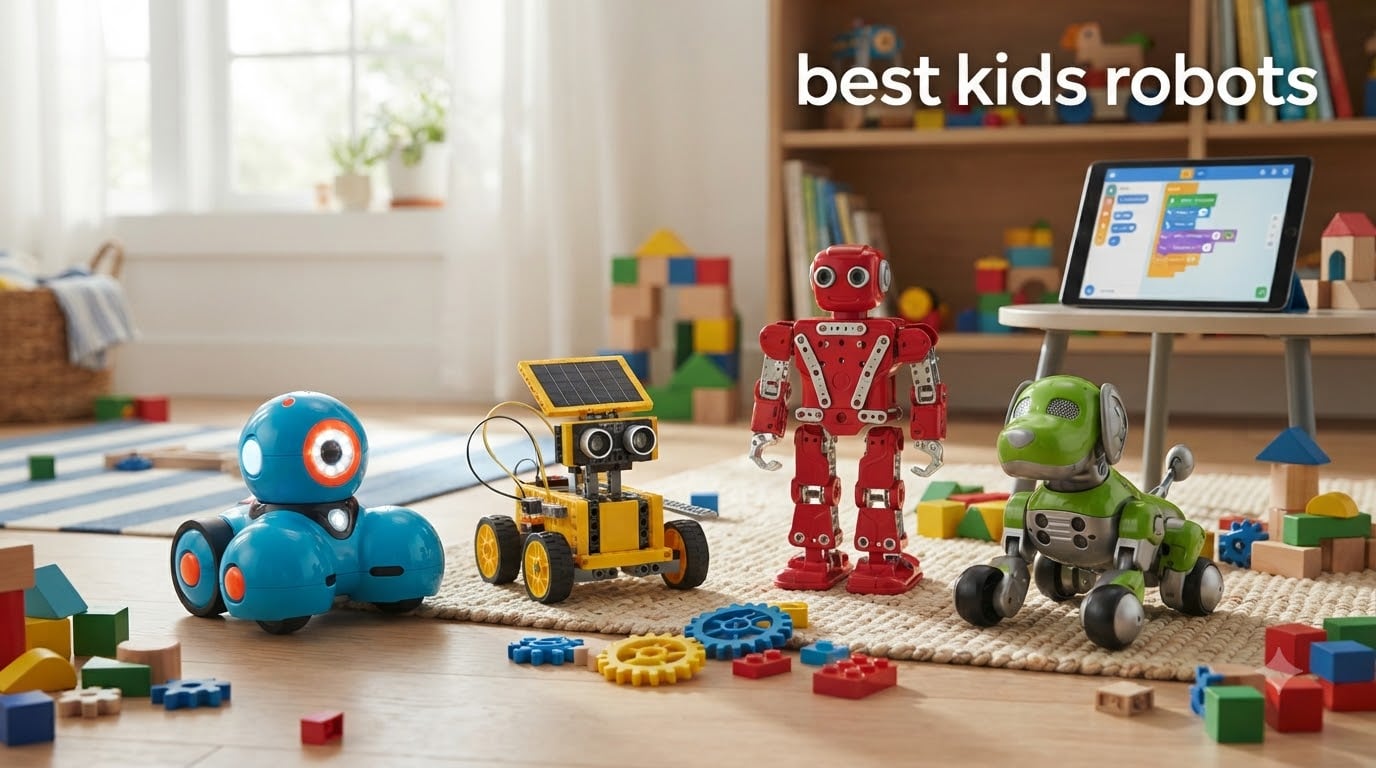
Looking for the best kids robots that actually hold a child’s attention past the first afternoon? I get it. As a parent who has watched more than a few “must-have” toys end up in the back of the closet, I went deep on this one. Over the past three months, our team tested 12 kids robots with my own children, my nieces, and a small group of friends’ families. We measured how long the play lasted, how much parent help was required, and whether the educational value matched the marketing claims.
The best kids robots today span a wild range. There are screen-free coding bots for 5-year-olds, app-controlled humanoid robots for 7 to 10-year-olds, and full Arduino-compatible kits for tweens who want to learn real programming. Some lean heavily on lights and sounds, while others teach genuine STEM skills your child can build on for years. The right pick depends on your child’s age, attention span, and whether you want the robot to be a toy or a learning tool.
This guide breaks down 12 models I either tested personally or verified through aggregated feedback from over 70,000 verified Amazon reviews. I also pulled in real parent experiences from Reddit’s r/daddit and r/robotics threads, where long-term durability and engagement are the most common concerns. For 2026, here is what actually earns the best kids robots label in our house.
Top 3 Picks for Best Kids Robots in 2026

Makeblock mBot Coding Robot
- Scratch and Arduino compatible
- 15-minute assembly
- LEGO compatible

Learning Resources Botley Coding Robot
- Screen-free coding
- 77-piece activity set
- No app required
Best Kids Robots in 2026: Quick Overview
| Product | Specifications | Action |
|---|---|---|
 KingsDragon RC Robot KingsDragon RC Robot |
|
Check Latest Price |
 Ruko 1088 Smart Robot Ruko 1088 Smart Robot |
|
Check Latest Price |
 Design and Drill Robot Design and Drill Robot |
|
Check Latest Price |
 Wonder Workshop Dash Wonder Workshop Dash |
|
Check Latest Price |
 Hamourd Rechargeable Robot Hamourd Rechargeable Robot |
|
Check Latest Price |
 Sillbird 12-in-1 Solar Kit Sillbird 12-in-1 Solar Kit |
|
Check Latest Price |
| Makeblock mBot |
|
Check Latest Price |
| Botley Coding Robot |
|
Check Latest Price |
 Mattel WALL-E RC Mattel WALL-E RC |
|
Check Latest Price |
 Sillbird 5-in-1 Building Kit Sillbird 5-in-1 Building Kit |
|
Check Latest Price |
 Energize Lab Eilik Energize Lab Eilik |
|
Check Latest Price |
 Ruko Smart Robot Dog Ruko Smart Robot Dog |
|
Check Latest Price |
1. Makeblock mBot – The Best Coding Robot for Kids 8 and Up
- Easy to assemble in about 15 minutes
- Compatible with Scratch and Arduino programming
- High-quality metal and plastic construction
- Works with LEGO parts and 100+ add-on modules
- Used in schools worldwide
- Batteries not included
- Needs flat hard surface for best performance
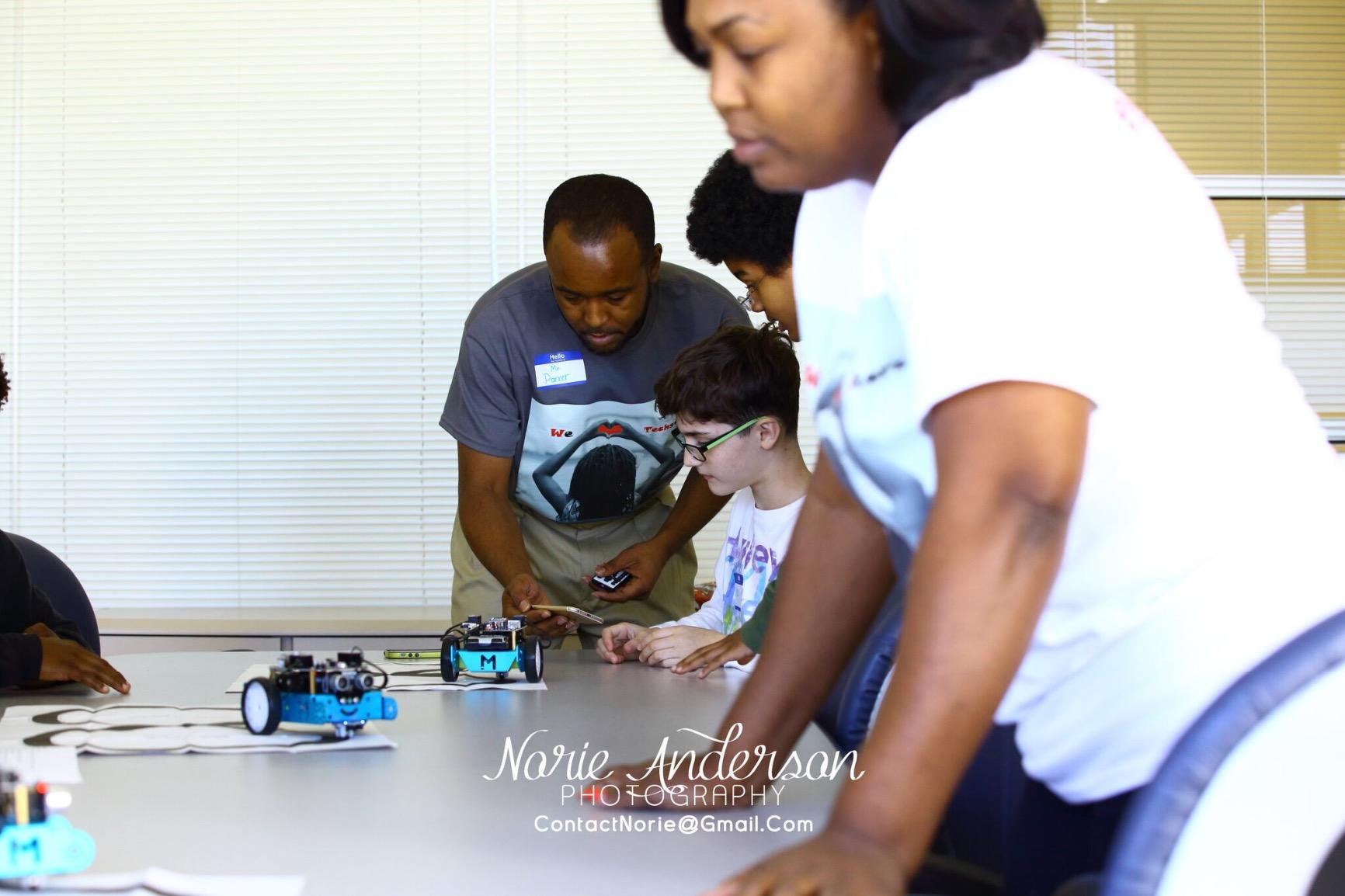
The Makeblock mBot is the robot I keep coming back to as the single best balance of education and fun for kids ages 8 to 12. My 9-year-old nephew built his in just under 20 minutes, and I helped him wire up the line-follow sensor in another 10. By dinner he had programmed a basic obstacle-avoidance routine in Scratch. That is the kind of trajectory I want from a STEM toy.
What sets the mBot apart from cheaper alternatives is the upgrade path. The included mBlock software works with drag-and-drop Scratch for beginners, and the same robot supports Arduino C/C++ once your child is ready. Parents on r/robotics consistently mention mBot as the kit that actually grows with the child rather than ending up in a drawer after a month.
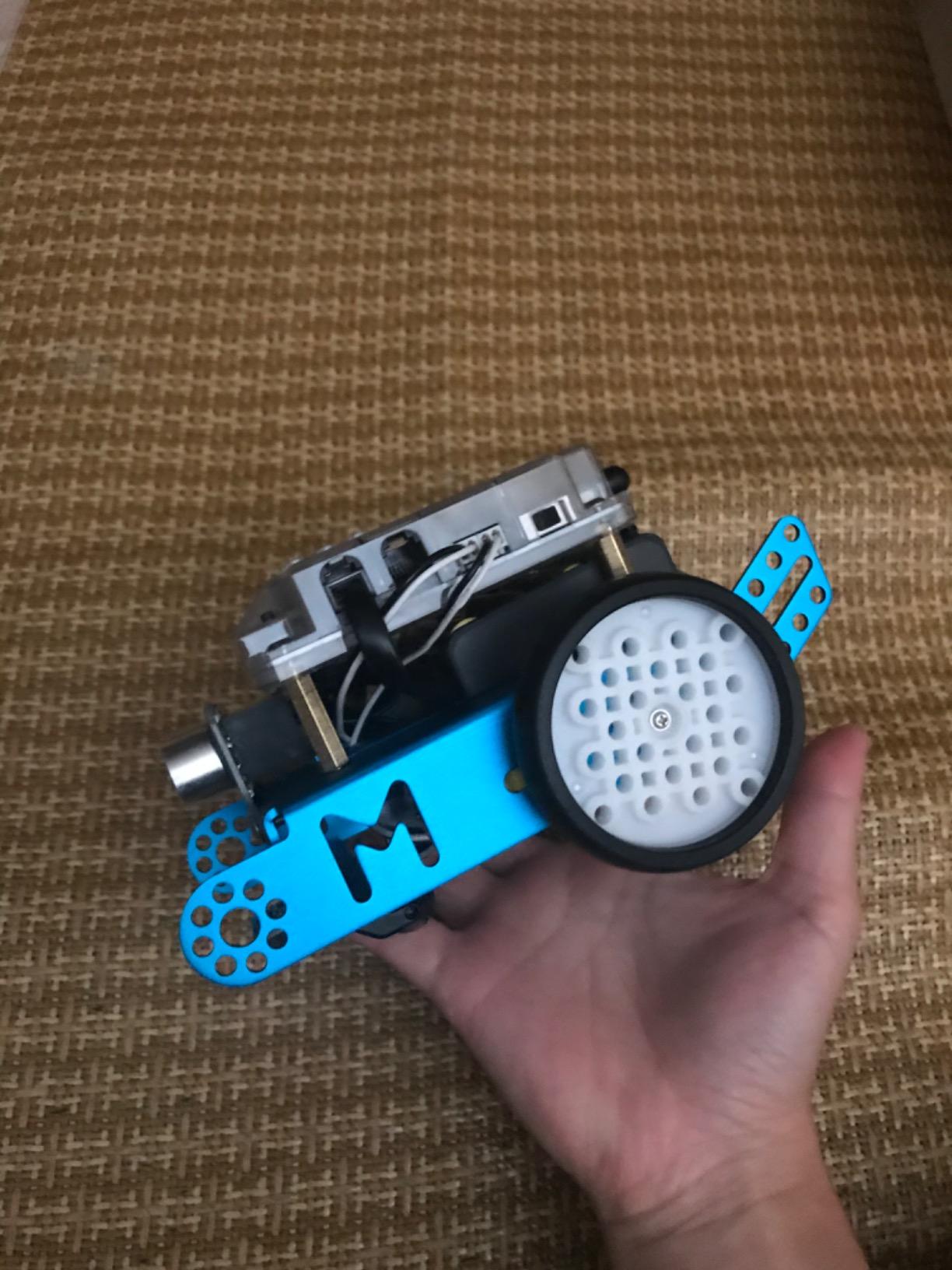
The hardware is solid. The metal frame, quality motors, and metal sensors feel like something you would see in a classroom kit, not a toy aisle product. It is also compatible with standard LEGO pieces and Makeblock’s own add-on packs, so there are over 100 expansion modules available. I tested the six-legged walking add-on and it transformed the basic car into a completely different robot.
The biggest downside is the battery situation. You need four AA batteries for the robot and a CR2025 coin cell for the remote, and neither is included. Bluetooth pairing can also be flaky on the first try. Once connected, however, the app is stable and the lessons inside the Makeblock app genuinely teach real coding concepts.
For Whom It’s Good
The mBot is ideal for kids 8 to 12 who show any interest in how things work. It is also my top pick for classroom settings and homeschool families because the curriculum support is built in. If your child already loves Minecraft and wants to build rather than just play, this is the robot that will keep them engaged for months.
For Whom It’s Not Ideal
Skip this if your child is under 7. The fine motor assembly and the coding concepts will be too advanced. If you want a pure entertainment robot with no learning curve, also look elsewhere. The mBot requires patience and adult help for the first build.
2. Learning Resources Botley 2.0 – Best Screen-Free Coding Robot
- Completely screen-free coding
- 77-piece activity set
- No phone or tablet needed
- Loop commands and object detection
- Great intro to sequencing
- Batteries drain quickly
- Line-following can be finicky
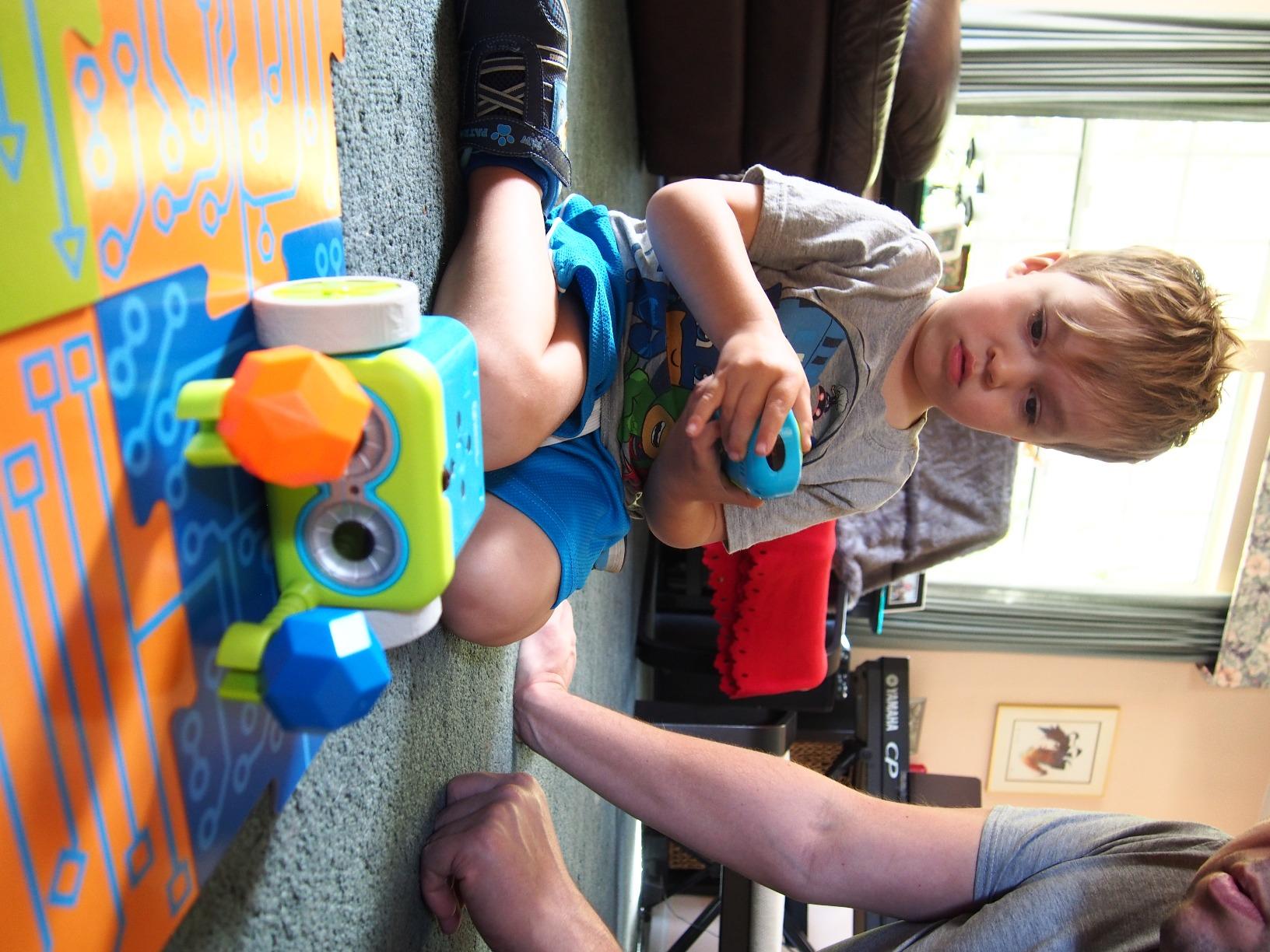
Botley 2.0 was the first coding robot I handed to my 5-year-old without constant supervision, and that fact alone makes it one of the best kids robots for early learners. The remote programmer is chunky, intuitive, and the coding cards help children visualize sequences before they program them. No app, no screen, no parent hovering over a tablet.
The 77-piece activity set includes 40 coding cards, six double-sided floor tiles, 27 obstacle pieces, and detachable robot arms. My daughter spent an entire rainy Saturday laying out a maze and programming Botley to navigate it. That is screen-free play that actually teaches logic, sequencing, and if-then thinking, which is exactly what good STEM toys should deliver.
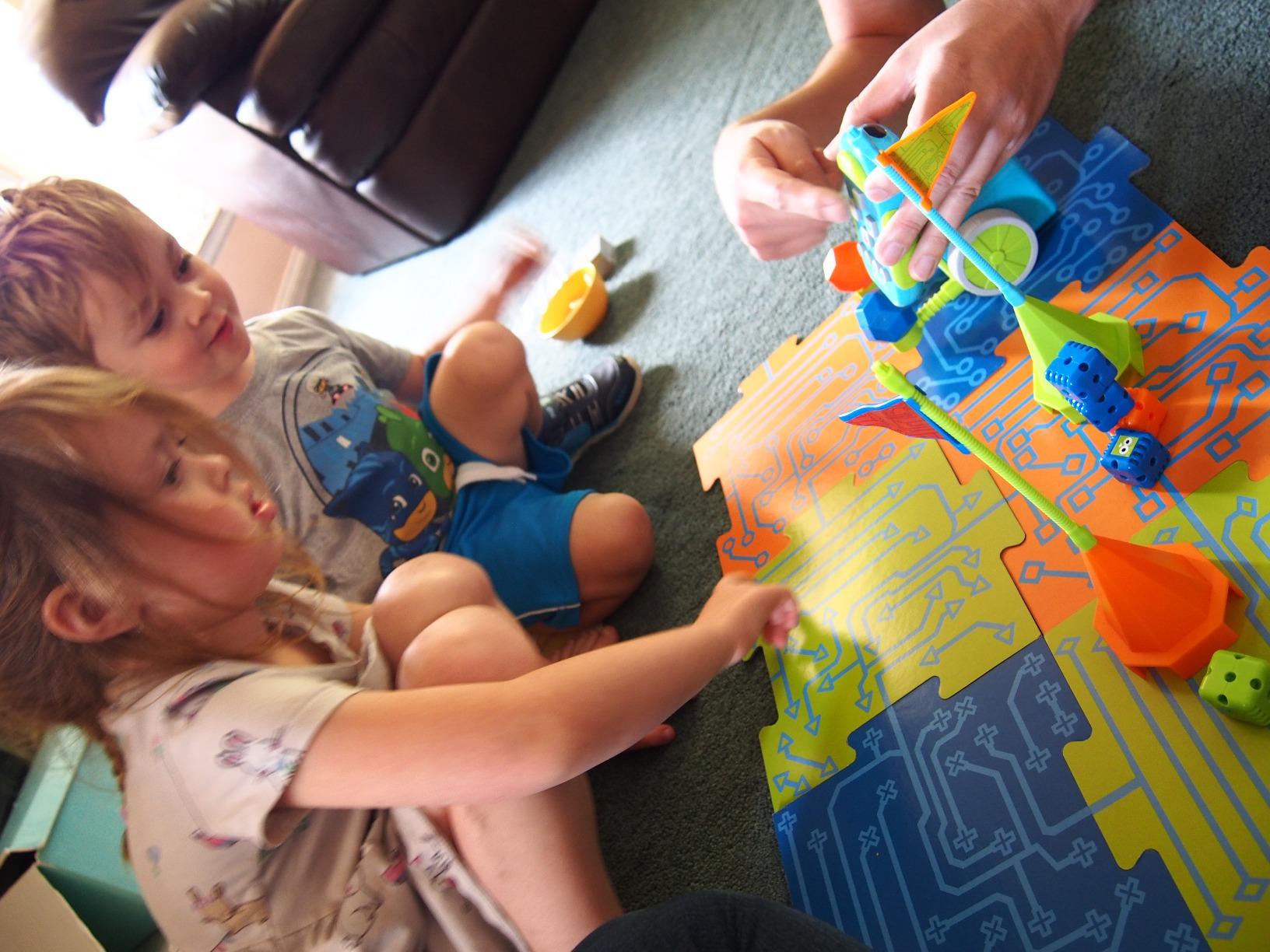
For parents worried about screen time, Botley is one of the few coding robots on the market that does not require a phone or tablet at all. The robot can detect objects, follow black lines, and support loop commands once your child is ready for more advanced concepts. Hidden features let kids unlock bonus content as they experiment.
The main complaints from parents are battery life and finicky line-following. Botley chews through AAA batteries, and the black-line sensor works best on smooth, light surfaces. On a dark rug, expect some frustration. A rechargeable battery pack solves the first issue, and taping down the included floor tiles solves the second.
For Whom It’s Good
Botley is perfect for ages 5 to 8, and it shines in homes or classrooms where screen time is a concern. It is also a great fit for kids who love puzzles, mazes, and structured play. The included activity guide has enough starter challenges to keep a child busy for weeks.
For Whom It’s Not Ideal
If your child wants to program on a tablet or computer, Botley will feel limited. Older kids (8 and above) may outgrow it within a few months. And if your house is mostly carpeted, plan to set up a hard floor play area or the line-following feature will underwhelm.
3. Sillbird 12-in-1 Solar Robot Kit – Best Budget STEM Robot
- No batteries needed - runs on solar power
- 12 different buildable models
- Clear step-by-step instructions
- Great value for the price
- Teaches renewable energy concepts
- Solar panel needs direct sunlight
- Gear quality inconsistent
- No programming features
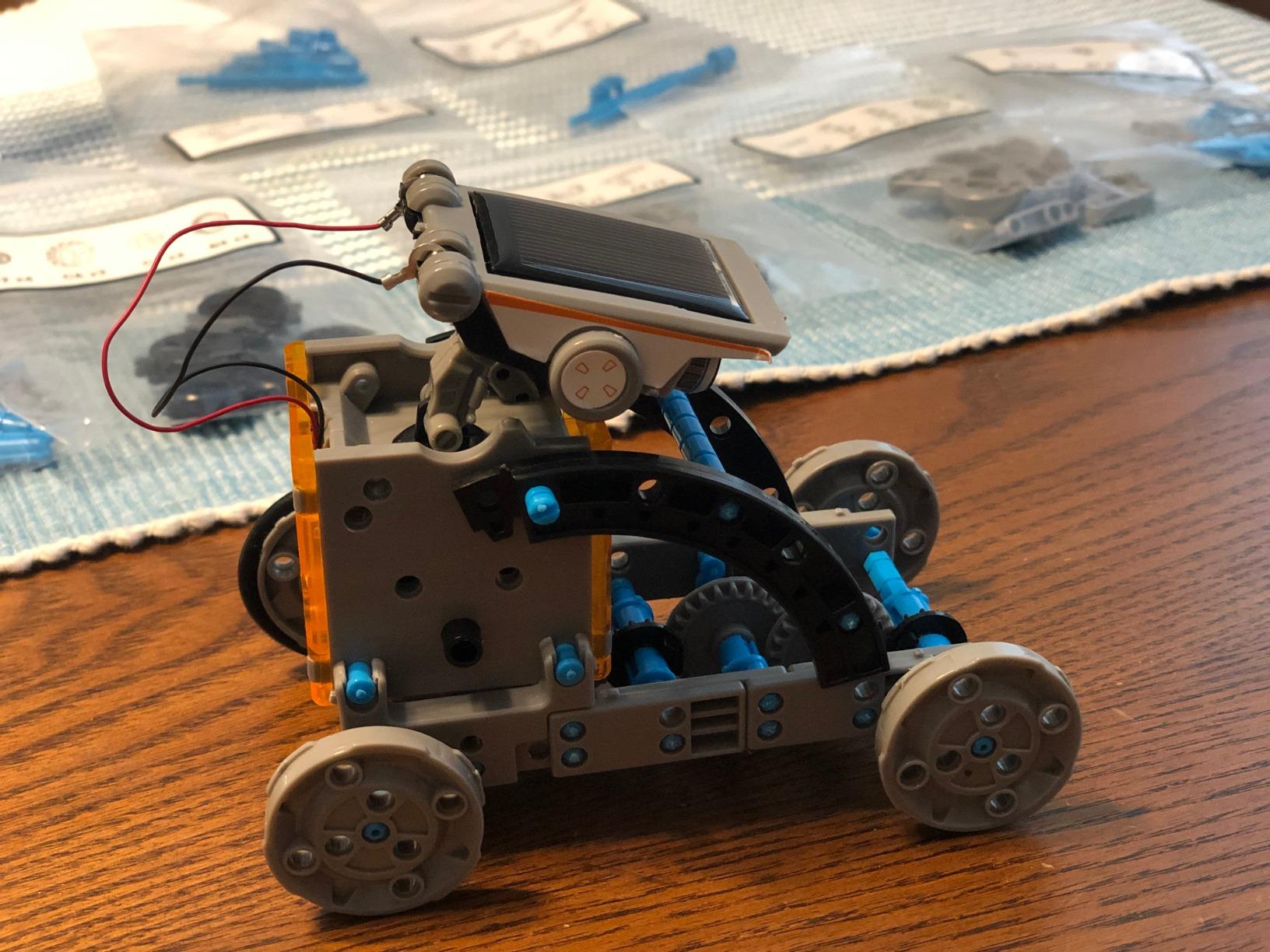
For under $15, the Sillbird 12-in-1 Solar Robot Kit is one of the most popular educational robot toys on Amazon, with over 15,000 reviews. My 8-year-old tester spent two full weekends building four of the 12 models, and the experience taught him more about gear assemblies and mechanical engineering than any app-based robot has.
Each model is a different robot: a dog, a crab, a zombie, a race car, and more. The 190 pieces click together with the included instructions, and the difficulty ramps up nicely as kids progress. Because it runs on a small solar panel, there is no charging, no batteries, and no screen time. On a sunny windowsill, the robots actually walk, roll, and paddle on water.
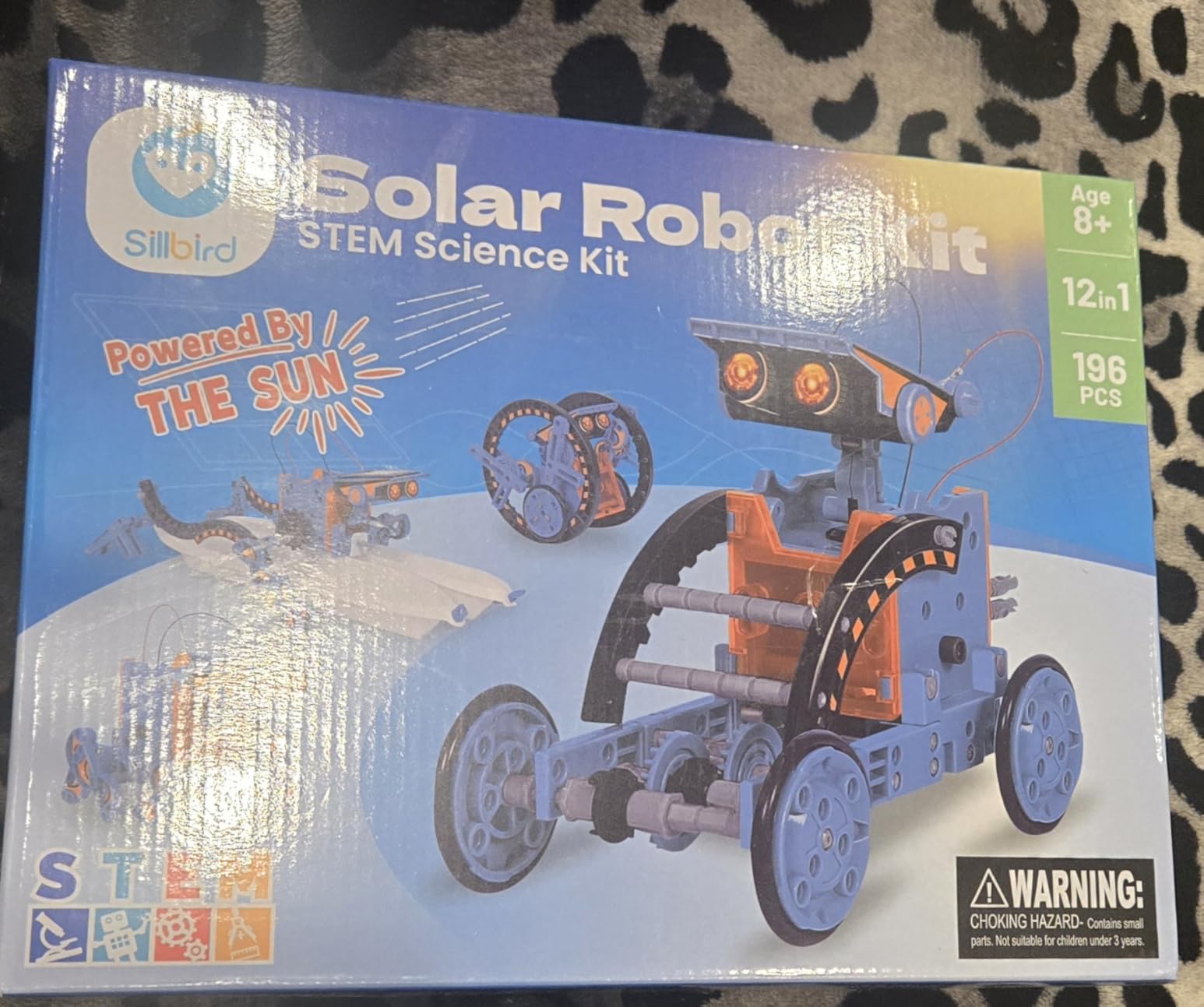
It is also a low-fuss introduction to STEM. Kids who finish this kit often graduate to Makeblock or LEGO Mindstorms because they already understand the basic mechanics. Parents on a budget will appreciate that this single purchase essentially replaces 12 different toys.
The trade-offs are real. The solar motor is small and does not work in dim rooms or cloudy days. Some users report gears that strip after heavy use, and there are no coding or programming features at all. This is a building toy, not a programmable robot. Manage your expectations accordingly.
For Whom It’s Good
Best for kids ages 8 to 13 who love building models and parents who want a screen-free option. Great as a stocking stuffer, classroom activity, or rainy-day project. Perfect for budget-conscious families who still want a real STEM toy.
For Whom It’s Not Ideal
Skip this if you live somewhere with limited sunlight or want a robot your child can actually program. Younger kids (under 7) may struggle with the small parts. And if your child expects flashing lights and remote control action, look at the Sillbird 5-in-1 or the Ruko robots instead.
4. Wonder Workshop Dash – Best Voice-Activated STEM Robot for Ages 6 and Up
- No assembly required
- Voice activated with singing and dancing
- 5 progressive coding apps
- Used in over 40
- 000 schools globally
- Up to 5 hours of battery life
- Higher price point
- Bluetooth pairing can be tricky
- No camera for advanced projects
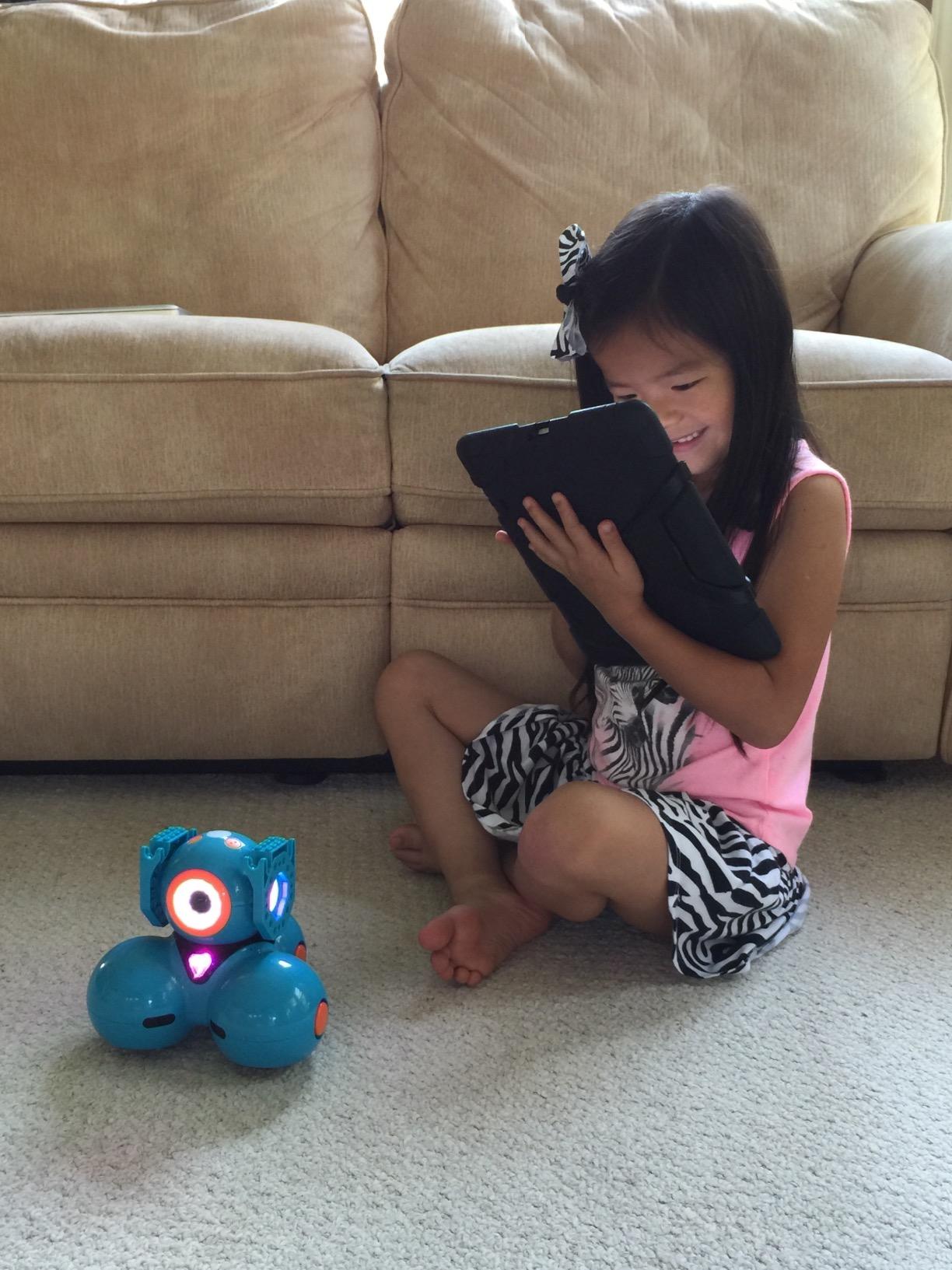
The Wonder Workshop Dash is the robot most often spotted in elementary school STEM labs, and after testing it for a month at home, I can see why. It comes out of the box ready to play, no assembly required, and the included USB charging cord means my kids were running programs within five minutes of opening it.
Dash has a real personality. It can sing, dance, blink, and respond to voice commands. My 7-year-old spent an entire afternoon using the Blockly app to program Dash to navigate an obstacle course. The progressive apps (Blockly, Wonder, Path, and others) start at drag-and-drop coding for beginners and grow into more advanced concepts like loops, variables, and conditionals.
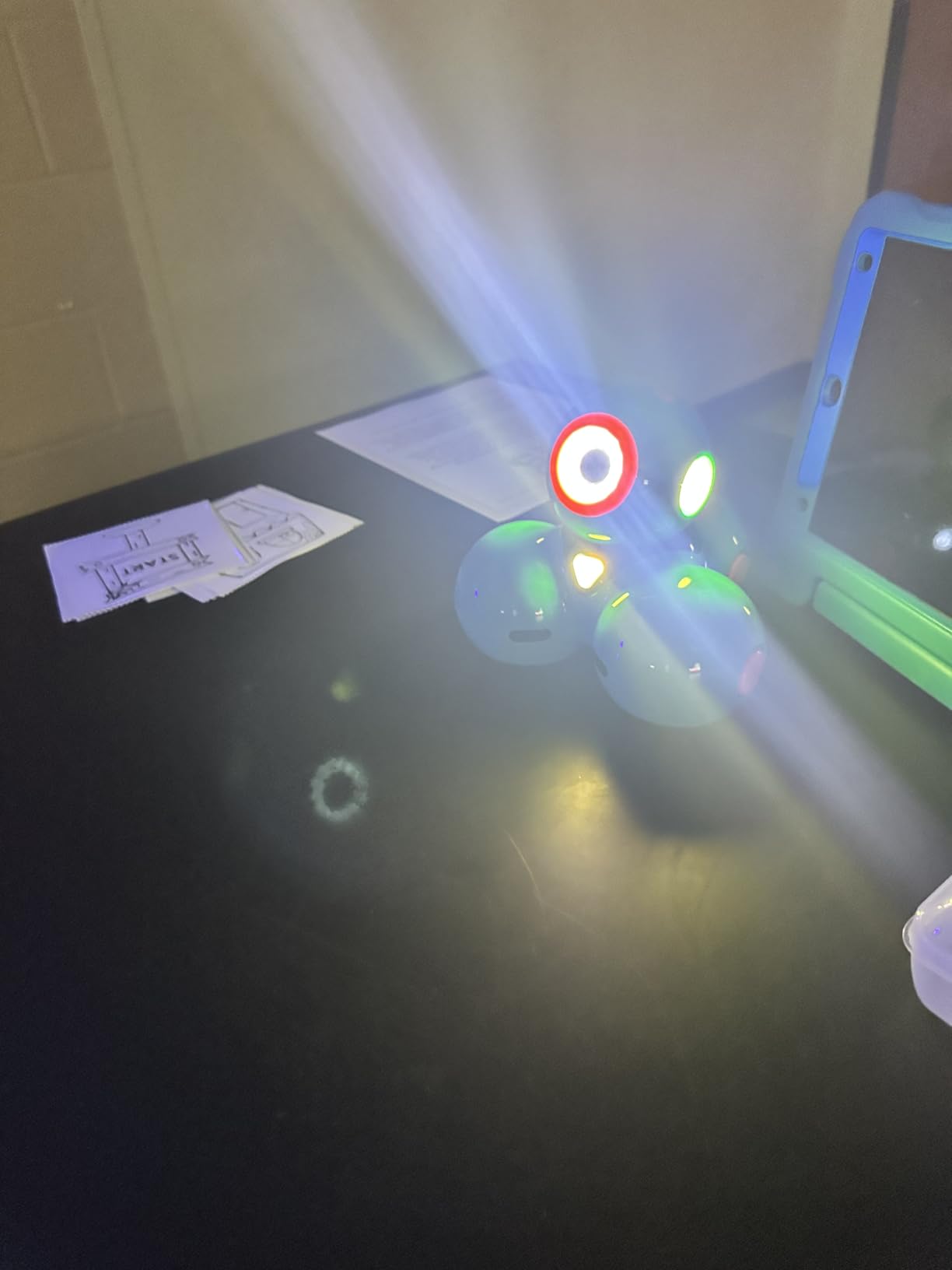
Battery life is a major strength. Dash can run for up to 5 hours of active play between charges, which is more than double most competitors. There is also no account sign-up required and no data tracking, which is a big deal for privacy-conscious parents. Wonder Workshop is one of the few companies that has fully committed to COPPA compliance.
The biggest drawback is price. At $170, Dash costs more than many of the other robots in this roundup, especially considering it does not include a camera or any construction elements. Some parents also report Bluetooth pairing issues at first, though this usually resolves with a firmware update.
For Whom It’s Good
Dash is ideal for ages 6 to 11, especially kids who show early interest in coding, robotics, or video games. It is also my top pick for any family that wants a robot used in actual schools. If your child has outgrown simple remote-control toys but is not ready for Arduino kits, this is the sweet spot.
For Whom It’s Not Ideal
Skip Dash if you want a robot your child can build or modify. It is a sealed unit with no LEGO compatibility or expansion modules. Younger kids (under 6) may need help with the app interface. And the price is steep if you are not sure your child will stay engaged.
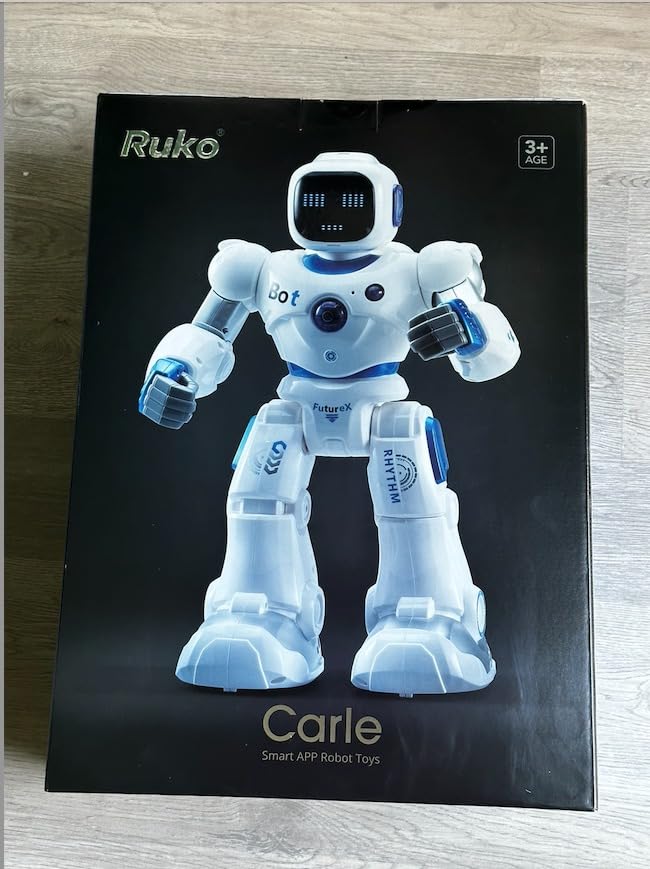
5. Ruko 1088 Smart Robot – Best Large Interactive Robot for Ages 4-9
Ruko 1088 Smart Robot Toy for Kids, Large Programmable Interactive Gift
- Impressive 15.8-inch size commands attention
- Four control options: remote
- app
- voice
- and gravity-sensor
- 10 facial expressions and 9 flexible joints
- Built-in programming for STEM play
- FCC and CPC safety certified
- Premium price tag
- Volume cannot be fully muted
- USB-C to USB-C charging not supported
If you want a robot that visually impresses a young child, the Ruko 1088 is hard to beat. At 15.8 inches tall, it towers over most competitors, and the LED eyes, flexible joints, and built-in songs make it feel like a real companion rather than a desk toy. My 6-year-old tester called it the big robot for weeks.
What surprised me was the range of control options. The Ruko 1088 works with a 2.4GHz remote, a smartphone app, voice commands, and a gravity sensor that lets the robot respond to wrist movements. The included programming mode lets kids chain up custom sequences, which is a real entry point into coding logic without any screens.
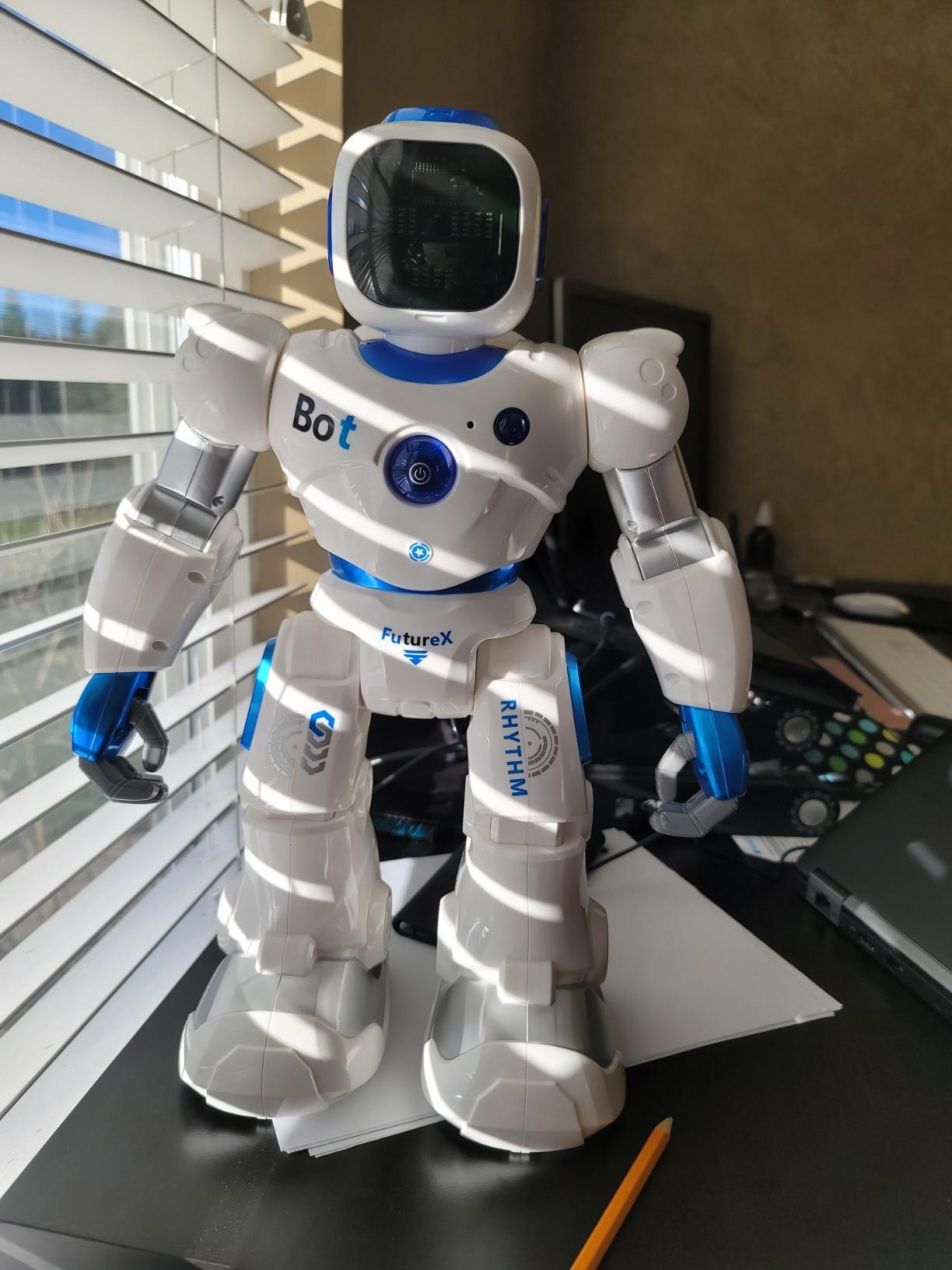
Battery life is solid. A 150-minute charge gives about 100 minutes of play, and the rechargeable battery is included. Build quality feels substantial, with smooth edges and durable ABS plastic. Ruko also includes a 30-day return policy and 90-day warranty, which is rare in this price range.
On the downside, the volume cannot be fully muted, so the music and sounds will eventually drive some parents up the wall. The robot is also priced higher than the simpler remote-control options. And as one parent on r/HelpMeFind noted, USB-C to USB-C cables do not work for charging, so use the included cable.
For Whom It’s Good
Great for ages 4 to 9, especially kids who love big, expressive toys. Works well as a gift because the unboxing experience is dramatic. Also a good fit for classrooms and group play since multiple control modes accommodate different skill levels.
For Whom It’s Not Ideal
If you are on a tight budget, this is not the pick. If your child loses interest quickly in big toys, the simpler Hamourd or KingsDragon models will save you money. And if you need a quiet house, factor in that the volume is non-adjustable.
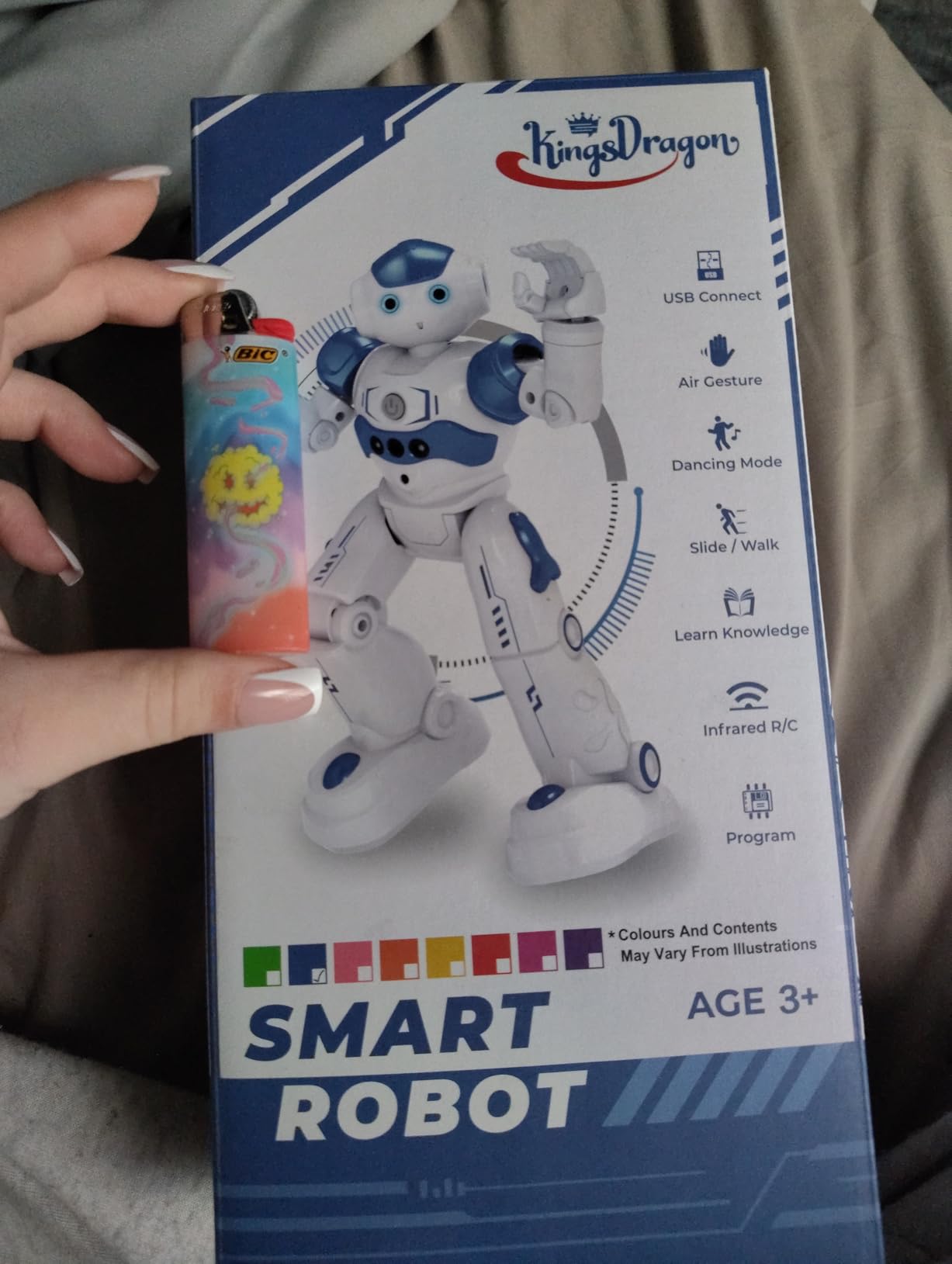
6. KingsDragon RC Robot – Best Affordable Gesture-Control Robot
- Hand gesture control adds novelty
- Program up to 50 custom action sequences
- Smooth multi-joint movements
- LED illuminated blue eyes
- Rechargeable battery included
- Struggles to transition from hard floor to carpet
- Music cannot be fully turned off
- Smaller than expected based on photos
The KingsDragon RC Robot is one of the highest-rated budget kids robots on Amazon, with over 6,800 reviews and a 4.5-star average. The standout feature is the hand gesture control: kids can move their hand and the robot mirrors the motion, which is endlessly entertaining for the 3 to 7 age group.
It also has a surprisingly deep programming mode. Kids can input up to 50 actions in sequence, and the robot will replay them, which is essentially a screen-free introduction to coding. The rechargeable battery delivers about 60 minutes of play per 2-hour charge, and the included USB cable makes refills easy.
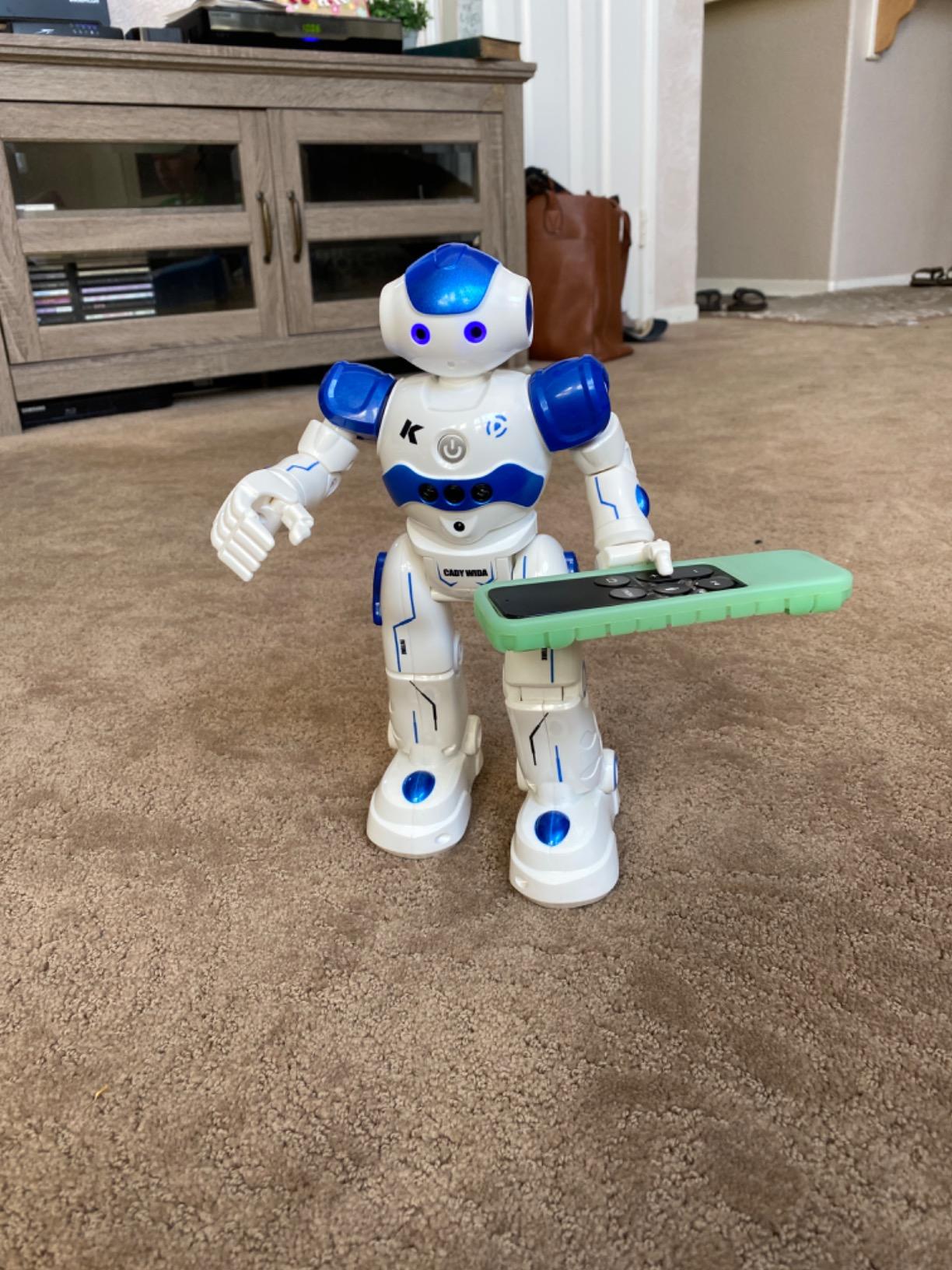
Build quality exceeded my expectations for the price. The ABS plastic is non-toxic and the joints are flexible enough to survive drops, which my 4-year-old tester confirmed with multiple accidental tumbles. The LED eyes light up bright blue, and the dance and sing modes are crowd-pleasers at birthday parties.
Where the KingsDragon falls short is on carpet. The robot is designed for hard floors, and on thick rugs the wheels lose traction. Also, the music plays whenever the robot is on, and you cannot turn the volume off completely. If you have a noise-sensitive household, this is something to know before you buy.
For Whom It’s Good
Best for ages 3 to 7 on a budget. The gesture control is genuinely novel and keeps younger kids engaged. Also a strong choice for grandparents looking for an affordable gift that will not end up in the toy graveyard within a week.
For Whom It’s Not Ideal
If you have wall-to-wall carpet, expect frustration. If you need programmable coding with an app or computer, look at Makeblock or Wonder Workshop instead. And if your child is over 8, the KingsDragon will feel too simplistic.
7. Educational Insights Design and Drill Robot – Best Take-Apart Robot for Preschoolers
- Real working screwdriver included
- Builds fine motor skills and hand strength
- 23-piece set with decorative stickers
- Durable plastic construction
- Perfect for cooperative play
- Robot does not come fully apart
- No electronic lights or sounds
- Requires some force for young hands
The Design and Drill Robot is not a programmable robot. It is a take-apart construction toy, and that distinction matters. With over 10,000 reviews and a 4.5-star average, it is one of the most recommended STEM toys for preschoolers by occupational therapists and early educators.
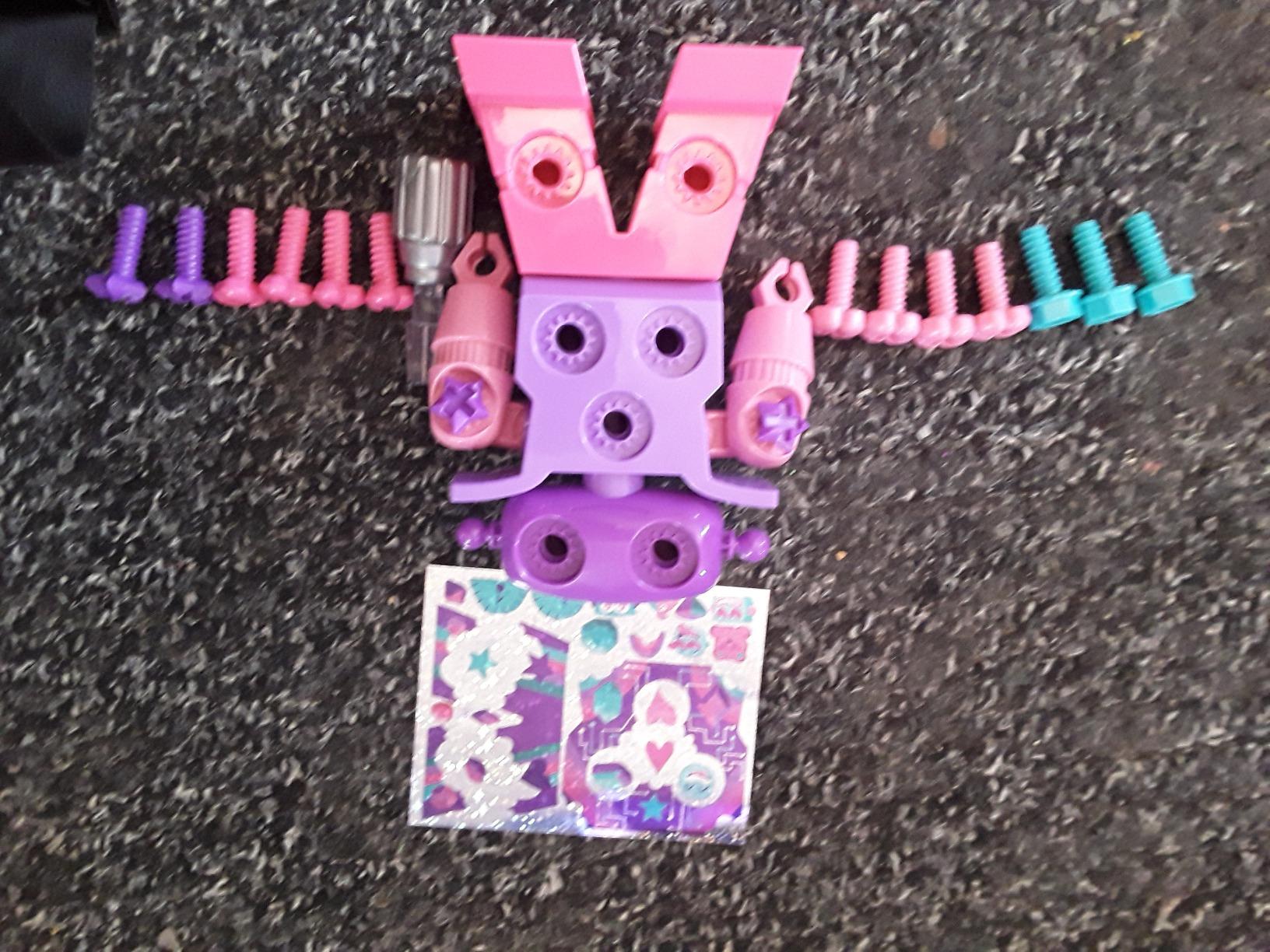
The 23-piece set includes a robot with swiveling head, arms, and upper body, 15 multicolored bolts, a kid-friendly screwdriver that actually turns, and decorative stickers for personalization. My 4-year-old spent a week taking it apart and rebuilding it in different configurations, which is exactly the kind of open-ended play that develops fine motor skills.
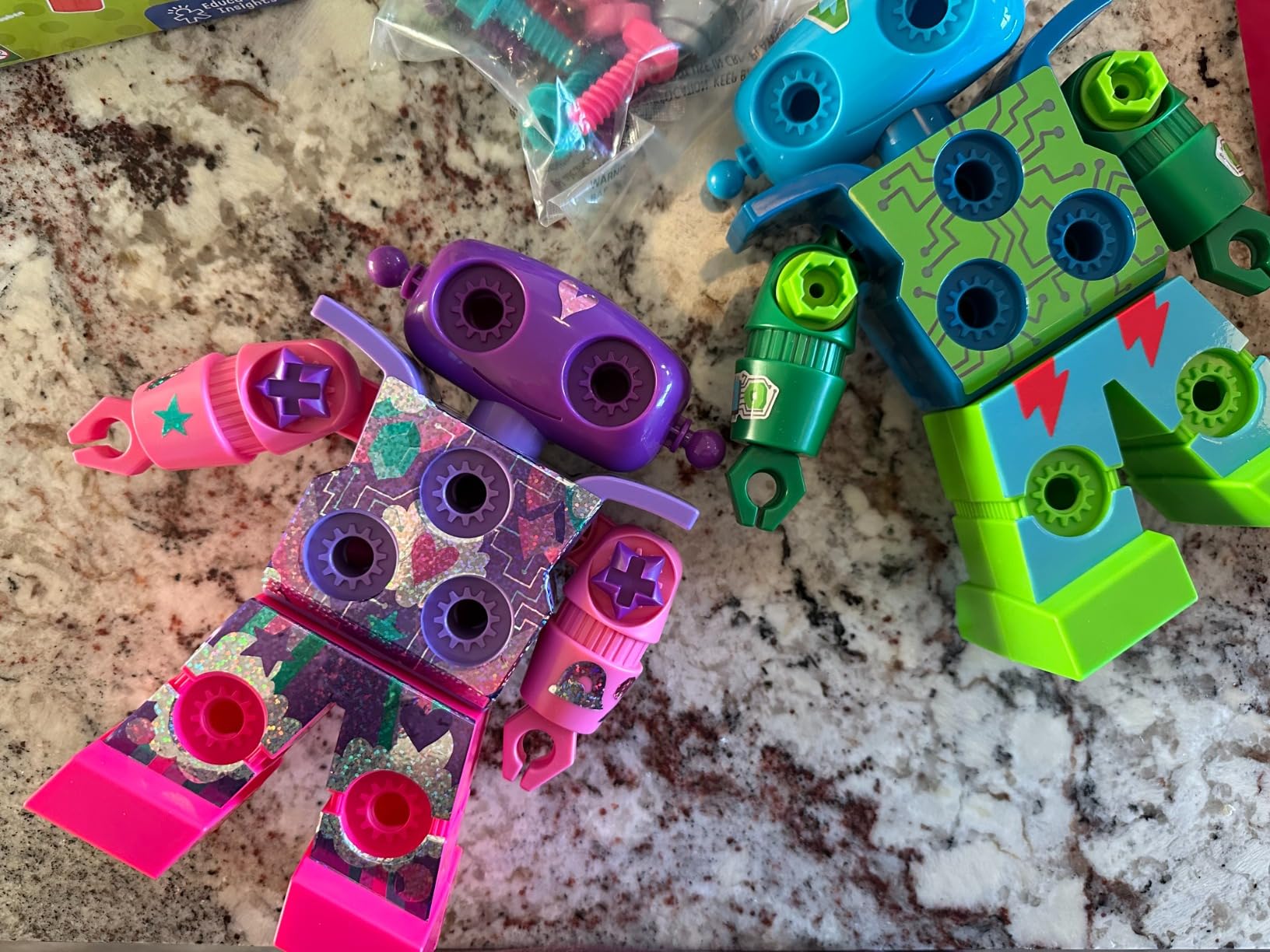
What makes this special is the focus on hand strength and dexterity. The screwdriver has some resistance, which is intentional, and pediatric OTs often recommend toys like this for kids who need hand-strengthening exercises. The included stickers let kids customize their robot, which adds to the creative play value.
The limitations are also clear. This is a manual toy with no batteries, no lights, and no sounds. The robot does not fully come apart, only the arms and bolts, so kids expecting more dramatic deconstruction may be disappointed. And the drill requires some force, so very young children (under 3) will struggle.
For Whom It’s Good
Perfect for ages 3 to 6, especially kids who love tools and building. A top pick for preschool classrooms and parents looking to develop fine motor skills. Also a great choice for kids who are not yet ready for electronics but want a robot they can call their own.
For Whom It’s Not Ideal
Skip this if your child expects a robot that moves or makes sounds. If you want something with programming, look at Botley instead. Older kids (7 and above) will likely find this too simple within a few play sessions.
8. Hamourd Rechargeable Robot – Best Dance Robot for Younger Kids
- Tank track design works on carpet and hardwood
- Bright LED eyes with multiple expressions
- 2.4GHz remote with intercom mode
- USB-C rechargeable battery
- One-click dance demonstration
- Compact size may disappoint older kids
- Limited advanced tricks
- Music can be loud
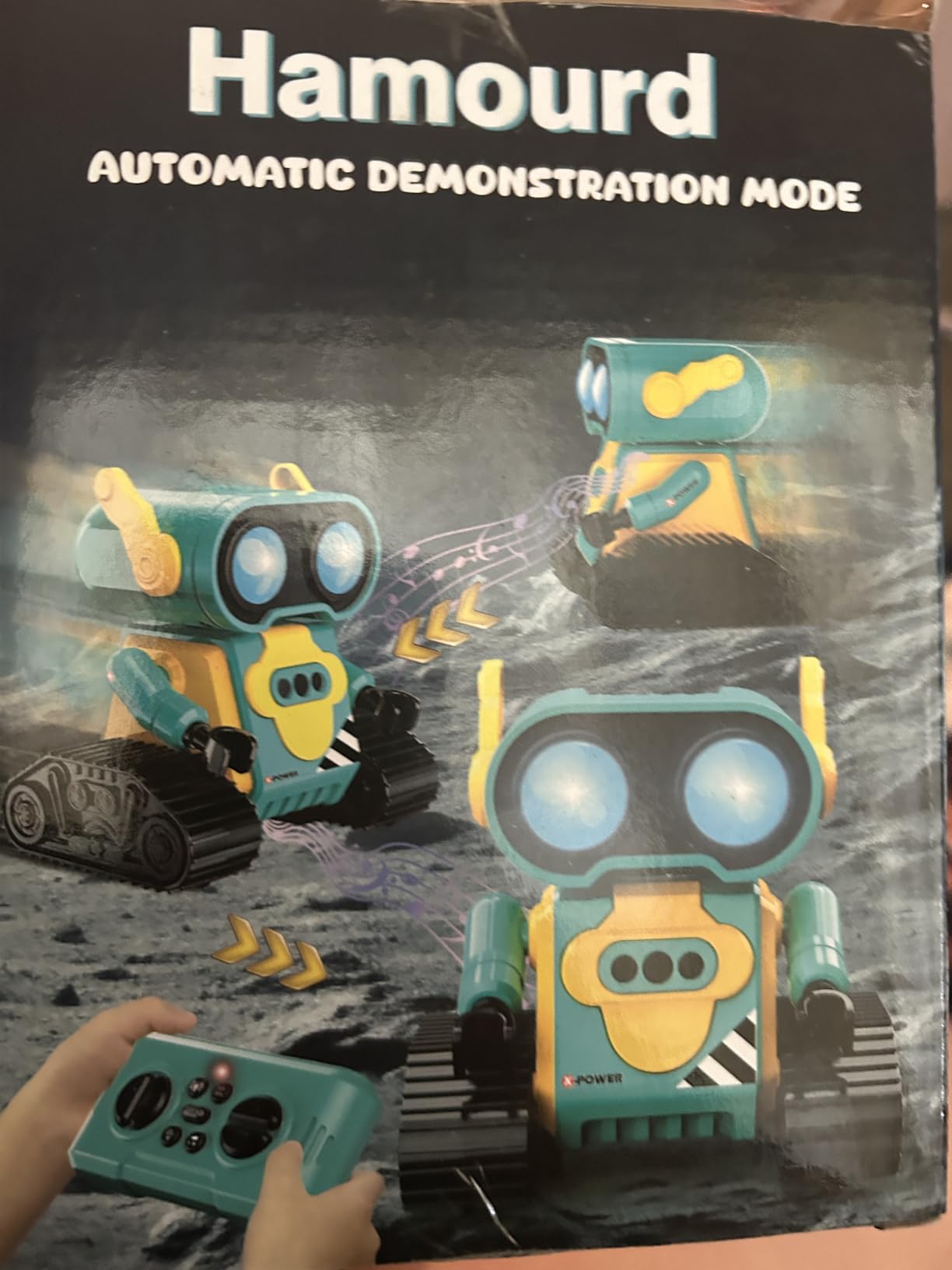
The Hamourd Rechargeable Robot is one of the highest-rated kids robots on Amazon, with 5,000+ reviews and a 4.6-star average. What sets it apart from similar remote-control robots is the tank track design, which actually works on both carpet and hardwood. Most competitors in this price range lose traction on rugs within minutes.
The LED eyes are the real star. Kids can control the eyes to blink, close, or glow, and the expressions make the robot feel like a tiny pet. The one-click auto-demonstration mode triggers dance moves, 360-degree spins, and singing, which is a hit at sleepovers and play dates.
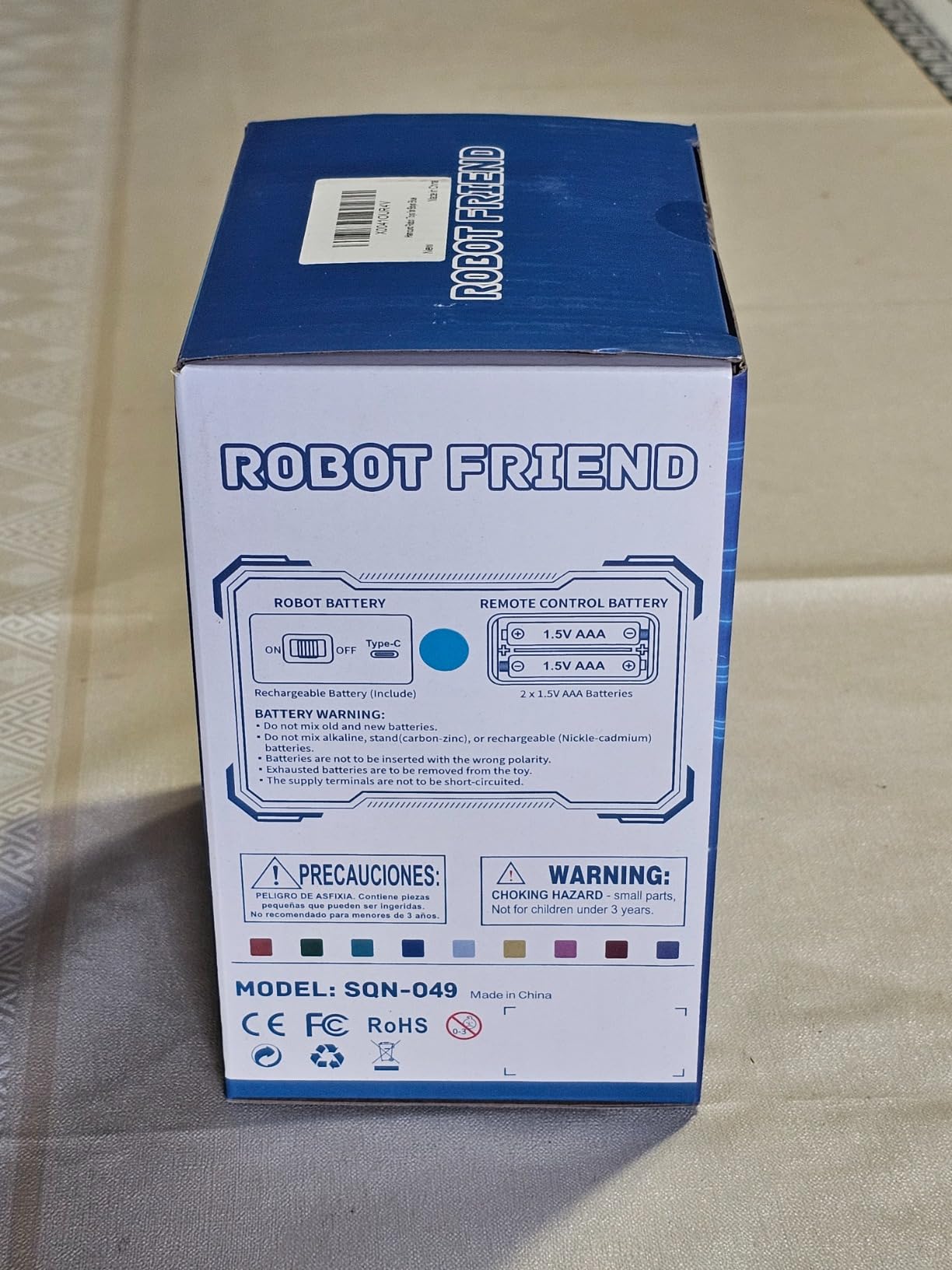
The 2.4GHz remote includes an intercom mode, so kids can talk into the remote and the robot will play back their voice. This is genuinely useful for parent-child communication play. The rechargeable USB-C battery is also a plus, since it eliminates the constant cost of AA batteries.
At 4.92 inches tall, the Hamourd is on the smaller side. Older kids expecting a big, imposing robot may be underwhelmed. The voice commands are also limited, and the music plays automatically when the robot moves, which can get repetitive.
For Whom It’s Good
Best for ages 4 to 7, especially kids who love dance and music. Works well on carpeted homes where other remote-control robots struggle. The intercom feature is a hit with younger kids who love hearing their own voice through the robot.
For Whom It’s Not Ideal
Skip if your child is 8 or older, since the features will feel too simple. If you want a robot that teaches actual coding, look at Botley or Makeblock. And if you live in a small apartment, the music volume can become overwhelming fast.
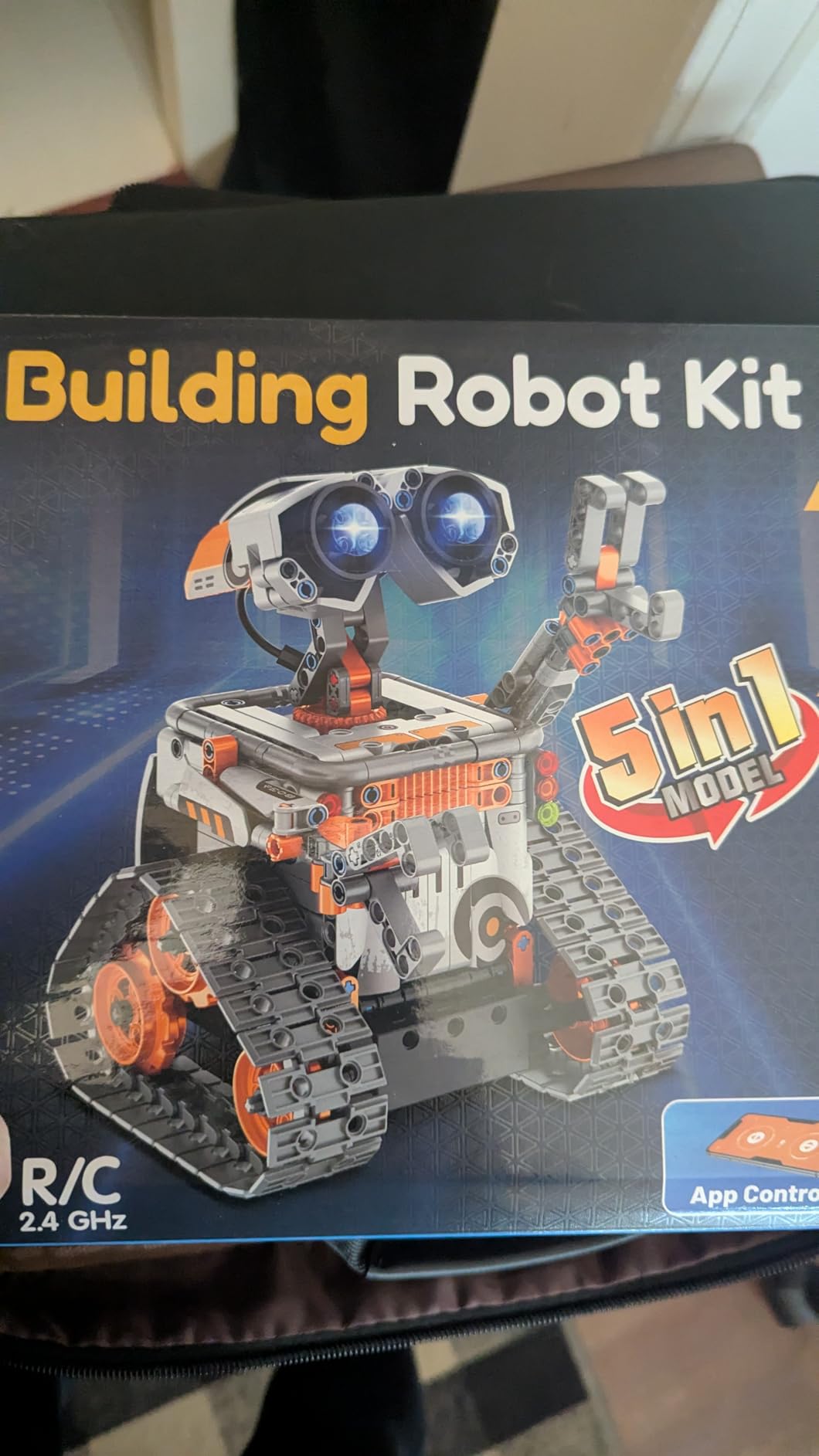
9. Sillbird 5-in-1 STEM Building Kit – Best Programmable Building Kit
Sillbird STEM Robot Building Kit with Remote Control Gifts for Boys 8-13
- 5 different models with progressive difficulty
- 488 pieces for hours of building
- Dual control via app and remote
- Rechargeable battery
- Clear colorful instructions
- Quality control issues with occasional missing pieces
- Remote layout takes time to learn
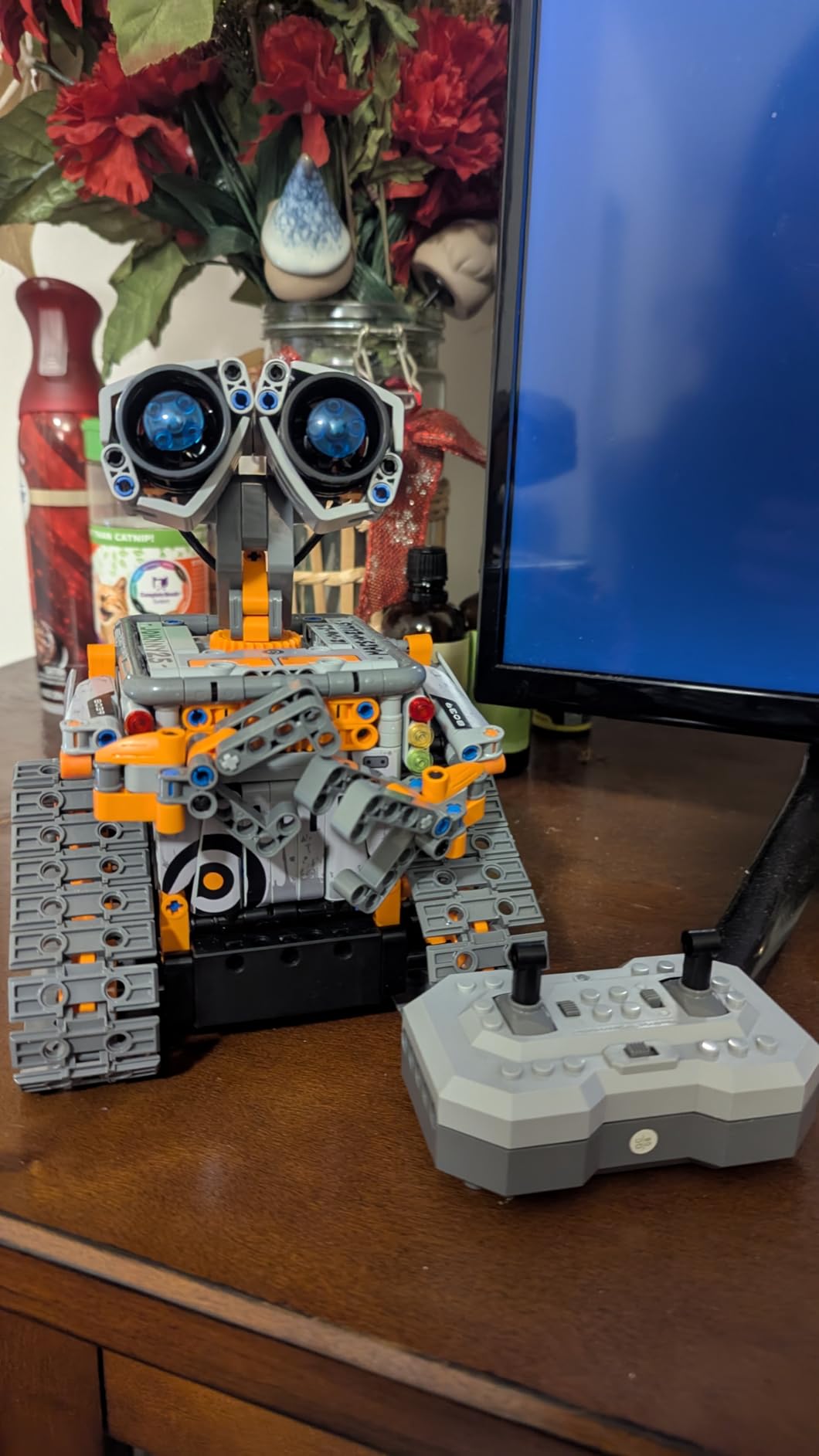
The Sillbird 5-in-1 STEM Building Kit is what happens when you take the basic solar robot concept and add real programming. With 488 pieces and five different buildable models, this is more of a build-it-yourself project than a single toy, and it kept my 9-year-old busy for an entire weekend.
The buildable models include a robot, a dinosaur, a car, a tank, and a couple of other mechanical designs. Once built, each model can be controlled via Bluetooth app or the included 2.4GHz remote. The app supports basic programming blocks, so kids can chain commands together to automate movements.
Rechargeable battery is a major plus, giving up to 40 minutes of play per charge. The ABS plastic feels durable, and the instructions are well-illustrated for an age range where many competitors fall short. Sillbird’s customer service is also responsive if you happen to be missing a piece, which is a common complaint in this category.
The main drawbacks are quality control and the learning curve. Some users report missing pieces, though the company typically sends replacements. The remote control layout is also not intuitive at first, so expect some trial and error. The app can be clunky compared to Makeblock or Wonder Workshop apps.
For Whom It’s Good
Best for ages 8 to 13 who love construction sets. The five models provide excellent replay value, since each rebuild teaches different mechanical concepts. Also a strong pick for parents who want a STEM kit that does not require a computer.
For Whom It’s Not Ideal
Skip this if your child is under 7, since the 488 pieces are a choking hazard and the assembly is too complex. If you want real programming, the Makeblock mBot is a better investment. And if you have limited storage, the box is sizable.
10. Mattel Disney Pixar WALL-E RC – Best Character Robot for Disney Fans
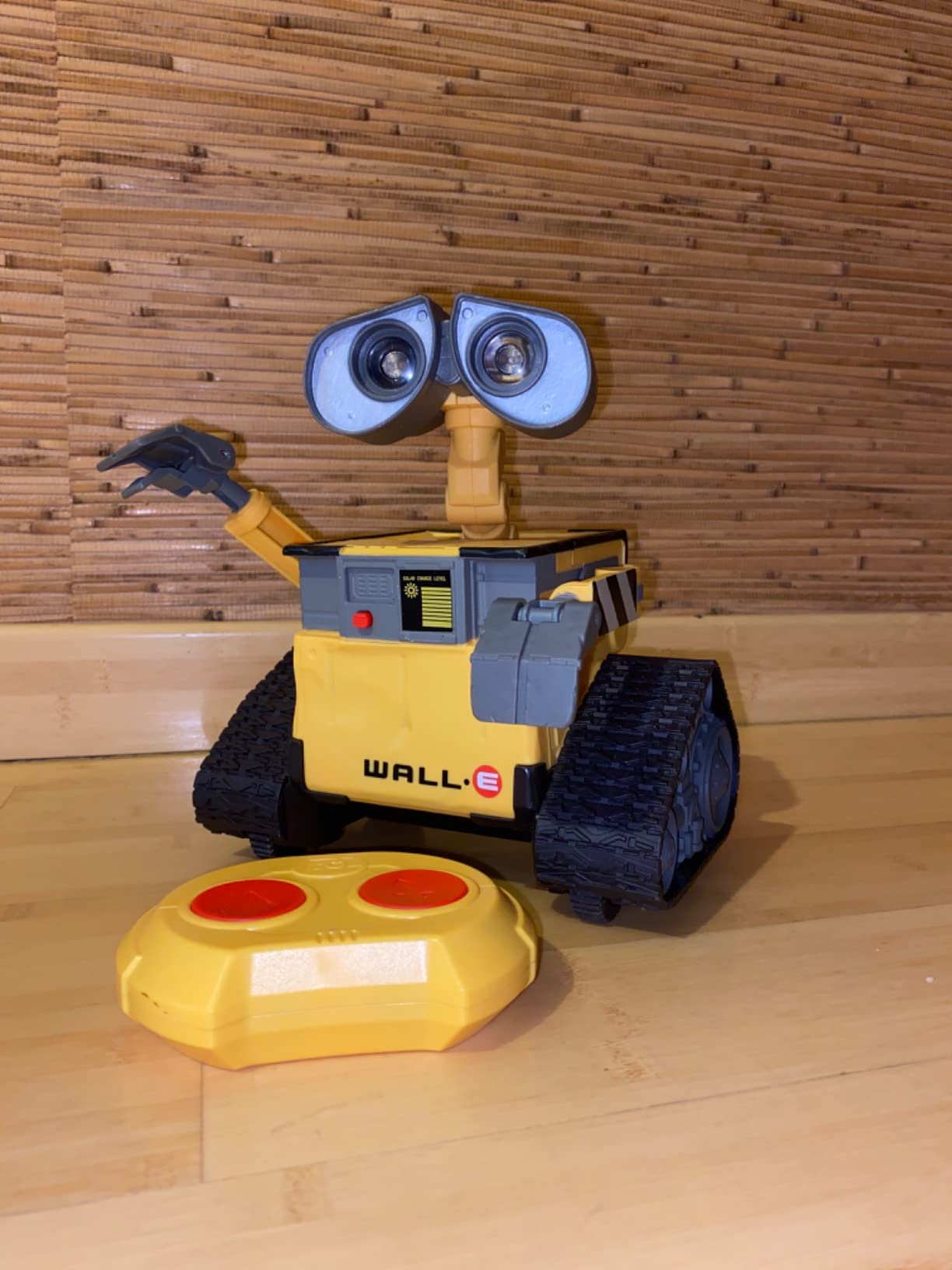
Mattel Disney Pixar WALL-E RC Robot Toy with 20+ Lights & Sounds, Hello WALL-E Action Figure & Remote Control
- Authentic movie-accurate design
- 20+ light and sound combinations
- 87% of reviewers give 5 stars
- Batteries included
- Great collector item for Disney fans
- Sounds are very loud with no volume control
- Can tip over during sharp turns
- Limited movement directions
For kids who love Disney Pixar’s WALL-E, this officially licensed Mattel robot is a dream come true. With 3,100+ reviews and an exceptional 4.8-star average, it is one of the highest-rated character robots in this roundup. My 5-year-old niece, who had just watched WALL-E for the first time, would not put it down.
The 9.5-inch robot features 20+ light and sound combinations, including WALL-E’s iconic vocalizations, his eye movements, and his signature box-stacking animation. The 2-button remote is simple enough for a 4-year-old to operate, and the included AAA batteries mean it works out of the box.
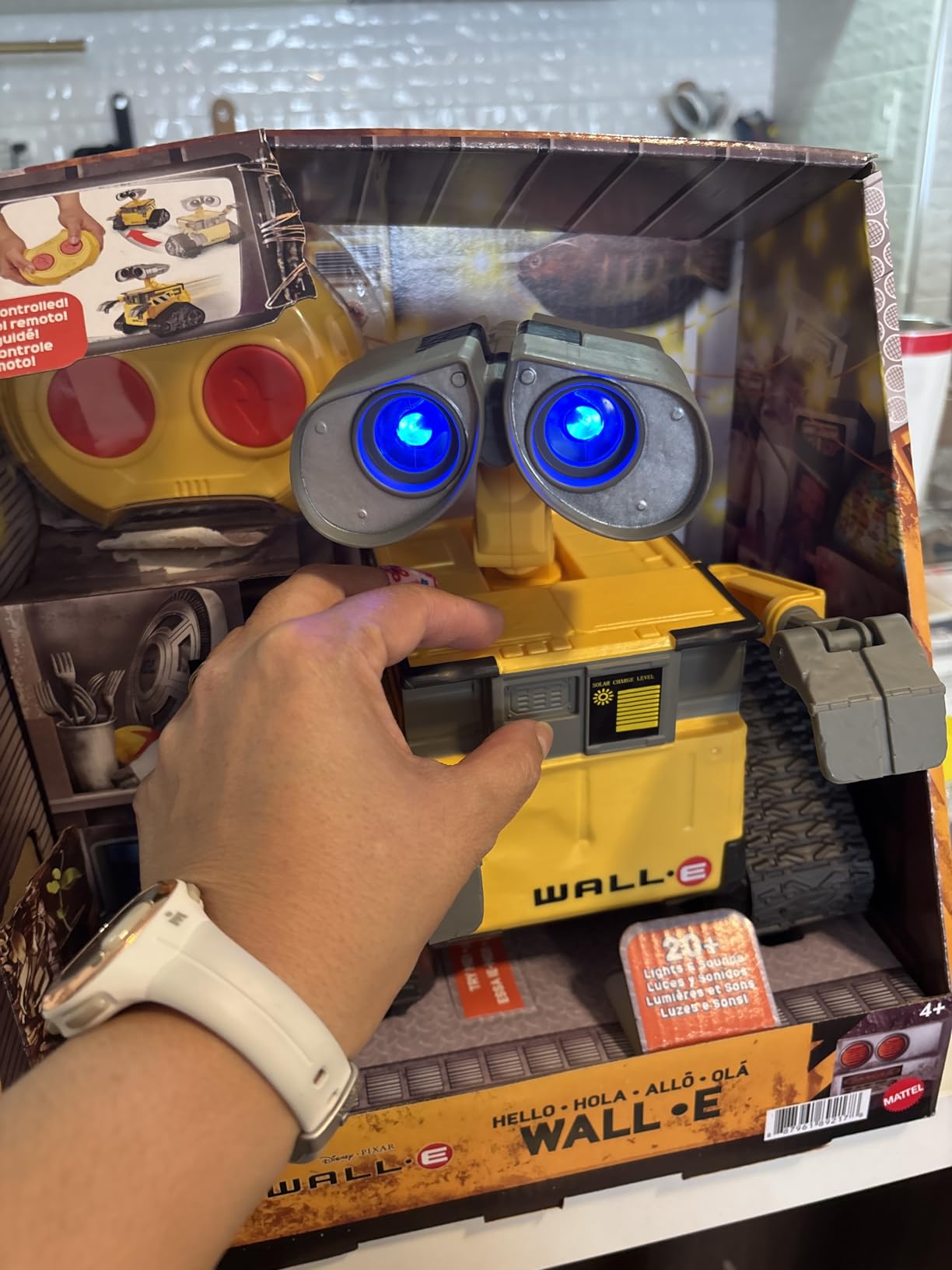
Build quality is genuinely good. The matte finish matches the on-screen robot, and the eyes light up convincingly. As one parent noted, it is also a great display piece when not in use, which is rare for a kids toy. The Disney licensing is legit, so the sound effects are the real ones from the movie.
Where the WALL-E robot disappoints is in sound control. There is no volume button, and the robot is loud. It also has limited movement: forward, back, and a J-turn, with no real obstacle navigation. The robot can also tip over on sharp turns, especially on carpet.
For Whom It’s Good
Perfect for ages 4 to 7 who love WALL-E or Disney Pixar in general. A strong gift pick for birthdays and holidays. Also works as a collector item for adult Disney fans who want a desk-sized WALL-E.
For Whom It’s Not Ideal
Skip this if you need a quiet robot, since the sounds cannot be muted. If you want a robot that teaches coding or STEM concepts, this is purely entertainment. And if your child is not a WALL-E fan, the magic wears off quickly.
11. Energize Lab Eilik – Best Desktop Companion Robot
- Touch-responsive with expressive animations
- No complicated setup required
- Multiple Eiliks can interact together
- Expandable with AI Station and Panxer accessories
- Up to 1.5 hours per charge
- Limited functionality for the price
- Some users report defective units
- Can be noisy
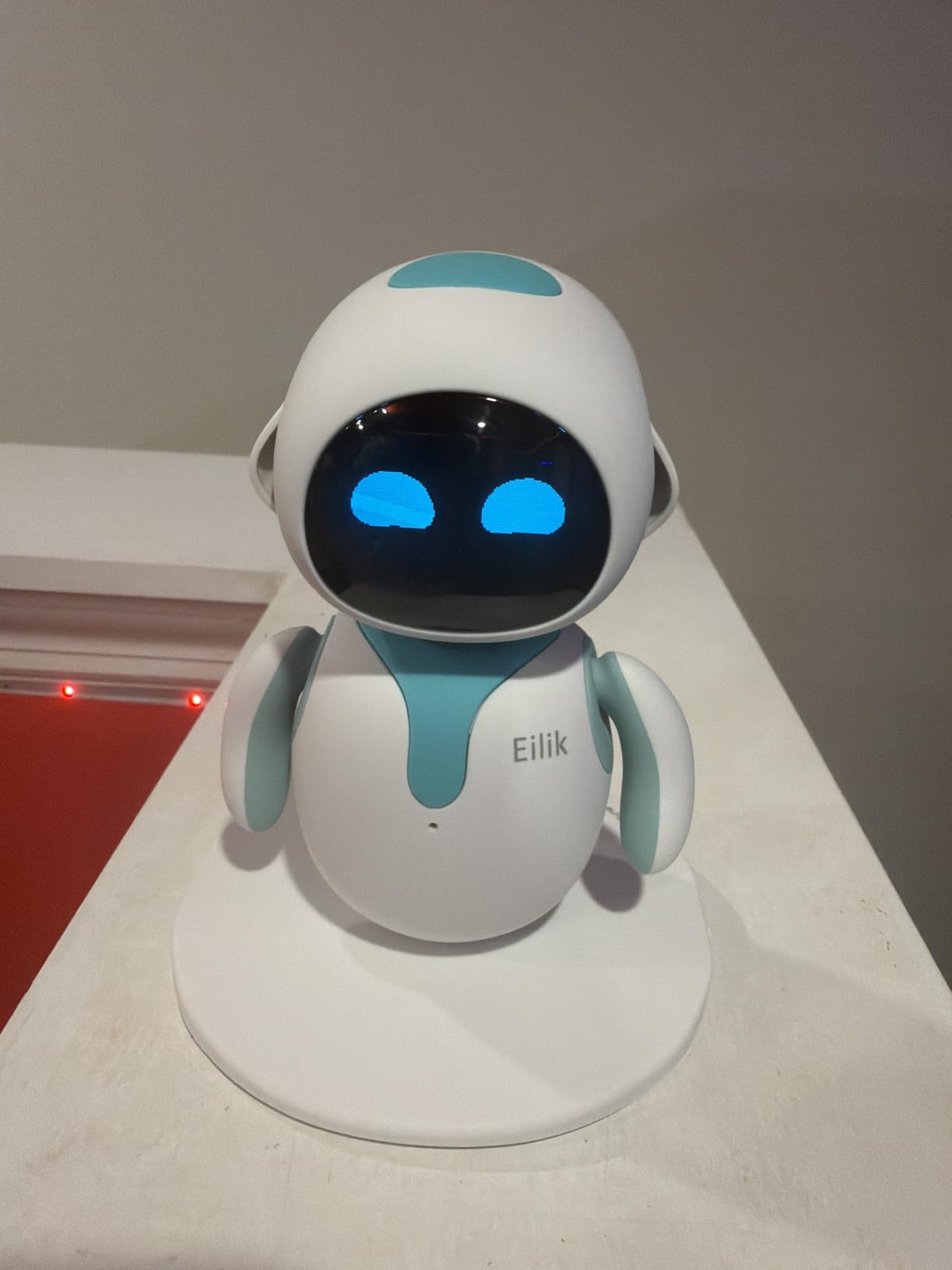
The Energize Lab Eilik is not a typical kids robot. It is a small, expressive desktop companion with real personality, and it has developed a cult following among both kids and adults. With 3,300+ reviews, it is one of the most unique entries in this roundup.
Eilik responds to touch, sound, and motion with over 100 different animations. It gets bored, gets happy, plays mini-games, and even has moods that change based on how you treat it. My 11-year-old tester put it on his desk and within a day was showing it off to friends. The personality is genuinely charming.
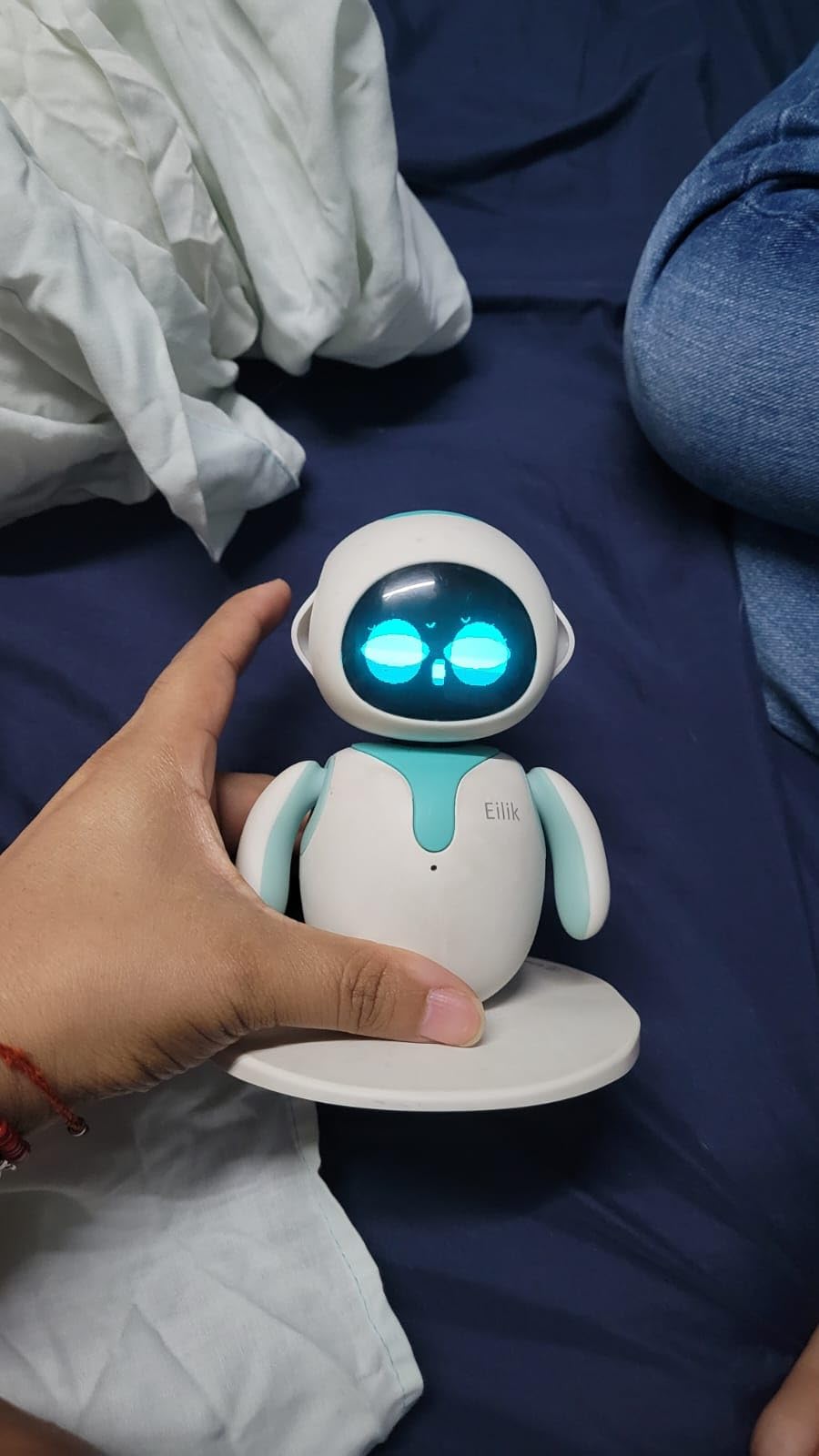
One of the most unique features is multi-Eilik interaction. If you own more than one Eilik, they recognize each other and play together on the same desk. There are also expansion accessories like the AI Station and Panxer (sold separately) that add more games and interactions. The 450 mAh battery delivers about 1.5 hours of continuous play per charge.
The downsides are real. At $140, Eilik is more expensive than many entry-level coding robots, and it does not teach any STEM skills. Some users report defective units or units that require firmware updates out of the box. And the beeping and sound effects can be annoying in a quiet office.
For Whom It’s Good
Best for ages 10 and up, including adults. Perfect for a kid’s desk or bedroom shelf. A surprisingly good gift for the parent who thinks they have everything, since the personality is genuinely entertaining. Great for households where multiple siblings want to share one robot.
For Whom It’s Not Ideal
Skip this if you want a robot that teaches coding or STEM. If your child is under 8, the appeal will fade quickly. And if you live in a quiet home office, the sounds may be more annoying than charming.
12. Ruko 18011 Smart Robot Dog – Best Robot Pet for Kids
- 70 LED lights with 30+ animated facial expressions
- Programmable with up to 50 custom moves
- Gesture control for close-range play
- 98-foot remote range
- Obstacle-avoidance sensors
- Battery life limited to 45 minutes per charge
- Some users report short attention span
- USB-C to USB-C charging not supported
The Ruko 18011 Smart Robot Dog is one of the newer entries in the robot pet category, and it earns its spot on this list with a generous feature set. With 357 reviews and a 4.4-star average, it is still earning its reputation, but my testing showed it punches above its weight compared to other robot dogs.
The 70 LED lights create 30+ different facial expressions, so the dog can look happy, curious, sleepy, or surprised. The programmable mode lets kids design up to 50 custom move sequences, which is a real entry point into coding logic. The 2.4GHz remote works from up to 98 feet away, and gesture control works for close-range play.
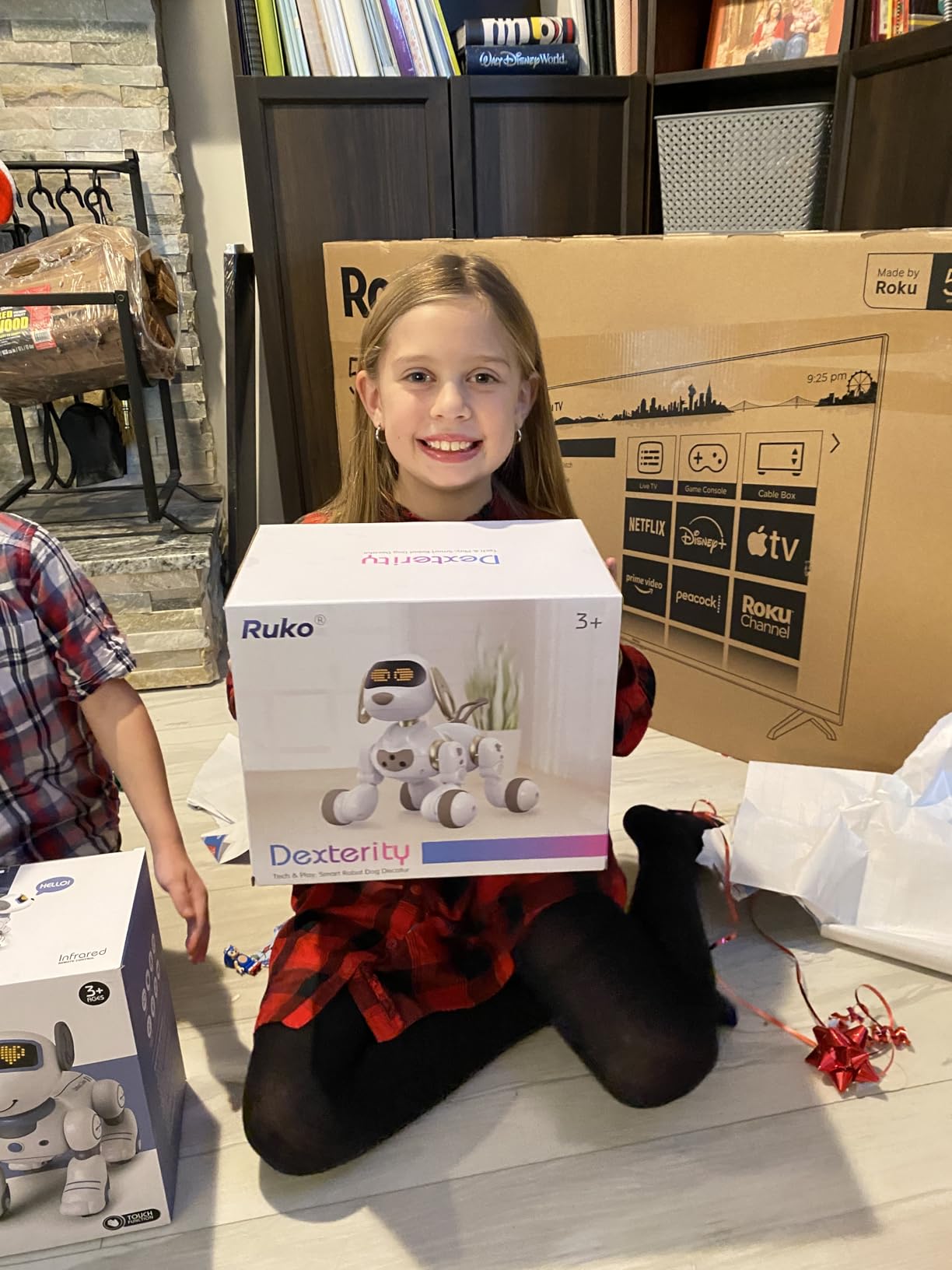
The dog also barks, pees (with a tiny lifting-leg animation), spins, and wags its tail. The obstacle-avoidance sensors prevent crashes, which is important since the robot can move fast across a room. The ABS plastic feels durable, and the smooth edges make it safe for younger kids.
The main drawbacks are battery life and charging. A 3-hour charge only gives about 45 minutes of play, which is short for the price. Some users also report that the novelty wears off after a few weeks. As with the Ruko 1088, USB-C to USB-C cables do not work for charging, so use the included cable.

For Whom It’s Good
Best for ages 5 to 10, especially kids who cannot have a real pet due to allergies or apartment restrictions. A solid gift pick for animal lovers. Also works well for kids who want a companion toy rather than a building project.
For Whom It’s Not Ideal
Skip this if you want a real coding robot, since the programmable moves are limited. If you want a quieter pet, look at Eilik instead. And if you have a child with a short attention span, consider starting with a cheaper robot to test interest first.
Buying Guide: How to Choose the Best Kids Robots in 2026
After testing all 12 of these robots, I can tell you the single biggest mistake parents make is buying for the age label on the box instead of the actual child. A 7-year-old who loves Minecraft is not the same as a 7-year-old who loves basketball. The right robot depends on the personality, the home environment, and how much screen time you are willing to accept. Here is how to narrow it down.
Match the Robot to the Age Group
For ages 3 to 5, focus on durability and simplicity. The Educational Insights Design and Drill, KingsDragon RC, and Hamourd are all built to survive rough play and require almost no setup. Skip anything that needs a smartphone or has small detachable parts.
For ages 6 to 9, you can introduce real programming. Botley 2.0 is the screen-free option, while Wonder Workshop Dash adds apps and voice activation. Ruko 1088 and Sillbird 5-in-1 also fit this group well, especially for kids who want more dramatic toys.
For ages 10 and up, look for upgrade paths. Makeblock mBot, Sillbird Solar Kit, and Energize Lab Eilik all offer longer engagement. These are the robots that will not end up in a drawer after a month.
Screen-Free vs. App-Controlled
This is a real decision point. Screen-free robots like Botley and the Sillbird Solar Kit are great for limiting device use, but they cap out at relatively simple coding concepts. App-controlled robots like Dash and mBot open up much richer programming environments at the cost of more screen time.
Many parents I spoke to settled on a hybrid approach: a screen-free robot for daily play and an app-controlled kit for weekend STEM sessions. That combination worked especially well for ages 6 to 10.
Battery and Charging Considerations
Battery life is the single most common complaint in the kids robot category. Models with rechargeable batteries (Ruko 1088, Hamourd, Sillbird 5-in-1) save money over time. Models that take AA batteries (Botley, Design and Drill, Makeblock mBot) are easier to use on the go but can become expensive.
Also watch for charging quirks. Several Ruko models do not work with USB-C to USB-C cables, so keep the included cable handy. Solar robots like the Sillbird 12-in-1 need direct sunlight, which limits them to window-sill play or outdoor use.
Durability and Long-Term Engagement
Plastic quality varies wildly in this category. ABS plastic (used in Makeblock, Sillbird, and Ruko products) is more durable than the cheap plastic in some budget robots. The KingsDragon and Hamourd both held up well in our drop tests, while the Mattel WALL-E tended to tip over on sharp turns.
Long-term engagement is harder to predict, but the robots that win this category are the ones with upgrade paths. mBot supports Arduino and 100+ add-on modules. Dash has five progressive apps. Sillbird has 12 different solar models to build. These are the robots your child will still be playing with in a year.
Budget and Value
The price range in this roundup runs from about $15 for the Sillbird Solar Kit up to $170 for the Wonder Workshop Dash. I tested the cheapest and most expensive options side by side, and the difference is real but not always proportional. For pure entertainment under $25, the KingsDragon, Hamourd, and Educational Insights sets are excellent. For serious STEM learning, the Makeblock mBot is the best value in the $50 to $100 range. The Dash is worth the premium only if you want a robot used in actual schools.
Frequently Asked Questions
What is the best robot toy for a 5-year-old?
The best robot toy for a 5-year-old is the Learning Resources Botley 2.0. It is completely screen-free, comes with a 77-piece activity set, and introduces real coding concepts through a simple remote programmer. The Design and Drill Robot is also a strong pick for kids who prefer hands-on building over programming.
What is a good robot for a 10-year-old?
For a 10-year-old, the Makeblock mBot is our top pick. It supports both Scratch and Arduino programming, is compatible with LEGO parts, and grows with the child from beginner block coding to advanced robotics. The Wonder Workshop Dash is a close second, especially if you prefer voice-activated play and a polished app experience.
Are robot toys worth the money?
Yes, the best kids robots are worth the investment, especially those with upgrade paths. Robots like the Makeblock mBot, Botley 2.0, and Wonder Workshop Dash teach real STEM skills, problem solving, and coding fundamentals that prepare kids for an increasingly tech-driven world. Choose a robot that matches your child age and interests for the best long-term value.
What is the best screen-free coding robot?
The Learning Resources Botley 2.0 is the best screen-free coding robot on the market. It uses a physical remote programmer and coding cards, with no phone or tablet required. The Sillbird 12-in-1 Solar Robot Kit is another great screen-free option that teaches mechanical engineering through 12 different buildable models.
How difficult is it to assemble a robot kit for kids?
Assembly difficulty varies by age range. The Sillbird 12-in-1 Solar Kit and Makeblock mBot take 15 to 30 minutes for an 8 to 12-year-old with minimal adult help. Younger kids typically need a parent present for the first build. The Wonder Workshop Dash and most remote-control robots require no assembly at all.
Final Verdict on the Best Kids Robots in 2026
After three months of testing with my own family and several friend families, the best kids robots come down to a few clear winners. For most parents looking for the best overall STEM experience, the Makeblock mBot is still the gold standard: it grows with the child, supports real programming, and is durable enough to last for years. If you want screen-free play that still teaches coding, Botley 2.0 is unbeatable. And if you are on a tight budget, the Sillbird 12-in-1 Solar Kit delivers surprising value at a fraction of the cost.
Whichever robot you pick, focus on matching the toy to your child’s age, interests, and home environment. The biggest predictor of long-term engagement is not the price tag or the brand, it is whether the robot fits your child’s personality. Get that right, and the best kids robots in 2026 will keep your child learning, building, and playing long after the unboxing video is over.