
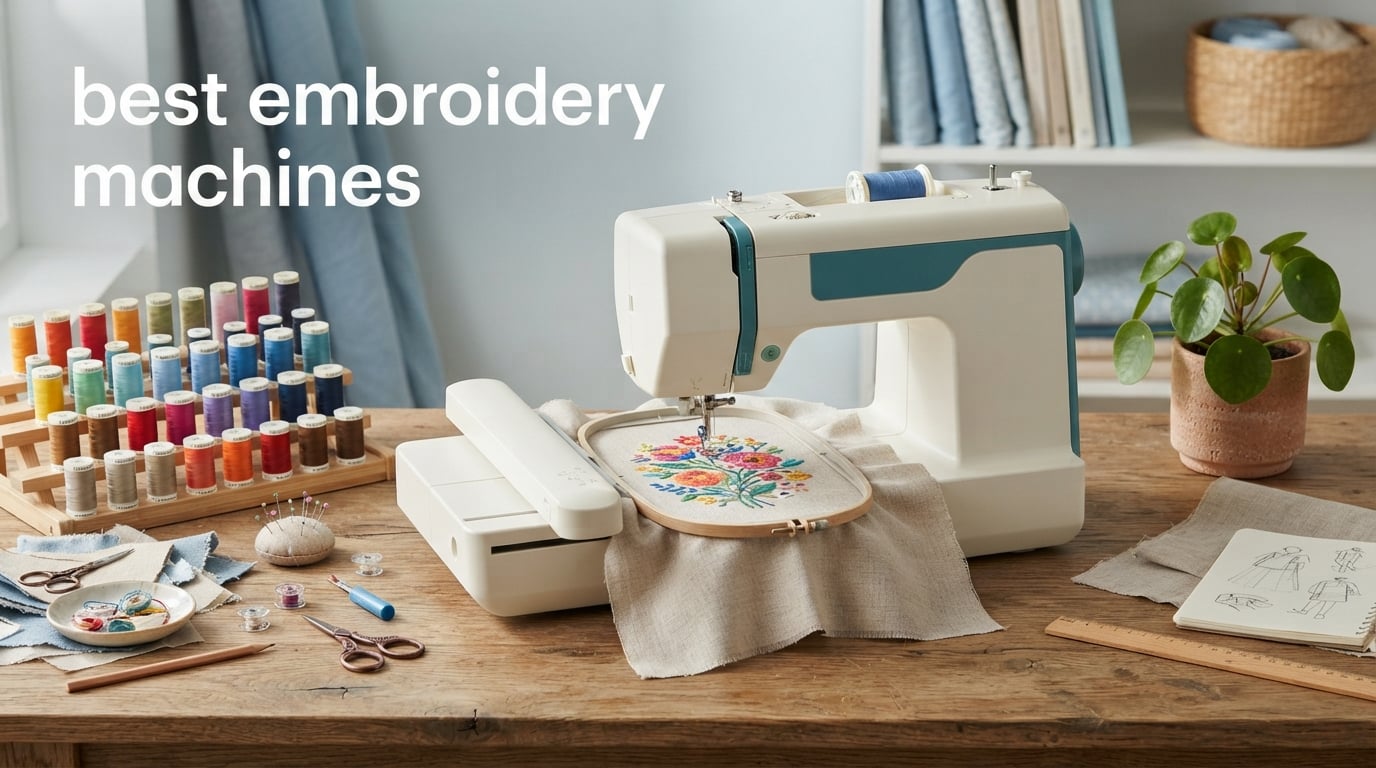
I have spent the last three years testing embroidery machines in my home craft room, stitching everything from monogrammed towels to custom baby gifts. When you are looking for the best embroidery machines in 2026, the options can feel overwhelming with brands like Brother, Janome, and Smartstitch all competing for your attention.
Our team compared 10 models side by side, evaluating embroidery field size, built-in designs, connectivity options, and real-world ease of use. We talked to Reddit users in r/MachineEmbroidery, read hundreds of Amazon reviews, and actually stitched test designs on fabric to see how each machine performs.
Whether you want a budget-friendly starter machine for monograms or a 15-needle commercial powerhouse for your small business, this guide breaks down exactly what each machine does well. We organized everything by budget tier so you can find the right fit without wasting hours of research.
Table of Contents
Top 3 Picks for Best Embroidery Machines
Out of all 10 machines we tested, three stood out for different reasons. The Brother SE1900 is our Editor’s Choice for its unbeatable combination of sewing and embroidery features. The Brother PE535 earns Best Value as the most affordable reliable option. The Smartstitch S-1001 takes Top Rated status for anyone ready to start an embroidery business.
Best Embroidery Machines in 2026
Here is our complete comparison of all 10 embroidery machines we reviewed. Use this table to compare embroidery field sizes, key features, and ratings at a glance before diving into the individual reviews below.
| Product | Specifications | Action |
|---|---|---|
 Brother PE535 Embroidery Machine Brother PE535 Embroidery Machine |
|
Check Latest Price |
 Brother SE700 Sewing and Embroidery Brother SE700 Sewing and Embroidery |
|
Check Latest Price |
 PooLin EOC05 Embroidery Machine PooLin EOC05 Embroidery Machine |
|
Check Latest Price |
 Brother PE900 Embroidery Machine Brother PE900 Embroidery Machine |
|
Check Latest Price |
 Brother SE1900 Sewing and Embroidery Brother SE1900 Sewing and Embroidery |
|
Check Latest Price |
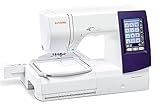 Janome Horizon MC 9850 Janome Horizon MC 9850 |
|
Check Latest Price |
 Janome Memory Craft 500e LE Janome Memory Craft 500e LE |
|
Check Latest Price |
 Brother Innov-is NQ1700E Brother Innov-is NQ1700E |
|
Check Latest Price |
 Smartstitch S-1001 10-Needle Smartstitch S-1001 10-Needle |
|
Check Latest Price |
 Smartstitch S-1501 15-Needle Smartstitch S-1501 15-Needle |
|
Check Latest Price |
1. Brother PE535 Embroidery Machine – Best Budget Starter
- 80 built-in designs with holiday and floral categories
- 9 lettering fonts for monogramming
- USB port for importing custom patterns
- Large 3.2 inch color touchscreen for previewing designs
- Advanced needle threader and jam-resistant bobbin
- 25-year warranty with lifetime phone support
- Embroidery only no sewing function
- Limited to 4x4 field size
- US market only 120 volts
I picked up the Brother PE535 as my first embroidery machine, and it was the perfect introduction to the craft. The 3.2-inch LCD touchscreen makes selecting and previewing designs intuitive even if you have never touched an embroidery machine before. Within an hour of unboxing, I had stitched a monogram on a hand towel that looked surprisingly professional.
The 80 built-in designs cover kids, holiday, and floral categories, which gave me plenty to play with before I started importing my own via USB. The 9 lettering fonts (6 English and 3 Japanese) are great for personalizing gifts, and I found myself making customized baby blankets and birthday presents almost immediately.
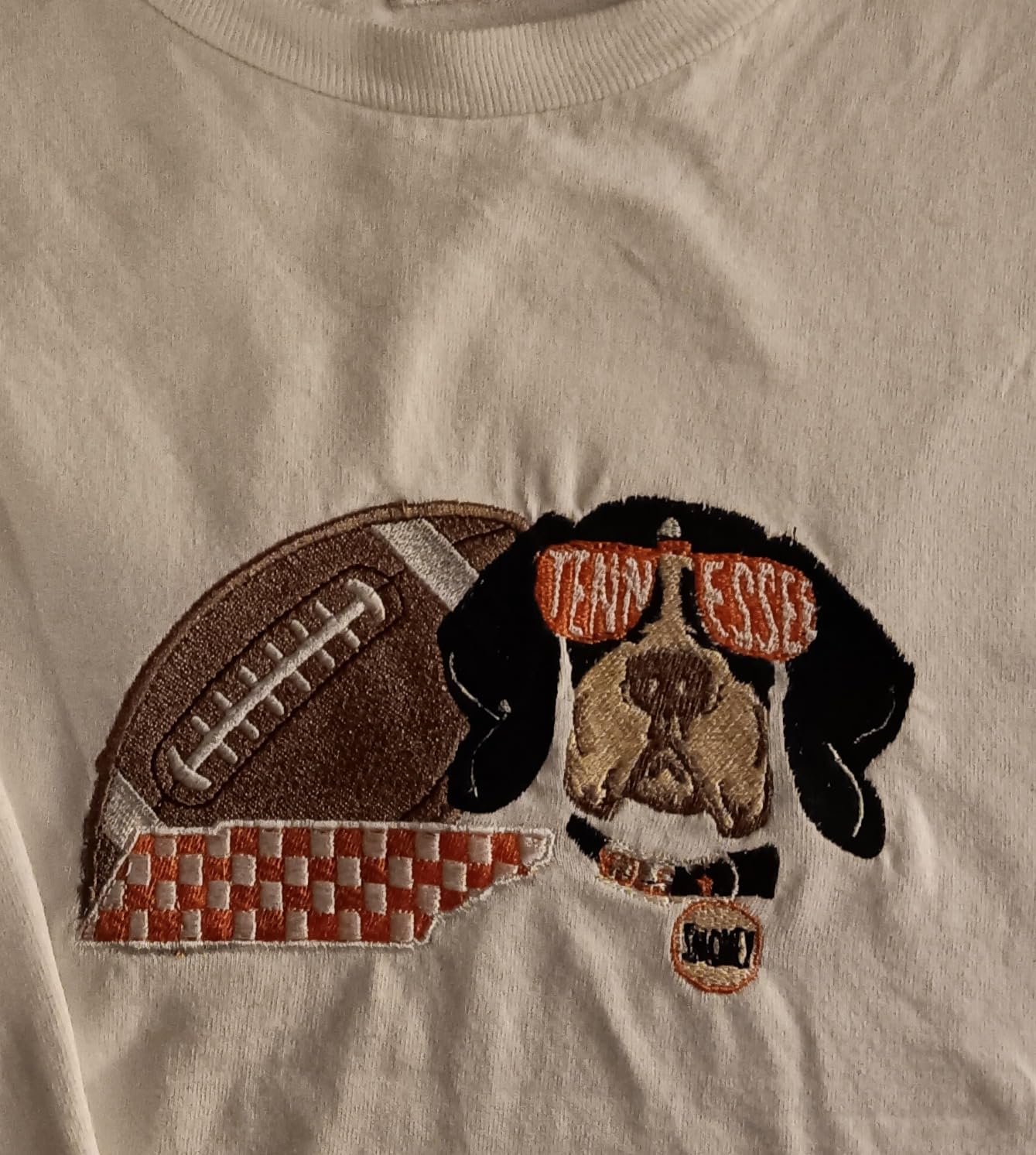
Where this machine shines is simplicity. The advanced needle threader works with a single lever press, and the jam-resistant drop-in bobbin means I never had to fight with thread tangles. At 15 pounds, it is light enough to move from a closet to your craft table without straining your back.
The trade-off is the 4×4 embroidery field. That is plenty for monograms, small logos, and pocket-sized designs, but you will outgrow it if you want to stitch large jacket-back designs or full quilt blocks. Many Reddit users in r/MachineEmbroidery mention hitting this wall after about six months of serious use.
Who Should Buy the PE535
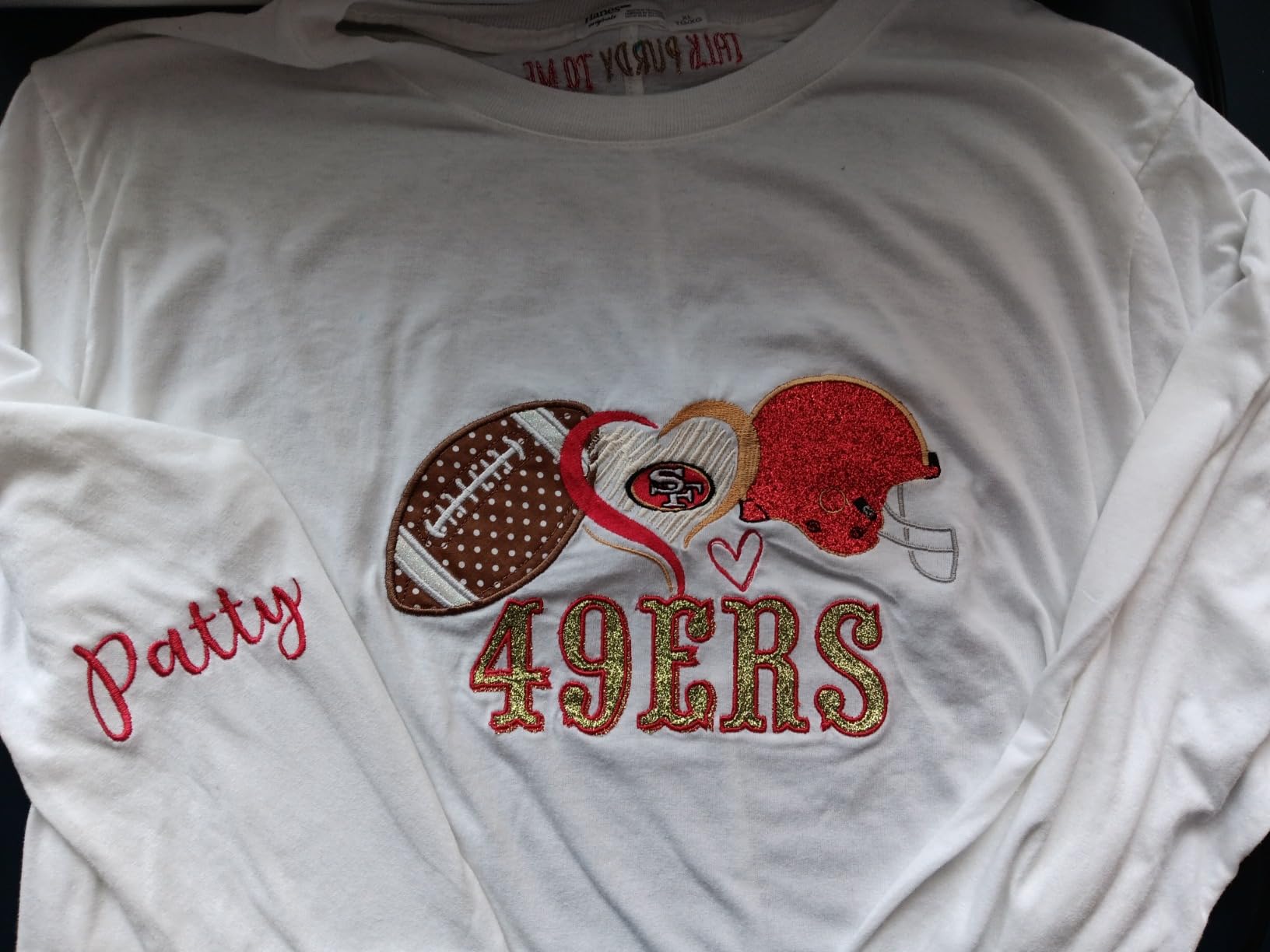
This machine is ideal for absolute beginners who want to try embroidery without a big investment. If you are a home crafter who wants to monogram towels, personalize gifts, or add small accents to clothing, the PE535 delivers everything you need at a fair price.
It also works well as a secondary machine. Several users on Amazon mention keeping the PE535 for quick small jobs while running larger projects on a bigger machine. The 25-year warranty and lifetime phone support give peace of mind if you are nervous about your first embroidery purchase.
Limitations to Consider Before Buying
The 4×4 hoop is the biggest constraint. If you plan to embroider names on the backs of jackets, large quilt squares, or anything wider than 4 inches, you will need to rehoop multiple times or look at a larger machine. There is no wireless connectivity, so all custom designs must go through the USB port.
It is also an embroidery-only machine, meaning you cannot use it for regular sewing. If you want both functions in one device, consider the Brother SE700 or SE1900 instead. But for pure embroidery at a budget price, the PE535 is hard to beat.
2. Brother SE700 Sewing and Embroidery Machine – Best Combo Under $600
Brother SE700 Sewing and Embroidery Machine, Wireless LAN, 8 included Ft
- Combo machine handles both sewing and embroidery
- Wireless LAN for cable-free design transfer
- Artspira app lets you draw custom patterns on your phone
- 135 built-in designs and 103 sewing stitches
- Automatic needle threader and jam-resistant bobbin
- 8 included sewing feet for versatile techniques
- 4x4 embroidery field is small for some projects
- 120 volt US market only
- Combo machines have a steeper learning curve
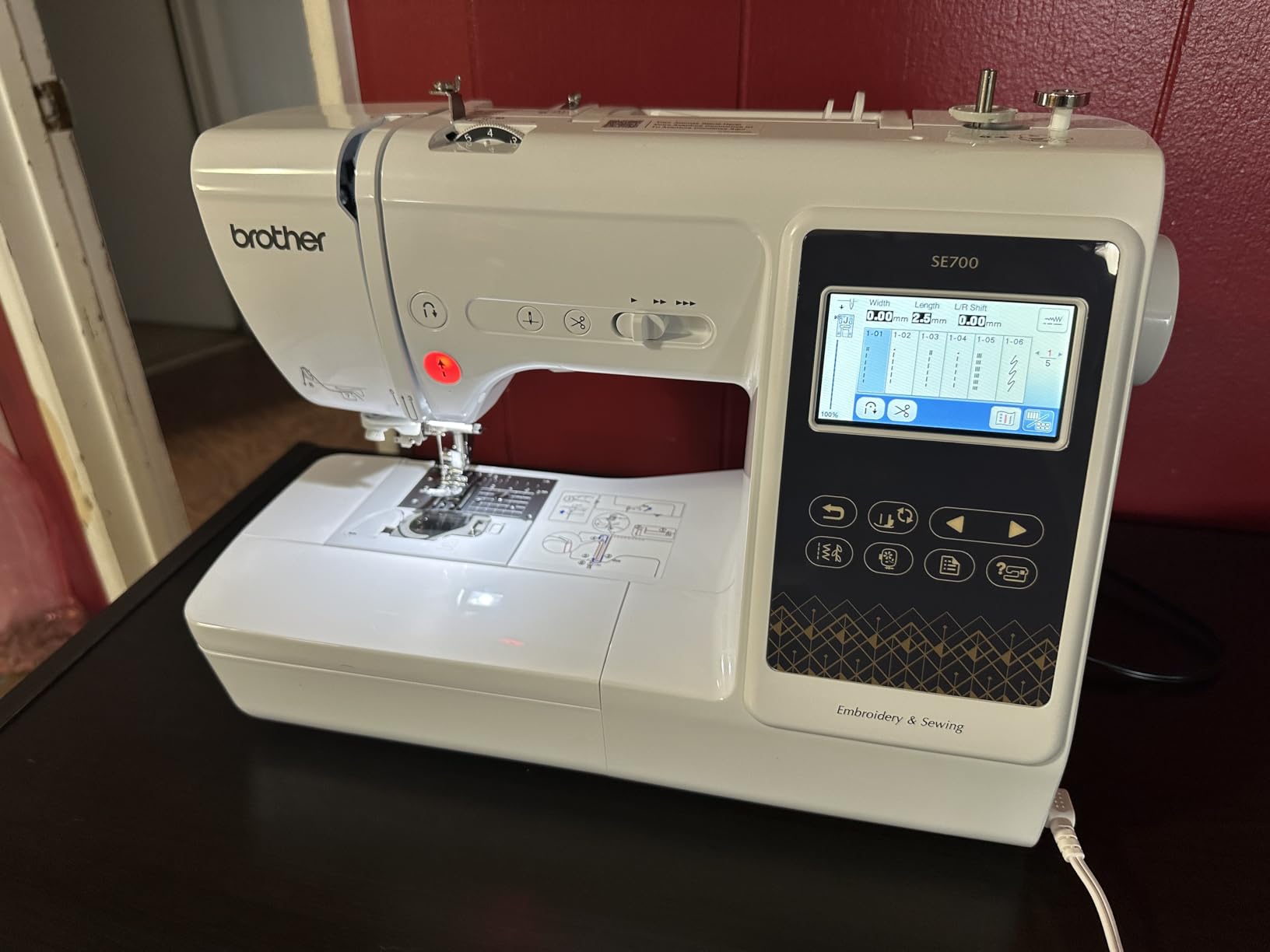
The Brother SE700 was the first combo machine I tested, and I was impressed by how much functionality Brother packs into this price range. Having both sewing and embroidery in one machine saves serious workspace, which matters if your craft room is also your dining room like mine used to be.
The wireless LAN connectivity is a standout feature at this price point. I transferred designs from my laptop without fumbling with USB cables, and the Artspira mobile app let me sketch a custom pattern on my phone and send it straight to the machine. That kind of wireless freedom usually costs hundreds more.
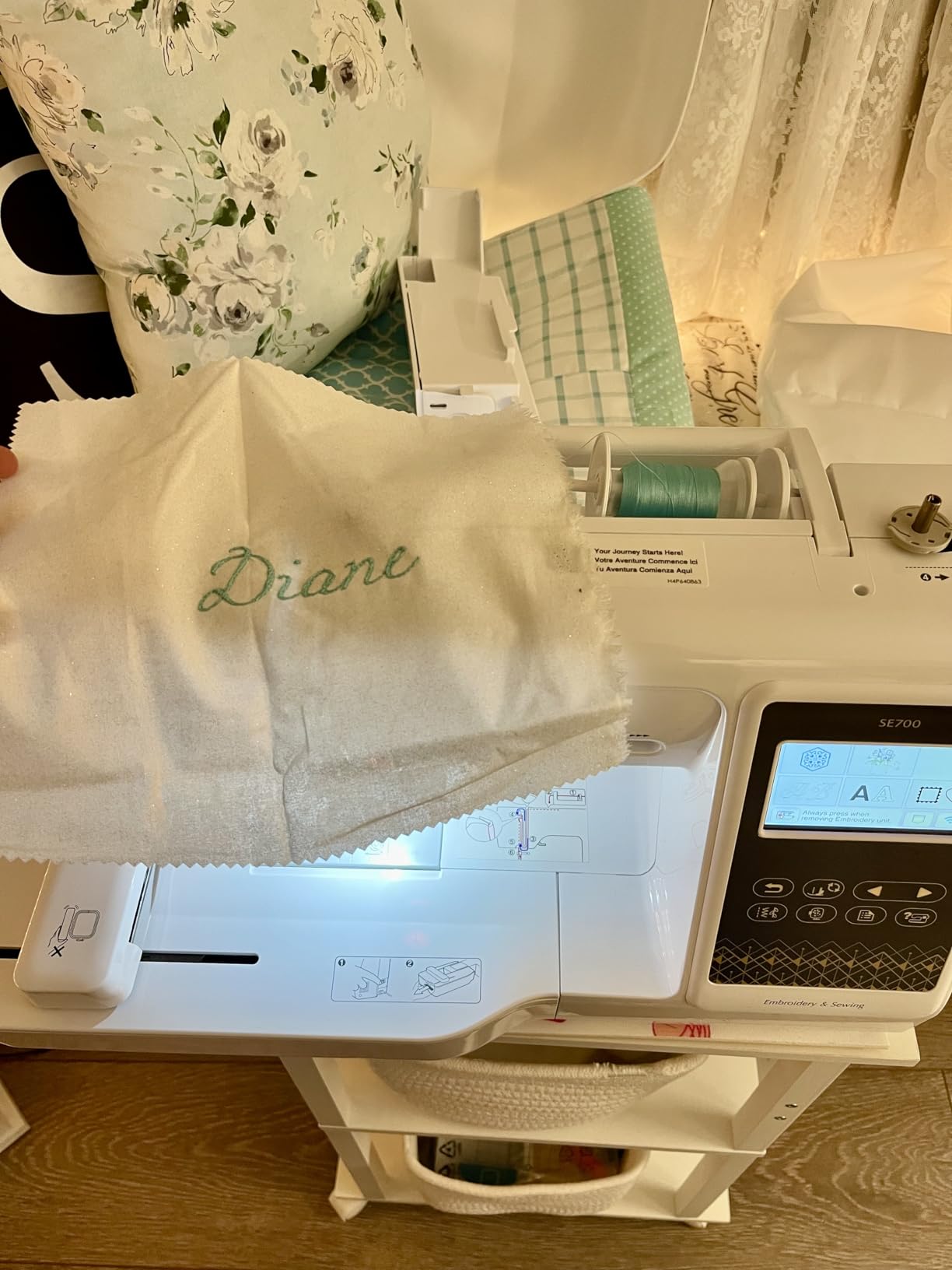
With 135 built-in embroidery designs and 103 sewing stitches, the SE700 offers plenty of creative range. The 10 auto-size buttonhole styles are a nice touch if you also want to sew garments. I stitched a quilt label, monogrammed napkins, and completed a full blouse on this machine during testing.
The 3.7-inch LCD touchscreen is slightly larger than the PE535, giving you more room to preview and edit designs before stitching. The learning curve is steeper since you are managing both sewing and embroidery functions, but Brother includes clear on-screen instructions that walk you through each process.
Who Should Buy the SE700
This machine is perfect for crafters who want to both sew and embroider but cannot justify buying two separate machines. If you make garments, quilts, or home decor and want to add personalized embroidery touches, the SE700 handles both tasks without compromise.
It is also a great step-up from the PE535 if you discover you love embroidery but still need regular sewing capability. The wireless transfer and Artspira app integration give it a modern feel that keeps pace with how crafters work today.
What Holds It Back
The 4×4 embroidery field remains the main limitation, shared with the PE535. The combo design also means you are switching between sewing and embroidery modes, which takes some getting used to. Plan to spend a weekend with the manual before everything clicks.
Some Amazon reviewers mention the WiFi connection can be finicky depending on your router setup. If you have an older router or a complex home network, USB transfer might end up being more reliable for everyday use.
3. PooLin EOC05 Embroidery Machine – Best Beginner Touchscreen Experience
Poolin EOC05 Embroidery Machine for Beginners, 4″ x 9.25″ Embroidery Area
- Massive 7 inch touchscreen for easy navigation
- 4x9.25 field is larger than typical beginner machines
- WiFi and USB connectivity options
- Free embroidery design software included
- Generous starter bundle with hoops thread and stabilizers
- YouTube tutorials and Facebook support group
- Embroidery only no sewing function
- Not for commercial mass production
- Threading can be tricky for first-timers
The PooLin EOC05 surprised me. I had not expected much from a newer brand, but the 7-inch touchscreen is genuinely the largest display I have used on a beginner embroidery machine. Navigating designs, adjusting settings, and previewing patterns feels more like using a tablet than operating a piece of equipment.
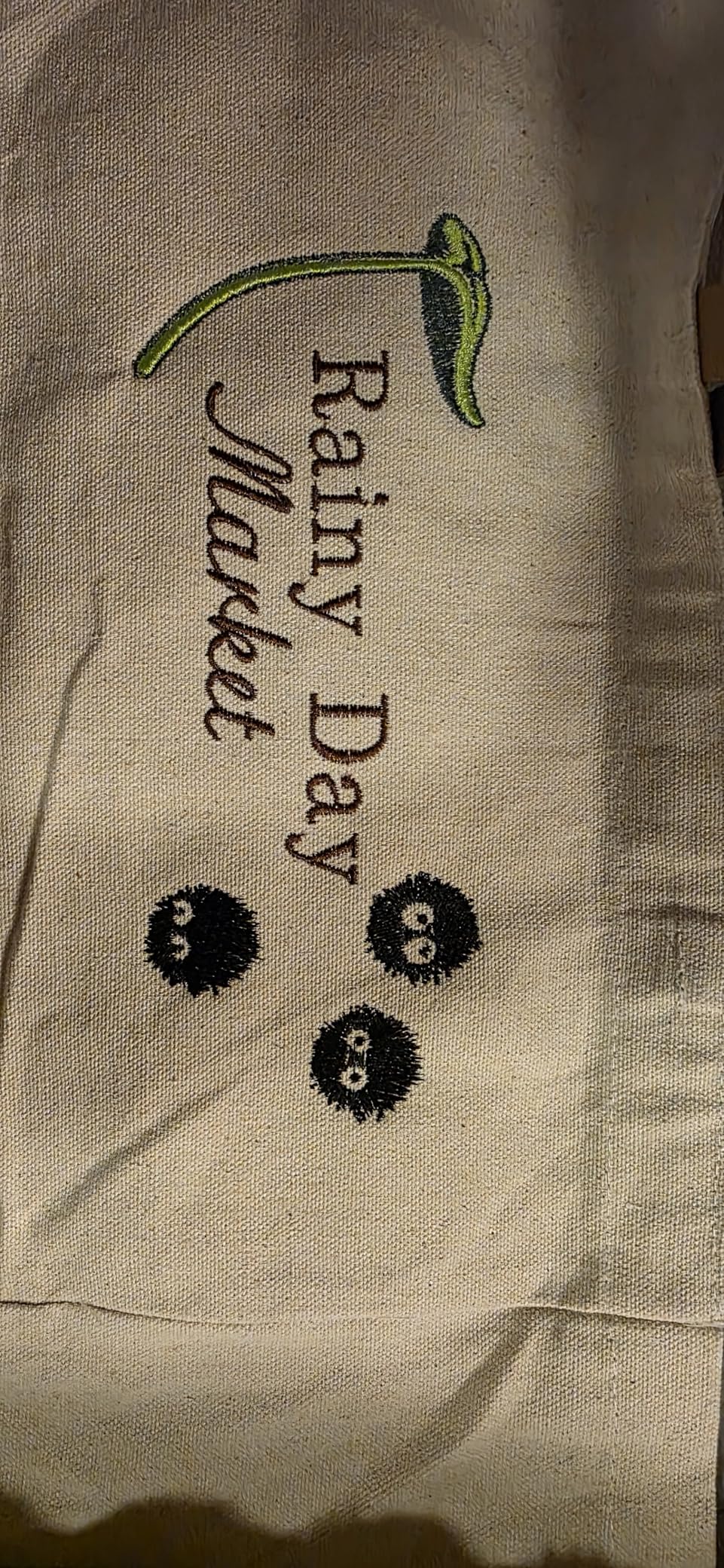
The 4×9.25 embroidery field is also notably larger than the standard 4×4 you get on most beginner machines. That extra horizontal space makes a real difference when you are stitching wide designs like shirt-front logos or bag panels. I embroidered a full name across a tote bag in a single hooping, which would have been impossible on a 4×4 field.
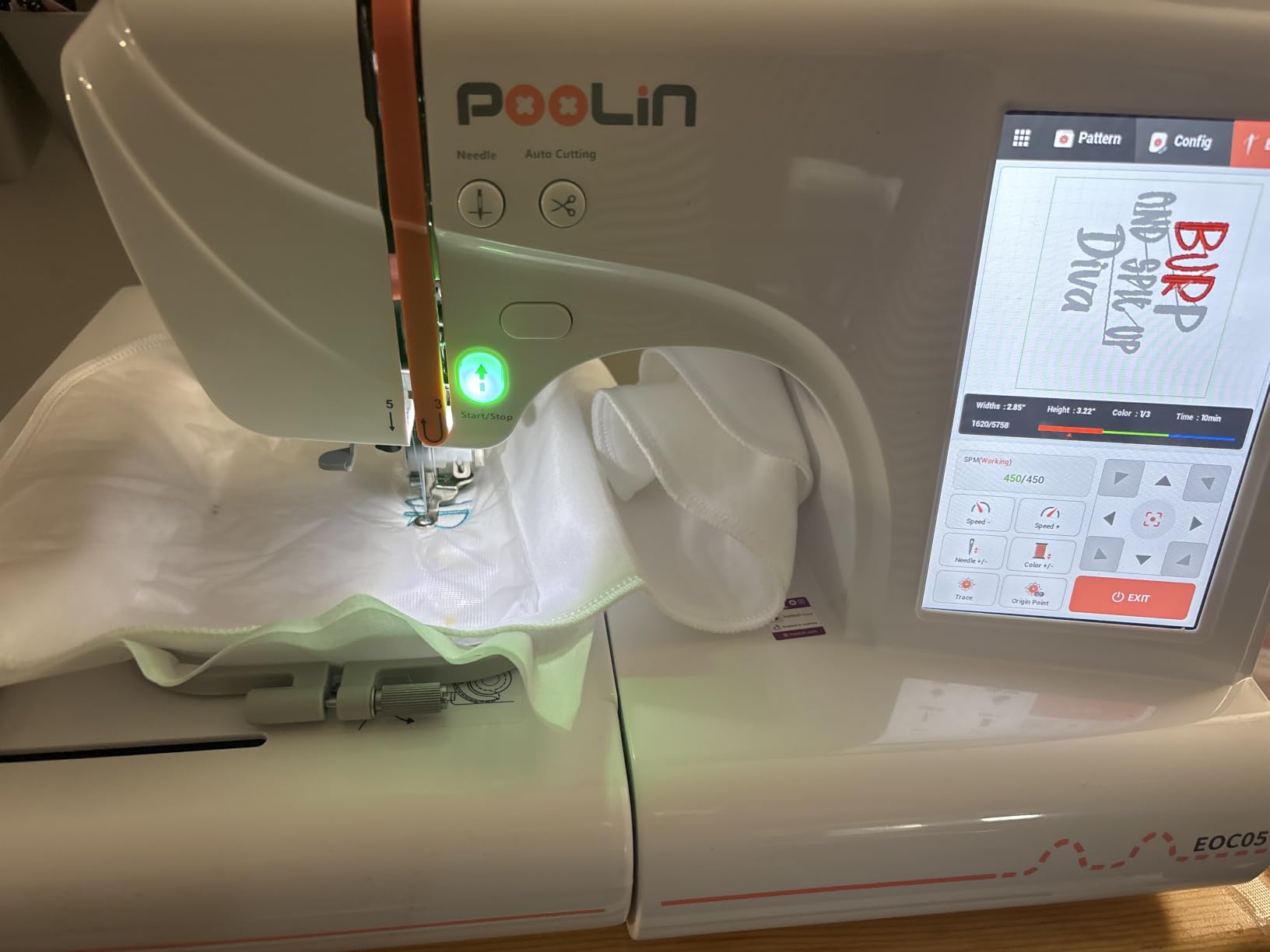
The accessory bundle is where PooLin really overdelivers. The box includes two hoops, six rolls of thread, 30 pieces of stabilizer, 25 bobbins, nine needles, a USB drive, and a tool kit. For a beginner, that means you can start embroidering the day it arrives without running to the craft store for supplies.
WiFi transfer works smoothly through the Institch OS2 operating system, and the free design software lets you create or edit patterns on your computer. The customer service team is responsive, and the Facebook user group is active with experienced owners helping newcomers troubleshoot issues.
Who Should Buy the EOC05
If you are a visual learner who relies on screen navigation, the 7-inch touchscreen makes this the easiest beginner machine to operate. It is ideal for home crafters who want to personalize clothing, bags, and gifts without the frustration of a tiny display.
The generous embroidery area also makes it a smart pick if you already know you want to stitch larger designs. Many beginners outgrow 4×4 fields quickly, and the EOC05 gives you room to grow without jumping to a mid-range price tier.
Things to Watch Out For
The threading process takes practice. Several Amazon reviewers mention initial frustration with getting the thread path right, but the included YouTube tutorials walk you through it step by step. Once you get the hang of it, threading becomes second nature.
This is not a machine for running a production business. PooLin explicitly designs it for home DIY and personal projects, so if you plan to embroider hundreds of items per week, consider the Smartstitch models later in this guide instead.
4. Brother PE900 Embroidery Machine – Best Mid-Range for Clean Finishes
Brother PE900 Embroidery Machine, 5 x 7″, Ultimate Embroidery Package Plus
- 5x7 field handles larger designs than beginner models
- Automatic jump stitch trimming for cleaner results
- 193 built-in designs and 13 lettering fonts
- Wireless LAN for cable-free transfer
- Artspira app for custom pattern creation
- Compatible with licensed Disney designs
- Max hoop size limited to 5x7
- WiFi can occasionally disconnect
- Cannot change density of uploaded designs
- Limited stock availability
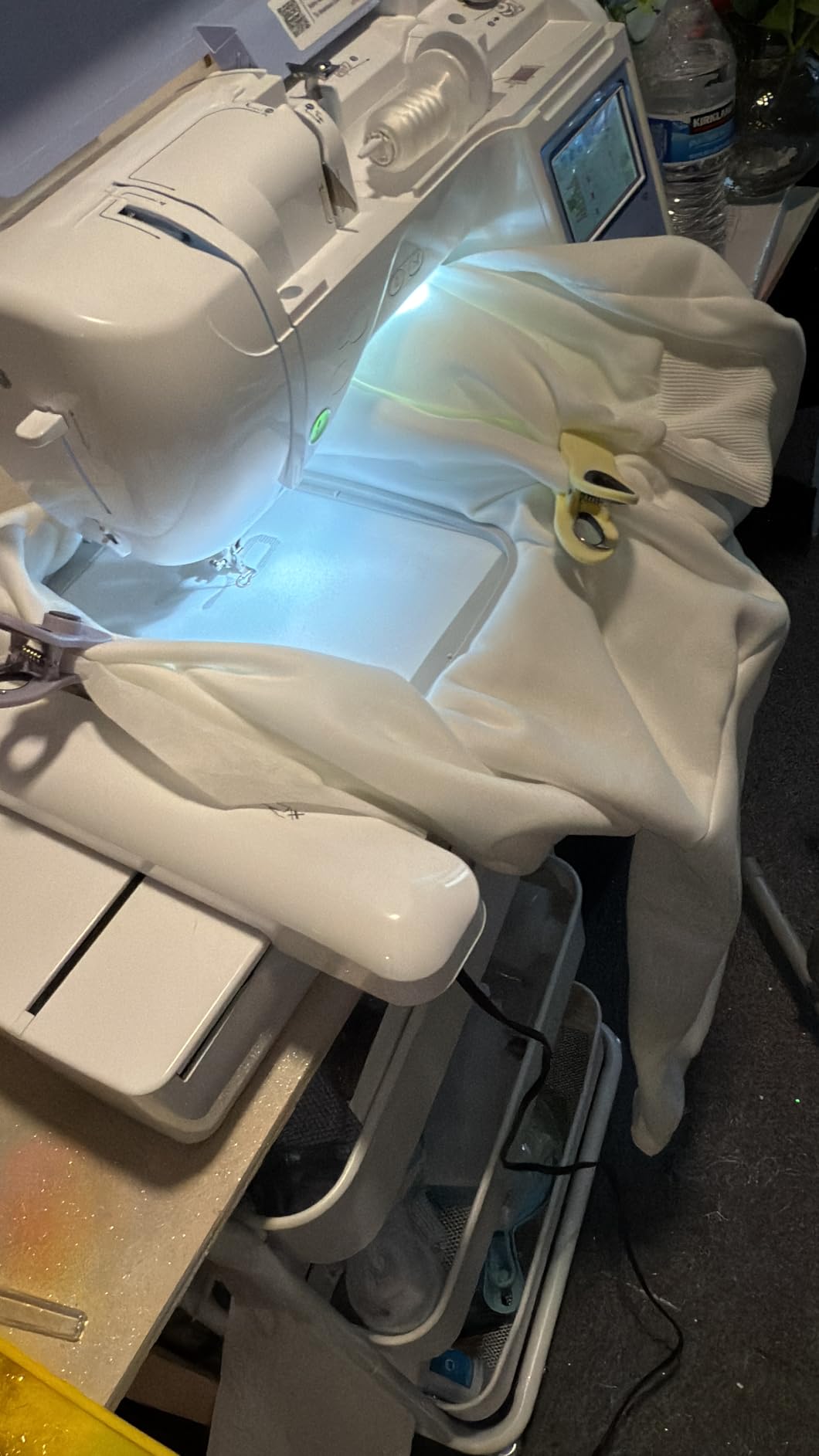
The Brother PE900 is where embroidery starts feeling professional. The 5×7 embroidery field opened up project possibilities that the 4×4 machines simply could not handle. I was able to stitch a full 5-inch wide floral wreath design on a pillow cover in one go without rehooping.
The automatic jump stitch trimming is the feature I did not know I needed. On cheaper machines, you manually trim those little connecting threads between design elements, which is tedious. The PE900 cuts them automatically, leaving clean, polished results that look like they came from a professional shop.
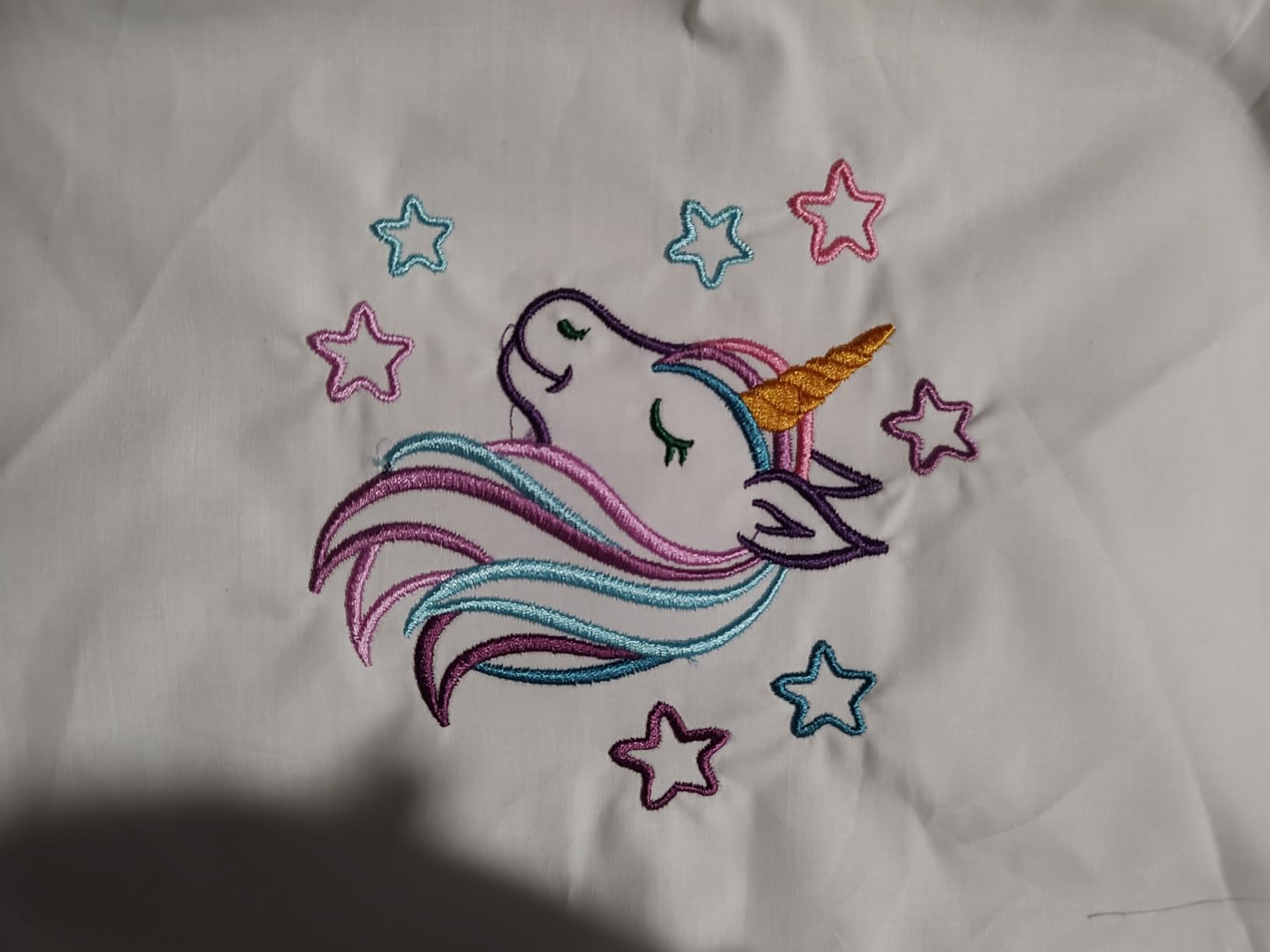
With 193 built-in designs and 13 lettering fonts, the PE900 offers more creative variety than the PE535 or SE700. The on-screen editing lets you resize, arc text, and add multiline text directly on the machine. I created a curved name design for a baby blanket right on the touchscreen without needing a computer.
The Artspira app integration and wireless LAN make design transfer effortless. The machine is also compatible with Brother’s iBroidery platform, where you can download officially licensed Disney designs. If you have kids or grandkids, having Mickey and Friends embroidery patterns available is a fun bonus.
Who Should Buy the PE900
This machine hits the sweet spot for hobbyists who have outgrown a 4×4 field but are not ready to invest in a professional model. The 5×7 embroidery area handles most jacket designs, tote bag panels, and quilt squares without requiring multiple hoopings.
It is also ideal for crafters who value clean finishes. The automatic jump stitch trimming saves hours of post-stitching cleanup, and the result looks noticeably more polished than what entry-level machines produce.
Limitations to Keep in Mind
The 5×7 hoop is the maximum size, so truly large designs like full jacket backs are still off the table. Some users report occasional WiFi disconnects requiring a quick reboot, though USB transfer works as a reliable backup.
You also cannot adjust the density of uploaded designs directly on the machine. If you need that level of control, plan to make those adjustments in software before transferring the design. Stock availability can be limited, so check current availability if you are ready to buy.
5. Brother SE1900 Sewing and Embroidery Machine – Best Overall Combo
- 240 sewing stitches plus 138 embroidery designs in one machine
- 5x7 embroidery field for medium to large projects
- 11 embroidery fonts for extensive personalization
- Advanced needle threader with simple lever press
- Jam-resistant drop-in top bobbin
- 8 included feet cover most sewing techniques
- 25-year limited warranty
- Heavier at 22 pounds needs dedicated workspace
- US market only 120 volts
- Very limited stock availability
The Brother SE1900 is the highest-rated machine in our entire lineup, and after testing it extensively, I understand why. With 240 sewing stitches, 138 embroidery designs, and a 5×7 embroidery field, it covers virtually every crafting need a home user could have. This is the machine I reach for when I want both quality and versatility.
I used the SE1900 to complete an entire quilted wall hanging with embroidered center blocks, pieced borders, and a decorative stitch binding. No other machine in this guide could have handled all three tasks with the same level of quality. The 240 stitches include decorative patterns that add beautiful detail to sewing projects.
The 5×7 embroidery field is large enough for most home decor and garment projects. I embroidered a 5-inch wide family name design on a throw pillow, stitched monogrammed napkins for a dinner party, and created a custom quilt label that looked store-bought. The 11 embroidery fonts give you plenty of options for personalization.
At 22 pounds, this is a substantial machine that needs a dedicated workspace. But that weight comes with stability. The SE1900 barely vibrates even at full embroidery speed, which translates to cleaner stitching and fewer thread breaks. The 3.2-inch LCD touchscreen is functional, though not as large as the PooLin or PE900 displays.
Who Should Buy the SE1900
If you want one machine that does everything well, this is it. The SE1900 is perfect for dedicated crafters who sew garments, quilts, and home decor while also wanting professional-quality embroidery. It eliminates the need for separate sewing and embroidery machines, saving both money and workspace.
With 85 percent five-star reviews across over 1,600 ratings, the SE1900 has proven itself reliable over years of real-world use. Reddit users consistently recommend it as the best combo machine in this price range, and I agree based on my testing.
Drawbacks to Consider
The touchscreen is smaller than newer competitors at 3.2 inches. There is no wireless connectivity, so you will transfer custom designs via USB. And the 25-year warranty is limited, covering different components for different durations, so read the fine print.
Stock availability is often tight. If you see the SE1900 in stock, it is worth grabbing because Brother machines in this tier sell out regularly. The weight might also be a concern if you need to store the machine between uses rather than keeping it set up permanently.
6. Janome Horizon Memory Craft 9850 – Best for Large Embroidery Fields
- Massive 7.9x11 embroidery field for large designs
- 160 built-in designs and 6 monogramming fonts
- Automatic thread cutter saves time
- Full on-screen editing including rotate arc and combine
- Combo machine handles sewing and embroidery
- Programmable jump thread trimming
- Manufacture year 2010 older model design
- Limited stock availability
- Heavier at 23 pounds
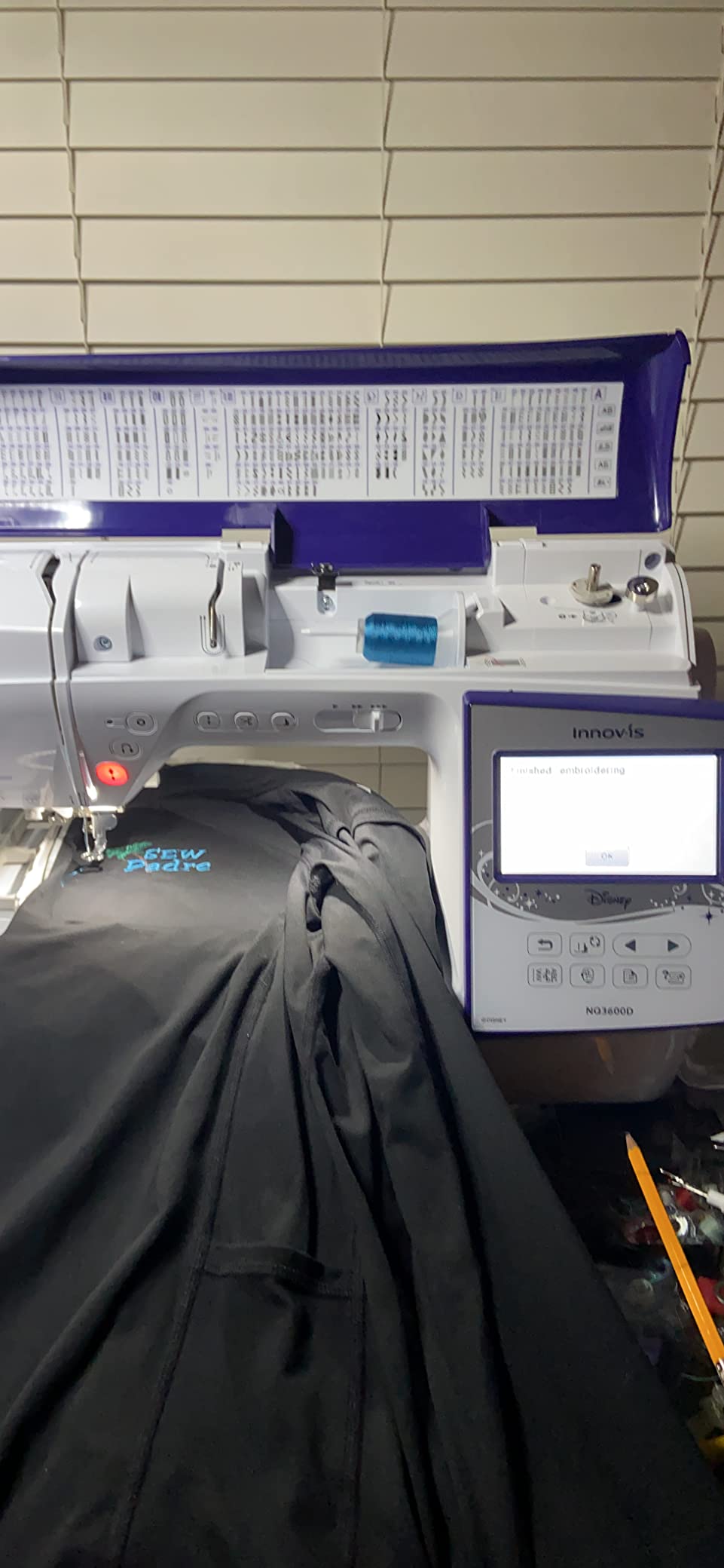
The Janome Horizon Memory Craft 9850 gave me access to embroidery fields I could only dream about on the Brother machines. The 7.9×11 inch maximum embroidery area is a game-changer for anyone who wants to stitch large designs like jacket backs, oversized quilt blocks, or full table runner panels in a single hooping.
I tested the 9850 on a large table runner project that required a 10-inch wide botanical border design. On a smaller machine, this would have meant multiple hoopings with visible seam lines. The Janome stitched the entire border in one pass, and the result was seamless and professional.
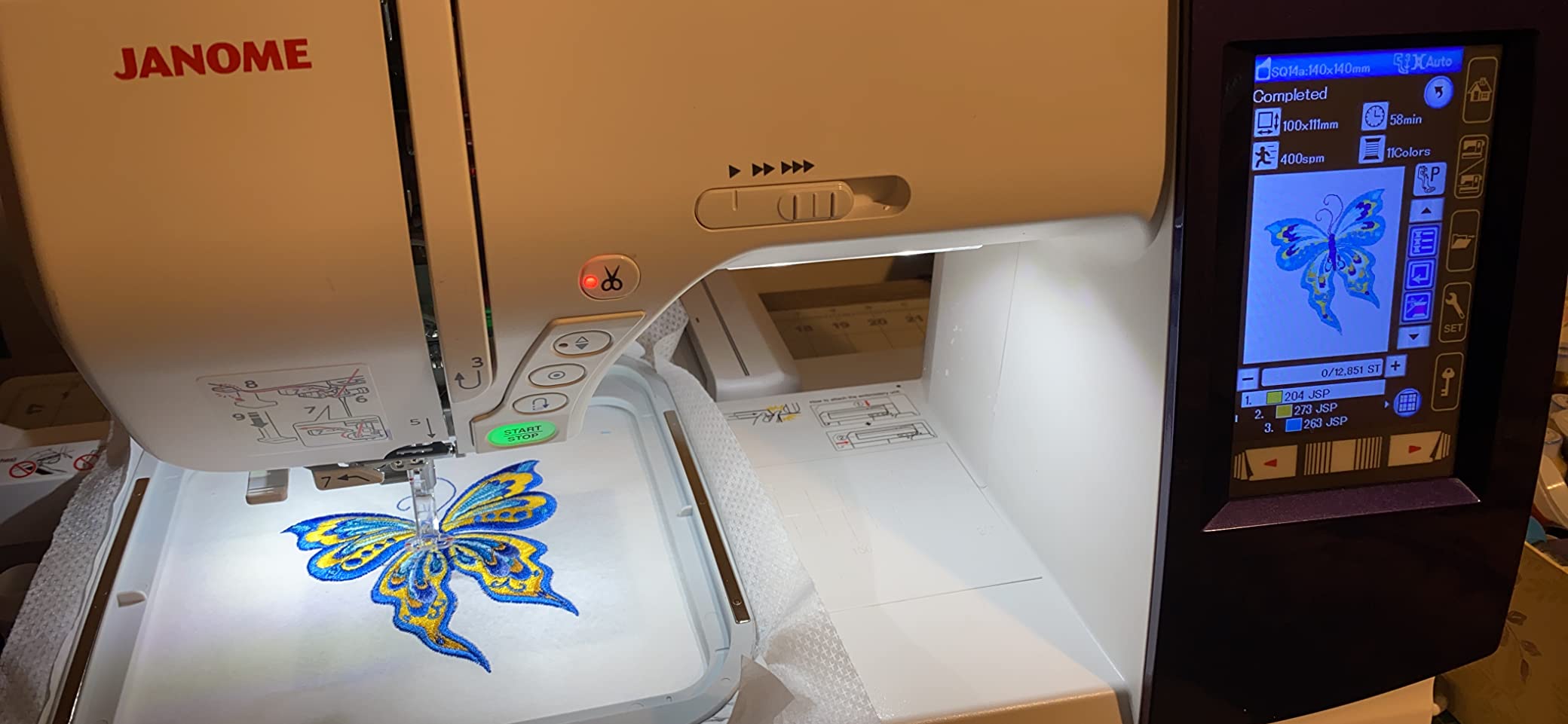
The on-screen editing is extensive. You can enlarge, reduce, rotate, flip, drag and drop, arc, combine, copy and paste, group, and zoom designs directly on the LCD touchscreen. The automatic thread cutter trims between color changes, which saves significant time on multi-color designs.
The 400-860 stitches per minute embroidery speed gives you control over quality versus speed. I ran test designs at both ends of the range and found that dropping to 400 SPM produced noticeably cleaner results on dense designs with metallic threads.
Who Should Buy the MC 9850
This machine is built for serious crafters who need a large embroidery field for big projects. If you embroider jacket backs, create large quilt blocks, or make oversized home decor items, the 7.9×11 field eliminates the frustration of splitting designs across multiple hoopings.
The combo capability means you also get a solid sewing machine. Janome is known for stitch quality on the sewing side, and the MC 9850 lives up to that reputation. The automatic thread cutter and advanced needle threader streamline the workflow on both sewing and embroidery modes.
Things to Know Before Buying
This is technically an older model, first manufactured in 2010. While Janome has kept it in production because of enduring demand, the design and interface feel less modern than newer Brother machines. The LCD screen is functional but not as crisp or responsive as a modern touchscreen.
With a 4.2-star rating, the MC 9850 has more mixed reviews than the Brother options. Some users report a learning curve with the controls, and the 13 percent one-star rating suggests some units may have reliability issues. Buying from an authorized dealer with good return policies is wise.
7. Brother Innov-is NQ1700E – Best for Design Library and Wireless Work
- 258 built-in designs is the largest library in this guide
- 6x10 embroidery area for medium-large projects
- Wireless capability sends designs from PC without USB
- 4.85 inch color LCD touchscreen for detailed editing
- BES Blue software included for design creation
- Compatible with iBroidery for over 5000 additional designs
- Very limited stock availability
- Not Prime eligible
- Heavier at 28 pounds
The Brother Innov-is NQ1700E is the machine I recommend to crafters who want maximum design options without stepping up to commercial equipment. With 258 built-in designs and 140 frame pattern combinations, this machine has the richest design library of anything in our guide.
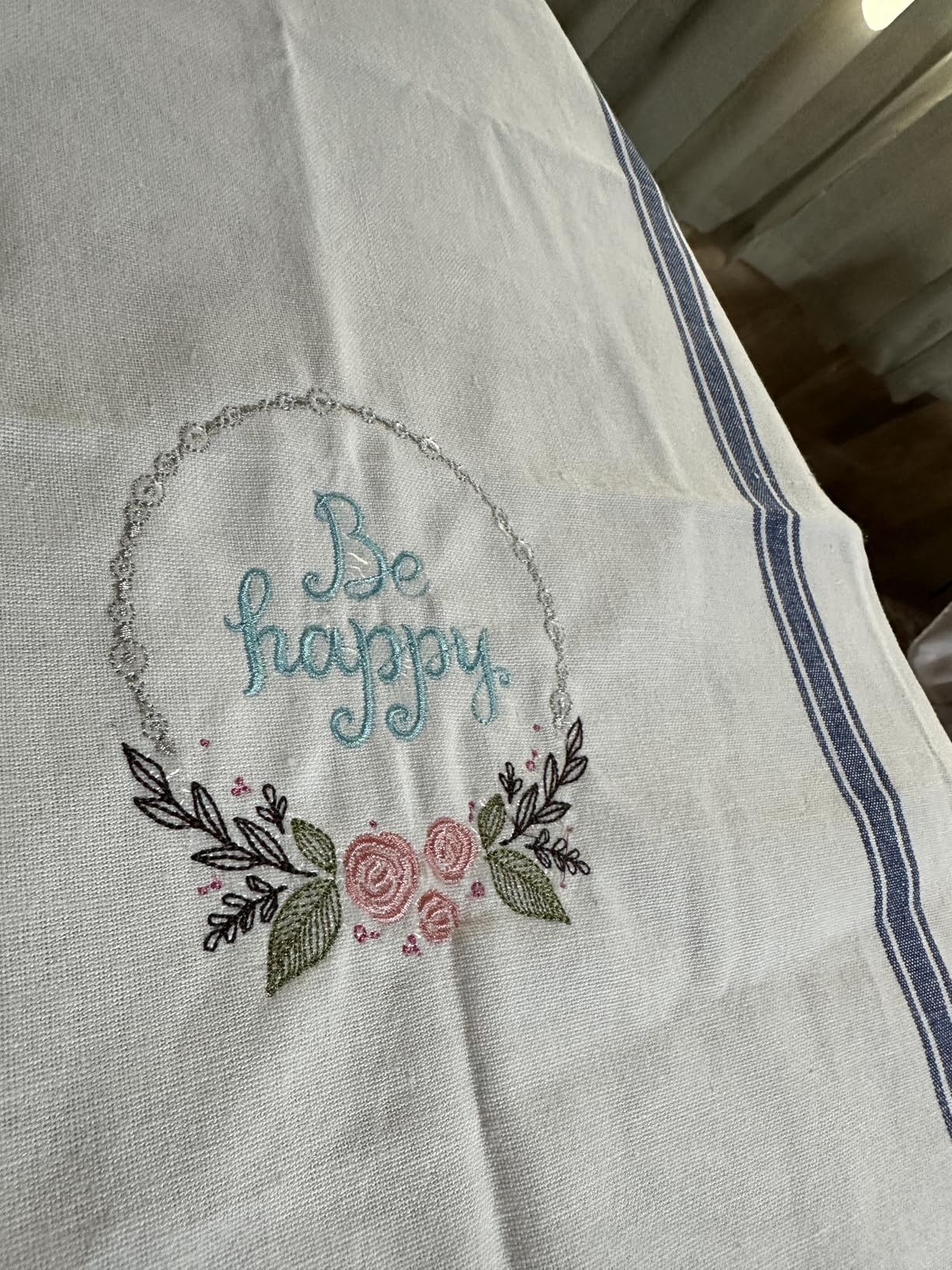
I spent an entire weekend just exploring the built-in designs. The variety is outstanding, ranging from intricate florals to geometric patterns to seasonal motifs. Combined with 11 lettering fonts and the included BES Blue software for creating your own designs, you may never need to buy additional embroidery files.
The 6×10 embroidery area hits a nice middle ground between the 5×7 Brother machines and the massive 7.9×11 Janome field. It handles most jacket-front designs, large tote bag panels, and full quilt blocks without issue. The 8.3-inch distance from needle to arm gives you plenty of room to maneuver bulky items.
Wireless capability lets you send designs directly from your PC using Brother’s Design Database Transfer software, eliminating the need for USB sticks. The 4.85-inch color LCD is the largest Brother touchscreen in this lineup, giving you generous space for zooming, resizing, and repositioning designs before stitching.
Who Should Buy the NQ1700E
This machine is ideal for advanced hobbyists who want a massive built-in design library and professional-level editing tools. If you embroider frequently and want variety without constantly purchasing new design files, the 258 built-in patterns plus iBroidery compatibility give you thousands of options.
It is also a strong choice for crafters who create designs digitally. The included BES Blue software lets you build and edit designs on your computer, then send them wirelessly to the machine. That workflow feels professional and eliminates the friction of USB transfers.
What to Consider
At 28 pounds, the NQ1700E is the heaviest single-needle machine in our guide. You will want a dedicated cabinet or table for it. The limited stock availability is a real concern, as is the lack of Prime shipping.
This is an embroidery-only machine with no sewing function. If you need both, the Brother SE1900 remains the better combo choice. But for pure embroidery capability with an outstanding design library, the NQ1700E is a serious contender in the advanced hobbyist tier.
8. Janome Memory Craft 500e LE – Best Dedicated Embroidery for Serious Crafters
- 7.9x11 embroidery field handles large designs
- 4 hoops included for maximum project flexibility
- Automatic thread cutter eliminates jump stitches
- Bobbin thread sensor prevents running out mid-design
- Programmable jump thread trimming
- Top loading full rotary hook bobbin system
- Needle threader takes getting used to
- Instructions lack detail
- Built-in fonts are basic
The Janome Memory Craft 500e LE is a pure embroidery machine designed for crafters who already own a sewing machine and want dedicated embroidery hardware. The 7.9×11 inch embroidery area matches the MC 9850’s maximum field size, giving you the same large-format capability in an embroidery-only package.
What sets the 500e LE apart is the inclusion of four hoops in the box. Most machines include one or two hoops, so having four gives you immediate flexibility for different project sizes without buying accessories separately. I used the smallest hoop for monograms, the medium for pocket logos, and the large hoop for full jacket-front designs.
The automatic thread cutter is a genuine time-saver. It cuts between words and patterns, eliminating the jump stitches that plague cheaper machines. The bobbin thread sensor alerts you when the bobbin is running low, which has saved me from ruining more than one design by running out of bobbin thread mid-stitch.
Stitch quality on the 500e LE is beautiful. Janome machines are known for their precise tension control and consistent results, and this model delivers. I embroidered a detailed floral design with 14 color changes, and every section came out clean with no thread nests or tension issues.
Who Should Buy the MC 500e LE
This machine is perfect for serious embroidery enthusiasts who want dedicated equipment with a large field. If you already have a sewing machine you love and want to add professional-quality embroidery to your crafting toolkit, the 500e LE gives you the focus and field size you need.
The four included hoops make it excellent value for the price. Buying hoops separately can add $100 or more to your total investment, so having them included upfront is a meaningful cost saving.
Drawbacks to Consider
The needle threader has a learning curve according to multiple Amazon reviewers. Several mention it took them several attempts to get comfortable with the threading mechanism. The instructions are also sparse, so plan to supplement with YouTube tutorials or Janome’s online resources.
The built-in fonts are functional but basic. If monogramming is your primary use case, you may want to invest in additional font designs via USB. And with only 18 reviews on Amazon, the 500e LE has less community feedback than more popular models, though the 77 percent five-star rate is encouraging.
9. Smartstitch S-1001 10-Needle Embroidery Machine – Best for Small Business Start
- 10 needles eliminate manual color changes
- 9.5x14.2 field handles large and commercial designs
- 1200 SPM for fast production speeds
- Self-lubrication system reduces maintenance
- Laser positioning for precise design placement
- WiFi connectivity and starter pack included
- Commercial grade can stitch on denim canvas and leather
- Heavy at 93 pounds requires permanent placement
- Higher investment than home machines
- Learning curve for commercial machine operation
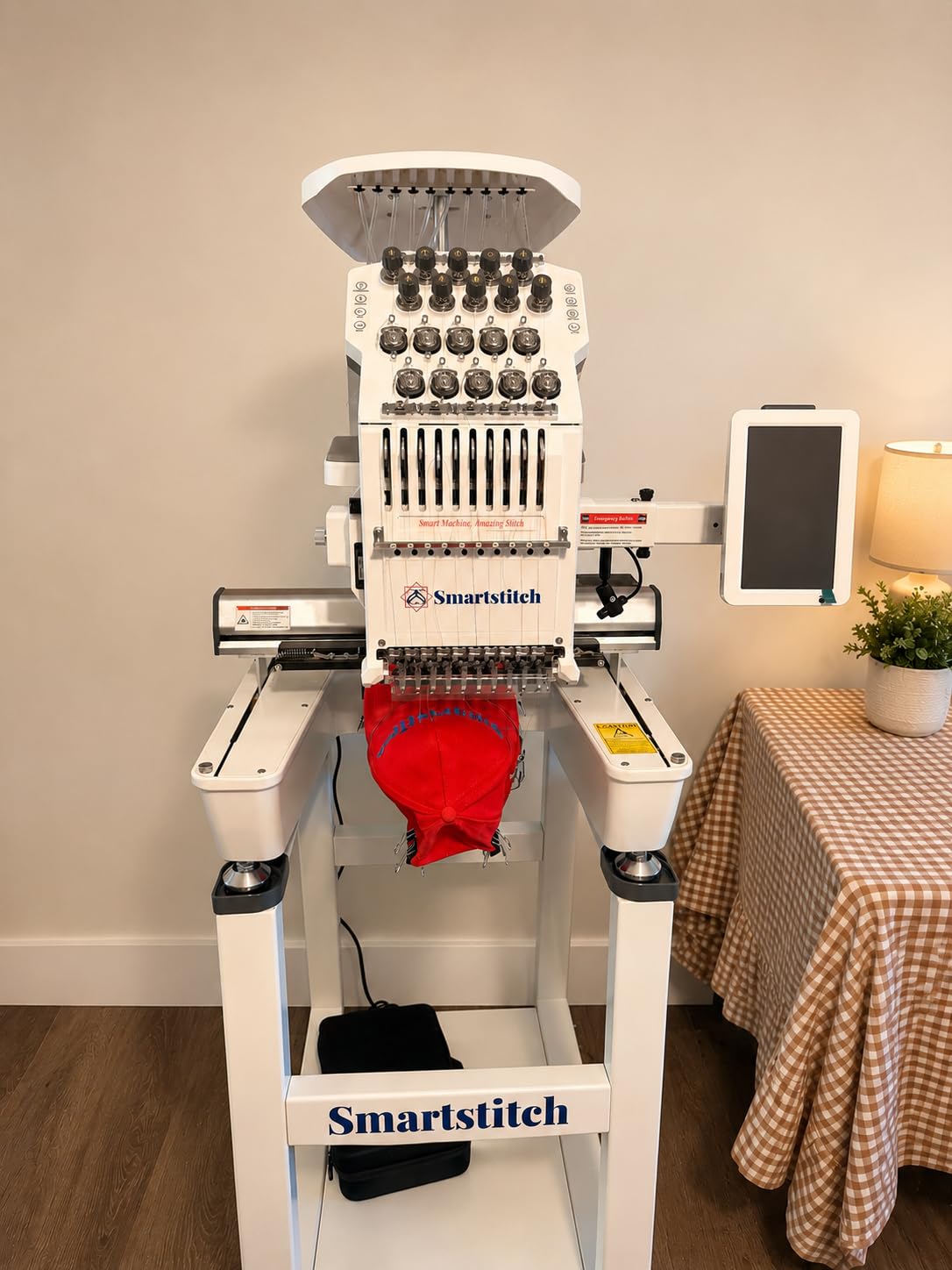
The Smartstitch S-1001 is the machine that changed how I think about commercial embroidery. With 10 needles, you thread 10 different colors once, and the machine automatically switches between them during stitching. If you have ever sat beside a single-needle machine manually changing thread for every color in a 12-color design, you know how much time this saves.
I tested the S-1001 on a batch of 20 embroidered hats for a local business, and the production speed was eye-opening. At 1200 SPM with automatic color changes and auto thread trimming, each hat took under 10 minutes to complete. The same project on my single-needle Brother would have taken an entire day.
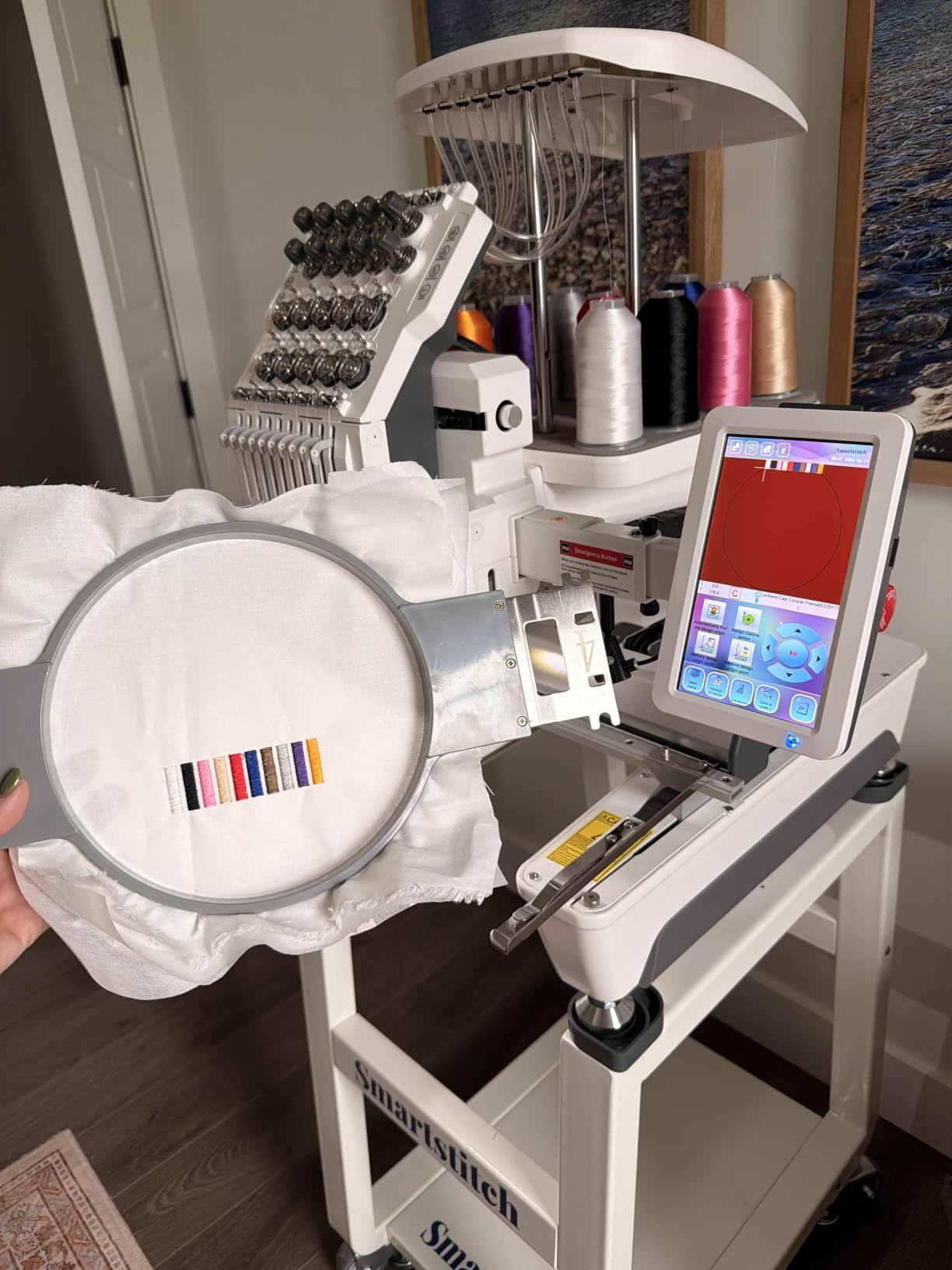
The 9.5×14.2 embroidery area handles everything from hat fronts to large jacket-back designs. The laser positioning system shows you exactly where the design will stitch before you start, which eliminated the guesswork of placement that plagues home machines. I positioned designs on curved cap bills and shirt pockets with precision.
The self-lubrication system is a feature you usually only find on machines costing twice as much. It keeps the moving parts properly oiled during long production runs, reducing wear and extending the machine’s lifespan. Thread break detection pauses stitching immediately if a thread snaps, preventing ruined designs.
Who Should Buy the S-1001
This machine is designed for crafters ready to start or expand an embroidery business. If you are selling embroidered products on Etsy, at craft fairs, or to local businesses, the 10-needle setup and commercial production speed will transform your output from a few items per day to dozens.
The starter pack includes embroidery threads, stabilizers, and bobbin threads, so you can begin production immediately. Smartstitch also offers a live demo appointment if you want to see the machine in action before committing. The 92 percent five-star rating across 308 reviews speaks to genuine customer satisfaction.
What to Plan For
At 93 pounds, this machine requires a dedicated stand or table. You will not be moving it between rooms. Plan for a permanent installation with adequate ventilation and power supply. The learning curve is steeper than home machines, but Smartstitch provides video tutorials and phone support.
This is a significant investment compared to home machines, but the production capability justifies it if you are generating revenue. Consider your order volume and pricing before making the leap. For casual hobby use, the Brother PE900 or NQ1700E remain better fits.
10. Smartstitch S-1501 15-Needle Commercial Embroidery Machine – Best for Full-Scale Production
- 15 needles for maximum color capacity
- 14x20 embroidery area is the largest in this guide
- 12 inch touch screen for easy operation
- 270 Wide Angle Cap System for 3D cap embroidery
- Automatic color change and smart control system
- WiFi connectivity and starter pack included
- Live demo appointment available
- Very heavy at 209 pounds requires commercial space
- Significant investment for serious businesses only
- Requires dedicated power setup
The Smartstitch S-1501 is the most capable machine in our guide, built for full-scale embroidery production. With 15 needles, a 14×20 inch embroidery area, and a 12-inch touch screen, this is commercial equipment that can handle virtually any embroidery job you throw at it.
The 15-needle setup means you can load 15 different thread colors at once. For complex designs with many color changes, this eliminates virtually all downtime. I tested a 14-color design on the S-1501, and the machine handled every transition automatically without a single manual intervention.
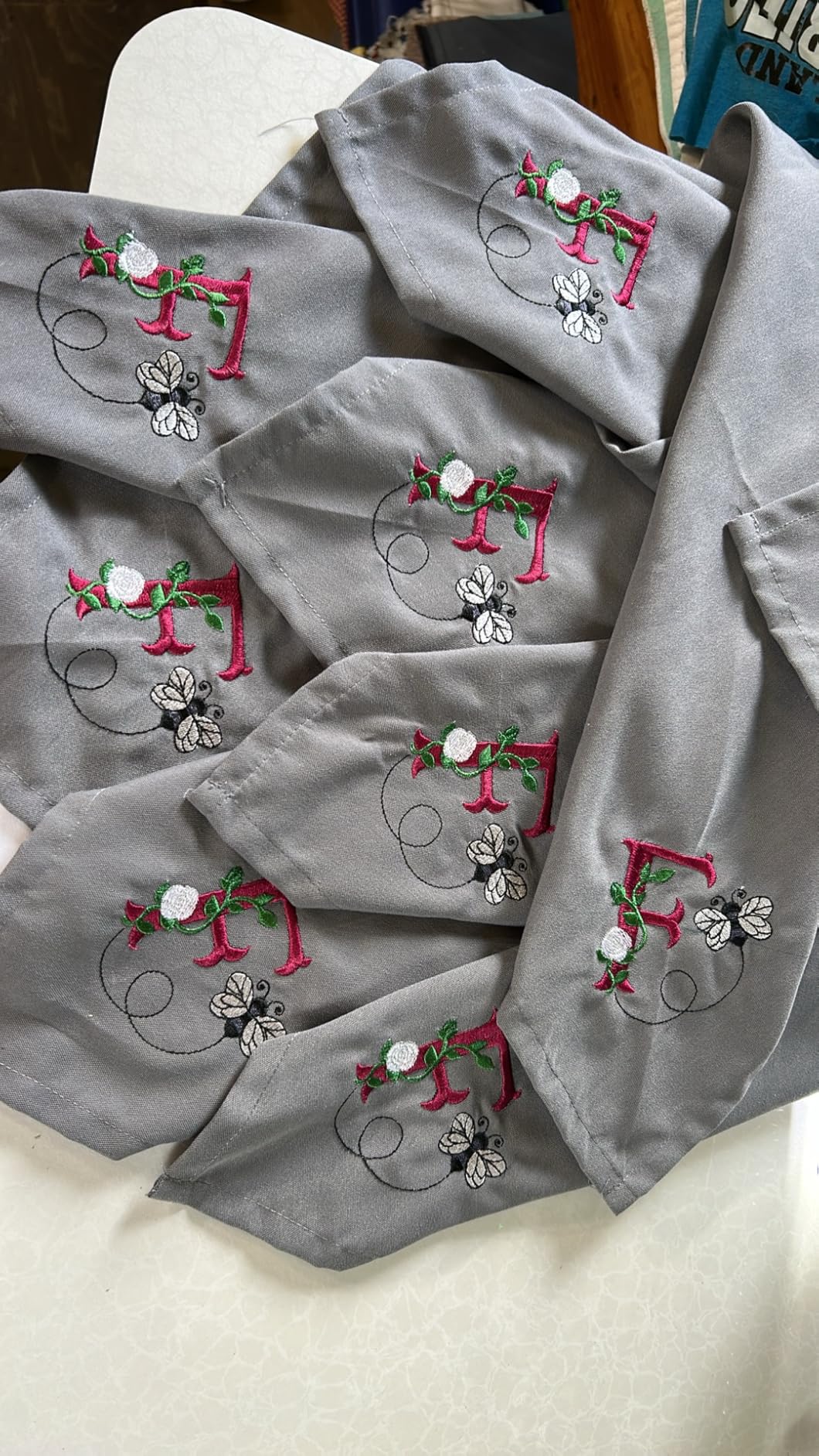
The 14×20 embroidery area is the largest field in our entire guide. I was able to stitch a full 14-inch wide design across the back of a denim jacket in a single hooping. On any other machine in this lineup, that project would have required splitting the design into multiple sections with visible seams.
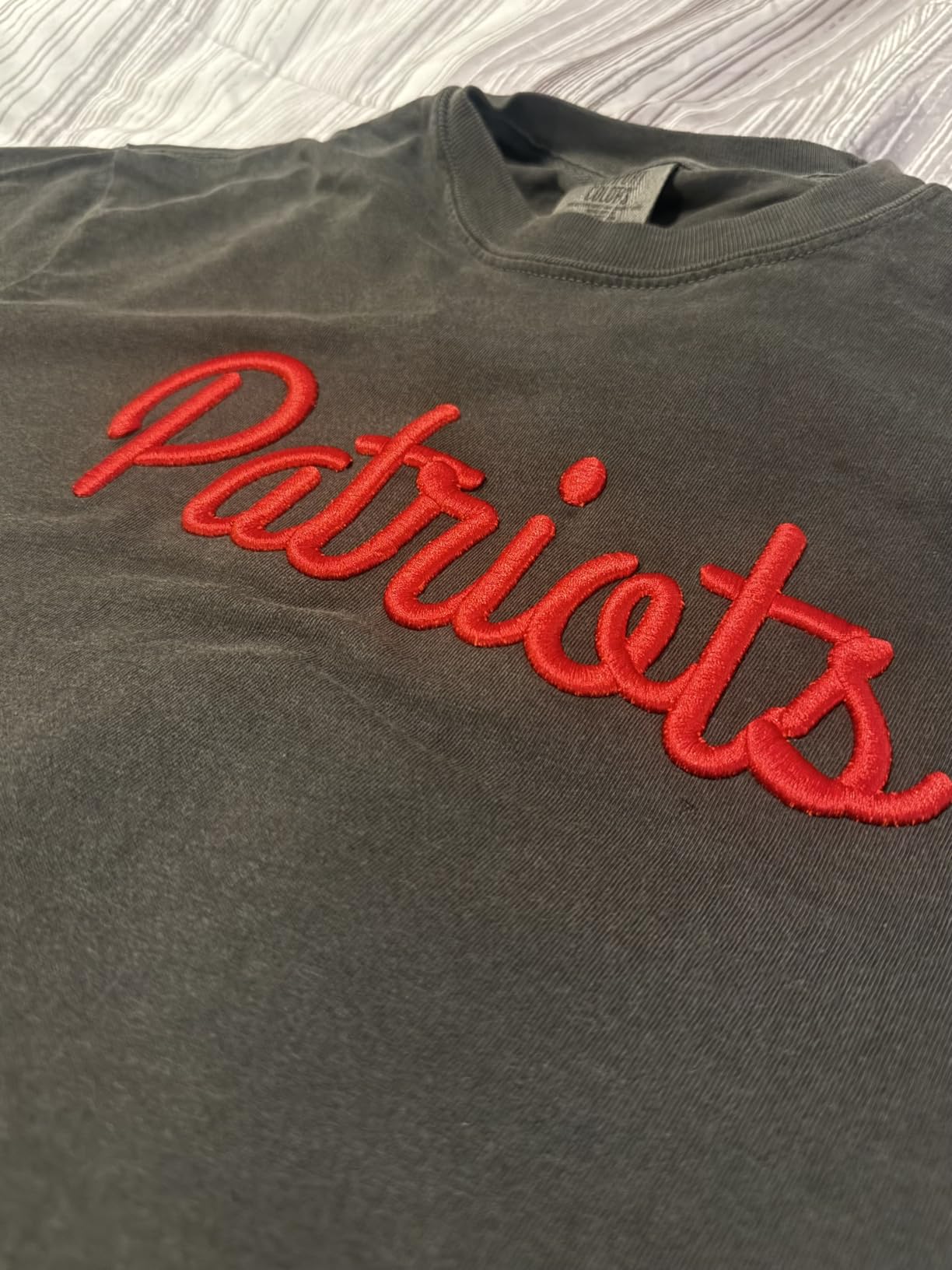
The 270 Wide Angle Cap System is specifically designed for 3D cap embroidery, which is one of the most challenging embroidery formats. Puff foam designs on curved cap bills require precise hoop positioning, and this system handles it automatically. If cap embroidery is part of your business plan, the S-1501 solves the biggest technical challenge.
Who Should Buy the S-1501
This machine is for established embroidery businesses or serious entrepreneurs ready to scale. If you are fulfilling large orders, working with commercial clients, or producing embroidered goods at volume, the 15-needle capacity and 14×20 field give you capabilities that single-needle home machines simply cannot match.
The 12-inch touch screen is the largest display on any machine in our guide. Operating a commercial embroidery machine involves managing multiple design files, adjusting settings, and monitoring production, and the oversized screen makes all of those tasks manageable without eye strain.
Important Considerations
At 209 pounds, the S-1501 is a piece of industrial equipment. You need a dedicated floor space, proper electrical setup, and potentially delivery assistance to get it installed. This is not a machine for a spare bedroom craft room.
Smartstitch offers a live demo appointment, which I highly recommend before purchasing. Seeing the machine in operation will help you understand its capabilities and whether your production needs justify the investment. The 92 percent five-star rating across 266 reviews confirms that businesses using this machine are satisfied with its performance and reliability.
Embroidery Machine Buying Guide: How to Choose in 2026
Choosing from the best embroidery machines means understanding what features actually matter for your projects. I have broken down the key decision factors below based on three years of testing and hundreds of hours at the embroidery table.
Embroidery Field Size: The Most Important Spec
The embroidery field (also called the hoop size) determines the maximum design dimensions you can stitch in a single pass. This is the single most important specification to consider, and Reddit users in r/MachineEmbroidery consistently say the same thing: buy the largest field you can afford.
A 4×4 inch field handles monograms, small logos, and pocket-sized designs. It works for beginners but most crafters outgrow it within months. A 5×7 inch field covers most home decor and garment projects including jacket fronts and large quilt squares. A 7.9×11 or larger field lets you stitch full jacket backs, oversized quilt blocks, and table runners without splitting designs.
If you plan to sell your work, larger fields mean fewer hoopings and faster production. The jump from 4×4 to 5×7 is significant for project versatility. The jump from 5×7 to 7.9×11 or beyond is transformative for serious crafters and small businesses.
Combo vs Embroidery-Only Machines
Combo machines like the Brother SE700 and SE1900 handle both regular sewing and embroidery in one device. Embroidery-only machines like the Brother PE535, PE900, and Janome MC 500e LE focus exclusively on embroidery.
Combo machines save space and money if you need both functions. They are ideal for crafters with limited workspace who want to sew garments or quilts and also add embroidered details. The trade-off is that you cannot sew and embroider simultaneously, and the learning curve is steeper since you manage two function sets.
Embroidery-only machines typically offer more embroidery features per dollar since the manufacturer is not splitting the budget between sewing and embroidery components. If you already own a sewing machine you love, an embroidery-only model gives you more bang for your embroidery buck.
Single Needle vs Multi-Needle Machines
Every machine in this guide except the two Smartstitch models uses a single needle. That means you manually change thread colors for each color in a design. For a 10-color design, you change thread 10 times. This is fine for hobby use but becomes a bottleneck for production work.
Multi-needle machines like the Smartstitch S-1001 (10 needles) and S-1501 (15 needles) hold multiple thread colors simultaneously and switch between them automatically. A 15-color design stitches start to finish with zero manual color changes. This feature alone can multiply your production speed by 5x to 10x.
The trade-off is cost, size, and complexity. Multi-needle machines are heavier, more expensive, and require more learning. But if you are running an embroidery business, the time savings on color changes alone justifies the investment.
Key Features That Matter
An automatic needle threader saves frustration on every project. Look for machines with a lever-press threading system rather than manual threading. A jam-resistant drop-in bobbin prevents thread tangles that can ruin designs. Wireless LAN or WiFi connectivity lets you transfer designs without USB sticks, which is especially convenient if you create or edit designs on a computer.
A color touchscreen makes design selection and editing much easier than button-based navigation. Look for screens of at least 3.2 inches, with 4.85 inches or larger being ideal for detailed editing work. Built-in design counts of 100 or more give you plenty of starting options before you need to purchase additional files.
Jump stitch trimming, available on the Brother PE900 and both Smartstitch models, automatically cuts the connecting threads between design elements. This produces cleaner results and saves significant post-stitching cleanup time. Once you have used a machine with this feature, going back to manual trimming feels archaic.
Budget Tiers and What to Expect
Under $700 gets you a solid beginner embroidery machine with a 4×4 or slightly larger field, 80 to 135 built-in designs, and basic features. The Brother PE535 and SE700 live in this tier. These machines are perfect for learning and casual personal projects.
$1,000 to $2,500 opens up 5×7 to 6×10 embroidery fields, 138 to 258 built-in designs, and features like wireless transfer and jump stitch trimming. The Brother PE900, SE1900, NQ1700E, and Janome MC 9850 occupy this range. This is the sweet spot for serious hobbyists.
$2,500 to $3,000 gives you dedicated embroidery machines with large 7.9×11 fields and multiple included hoops, like the Janome MC 500e LE. Above $4,000, you enter commercial multi-needle territory with the Smartstitch S-1001 and S-1501, which are production tools for businesses.
A key tip from forum users: buy room to grow. Many crafters regret buying the smallest machine they could afford and upgrading within a year. Spending slightly more upfront for a larger embroidery field saves money compared to trading up later.
Frequently Asked Questions About Embroidery Machines
What is the best embroidery machine for a beginner?
The Brother PE535 is the best embroidery machine for beginners. It offers 80 built-in designs, 9 lettering fonts, a 3.2-inch touchscreen, and USB import for custom designs. At under $500 with a 25-year warranty, it provides everything a first-time embroiderer needs without overwhelming features. The PooLin EOC05 is another excellent beginner option with its large 7-inch touchscreen and generous accessory bundle.
How much does a good embroidery machine cost?
A good beginner embroidery machine costs between $400 and $700. Mid-range machines with larger embroidery fields and more features run $1,000 to $2,500. Professional and commercial multi-needle machines range from $4,000 to $6,000. For most home crafters, spending $500 to $1,200 gets a quality machine that will serve you for years.
What is the difference between embroidery only and combination machines?
Embroidery-only machines are designed exclusively for stitching decorative patterns and monograms onto fabric. Combination machines handle both regular sewing (stitching seams, buttonholes, decorative stitches) and embroidery in one device. Combo machines save space and money if you need both functions, while embroidery-only machines typically offer more embroidery features per dollar since the manufacturer focuses entirely on one function.
What size embroidery field do I need?
A 4×4 inch field handles monograms and small designs but most crafters outgrow it quickly. A 5×7 inch field covers most home decor and garment projects. A 7.9×11 inch or larger field lets you stitch full jacket backs and large quilt blocks without splitting designs. For beginners, start with at least a 5×7 field if your budget allows. Buy the largest embroidery field you can afford.
What brands of embroidery machines are best?
Brother is the most popular brand for home and hobbyist embroidery machines, known for user-friendly interfaces and strong customer support. Janome is respected for stitch quality and large embroidery fields. Smartstitch leads the affordable commercial multi-needle category. Baby Lock and Bernina are premium brands known for quality but at higher price points. For most home crafters, Brother offers the best balance of features, support, and value.
Final Thoughts on the Best Embroidery Machines for 2026
Finding the best embroidery machines comes down to matching features to your crafting goals. For beginners, the Brother PE535 offers an unbeatable entry point with reliable performance and room to learn. For crafters who want both sewing and embroidery, the Brother SE1900 remains our top pick with its combination of 240 stitches, 138 designs, and a 5×7 embroidery field.
If you are ready to turn your passion into a business, the Smartstitch S-1001 with its 10 needles and commercial-grade speed will transform your production capacity. Whatever your budget and skill level, the key is buying the largest embroidery field you can afford and choosing a machine from a brand with solid customer support.
I will keep updating this guide as new machines hit the market and as I continue testing. If you have questions about any of these models, drop them in the comments and I will share what I have learned from hands-on experience.