
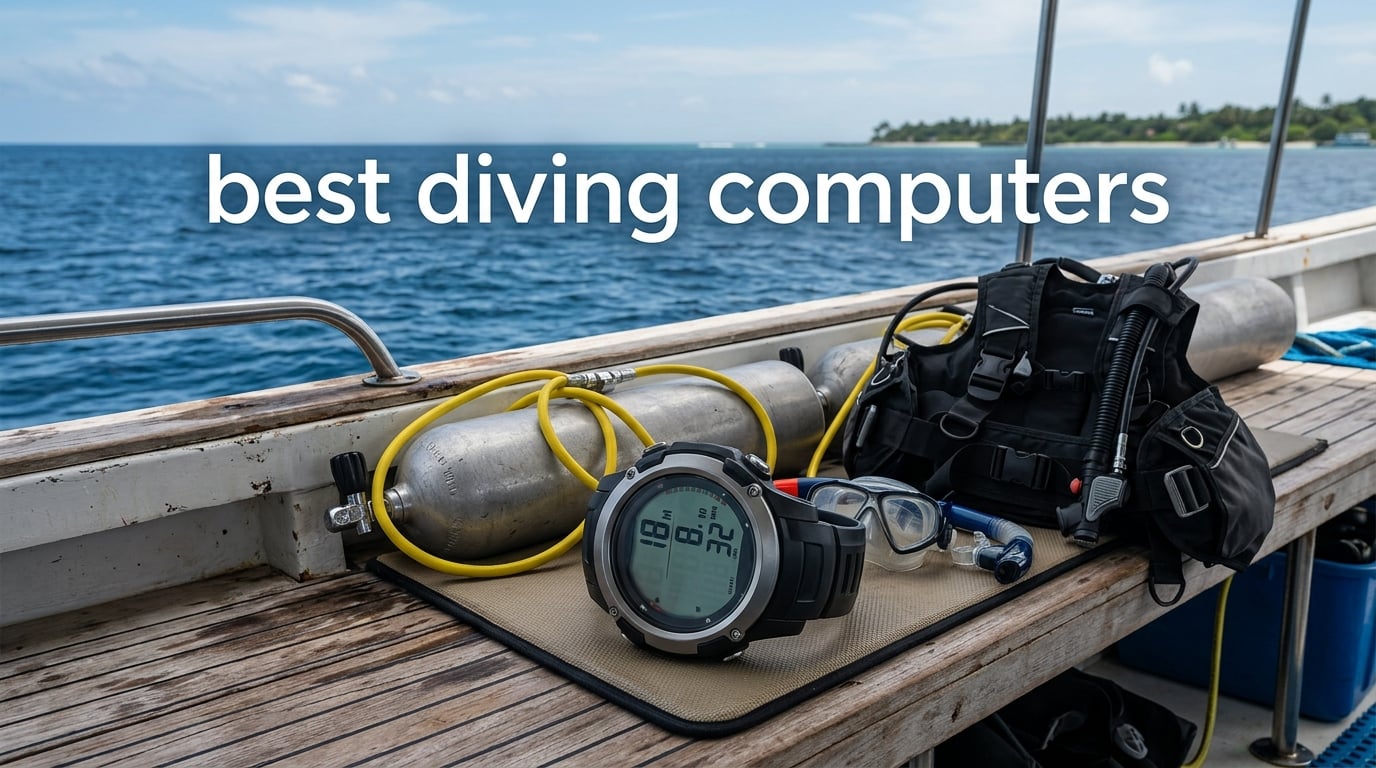
I have been diving for over 15 years, and if there is one piece of gear I tell every diver to invest in first, it is a reliable dive computer. When our team set out to find the best diving computers for 2026, we wanted to go beyond spec sheets and marketing claims. We looked at real user feedback, compared decompression algorithms, tested readability underwater, and evaluated how each unit actually performs when you are 80 feet down and your brain is focused on staying alive.
A dive computer is not just a fancy depth gauge. It tracks your nitrogen absorption in real time, calculates your no-decompression limit, reminds you about safety stops, and warns you if you are ascending too fast. Some of the best diving computers on the market today also handle air integration, multi-gas switching, GPS tracking, and even smartwatch features for everyday wear. The right one can genuinely make your diving safer and more enjoyable.
We compared 12 dive computers across every major category. From budget-friendly entry models under 250 dollars to flagship technical diving computers with trimix support, this guide covers the full spectrum. Whether you are planning your first open water certification dive or gearing up for a week-long liveaboard in the Caribbean, we have a recommendation that fits your needs and experience level.
One thing we learned from forum communities on Reddit and ScubaBoard is that ease of use matters more than almost anything else. A computer you can operate with cold fingers and thick gloves is worth its weight in gold. Brand reputation also carries significant weight in the diving community, with Shearwater, Garmin, Suunto, Cressi, and Mares consistently earning the most praise from real divers.
Throughout this guide, we break down each computer by who it serves best, what algorithm it runs, how the display performs, and what you should know before you commit. We also included a detailed buying guide covering decompression models, air integration, battery options, and connectivity features so you can make an informed decision.
Let us dive into our top picks and see which diving computer is the right fit for your next underwater adventure.
Top 3 Diving Computers for 2026
After testing and comparing all 12 models, three stood out clearly above the rest. The Shearwater Peregrine earned our Editor’s Choice for its brilliant full-color display and intuitive two-button interface. The Cressi Leonardo 2.0 took Best Value as the number one best seller in diving electronics with over 3,500 reviews. And the Garmin Descent Mk3i claimed Premium Pick with its 200-meter titanium case and SubWave sonar technology.
Best Diving Computers in 2026: Quick Comparison
Before we get into the detailed reviews, here is a side-by-side comparison of all 12 models we tested. This table gives you a quick snapshot of each computer and its standout features so you can narrow down your shortlist before reading further.
| Product | Specifications | Action |
|---|---|---|
 Cressi Leonardo 2.0 Cressi Leonardo 2.0 |
|
Check Latest Price |
 SEAC Partner Freediving SEAC Partner Freediving |
|
Check Latest Price |
 Mares Puck Pro Ultra Mares Puck Pro Ultra |
|
Check Latest Price |
 Suunto Zoop Novo Suunto Zoop Novo |
|
Check Latest Price |
 Cressi Donatello Cressi Donatello |
|
Check Latest Price |
 Mares Puck 4 Mares Puck 4 |
|
Check Latest Price |
 Suunto D5 Suunto D5 |
|
Check Latest Price |
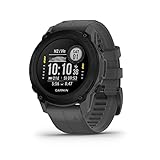 Garmin Descent G1 Garmin Descent G1 |
|
Check Latest Price |
 Shearwater Peregrine Shearwater Peregrine |
|
Check Latest Price |
 Garmin Descent G2 Garmin Descent G2 |
|
Check Latest Price |
 Shearwater Perdix 2 Ti Shearwater Perdix 2 Ti |
|
Check Latest Price |
 Garmin Descent Mk3i Garmin Descent Mk3i |
|
Check Latest Price |
1. Cressi Leonardo 2.0 — Best Budget Dive Computer Overall
- Intuitive single-button design
- Versatile Air/Nitrox/Gauge modes
- #1 best seller in diving electronics
- Adjustable conservatism levels
- Deep stop function
- Initial setup can be tricky
- IR connectivity only
- Not Prime eligible
The Cressi Leonardo 2.0 is the dive computer I recommend to more new divers than any other model. With over 3,550 reviews and a number one best seller ranking in Diving Electronics, this Italian-made computer has earned its reputation the hard way. I took one on a six-dive trip in Cozumel and was genuinely impressed by how straightforward it felt from the first dive.
The single-button interface is the standout feature. Instead of fumbling through multi-button menus with neoprene gloves, you cycle through options with one press. Cressi designed the menu logic so that the button does different things depending on what screen you are on, which sounds confusing but actually works beautifully once you spend five minutes with it.
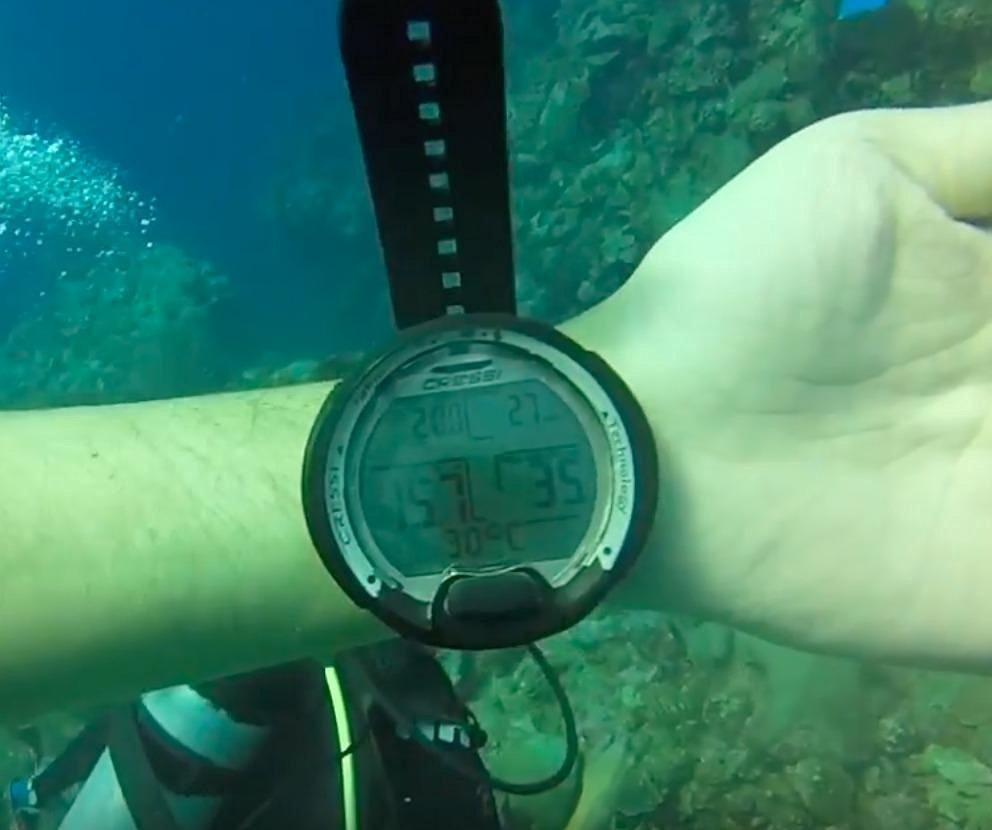
You get three diving modes: Air, Nitrox, and Gauge. The Nitrox mode lets you set your fraction of oxygen from 21 percent all the way to 50 percent, and you can adjust your partial pressure of oxygen between 1.2 and 1.6 bar. There is also a CNS oxygen toxicity graphic indicator that shows how much oxygen exposure you have accumulated, which is a feature usually found on more expensive computers.
The deep stop function adds an extra layer of safety by suggesting a brief stop halfway through your ascent on deeper dives. Battery life is rated at about 70 hours of dive time on a single CR2430 coin cell, which should last most recreational divers an entire season. The LCD display is clear and the backlight works well for night dives or low-visibility conditions.
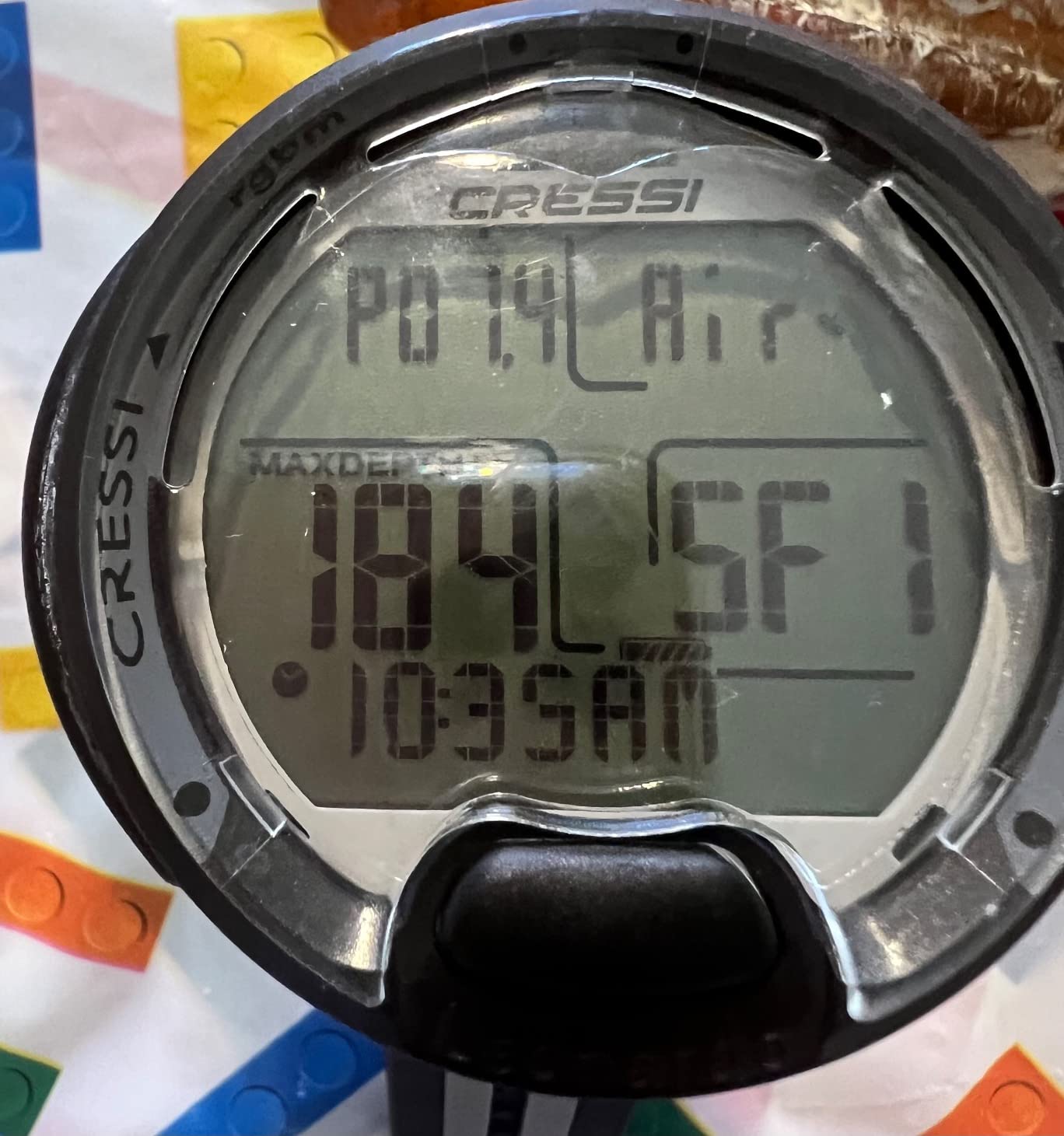
On the downside, the initial setup can trip people up. Several divers on ScubaBoard mentioned needing a YouTube tutorial to get through the first configuration. The connectivity is also limited to infrared and USB, with no Bluetooth option, which makes dive logging feel dated compared to newer models.
Who Should Buy the Cressi Leonardo 2.0
This is the ideal first dive computer for newly certified open water divers who want reliability without complexity. If you dive recreationally on air or nitrox and do not need air integration or GPS, the Leonardo 2.0 gives you everything essential at an accessible price point. Dive shops frequently recommend it to students completing their certification.
Battery and Maintenance Considerations
The CR2430 battery is user-replaceable and available at any drugstore, which is a major advantage over models requiring proprietary batteries or charging cables. The two-year warranty covers manufacturing defects. Just keep a spare battery in your dive bag, as the low-battery indicator gives you only a few dives of warning before it needs replacing.
2. SEAC Partner — Best Budget Freediving Computer
- Affordable freediving option
- Easy to read display
- Records 99 dives
- Standard CR2032 battery
- Backlit screen
- 40-foot factory depth limit
- Manual dive mode switching
- Band durability concerns
The SEAC Partner fills a specific niche that most dive computers ignore entirely: freediving and spearfishing. If you have ever tried using a scuba computer for freediving, you know the frustration of algorithms that do not understand breath-hold diving. The SEAC Partner is purpose-built for this, and it does the job well at a price point that makes it approachable for beginners.
I tested the SEAC Partner during a weekend freediving session in the Florida Keys, and the stopwatch and countdown functions worked exactly as advertised. It records up to 99 freediving sessions, which means you can log an entire season before needing to download data. The backlit display is surprisingly bright for the price, and the LCD is large enough to read even for divers who struggle with smaller screens.
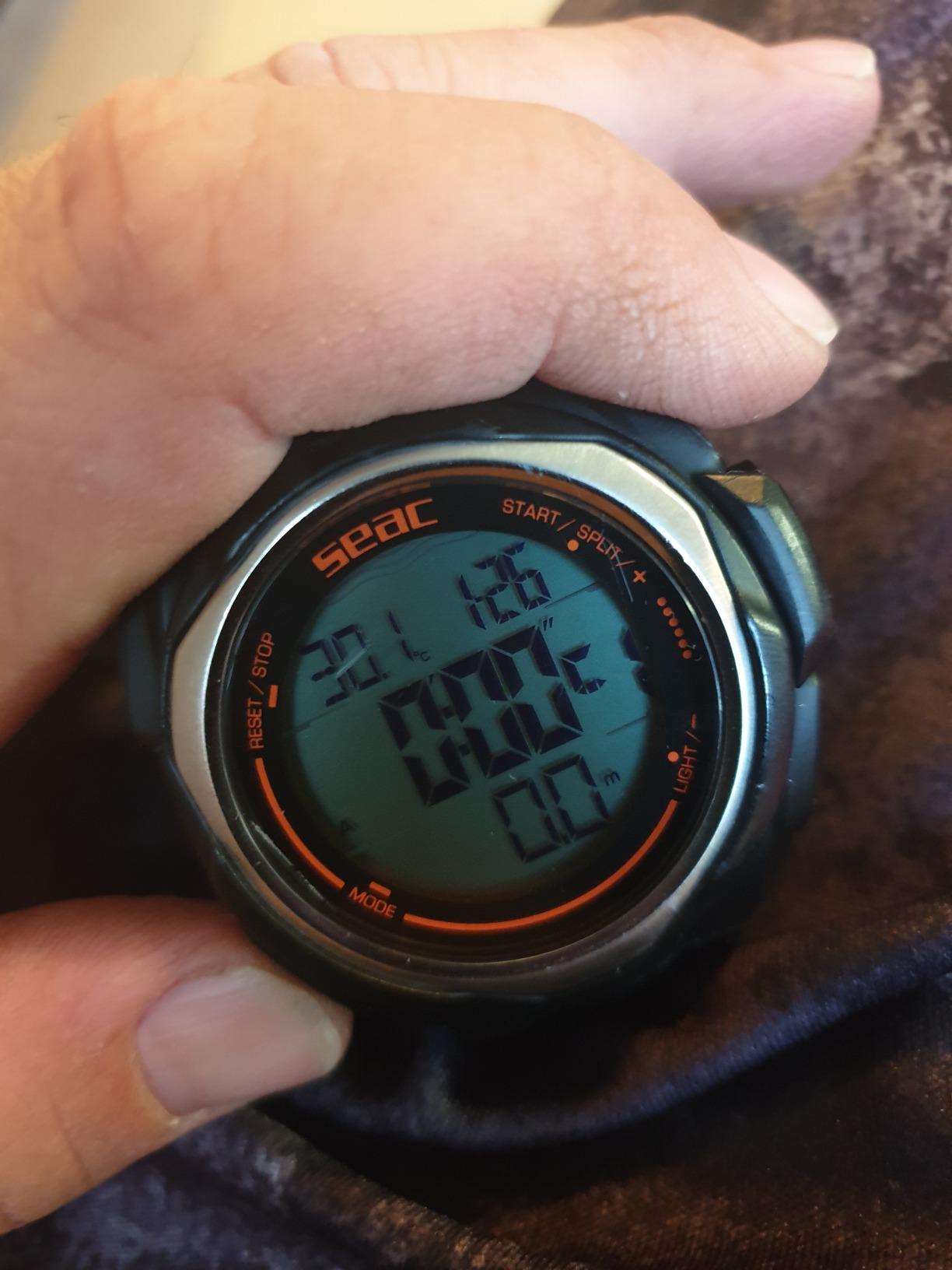
The standard CR2032 battery is a real advantage here. You can find replacements anywhere, and swapping one out takes about two minutes with a coin. The 100-meter water resistance rating gives you plenty of headroom for recreational freediving depths. Several divers also mentioned using it as a backup scuba computer for shallow reef dives.
The main limitation is the factory depth limit of 40 feet. For most recreational freedivers this is more than enough, but competitive freedivers will find it restrictive. The dive duration limit of 1 minute and 20 seconds also triggers an audible beep that some users find annoying. And the band quality has drawn some complaints, so consider replacing it with a heavier-duty strap if you dive frequently.
Depth and Duration Limitations
The 40-foot depth limit and 80-second duration alarm are designed for recreational freediving safety, not competition. If you are freediving deeper than 40 feet or holding your breath longer than 80 seconds regularly, you will need a more advanced freediving computer. For most casual freedivers and spearfishers, these limits are perfectly appropriate.
Using It as a Scuba Backup
Several reviewers noted that the SEAC Partner works surprisingly well as a shallow scuba backup computer. It will track depth and time accurately on reef dives under 40 feet. However, it does not calculate decompression data for scuba diving, so it should only be used as a secondary reference, never as your primary scuba computer.
3. Mares Puck Pro Ultra — Best Entry-Level with Buhlmann Algorithm
Mares Puck Pro Ultra Dive Computer – Air, Nitrox, Depth, Decompression, Temperature, Time, Dive Data
- Buhlmann ZH-L16C with gradient factors
- High-contrast display
- Bluetooth connectivity
- Up to 100 dives per battery
- Excellent 4.8 rating
- Limited review count
- Not Prime eligible
The Mares Puck Pro Ultra is a sleeper hit in the dive computer world. With only 18 reviews but an outstanding 4.8 average rating, this is the kind of product that flies under the radar until someone hands you one on a dive boat and you realize how good it actually is. What sets it apart immediately is the inclusion of the Buhlmann ZH-L16C algorithm with dual gradient factors.
For those unfamiliar, the Buhlmann ZH-L16C is the gold standard decompression algorithm preferred by technical divers worldwide. Most entry-level computers use more conservative proprietary algorithms. Having Buhlmann at this price point means you get the same decompression calculations that tech divers trust, with adjustable gradient factors that let you tune conservatism to your comfort level.
The high-contrast screen is excellent in bright surface conditions and dark water alike. I found it readable at every angle during testing, which is not something I can say about every entry-level computer. The single gas nitrox compatibility covers 21 to 50 percent oxygen mixes, which handles the vast majority of recreational diving scenarios.
Battery life is rated for up to 100 dives on a single CR2450 cell, and the battery is user-replaceable. The integrated Bluetooth makes dive data transfer to your phone straightforward, which is a feature that budget computers from other brands often omit. The only real concern is the limited review count, though the 4.8 rating from those who have used it speaks volumes.
Algorithm Advantages Over Competitors
The Buhlmann ZH-L16C with dual gradient factors gives you something that competitors at this price rarely offer: control over your decompression conservatism. You can set gradient factors to be more conservative for repetitive multi-day diving or less conservative for single deep dives. This is the same algorithm used in Shearwater computers that cost three times as much.
Bluetooth Logging Experience
The Bluetooth connectivity pairs with the Mares app on both iOS and Android. Dive logs transfer in seconds, and the app displays depth profiles, temperature data, and gas consumption estimates. The setup process is smoother than some competitors we tested, with no recurring pairing issues reported.
4. Suunto Zoop Novo — Best Classic Entry-Level Computer
- Four operating modes
- Programmable 21-50% oxygen
- Backlit display for low light
- #2 best seller in diving gauges
- Audible alarms
- Menu complexity reported
- Very limited stock
- Not Prime eligible
The Suunto Zoop Novo is one of those dive computers that has been around long enough to earn genuine respect from the diving community. As the number two best seller in Digital Diving Gauges, it has trained countless new divers. I used one during my own advanced open water course years ago, and it has held up as a trusted recommendation for entry-level divers.
What makes the Zoop Novo stand out is its four operating modes: Air, Nitrox, Gauge, and Freedom. The Freedom mode is specifically designed for freediving, which means this computer can serve double duty if you enjoy both scuba and breath-hold diving. The nitrox mode handles oxygen mixes from 21 to 50 percent, covering the full recreational range.
The backlit display is clear and easy to read, and the audible alarms are loud enough to hear through a hood. Decompression stop data is displayed prominently, and you can switch between imperial and metric units. With a maximum depth rating of 330 feet (100 meters), this computer will grow with you well beyond your initial certification.
The main complaint from forum users centers on menu complexity. The Zoop Novo uses a four-button interface that can feel overwhelming when you are first learning it. Several divers on Reddit mentioned that the Suunto RGBM algorithm is also noticeably more conservative than Buhlmann, which means shorter dive times on repetitive dives compared to some competitors.
Suunto RGBM Algorithm Explained
Suunto uses their proprietary RGBM (Reduced Gradient Bubble Model) algorithm, which tends to be more conservative than the Buhlmann ZH-L16C used by Shearwater and Mares. This means it builds in more safety margin by calculating shorter no-decompression limits, especially on repetitive multi-day diving. Some divers appreciate the extra conservatism, while others find it unnecessarily restrictive.
Stock Availability Warning
At the time of writing, the Zoop Novo has extremely limited stock availability. This is a popular model that frequently sells out, especially during peak diving season. If you find one in stock, consider grabbing it quickly rather than waiting. Suunto occasionally updates this line, so limited stock could also indicate a successor model is on the horizon.
5. Cressi Donatello — Best Mid-Range with HD Display
- High-definition display
- Compact single-button design
- 150m water resistance
- Multiple color options
- Deep stop capability
- Menu navigation can feel complex
- Limited stock availability
The Cressi Donatello sits in a sweet spot between entry-level and premium, and it is the computer I personally reach for most often on recreational dives. With nearly 600 reviews and a solid 4.4 rating, it has proven itself with a large user base. The high-definition display is what sold me the first time I saw one on a dive boat in Bonaire.
The HD screen is significantly sharper than the standard LCD on the Leonardo. Underwater readability is excellent in both bright Caribbean sunlight and the green-tinted waters of the Pacific Northwest. The single-button interface follows the same proven Cressi logic, cycling through screens contextually based on what mode you are in.
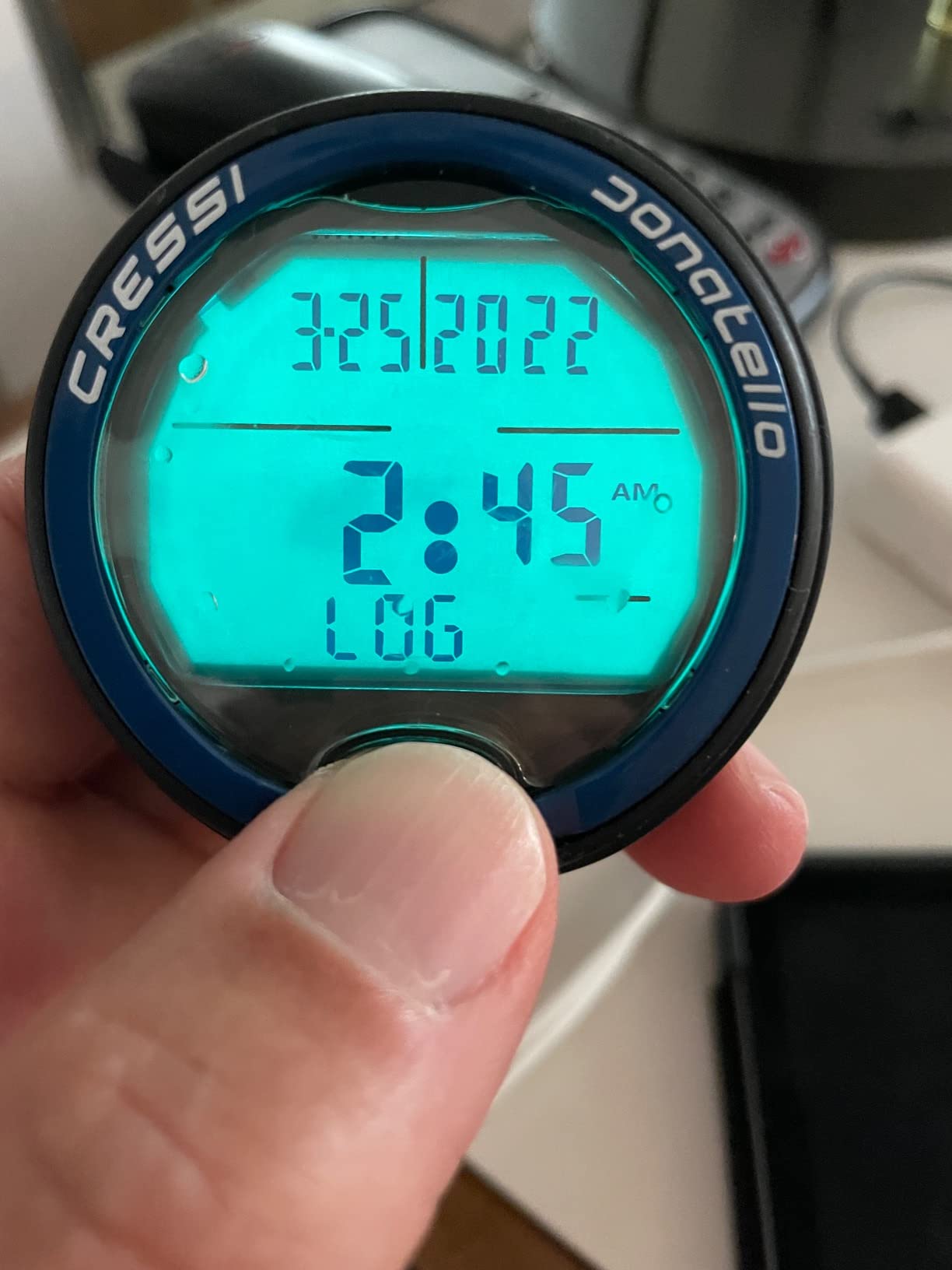
The Donatello offers user-selectable deep stops, which add a safety pause during your ascent on deeper dives. Battery life is solid thanks to a replaceable CR2430 cell with clear battery life indicators. The 150-meter water resistance rating provides plenty of headroom for recreational diving, and the unit feels rugged and well-built.
Connectivity is handled through an optional IR interface that bridges to Bluetooth or USB, which works with both Windows and Mac computers. It pairs with the Cressi app for dive logging. One thing to note is that this model is available in nine different color variants, so you can match it to your dive gear if aesthetics matter to you.
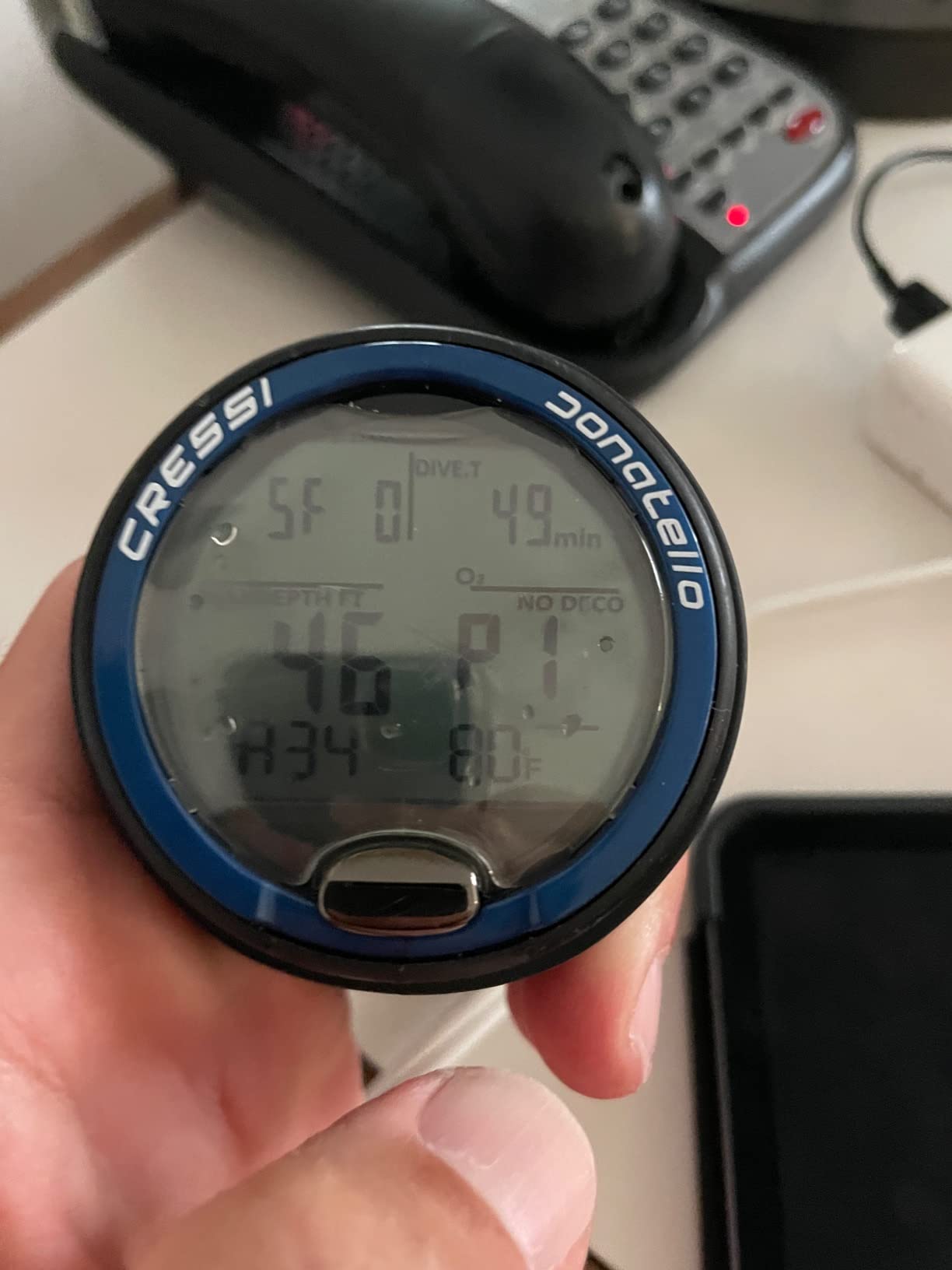
The main drawback is menu navigation complexity. While the single-button approach is elegant once you learn it, the initial learning curve is steeper than the Leonardo. Some divers reported needing a few dives before they felt comfortable navigating without thinking about it. Stock availability is also tight on certain color options.
Comparing Donatello to the Leonardo 2.0
The Donatello essentially takes everything good about the Leonardo and upgrades the display. The HD screen is the primary differentiator, along with the 150-meter water resistance rating versus the Leonardo’s more modest rating. If the HD display matters to you and you want more color options, the Donatello justifies its higher cost.
Color Variants and Band Options
With nine color combinations available, the Donatello offers more aesthetic variety than almost any dive computer on the market. Options range from subtle Black/Black and Black/Silver to bold Black/Orange and Black/Lime. The silicone band is comfortable and durable, though some divers prefer swapping to a longer strap for use over thick wetsuits or drysuits.
6. Mares Puck 4 — Best Entry-Level Multigas Computer
Mares Puck 4 Wrist Dive Computer | Entry-Level Watch-Style One Button Control Underwater Scuba Diving Computer, Black/Blue
- Buhlmann algorithm with gradient factors
- Multigas support for 3 gases
- Clear chip-on-glass display
- Bluetooth data transfer
- Dive planner included
- Limited stock
- Entry-level feature set
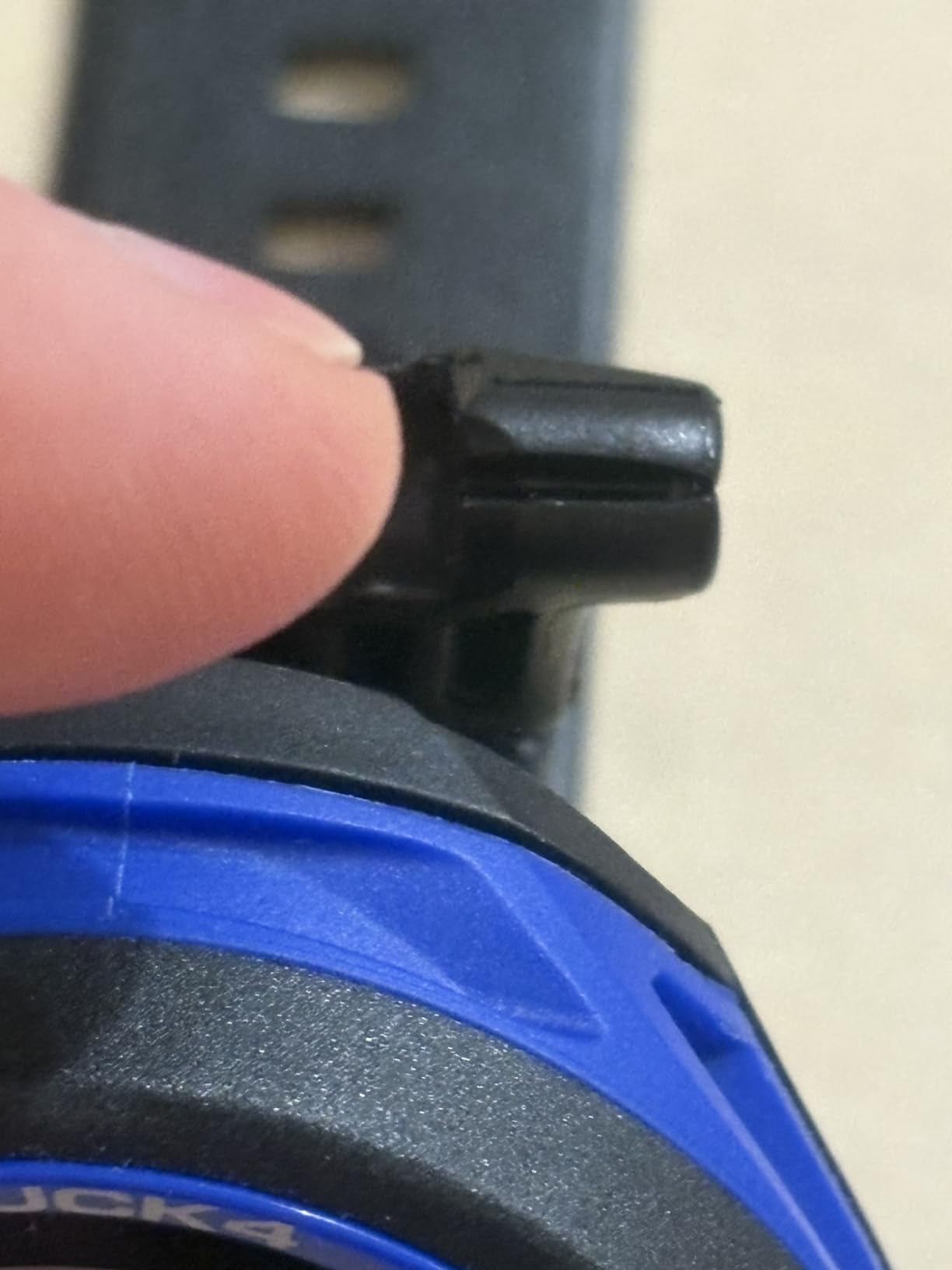
The Mares Puck 4 is what happens when a manufacturer listens to what entry-level divers actually want and delivers it in a clean, capable package. The standout feature here is multigas support for up to three gases, which is virtually unheard of at this price point. I was genuinely surprised when I saw this spec, because multi-gas switching usually requires stepping up to a significantly more expensive computer.
The Buhlmann ZH-L16C algorithm with adjustable gradient factors gives you the same decompression model that technical divers rely on. The chip-on-glass segment display is crystal clear and uses advanced manufacturing technology to deliver sharp, easy-to-read dive data at any depth. Mares clearly invested in display quality here.
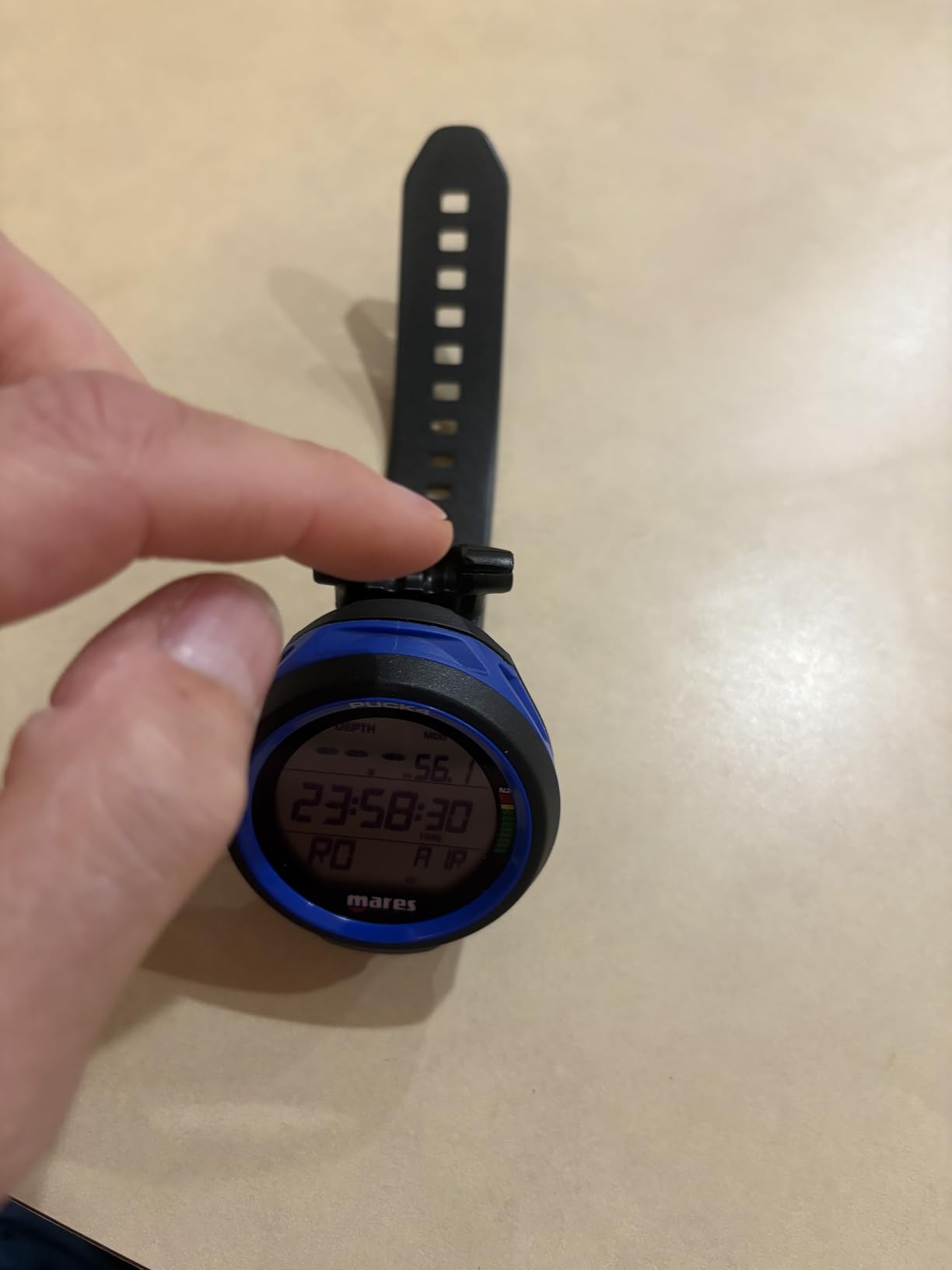
The single-button interface follows the same philosophy as other Mares computers, keeping operation simple even with gloves on. The decompression dive planner lets you plan your dive profile before you get in the water, and the digital logbook stores your dive history for future reference. The resettable average depth function is useful for working on your buoyancy and air consumption.
Bluetooth connectivity handles dive data transfer to the Mares app, making post-dive logging quick and painless. With an 81 percent five-star rating from verified buyers, the Puck 4 has impressed early adopters. The main concern is limited stock availability and the fact that, despite its multigas capability, some advanced divers may find the overall feature set still leans entry-level.
Multigas Capability at Entry-Level Pricing
Support for three gases means you can program air, nitrox, and a bottom timer into the same computer. This is useful if you are transitioning from recreational diving toward more advanced profiles. Gas switching underwater is handled through the single-button menu, which takes some practice but works reliably once you are familiar with the sequence.
Display Technology and Readability
The chip-on-glass display technology eliminates the air gap between the display element and the glass cover, resulting in sharper characters and better contrast. In our testing, the Puck 4 display was readable in all conditions including bright sunlight and murky low-visibility water. The segment-based display is not as flashy as a full-color screen, but it is extremely practical and battery-efficient.
7. Suunto D5 — Best Color Display with Air Integration
- Vibrant color display
- Wireless air integration
- Digital compass
- Vibration alarms
- Mobile app connectivity
- Lower rating than competitors
- Some 1-star reviews reported
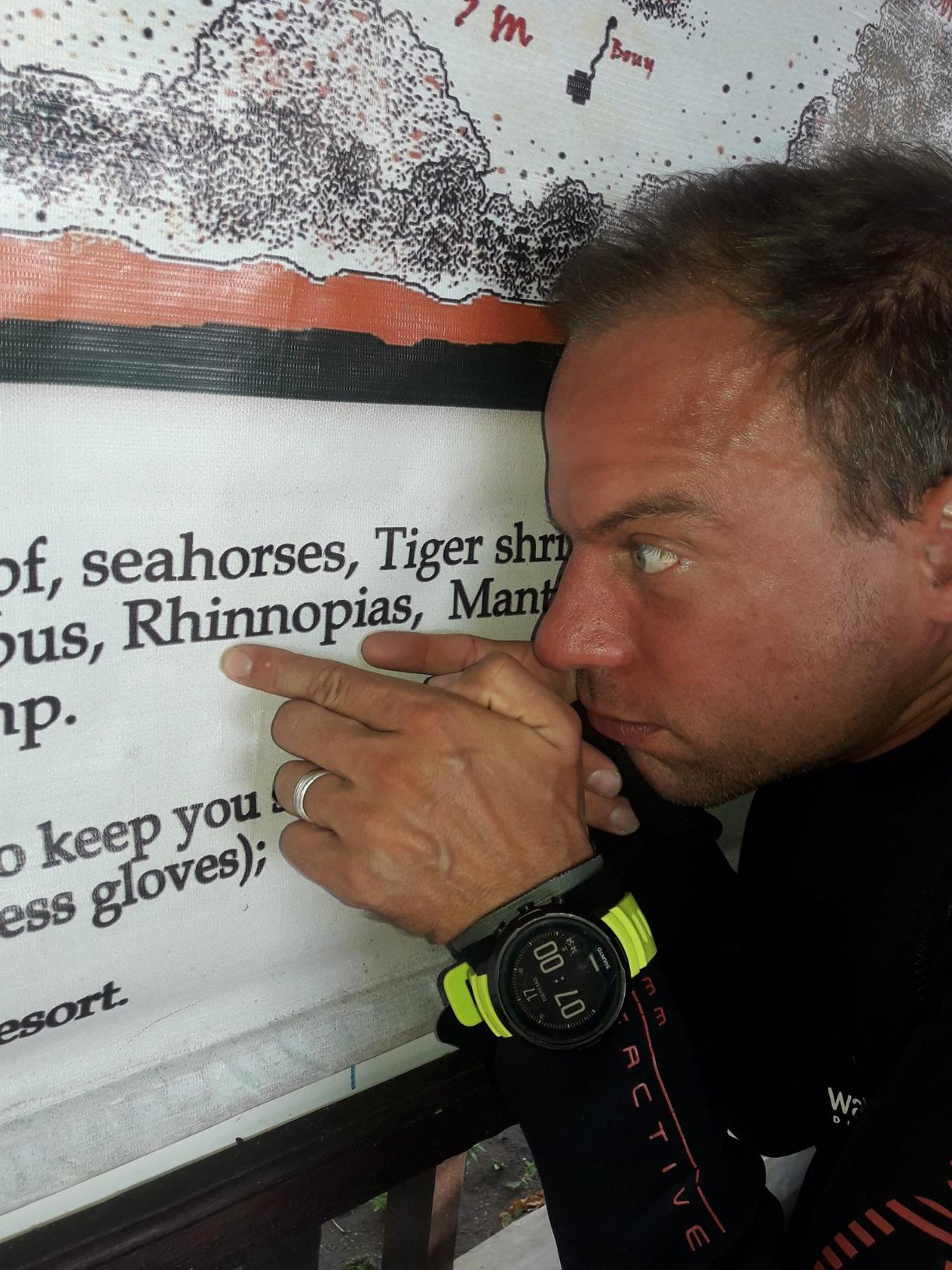
The Suunto D5 is the computer that makes you do a double-take the first time you see it on someone’s wrist. The full-color display is vibrant and detailed, making traditional monochrome dive computers look dated by comparison. I borrowed one from a dive buddy during a trip to the Turks and Caicos and spent the entire first dive just admiring the screen.
Beyond aesthetics, the D5 delivers serious functionality. Wireless tank pressure support means you can monitor your air supply directly on your wrist when paired with a Suunto transmitter, eliminating the need to check a separate pressure gauge. The digital compass is accurate and easy to follow, and vibration alarms provide discreet alerts that do not disturb marine life or your dive buddies.
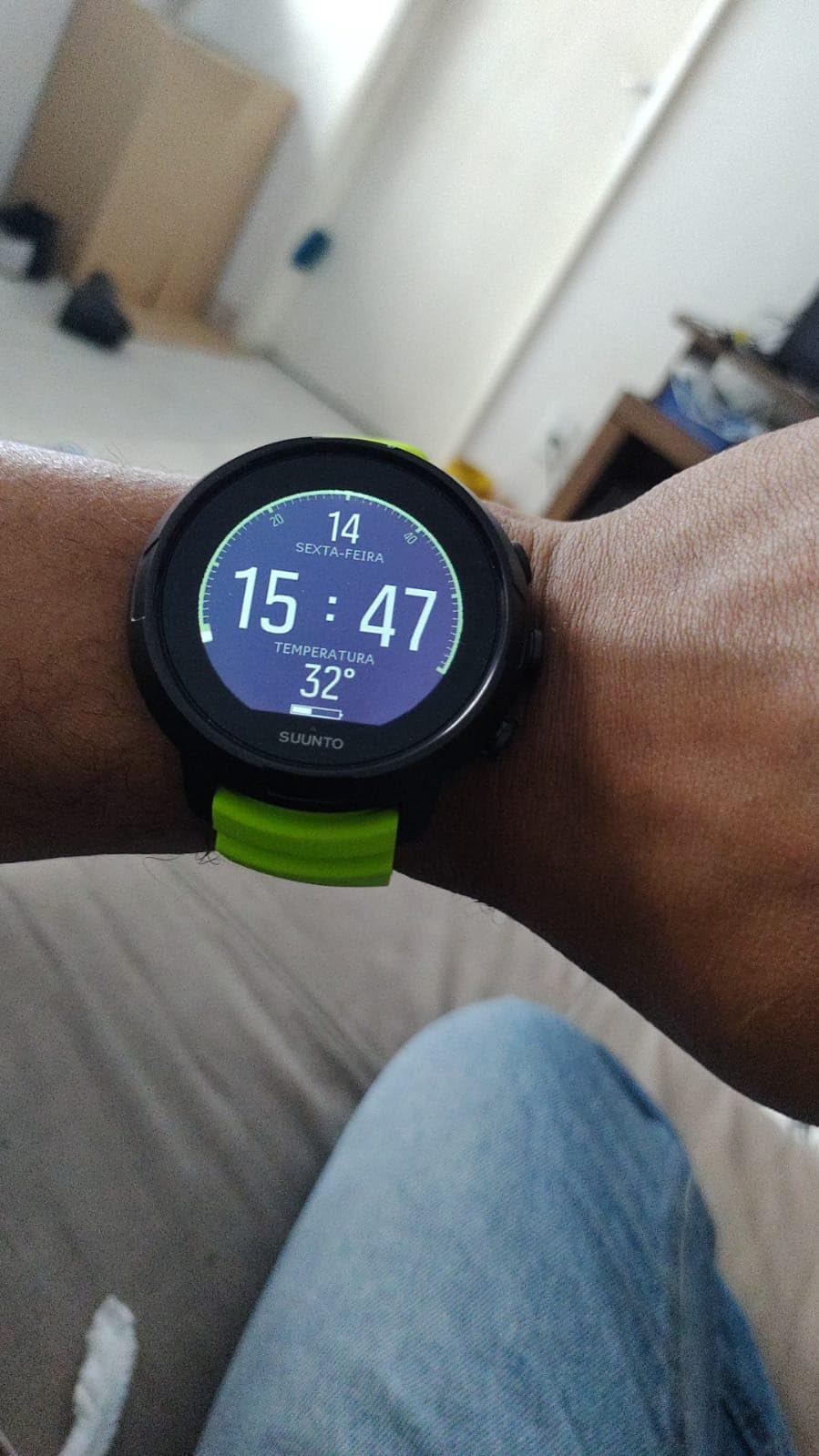
The wireless mobile connection lets you sync dive data to the Suunto app immediately after surfacing. The 100-meter water resistance rating handles any recreational dive depth. Battery life is solid, and the unit charges via USB, which is convenient for travel since you do not need to carry spare coin cells.
The D5 does have some issues worth noting. The 4.1 average rating is lower than most competitors on this list, with about 12 percent of reviewers giving it one star. The Suunto RGBM algorithm is also notably more conservative than Buhlmann, which some divers find frustrating on multi-day liveaboard trips where every minute of bottom time counts.
Air Integration Setup and Costs
To use wireless tank pressure monitoring, you need a compatible Suunto tank pressure transmitter, which is sold separately. The transmitter screws into a high-pressure port on your first stage and communicates pressure data to the D5 on your wrist. Setup is straightforward, but the additional transmitter cost is something to factor into your budget when comparing against non-air-integrated models.
Algorithm Conservatism on Multi-Day Trips
The Suunto RGBM algorithm calculates shorter no-decompression limits than Buhlmann-based computers, especially on day three or four of a liveaboard. This built-in conservatism adds a safety margin, but it can mean shorter dive times than your buddies using Shearwater or Mares computers. If maximum bottom time on repetitive dives is your priority, this is an important consideration.
8. Garmin Descent G1 — Best Dive Computer and Smartwatch Combo
Garmin Descent™ G1, Rugged Dive Computer, Multiple Dive Modes, Activity Tracking, Slate Gray
- GPS satellite support for dive sites
- 25 hours dive mode battery
- Over 30 sports apps
- Stores 200 dives
- Smartwatch functionality
- Smaller 0.9-inch screen
- Lower resolution display
The Garmin Descent G1 is the dive computer for someone who wants one device on their wrist from the boardroom to the boat to the bottom of the ocean. With a 4.6 rating from 165 reviews and 84 percent five-star scores, it has clearly resonated with users who value versatility. I wore one for two weeks straight, diving during the day and using it as my daily smartwatch, and the convenience factor is real.
The GPS, GLONASS, and Galileo satellite support lets you mark your surface entry and exit points, which is incredibly useful for shore diving and drift dives. The multi-gas dive modes handle recreational and technical diving profiles. With storage for 200 dives on the device itself, you can log an extensive dive history before needing to sync.
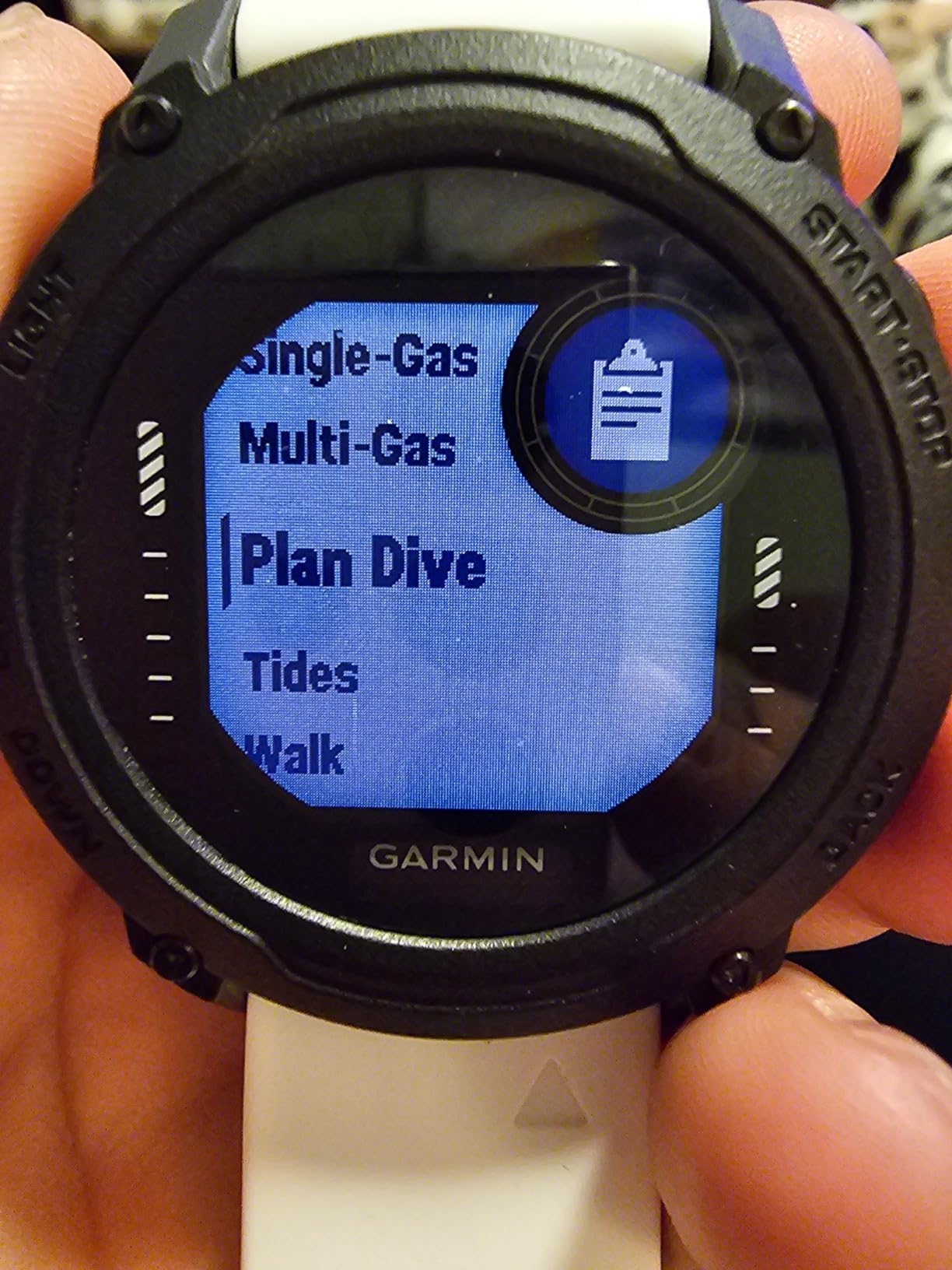
Battery life is where the G1 shines. You get up to 25 hours in dive mode, 21 days in smartwatch mode, and 26 hours of continuous GPS use. That means a week-long dive trip on a single charge is entirely feasible. The sapphire lens and silicone bands feel rugged enough for serious abuse.
The health and fitness tracking is comprehensive, with 24/7 wrist-based heart rate, Pulse Ox, Body Battery energy monitoring, and sleep scoring. Over 30 built-in sports apps cover everything from running to cycling to swimming. Smart notifications, Garmin Pay, and Connect IQ customization make this a legitimate smartwatch contender even without the dive features.
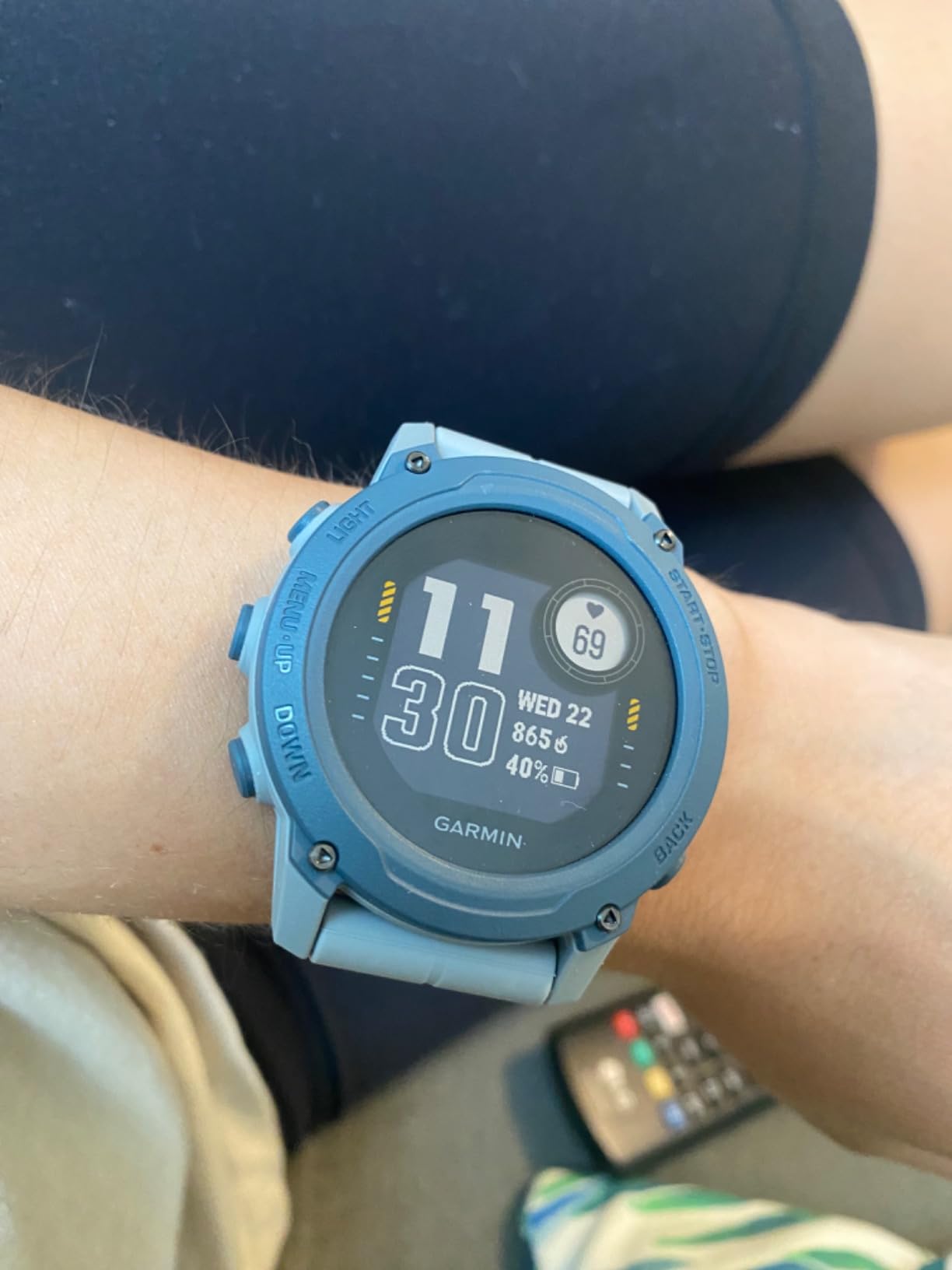
The trade-off is the screen. At 0.9 inches with 176 by 176 pixel resolution, the display is small and lower-resolution than dedicated dive computers. While the information is readable underwater, it cannot match the clarity of a Shearwater Peregrine or Suunto D5. If display size is your top priority, this is something to weigh carefully.
Daily Wear and Smartwatch Features
The G1 works as a genuine everyday smartwatch, handling notifications, contactless payments, fitness tracking, and sleep monitoring. At 61 grams, it is lightweight enough for all-day comfort. The battery life in smartwatch mode means you only need to charge it every three weeks, which is exceptional compared to most smartwatches.
GPS Use for Shore and Drift Diving
The satellite positioning is most useful for marking where you entered and exited the water, creating a digital breadcrumb trail back to your starting point. For shore dives in unfamiliar locations, this is a genuine safety feature. The GPS does not function underwater, so it captures your surface positions before and after the dive.
9. Shearwater Peregrine — Best Overall Recreational Dive Computer
- Brilliant full-color display
- Wireless USB charging
- Simple two-button interface
- NDL and DECO planners
- 87% five-star reviews
- No GPS functionality
- Higher price tier
The Shearwater Peregrine is the dive computer I recommend more than any other when someone asks me what to buy. With a 4.7 rating across 476 reviews and 87 percent five-star scores, it has earned overwhelming praise from the diving community. Shearwater has a reputation for building the most user-friendly dive computers on the market, and the Peregrine is their most accessible model.
The full-color display is the best I have seen on any recreational dive computer. The 2.2-inch screen at 320 by 240 resolution shows depth, time, no-decompression limit, and gas information in large, clearly organized blocks of color. Underwater readability is outstanding in every condition I have tested, from bright tropical shallows to dark wrecks at depth.
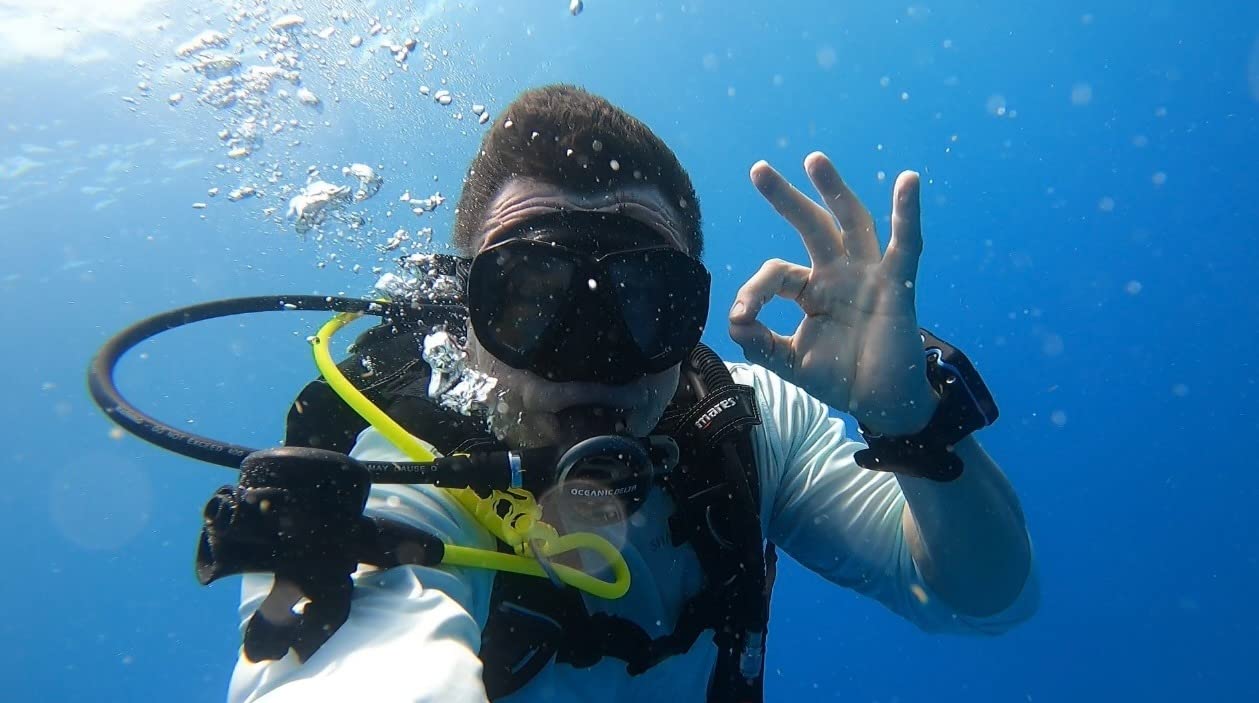
The two-button interface with state-aware menu structure is where Shearwater truly separates itself from competitors. Every menu is logical, every button press does exactly what you expect, and the learning curve is minimal. On Reddit and ScubaBoard, divers consistently report that the Shearwater menu system is significantly easier to navigate than Suunto or Cressi alternatives.
The Peregrine includes both an NDL Planner and a DECO Planner, letting you plan your dive profile before entering the water. Multi-gas dive modes handle recreational gas switching. The wireless USB charging station is included, and battery life is rated at up to 30 hours at medium brightness. Bluetooth connectivity handles dive log transfers to the Shearwater Cloud app.
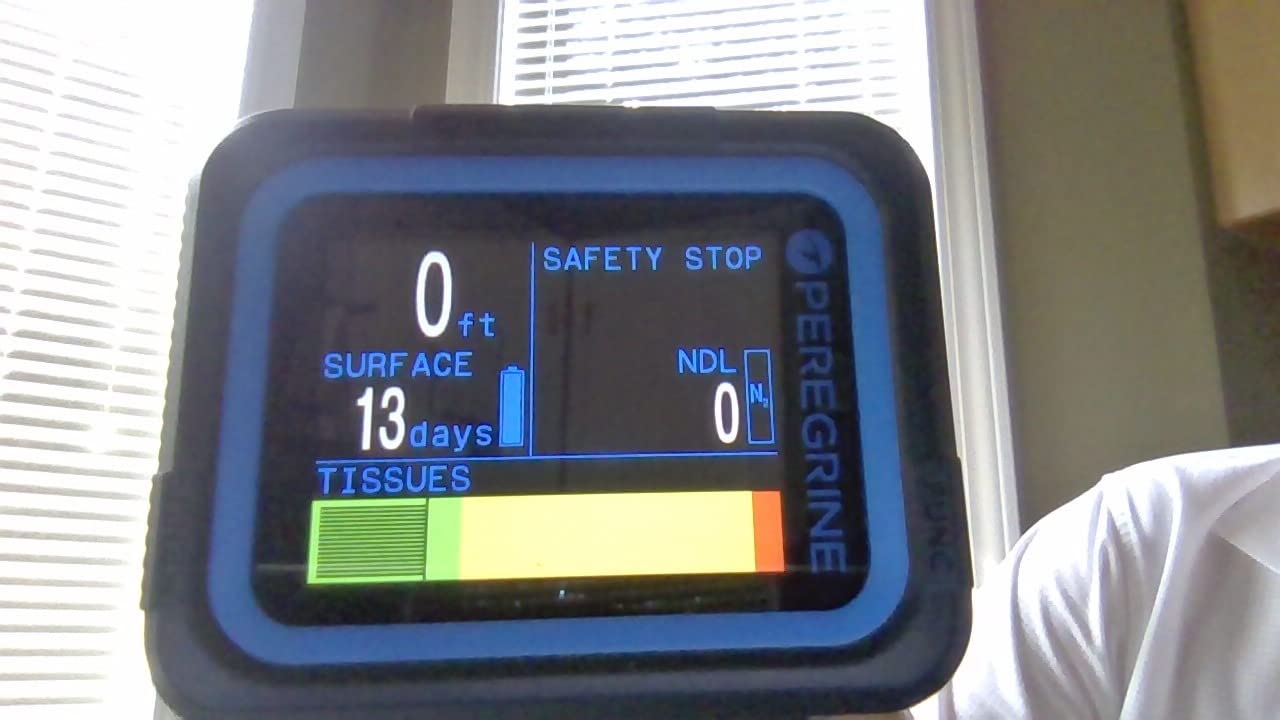
The 120-meter water resistance depth rating exceeds what most recreational divers will ever need. The 316 stainless steel buttons feel premium and durable. The Adventures Edition adds enhanced features for traveling divers. The only notable omission is GPS, which some users wish was included at this price point.
Why Shearwater Menus Are Easier
Shearwater designs their menu system around the concept of state-awareness, meaning the buttons do different things depending on which screen you are viewing. This reduces the number of buttons needed while making navigation more intuitive. Instead of memorizing button combinations, you simply follow the on-screen prompts, which clearly label what each button does at that moment.
Wireless Charging vs Replaceable Battery
The Peregrine uses wireless charging rather than a replaceable battery, which is a departure from most dive computers. The included USB charging station means you can charge from any USB power source, including portable battery packs on dive boats. The 30-hour battery life covers about 20 to 25 typical recreational dives per charge. If the battery eventually degrades, Shearwater offers replacement services.
10. Garmin Descent G2 — Best AMOLED Dive Smartwatch
- Stunning AMOLED display
- Dive readiness health feature
- Multi-GNSS satellite support
- Made from recycled ocean plastics
- Smartwatch with Garmin Pay
- Higher price point
- Fewer reviews than G1
The Garmin Descent G2 is the next-generation evolution of the G1, and the upgrades are substantial. The standout is the 1.2-inch AMOLED display with sapphire lens, which is significantly brighter and more vibrant than the G1’s LCD. With a 4.6 rating from 99 reviews and 81 percent five-star scores, it has impressed early adopters despite being a newer release.
The AMOLED screen transforms the underwater experience. Colors pop, text is razor-sharp, and visibility in bright surface conditions is outstanding. The 10 ATM dive rating with leakproof buttons means this watch is built for serious diving, not just pool sessions. Multi-GNSS support covers GPS, GLONASS, and Galileo for accurate surface positioning.
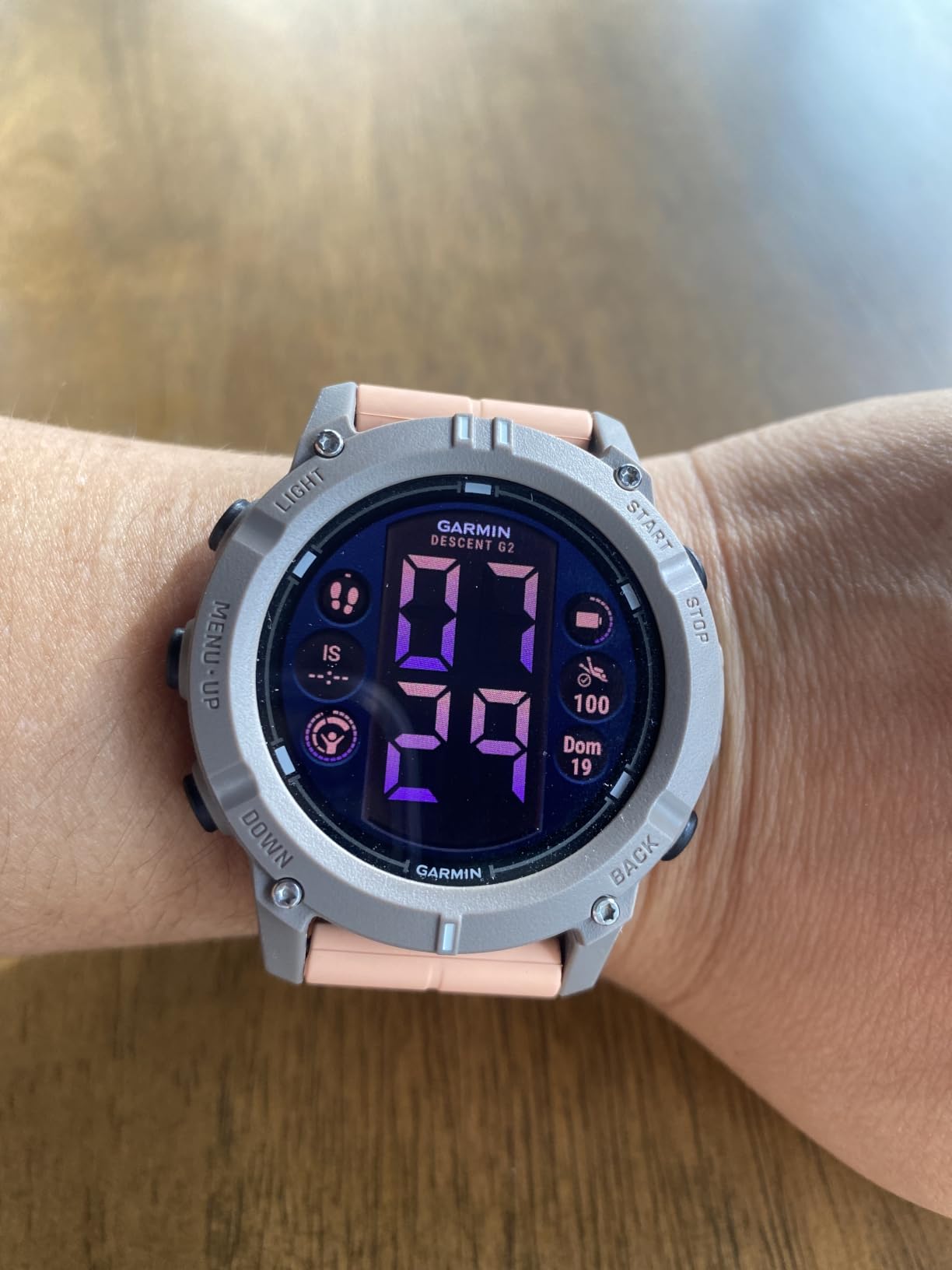
The dive readiness feature is genuinely innovative. It analyzes your recent sleep quality, stress levels, and exercise history to tell you whether your body is ready for diving. This kind of holistic health awareness is something no other dive computer offers, and it adds a meaningful layer of safety information beyond simple depth and time tracking.
Battery life is excellent at up to 27 hours in dive mode and 10 days in smartwatch mode. The G2 supports all diving types including recreational, advanced, technical, freediving, and pool apnea. Health monitoring includes 24/7 wrist-based heart rate, Pulse Ox, and Body Battery energy tracking. Garmin Pay and Connect IQ customization round out the smartwatch features.
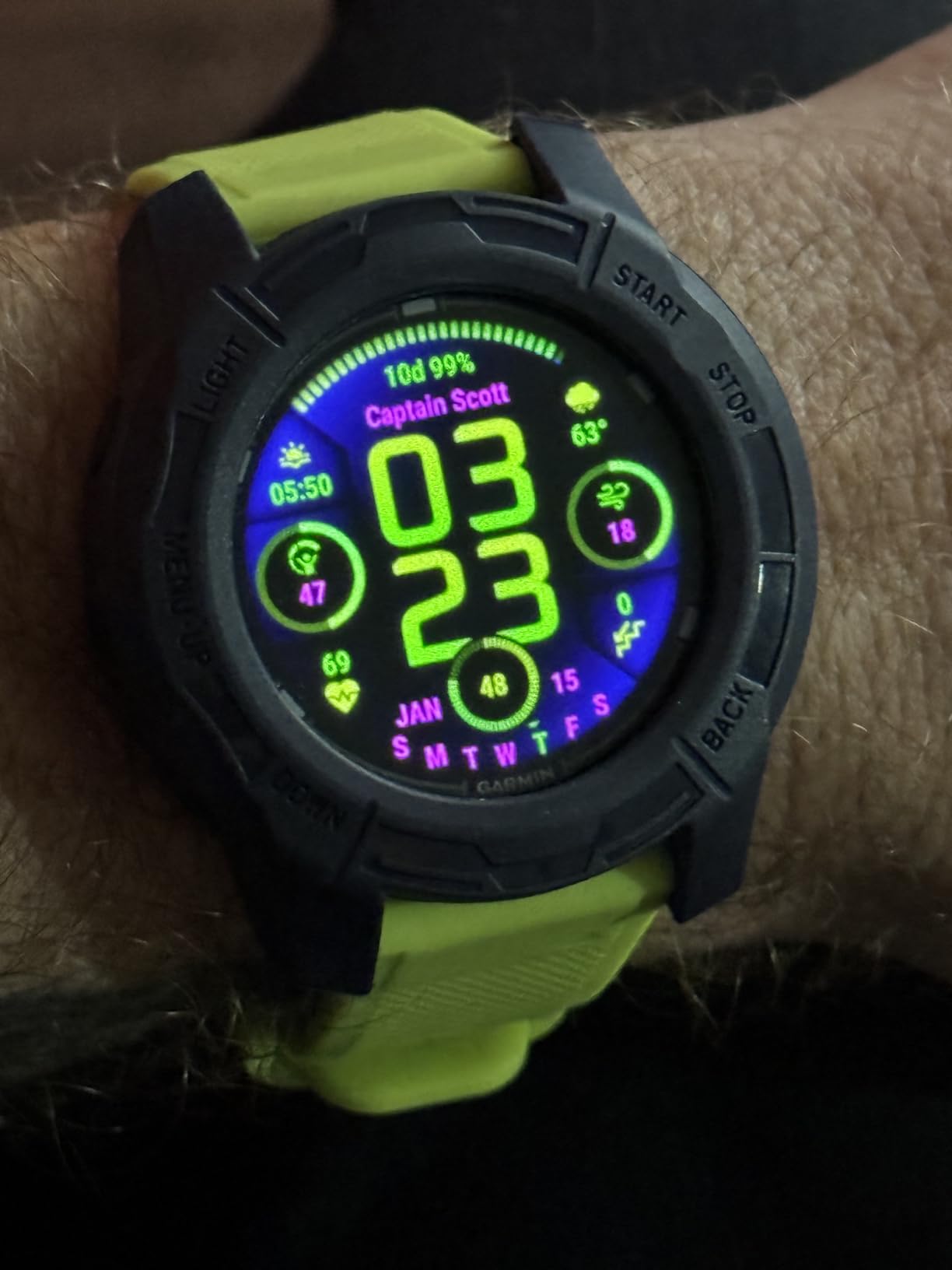
A unique aspect of the G2 is its construction from recycled ocean-bound plastics. For environmentally conscious divers, this sustainability angle adds meaningful appeal. The case material is fiber-reinforced, combining durability with eco-friendly sourcing.
Dive Readiness Feature Explained
The dive readiness tool evaluates your sleep data, stress metrics, recent exercise intensity, and even jet lag indicators to generate a readiness score. This score helps you understand whether your body is in optimal condition for diving or whether you might need to take a more conservative approach. It is particularly useful on liveaboard trips where fatigue accumulates over multiple diving days.
AMOLED vs LCD for Underwater Use
The AMOLED display offers significantly better color reproduction, brightness, and viewing angles compared to traditional LCD screens. Underwater, this translates to faster reading of critical data and less eye strain. The sapphire lens protects against scratches from rocks, wrecks, and gear handling. The trade-off is slightly higher battery consumption, though Garmin has managed to maintain competitive battery life figures.
11. Shearwater Perdix 2 Ti — Best Technical Diving Computer
- Perfect 5-star rating
- Trimix and CCR support
- Air integration ready
- 260m depth rating
- 1000 hours dive log storage
- No GPS functionality
- Not Prime eligible
The Shearwater Perdix 2 Ti is the dive computer that technical divers dream about. With a perfect 5.0 rating across 40 reviews and 100 percent five-star scores, it is the highest-rated product on this entire list. The Ti designation refers to the titanium housing, which adds both durability and a premium feel that justifies its position at the top of the Shearwater lineup.
This is a computer built for serious diving. It supports five open-circuit gases and five closed-circuit (rebreather) gases, meaning you can handle complex trimix and CCR diving profiles with full gas switching capability. Air integration is built in, so you can monitor tank pressure directly on your wrist when paired with a compatible transmitter.
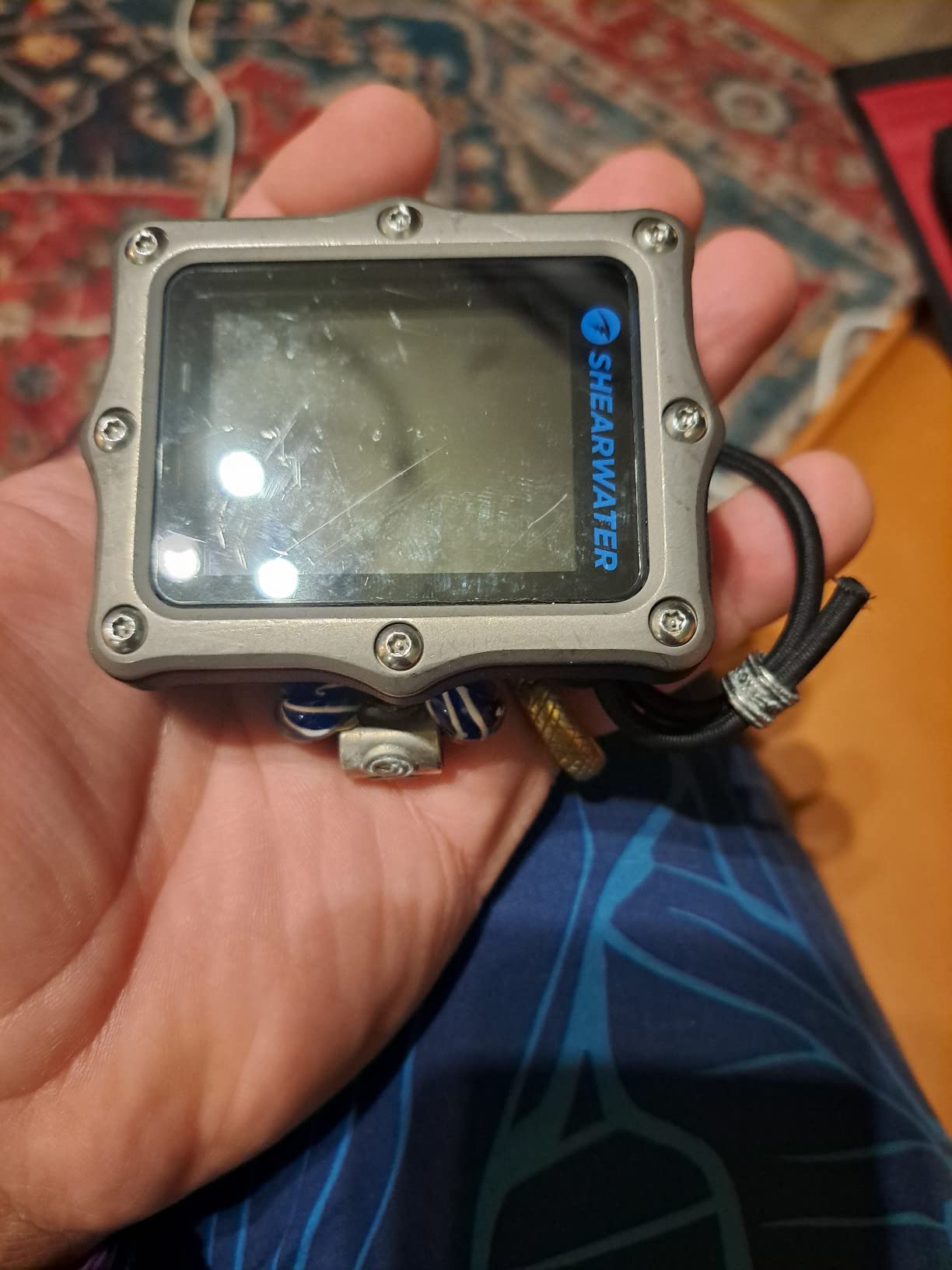
The 2.2-inch LCD with LED backlight offers crystal-clear readability in all conditions. The 320 by 240 resolution matches the Peregrine, and the aluminosilicate glass lens is exceptionally durable and scratch-resistant. The depth rating of 850 feet (260 meters) is far beyond what any recreational diver will ever need, making this a true professional-grade instrument.
Battery life is exceptional at up to 100 hours, and the user-replaceable battery means you can swap cells on a dive boat without special tools. The dive log storage holds approximately 1,000 hours of dive data, which is enough for years of active diving. Vibration warning alerts provide tactile notifications for critical depth and time thresholds.
Trimix and CCR Capabilities
The Perdix 2 Ti handles trimix diving with full oxygen, helium, and nitrogen blending calculations. For closed-circuit rebreather divers, the five CC gas slots support setpoint switching and real-time decompression calculations. The Bühlmann ZHL-16C algorithm with adjustable gradient factors gives technical divers the control they need over decompression profiles, allowing precise tuning for deep mixed-gas diving.
When You Need the Perdix Over the Peregrine
The Peregrine is designed for recreational diving with air and nitrox. The Perdix 2 Ti adds trimix support, closed-circuit rebreather integration, air integration, deeper depth rating, longer battery life, and vastly more dive log storage. If you are pursuing technical diving certifications, doing decompression dives, or using a rebreather, the Perdix is the right tool. If you are a purely recreational diver, the Peregrine will serve you better at a lower cost.
12. Garmin Descent Mk3i — Best Flagship Dive Computer
- SubWave sonar diver messaging
- 200m titanium dive case
- Built-in LED flashlight
- DiveView bathymetric maps
- Air integration for 8 divers
- GPS does not work underwater
- Premium price tier
The Garmin Descent Mk3i is the most feature-rich dive computer on this list, and arguably the most advanced consumer dive computer ever made. With a 4.6 rating from 129 reviews and 86 percent five-star scores, it has earned its premium positioning. The 51mm titanium case with a 200-meter dive rating signals immediately that this is a serious piece of equipment.
The SubWave sonar technology is genuinely groundbreaking. It enables diver-to-diver messaging and tank pressure monitoring for up to eight divers simultaneously, using ultrasonic communication underwater. This is the kind of feature that used to exist only in military and professional commercial diving equipment. For dive teams and instructors, this capability is transformative.
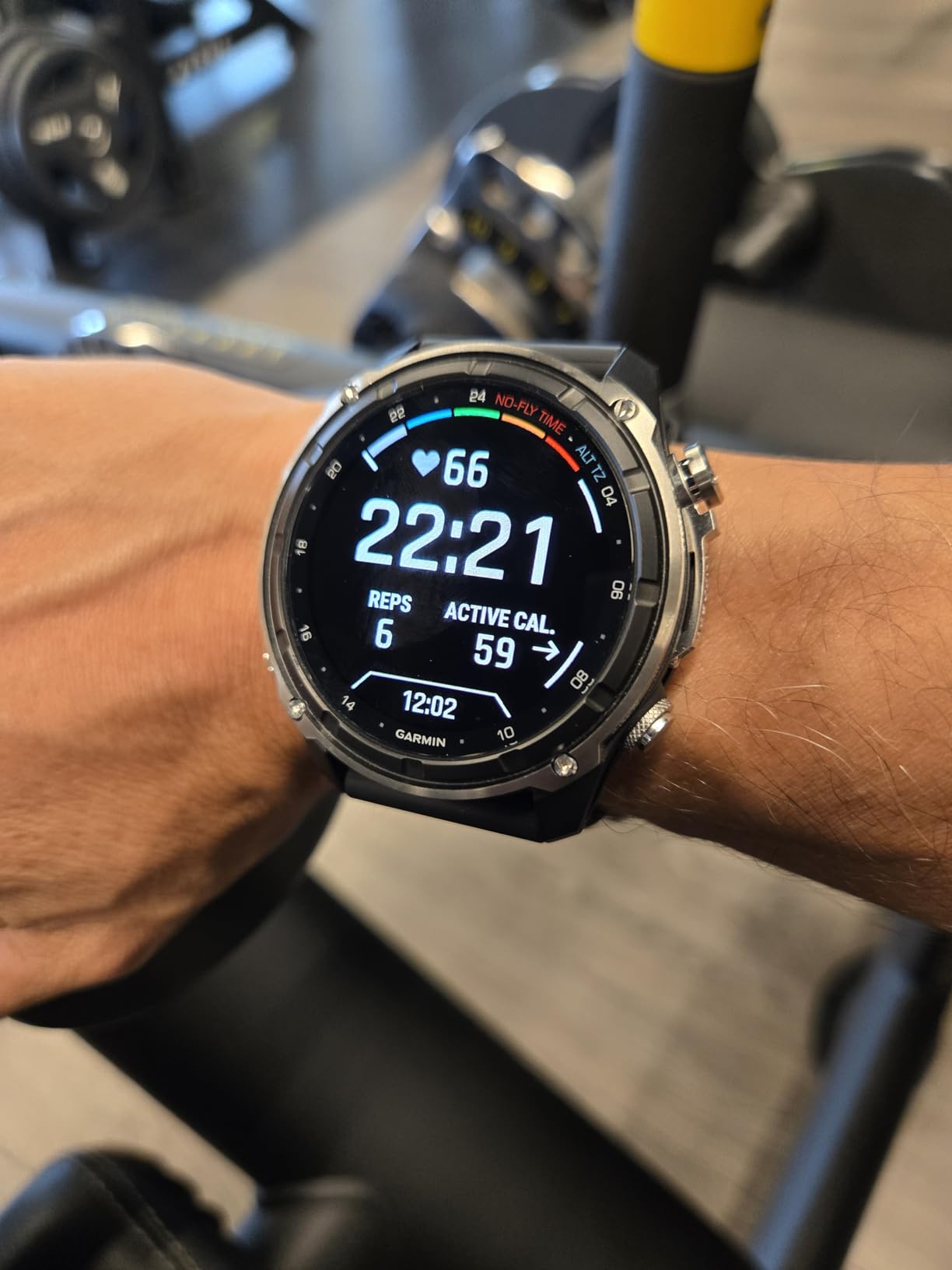
The 1.4-inch AMOLED display with sapphire lens is the largest and most vibrant screen of any computer on this list. DiveView maps provide bathymetric depth contours for over 4,000 dive sites worldwide, giving you underwater topography information directly on your wrist. The built-in LED flashlight with variable intensities and strobe modes is surprisingly useful for night dives and signaling.
Multi-band GPS technology provides superior positional accuracy for marking dive sites. The dive readiness tool analyzes sleep, exercise, stress, and jet lag to evaluate your preparedness for diving. Air integration works with the Descent T2 transceiver for real-time tank pressure monitoring. The 32GB memory stores extensive dive logs, and 24/7 health monitoring covers heart rate, Pulse Ox, and wellness metrics.
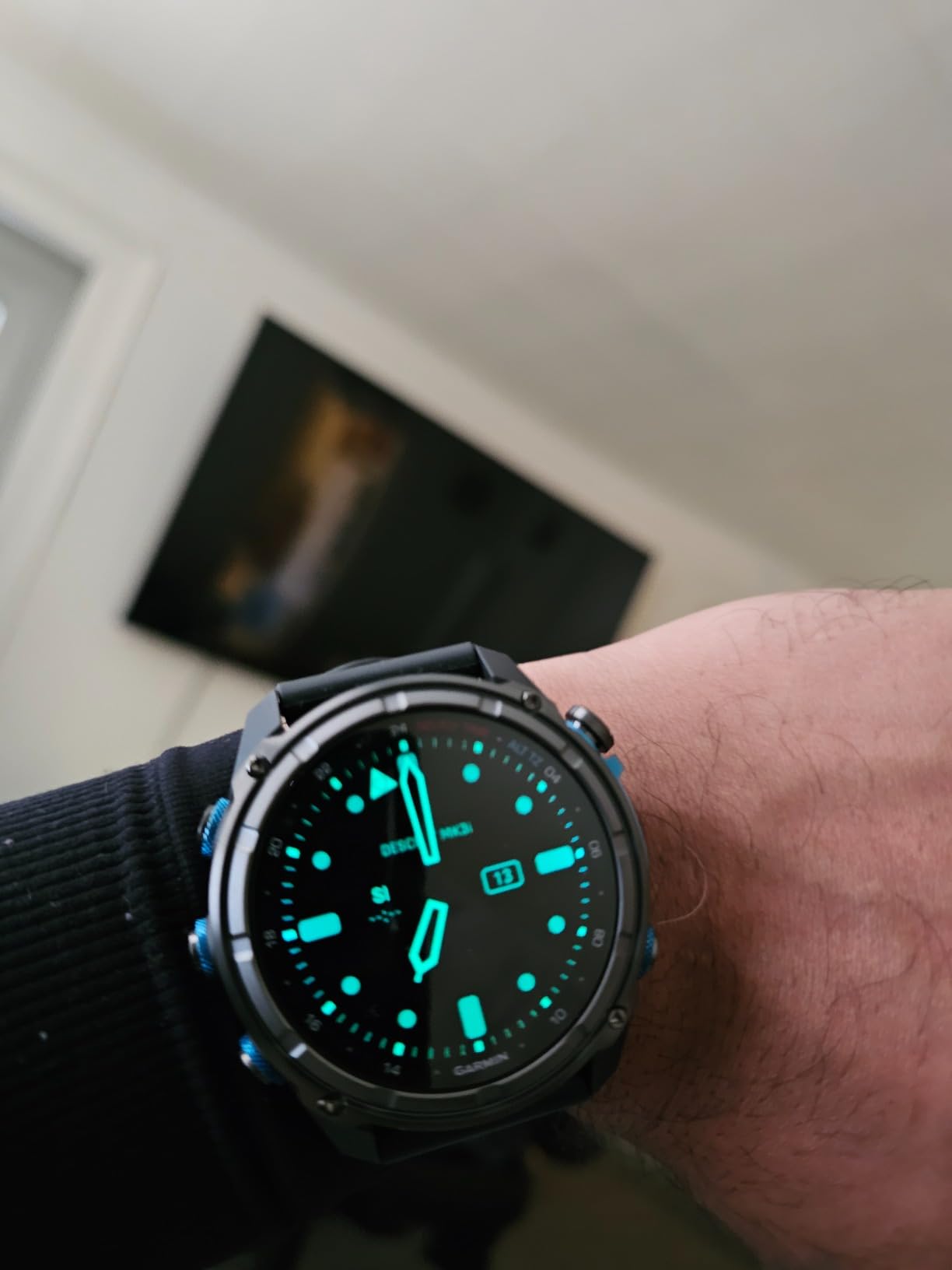
The Mk3i also functions as a full multisport GPS smartwatch with activity tracking, smart notifications, Garmin Pay, and Connect IQ customization. Battery life reaches up to 25 days in smartwatch mode. The titanium construction is lighter than steel while offering comparable strength and superior corrosion resistance in saltwater environments.
SubWave Sonar Communication Explained
The SubWave sonar system uses ultrasonic waves to transmit data between compatible Garmin devices underwater. With the Descent T2 transceiver, you can send and receive preset messages to other divers on your team and monitor their tank pressure and depth in real time. Range varies with water conditions but typically reaches 30 to 100 meters. This feature is invaluable for dive guides, instructors, and technical diving teams.
Is the Mk3i Worth the Investment
The Mk3i is the only dive computer that combines professional-grade diving capabilities with premium smartwatch functionality and revolutionary sonar communication. For most recreational divers, this level of capability exceeds their needs. But for dive professionals, technical divers, frequent travelers who want one device for everything, and anyone who values having the absolute best technology on their wrist, the Mk3i delivers an experience that no other computer can match.
How to Choose the Best Diving Computer
Choosing among the best diving computers comes down to understanding your diving habits, experience level, and budget. The range of features can feel overwhelming, but breaking it down into a few key categories makes the decision much more manageable. Here is what matters most when comparing dive computers.
Decompression Algorithm: Buhlmann vs RGBM
The decompression algorithm is the mathematical model that calculates how much nitrogen your body has absorbed and determines your safe diving limits. The two dominant algorithms in recreational diving are Buhlmann ZHL-16C and Suunto’s RGBM.
Buhlmann ZHL-16C is favored by technical divers because it allows adjustable gradient factors, giving you direct control over how conservative or liberal your decompression calculations are. Shearwater, Mares, and some Cressi models use this algorithm. It tends to allow longer bottom times on repetitive multi-day diving.
Suunto’s RGBM (Reduced Gradient Bubble Model) is designed to be more conservative by accounting for the formation of micro-bubbles in your tissues. It generally calculates shorter no-decompression limits, adding extra safety margin. Some divers appreciate the built-in conservatism, while others find it restrictive on liveaboard trips where bottom time is precious.
Display Type and Underwater Readability
Your dive computer’s display is what keeps you safe underwater, so readability is not a luxury but a necessity. Three main display types dominate the market. Segment LCD displays are the most affordable and battery-efficient, offering clear numeric readouts in high contrast. Full-color LCD displays, like those on the Shearwater Peregrine, organize information into color-coded blocks that are faster to interpret at a glance. AMOLED displays, found on the Garmin Descent G2 and Mk3i, offer the best brightness and color reproduction but consume more battery.
Consider when and where you dive most. If you frequently dive in low visibility, dark water, or at night, prioritize backlit displays and larger screen sizes. Bright tropical conditions can actually wash out some displays, so look for screens with good contrast even in direct sunlight.
Air Integration: Is It Worth It
Air integration displays your tank pressure directly on your wrist computer, eliminating the need to check a separate pressure gauge. Wireless air integration uses a transmitter screwed into your first stage regulator’s high-pressure port. This gives you real-time breathing gas monitoring, and some computers calculate your remaining bottom time based on current air consumption rate.
The Suunto D5, Shearwater Perdix 2 Ti, and Garmin Descent Mk3i all support wireless air integration. The main consideration is cost, as transmitters are sold separately and add to your total investment. For recreational divers who check their gauge periodically, air integration is a convenience rather than a necessity. For technical divers and dive professionals, it provides valuable real-time gas management data.
Battery Type: Rechargeable vs Replaceable
Dive computers use either user-replaceable coin cell batteries or built-in rechargeable batteries. Coin cells (CR2032, CR2430, CR2450) are available everywhere and can be swapped in minutes, making them ideal for remote dive locations. Rechargeable batteries, like the Peregrine’s wireless charging system, are more convenient for daily use and environmentally friendlier over time.
Consider your travel patterns. If you dive on liveaboards or in remote locations where charging might be difficult, replaceable batteries give you peace of mind. If you dive locally and have reliable access to USB charging, a rechargeable system is more convenient. Either way, always carry a backup plan, whether that means spare coin cells or a portable USB battery pack.
Dive Modes and Gas Support
Most recreational dive computers support air and nitrox modes. If you only dive on standard air or recreational nitrox mixes, any computer on this list will serve you well. If you are progressing toward technical diving, look for multi-gas support and trimix capability. The Mares Puck 4 offers multigas support at an entry-level price, while the Shearwater Perdix 2 Ti handles trimix and CCR diving.
Also consider freediving support. Computers like the Suunto Zoop Novo and SEAC Partner offer dedicated freediving modes, which use different algorithms calibrated for breath-hold diving. If you freedive as well as scuba dive, choosing a computer that handles both saves you from buying two separate devices.
Connectivity and Dive Logging
Modern dive computers increasingly include Bluetooth or wireless connectivity for transferring dive logs to smartphone apps. This feature makes post-dive logging effortless and lets you review your depth profiles, temperature data, and gas consumption over time. The Shearwater Cloud app, Mares app, Garmin Dive app, and Suunto app all offer different levels of detail and user experience.
If tracking your dive history matters to you, prioritize computers with Bluetooth connectivity. Older infrared-based systems work but require additional hardware and are slower to use. The Garmin ecosystem also integrates dive data with fitness tracking, giving you a comprehensive view of your health and activity across all sports.
Ease of Use Underwater
This is the factor that forum divers emphasize most. A dive computer you cannot operate with cold hands and thick gloves is a safety risk. Shearwater consistently earns the highest praise for menu logic and button design. Single-button interfaces from Cressi and Mares work well once learned but have a steeper initial learning curve. Touchscreen interfaces, like on some Garmin models, do not work underwater and require button-based navigation during dives.
Before buying, try to handle the computer if possible. Check button size and spacing, menu flow, and whether you can navigate the essential functions without looking at a manual. The best dive computer for you is one that becomes second nature after just a few dives.
FAQs
What is the best scuba diving computer?
The Shearwater Peregrine is widely considered the best overall recreational scuba diving computer, earning a 4.7 rating with 87 percent five-star reviews. It features a brilliant full-color display, intuitive two-button interface, wireless charging, and the trusted Shearwater menu system that divers consistently rate as the easiest to use underwater.
Is it worth buying a dive computer?
Yes, a dive computer is worth the investment for any certified diver. It replaces dive tables with real-time personalized calculations that account for your actual depth profile and repetitive dives, significantly improving dive safety. Renting computers is an option, but owning your own ensures consistency in algorithm familiarity and proper fit.
How to choose a dive computer?
Choose a dive computer by evaluating four factors: the decompression algorithm (Buhlmann offers more control, RGBM is more conservative), display readability for your typical diving conditions, battery type for your travel patterns, and ease of use with gloves. Match the feature set to your certification level and diving style.
What is the 120 rule in scuba diving?
The 120 rule is a simplified guideline for determining your no-decompression limit. It states that your depth in feet plus your bottom time in minutes should not exceed 120. For example, at 60 feet you could stay approximately 60 minutes. Modern dive computers replace this rule with precise real-time calculations.
Should I buy my own dive computer?
Yes, buying your own dive computer is strongly recommended. Using the same computer consistently means you understand its algorithm, display layout, and alarm patterns. This familiarity improves safety because your reaction to warnings becomes automatic. Rental computers vary between shops, which can create dangerous confusion in emergency situations.
Final Thoughts on the Best Diving Computers
Finding the best diving computers for 2026 comes down to matching features to your diving style. For most recreational divers, the Shearwater Peregrine offers the best balance of display quality, ease of use, and community trust. The Cressi Leonardo 2.0 remains the top budget pick with unmatched sales volume and proven reliability. And the Garmin Descent Mk3i stands alone as the ultimate all-in-one device for divers who want premium smartwatch functionality alongside professional-grade diving capabilities.
Whatever you choose, remember that the best dive computer is the one you actually understand and use consistently. Familiarity with your equipment is what keeps you safe underwater. Take the time to learn your computer’s menus, practice using it on shallow dives, and always carry a backup plan. The ocean rewards prepared divers, and a reliable computer on your wrist is your most important safety tool.