
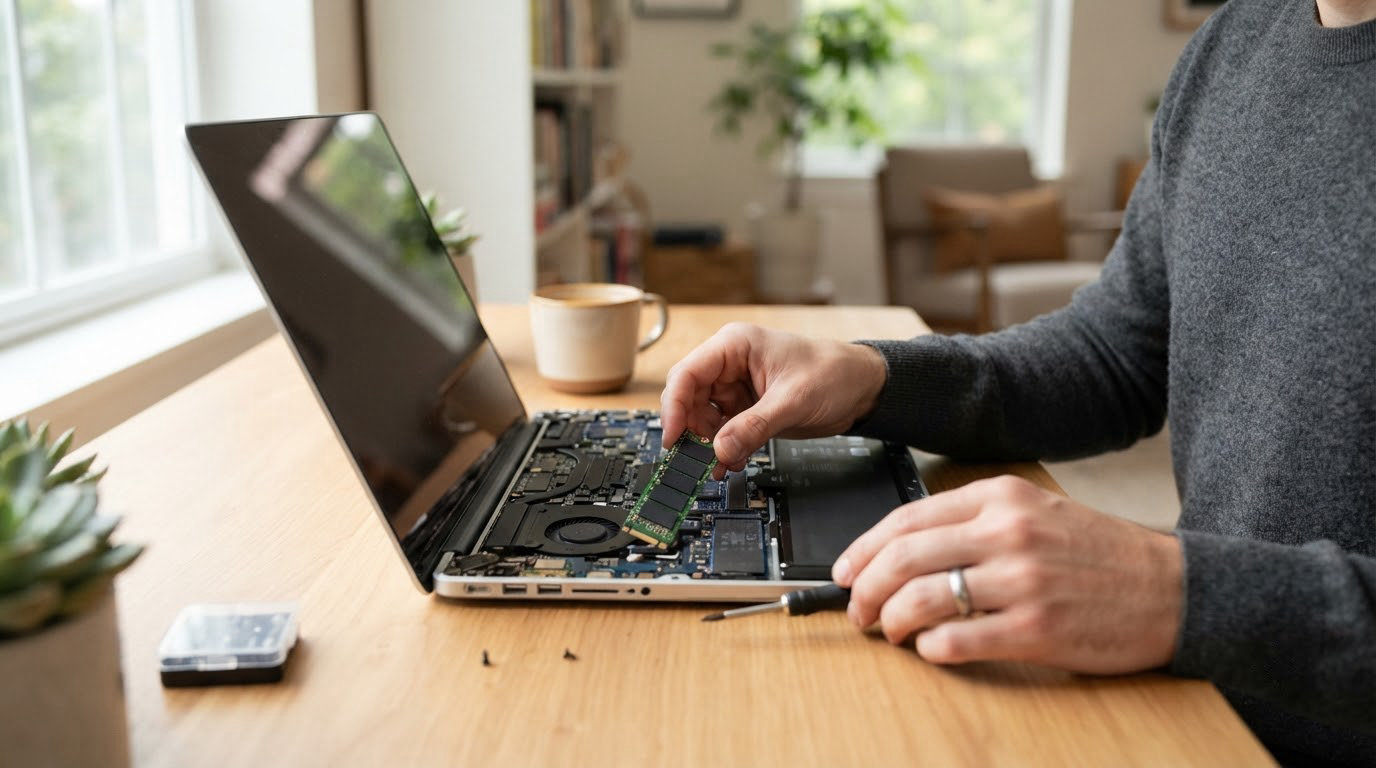
The drive worth watching most during Amazon’s autumn sale is the Samsung 990 PRO 2TB. It runs at up to 7450 MB/s read and 6900 MB/s write, carries a five-year warranty and PlayStation 5 support, and it has held a 4.7 owner rating across 13k reviews for years. Buy the WD_BLACK SN850X 2TB instead if you want a heatsink in the box and PS5 fitment out of the box. Buy the Crucial P310 2TB if the difference between a flagship and a mainstream Gen4 drive matters less to you than paying less for nearly the same throughput.
Amazon’s Prime Big Deal Days runs October 6-7, 2026. Prices shift through the event, so treat everything below as a shortlist worth checking rather than a confirmed bargain, and use the buttons to see the current number on the listing.
Table of Contents
Our Top 3 Picks for Best Amazon Prime Big Deal Days SSD Deals
These three cover almost every solid-state purchase a reader will make this October: a flagship internal drive with the highest sustained numbers, a gaming drive that arrives with its own cooler, and a mainstream drive that lands in the middle on price without dropping a PCIe generation.



Best Amazon Prime Big Deal Days SSD Deals Compared
Every pick below, sorted by where it sits in the list rather than by speed. The first field is the job the drive is best suited to, so you can match a job to a drive without reading every entry.
| Product | Specifications | Action |
|---|---|---|
| Samsung 990 PRO 2TB |
|
Check Deal Price |
| WD_BLACK SN850X 2TB |
|
Check Deal Price |
| Crucial P310 2TB |
|
Check Deal Price |
 Kingston NV3 1TB Kingston NV3 1TB |
|
Check Deal Price |
 Samsung 870 EVO 1TB Samsung 870 EVO 1TB |
|
Check Deal Price |
 SanDisk Extreme 2TB SanDisk Extreme 2TB |
|
Check Deal Price |
 Samsung T7 2TB Samsung T7 2TB |
|
Check Deal Price |
 WD Green SN350 2TB WD Green SN350 2TB |
|
Check Deal Price |
 fanxiang S101 1TB fanxiang S101 1TB |
|
Check Deal Price |
 Kingston A400 480GB Kingston A400 480GB |
|
Check Deal Price |
How We Chose
We compared the specs that decide these purchases: interface, form factor, sequential read and write speed, NAND type, endurance rating, warranty length and physical dimensions. Then we read the owner ratings and review volume behind each listing, since a 4.8 across tens of thousands of ratings tells a different story than a 4.8 across a few hundred. Specs and ratings were checked on October 2026, just before the sale window opens.
1. Samsung 990 PRO 2TB: Editor’s Choice for Heavy Workloads
- Near-maximum PCIe 4.0 throughput at up to 7450 and 6900 MB/s
- Roughly 55 percent better random performance than the 980 PRO
- Up to 50 percent better performance per watt than the 980 PRO
- Samsung Magician handles cloning and monitoring
- PS5 compatibility listed on the drive
- No heatsink included so add one for sustained heavy loads
- Firmware updates are awkward inside an enclosure or RAID array
- Costs more than mainstream Gen4 drives
This is the fastest consumer drive in the list on paper, and in practice the gap over the other Gen4 picks is small. What separates it is random performance, which is roughly 55 percent better than the 980 PRO it replaces, and that is the number that shows up when a machine with an older boot drive launches a hundred applications at once.
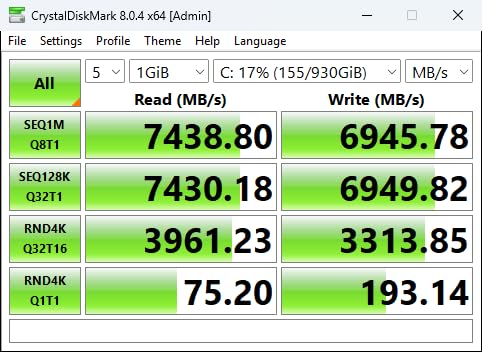
For a video editor cutting 4K timelines, or a developer running virtual machines and containers, that random gap matters more than peak sequential speed. Owners who moved to it for content creation report sustained speed under load that never collapsed partway through a project.
Skip it if: your machine has no free M.2 slot, or your only option is a 2.5-inch SATA bay. Nothing about this drive helps there, and a SATA model will do the job for a fraction of the money.
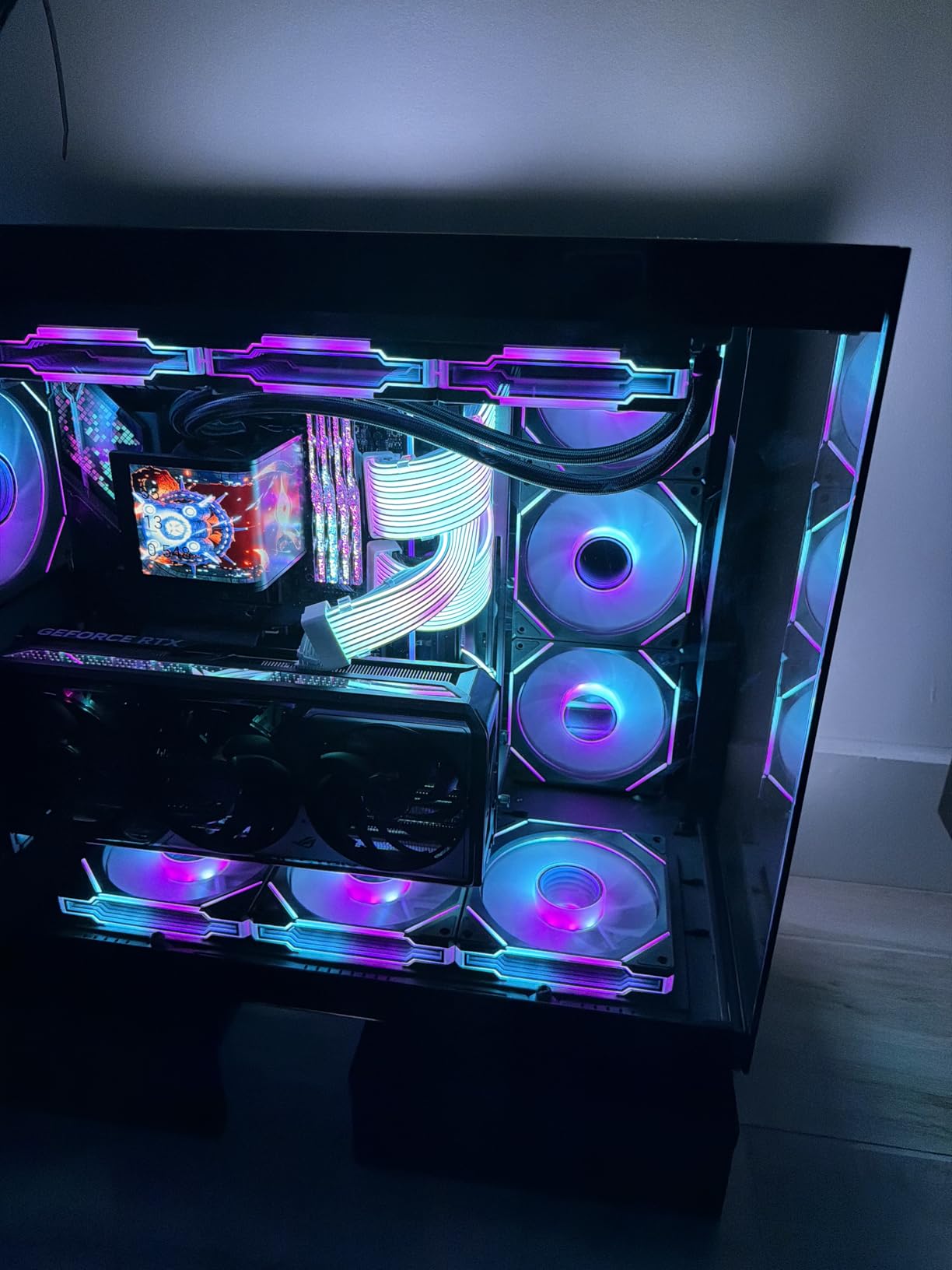
The main practical drawback is thermal. There is no heatsink on this version, and owners running long sustained writes report it benefits from a bare M.2 heatsink or a case fan. Firmware updates are the second irritation, because the drive is harder to reach once it sits inside an enclosure or a RAID array.
Compared with the WD_BLACK SN850X 2TB, the Samsung runs faster on paper and gives you more headroom, while the SN850X arrives with a cooler already fitted. Compared with the Crucial P310 2TB, the difference is money and little else for anyone not chasing the last few hundred MB/s.
Good to know: Samsung Magician handles cloning and health monitoring in one place, which makes a drive-to-drive copy when setting up a new boot drive straightforward.
2. WD_BLACK SN850X 2TB: Premium Pick for Gaming and Console Storage
- Delivers the advertised 7000 plus MB/s read and write
- Included heatsink prevents throttling under sustained load
- Widely reported as a drop-in PS5 upgrade
- Dynamic Thermal Guard and dashboard firmware support
- 2TB holds a large console or PC library
- Heatsink version can conflict with motherboards that ship their own
- Some units arrive without a mounting screw
- The listing notes a newer generation has replaced it
Buyers describe this as the drive they install once and stop thinking about. Load times on a PlayStation 5 or a gaming PC are reported as indistinguishable from native storage, and the bundled heatsink is the reason it never throttles when a game is loading and something else is copying files.
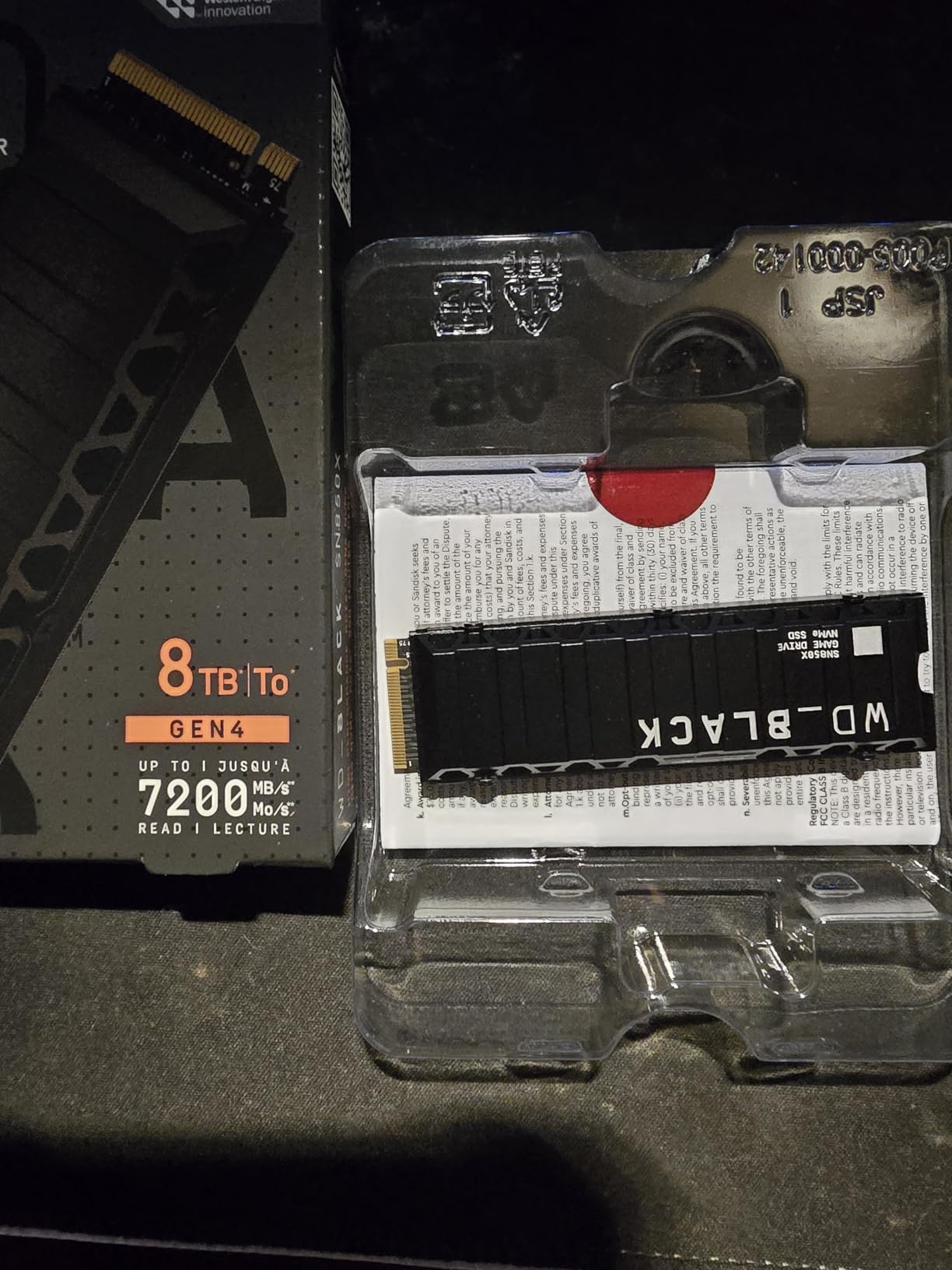
Its 4.8 owner rating is the highest average on this list, and at more than 15k ratings there is enough history behind it to trust. It is also the easiest console upgrade to justify, since the listing names PlayStation 5 as a compatible device and the drive is a straight drop-in.
Good to know: if your motherboard already ships with an M.2 heatsink, check whether it has clearance for a tall drive. The fitted cooler is the reason to buy this version and also the reason it occasionally will not fit on a board with its own shroud.
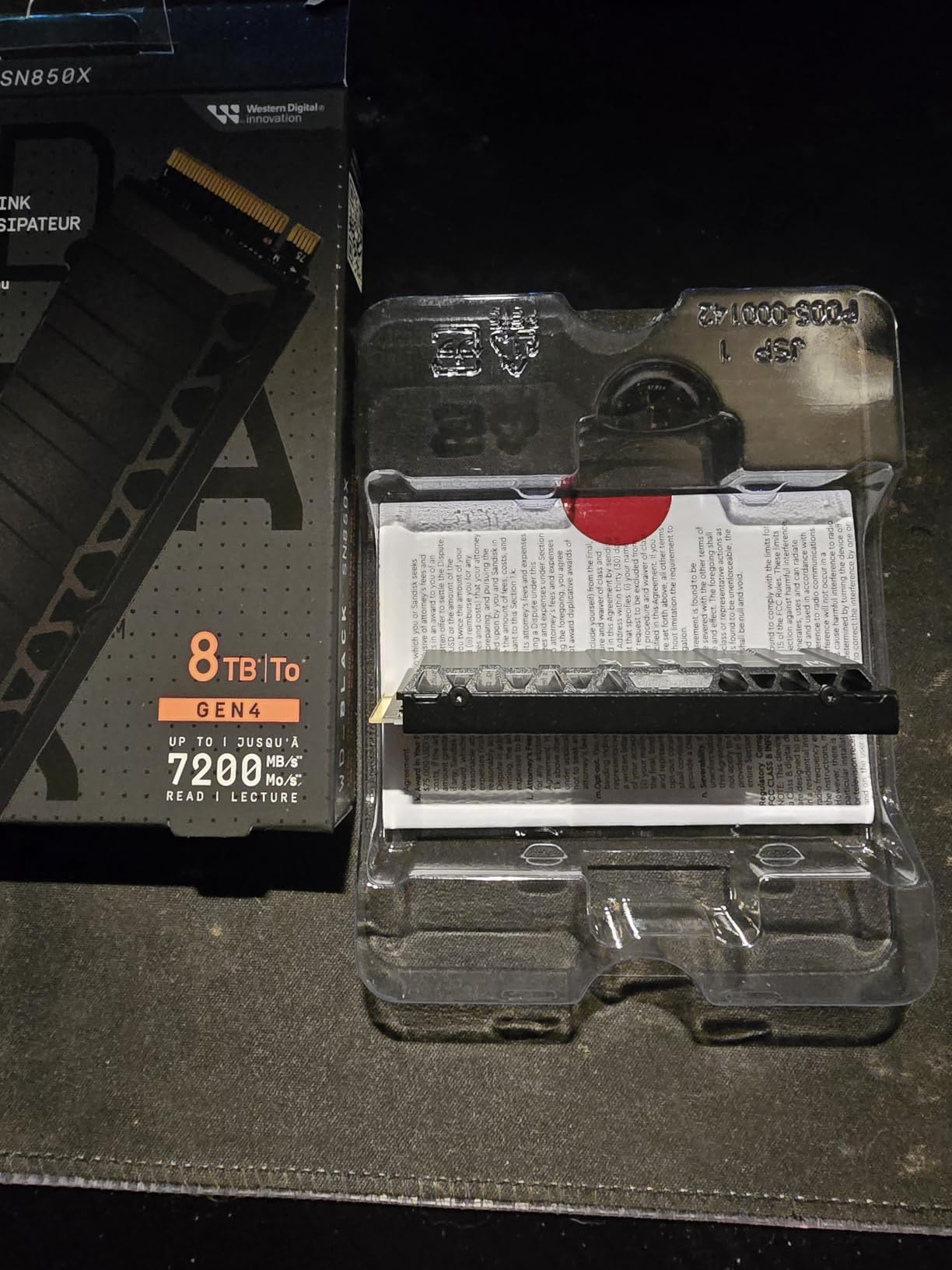
Two smaller niggles: a few units arrive without a mounting screw, and the listing itself notes the product has been superseded by a newer generation. Buying a previous generation drive at a lower number during a sale is a normal outcome, not a defect.
Set against the Samsung 990 PRO 2TB, the SN850X trades a little peak speed for thermal headroom you get out of the box. Set against the Crucial P310 2TB, it costs more and buys you a cooler and a console badge.
3. Crucial P310 2TB: Best Value for Mainstream Builds
- Full Gen4 throughput at 7100 and 6000 MB/s
- Recognized on first install with no BIOS changes
- Runs cool under heavy multitasking and video editing
- Works in PCIe Gen3 systems and in handhelds
- Micron-built G8 NAND with a 5 year warranty
- Firmware updates are manual rather than automatic
- 2TB can feel tight for very large modern game libraries
This is the pick for someone who wants Gen4 behaviour without paying a flagship number. It runs at up to 7100 MB/s read and 6000 MB/s write, which is within a few hundred MB/s of the top two drives here and costs noticeably less to buy.
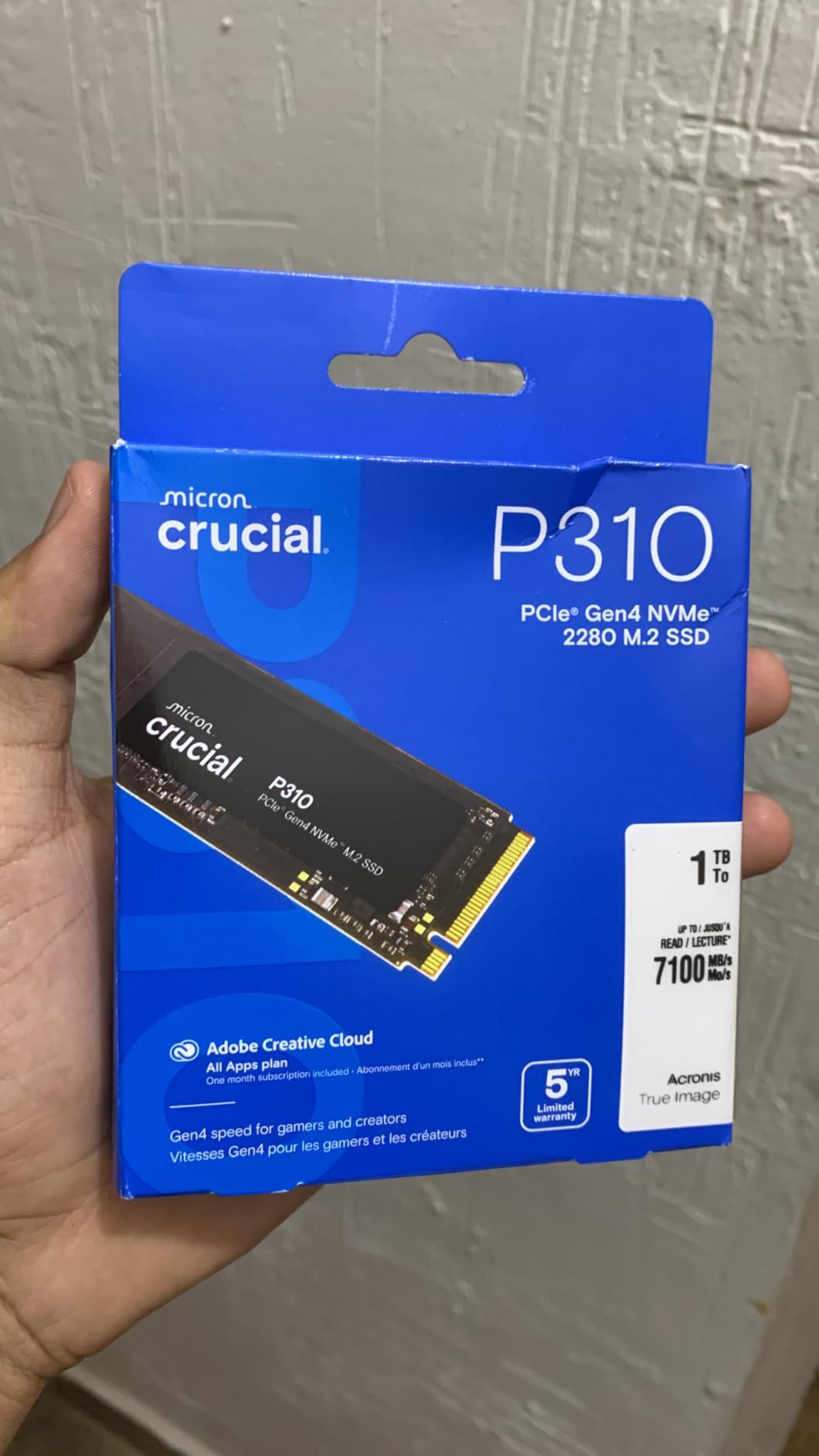
It is the one to buy in an older laptop or desktop that still has a PCIe Gen3 slot, since it runs there happily and still delivers a large improvement over the previous generation of storage. The listing also names handhelds such as the ROG Ally X and Legion Go as compatible, which matters more than it sounds when the internal storage in those devices is small and slow.
Owners point out that it is recognized immediately on first install with no BIOS changes, which saves the fiddly troubleshooting that usually accompanies a new boot drive. It also runs cool enough that reviewers describe it as comfortable under video-editing loads.
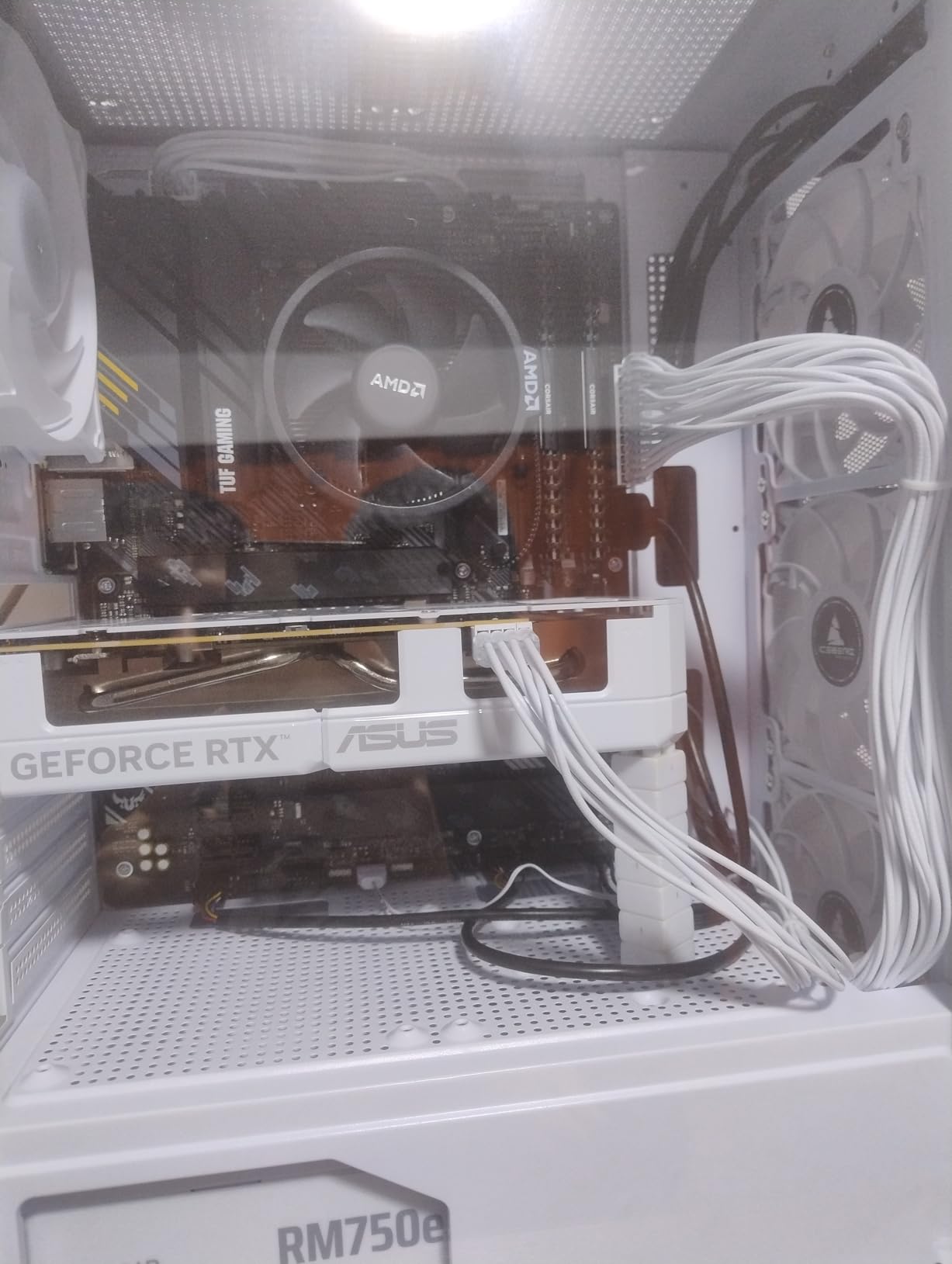
The reservation is firmware. Updates are manual rather than automatic, and on a daily-use operating system drive that means someone has to remember. If you mostly read and write files rather than run it as a system drive, that matters very little.
Compared with the Samsung 990 PRO 2TB, the P310 gives up a few hundred MB/s and the Magician software. Compared with the Kingston NV3 1TB, it gives up a terabyte of capacity and about a thousand MB/s, and it gets five years of warranty instead of three.
4. Kingston NV3 1TB: Best for Tight Laptop Slots and First Upgrades
- Close to the advertised 6000 and 4000 MB/s in benchmarks
- Single-sided design fits tight laptop slots and small heatsinks
- Runs around 42 to 48C under load with no throttling
- DRAM-less design is largely unnoticeable in daily use
- Acronis cloning software included
- DRAM-less so random I/O trails premium drives
- Lower endurance than drives with DRAM
- Sustained speed dips slightly on very large transfers
The most common reason to buy during a sale is replacing a drive that is no longer good enough, and this is the drive that does it most cheaply. A single-sided M.2 2280 board at 6000 MB/s read and 4000 MB/s write fits into tight laptop slots and under small M.2 heat spreaders, where double-sided drives physically will not go.
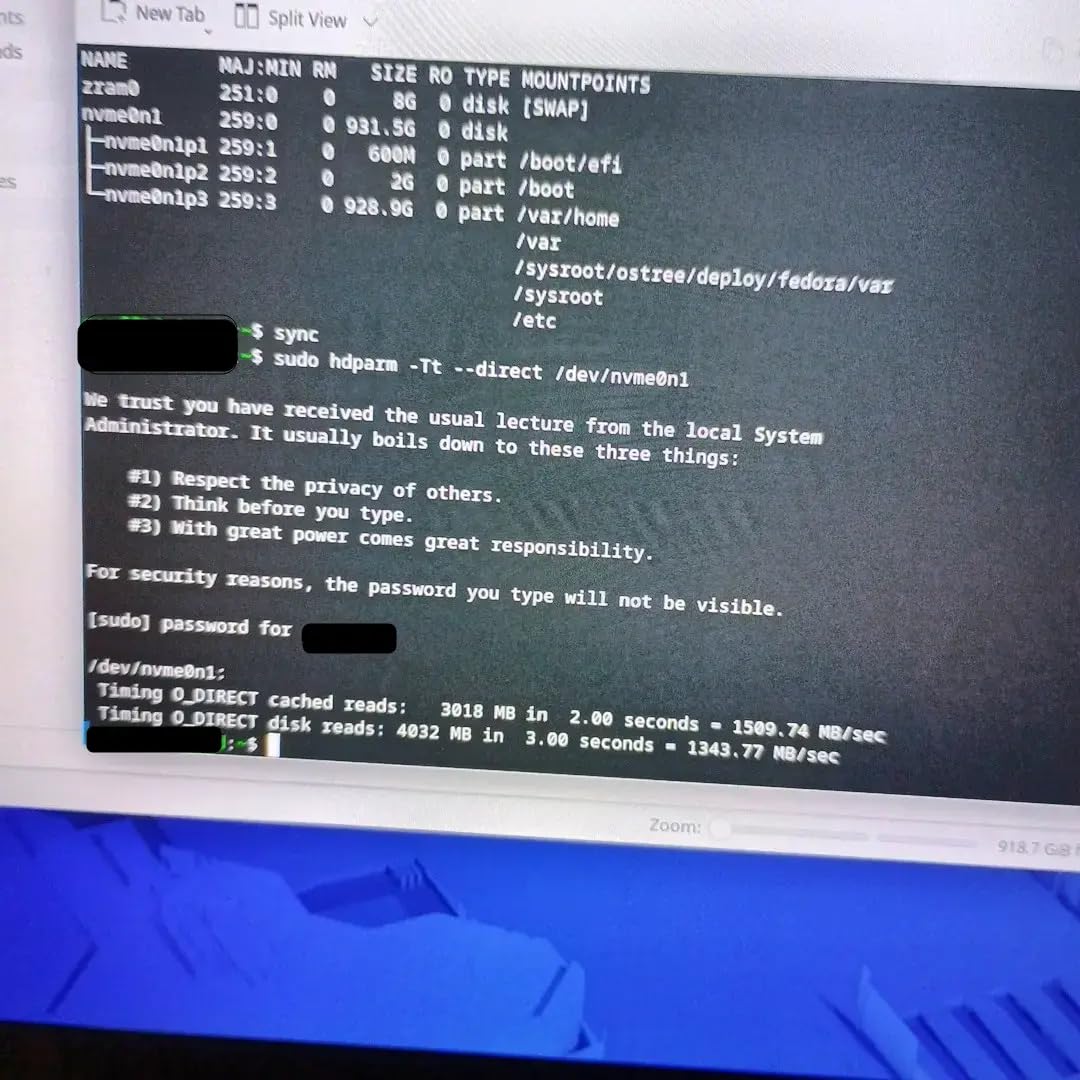
Owners report it holding its speed and stability after months of use, including when the drive is 70 to 80 percent full. That is the honest expectation for this tier: a set-and-forget daily drive that makes an old laptop or console feel like a different machine.
Compared with the Crucial P310 2TB: the NV3 gives you a terabyte less capacity and about a thousand MB/s less read speed, in exchange for a lower number and a single-sided board that fits places the P310 does not.
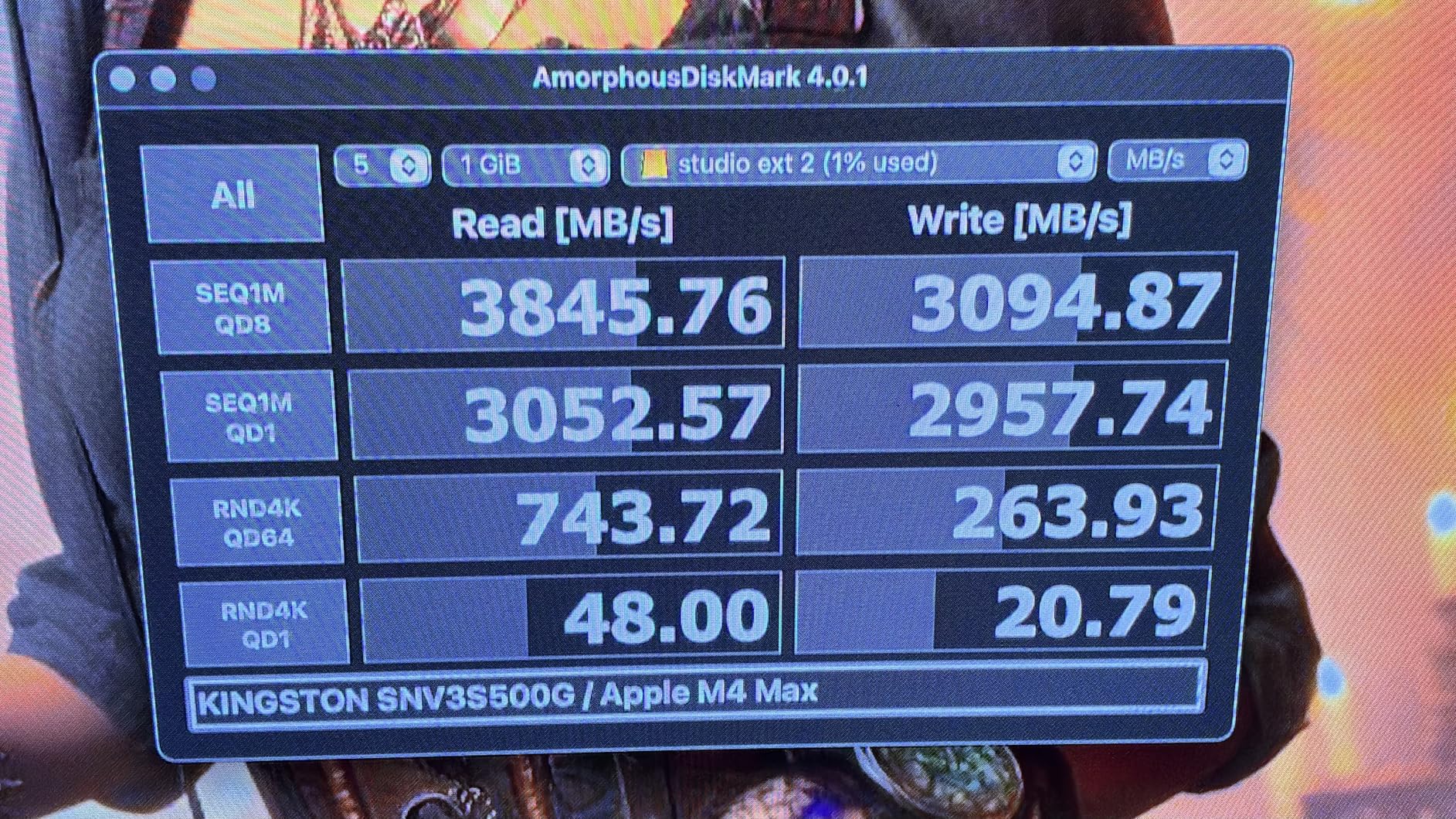
The DRAM-less design is the trade-off owners discuss most. Random I/O trails premium TLC-plus-DRAM drives, and endurance is lower, so heavy write-churn workloads wear it faster. For an operating system and a game library, reviewers generally describe that as a theoretical rather than a practical problem.
Large multi-gigabyte transfers are where sustained speed dips slightly, which is worth knowing if you regularly move whole project folders.
5. Samsung 870 EVO 1TB: Top Rated for SATA-Only Machines
- Proven reliability record across laptops workstations and NAS
- Meets or slightly beats the advertised 560 and 530 MB/s
- Drop-in 2.5-inch SATA upgrade for older machines
- Draws far less power than the mechanical drives it replaces
- Migration software handles cloning
- SATA III bandwidth is far below any NVMe drive
- Samsung Magician has a history of instability and false warnings
- Magician can fail to see the drive in some USB enclosures
Some machines cannot take an M.2 drive at all. Older desktops, iMacs, business laptops and plenty of consoles still run on 2.5-inch SATA, and for those this is the default recommendation, backed by 45598 ratings at 4.8.
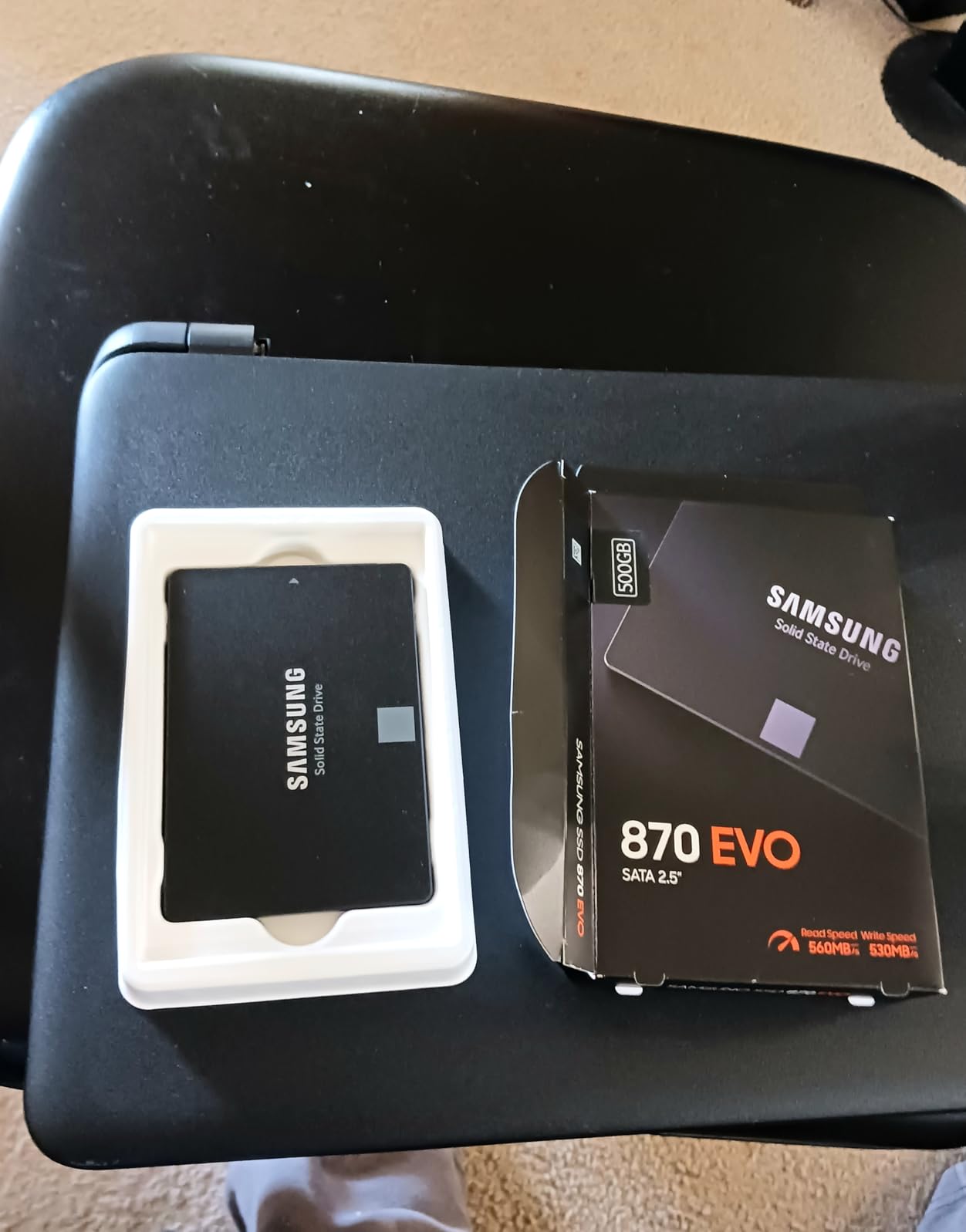
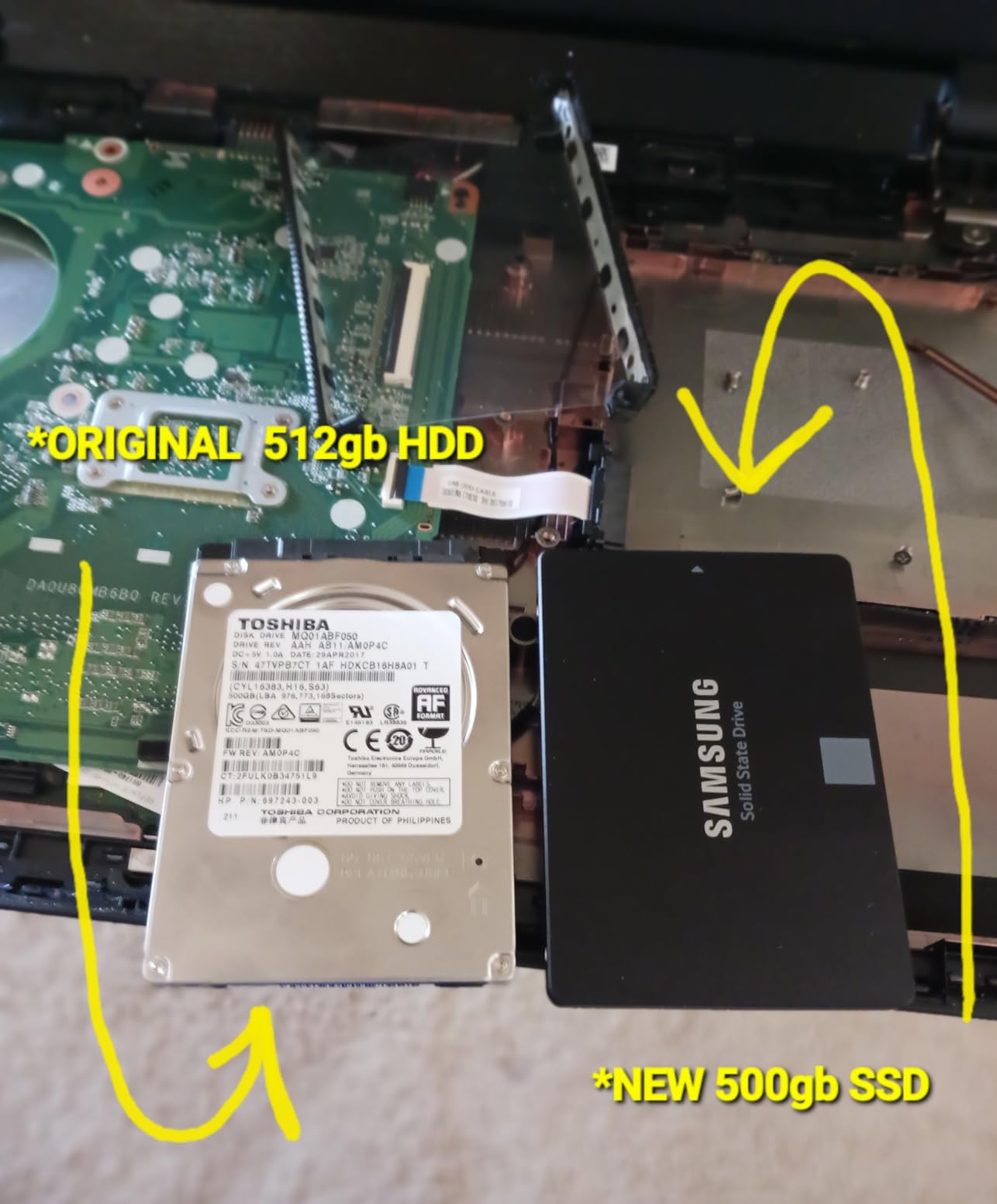
What owners emphasise is time. Multiple units are reported as running for years without a failure, across laptops, workstations, NAS boxes and file servers. The endurance figure behind that is up to 600 TBW, and the drive draws 55 to 80 percent less power than the mechanical drive it replaces, which matters most in a laptop.
Good to know: if you are cloning from a mechanical drive, the bundled migration software handles the copy, and the drive arrives as a standard 2.5-inch SATA unit with no bracket gymnastics.
Criticism lands on the software rather than the hardware. Magician and the migration utility are described as buggy, with false Failed LBA warnings, and drive authentication can fail in third-party USB enclosures and RAID adapters. If you plan to work mainly over an enclosure, test that path early.
Against the fanxiang S101 1TB, the 870 EVO offers more proven history and a full terabyte of capacity in a drive that has been in production for years. Against the Kingston A400 480GB, it is faster on paper and better suited to anything beyond a quick swap.
6. SanDisk Extreme 2TB: Best for Travel and Field Backup
- Real-world speeds measured near the advertised 1050 MB/s
- IP65 sealing with 3-meter drop protection
- Ruggedised rubber shell with a carabiner loop
- 256-bit AES hardware encryption
- Pre-formatted exFAT works on Mac and Windows
- Needs a genuine high-speed USB-C cable or it unmounts
- Older units can auto-eject in macOS until firmware updates
- Runs warm during long transfers
- Will not work with an iPhone 11 Pro
Photographers and videographers who work away from a desk tend to end up here. The drive weighs 1.76 ounces, seals to IP65 against dust and water, survives drops up to three meters and carries a carabiner loop for a belt or a backpack strap. With 91725 ratings it is the most heavily reviewed portable drive on this list.
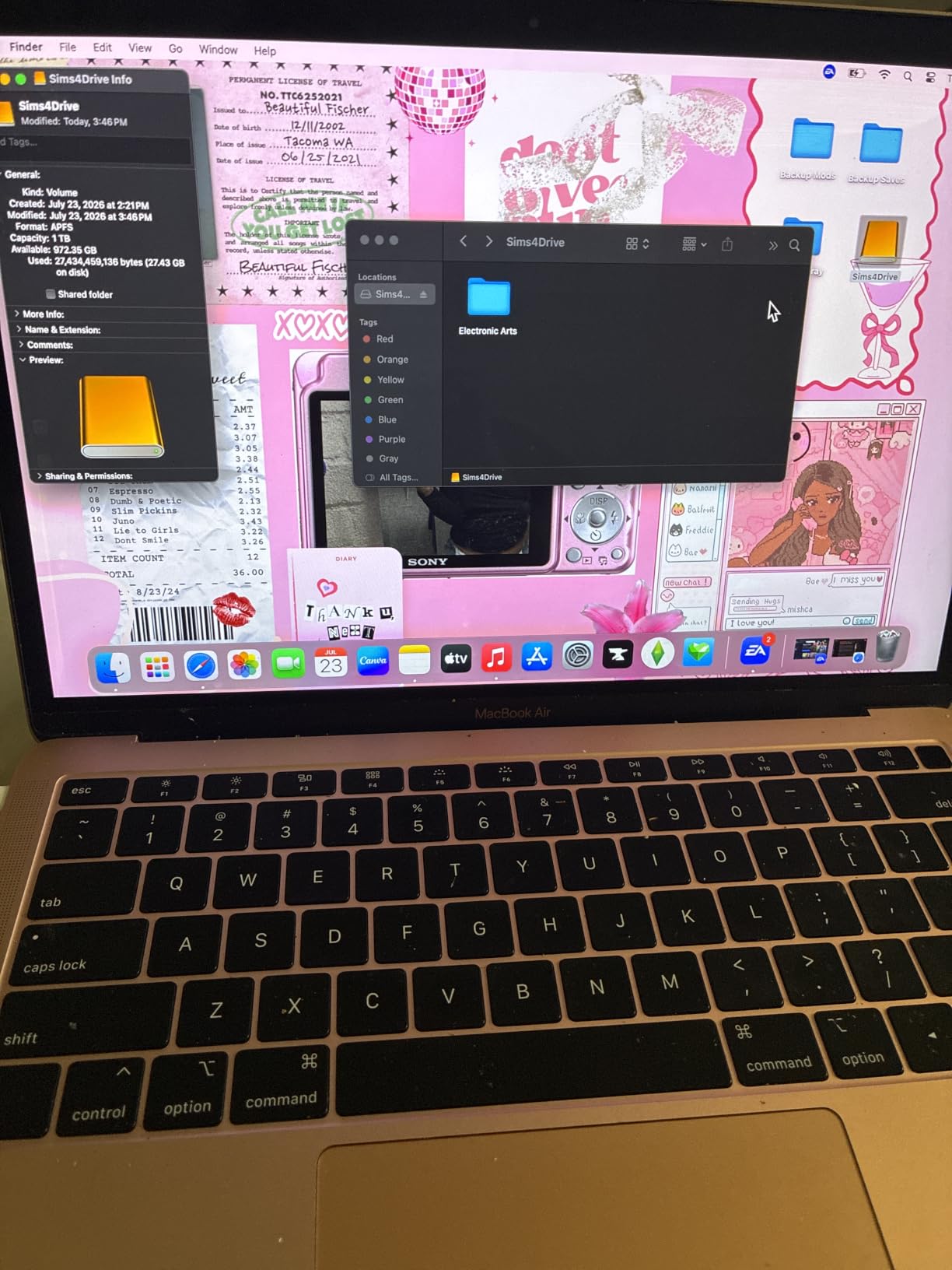
Reviews centre on photographers and videographers copying card contents in the field and media-server owners moving large libraries around. Measured throughput lands close to the advertised figure, so a full card dumps in seconds rather than minutes.
Pair it with a camera on a long shoot rather than a laptop upgrade, and remember the accessory that matters more than the drive: a real high-speed USB-C cable. Cheap cables are the single most common cause of the intermittent unmounting owners describe.
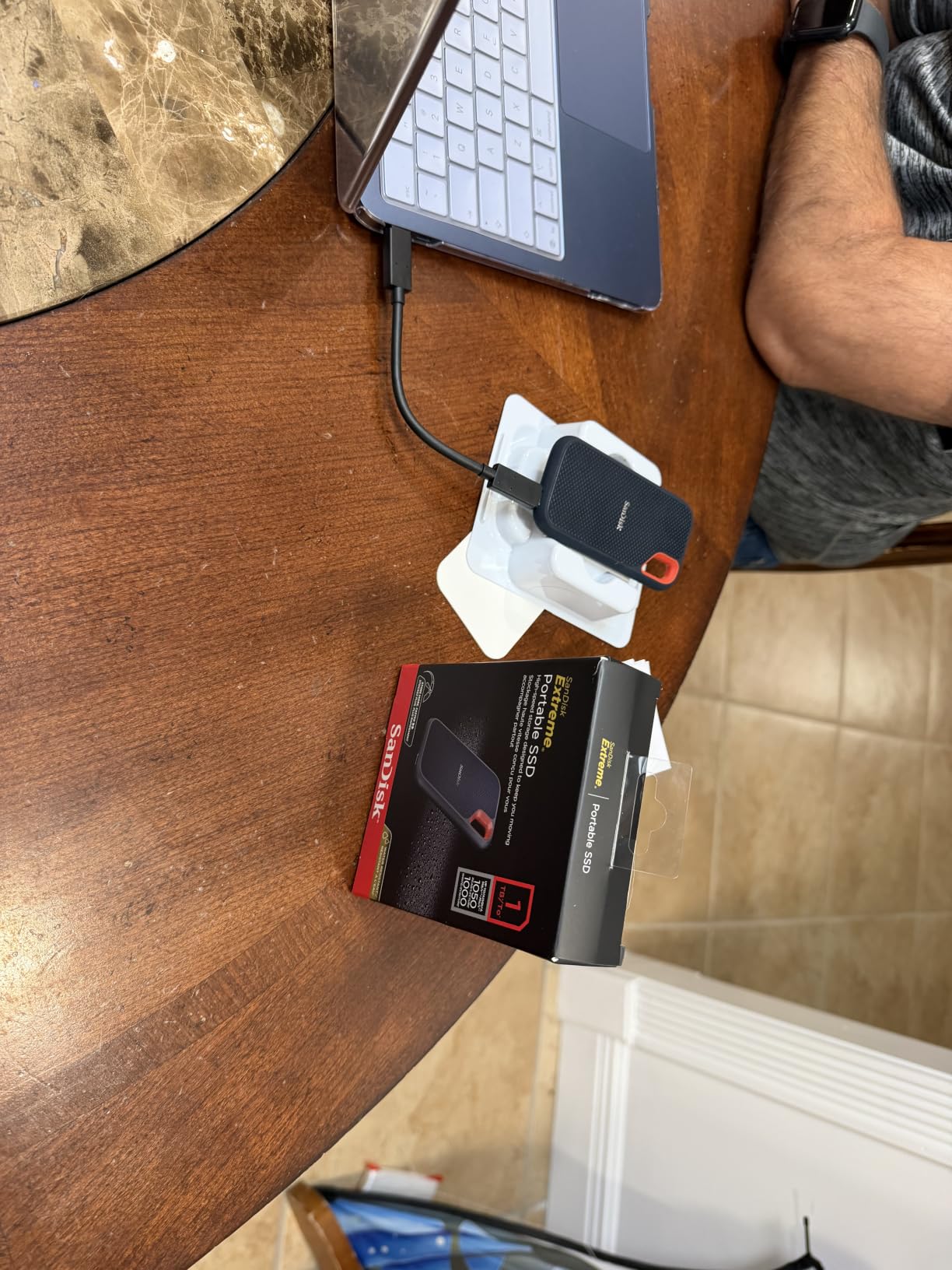
Two smaller notes. Some older units auto-eject from macOS until the firmware is updated, and the drive runs slightly warm during long sustained transfers. It also will not work with an iPhone 11 Pro, which catches people out.
Against the Samsung T7 2TB, the SanDisk is the tougher, better-rated and cheaper-rated option with a longer warranty; the T7 is the one that records direct from a phone and camera. If you travel with speakers as well as storage, our picks for portable Bluetooth speakers for beach days cover the rest of the kit.
7. Samsung T7 2TB: Best for Creators Recording Video Direct
- Roughly twice as fast as the T5 at up to 1050 and 1000 MB/s
- Credit-card-sized aluminium unibody that fits a pocket
- Consistent sustained writes with no cache collapse on big transfers
- Works as a boot drive for older Macs
- Records 4K 60fps direct from cameras and phones
- Runs warm and can throttle after long sessions
- Software encryption costs roughly 20 to 23 percent of throughput
- Magician can hold the drive mounted on a PC
- Cannot hold console games that need built-in storage
The T7 does something the other portable drive here cannot: record 4K at 60fps straight onto itself from a camera or a supported phone, including iPhone 15 Pro at 4K60. That makes it a working tool for a video crew rather than a drawer for old files.
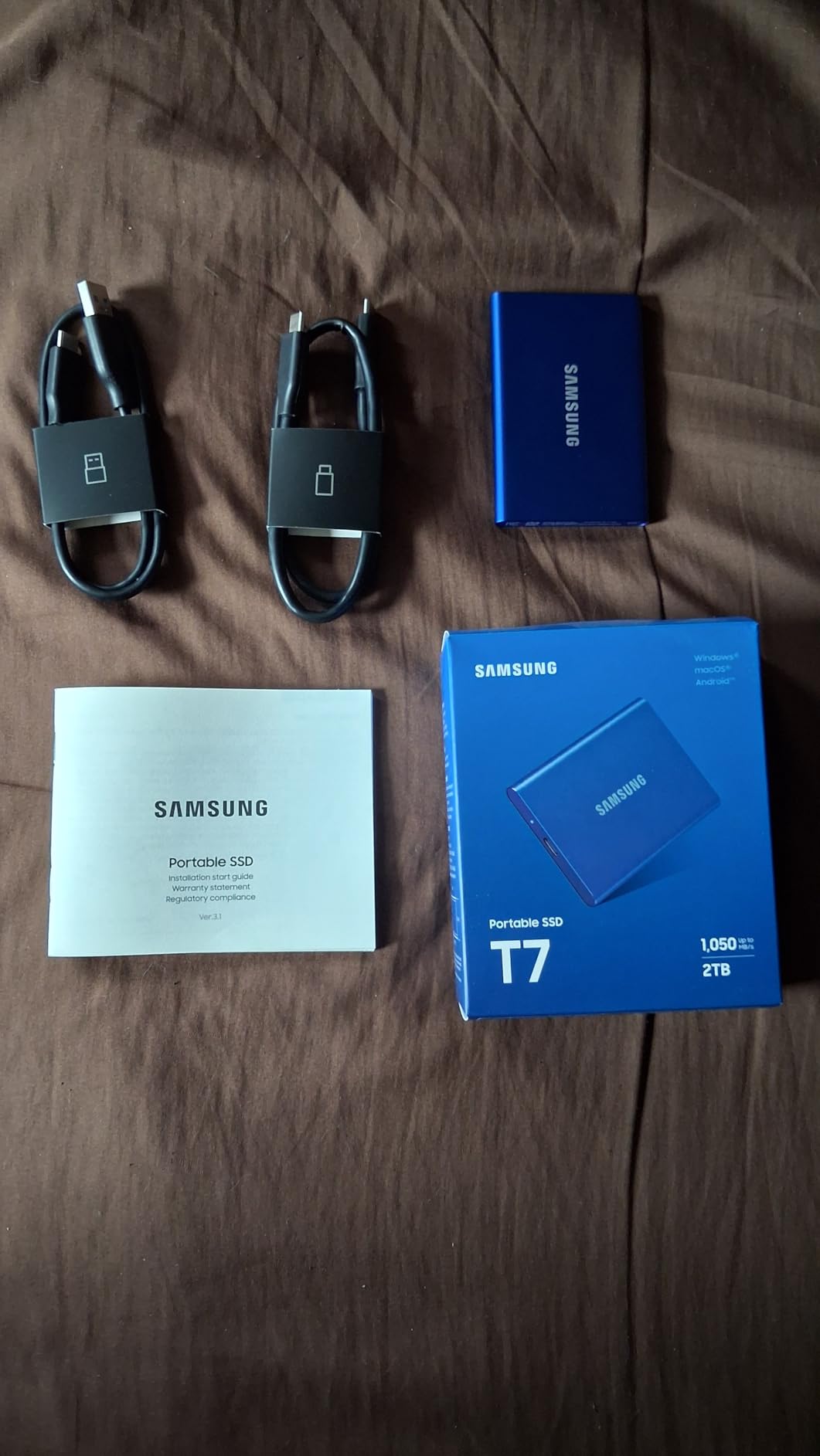
Owners also use it to revive older Macs as a boot drive, where cutting boot time from a mechanical drive is a dramatic, obvious improvement. The aluminium unibody body is 3.3 inches long and genuinely pocketable, and the sustained write behaviour holds up on large transfers instead of collapsing once the cache fills.
There is a good reason to buy it over the SanDisk Extreme 2TB even at a similar price: the shell is smooth aluminium rather than a rubberised wrap, so it slides into a laptop sleeve without snagging.
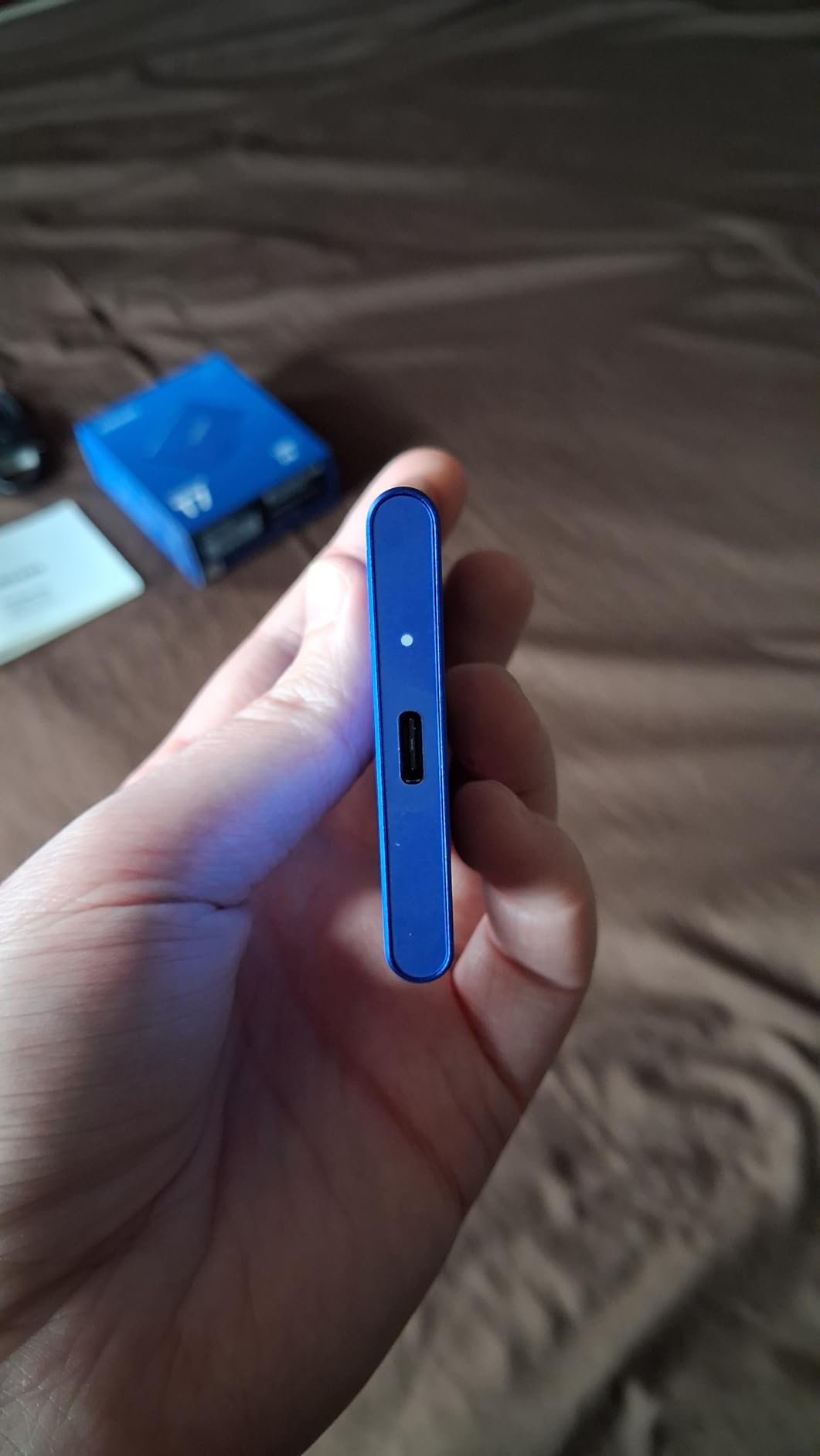
The trade-offs are all about heat and software. It runs warmer than some competing portable drives and can throttle after long sessions, software encryption takes a fifth of the throughput off it, and Magician can hold the drive mounted on a PC, which makes safe eject fussier.
It will not hold console games that require the very fast built-in storage of current consoles, so if the console is the goal, look at the internal Gen4 picks instead.
8. WD Green SN350 2TB: Best for Secondary and Read-Heavy Storage
- Meets or beats its advertised 3200 MB/s with 2700 to 2900 measured
- Far faster than SATA at a comparable spend
- Standard M.2 2280 install with no extra software
- Stays cool at mid-50sC under load
- Good fit for game-library and nearline duty
- QLC NAND suits write-light duty only
- Line has a long-standing reputation for weaker endurance
- Some units arrive without a mounting screw
- Gen3 bandwidth caps it on Gen4 systems
Buyers treat this as a second drive rather than a first one. A two-terabyte Gen3 NVMe that measures 2700 to 2900 MB/s in the real world is dramatically quicker than SATA for game libraries, media and nearline storage, and it costs less than the Gen4 picks above.
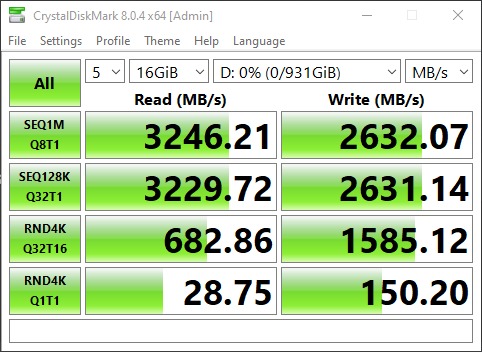
It installs as a standard M.2 2280 board with nothing extra needed for basic use, and it stays cool, typically in the mid-50sC range under load. For a machine whose PCIe slot is Gen3, the bandwidth ceiling is the slot, not the drive.
Who should pick something else: if this drive will hold your operating system, choose the Crucial P310 2TB. QLC NAND is the wrong tool for a workload that writes constantly, and the WD Green line carries a long-standing reputation for modest long-term endurance.
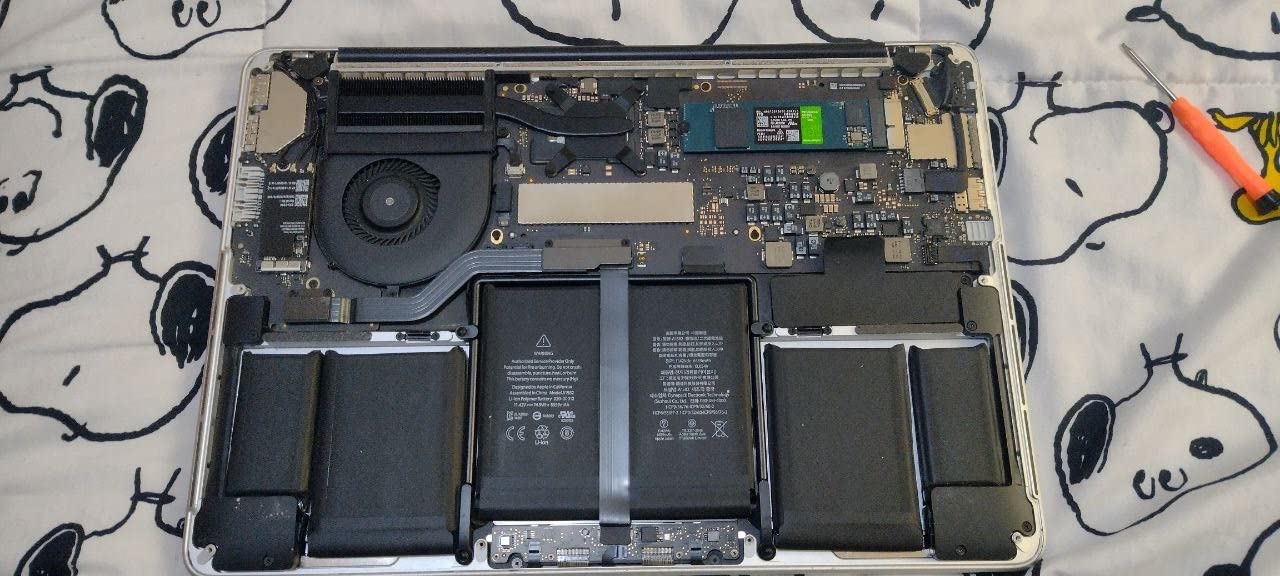
Owners also mention a missing mounting screw in some packages, though most boards include one. Measured sequential speed regularly lands above the advertised number, which is unusual enough to be worth checking after install.
Against the Kingston NV3 1TB, the SN350 offers double the capacity and a readier read profile, at the cost of write endurance and a much lower ceiling. Against the SATA options further down, it remains the pick for a PCIe machine.
9. fanxiang S101 1TB: Best for Older iMacs and Legacy Desktops
- Sharp affordable SATA upgrade that revives aging systems
- Uses 3D NAND TLC for better write endurance than QLC
- Silent cool-running drop-in 2.5-inch install
- Works across Windows Linux and Mac including older iMacs
- Plug-and-play for camera hubs and loop recording
- SATA III throughput caps out around 520 MB/s
- One long-term owner reported corruption after years in a PS4
- Only a 3 year warranty against 5 year competitors
Nobody plans to keep an ageing machine forever, but plenty of households still have one. The S101 gets bought to replace a mechanical drive in a laptop, a desktop or an older iMac, and the result shows up as a dramatic change in boot times and general responsiveness rather than a benchmark number.
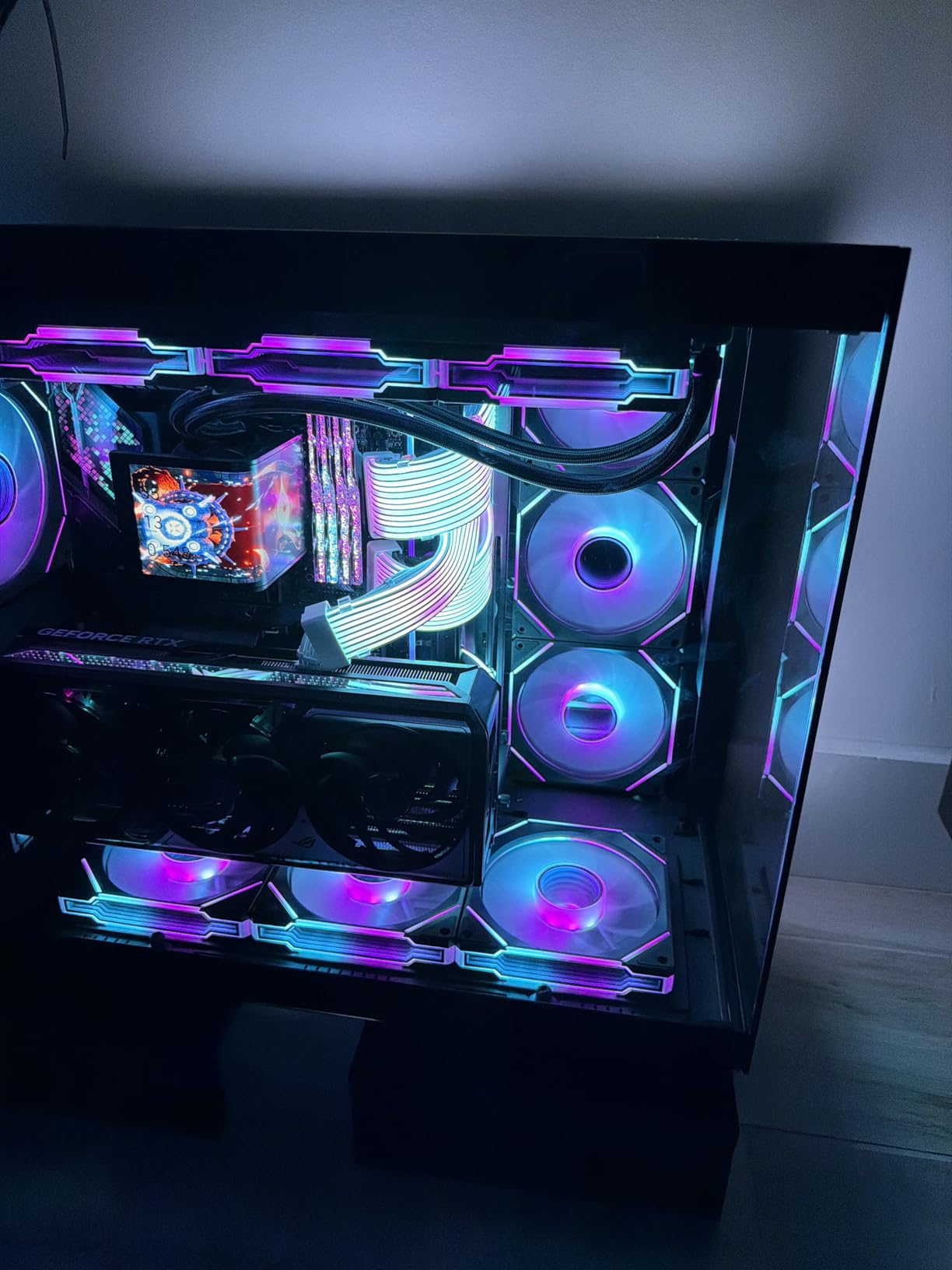
The detail that makes it interesting at this price is the NAND. It uses 3D NAND TLC rather than the QLC found in many entry-level drives, which translates to a longer write lifespan for the money.
Compatibility is broad for an older-machine part: Windows, Linux and Mac, including older iMacs and Mac Pros. It also works as plug-and-play storage for camera hubs and loop recording, which is where its 4.5 average rating and 23575 ratings come from.
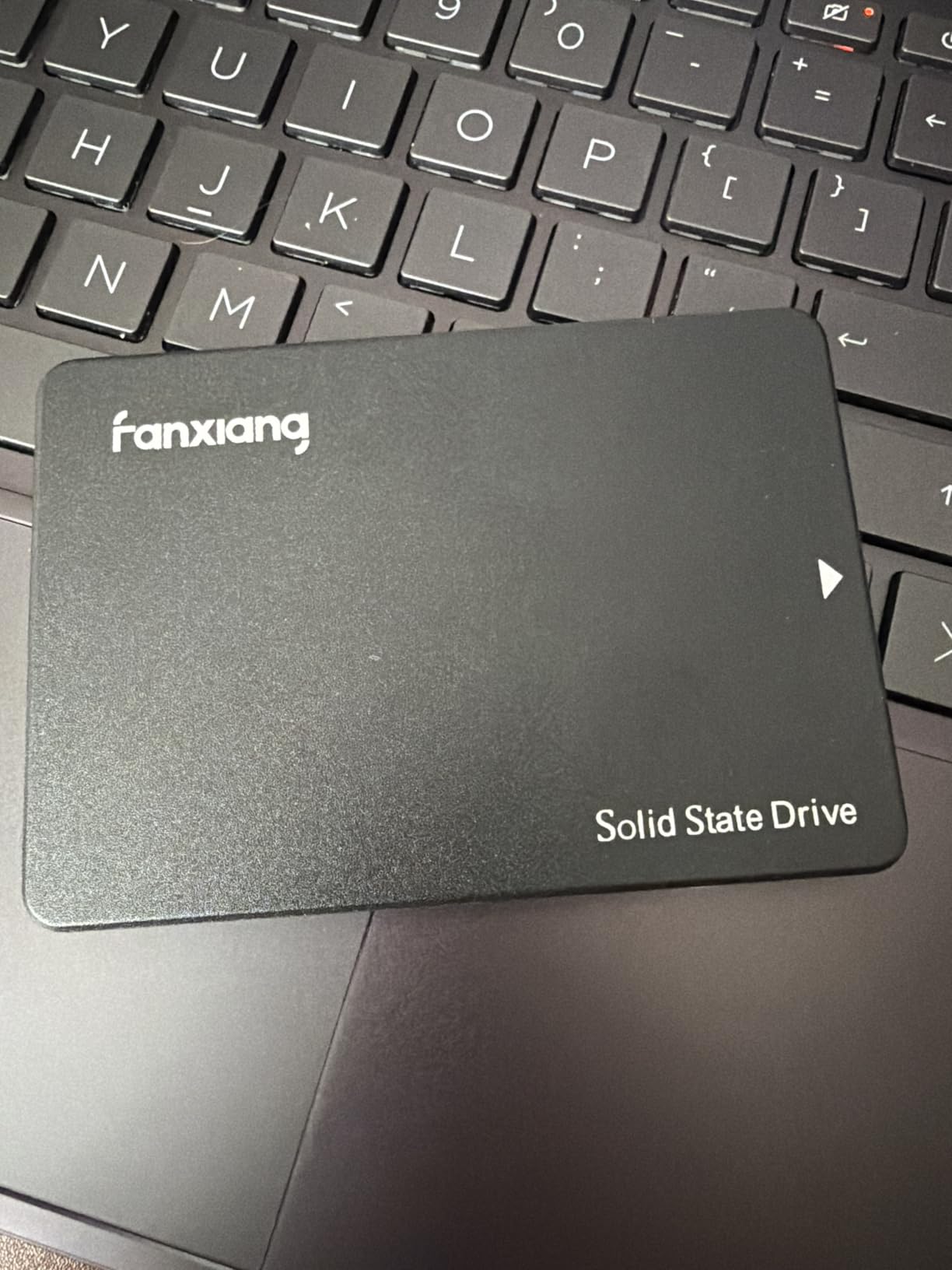
Two cautions. SATA III throughput caps out around 520 MB/s, so nothing here competes with an NVMe slot, and one long-term owner reported eventual corruption after years of use in a PS4. The warranty is three years rather than five.
Compared with the Samsung 870 EVO 1TB, the S101 is the lower-cost option with a shorter track record. Compared with the Kingston A400 480GB, it is faster on paper and larger, at a higher spend.
10. Kingston A400 480GB: Budget Pick for Replacing a Mechanical Drive
- Heavily reviewed with a 4.8 average across 203398 ratings
- Around 10x faster than the mechanical drive it replaces
- 7mm profile fits slim notebooks and tight bays
- Silent and resistant to shock and vibration
- Entry-level cost for a genuine capacity upgrade
- SATA Rev 3.0 caps throughput at 500 and 450 MB/s
- 480GB is tight for an OS plus a game library
- Not the fastest choice where an M.2 slot is free
- Entry-level NAND means modest endurance for heavy writes
Start here when the goal is simply to stop waiting. The A400 is the most reviewed product on this list by a wide margin, at 203398 ratings and 4.8, and the reason is plain: it turns a machine full of spinning platters into something you can work on all day. Reviews put the improvement at roughly ten times the speed of the drive it replaces.
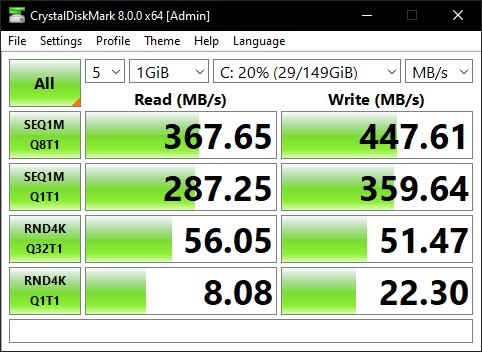
The 7mm profile fits slim notebooks and space-limited bays where a thicker 2.5-inch drive will not seat. It has no moving parts, makes no noise, and shrugs off the shock and vibration that a mechanical drive in a laptop endures daily.
Where the rest of the house has a ceiling, this one has a floor: 480GB. That is enough for an operating system and applications on a machine that never held games, and it is why we would point a reader with an old family laptop here rather than at a two-terabyte drive.
Owners note the limits plainly. Throughput caps at 500 MB/s read and 450 MB/s write, 480GB fills quickly once a game library enters the picture, and entry-level NAND means endurance is modest for sustained heavy writes.
Set against the fanxiang S101 1TB, the A400 is cheaper and better proven but half the size. If your machine has a free M.2 slot, the Kingston NV3 1TB is faster for a similar outlay and the SATA interface stops being the limit.
How to Choose SSDs During Prime Big Deal Days
Storage prices have been pushed up through 2026 by AI datacentre demand for NAND flash, the effect buyers call the memory crunch. Any genuine reduction on a capacity you actually need is worth more than it was a few years ago, which is the whole case for looking during the sale. It is also why the specs below matter more than a sale badge.
SSD Capacity and Everyday Performance
Pick the smallest capacity that still leaves you room. An operating system plus applications needs well under a terabyte, so 480GB or 1TB suits a machine that boots and browses. 2TB is the sensible default for a gaming PC or a working laptop, because current titles fill a smaller drive faster than most people expect. 4TB only earns its place for large game libraries, photo archives or video scratch space.
If the machine is being rebuilt around a desk setup, the rest of the kit matters as much as the drive, and our picks for gaming chairs for big and tall users cover that side. For a machine that doubles as a home office, the seating side of the upgrade is worth sorting at the same time, which is where our recliners for big guys guide comes in.
NVMe or SATA and Form-Factor Compatibility
Check the slot before the speed. NVMe runs on an M.2 slot, usually M.2 2280 at 22mm by 80mm, and any NVMe drive will run slower but still work in a Gen3 slot. SATA drives use a completely different 2.5-inch connector, and a machine with a SATA-only bay will not accept an M.2 board at all.
Watch for single-slot laptops, 2230-length slots that take short drives only, and machines where an existing Wi-Fi card or modem occupies the second slot. The Kingston NV3 1TB is worth a look here specifically because its single-sided board fits tight slots and small heatsinks that a double-sided drive cannot.
Thermal Design and Sustained Speeds
Peak read speed tells you very little about how a drive behaves after thirty seconds of copying. Look instead for a heatsink or a heat spreader, and for drive temperatures in owner reports. The WD_BLACK SN850X 2TB ships with a cooler fitted, which is the simplest answer to thermal throttling without any extra parts.
A useful rule of thumb: under about 70C a bare Gen4 drive holds its numbers, and above that sustained writes slow down. Video editing, large archives and disk imaging all trigger the slow case, so check whether the case has airflow around the M.2 slot.
Reliability Warranty and Endurance Ratings
Endurance is written as TBW, the number of terabytes you can write before the drive is rated to fail. Five-year warranties and 600 TBW or more suit a boot drive; three-year warranties on a value drive suit a spare. Warranty length tracks the tier closely across this list, with the 990 PRO, SN850X, P310 and SanDisk Extreme at five years and the budget options at three.
NAND type explains the rest. TLC holds up under sustained writes, QLC does not, which is why the WD Green SN350 2TB is fine as secondary storage and a poor choice for an operating system drive. Most drives also ship monitoring software that reports a percentage-used figure once you know where to look.
How to Shop SSD Deals During the Sale
On an SSD listing, confirm the model code in the specifications block matches the drive you think you are buying, because the same family ships in several capacities and the ASIN changes with each one. Check the capacity, the form factor and the interface together before you commit. Read who the seller is and whether the offer is from Amazon itself or a third-party seller, and treat a renewed or used condition label as a different purchase entirely.
Most offers on storage during Prime Big Deal Days need a Prime membership, and a free trial counts. Prices move through the event, so check the listing again before you buy rather than trusting a number you noted down earlier.
Checklist before you buy:
- Model code, capacity and form factor all match the machine you are fitting it to
- Interface is NVMe or SATA to match the slot you actually have
- Capacity leaves headroom for your operating system and any game library
- Endurance and warranty length suit how much you write, not just how fast it reads
- Seller identity and condition are clear on the listing
- Heatsink included or planned for sustained heavy writes
Frequently Asked Questions
When does Amazon Prime Big Deal Days run?
Prime Big Deal Days runs October 6-7, 2026 as a 48-hour event. Some offers open earlier for members, and brand-run coupon codes appear during the event itself. Most storage offers need an active Prime membership, and a free trial counts.
Is Prime Big Deal Days worth it for SSDs?
Sometimes, and storage is where the judgment matters most. NAND prices have been pushed up by datacentre demand, so a genuine reduction on a capacity you need is worth more than usual. Check recent pricing before treating an event number as a bargain, since event pricing is often a modest step down.
What should I know about Amazon Prime Big Deal Days SSD deals?
Prices change through the event, so no offer here is fixed. Every drive listed is worth checking against its recent price history before you commit, and the biggest reductions often land on drives that were already expensive. The buttons on each pick take you to the listing to see the current number.
How do I know if my laptop will accept an M.2 SSD?
Look for an M.2 2280 slot, which is the standard 22mm by 80mm board. Some laptops have a single slot, some take only the shorter 2230 size, and some older models have no M.2 slot at all and need a 2.5-inch SATA drive instead. The manufacturer manual or the service guide confirms which one you have.
Are SSD prices dropping yet?
Not consistently. Datacentre demand for NAND has kept prices elevated through 2026, and buyers report higher prices than in earlier years rather than a steady decline. If you need a specific capacity now, buying during a sale event is more predictable than waiting for a market correction.
Do I need Prime to use these storage deals?
Most offers during Prime Big Deal Days require an active Prime membership, and a free trial counts toward that. A small number of storage deals are open to everyone, so check the Prime badge on the listing before you plan around it.
Final Verdict: Best Amazon Prime Big Deal Days SSD Deals
Buy the Samsung 990 PRO 2TB if you want the strongest overall internal drive here and do not mind adding your own heatsink for heavy sustained writes. Buy the Crucial P310 2TB if the flagship number is more than your use needs, because it delivers nearly the same Gen4 throughput for less and runs cool without help.
On a budget, the Kingston NV3 1TB is the pick for a first solid-state drive or a tight laptop slot, and the Kingston A400 480GB is the cheapest way to replace a mechanical drive in an older machine. For a SATA-only bay, the Samsung 870 EVO 1TB is the safest, most proven choice, with the fanxiang S101 1TB as the lower-cost alternative. The WD Green SN350 2TB suits secondary and read-heavy storage rather than a system drive.
For consoles and gaming PCs, the WD_BLACK SN850X 2TB comes with the cooler already fitted. Off the machine, the SanDisk Extreme 2TB is the rugged travel and backup option, and the Samsung T7 2TB is the one that records video direct from a camera or phone.
Whichever you pick, check the listing again on the day you buy, because the numbers move through the event.