

The HP OmniBook 3 17 is the machine most households should watch during Amazon Prime Big Deal Days, and it leads this list for a simple reason: a 17.3-inch screen, a full-size keyboard with a numeric keypad and 512 GB of storage cover ordinary schoolwork, office documents and streaming without the cost of a premium machine. Owner reviews call the setup simple enough for a non-technical buyer.
Two other picks serve different rooms. The HP Omen 16 Slim is the one to watch if you play games and want a 240 Hz panel with an RTX 5070, and the HP EliteBook 16 fits a home office that needs Windows 11 Pro and business security features rather than a fast graphics card. Prime Big Deal Days runs October 6-7 this year, and offers change through the event, so treat the picks below as a shortlist worth watching rather than a running price list.
Our Top 3 Picks for Best Amazon Prime Big Deal Days HP Deals in 2026

HP OmniBook 3 17
- 17.3-inch FHD IPS display
- 512 GB NVMe SSD and 8 GB RAM
- Backlit keyboard with numeric keypad
- Up to 14 hours 15 minutes of battery

HP Omen 16 Slim
- RTX 5070 graphics with 8GB GDDR7
- Core Ultra 9 285H with 32 GB DDR5
- 16-inch 240 Hz WQXGA IPS panel
- 2 TB NVMe SSD

HP EliteBook 16
- 32 GB DDR5 and 1 TB NVMe SSD
- Windows 11 Pro with BitLocker and TPM 2.0
- 16-inch FHD+ anti-glare display
- Wi-Fi 6E and fast charging
Best Amazon Prime Big Deal Days HP Deals Compared
| Product | Specifications | Action |
|---|---|---|
| HP OmniBook 3 17 |
|
Check Deal Price |
| HP Omen 16 Slim |
|
Check Deal Price |
| HP EliteBook 16 |
|
Check Deal Price |
 HP OmniDesk 8500G HP OmniDesk 8500G |
|
Check Deal Price |
 HP OmniDesk 8700G HP OmniDesk 8700G |
|
Check Deal Price |
 HP Omen 27q HP Omen 27q |
|
Check Deal Price |
 HP Series 3 27 HP Series 3 27 |
|
Check Deal Price |
 HP Smart Tank 5003 HP Smart Tank 5003 |
|
Check Deal Price |
 HP Sprocket HP Sprocket |
|
Check Deal Price |
 HP OmniBook 5 16 HP OmniBook 5 16 |
|
Check Deal Price |
How We Chose
Every pick here was compared on the specifications that decide whether a machine holds up: processor, memory, storage, display, ports and the warranty coverage listed on the product page. We weighted owner ratings and the volume of reviews behind each rating, since a 4.7 from thirty buyers tells you less than a 4.5 from thousands. Data was checked in October 2026 against Amazon listings, and prices move, so use the buttons to see the current figure.
1. HP OmniBook 3 17: Best Overall Everyday Laptop
- Large 17.3-inch IPS display with wide viewing angles
- Backlit full-size keyboard with numeric keypad
- Fast everyday performance for browsing and documents
- Long battery life for daily use
- Simple out-of-box setup
- 8 GB onboard memory cannot be upgraded
- Large footprint is awkward for a small backpack
- Modest 62.5 percent sRGB color and 60 Hz refresh
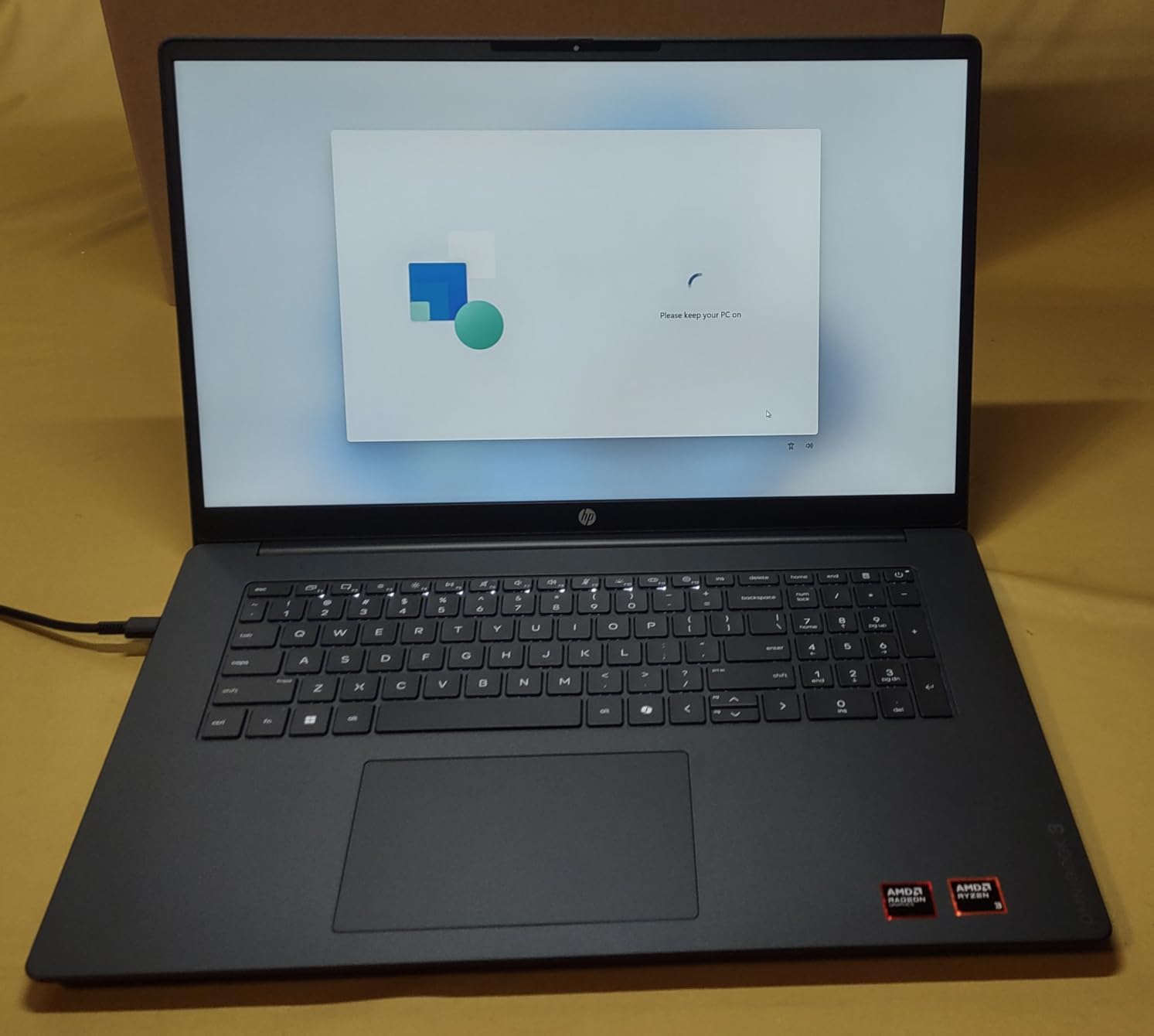
If one machine covers browsing, spreadsheets, video calls and a streaming habit for the whole household, this is the one to watch. The 17.3-inch FHD IPS panel runs at 300 nits with an anti-glare coating, and at that size the extra room makes split-screen work far less cramped than a 14-inch panel.
Storage is where it beats its price bracket. A 512 GB PCIe NVMe SSD is roomy for documents, photo libraries and a season of downloads, and the Ryzen 3 30 with Radeon 610M graphics covers browsing, streaming and light photo work without complaint.
Several owners bought this as a lighter replacement for a machine that was more than a decade old, and the recurring theme in reviews is that it simply works. That matters more than a benchmark chart when the person setting it up is not a technician.
- Up to 14 hours and 15 minutes of claimed battery life, with fast charge taking the battery from zero to about half in roughly 45 minutes
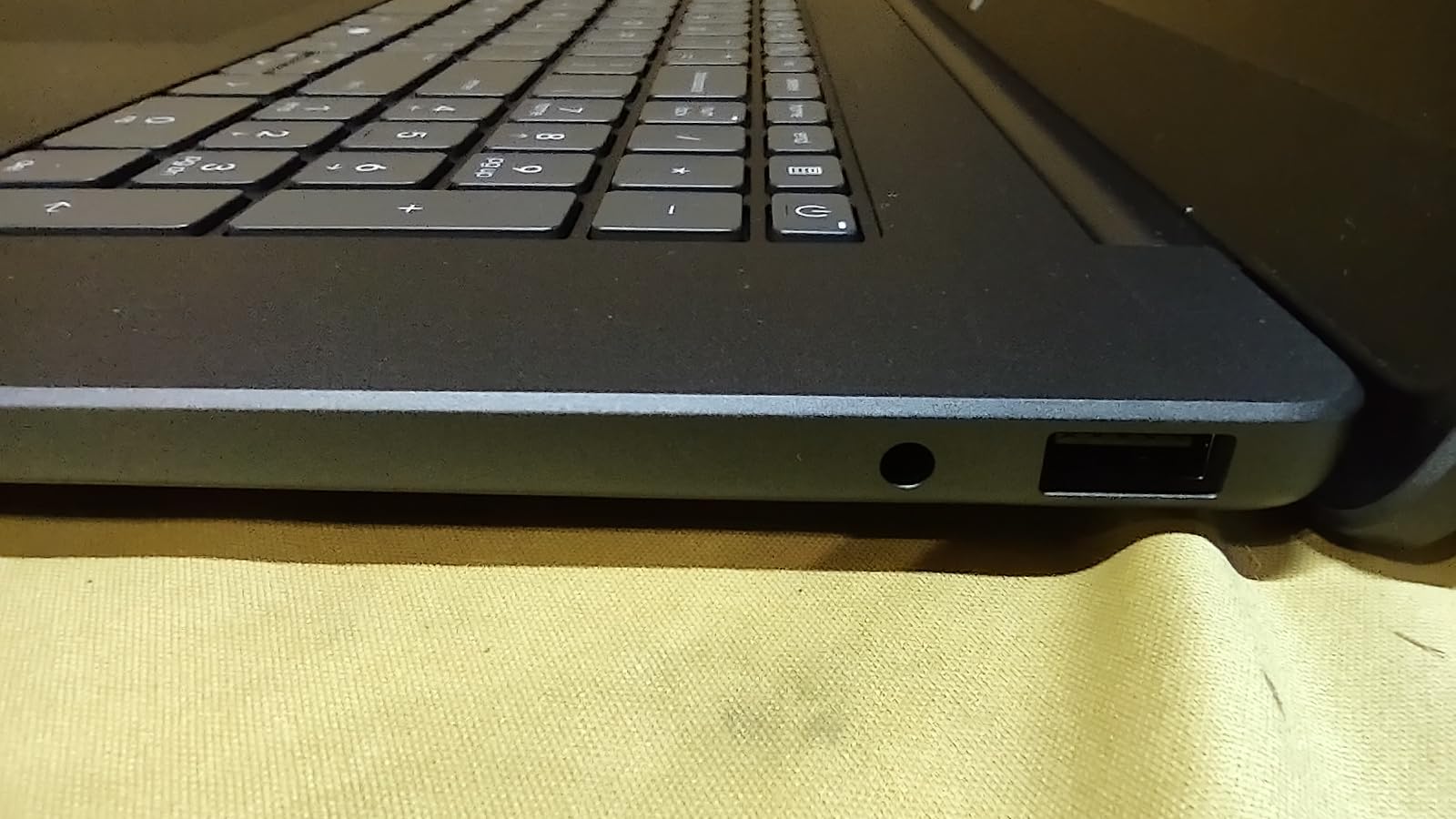
- Two USB-A ports, HDMI 2.1 and two USB-C ports with DisplayPort 1.4 and power delivery
- Wi-Fi 6 and Bluetooth 5.4, plus a 1080p camera with HDR auto-switch for calls
- 41 Wh battery and a 45 watt USB-C GaN adapter, so the charger is small
Skip it if: you need colour work or gaming. The 62.5 percent sRGB coverage and 60 Hz refresh rate are modest for a screen this large, and the 8 GB of onboard LPDDR5 memory is soldered down with no upgrade path.
Compared with the HP OmniBook 5 16, this machine trades a touchscreen and faster memory for a bigger screen, a numeric keypad and a lower entry point. Compared with the HP Omen 16 Slim, it is the opposite corner of the market: no dedicated graphics, and nothing that heats up a lap.
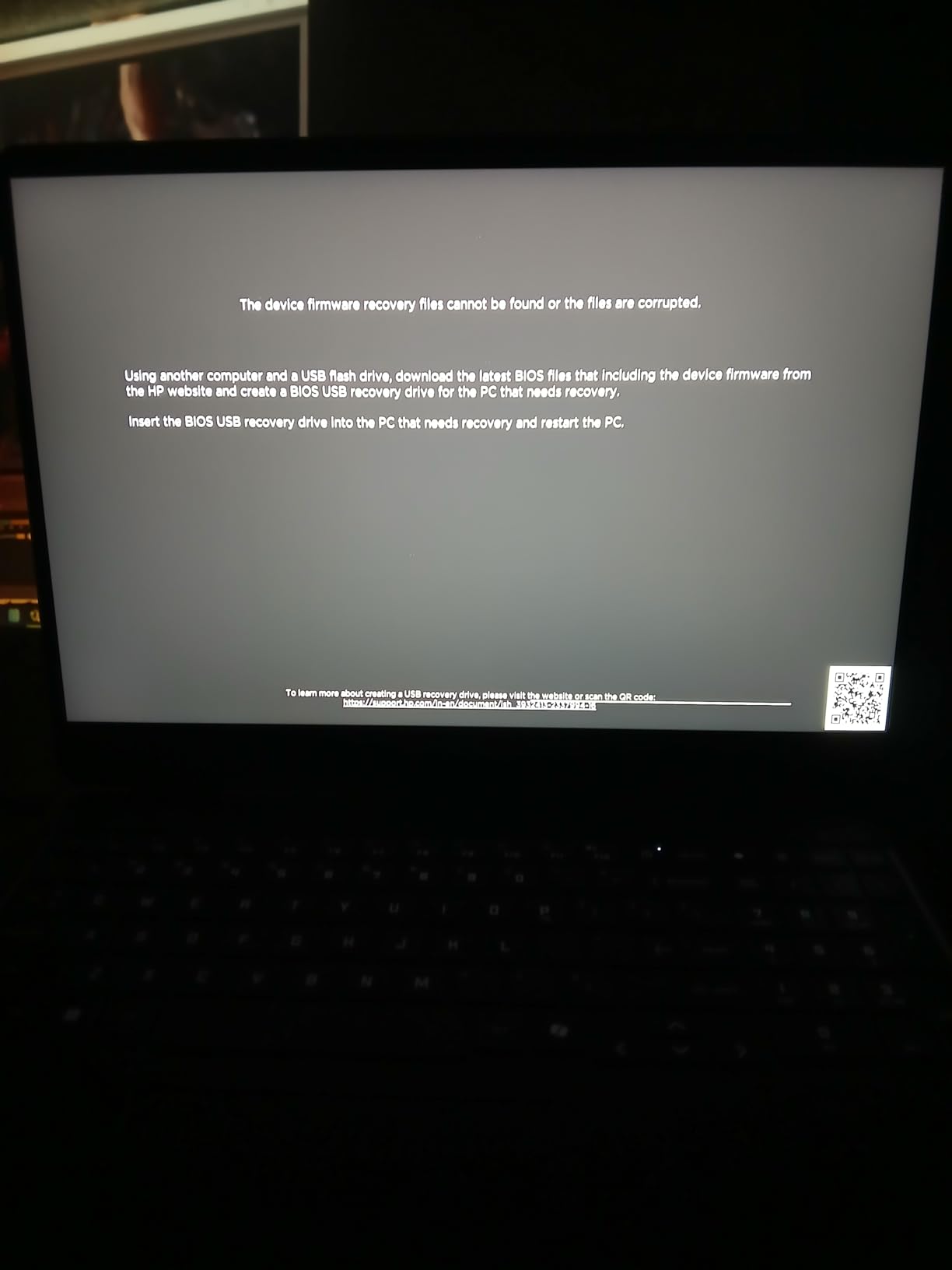
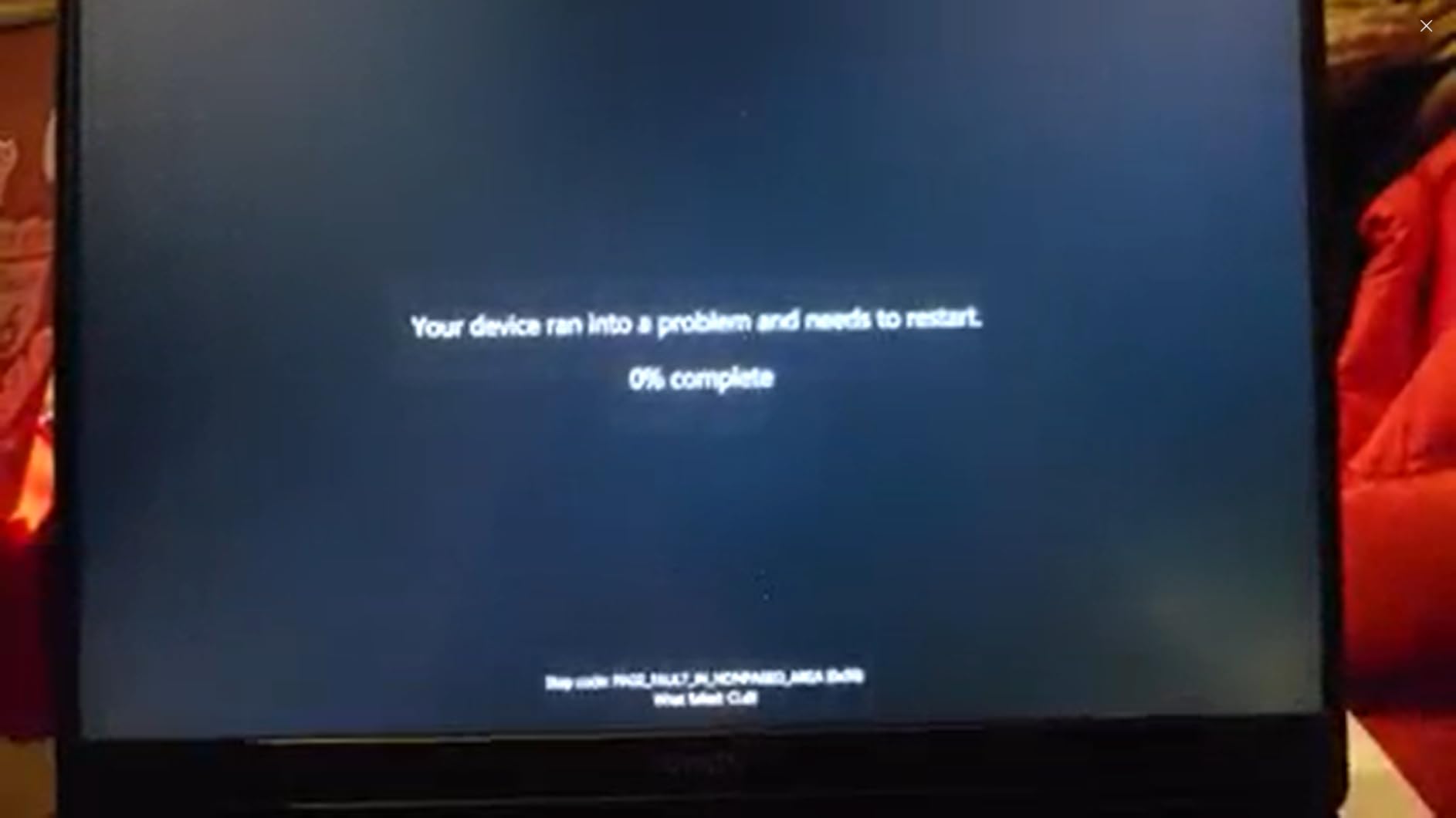
Owners also mention pre-installed Microsoft software and a OneDrive trial that cannot be fully removed, which takes a few minutes of cleanup on a new machine. At 4.4 pounds it is heavy for a daily bag, so desk-bound households get the better deal here.
2. HP Omen 16 Slim: Best for Gaming
HP OMEN 16 Slim RTX 5070 Intel Ultra 9-285H 240Hz QHD+ RGB Gaming Laptop
- Core Ultra 9 285H with 32 GB DDR5
- 2 TB NVMe SSD and RTX 5070 graphics
- 240 Hz QHD+ IPS panel at this hardware level
- Four-zone RGB keyboard with numeric keypad
- Two memory slots for later expansion
- Battery life runs about five hours under mixed use
- Only 30 owner reviews so far
- Bundled USB-C hub is bulk you may not need
A 240 Hz 2560 by 1600 panel is unusual at this specification level, and it pairs with an RTX 5070 carrying 8 GB of GDDR7 memory. For a buyer who wants a laptop that handles modern titles at high settings rather than a machine that renders them at low ones, that pairing is the reason to look here.
The memory story is the quiet strength. 32 GB of DDR5 across two slots can grow to 64 GB later, and the 2 TB NVMe drive removes the storage ceiling that trips up many gaming laptops. The Core Ultra 9 285H runs sixteen cores and threads and boosts to 5.4 GHz.
Ports are laid out for a desk rather than a cafe: three full-size USB-A ports, a USB-C port, HDMI and RJ-45 Ethernet. That means the docking-station habit is optional, which also makes the bundled seven-in-1 USB-C hub a spare rather than a necessity.
- Four-zone RGB backlit keyboard with a numeric keypad for long sessions
- 70 Wh battery, which works out to roughly five hours of mixed use
- 5.4 pound chassis, 14.07 by 10.89 inches
- One year limited warranty
Good to know: the 4.3 average comes from 30 reviews, so there is less long-term owner history here than on the picks below. Buyers who took a chance on it respond to the specification sheet; the battery figure is the complaint that recurs.
Where the HP OmniBook 3 17 sits idle through a document, this machine runs warm and loud under load. If your use is a browser and a spreadsheet, the Omen buys you nothing. If it is games after work, nothing else in this list comes close.
3. HP EliteBook 16: Best for Business
HP 2026 EliteBook 16 Laptop, AMD Ryzen 5 200, 32GB DDR5, 1TB SSD, AI PC
- Highest owner rating in this group
- 32 GB DDR5 and 1 TB NVMe for virtual machines
- BitLocker with TPM 2.0 and a fingerprint reader
- Wi-Fi 6E and a backlit keyboard with numeric keypad
- Fast charging between meetings
- Integrated Radeon 740M graphics are not for GPU work
- 1920 by 1200 resolution is modest at this price
- Only 35 reviews and no touchscreen on this configuration
The distinction here is the licence, not the silicon. Windows 11 Pro brings BitLocker encryption, Group Policy support, a fingerprint reader and TPM 2.0, and those four things decide whether a machine can join a managed office network without an IT department rebuilding it first.
The specifications underneath are deliberately unremarkable in the best way. A Ryzen 5 200 Series six-core processor, 32 GB of DDR5 that can reach 64 GB and a 1 TB PCIe NVMe drive handle virtual machines, heavy browser sessions and long documents without complaint.
Not one owner review in the set is a one-star or two-star, and about three quarters are five-star. Buyers single out the security set and the memory configuration, which is a different reason for satisfaction from the spec-sheet enthusiasm most gaming machines attract.
- 16-inch FHD+ display at 1920 by 1200 with an anti-glare coating
- Wi-Fi 6E, HDMI and USB-C for projectors and docking
- Radeon 740M integrated graphics, fine for office work and media
- 14.15 by 9.88 by 0.67 inches, silver finish
Compared with the HP OmniBook 5 16, the EliteBook trades a touchscreen and a faster chip for a Pro licence, a fingerprint reader and enterprise encryption. Pick the OmniBook for a home desk where Windows 11 Home is enough, and the EliteBook where someone else sets the rules.
The 1920 by 1200 panel is the weak spot for anyone planning colour-sensitive work, and there is no touchscreen on this configuration. Thirty-five reviews is a thin record for a warranty claim about durability, so check the one-year terms before signing off on a corporate purchase order.
4. HP OmniDesk 8500G: Best for Four-Display Offices
HP OmniDesk Business Tower Desktop, AMD Ryzen 5 8500G (8 Cores, Up to 5GHz), 16GB DDR5, 256GB SSD, WiFi 6, Bluetooth 5.4, Radeon 740M Graphics, 4 Displays, Wireless Keyboard&Mouse
- Supports up to four monitors for trading and reception desks
- 16 GB DDR5 and SSD boot times
- Wireless keyboard and mouse included
- Wi-Fi 6 and Bluetooth 5.4 with USB-C and DisplayPort
- Wood-inspired recycled plastic design
- Radeon 740M graphics are weak for gaming
- 256 GB storage is modest for the money
- Cramped interior complicates memory and drive upgrades
Four-monitor support is the headline, and it is unusual at this level. For a home office running a spreadsheet on one screen and three documents on the others, or for a reception desk showing schedules and queues, the port selection matters more than the processor.
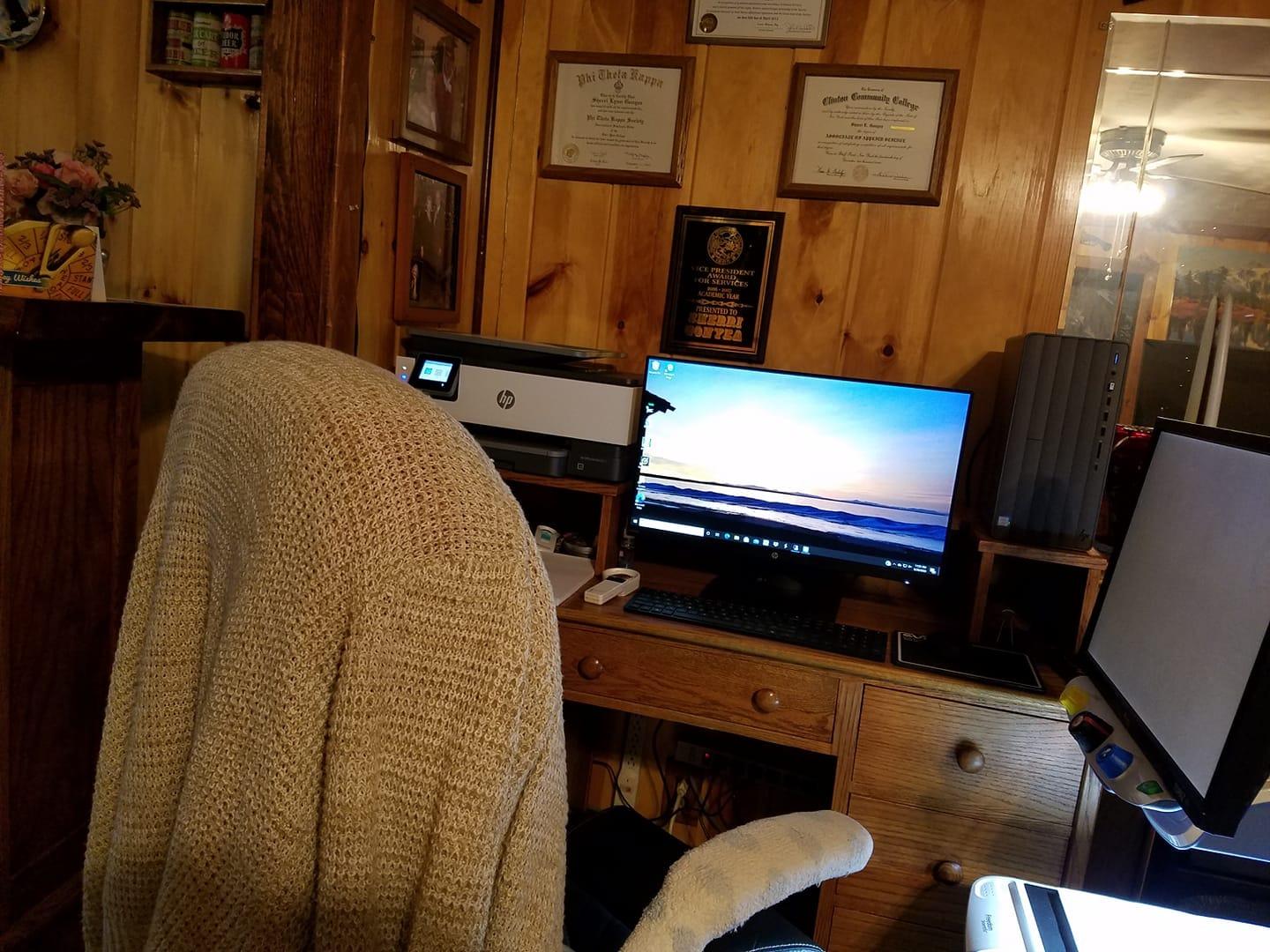
A Ryzen 5 8500G six-core processor with 16 GB of DDR5 and SSD storage covers the everyday office load owners describe: quick boots, responsive applications and no waiting. Integrated Radeon 740M graphics add 5.1 surround sound support for media use.
The gray wood-inspired trim is made with recycled materials and carries EPEAT Gold and ENERGY STAR certification, which matters if you are furnishing a study rather than a corporate floor. The box also includes a wireless keyboard and mouse, so the total cost of setting a desk is one checkout.
- Wi-Fi 6 and Bluetooth 5.4 with USB-C, HDMI, DisplayPort and Ethernet
- Windows 11 with a dedicated Copilot key and three months of PC Game Pass
- 30 day seller warranty
Who should pick something else: anyone planning serious upgrades later. Several reviews describe a cramped interior that makes memory or drive swaps awkward, and 256 GB of storage fills quickly with large project files. The HP OmniDesk 8700G answers both complaints with four memory slots and a 1 TB drive.
A word on listings: a few reviews note that photos or write-ups on this page appear to describe other HP desktop configurations. Check the model details on the listing against what you ordered before opening the box, since matching a Windows serial number to a support ticket takes one call.
5. HP OmniDesk 8700G: Best for Media and Creative Work
HP OmniDesk Desktop Computer PC, AMD Ryzen 7 8700G, 32GB DDR5 Memory, 1TB NVMe SSD, Radeon 780M Graphics, Wi-Fi 6 + Bluetooth 5.4 (Includes Keyboard + Mouse)
- Ryzen 7 8700G with eight cores and 32 GB DDR5
- Radeon 780M graphics handle casual gaming and media
- 1 TB PCIe Gen4 NVMe for fast load times
- Four memory slots for future expansion
- Keyboard and mouse included
- 12.7 pound tower takes real desk or shelf space
- Only 59 owner reviews to judge reliability
- USB ports spread across the case rather than the front
Where the 8500G serves an office, this one serves a household that edits. The Ryzen 7 8700G brings eight cores with 30 MB of cache, and the Radeon 780M with 8 GB of memory is a real step up for photo work, video timelines and casual gaming without adding a graphics card.
Memory is the detail that ages well. Four DDR5 slots holding 32 GB means a household can add more later, and the 1 TB PCIe Gen4 NVMe drive is fast enough that file scrubbing stops stalling. The Ryzen AI component adds a 16 TOPS neural processing unit for on-device tasks.
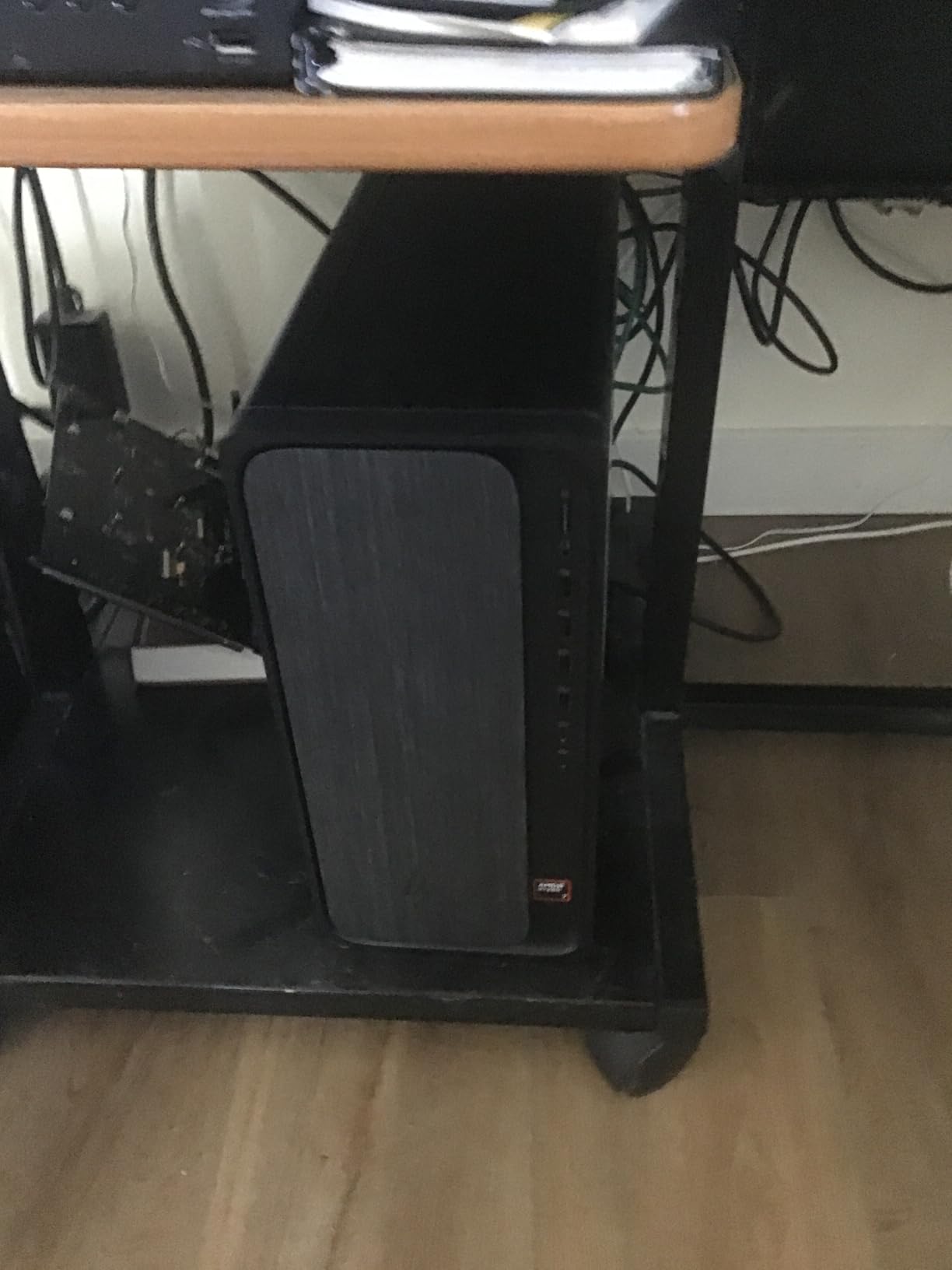
Storage and expansion are not an either-or proposition here: air cooling across eight expansion slots leaves room for extra drives or cards later. Nine USB ports cover peripherals, though they are distributed around the case rather than gathered at the front, so plan where the keyboard plugs in.
- 13.27 by 6.1 by 12.4 inches at 12.7 pounds, a floor or shelf unit rather than a desktop one
- Wi-Fi 6 and Bluetooth 5.4 with Ethernet, HDMI and nine USB ports
- ENERGY STAR specification met, keyboard and mouse in the box
Owners rate it a 4.4 across 59 reviews, with most praise aimed at the processor and memory pairing and the most common grumble aimed at moving it. Compared with the HP Omen 16 Slim, the graphics are far weaker but the machine is quieter, cheaper to run and better suited to a family room.
6. HP Omen 27q: Best for High Refresh Rate Gaming
HP OMEN 27q QHD 165Hz Gaming Monitor, QHD Display (2560 x 1440), IPS Panel, 99% sRGB, 95% DCI-P3, 16:9, AMD FreeSync Premium Technology, 27q (2023)
- 165 Hz QHD IPS panel with 1 ms response
- 99 percent sRGB and 95 percent DCI-P3 coverage
- Adjustable stand with 100 mm height plus tilt swivel and pivot
- 400 nit brightness with HDR support
- DisplayPort 1.4 and HDMI 2.0
- Full 165 Hz needs DisplayPort since HDMI is 2.0
- No built-in speakers and no USB hub
- Some panels need colour gain adjustment out of the box
A 27-inch QHD panel at 165 Hz with 1 ms response is the specification most gamers search for and rarely find. Paired with a gaming laptop like the HP Omen 16 Slim, it removes the display as the bottleneck.
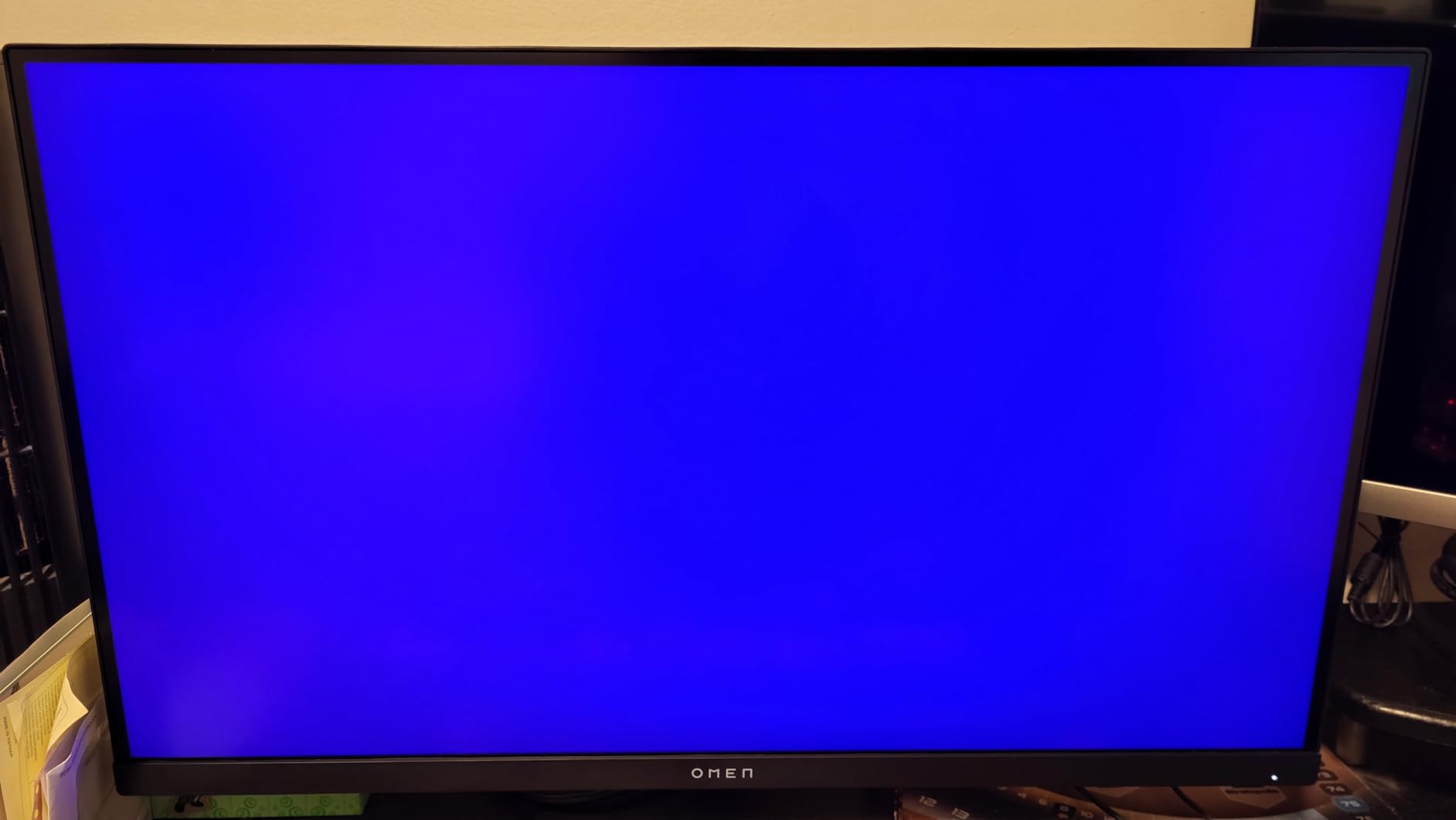
The stand is more capable than it needs to be: 100 mm of height adjustment plus tilt, swivel and pivot, so the screen lands at eye level rather than wherever the desk allows. Owners also like that the square base pushes flat against a wall, which frees depth in a small room.
Colour coverage of 99 percent sRGB and 95 percent DCI-P3 handles photo review as well as games, and the 400 nit peak brightness is comfortable in a bright room. OMEN Gaming Hub handles the refresh and adaptive-sync settings in one place.
- DisplayPort 1.4 and HDMI 2.0 inputs, console tested across more than 140 cases
- 16.3 pounds, 24.16 by 8.79 by 8.79 inches
- One year manufacturer warranty
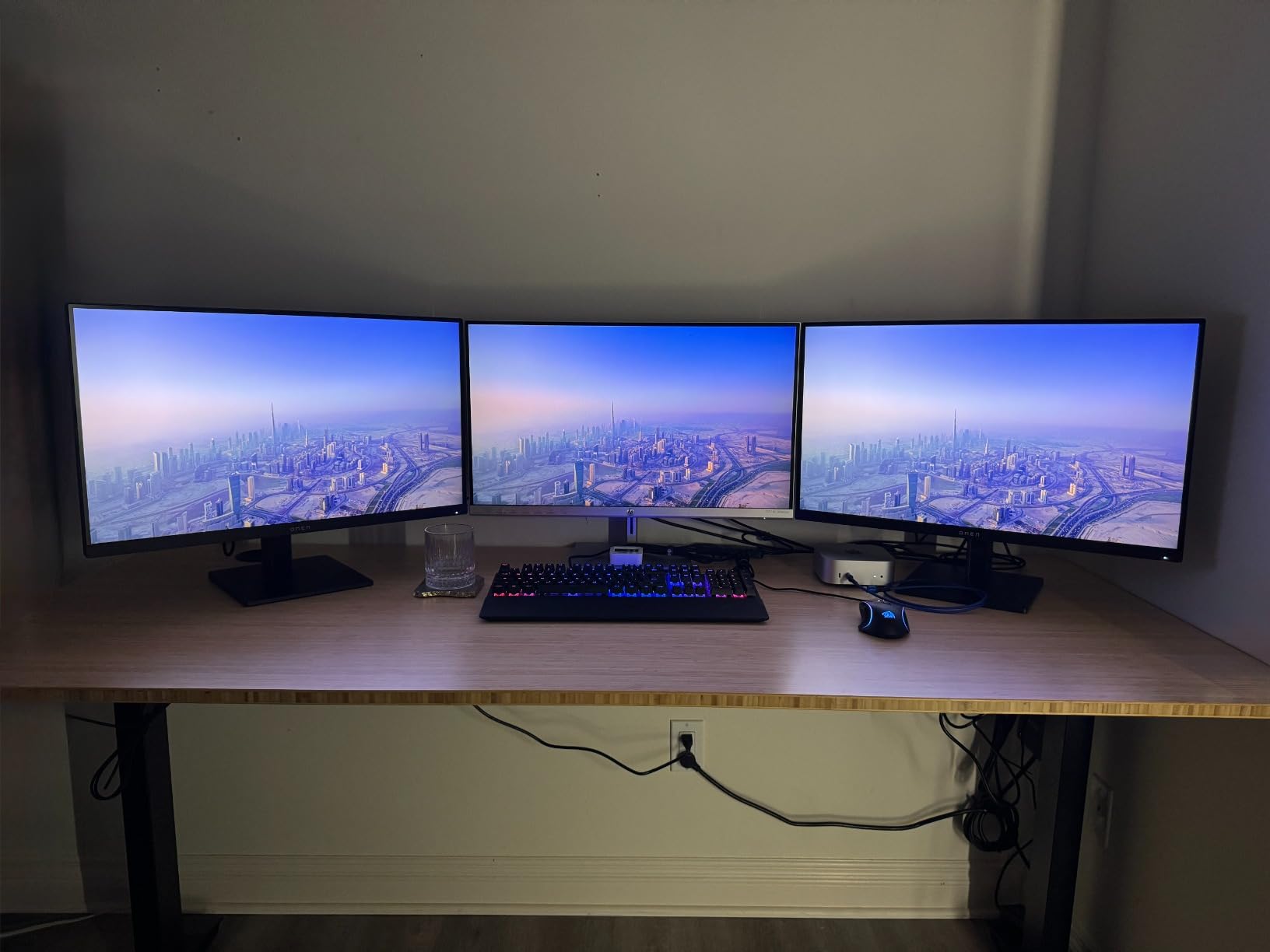
Good to know: full 165 Hz refresh only arrives over DisplayPort, because the HDMI 2.0 input caps out lower. FreeSync also stops working through USB hubs, and a few owners note a green tint that needs colour gain adjustment in the on-screen menu. LG and BOE panel variants appear within the same listing and can be confirmed under Menu, Information, then hardware revision.
Against the HP Series 3 27, the choice is refresh rate against panel size arithmetic. This one wins on motion and colour; the Series 3 matches the 27-inch size for far less and holds no interest in games.
7. HP Series 3 27: Best Value Monitor for a Home Office
- More than 25000 owner ratings to judge
- Crisp text rendering at small font sizes
- Thin three-sided bezels suit dual-monitor setups
- Height adjustment and tilt on the stand
- 100 Hz refresh is smoother than a 60 Hz office panel
- Built-in 2 watt speakers are weak for media
- 250 nit brightness is dim in bright rooms
- Chunky stand base takes desk space and no USB hub
This is the default HP office screen, and with more than 25,000 ratings it carries the largest owner record of anything in this list. At 4.7, it is also the highest-rated pick here, which is why the rating matters more than any single specification.
The 1920 by 1080 IPS panel covers 178 degrees horizontally and vertically with a 1300:1 contrast ratio, and owners single out text sharpness that holds up at small spreadsheet fonts. For a desk that runs documents all day, that beats a faster panel.
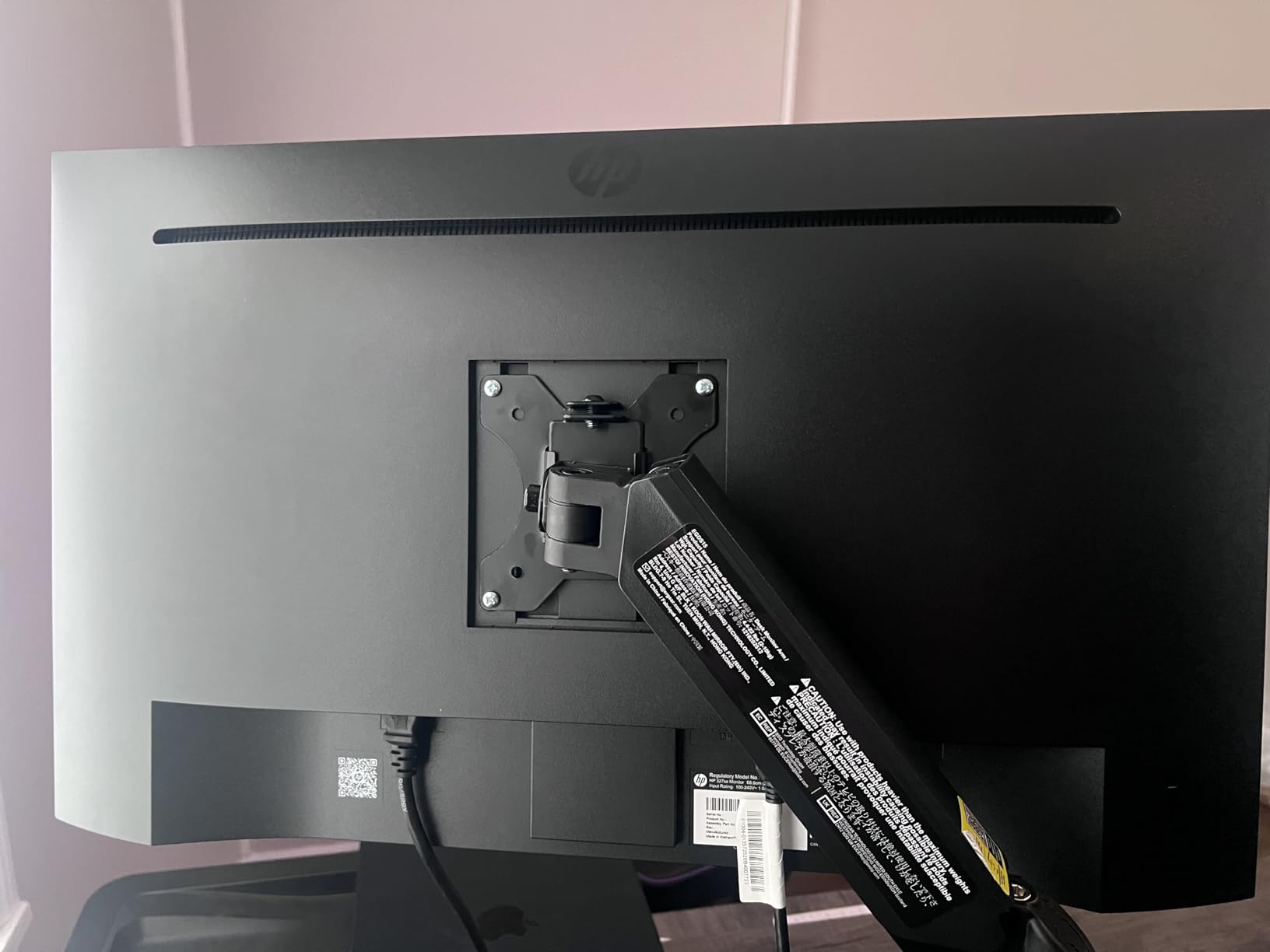
One detail saves a lot of confusion: the built-in dual 2 watt speakers default to half volume, and buyers often assume the speakers are faulty until they raise the level in the monitor’s own audio menu. Raising it once takes about ten seconds and the picture is fine for video calls.
- 100 Hz refresh and 5 ms response, better than the usual office panel
- VGA, HDMI 1.4 and DisplayPort 1.2 inputs with 27 watt power draw
- HP Eye Ease with Eyesafe certification for lower blue light
- At least 90 percent post-consumer recycled plastics, wall mountable
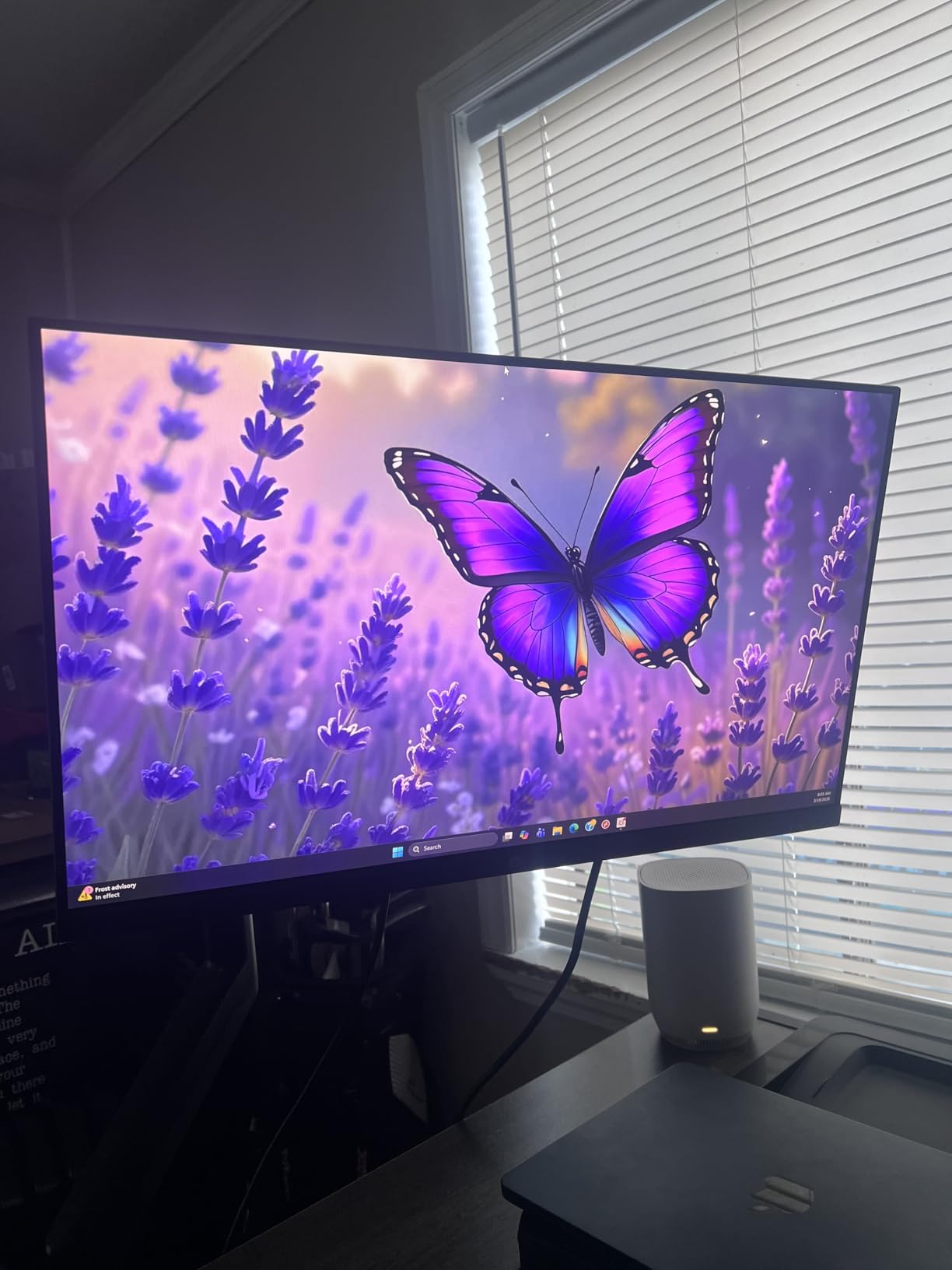
Pairing two of these side by side works because of the three-sided borderless bezel, and a portion of the reviews come from the closely related 23.8-inch variant of the same series, so expect some overlap in what you read. The HP Omen 27q is the step up when colour and motion start to matter.
8. HP Smart Tank 5003: Best for Home Printing
- Up to three years of ink included or 6000 pages
- Cartridge-free refill bottles with no squeezing or spilling
- Print copy scan and wireless mobile printing
- Compact 11.1 pound body
- Sharp text and rich colour through the Smart Tank app
- Manual duplex printing only
- Flatbed scanner with no document feeder
- 100 sheet tray and 10 pages per minute black speed
A printer purchase is only half its cost, and the running cost is what this machine attacks. Up to three years of ink, or 6,000 black or colour pages, come in the box, and the refill system uses bottles you plug in and let drain rather than cartridges you squeeze and hope do not leak.
Owners are explicit that this running cost is why they bought it. A school that prints worksheets, a family producing photo albums and a home office running invoices all see the same effect once the first refill is no longer a cartridge purchase.
It handles print, copy and scan over Wi-Fi, USB, Apple AirPrint, HP ePrint, Mopria and Print Anywhere, which covers most phones and laptops without installing anything. Speed sits at 10 pages per minute in black and 5 in colour, with a 21 second first page and a 100 sheet tray.
- Resolution up to 1200 by 1200 rendered dpi in black and white, 4800 by 1200 optimised in colour
- Compatible with HP 32XL 135 ml black and HP 31 cyan, magenta and yellow bottles
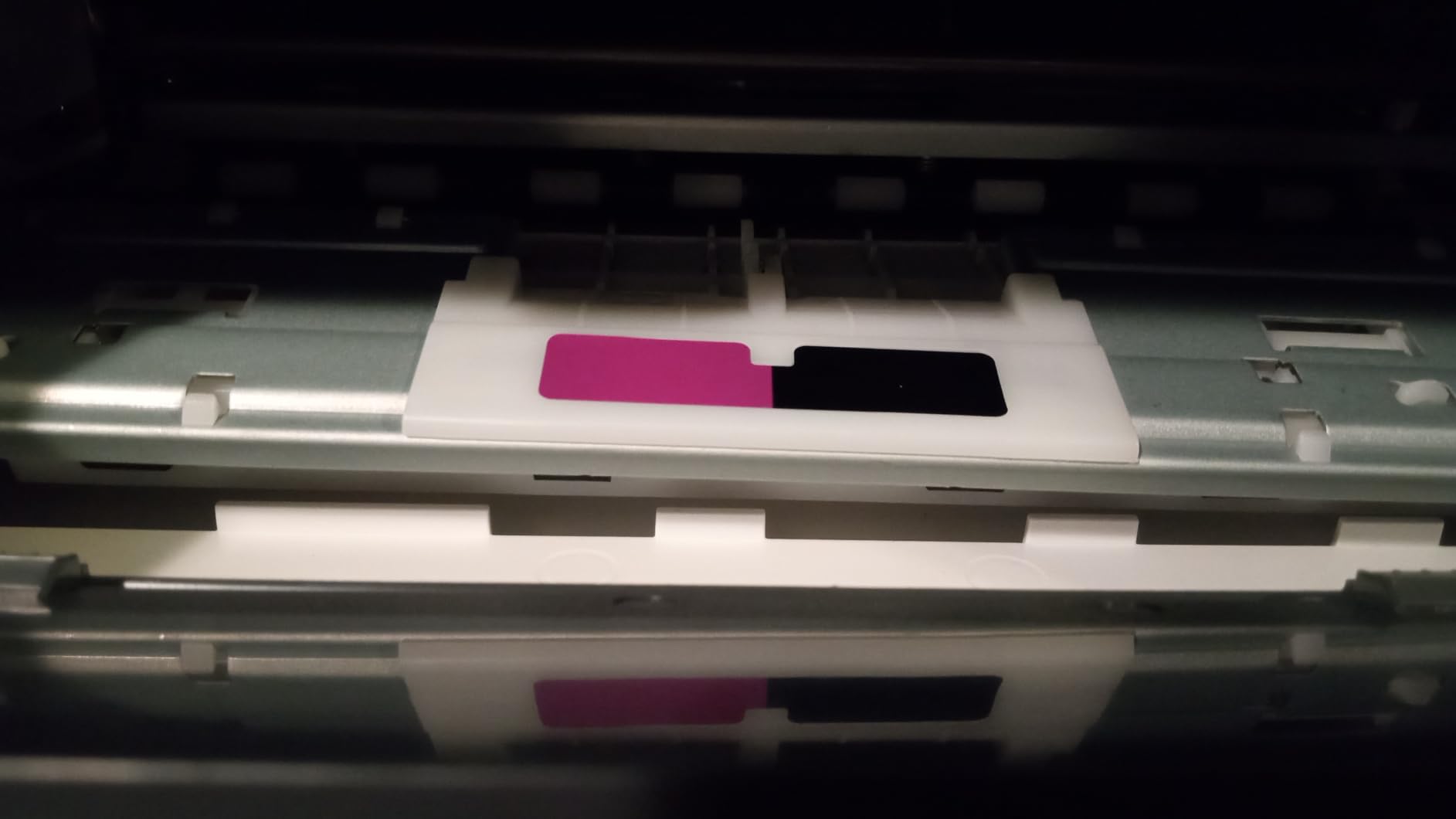
- Printheads for black and tri-colour included with the setup guide and power cord
- One year or 30,000 page limited hardware warranty
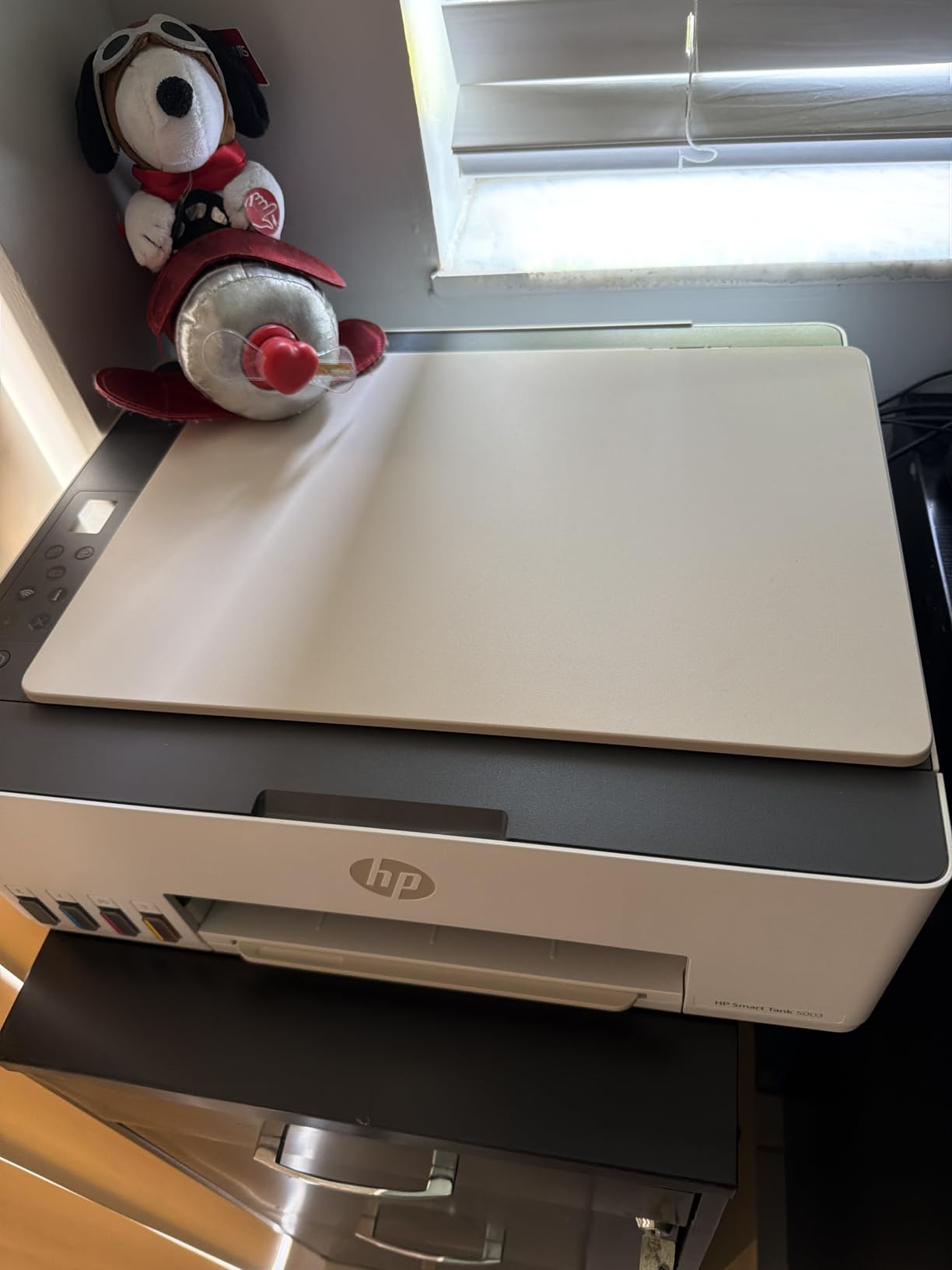
Skip it if you print two-sided documents by the ream. Duplex is manual, scanning is flatbed only with no document feeder for multi-page jobs, and the single tray limits paper types. The 4.1 average is the lowest in this group, with 13 percent one-star reviews mostly about those limits.
For a pocket printer that prints photos rather than documents, the HP Sprocket is the other direction entirely, and the running-cost logic does not apply to it at all.
9. HP Sprocket: Best Budget Pick for Pocket Photos
- Genuinely pocket sized at 6.1 ounces
- Prints 2 by 3 inch peel-and-stick photos in under a minute
- Bluetooth pairing takes about a minute with a straightforward app
- Prints while charging which is rare in a portable printer
- Works with multiple paired devices
- Colours print with a warm or pinkish cast
- 313 by 400 dpi is illustrative rather than photographic
- Short battery life and occasional paper feed hiccups
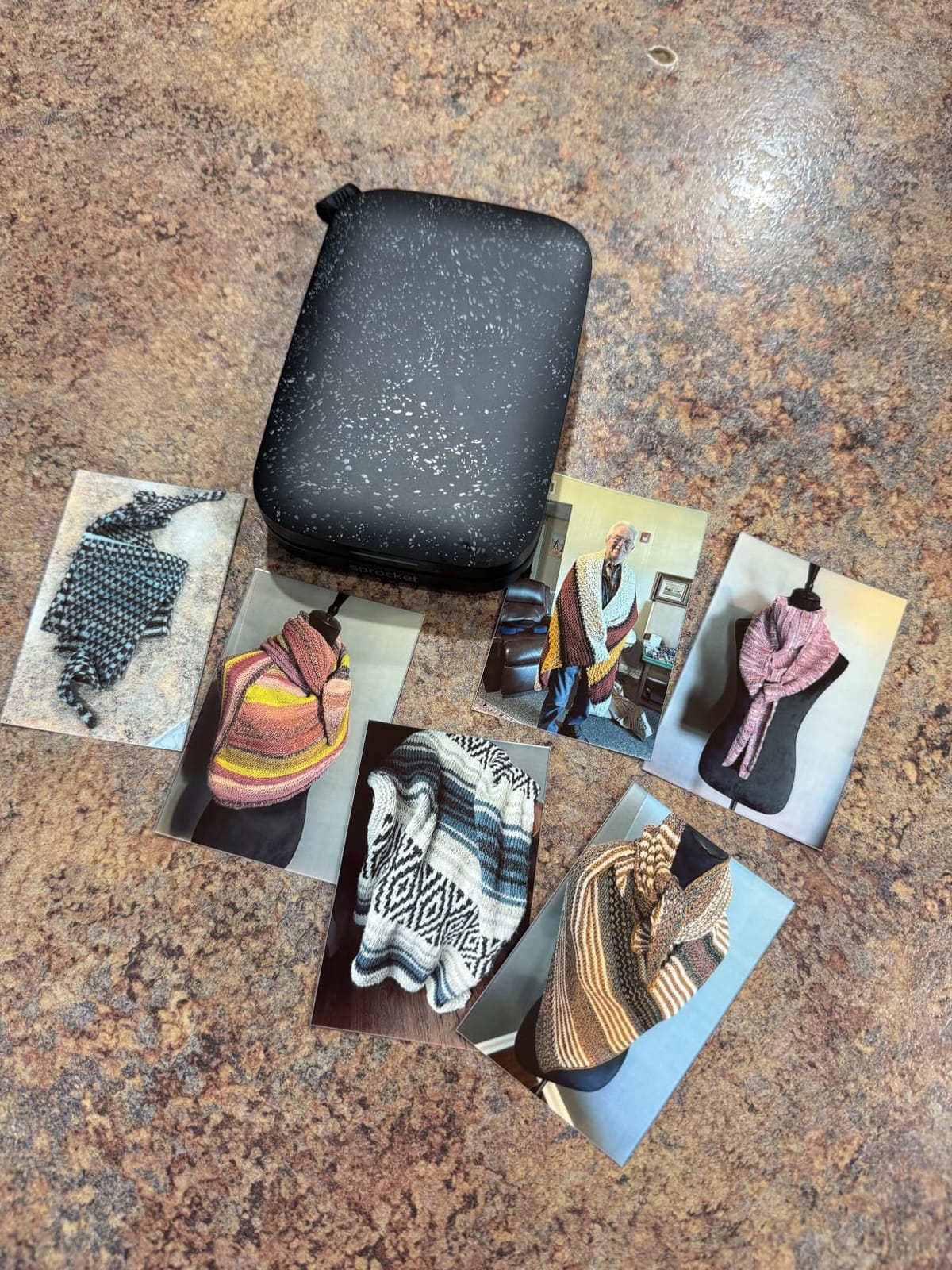
The Sprocket is not a printer for documents and it was never meant to be. It produces 2 by 3 inch peel-and-stick photos from a phone at 313 by 400 dpi, which lands in scrapbooks, guest books, journals and craft projects rather than in a photo frame.
At 6.1 ounces and 3.15 by 4.63 by 0.98 inches it lives in a handbag, which no printer in this list manages. Bluetooth 5.0 with sleep mode keeps it connected between prints, and multiple devices can pair at once with a personalised LED showing whose photo is printing.
Ten sheets of ZINK paper are included with a USB cable and a one-year limited warranty. The HP Sprocket app handles filters, borders, stickers, shared albums and an augmented reality photo queue, and most buyers report a 50 sheet refill lasting months.
The honest caveat: owners consistently describe a warm or pinkish colour cast that needs editing in the app before printing, and occasional paper feed problems that mean re-feeding the blue barcode. The unit also runs warm during long batches. Ten sheets is one sheet per side of a small album, so plan refills early.
Among more than 25,000 ratings it holds a 4.5 with 75 percent five-star, which makes it the most reviewed pick here. For a small gift, a holiday stocking filler or a party table, it does something no other product on this list can.
10. HP OmniBook 5 16: Best for Touchscreen Work
HP Omnibook 5 16″ AI Laptop – AMD Ryzen AI 7 350 – Copilot+ PC – 2K (1920 x 1200) Touchscreen – 16GB Memory – 1TB SSD – Windows 11 Home
- Ryzen AI 7 350 eight-core performance at a mid-range price
- 16 inch 1920 by 1200 IPS touchscreen
- Over seven hours of real battery life with energy saver on
- User-upgradeable NVMe SSD and fast LPDDR5x memory
- Four pound aluminium chassis
- Screen colour needs Windows calibration out of the box
- Charging works from the right side port only
- 16 by 10 aspect ratio leaves bars on 16 by 9 video
The Ryzen AI 7 350 is the story in this machine. Eight cores with a 50 TOPS neural processing unit deliver performance that owners compare favourably against pricier gaming handhelds, and the 16 GB of LPDDR5x-7500 memory is faster than most laptops at this level carry.
Storage is the sleeper feature: a 1 TB PCIe Gen4 NVMe drive that the owner can replace, which means a failed drive later is a ten-minute fix rather than a new computer. The 4 pound aluminium chassis is lighter than most 16-inch laptops.
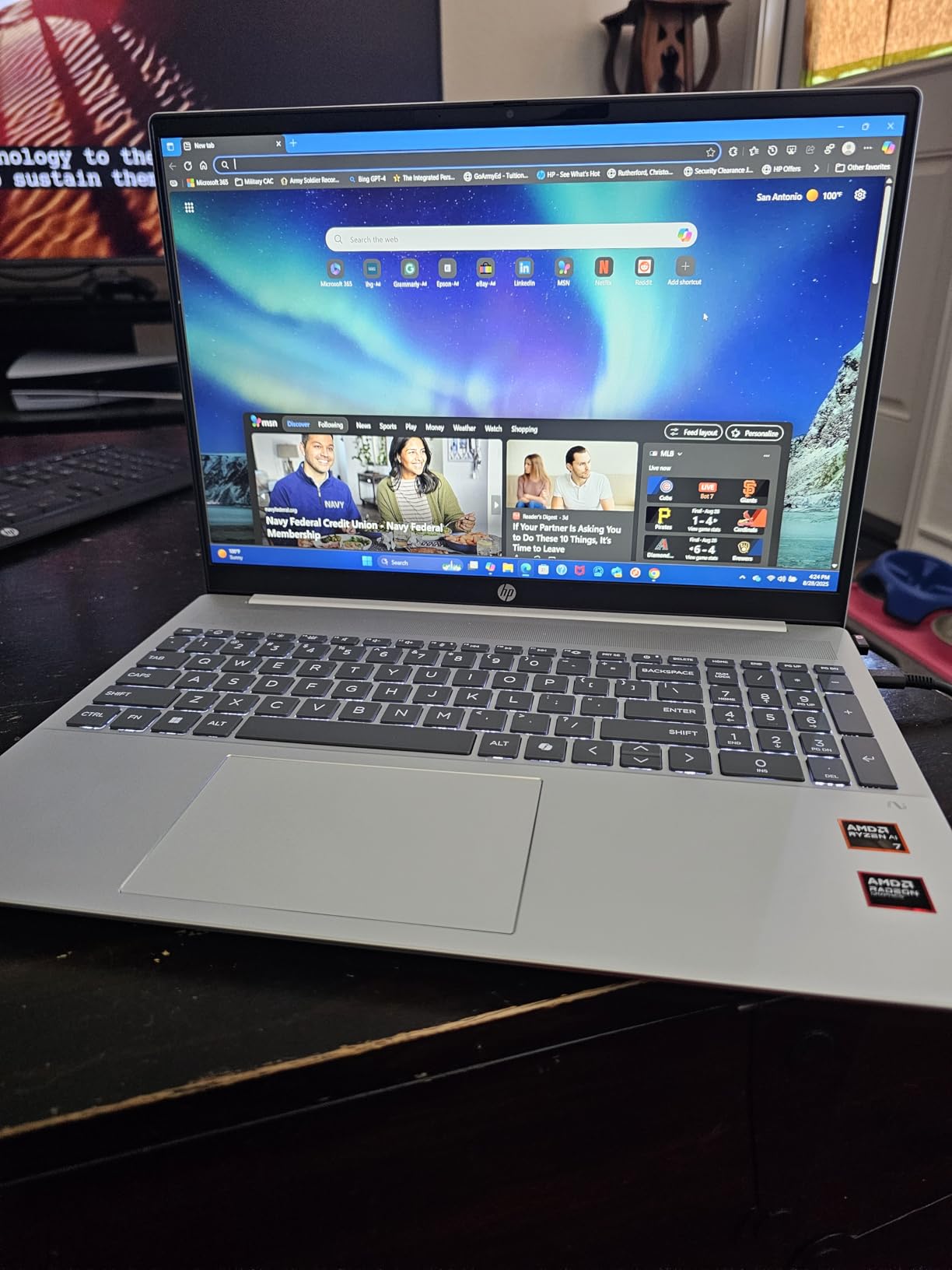
The capacitive touchscreen at 1920 by 1200 handles scrolling, checklists and form-filling well, and Wi-Fi 6, HDMI and four USB ports cover a desk without an adapter. A 52 Wh battery delivers more than seven hours of real browsing with energy saver enabled.
Good to know: the most-cited complaint is not the hardware but the picture. Owners report a washed-out or yellow-tinted panel out of the box and fix it with the Windows colour calibration tool in a couple of minutes. Charging also works from the right-hand port only, and the 16 by 10 ratio puts black bars on 16 by 9 video.
- Backlit keyboard, 300 nit anti-glare IPS panel with AMD FreeSync
- Pre-installed AI services that cannot be fully disabled, and occasional long start-up times
- 14.08 by 10.03 by 0.73 inches, silver finish
Against the HP EliteBook 16, this one wins on speed and touch and loses on the Pro licence and the security set. Against the HP OmniBook 3 17, it is smaller, faster and more expensive, with a screen that needs calibrating.
How to Choose HP Gear During Prime Big Deal Days
Match the machine to the job
Start with what the household actually does. Browsing, schoolwork and documents point to the HP OmniBook 3 17, office work with a company-managed device points to the EliteBook 16, and gaming points to the Omen 16 Slim. A tower makes sense when the computer stays in one spot, which is why the two OmniDesk options sit at opposite ends of the memory ladder.
Check the specifications that decide the experience
Memory is the number to check first, with 16 GB as a sensible floor and 32 GB comfortable for a machine expected to last several years. Storage below 512 GB gets tight quickly with photo libraries and software. Processors matter less than memory for everyday work, and far more for games.
Confirm size, ports and compatibility
A 17.3-inch laptop at 4.4 pounds will not fit a small backpack, and a 12.7 pound tower needs shelf space rather than desk space. Count displays before buying a desktop: the OmniDesk 8500G supports up to four monitors, while integrated graphics limit gaming output. On laptops, two USB-C ports with DisplayPort 1.4 and HDMI 2.1 make external monitor use far simpler.
Evaluate printers by output needs
Pages per month decide the printer. The Smart Tank 5003 fits a household or small office running high volumes of colour and monochrome, since the included ink allowance covers up to 6,000 pages. Manual duplex printing and the absence of a document feeder rule it out for anyone scanning multi-page documents daily.
Review ratings, ownership and support
A rating means little without volume. The Series 3 27 and the Sprocket both carry more than 25,000 ratings, which is a genuine reliability record, while the Omen 16 Slim and EliteBook 16 have far fewer. Warranty terms also differ: the Omen 16 Slim and Omen 27q carry one year, the Smart Tank 5003 carries one year or 30,000 pages, and the OmniDesk 8500G carries a 30 day seller warranty.
How to shop HP product deals during the sale
HP model numbers carry the generation, so read the suffix before comparing two listings that look identical: the OmniBook 3 17 sits at 17-dp0199nr and the OmniBook 5 16 at 16-ag1175cl. Check what the box includes, since desktops in this list bundle a keyboard and mouse while the EliteBook 16 does not, and confirm whether the listing is new or renewed, who sells it and who handles delivery. Most offers during the event require a Prime membership, with a free trial counting, and prices change through the two days.
- Read the model number suffix to confirm the generation before you compare two similar listings
- Look for sold and shipped by the retailer rather than a marketplace seller
- Check whether memory is onboard and soldered, since it cannot be upgraded later
- Count displays and cables before buying a desktop or a laptop for an external screen
- Add ink running costs to any printer price, not just the hardware
- Save the listing page before buying so the configuration is easy to confirm
Frequently Asked Questions
When do Amazon Prime Big Deal Days run in 2026?
Prime Big Deal Days runs October 6-7, which Amazon has confirmed for this year’s event. Most of the offers discussed here need a Prime membership, though a free trial counts for the length of the trial, and prices move during the two days.
How can I tell which generation of an HP laptop or printer is for sale?
The model number on the listing carries the generation and size. An OmniBook 3 17 carries a suffix ending in dp0199nr, and an OmniBook 5 16 carries one ending in ag1175cl, so comparing suffixes tells you whether two listings are the same machine. For printers, the series name and the ink system in the box contents are the quickest check.
Should I choose a renewed HP product during the sale?
A renewed machine makes sense when the model is a few years old and the discount is large, since a refurbished desktop or monitor loses little that matters. For a laptop under warranty, new is usually the safer route because battery condition and warranty length are the two things that vary most. Check the seller rating and the return terms on any renewed listing before paying.
Which HP laptop in this list suits a student working to a budget?
The HP OmniBook 3 17 is the cheapest route into a full-size HP laptop here, with a 17.3-inch screen, a numeric keypad and 512 GB of storage for schoolwork. Its 8 GB of soldered memory is the catch, so students running video editing or heavy software should step up to the OmniBook 5 16 instead.
What are the best Amazon Prime Big Deal Days HP Deals for a home office?
A home office that runs several screens pairs the HP OmniDesk 8500G, which supports up to four monitors, with the HP Series 3 27 as a second display. Add the HP Smart Tank 5003 if invoices or labels are printed often, since the included ink allowance covers up to 6000 pages.
How do I check whether a discount is real and not an inflated list price?
Look at how long the product has held its price rather than the headline percentage, since a list price raised weeks earlier makes a small cut look large. Check that the listing is sold and delivered by the retailer rather than a marketplace seller, and confirm the configuration on the page matches the model number you want.
Final Verdict: Best Amazon Prime Big Deal Days HP Deals
The HP OmniBook 3 17 is the pick worth watching most closely during the sale. A 17.3-inch screen, 512 GB of storage and a backlit keyboard with a numeric keypad cover most households, and the 4.5 owner rating rests on 247 reviews rather than a handful.
Buy the HP Omen 16 Slim if games are the reason you are shopping. Buy the HP EliteBook 16 if a company laptop standard or Windows 11 Pro encryption decides the purchase. Buy the HP OmniDesk 8500G for a four-screen desk, and the HP OmniDesk 8700G for photo and video work on a fixed machine.
For screens, the HP Omen 27q takes the high refresh route and the HP Series 3 27 takes the sensible one. For printing, the HP Smart Tank 5003 is the volume option and the HP Sprocket is the small-gift option, and the HP OmniBook 5 16 covers anyone who wants a touchscreen with faster memory.
Check the current price on each listing during October 6-7, confirm the model number matches what you read here, and buy the configuration that fits the room rather than the largest one on the page.