

The ASUS ROG Strix G16 is the one to start with, and the reason is its RTX 4060 running at a full 140W behind 1048 owner reviews and a 4.4 average. Two others deserve a close look: the Acer Nitro V 15 for anyone who wants the highest-rated pick at a lighter weight, and the Acer Nitro V 16S if 32GB of memory and a 180Hz panel matter more than a smaller footprint.
Prime Big Deal Days runs October 6-7, 2026, and most offers need a Prime membership, which a free trial covers. Offers shift through the event, so treat everything below as the laptops worth watching rather than a promise about any one of them.
Table of Contents
Our Top 3 Picks for Best Amazon Prime Big Deal Days Gaming Laptop Deals

Best Amazon Prime Big Deal Days Gaming Laptop Deals Compared (October 2026)
| Product | Specifications | Action |
|---|---|---|
| ASUS ROG Strix G16 |
|
Check Deal Price |
 Acer Nitro V 15 Acer Nitro V 15 |
|
Check Deal Price |
 Acer Nitro V 16S Acer Nitro V 16S |
|
Check Deal Price |
 HP Victus 15.6 32GB HP Victus 15.6 32GB |
|
Check Deal Price |
 Acer Nitro V 15 i9 Acer Nitro V 15 i9 |
|
Check Deal Price |
 Alienware Aurora 16 Alienware Aurora 16 |
|
Check Deal Price |
 ASUS TUF Gaming A16 ASUS TUF Gaming A16 |
|
Check Deal Price |
 ASUS ROG Strix G16 2.5K ASUS ROG Strix G16 2.5K |
|
Check Deal Price |
 Lenovo Legion LOQ 15 Lenovo Legion LOQ 15 |
|
Check Deal Price |
 HP Victus 15.6 8GB HP Victus 15.6 8GB |
|
Check Deal Price |
How We Chose
Every laptop here was compared on the specs that decide gaming performance: processor and GPU model, graphics memory, cooling, display refresh and resolution, installed memory, storage and weight. We also read the owner reviews and ratings on Amazon for each one, because a paper spec sheet says nothing about fan noise or how a machine behaves unplugged. Specifications and ratings were checked in October 2026.
1. ASUS ROG Strix G16: Editor’s Choice for Balanced 1080p Performance
- Laptop GPU runs at a full 140W ceiling
- 100% sRGB matte panel validated by Pantone
- Liquid metal CPU cooling with a third intake fan
- Most reviewed machine in this list with 1048 ratings
- 16GB is the listed maximum memory
- Stated battery life is about 4 hours
- 5.5 lb chassis
The pick that balances power, screen and staying power without asking you to give up anything obvious. The 140W power limit on this RTX 4060 is the detail that matters most, and it is the one most listings bury. Laptop GPUs run at a fraction of their desktop counterparts, and a chip capped well below its ceiling loses frames in exactly the games people buy a gaming laptop for.
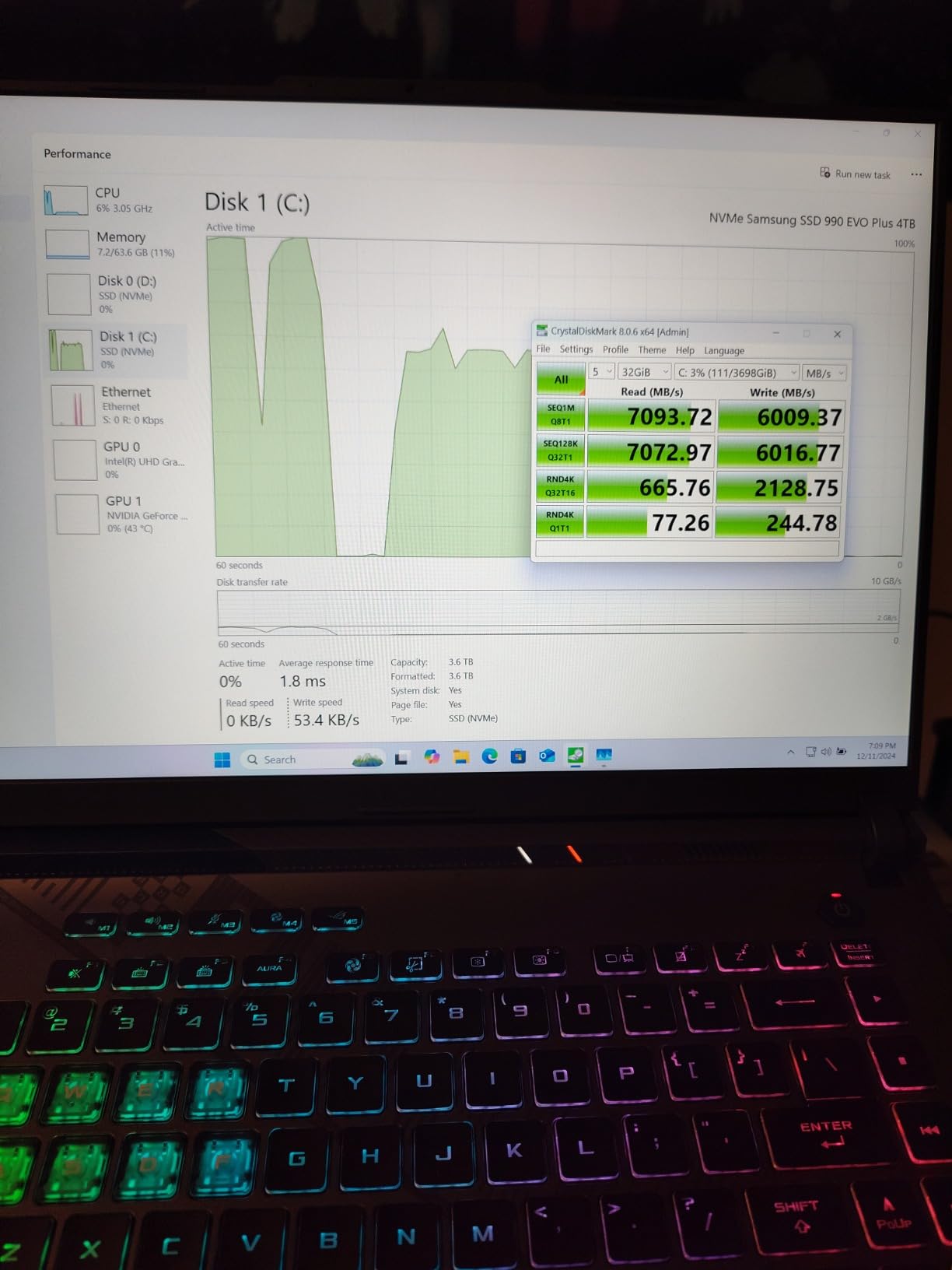
Thermal design is the other half of that story. ASUS puts Conductonaut Extreme liquid metal on the CPU and adds a third intake fan, which owners credit with holding frame rates through long sessions rather than dropping the moment a match goes long.
- 16-inch FHD panel running at 165Hz with 100% sRGB and a matte anti-glare finish
- 16GB DDR5-4800 memory and a 1TB PCIe Gen4 drive
- Wi-Fi 6E, one Thunderbolt port, four USB ports, HDMI and RJ-45
- A battery sized for a gaming machine of this class, though still a desktop-first design
Compared with the Acer Nitro V 16S, the ROG trades 32GB of memory and a 180Hz panel for a 140W GPU power ceiling and a heavier review base, which makes it the safer recommendation for people who cannot tell whether their games lean on graphics or on system memory. If the fastest refresh rate possible matters more, the Alienware Aurora 16 puts far more pixels in front of you at the same 16-inch size.
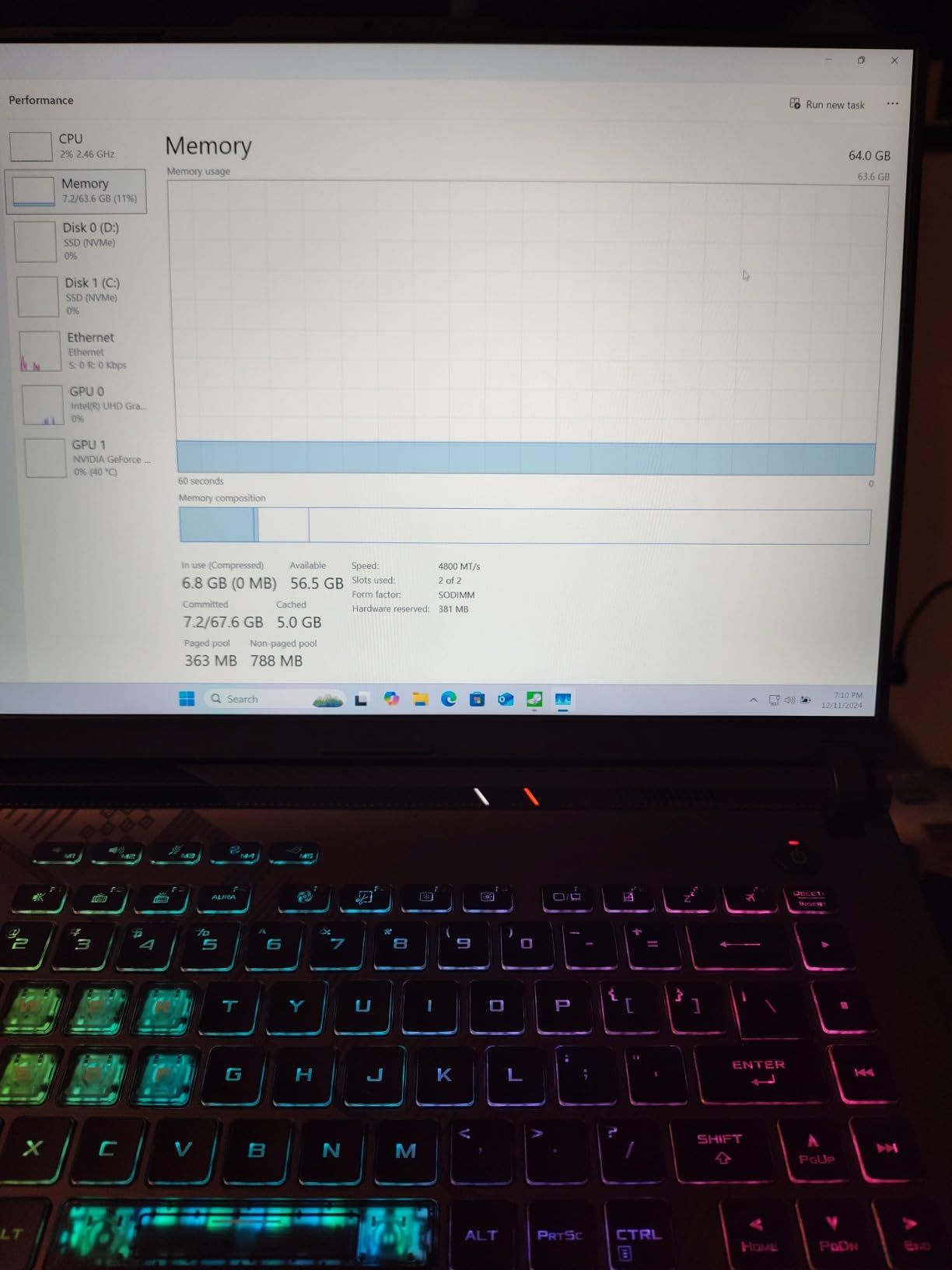
The review pool notes a 4-hour stated battery life, so plan on playing near a socket. Buyers who want to game away from a desk should look at the Lenovo Legion LOQ 15 instead, where fast charging offsets a smaller pack.
2. Acer Nitro V 15: Top Rated for 1080p Play on a Light Chassis
- Highest rating in this roundup at 4.6 across 366 reviews
- Light 4.7 lb body with a backlit keyboard and numpad
- Two memory slots with 32GB maximum
- Thunderbolt 4 and Killer Gigabit Ethernet
- 6GB of VRAM caps settings at higher resolutions
- About 5 hours of stated battery life
- Only two USB ports listed
Owners rate this one higher than anything else in the list, and the reason shows up repeatedly in the reviews: a 165Hz matte panel in a 4.7-pound body. That combination is unusual, because gaming laptops usually ask you to accept either a heavy chassis or a 144Hz screen as the compromise.
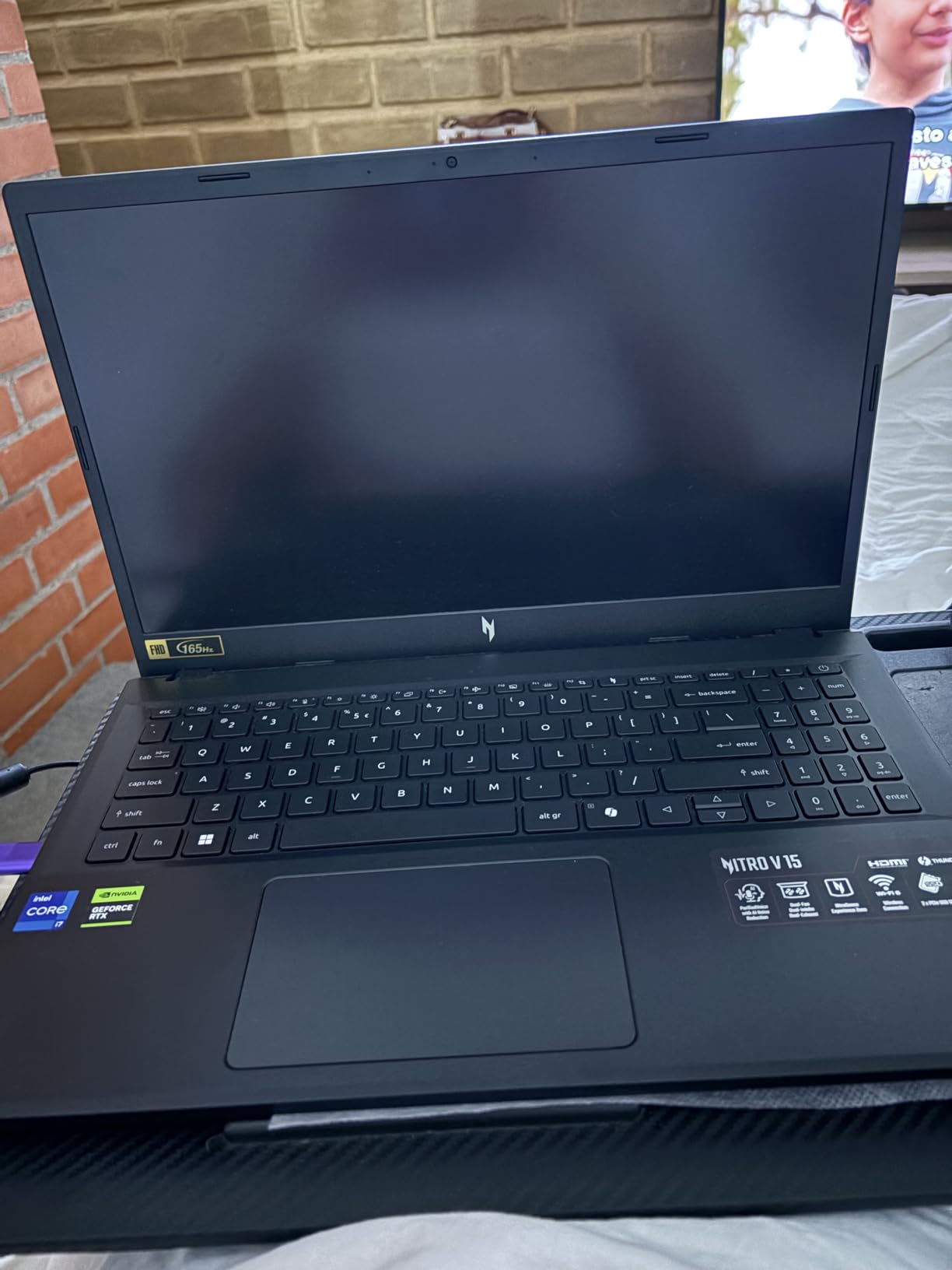
Two memory slots with a 32GB ceiling make it easier to live with for years than machines that ship with soldered memory. That flexibility is the quiet advantage over the ASUS ROG Strix G16, where 16GB is listed as the maximum.
- RTX 4050 with 194 AI TOPS and DLSS 3.5 frame generation
- 15.6-inch FHD IPS at 165Hz with a matte finish and 300 nit brightness
- Thunderbolt 4, Killer Ethernet E2600 and Wi-Fi 6
Skip it if you play at 1440p or want ray tracing turned up. Six gigabytes of graphics memory is the ceiling here, and several reviewers point to exactly that as the limit on more demanding titles. For that kind of workload the ROG Strix G16 has more room to breathe.
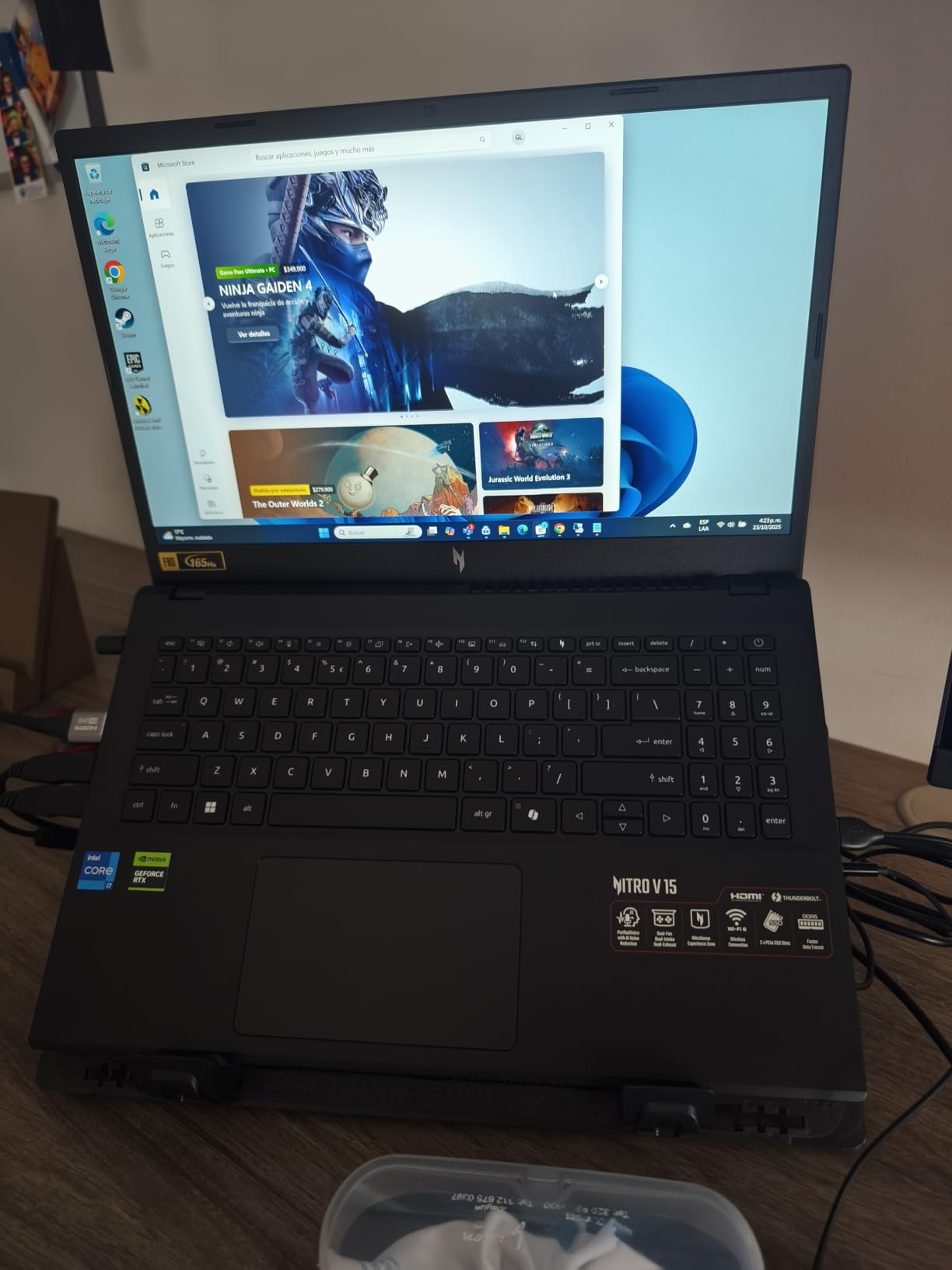
Port selection is the weak point here, with two USB ports alongside the charger. If you plug in a wired mouse, an external drive and a headset regularly, budget for a hub.
3. Acer Nitro V 16S: Best Value for Memory and Refresh Rate
- Blackwell RTX 5060 with 572 AI TOPS and DLSS 4
- 32GB DDR5-5600 installed
- 180Hz 100% sRGB panel
- Free M.2 slot for a second drive
- Lightest 16-inch chassis here at 4.6 lb
- 8GB VRAM limits future AAA titles
- 65 watt-hour battery is modest
- Above-average share of one-star reviews
Thirty-two gigabytes of DDR5-5600 in a machine like this is the argument. Most laptops at this size ship with 16GB, and this one arrives with double that plus a spare M.2 slot, which is the combination you want if you keep a browser, a game and a video editor open at the same time.
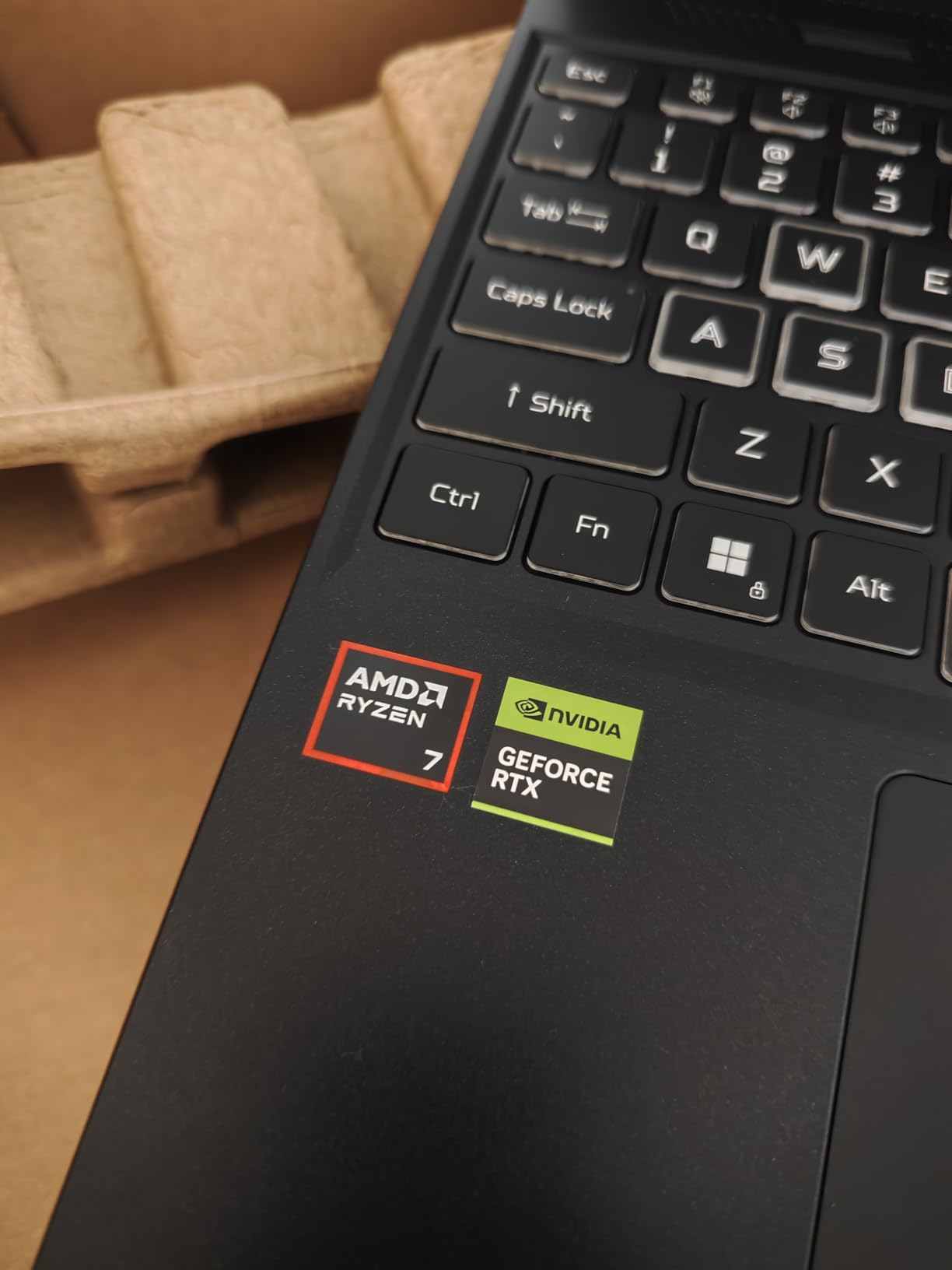
The RTX 5060 runs on Blackwell silicon with 572 AI TOPS and DLSS 4 Multi Frame Generation, so frame generation is available at a tier where it used to be unheard of. The 180Hz panel is also the quickest 16-inch screen in this group, and 100% sRGB coverage keeps colours honest in a way cheaper panels often do not.
The catch is honest: eight gigabytes of VRAM is still eight gigabytes. Owners who push this into the newest triple-A titles at high settings report hitting that ceiling, and the 65 watt-hour battery does not stretch far from a charger.
- Ryzen 7 260 with 8 cores and 16 threads, up to 5.1 GHz
- Wi-Fi 6, HDMI, USB 3.2 Gen 2 and DisplayPort over USB-C
- Two M.2 slots with one free, so storage growth is painless
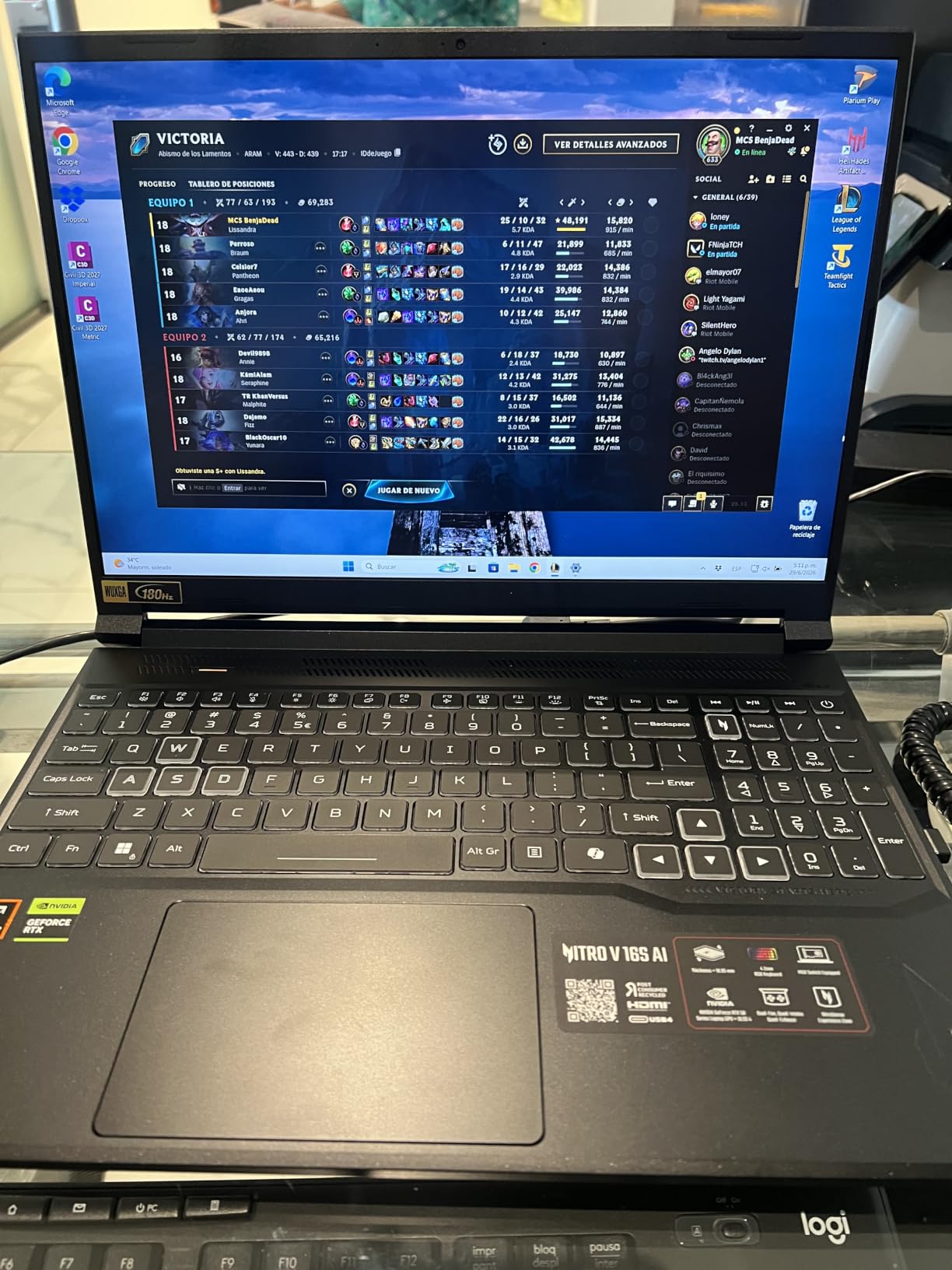
Where it beats the ROG Strix G16 is memory and refresh rate. Where the ROG wins is GPU power headroom and a much larger body of owner ratings to read before you commit.
4. HP Victus 15.6 32GB: Best for Memory Headroom on a Hybrid Machine
- 32GB RAM and a 1TB NVMe drive in this bracket
- Runs quiet and stays cool for light gaming
- Useful ports including HDMI 2.1 and SD reader
- 144Hz anti-glare IPS panel
- Handles esports and co-op titles smoothly
- 4GB VRAM causes lag in demanding games
- Unplugged gaming lasts one to two hours
- Runs warm under sustained load
This is the laptop to buy if gaming is half of what you do. The memory and storage allocation is unusually generous for the tier, and owners consistently single out how quiet and cool it stays during normal work and lighter games.
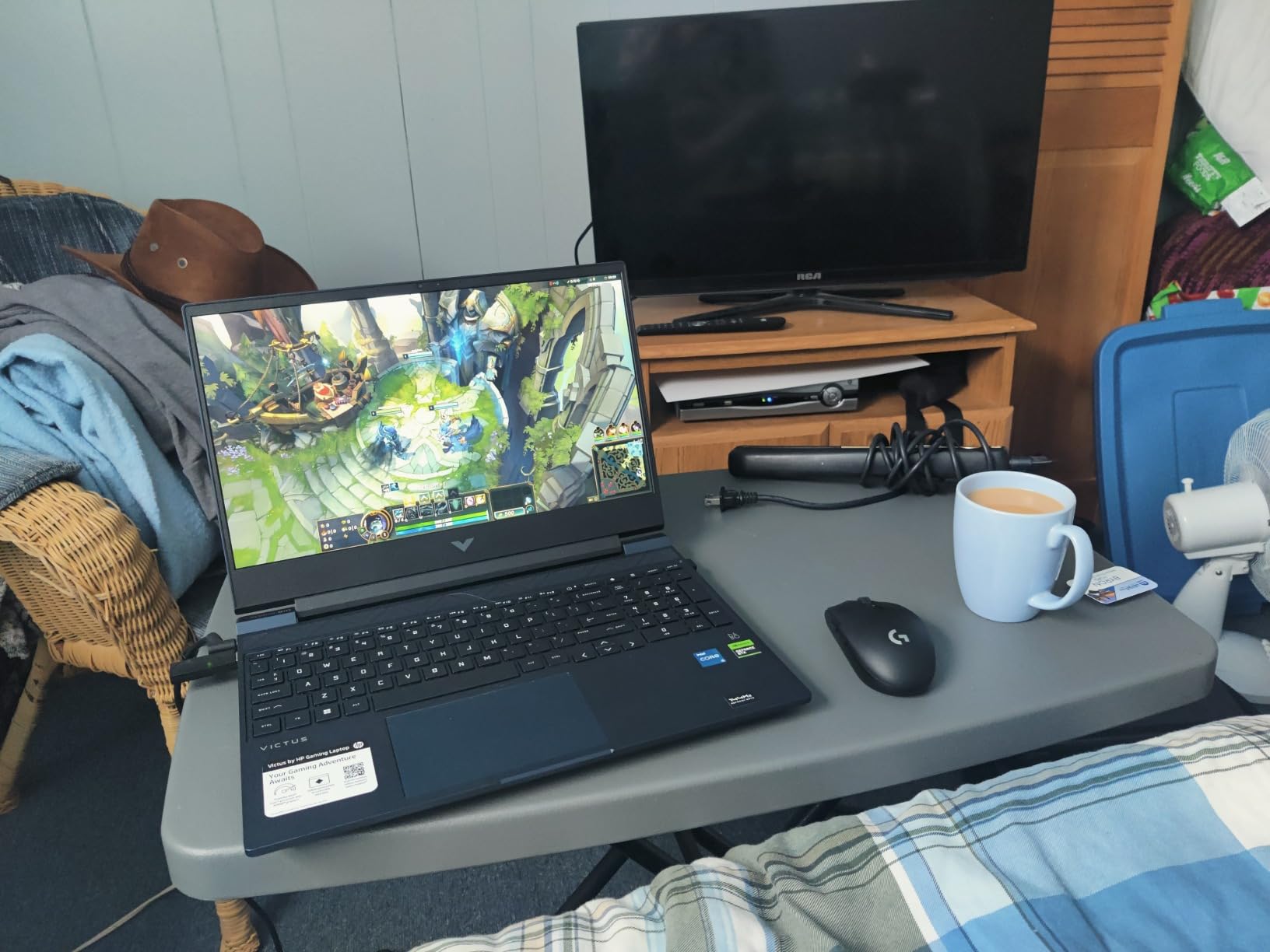
The weakness is graphics memory. Several owners of demanding titles report severe lag and on-screen glitching on this 4GB card, and the same reviewers point out that unplugged gaming drains the small battery quickly.
- 12th Gen Core i5-12450H with 8 cores and 12 threads
- Two memory slots with one available M.2 slot for a second drive
- Backlit keyboard, numeric keypad, SD media card reader and RJ-45
Against the Acer Nitro V 15, this machine trades roughly 30 percent more graphics capability for double the memory and a wider port selection. If your play leans competitive and cooperative rather than single-player spectacle, that swap works in your favour.
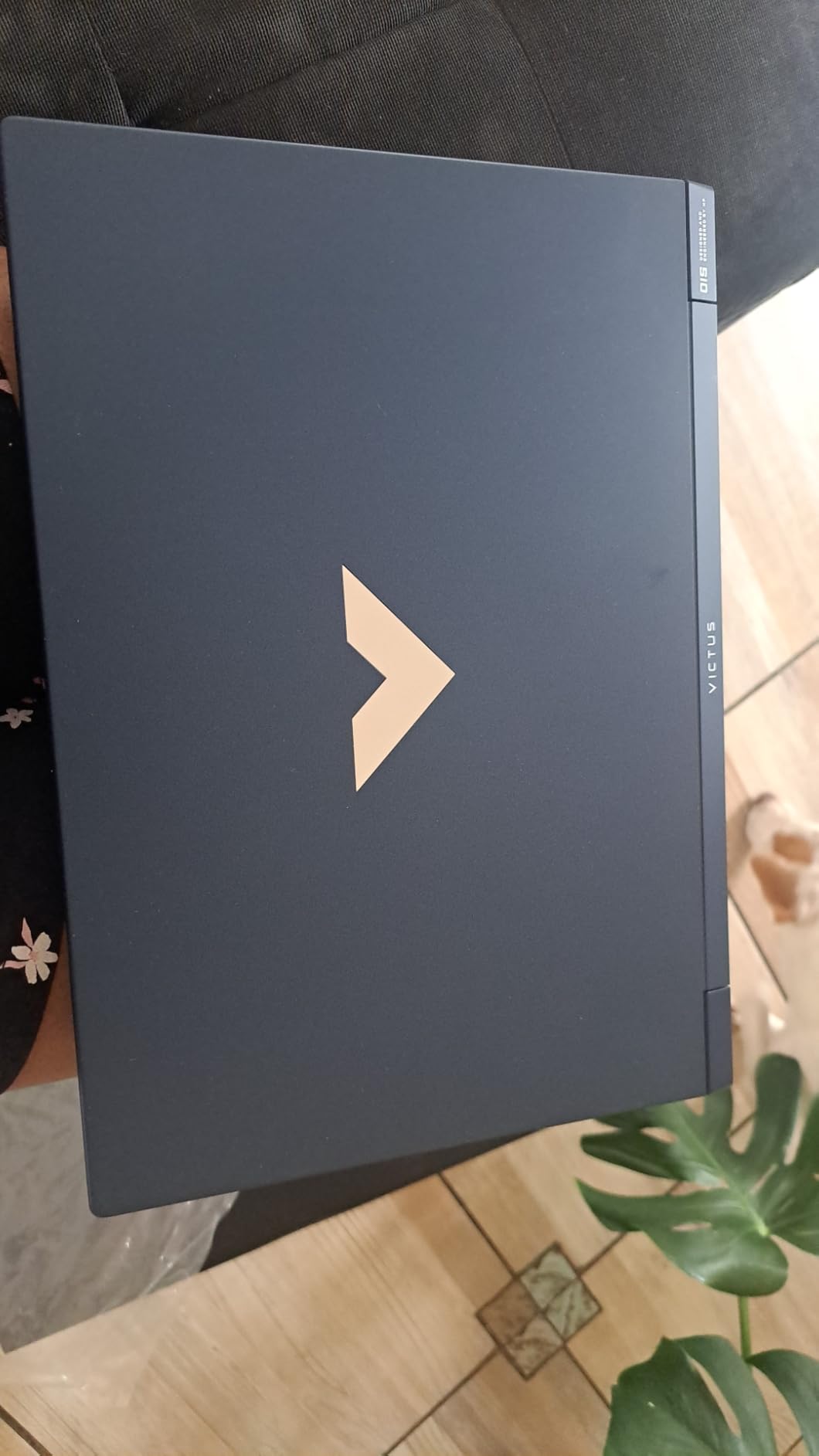
Good to know: a fingerprint-prone chassis finish and unremarkable speakers are the two cosmetic complaints that recur. Neither affects play.
5. Acer Nitro V 15 i9: Best for CPU Headroom in Older AAA Titles
- 14-core i9 paired with RTX 4060 handles modern AAA titles
- Reviewers report no overheating and a sturdy chassis
- Thunderbolt 4 plus Gigabit Ethernet and four USB ports
- NitroSense tuning with a quiet fan setting
- Light 4.7 lb weight at 15.6 inches
- Fans get loud under sustained load
- 512GB drive is small by current standards
- Display and speakers are functional rather than standout
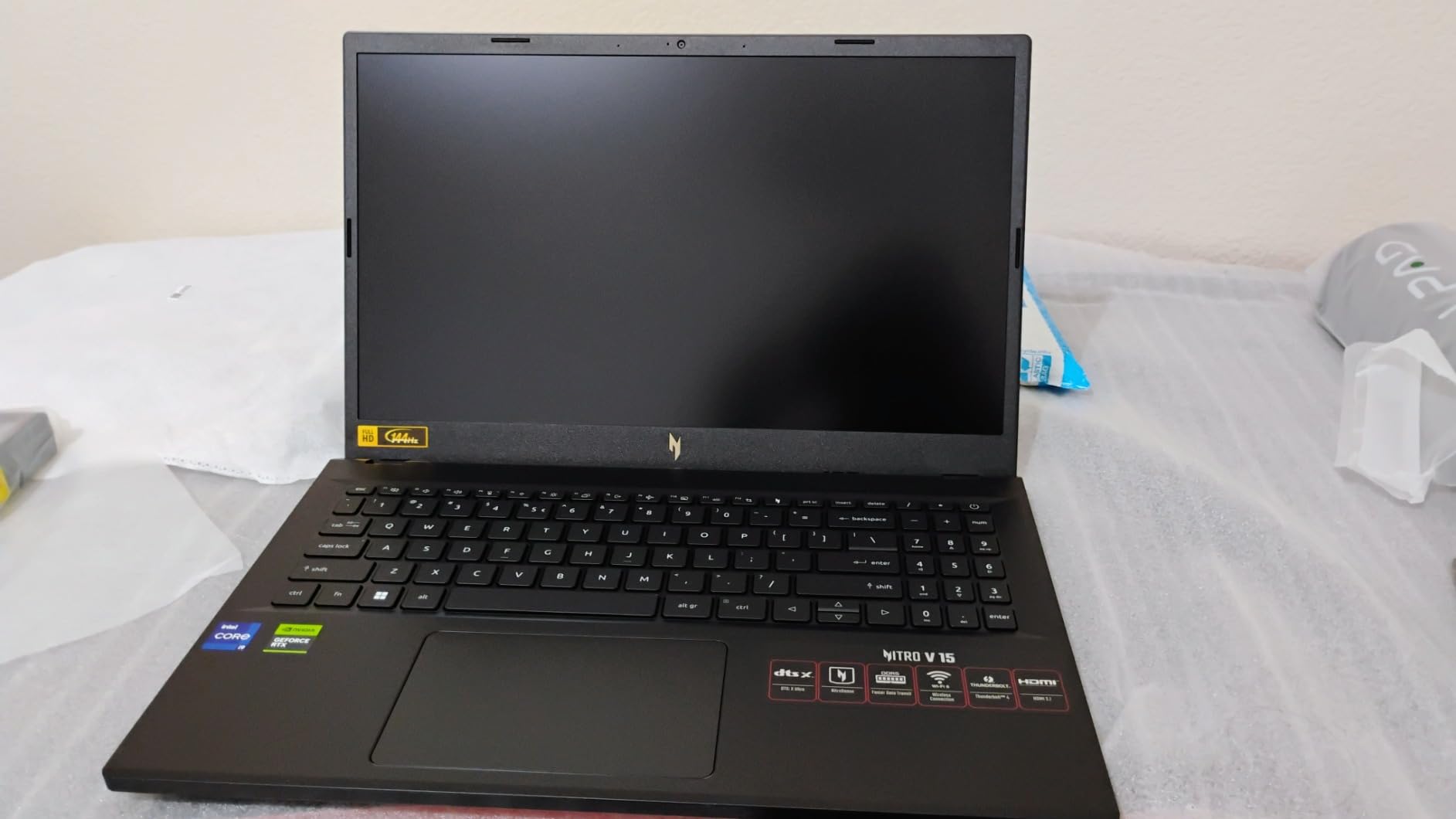
A 14-core processor alongside an RTX 4060 is the combination to look for when your games lean on simulation, strategy or crowd-heavy scenes rather than raw pixel count. Owners report that this pairing handles every modern AAA title they have thrown at it.
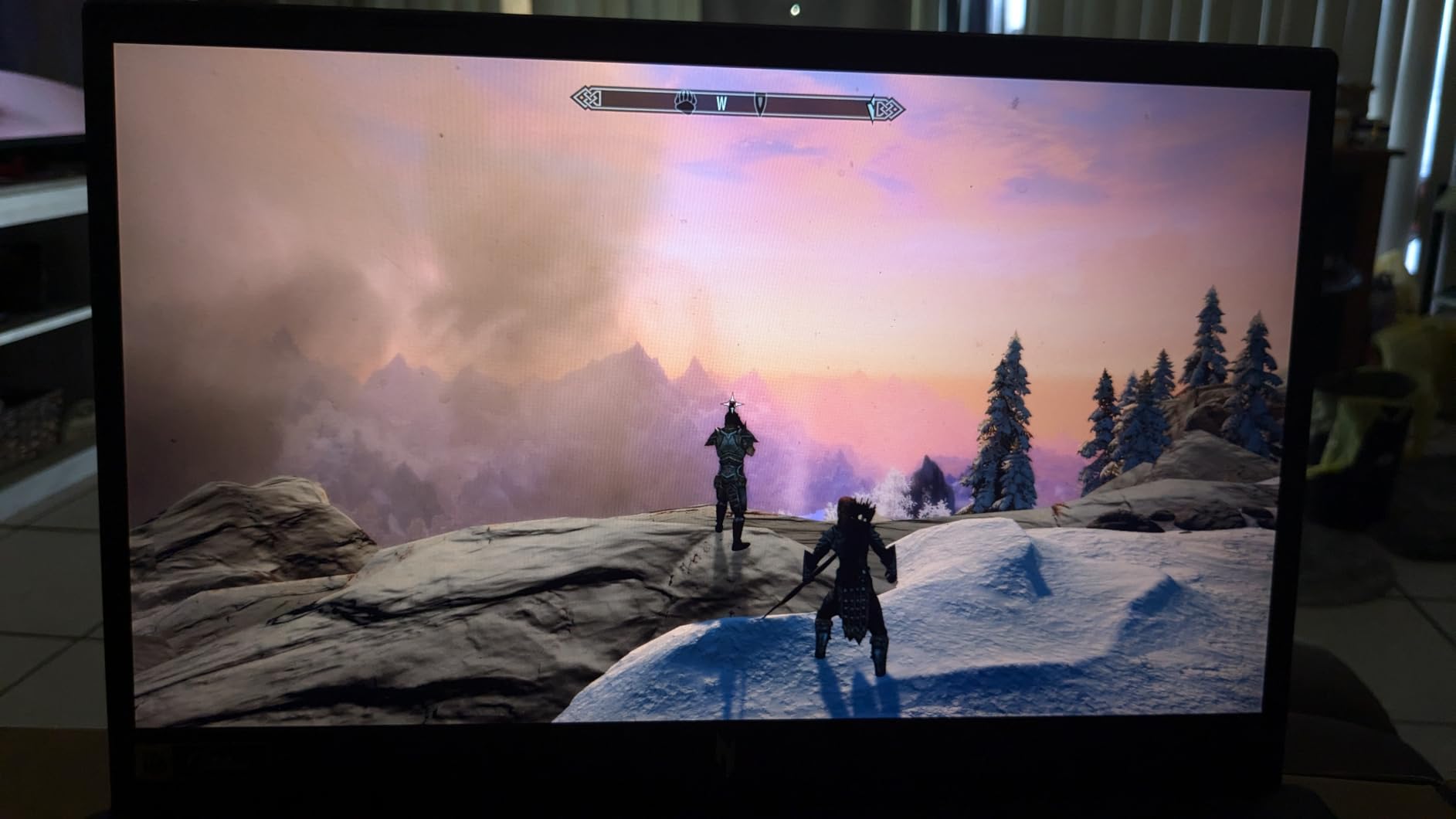
Build quality comes up as a strength in the reviews, with no overheating reported and a chassis described as sturdy. NitroSense adds temperature monitoring and a quiet fan mode, which is useful during long sessions in a shared room.
Two things to weigh. Owners note the fans can be very loud under load, though quiet mode exists, and 512GB of storage fills quickly on a machine sold for gaming. Both slots are M.2, so adding a drive is straightforward.
One review documented a Hyper-V or hyperthreading error with no BIOS option to turn hyperthreading off, and a support exchange that did not resolve it. Rare, but worth knowing exists before you buy.
6. Alienware Aurora 16: Best for QHD Screen Detail
- Only 2560x1600 16:10 panel in this roundup
- RTX 5060 Blackwell with modern ray tracing and AI upscaling
- Cryo-Chamber cooling without a rear thermal shelf
- One year of Dell onsite service
- Backlit keyboard with numpad and Dolby Audio
- 300 nit brightness is dim for a QHD panel
- 16GB memory on a machine at this price
Every other 16-inch machine here runs at 1920×1200 or below, so this screen simply shows more. The 16:10 shape also makes the desktop feel wider, which matters when you are alt-tabbing between a game and a browser rather than playing full screen.
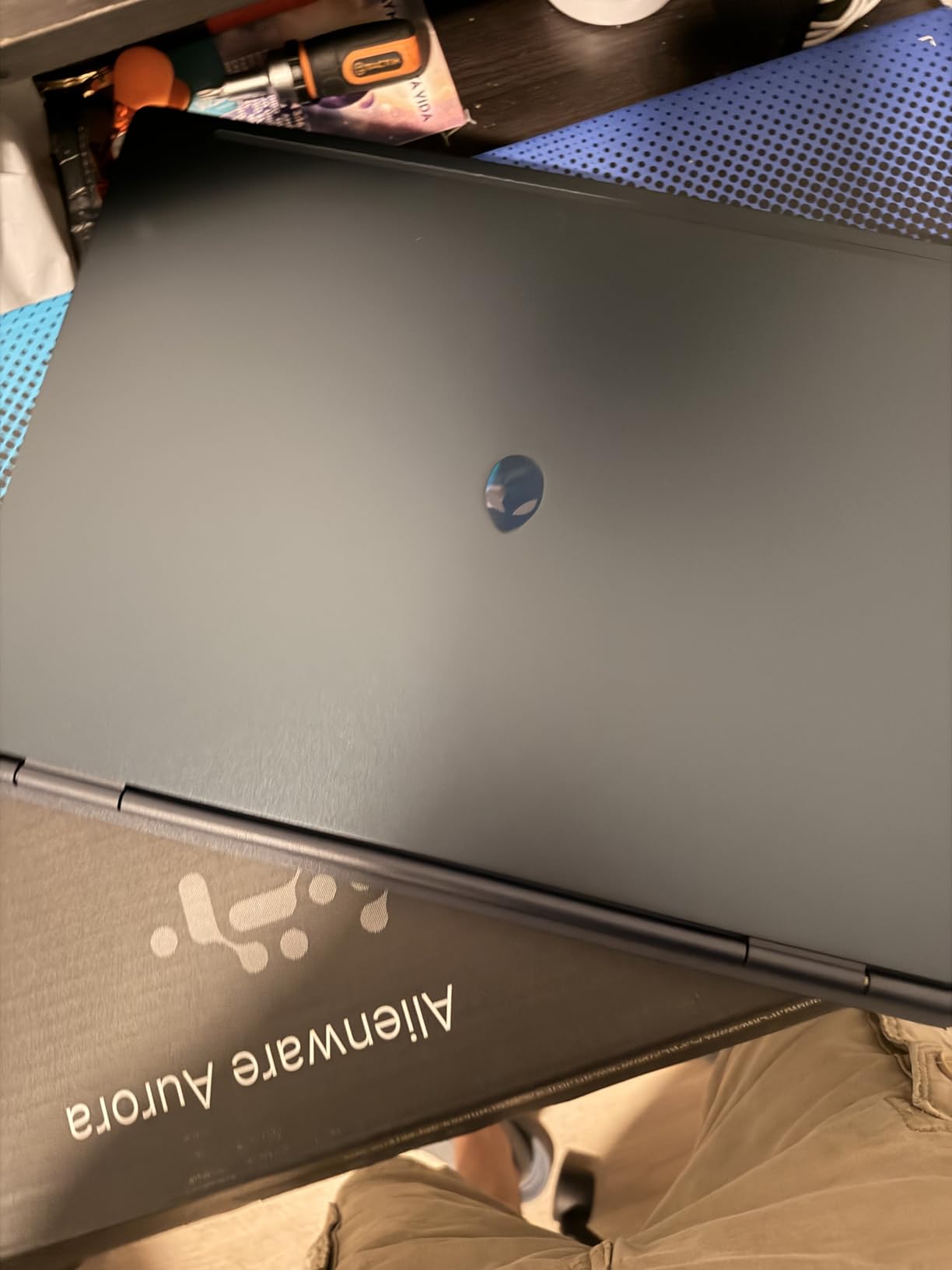
Onsite service from Dell is the sleeper feature. For a first gaming laptop bought by someone who does not want to diagnose hardware problems, having a technician come to the house for a year changes the ownership experience.
- RTX 5060 on Blackwell architecture with 8GB GDDR7
- Core 7 240H with 10 cores and up to 5.2 GHz
- Two memory slots with a 32GB ceiling
- Four USB ports across USB 3.2 Gen 1 and Gen 2, plus HDMI and Ethernet
The trade-off is panel brightness at 300 nits, which owners describe as dim in a bright room. Buyers who care more about pixels than brightness should read the negative reviews before committing.
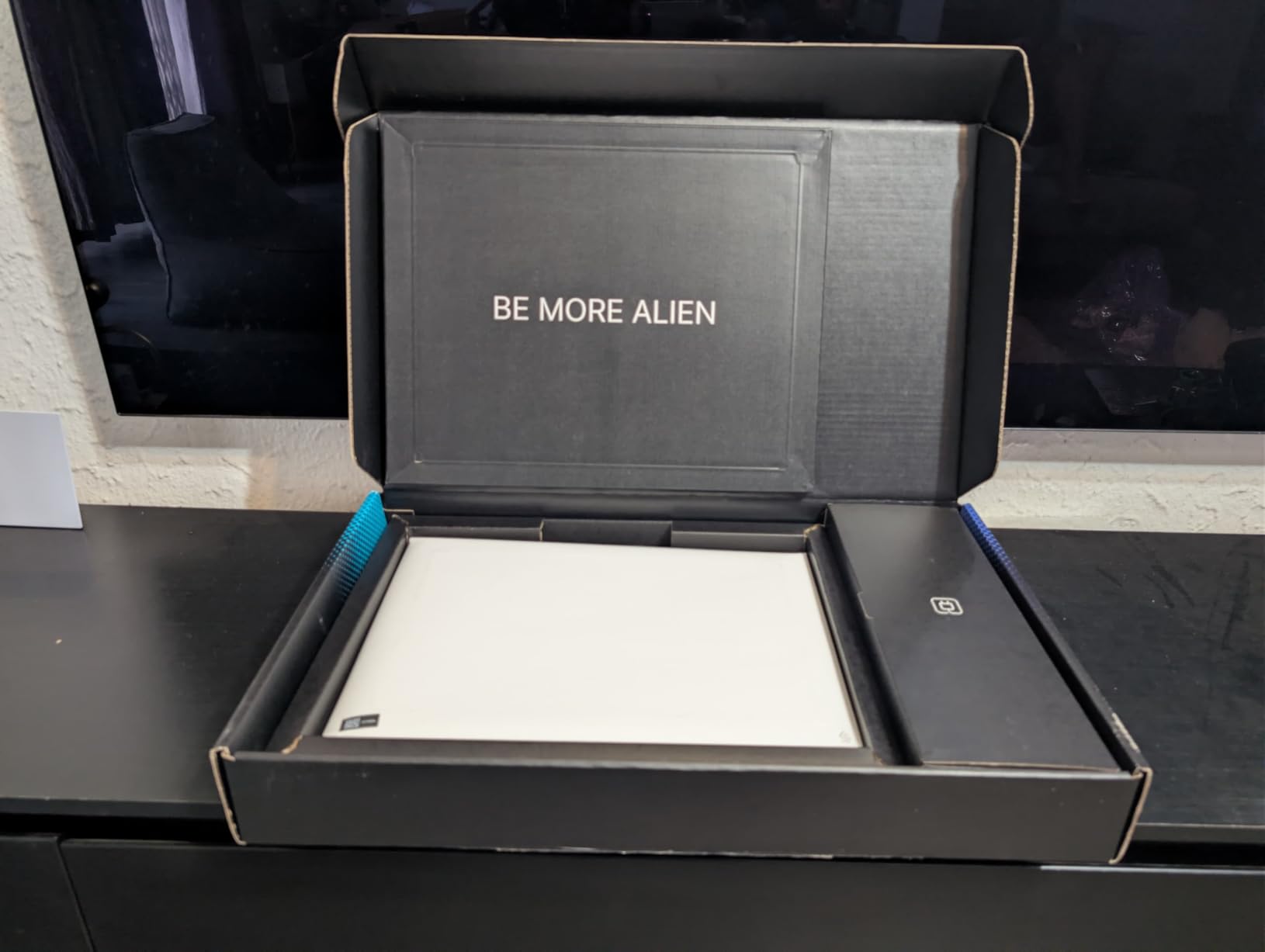
Memory is user-upgradable on this machine, so 16GB is a starting point rather than a ceiling.
7. ASUS TUF Gaming A16: Best for Durability at a Desk
- Second-highest rating here at 4.5
- MIL-STD tested build with a spill-resistant keyboard
- 16GB DDR5 expandable to 64GB
- 100% colour gamut IPS panel
- Anti-glare coating and HD Audio
- Heaviest machine in the list at 7 lb
- 512GB drive with no free M.2 slot indicated
- Only two ports plus HDMI listed
This is the one to buy if the laptop lives on a desk and has to survive a shared household. The TUF line is tested to military durability standards, and the spill-resistant keyboard earns its keep when drinks are the main threat.
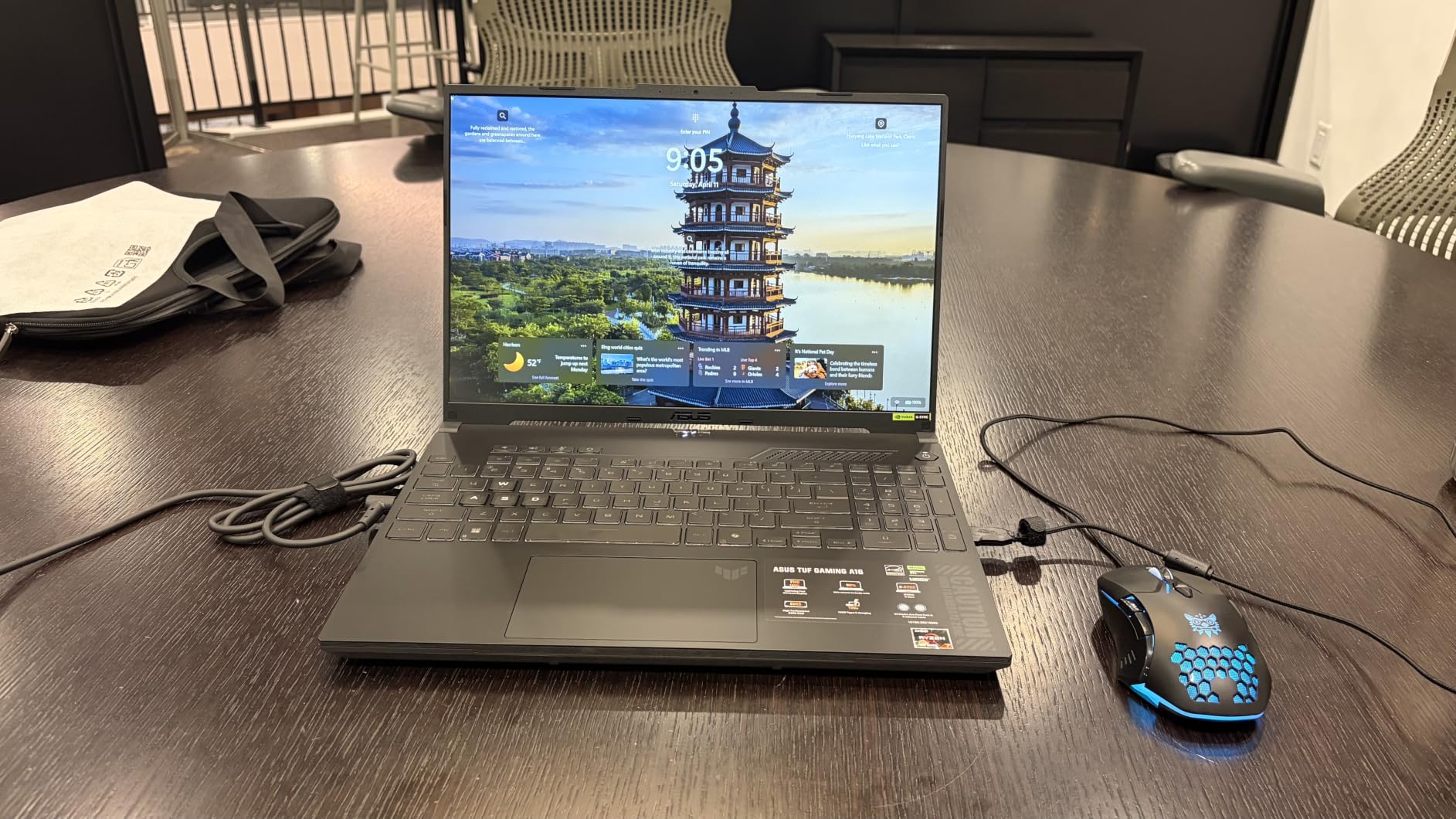
The memory headroom stands out too. Sixteen gigabytes of DDR5 expandable to 64GB is the highest upgrade ceiling in this roundup, which matters if you expect to keep the machine for several years.
- Ryzen 7 7445HS with 6 cores, up to 4.7 GHz
- 16-inch Full HD+ 1920×1200 IPS at 144Hz with 100% colour gamut
- 51 watt-hour battery and a backlit keyboard
Seven pounds is the heaviest machine here by a wide margin, and anyone who needs to carry a laptop between classes will feel it. Reviewers also note that storage starts at 512GB with no spare slot indicated. For a comparable outlay the Acer Nitro V 15 gives you a 165Hz panel, Thunderbolt 4 and a 4.7-pound body, which is why it earns its place higher in this list.
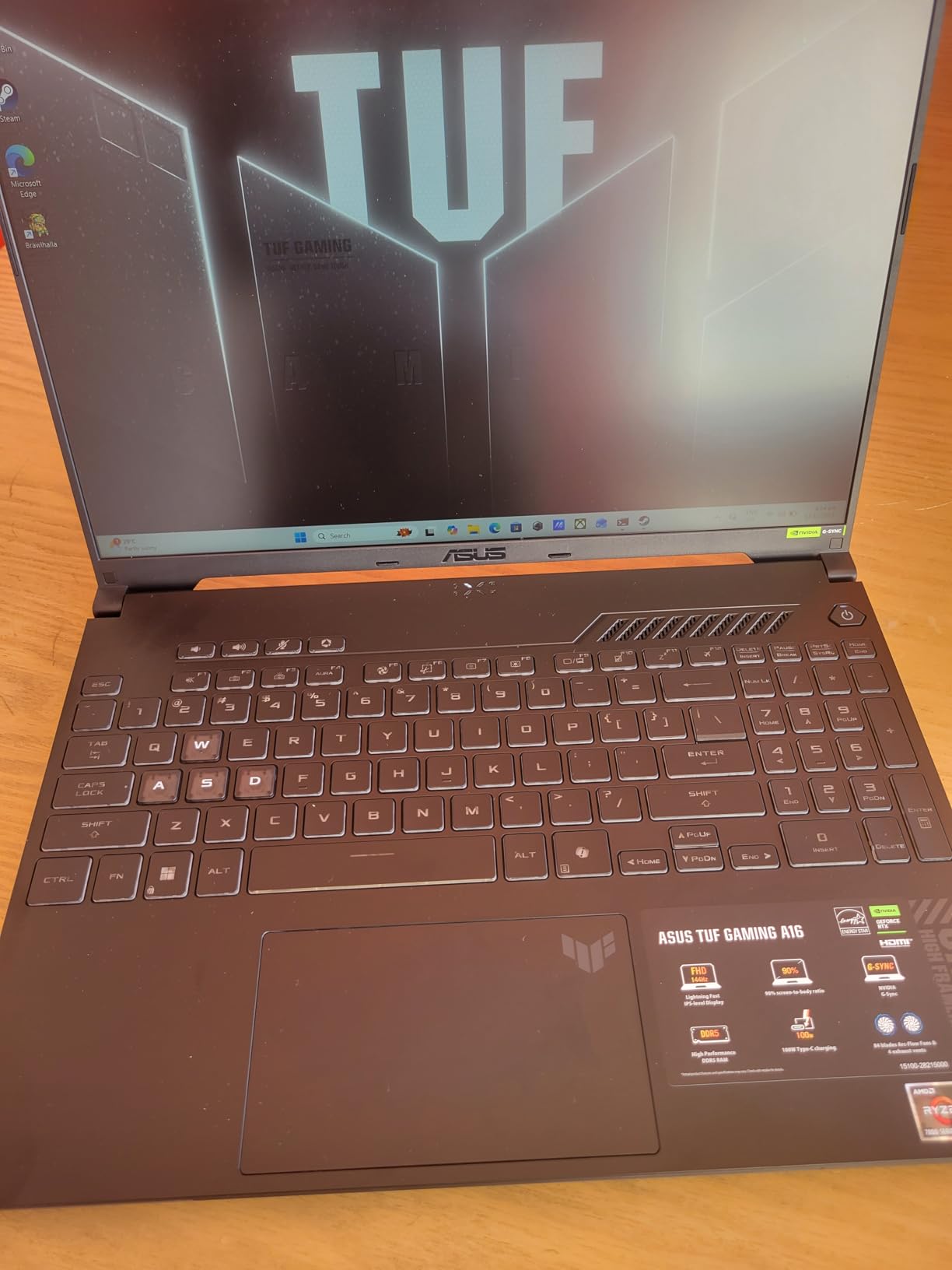
Port selection is the weak point on this listing, with two ports plus HDMI shown. Confirm the full port list before ordering if you rely on wired peripherals.
8. ASUS ROG Strix G16 2.5K: Premium Pick for High-Refresh Enthusiasts
- RTX 5070 Ti with 32GB of graphics memory
- Only 240Hz 3ms 2.5K panel here at 500 nits
- End-to-end vapor chamber with tri-fan liquid metal cooling
- 32GB DDR5-5600 and 1TB Gen4 SSD
- Customisable RGB light bar with a Stealth Mode
- By far the most expensive pick here
- 5.8 lb weight for a 16-inch machine
- Performance far beyond what 1080p settings need
Thirty-two gigabytes of graphics memory changes what is possible at 1440p and above, because VRAM is the limit that forces texture and ray-tracing settings down. Owners of this machine highlight the headroom as the reason to buy, not raw frame rate.
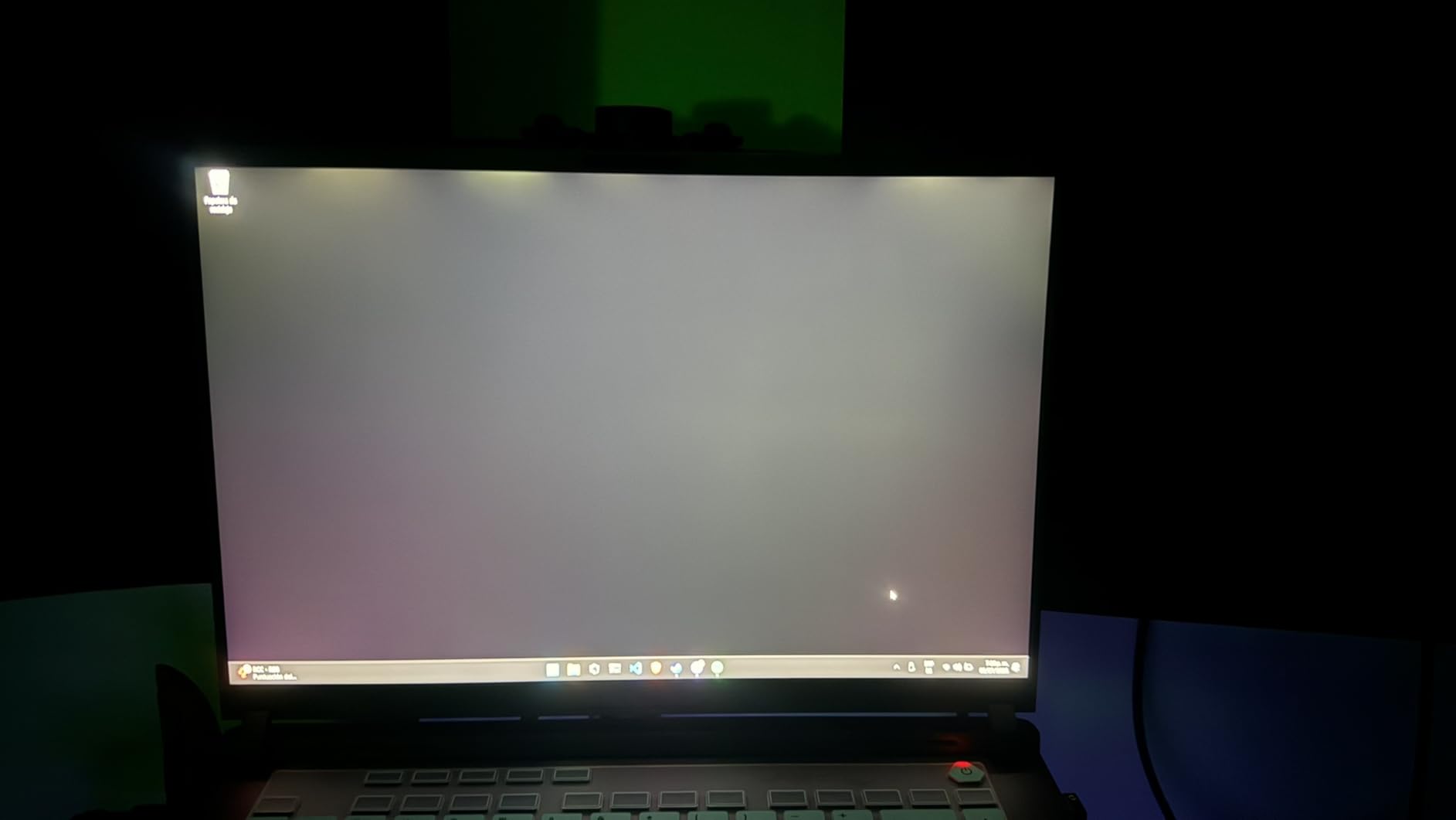
The 240Hz 3ms Nebula panel is the only display of its kind here, running at 500 nit brightness with anti-glare film for contrast. Cooling is the most advanced spec in the roundup, with an end-to-end vapor chamber, three fans and liquid metal on the chipset, which is what makes the sustained frame rates hold up.
- 24-core Core Ultra 9 275HX with up to 5.4 GHz
- Wi-Fi 7 and Thunderbolt, plus a large battery for a machine this size
- DLSS 4 and Max-Q support on the Blackwell GPU
The honest case against it is cost. Most of these picks run at 1080p or WUXGA, where this machine’s graphics memory simply sits unused, and the same applies to the weight at 5.8 pounds. If you play competitive shooters at the highest refresh rates available, the panel justifies itself. If you play single-player at medium settings, the Acer Nitro V 16S gives you most of the experience for a fraction of the outlay.
Stealth Mode turns off the light bar for work and meetings without touching performance settings.
9. Lenovo Legion LOQ 15: Best for Tear-Free Esports
- NVIDIA G-Sync on a 144Hz IPS panel for tear-free play
- Rapid Charge Pro refills 70% in under 30 minutes
- Aerospace-grade aluminium cover
- Hyperchamber cooling with automatic tuning
- Seven hours of stated battery life
- RTX 5050 sits below the RTX 5060 tier
- 300 nit panel can look dim
- Only 106 reviews to gauge long-term reliability
G-Sync support on a 144Hz panel is what separates this from the other 144Hz screens in this list. Competitive shooters live and die by tearing artifacts, and this is the only pick with variable refresh synchronised to the frame rate.
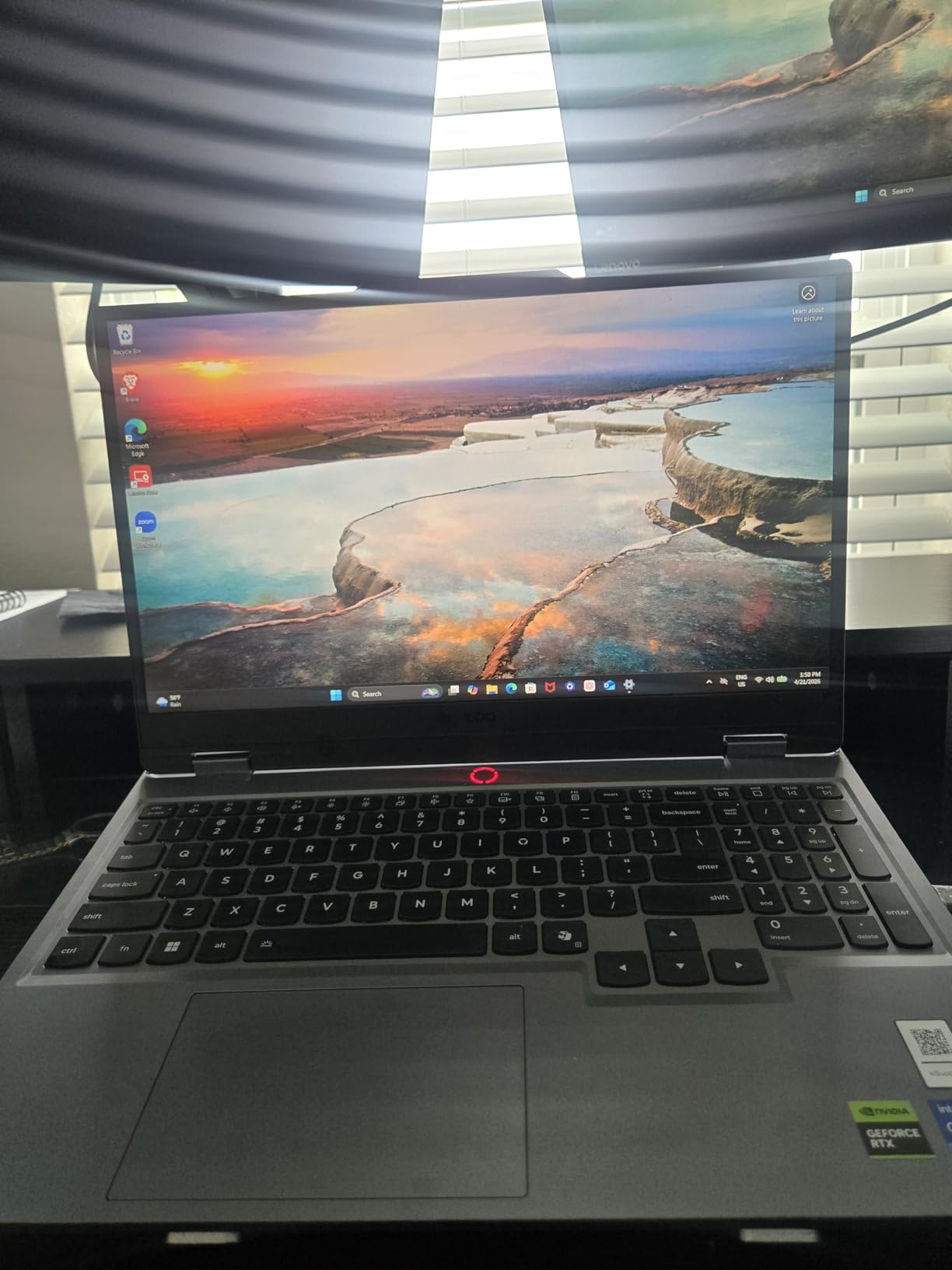
The fast charging solves the other common complaint about gaming laptops. Getting back to 70 percent in under half an hour means a short break between matches is enough, which matters far more than the rated seven-hour figure suggests.
The RTX 5050 uses newer GDDR7 memory but sits a tier below the RTX 5060 in performance, so do not expect it to outrun the ROG Strix G16 or the Alienware Aurora 16 in frame rate. The one-star share is tied for the highest here, with owners pointing at display brightness and the GPU tier.
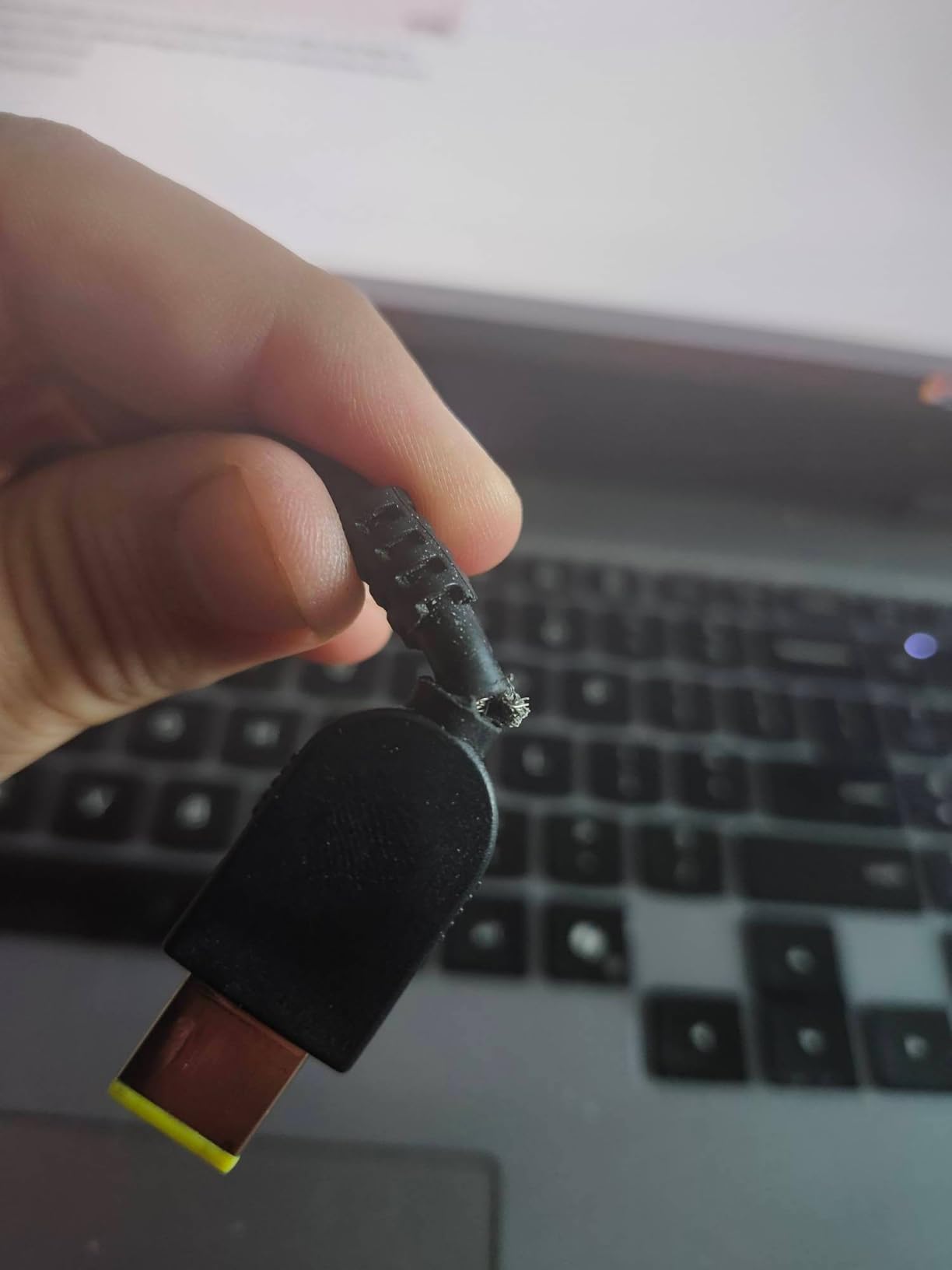
At 106 reviews this is the thinnest owner feedback base in the roundup. Read what is there, but know how little history you are reading.
10. HP Victus 15.6 8GB: Budget Pick for the Lowest Way In
- Lowest entry cost in this roundup
- 6GB of graphics memory is more than most cards at this tier
- Longest stated battery life among the picks here
- 144Hz anti-glare IPS panel
- Multiple memory and storage configurations in the same family
- 8GB of DDR4 memory is a real constraint
- Listings show inconsistent spec fields
- Older platform with an 8-core i5
Six gigabytes of graphics memory at the lowest entry cost here is a genuinely useful combination for esports titles and older games. Its stated battery life is the longest of any pick in this roundup, so this is also the machine that travels best.
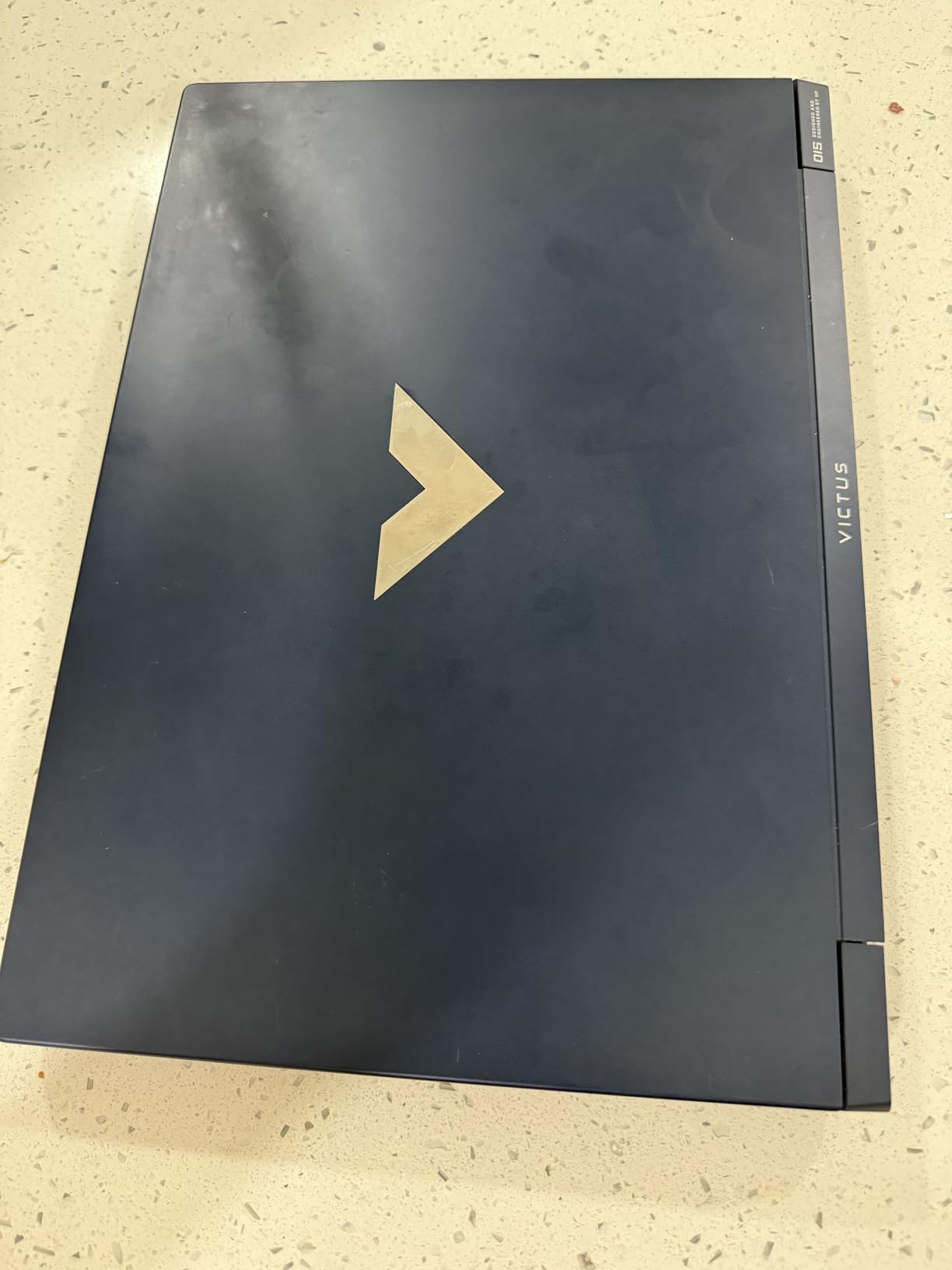
Be careful with the listing itself. Spec fields for this ASIN are inconsistent across listings, showing different memory and graphics values, so confirm the exact configuration on the page before you rely on any of it.
- 8GB DDR4-3200 with up to 32GB supported
- 512GB PCIe Gen4 SSD
- Backlit keyboard, Bluetooth 5, Ethernet, HDMI and USB-C
- One-year limited warranty
Eight gigabytes of system memory is the real constraint. Modern games plus a browser and voice chat will push it, and there is no way around that other than adding memory later. Compared with the HP Victus 15.6 32GB, this machine shares the same chassis idea and a better battery but leaves you with half the memory it ships.
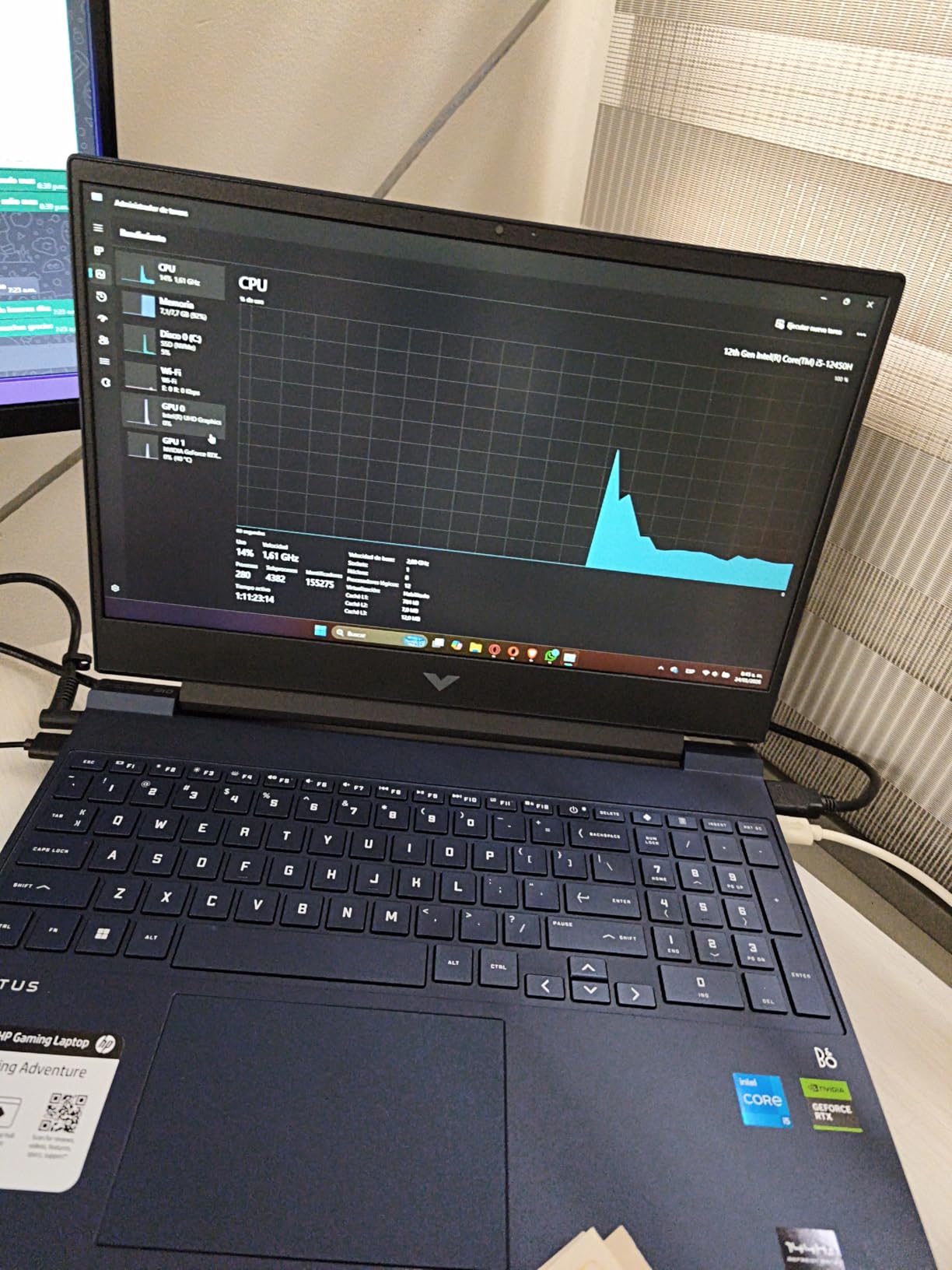
This is the oldest platform in the roundup, and the one most worth skipping if you can stretch to a machine with 16GB as standard.
How to Choose Gaming Laptops During Prime Big Deal Days
Choose a Processor and GPU for Your Games
Pick the GPU by resolution first, then the processor by the kind of game. For competitive 1080p play, an RTX 4050 or RTX 3050 is enough, and the Acer Nitro V 15 and HP Victus 15.6 32GB both fit. For newer titles at high settings and 1440p output, look at the RTX 5060 class, which is what the Acer Nitro V 16S and Alienware Aurora 16 deliver.
Processors matter more in simulation, strategy and crowd-heavy scenes than in shooters. The 14-core Core i9 in the Acer Nitro V 15 i9 is the clearest example of CPU headroom in this group. Anyone also planning to plug in a console or a projector alongside the laptop should read our gaming projectors for consoles guide before settling on a panel size.
Prioritize Cooling and Sustained Performance
A benchmark number measures about ten minutes. Gaming sessions last hours, and the gap between those two is where thermals decide whether your frame rate holds. Vapor chambers, liquid metal on the CPU and tri-fan designs are the specs that matter here, and the ASUS ROG Strix G16 2.5K has the most advanced cooling package in this list.
Fan noise follows the same line. Several owners of the Acer Nitro V 15 i9 report loud fans under load, though a quiet mode is available. A quieter machine also means you can sit at it for longer, which is why comfort matters as much as raw decibels; our pick of gaming chairs for taller users covers the other half of long sessions.
Check the Display for Motion and Detail
Refresh rate decides smoothness, resolution decides detail, and you rarely get both at a fair price. Anything at 144Hz or above is a sensible floor in 2026, and 165Hz or 180Hz is the sweet spot for most players. The Acer Nitro V 16S leads this group at 180Hz, while the Alienware Aurora 16 is the only 16:10 panel and the ASUS ROG Strix G16 2.5K is the only 240Hz one.
Check brightness too, since 300 nit panels look washed out near a window. If you will play on a larger screen some of the time, our gaming TVs for under a thousand dollars guide is worth a look alongside the laptop panel.
Confirm Memory Storage and Battery Life
Sixteen gigabytes of RAM and a 1TB drive are the practical starting points in 2026. Eight gigabytes runs out quickly once a browser and voice chat are open alongside a modern game. Storage growth matters more on some machines than others: the Acer Nitro V 16S and the Acer Nitro V 15 i9 both leave M.2 slots free, while the ASUS ROG Strix G16 lists 16GB as its maximum.
Battery life decides how often you play near a socket. The HP Victus 15.6 8GB posts the longest stated figure here, while the ASUS ROG Strix G16 states about four hours. For travel days, packing a power bank for laptops adds hours of gaming away from home.
How to Shop Gaming Laptop Deals During the Sale
Check the exact model number on the listing, because several of these laptops share a family name across configurations. Confirm the processor, graphics card, memory, storage and screen specification in the detail fields, and note who sells and ships the machine along with the return terms. Look for a free M.2 slot or spare memory slots if you plan to upgrade later, and treat inconsistent spec fields on a listing as a reason to move on. Most Prime Big Deal Days offers require a Prime membership and change through the event.
- Verify the model number and configuration before ordering
- Check the graphics card memory, not just the graphics card name
- Look for a free M.2 slot or spare RAM slots
- Note whether the seller and shipper are Amazon
- Save the listing page so you can compare the price afterwards
- Check the return window before the event ends
Frequently Asked Questions
When do Amazon Prime Big Deal Days run?
Amazon Prime Big Deal Days runs October 6-7, 2026. Most of the laptop offers on this list need an active Prime membership, and a free trial counts if you have not had one before. Offers can start or end earlier than the window itself, so check the listing rather than assuming.
Which are the Best Amazon Prime Big Deal Days Gaming Laptop Deals?
The ASUS ROG Strix G16 leads on balance, with a full 140W RTX 4060 and a 165Hz panel. The Acer Nitro V 15 carries the highest owner rating at 4.6, and the Acer Nitro V 16S offers the most memory with 32GB and a 180Hz screen. Prices and offers change during the event, so confirm the current configuration before buying.
Do I need Prime to buy a gaming laptop during the sale?
Most Prime Big Deal Days offers require an active Prime membership. A free trial counts toward the requirement if you are eligible for one. Non-members can still browse these laptops, but they may see a different price or miss member-only offers entirely.
What RAM and storage should a gaming laptop have?
Sixteen gigabytes of RAM and a 1TB solid-state drive are sensible starting points in 2026. Eight gigabytes fills up quickly once a browser and voice chat sit alongside a modern game. A free M.2 slot or spare memory slots make a smaller configuration easier to grow later.
Is a 144 Hz gaming laptop display worth it?
Yes, if you play competitive shooters or fast action games, where the difference between 144Hz and 60Hz is easy to see. For single-player games played at a desk, the gain is smaller and resolution matters more. A higher refresh rate such as 165Hz or 180Hz is a bonus when the price is right.
Do gaming laptop deals usually include the graphics card upgrade?
No. Laptop graphics cards are soldered to the motherboard, so the card cannot be upgraded later. Some laptops ship with multiple memory and storage options instead, so check whether the configuration you want can be selected before you buy.
Final Verdict: Best Amazon Prime Big Deal Days Gaming Laptop Deals
The ASUS ROG Strix G16 is the one to watch most closely during Prime Big Deal Days, because the 140W RTX 4060 and 165Hz panel give the most well-rounded gaming experience here and the largest body of owner ratings to check. Buy the Acer Nitro V 15 if you want the highest-rated pick and the lightest 15.6-inch body, and buy the Acer Nitro V 16S if 32GB of memory and a 180Hz screen matter most for what you play.
The HP Victus 15.6 8GB is the budget-friendly way in, though 8GB of memory is a real limit. For hybrid work and study the HP Victus 15.6 32GB does more with your money away from the screen, and the Alienware Aurora 16 is the choice when a 2560×1600 panel beats raw frame rate. Competitive players should look at the Lenovo Legion LOQ 15 for G-Sync, at the ASUS TUF Gaming A16 for durability, at the Acer Nitro V 15 i9 for processor headroom, and at the ASUS ROG Strix G16 2.5K for 240Hz and 32GB of graphics memory.
Check the exact configuration and the current offer on the listing before you order, since both can change during the event.