

If you want a MacBook Pro that lasts a full workday without a charger and fits in a backpack, the renewed 14-inch M1 Pro leads this list of Prime Big Deal Days picks. It pairs a 3024×1964 Liquid Retina XDR display with a 17-hour battery and a 3.5 lb chassis, and it carries more owner reviews than anything else here. Buyers who want a bigger canvas should look at the renewed 16-inch M1 Pro, while anyone shopping new hardware this 2026 is better served by the 14-inch M5.
These are the configurations worth watching while Amazon’s autumn event runs, not a promise about any particular offer. Prime Big Deal Days takes place October 6-7, 2026, and most offers sit behind a Prime membership, which a free trial covers. Prices move through the event, so use the buttons below to see the current number for each machine.
Table of Contents
Our Top 3 Picks for Best Amazon Prime Big Deal Days MacBook Pro Deals



Best Amazon Prime Big Deal Days MacBook Pro Deals Compared (October 2026)
| Product | Specifications | Action |
|---|---|---|
| MacBook Pro 14 M1 Pro |
|
Check Deal Price |
| MacBook Pro 16 M1 Pro |
|
Check Deal Price |
| MacBook Pro 14 M5 |
|
Check Deal Price |
 MacBook Pro 14 M3 Pro MacBook Pro 14 M3 Pro |
|
Check Deal Price |
 MacBook Pro 14 M2 Pro MacBook Pro 14 M2 Pro |
|
Check Deal Price |
 MacBook Pro 16 M5 Pro MacBook Pro 16 M5 Pro |
|
Check Deal Price |
| MacBook Pro 16 M4 Pro |
|
Check Deal Price |
 MacBook Pro 14 M4 MacBook Pro 14 M4 |
|
Check Deal Price |
How We Chose
Every configuration here was compared on the specs that decide a MacBook Pro purchase: chip generation, unified memory, storage, display size and resolution, battery claim, weight, ports and warranty. Ratings and owner review counts on Amazon were read alongside those specifications, and the whole set was checked in October 2026.
1. MacBook Pro 14 M1 Pro: Editor’s Choice
- 17-hour battery in a 3.5 lb chassis
- Native 3024x1964 Liquid Retina XDR display
- HDMI and three USB ports
- Sustained performance from an advanced thermal design
- Six speakers with spatial audio
- Only a 90-day limited warranty
- 16GB memory is fixed for the life of the machine
- Older 2021 generation
Most of the 786 owner reviews on this listing describe the same thing: a machine that disappears into a day of work. The 17-hour battery claim is the number that keeps coming up, and at 3.5 lb the 14-inch body is light enough to carry every day without thinking about it.
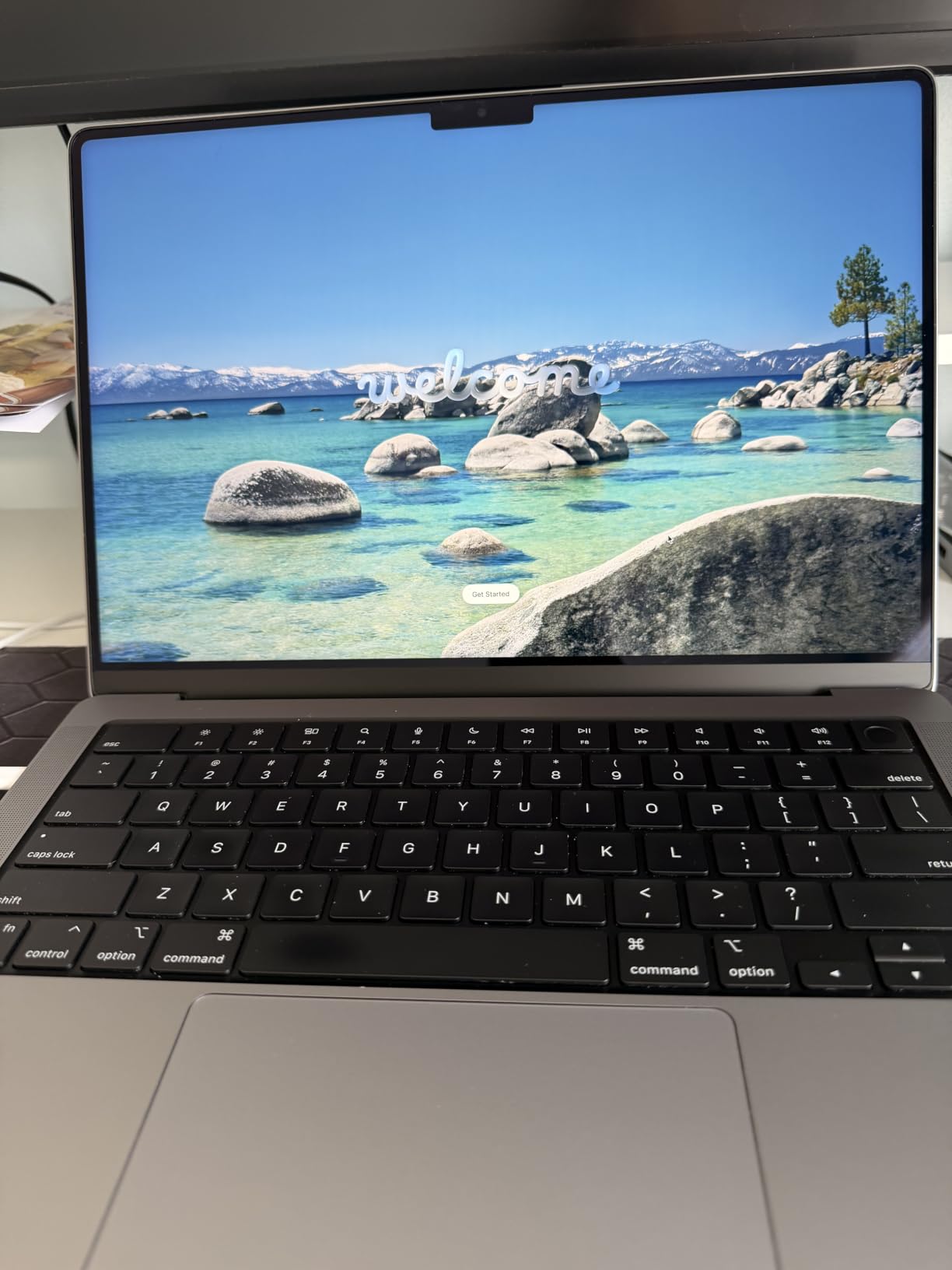
What stands out for the money is the display. A 14.2-inch Liquid Retina XDR panel at 3024×1964 native resolution, with ProMotion, gives text enough density that a week of writing or spreadsheet work stays comfortable. The M1 Pro pairs an 8-core CPU with a 14-core GPU, with a ProRes accelerator in the media engine for video timelines.
Owners also point to the thermal design, which keeps fan noise down during long sessions, and to the port layout: three USB ports, HDMI, and a backlit Magic Keyboard with a full-height function row. That matters more than it sounds once you stop carrying a dongle.
A 1080p FaceTime HD camera and a studio-quality three-mic array with noise cancellation round out the machine, and the anti-glare coating on the panel is a small courtesy for anyone working under overhead lights. It is an unremarkable spec sheet by current standards and that is exactly why it holds up: nothing here needs a dock or an adapter to be useful.
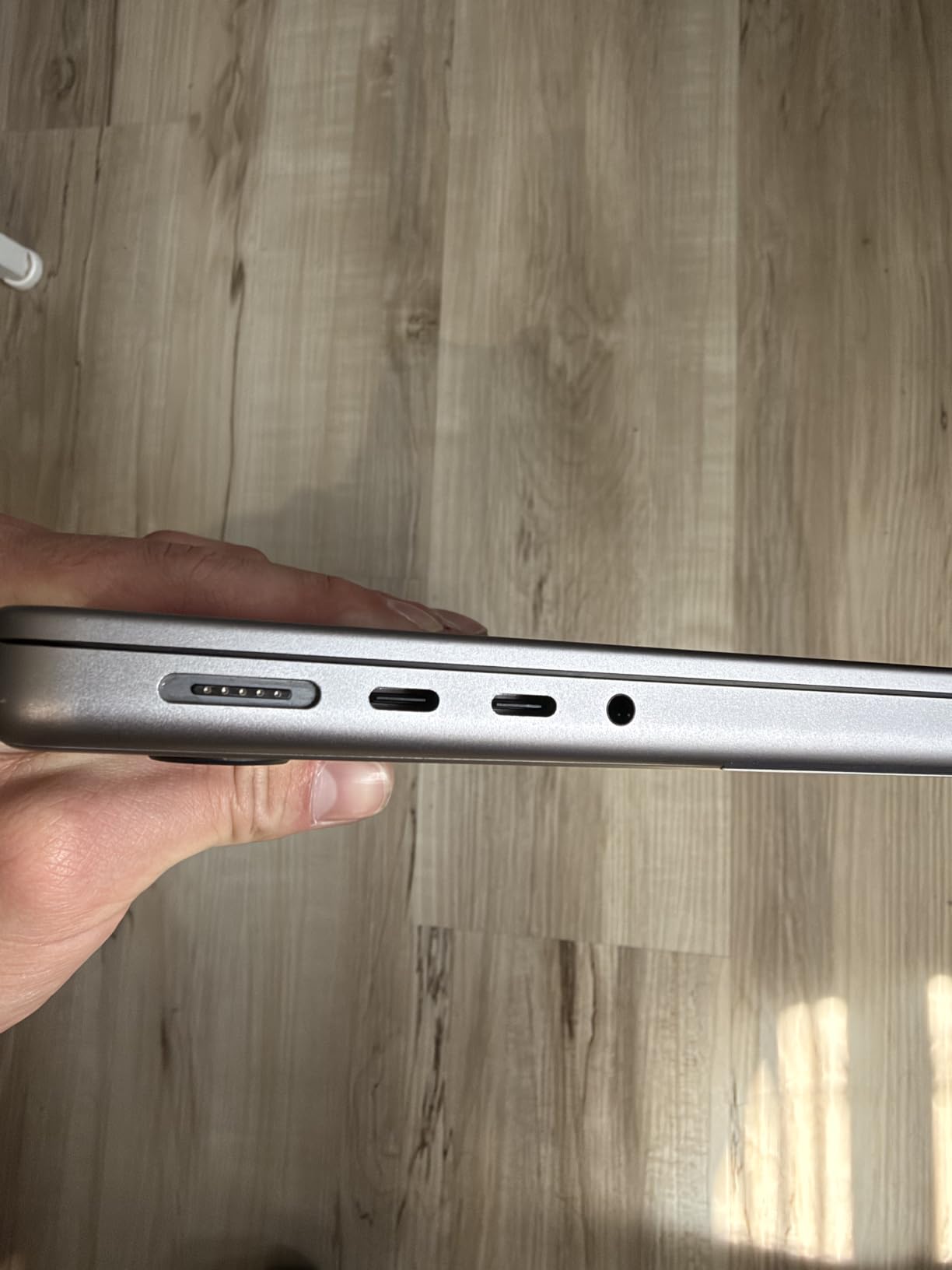
The MacBook Pro 14 M5 is faster and carries 1TB of storage instead of 512GB, but the 2021 M1 Pro holds its own for browsing, writing, spreadsheets, light photo work and code editing, at 3.5 lb against 3.41 lb. The real difference is ownership rather than speed: this one is renewed, so it carries a 90-day limited warranty instead of the full coverage that comes with new Apple hardware.
The case measures 14 inches long by 12.31 inches wide and 0.61 inches thick, and the three-mic array handles noise cancellation well enough for calls from a shared room. Because this is renewed condition, check the condition photos and the battery health on the listing before you commit. If your workload is heavier than everyday productivity, look at the MacBook Pro 14 M3 Pro, which carries 18GB of memory.
2. MacBook Pro 16 M1 Pro: Best for Big Screens
- 16.2-inch display at 3456x2234
- 17-hour battery
- 10-core CPU with a 16-core Neural Engine
- ProMotion refresh with six-speaker audio
- Weighs 4.6 lb
- 90-day renewed warranty
- Shared graphics memory
The 16.2-inch Liquid Retina XDR display runs at 3456×2234, about 30 percent more pixels than the 3024×1964 panel on the 14-inch version, and owners who edit photos or scroll long documents point to that difference as the reason to spend more.
Six speakers with spatial audio come with it, and a studio-quality mic array handles calls on a desk-bound machine. The chassis measures 14 inches long, 9.77 inches wide and 0.66 inches thick, which is a noticeably larger footprint than any 14-inch model here.
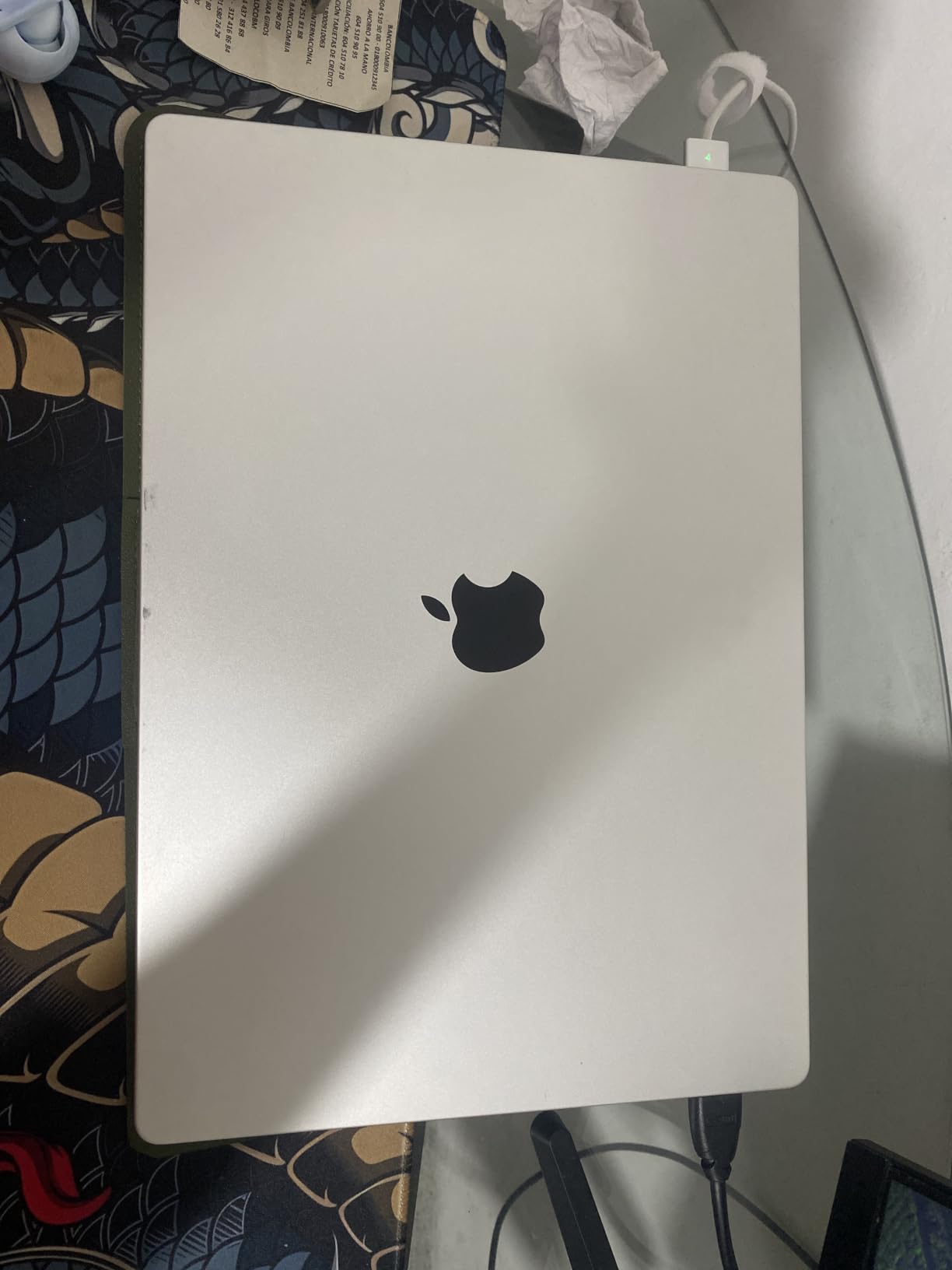
The M1 Pro here carries a 10-core CPU rated up to 3.7 times faster than the previous generation, alongside a 16-core Neural Engine for machine learning tasks. Battery life is listed at up to 17 hours, so the bigger screen does not come with a shorter day.
Storage and ports are where the trade shows up against newer models. You get 512GB of SSD, which fills quickly once a video project or a large photo library lands on it, and three USB ports, one HDMI and MagSafe 3. That is plenty for a desk with a monitor and a drive, but it is two generations behind the Thunderbolt 5 ports on the MacBook Pro 16 M4 Pro.
Where the trade-off shows up is weight. At 4.6 lb this is a laptop you notice in a bag, and it is over a full pound heavier than the MacBook Pro 14 M1 Pro. For a desk-bound creative workflow that hardly registers; for a commuter carrying it between trains it does.
Skip this one if you work mostly in one place and value portability over screen size. The MacBook Pro 14 M1 Pro gives you nearly the same performance and a much easier carry, and it is the same chip family.
Set against the MacBook Pro 16 M4 Pro, the newer 16-inch adds Thunderbolt 5 ports, a 1600-nit peak brightness figure and up to 24GB of unified memory, while this one tops out at 16GB with three USB ports. For photo and design work the two feel close; for sustained compiles or large project files the extra memory in the M4 Pro is the deciding factor.
3. MacBook Pro 14 M5: Most Versatile
- M5 chip with a Neural Accelerator per GPU core
- 1600 nits peak XDR brightness
- 1TB SSD as standard
- Performance holds on battery
- 16GB memory is modest for heavy AI work
- Supports only two external displays
- Highest cost of the 14-inch picks
This is the pick for anyone who wants current-generation hardware with the full Apple warranty rather than a renewed unit. The M5 chip pairs a 10-core CPU with a 10-core GPU that carries a Neural Accelerator in every core, and owners tie the machine’s speed specifically to on-device AI features running locally.
Two details set it apart from every renewed option here. The 1TB SSD is standard rather than something you upgrade toward later, so day-one storage pressure is off the table, and the Liquid Retina XDR display hits 1600 nits peak with up to 1000 nits sustained at a 1,000,000:1 contrast ratio.
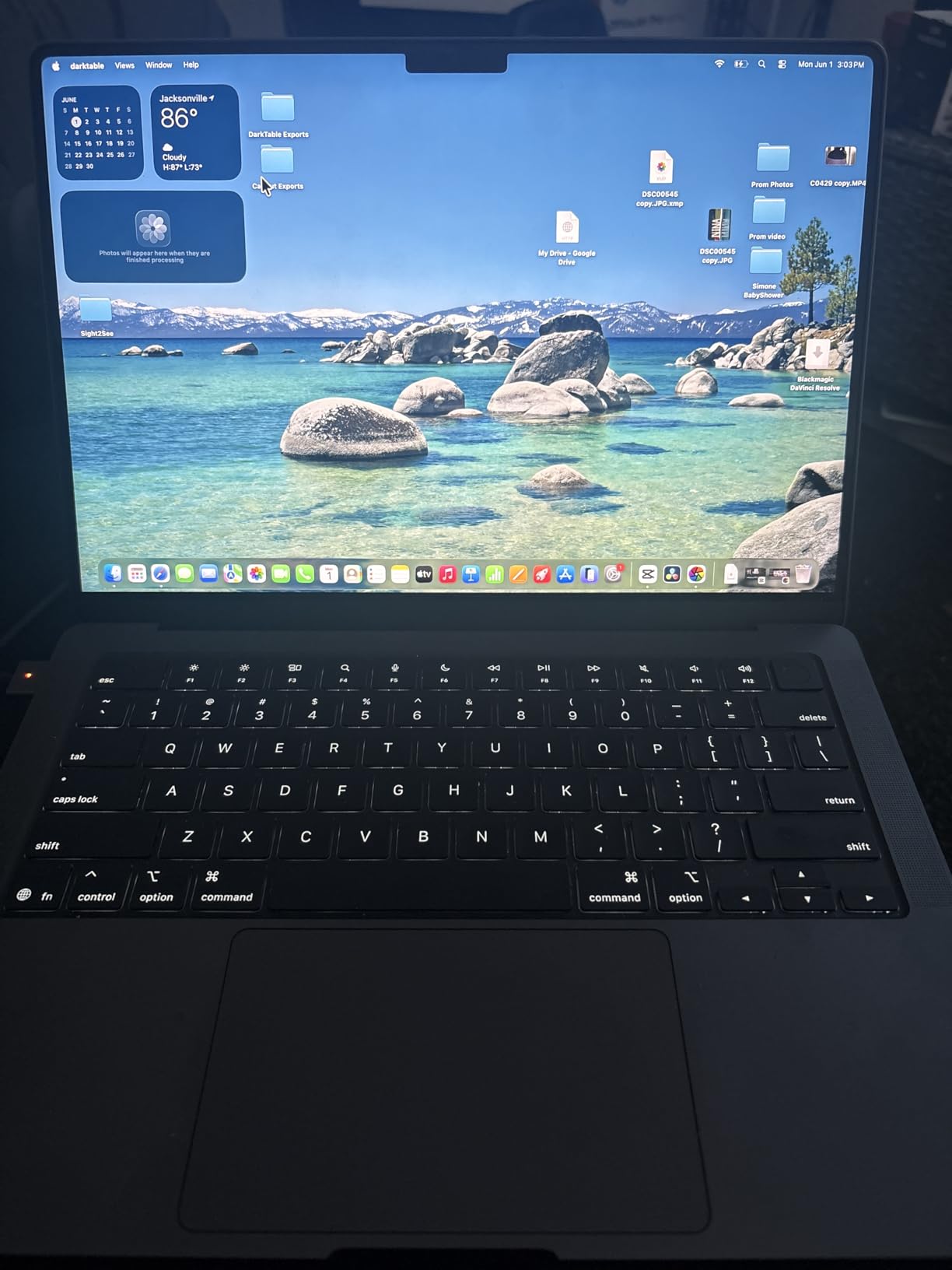
Owners report all-day battery life with identical performance unplugged, which matters if you regularly work away from a desk. The port selection is complete too: three Thunderbolt 4 ports, MagSafe 3, an SDXC card slot, HDMI and a headphone jack.
The catch is memory and displays. 16GB of unified memory is the modest part, and owners running large local models or long ProRes timelines say it is the limit they watch. External display support stops at two monitors on this chip, where the M5 Pro in this list drives three.
For a desk, measure before you commit: the body is 12.31 by 8.71 by 0.61 inches and weighs 3.41 lb, so it needs a roomier sleeve than the renewed models but stays under four pounds in a bag. At 3.41 lb it also sits at the lighter end of the 14-inch group, just under the 3.5 lb of the renewed MacBook Pro 14 M1 Pro and M3 Pro.
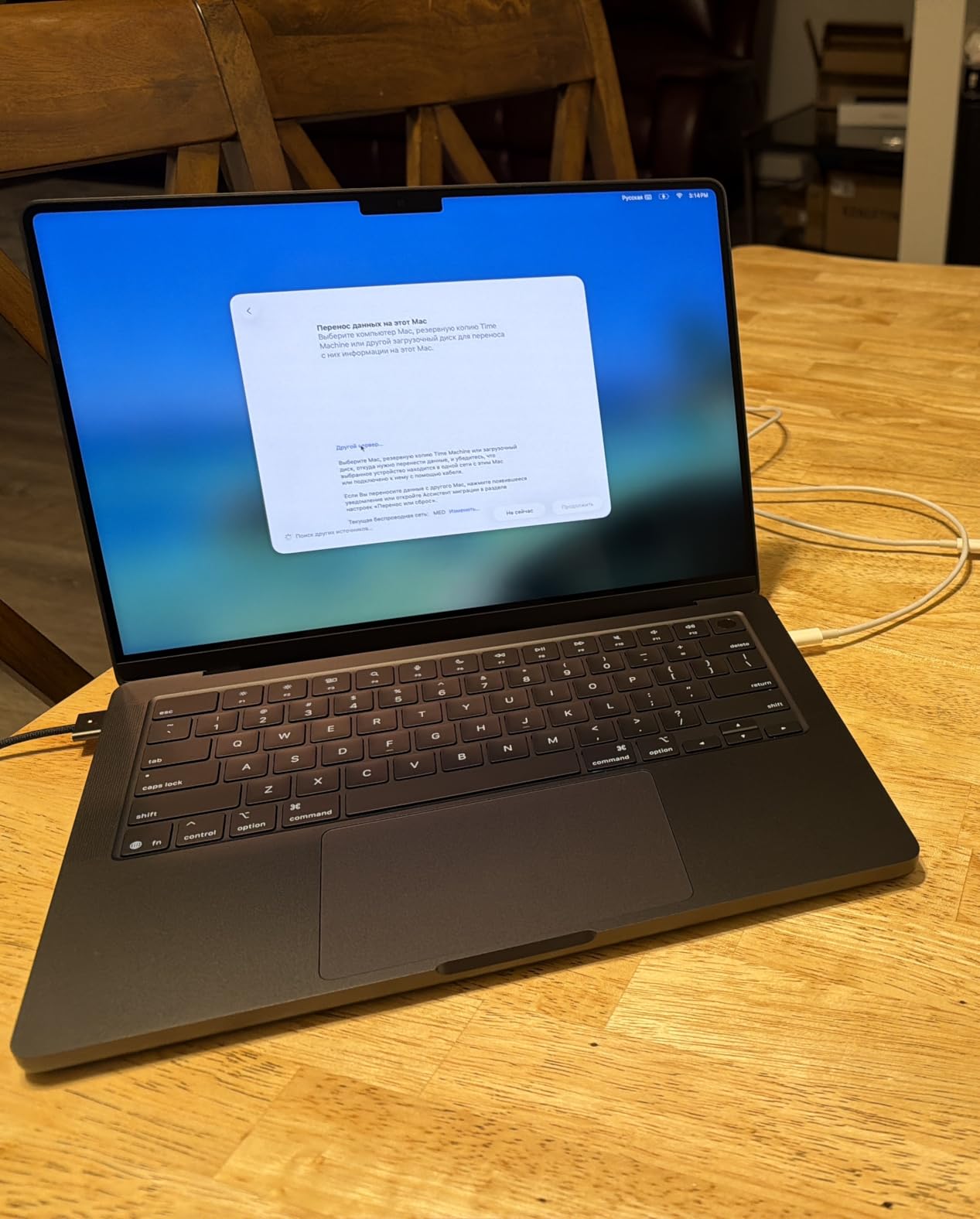
The 12MP Center Stage camera, three studio-quality microphones and six speakers with Spatial Audio and Dolby Atmos make this the more complete machine for calls and media, not just a faster one. If your work stays in documents, mail and browsing, the renewed MacBook Pro 14 M1 Pro covers the same ground for considerably less.
4. MacBook Pro 14 M3 Pro: Best for Heavy Multitasking
- M3 Pro 12-core rated to 4.05GHz
- 18GB memory for creative and light development work
- Runs fast and cool under sustained load
- Near-new condition per the listing
- Renewal grading varies between units
- Some units include off-brand chargers
- One reported failure shortly after arrival
Owners of this one keep returning to a single number: 18GB. That is more unified memory than the 16GB in most of this list, and on a 14-inch body it makes the MacBook Pro 14 M3 Pro a comfortable fit for 4K video editing, large photo libraries and lighter development work.
The chip is a 12-core M3 Pro boosting to 4.05GHz with a 14-core integrated GPU, and reviewers describe it as running fast, silent and cool even under sustained load. The 14.2-inch display resolves at 3024×1964.
macOS Sonoma comes preloaded with GarageBand, Pages, Numbers, Keynote, Photos and iMovie, so a fresh install is workable immediately. The display carries a matte finish on this listing, which some buyers prefer for long text sessions over the glossier panels on newer models.
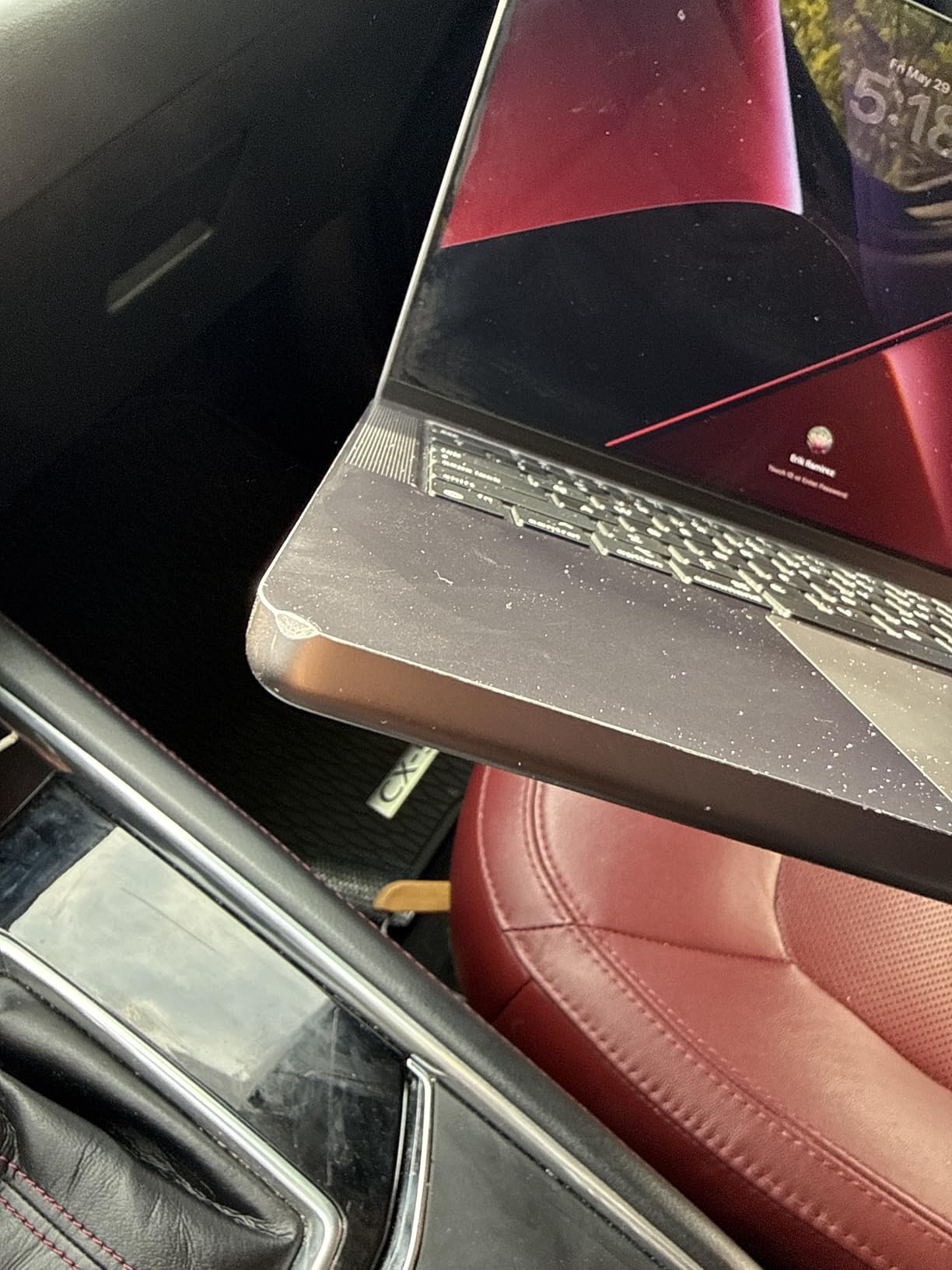
This is the one on the list where condition matters most. Reviews mention units arriving with scuffs or worn display coating despite an excellent label, some including third-party or off-brand chargers, and one owner reporting a unit that stopped powering on with a refund that took close to a month. Check the condition photos and the 90-day replacement window before ordering.
Set against the MacBook Pro 14 M5, you give up the newest chip, the 1TB drive and the full Apple warranty, and in exchange you get memory headroom and a much lower outlay. For a student or a freelancer watching spend, that trade often works.
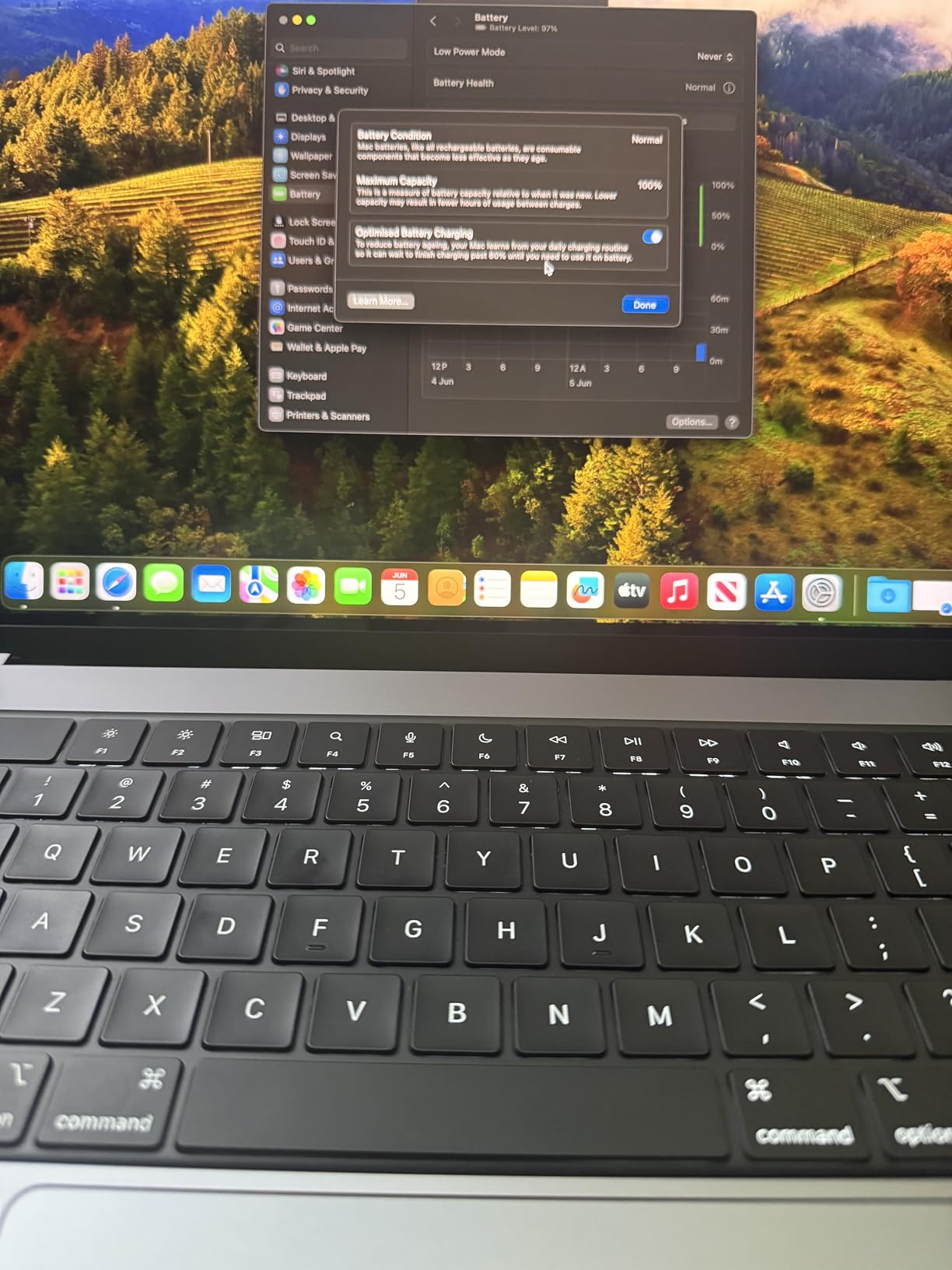
Check the battery before you commit. Multiple owners report good battery health on these units, which is the single biggest variable on a renewed laptop. The 14-inch M1 Pro carries a larger battery cell than this one, so expect less headroom between charges after a few years of use.
5. MacBook Pro 14 M2 Pro: Best for Light Productivity
- Recycled aluminum unibody with a premium feel
- 14-inch display at 3024x1964
- Six ports including three USB
- Creative apps included
- Listing states no warranty
- Some spec fields are inconsistent
- Older M2 Pro generation
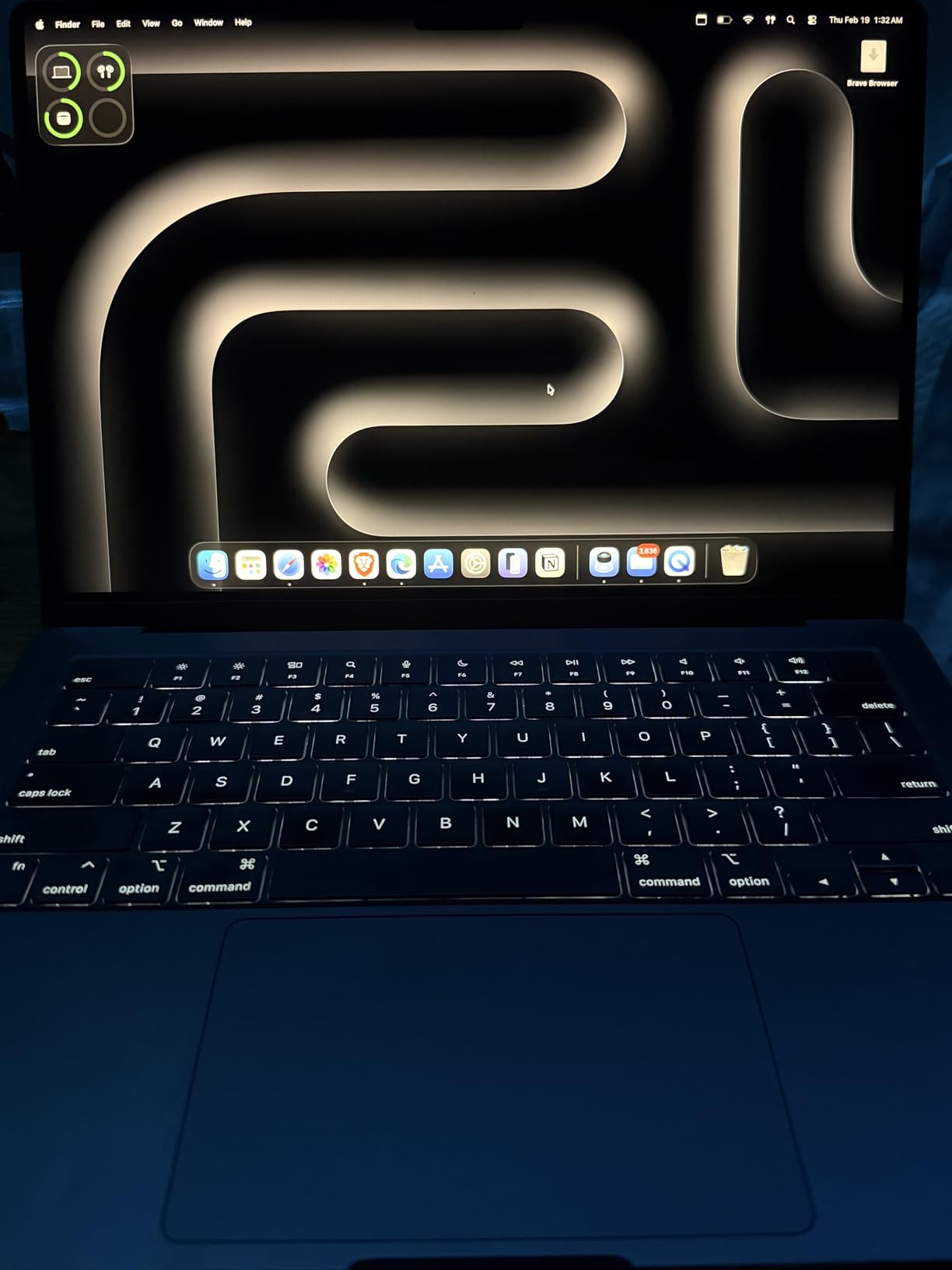
If the job is documents, spreadsheets, browsing and light media work, this is the MacBook Pro that makes the most sense, and reviewers consistently frame it as a solid machine for the money rather than a compromise. The 16GB of memory and 512GB SSD cover typical productivity and lighter creative loads without trouble.
The display is the 14-inch panel at 3024×1964, and the recycled aluminum unibody gives it a premium feel that owners call out first. Six total ports, three of them USB, cover most desk setups without an adapter.
The battery here is the smallest in this group, which is one reason a renewed unit of this age tends to carry more battery wear than the later models listed. Expect the kind of machine that wants a charger within reach rather than one you forget at home.
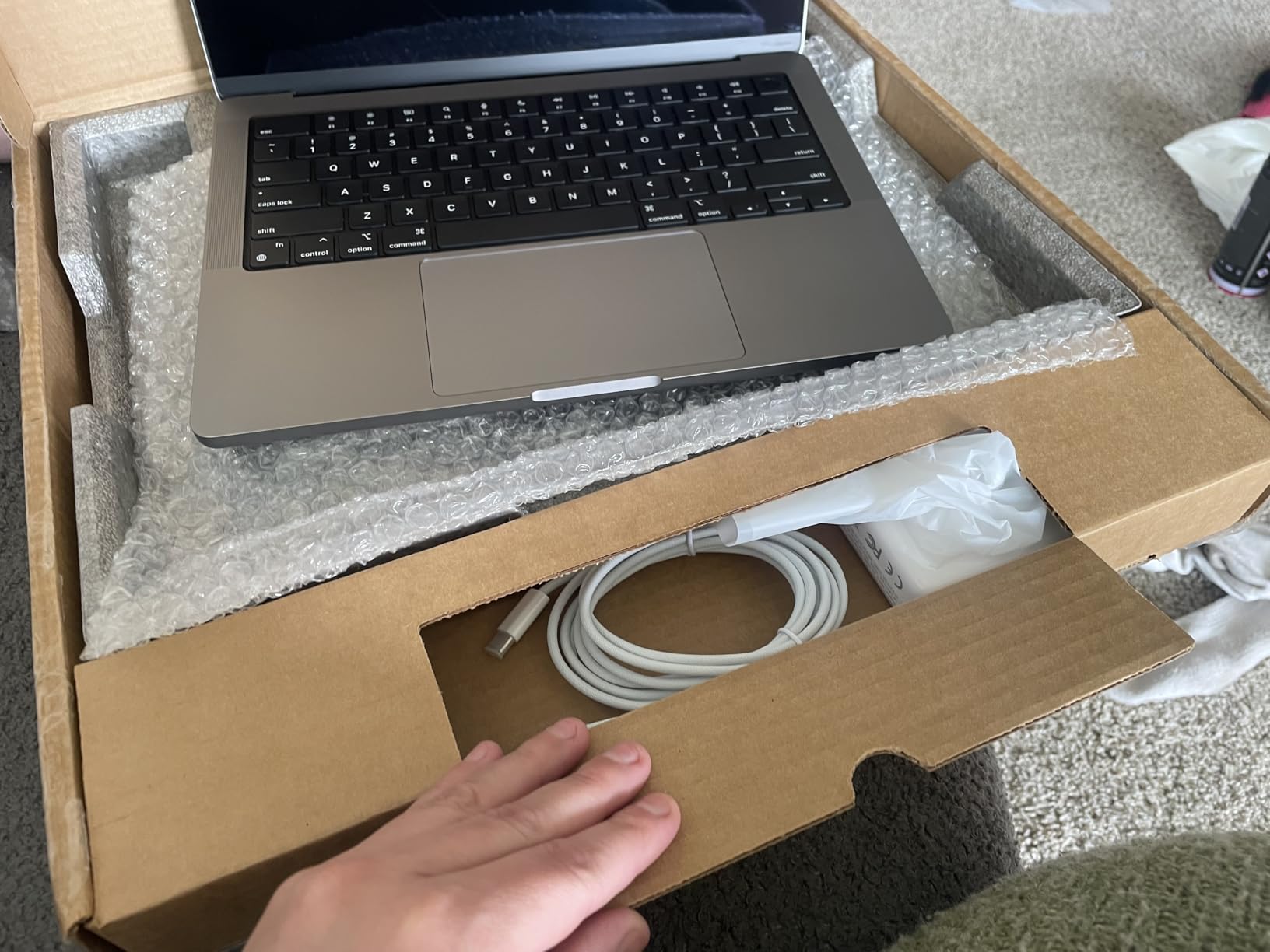
Two caveats deserve attention. The listing states no warranty on this renewed configuration, and some spec fields are inconsistent enough that reviewers advise verifying the details before buying. That combination makes this a purchase for someone comfortable checking a listing closely rather than buying in a hurry.
The bundled software is worth noting as well. GarageBand, Pages, Numbers, Keynote, Photos and iMovie all ship with the machine, so a buyer moving from Windows gets a usable office suite on first boot without buying anything.
Weighed against the MacBook Pro 14 M1 Pro, the two sit close, at 3.5 lb for the M1 Pro and 4 lb here, and the M1 Pro carries a 90-day limited warranty where this listing shows none. If the difference in cost is small, that warranty is worth more than the extra cores.
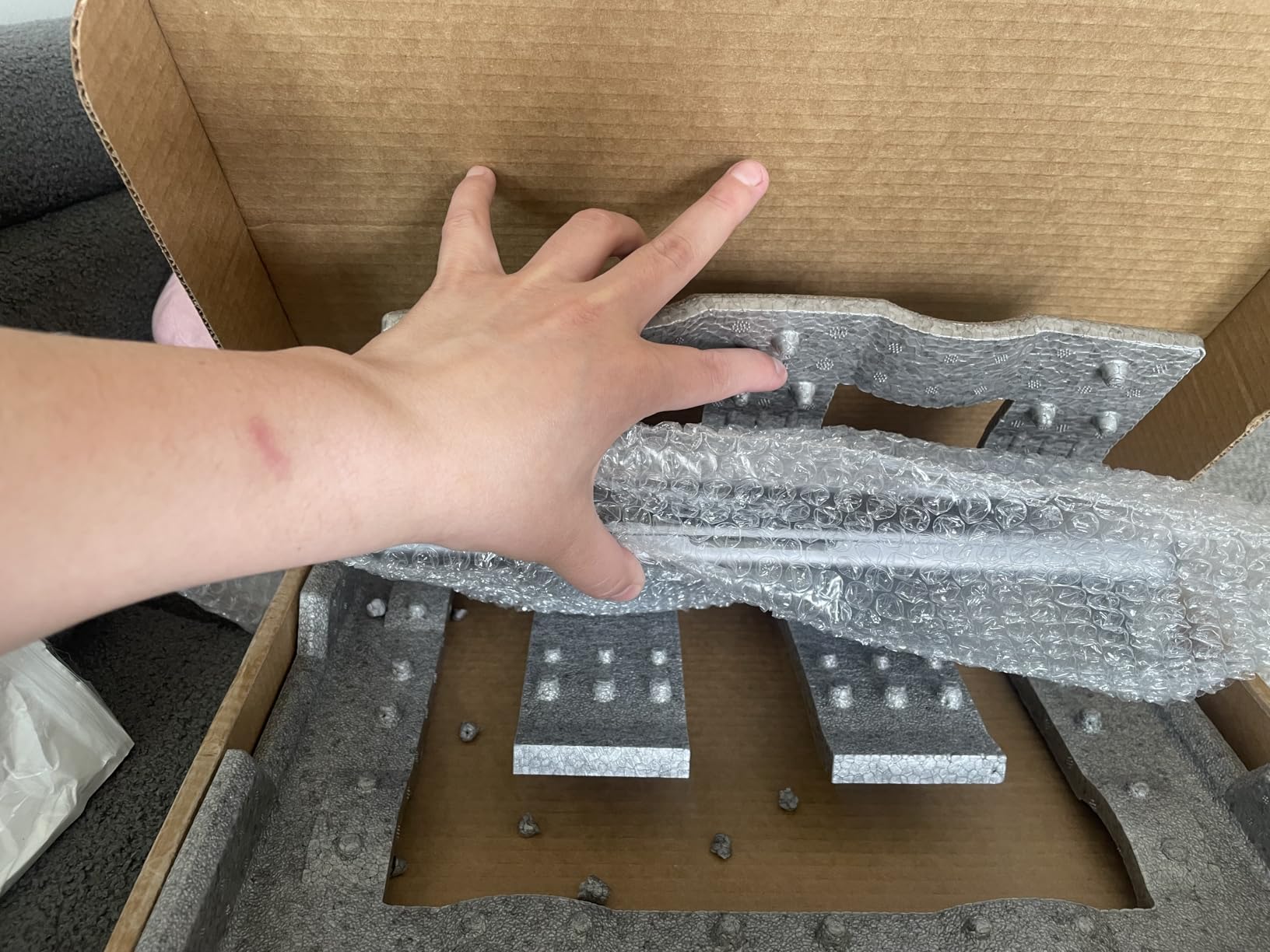
6. MacBook Pro 16 M5 Pro: Best for On-Device AI
- 18-core CPU with 20-core GPU for AI and Adobe loads
- 24GB memory and up to 2x faster SSD
- Wi-Fi 7 and Bluetooth 6 on the N1 chip
- Three Thunderbolt 5 ports
- Heaviest machine here at 4.71 lb
- 24GB is tight for growing AI workloads
- Difficult setup for switchers
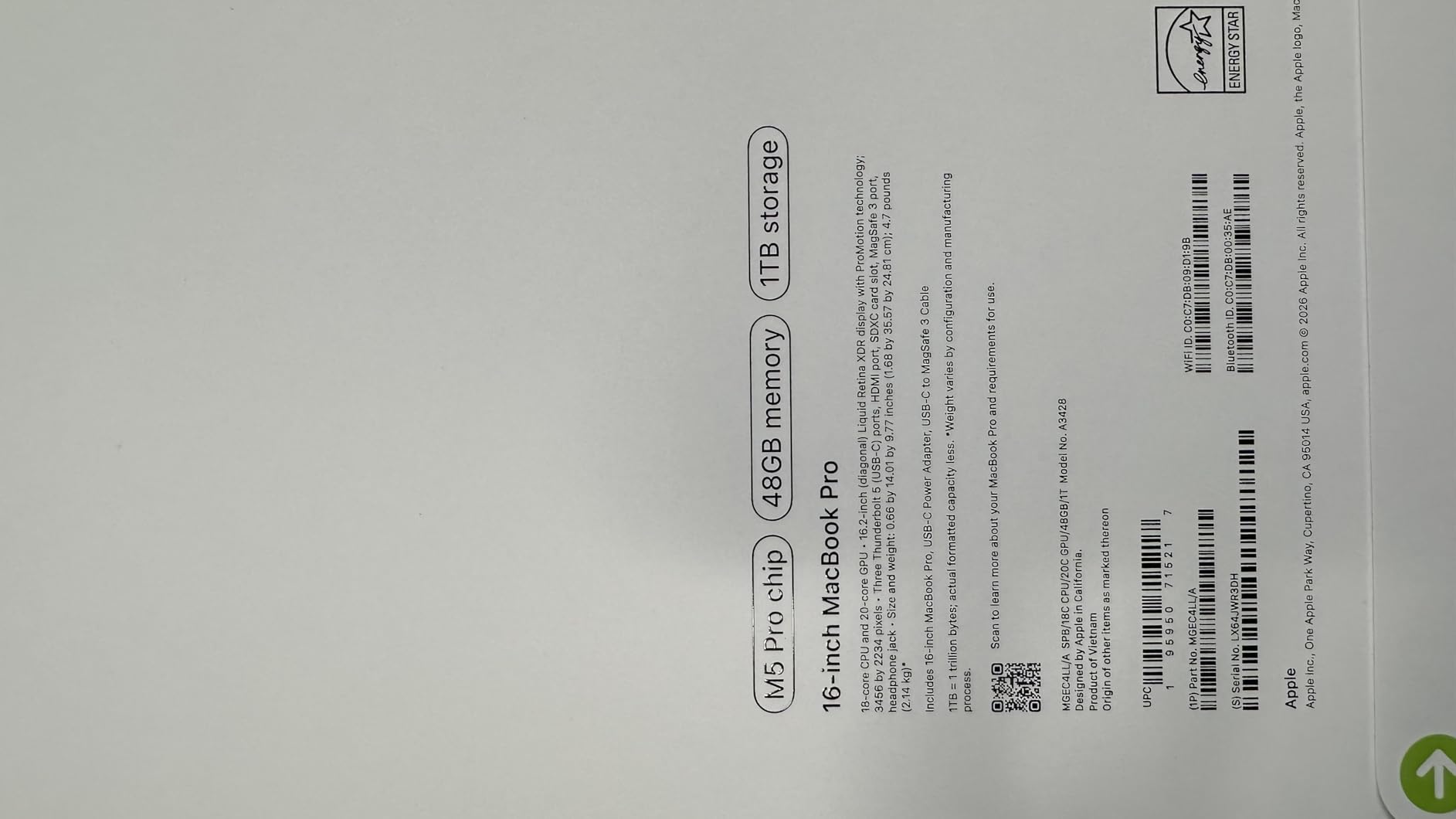
This is the most recent MacBook Pro in the selection, and the only one where the Neural Accelerator sits in all 20 GPU cores alongside an 18-core CPU. Owners describe it as workstation-class, using words like lag-free for heavy AI, Adobe and multitasking work.
Memory is the number to look at. 24GB of unified memory with a 1TB SSD that runs up to twice as fast as earlier storage, and the 16.2-inch Liquid Retina XDR display again hits 1600 nits peak with 1000 nits sustained. Connectivity is the most advanced here too: Wi-Fi 7 and Bluetooth 6 through the Apple N1 chip, three Thunderbolt 5 ports, and support for up to three external displays.
Owners report a battery that runs past a full workday with silent sustained performance, and the same reviews mention a display they call noticeably crisper than the M1 Pro generation. Audio and video are covered properly, with three studio-quality microphones, six speakers with Spatial Audio and Dolby Atmos, and a 12MP Center Stage camera.
It is also the most current machine in this selection by a wide margin, which matters if your software will be checking for hardware features. Wi-Fi 7 and Bluetooth 6 through the Apple N1 chip are the kind of spec you will not think about for three years and then appreciate.
Ownership and set-up are worth planning for. The M5 Pro runs macOS out of the box with the usual Apple Intelligence features on device, and Apple’s setup and account-sign-in process is the part reviewers most often flag as demanding, particularly for people coming from Windows or from a non-Apple ecosystem. Budget an afternoon for migrating files if that describes you.
Where the renewed M4 Pro 16-inch makes more sense: you get 24GB of unified memory and the same class of performance at a lower outlay, and you are comfortable with 90-day coverage instead of a full year. It is the pragmatic route to the same workload.
7. MacBook Pro 16 M4 Pro: Best for 16-Inch Media Work
- 14-core CPU with 20-core GPU for coding and 3D
- 24GB unified memory plus 24GB graphics memory
- 1600 nits XDR display at 3456x2234
- 140W adapter and MagSafe cable included
- 512GB is tight for large media libraries
- 90-day renewed warranty
- Only two external displays supported
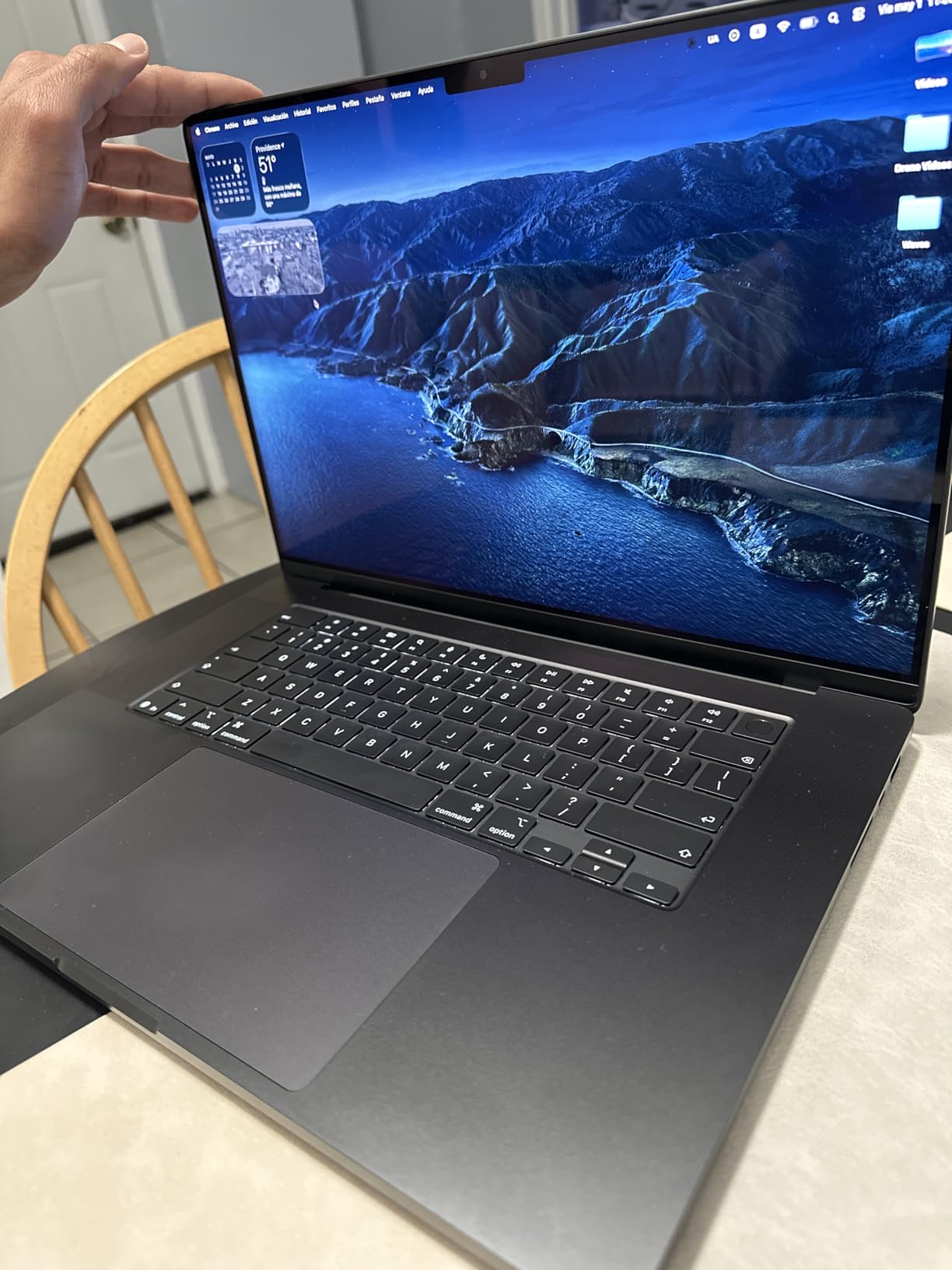
The renewed M4 Pro 16-inch is the middle path between the current M5 Pro and the older M1 Pro model. The M4 Pro carries a 14-core CPU and 20-core GPU, and with 24GB of unified memory alongside 24GB of graphics memory, owners report flagship-class performance for coding, 3D and creative work.
The display is the 16.2-inch Liquid Retina XDR panel at 3456×2234 native resolution with 1600 nits peak brightness, so it holds its own against the newest machine on screen quality. A 140W USB-C power adapter and a two-metre MagSafe 3 cable are included, which is generous for a renewed unit.
Owners report very high satisfaction and cite all-day battery life with the same performance on battery as plugged in, so the chip does not throttle when you are away from a desk. The 254 pixels per inch native density makes small type in a code editor legible, which is the everyday benefit of the 16-inch panel over a 14-inch one.
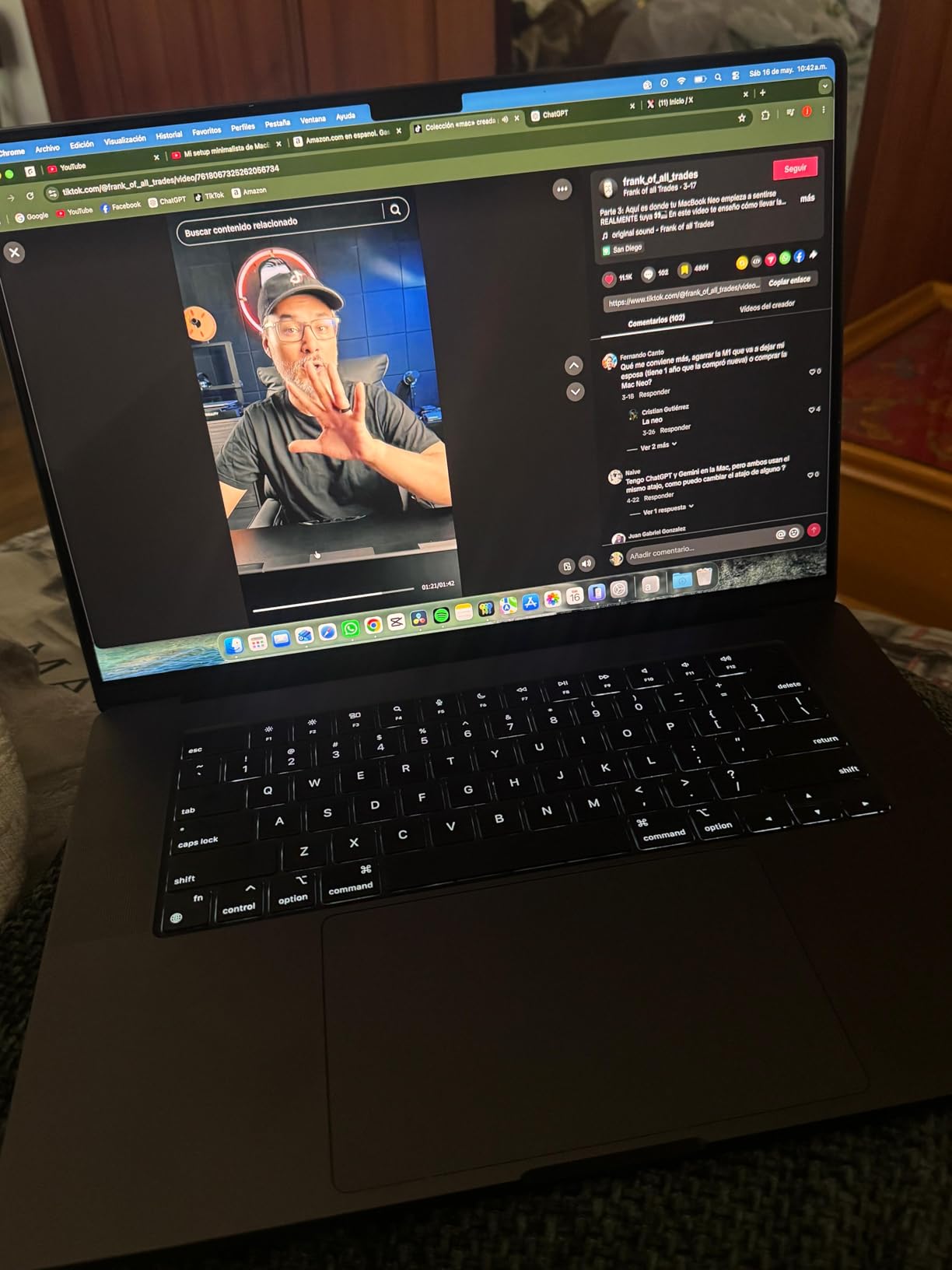
The 512GB SSD is the minimum for a 16-inch Pro and owners with large media libraries feel it first, so this is the one to think hard about before buying. It also supports up to two external displays with the M4 Pro, one fewer than the M5 Pro.
Backlit keyboard, fingerprint reader and a fast-charging battery round out the everyday spec sheet, and the machine runs macOS with Apple Intelligence features handled on device. Nothing in the listing suggests the ports are limited, since three Thunderbolt 5 ports, MagSafe 3, an SDXC slot, HDMI and a headphone jack are all present.
Gain a newer generation, more memory, a brighter panel and a third Thunderbolt port when you move up to the MacBook Pro 16 M5 Pro, and give up a TB of storage doing it. If your day involves code or motion graphics rather than media libraries, the 24GB makes the newer 16-inch the stronger of the two.
Weight lands at 4.7 lb, close to the 16-inch M5 Pro at 4.71 lb, so neither is a travel machine. The charger situation is better, though: a 140W USB-C power adapter and a MagSafe 3 cable come in the box, which matters on a laptop that draws real power under load.
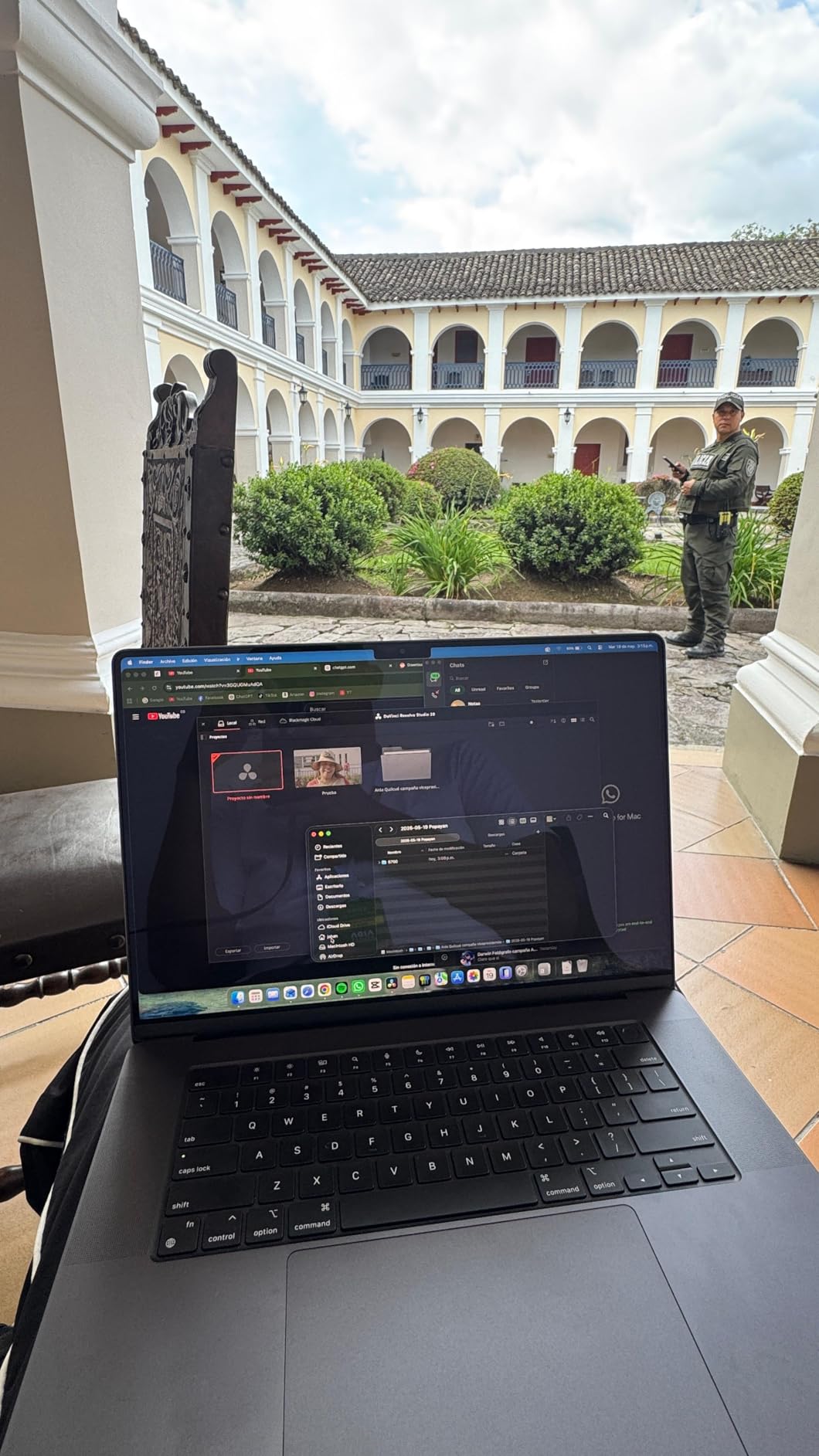
8. MacBook Pro 14 M4: Best for Near-New Condition
- Owners report near-new cosmetics with no scratches
- Specs match the listing exactly
- Battery health guaranteed above 80% capacity
- Replaces or refunds within 90 days
- Renewed warranty limited to 90 days
- Accessories may be third-party
- Not Apple certified
Buyers of this renewed 14-inch M4 describe it as indistinguishable from new, and that is the whole pitch. Owners repeatedly report near-new cosmetic condition with no visible scratches, memory and storage that match the advertised 16GB and 512GB exactly, and a machine that works immediately out of the box.
The chip is a 10-core CPU with a 10-core GPU, and reviewers say it runs circles around older M2-class machines for Adobe and general speed. Battery health is guaranteed to exceed 80% of new capacity, with replacement or refund available within 90 days of receipt.
The reservation is the warranty. Ninety days is the ceiling, and some units include third-party compatible accessories or a generic box rather than original Apple parts. One owner reported a faulty MagSafe cable, which the refurbisher resolved with a refund.
Professionally inspected, tested and cleaned by Amazon-qualified suppliers, the listing states no visible cosmetic imperfections when held at an arm’s length. That claim matches what the 45 reviews describe, and it is why this earns its place on a list otherwise full of machines with more wear. The 14.2-inch Liquid Retina XDR display runs at 3024×1964, and the machine comes with macOS Sequoia.
A newer chip and a higher review score come with a much smaller sample here: 45 reviews against the M1 Pro’s 786. If the condition photos look clean to you, the M4 is the more current daily driver.
Good to know: this unit is not Apple certified, which matters only if you plan to resell it later, and the review sample is small enough that one resolved cable issue is a real data point rather than a pattern. Everything else about it, from the exact spec match to the battery guarantee, reads well.
How to Choose MacBook Pro Deals During Prime Big Deal Days
Choose the Right Chip Generation
Chip generation drives everything else: speed, battery behaviour and how long the machine stays useful. An M1 Pro 14-inch still handles documents, browsing, code editing and light media work without complaint, while an M5 Pro 16-inch is the configuration that keeps up with local AI models, 3D and sustained multi-app loads. Judge a listing by the chip named in its specifications, not by the marketing year in the title. If your needs sit between the two, our guide to the best MacBook alternatives is worth a look before committing to a used machine.
Check Memory and Storage
Unified memory cannot be upgraded after purchase, so this is the one decision you cannot undo. 16GB is fine for everyday productivity and most creative work, 18GB covers heavier multitasking, and 24GB or more is the sensible floor for large media libraries and on-device AI. On storage, 512GB is workable if you manage files externally, while 1TB removes day-one pressure. Check both numbers in the listing specifications rather than inferring them from the screen size.
Balance Battery Life and Portability
Battery claims here run from 17 hours on the M1 Pro models to all-day-plus on the newer chips, which owners report carrying past a full workday. Weight is the counterweight: 3.41 lb for the 14-inch M5 against 4.71 lb for the 16-inch M5 Pro is a full pound of difference. Rule of thumb: under four pounds for a daily carry, and accept less screen if the battery number is the priority.
Evaluate Display Ports and Connectivity
Screen size drives the pixel count: 3024×1964 on every 14-inch here, 3456×2234 on both 16-inch models. Brightness ranges from a 1600-nit peak on the M5, M5 Pro and M4 Pro panels to unlisted figures on the renewed M1 Pro units, which matters for HDR editing but far less for documents. On ports, three Thunderbolt ports plus MagSafe 3, SDXC, HDMI and a headphone jack appear across the range; note that base M-series chips support two external displays while the M5 Pro supports three.
How to Shop MacBook Pro Deals During the Sale
Start with the model identifier in the specifications block, such as MKGP3LL/A or MDE14LL/A, because it tells you the exact year and screen size behind a listing title.
Then confirm the memory, storage, screen size, condition and colour against the model number, and check whether Amazon or a third-party seller is the one offering it. Renewed units here carry 90-day coverage or less, and some arrive with third-party accessories, so read the condition photos carefully. Most offers need a Prime membership, and the prices change through the event, so revisit the listing before you commit.
Good to know: warranty length is the single biggest quality signal on a renewed listing. Five of the units here carry a 90-day limited warranty, one states no warranty at all, and two are new with the standard coverage that comes with the hardware. Anything beyond 90 days on a refurbished machine is unusual and worth reading closely.
Storage deserves the same attention. Only the 14-inch M5 and the 16-inch M5 Pro include 1TB; the other six start at 512GB, which means budgeting for external storage or a cloud plan if you work with video.
- Match the model identifier to the memory and storage you actually need
- Decide how much weight you will genuinely carry daily
- Read the condition notes and warranty length on any renewed unit
- Count external displays if you work at a fixed desk setup
- Confirm Prime status before the event window, since a free trial counts
Frequently Asked Questions
When do the best Amazon Prime Big Deal Days MacBook Pro deals happen?
Amazon Prime Big Deal Days runs October 6-7, 2026, and that is when MacBook Pro offers on the event pages appear. Most of the offers are limited to the event window rather than lasting the whole month, and the configurations shoppers ask for most often move first. Check the listing during the event rather than beforehand.
Do you need Amazon Prime to buy a MacBook Pro during Prime Big Deal Days?
Most Prime Big Deal Days offers are members-only, so you need a Prime membership to see and use the deal pricing. A free trial counts for the length of the trial, which makes it the simplest way to qualify before the event starts. Non-members can still buy, but they usually see a different price.
How can I tell which MacBook Pro generation a sale listing includes?
Look in the technical specifications rather than the title. The chip line, the model identifier and the model year appear there, so a listing naming an M1 Pro with model year 2021 is a different machine from one listing an M5 with a 2025 model year. Titles get rewritten during a sale, so the specification fields are the reliable source.
Do Prime Big Deal Days MacBook Pro offers include the same warranty as regular purchases?
It depends on the condition of the machine. New configurations carry the standard Apple coverage that comes with the hardware, while the renewed units in this roundup carry 90-day limited coverage or less, and one listing states no warranty at all. Check the warranty line in the product details before you order.
Should I wait for a higher-capacity MacBook Pro model to go on sale?
Higher-capacity configurations do move faster during the event, and the base units tend to remain available longest. Because unified memory cannot be upgraded later, 16GB is a compromise you live with for the life of the machine, so waiting for a 24GB or 36GB option is sensible if your work needs it. Decide on memory first, then on timing.
Final Verdict: Best Amazon Prime Big Deal Days MacBook Pro Deals
Buy the MacBook Pro 14 M1 Pro if a 17-hour battery in a 3.5 lb body is your priority and renewed condition with a 90-day warranty suits you. Buy the MacBook Pro 14 M5 if you want current hardware, a 1TB drive and full Apple coverage, and treat the MacBook Pro 14 M4 as the near-new option in between.
Pick the MacBook Pro 16 M1 Pro for a large display without moving to a Pro chip, the MacBook Pro 16 M4 Pro when 24GB of memory matters more than storage, and the MacBook Pro 16 M5 Pro for on-device AI work and three external displays. The MacBook Pro 14 M3 Pro fits 4K editing on a 14-inch, and the MacBook Pro 14 M2 Pro covers everyday office work at the lowest outlay in this group. Open the listing during the event, confirm the model identifier matches the configuration you want, and use the buttons above to see the current price.