
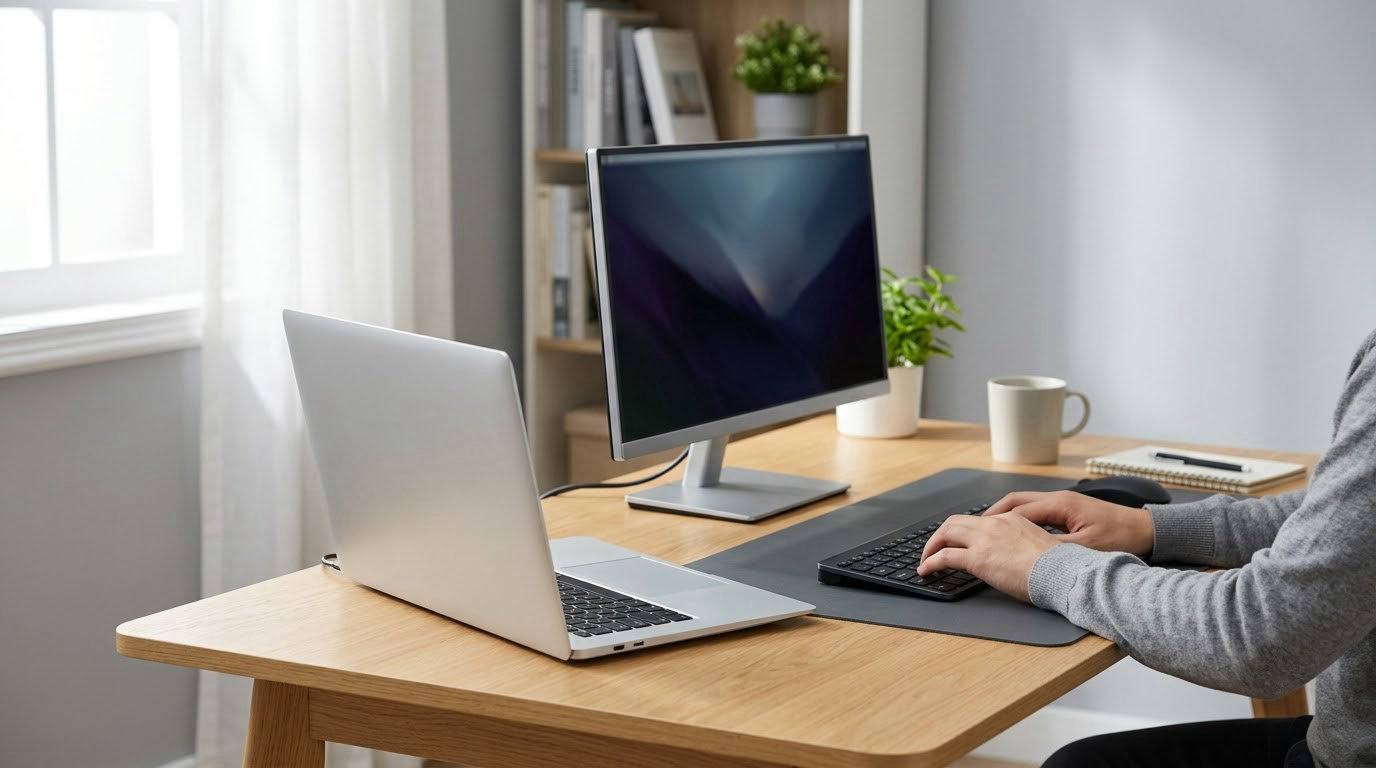
The Dell S2725QS 4K Monitor leads the best Amazon Prime Big Deal Days Dell deals because it does the two things most home setups get wrong at once: text you can actually read and scrolling that feels smooth. Twenty-seven inches of 4K IPS at 120Hz is a rare combination, and it is the one here with the largest owner base behind it. Owners rate it 4.4 out of 5 across more than a thousand reviews.
Two other picks cover the rest of the shopping list. The Dell 15 DC15250 Laptop is the sensible everyday machine if you want something for documents, browsing and coursework without fuss, and the Dell SE2426H Monitor is the low-cost second screen that pairs neatly with a laptop. Amazon’s Prime Big Deal Days sale runs October 6-7, 2026, and most of the offers need an active Prime membership.
Table of Contents
Our Top 3 Picks for Best Amazon Prime Big Deal Days Dell Deals

Dell S2725QS 4K Monitor
- 27-inch 4K IPS panel
- 120Hz refresh
- 99% sRGB color
- 350 nits brightness
The S2725QS takes the top spot on the strength of what owners keep mentioning: crisp text, a stand that adjusts four ways, and a 120Hz panel that makes a Windows desktop feel different from the usual 60Hz experience. It suits anyone setting up a home office where reading long documents matters.
The Dell 15 DC15250 is the pick when the budget is the deciding factor and the workload is ordinary. It has a full-size keyboard with a numeric keypad, a 512GB SSD and one year of onsite service, which is more support than most machines in this bracket offer.
The SE2426H earns its place as the budget pick. Owners give it a 4.7 average, the highest rating in this group, and the 144Hz rate at this size is unusual. The stand only tilts, so plan the desk around it.
Best Amazon Prime Big Deal Days Dell Deals Compared (2026)
| Product | Specifications | Action |
|---|---|---|
| Dell S2725QS 4K Monitor |
|
Check Deal Price |
 Dell 15 DC15250 Laptop Dell 15 DC15250 Laptop |
|
Check Deal Price |
 Dell SE2426H Monitor Dell SE2426H Monitor |
|
Check Deal Price |
 Dell Inspiron 16 Plus 7640 Dell Inspiron 16 Plus 7640 |
|
Check Deal Price |
 Dell UltraSharp U2725QE Dell UltraSharp U2725QE |
|
Check Deal Price |
 Dell Inspiron 16 5645 Dell Inspiron 16 5645 |
|
Check Deal Price |
 Alienware 16 Aurora Laptop Alienware 16 Aurora Laptop |
|
Check Deal Price |
How We Chose
We compared the specifications that actually decide whether a machine is usable: processor, memory, storage, panel resolution and refresh rate, weight, port selection and warranty. Then we weighed those against owner ratings and the recurring themes in Amazon reviews, which is where the honest limitations show up. All data was checked in October 2026.
1. Dell S2725QS 4K Monitor: Editor’s Choice
- Sharp 4K text at 27 inches
- 120Hz motion for scrolling and general use
- Stand adjusts for height tilt swivel and pivot
- 99% sRGB color with 1500:1 contrast
- No USB-C port or built-in hub on this HDMI variant
- Slower pixel response causes ghosting in fast shooters
- No 3.5mm audio out for external headphones
Most 4K monitors at this size force a choice between sharp text and smooth motion. This one does not, and that balance is why it sits at the top of the picks here. Owners writing about the S2725QS keep coming back to the same two things: text that stays legible with small type, and the difference a 120Hz panel makes to daily navigation.
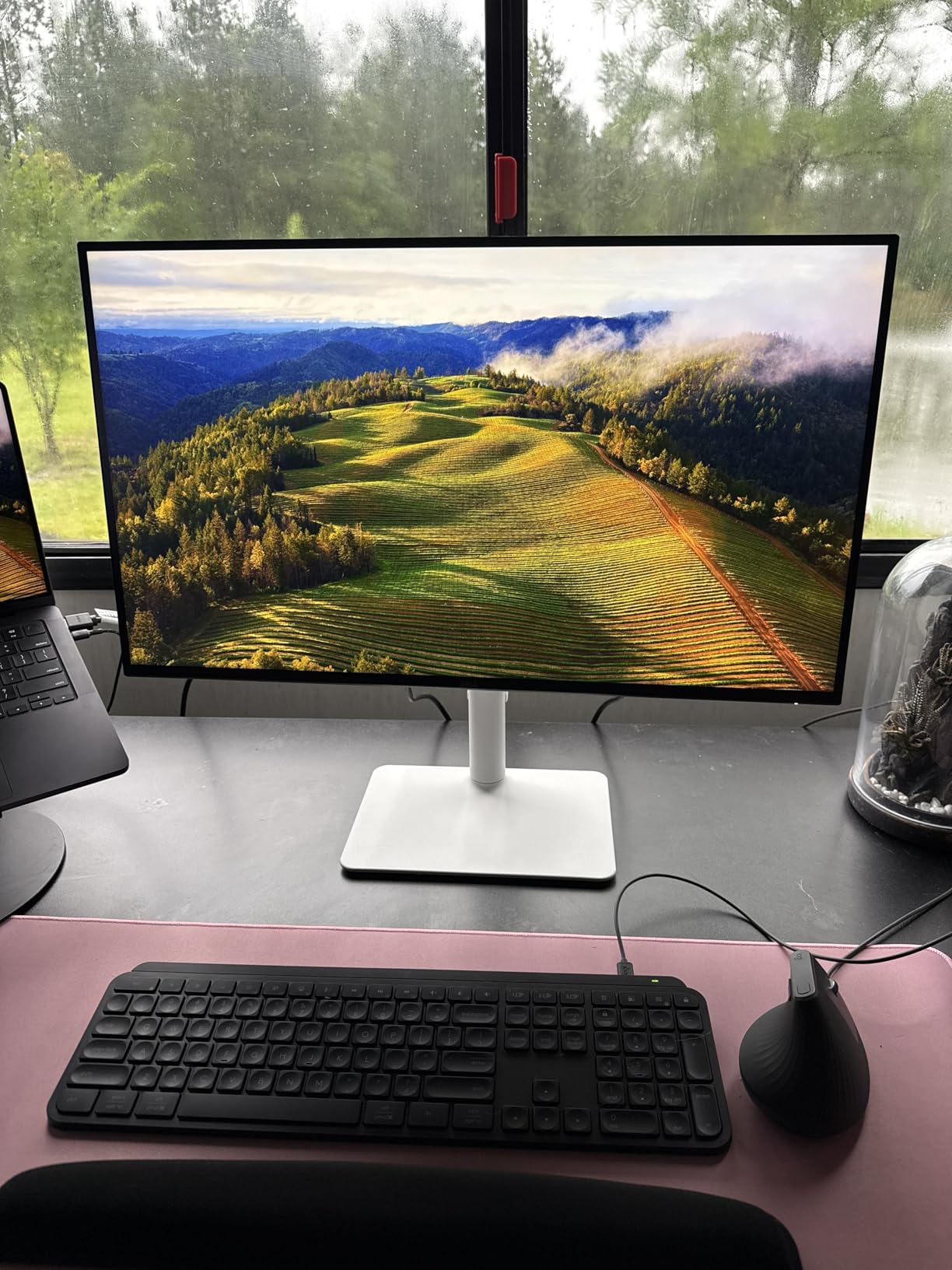
What stands out on paper is the stand. Height, tilt, swivel and pivot are all there, plus VESA 100×100 mounting, so the screen can end up at eye level rather than wherever the desk allows. Reviewers also note ComfortView Plus pulling blue light down and an ash white finish that looks less like office equipment than most monitors in this range.
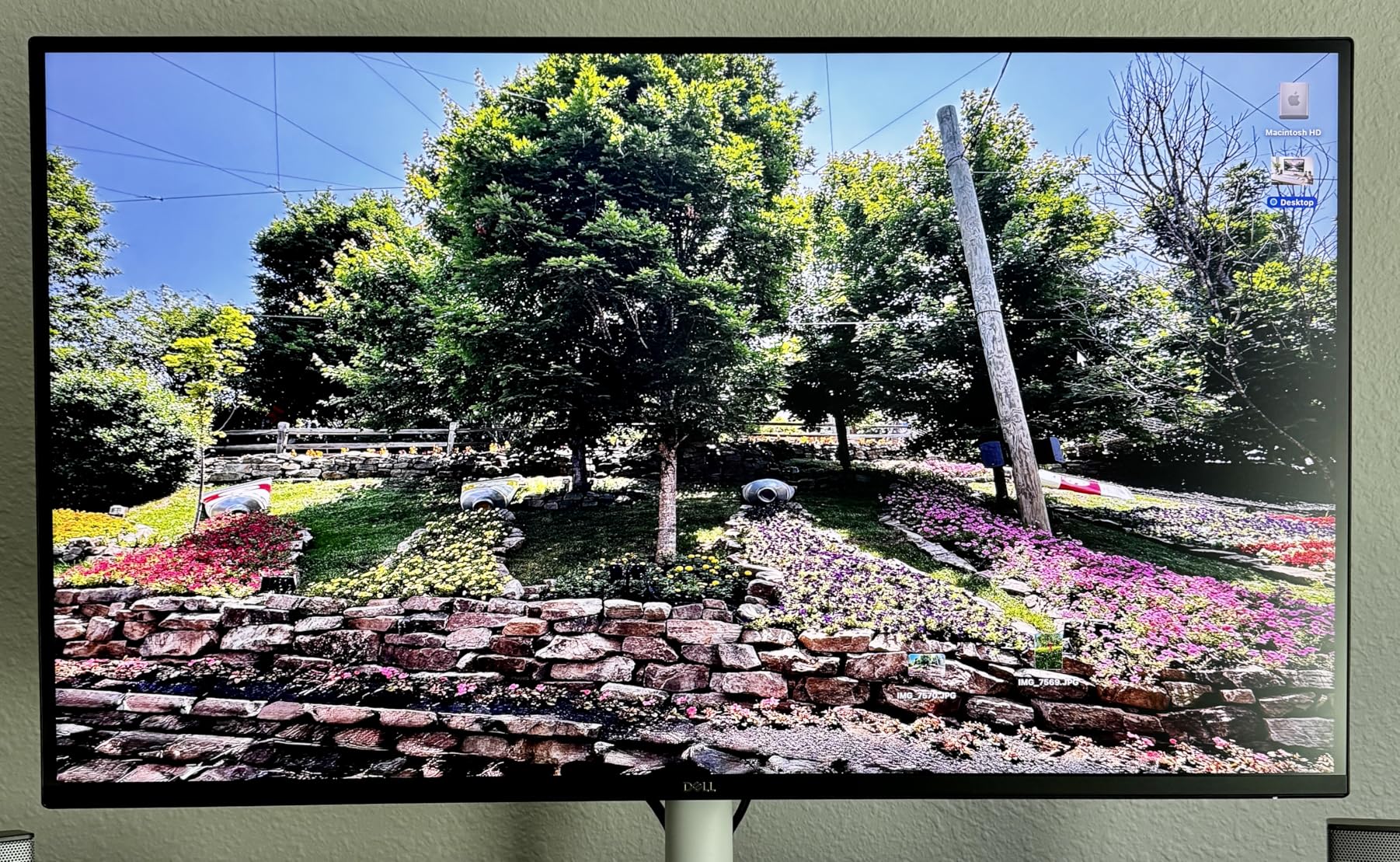
The case for a home office is straightforward. A 3840 by 2160 canvas at 27 inches puts a full page of a document side by side with a browser window without the text shrinking. Pair it with the Dell 15 DC15250 Laptop and you have a two-screen setup where the laptop stays closed.
- 3840 x 2160 native resolution across a 27-inch IPS panel
- 120Hz refresh with AMD FreeSync Premium and 0.03ms response time
- 350 nits brightness and 1500:1 contrast ratio for office lighting
- Two HDMI ports and DisplayPort, with 24.6W power draw
Owners do report the trade-off honestly. Pixel response is slower than a fast OLED or TN panel, so competitive shooters show visible ghosting. There is also no USB-C hub and no 3.5mm audio out, which rules it out for anyone who wants one cable to carry video, data and charging. For that, the UltraSharp U2725QE does the job properly.
Good to know: to run 4K at 120Hz, both the source device and the cable have to support it. The listing includes a 1.80m HDMI cable.
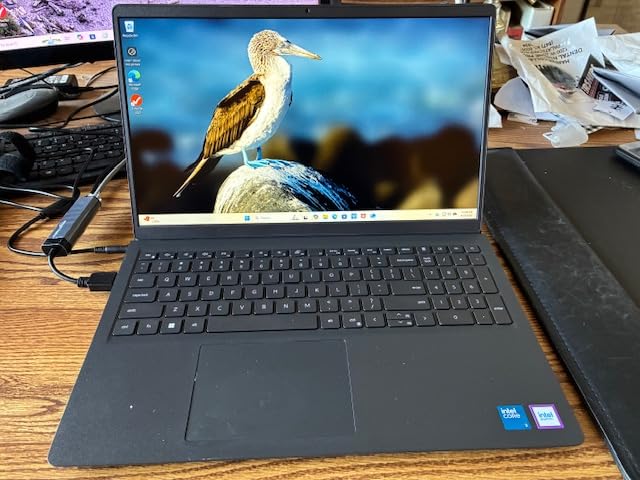
2. Dell 15 DC15250 Laptop: Best Value
- Handles documents browsing and schoolwork without strain
- Full-size keyboard with separate numeric keypad
- 512GB SSD and 8GB DDR4 cover routine loads
- Battery supports Express Charge charging
- One year of onsite service included
- 8GB of memory is thin for heavy multitasking
- Integrated UHD graphics limit graphics work
- 250-nit display is dimmer than premium panels
Buy the DC15250 when the job is ordinary office and school work and the money saved matters more than headroom. Owners rate it 4.3 out of 5 across several hundred reviews, and the tone of those reviews is consistent: it works, it types well, it lasts the day.
The Intel Core 3 100U is a six-core part topping out at 4.7GHz, paired with 8GB of DDR4 memory at 2666MHz and a 512GB SSD. That is enough for a browser with a dozen tabs open, a spreadsheet and a video call. It is not enough for heavy multitasking, and the memory tops out at 16GB, so the ceiling is fairly low.
Two details separate this from other budget laptops. The keyboard is full-size with a separate numeric keypad, which matters if you enter data, and the lifted hinges give a typing angle most cheap machines skip. Owners also mention the 41 watt-hour battery and Express Charge as practical positives.
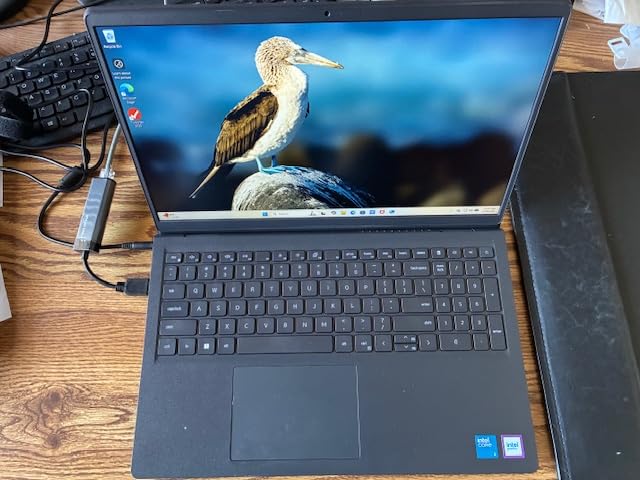
Compared with the Inspiron 16 Plus 7640, the DC15250 trades screen quality for cost. You move from a 2.5K 16:10 panel at 120Hz down to a 15.6-inch 1920 by 1080 anti-glare display at 250 nits, and from 16GB of LPDDR5 down to 8GB. For documents and coursework that trade is easy to accept.
- 15.6-inch FHD anti-glare IPS WVA panel with 120Hz refresh
- Wi-Fi 6 and Bluetooth 5.3 with three USB ports and HDMI
- 4.2 lb weight and a 0.75 inch thick chassis
- 65 watt AC adapter, laptop and documentation in the box
Skip it if you edit photos or video, run heavy spreadsheet models with many open files, or need to carry the machine through a full day of calls far from a charger. The integrated Intel UHD Graphics are the hard limit here, and no amount of memory fixes that.
3. Dell SE2426H Monitor: Budget Pick
- Highest owner rating in this group at 4.7
- 144Hz refresh is rare at this price point
- Crisp distortion-free image with consistent colors
- TÜV Rheinland 3-star eye comfort certification
- Dual HDMI inputs and simple setup
- Tilt adjustment only with no height or swivel
- HDMI connectivity with no DisplayPort or hub
- FHD resolution limits screen real estate
The SE2426H is the reason this list has three monitors in it. A 144Hz IPS panel at 23.8 inches solves the most common home-office problem there is, which is a second screen that costs little and takes up no desk depth. Owners rate it 4.7, the highest average here, and 300 reviews rarely disagree about a screen this simple.
What makes the refresh rate worth the attention is that it applies to everything, not only games. Owners describe scrolling, window dragging and cursor movement as noticeably smoother than the 60Hz screens this replaces. For general desktop work, that difference is felt every single hour.
The panel itself is straightforward: 1920 by 1080, 300 nits, 1000:1 contrast and 72 percent color gamut, with 178-degree viewing angles from the IPS construction. Power draw is 13.3 watts, so leaving it on for a full workday costs very little.
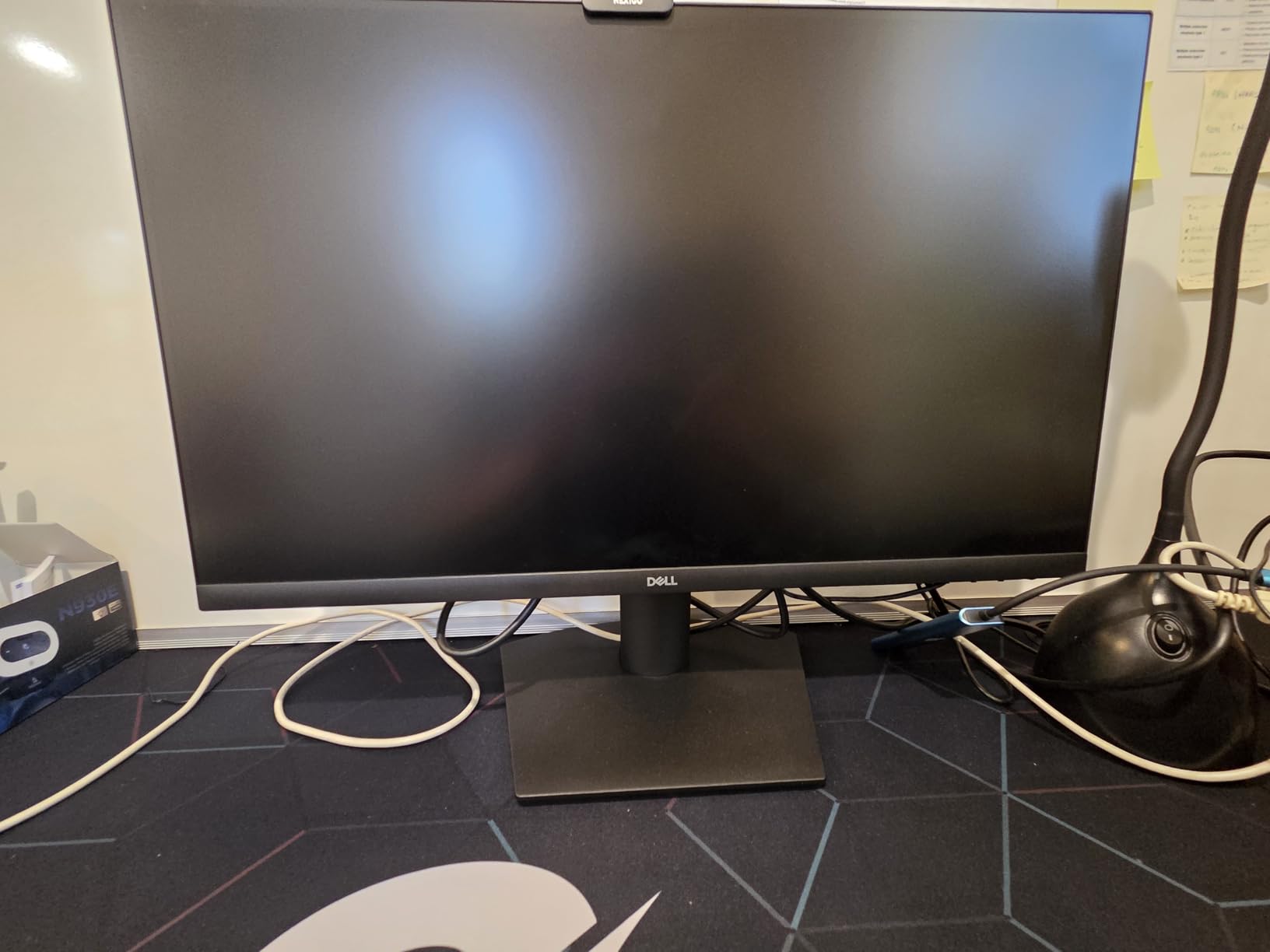
Against the S2725QS, this is the trade of resolution and size for speed and cost. The S2725QS gives you 4K detail and a stand that adjusts four ways; the SE2426H gives you a higher refresh rate and a smaller footprint. If your desk is tight or the machine driving it is a laptop, the smaller panel is often the better answer.
The stand is the concession. Tilt is the only adjustment, so the screen sits at whatever height the base puts it. If you already use an adjustable chair and can raise yourself to the panel, that is fine. If you need the top of the screen at eye level, look at the S2725QS instead.
4. Dell Inspiron 16 Plus 7640: Most Versatile
- Sharp 2.5K 16:10 display with room for multiple windows
- Core i7-13620H handles multitasking and content work
- 16GB LPDDR5 and 1TB SSD give fast performance
- Backlit keyboard with a soft-touch finish
- Onsite service and six months of Dell Migrate setup help
- Integrated graphics cannot drive the full 120Hz panel
- Soldered LPDDR5 memory cannot be upgraded
- Some owners report loud fan noise under sustained load
The Inspiron 16 Plus 7640 is the one to watch if your work lives in more than one window at a time. The 16:10 aspect ratio is the quiet hero here: taller than a standard 16:9 screen, which means a document and a spreadsheet can sit side by side without either becoming unreadable.
Underneath, a 13th generation Core i7-13620H rated to 4.9GHz runs alongside 16GB of LPDDR5 at 4800MHz and a 1TB SSD. That is a configuration built for office work, streaming and photo editing rather than gaming. Owners describe it as snappy, and the backlit soft-touch keyboard gets praise that is unusual at this price level.
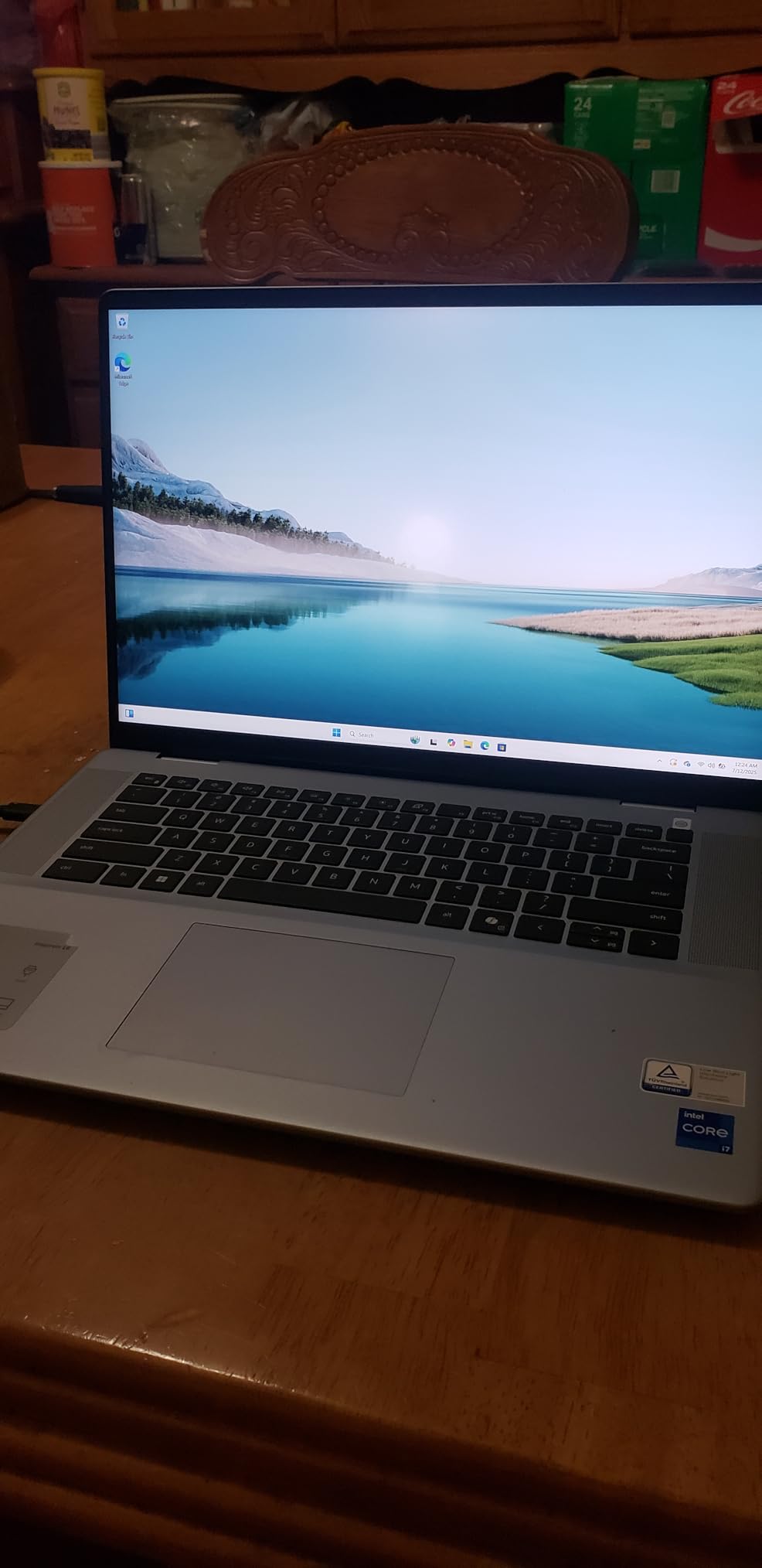
- 16-inch 2560 x 1600 IPS display at 120Hz in a 16:10 frame
- Thunderbolt 4 plus three USB ports and a 54 watt-hour battery
- 4.8 lb weight, 0.72 inch thick, in an ice blue finish
- Military-grade testing and a built-in Trusted Platform Module
The compromise is graphics. Intel UHD Graphics are integrated, so owners routinely drop the panel from 120Hz to 60Hz once they see what the chip can actually drive. The 2.5K panel also asks more of the battery than a lower-resolution screen would, and a few owners report constant fan noise under load.
Two things to note before buying. The LPDDR5 memory is soldered, so the 16GB is what you keep. And the single USB-C port is occupied by the 100 watt charger, which leaves the other USB ports doing all peripheral work.
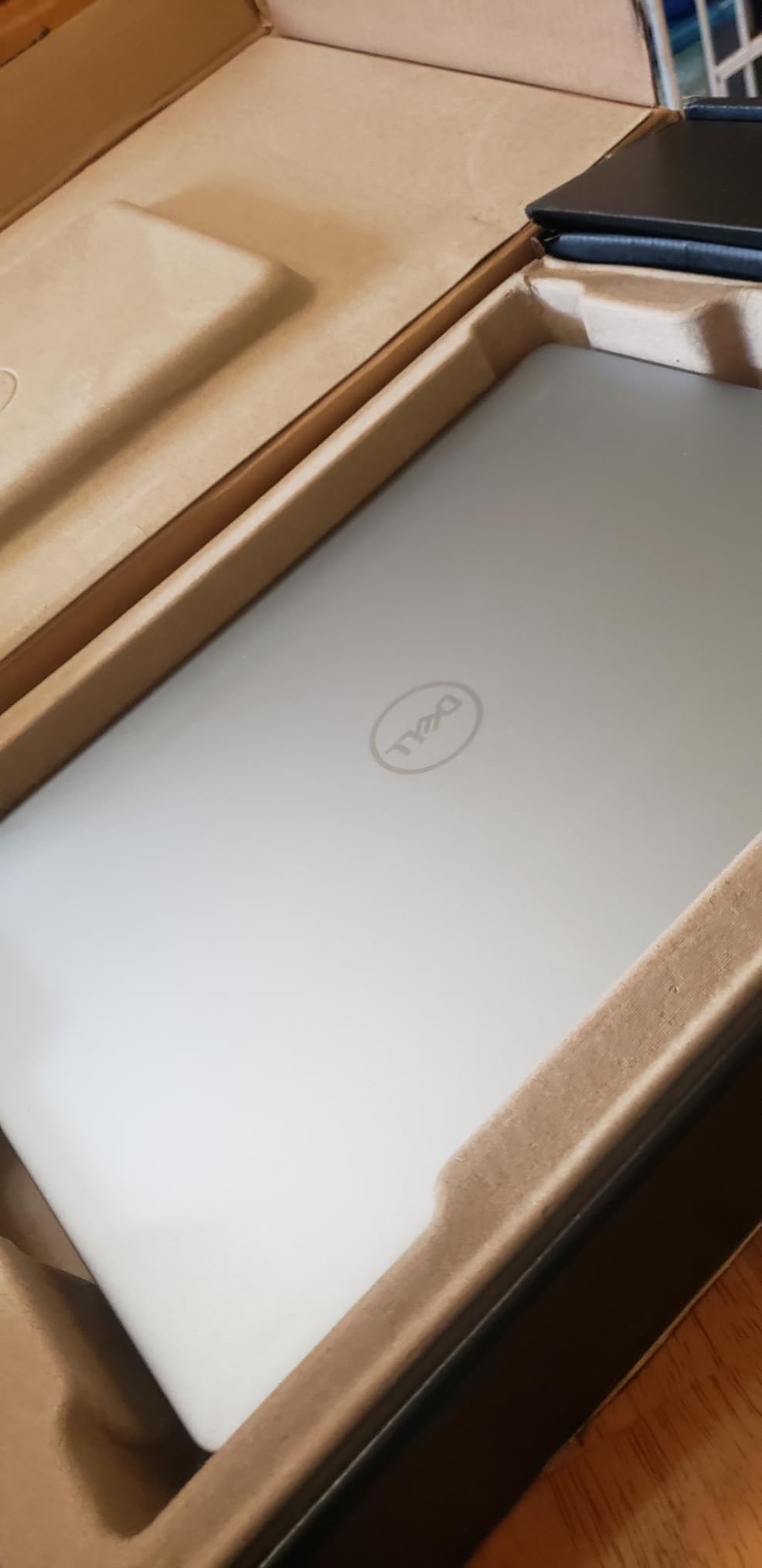
5. Dell UltraSharp U2725QE: Best for Creators
- Factory calibrated to Delta E under 1.5 with 99% DCI-P3 coverage
- Thunderbolt 4 carries video data and 140W on one cable
- Daisy chains two more 4K monitors from the single port
- Eight USB ports including USB-C USB-A and Ethernet
- Ambient light sensor adjusts brightness automatically
- Three-year advanced exchange and panel warranty
- 1000:1 contrast is modest beside VA and OLED panels
- 5ms response time trails dedicated gaming panels
If your work is judged on color, the U2725QE is the pick in this guide. It ships factory calibrated to a Delta E under 1.5 with 99 percent DCI-P3 coverage, and the calibration report is in the box, which means photo and video work does not start with a correction pass.
The reason owners keep recommending it for workstations is the Thunderbolt 4 hub. One cable carries video, data and up to 140 watts of charging, and it can daisy chain two additional 4K monitors behind it. On a desk where a laptop, a desktop and two displays share space, that removes the pile of adapters most setups accumulate.
Connectivity is unusually generous: eight USB ports, five of them USB 3.0, plus HDMI 2.1, DisplayPort, USB-C and Ethernet. The stand adjusts across 15 height positions with tilt, swivel and pivot. Panel refresh is 120Hz with 5ms response, and brightness runs to 450 nits.
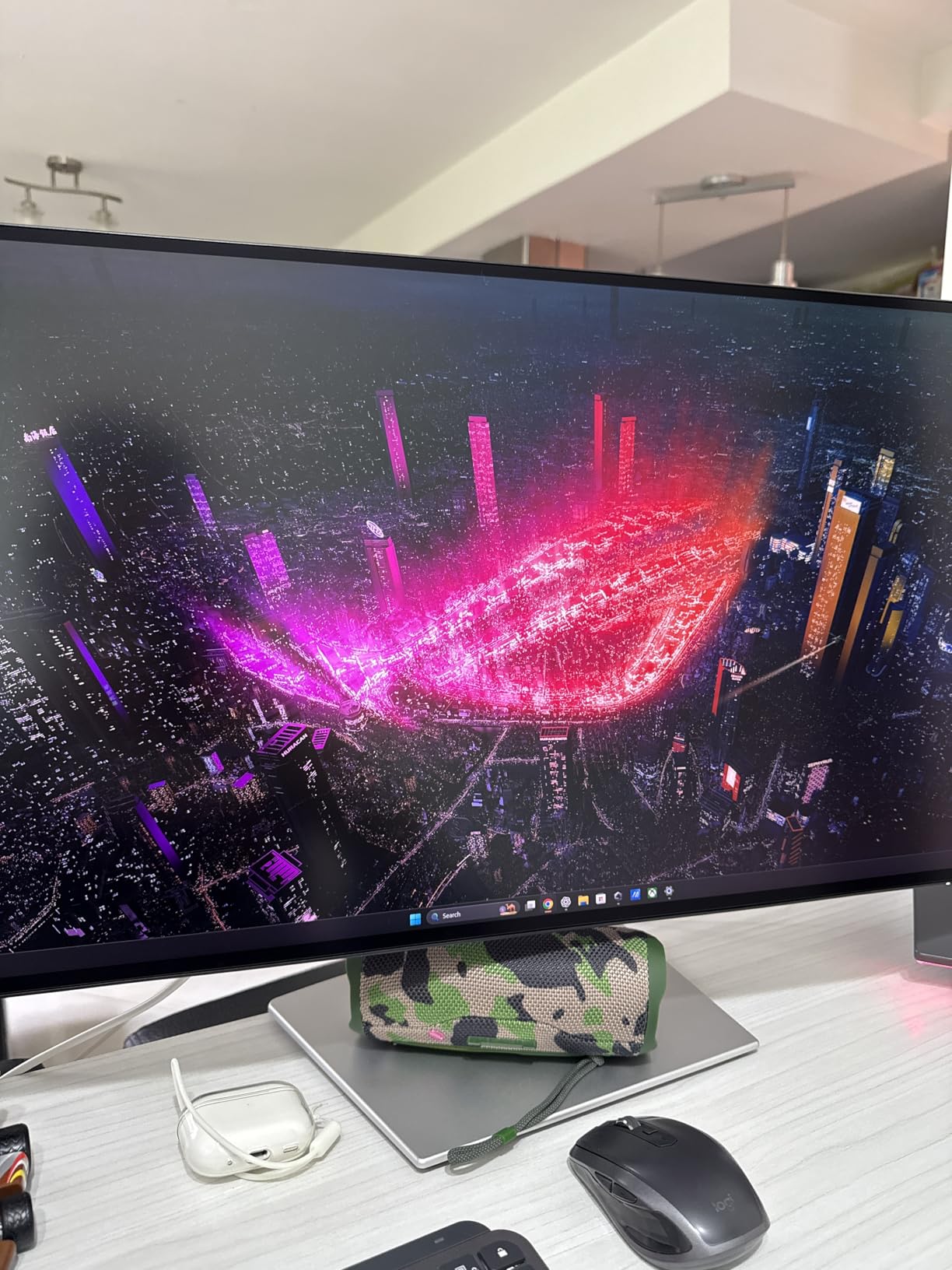
Where it separates from the S2725QS is color accuracy and connectivity rather than size. Both are 27-inch 4K IPS panels. This one adds the DCI-P3 coverage, the built-in hub, the Ethernet jack and a three-year warranty, against the S2725QS’s higher 1500:1 contrast and 99 percent sRGB.
Two practical warnings. The 1000:1 contrast ratio is modest next to VA and OLED panels, so dark scenes look flatter than they would on a more expensive panel type. And the 5ms response time is slower than any dedicated gaming display, including the SE2426H in this list.
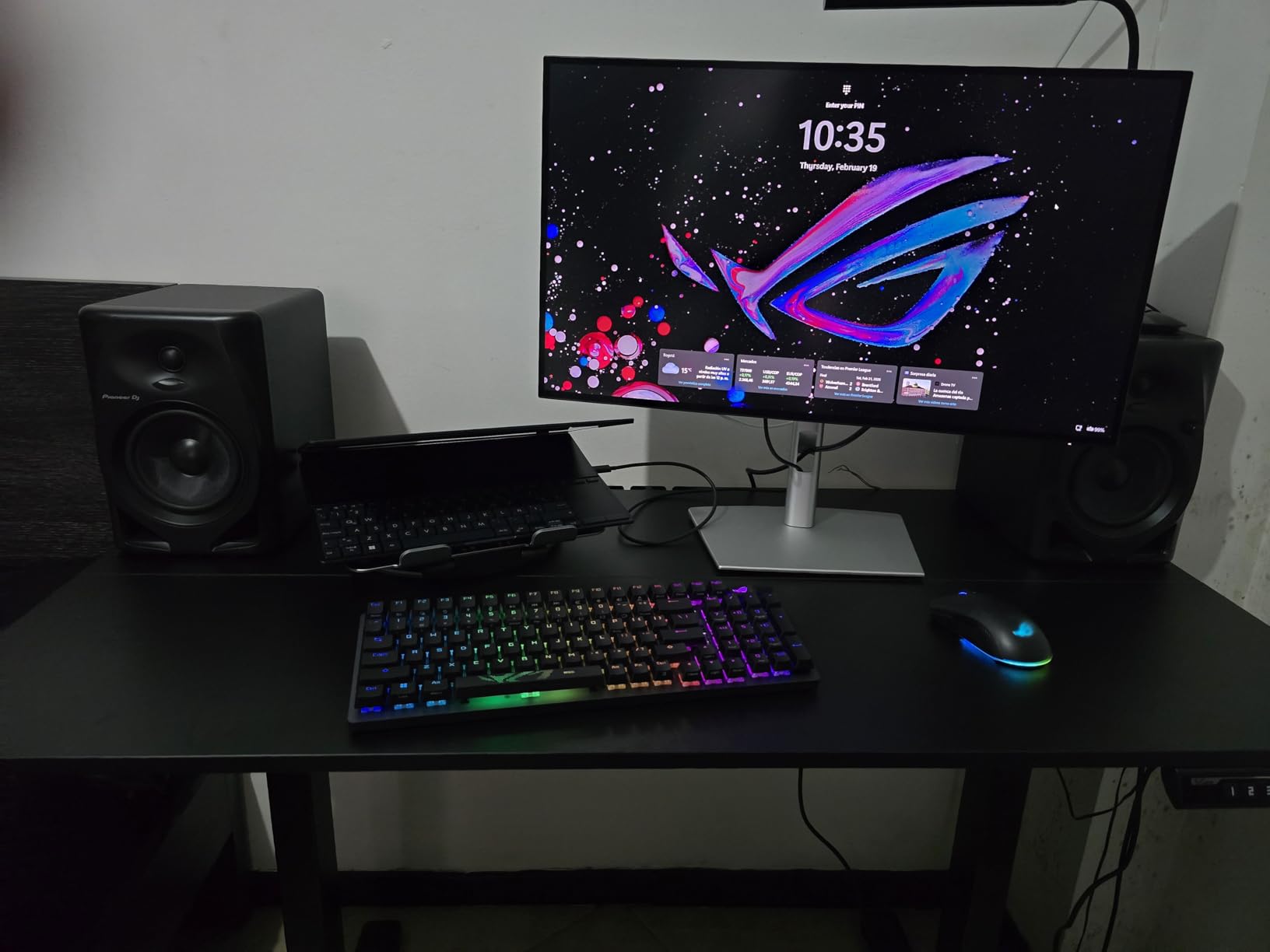
Good to know: an ambient light sensor adjusts brightness on its own, which owners like for long sessions in rooms that change through the day.
6. Dell Inspiron 16 5645: Best for Upgraders
- Ryzen 7-8840U with eight cores rated to 5.1GHz
- 16GB DDR5 at 5600MHz with removable bottom screws
- One M.2 slot available for a second drive
- Fingerprint reader and full-size backlit keyboard
- 4.7 lb chassis in midnight blue
- 60Hz FHD+ panel is below what competitors offer
- Realtek Wi-Fi 6E card reported unstable by some owners
- Only two USB-A ports and a single storage slot
The Inspiron 16 5645 earns its place for one reason above the others: it can be opened. Removable screws mean the memory and storage are reachable, and 16GB of DDR5 at 5600MHz is the starting point rather than the ceiling. Buyers who expect their laptop to last more than one upgrade cycle tend to land here.
The processor is an AMD Ryzen 7-8840U, eight cores with a boost clock of 5.1GHz, driving Radeon integrated graphics. Owners compare it favorably to older machines they replaced and describe the jump as dramatic for document work, browsing and photo editing.
Elsewhere the spec sheet is generous. A fingerprint reader, a full-size backlit keyboard with number pad, and an FHD camera with a mechanical privacy shutter and dual microphones with noise reduction are all things this price bracket usually drops.
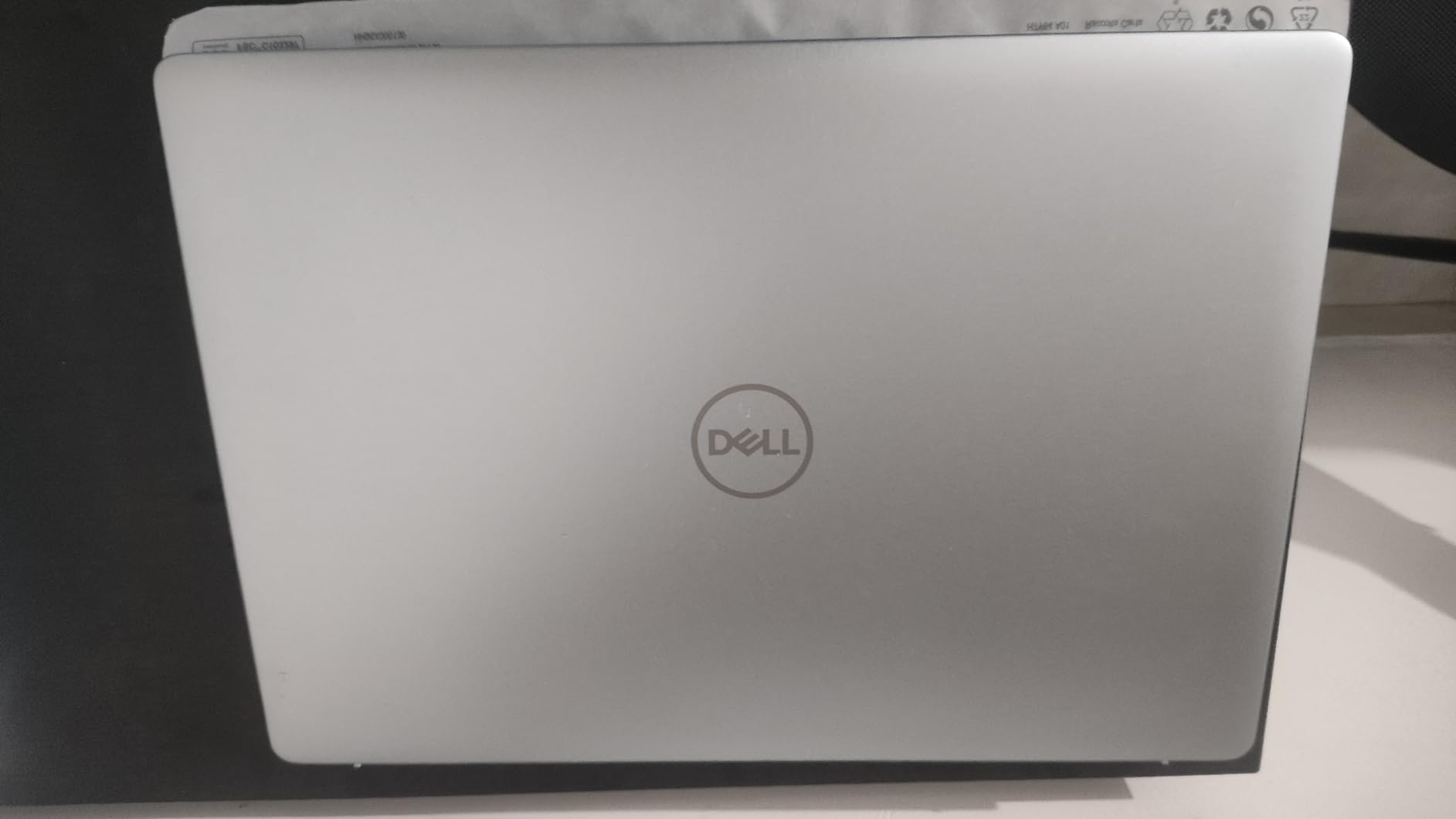
- 16-inch 1920 x 1200 display in a 16:10 frame at 60Hz
- One available M.2 slot alongside the shipped 1TB SSD
- 54 watt-hour battery, Wi-Fi 6E, one HDMI and three USB ports
- ENERGY STAR 8.0 certified and EPEAT Silver
The 4.1 owner rating is the lowest here and the reasons are consistent. Several owners replaced an unstable Realtek Wi-Fi 6E card, and only two USB-A ports alongside a single storage slot limits expansion. A few also report heat and faster battery drain under sustained load.
On the display, be honest with yourself about the choice. A 60Hz FHD+ panel in 2026 is below what the Inspiron 16 Plus 7640 offers, and it is the main reason to step up to that machine instead. What you gain here is AMD silicon, a repairable chassis and Wi-Fi 6E.
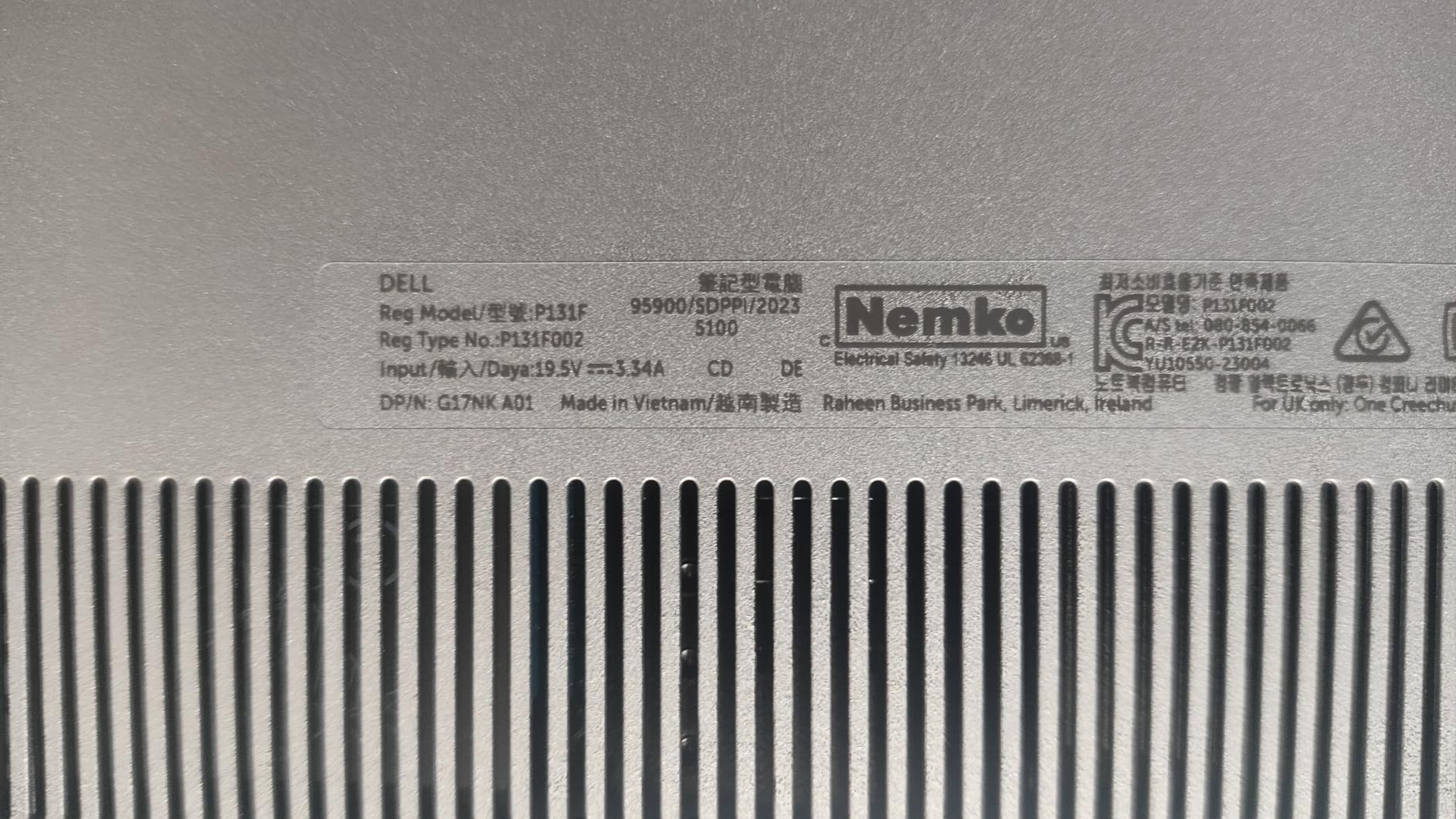
7. Alienware 16 Aurora Laptop: Best for Gaming
- RTX 5060 laptop GPU on Blackwell architecture
- 8GB GDDR7 dedicated graphics memory
- Core 7 240H with ten cores to 5.2GHz
- 16:10 WQXGA panel gives real estate for gaming and editing
- Cryo-Chamber cooling targets the core components
- 300-nit display is dimmer than competing gaming panels
- Gaming laptops at this level run hot and loud
- Battery life is short while gaming
The Aurora 16 is the only machine in this guide with dedicated graphics, and that single fact decides whether it belongs on your list. The NVIDIA GeForce RTX 5060 carries 8GB of GDDR7 on the Blackwell architecture, which is the difference between a laptop that runs modern titles and one that stutters through them.
Pair it with an Intel Core 7 240H, ten cores boosting to 5.2GHz, and 16GB of DDR5 at 5600MHz. The display is a 16-inch 16:10 WQXGA panel, which owners appreciate for the extra height when a game or a video timeline is open beside a chat window.
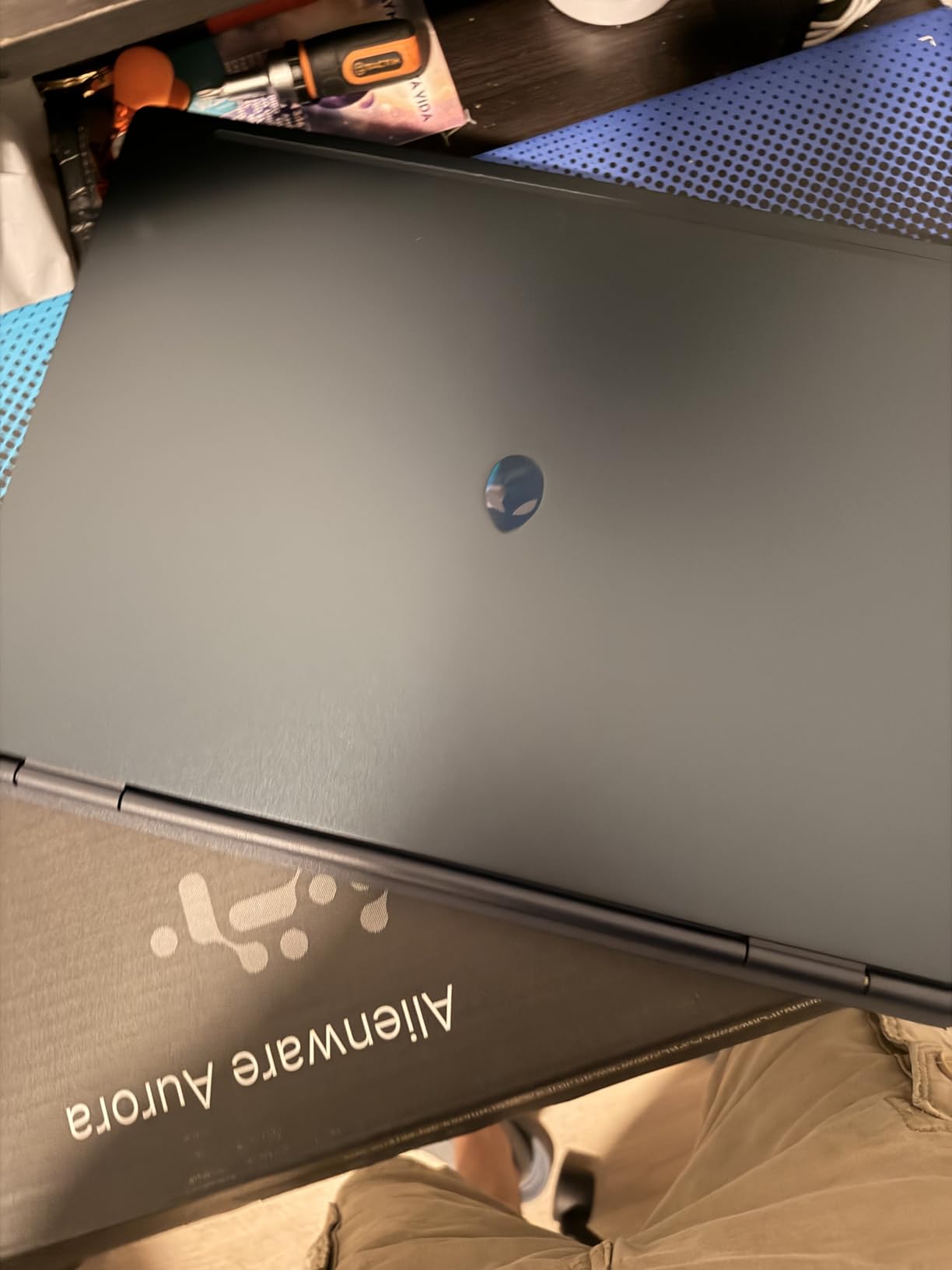
Cooling is handled by a Cryo-Chamber structure aimed at the core components, and the design avoids the bulky rear thermal shelf that makes some gaming laptops awkward on a desk. Four USB ports, HDMI, a backlit keyboard and a numeric keypad round out a sensible port layout.
Set your expectations first. The 300-nit panel is dimmer than most gaming screens in this bracket, so a bright room washes it out more than you would like. The chassis weighs 5.5 lb and measures 0.89 inch thick, which is normal for the category. Battery life under gaming is short by definition, and the 180 watt adapter is not small.
Compared with the Inspiron 16 Plus 7640, the Aurora is the choice when the workload includes games. Compared with everything else here, it is the only one where a discrete GPU changes what the machine can do rather than how fast it renders a spreadsheet.
How to Choose Dell Laptops and Computers During Prime Big Deal Days
Processor Performance
Match the processor to the workload, not to the badge on the lid. The Intel Core 3 100U in the Dell 15 DC15250 handles documents, browsing and coursework without strain. The Core i7-13620H and Ryzen 7-8840U in the two Inspiron 16 models sit a clear step above that for multi-window work and photo editing. Only the Alienware 16 Aurora has a dedicated GPU, and that is the deciding factor for anything 3D or game-related.
Memory and Storage
Eight gigabytes of RAM is enough for a single task done well and thin for everything else. Aim for 16GB as a minimum if you keep many windows open or work in large spreadsheets. Storage matters less for speed than people expect, since all the laptops here use SSDs, but capacity matters: 512GB fills quickly with a few large applications and photo libraries.
Check upgradeability while you are choosing. The Dell Inspiron 16 5645 has removable screws and a free M.2 slot. The Inspiron 16 Plus 7640 has soldered LPDDR5 memory that cannot be replaced, so its 16GB is permanent. The Dell 15 DC15250 tops out at 16GB.
Display Quality
Resolution, refresh rate and brightness are three separate decisions. For text-heavy office work, 4K at 27 inches on the S2725QS or the U2725QE is the clear winner. For smooth motion on a small desk, the 144Hz SE2426H does more for daily comfort than extra pixels do. The two Inspiron 16 laptops sit in between, and the Alienware panel is bright enough for games but modest at 300 nits.
Portability and Battery Life
Weight is the number to look at first. The Dell 15 DC15250 at 4.2 lb is the easiest of the laptops to carry, the two Inspiron 16 models sit near 4.7 and 4.8 lb, and the Alienware 16 Aurora is 5.5 lb and 0.89 inch thick. Battery capacity runs from 41 watt-hours in the DC15250 to 54 watt-hours in both Inspiron models, with the Alienware’s gaming use pulling that down quickly.
Build Quality and Everyday Versatility
Support and repairability say more about long-term value than any spec. Both Inspiron models and the Dell 15 include onsite service, with six months of Dell Migrate setup help on the Inspiron pair. Monitors differ sharply: the SE2426H and S2725QS carry one-year exchange, while the UltraSharp U2725QE carries three years plus panel exchange. Ports matter too, and the SE2426H’s HDMI-only layout is its clearest limitation.
How to Shop Dell Computer Deals During the Sale
Check the model number before anything else. Dell ships the same family name in many processor, memory and storage configurations, and the listing title alone does not tell you which one you are getting. Look for the part number at the end of the model string, then confirm the RAM, storage and display against what you actually need. Read what is in the box, since the charger wattage and included cables differ between models. Note whether the condition is new or renewed, who sells the item and who ships it, because the same Dell model can appear under different sellers with different returns. Most offers during Prime Big Deal Days need an active Prime membership, and a free trial counts, but offers change through the event so confirm the terms on the listing you are buying.
- Match the model number to the exact configuration you want
- Confirm 16GB memory if you plan to keep many apps open
- Check refresh rate and brightness for where the screen will sit
- Read the box contents and charger wattage before ordering
- Verify the seller, the shipper and the return terms
- Start a Prime free trial if you do not already have one
Frequently Asked Questions
When does Amazon’s Prime Big Deal Days sale run?
Amazon’s Prime Big Deal Days sale runs October 6-7, 2026. Early offers on Dell hardware often appear in the days before the event opens, so watching listings ahead of time gives you more chances to see a configuration you want. Offers change through the event, and each listing shows its own end time.
Do I need an Amazon Prime membership to get these Dell deals?
Most offers during Prime Big Deal Days require an active Prime membership, and a free trial counts as active. Some prices are visible without it, but members generally see the deeper cuts on Dell laptops and monitors. If you are not a member, starting a trial before the event is the simplest way to qualify.
Are the best Amazon Prime Big Deal Days Dell deals worth buying?
It depends on the configuration, not the brand. A 16GB memory laptop with a 120Hz panel holds its value far longer than an 8GB model with a 60Hz screen. Check the part number and specs against what you need before buying, and skip anything where the discount is the only reason it appeals.
Is Prime Big Deal Days better than Black Friday for Dell laptops?
Both events discount Dell hardware, and neither is reliably better for every model. Prime Big Deal Days falls in October, which suits anyone who wants new hardware before the school year or holiday season. Black Friday offers a longer window and more of the same models, so waiting costs nothing if your current machine still works.
How do I know a Dell deal is a real reduction?
Compare the current price with the recent history of that exact part number, not just the model family. Dell ships many configurations under similar names, so a price on a different memory or storage variant tells you very little. Renewed and open-box listings carry their own condition language, which is worth reading closely.
Final Verdict: Best Amazon Prime Big Deal Days Dell Deals
For most people building a home office, watch the Dell S2725QS 4K Monitor, our Editor’s Choice. It carries the largest owner base in the guide and the sharpest text at 27 inches. Add the Dell SE2426H Monitor if the desk is small, since its 144Hz panel and shorter footprint suit a laptop pairing better than any 4K screen.
On laptops, the Dell Inspiron 16 Plus 7640 is the strongest all-round buy for multi-window work, with a 2.5K 16:10 display and 16GB of memory. The Dell 15 DC15250 Laptop is the budget-friendly alternative, and it covers documents, coursework and browsing without drama. Choose the Dell Inspiron 16 5645 instead when you plan to add memory or a second drive later, and the Alienware 16 Aurora Laptop only when a dedicated GPU is the point.
Check the part number on each listing before ordering, then use the button on any pick above to see the current price.